
Free Stakeholder Map Templates: Customizable Definitions, Uses, and Structures
What is a Stakeholder Map?
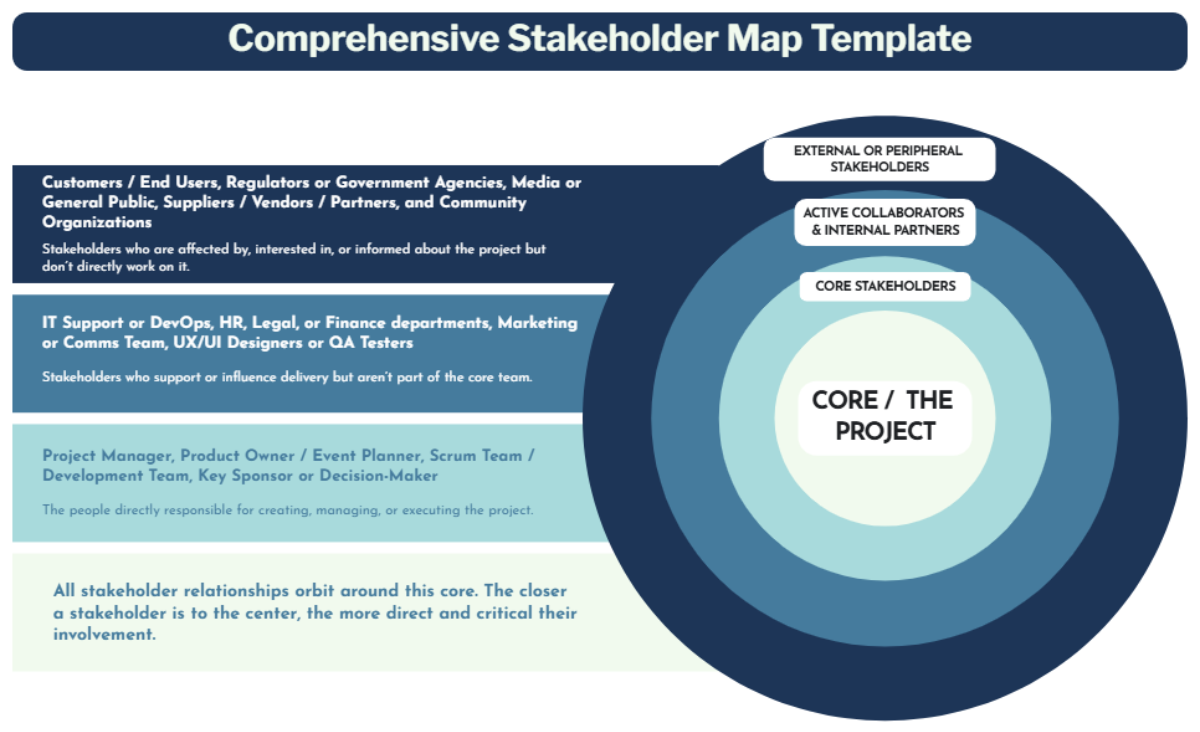
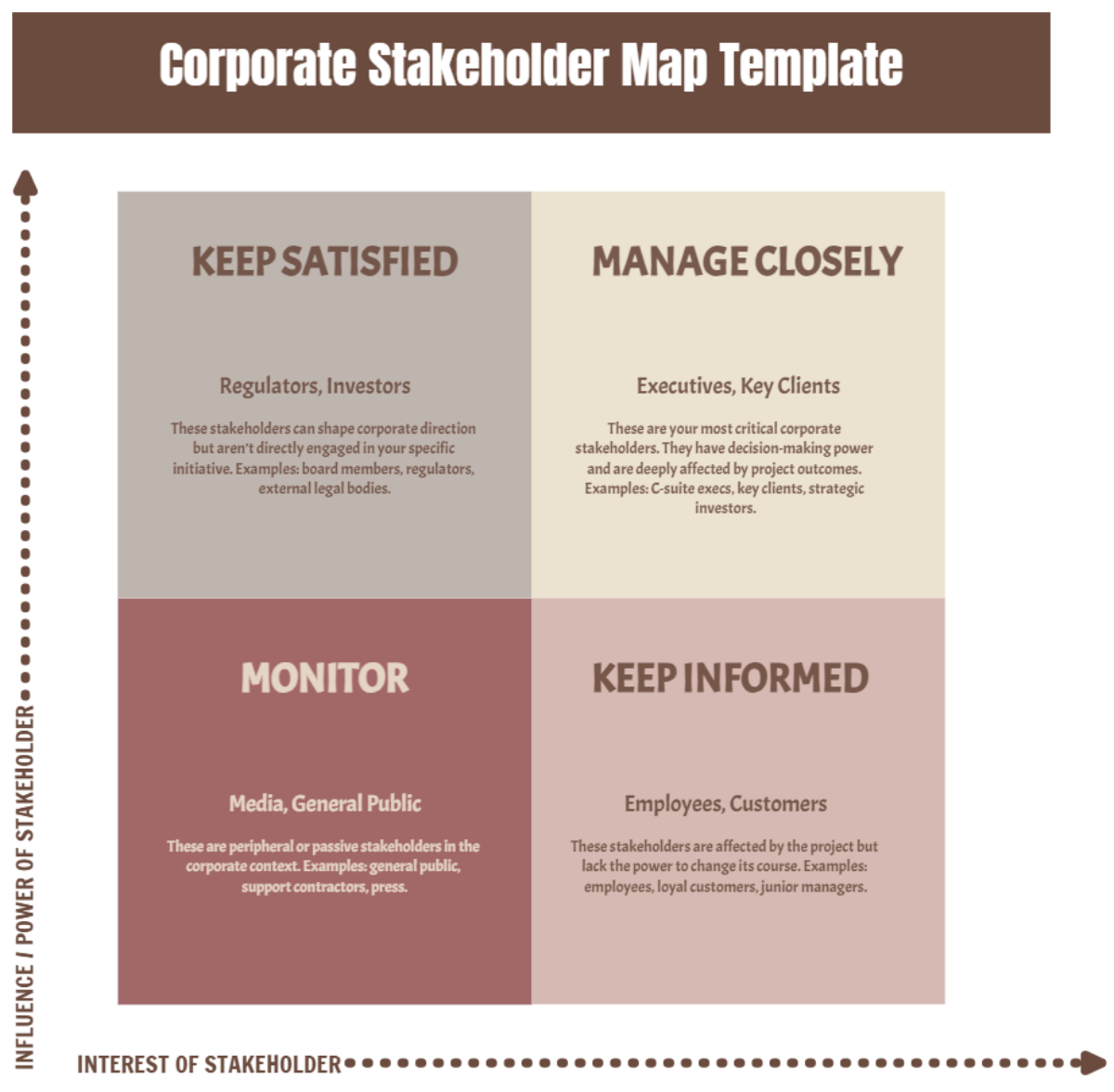
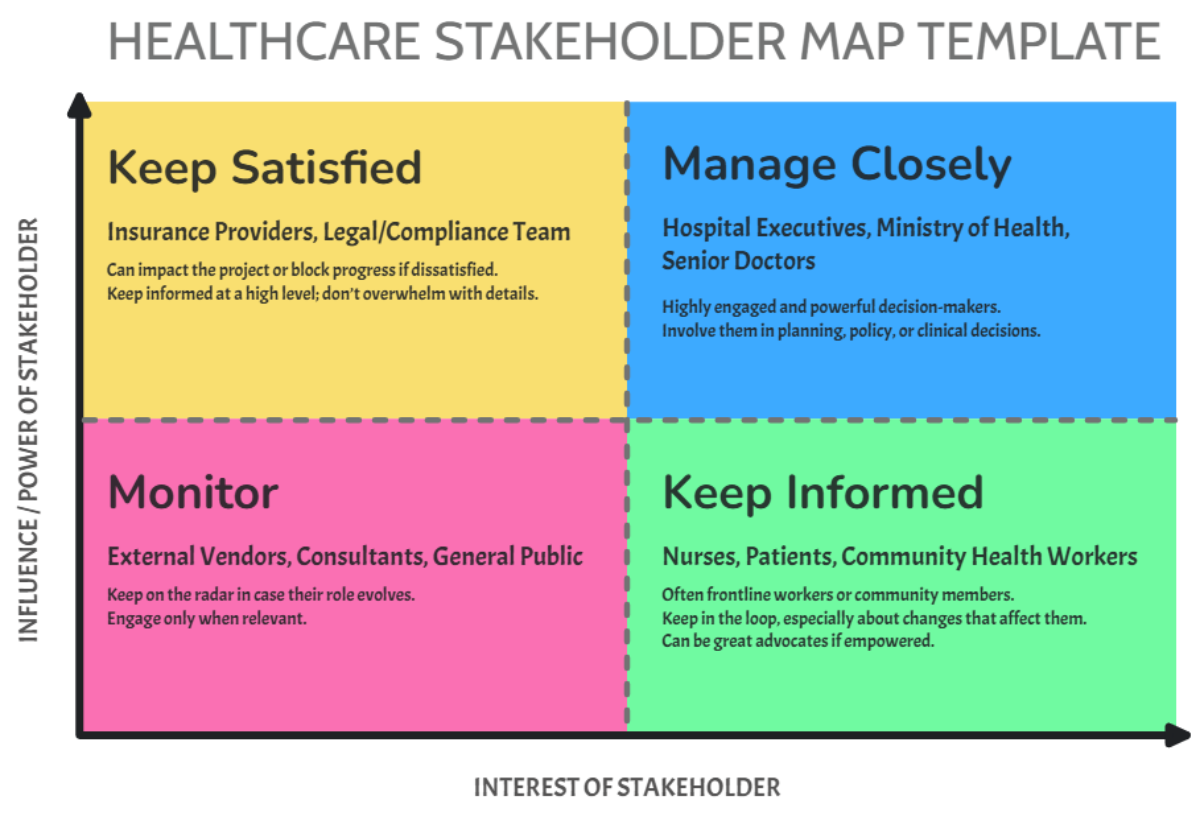
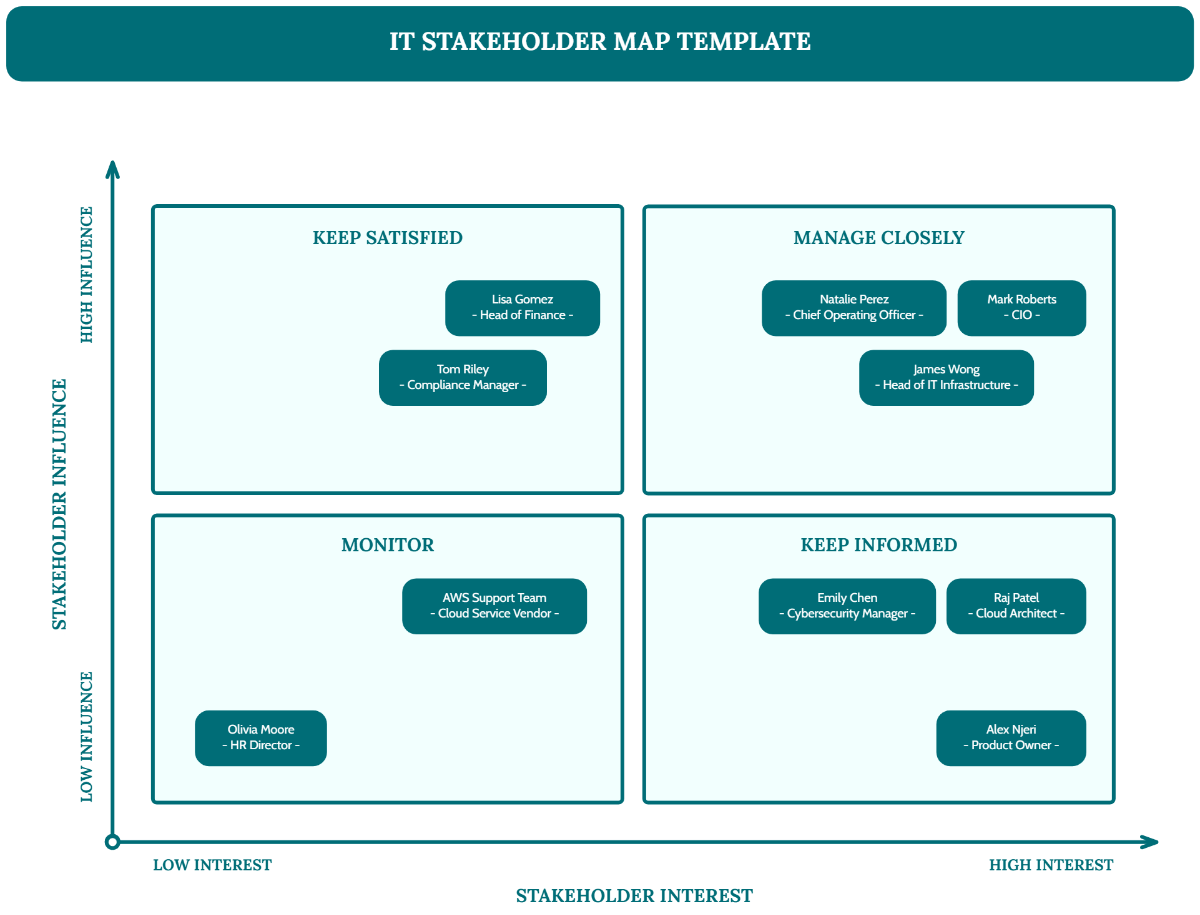
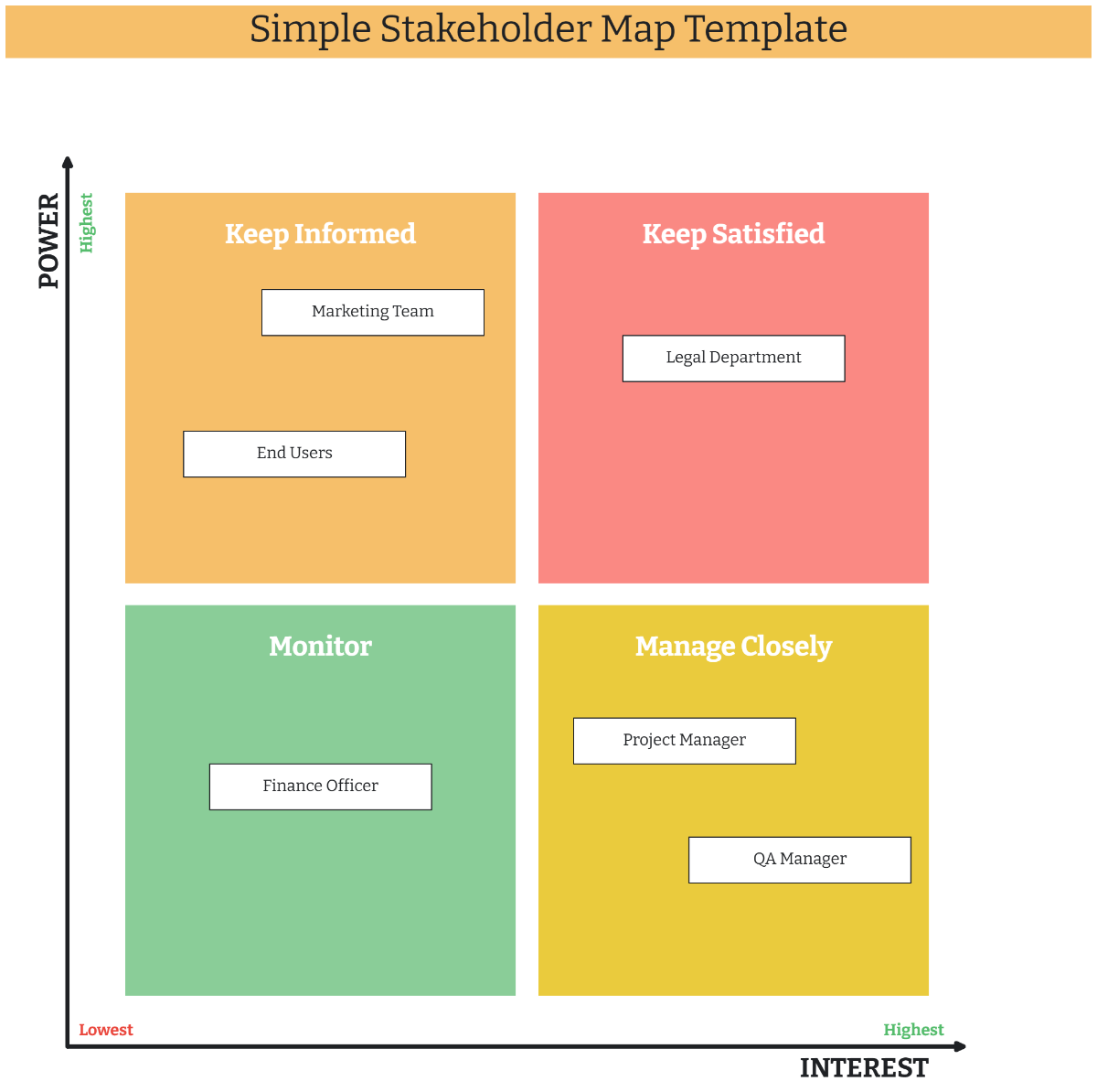
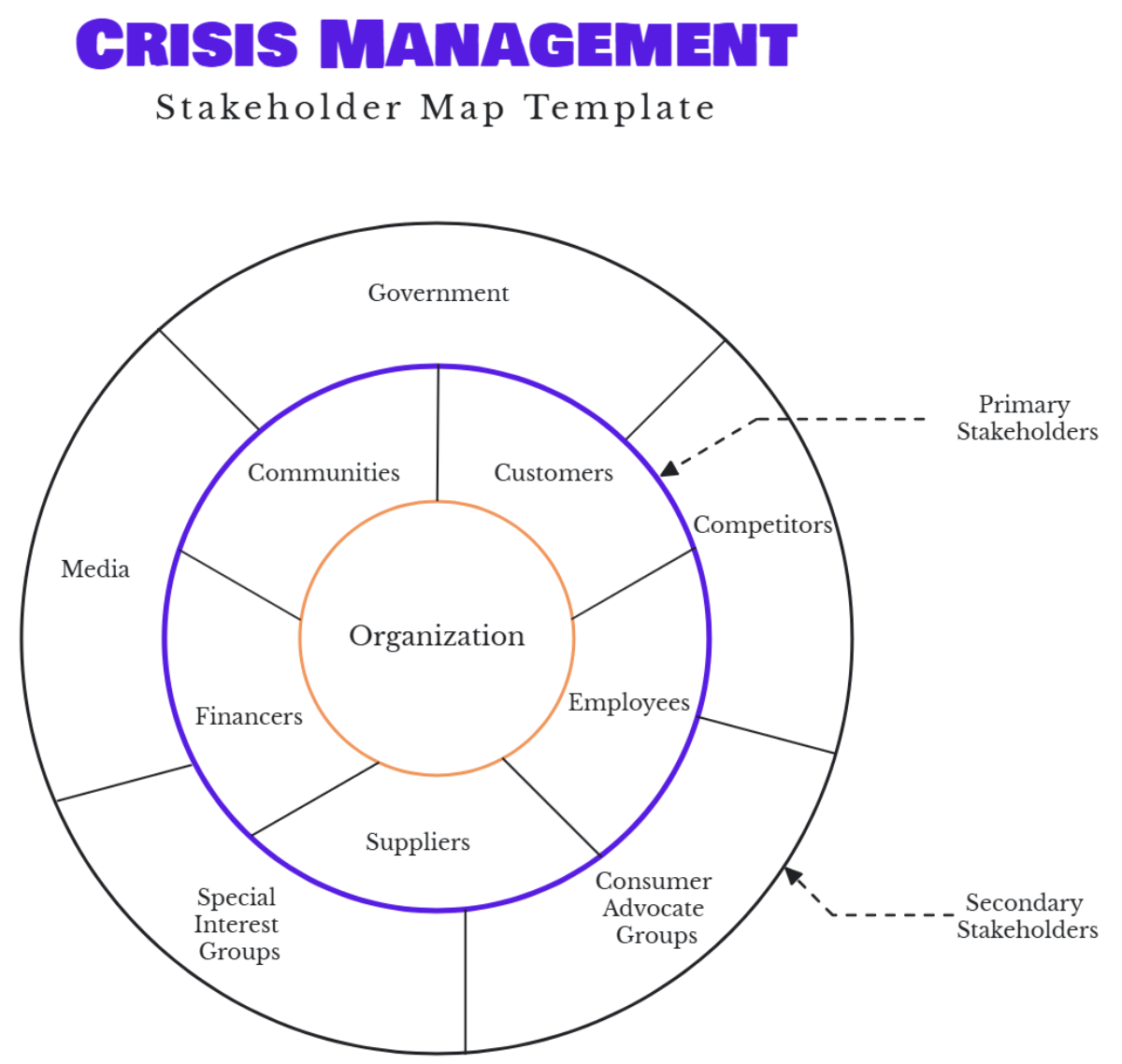
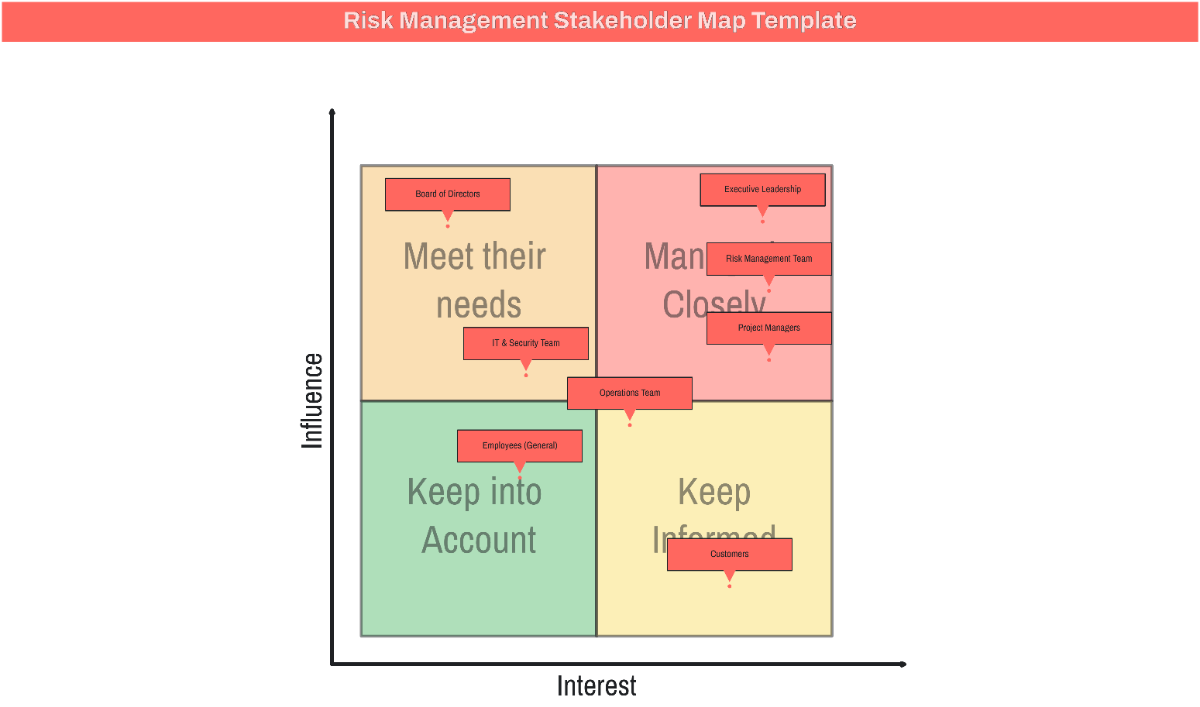
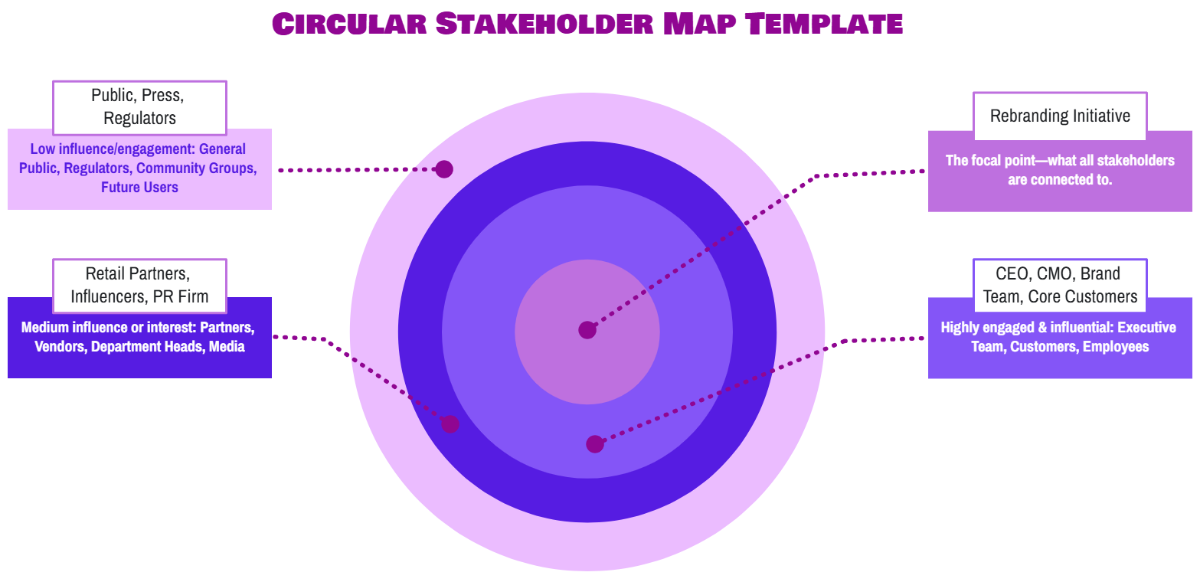
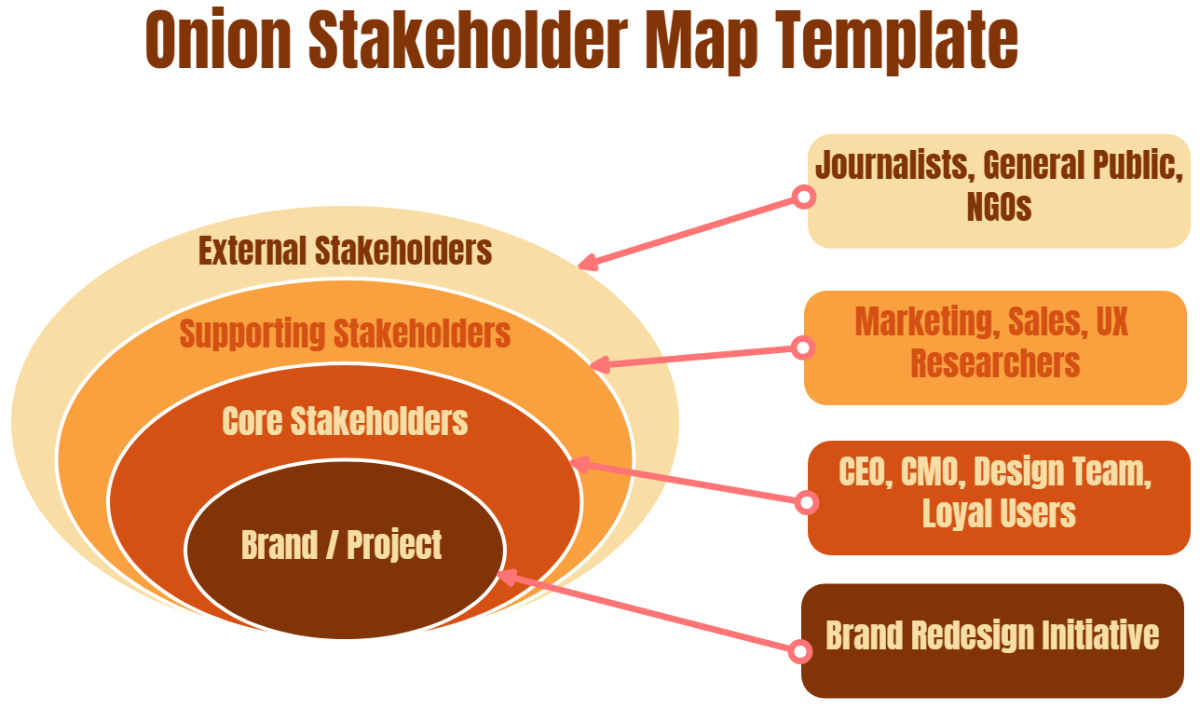
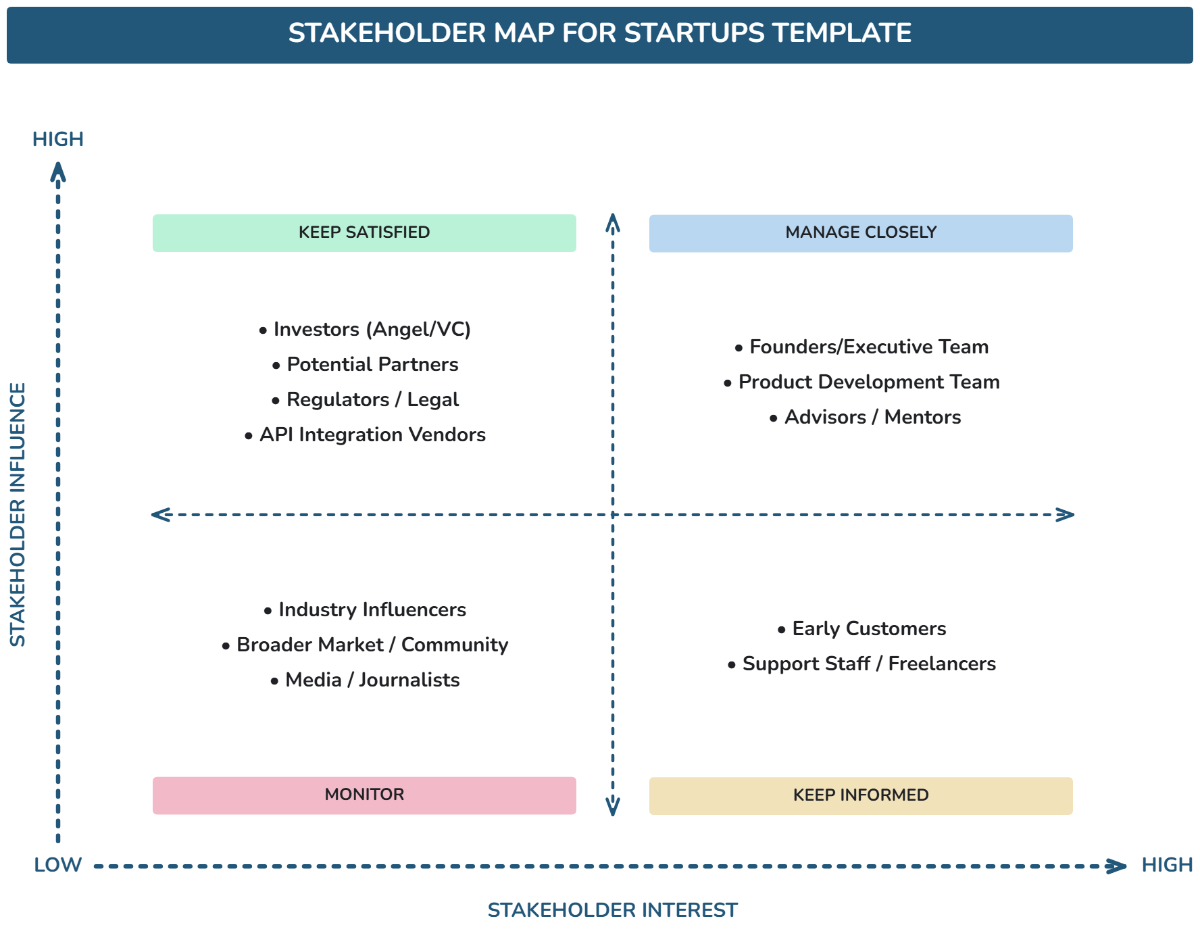
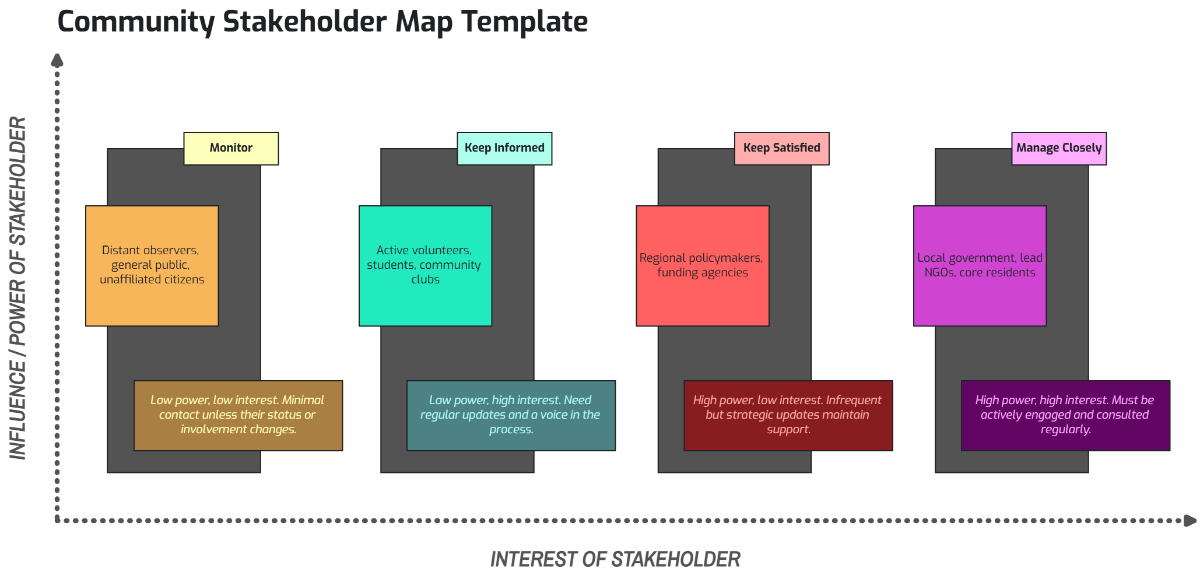
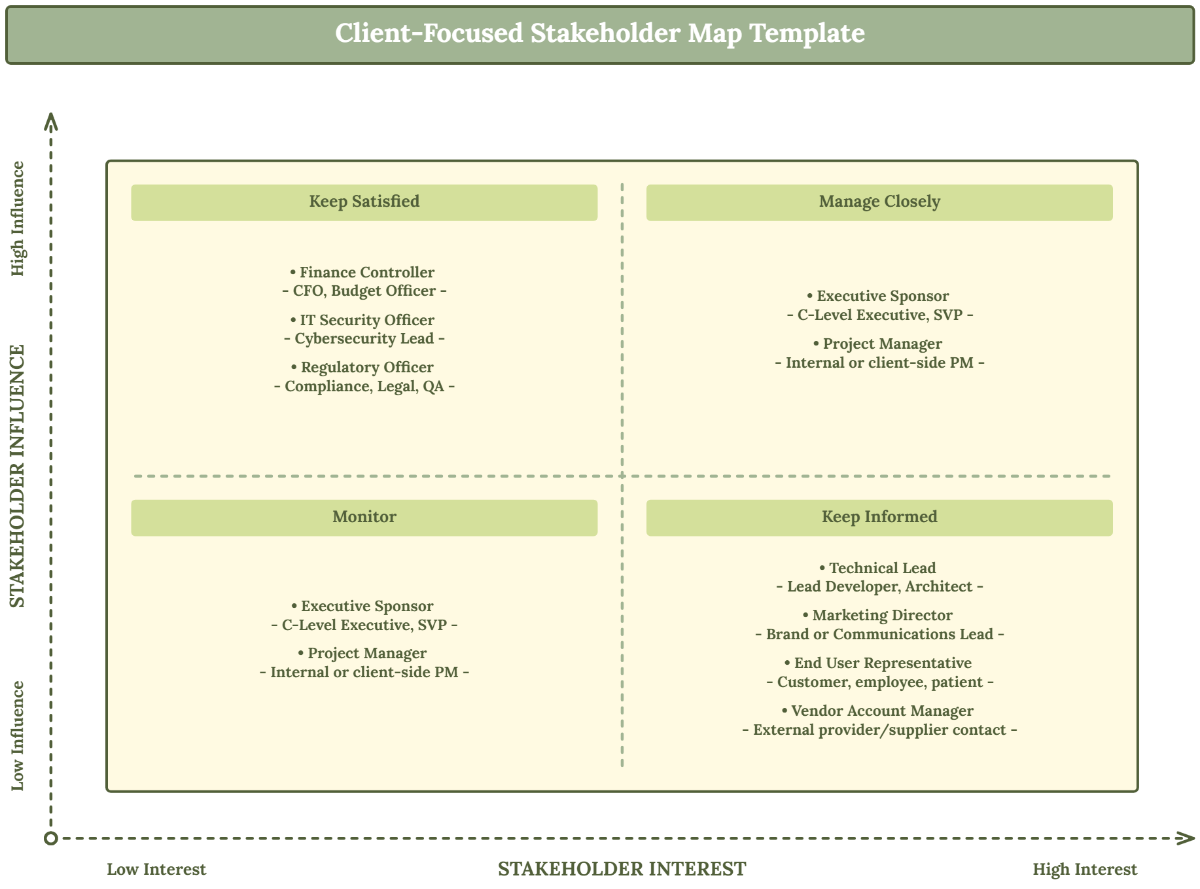
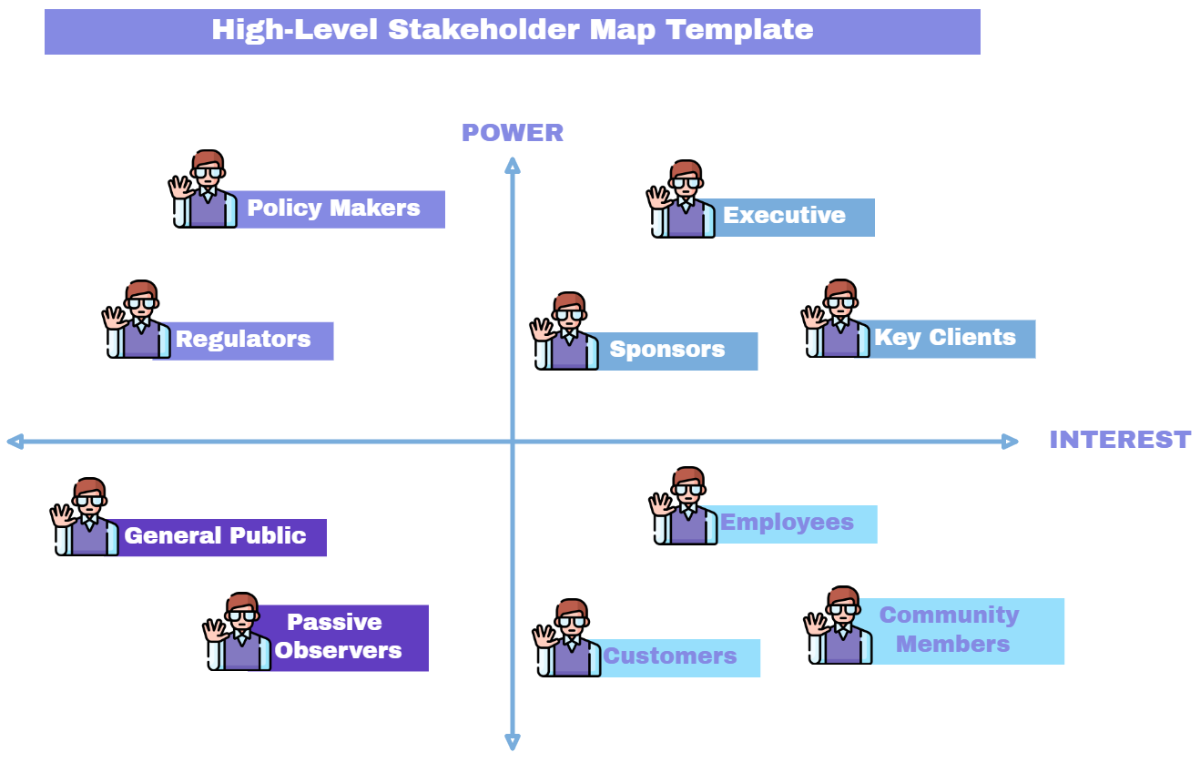
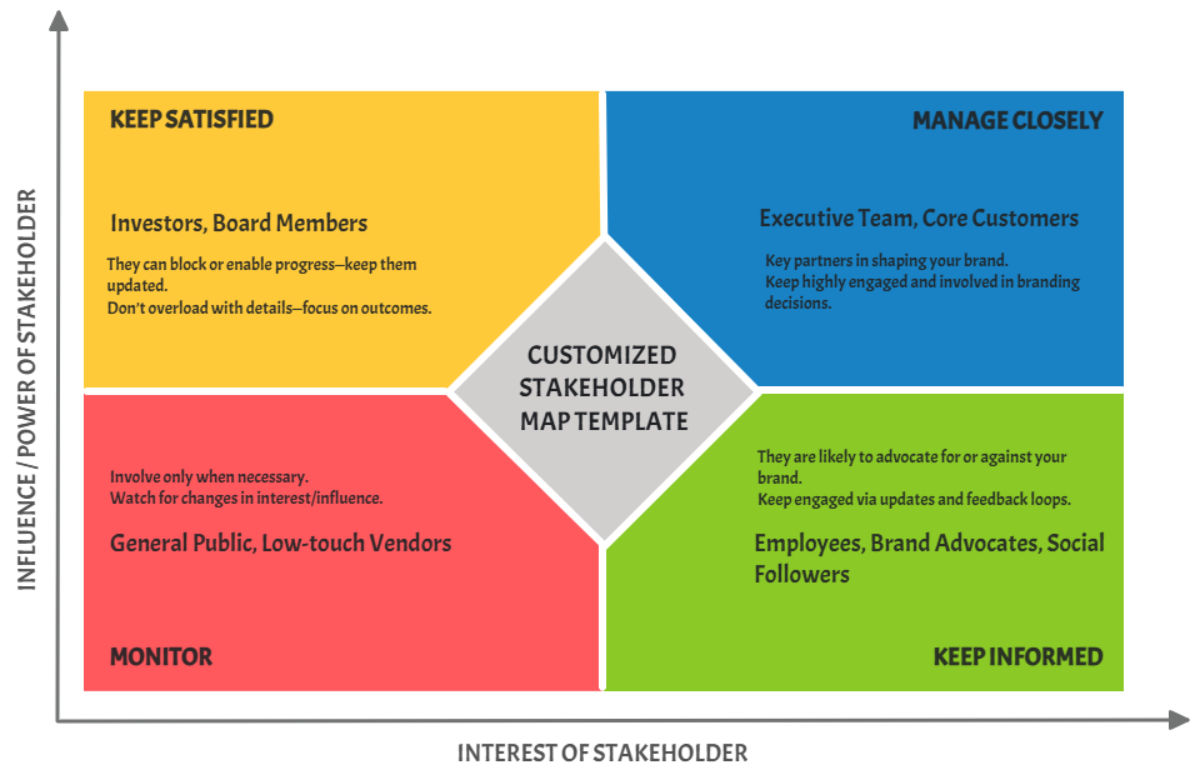
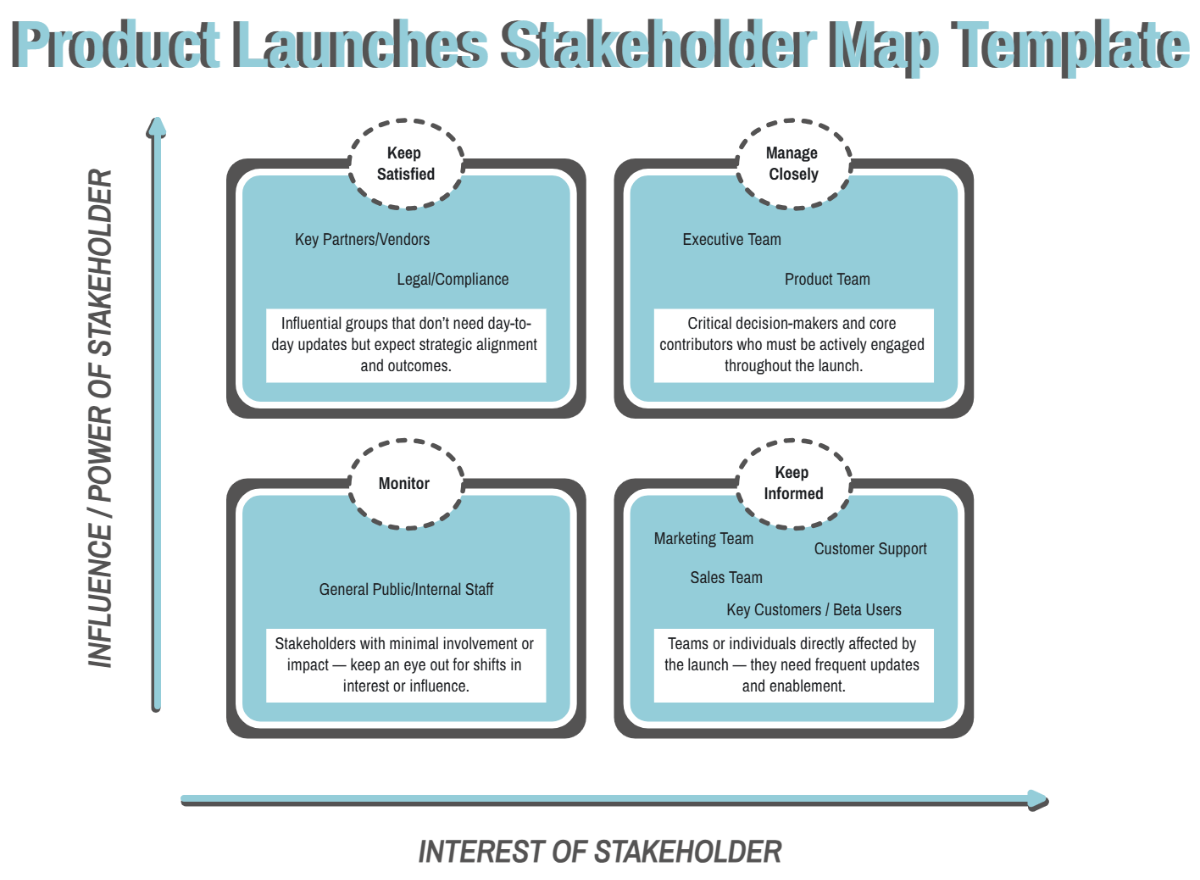
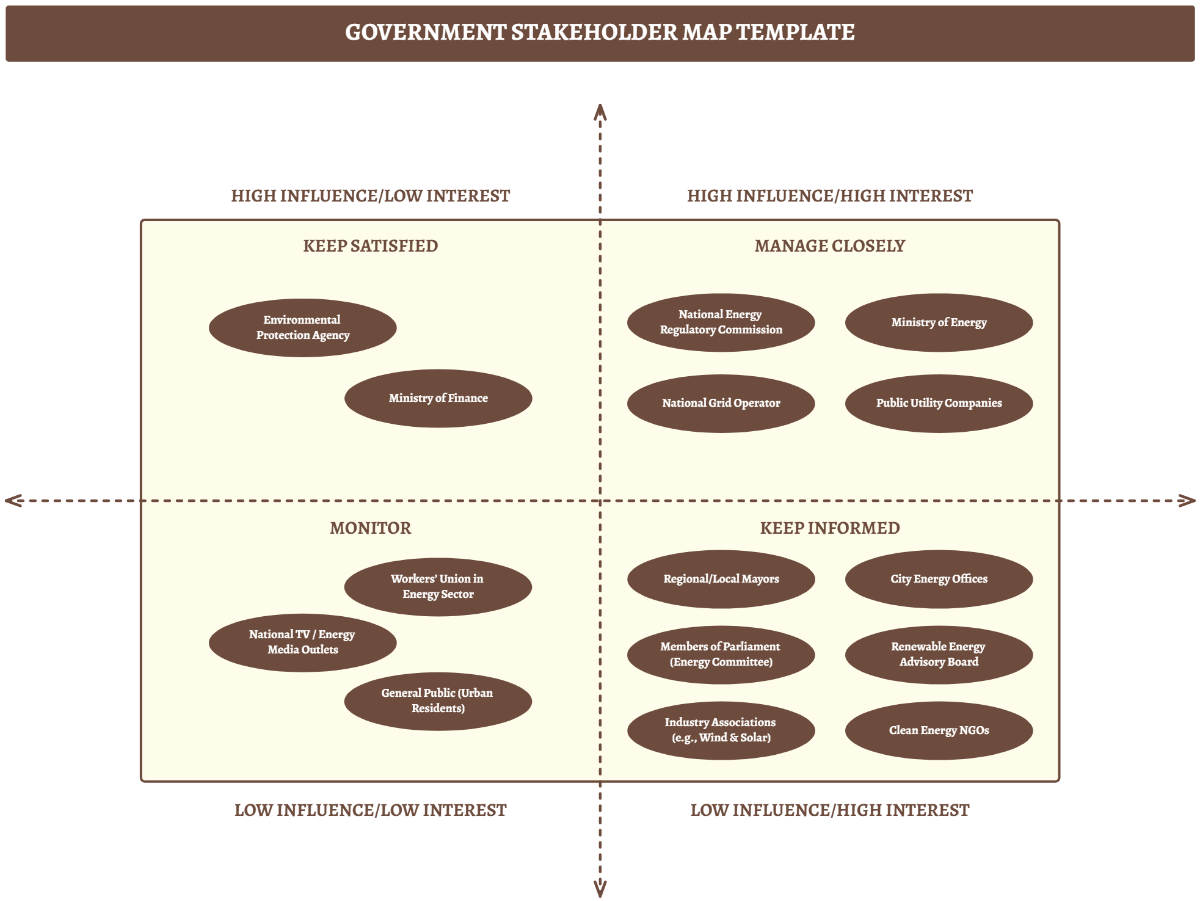
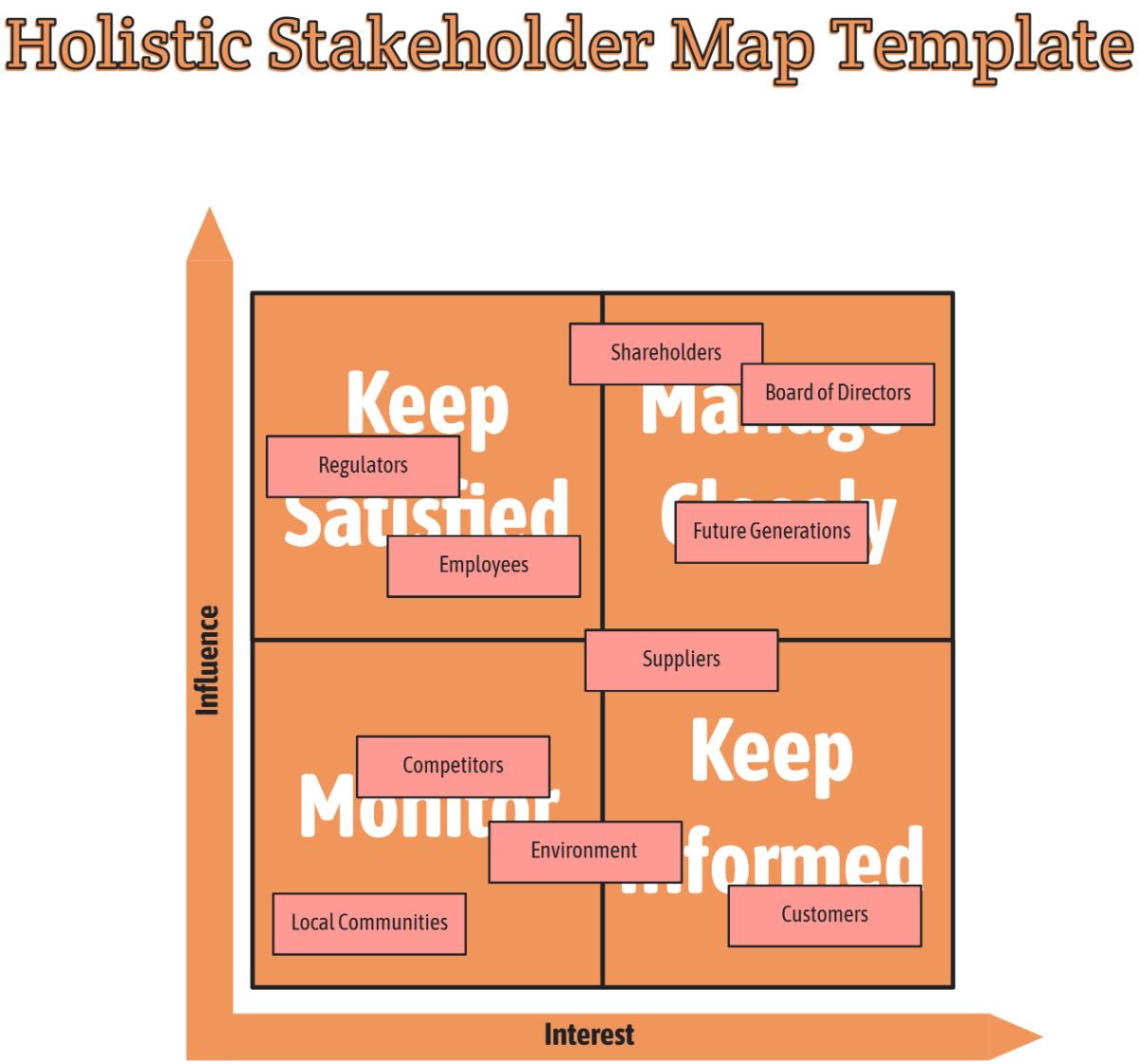
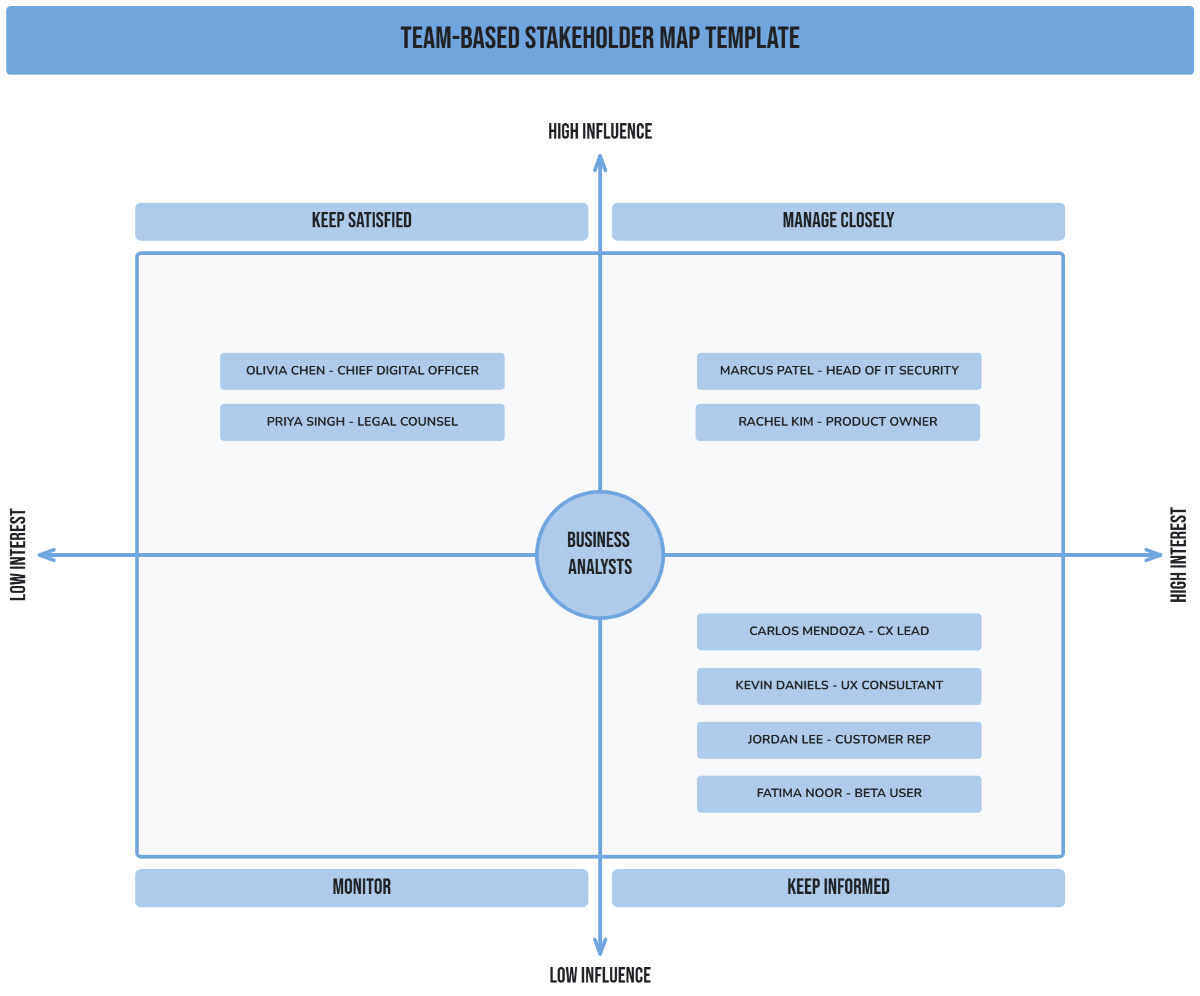
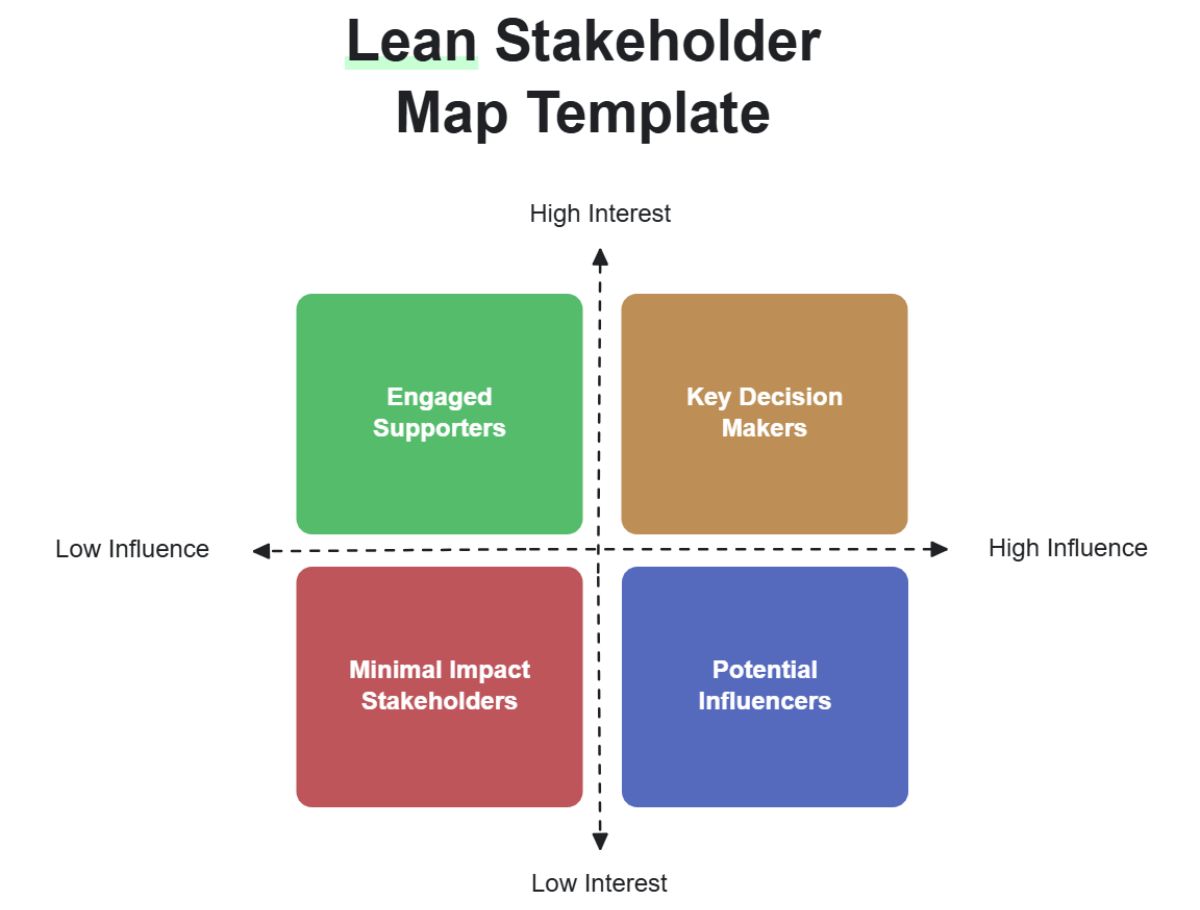
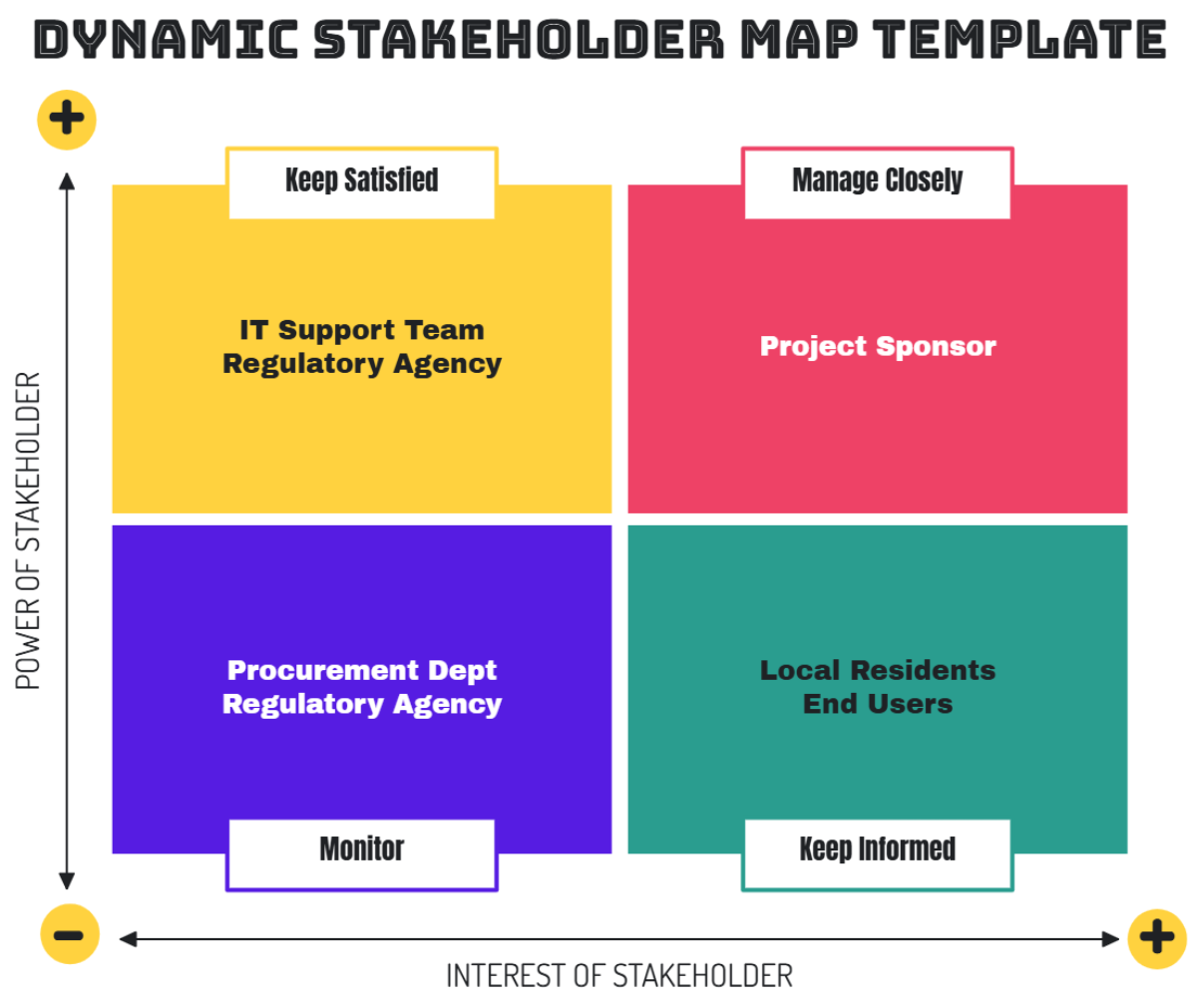
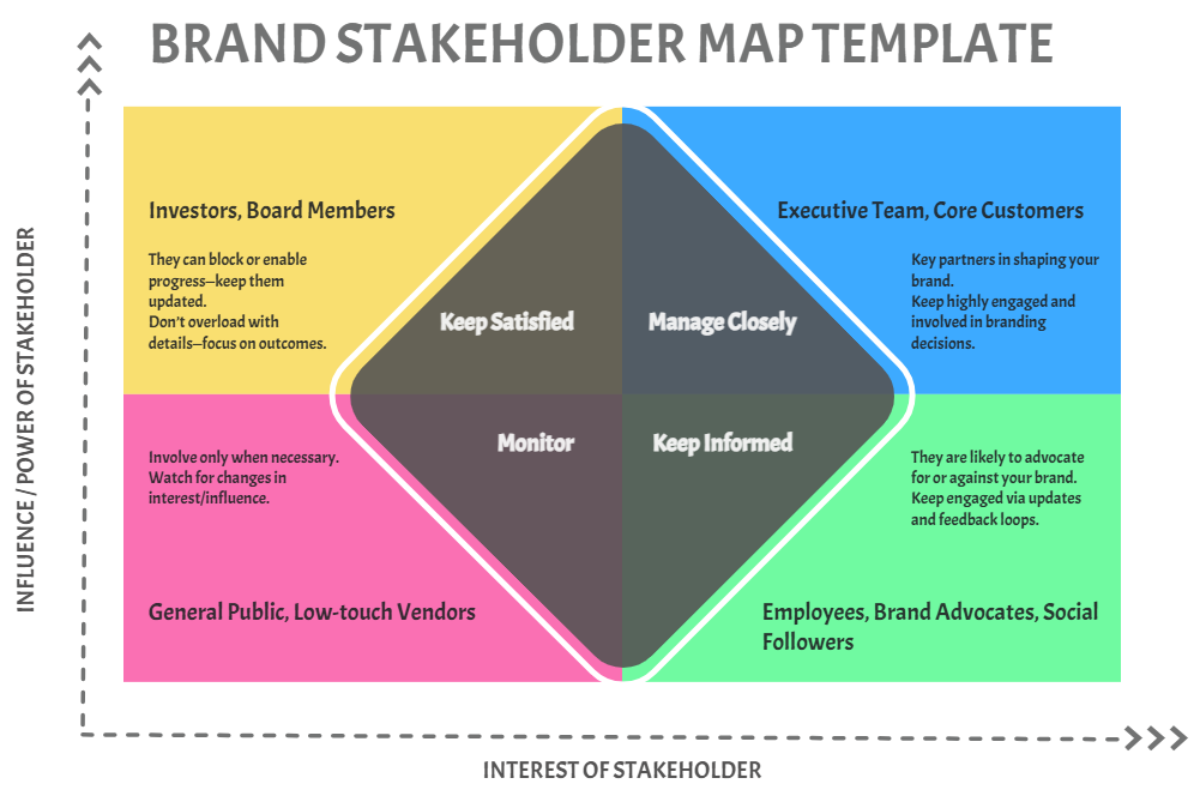
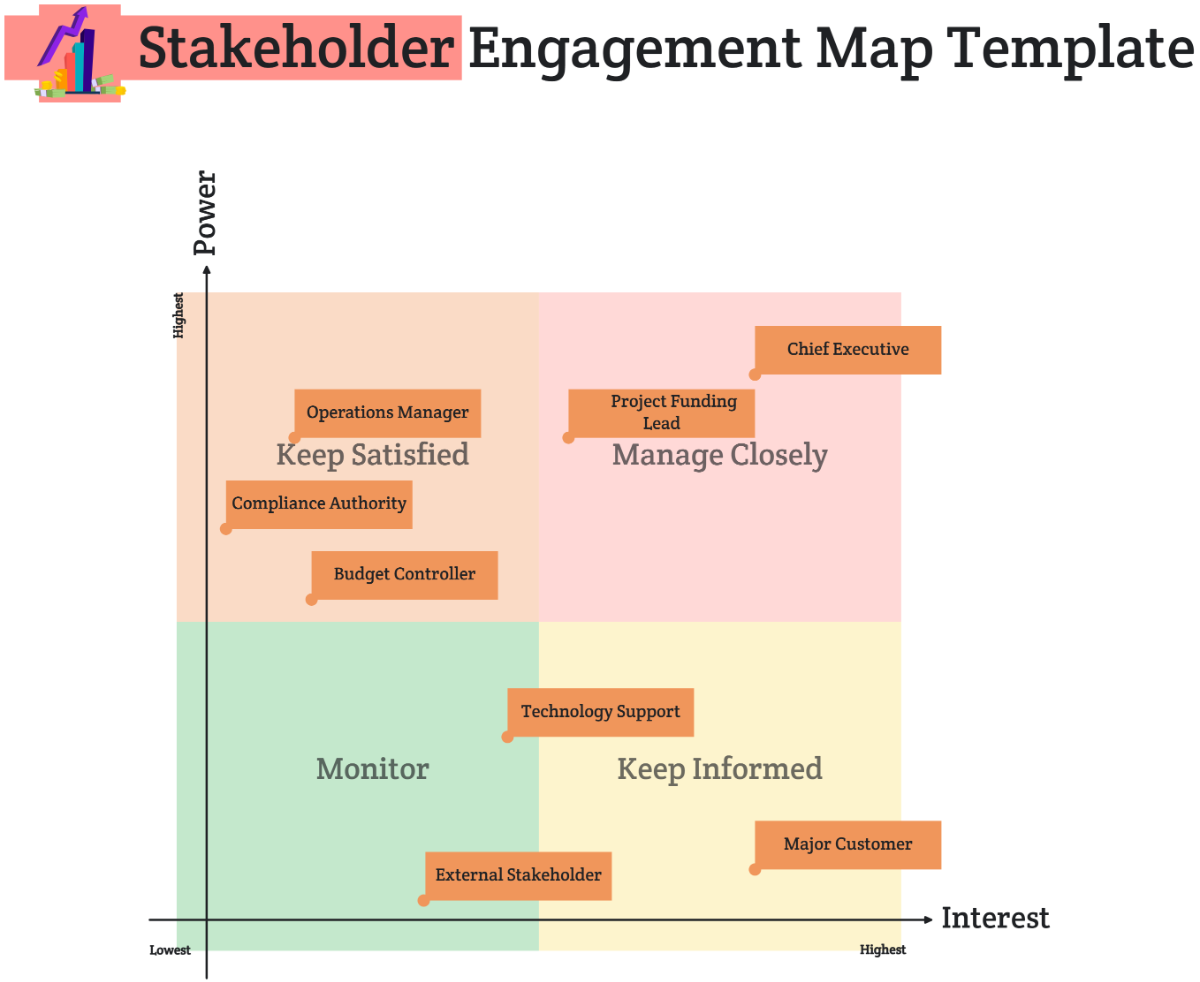
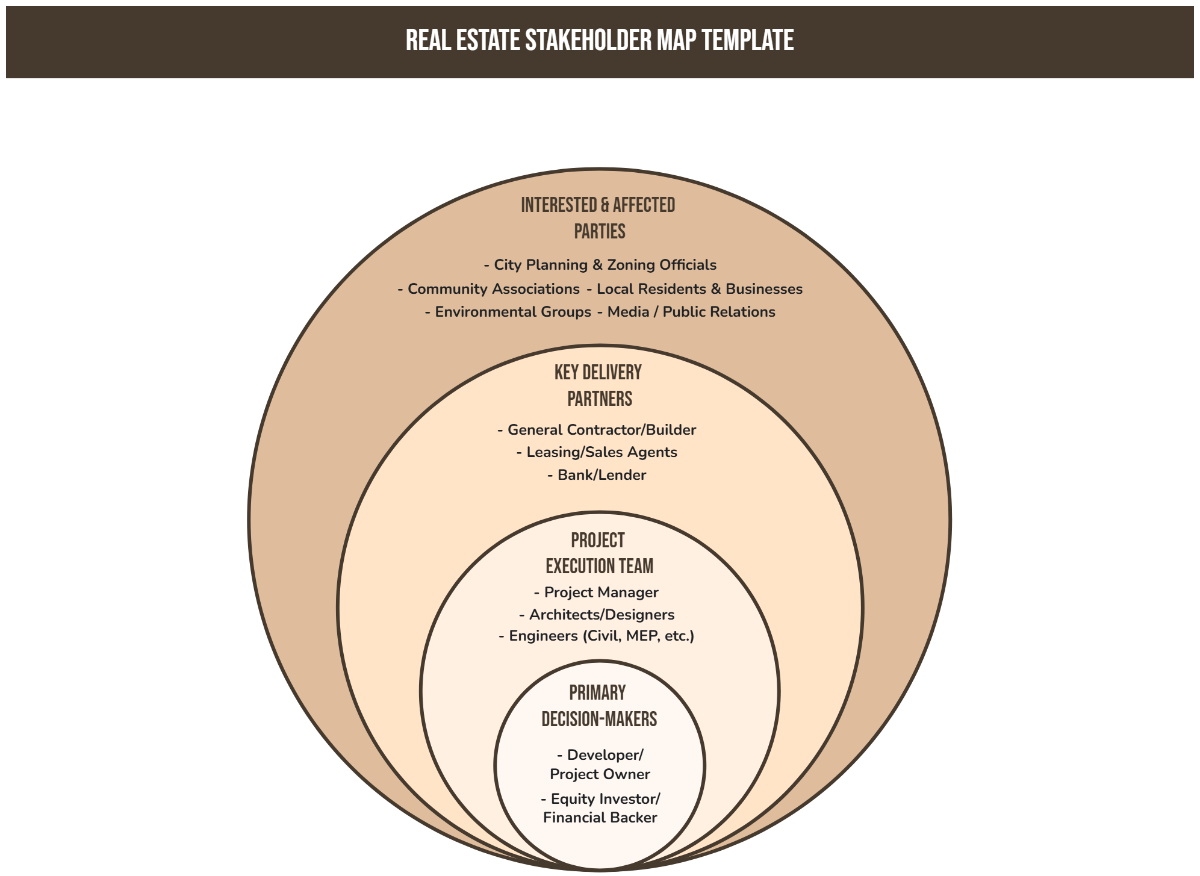
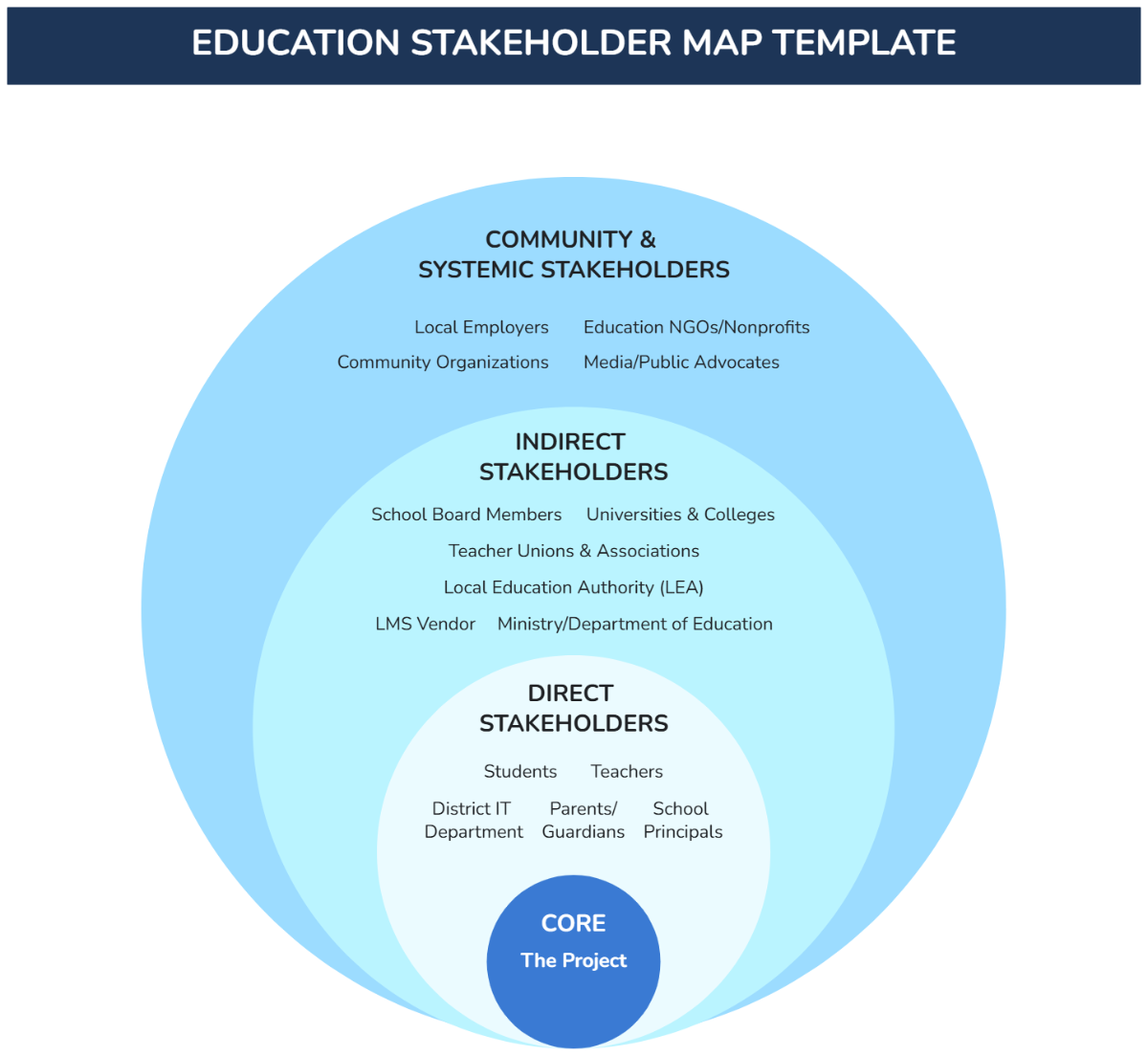
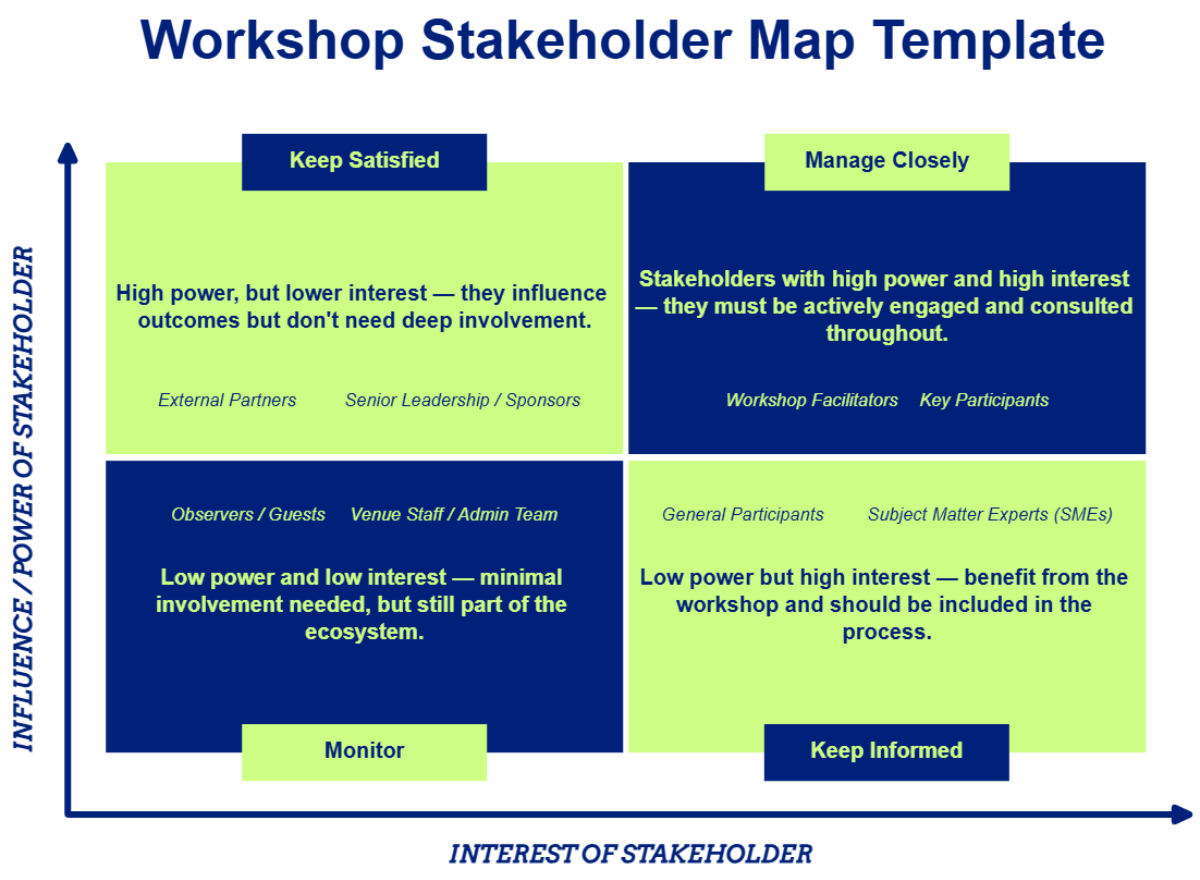
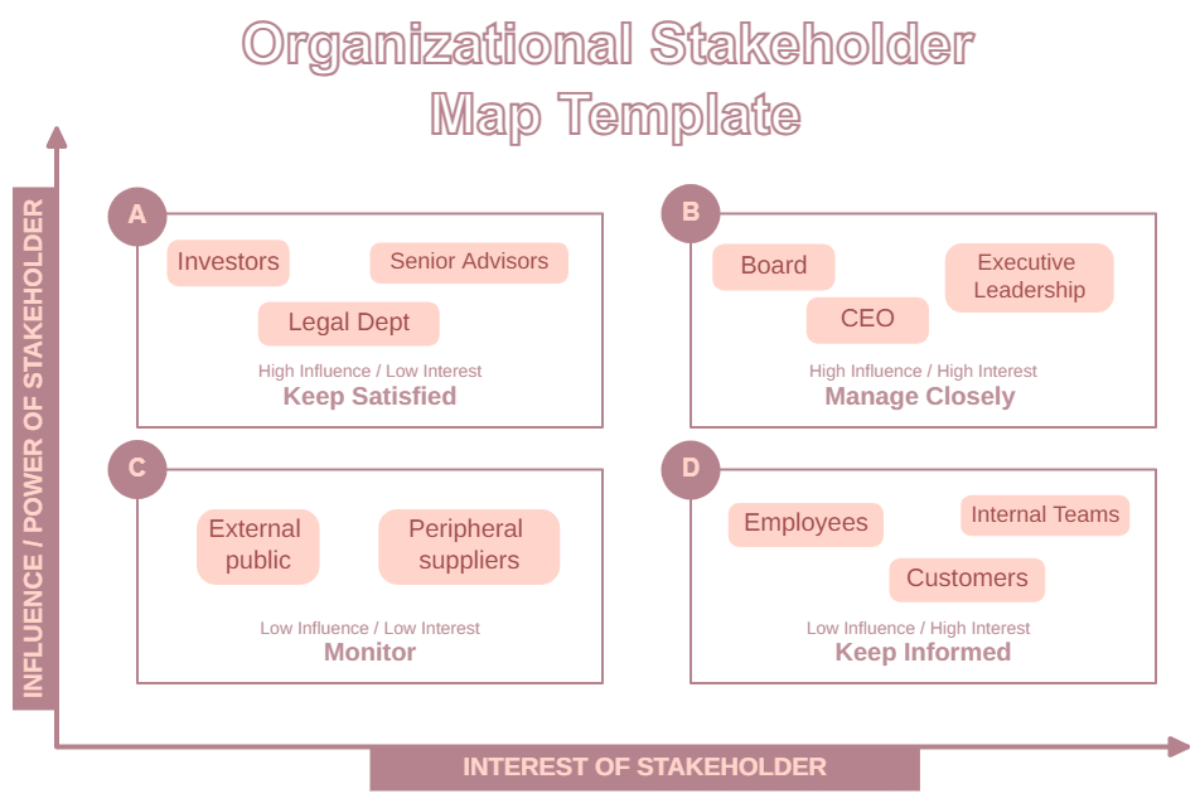
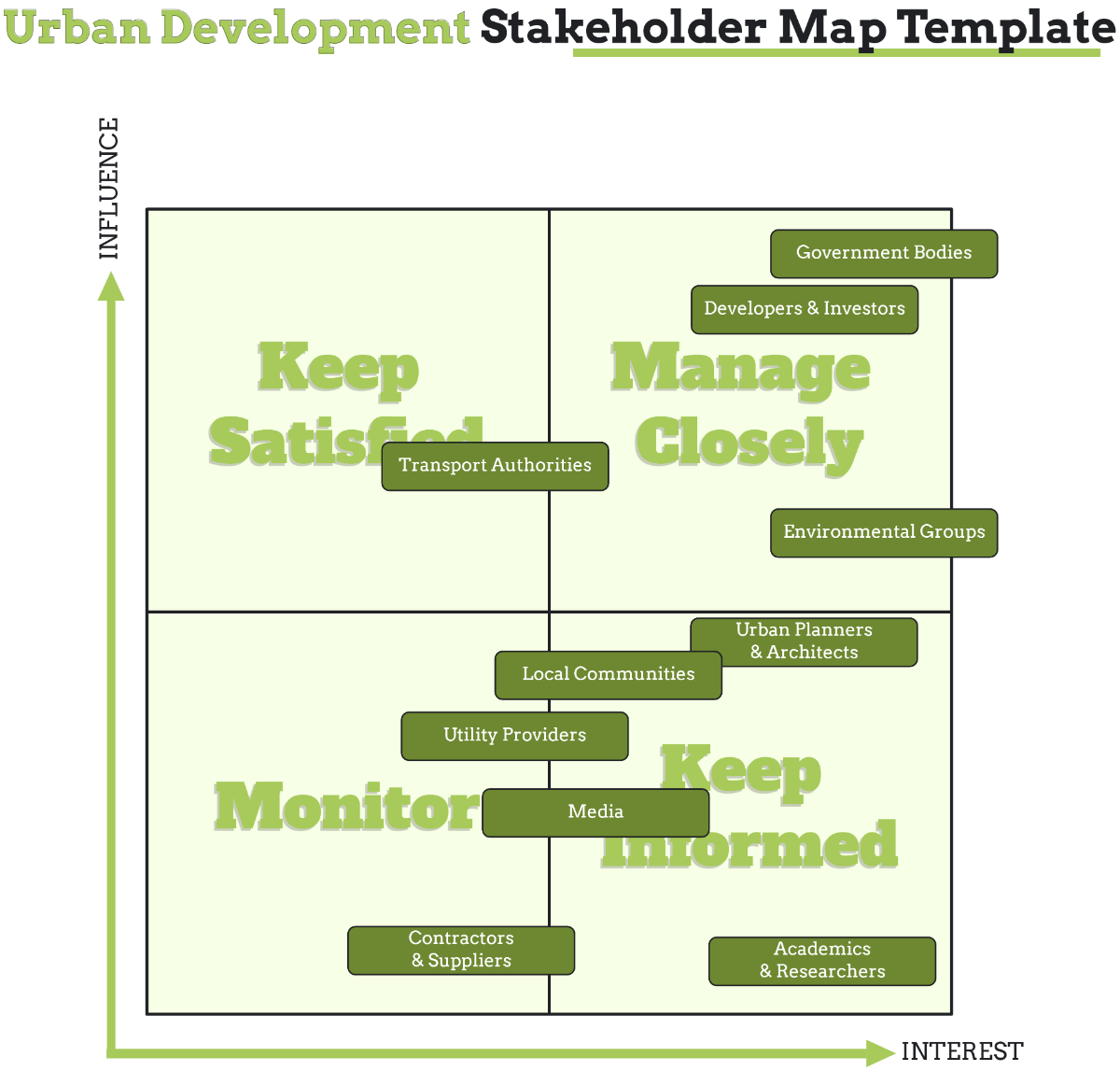
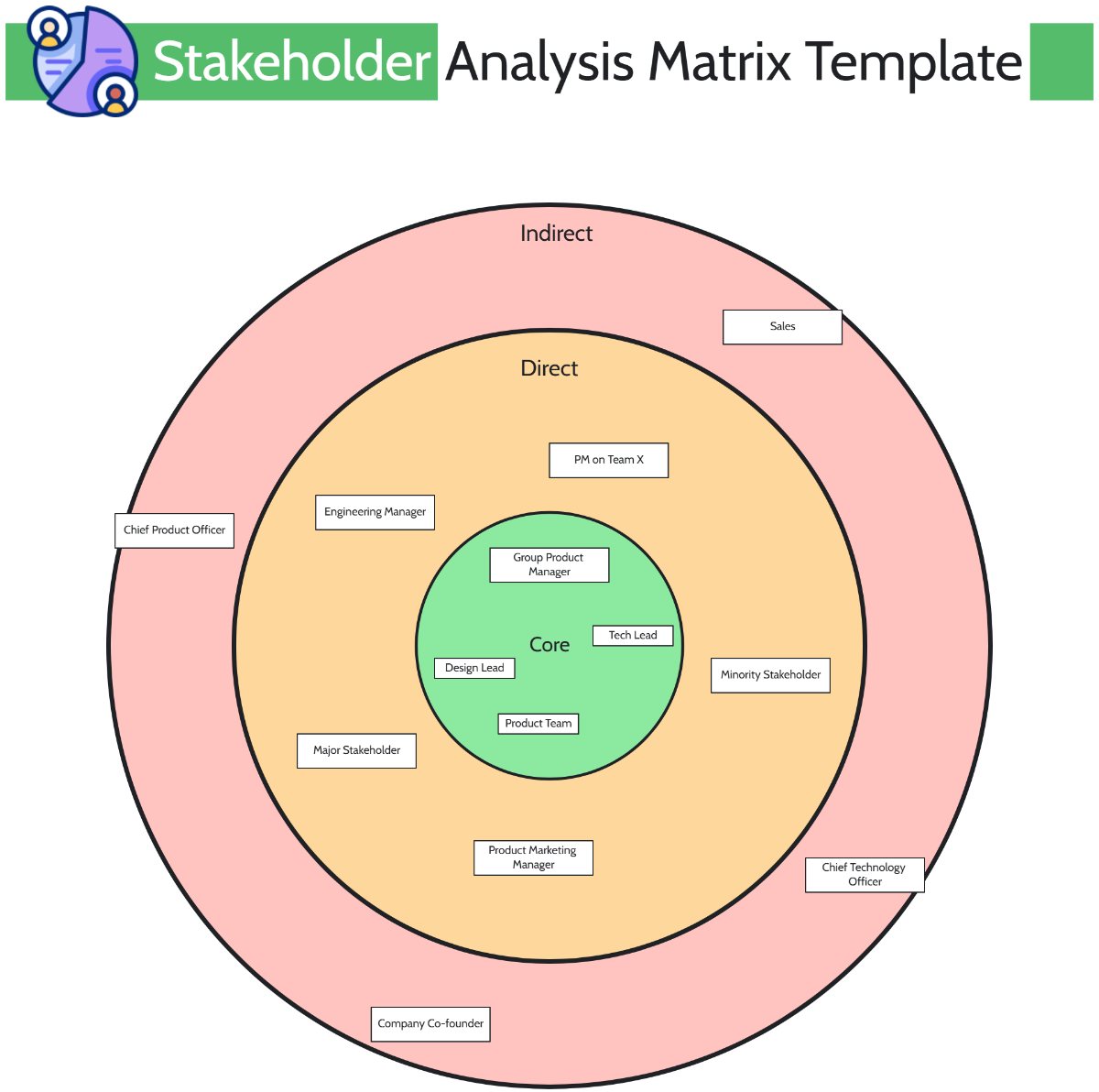
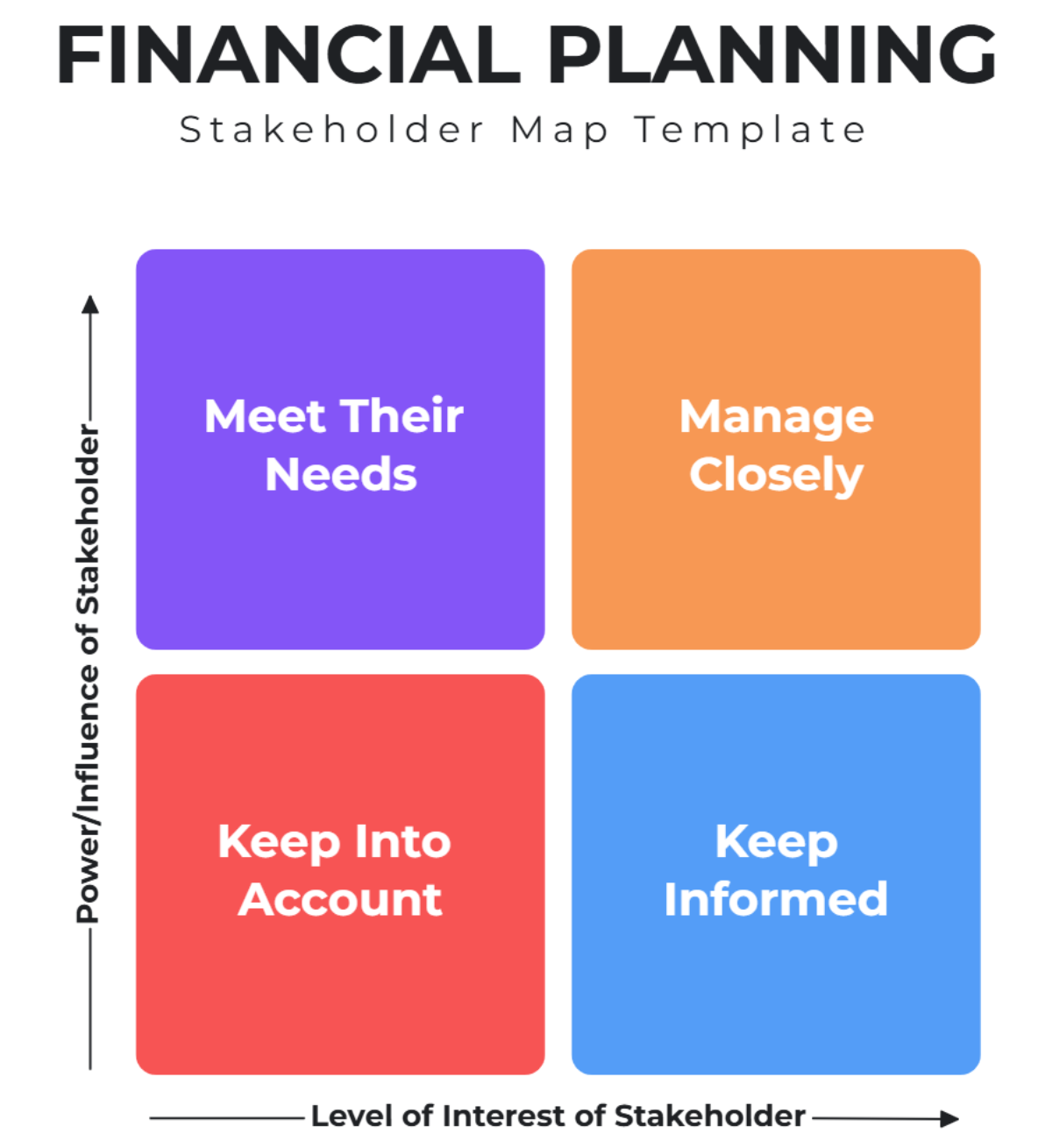
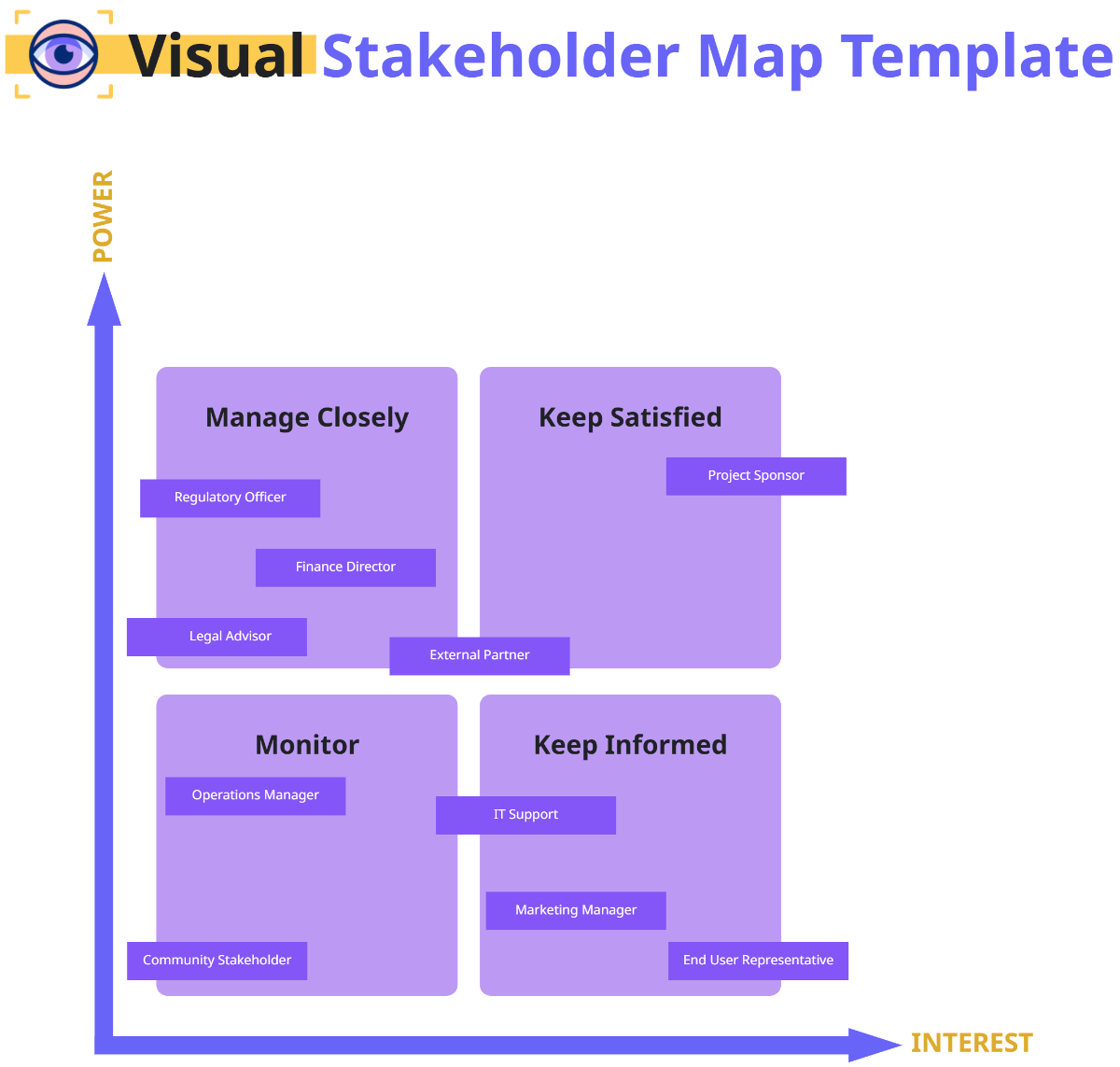
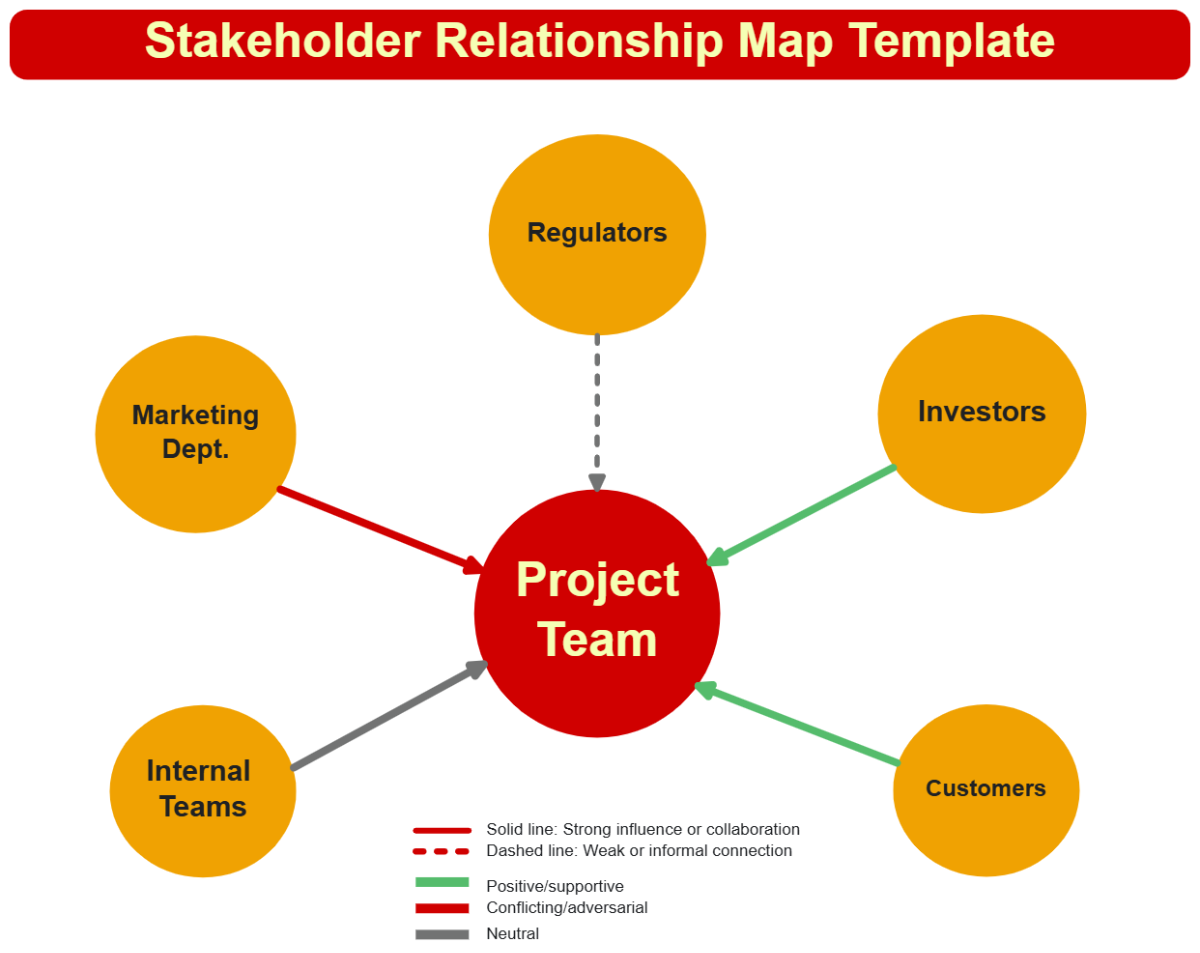
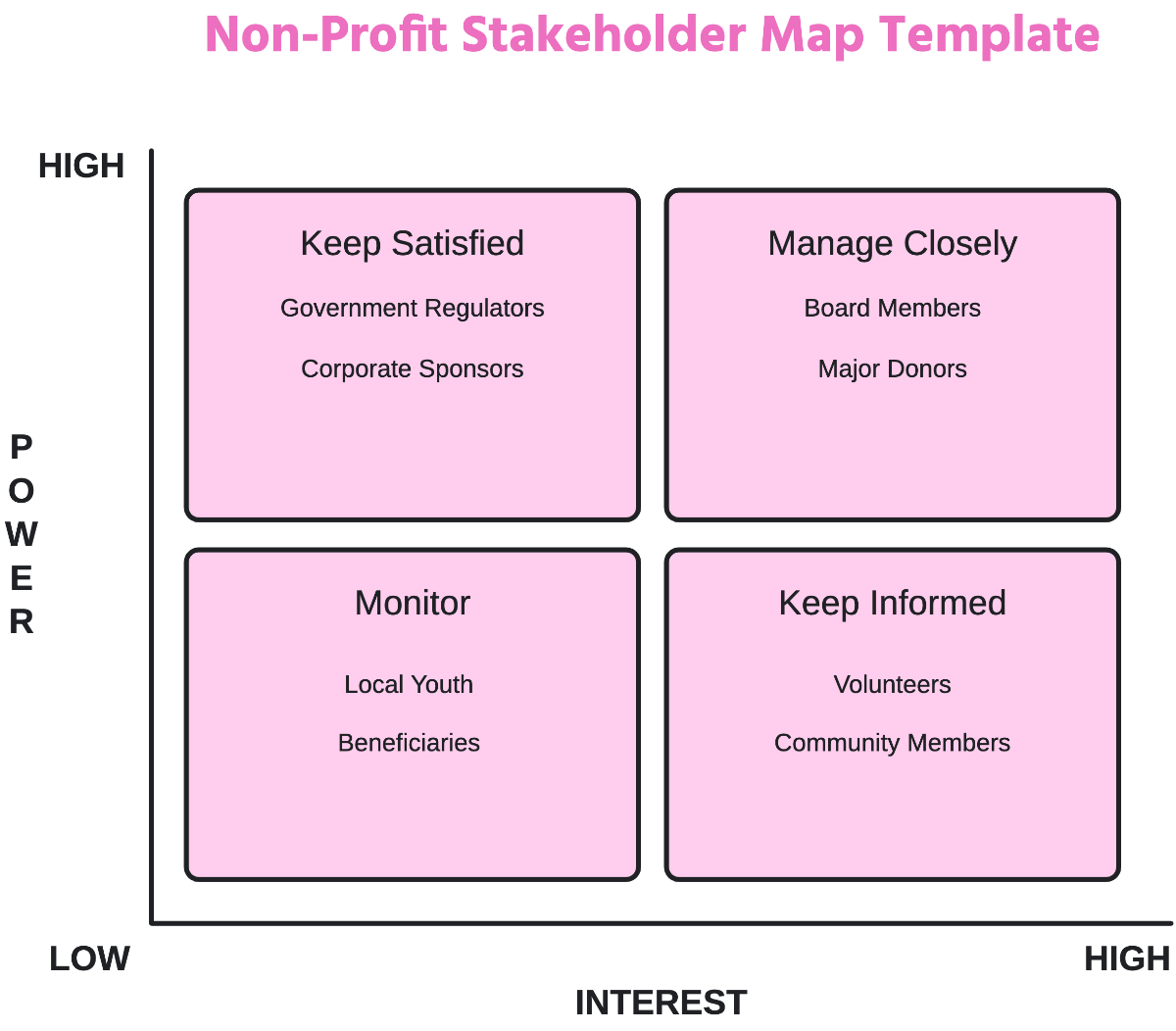
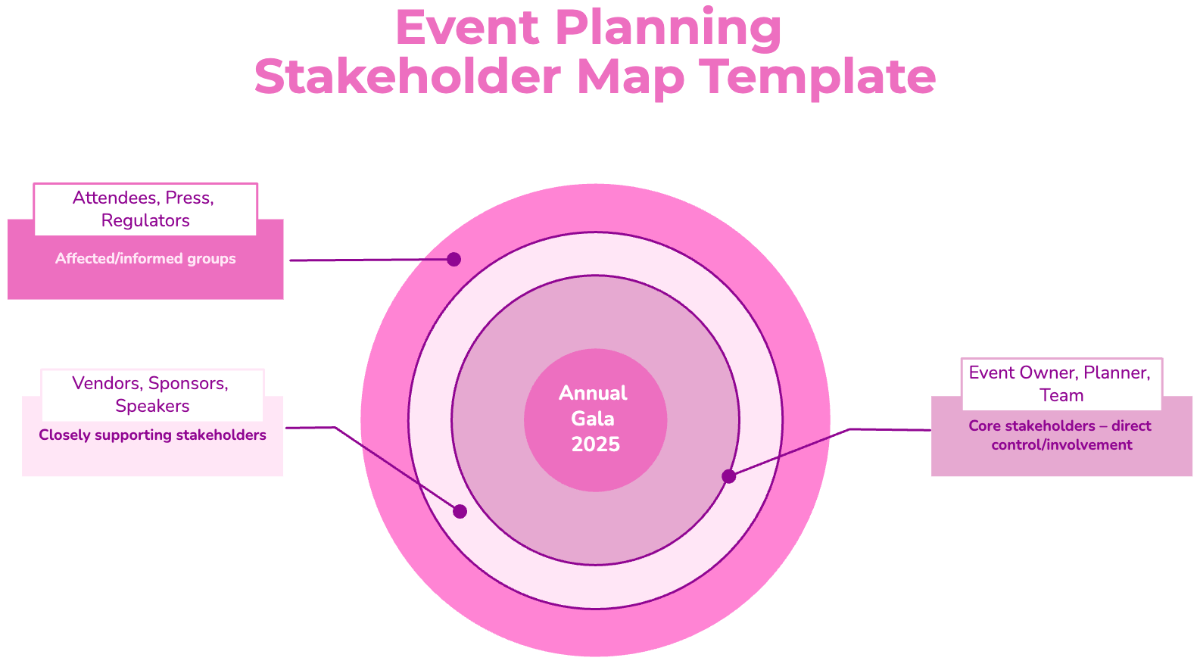
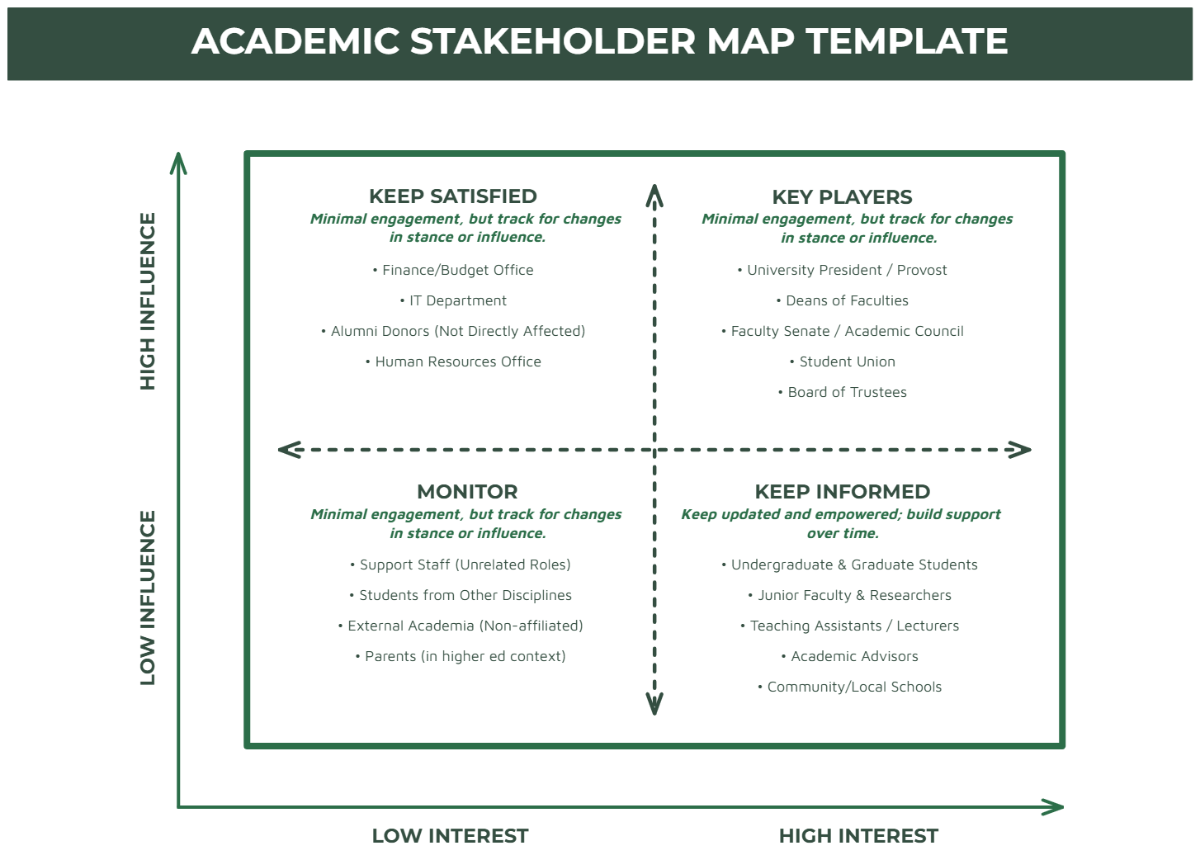
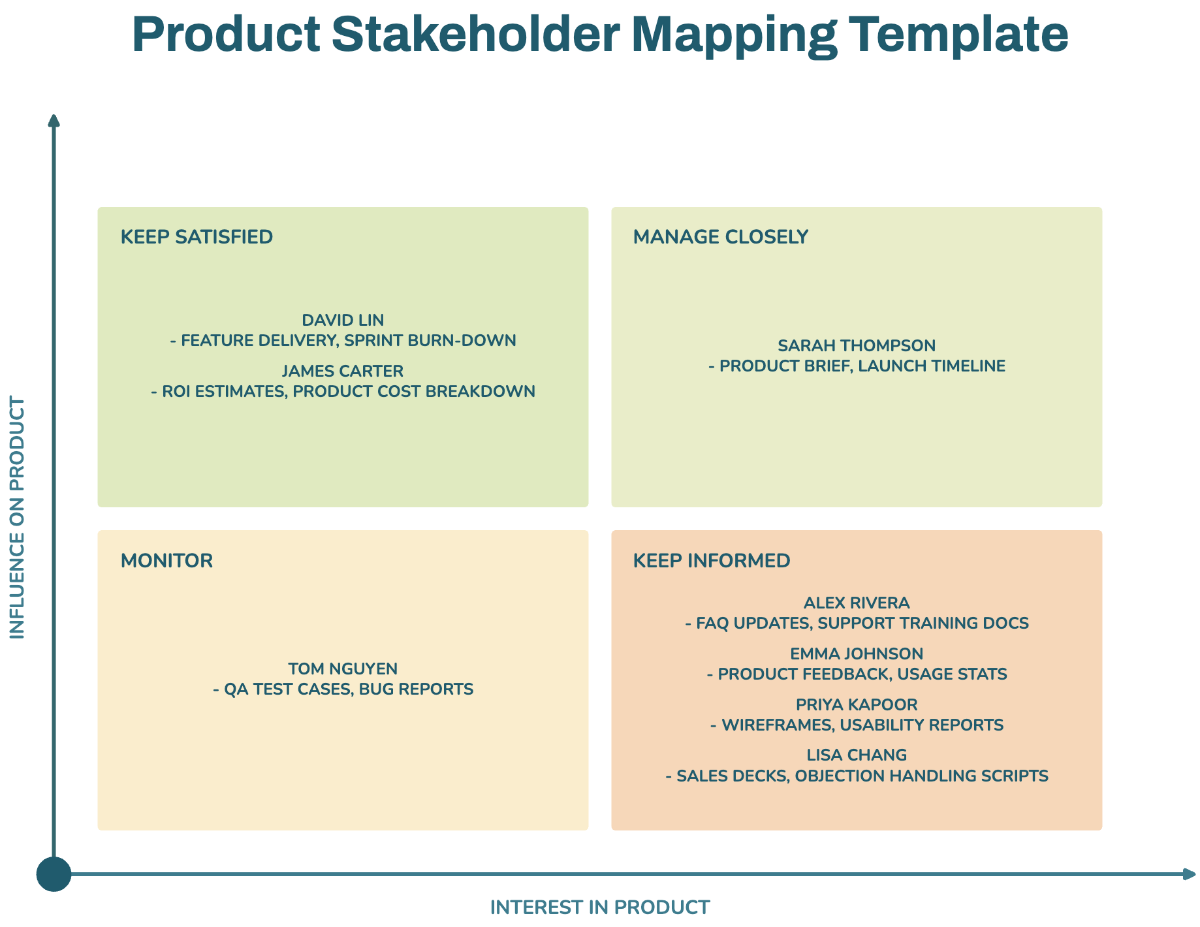
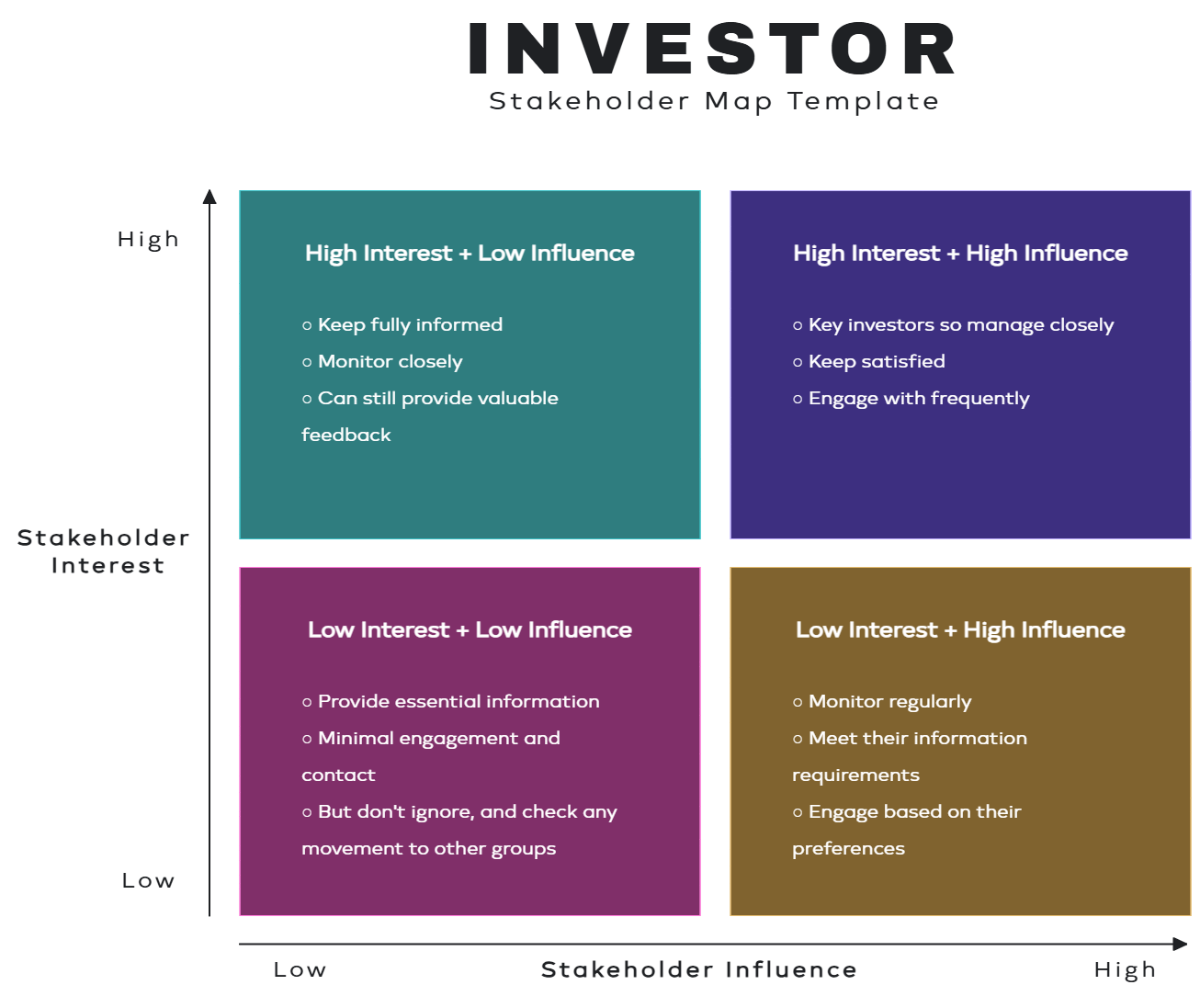
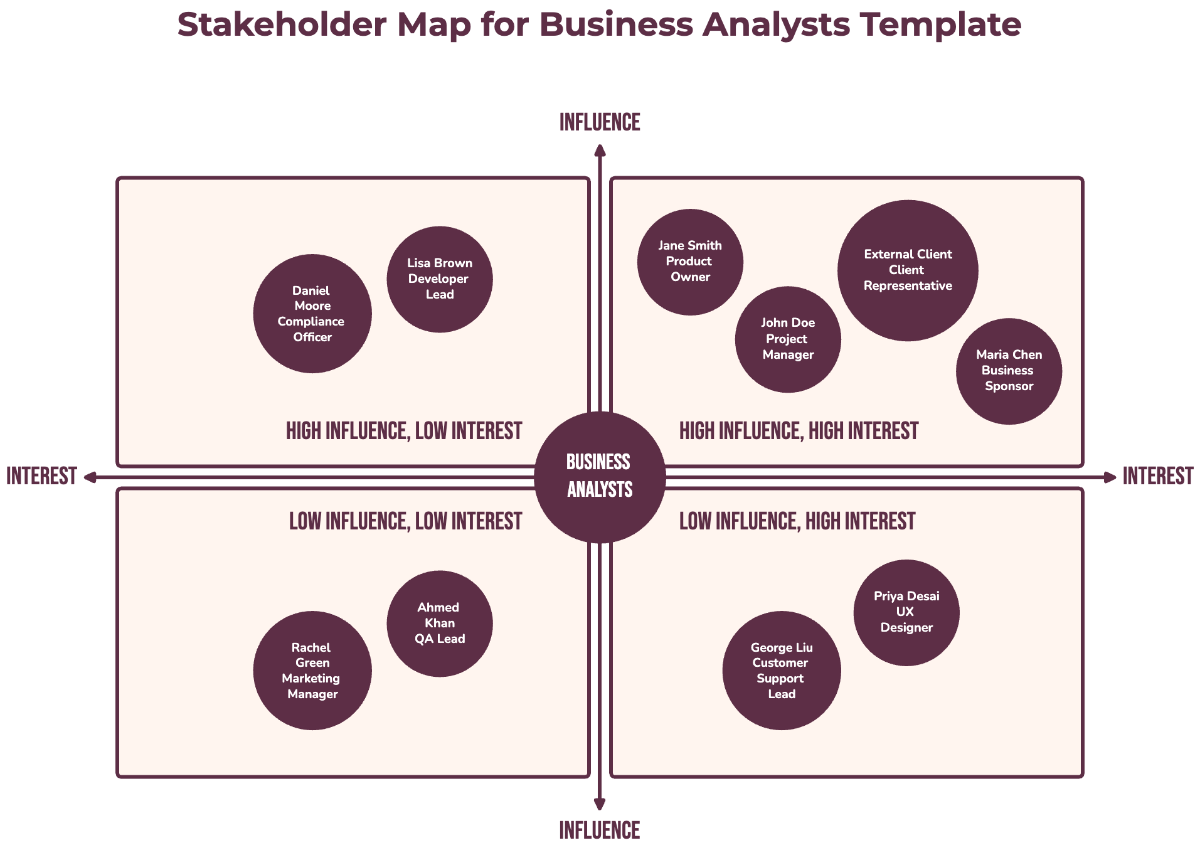
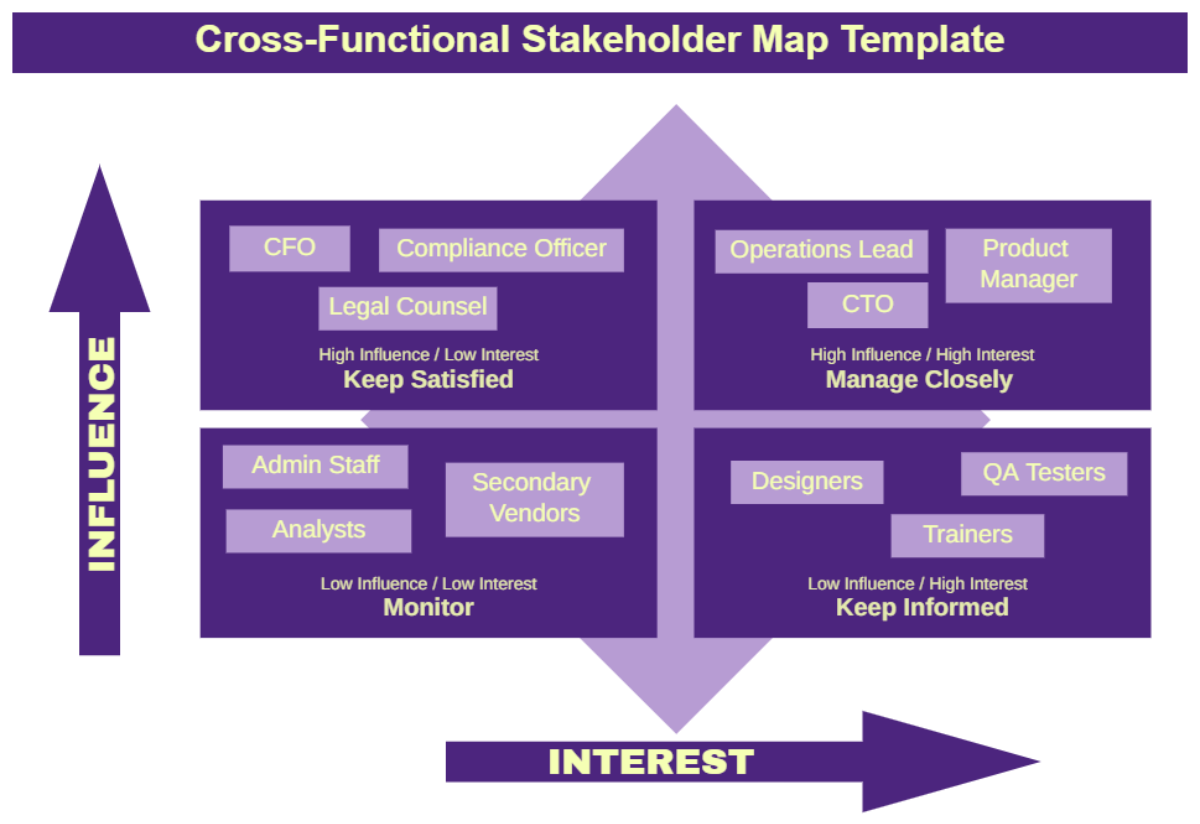
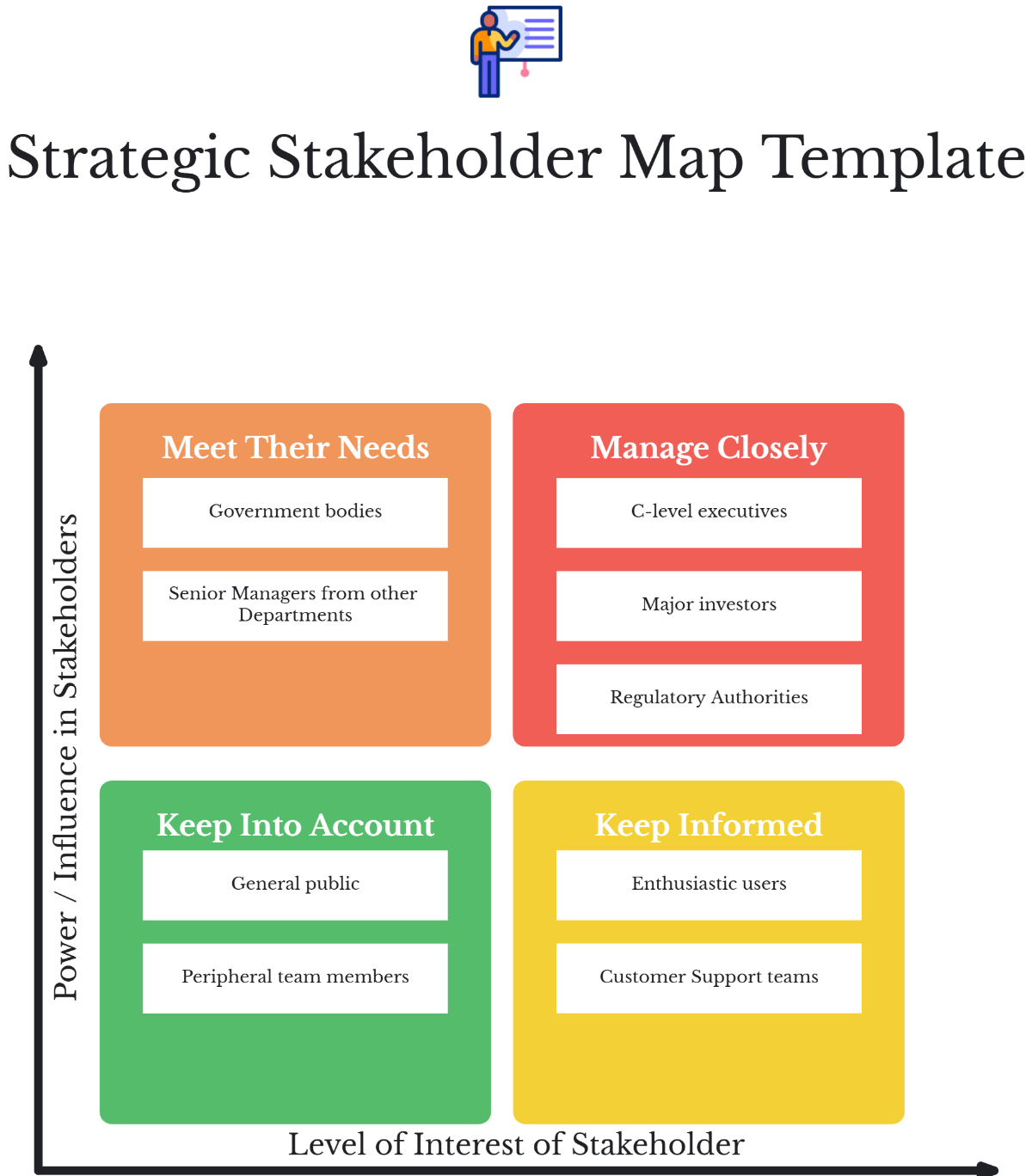
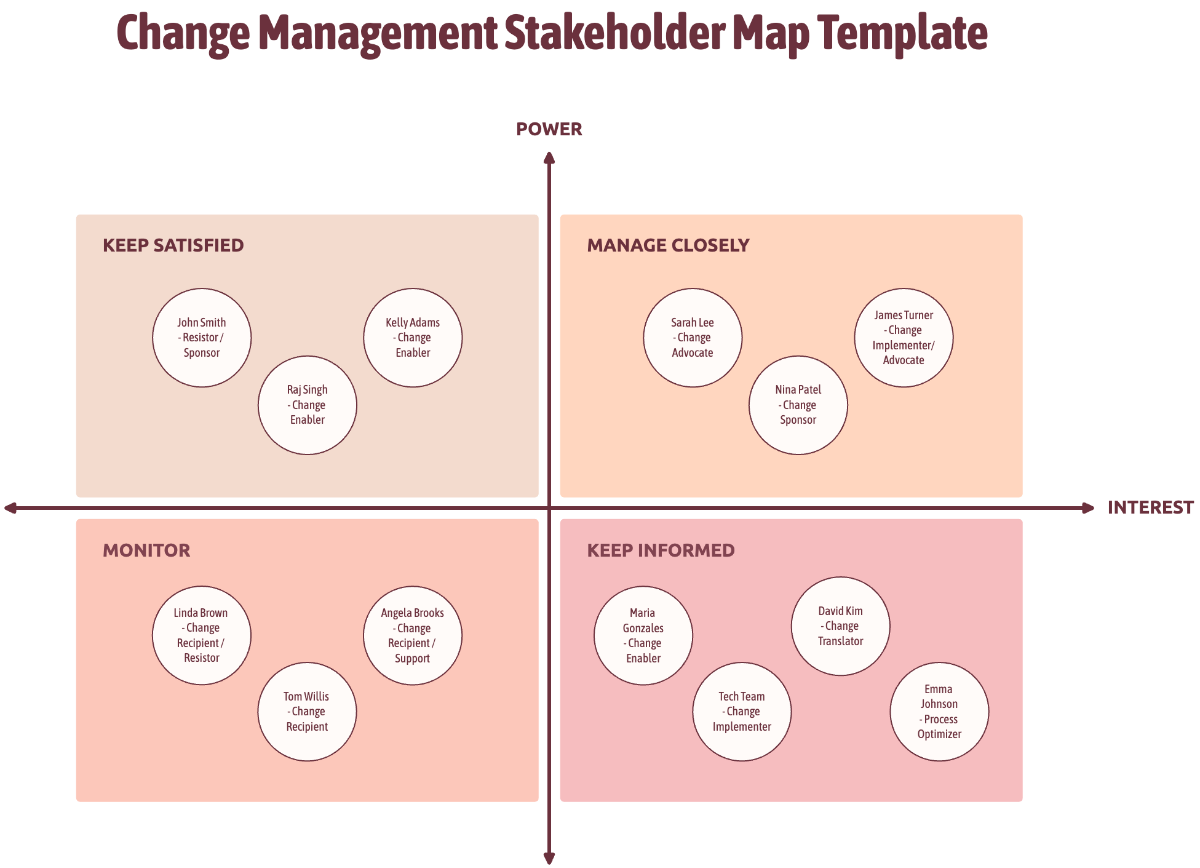
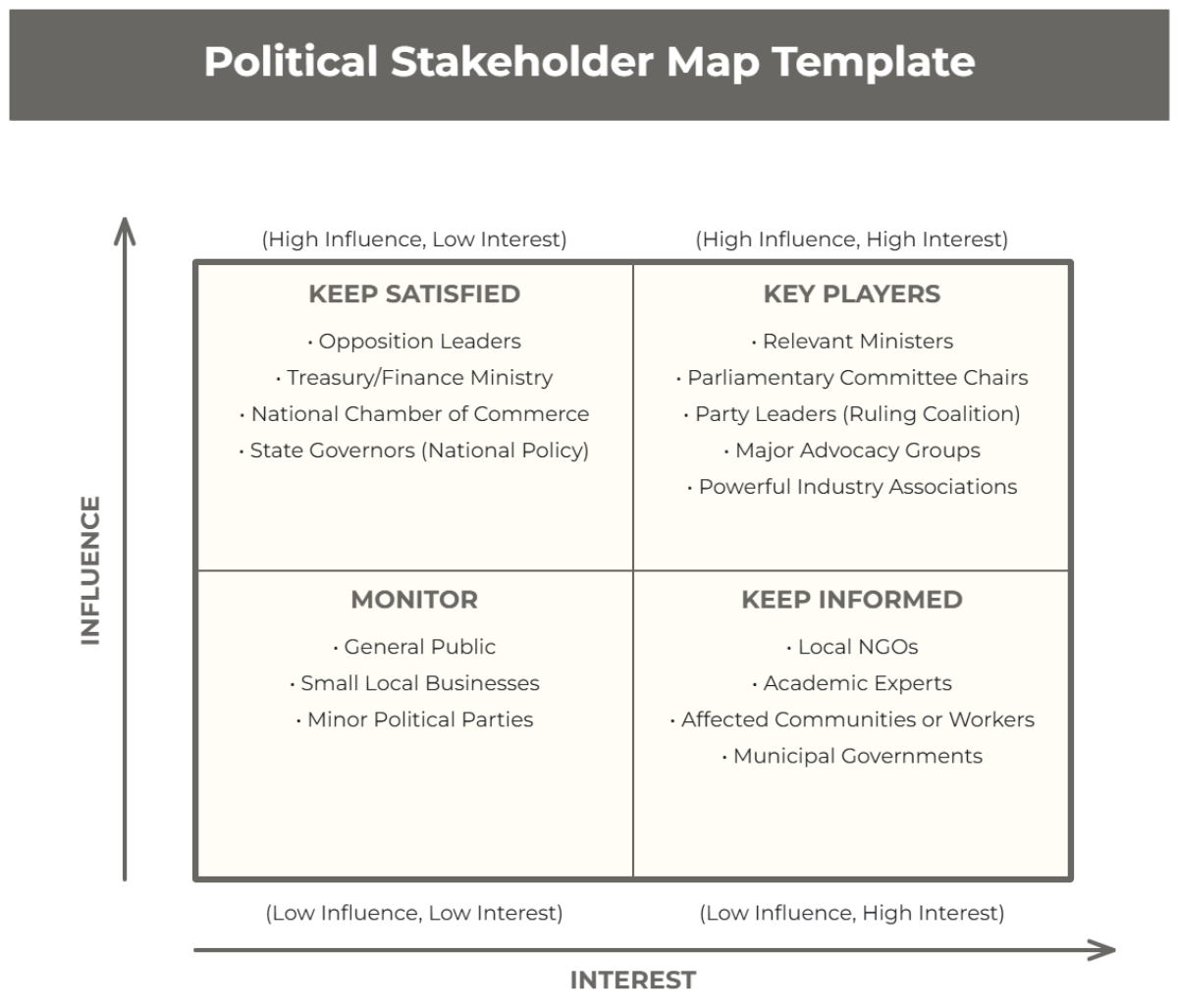
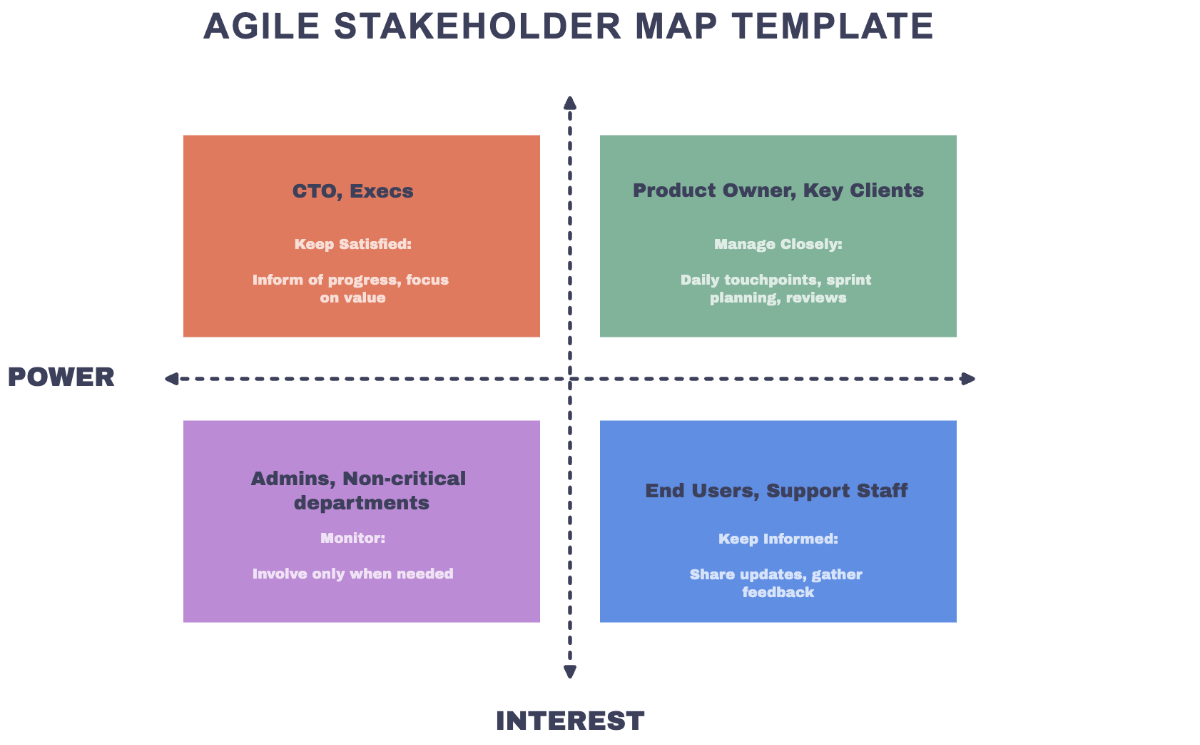
A Stakeholder Map is a visual representation that categorizes and displays the relationships and influence levels of different stakeholders involved in a project or organization. It helps clarify stakeholder roles, interactions, and their impact on decision-making processes.
Why should I use a Stakeholder Map?
Using a Stakeholder Map helps you identify key players, understand their interests, and manage communication effectively. It enhances project planning by highlighting potential supporters and challenges, improving collaboration and risk management.
Who uses Stakeholder Maps?
Stakeholder Maps are commonly used by project managers, business analysts, team leaders, and organizational strategists who need to visualize stakeholder influence and relationships to guide decision-making and communication strategies.
What are the best tips for completing my Stakeholder Map?
To complete your Stakeholder Map effectively, consider these tips:
- Identify all relevant stakeholders – include internal and external parties.
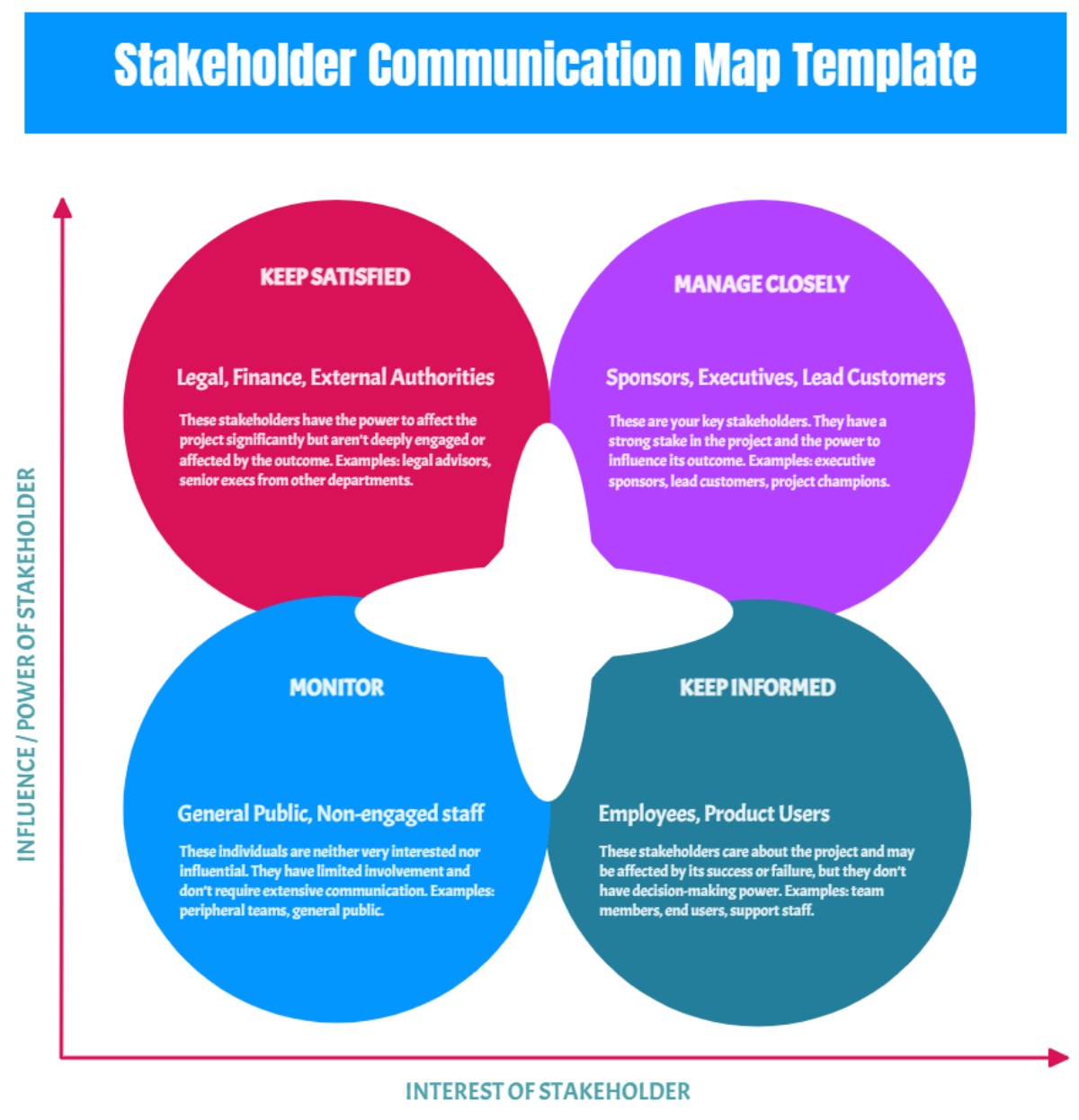
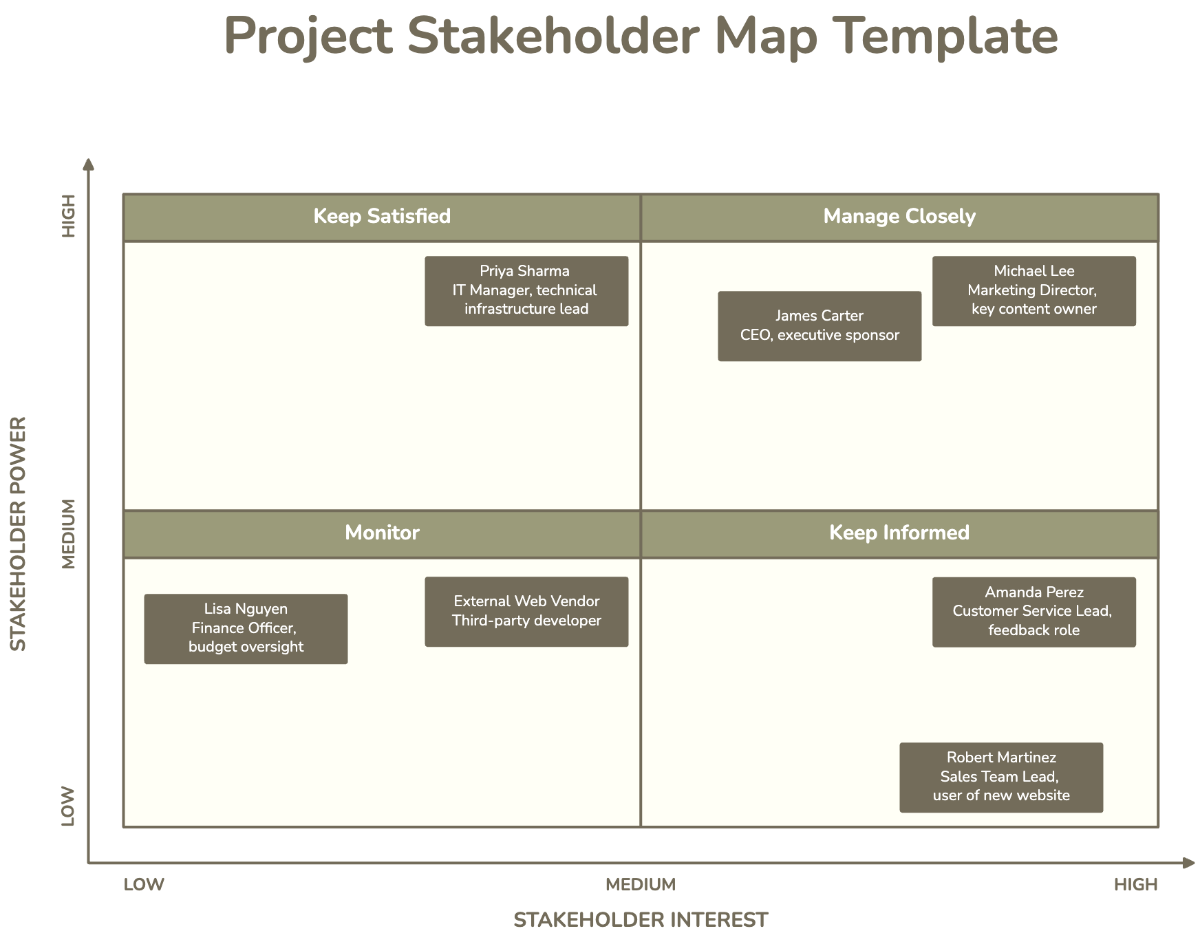
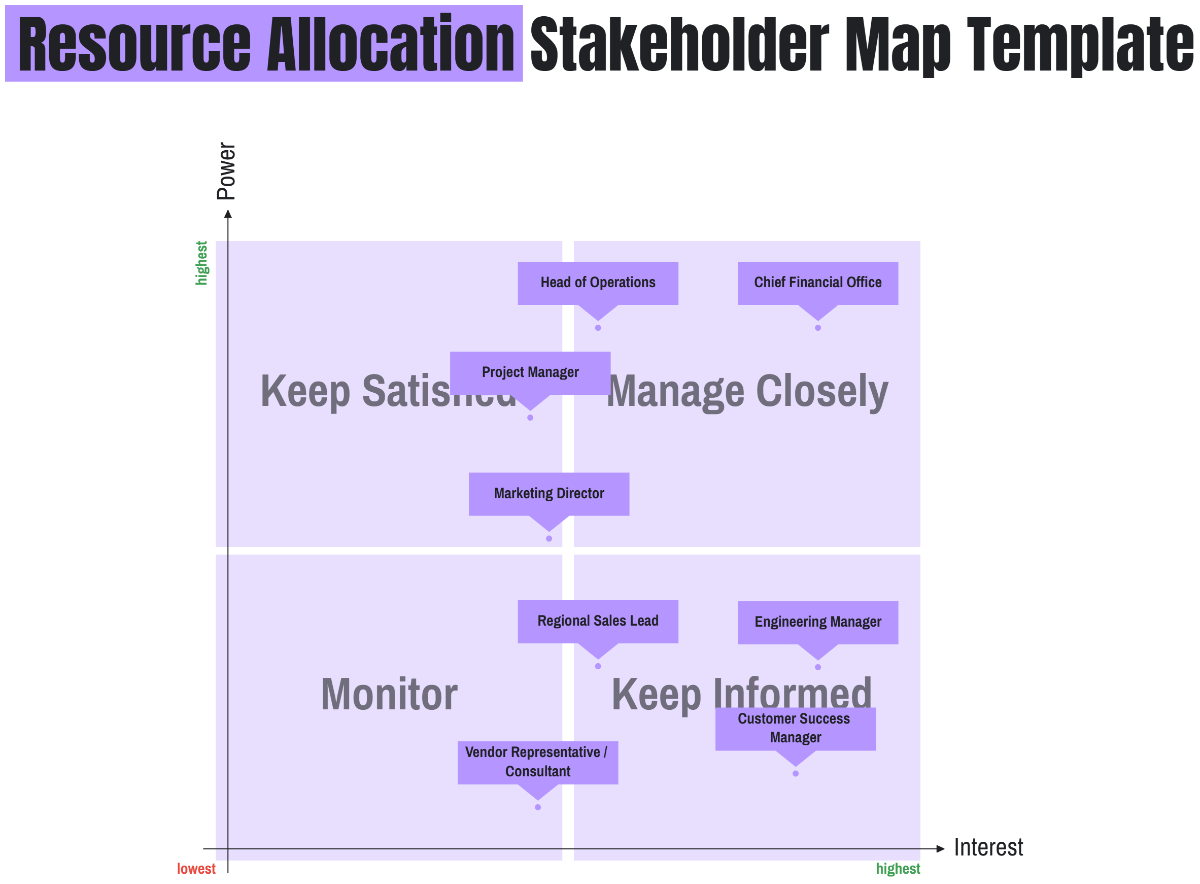
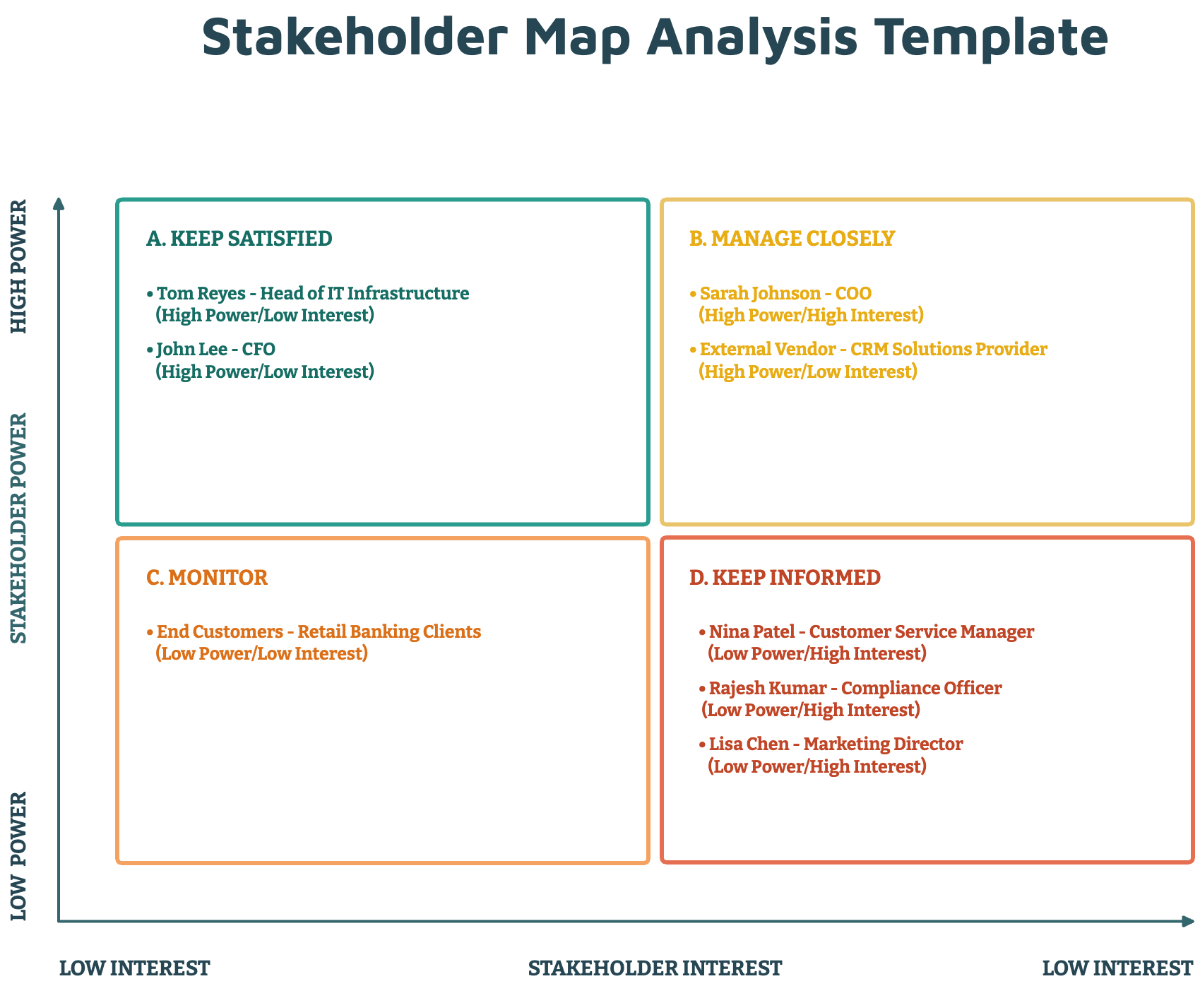
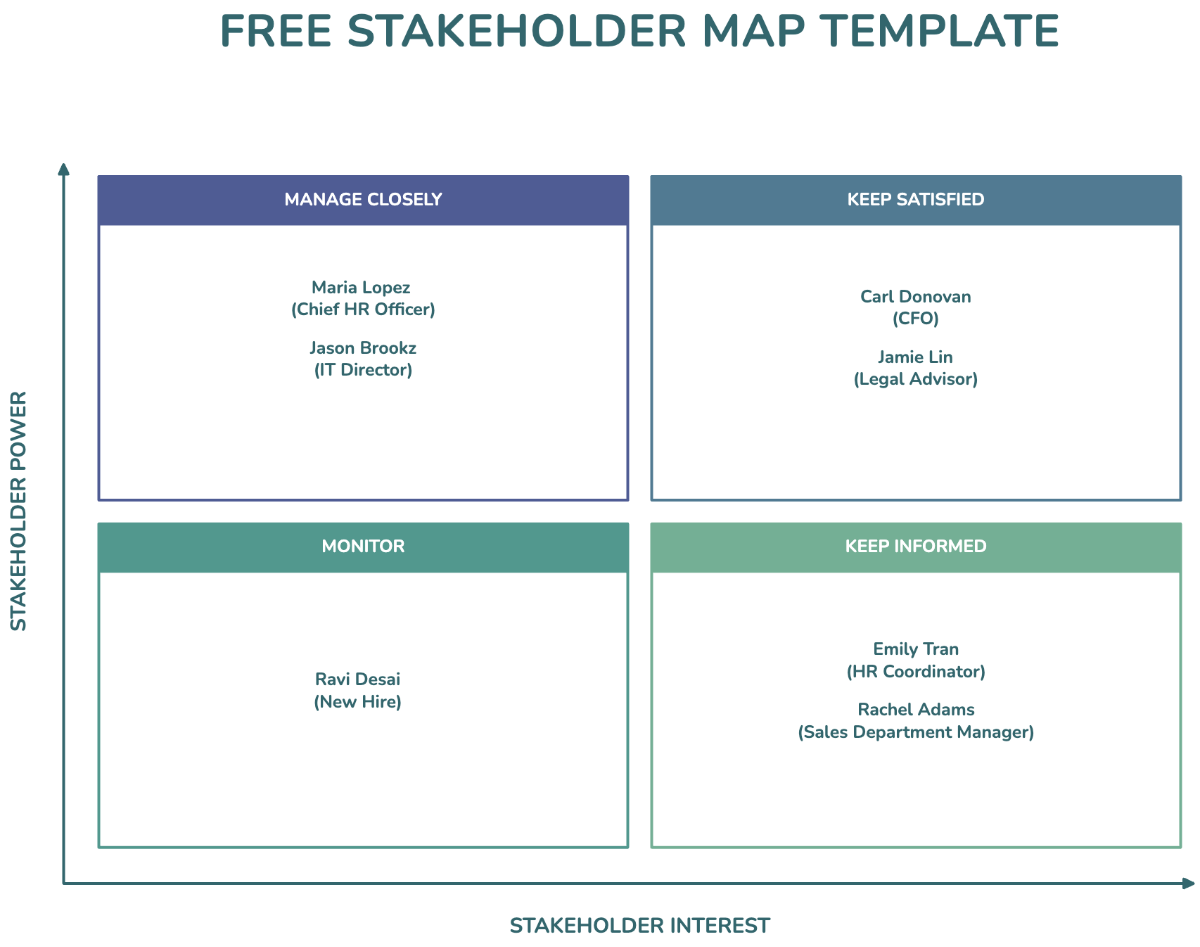
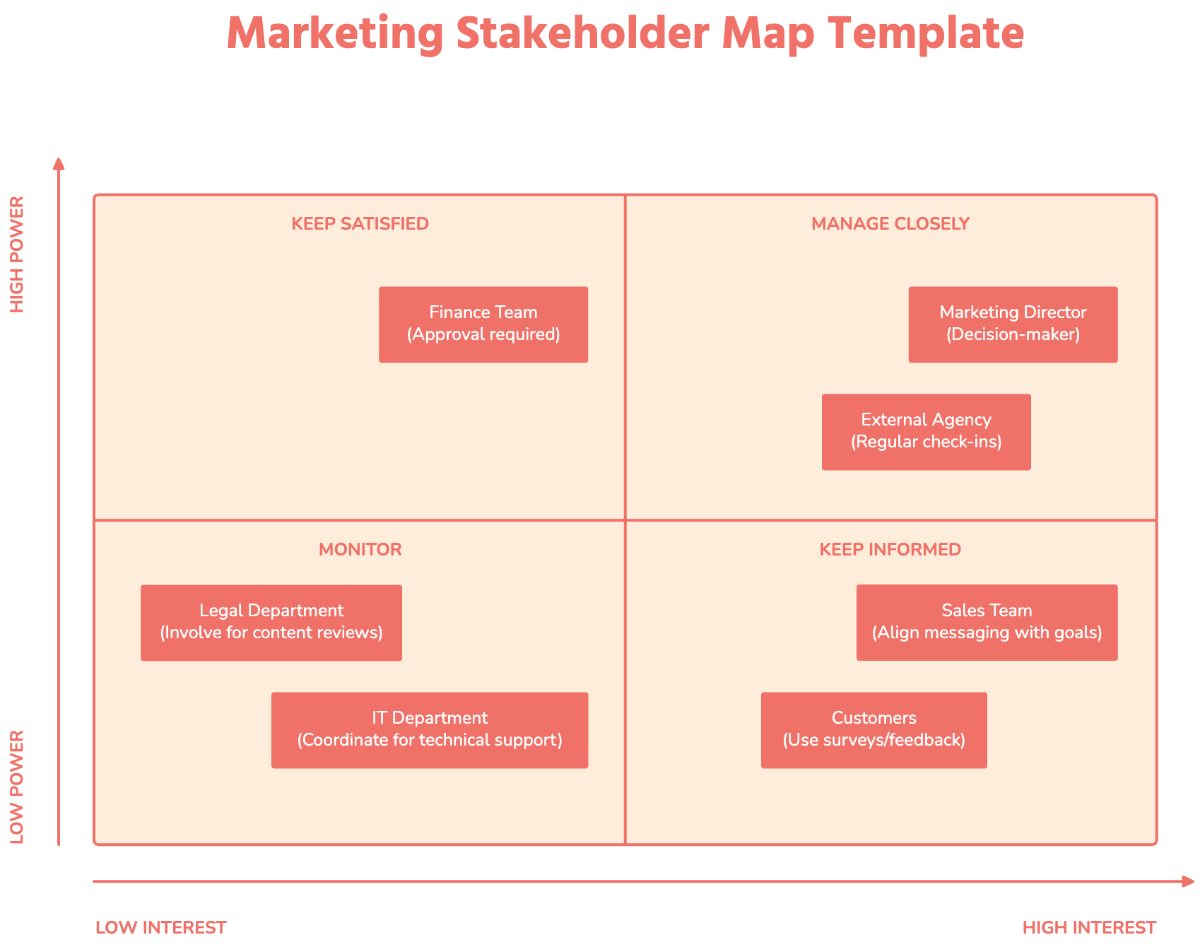
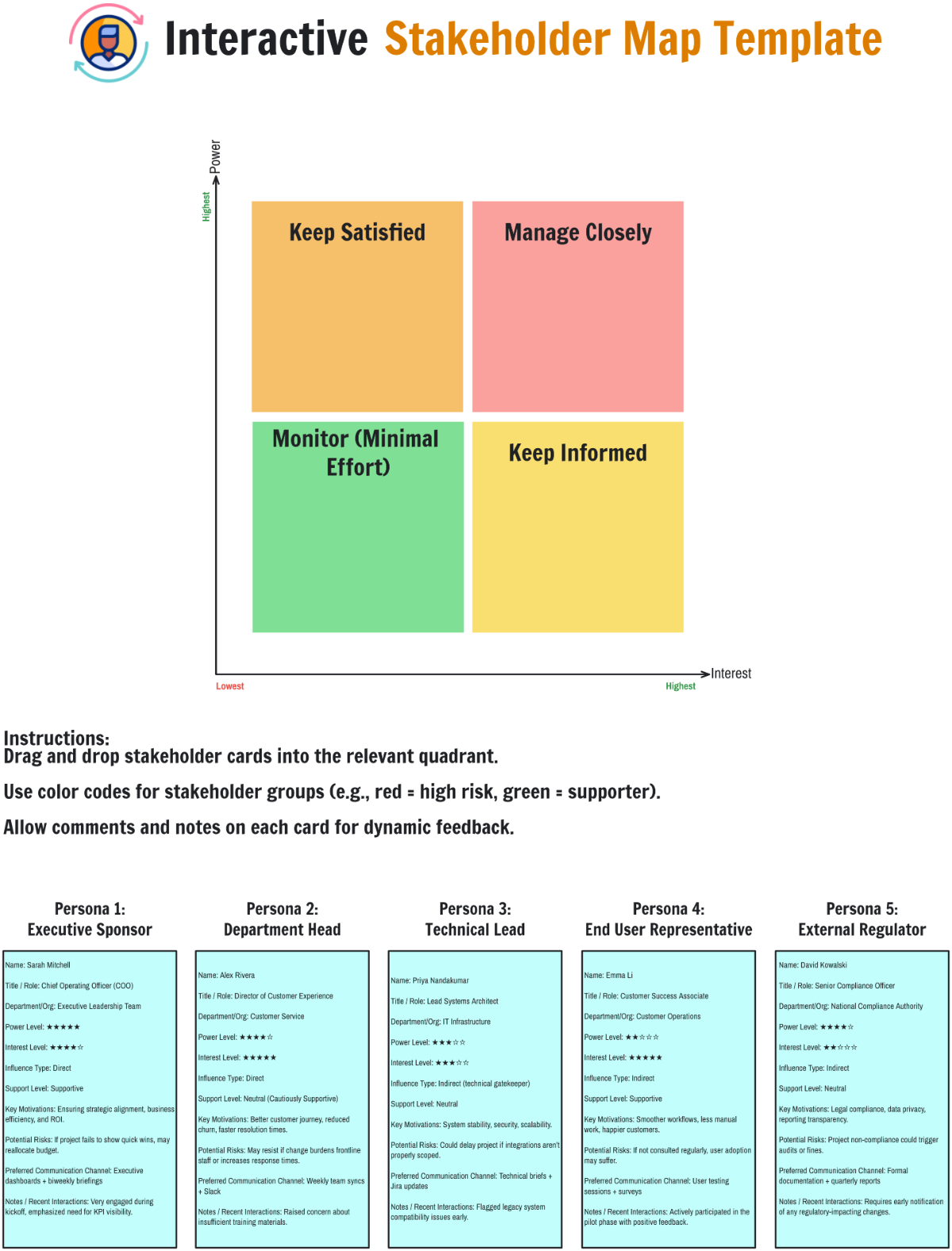
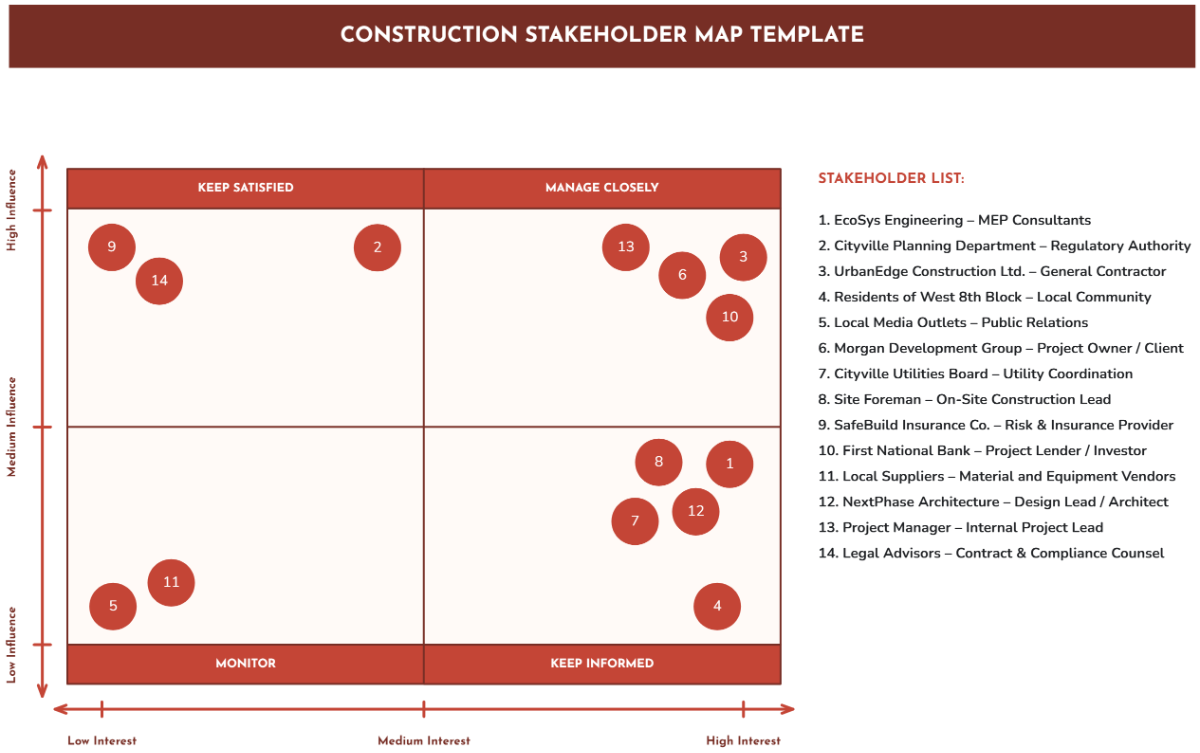
- Assess influence and interest – categorize stakeholders by their power and concern.
- Use clear visual hierarchy – differentiate stakeholders by size or color.
- Update regularly – keep the map current as project dynamics change.
- Engage stakeholders – validate their roles and expectations.
What file formats can I download for my Stakeholder Map?
Template.net whiteboard templates support multiple export formats for collaboration and sharing. You can download your Stakeholder Map in PDF, PNG, JPEG, SVG, or PPTX formats.
Can I create a Stakeholder Map using AI?
Template.net provides an AI-powered tool that generates new Stakeholder Map structures from prompts. You can try the Stakeholder Map Maker to create customized maps efficiently.
What essential elements should be included in my Stakeholder Map?
Your Stakeholder Map should include these essential elements for structural clarity:
- Stakeholder names – clearly identify each individual or group.
- Influence levels – categorize stakeholders by their power in the project.
- Interest levels – show how much stakeholders care about the project.
- Relationship lines – visualize connections and communication pathways.
- Stakeholder groups – cluster similar stakeholders for better organization.
What are the benefits of using Stakeholder Map in my project workflow?
Incorporating a Stakeholder Map into your project workflow offers multiple benefits:
- Improved communication by targeting relevant stakeholders effectively.
- Enhanced risk management through early identification of potential conflicts.
- Clear prioritization of stakeholder engagement efforts.
- Better decision-making supported by understanding stakeholder influence.
- Increased collaboration by aligning stakeholder interests.
What structural standards should my Stakeholder Map follow?
To ensure your Stakeholder Map maintains structural clarity, follow these standards:
- Consistent layout – use grids or quadrants for clear organization.
- Visual hierarchy – emphasize influence and interest levels with size or color.
- Readable labels – ensure all stakeholder names and categories are legible.
- Logical grouping – cluster stakeholders by similarity or role.
- Clean connections – use lines or arrows to show relationships without clutter.
