














Free Decision Tree Templates: Customizable Visual Structures and Workflow Guides
What is a Decision Tree?
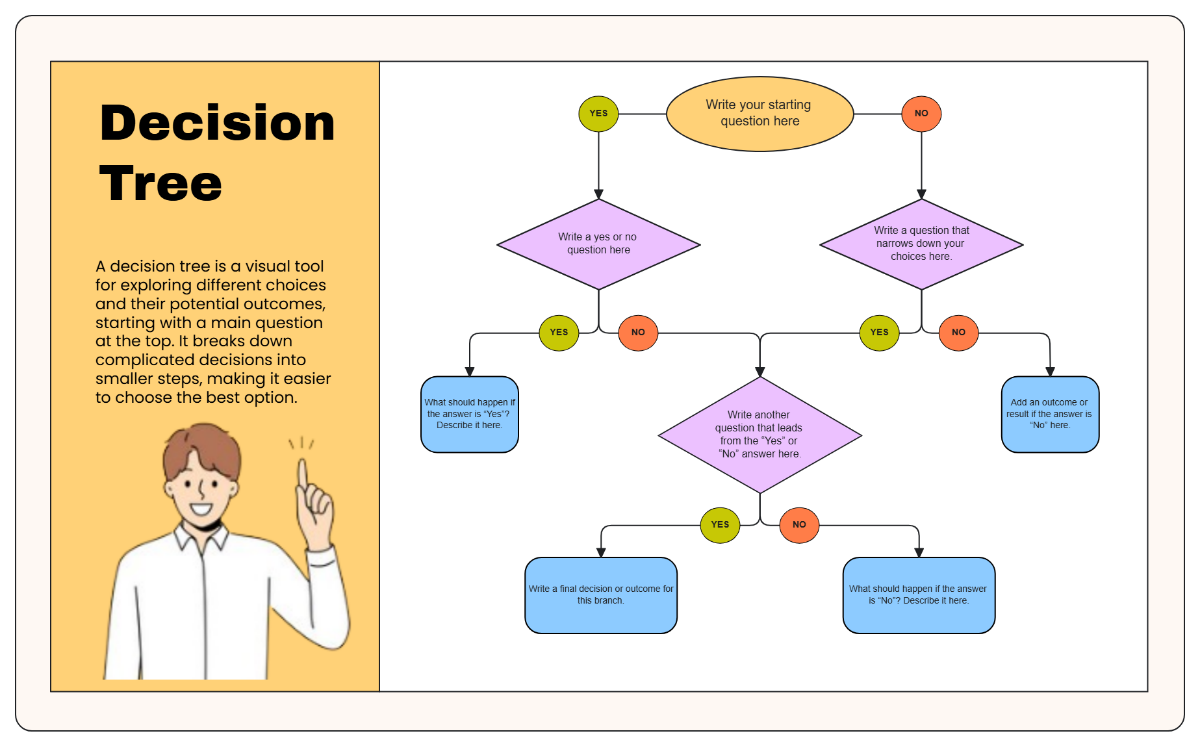
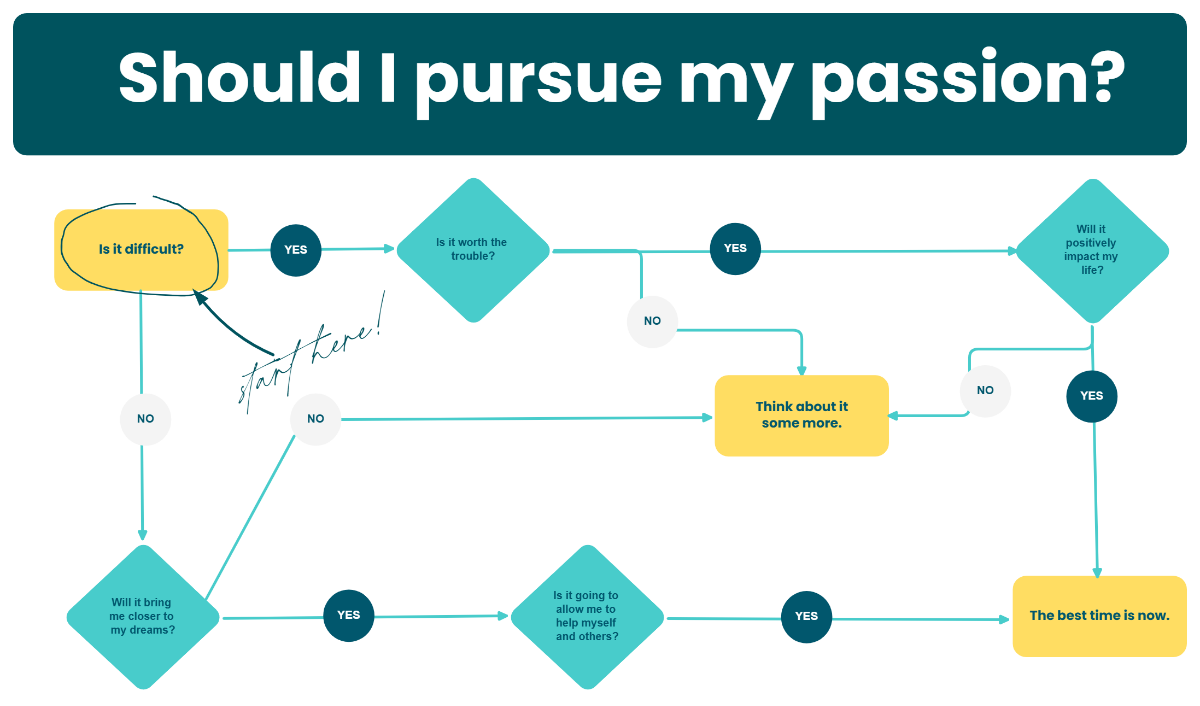
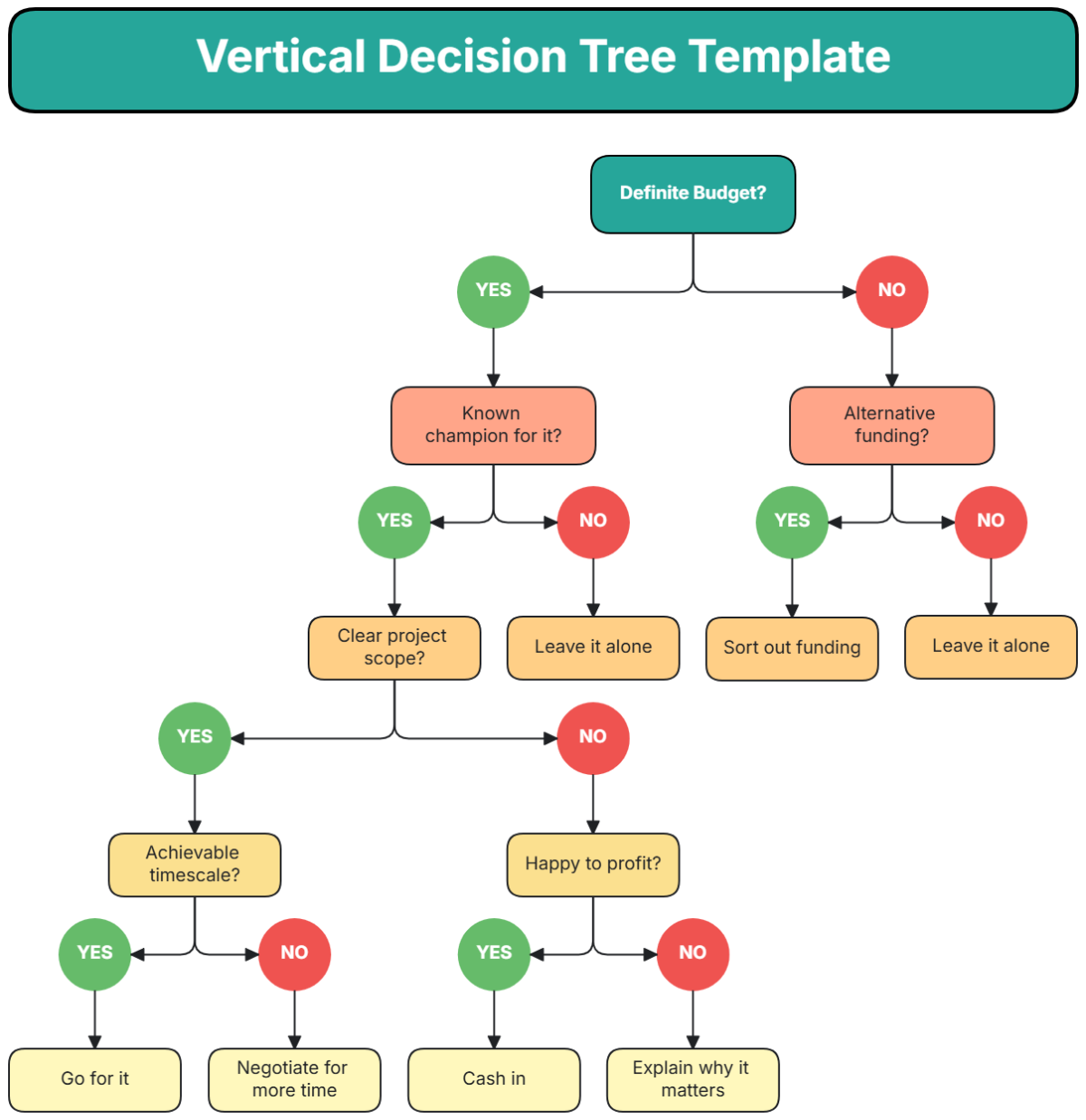
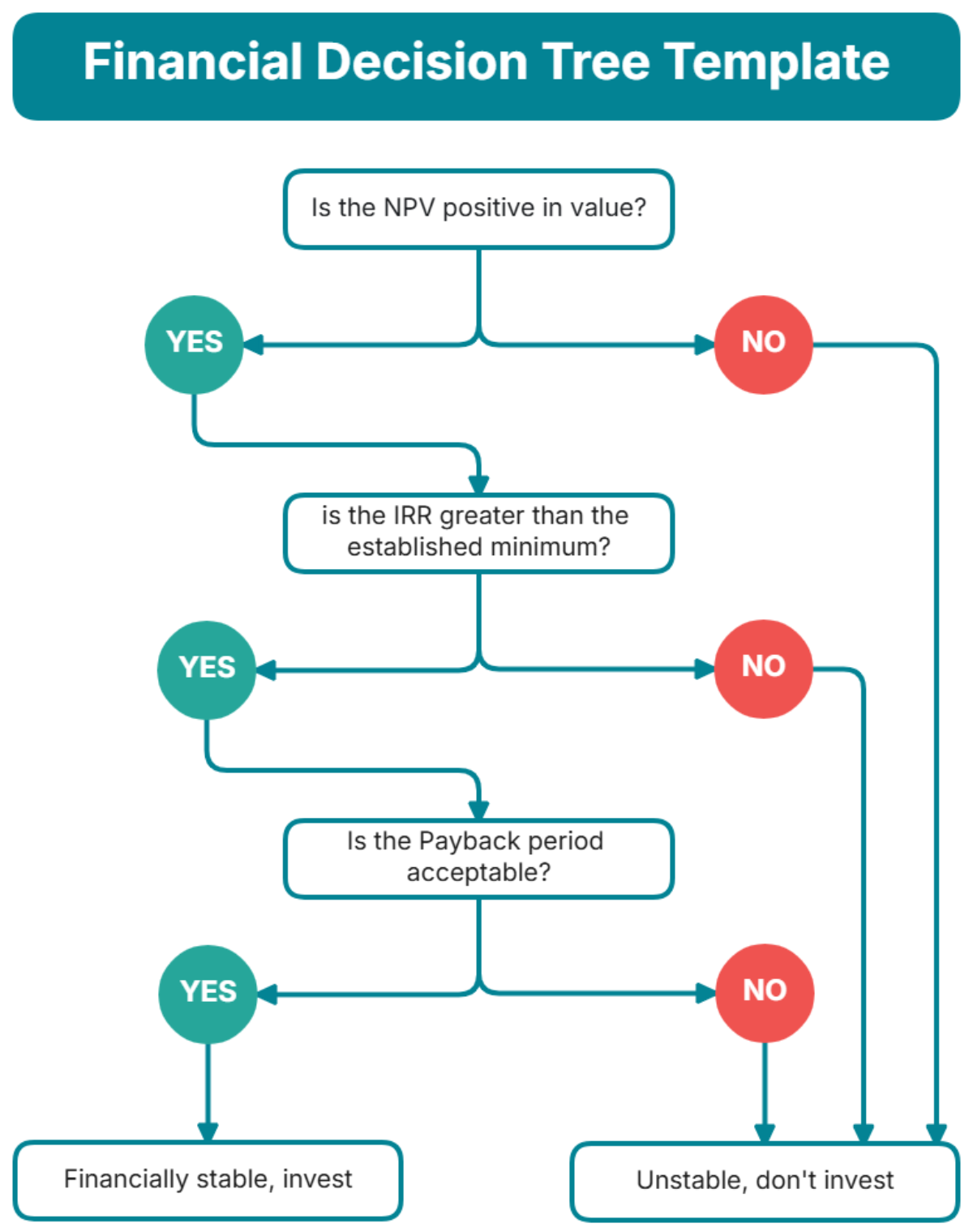
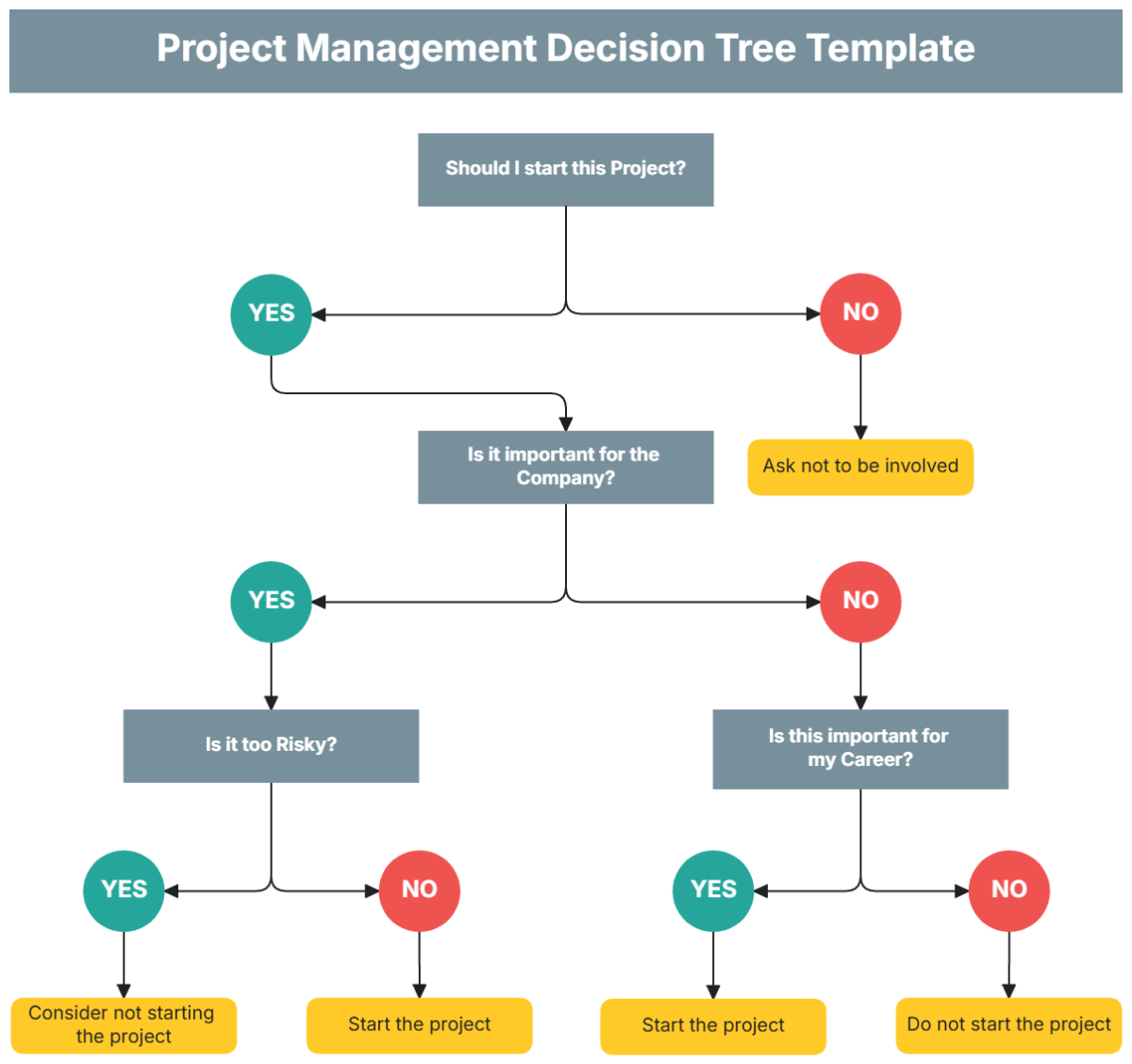
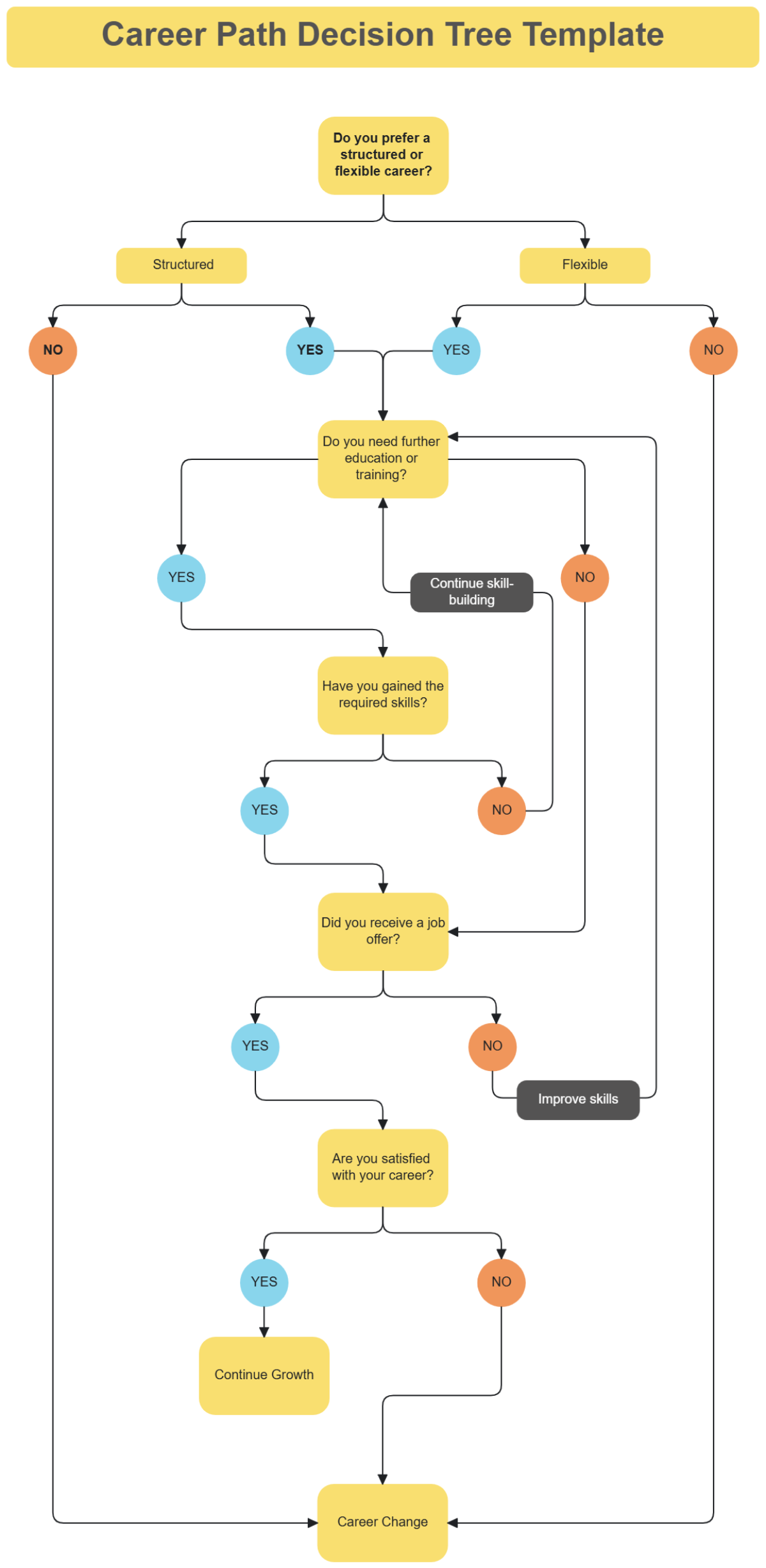
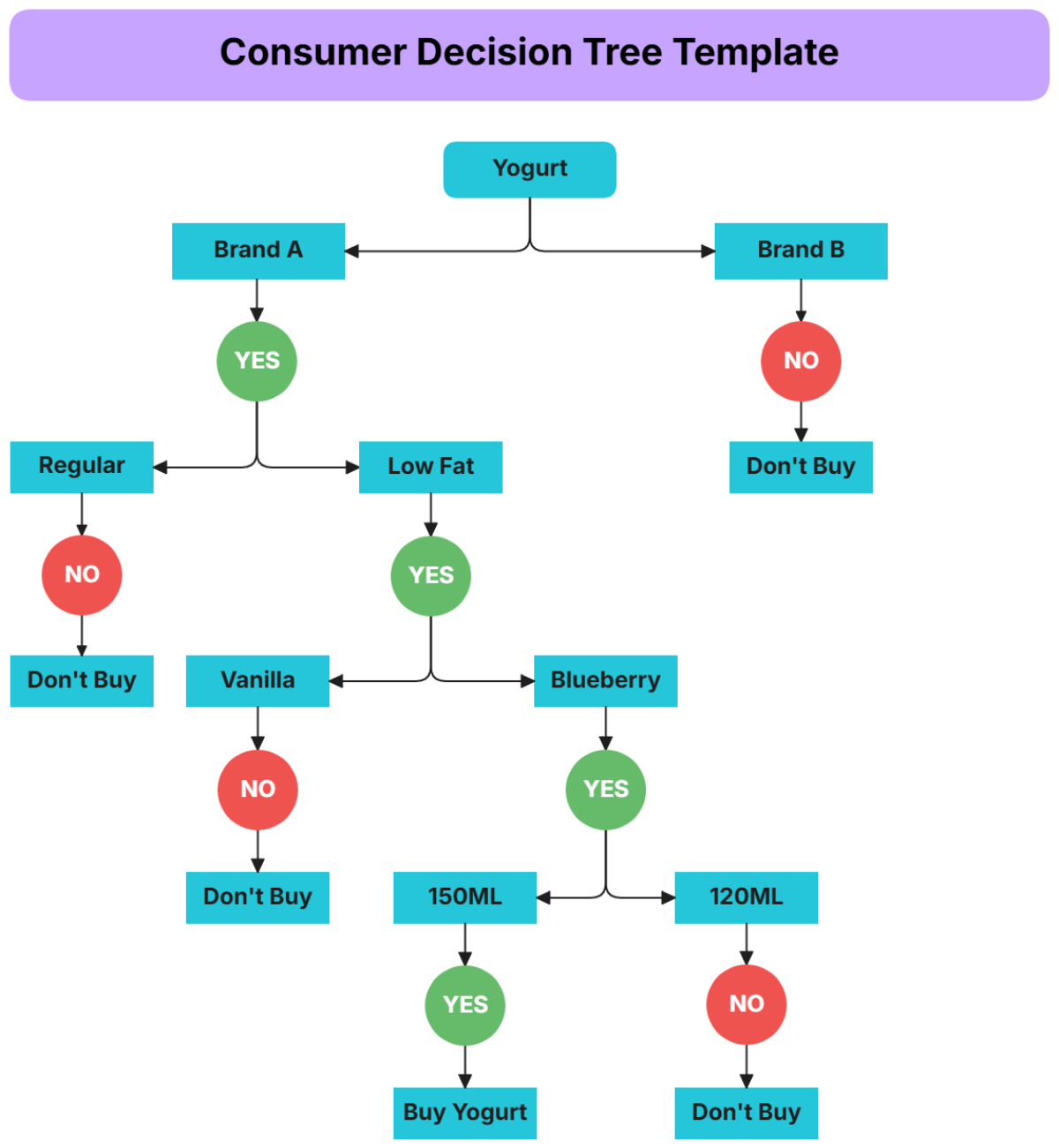
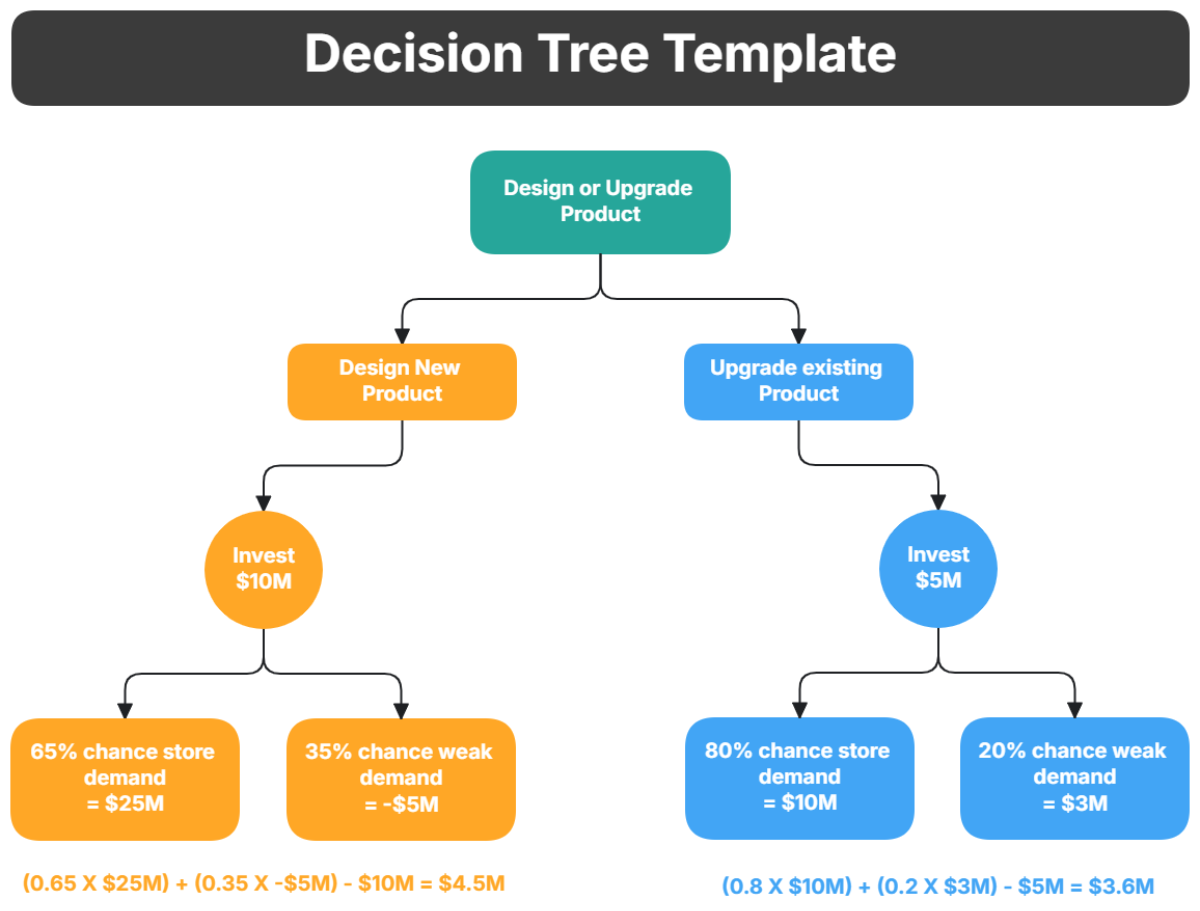
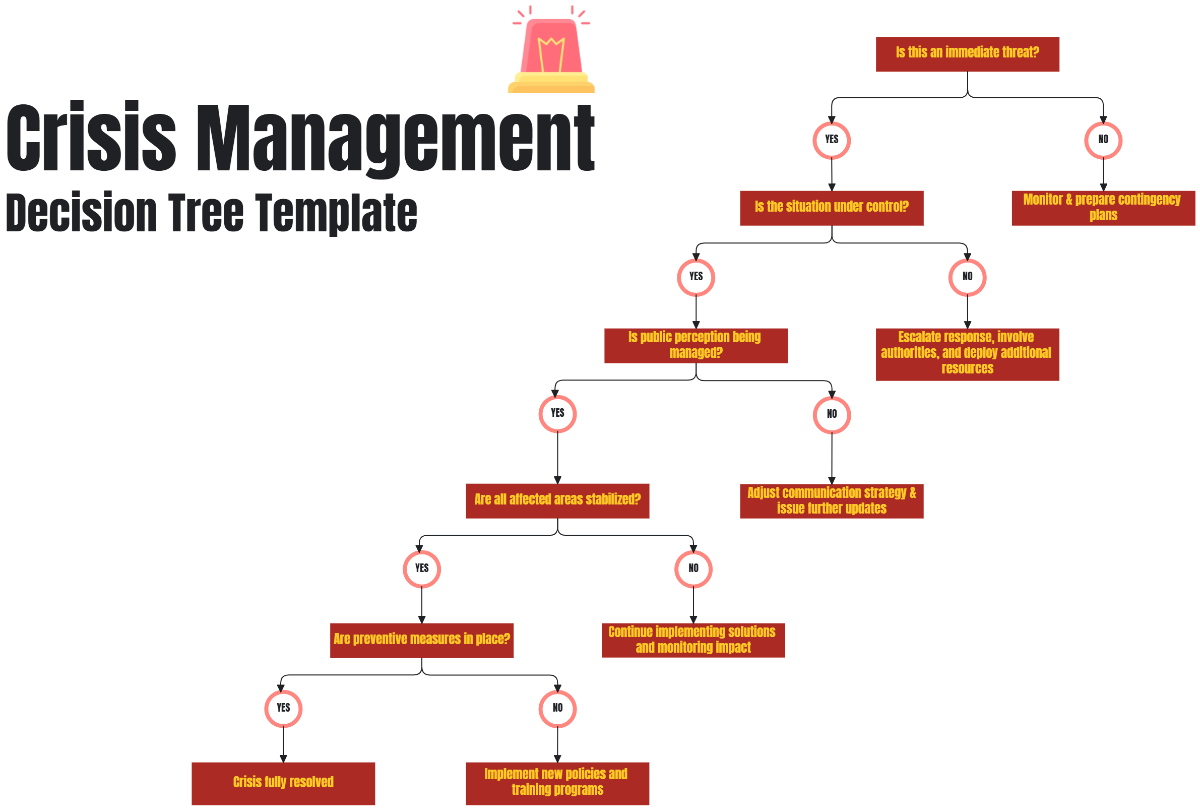
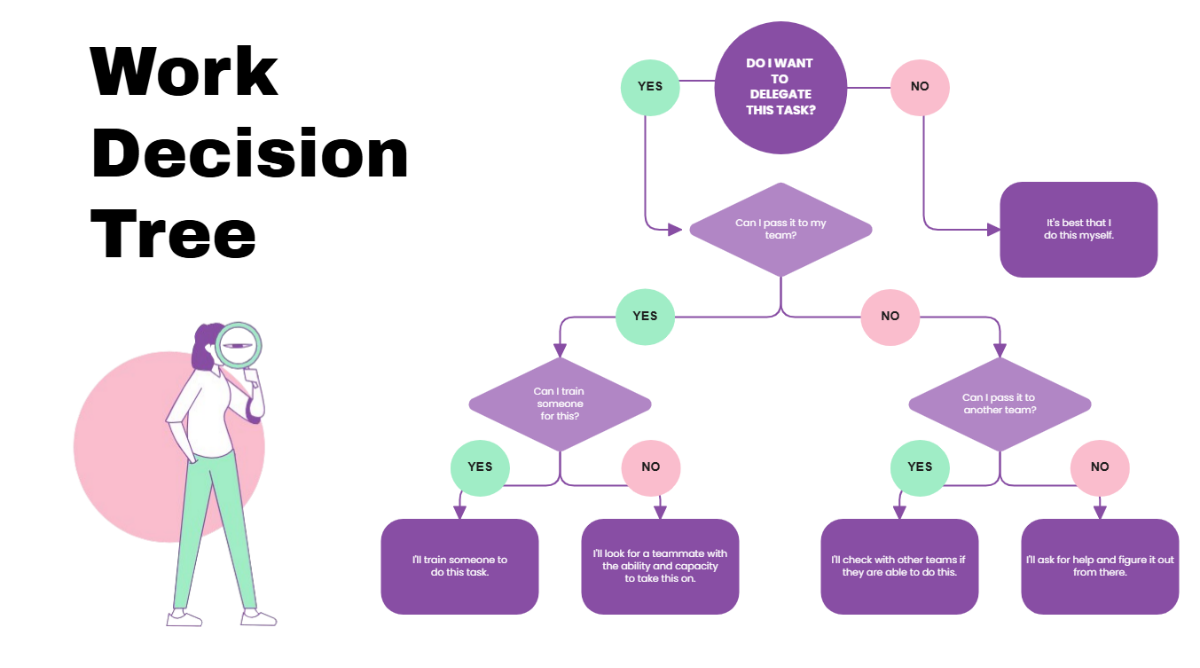
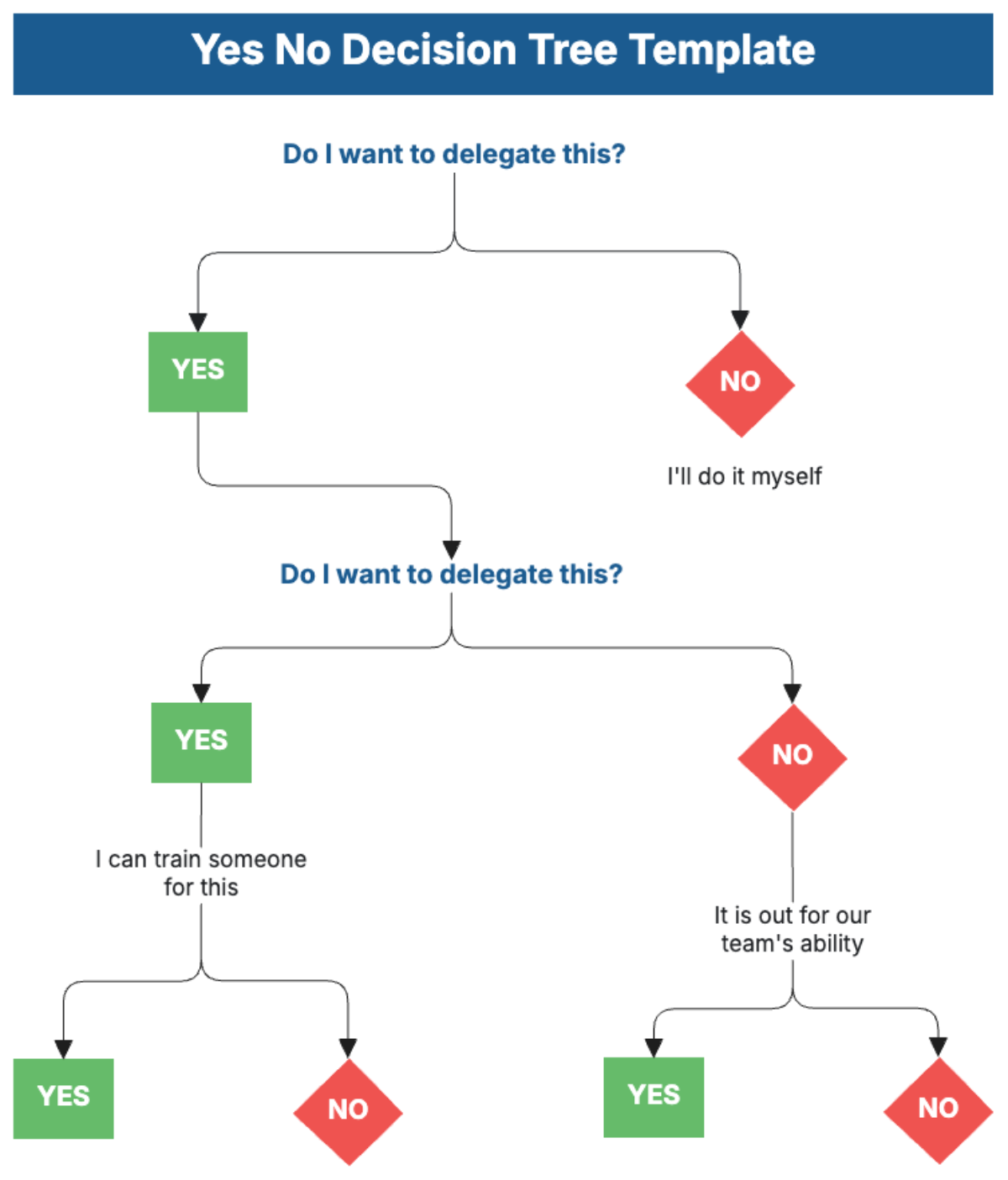
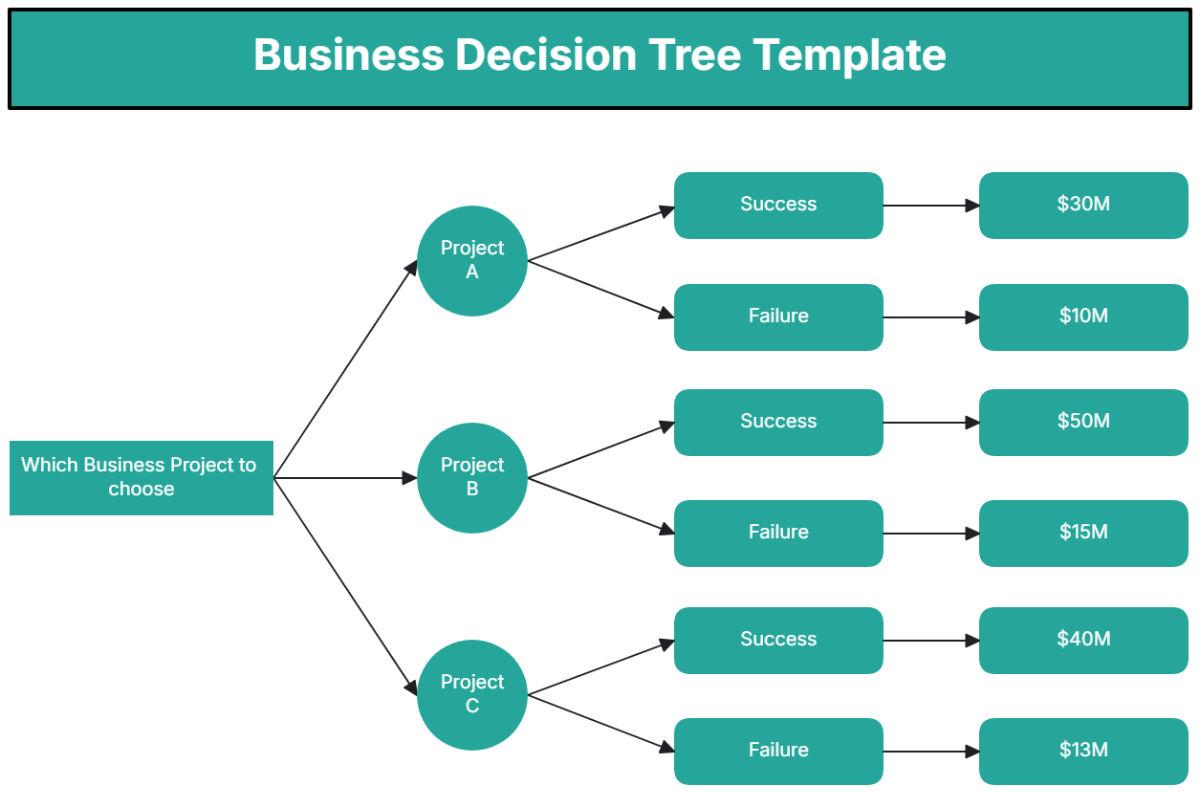
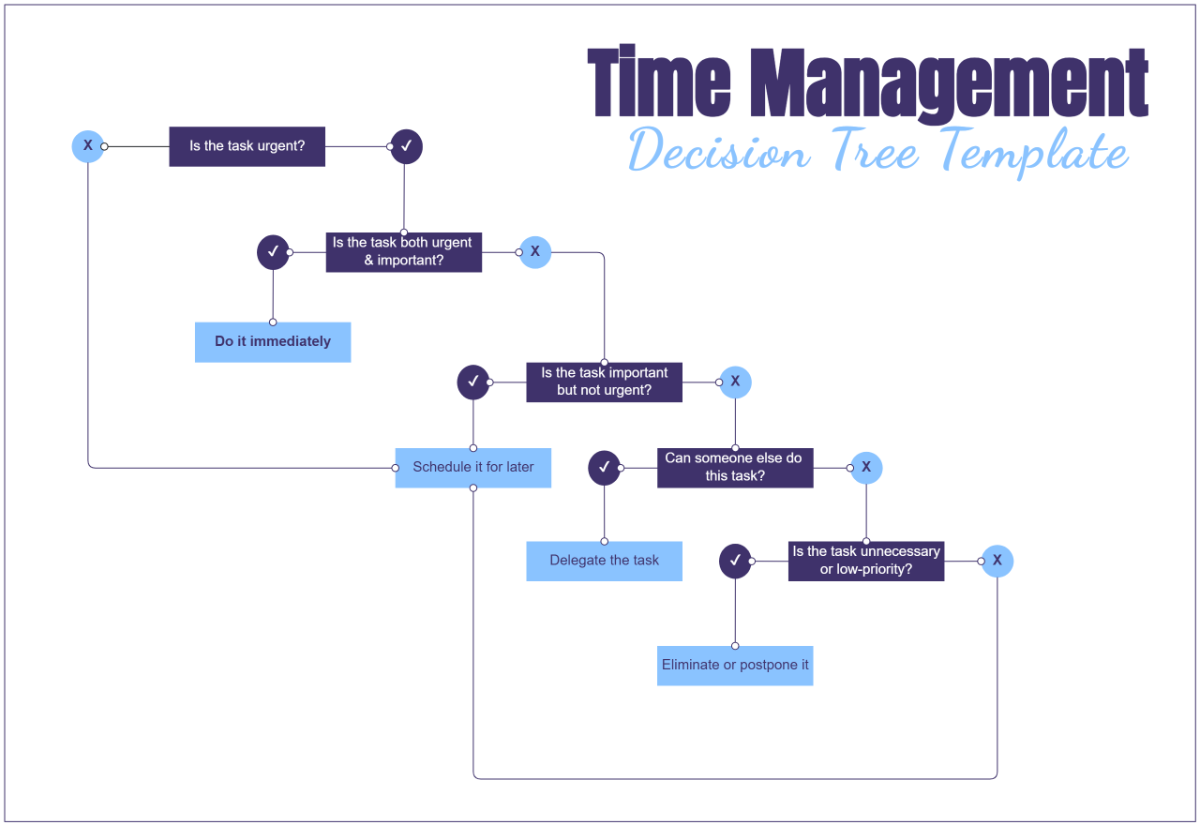
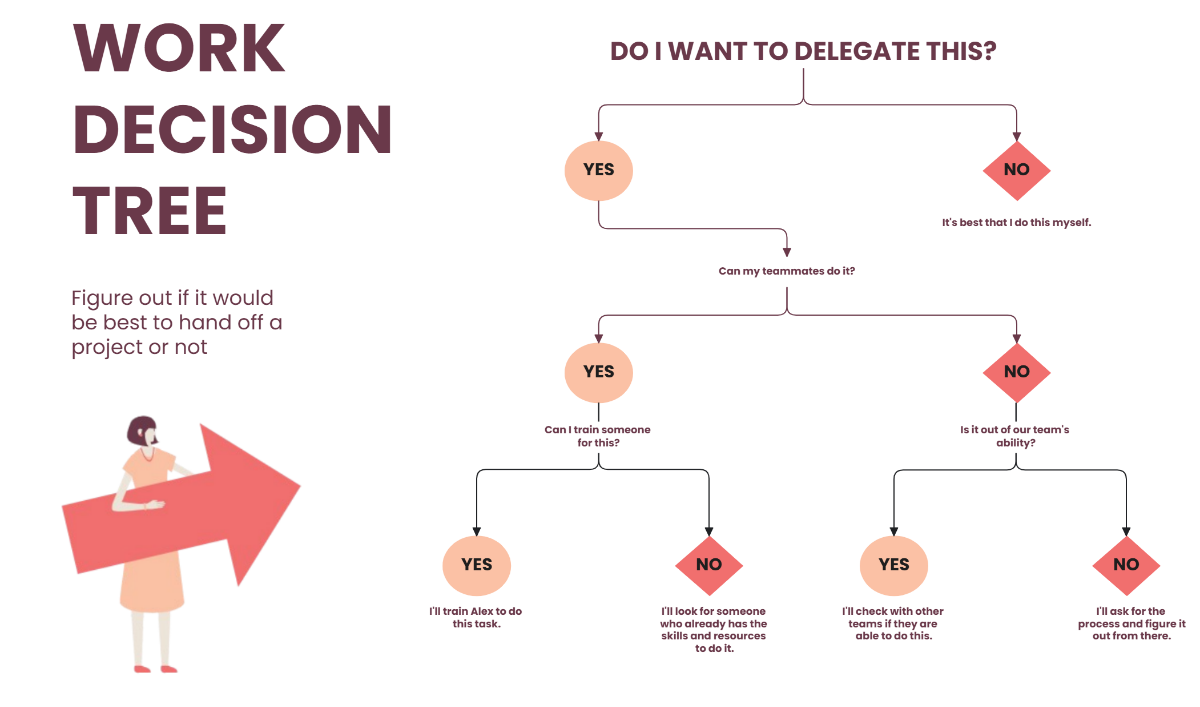
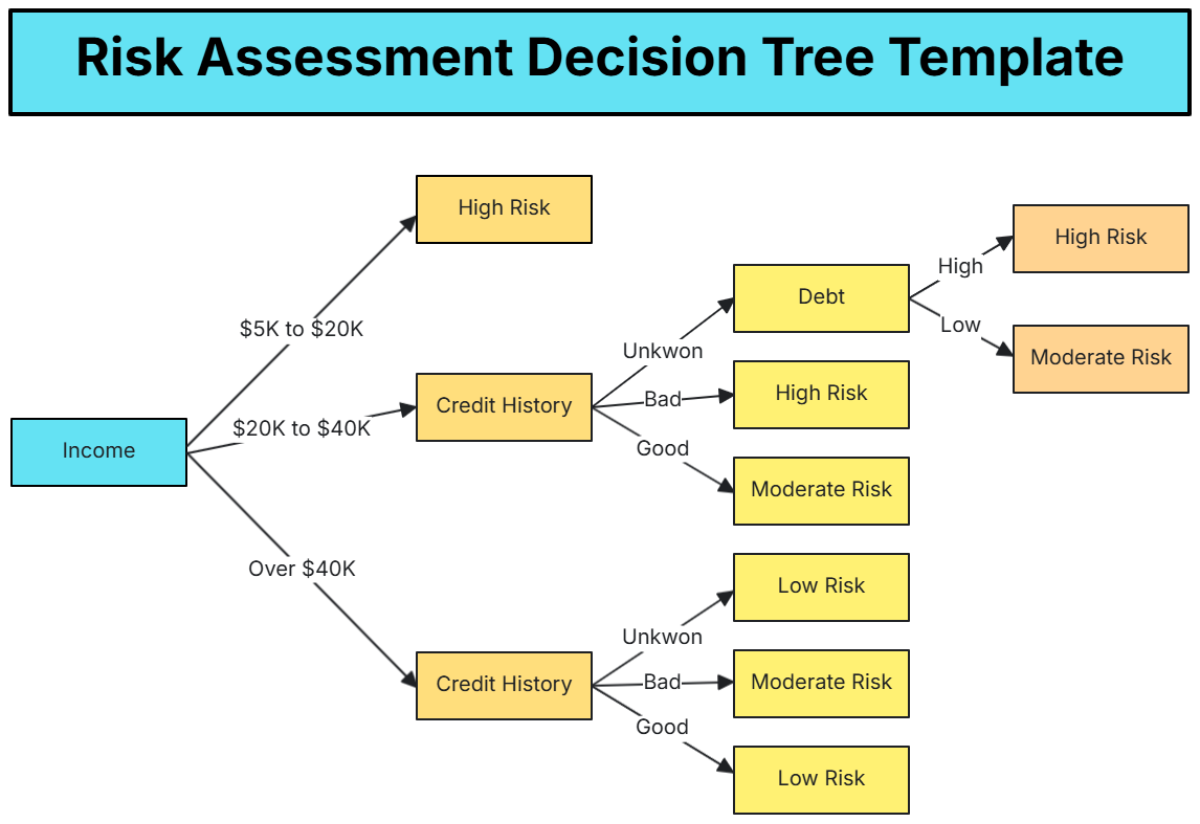
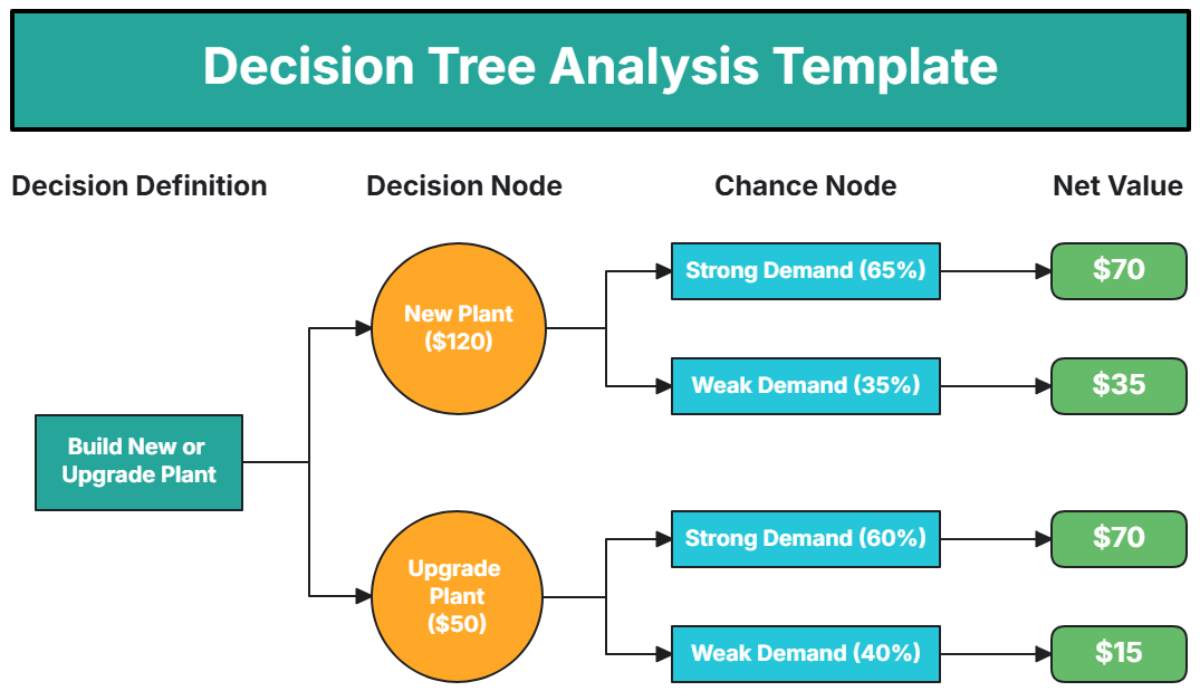
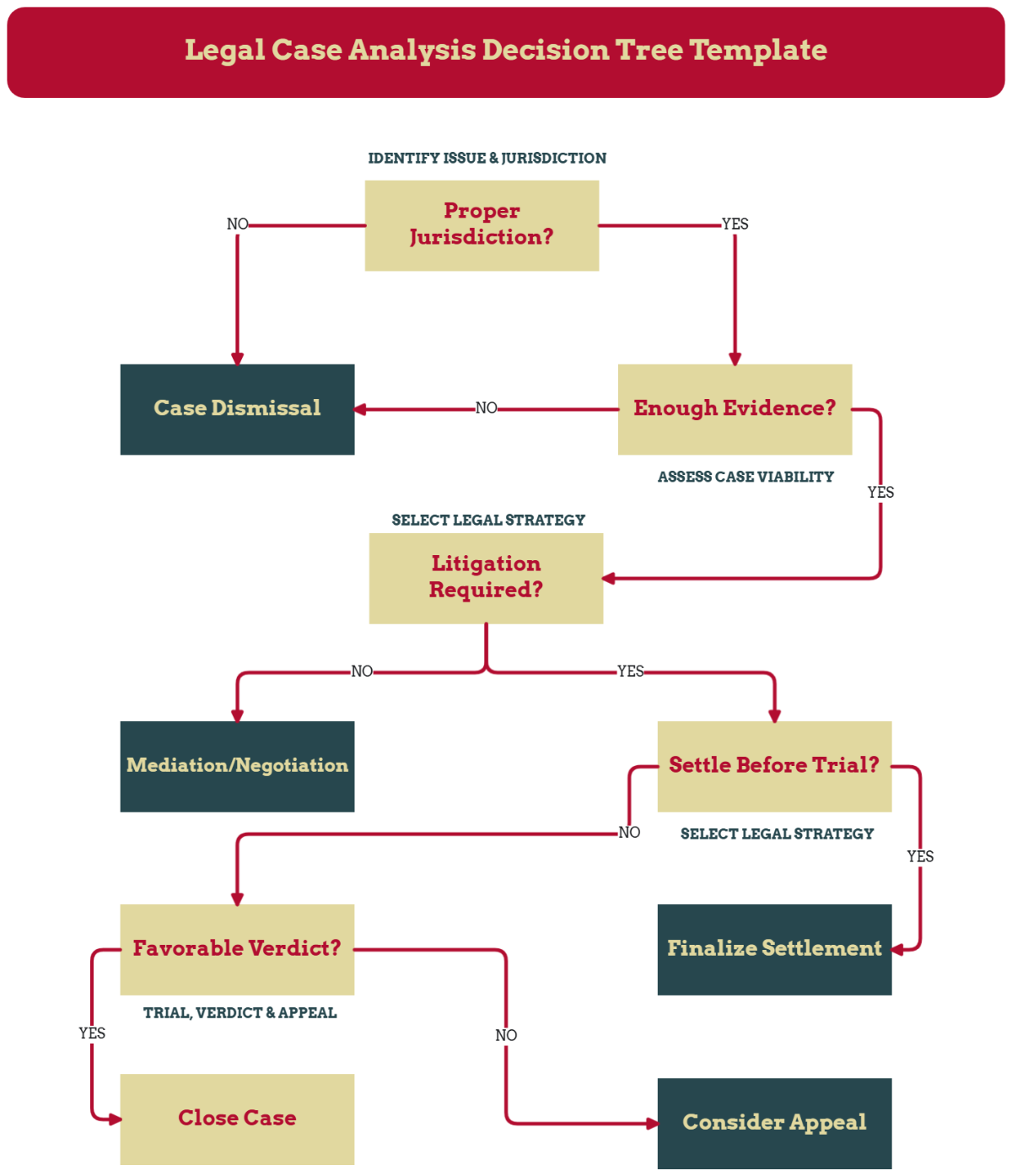
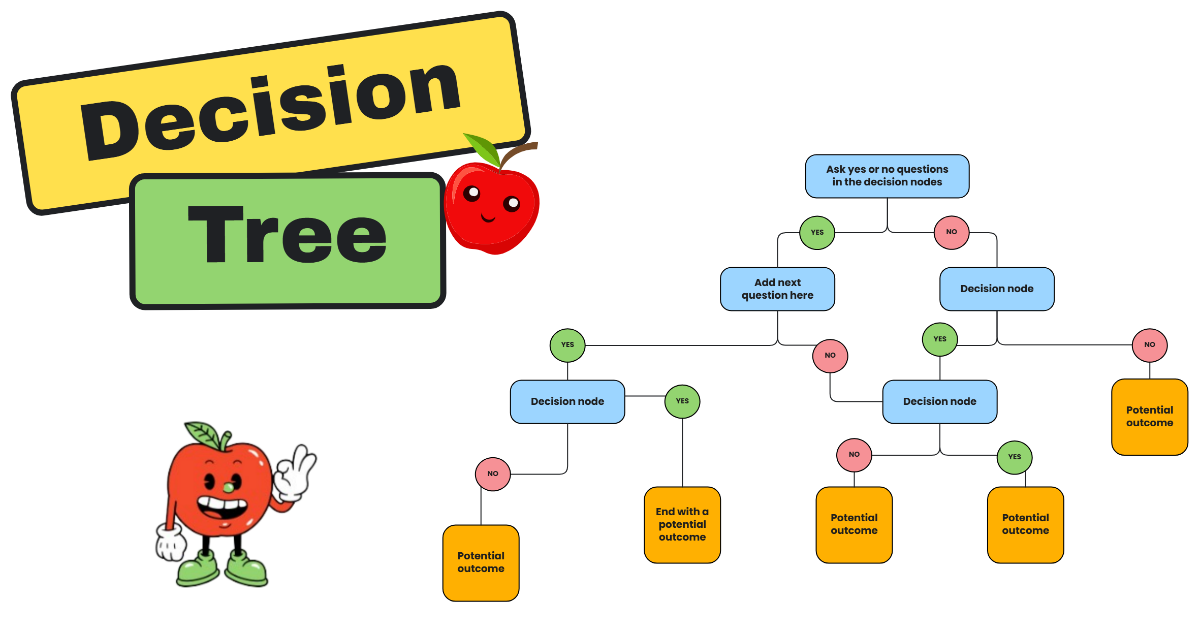
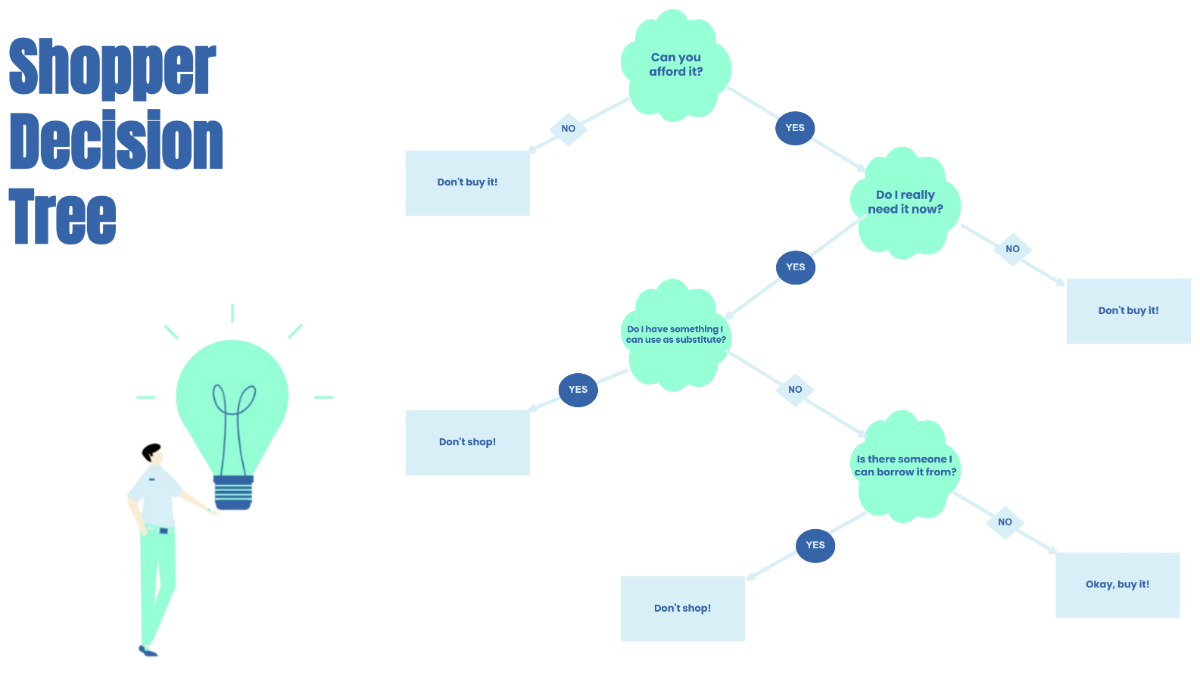
A Decision Tree is a diagrammatic tool that represents choices, possible outcomes, and consequences in a branching structure. It helps you visualize complex decision-making processes with clear workflow connections and visual hierarchy to simplify analysis and problem-solving.
Why should I use a Decision Tree?
You should use a Decision Tree to organize and analyze decisions by visually mapping alternatives and their consequences. This enhances your structural clarity and supports better planning, risk assessment, and communication in decision-making workflows.
Who uses Decision Trees?
Decision Trees are used by professionals in fields like business analysis, project management, education, healthcare, and software development. They assist teams and individuals in making informed choices through collaboration features and shared visual structures.
What are the best tips for completing my Decision Tree?
To complete your Decision Tree effectively, consider these tips:
- Define clear decision points – identify each choice explicitly
- Include all possible outcomes – account for every branch
- Keep branches balanced – ensure consistent depth for clarity
- Label nodes clearly – use descriptive text
- Use consistent shapes and colors – enhance visual hierarchy
- Review for logical flow – avoid loops or inconsistencies
- Collaborate with stakeholders – gather inputs for accuracy
- Update regularly – reflect changes in decisions or data
What file formats can I download for my Decision Tree?
Template.net whiteboard templates for Decision Trees support multiple export formats for collaboration and sharing including PDF, PNG, JPG, SVG, and PPTX. You can download your customized Decision Tree in these formats to suit various presentation and documentation needs.
Can I create a Decision Tree using AI?
Template.net provides an AI-powered tool that generates new Decision Tree structures from prompts. You can try the Decision Tree Diagram Maker to create customized diagrams quickly and efficiently.
What essential elements should be included in my Decision Tree?
Your Decision Tree should include these essential elements for clear visual communication:
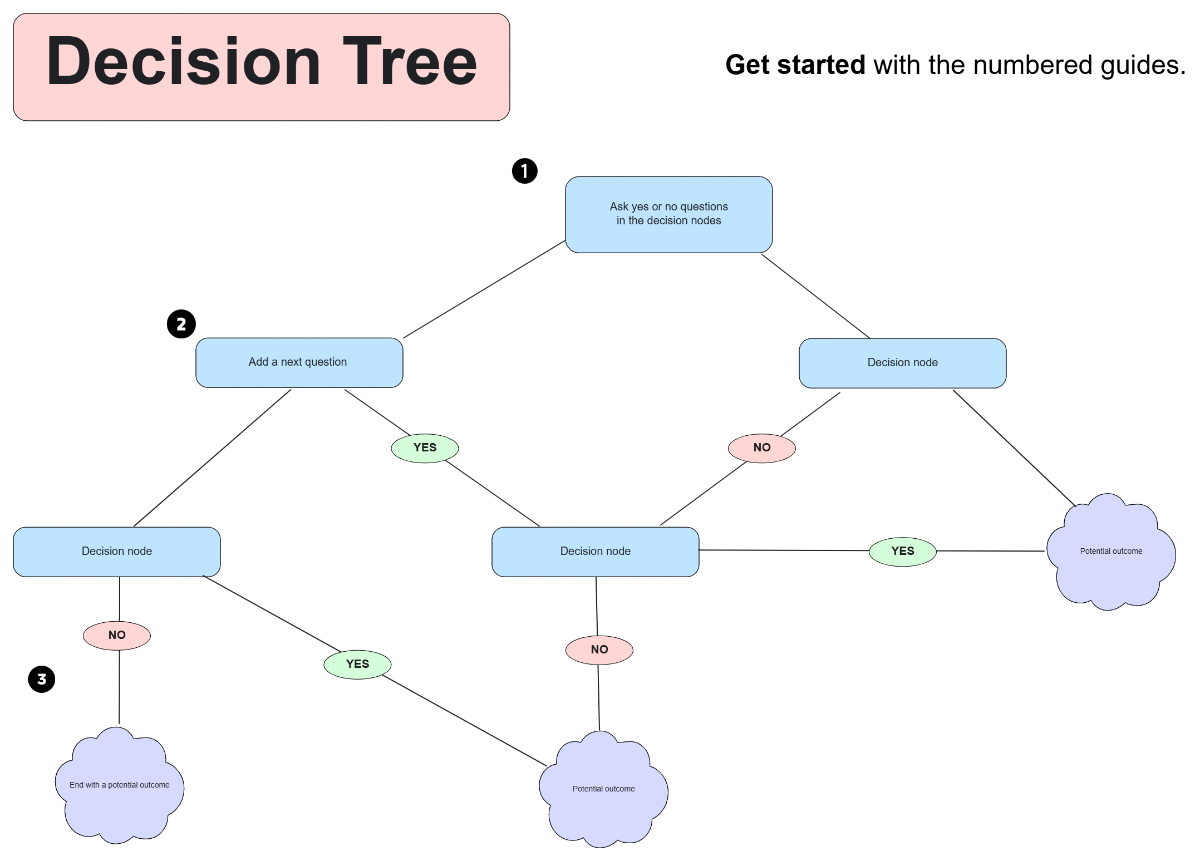
- Root node – the initial decision point
- Branches – lines representing choices or actions
- Decision nodes – points where decisions are made
- Outcome nodes – terminal points showing results
- Labels – descriptive text for nodes and branches
- Probability or cost indicators – optional quantitative data
- Directional flow – arrows or connectors showing progression
- Consistent shapes – to differentiate types of nodes
- Legend or key – to explain symbols if needed
What are the benefits of using Decision Tree in my project workflow?
Using a Decision Tree in your project workflow offers several benefits:
- Improved decision clarity – visualizes options and outcomes
- Enhanced risk assessment – identifies potential consequences
- Better communication – facilitates stakeholder understanding
- Efficient problem-solving – breaks down complex choices
- Structured planning – organizes sequential actions
- Collaboration support – integrates team input in real time
What structural standards should my Decision Tree follow?
Your Decision Tree should follow structural standards that ensure readability and accuracy, including:
- Consistent node shapes and sizes – maintain uniformity for clarity
- Clear directional flow – typically top-down or left-right
- Balanced branch lengths – avoid overcrowding or excessive spacing
- Legible labels – use clear, concise text
- Use of colors – differentiate decision types or outcomes
- Logical sequencing – ensure no ambiguous or circular paths
- Proper spacing – prevent overlapping elements
