


![How to Add a Signature in Microsoft Forms [Templates + Examples] 2026](https://images.template.net/wp-content/uploads/2022/07/How-to-Add-a-Signature-in-Microsoft-Forms-Templates-Examples-2023-788x443.jpg)
How to Add a Signature in Microsoft Forms [Templates + Examples] 2026
Signatures found in documents establish who you are as an individual or as an organization. Aside from the fact that…
Dec 22, 2025


Dec 23, 2025
Borders are graphic design elements that make a document more pleasing and stylish to look at. This can be used to design business, academic and personal documents.
Microsoft Publisher is an application under Microsoft that allows its users to create high-quality publications. It is fairly different from Microsoft Word since its features are geared toward the page layout and graphic design which is perfect for creating page borders.
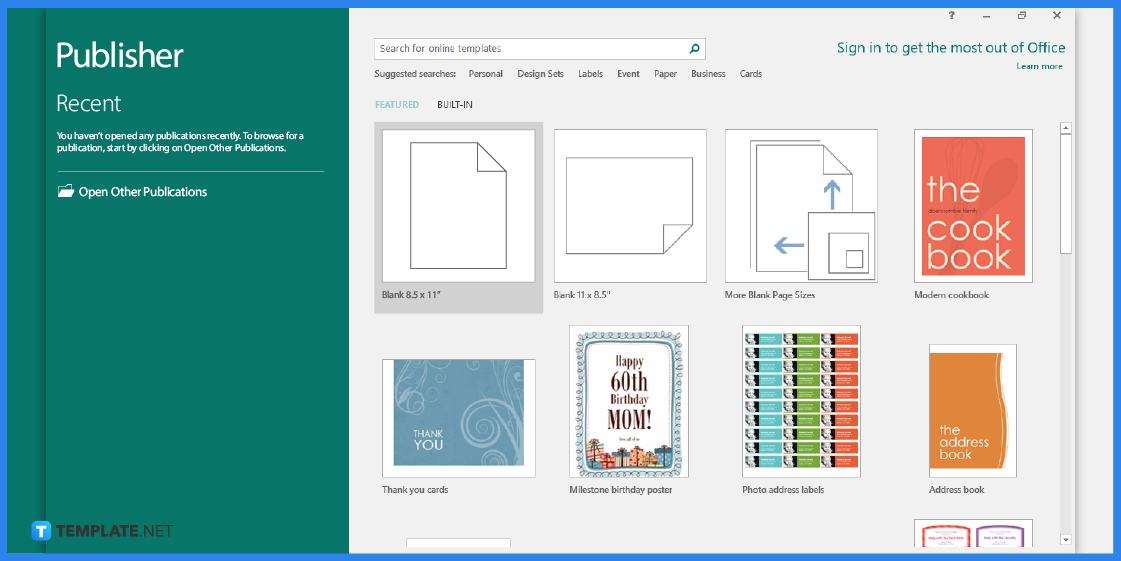
First, you need to make sure that you have Microsoft Publisher installed on your computer. Since you will be using this application as an editing tool.
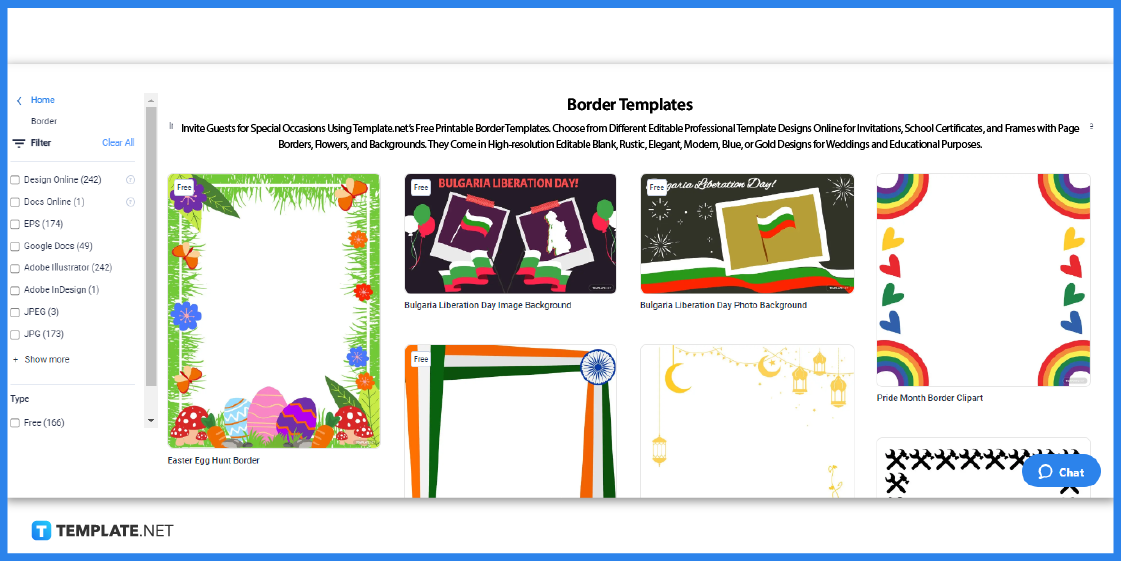
Visit Template.net and look for a border template that you can edit in Publisher.
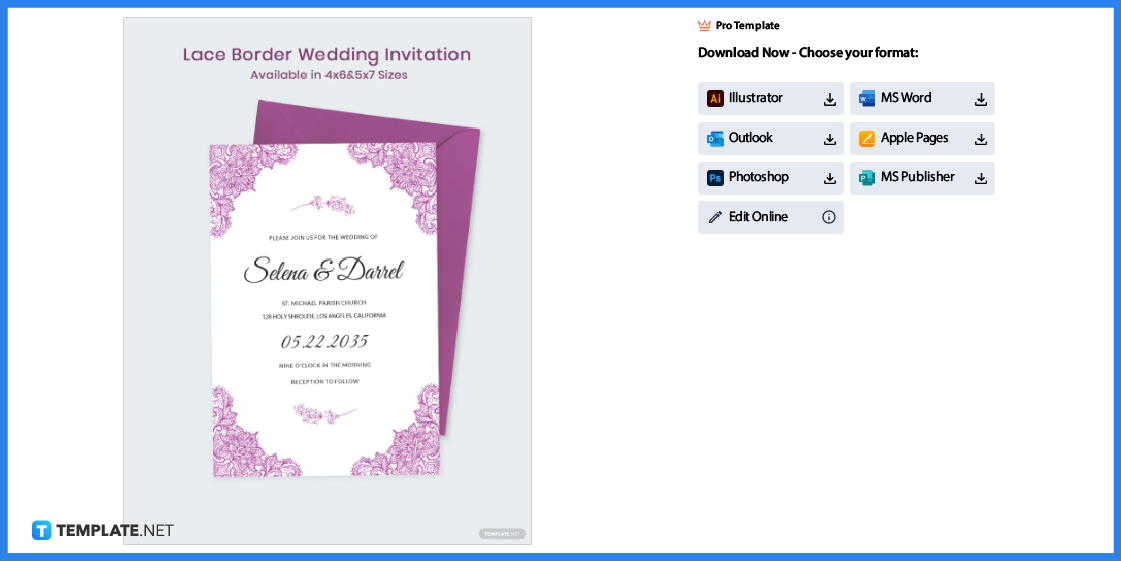
Pick out a template and then click on the image to gain better access. You will be redirected to a page similar to the one above.
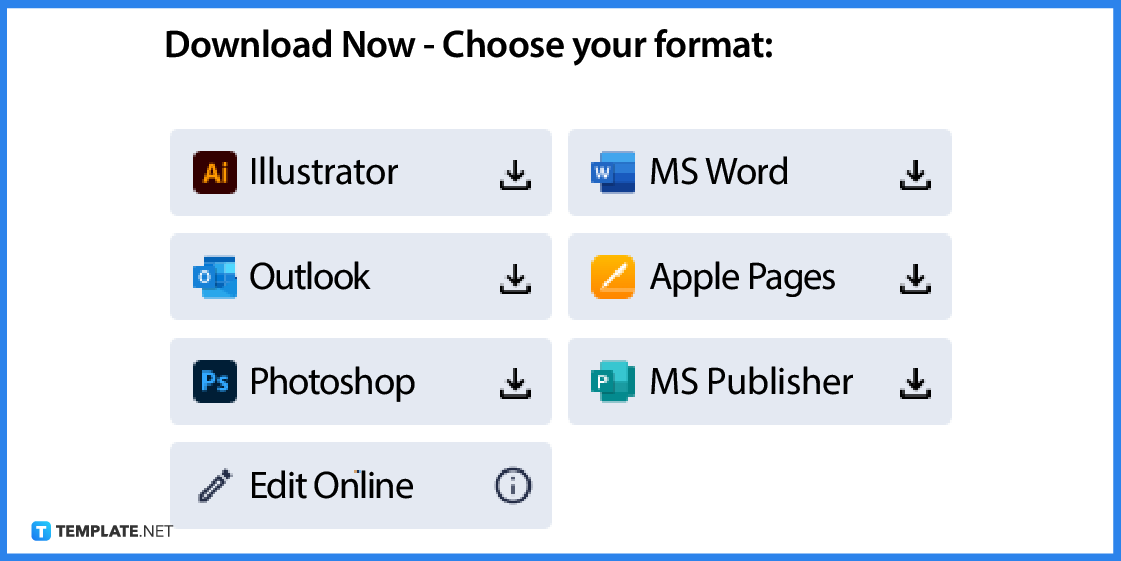
You need to select MS Publisher as the file format and then click on the icon to download the template.
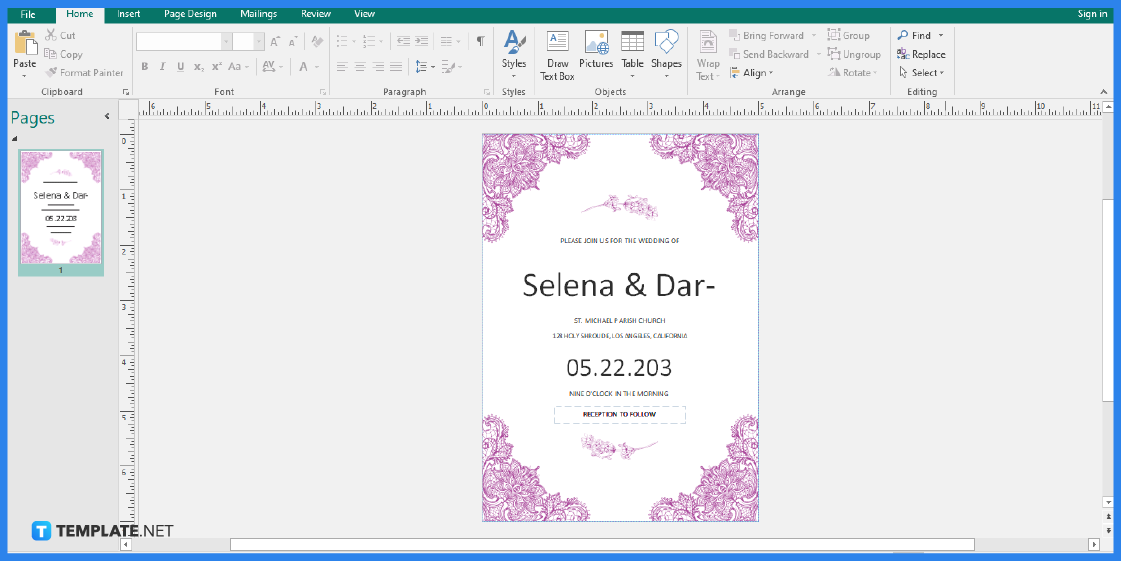
Open the file so you can start editing the document.
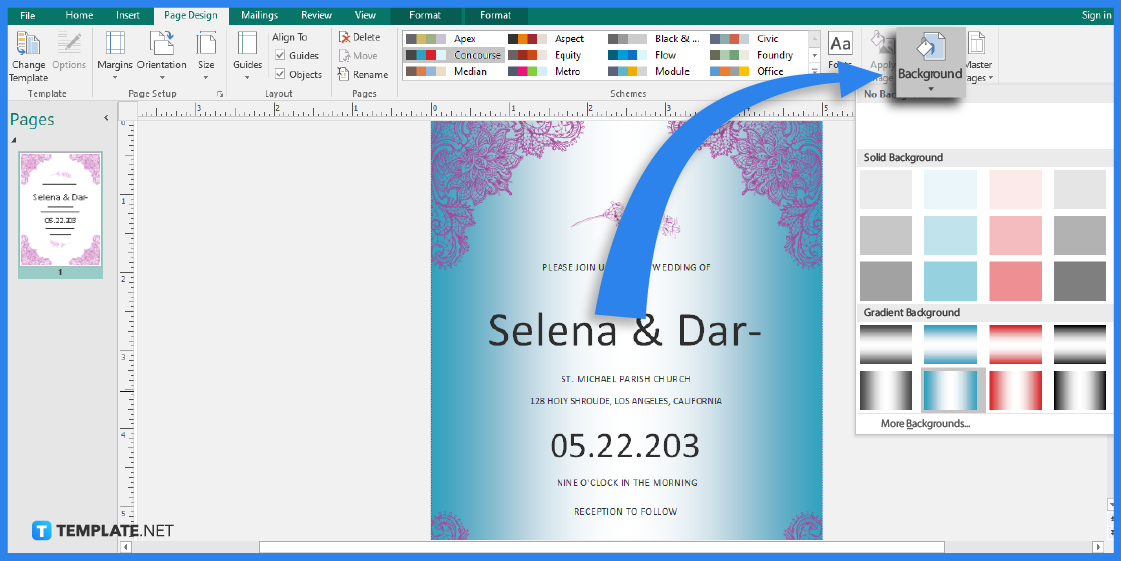
Since this is a pre-designed template, you will find that the file has borders that you can readily use. However, you can edit the background by adding a color that will suit your requirements, just like the sample above. Simply head over to the Page Design tab and click on the Background button to choose a background color design.
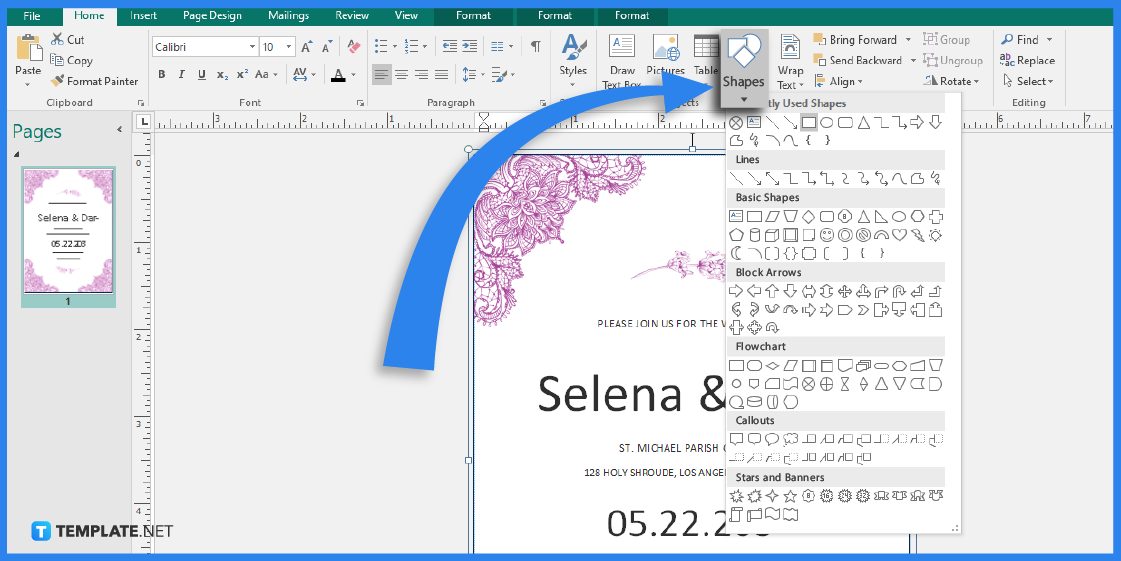
Go to the Home tab, click on Shapes, and select the Rectangle shape in the Basic Shapes section. Draw the page border by dragging the shape on the page. After that, right-click the border, and from the menu that appears, choose the Format Autoshape option.
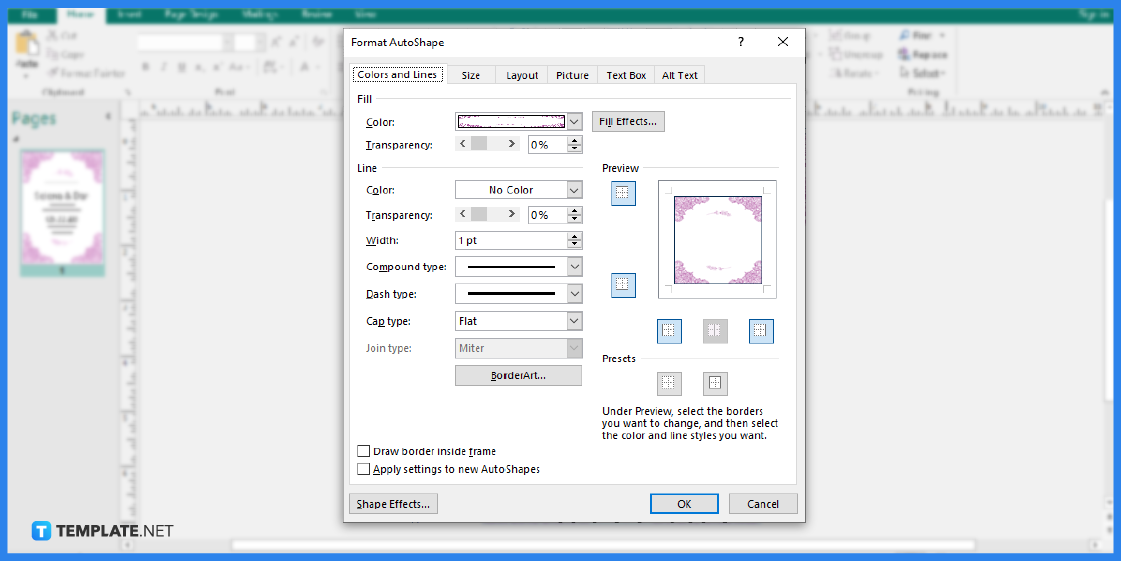
Select the Colors and Lines tab, then click OK after selecting the type of line and color that you want for your border. Make sure that the Shape Fill is set to No Fill to prevent the fill color from entirely filling your page.
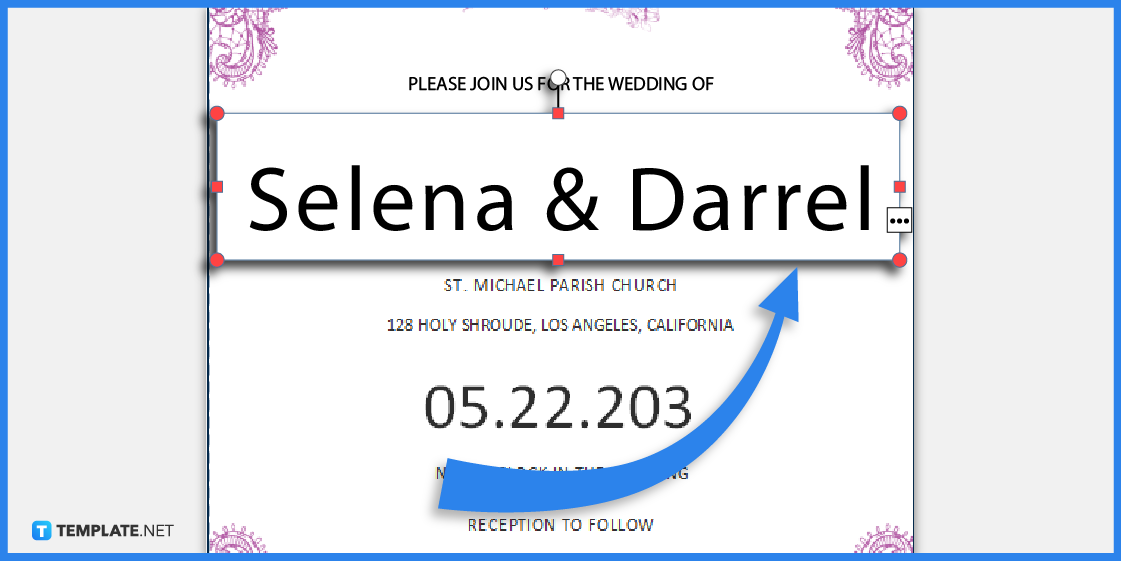
You can also edit the details written on the template. You can change its font style and size to suit your needs.
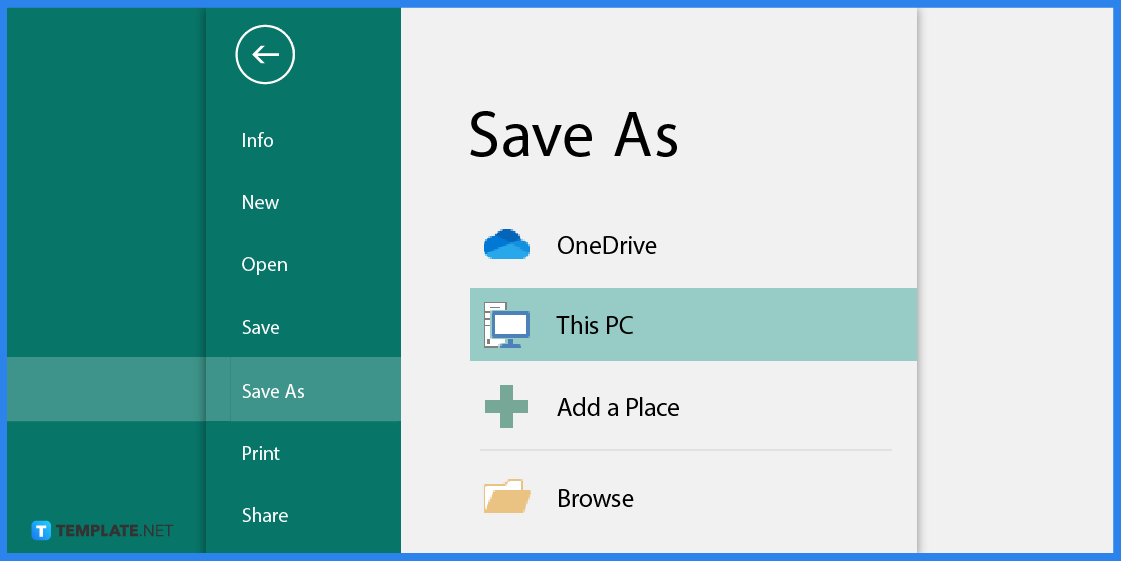
Lastly, don’t forget to save the template after you have finished editing. Or you can simply print the file for immediate use.
Borders are used not only as a design element but to emphasize the information written on the document. That said, here are several border templates that you can use to design and customize your documents and marketing paraphernalia.
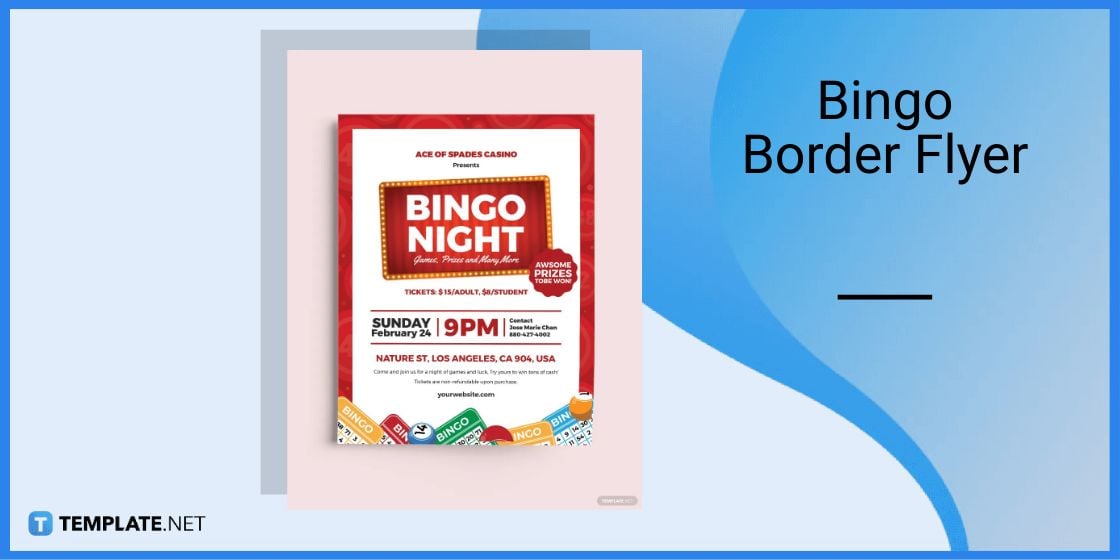
Use this delightful bingo border flyer to design your marketing materials. You can it for flyers, invitations, leaflets, and many more!
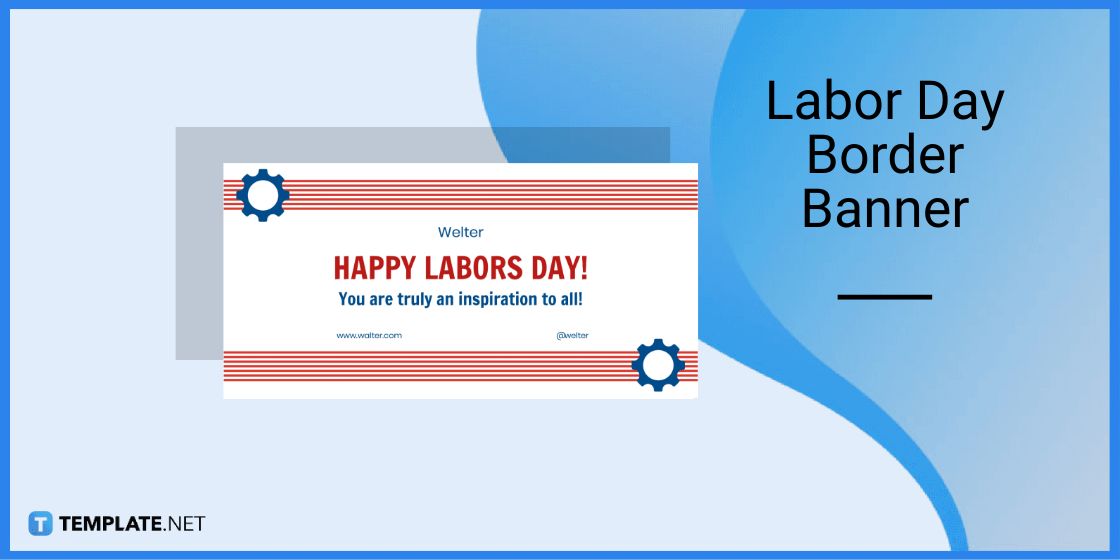
Celebrate Labor Day by creating one-of-a-kind banners that will surely captivate readers. That said, use this well-crafted labor day border banner as a design pattern.
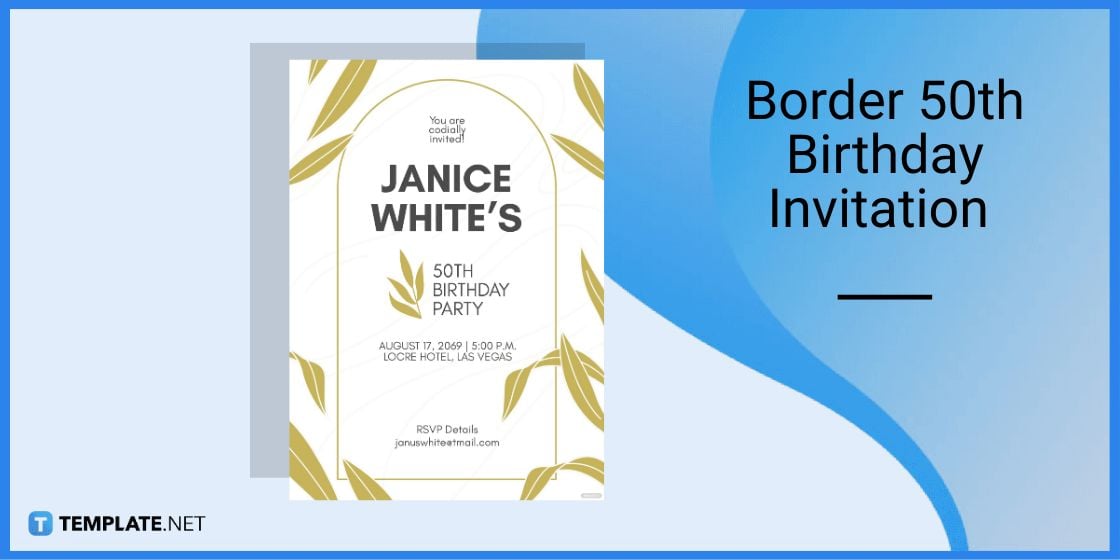
Design an invitation with this border 50th birthday invitation template. This will make your invitations look chic and stylish to look at.
To make it easier for you, download a border template from Template.net.
Definitely, you just have to select the border on the page and press the Delete button.
It makes the document more pleasing to look at and it gives emphasis on the information written on the document.

Signatures found in documents establish who you are as an individual or as an organization. Aside from the fact that…
![How To Make/Create a Newsletter in Microsoft Outlook [Templates + Examples] 2026](https://images.template.net/wp-content/uploads/2022/07/How-to-Start-a-Newsletter-with-Microsoft-Outlook-788x443.jpg)
Newsletters enable companies and organizations to communicate relevant and helpful information to their client, prospects, and subscribers. By giving you…
![How To Make/Create a Booklet in Microsoft Publisher [Templates + Examples] 2026](https://images.template.net/wp-content/uploads/2022/08/How-To-Make_Create-a-Booklet-in-Microsoft-Publisher-788x443.png)
Booklet templates are pre-designed layouts that make it easy to create a professional-looking booklet. They typically include placeholders for text…
![How To Make/Create a Booklet in Microsoft PowerPoint [Templates + Examples] 2026](https://images.template.net/wp-content/uploads/2022/07/How-To-Make-Create-a-Booklet-in-Microsoft-PowerPoint-788x443.jpg)
Booklets can be created in Microsoft PowerPoint, which offers a design feature that allows users to display them in PPT…
![How to Automatically Fill PDF Forms Using Microsoft Excel [Templates + Examples] 2026](https://images.template.net/wp-content/uploads/2022/07/How-to-Automatically-Fill-PDF-Forms-Using-Microsoft-Excel-788x444.png)
Automatically fill PDF forms using Microsoft Excel so you won’t have to save multiple PDF forms in an Excel spreadsheet…
![How to Make/Create a Floor Plan on Microsoft Excel [Templates + Examples] 2026](https://images.template.net/wp-content/uploads/2022/07/How-to-Make-a-Floor-Plan-on-Microsoft-Excel-788x443.jpg)
Floor plans either make or break projects related to engineering and architecture. That being said, every apartment room, bedroom, living…
![How to Make/Create a Grid in Microsoft Word [Templates + Examples] 2026](https://images.template.net/wp-content/uploads/2022/07/How-to-Make_Create-a-Grid-in-Microsoft-Word-788x444.jpg)
Grids consist of a network of lines that work as graphic cues while formatting your document in Microsoft Office. If…
![How to Add More Highlight Colors to Microsoft Word [Templates + Examples] 2026](https://images.template.net/wp-content/uploads/2022/07/How-to-Add-More-Highlight-Colors-to-Microsoft-Word-Templates-Examples-2023-788x443.jpg)
Add more highlight colors to Microsoft Word so you won’t have to settle with the default shading color in marking…
![How to Make/Create a Border in Microsoft Publisher [Templates + Examples] 2026](https://images.template.net/wp-content/uploads/2022/08/How-to-MakeCreate-a-Border-in-Microsoft-Publisher-788x444.png)
Borders are graphic design elements that make a document more pleasing and stylish to look at. This can be used…