


























Free Twitter Post Templates: Customizable Design Guide, Sizes, and Download Formats
What is a Twitter Post?
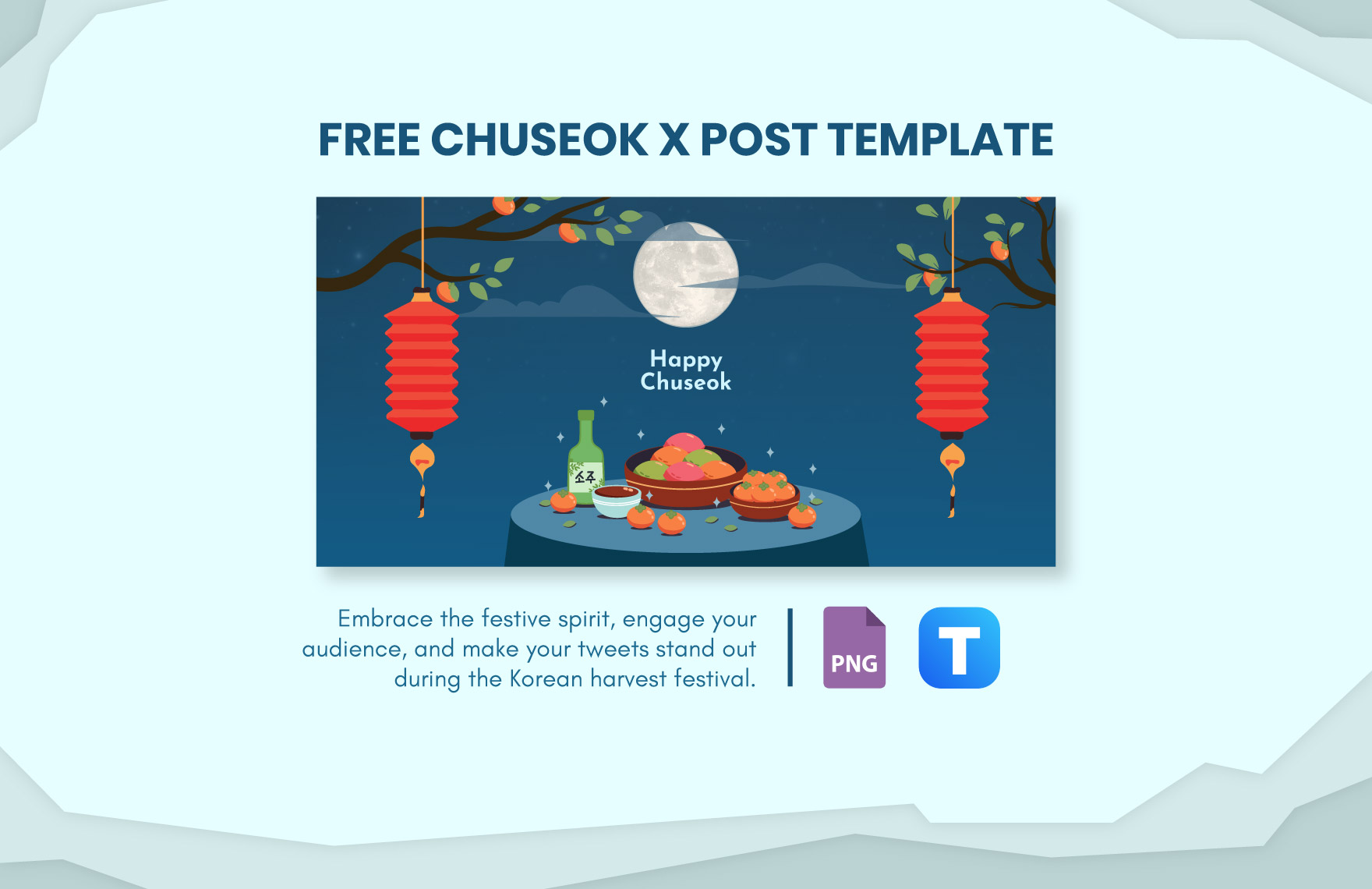
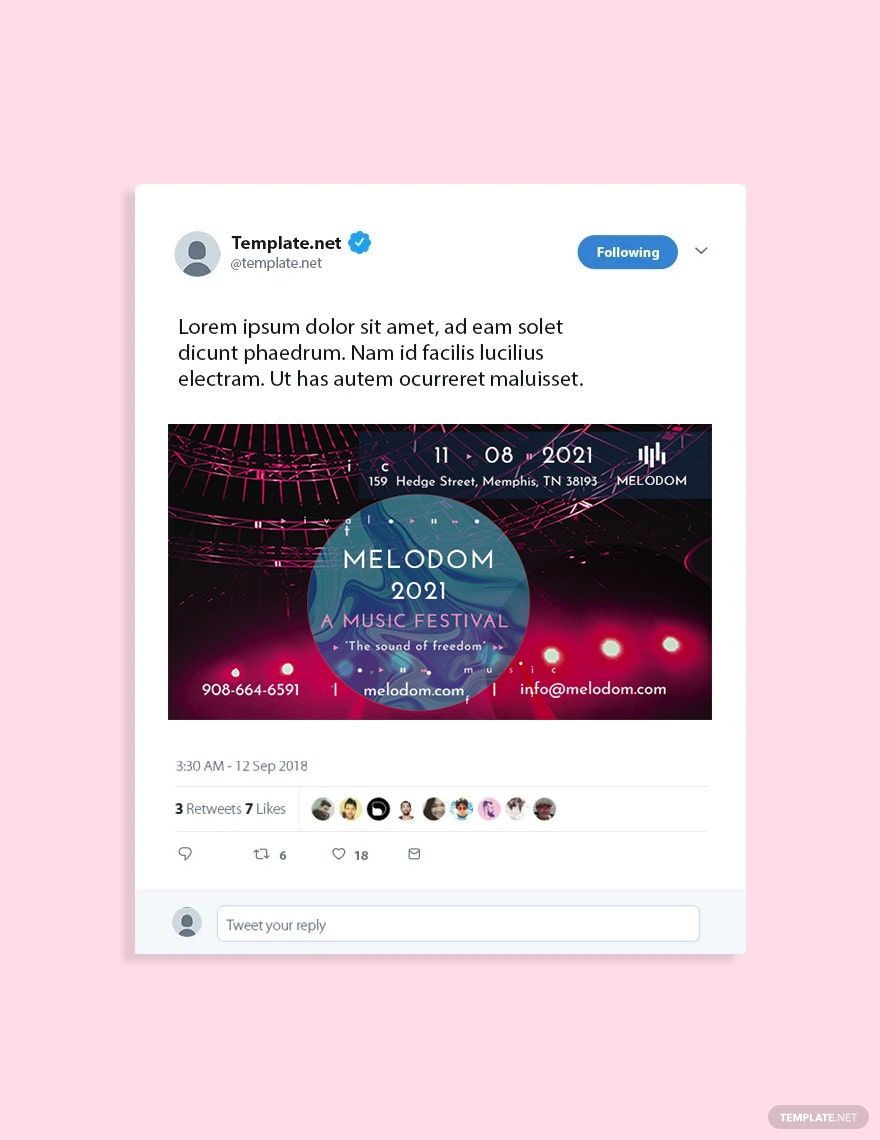
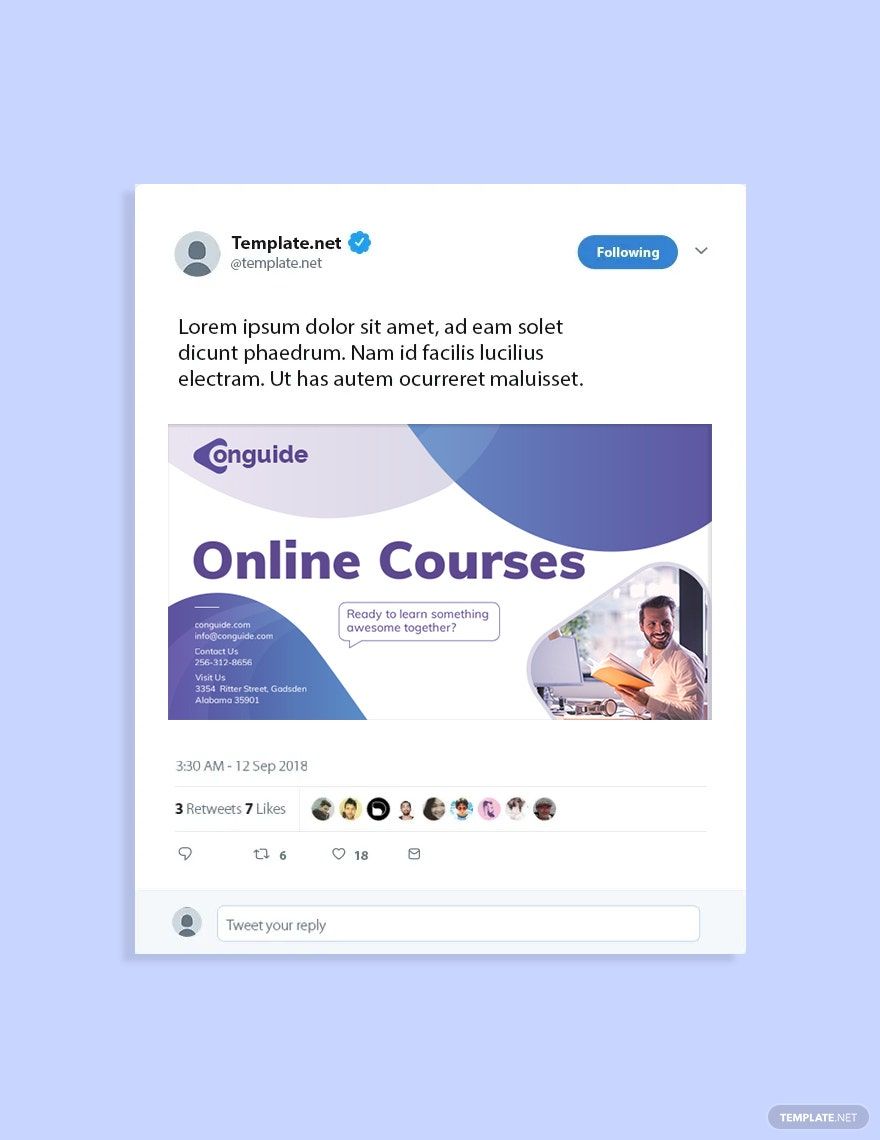
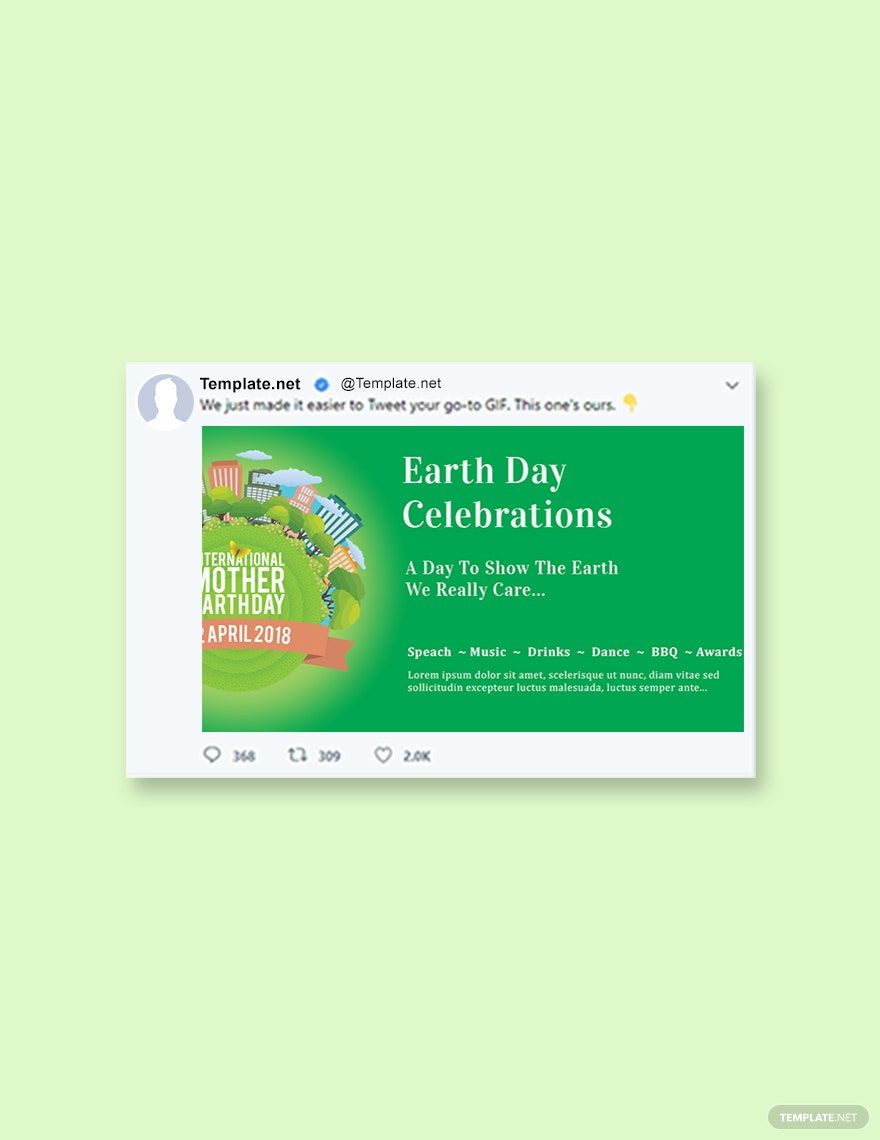
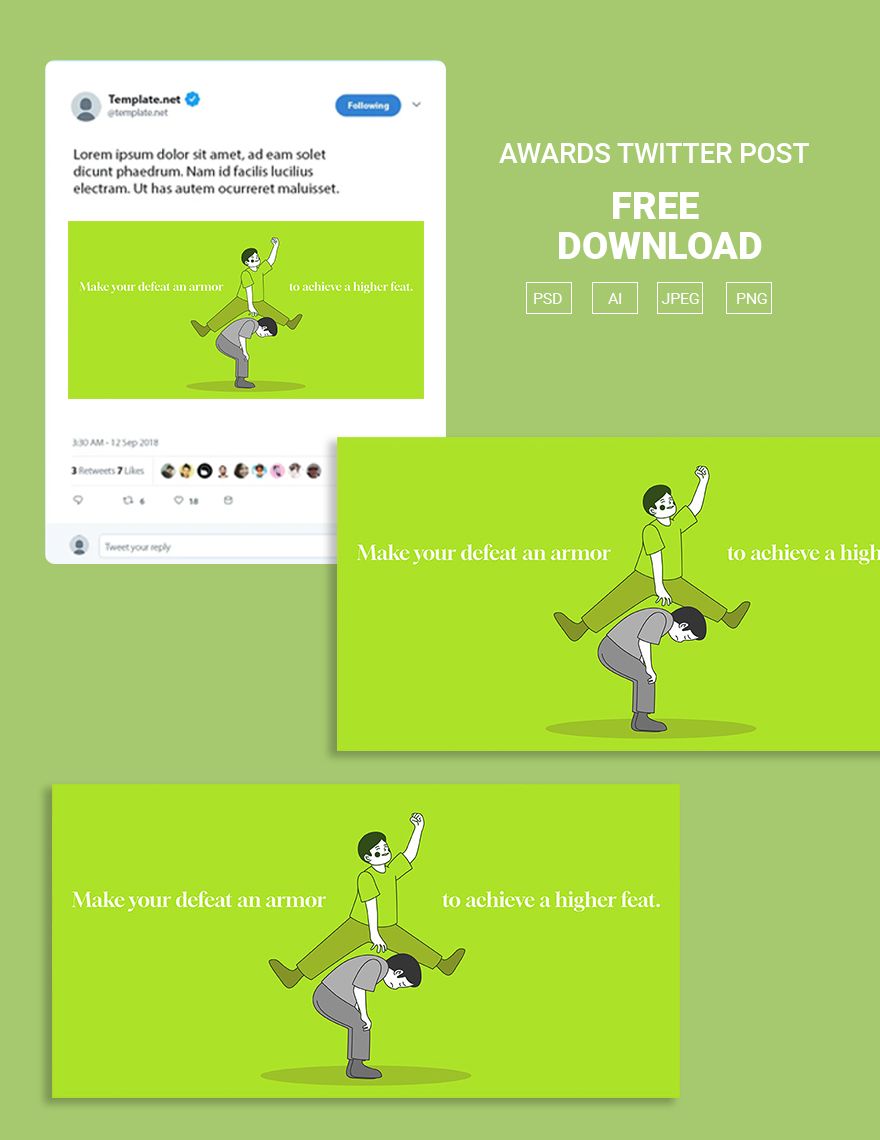
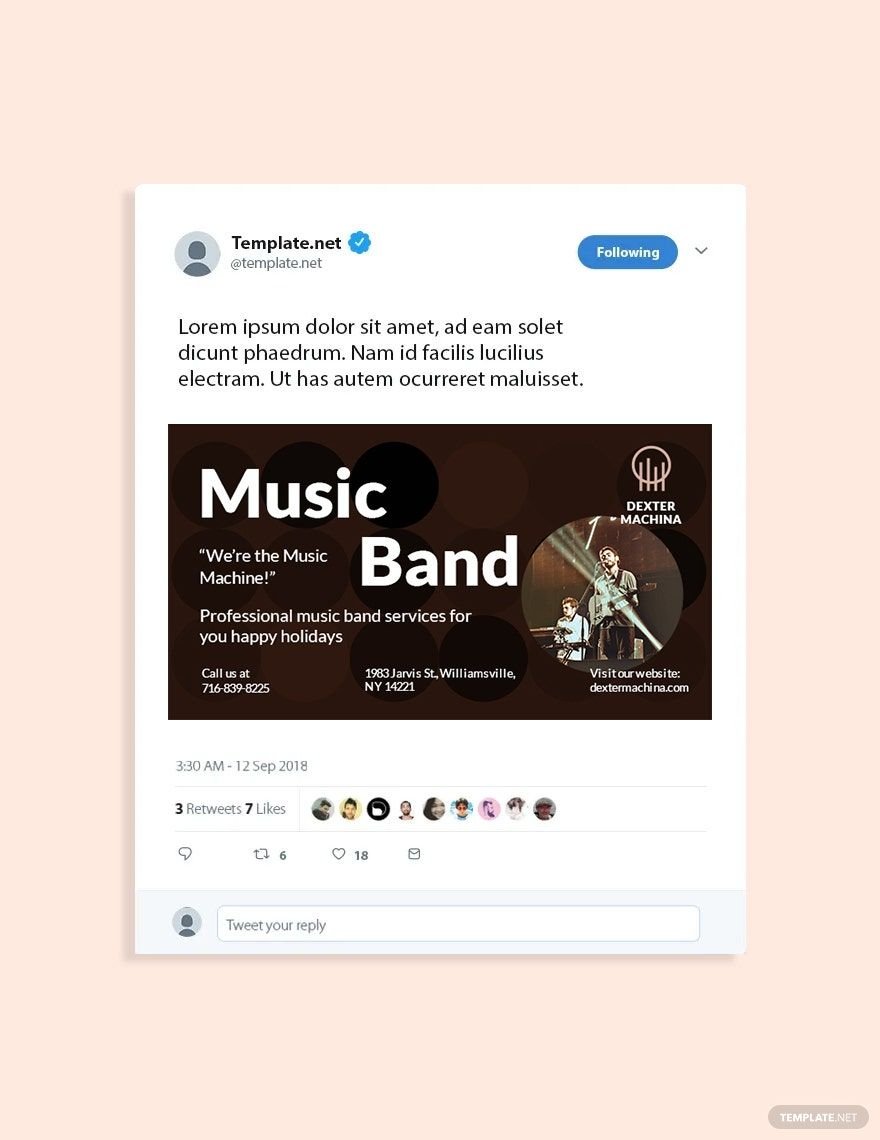
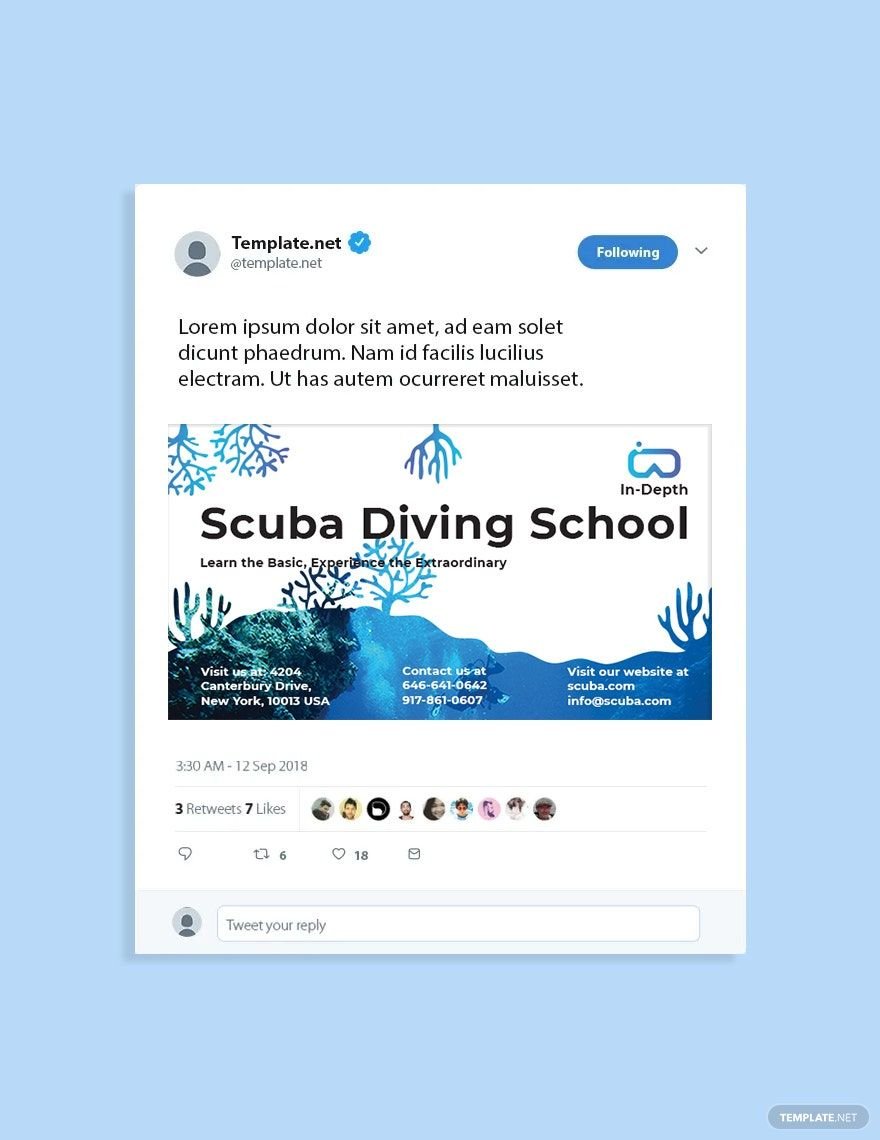
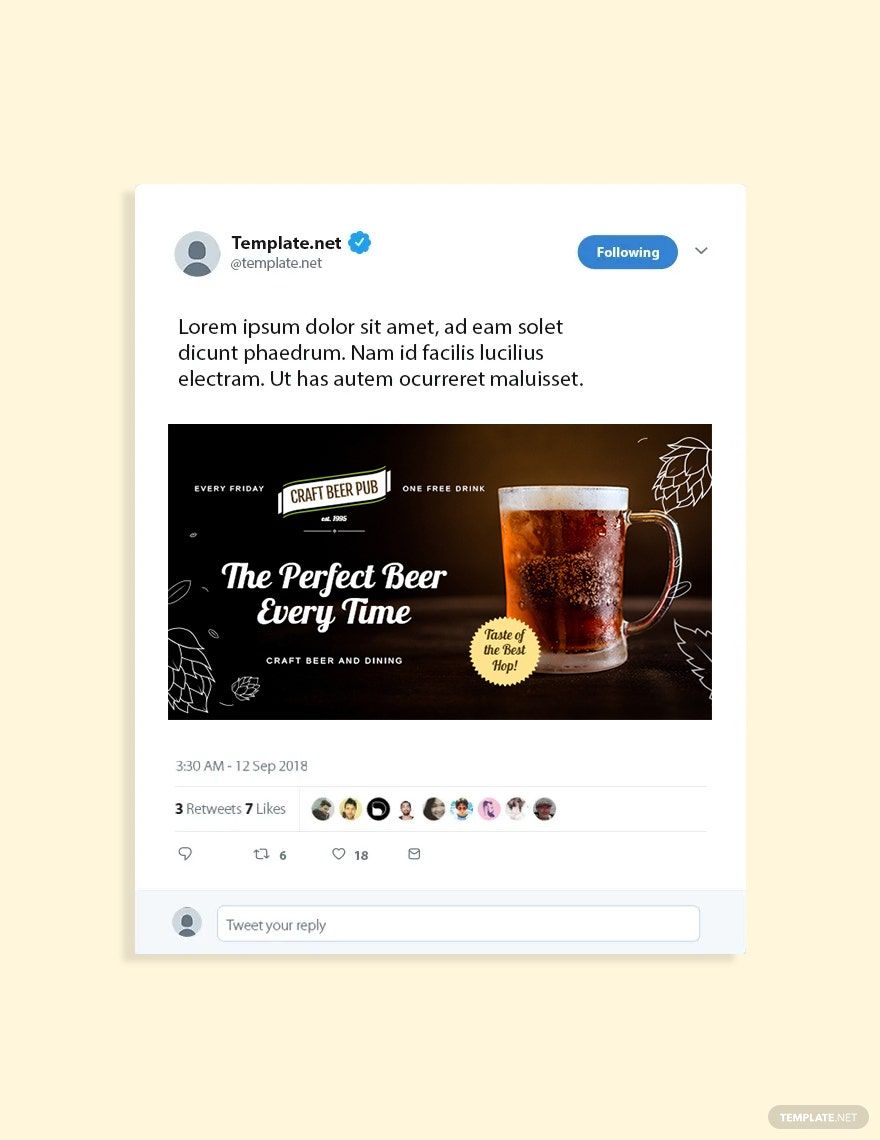
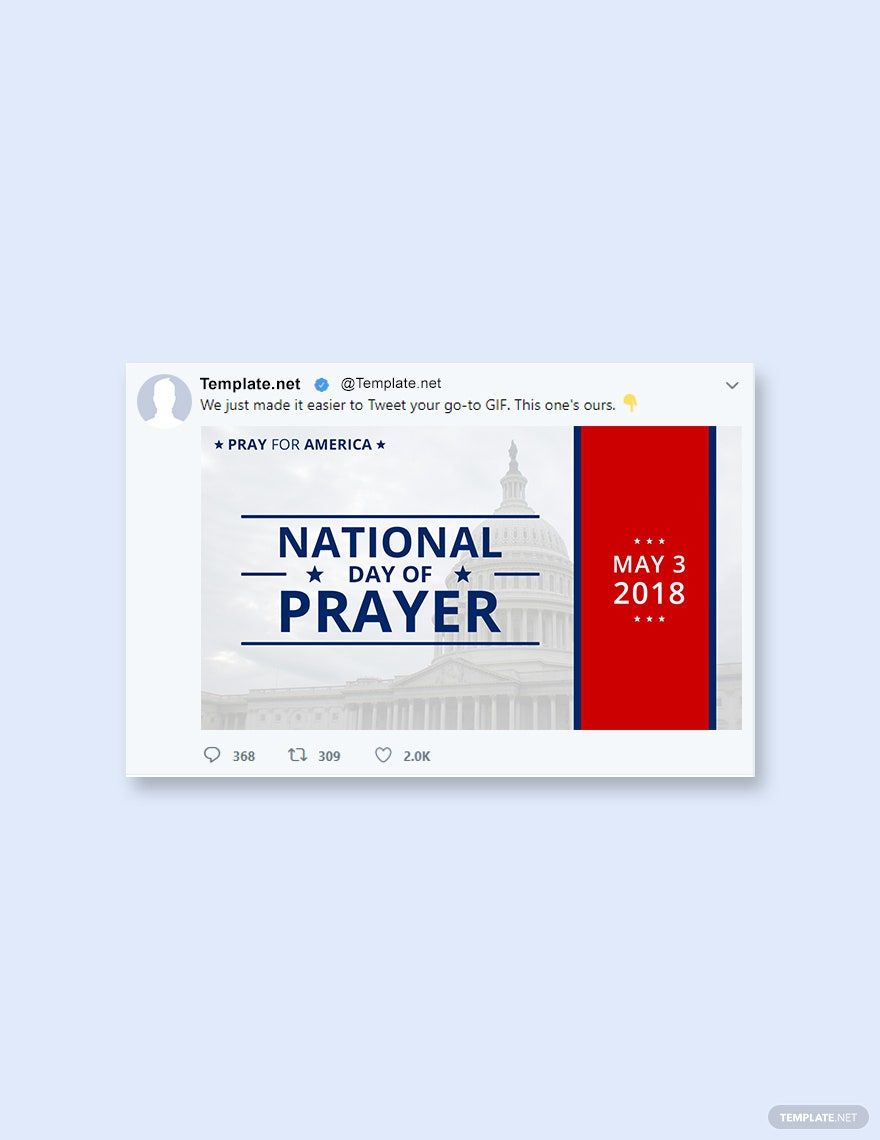
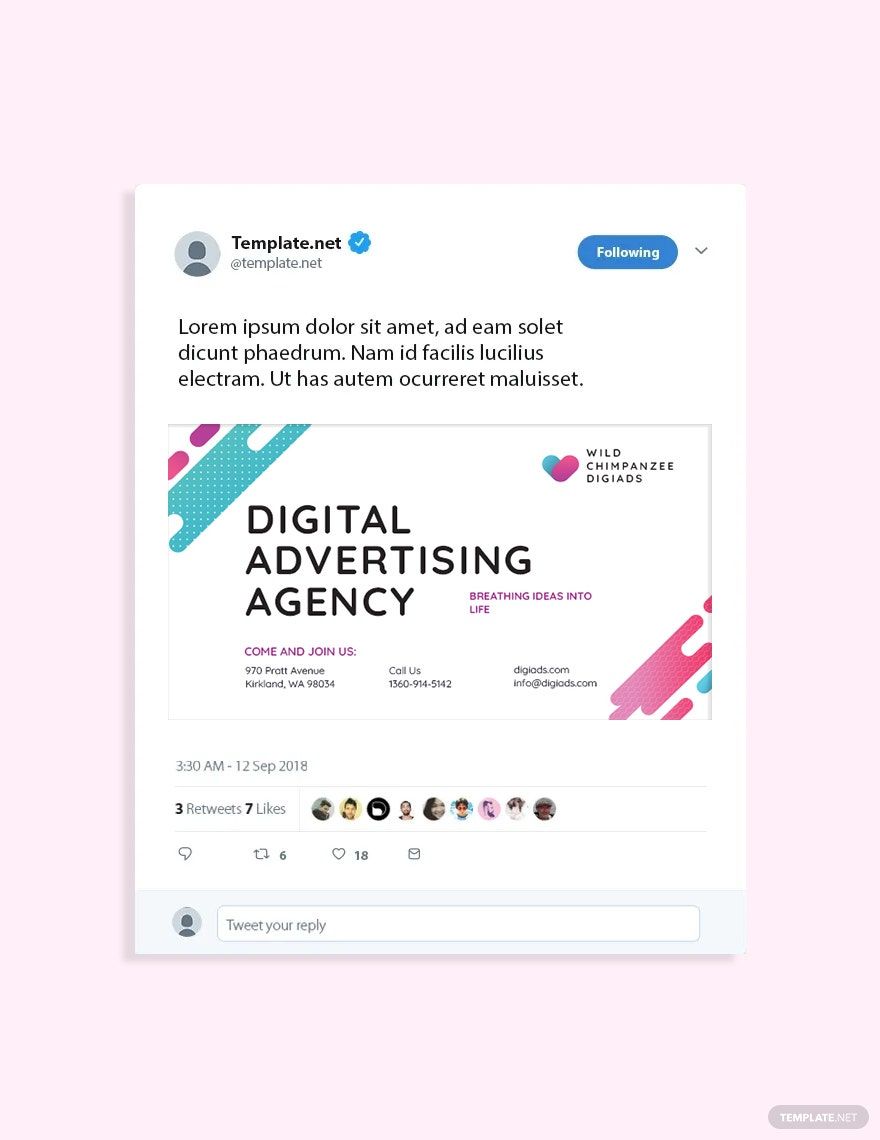
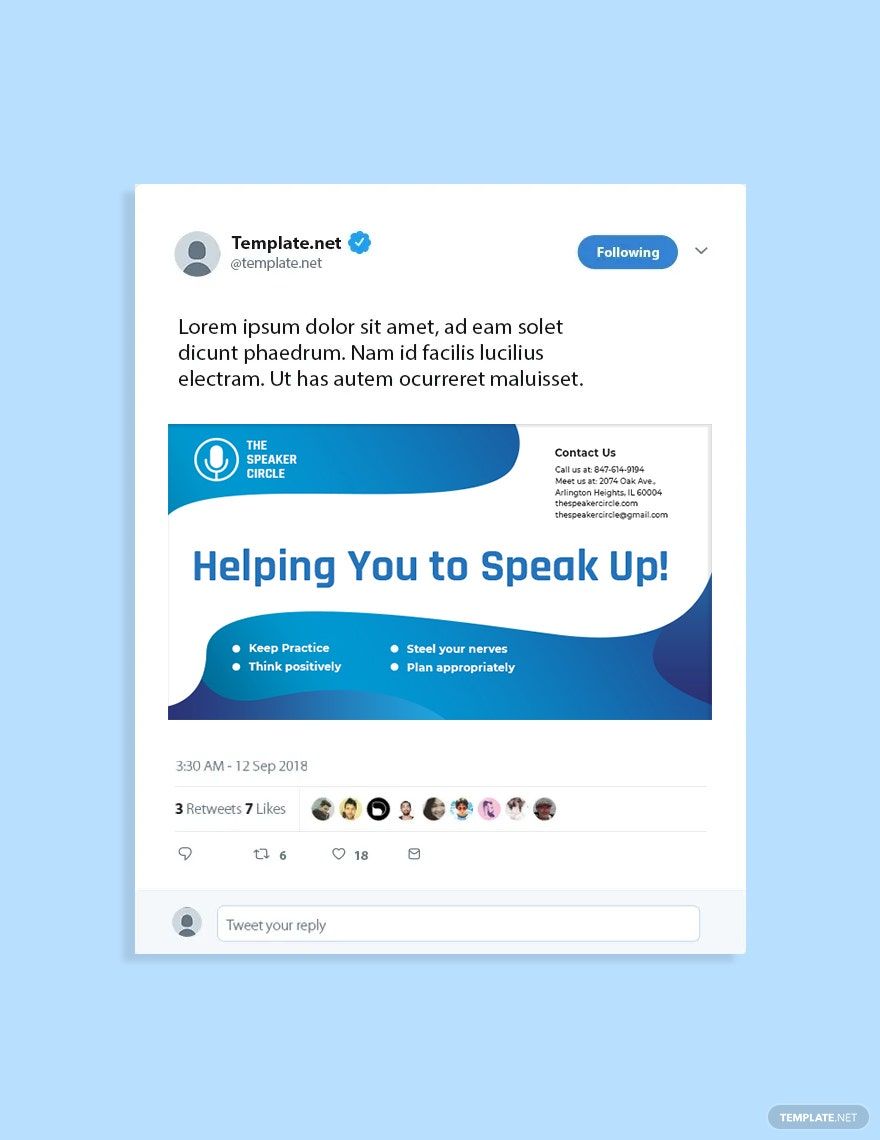
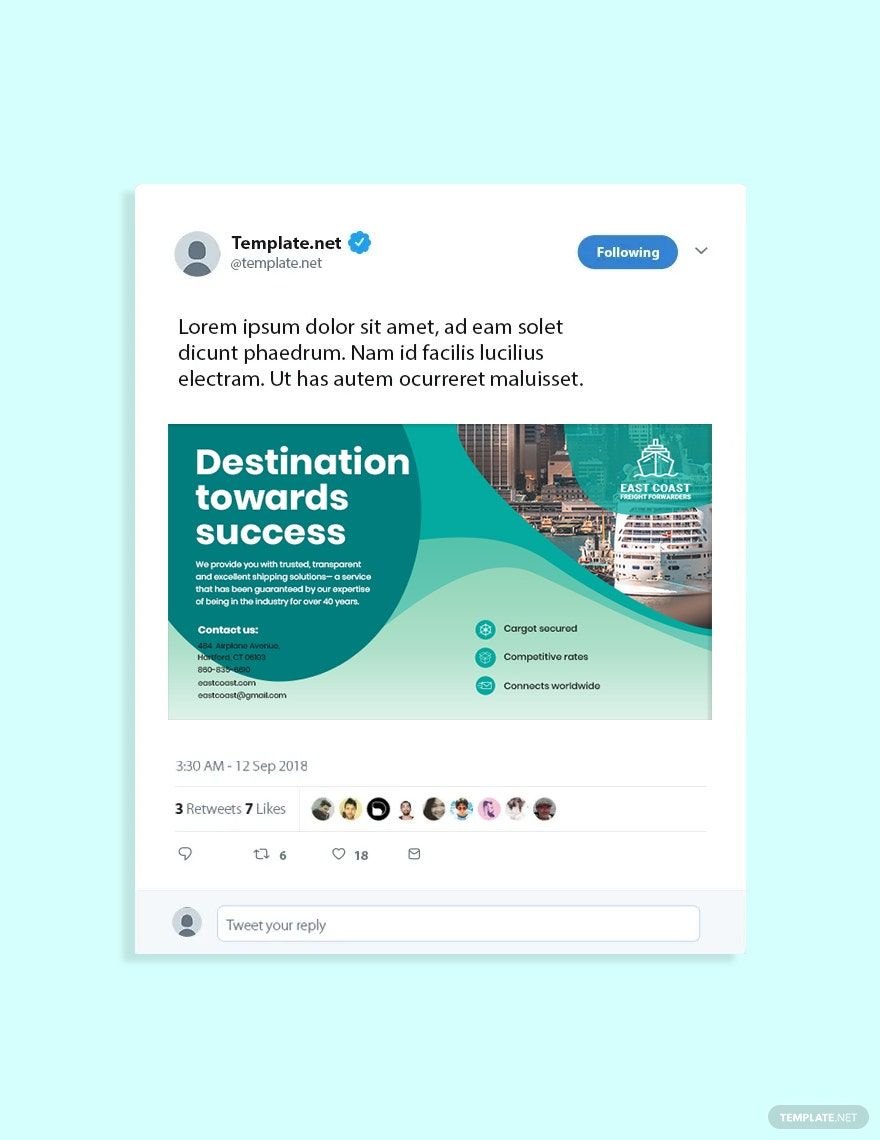
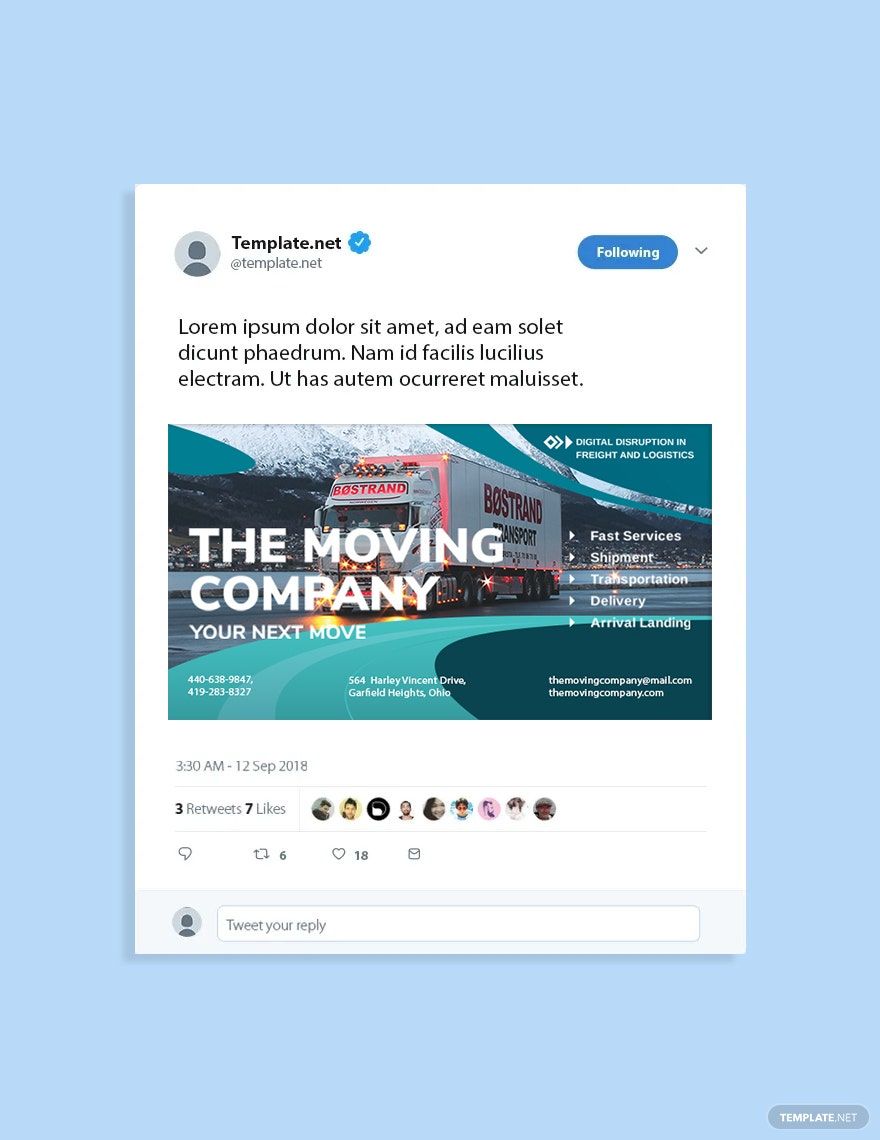
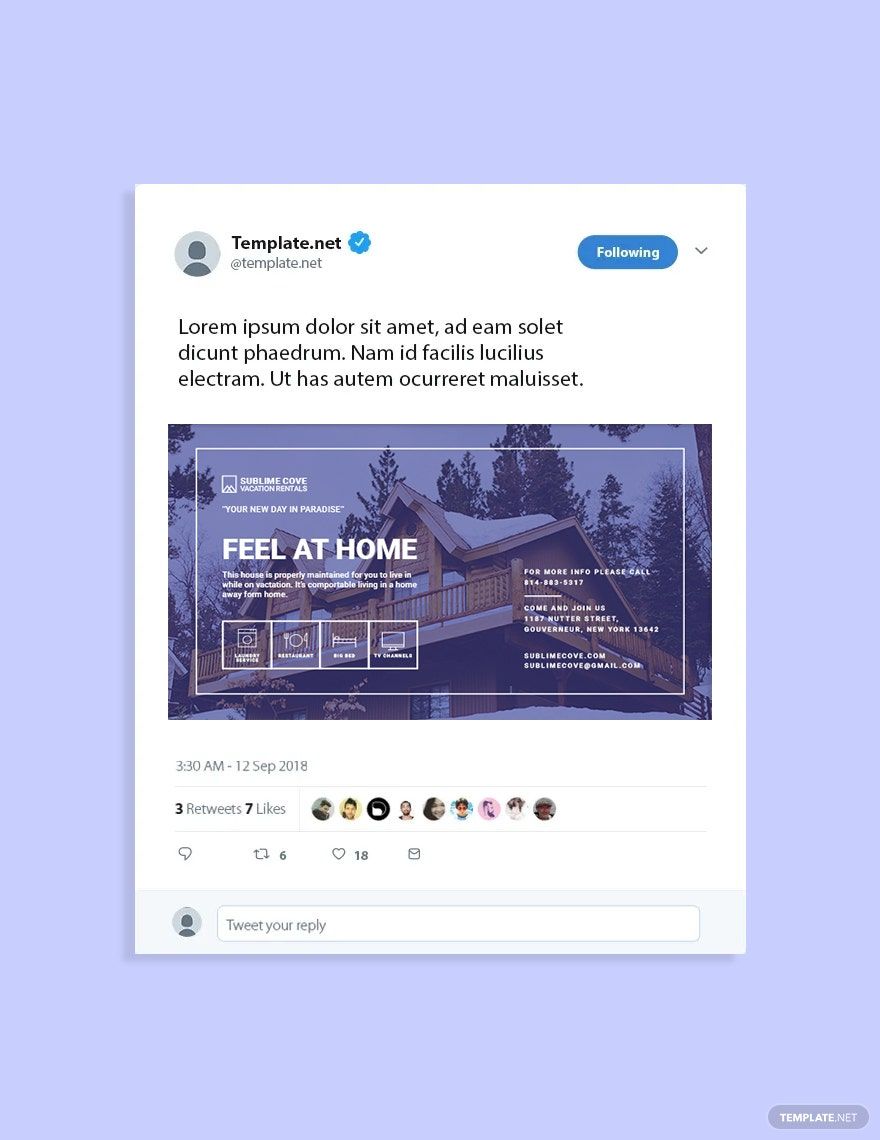
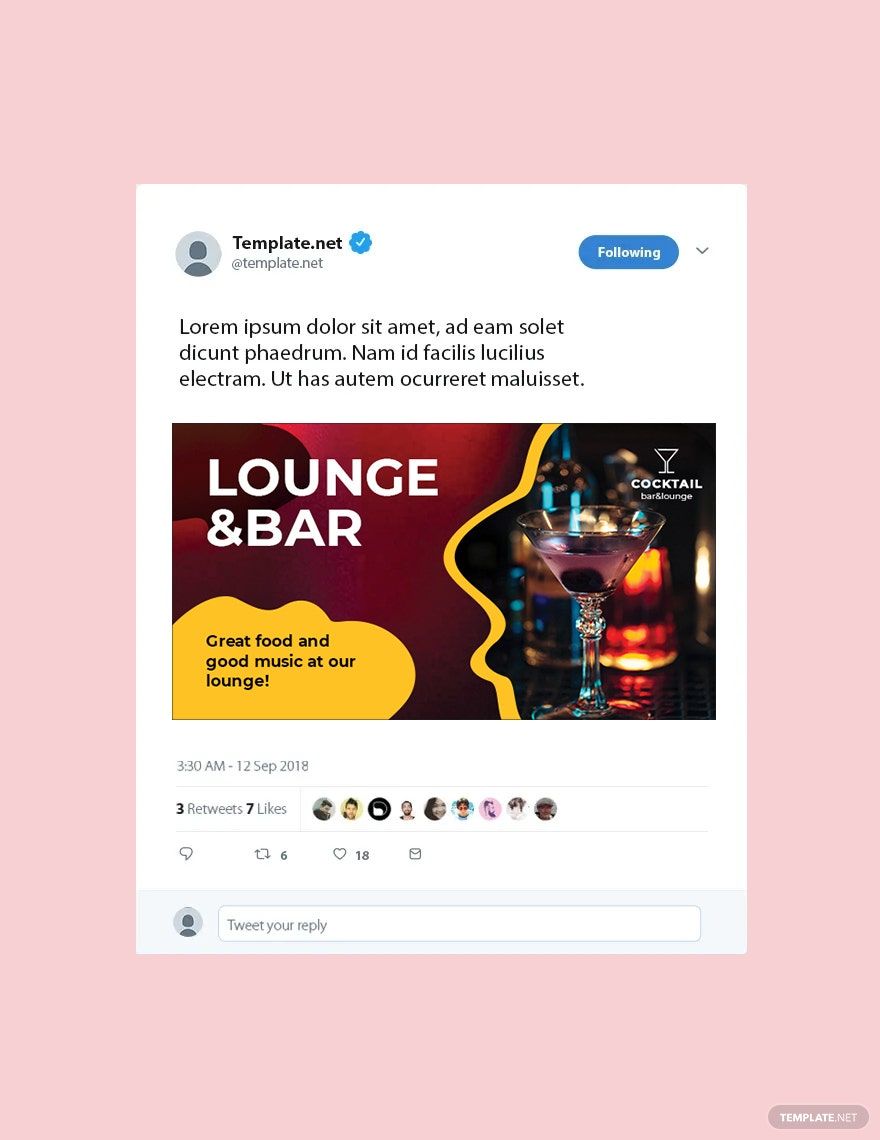
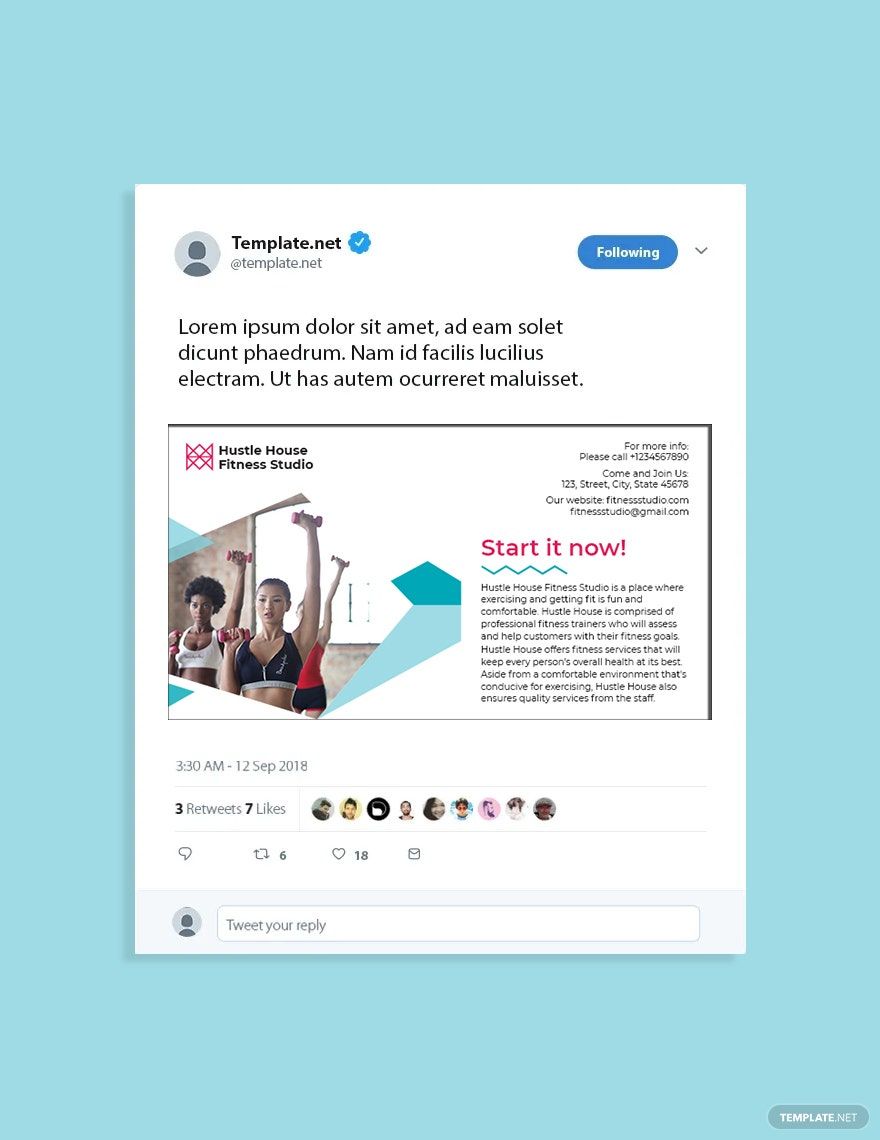
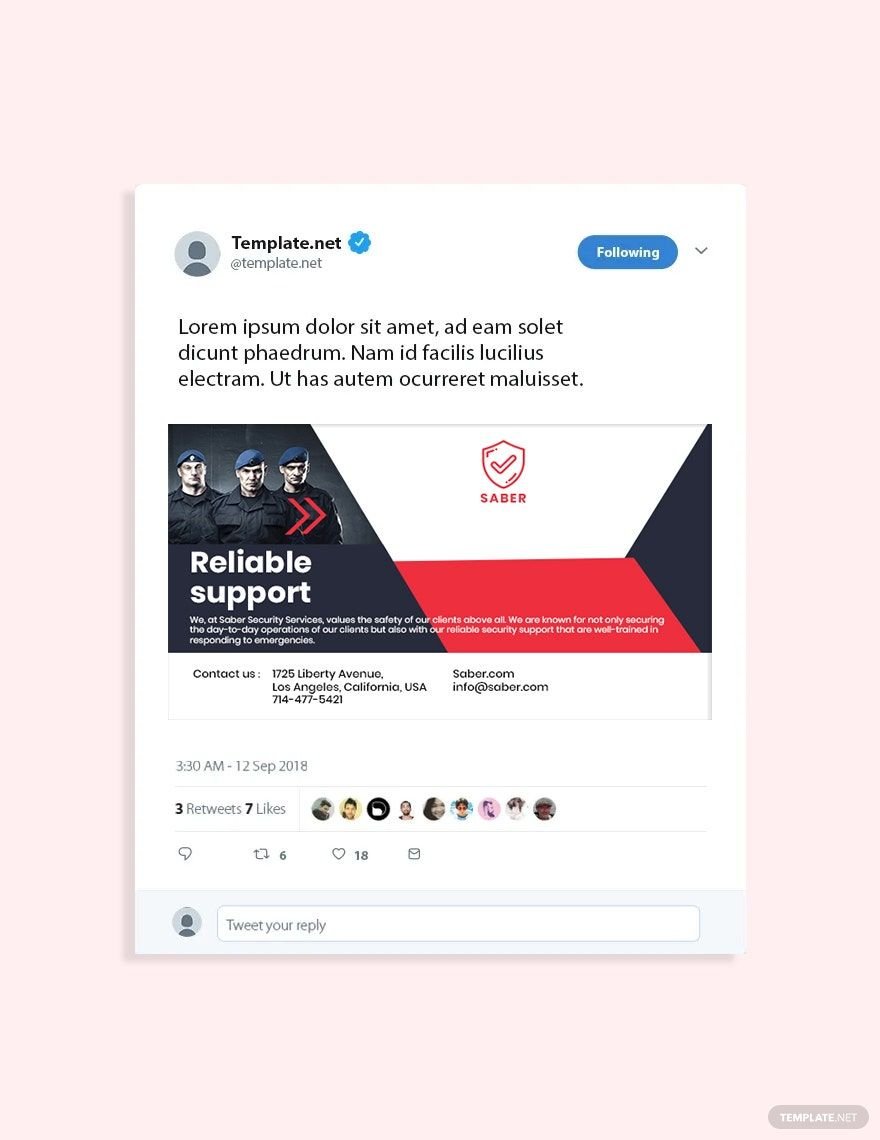
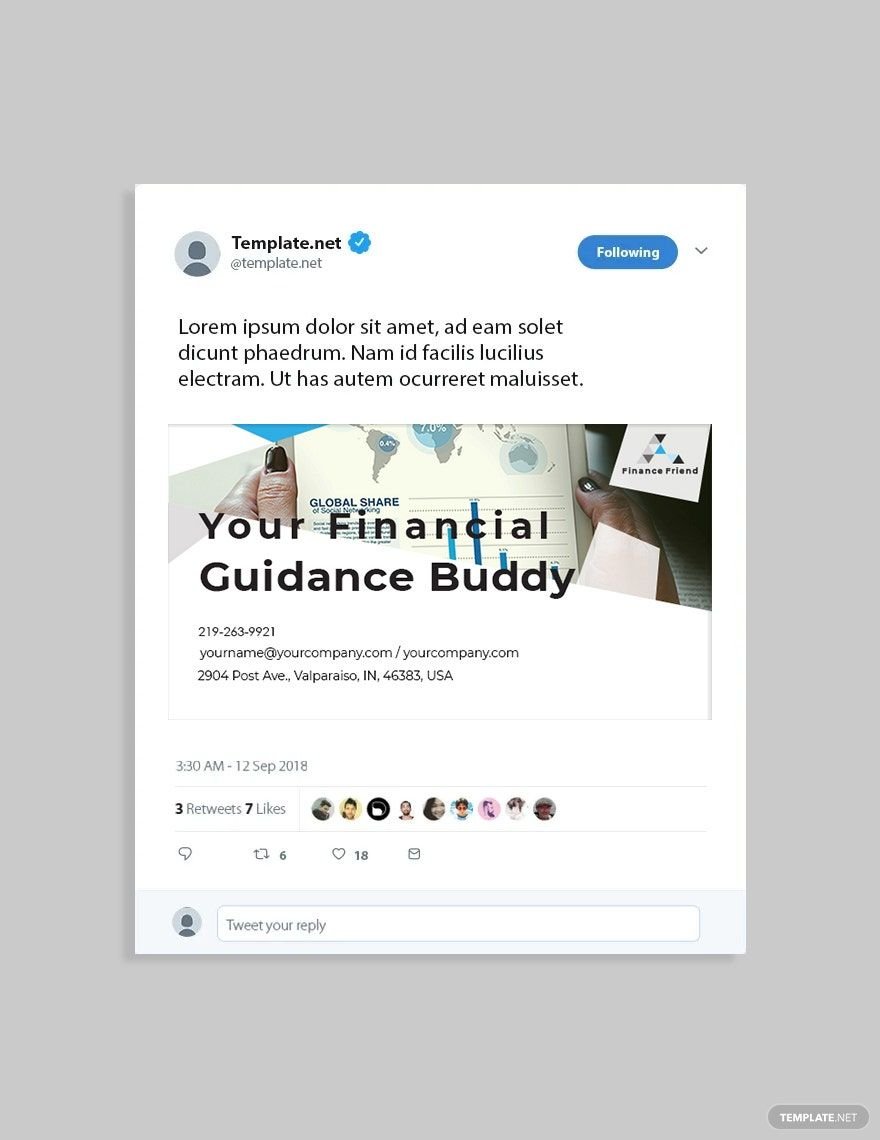
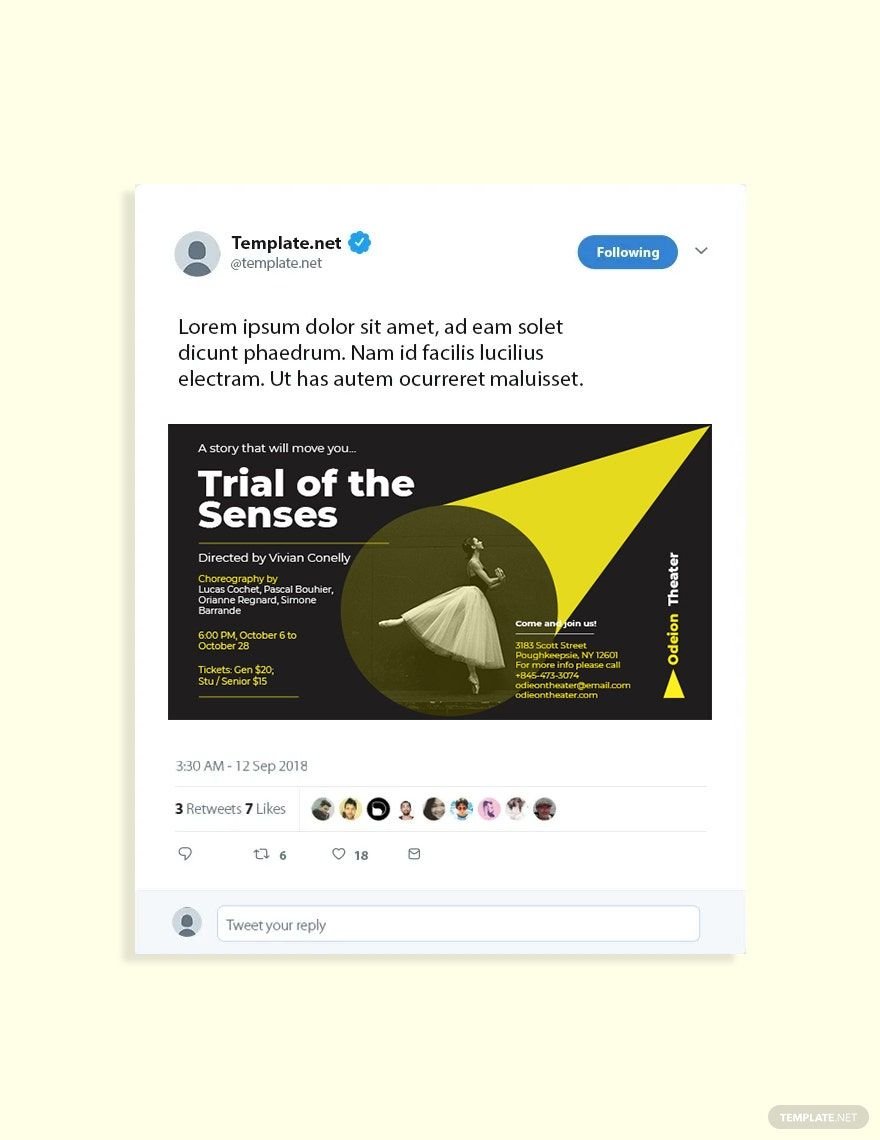
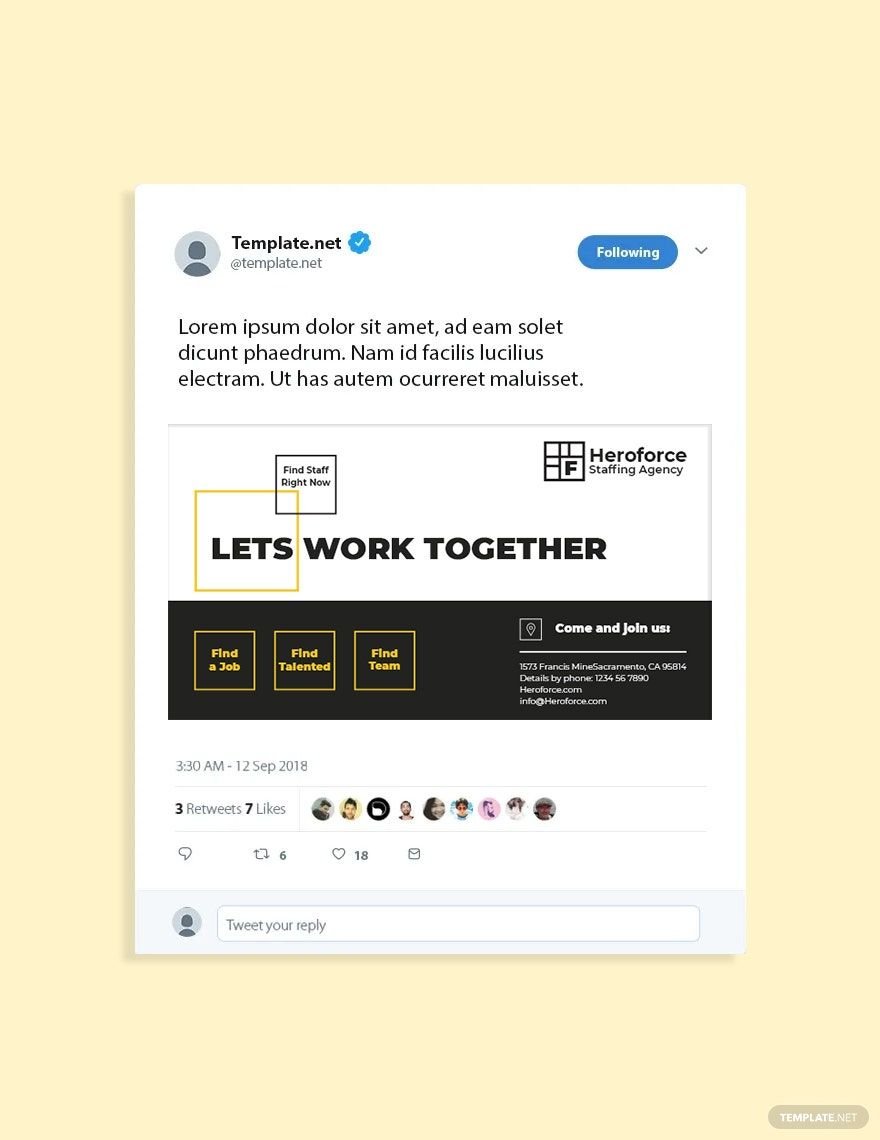
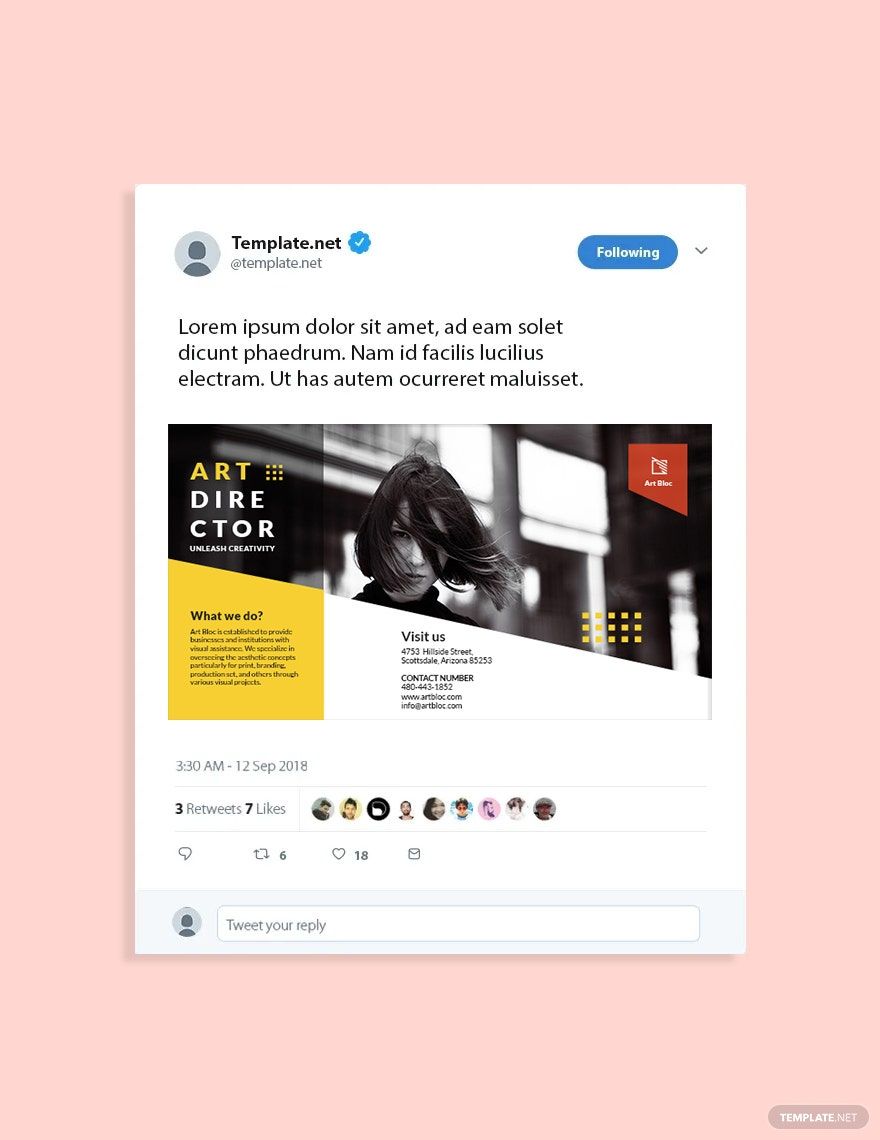
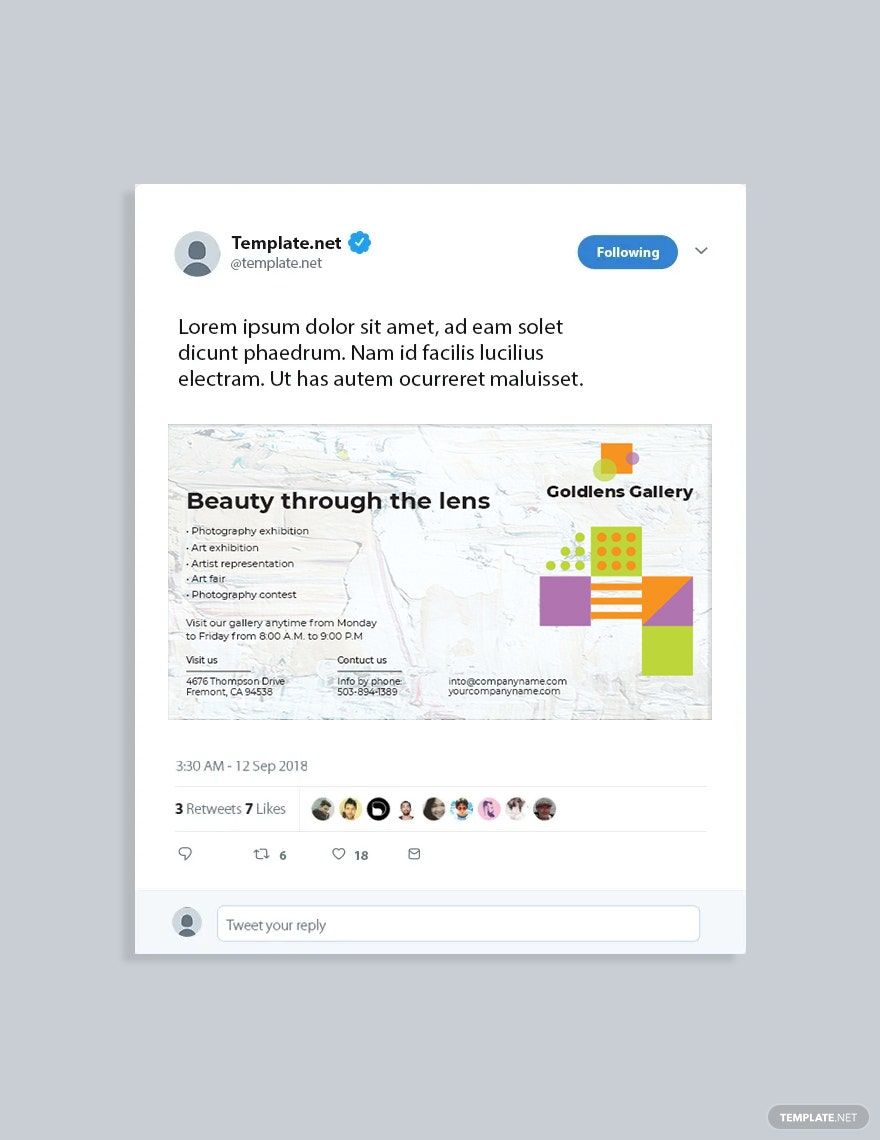
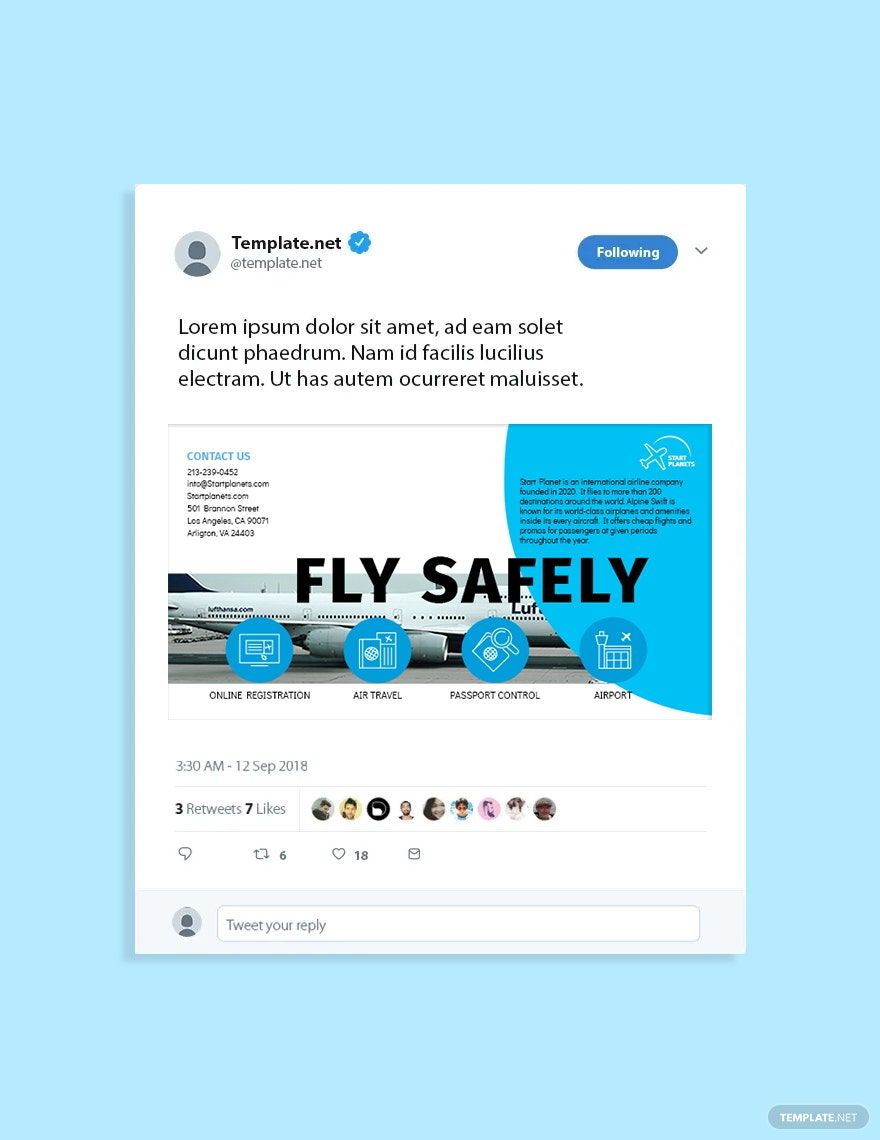
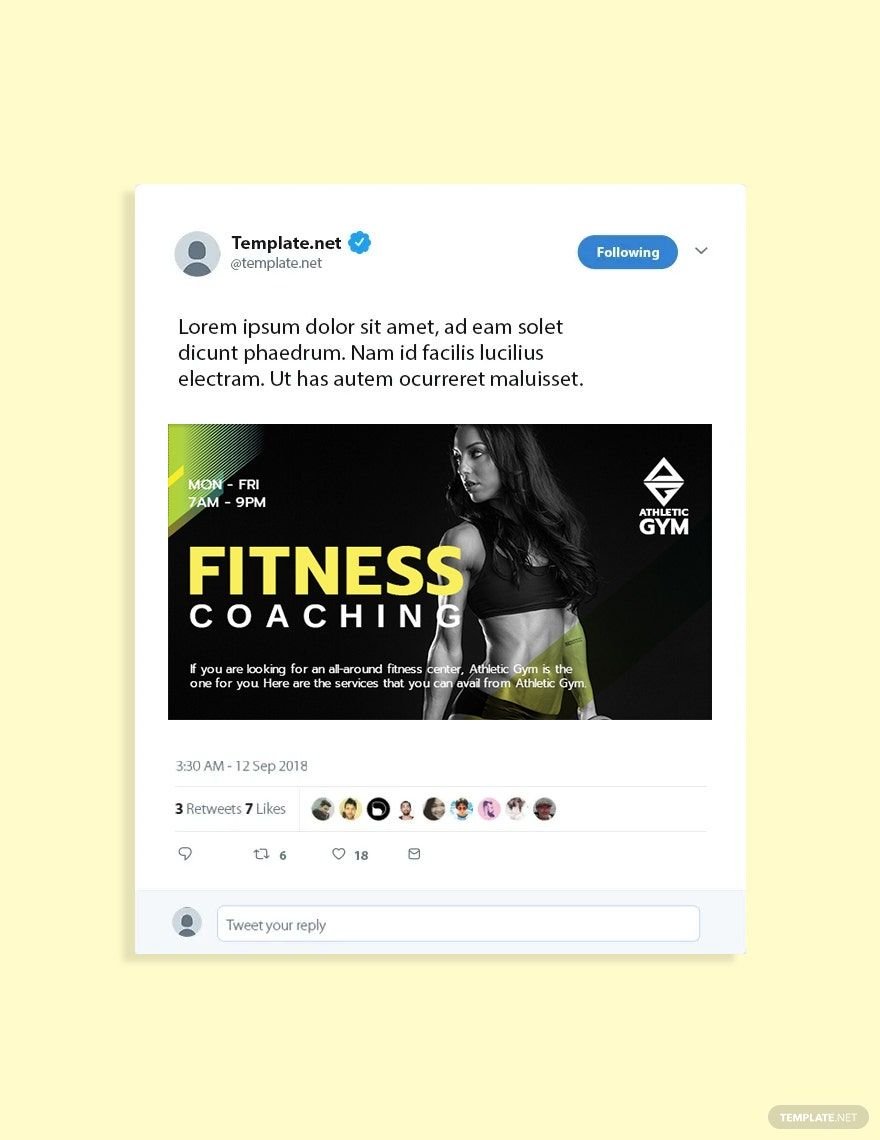
A Twitter Post is a digital social media graphic designed for the Twitter platform to share messages, promotions, or updates visually. These posts typically follow Twitter's image size standards and are crafted to engage your audience effectively with concise and eye-catching content.
Why should I use a Twitter Post?
You should use a Twitter Post to enhance your social media presence by sharing visually appealing content that attracts attention quickly. Twitter Posts help increase engagement, brand awareness, and communication effectiveness through strong visuals and concise messaging.
Who uses Twitter Posts?
Twitter Posts are used by social media managers, marketers, businesses, influencers, and individuals aiming to promote ideas, products, or events. These users rely on Twitter Posts to communicate effectively with their followers and expand their online reach.
What are the best tips for designing my Twitter Post?
When designing your Twitter Post, consider these tips for maximum impact:
- Use the recommended size of 1200 × 675 pixels for optimal display
- Incorporate bold and readable typography for quick message delivery
- Use high-contrast colors to stand out in feeds
- Include your branding elements such as logos or hashtags
- Keep the design simple and focused on one key message
- Use eye-catching visuals or illustrations to attract attention
- Maintain consistency with your brand's style and colors
- Consider white space to avoid clutter
- Test your post on mobile views to ensure clarity
- Add calls to action to drive engagement
What file formats can I download for my Twitter Post?
Template.net Twitter Post templates support multiple export formats for editing and sharing. You can download your Twitter Posts in PSD, Illustrator formats to suit your editing software and sharing needs.
Can I create a Twitter Post using AI?
Template.net provides an AI-powered tool that generates new Twitter Post designs from prompts. You can create unique and customized posts easily using the X Post generator online.
What are the ideal pixel dimensions for my Twitter Post?
The ideal pixel dimensions for your Twitter Post ensure clarity and proper display across devices. Use the following standard sizes:
- 1200 × 675 pixels for a standard Twitter Post
- 1080 × 1080 pixels for square posts
- 1600 × 900 pixels for larger banner-style posts
- Use RGB color mode for vibrant digital display
What visual elements should I include in my Twitter Post?
Effective Twitter Posts combine multiple visual elements to engage viewers. Consider including these elements:
- High-quality images or graphics relevant to your message
- Readable and bold text for key information
- Brand logos and colors to reinforce identity
- Hashtags or social media icons for reach and recognition
- Call-to-action buttons or prompts to drive engagement
- Balanced white space to prevent clutter
What are the benefits of using Twitter Posts for my social media strategy?
Using Twitter Posts offers several benefits that boost your social media strategy:
- Increased engagement through visually appealing content
- Improved brand awareness with consistent design
- Faster communication of promotions or announcements
- Higher shareability leading to wider reach
- Professional appearance that builds trust
- Easy customization to fit specific campaigns
