










Free Ecomap Templates: Customizable Visual Structures, Uses, and Download Formats

What is a Ecomap?
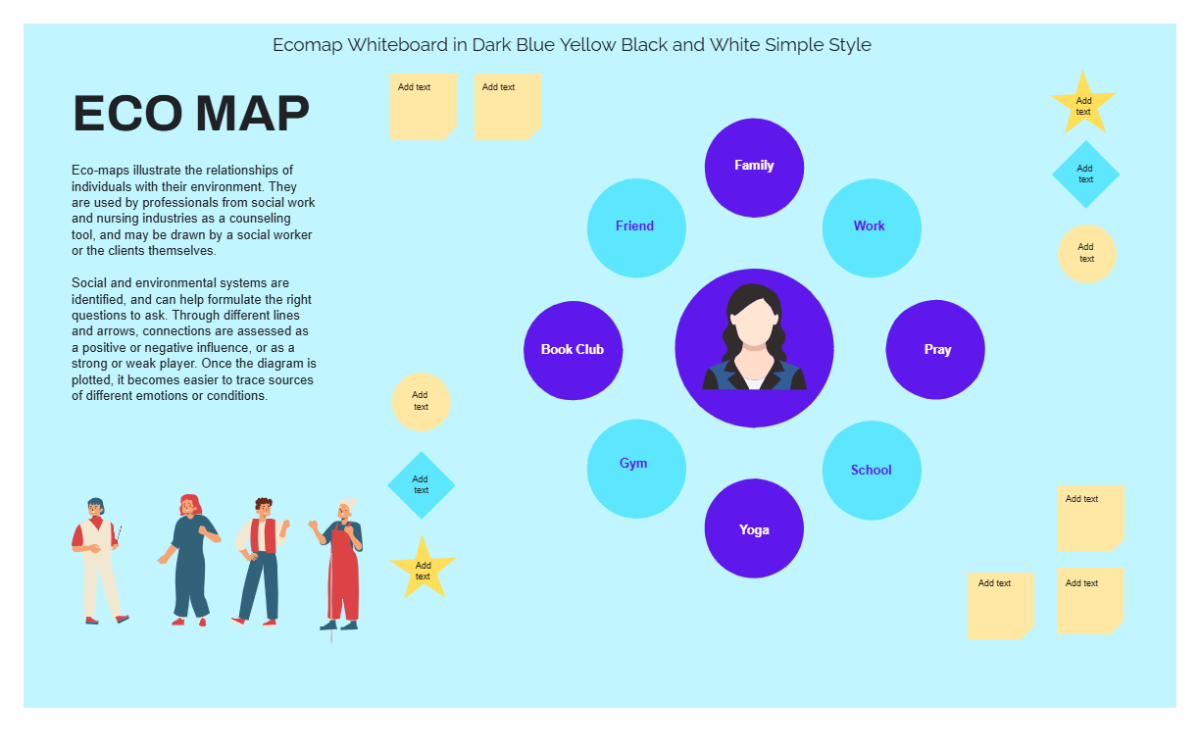
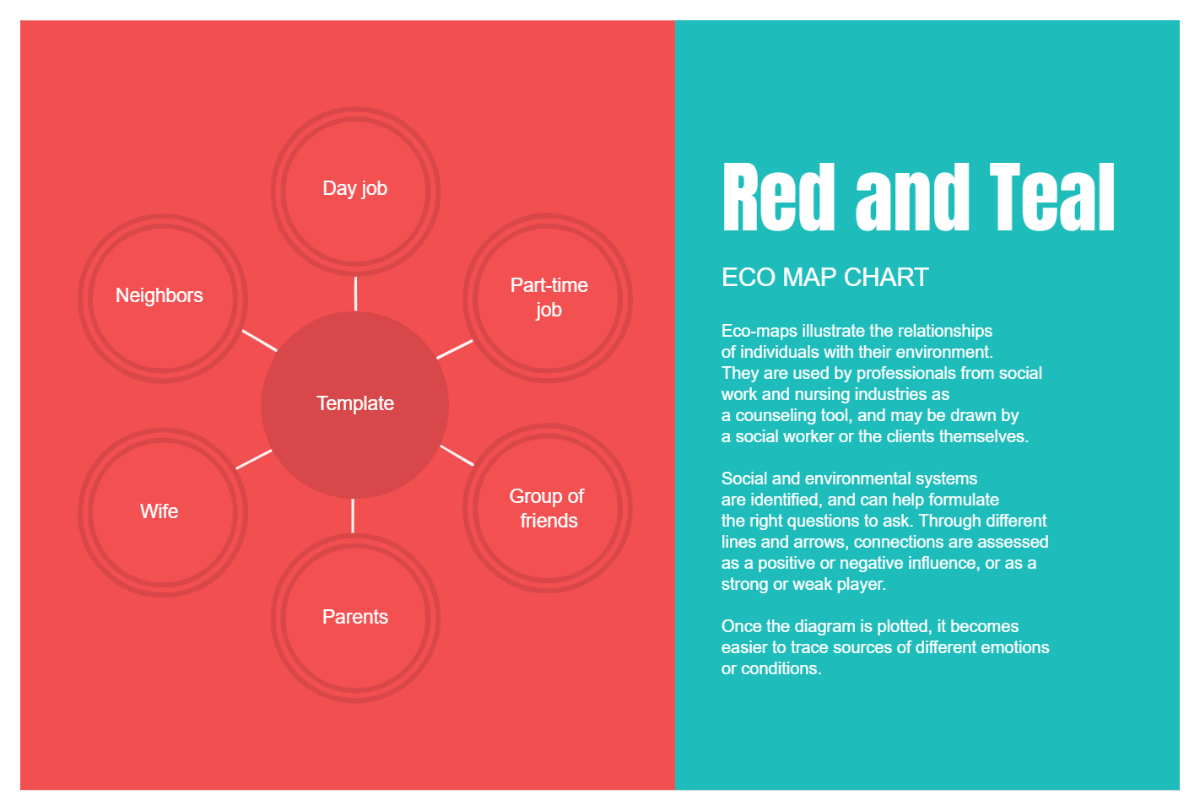
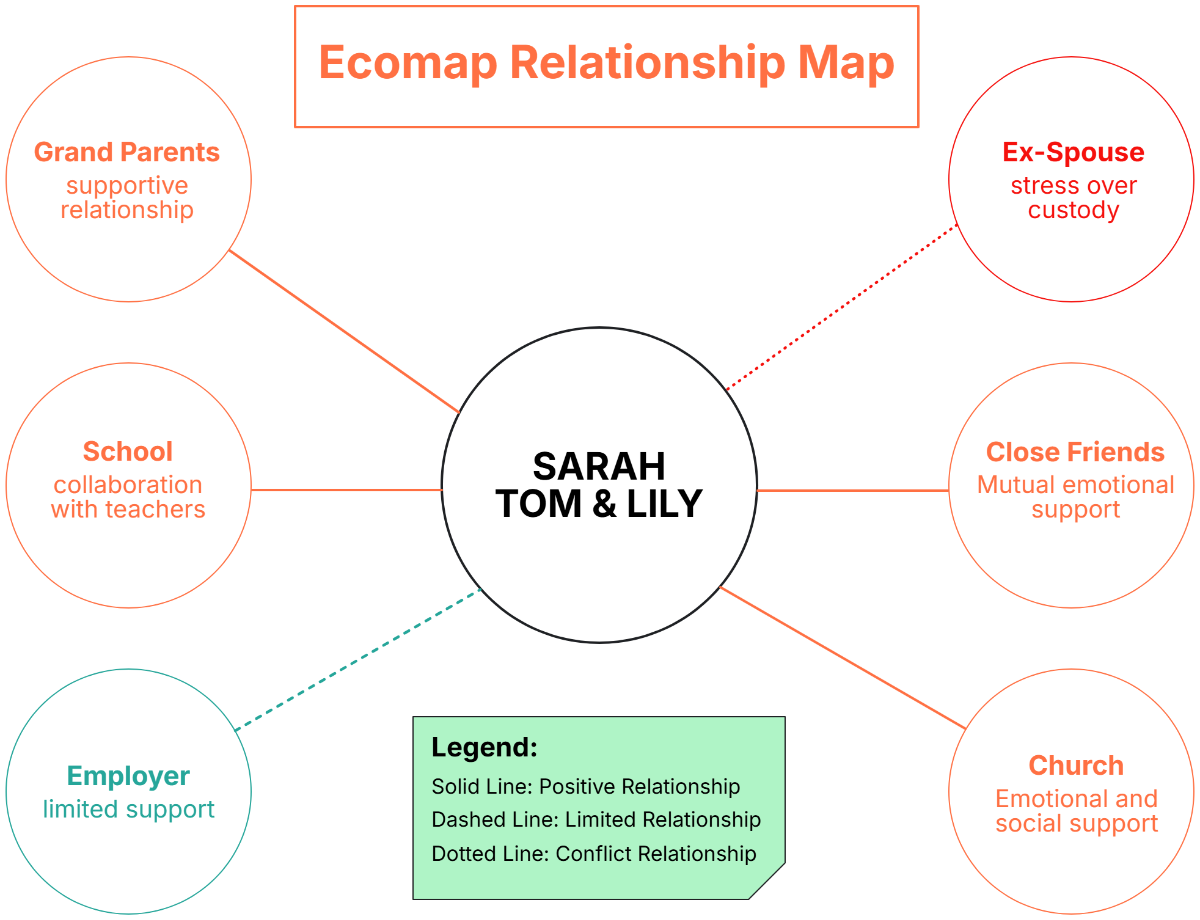
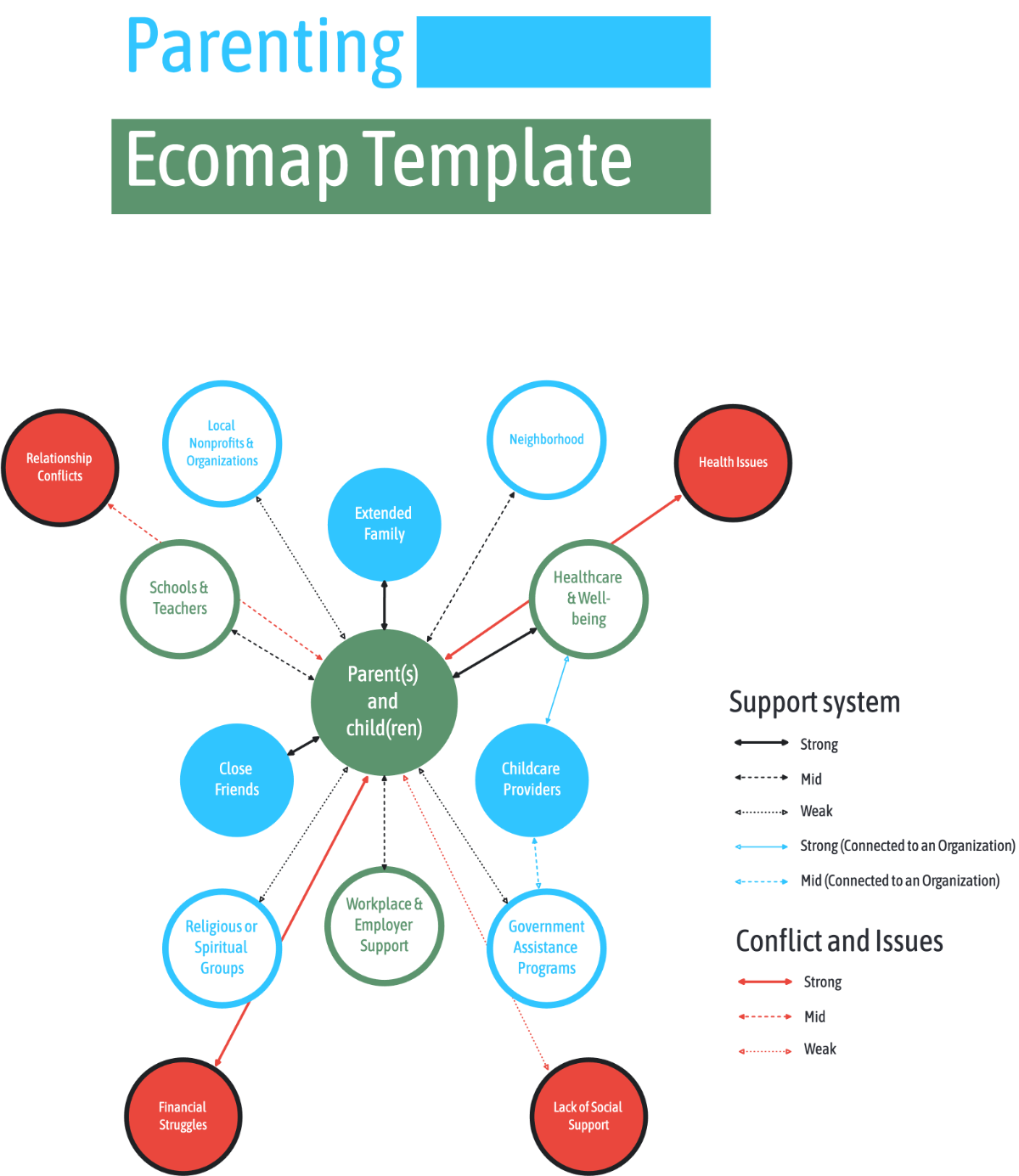
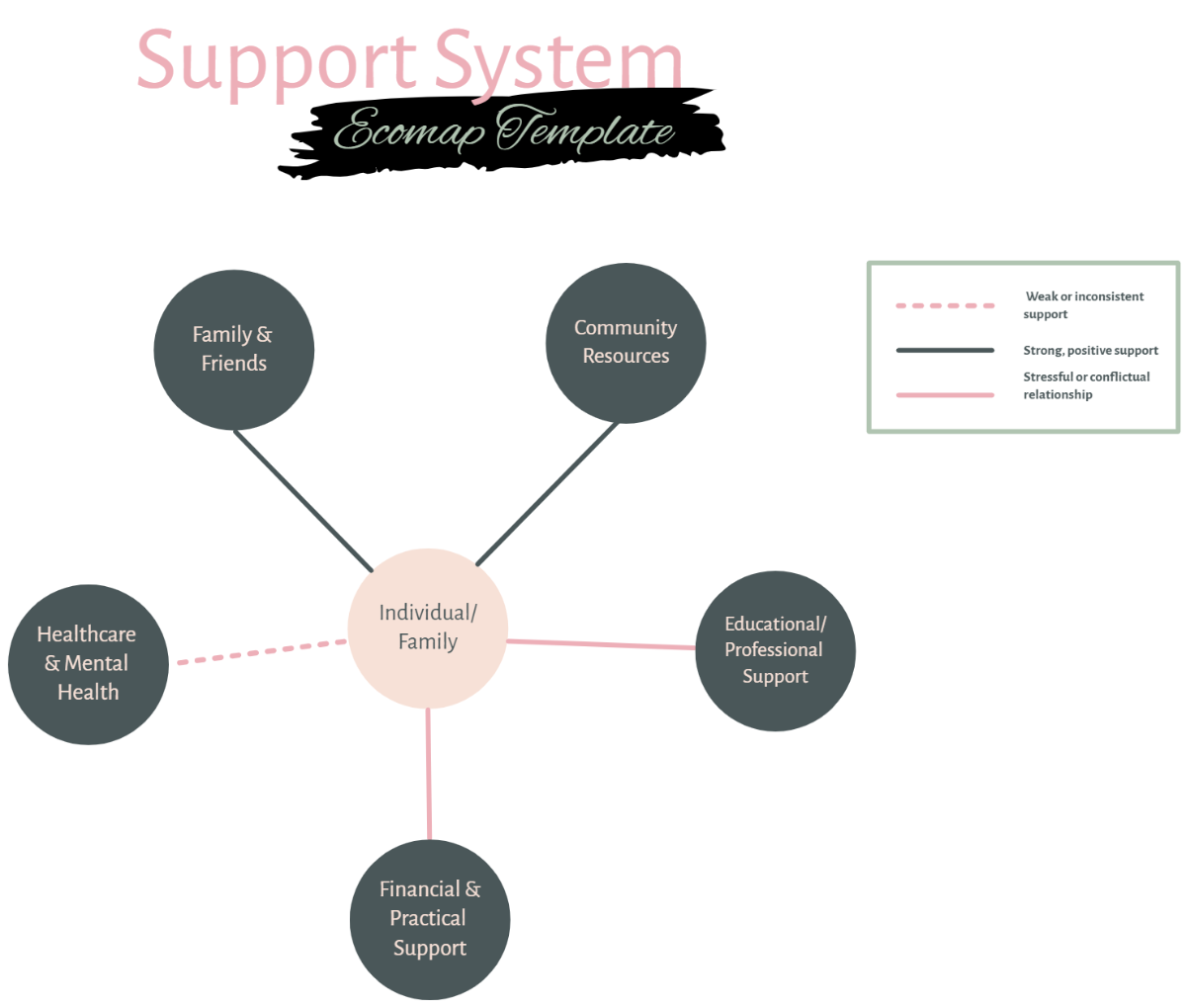
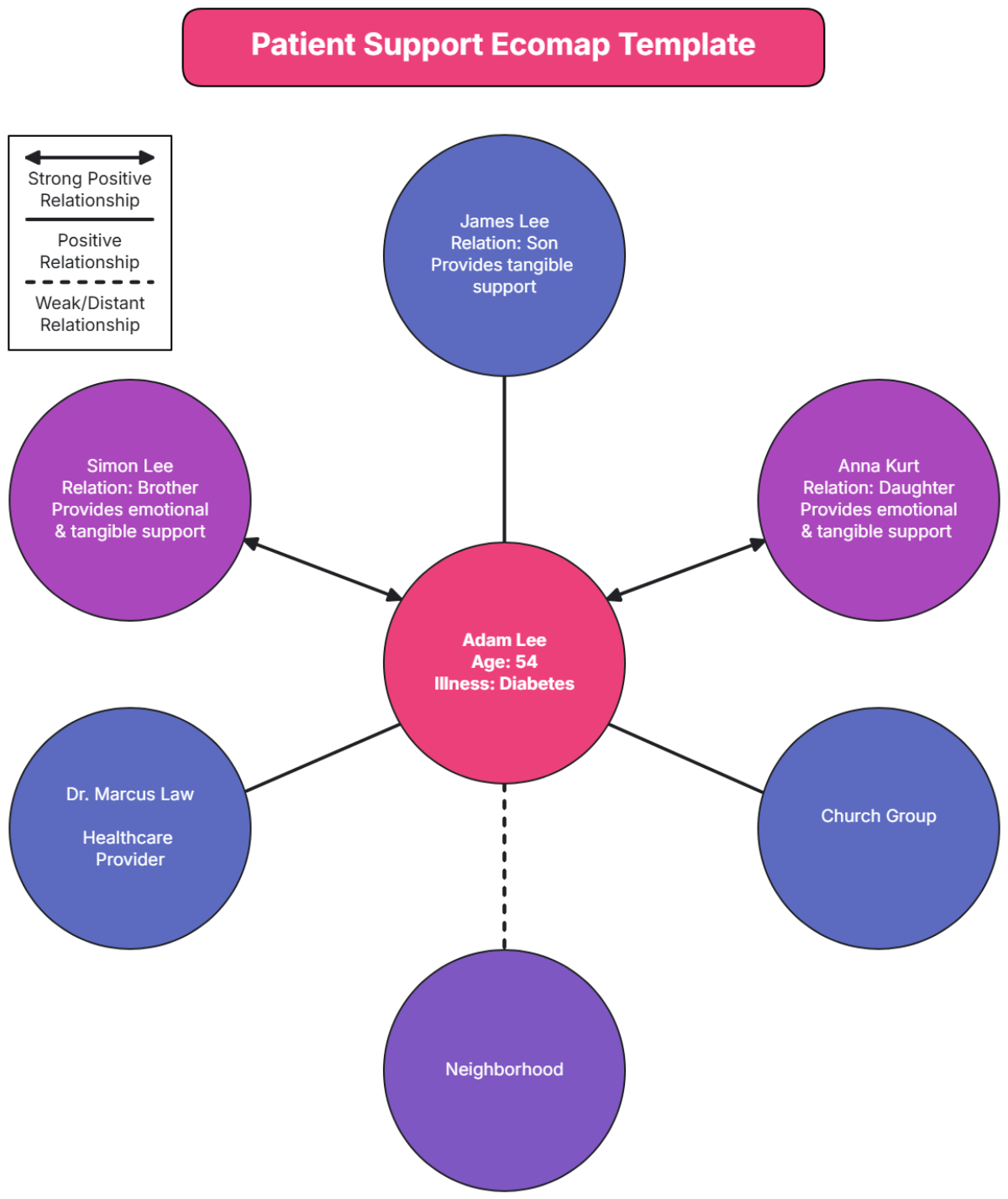
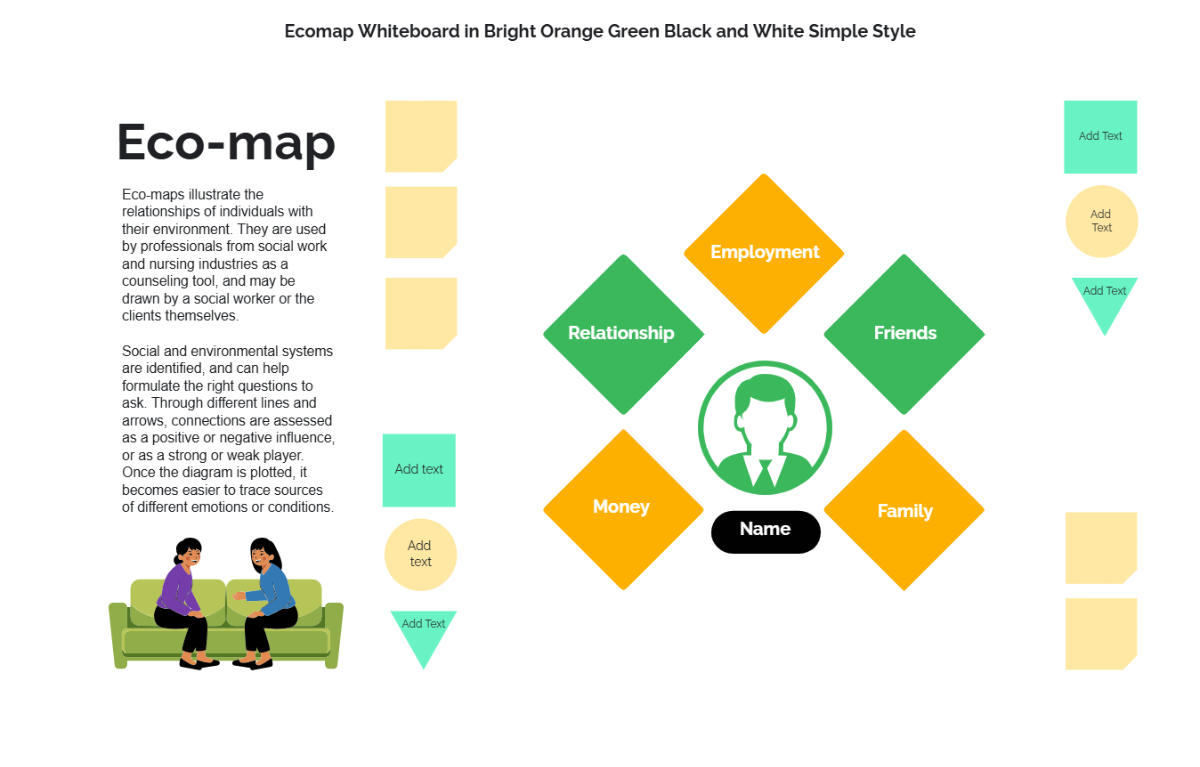
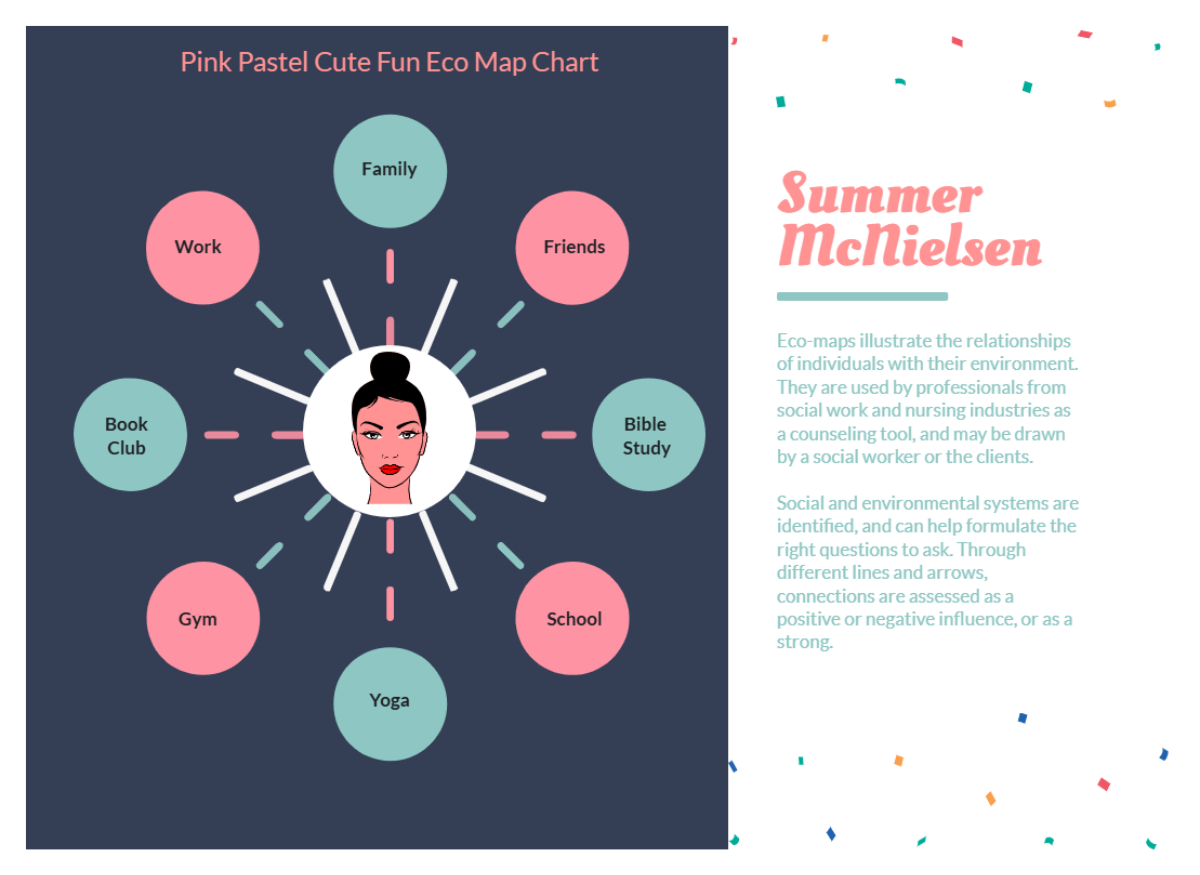
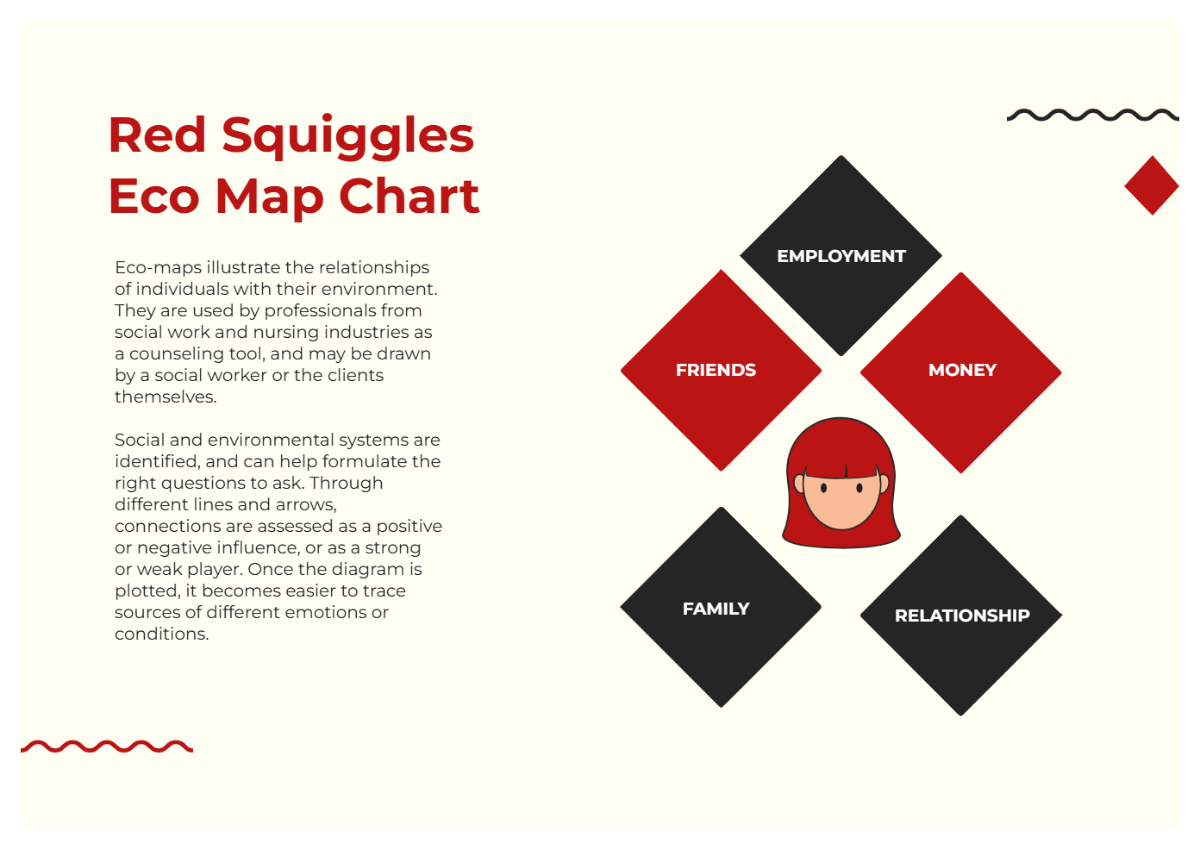
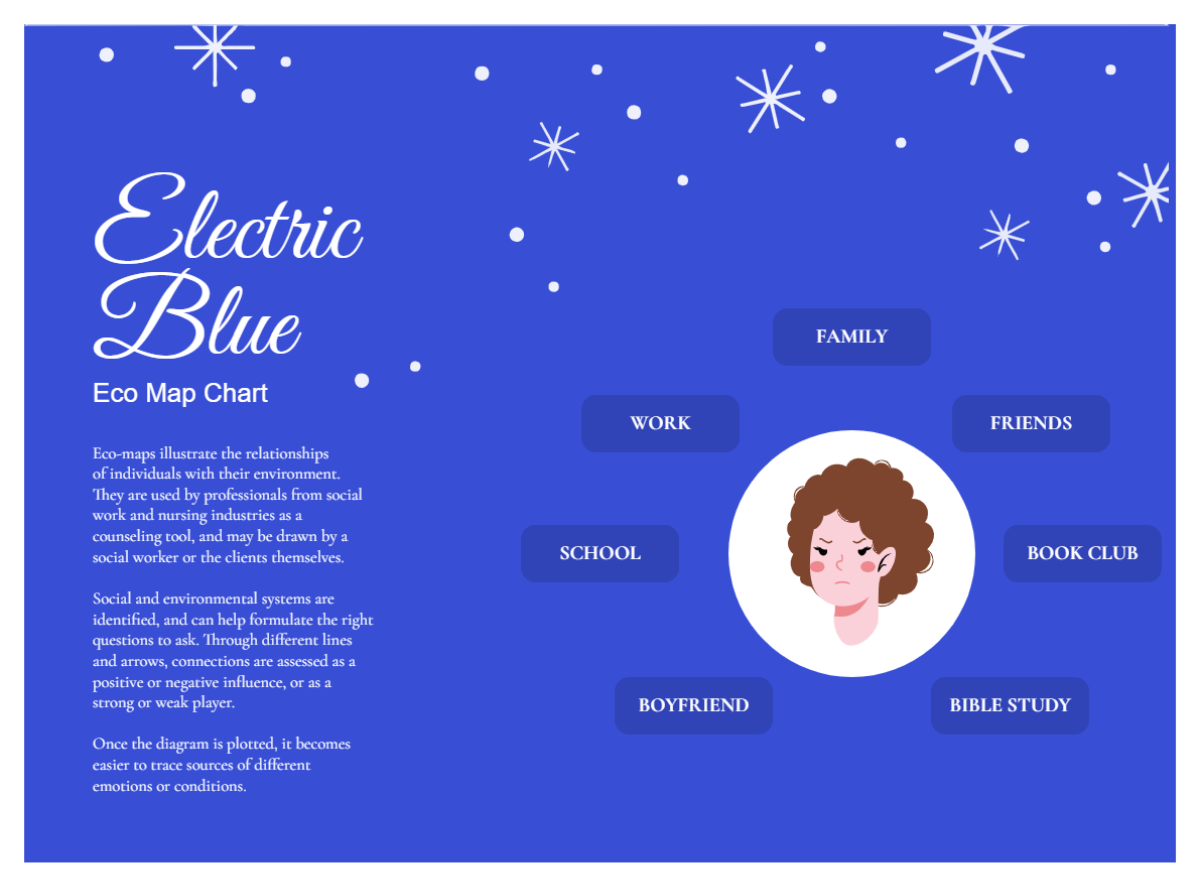
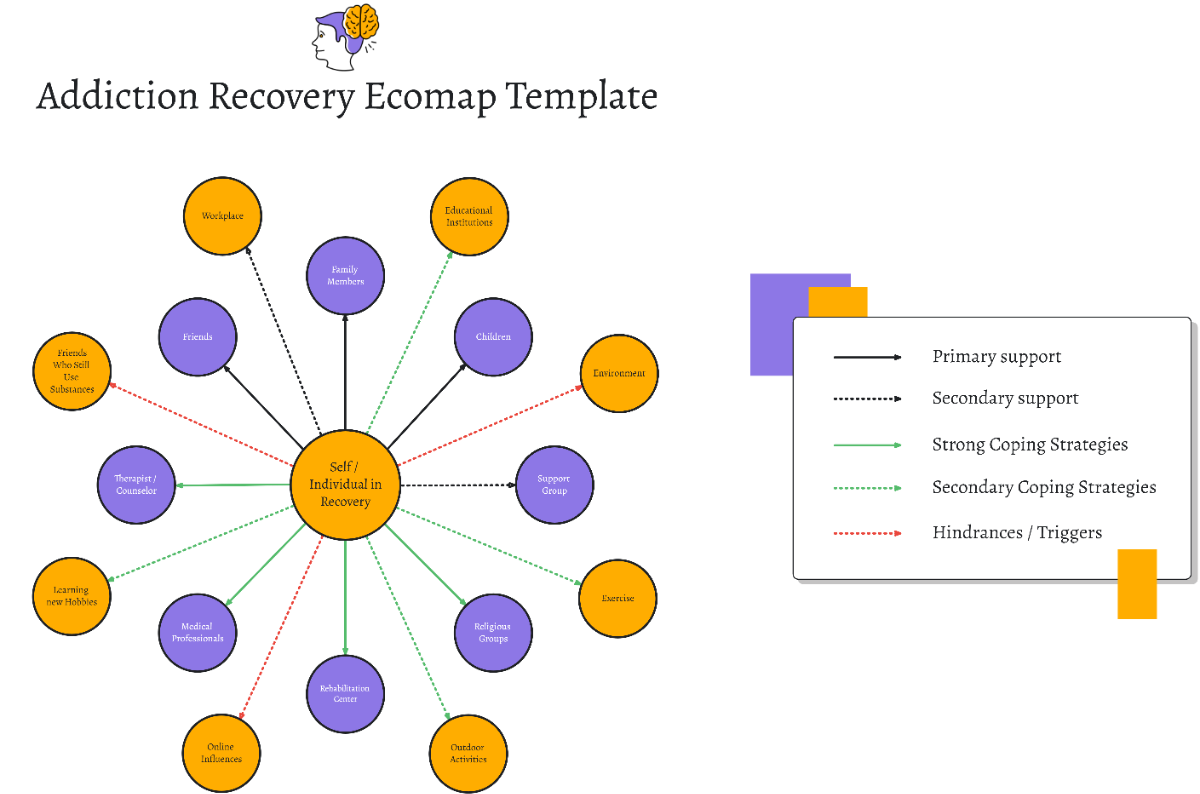
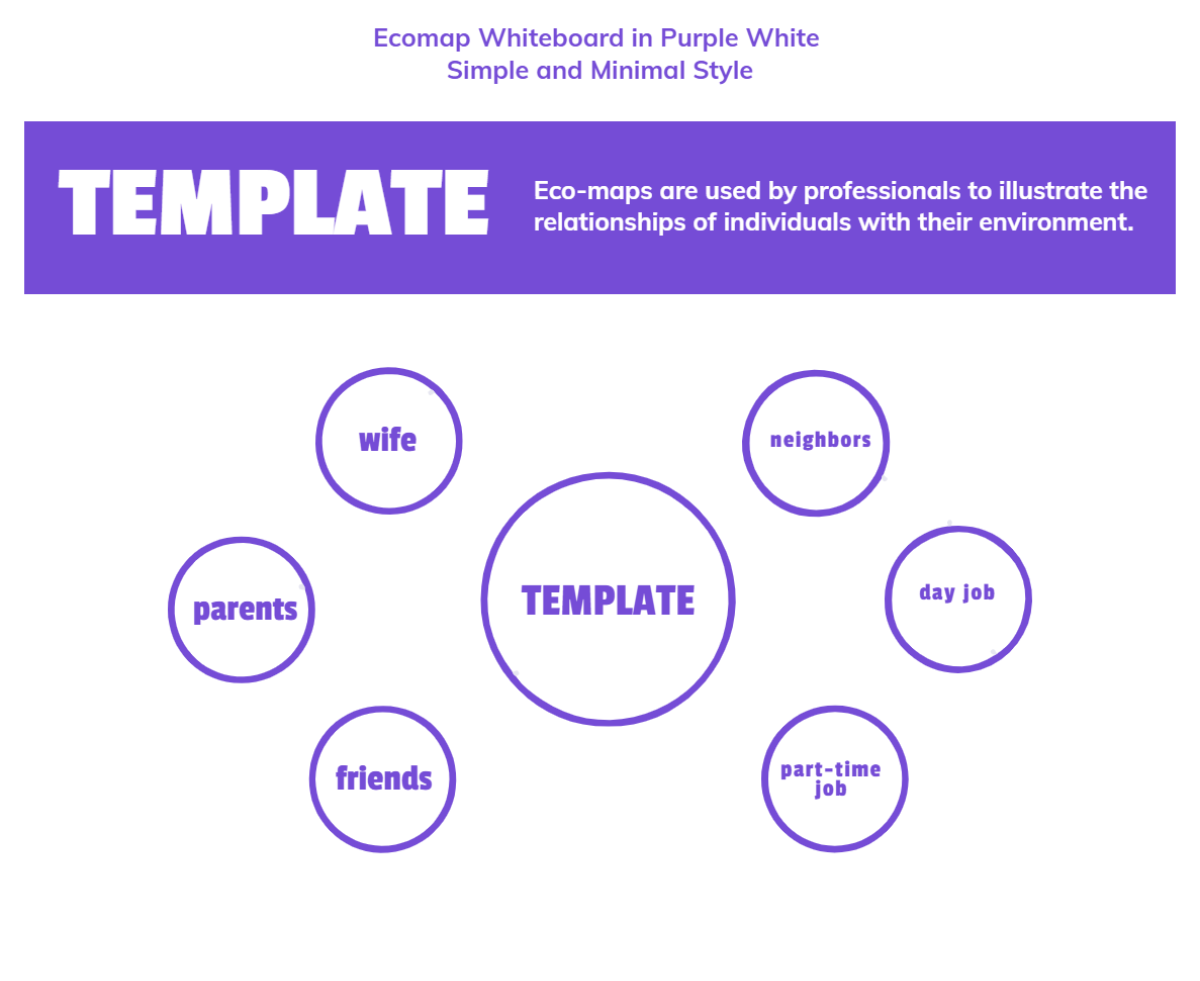
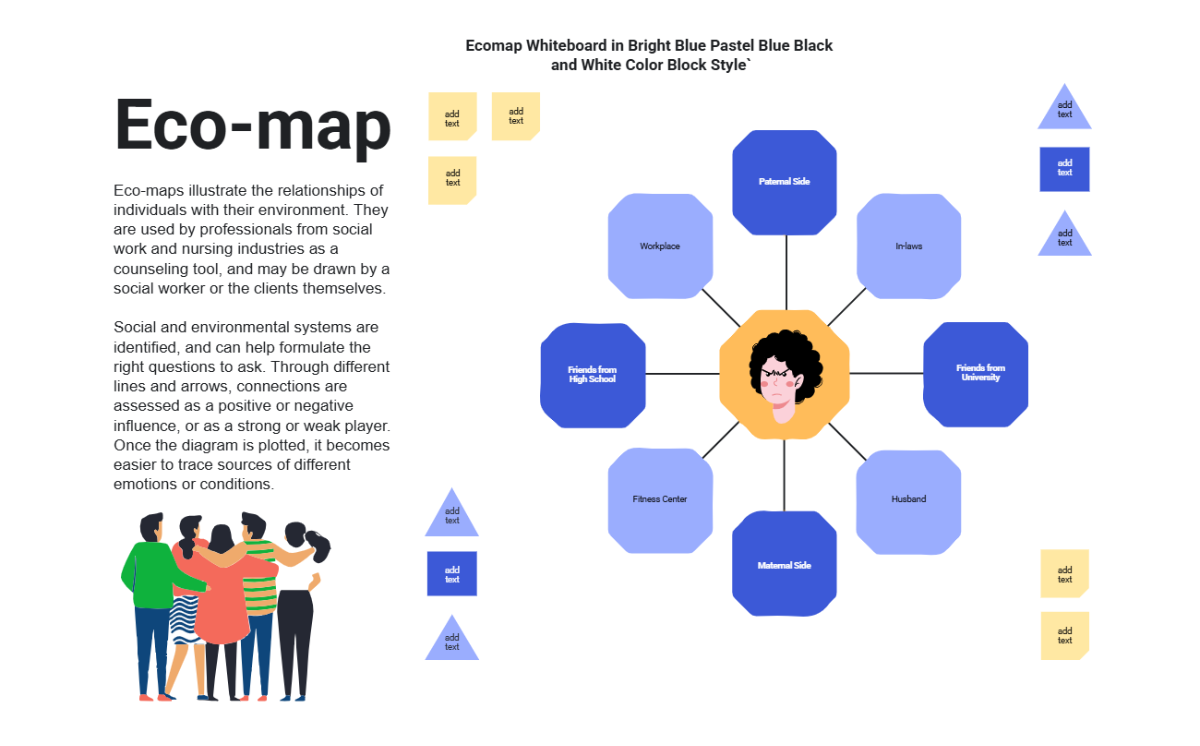
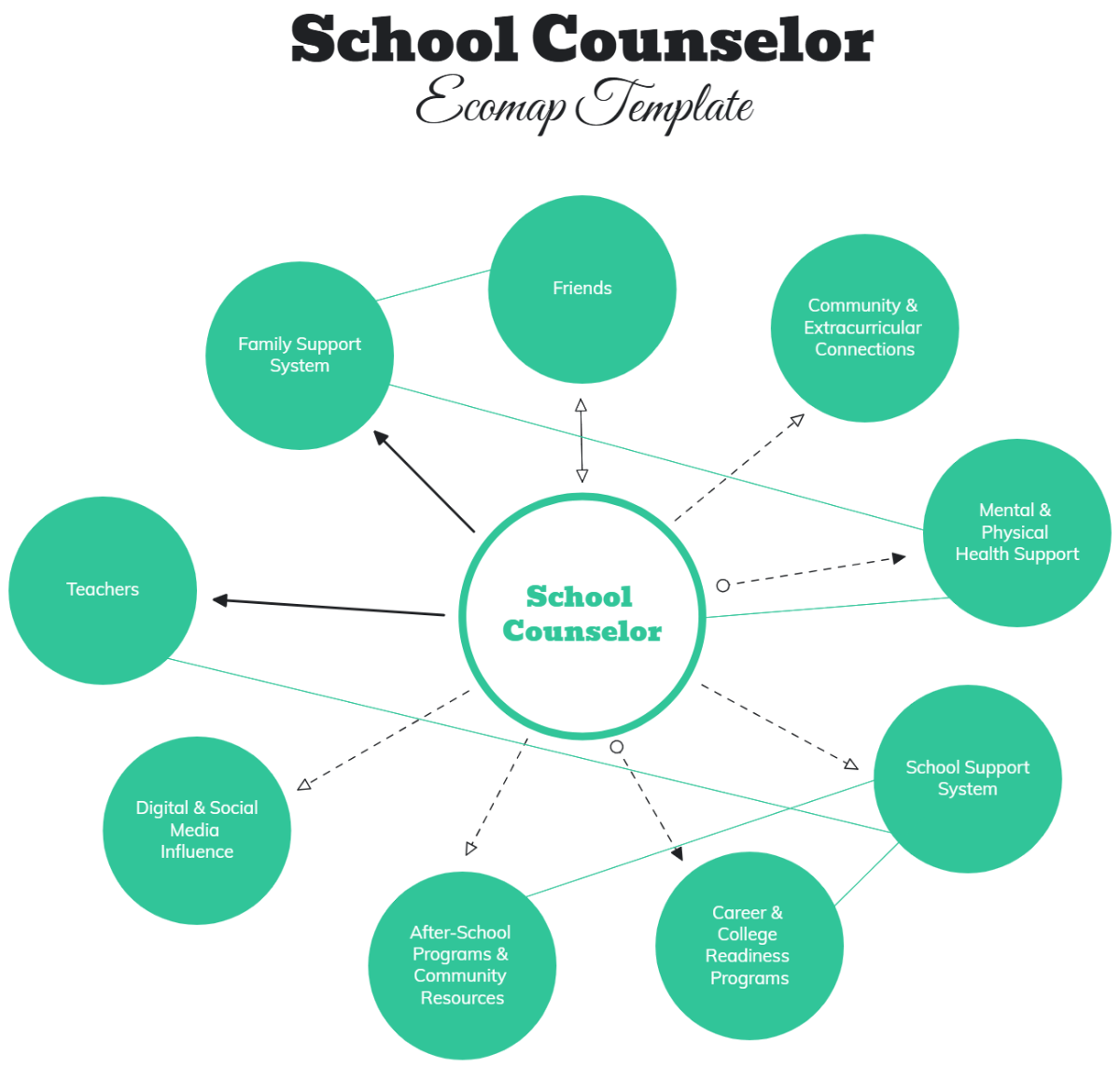
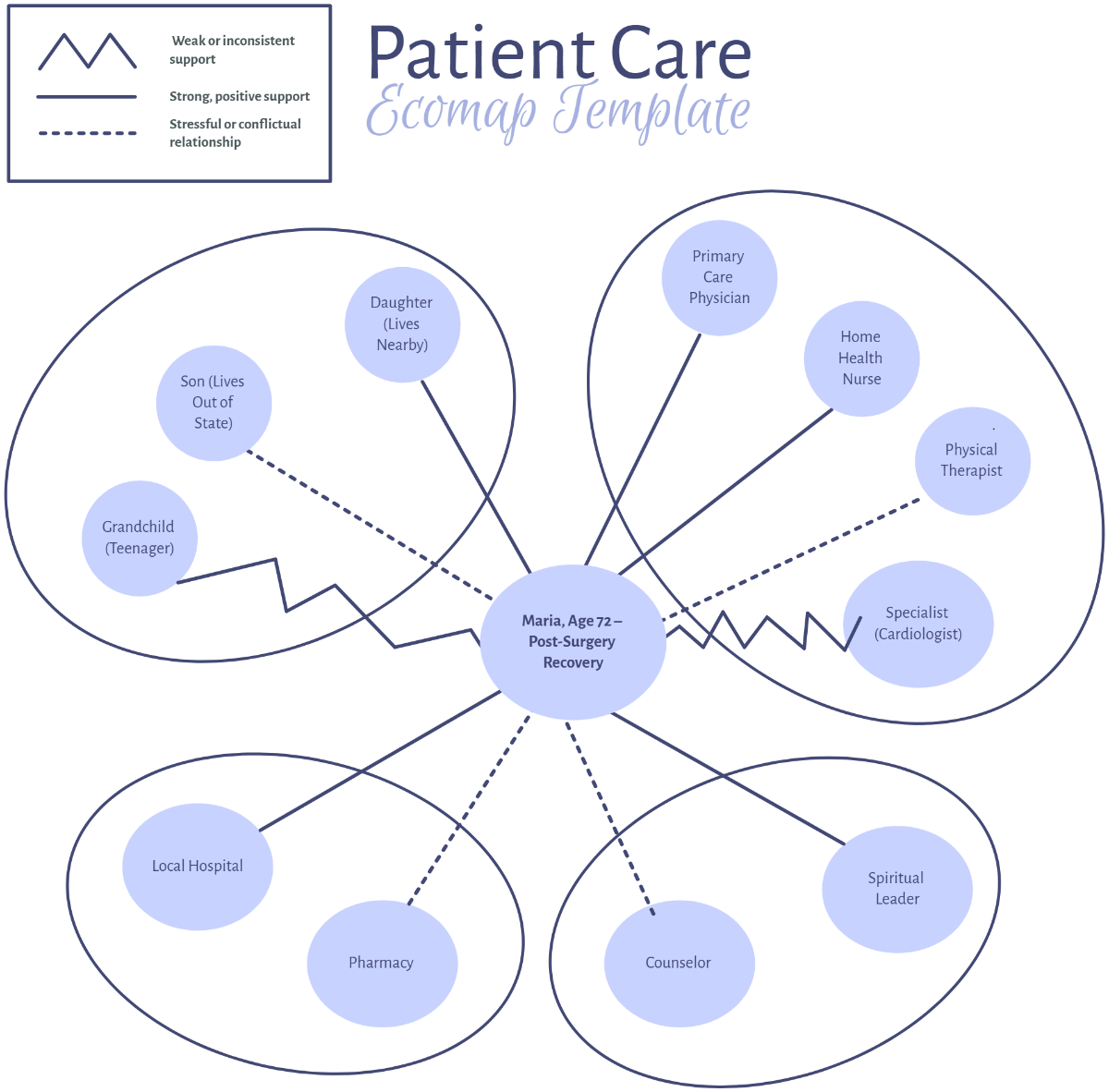
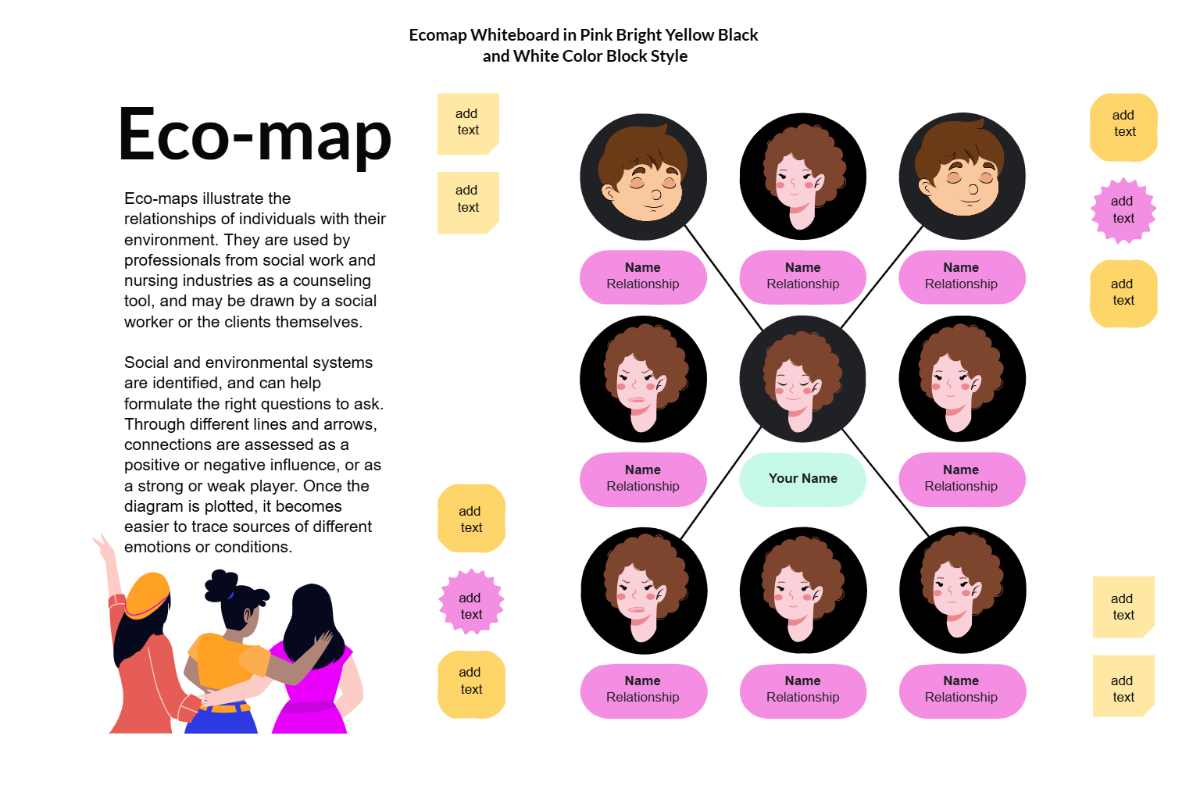
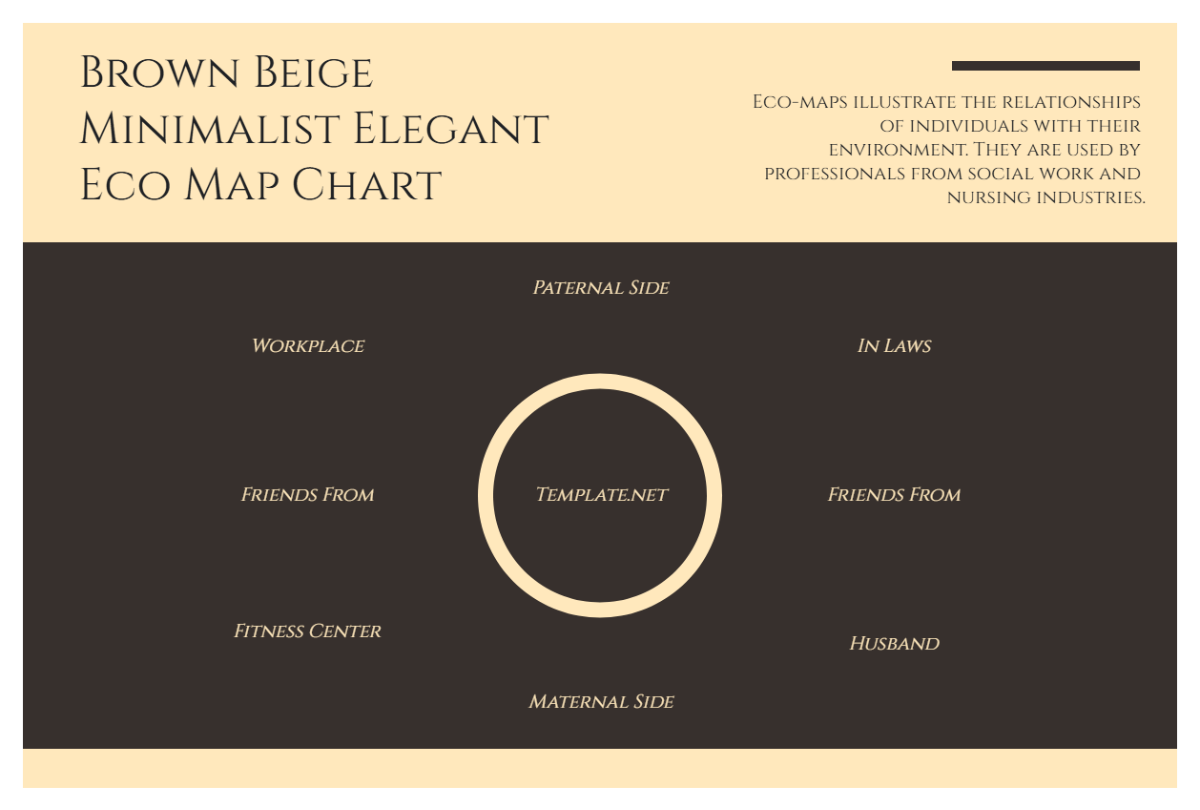
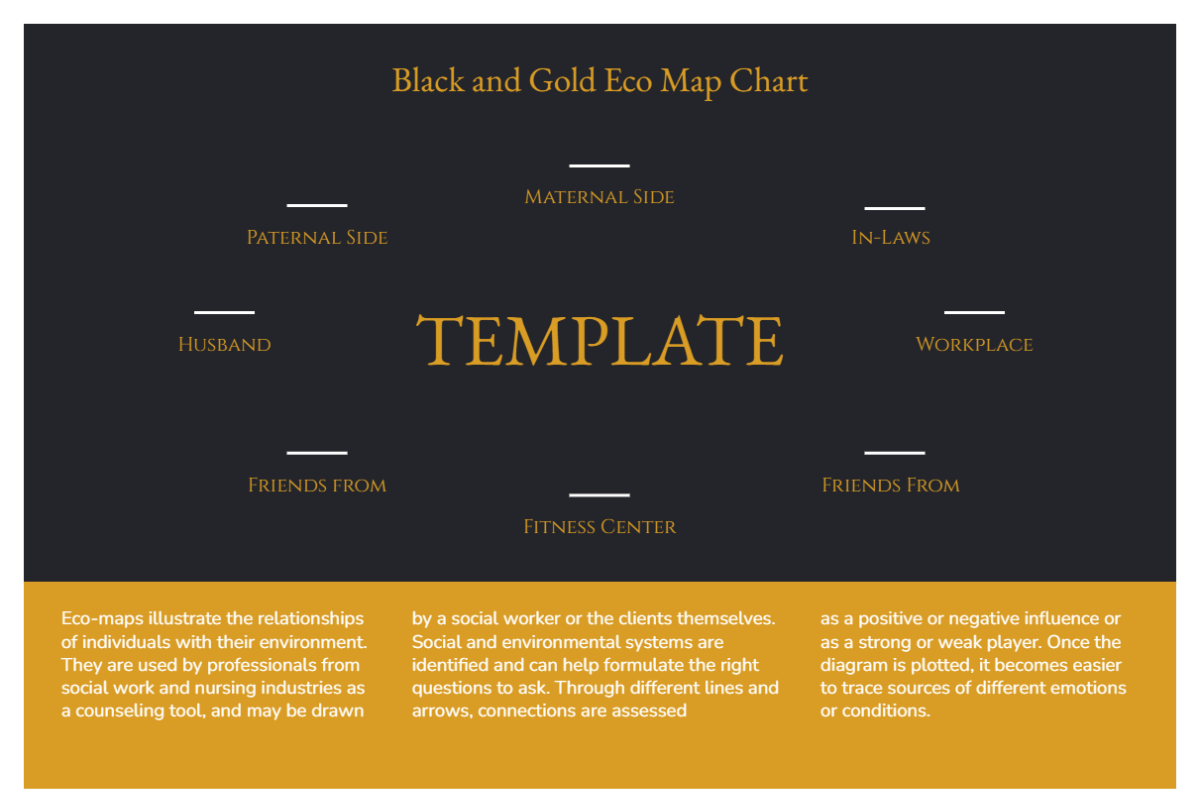
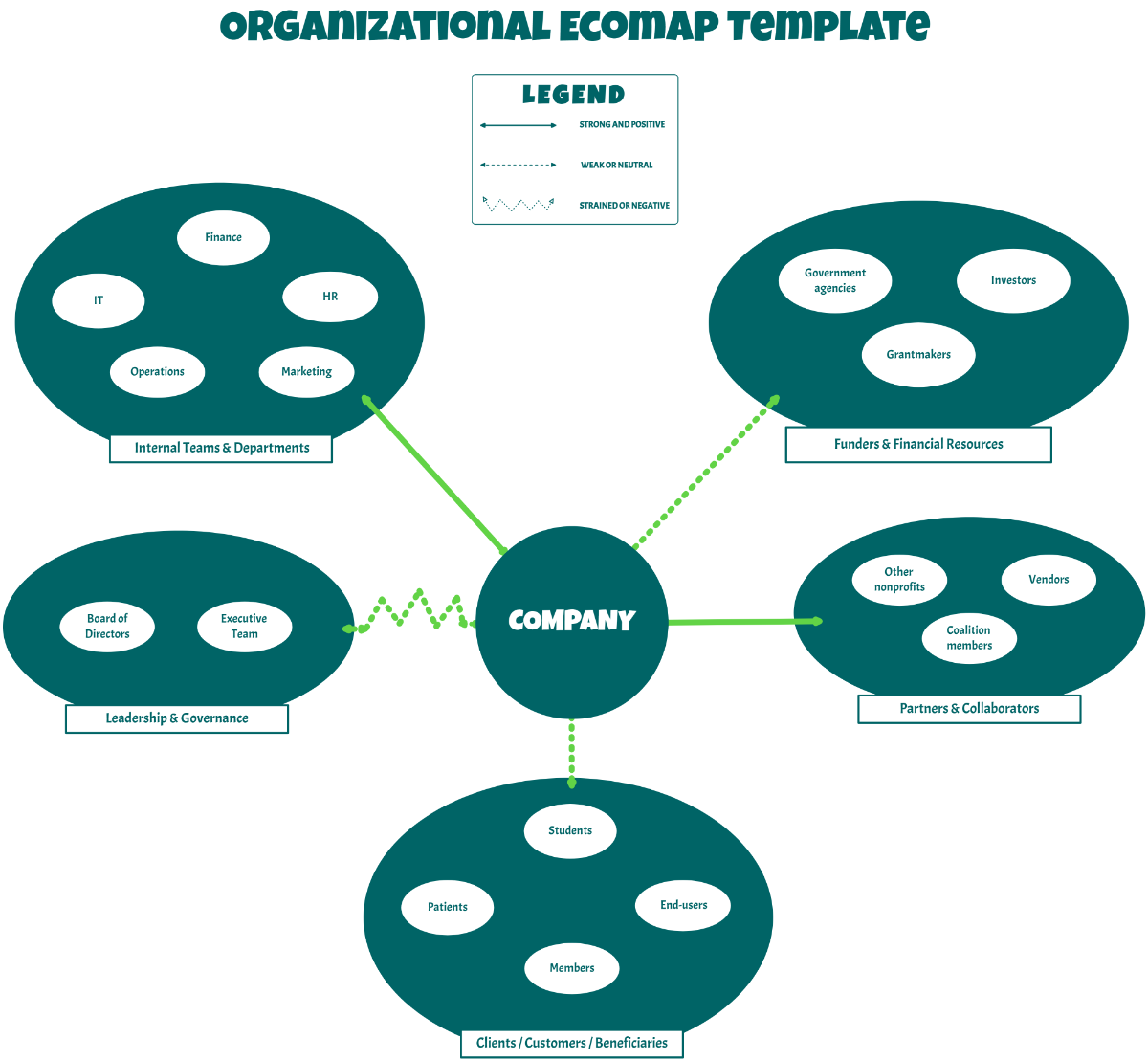
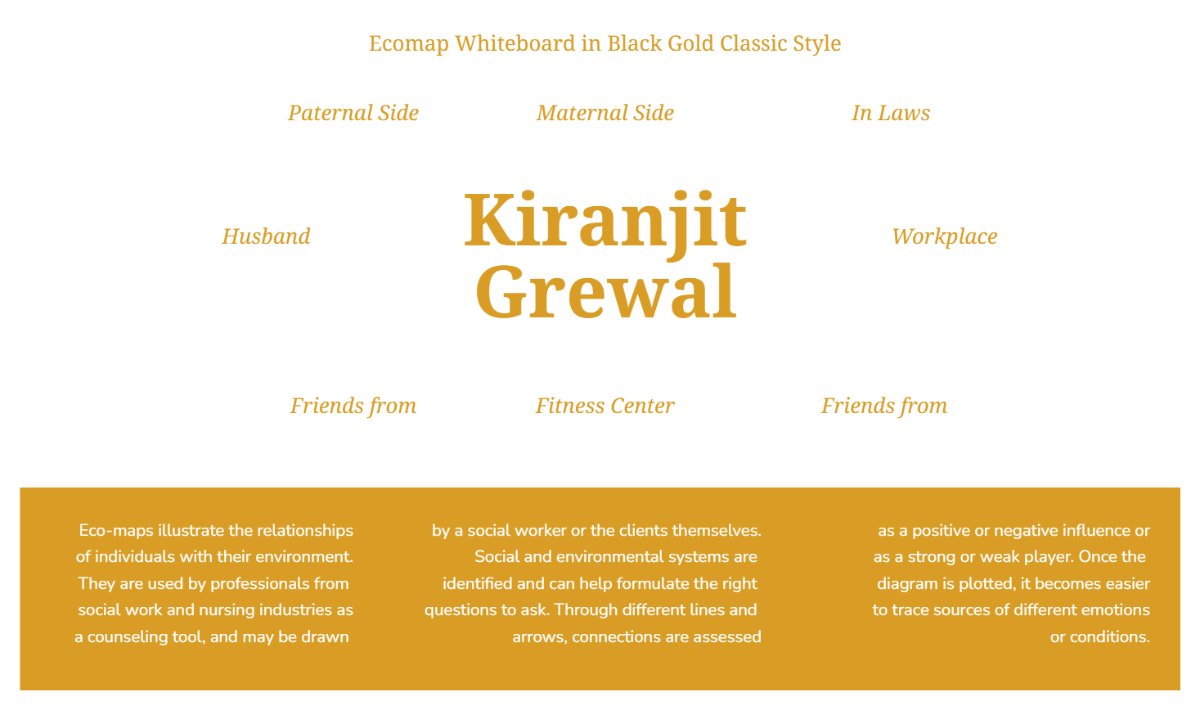
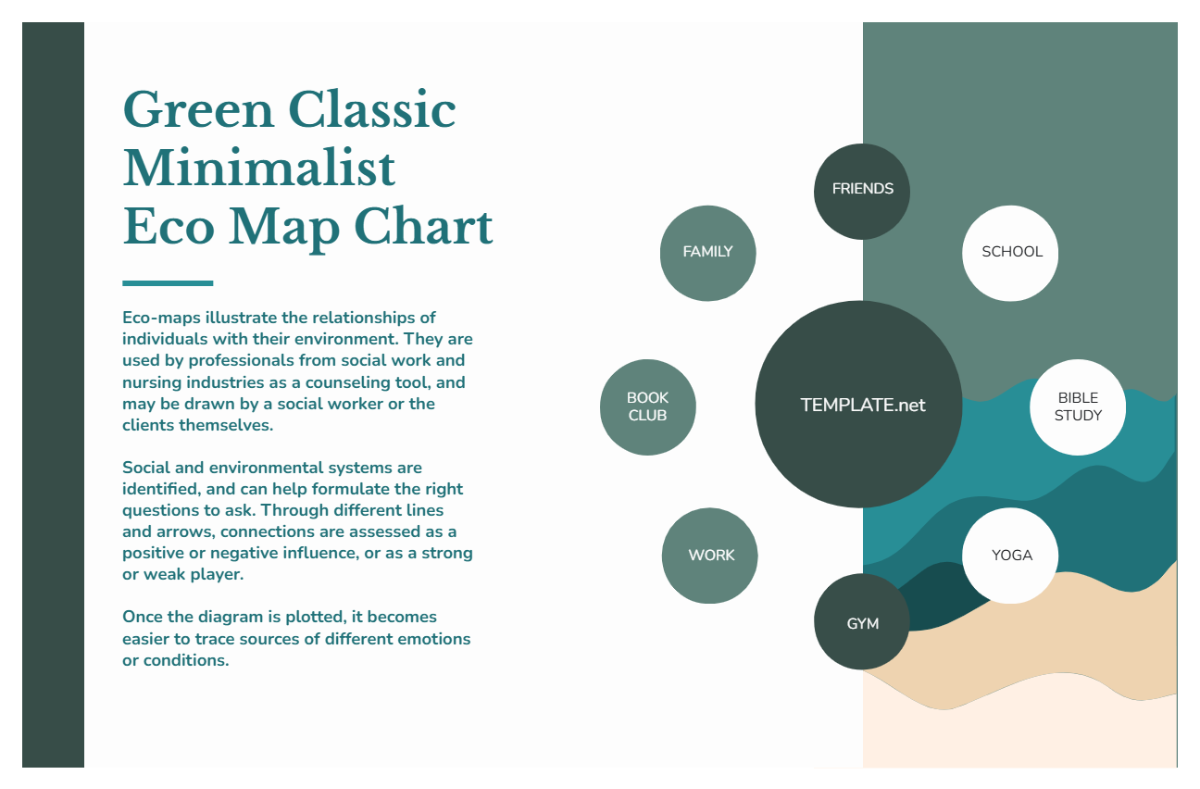
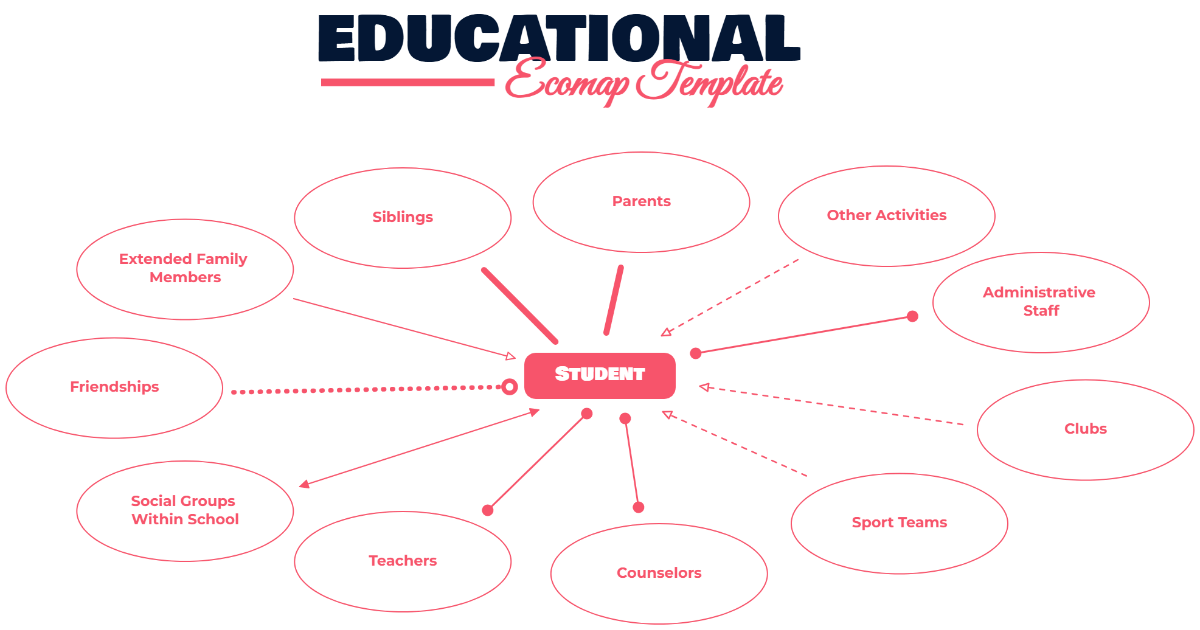
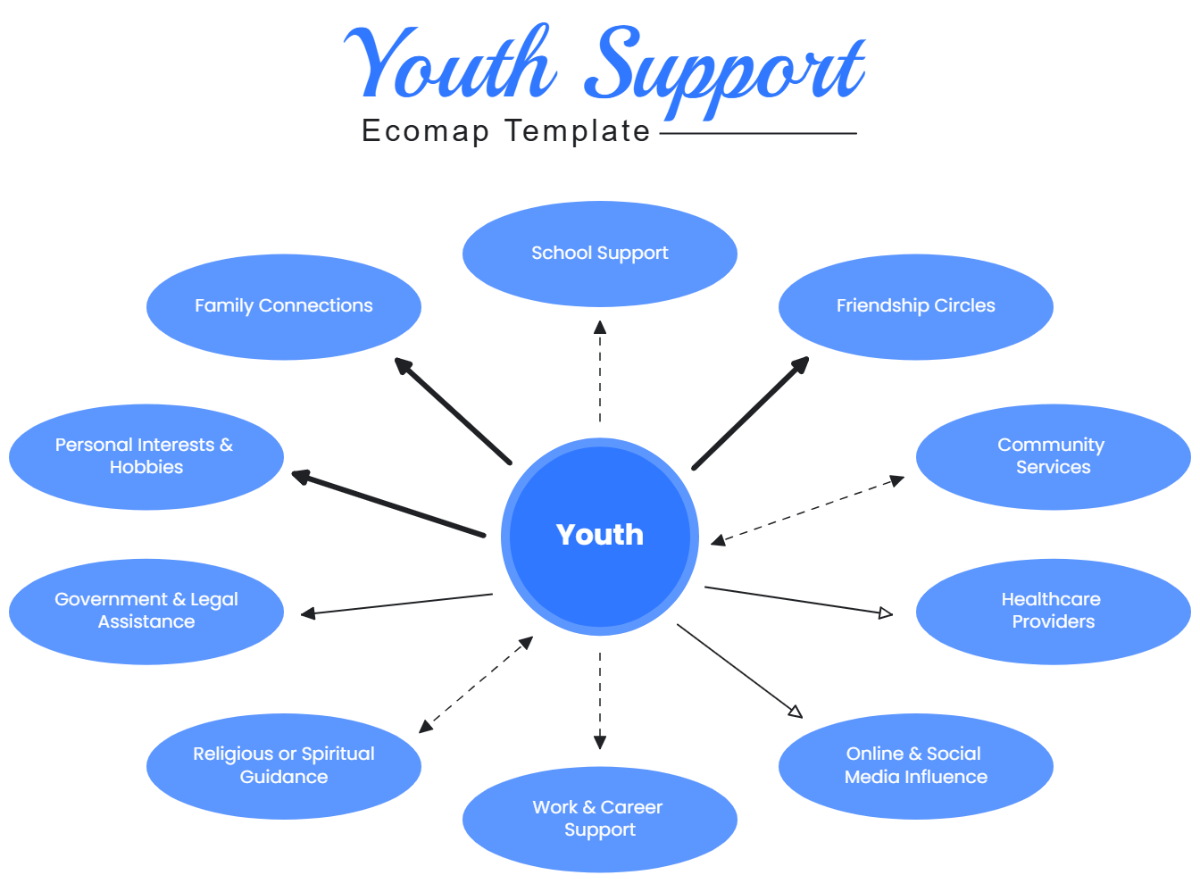
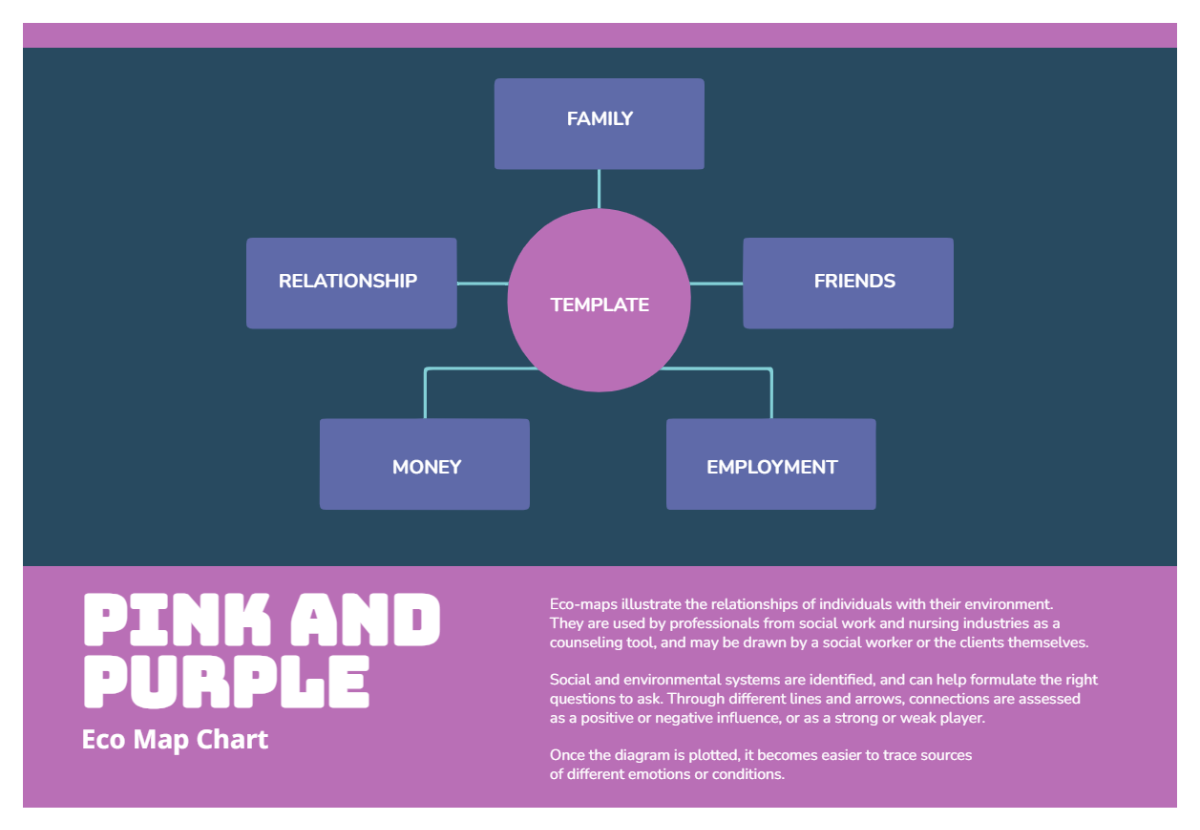
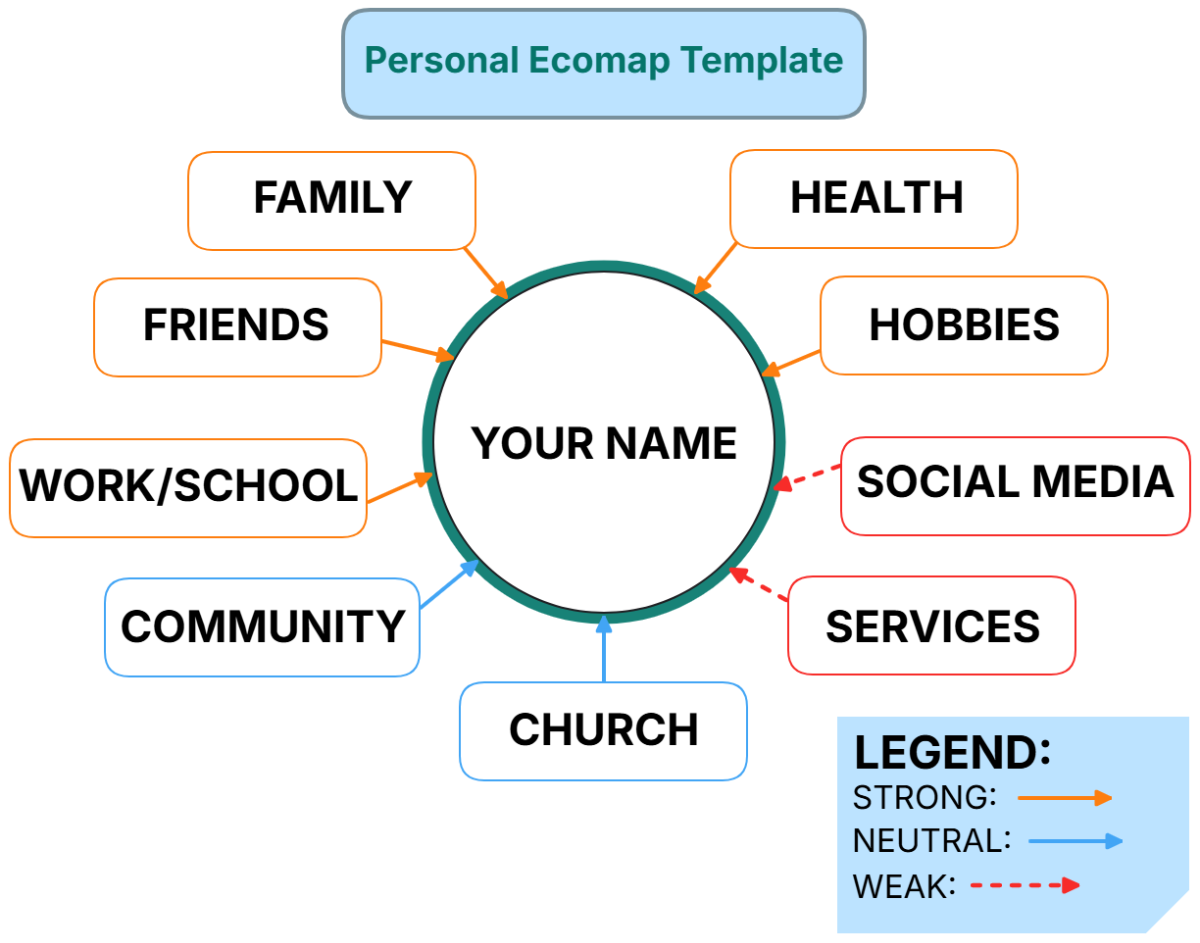
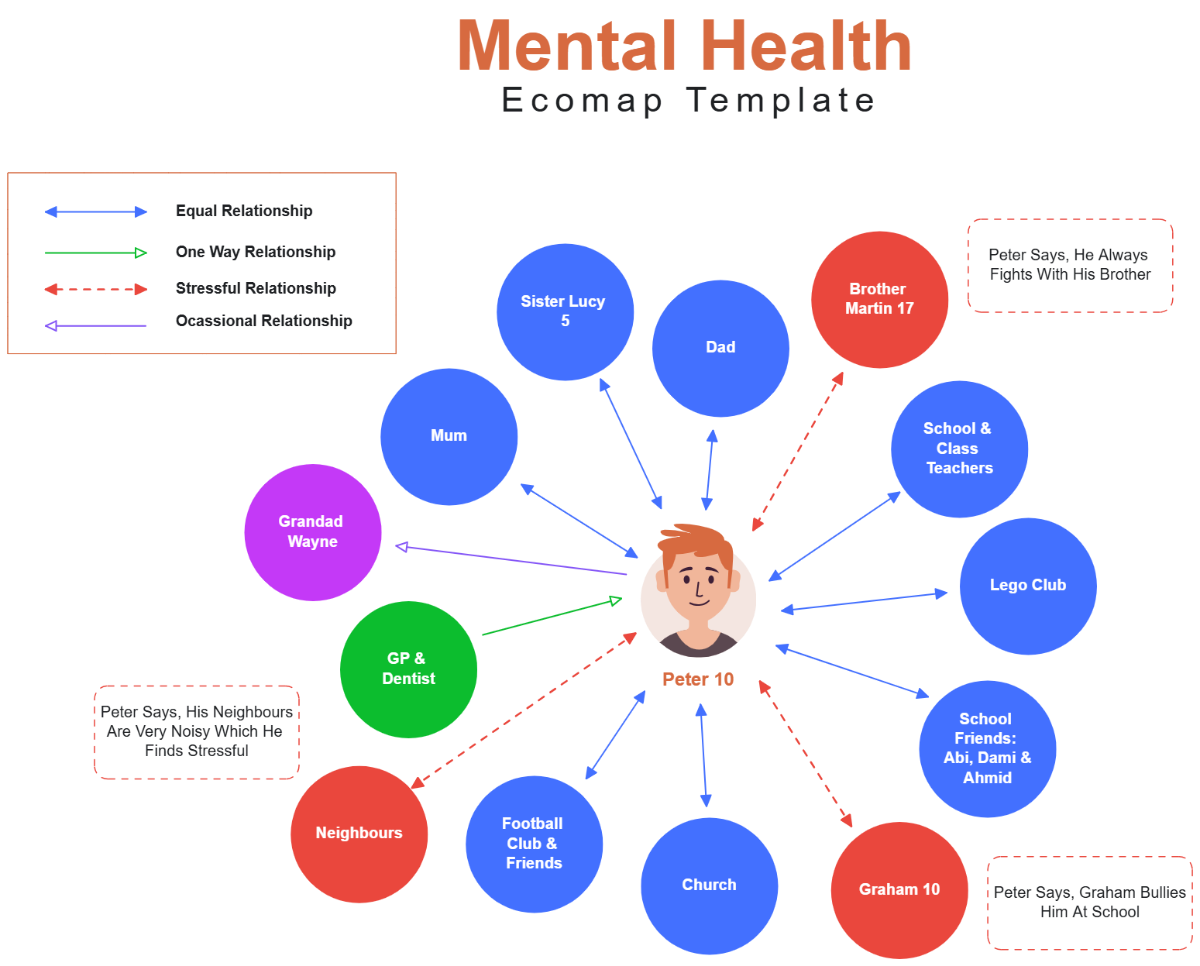
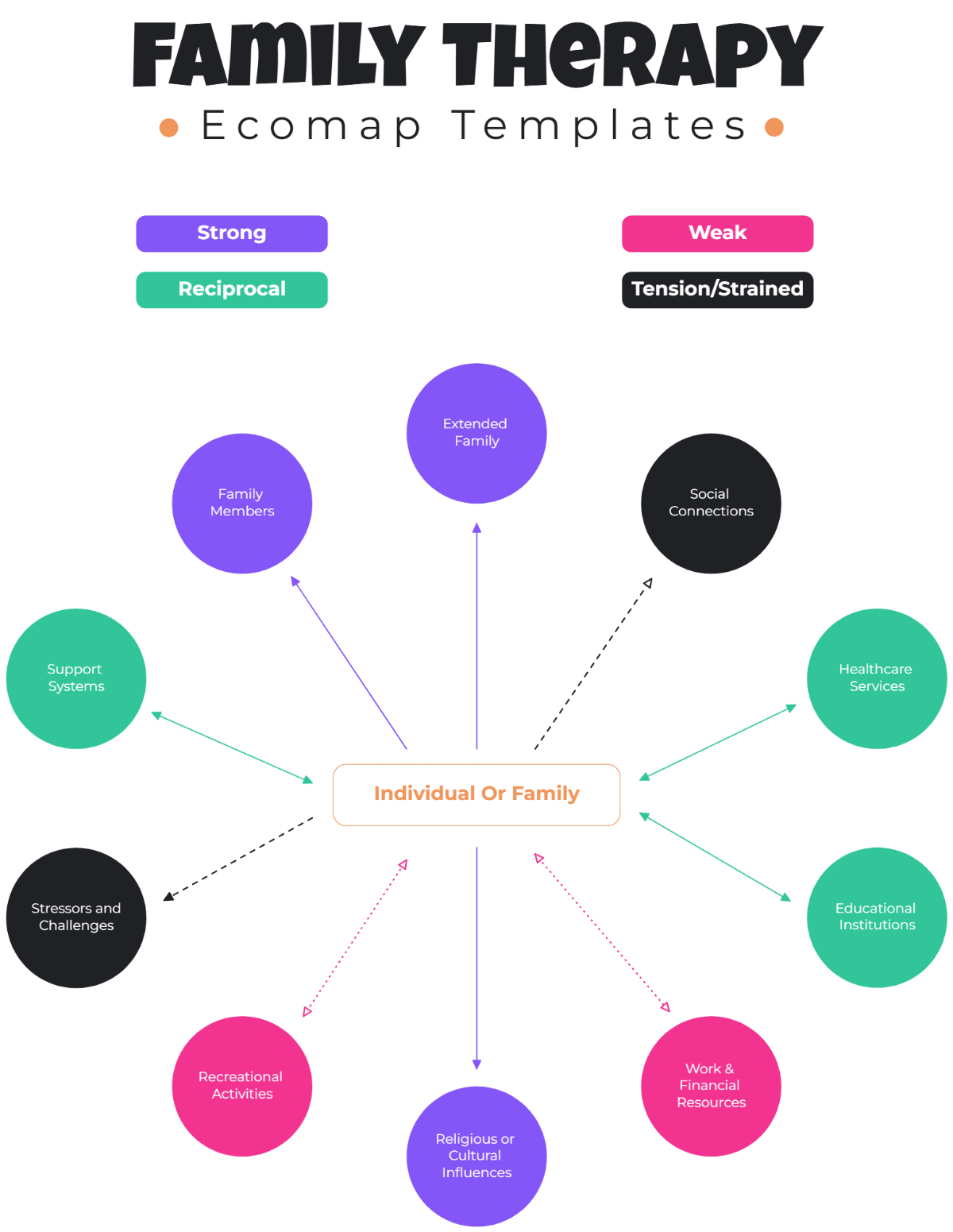
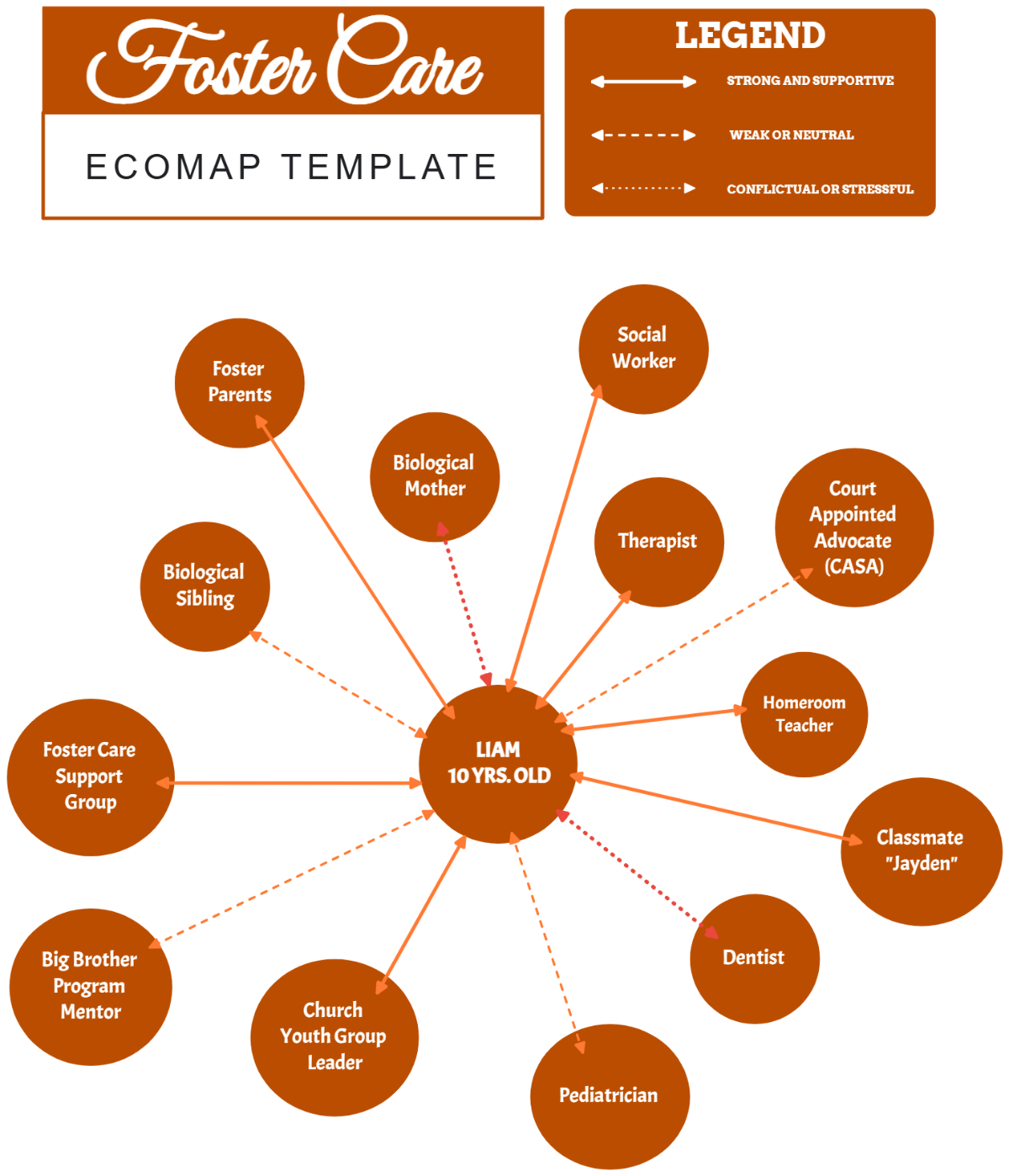
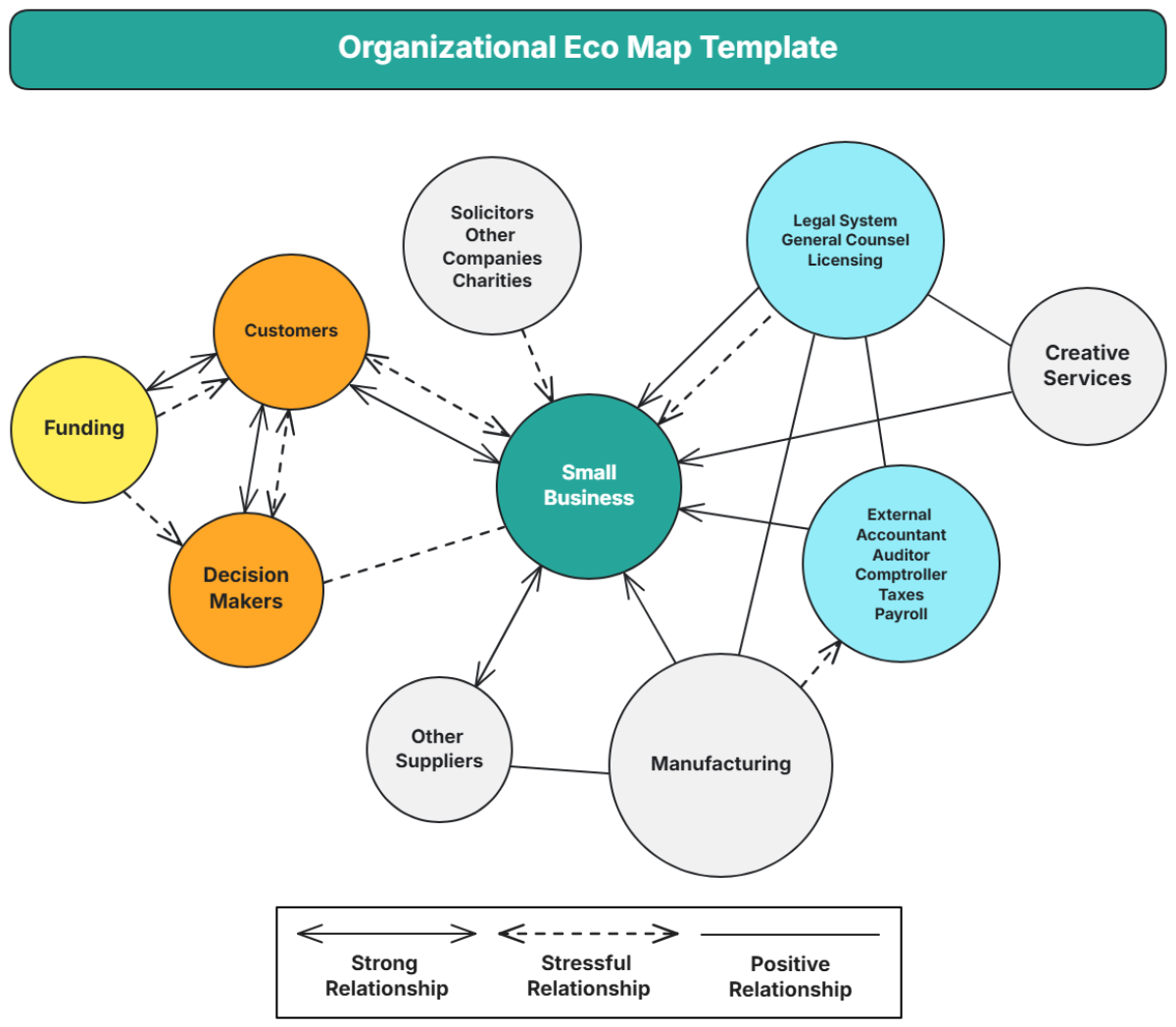
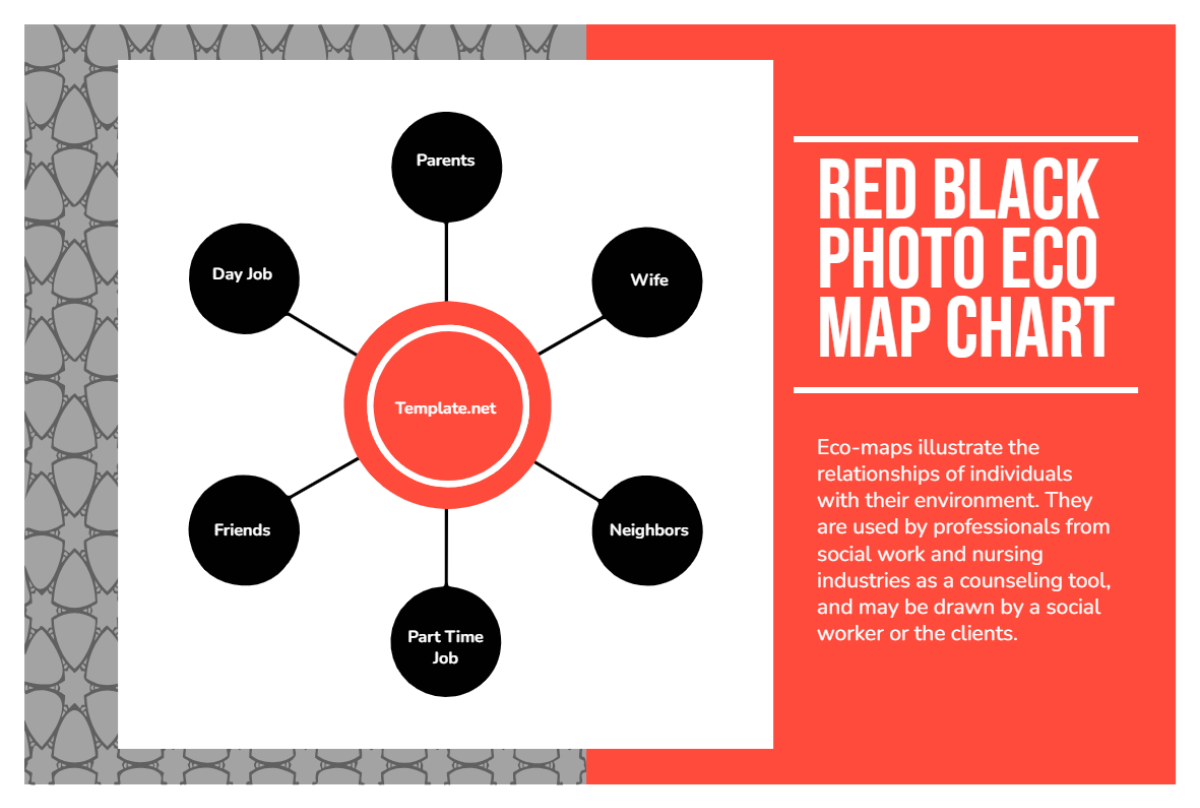
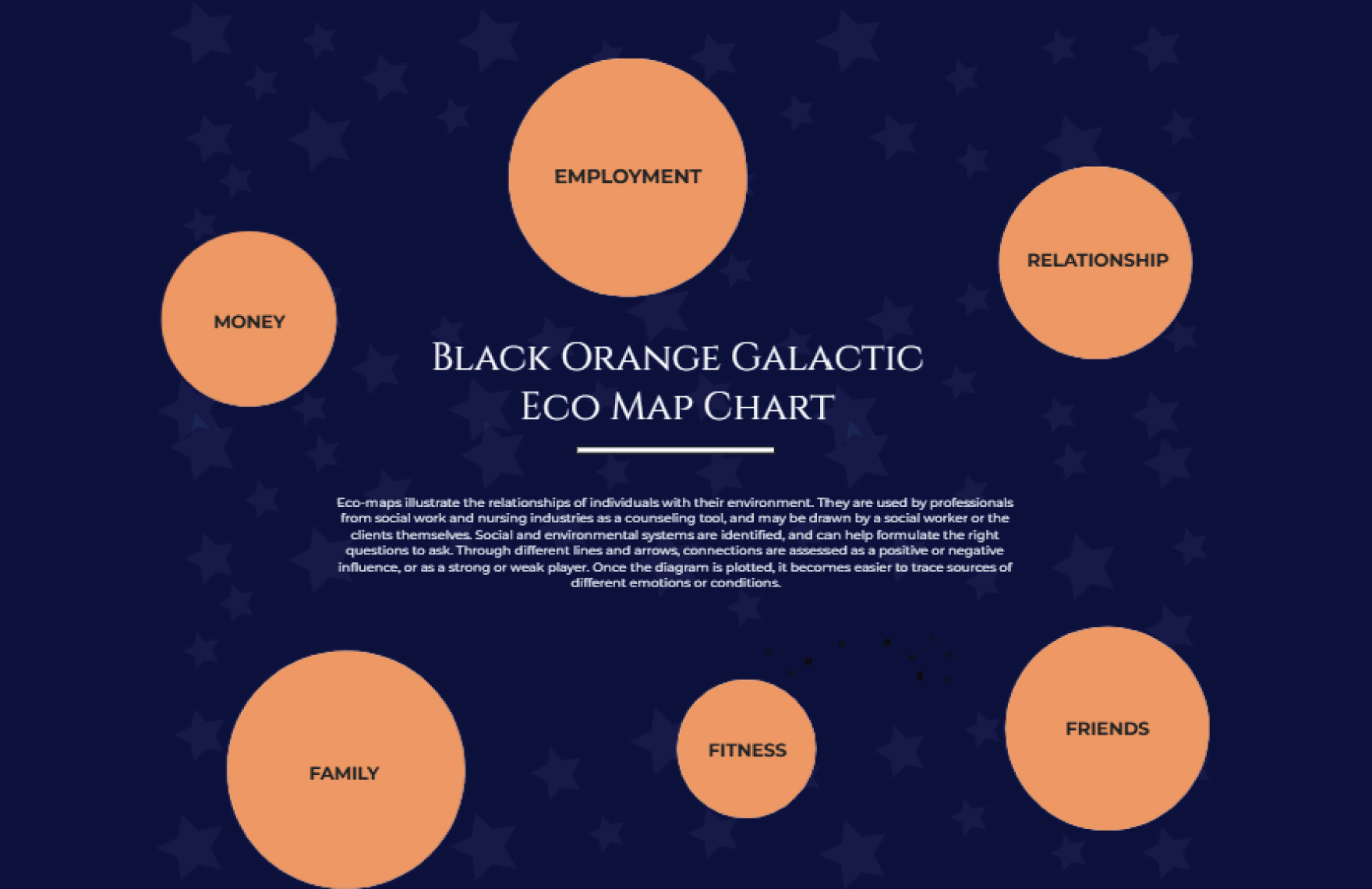
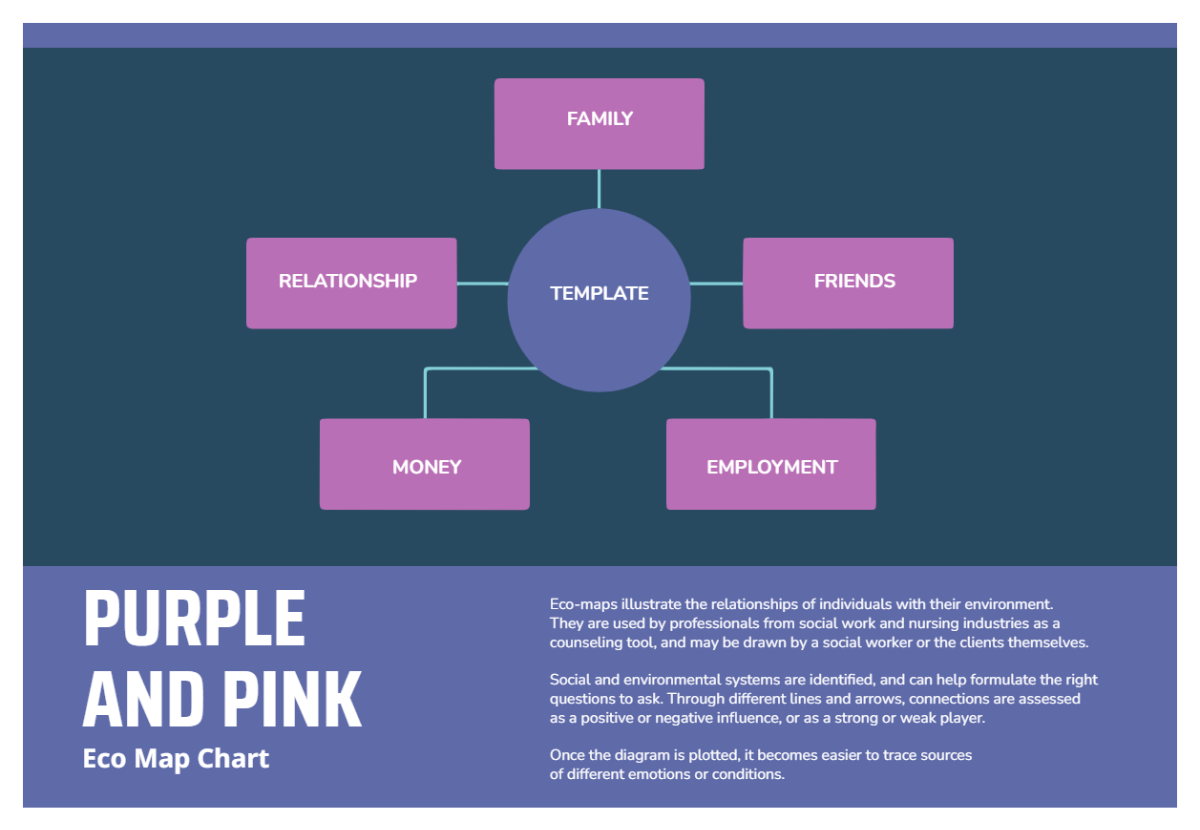
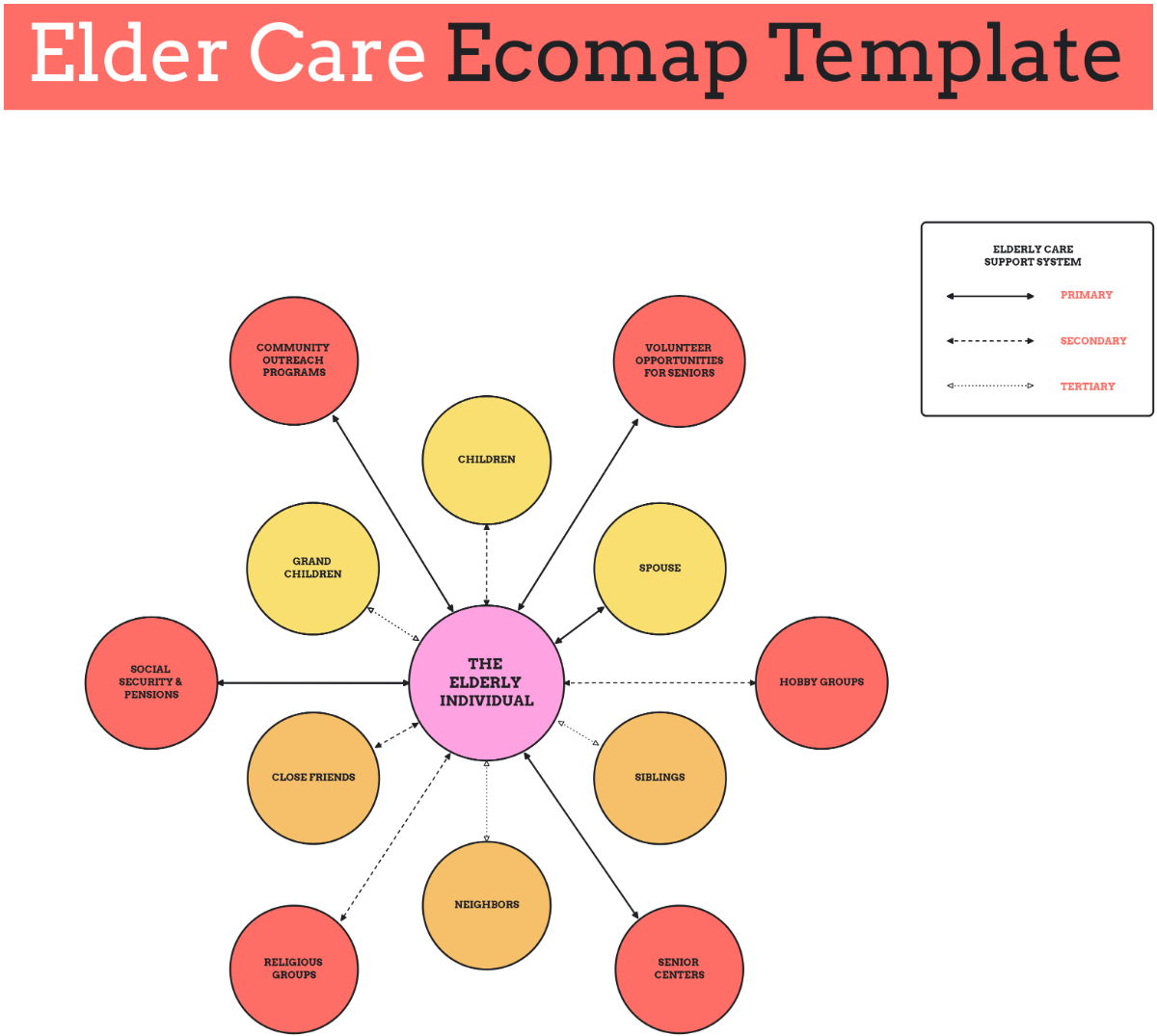
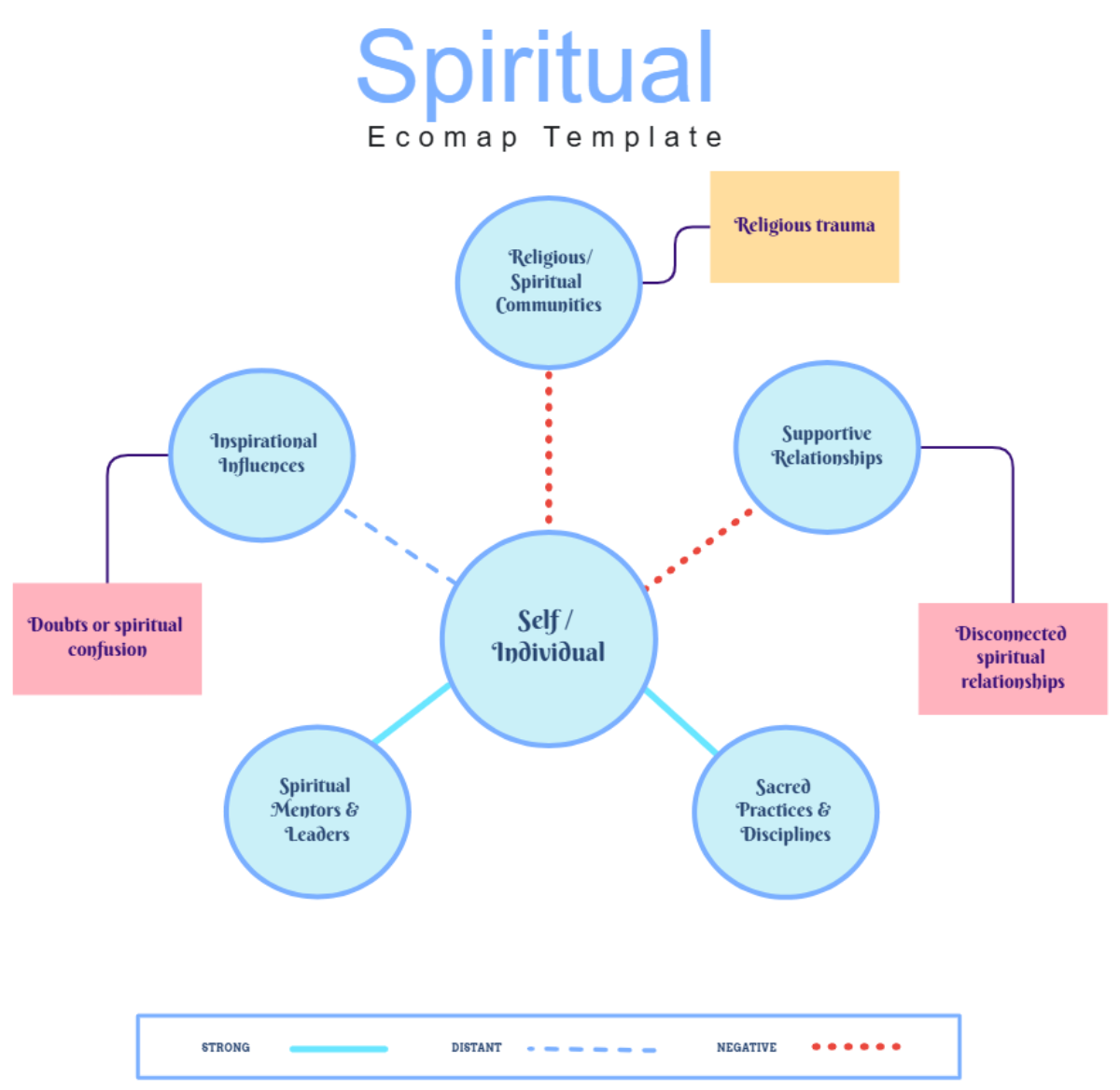
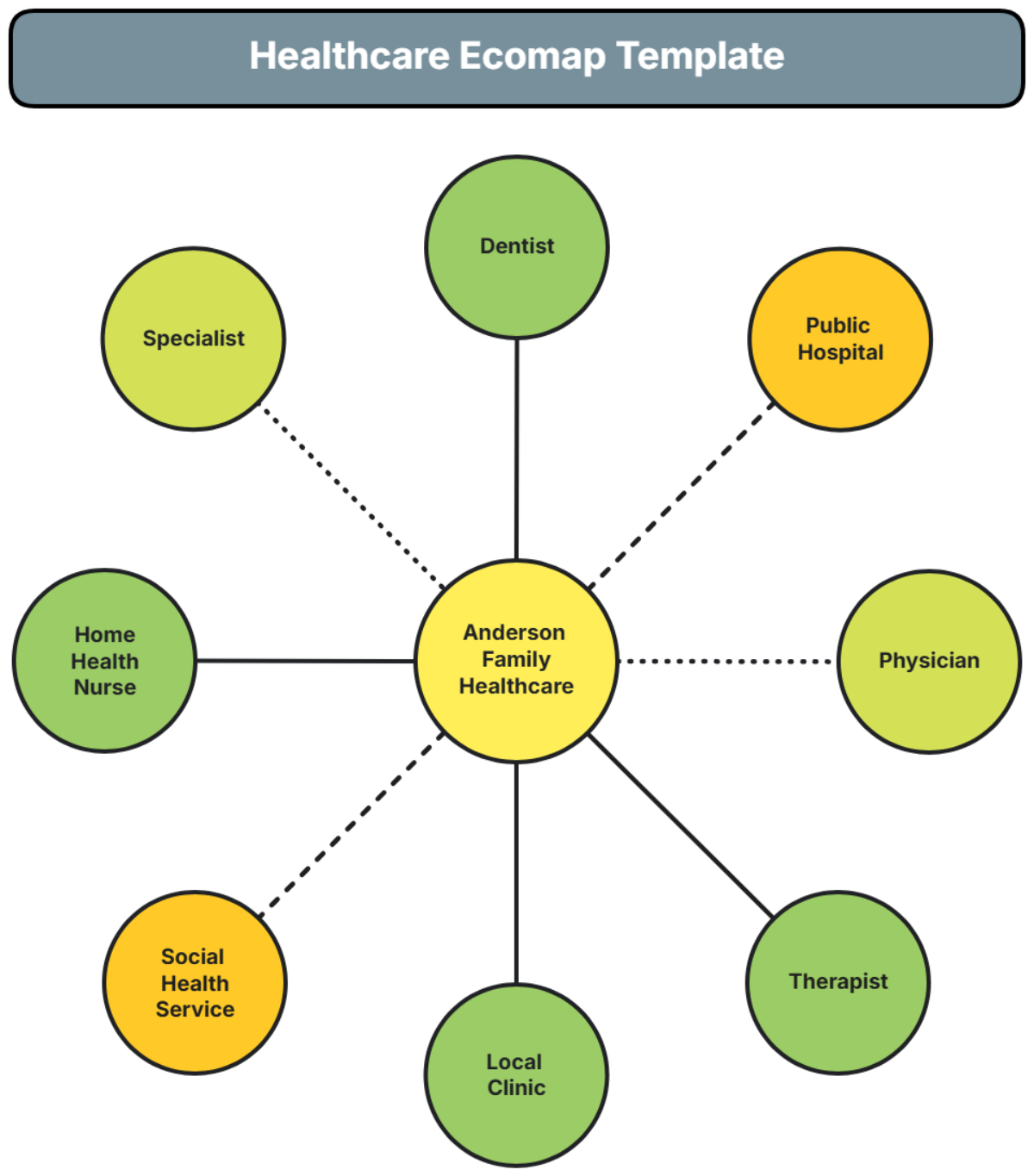
A Ecomap is a visual diagram that illustrates the social and personal relationships of an individual or family within their environment. It highlights connections, supports, and potential stressors in a clear, structured format to assess relational dynamics effectively.

Why should I use a Ecomap?
You should use a Ecomap to gain insight into social relationships and environmental influences affecting an individual or family. It helps visualize support systems, identify stress factors, and facilitate better planning or interventions in social work, counseling, or healthcare contexts.

Who uses Ecomaps?
Ecomaps are primarily used by social workers, counselors, healthcare professionals, and educators to assess relational networks and community resources. They help these users understand and address client and patient environments effectively.

What are the best tips for completing my Ecomap?
When completing your Ecomap, consider these tips for clarity and effectiveness.
- Identify key relationships – include family, friends, and community connections.
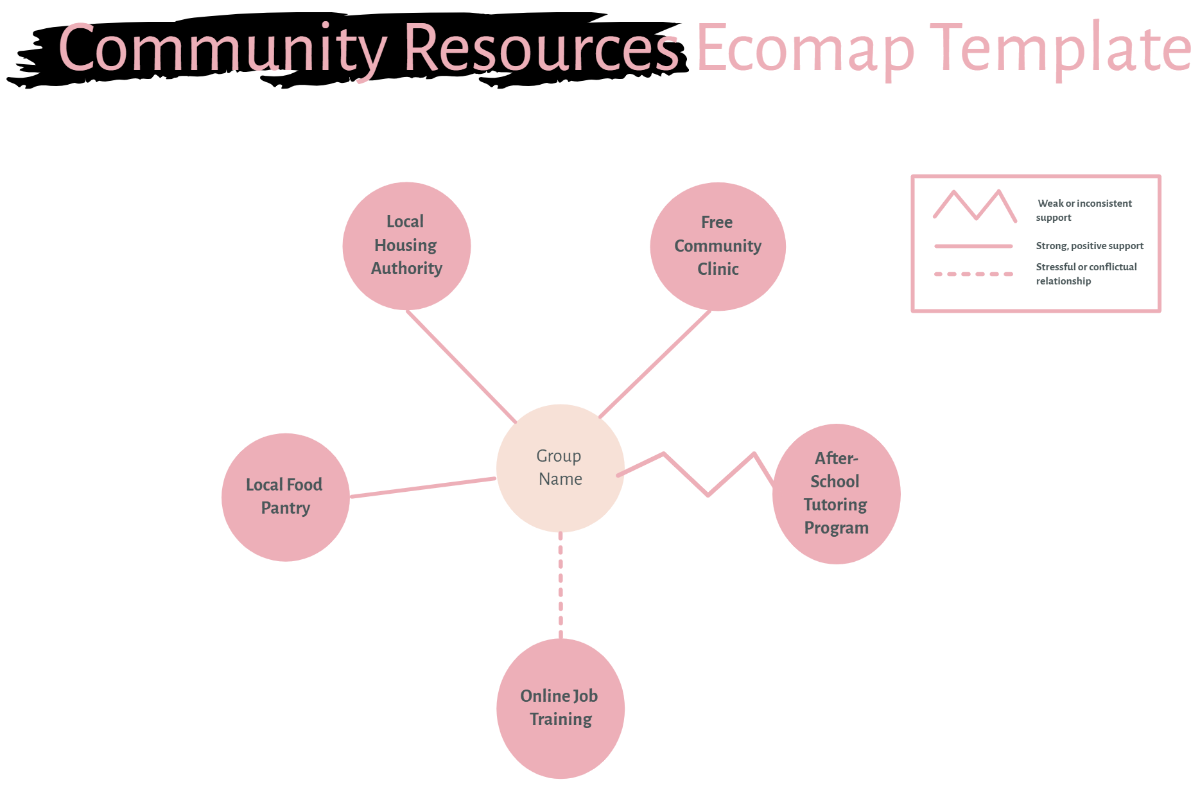
- Use clear symbols – represent positive, negative, or stressful relationships distinctly.
- Maintain visual balance – arrange elements to avoid clutter.
- Update regularly – reflect changes in relationships or environments.
- Include environmental factors – such as institutions or social services.
- Use color coding – to differentiate types of connections.
- Label connections clearly – specify the nature of each relationship.
- Ensure legibility – use readable fonts and sizes.
- Collaborate with others – gather input for accuracy.
- Focus on key influences – prioritize relationships with significant impact.

What file formats can I download for my Ecomap?
Template.net whiteboard templates for Ecomap support multiple export formats for collaboration and sharing. You can download them in Word, Google Docs, Apple Pages, Apple Keynote, and Google Slides.

Can I create a Ecomap using AI?
Template.net provides an AI-powered tool that generates new Ecomap structures from prompts. You can use the Eco Map Maker to create customized Ecomap diagrams quickly and efficiently.

What essential elements should be included in my Ecomap?
Your Ecomap should include key elements that clearly represent social and environmental relationships.
- Central individual or family – the focus of the map.
- Social connections – family, friends, colleagues, and community members.
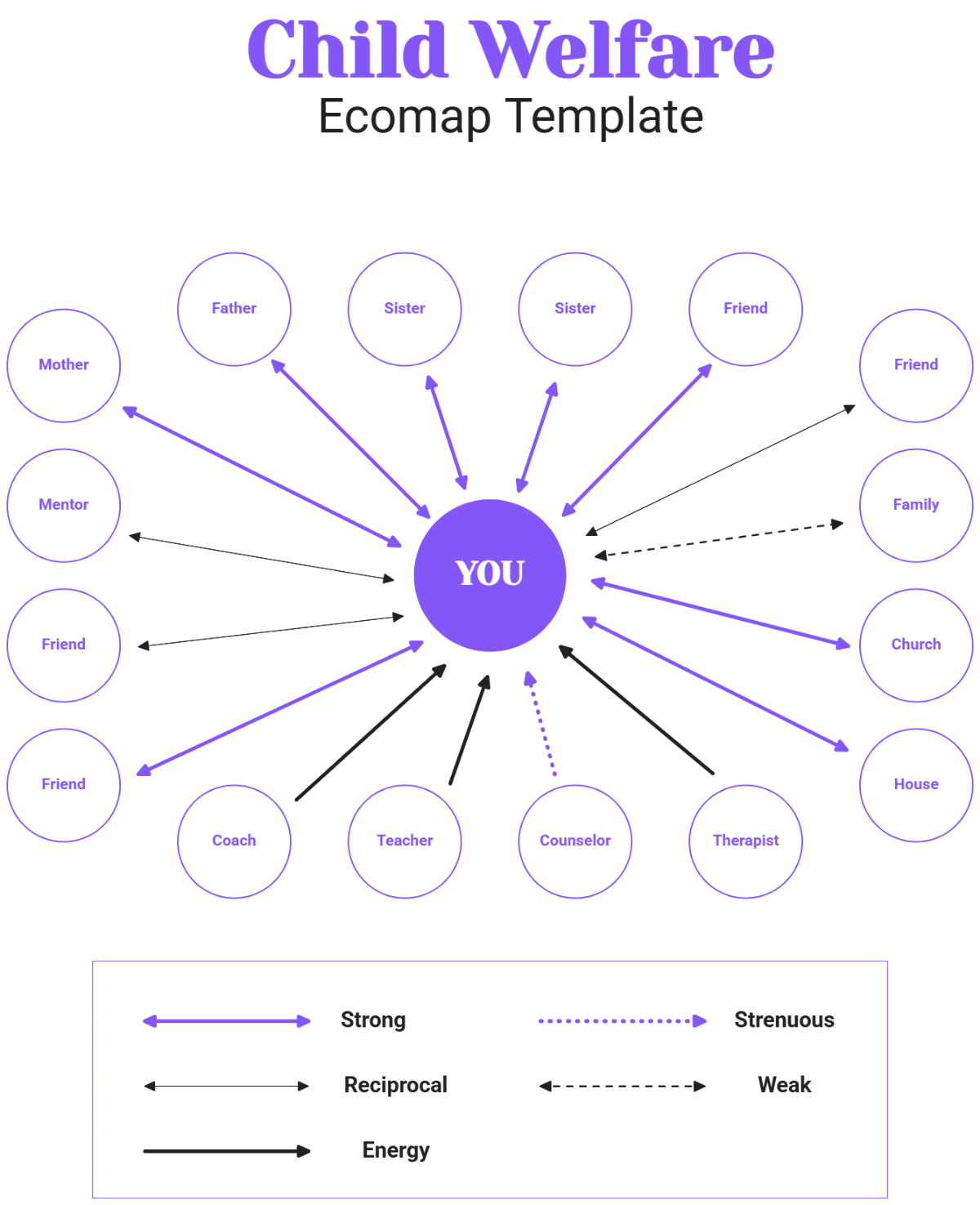
- Relationship lines – indicate the nature and strength of connections.
- Environmental systems – schools, workplaces, healthcare, and social services.
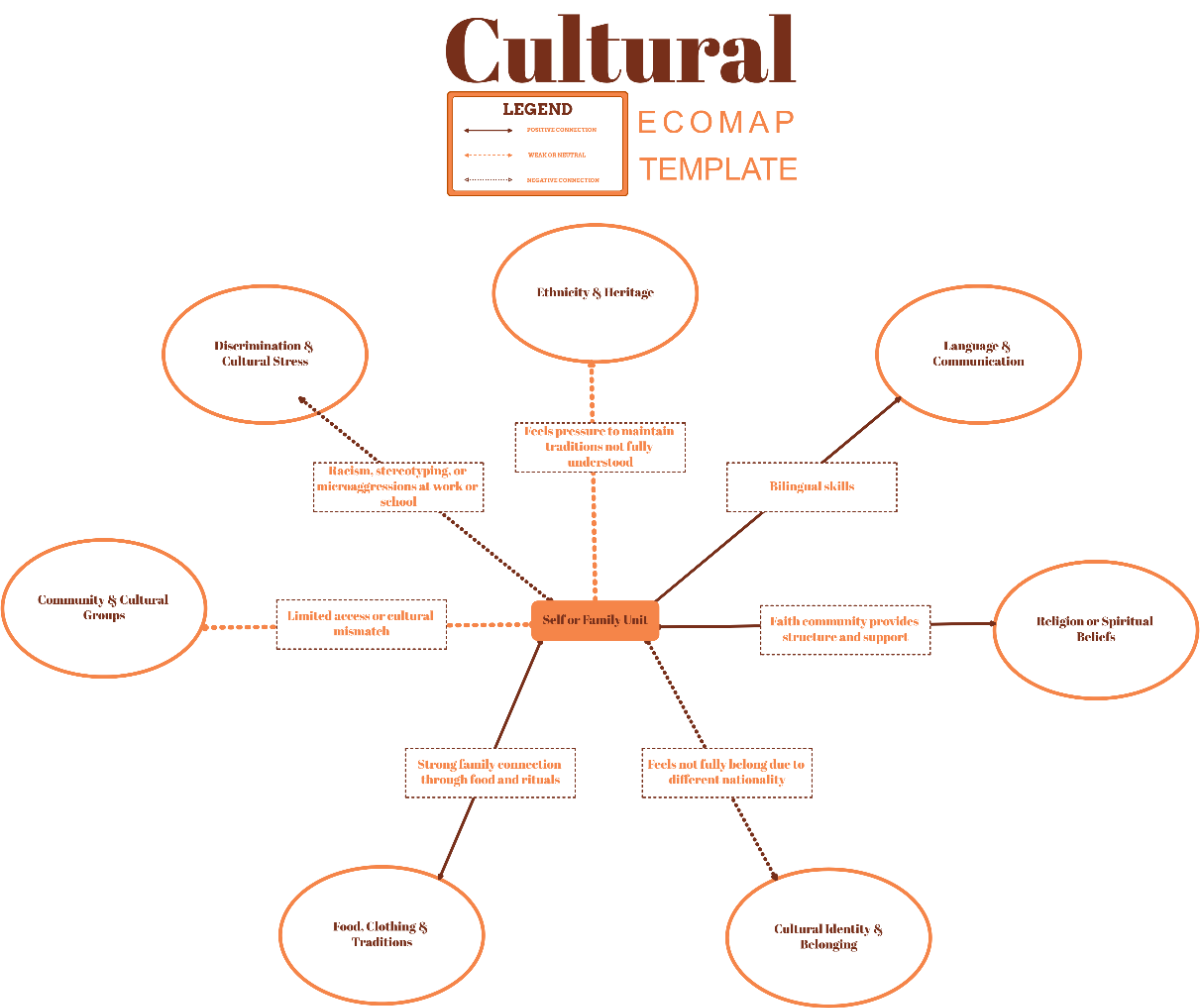
- Positive and negative influences – marked with distinct symbols or colors.
- Stressors and supports – highlight sources of stress or assistance.
- Labels – clearly identify each connection or system.
- Visual hierarchy – organize elements for easy interpretation.
What are the benefits of using Ecomap in my team collaboration workflow?
Using Ecomaps in your team collaboration workflow offers several benefits for understanding and managing relationships.
- Improved communication – visually share social connections and challenges.
- Enhanced problem-solving – identify support gaps and stressors collectively.
- Clear role definition – understand each member's relational context.
- Better resource allocation – target interventions efficiently.
- Facilitated empathy – increase awareness of social dynamics.
- Streamlined planning – create coordinated action plans.

What structural standards should my Ecomap follow?
Your Ecomap should follow structural standards that ensure clarity and effective communication.
- Consistent symbol usage – maintain uniform icons for relationship types.
- Clear labeling – all nodes and connections must be named.
- Logical layout – central focus with radiating connections.
- Balanced spacing – avoid overcrowding for readability.
- Color coding – differentiate positive, negative, and neutral ties.
- Legible fonts – use readable sizes and styles.
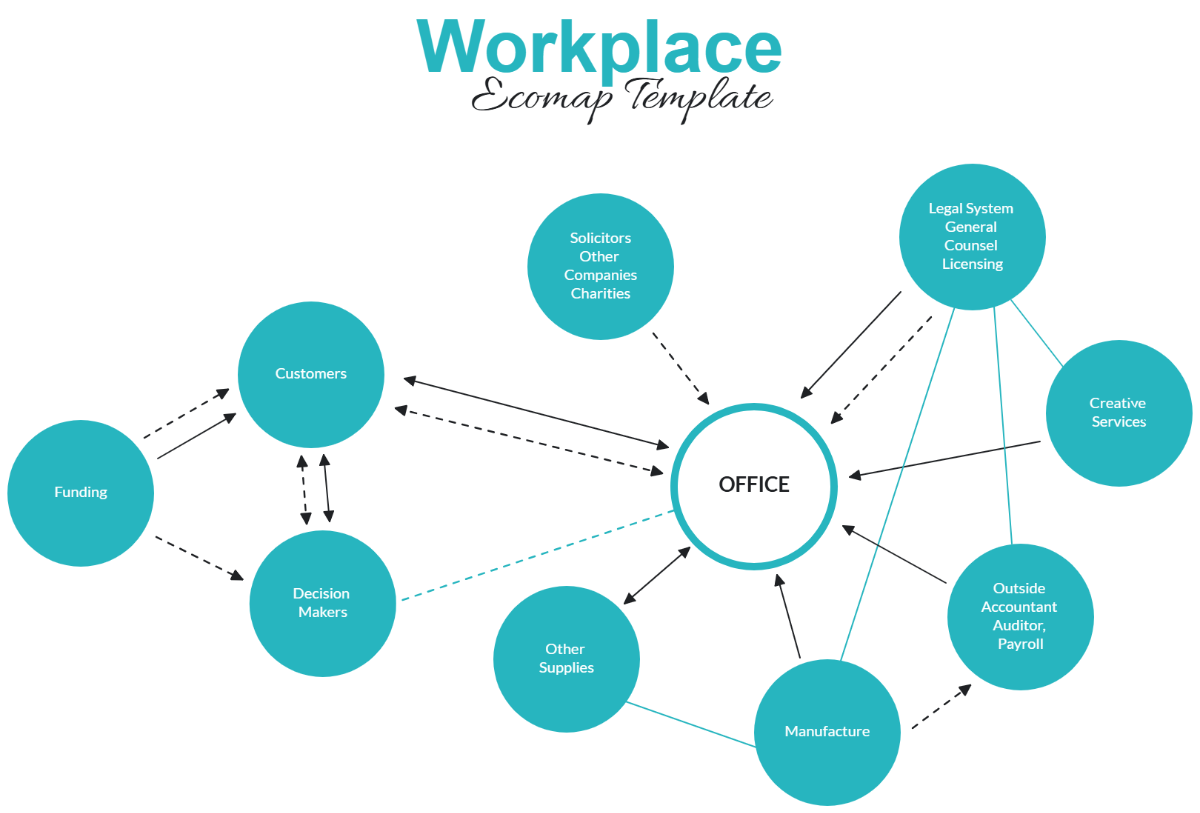
- Use of directional lines – indicate flow or influence where needed.
- Include a legend – explain symbols and colors used.
