











































Instagram Frame Templates: Definition, Usage, and Design Insights
What is a Instagram Frame?
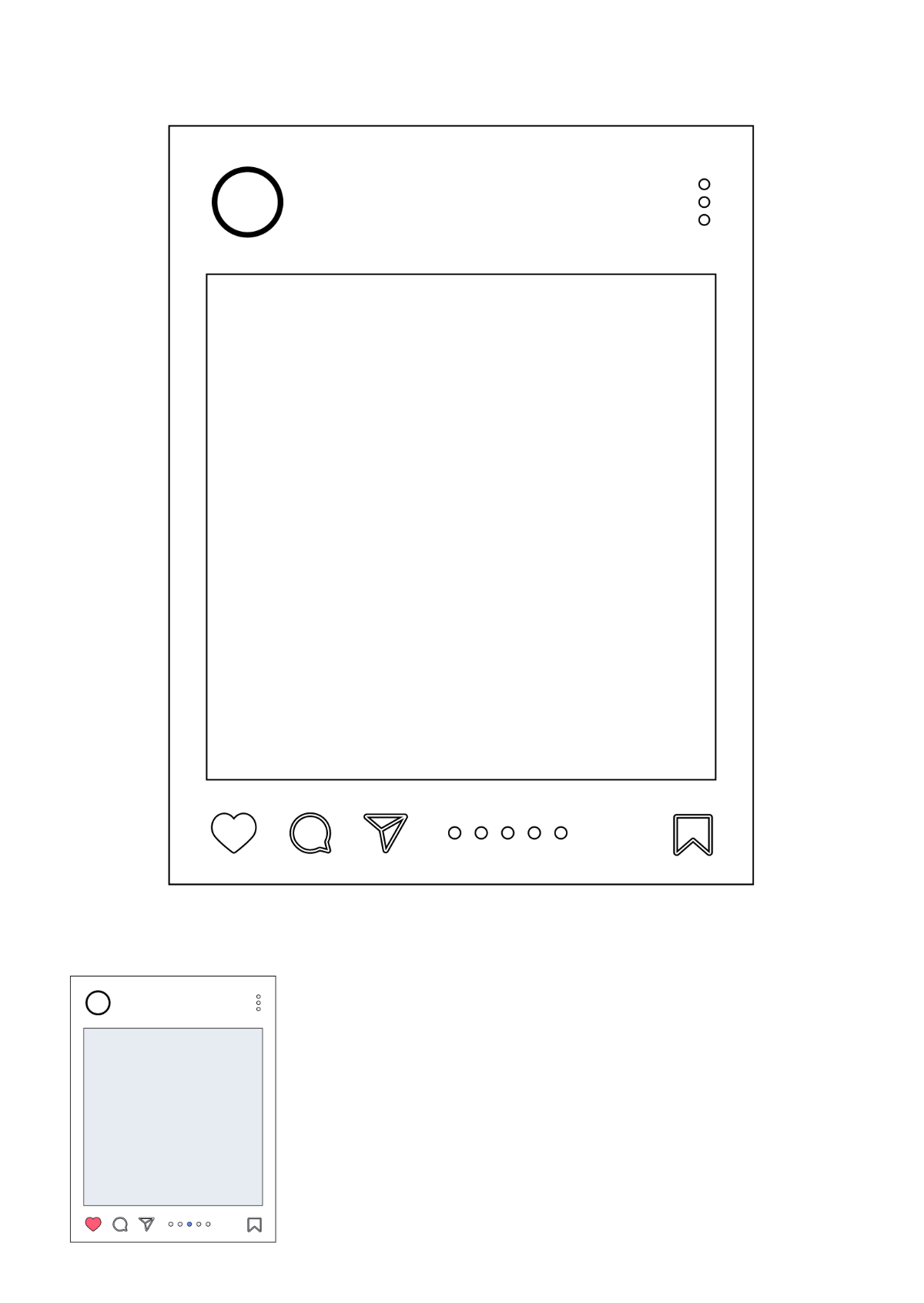
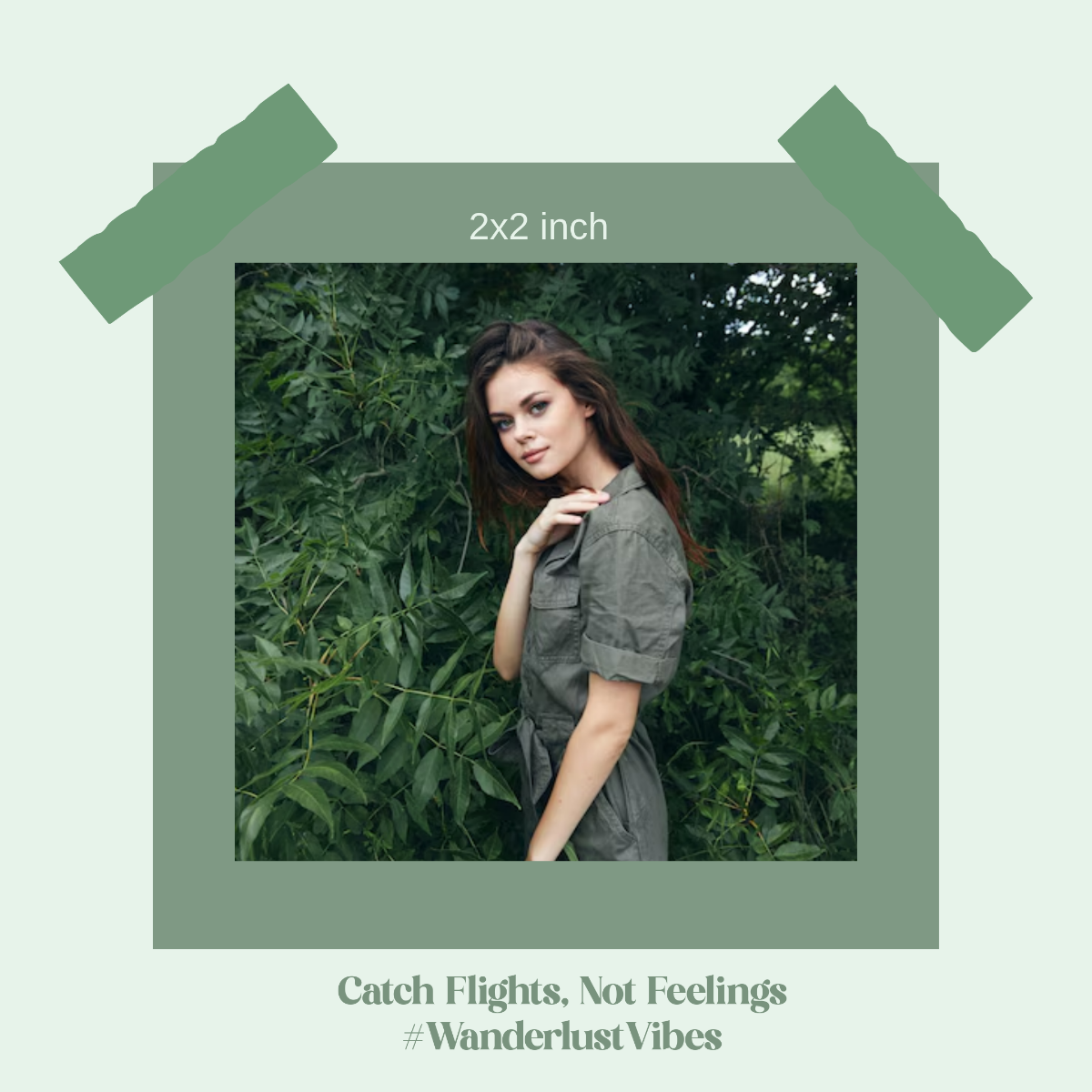
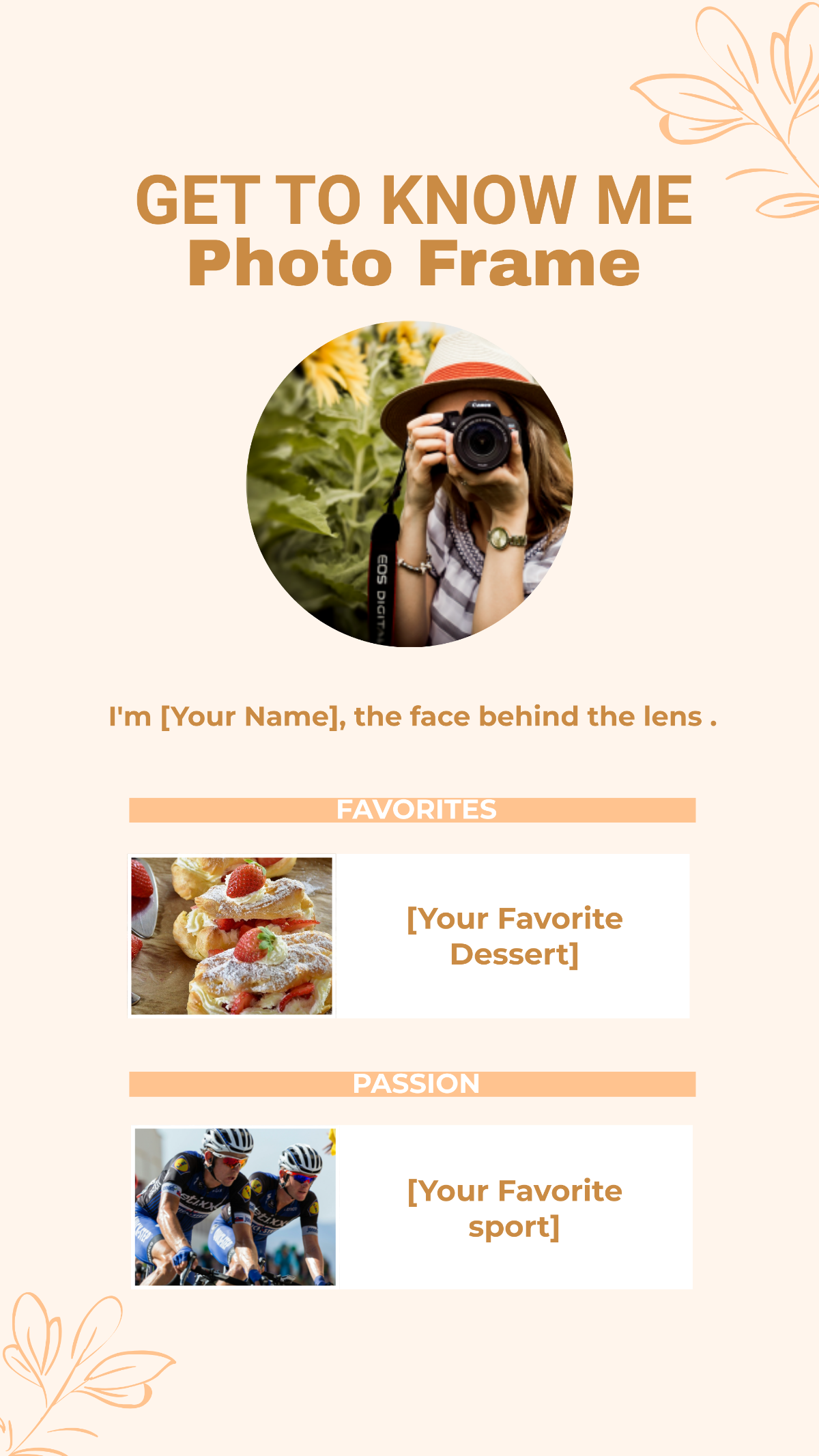
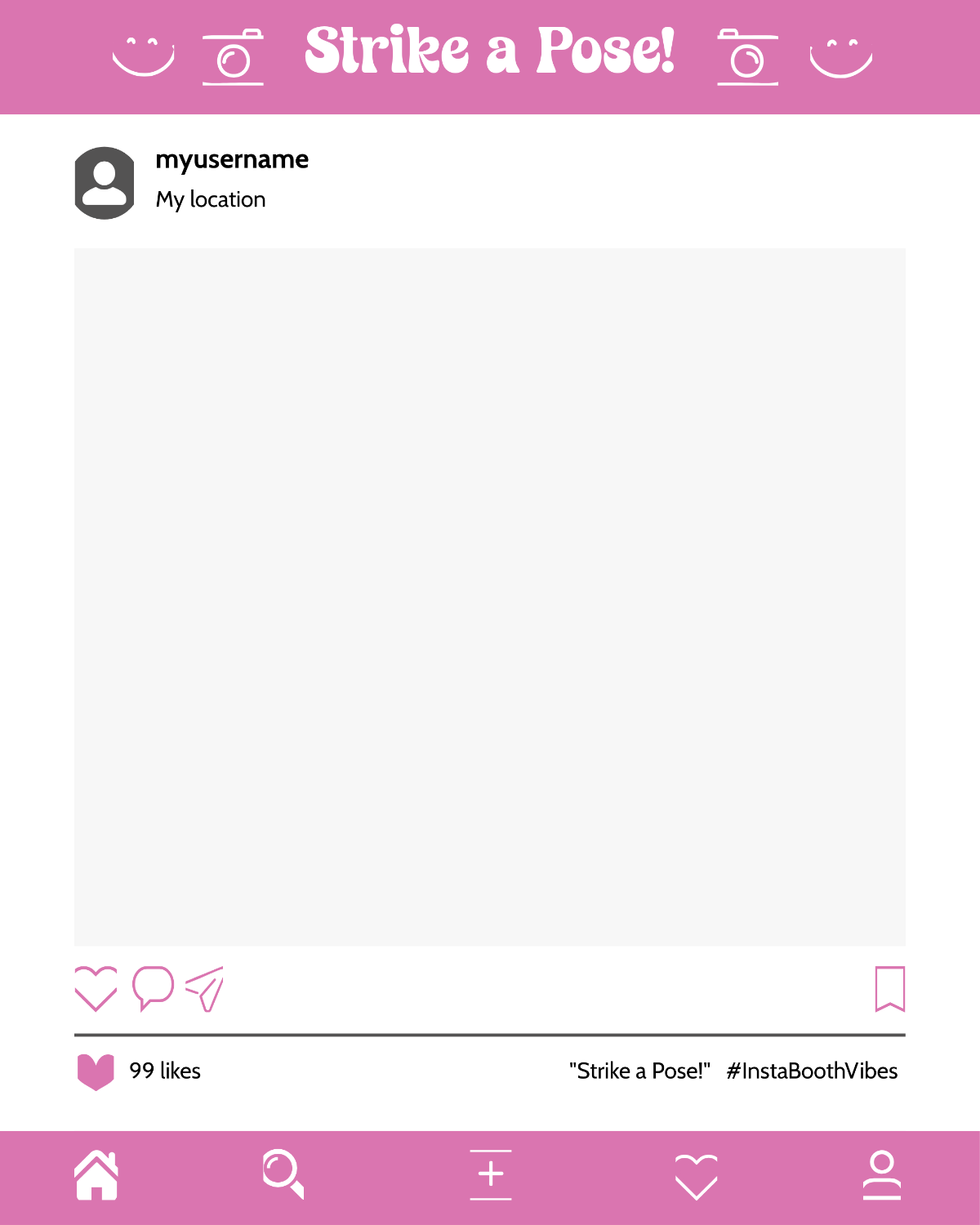
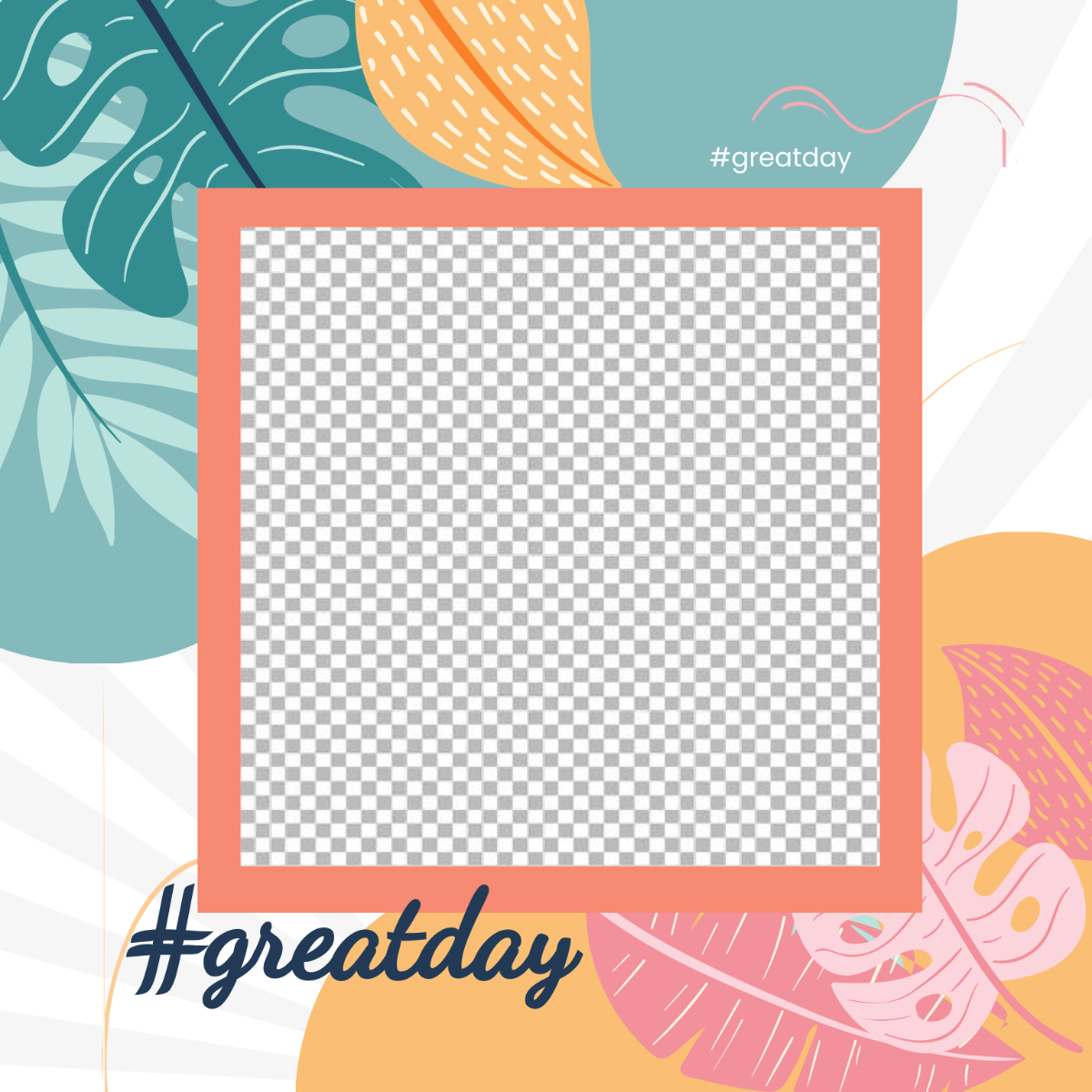
An Instagram frame is a decorative border or overlay designed to surround Instagram posts or stories, enhancing visual appeal and reinforcing brand identity. Instagram frame templates allow users to add highlighted borders, logo placement, and themed graphics to customize their content effectively.
Why use a Instagram Frame?
Instagram frames improve post visibility by adding a consistent brand style and making content stand out in feeds. Using Instagram frame templates helps maintain visual cohesion, increase engagement, and highlight calls to action professionally.
Who typically uses Instagram Frames?
Instagram frames are commonly used by social media managers, brands, influencers, and marketers who want to create cohesive and engaging Instagram posts. Instagram frame templates assist these users in maintaining brand consistency across campaigns.
What size should a Instagram Frame be?
The ideal Instagram frame size matches Instagram post dimensions, typically 1080 × 1080 pixels for square posts or 1080 × 1920 pixels for stories. Instagram frame templates are designed to fit these exact platform-correct dimensions for optimal display.
What are the best tips for designing a Instagram Frame?
Effective Instagram frame design includes using brand colors, clear logo placement, and a balanced layout that does not obscure the main content. Instagram frame templates should prioritize visual hierarchy and maintain space for captions or hashtags.
How do you post or schedule a Instagram Frame?
Instagram frames are applied by editing posts with Instagram frame templates and exporting them for upload. Scheduling Instagram posts with frames can be done using third-party tools that support multi-format export and maintain the frame integrity during posting.
What elements should a Instagram Frame include?
Instagram frames typically include decorative borders, brand logos, themed graphics, and space for calls to action. Instagram frame templates ensure these elements enhance posts without distracting from the core visual content.
What types of Instagram Frames are most popular?
Popular Instagram frames include minimalist borders, holiday-themed overlays, promotional frames with discount tags, and branded frames featuring company colors. Instagram frame templates offer diverse styles to fit different campaign goals and audience preferences.
Can I create a new Instagram Frame using AI?
Template.net provides an AI-powered tool capable of generating new Instagram frame designs from prompts in seconds, ready for online refinement and multi-format export. Template.net
