
Free Magazine Templates

























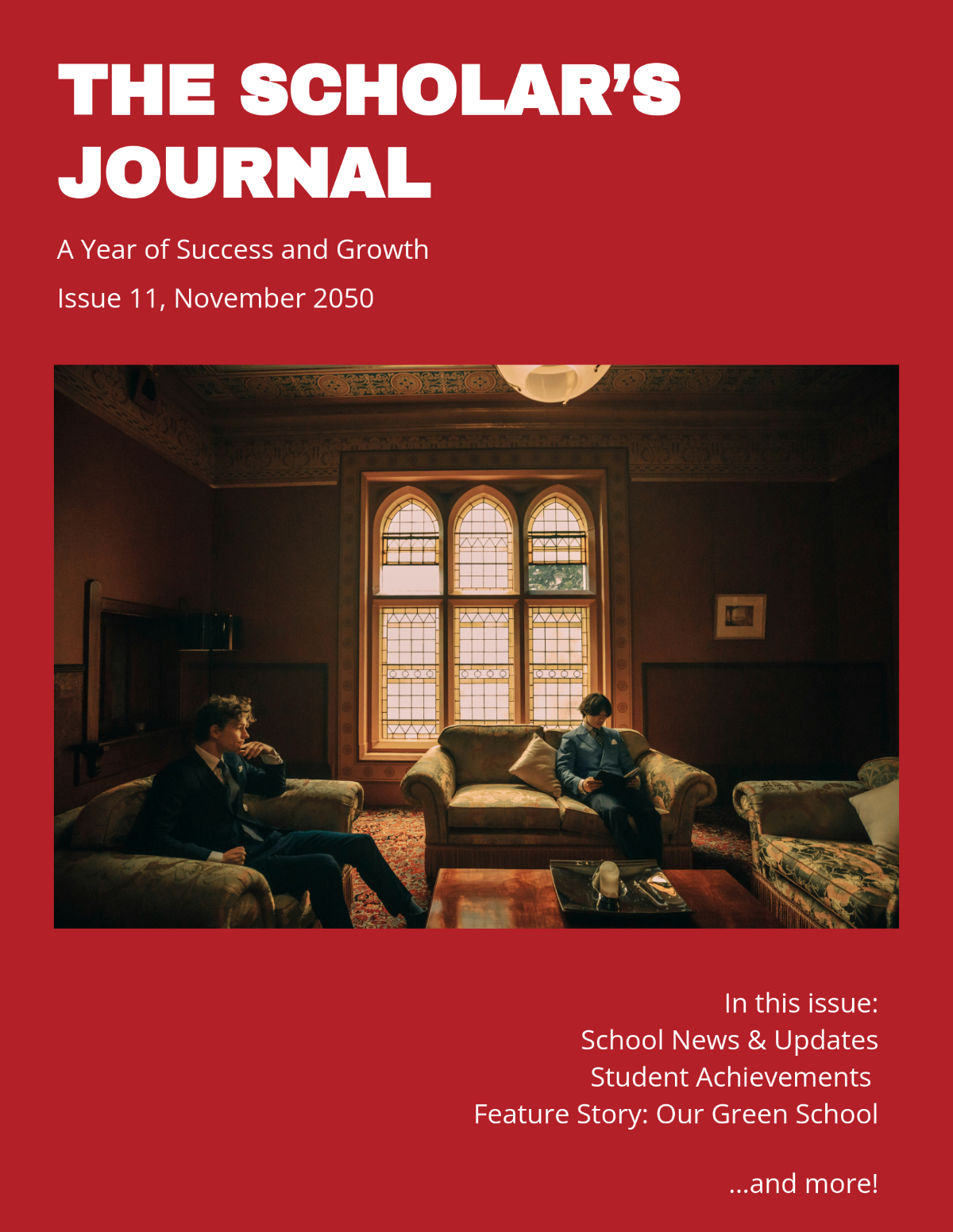



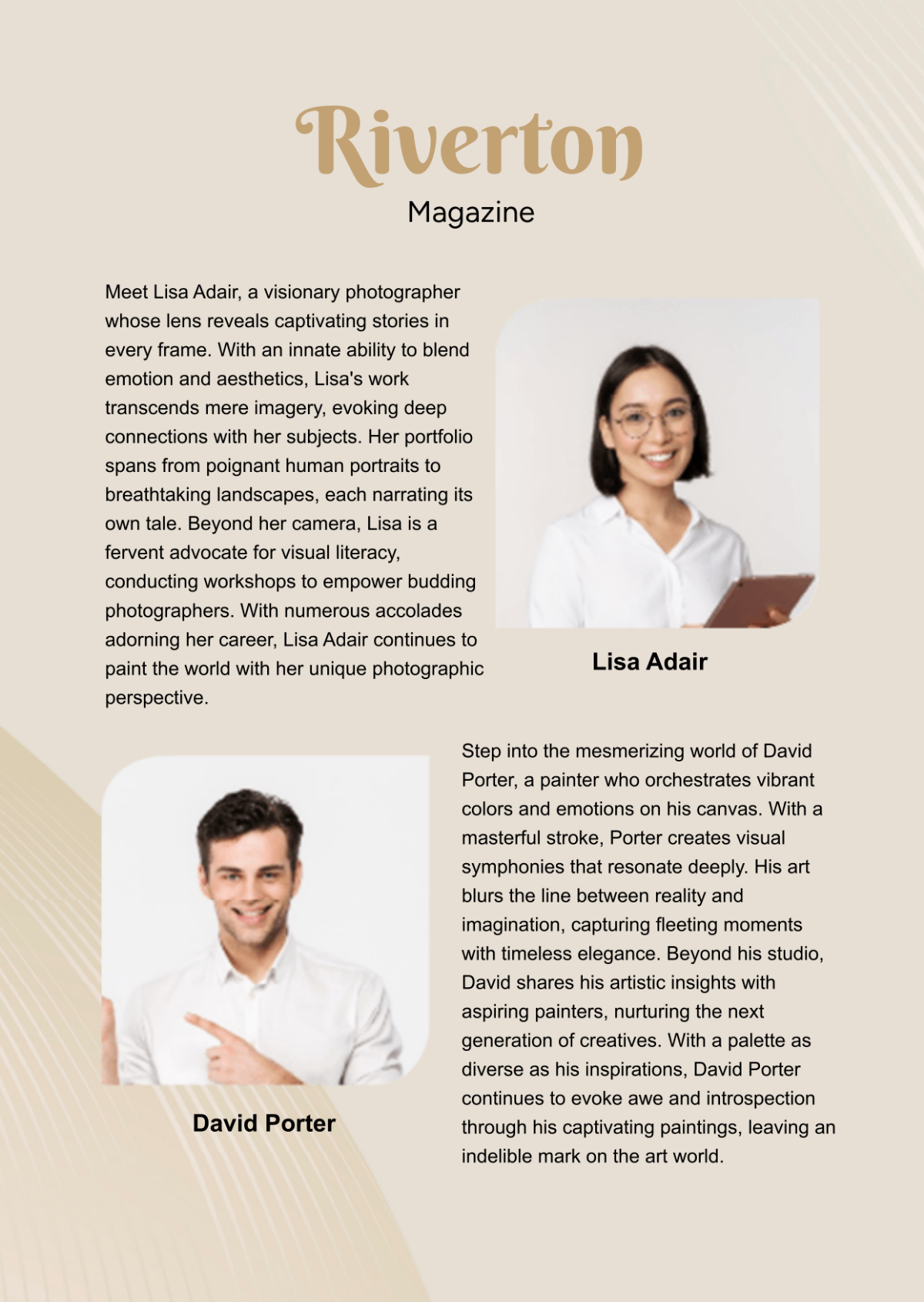





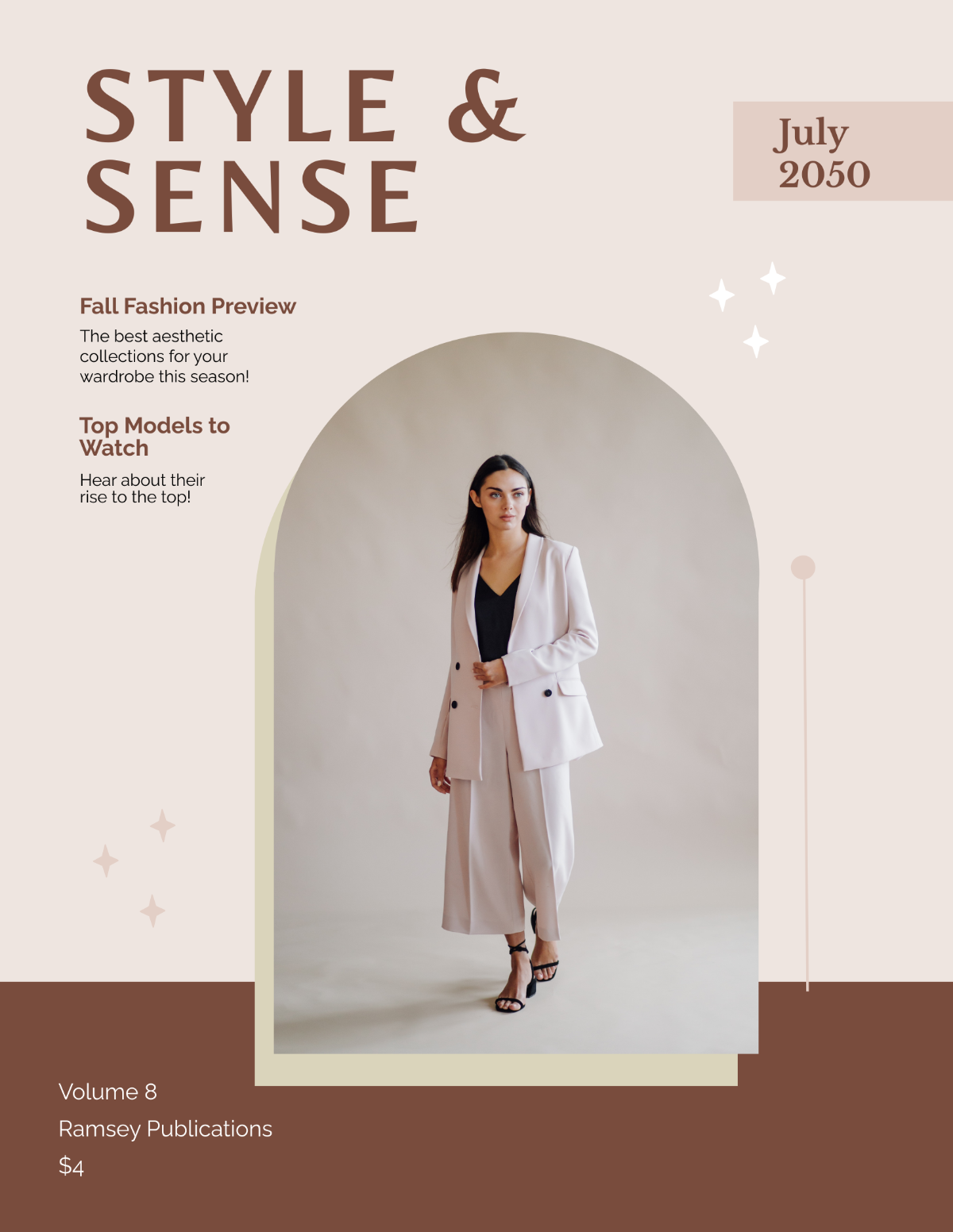
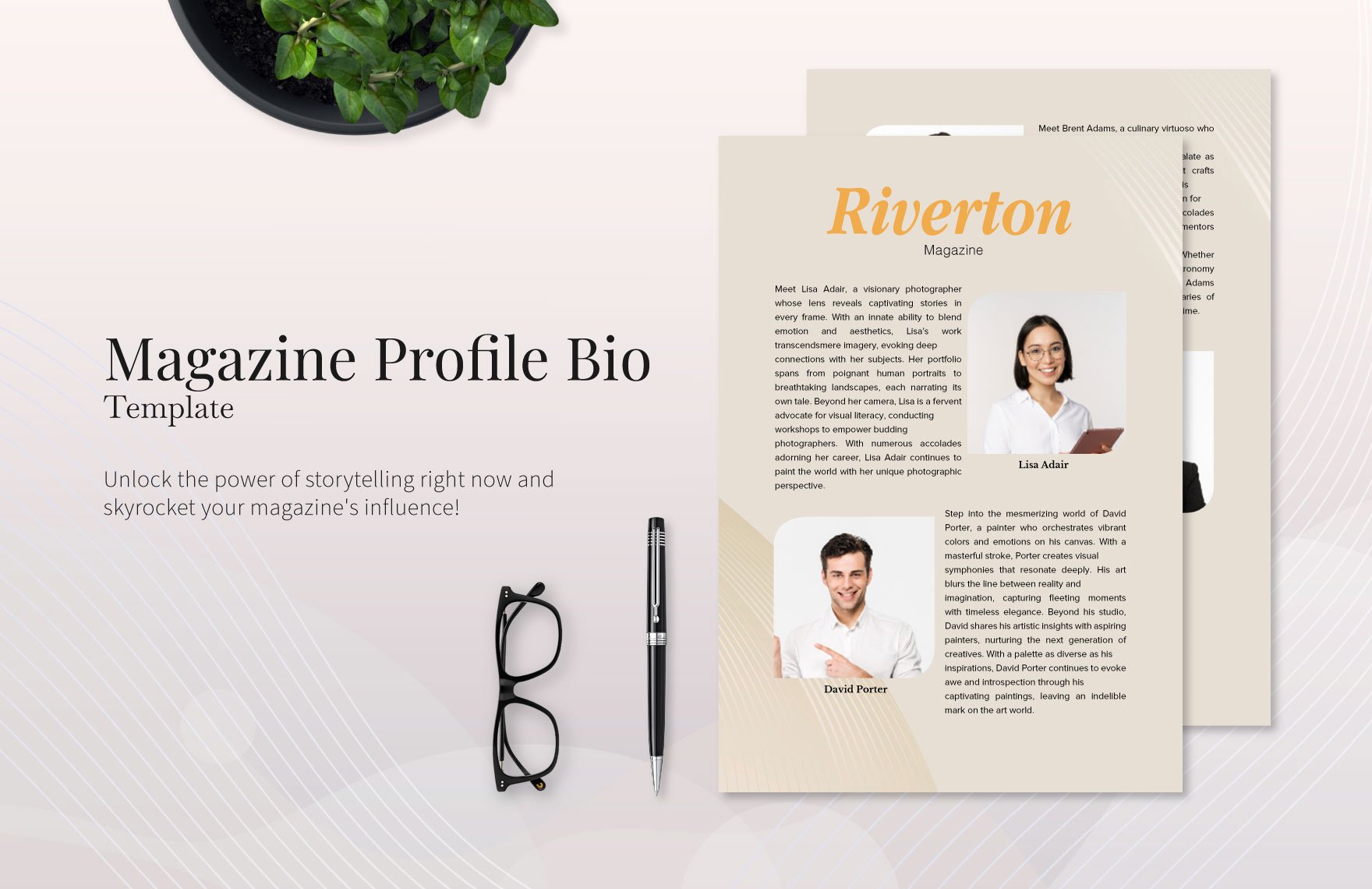

Free Magazine Templates: Customizable Design Guide, Sizes, and Download Formats
What is a Magazine?
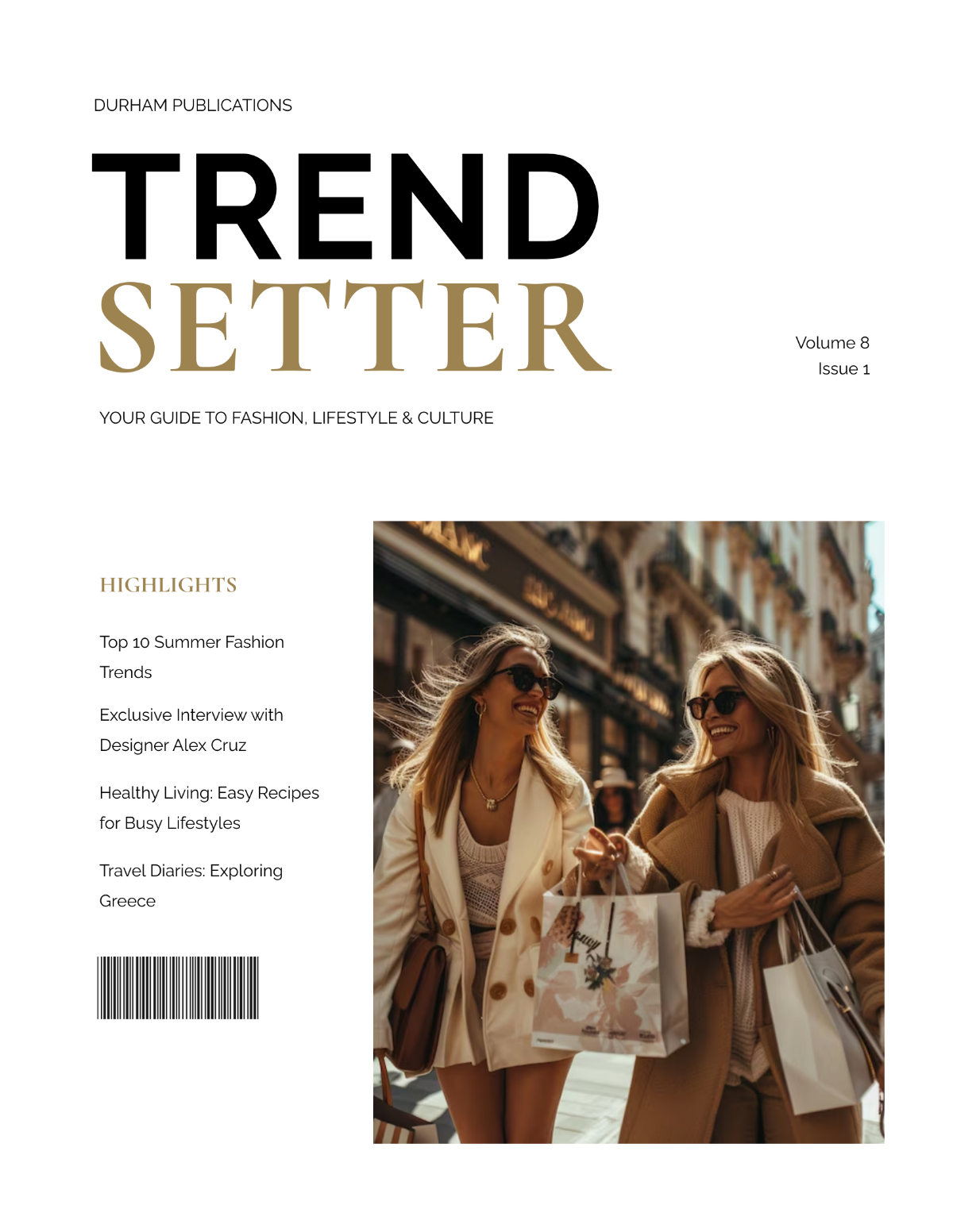
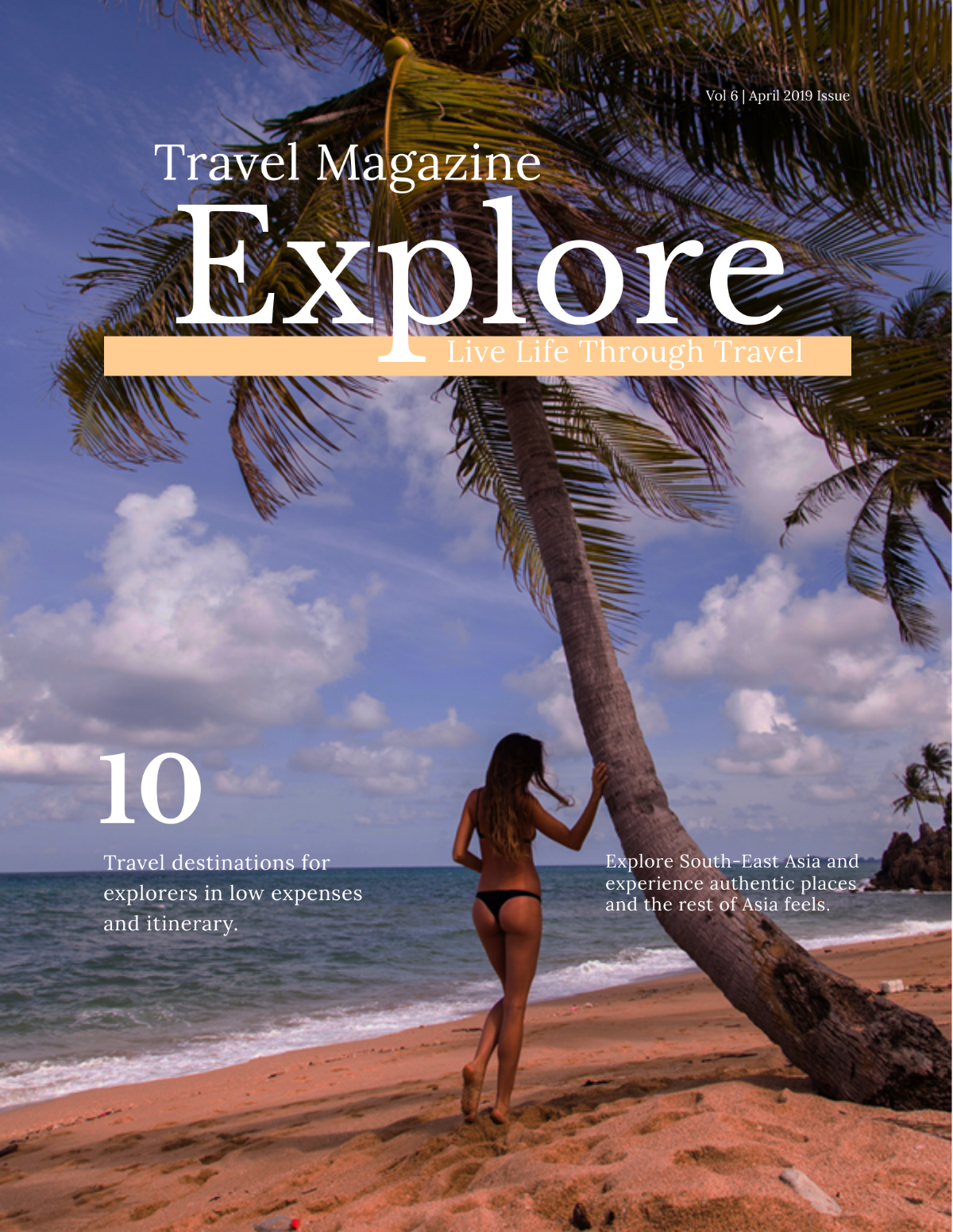
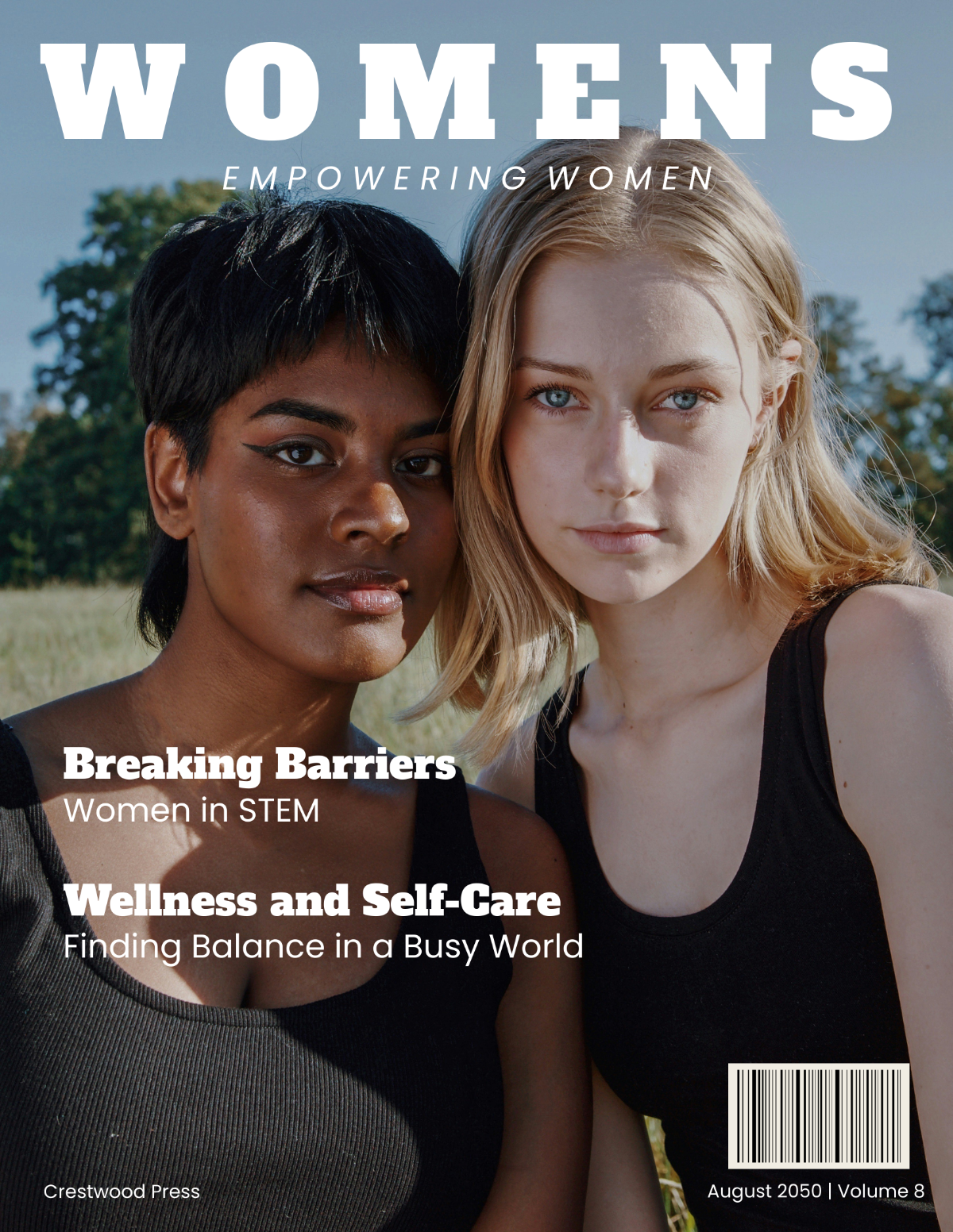
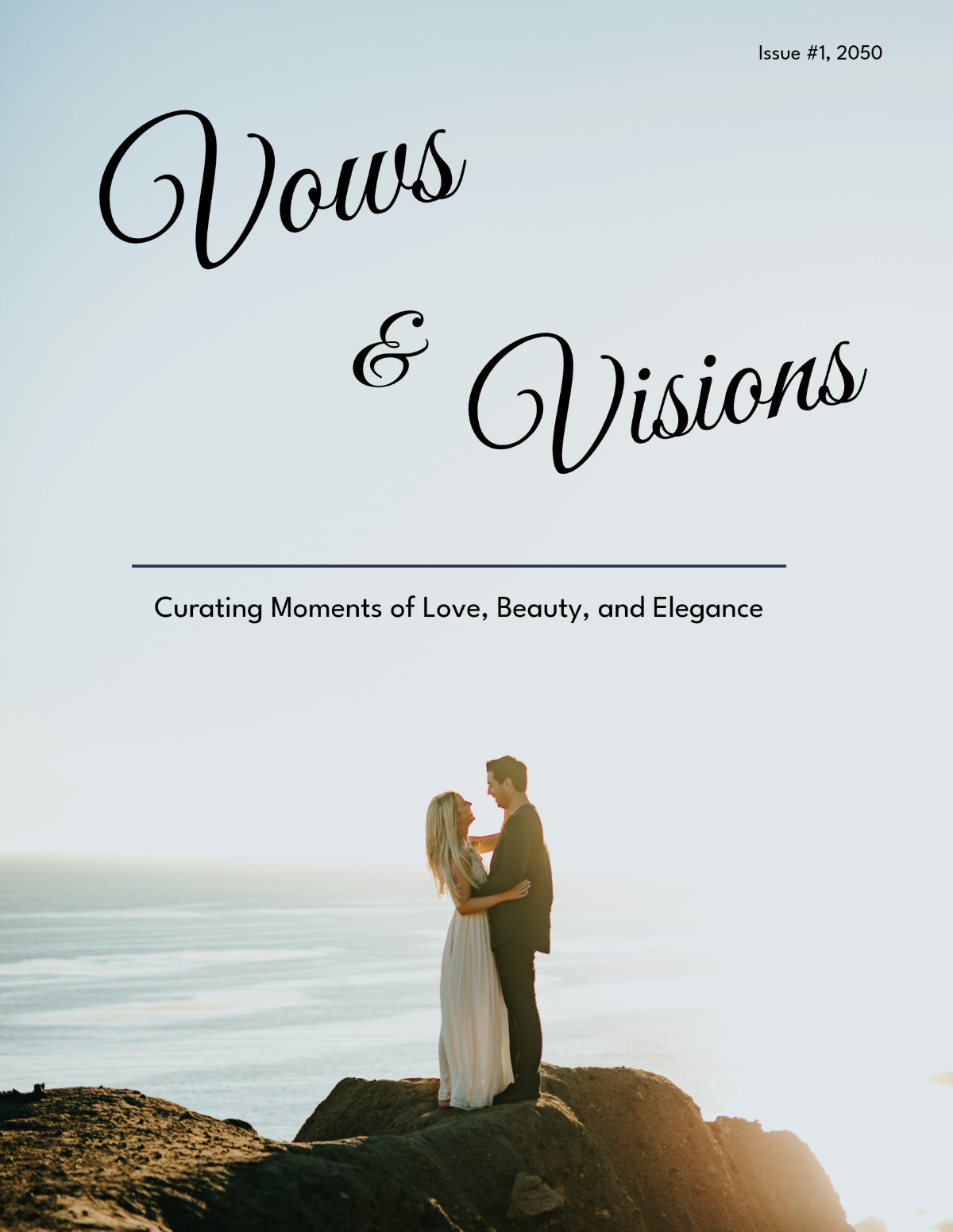
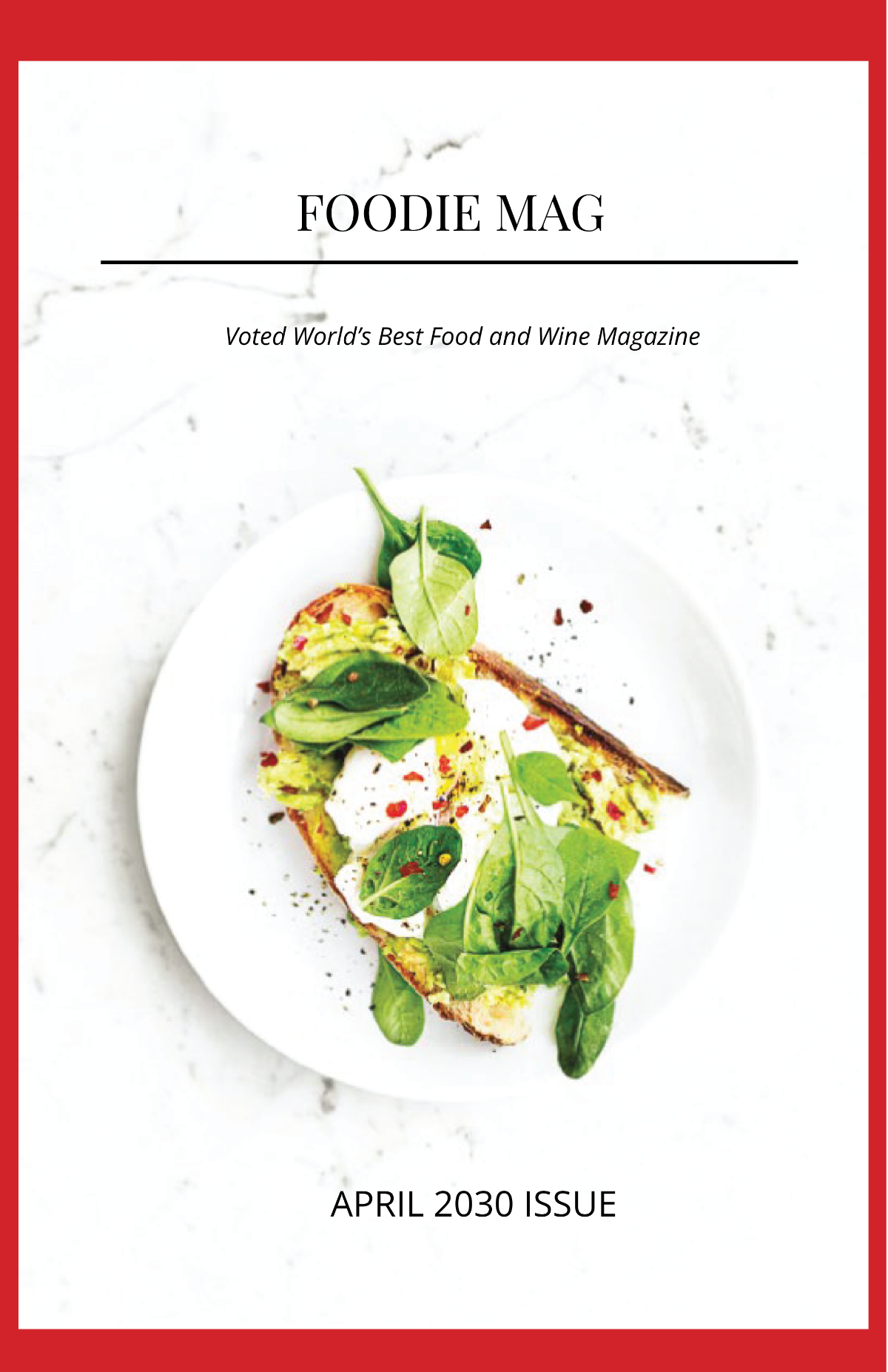
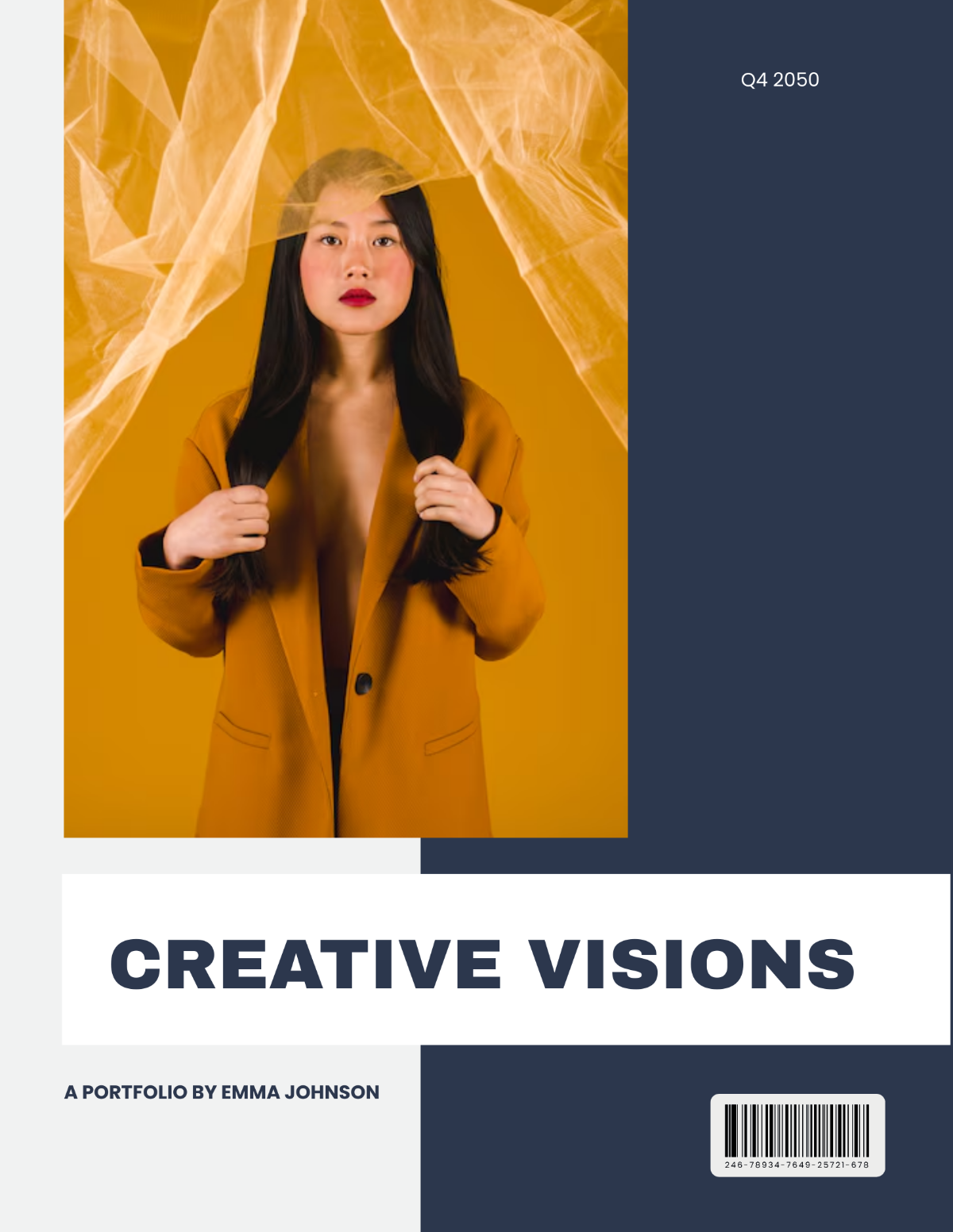
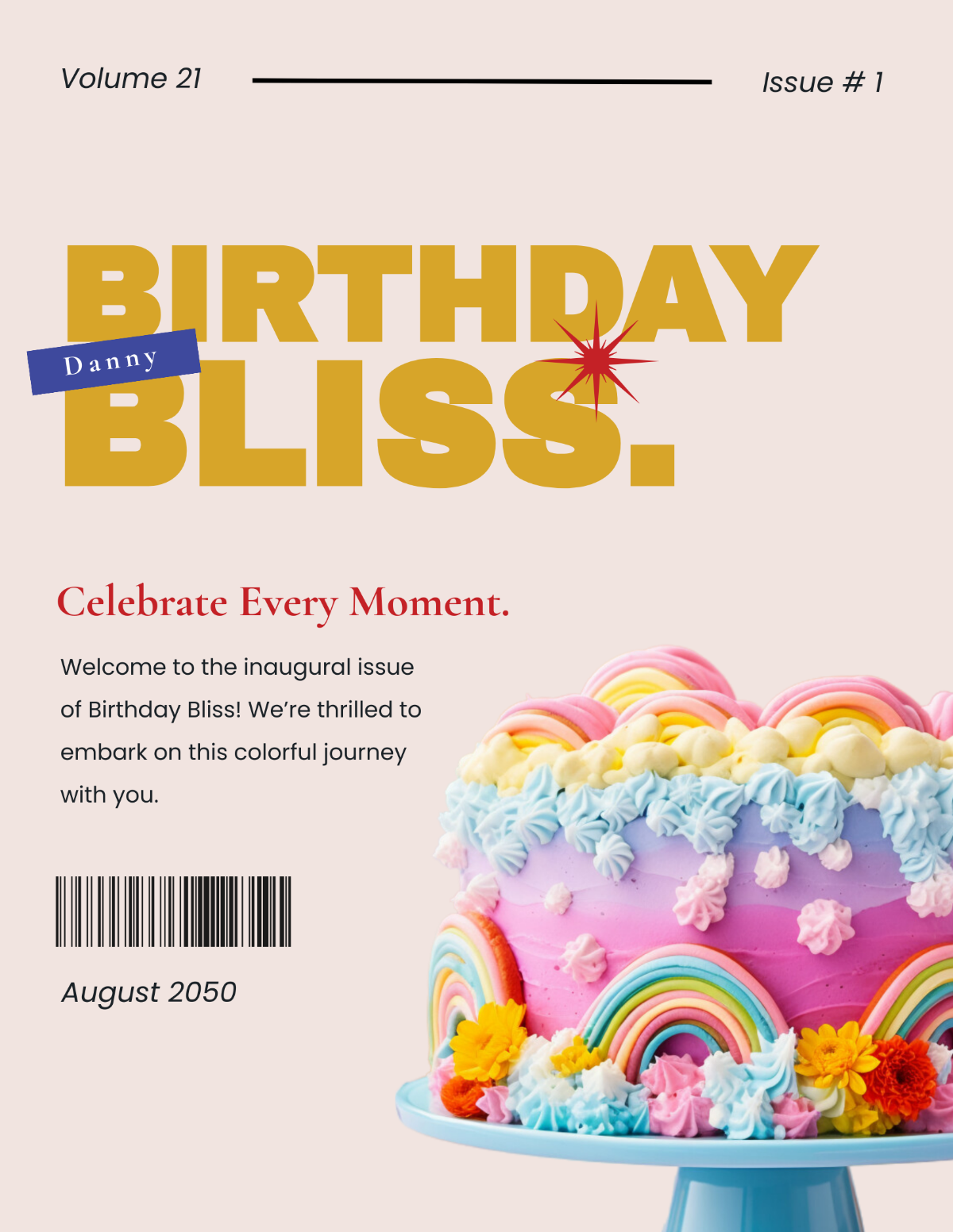
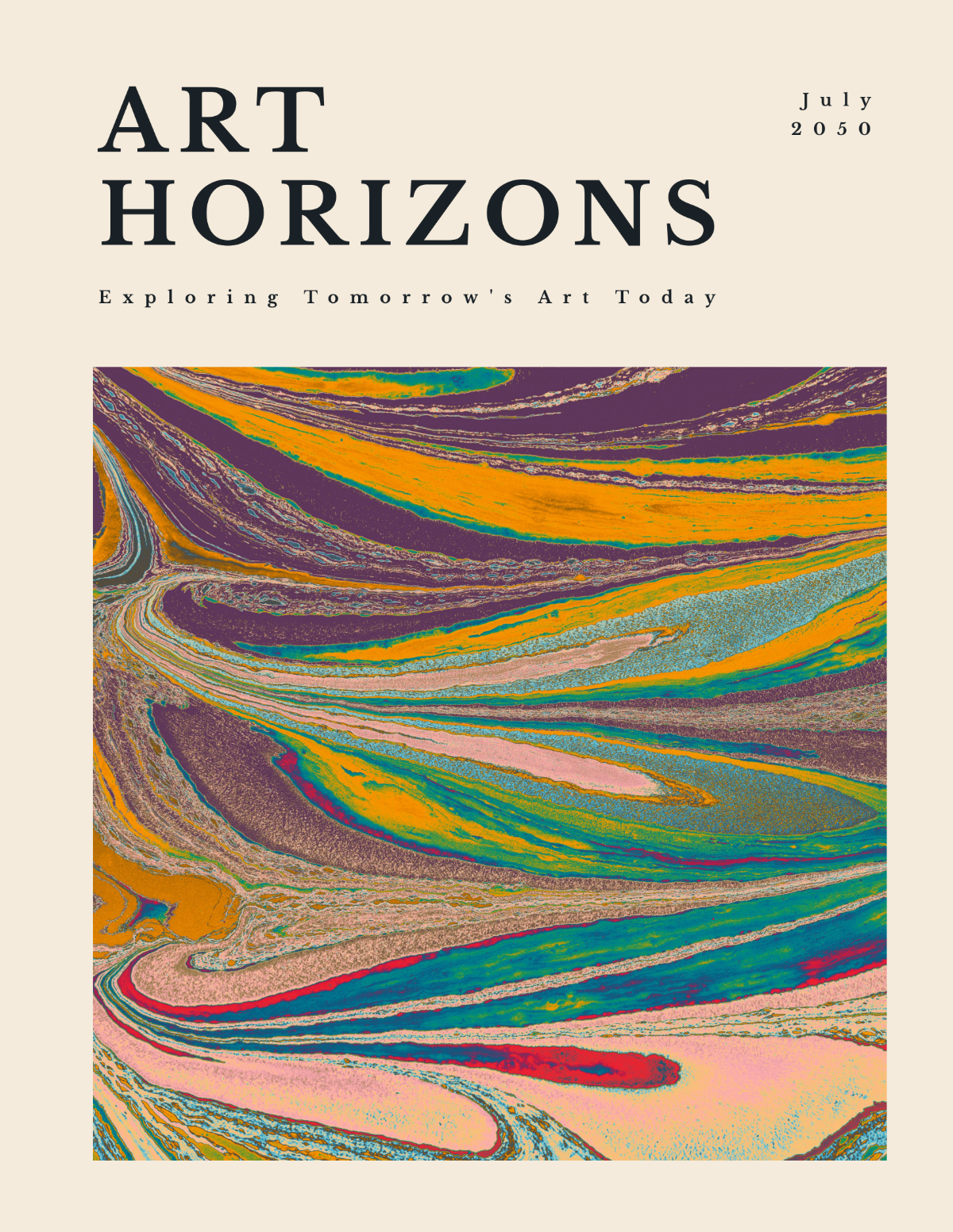
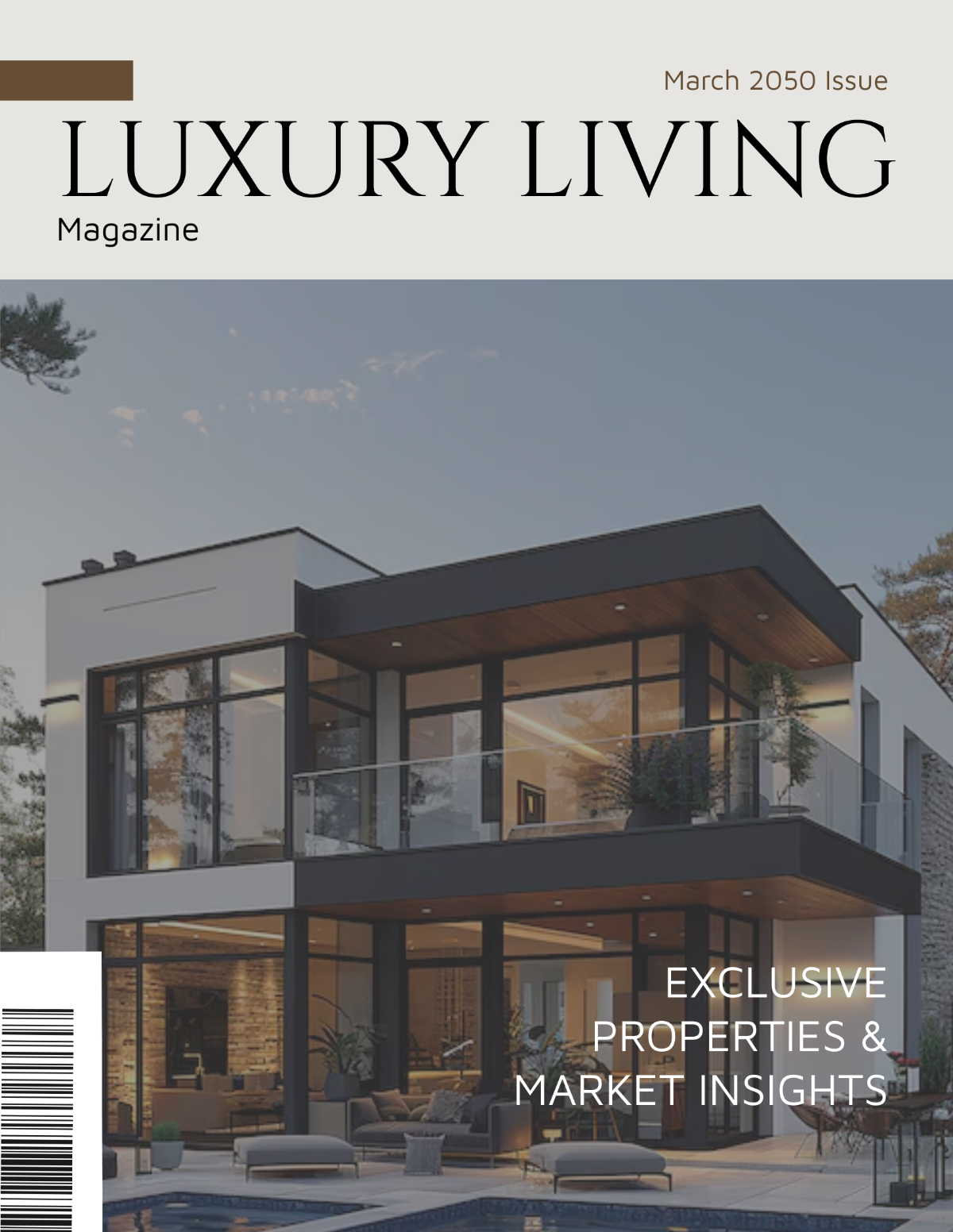
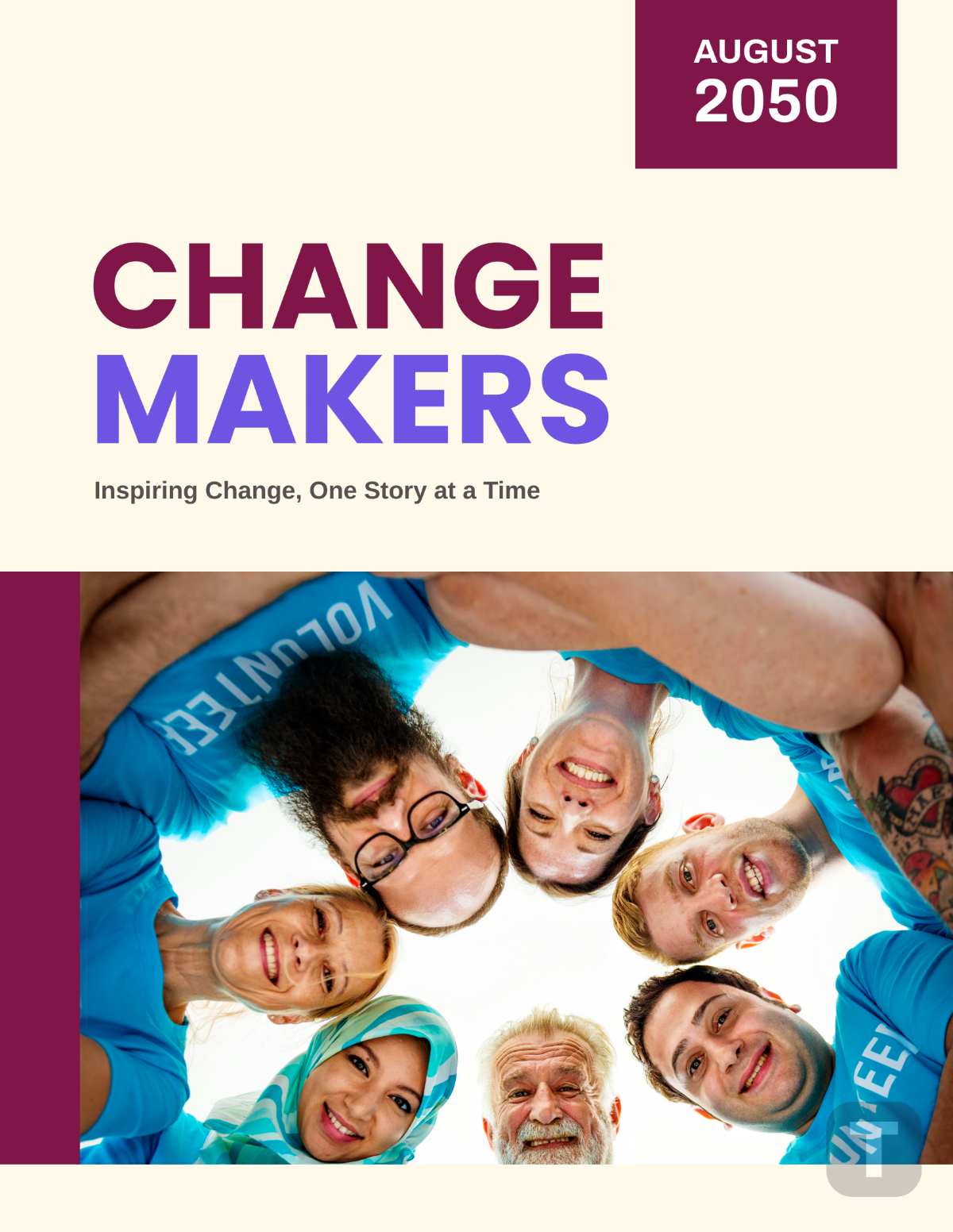
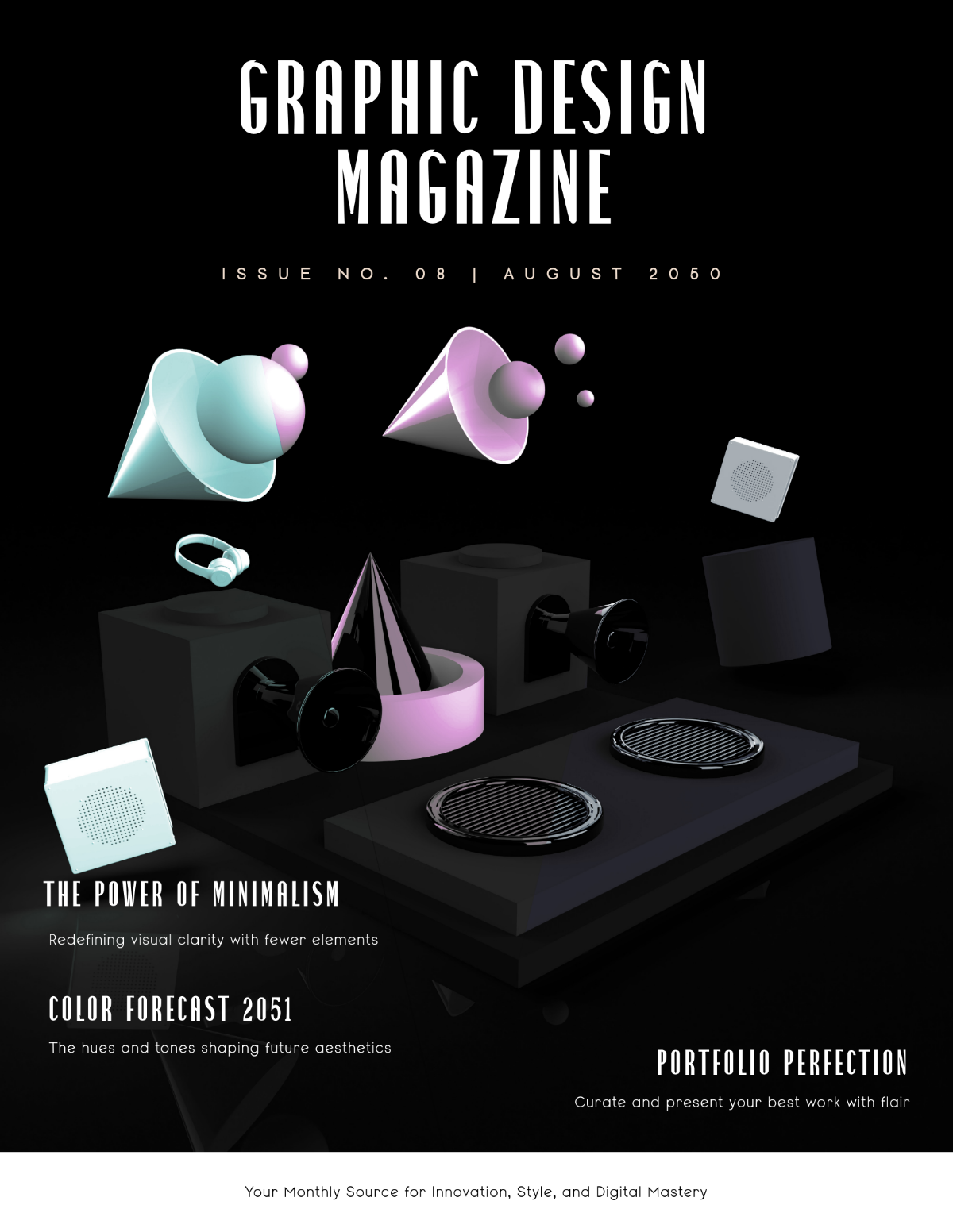
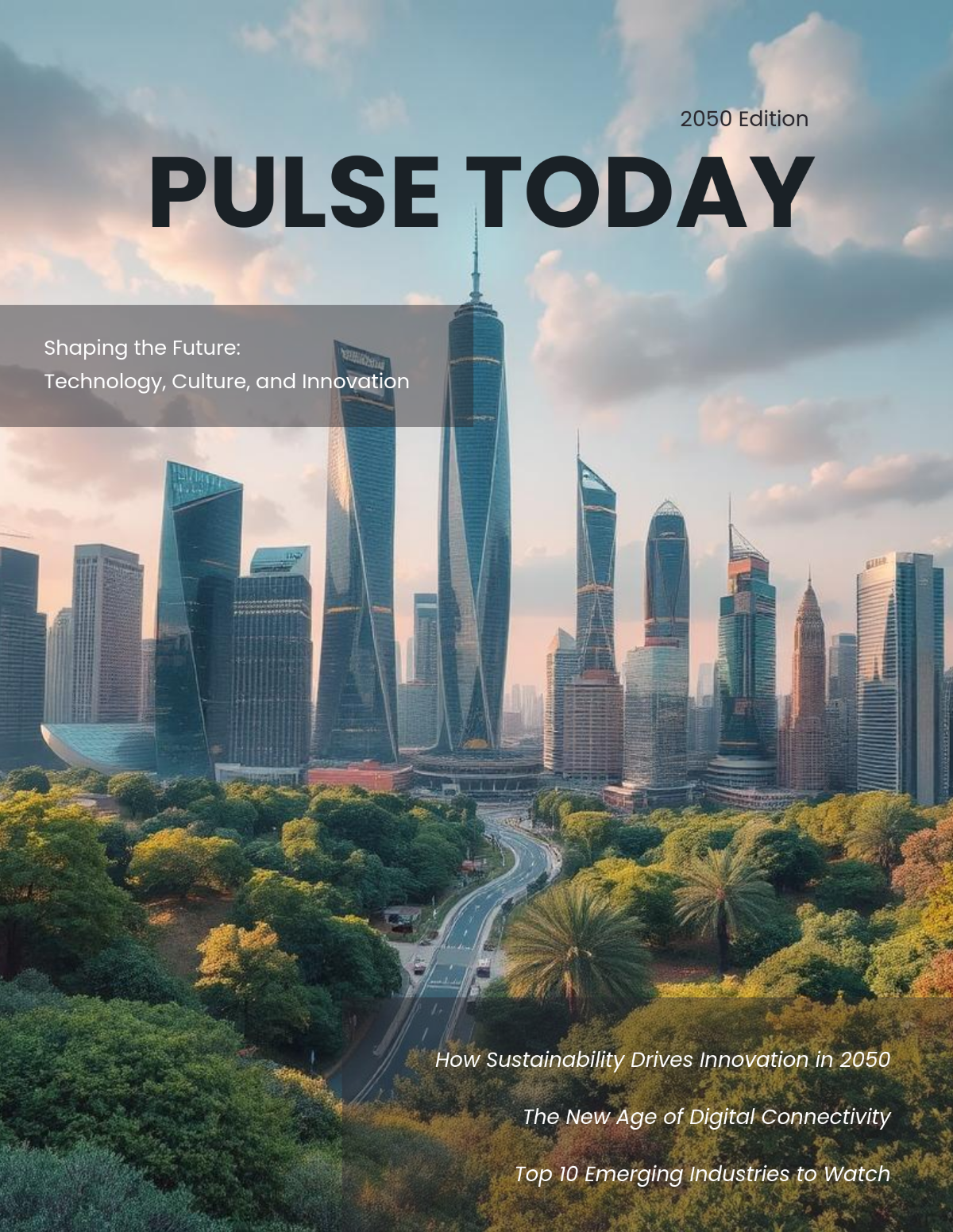
A magazine is a periodical publication containing articles, photographs, and advertisements arranged in a visually appealing layout. Magazines are designed to inform, entertain, or promote content through print or digital formats.
Why should I use a Magazine?
You should use a magazine to effectively communicate your ideas or brand stories with engaging visuals and organized content. Magazines provide a professional format to reach target audiences through print or online distribution.
Who uses Magazines?
Magazines are used by publishers, marketers, designers, businesses, and enthusiasts who want to share curated content, promote brands, or entertain readers in a professional and creative manner.
What are the best tips for designing my Magazine?
Here are the best tips for designing your magazine to ensure it is visually appealing and reader-friendly:
- Consistent layout and grid structure
- High-quality images and graphics
- Readable typography with proper hierarchy
- Balanced white space to reduce clutter
- Effective color schemes matching your brand
- Clear section divisions and headings
- Compelling cover design to attract readers
- Engaging content tailored to your audience
- Proper margins and bleed areas for print
- Consistent branding elements throughout
What file formats can I download for my Magazine?
Template.net offers magazine templates in multiple export formats to suit your editing and publishing needs. You can download your magazine templates in PSD, Illustrator, Publisher, InDesign, Word, Apple Pages, Google Docs, and PDF.
Can I create a Magazine using AI?
Yes, Template.net provides an AI-powered tool that generates new Magazine designs from prompts to help you quickly create customized magazine layouts. You can try the Magazine Generator for free.
What are the standard sizes for printing my Magazine?
Standard print sizes for magazines help ensure compatibility with common printing equipment. Typical magazine sizes include:
- 8.5 × 11 inches (US Letter)
- 8 × 10.5 inches
- 5.5 × 8.5 inches (Digest size)
- 9 × 12 inches
- 7 × 10 inches
- 11 × 17 inches (Tabloid)
What key design elements should I include in my Magazine?
Including these key design elements will enhance your magazine layout and readability:
- Cover page with title and imagery
- Table of contents for easy navigation
- Feature articles and columns
- Advertisements strategically placed
- Captions and photo credits
- Headers and footers with page numbers
- Consistent fonts and color palettes
- Pull quotes to highlight key points
- White space for visual relief
- Back cover with contact info or ads
What are the benefits of using Magazine templates?
Using magazine templates offers multiple benefits for efficient and professional design:
- Time-saving with ready-made layouts
- Consistent design across pages
- Easy customization to match branding
- Cost-effective compared to hiring designers
- Professional appearance for better audience engagement
- Print-ready formatting for hassle-free production
- Multiple file formats for versatile use
- Accessible online editing in your browser
- Wide variety of styles for different niches
- Improved workflow for teams
