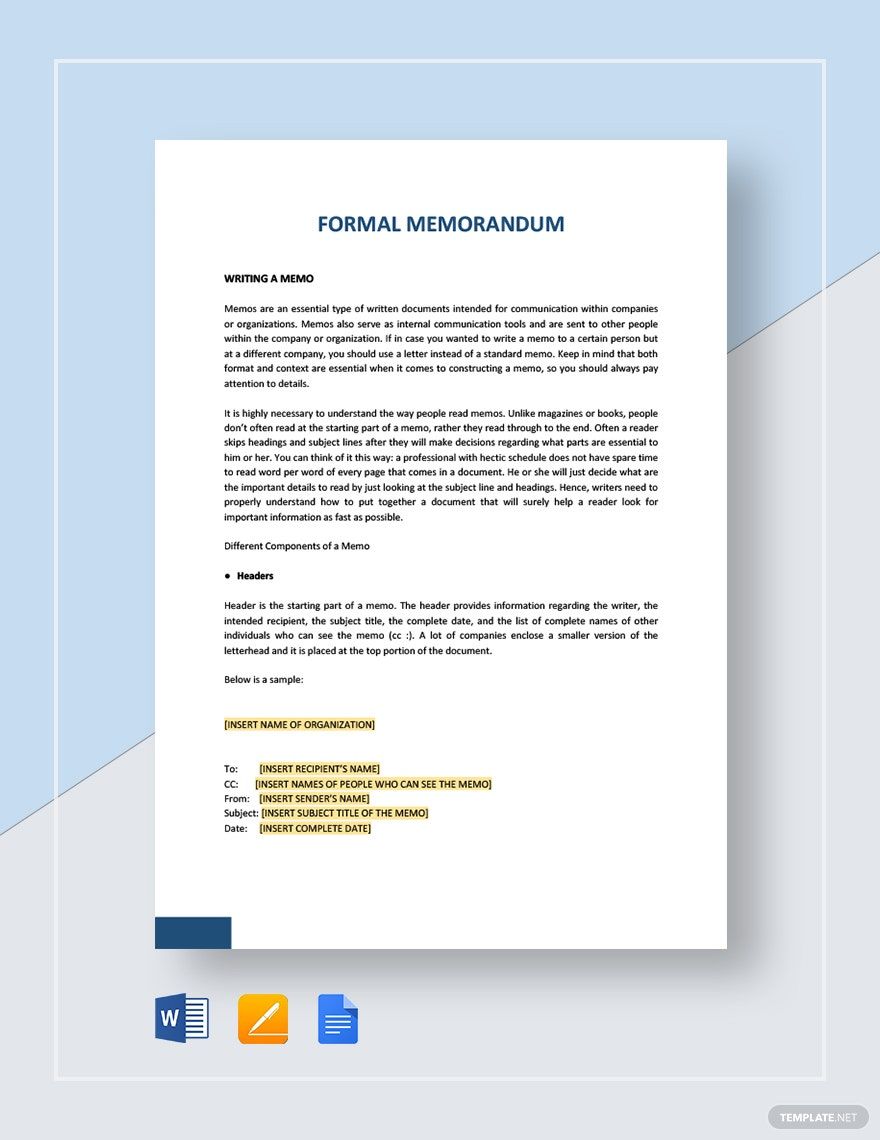
Formal Templates: Definition, Usage, and Customization Guide

Formal templates are ready-made designs featuring professional layouts and elegant visual themes suitable for business and official purposes. Template.net offers customizable Formal templates that you can edit directly in your browser to create professional designs quickly.
feature icon

What is a Formal template?

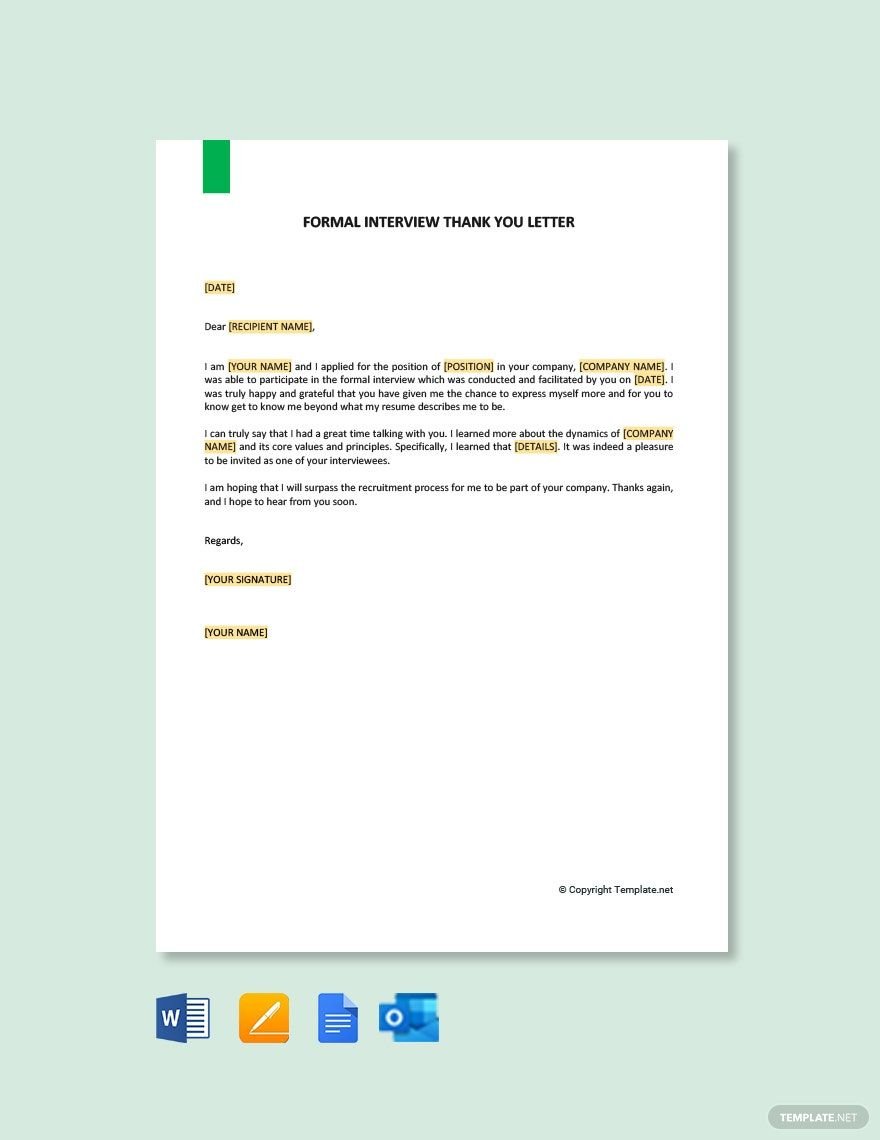
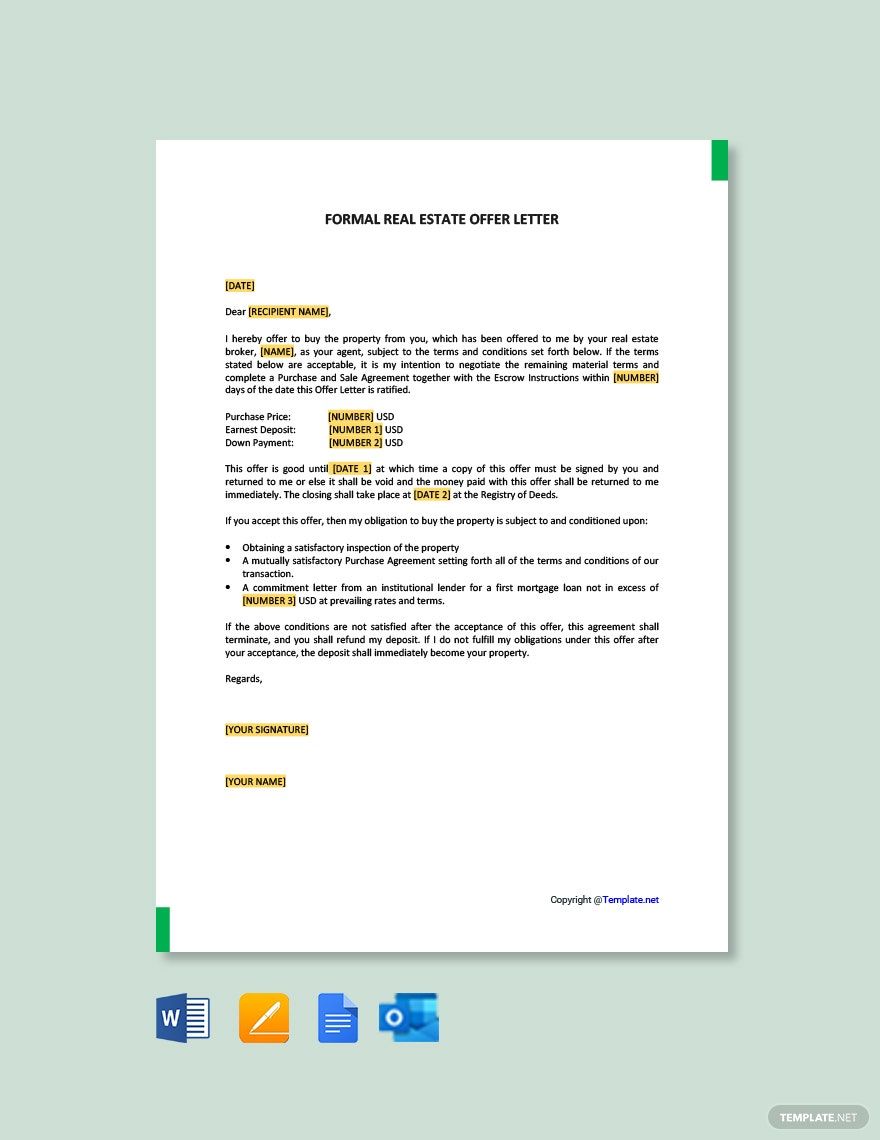
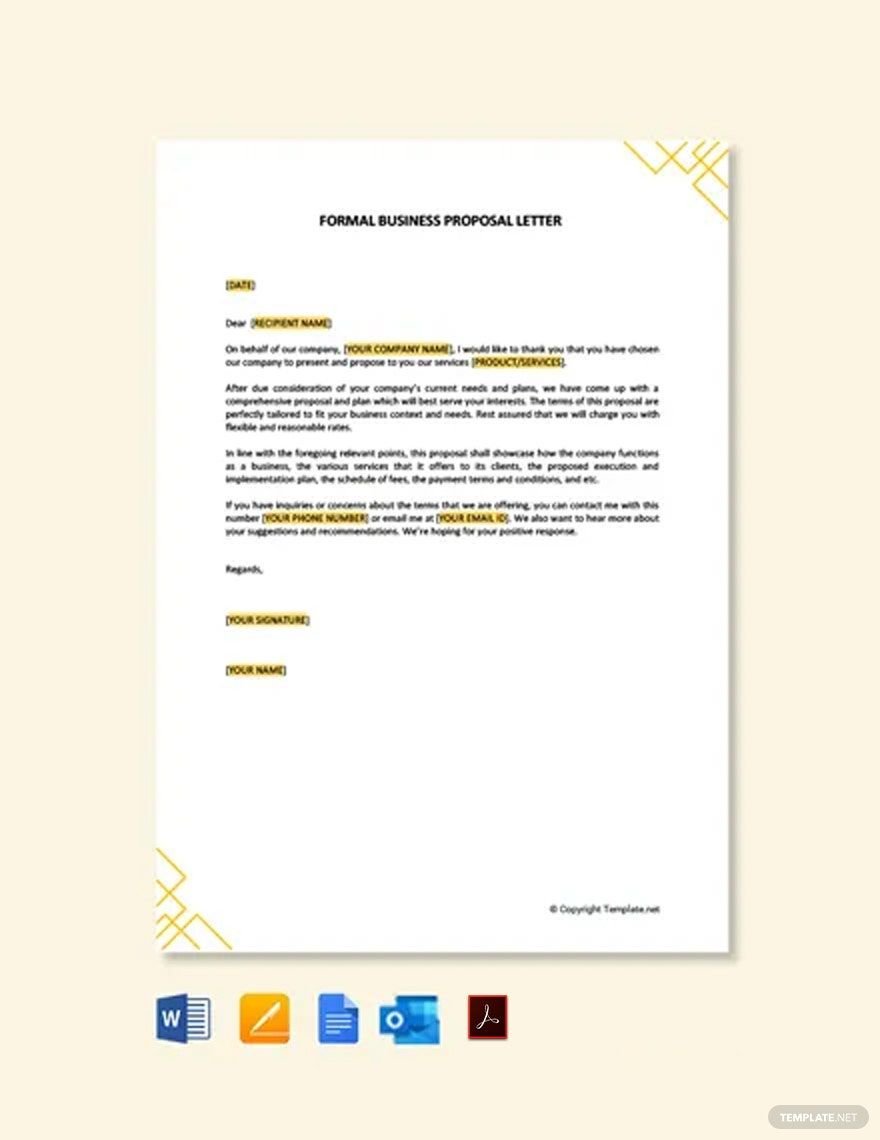
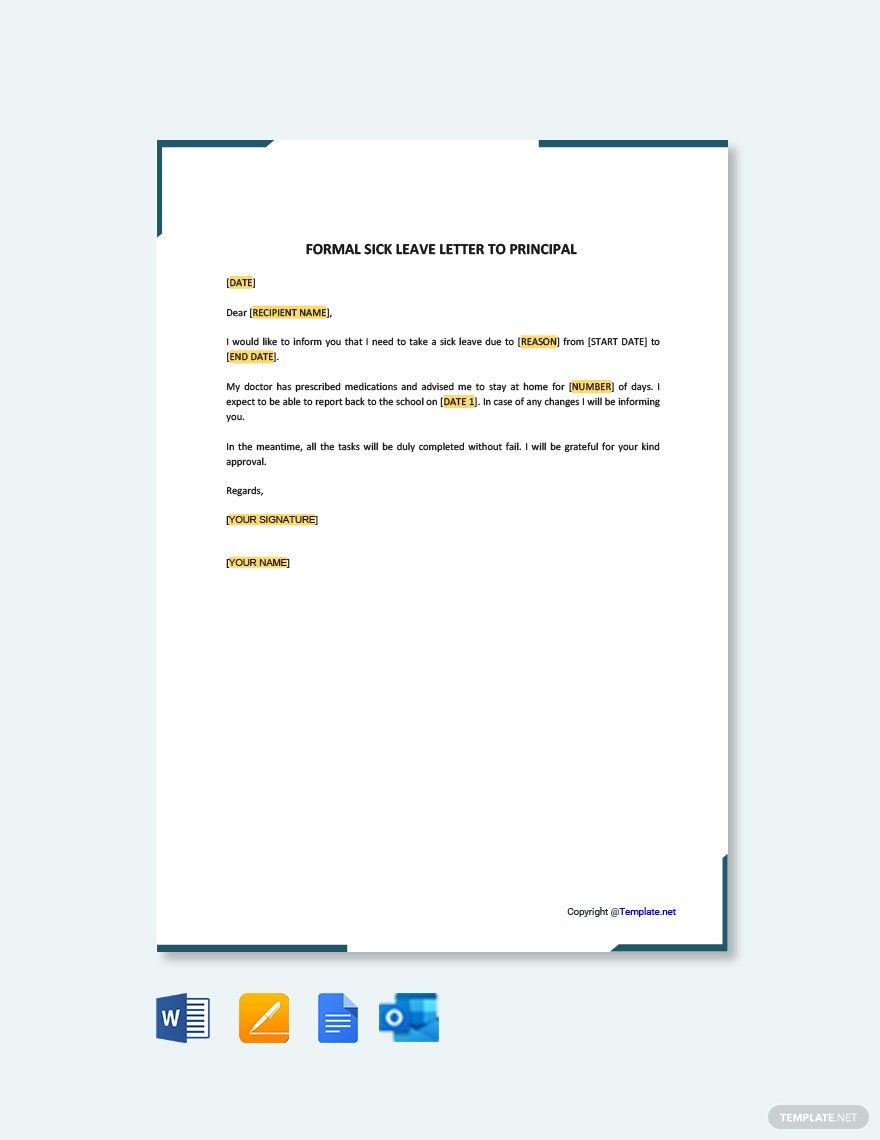
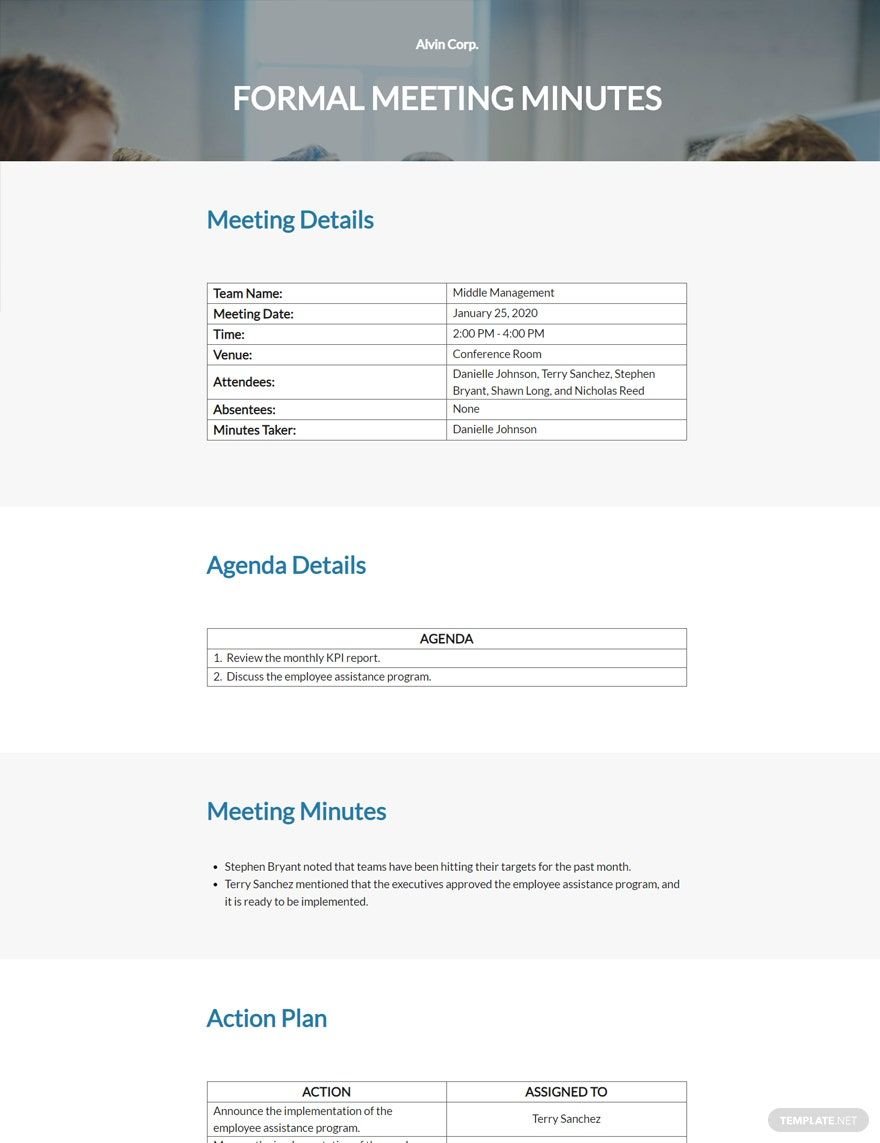
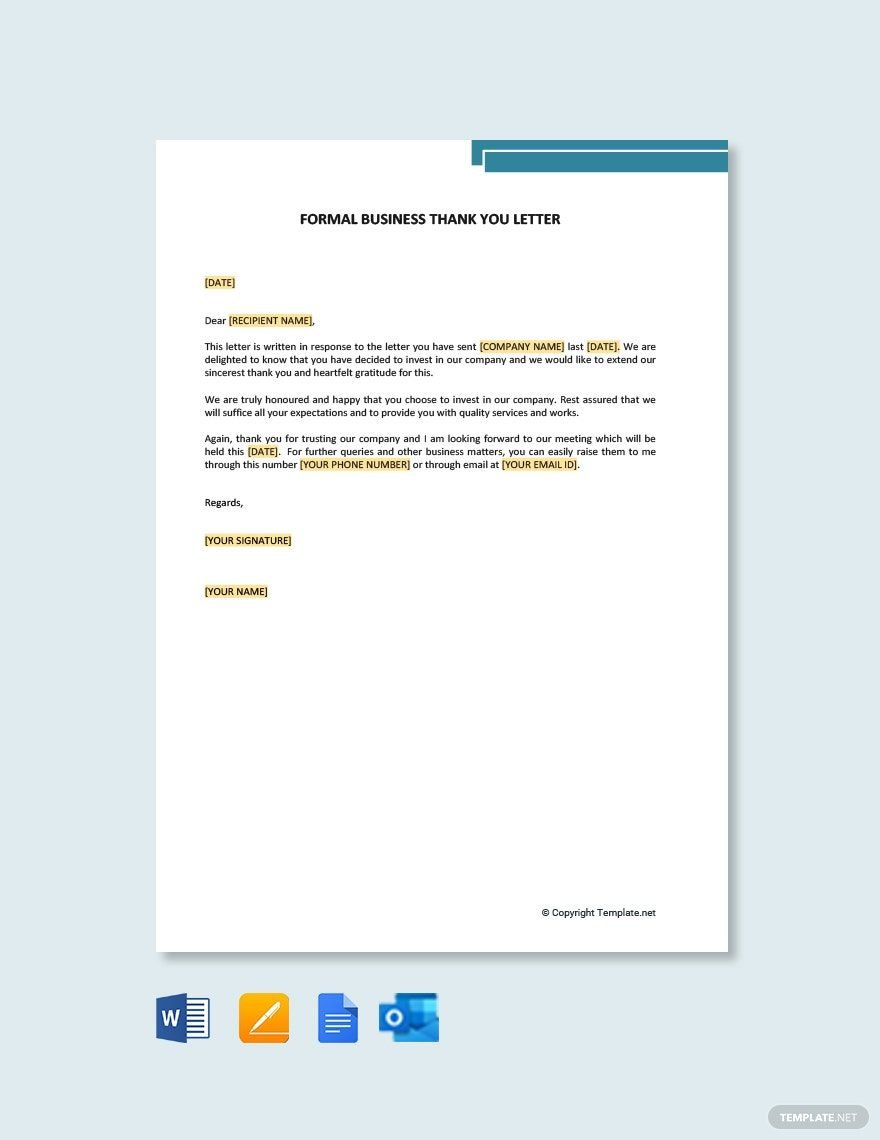
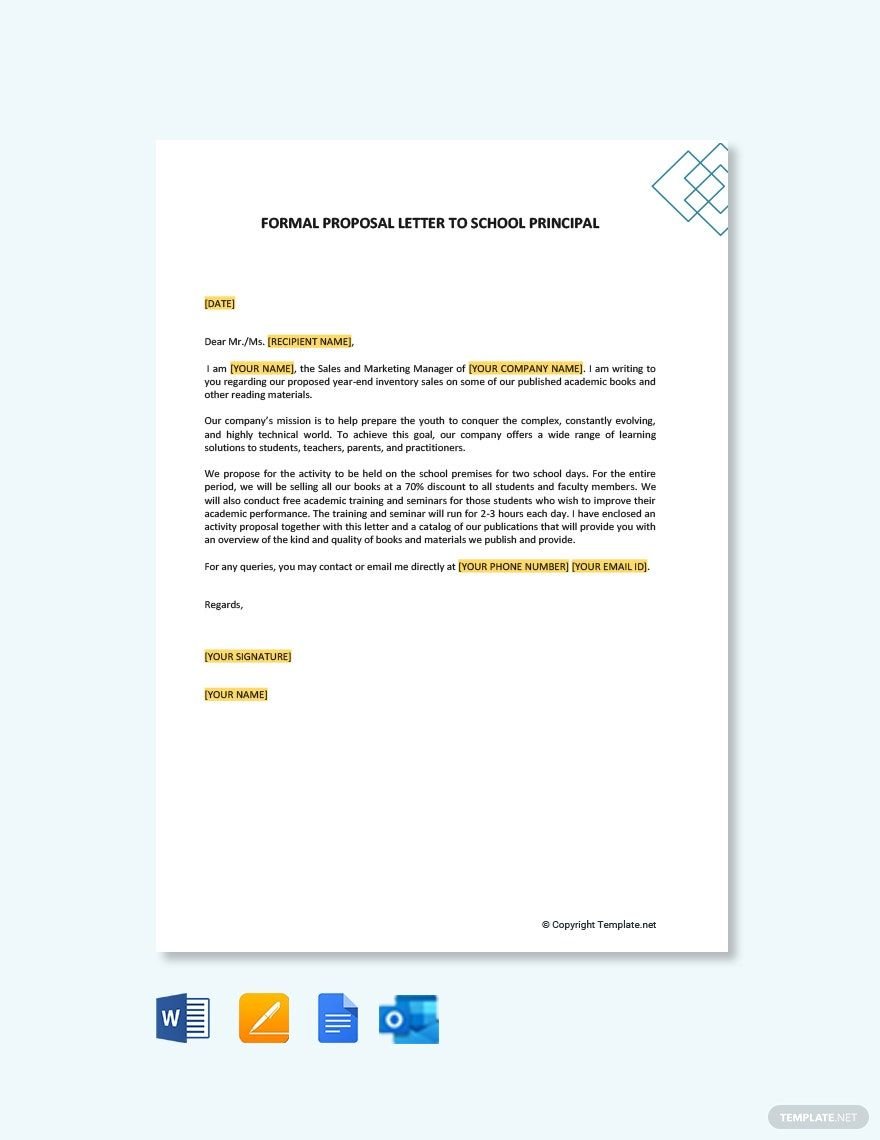
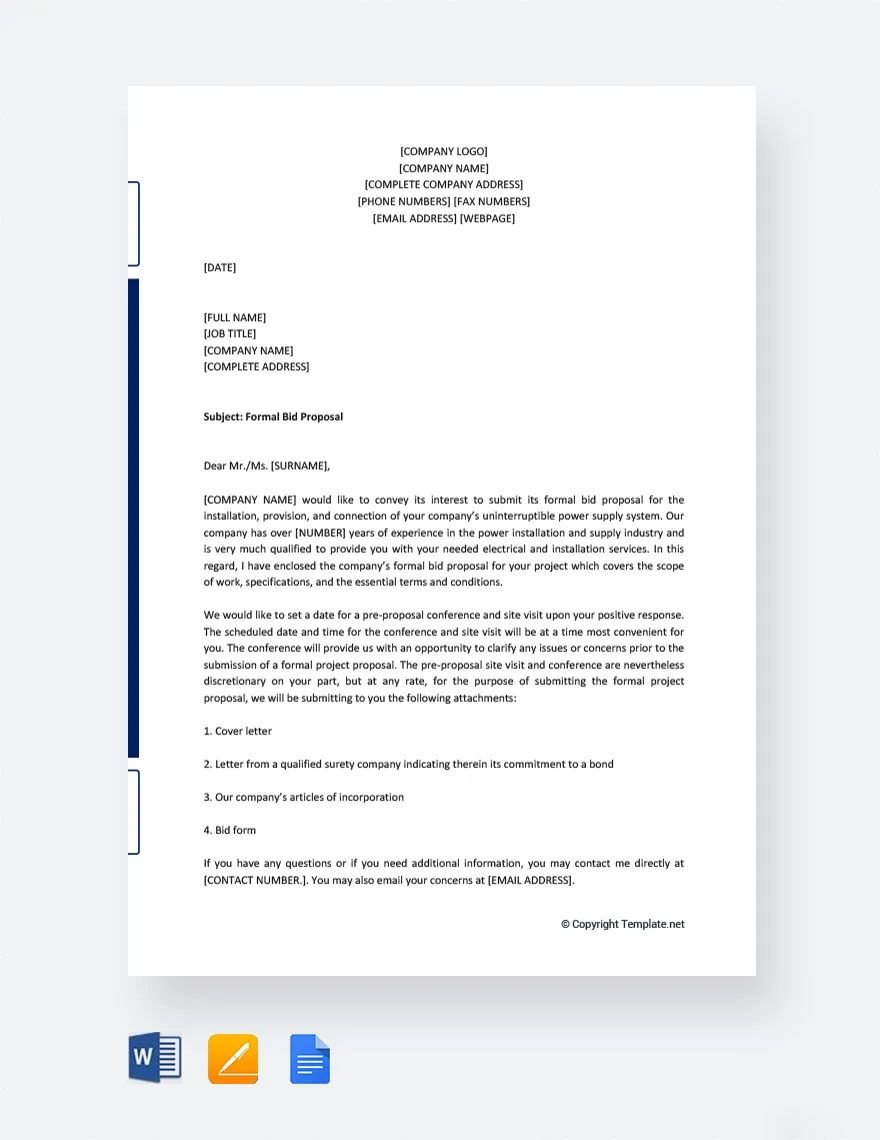
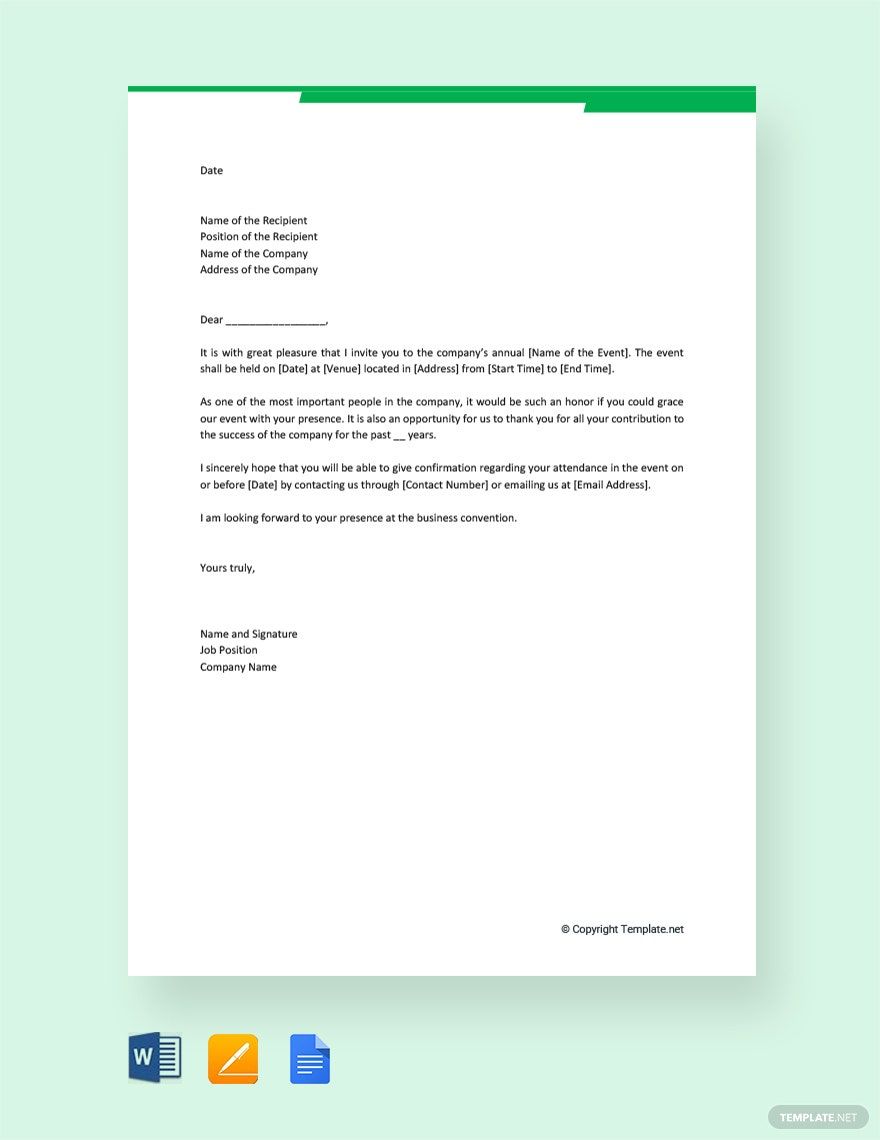
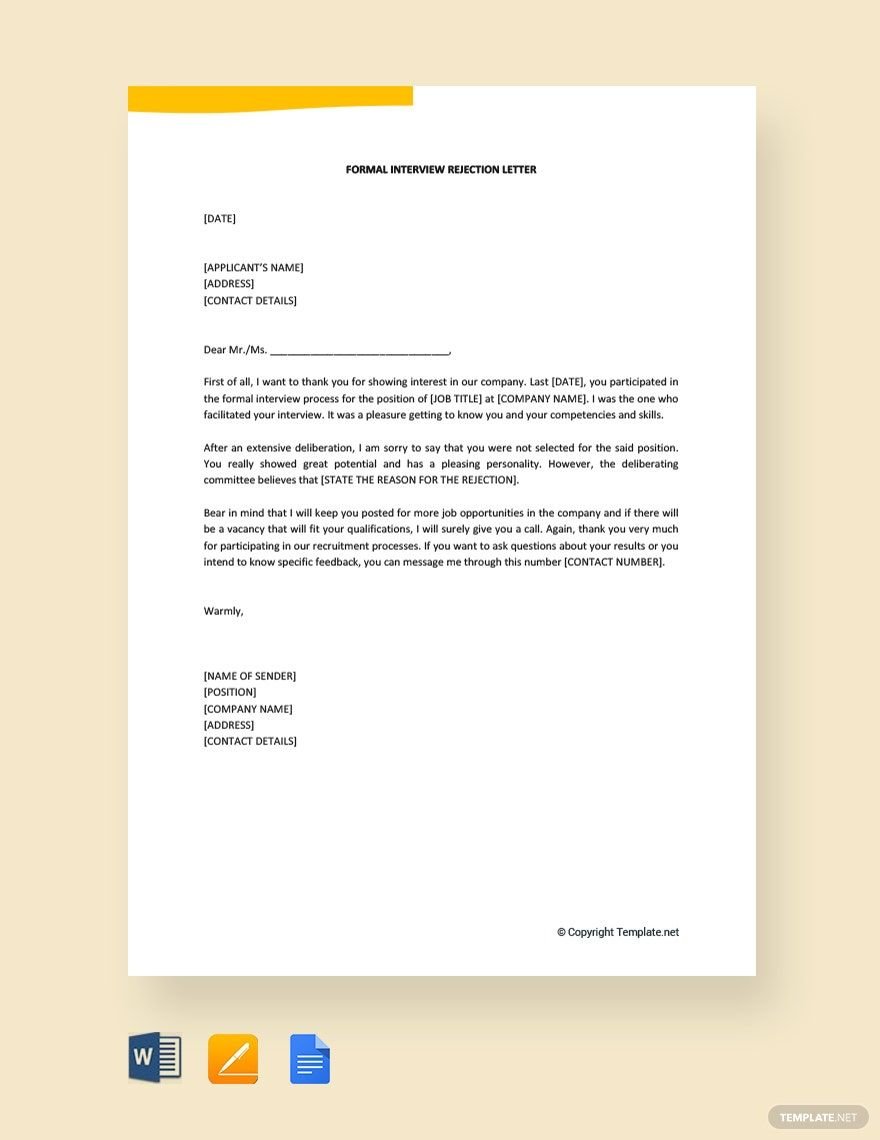
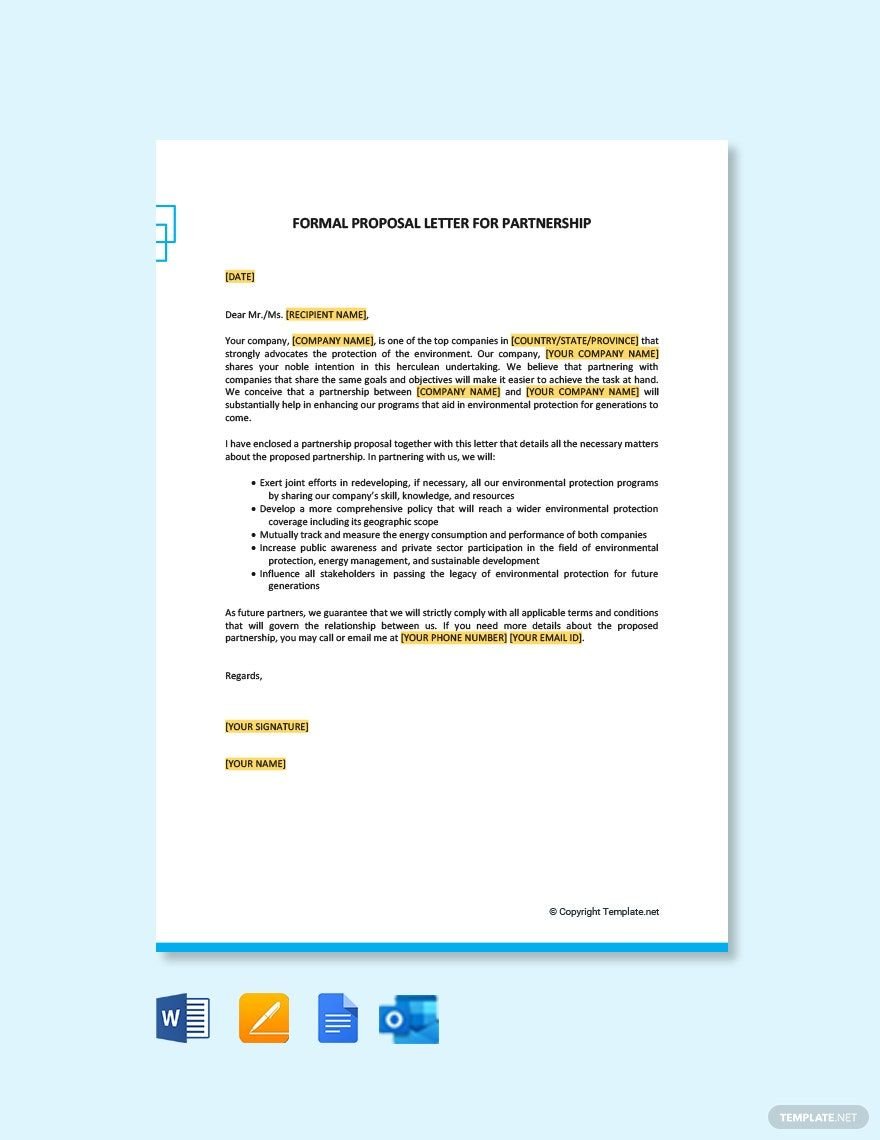
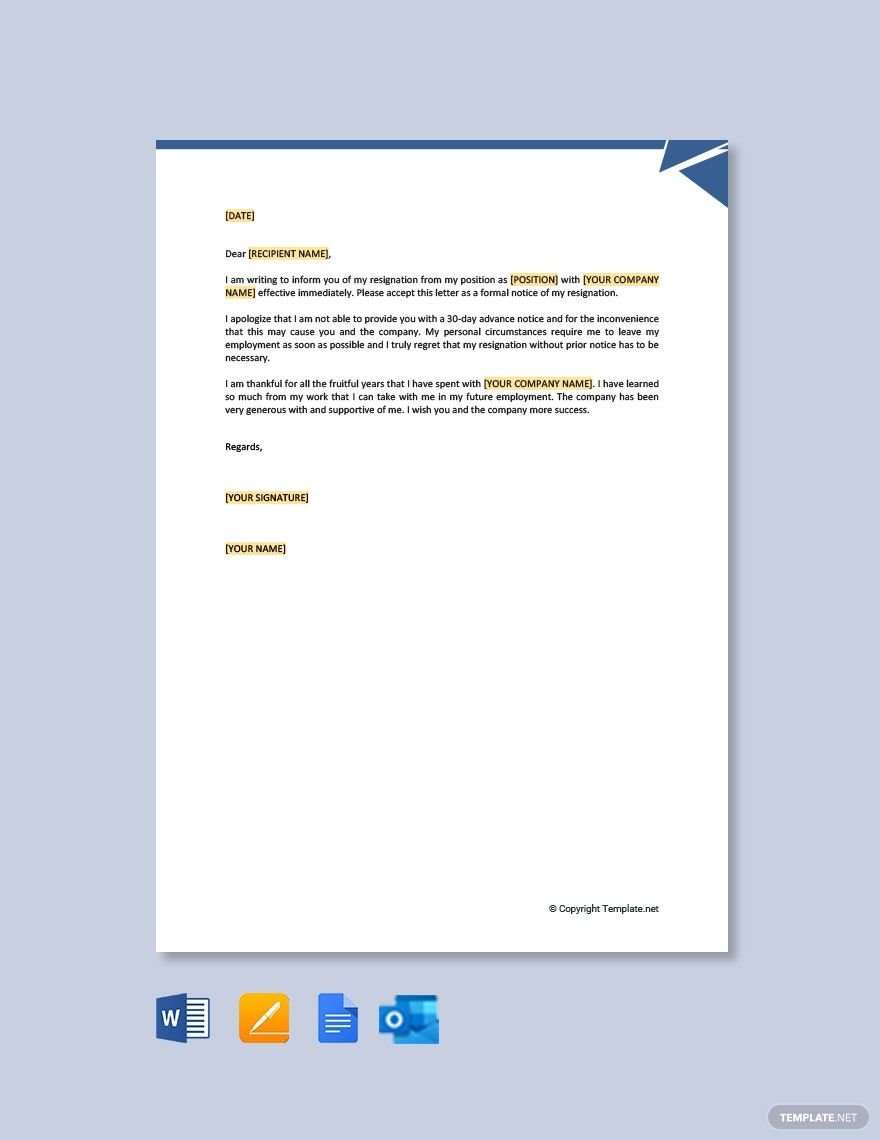
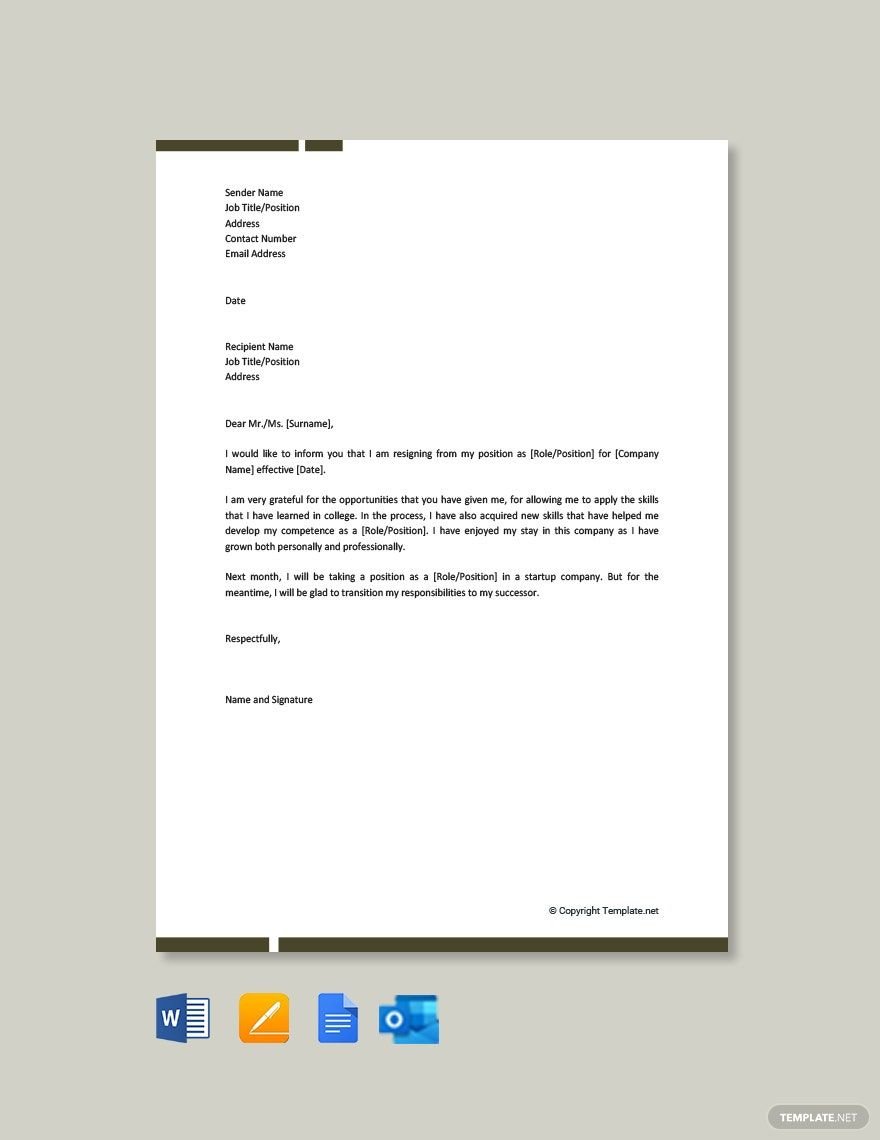
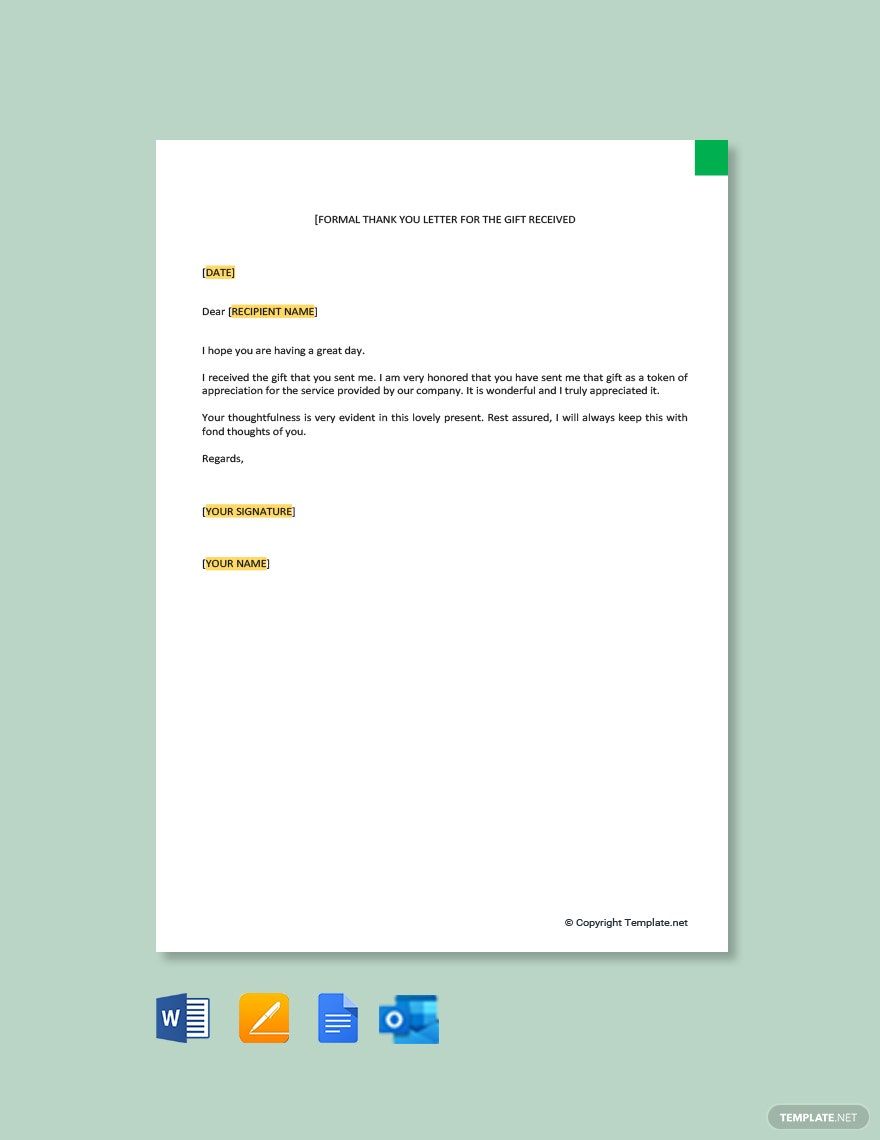
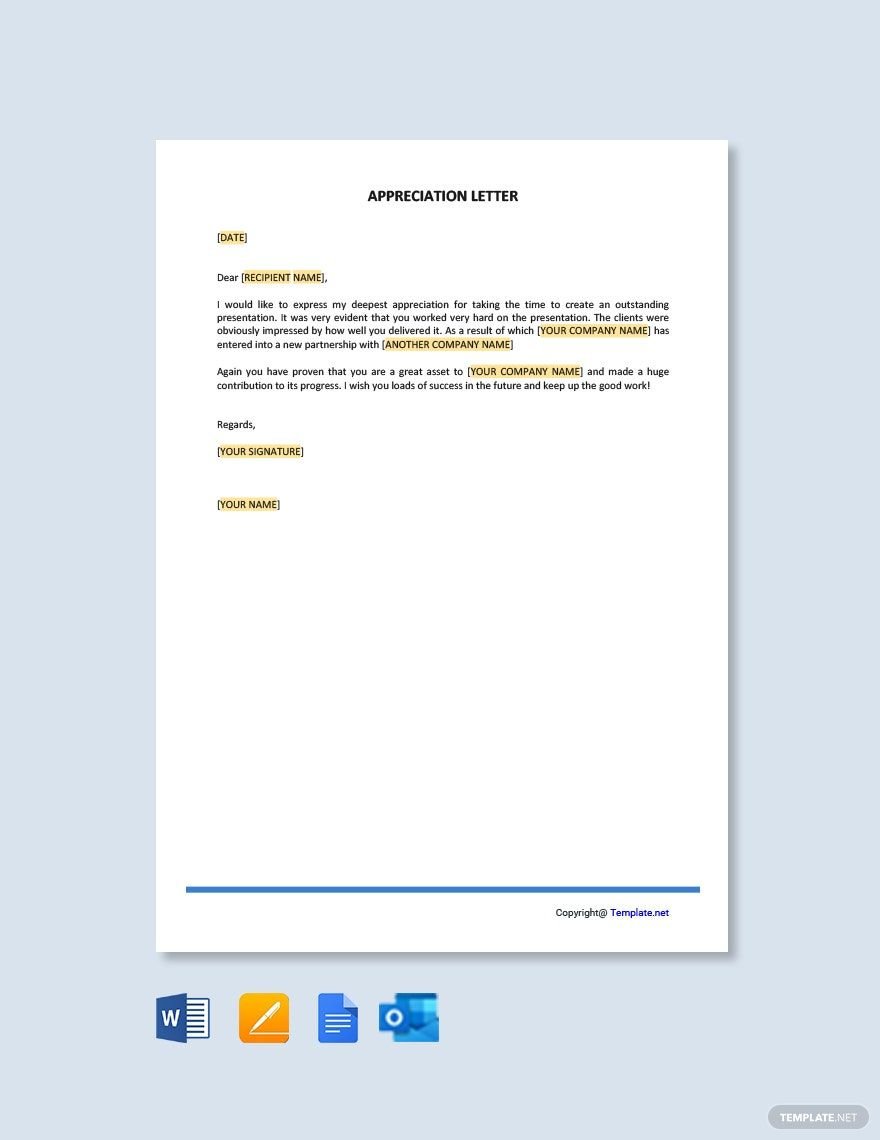
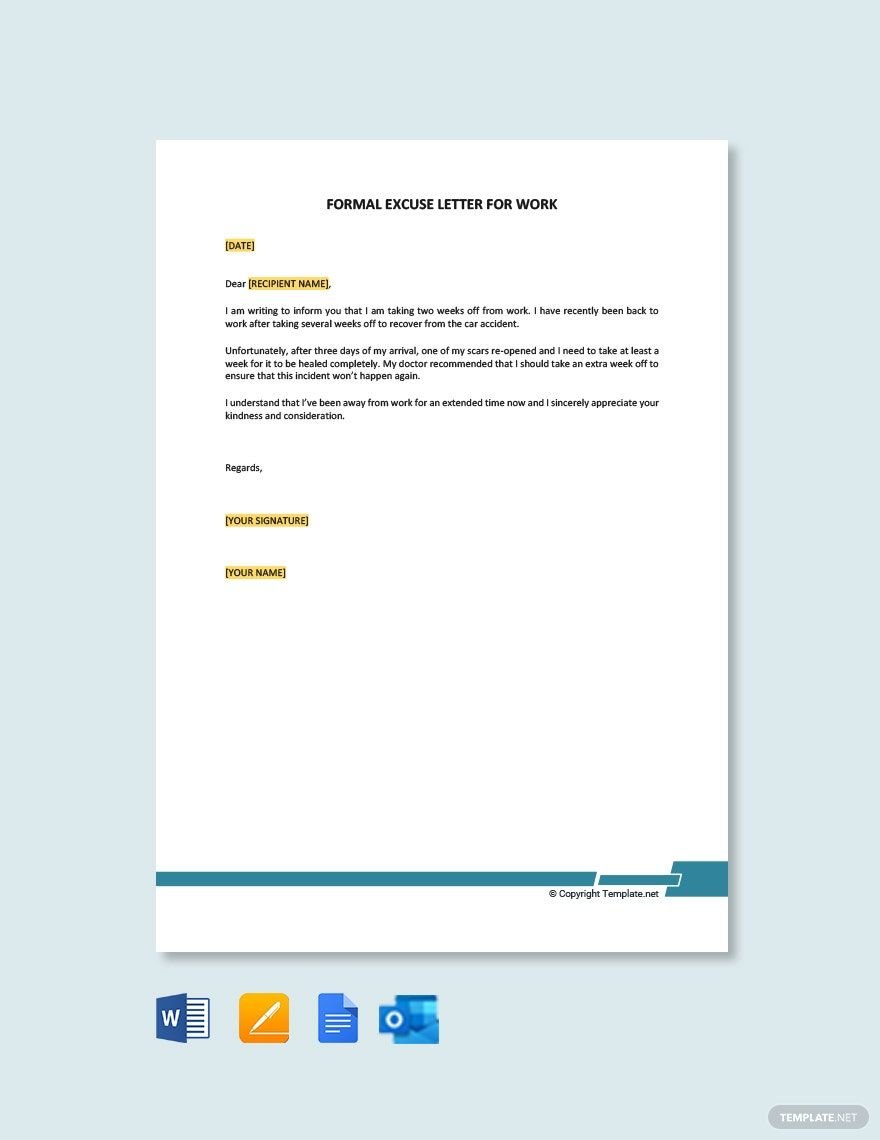
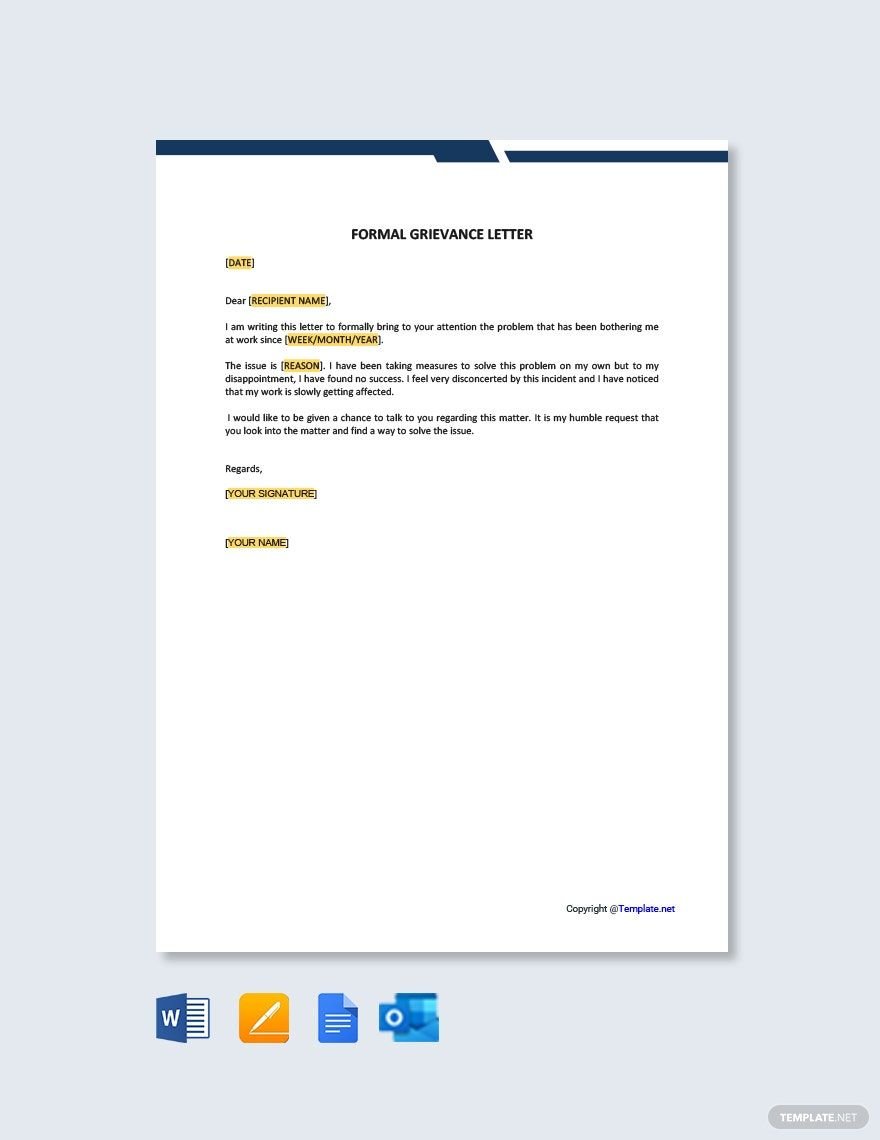
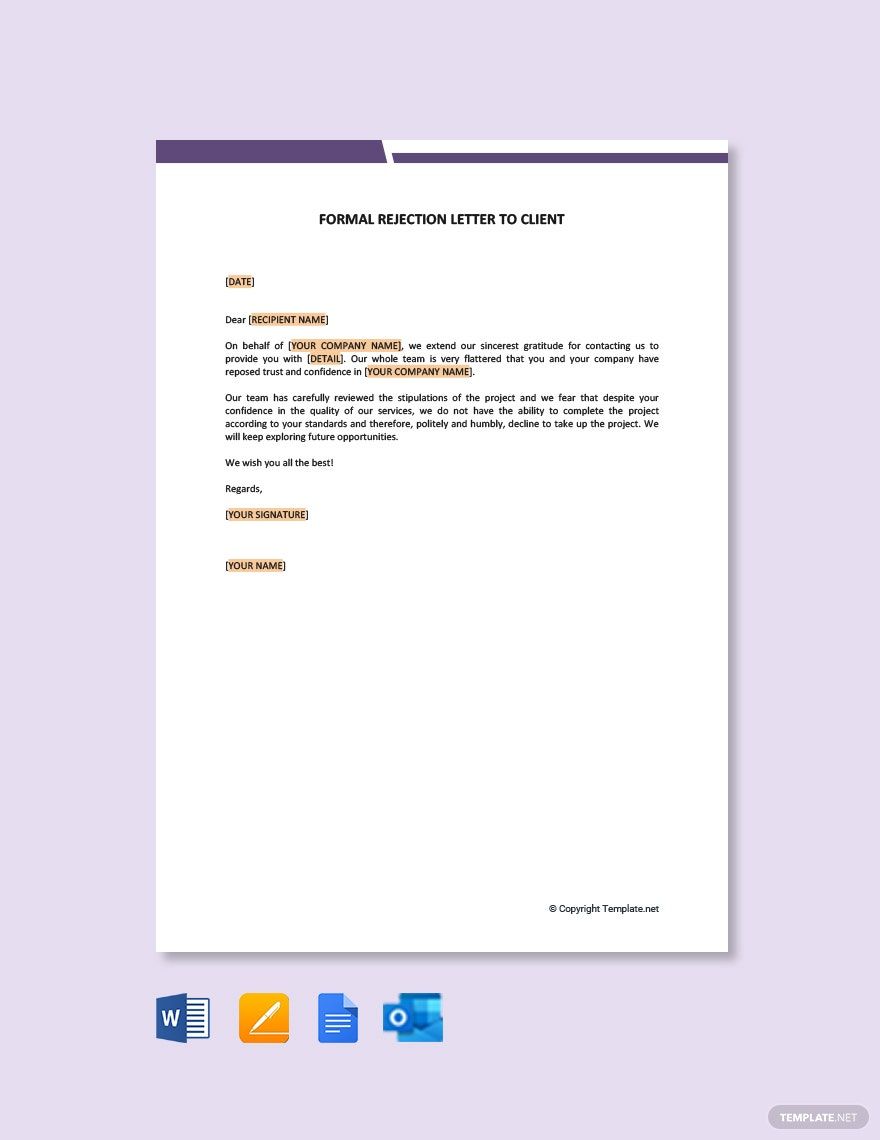
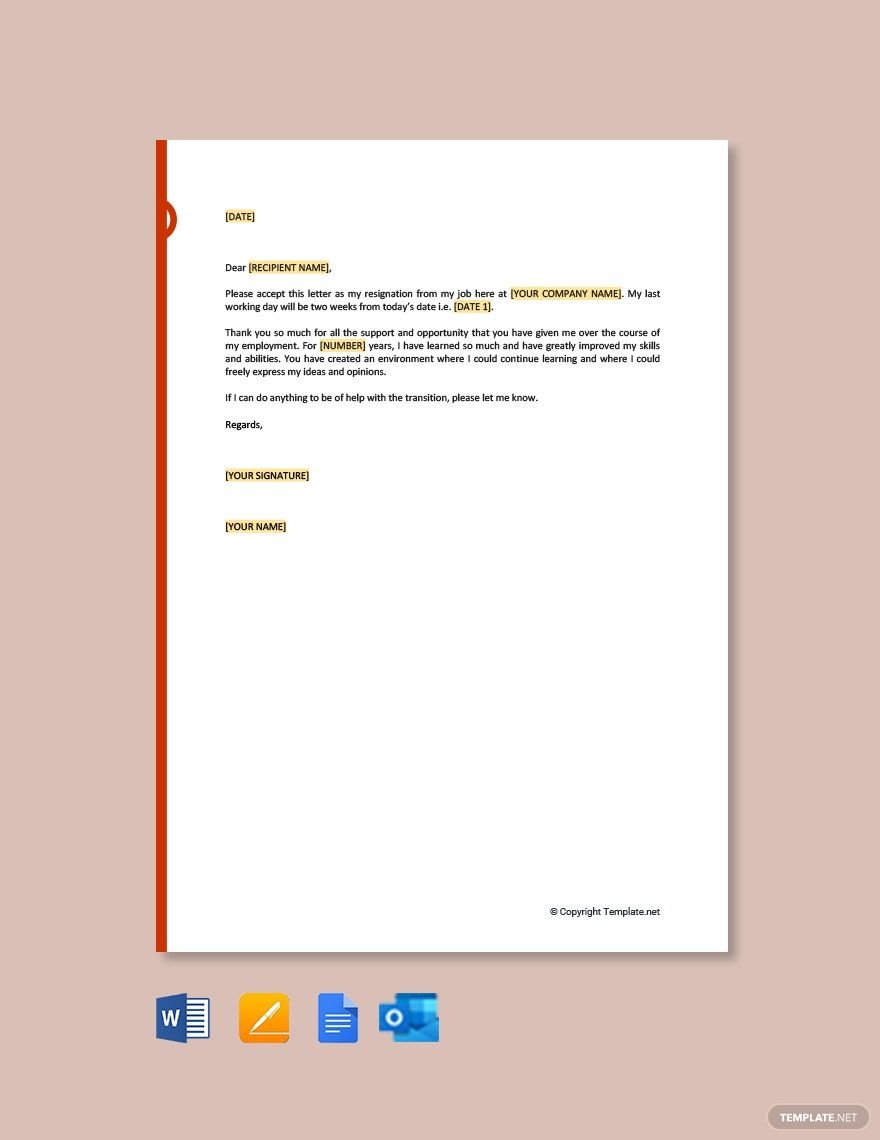
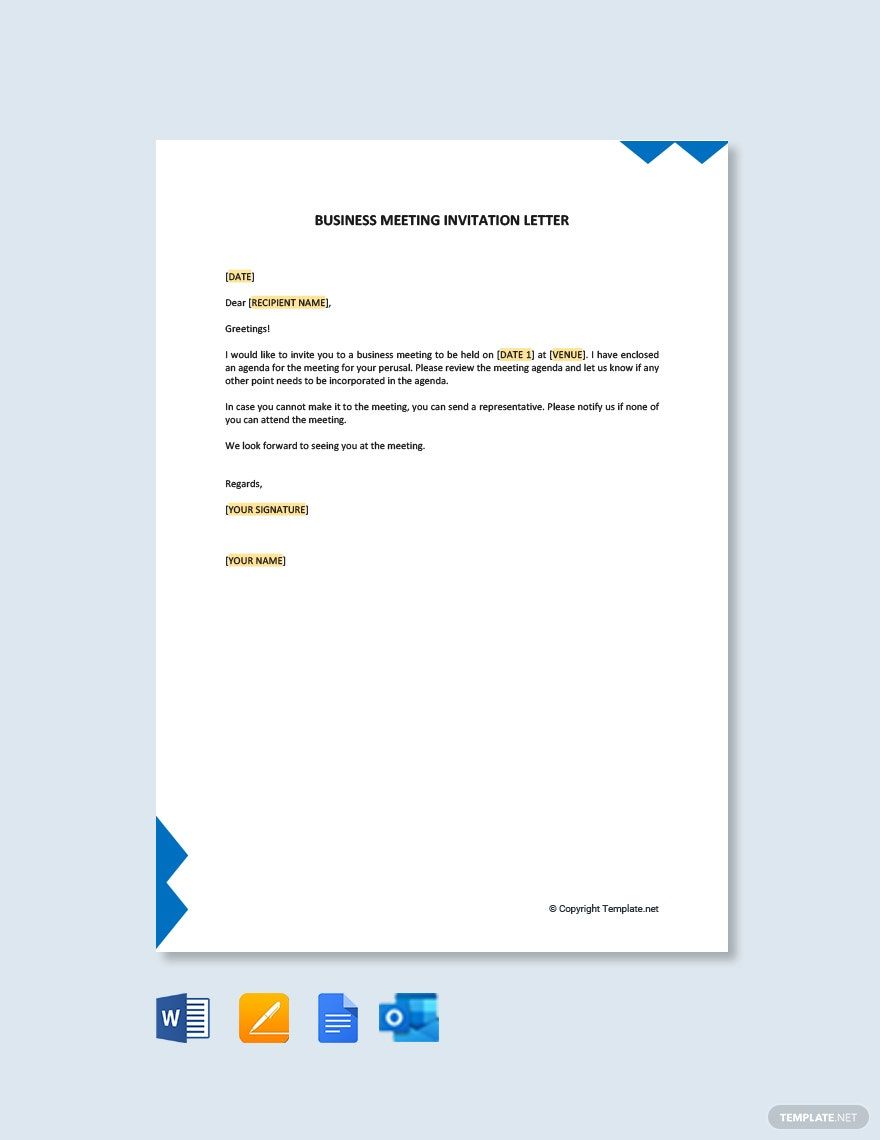
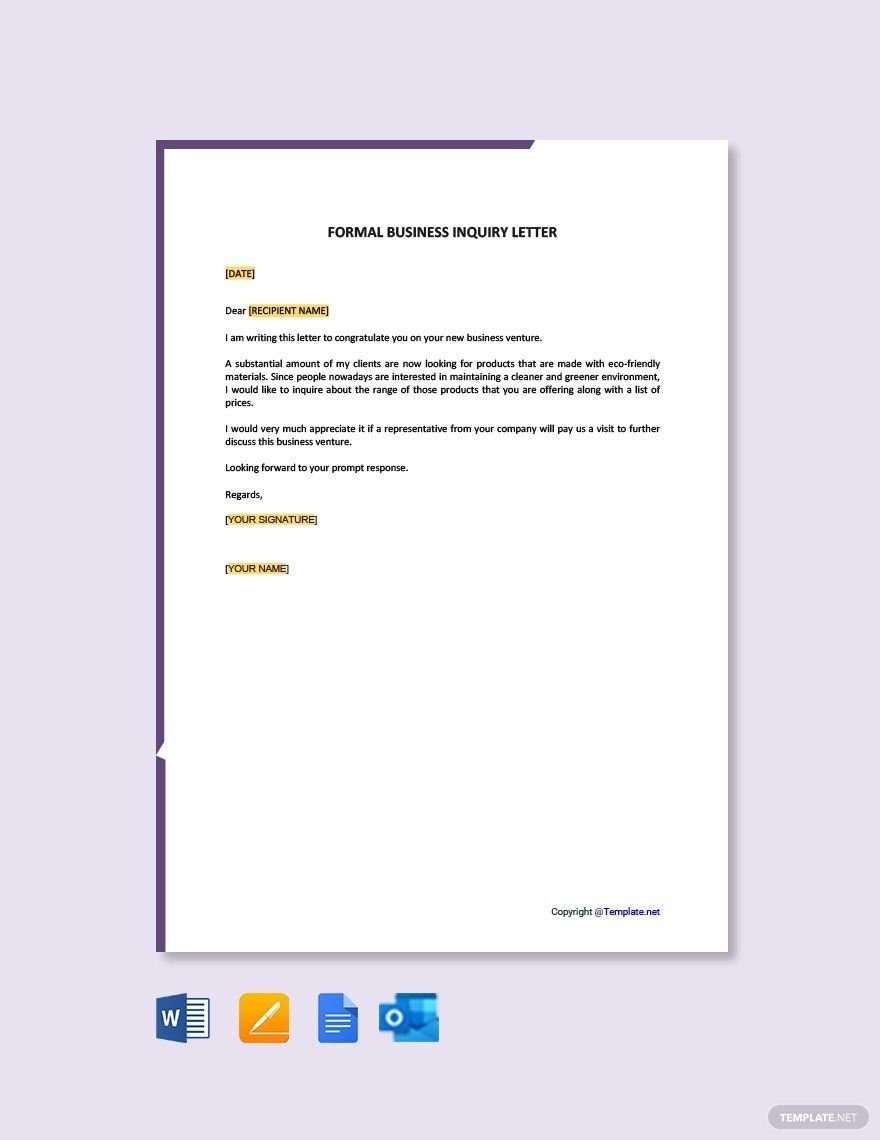
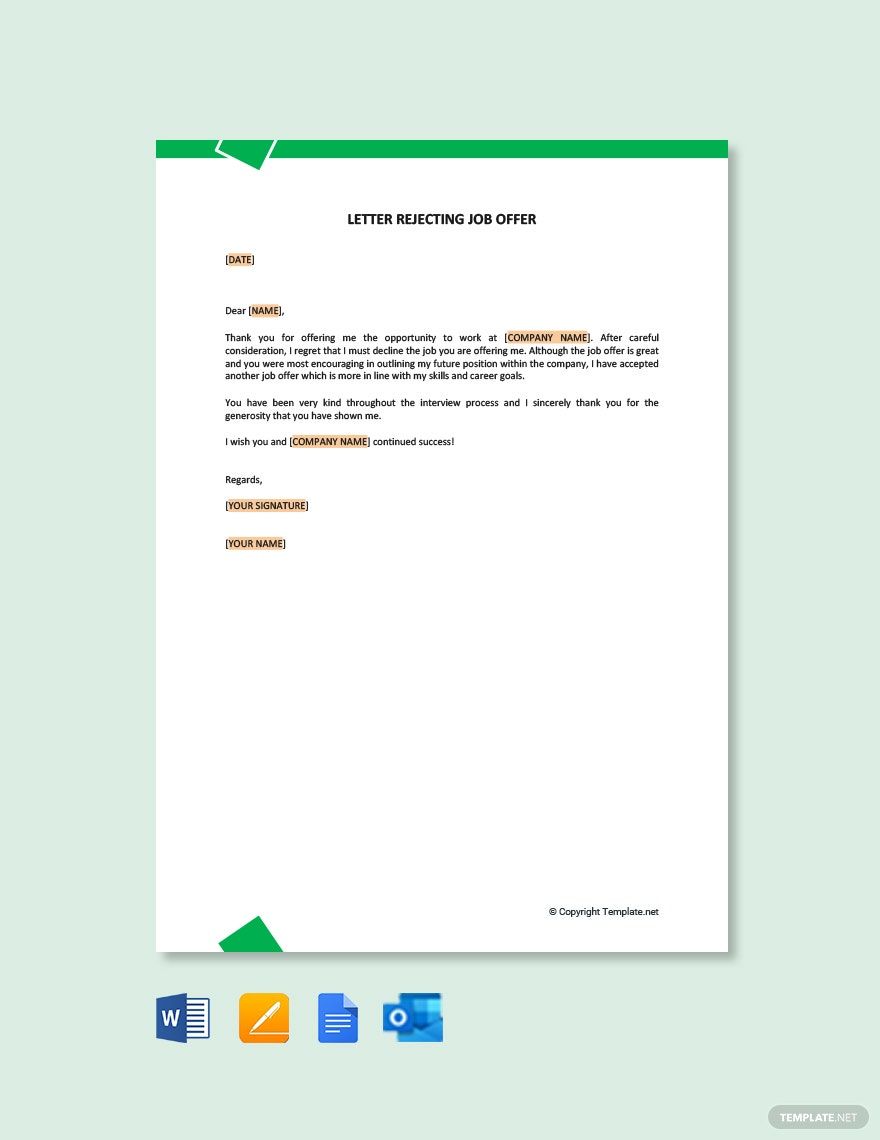
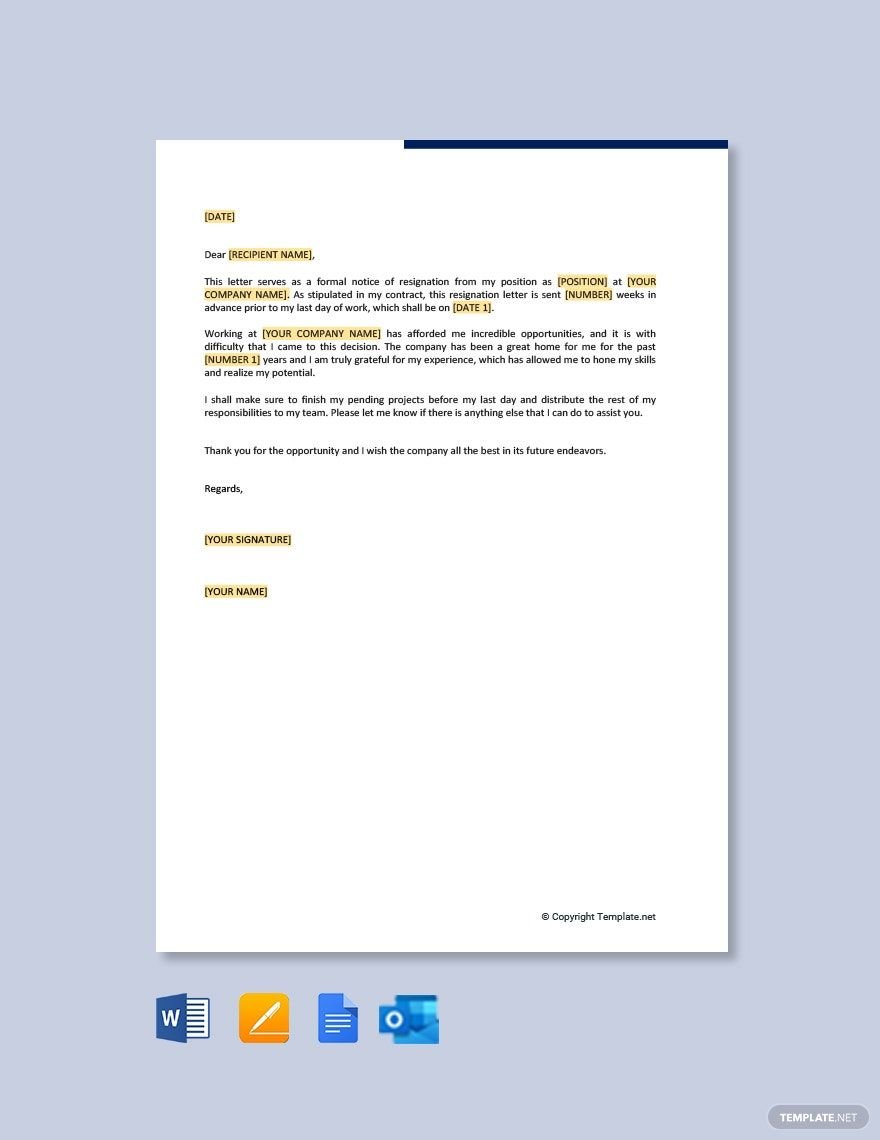
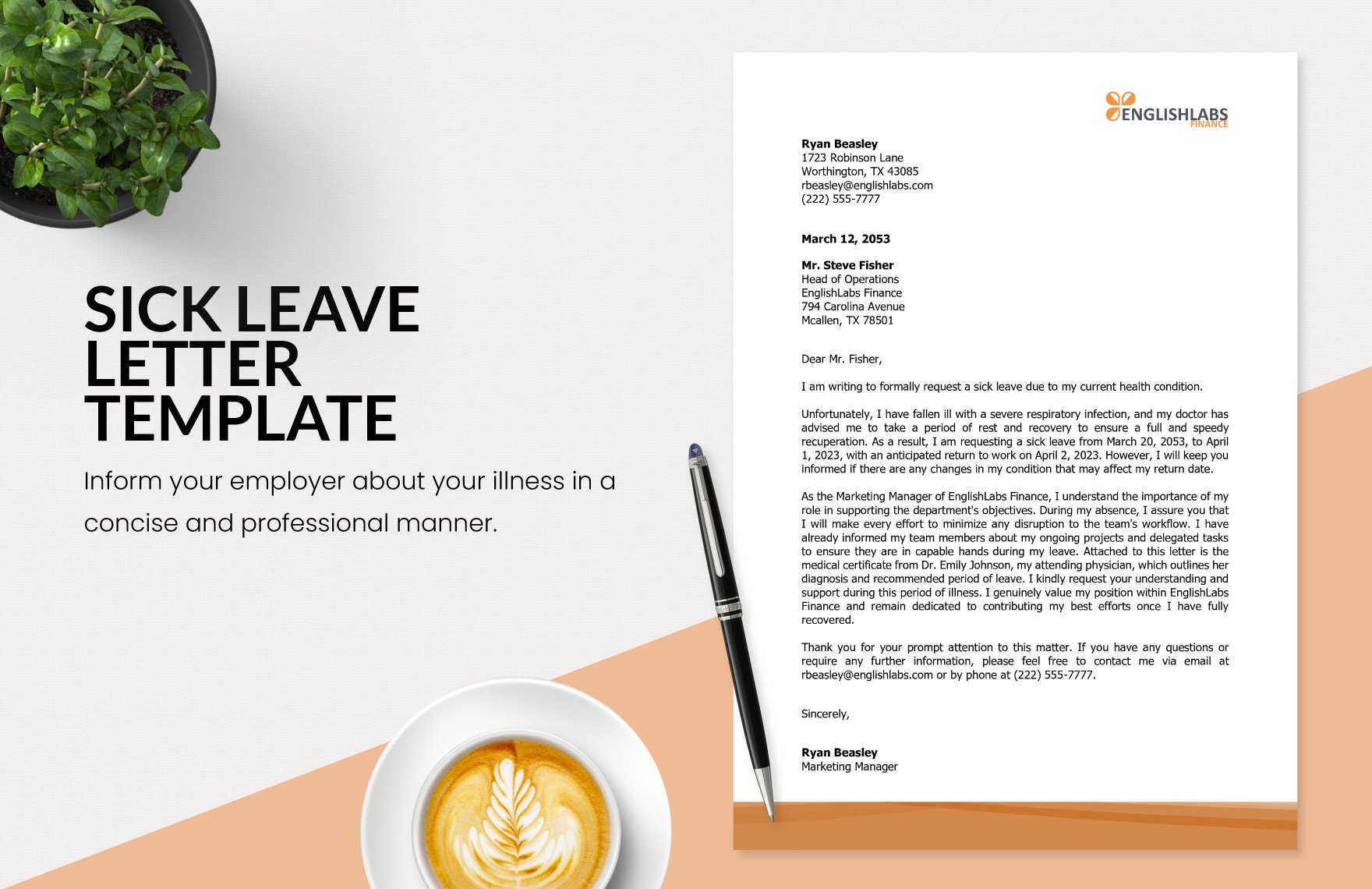
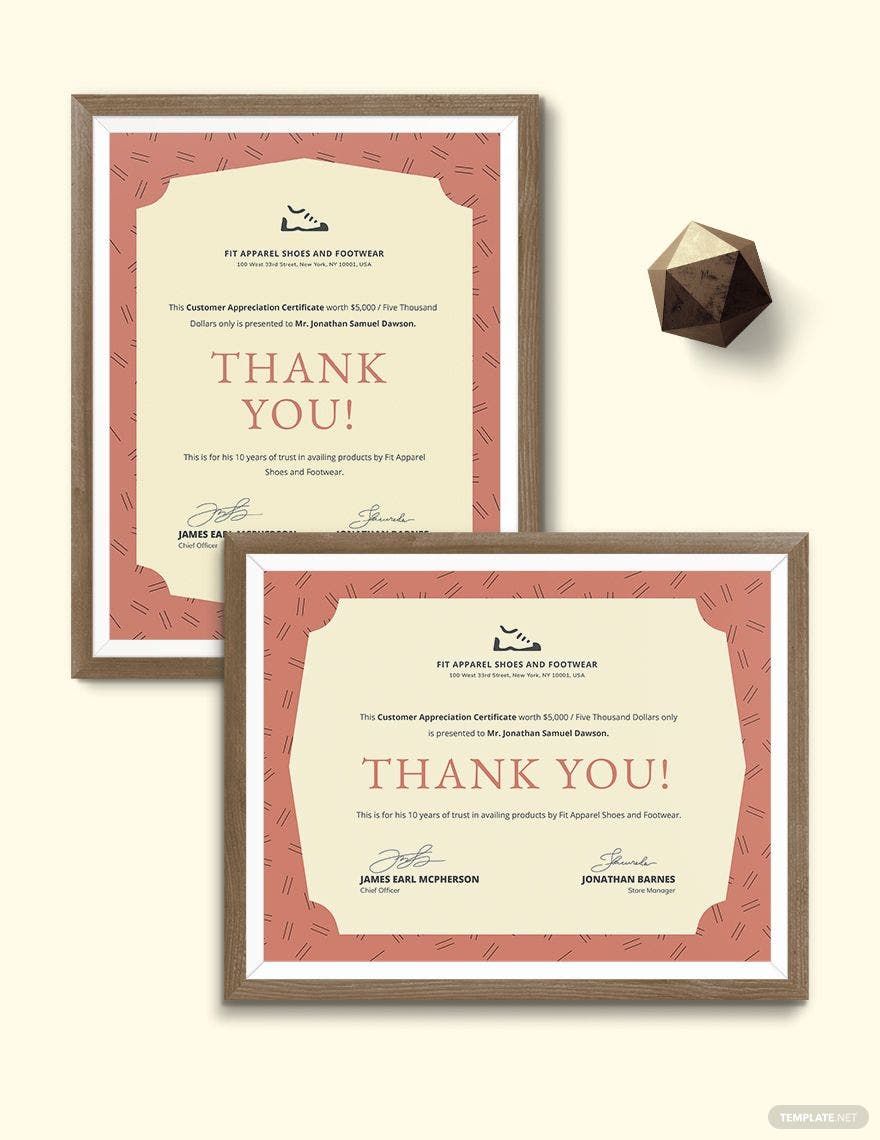
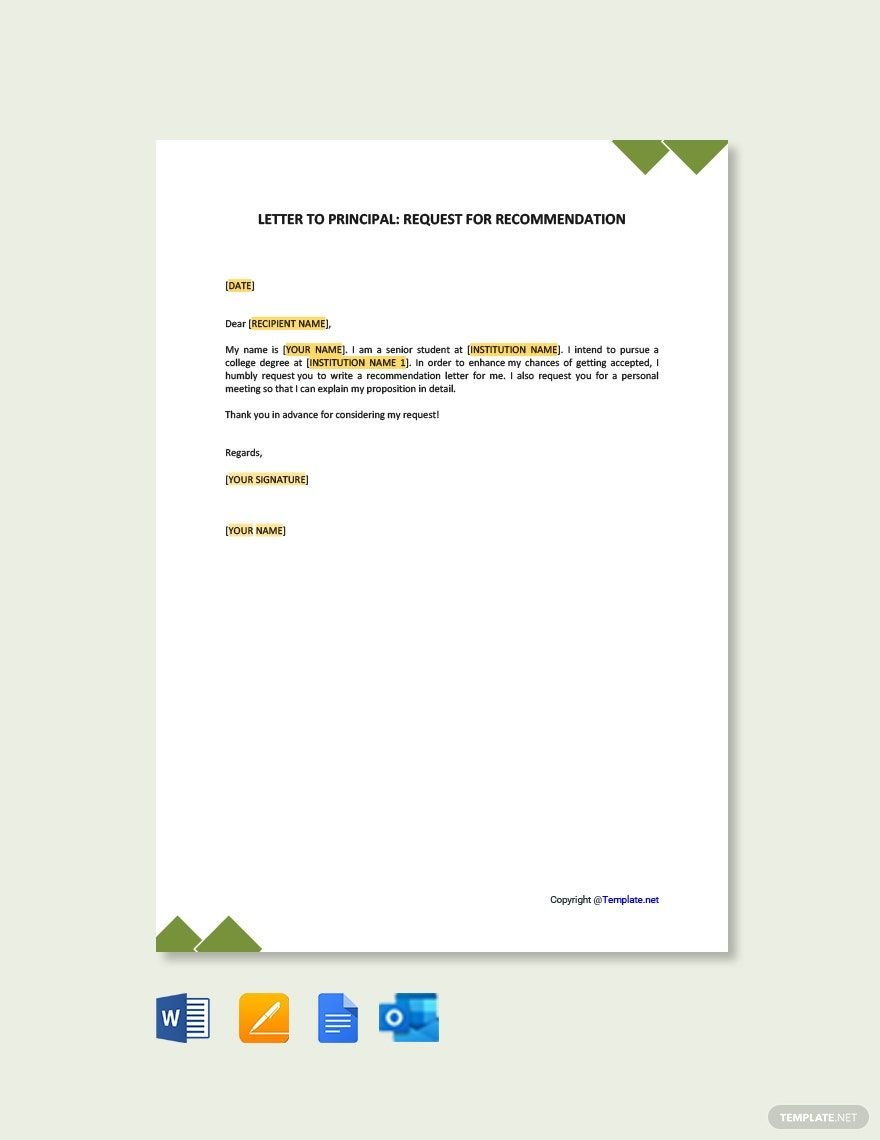
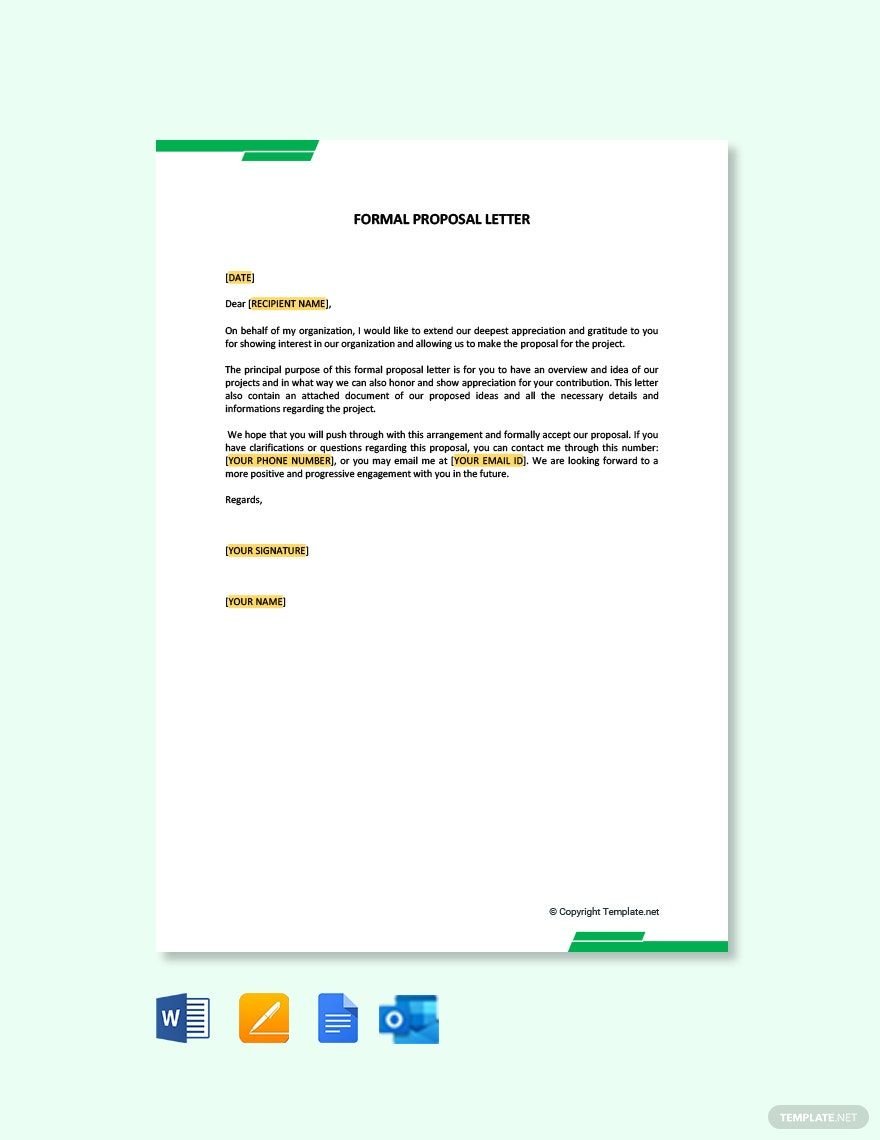
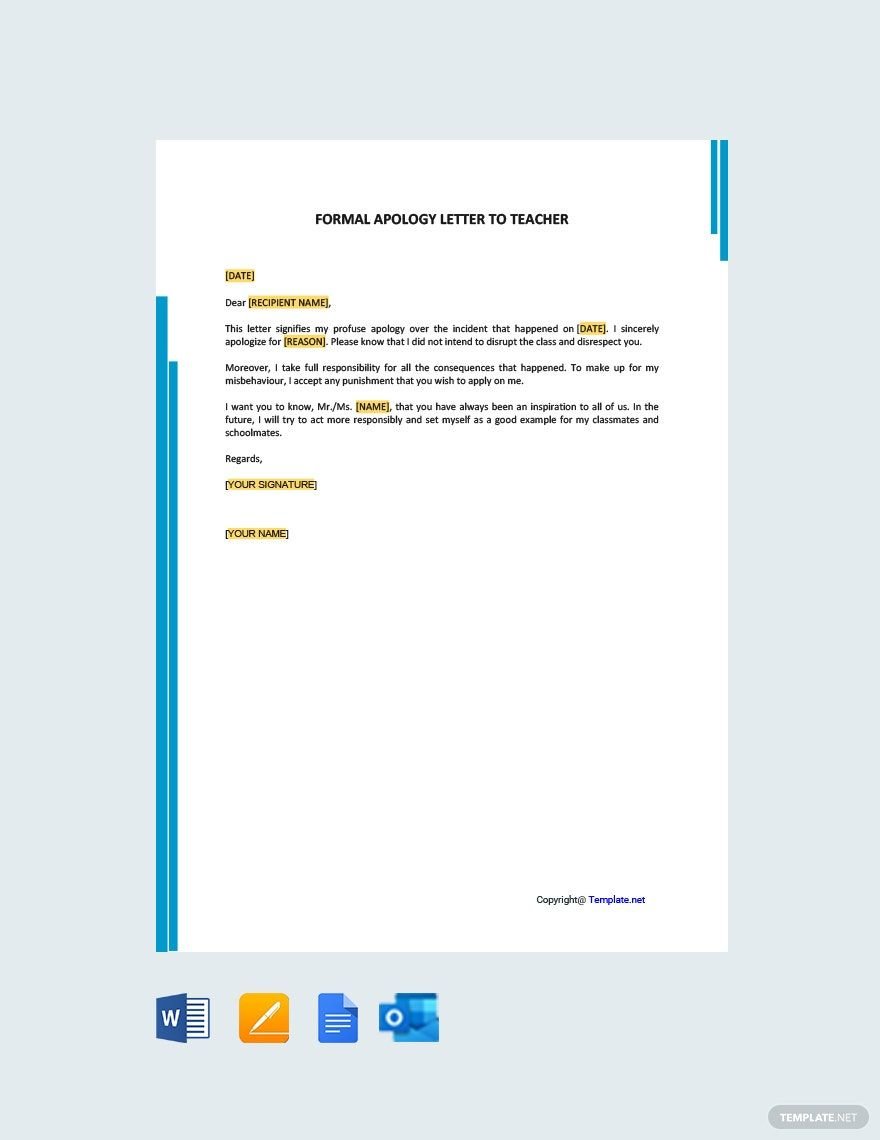
A Formal template is a pre-designed layout featuring professional formatting, clean typography, and structured design layers suitable for official and business communications. These templates include editable text areas and graphics that maintain a polished and sophisticated look.

feature icon

Who typically uses Formal templates?

Formal templates are typically used by professionals, businesses, and organizations seeking to convey a polished image. Executives, HR departments, and event planners often rely on these templates for creating reports, invitations, and official communications with a consistent and refined visual style.

feature icon

When should I use Formal templates?

Formal templates should be used for occasions requiring professional presentation such as business proposals, corporate events, legal documents, and official correspondence. These templates ensure a clear headline, organized content blocks, and a respectful tone fitting formal contexts.

feature icon

What design elements make a Formal template effective?

An effective Formal template includes a harmonious color palette, clean typography, and balanced layout blocks. Incorporating visual hierarchy with clear headlines and subtle graphics helps maintain professionalism and readability in any formal design.

feature icon

What are common sizes for Formal templates?

Common sizes for Formal templates include 8.5 × 11 inches for letters and reports, 5 × 7 inches for invitations, and 4 × 6 inches for smaller cards. These standard dimensions ensure compatibility with printing and digital sharing while maintaining professional formatting.

feature icon

How can I prepare a Formal template for printing?

To prepare a Formal template for printing, ensure the design includes high-resolution graphics, appropriate margins, and a clear color palette suitable for print. Confirm that all text layers are editable and that the layout fits standard paper sizes like 8.5 × 11 inches for optimal results.

feature icon

What typical elements are included in a Formal template?

Formal templates typically include editable headlines, structured text blocks, subtle backgrounds, and professional graphics or logos. These elements are organized in design layers to allow easy customization while preserving a clean and formal aesthetic.

feature icon

What file formats can I download for a Formal template?

Template.net supports multiple export formats for Formal templates, including Google Docs, Word, Apple Pages, Outlook, Illustrator, and PDF. These formats support easy editing and high-quality printing.

feature icon

Can I create a new Formal template using AI?

Template.net provides an AI-powered tool capable of generating Formal template designs from simple prompts, allowing users to create unique and professional layouts efficiently. This tool streamlines the design process by offering customizable results tailored to formal needs.

Template.net