














Instagram Story Templates: Definition, Usage, and Design Tips
What is a Instagram Story?
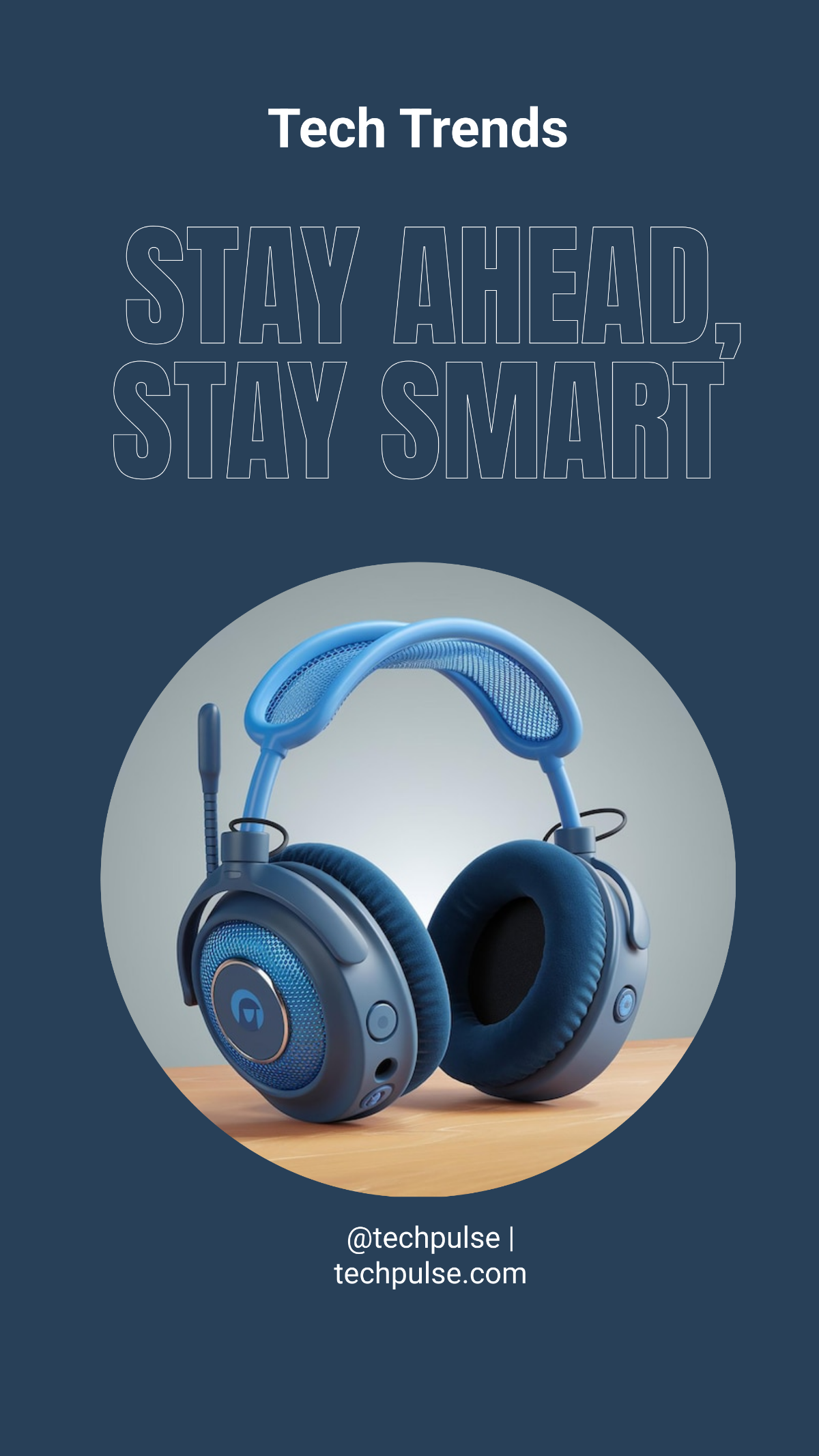
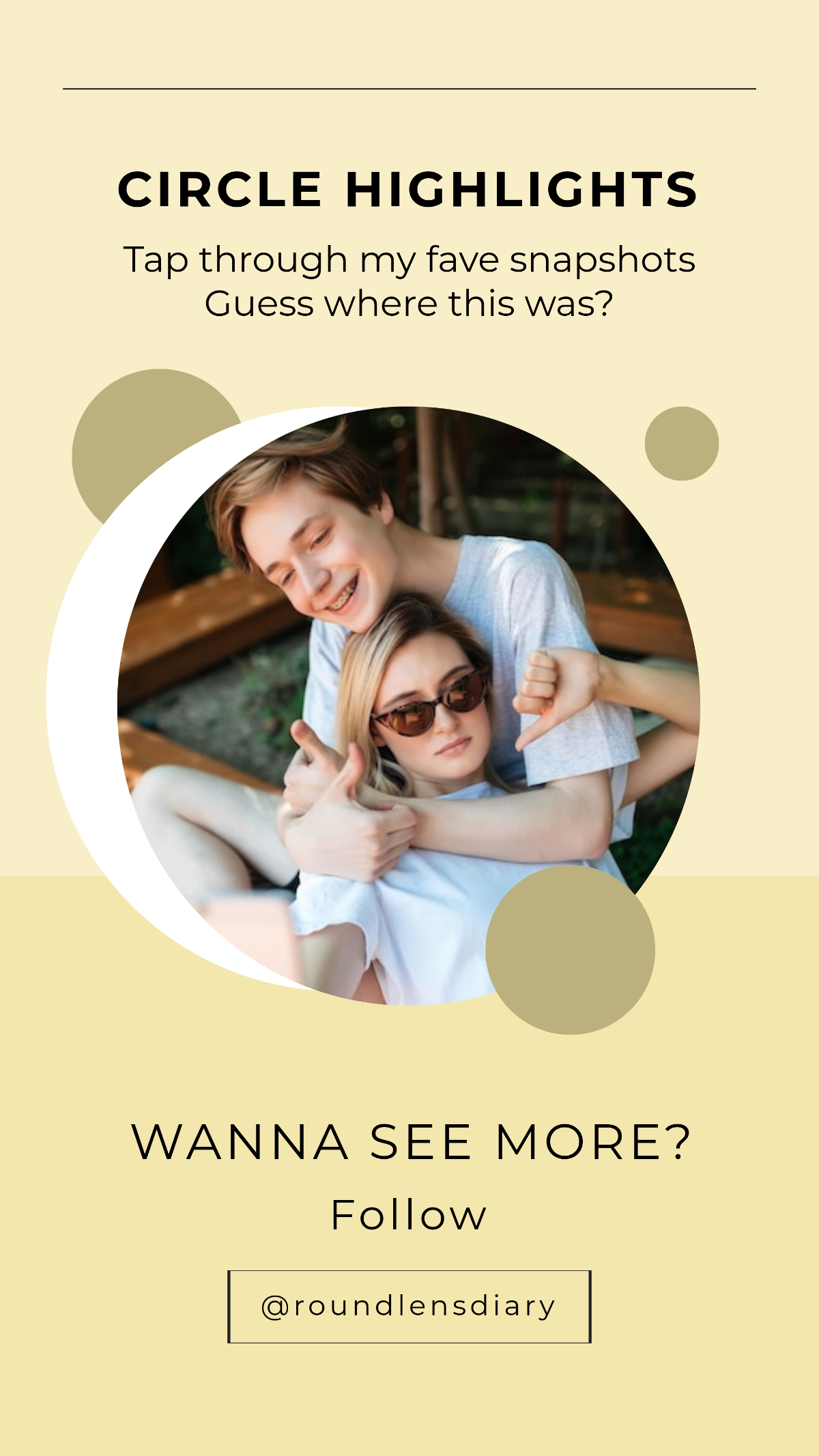
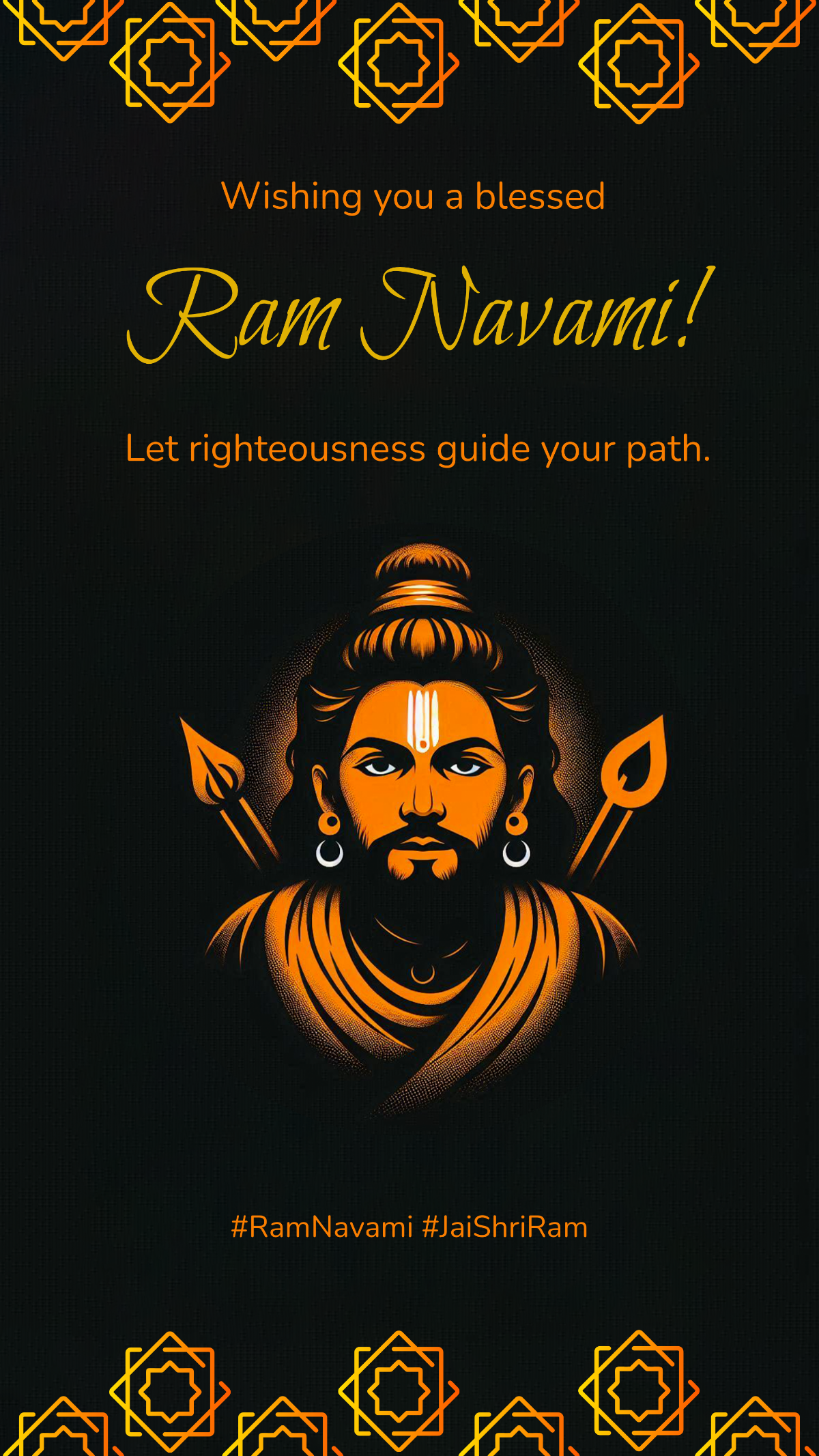
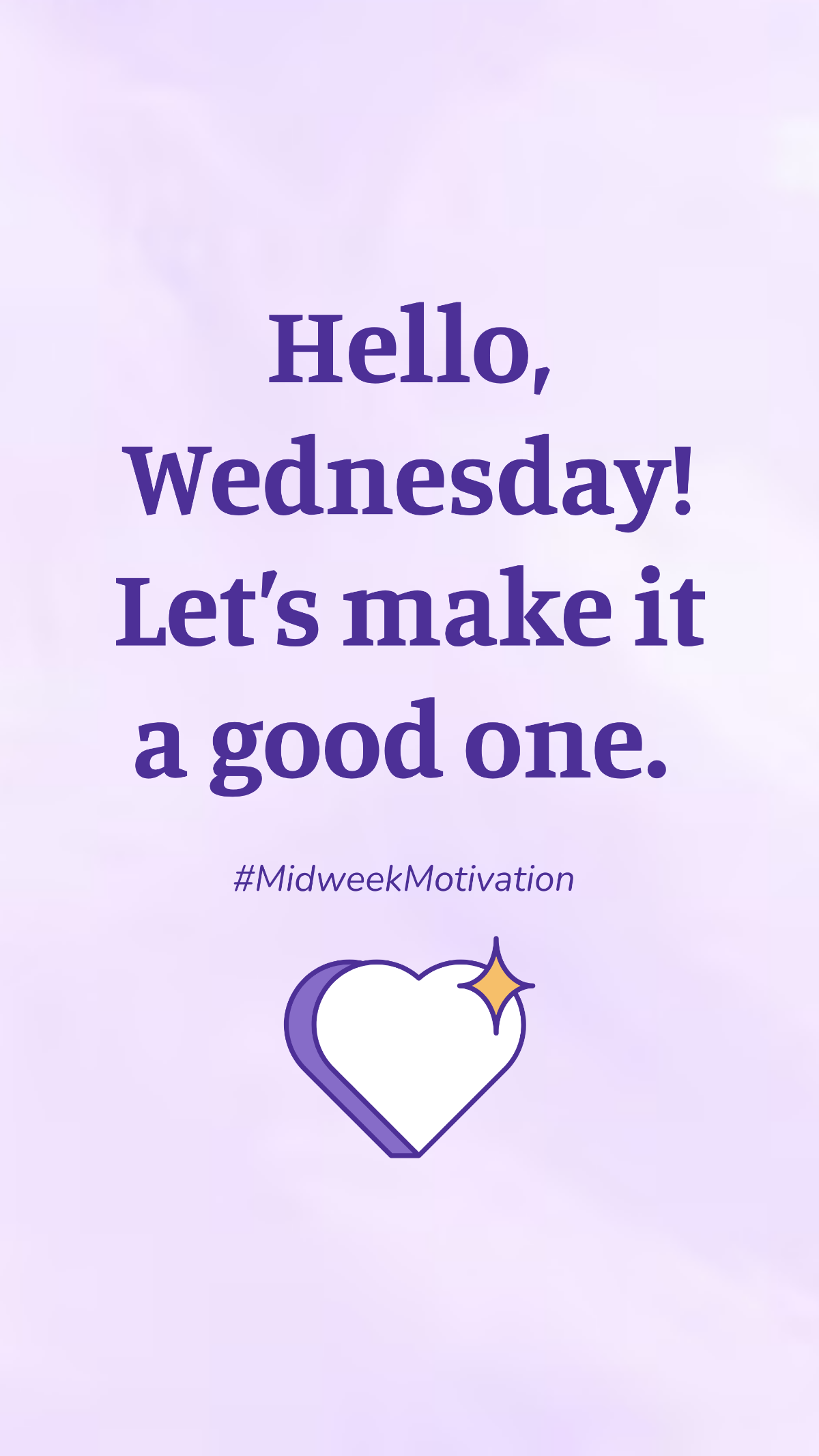
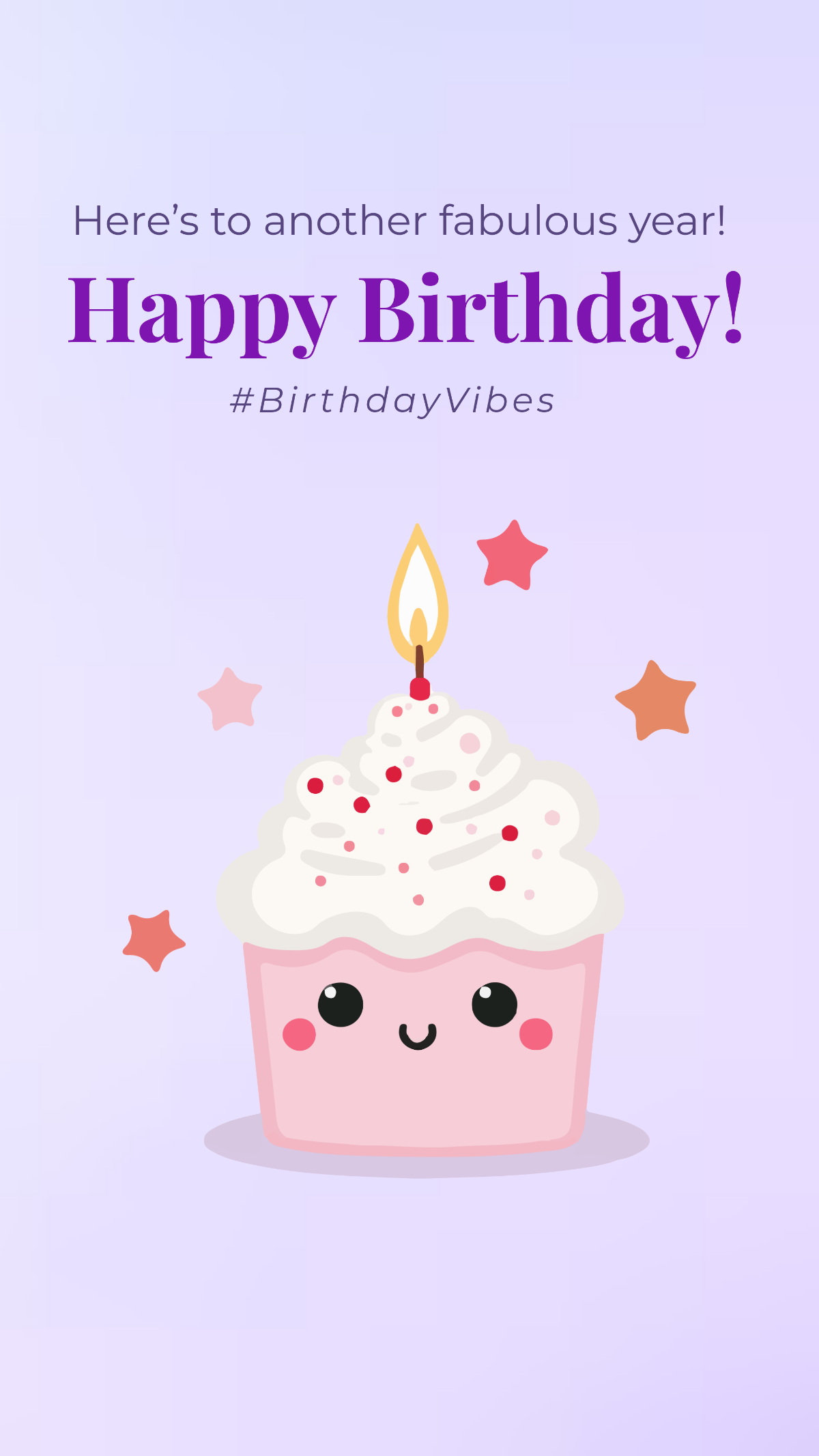
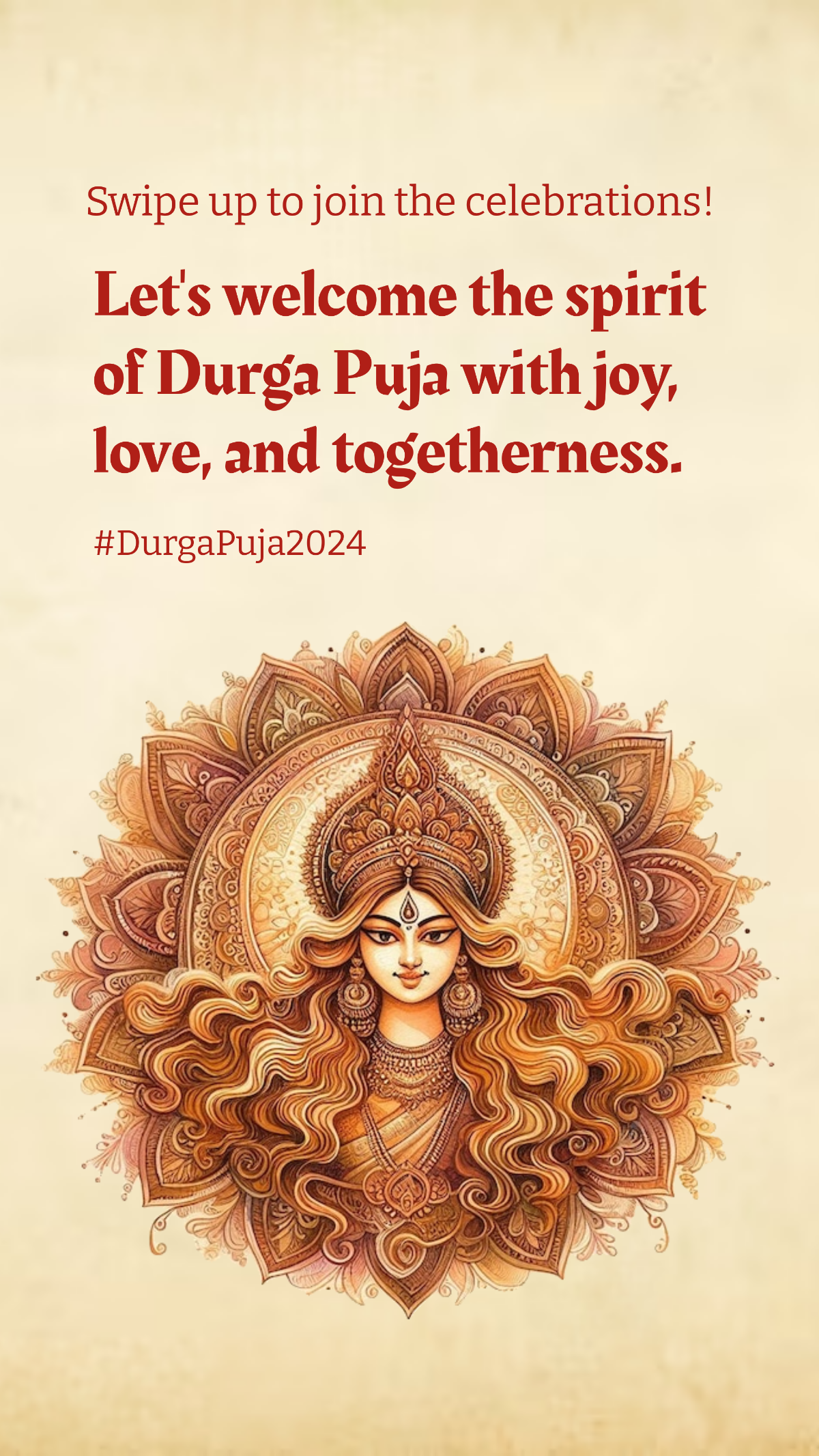
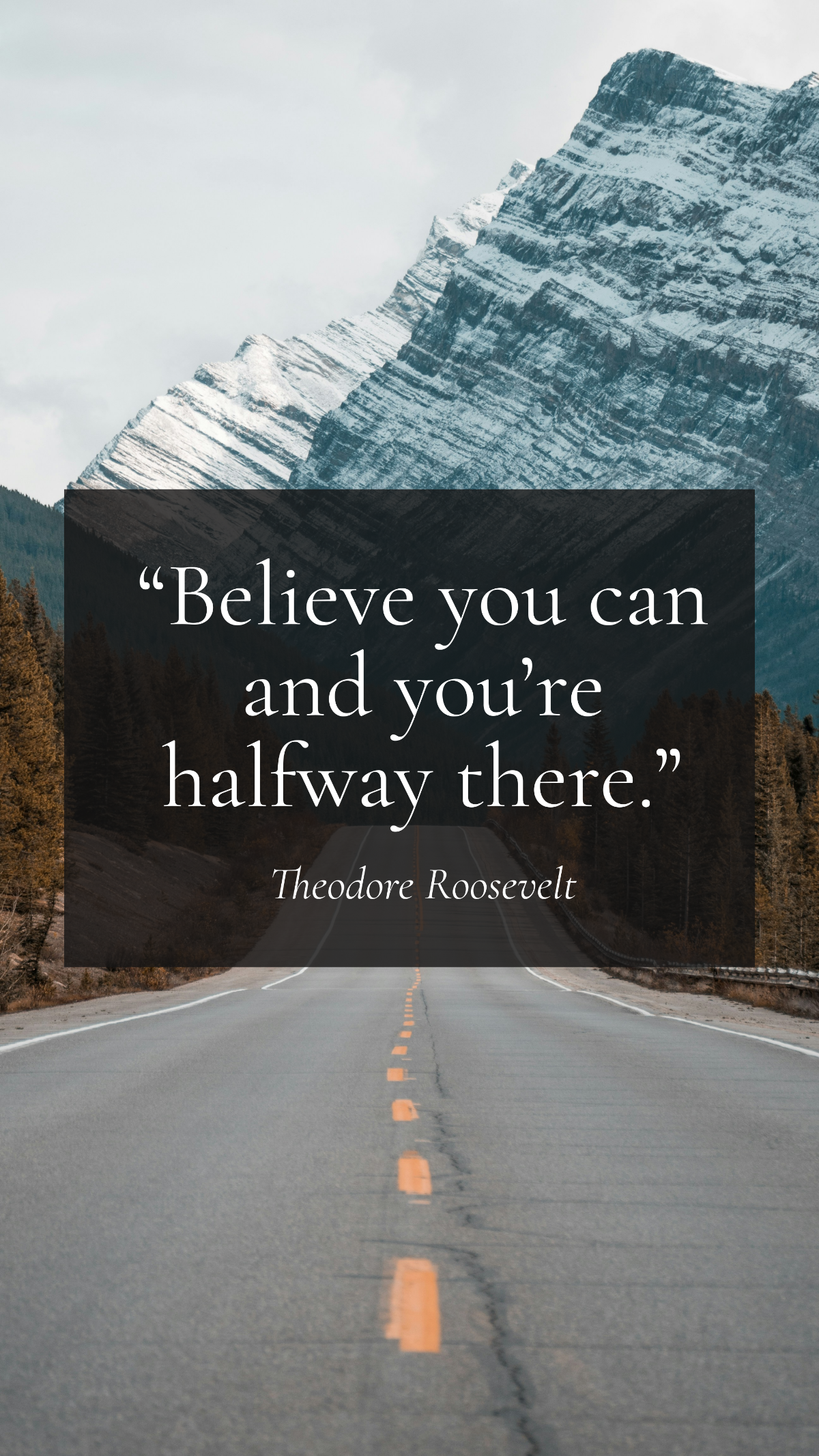
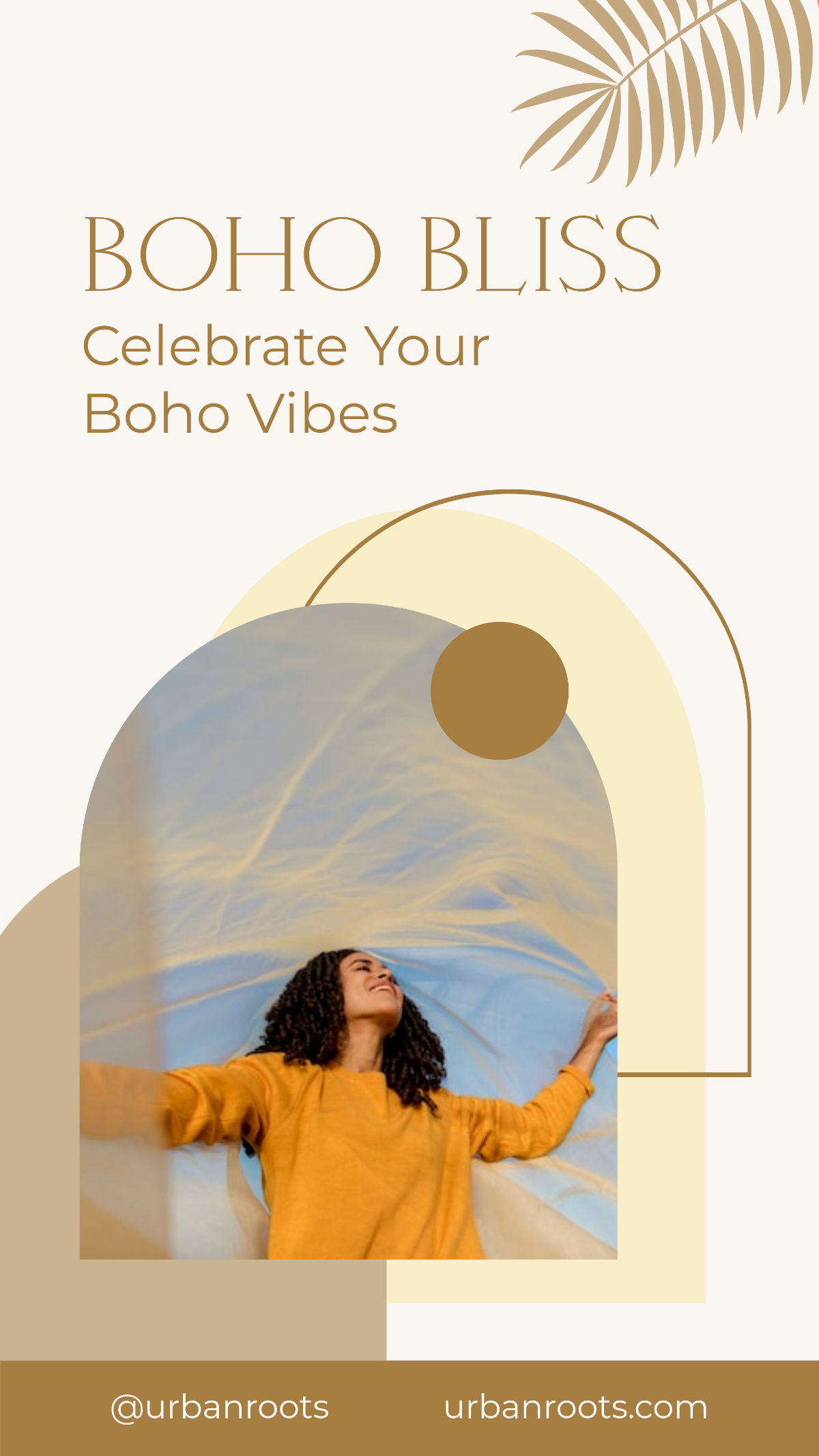
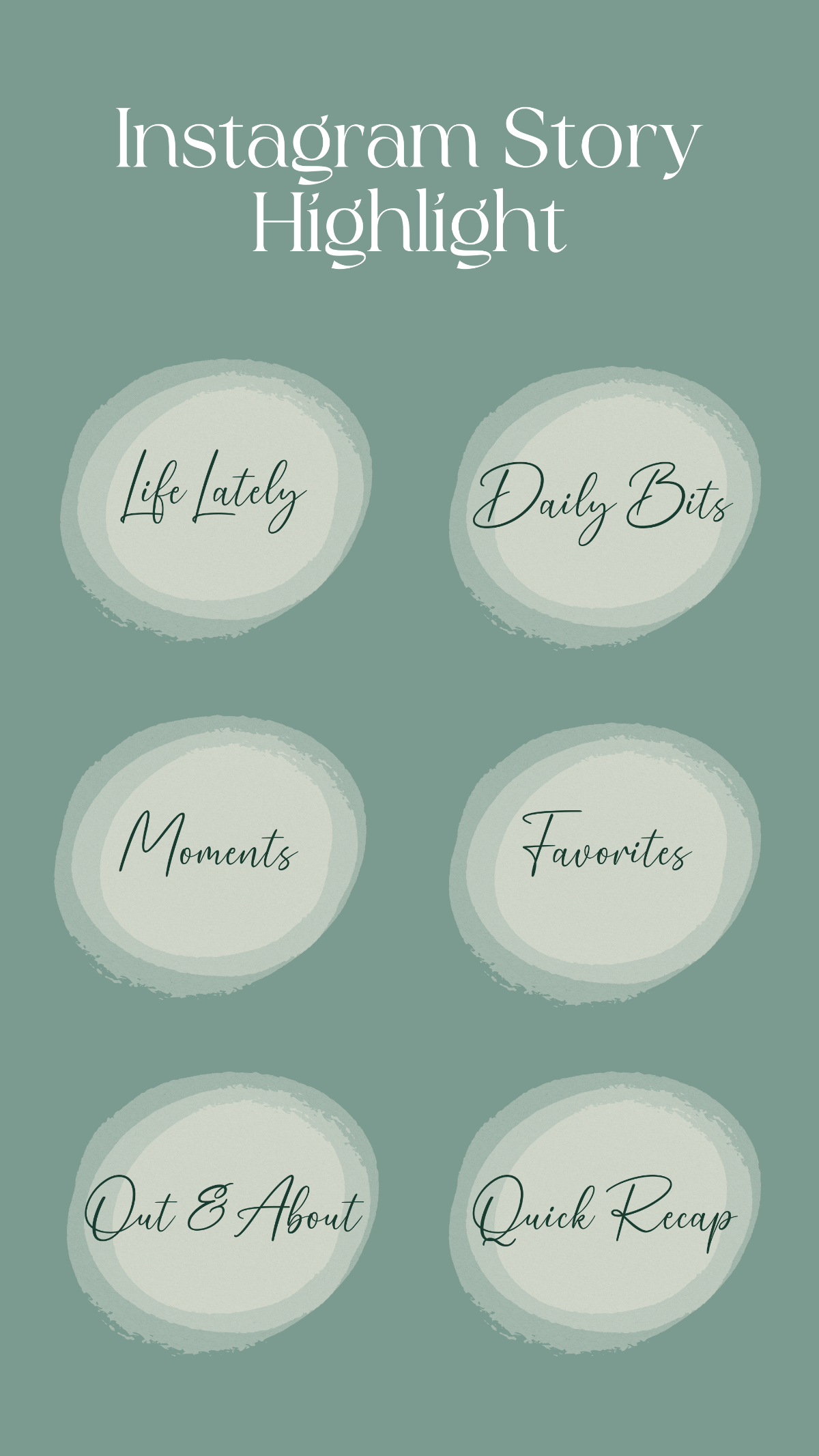
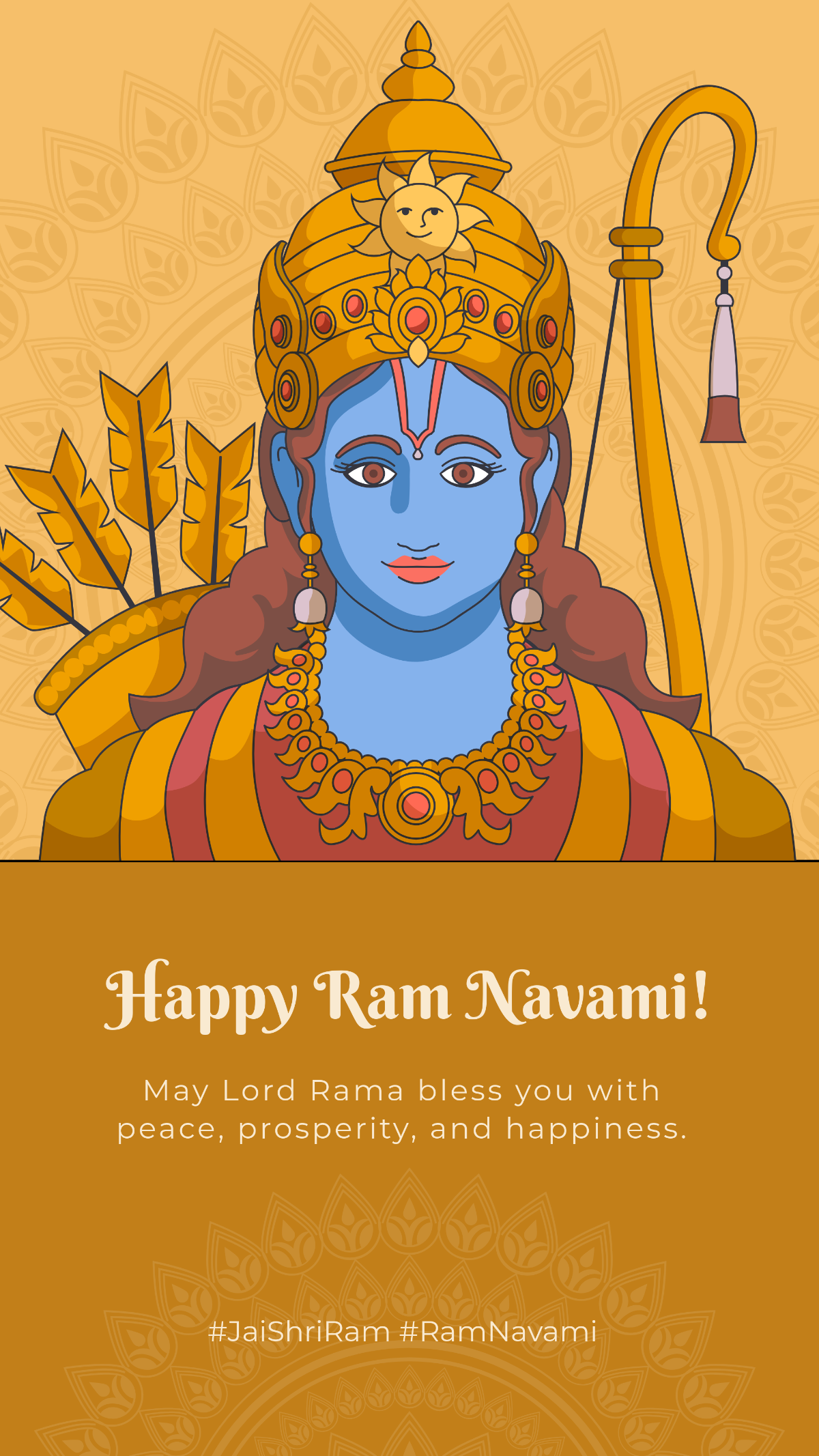
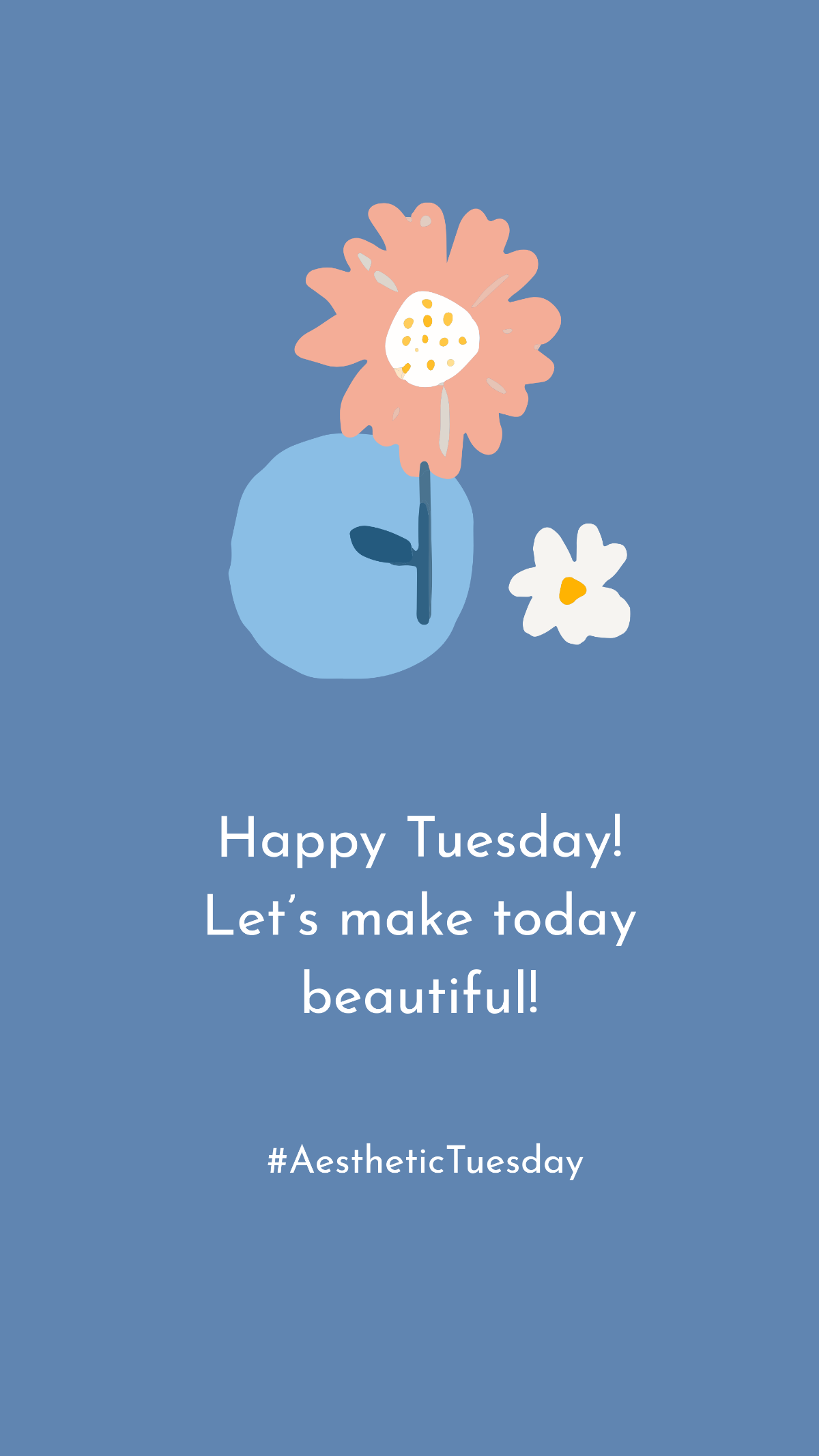
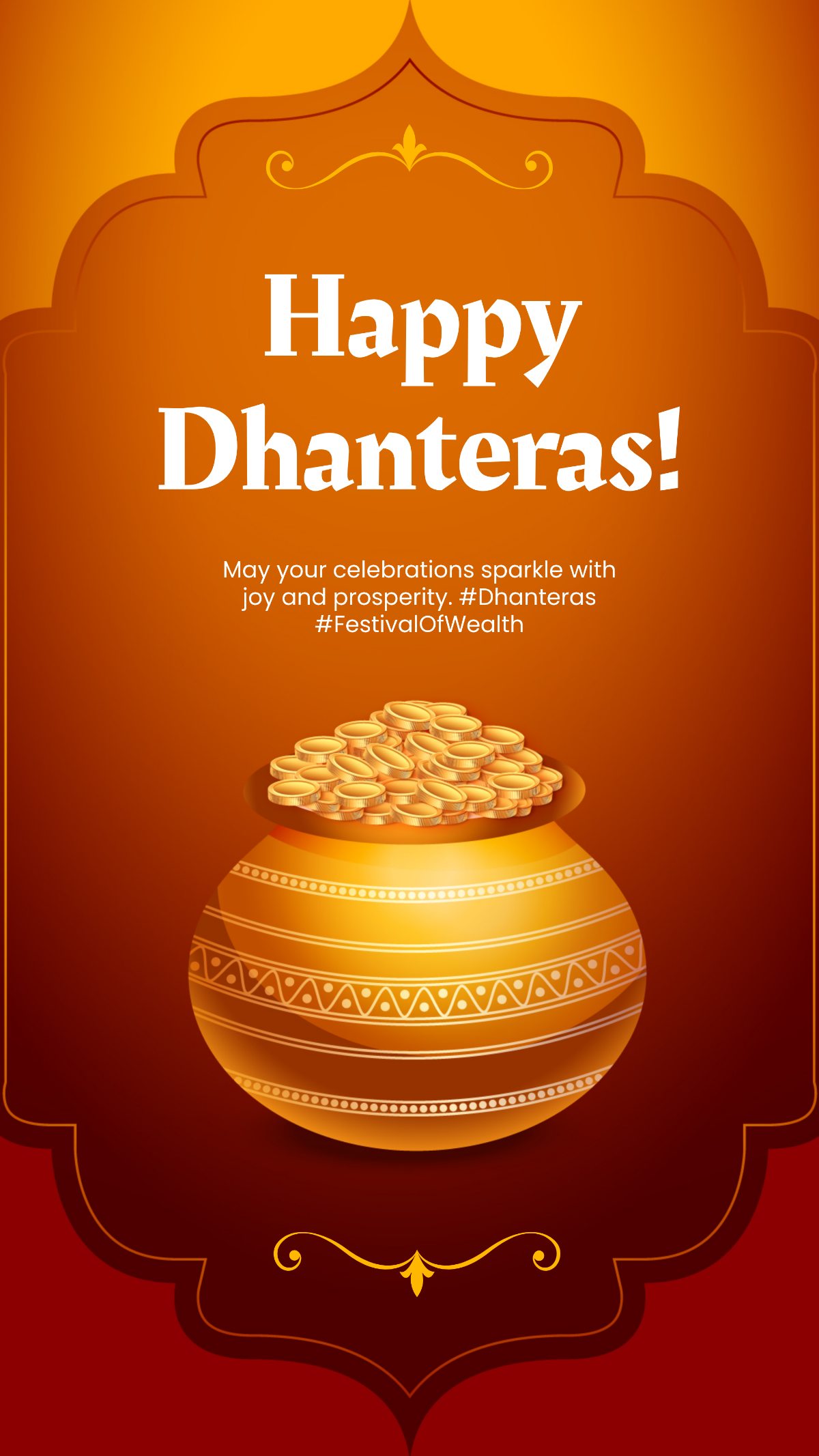
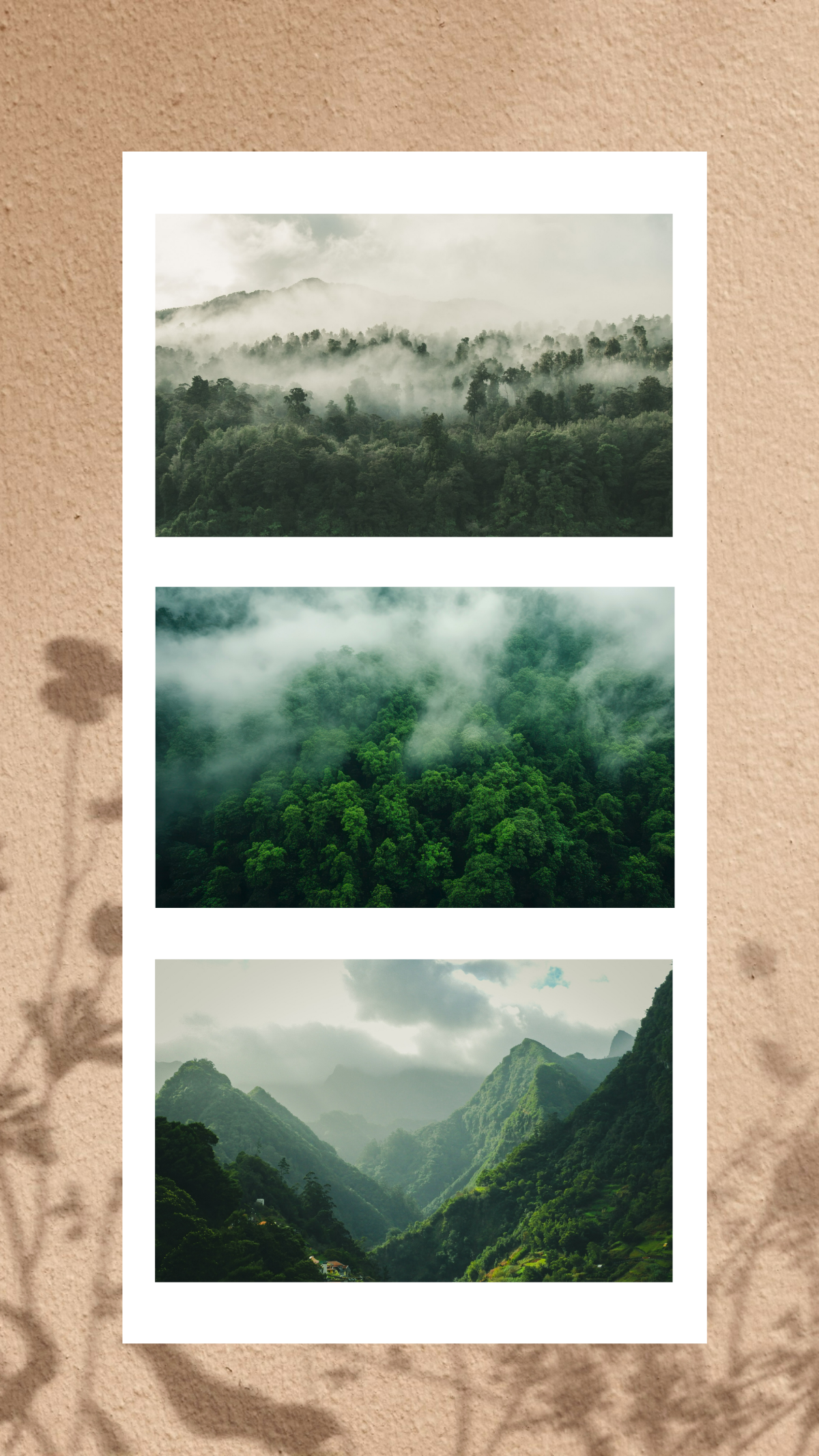
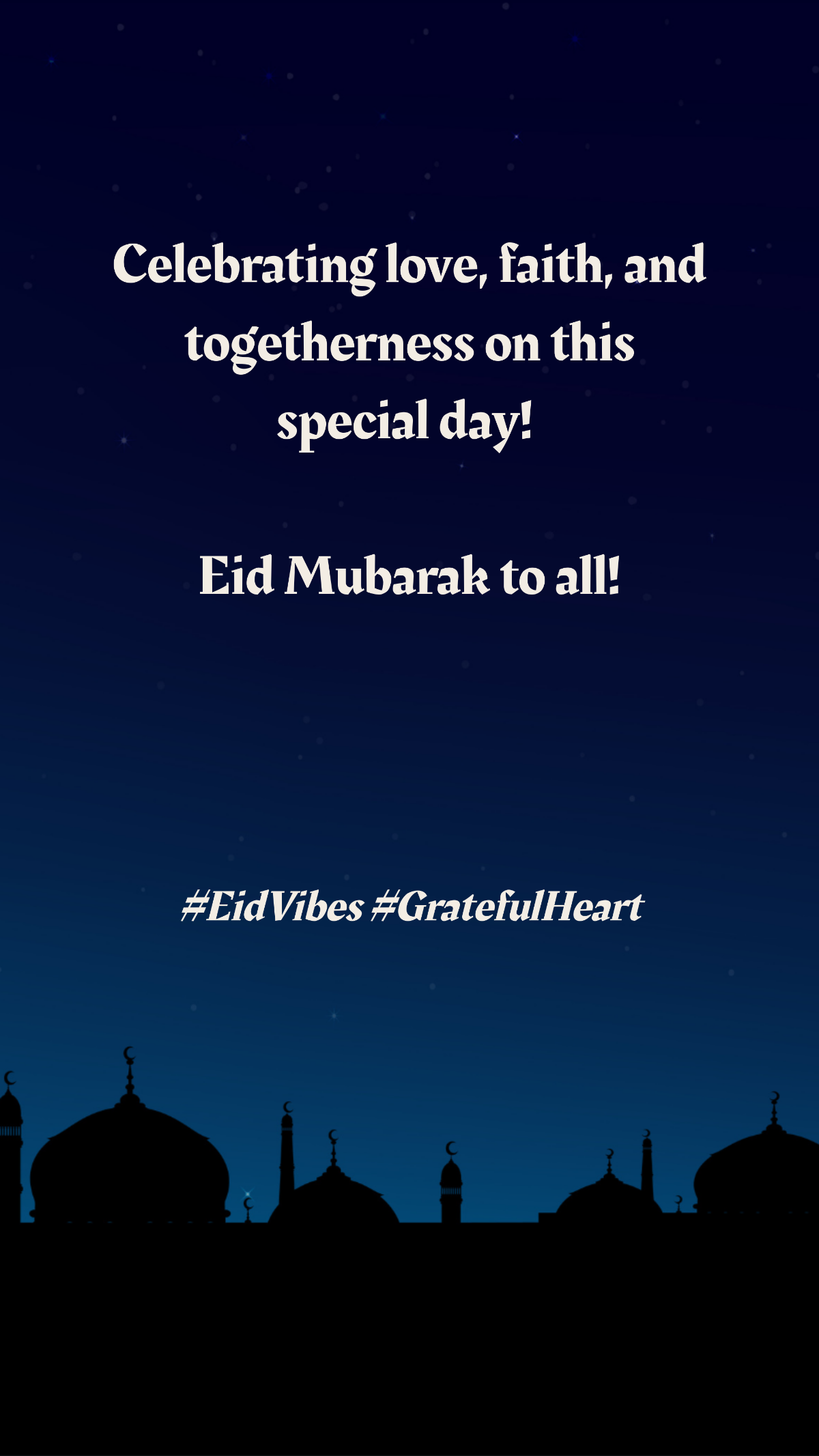
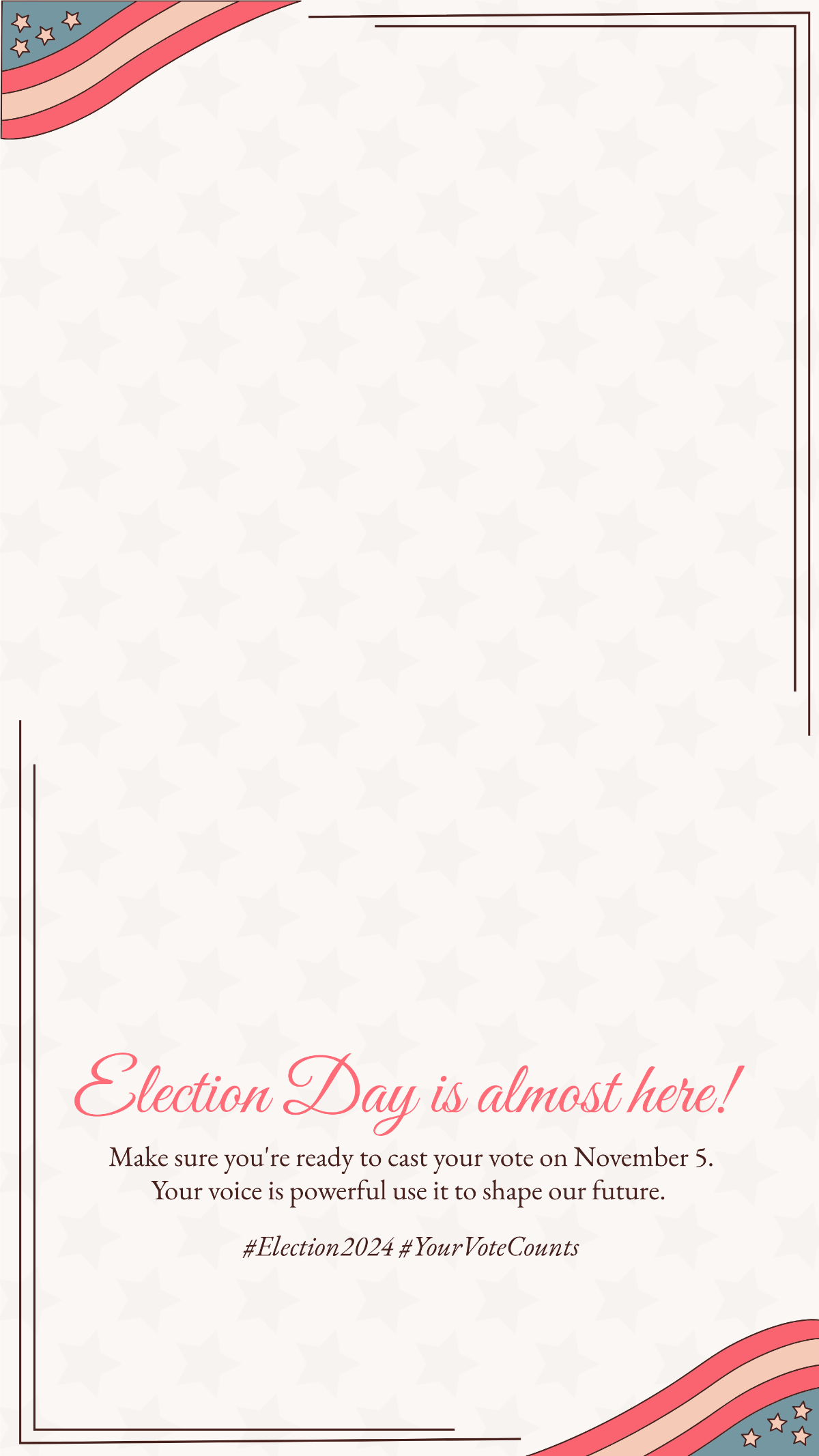
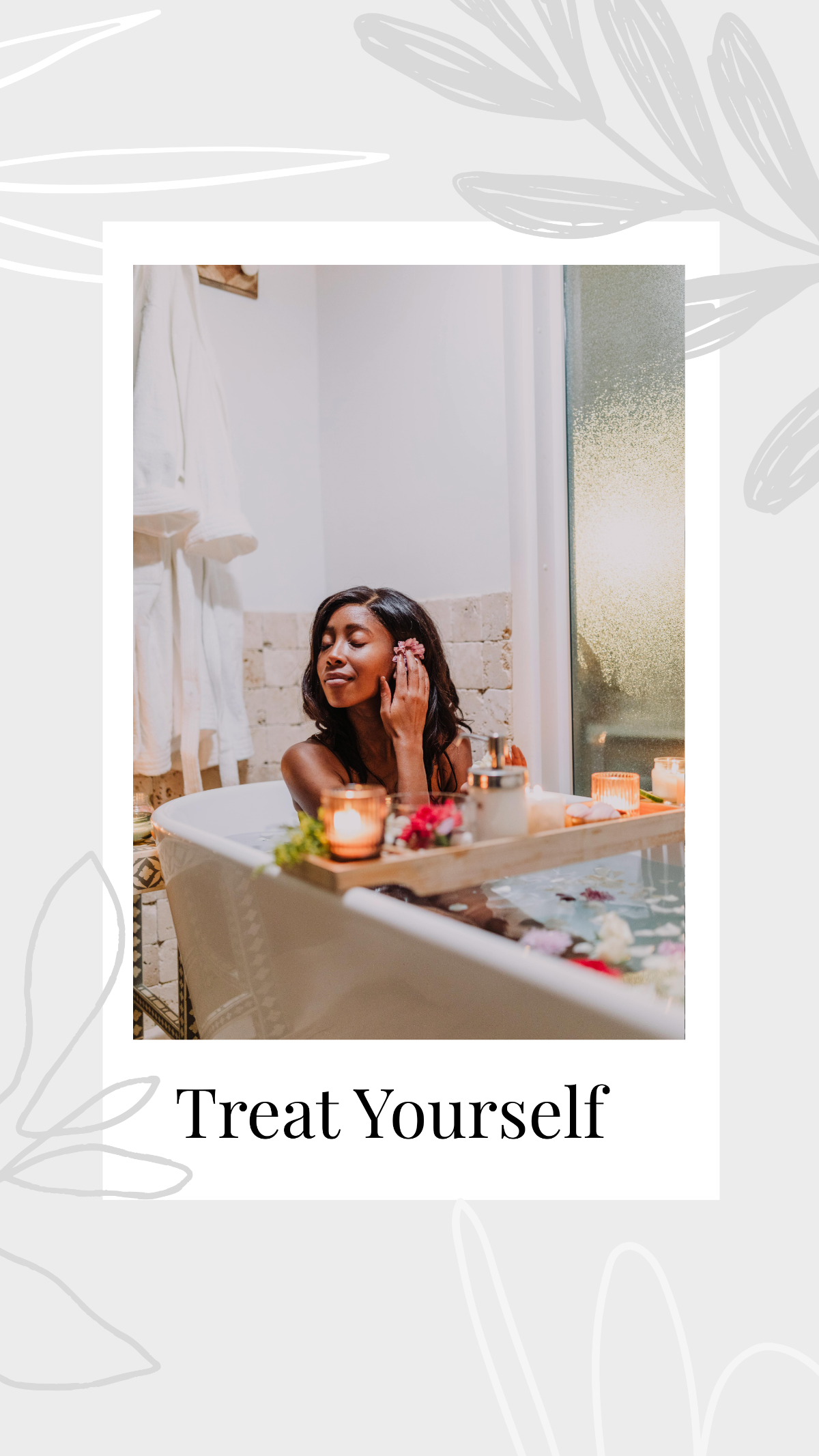
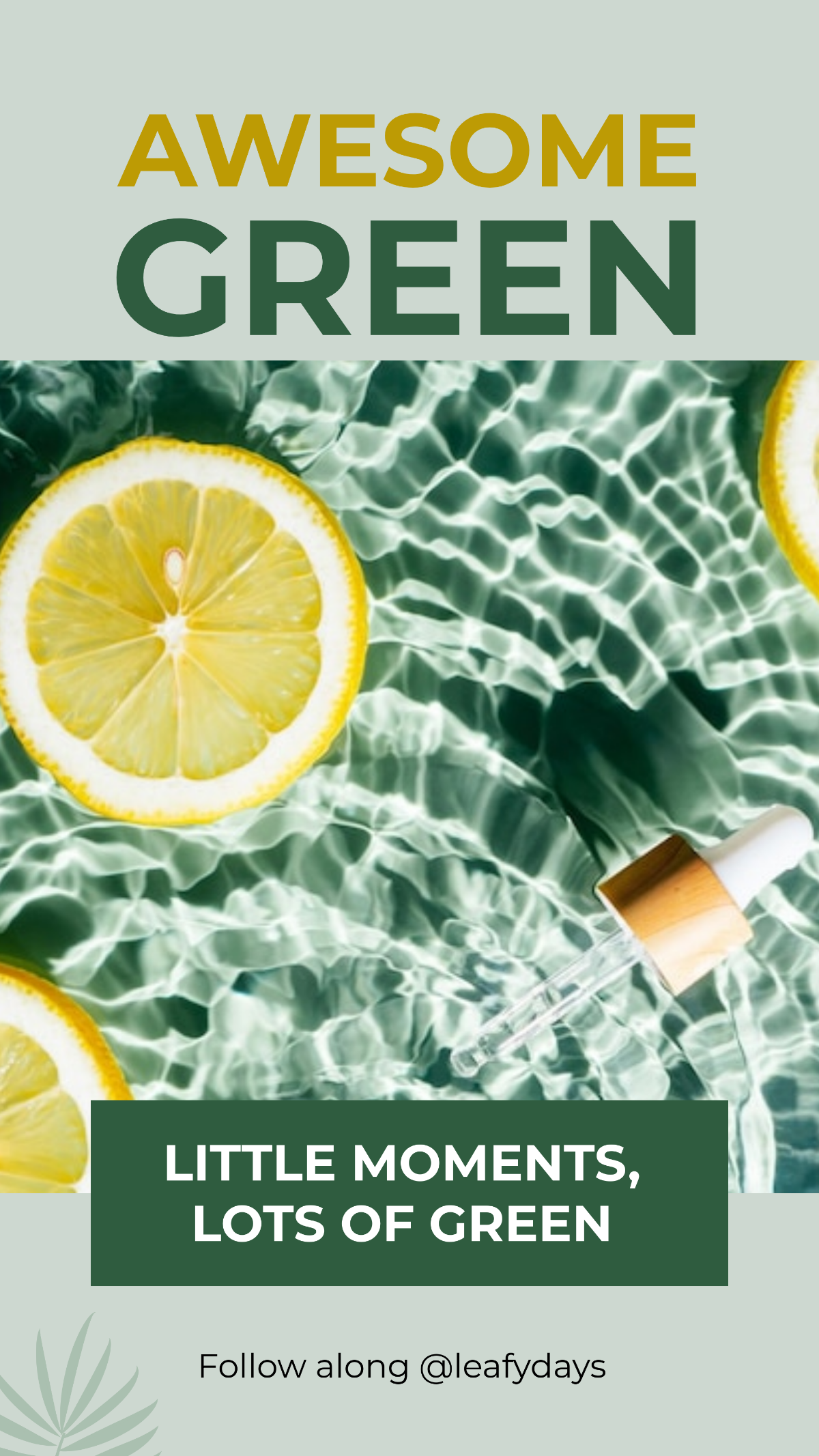
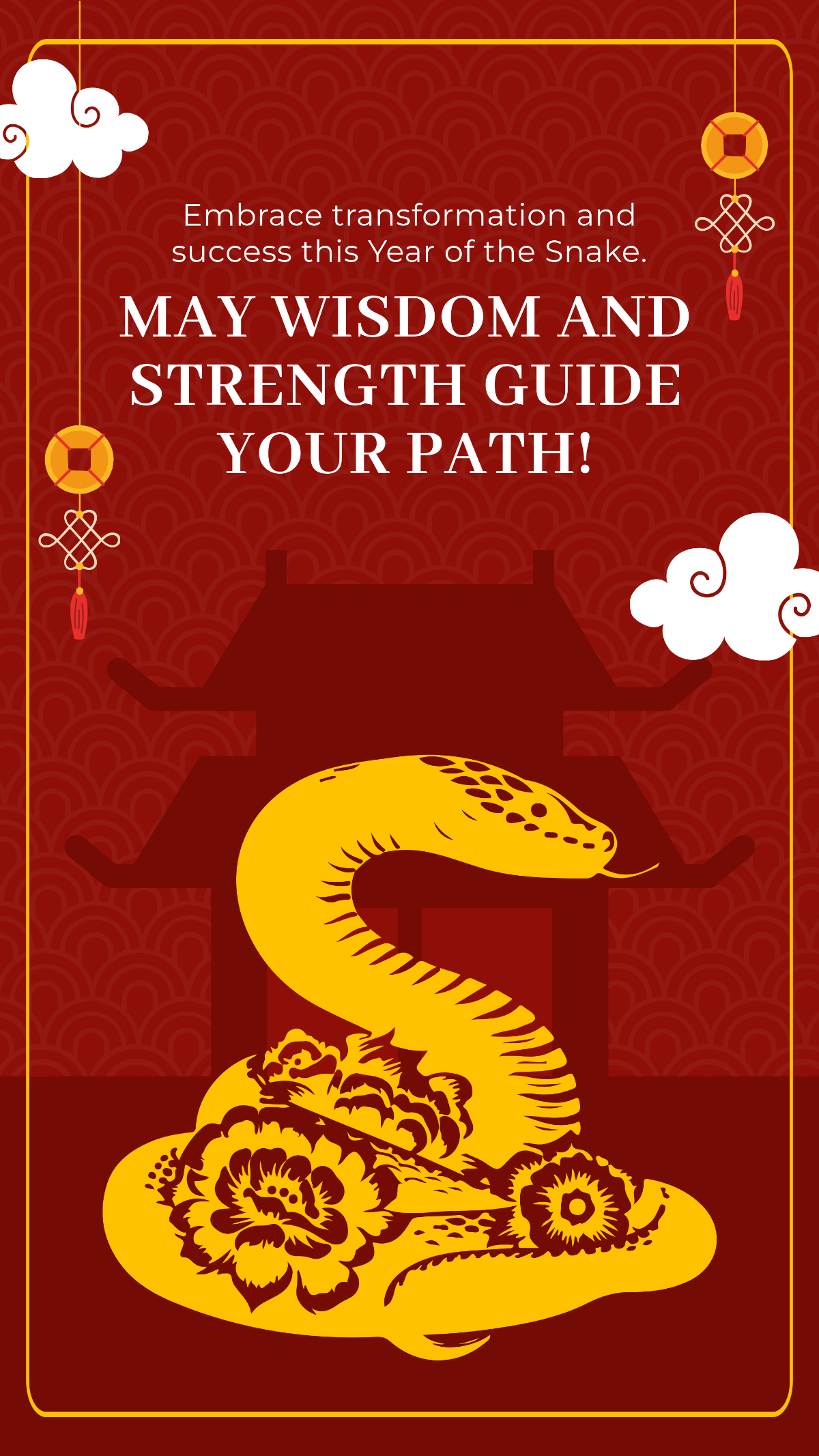
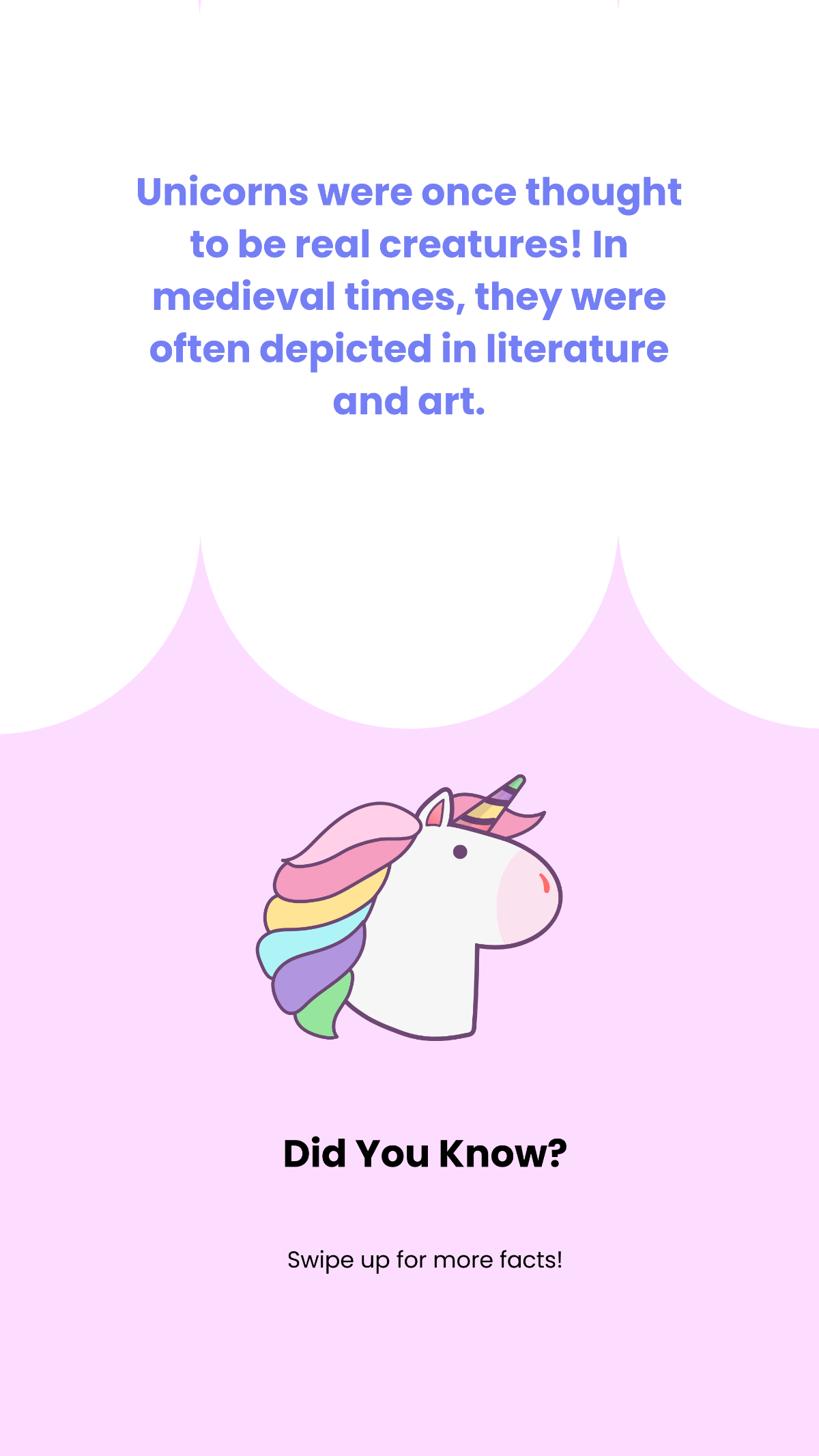
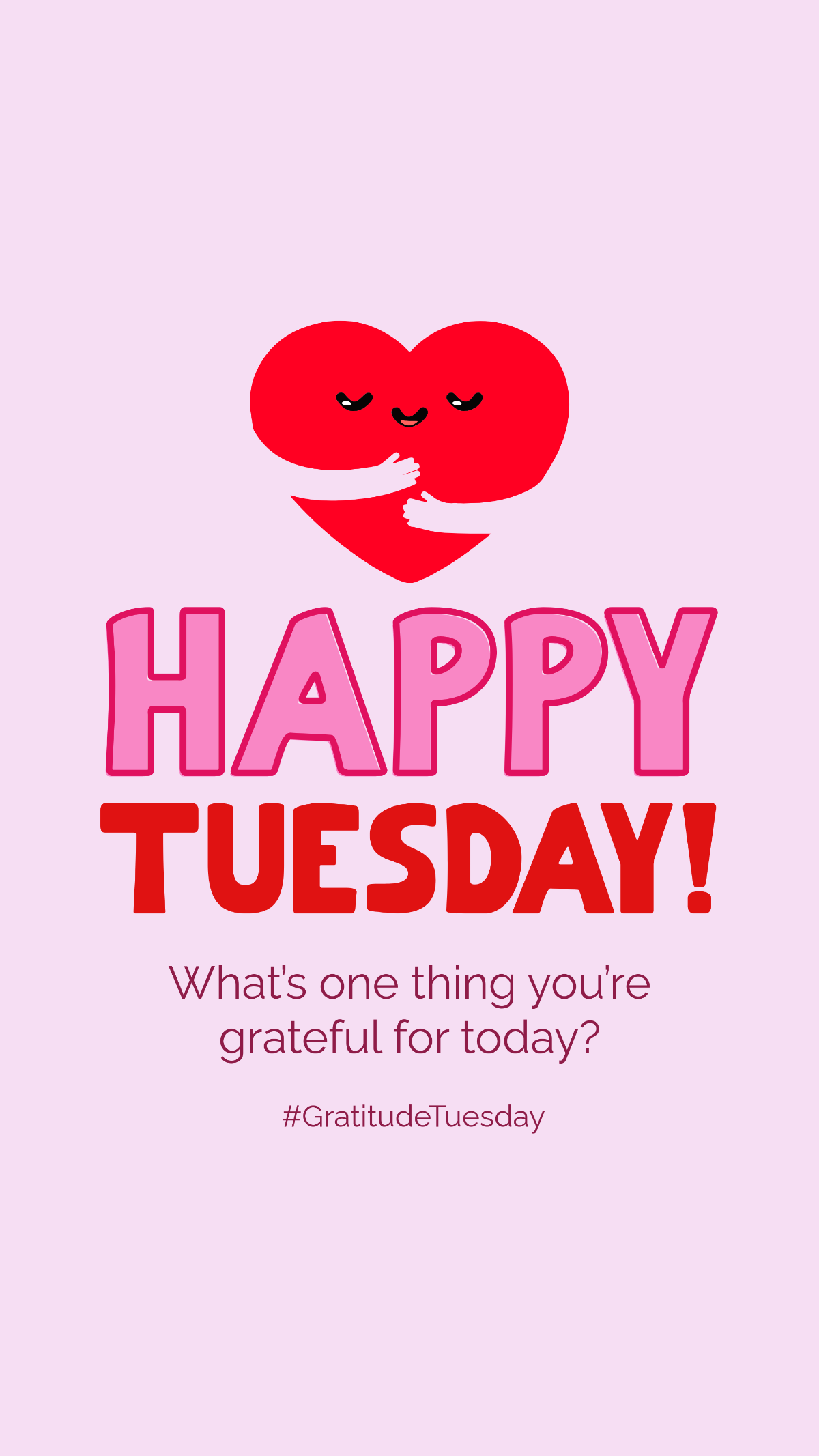
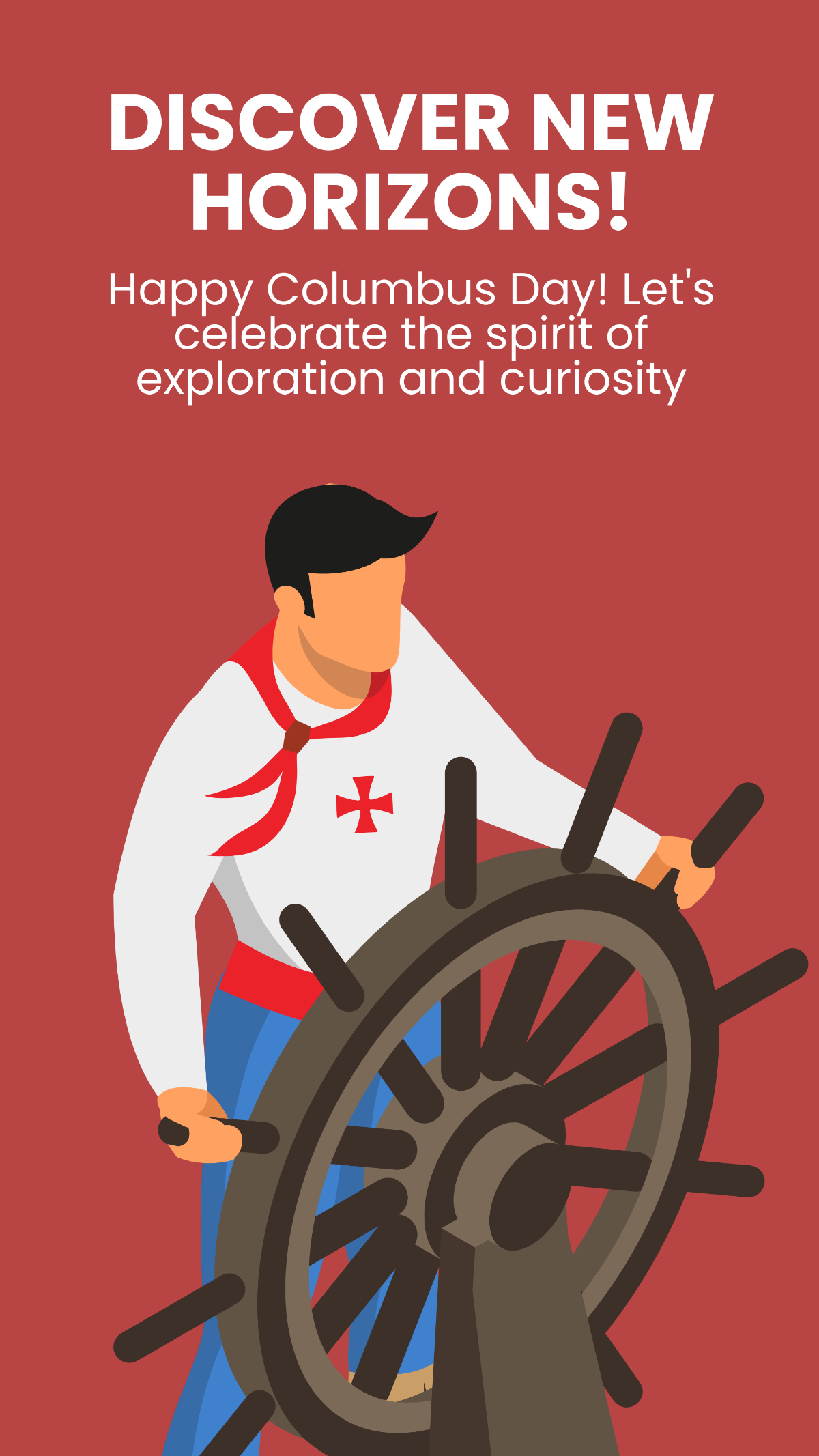
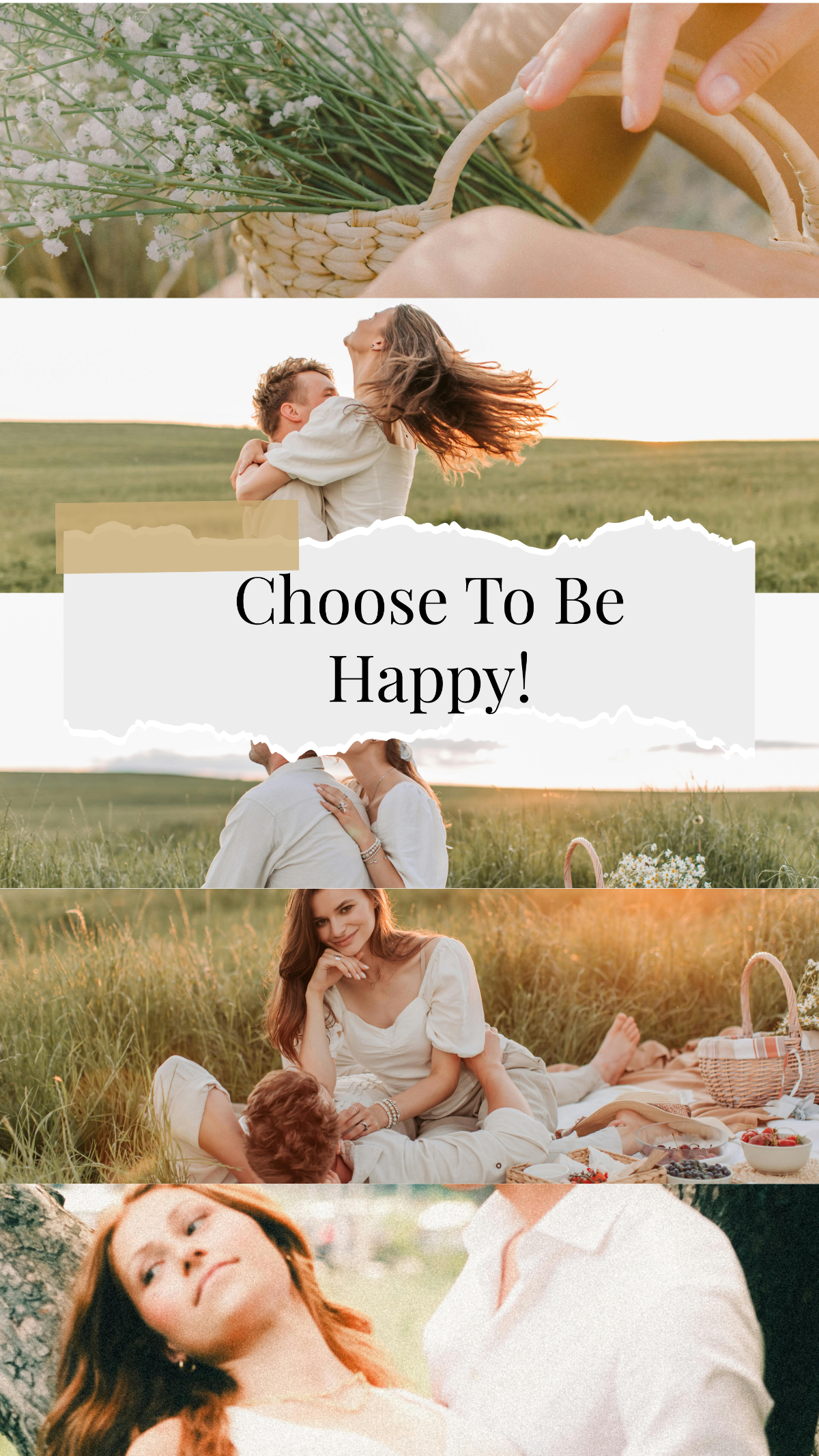
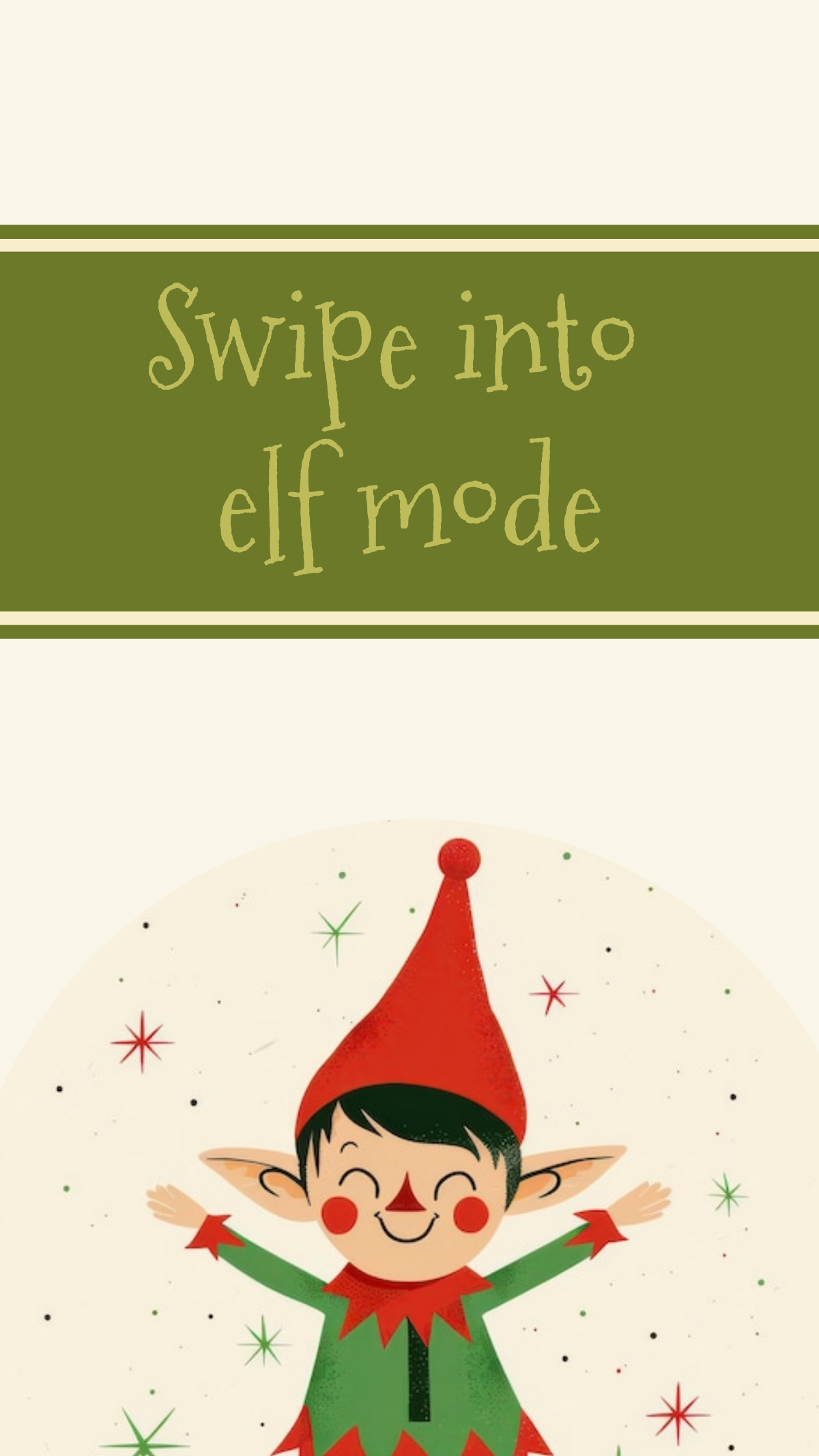
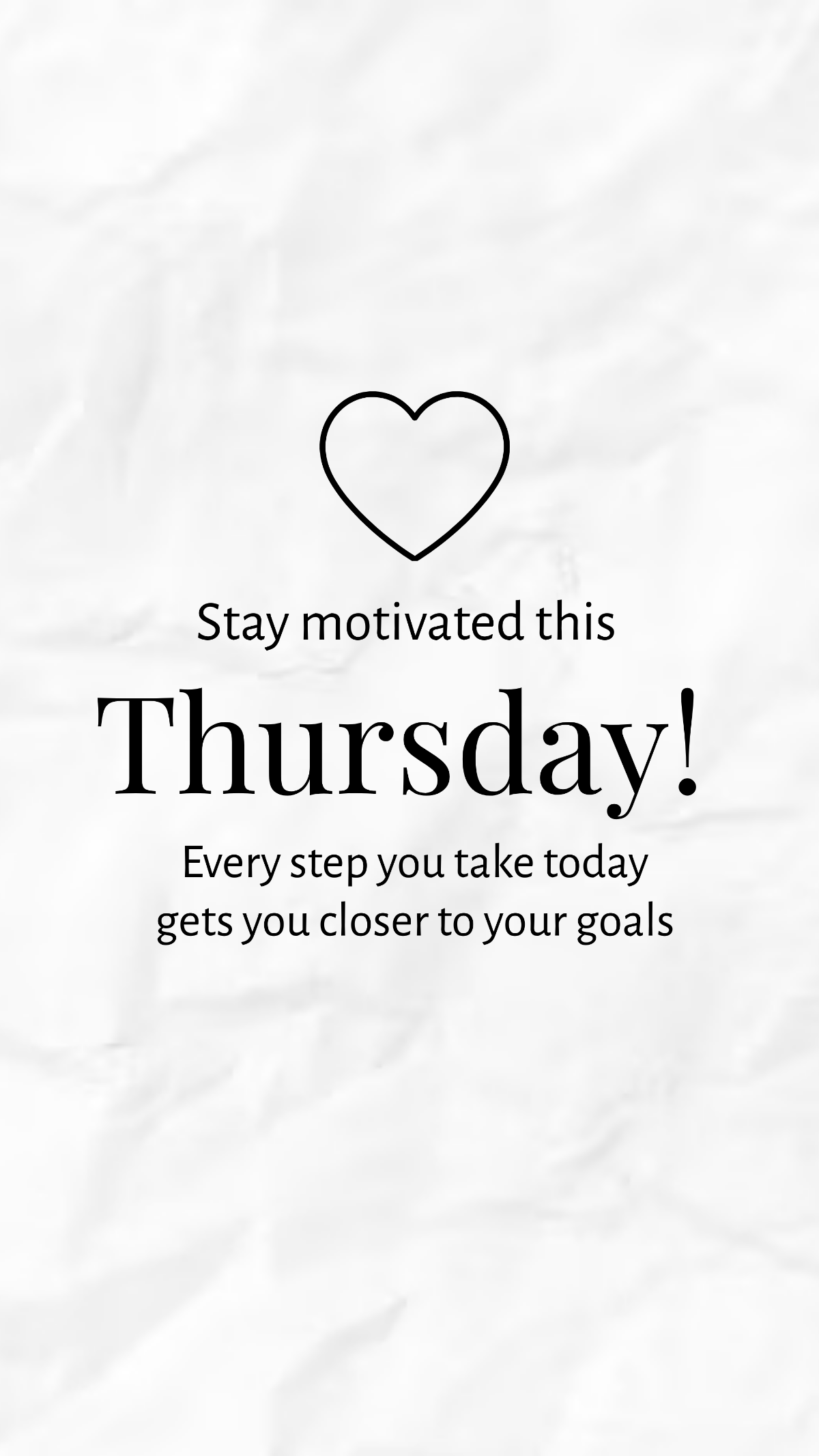
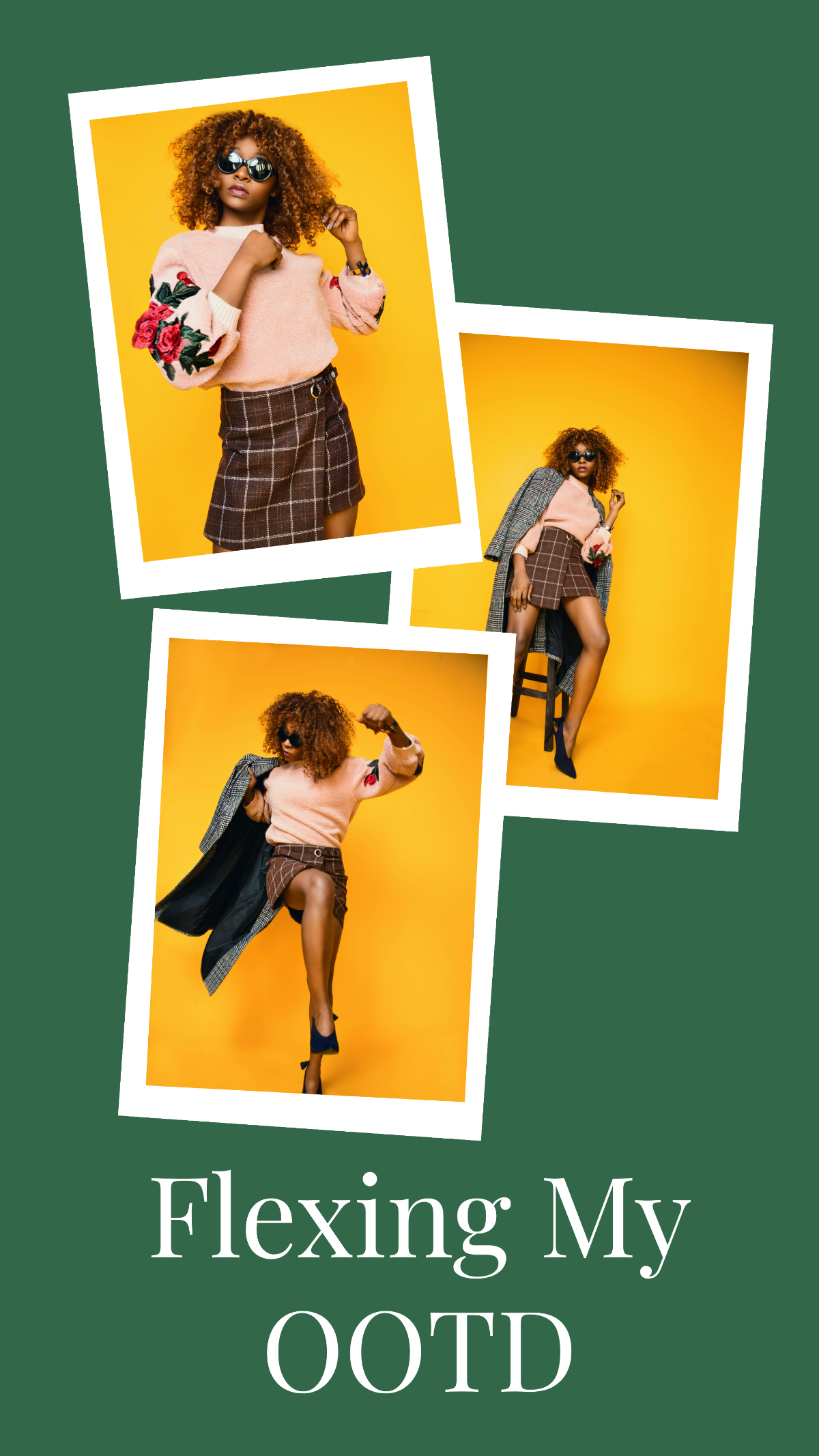
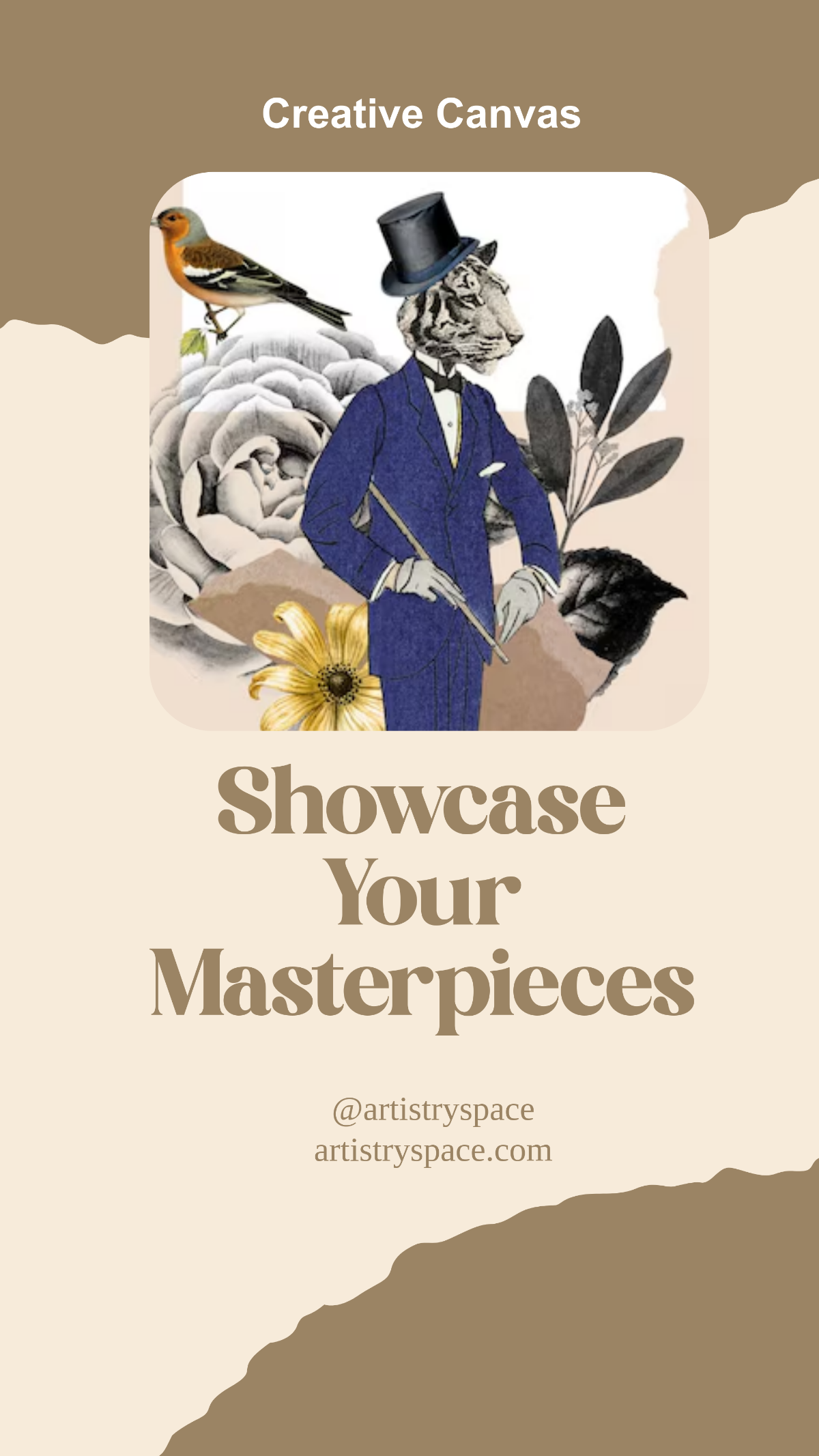
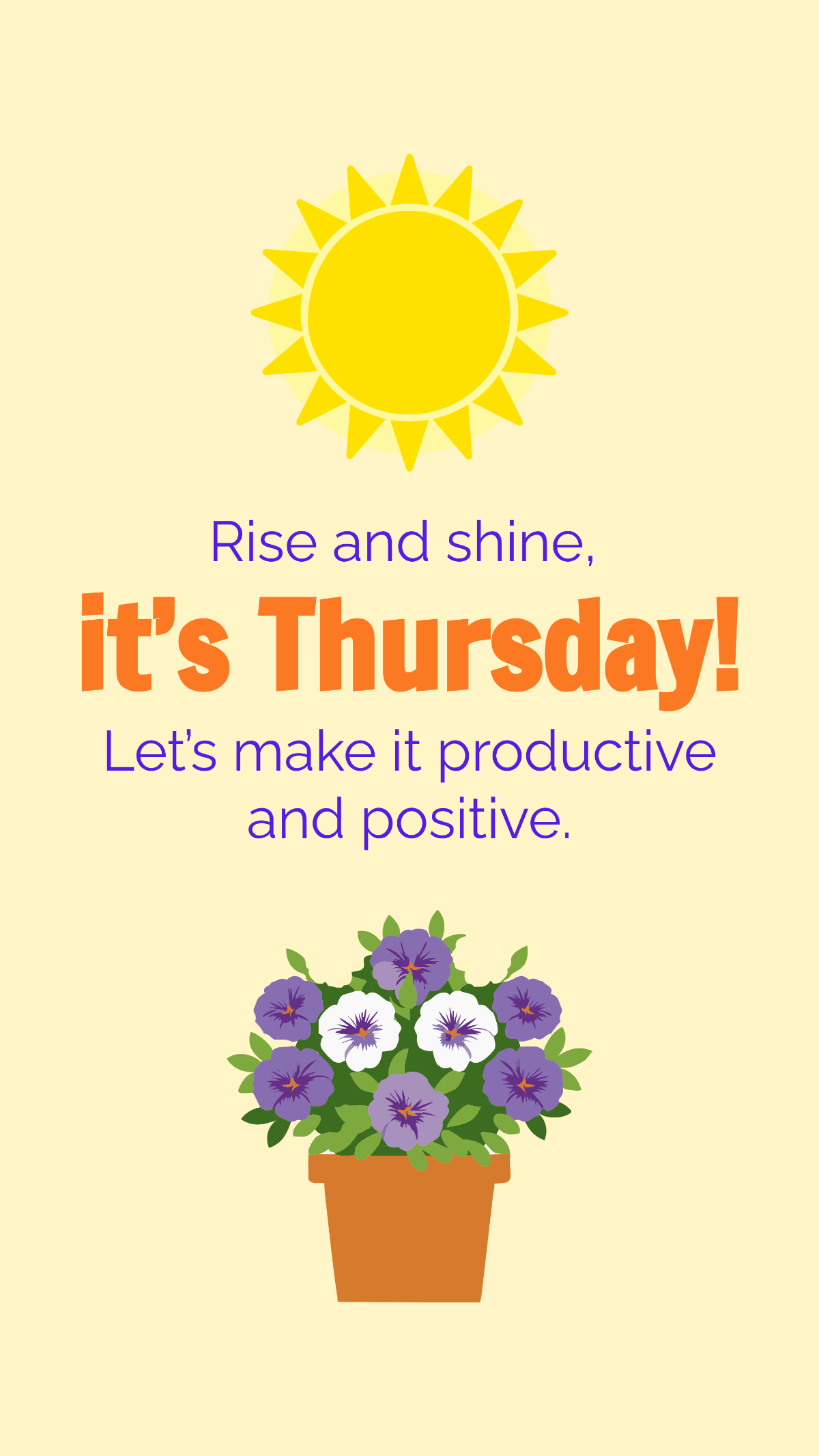
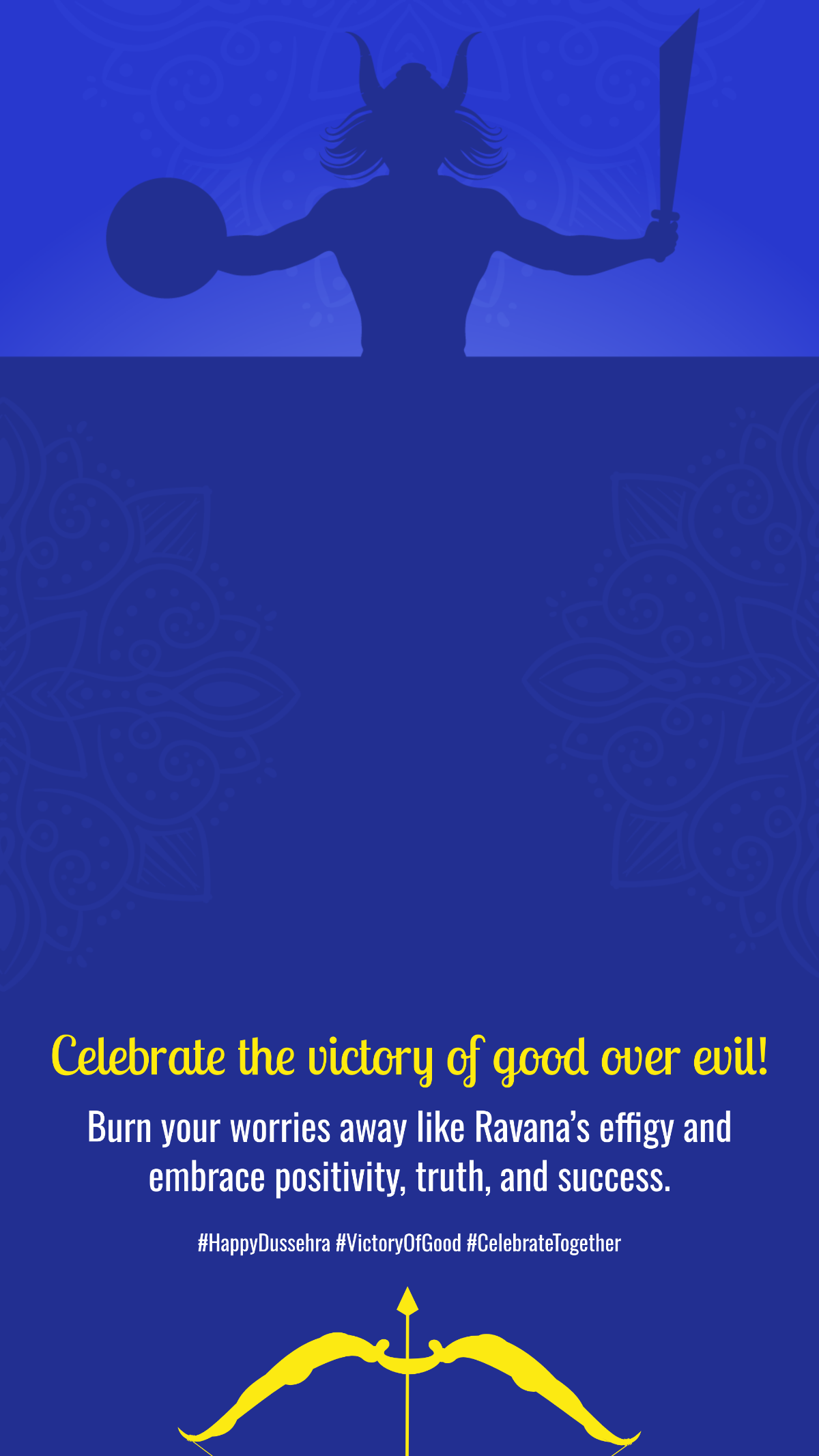
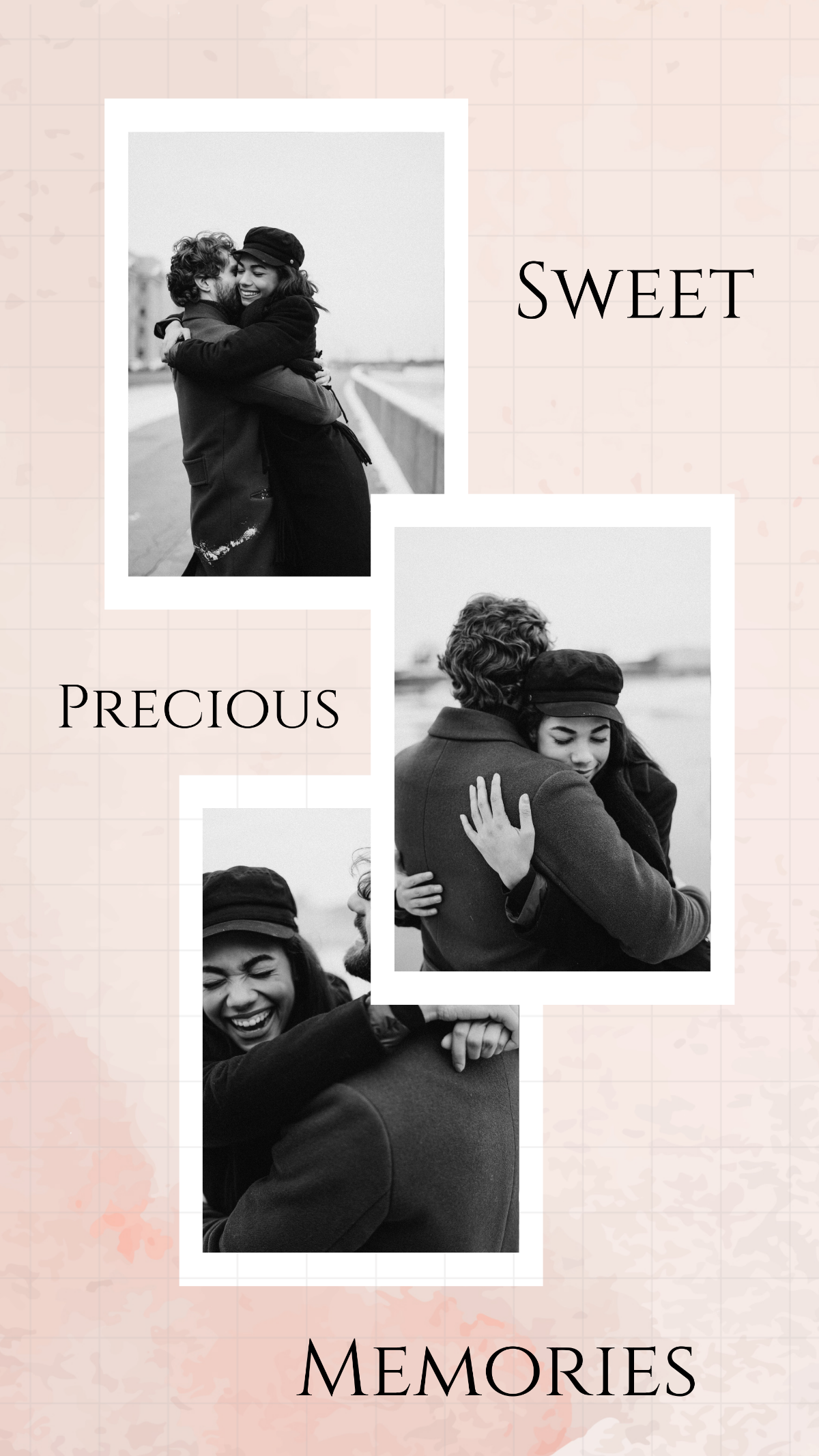
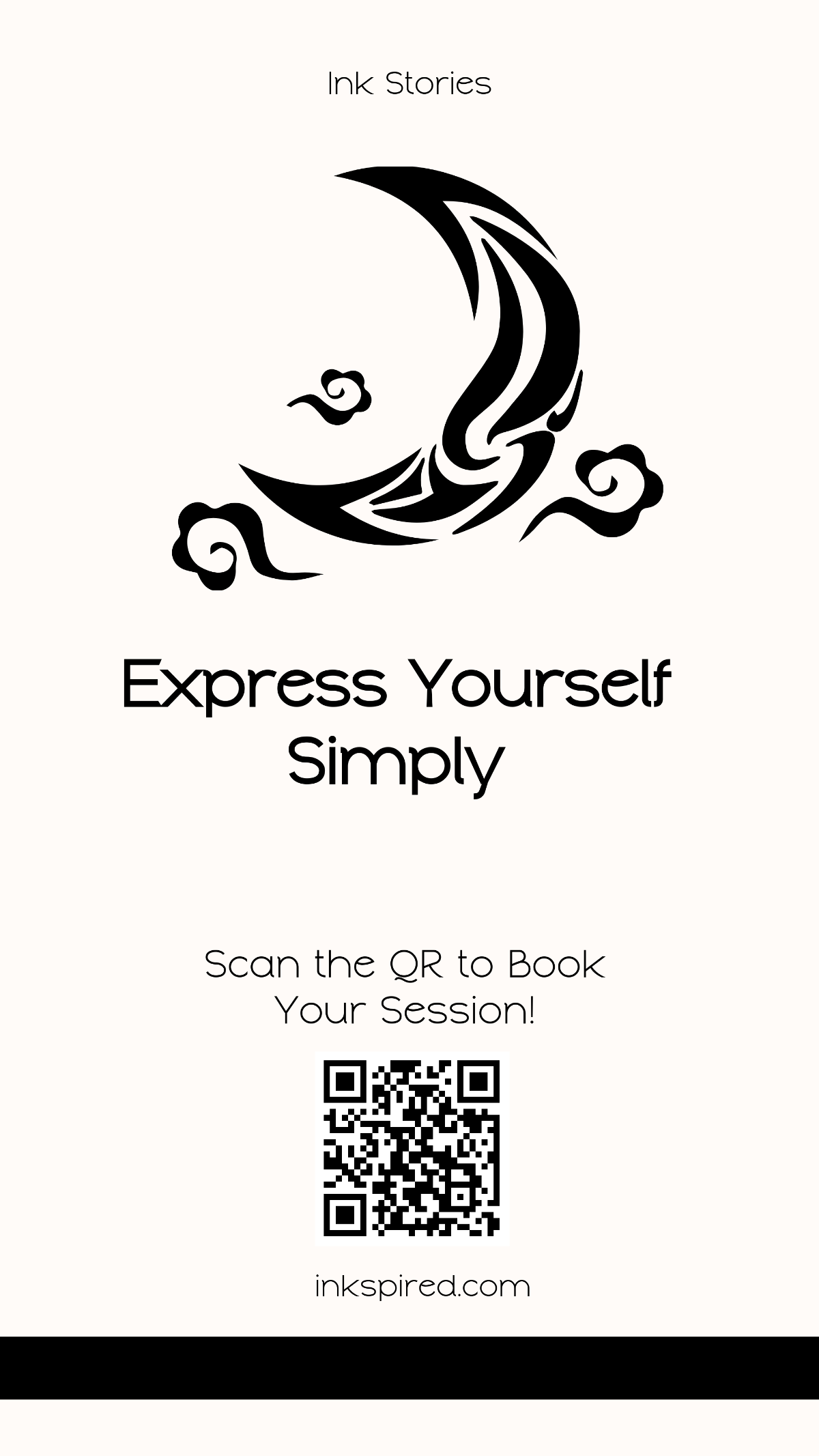
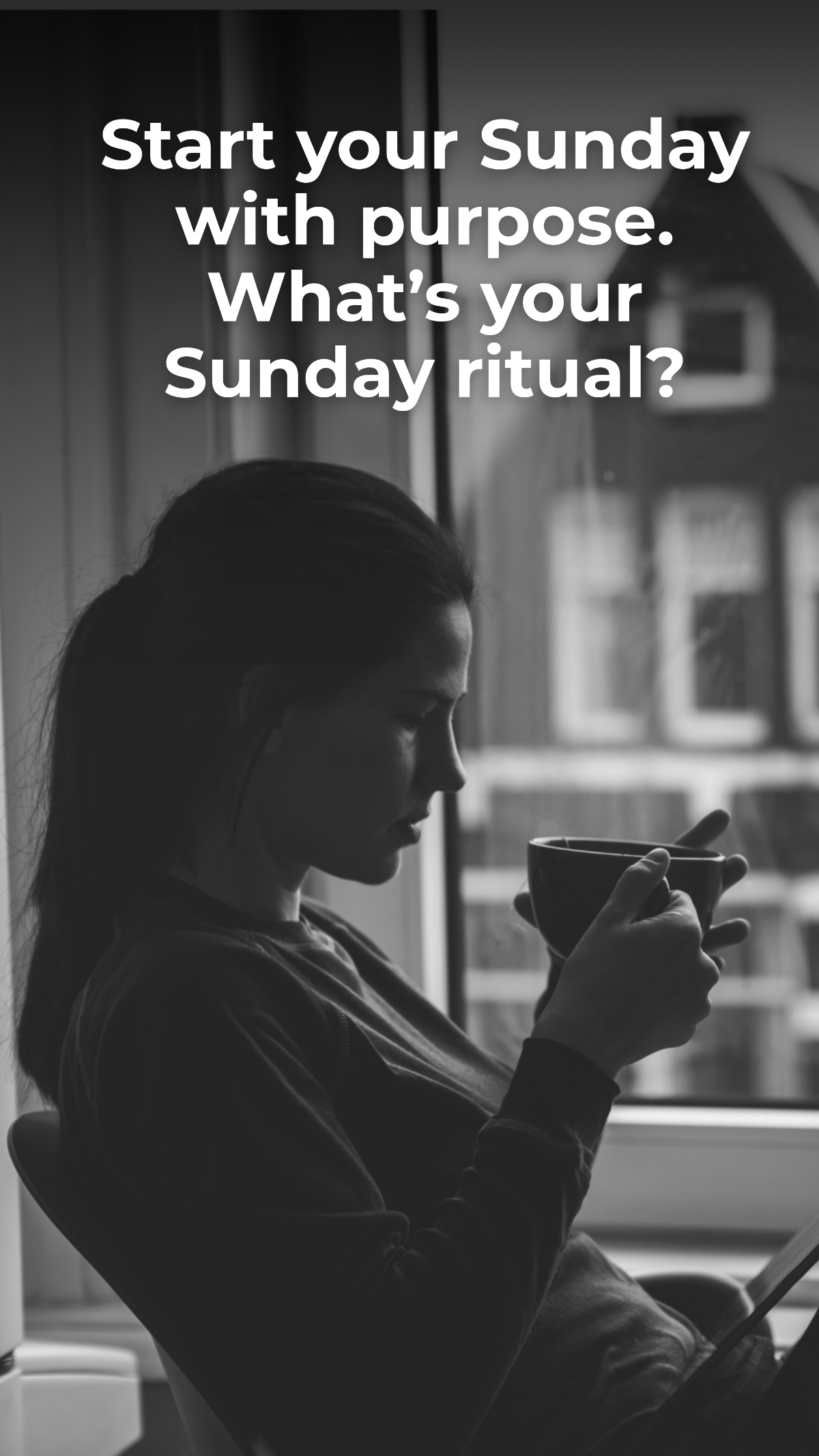
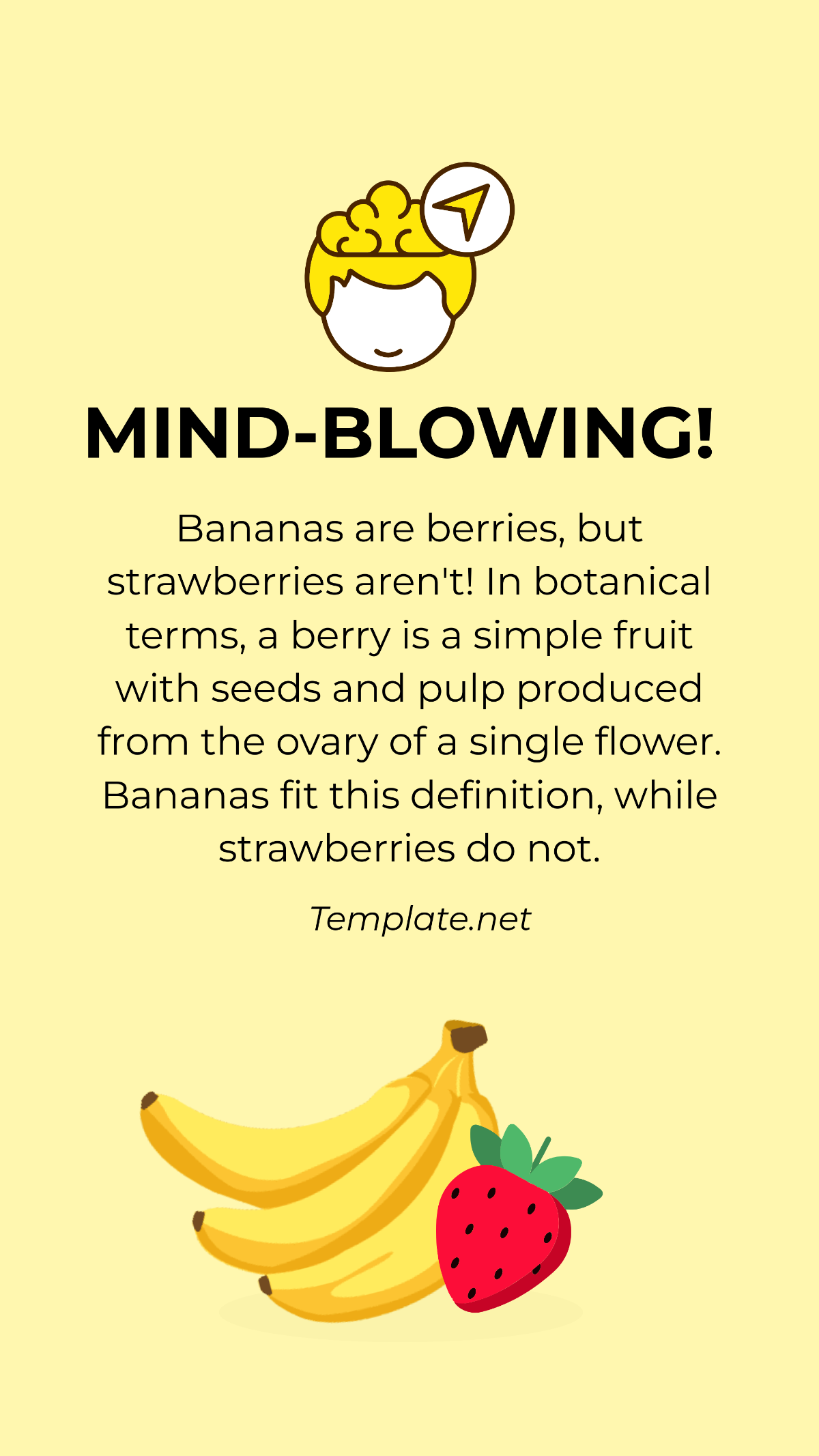
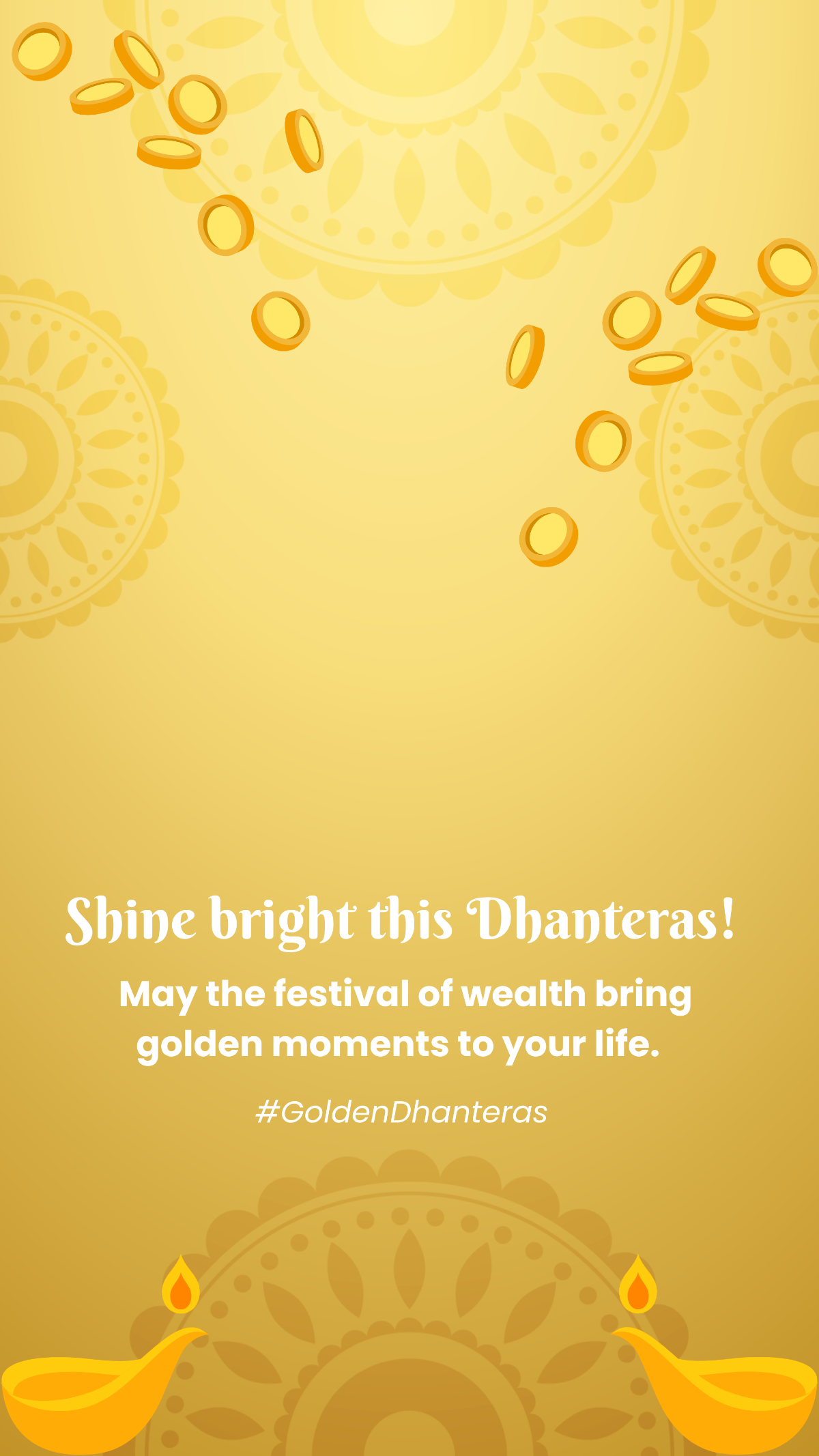
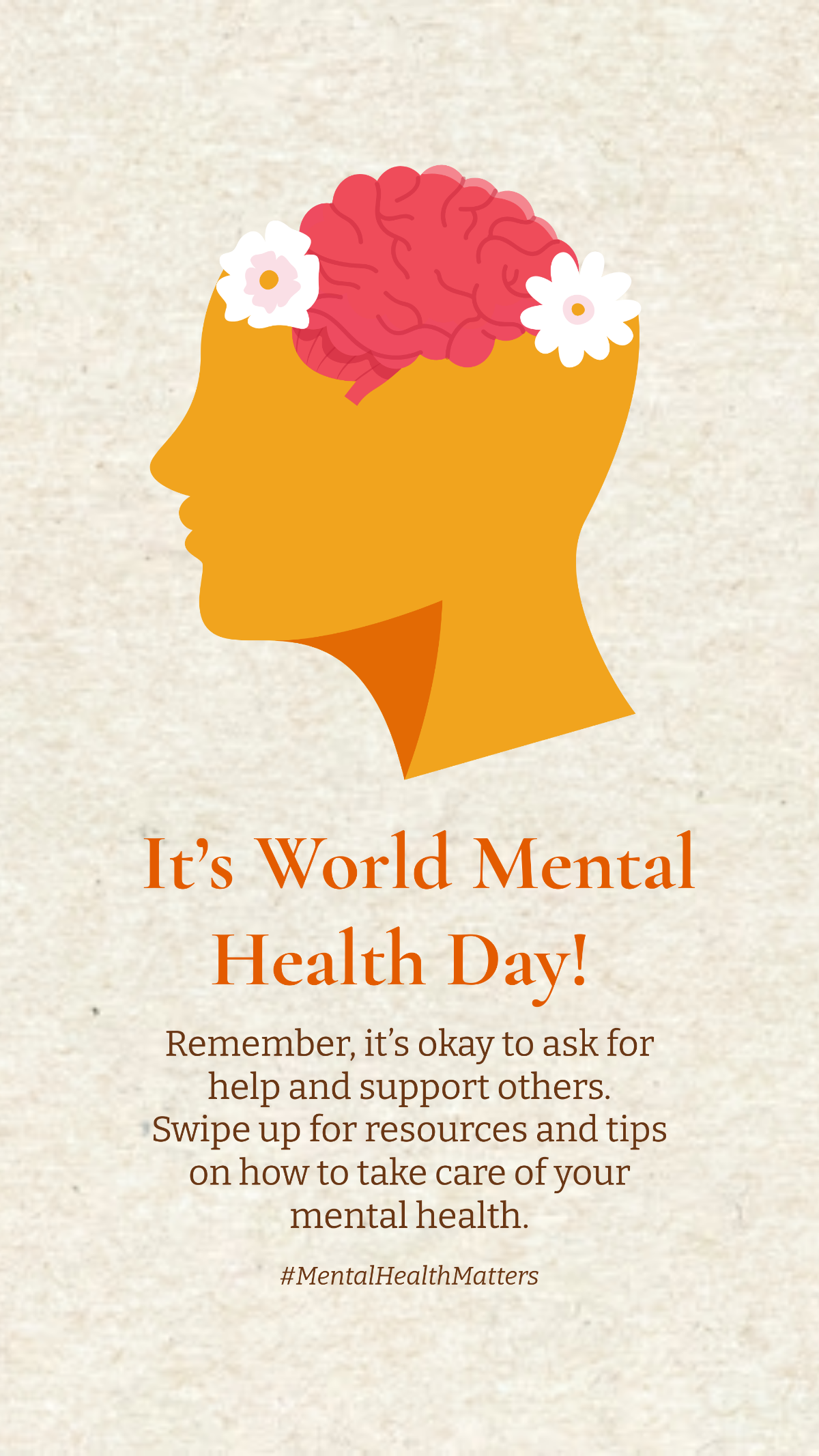
An Instagram Story is a vertical social media format sized 1080 × 1920 pixels that allows users to share temporary photos or videos with engaging headlines, story stickers, and interactive elements visible for 24 hours.
Why use a Instagram Story?
Instagram Stories increase engagement by providing a quick, immersive way to share updates with call to action, brand colors, and dynamic visuals that drive interaction and keep audiences connected.
Who typically uses Instagram Storys?
Instagram Story templates are used by brands, influencers, marketers, and content creators aiming to share on-brand visuals and maintain active audience engagement through timely, visually appealing story templates.
What size should a Instagram Story be?
Instagram Stories should be sized 1080 × 1920 pixels to fit the platform’s vertical display perfectly, ensuring images and video thumbnails appear crisp and optimized for mobile viewing.
What are the best tips for designing a Instagram Story?
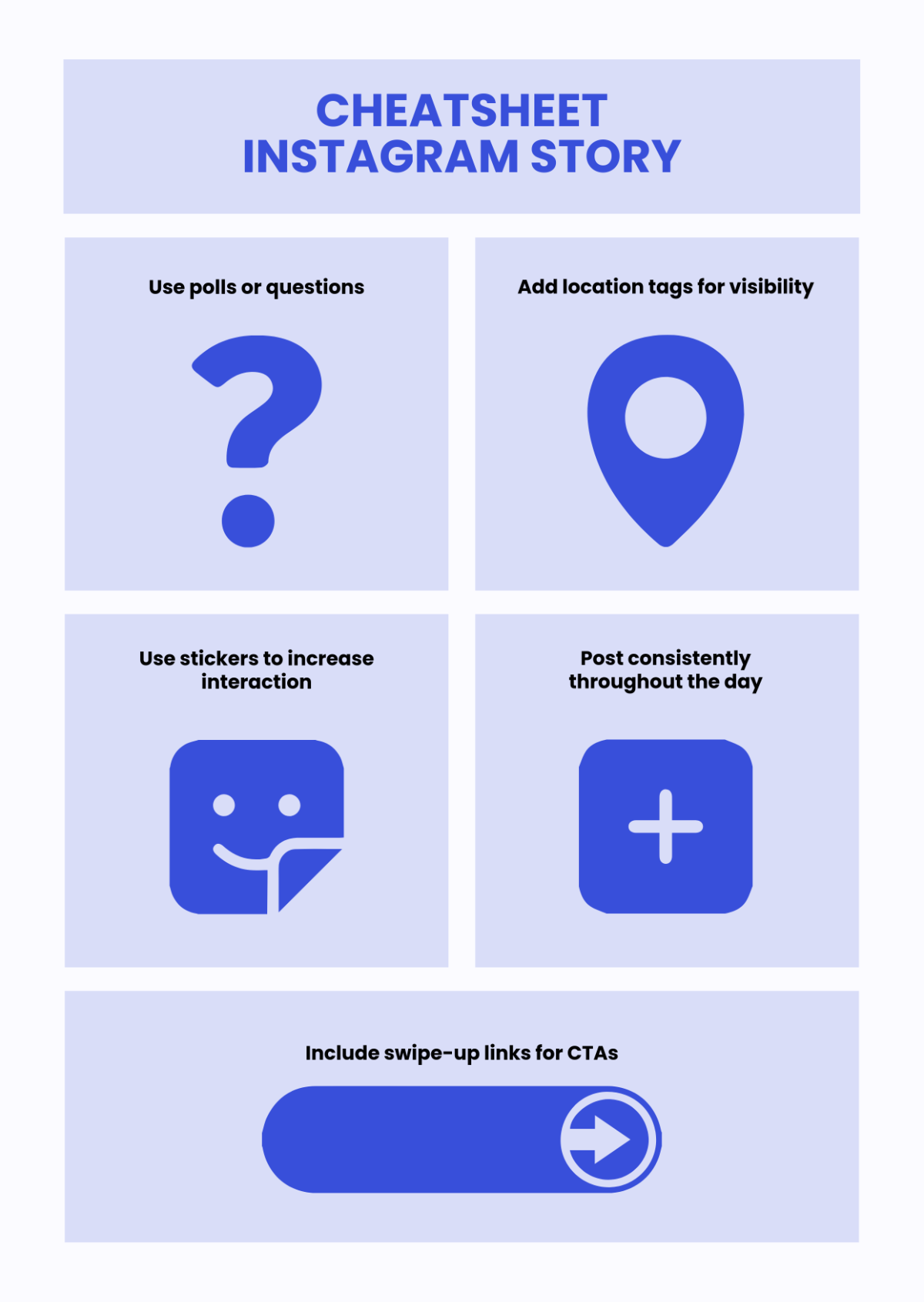
Effective Instagram Story templates use a strong hook, clear captions with hashtags, consistent brand logo placement, and vibrant colors to maximize viewer retention and engagement.
How do you post or schedule a Instagram Story?
Instagram Stories are posted by uploading 1080 × 1920 pixels content directly within the Instagram app or scheduled using third-party tools supporting carousel slides and timed publishing for consistent audience reach.
What elements should a Instagram Story include?
Instagram Story templates should include profile pictures, story stickers, call to action buttons, headlines, and branded images to create compelling and interactive visual narratives.
Can I create a new Instagram Story using AI?
Template.net provides an AI-powered tool that generates new Instagram Story designs from prompts in seconds, ready for online refinement and multi-format export. Explore the Instagram Story Generator to start creating instantly.
