











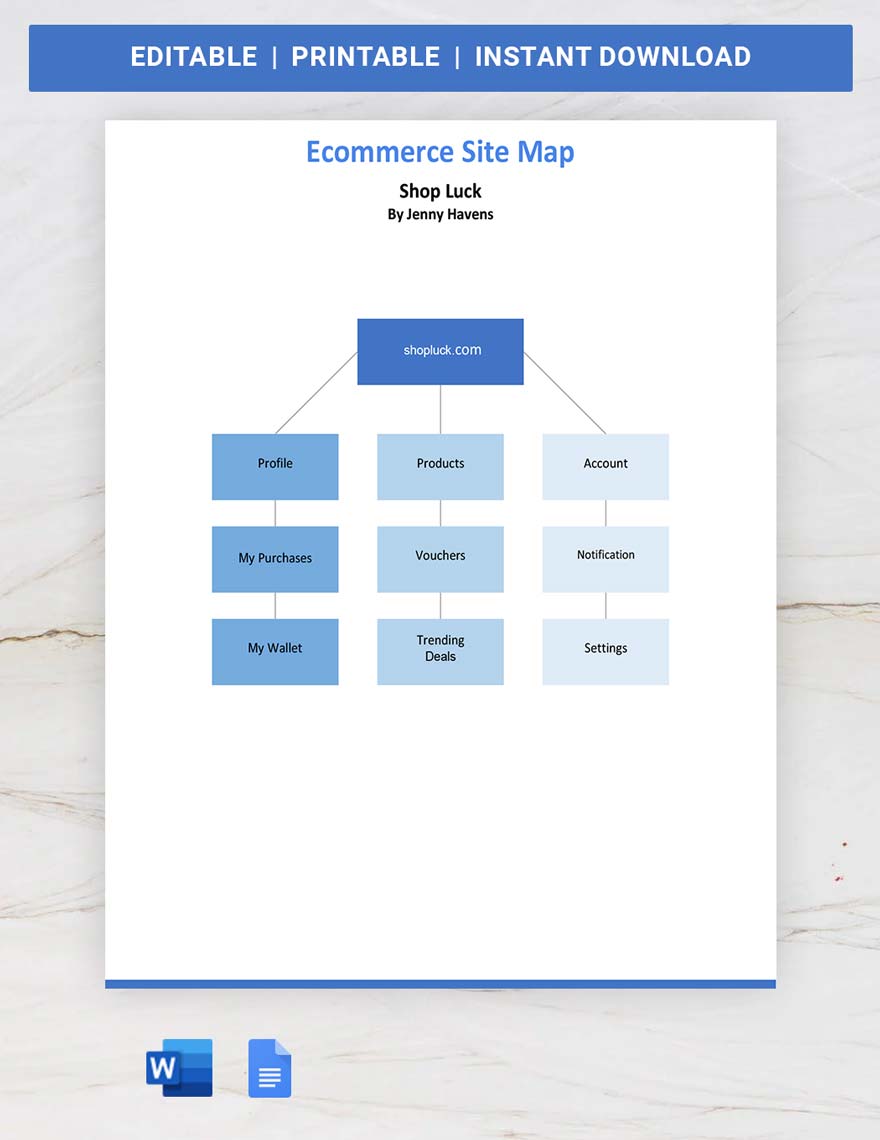
Free Site Map Template: Customizable Visual Structure Guide and Online Editing
What is a Site Map Template?
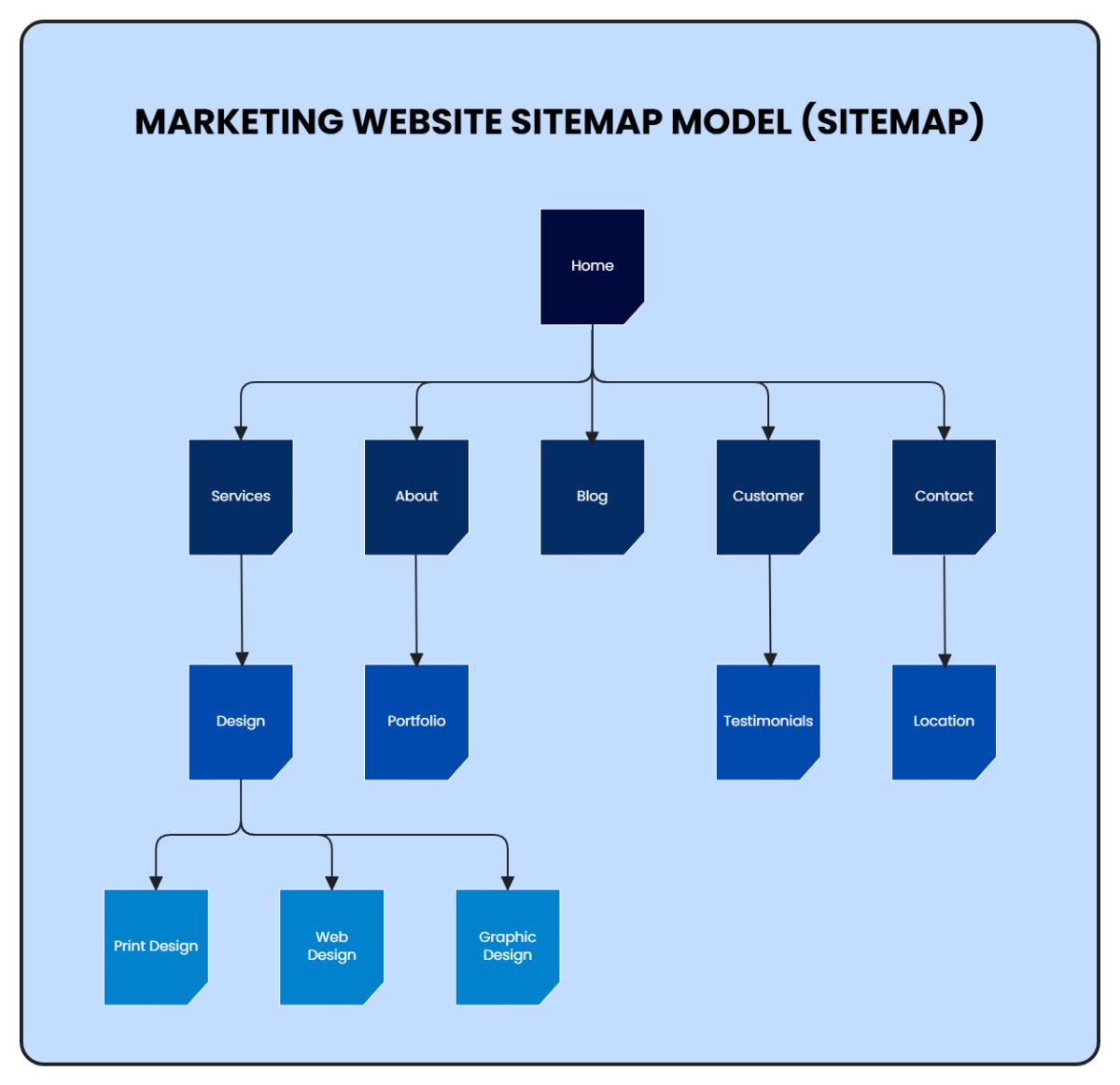
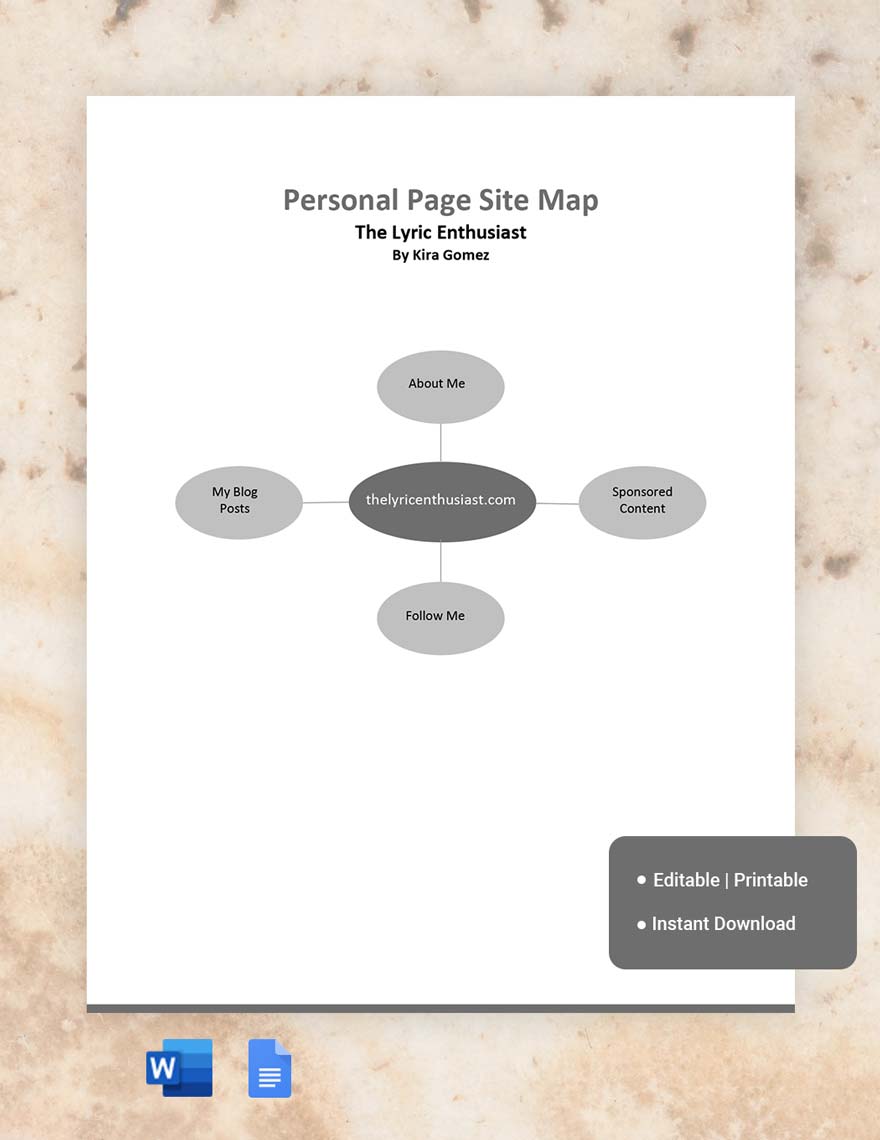
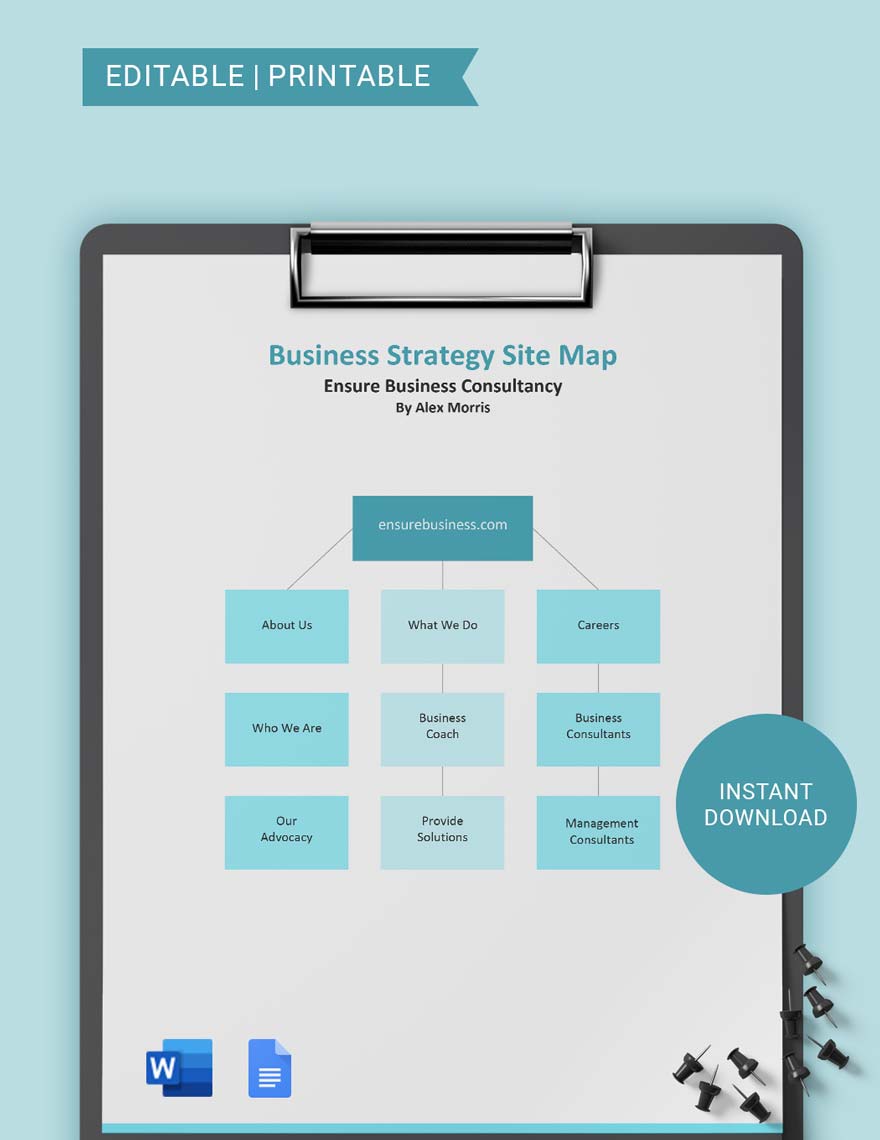
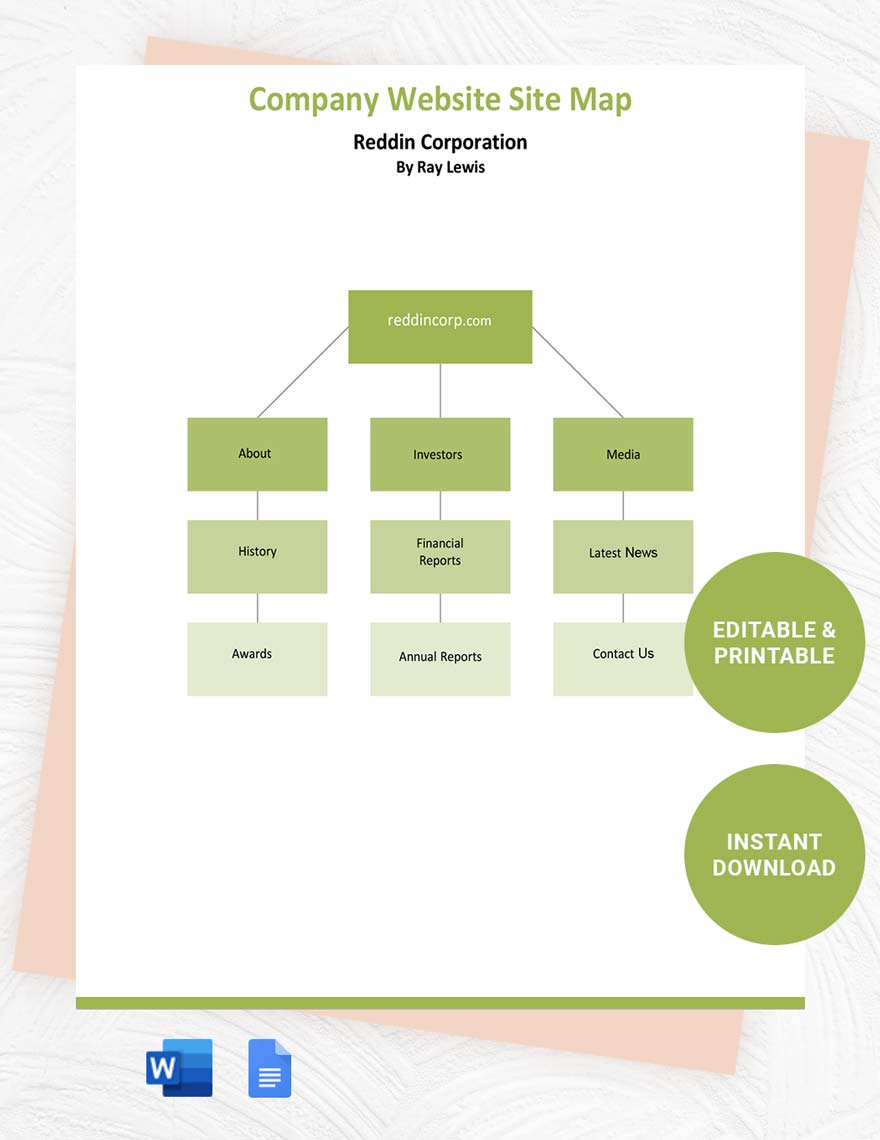
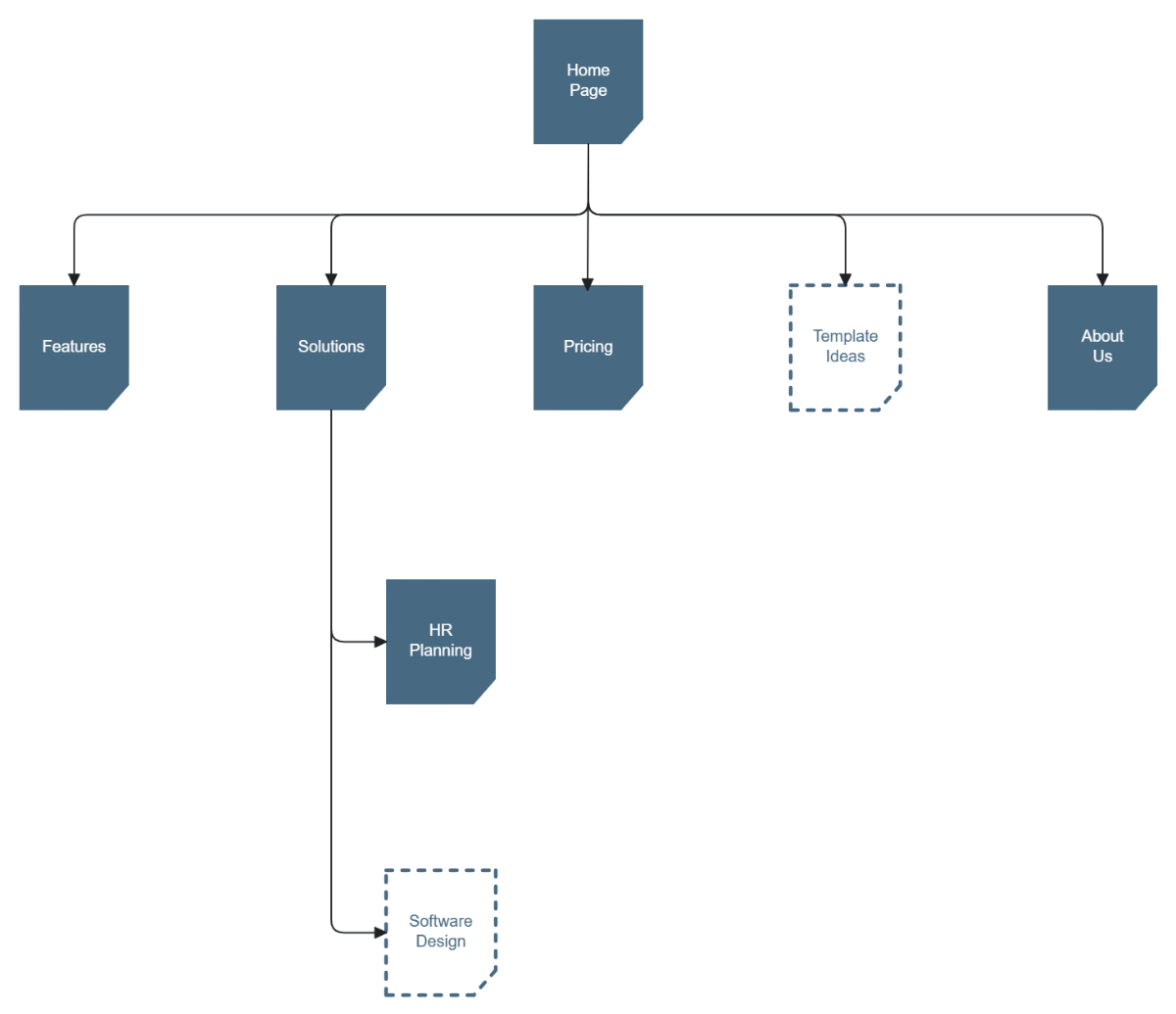
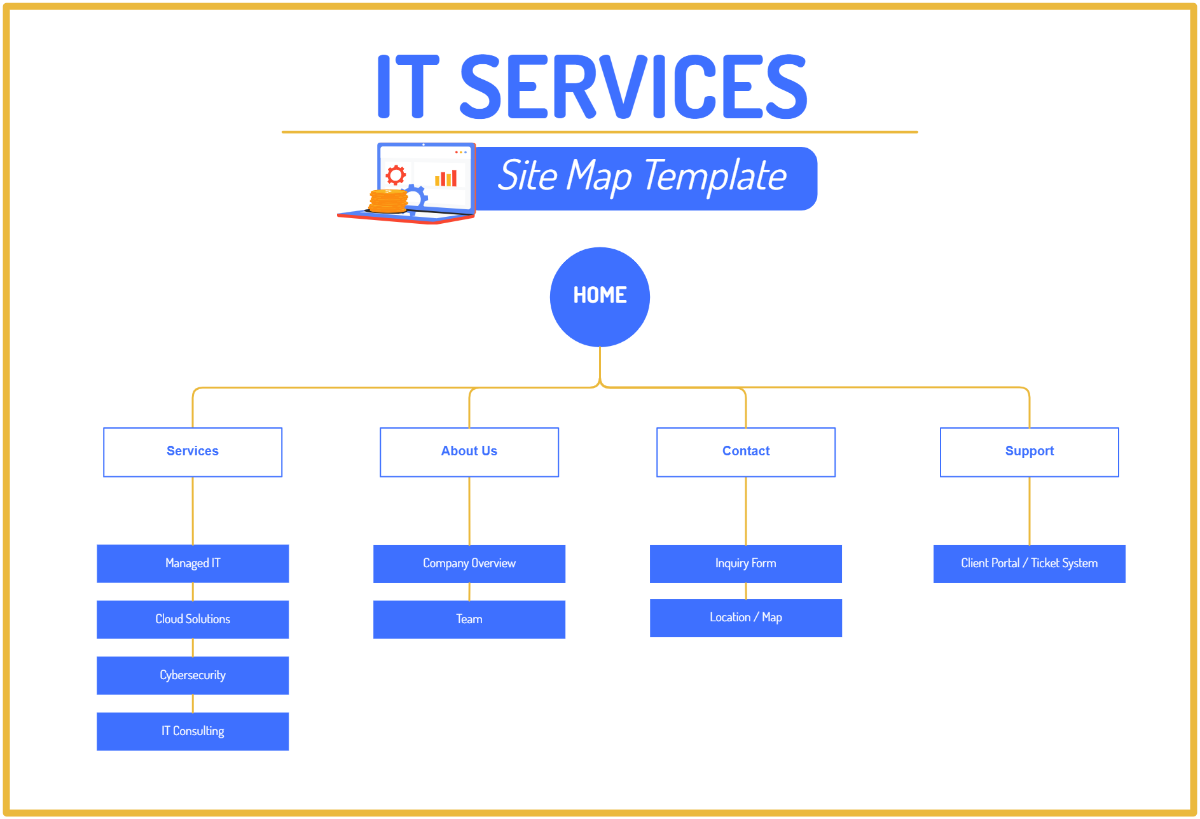
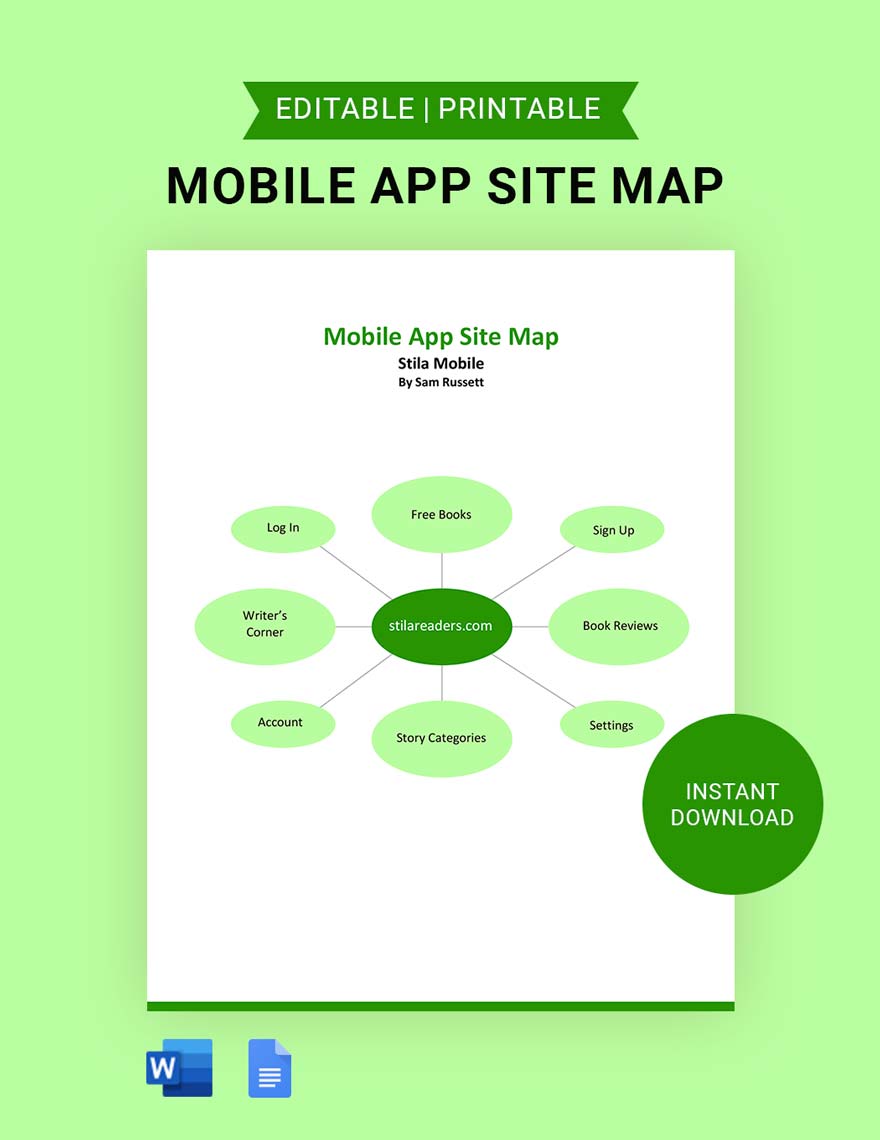
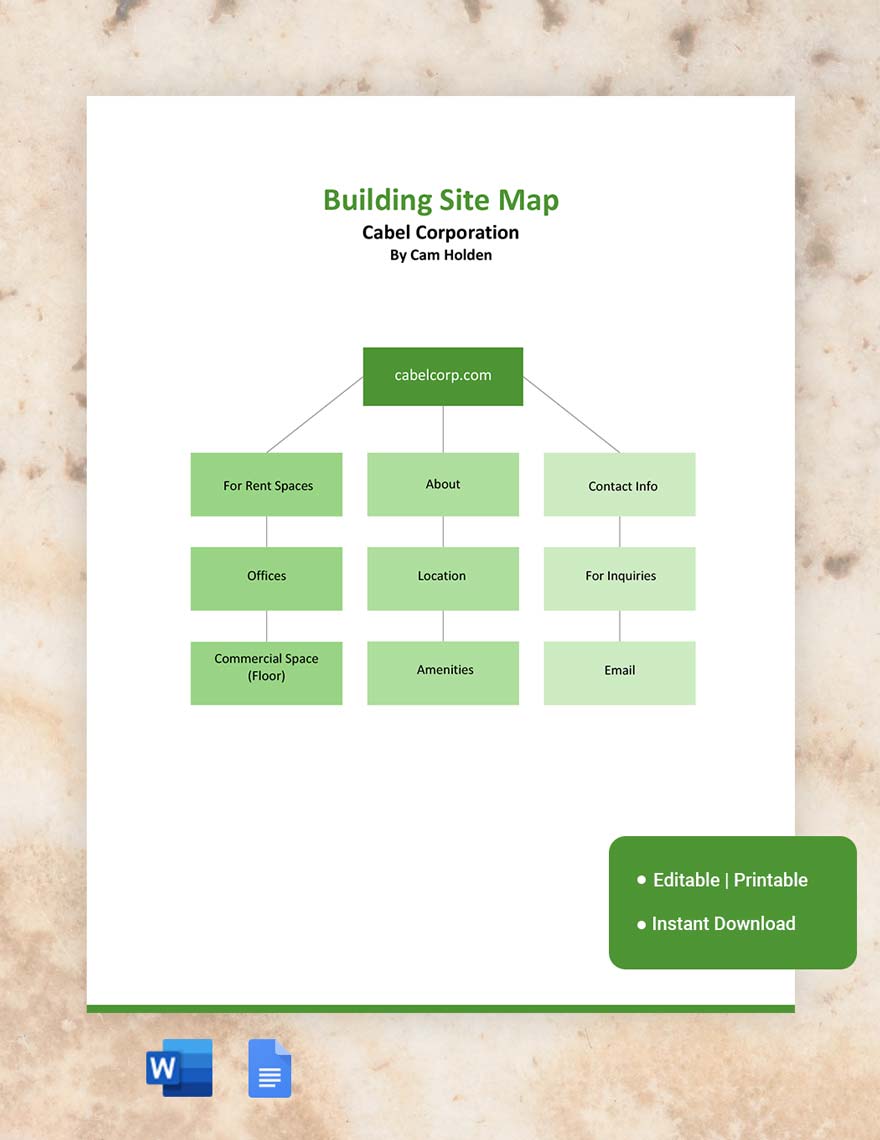
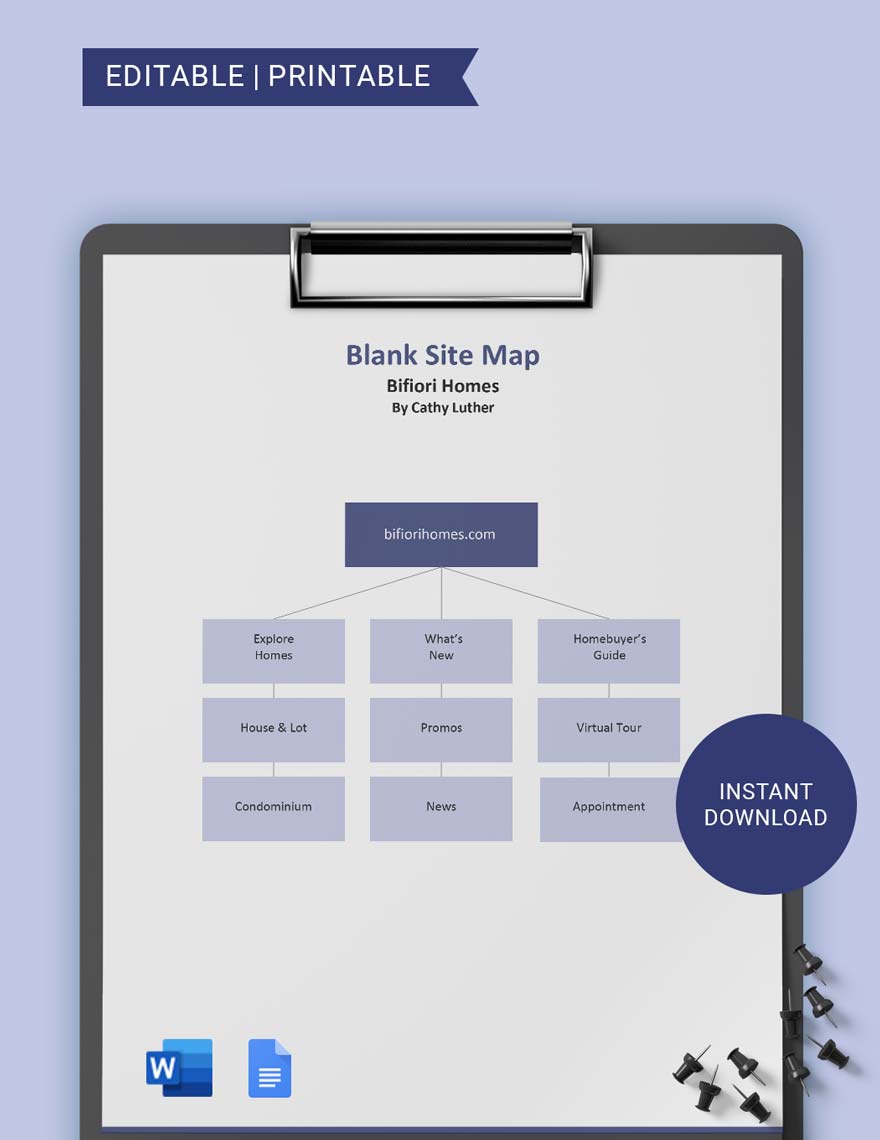
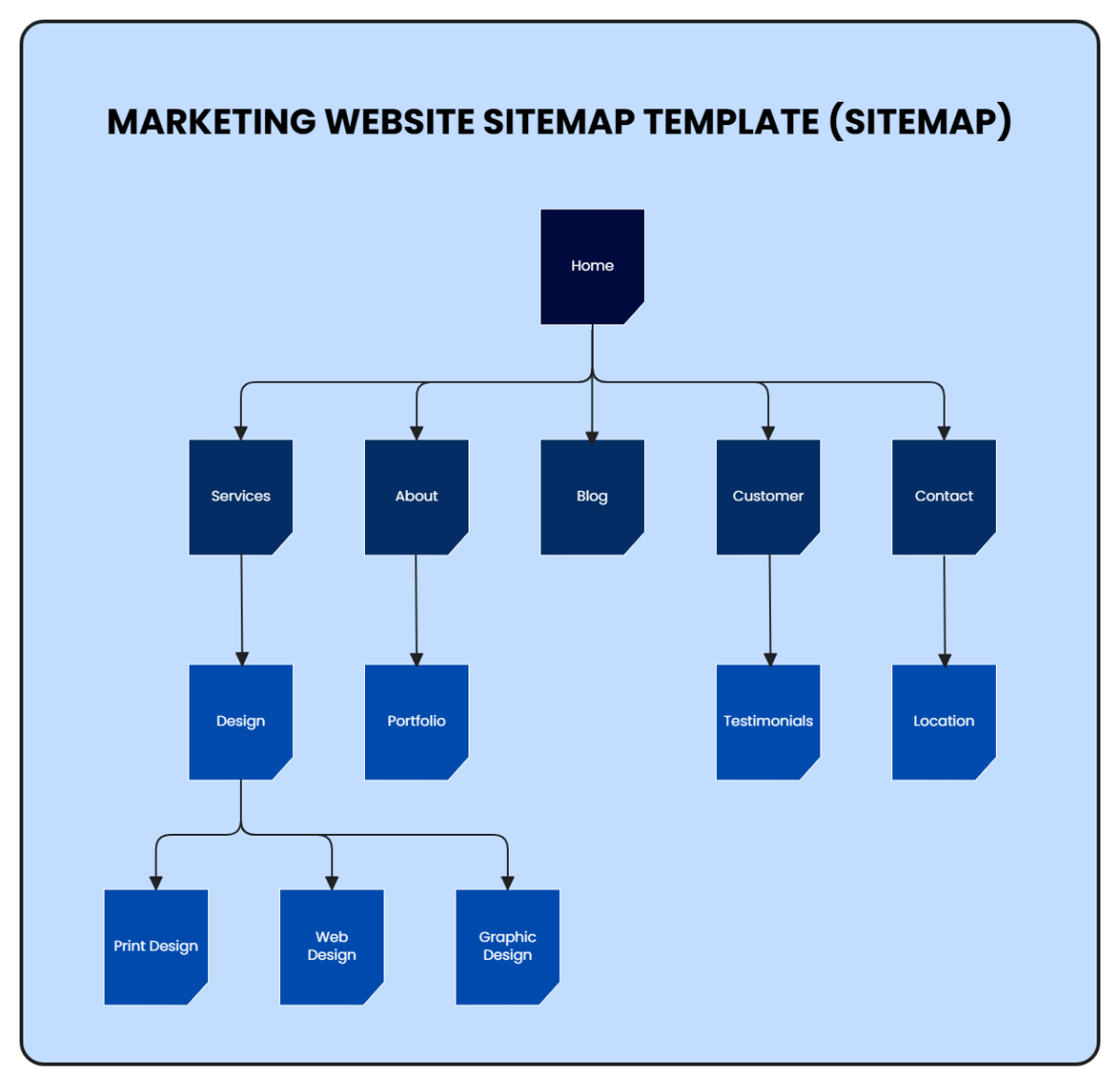
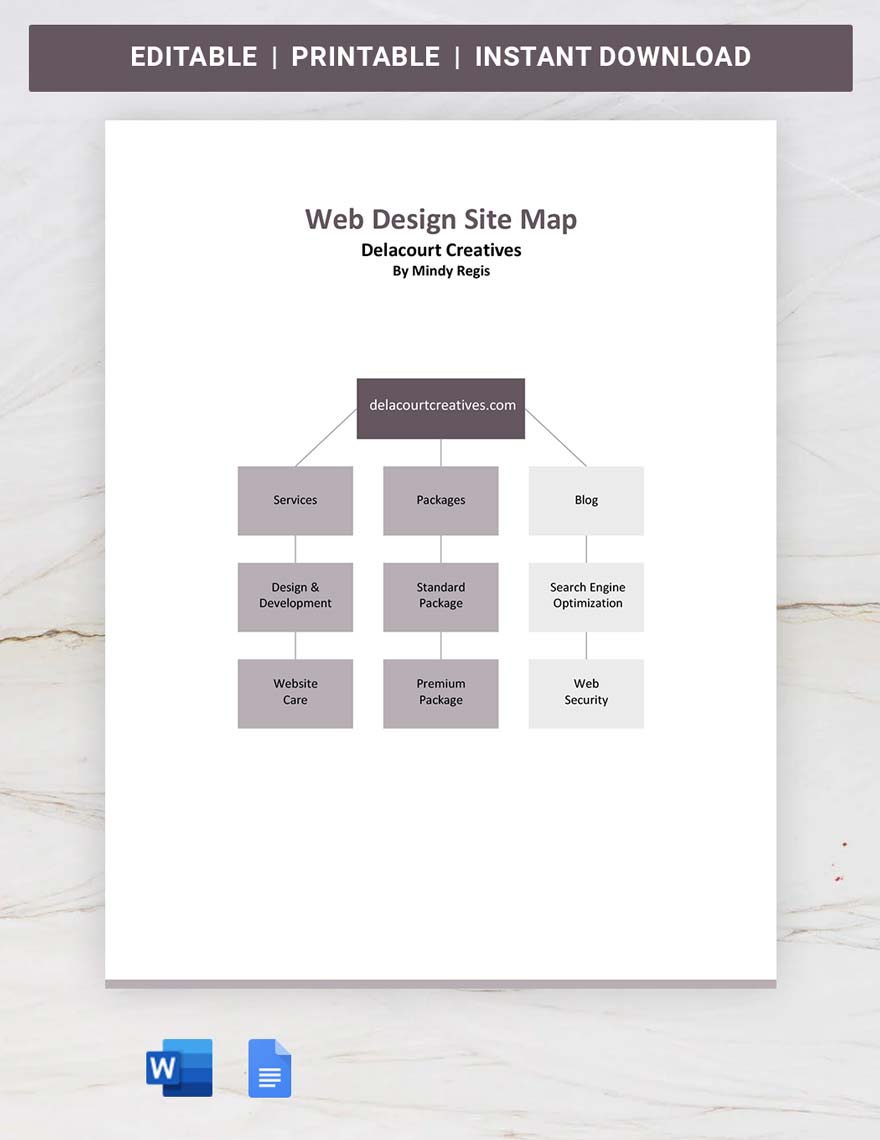
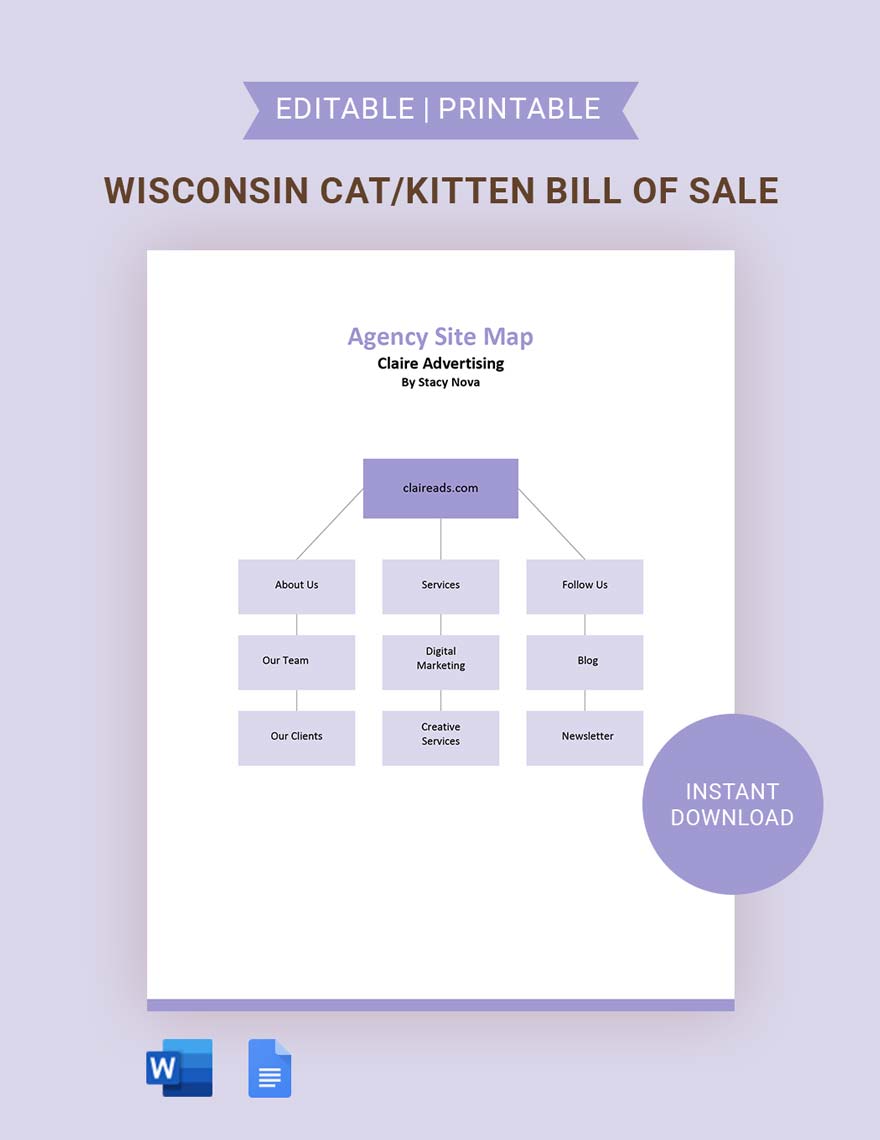
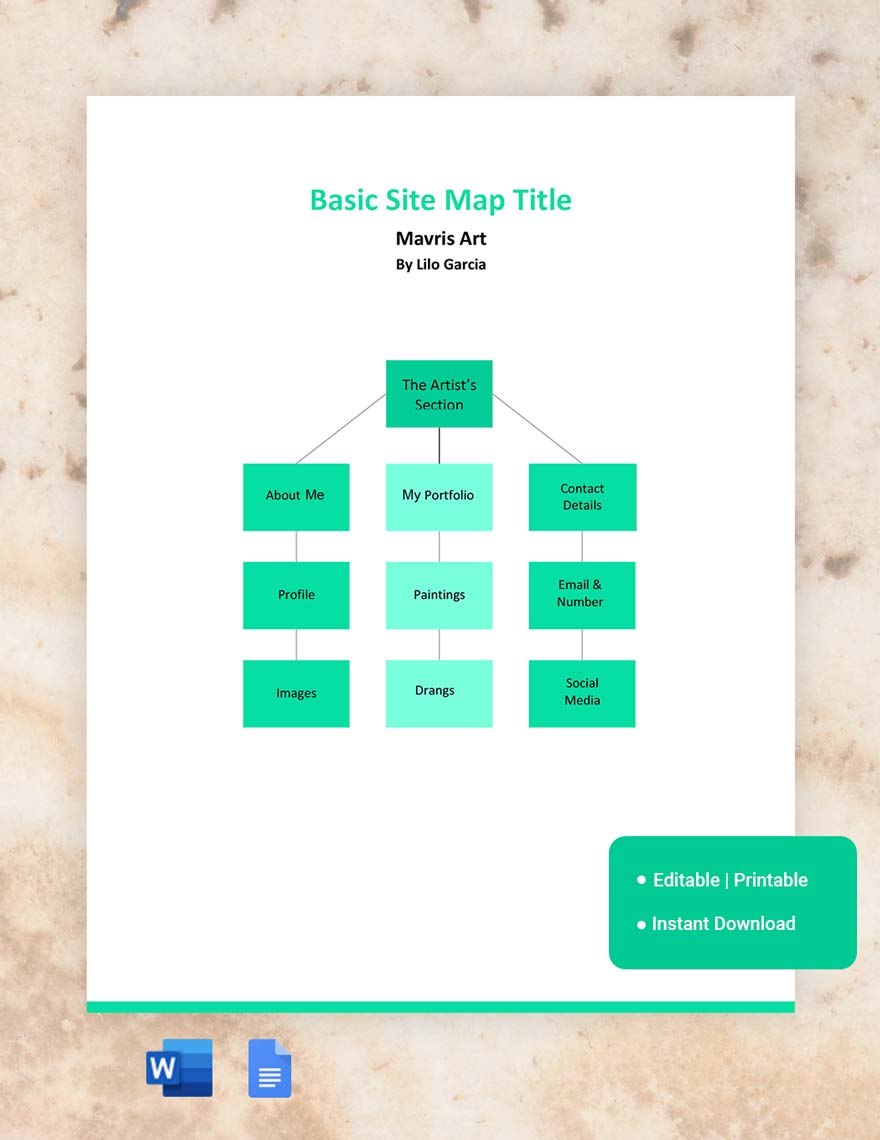
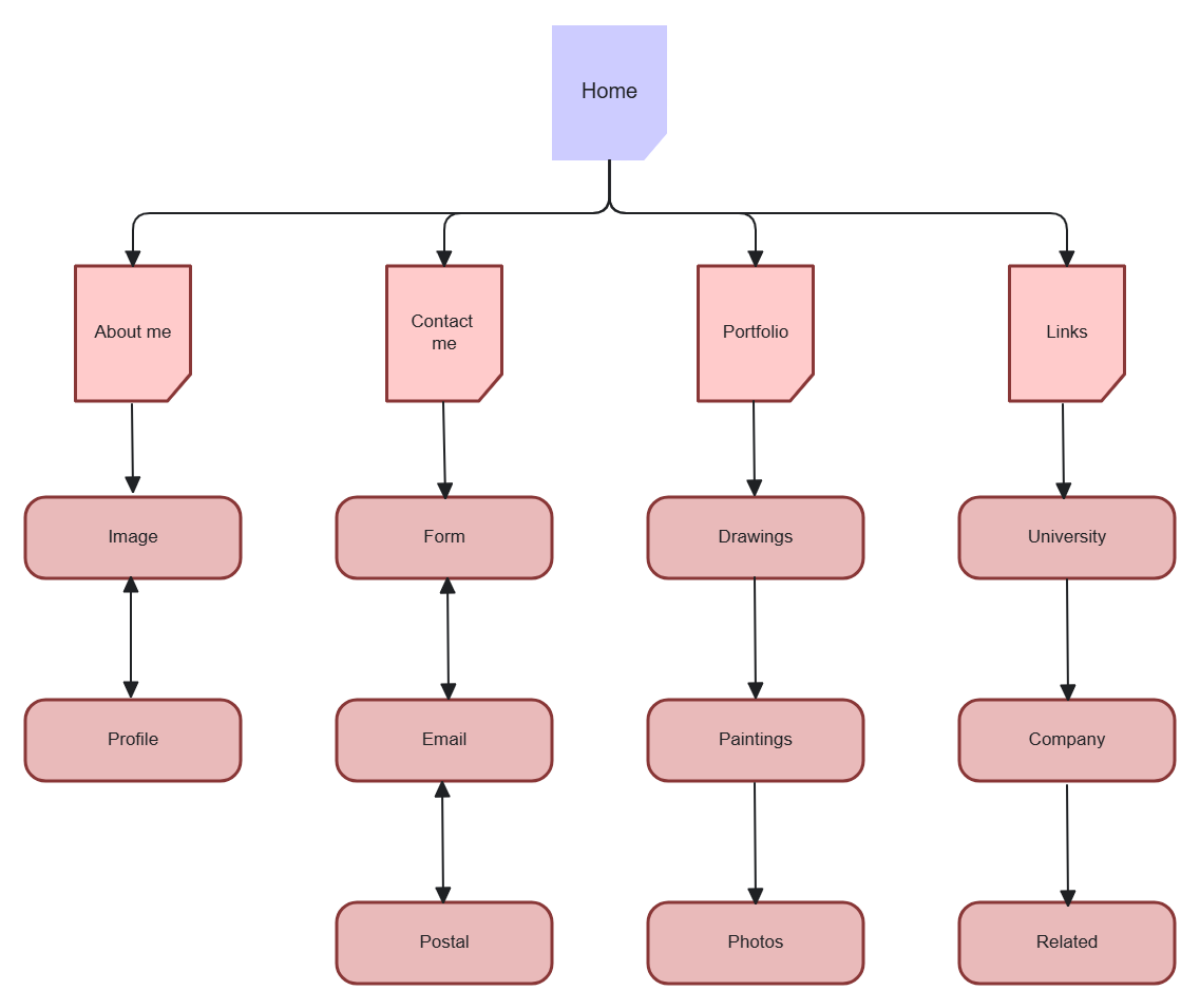
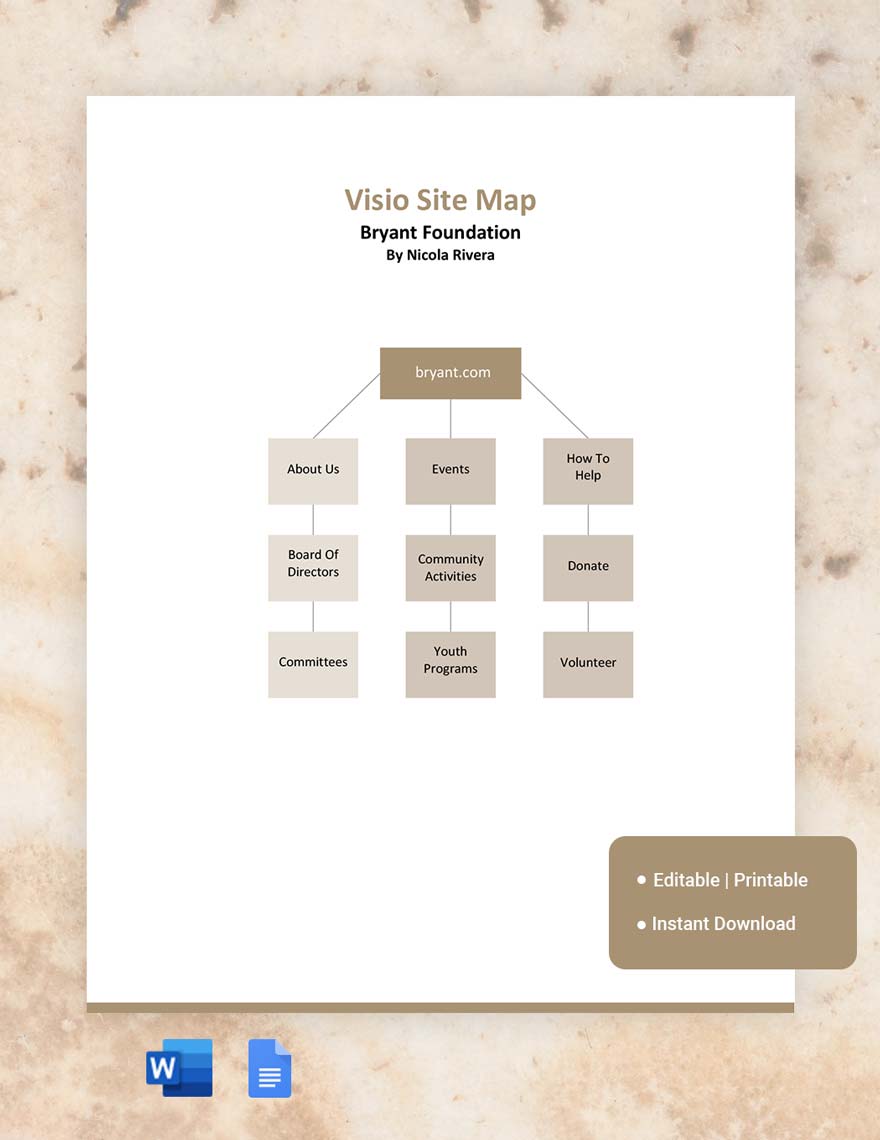
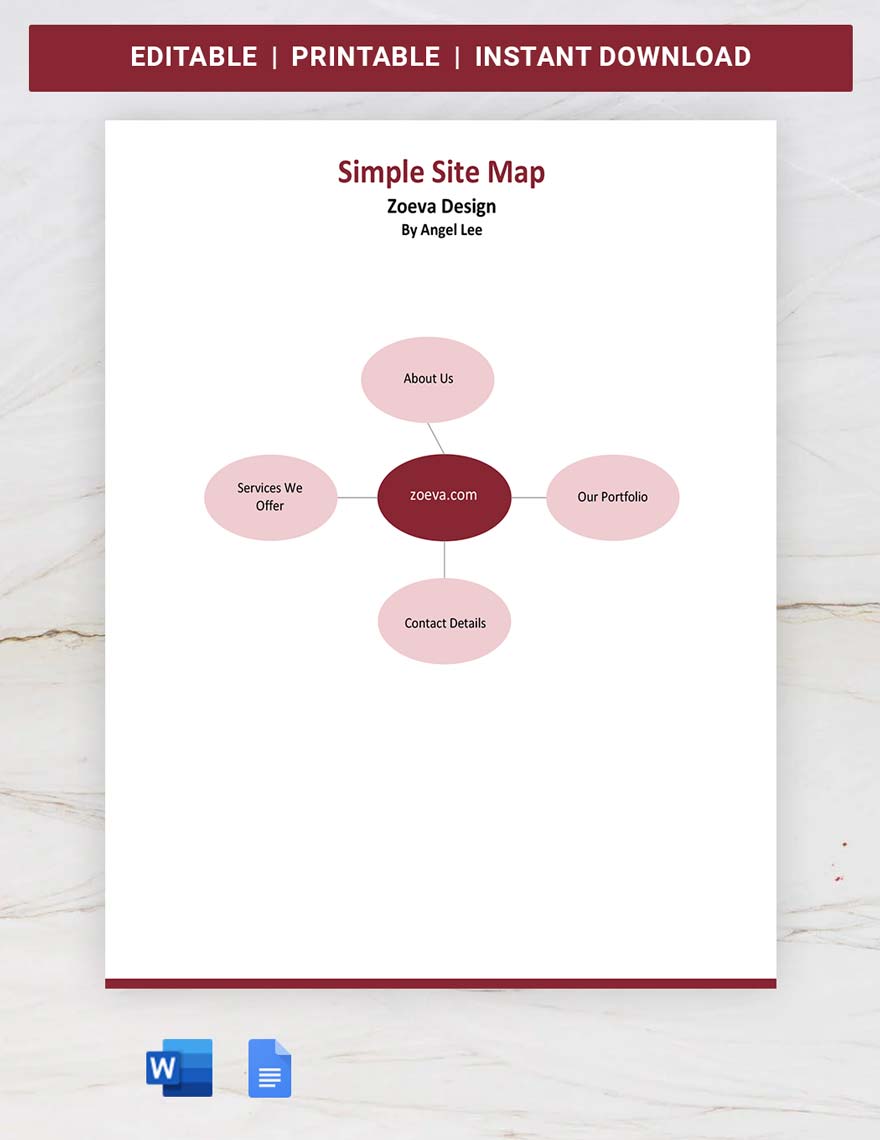
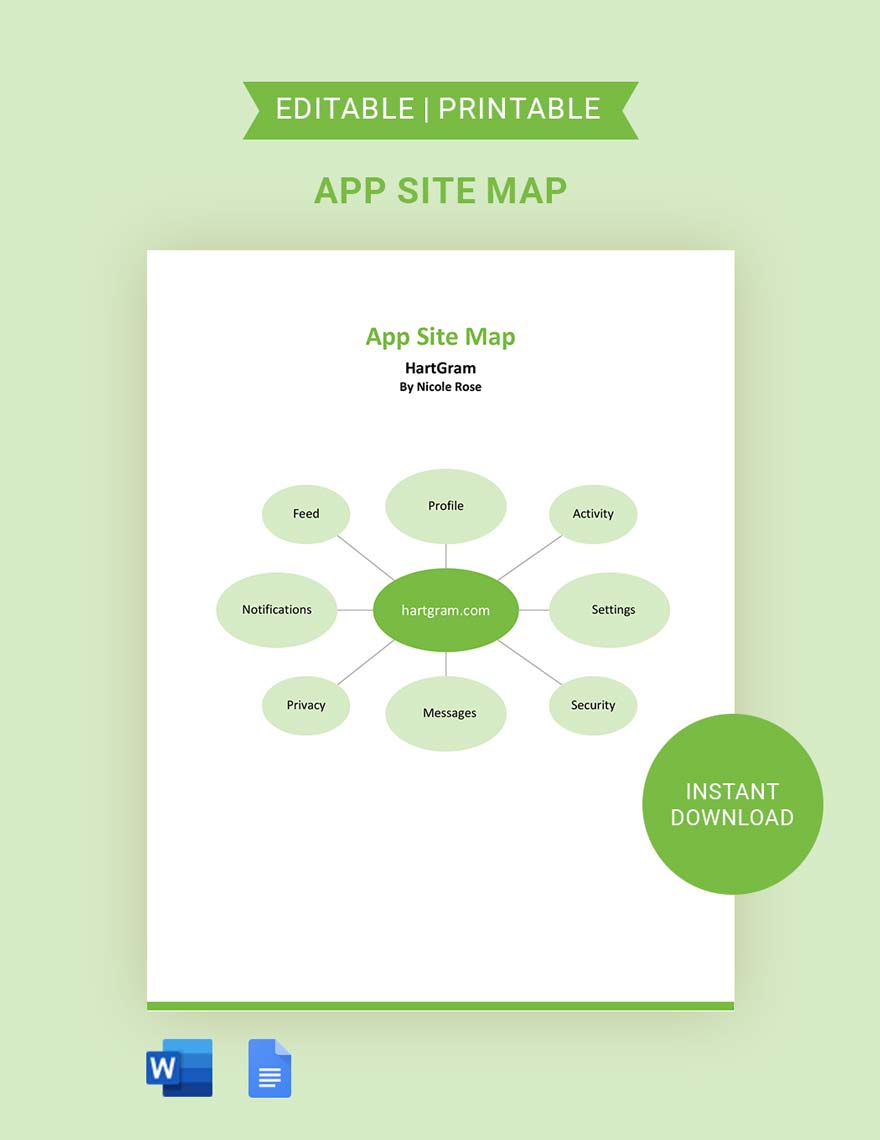
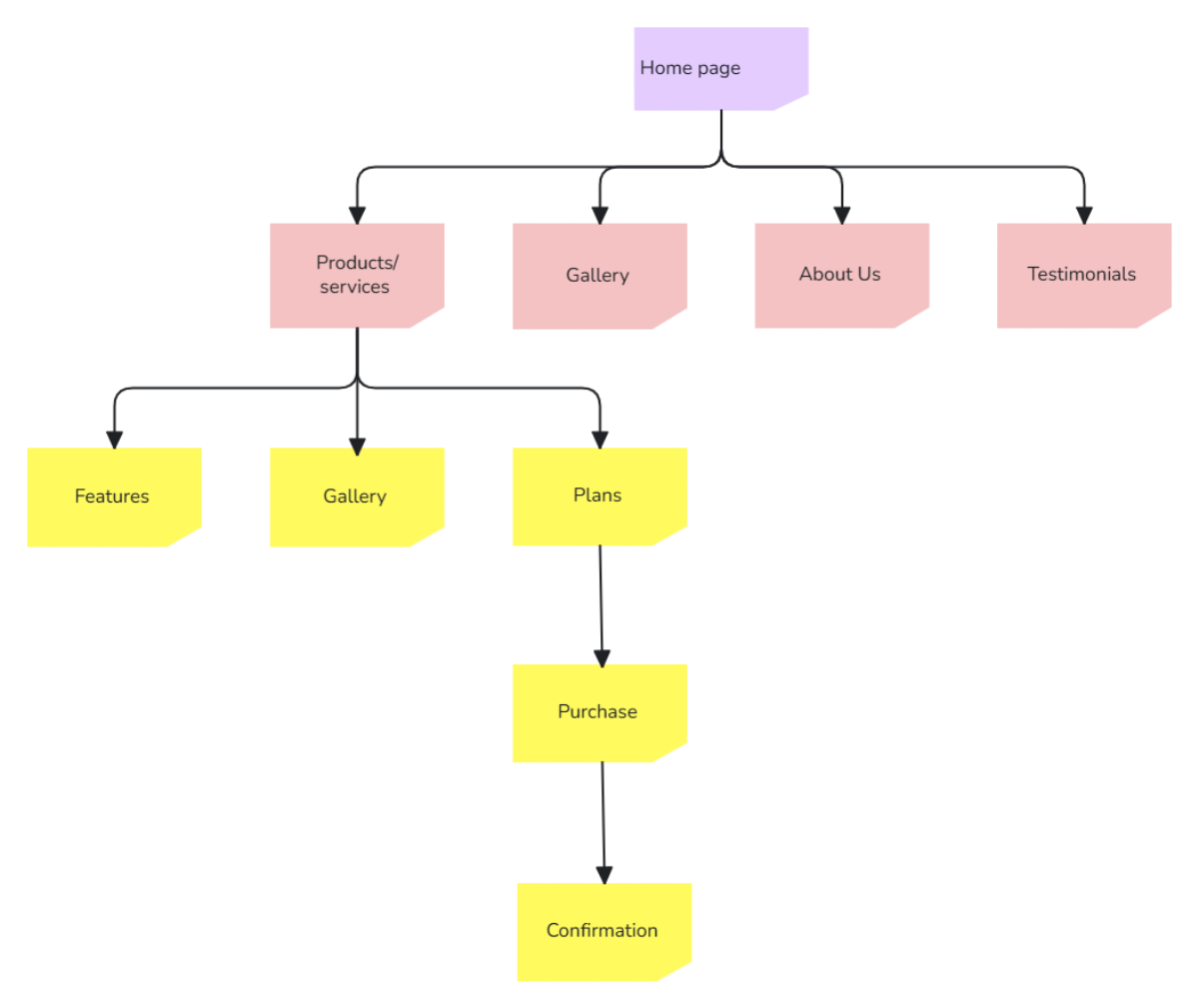
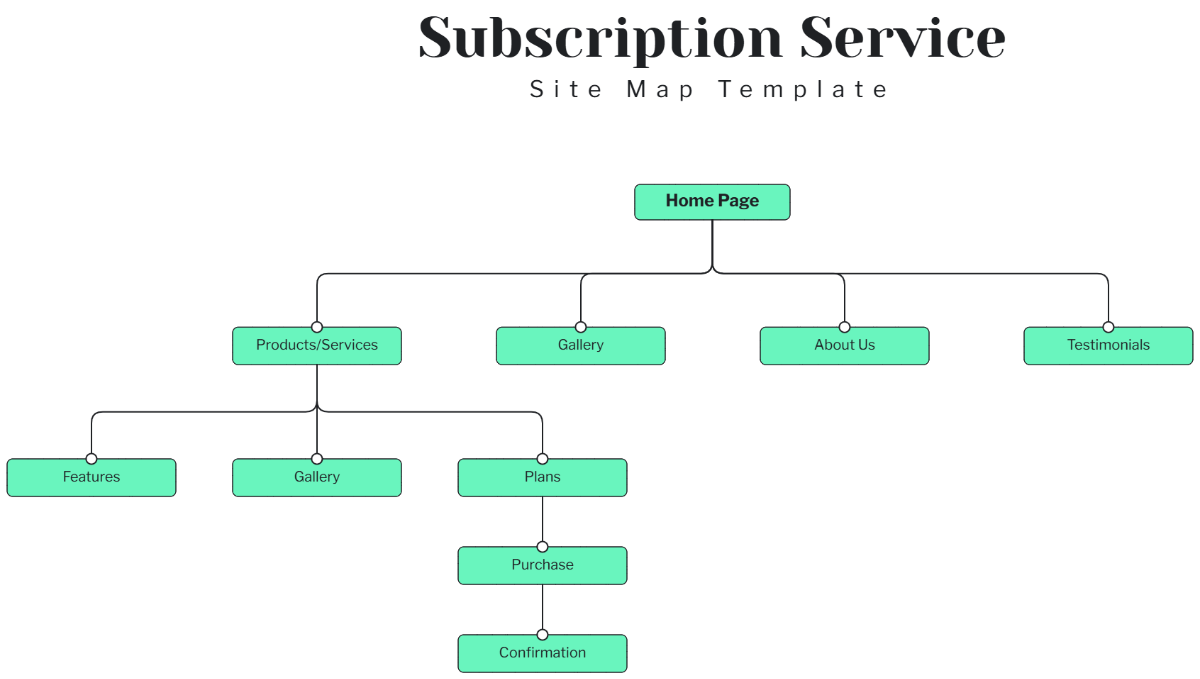
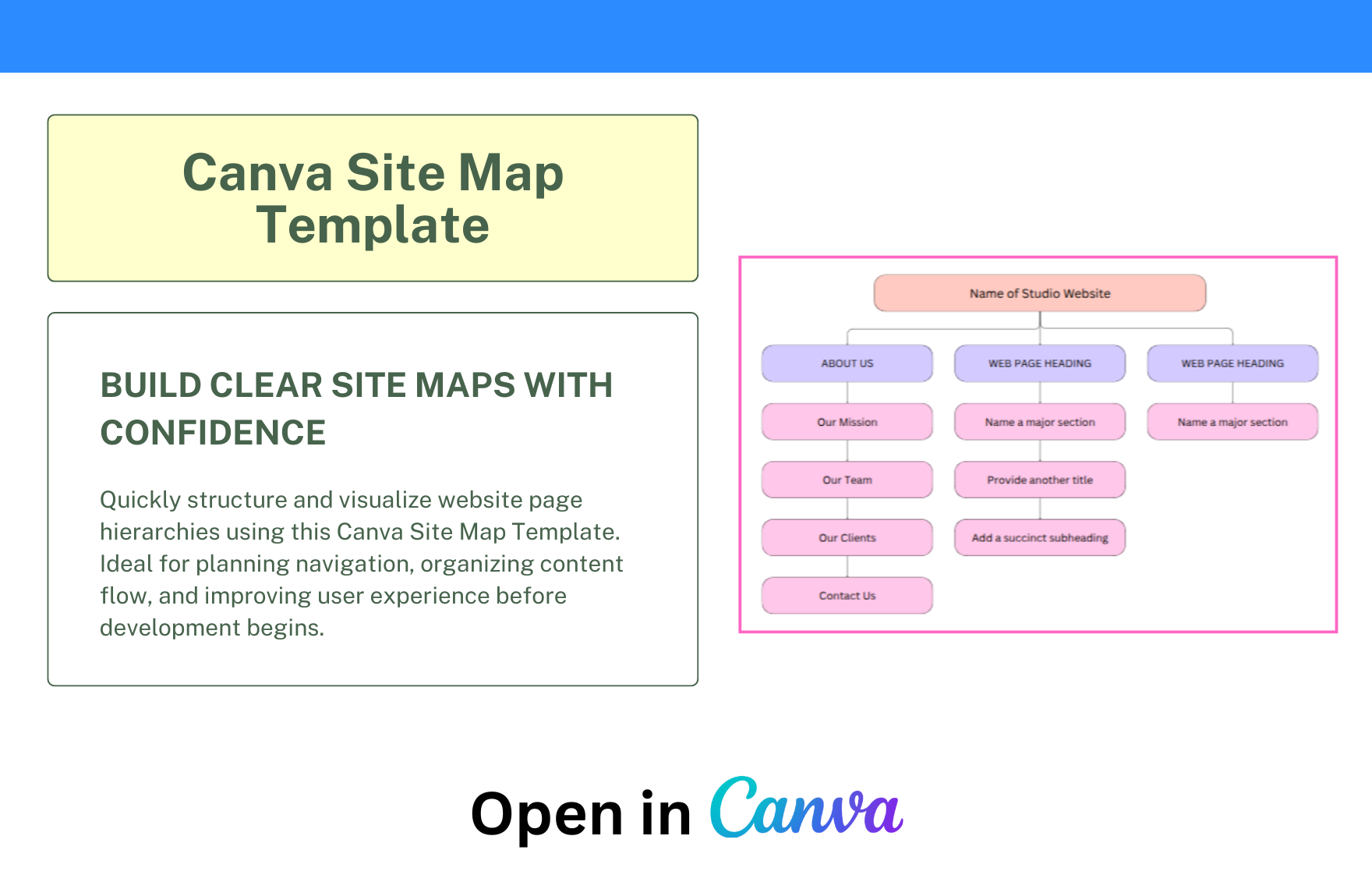
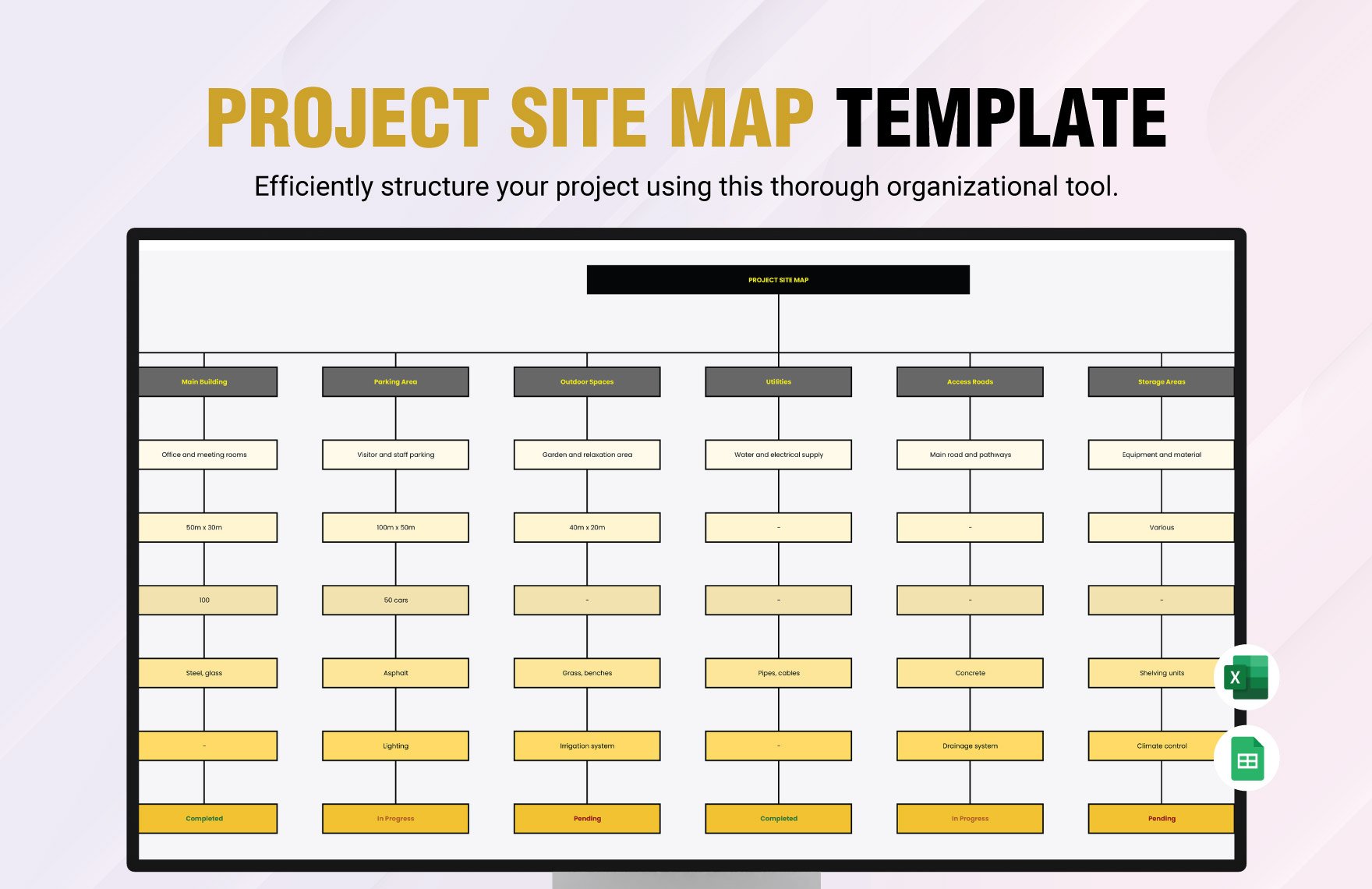
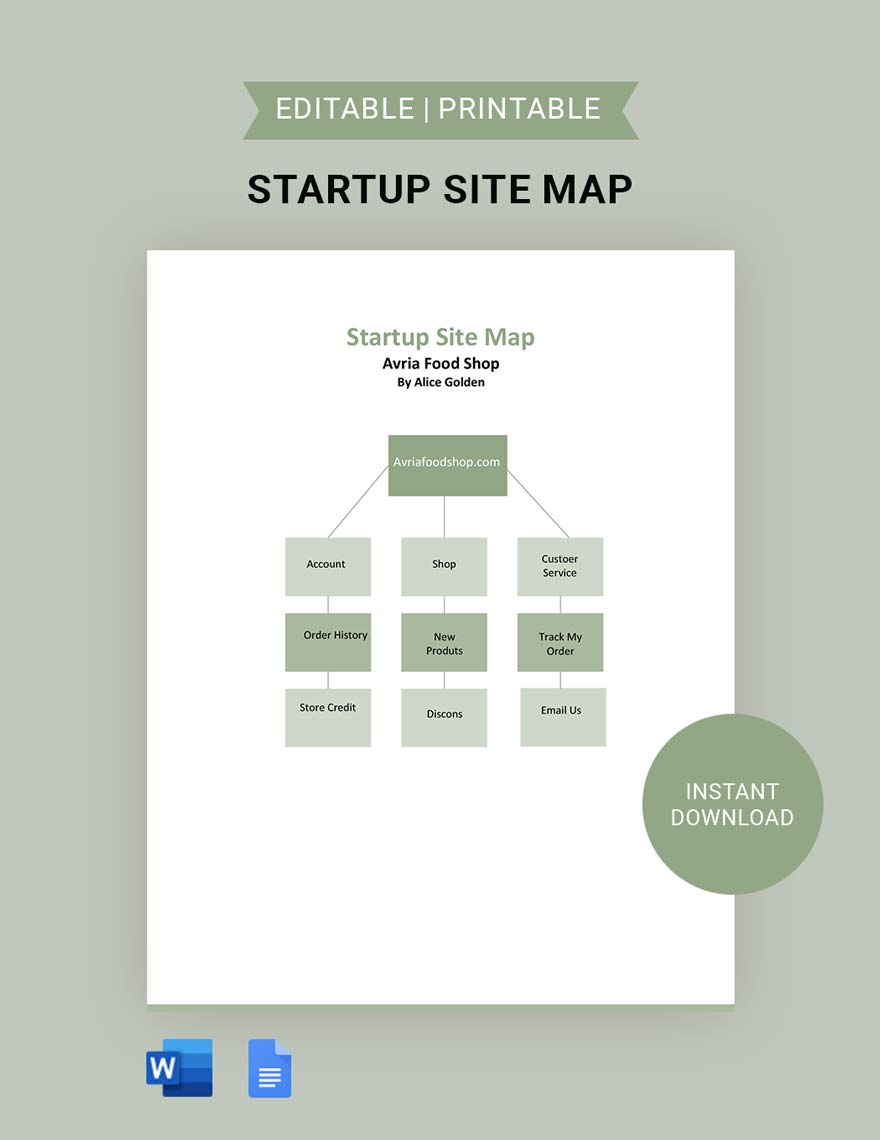
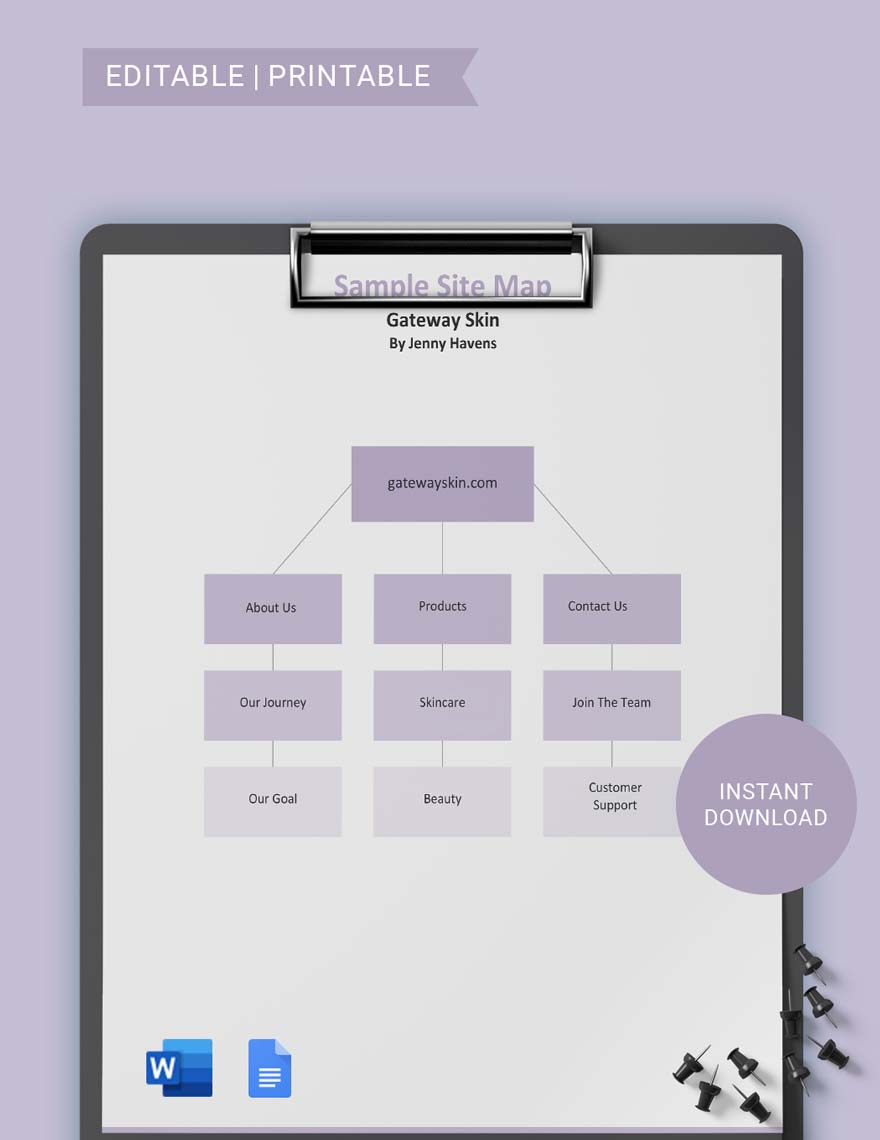
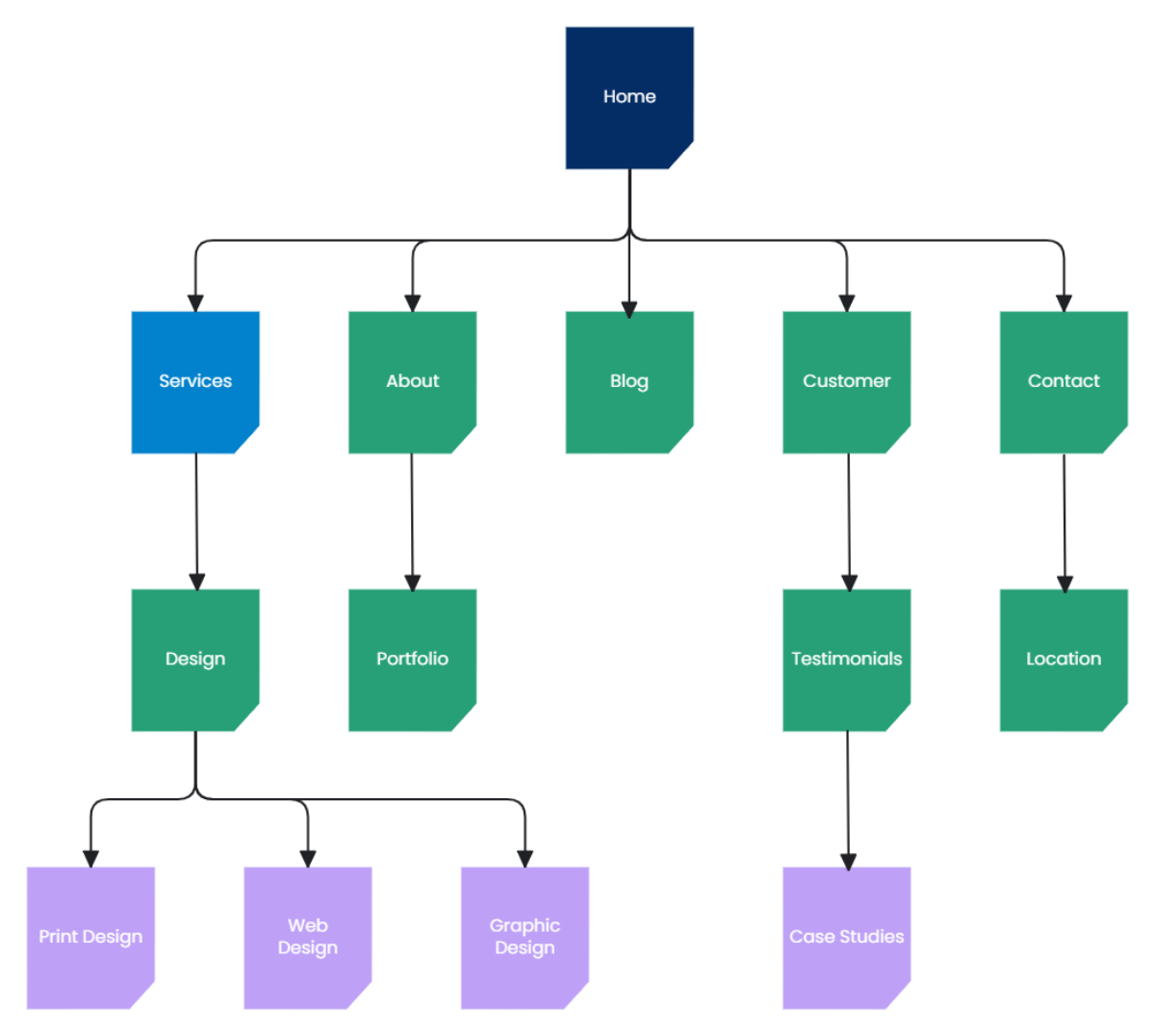
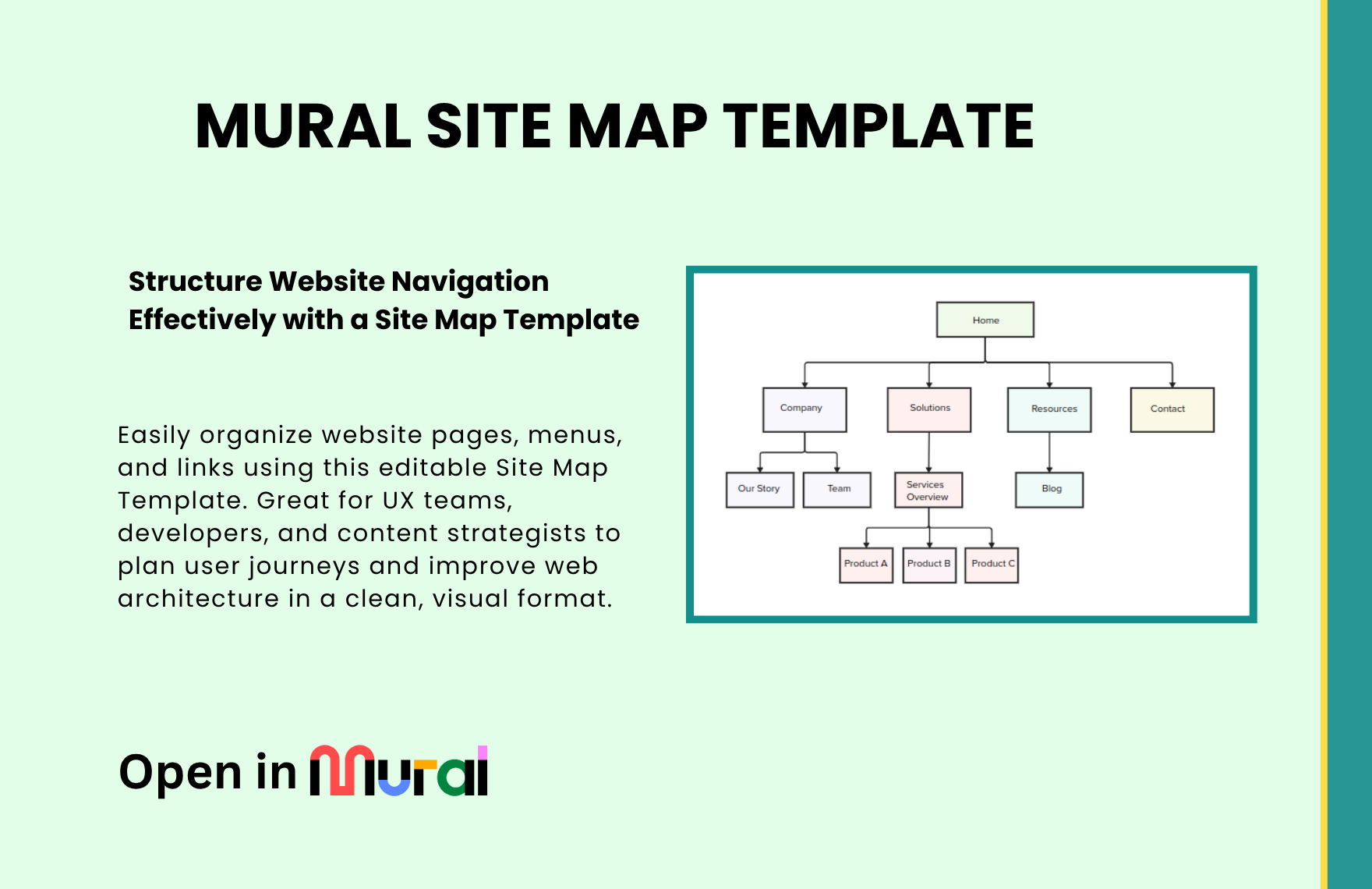
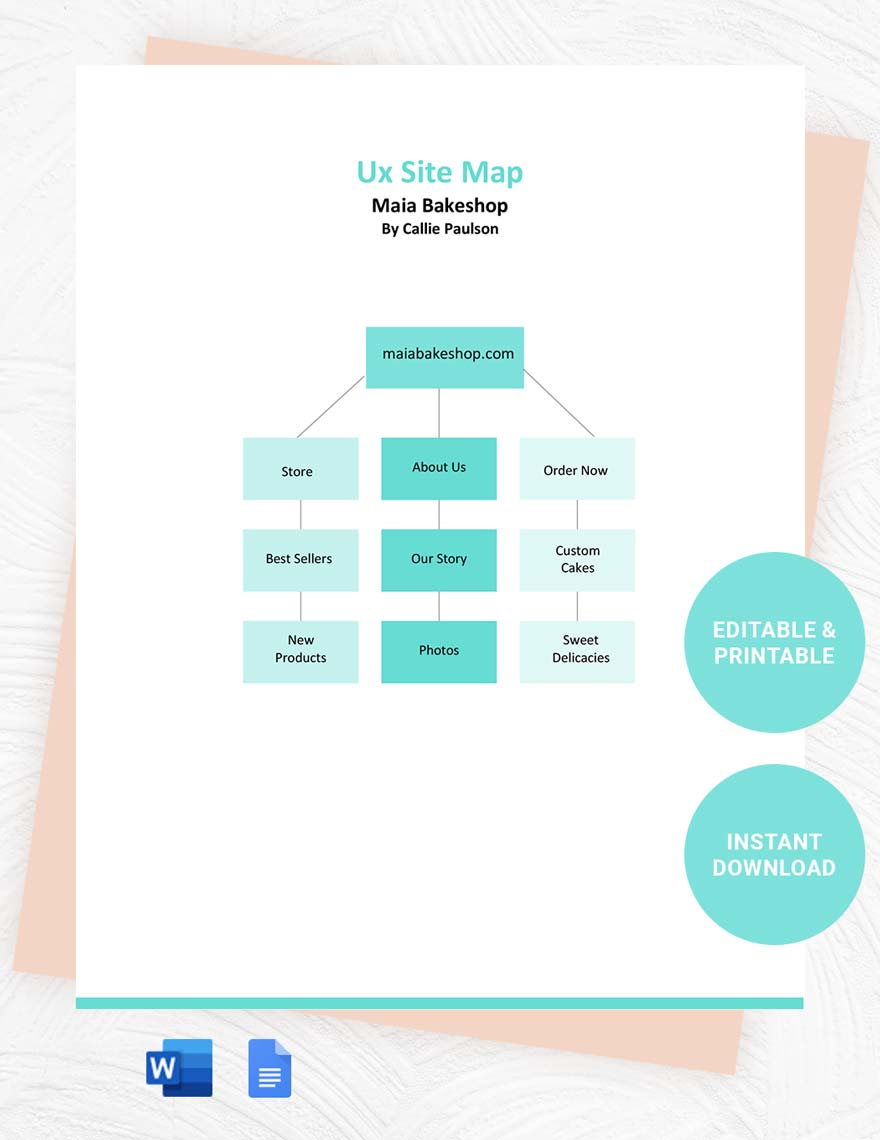
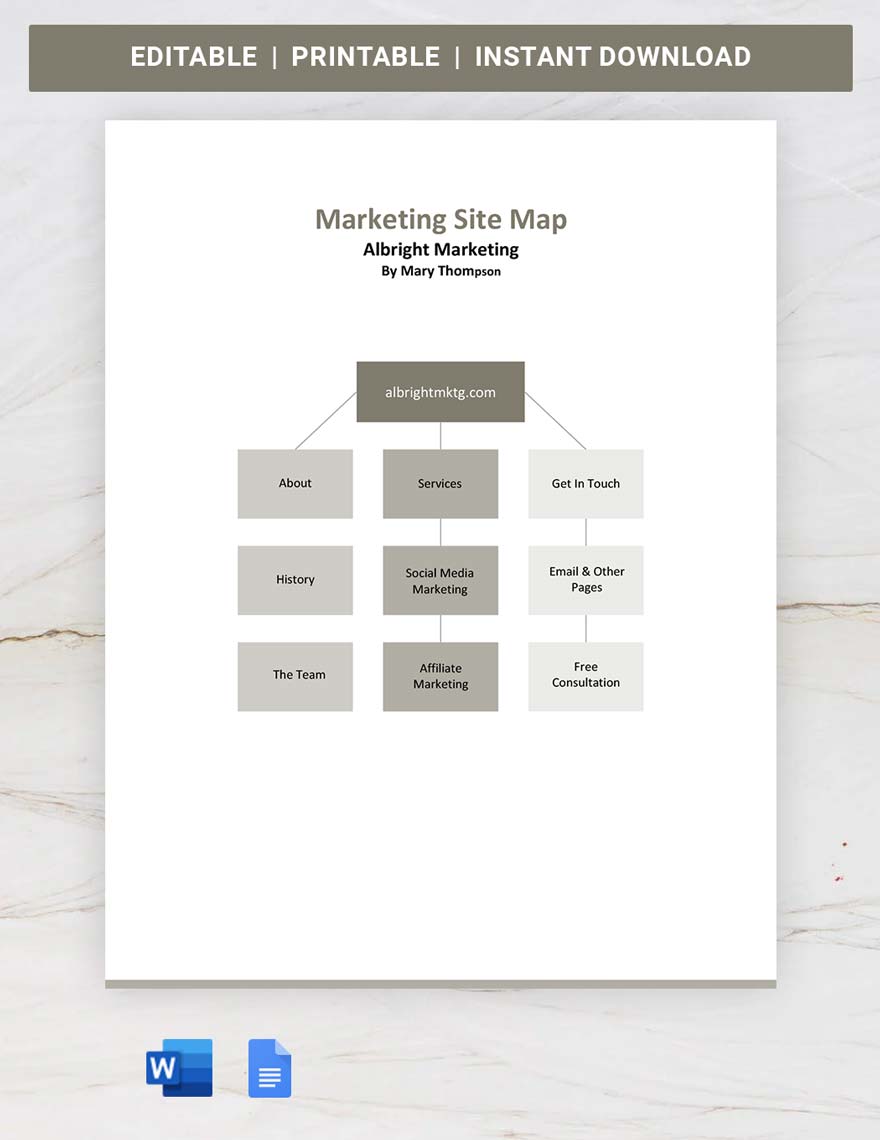
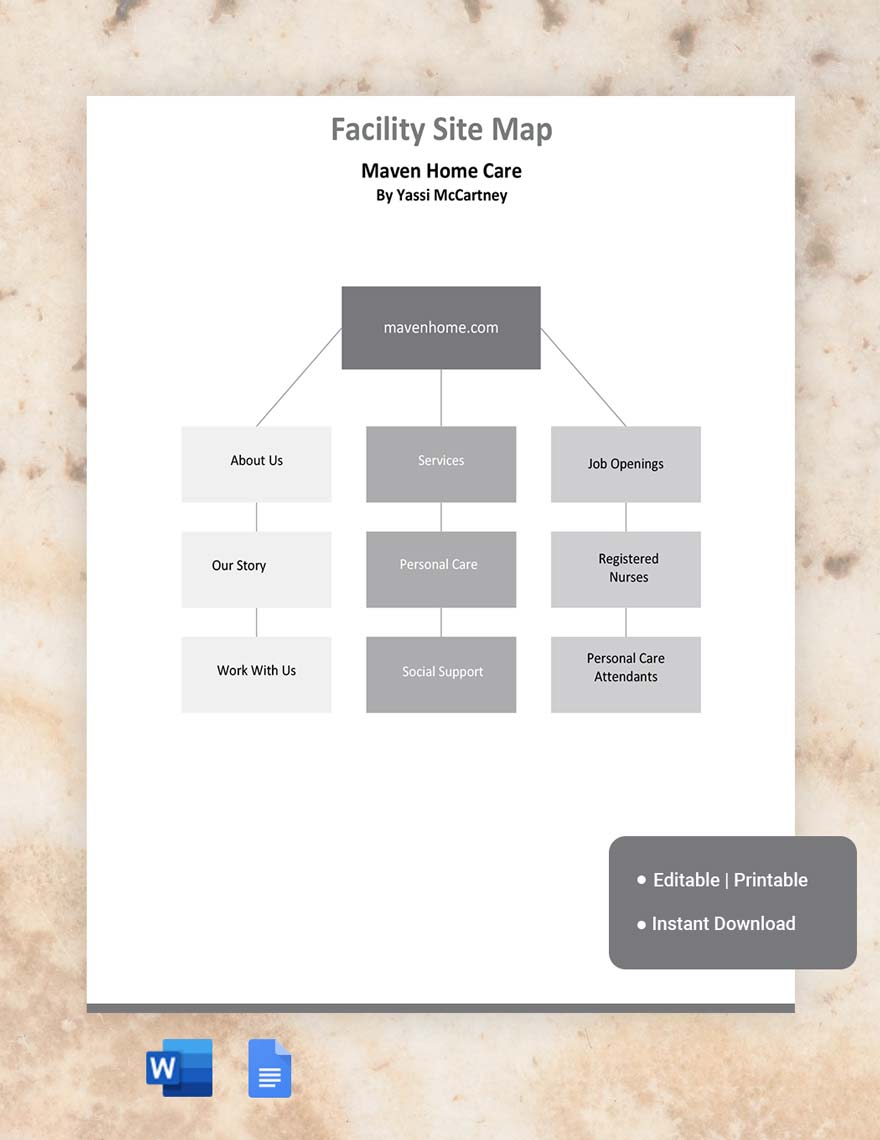
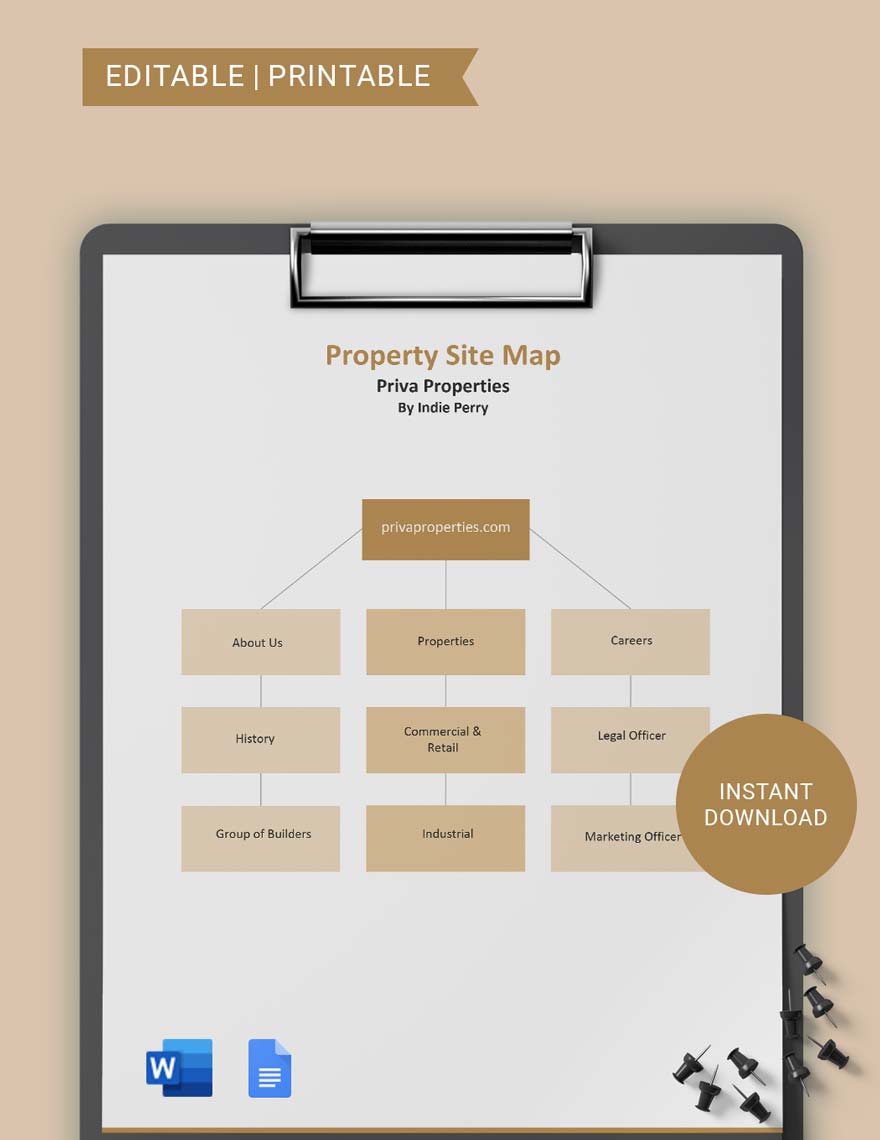
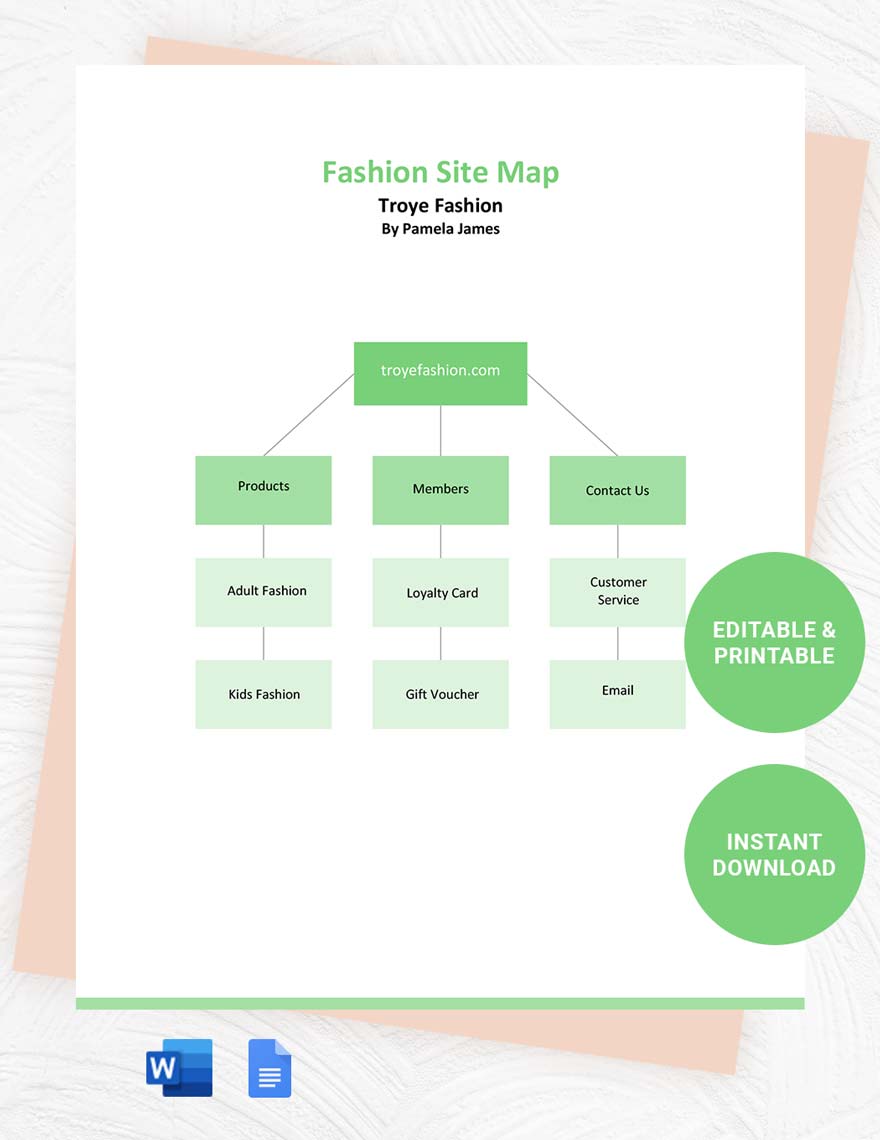
A Site Map Template is a visual diagram that outlines the hierarchical structure of a website, showing the relationships between web pages. This template helps organize content flow and navigation paths using diagram structures and visual hierarchy to facilitate website planning and design.
Why should I use a Site Map Template?
Using a Site Map Template supports clear visualization of your website’s architecture, improving workflow connections and content organization. It enhances communication between designers and developers by providing structural clarity and reducing errors during site development.
Who uses Site Map Templates?
Site Map Templates are commonly used by web designers, developers, content strategists, and project managers. These templates assist teams in collaboration features by providing a shared visual reference for planning website layout and content hierarchy.
What are the best tips for completing my Site Map Template?
To effectively complete your Site Map Template, follow these key tips:
- Define clear page hierarchy – establish parent and child relationships.
- Use consistent labeling – ensure page names are clear and descriptive.
- Include all key pages – cover homepage, categories, and content pages.
- Maintain visual clarity – avoid clutter by spacing elements evenly.
- Use color coding – differentiate page types or status.
- Update regularly – keep the template current with project changes.
- Collaborate with stakeholders – gather feedback to improve accuracy.
What file formats can I download for my Site Map Template?
Template.net whiteboard Site Map Templates support multiple export formats for collaboration and sharing including PDF, PNG, JPG, SVG, and Microsoft PowerPoint.
Can I create a Site Map Template using AI?
Template.net provides an AI-powered tool that generates new Site Map Template structures from prompts. You can try the Site Map Maker to create customized site map layouts quickly and efficiently.
What essential elements should be included in my Site Map Template?
Your Site Map Template should include these essential elements for comprehensive structure representation:
- Homepage – the starting point of the website.
- Main categories – primary sections or navigation hubs.
- Subpages – child pages under each category.
- Links and connections – arrows or lines showing navigation paths.
- Labels – clear page titles or descriptions.
- Annotations – notes for special functionality or content types.
- Footer links – any important pages linked in the footer.
- Visual hierarchy – consistent sizing or indentation to show page importance.
What are the benefits of using Site Map Template in my team collaboration workflow?
Using a Site Map Template in your team collaboration workflow improves communication clarity by providing a shared visual roadmap. It supports efficient task coordination, reduces misunderstandings, and allows simultaneous editing within Template.net’s customizable online whiteboard platform.
What structural standards should my Site Map Template follow?
Your Site Map Template should follow structural standards that ensure visual clarity and usability. This includes consistent alignment, clear labeling, logical hierarchical levels, and use of connecting lines that accurately represent navigation flow and relationships between pages.
