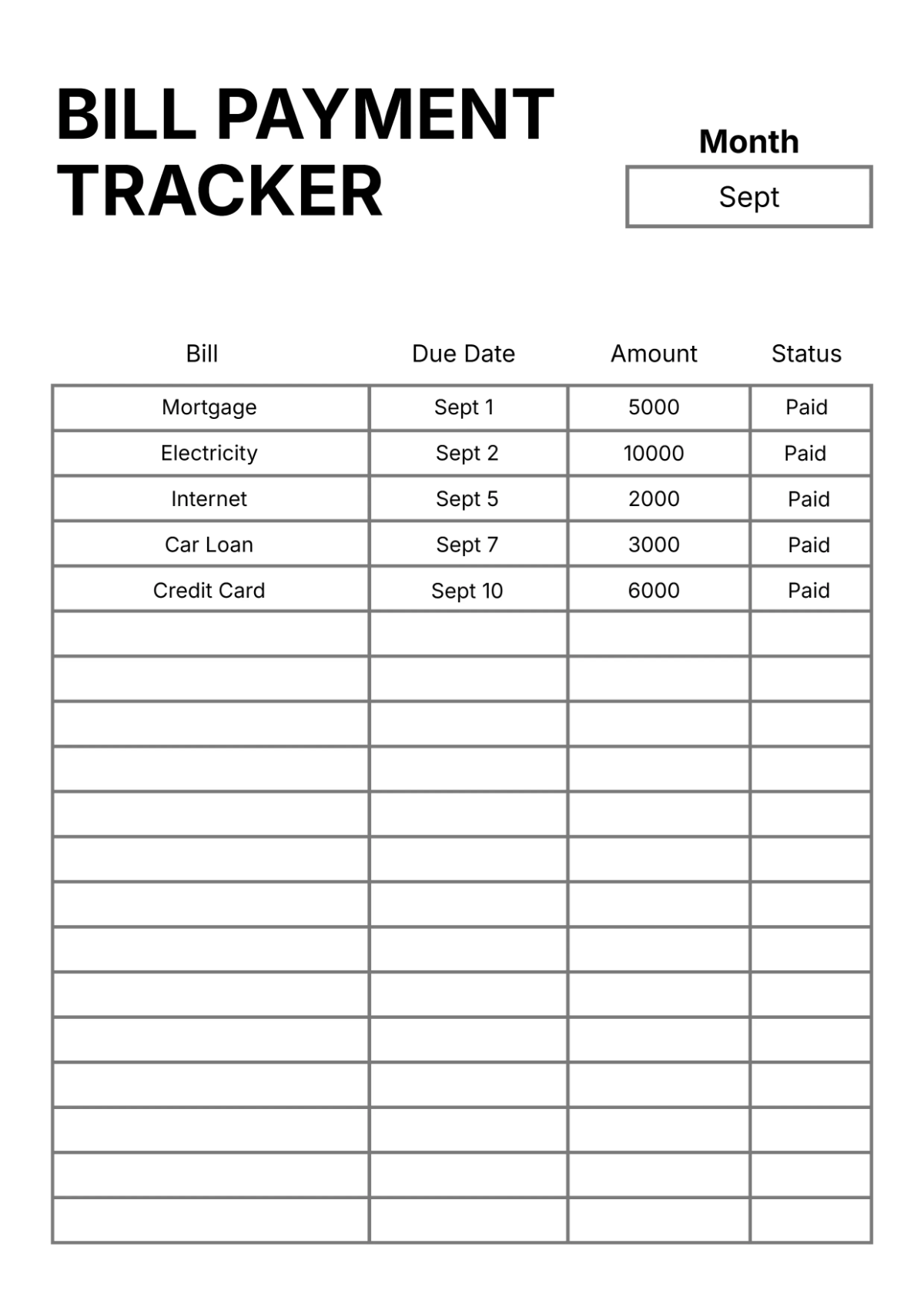
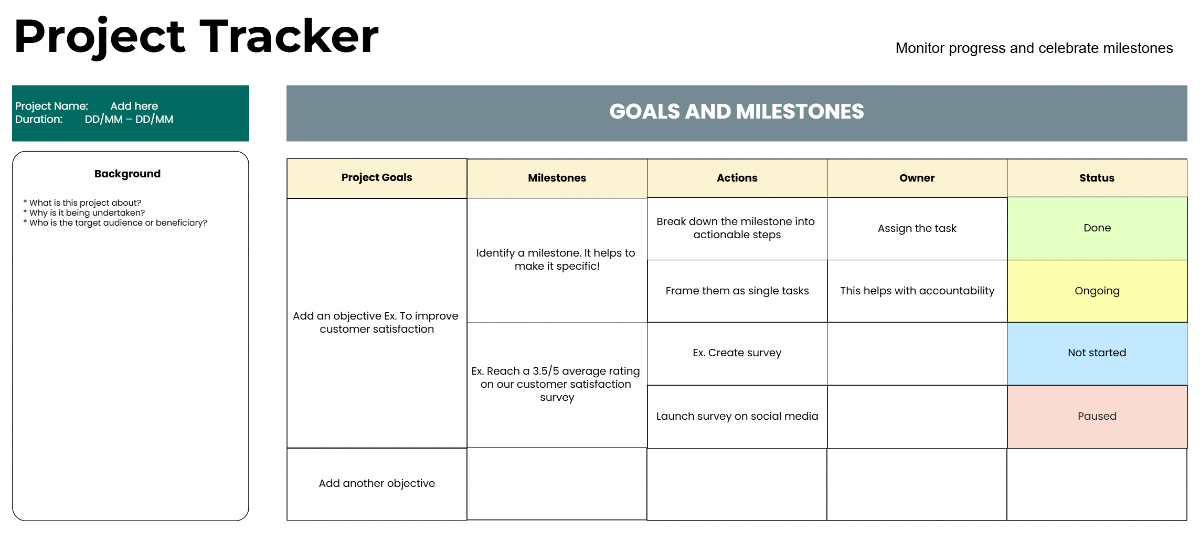
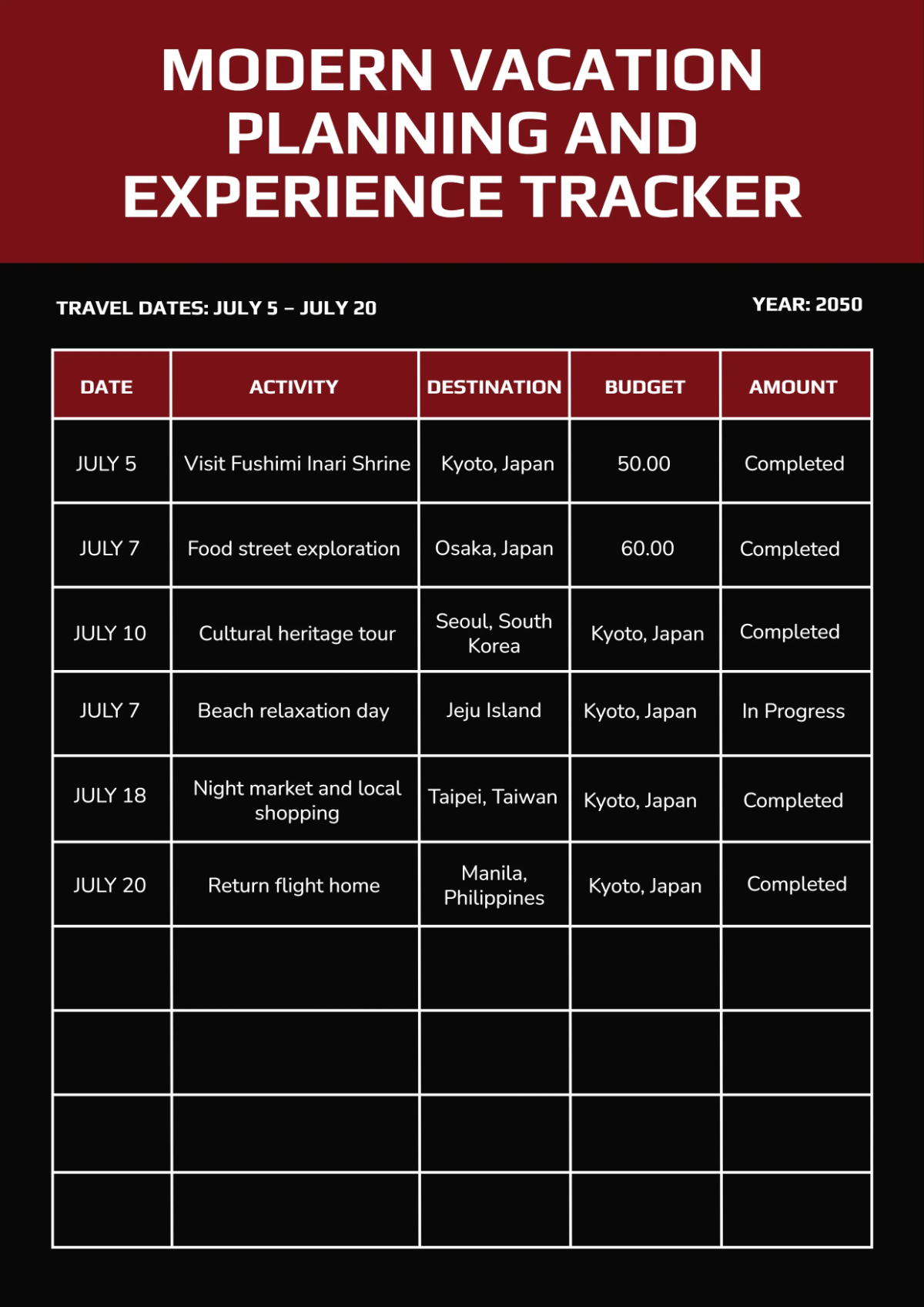
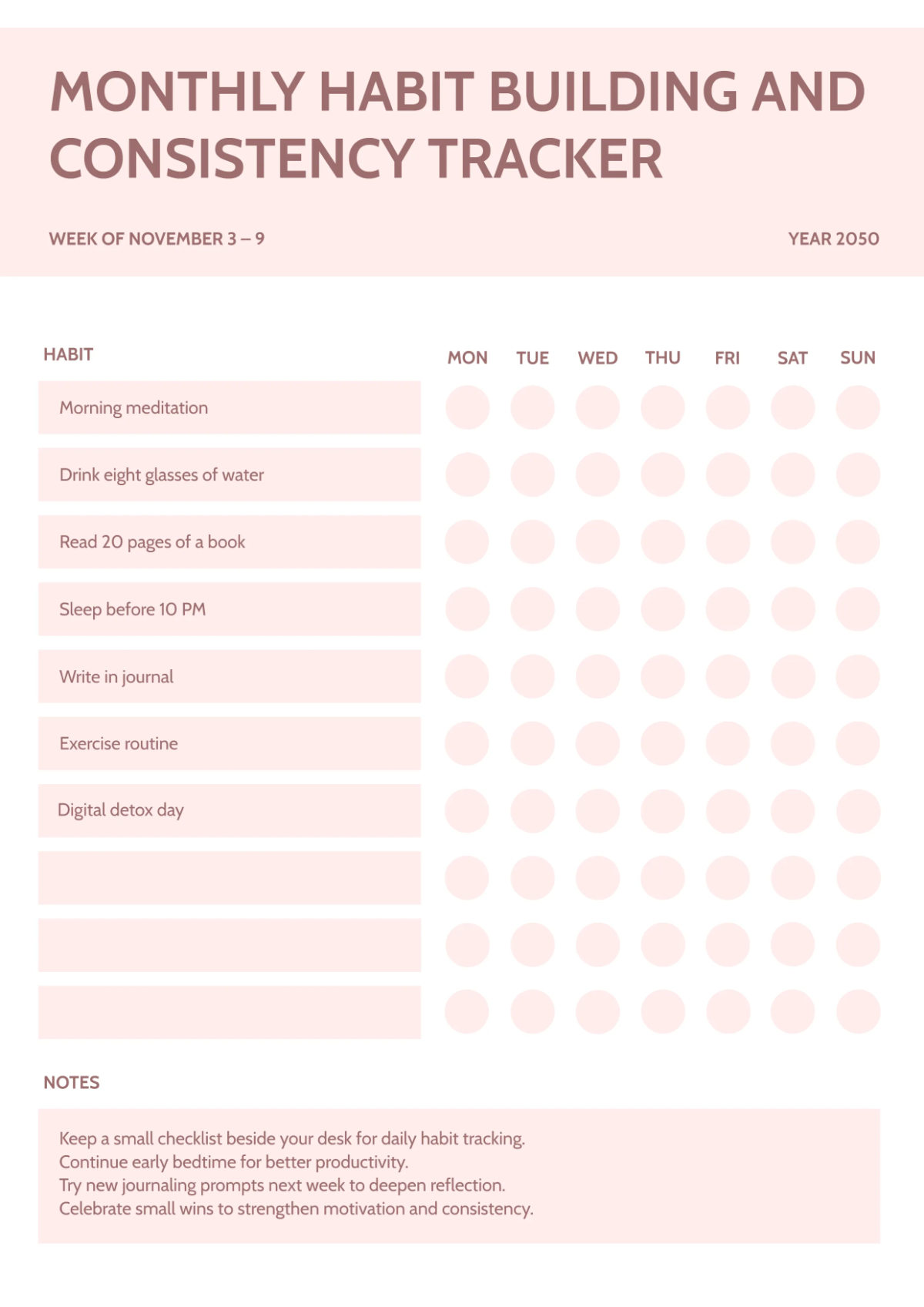
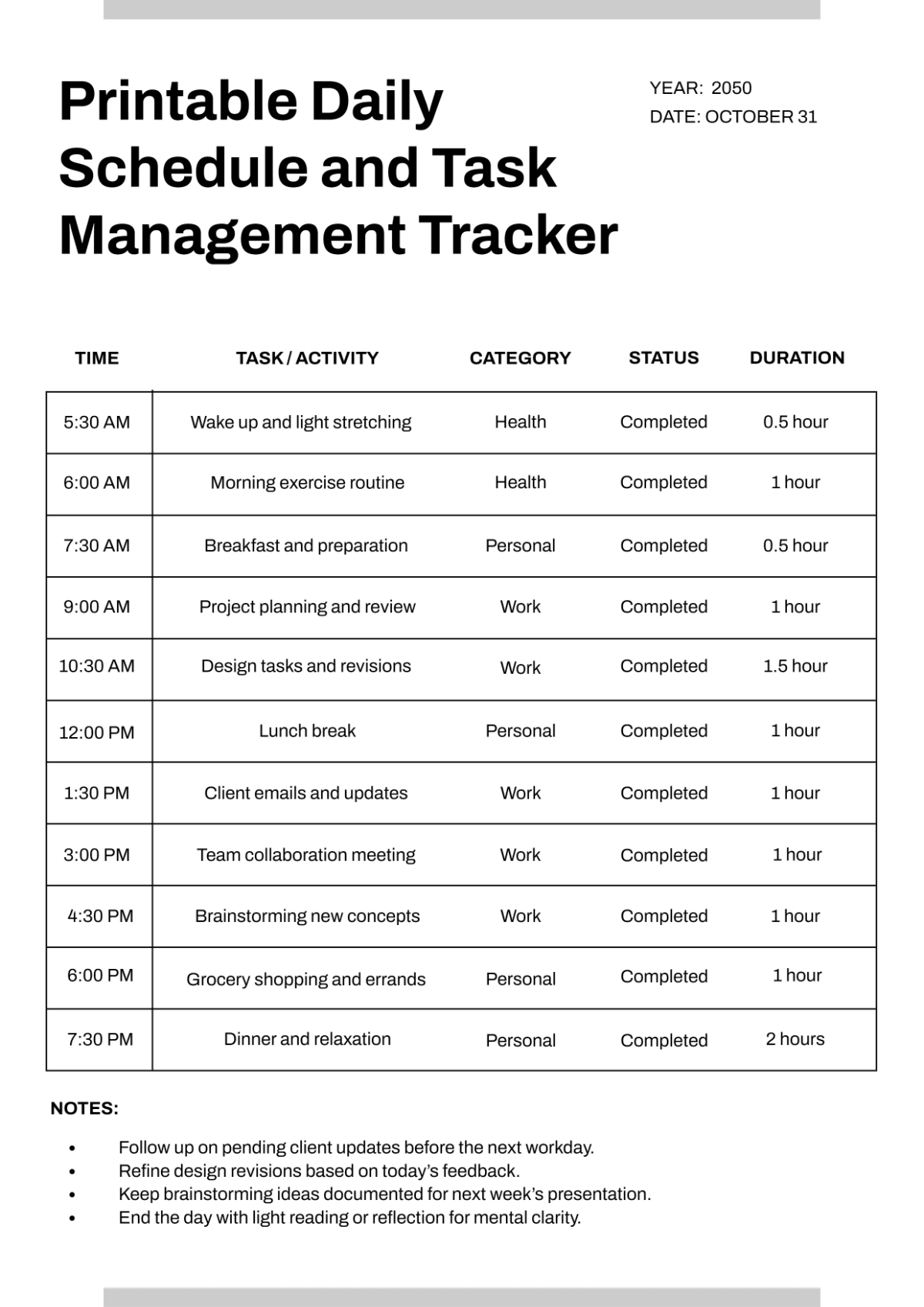
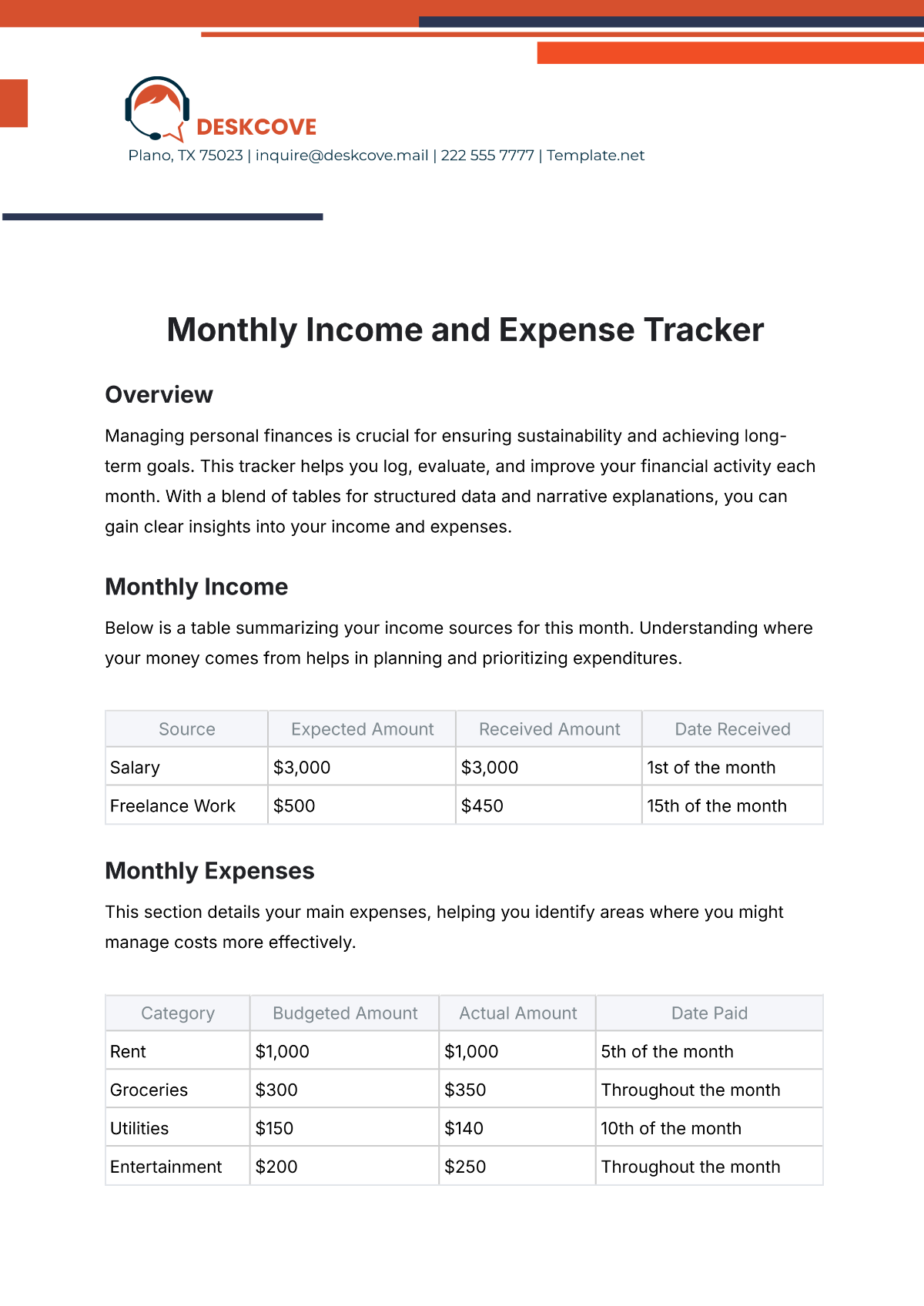
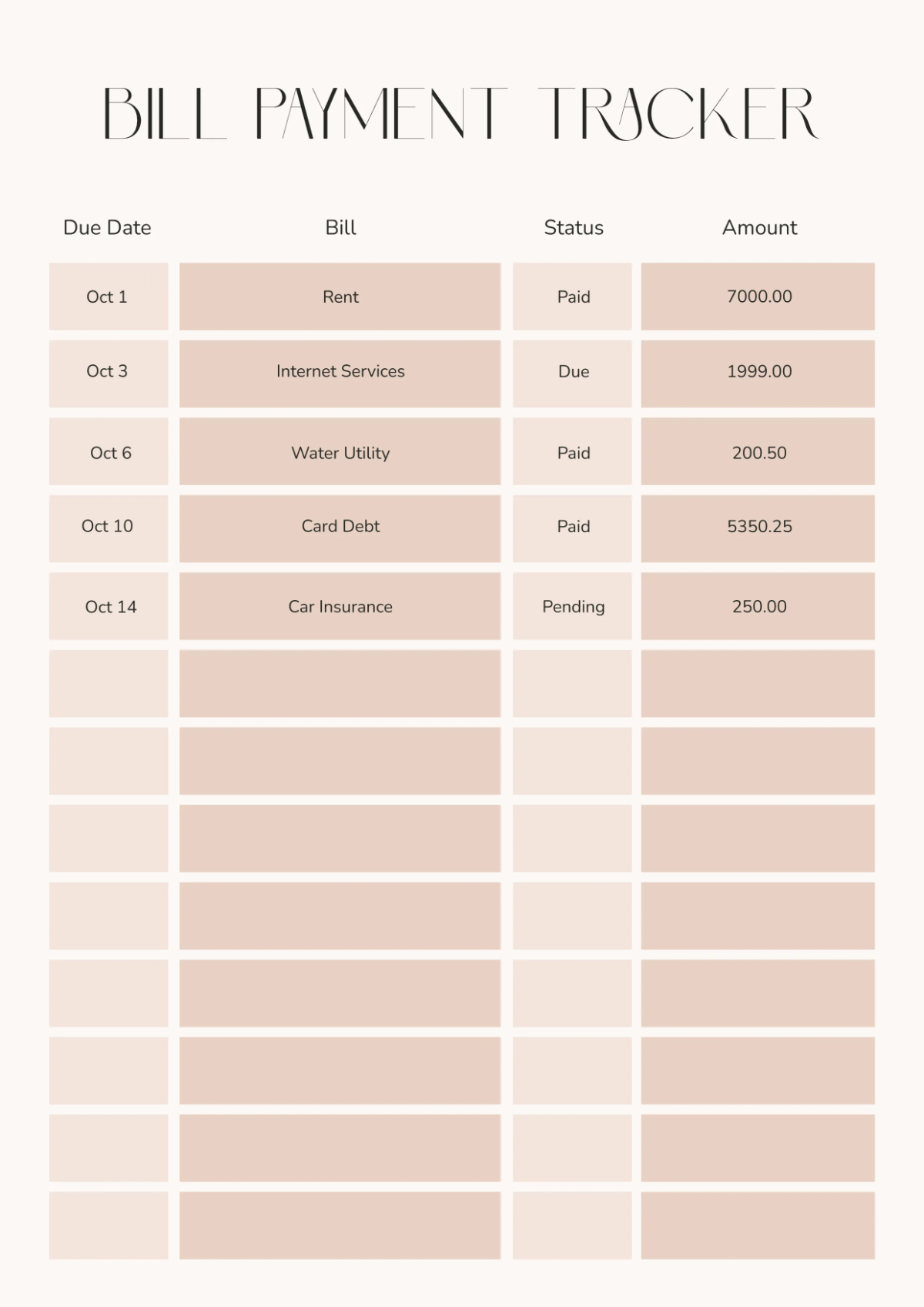
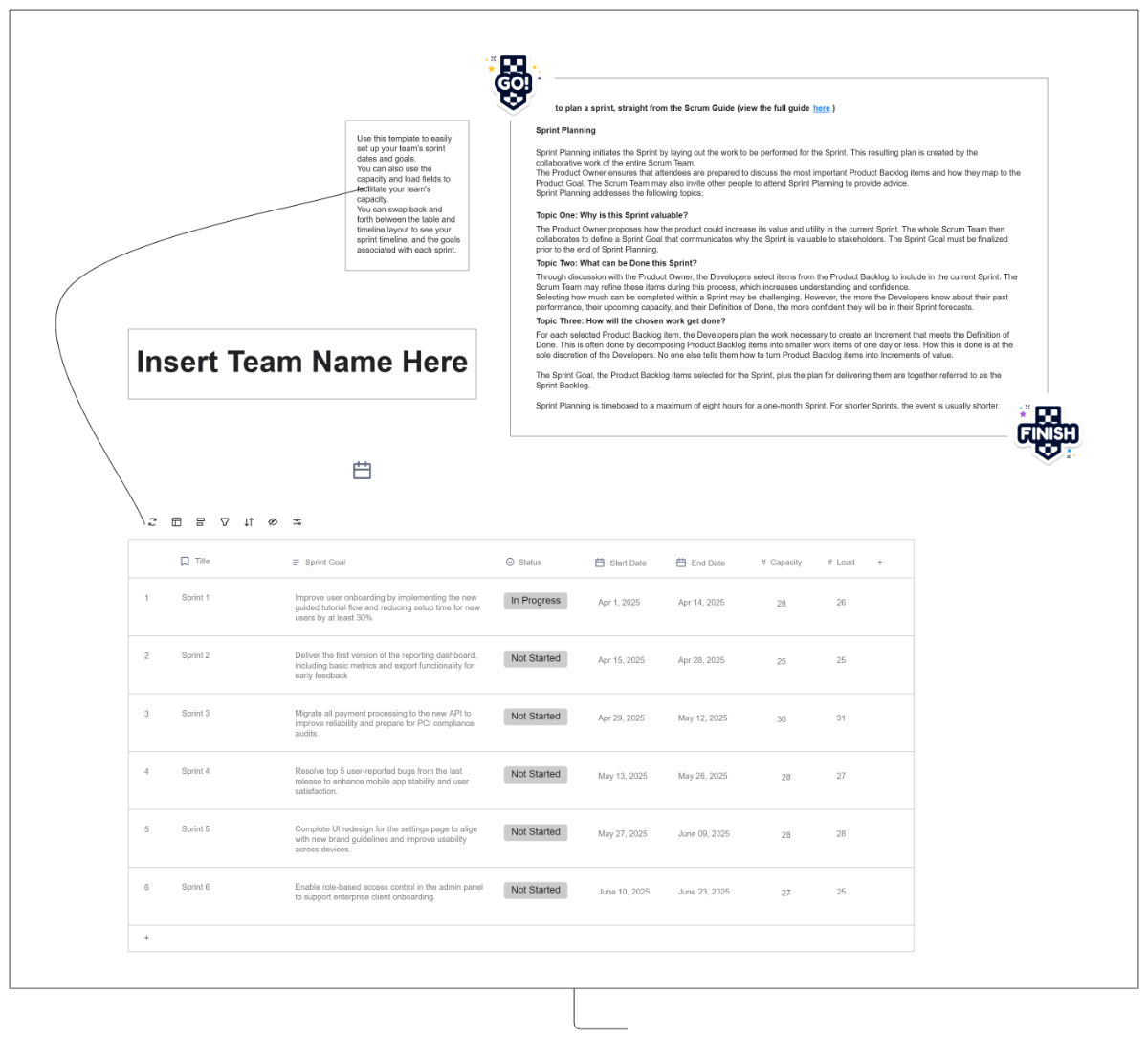
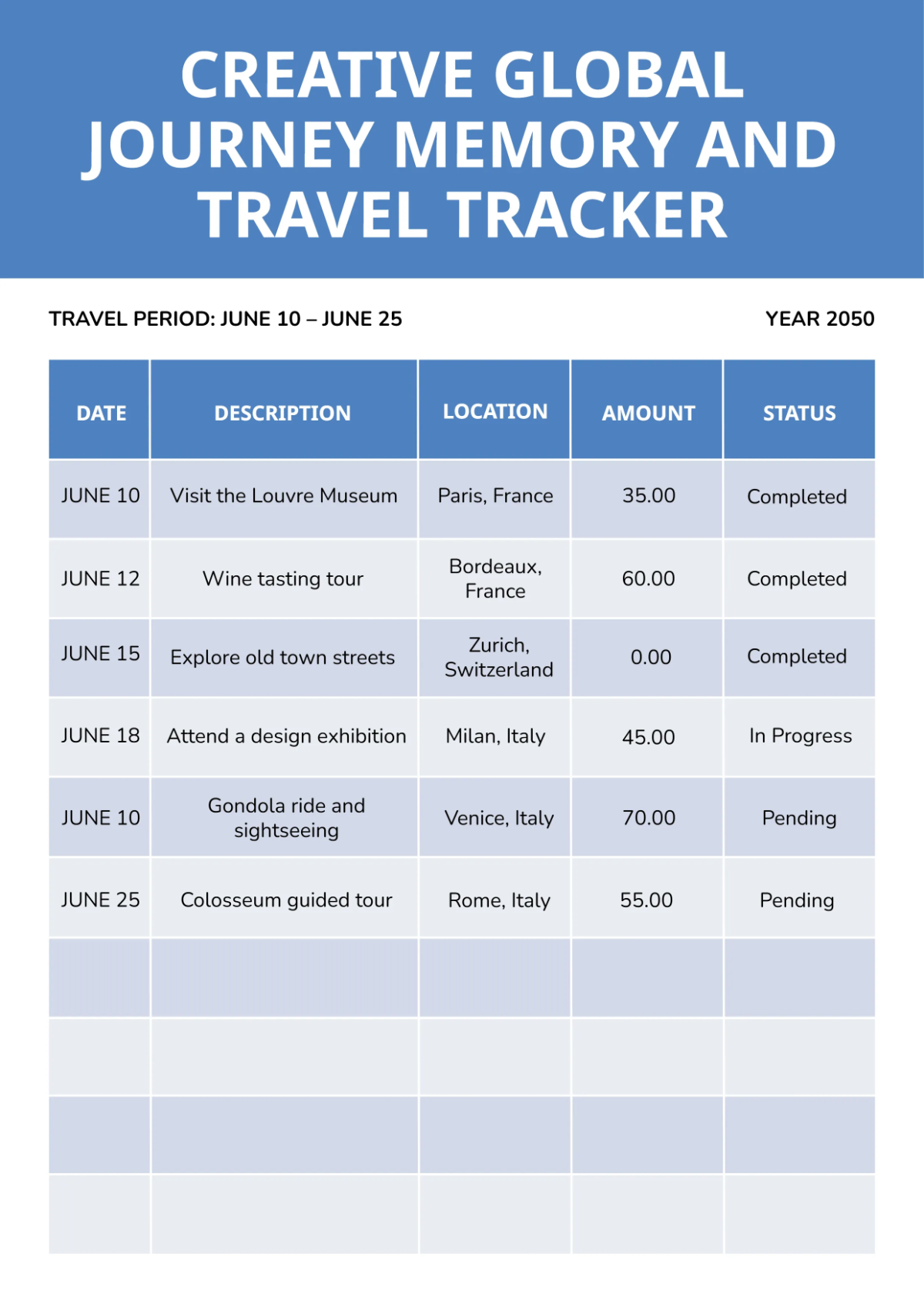
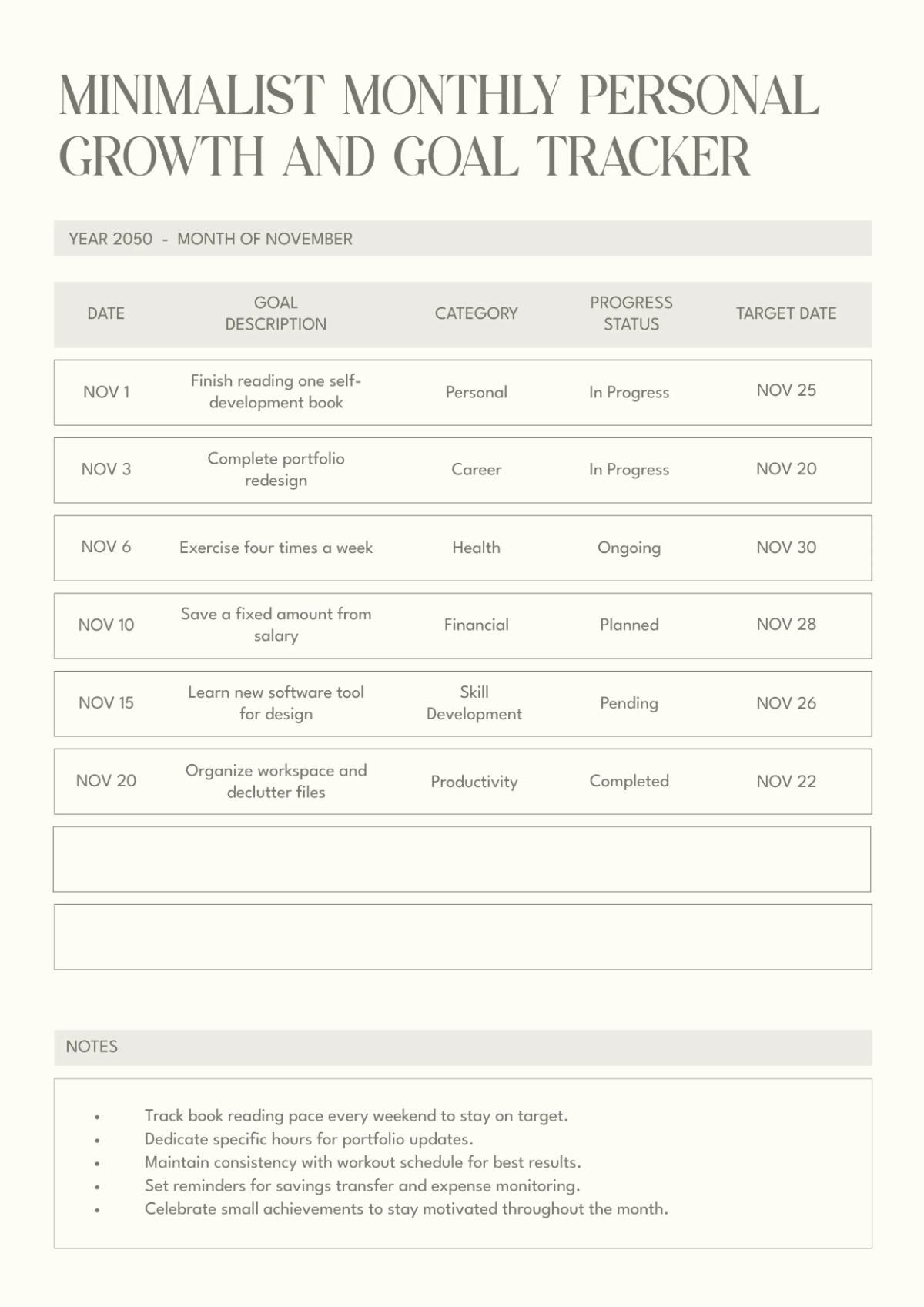
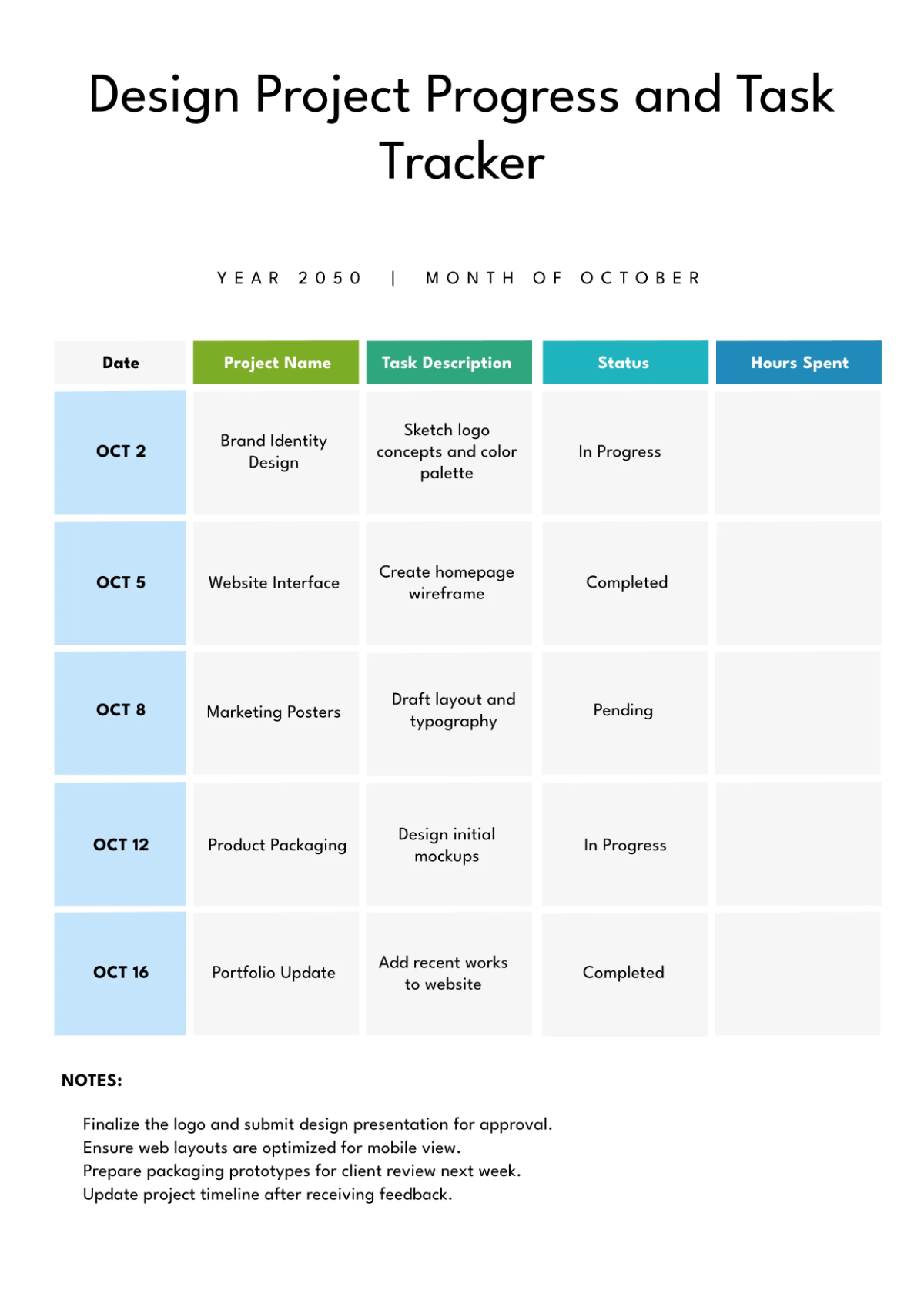
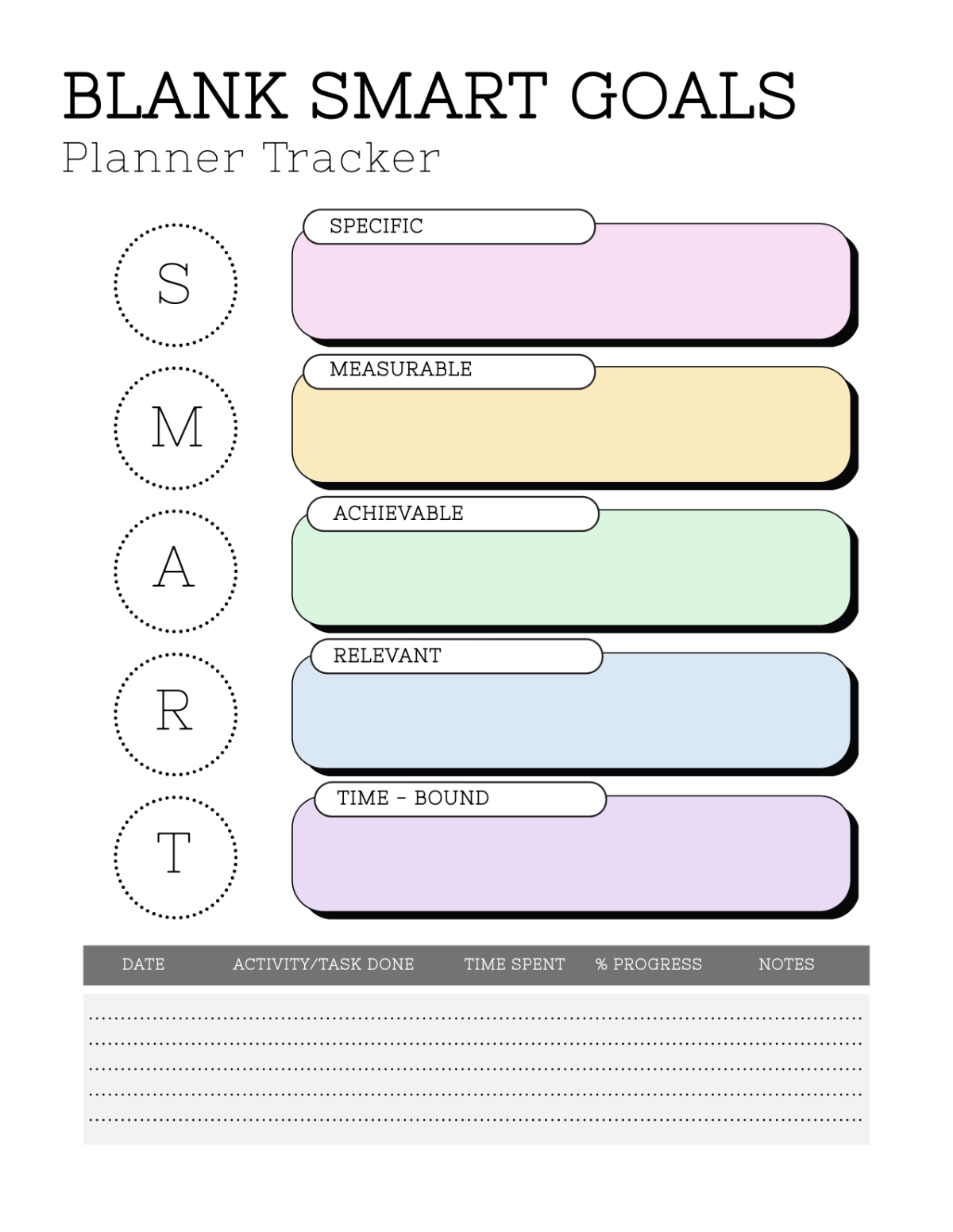
Free Tracker Templates
Free Tracker Templates: Editable Examples, Uses, and Download Formats
What is a Tracker?
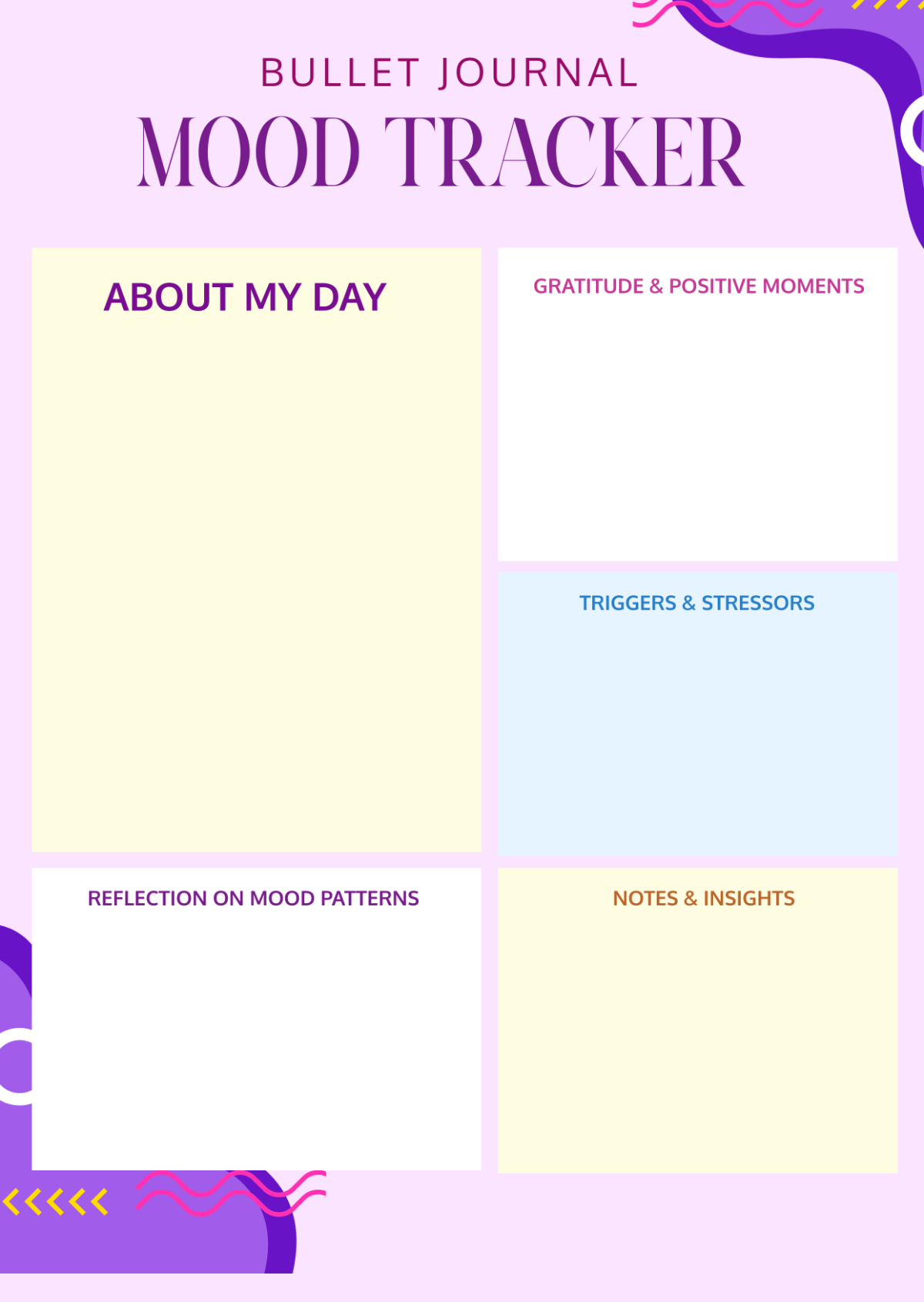
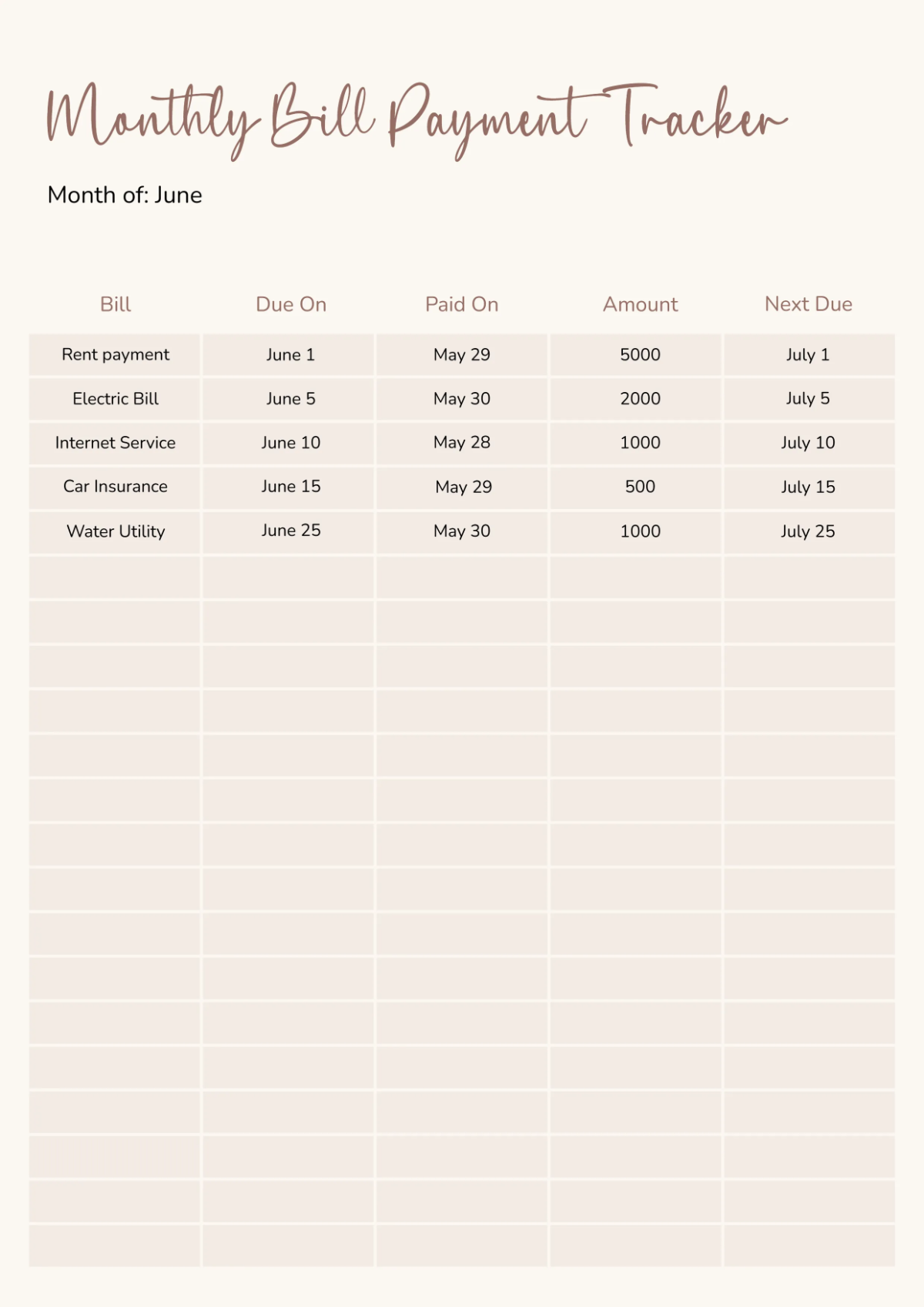
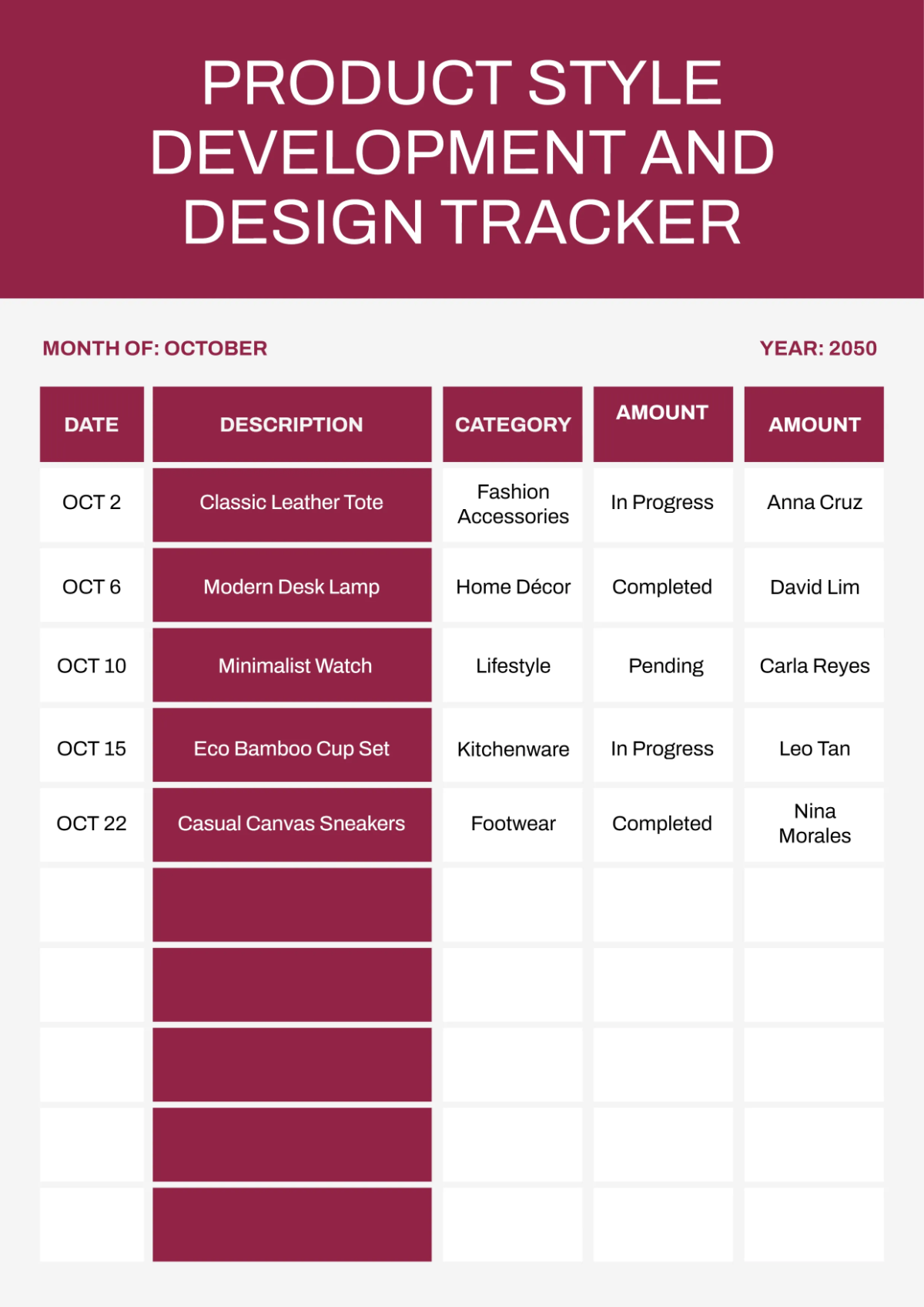
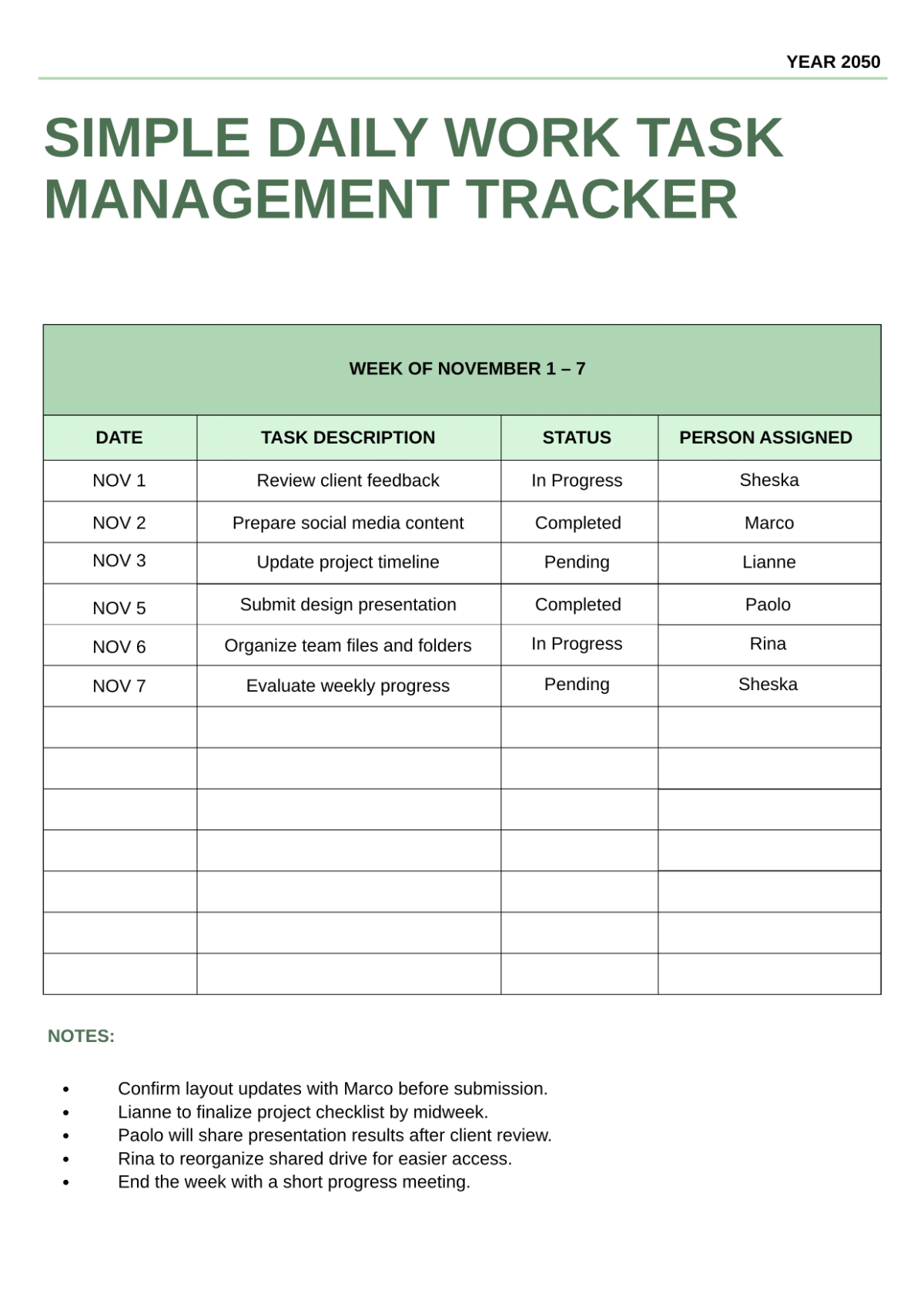
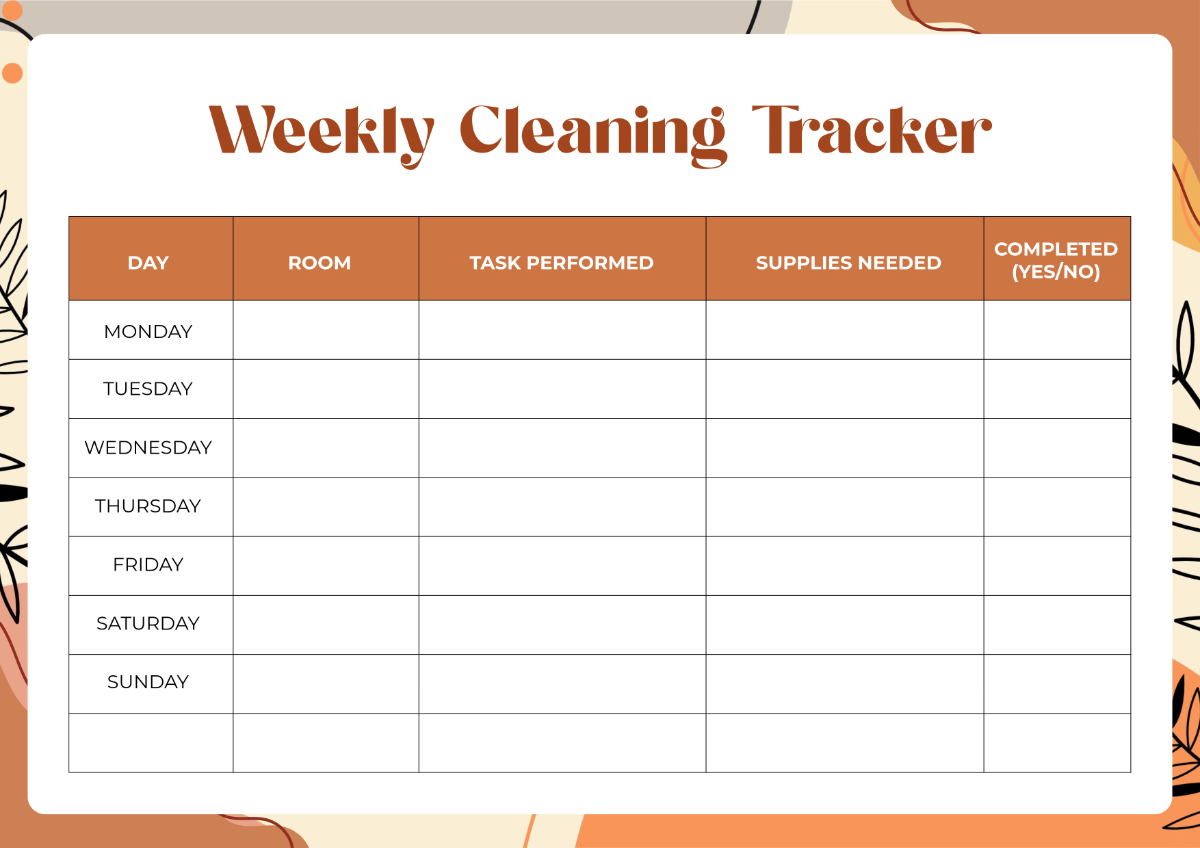
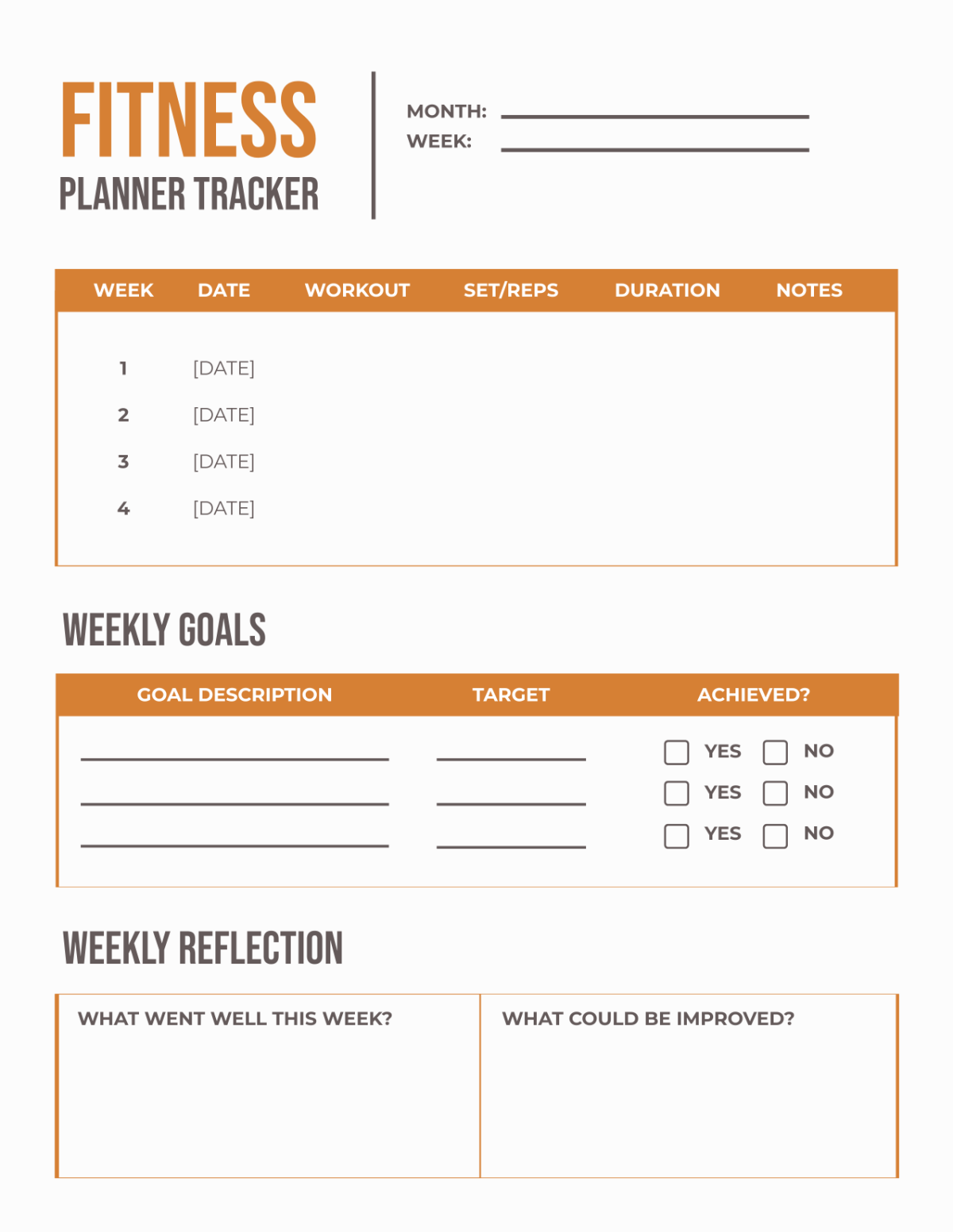
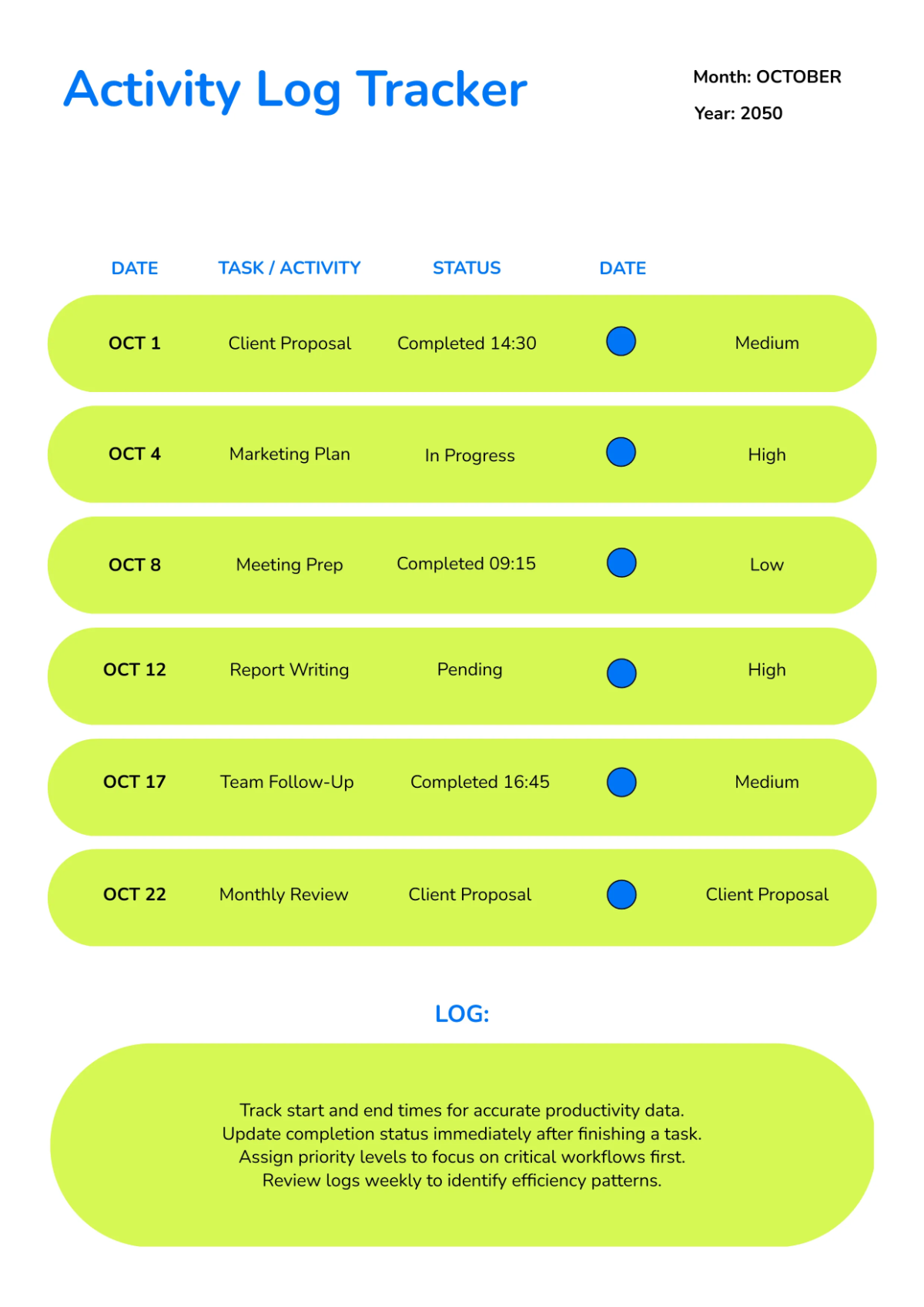
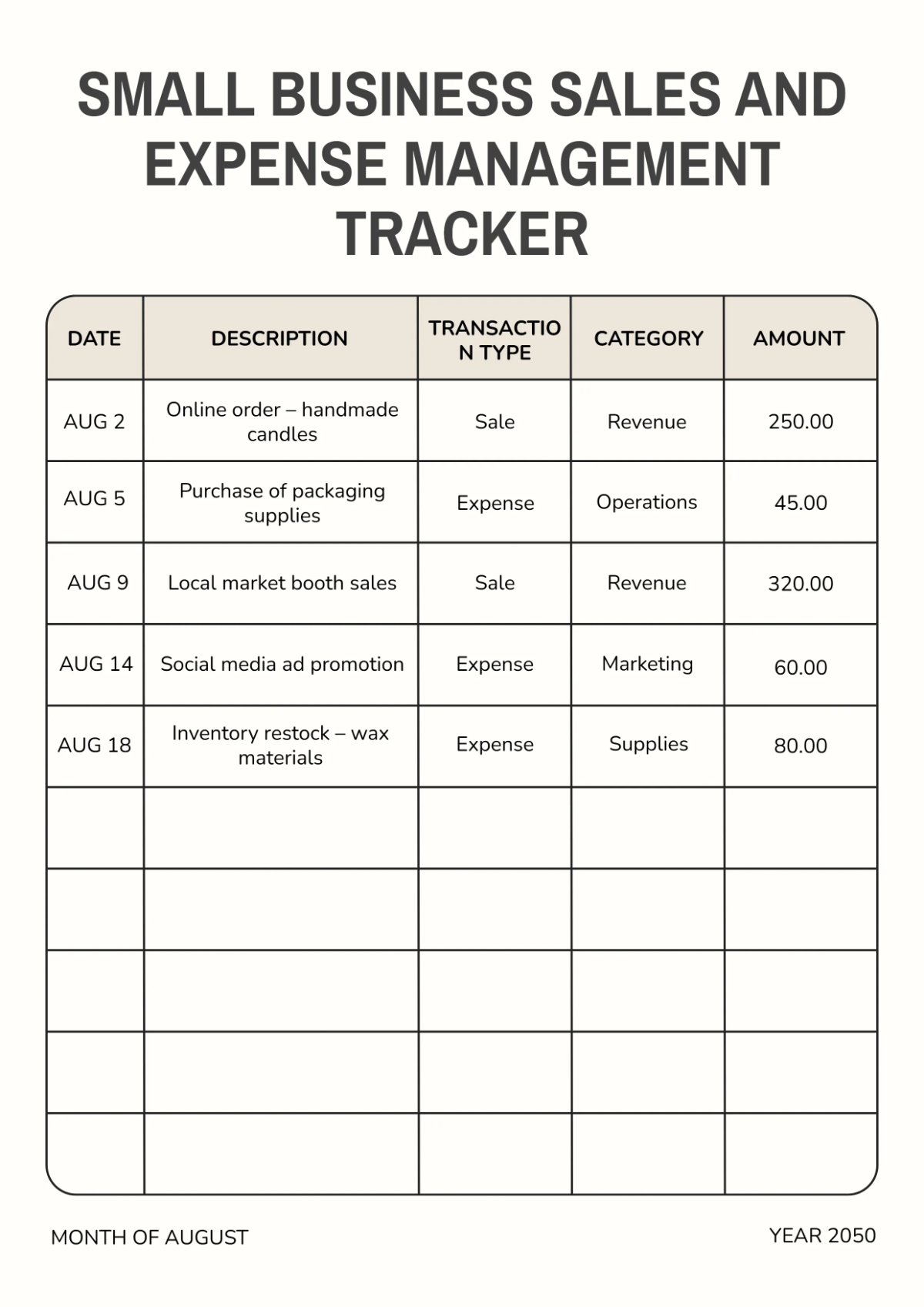
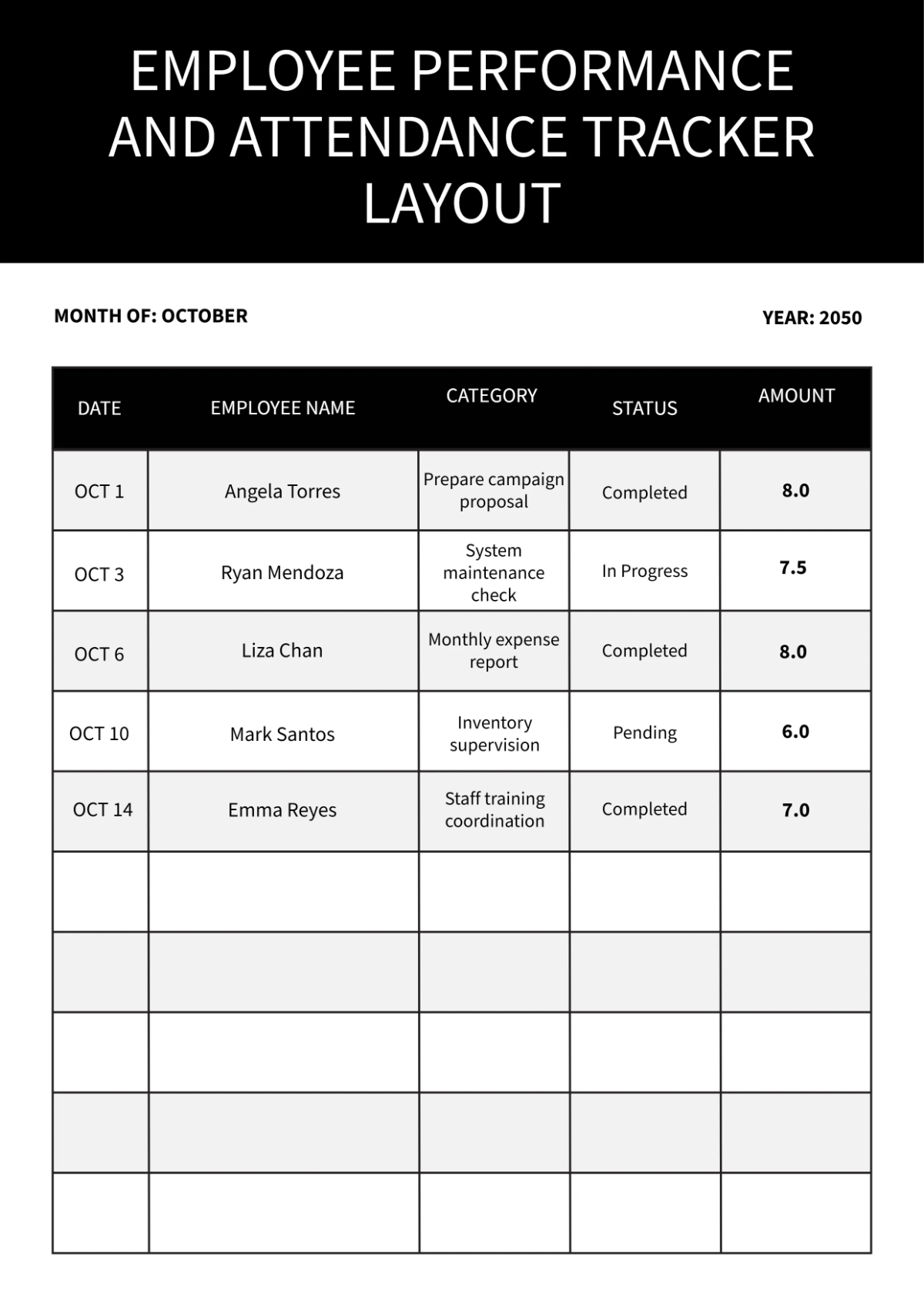
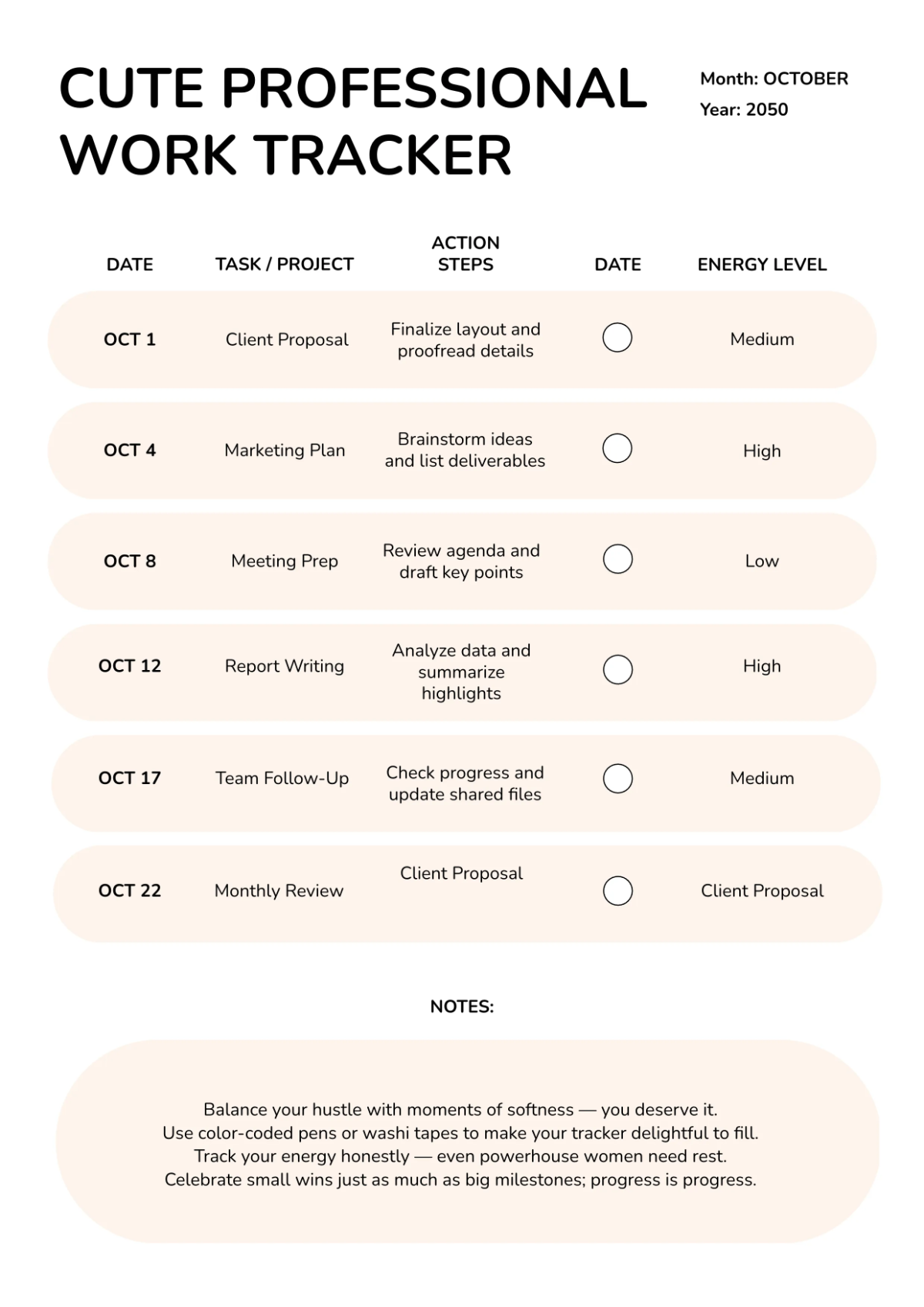
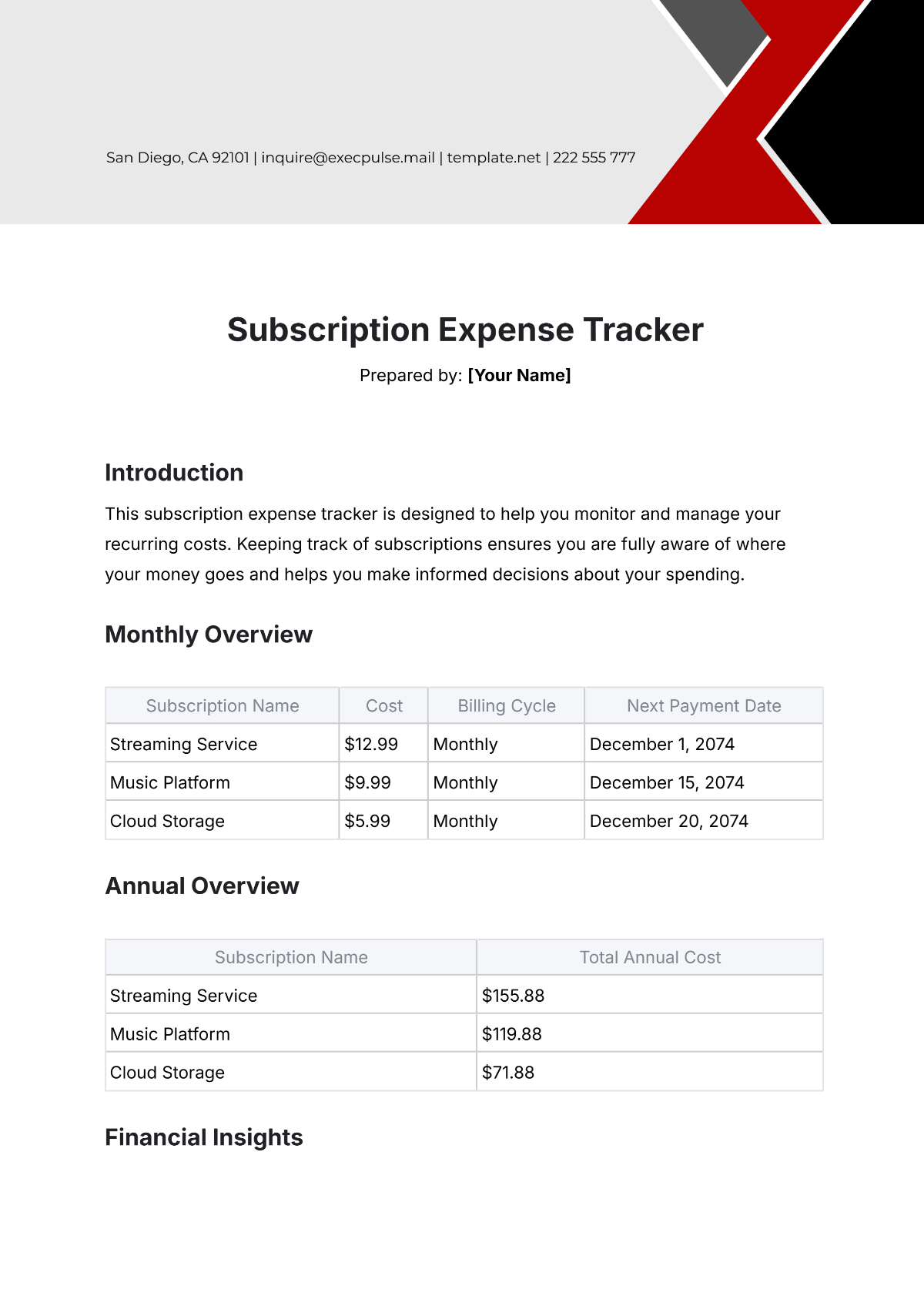
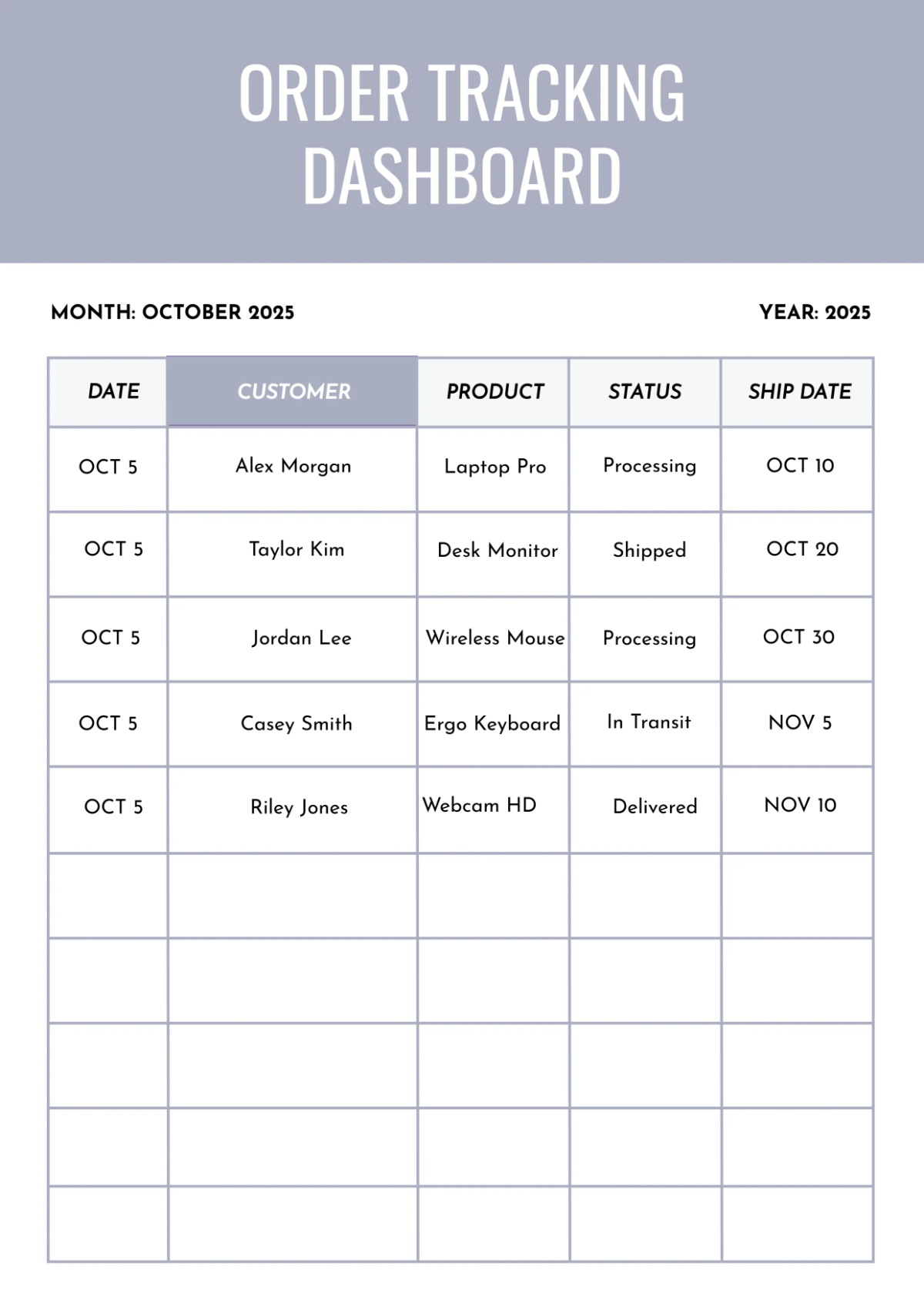
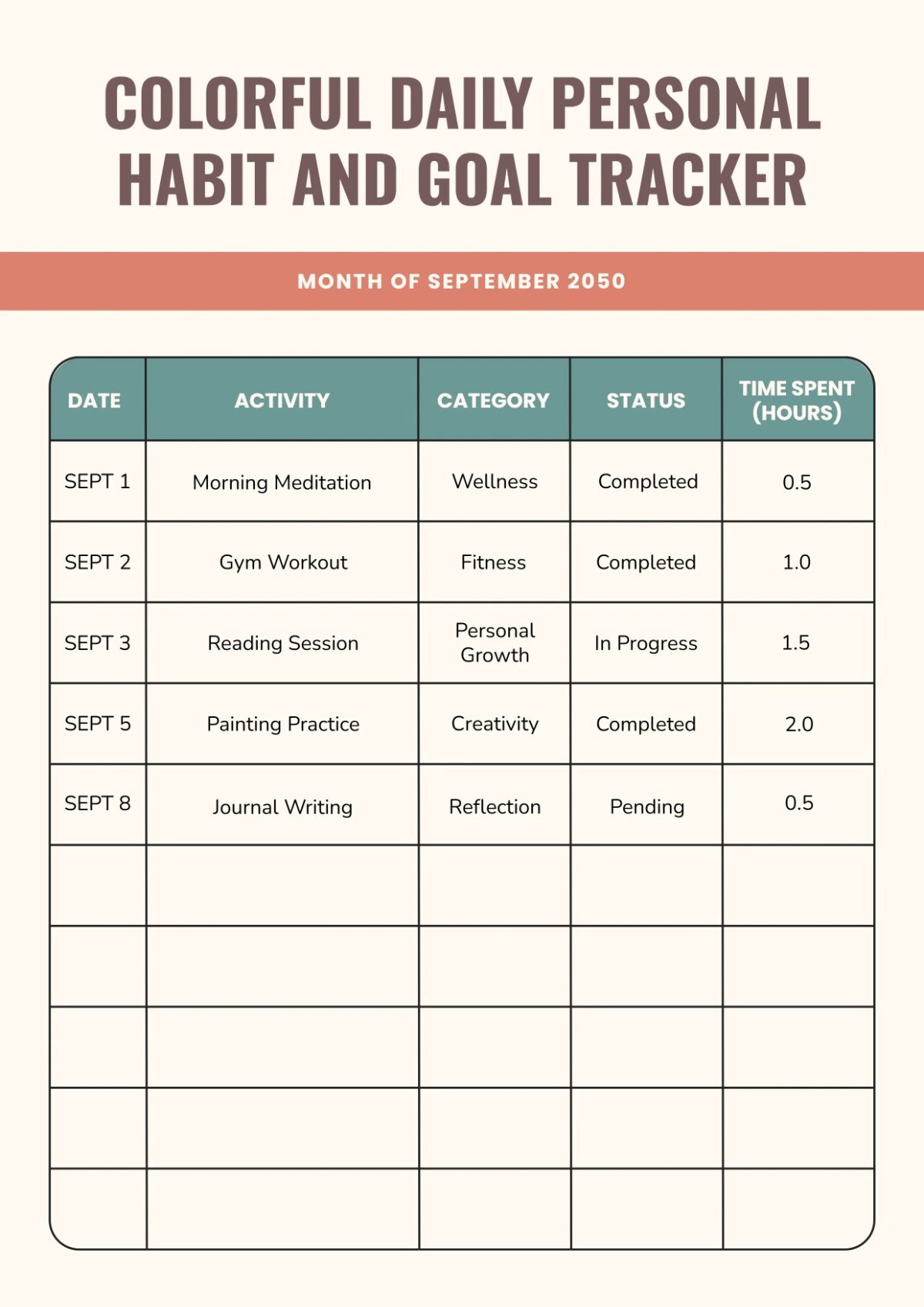
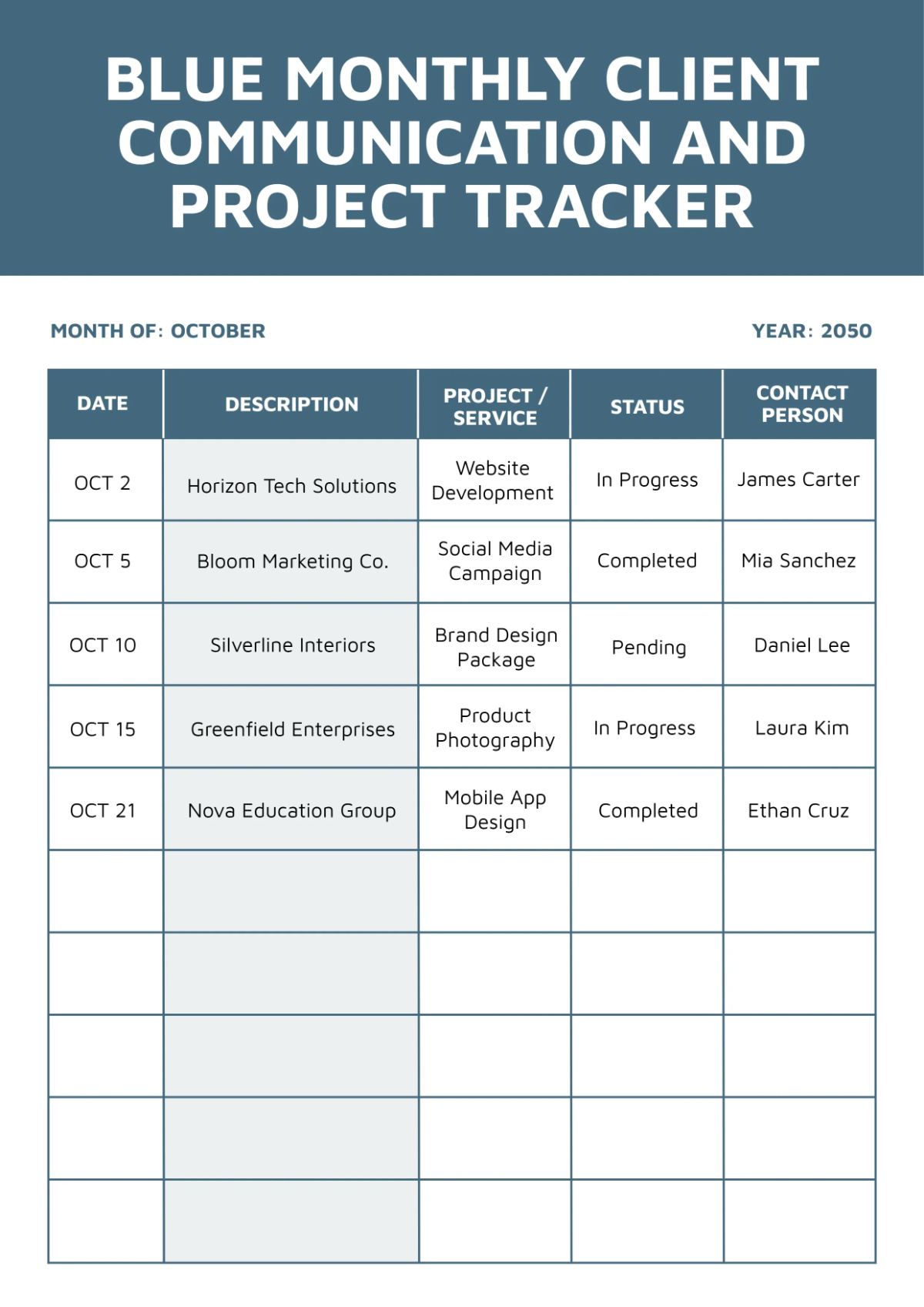
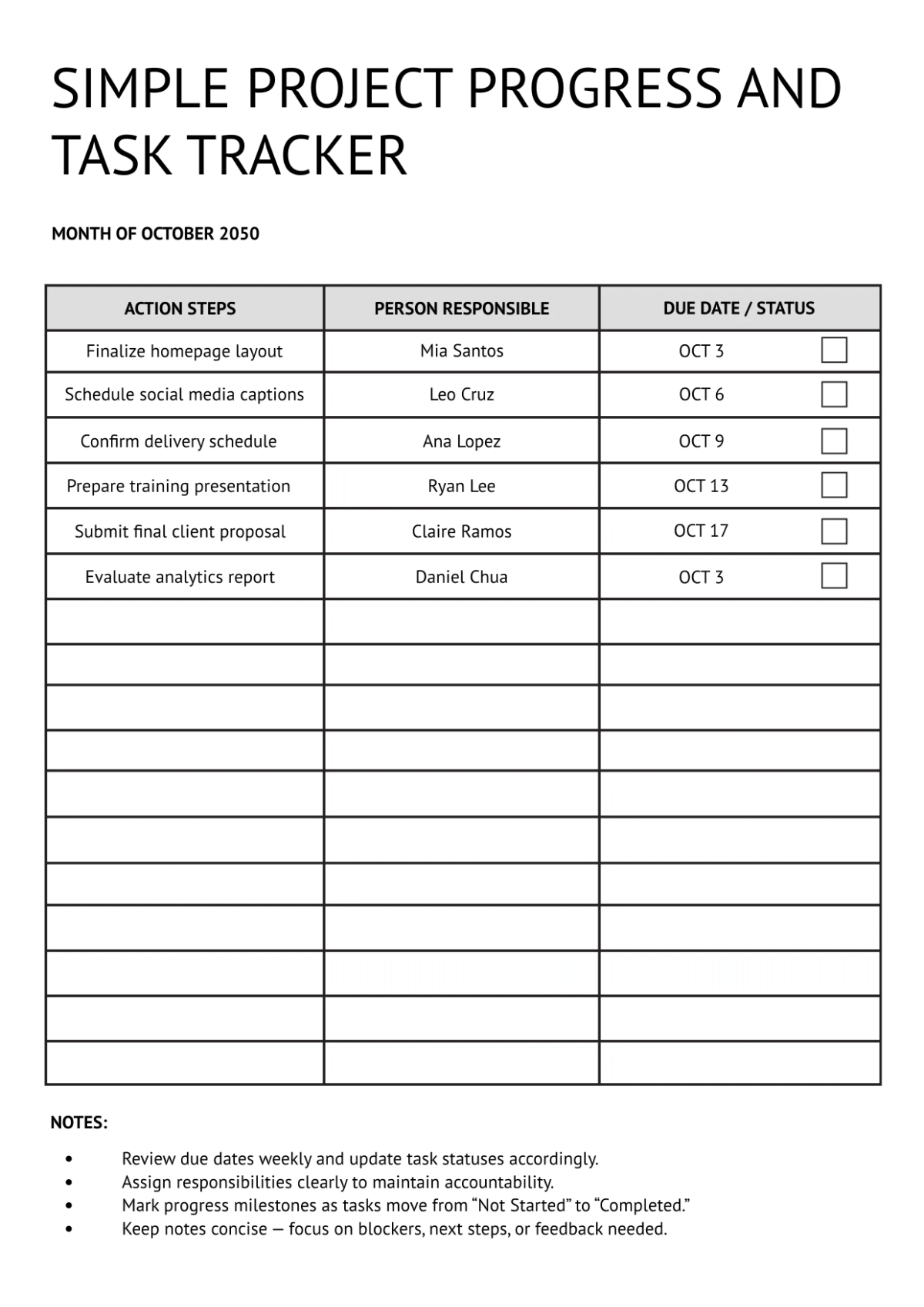
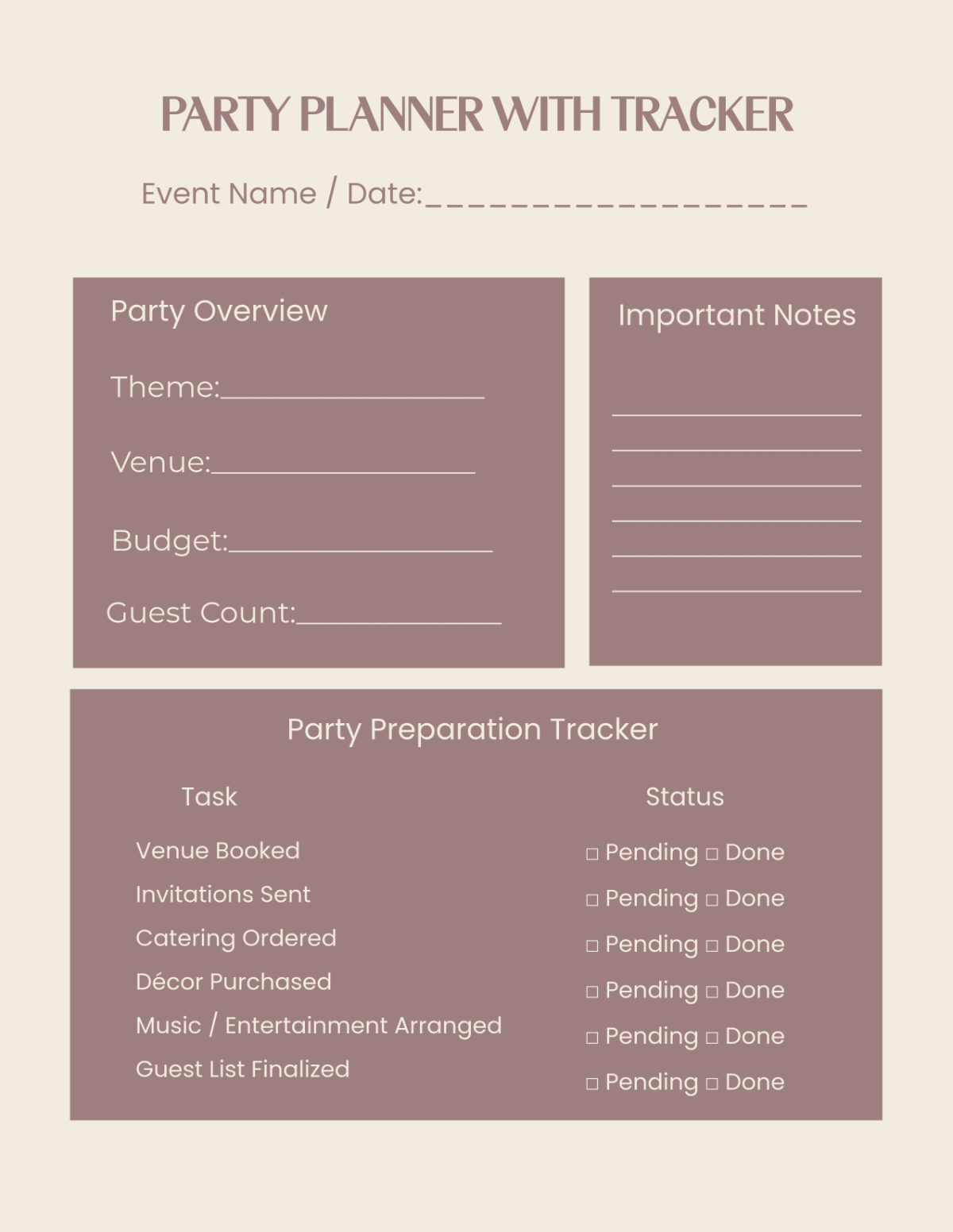
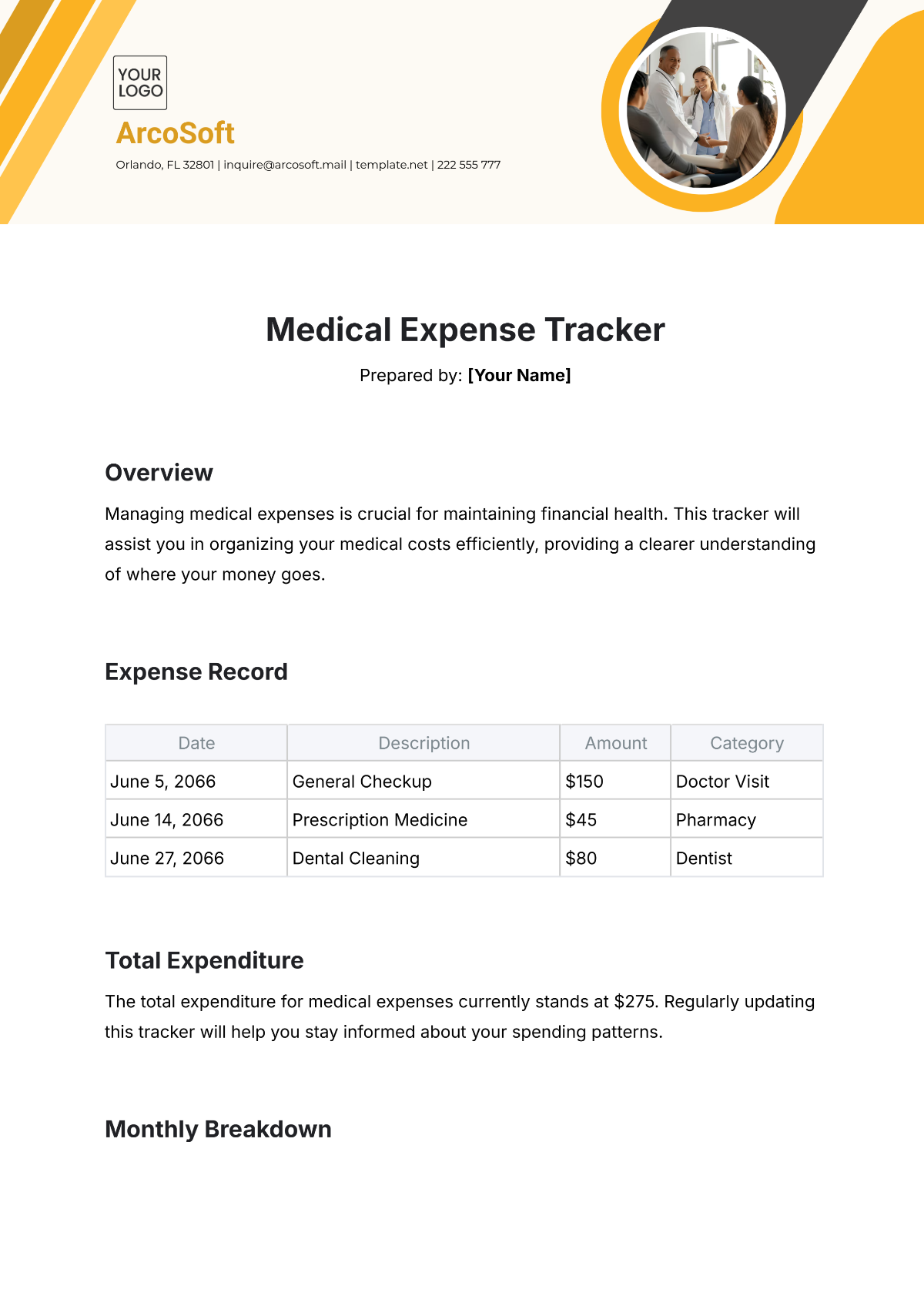
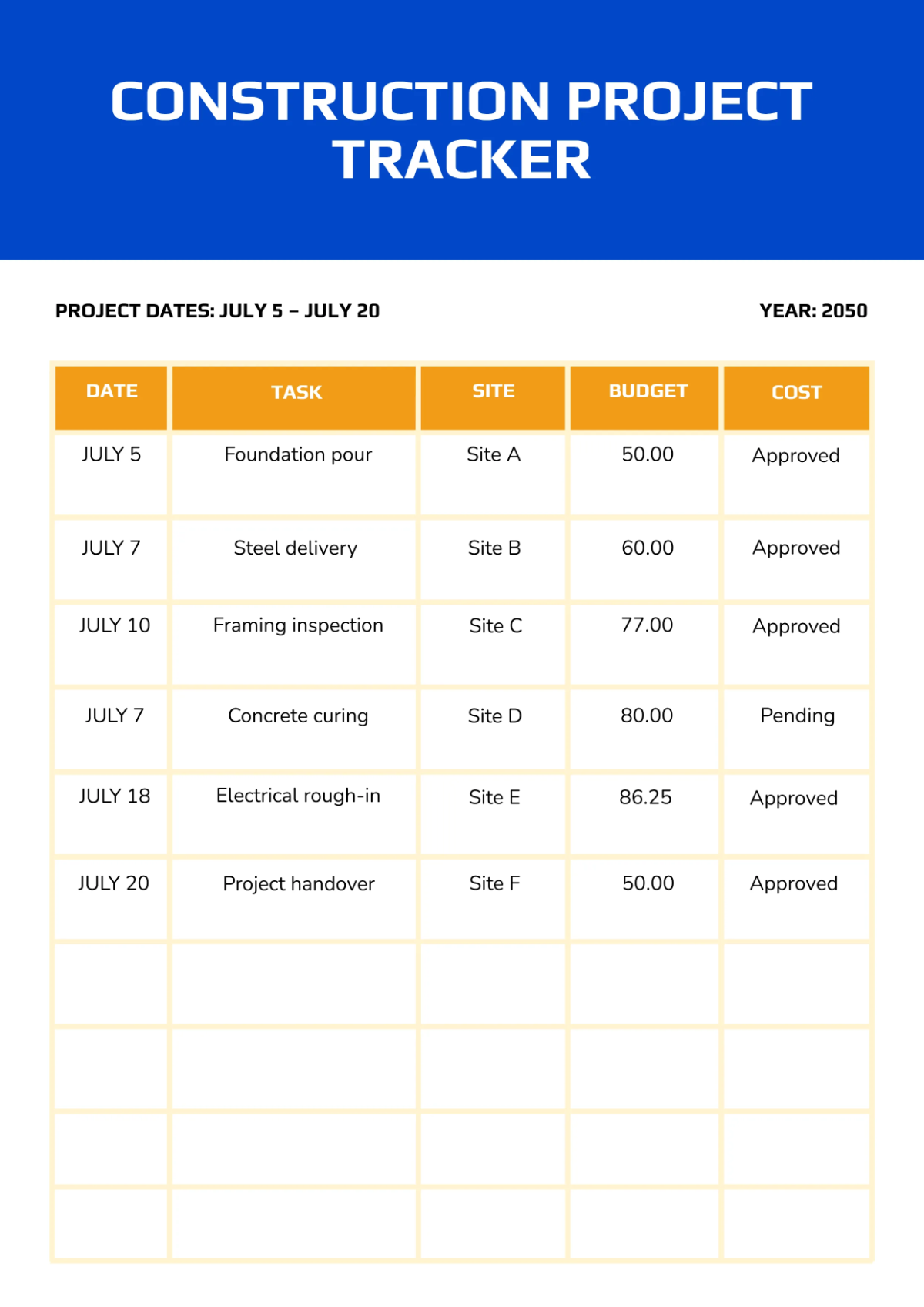
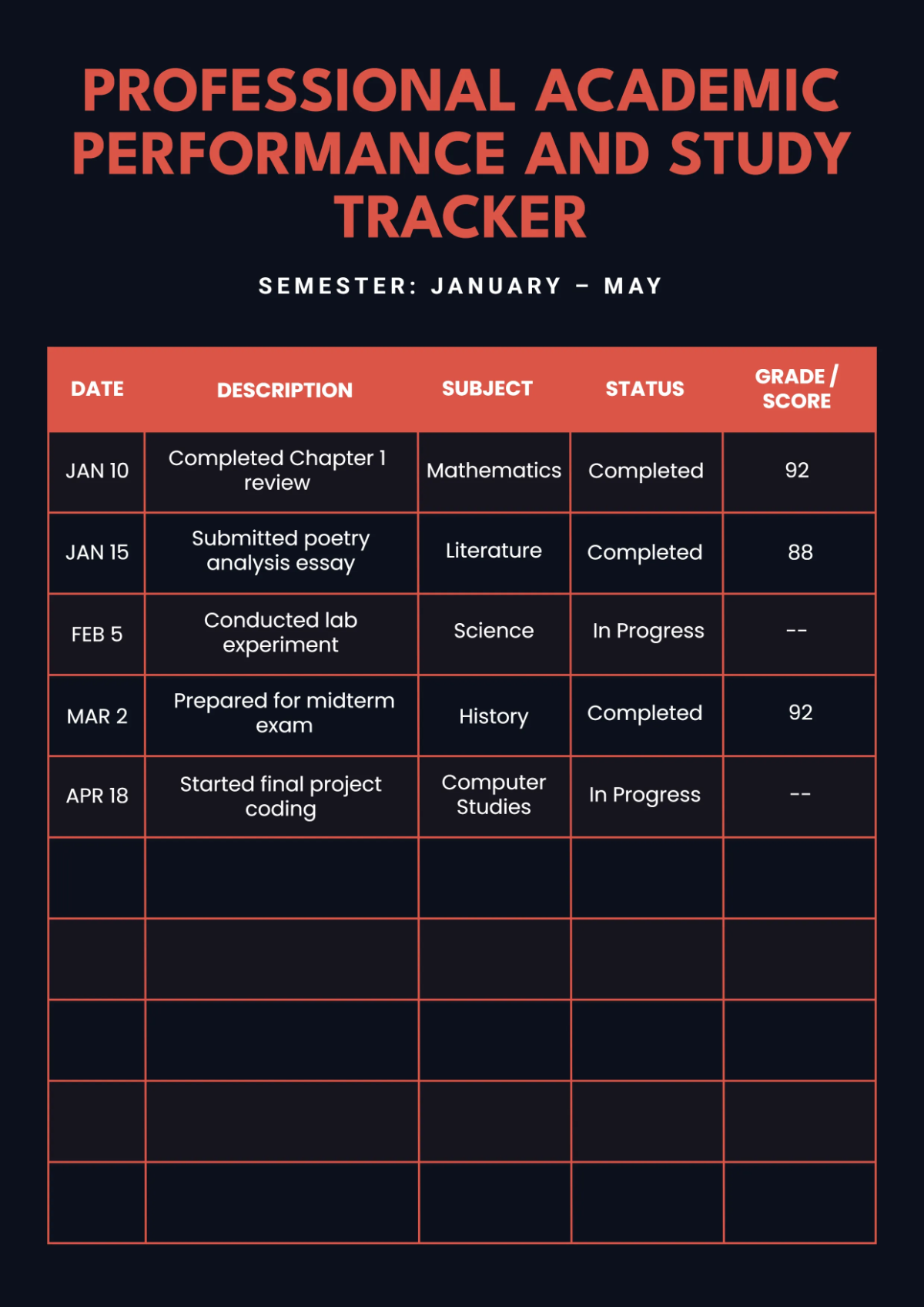
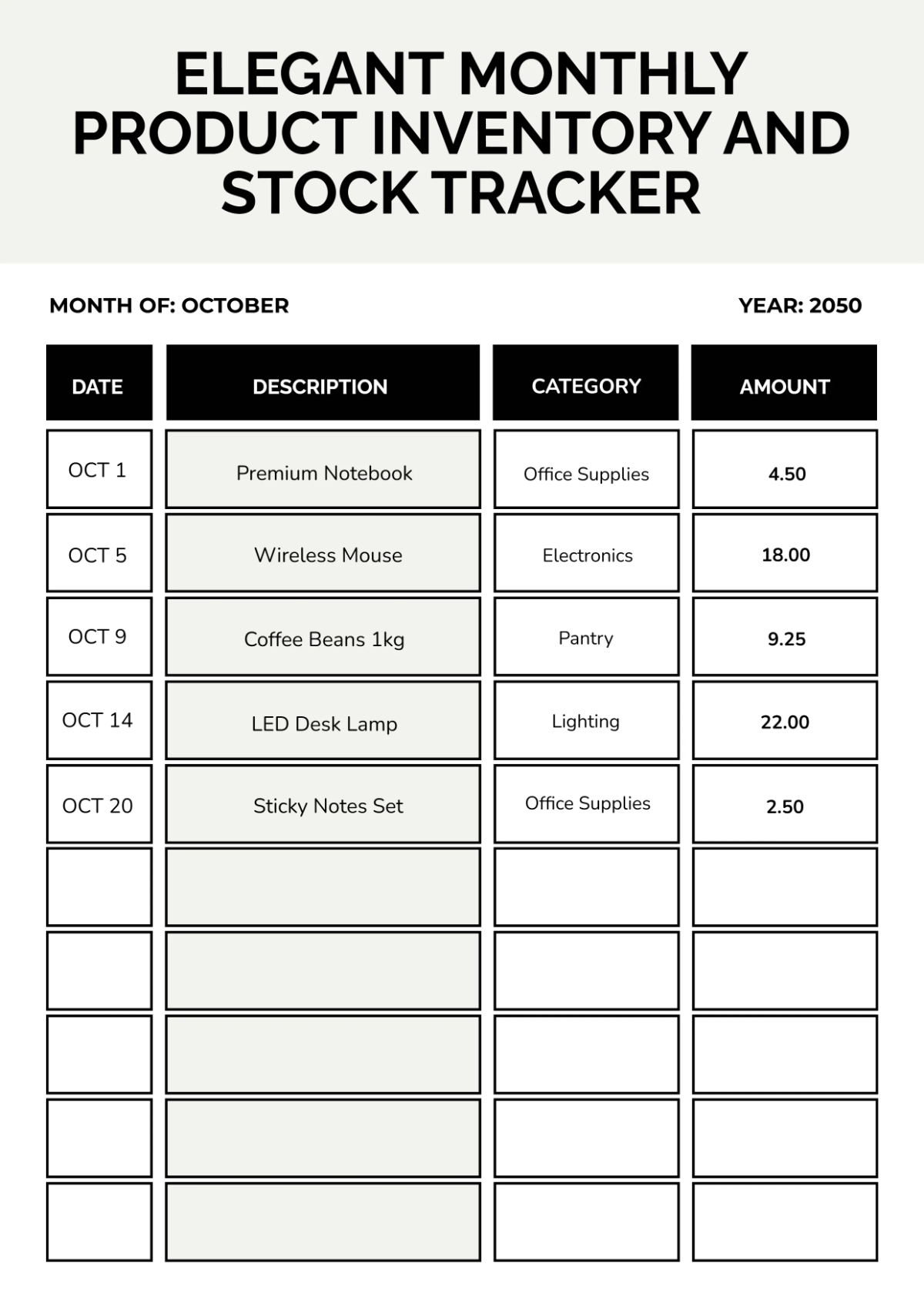
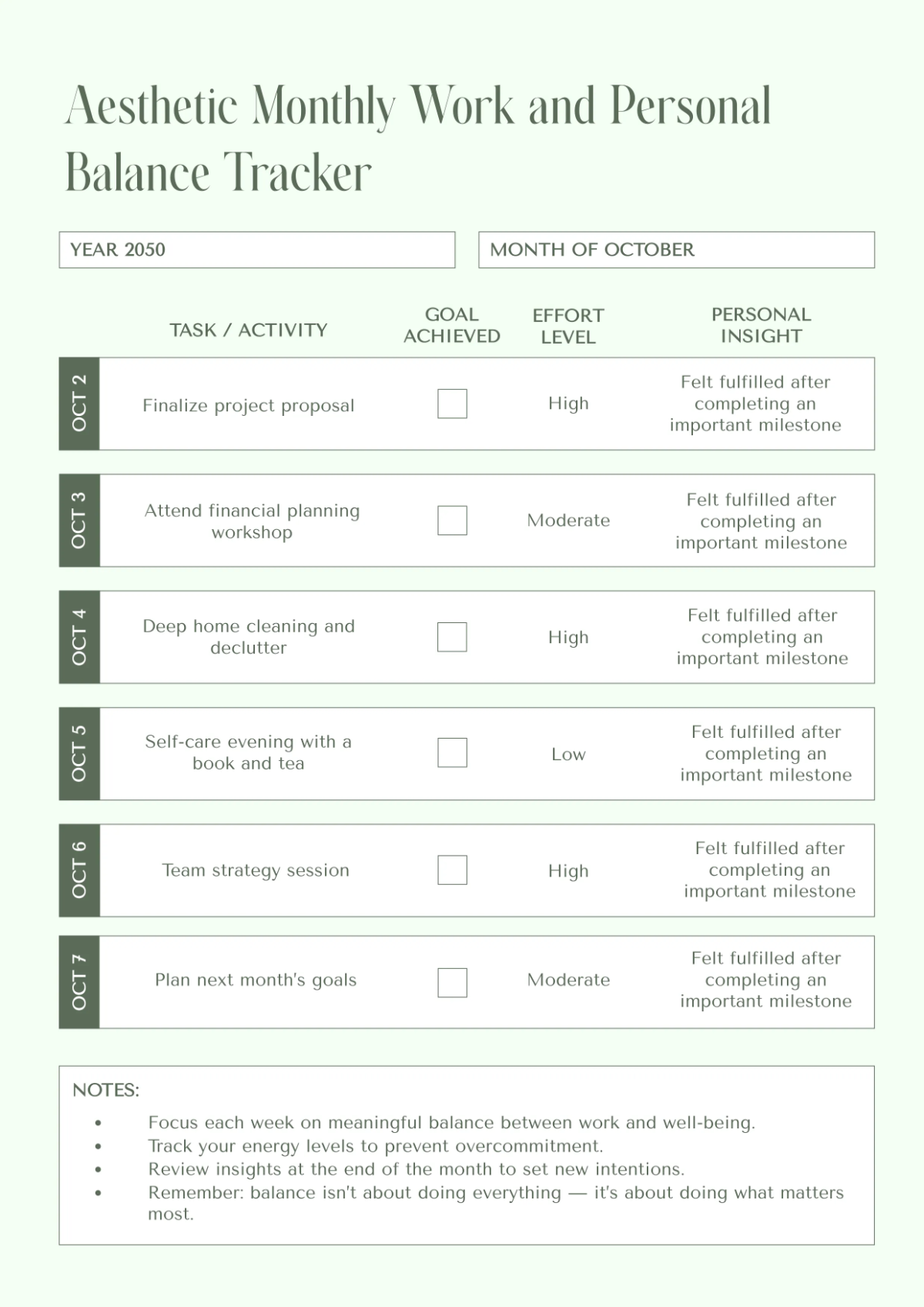
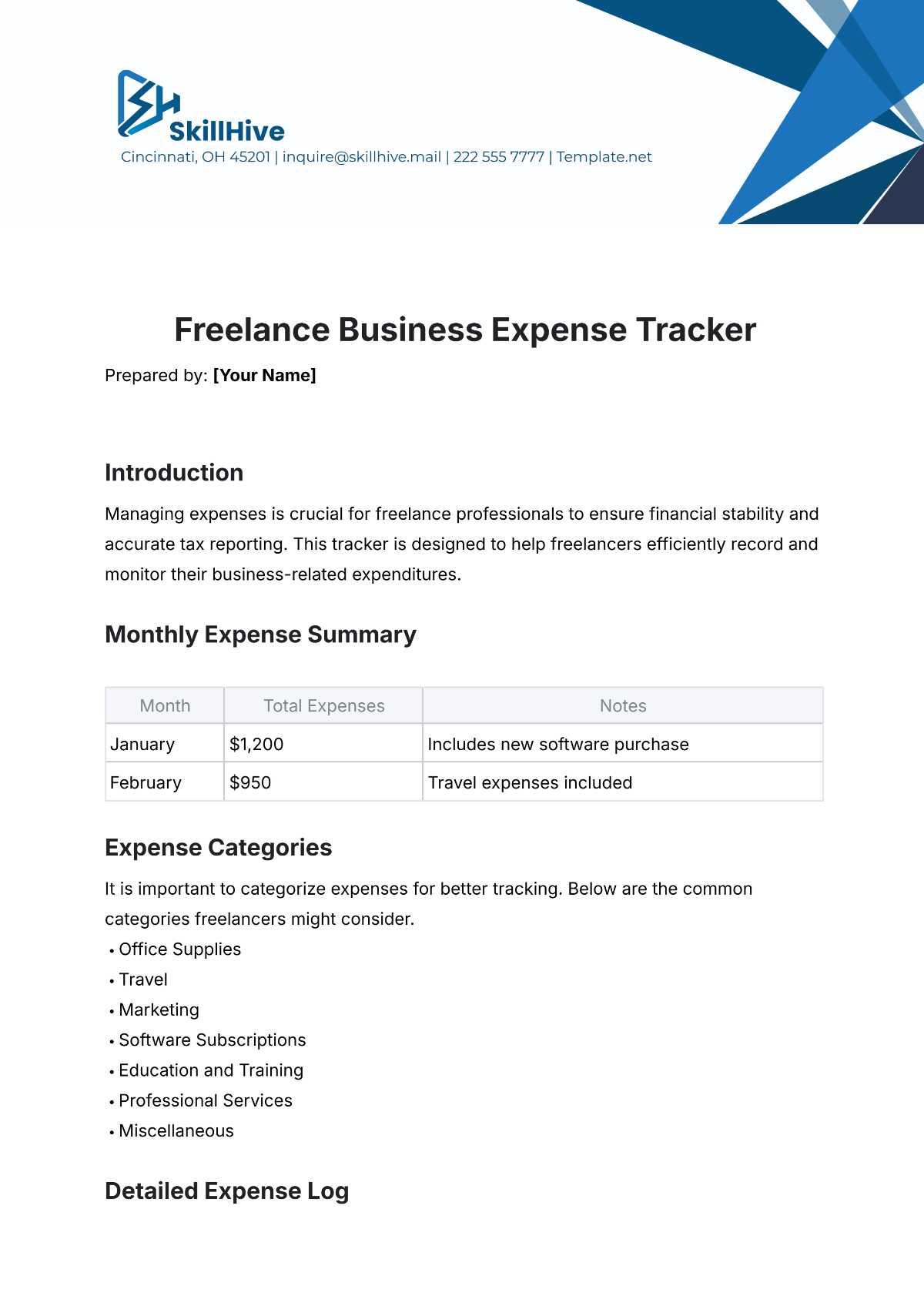
A Tracker is a structured document designed to record and monitor specific data or activities such as tasks, expenses, or performance metrics over time. It helps organize information systematically to improve workflow management and data analysis.
Why should I use a Tracker?
Using a Tracker enhances your ability to maintain accurate records, identify trends, and manage time or resources efficiently. Trackers provide accountability, improve decision-making, and support consistent documentation of relevant data points.
Who uses Trackers?
Trackers are used by professionals, project managers, financial analysts, educators, and individuals who need to monitor progress or collect data systematically. They are valuable in various industries including business, education, healthcare, and personal management.
What are the best tips for completing my Tracker?
Effective completion of your Tracker requires attention to detail and consistency. Consider these tips:
- Define clear objectives – know what data you need to track
- Use consistent formats – maintain uniform data entries
- Update regularly – avoid gaps in records
- Include relevant sections – ensure all necessary data fields are present
- Review for accuracy – double-check entries periodically
- Customize for your needs – adapt the Tracker to your workflow
- Keep it simple – avoid unnecessary complexity
- Utilize digital tools – leverage online editing features
- Backup your Tracker – prevent data loss
- Ensure privacy – protect sensitive information
What file formats can I download for my Tracker?
Template.net documents support multiple export formats for editing and professional sharing. You can download Tracker templates in Word, Apple Pages, Google Docs, Google Sheets, Excel, Apple Numbers, PDF, and Illustrator.
Can I create a Tracker using AI?
Template.net provides an AI-powered tool that generates new Tracker drafts from prompts. You can create customized Tracker documents quickly and efficiently using the Tracker Generator.
What essential sections should be included in my Tracker?
Your Tracker should include essential sections to capture all relevant information effectively.
- Title and date – identify the Tracker and time period
- Data fields – specific categories or items being tracked
- Entry dates or timestamps – when data was recorded
- Status or progress indicators – current state of tracked items
- Notes or comments – additional details or observations
- Responsible person or owner – who manages the data
- Totals or summaries – aggregated data for overview
- Priority levels – importance or urgency if applicable
- Verification or approval sections – if compliance is required
- Instructions or guidelines – how to use the Tracker
What are the benefits of using Tracker in my business workflow?
Using a Tracker in your business workflow offers multiple benefits that improve operational efficiency.
- Enhanced organization – consolidates important data in one place
- Improved accountability – tracks task ownership and completion
- Data-driven decisions – provides reliable information for analysis
- Resource management – monitors time, expenses, or inventory
- Progress monitoring – visualizes milestones and deadlines
- Risk mitigation – identifies potential issues early
- Increased productivity – reduces manual tracking errors
- Customizable formats – adapts to various business needs
- Compliance support – helps meet regulatory requirements
- Collaboration facilitation – shares data among team members
How do I ensure my Tracker follows professional standards?
To ensure your Tracker follows professional standards, focus on clarity, accuracy, and compliance in its design and use.
- Consistent formatting – use uniform fonts, colors, and layouts
- Clear labeling – define all sections and data fields precisely
- Accurate data entry – verify information before saving
- Compliance adherence – include required legal or industry-specific elements
- Confidentiality measures – protect sensitive information
- Regular updates – maintain current and relevant data
- Version control – track changes and document history
- Accessible design – ensure usability across devices and users
- Professional presentation – suitable for stakeholder review
- Backup and security – safeguard against data loss or breaches