AI Image Relighter – Illuminate Your Photos
Upload a photo, enter a text prompt, and let AI transform its lighting with natural-looking brightness, shadows, direction, and atmosphere. Create polished portraits, product visuals, fashion photos, and creative scenes without complex manual adjustments. Free, fast, and online.

Create Better Lighting Online with an AI-Powered Generator
Template.net’s Free AI Image Relighter helps you improve the lighting of an uploaded photo with a simple text prompt. Describe the direction, brightness, mood, color, or softness you want, and AI creates a refreshed result while keeping important subject details visually consistent. Correct harsh shadows, lift dark areas, add natural depth, or create warm and cinematic lighting without reshooting. Claid similarly uses lighting instructions to address dark areas, harsh shadows, uneven exposure, and inconsistent lighting.
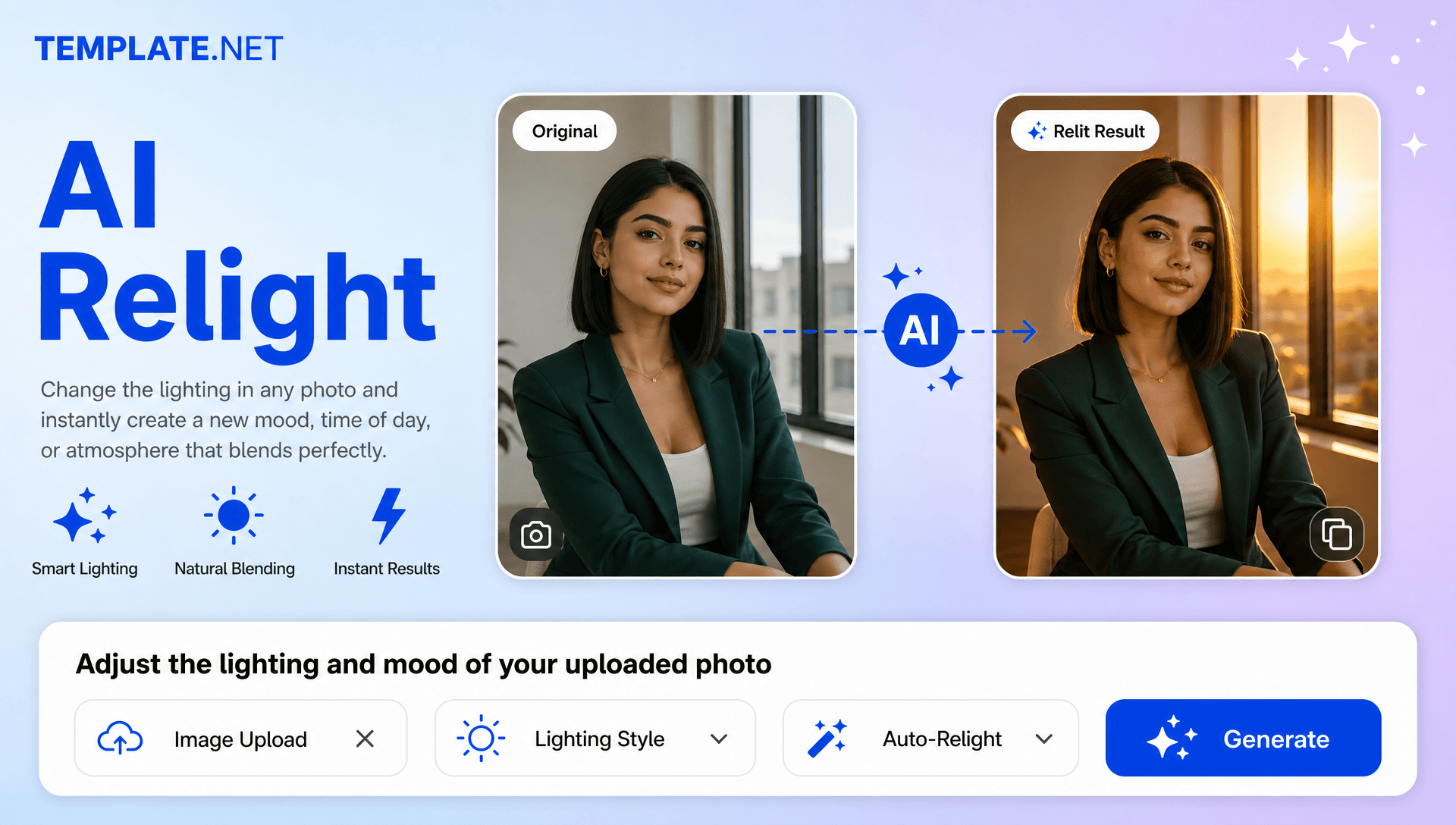
How to Relight Photos Using AI
Upload, describe, generate, and refine lighting through a simple workflow.
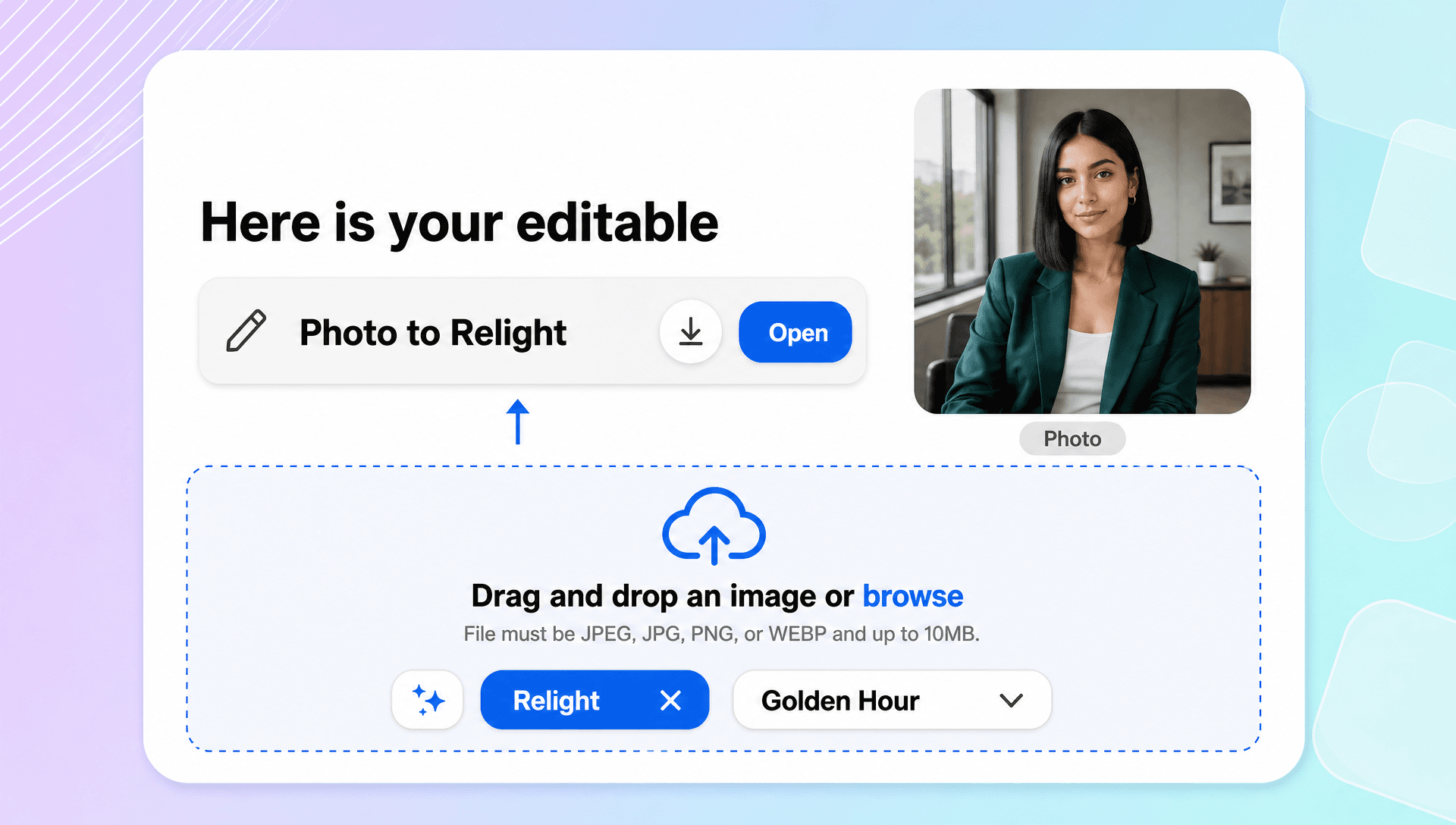
Upload Your Photo and Enter a Prompt
Open the AI Image Relighter and upload the photo you want to improve. Describe the lighting you want, such as “even lighting, subtle depth, preserve colors,” “brighter exposure, reduce harsh shadows,” or “add warm golden-hour sunlight.” Prompt-based instructions give you direct control over the desired lighting treatment. Claid’s workflow similarly uses an uploaded product shot followed by written lighting instructions.
Generate and Refine the Lighting
AI analyzes the uploaded photo and applies your lighting instructions. Review the result and refine your prompt to adjust brightness, direction, softness, color, exposure, or mood. You can explore natural daylight, soft studio illumination, warm evening light, or cinematic treatments.
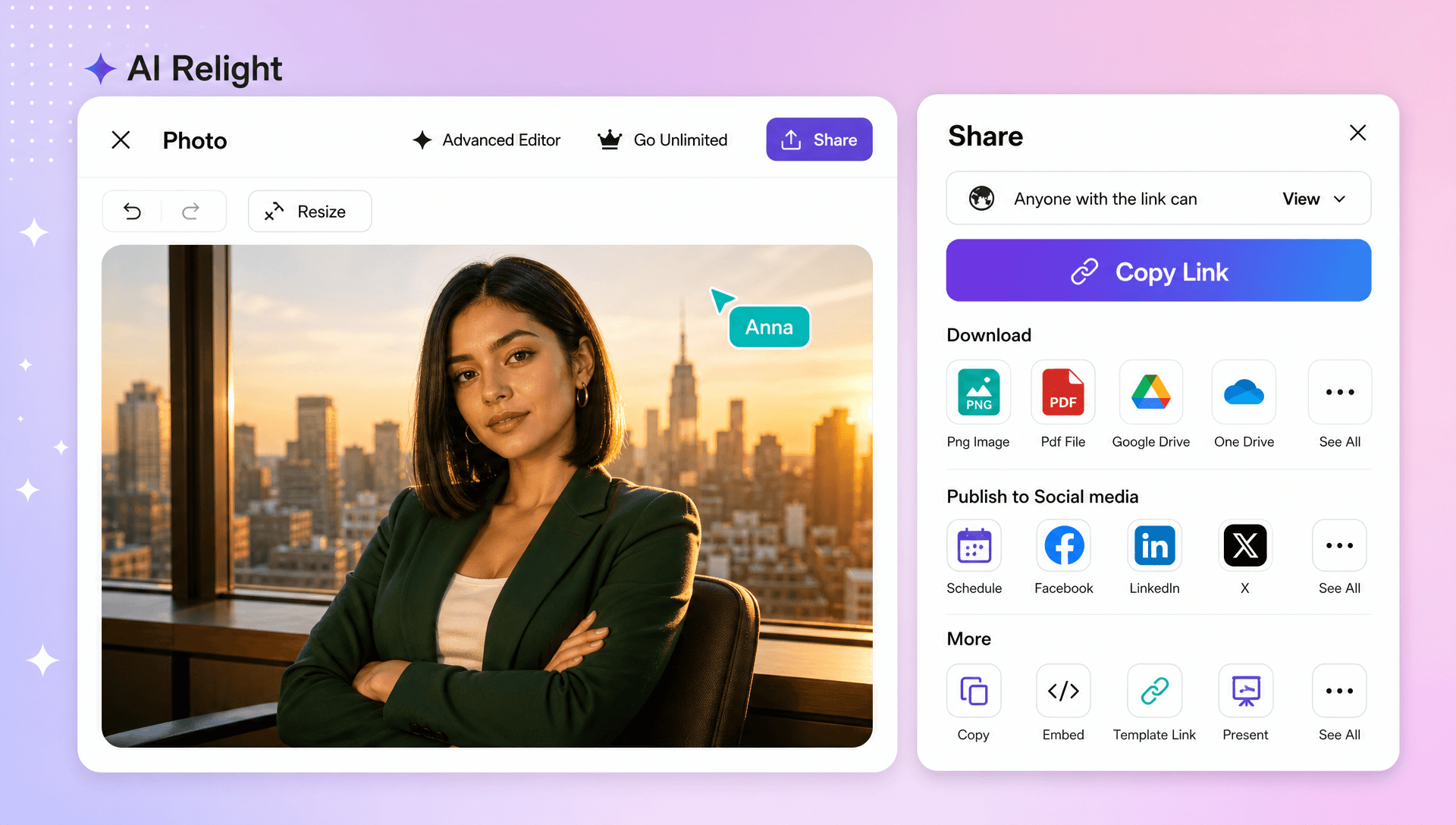
Save, Download, or Share
Preview the relit photo, choose the result you want to keep, and download it in high quality. You can also share instantly via Email, LinkedIn, WhatsApp, Facebook, X (Twitter), Pinterest, or generate a live link or QR code.
Transform Lighting and Bring More Depth to Every Photo
Turn Dark Photos into Balanced Visuals
Use simple prompts to lift dark areas, soften distracting shadows, and improve overall exposure while keeping the original scene recognizable. Claid specifically describes relighting as a way to lift dark areas, reduce harsh highlights, and restore readable details.
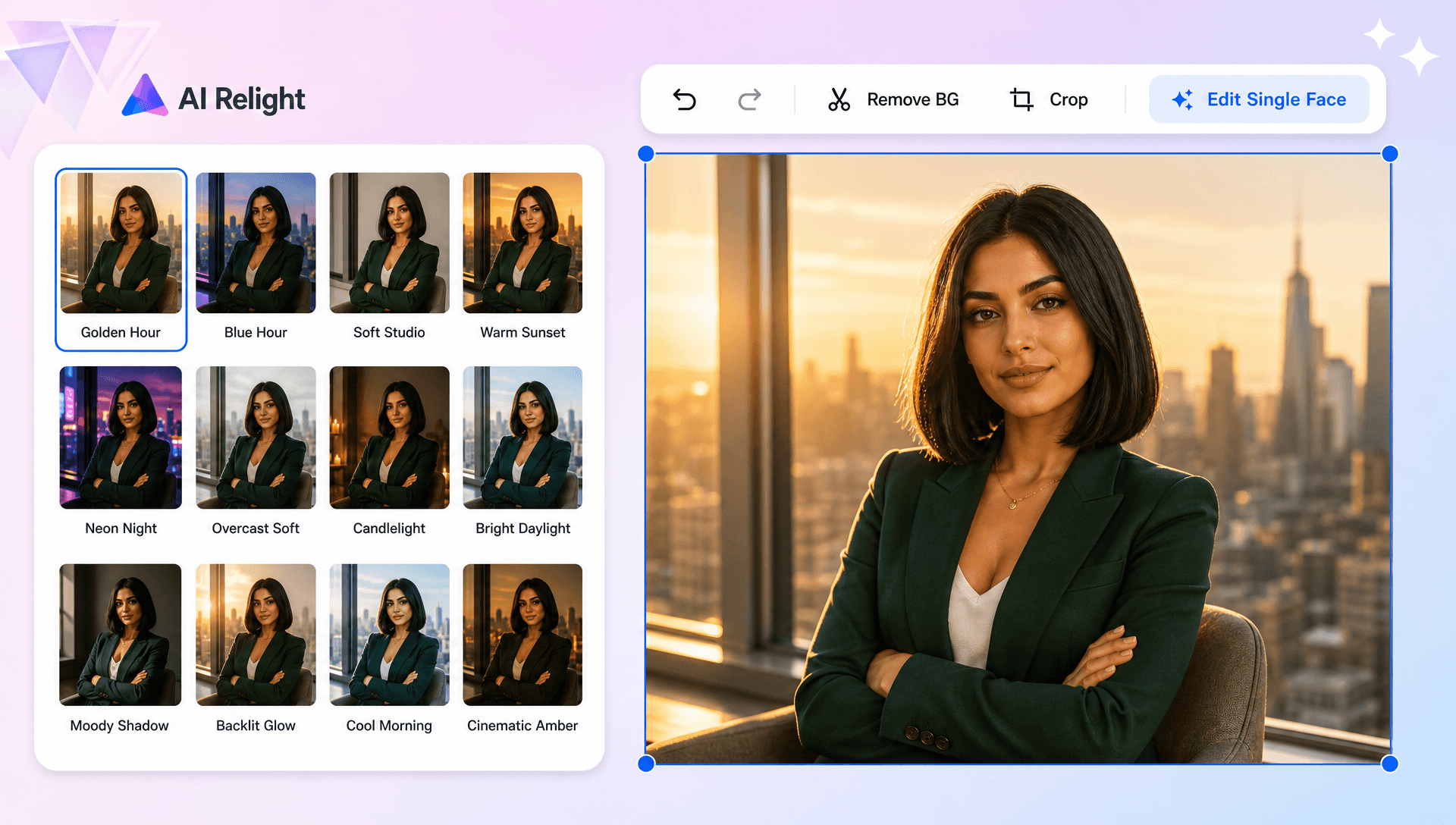
Create Natural and Cinematic Lighting Styles
Experiment with daylight, soft studio light, warm golden-hour tones, evening moods, or cinematic illumination to develop different creative directions. Evoto’s Natural Light and Golden Hour options demonstrate these two distinct lighting approaches.
Improve Product and Fashion Photography
Make product details, labels, fabric textures, folds, and edges easier to see with cleaner and more consistent lighting for catalogs and campaigns.
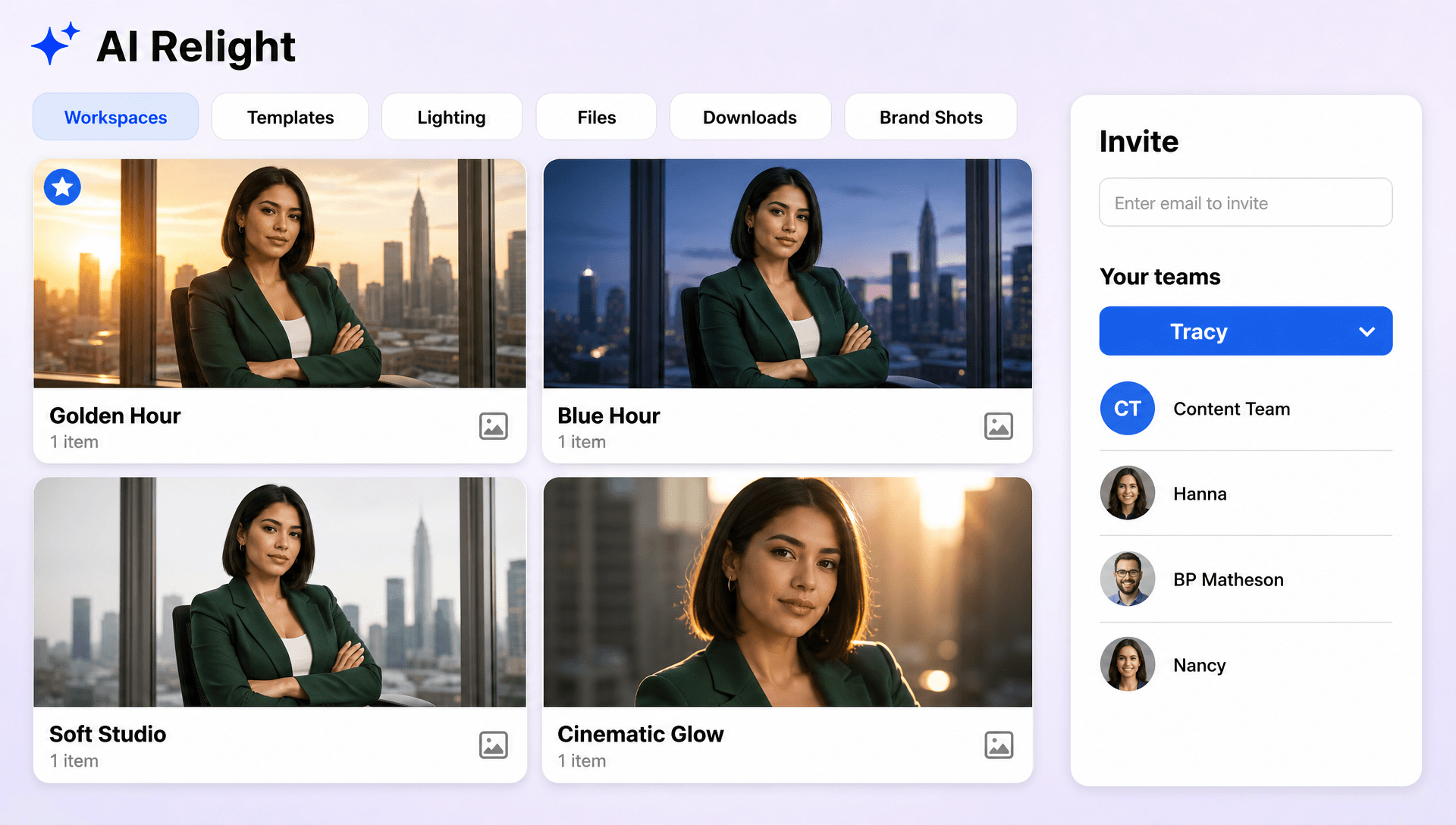
Keep Lighting Consistent Across Creative Sets
Apply a similar lighting direction and treatment across multiple visuals to build a cohesive look for product collections, portrait sessions, social campaigns, and marketing assets.
Create and Enhance Photo Lighting Effortlessly with AI
Everything you need to adjust illumination, shadows, exposure, color, and atmosphere through an upload-and-prompt workflow.

AI-Powered Lighting Transformation
Transform an uploaded photo with prompt-based lighting instructions for brighter, softer, warmer, or more dramatic results.

Upload a Photo and Set the Lighting Direction
Add your source photo and describe whether you want front, side, back, top, or another lighting direction. Higgsfield highlights directional lighting controls as part of its relighting workflow.

Describe Your Desired Lighting
Tell AI how you want the scene illuminated, such as “soft studio light,” “bright daylight,” or “warm evening glow.” Prompt-based lighting instructions are also part of Claid’s relighting workflow.

Balance Dark and Flat Photos
Lift underexposed areas and improve flat-looking lighting while keeping the scene natural and readable.

Reduce Harsh Shadows and Highlights
Give AI instructions to soften strong shadows, tone down distracting highlights, and create more balanced illumination. Claid specifically positions relighting for reducing harsh shadows and improving uneven exposure.

Create a Natural Light Look
Add believable sunlight to portraits and scenes that already have a natural window or outdoor light direction. Evoto uses a Natural Light preset for this type of transformation.

Add Golden Hour Warmth
Give ordinary photos a warm sunset mood with gentle glow and richer atmospheric lighting, inspired by Evoto’s Golden Hour treatment.

Build Cinematic Lighting Effects
Create moody, dramatic, or film-inspired lighting by specifying contrast, atmosphere, and color in your prompt.

Control Light Color and Temperature
Describe cool, warm, neutral, or colored illumination to change the mood while keeping important colors visually consistent.

Preserve Natural Portrait Details
Improve portrait lighting while maintaining recognizable facial features, skin tones, and surrounding textures. Evoto specifically highlights preservation of natural skin tones, facial features, and background textures.

Improve Product Lighting
Create cleaner product visuals by reducing uneven illumination and making labels, edges, textures, and branding easier to see. Claid highlights these benefits for product photography.

Enhance Fashion and Clothing Photos
Bring out fabric folds, garment texture, and details with cleaner lighting suitable for catalogs, campaigns, and social content. Claid describes relighting as a way to reveal fabric weave and folds while reducing heavy shadows.

Explore Multiple Lighting Variations
Generate different lighting directions and moods from the same source by updating your prompt and trying new creative instructions.

Multilingual Support
Empower users worldwide with AI Relight support in 20+ global languages, including English, Spanish, Hindi, Arabic, Chinese, Japanese, French, German, Portuguese, Russian, Korean, Italian, Turkish, Indonesian, Thai, Vietnamese, and more.

Context Aware Light Placement
AI interprets the source photo and your lighting description to apply illumination that fits the subject, environment, and existing visual structure.

Artwork and Illustration Relighting
Apply creative lighting treatments to drawings, illustrations, and other artwork for stronger depth and atmosphere.

Multiple Lighting Variations
Explore different lighting treatments from one source to compare natural, dramatic, soft, or creative directions.

Download or Share Instantly
Download your finished relit photo or share instantly via Email, LinkedIn, WhatsApp, Facebook, X (Twitter), Pinterest, or generate a live link or QR code.
Relight FAQ
Still have questions?
The quickest answer is to try it - upload a photo and see the result.
What is an Image Relighter? Definition
An Image Relighter is an AI-powered tool that enhances or changes the lighting in an image by adjusting brightness, shadows, highlights, and light direction to create more visually appealing and professional-looking photos.
What is an AI Relight tool and why is it used?
An AI Image Relighter is used to correct dark, flat, uneven, or backlit photos and create new lighting styles without complex manual editing or a reshoot.
What sizes or formats are supported for relighted images?
Relighted images support aspect ratios including 1:1, 3:4, 4:3, 9:16, and 16:9, making them suitable for square, portrait, landscape, social, presentation, and digital layouts.
What types of relighting can be created?
You can relight portraits, product photos, fashion photos, outdoor scenes, indoor photos, marketing visuals, and creative photography with dark, flat, uneven, or backlit illumination.
Does the AI Image Relighter support multiple languages?
Yes, it supports 20+ multiple languages including English, Spanish, Hindi, Arabic, Chinese, Japanese, and more for supported multilingual workflows.
What are the benefits of using an AI Image Relighter?
It helps improve exposure, soften harsh shadows, create natural or cinematic lighting, preserve important details, explore lighting variations, and reduce the need for manual lighting adjustments.
What are common use cases for AI Image Relighting?
Common use cases include portrait lighting correction, product photography, fashion catalogs, advertising creatives, social media content, campaign visuals, and creative photo enhancement.
Explore more AI image tools
 Image Editor
 Image to Image
 Remove Background
 Face Swap
 Inpaint
 Photo Upscaler
 Image Resizer
 Crop Image
 Camera Angle
 Skin Enhancer
 Restyle
- Character Generator
- Object Remover
- Image Eraser
 Text Remover
 Watermark Remover
 Transparent Background Generator
 Mirror Image
 Image Background Changer
 Change Image Color
 Add Text To Photo
 Border Generator
 Watermark Generator
 Photo Blur
 Image Enhancer
- Image Clearer
 Sharpen Image
 HD Photo Converter
 Image To Cartoon
 Photo To Sketch
 SVG Converter
- Image To Text Generator
 Color Analysis
 Image Combiner
- Character Swap
- Photo Collage Generator
- Photo Grid Generator
 Headshot Generator
 Profile Picture Generator
 Portrait Generator
 Hair Style Changer
 Long Hair Extension Generator
 Action Figure Generator
 Old Photo Restoration
 Pet Portrait Generator
 Photo To Emoji Generator
- Product Expander Generator
- Cinematic Shot Generator
- Pixel Art Generator
- Sketch Generator
- Cake Topper Generator
- Emoji Generator
- Cartoon Generator
- Coloring Page Generator
- Anime Generator
- Lego Generator
- Tattoo Generator
- Drawing Generator
- Art Generator
- Stock Photo Generator
- Photo Generator
- PNG Image Generator
- Font Text Generator
- Text Effect Generator
- Random Quote Generator
Try AI Image Relighter now
Drag and drop an image or browse to edit it
or drop an image here
