Free AI Camera Angle – See Images from Every View
Upload an image, describe the viewpoint you want, or select a camera view, and our AI generates new perspectives with the subject and visual details kept consistent. Create front, side, back, top, and custom camera views for products, portraits, characters, scenes, and creative projects. Free, fast, and online.

Create New Camera Perspectives Online with an AI-Powered Generator
Template.net’s Free AI Camera Angle Generator helps you transform one reference image into different camera perspectives. Upload your source, describe the viewpoint in a prompt, and select a camera view such as front, side, back, top-down, or low angle. The AI generates a new perspective while helping maintain recognizable subject details, style, and composition. Explore variations, refine the prompt, and create ready-to-use visual assets quickly.
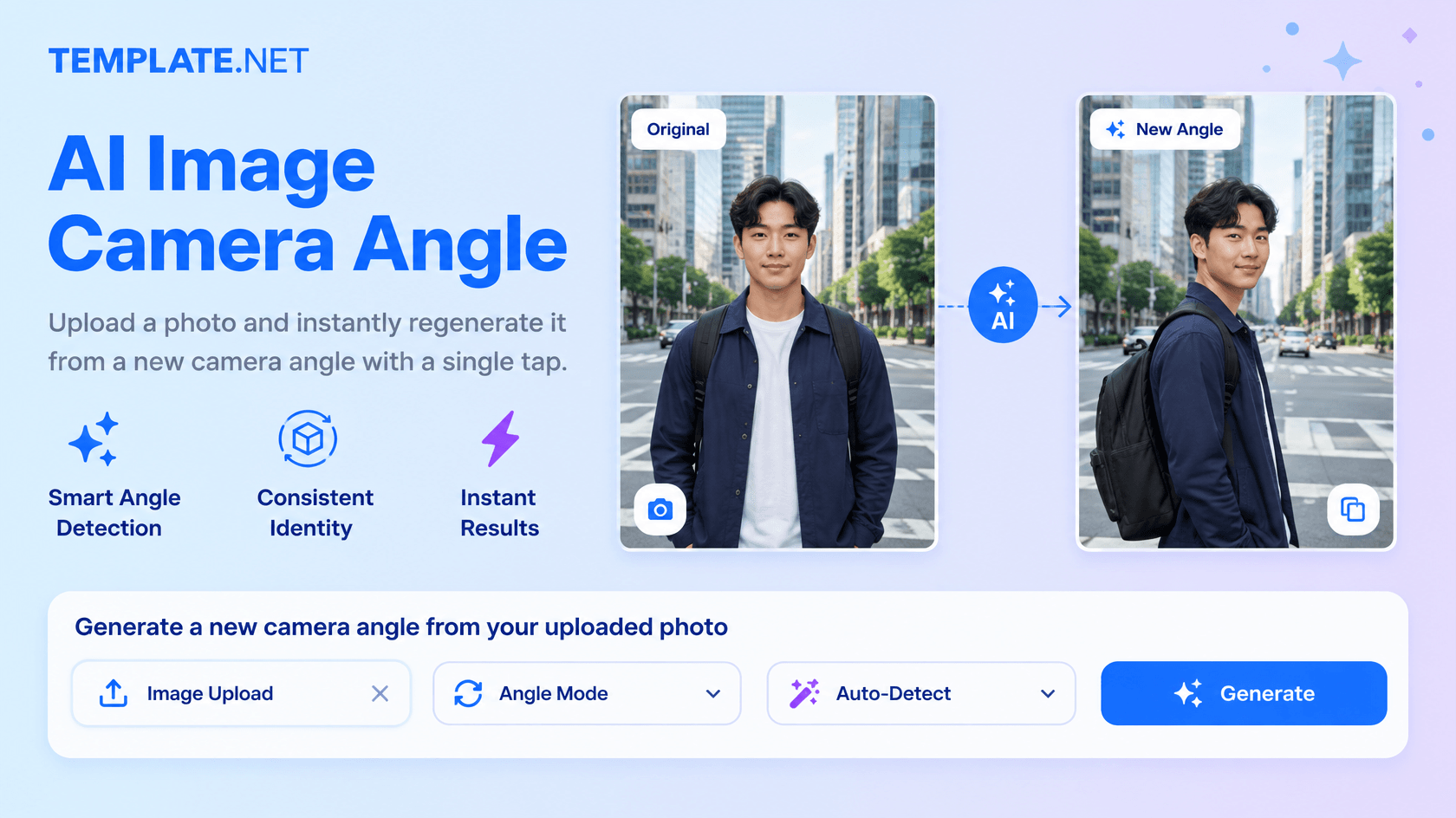
How to Create Camera Angle Designs Using AI
Generate, refine, and export new camera perspectives through a simple upload-and-prompt workflow.
Upload Your Image and Enter a Prompt
Open the AI Camera Angle Generator and upload a clear reference. Describe the desired perspective, such as “Create a front-right three-quarter view of this product” or “Show this character from a low-angle side view.”
Select a Camera View and Generate
Choose a preferred camera view such as front, side, back, top-down, low angle, or another available option. The AI uses your reference and prompt to generate the selected perspective.
Review, Refine, Download, or Share
Preview the generated result and update your prompt if you want another viewpoint. Download the output or share instantly via Email, LinkedIn, WhatsApp, Facebook, X (Twitter), Pinterest, or generate a live link or QR code.
Explore More Perspectives from One Reference
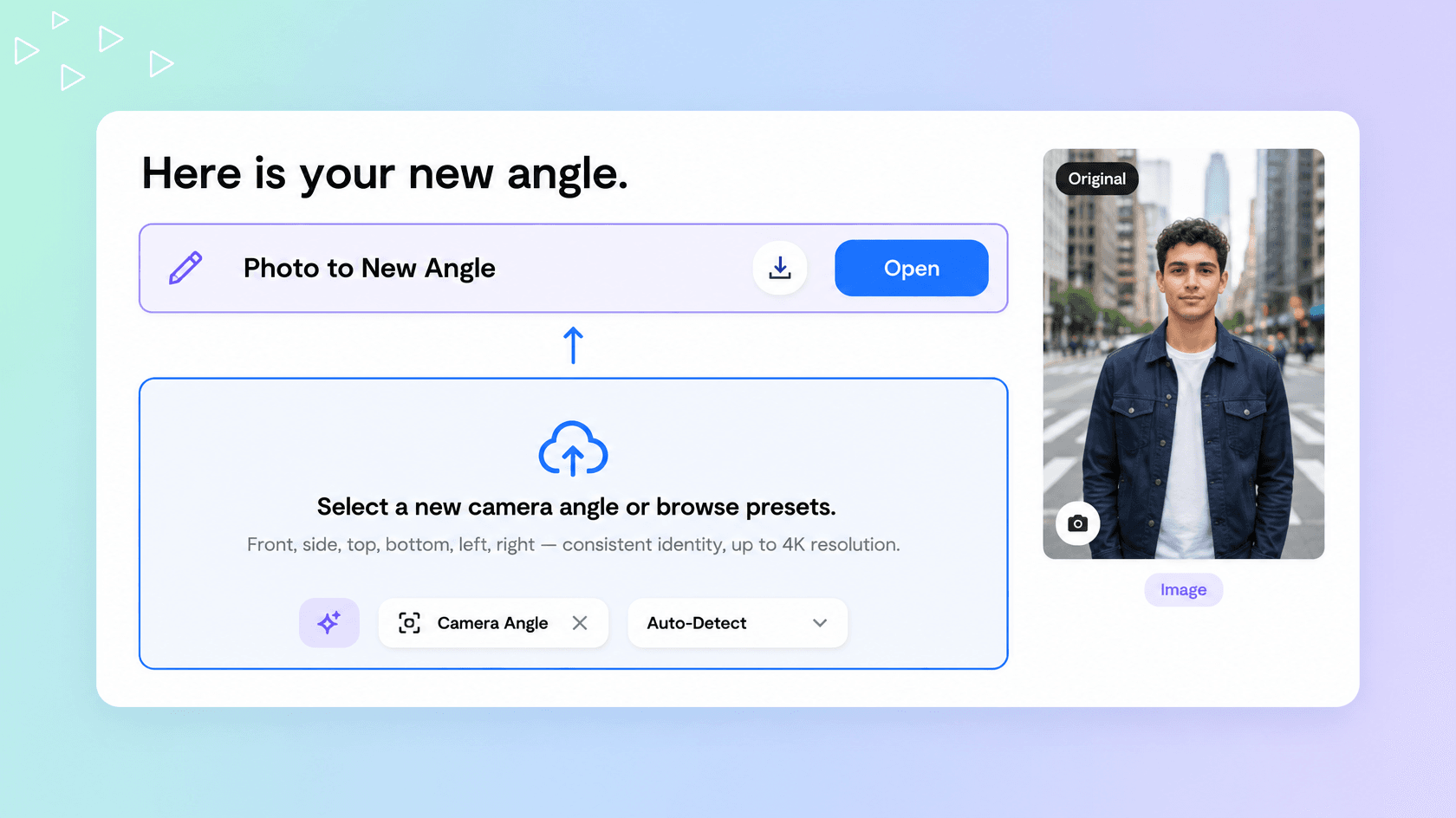
Turn One Source into Multiple Camera Views
Turn a single source image into multiple camera viewpoints for product, portrait, character, and creative workflows without recreating the entire concept each time.
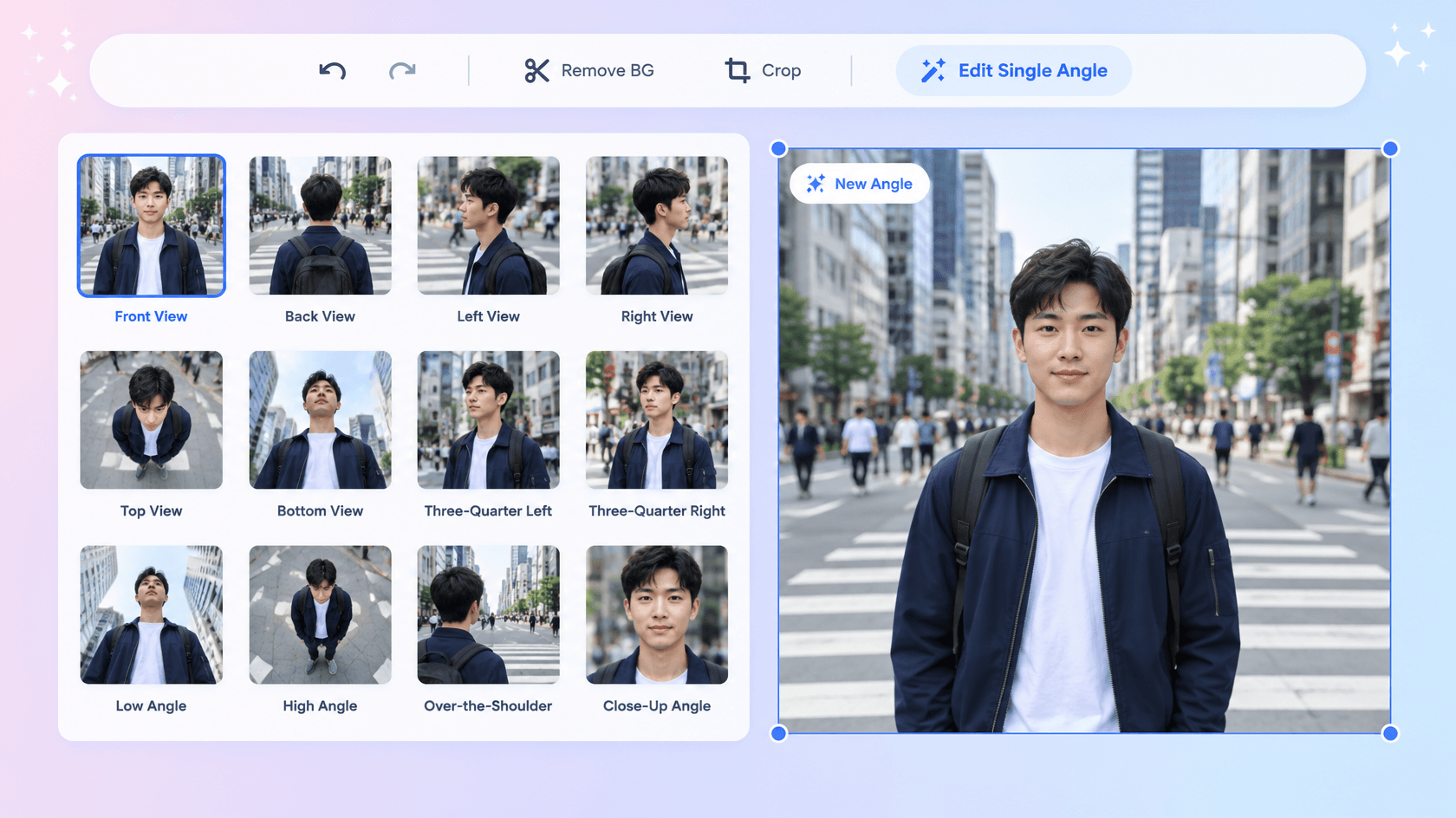
Guide the Camera View with Simple Controls
Select a practical preset or describe a custom viewpoint through your prompt to guide horizontal direction, vertical elevation, framing, and distance.
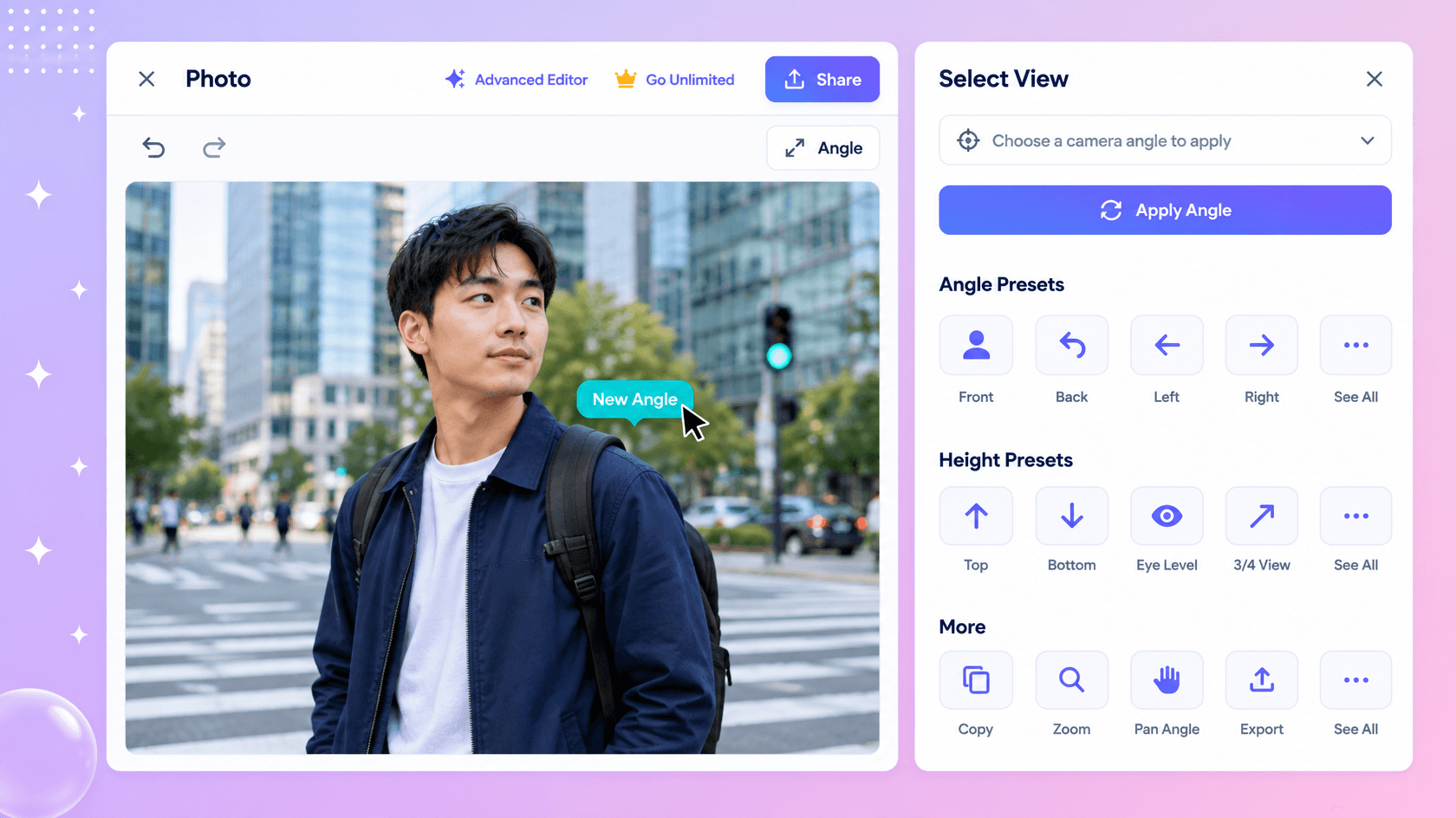
Create Consistent Multi-Angle Visuals Faster
Use the same reference across generations to explore front, side, back, three-quarter, top-down, and low-angle perspectives while keeping the overall visual direction cohesive.
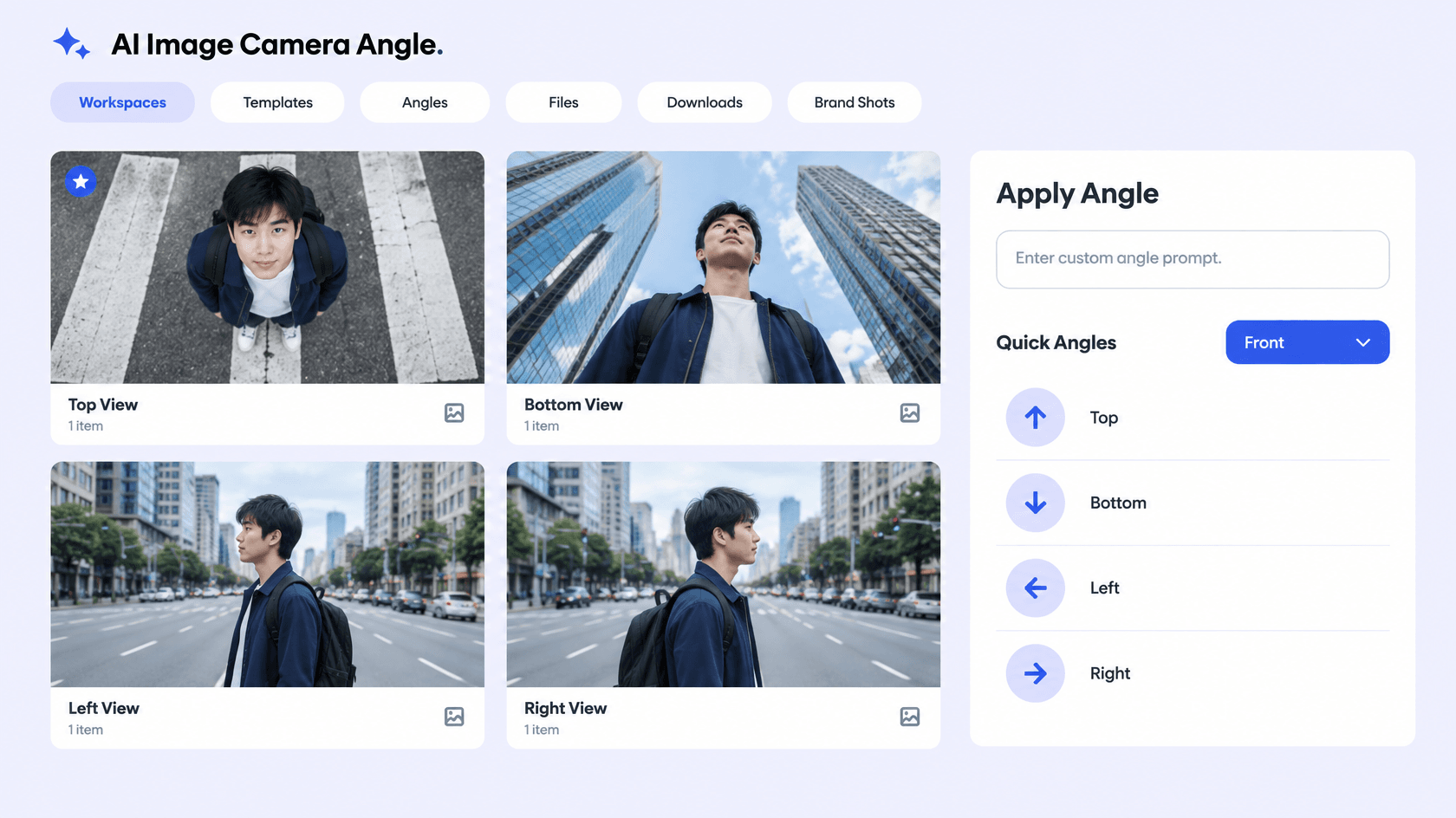
Prepare Visuals for Creative and Commercial Workflows
Create perspective variations for product showcases, character sheets, AI video references, presentations, social content, and other visual projects.
Create and Explore Camera Views Effortlessly with AI
Everything you need to transform one reference into varied, structured, and ready-to-use camera perspective designs with speed and control.

AI-Powered Camera Perspective Generation
Turn an uploaded reference and a simple prompt into a new viewpoint while keeping the main subject visually recognizable.

Upload a Reference and Describe the View
Add a source image or photo and explain the camera position, perspective, framing, or viewpoint you want the AI to create.

Select Front, Side, Back, or Top Views
Choose from practical preset viewpoints such as front, side, back, above, below, and top-down perspectives.

Custom Camera Position with Prompt Guidance
Describe a specific camera position in your prompt when a preset does not match the perspective you need.

Smart Subject Consistency
Use the reference image as a visual guide so key subject characteristics, styling, and important details remain recognizable across new views.

Three-Axis Perspective Control
Guide the viewpoint through horizontal rotation, vertical elevation, and viewing distance concepts for more precise camera positioning.

Generate Multiple Angle Variations
Create several image perspective options from one source to explore different compositions without rebuilding the scene from scratch.

Dynamic Product View Creation
Develop front, three-quarter, side, and top image perspectives that can support product showcases and multi-view presentations.

Character Turnaround Perspectives
Generate alternate character image viewpoints for concept development, animation planning, game references, and turnaround sheets.
Scene and Environment Viewpoints
Explore alternate perspectives for scenes, objects, and environments to create broader visual references.

Multilingual Support
Generate and refine camera-direction prompts using 20+ multiple languages including English, Spanish, Hindi, Arabic, Chinese, Japanese, and more.

Top and Bottom Views
Explore elevated or lower viewpoints to reveal different visual relationships within a composition.

Left and Right Views
Generate side-oriented perspectives for alternative compositions and visual presentations.

Consistent Visual Style
Maintain a coherent appearance across different generated viewpoints for related creative assets.

Scene-Aware Transformation
Use the source image composition as a reference when creating a new perspective and camera position.

Creative Composition Testing
Experiment with viewpoint changes before selecting a final visual direction.

Ready-to-Use Output Options
Preview your generated image result, download high-quality outputs, and prepare them for creative workflows or presentations.

Download or Share Instantly
Download your generated camera-angle outputs or share instantly via Email, LinkedIn, WhatsApp, Facebook, X (Twitter), Pinterest, or generate a live link or QR code.
Camera Angle FAQ
Still have questions?
The quickest answer is to try it - upload a photo and see the result.
What is a Camera Angle? Definition
A camera angle is the position or viewpoint from which a subject or scene is captured, such as a low, high, eye-level, or overhead view.
What is an AI Camera Angle Generator and why is it used?
It is used to create alternative viewpoints from an existing source, helping users explore compositions without manually recreating every shot.
What sizes or formats are supported for camera angle images?
Generated visuals support aspect ratios including 1:1, 3:4, 4:3, 9:16, and 16:9 for square, portrait, landscape, and vertical uses.
What types of camera angles can be created?
You can create front, side, back, three-quarter, top-down, low-angle, above, below, and custom perspective views depending on the selected camera direction and prompt.
Does the AI Camera Angle Generator support multiple languages?
Yes, it supports 20+ multiple languages including English, Spanish, Hindi, Arabic, Chinese, Japanese, and more for describing camera directions and creative requirements.
What are the benefits of using an AI Camera Angle Generator?
It saves reshooting time, helps compare viewpoints, supports prompt-based control, and makes it easier to explore different compositions from one source.
What are common use cases for AI Camera Angle?
Common use cases include product photography, social media visuals, advertising concepts, architectural presentations, storyboards, creative scenes, and marketing content.
Explore more AI image tools
 Image Editor
 Image to Image
 Remove Background
 Face Swap
 Inpaint
 Photo Upscaler
 Image Resizer
 Crop Image
 Skin Enhancer
 Restyle
 Relight
- Character Generator
- Object Remover
- Image Eraser
 Text Remover
 Watermark Remover
 Transparent Background Generator
 Mirror Image
 Image Background Changer
 Change Image Color
 Add Text To Photo
 Border Generator
 Watermark Generator
 Photo Blur
 Image Enhancer
- Image Clearer
 Sharpen Image
 HD Photo Converter
 Image To Cartoon
 Photo To Sketch
 SVG Converter
- Image To Text Generator
 Color Analysis
 Image Combiner
- Character Swap
- Photo Collage Generator
- Photo Grid Generator
 Headshot Generator
 Profile Picture Generator
 Portrait Generator
 Hair Style Changer
 Long Hair Extension Generator
 Action Figure Generator
 Old Photo Restoration
 Pet Portrait Generator
 Photo To Emoji Generator
- Product Expander Generator
- Cinematic Shot Generator
- Pixel Art Generator
- Sketch Generator
- Cake Topper Generator
- Emoji Generator
- Cartoon Generator
- Coloring Page Generator
- Anime Generator
- Lego Generator
- Tattoo Generator
- Drawing Generator
- Art Generator
- Stock Photo Generator
- Photo Generator
- PNG Image Generator
- Font Text Generator
- Text Effect Generator
- Random Quote Generator
Try AI Image Camera Angle now
Drag and drop an image or browse to edit it
or drop an image here
