
Free Comparison Chart Templates: Customizable Visual Structure Guide and Uses
What is a Comparison Chart?
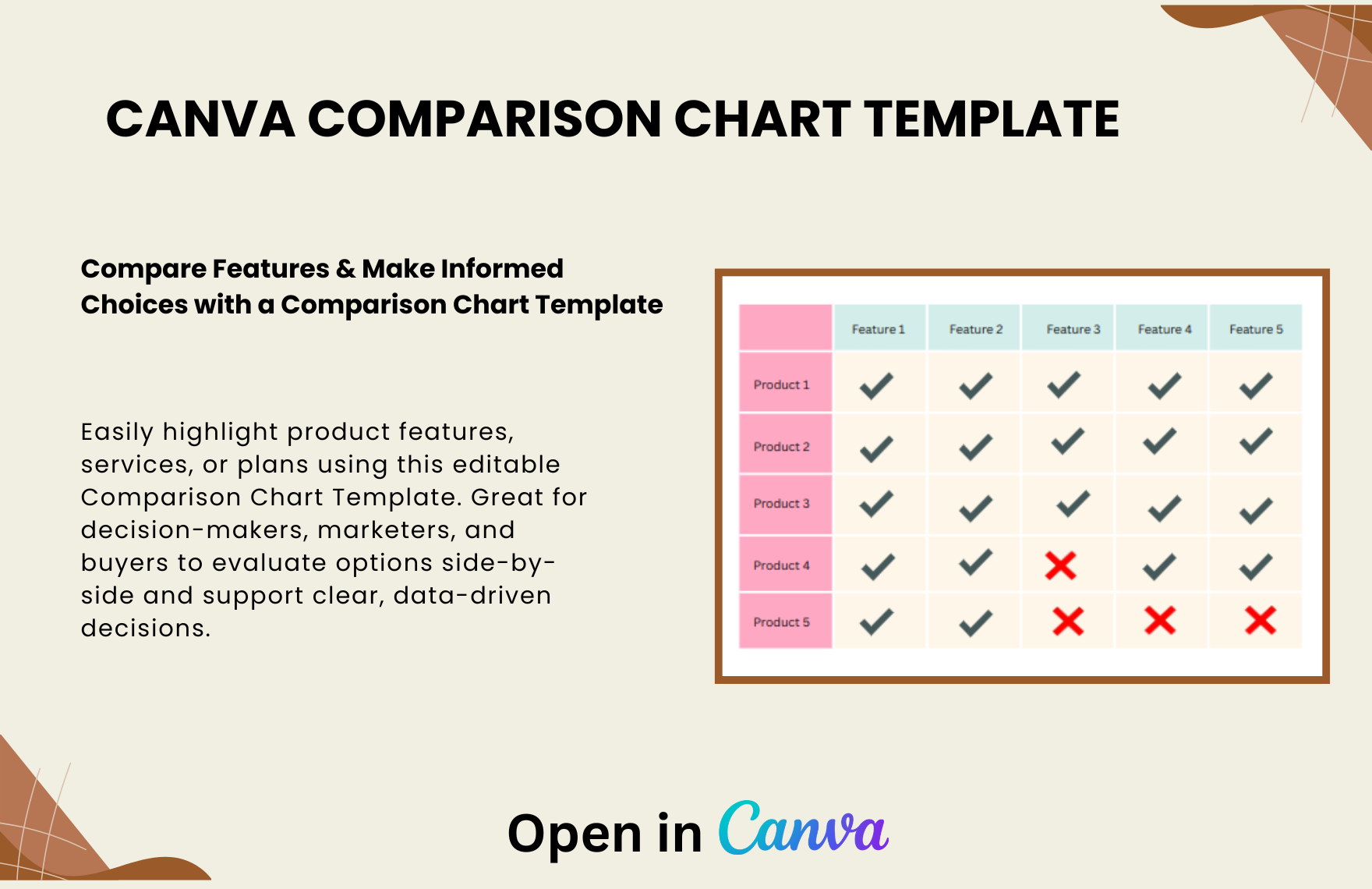
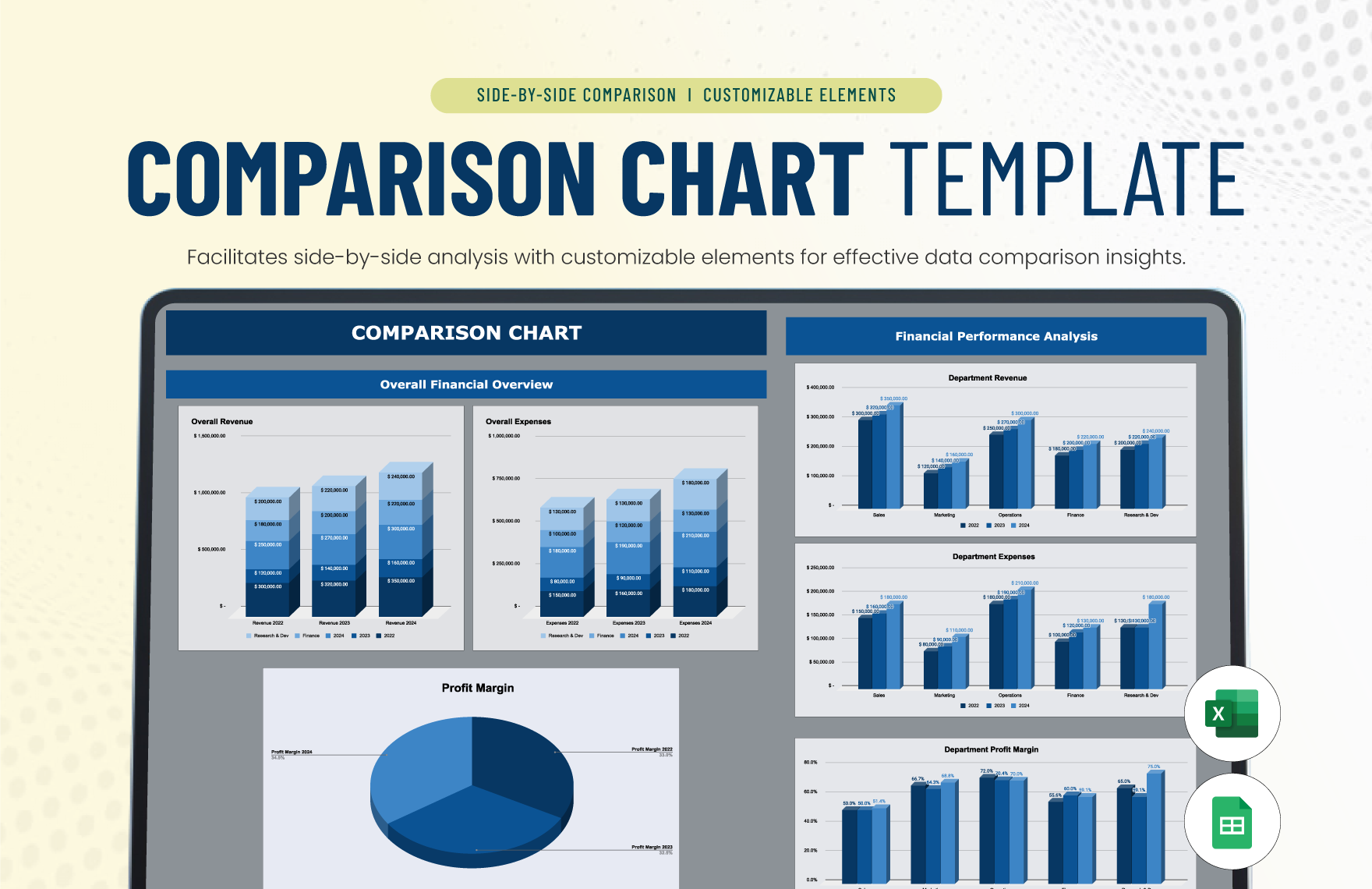
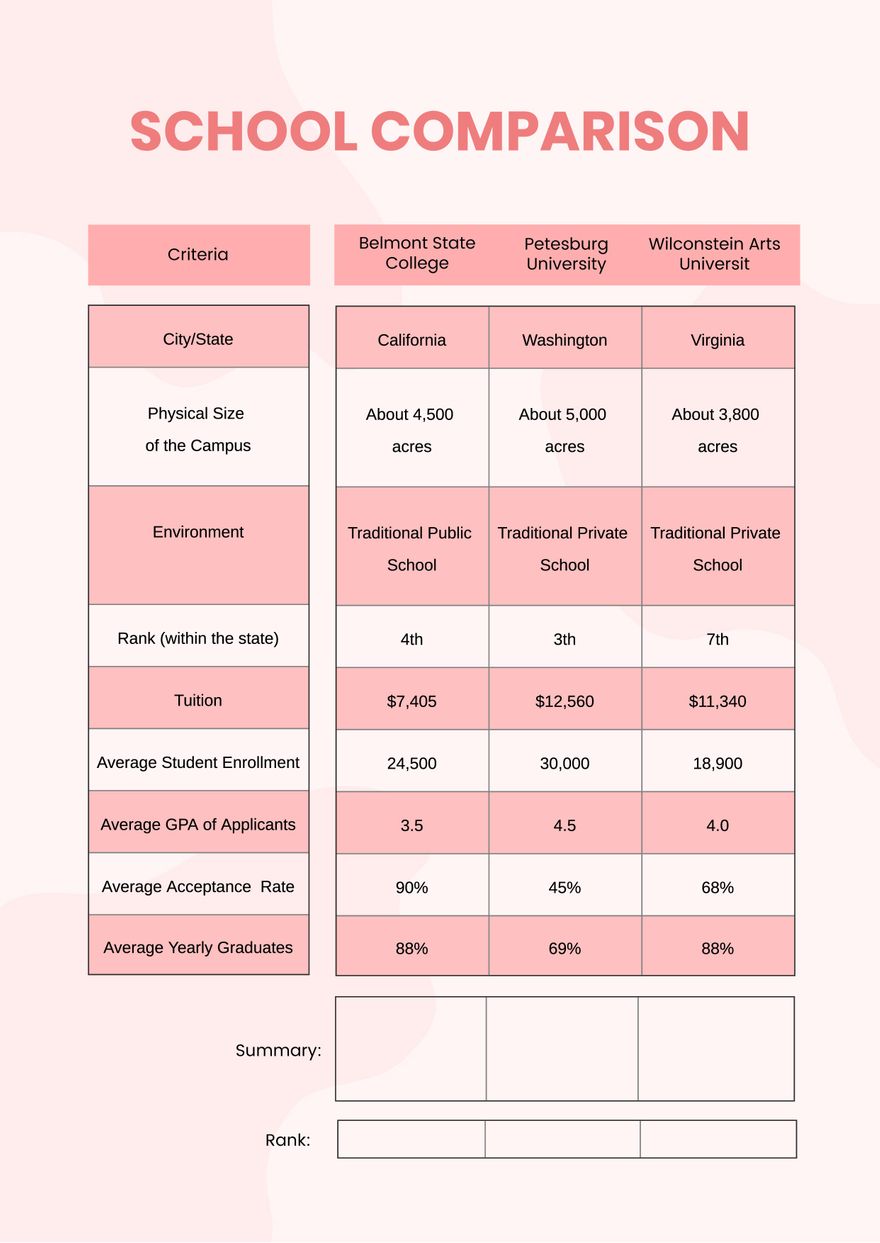
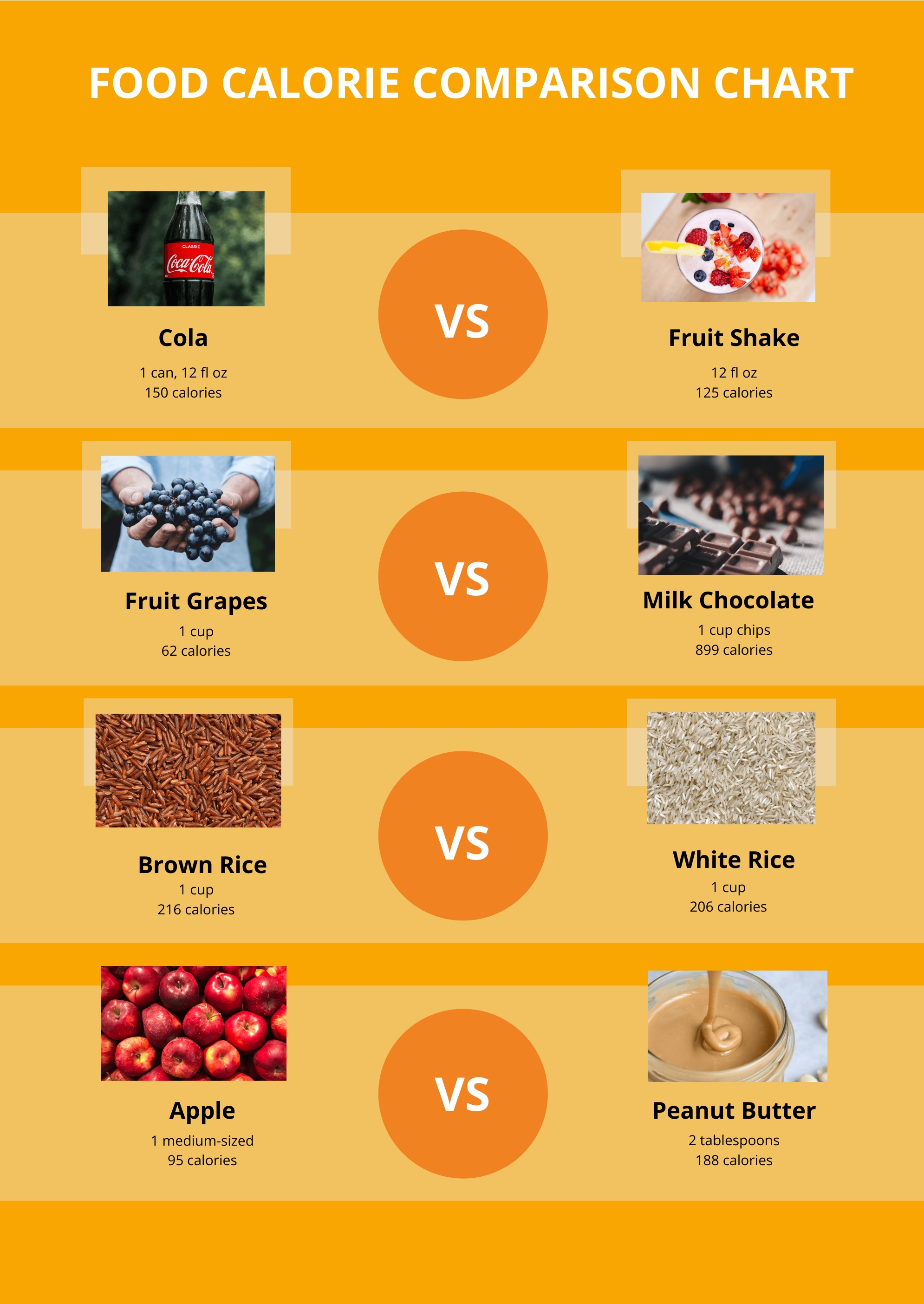
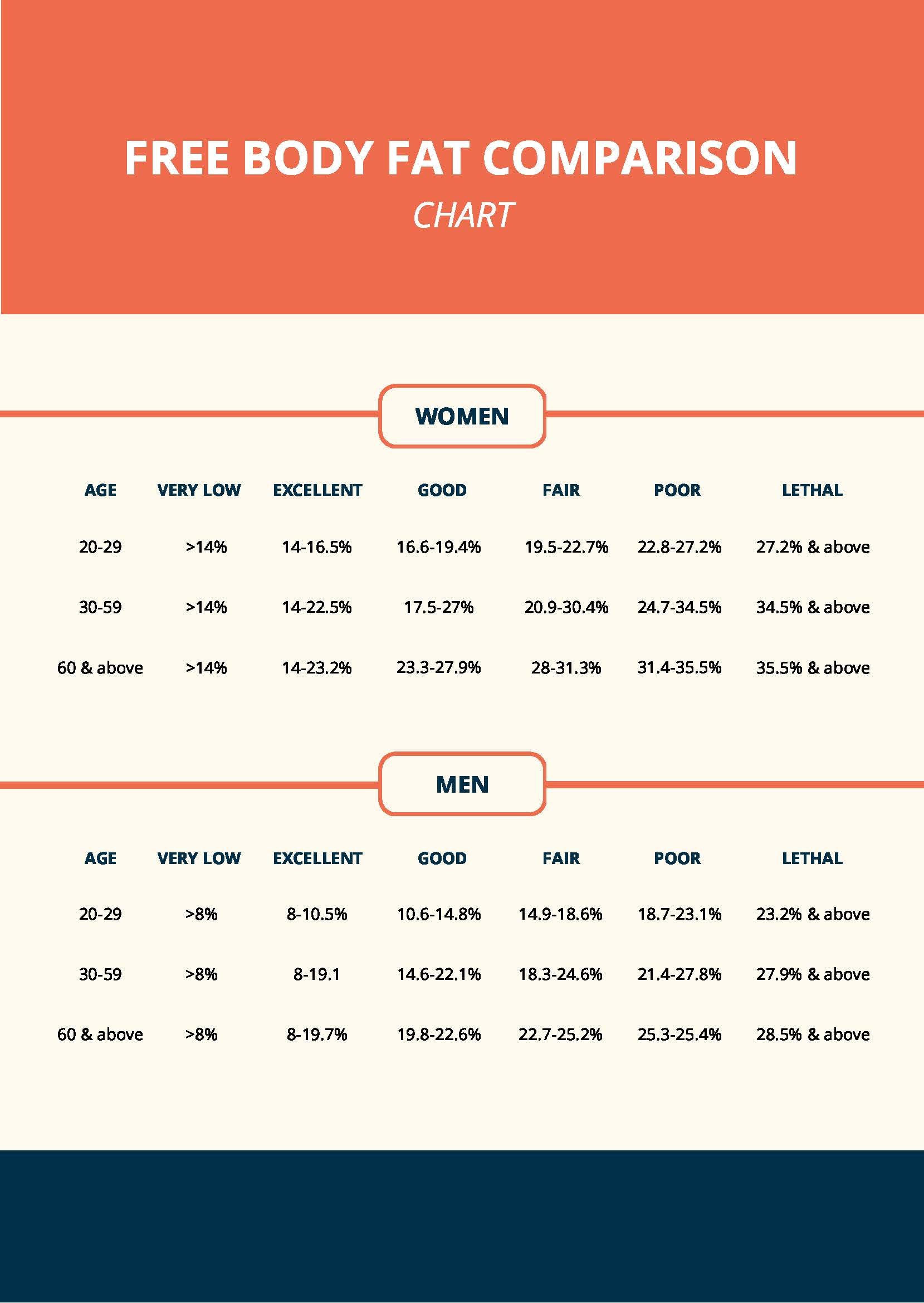
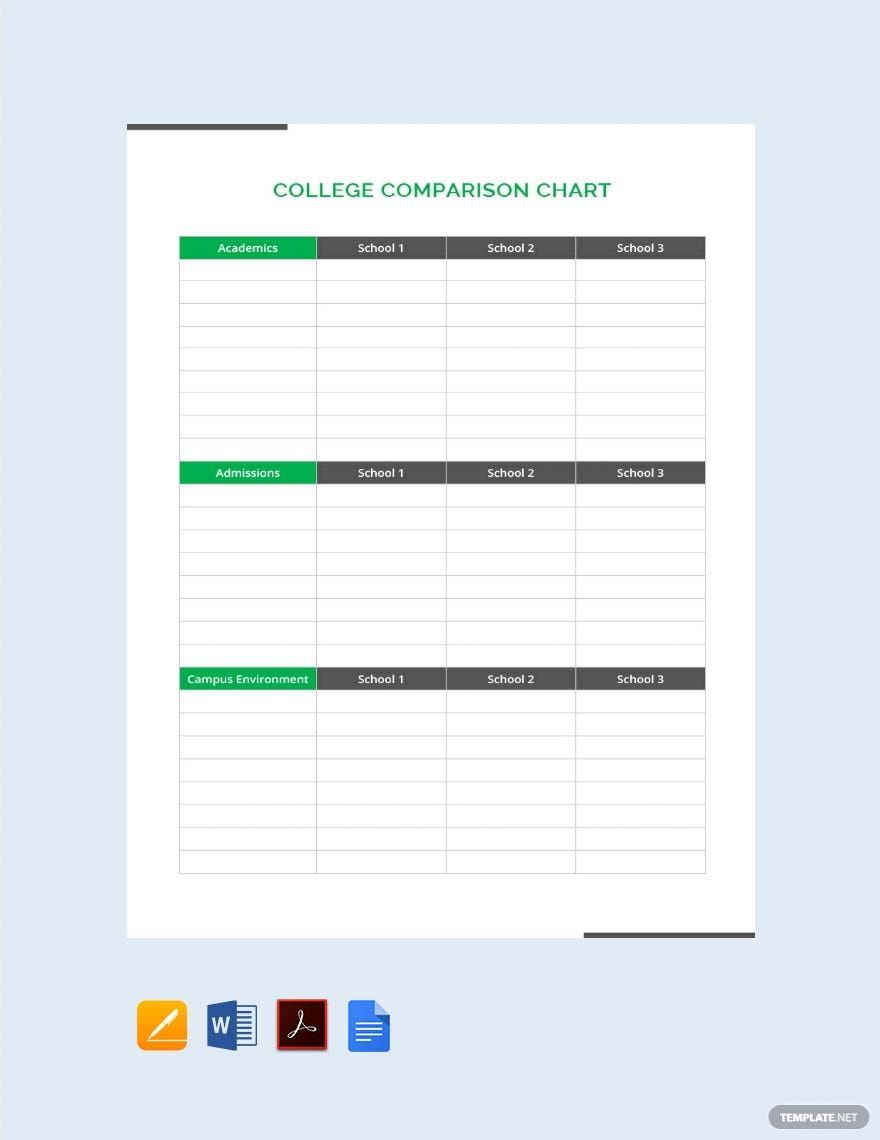
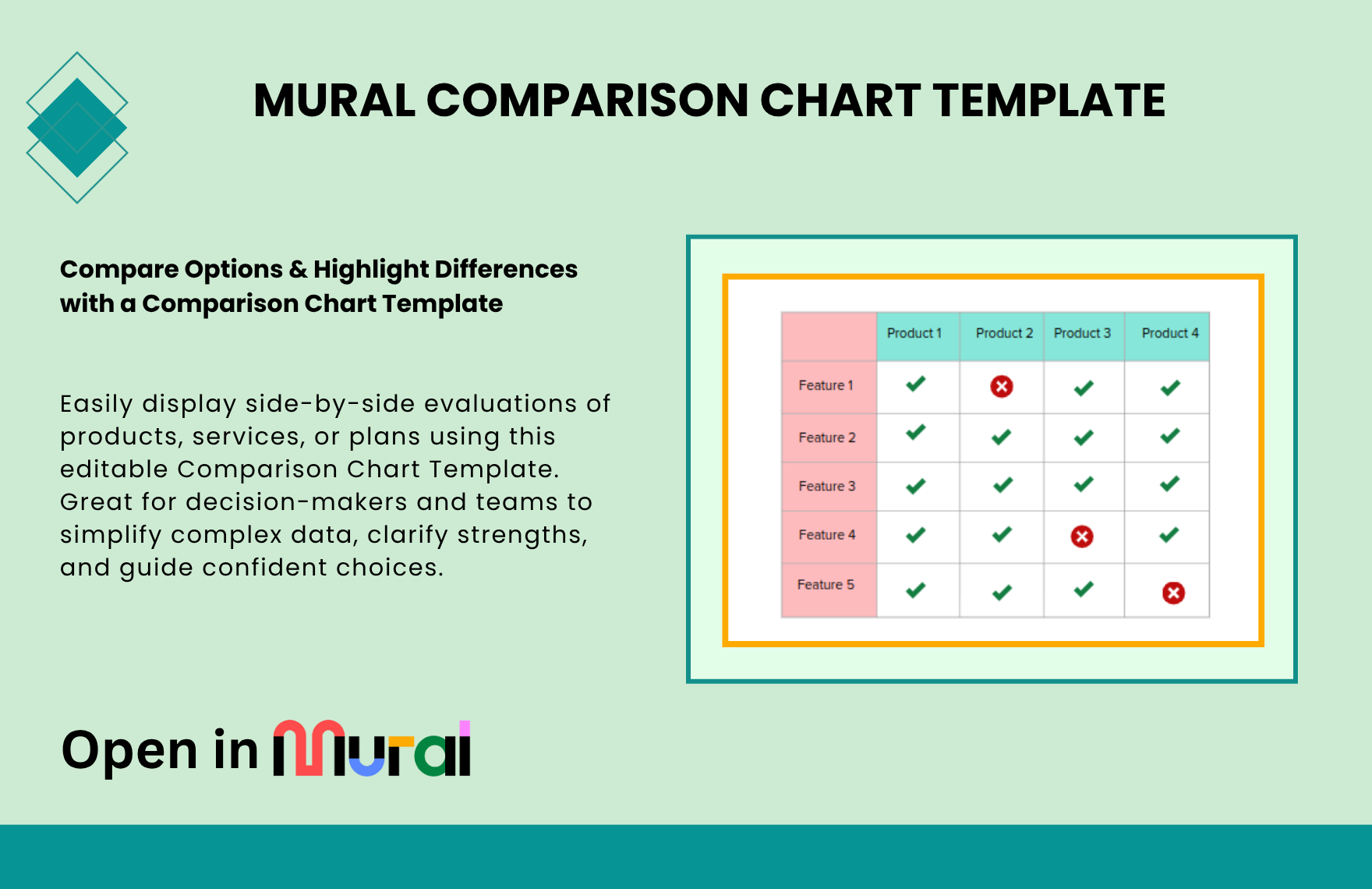
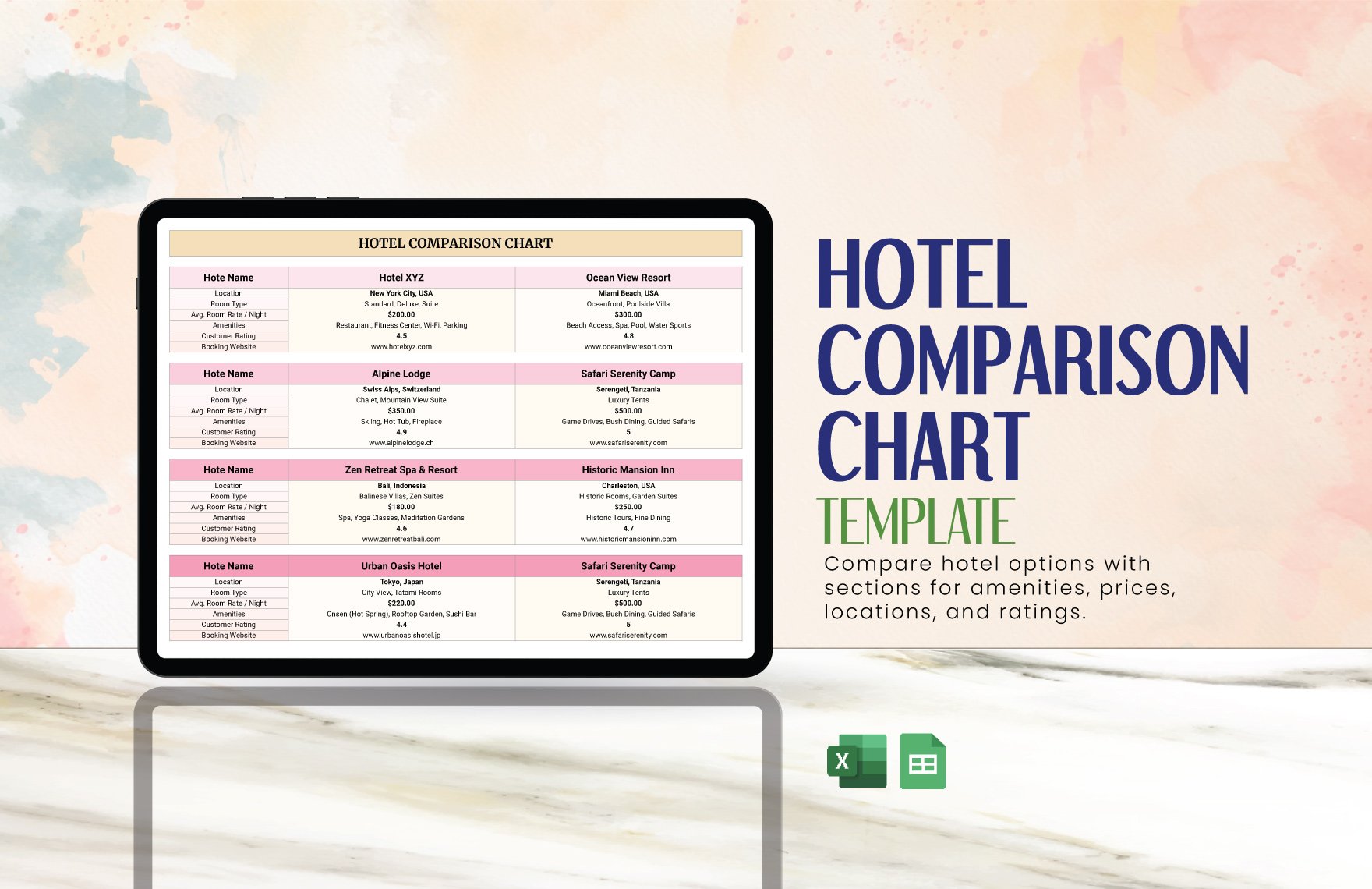
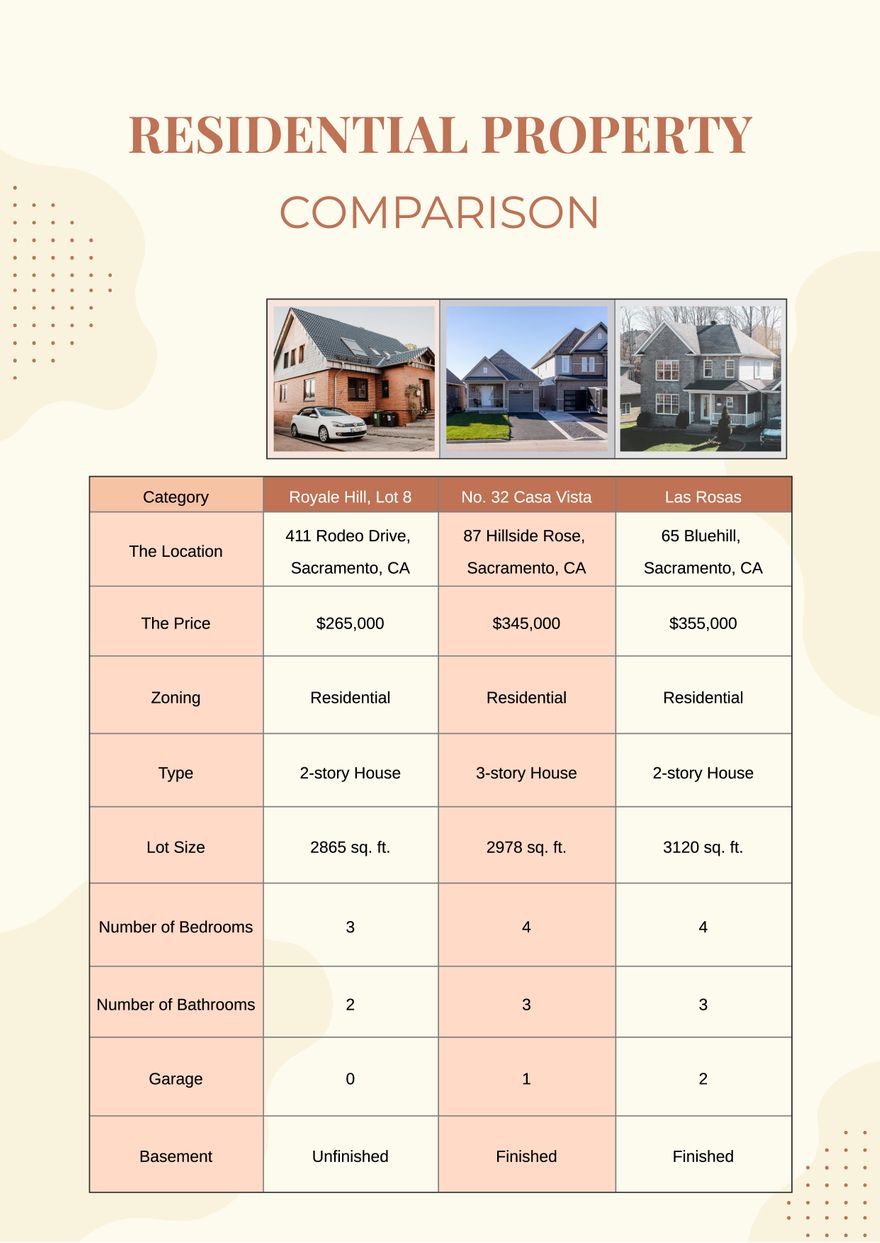
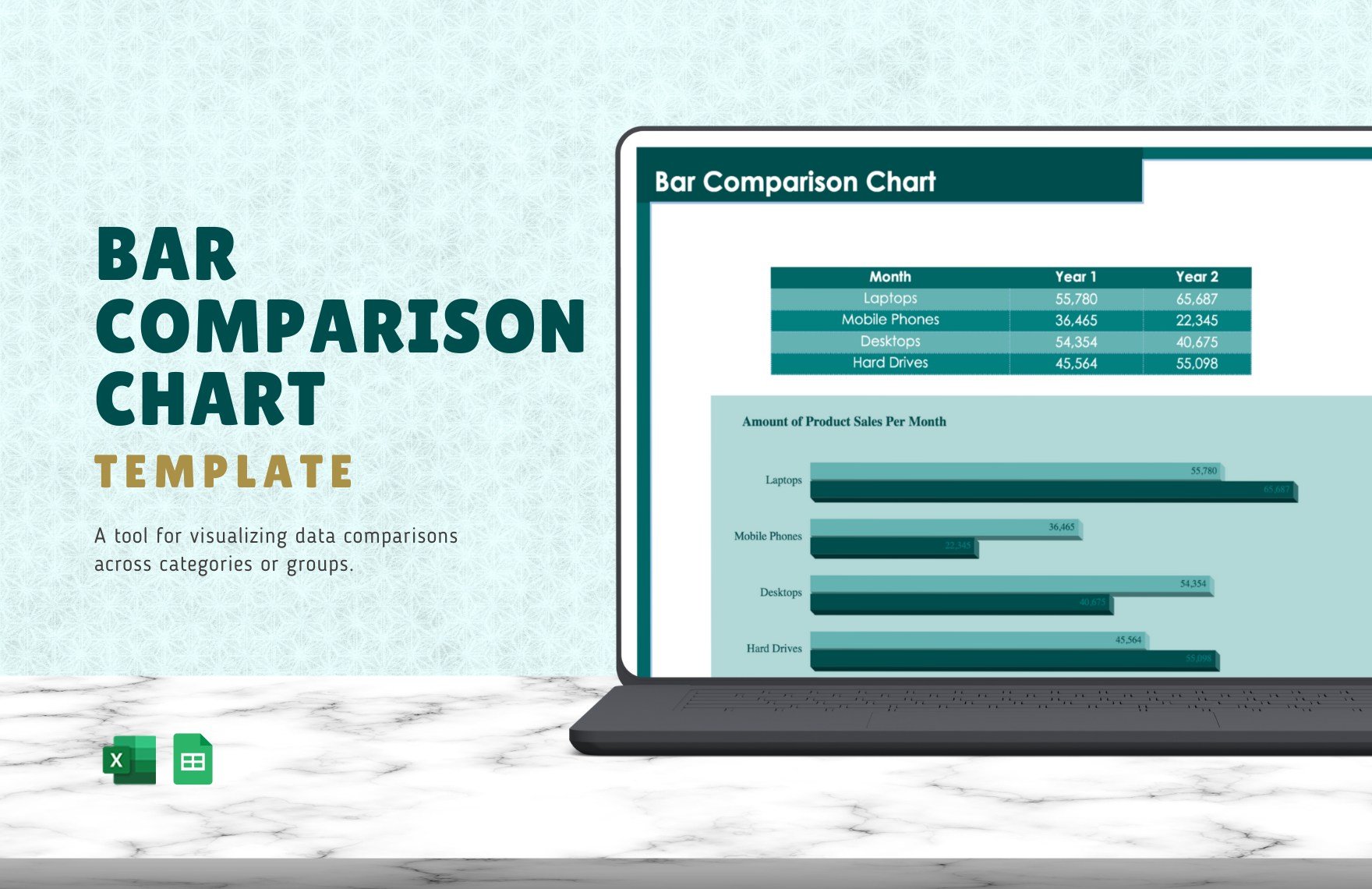
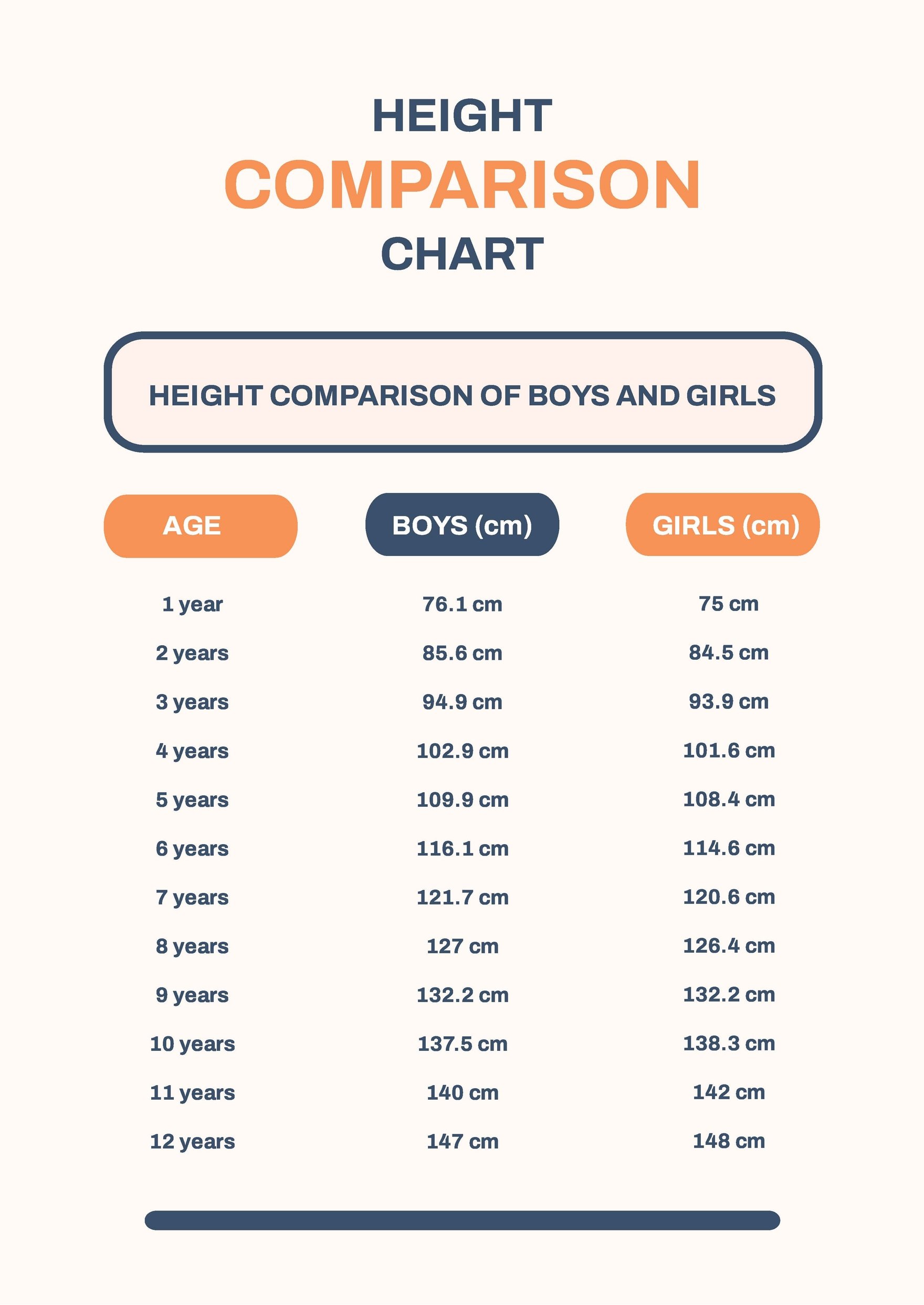
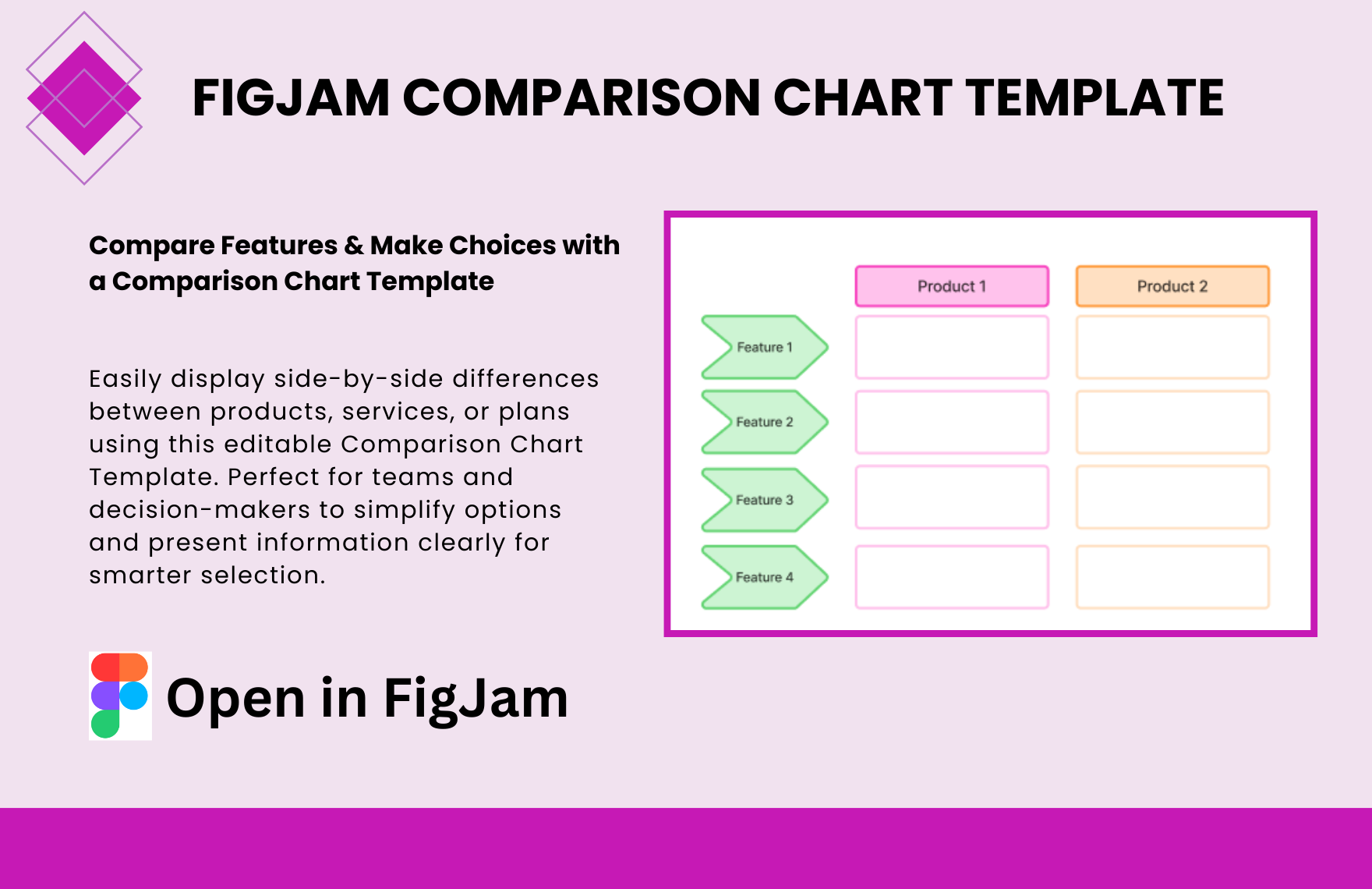
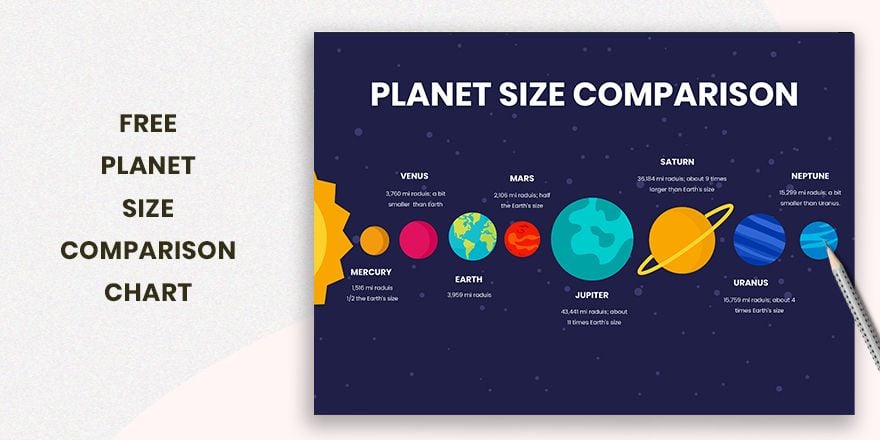
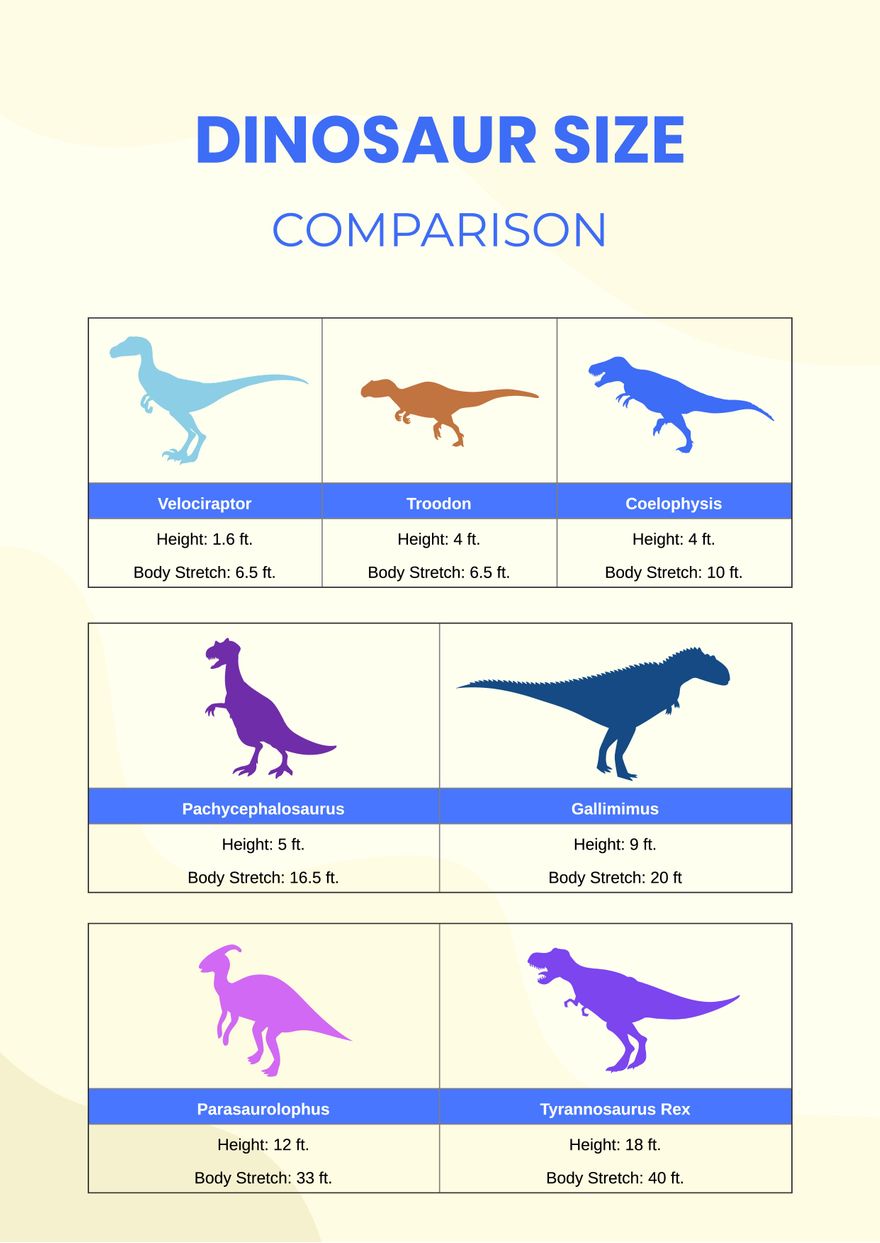
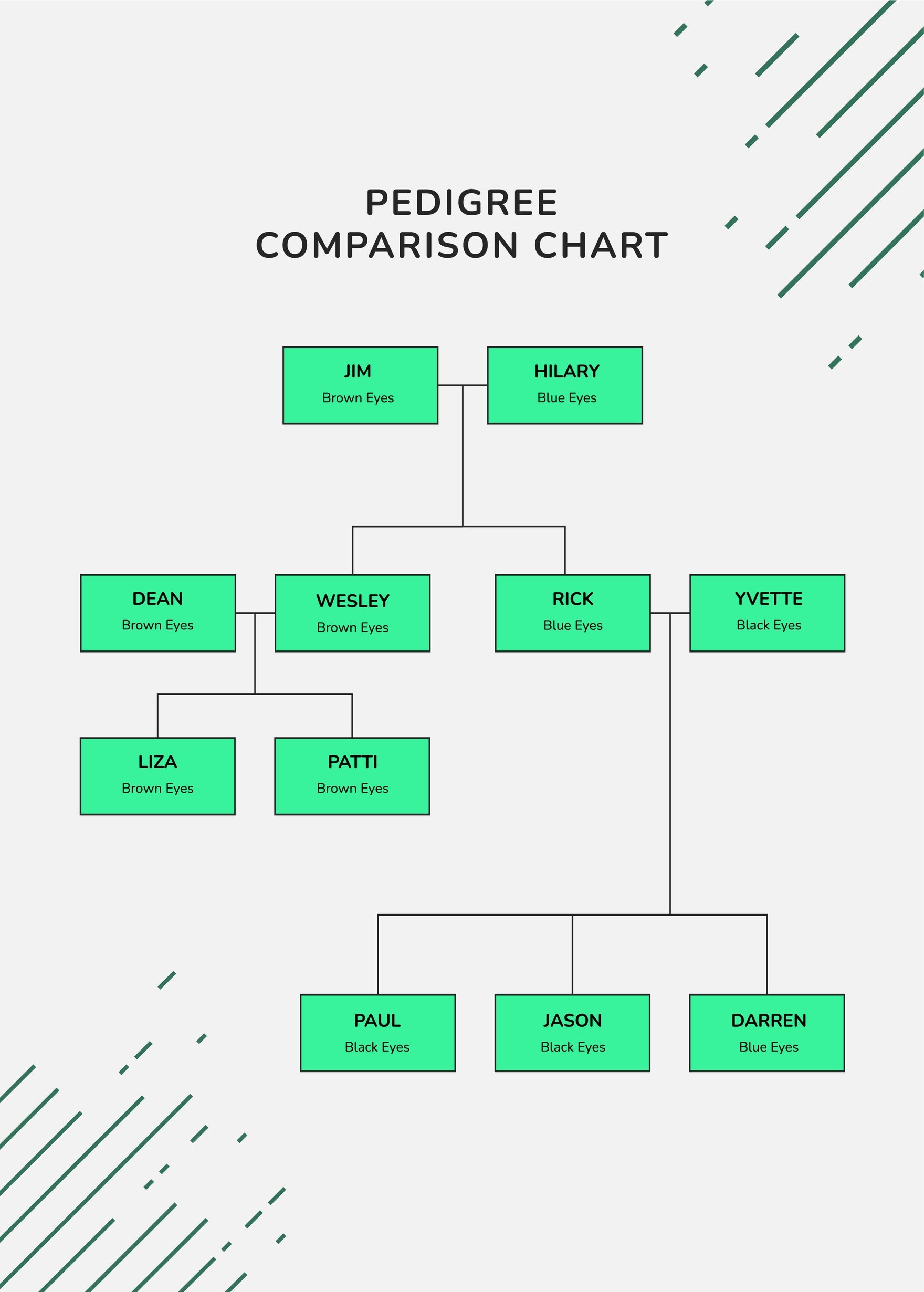
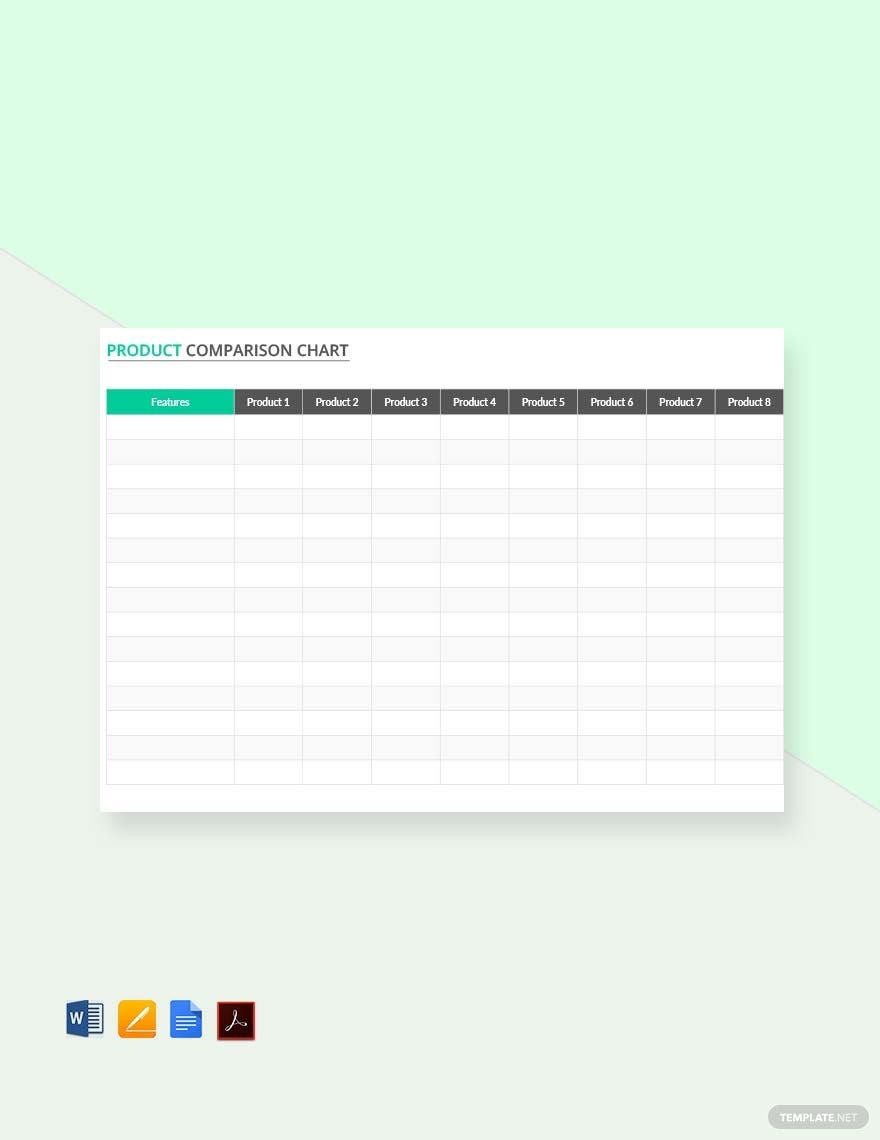
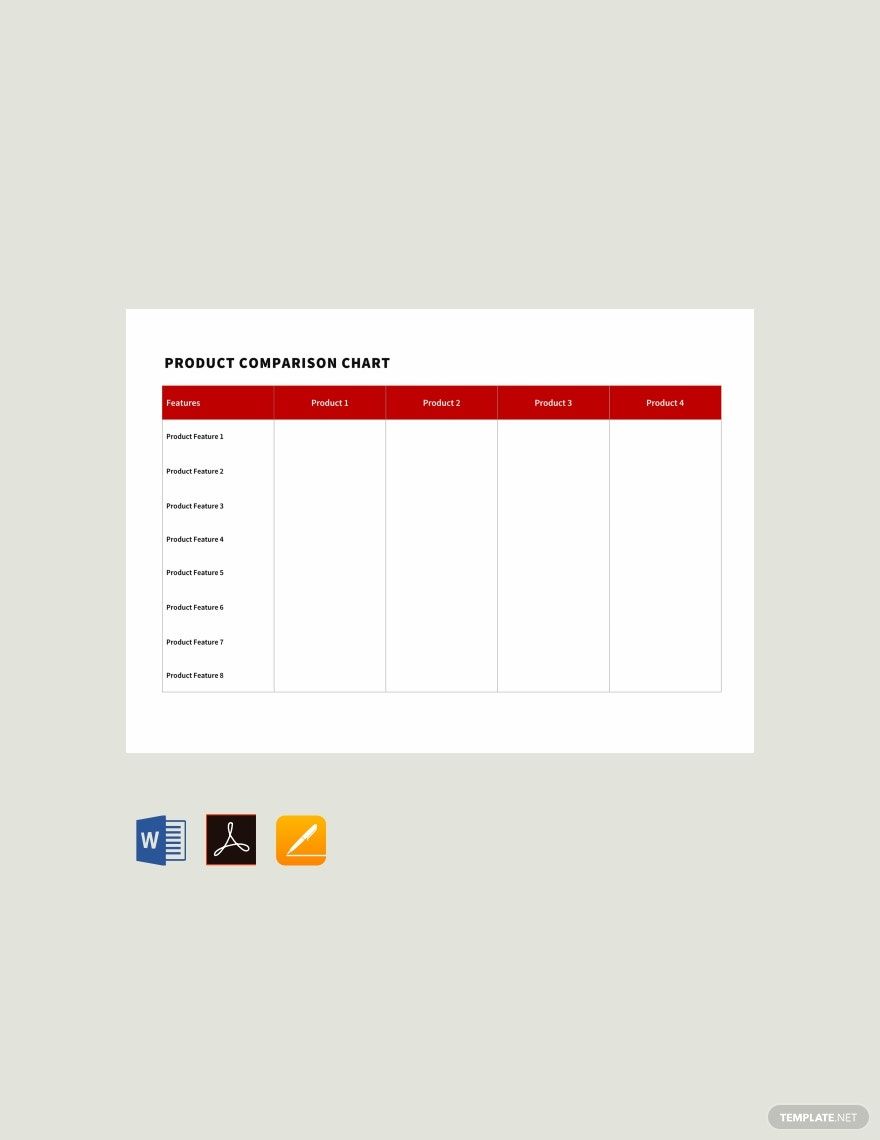
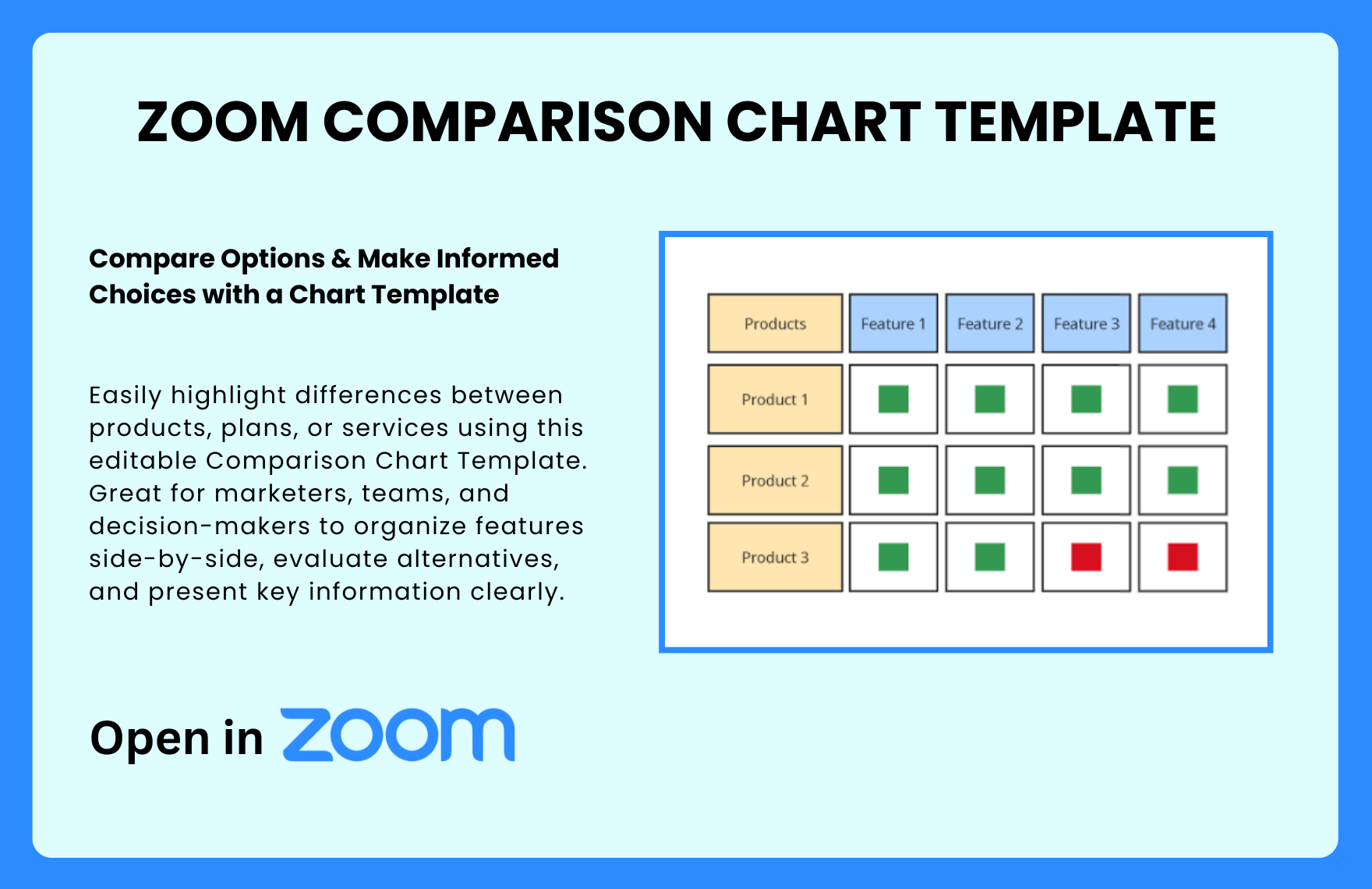
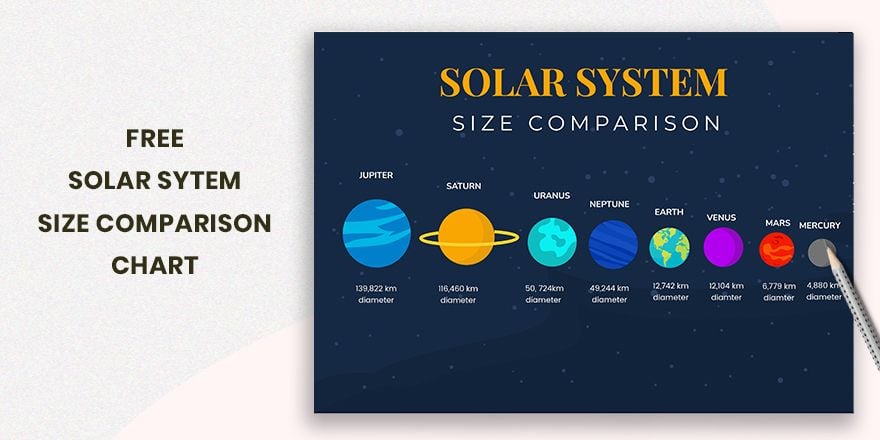
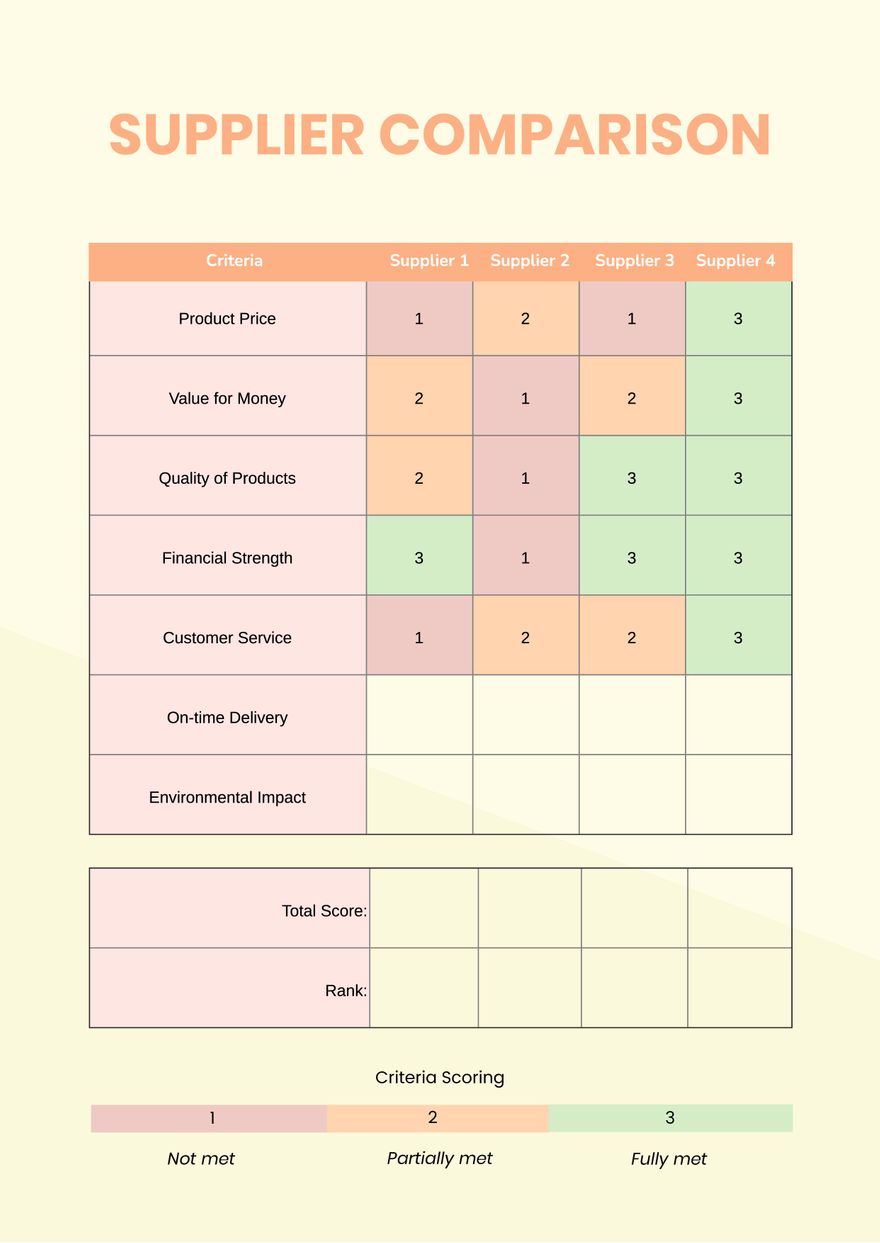
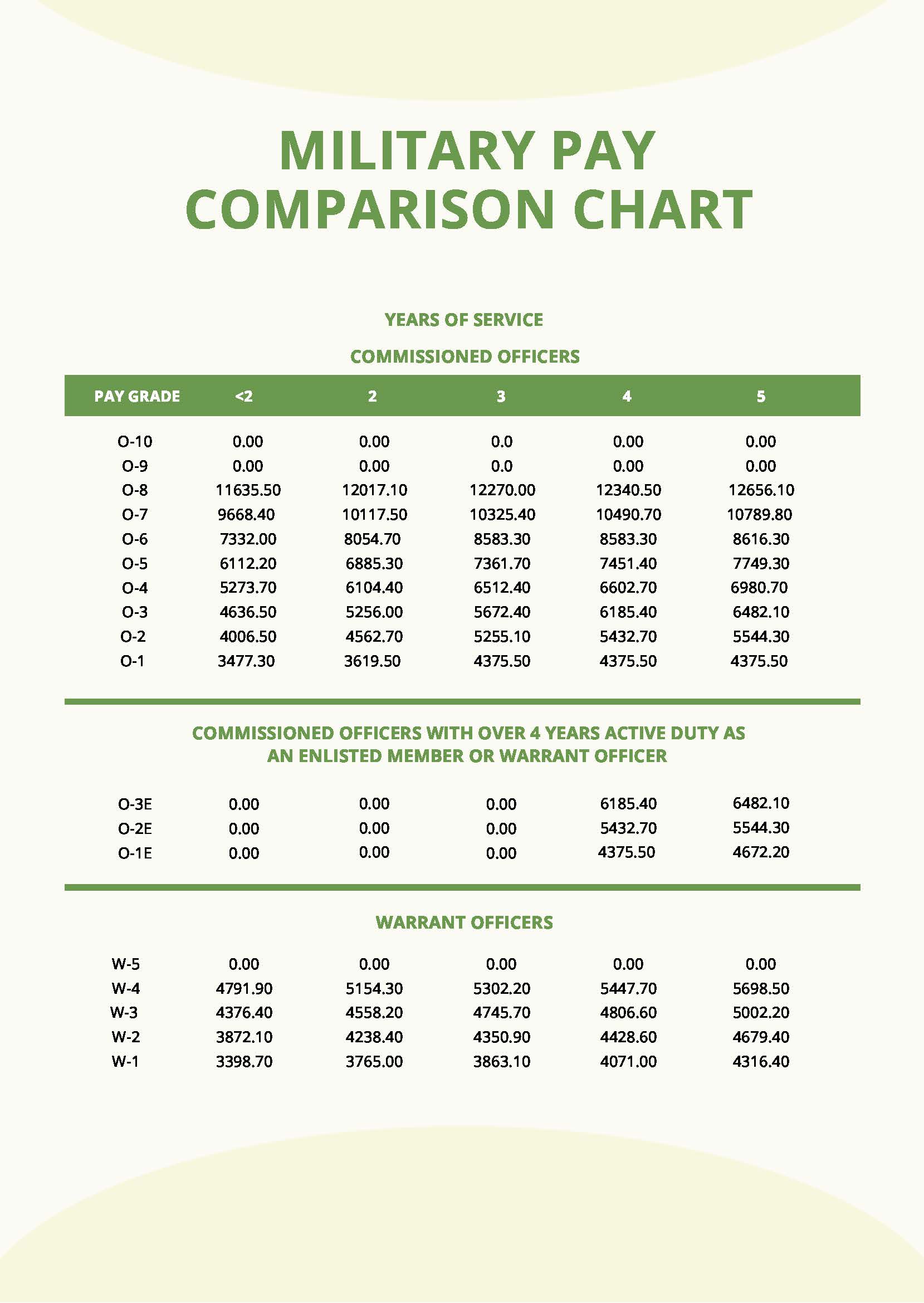
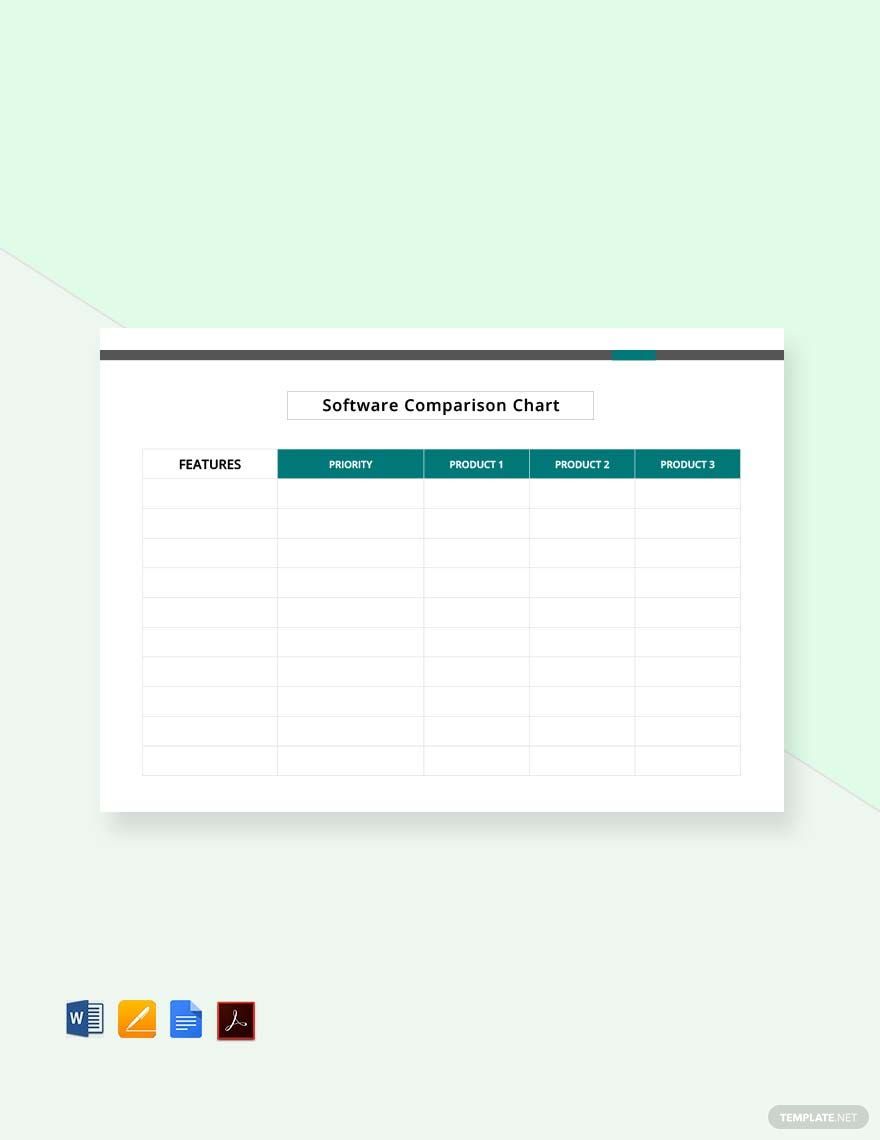
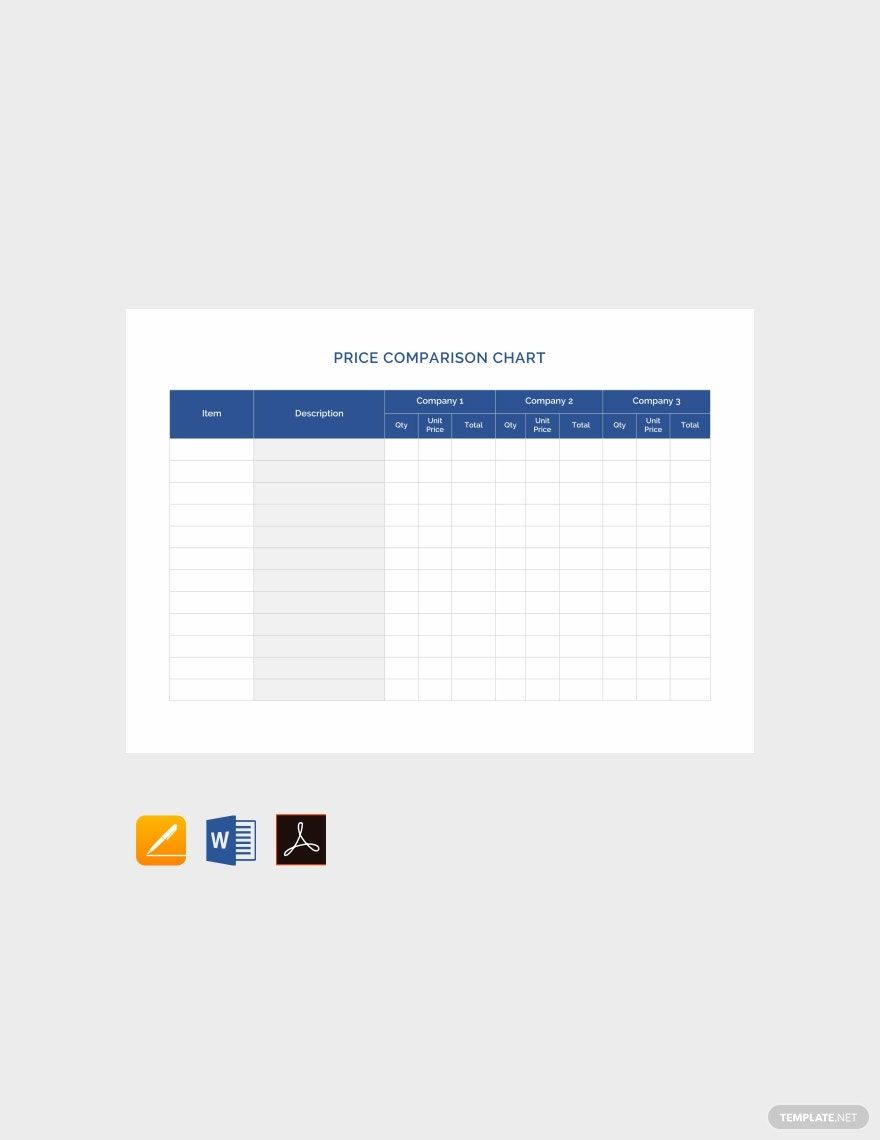
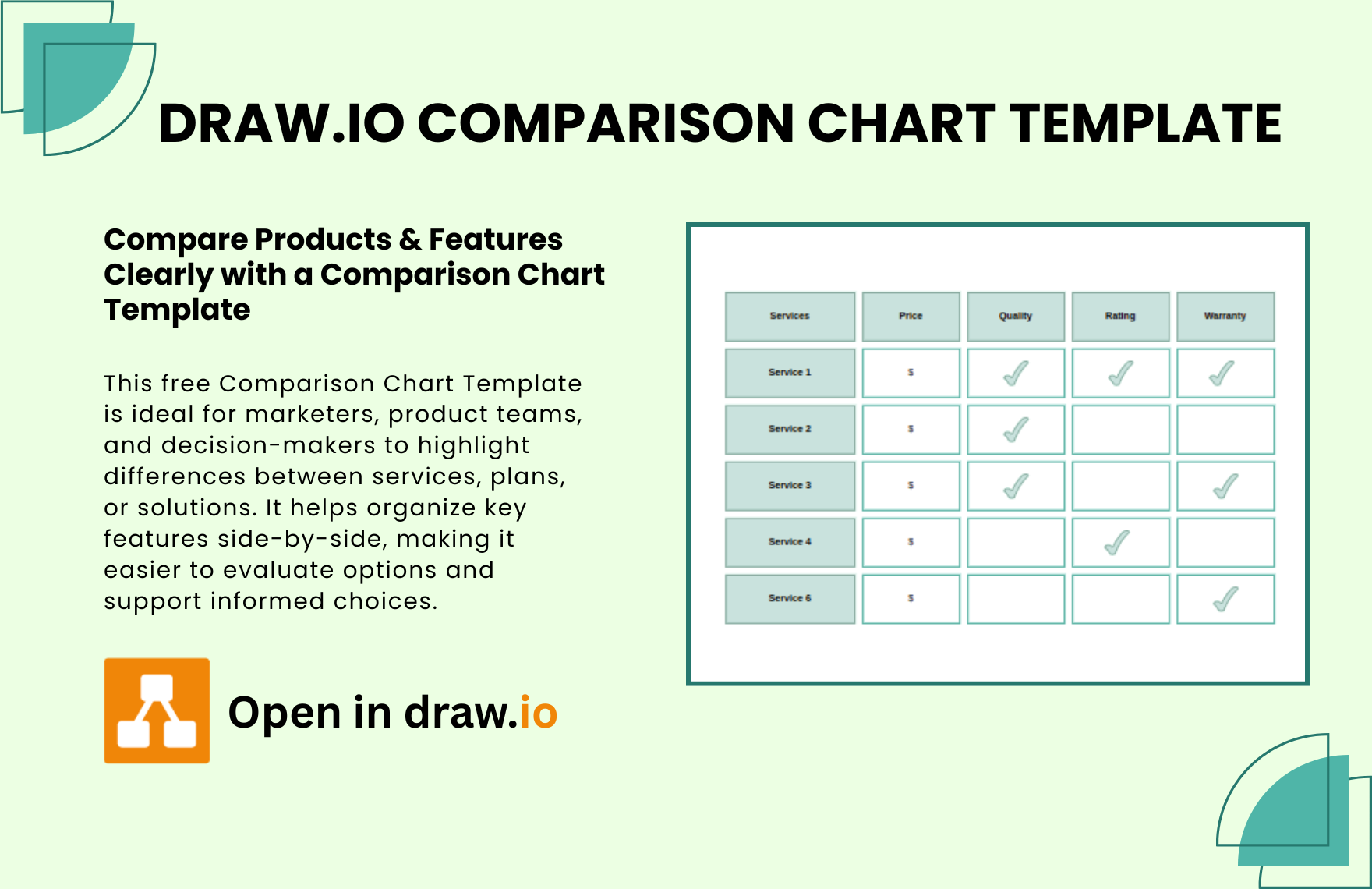
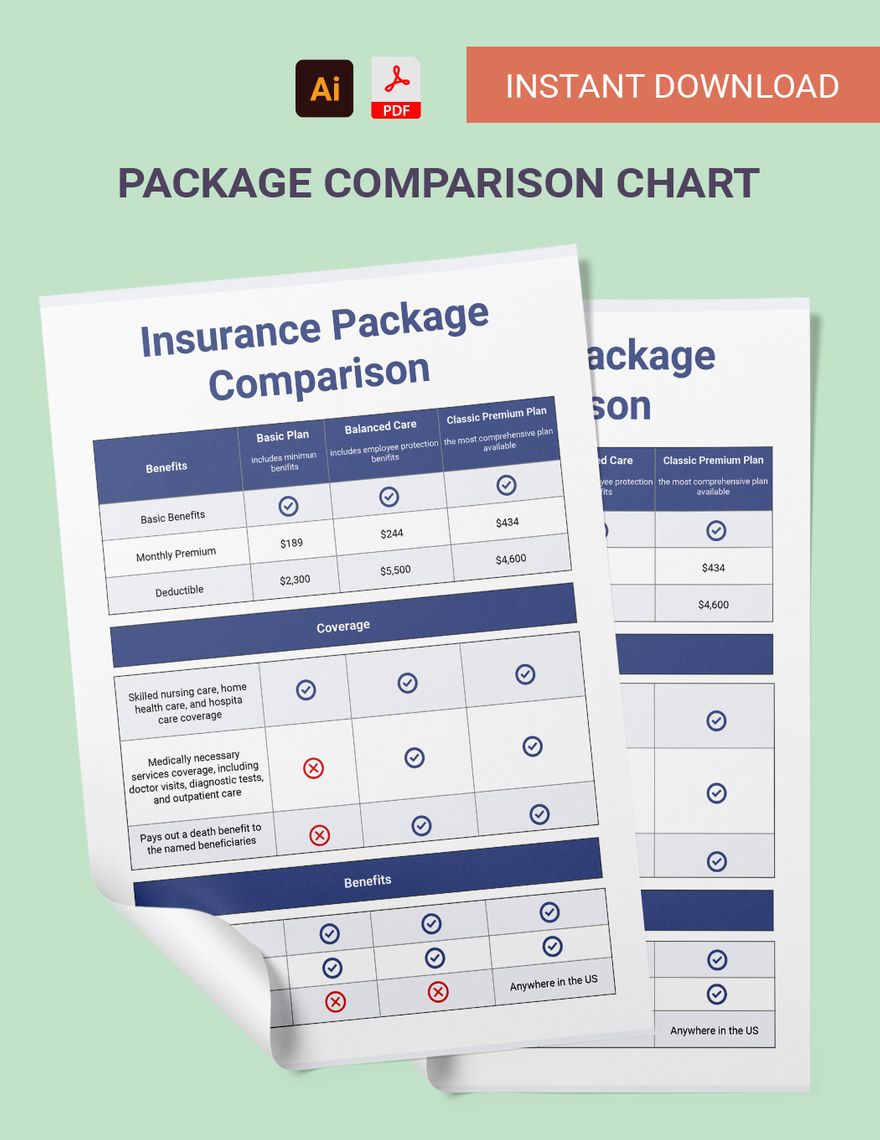
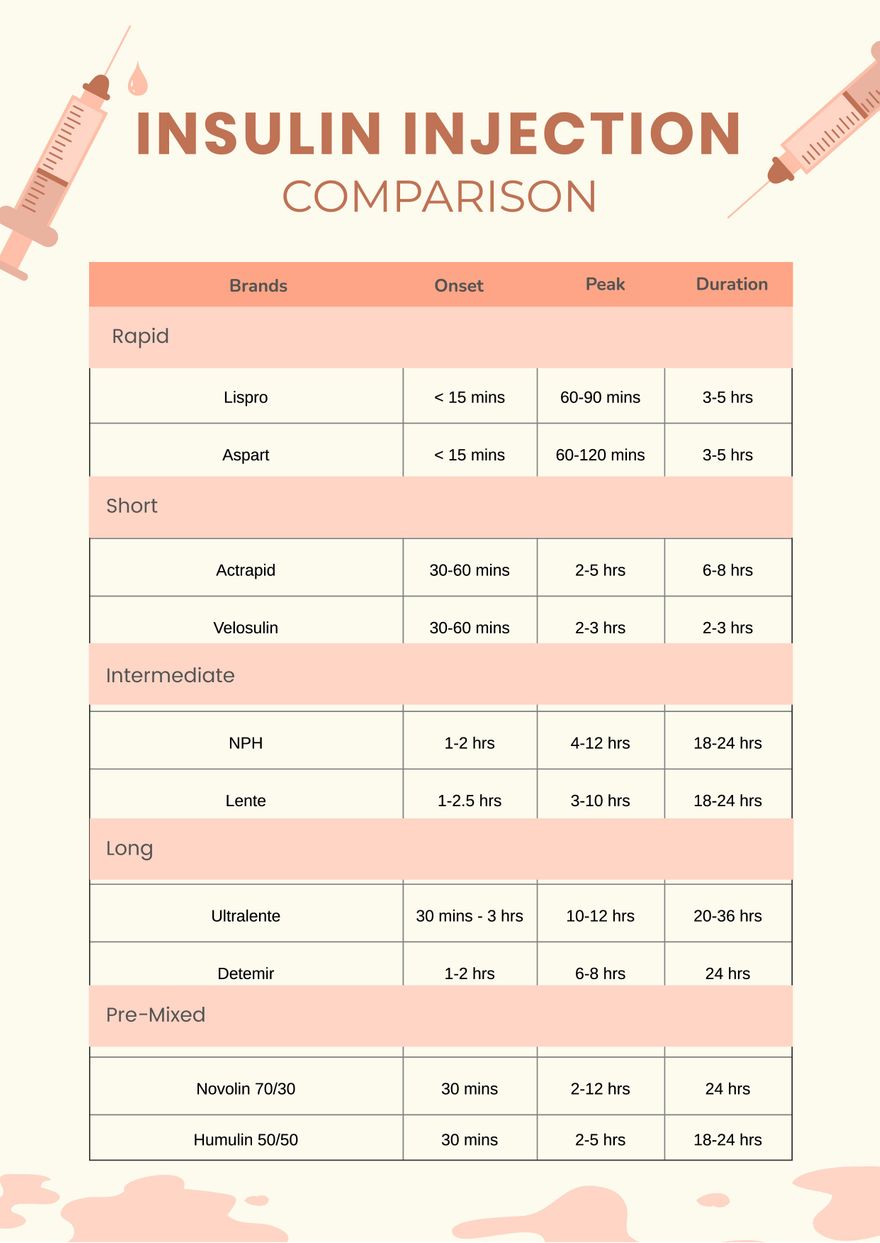
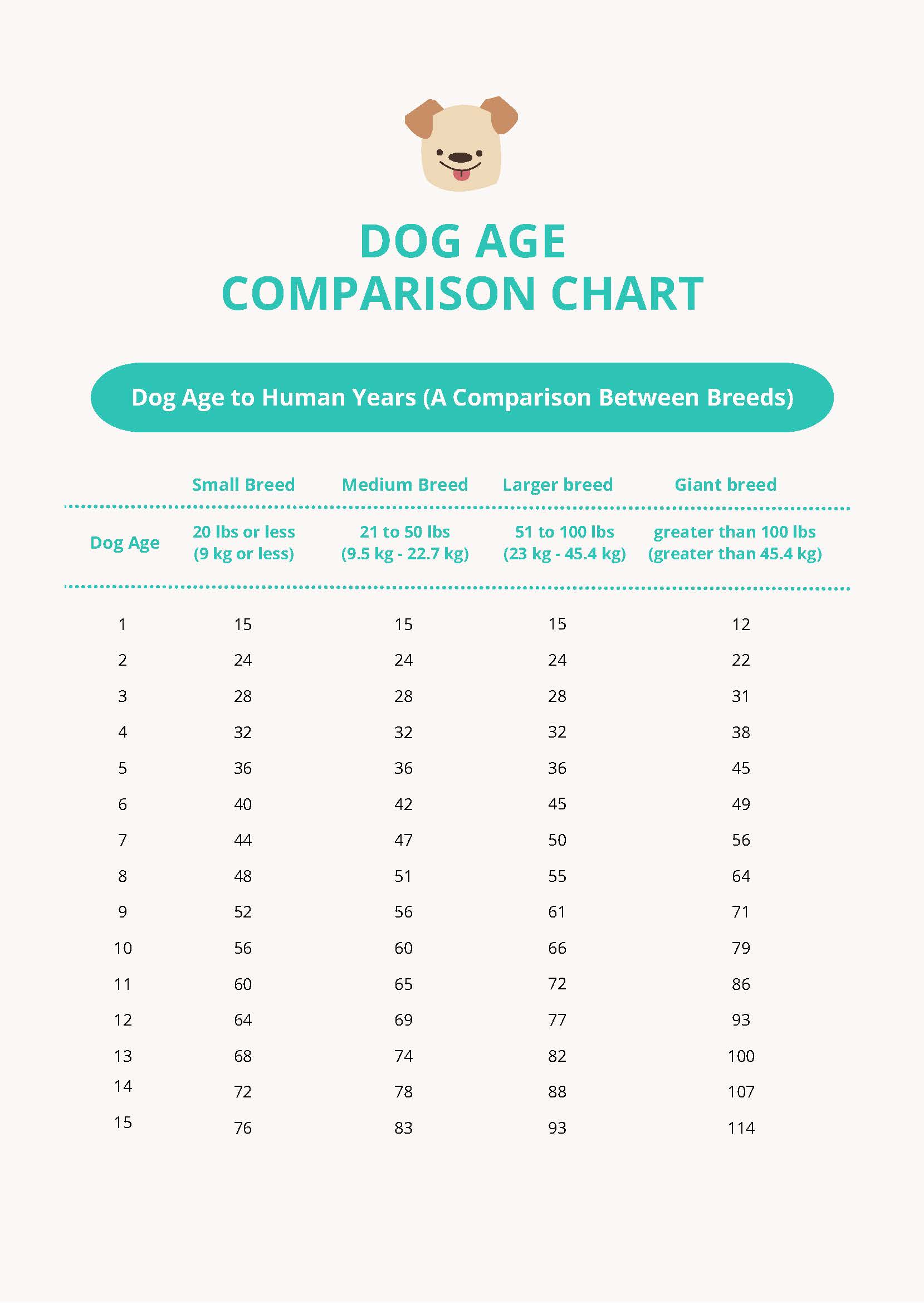
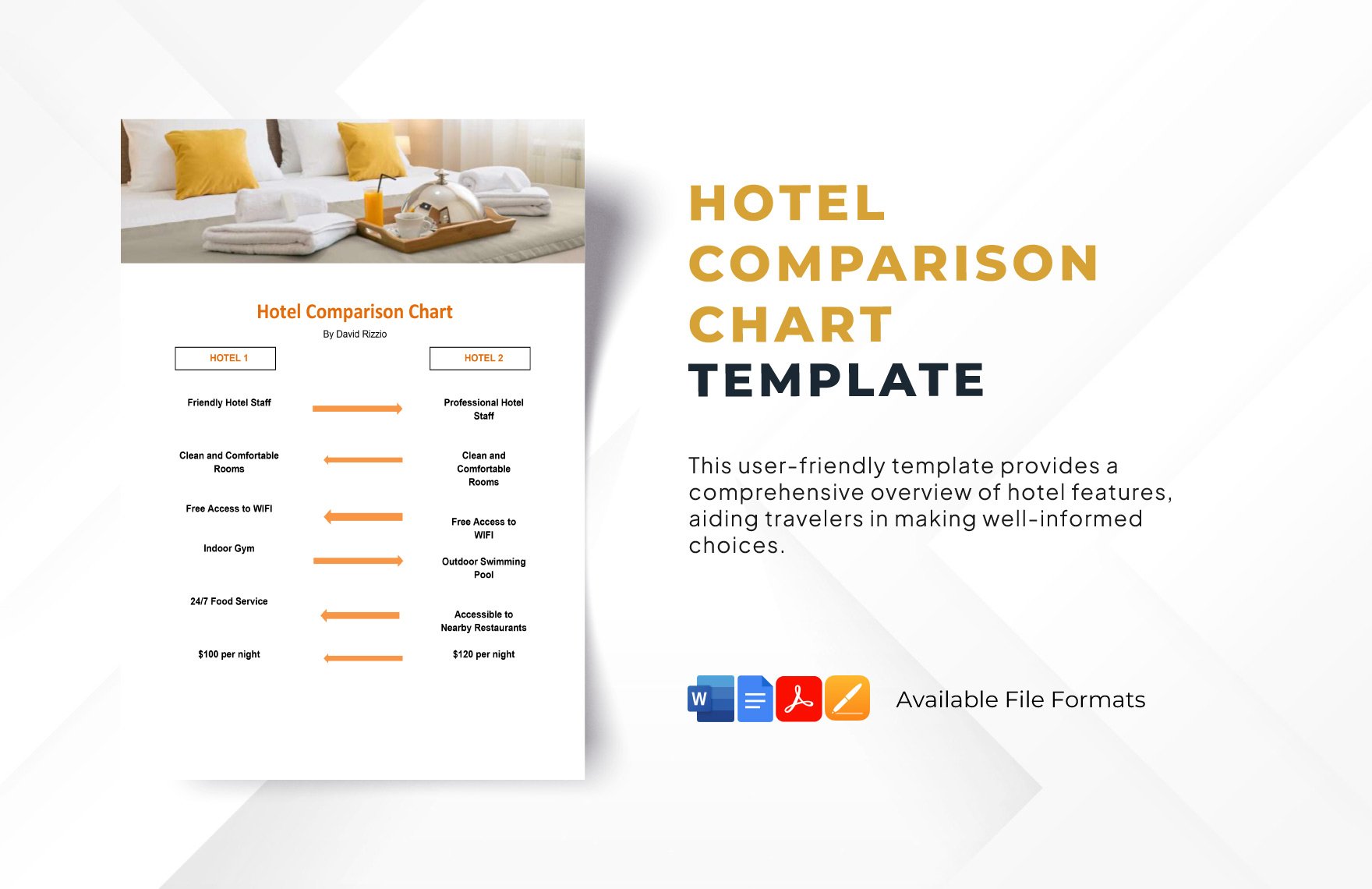
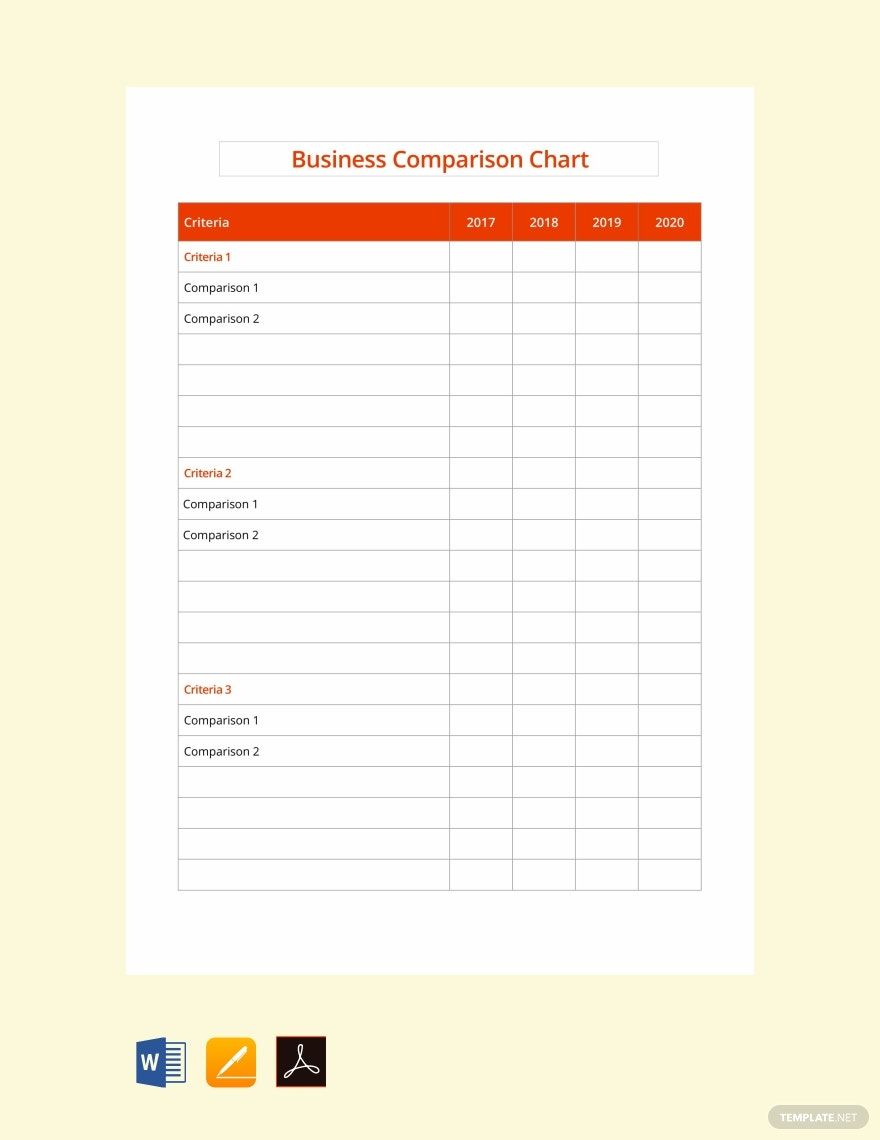
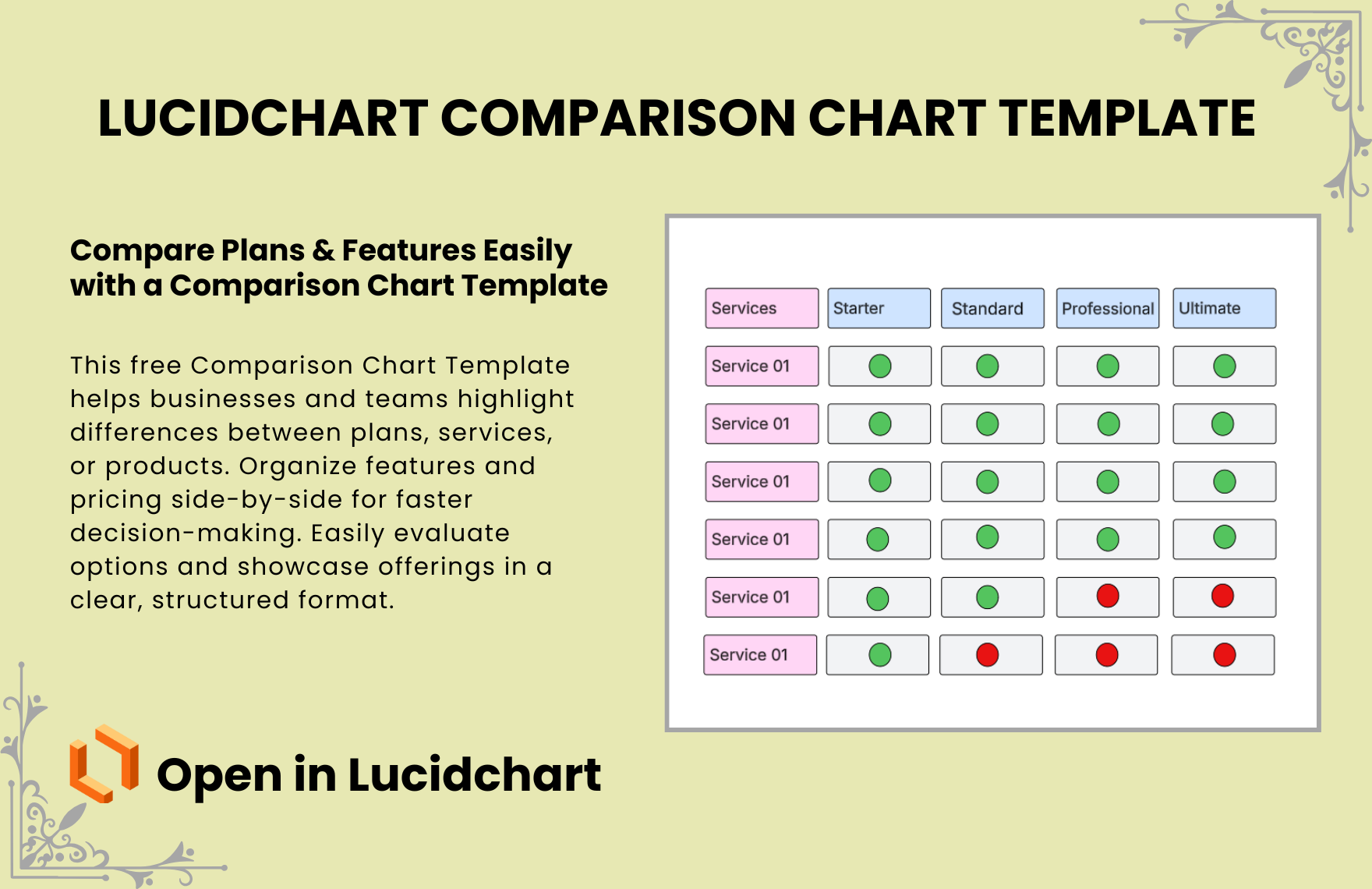
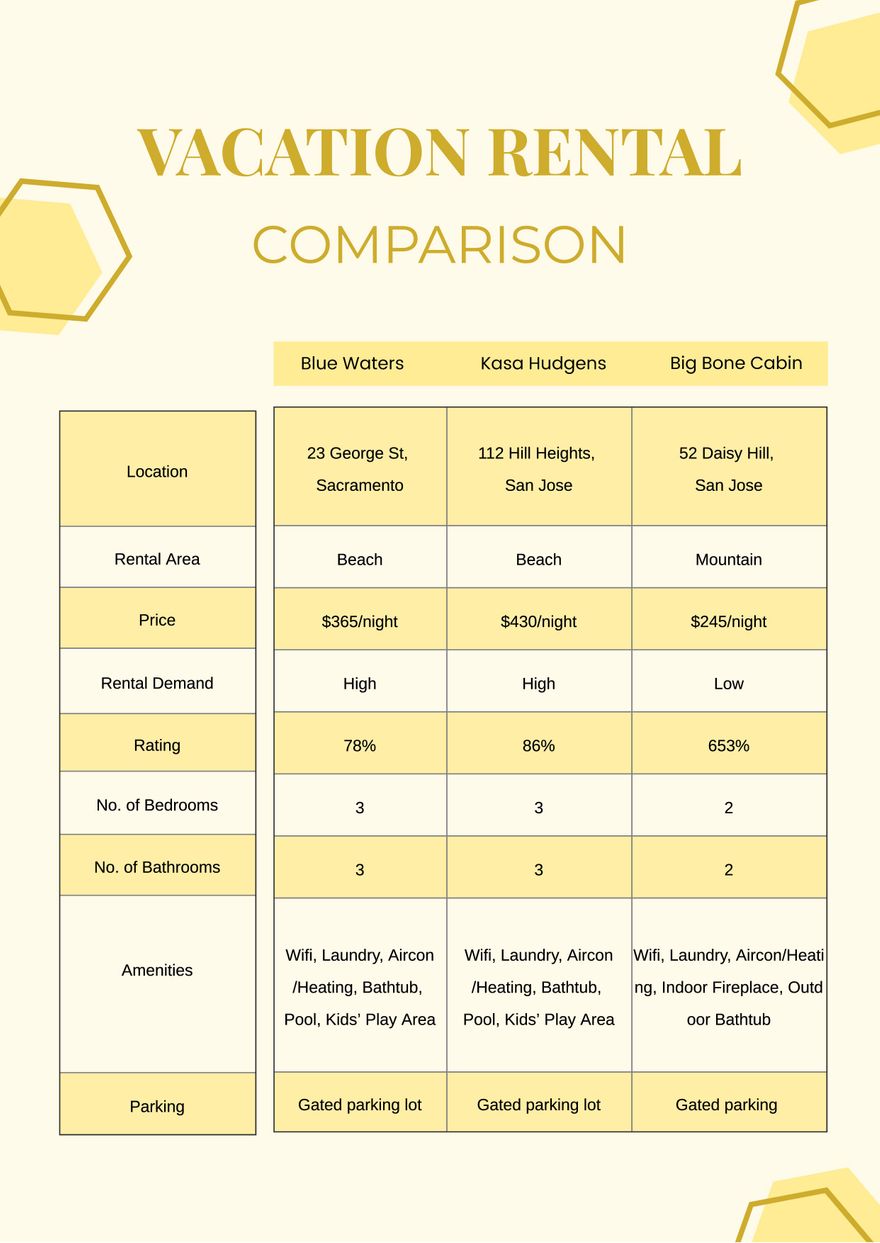
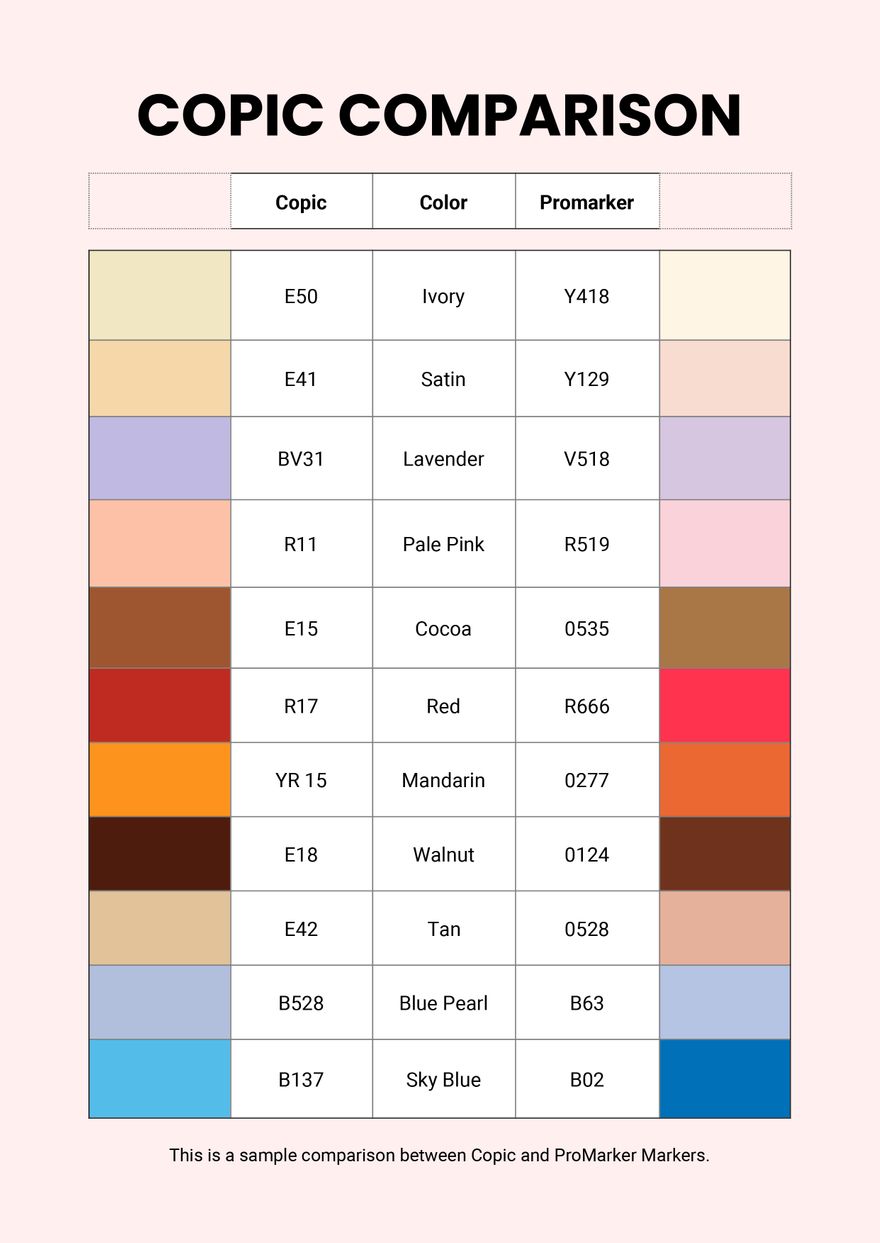
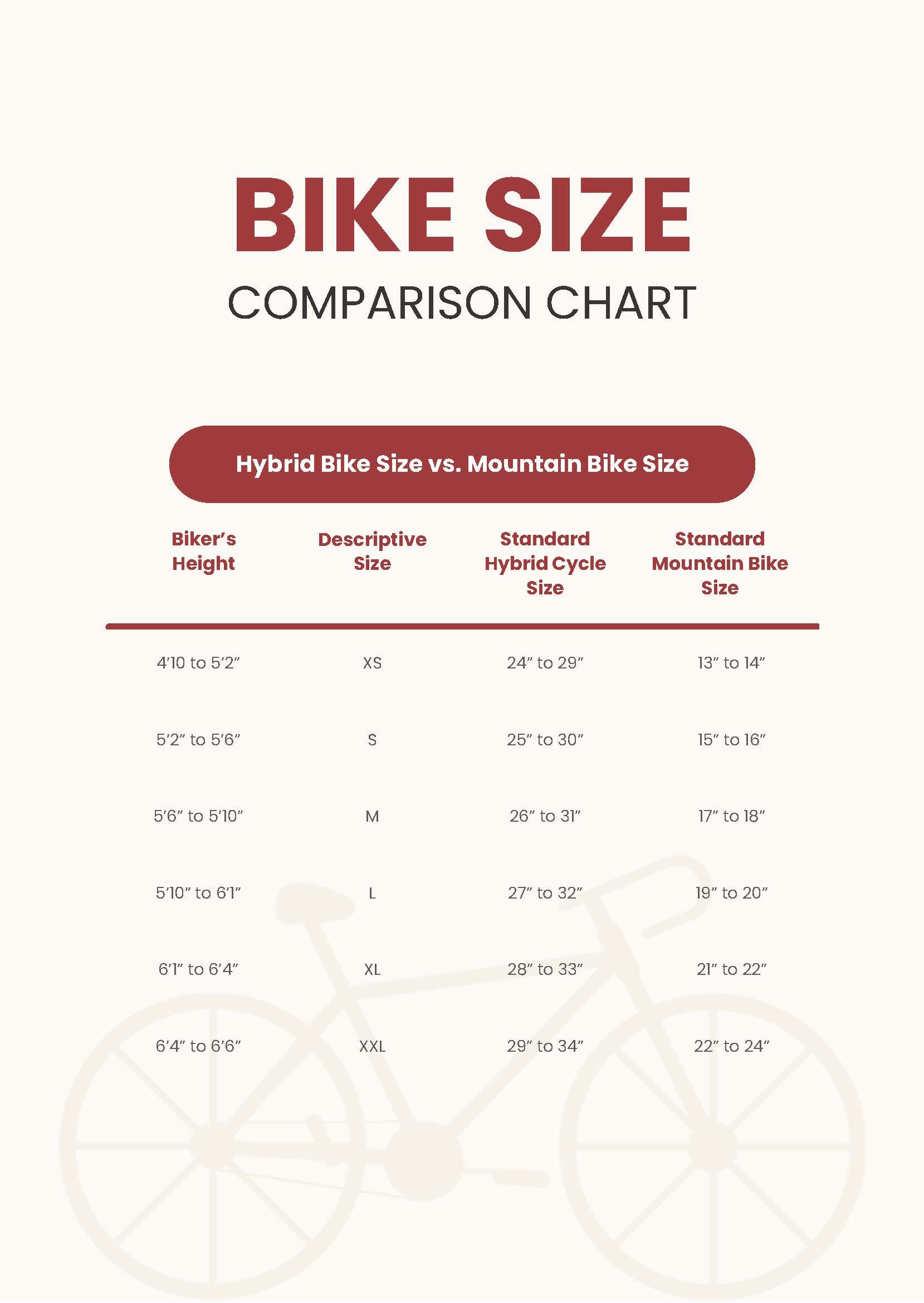
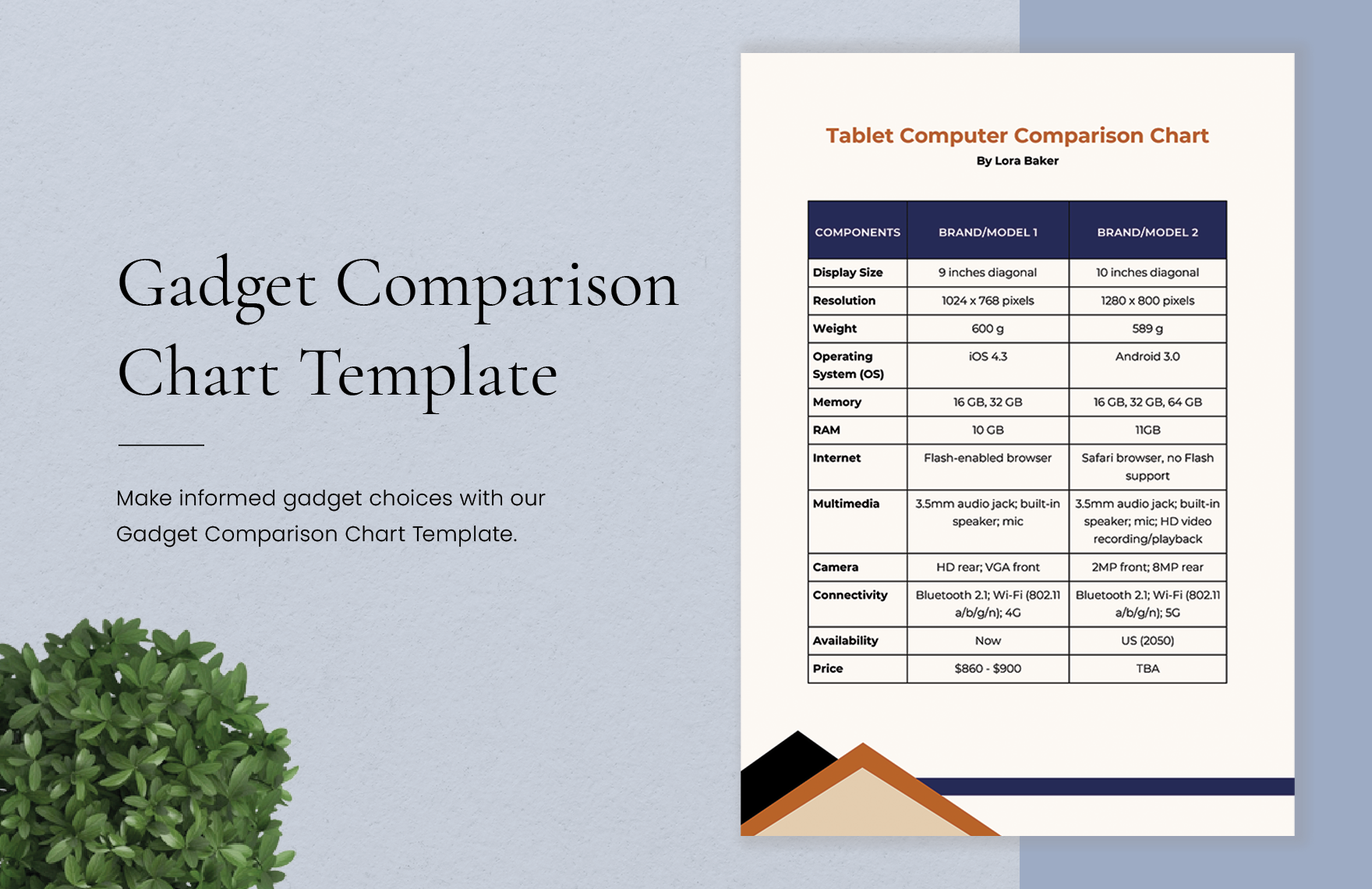
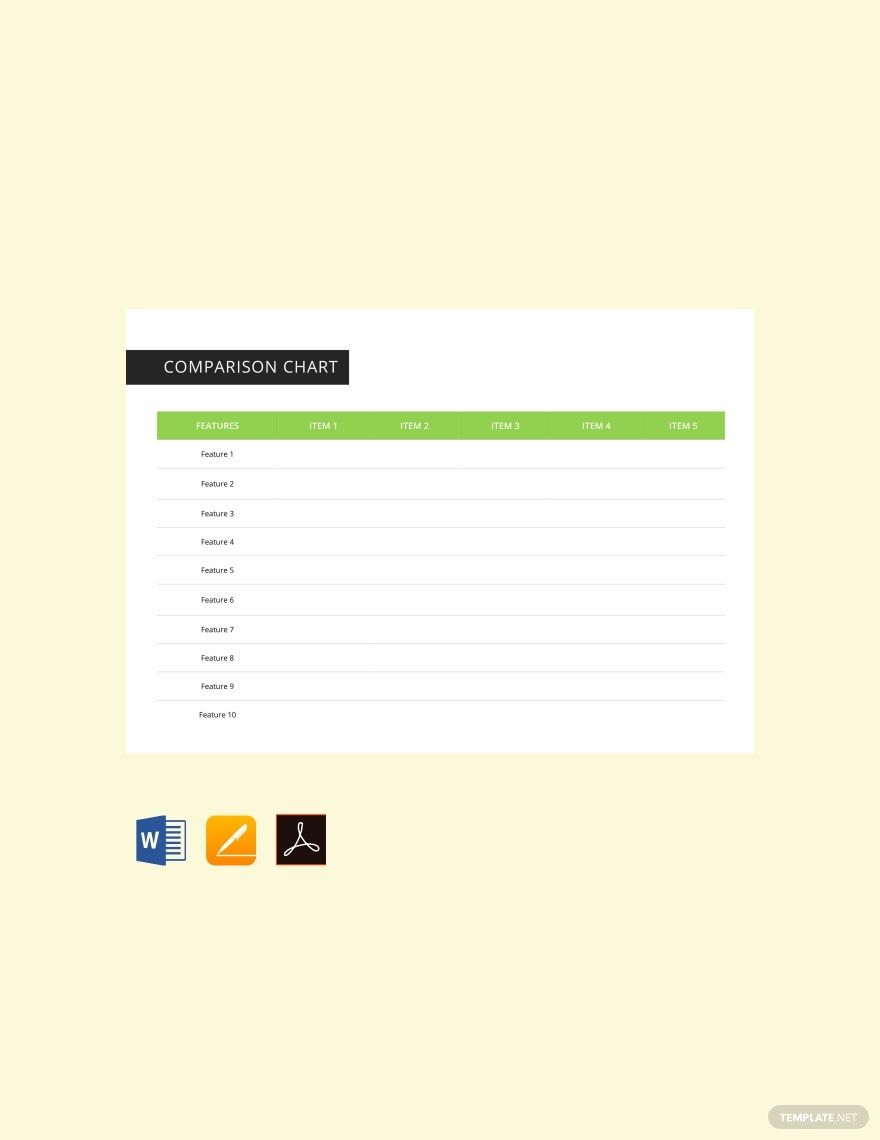
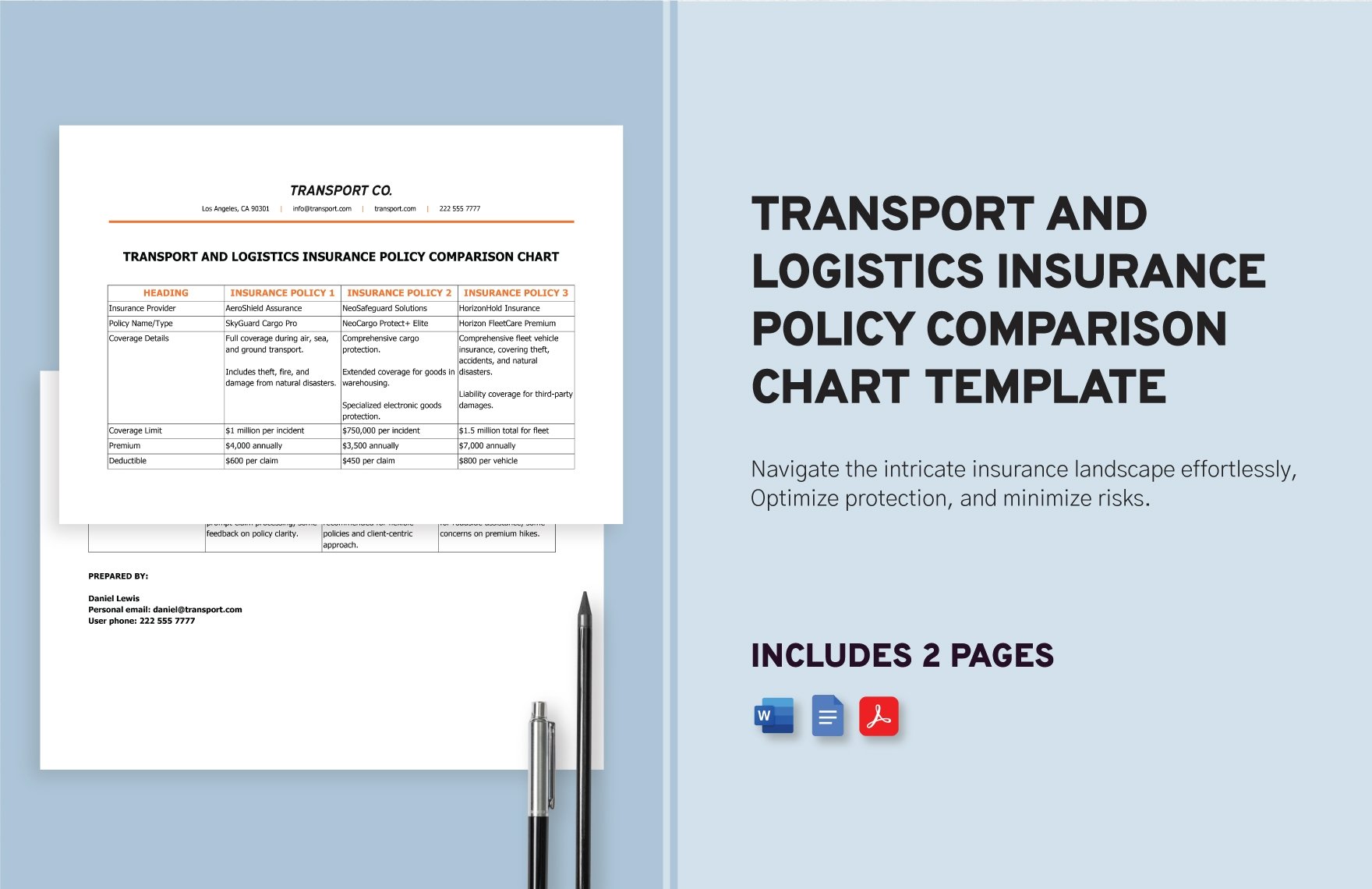
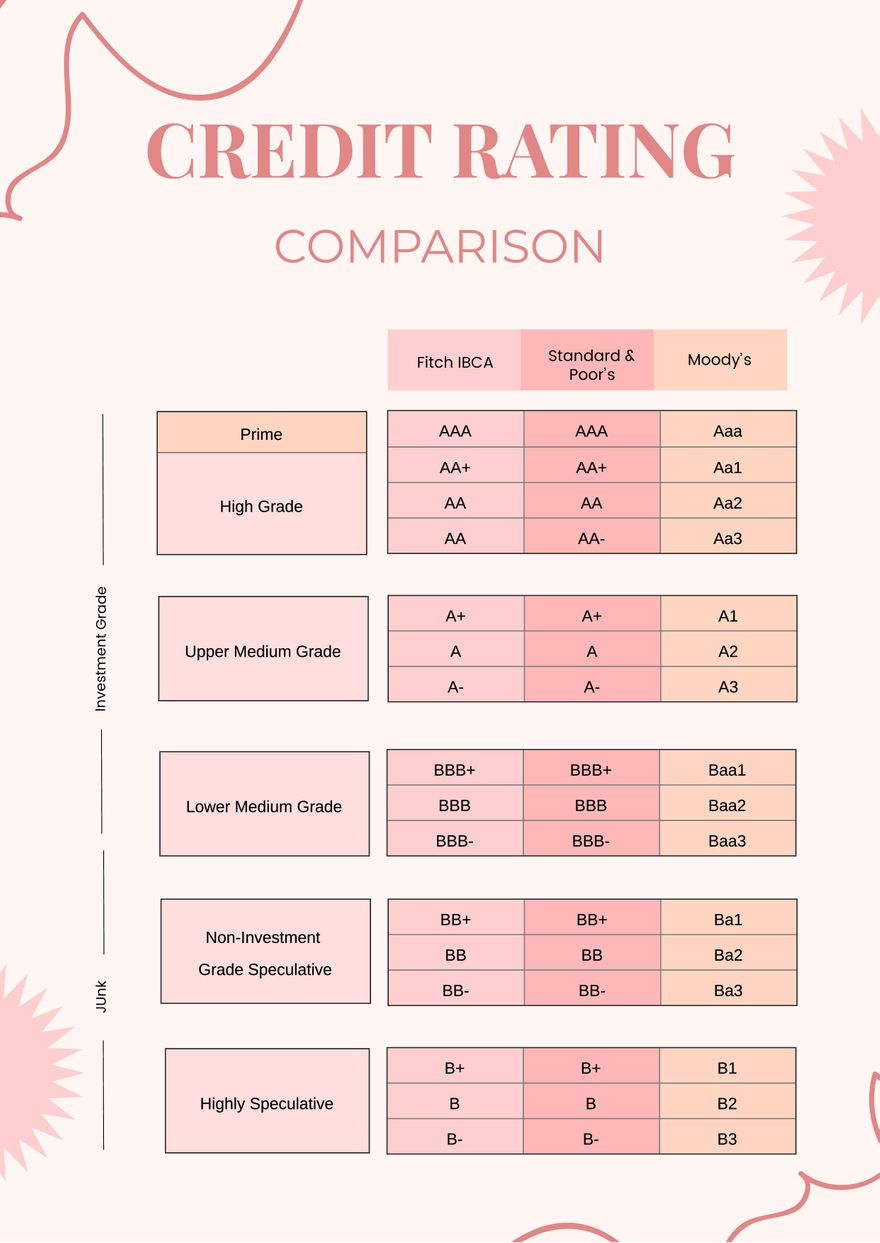
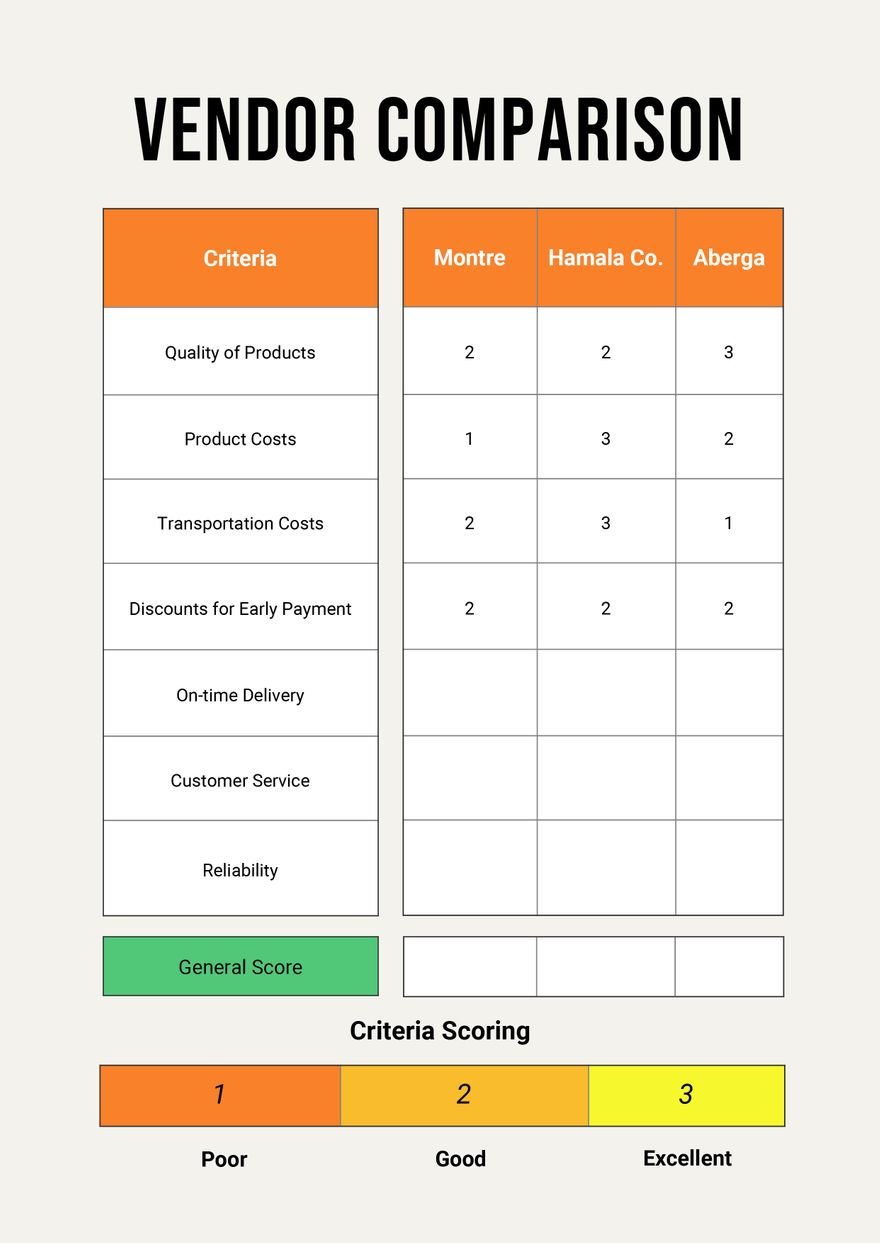
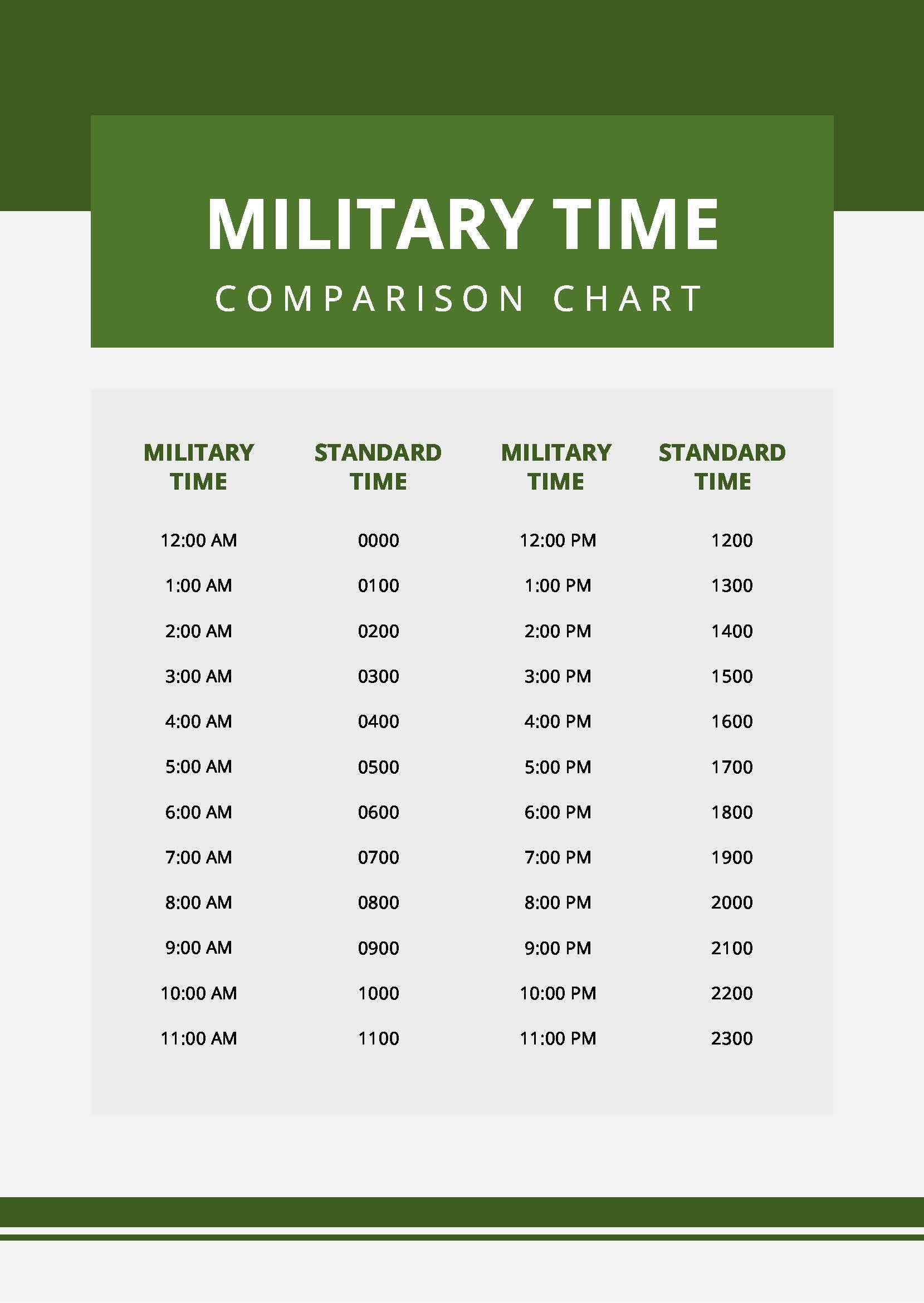
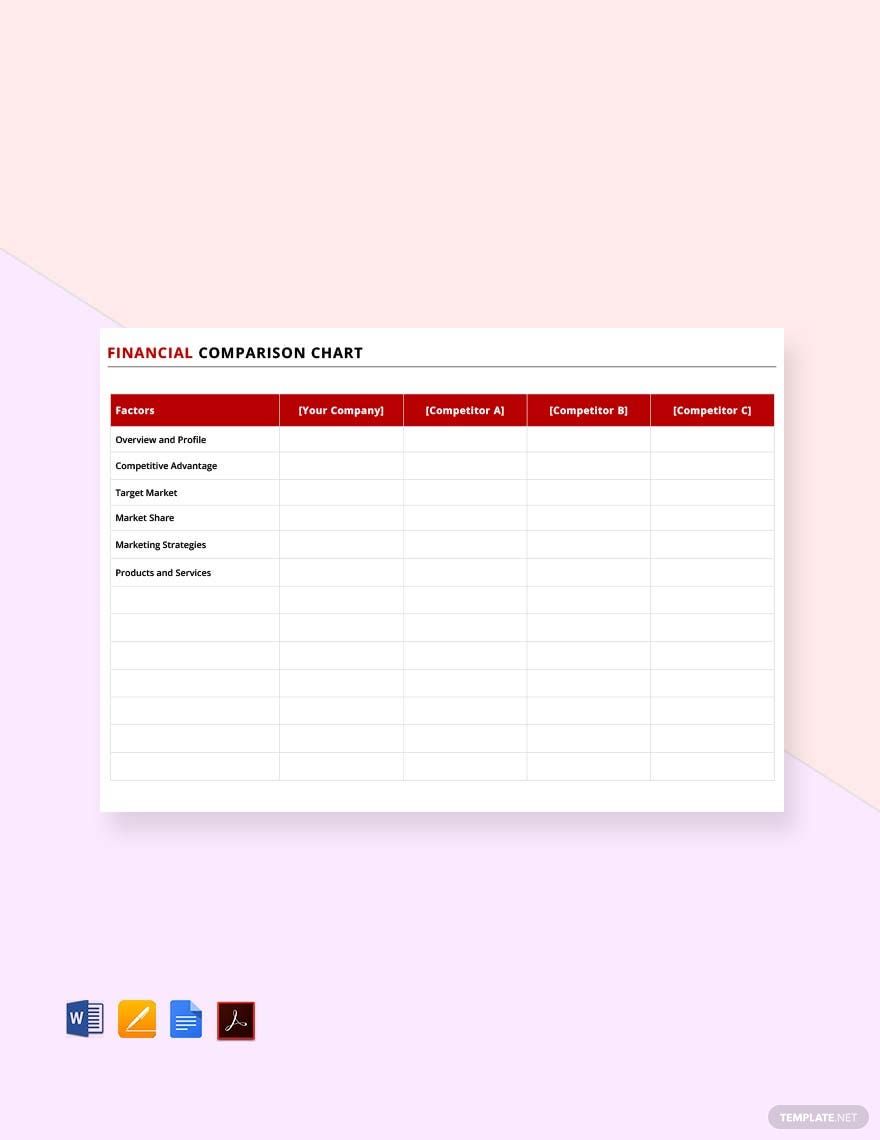
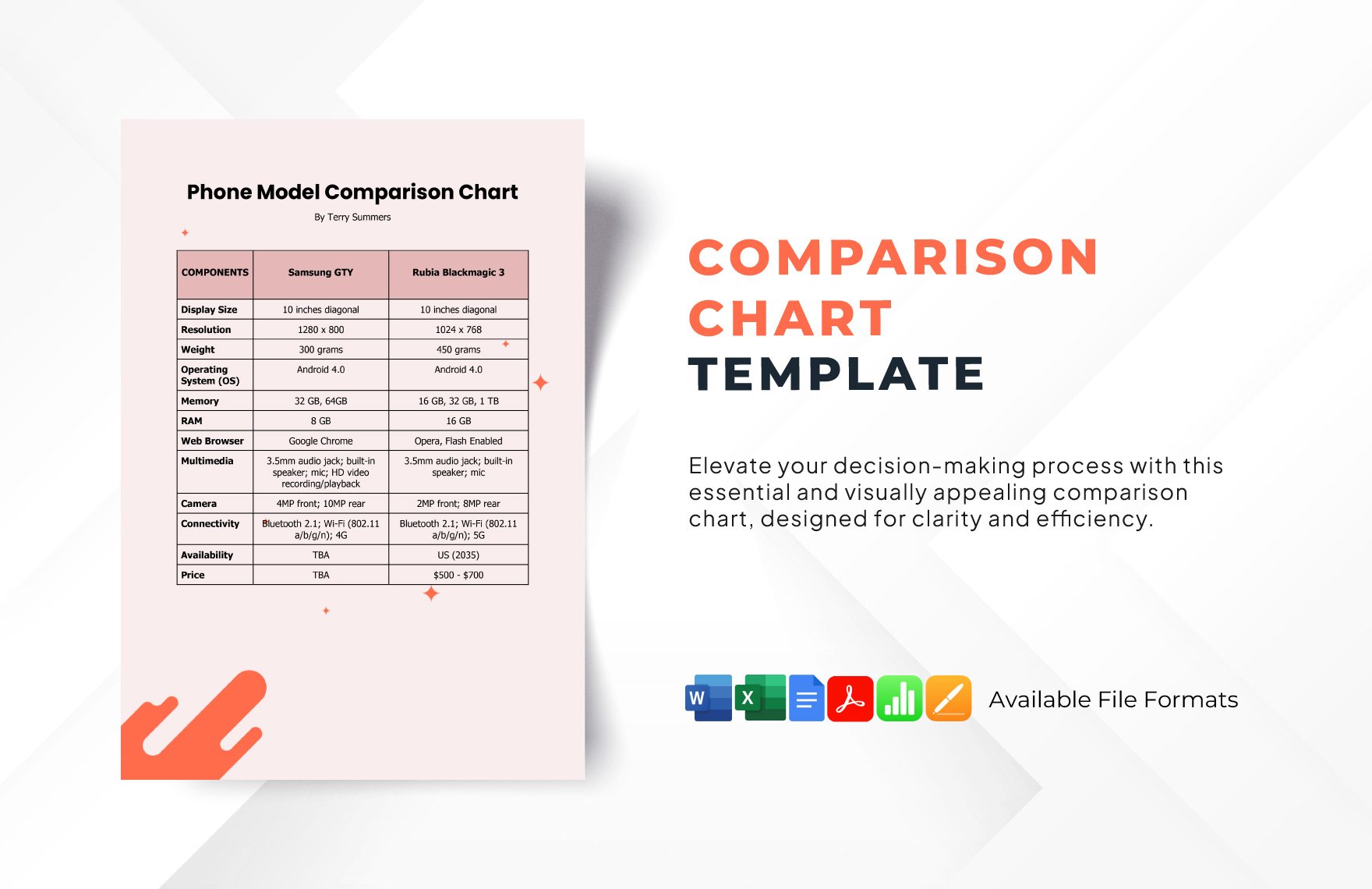
A Comparison Chart is a structured visual layout that presents two or more items side by side to highlight their similarities and differences using rows and columns. This format enhances structural clarity and supports decision-making by organizing information for easy analysis and reference.
Why should I use a Comparison Chart?
You should use a Comparison Chart to improve visual hierarchy and make complex data easier to understand by presenting it side by side. It supports quick evaluation of alternatives, promotes workflow connections, and facilitates clearer communication in collaborative environments.
Who uses Comparison Charts?
Comparison Charts are used by professionals such as marketers, project managers, educators, and business analysts who need to compare options, features, or data points. Teams rely on these charts for collaboration features that improve shared understanding and decision-making.
What are the best tips for completing my Comparison Chart?
Follow these tips to complete your Comparison Chart effectively.
- Define clear categories – specify comparison criteria to maintain focus.
- Use consistent formatting – ensure visual uniformity for readability.
- Highlight key differences – use color or icons to emphasize distinctions.
- Keep it concise – avoid overcrowding with excessive details.
- Verify data accuracy – ensure all information is correct and up to date.
- Organize logically – arrange items for intuitive flow.
- Utilize collaboration tools – invite feedback from stakeholders.
- Include summaries – provide quick insights below the chart.
What file formats can I download for my Comparison Chart?
Template.net whiteboard Comparison Chart templates support multiple export formats for collaboration and sharing, including Comparison Chart Templates.
Can I create a Comparison Chart using AI?
Template.net provides an AI-powered tool that generates new Comparison Chart structures from prompts. You can use the Comparison Chart Maker to create customized charts efficiently.
What essential elements should be included in my Comparison Chart?
Your Comparison Chart should include these essential elements for effective communication.
- Title – clearly describes the comparison subject.
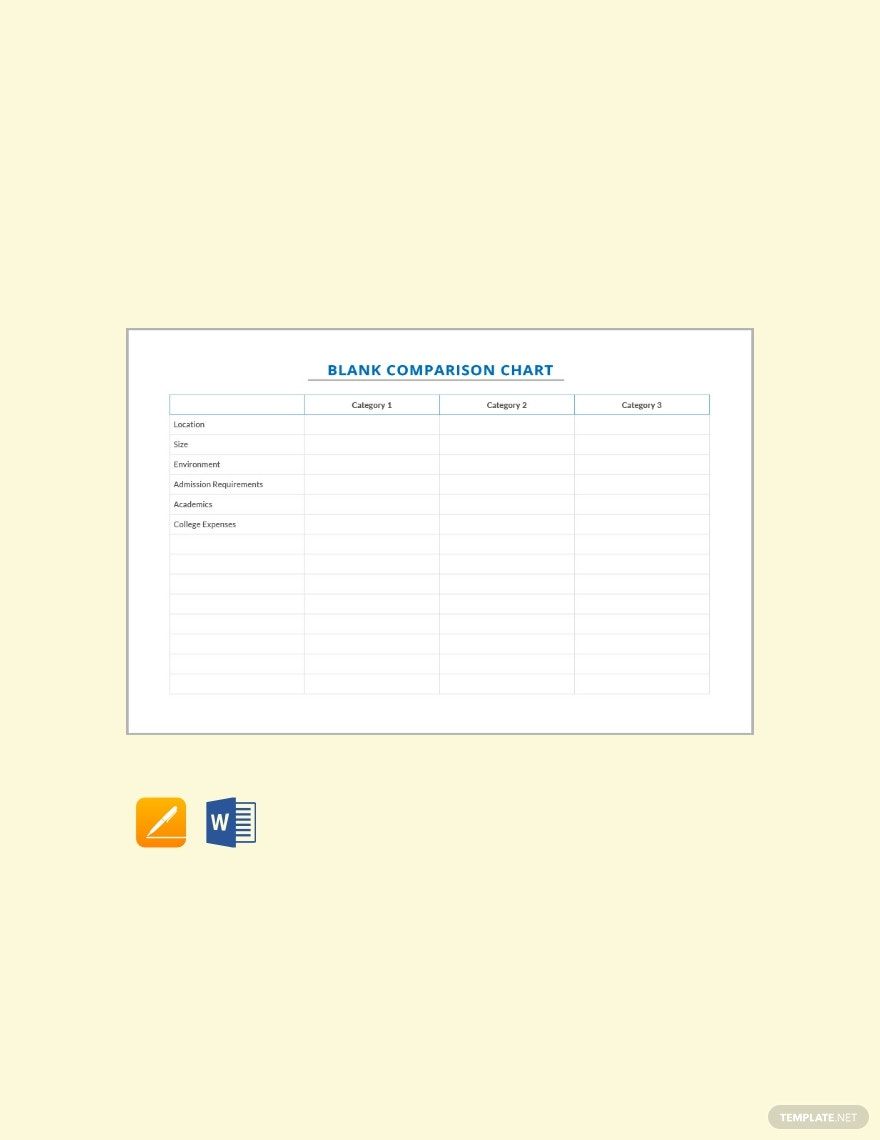
- Comparison criteria – defined categories or attributes.
- Items or options – the entities being compared.
- Data points – specific values or features for each item.
- Visual markers – icons, colors, or highlights to denote differences.
- Legend or notes – explanations of symbols or terms used.
What are the benefits of using Comparison Chart in my project workflow?
Using a Comparison Chart in your project workflow improves decision-making efficiency by organizing options visually. It enhances team collaboration through shared understanding, reduces errors by clarifying differences, and supports effective workflow connections between project phases.
What structural standards should my Comparison Chart follow?
Your Comparison Chart should follow structural standards such as maintaining consistent alignment for readability, using clear labels for categories and items, applying balanced spacing to avoid clutter, and ensuring a logical left-to-right or top-to-bottom flow for intuitive interpretation.
