















Block Diagram Templates: Definition, Uses, and Collaboration
What is a Block Diagram?
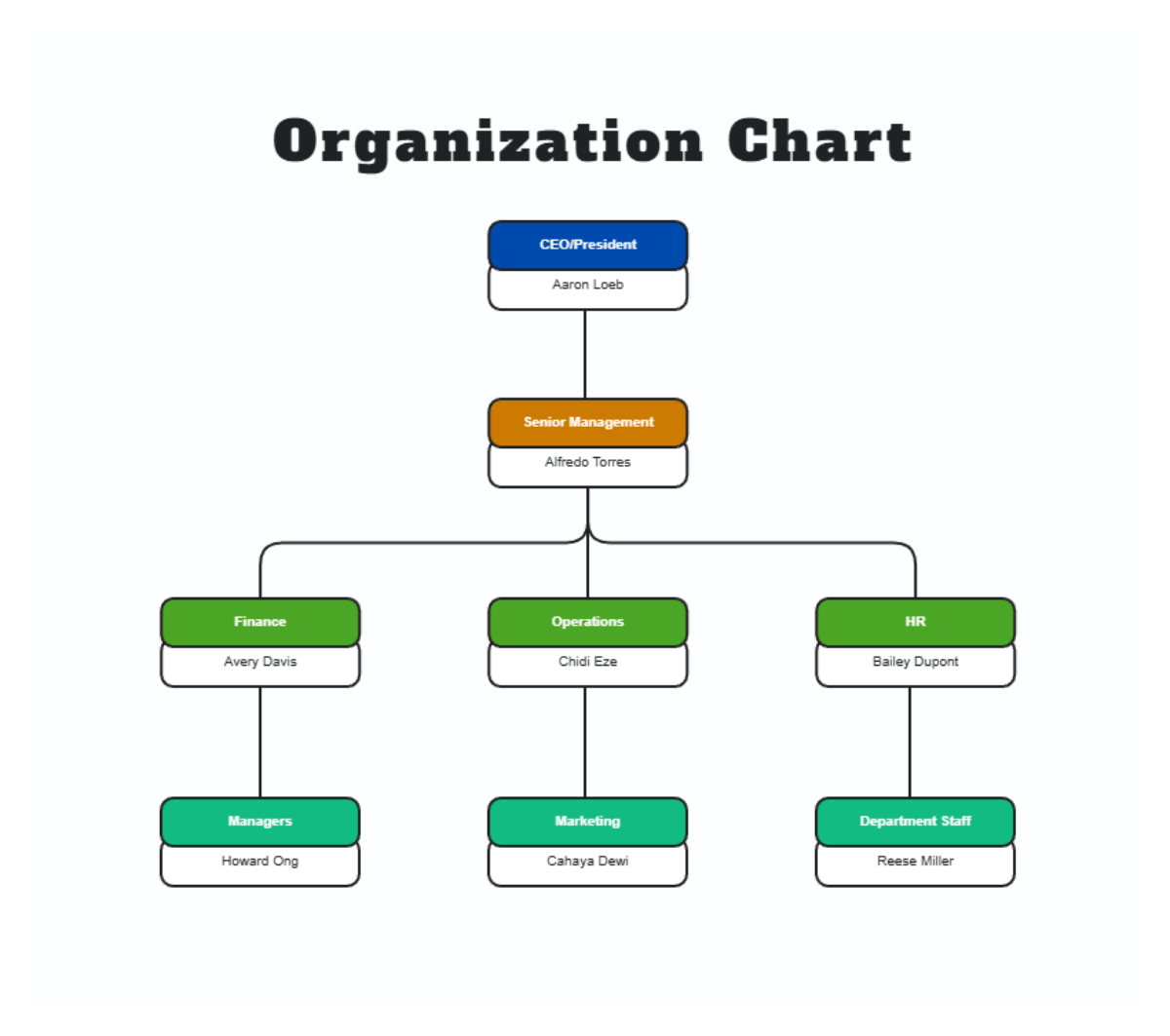
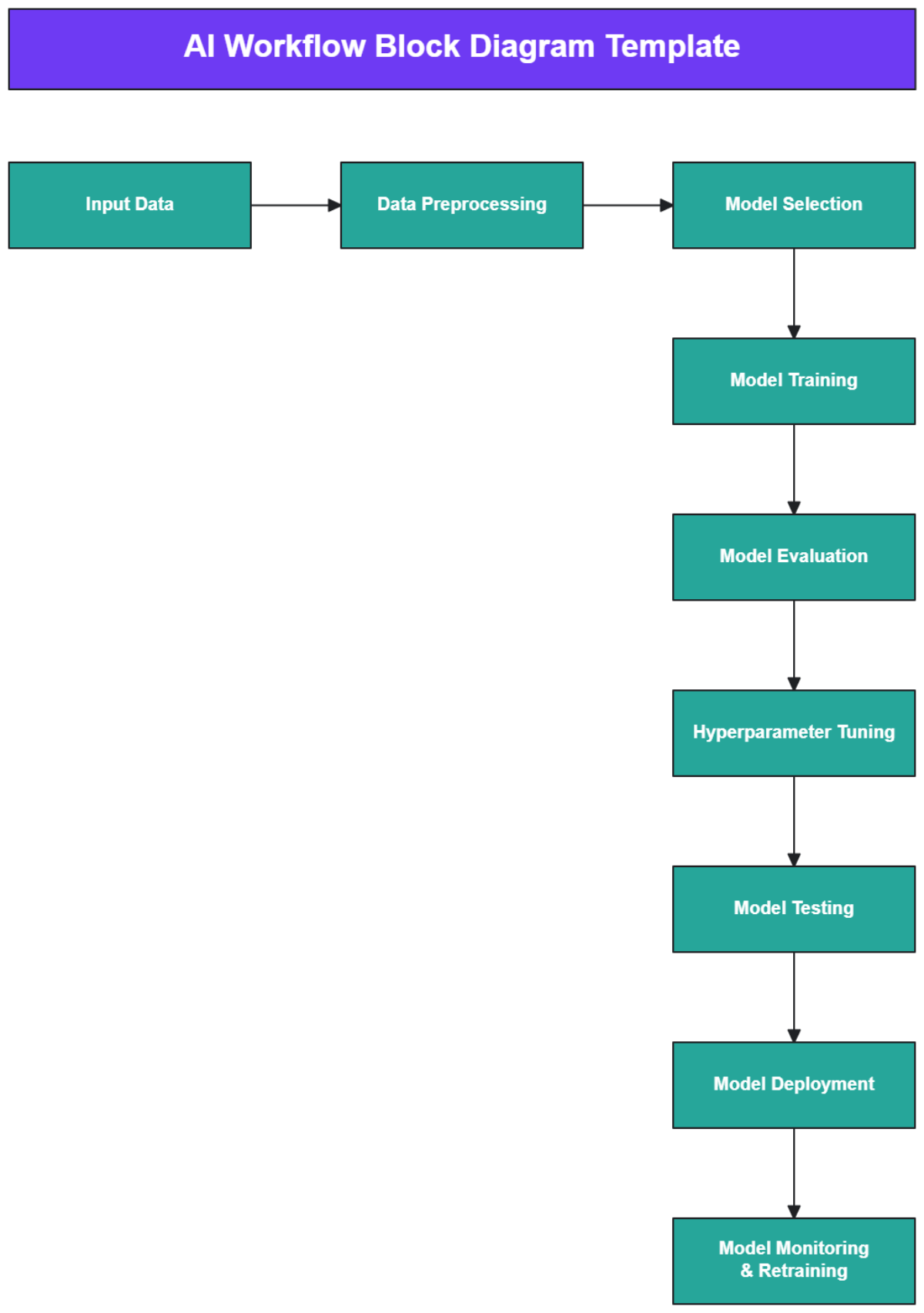
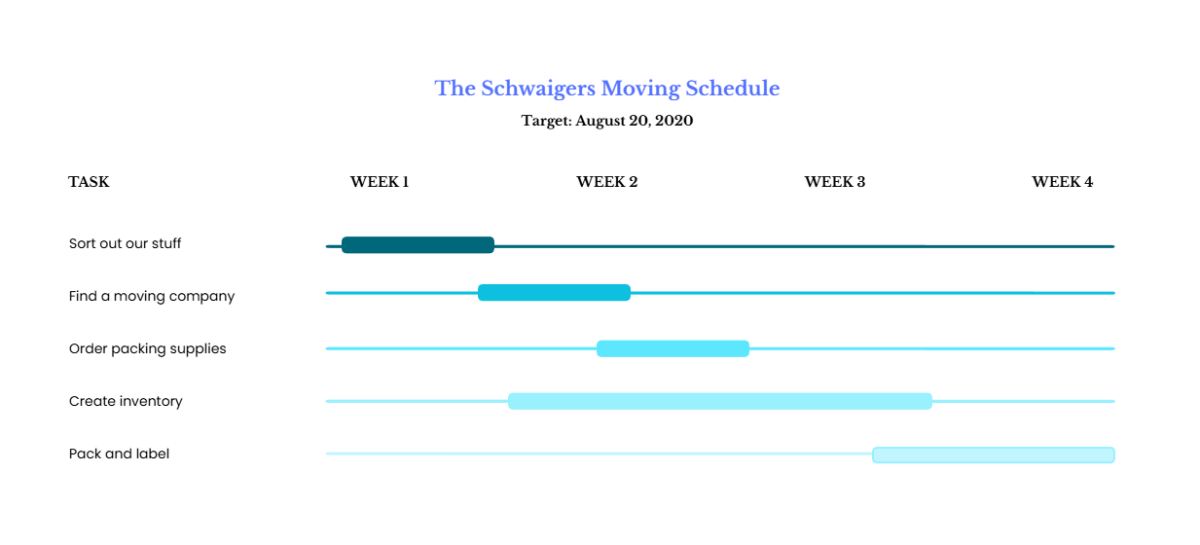
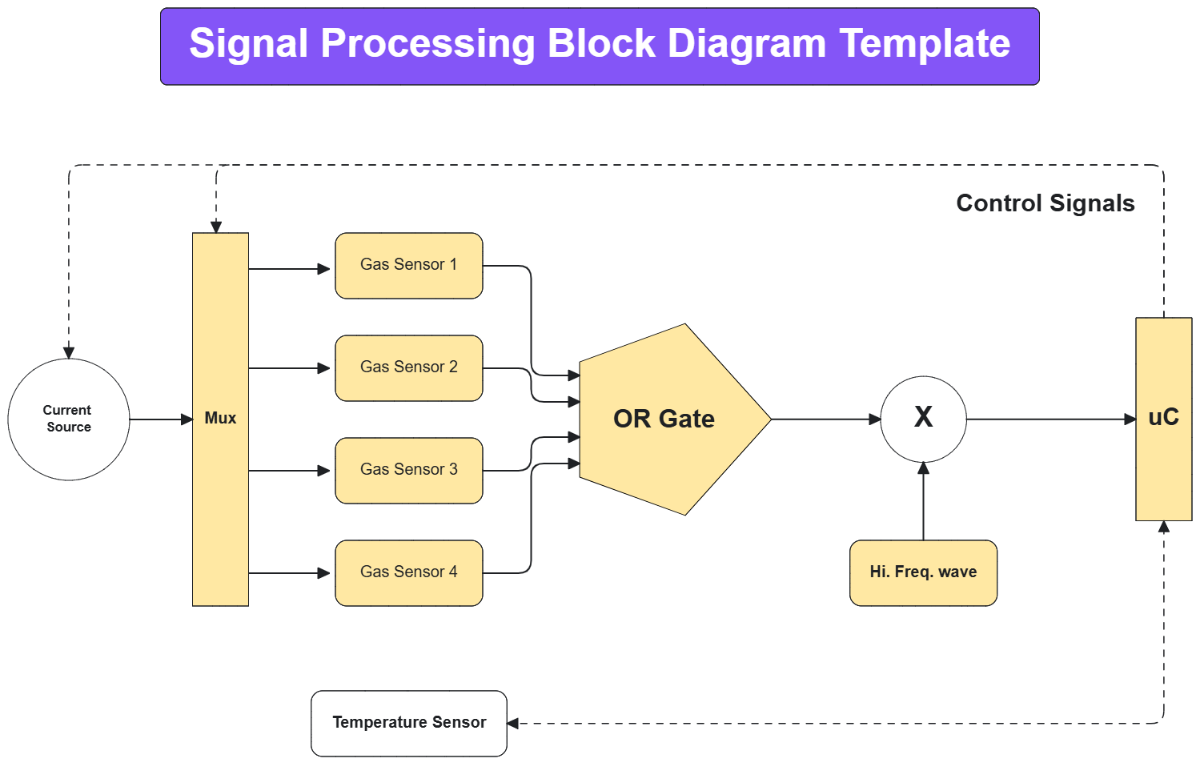
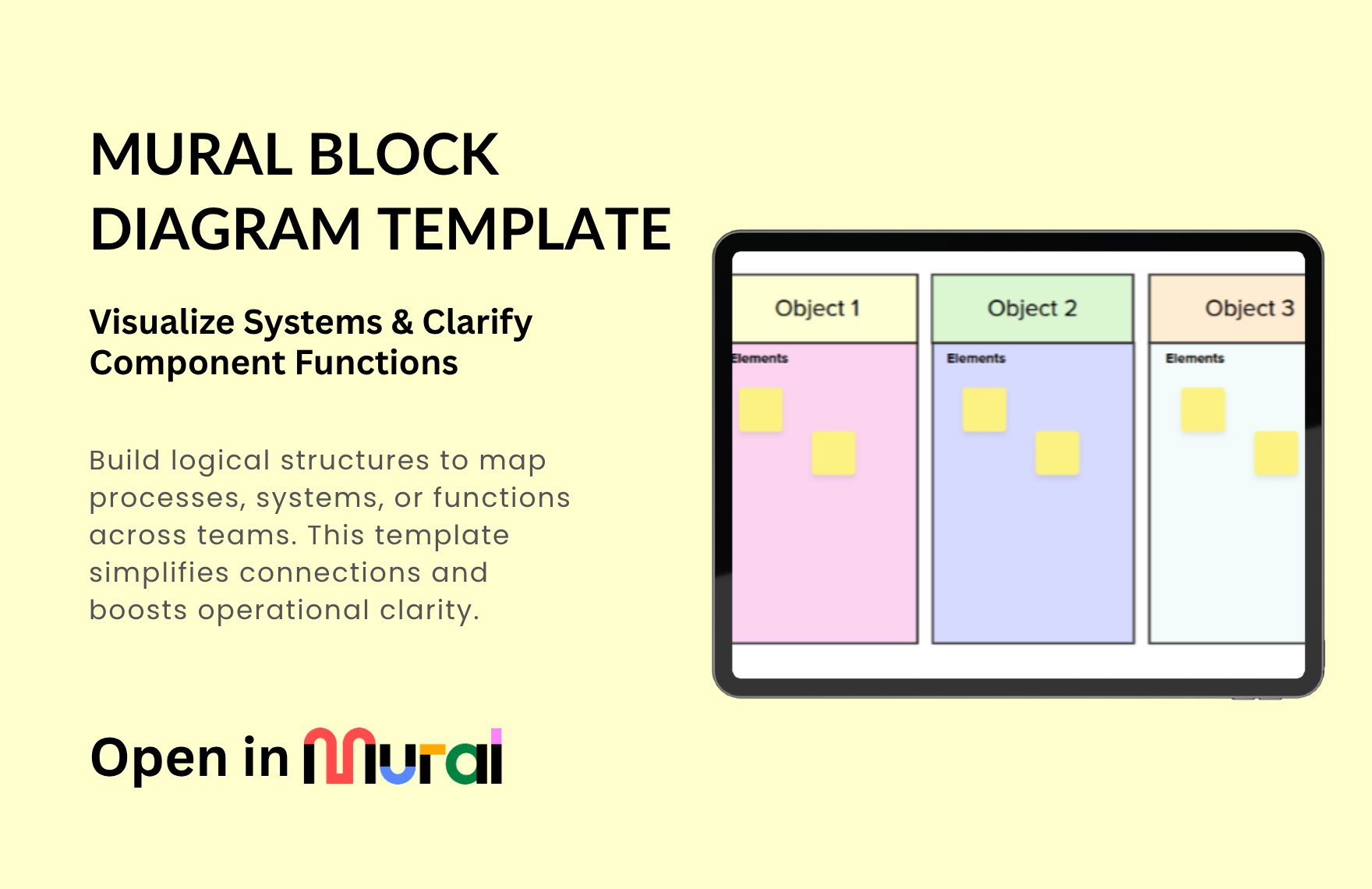
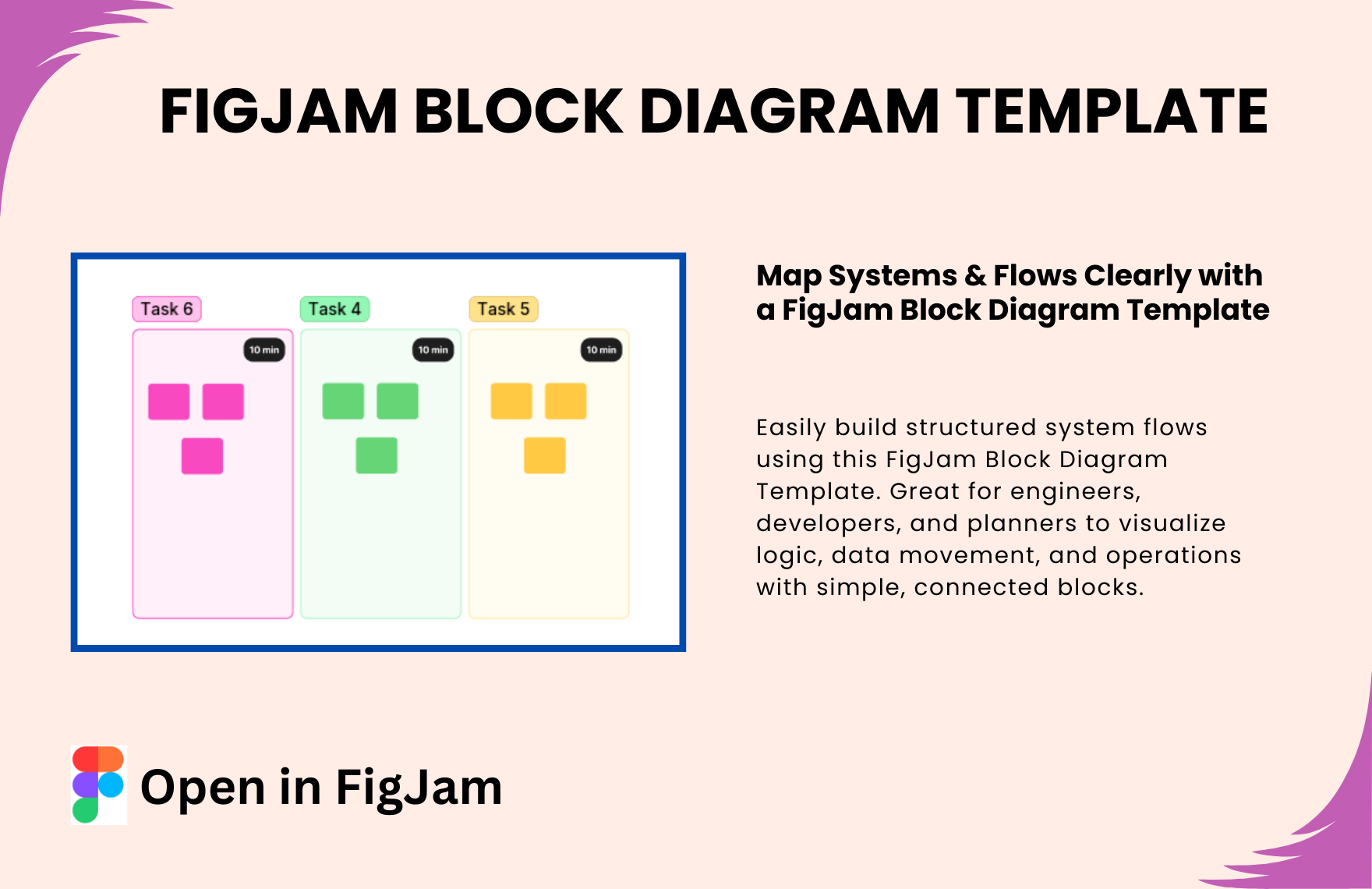
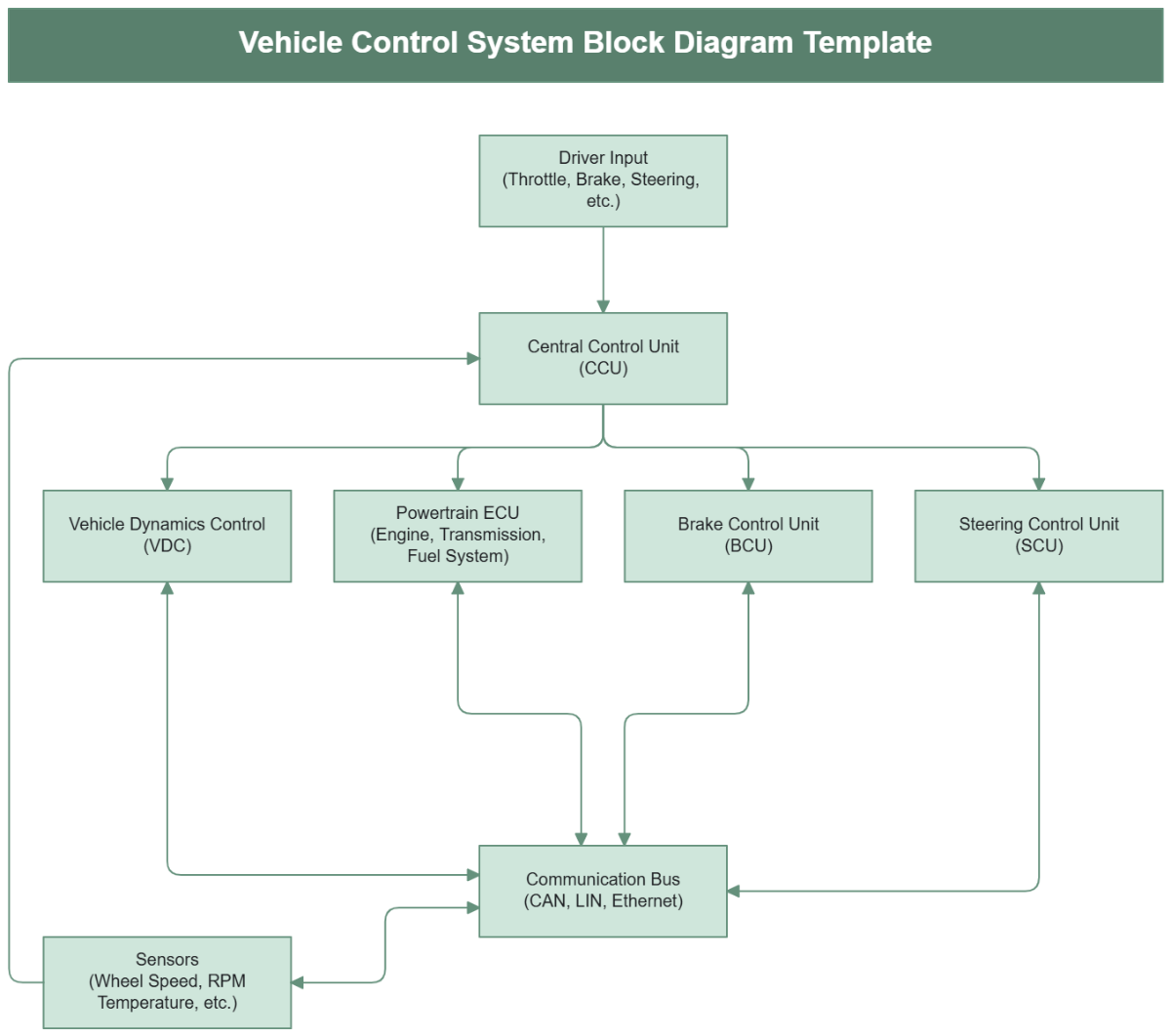
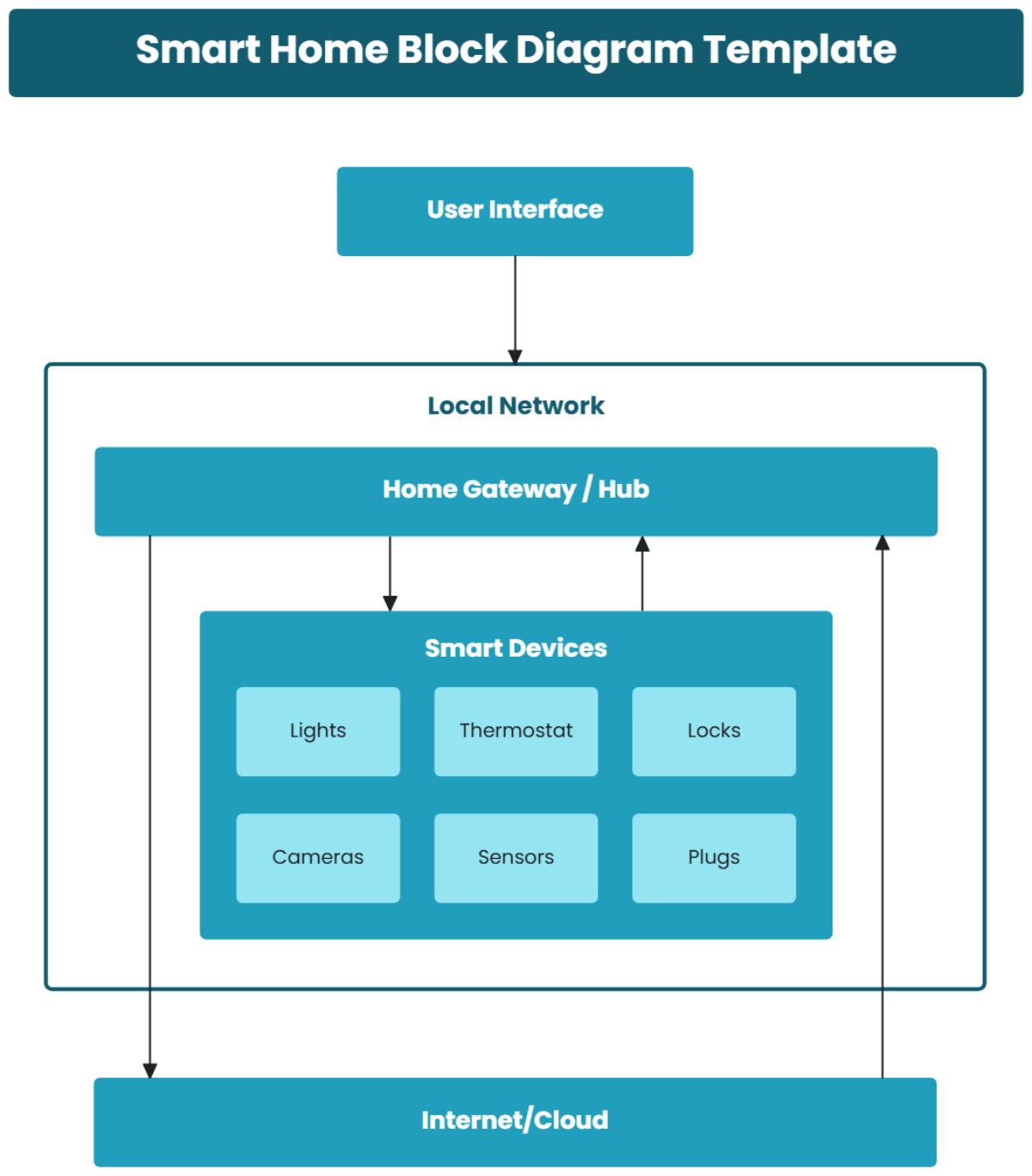
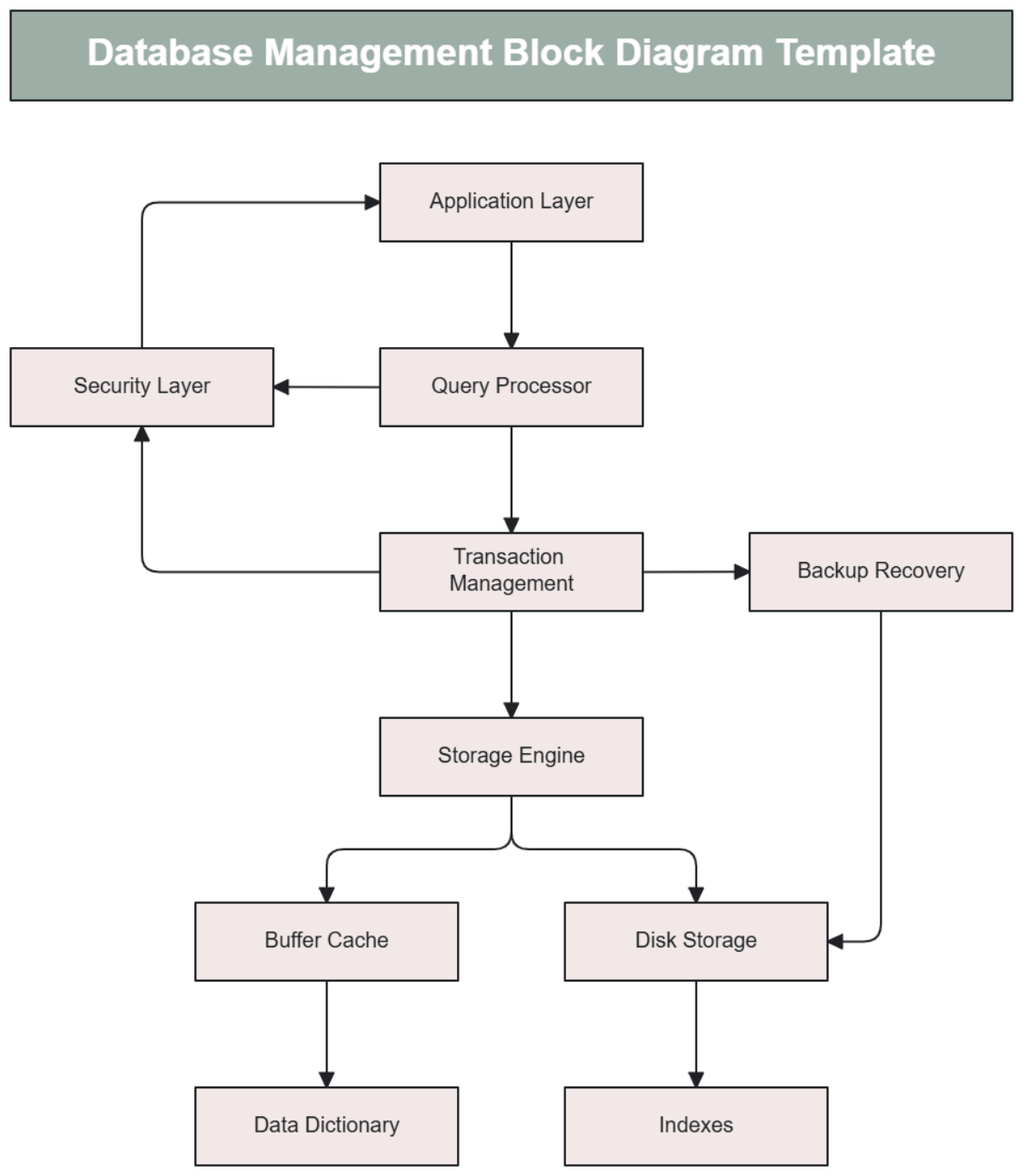
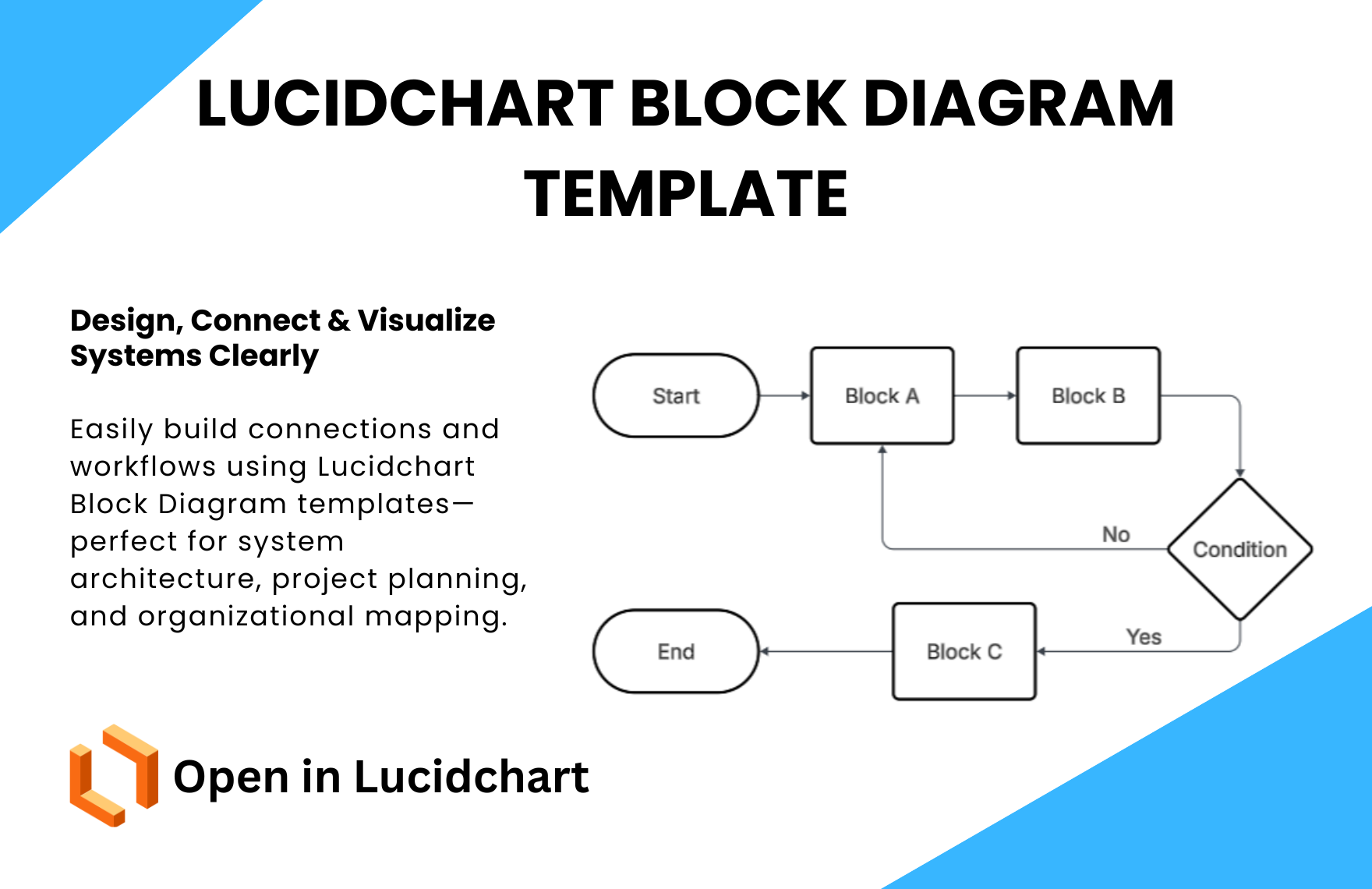
A block diagram is a graphical representation that uses blocks connected by lines to depict system components and their interactions clearly. These whiteboard templates help visualize complex processes by breaking them down into manageable parts on an interactive canvas with drag-and-drop editing.
Why use a Block Diagram?
Block diagrams simplify the understanding of complex systems by visually organizing components and their connections, enhancing clarity and communication. These templates support efficient brainstorming and planning by providing a structured layout for teams to collaborate and iterate quickly online.
Who typically uses Block Diagrams?
Block diagrams are commonly used by engineers, project managers, system designers, and educators who require clear visualizations of system architecture. These whiteboard templates enable cross-functional teams to collaborate in real-time on an interactive canvas for effective planning and decision-making.
What sections or blocks should a Block Diagram include?
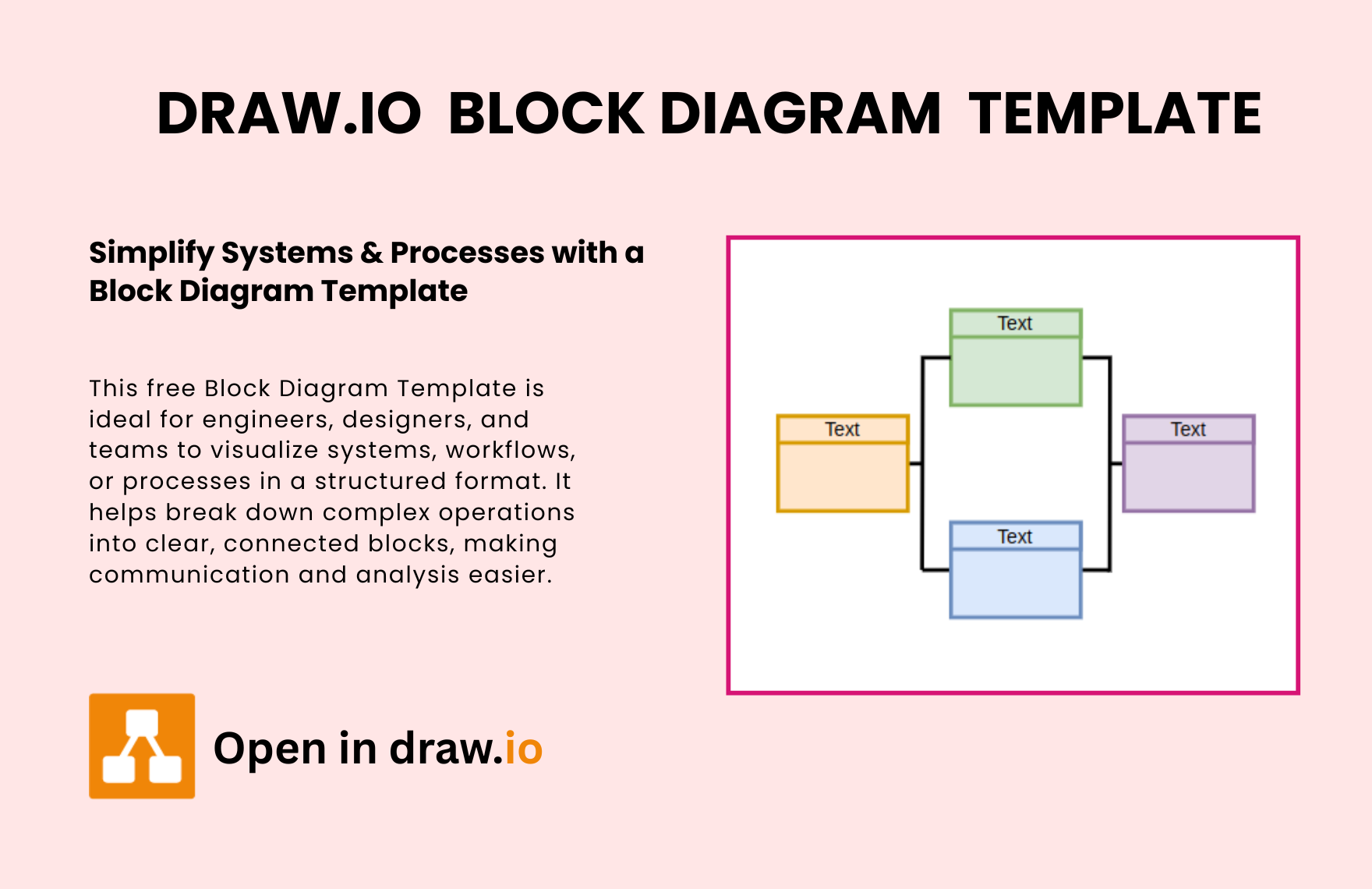
A block diagram should include distinct blocks representing components, connectors showing relationships, and labeled text blocks for clarity. Incorporating consistent color coding and organized canvas layout enhances readability and helps users navigate the system structure intuitively.
What are the best tips for designing a Block Diagram?
Effective block diagram design involves using clear shapes, consistent color coding, and well-defined connectors to illustrate relationships. Keeping the canvas layout uncluttered and using descriptive text blocks improves comprehension and supports seamless collaboration cursors during real-time editing.
How do you share or present a Block Diagram?
Block diagrams created with these templates can be shared via direct links for online viewing or exported in multiple formats for presentations. The interactive canvas supports real-time editing and easy distribution, enabling teams to present and update diagrams effectively during meetings.
How do teams collaborate on a Block Diagram?
Teams collaborate on block diagrams using online templates that support real-time editing, collaboration cursors, and shared access. This visual collaboration allows multiple users to add, modify, and comment on blocks and connectors simultaneously, streamlining brainstorming and planning workflows.
What file formats can I download for a Block Diagram?
Template.net block diagram templates support multiple export formats for editing, sharing, and presenting, including Block Diagram Templates.
Can I create a new Block Diagram using AI?
Template.net provides an AI-powered tool that generates new block diagram layouts from prompts in seconds, ready for online refinement and multi-format export. Use the Block Diagram Maker to create diagrams efficiently.
