
Free Employee Training Checklist Templates

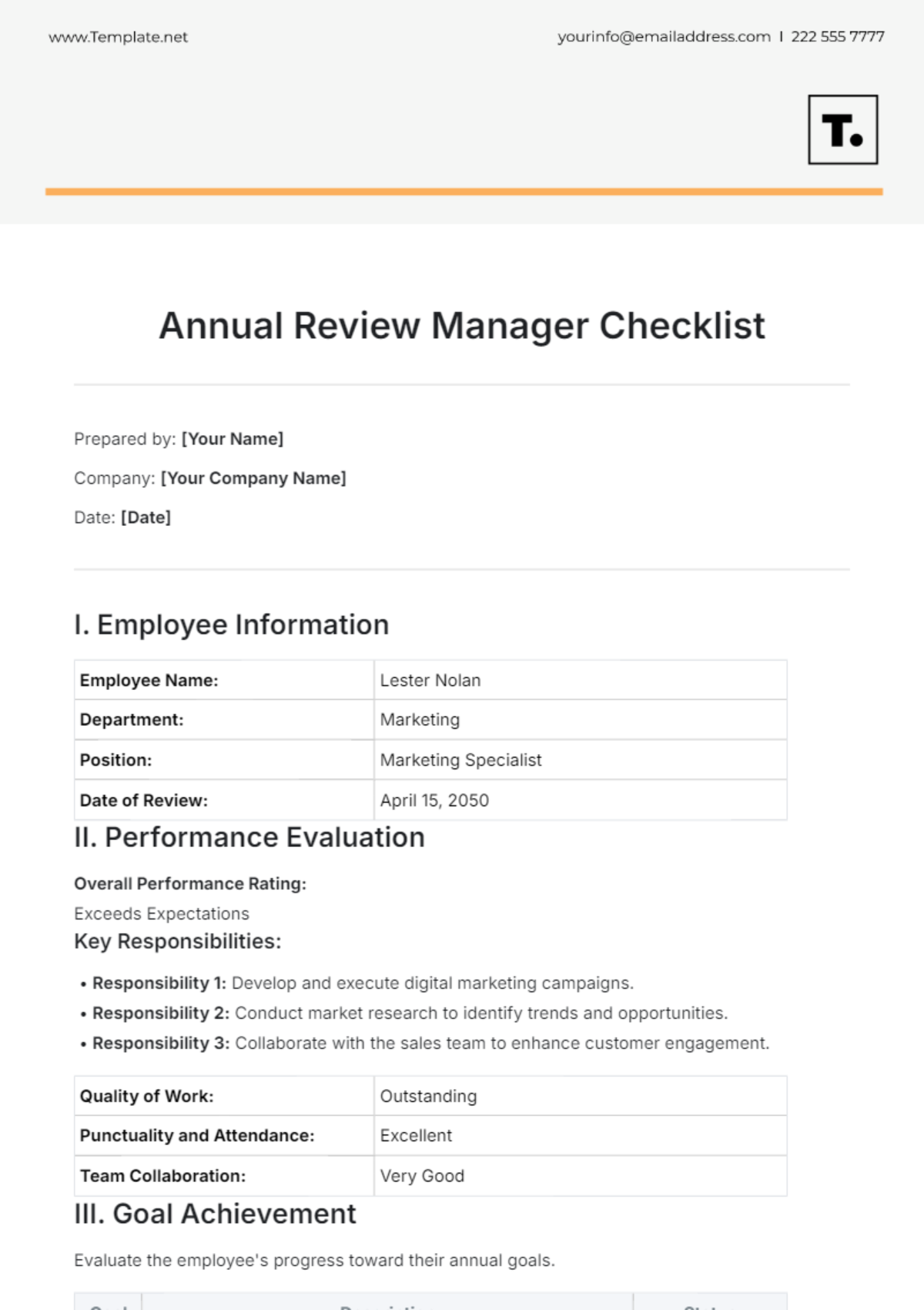
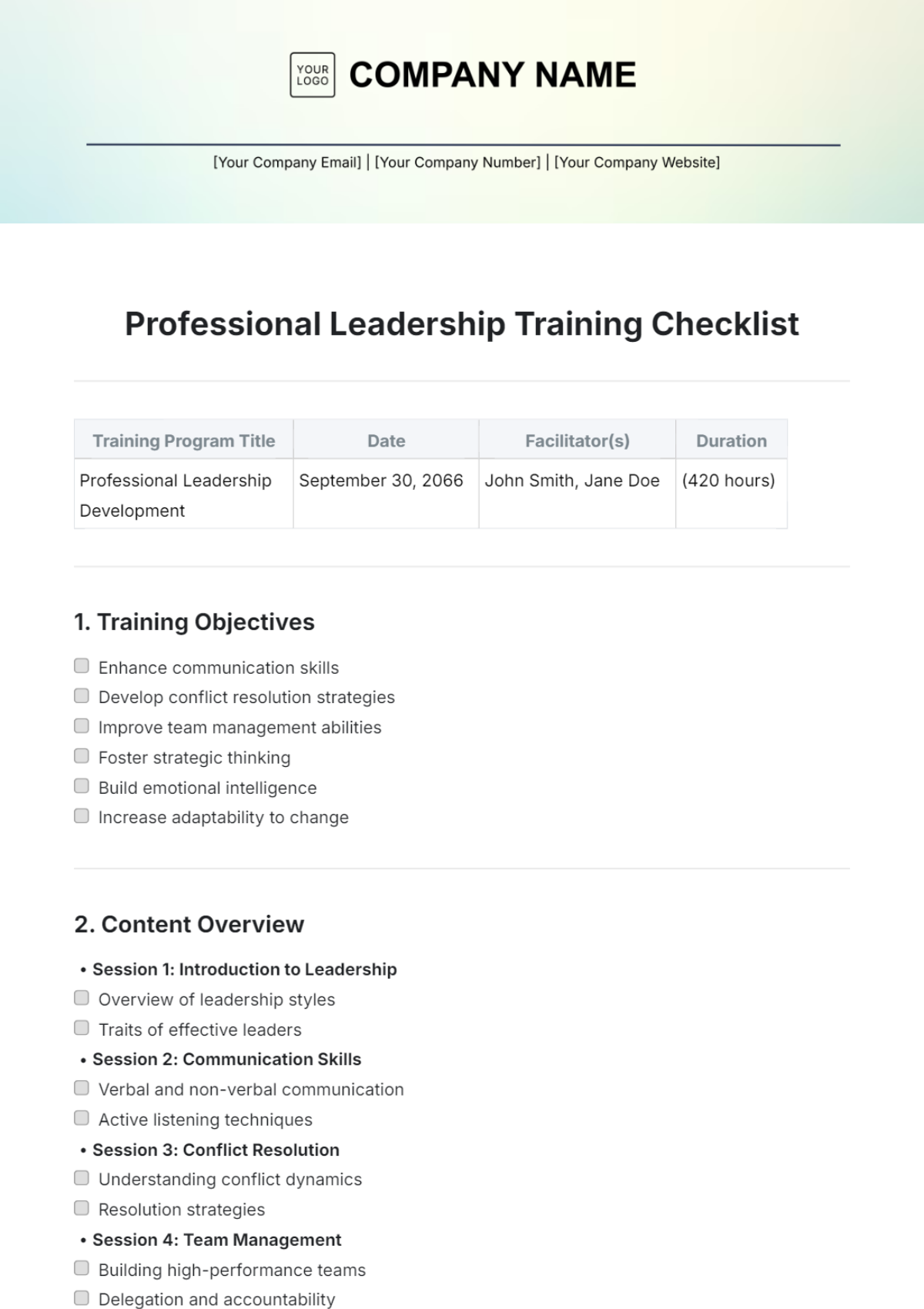
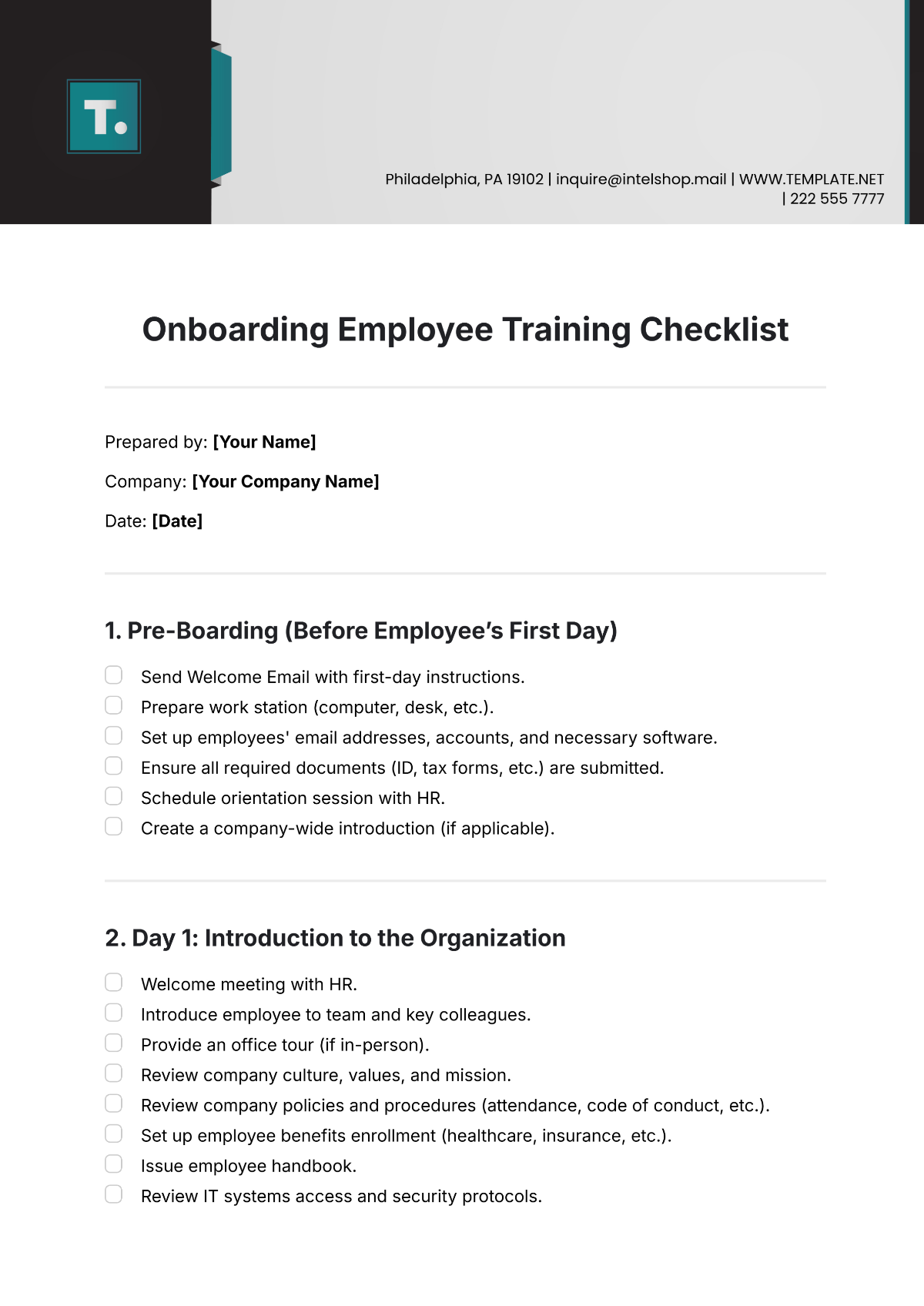
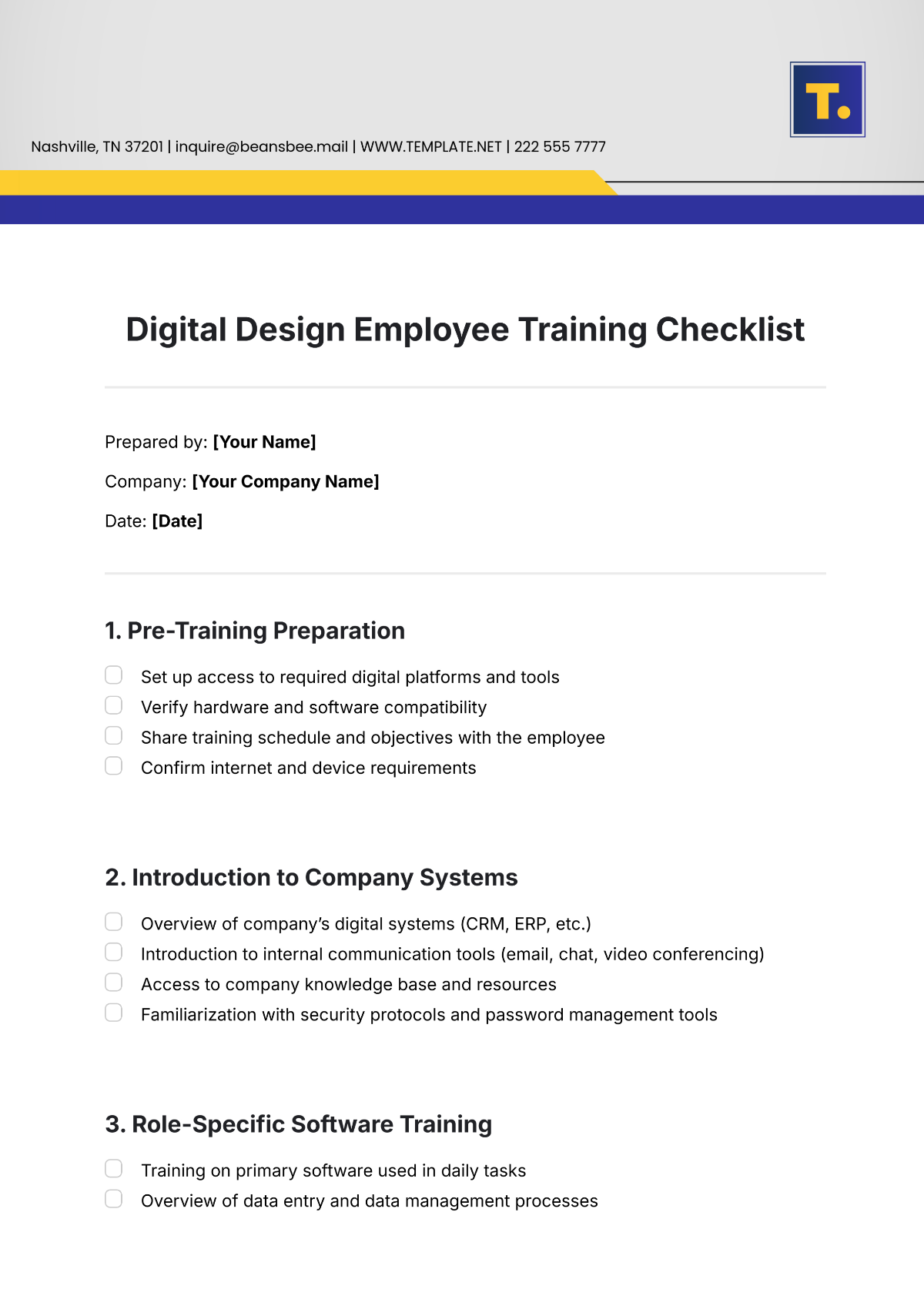
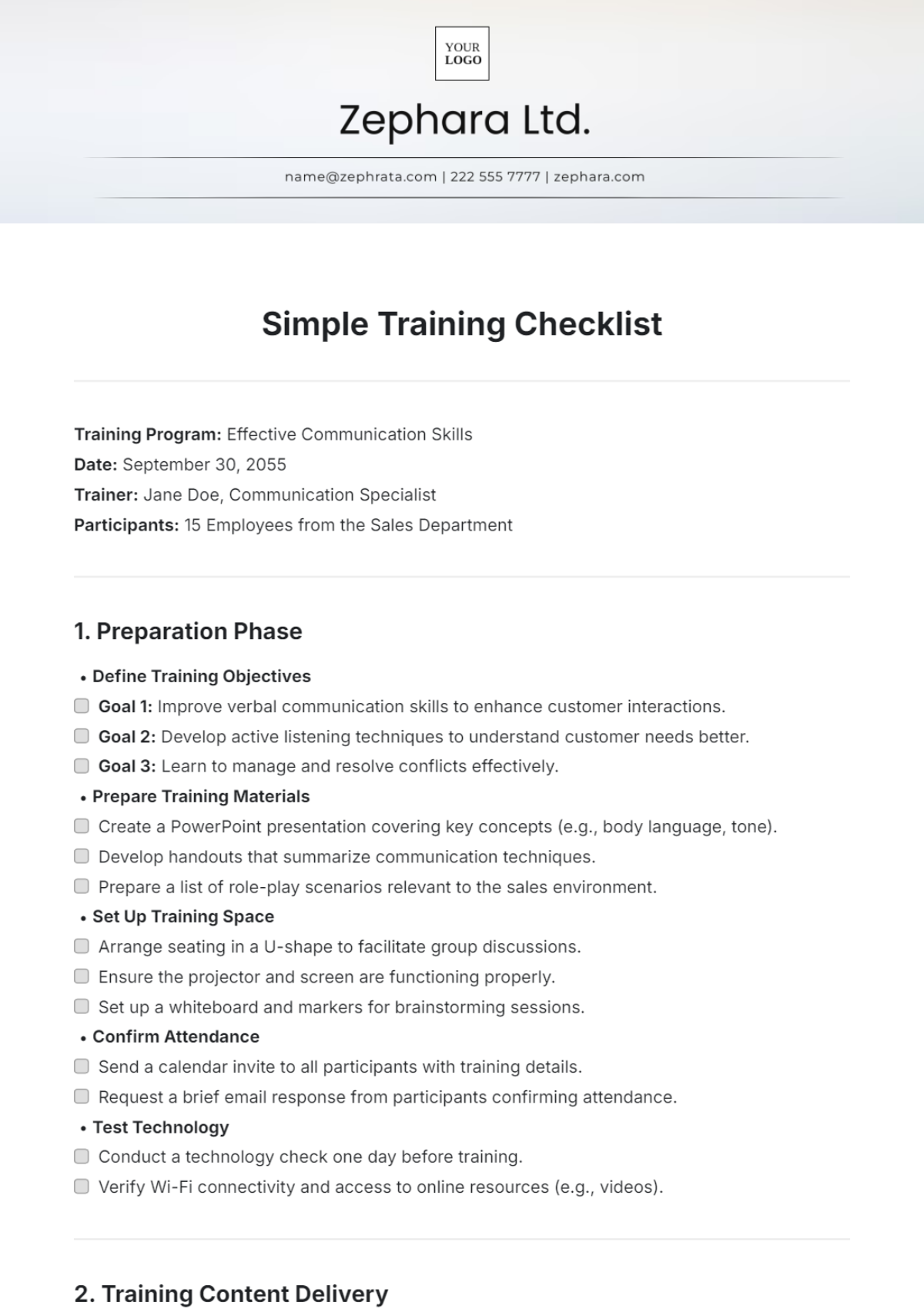
Employee Training Checklist Templates: Definition, Uses, and Formats
What is a Employee Training Checklist?
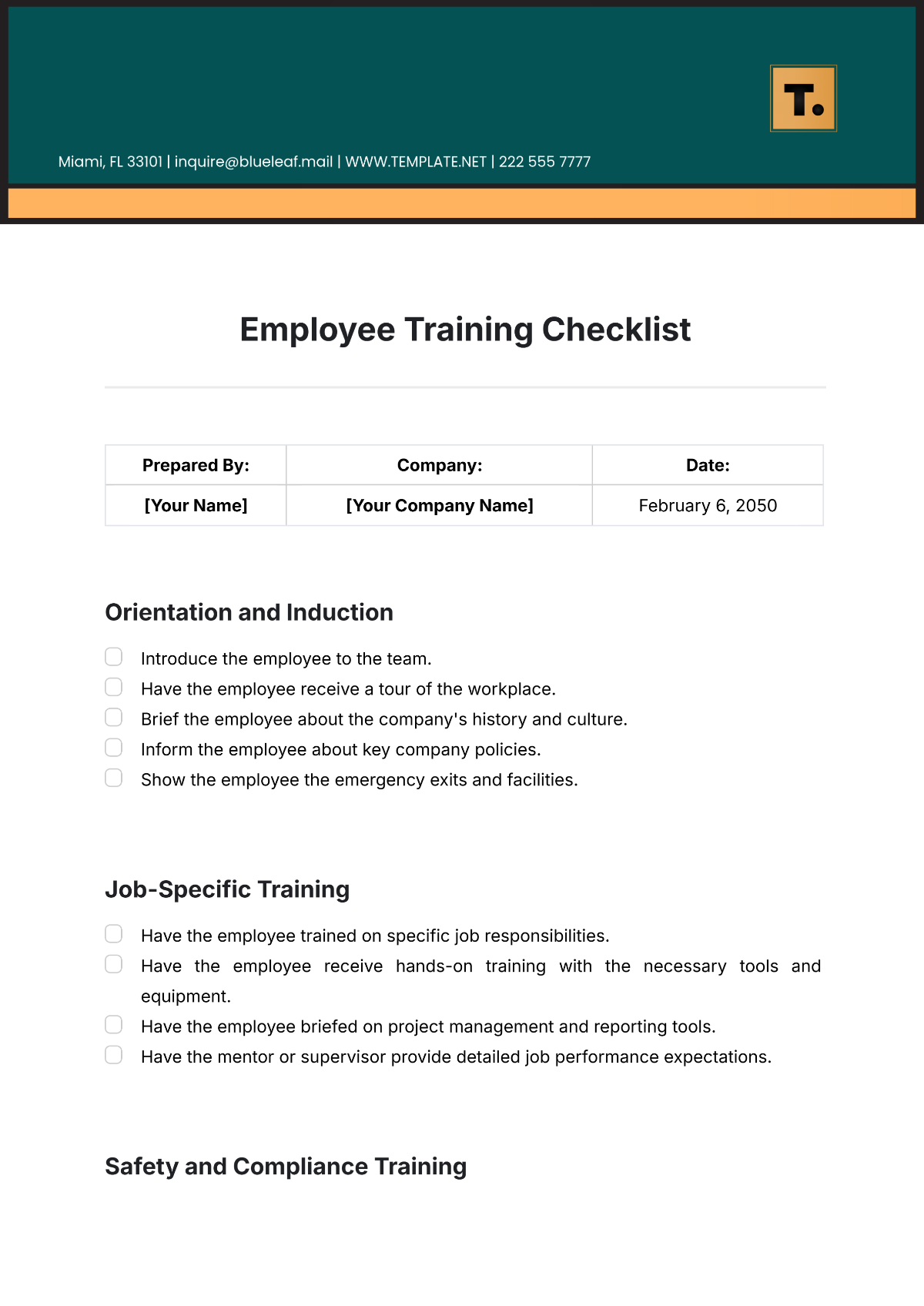
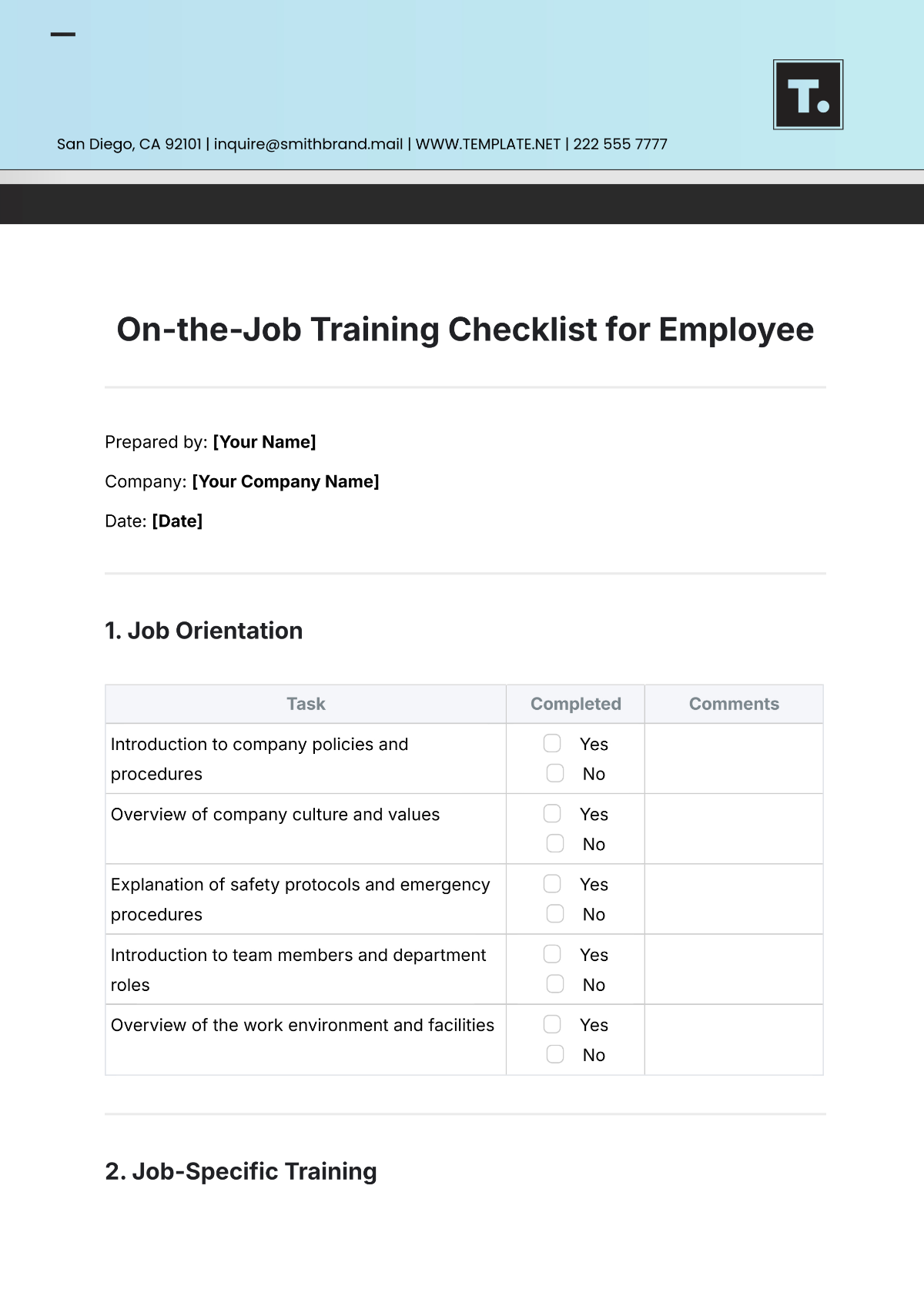
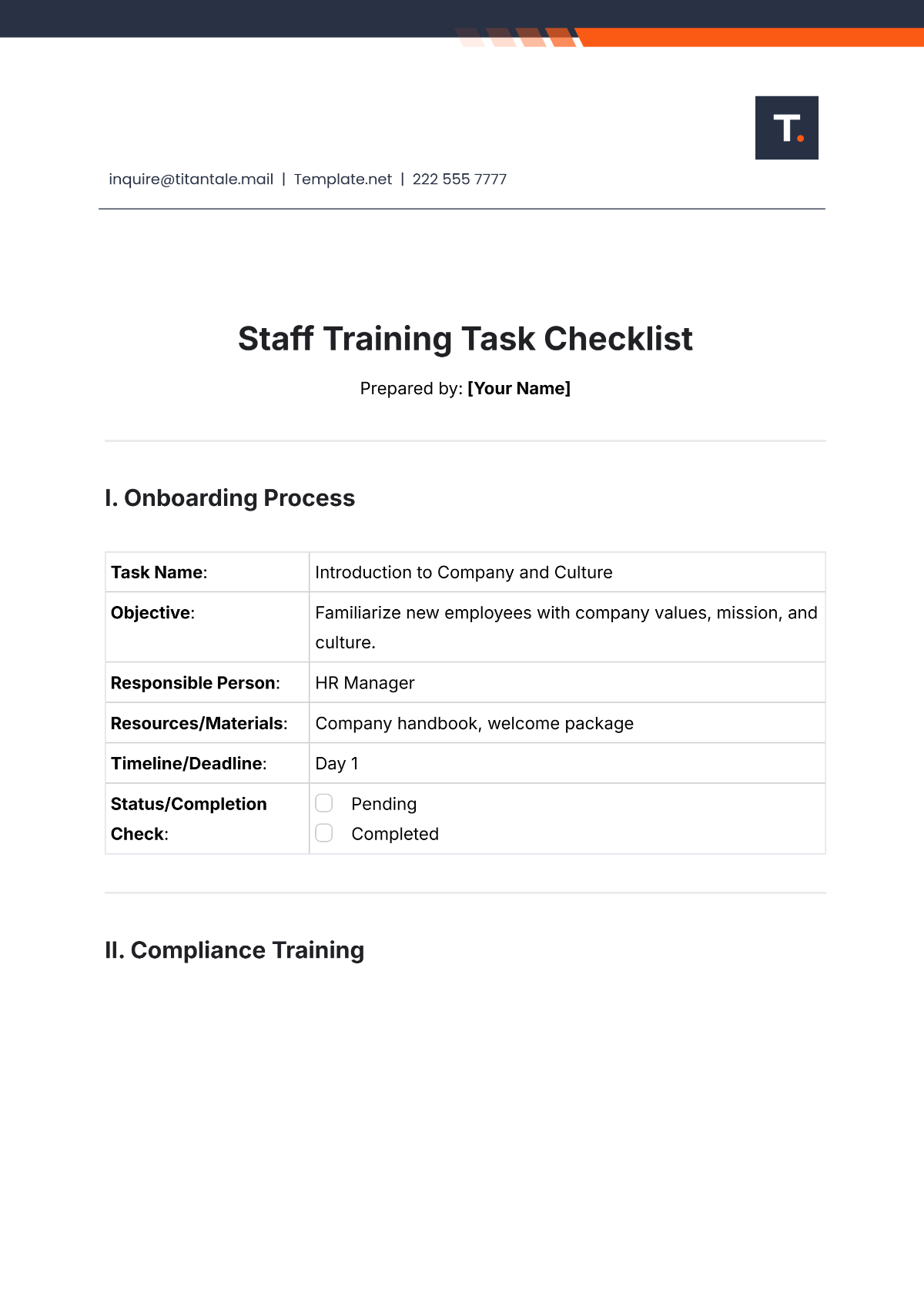
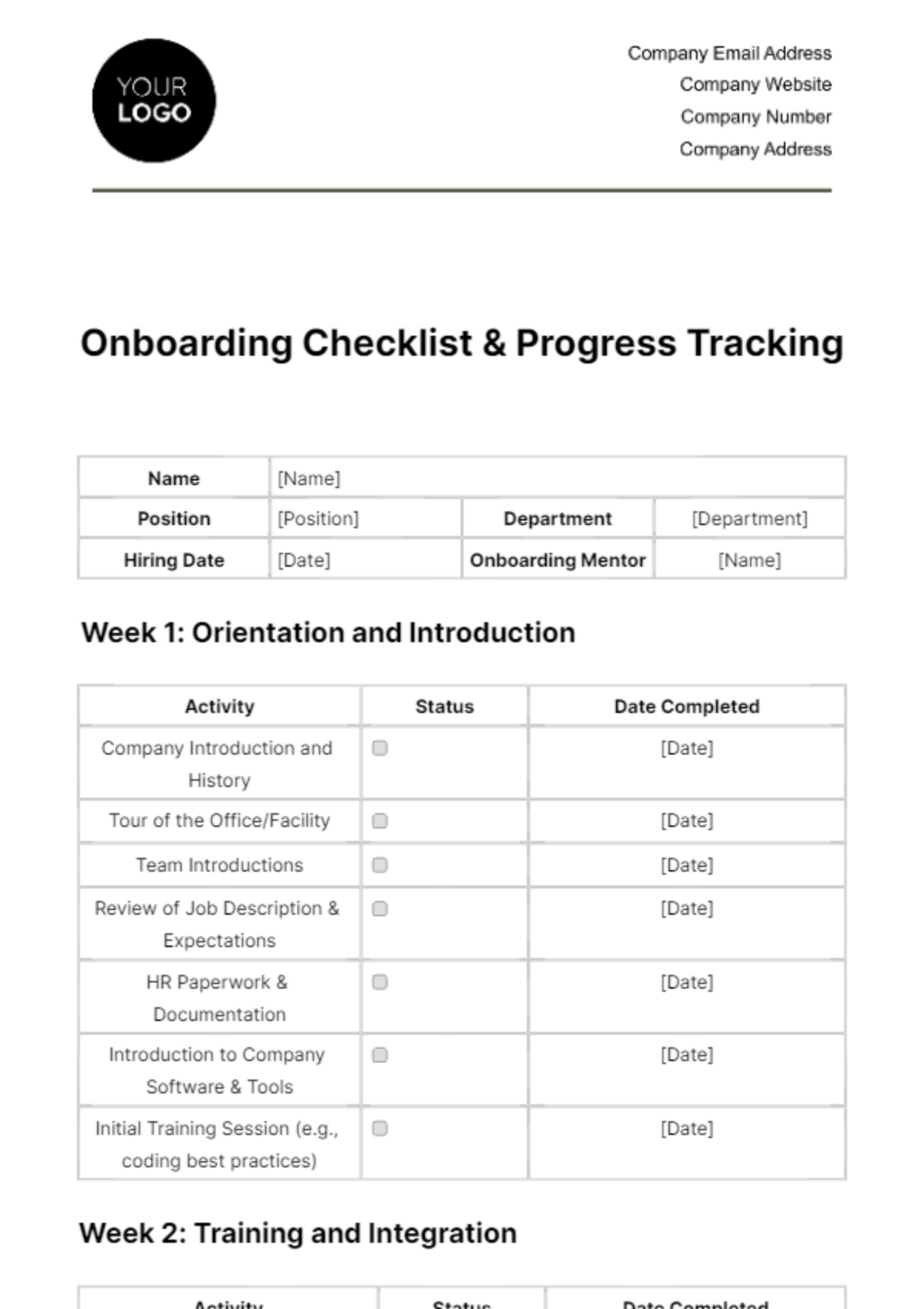
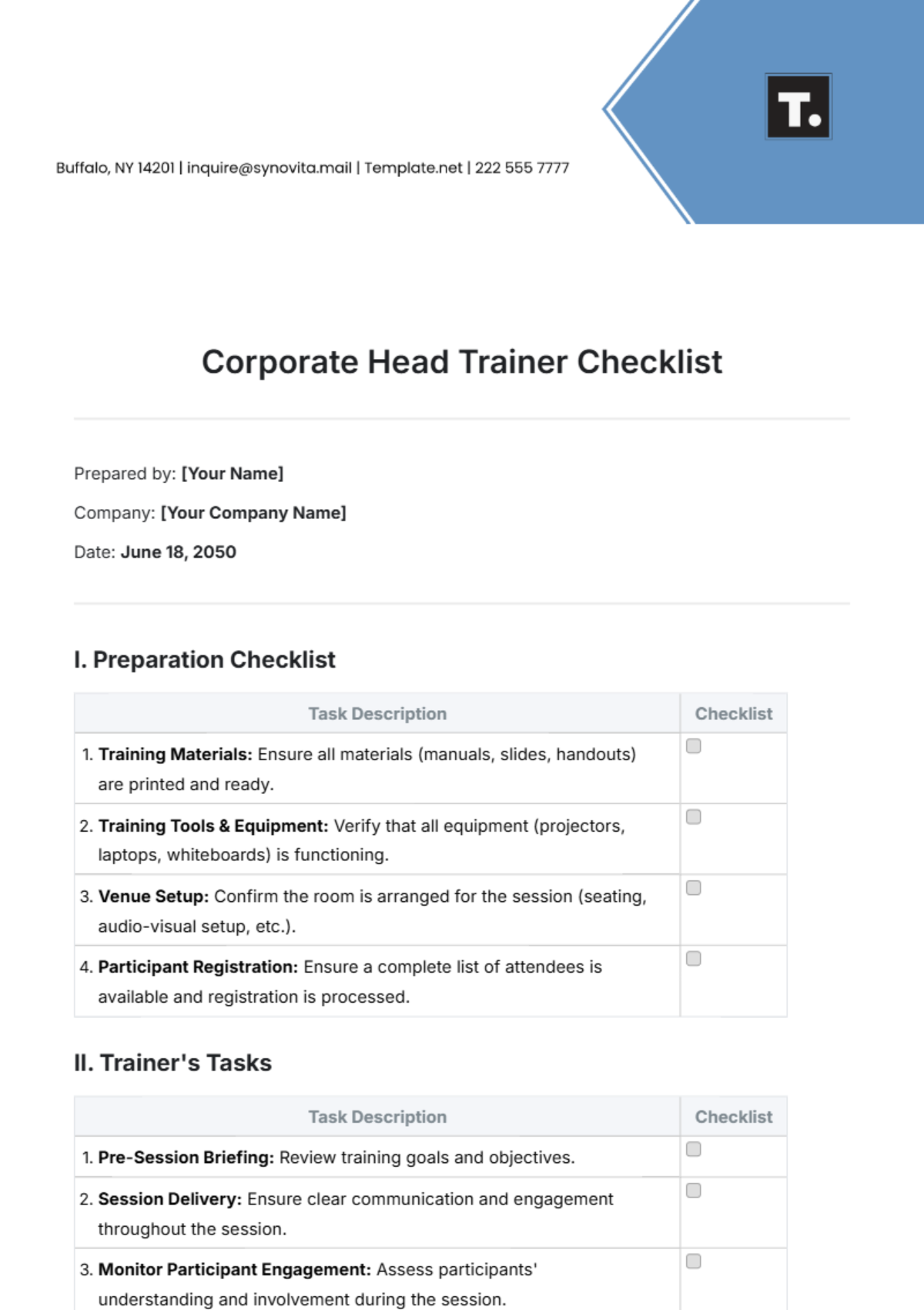
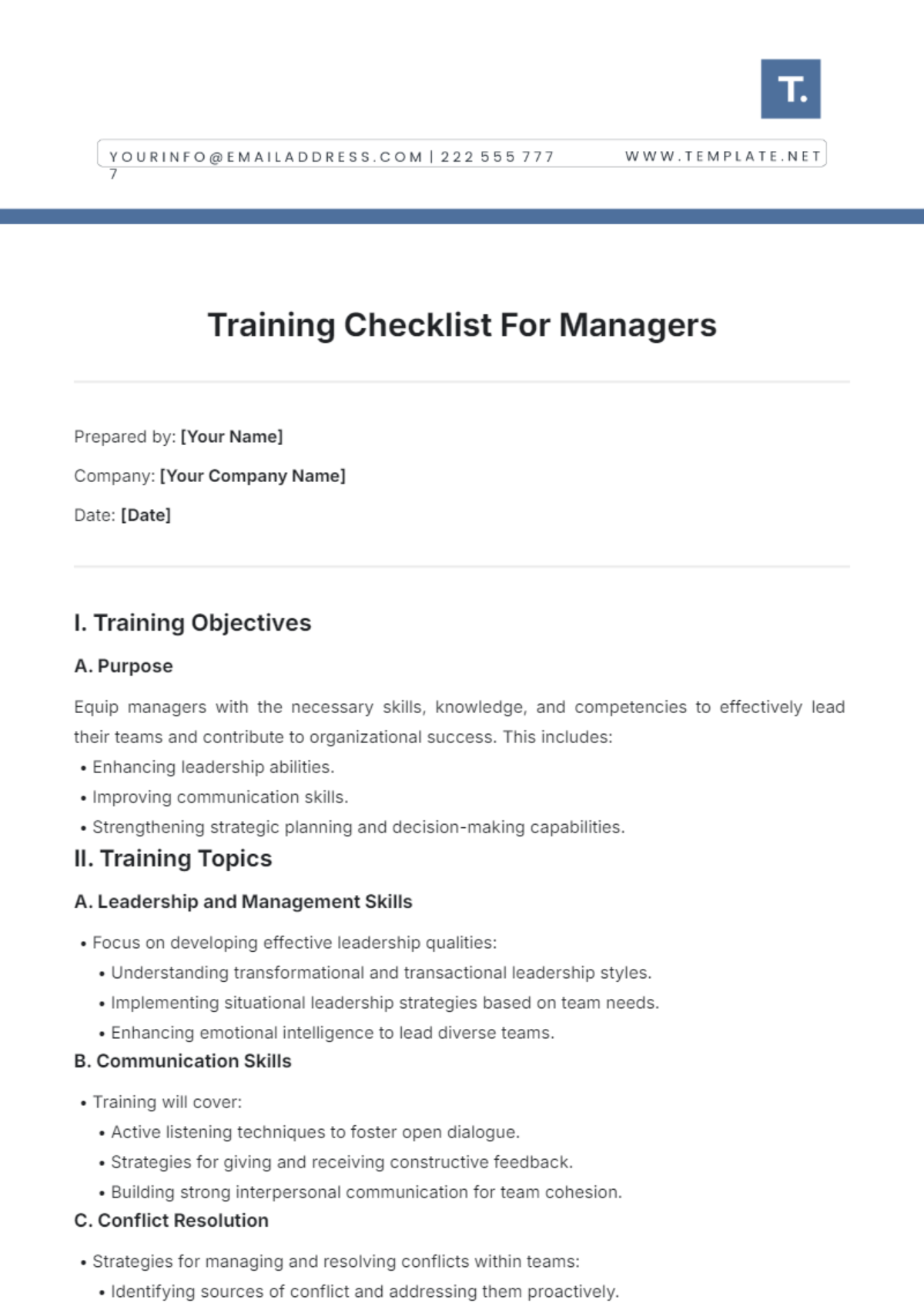
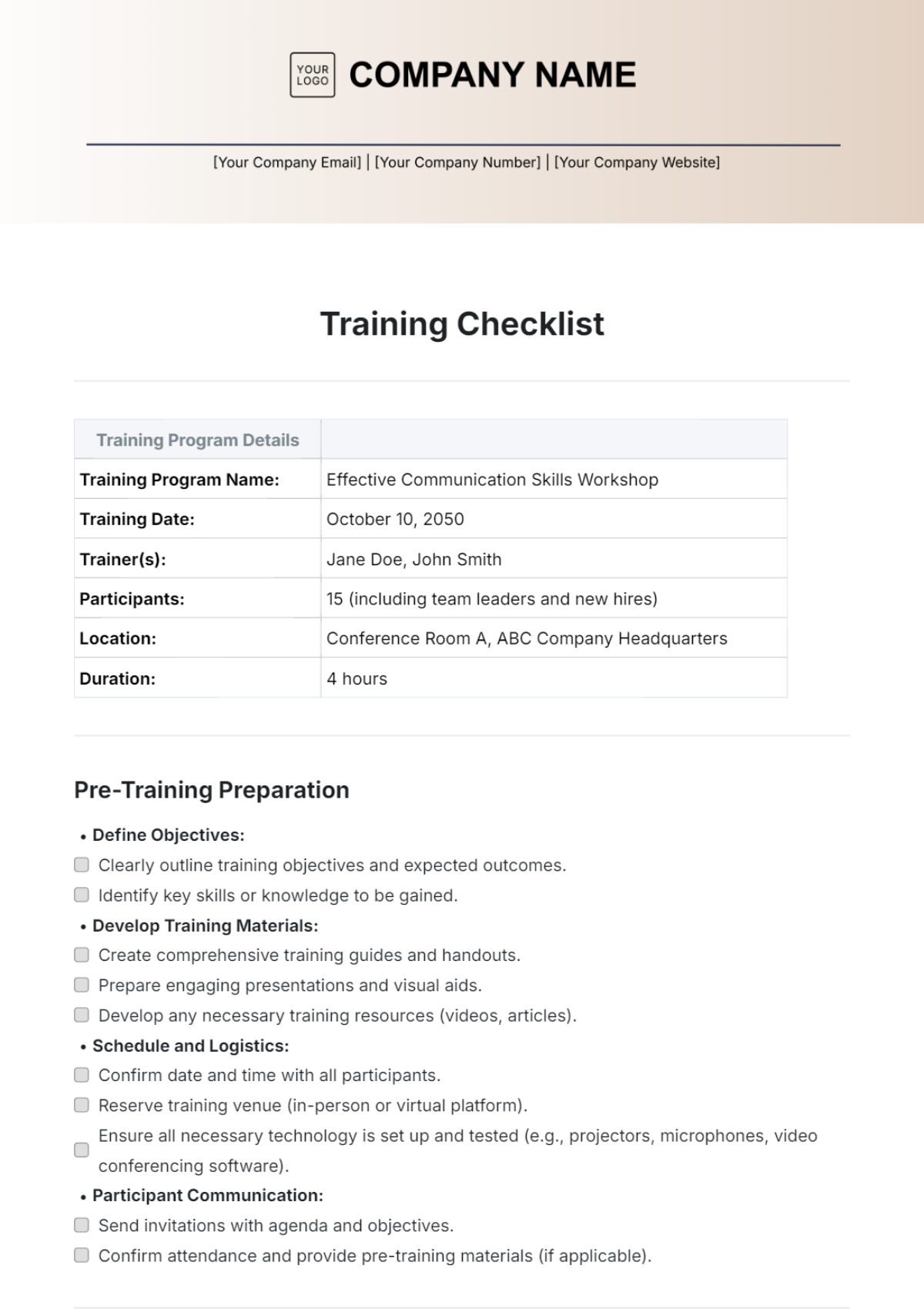
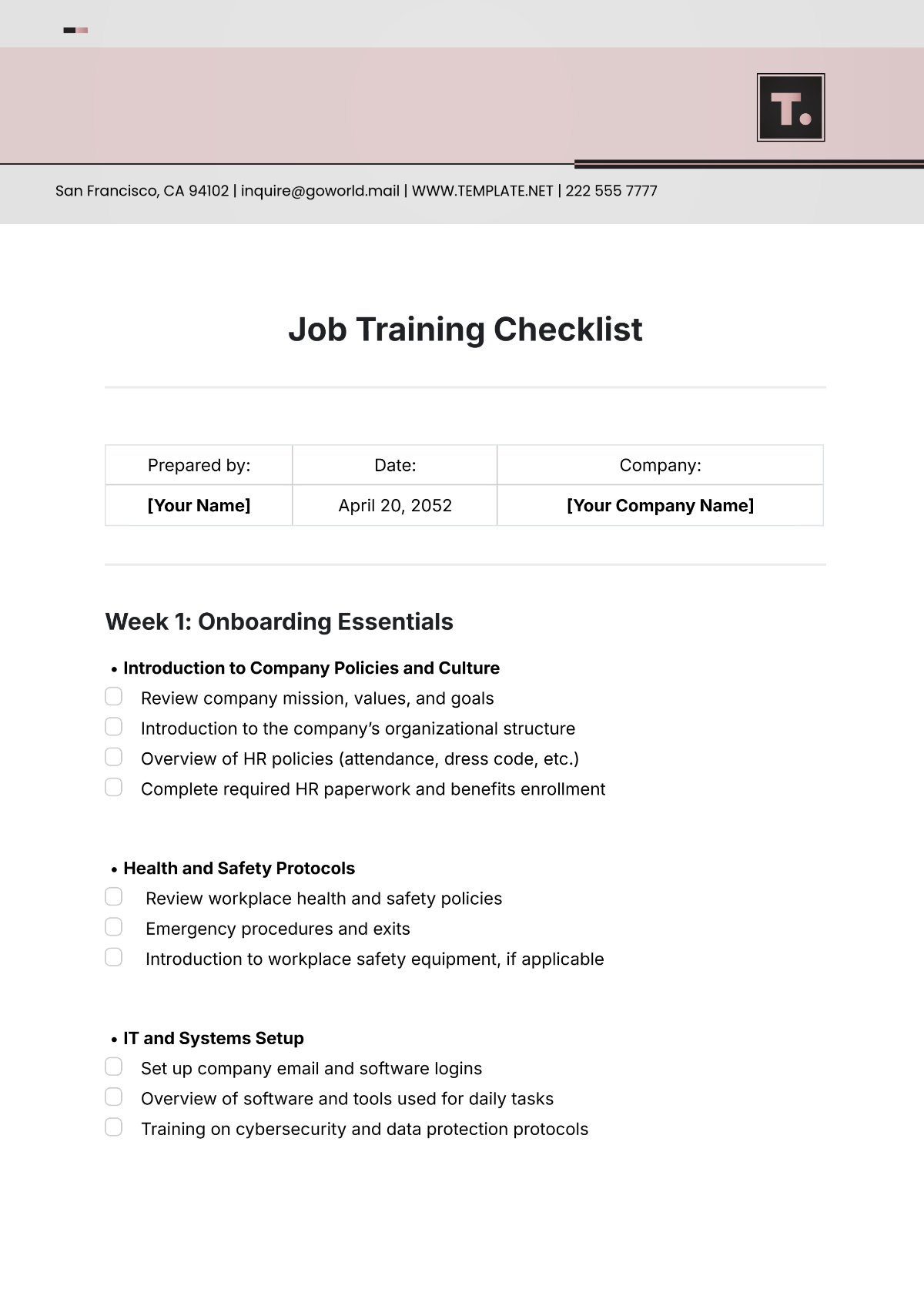
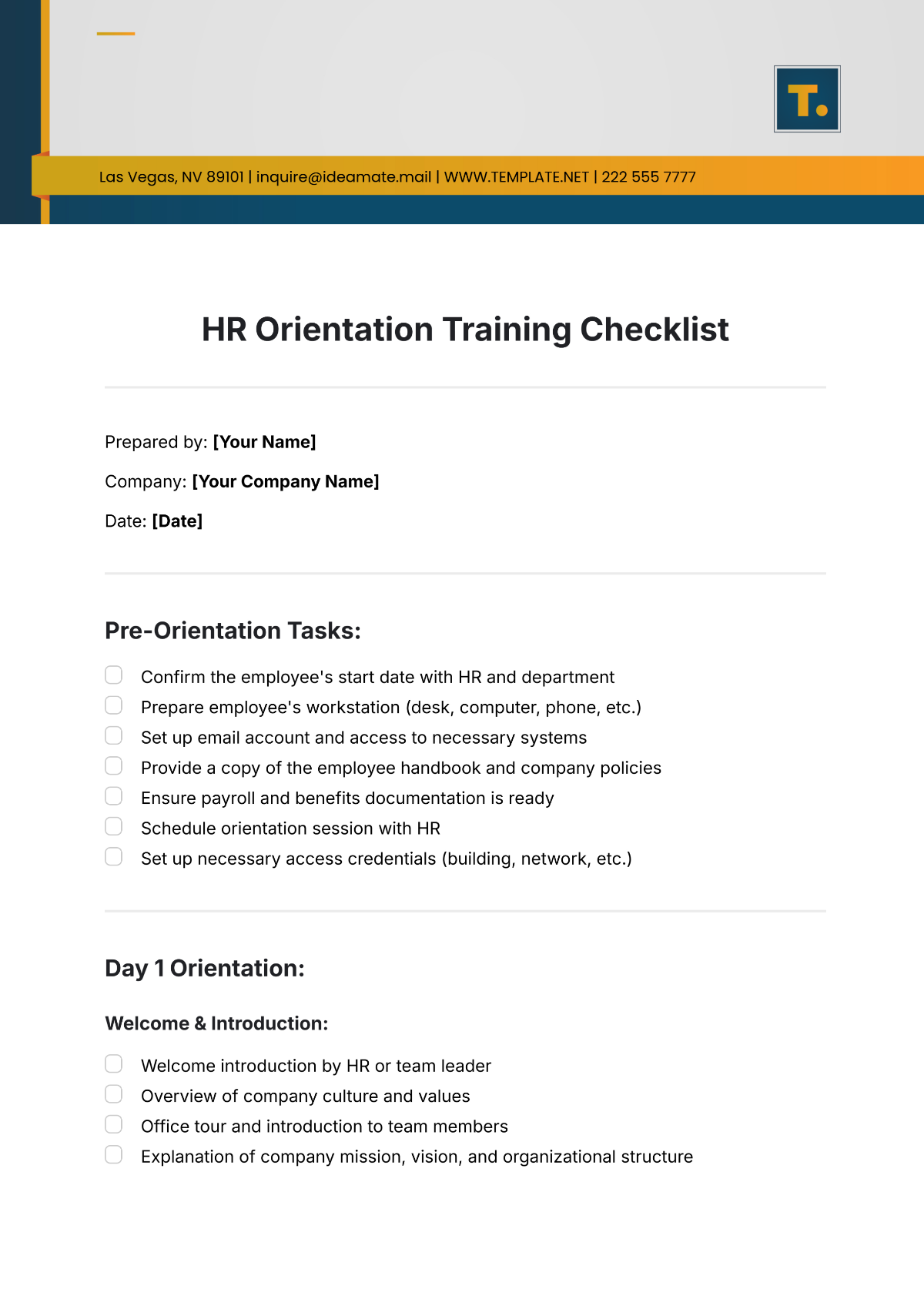
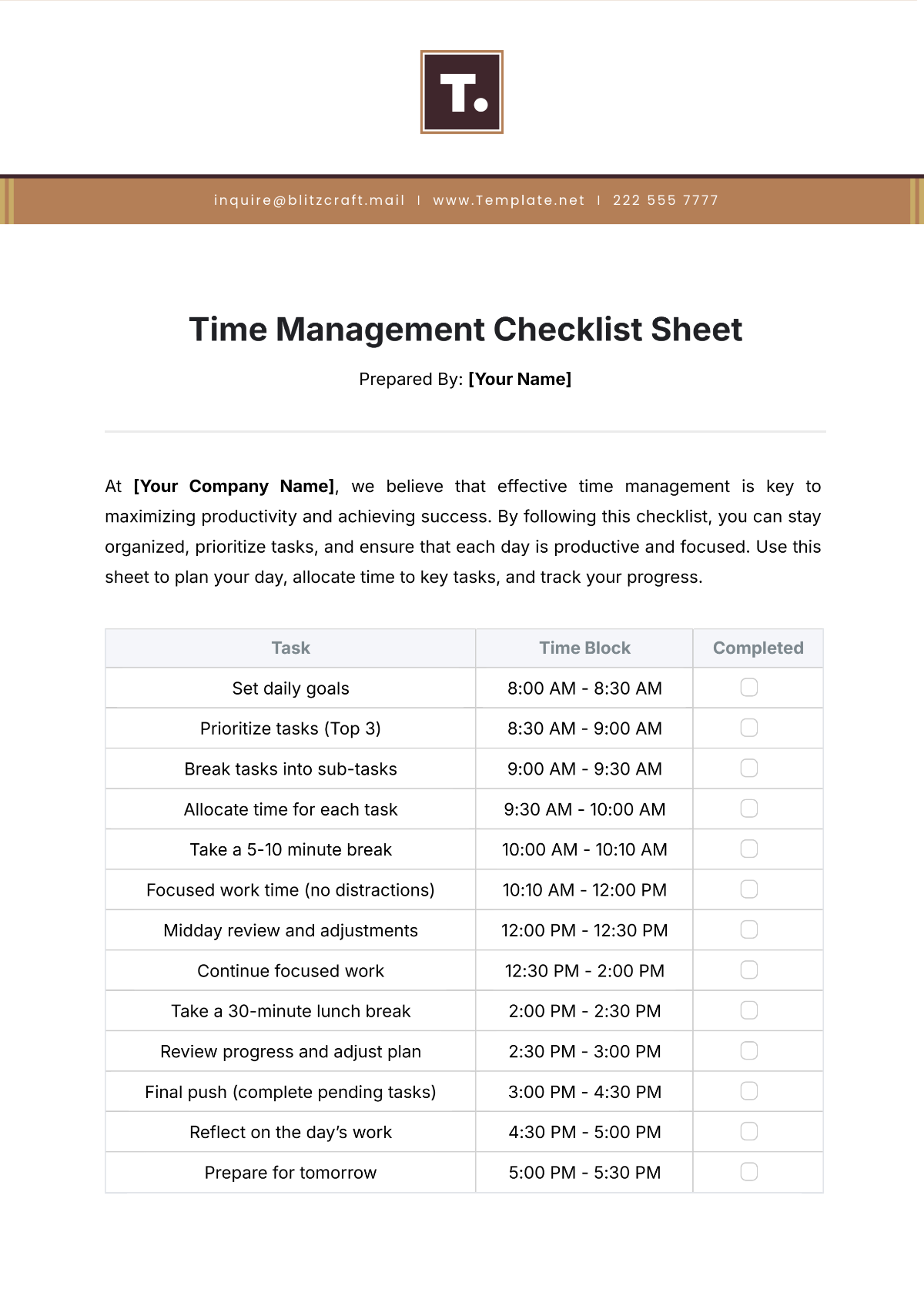
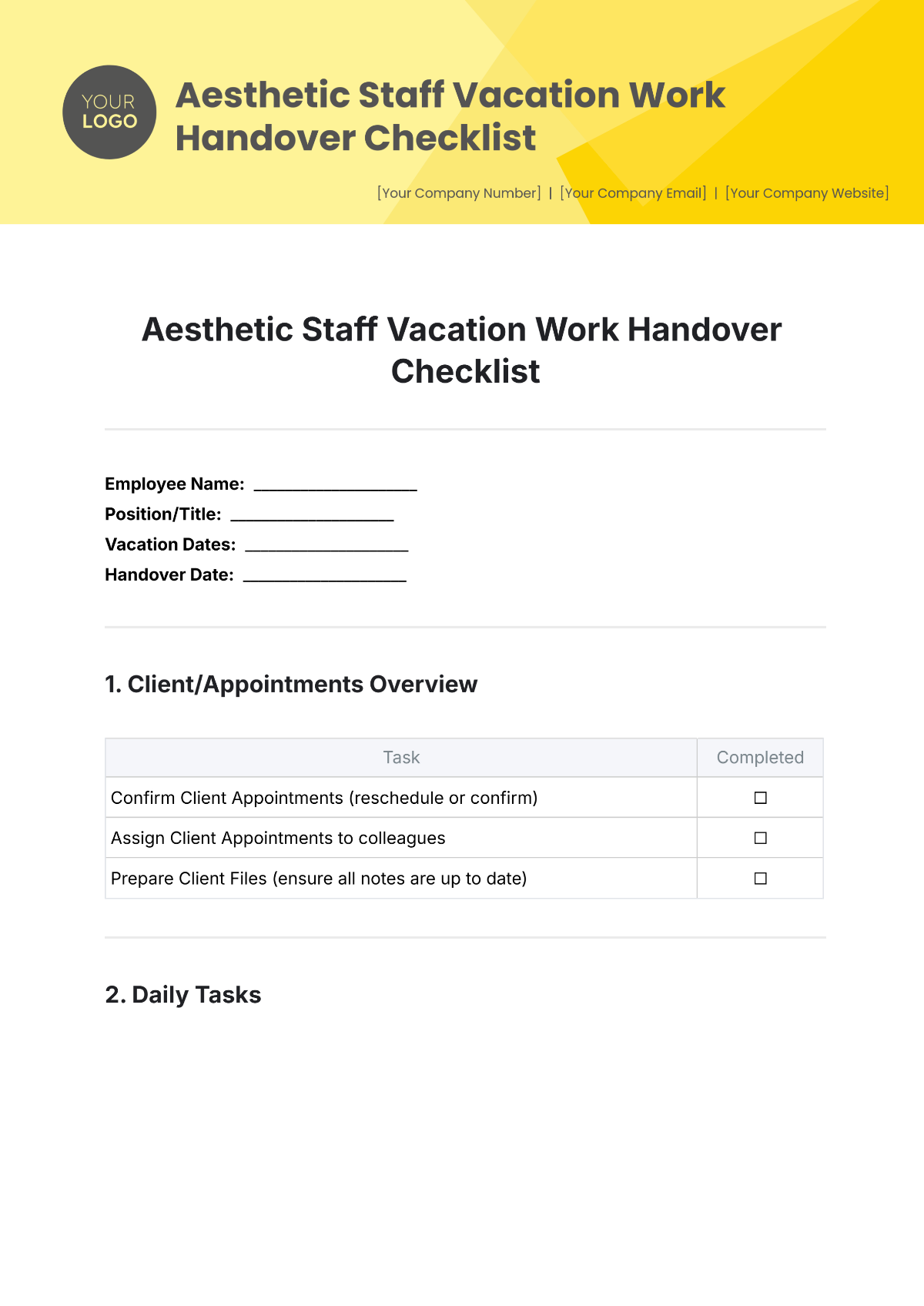
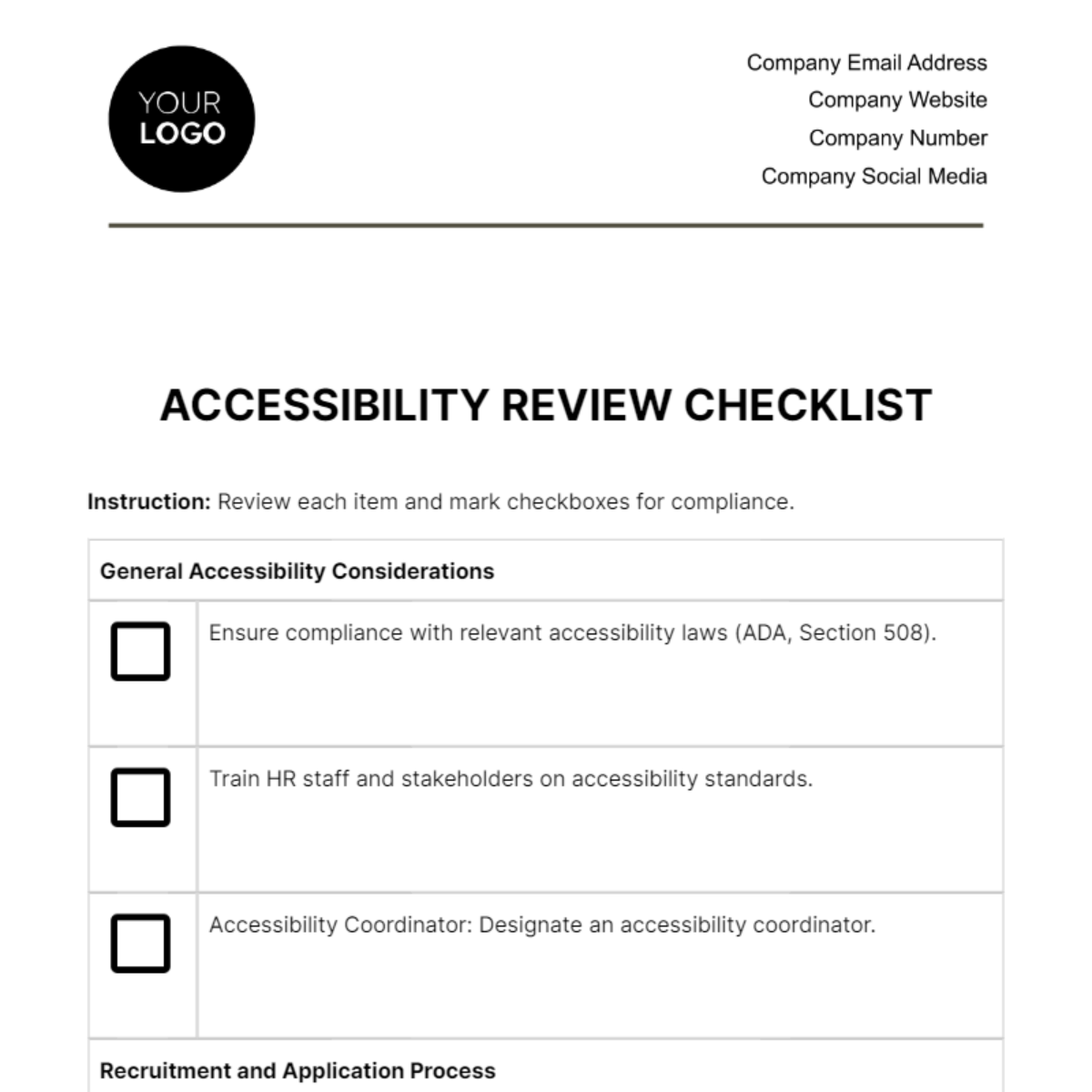
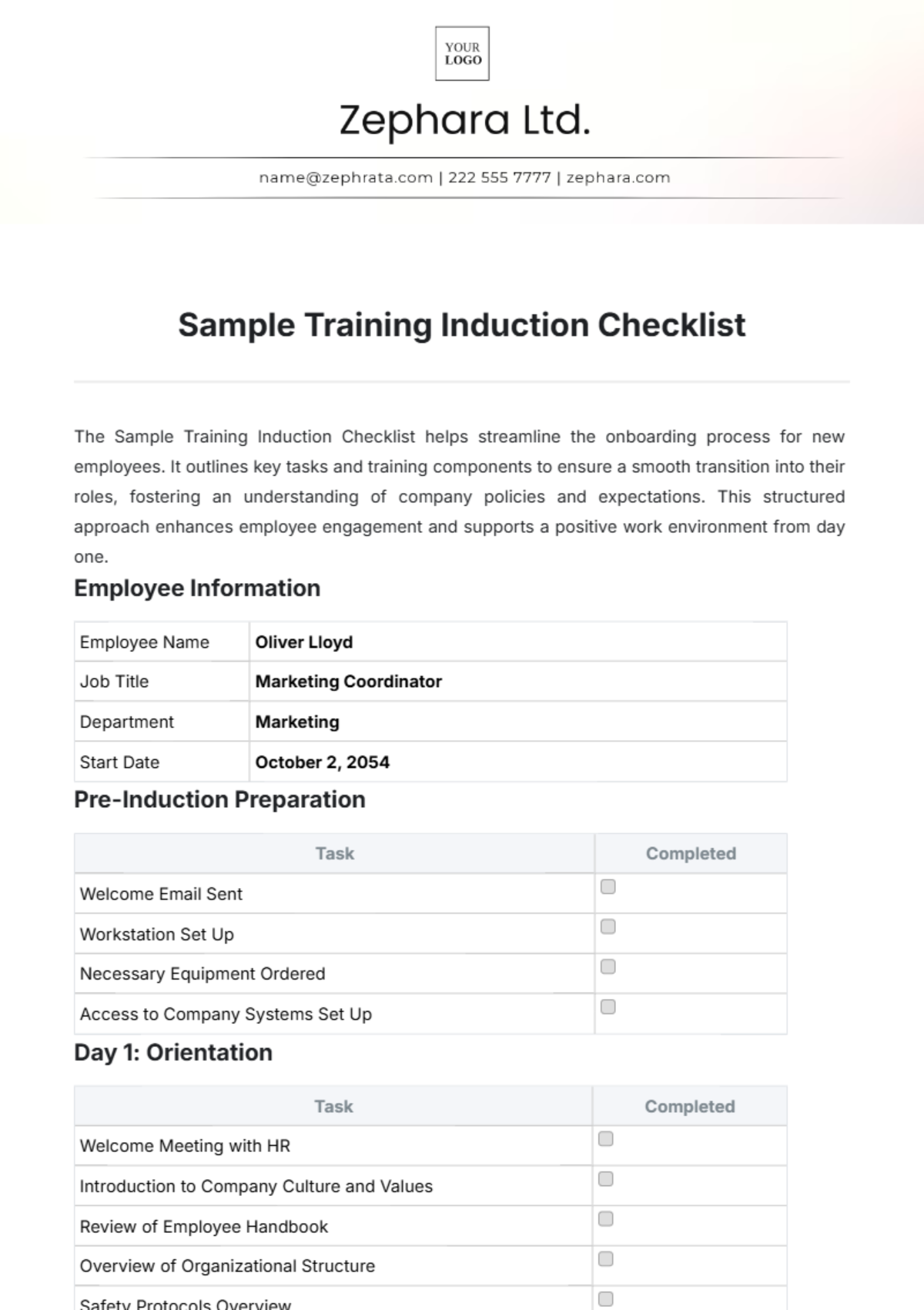
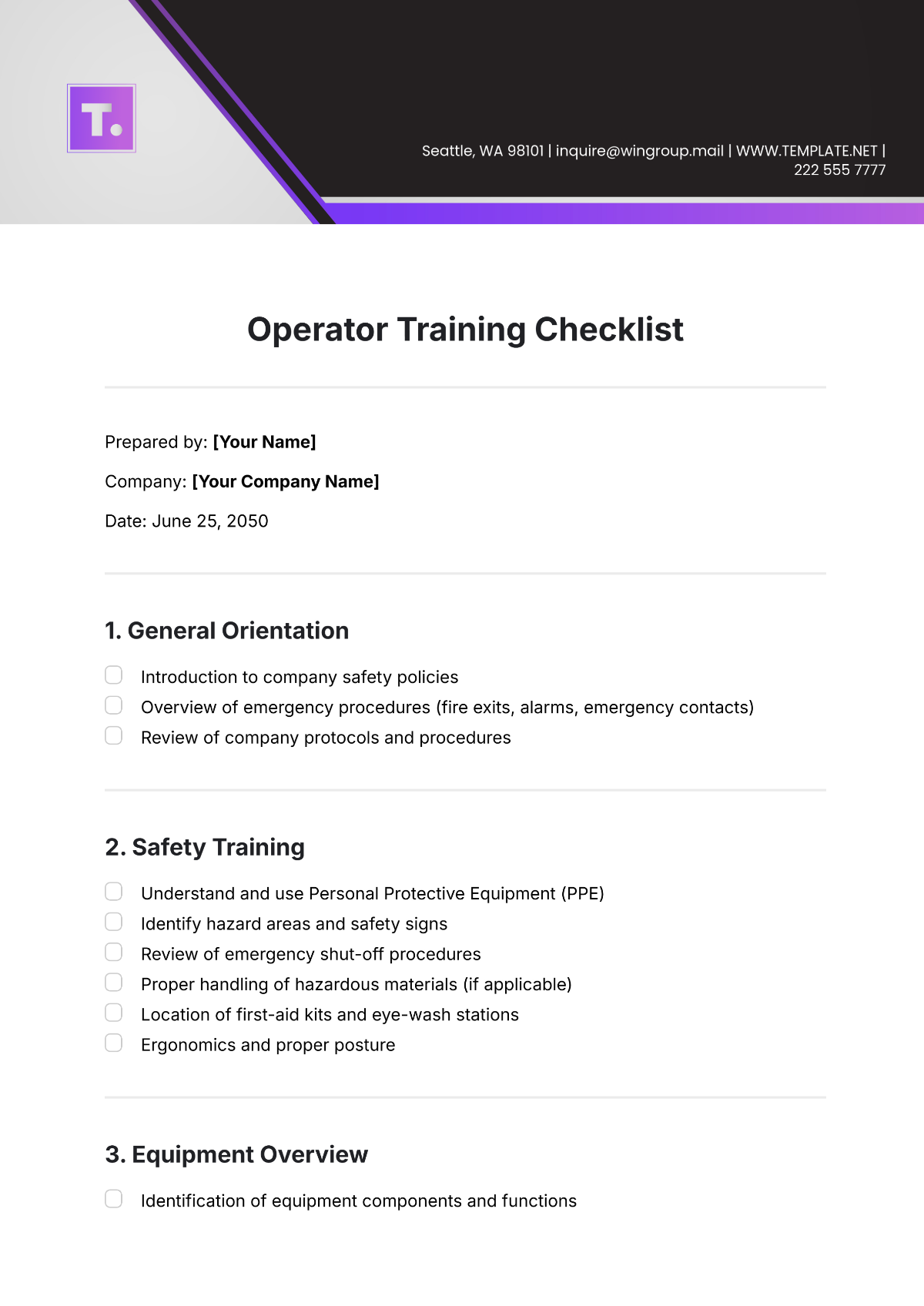
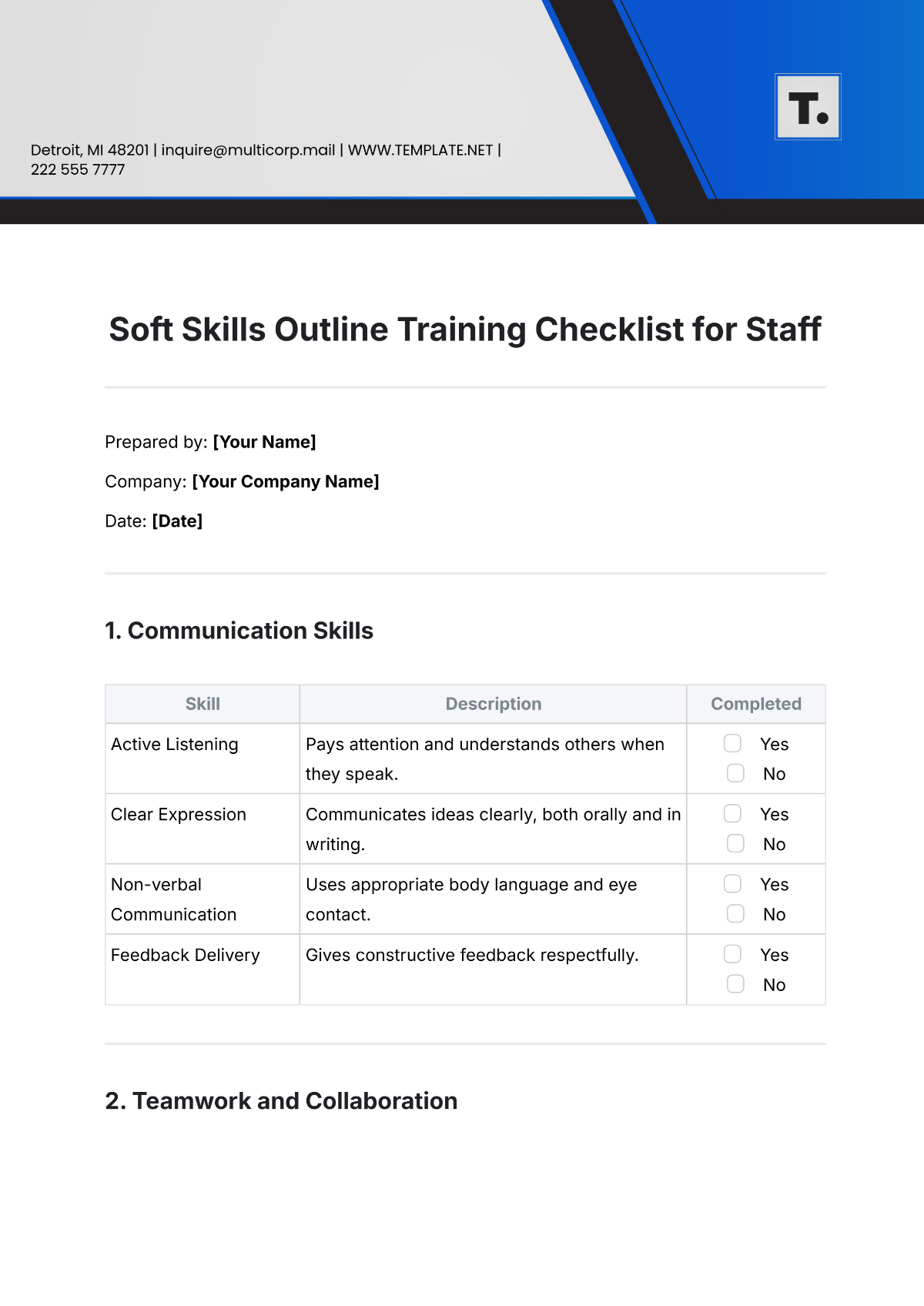
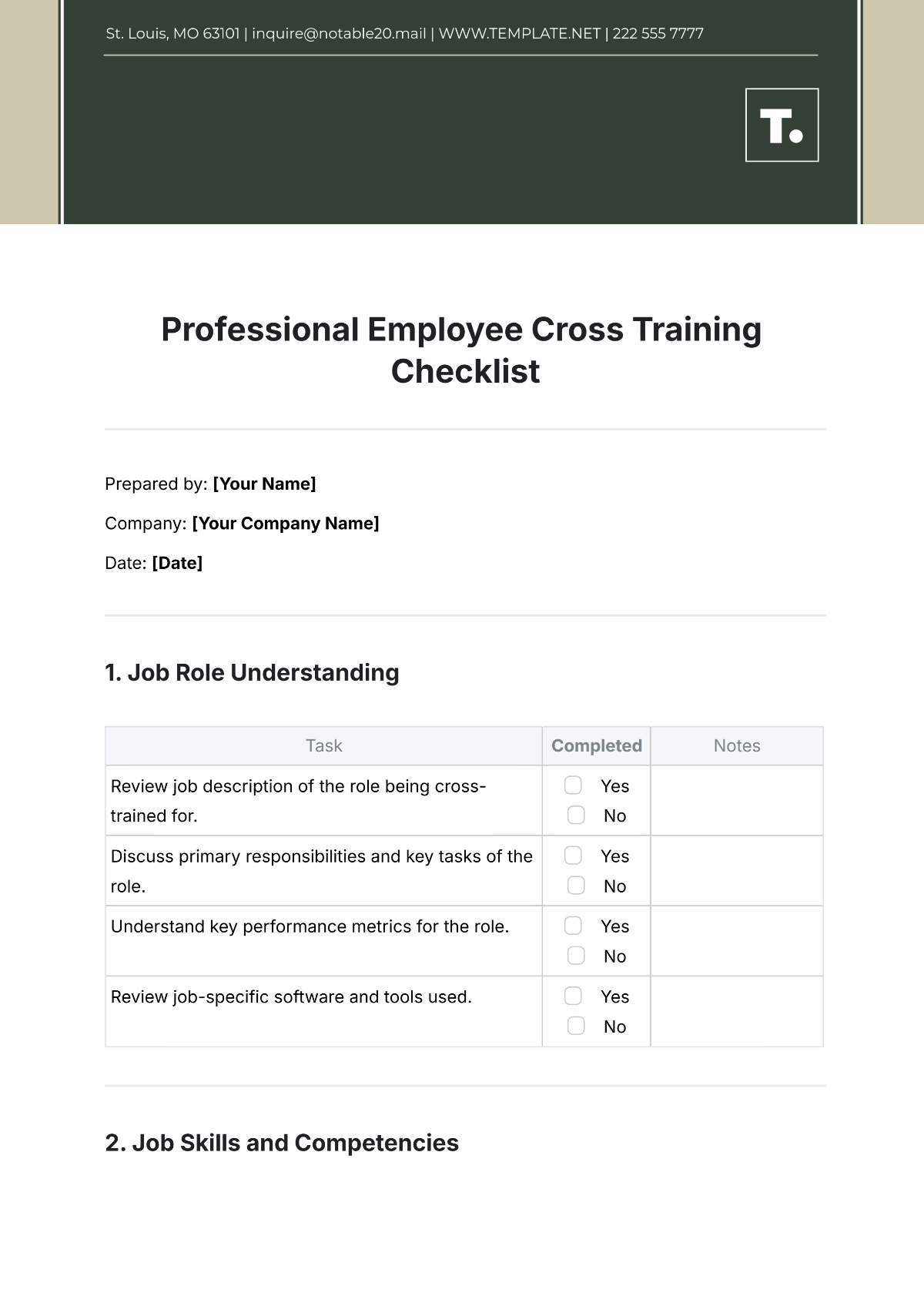
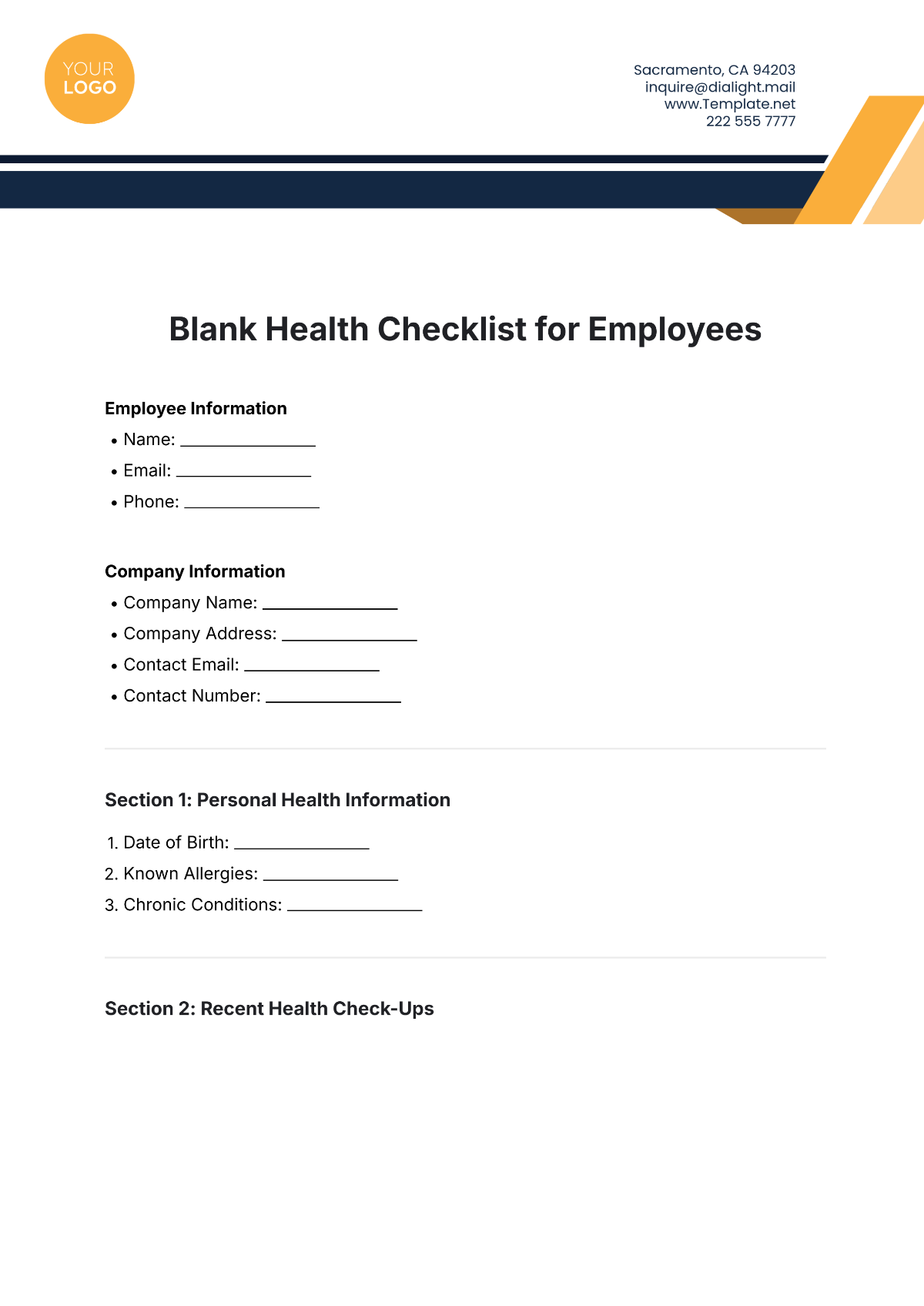
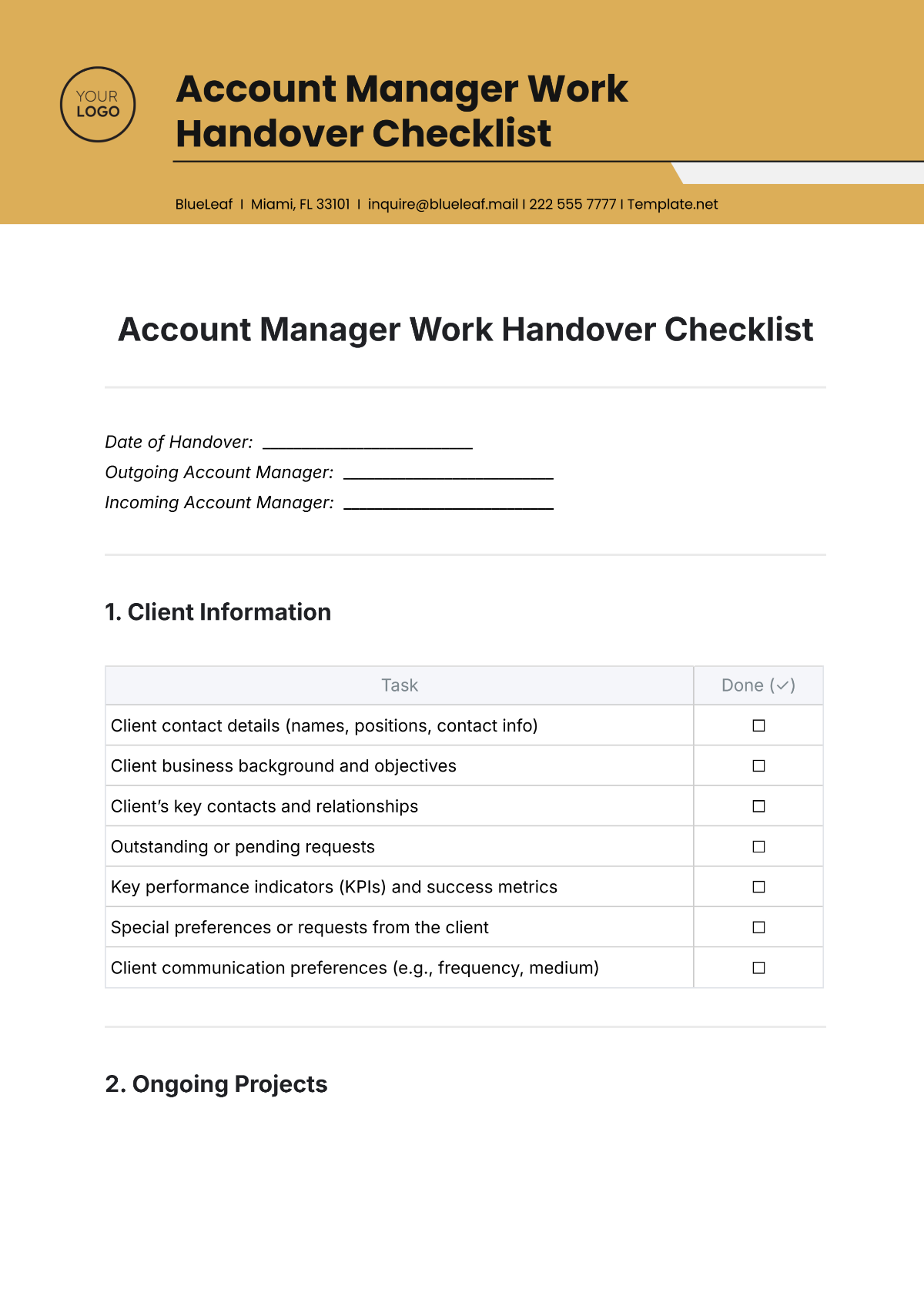
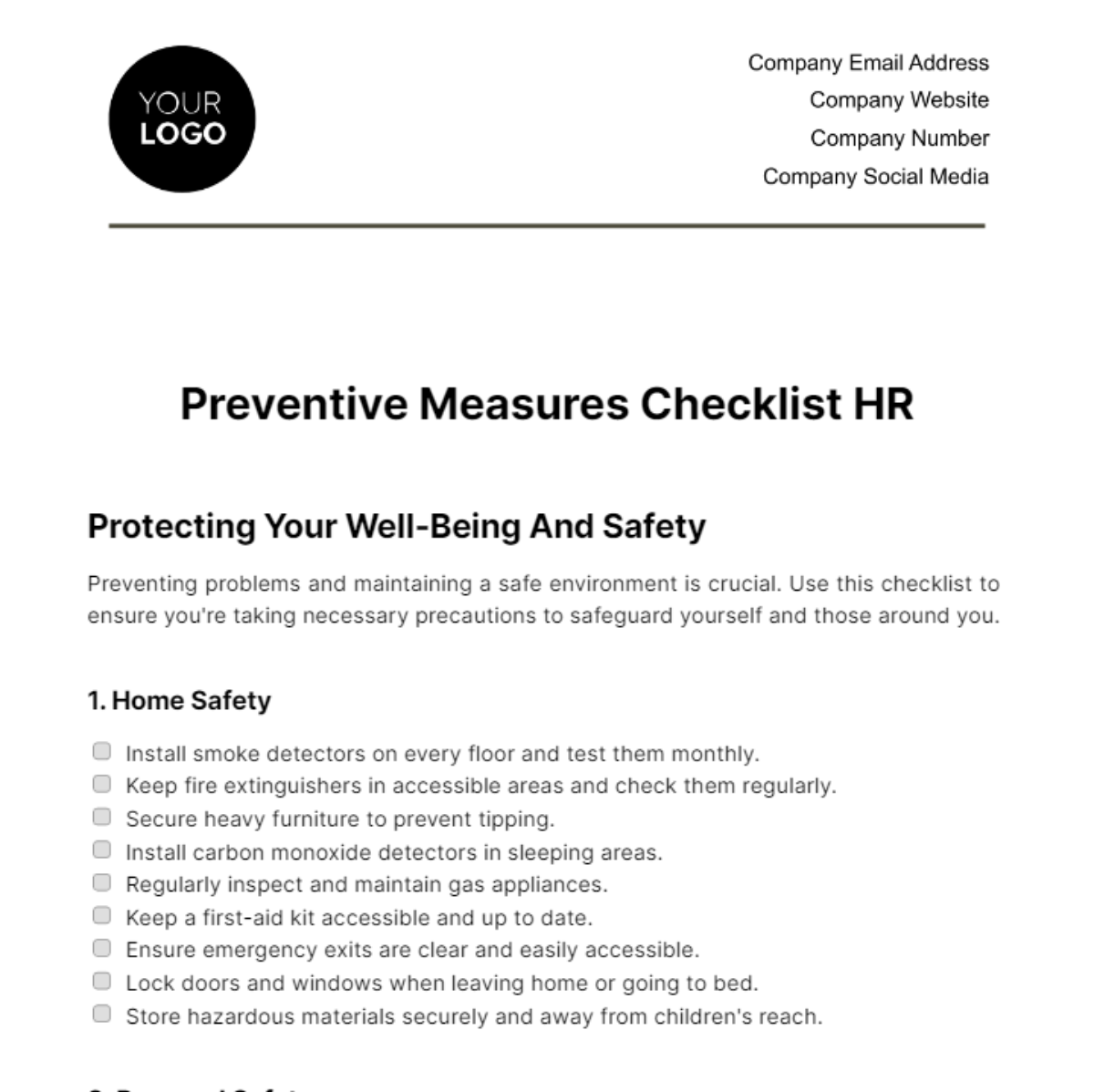
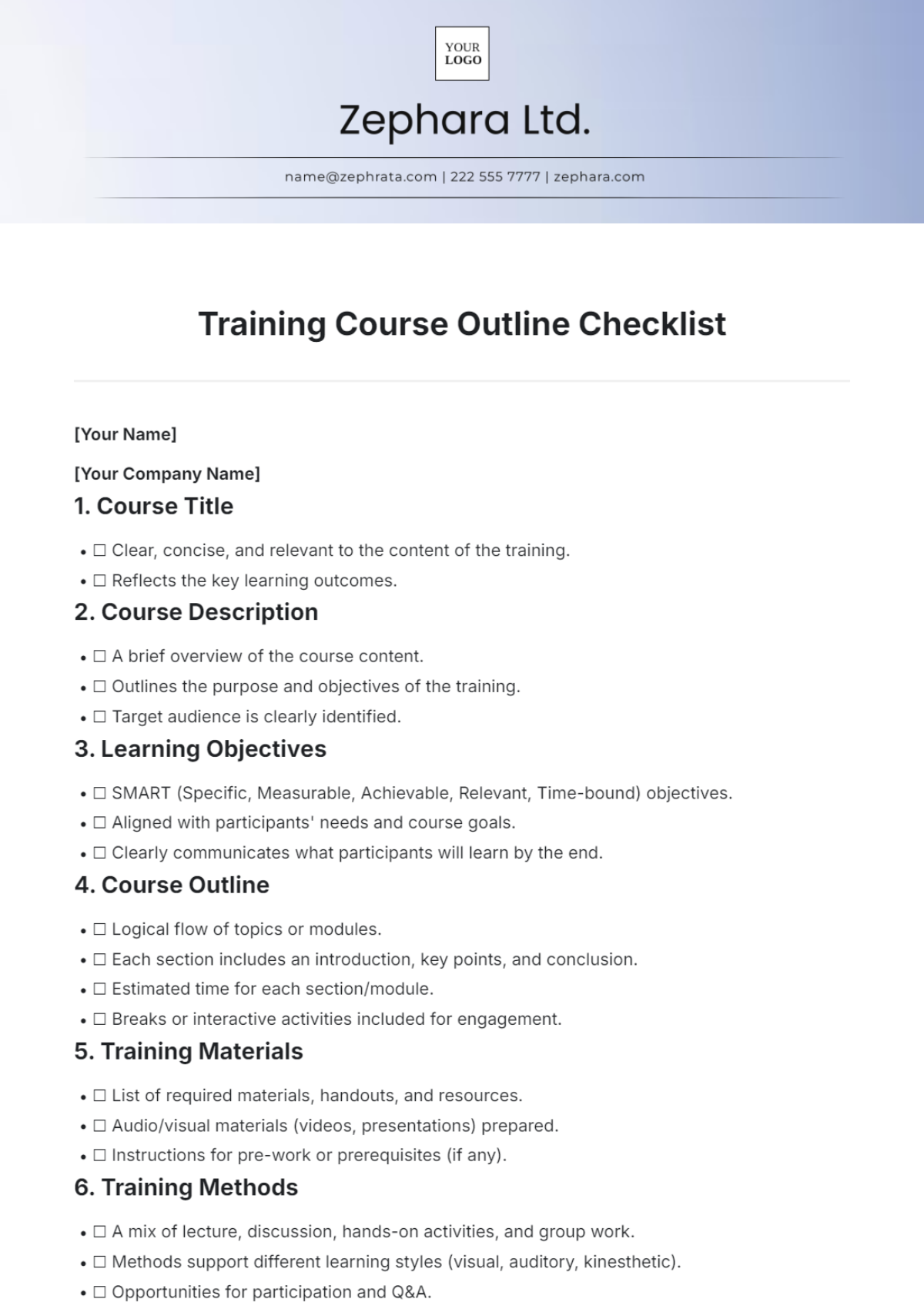
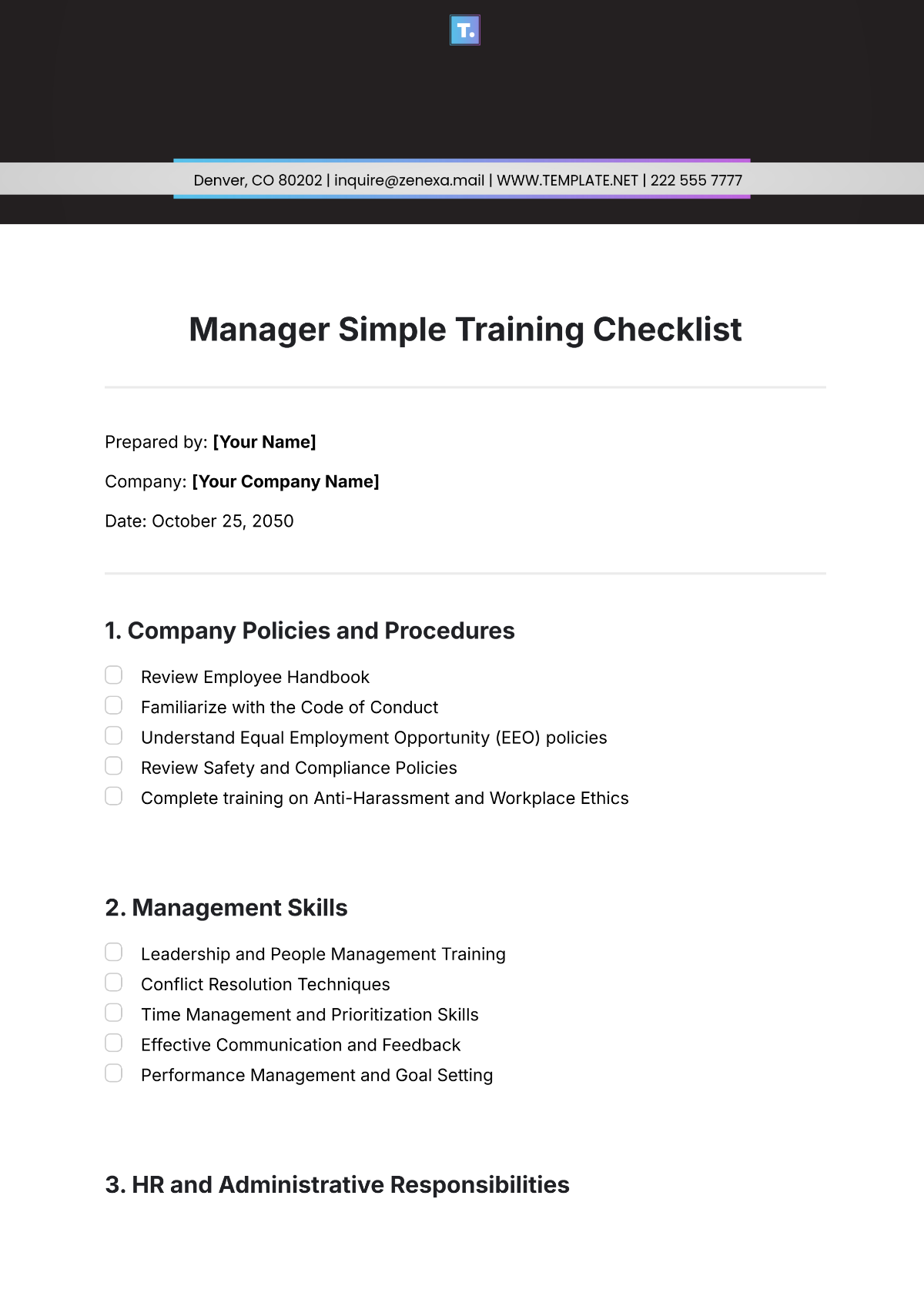
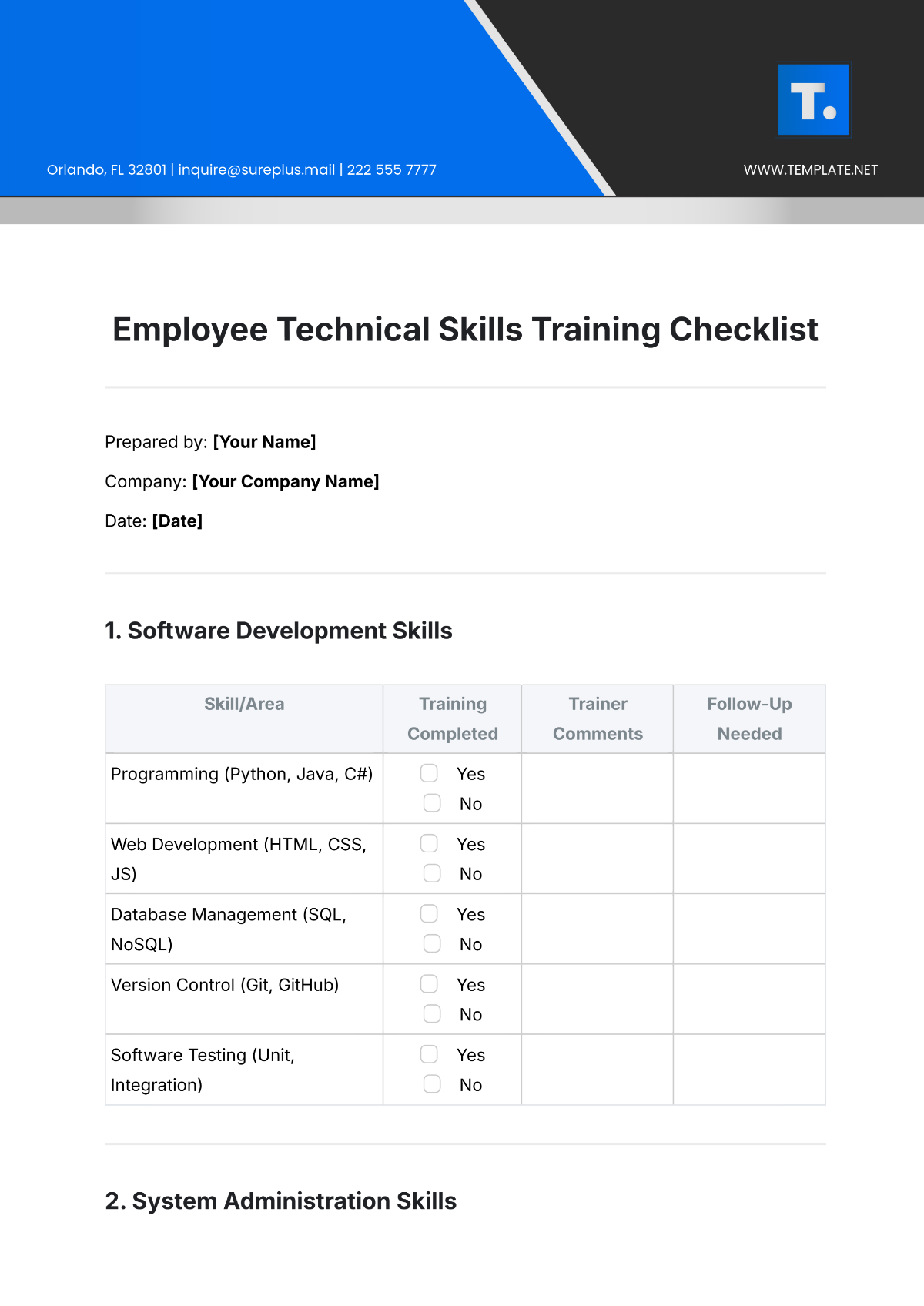
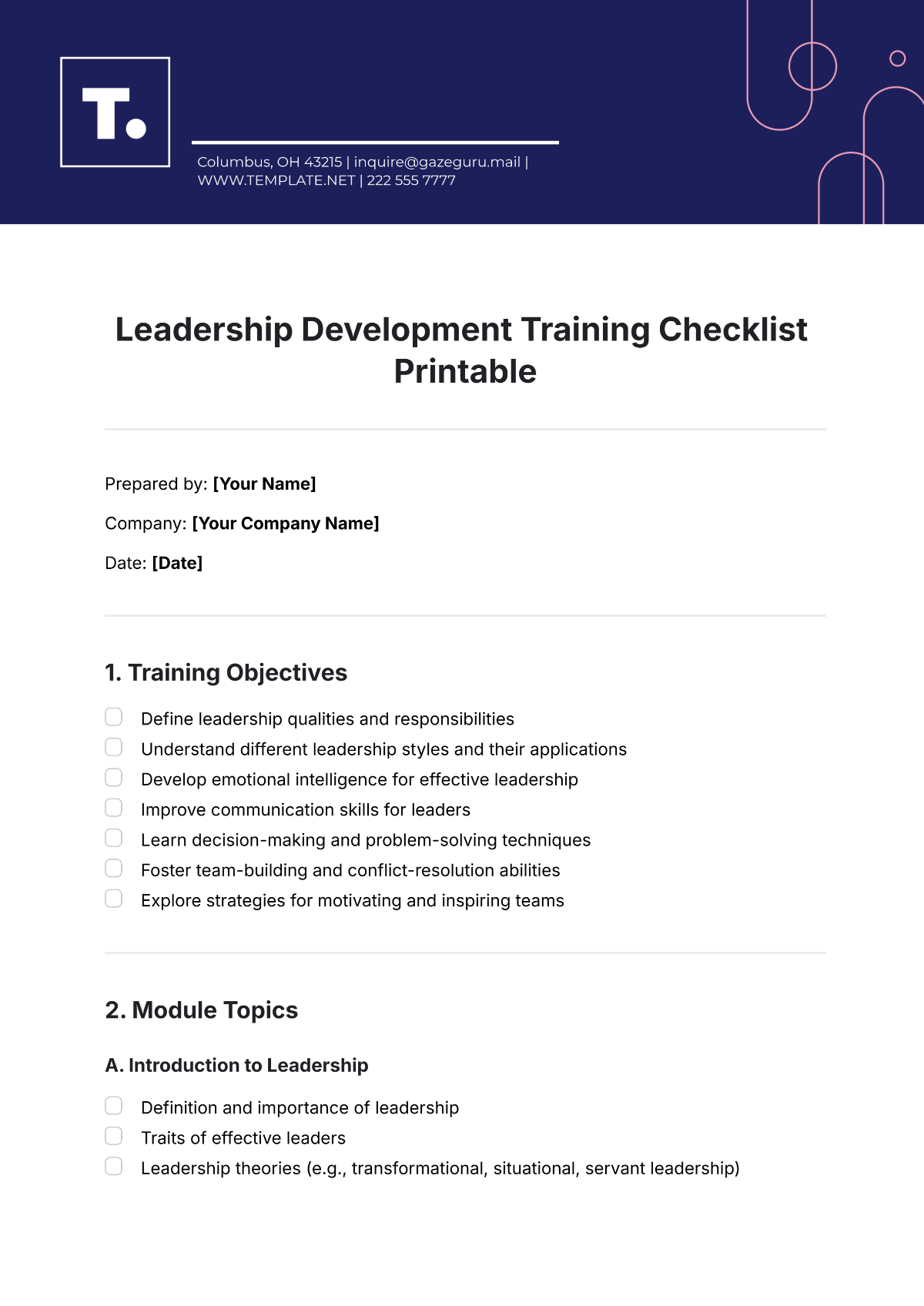
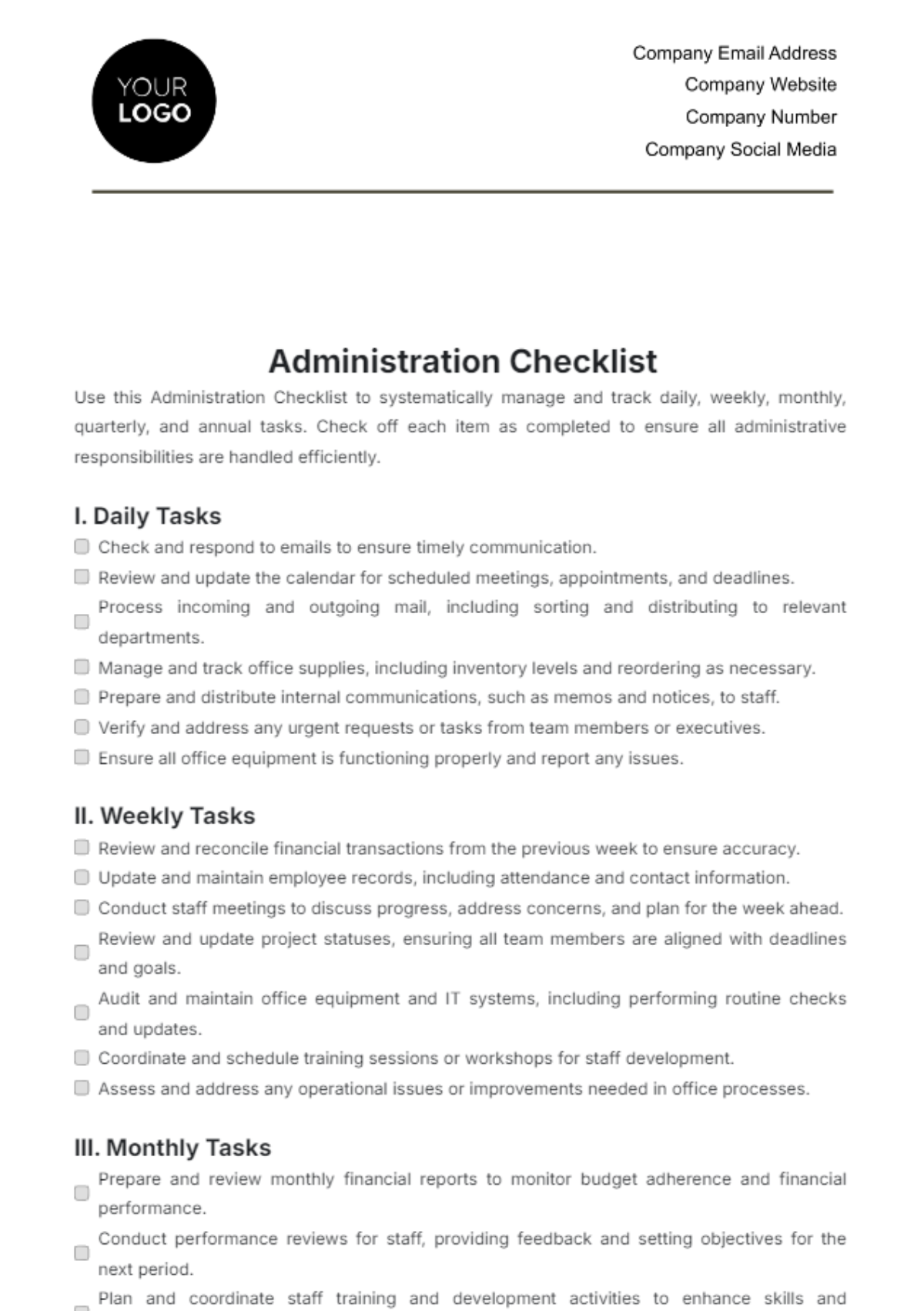
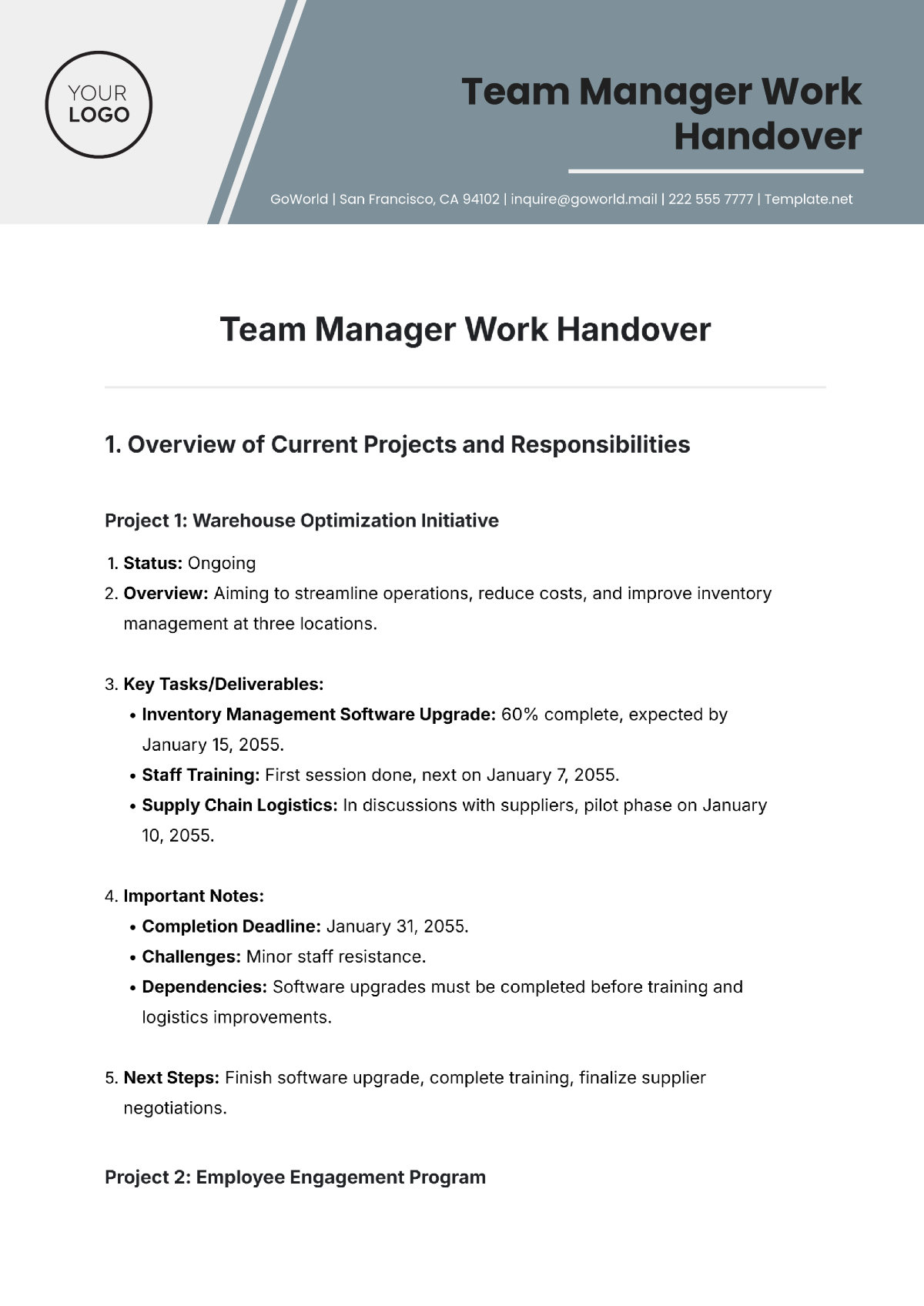
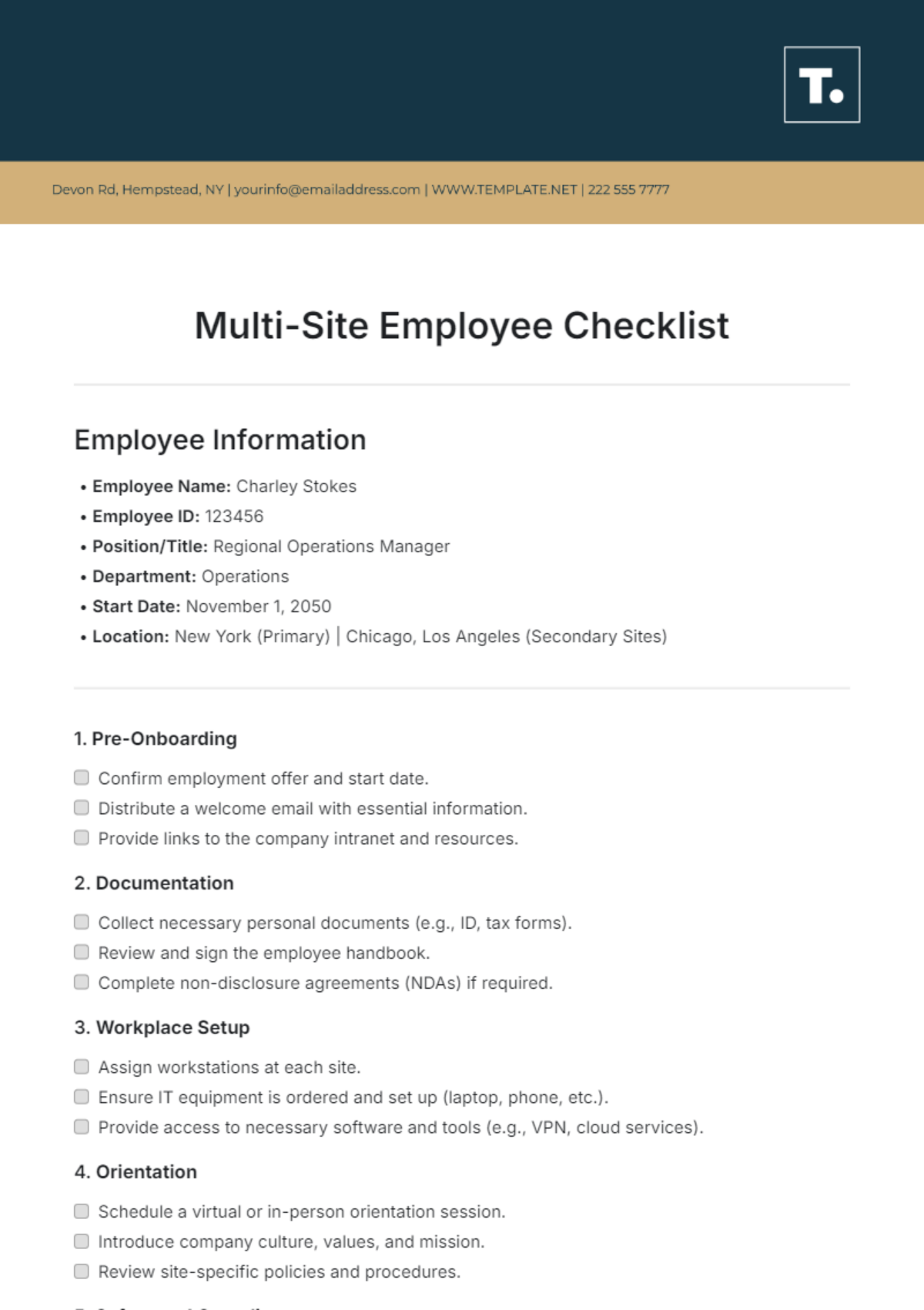
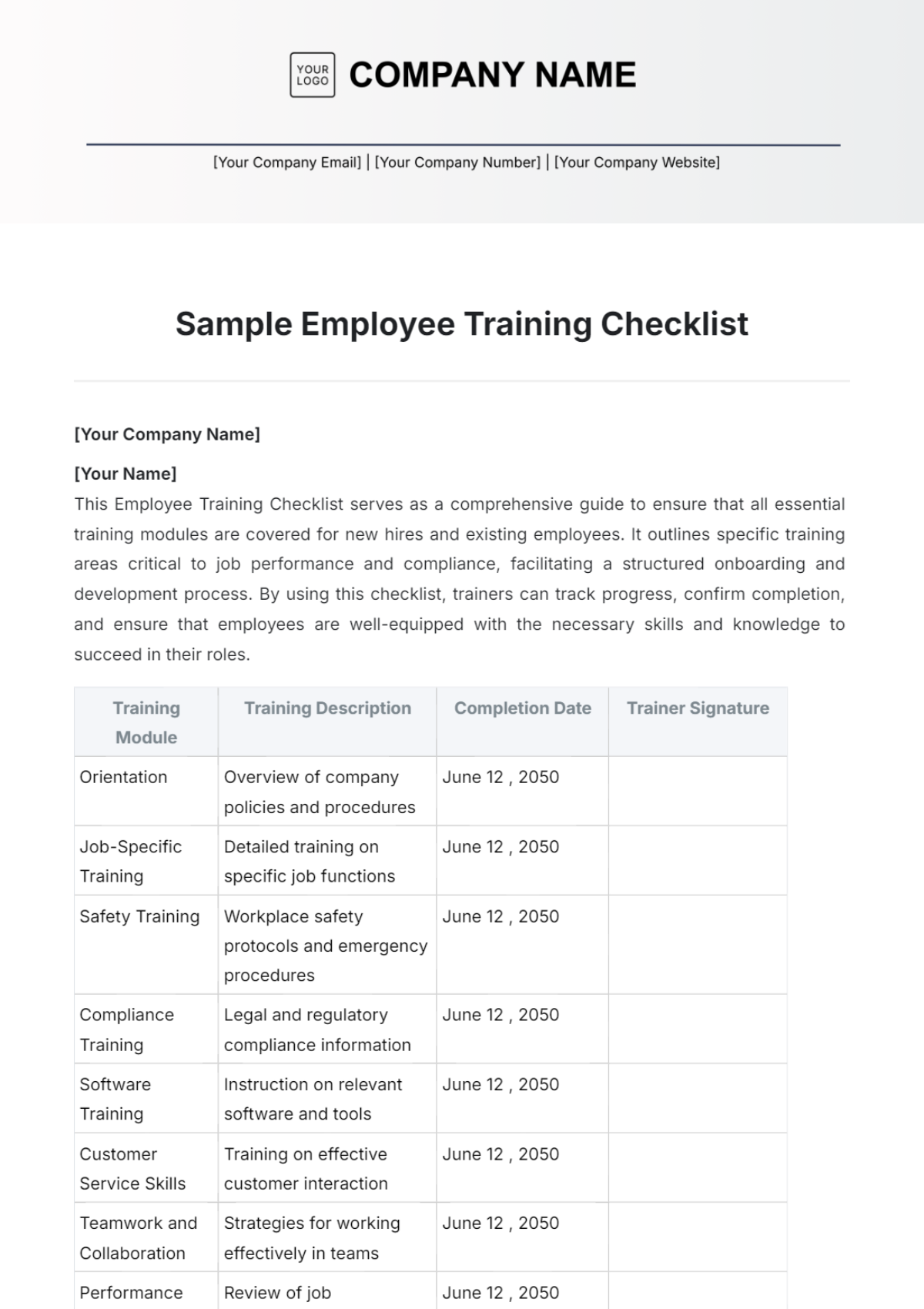
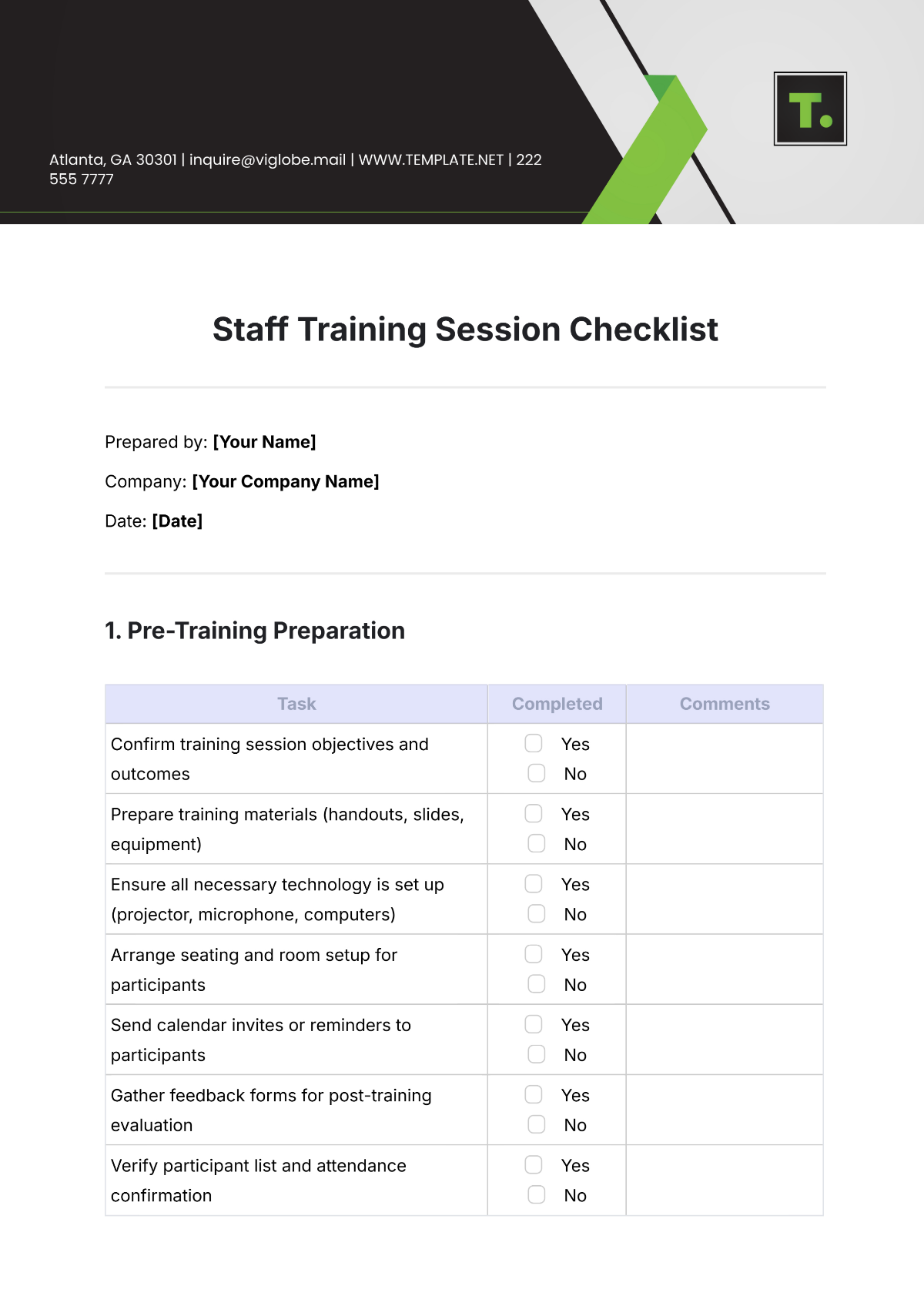
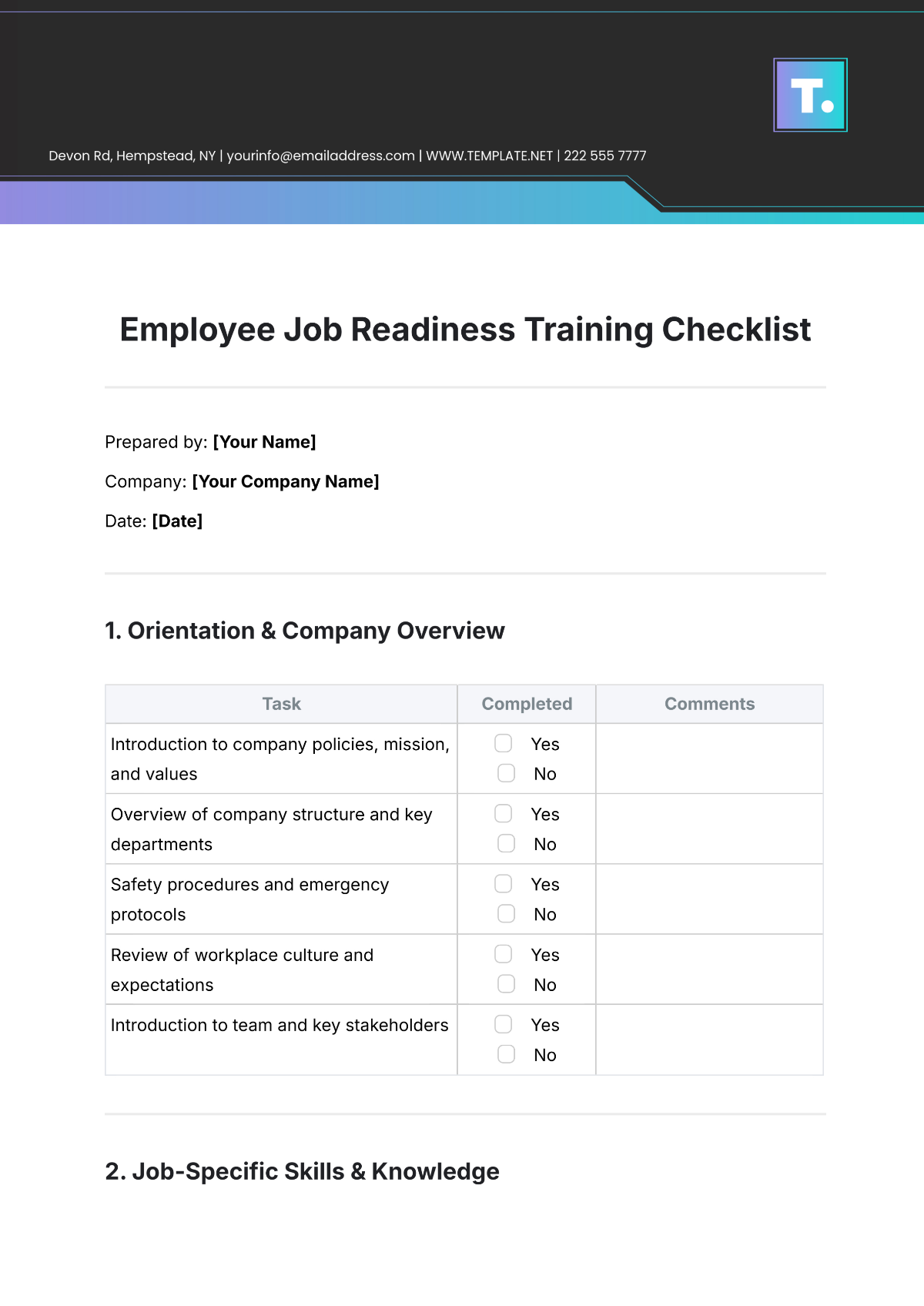
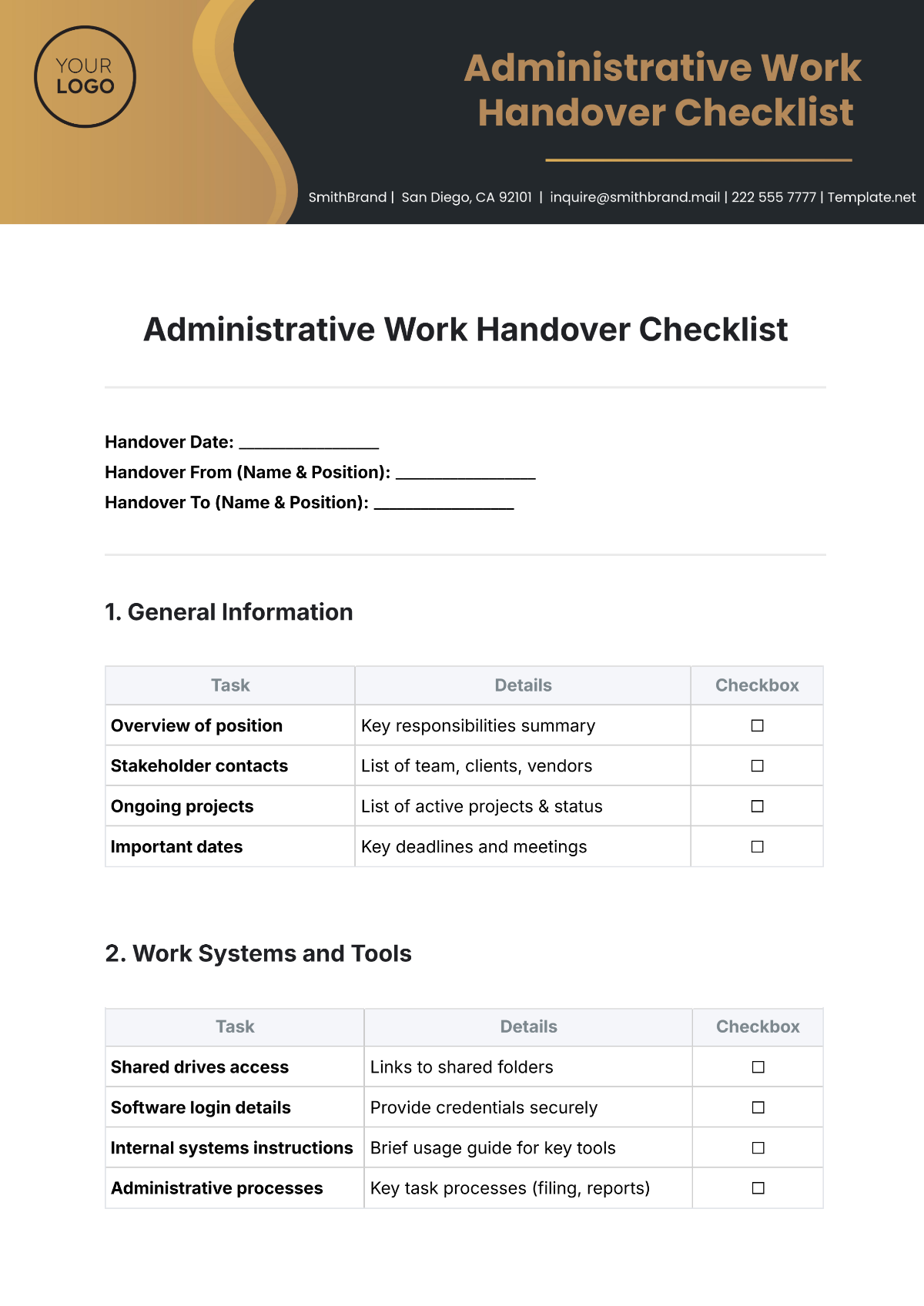
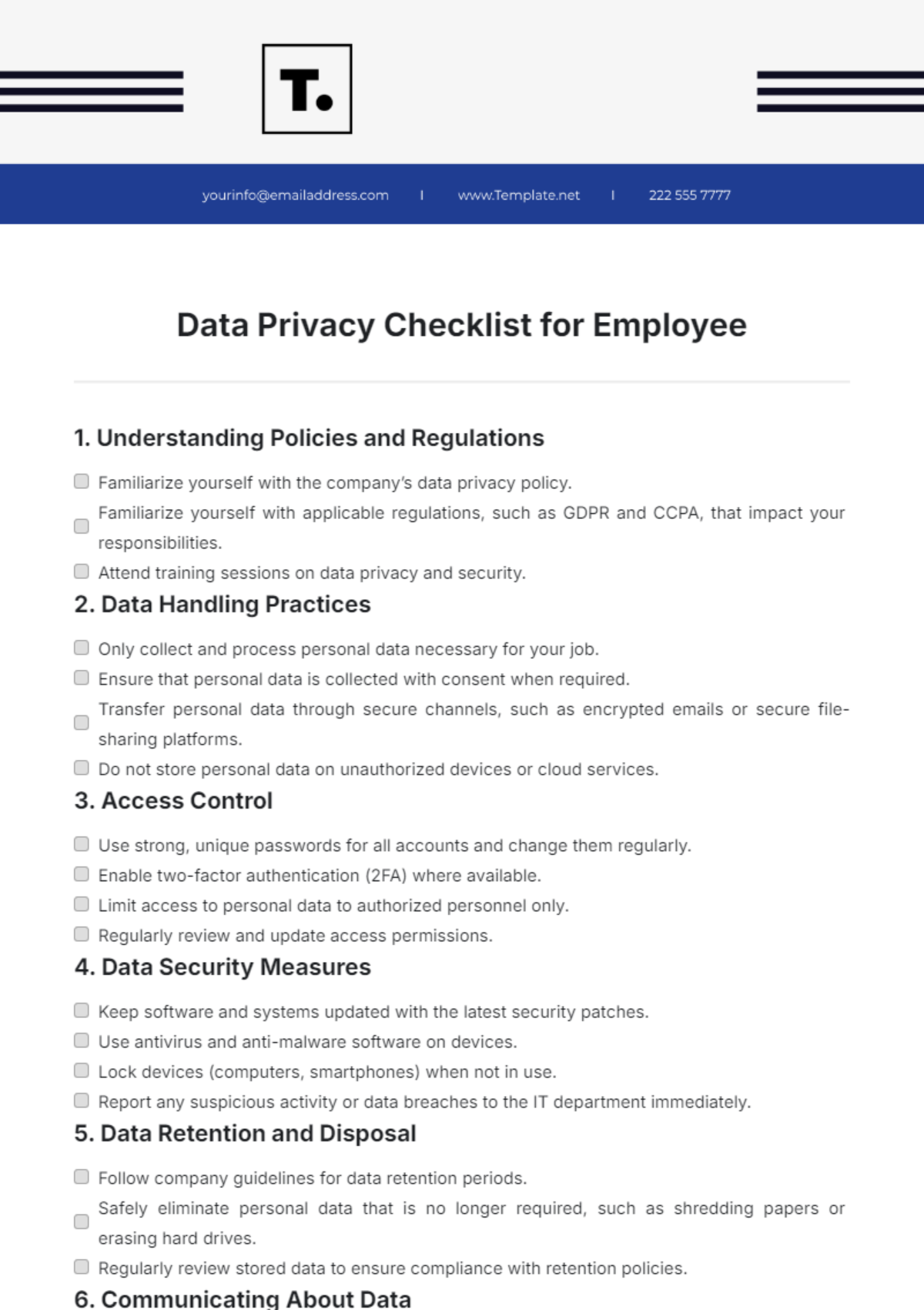
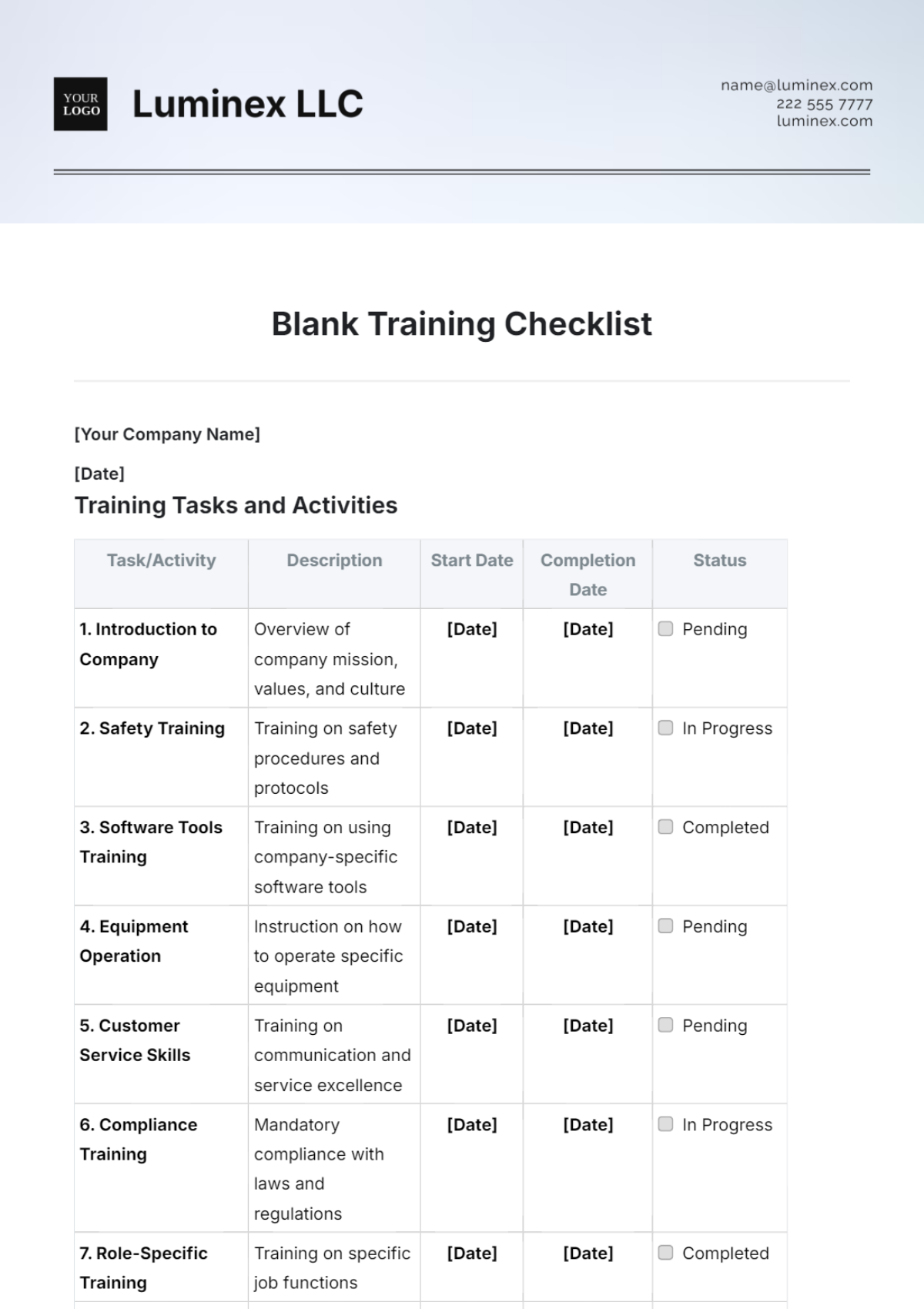
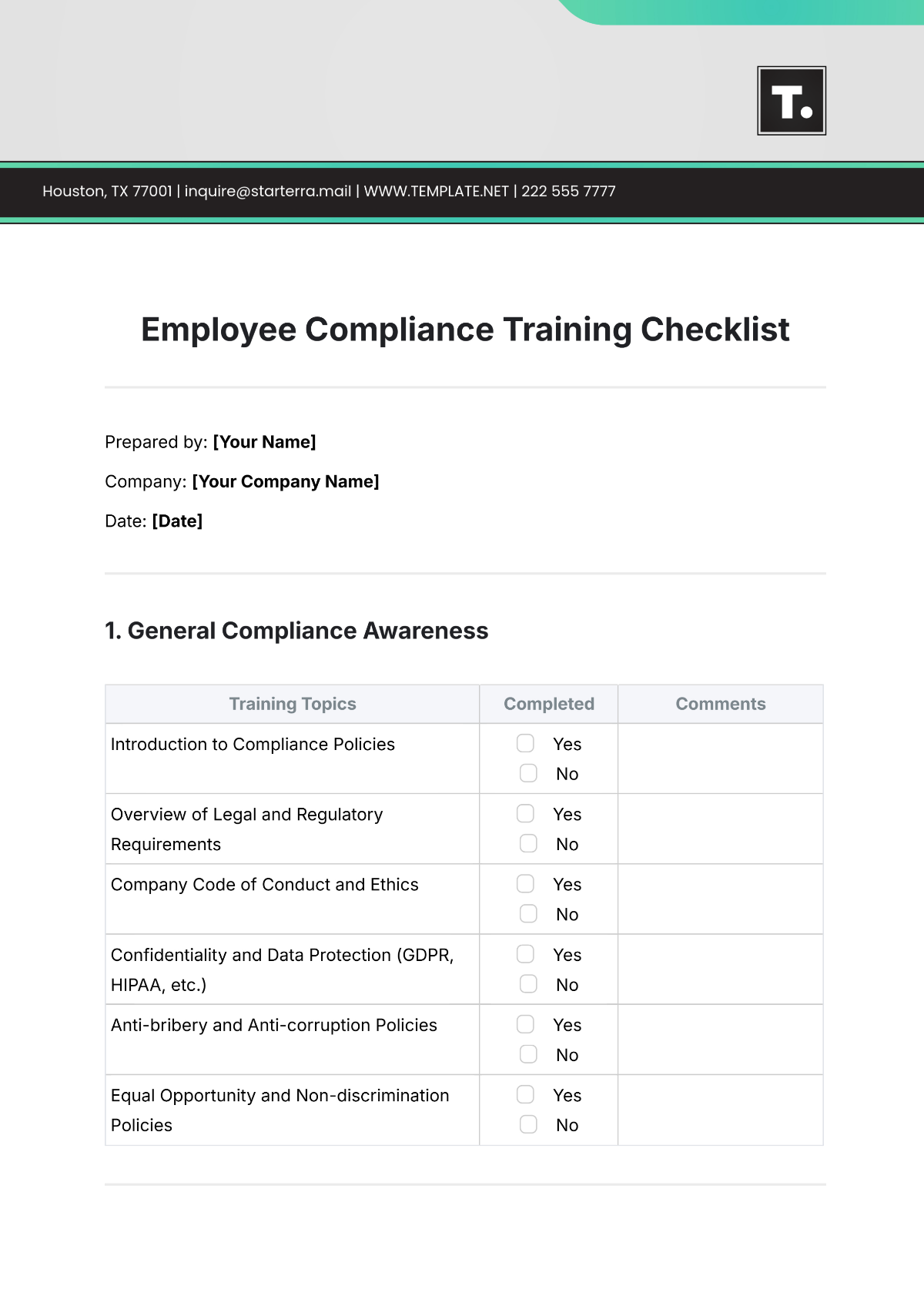
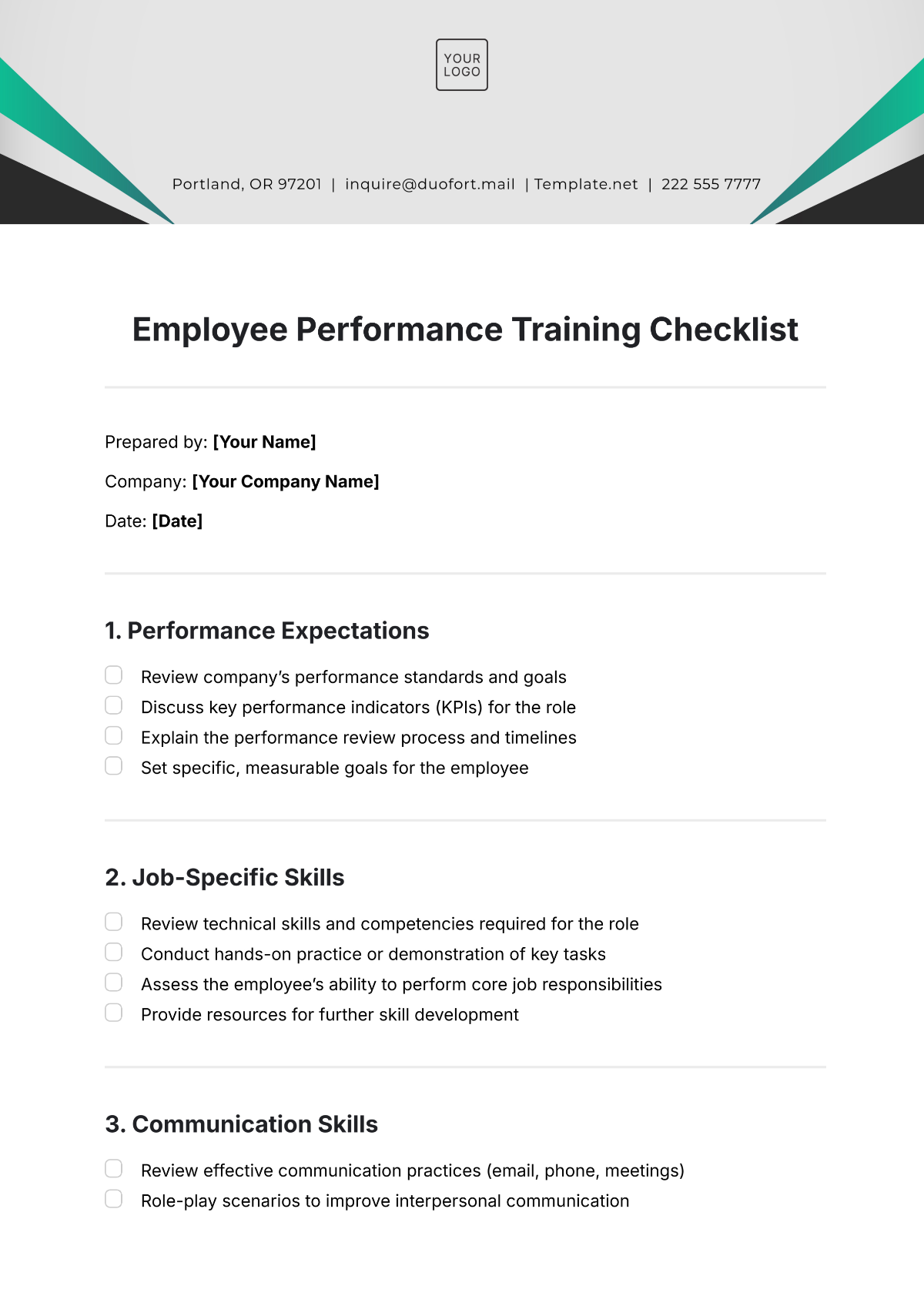
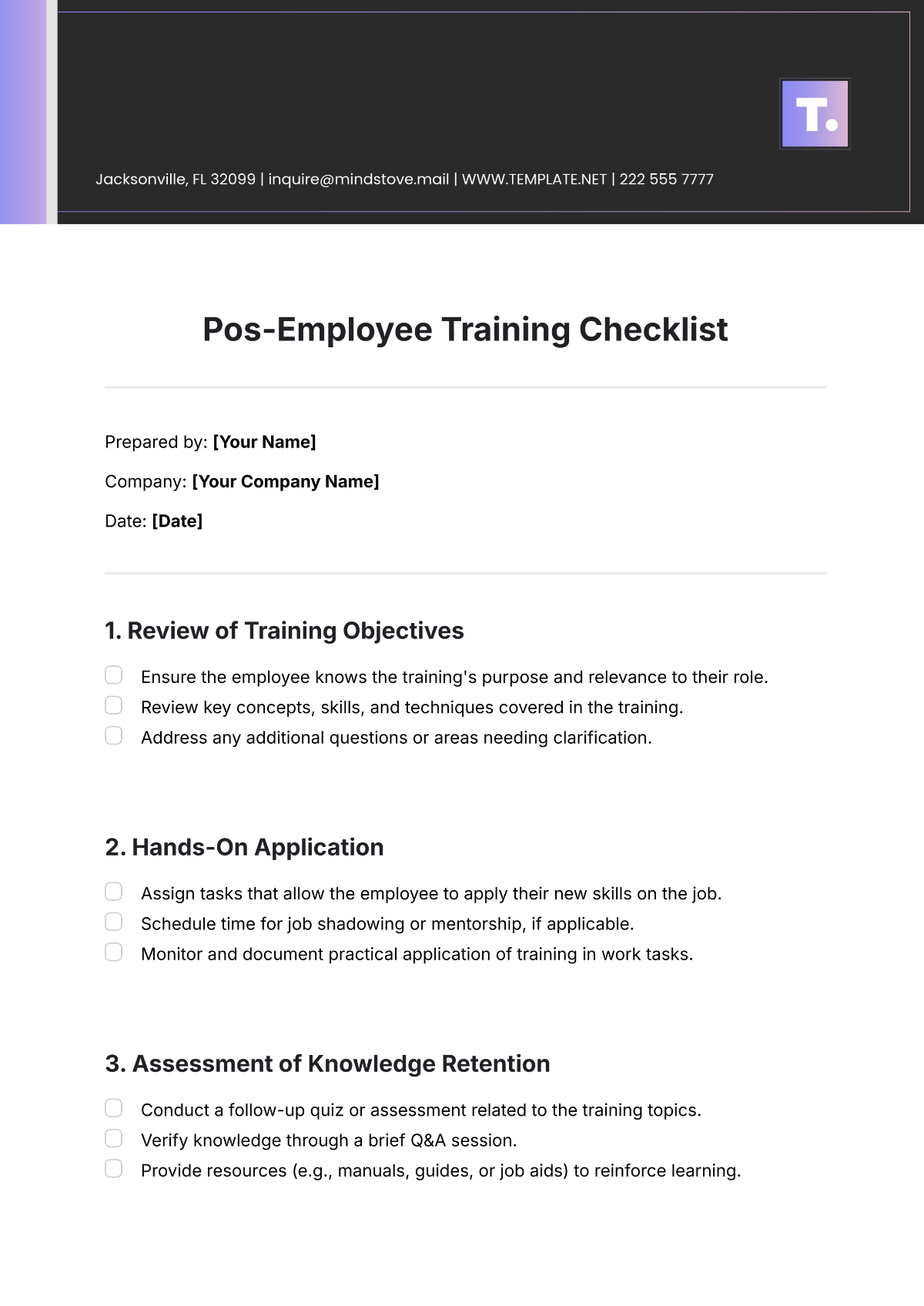
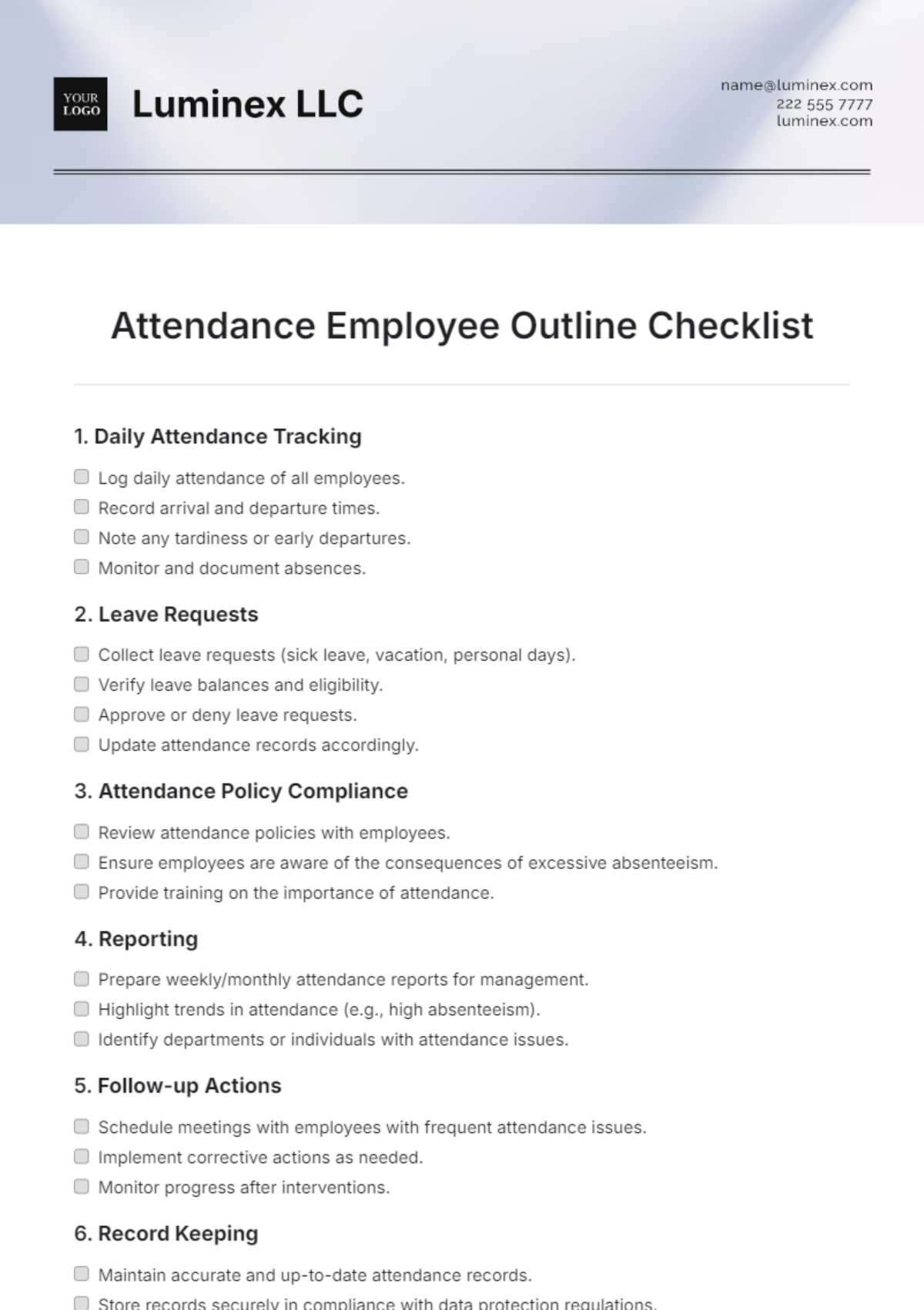
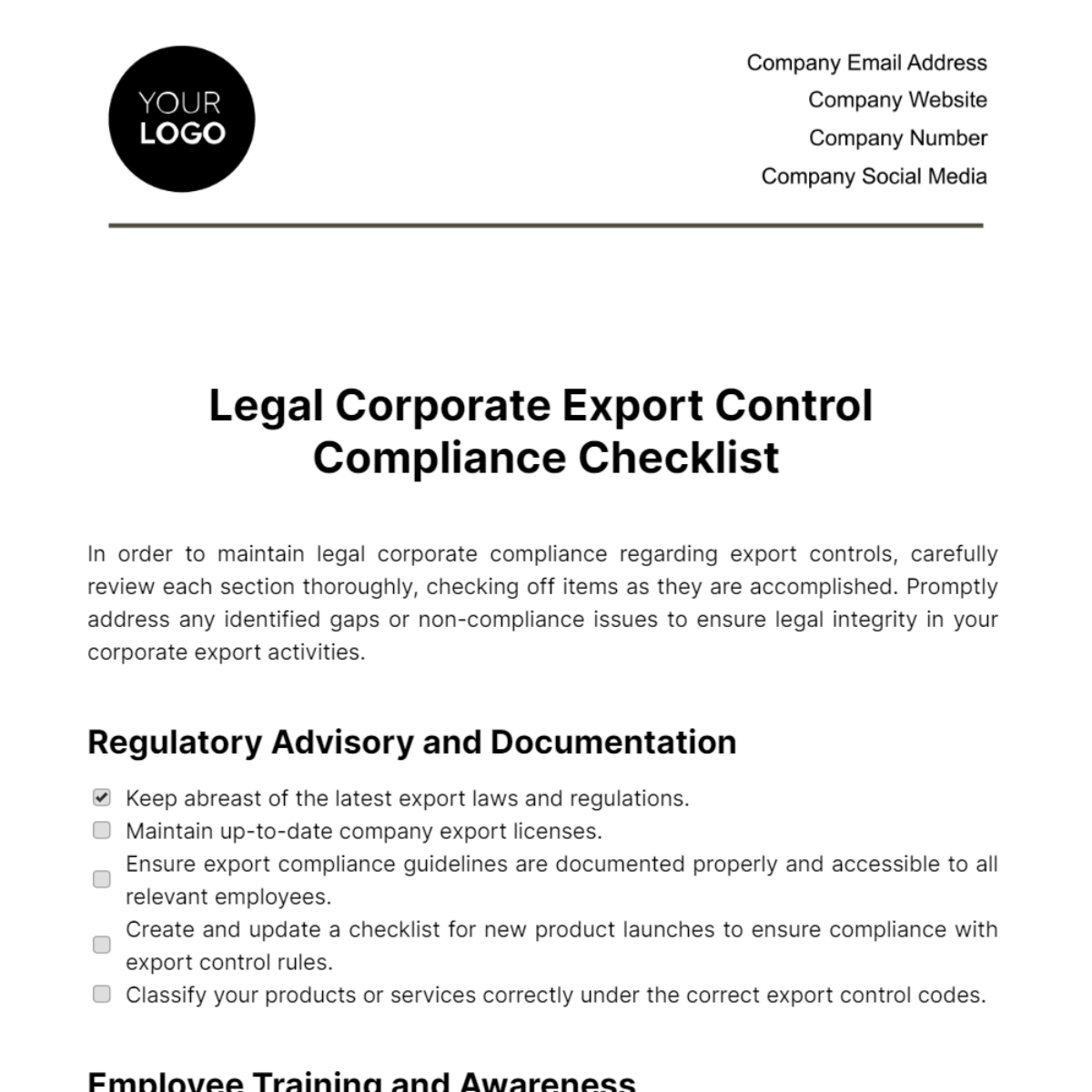
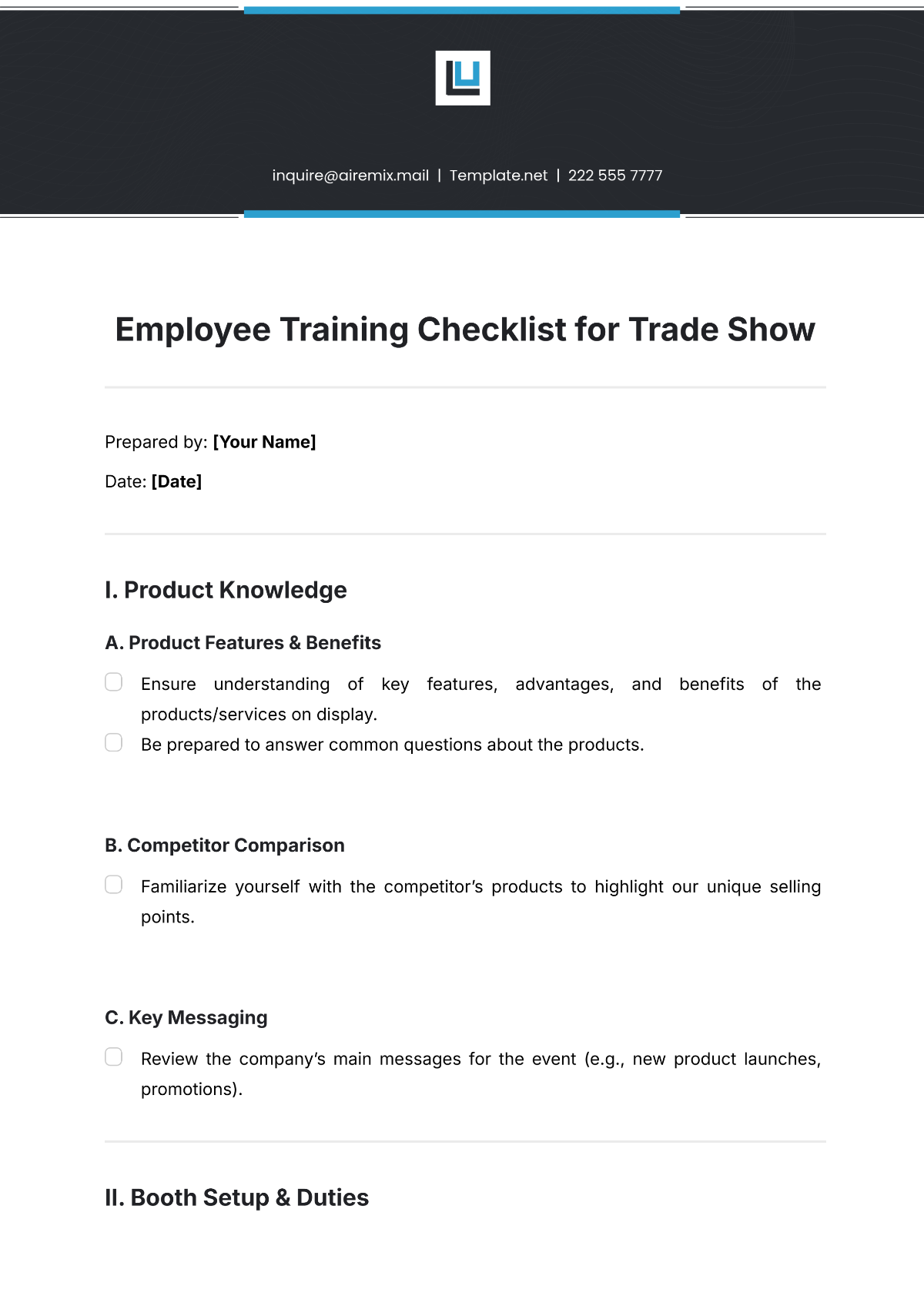
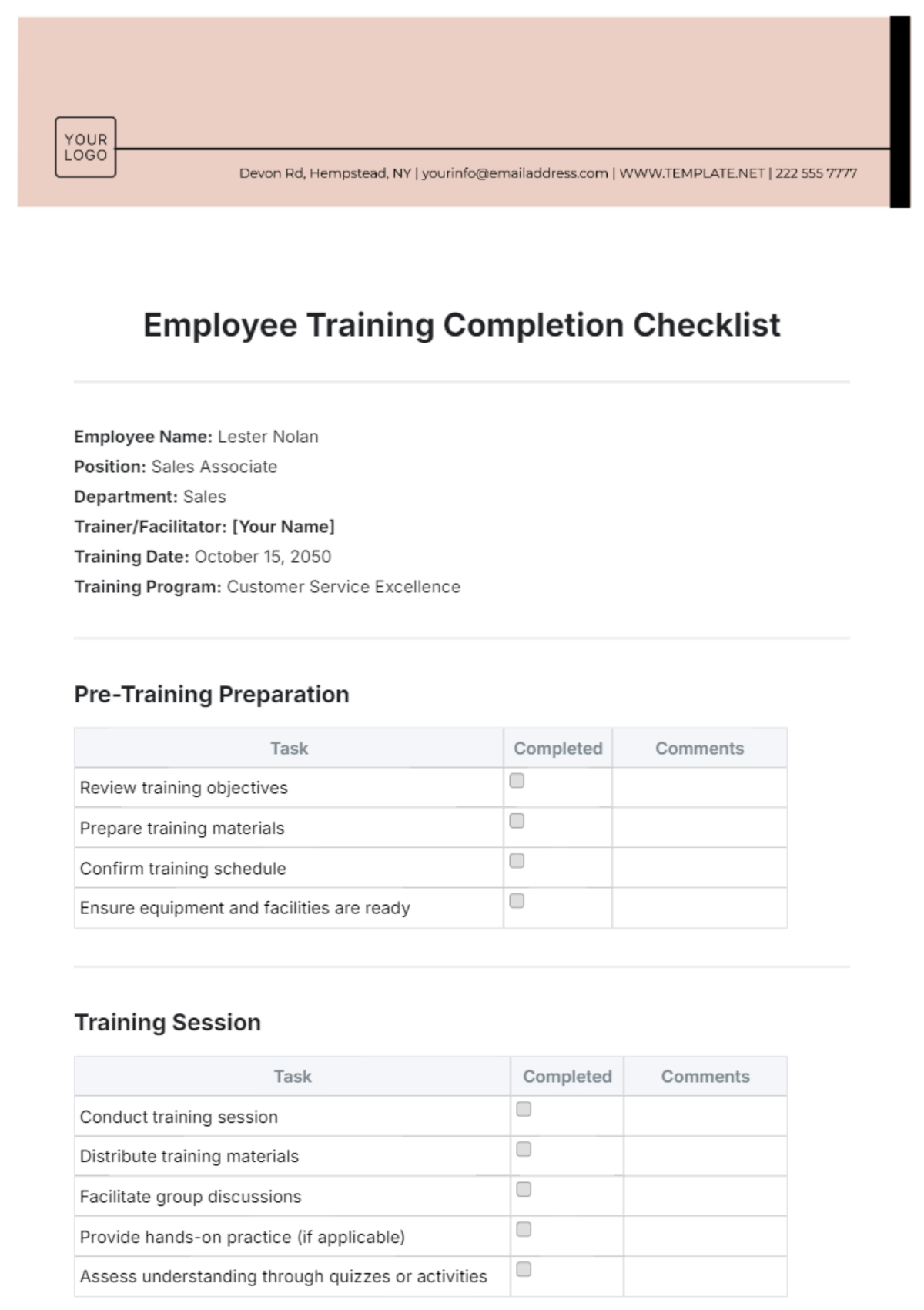
An Employee Training Checklist is a structured document listing essential training activities and milestones for new or existing employees. These checklists ensure systematic progress tracking and compliance with company standards using a professional layout and clear sections for easy editing and review.
Why use a Employee Training Checklist?
Using an Employee Training Checklist promotes organized training management, improves retention of information, and ensures all necessary skills and policies are covered. This checklist provides a business-ready layout that speeds up training processes and supports consistent professional results across departments.
Who typically uses Employee Training Checklists?
Employee Training Checklists are commonly used by HR professionals, trainers, supervisors, and managers to guide and document employee onboarding and ongoing training. These checklists help maintain structured formatting and support compliance requirements across various business teams.
What sections should a Employee Training Checklist include?
An effective Employee Training Checklist includes sections such as training objectives, task descriptions, completion dates, and sign-off areas. These organized sections ensure all training elements are tracked within a clear, professional format for easy updates and verification.
What are the best tips for formatting a Employee Training Checklist?
Formatting an Employee Training Checklist should emphasize readable fonts, clear headings, and consistent spacing. Use bullet points and tables to enhance clarity and maintain a structured, business-ready layout that supports both online editing and print-ready outputs.
How do you print a Employee Training Checklist?
To print an Employee Training Checklist, use Template.net’s print-ready PDF export options that preserve professional layout and structured formatting. Ensure the checklist fits standard sizes such as Letter size or A4 to maintain readability and consistent presentation in physical copies.
Is a Employee Training Checklist legally and professionally acceptable?
Employee Training Checklists are legally and professionally acceptable when they comply with industry standards and company policies. Using Template.net’s templates ensures compliance-friendly presentation with clear documentation of training activities, supporting audit and regulatory requirements.
What file formats can I download for a Employee Training Checklist?
Template.net offers Employee Training Checklist templates available for download in multiple editable and print-ready formats, including Google Docs, Excel, Google Sheets, Word, PDF, and Apple Pages. These formats support easy online editing and professional printing.
Can I create a new Employee Training Checklist using AI?
Template.net provides an AI-powered tool that generates structured Employee Training Checklist documents from prompts in 3 to 10 seconds. This tool offers online editing and supports multi-format export for rapid customization and professional results. Try the Checklist Generator now.
