
Free AI Schedule Generator
Design professional work schedules effortlessly. Input your goals or time blocks, and the AI instantly organizes your events, meetings, and deadlines into a clean, editable schedule layout. Fast, secure, and free to use.
Design Professional Work & Event Schedules Online
Template.net’s Free AI Schedule Generator helps you craft efficient, visually organized schedules for projects, meetings, or personal planning. Edit, export, and collaborate on schedules instantly for both print and digital formats.
Create Organized, Branded Schedules Effortlessly
Generate clean, structured schedules in minutes. Customize templates, add logos, assign colors for departments, and download print-ready or shareable schedules for professional use.

AI-Powered Schedule Creation
Automatically generate structured schedules from text inputs. Add meetings, events, or milestones, and AI arranges them into visually clear time blocks optimized for productivity.

Editable Schedule Templates
Choose from multiple layout templates daily planners, team shifts, or event timelines. Adjust colors, fonts, and structures to fit your organization’s branding and purpose.

Drag-and-Drop Schedule Editor
Easily move, resize, or add schedule blocks in a visual interface. Preview updates in real time for smooth planning and effortless layout control.

Multiple View Modes
Switch between daily, weekly, or monthly views. Customize views for personal planners, team schedules, or event calendars with instant formatting adjustments.

Advanced Customization Tools
Control text, borders, and highlight styles for each task block. Apply color coding, tags, or icons to categorize tasks clearly.

Upload Custom Logos or Icons
Add company logos, project icons, or department labels to schedules. The AI integrates branding elements seamlessly into the layout.

Built-In Task & Event Library
Access a pre-loaded library of task templates meetings, reviews, deadlines, or breaks to streamline recurring schedule creation.

Dynamic Theme Options
Apply elegant light or dark modes, gradient backgrounds, or color schemes aligned with your company identity for visually cohesive designs.

Multilingual Text Support
Design schedules in multiple languages. AI maintains precise alignment and readability across global teams and international planning use.
Responsive Print & Digital Export
Export schedules in high-quality PDF, PNG, or editable document formats. Maintain professional clarity across printouts and mobile screens.

Cloud Integration for Projects
Save and access your generated schedules from Google Drive, Dropbox, or OneDrive. Share instantly with teams or clients anytime.

Real-Time Collaboration
Work together with team members in real time. Edit, comment, and approve schedules collaboratively for transparent planning and execution.

Export in Multiple Formats
Download completed schedules in PDF, Excel, or image formats for documentation, analysis, or visual presentation.

Instant Sharing Across Platforms
Share schedules instantly via email, Slack, or project management tools. Keep your team updated on upcoming deadlines and milestones.

Save Custom Schedule Presets
Create reusable templates for recurring workweeks, campaigns, or study routines. Save presets to reduce setup time in future projects.

Cross-Device Editing Access
Design and edit schedules across desktop, tablet, or mobile. Continue your work seamlessly from anywhere with a browser.
Organized Schedule Folders
Manage multiple projects through structured folders categorized by client, date, or department for quick access and consistency.

Autosave & Version History
AI autosaves every change and tracks all versions, allowing you to restore earlier schedule iterations effortlessly.
How to Generate a Schedule with AI Schedule Generator
Create professional work or event schedules in just three steps no complex tools required.
Step 1: Input Your Schedule Details & Select Template
Enter tasks, time blocks, or meeting goals. The AI suggests ideal layouts based on duration, team members, and task dependencies.
Step 2: Customize Design & Add Branding
Modify fonts, colors, and task highlights. Insert logos, icons, or labels for departments or events to personalize your schedule design.
Step 3: Download, Share, or Print
Export your finalized schedule in high-resolution formats or share instantly with your team, clients, or event participants.
Create Schedules in Seconds and Collaborate Instantly
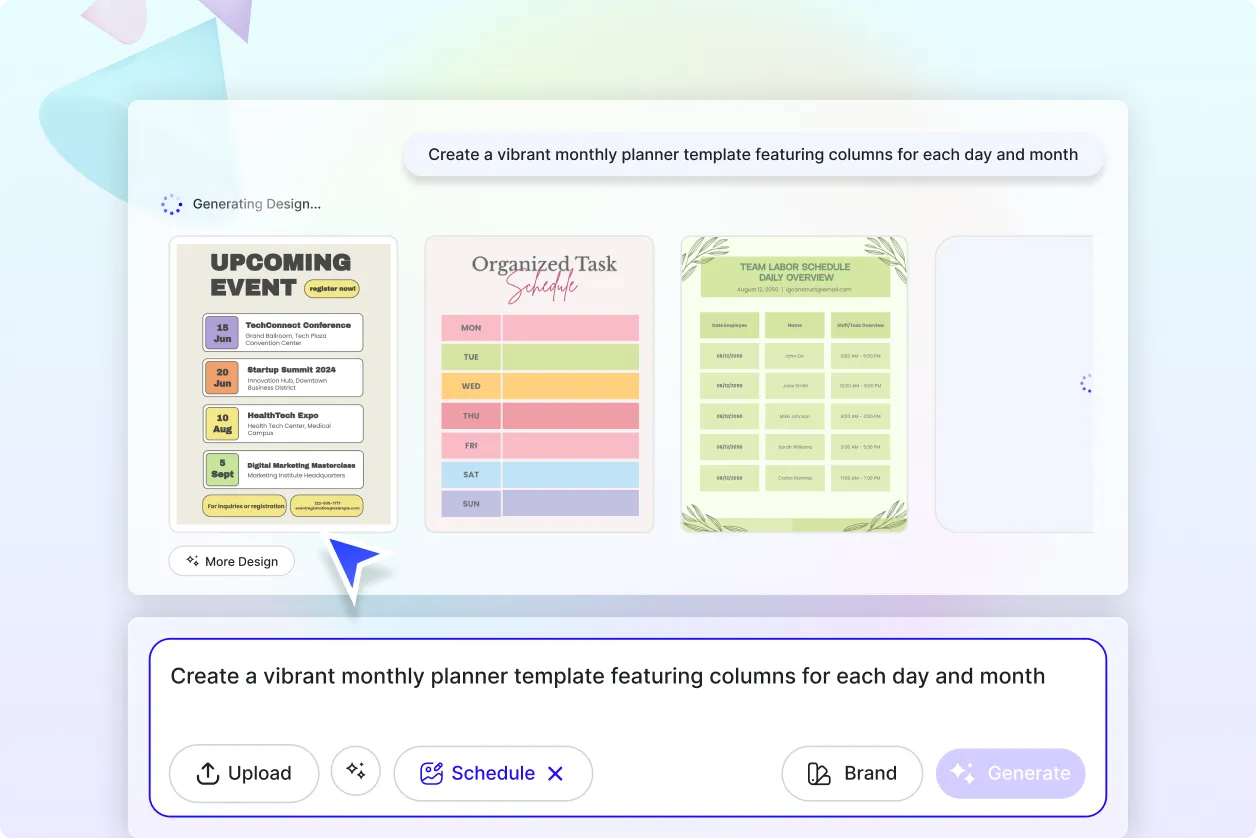
Generate Smart Schedules with Precision
Create AI-powered schedules automatically aligned to deadlines and workload balance. Generate ready-to-use planners with optimized time management in seconds.
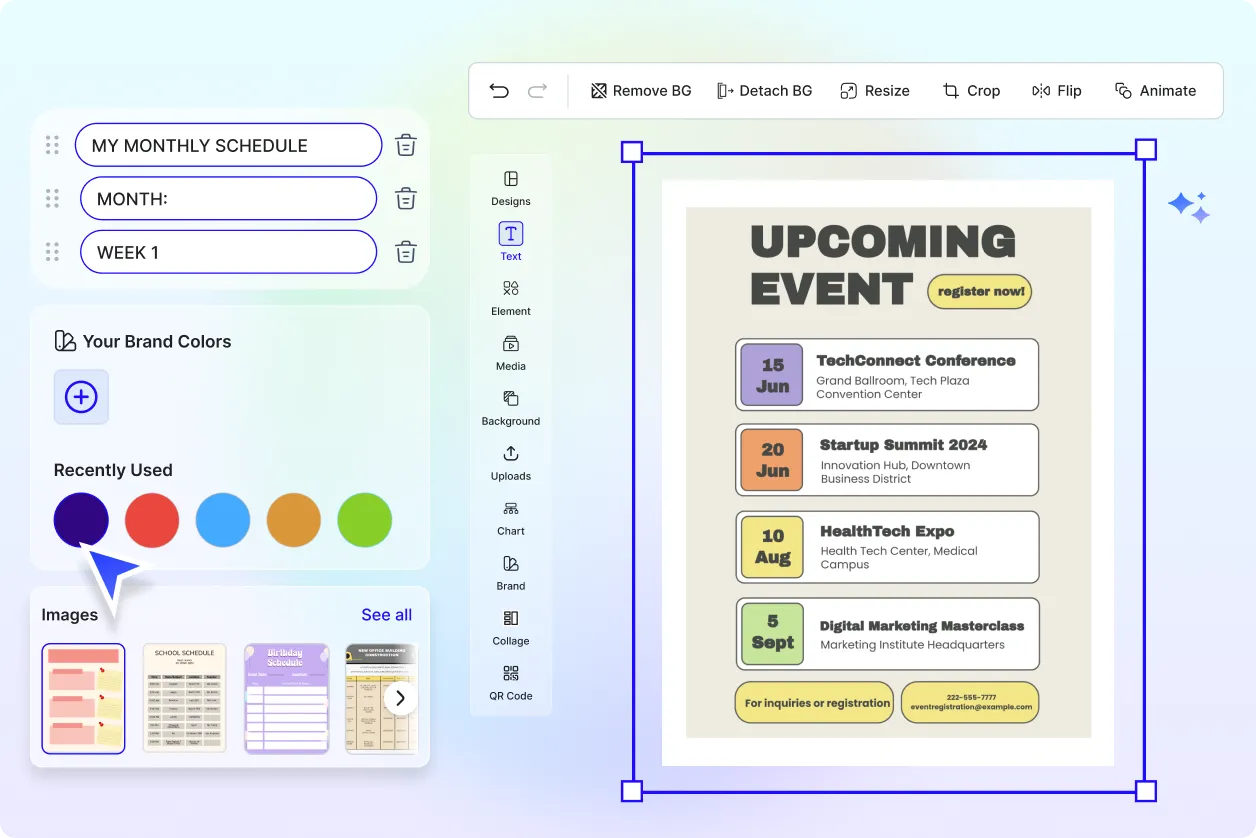
Customize Every Layout
Tailor colors, spacing, and typography to your organization’s theme. Highlight key deadlines or team members for clearer visibility.
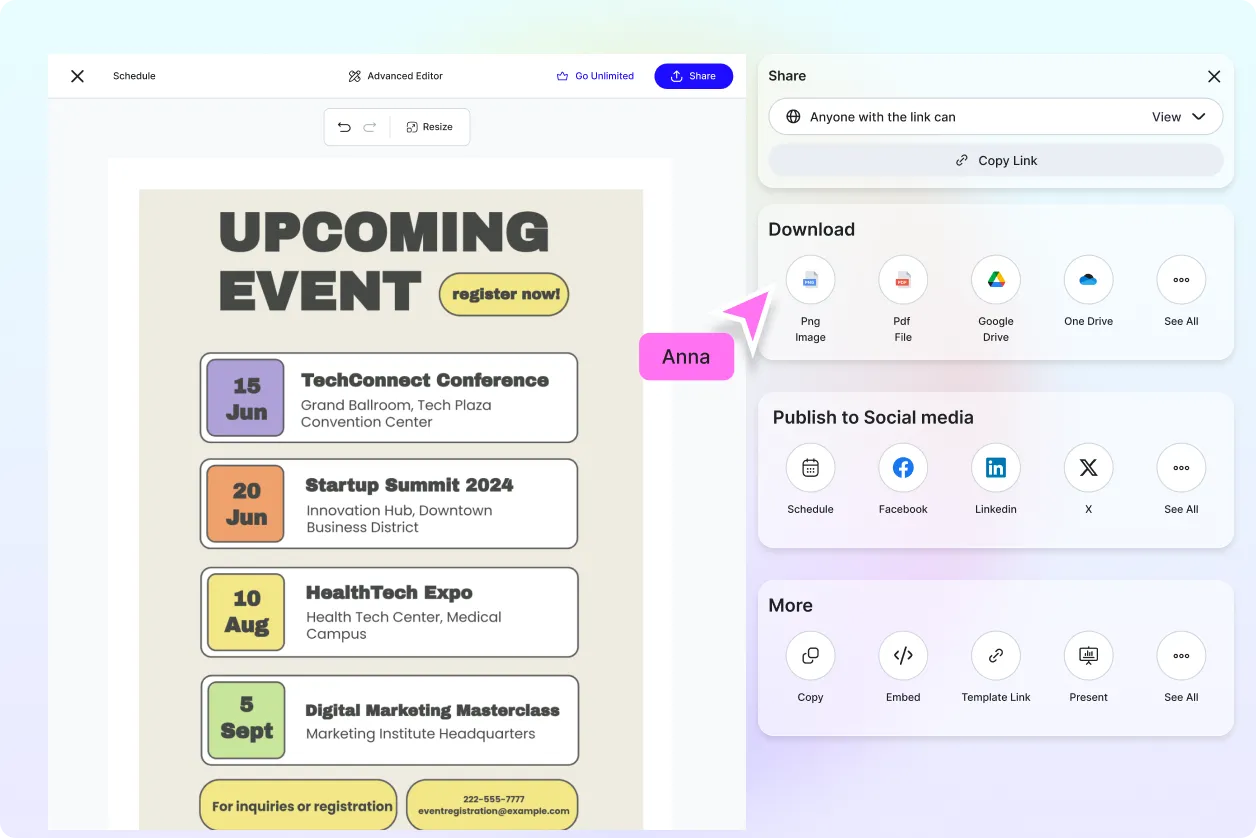
Share Anywhere, Collaborate Instantly
Share editable schedules online for reviews and updates. Collaborate across departments or clients with secure access and version tracking.
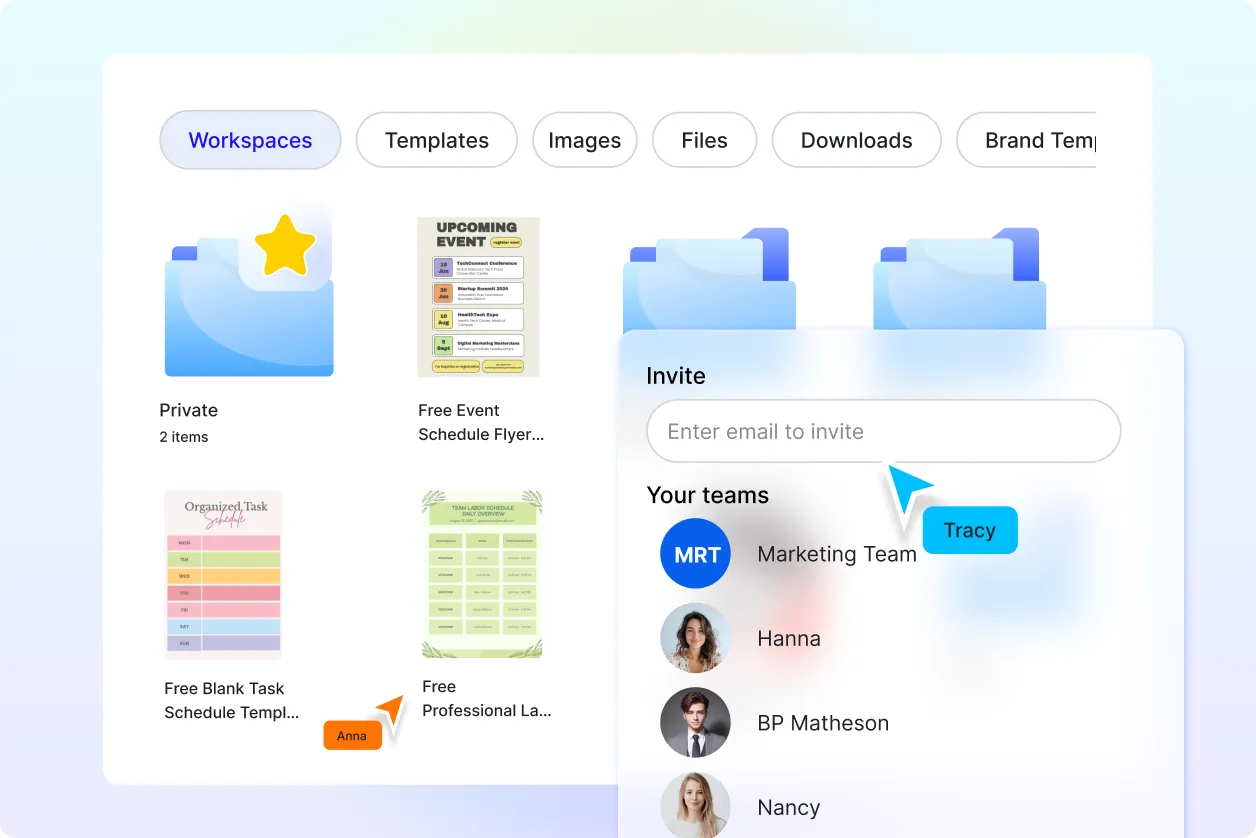
Smart Scheduling Workspaces
Organize schedules by project, client, or date. Manage all timelines in a unified workspace, maintaining clarity and consistency across all tasks.
Schedule Generator FAQ
What is an AI Schedule Generator?
It’s an AI-based tool that automatically creates structured schedules from user input, optimizing layouts for meetings, projects, or personal routines.
How do I create a schedule using AI?
Enter tasks or events and choose a layout. The AI organizes them into an easy-to-read schedule, ready for editing or export.
Can I customize schedule templates?
Yes, modify layouts, colors, and fonts. Add logos, department names, and time zones for full customization.
What file formats can I download?
Export schedules as PDF, Excel, or PNG. Each format preserves layout precision for digital or print use.
Can I manage recurring schedules?
Absolutely. Save custom presets for recurring events, workweeks, or planning cycles, making schedule creation faster next time.
Is this generator free to use?
Yes, the AI Schedule Generator offers free basic scheduling. Premium plans enable advanced automation, branding, and export options.
Can I collaborate with others while creating schedules?
Yes, invite team members for real-time editing, feedback, and approval to ensure transparent planning.
