


Free Pictogram Templates: Customizable Visual Structure Guide and Online Editing
What is a Pictogram?
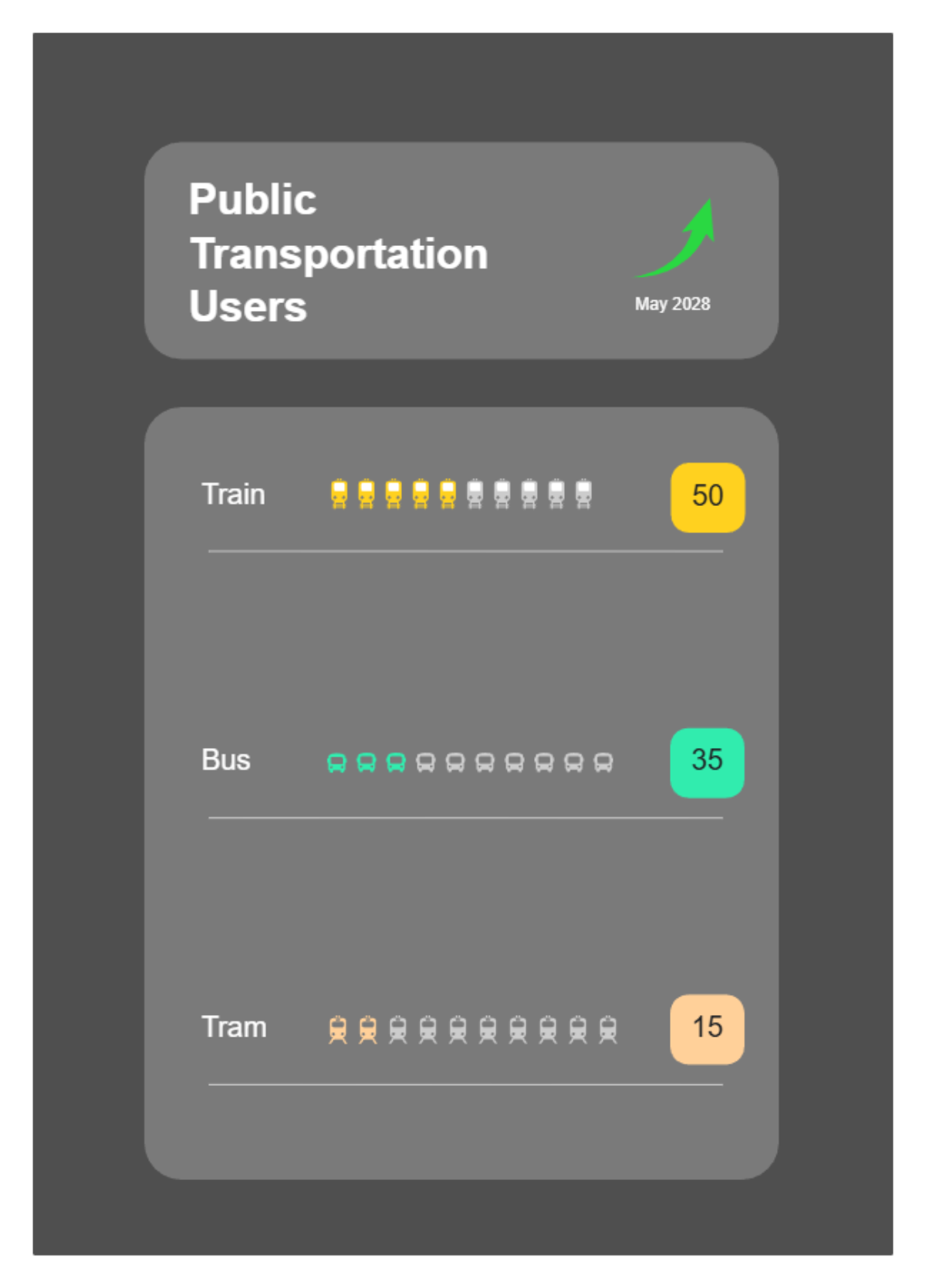
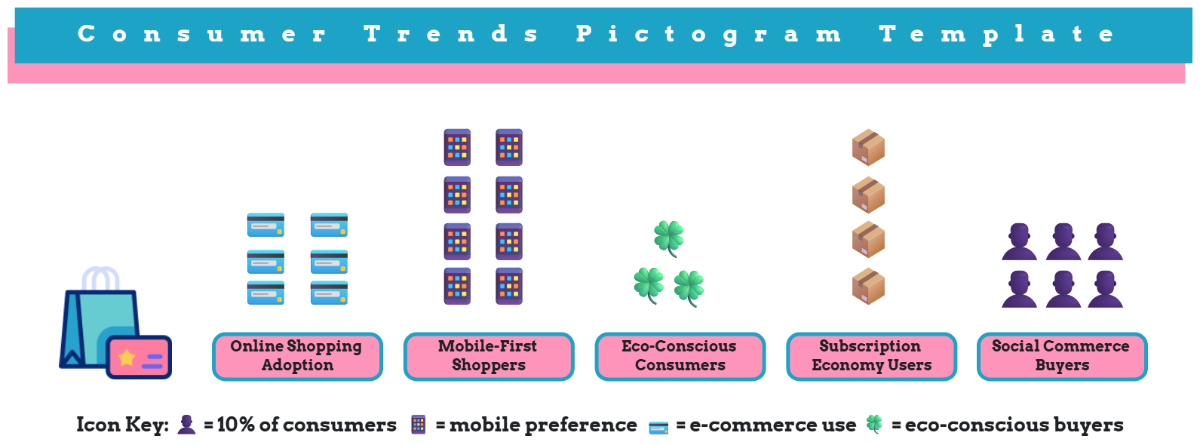
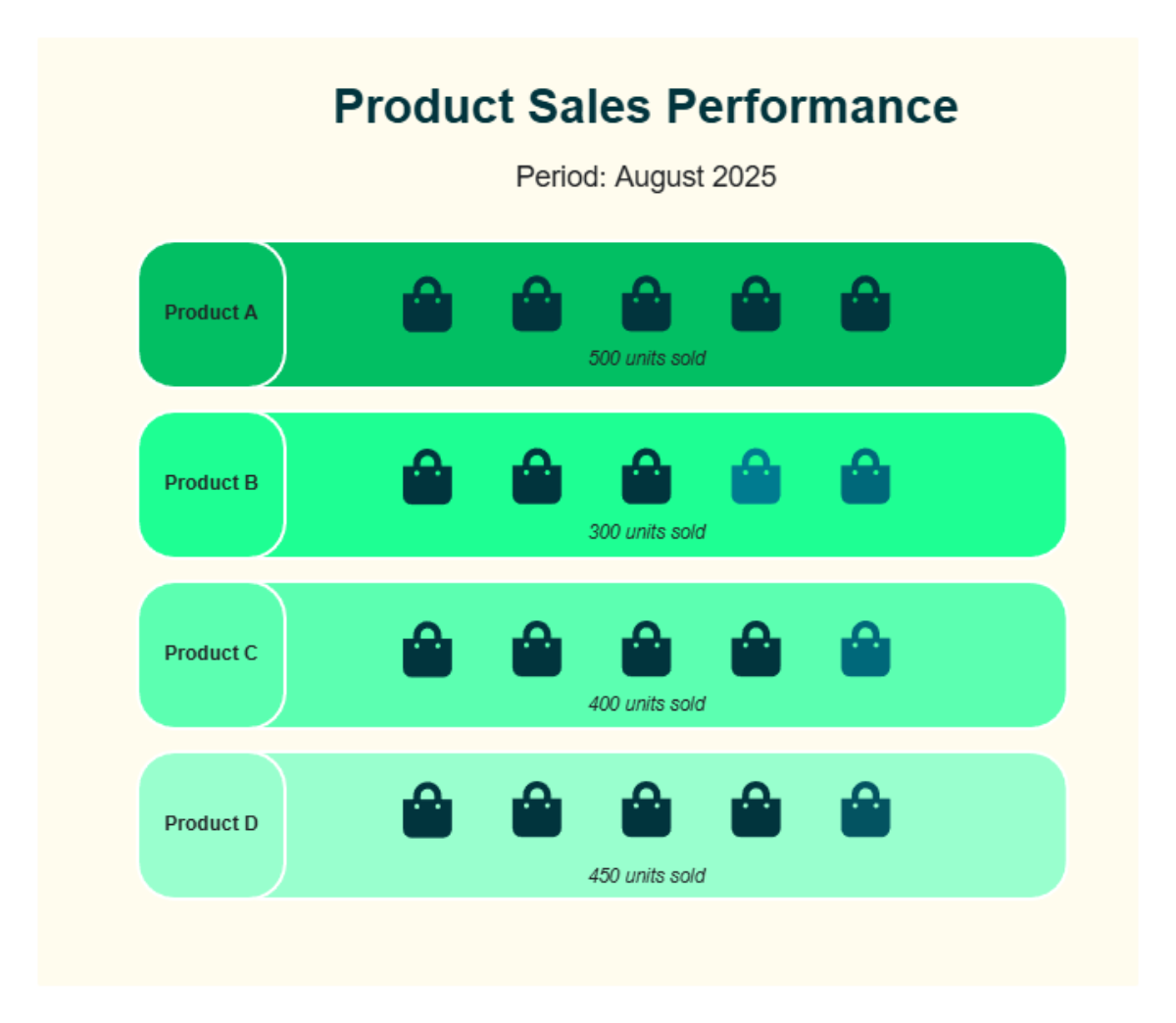
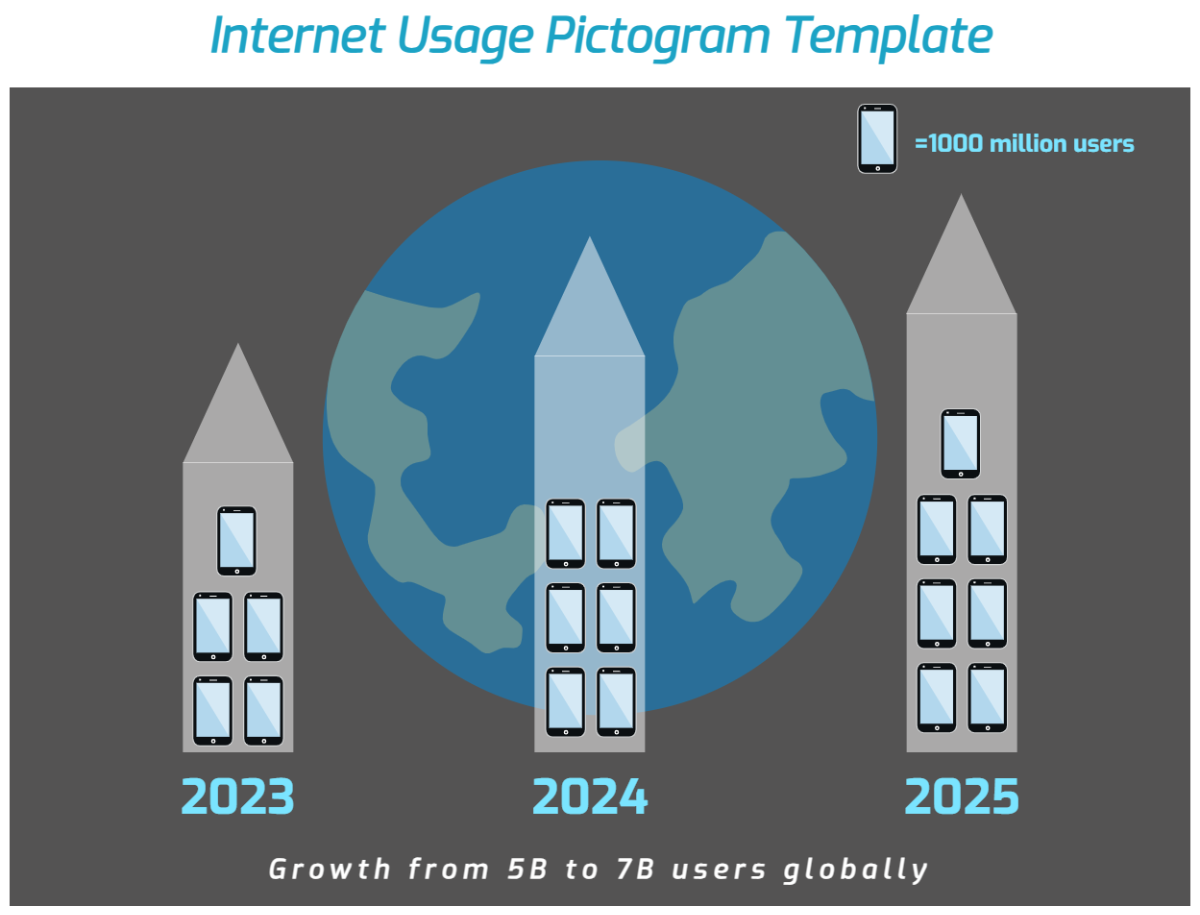
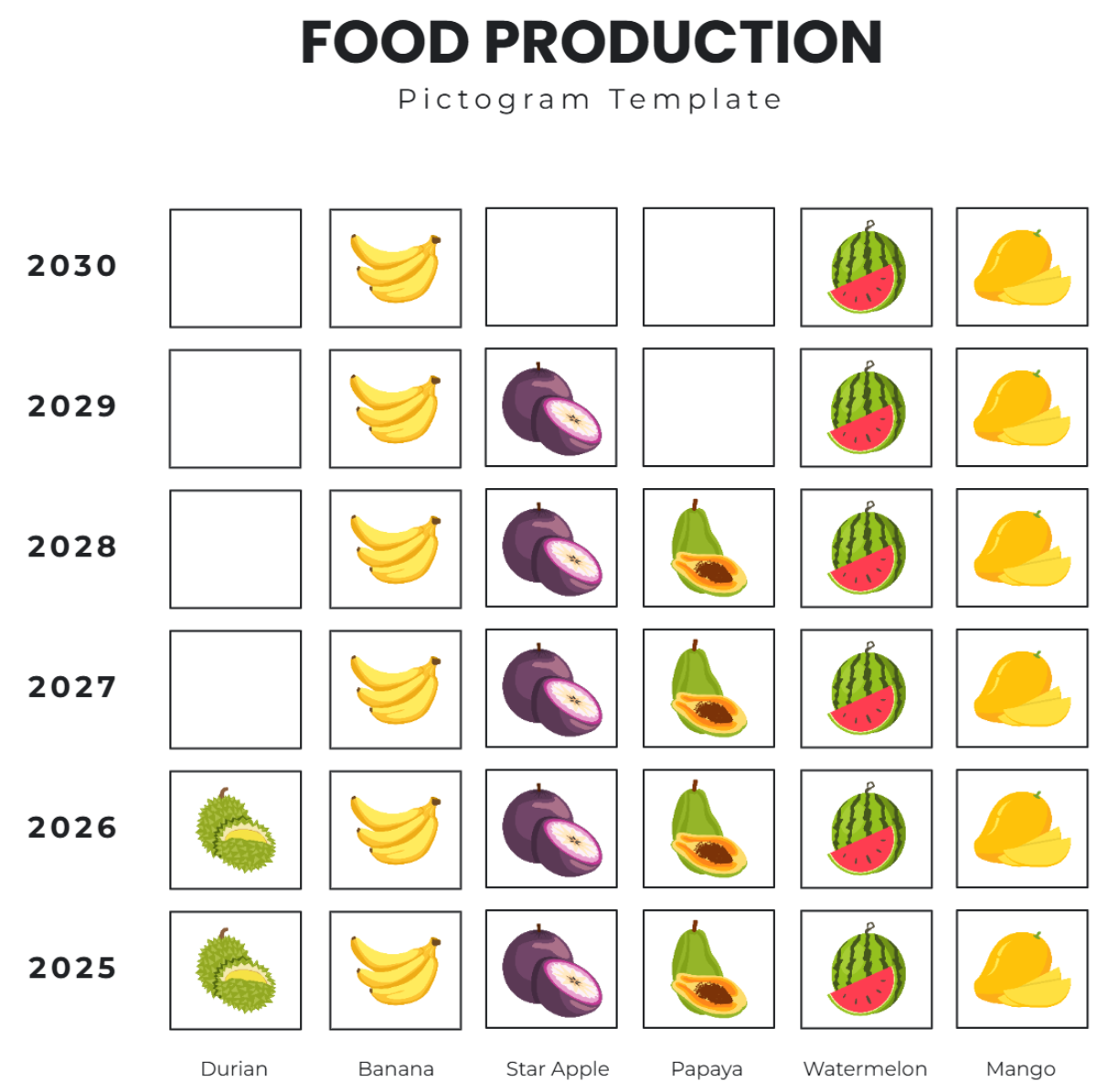
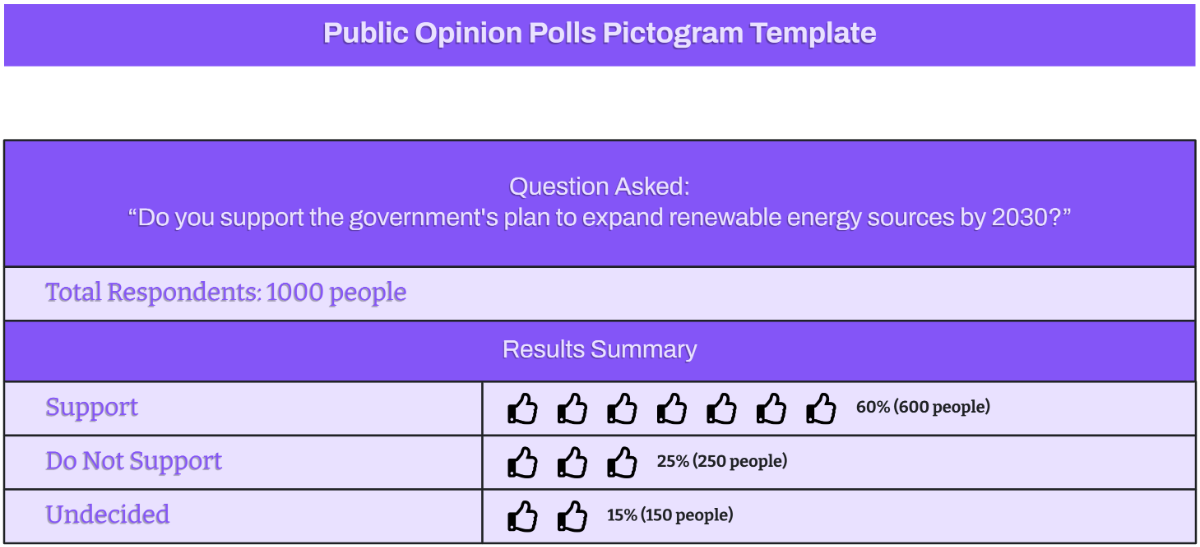
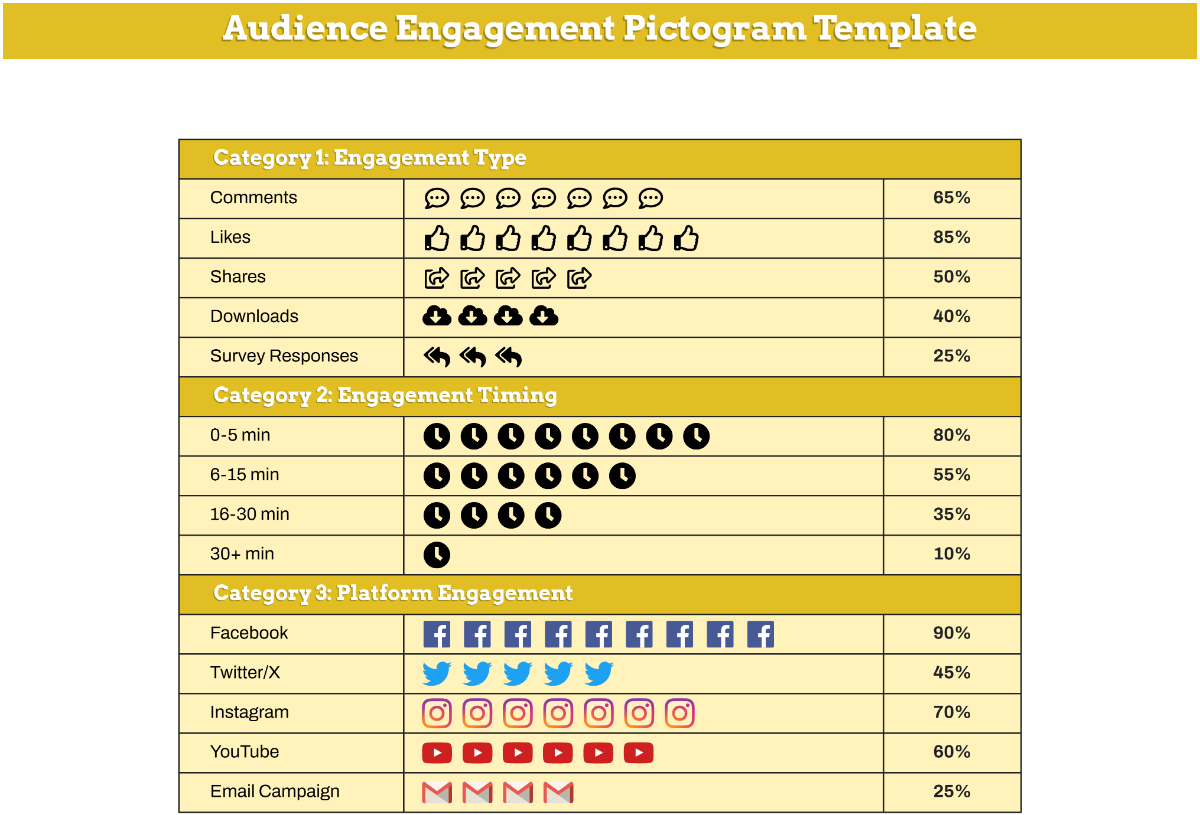
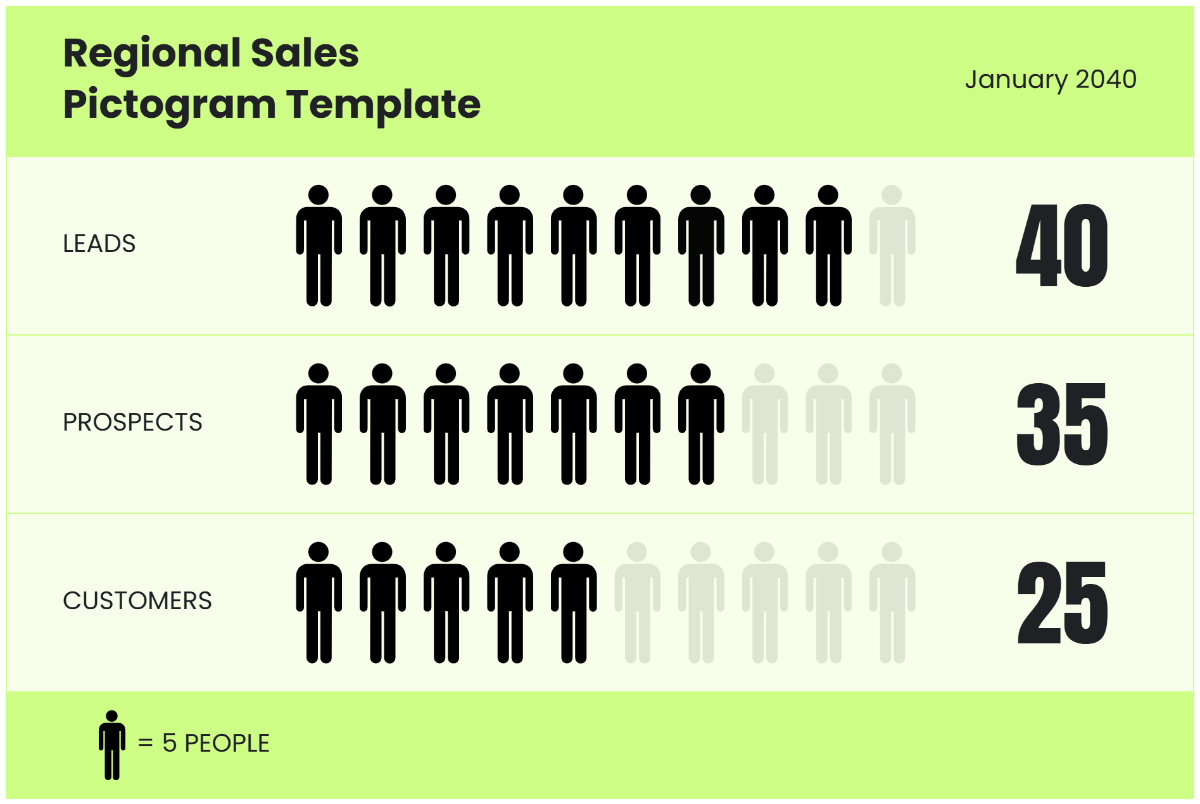
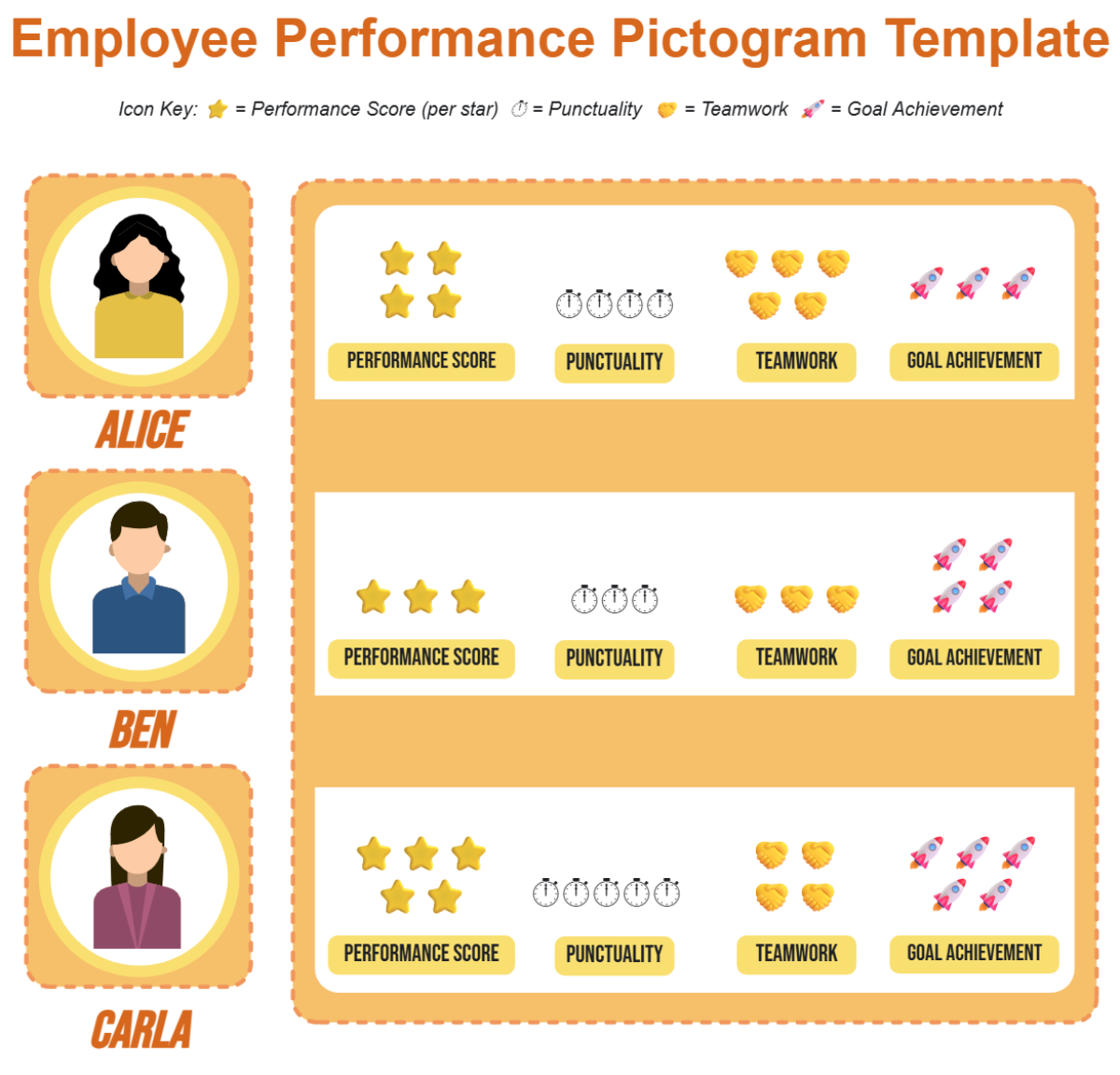
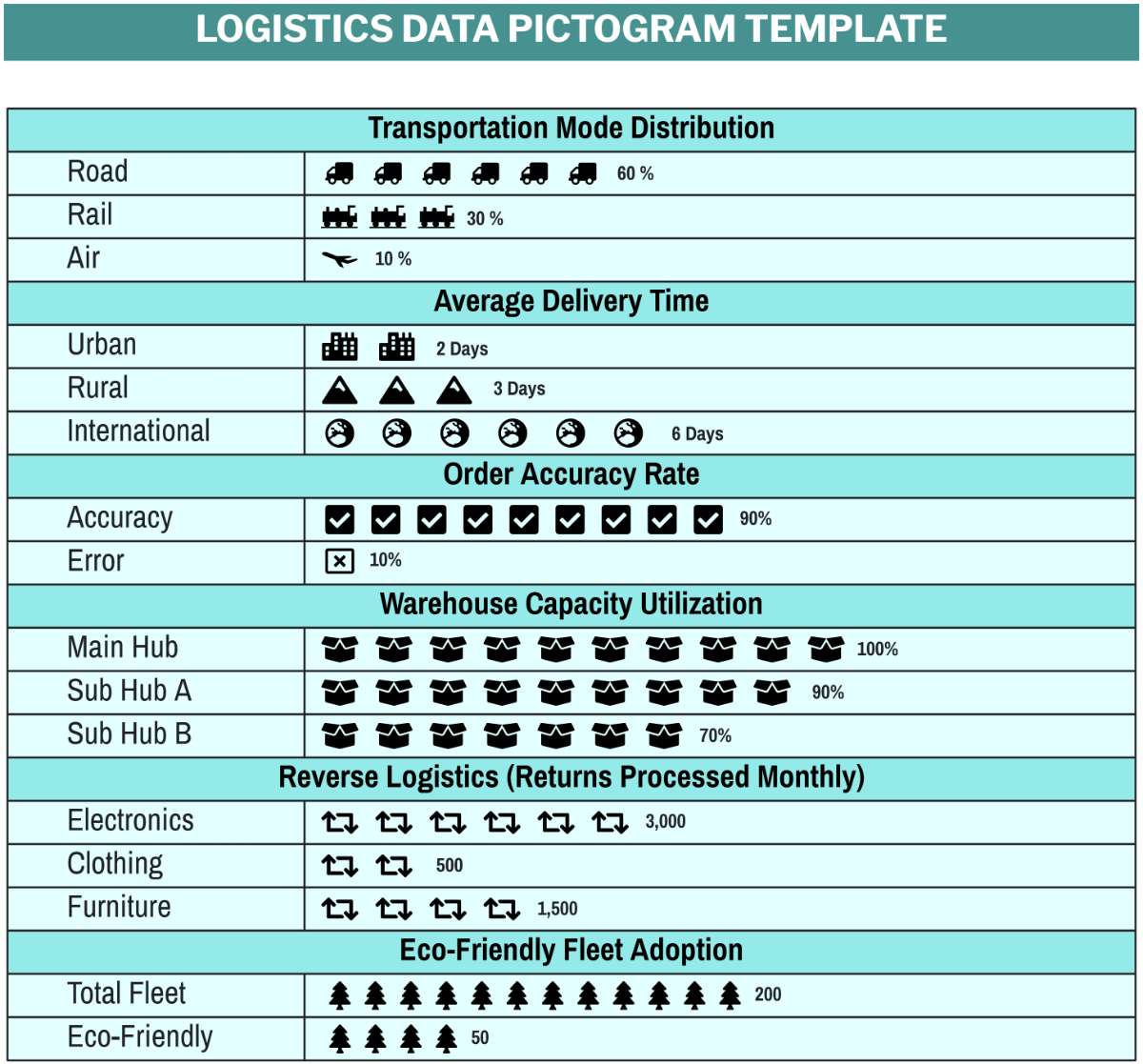
A Pictogram is a type of visual communication that uses icons or symbols to represent data, concepts, or instructions in a clear and concise way. Pictograms emphasize visual hierarchy and symbolic representation to simplify complex information for easy understanding across diverse audiences.
Why should I use a Pictogram?
You should use a Pictogram to enhance information clarity and engage viewers by replacing text-heavy data with intuitive symbols. Pictograms improve visual comprehension and speed up communication, making them useful for presentations, reports, and collaborative workflows.
Who uses Pictograms?
Pictograms are used by professionals in fields such as marketing, education, project management, and design. Teams use Pictograms to communicate ideas visually, while educators rely on them as teaching aids and businesses leverage them for clear data visualization in reports and presentations.
What are the best tips for completing my Pictogram?
Here are tips for completing your Pictogram effectively.
- Keep it simple – use clear, recognizable icons to avoid confusion
- Maintain consistency – use a uniform style and color scheme
- Use appropriate scale – size icons proportionally to importance
- Incorporate labels – add concise text for clarity
- Ensure alignment – organize icons for visual balance
- Limit colors – use a palette that enhances readability
- Test readability – check that your Pictogram is understandable at a glance
- Use white space – avoid overcrowding icons
- Adapt for audience – select symbols relevant to viewers’ familiarity
- Iterate – revise your Pictogram based on feedback
What file formats can I download for my Pictogram?
Template.net whiteboard templates support multiple export formats for collaboration and sharing, including PDF, PNG, JPEG, SVG, and PPTX.
Can I create a Pictogram using AI?
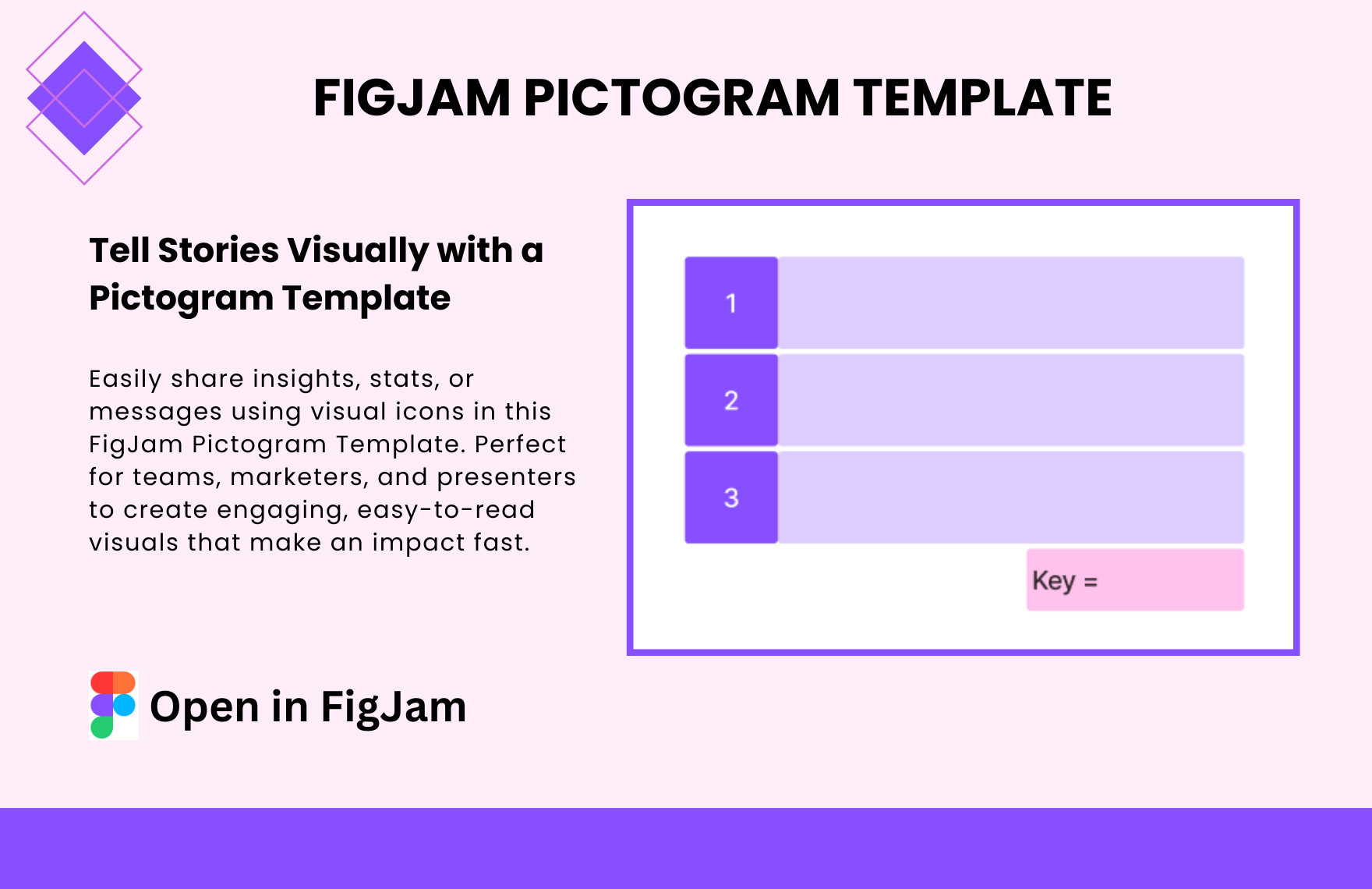
Template.net provides an AI-powered tool that generates new Pictogram structures from prompts. You can explore this feature using the Pictogram Maker.
What essential elements should be included in my Pictogram?
Your Pictogram should include these essential elements for effective communication.
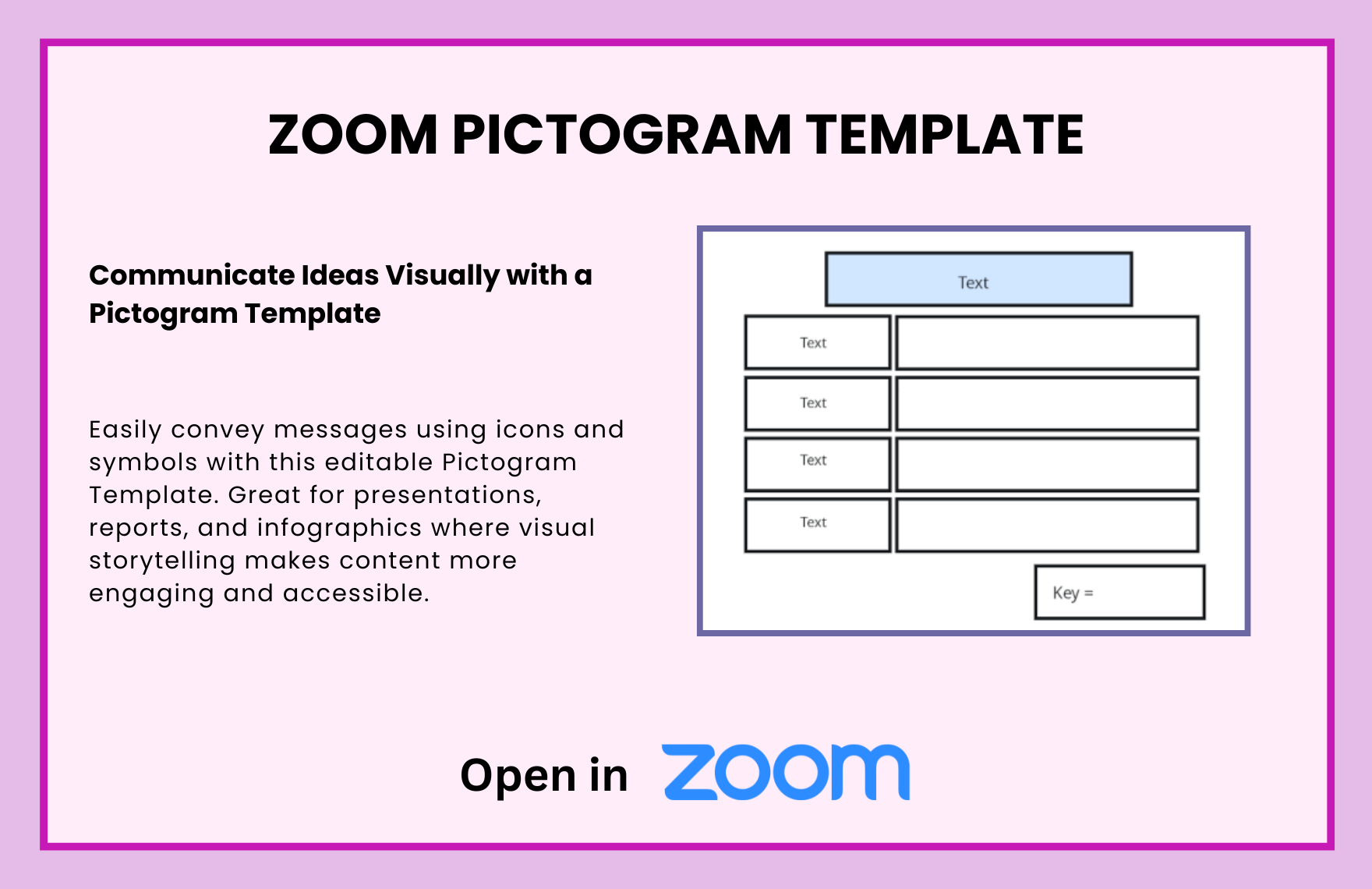
- Icons or symbols – the core visual units representing concepts
- Labels or captions – brief text to clarify icons’ meanings
- Color coding – to distinguish categories or highlight data points
- Grid or alignment guides – to maintain visual order and balance
- Legend or key – explaining symbols used in the Pictogram
- Title – describing the overall theme or purpose
- Consistent style – unified shapes and line weights for cohesiveness
- White space – for separation and clarity between elements
What are the benefits of using Pictogram in my team collaboration workflow?
Using Pictograms in team collaboration workflows enhances shared understanding by providing a visual language that transcends verbal ambiguities. They facilitate faster decision-making, improve information retention, and support cross-functional communication by clearly illustrating ideas and processes.
What structural standards should my Pictogram follow?
Your Pictogram should follow structural standards emphasizing clarity, consistency, and hierarchy. Use a balanced layout with aligned icons, a limited color palette for distinction, and a clear legend. Maintain proportional icon sizes and include labels to ensure visual coherence and ease of interpretation.
