Free AI Expense Report Generator
more
Create from an Expense Template
Pick a proven format. Add your content. AI does the rest
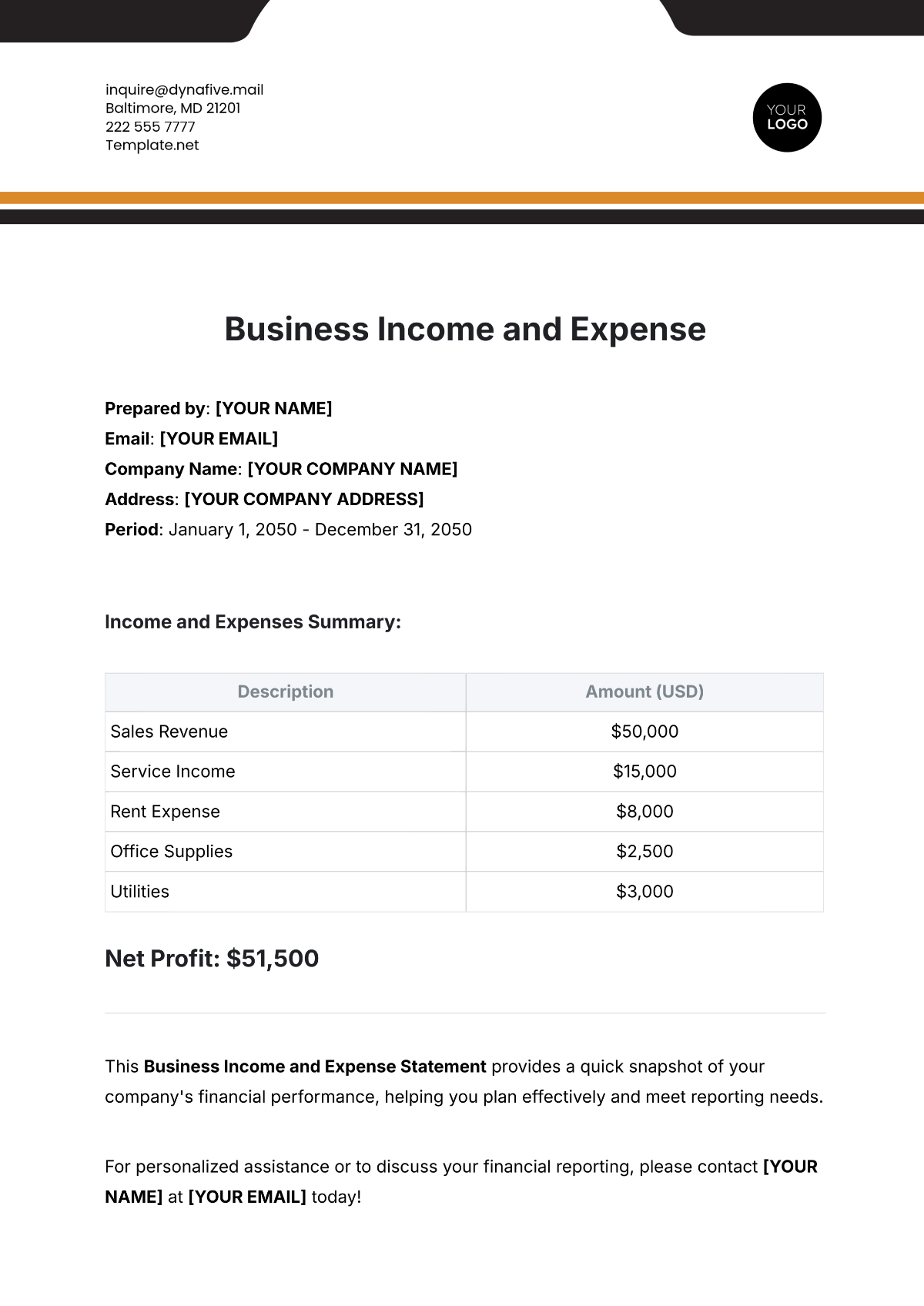
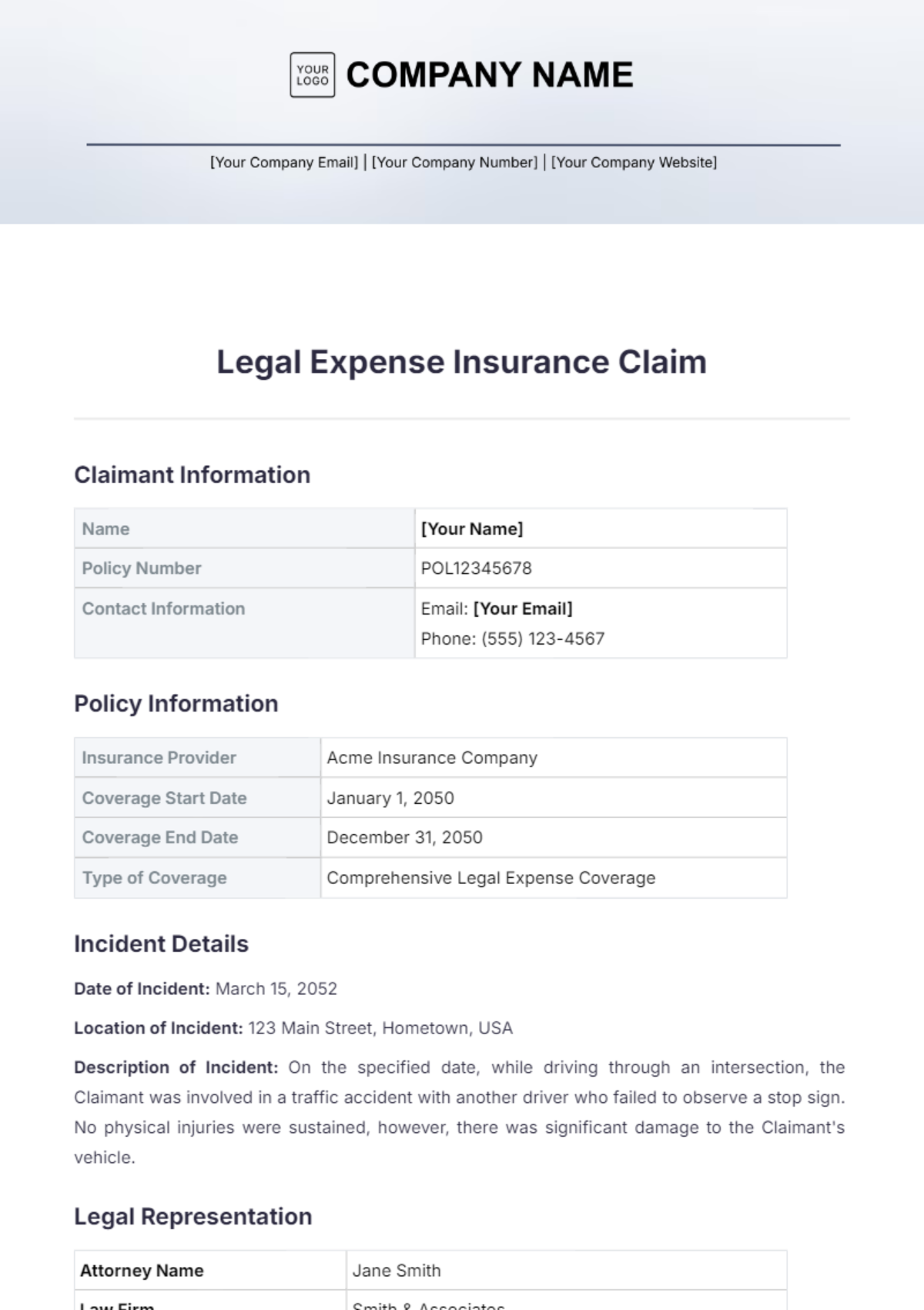
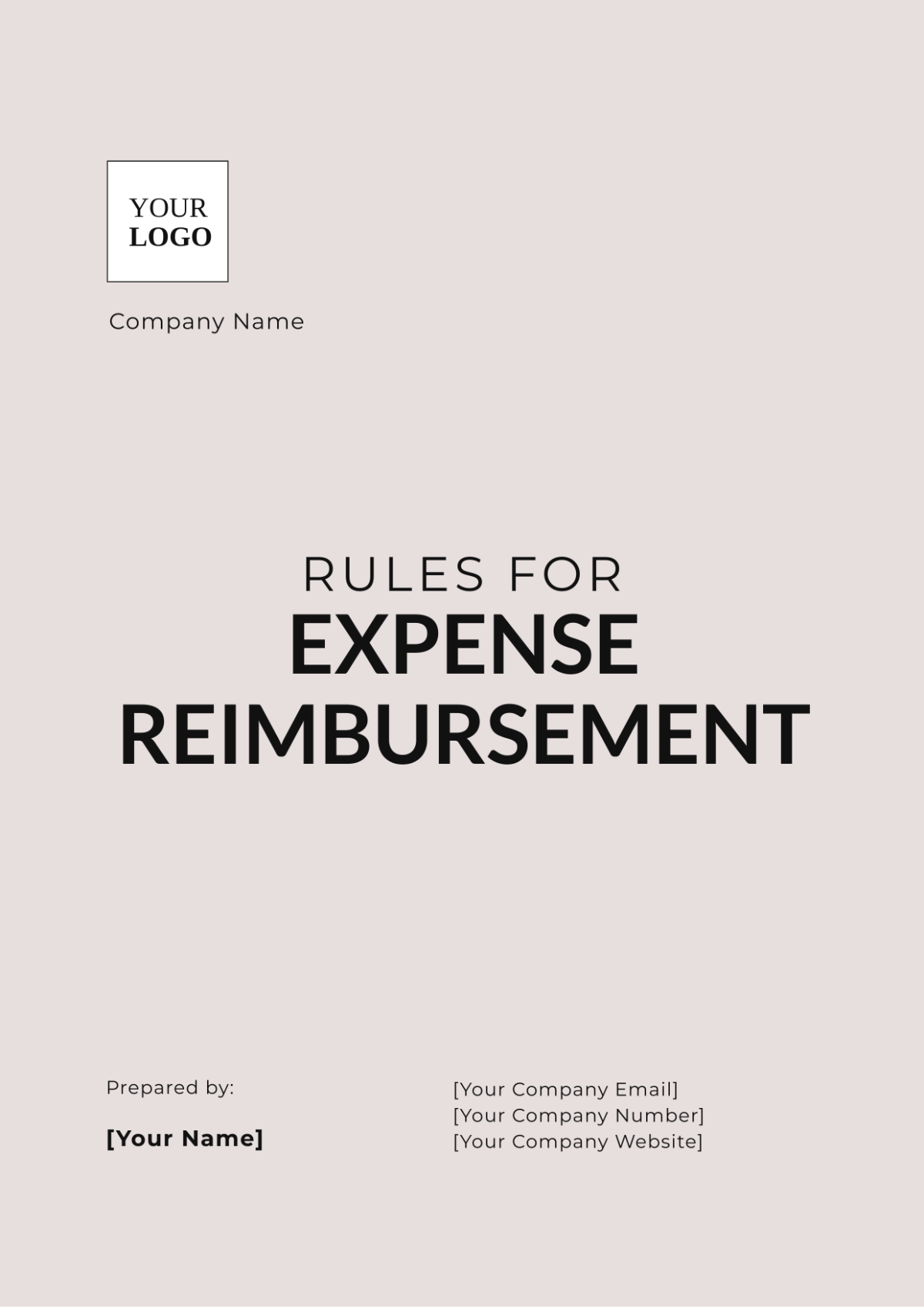
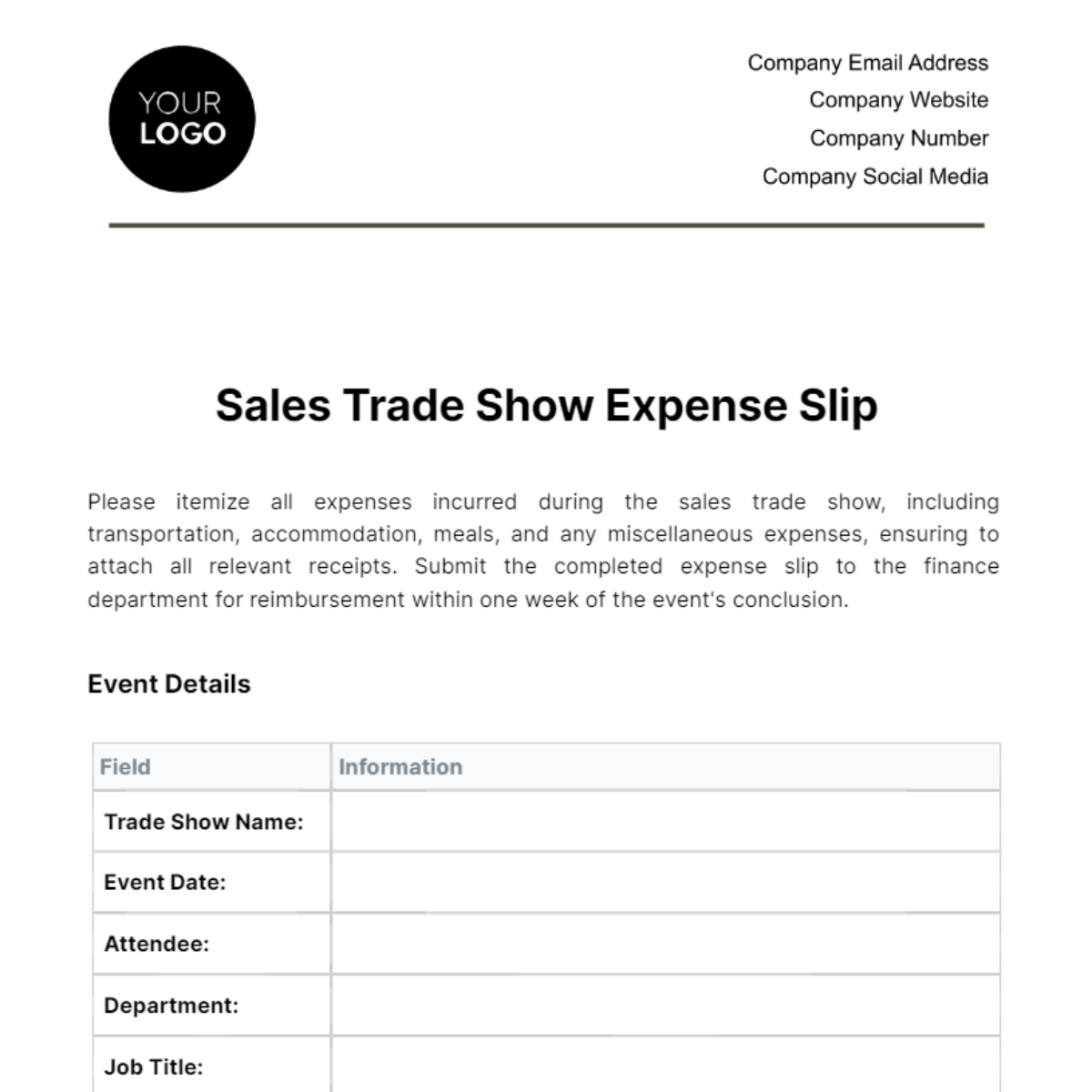
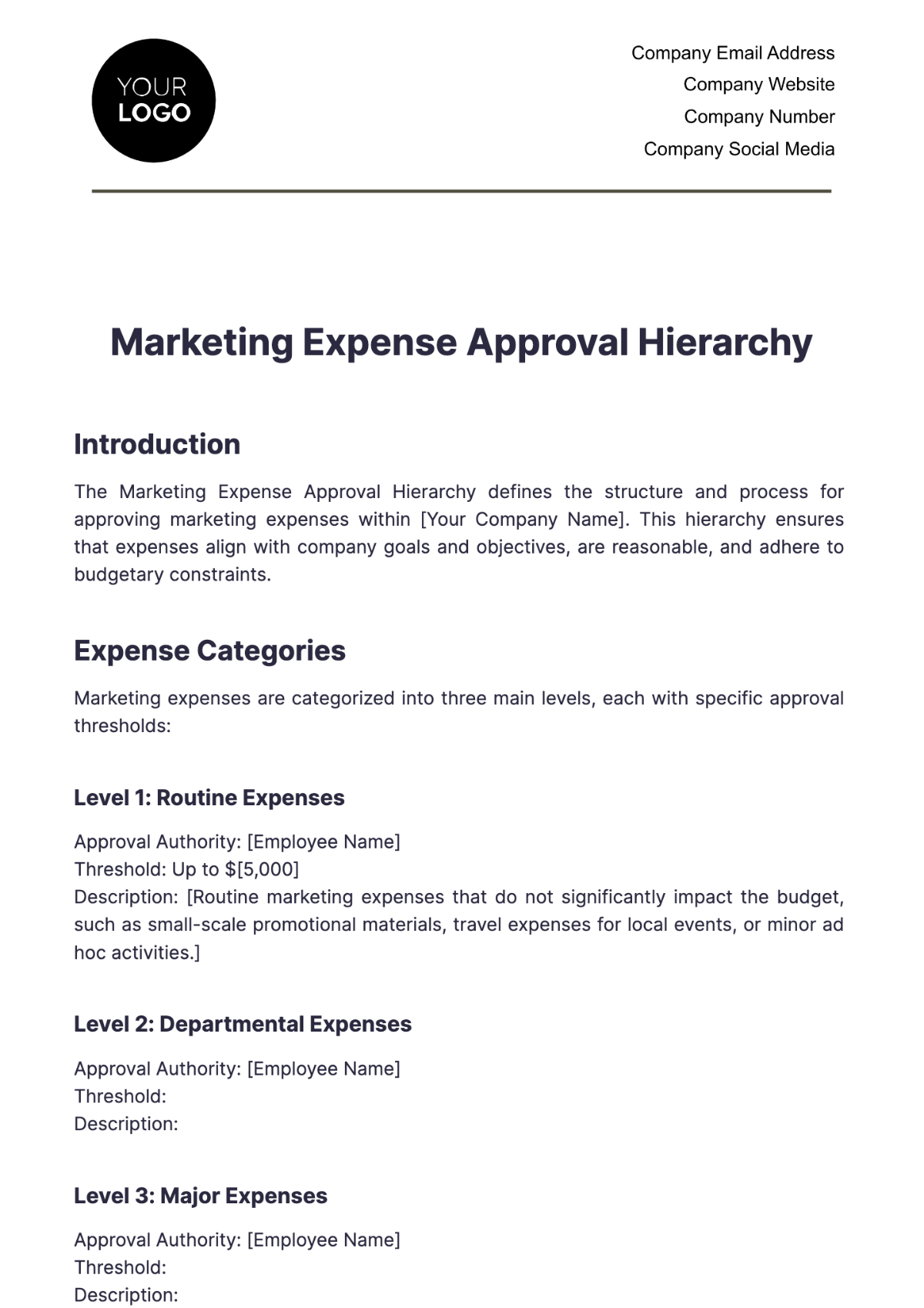
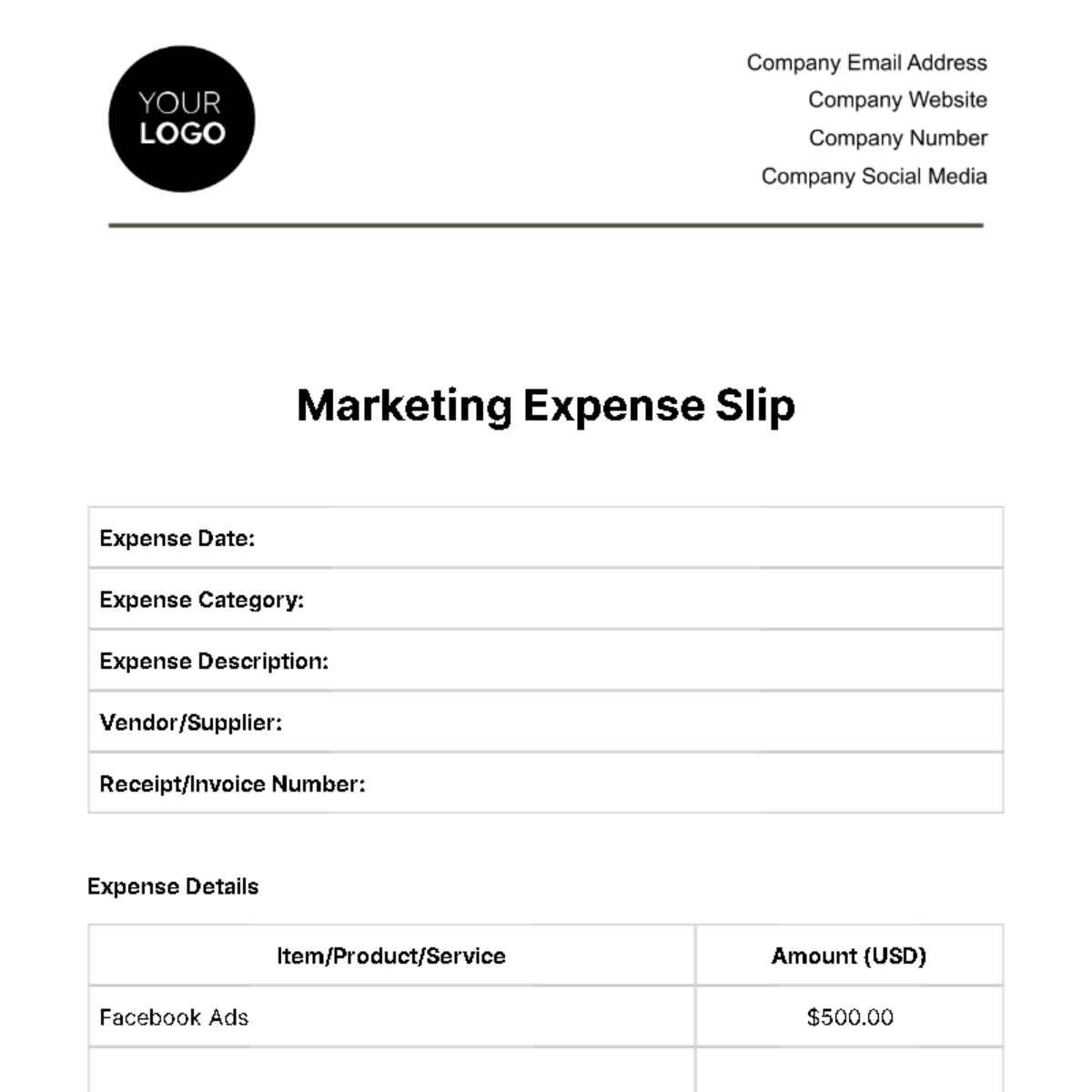
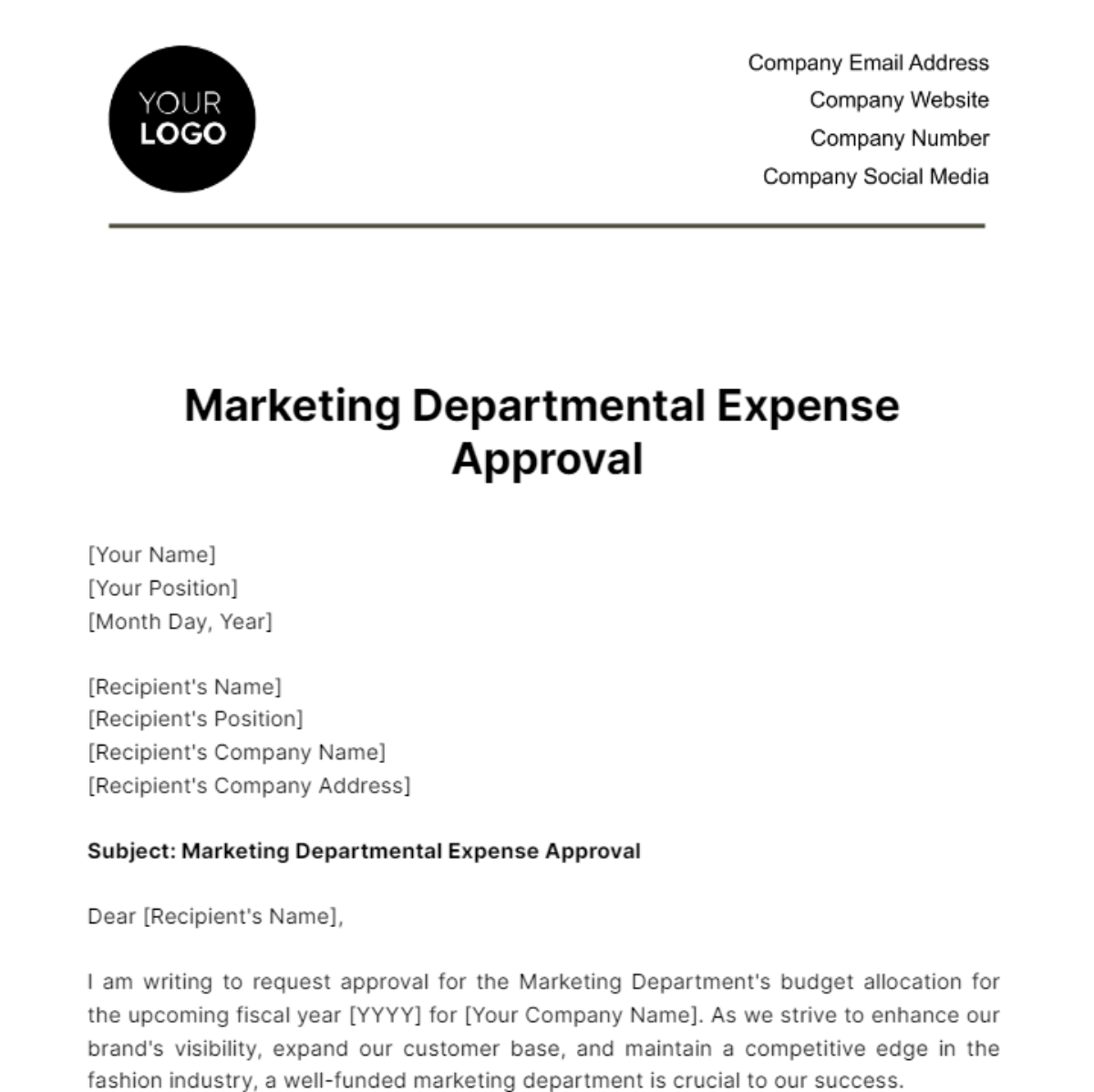
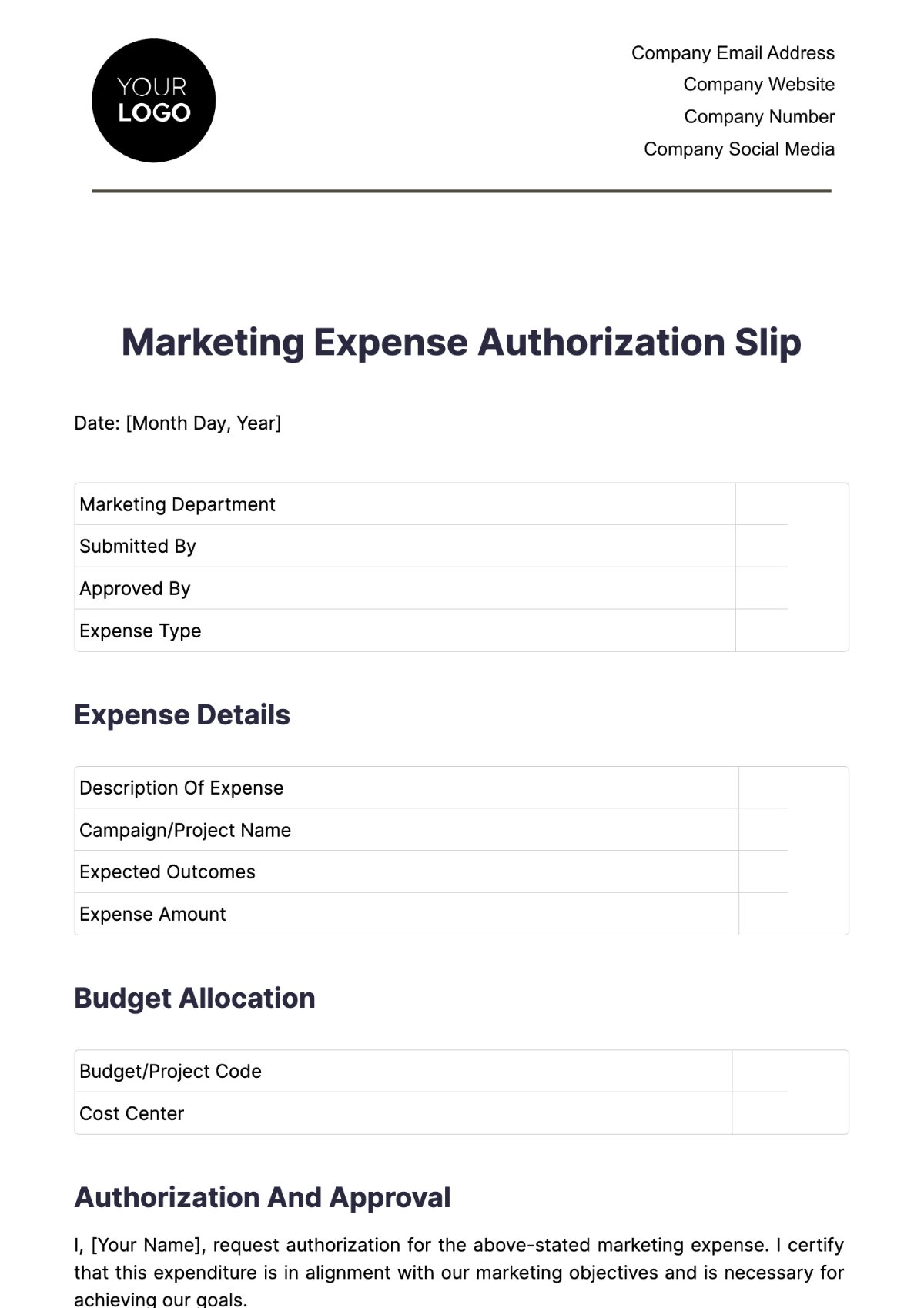
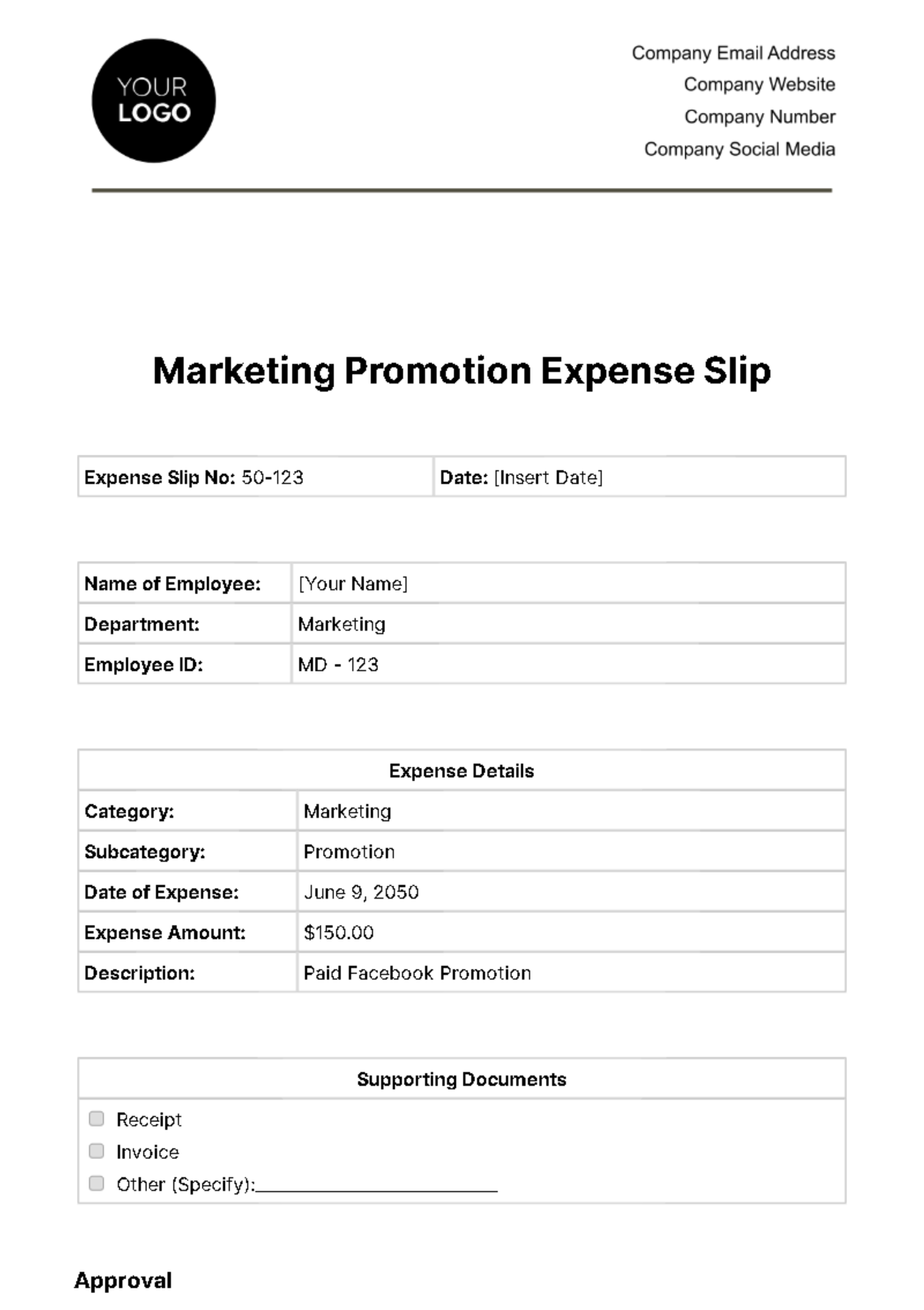
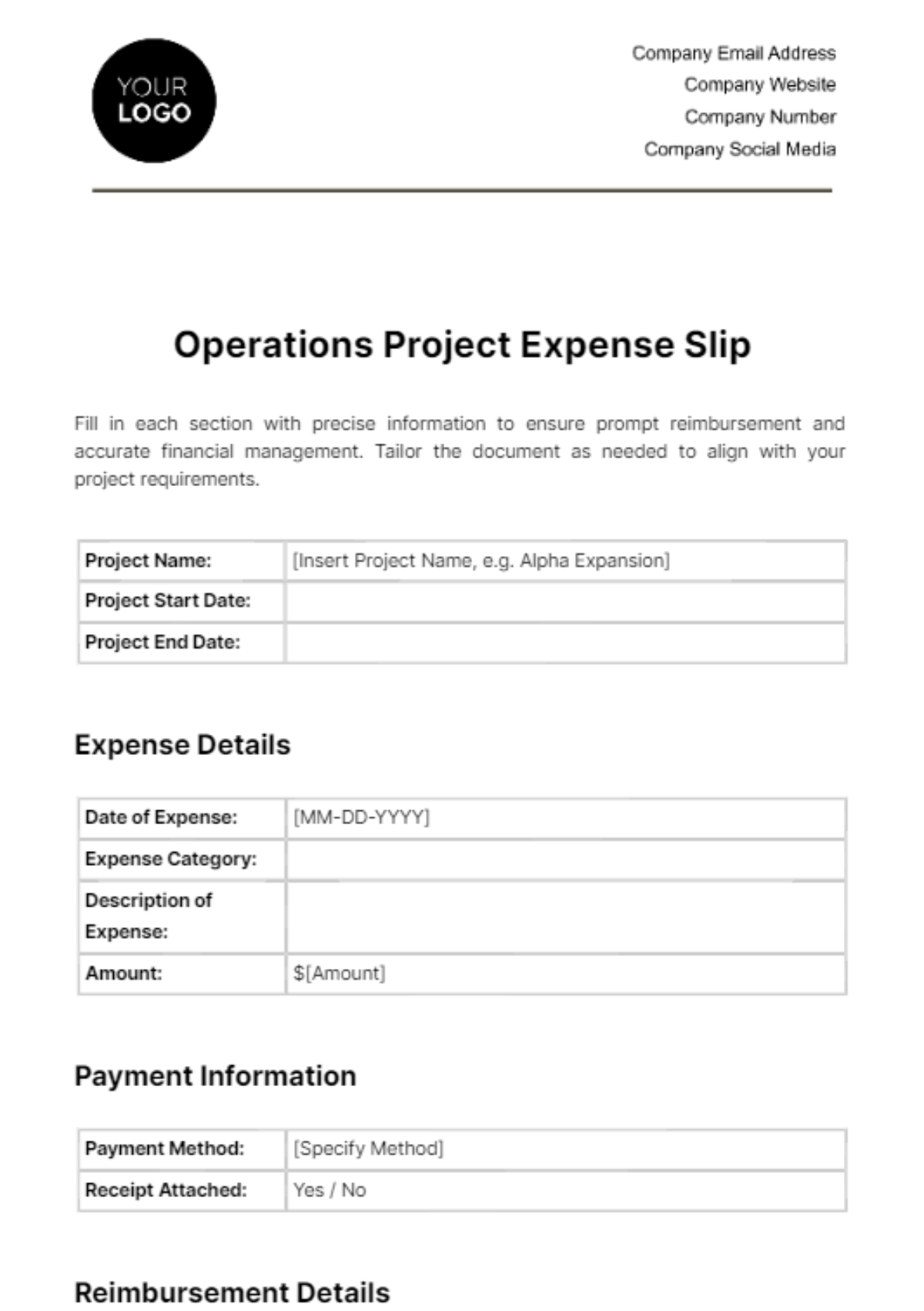
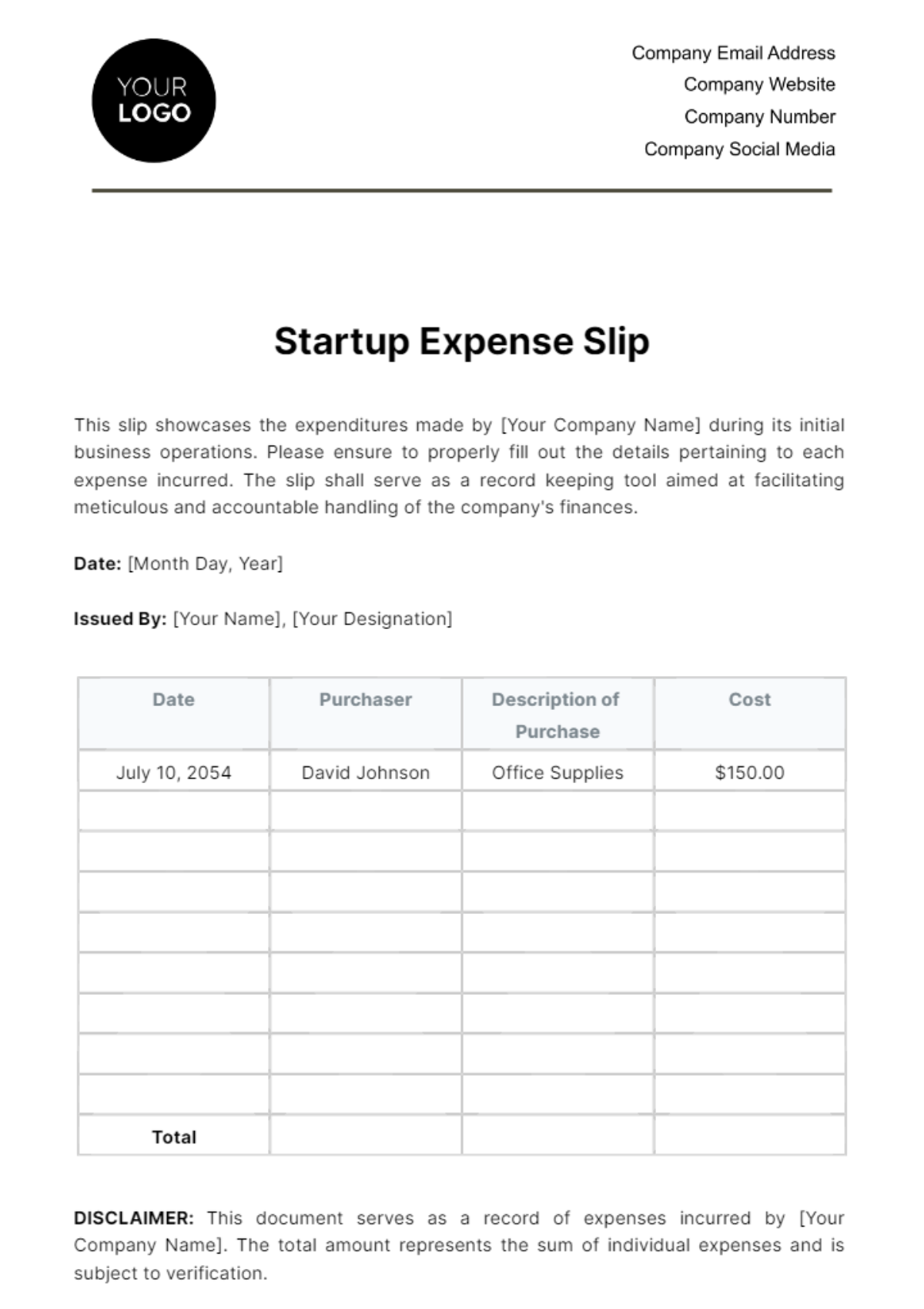
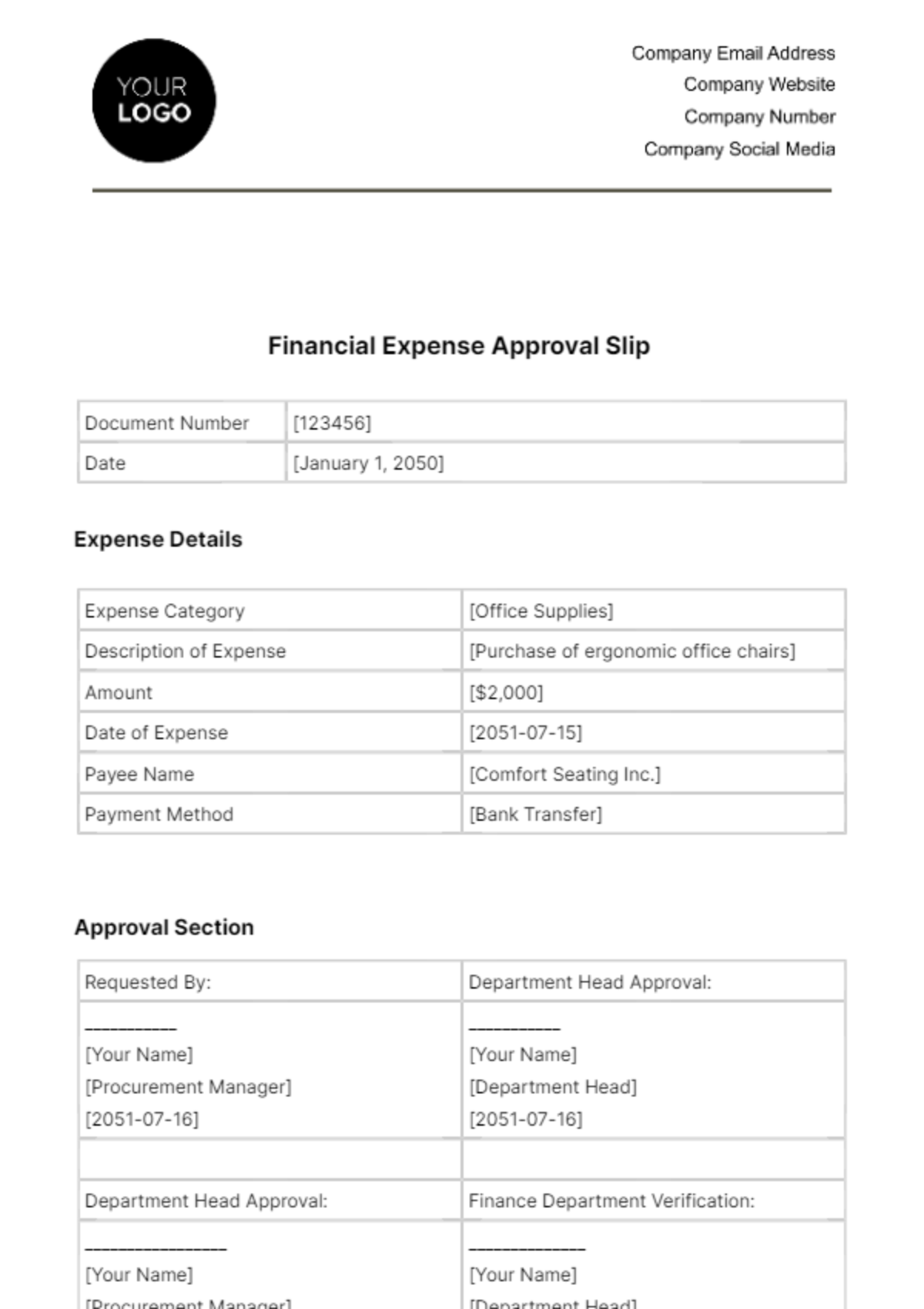
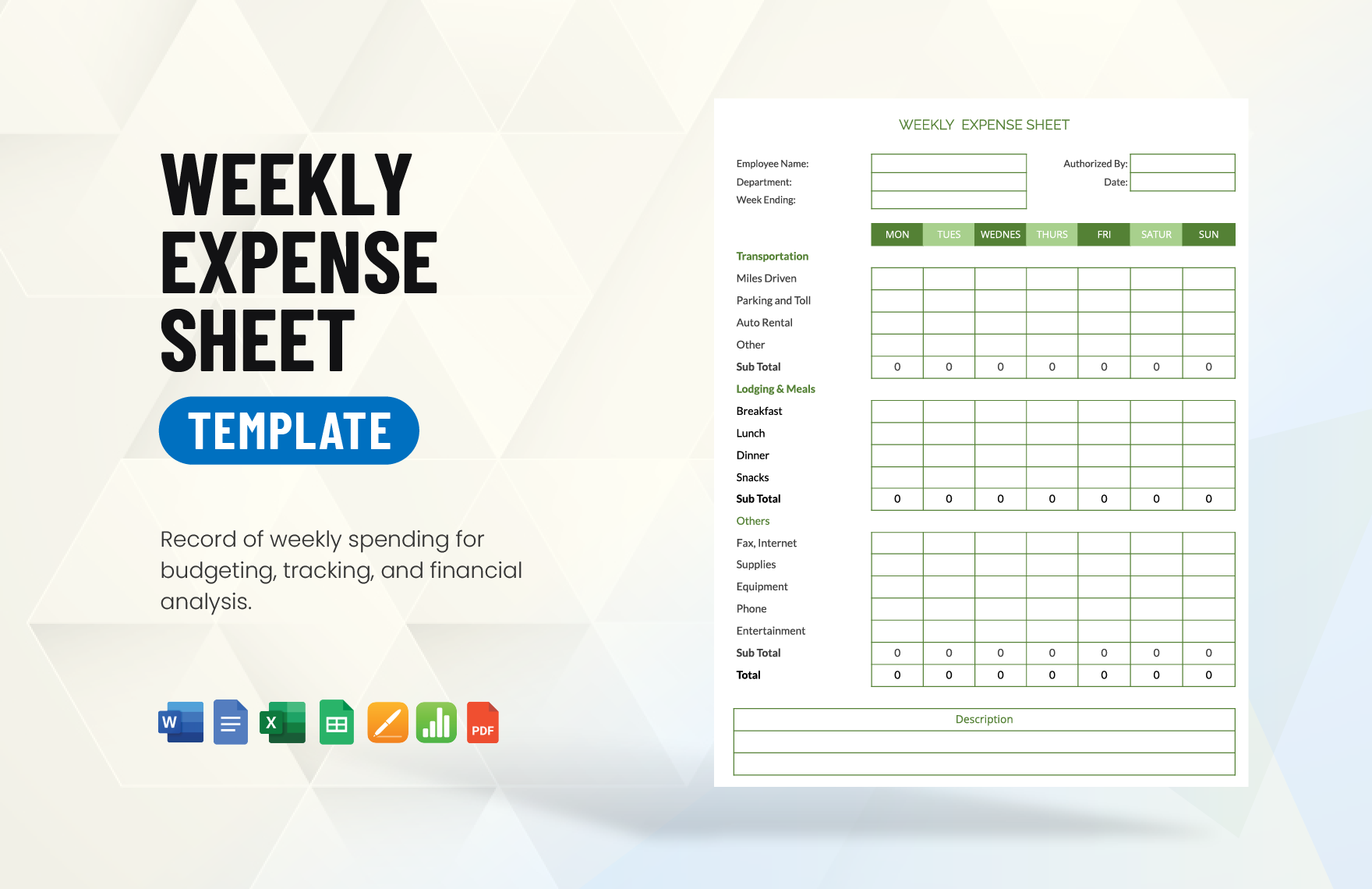
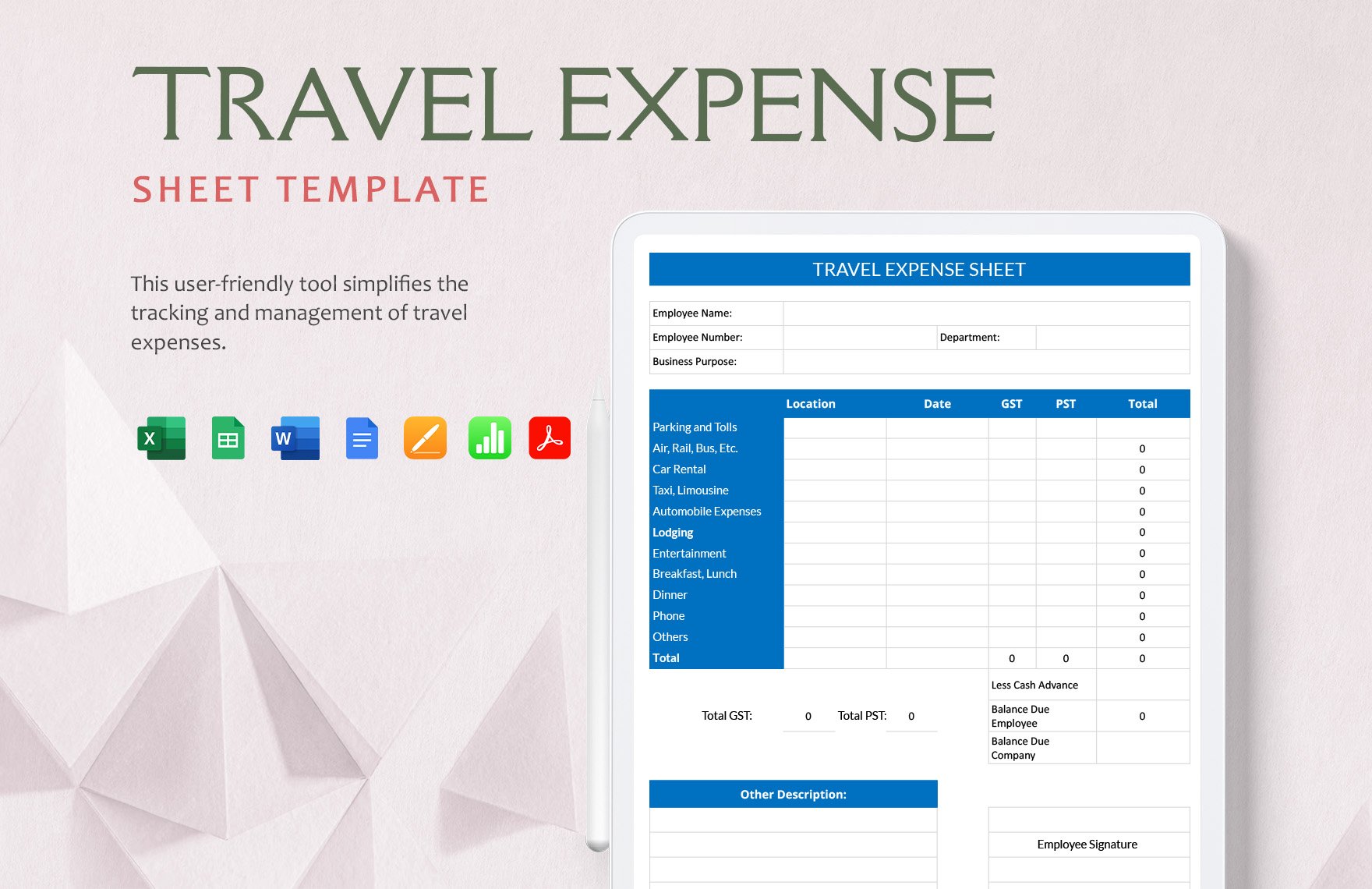
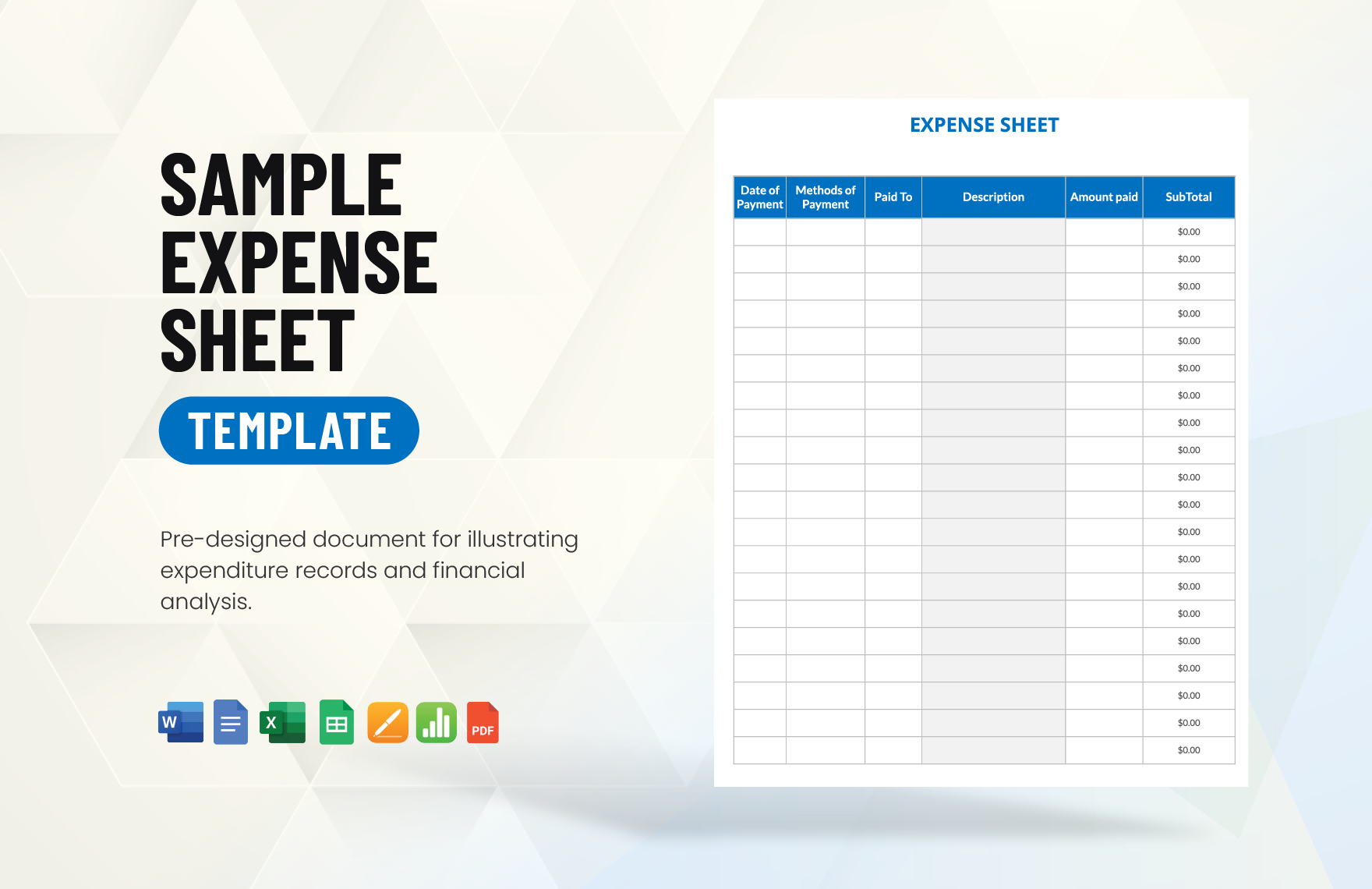
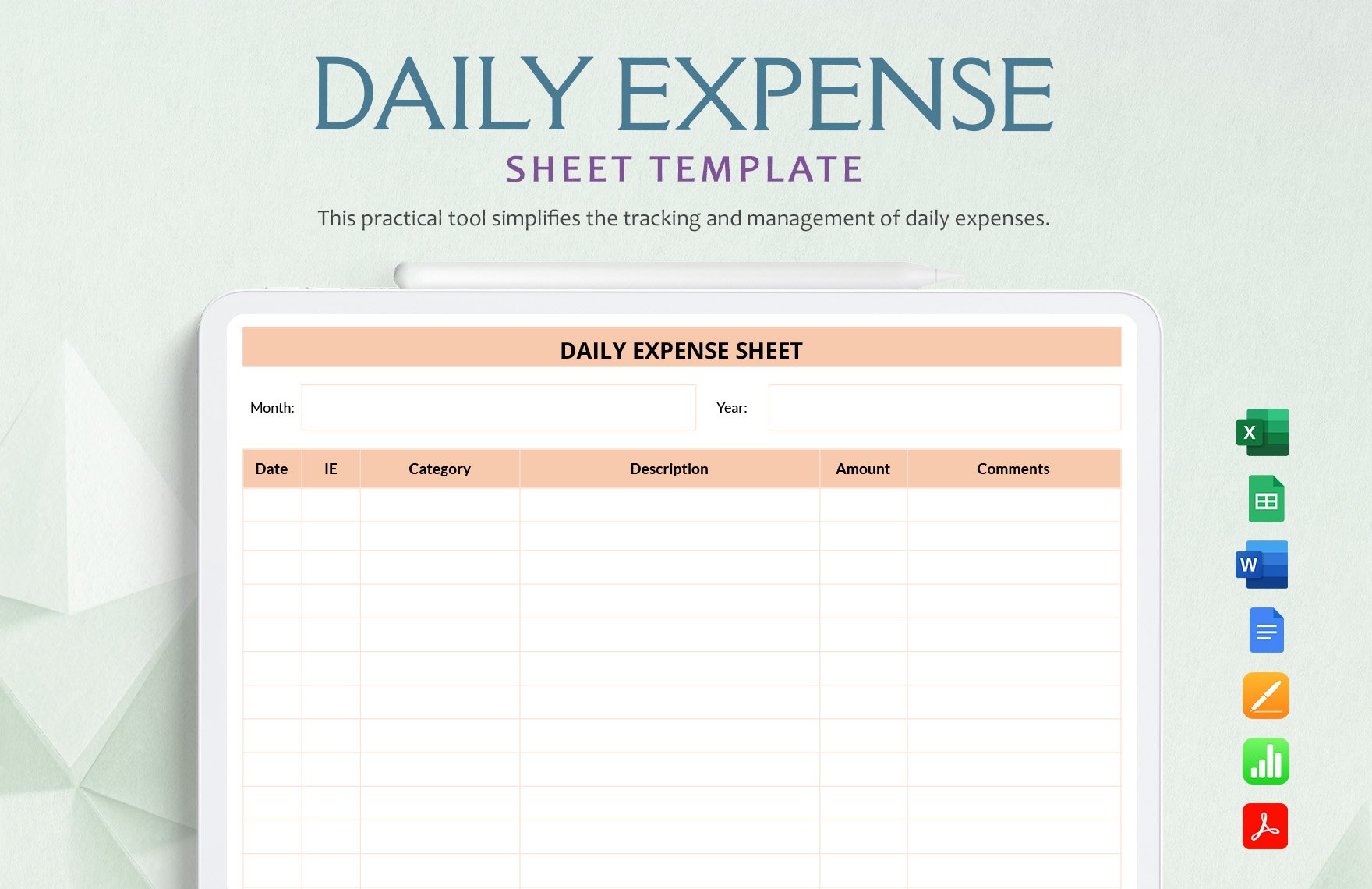
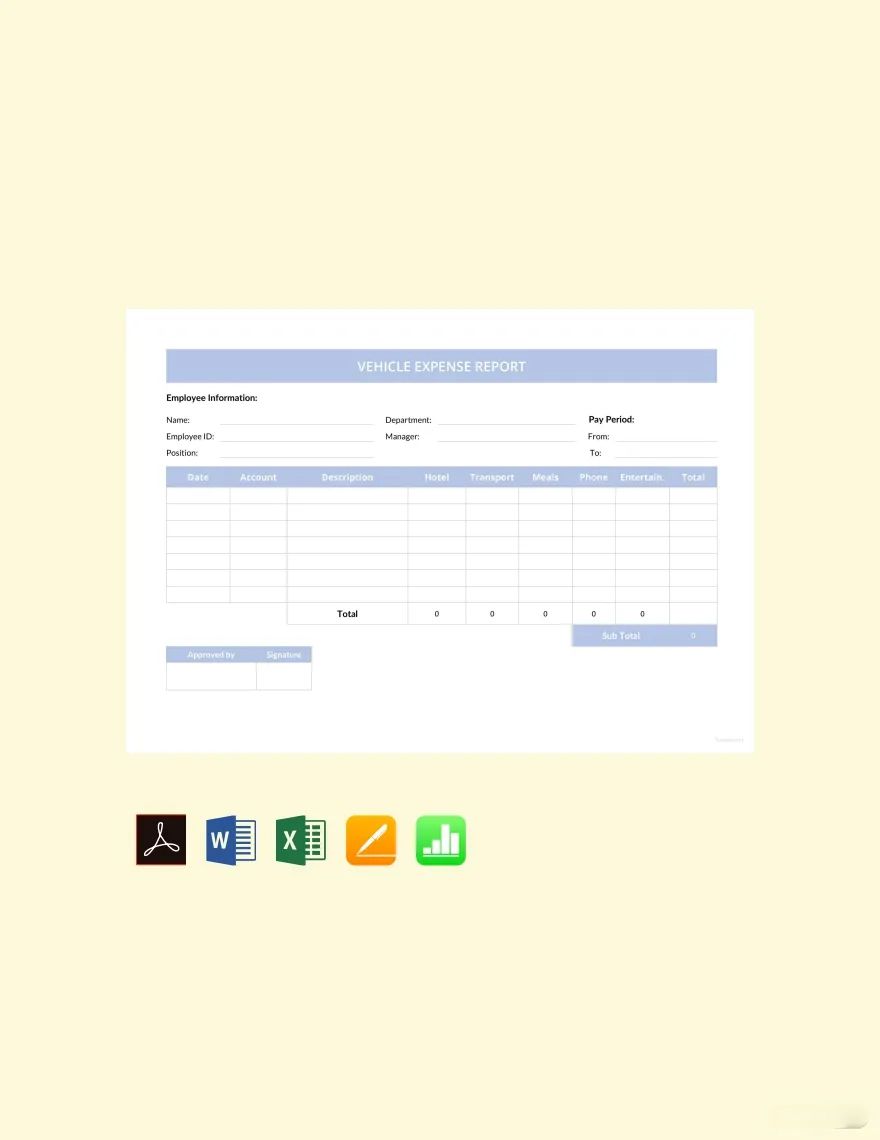
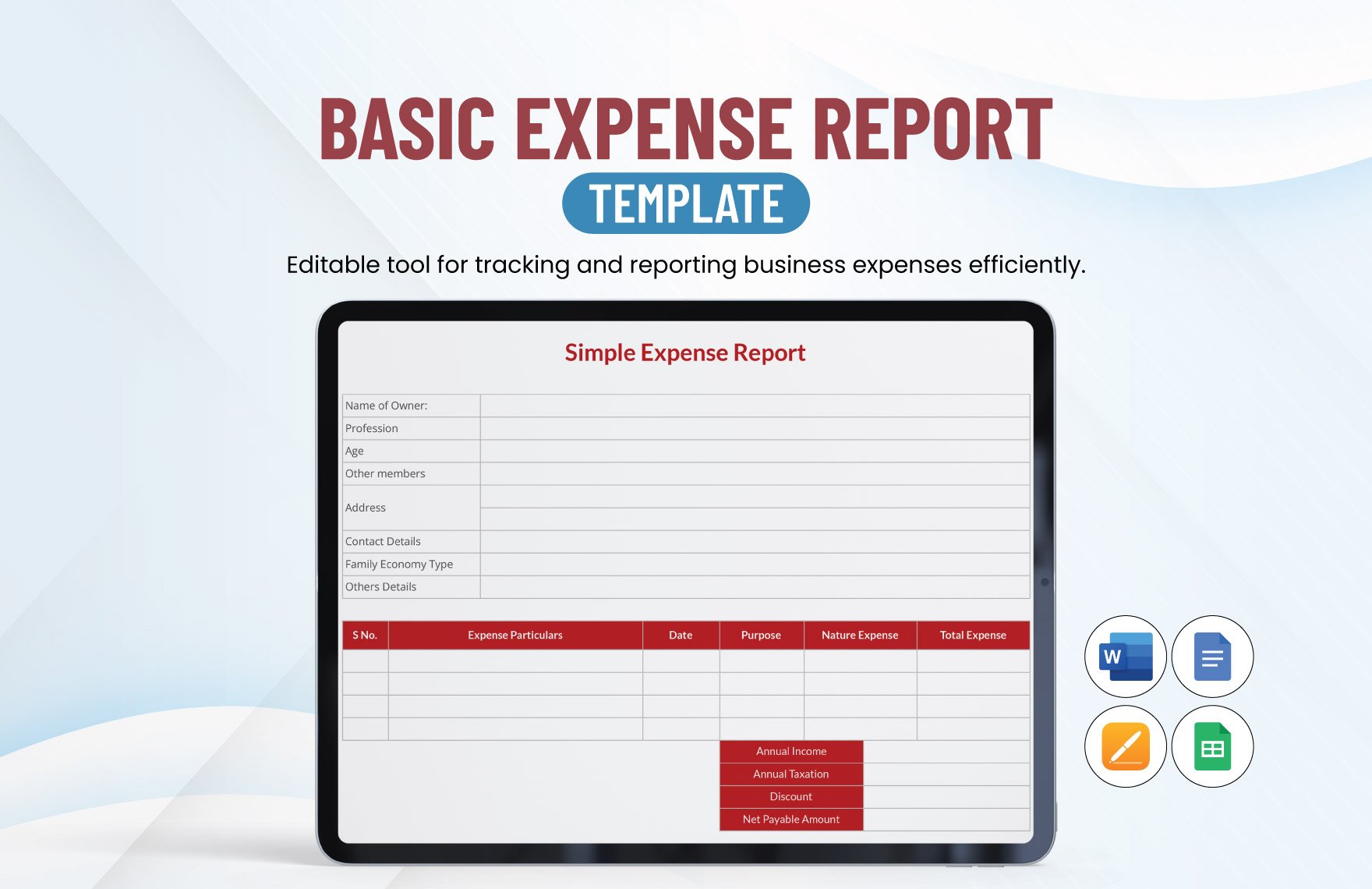
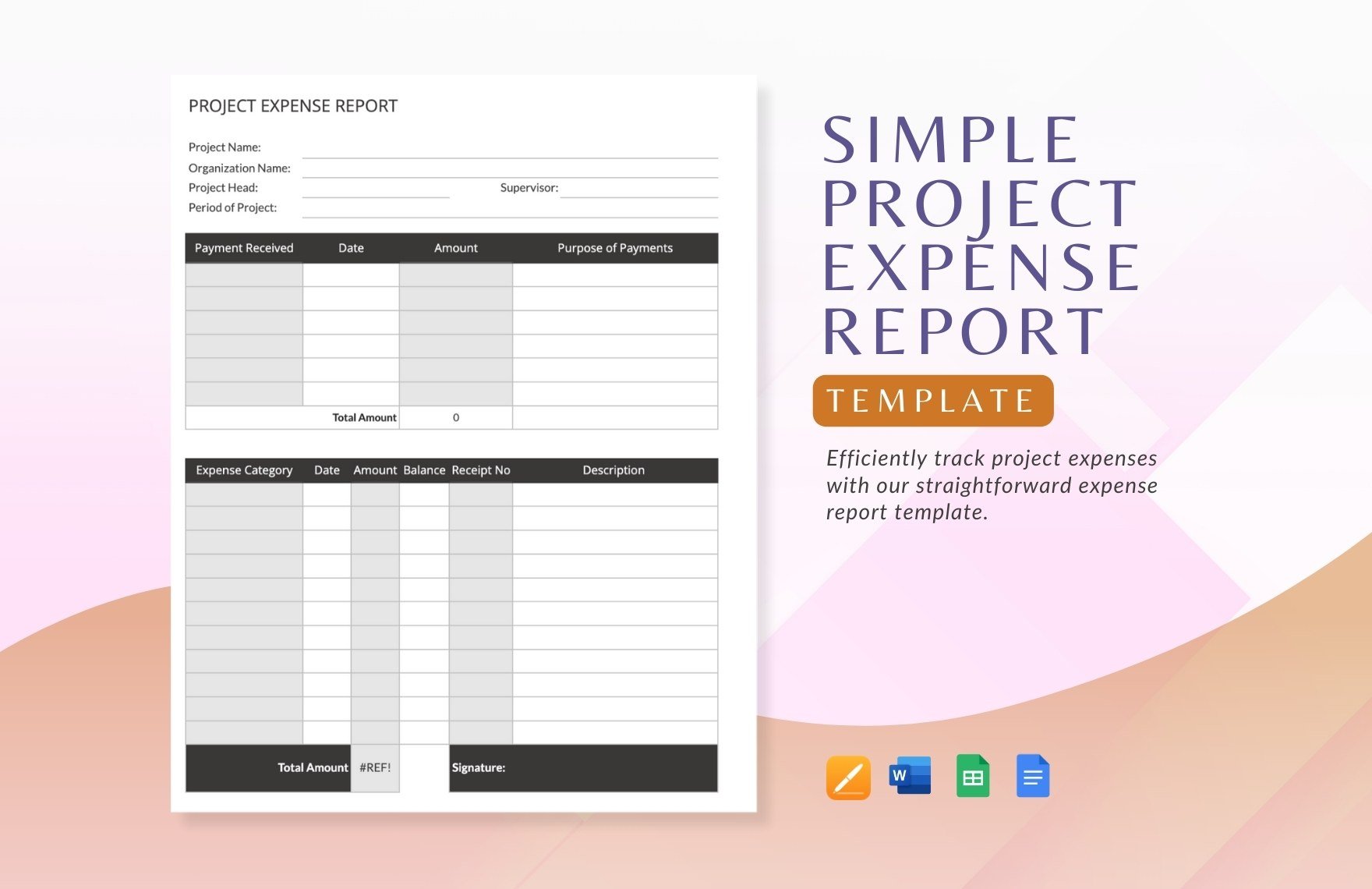
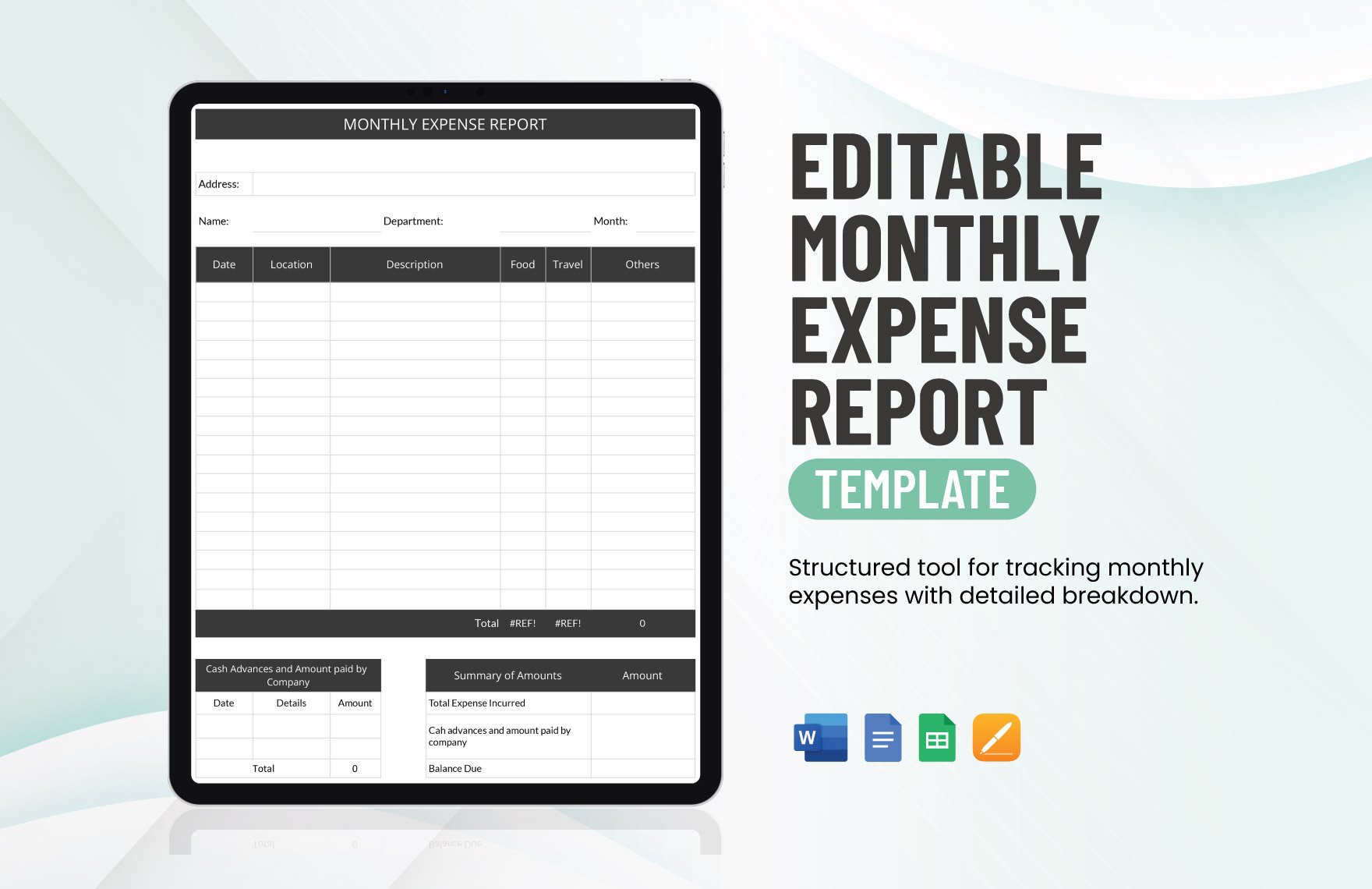
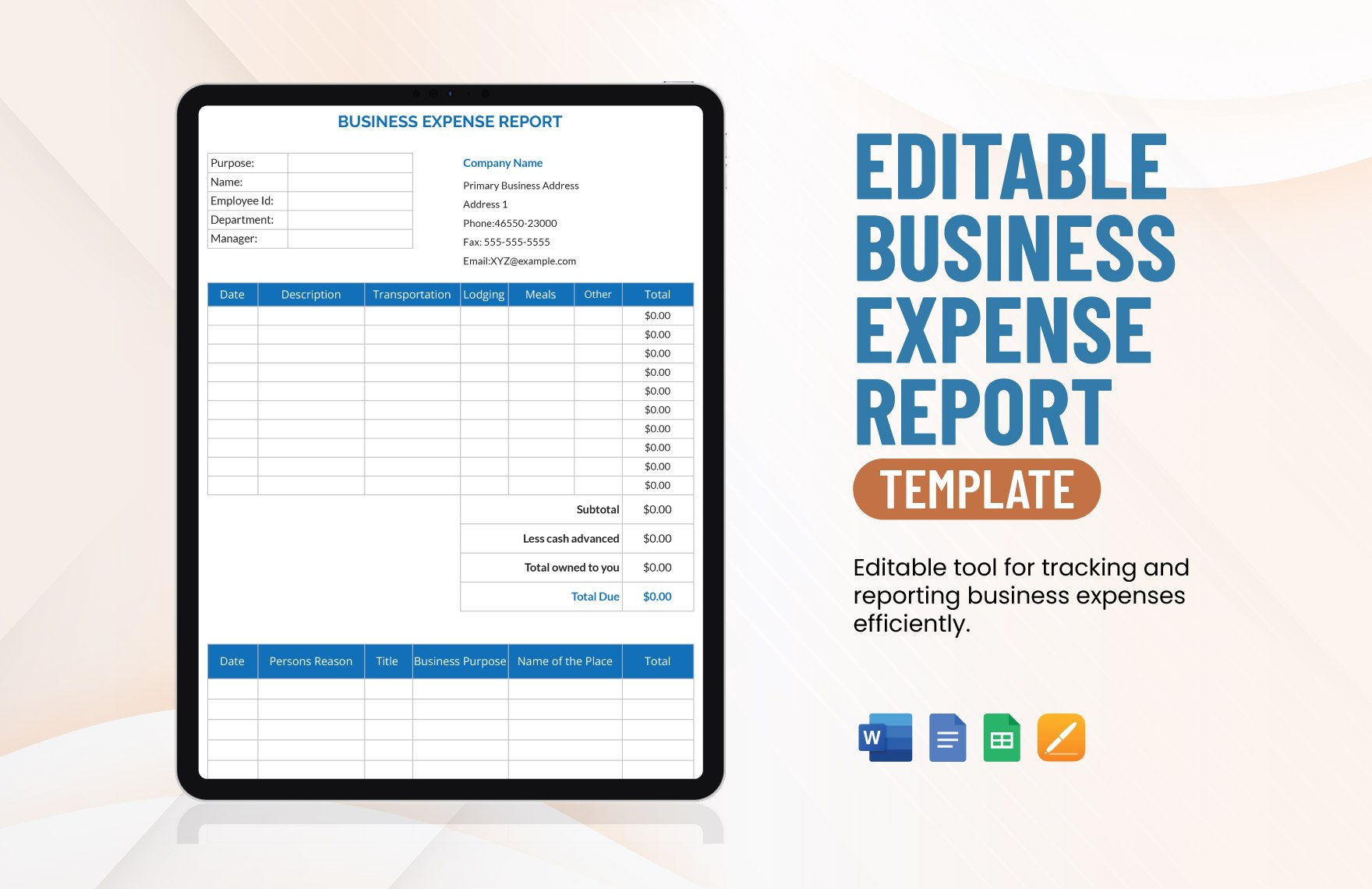
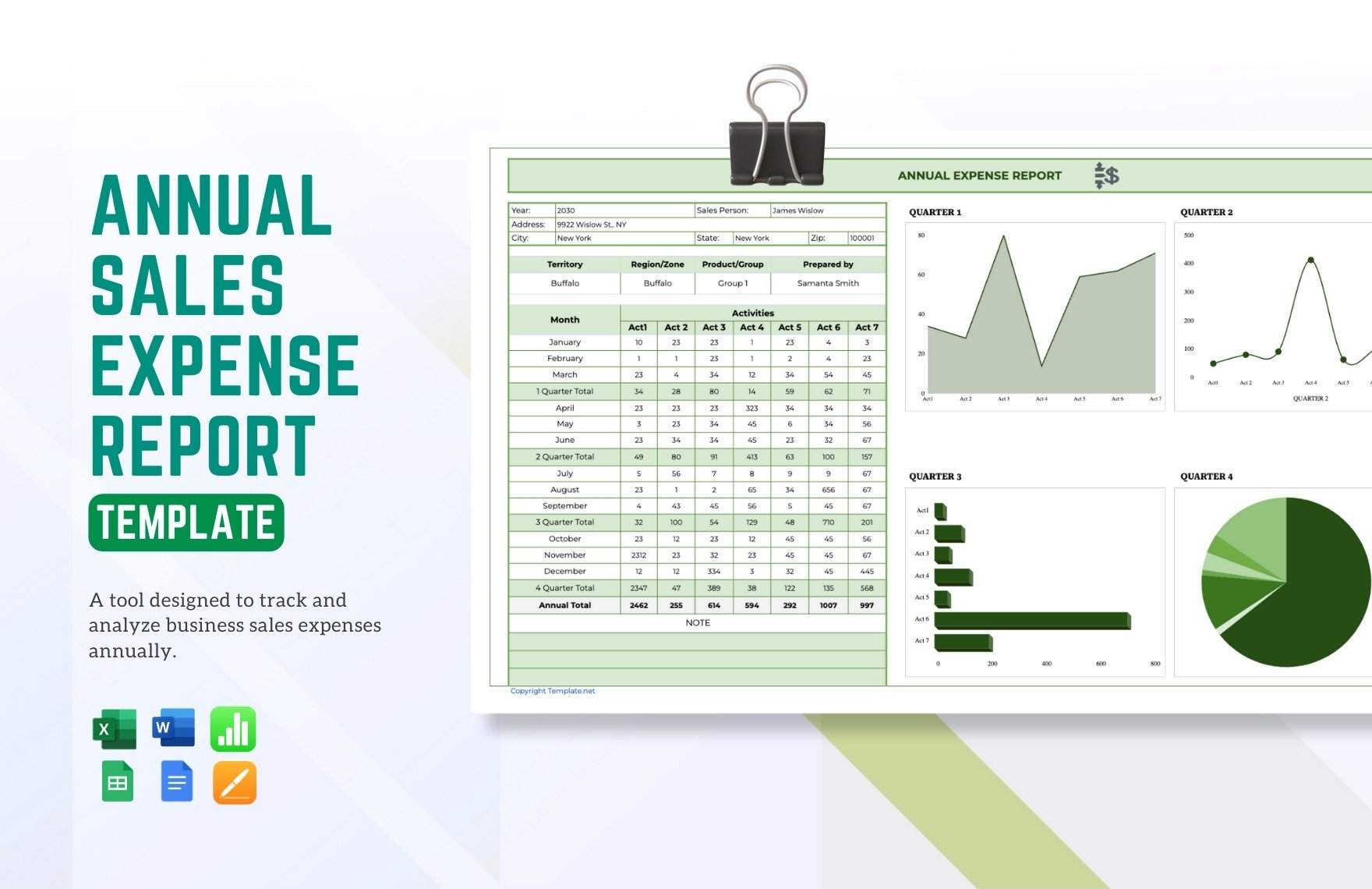
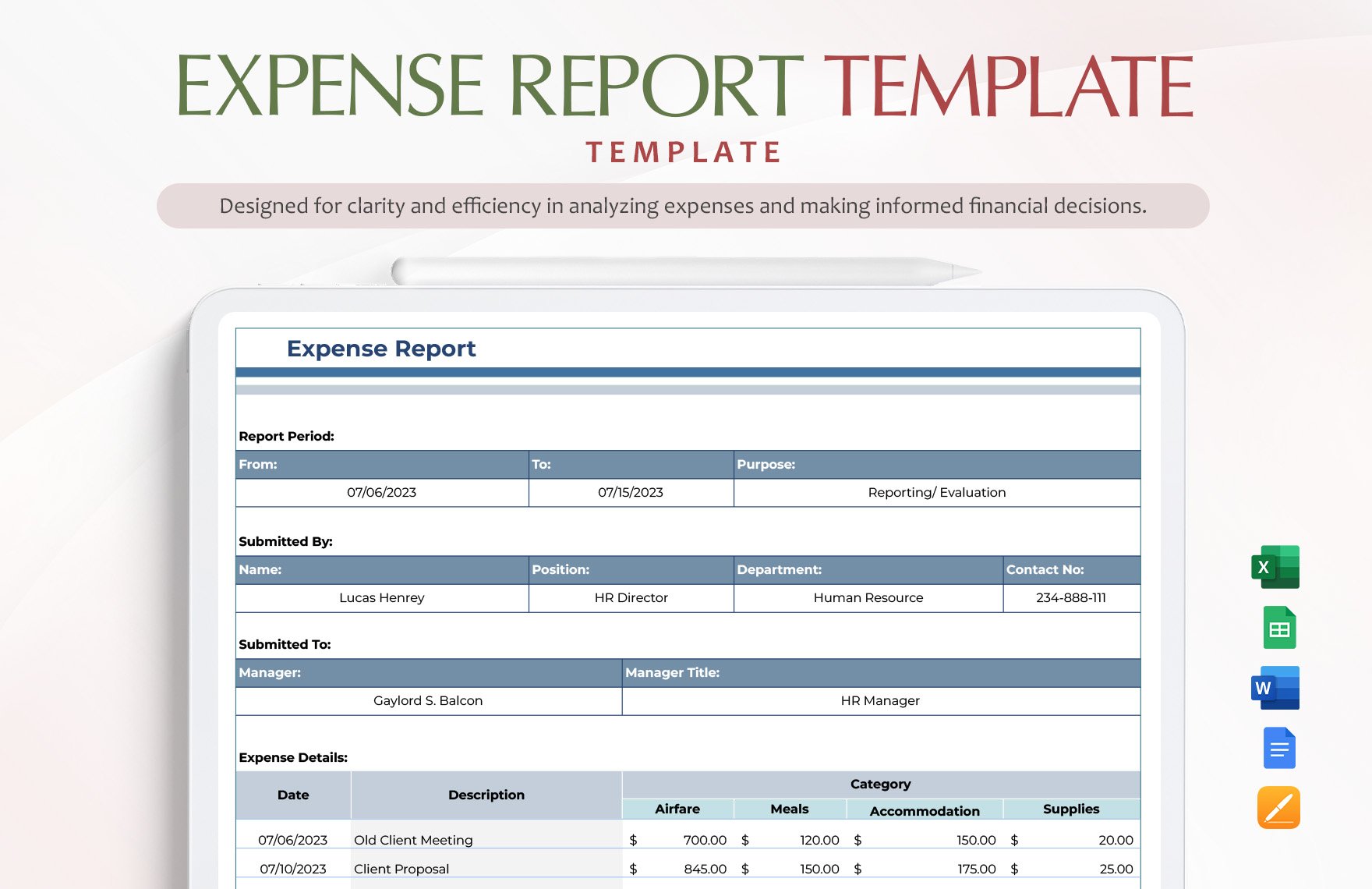
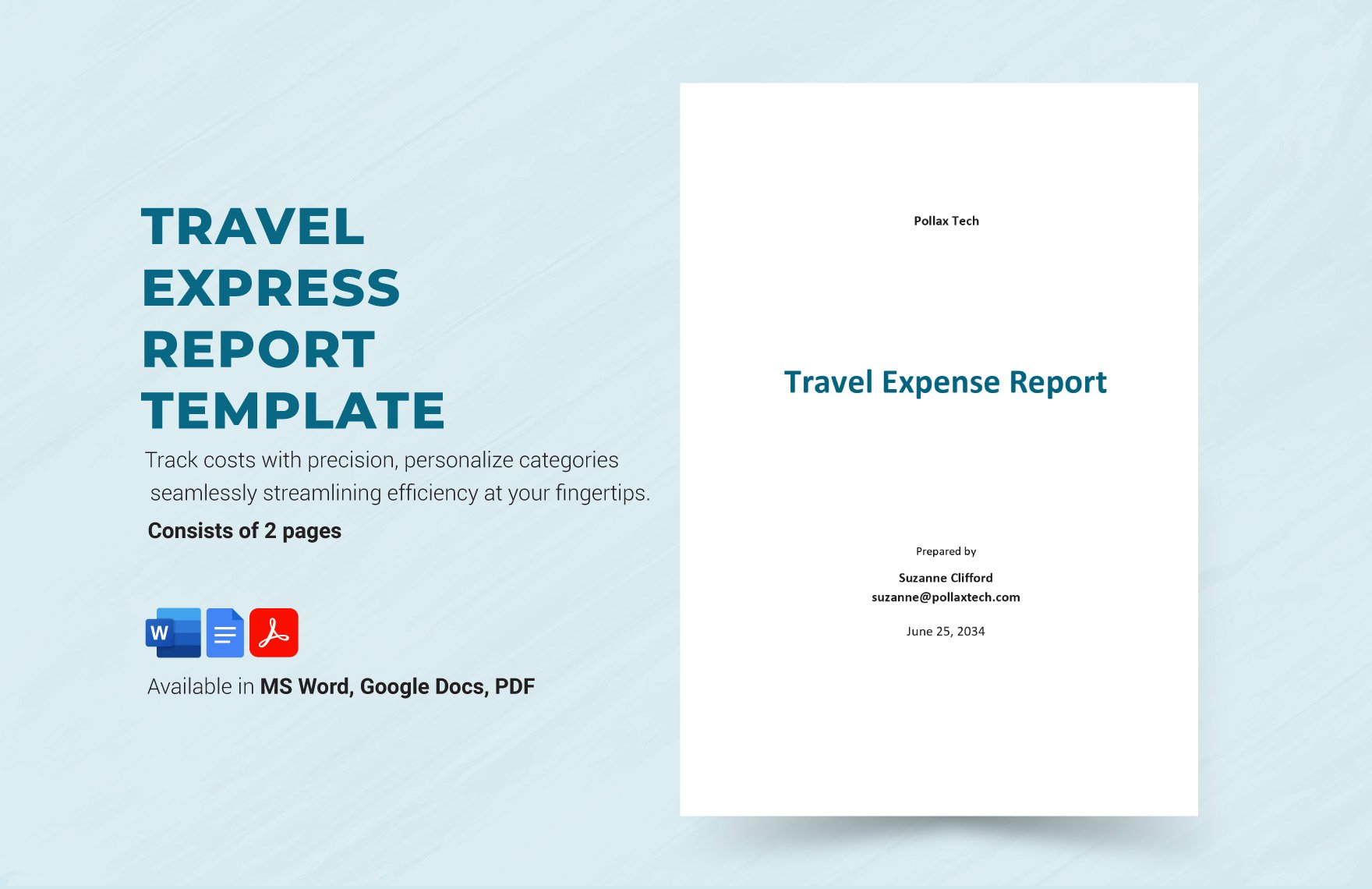
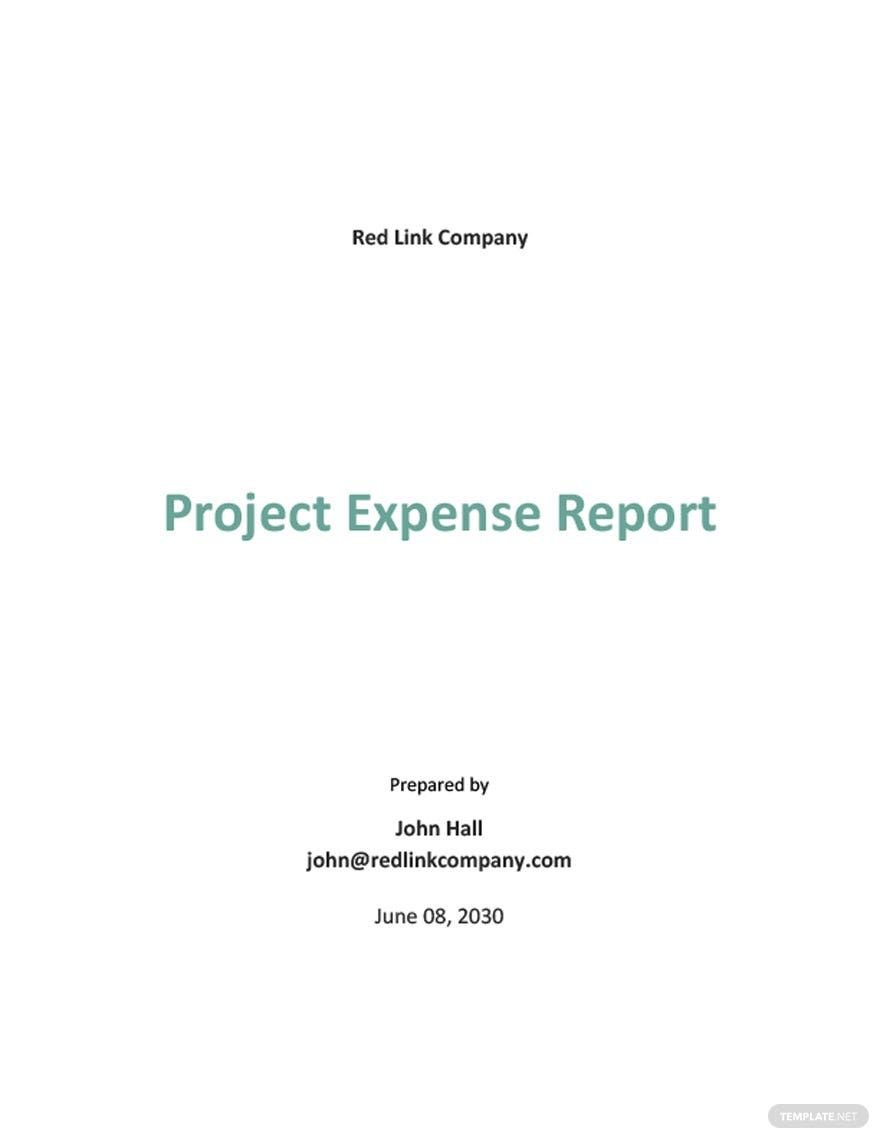
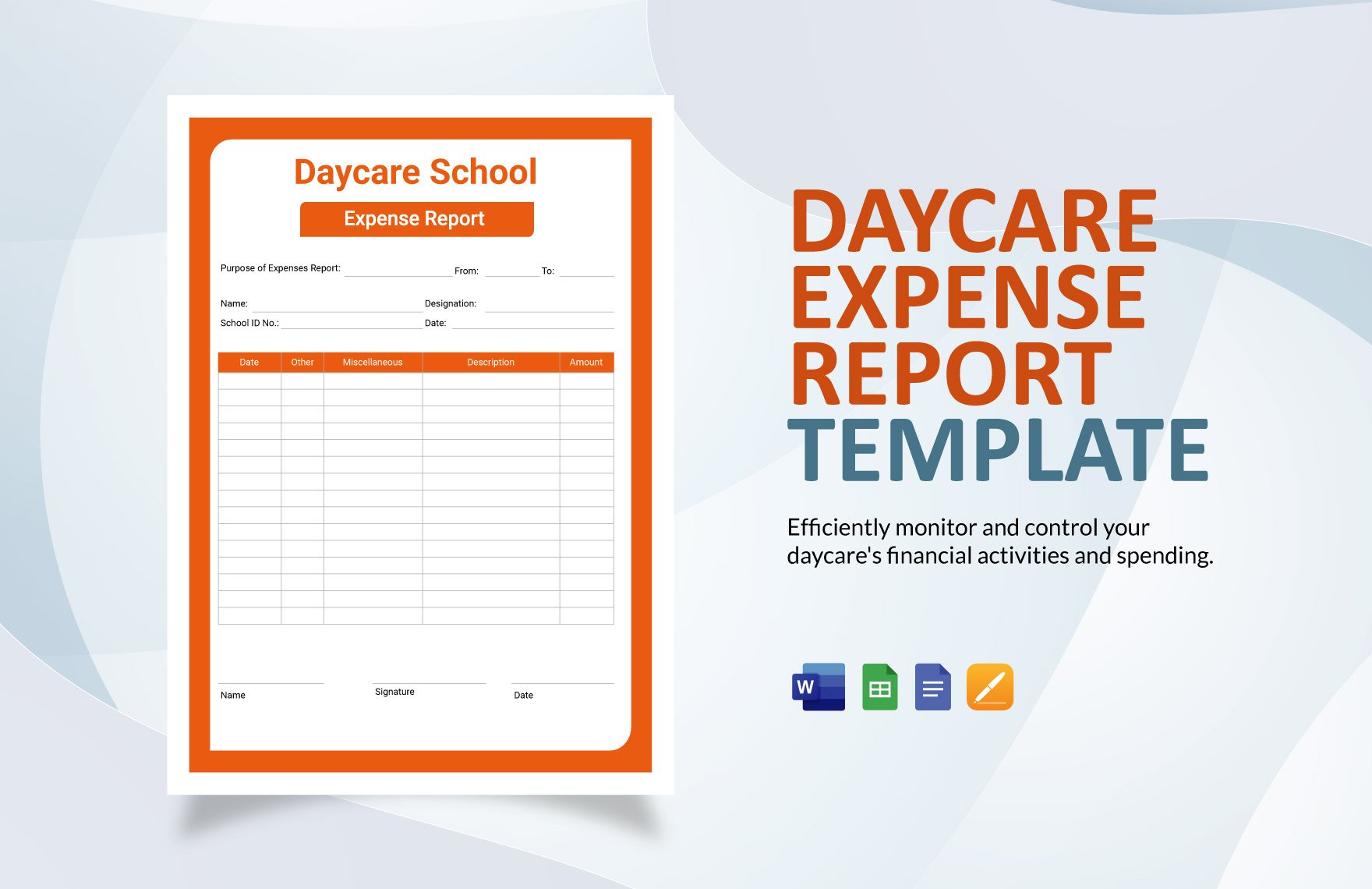
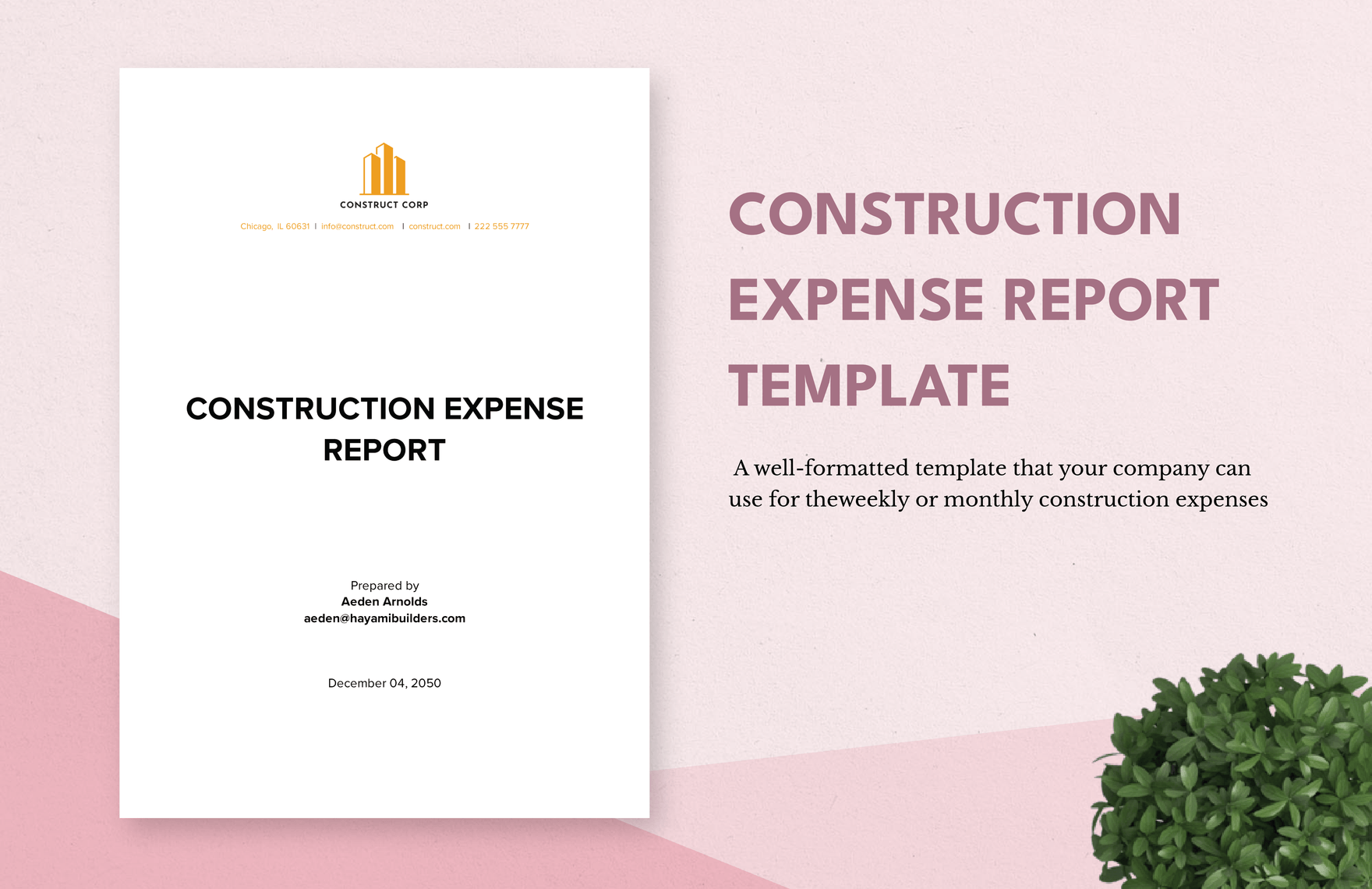
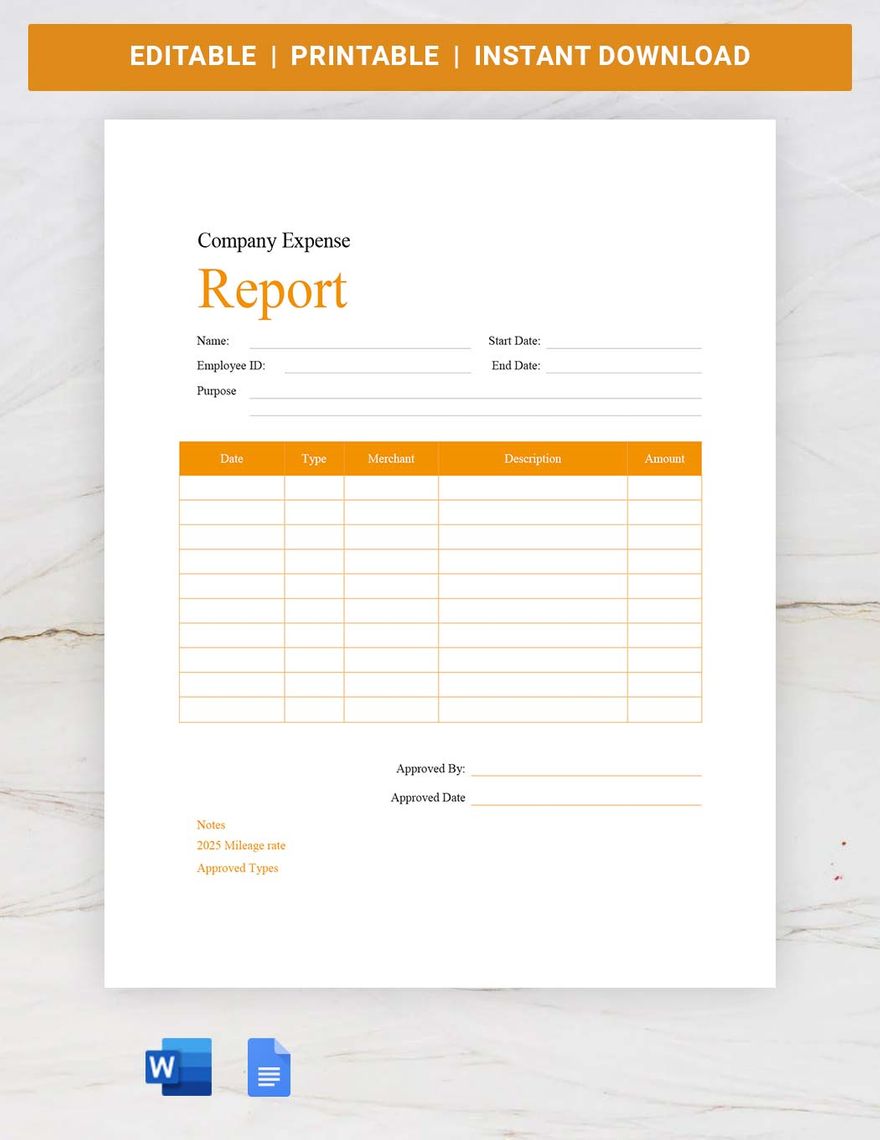
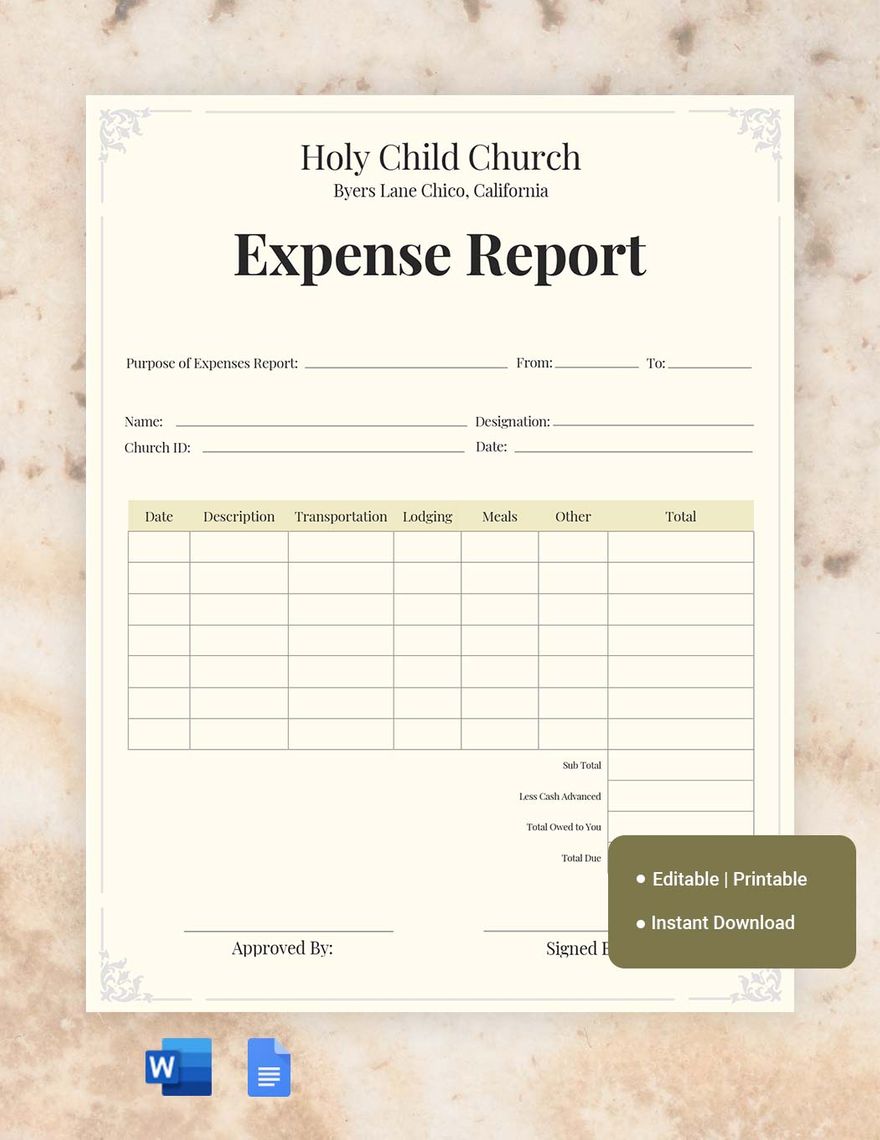
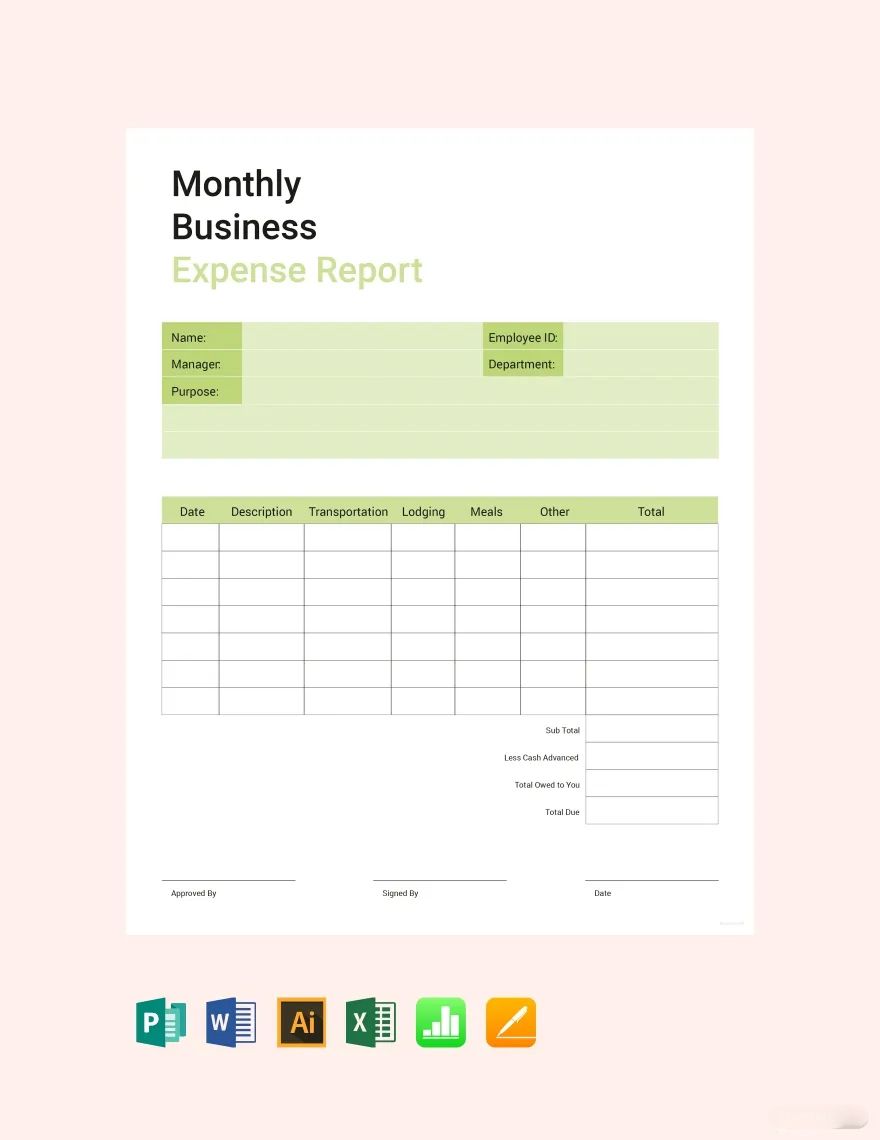
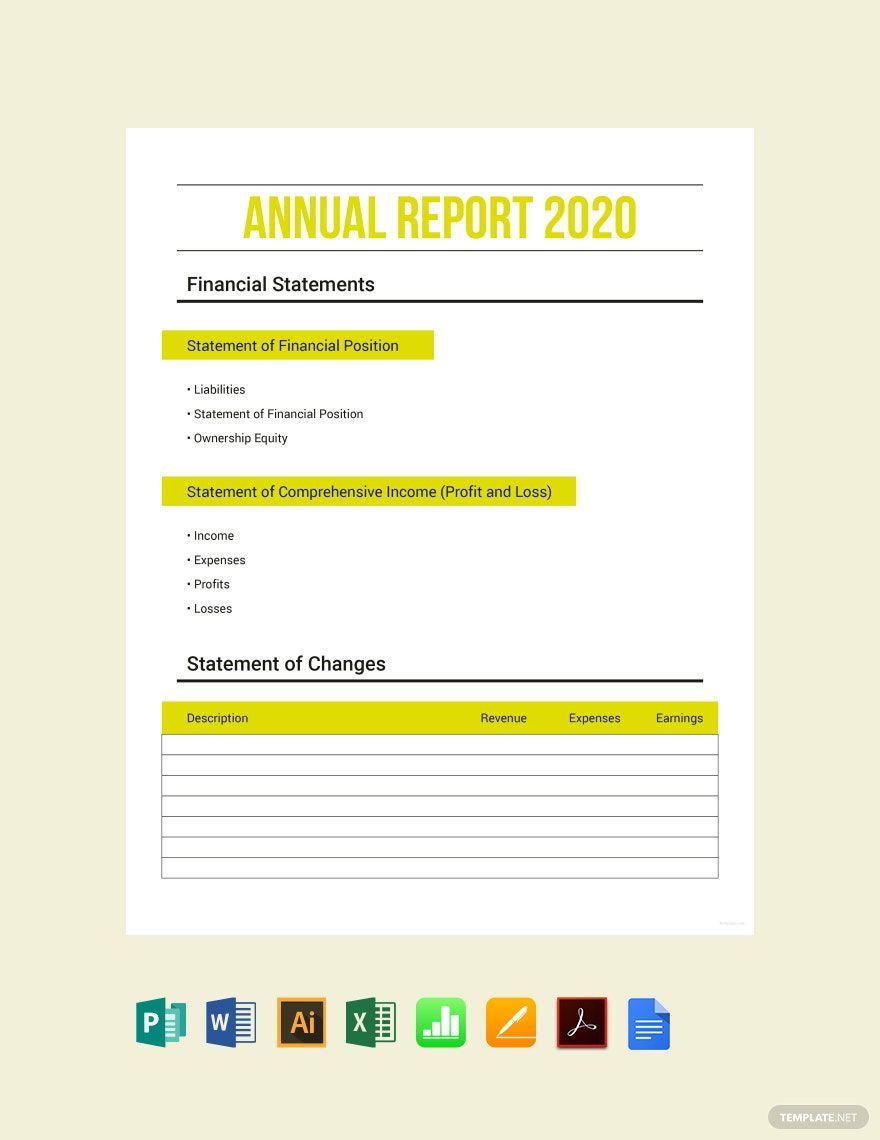
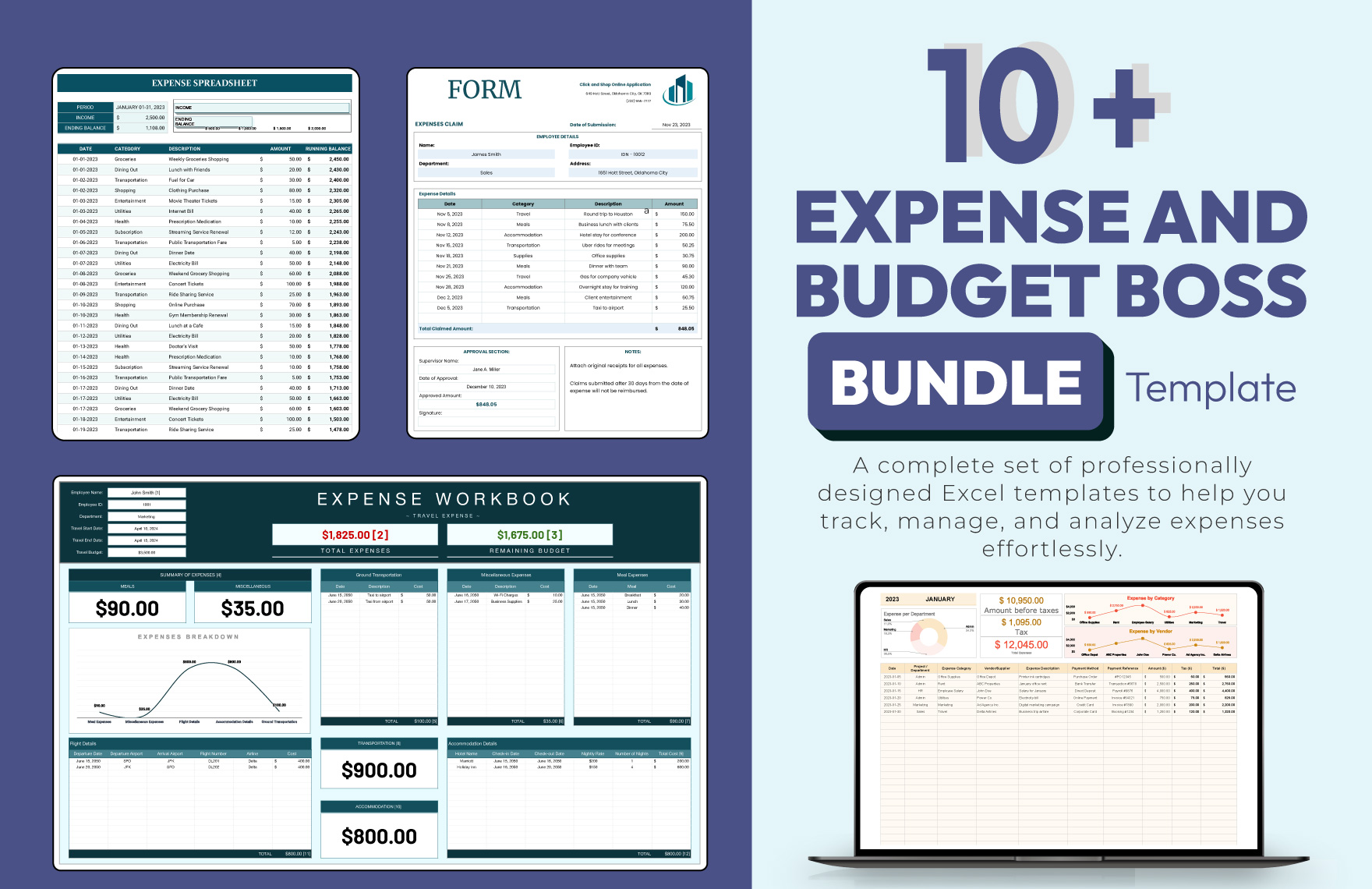
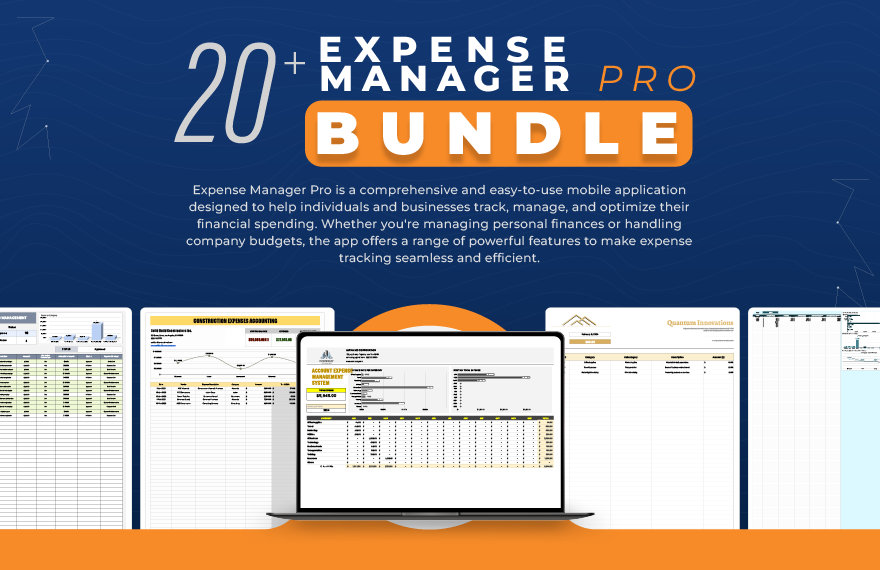
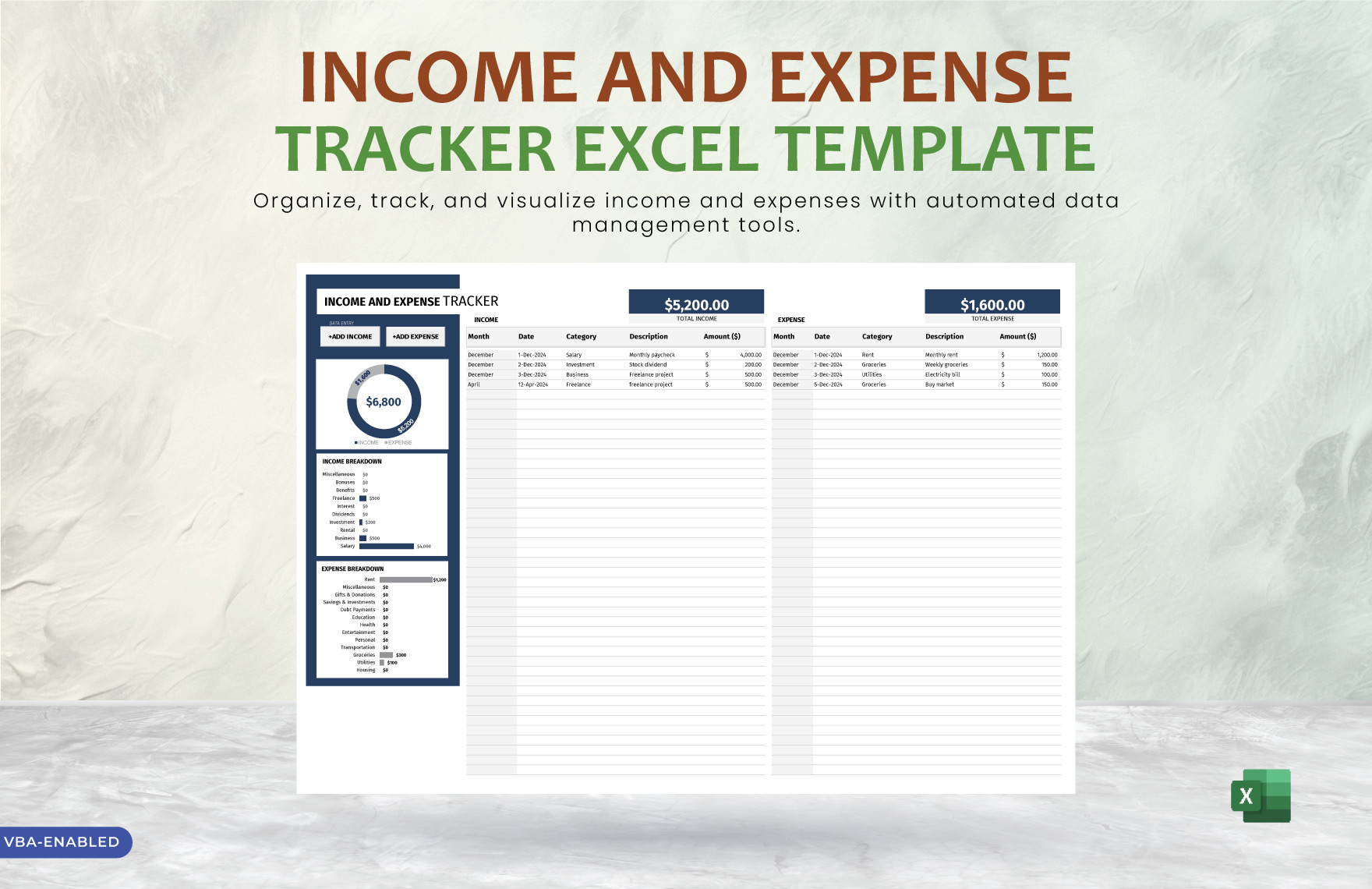
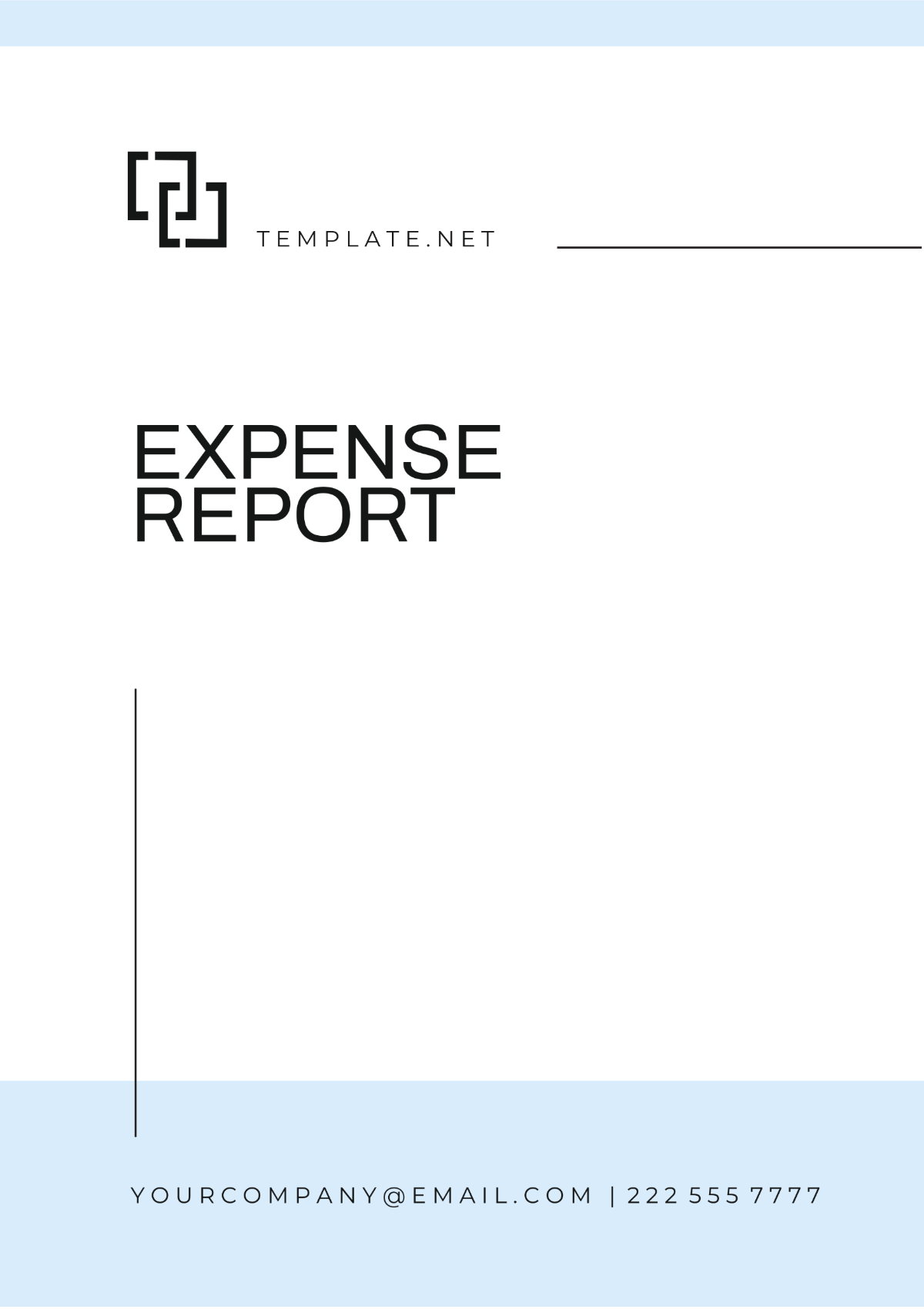
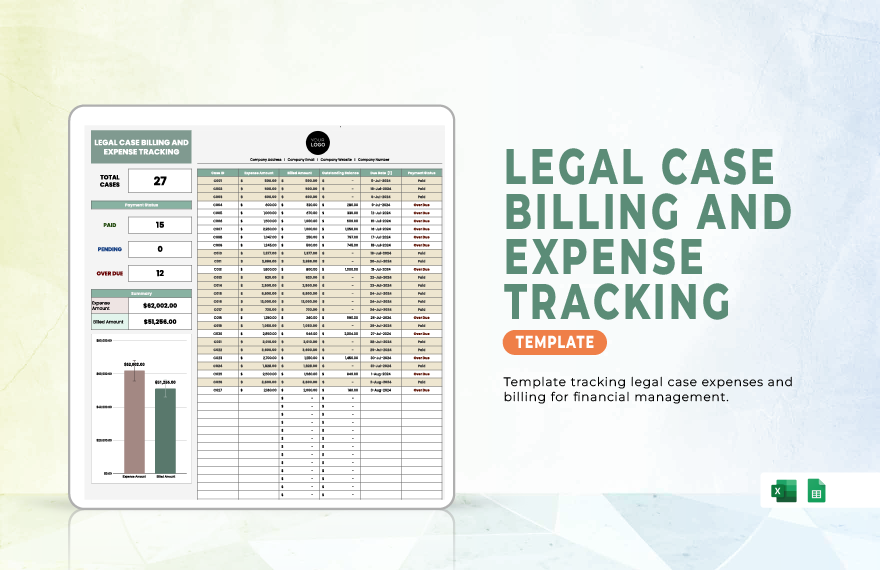
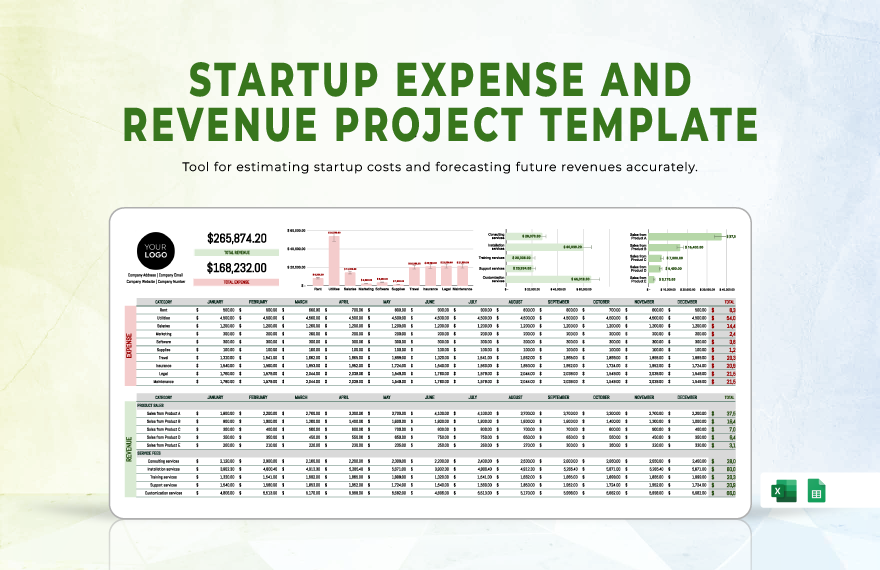
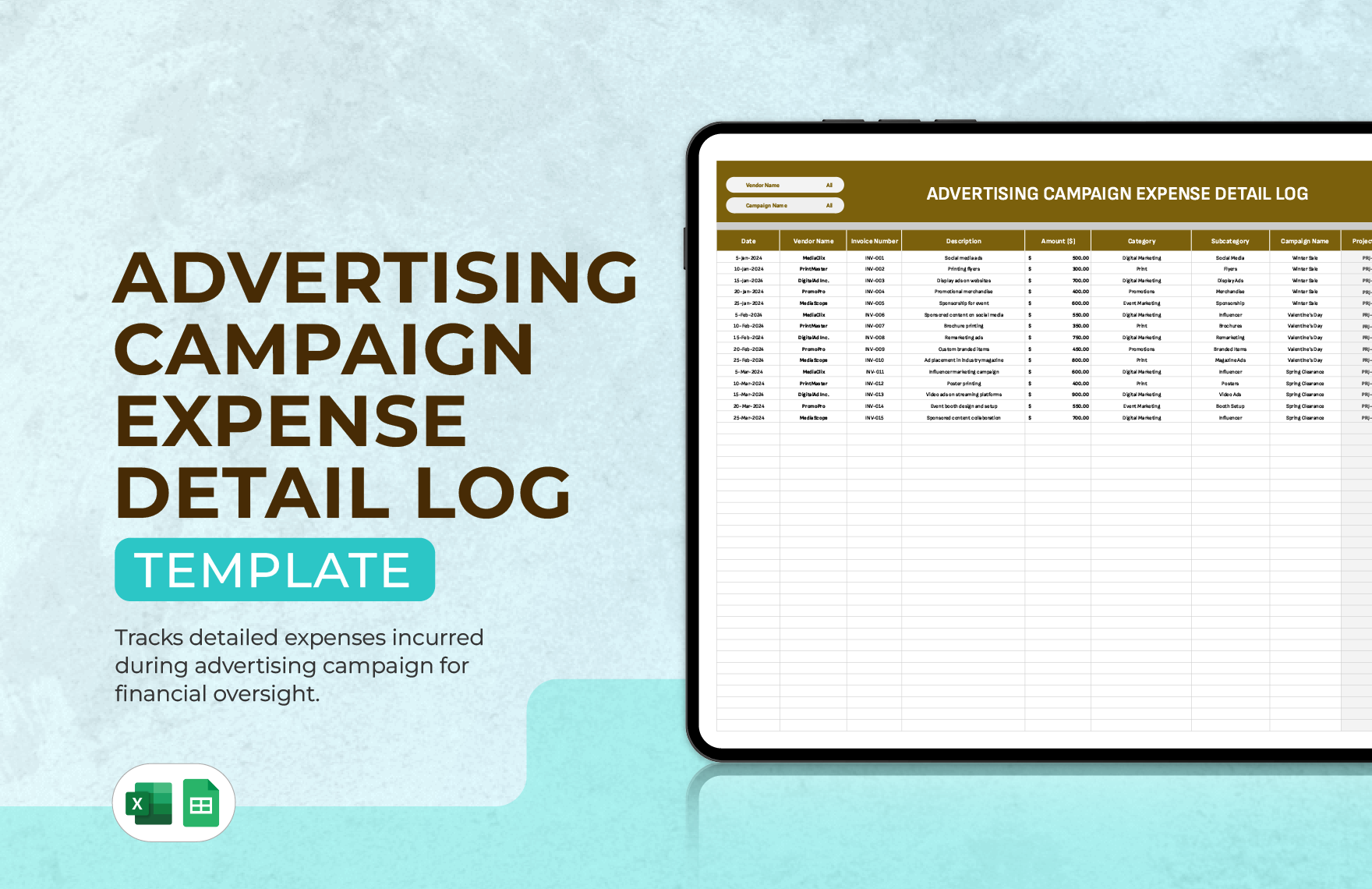
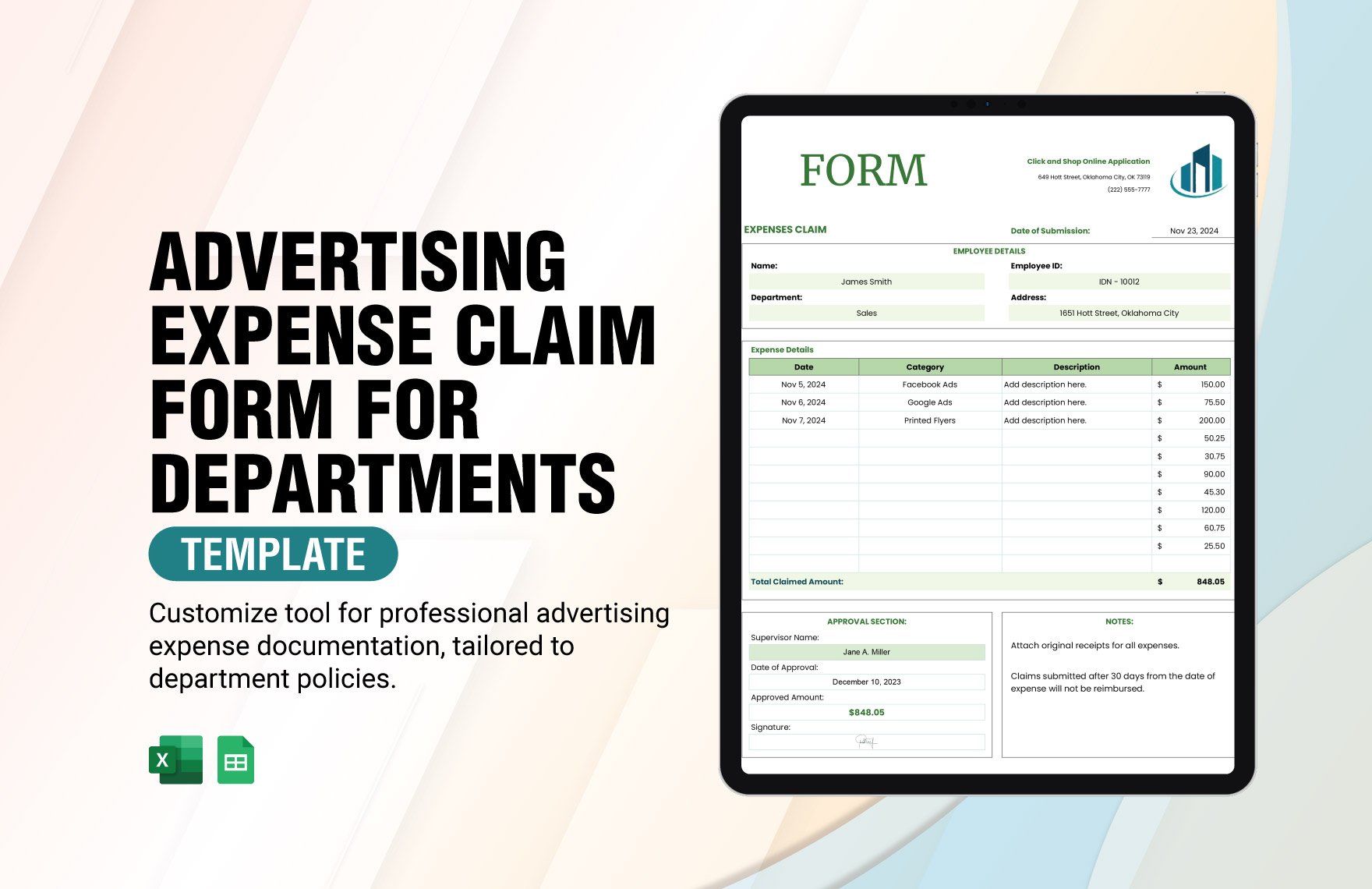
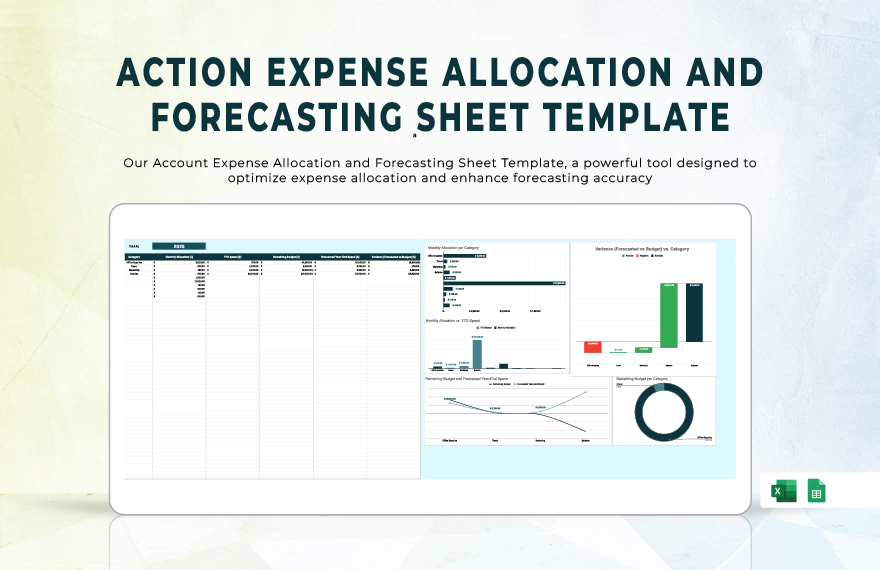

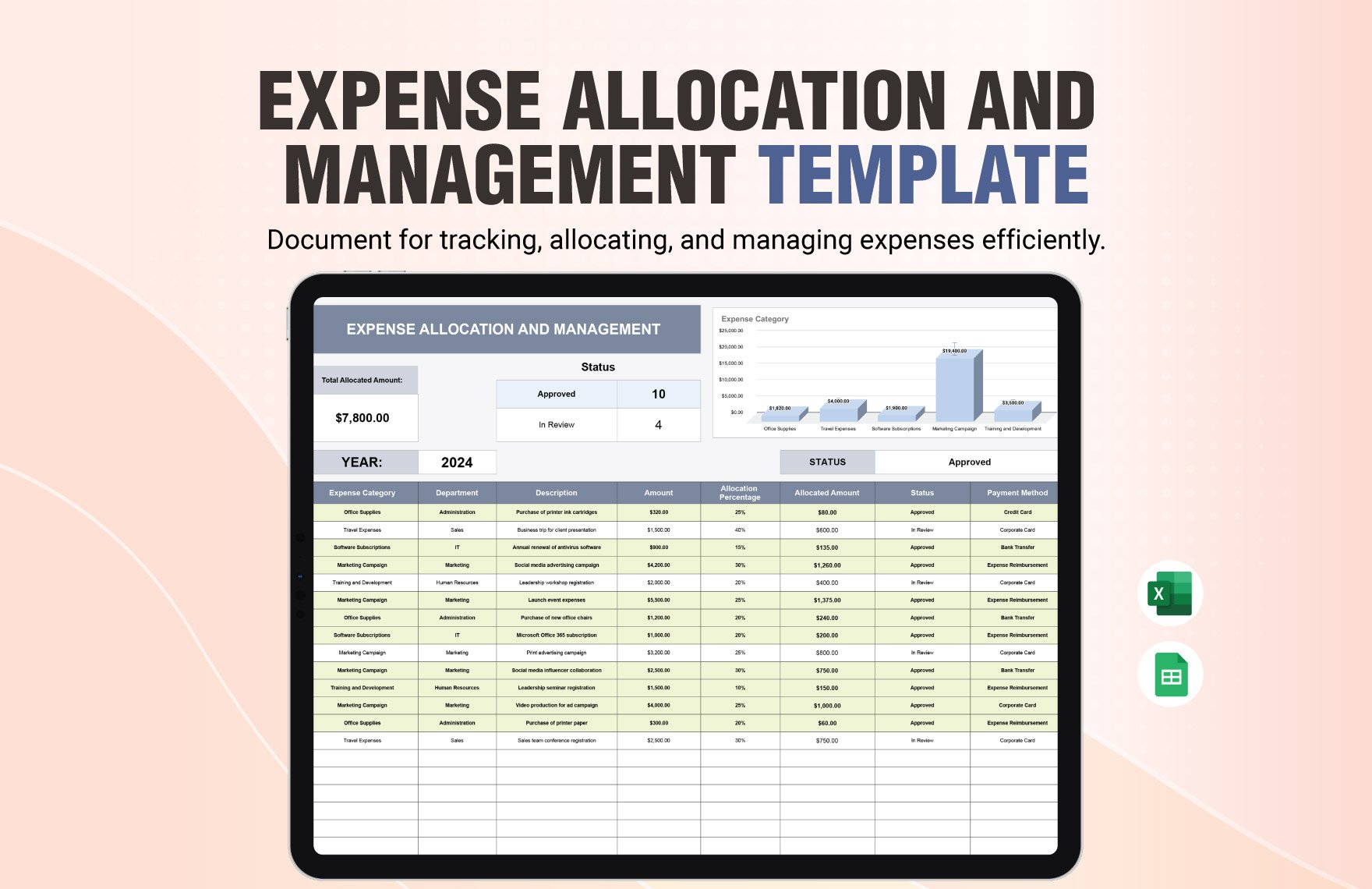
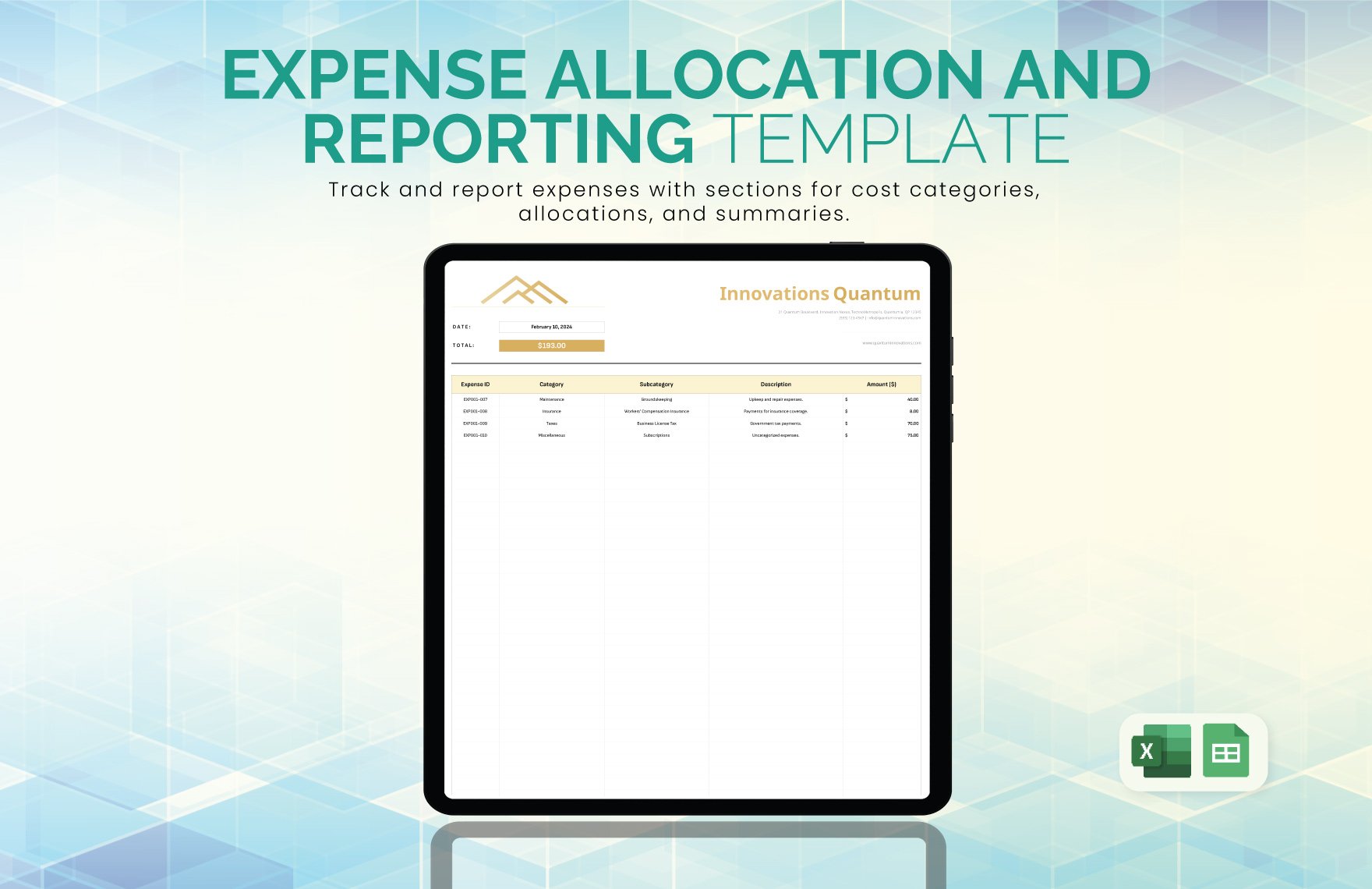
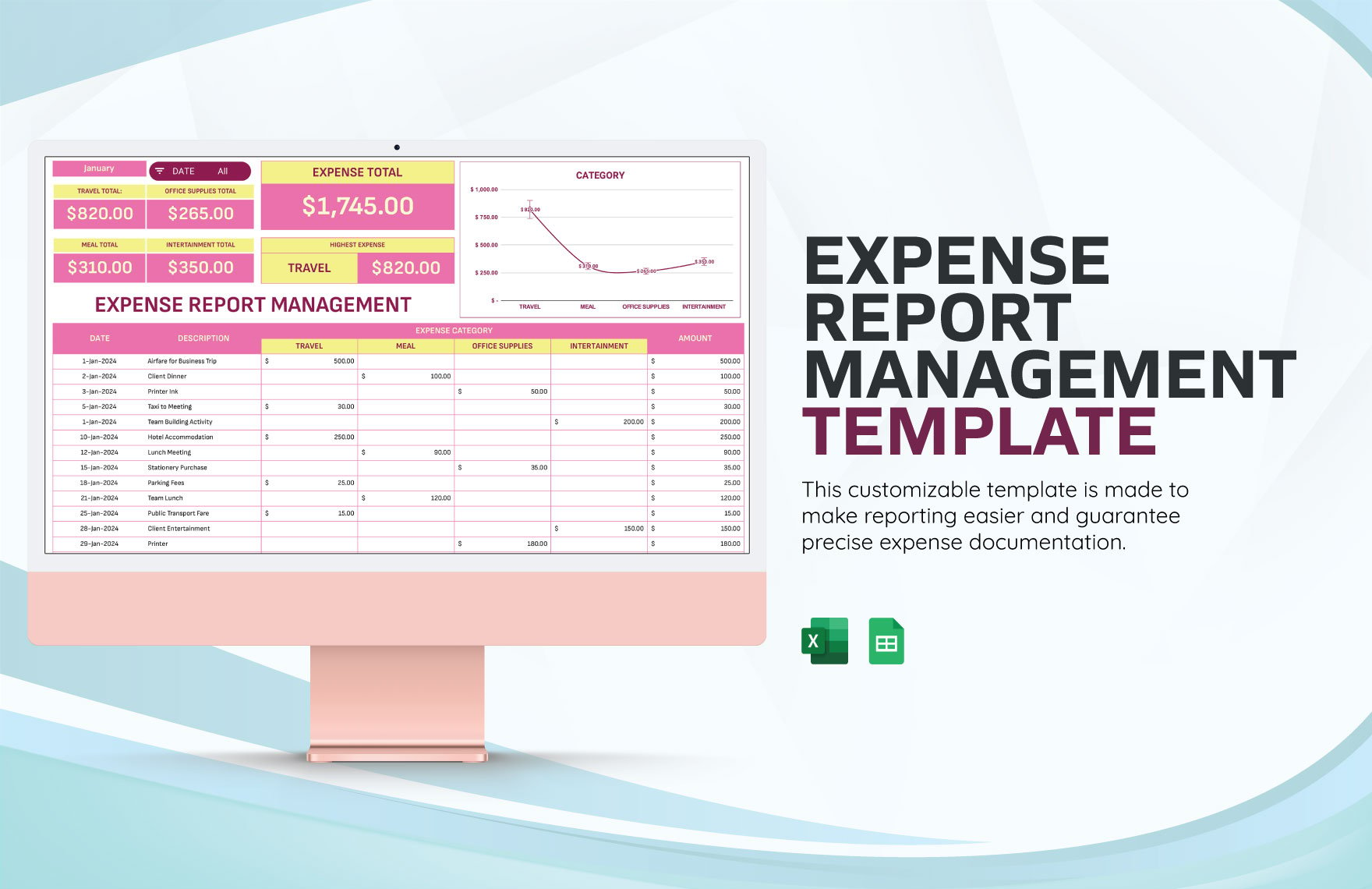

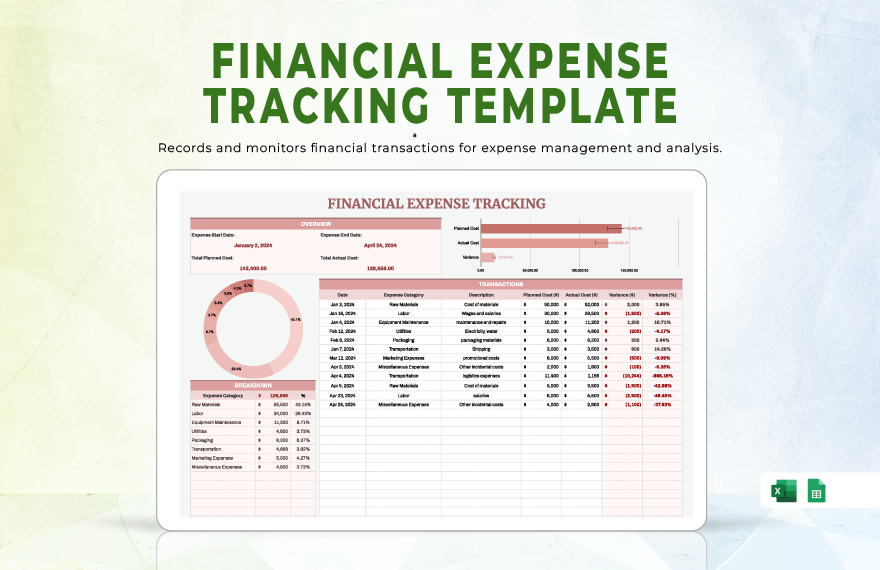
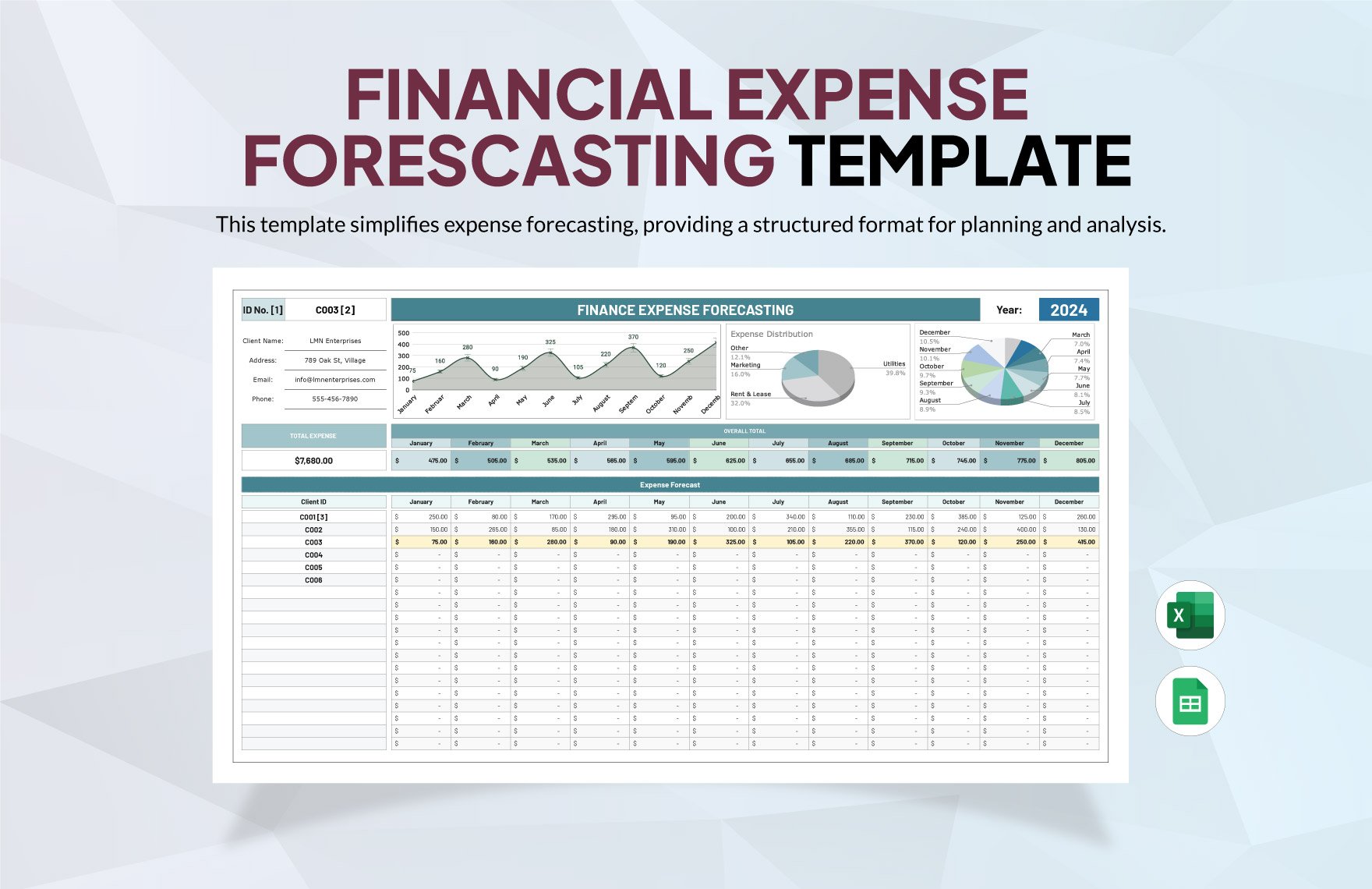
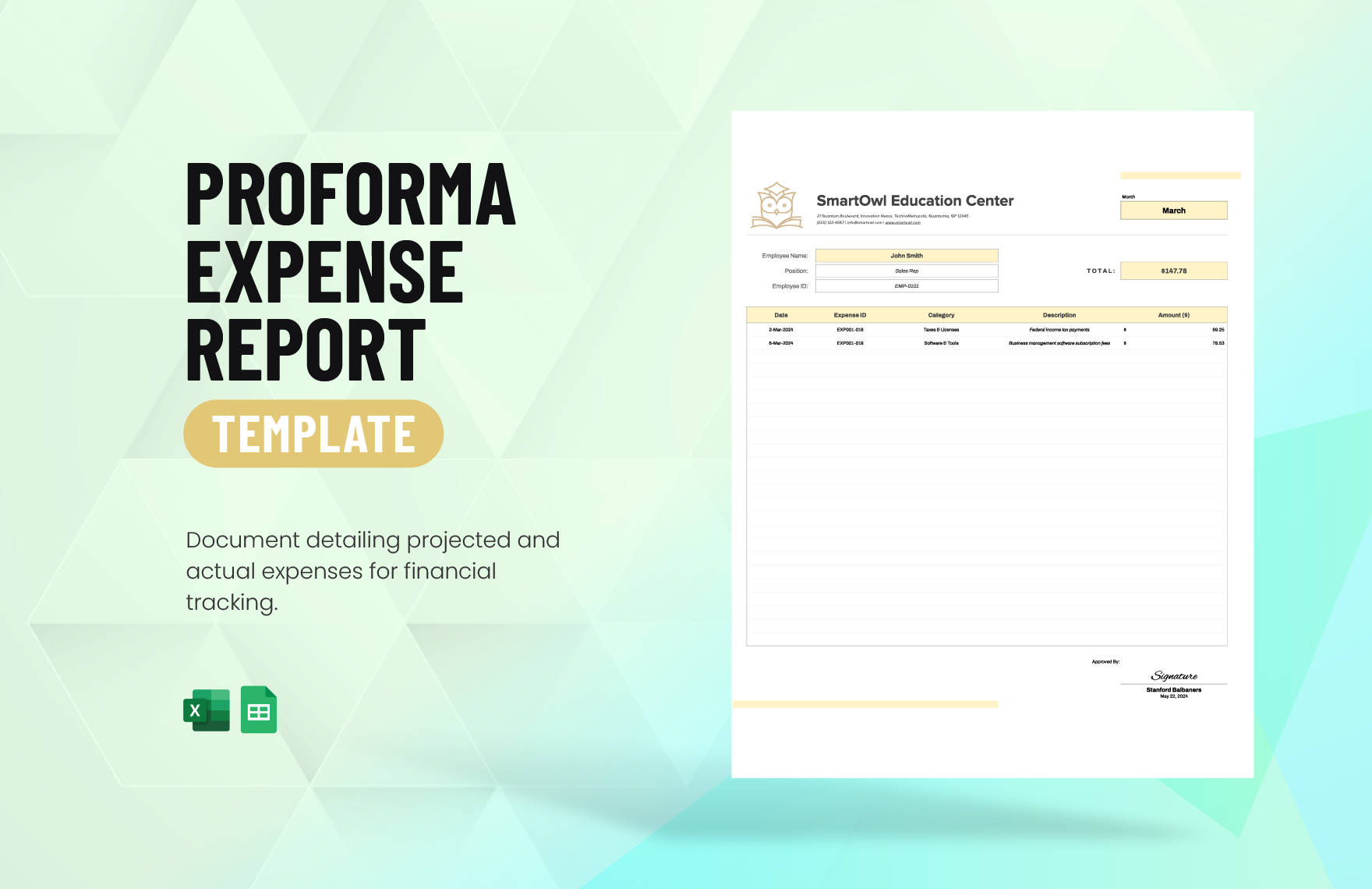
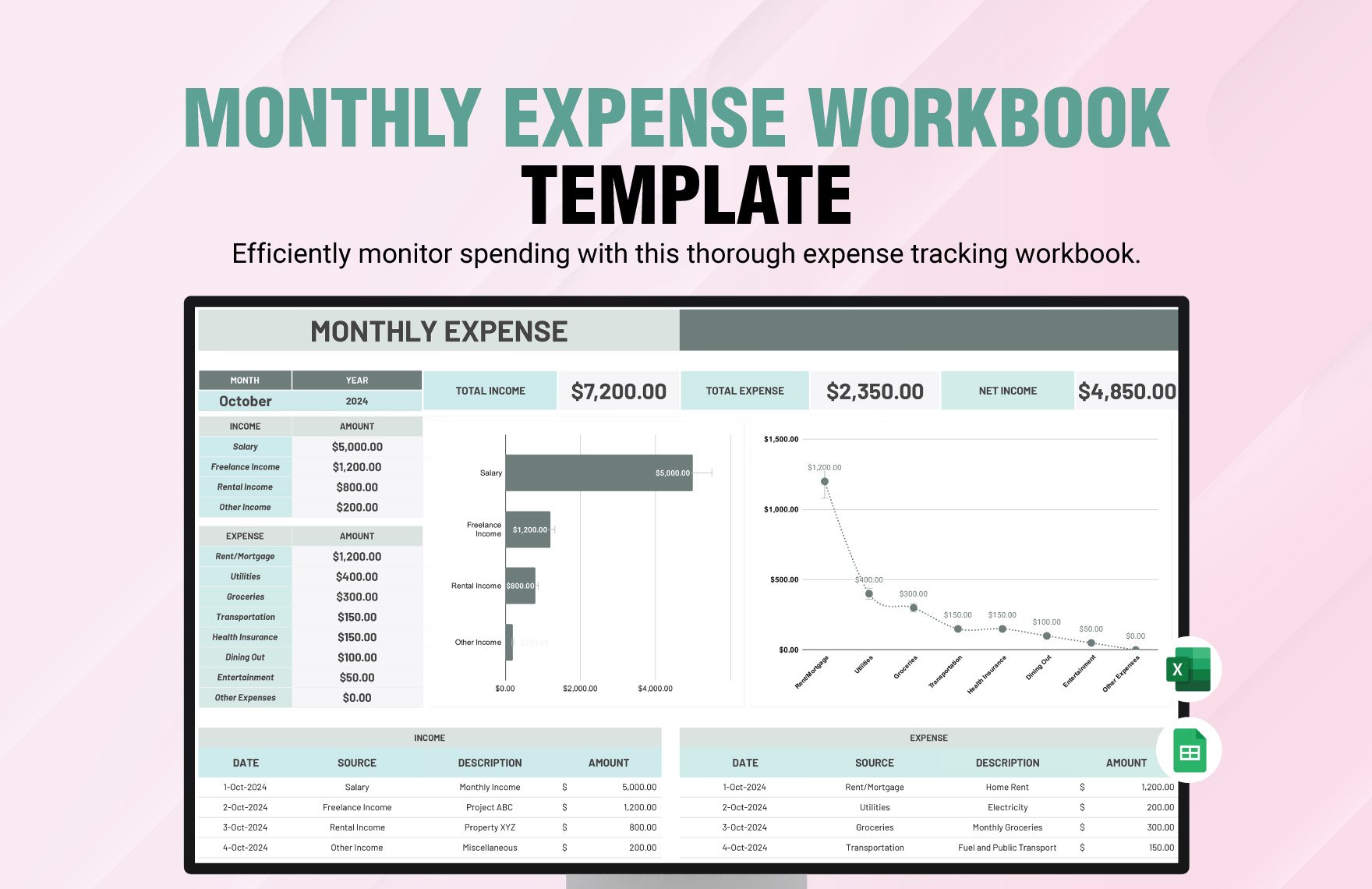
Create Expense Reports, Edit Online with AI-Powered Expense Report Editor
Template.net’s Free AI Expense Report Generator helps you draft accurate and professional reports in seconds. Edit online with your brand logo, fonts, categories, and custom elements to ensure every report is detailed and ready for review. Whether you're logging travel costs, team expenses, or reimbursements, stay on-brand and audit-ready. Download in multiple formats, share instantly, and streamline expense reporting.
![Free AI Expense Report Generator, Free Report Maker [ No Signup ]](https://images.template.net/generator-images/0-ai-report-generator/0-ai-expense-report-generator.webp)
Create Custom, Professional Expense Reports in Seconds
From travel reimbursements to department expense breakdowns, our AI-powered generator helps you prepare clean, detailed reports in any format, tone, or structure. No blank pages, no formatting guesswork.
AI Brand Voice
Choose from formal, business-friendly, or financial tones. Our AI adjusts the wording to match your purpose, whether it’s a client billing report or an internal summary. You can also generate content in your brand’s voice, with built-in tone, style, and formatting presets.
AI-Smart Formatting Suggestions
Instant layout improvements including tables, headers, totals, and expense categories. Especially useful for reports with multiple sections or recurring formats.
Multiple Document Types Supported
Generate various financial documents including expense reports, travel logs, billing summaries, receipts, invoices, audit logs, and reconciliation sheets.
Academic & Professional Formatting
Supports formats aligned with financial reporting standards. Ideal for internal audits, expense claims, and client billing presentations.
Smart Personalization
Auto-fill employee names, departments, dates, project names, and approvers. Save time and avoid repetitive editing.
Auto-Suggested Visuals & Headers
AI recommends logical expense categories, headings, and automatically calculates subtotals and grand totals to keep reports accurate.
Multilingual Document Generation
Create expense reports in 20+ global languages using text or voice prompts.
Languages supported: English, Spanish, French, Hindi, Arabic, Chinese, Portuguese, Bengali, Russian, Japanese, German, Korean, Italian, Turkish, Vietnamese, Urdu, Persian, Polish, Thai, and Punjabi.
Voice-Powered Drafting
Just speak your report’s details, and the AI creates your document. Great for busy managers or on-the-go employees logging mobile expenses.
Fully Customizable Text, Styles and Design
Edit fonts, headings, column styles, and layout sections. Apply branding with your colors, fonts, and headers. Choose from pre-made report styles or build your own.
Branding and Visual Control
Automatically add your company logo, footer info, and standard branding elements to every expense report.
Citations & Source Generation
Reference receipts, invoices, or links as expense sources. Helpful for compliance or when submitting to finance teams or clients.
Real-Time Proofreading
Check spelling, currency labels, formatting errors, and numerical consistency in real time. No need for external proofreading tools.
Rewriting & Content Expansion
Let AI summarize or expand sections like report overview or notes. Helpful when converting raw data into formal summaries.
Export in Multiple Formats
Download or share expense reports in DOCX, PDF, TXT, PNG. Export directly to Google Drive, Dropbox, OneDrive, Notion, or email.
Real-Time Collaboration
Collaborate with finance teams or clients. Add notes, comments, or revisions in a shared workspace.
Secure Cloud Workspace
Store reports in a secure, access-controlled cloud. Manage folders, assign team roles, and keep your records organized.
Translate Full Documents Instantly
Convert expense reports into another language with one click. Ideal for global teams or international audits.
Share or Embed Anywhere
Publish via shareable link, QR code, or embed reports in client portals, team dashboards, or knowledge bases.
Add Signature Blocks
Insert digital signatures or placeholders for finance managers, team leads, or clients to approve expense reports.
Attach Files & Media
Add scanned receipts, spreadsheets, supporting files, or reference images alongside your report.
Insert Maps and Locations
Embed travel routes or meeting location maps to support mileage or travel claims.
Add Images and Videos
Upload receipts, tickets, or snapshots of expenses to support each entry in your report.
Add Charts and Graphs
Visualize department expenses, cost trends, or budget comparisons with instant bar, line, or pie charts.
Add Tables and Structured Data
Organize expenses by category, project, or date using responsive tables. Easily sort, filter, and total each column.
![Free AI Expense Report Generator, Free Report Maker [ No Signup ]](https://images.template.net/generator-images/5-ai-report-generator/5-ai-expense-report-generator.webp "Free AI Expense Report Generator, Free Report Maker [ No Signup ]")
How to Create a Free AI-Generated Expense Report
Just enter a prompt, customize the report, and export your polished expense summary in minutes. No formatting errors, no manual spreadsheets.
Step 1: Start with a Prompt
Type or speak your expense report’s purpose such as: “Travel expense report for conference,” “Monthly marketing team expenses,” or “Client project billing summary.” The AI understands your context and instantly begins drafting the report.
Step 2: Generate and Edit
Within seconds, you’ll get a structured and categorized expense report based on your input. Edit totals, add or remove line items, adjust the tone or layout, or generate multiple versions until it matches your reporting needs.
Step 3: Finalize and Share
Insert your company name, project code, or any required formatting. Then export your expense report in DOCX, PDF, TXT, or share directly via Email, LinkedIn, WhatsApp, Facebook, X (Twitter), Pinterest, Reddit, or as a live link or QR code.
Work Smarter and Promote Your Brand
![Free AI Expense Report Generator, Free Report Maker [ No Signup ]](https://images.template.net/generator-images/1-ai-report-generator/1-ai-expense-report-generator.webp "Free AI Expense Report Generator, Free Report Maker [ No Signup ]")
Generate Expense Report That Represent You
Apply your company’s expense reporting format and branding in seconds. From color-coded categories to branded headers, every part of your report matches your internal standards.
![Free AI Expense Report Generator, Free Report Maker [ No Signup ]](https://images.template.net/generator-images/2-ai-report-generator/2-ai-expense-report-generator.webp "Free AI Expense Report Generator, Free Report Maker [ No Signup ]")
Reuse, Repeat, and Scale Easily
Save recurring expense reports as templates. Update only the variable data like dates or amounts, and reuse across departments or clients with minimal changes.
![Free AI Expense Report Generator, Free Report Maker [ No Signup ]](https://images.template.net/generator-images/3-ai-report-generator/3-ai-expense-report-generator.webp "Free AI Expense Report Generator, Free Report Maker [ No Signup ]")
Share Instantly, Collaborate Smoothly
Export reports in DOCX, PDF, or TXT. Share them online, collaborate with team members in real time, and collect approvals or feedback without email clutter.
![Free AI Expense Report Generator, Free Report Maker [ No Signup ]](https://images.template.net/generator-images/4-ai-report-generator/4-ai-expense-report-generator.webp "Free AI Expense Report Generator, Free Report Maker [ No Signup ]")
Smart Workspaces for Teams
Create shared workspaces for tracking and managing expense reports. Assign access roles, store receipts, and ensure uniformity in reporting across all teams.
