
Free Studio Brochure Templates
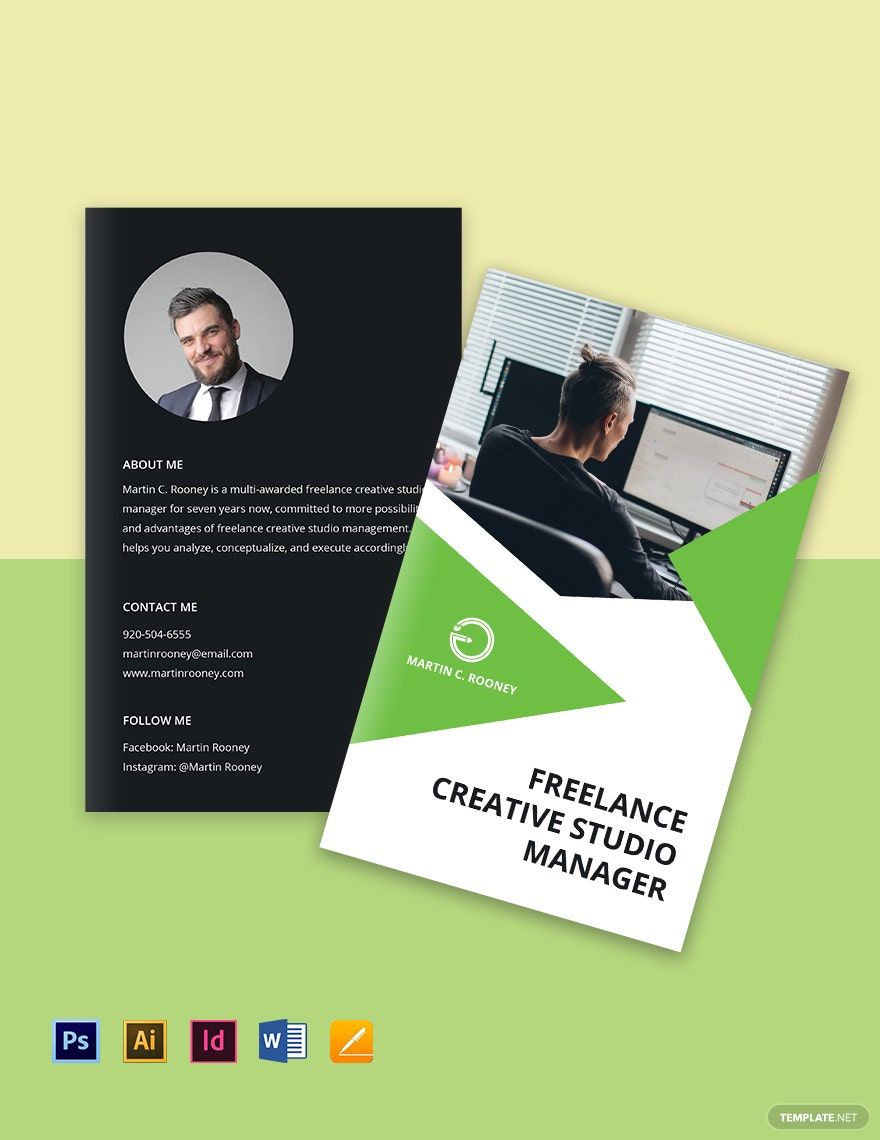
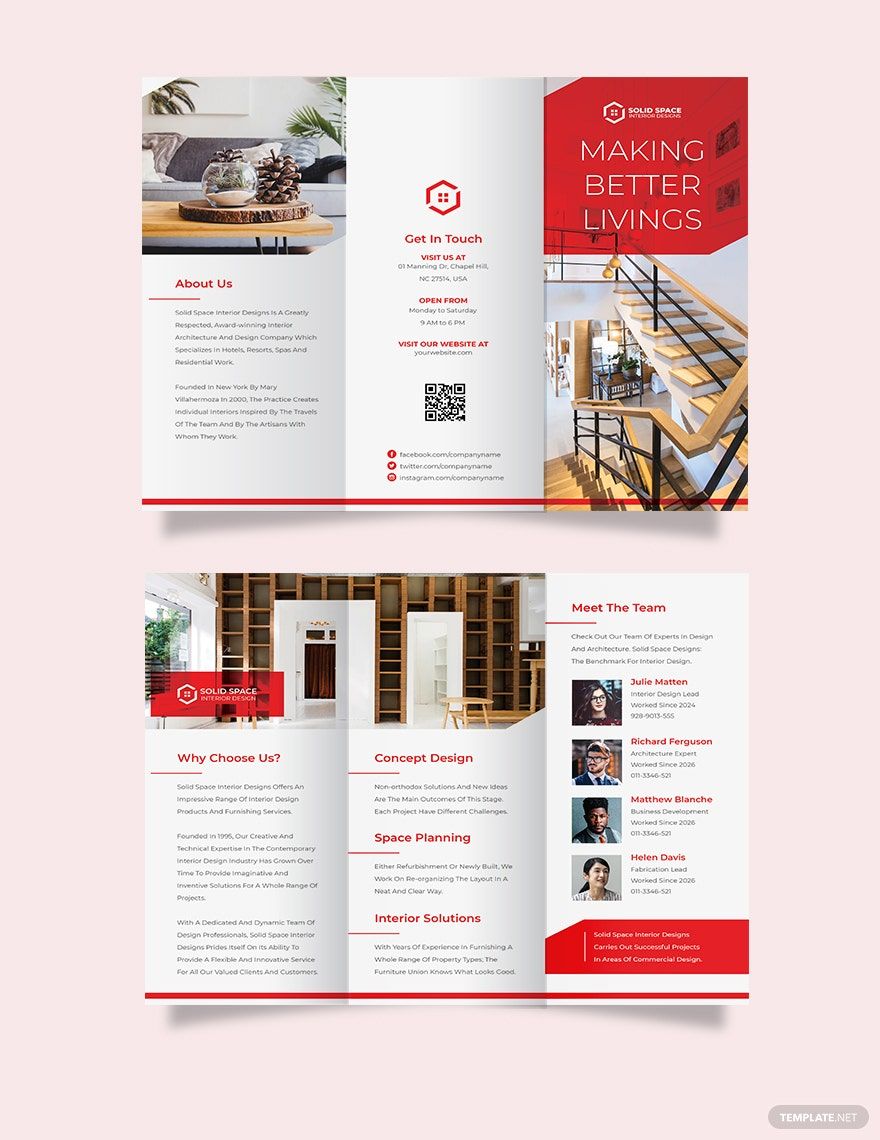
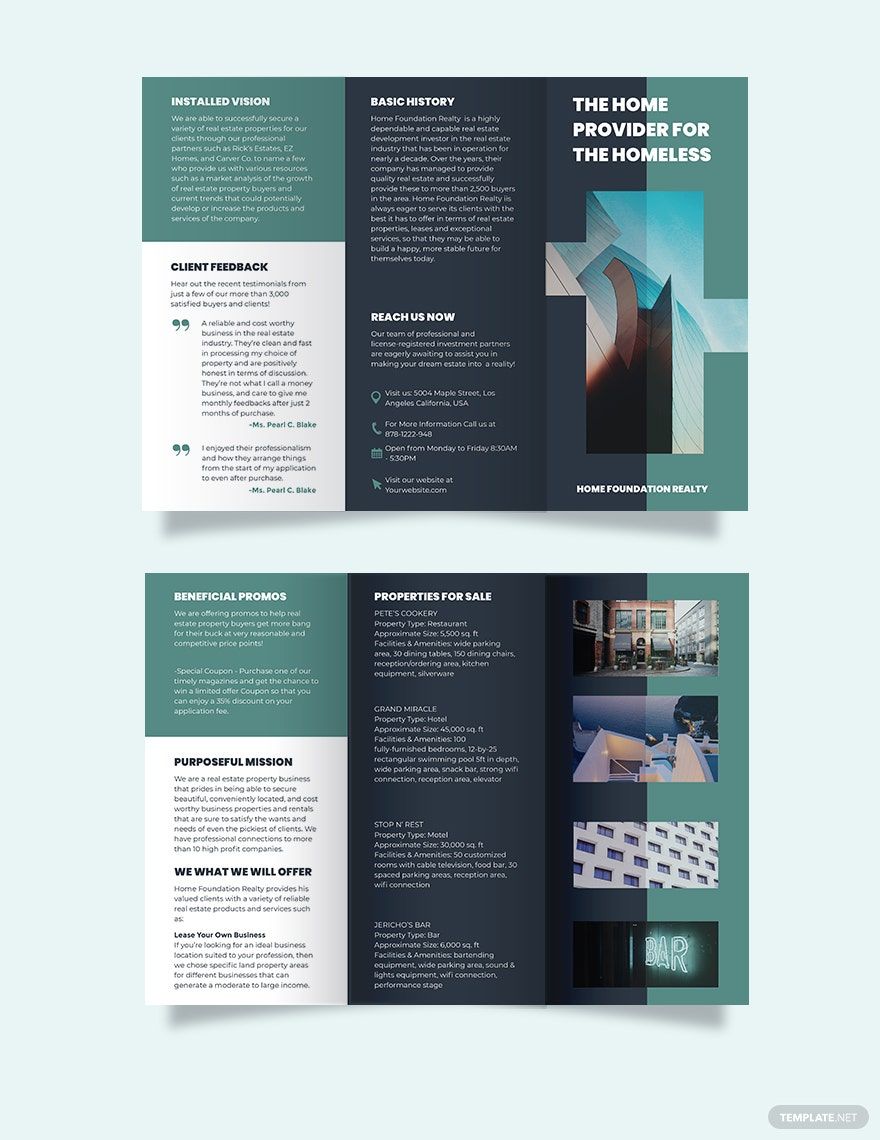
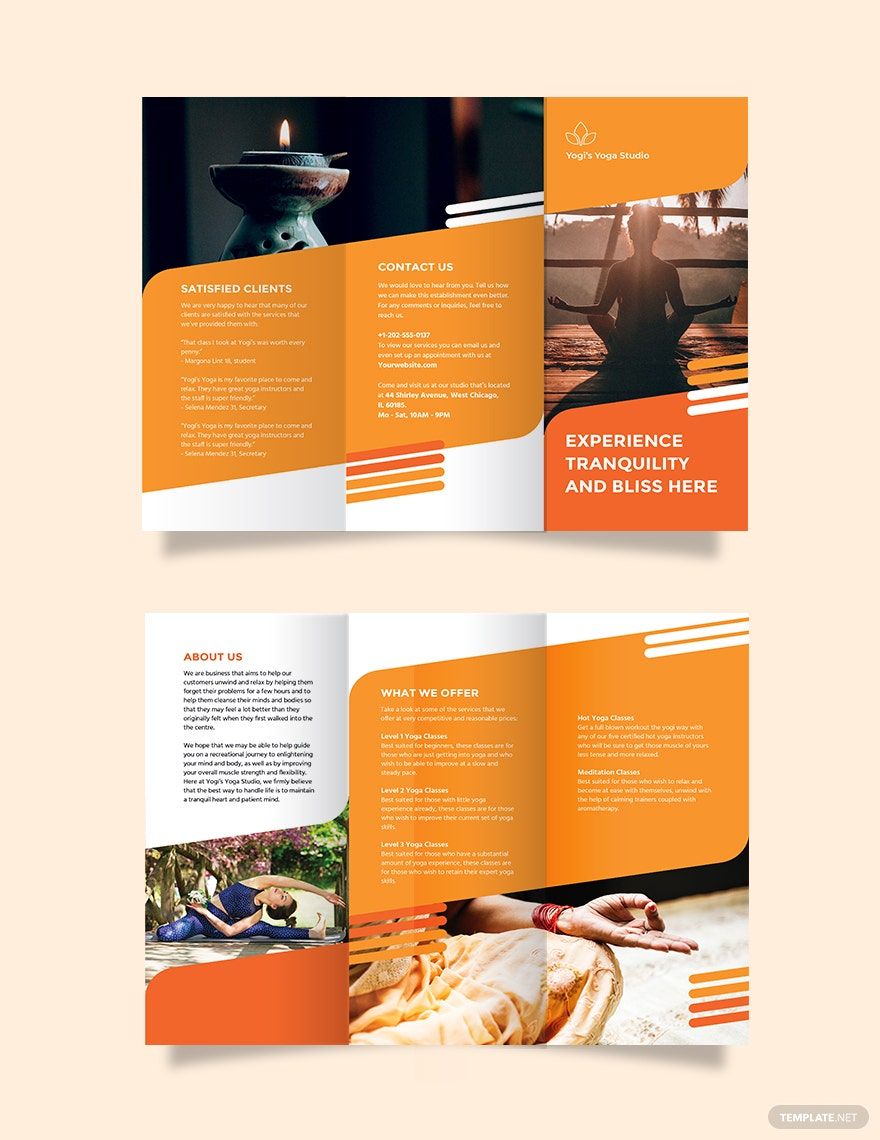
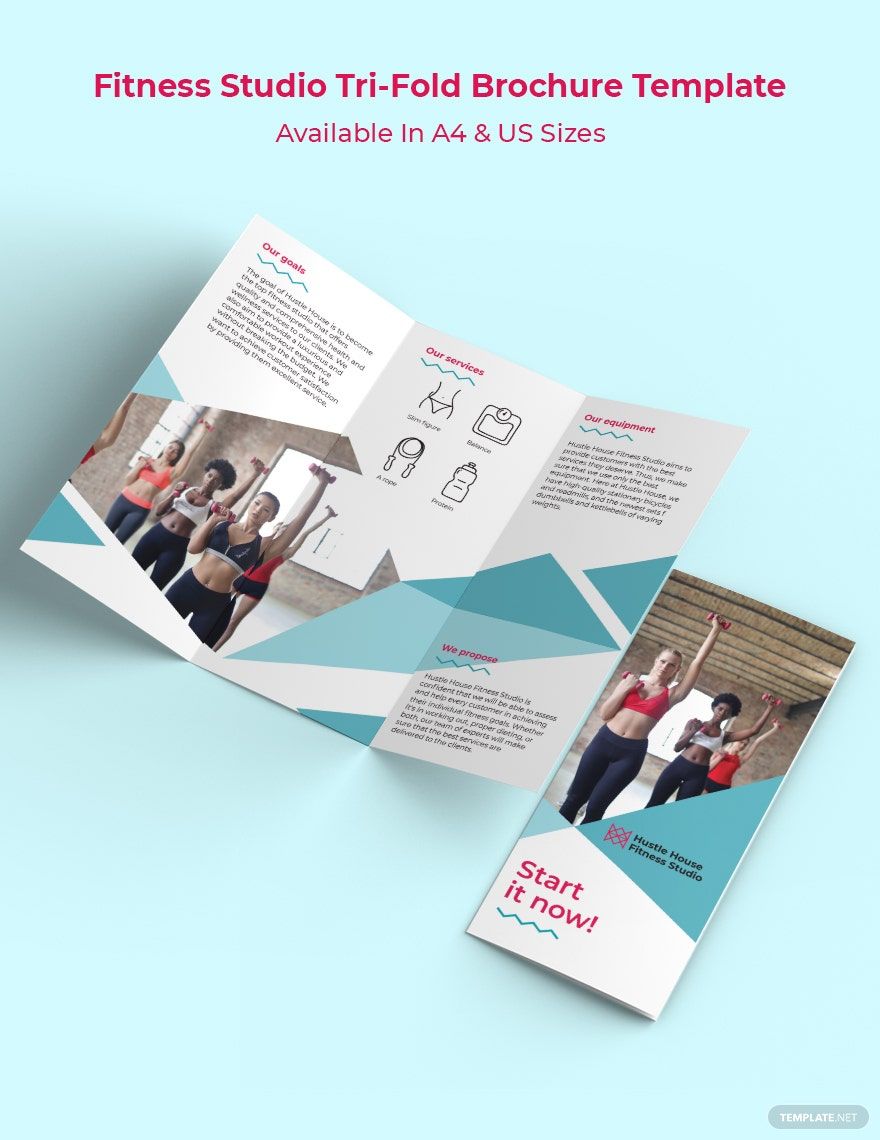
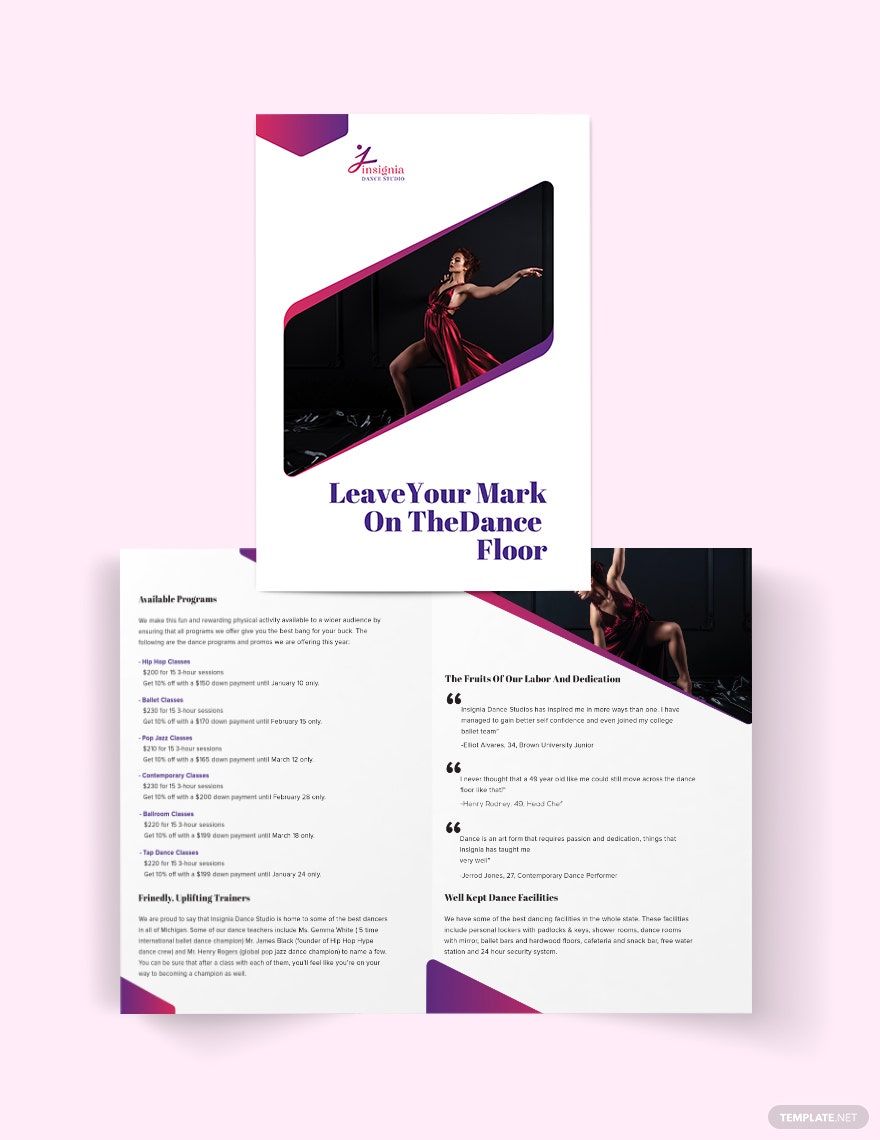
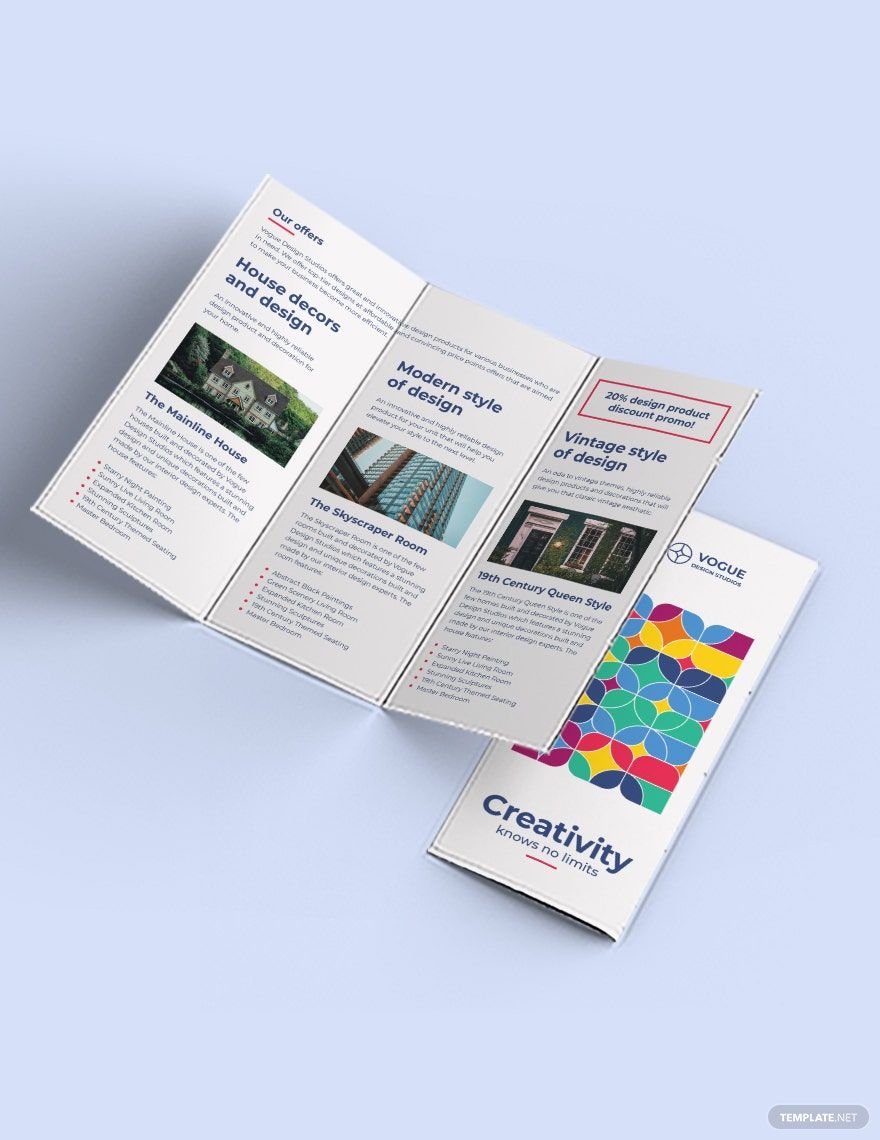
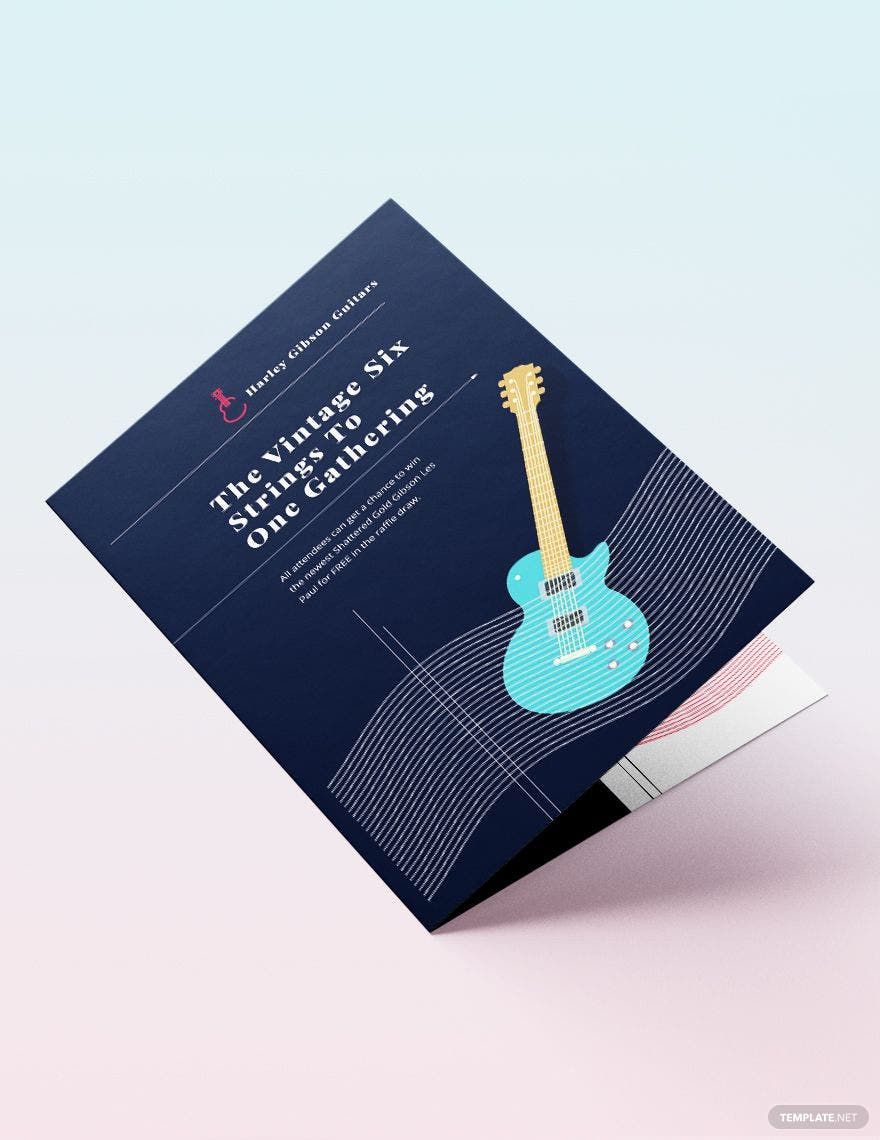
Studio Brochure Templates: Definition, Usage, and Design
What is a Studio Brochure?
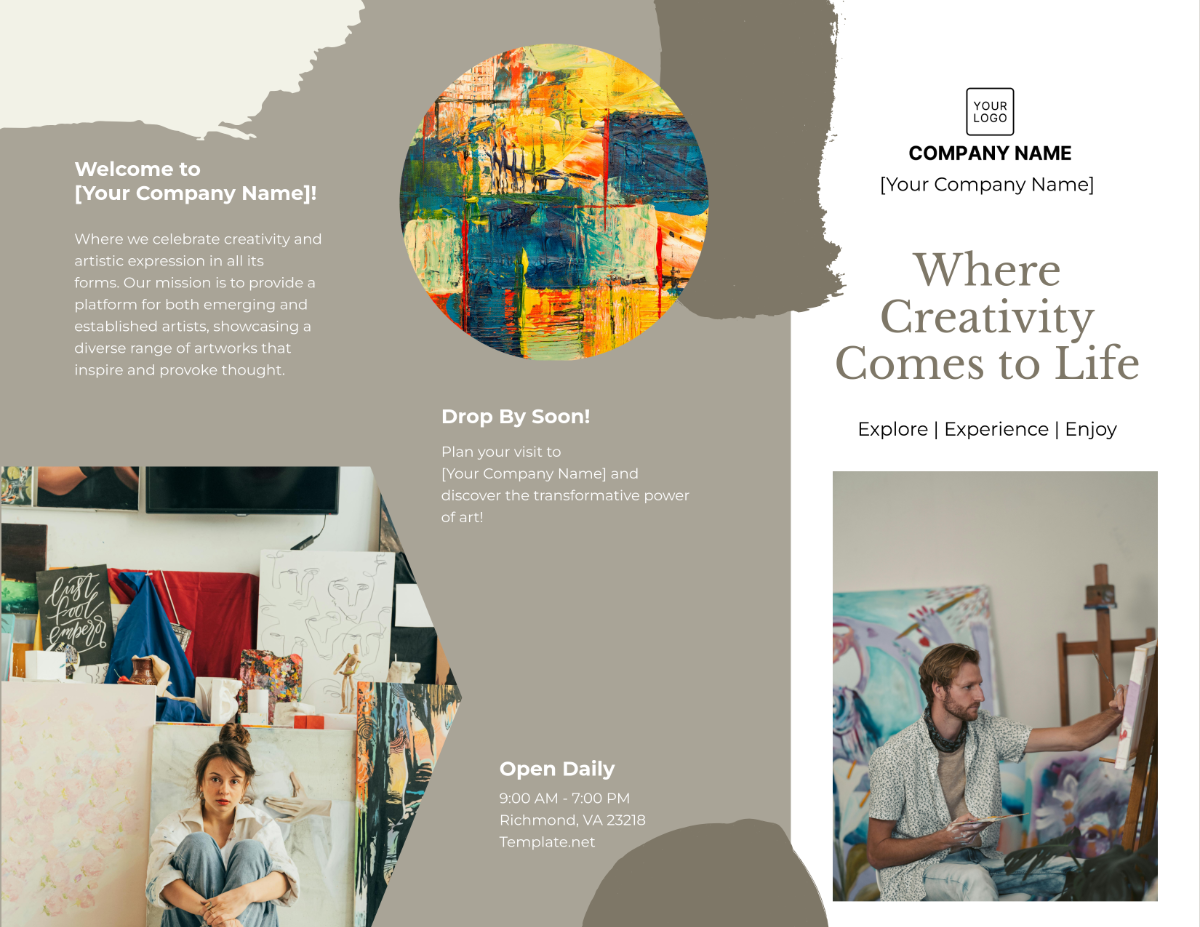
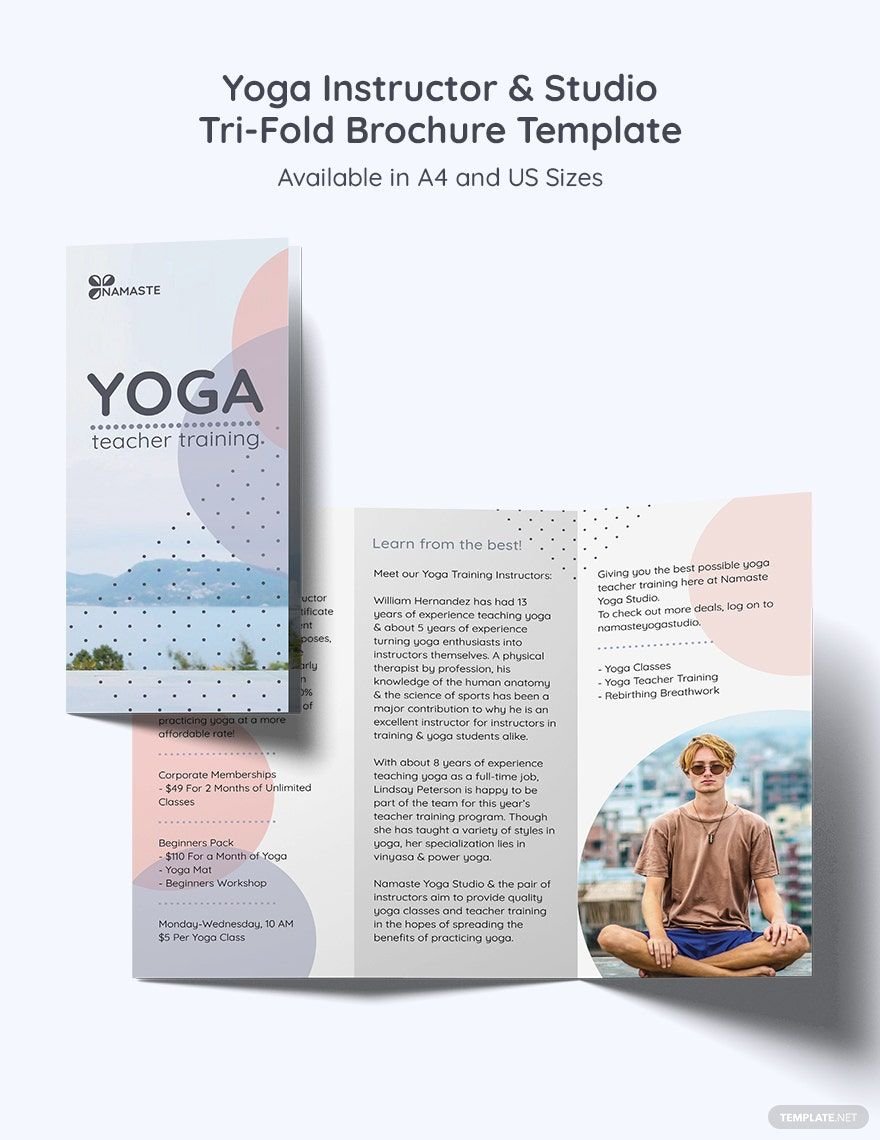
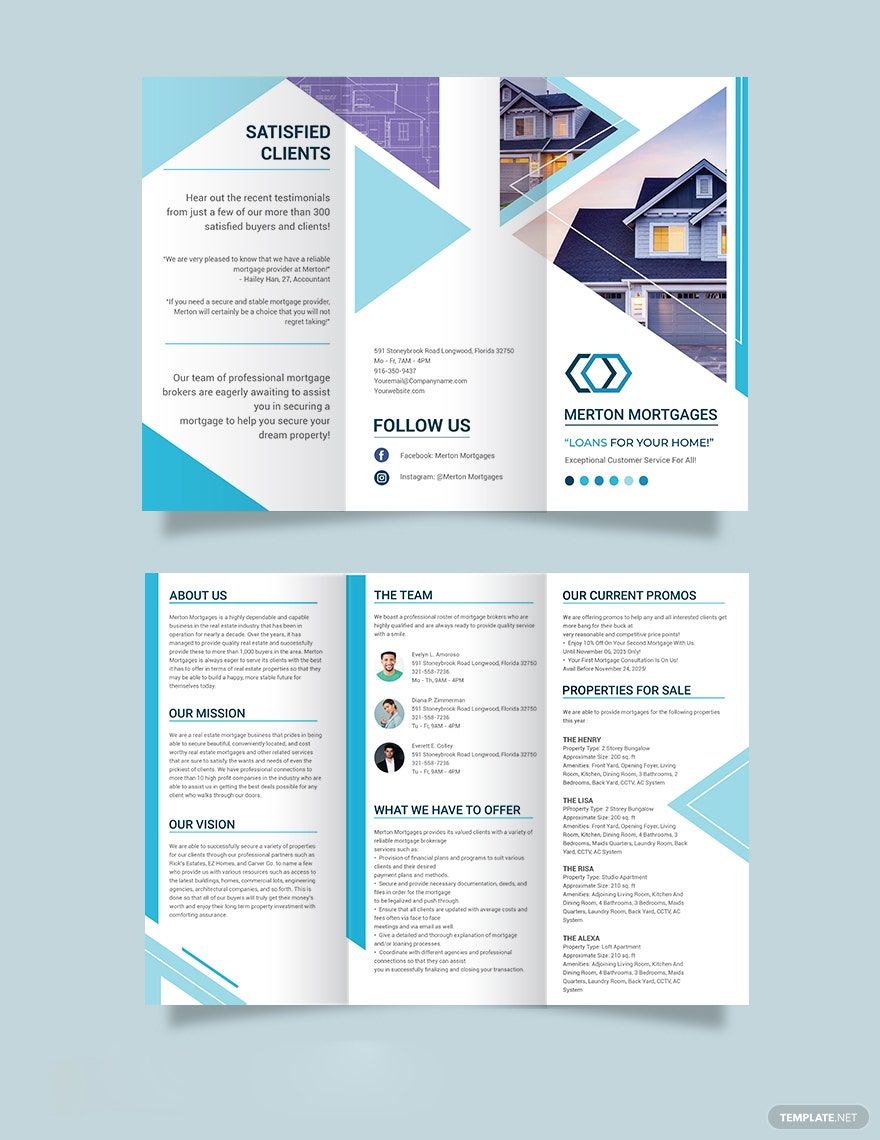
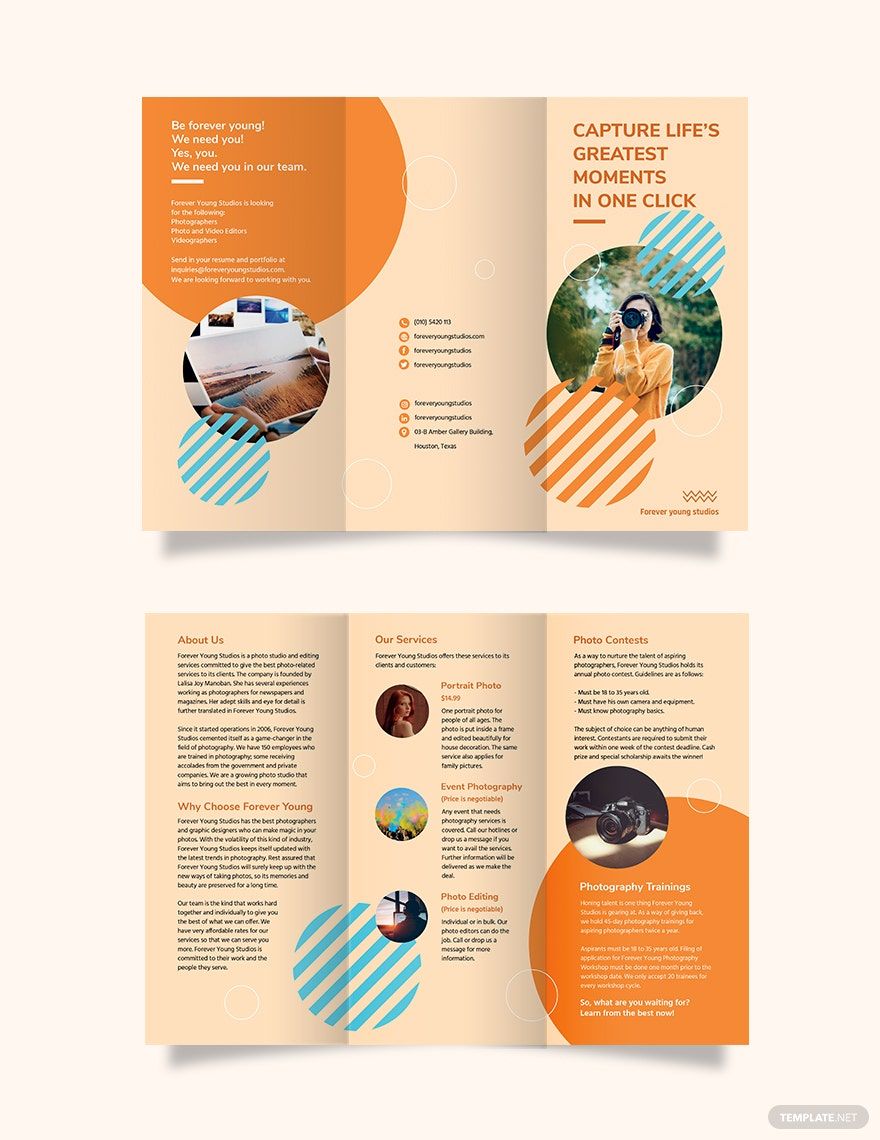
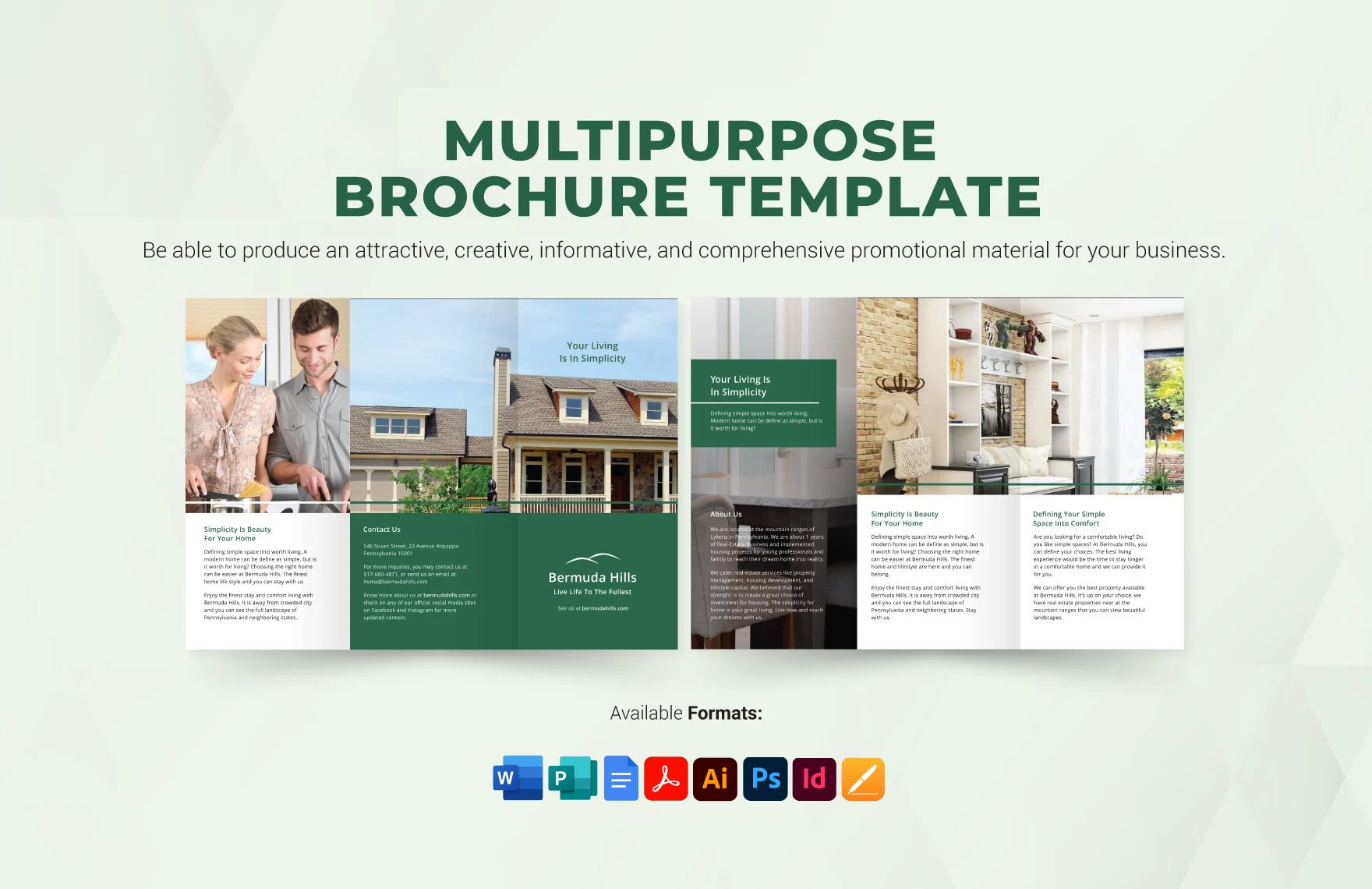
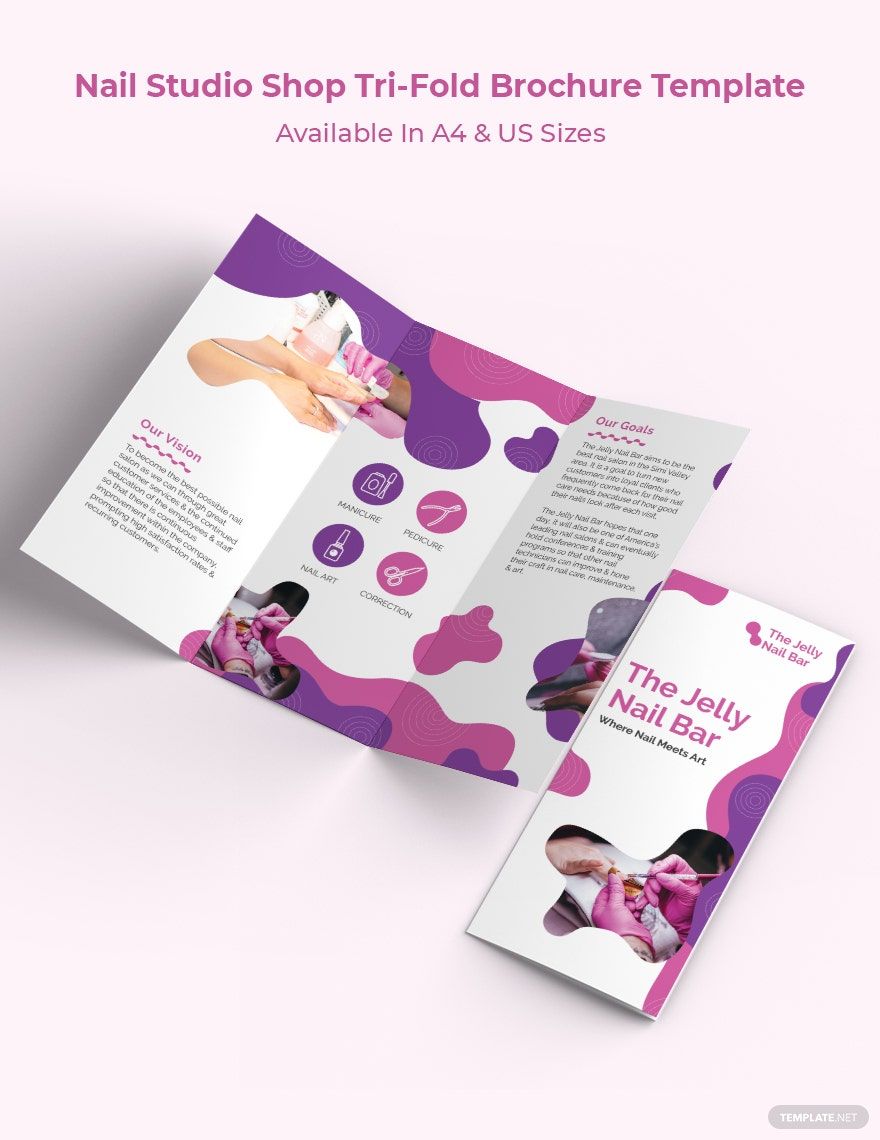
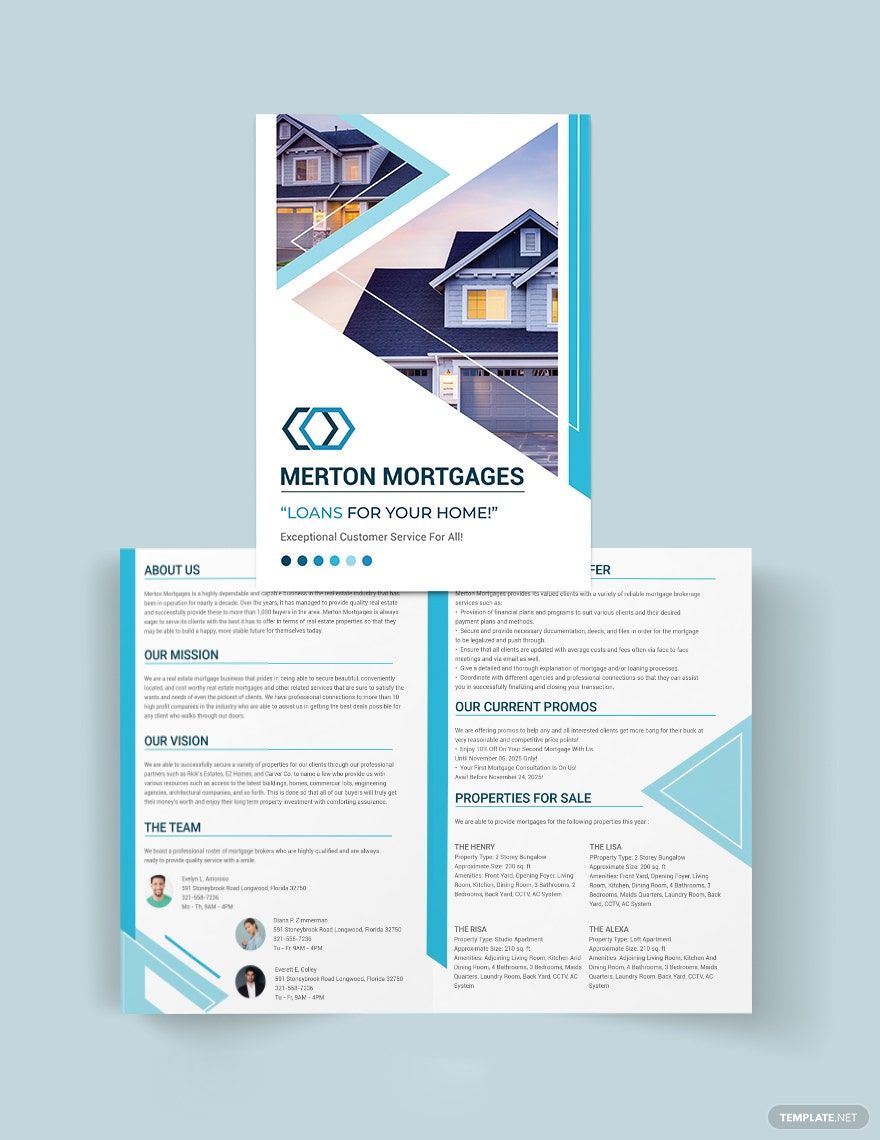
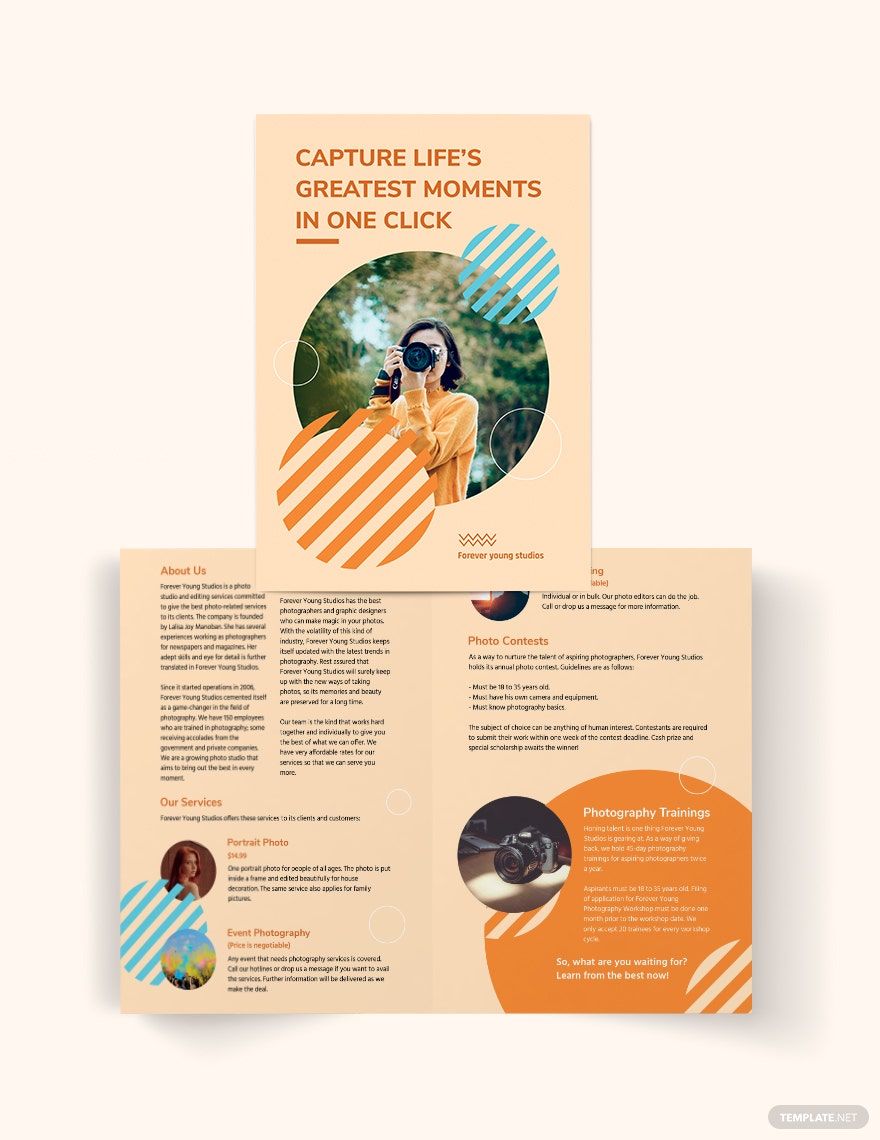
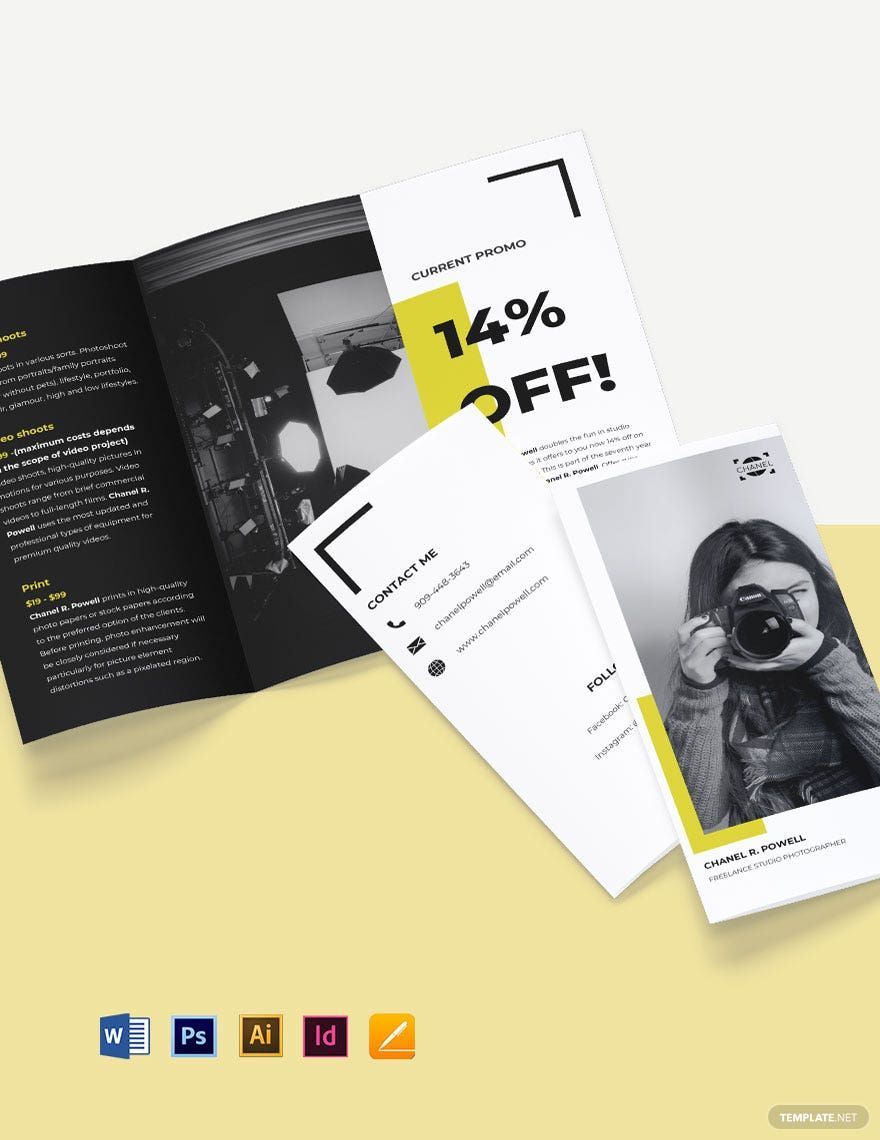
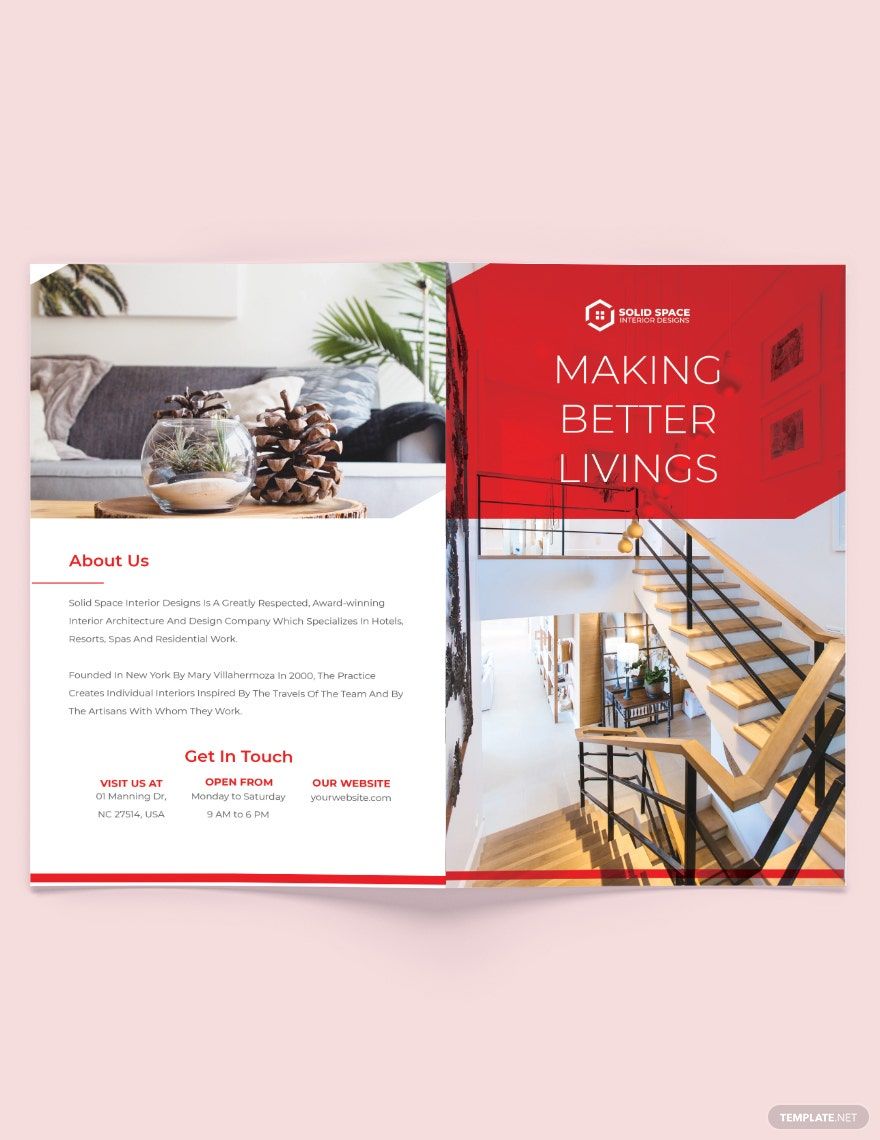
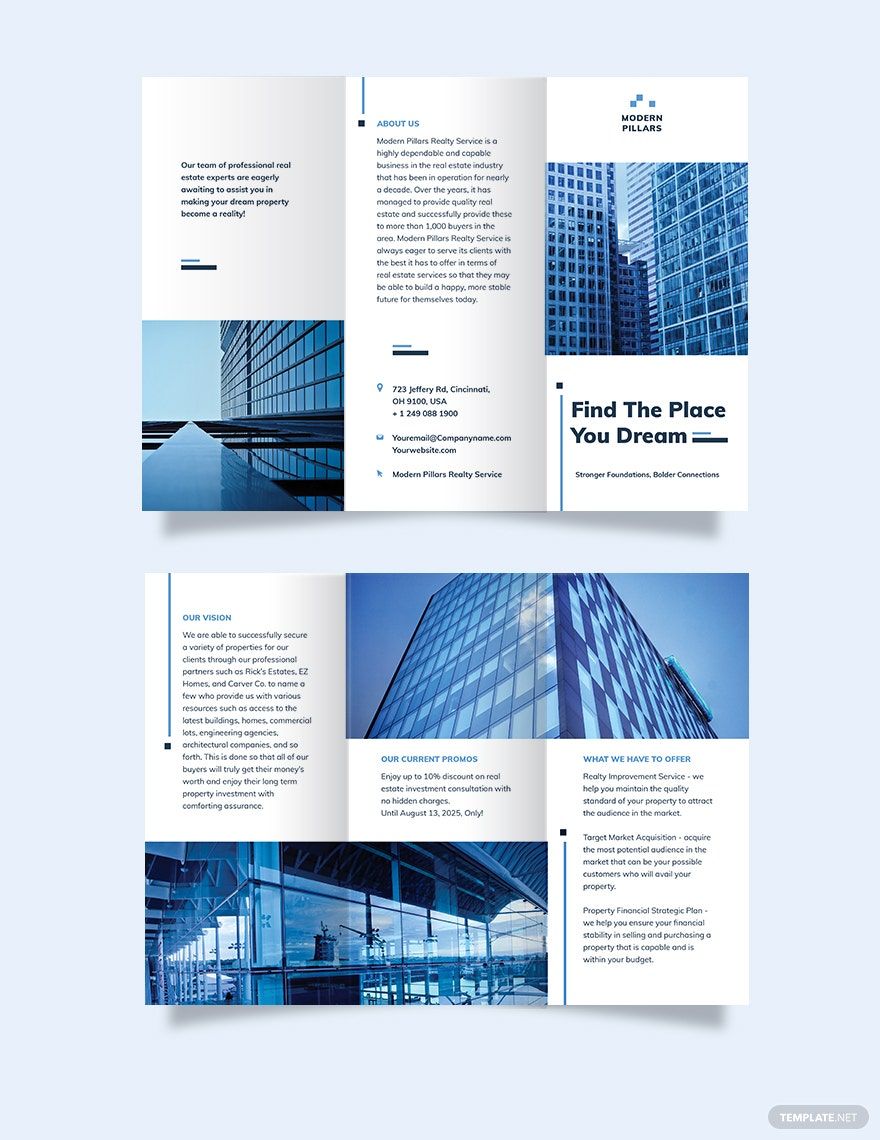
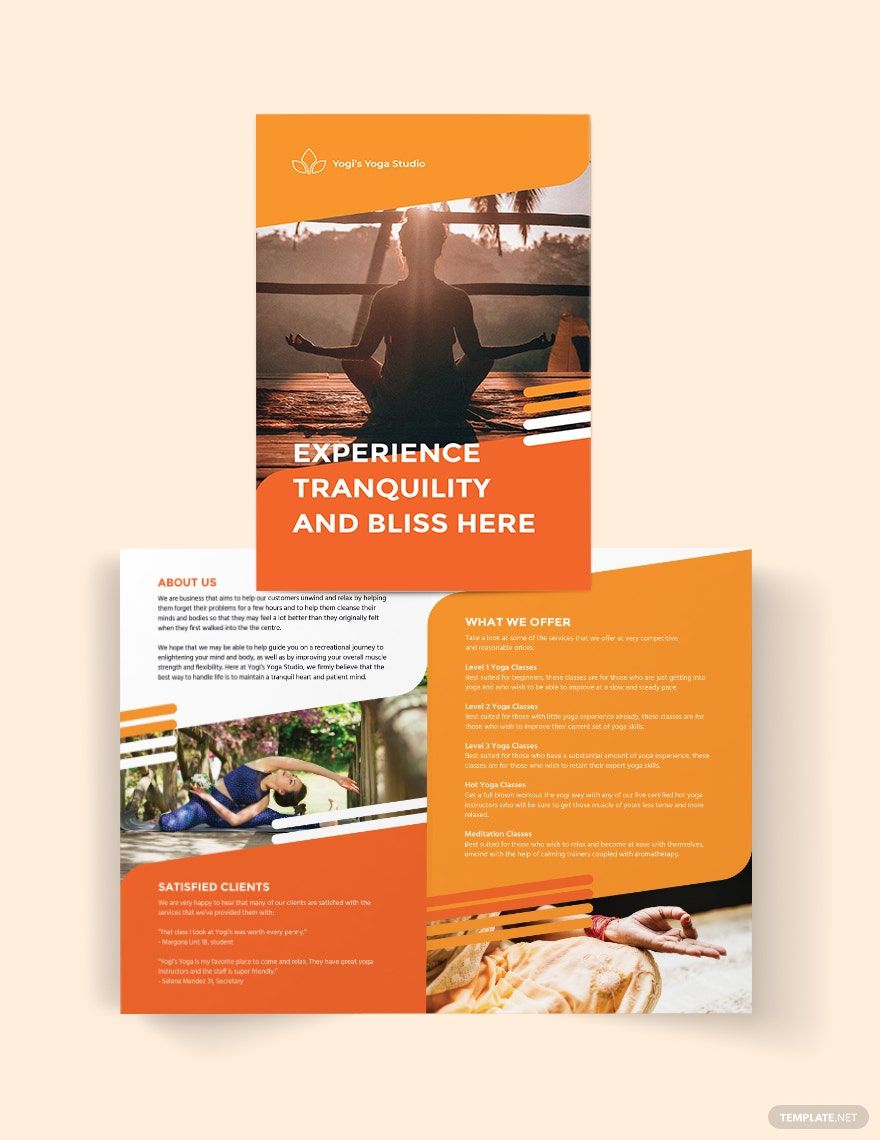
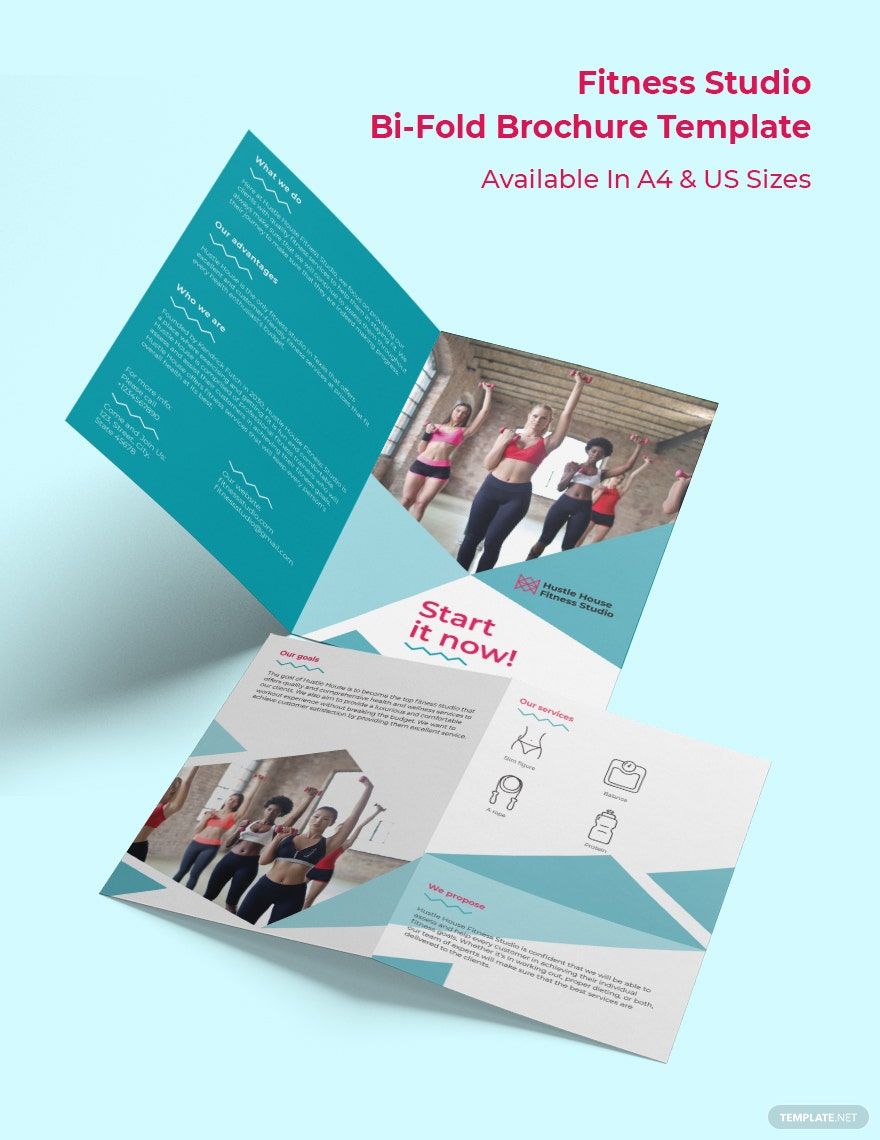
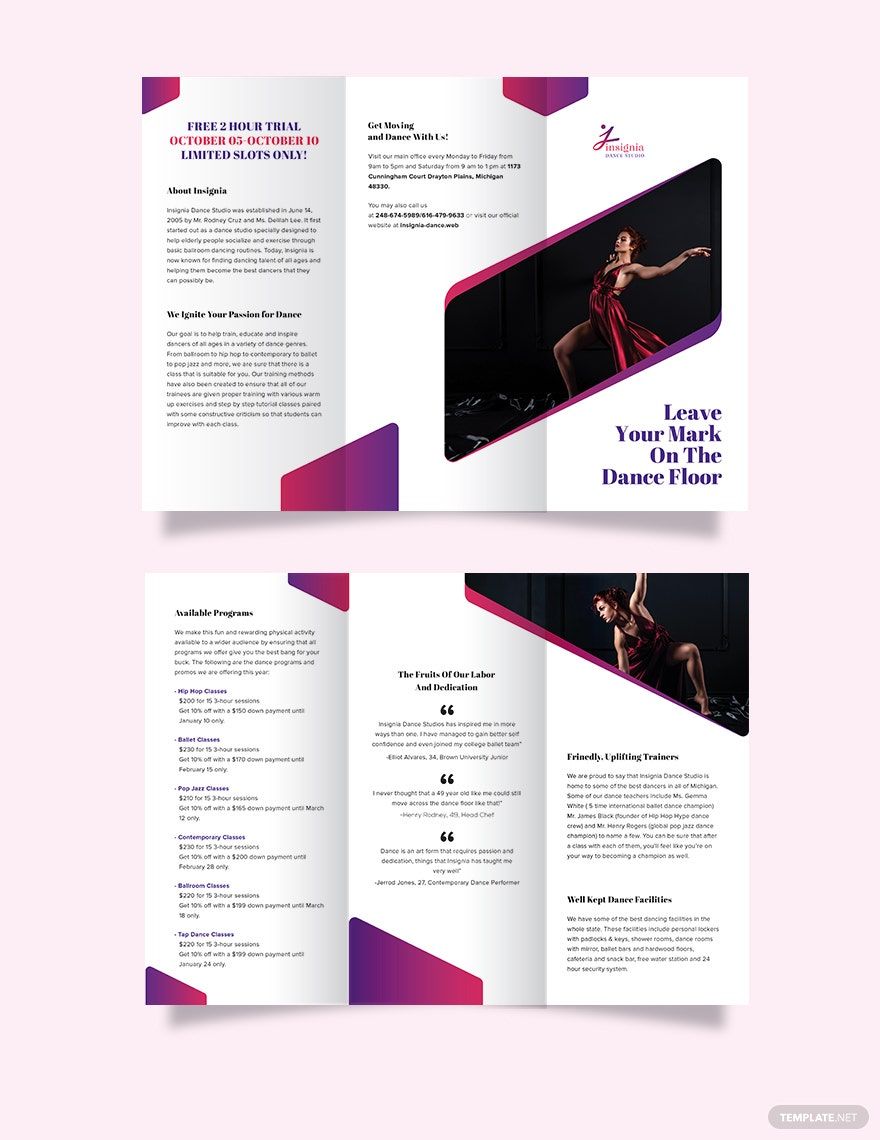
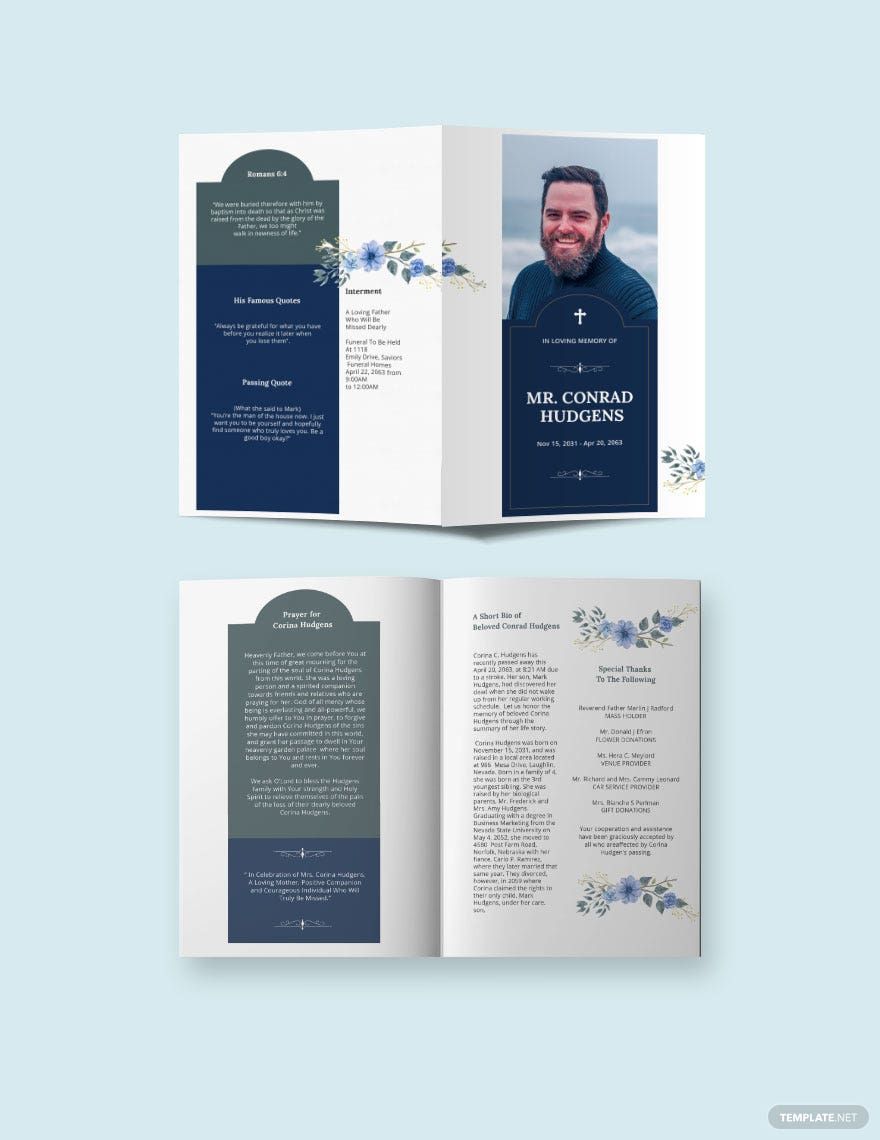
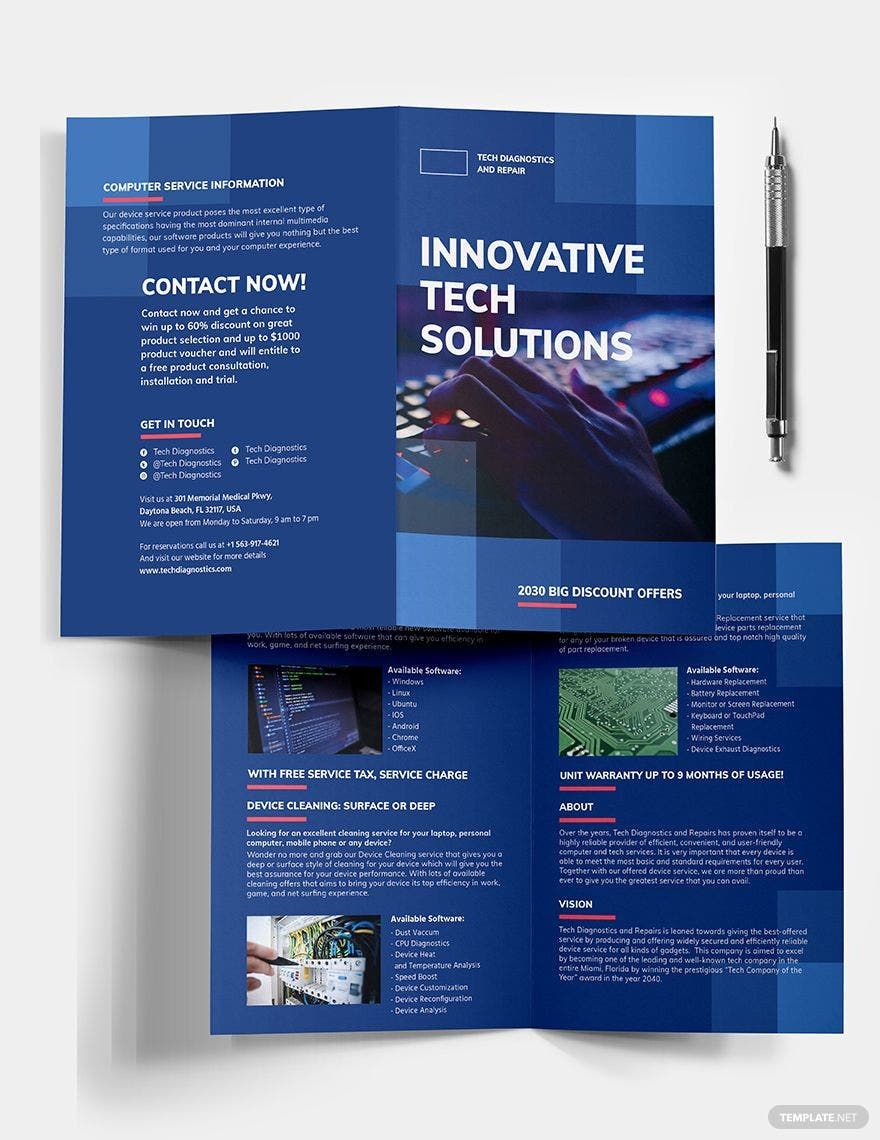
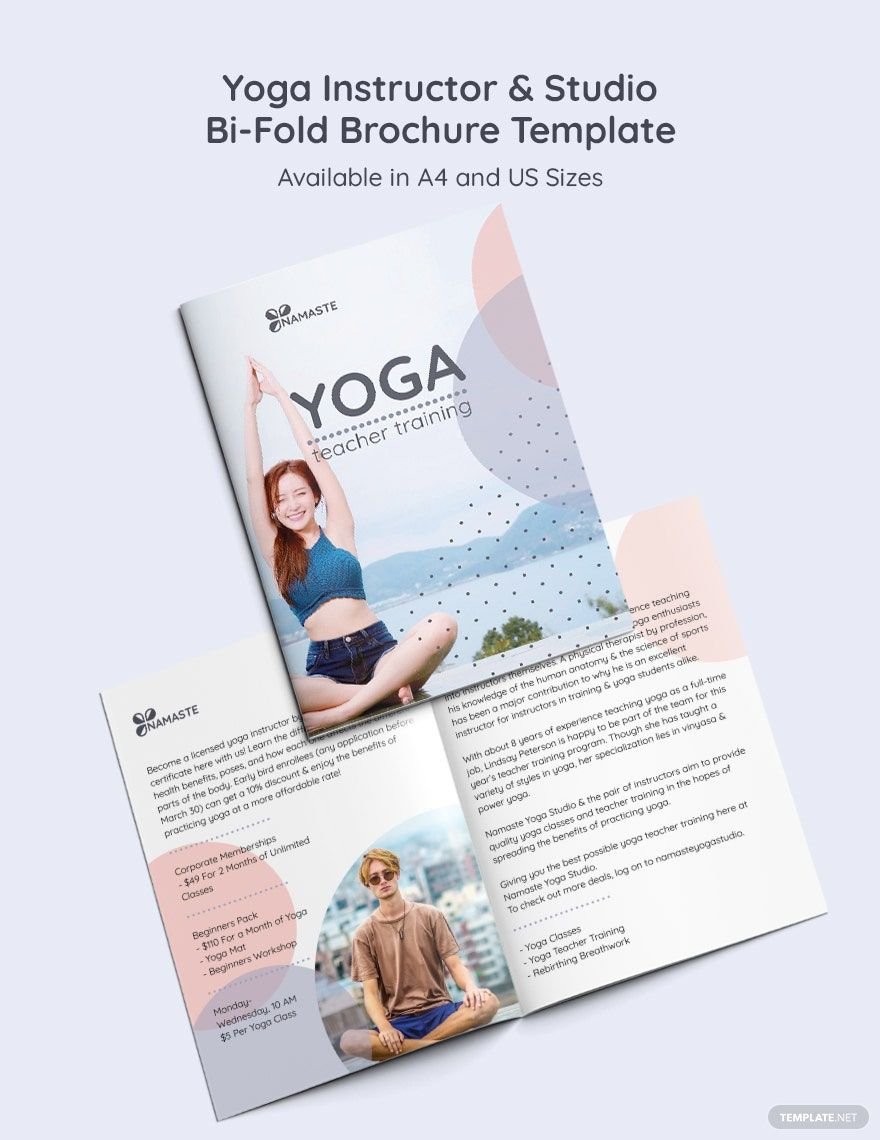
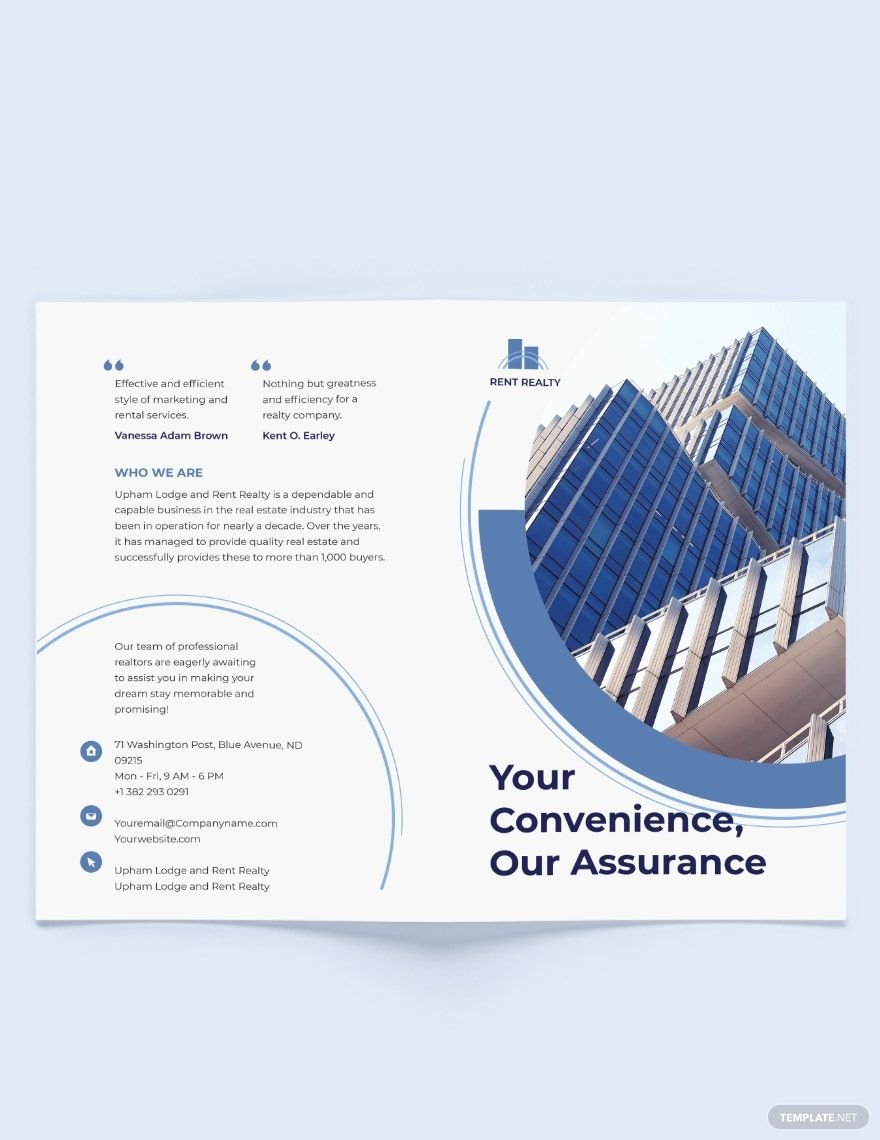
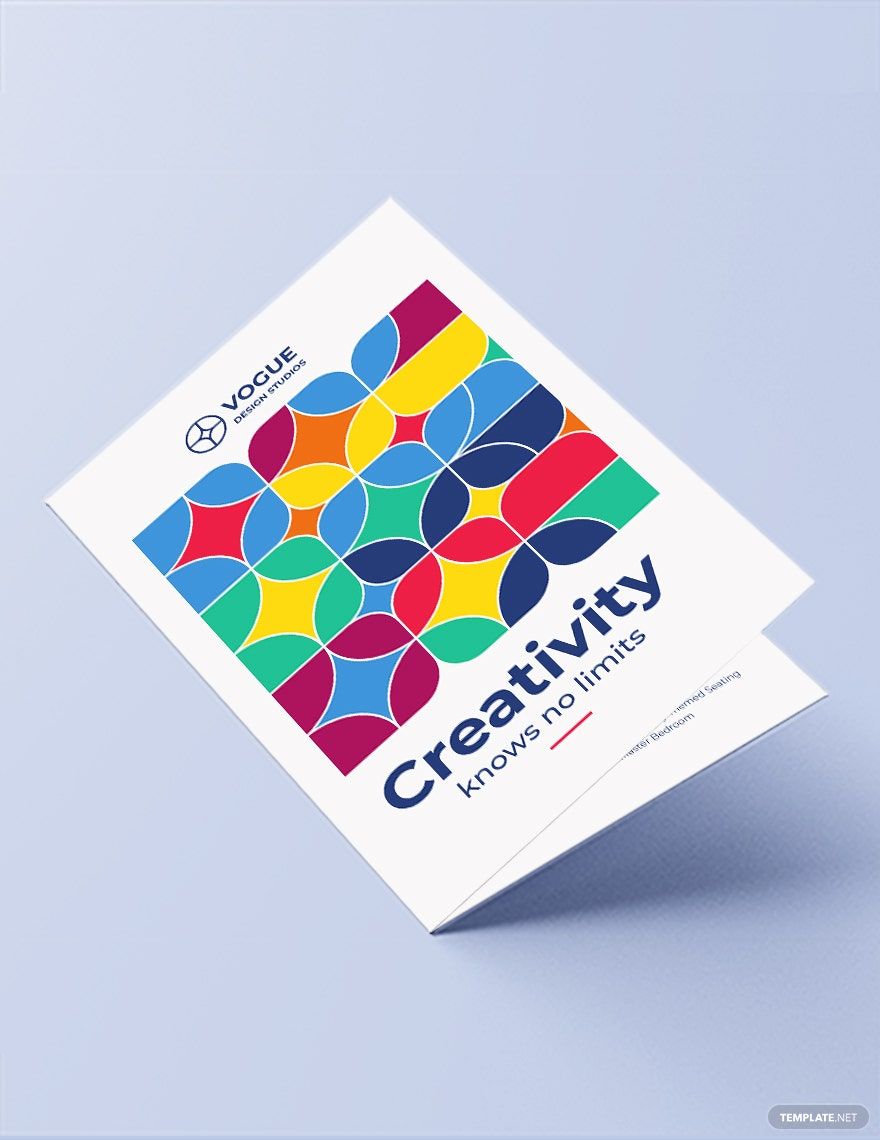
A studio brochure is a customizable marketing layout designed specifically for creative studios to showcase their services and portfolio. These brochure templates include editable text areas, images, and graphics that highlight key studio information professionally. Template.net provides ready-made studio brochure templates that users can edit online for quick results.
Why use a Studio Brochure?
Studio brochures help creative businesses present their work and services in a clear, engaging format that attracts clients. Using studio brochure templates ensures professional layouts with layered design customization for branding consistency. Template.net’s online editor allows fast editing to produce polished brochures without design software.
Who typically uses Studio Brochures?
Studio brochures are typically used by creative professionals such as photographers, art studios, design agencies, and production houses. These users benefit from customizable templates that showcase portfolios with editable layout blocks and professional designs. Template.net supports various users with easy online editing tools.
What size should a Studio Brochure be?
Studio brochures commonly come in sizes such as 8.5 × 11 inches or 5.5 × 8.5 inches, suited for easy handling and display. These sizes allow enough space for images, text, and graphics while maintaining a professional look. Template.net templates follow industry-standard dimensions for printing and digital use.
What are the best tips for designing a Studio Brochure?
For effective studio brochure design, focus on a clear headline, bold images, and concise key information sections. Use layered design elements for flexibility and maintain brand colors. Template.net’s ready-made templates include these features and allow online editing for quick customization.
How do you print a Studio Brochure?
Studio brochures should be printed on high-quality paper with a professional finish such as matte or gloss. Use the downloadable templates from Template.net, which support common print-ready file formats, and ensure to select the correct size and color mode for crisp output. Online editing allows you to prepare files instantly for printing.
What elements should a Studio Brochure include?
A studio brochure should include a headline, portfolio images, service descriptions, contact details, and a clear call to action. These elements are organized in editable layout blocks that can be adjusted easily using Template.net’s customizable online templates for professional appeal.
What file formats can I download for a Studio Brochure?
Template.net studio brochure templates support multiple export formats for editing and printing, including InDesign. These formats ensure compatibility with professional design software and print shops, providing flexible layered designs and high-quality output.
Can I create a new Studio Brochure using AI?
Template.net provides an AI-powered tool that generates new studio brochure designs from prompts. This AI brochure generator helps create unique layouts quickly with editable elements. Try the Brochure Generator to start designing your studio brochure online.
