








Free Org Chart Templates: Customizable Structure Guide, Uses, and Download Formats
What is a Org Chart?
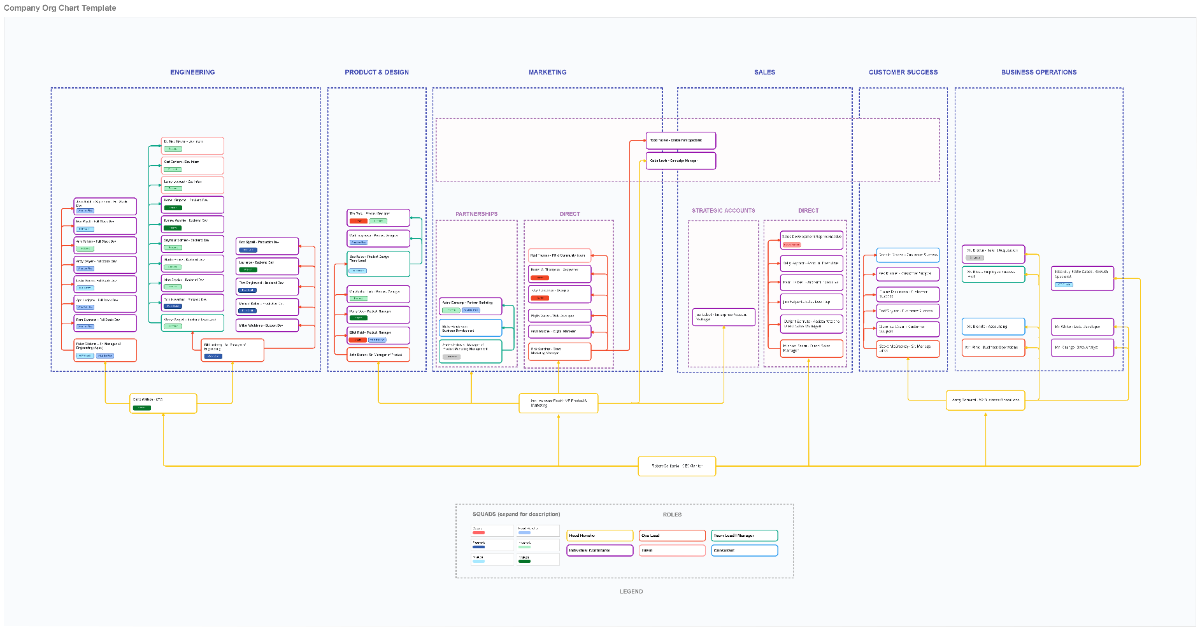
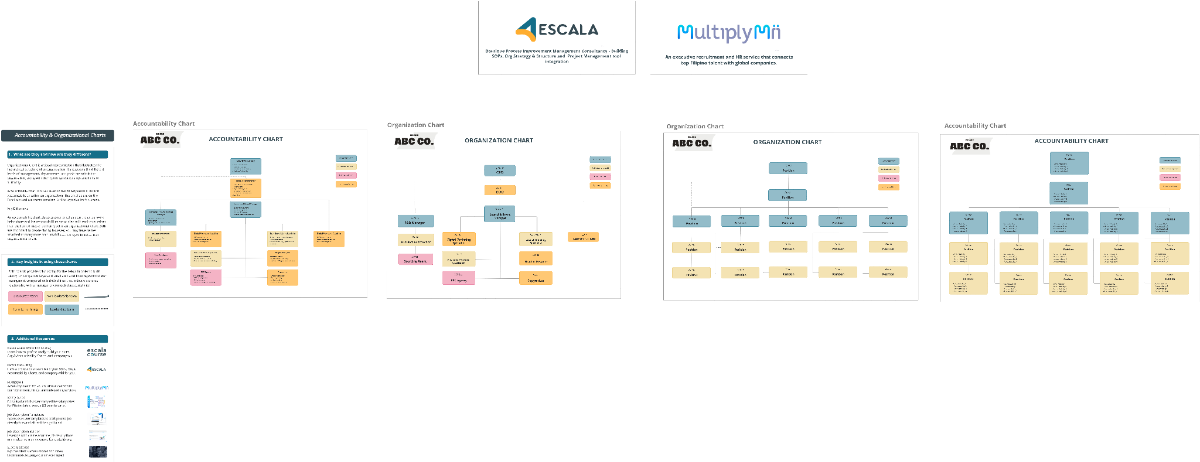
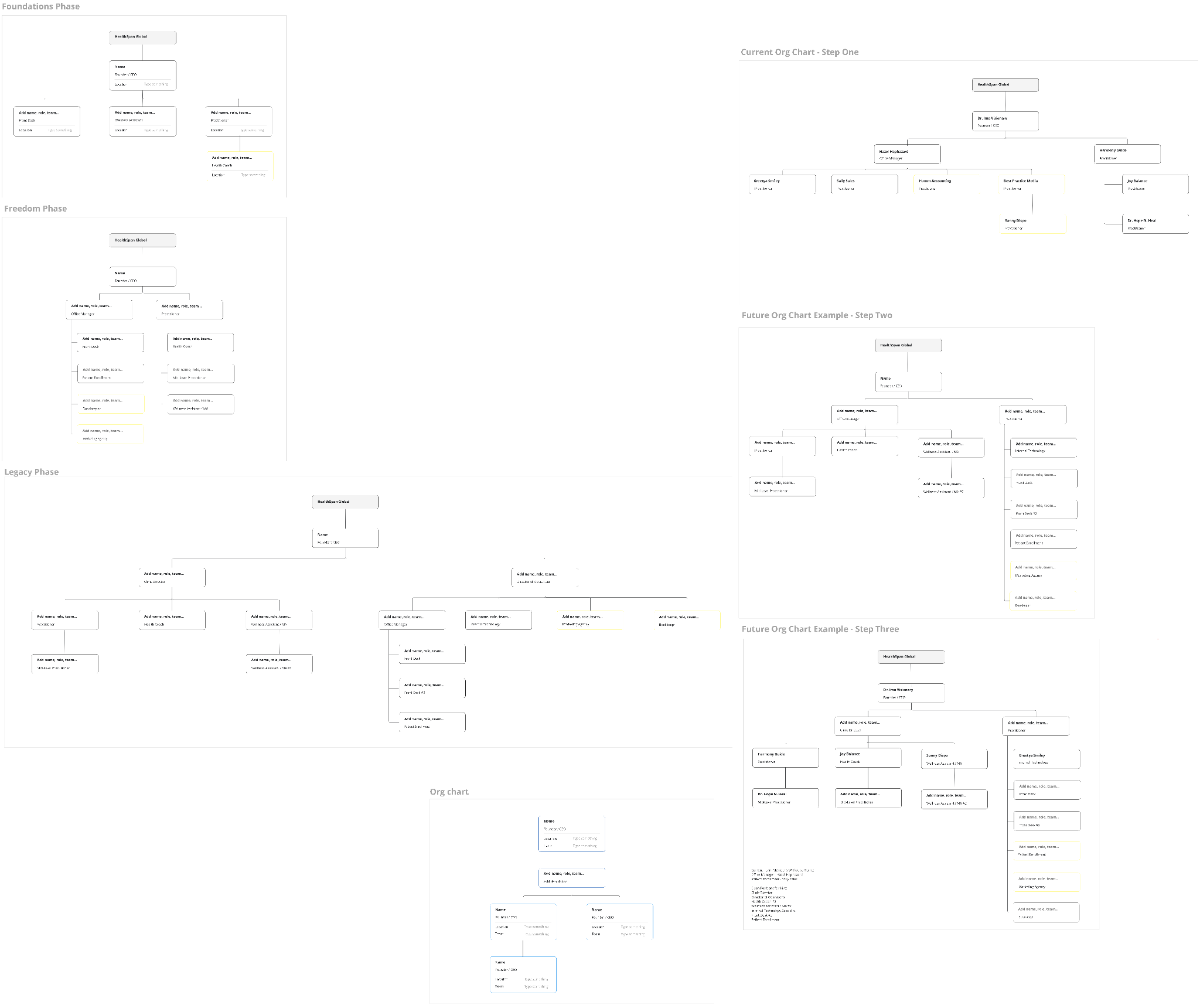
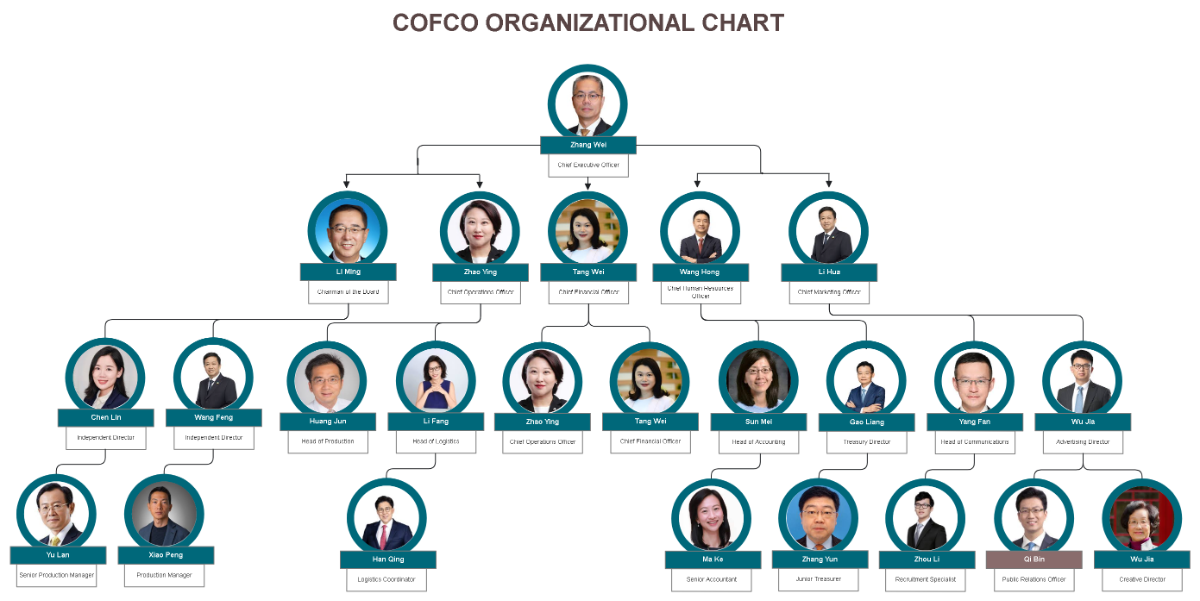
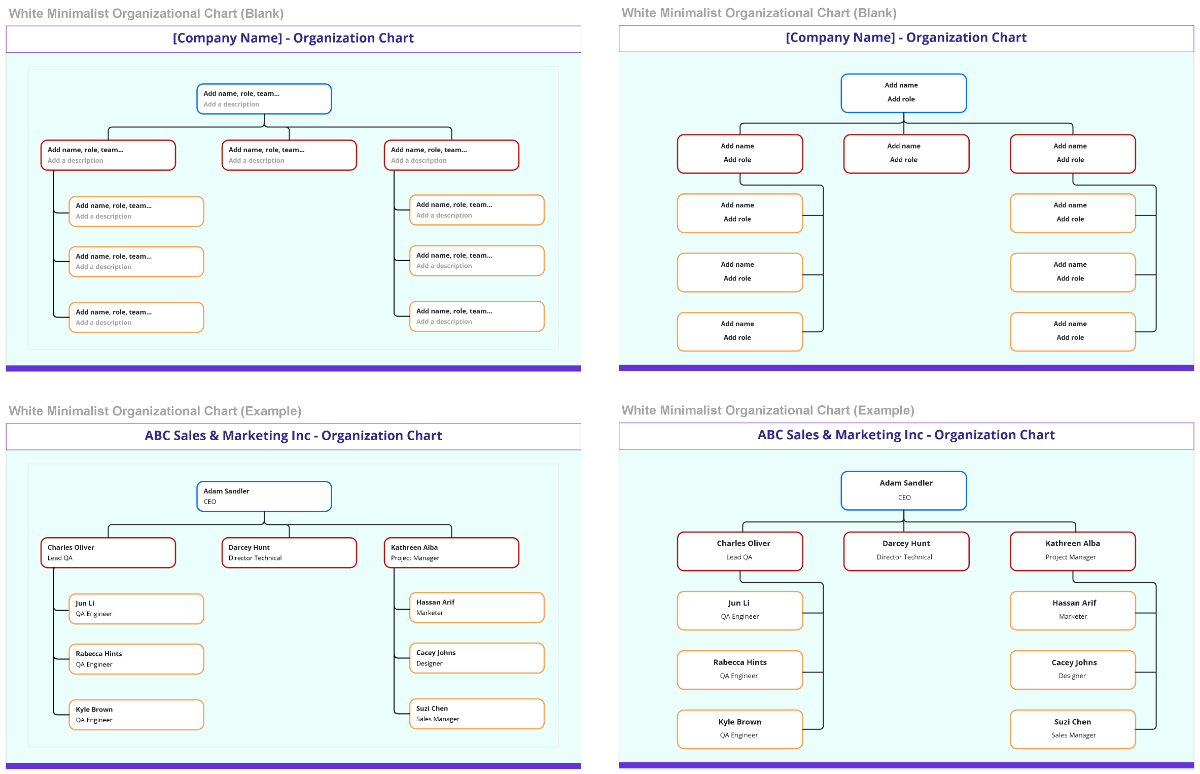
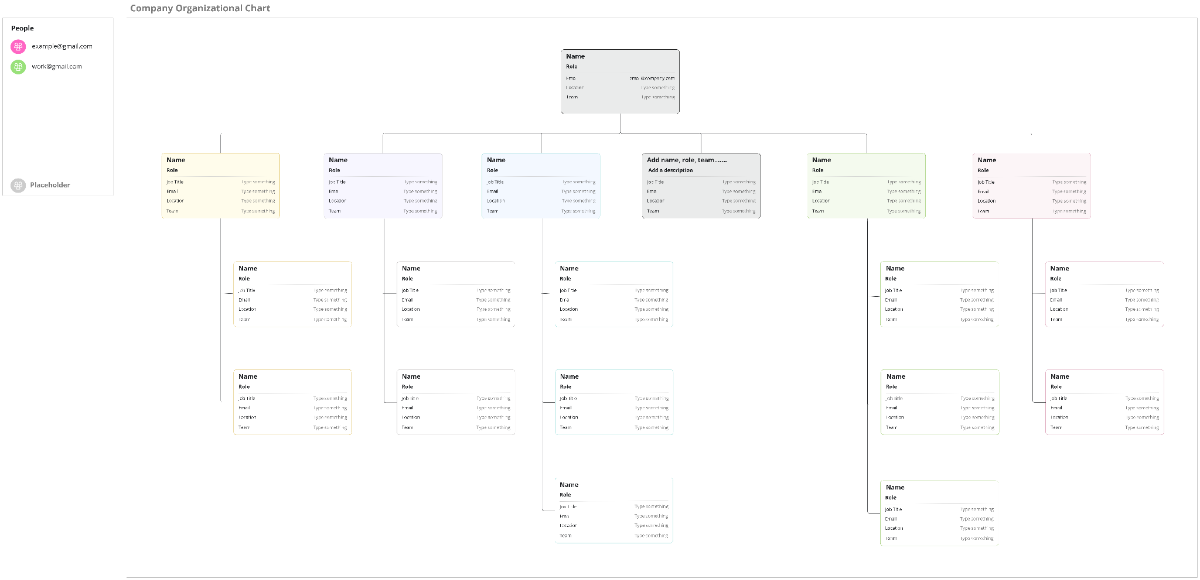
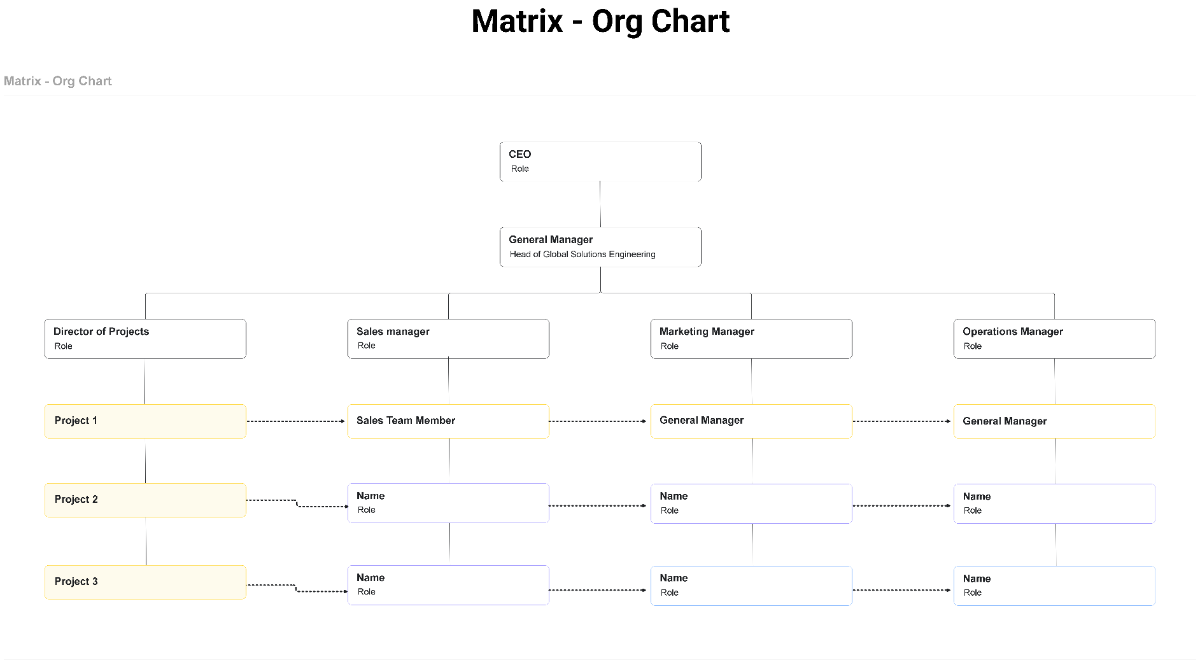
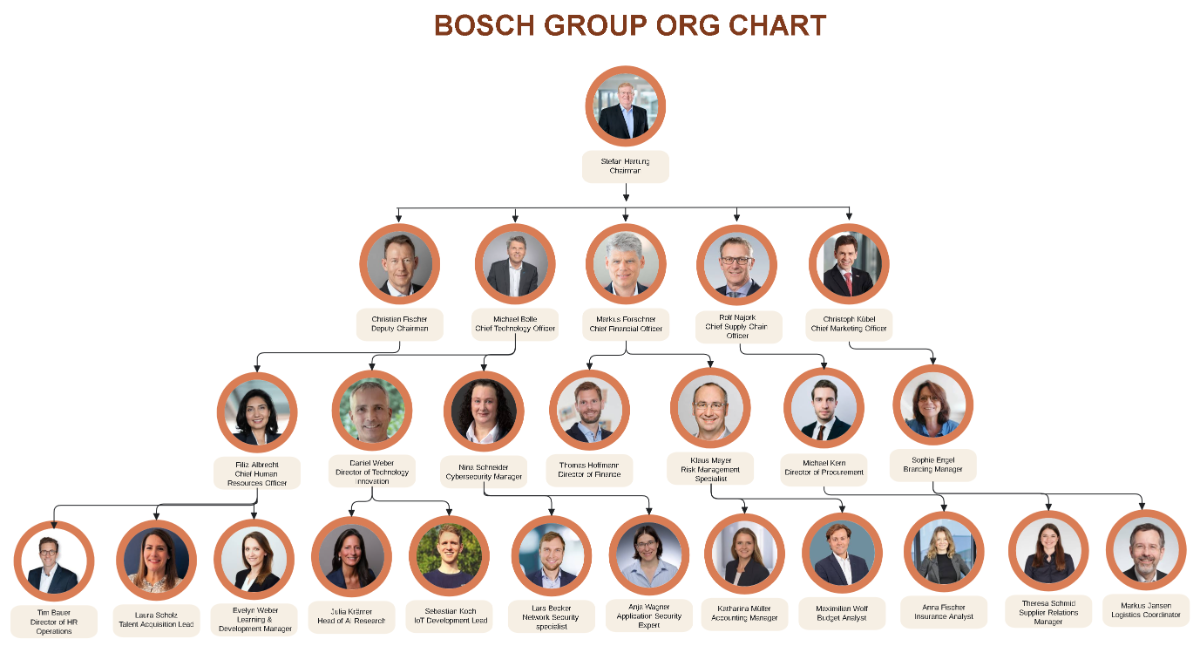
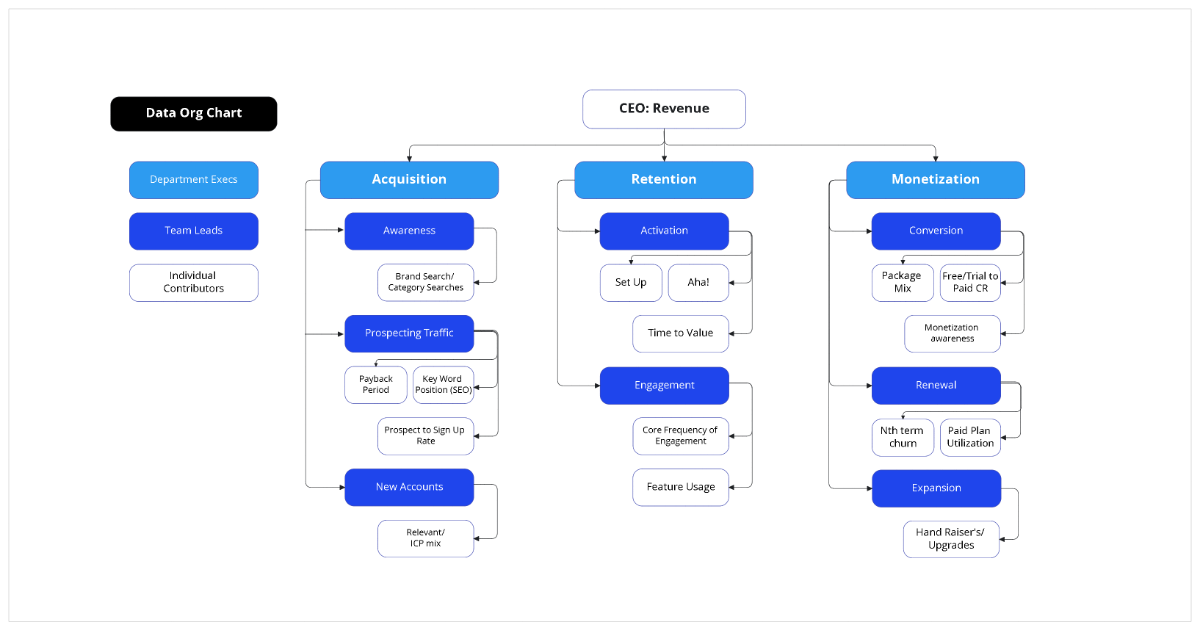
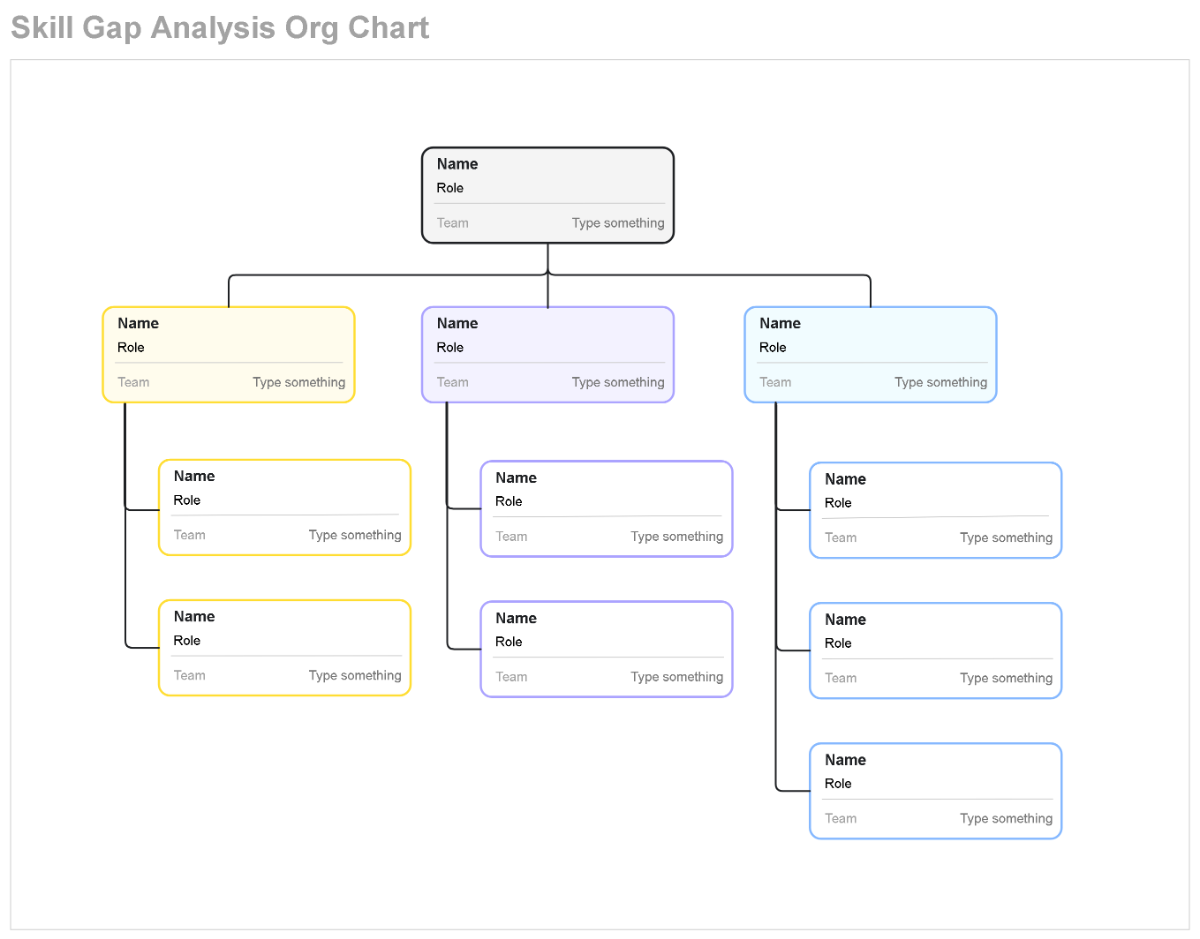
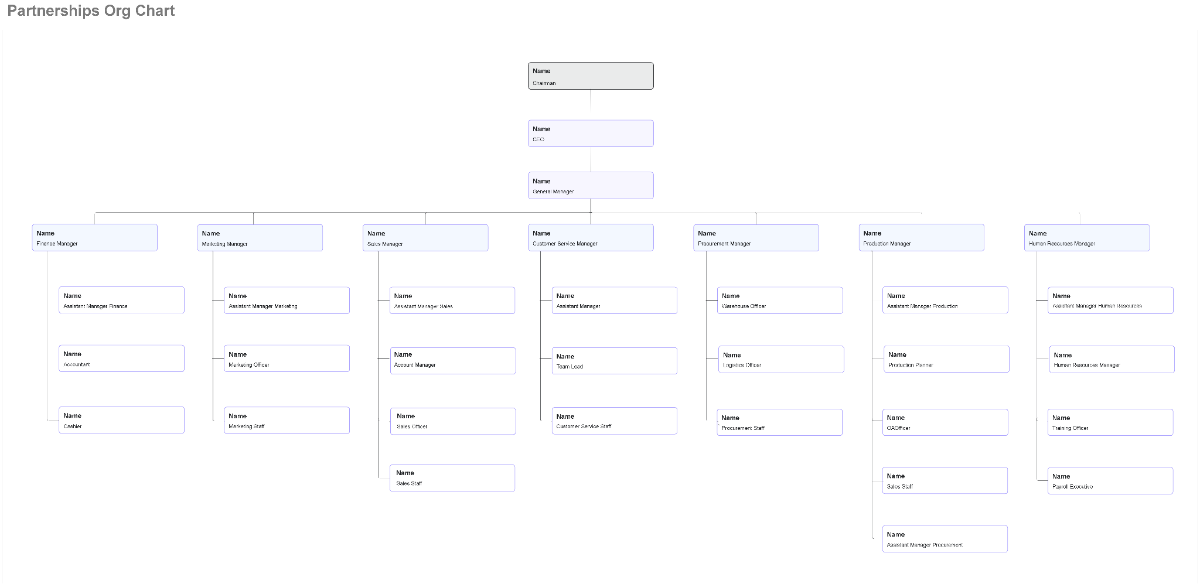
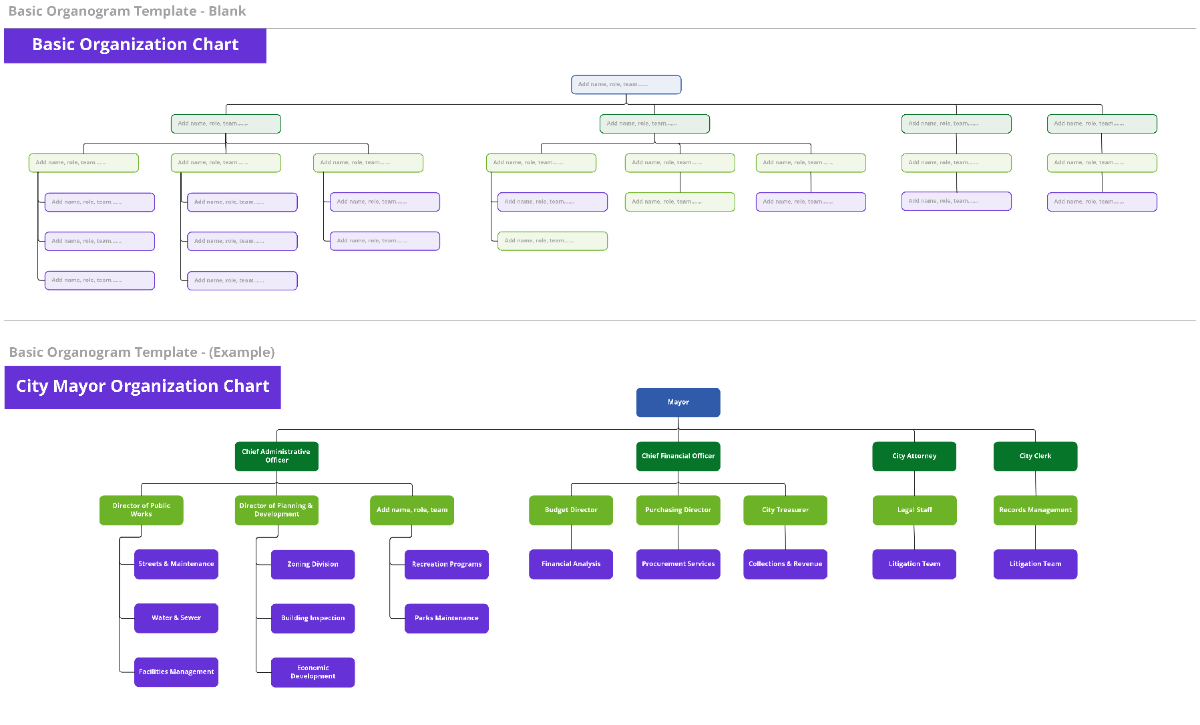
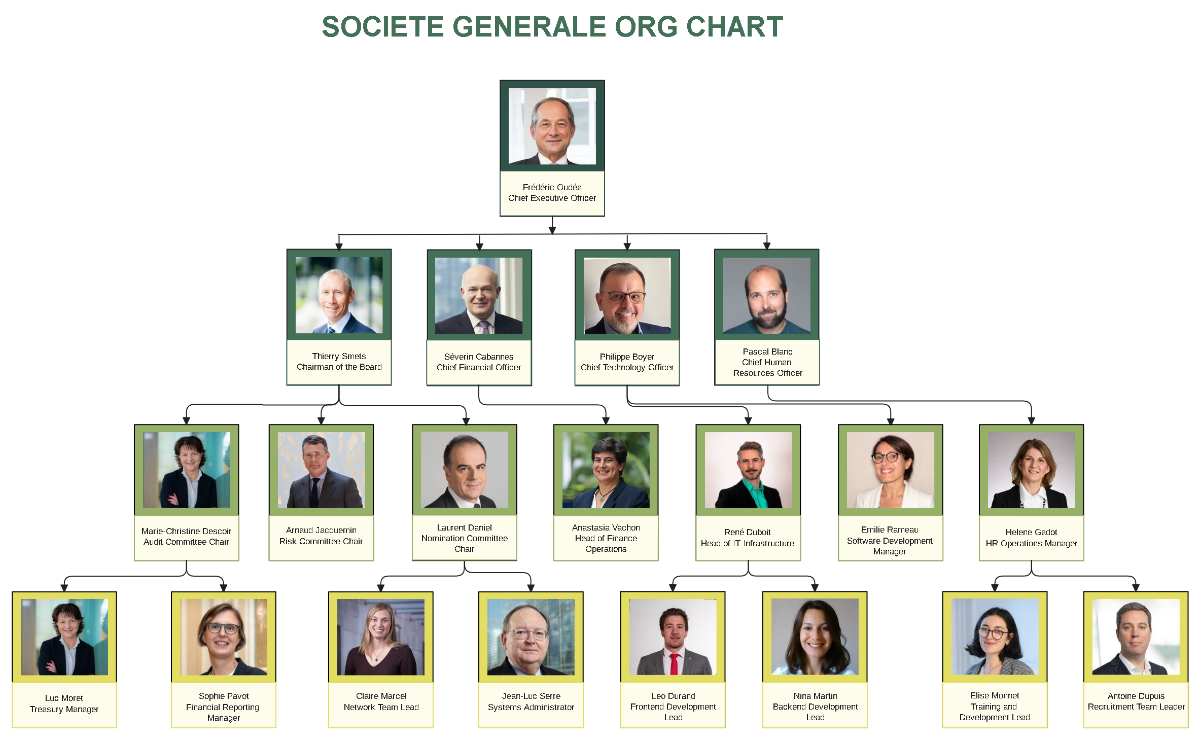
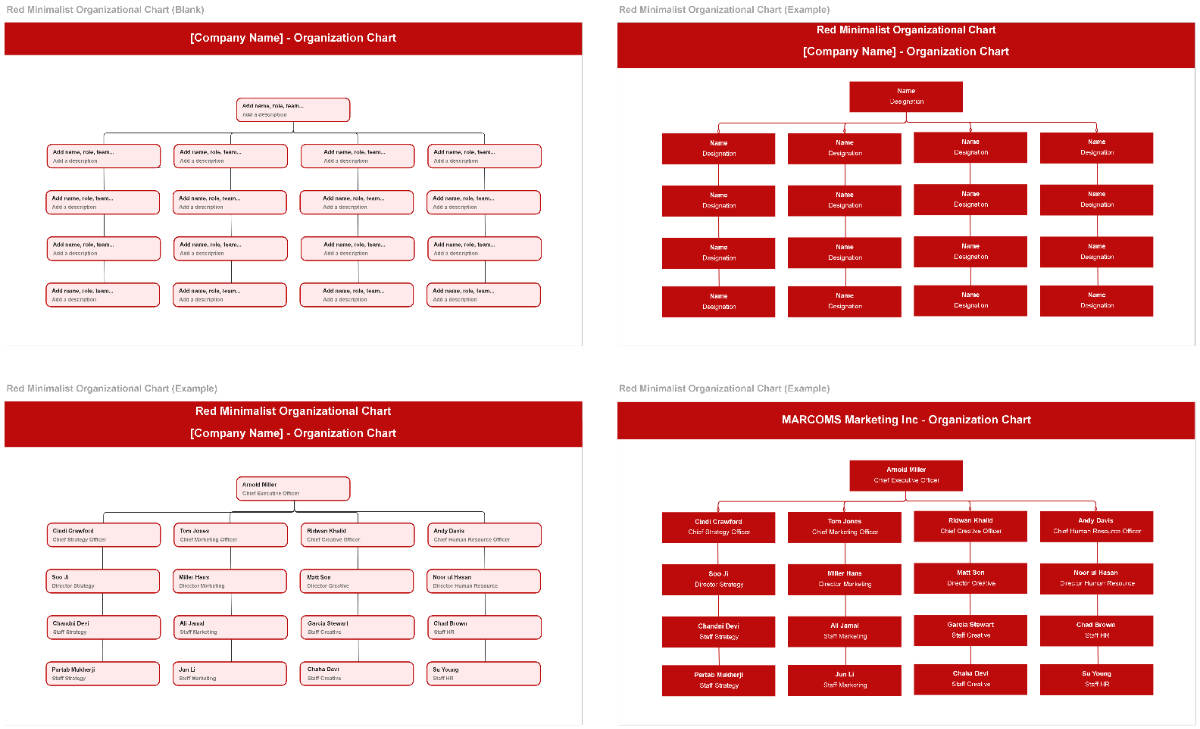
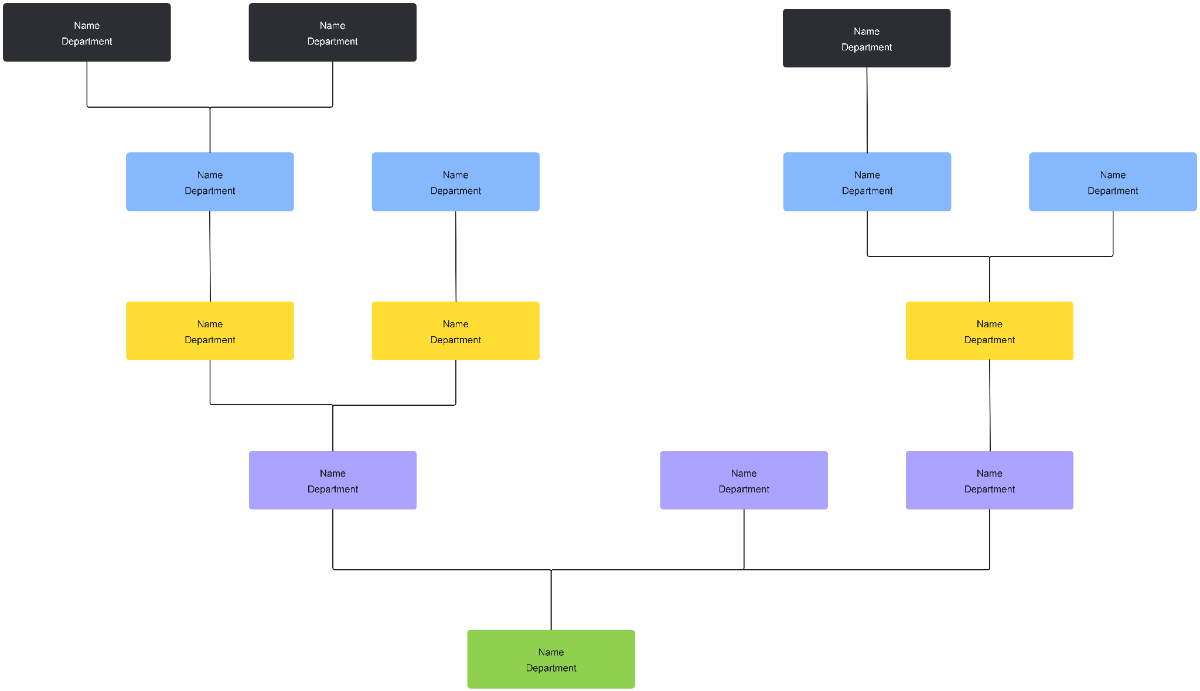
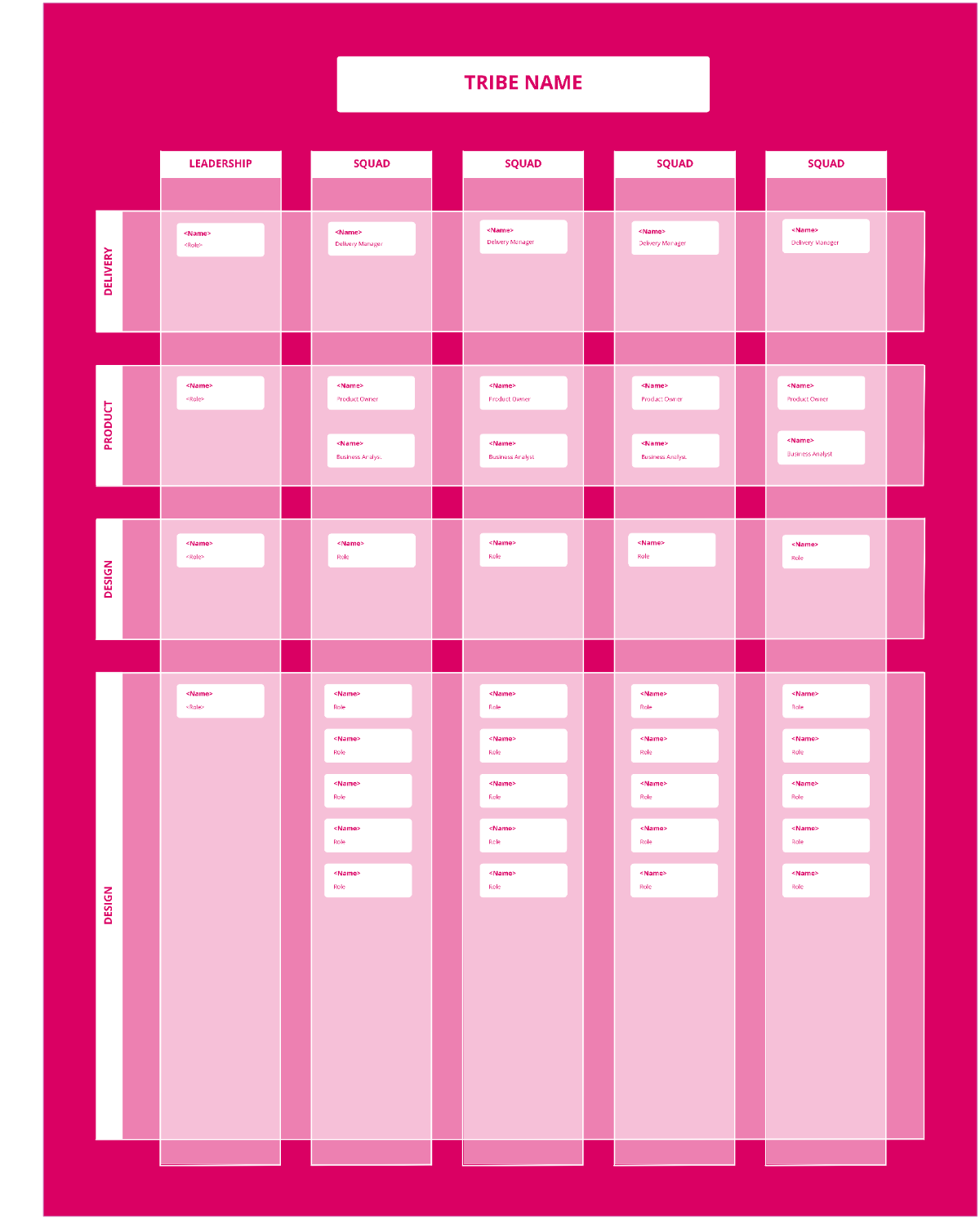
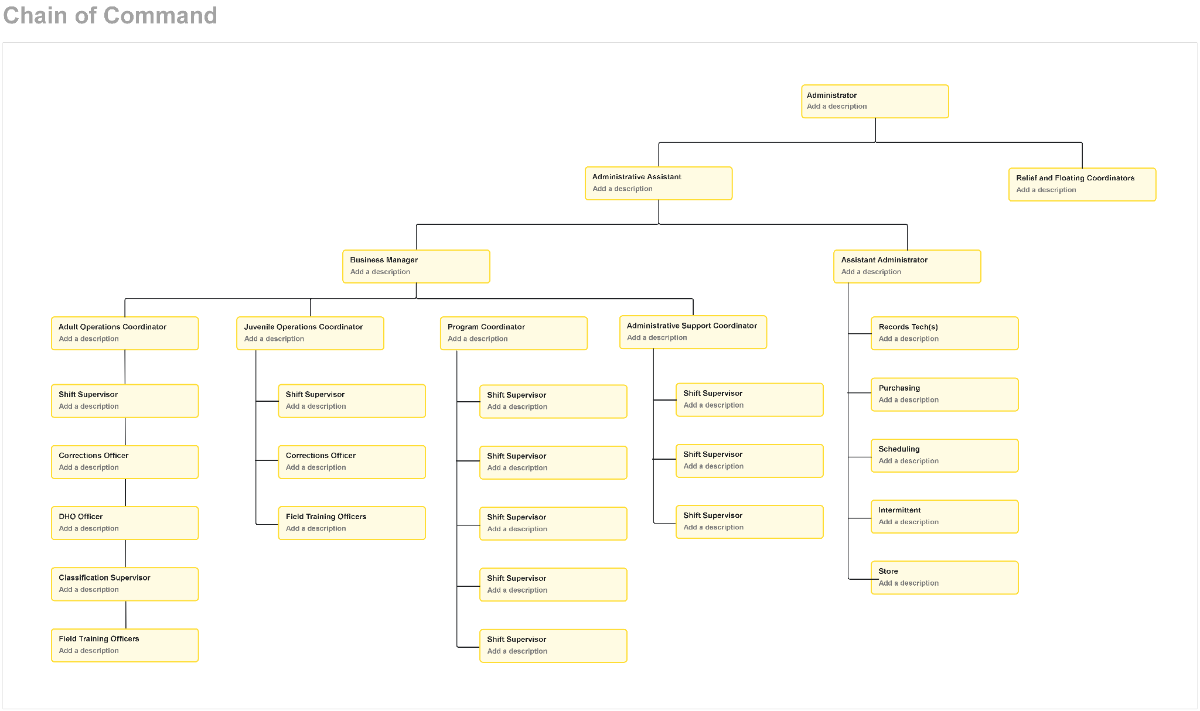
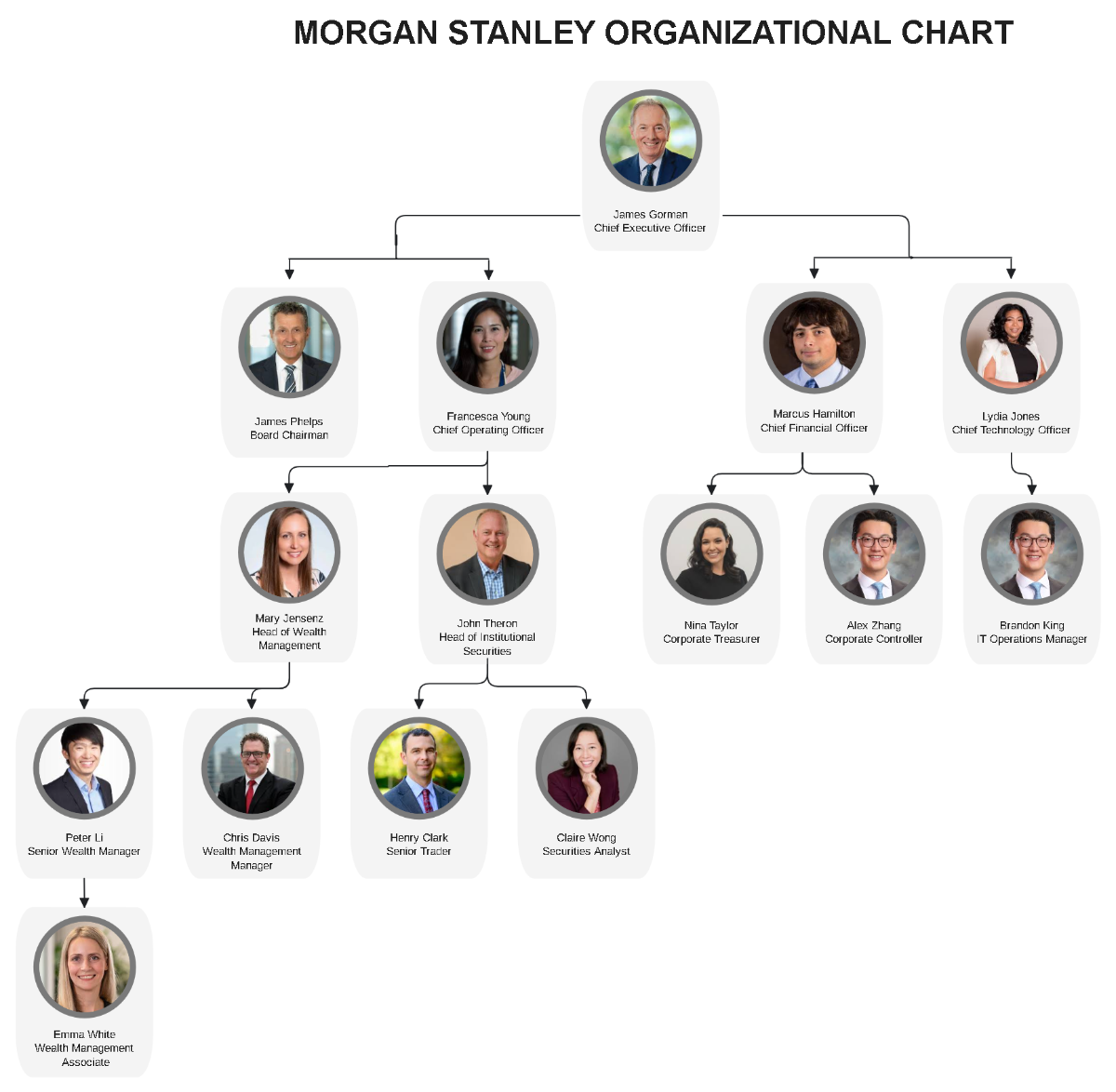
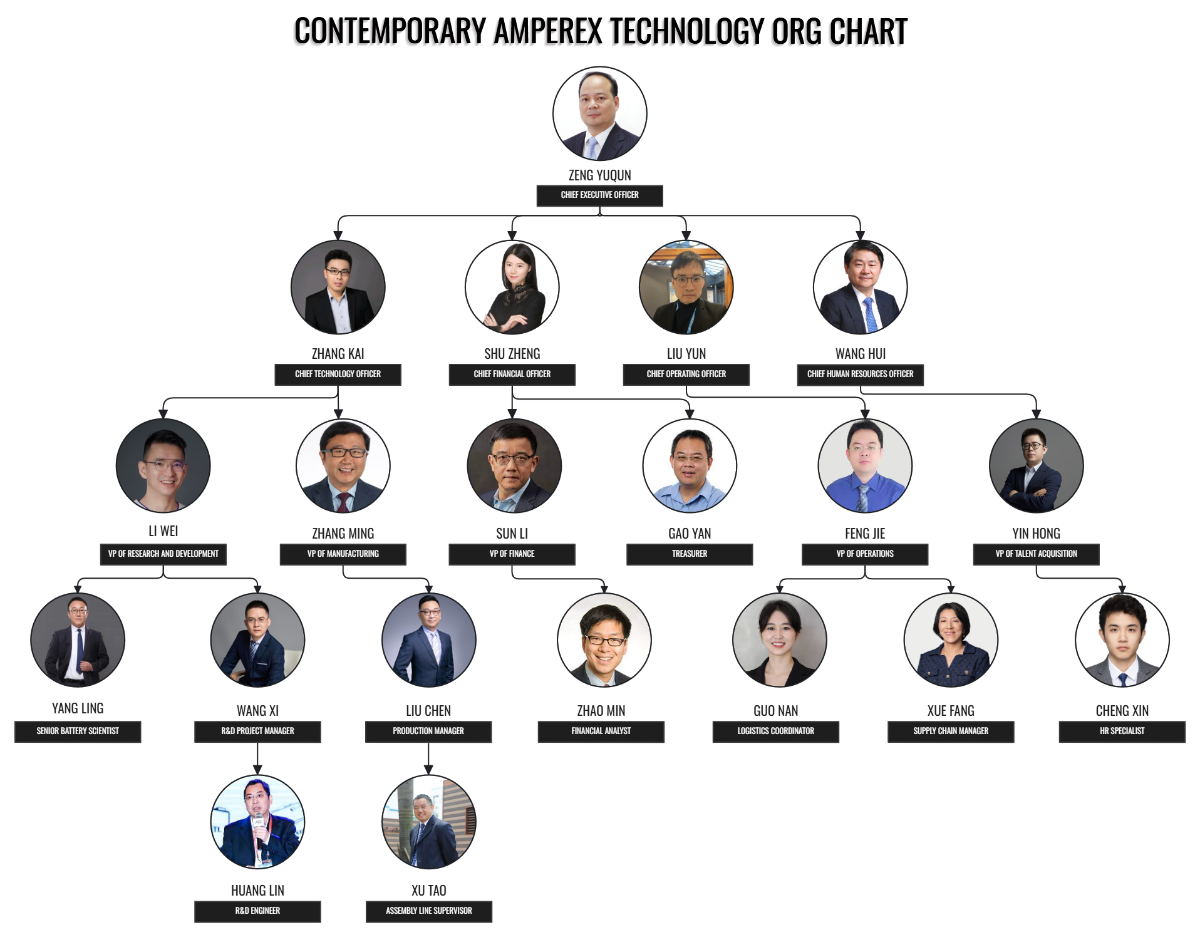
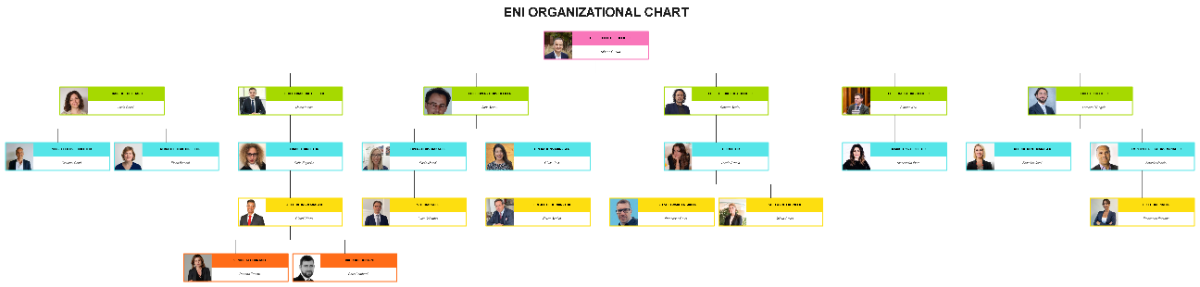
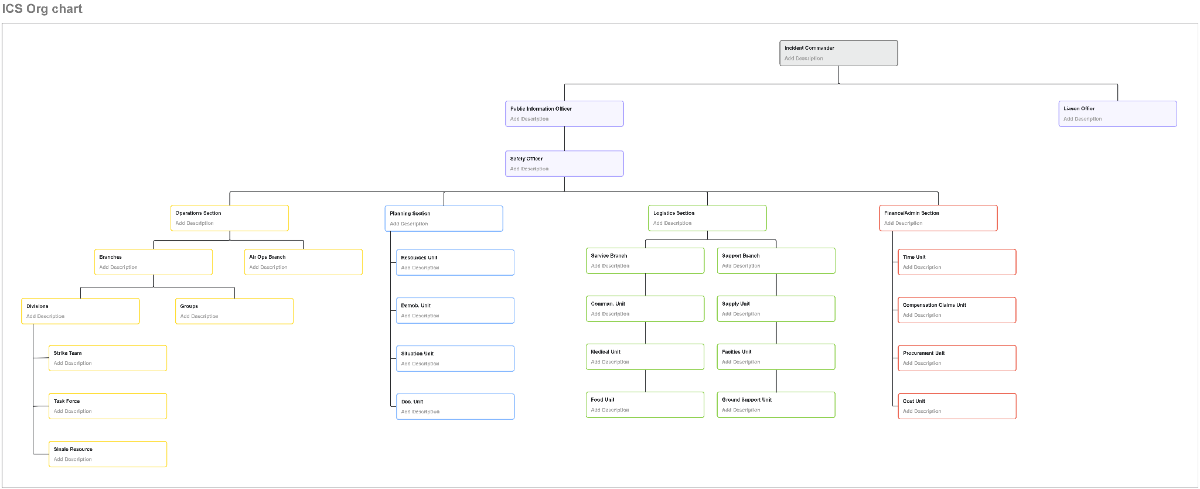
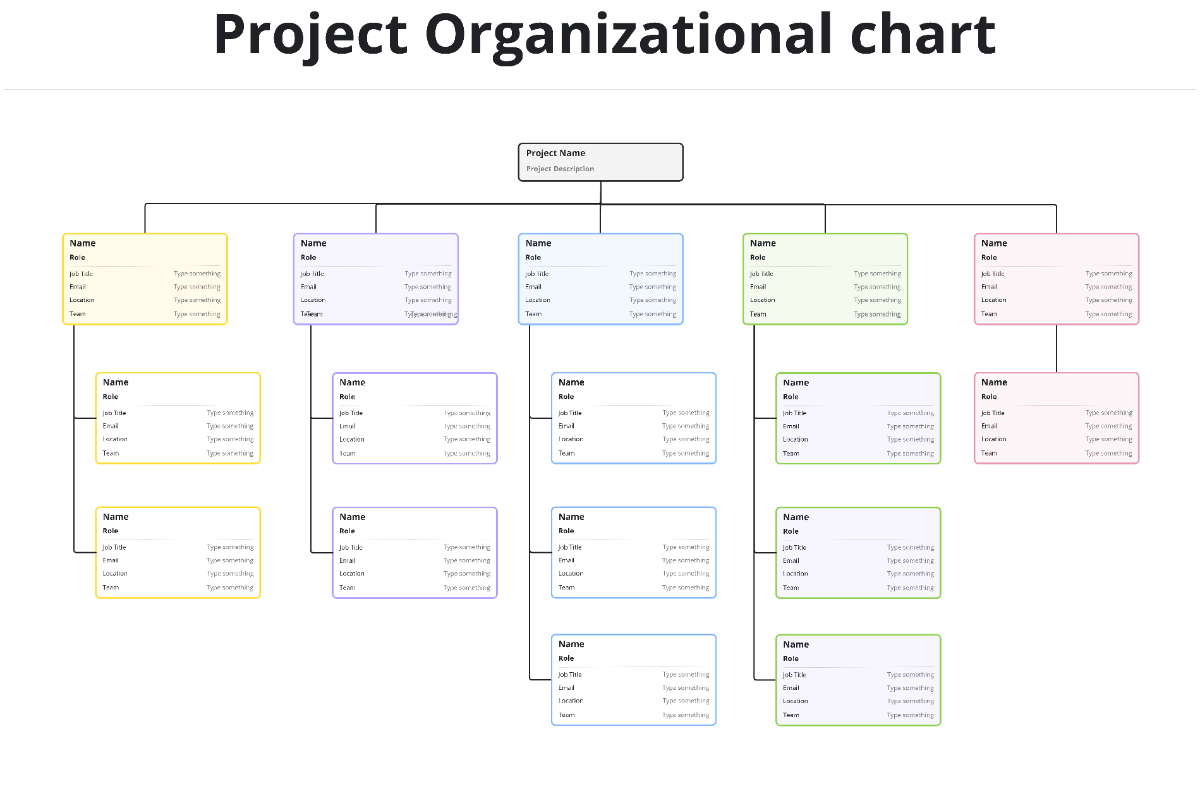
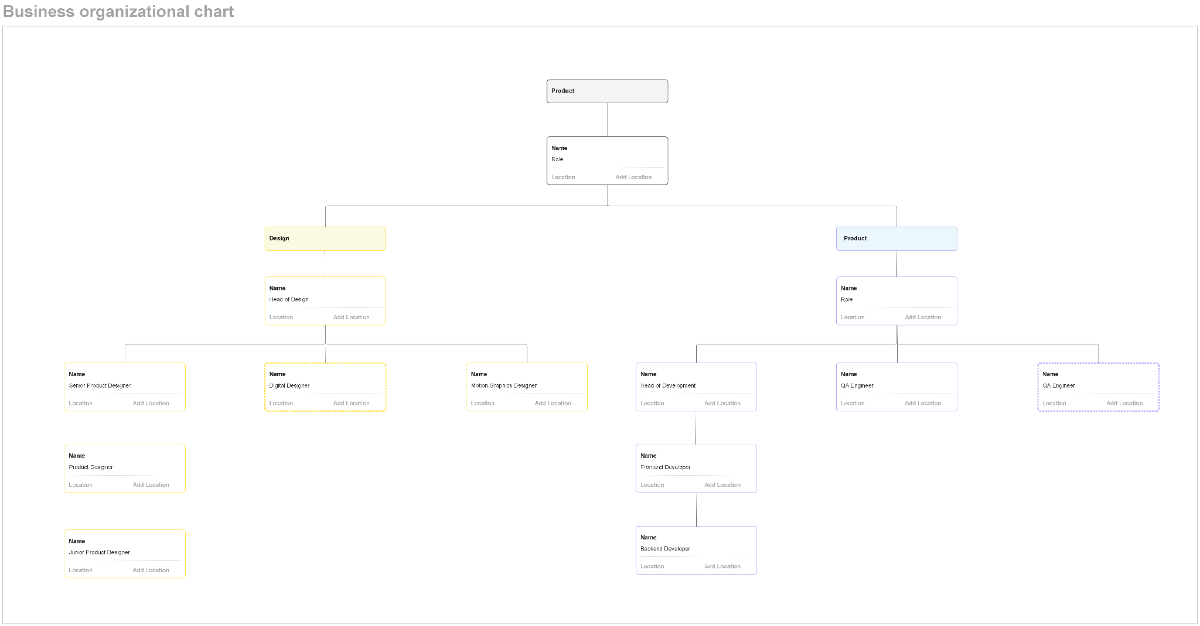
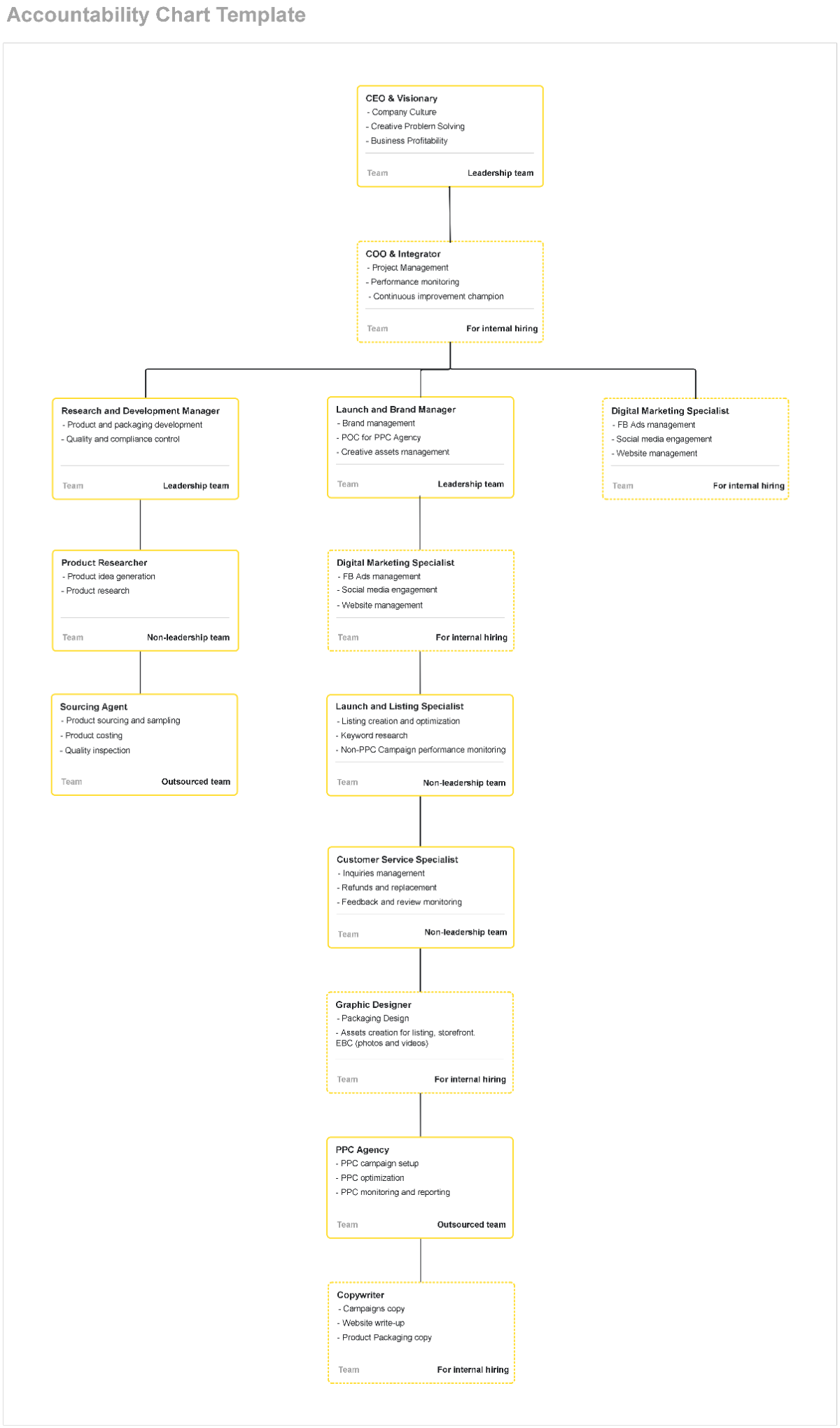
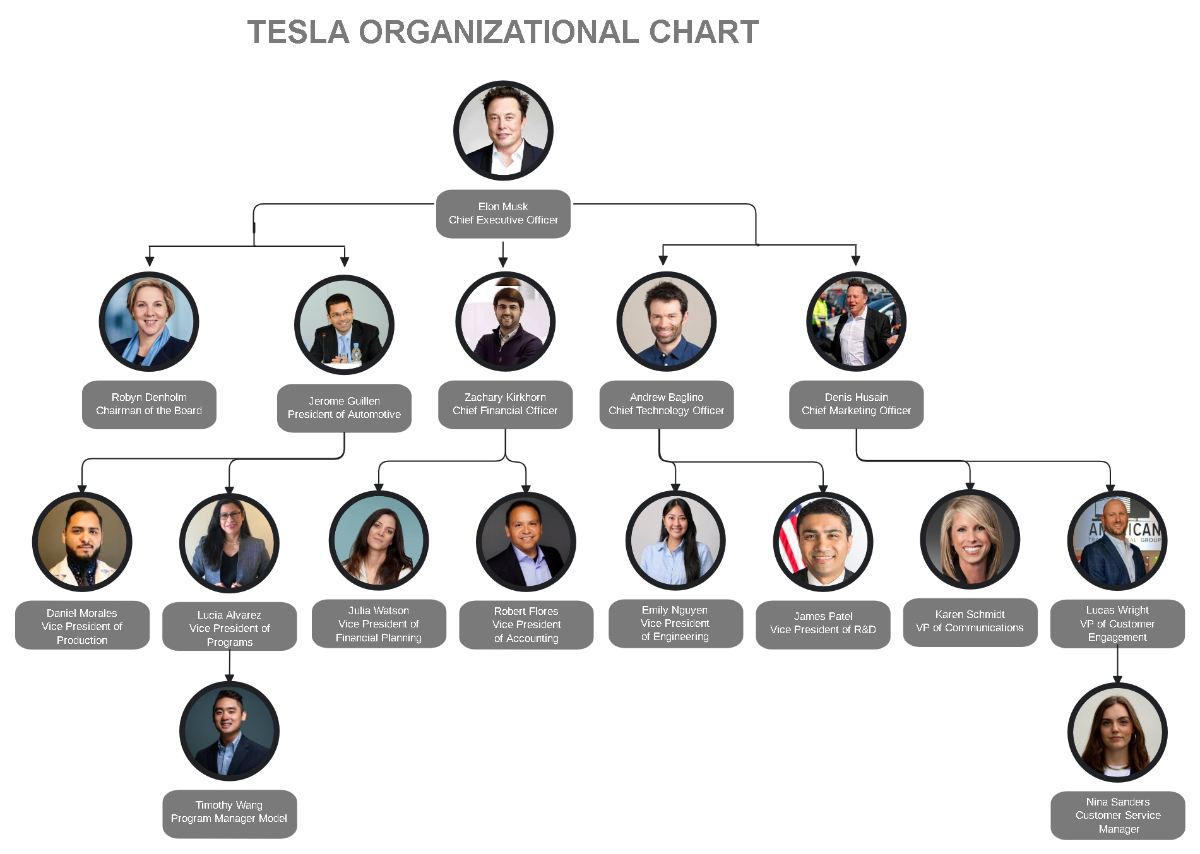
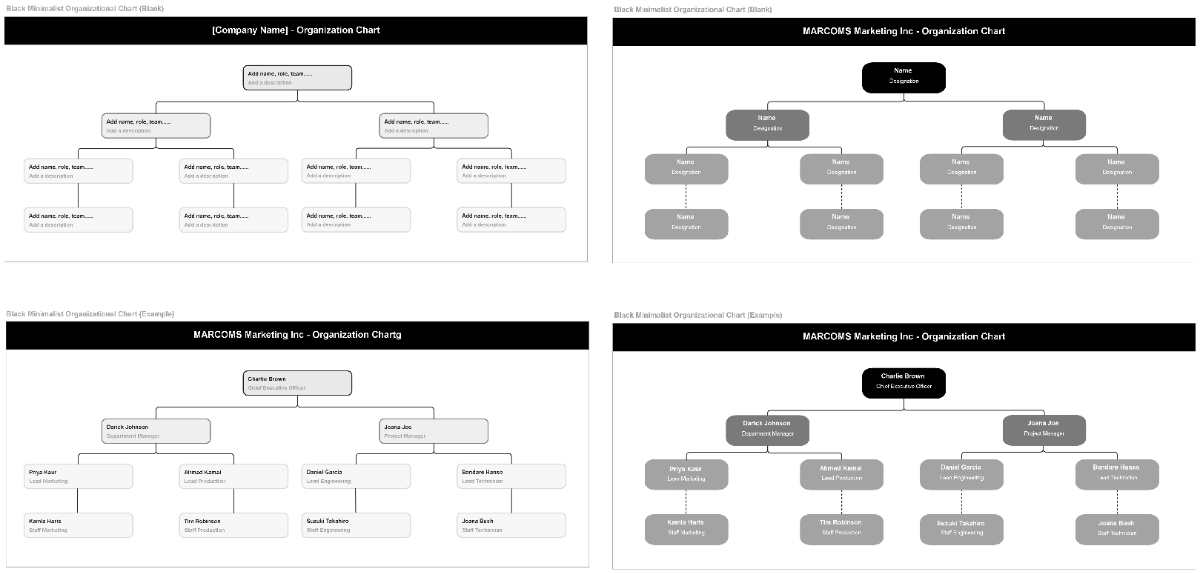
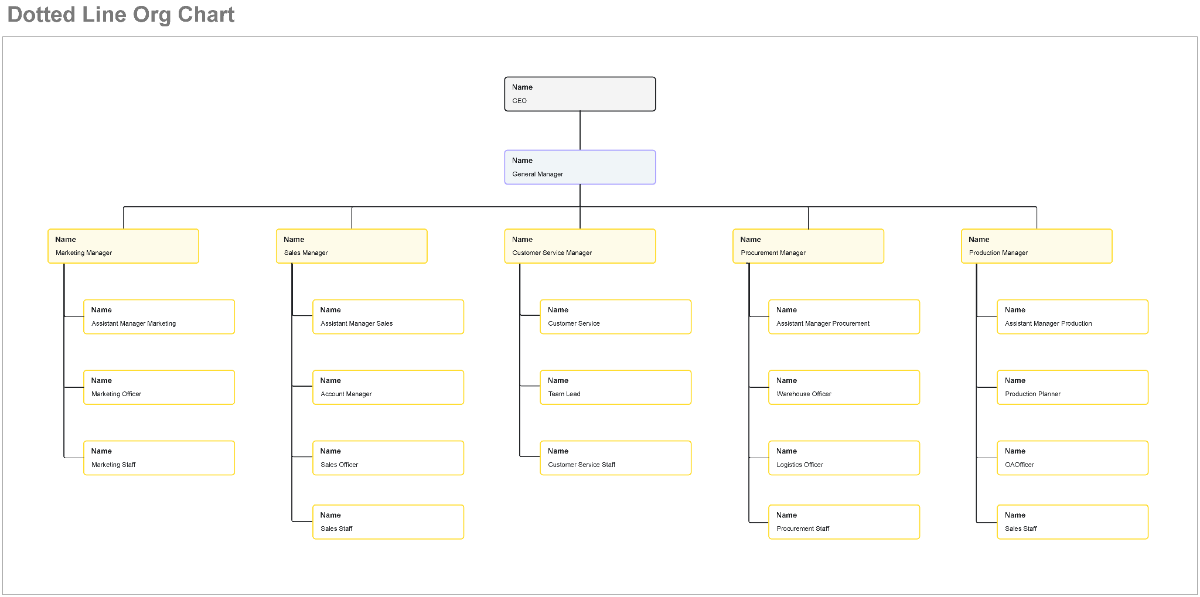
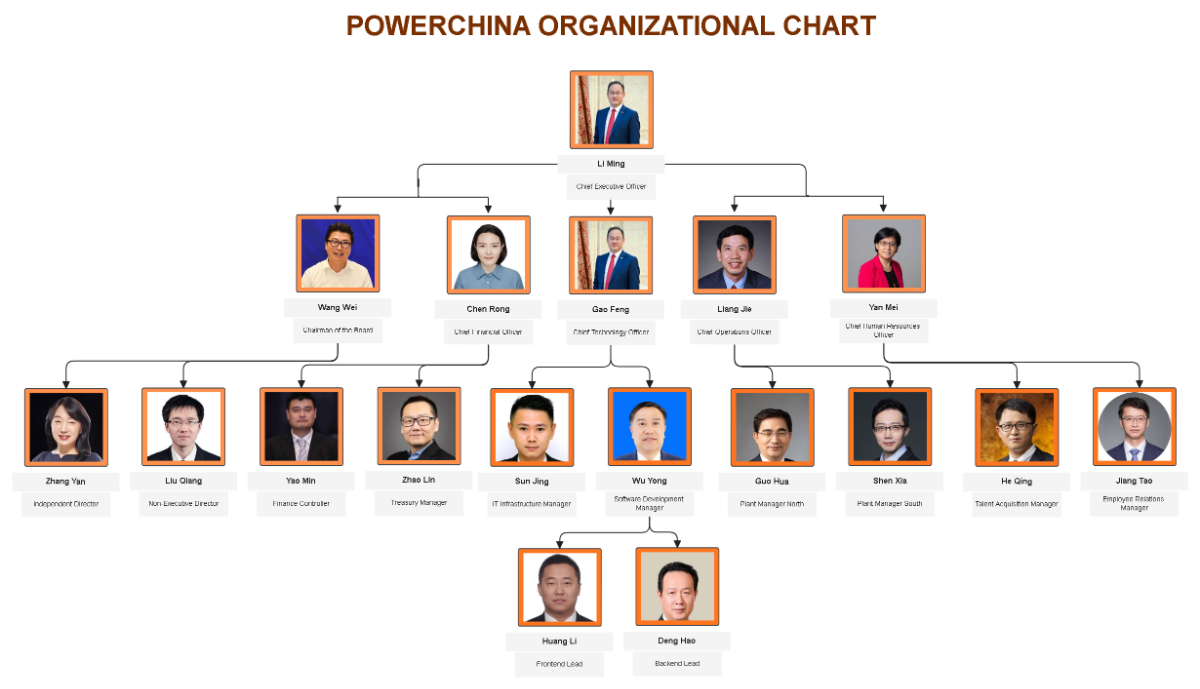
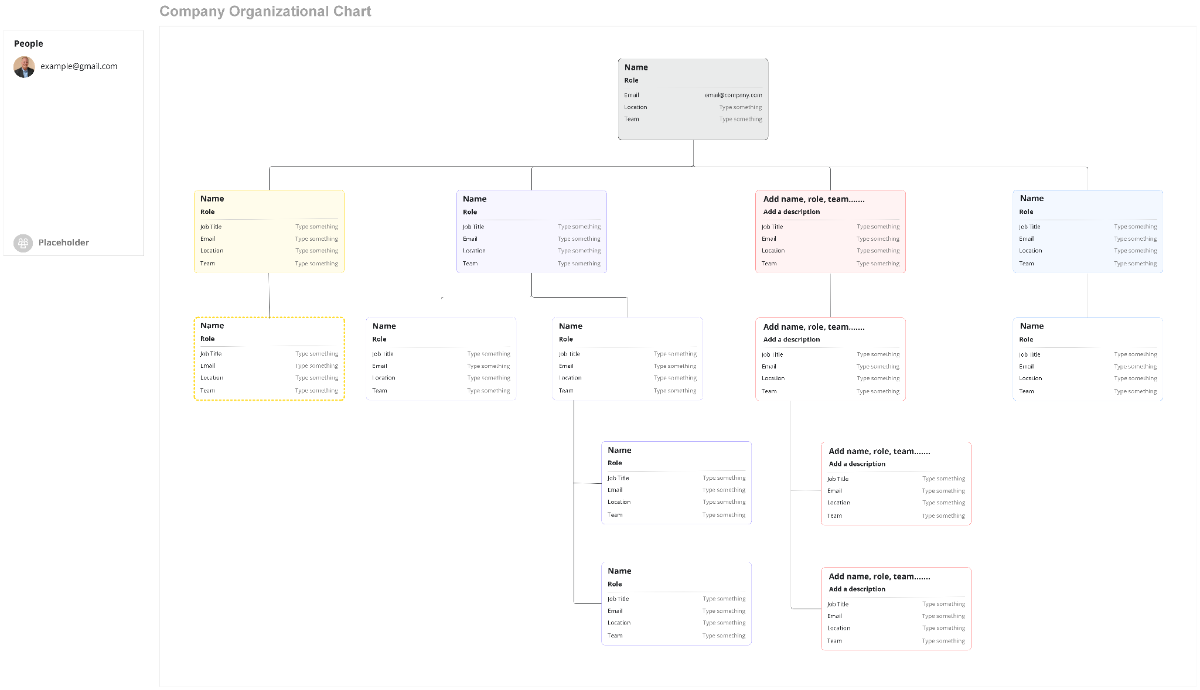
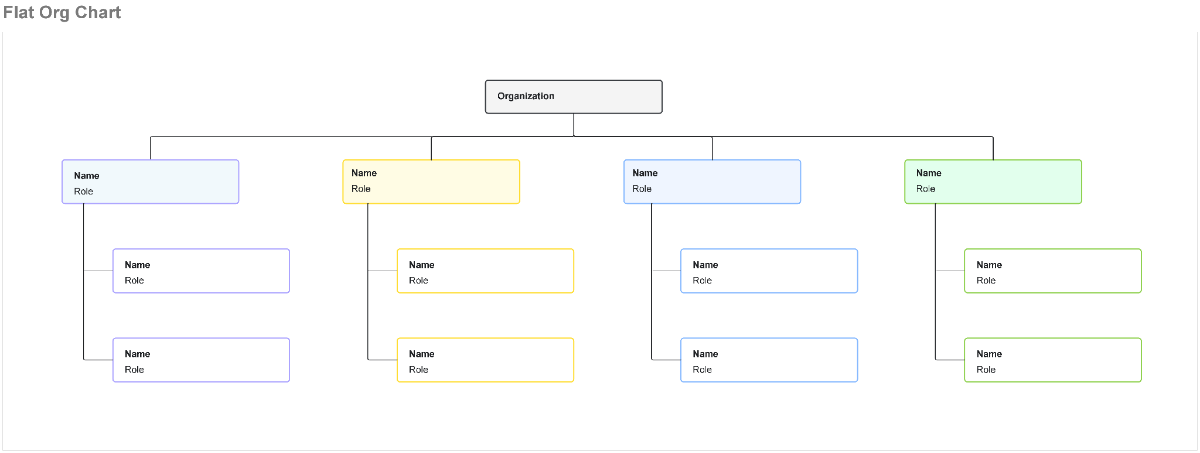
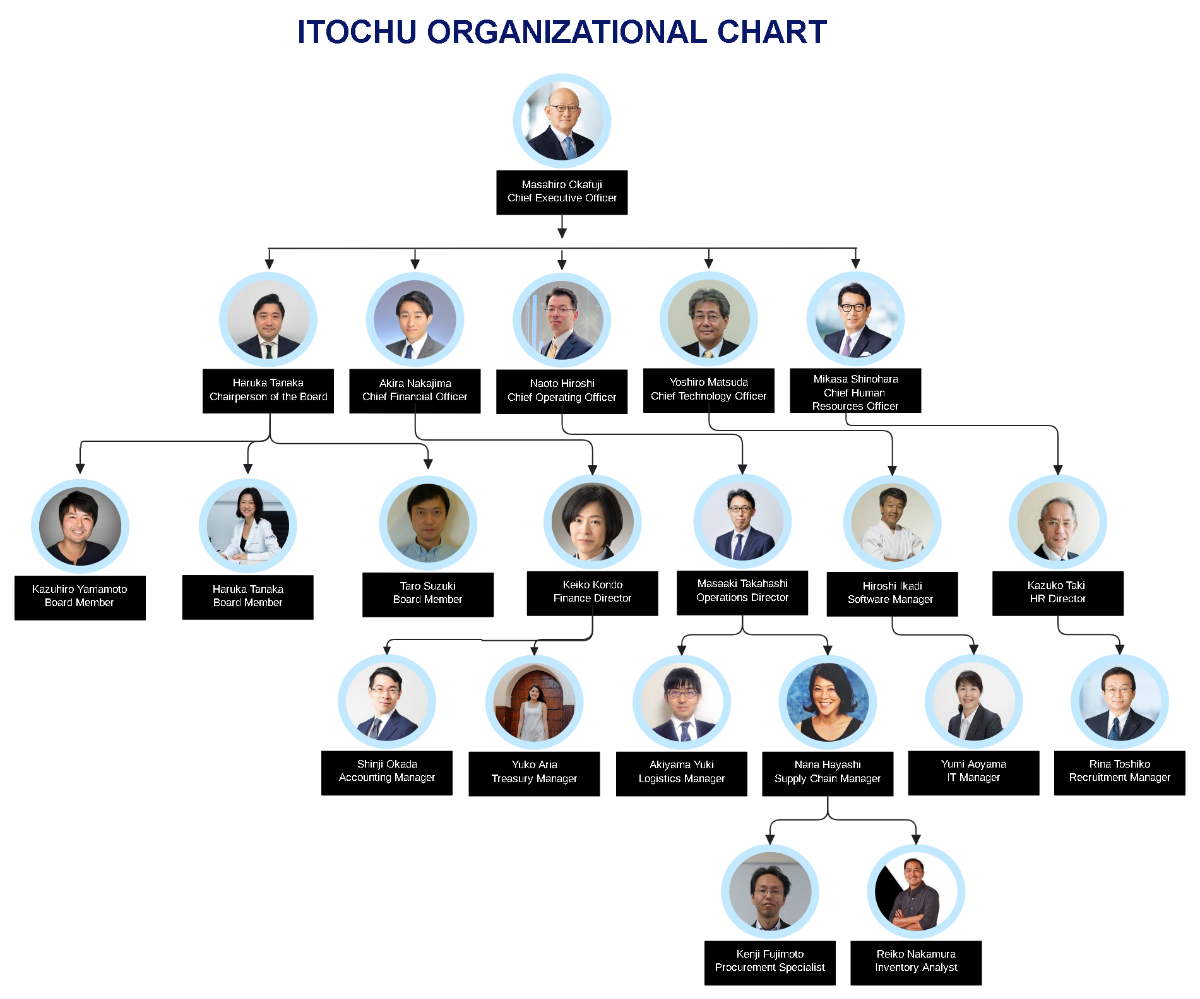
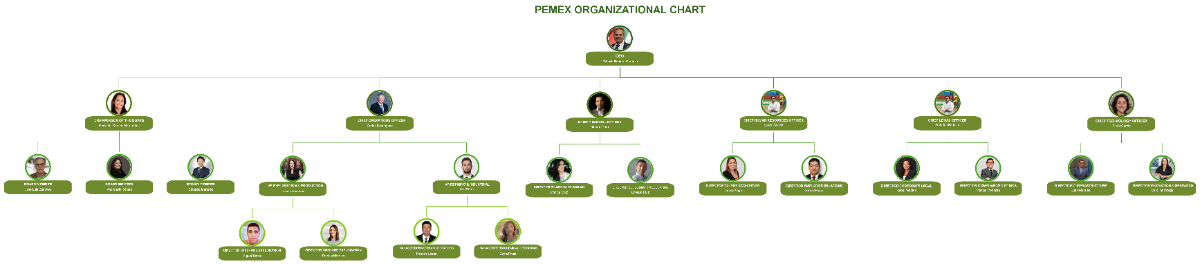
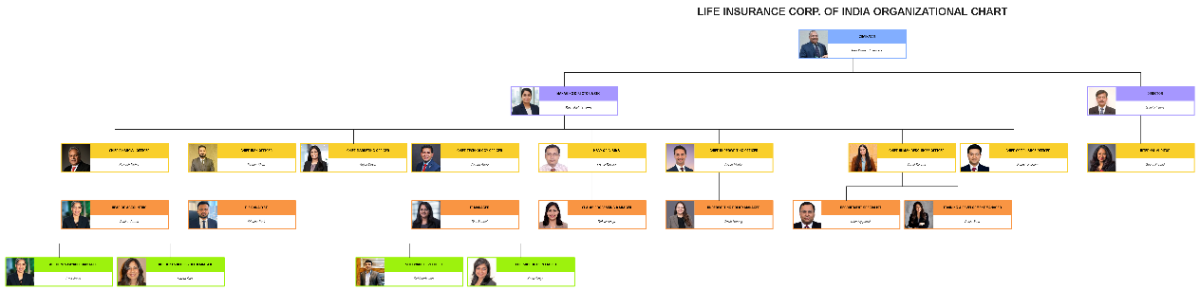
A Org Chart is a diagram that visually displays the hierarchical structure of an organization, including roles, departments, and reporting relationships. It helps clarify workflow connections and defines the chain of command within a company or team.
Why should I use a Org Chart?
Using a Org Chart provides clear visual hierarchy for your organization, improving communication and workflow efficiency. It helps identify role responsibilities, supports onboarding, and facilitates strategic planning by clarifying team structure and collaboration paths.
Who uses Org Charts?
Org Charts are commonly used by managers, HR professionals, project leaders, and team members to understand and communicate the organizational structure. Businesses of all sizes use them to organize departments and support collaboration features within teams.
What are the best tips for completing my Org Chart?
When completing your Org Chart, focus on structural clarity and consistency. Use clear labels, ensure roles are accurately represented, and maintain a logical flow from top to bottom. Keep the design simple and use colors or icons to enhance readability and highlight key positions.
- Define roles clearly – assign accurate titles and responsibilities
- Use consistent shapes and lines – ensure uniform visual hierarchy
- Limit text – keep descriptions concise for clarity
- Group related roles – visually cluster departments or teams
- Update regularly – reflect organizational changes promptly
- Use colors thoughtfully – differentiate departments or levels
- Include contact info if needed – for easier communication
- Test readability – confirm clarity for all viewers
- Incorporate collaboration tools – enable online editing for teams
- Align with company objectives – reflect strategic structure
What file formats can I download for my Org Chart?
Template.net whiteboard Org Chart templates support multiple export formats for collaboration and sharing, including Word.
Can I create a Org Chart using AI?
Template.net provides an AI-powered tool that generates new Org Chart structures from prompts, allowing you to quickly create customized organizational diagrams. Use the Org Chart Maker to streamline your design process.
What essential elements should be included in my Org Chart?
Your Org Chart should include fundamental components that define the organizational structure clearly.
- Position titles – the role name of each individual or department
- Employee names – optional but helpful for clarity
- Reporting lines – connectors showing supervision and hierarchy
- Departments or teams – grouping related roles
- Levels of hierarchy – from executives down to staff
- Contact information – optional for internal use
- Role responsibilities – brief duties if space allows
- Visual cues – colors or icons to differentiate sections
- Date or version – to track updates
- Company logo – for branding the chart
What are the benefits of using Org Chart in my team collaboration workflow?
Using a Org Chart in your team collaboration workflow enhances understanding of role responsibilities and streamlines communication. It supports efficient task delegation, reduces confusion, and fosters transparency by visually mapping relationships and accountability within the team.
- Improved communication – clarifies who is responsible for tasks
- Enhanced transparency – makes organizational roles visible
- Streamlined collaboration – aligns team efforts effectively
- Faster onboarding – new members understand structure quickly
- Conflict reduction – clear reporting lines limit confusion
- Better resource allocation – identifies role gaps or overlaps
- Supports remote work – clarifies virtual team relationships
- Facilitates project management – assigns responsibilities clearly
- Boosts accountability – defines who owns what tasks
- Encourages strategic planning – visualizes team growth needs
What structural standards should my Org Chart follow?
Your Org Chart should follow structural standards that ensure visual clarity and effective communication of hierarchy.
- Use top-down flow – display senior roles at the top and subordinates below
- Maintain alignment – align boxes and connectors for readability
- Keep consistent spacing – even gaps between roles and departments
- Use clear connectors – lines or arrows showing reporting relationships
- Limit complexity – avoid overcrowding by breaking into sections if needed
- Apply color coding – differentiate departments or levels
- Label clearly – use legible fonts and concise text
- Incorporate whitespace – prevent clutter and improve focus
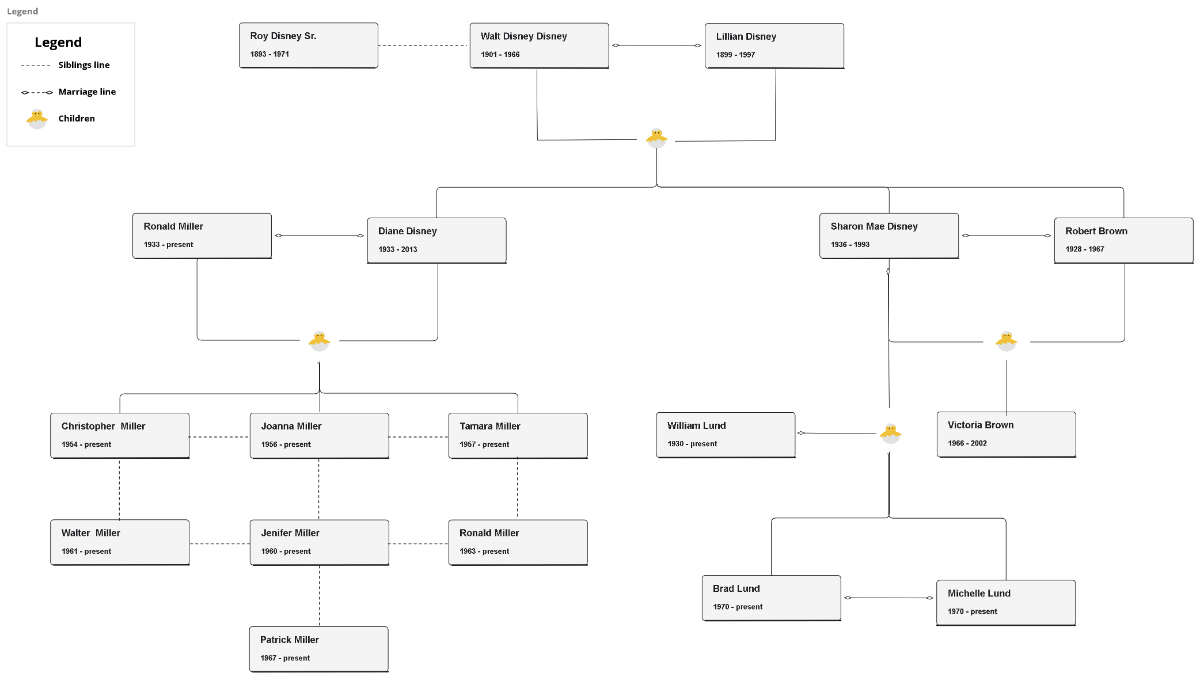
- Include legend if needed – explain colors or symbols used
- Ensure scalability – chart should be readable in different sizes
