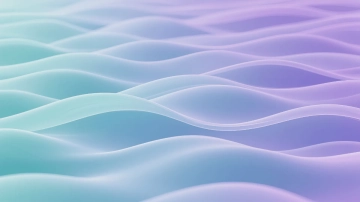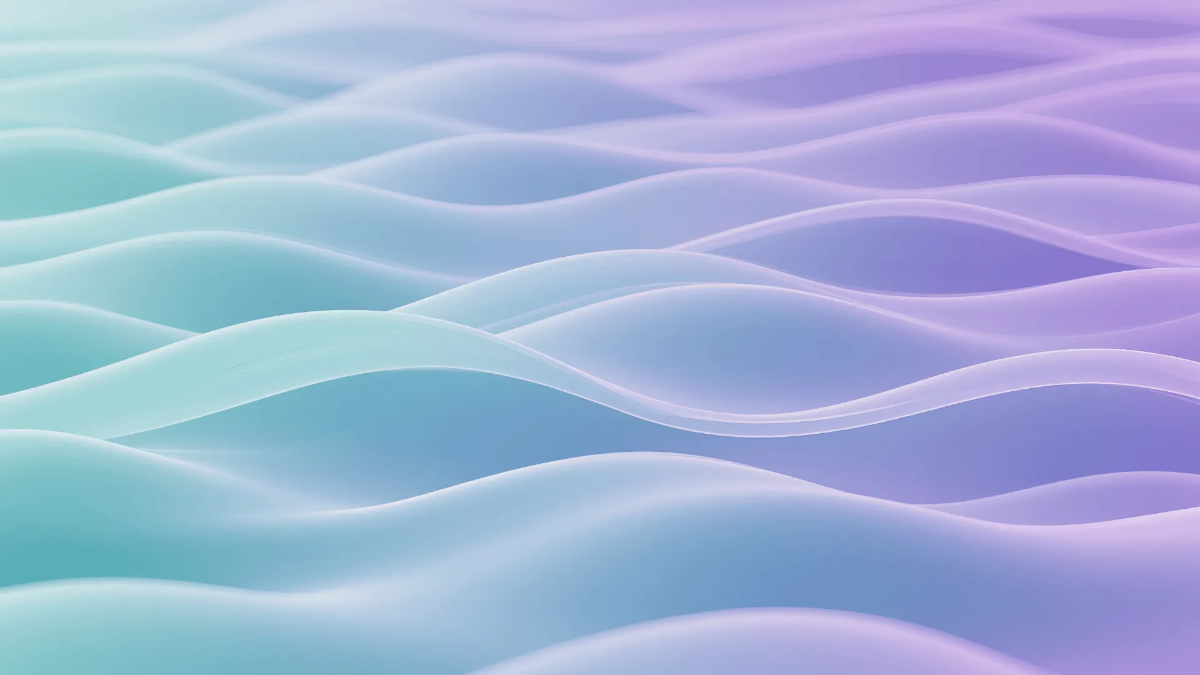
A Wavy Purple and Green Gradient Background is a visually dynamic backdrop featuring flowing purple and green hues, used by designers and marketers in the US for digital and print projects.
A Wavy Purple and Green Gradient Background is a visually dynamic backdrop featuring flowing purple and green hues, used by designers and marketers in the US for digital and print projects.
How Can I Create the Best Wavy Purple and Green Gradient Background?
You can create a professional Wavy Purple and Green Gradient Background on Template.net in minutes by following these steps:
- Click "Use this AI Template"Find the "Use this AI Template" button on the Wavy Purple and Green Gradient Background page and click it to open the AI generator.
- Enter Your DetailsFill in the information you want to include, such as purpose of the background (e.g., event flyer, presentation slide), preferred wave style, gradient intensity, and any text overlays like event name or tagline. Be as specific as possible for best results.
- Click GenerateHit the Generate button and let Template.net's AI build your Wavy Purple and Green Gradient Background instantly.
- Review and RefineLook over the generated Wavy Purple and Green Gradient Background and refine it your way — type a follow-up prompt to ask the AI to adjust wording, change the tone, or try a different style, or edit any element directly by clicking on it to swap colors, reposition, or retype text manually.
- DownloadSave your finished Wavy Purple and Green Gradient Background in your preferred format — PDF, PNG, JPG, or Docx — ready to print or share digitally.
No design experience is needed to create a Wavy Purple and Green Gradient Background on Template.net. The AI generator handles the heavy lifting and makes it easy to get professional results quickly.
Wavy Purple and Green Gradient Background Prompt Examples
You can try these prompts on Template.net's Wavy Purple and Green Gradient Background AI Agent:
- "A Wavy Purple and Green Gradient Background with smooth flowing waves and subtle texture for a small business summer sale flyer targeting US customers"
- "Create a Wavy Purple and Green Gradient Background featuring bold, dynamic waves for a Labor Day event digital poster with clear space for event details"
- "Design a Wavy Purple and Green Gradient Background with soft pastel purple and green waves for a nonprofit organization's Earth Day social media banner"
- "Generate a Wavy Purple and Green Gradient Background with vibrant wave patterns for a college presentation slide deck on innovation and technology"
Design Tips for the Best Wavy Purple and Green Gradient Background
To make your Wavy Purple and Green Gradient Background stand out, follow these design best practices:
Balance Color Intensity
Use the green and purple tones in varying intensities to create depth without overwhelming the viewer. Softer gradients work well for backgrounds behind text.Maintain Wave Flow Consistency
Ensure the waves flow naturally across the background to create a smooth visual experience, avoiding sharp breaks or abrupt changes.Consider Text Contrast
Place text elements on areas where the gradient is lighter or darker to maintain readability, especially for US English content with standard fonts.Use Letter-Size Dimensions
Design your Wavy Purple and Green Gradient Background in letter size (8.5 x 11 inches) when creating print materials like flyers or handouts for US audiences.Limit Additional Graphics
Avoid cluttering the background with too many overlays. Let the wavy gradient serve as the main visual element, especially for professional presentations.Test Across Devices
Preview your background on various screens and printers common in the US to ensure colors and waves render correctly.
What Types of Wavy Purple and Green Gradient Background Can I Make?
Template.net supports every Wavy Purple and Green Gradient Background format you need:
By Occasion
- Holiday event flyers (Thanksgiving, 4th of July)
- Corporate presentation slides
- School event posters
- Nonprofit campaign banners
By Style
- Subtle pastel waves for calming effects
- Bold and bright waves for attention-grabbing
- Soft gradient blends for backgrounds behind text
- Textured wave overlays for creative flair
By Use Case
- Social media headers and posts
- Printed brochures and handouts
- Digital newsletters
- PowerPoint and Google Slides backgrounds
Template.net's Wavy Purple and Green Gradient Background generator lets you create backgrounds in various formats tailored to your project needs, whether digital or print.
What Are the Benefits of Using a Wavy Purple and Green Gradient Background?
A well-designed Wavy Purple and Green Gradient Background gives you a measurable advantage:
Visual Appeal
The flowing waves and complementary colors create an engaging backdrop that draws attention to your content.Brand Differentiation
Purple and green gradients are less common, helping your materials stand out in competitive US markets.Versatility
Works well for both digital and print projects across industries like education, nonprofit, retail, and corporate sectors.Easy Customization
You can quickly adjust colors, wave styles, and overlays on Template.net to suit your brand or event.Professional Look
Creates a polished and modern aesthetic suitable for US professional settings without requiring design skills.Time Efficiency
The AI-powered generator produces ready-to-use backgrounds in minutes, saving valuable time for busy US users.
Wavy Purple and Green Gradient Background Ideas and Use Cases
- Small Business Sale Flyers — Use bold purple and green waves to highlight seasonal discounts and store events.
- School Event Posters — Create vibrant backgrounds for school dances, sports games, or club meetings with clear space for details.
- Corporate Presentation Slides — Add a modern, professional gradient backdrop to enhance slide decks for meetings or conferences.
- Nonprofit Campaign Banners — Design calming yet eye-catching backgrounds for environmental or community outreach campaigns.
- Social Media Graphics — Craft engaging posts and headers for platforms like Instagram and Facebook using wave patterns that attract clicks.
- Digital Newsletters — Use the gradient background to add color without distracting from the newsletter content.
- Trade Show Booth Displays — Incorporate the background into large banners and signage to create a cohesive brand presence.
- Event Invitations — Design digital or printed invites with a unique gradient background for weddings, parties, or corporate events.
Can I Customize a Wavy Purple and Green Gradient Background on Template.net?
Yes. Every element of your Wavy Purple and Green Gradient Background is fully editable on Template.net — no design experience required.
Click any element of your Wavy Purple and Green Gradient Background to change colors, adjust wave shapes, add or edit text, reposition graphics, or swap fonts easily.
- Adjust wave curves and flow to match your brand personality
- Change purple and green hues to fit your color palette
- Edit or add text overlays with US English spelling and style
- Resize or crop the background for print sizes like letter or digital formats
- Add logos or icons relevant to your US-based business or event
- Switch between formats such as PNG, PDF, PowerPoint, or Google Slides
Template.net makes it simple to tailor every detail of your Wavy Purple and Green Gradient Background, so you can create a customized design that fits your specific US market needs.