
Free Soft Background Images









Soft Background Images: Definition, Usage, and Customization Tips
What is a Soft Background Images?
Soft background images are gentle, low-contrast visuals used to create a calming and unobtrusive backdrop in designs. These templates feature layered design customization and professional layouts that you can edit online to fit various projects.
Why use a Soft Background Images?
Soft background images enhance designs by providing a subtle visual texture that does not distract from foreground content. Using these templates ensures balanced contrast and readability, making professional design accessible through quick online editing.
Who typically uses Soft Background Imagess?
Designers, marketers, and content creators commonly use soft background images to improve visual appeal without overwhelming key messages. These template categories support easy customization for professionals seeking polished results in presentations, flyers, and social media.
What size should a Soft Background Images be?
Soft background images should match the project size, commonly 8.5 × 11 inches for flyers or 1920 × 1080 pixels for digital use. Template.net offers templates with editable text areas and design layers that fit standard sizes for versatile applications.
What are the best tips for designing a Soft Background Images?
Effective soft background images use muted colors, blur effects, and minimalist graphics to maintain subtlety. Utilize layered customization in templates to adjust opacity and contrast, ensuring the background complements rather than competes with main content.
How do you print a Soft Background Images?
Print soft background images on high-quality paper using settings that preserve color accuracy and soft gradients. Templates designed for printing at standard sizes, like 8.5 × 11 inches, include print-ready layers editable online to ensure professional results.
What elements should a Soft Background Images include?
Soft background images should include layered graphics, subtle textures, and adjustable opacity layers. These elements create depth without distraction and are featured in templates that allow easy online editing of each design component.
What types of Soft Background Imagess are most popular?
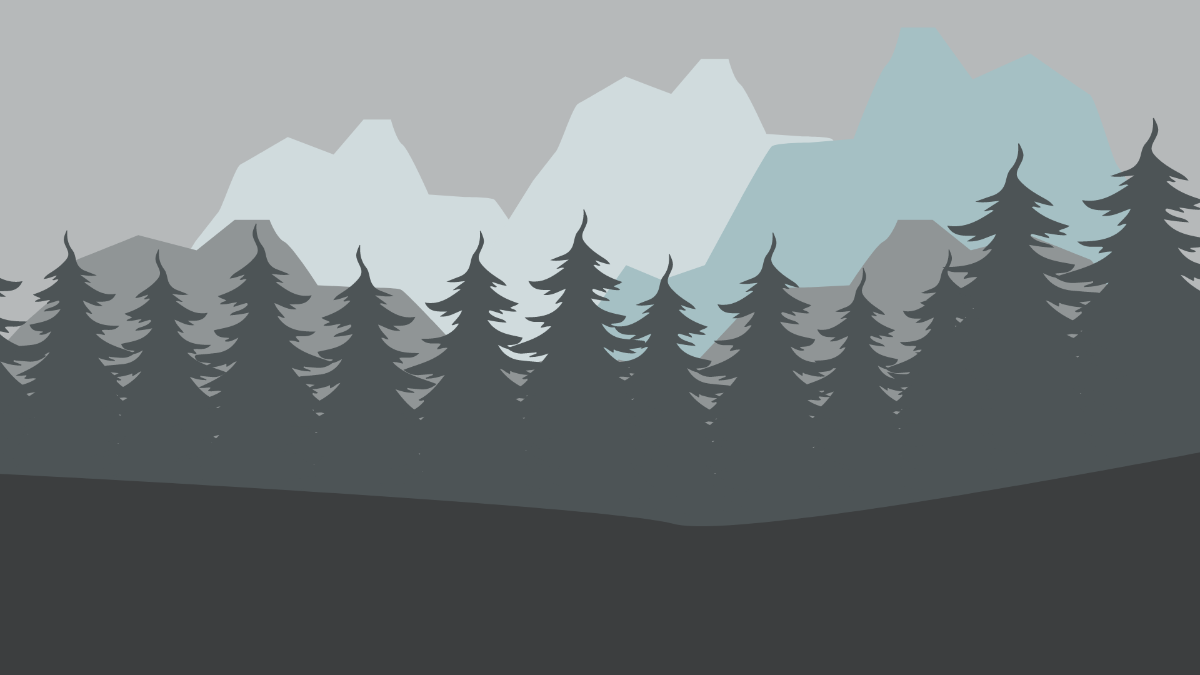
Popular soft background images include blurred nature scenes, pastel gradients, and abstract textures. These types use gentle color palettes and smooth transitions to enhance designs. Template.net templates provide ready-made customizable options for diverse project needs.
Can I create a new Soft Background Images using AI?
Template.net provides an AI-powered tool that generates new Soft Background Images designs from prompts, enabling quick creation of unique backgrounds. Use the Background Generator to customize and edit backgrounds easily online.
