
Free Cover Letter Templates
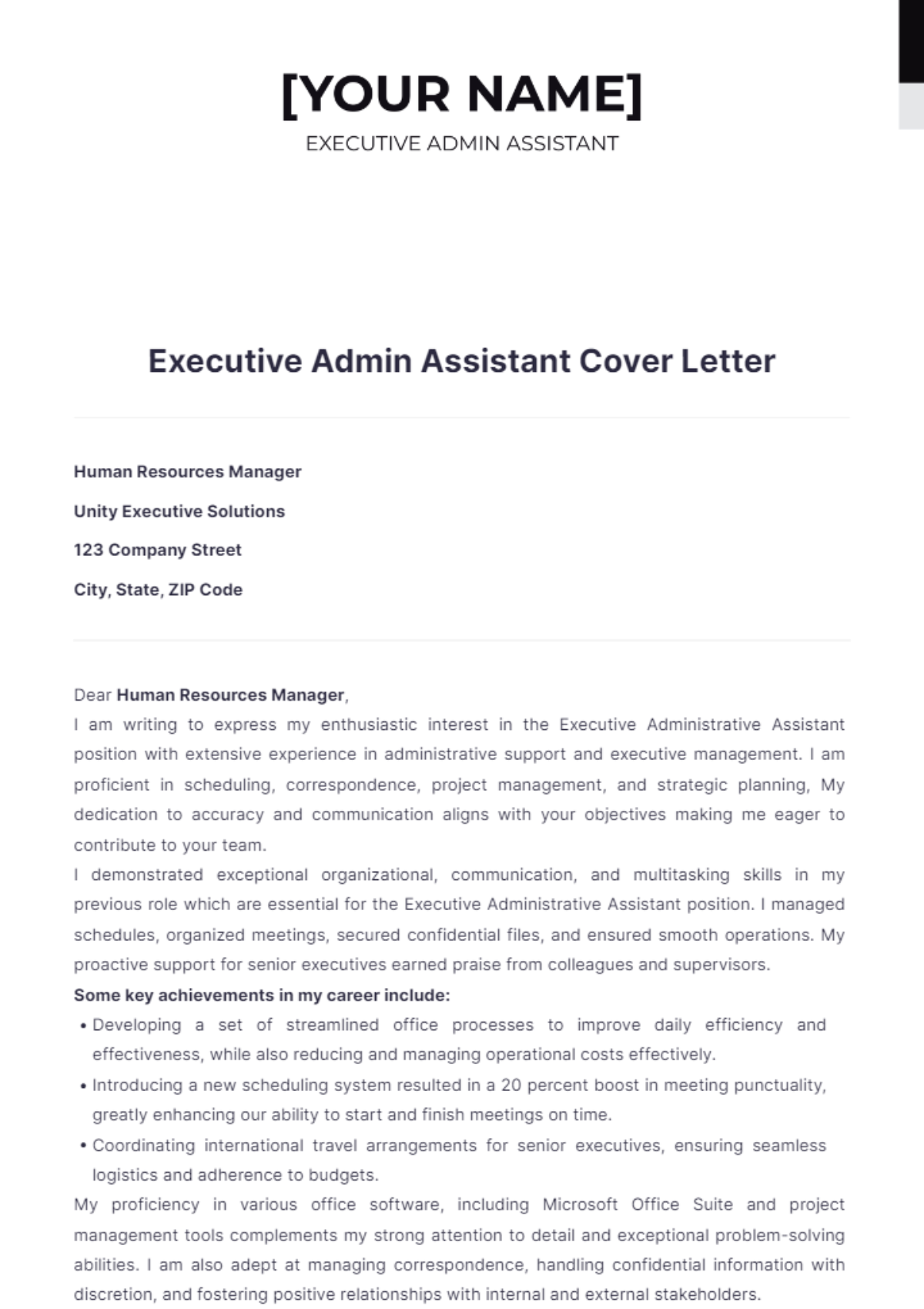
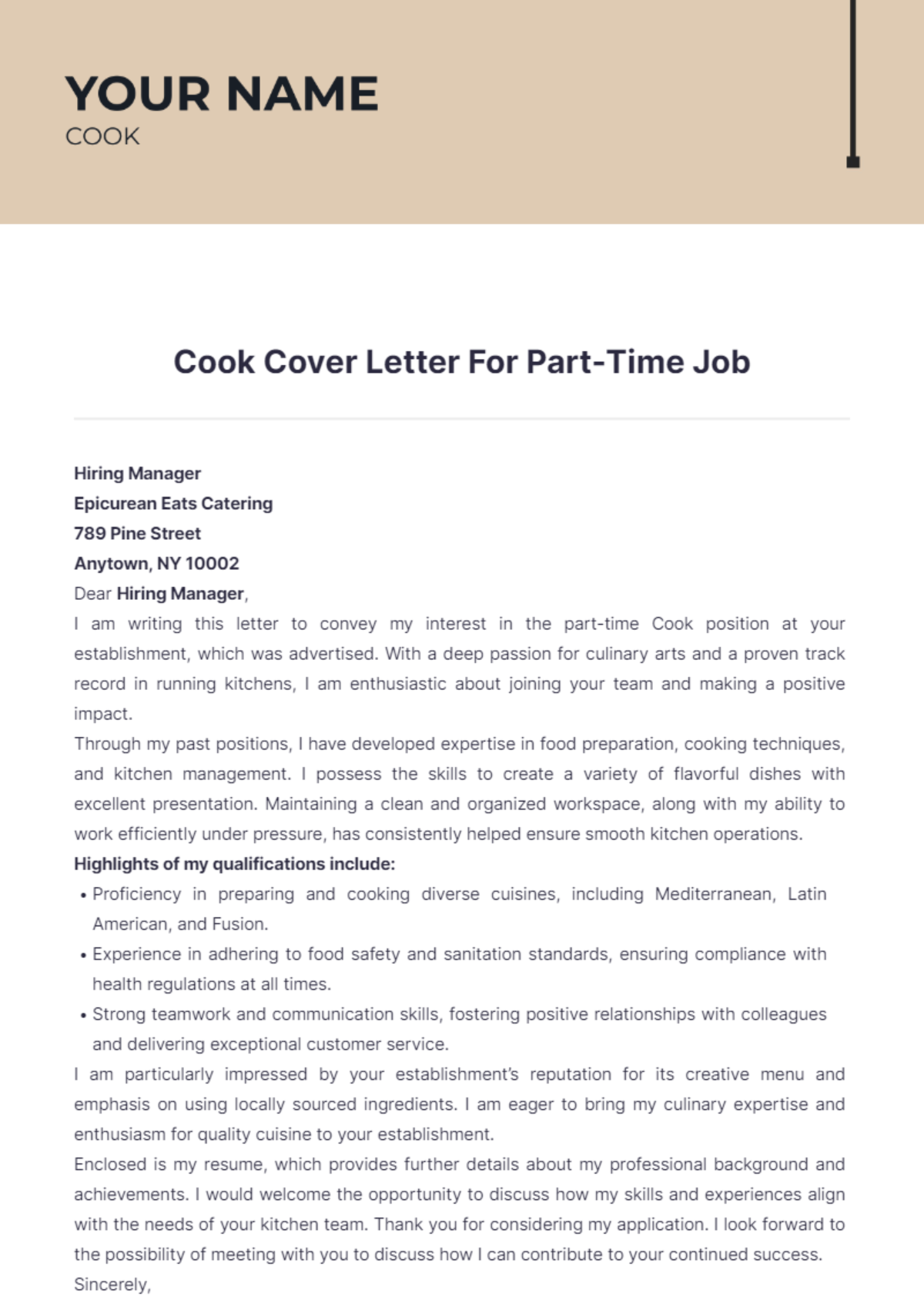
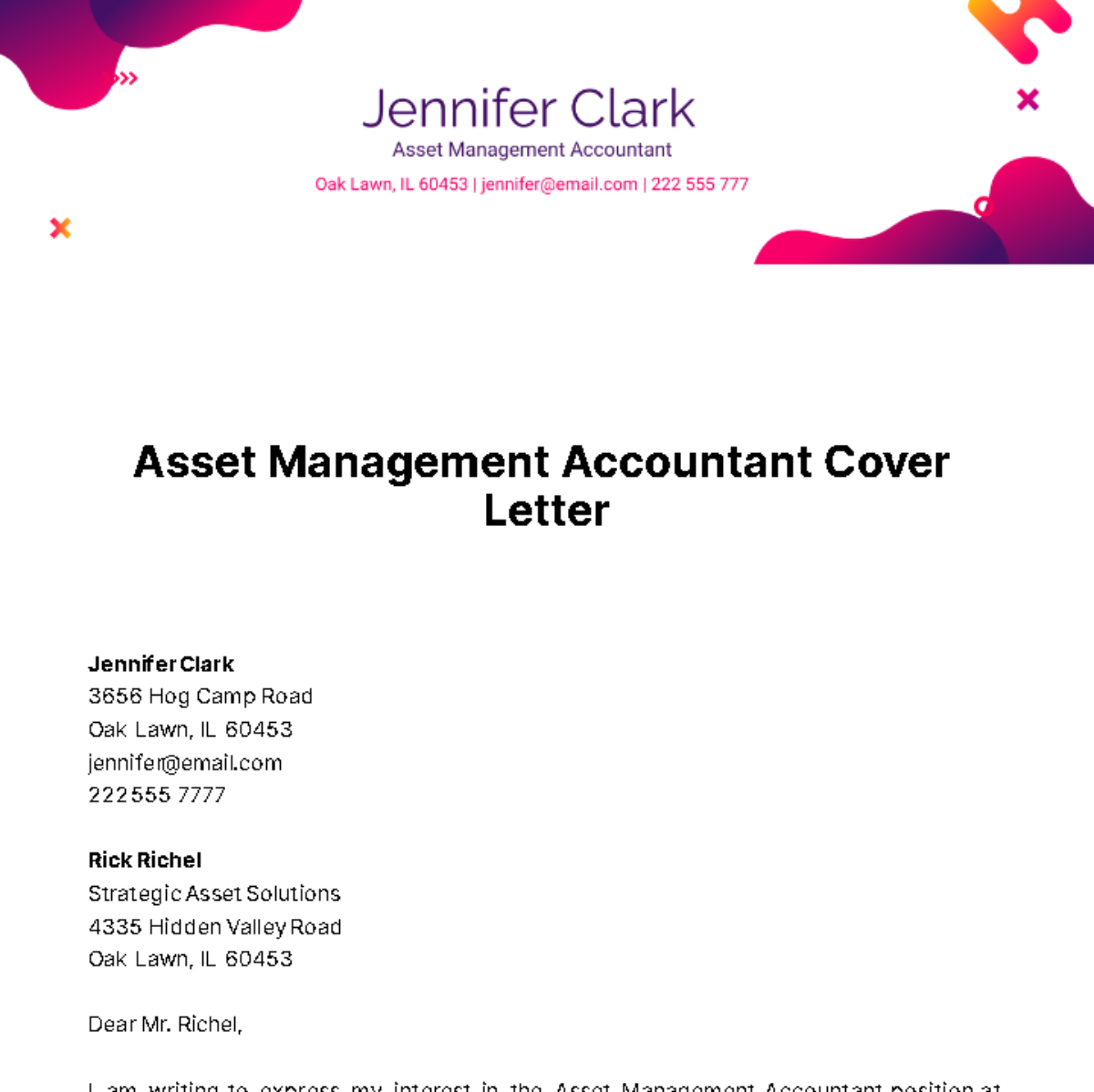
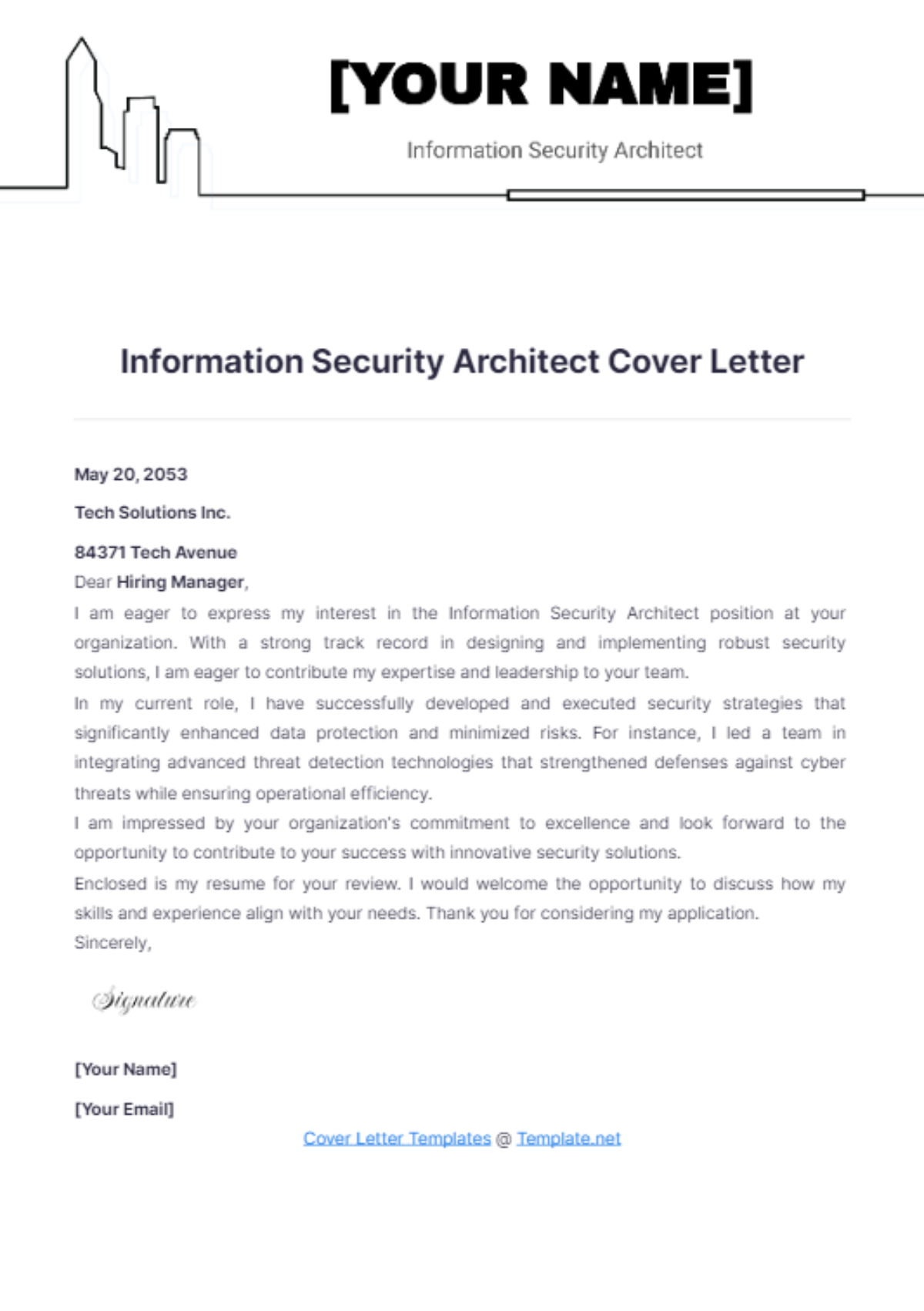
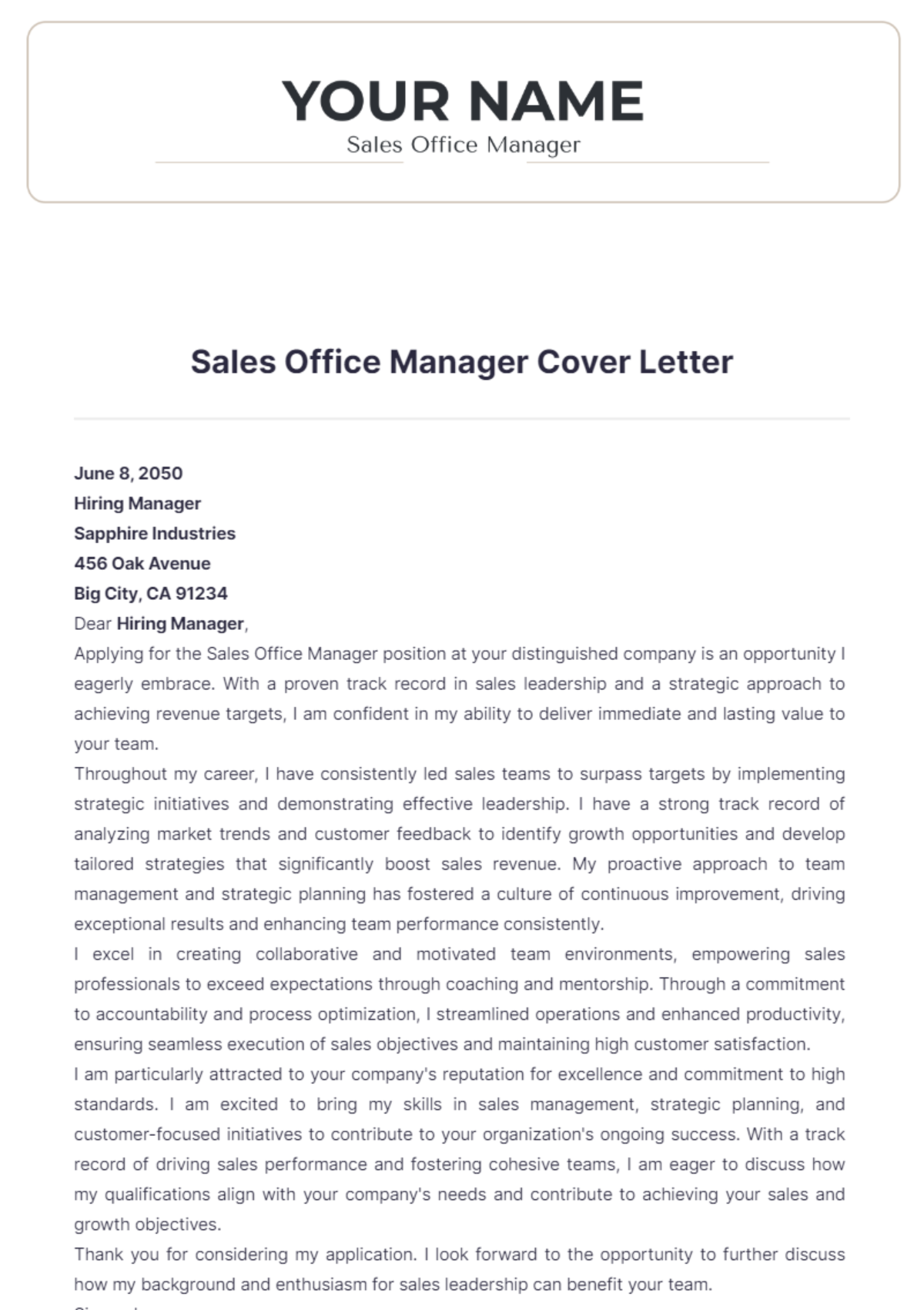
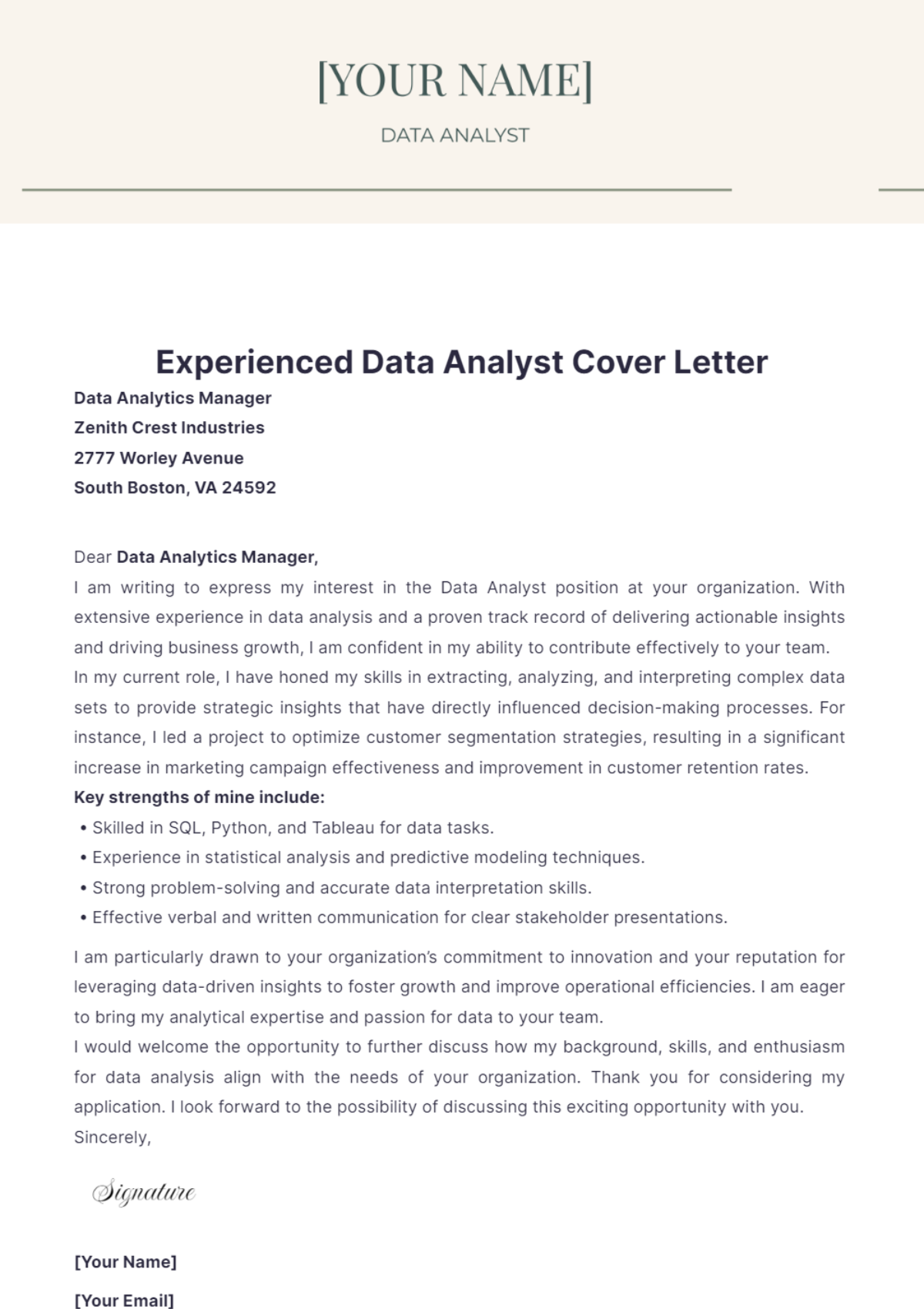
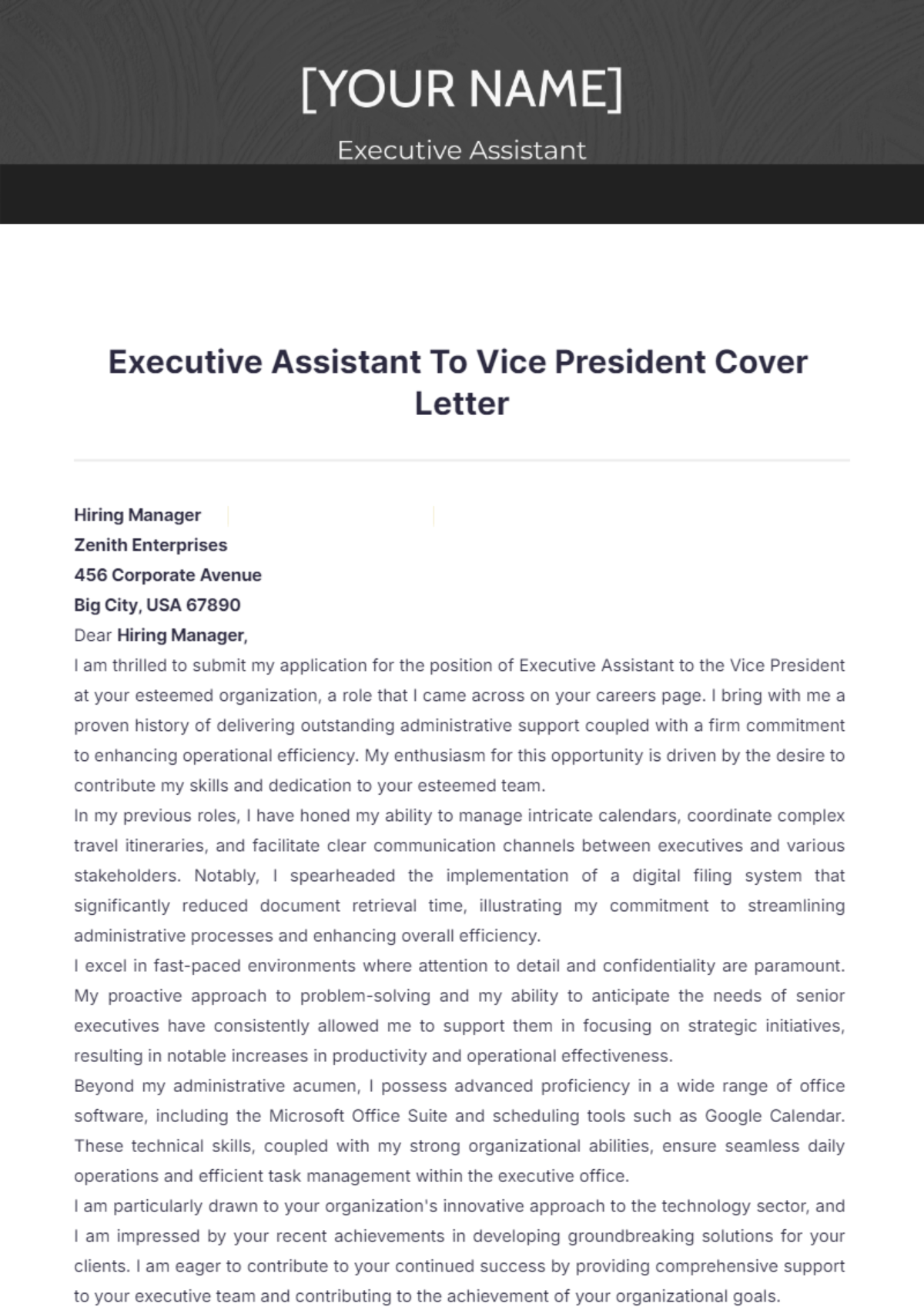
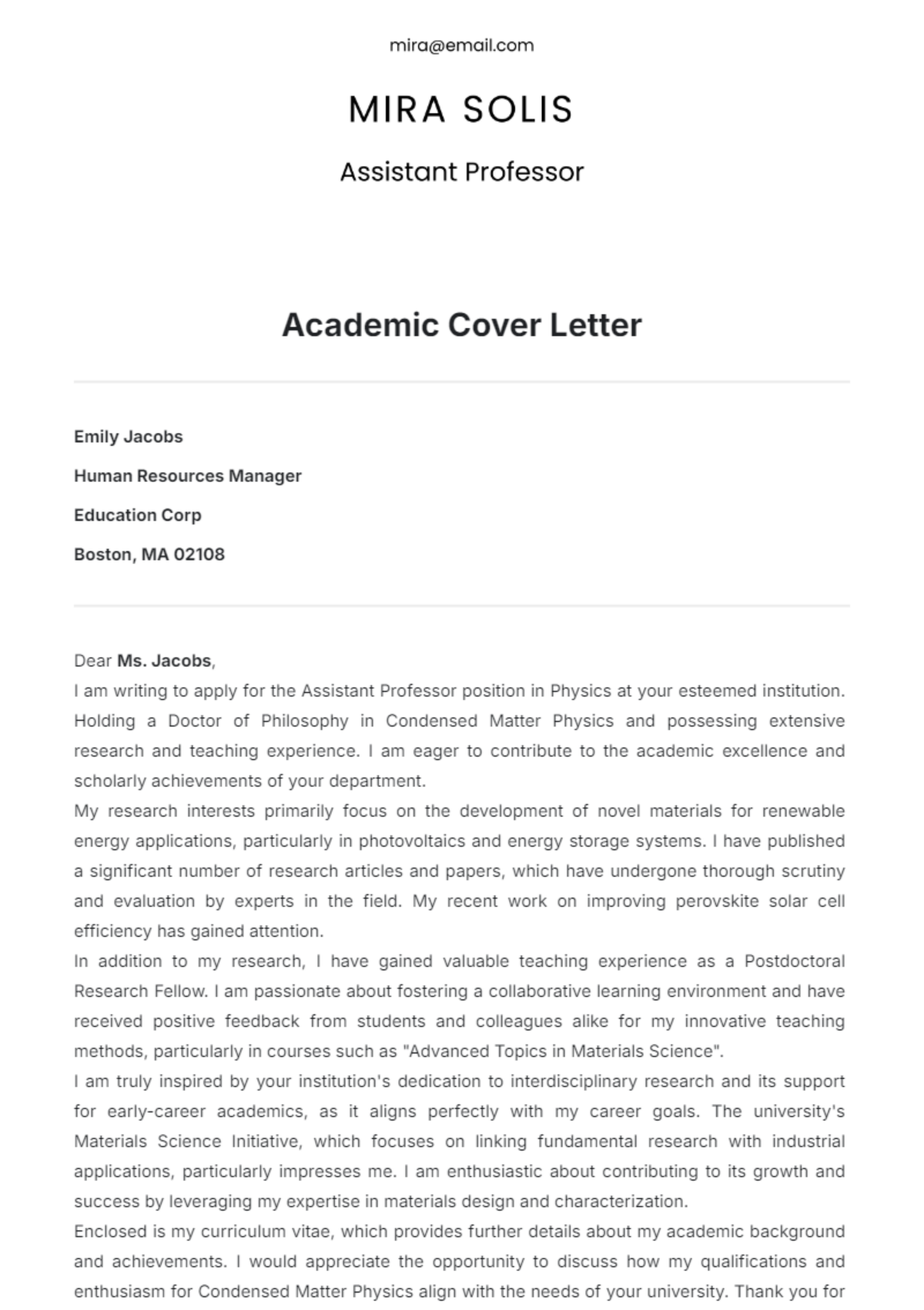
Cover Letter Templates: Definition, Usage, and Formats

What is a Cover Letter?
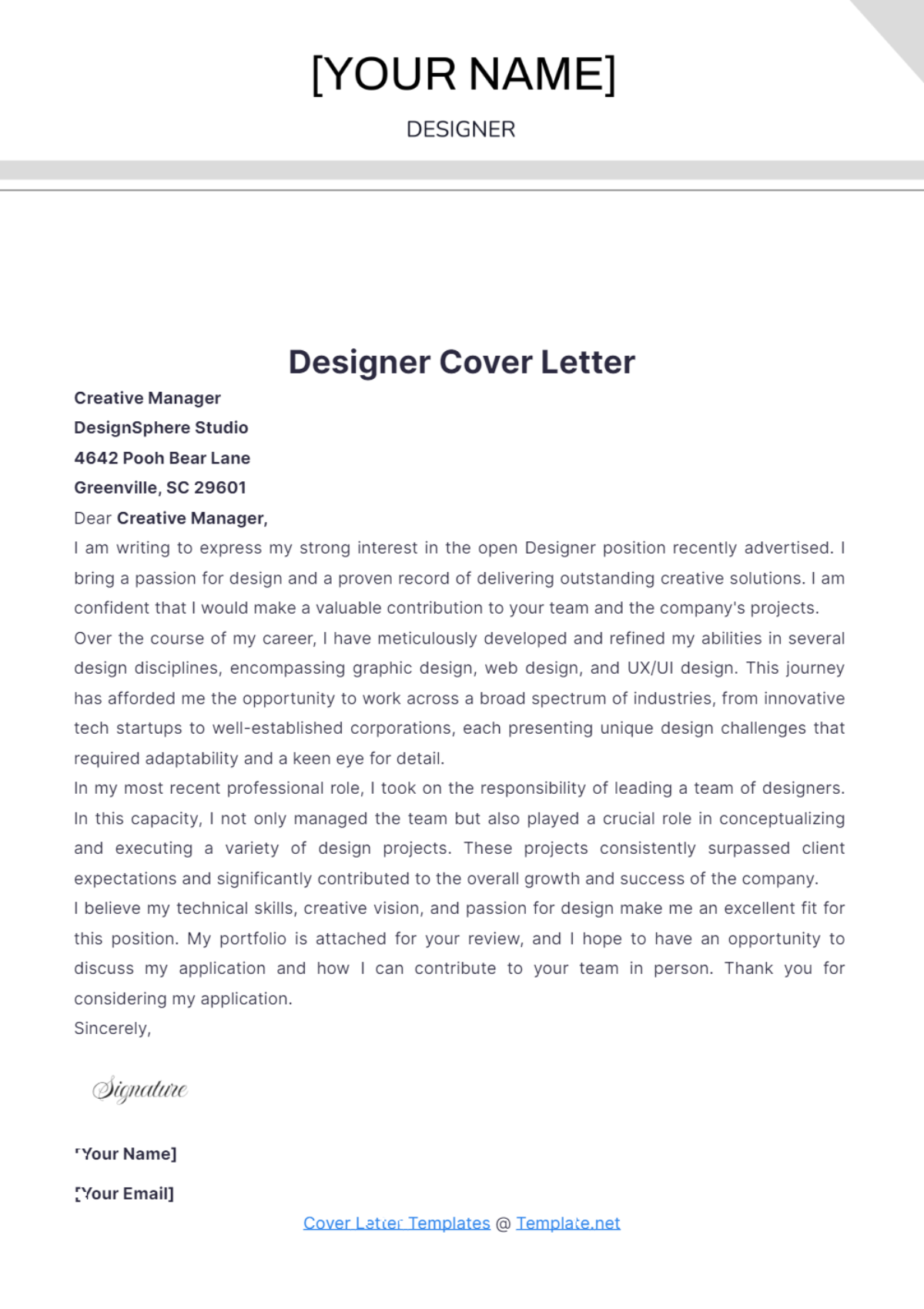
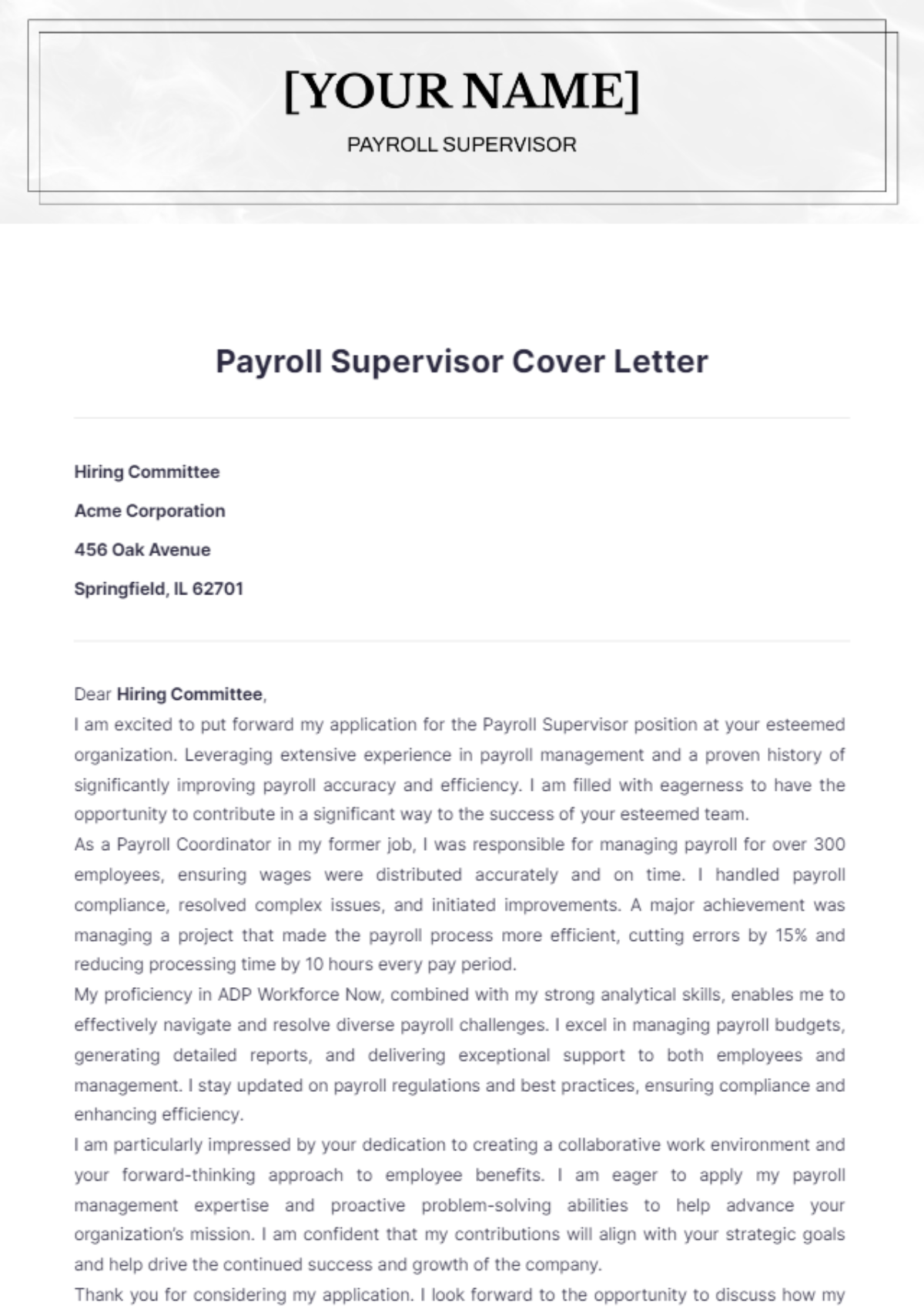
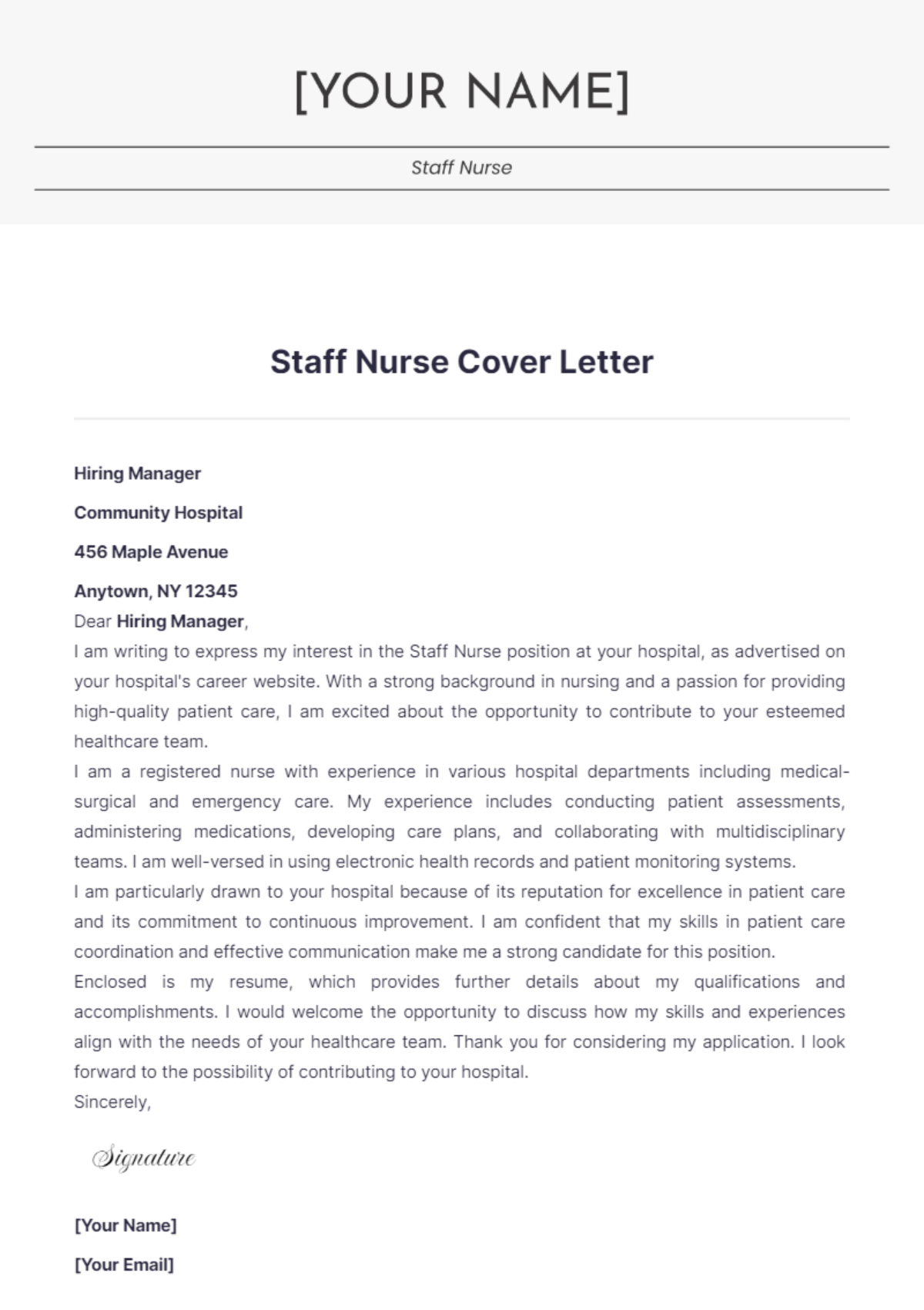
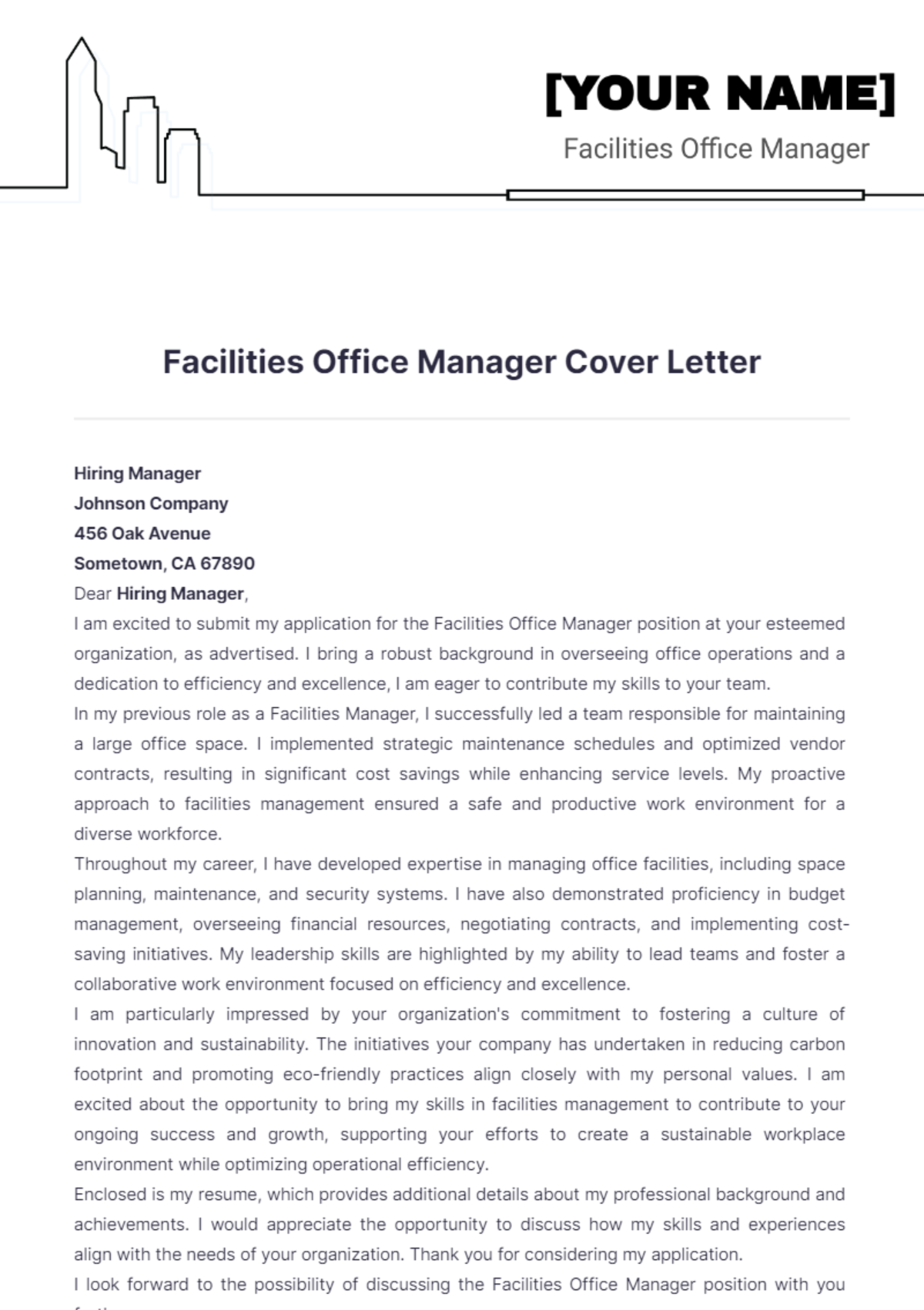
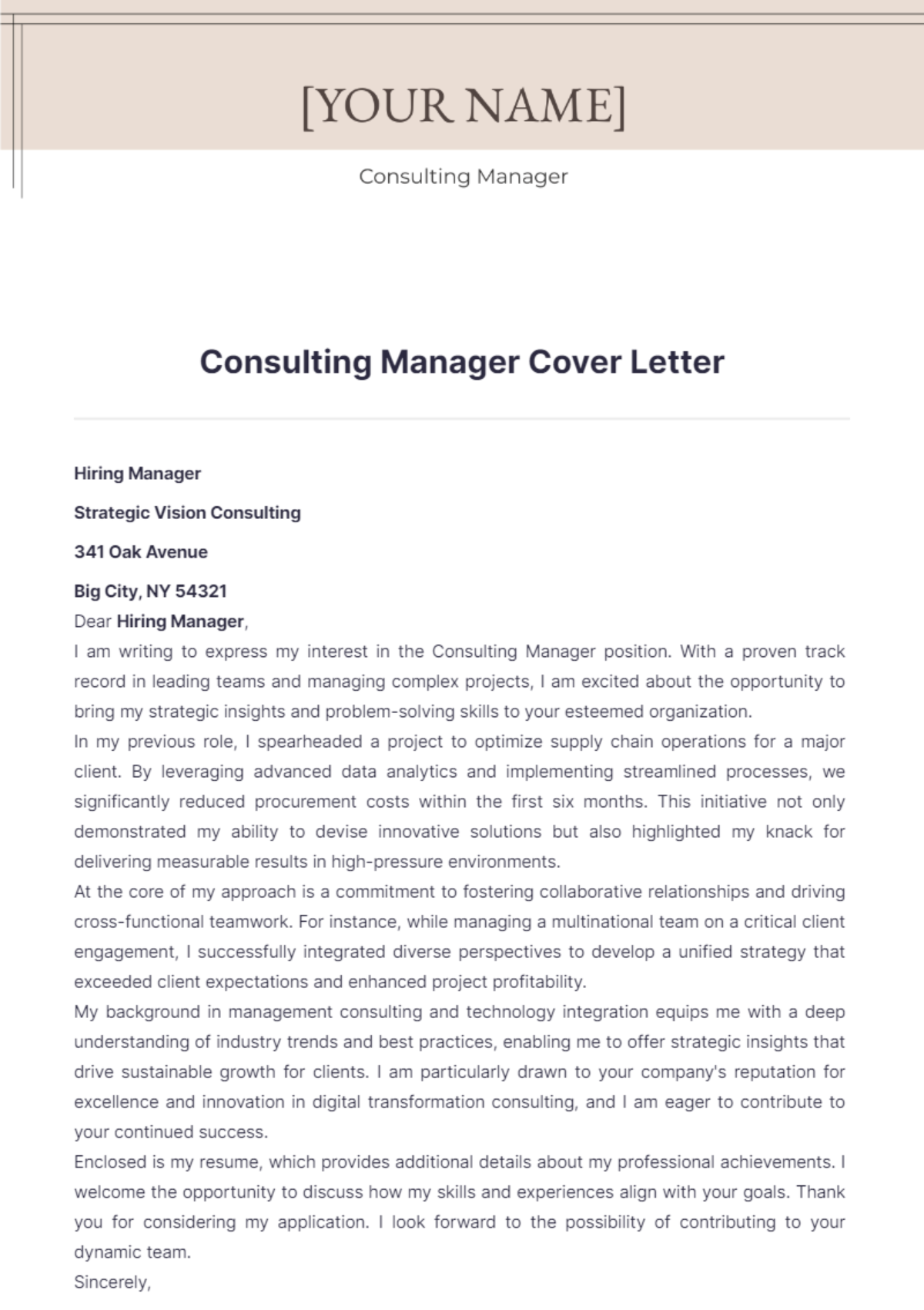
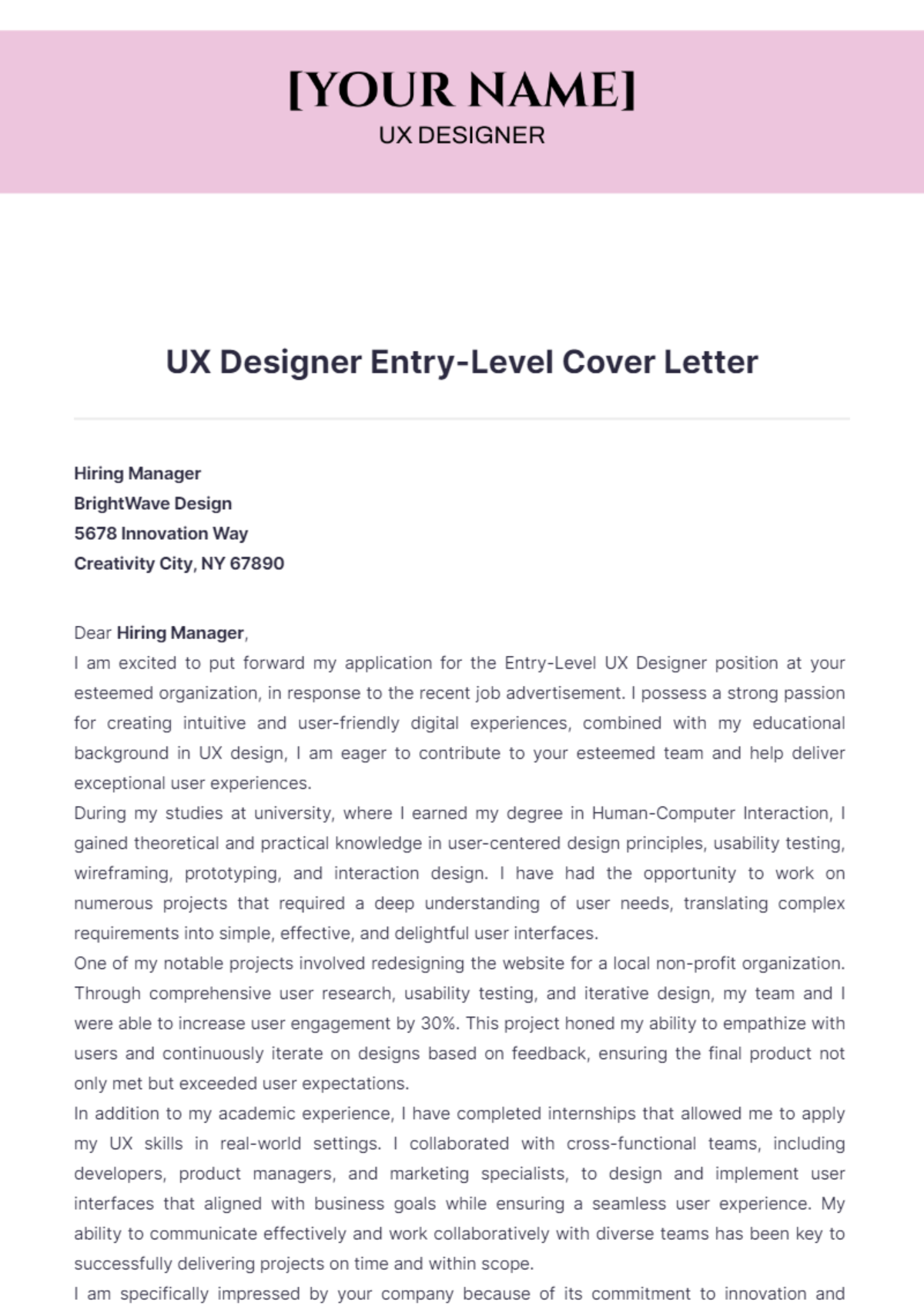
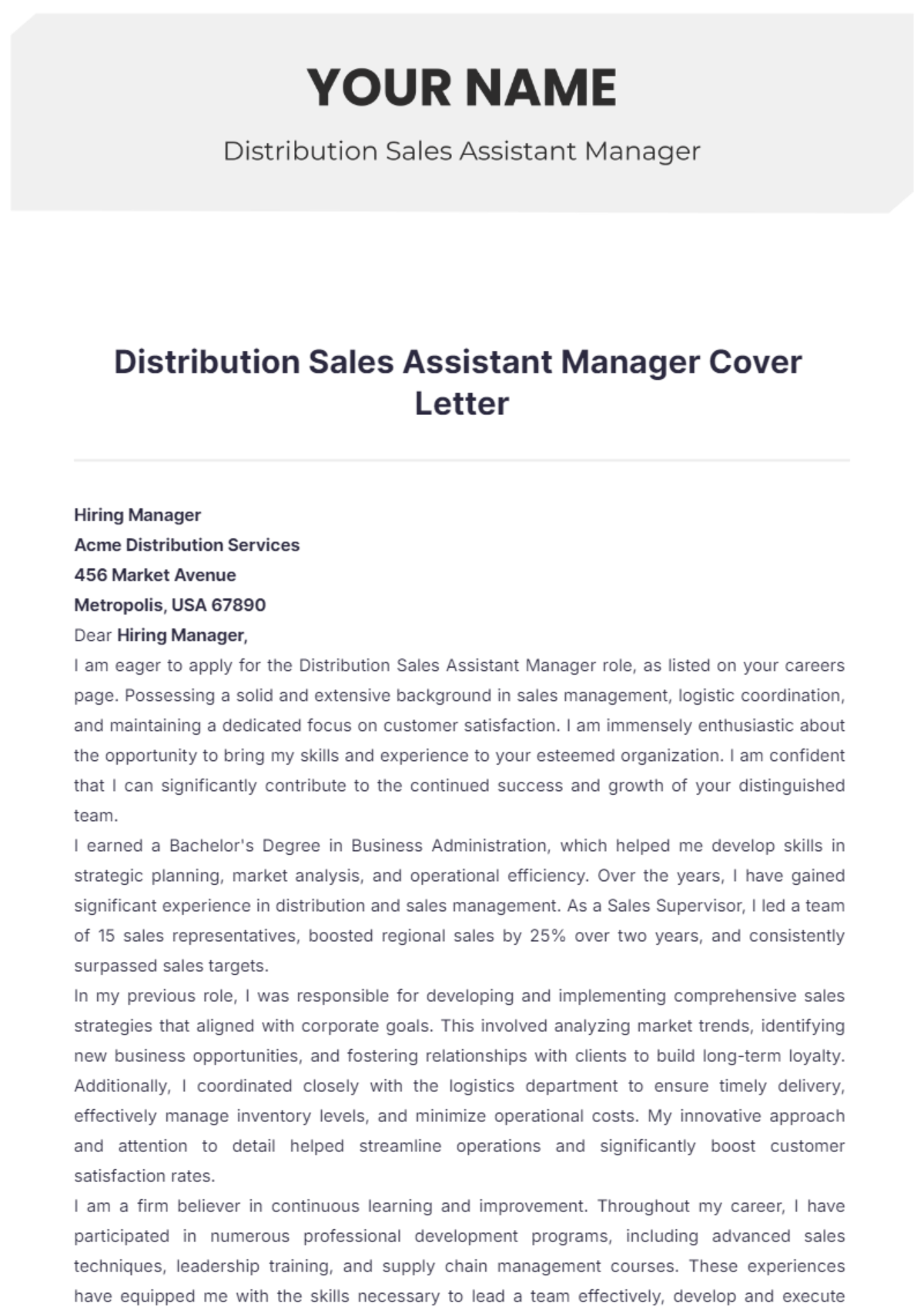
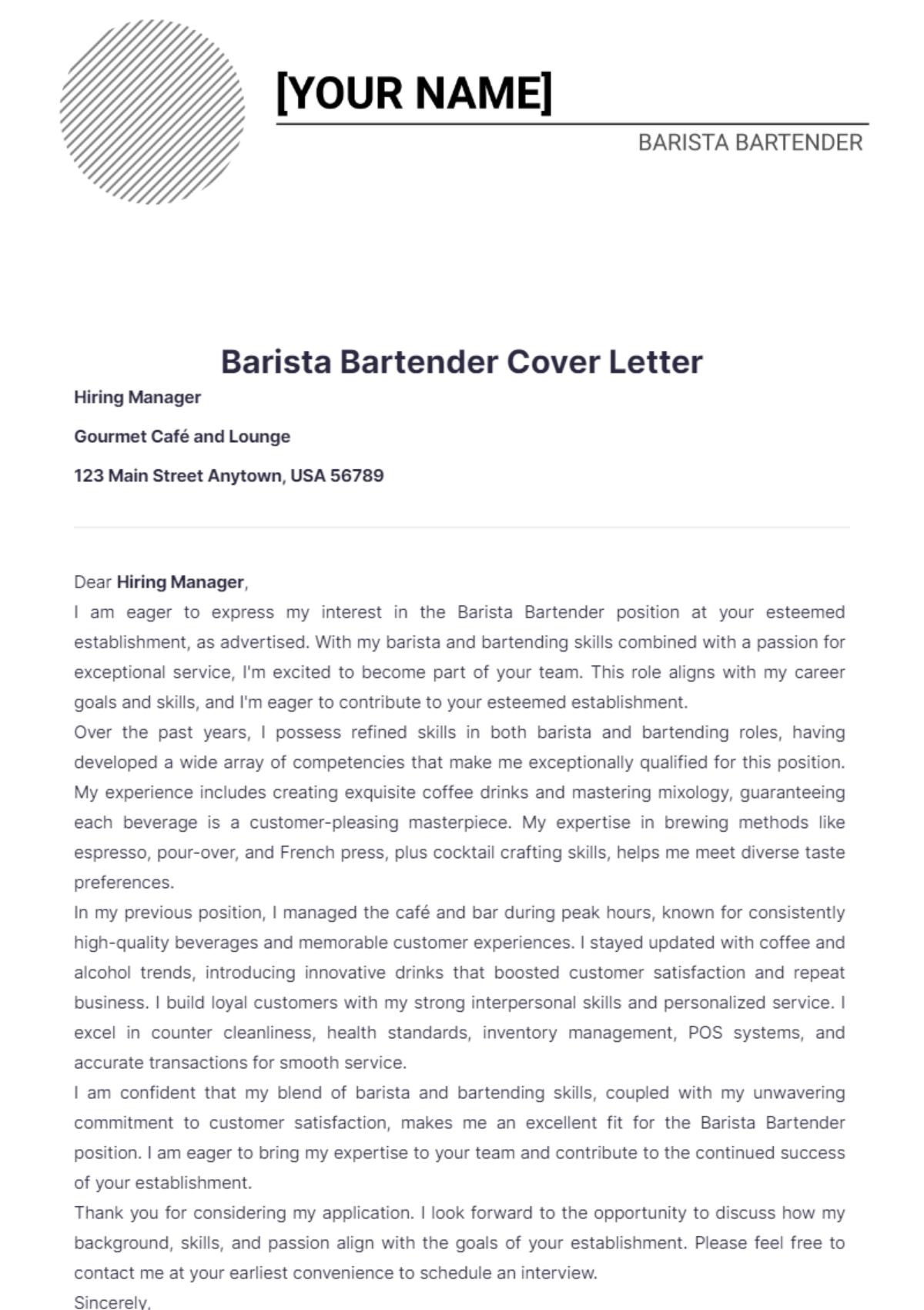
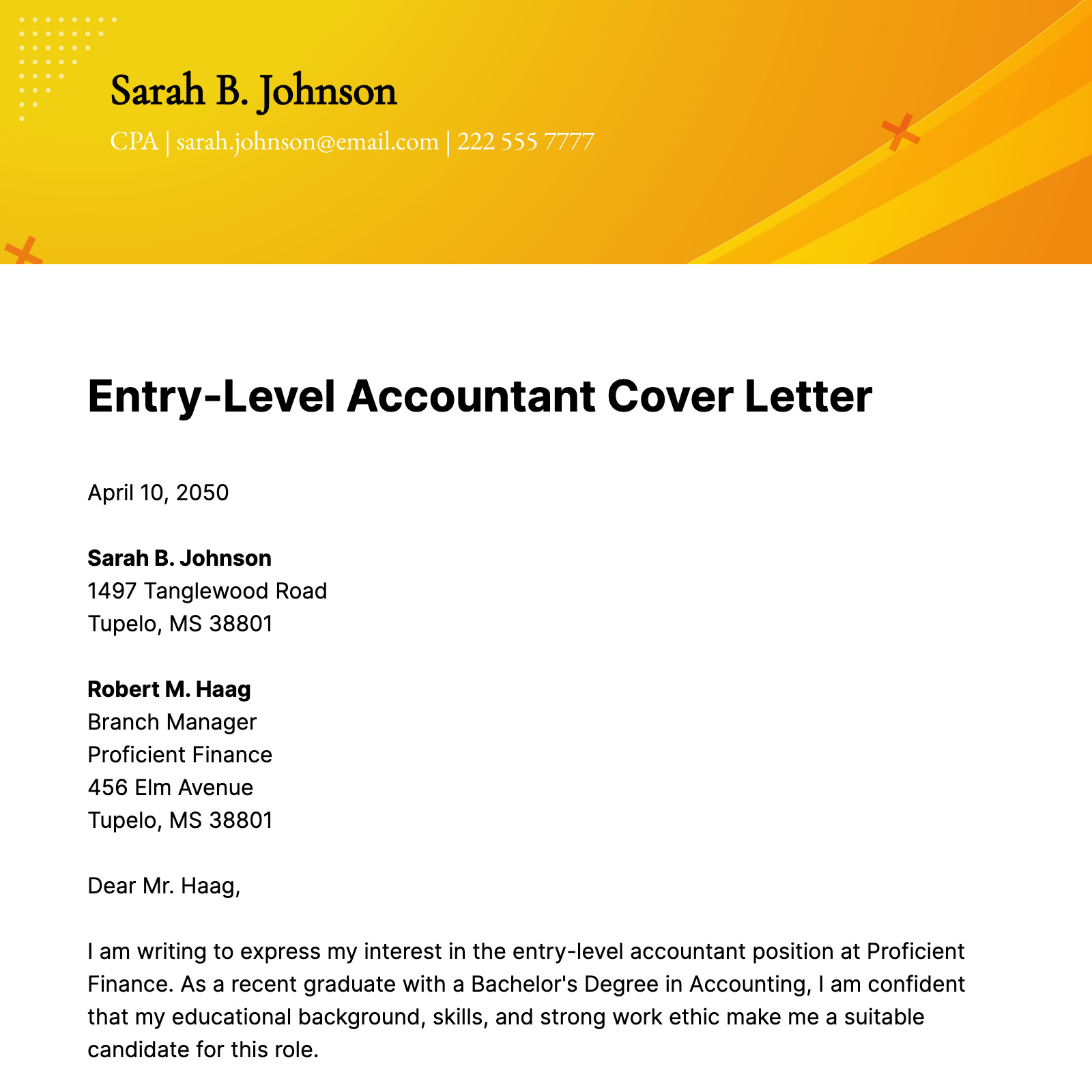
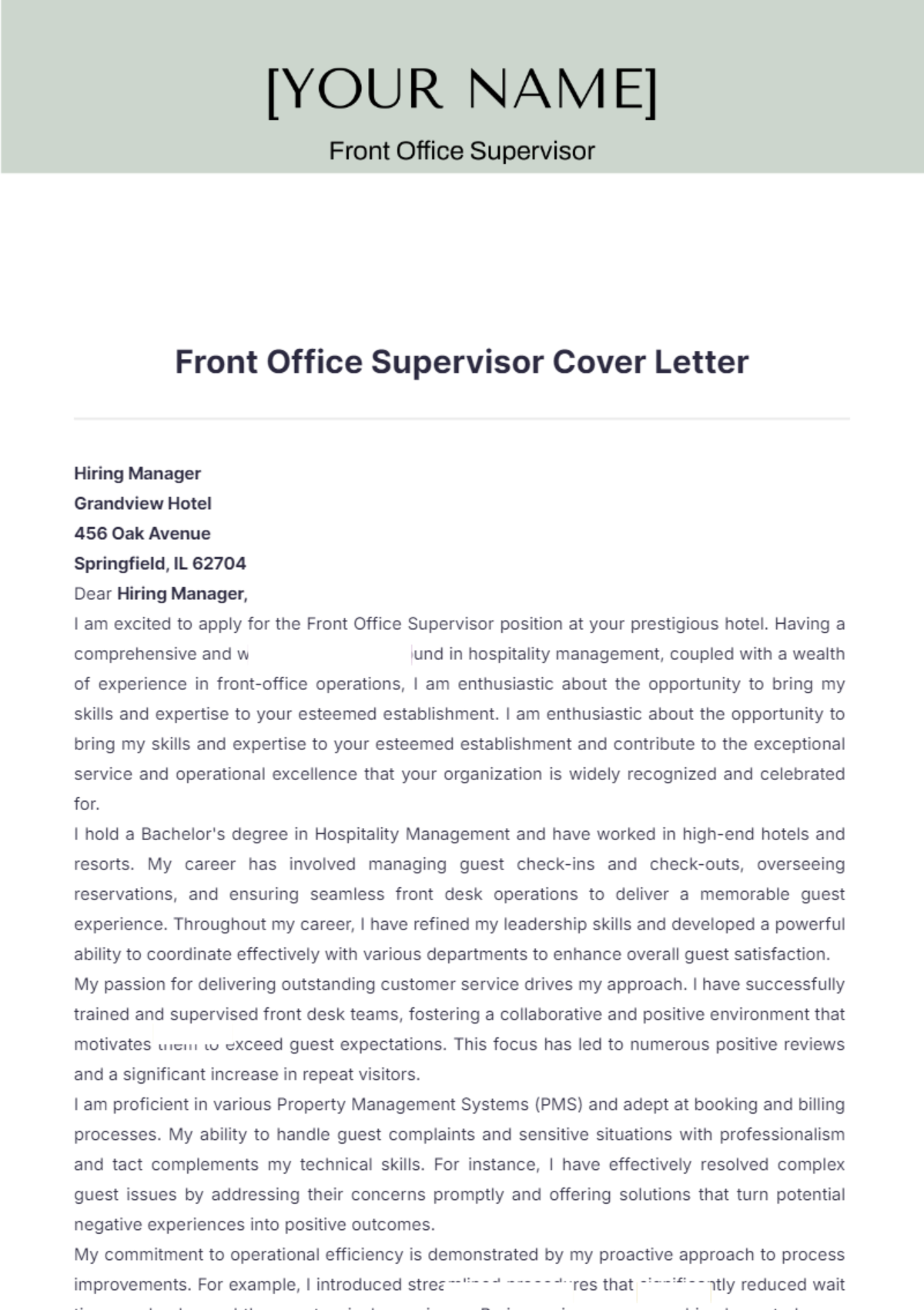
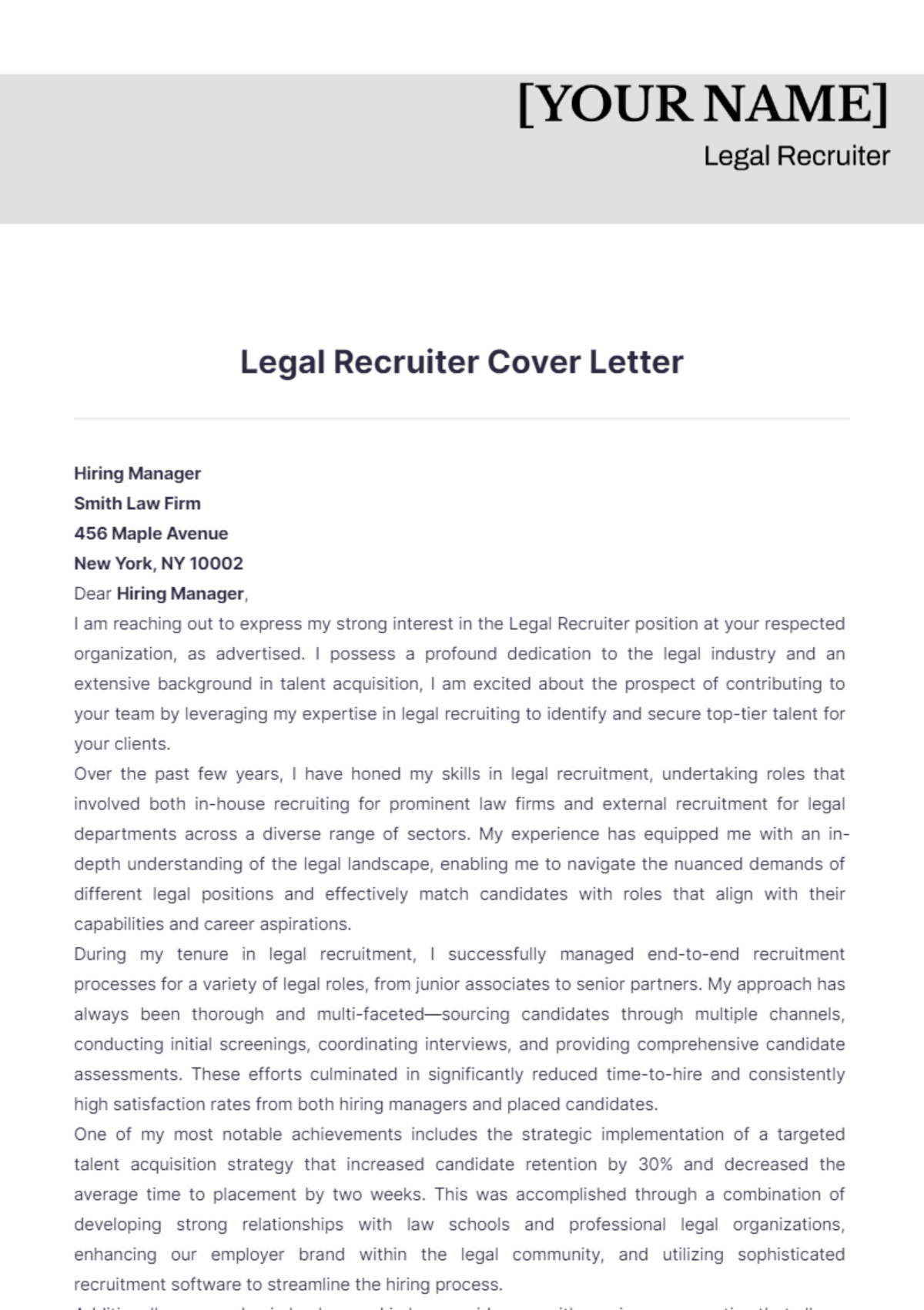
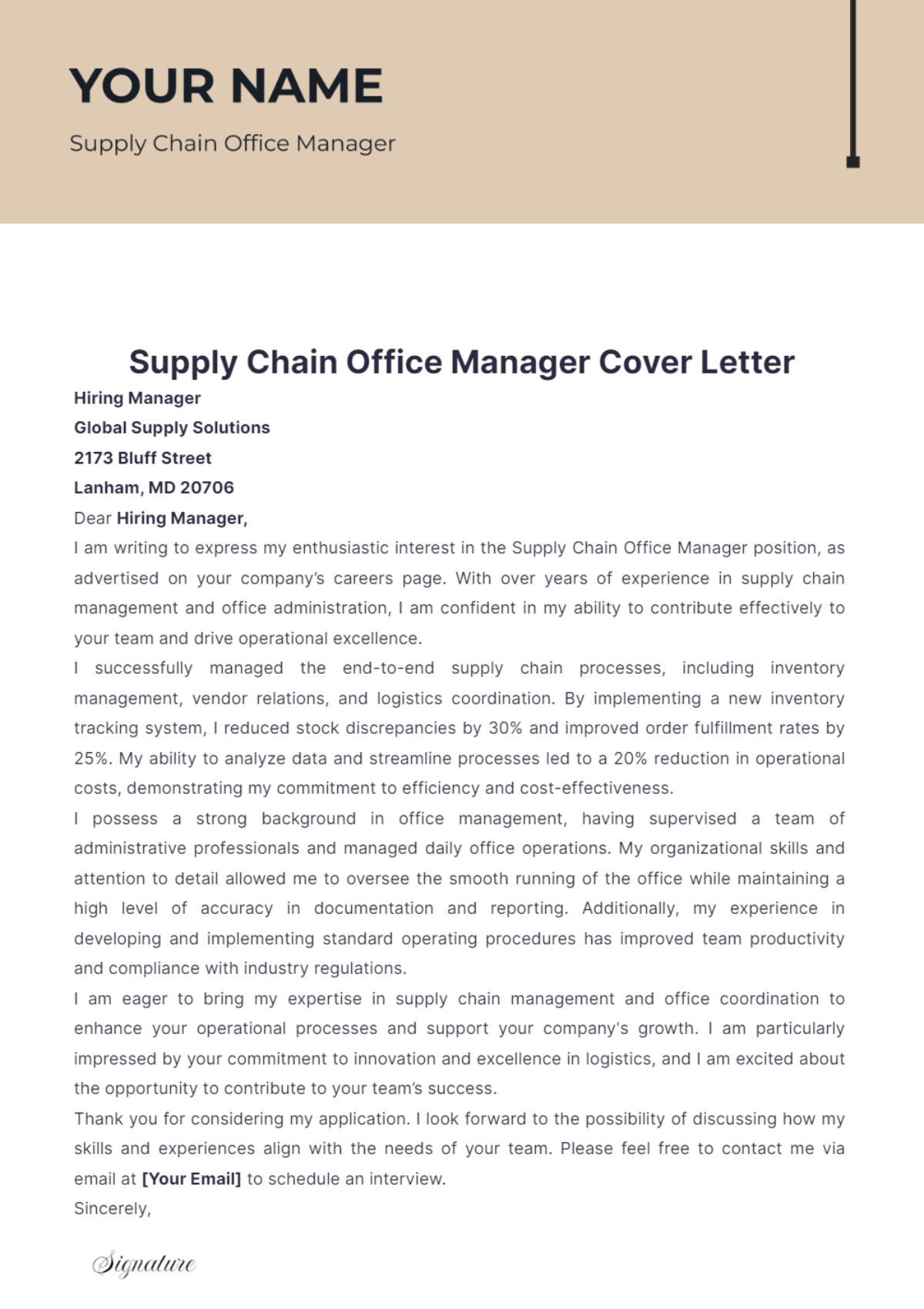
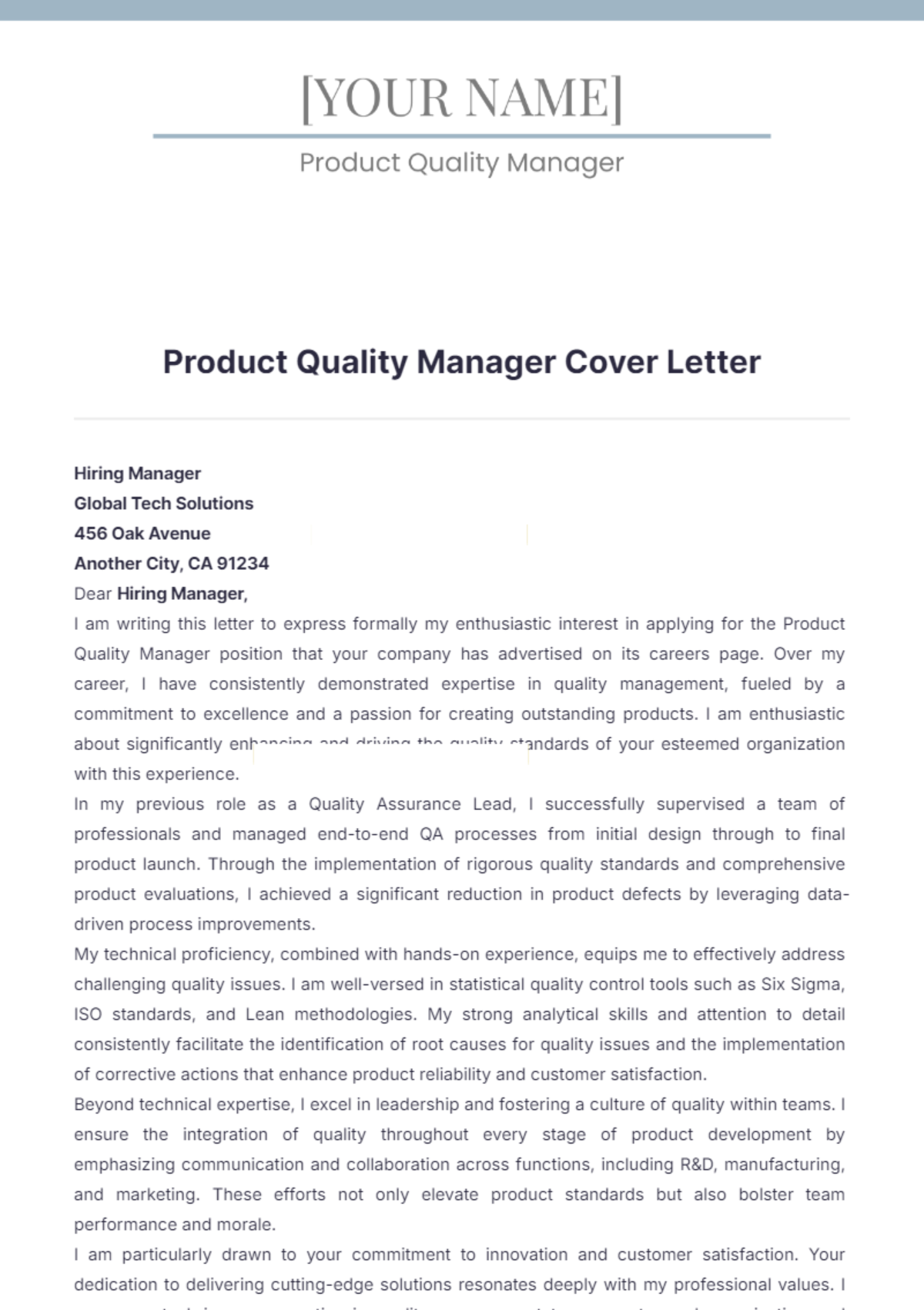
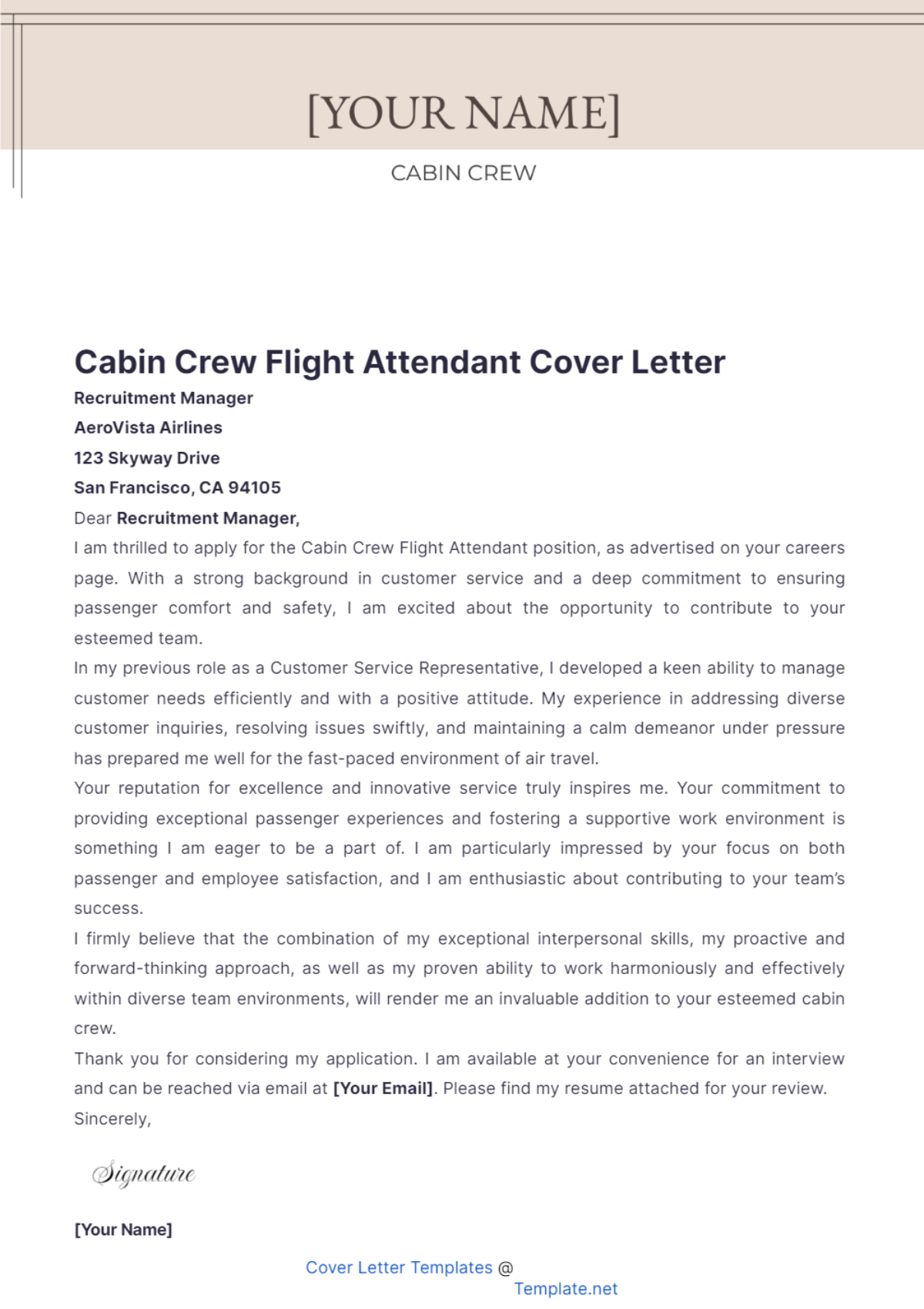
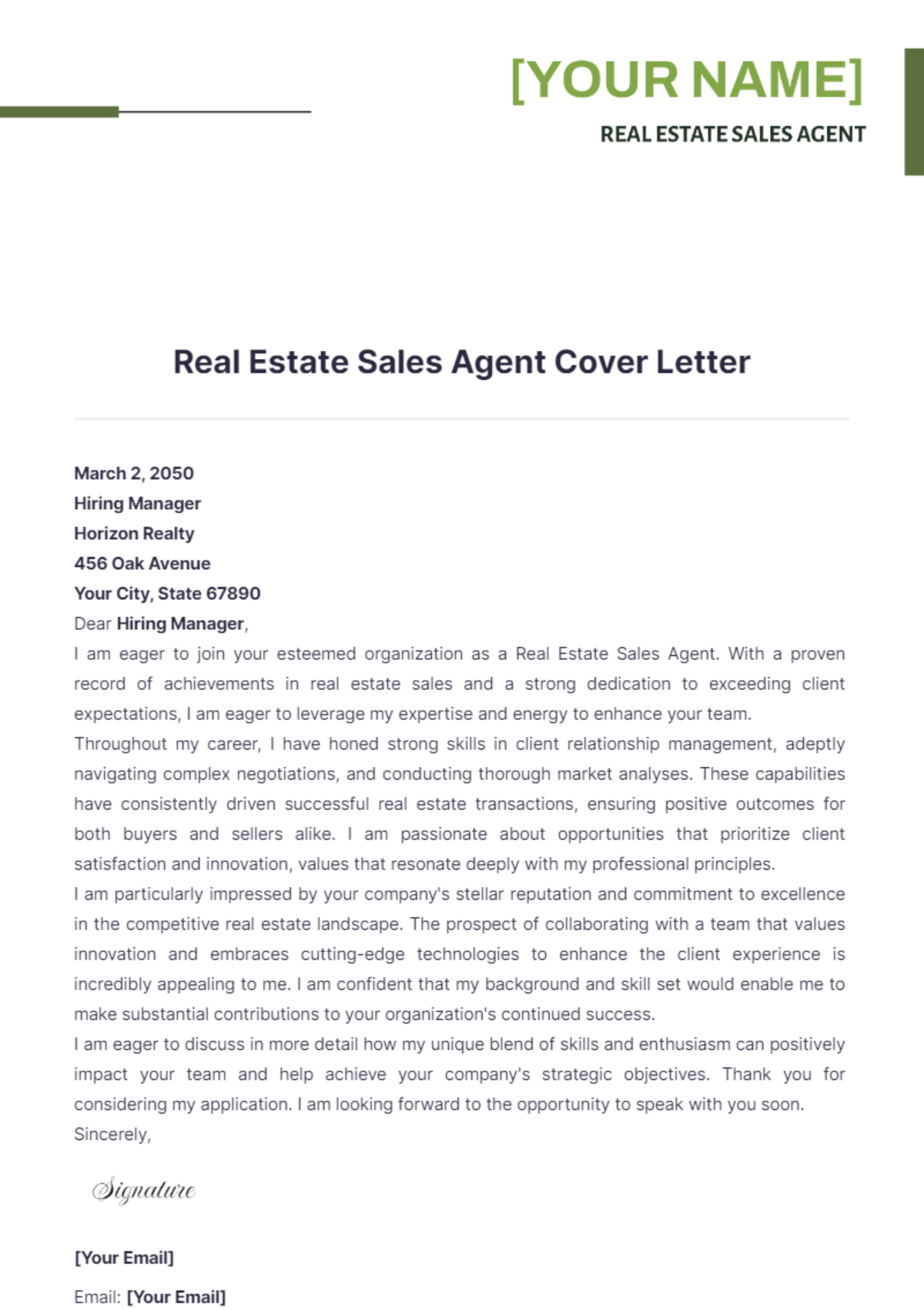
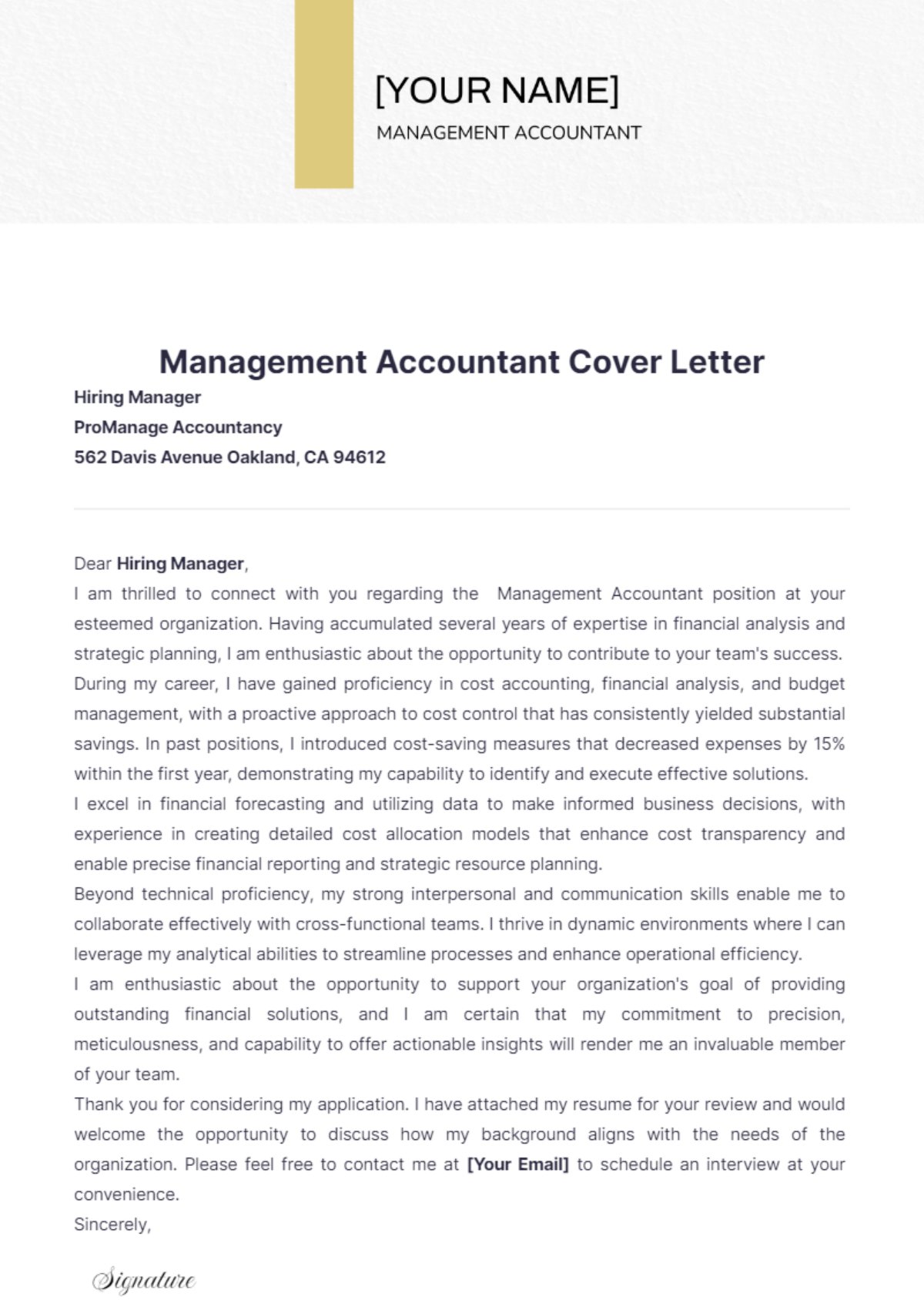
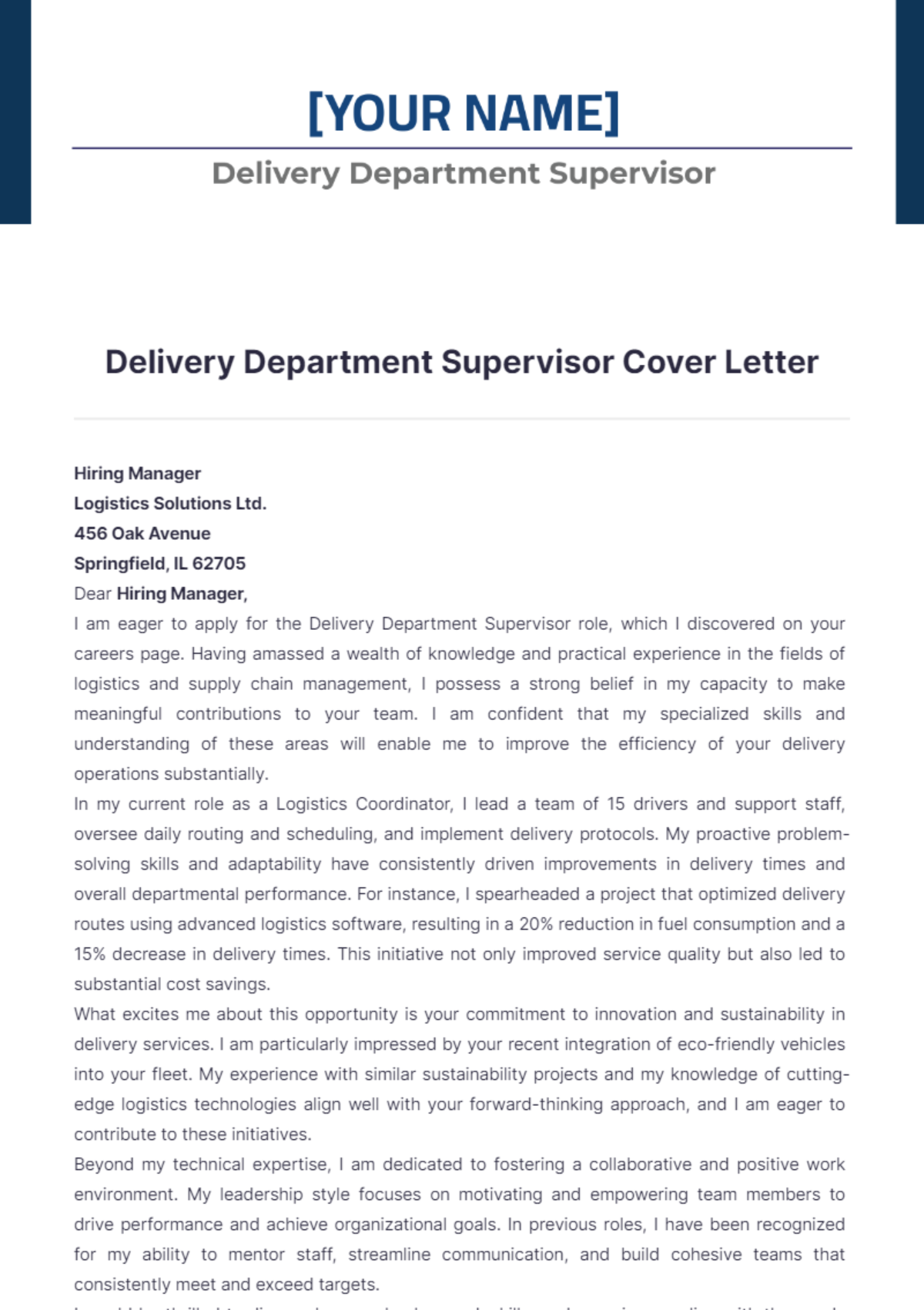
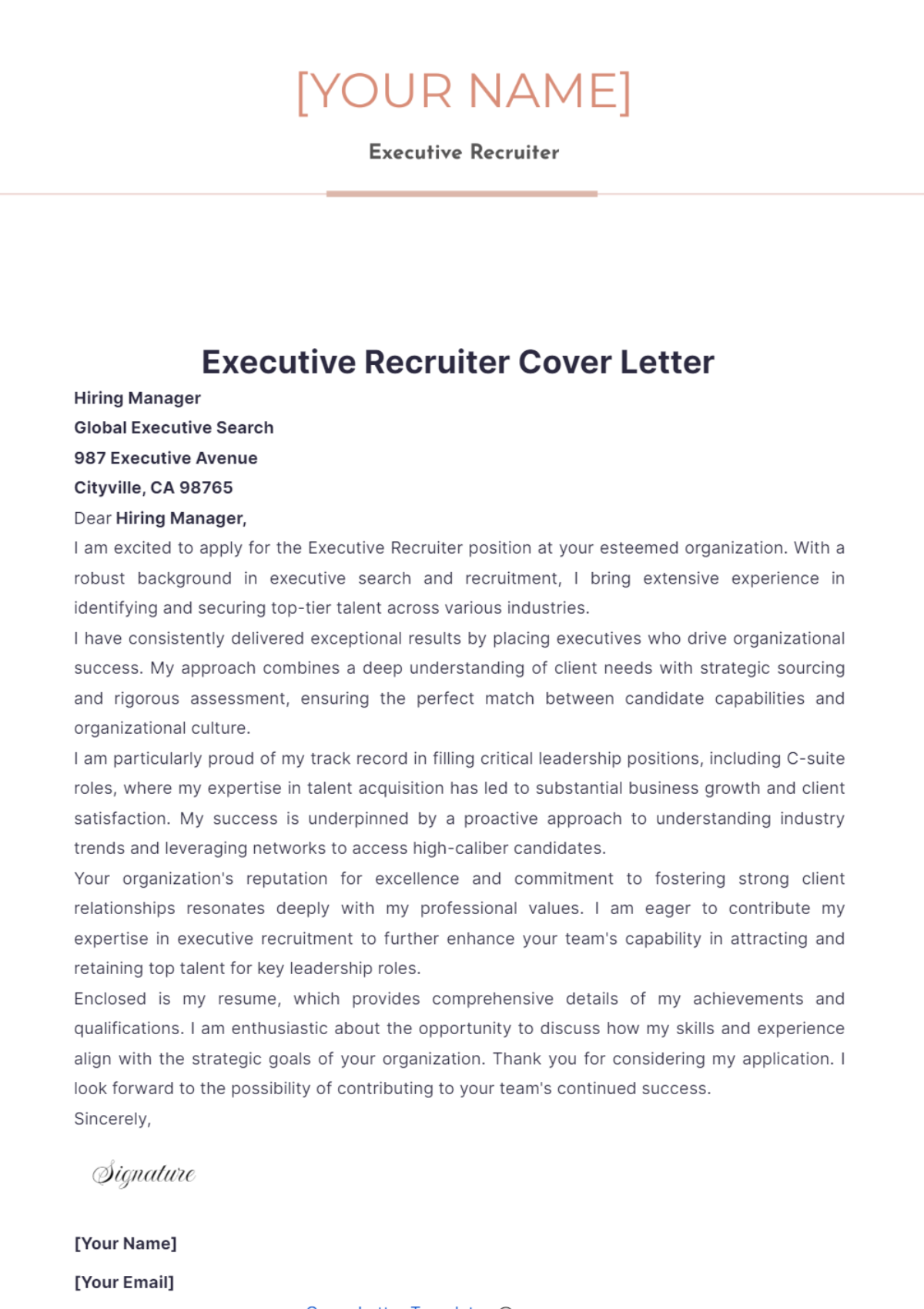
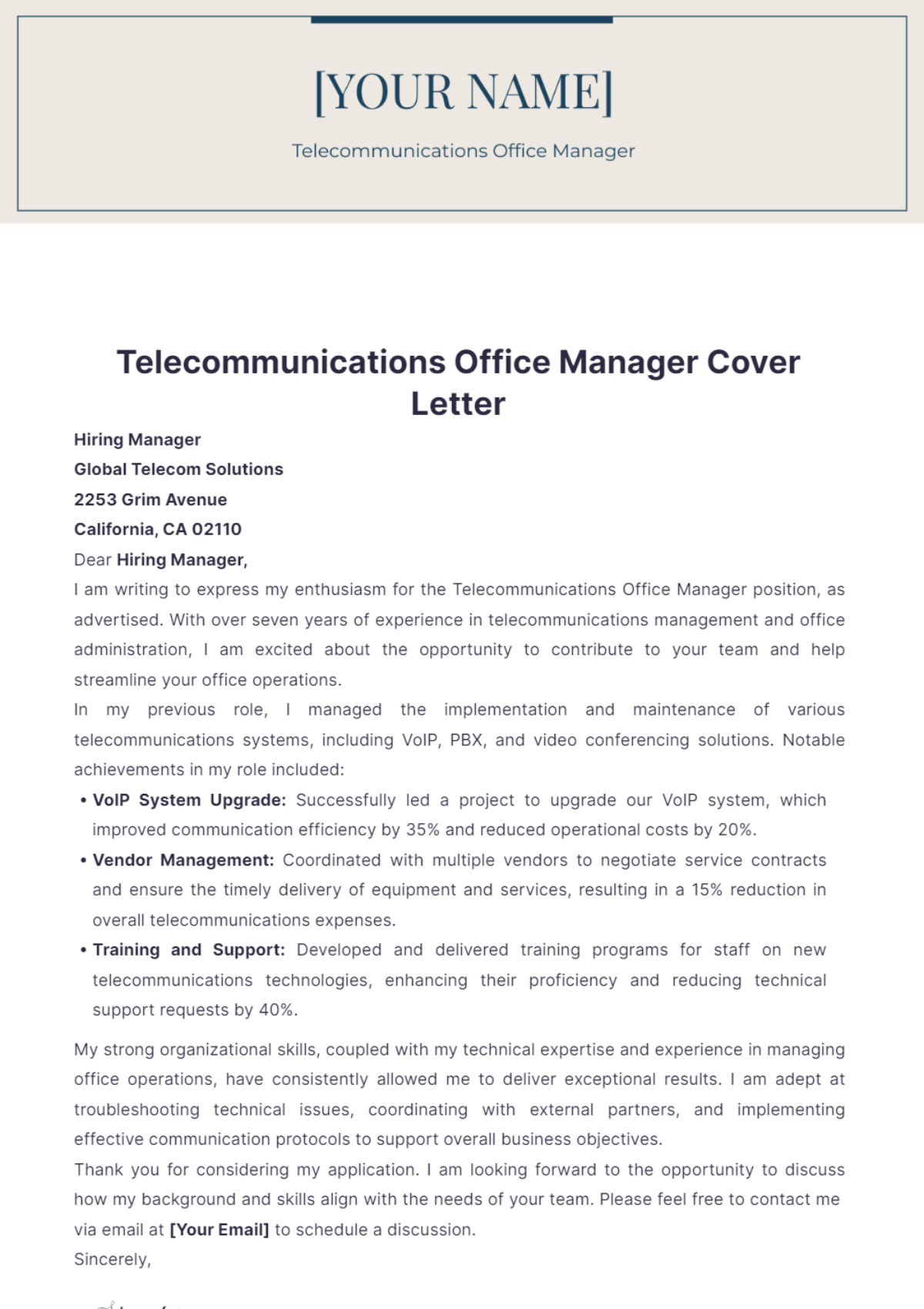
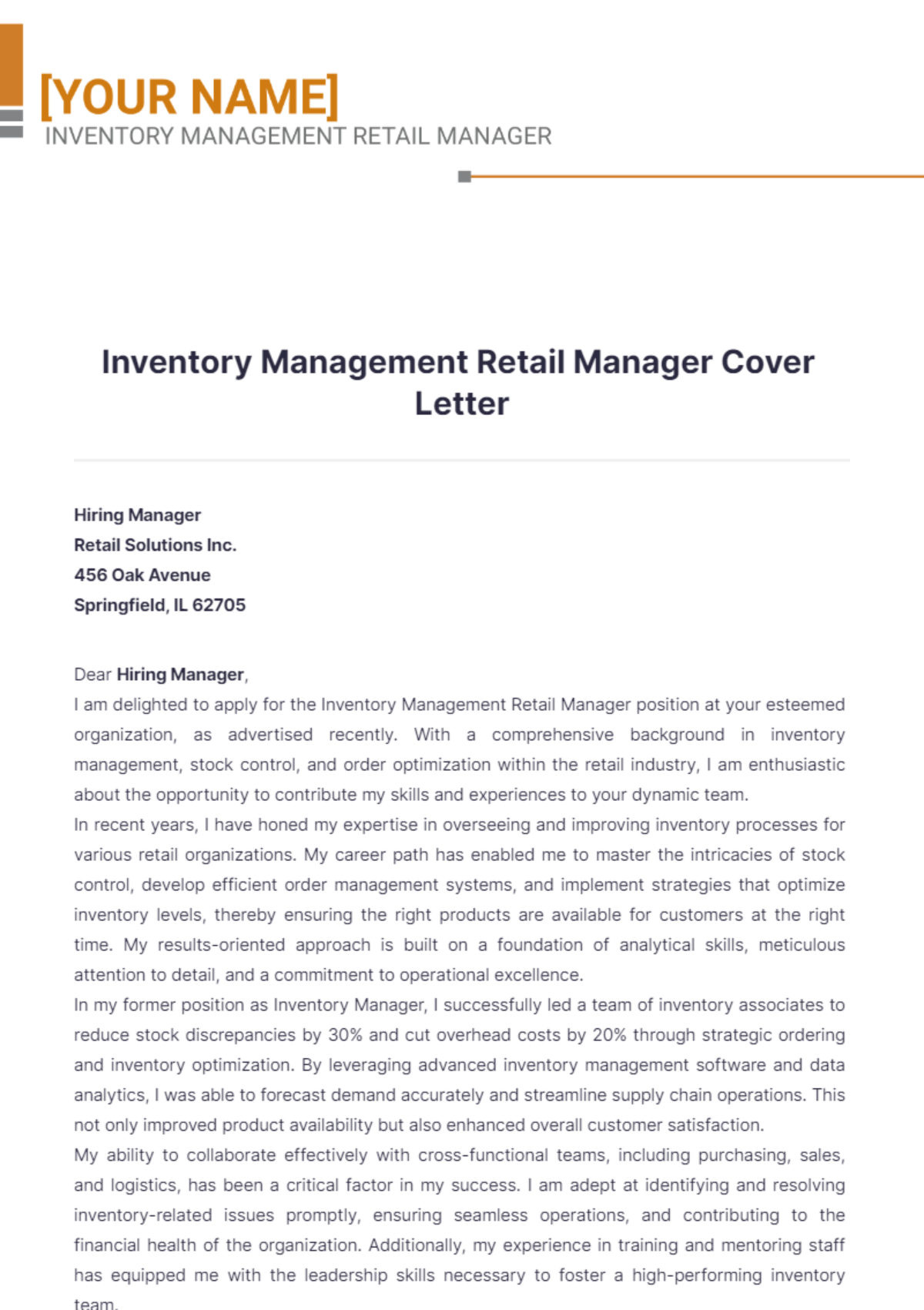
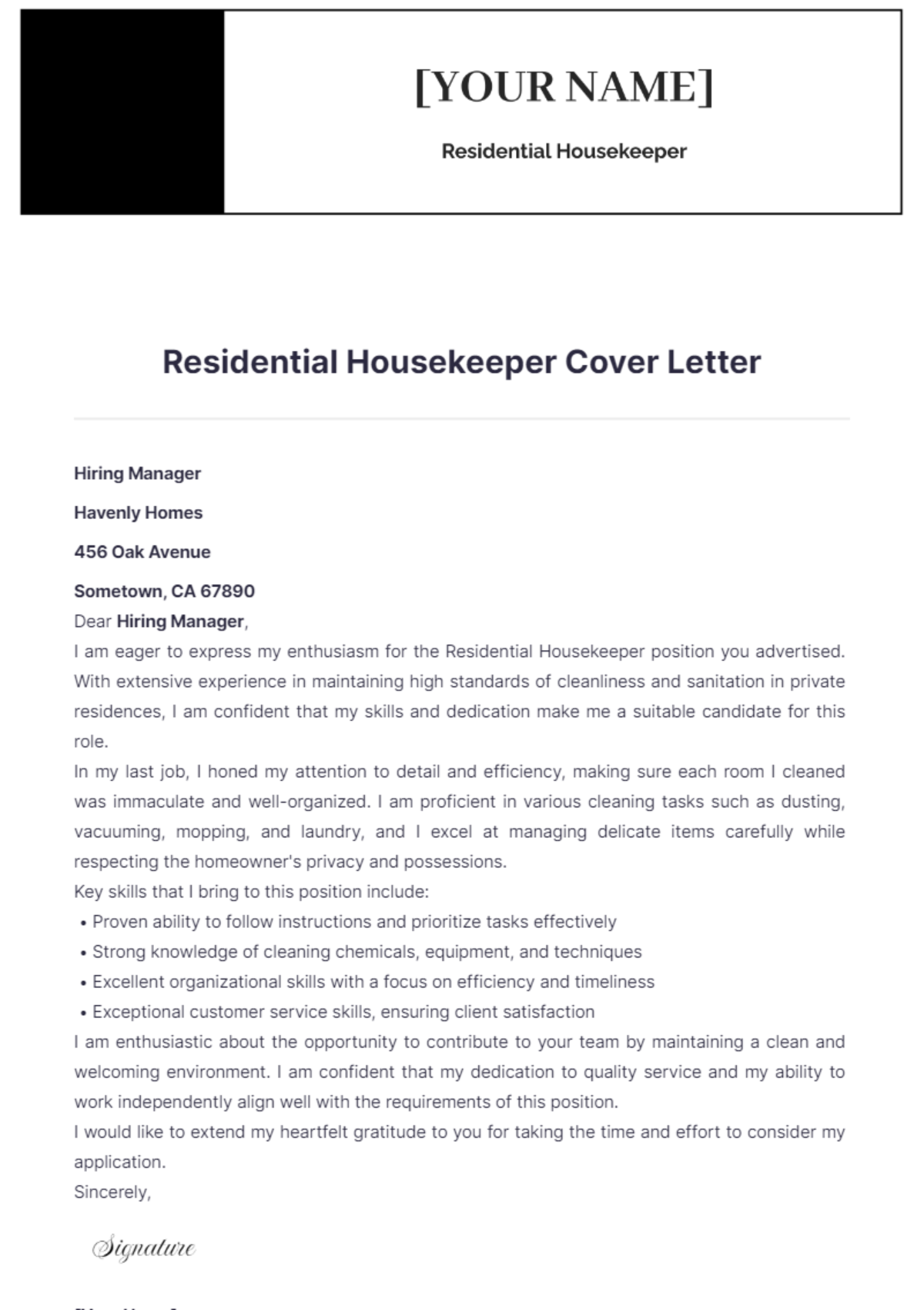
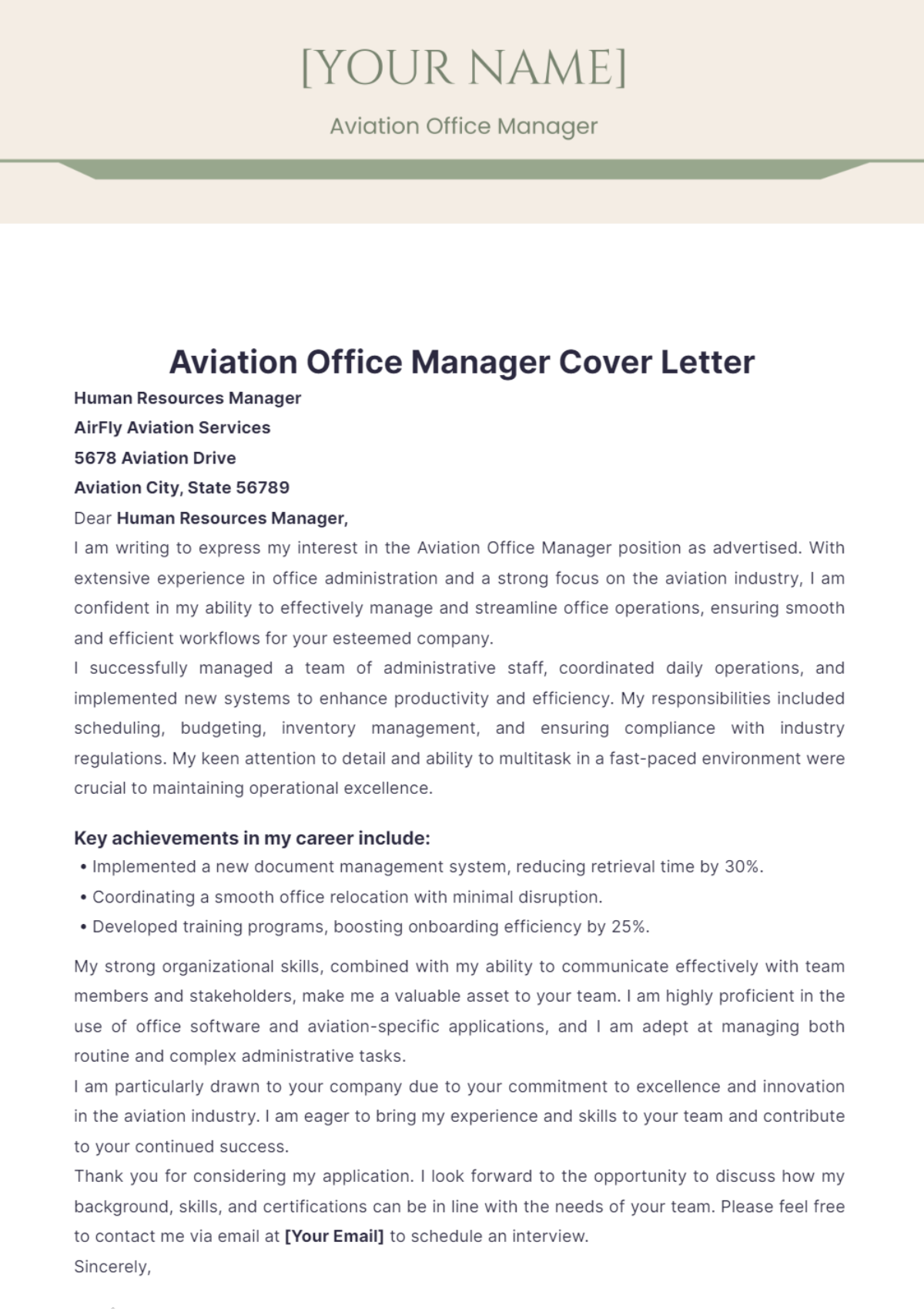
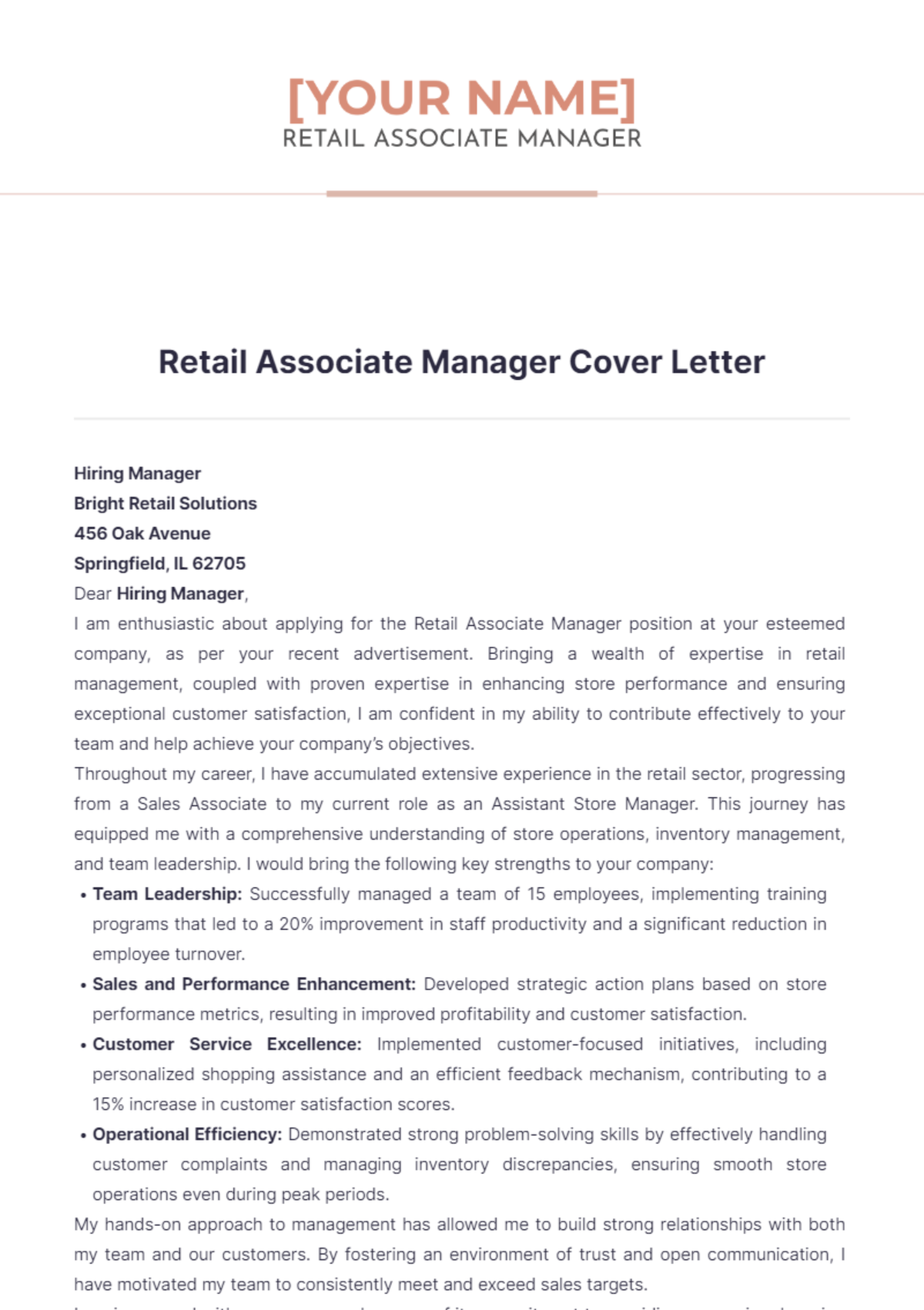
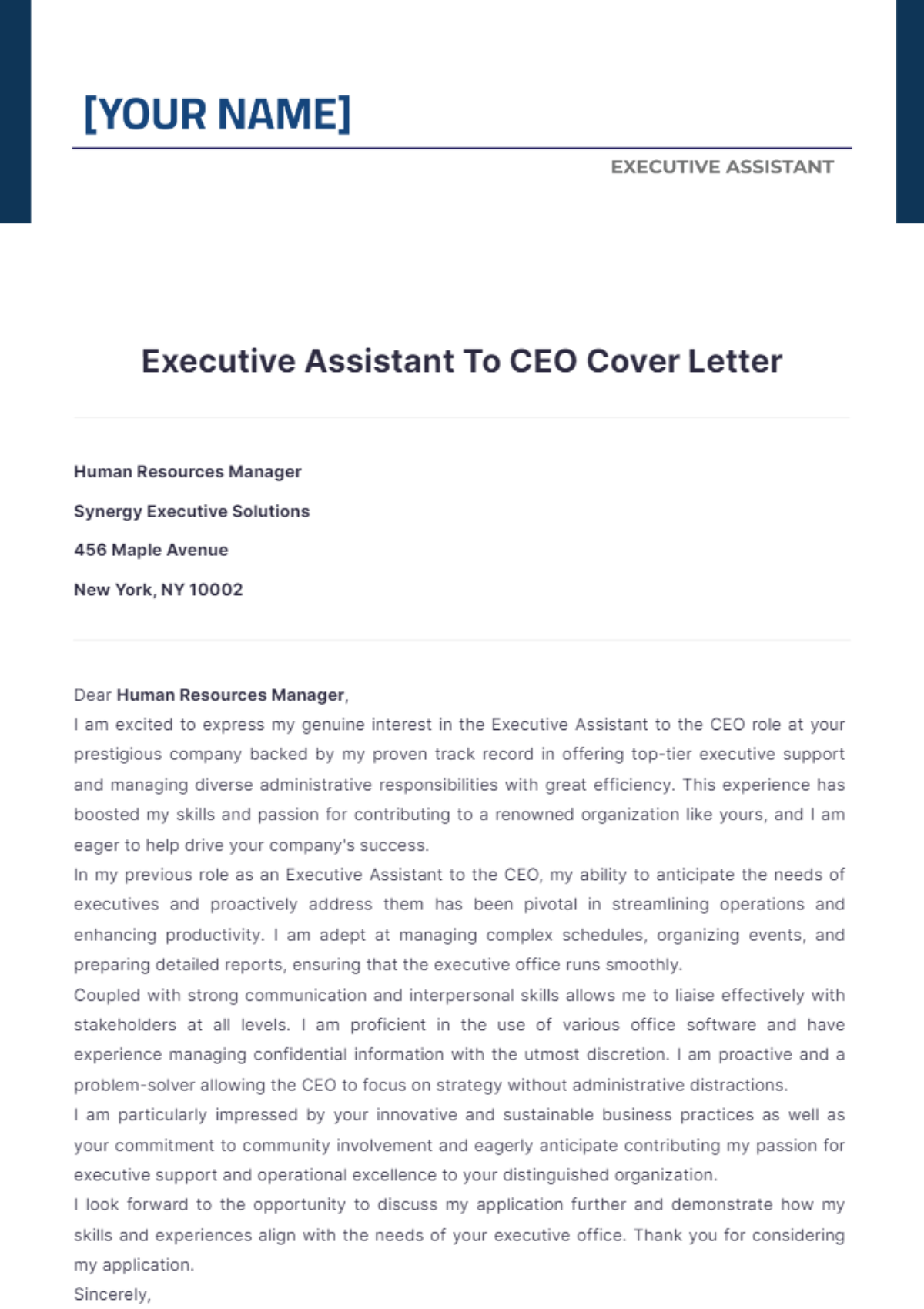
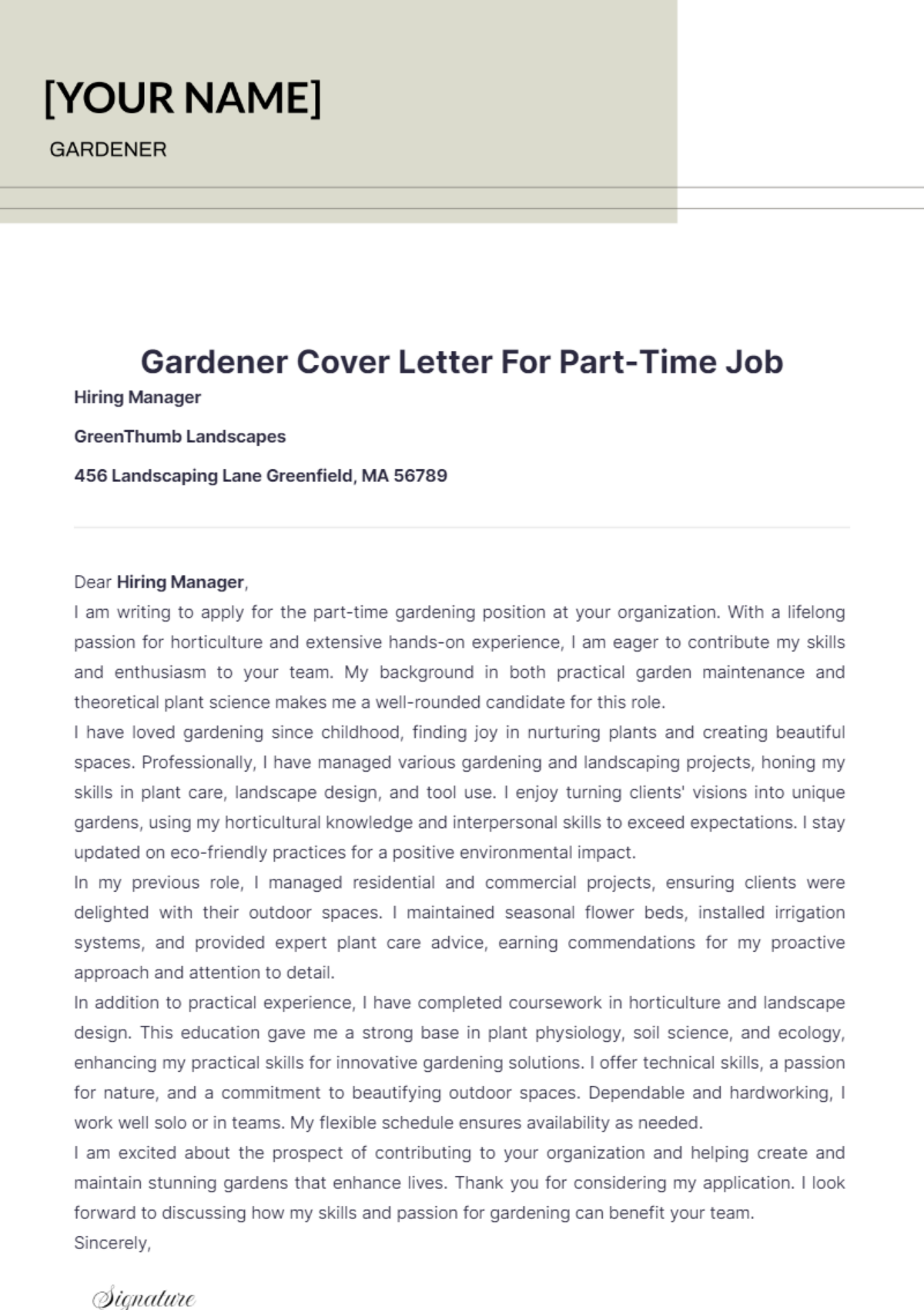
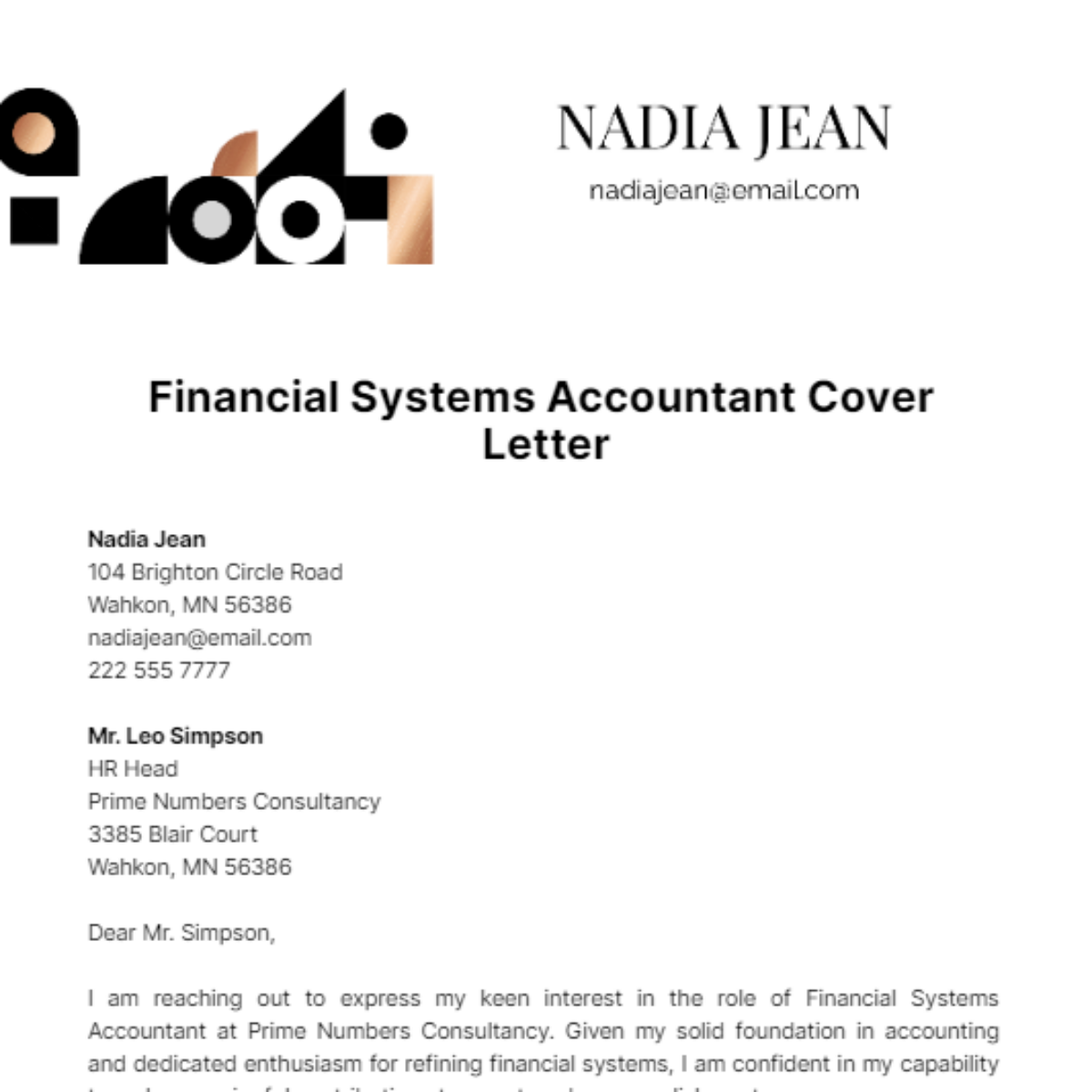
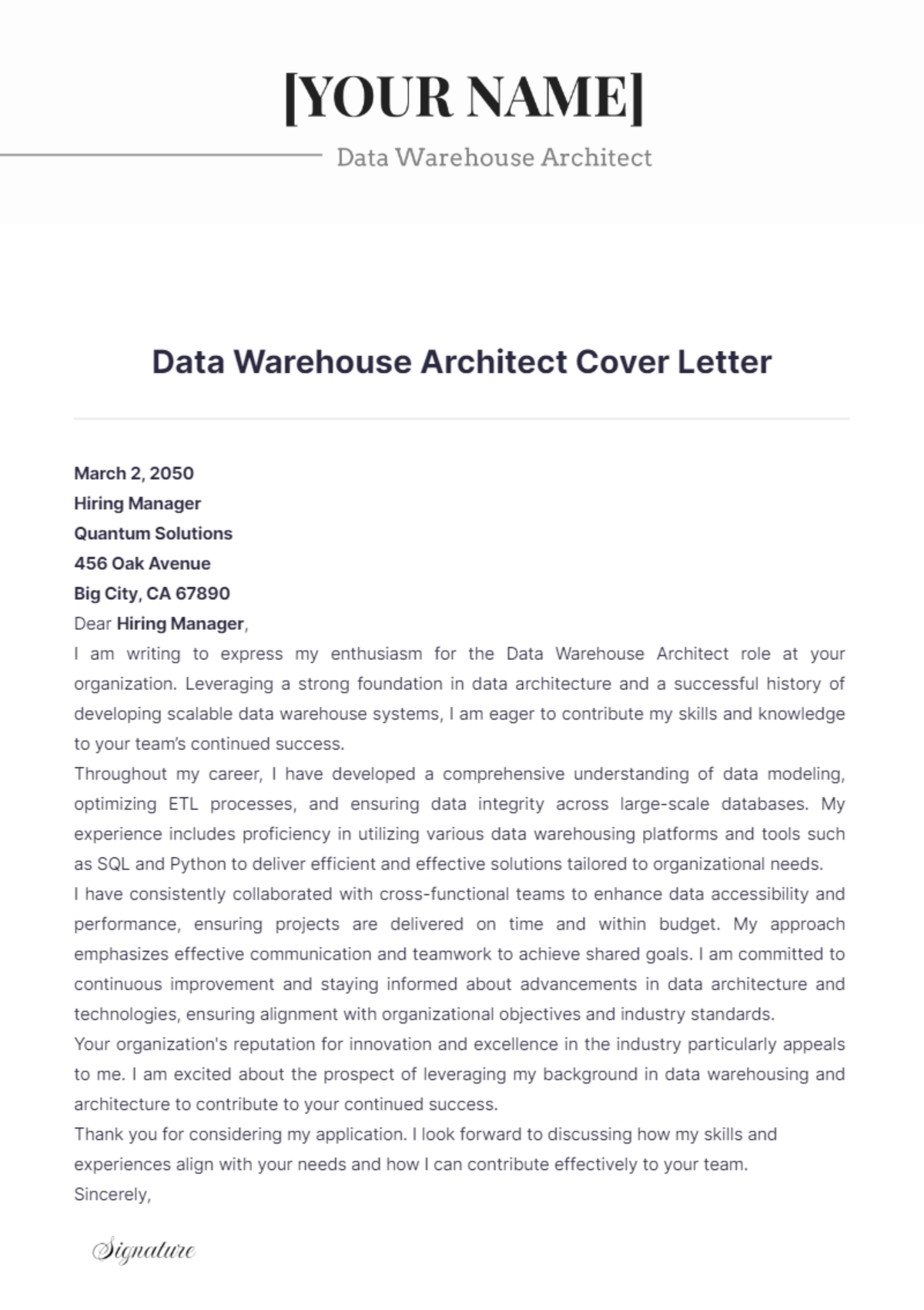
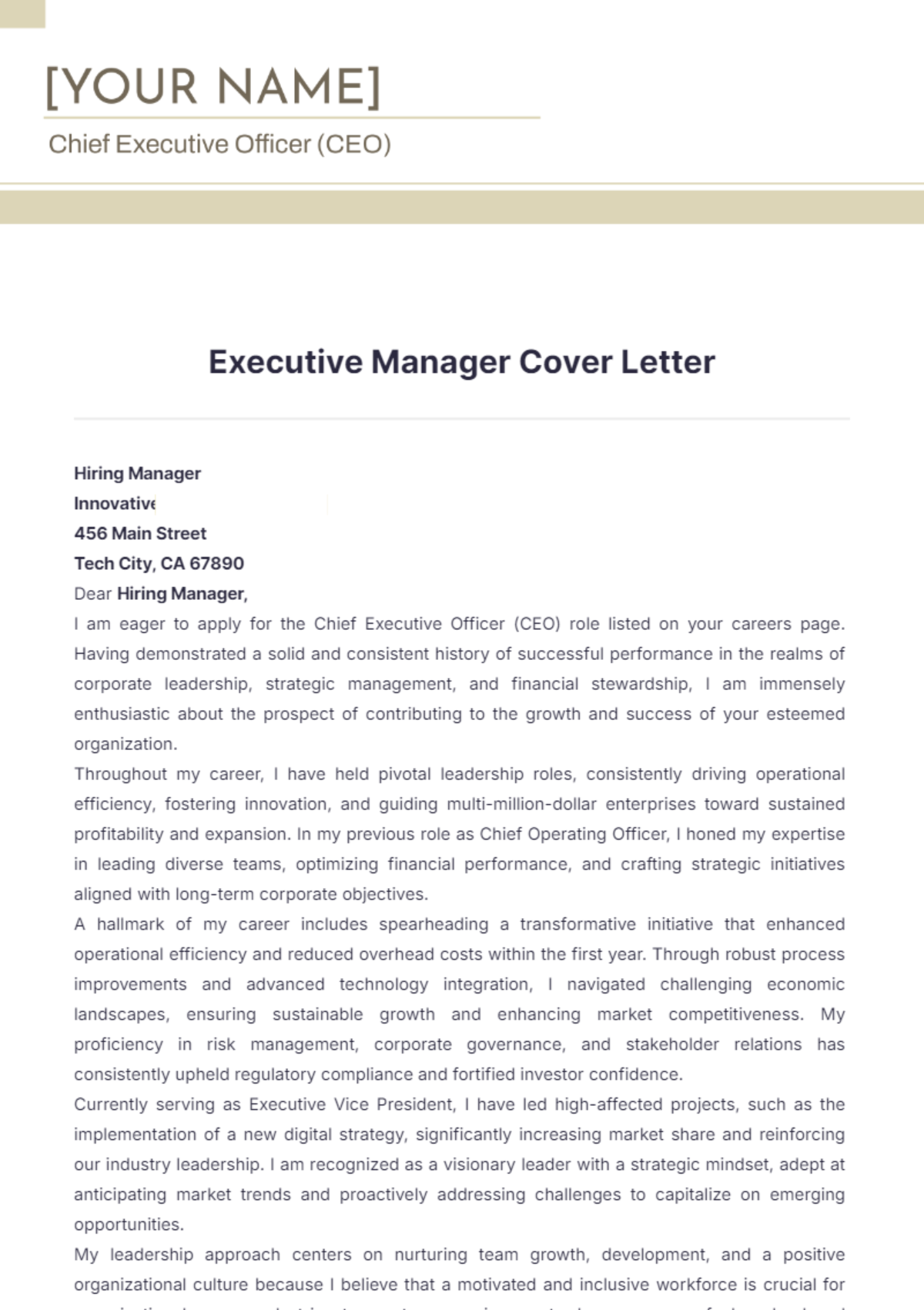
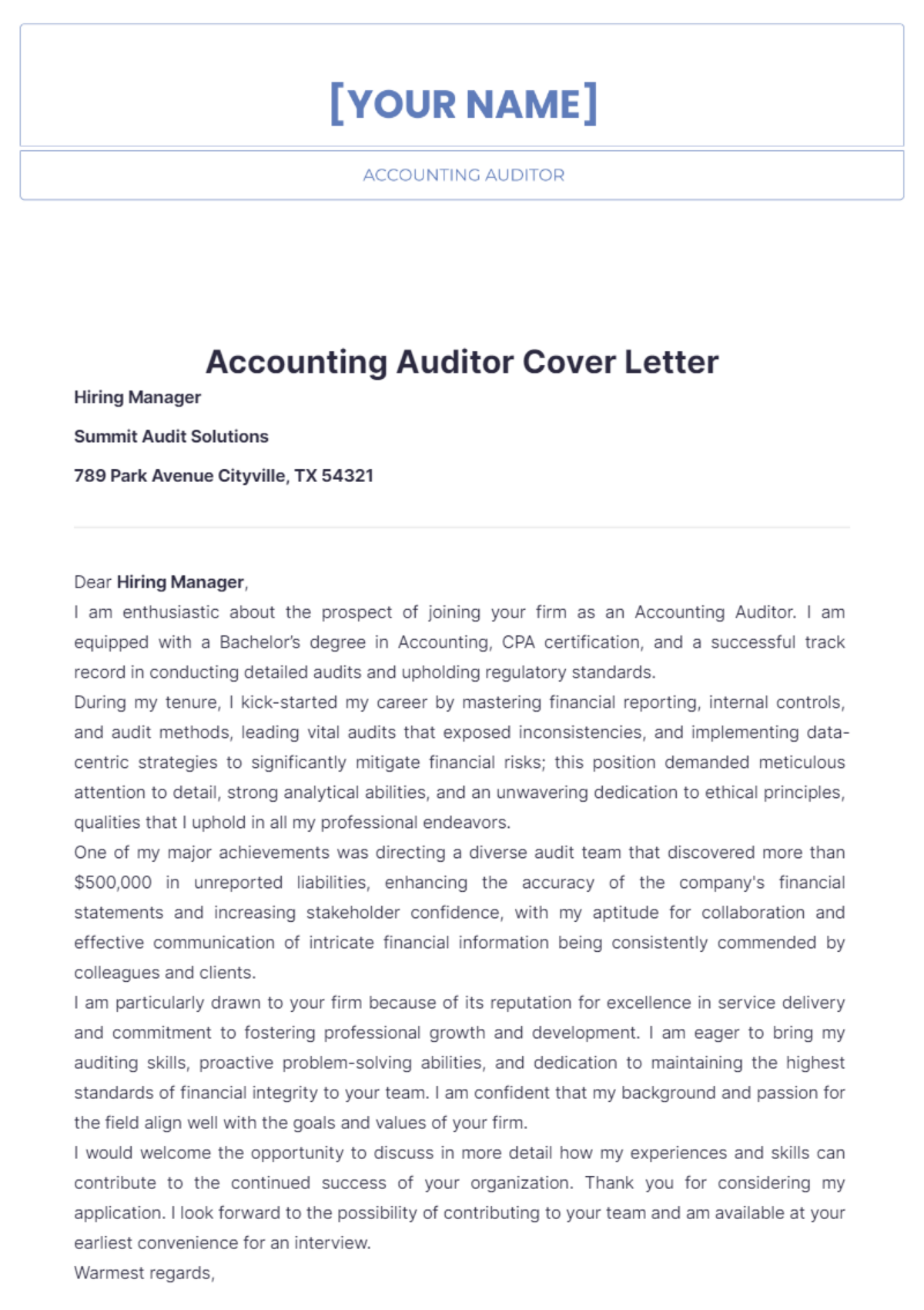
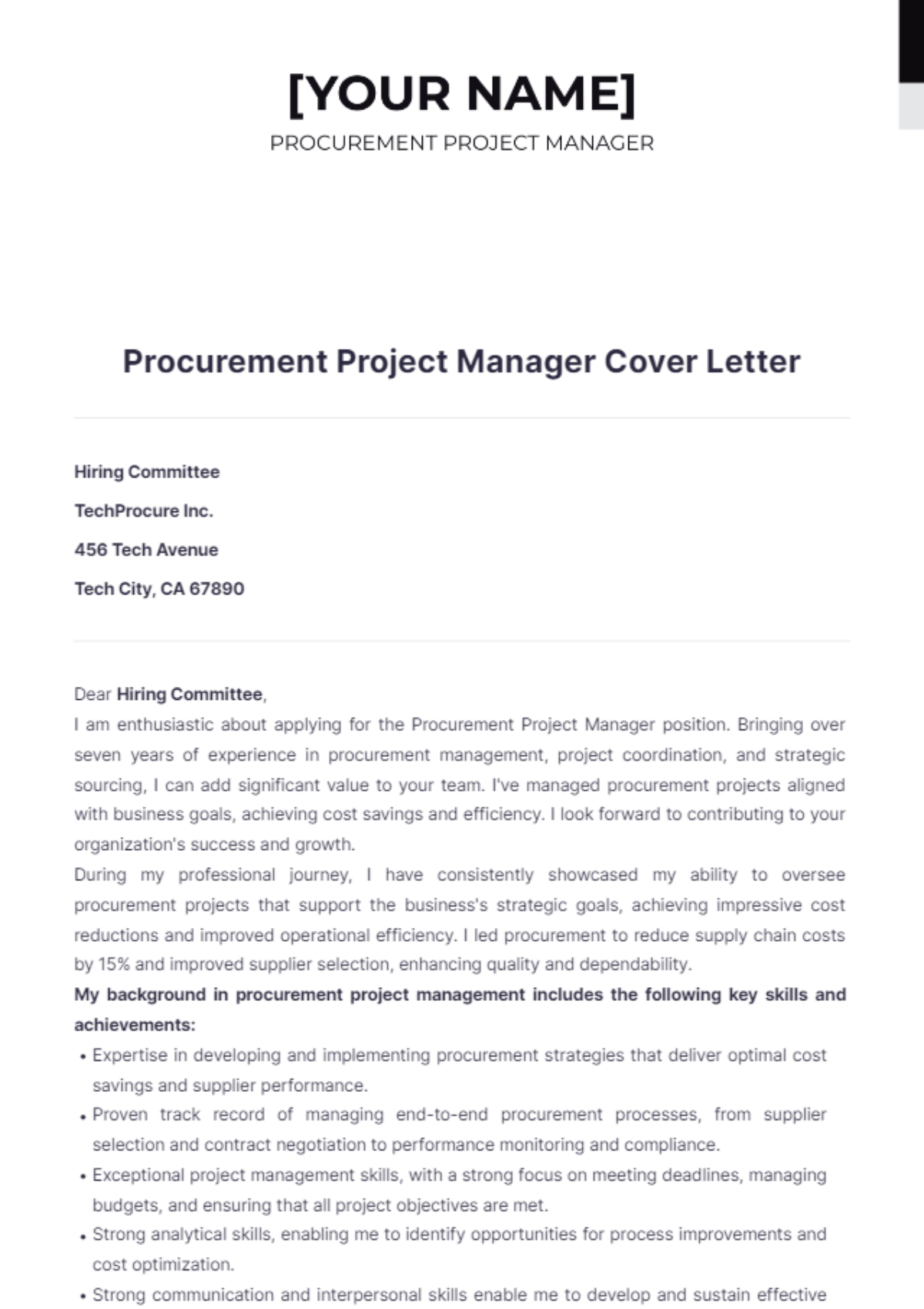
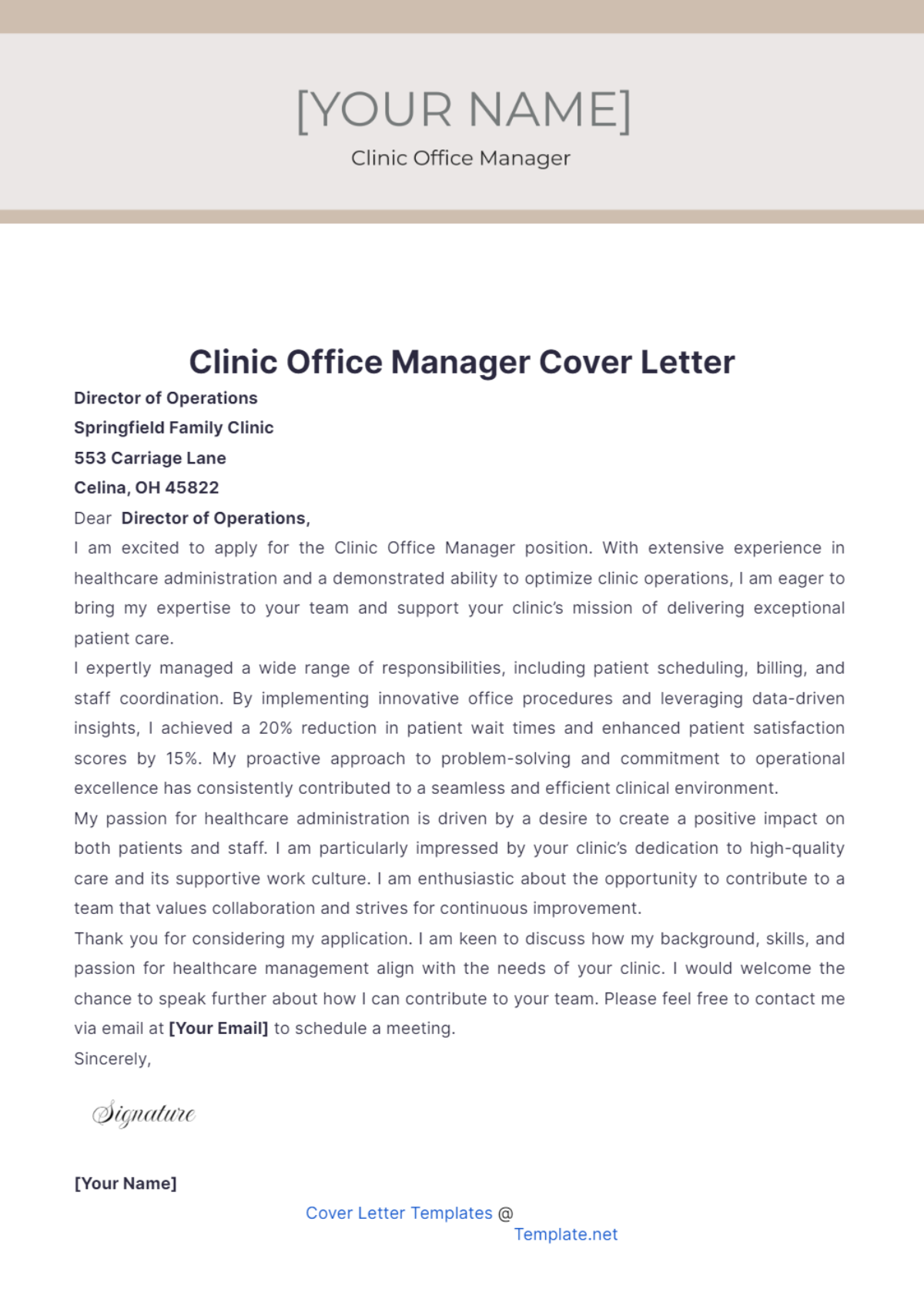
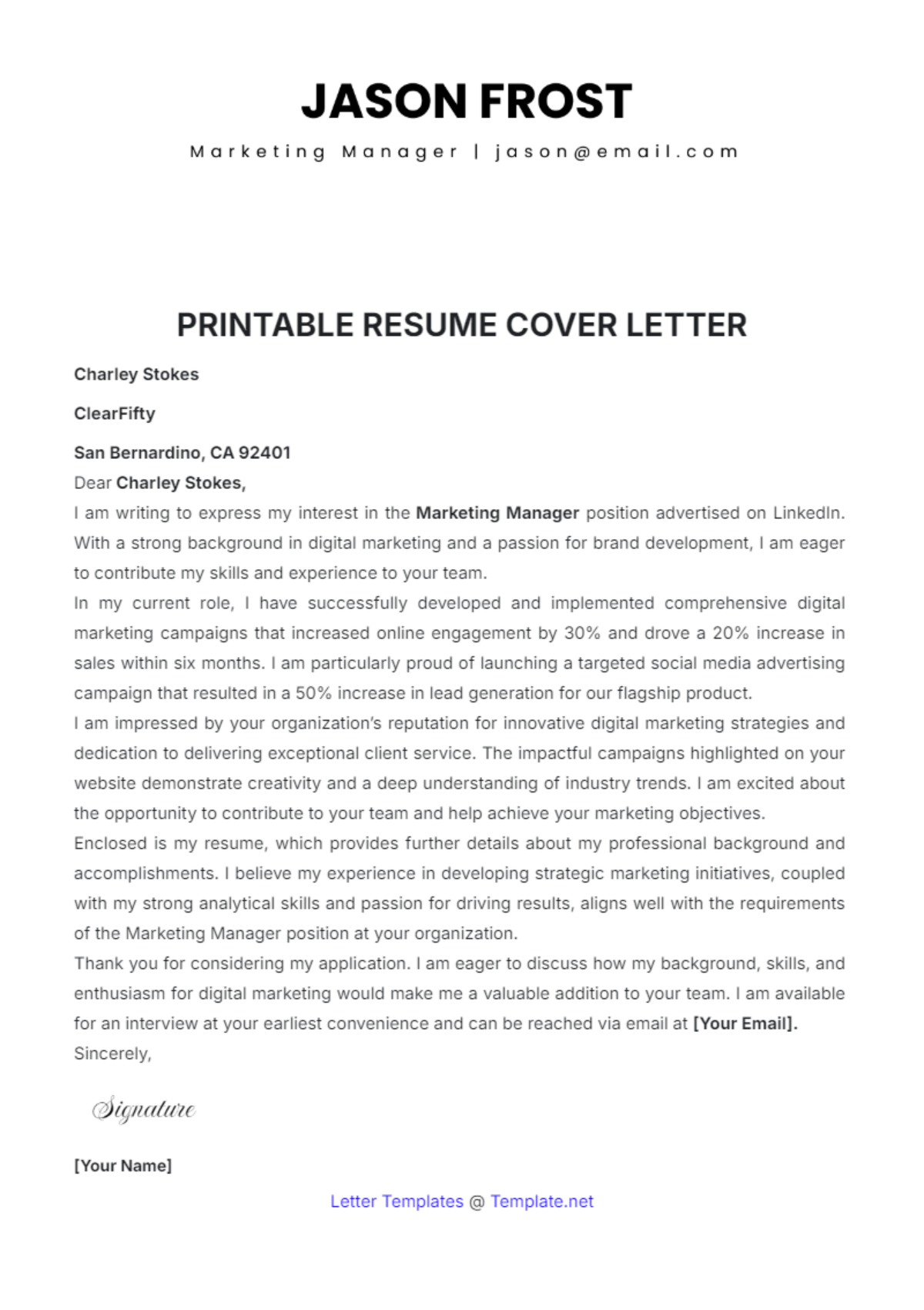
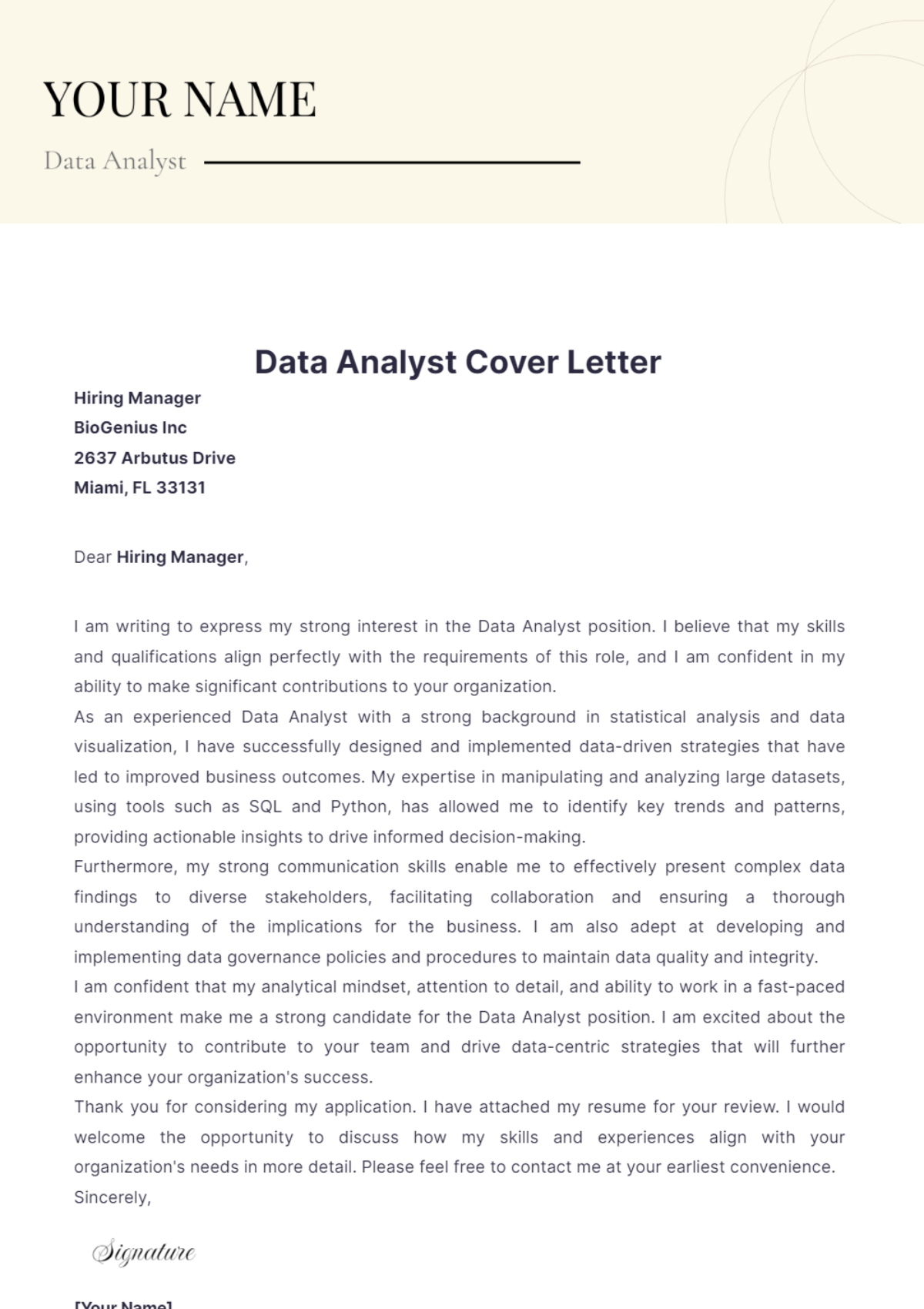
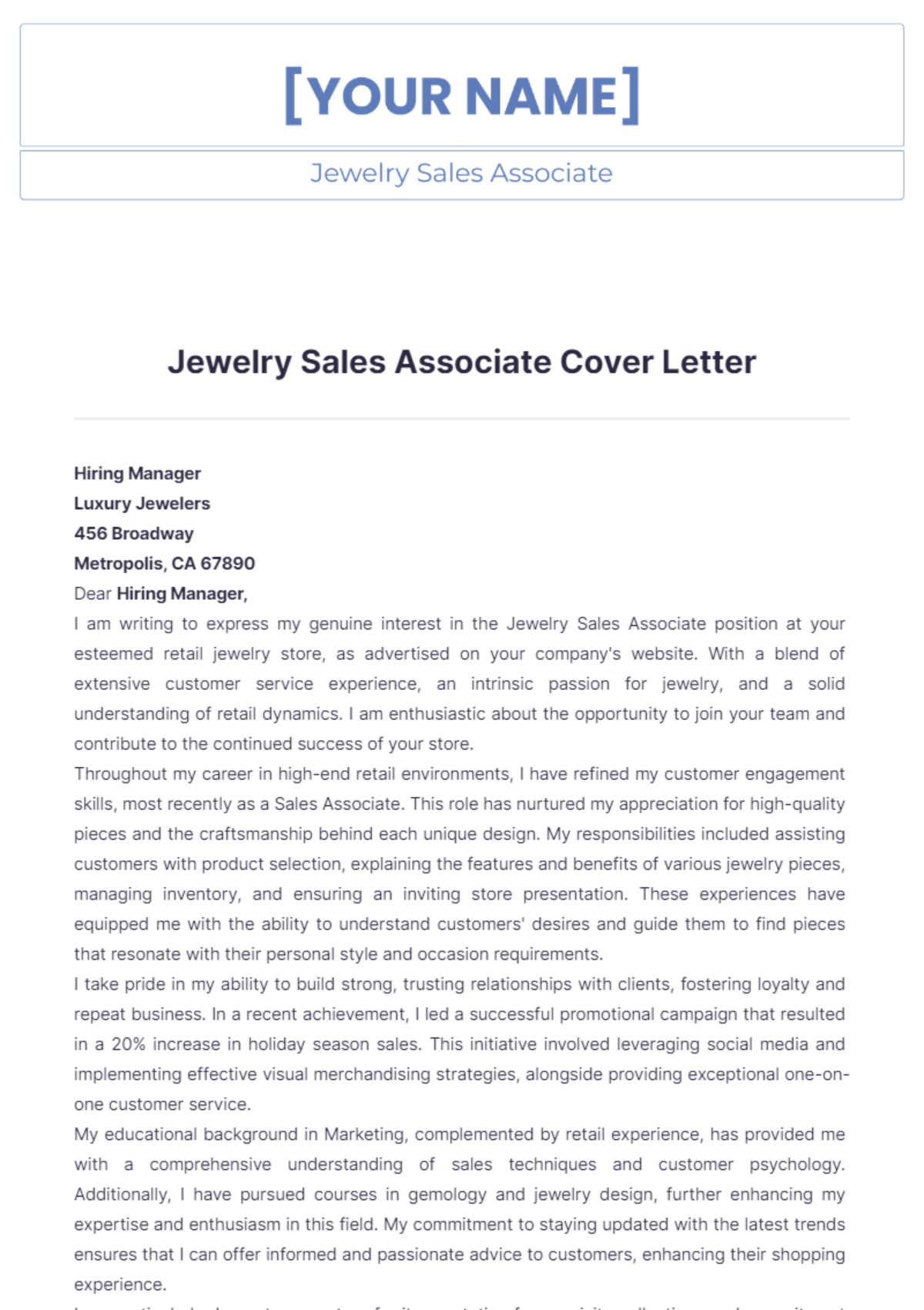
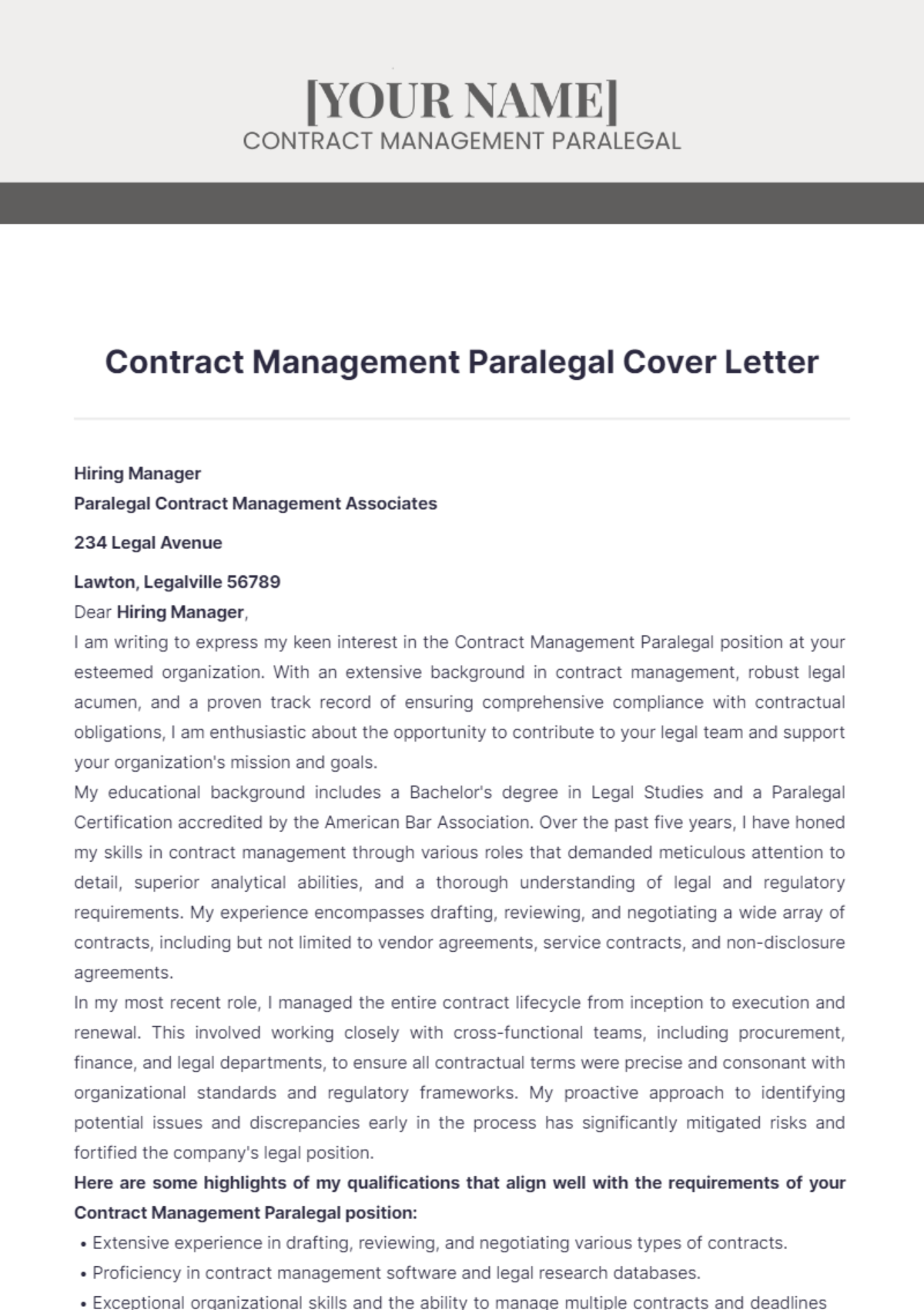
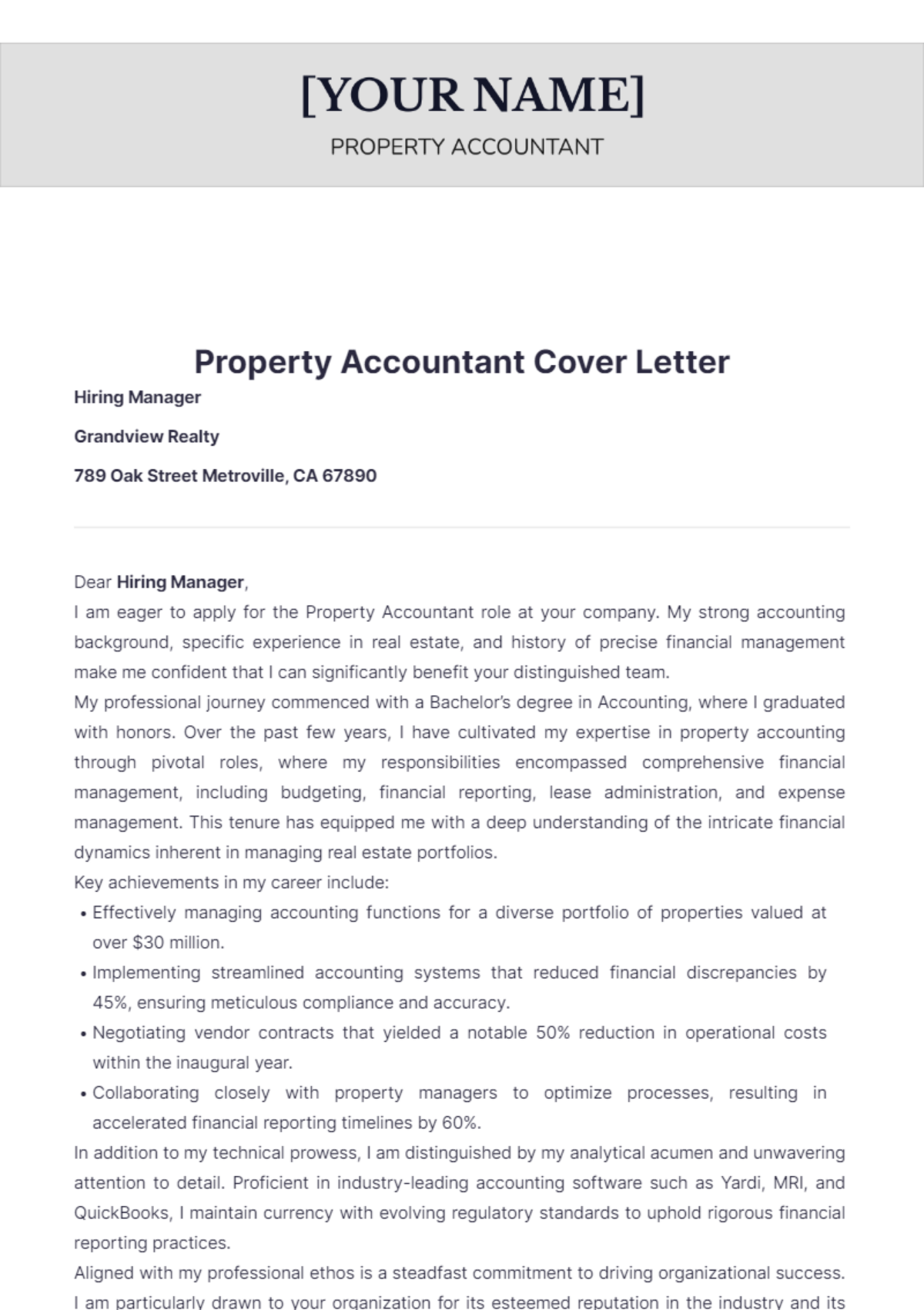
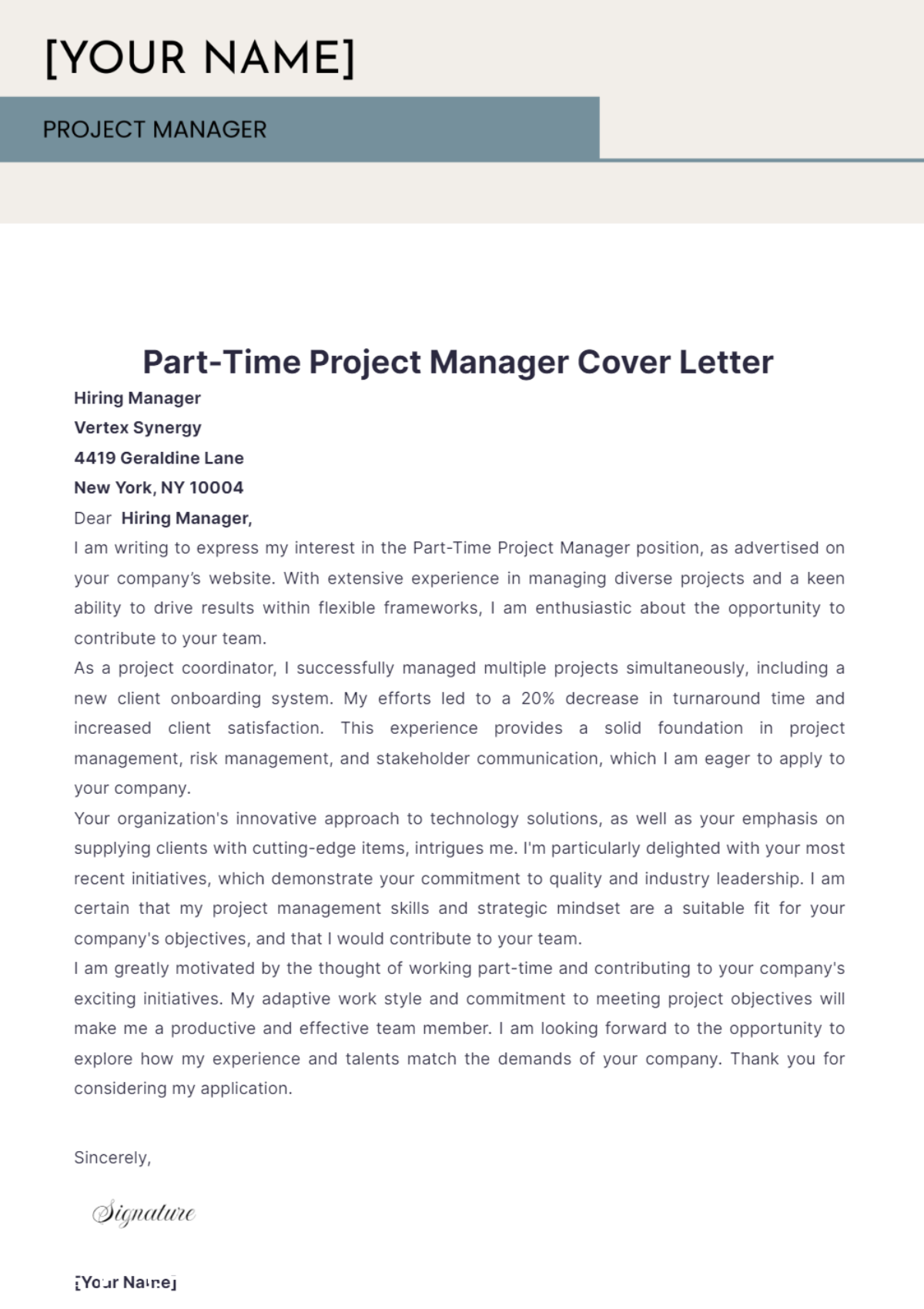
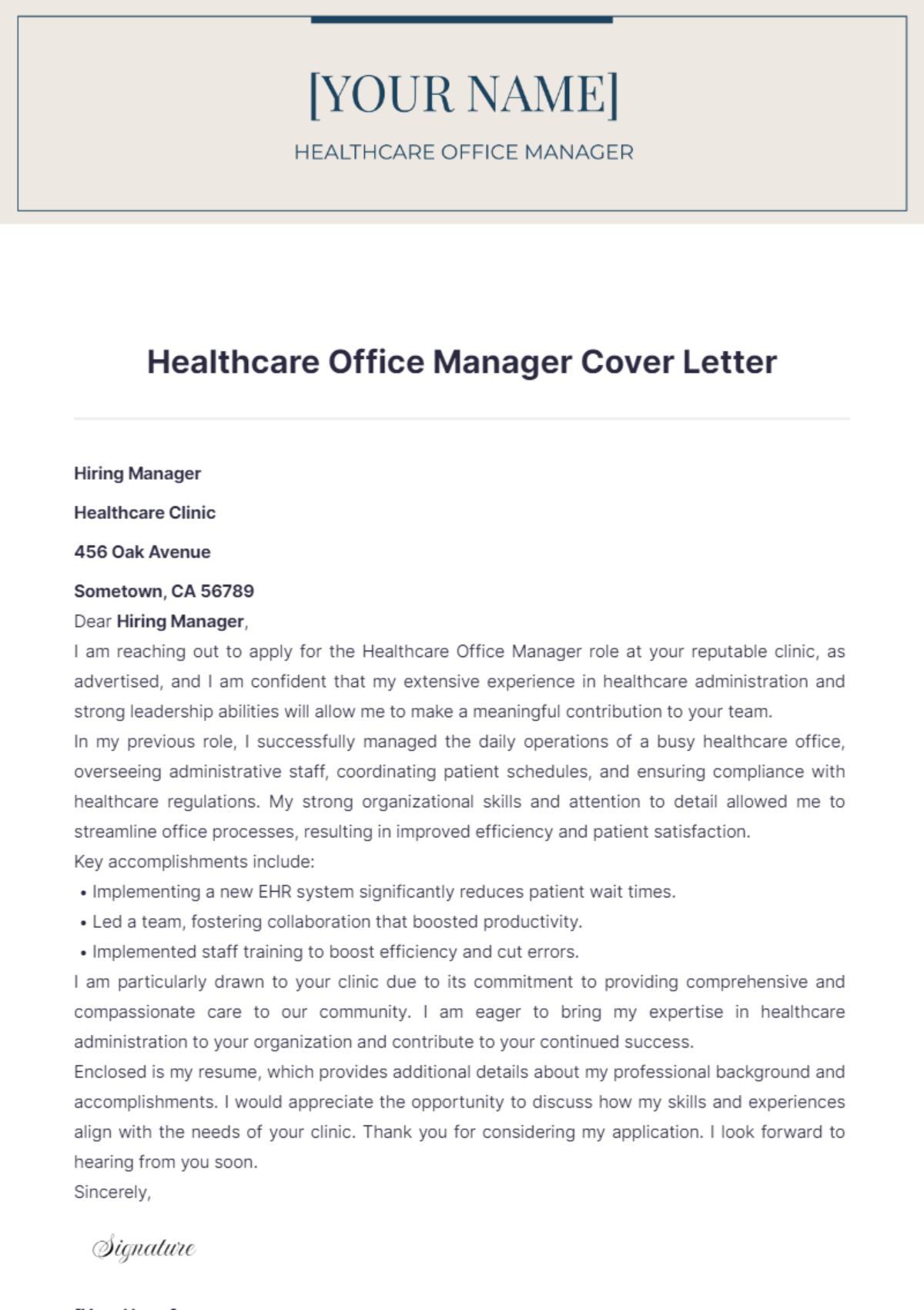
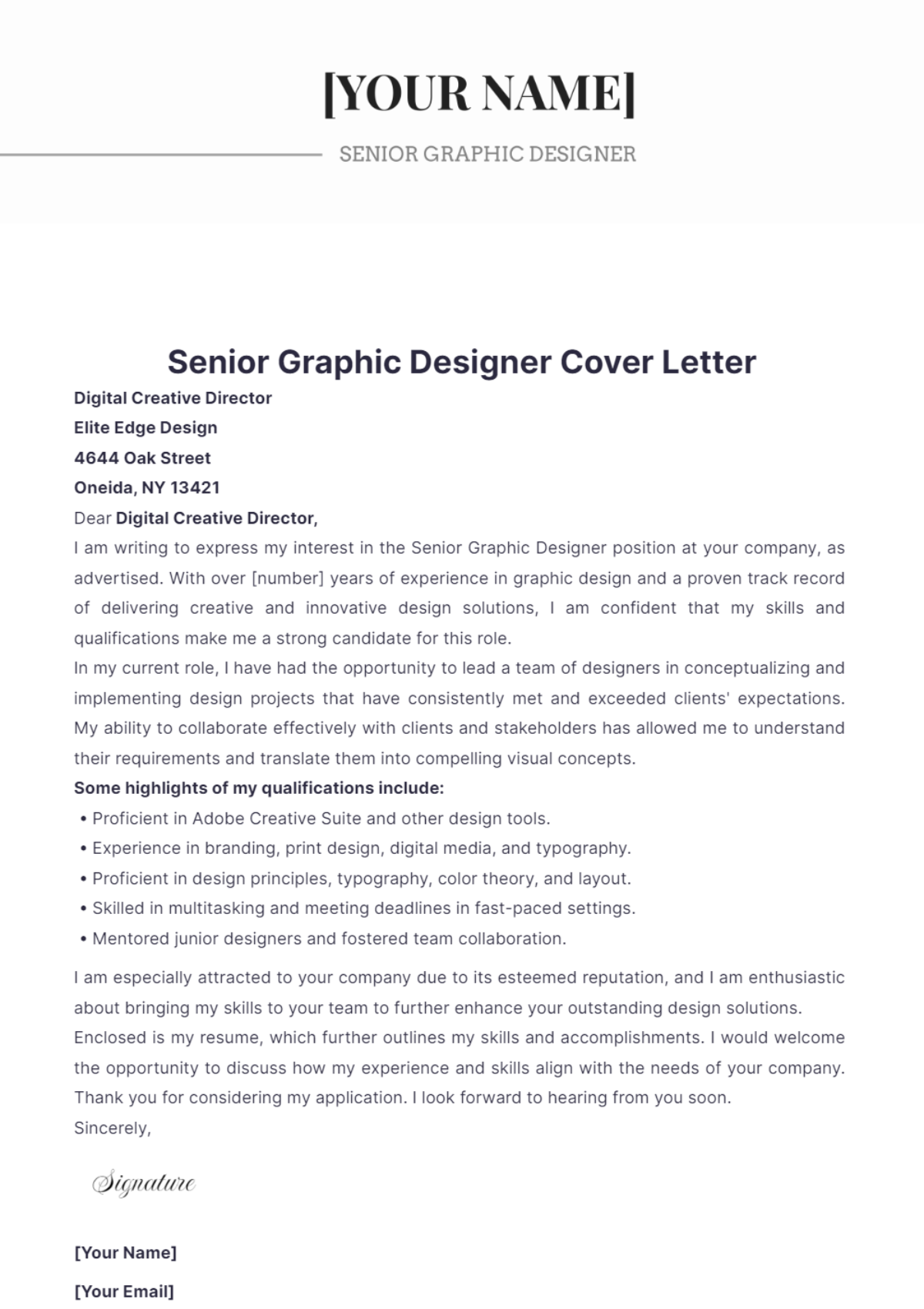
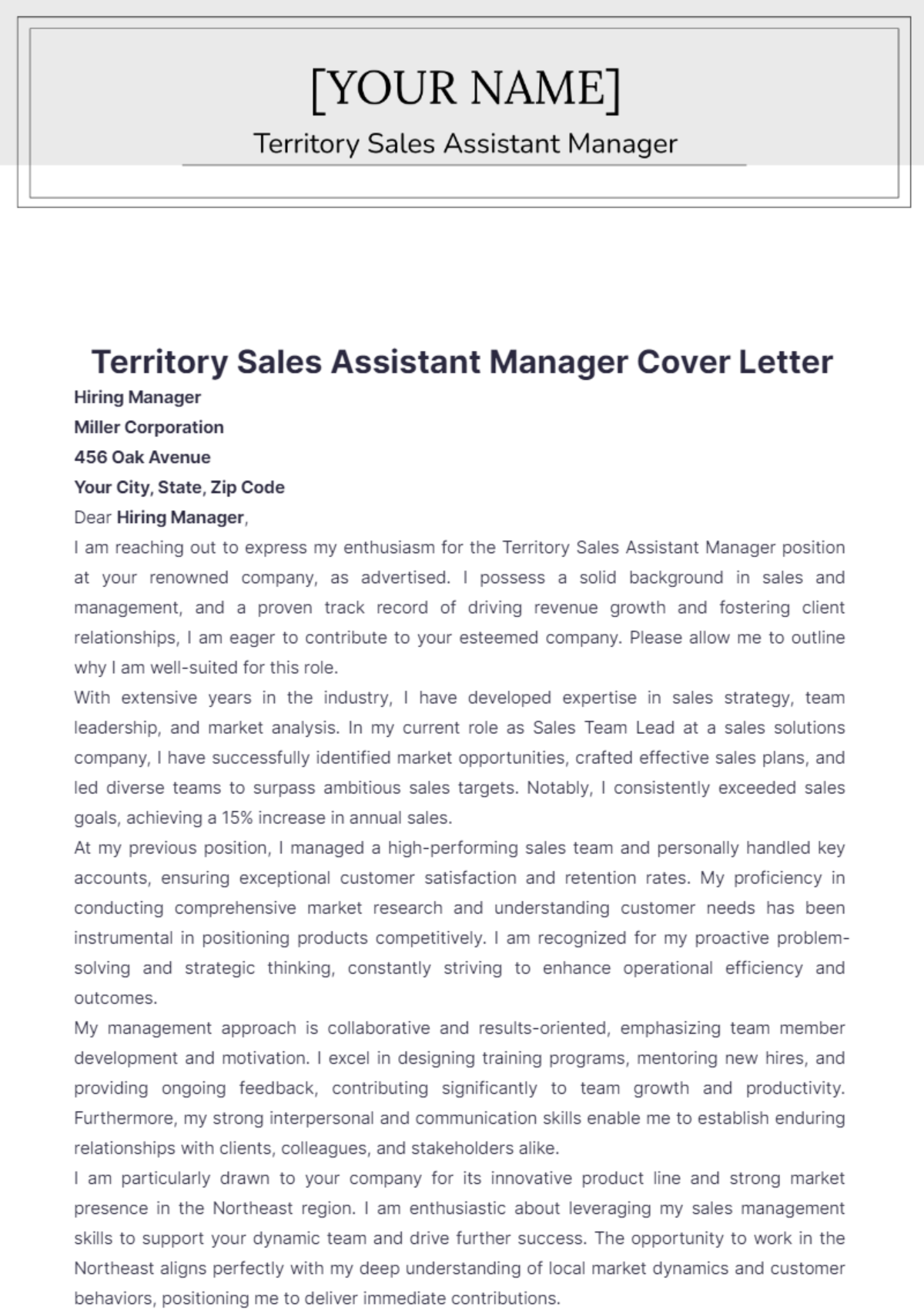
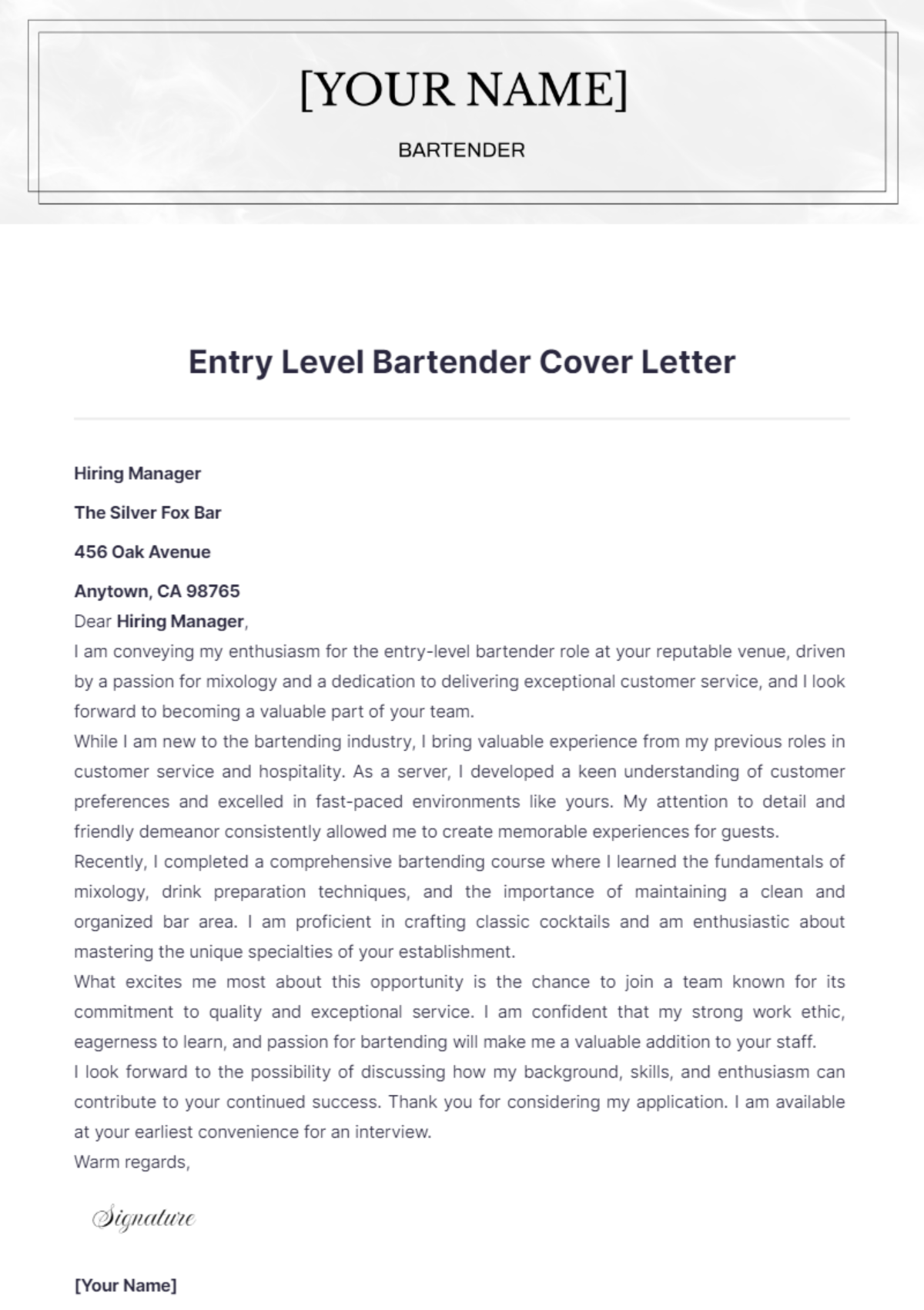
A cover letter is a formal document that accompanies a resume to introduce a candidate and highlight relevant skills and experience. Cover letter templates structure this communication with a professional layout and business-ready formatting to improve job application impact.

Why use a Cover Letter?
A cover letter provides a personalized introduction that complements a resume by emphasizing key qualifications and explaining the applicant's motivation. Using cover letter templates ensures structured formatting and a professional layout that enhances the candidate's presentation and credibility.

Who typically uses Cover Letters?
Cover letters are typically used by job applicants across industries to supplement resumes. Students, professionals, and career changers rely on cover letter templates to create business-ready documents with structured sections that communicate qualifications effectively.

What sections should a Cover Letter include?
A cover letter should include a header with contact information, a salutation, an introduction, body paragraphs highlighting skills and experience, and a closing statement. Cover letter templates organize these sections in a structured format for clarity and professionalism.

What are the best tips for formatting a Cover Letter?
Effective cover letter formatting uses a clear header, consistent font style, and appropriate margins on Letter size paper (8.5 × 11 inches). Templates provide print-ready layouts with balanced white space and business-ready structure for easy online editing and professional presentation.

How do you print a Cover Letter?
Printing a cover letter requires using the print-ready PDF format generated from the template, ensuring proper margins and Letter size (8.5 × 11 inches) paper compatibility. Template.net enables direct online editing and exporting to print-ready files for professional quality output.

Is a Cover Letter legally and professionally acceptable?
A cover letter is both legally and professionally acceptable as a formal job application document. Templates from Template.net ensure compliance-friendly presentation with structured formatting that meets business standards and enhances professional credibility.

What file formats can I download for a Cover Letter?
Template.net's cover letter templates support multiple export formats for editing and printing, including Word, Apple Pages, Google Docs, PDF, PSD, Outlook, Publisher, Illustrator, and InDesign.

Can I create a new Cover Letter using AI?
Template.net provides an AI-powered tool that generates structured cover letter documents from prompts in 3 to 10 seconds. The Cover Letter Generator allows online refinement and export in multiple professional formats.
