
Free Transfer Letter Templates
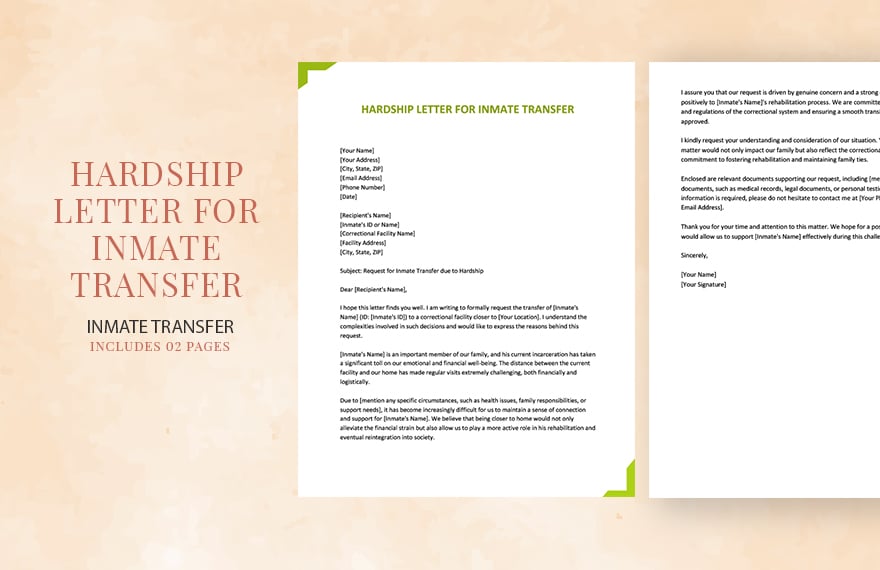
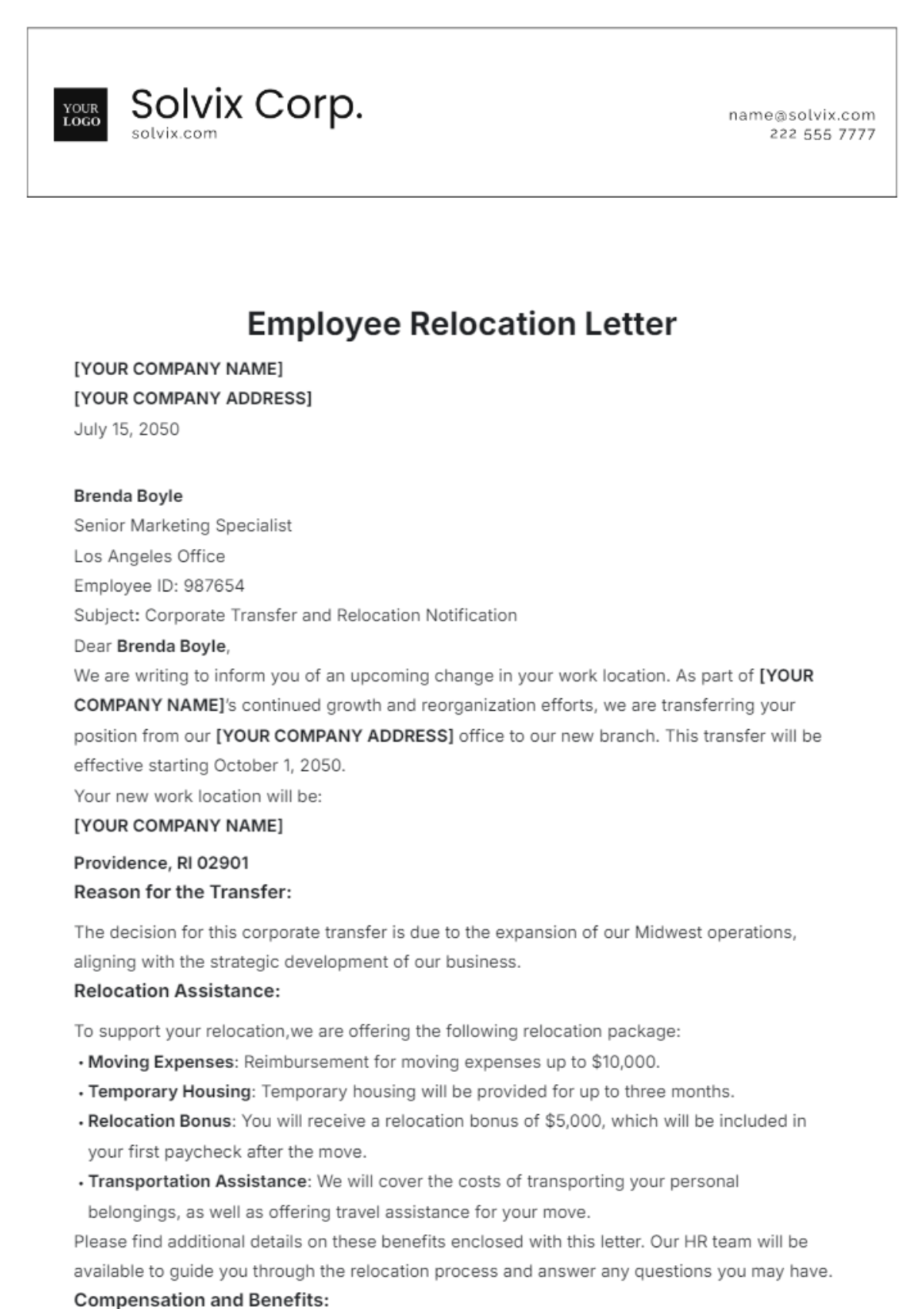
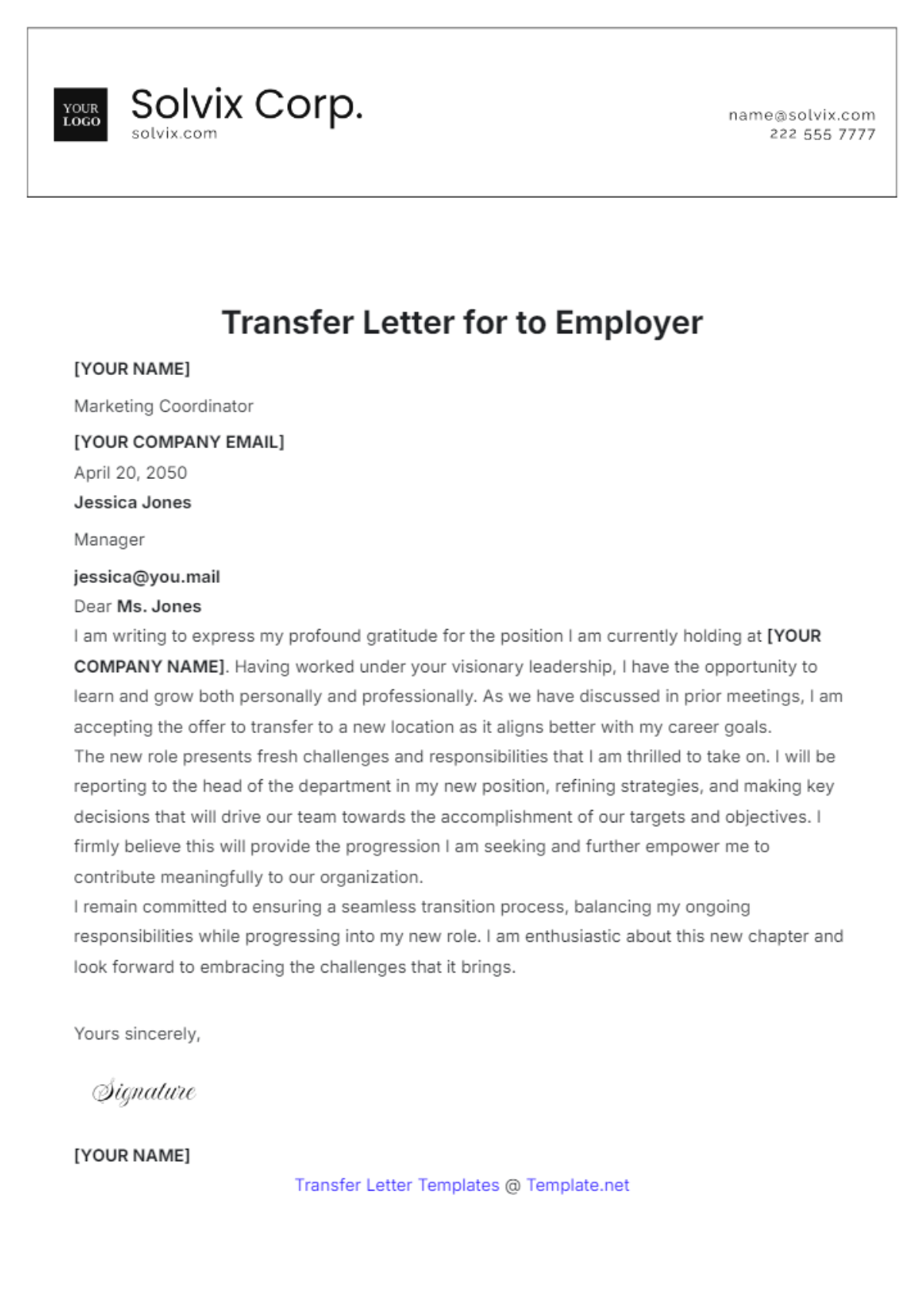
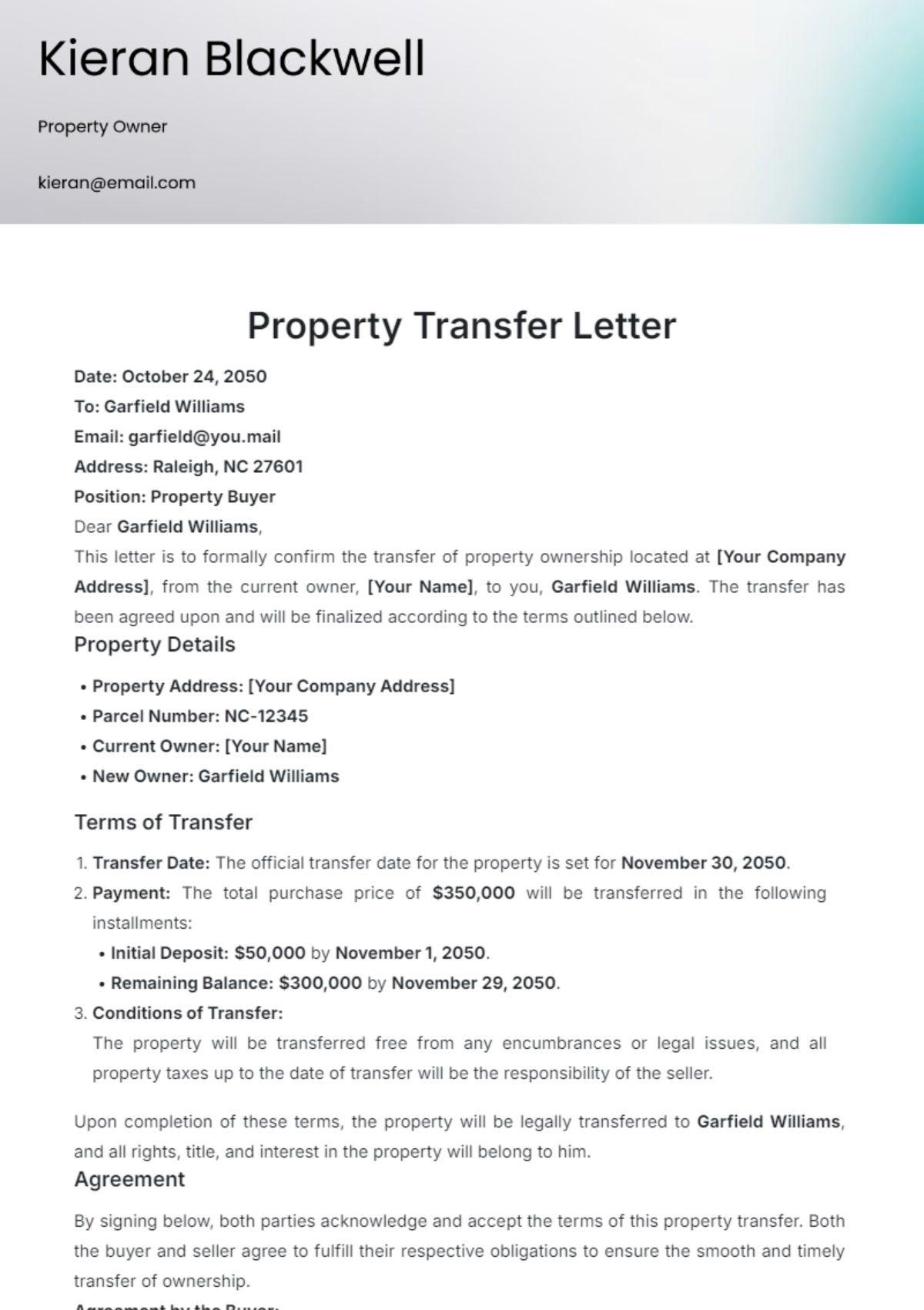
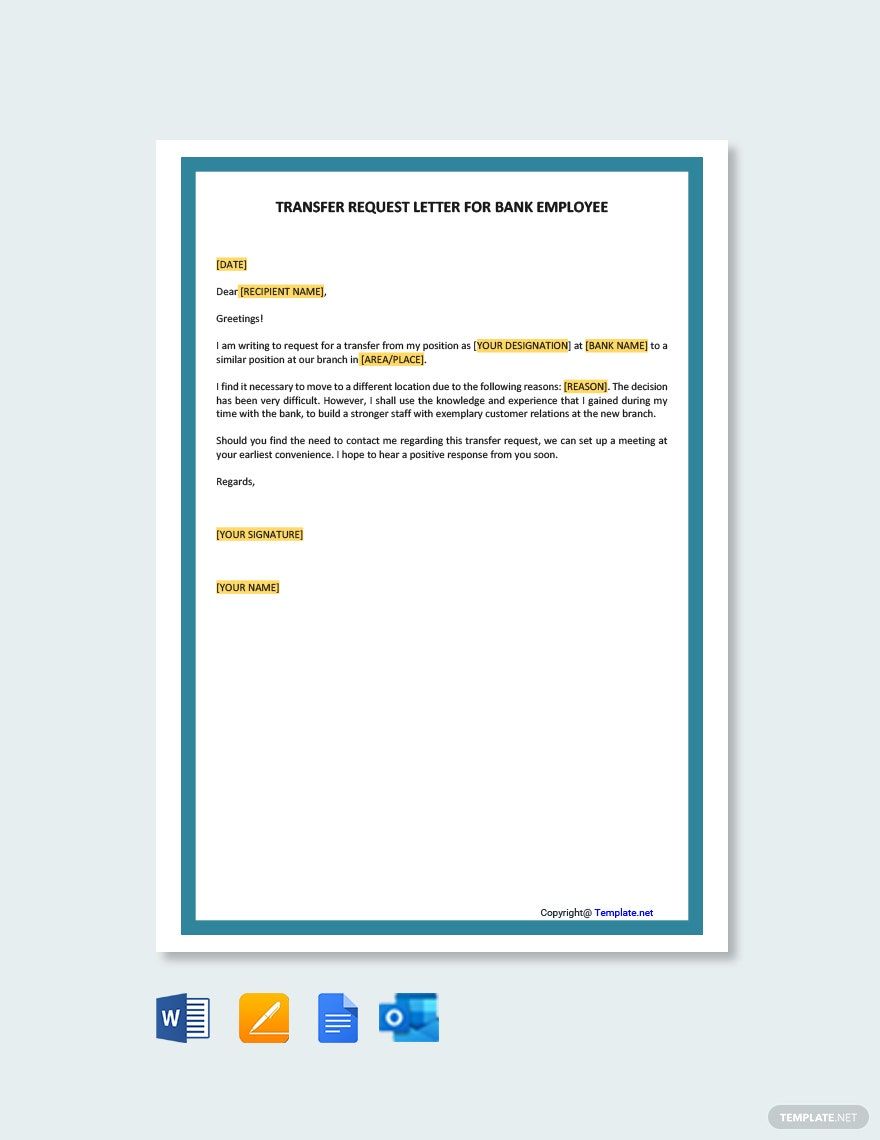
Transfer Letters: Definition, Use, Formats, and AI Creation
What is a Transfer Letter?
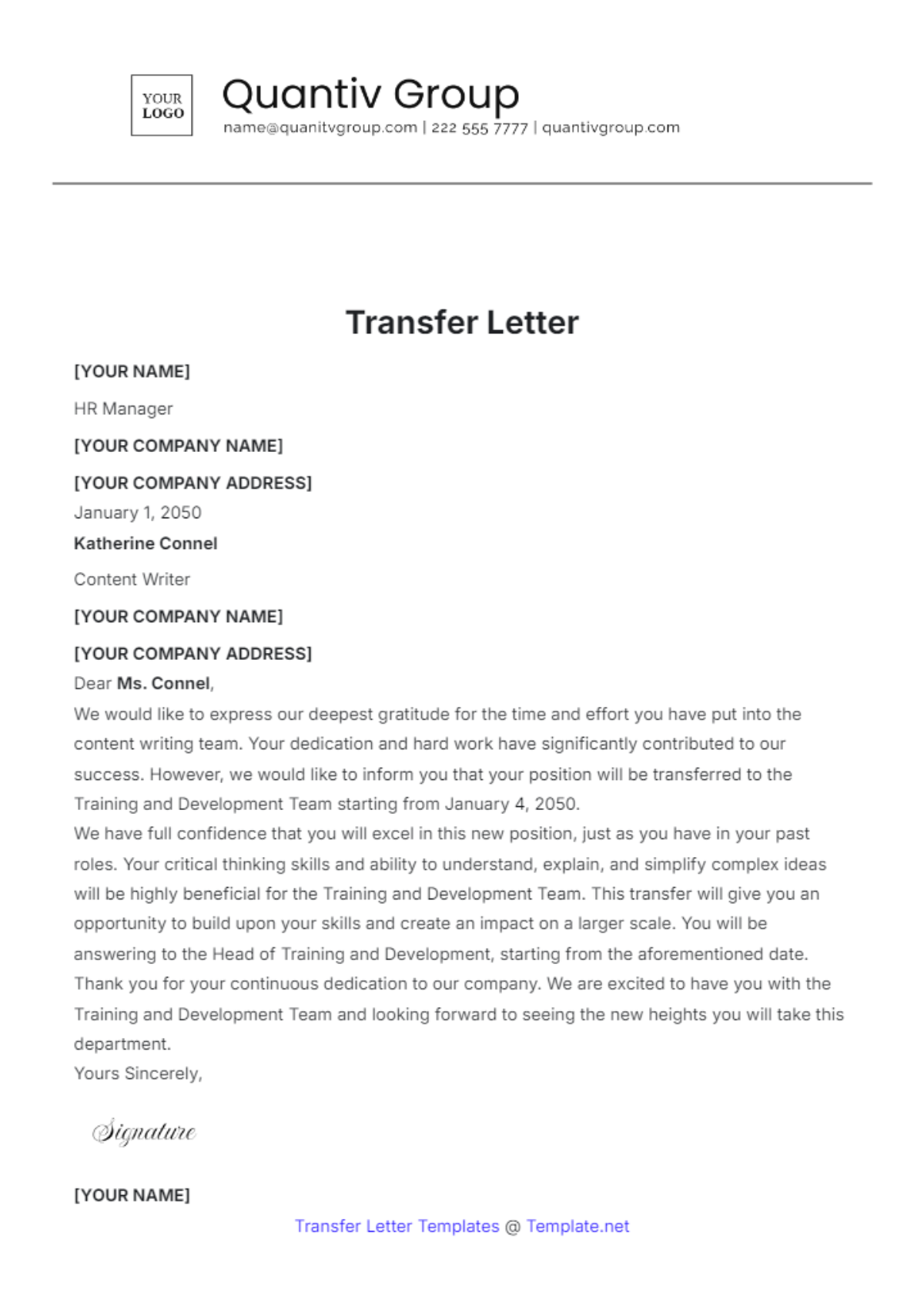
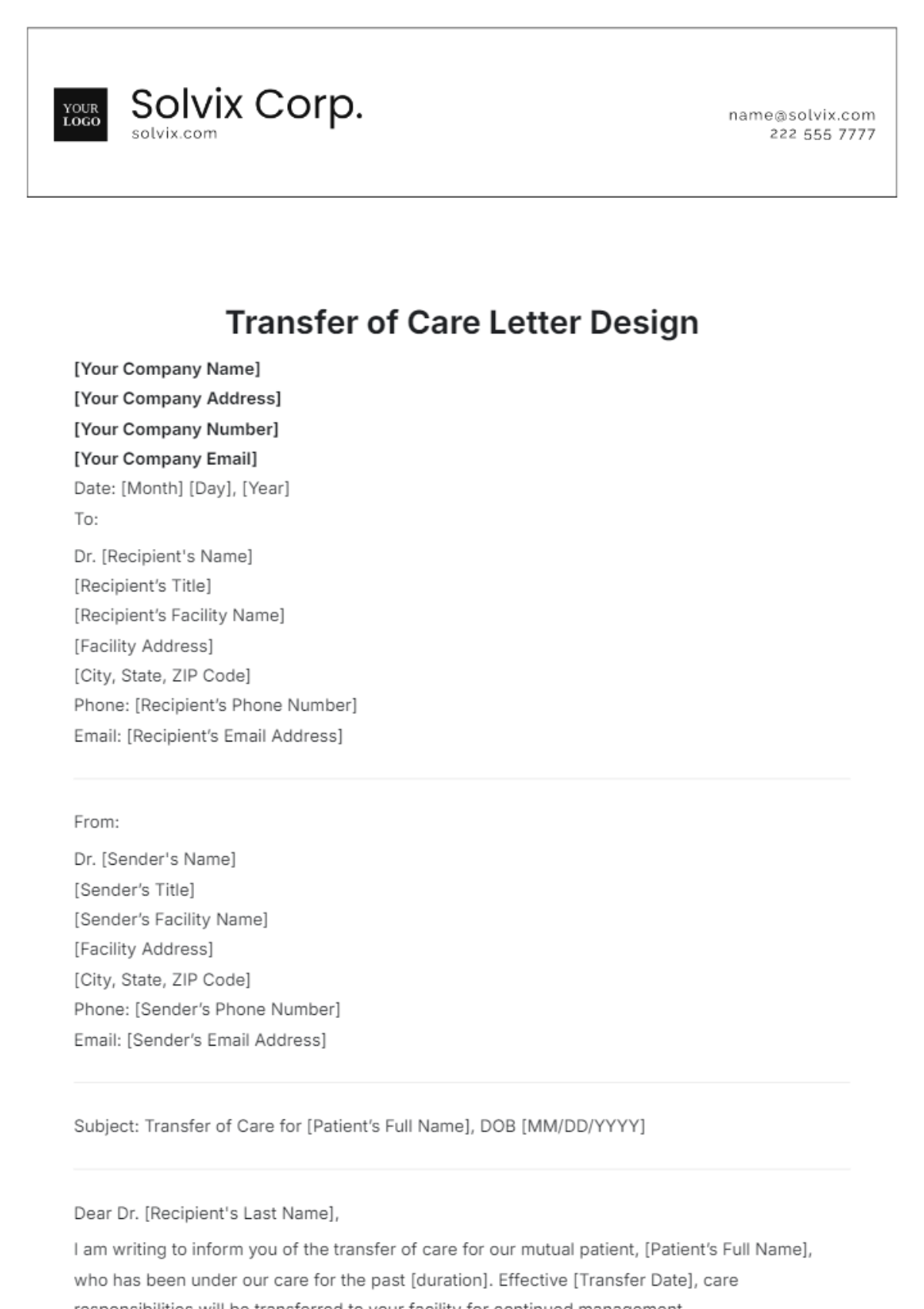
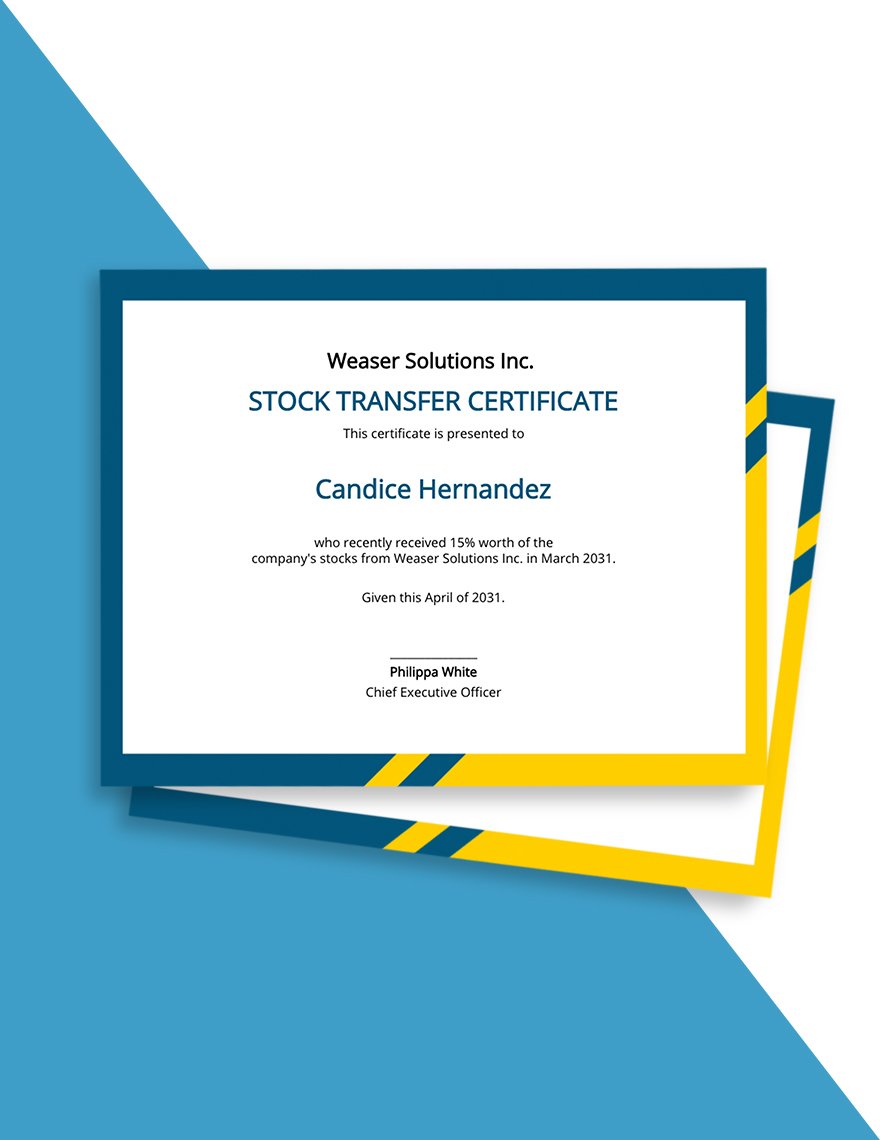
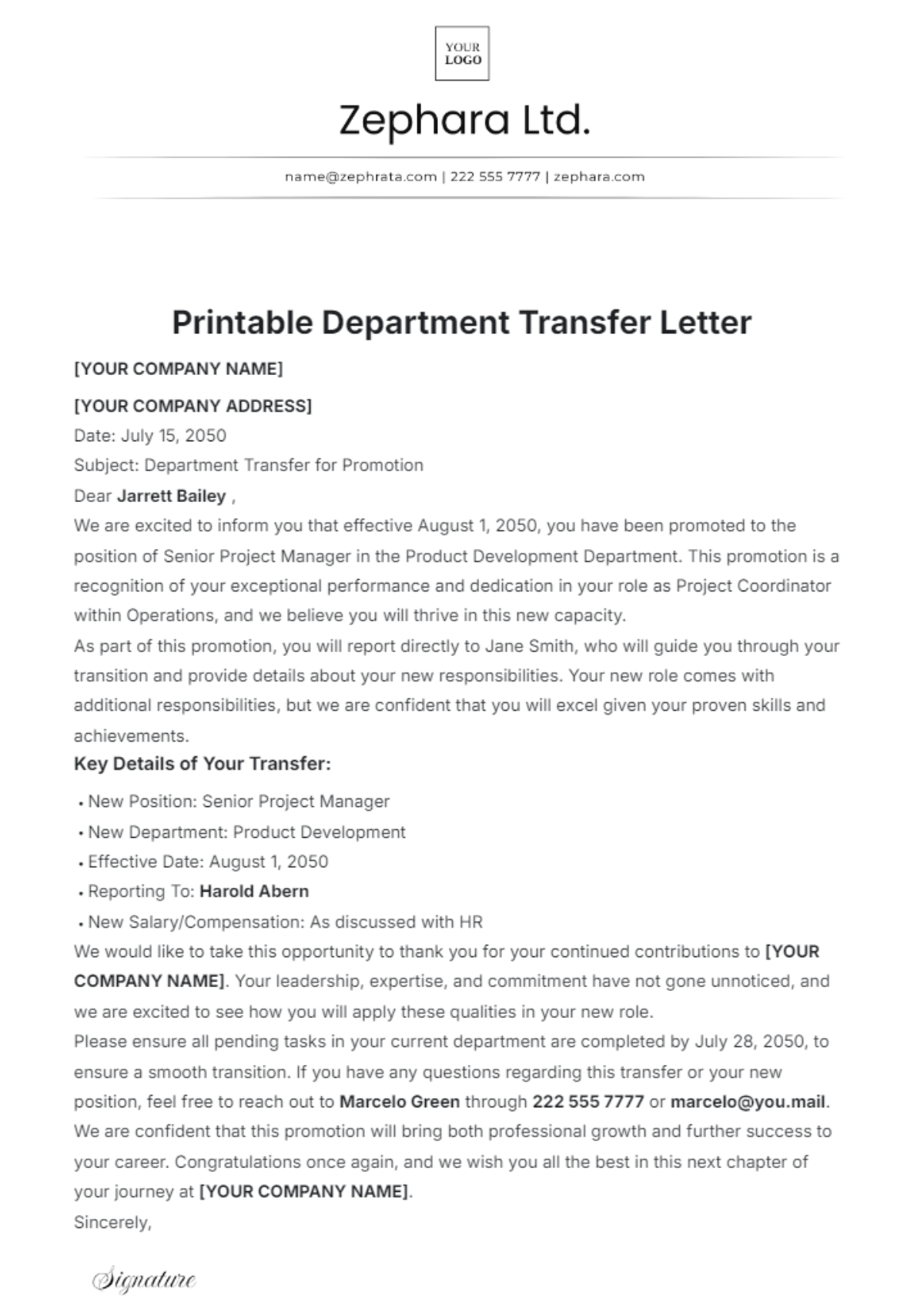
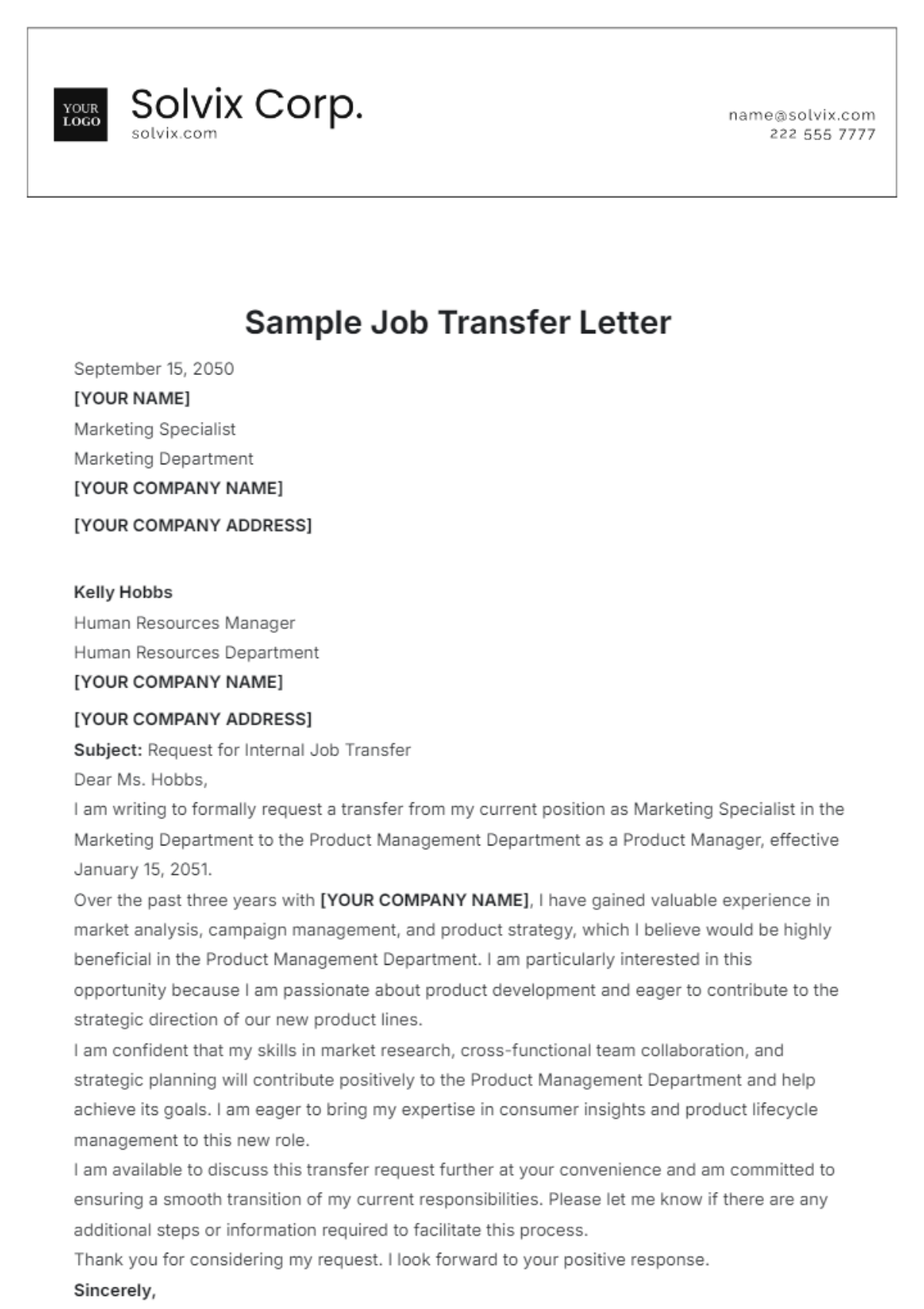
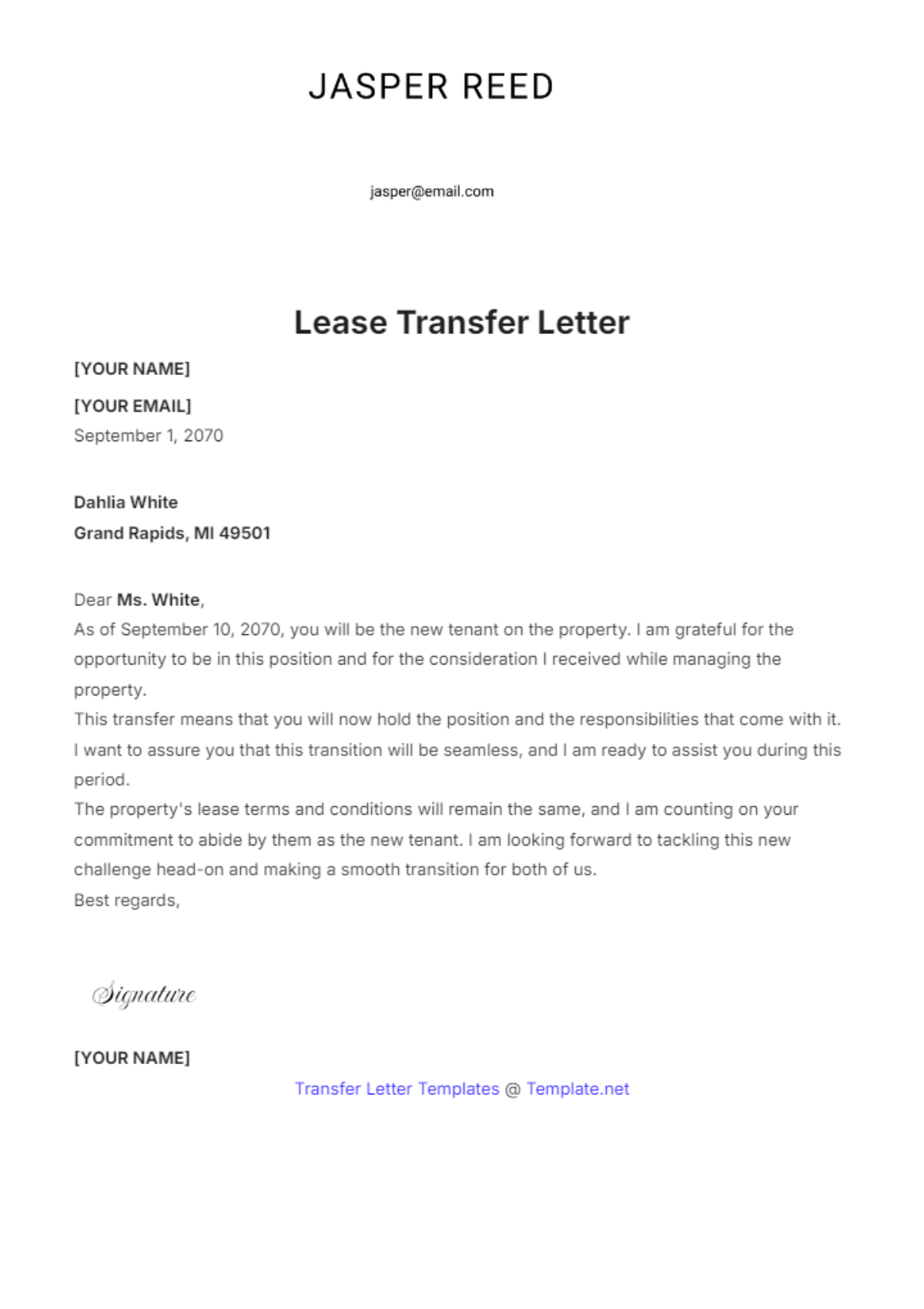
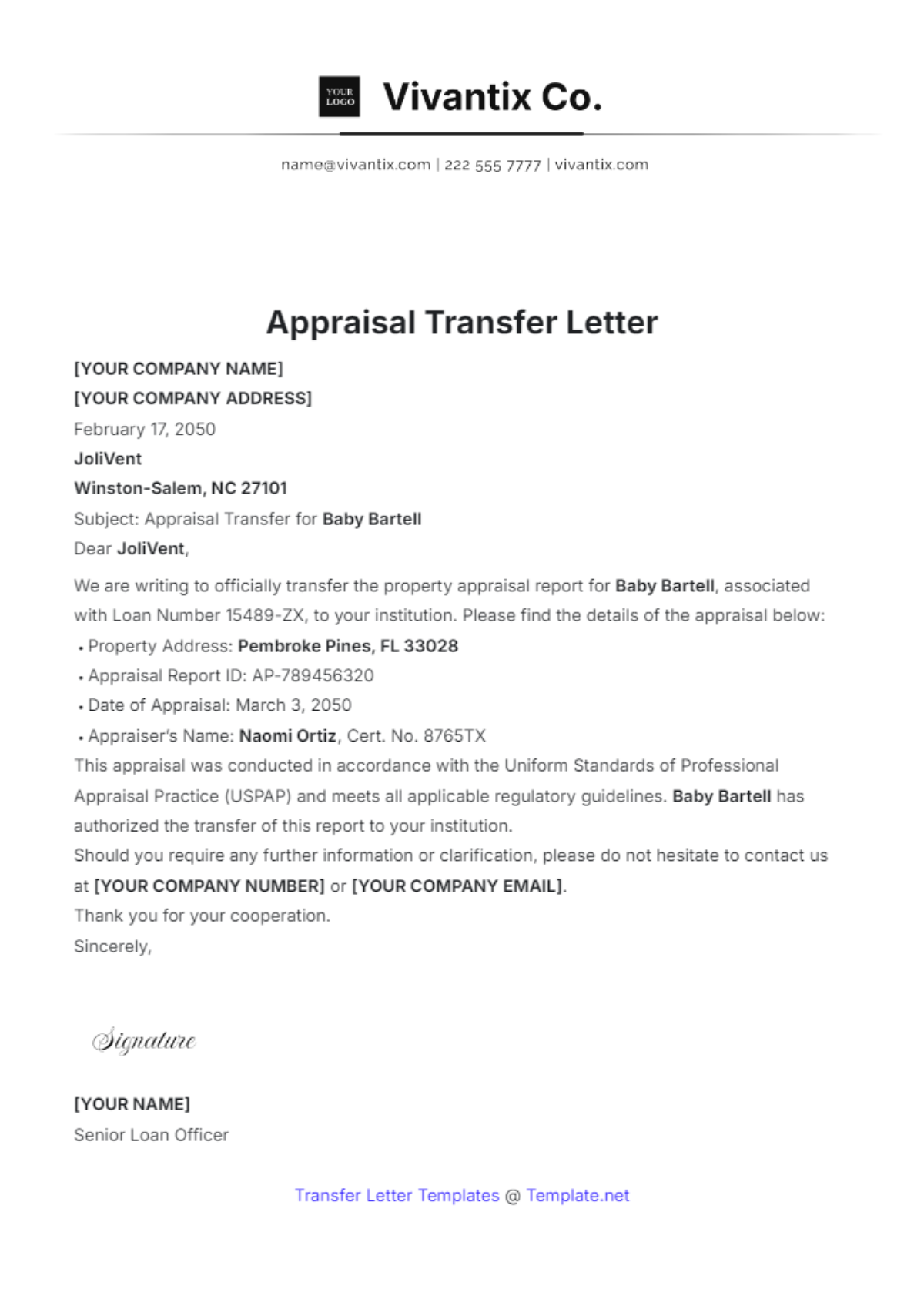
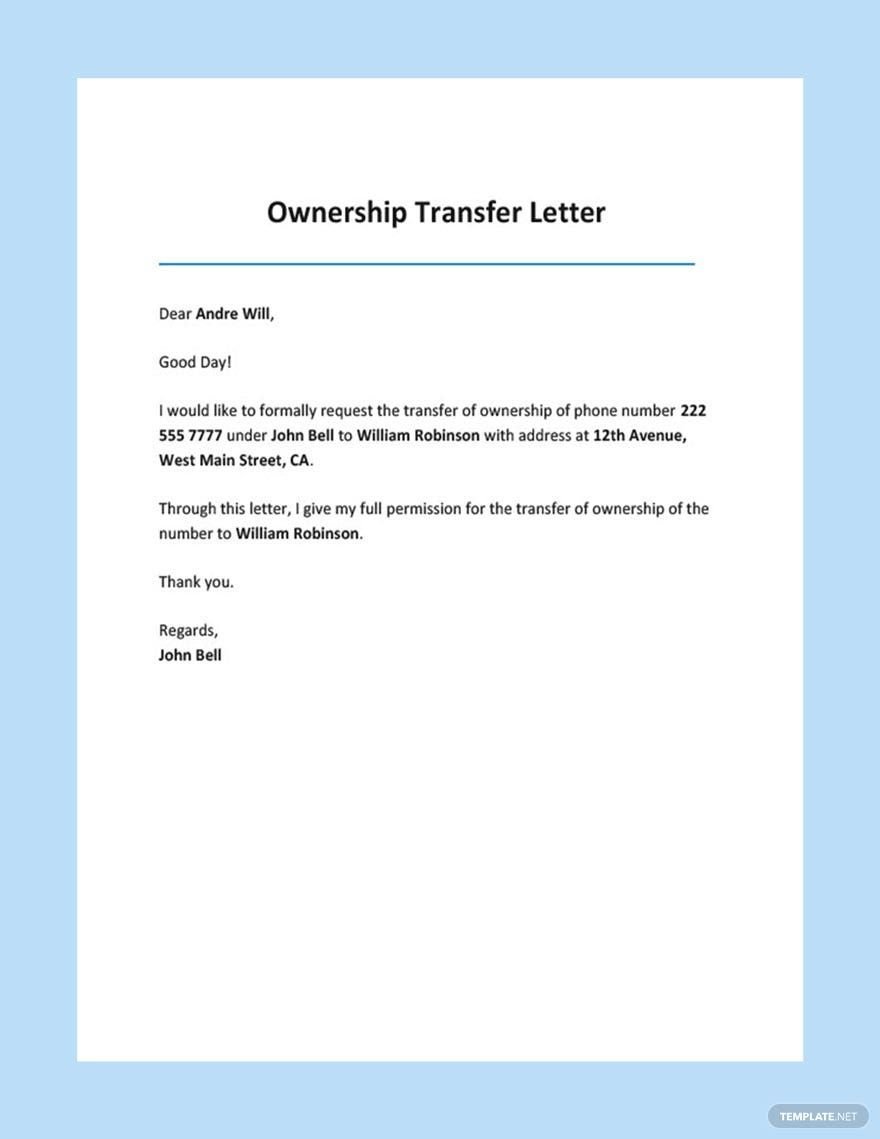
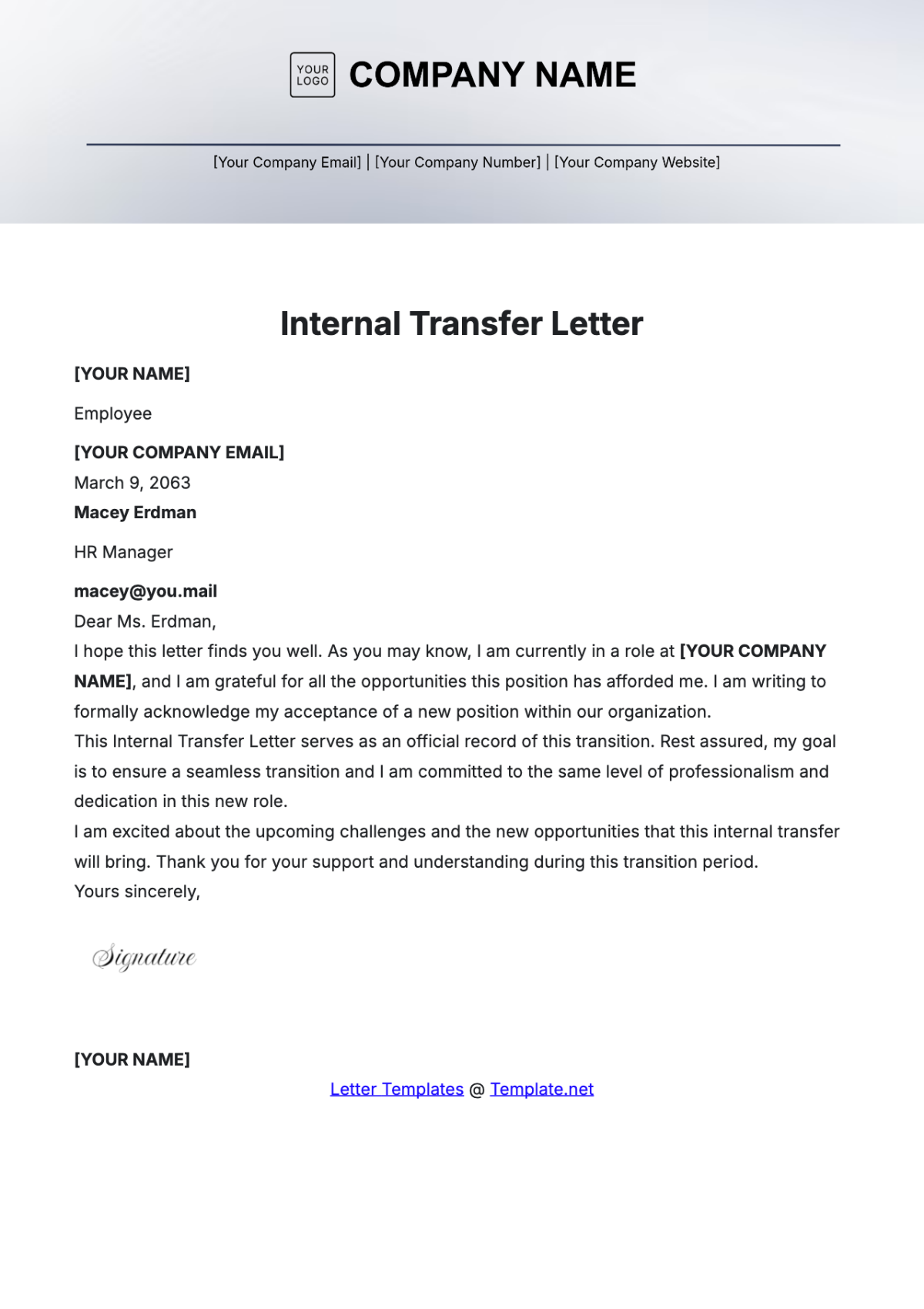
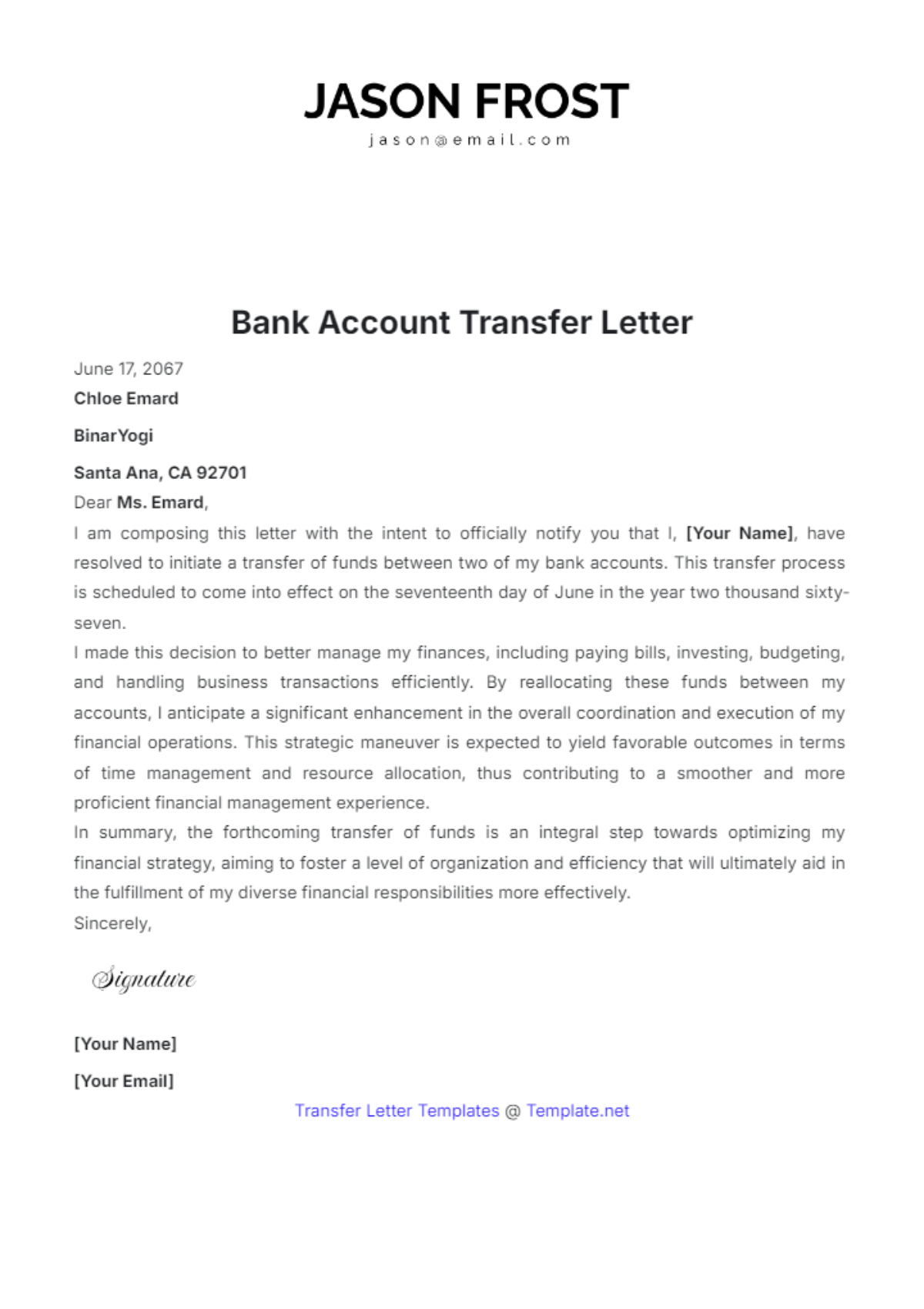
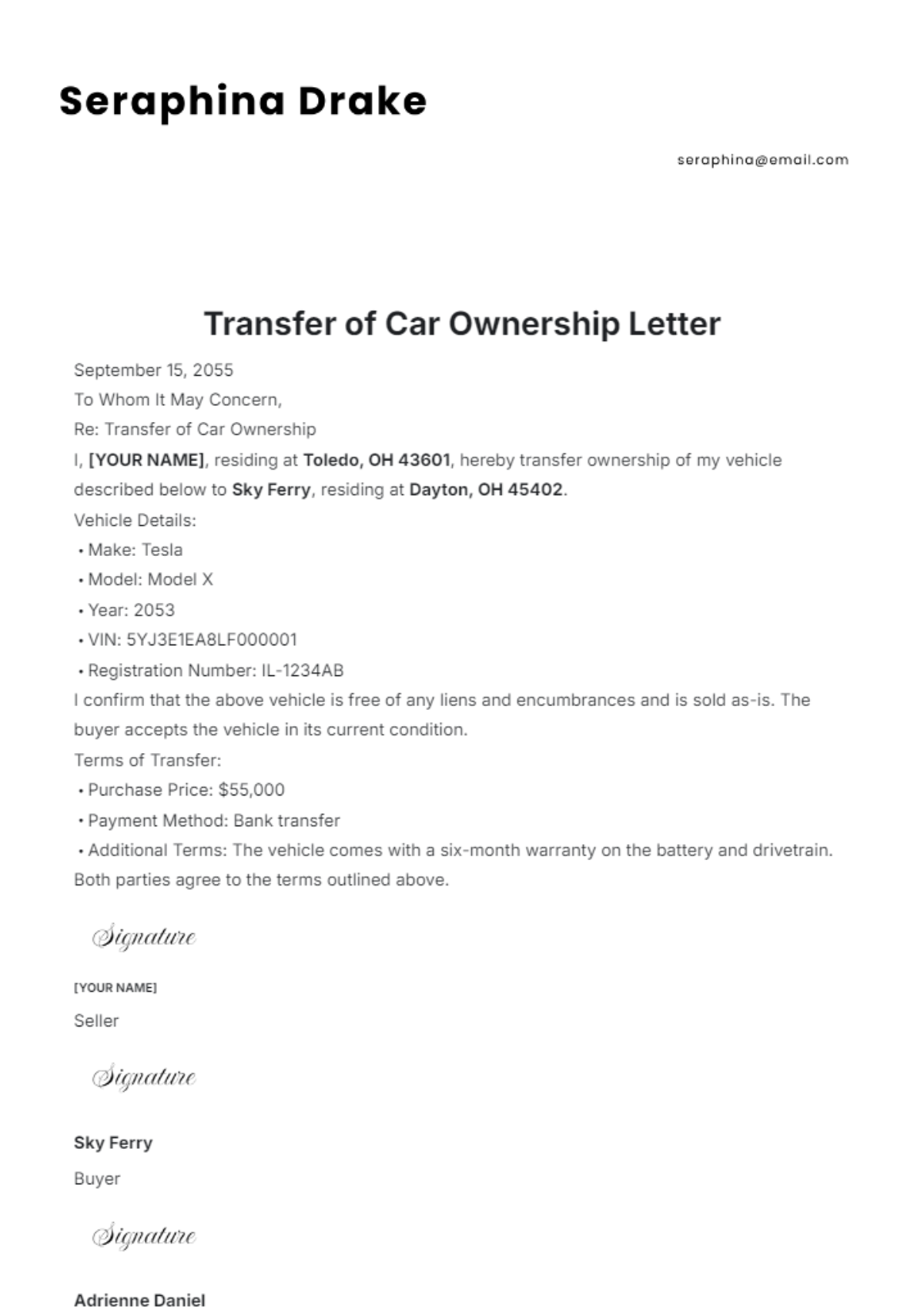
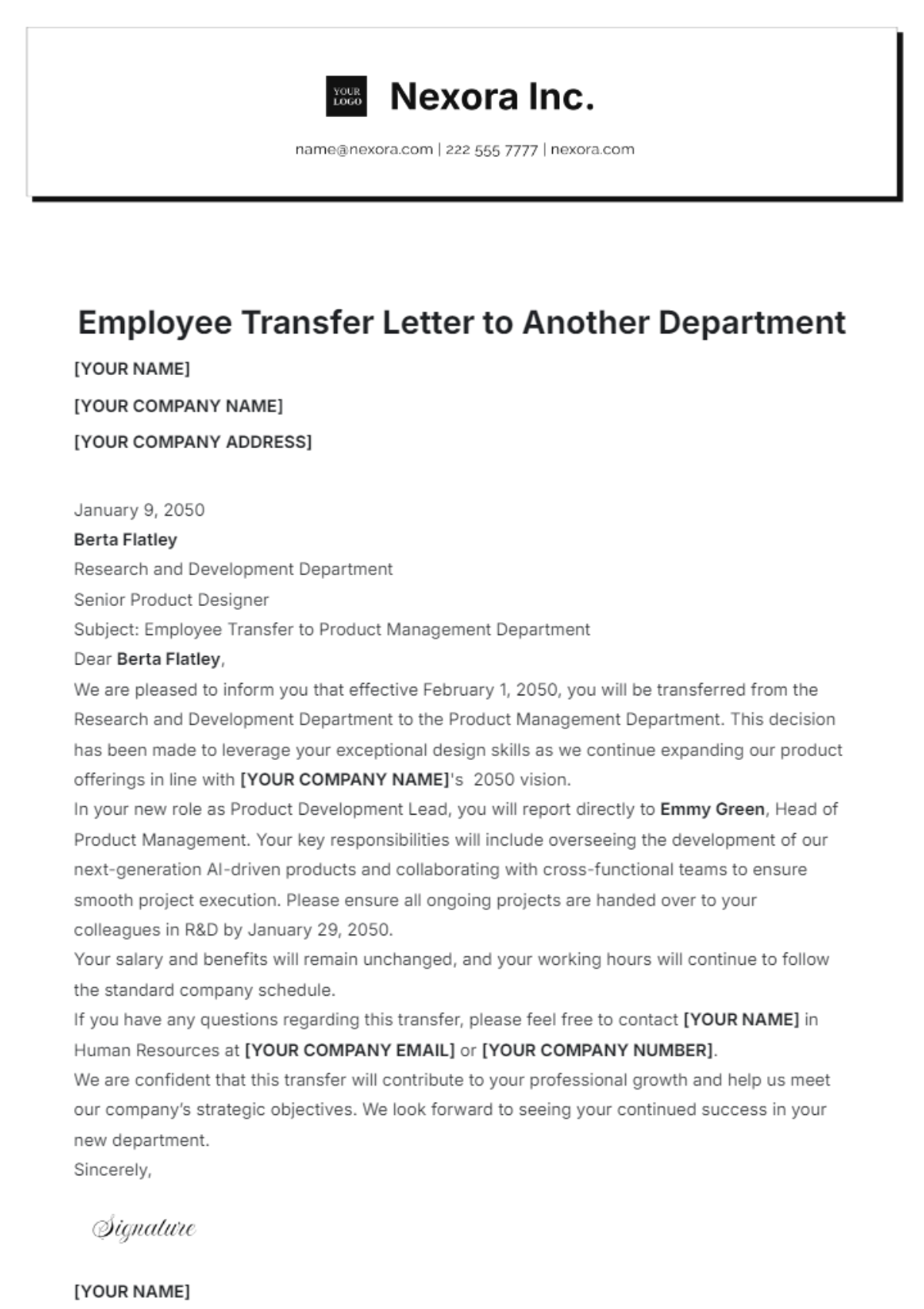
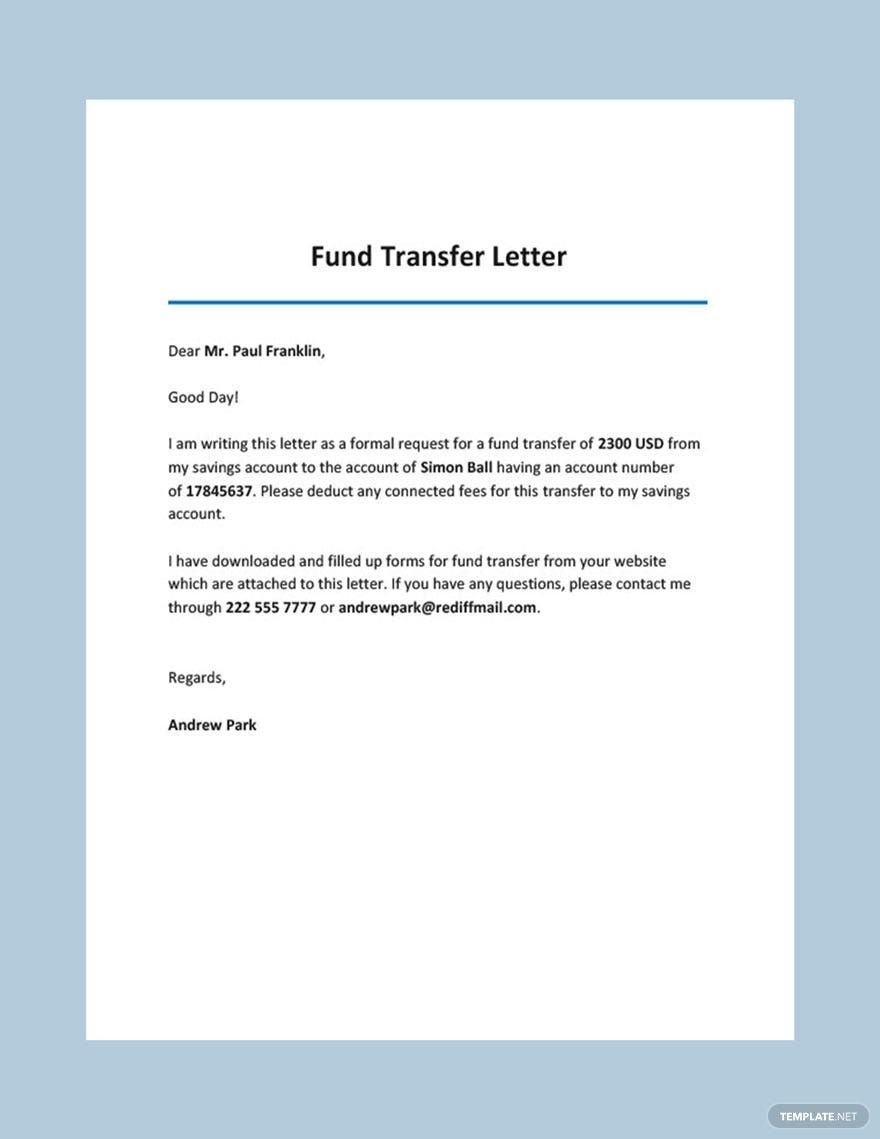
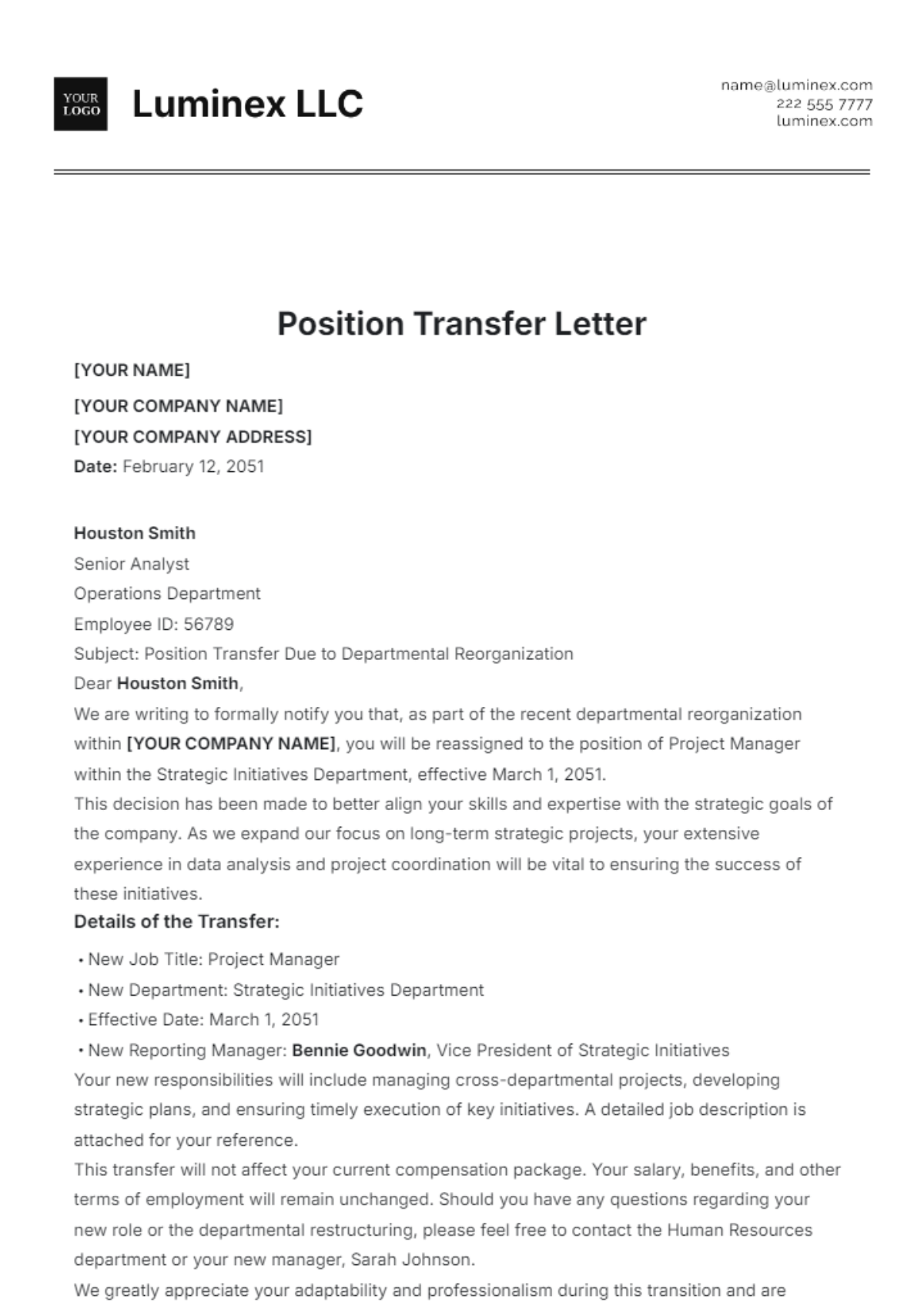
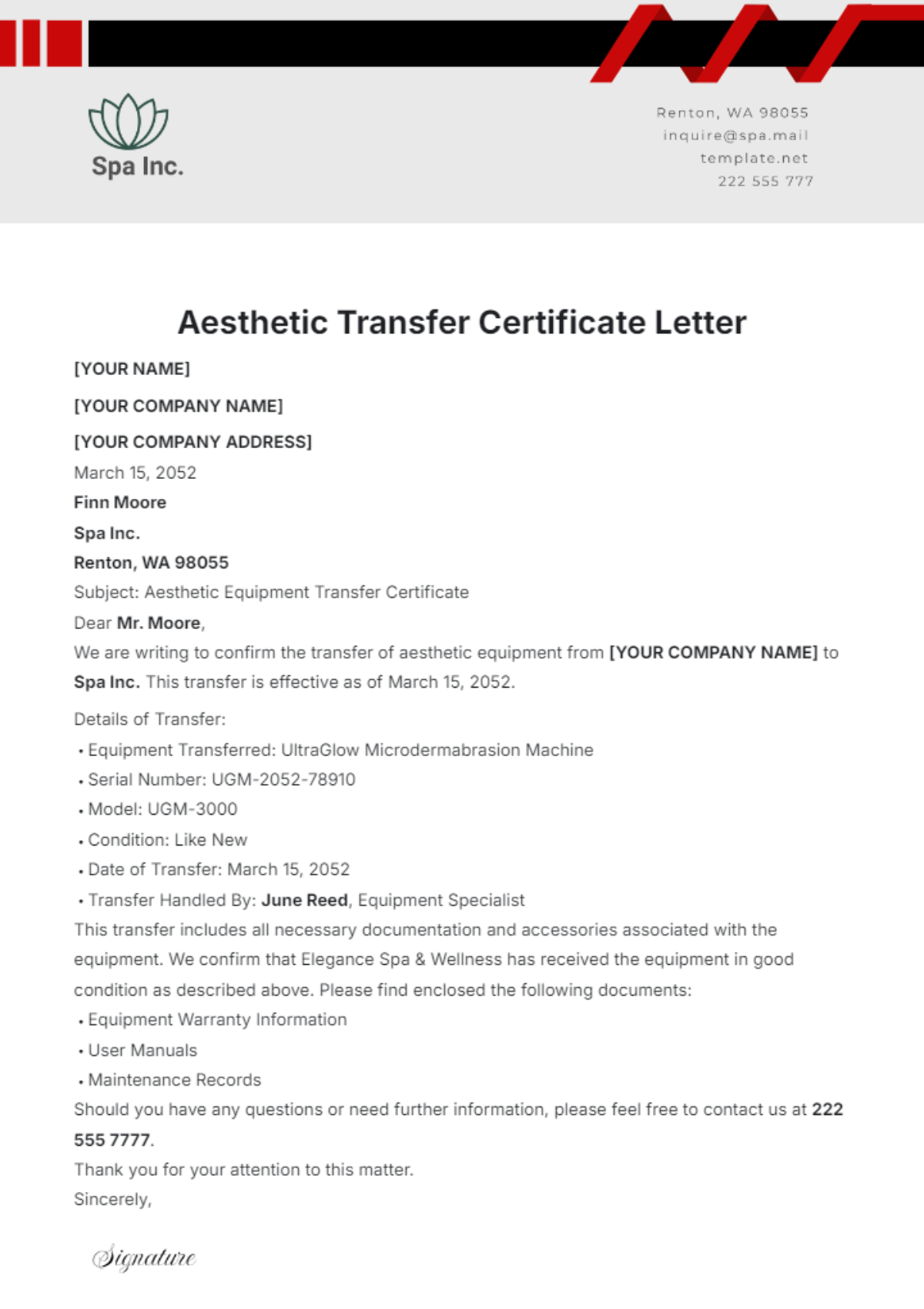
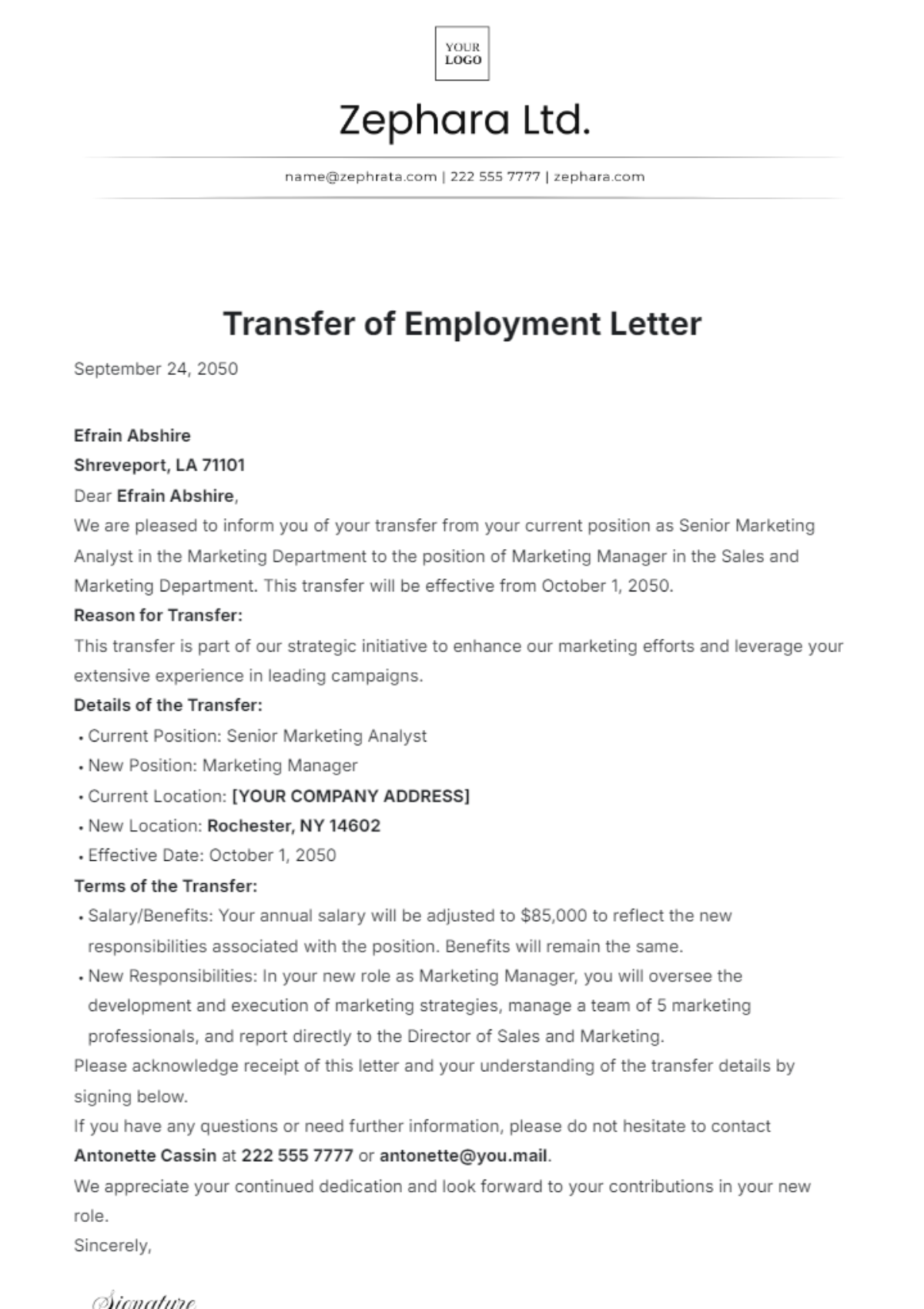
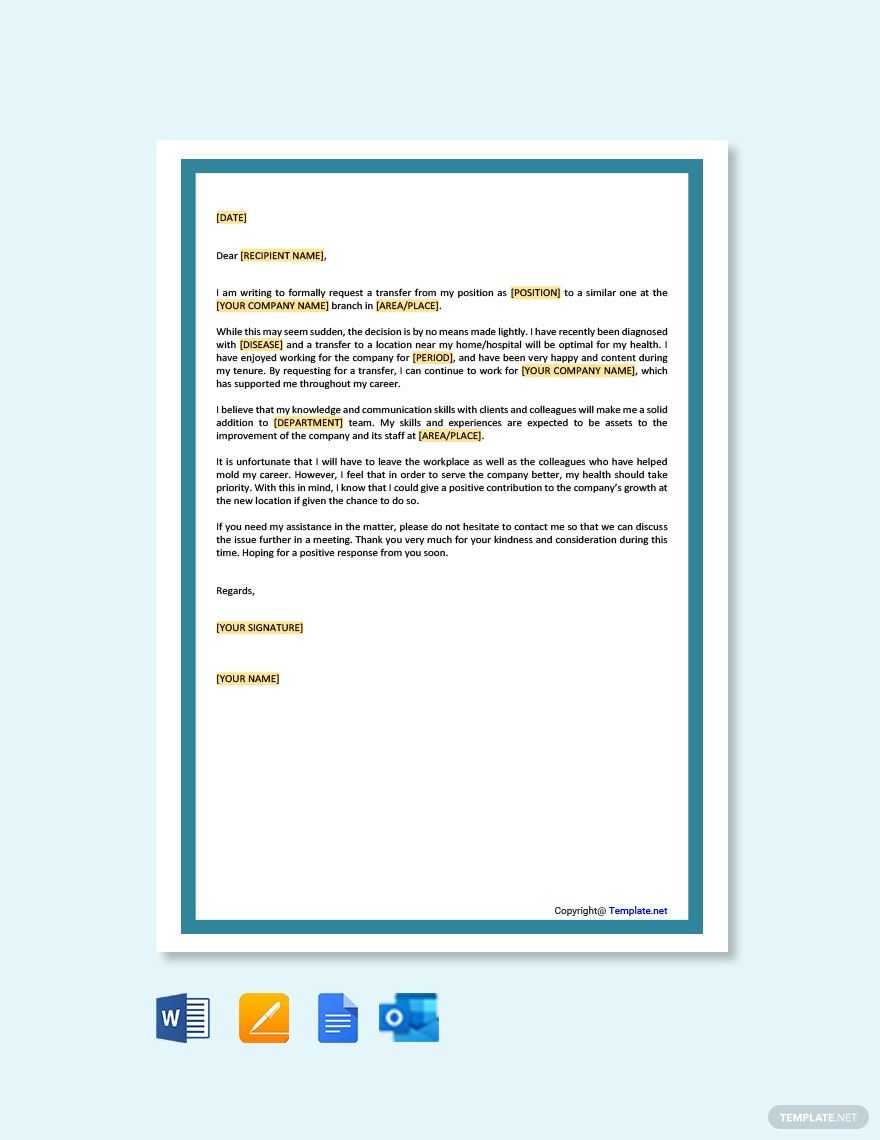
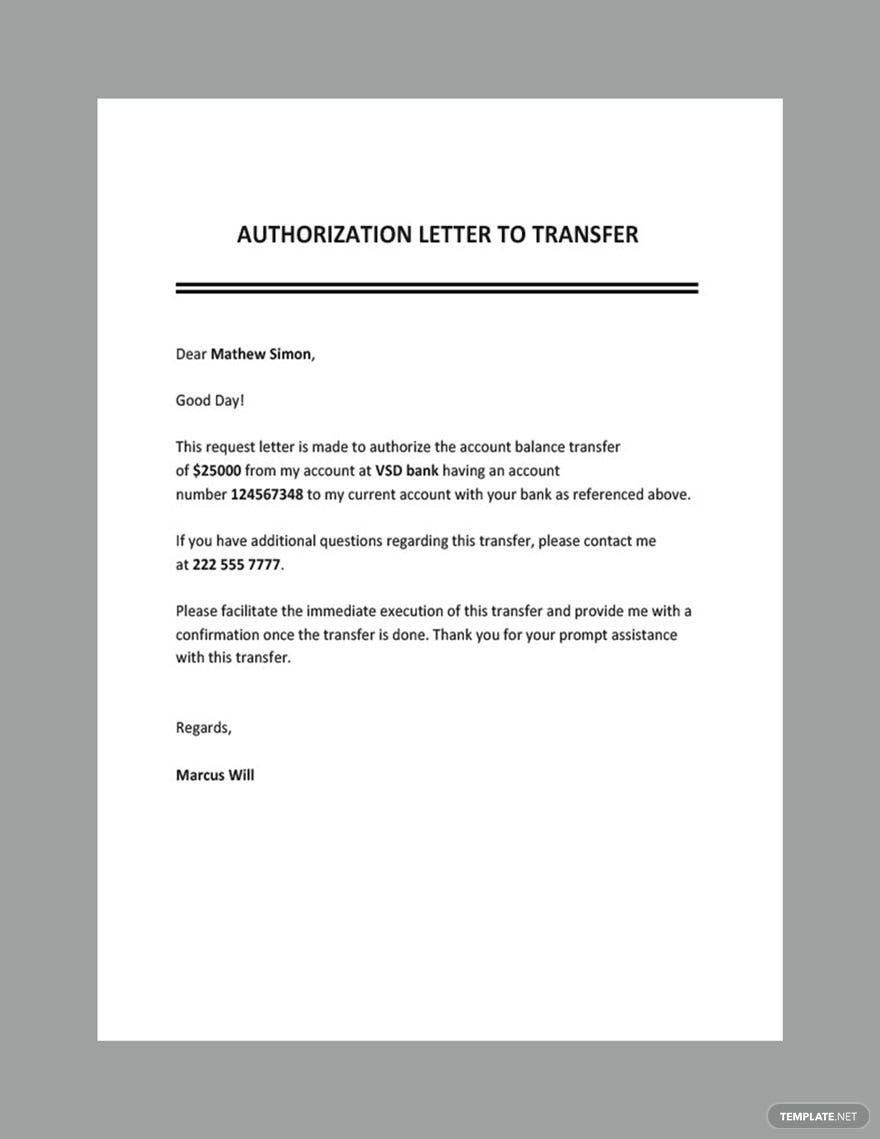
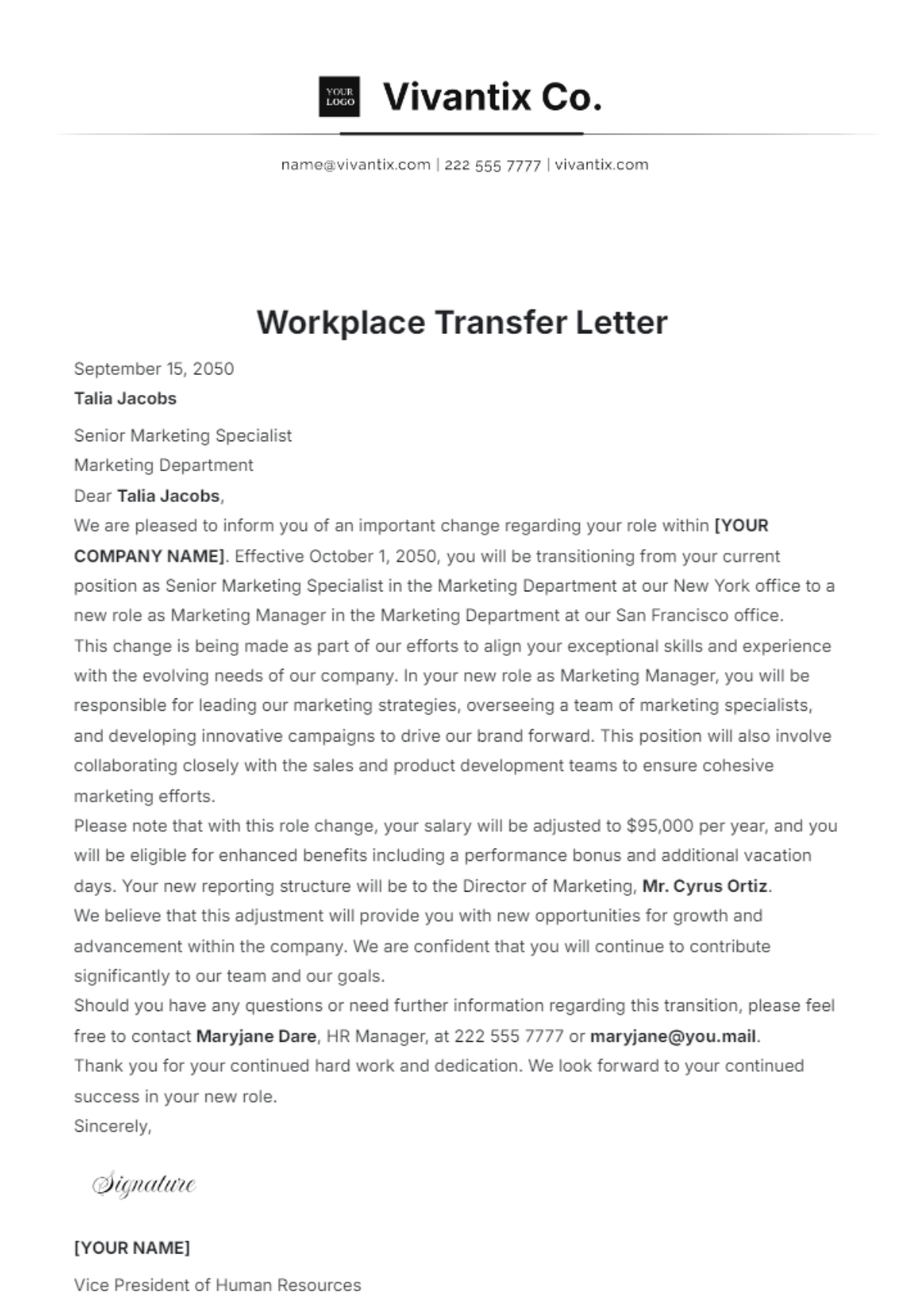
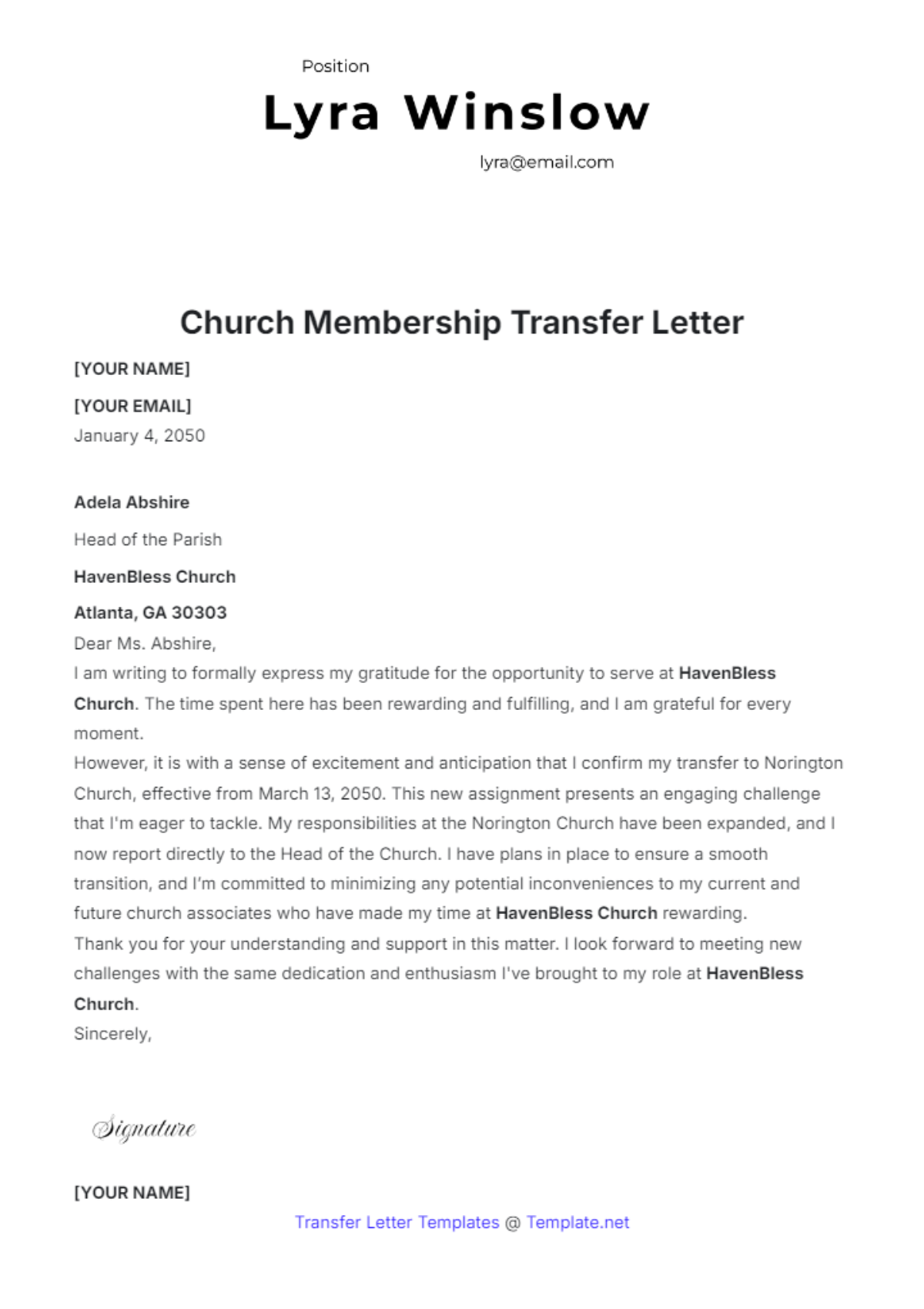
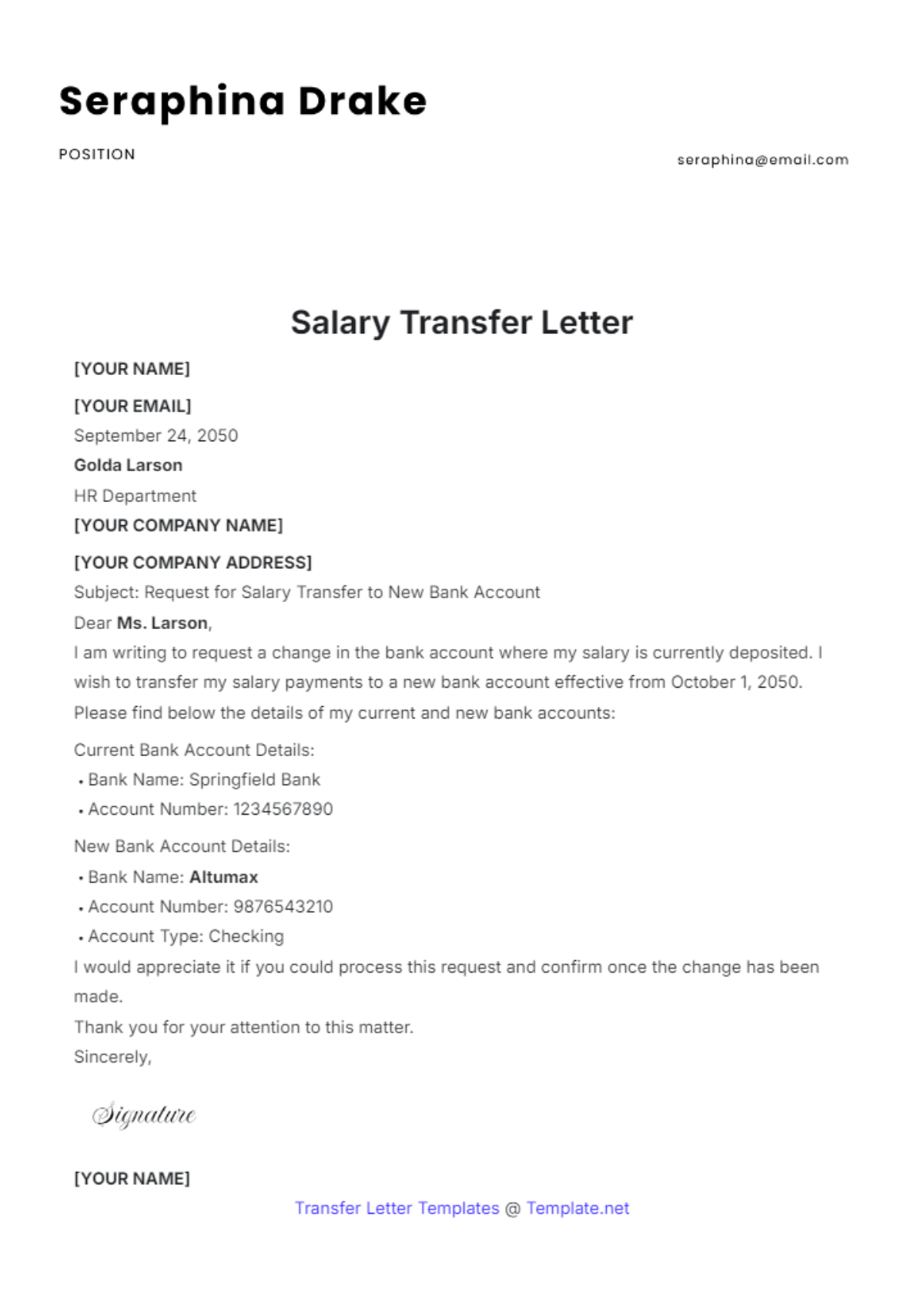
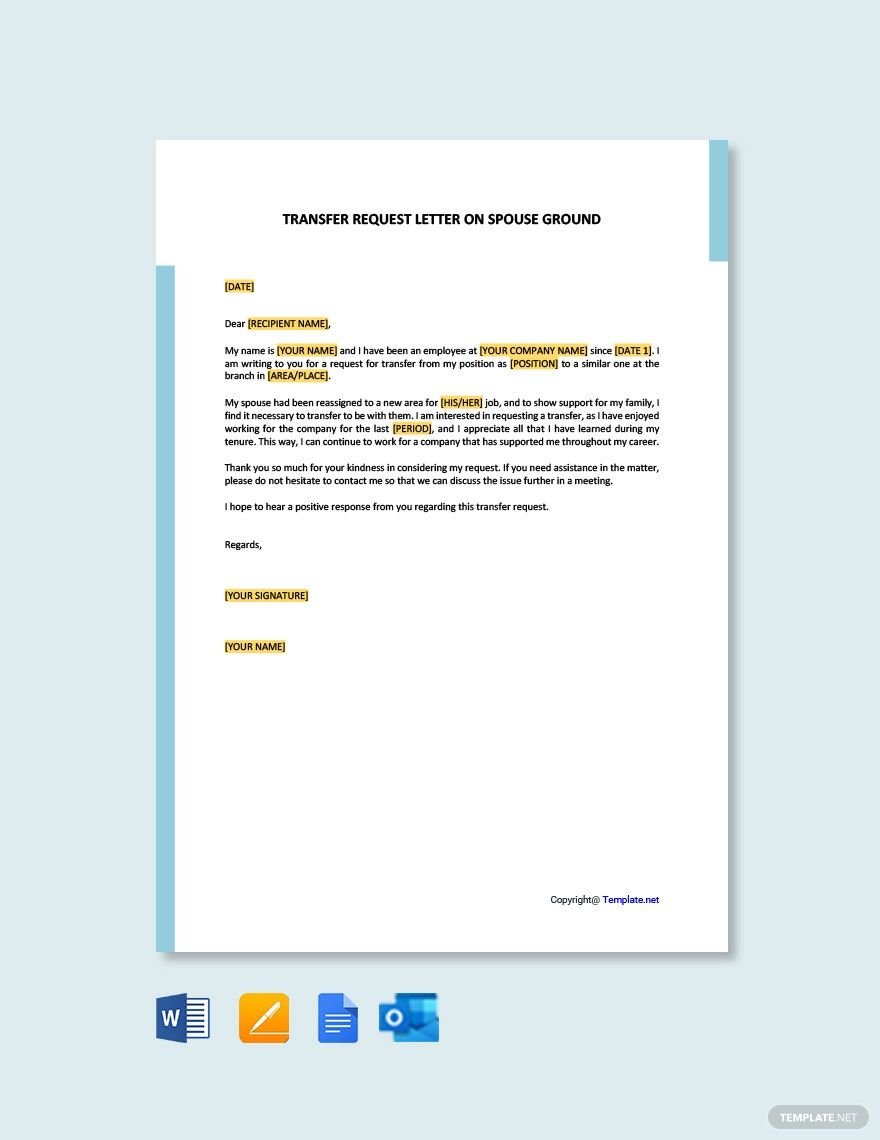
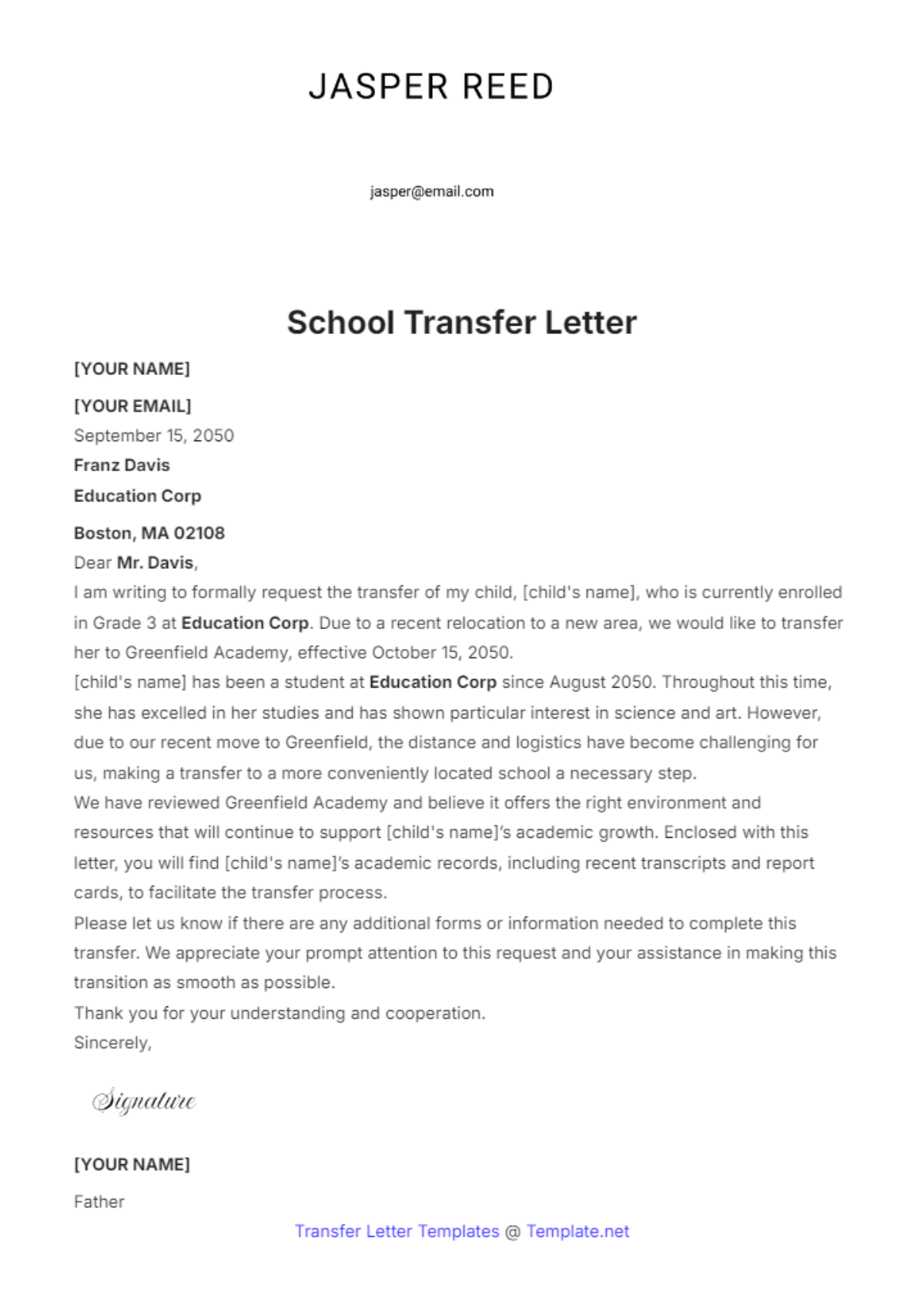
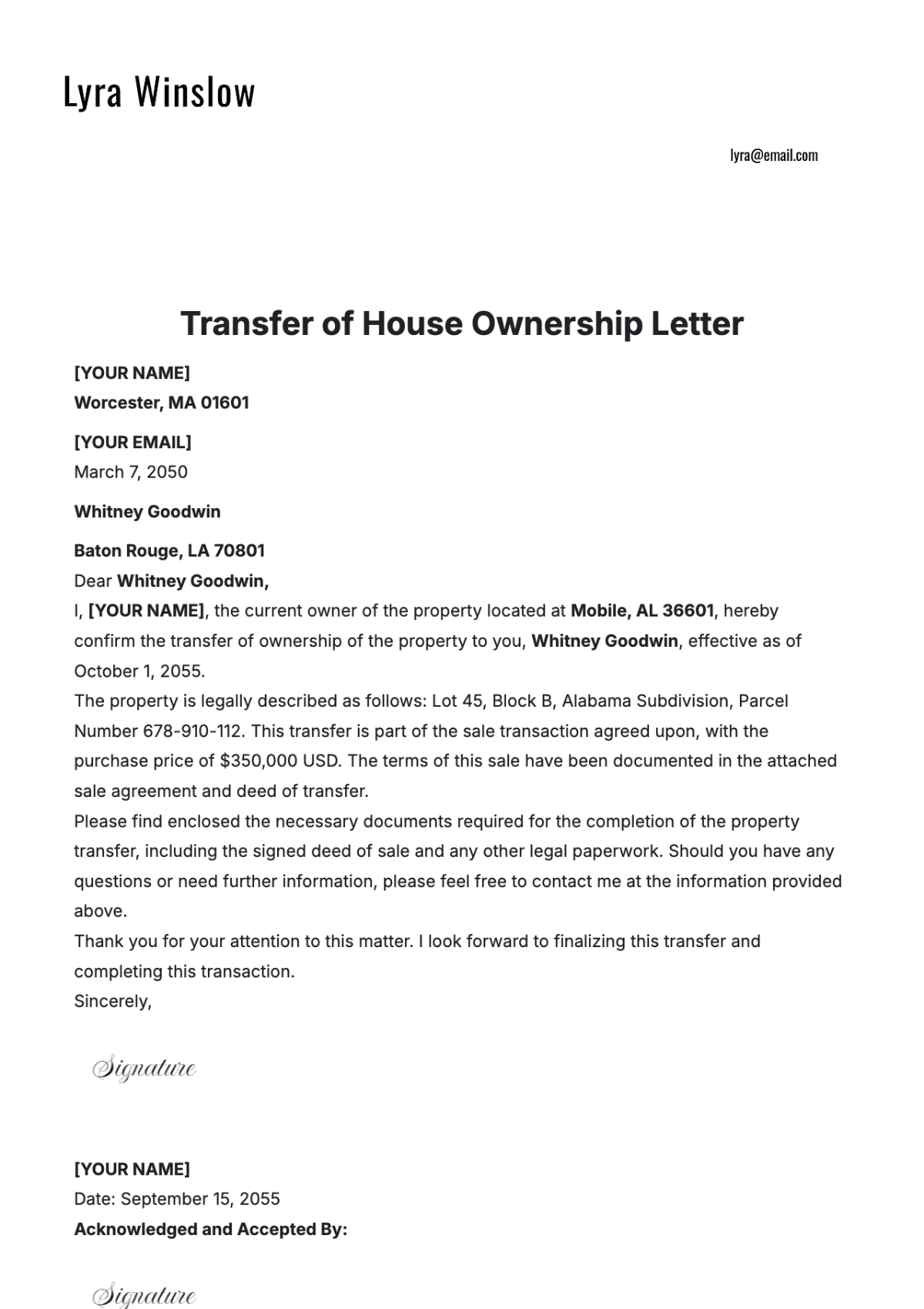
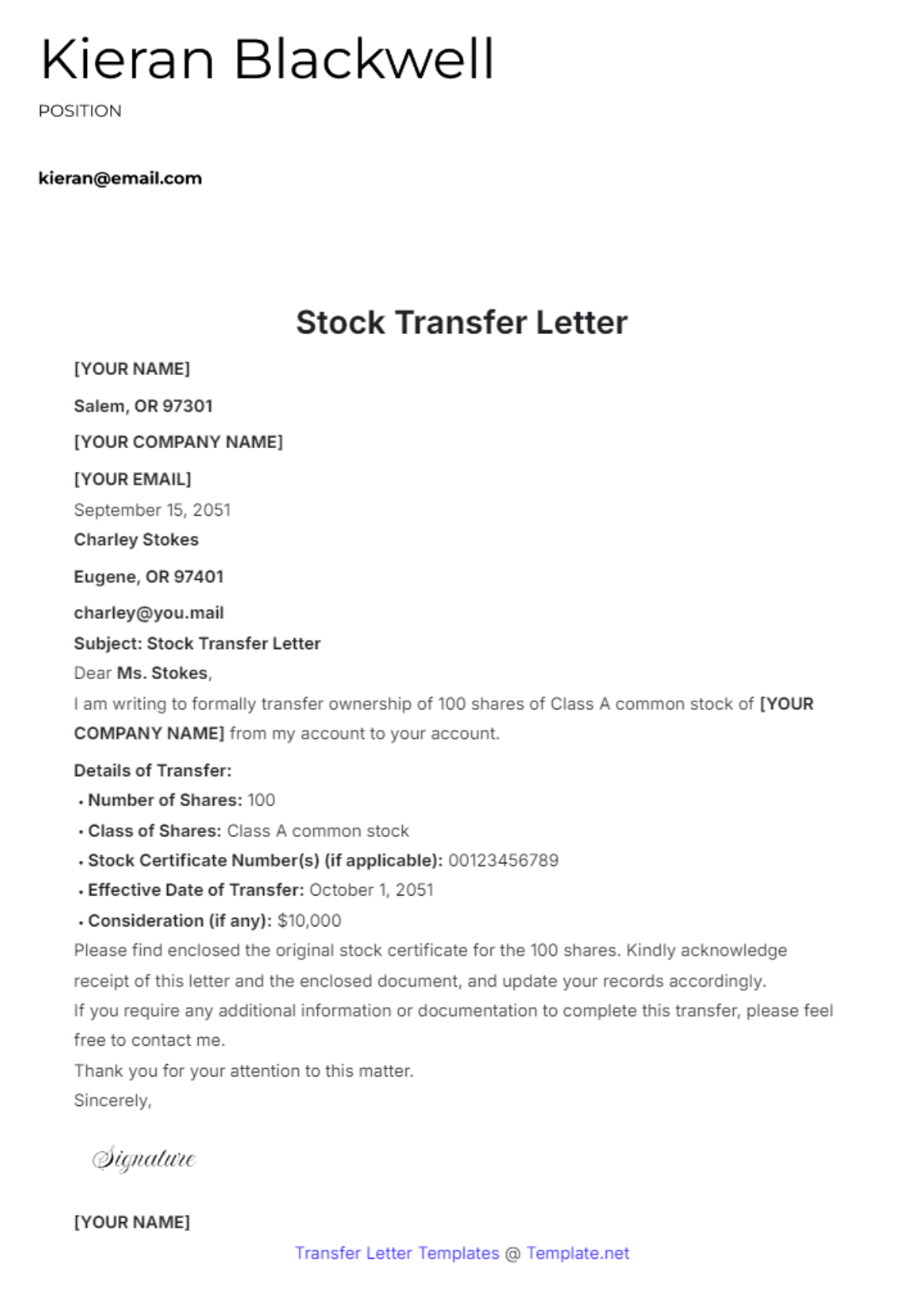
A transfer letter is a formal document used to notify an employee about their relocation or reassignment within a company. These letters follow a structured layout to clearly state the transfer details and maintain professional communication. Template.net provides ready-made transfer letter templates with business-ready designs for quick customization.
Why use a Transfer Letter?
Using a transfer letter ensures clear, formal notification of changes in an employee’s position, location, or department. These letters maintain professional communication and legal compliance while providing a structured format for essential transfer details. Template.net’s templates speed up this process with ready-to-edit online layouts.
Who typically uses Transfer Letters?
Transfer letters are typically used by HR professionals, managers, and company executives to officially communicate employee reassignments. These documents support human resources processes and internal communication with a business-ready format. Template.net’s customizable templates help these users create compliant letters quickly online.
What sections should a Transfer Letter include?
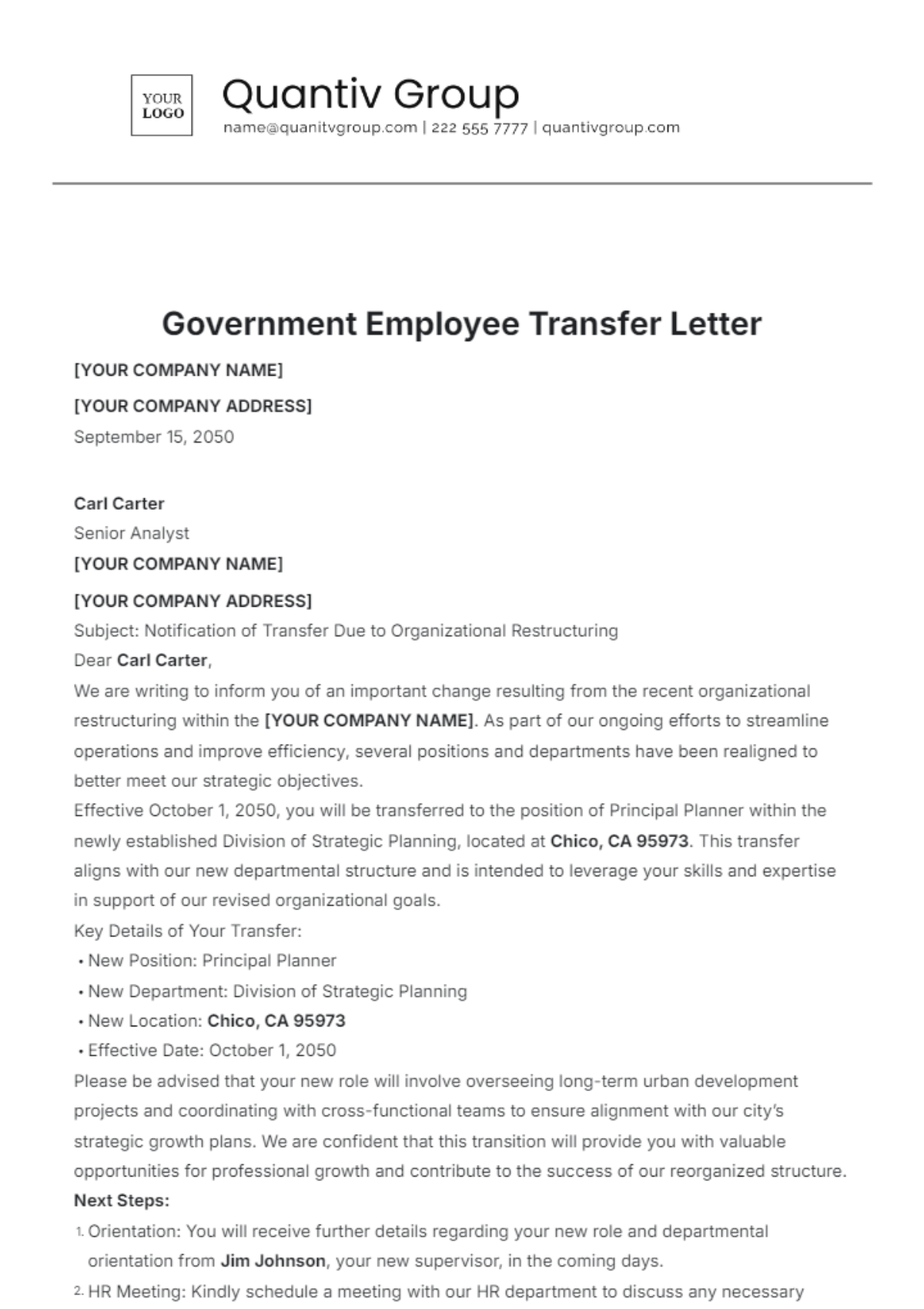
A transfer letter should include a header with contact information, a clear subject line, an introduction stating the transfer purpose, details of the transfer position or location, the effective date, and a closing statement. Template.net templates feature these structured sections for professional presentation.
What are the best tips for formatting a Transfer Letter?
Formatting a transfer letter requires a clean layout with readable fonts, consistent spacing, and business-ready headers. Use bullet points for clarity, include official signatures, and ensure the letter is print-ready on standard letter size paper. Template.net offers templates with optimized formatting for speed and professionalism.
How do you print a Transfer Letter?
To print a transfer letter, use a print-ready PDF format with standard sizes such as 8.5 × 11 inches (Letter size). Ensure the document preserves structured formatting and professional layout for physical distribution. Template.net templates support exporting to print-ready formats directly from the online editor.
Is a Transfer Letter legally and professionally acceptable?
Transfer letters are legally and professionally acceptable when they follow company policies and include accurate transfer details. A compliance-friendly presentation with clear language and signatures ensures the letter’s validity. Template.net’s templates provide structured, professional layouts that meet legal and business standards.
What file formats can I download for a Transfer Letter?
Template.net offers transfer letter templates downloadable in multiple formats supporting editing and printing: Word, Google Docs, and PDF. These formats enable flexible use and professional results.
Can I create a new Transfer Letter using AI?
Template.net provides an AI-powered tool that generates structured transfer letter documents from prompts in 3–10 seconds. The generated letters are ready for online refinement with section-based editing and support multi-format export for professional use. Use the Letter Generator to start.
