
Free Portfolio Templates
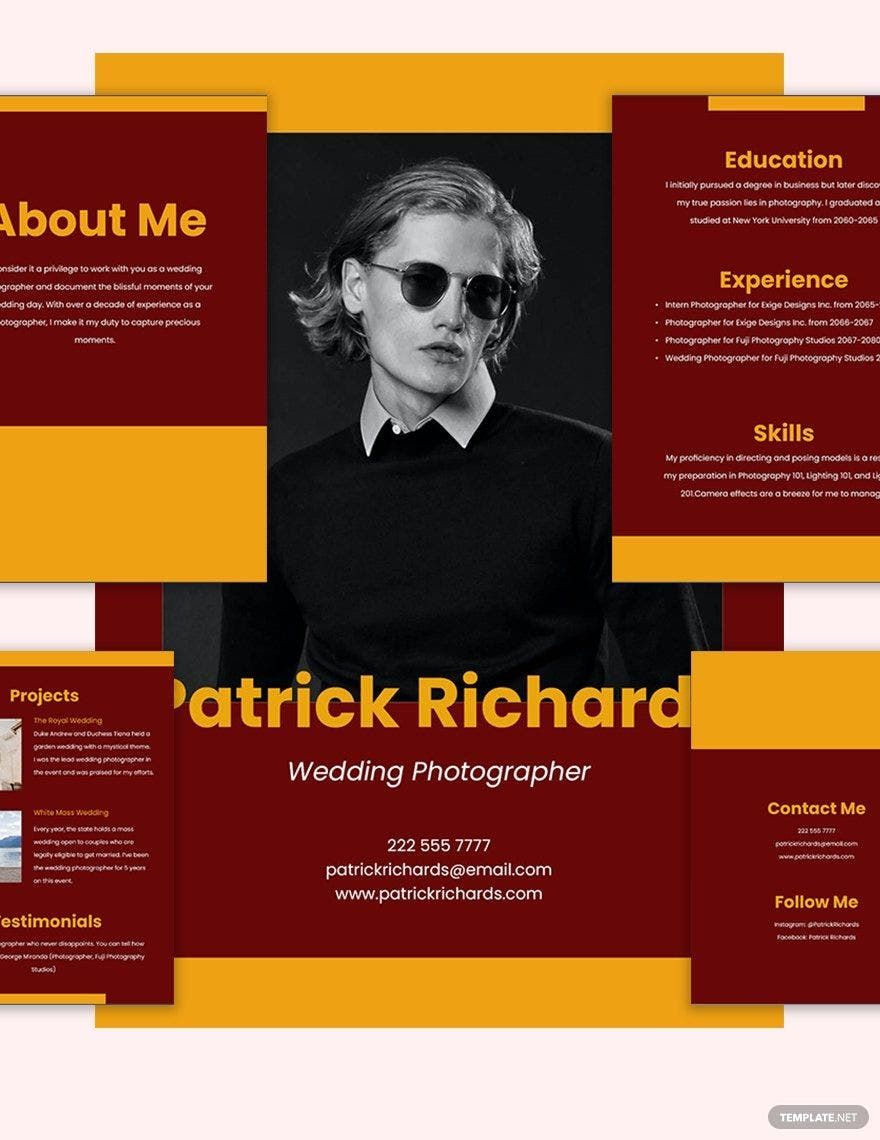
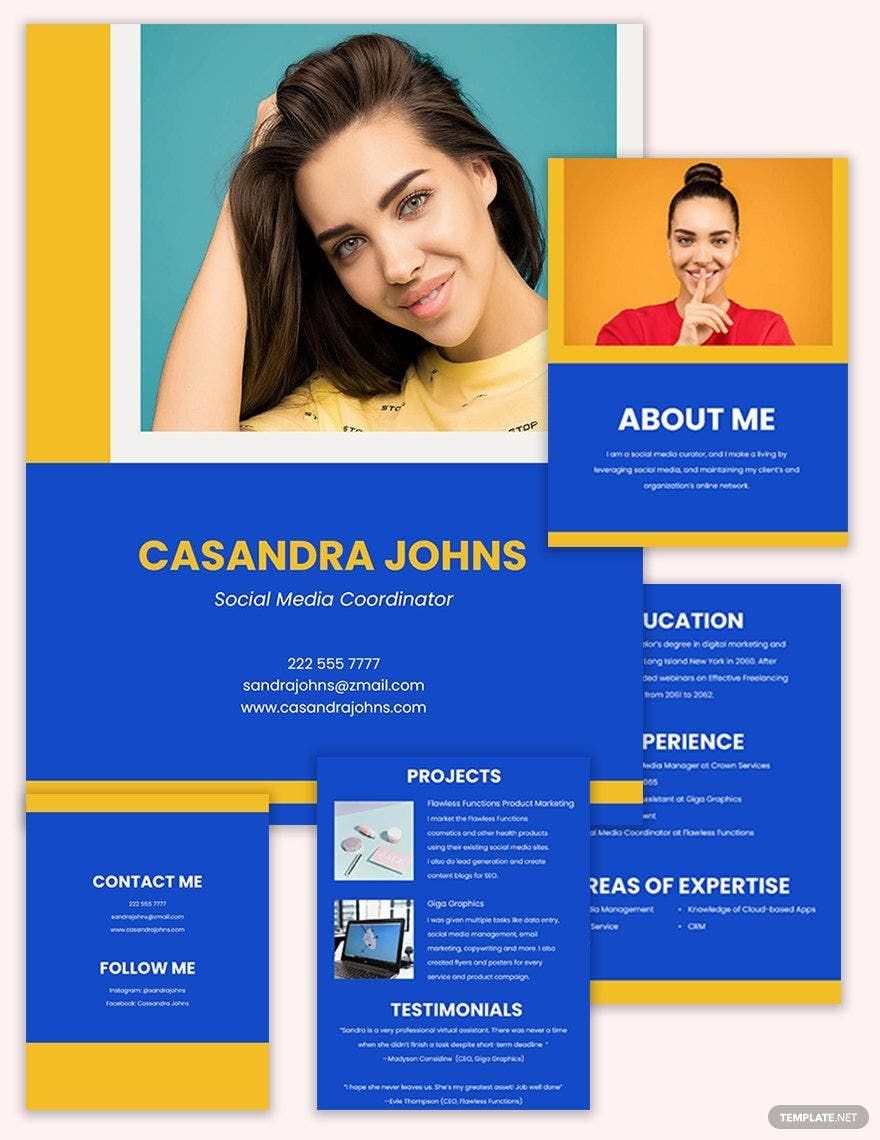
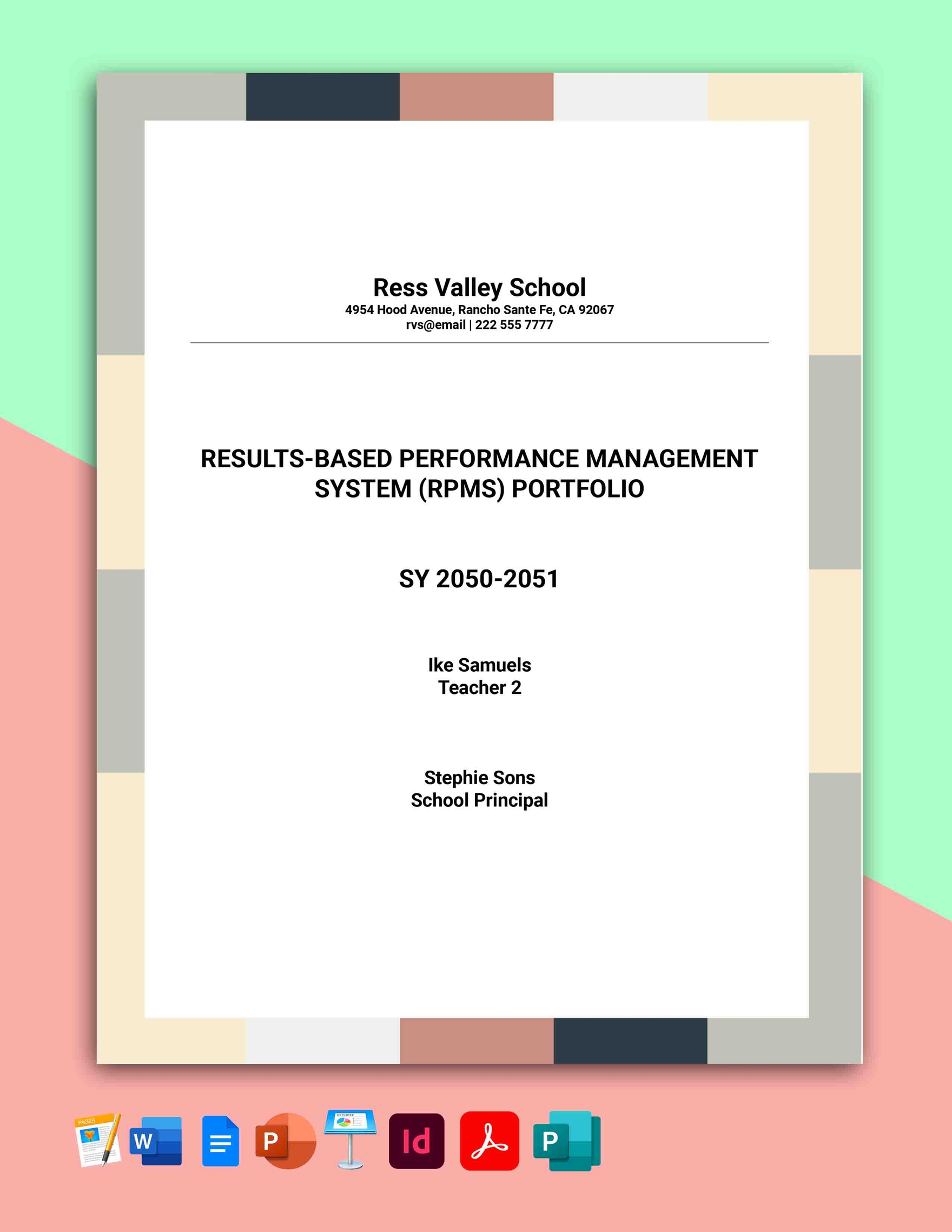
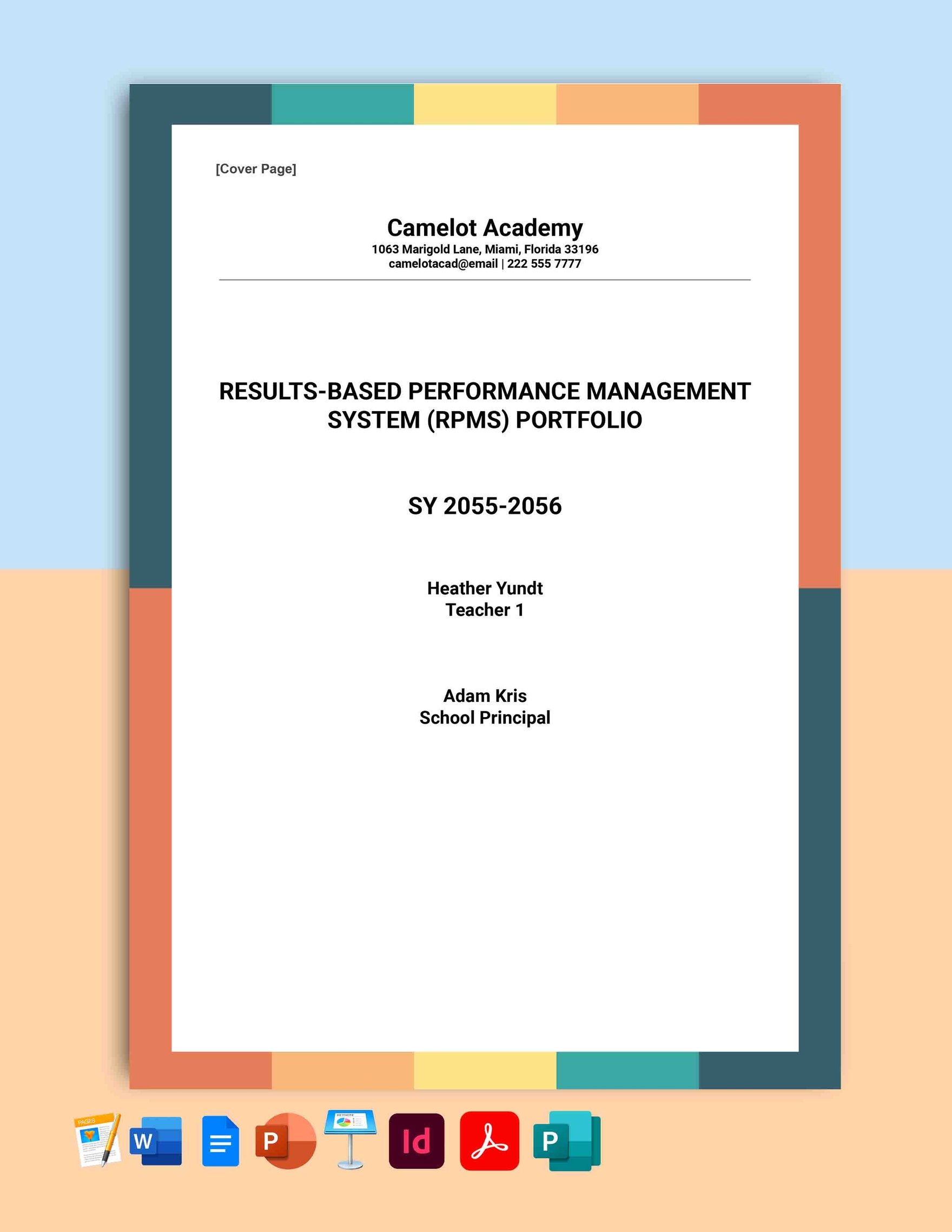
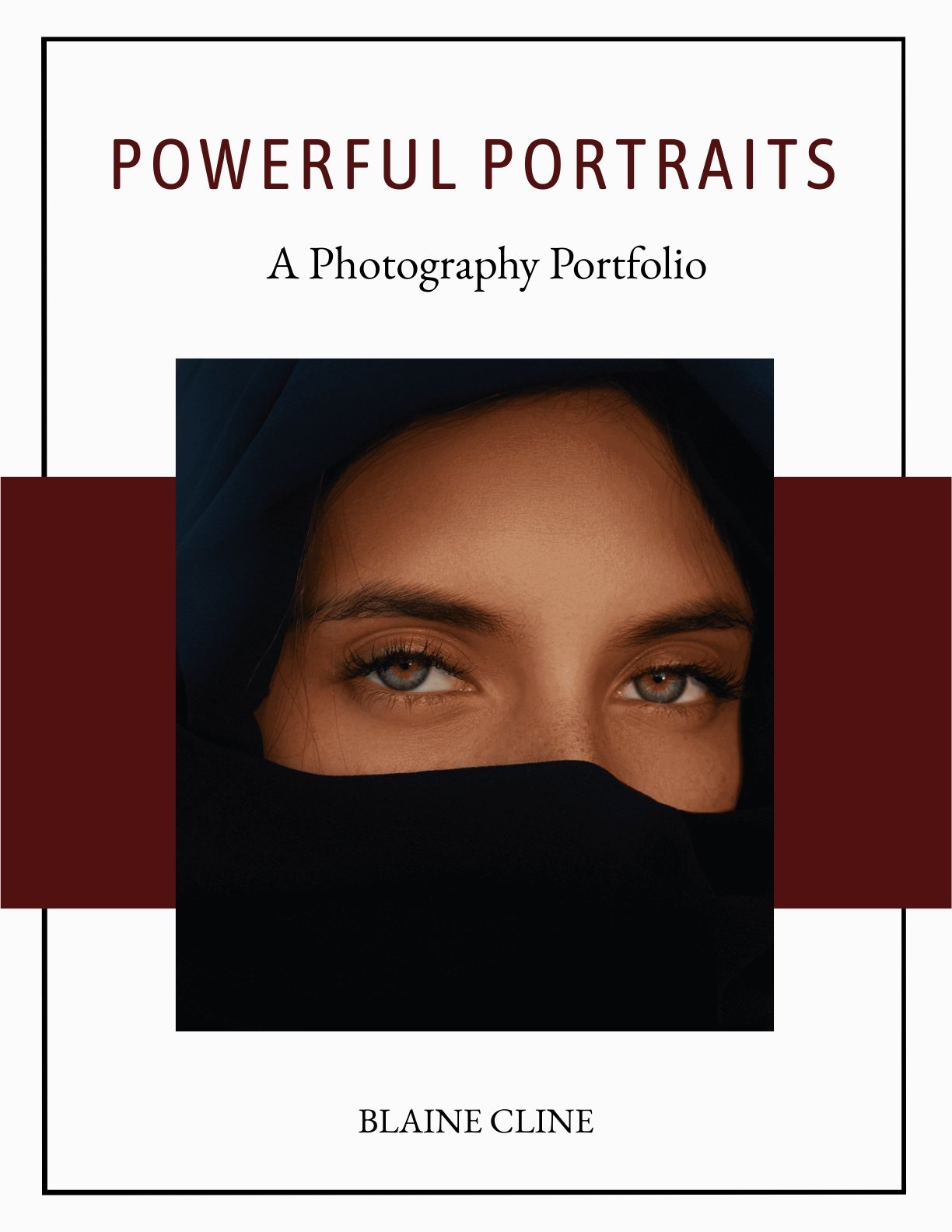
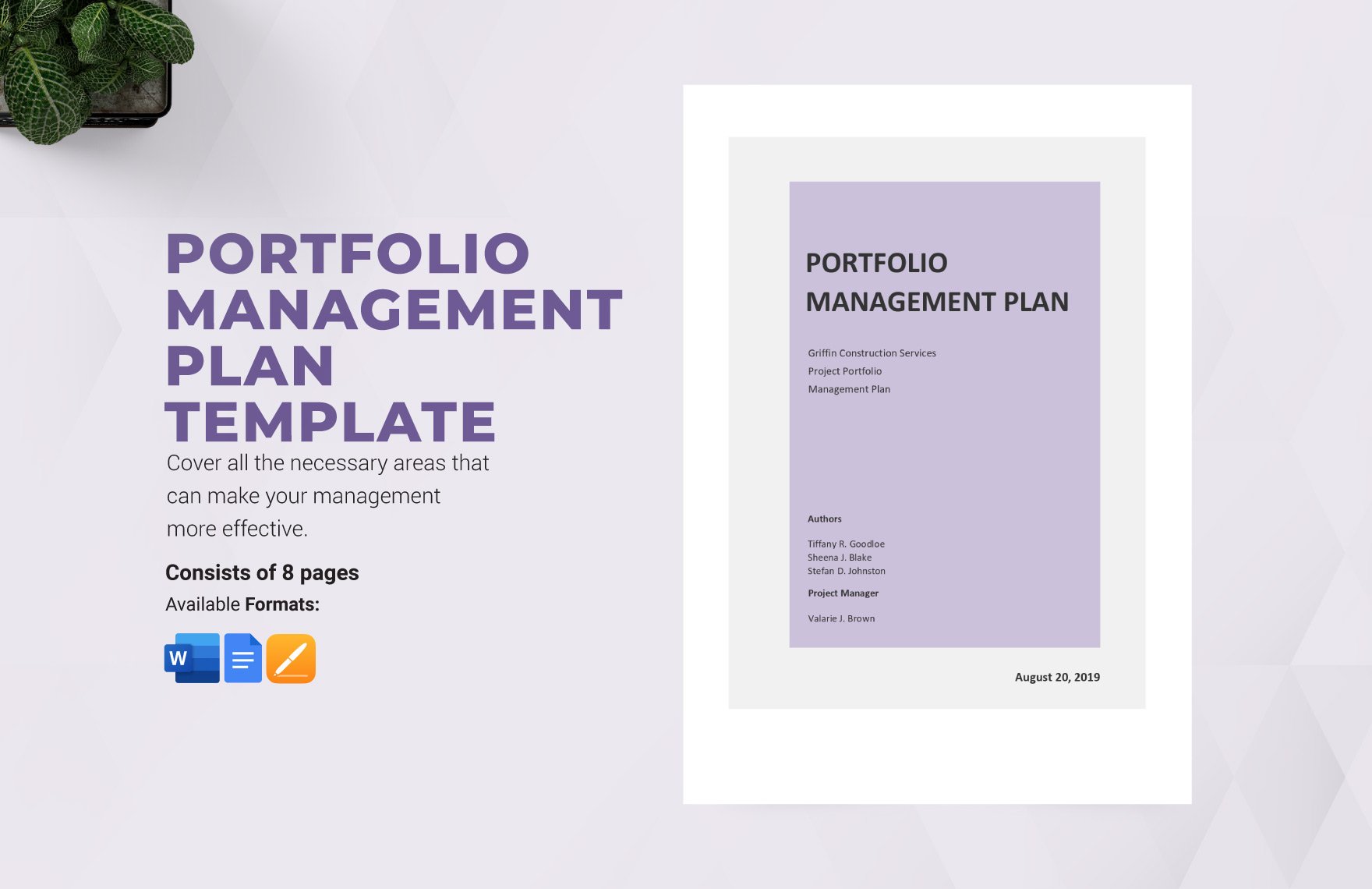
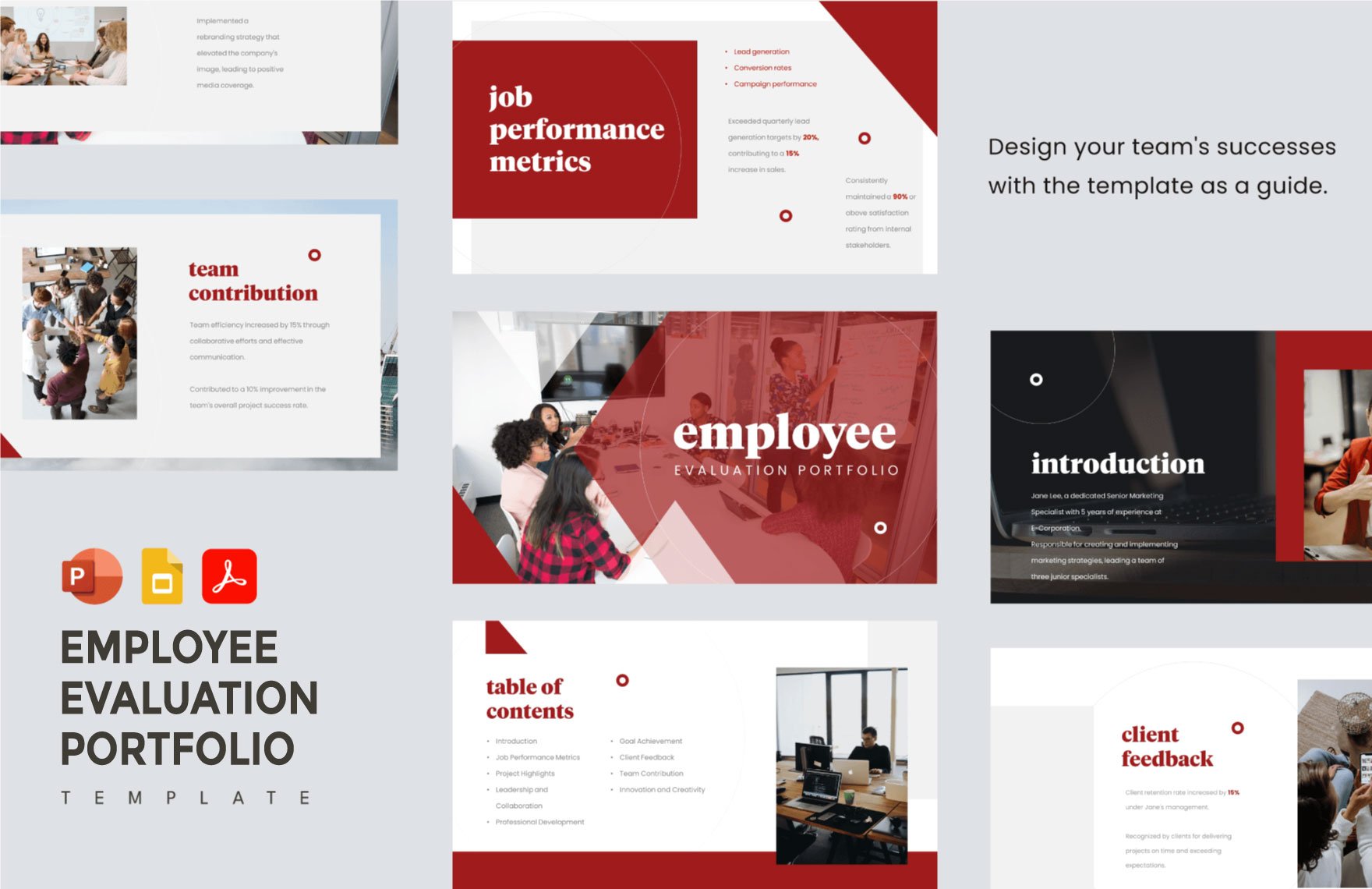
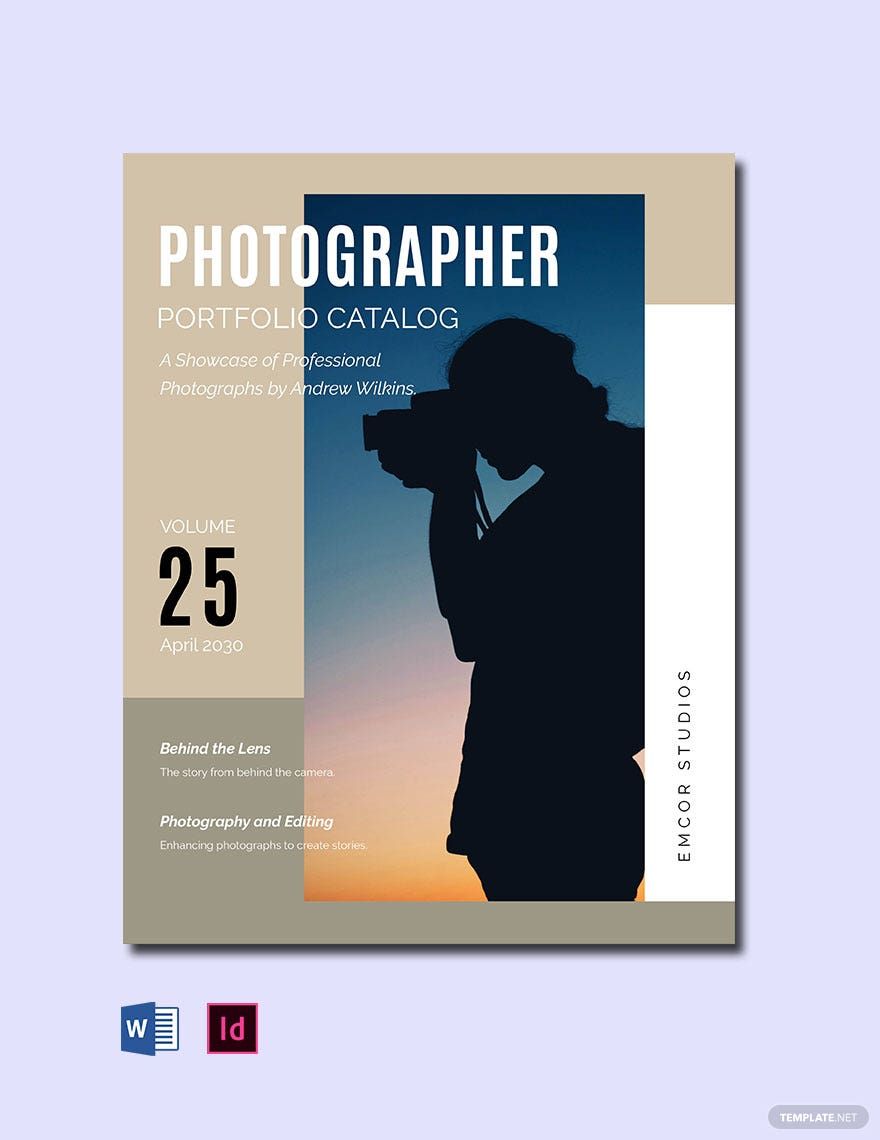
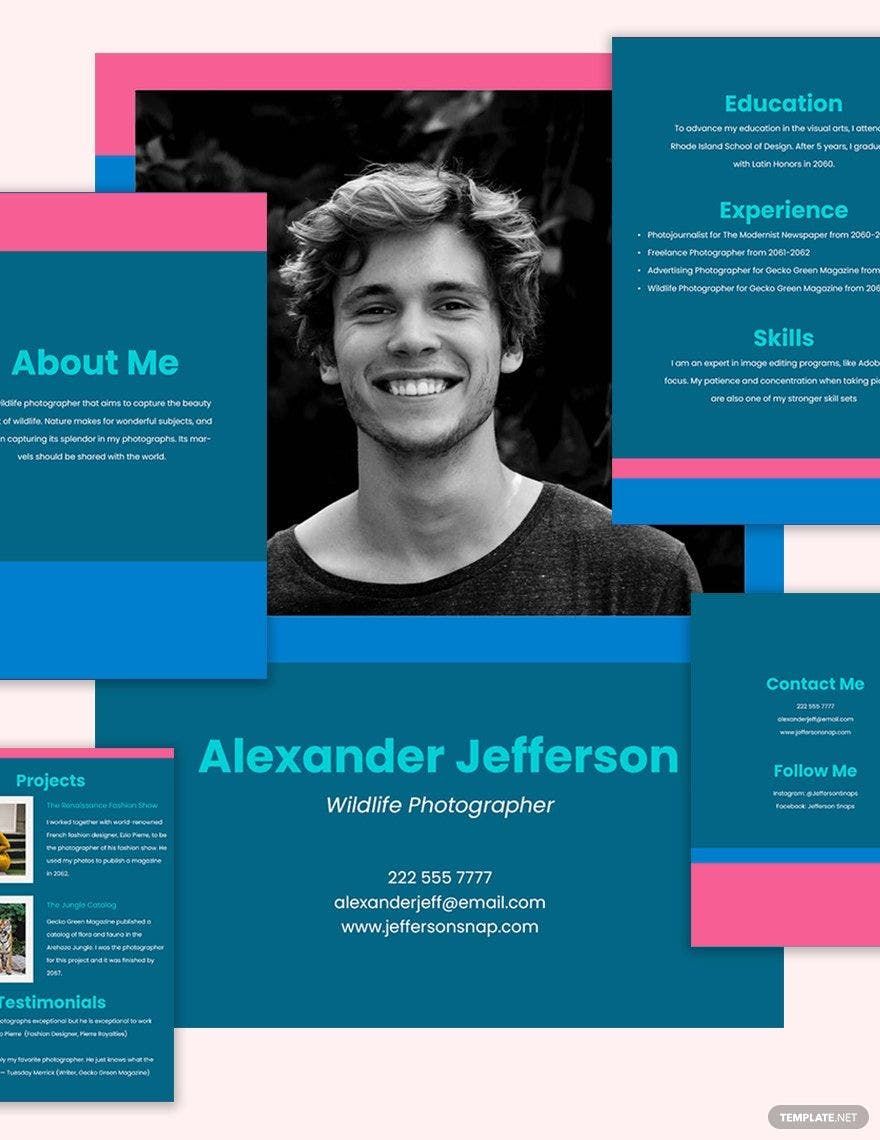
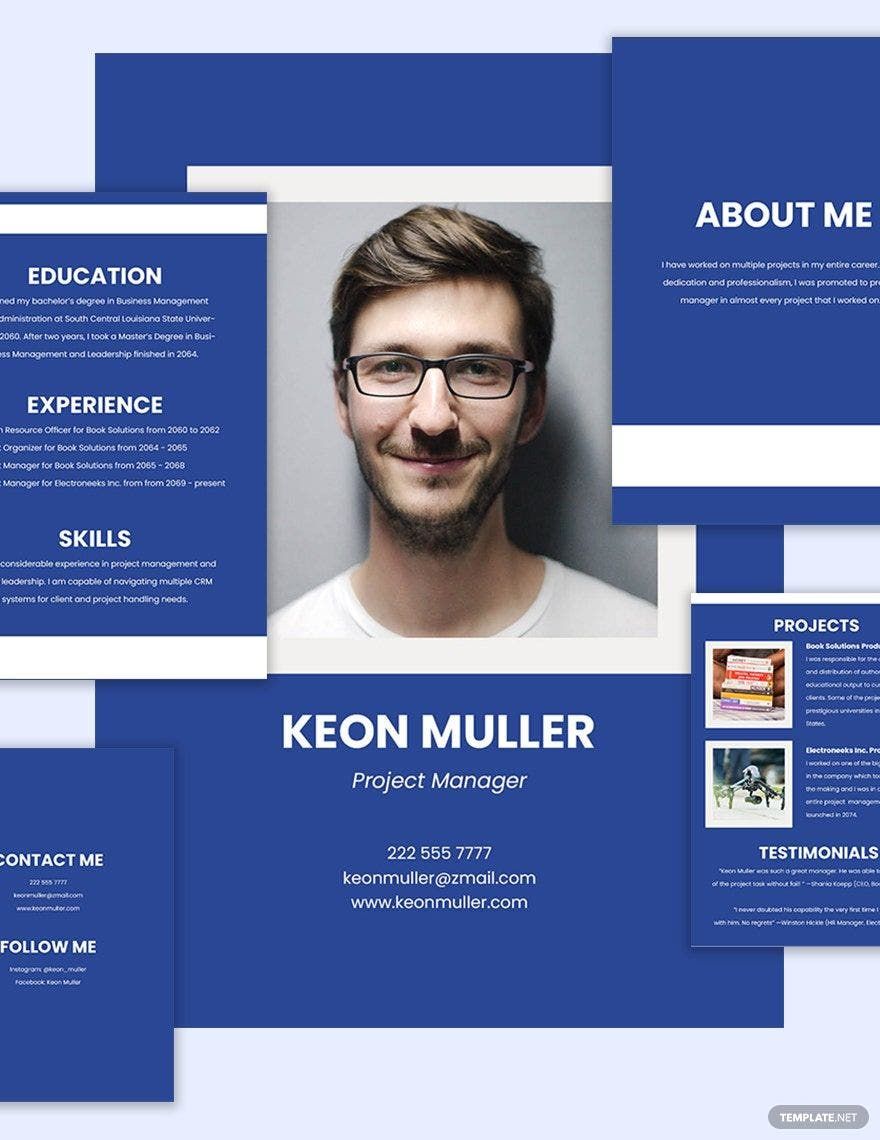
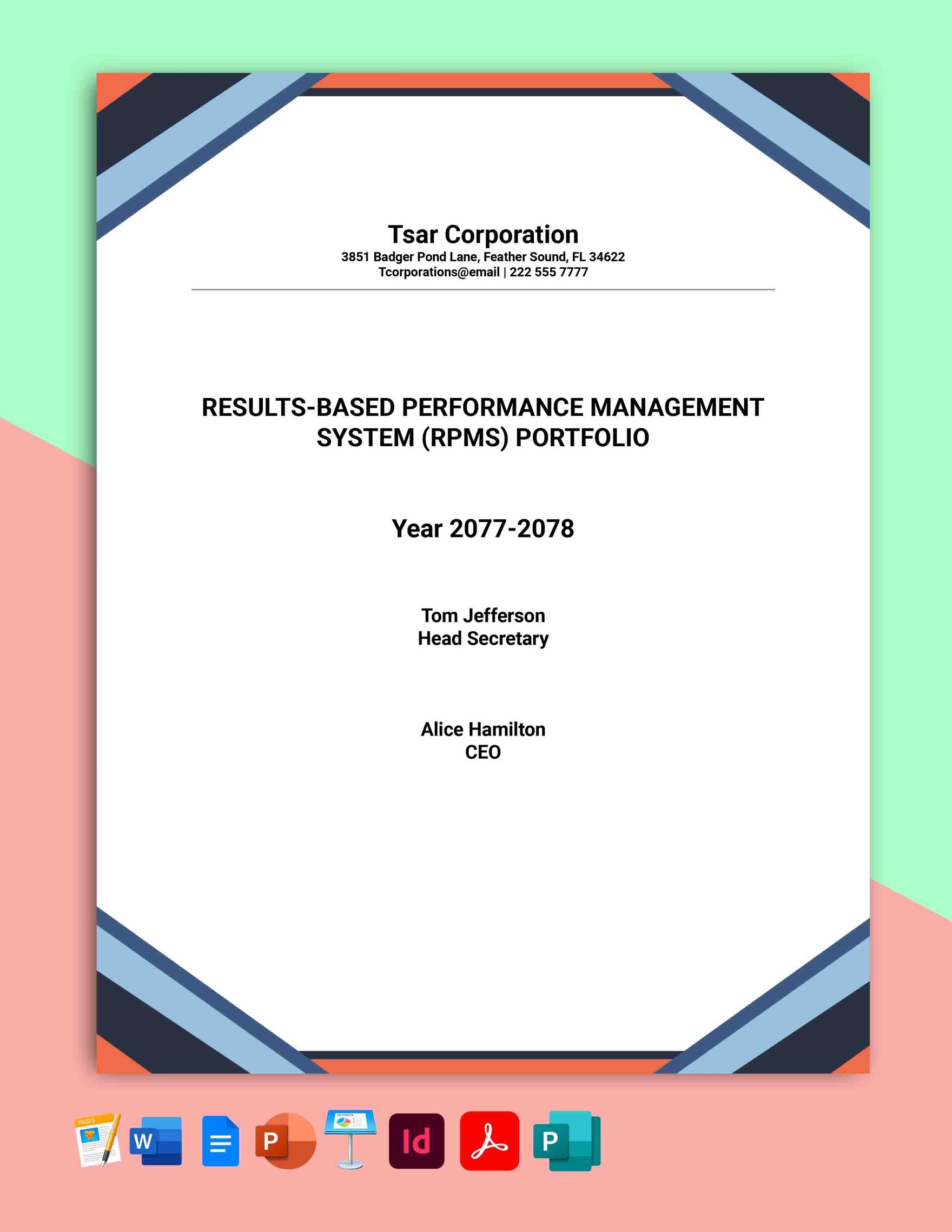
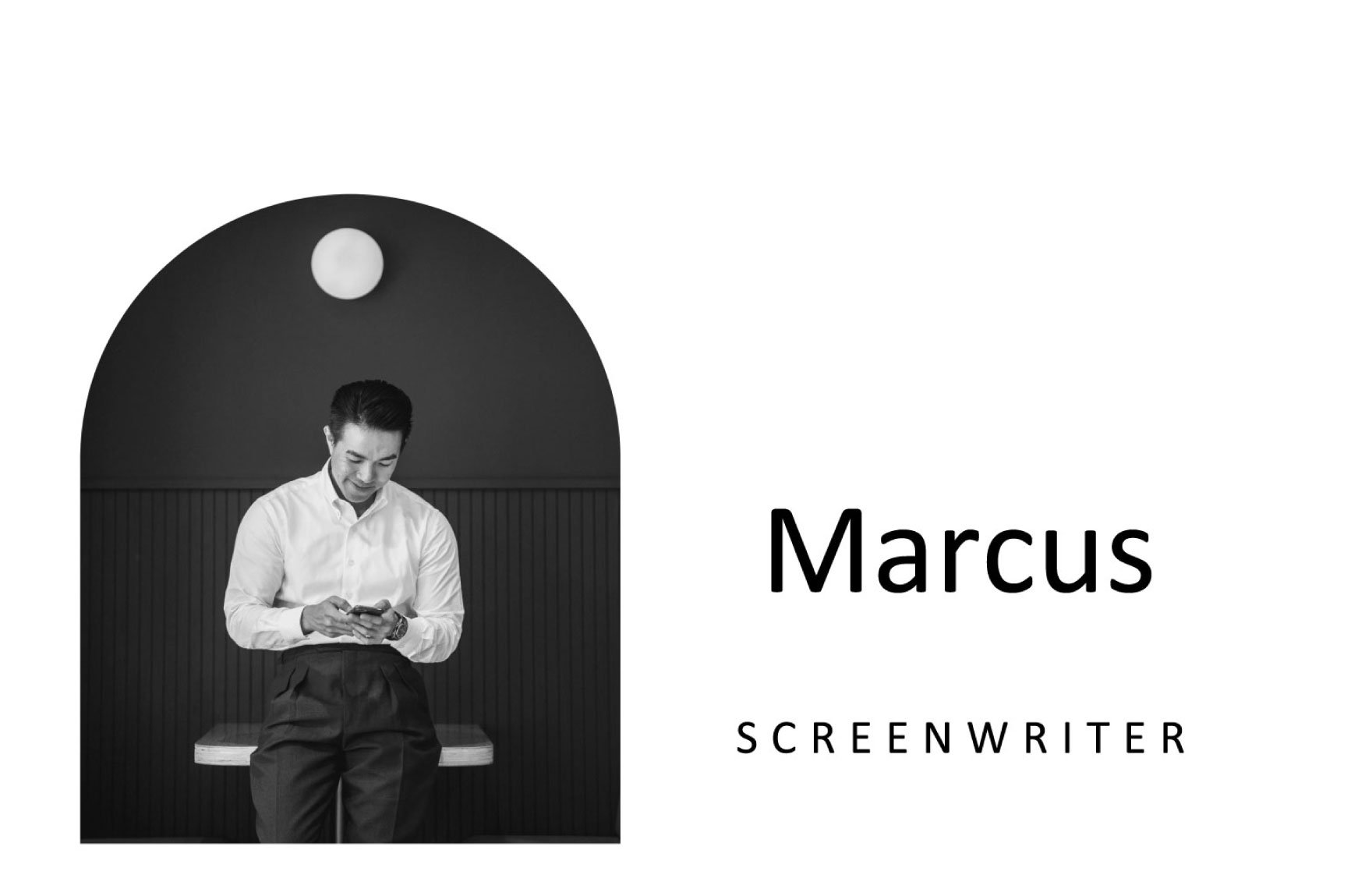
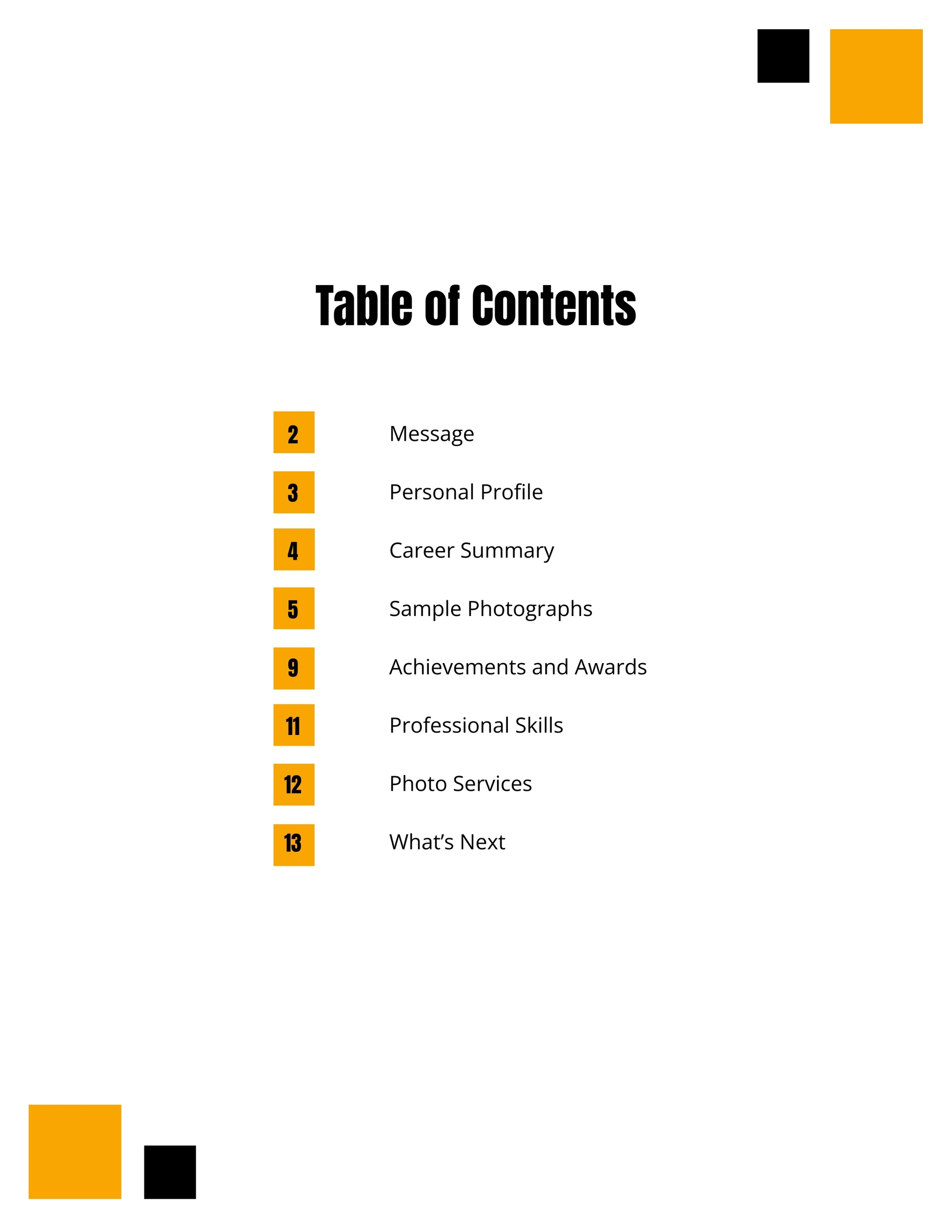
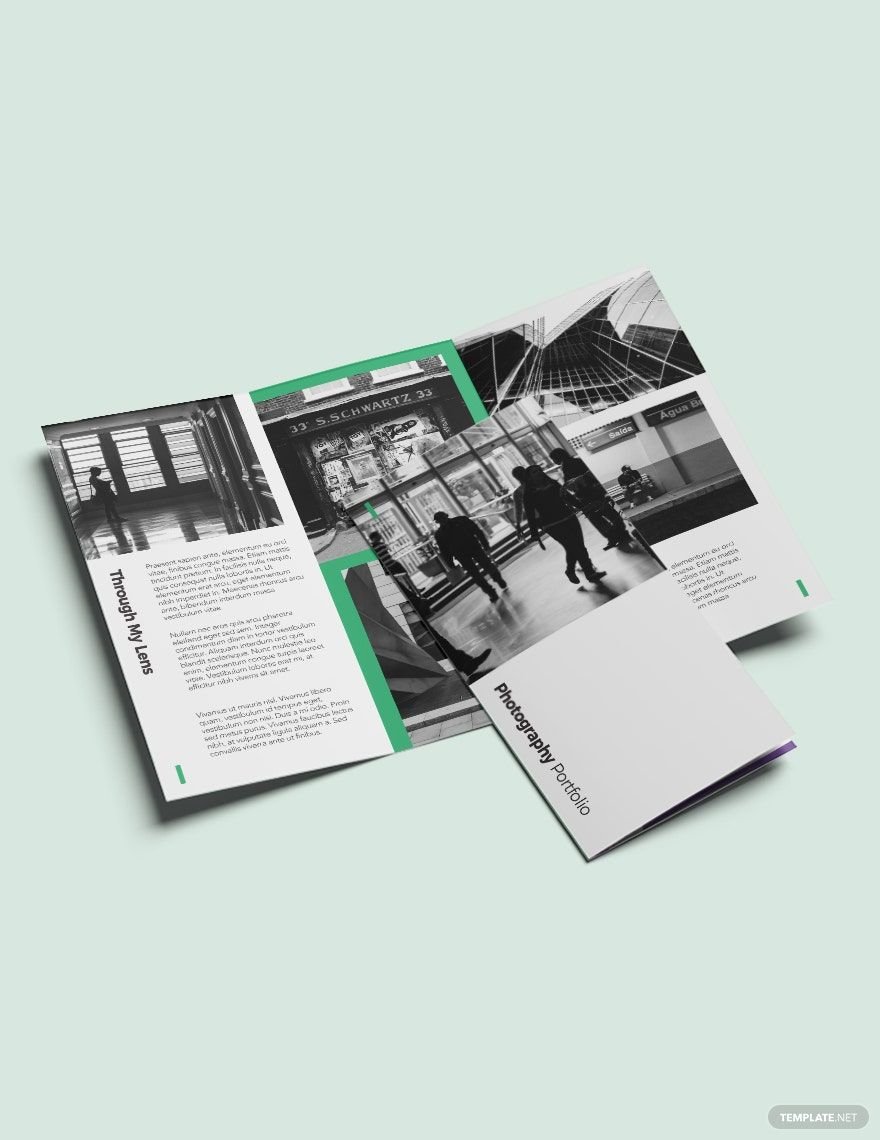
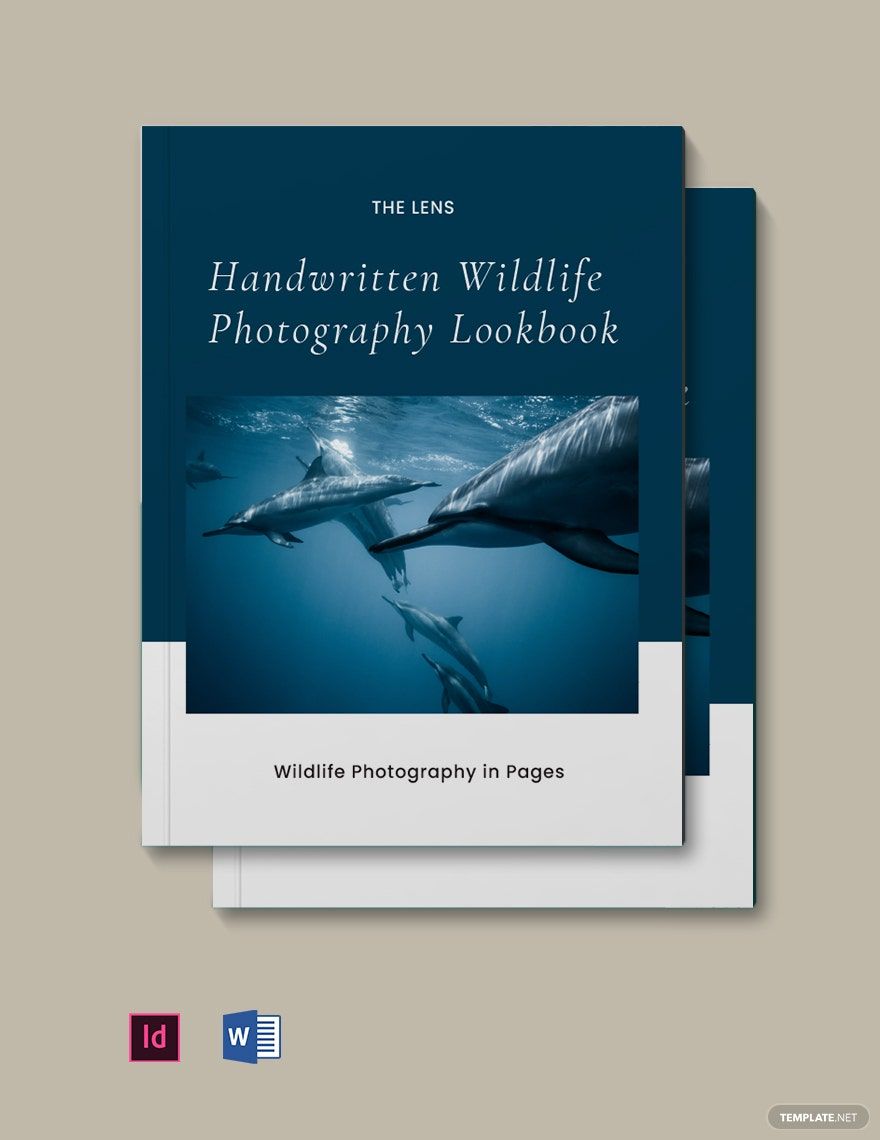
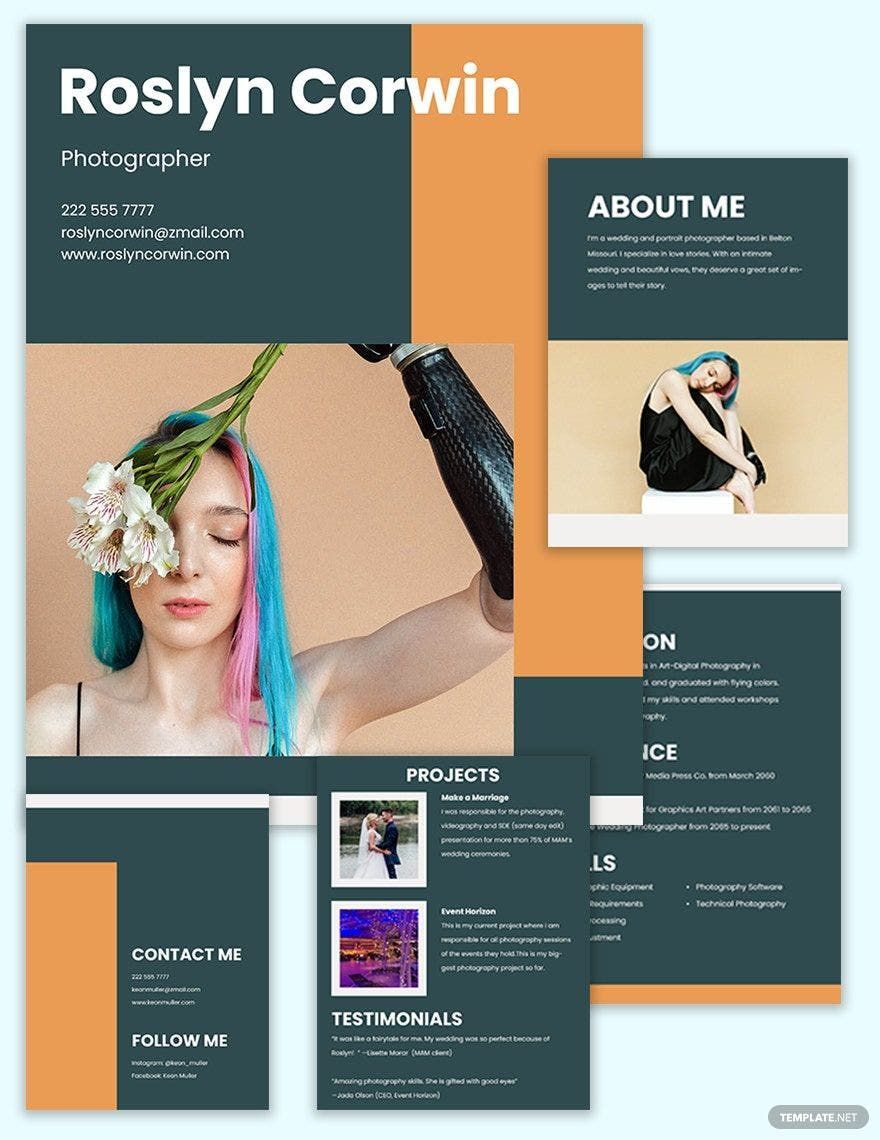

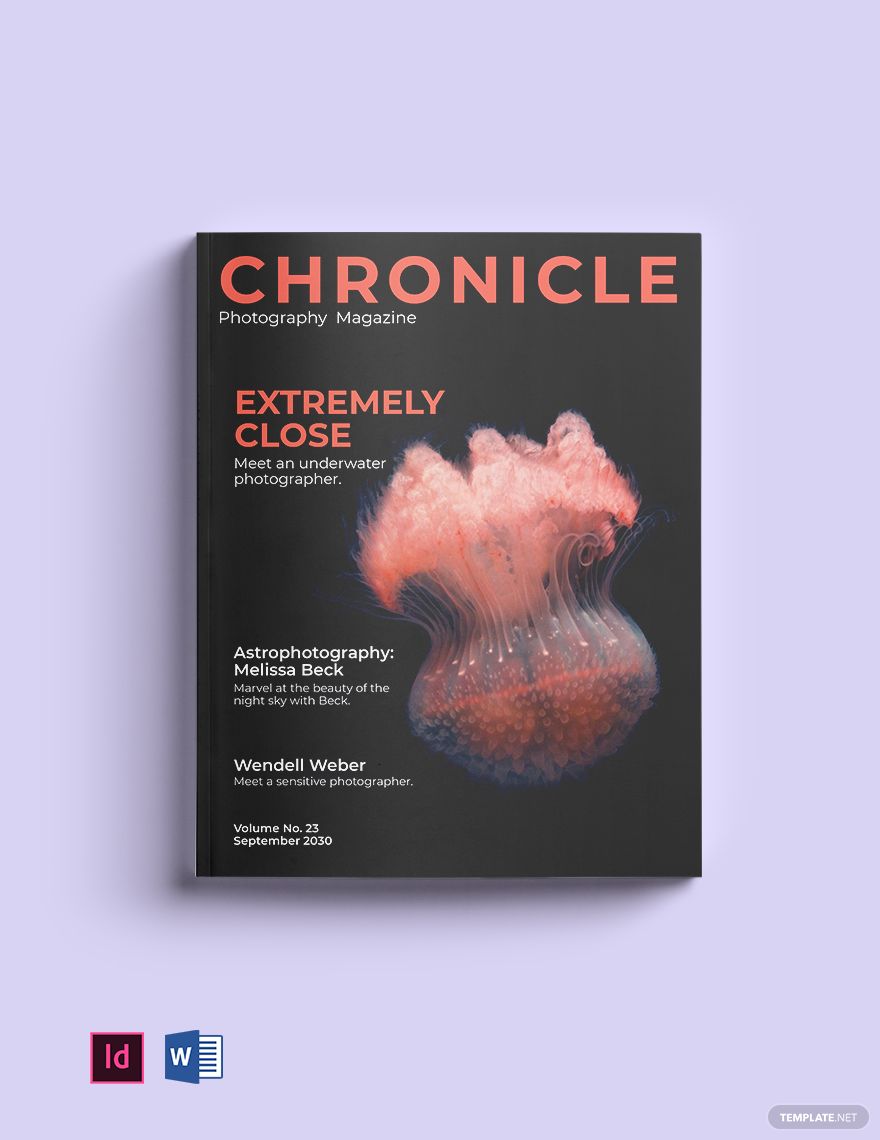
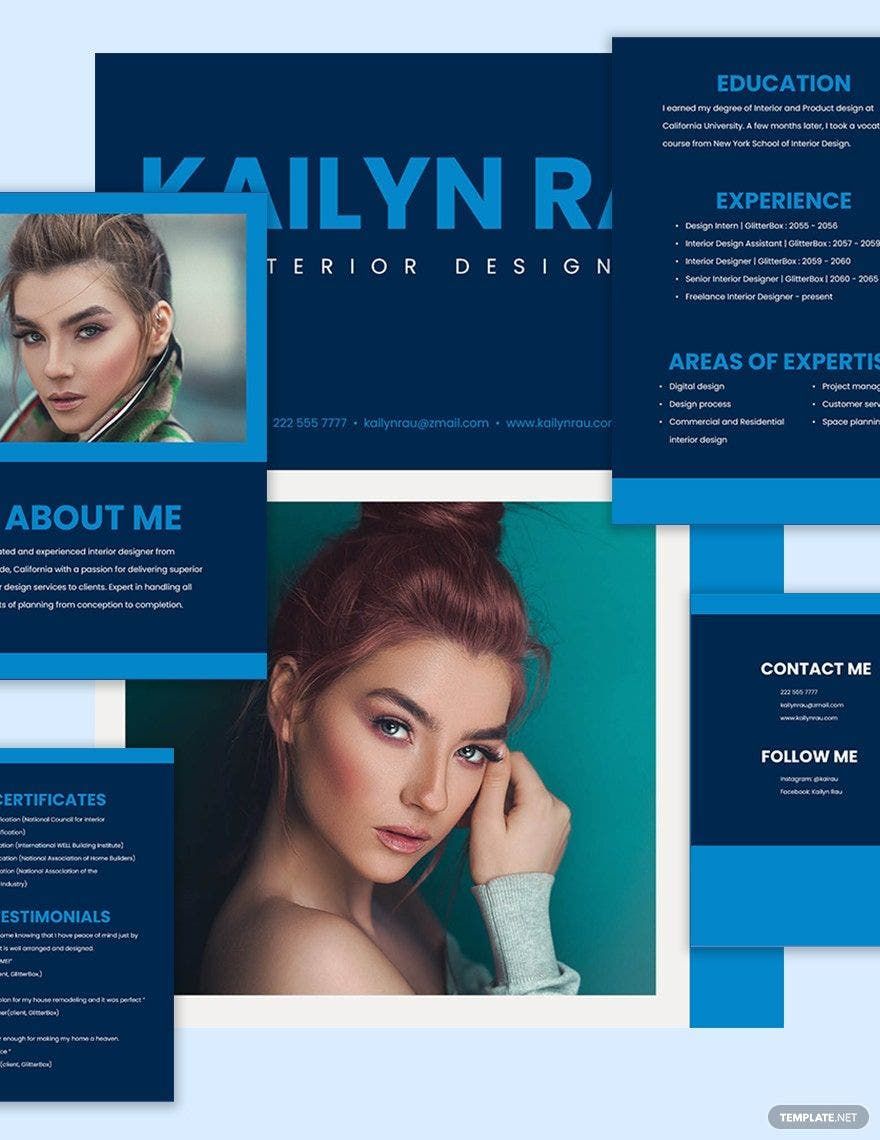

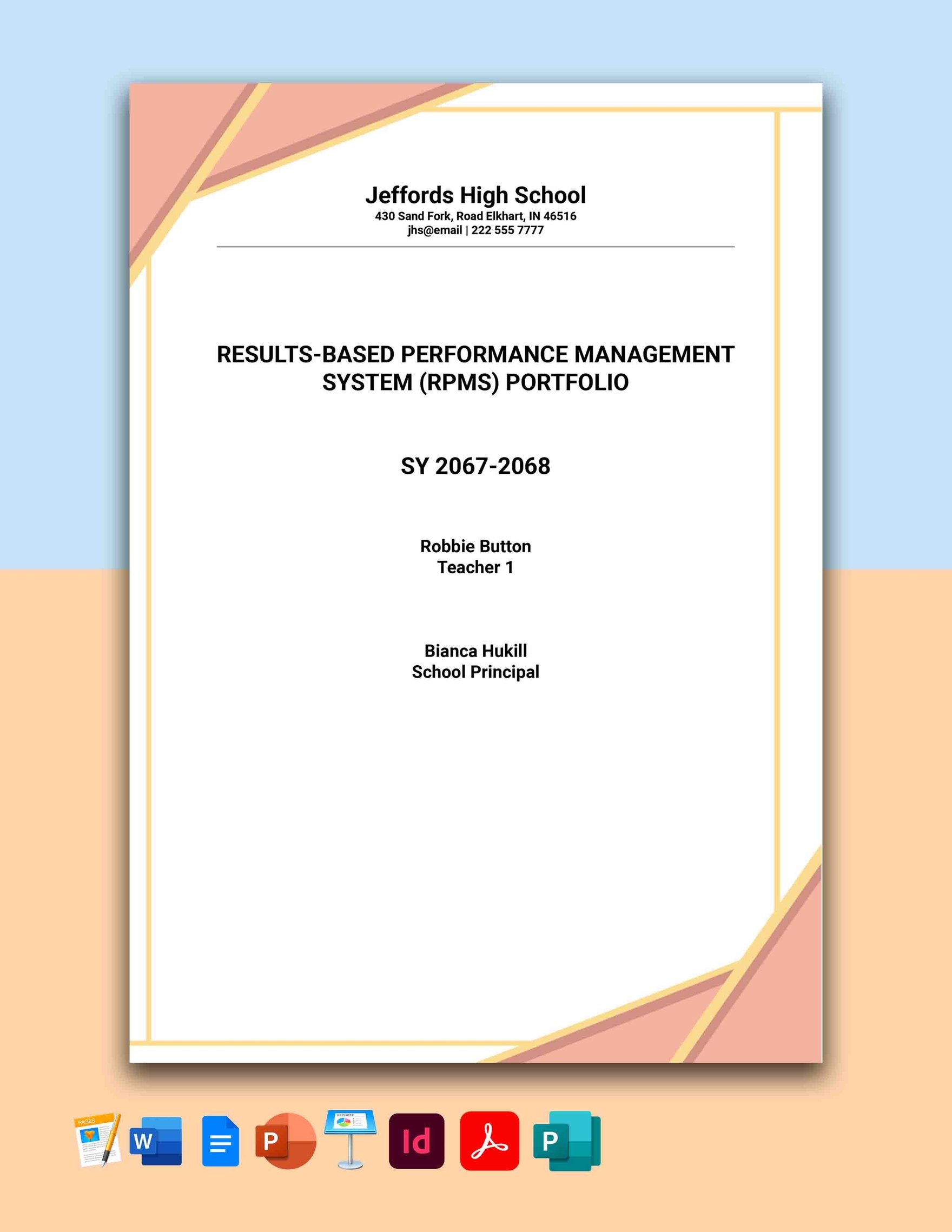
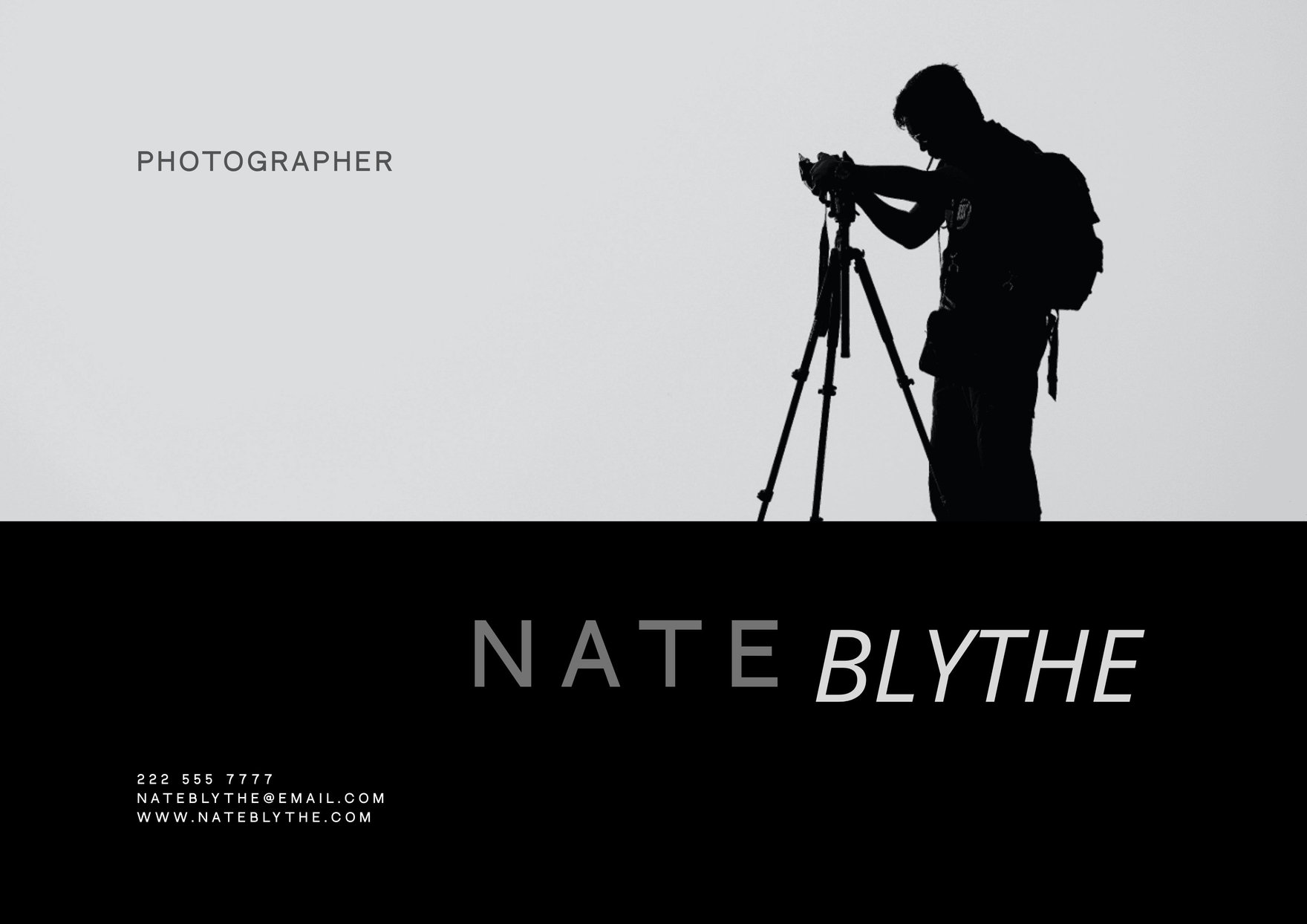



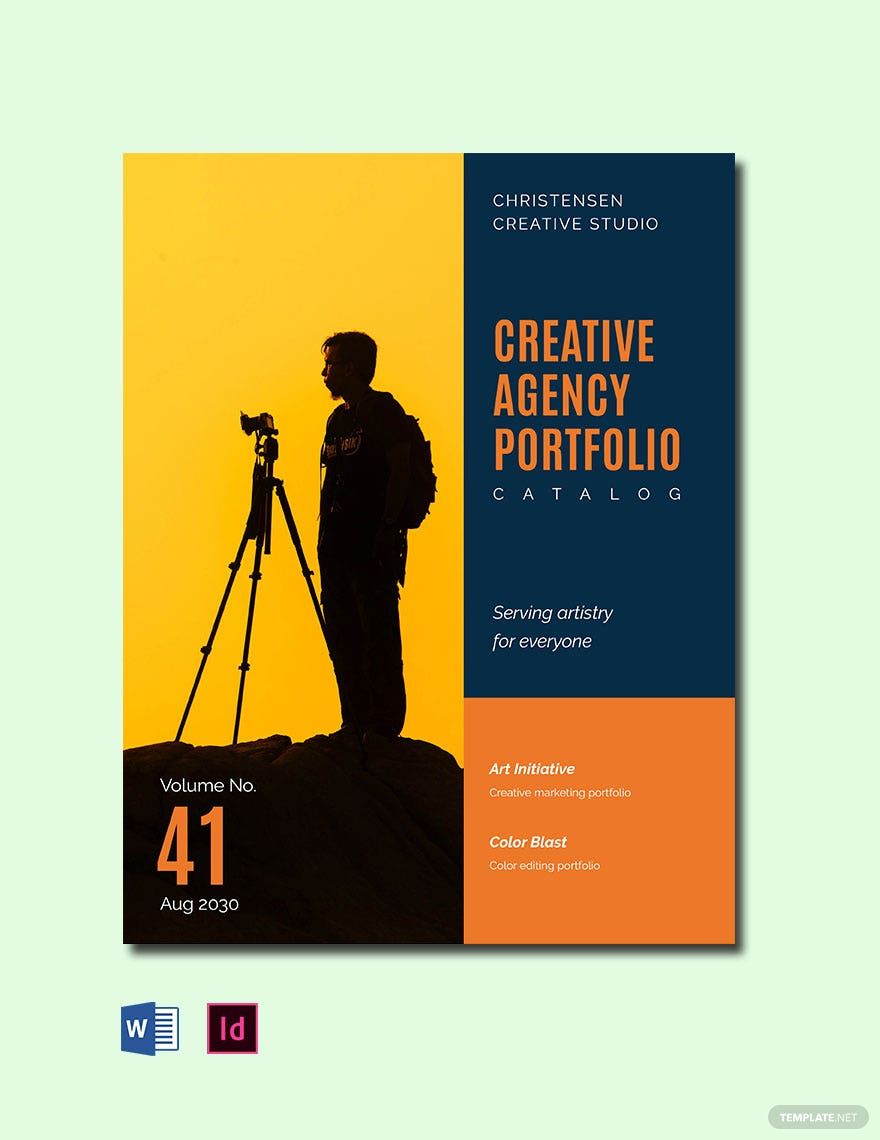
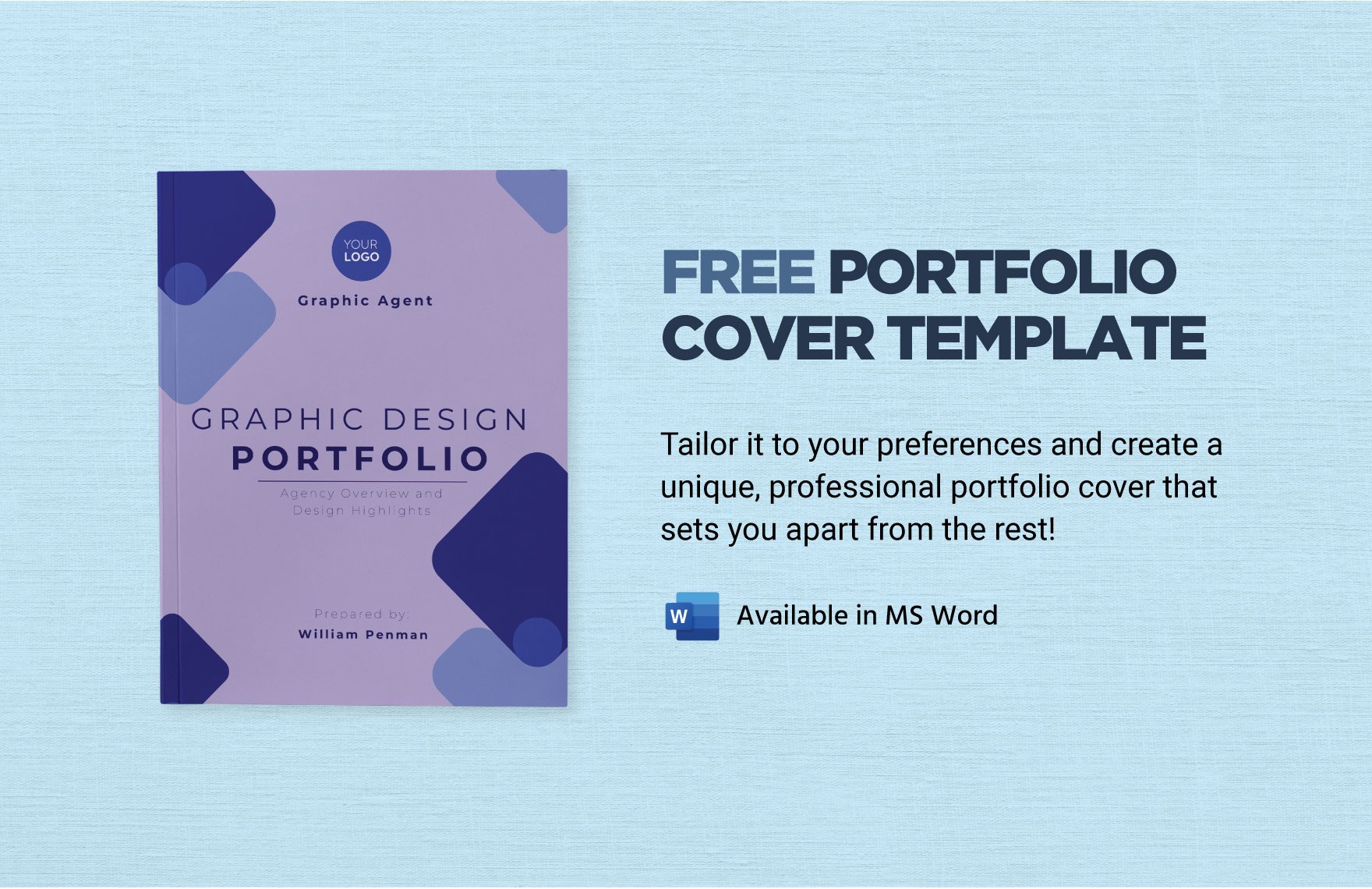
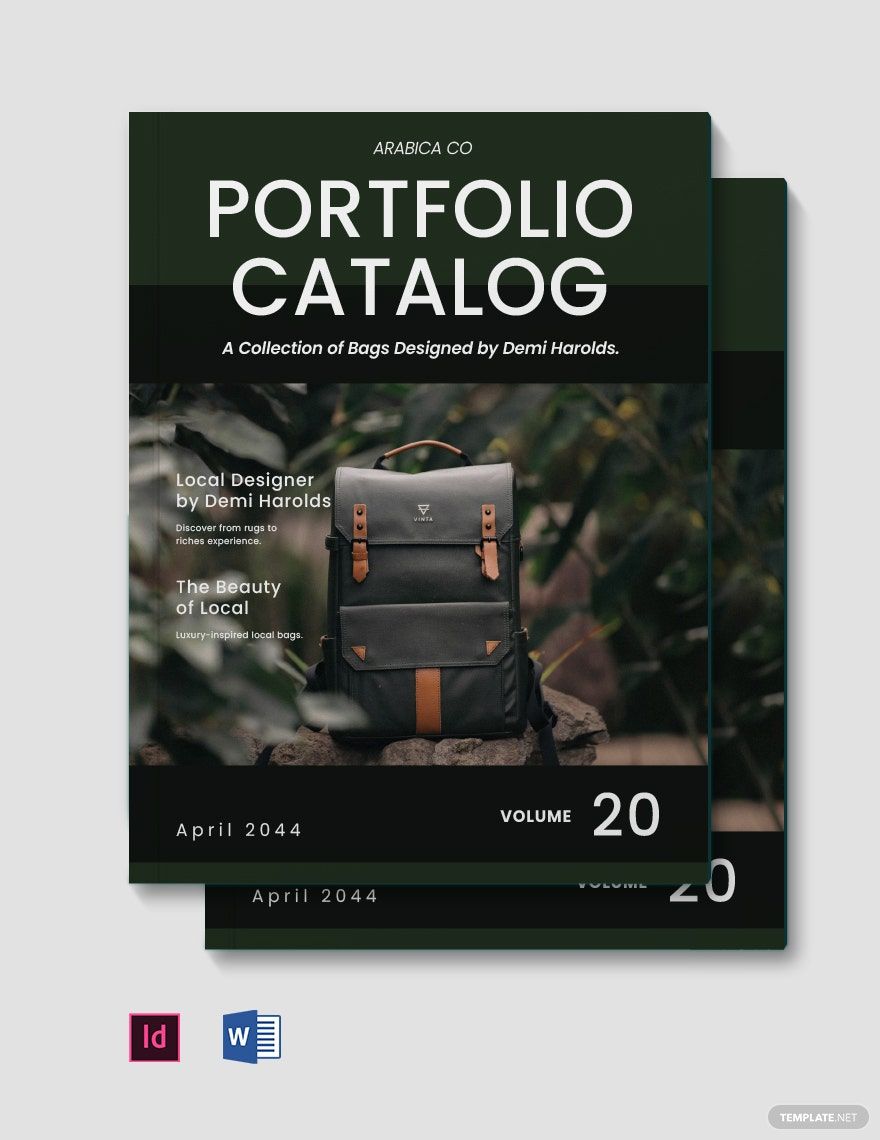
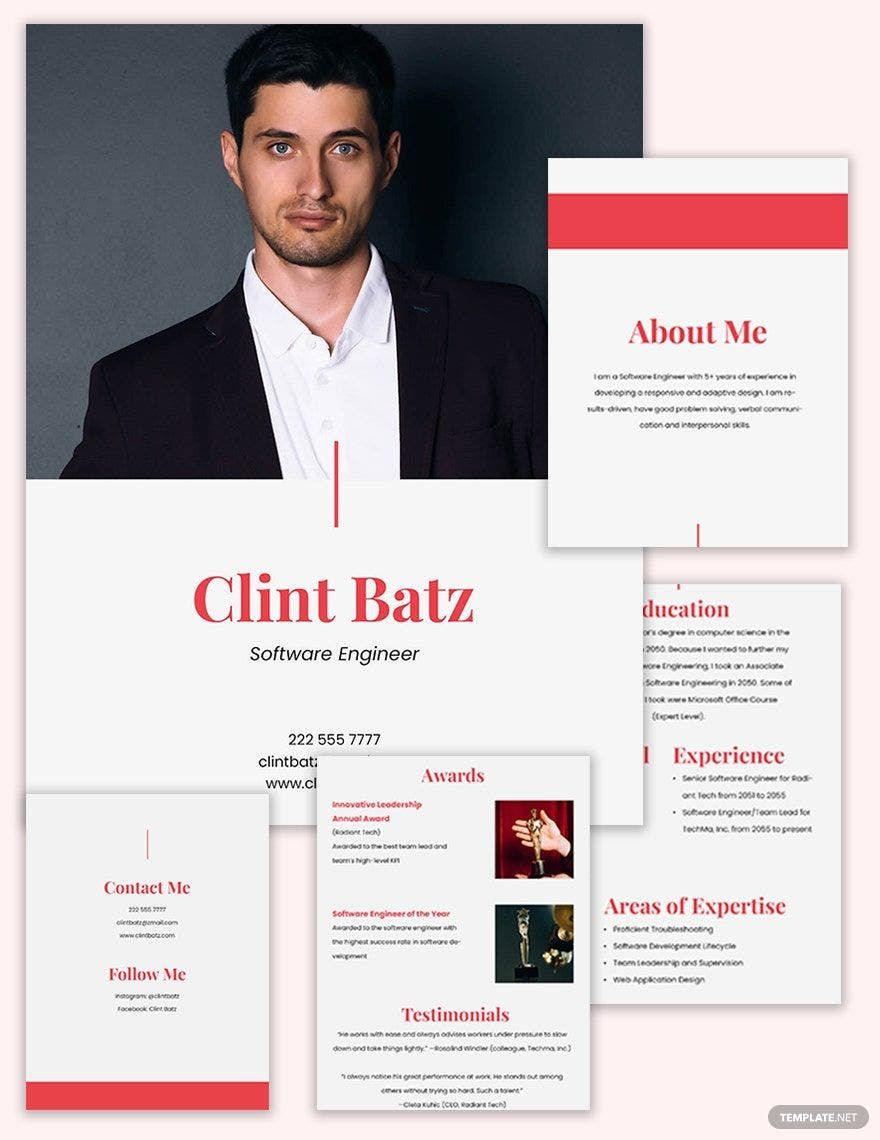
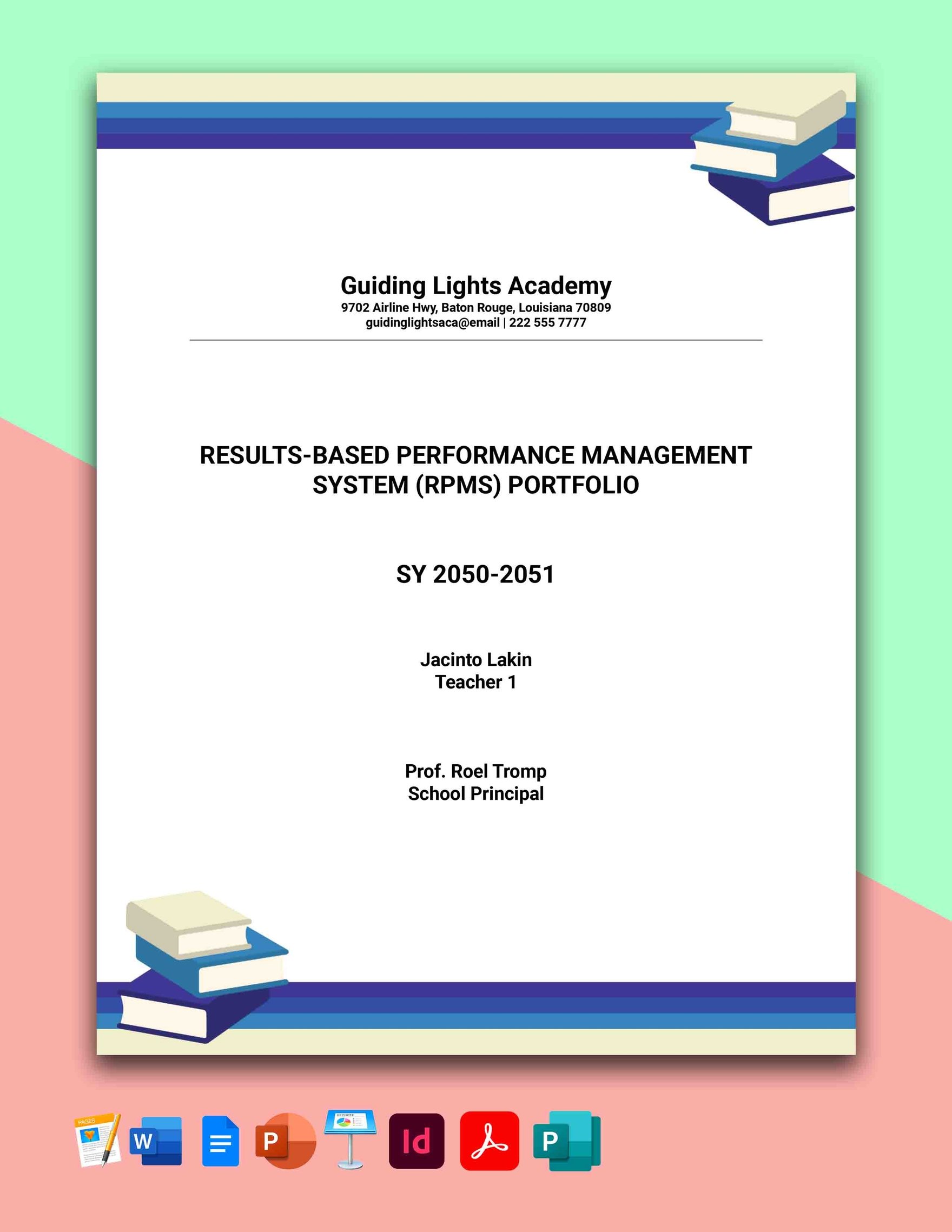
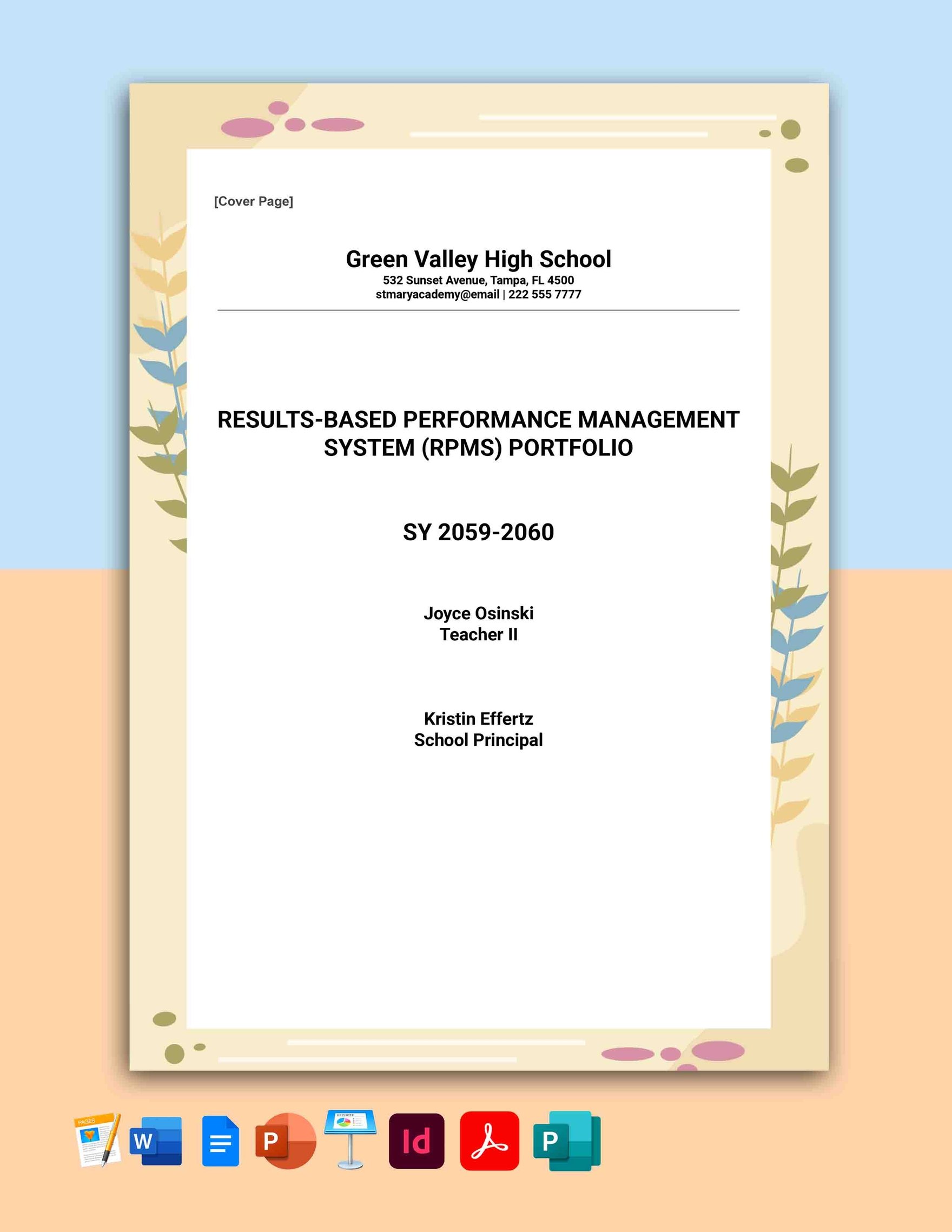

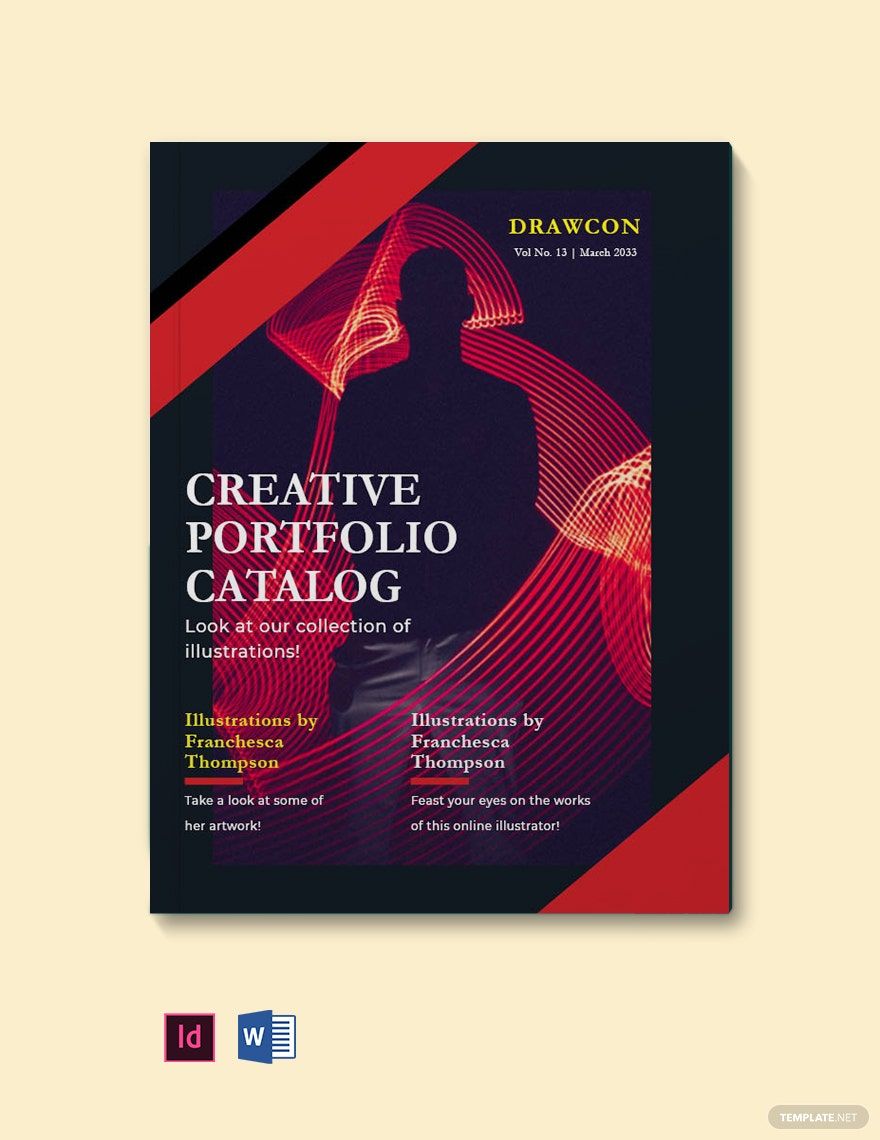
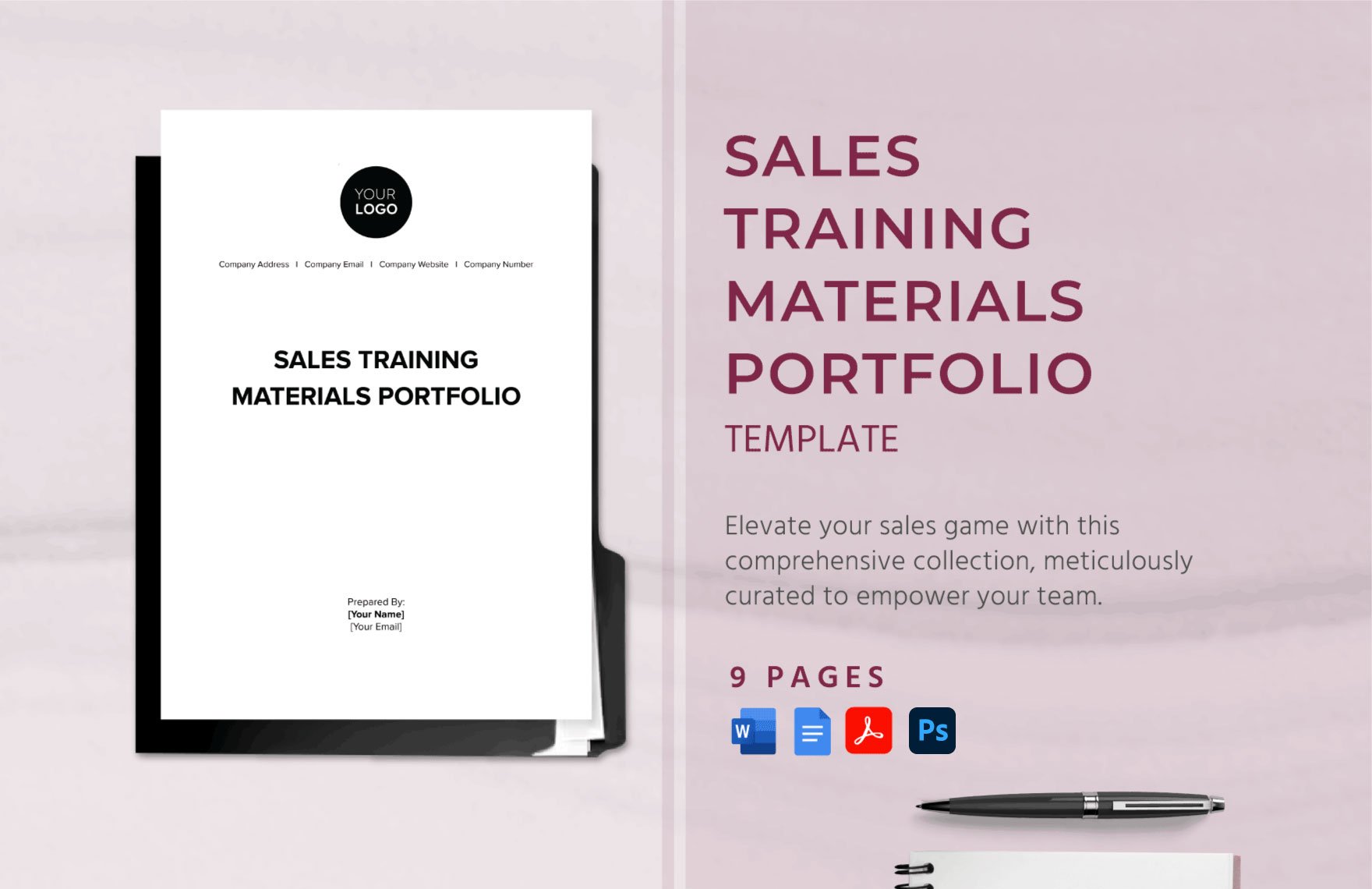

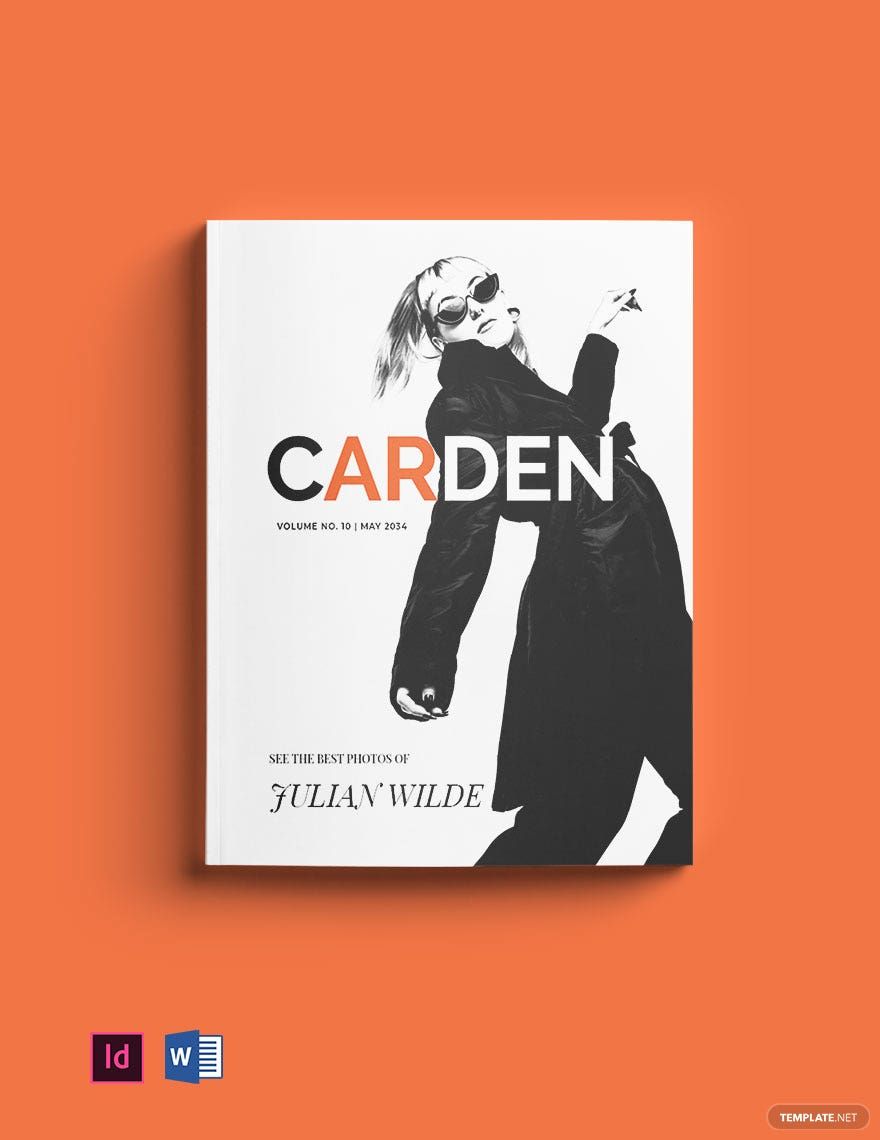
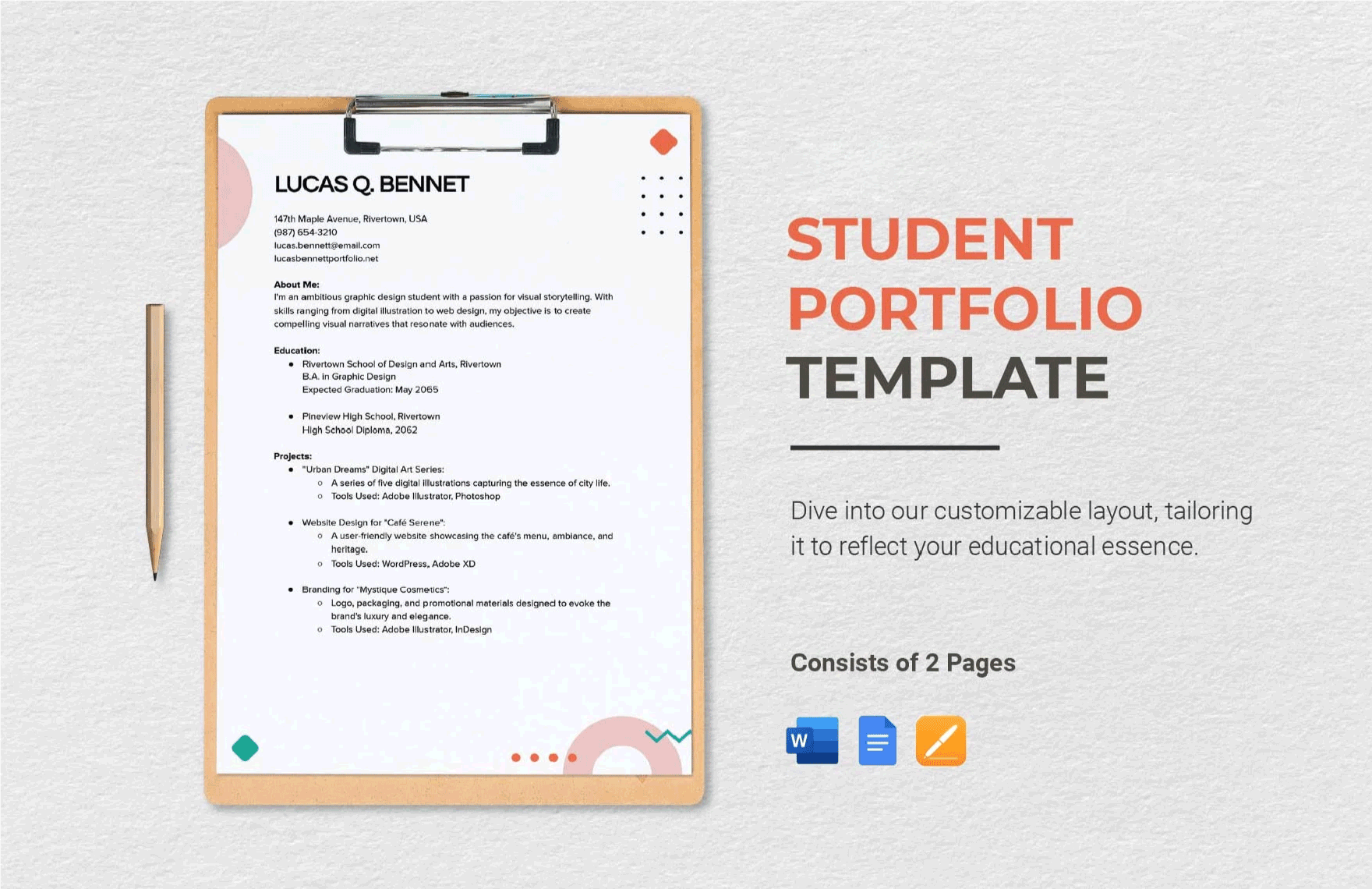
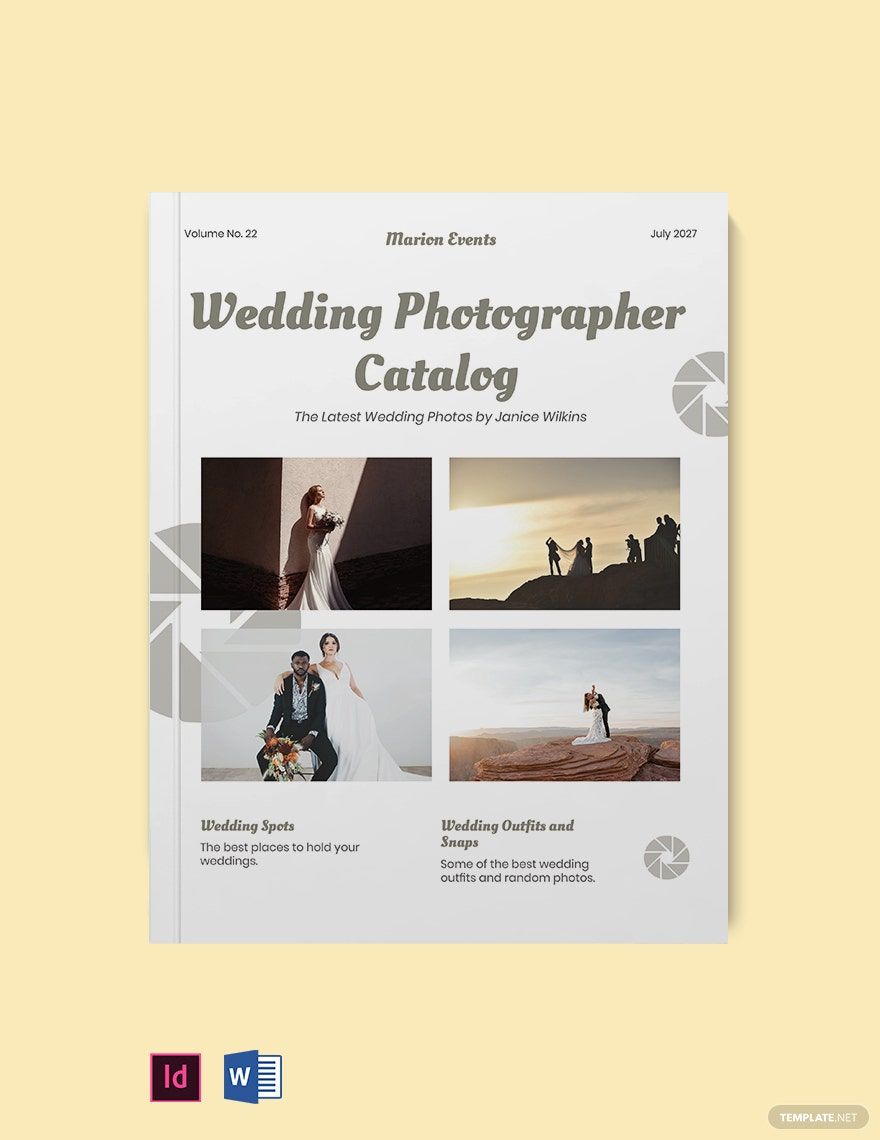
Free Portfolio Templates: Customizable Design Guide, Sizes, and Download Formats

What is a Portfolio?
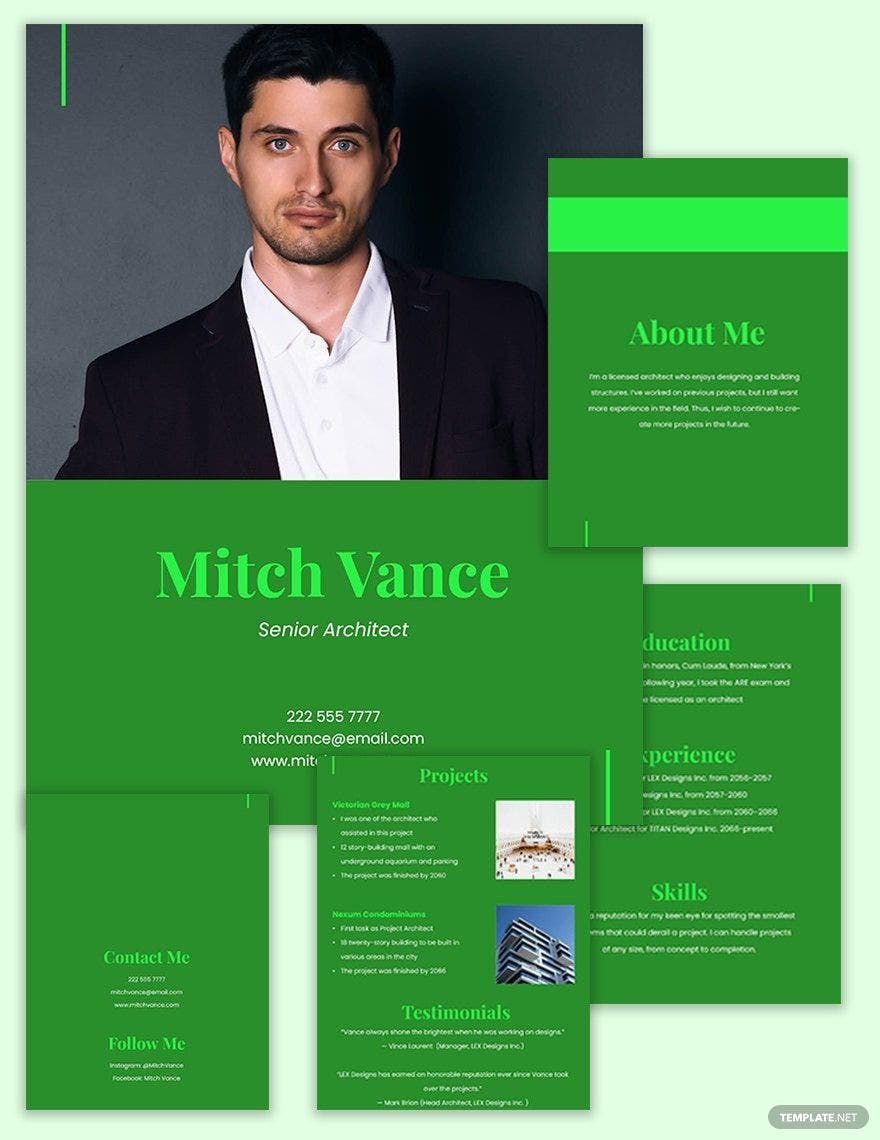
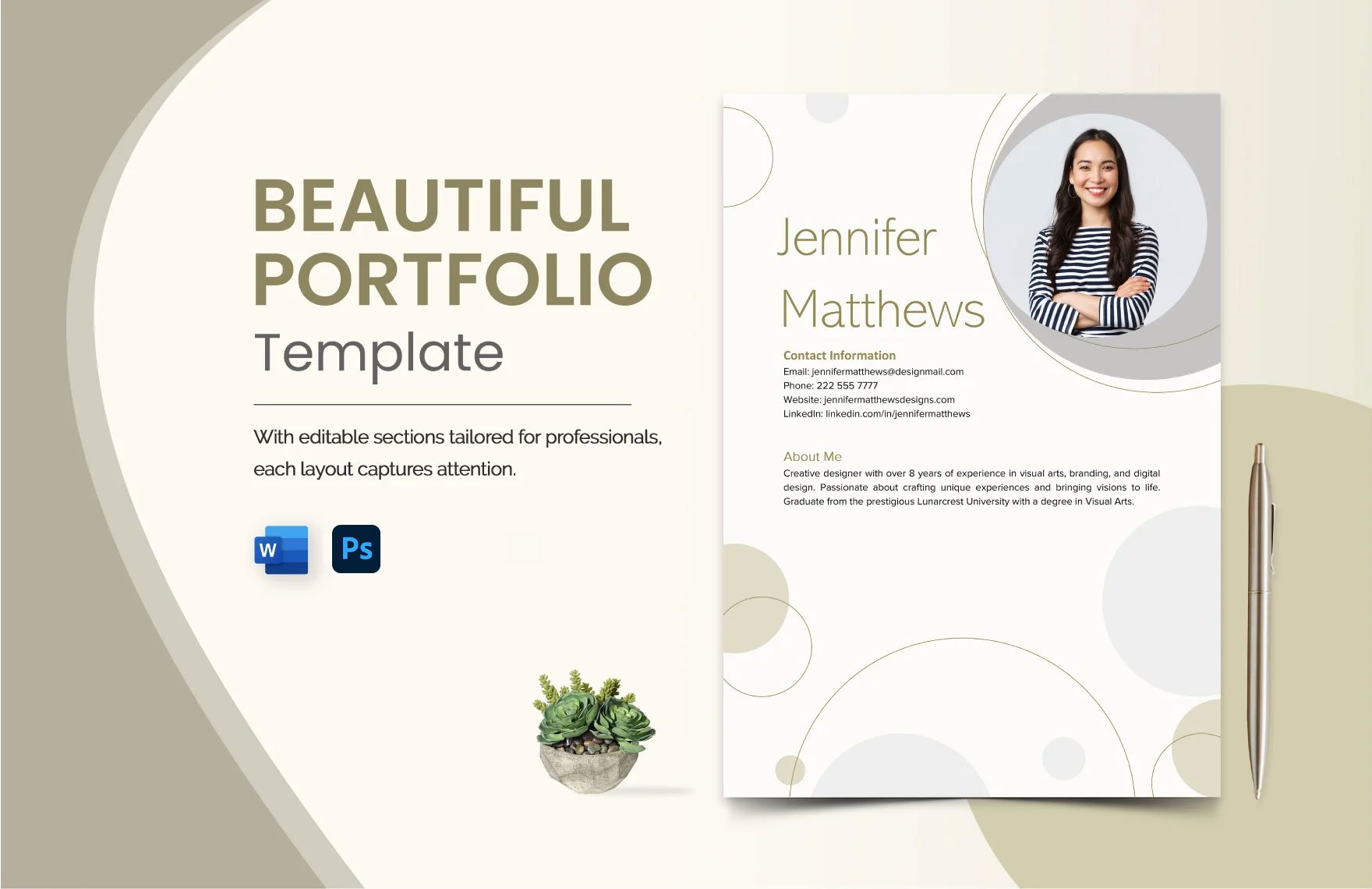
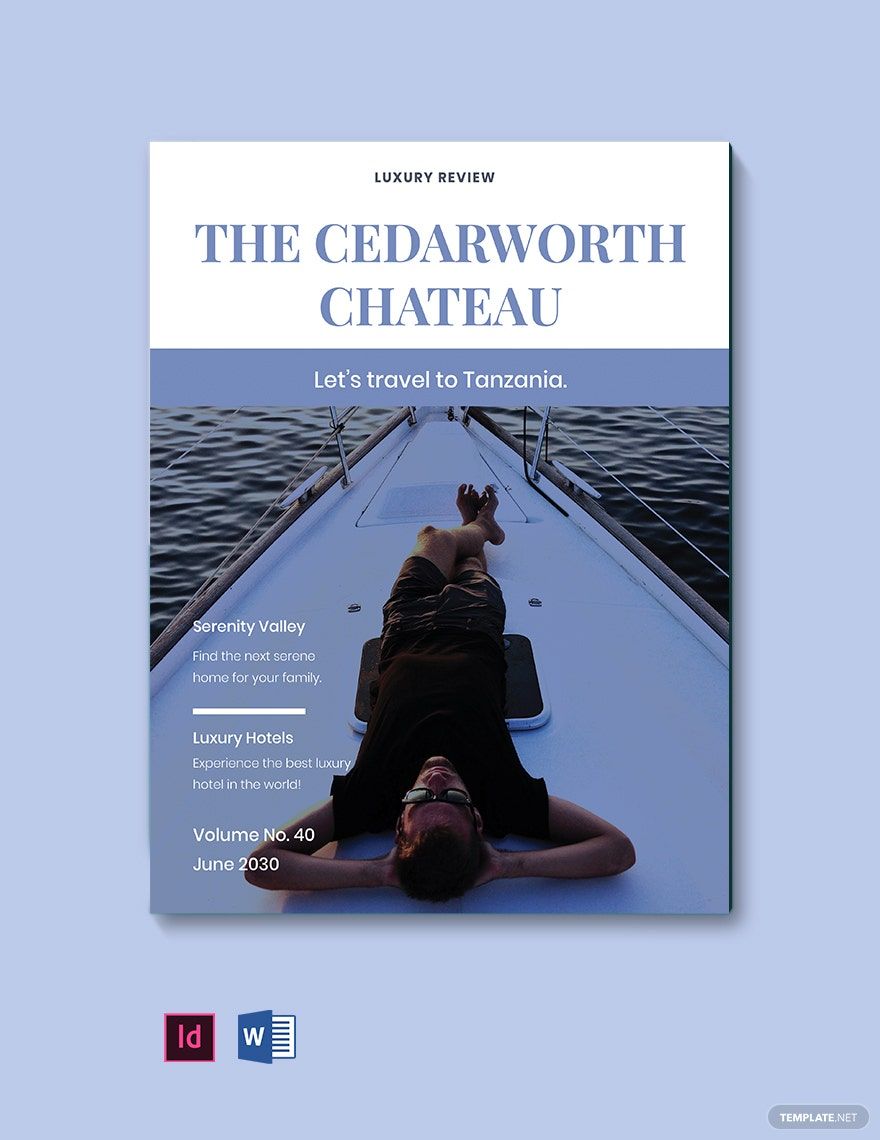
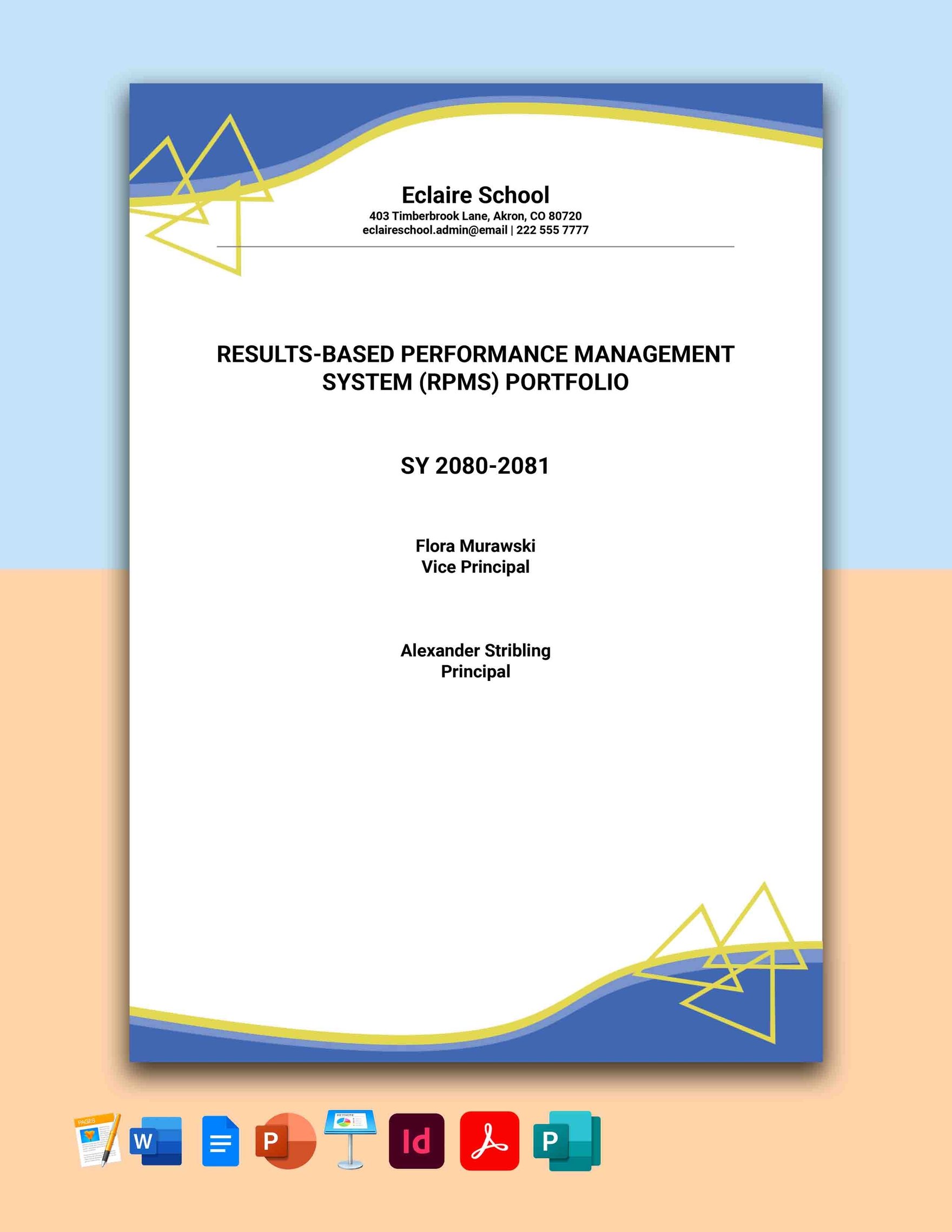
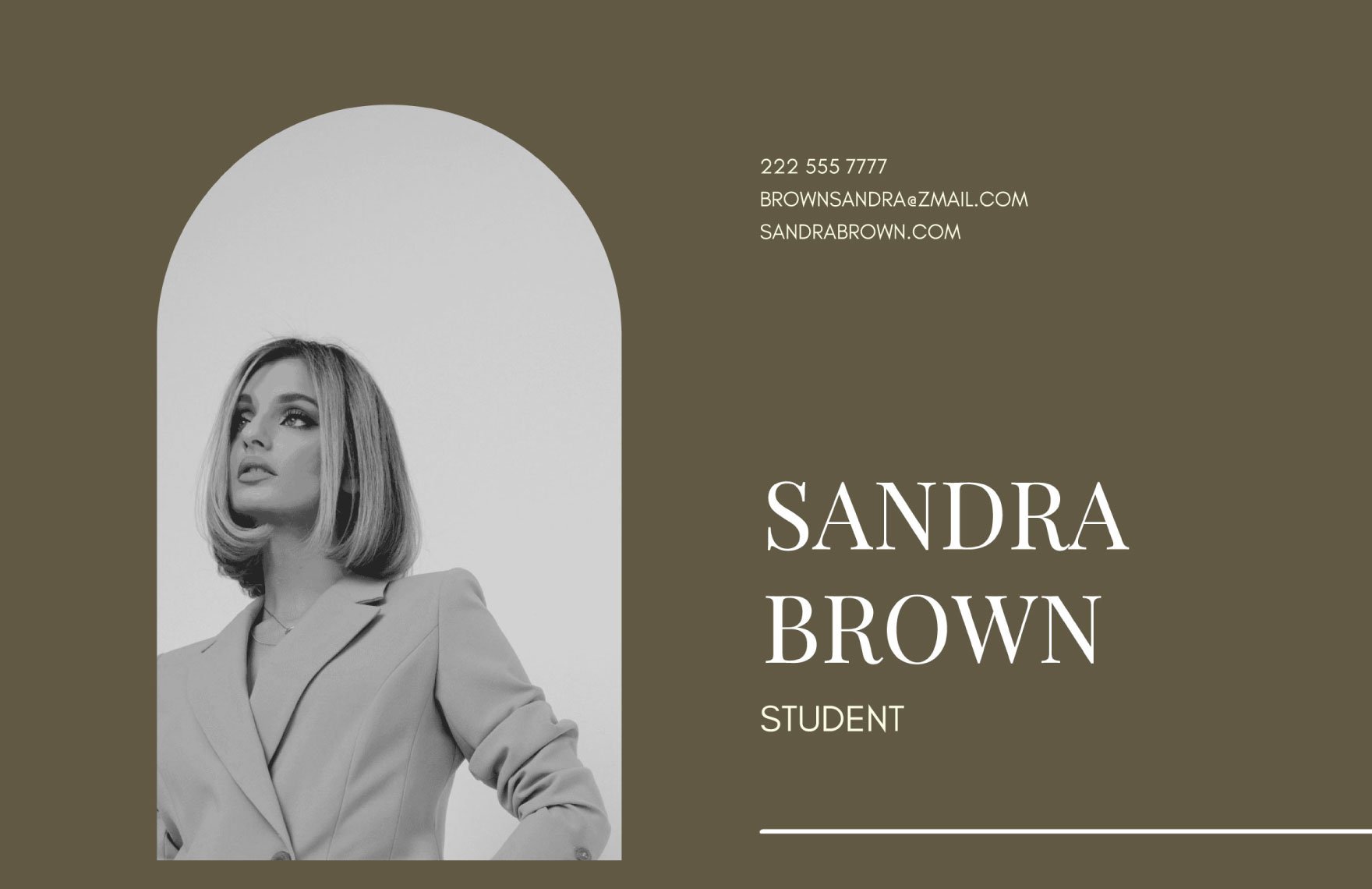
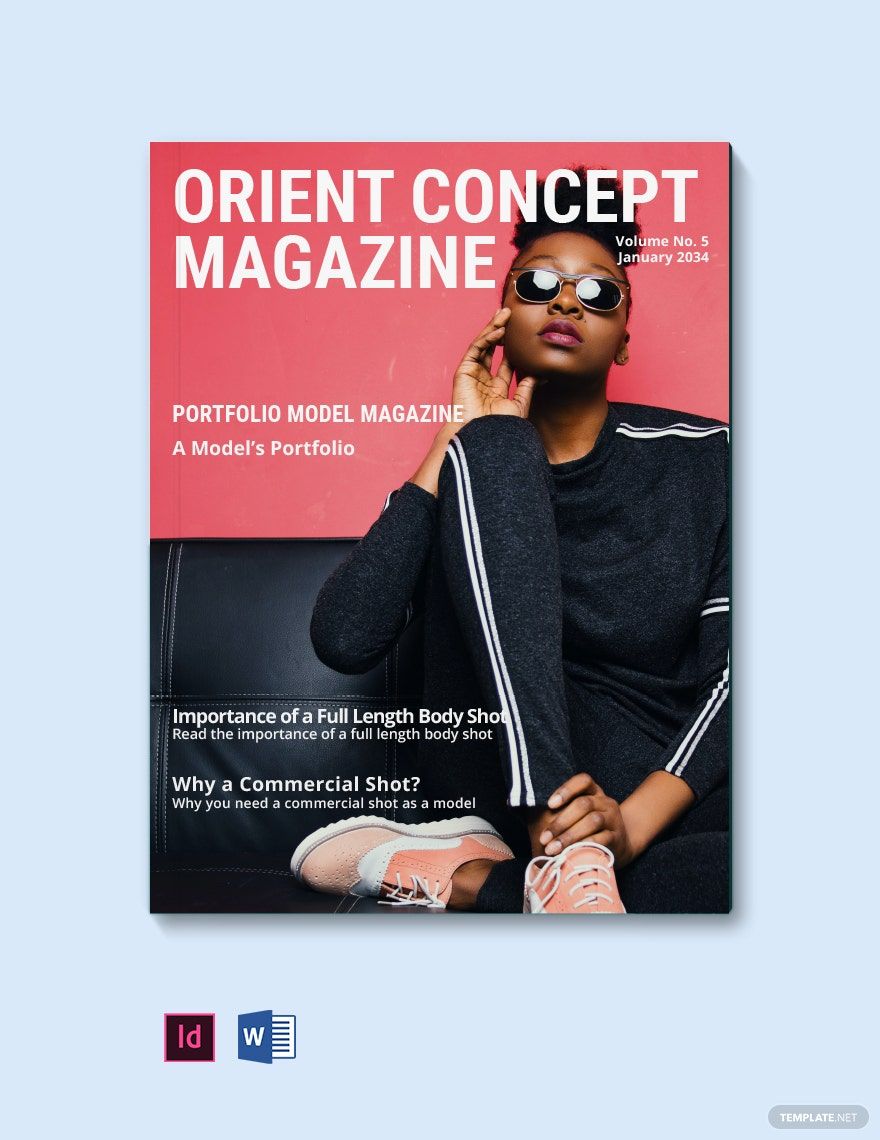
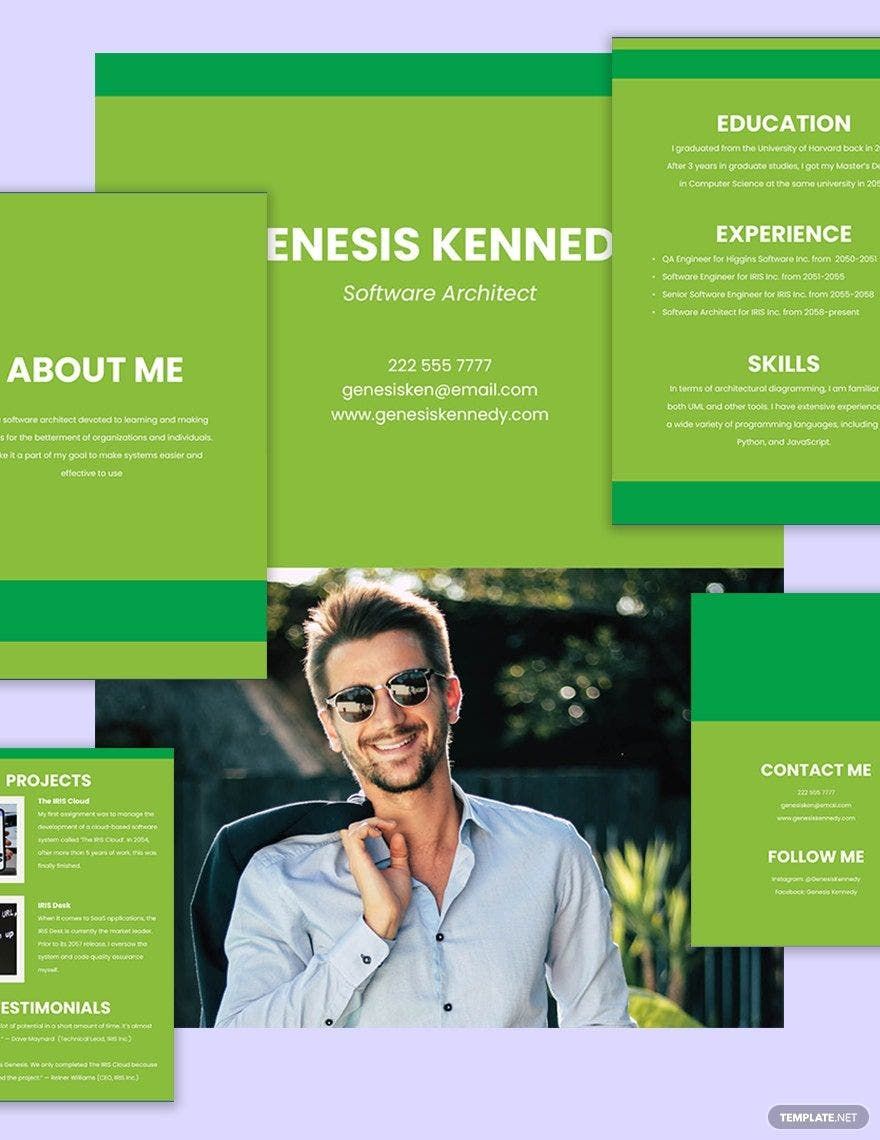
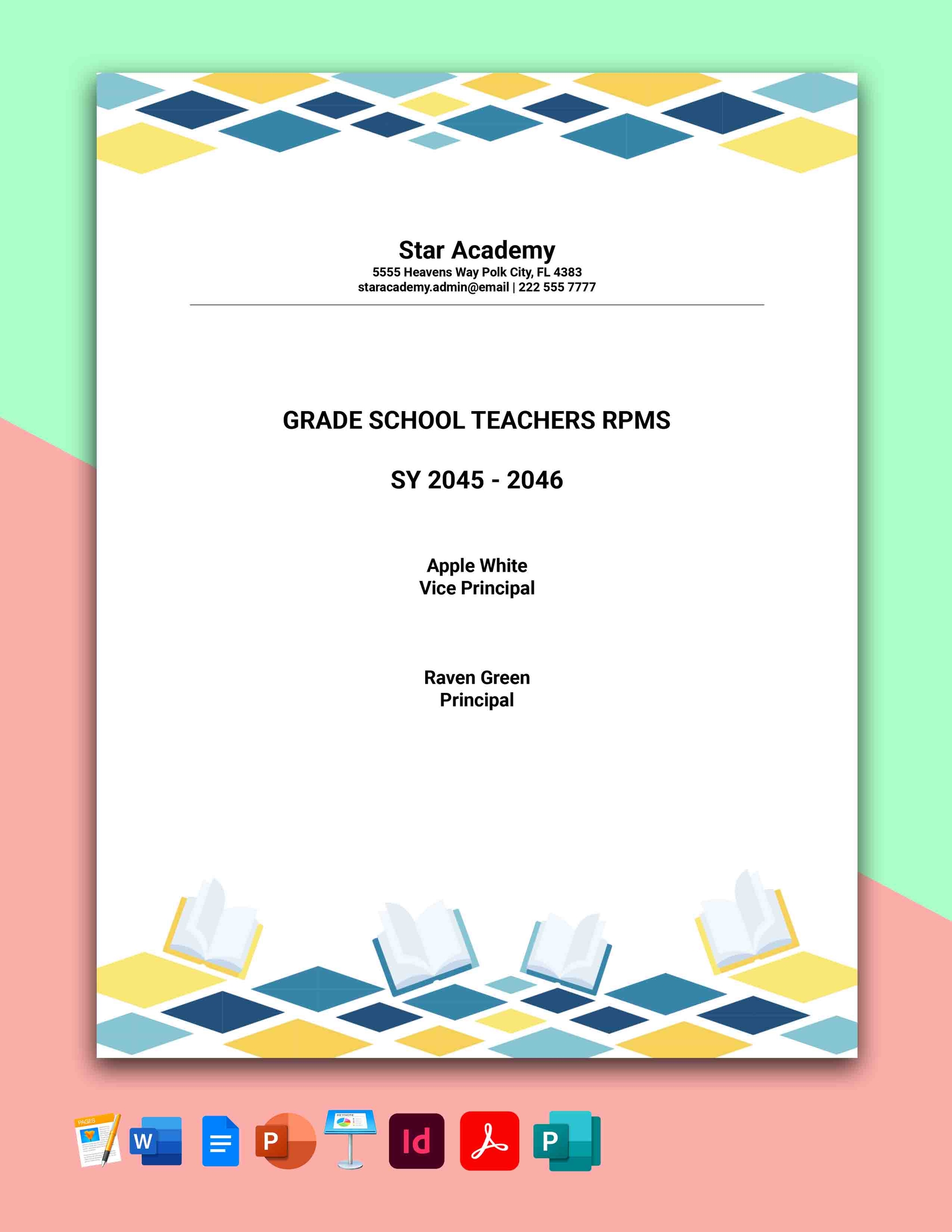
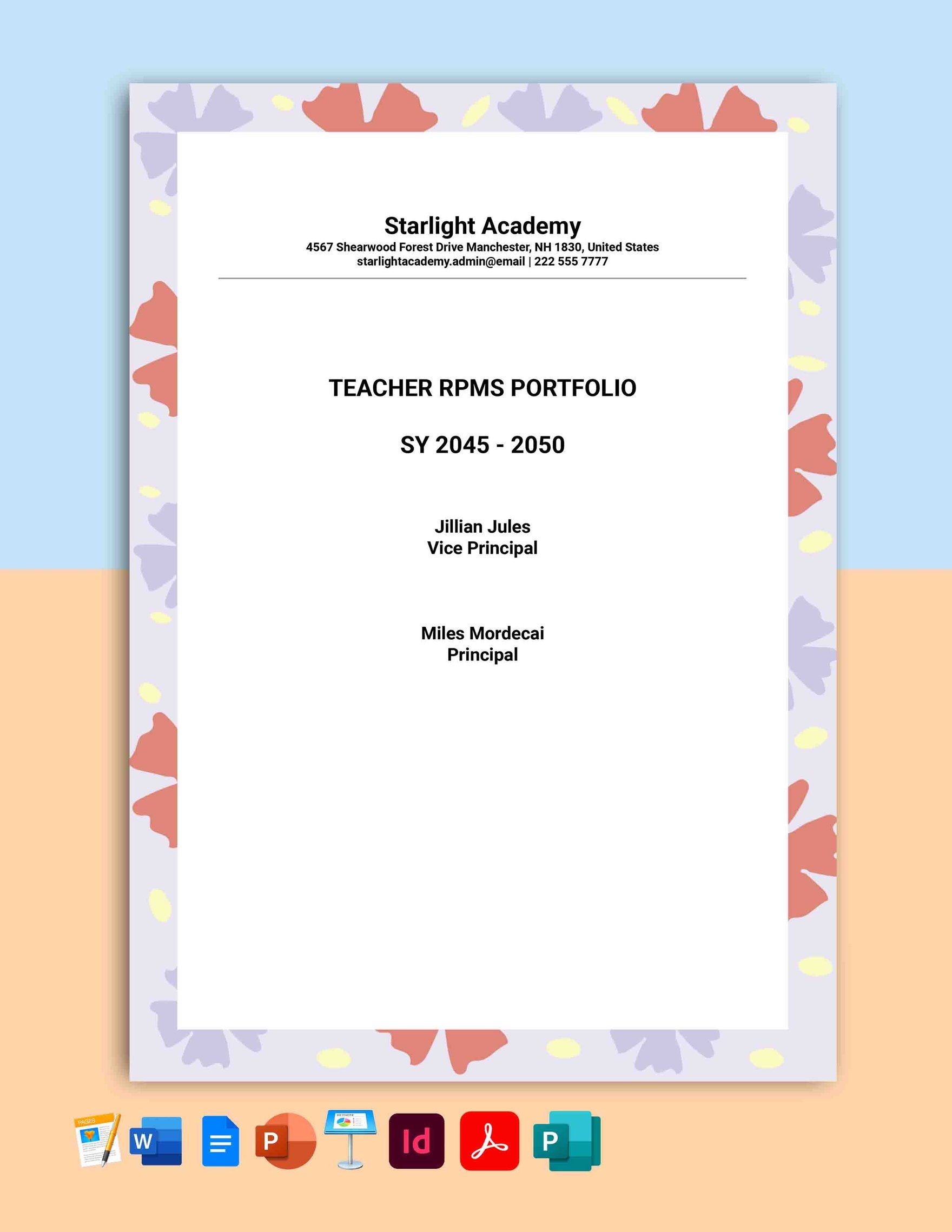
A portfolio is a curated collection of your professional work, projects, and accomplishments used to showcase your skills and experience. Portfolios serve as a visual and organized demonstration of your expertise across various fields.

Why should I use a Portfolio?
You should use a portfolio to effectively present your skills, experience, and achievements to potential employers, clients, or collaborators. A strong portfolio helps differentiate you and build credibility in competitive industries.

Who uses Portfolios?
Portfolios are used by professionals such as designers, photographers, writers, developers, artists, and business professionals who want to showcase their work samples, projects, and qualifications.

What are the best tips for designing my Portfolio?
Here are key tips for designing your portfolio to make it visually appealing and effective:
- Keep it organized with clear sections and navigation
- Highlight your best work to impress viewers
- Use consistent fonts and colors for a professional look
- Include concise descriptions explaining each project
- Use high-quality images to enhance presentation
- Make it easy to update with customizable templates
- Optimize for digital viewing on different devices
- Show diversity of skills and project types
- Incorporate your contact info clearly
- Maintain a balance between text and visuals

What file formats can I download for my Portfolio?
Template.net offers portfolio templates that support multiple export formats to suit your editing and sharing needs. You can download templates in Word, Apple Pages, InDesign, Publisher, PSD, Google Docs, Excel, Google Sheets, PDF, Illustrator, PowerPoint, Apple Keynote, and Google Slides.

Can I create a Portfolio using AI?
Yes, Template.net provides an AI-powered tool that generates new portfolio designs from prompts, making it easier to create customized portfolios quickly and efficiently. Try the Portfolio Generator to get started.

What are the recommended digital dimensions for my Portfolio?
When designing a digital portfolio, consider these optimal pixel dimensions for clear and professional presentation:
- 1080 × 1920 pixels for vertical portfolio slides
- 1920 × 1080 pixels for landscape presentations
- 1080 × 1080 pixels for square social media posts
- 1200 × 628 pixels for web banners
- 800 × 1200 pixels for detailed image display
- 2560 × 1440 pixels for high-resolution screens

What key visual elements should I include in my Portfolio?
Include these essential visual elements to make your portfolio engaging and informative:
- Project images showcasing your work
- Consistent color scheme aligned with your brand
- Typography that enhances readability
- Icons and graphics to highlight information
- Whitespace for clean layout
- Navigation buttons for easy browsing
- Contact details in a visible section
- Project descriptions with key details

What are the benefits of using a Portfolio?
Using a portfolio offers numerous benefits for showcasing your professional profile:
- Demonstrates your skills and expertise visually
- Builds credibility with clients or employers
- Organizes your work in a professional format
- Enhances your personal brand identity
- Improves your chances in job or project applications
- Enables easy sharing of your accomplishments
- Allows customization to target specific audiences
- Supports continuous updates as your work evolves
