Free AI Emoji Generator












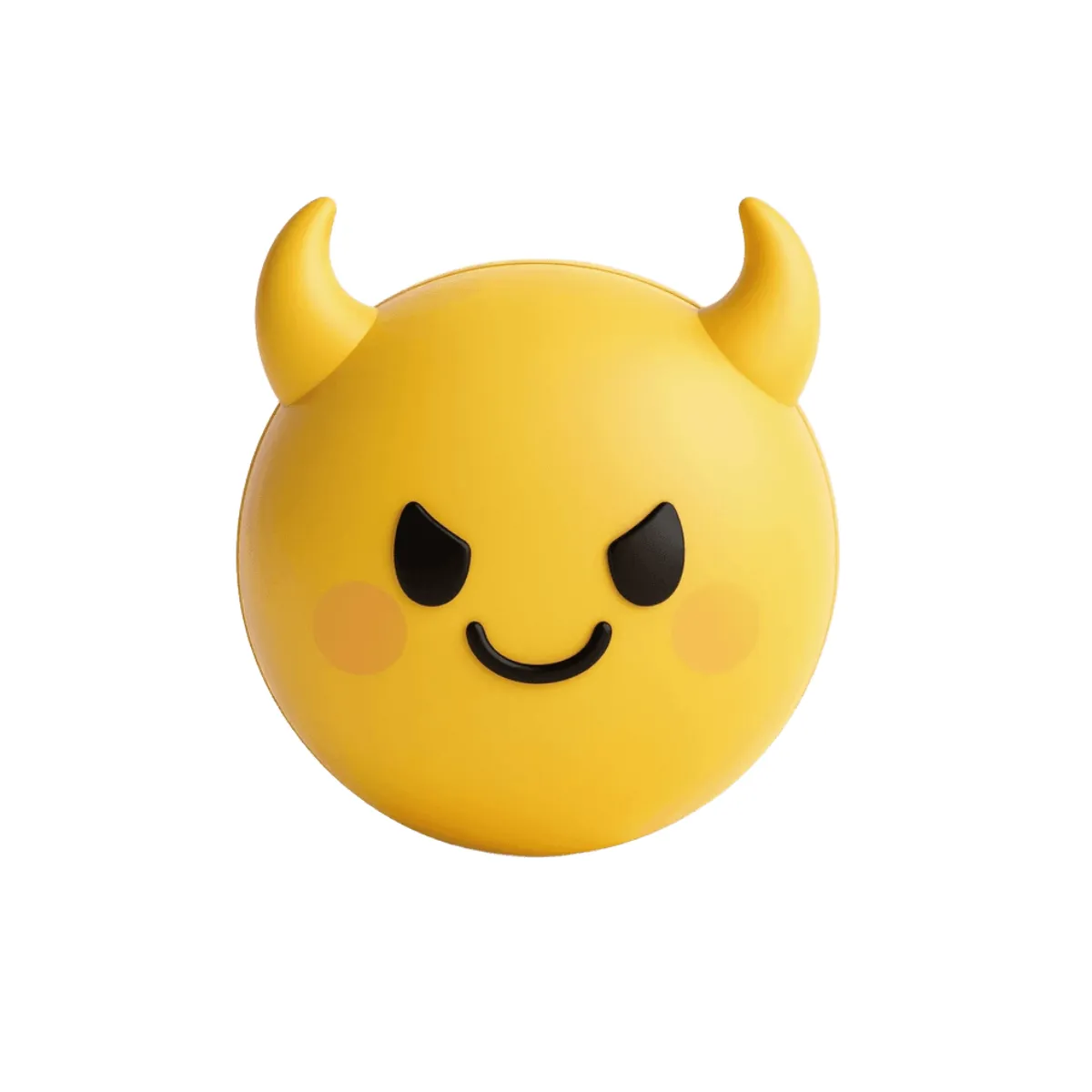
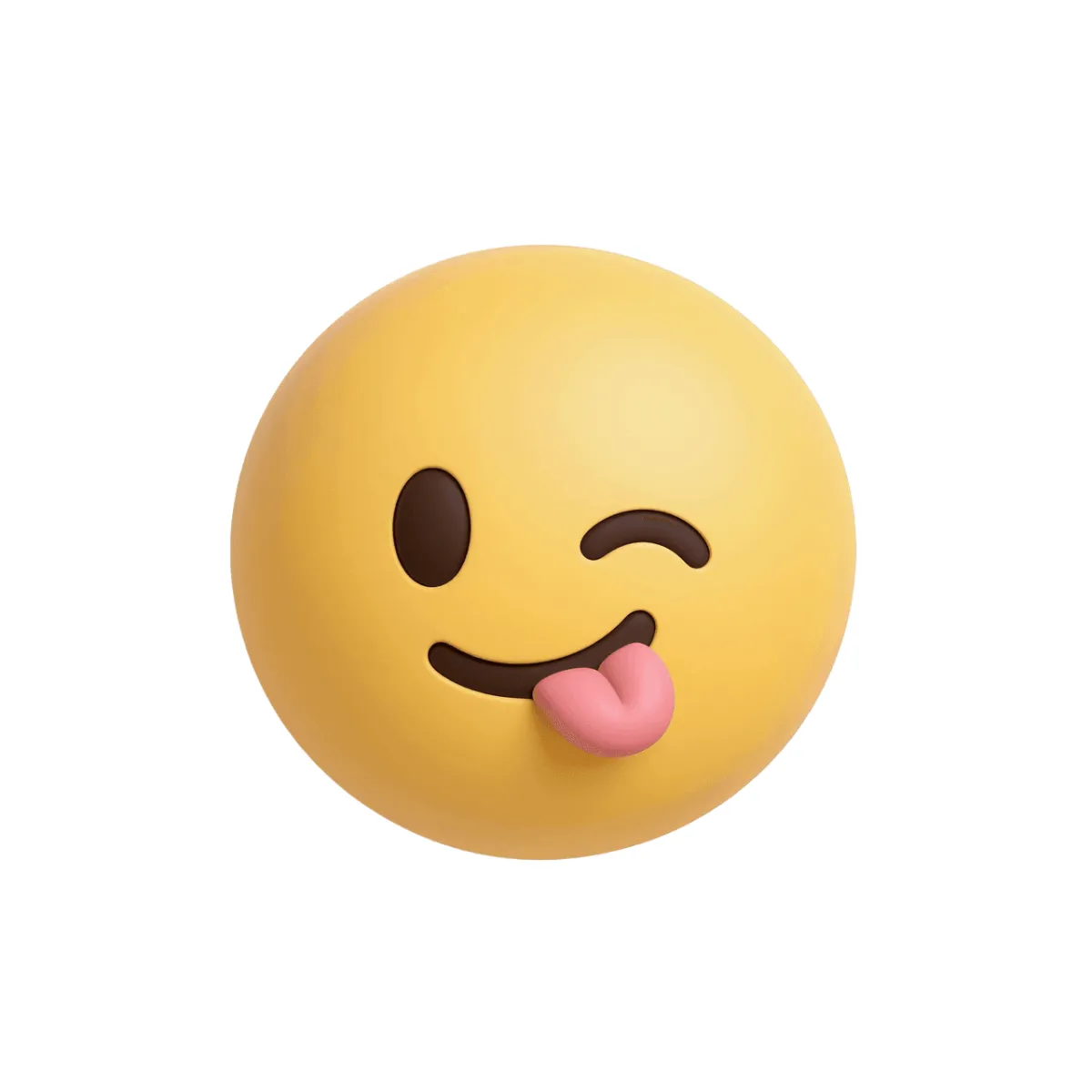


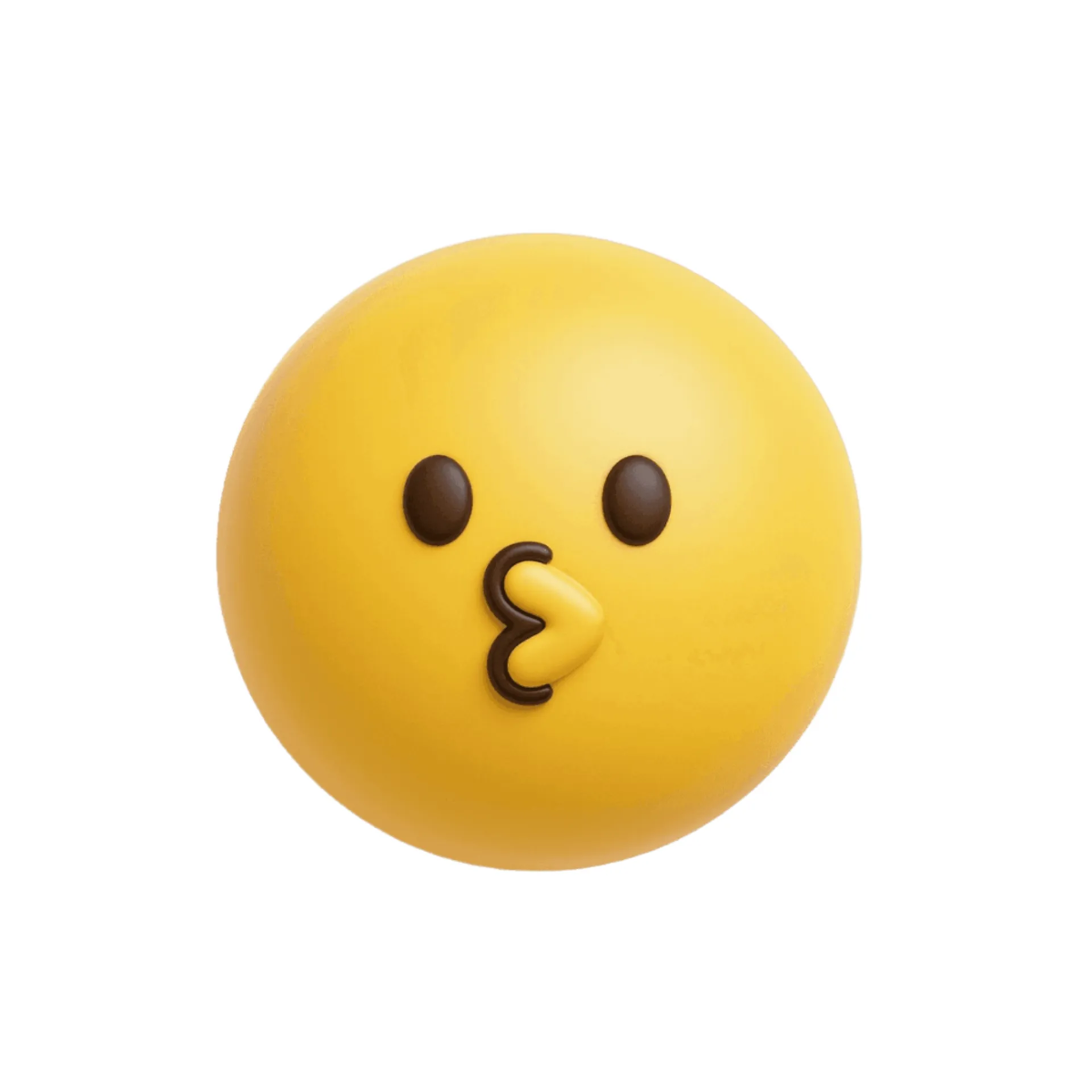











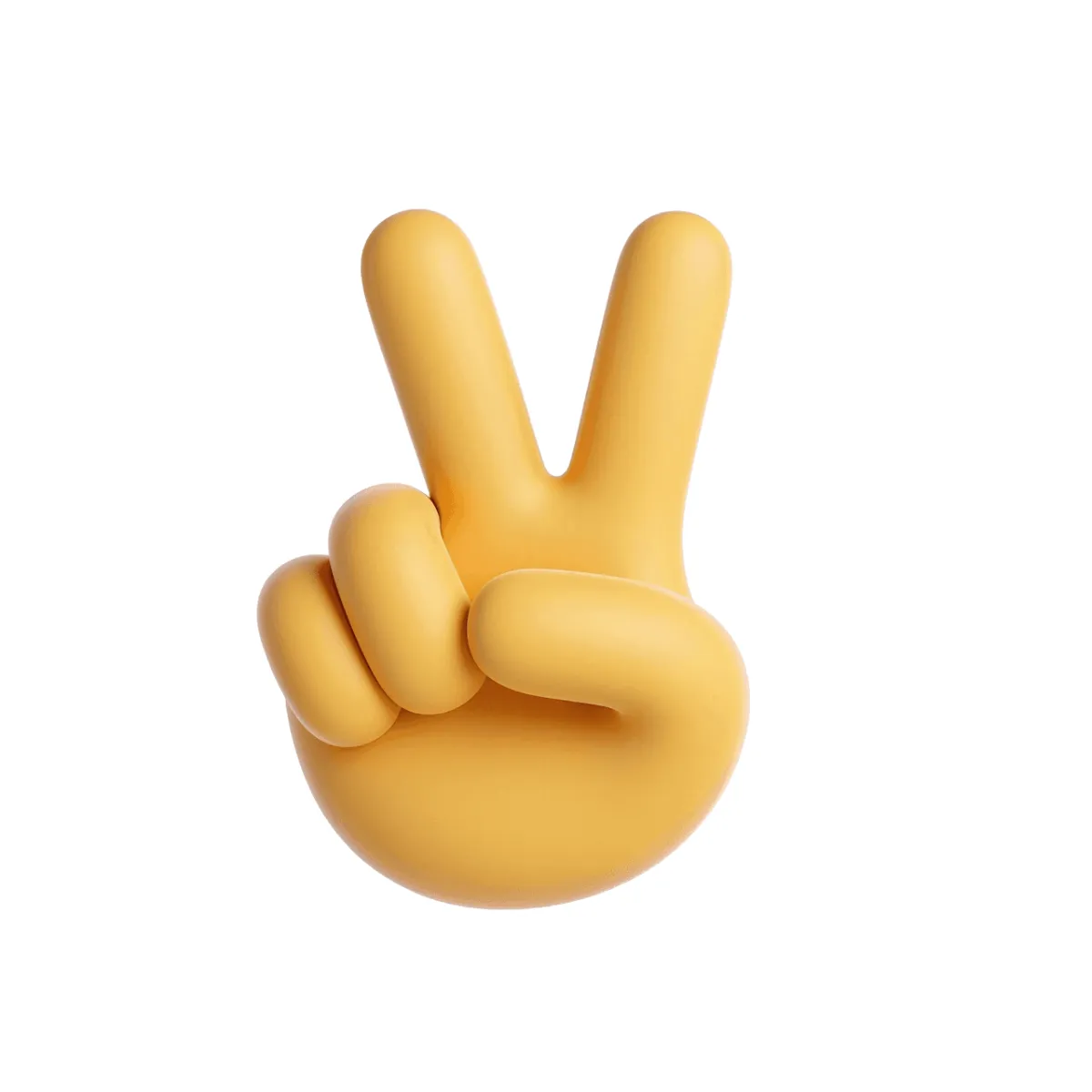





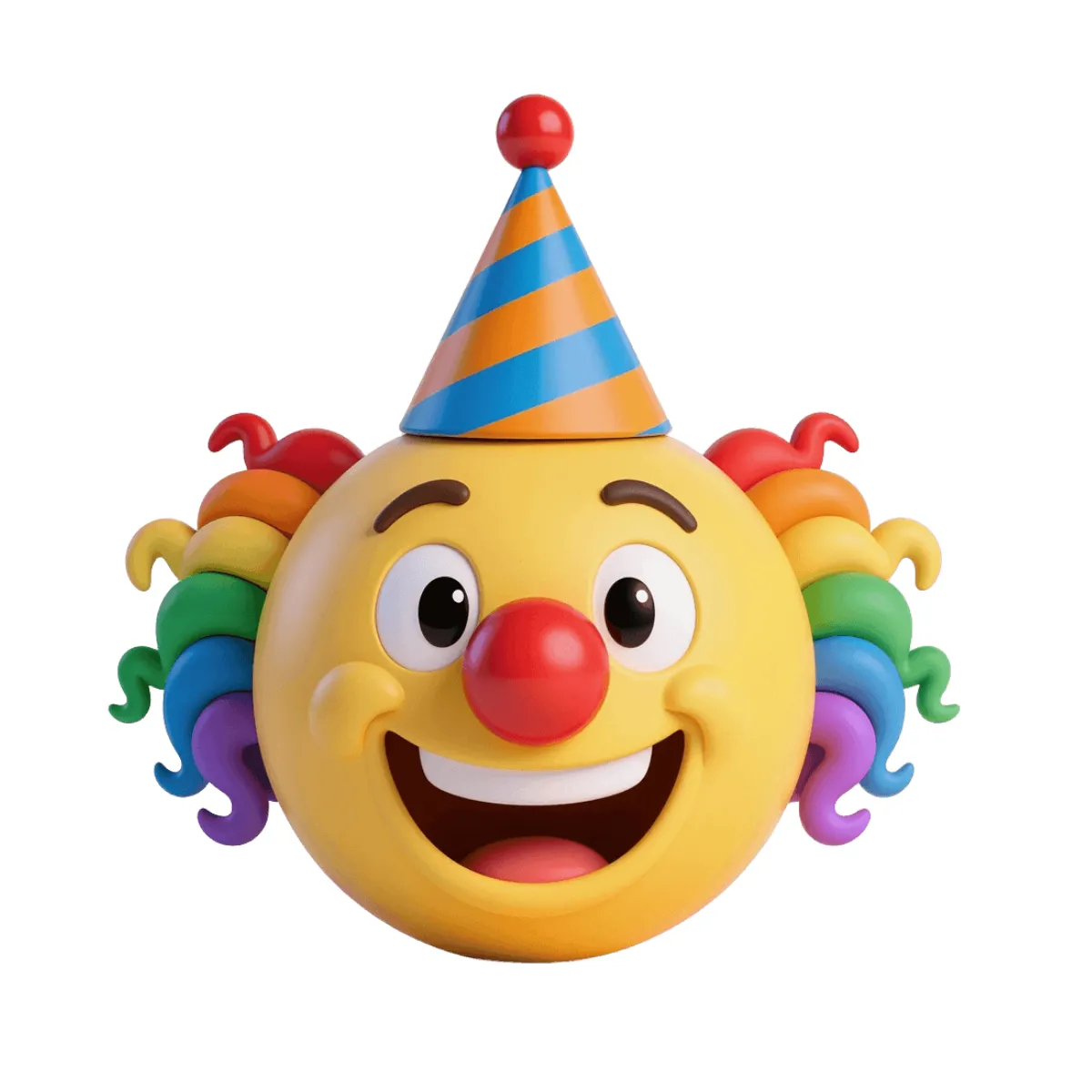



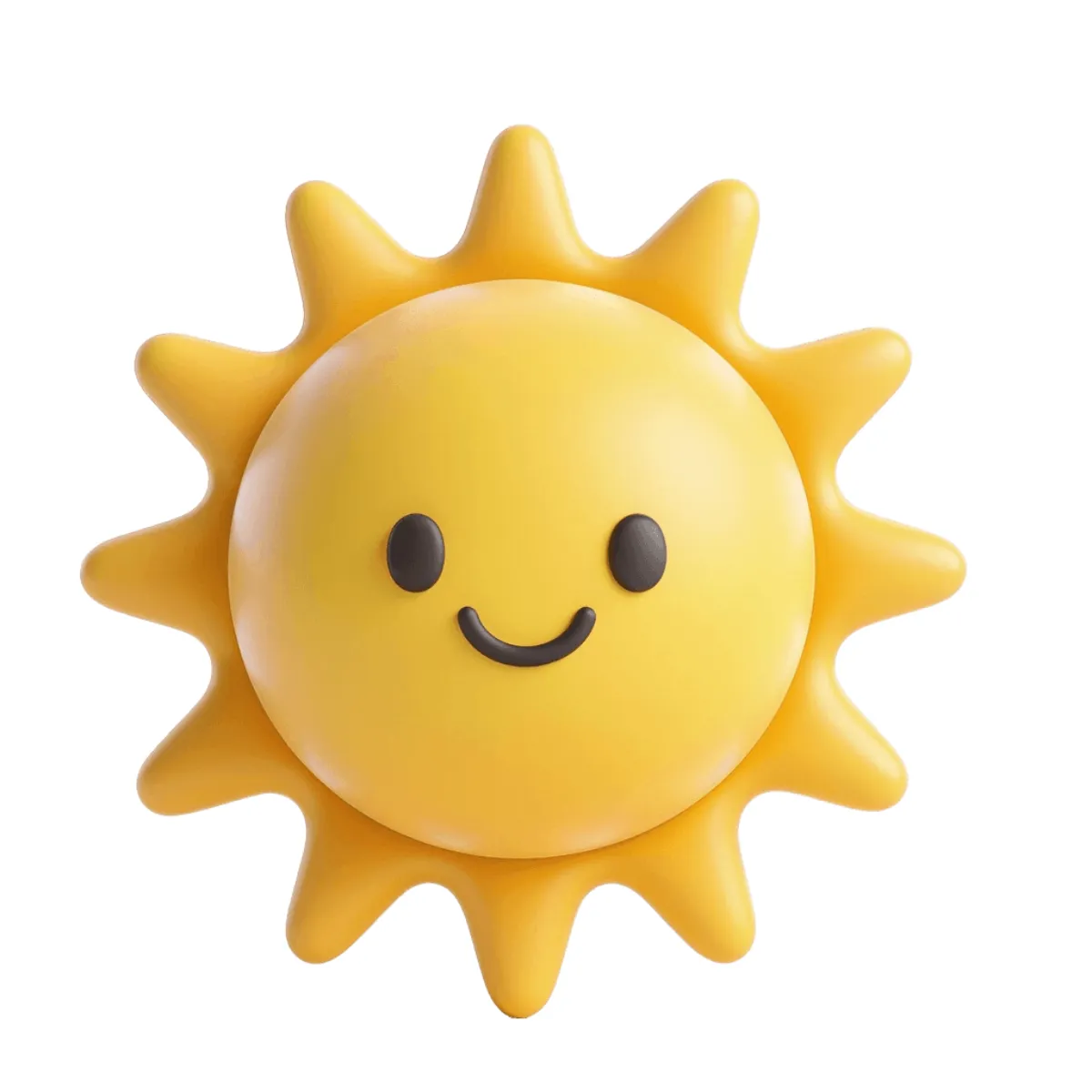








Create Emoji Images Online with Smart AI Image Editor
Template.net’s Free AI Emoji Generator helps you turn ideas into expressive emoji image outputs in seconds. Enter a prompt describing your emotion, object, or theme and the AI generates unique emoji designs with clear expressions and creative styles. Explore multiple variations, refine outputs, and download emoji image designs ready for messaging, branding, or digital content.
![Free AI Emoji Generator, Create Emoji Images Online [ No Signup ]](https://images.template.net/generator-images/Emoji-0.webp)
Create and Design Emoji Images Effortlessly with AI
Everything you need to generate expressive, creative, and ready-to-use emoji image designs with speed and flexibility.
AI-Powered Emoji Creation
Turn simple prompts into detailed emoji image designs with expressive visuals.
Describe and Generate Instantly
Enter text prompts to create customized emoji image outputs in seconds.
Multiple Emoji Styles
Generate emoji image designs in cartoon, flat, or modern styles.
Smart Expression Detection
AI understands emotions and converts them into accurate emoji image visuals.
Custom Emoji Personalization
Adjust expressions, colors, and themes for each emoji image design.
Multiple Emoji Variations
Generate different emoji image versions from a single idea.
High-Quality Output
Create clean and sharp emoji image designs for digital use.
Flexible Size and Format Support
Export emoji image files for different platforms and use cases.
Color and Style Customization
Modify colors and visual styles in your emoji image designs.
Text and Symbol Integration
Add elements and symbols into emoji image outputs when needed.
Emotion-Focused Design Accuracy
Ensure clarity and meaning in every emoji image expression.
Instant Regeneration
Update prompts to regenerate improved emoji image designs instantly.
Multilingual Support
Generate emoji image content using 20+ multiple languages including English, Spanish, Hindi, Arabic, Chinese, Japanese, and more.
Edit and Refine Easily
Adjust prompts to refine emoji image outputs quickly.
Consistent Design Quality
Maintain uniform styling across multiple emoji image outputs.
Save and Reuse Designs
Store emoji image layouts for future use.
Collaborate on Emoji Designs
Share emoji image outputs with teams for feedback.
Download or Share Instantly
Download high-quality outputs or share via Email, LinkedIn, WhatsApp, Facebook, X (Twitter), Pinterest, or generate a live link or QR code.
![Free AI Emoji Generator, Create Emoji Images Online [ No Signup ]](https://images.template.net/generator-images/Emoji-5.webp "Free AI Emoji Generator, Create Emoji Images Online [ No Signup ]")
How to Create Emoji Designs Using AI
Generate, customize, and export emoji image designs using a simple workflow inspired by modern AI emoji tools.
Step 1: Enter Your Prompt & Generate an Emoji
Open the AI Emoji Generator and describe your idea such as “happy face with sunglasses” or “cute cat laughing emoji.”
Step 2 Generate and Customize Emojis
The AI creates multiple emoji image designs with different expressions and styles. Choose your preferred version and refine results by updating your prompt.
Step 3 Save Download or Share
Preview your emoji image and download it in high quality or share instantly via Email, LinkedIn, WhatsApp, Facebook, X (Twitter), Pinterest, or generate a live link or QR code.
Create Emoji Designs in Seconds and Express Your Ideas Visually
![Free AI Emoji Generator, Create Emoji Images Online [ No Signup ]](https://images.template.net/generator-images/Emoji-1.webp "Free AI Emoji Generator, Create Emoji Images Online [ No Signup ]")
Turn Ideas into Custom Emojis Instantly
Transform simple prompts into expressive emoji image designs with unique styles, emotions, and creative details. Whether you want fun reactions or professional icons, the AI quickly converts your ideas into visually engaging results.
![Free AI Emoji Generator, Create Emoji Images Online [ No Signup ]](https://images.template.net/generator-images/Emoji-2.webp "Free AI Emoji Generator, Create Emoji Images Online [ No Signup ]")
Create Emojis for Different Use Cases
Generate emoji image outputs for chats, branding, social media, marketing campaigns, and creative projects. Easily adapt your designs for both personal and professional use with flexible styling options.
![Free AI Emoji Generator, Create Emoji Images Online [ No Signup ]](https://images.template.net/generator-images/Emoji-3.webp "Free AI Emoji Generator, Create Emoji Images Online [ No Signup ]")
Explore Multiple Emoji Variations Easily
Create different emoji image styles, expressions, and visual variations from a single prompt. Compare multiple outputs and select the best design that matches your intent and audience.
![Free AI Emoji Generator, Create Emoji Images Online [ No Signup ]](https://images.template.net/generator-images/Emoji-4.webp "Free AI Emoji Generator, Create Emoji Images Online [ No Signup ]")
Maintain Consistent Emoji Design Quality
Ensure all emoji image outputs follow a consistent visual style with balanced colors, clear expressions, and high-quality design, making them suitable for repeated use across platforms.
