
Free Border Certificate Templates







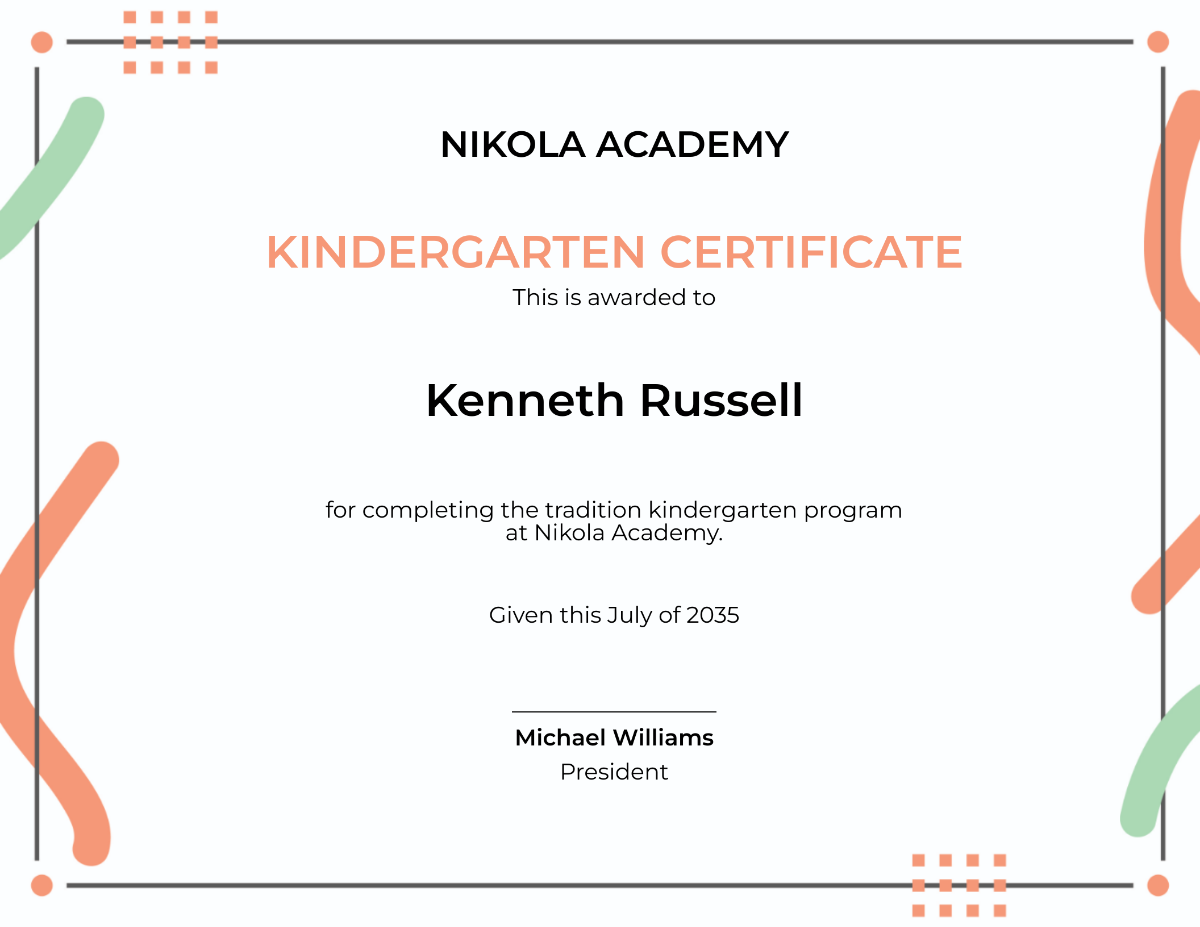


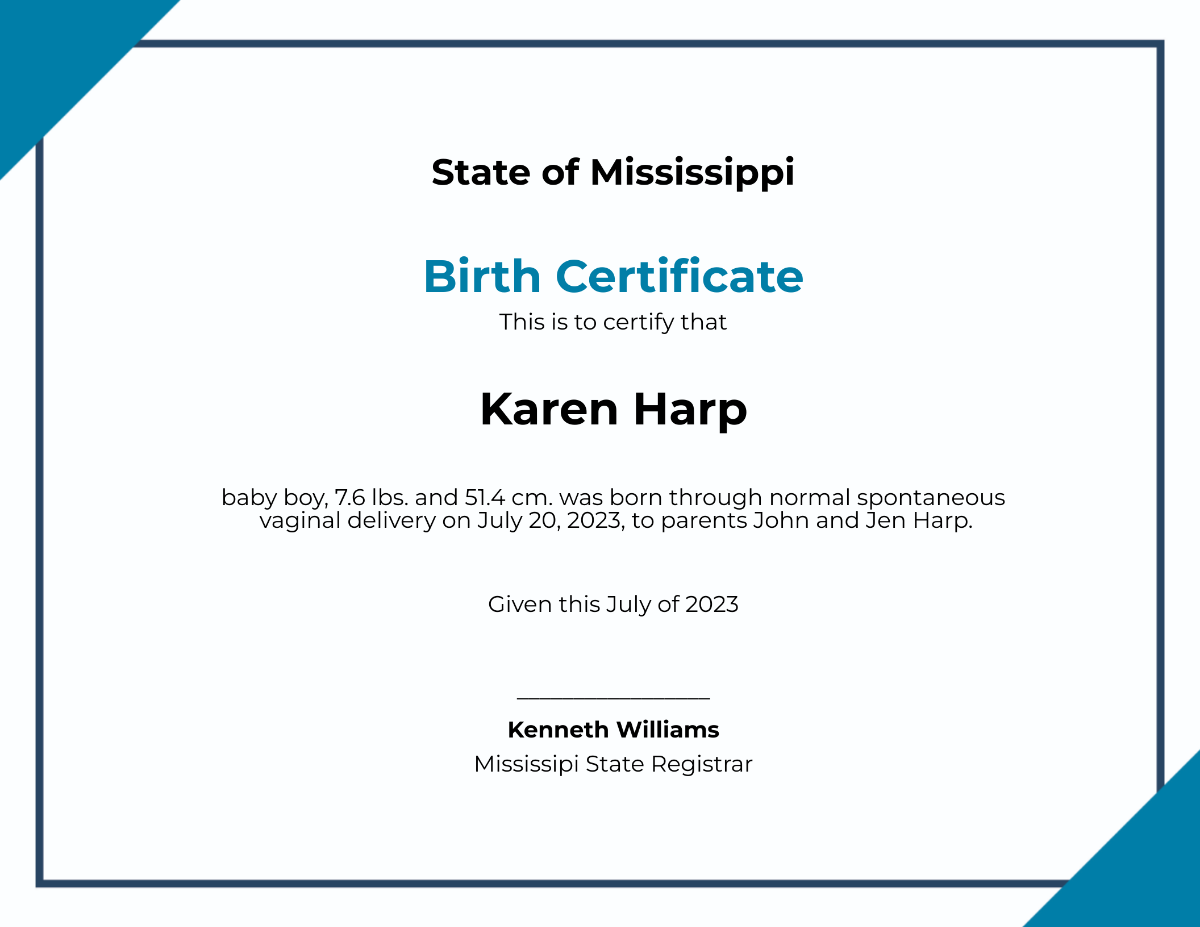













Border Certificate Templates: Definition, Usage, and Design Guidelines
What is a Border Certificate?
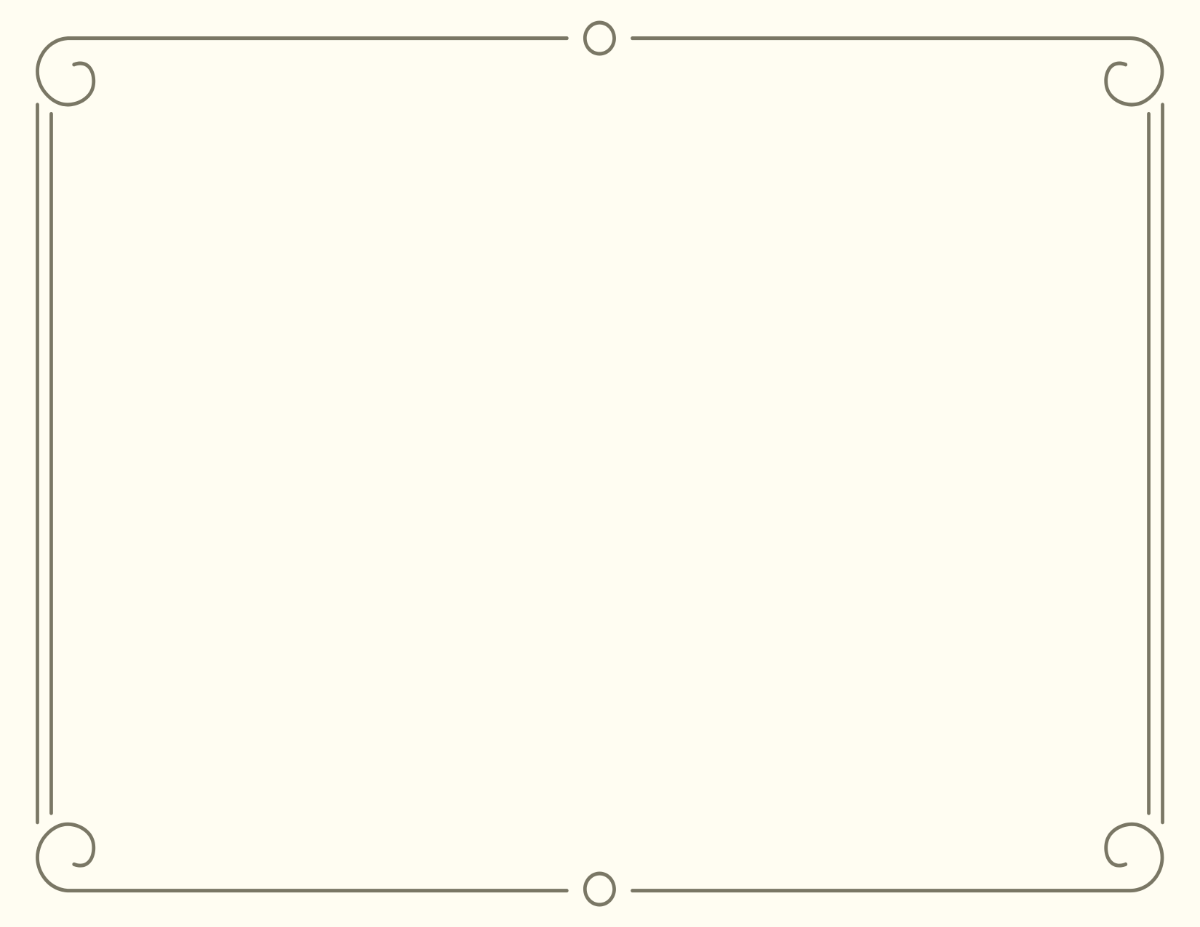
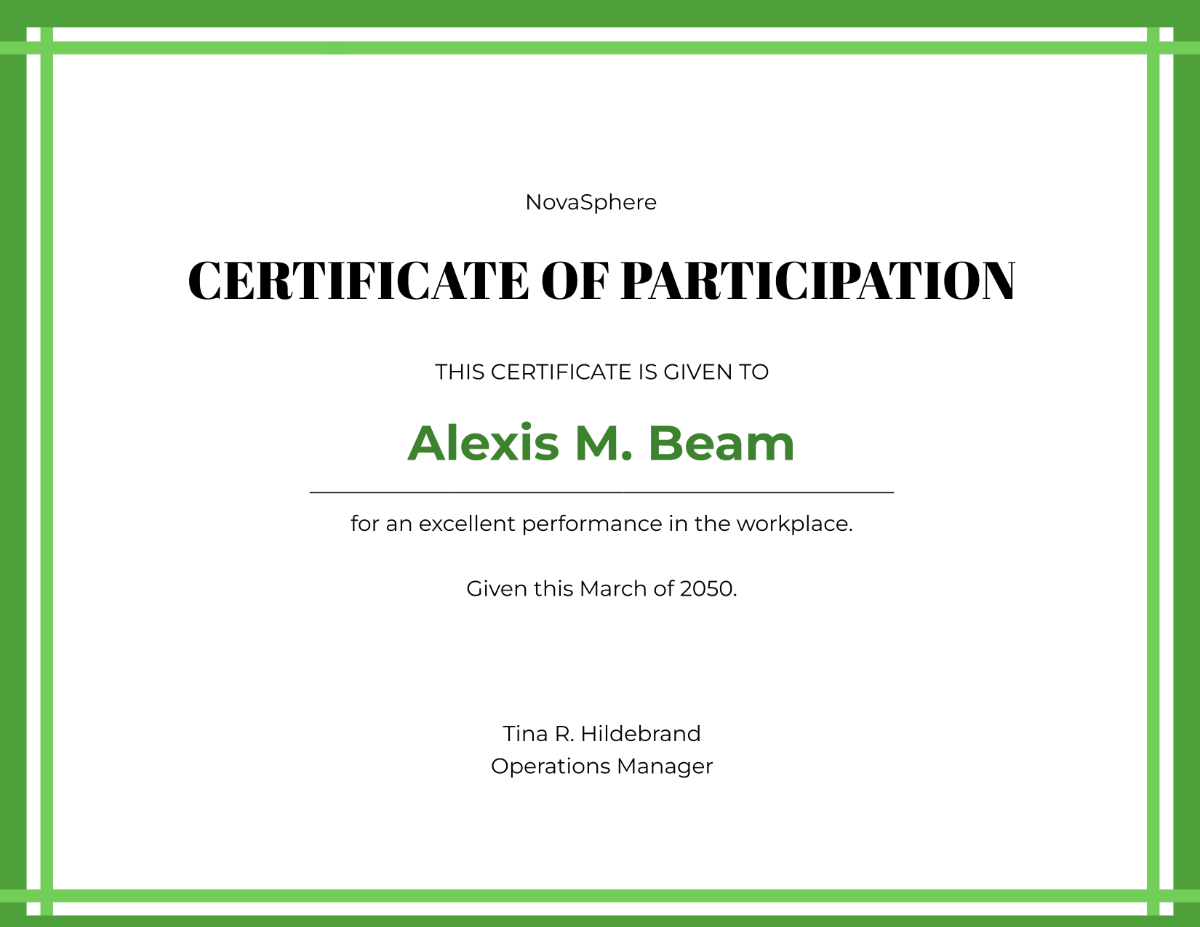
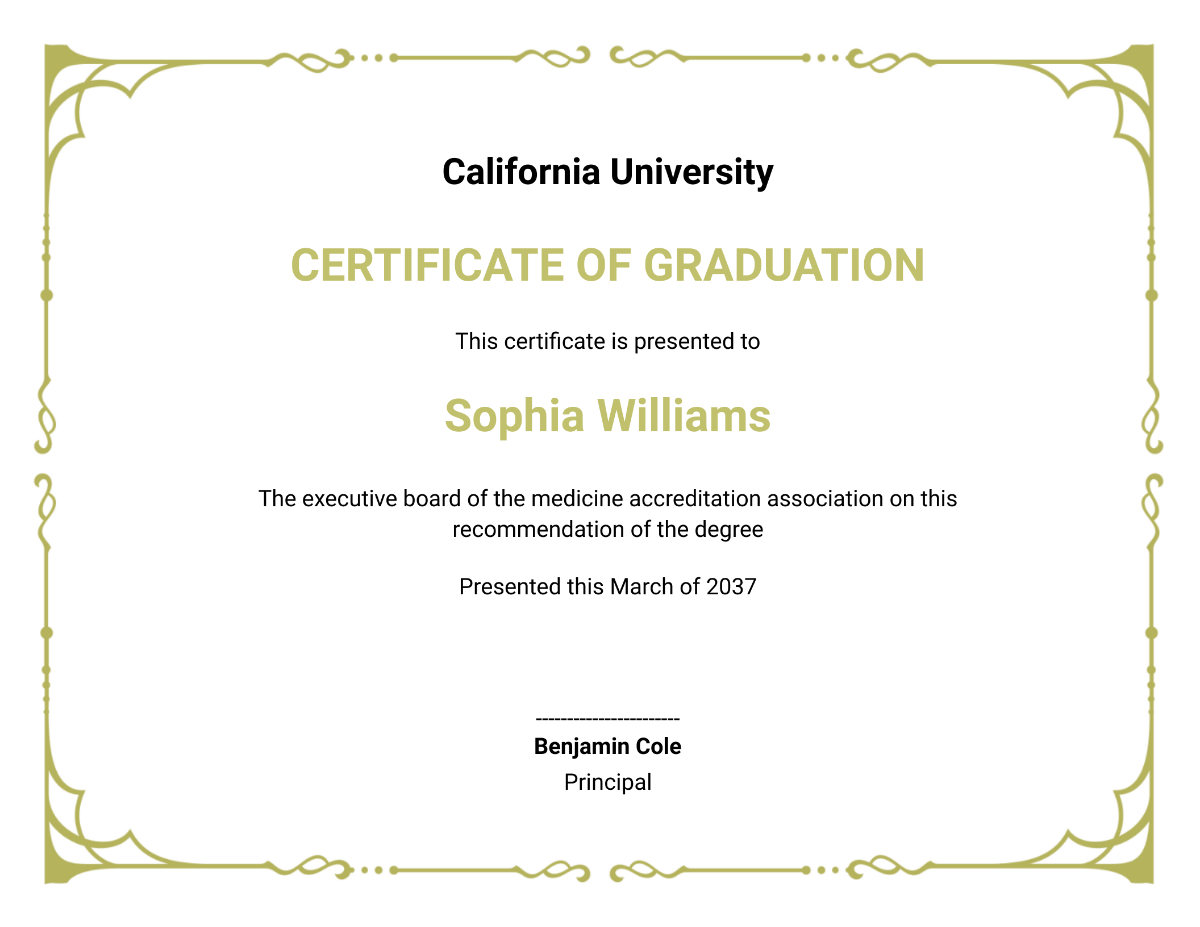
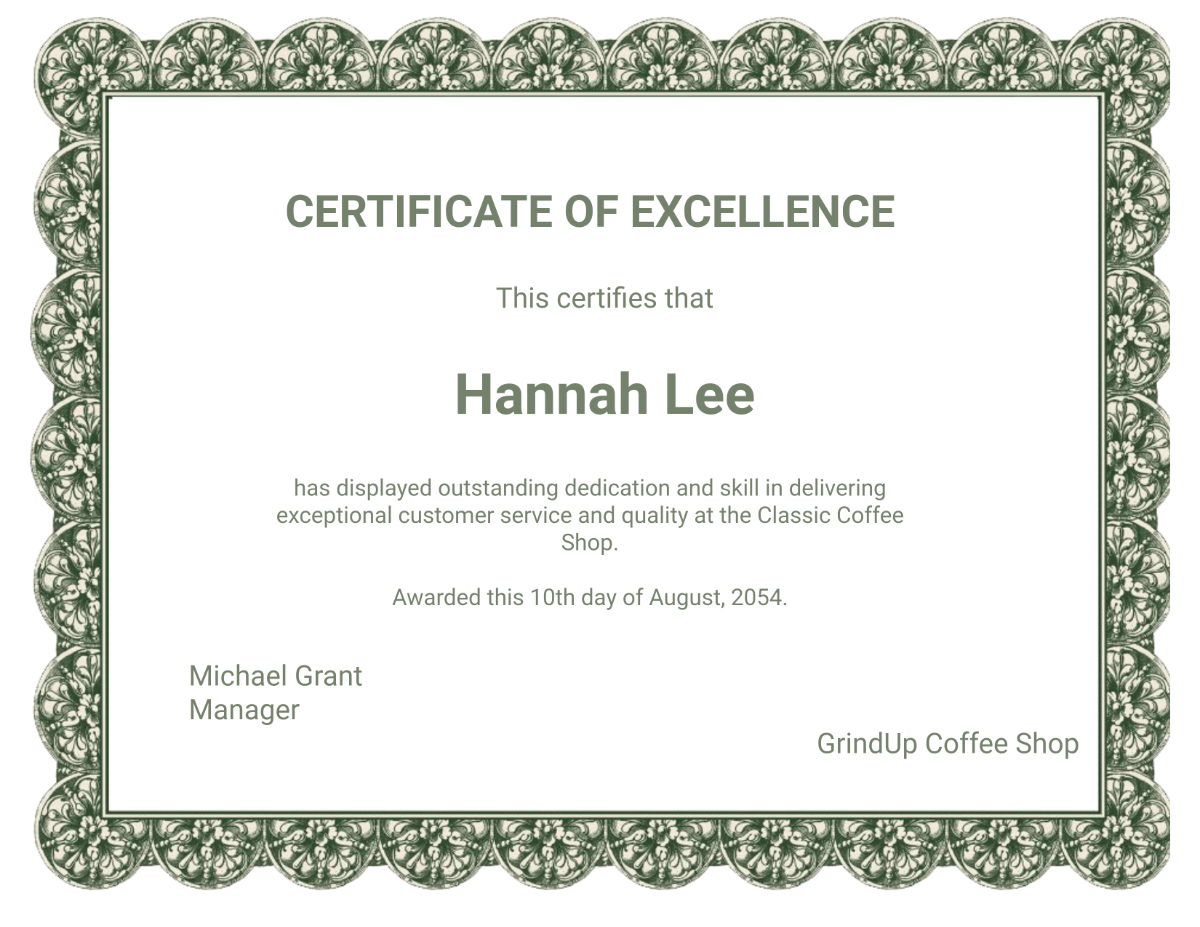
A border certificate is a formal document that certifies information related to a border, such as land boundaries or crossing permissions. These certificates use professional layouts and editable text areas to present key details clearly. Template.net offers ready-made border certificate templates for easy online customization.
Why use a Border Certificate?
Using a border certificate ensures official recognition of boundary or crossing details with clear layout blocks and key information sections. These templates help maintain accuracy and professionalism. Template.net provides customizable templates for quick, in-browser editing to produce reliable certificates.
Who typically uses Border Certificates?
Border certificates are typically used by government agencies, customs officials, landowners, and legal professionals to verify boundary or crossing information. Template.net’s templates cater to these users with layered design customization for professional and official documentation needs.
What size should a Border Certificate be?
The standard size for border certificates is usually 8.5 × 11 inches, providing ample space for headline, key information sections, and signatures. Template.net offers templates optimized for this size with editable design layers for easy adjustment.
What are the best tips for designing a Border Certificate?
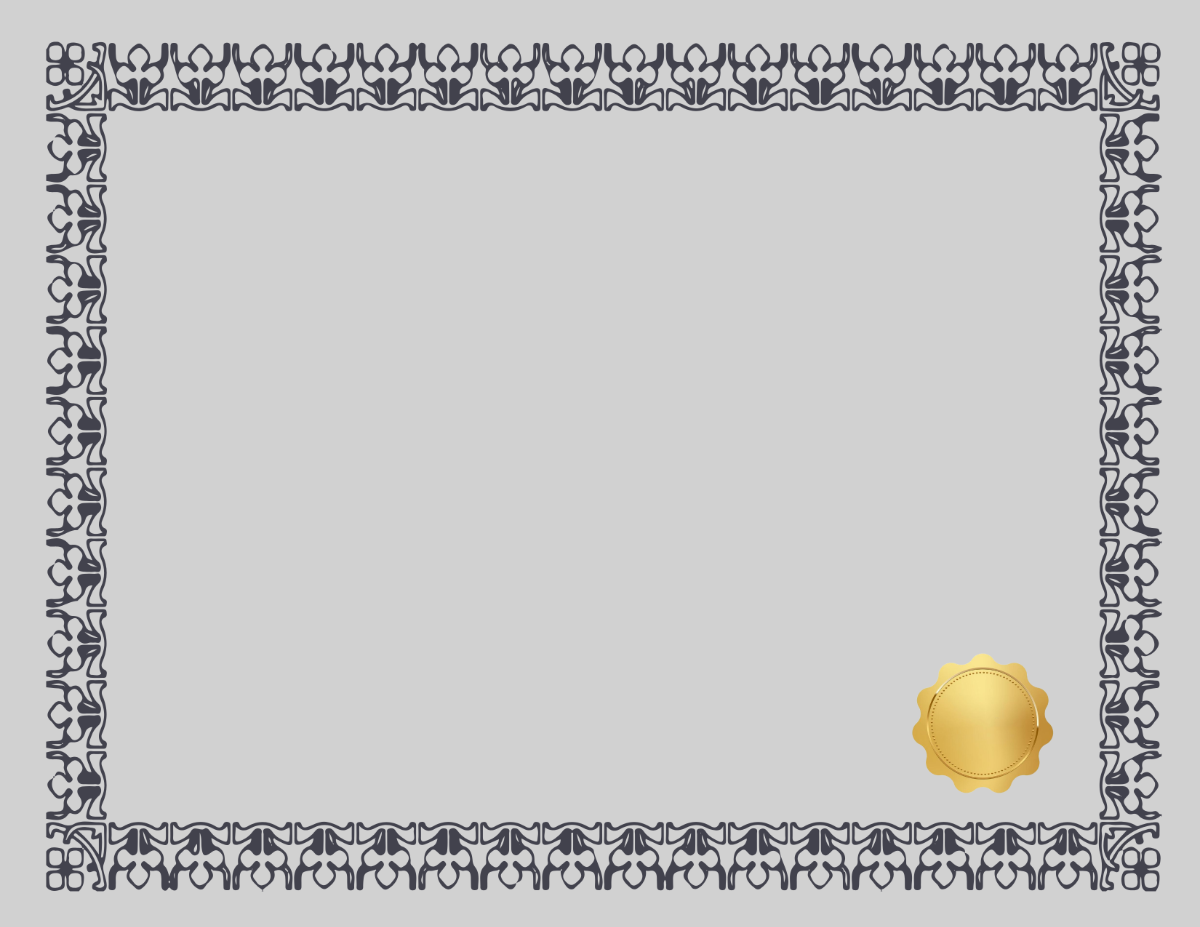
When designing a border certificate, include a clear headline, legible editable text areas, and official graphics or seals. Use balanced layout blocks to organize information. Template.net’s templates provide these design features with layered customization for professional results.
How do you print a Border Certificate?
To print a border certificate, use high-quality paper sized 8.5 × 11 inches and ensure the design includes color or black-and-white graphics clearly. Template.net templates are downloadable in print-ready formats optimized for crisp and professional printing.
What elements should a Border Certificate include?
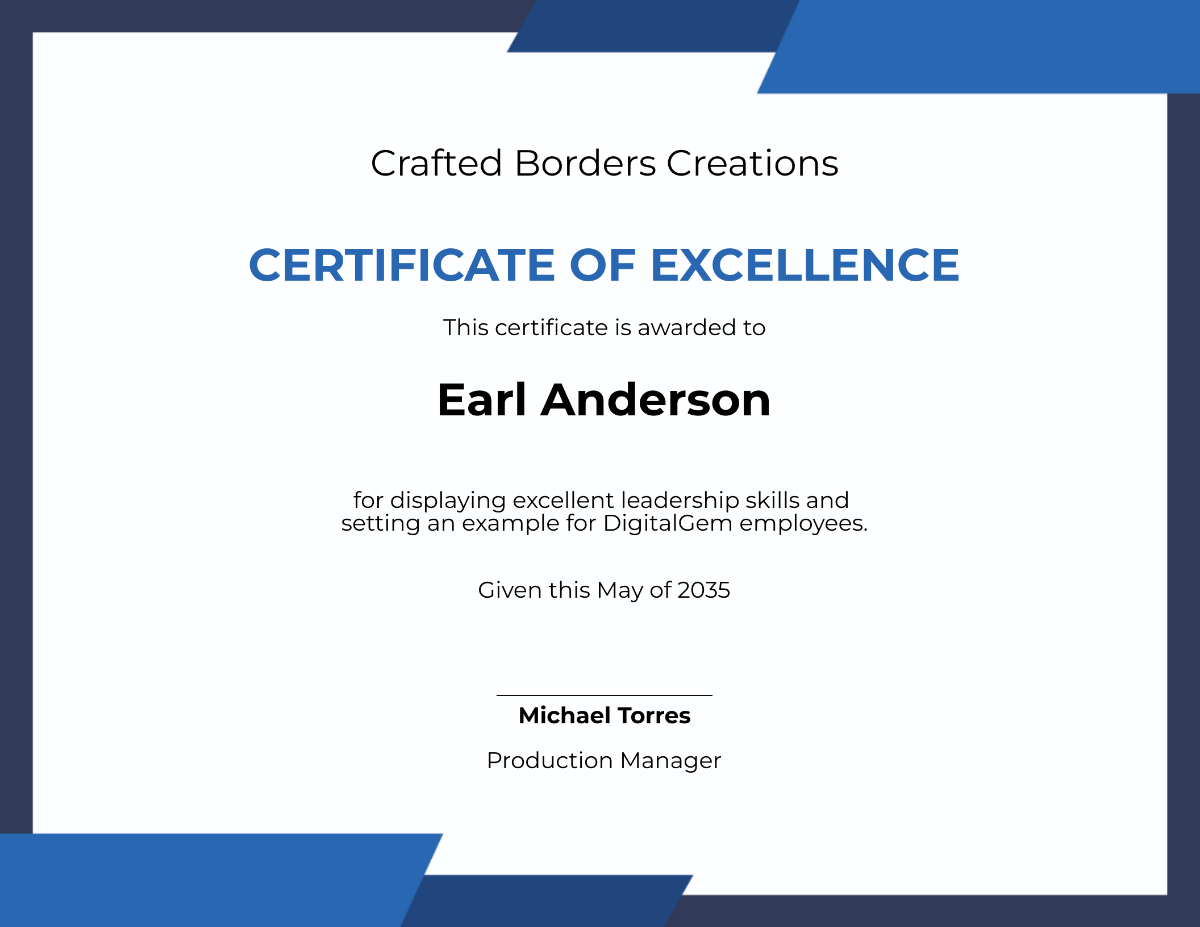
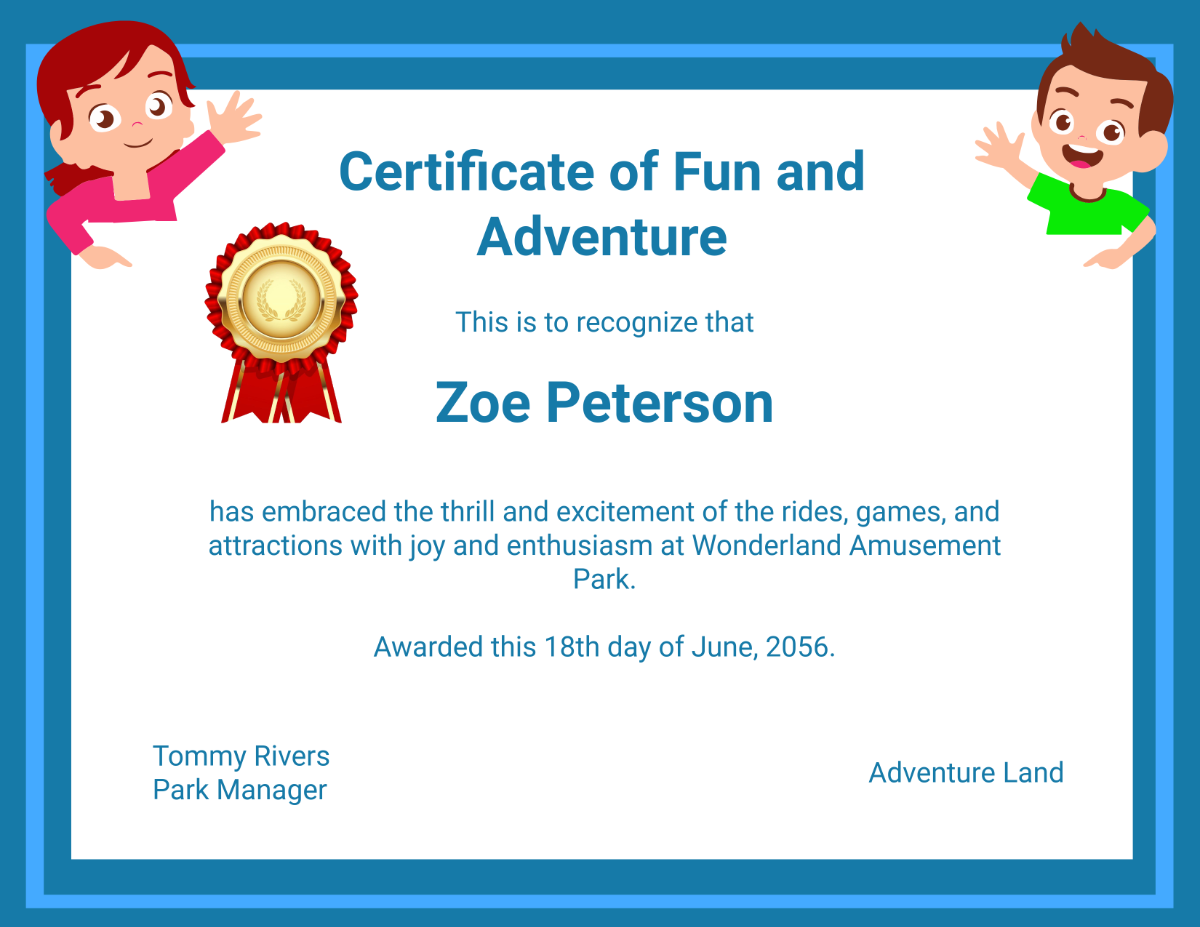
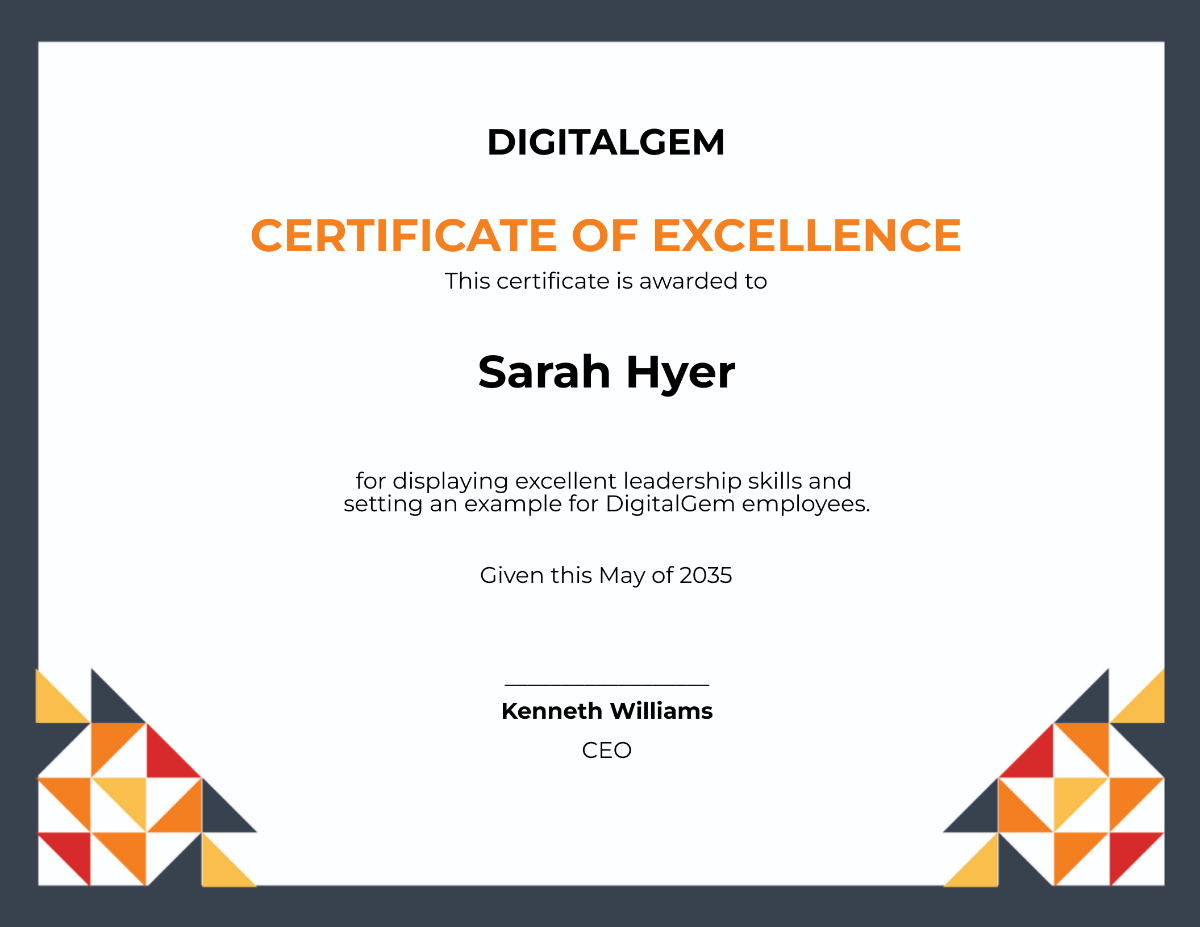
A border certificate should include a prominent headline, detailed key information sections, official signatures or stamps, and editable text areas for personalization. Template.net templates feature these design layers for easy editing.
What file formats can I download for a Border Certificate?
Template.net offers border certificate templates in multiple export formats suitable for editing and printing, including Border Certificate Templates.
Can I create a new Border Certificate using AI?
Template.net provides an AI-powered tool that generates new border certificate designs from prompts. You can explore this capability with the Certificate Generator for quick and customized templates.
