
Free Certificate Templates


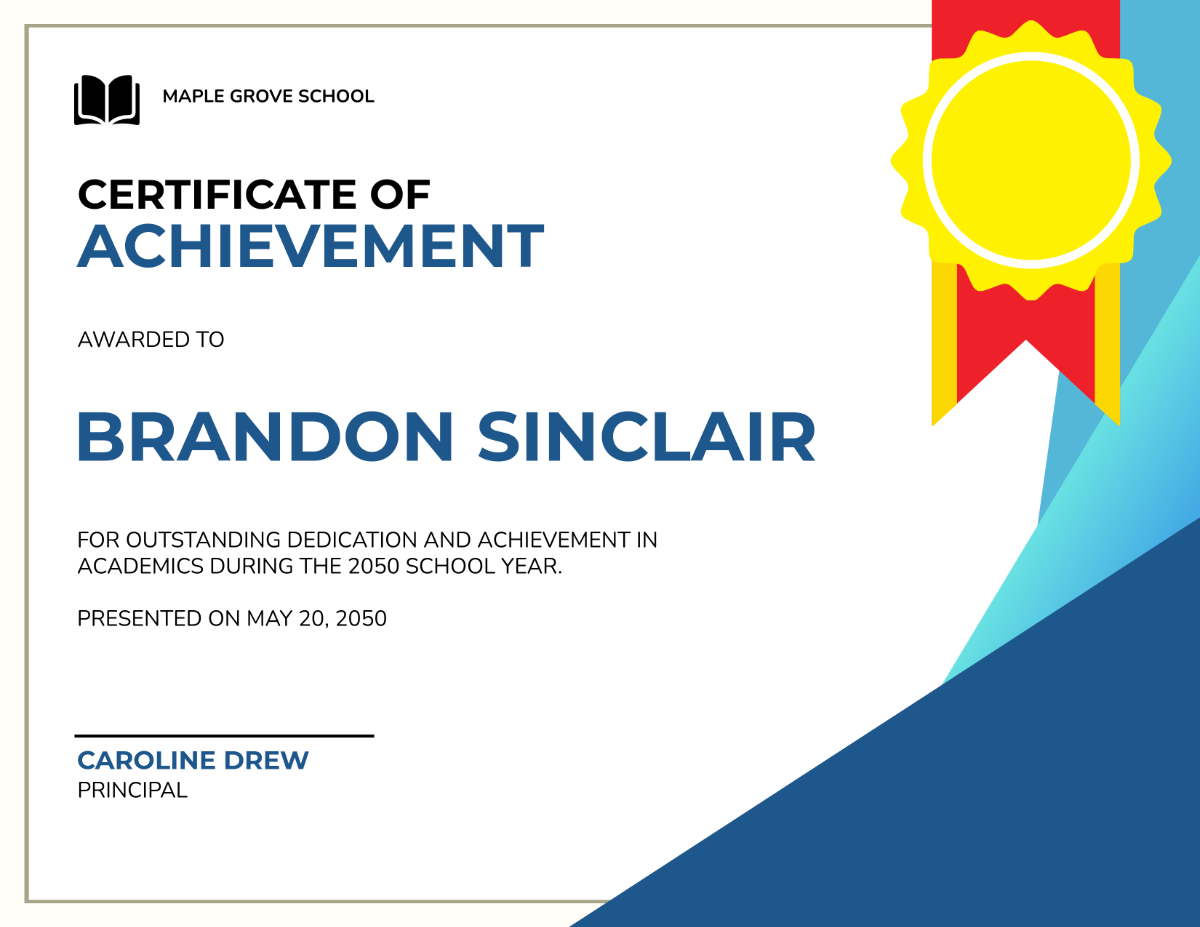


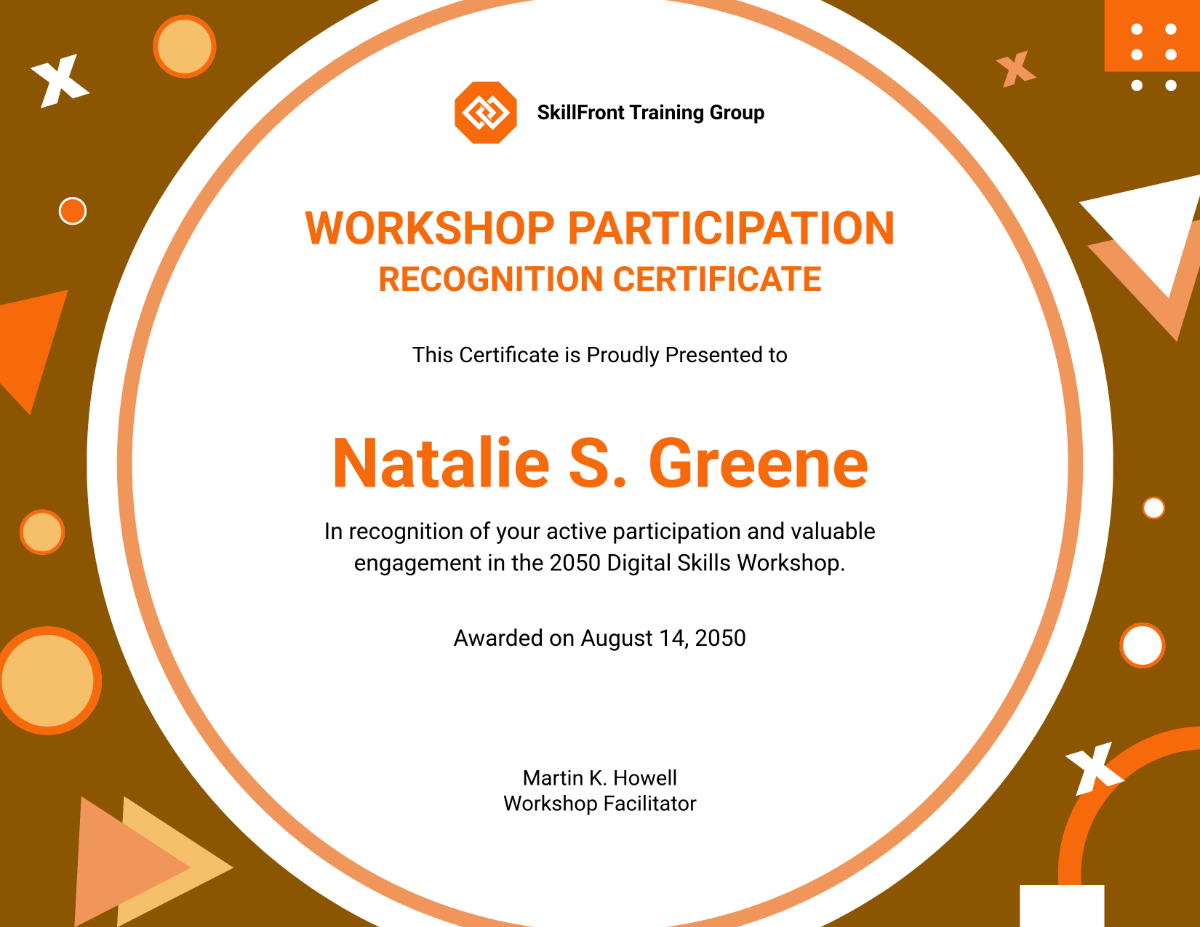


Free Certificate Templates: Customizable Design Guide, Sizes, and Download Formats

What is a Certificate?
A certificate is an official document that recognizes a person's achievement, completion, or qualification in a specific area. Certificates are often used in education, training, or professional recognition to provide formal validation and authenticity.

Why should I use a Certificate?
You should use a certificate to formally acknowledge accomplishments, motivate recipients, and provide tangible proof of skills or participation. Certificates enhance credibility and can be used for career advancement, education, or personal milestones.

Who uses Certificates?
Certificates are used by educational institutions, companies, event organizers, and training providers to recognize students, employees, participants, and achievers. They serve as official documentation for achievements across various fields.

What are the best tips for designing my Certificate?
When designing your certificate, consider these tips for a professional look:
- Use clear and legible fonts for names and titles
- Incorporate a balanced layout with sufficient white space
- Include official logos or seals for authenticity
- Choose a harmonious color scheme that reflects the institution
- Add decorative borders or frames for formality
- Maintain consistent alignment of text and elements
- Use high-resolution images for print clarity
- Include signature lines for validation
- Ensure ample space for recipient names
- Keep the design simple and elegant to emphasize importance

What file formats can I download for my Certificate?
Template.net offers certificate templates in multiple file formats for editing and sharing, including PSD, Illustrator, Apple Pages, Word, Publisher, InDesign, PDF, and Google Docs.

Can I create a Certificate using AI?
Template.net provides an AI-powered tool that generates new certificate designs from prompts. You can create personalized certificates quickly and easily using the Certificate Generator.

What are the standard sizes for printing my Certificate?
Certificates typically come in standard print sizes that fit common frames and holders. The most used sizes include:
- 8.5 × 11 inches (US Letter)
- 8.27 × 11.69 inches (A4)
- 11 × 14 inches for larger display
- 5 × 7 inches for smaller certificates
- Certificate holders often accommodate these dimensions for easy framing

What design elements should I include in my Certificate?
Key design elements to include in your certificate are:
- Recipient's name prominently displayed
- Title or reason for the certificate
- Date of issue
- Logos or seals of the issuing organization
- Signature lines for authorized personnel
- Decorative borders or patterns for formality
- Background textures for visual interest
- Clear hierarchy of text size and weight

What are the benefits of using a Certificate?
Using a certificate provides several benefits including:
- Official recognition of achievement or completion
- Enhanced motivation for recipients
- Proof of skills or training for career advancement
- Increased credibility for organizations
- Tangible documentation for records and portfolios
- Encouragement of continued learning
