














Free Mind Map Templates: Customizable Visual Structure Guide and Uses

What is a Mind Map?
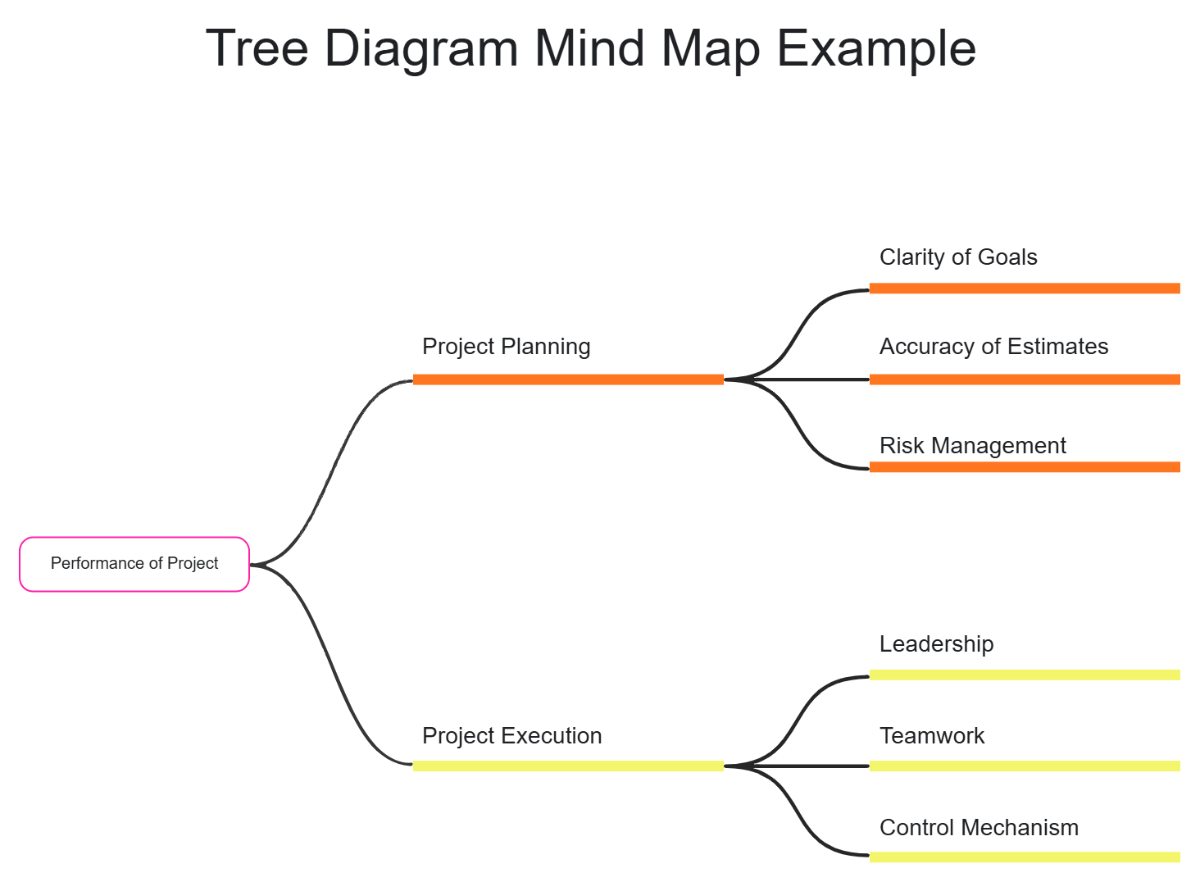
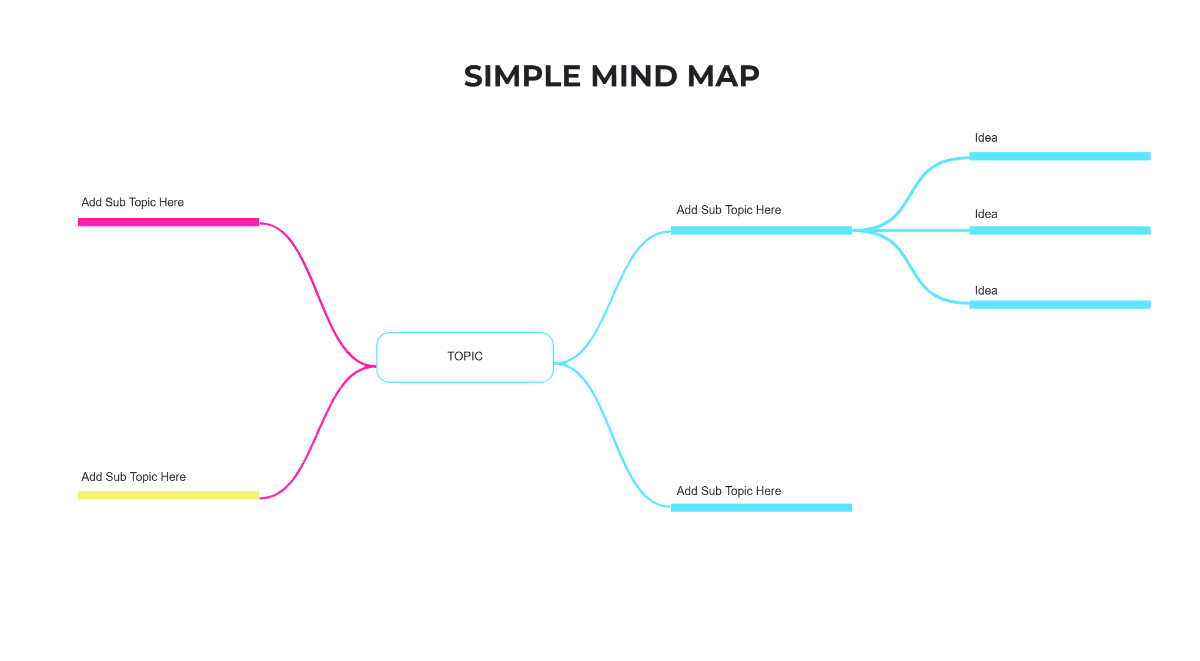
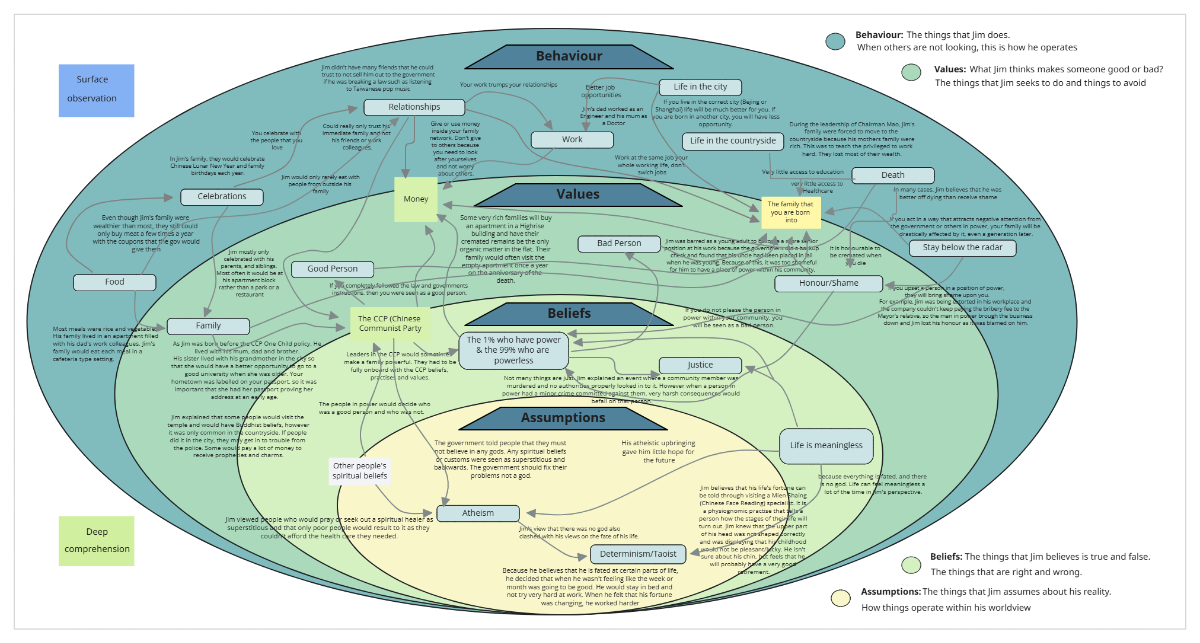
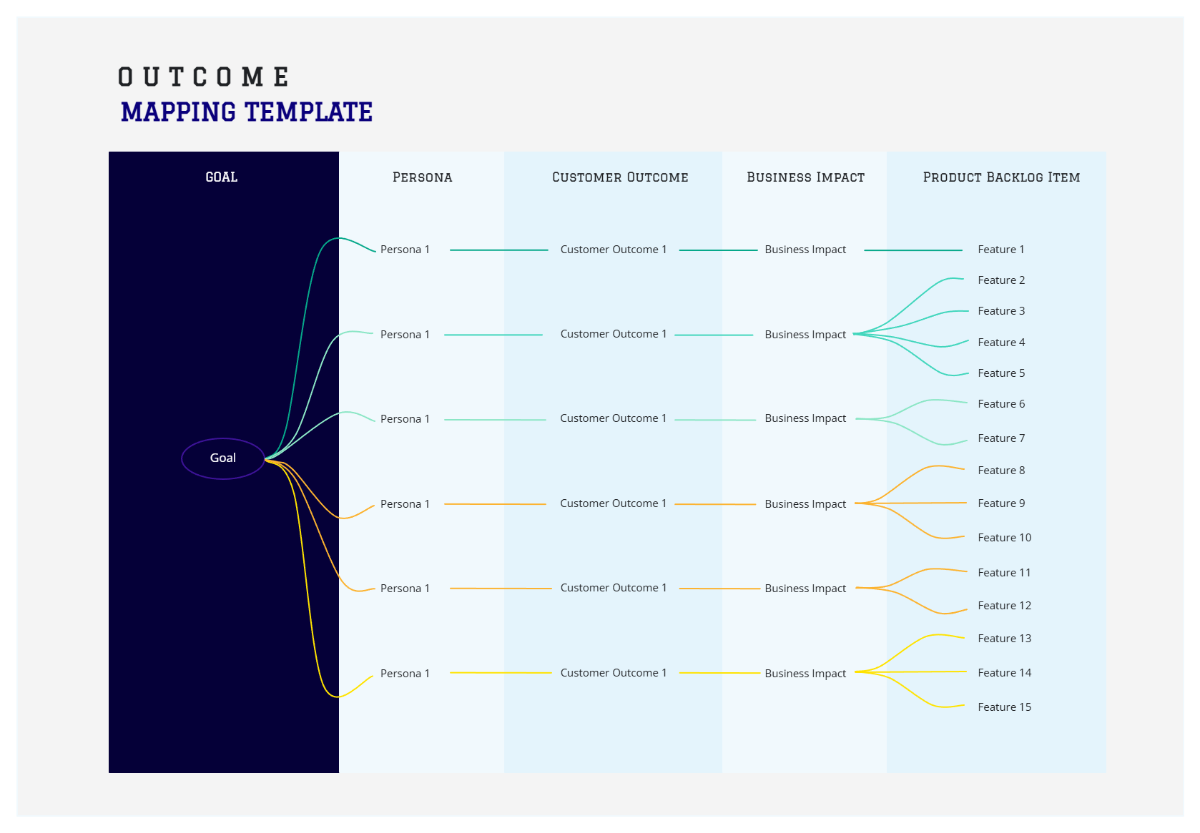
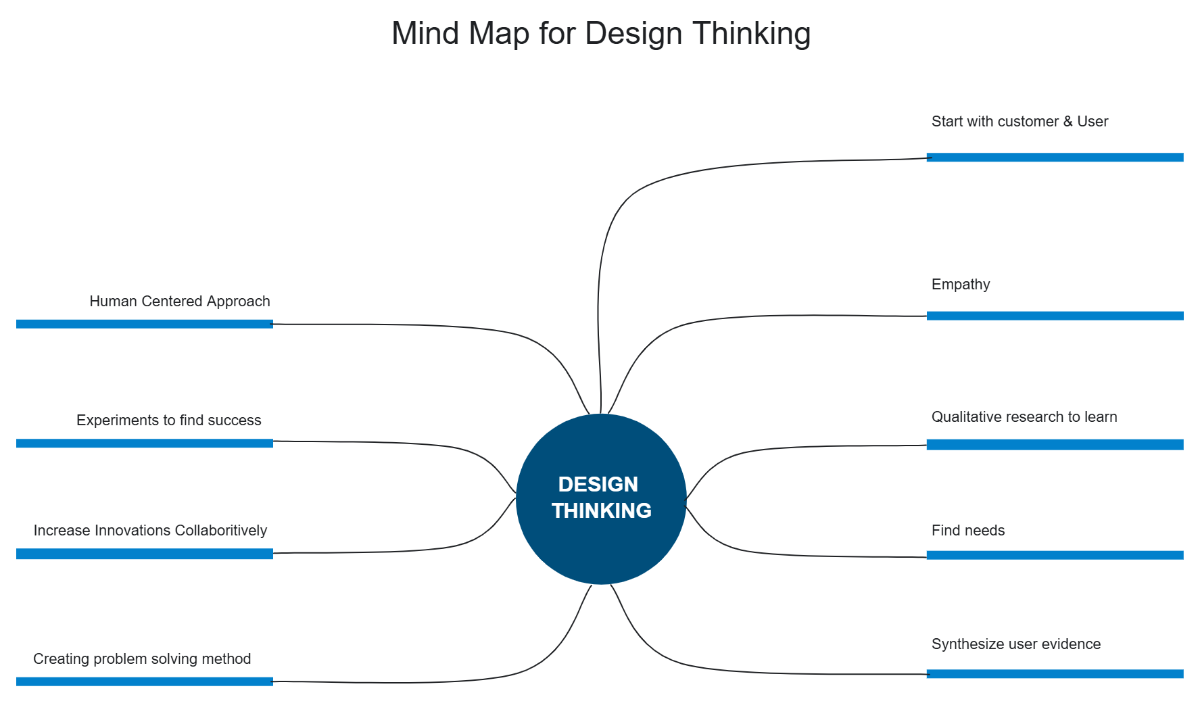
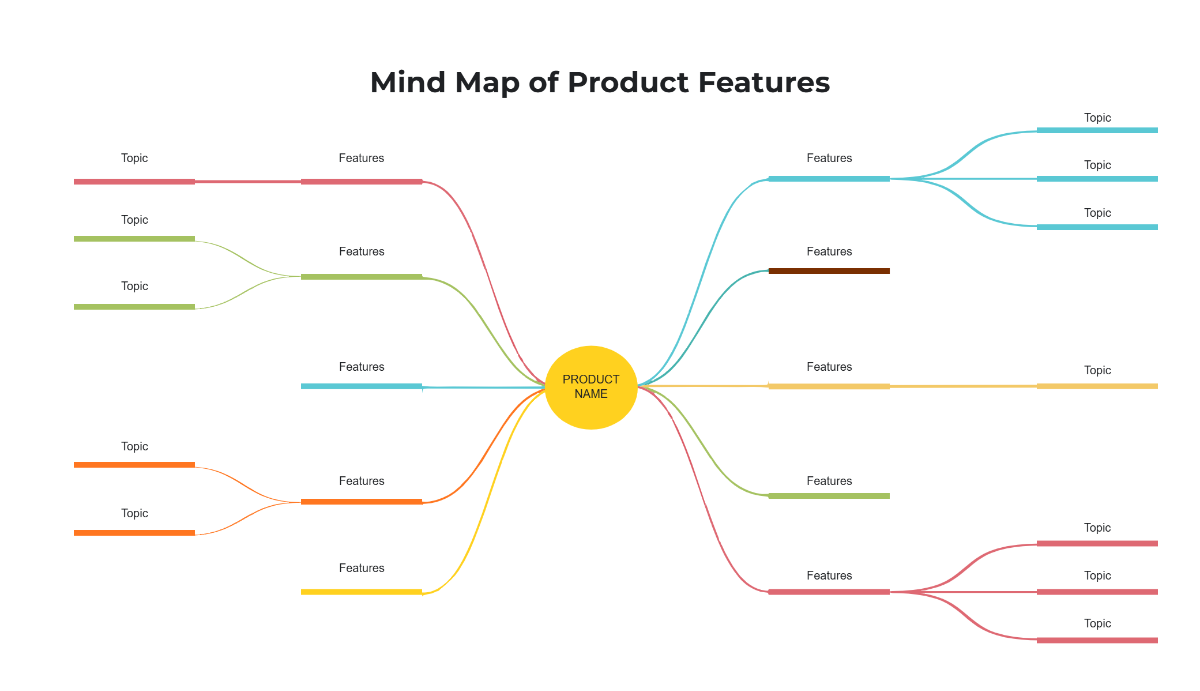
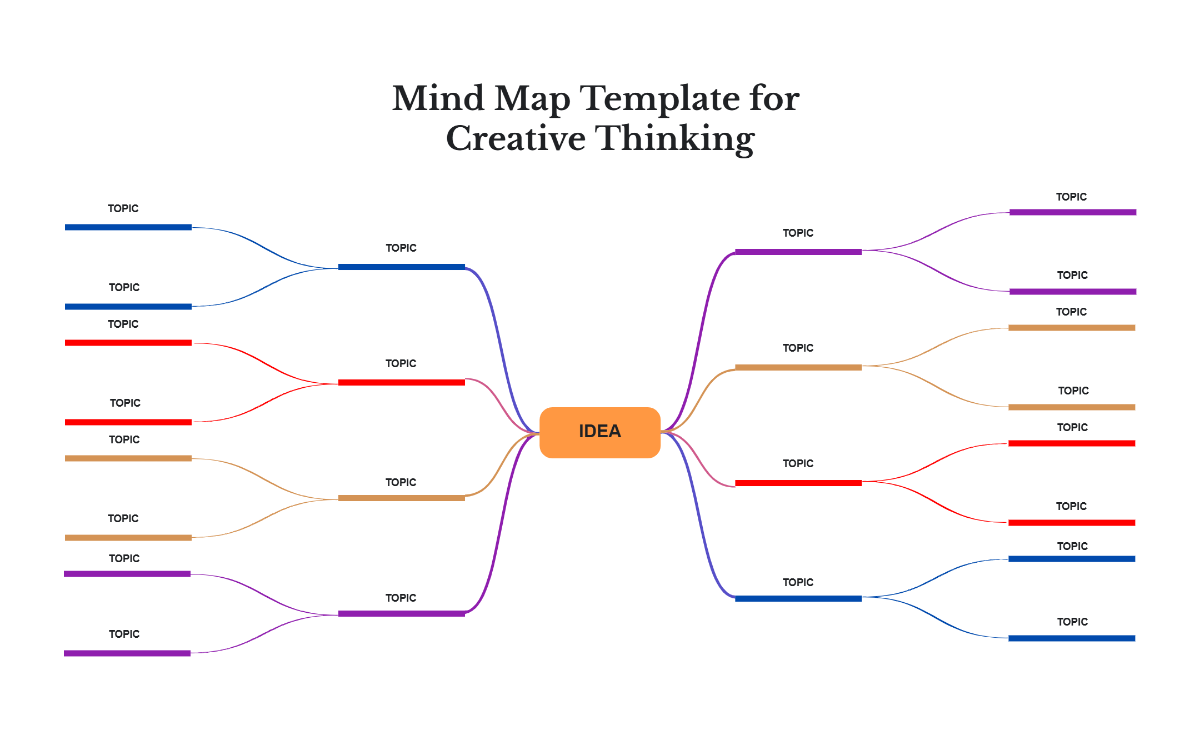
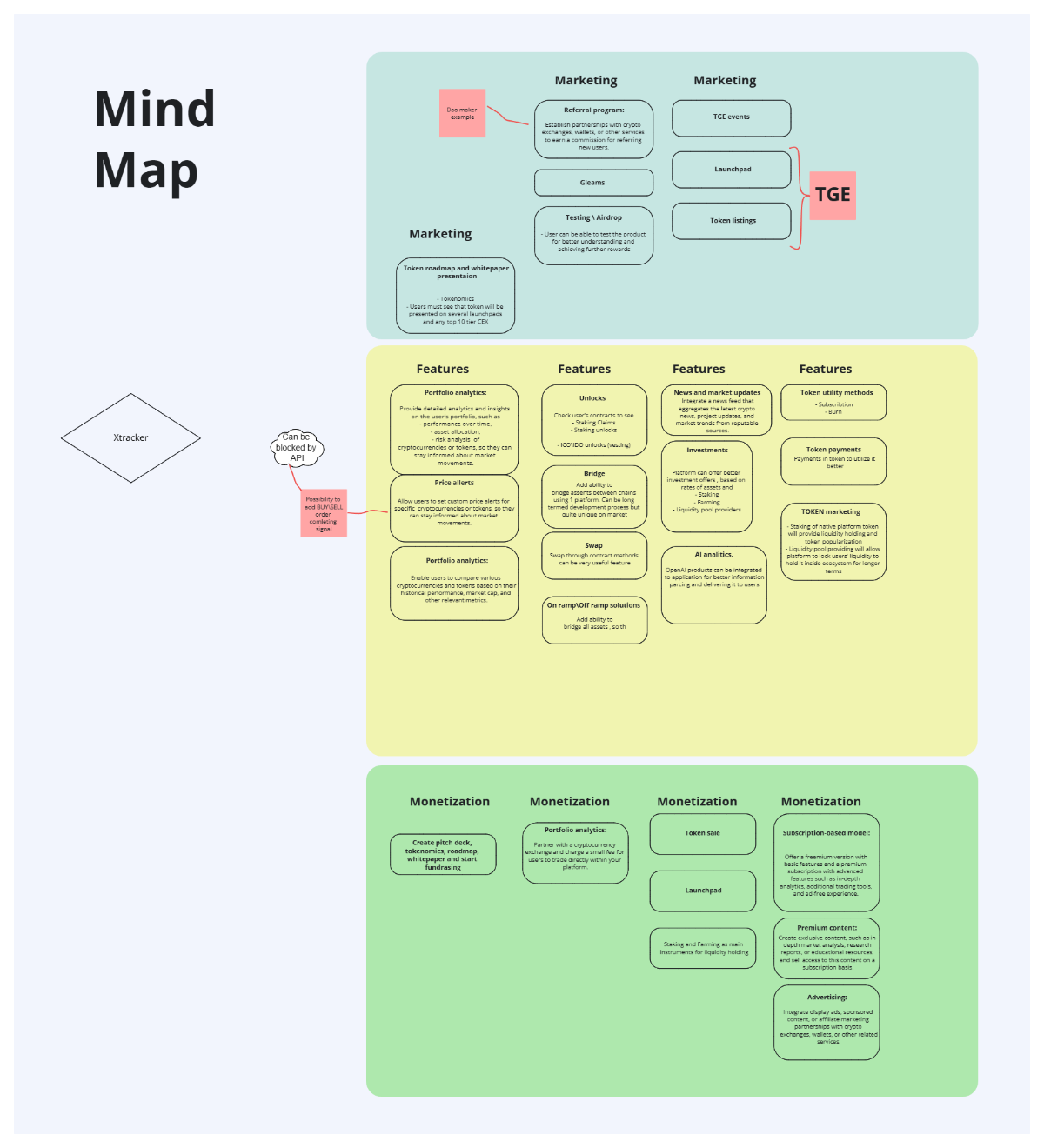
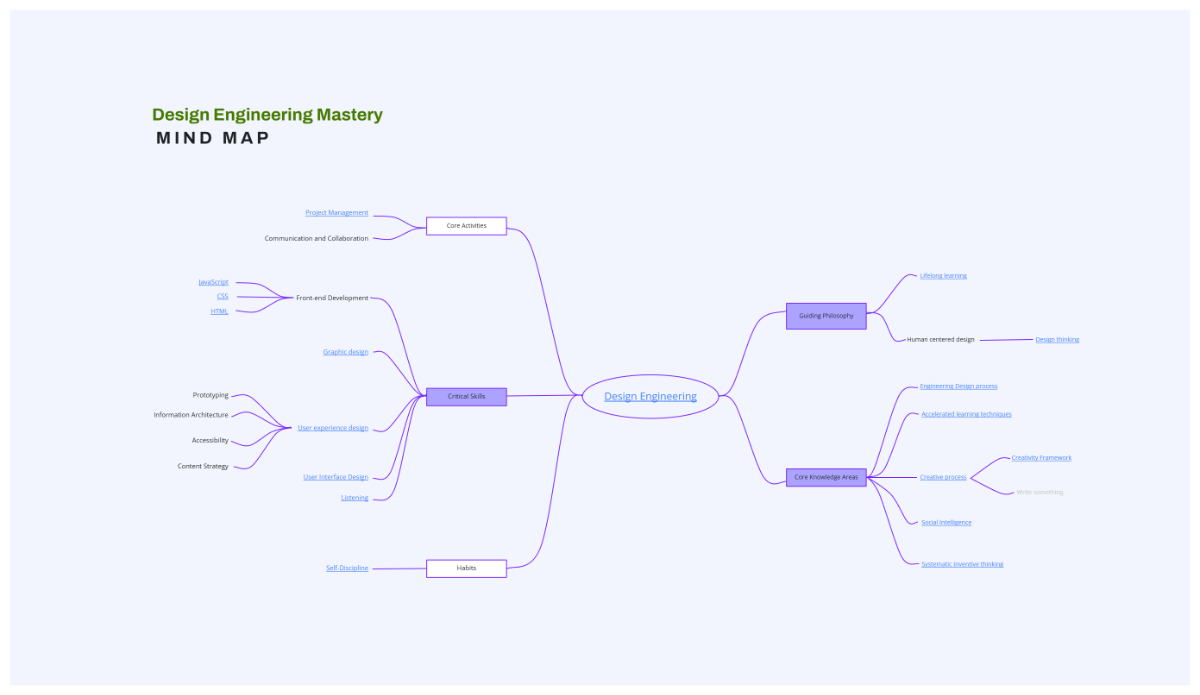
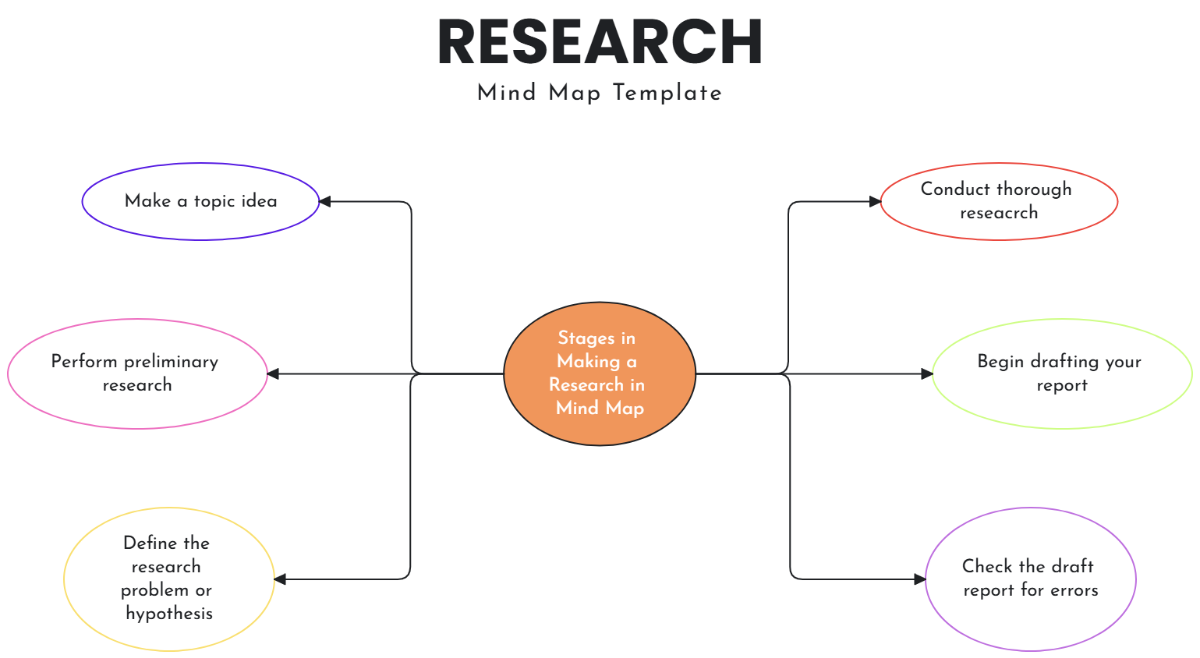
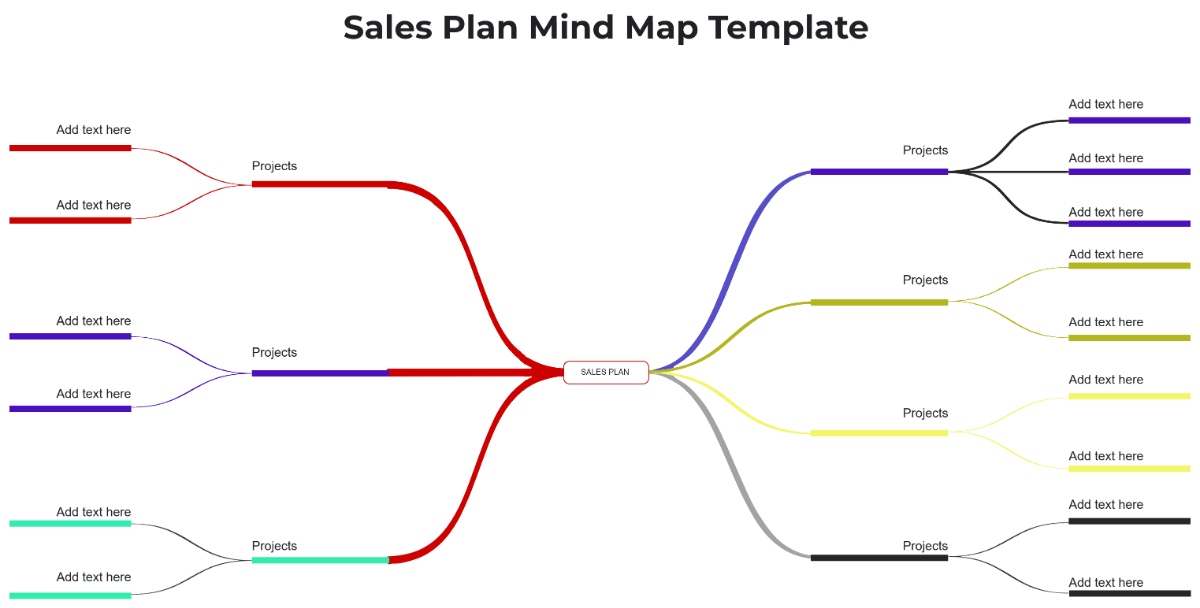
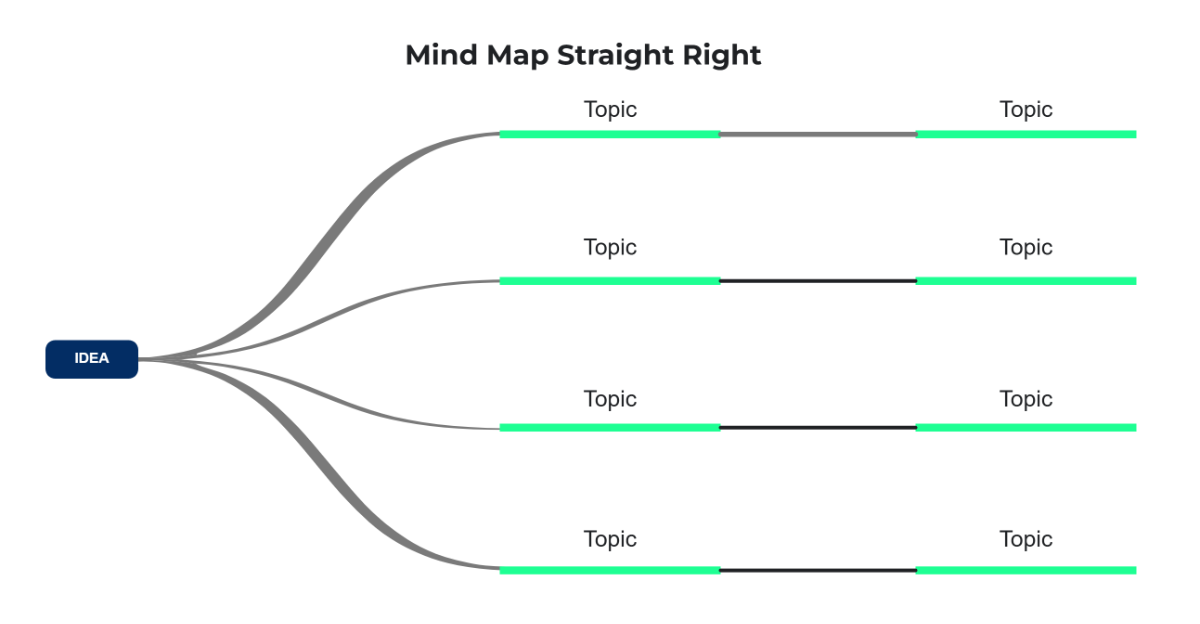
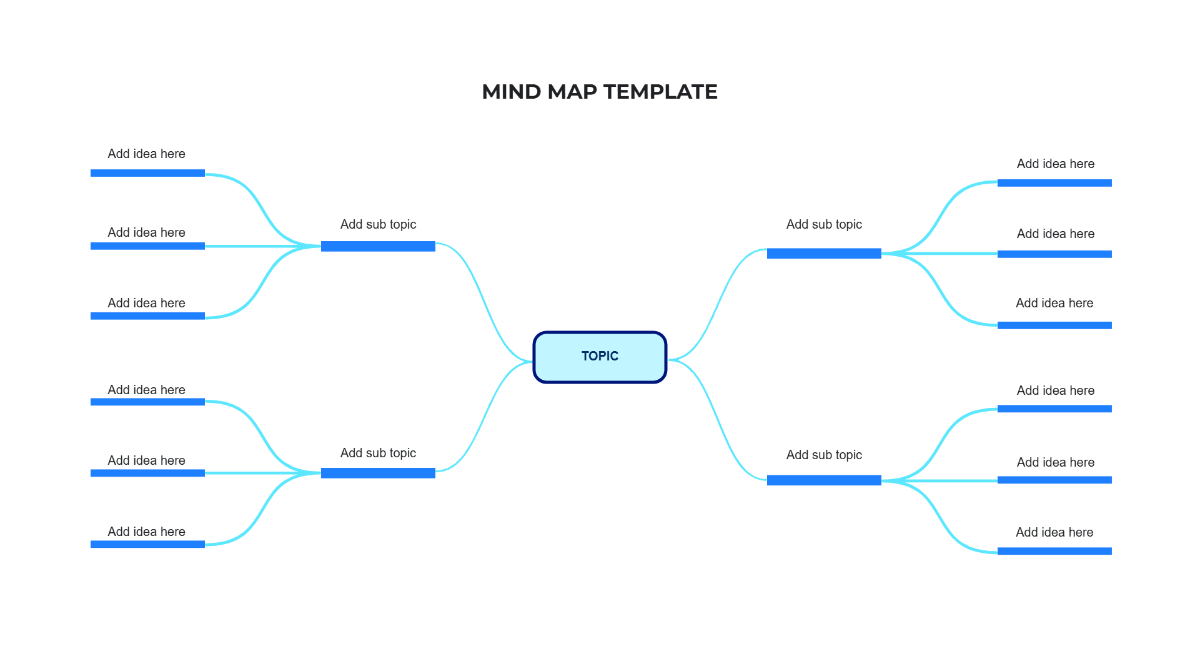
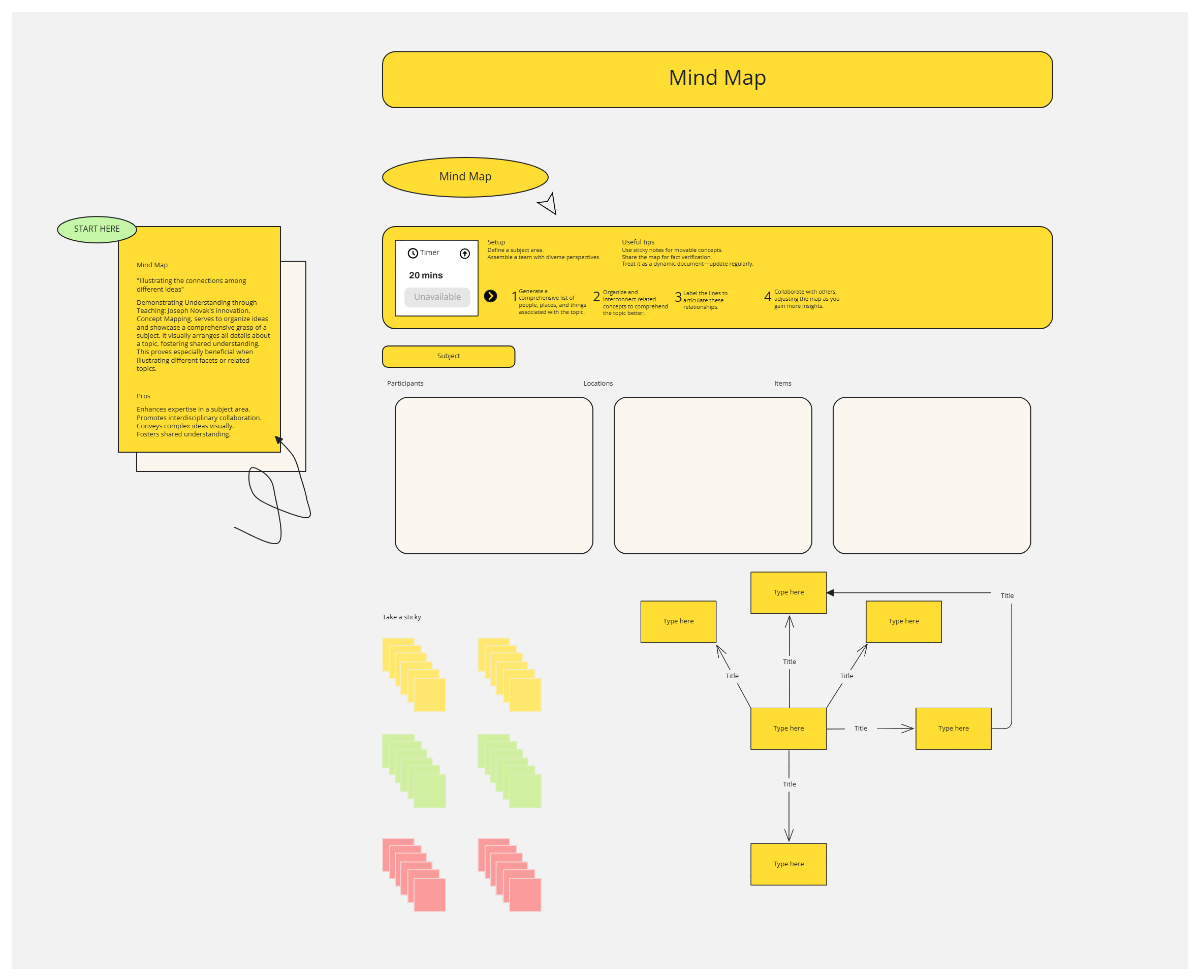
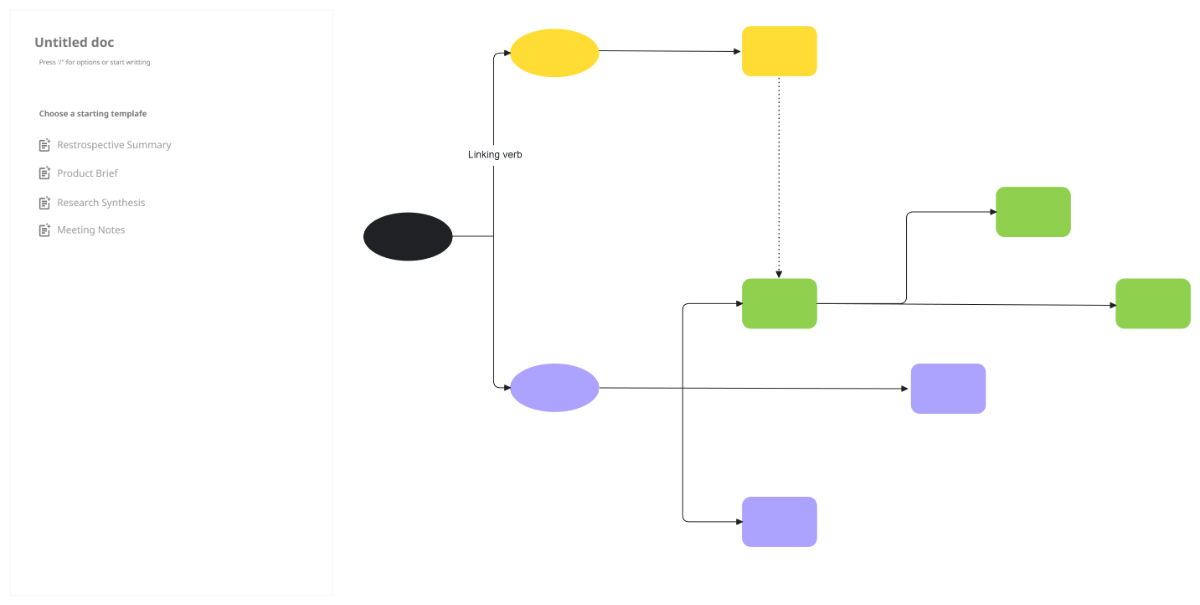
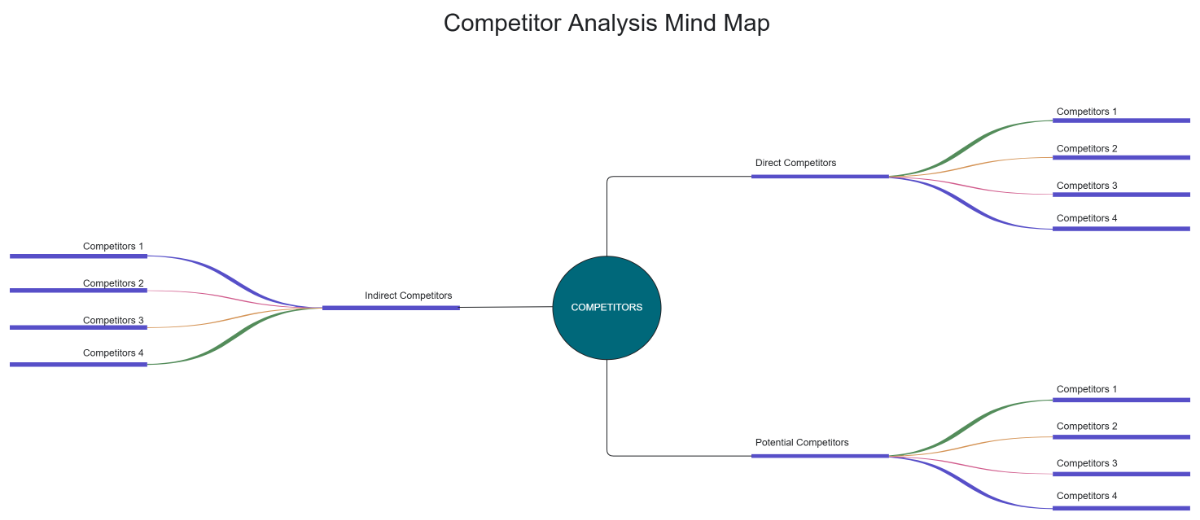
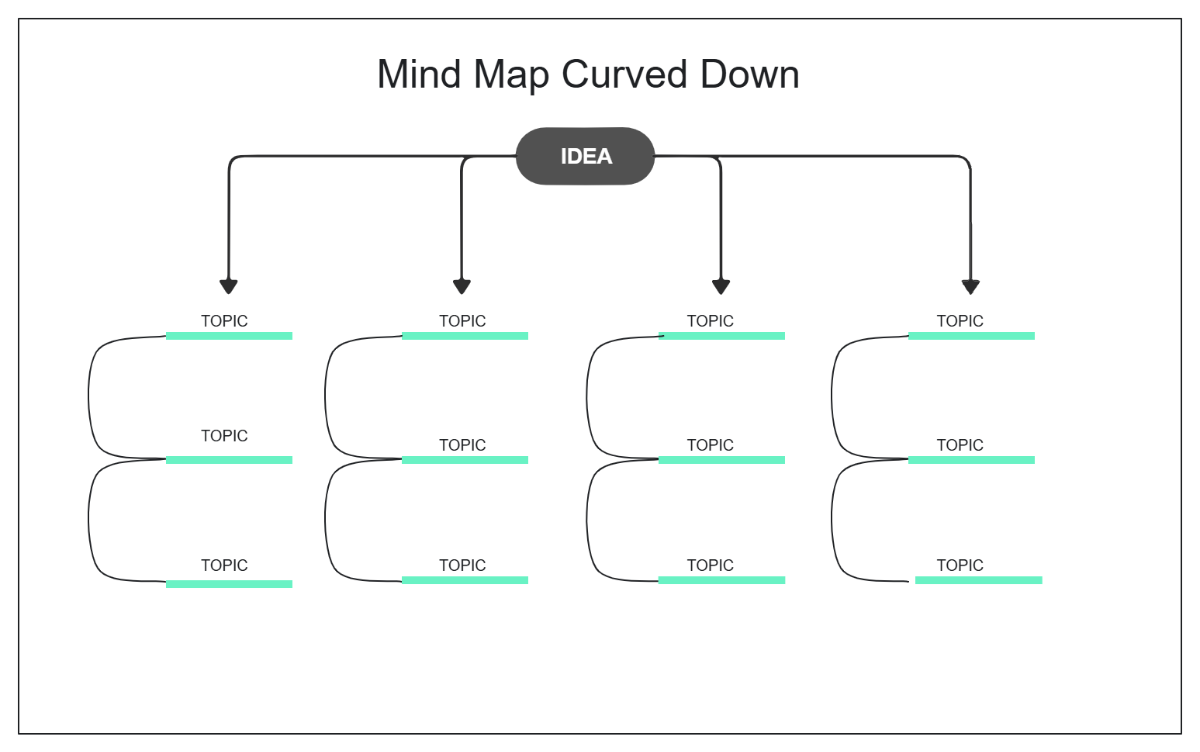
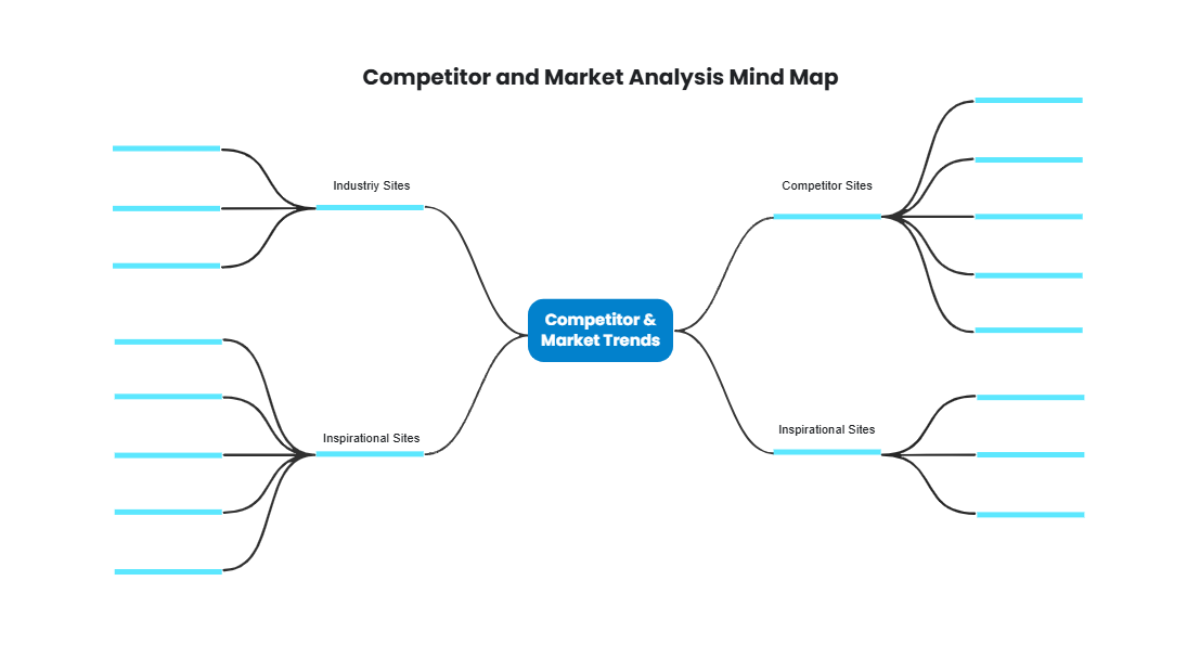
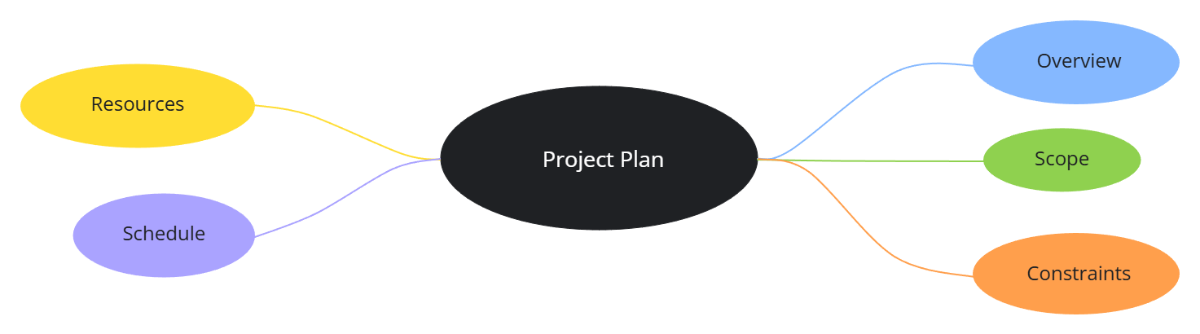
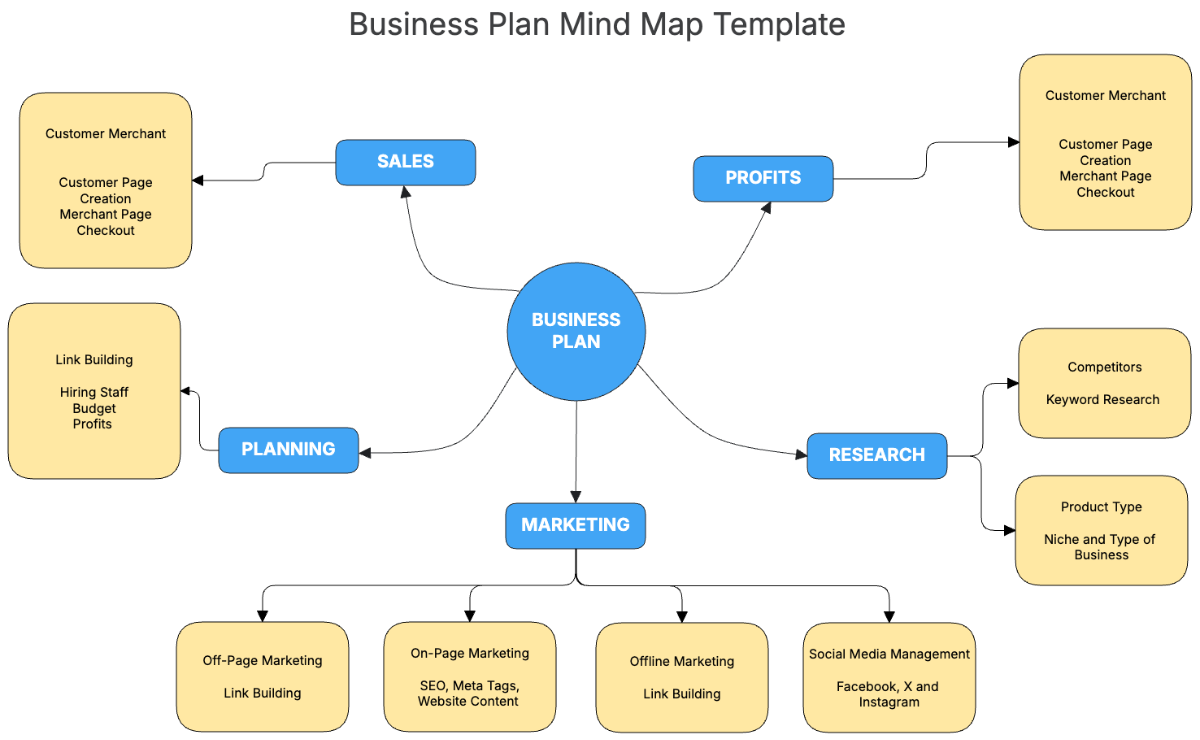
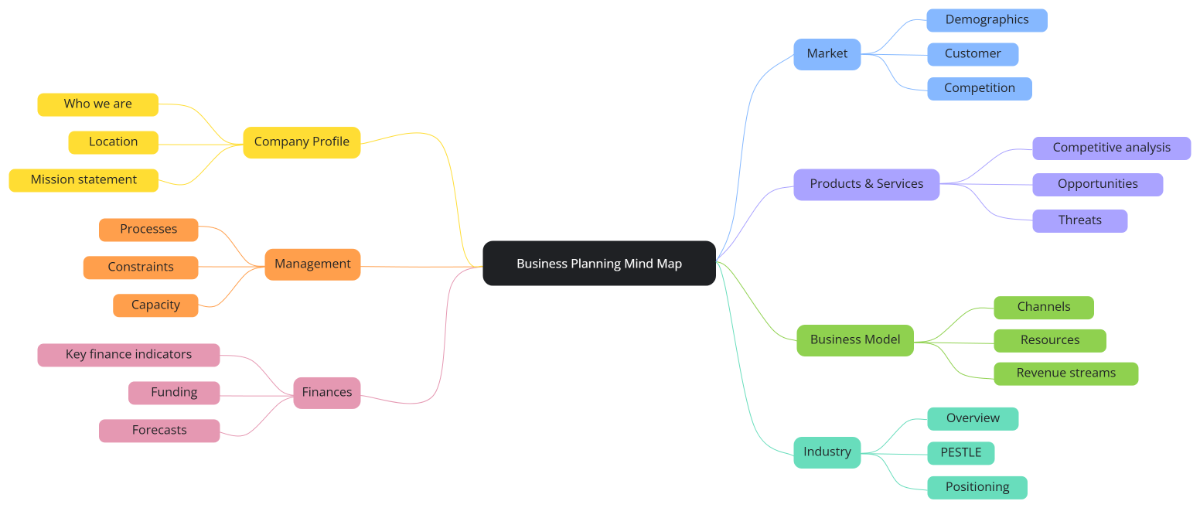
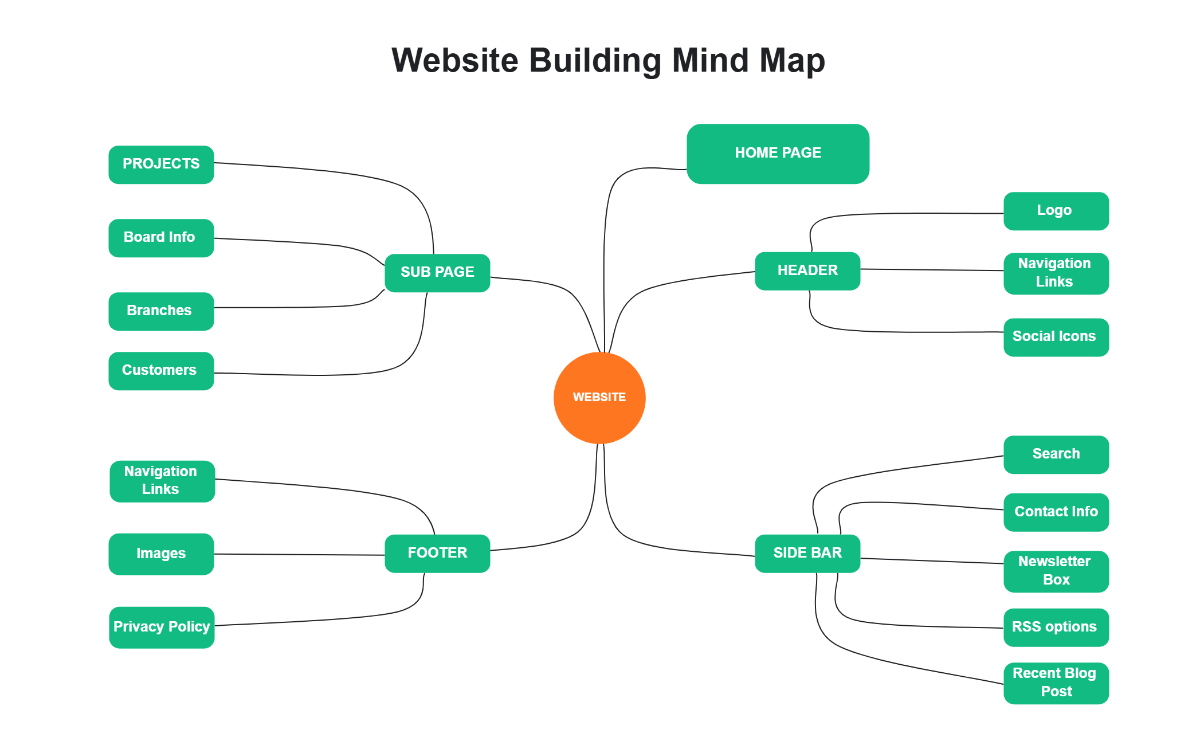
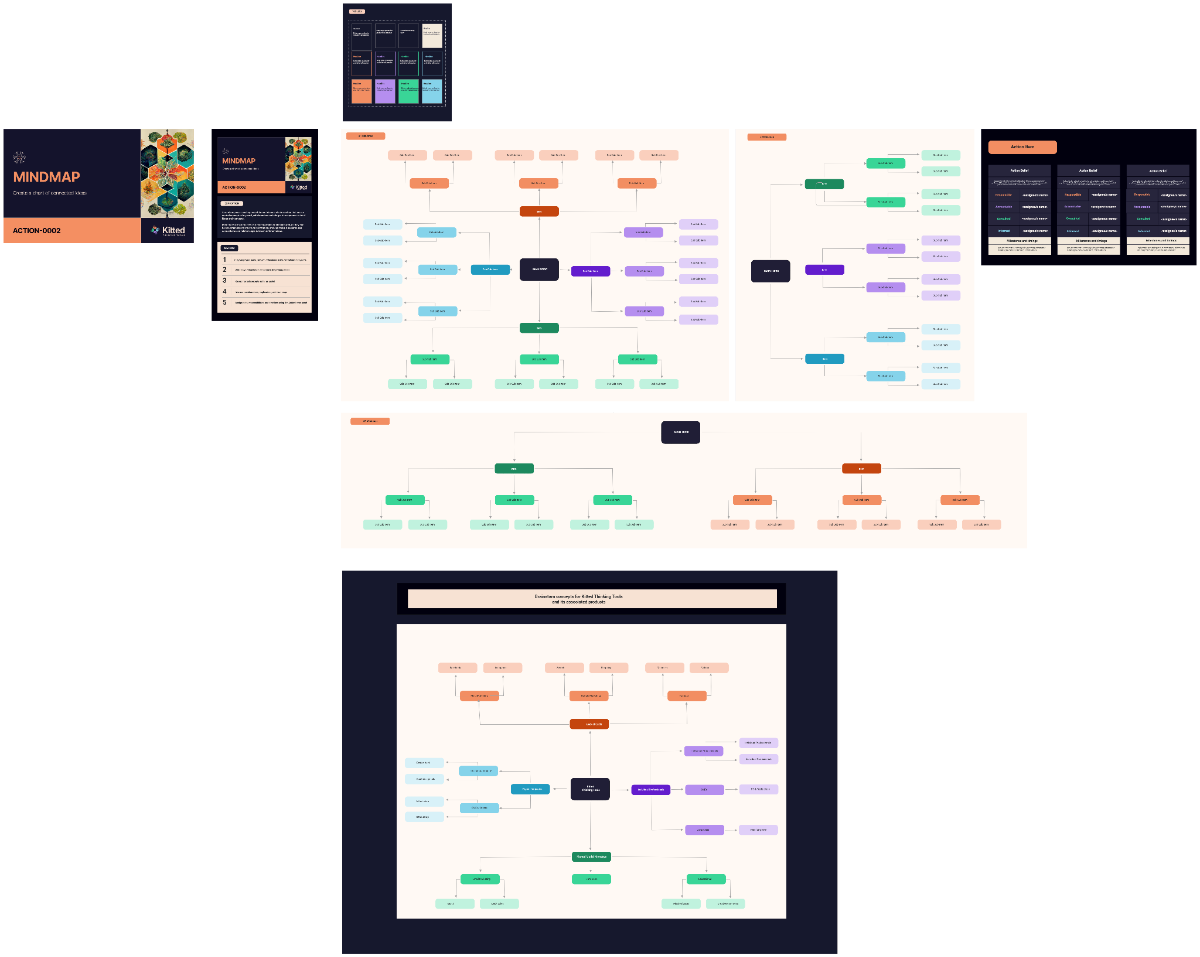
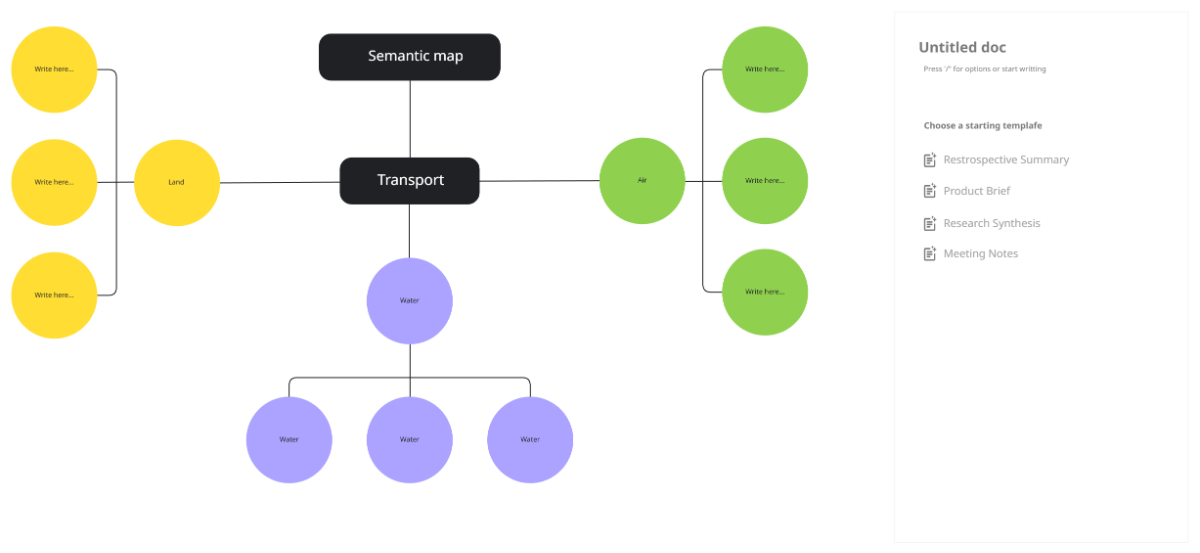
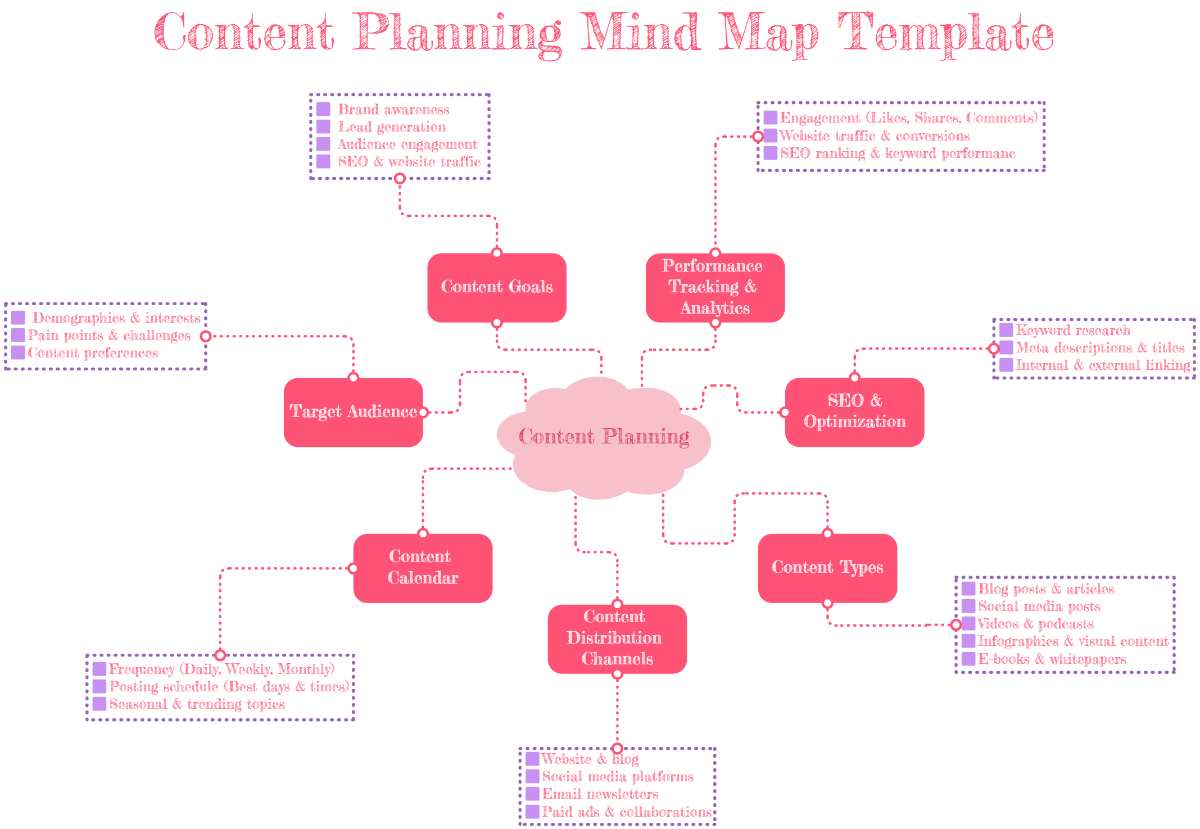
A Mind Map is a visual diagram that organizes information around a central idea using branches and nodes to represent concepts and their relationships. It helps illustrate workflow connections and visual hierarchy for better comprehension and brainstorming.

Why should I use a Mind Map?
You should use a Mind Map because it enhances structural clarity and creativity by visually linking ideas, improving memory retention and problem-solving. It supports collaboration features and helps you break down complex topics into manageable parts.

Who uses Mind Maps?
Mind Maps are used by students, educators, business professionals, and creative teams who require a clear, visual method to organize ideas, plan projects, or facilitate brainstorming sessions. They benefit anyone needing to illustrate diagram structures effectively.

What are the best tips for completing my Mind Map?
Effective completion of your Mind Map involves focusing on key strategies.
- Start with a clear central idea – define the main theme.
- Use keywords – keep branches concise.
- Incorporate colors – differentiate concepts visually.
- Include images or icons – enhance memory and engagement.
- Maintain hierarchical structure – organize from general to specific.
- Limit branch length – keep connections clear and readable.
- Use consistent styles – ensure uniform appearance.
- Review and revise – update as ideas evolve.
- Collaborate with others – gather diverse input.
- Use Template.net customizable templates – adapt layouts as needed.

What file formats can I download for my Mind Map?
Template.net whiteboard templates for Mind Map support multiple export formats for collaboration and sharing, including Word, PowerPoint, Apple Pages, Apple Keynote, Google Docs, PDF, PowerPoint, PowerPoint, PowerPoint, PowerPoint, and Google Slides.

Can I create a Mind Map using AI?
Template.net provides an AI-powered tool that generates new Mind Map structures from prompts to assist your creative process. You can use the Mind Map Maker to quickly generate customized diagrams based on your input.

What essential elements should be included in my Mind Map?
Your Mind Map should include fundamental elements to ensure clear organization.
- Central idea – the main concept from which all branches extend.
- Main branches – primary categories or themes connected to the center.
- Sub-branches – supporting details that expand on main branches.
- Keywords – concise terms that summarize ideas.
- Colors – used to differentiate branches and improve visual clarity.
- Icons or images – visual cues to aid memory.
- Connections – lines or arrows showing relationships.
- Hierarchical layout – organizing from general to specific.
- Spacing – adequate gaps to prevent clutter.
- Title or legend – optional, for context or explanation.
What are the benefits of using Mind Map in my project workflow?
Using a Mind Map in your project workflow provides several advantages.
- Improved organization – visually arranges tasks and ideas.
- Enhanced creativity – encourages brainstorming diverse solutions.
- Better communication – clarifies complex information for team members.
- Efficient planning – breaks down projects into manageable parts.
- Increased engagement – interactive visual format motivates participation.
- Quick problem-solving – identifies connections and bottlenecks.
- Flexible adaptation – easily updates as project evolves.
- Supports collaboration – multiple users can contribute.
- Memory enhancement – visual cues aid retention.
- Time-saving – accelerates idea generation and decision-making.

What structural standards should my Mind Map follow?
Your Mind Map should follow clear structural standards to maintain readability and effectiveness.
- Central placement – position the main idea in the center.
- Radial symmetry – branches radiate outward evenly.
- Consistent branch thickness – maintain uniform visual weight.
- Clear labels – use concise and legible text.
- Color coding – assign distinct colors per branch.
- Balanced spacing – avoid overcrowding between elements.
- Logical hierarchy – organize from general to specific.
- Use of icons – include relevant visuals sparingly.
- Simple connectors – use straight or curved lines without excess decoration.
- Consistent font styles – ensure uniform typography.
