
Free Retirement Certificate Templates










Retirement Certificate Templates: Definition, Uses, and Design Tips

What is a Retirement Certificate?
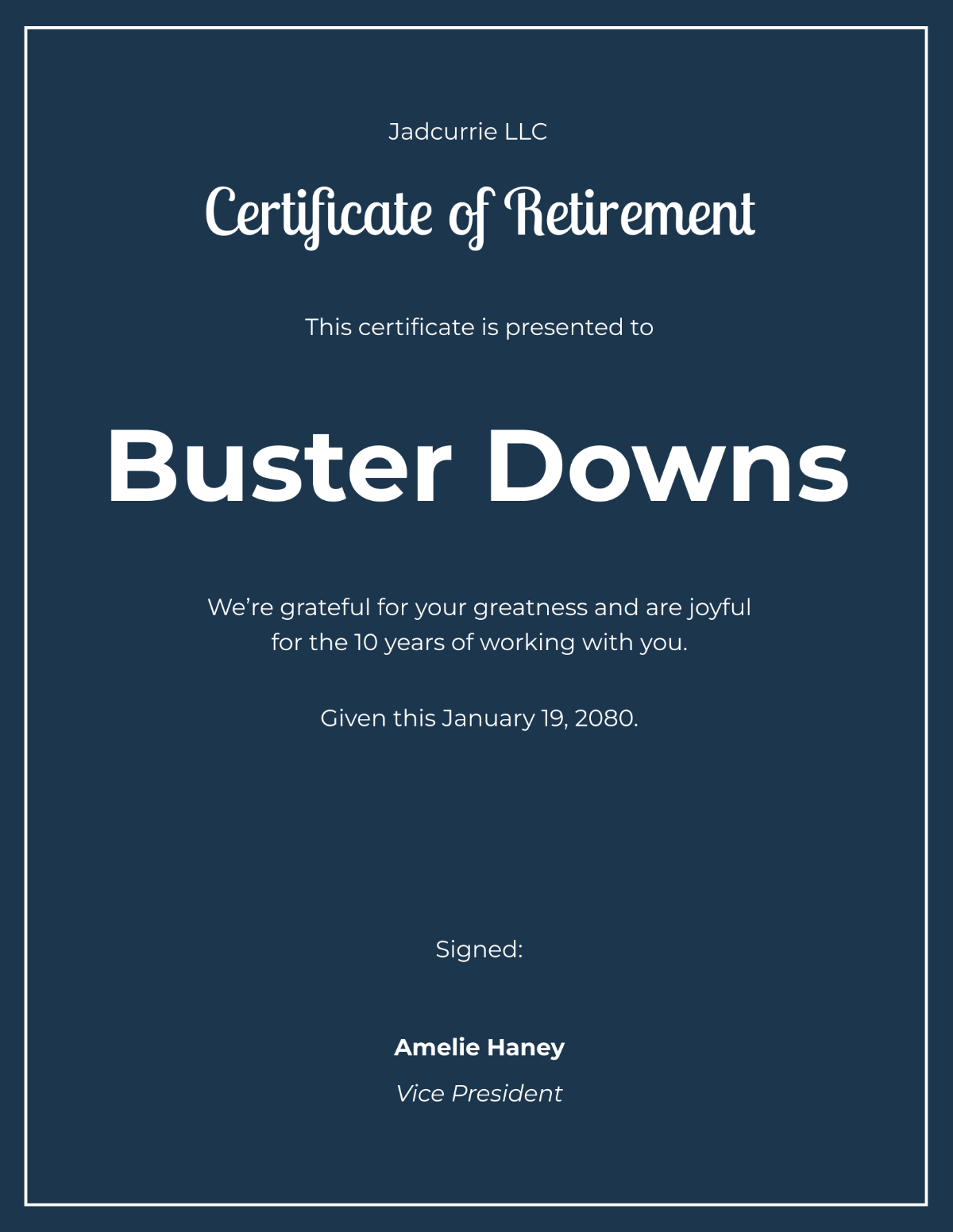
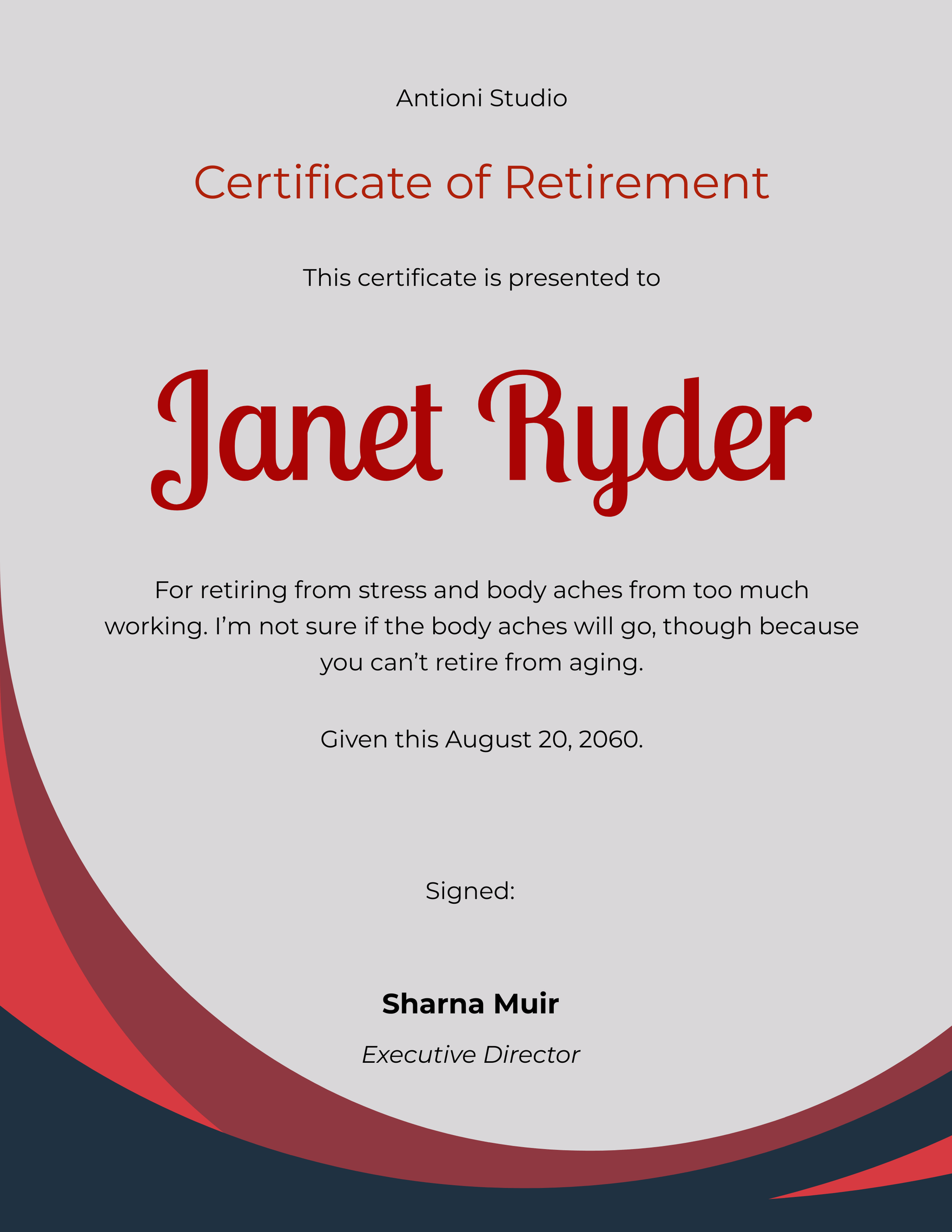
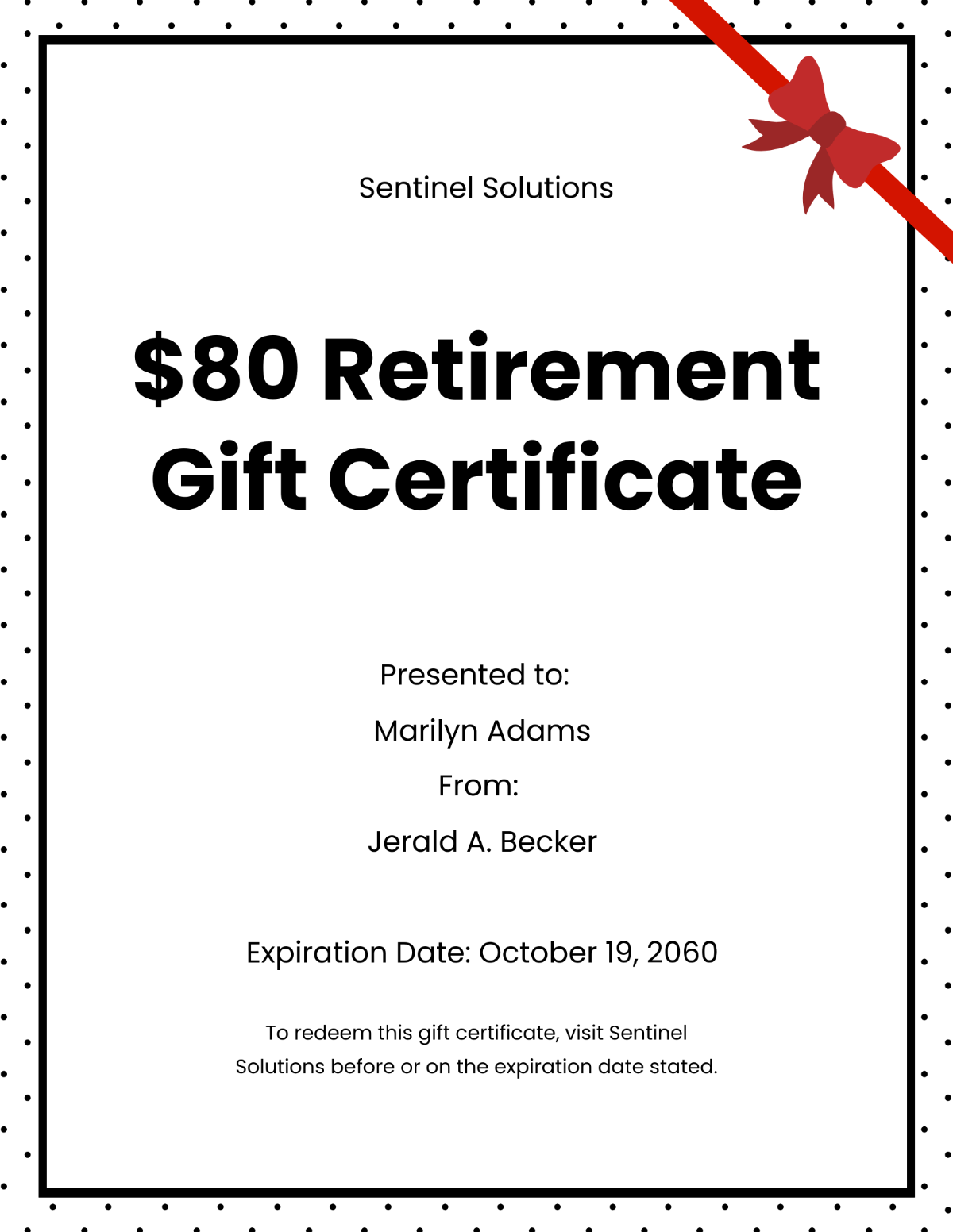
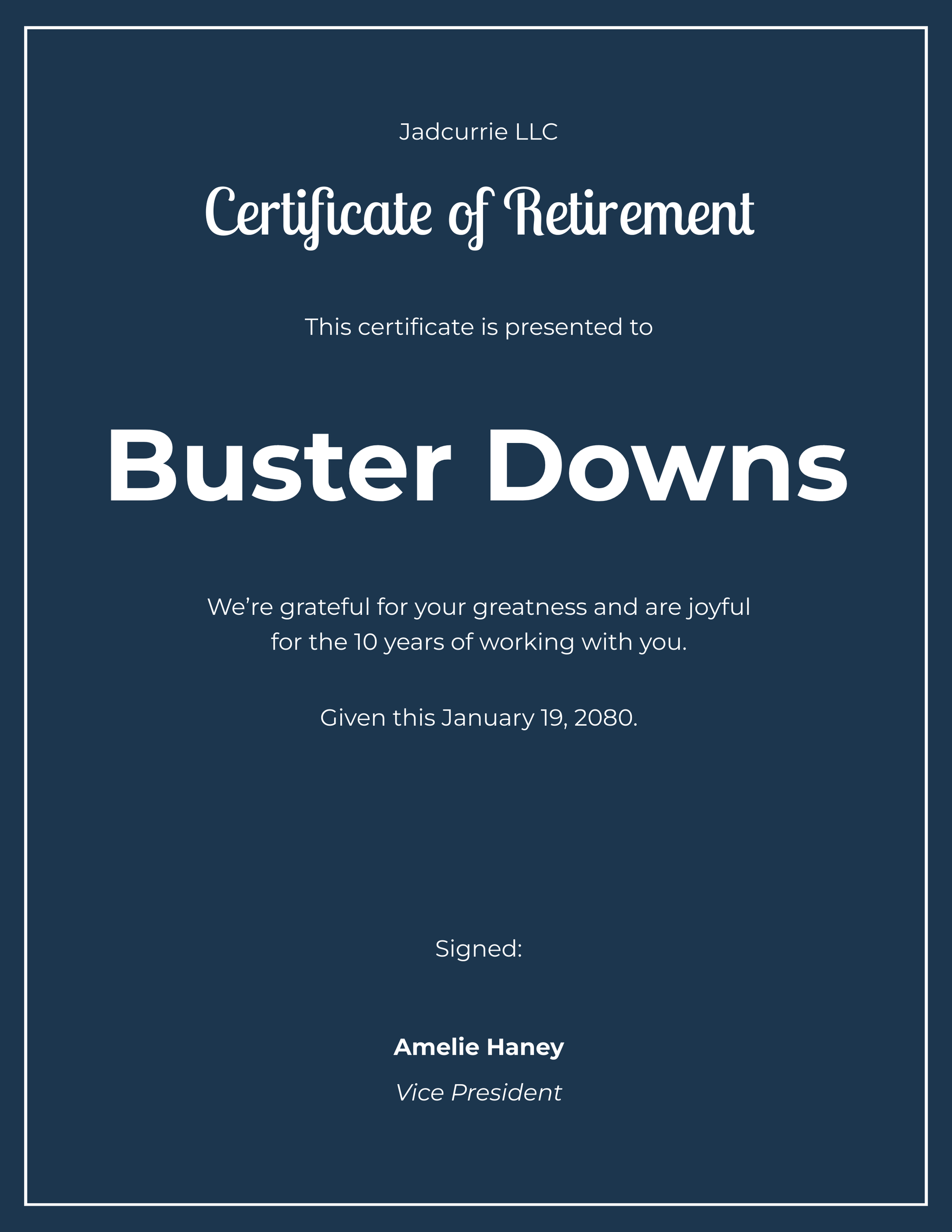
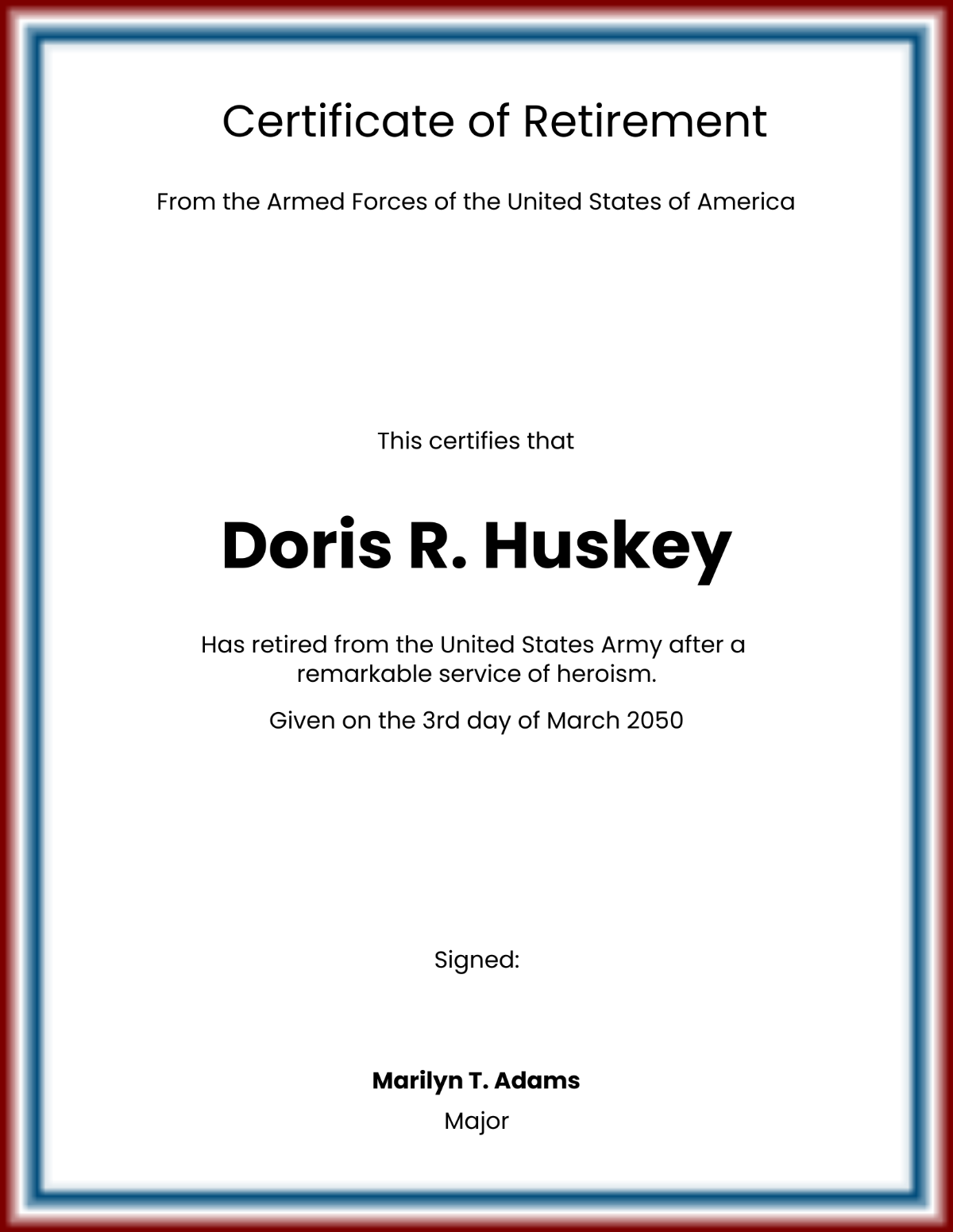
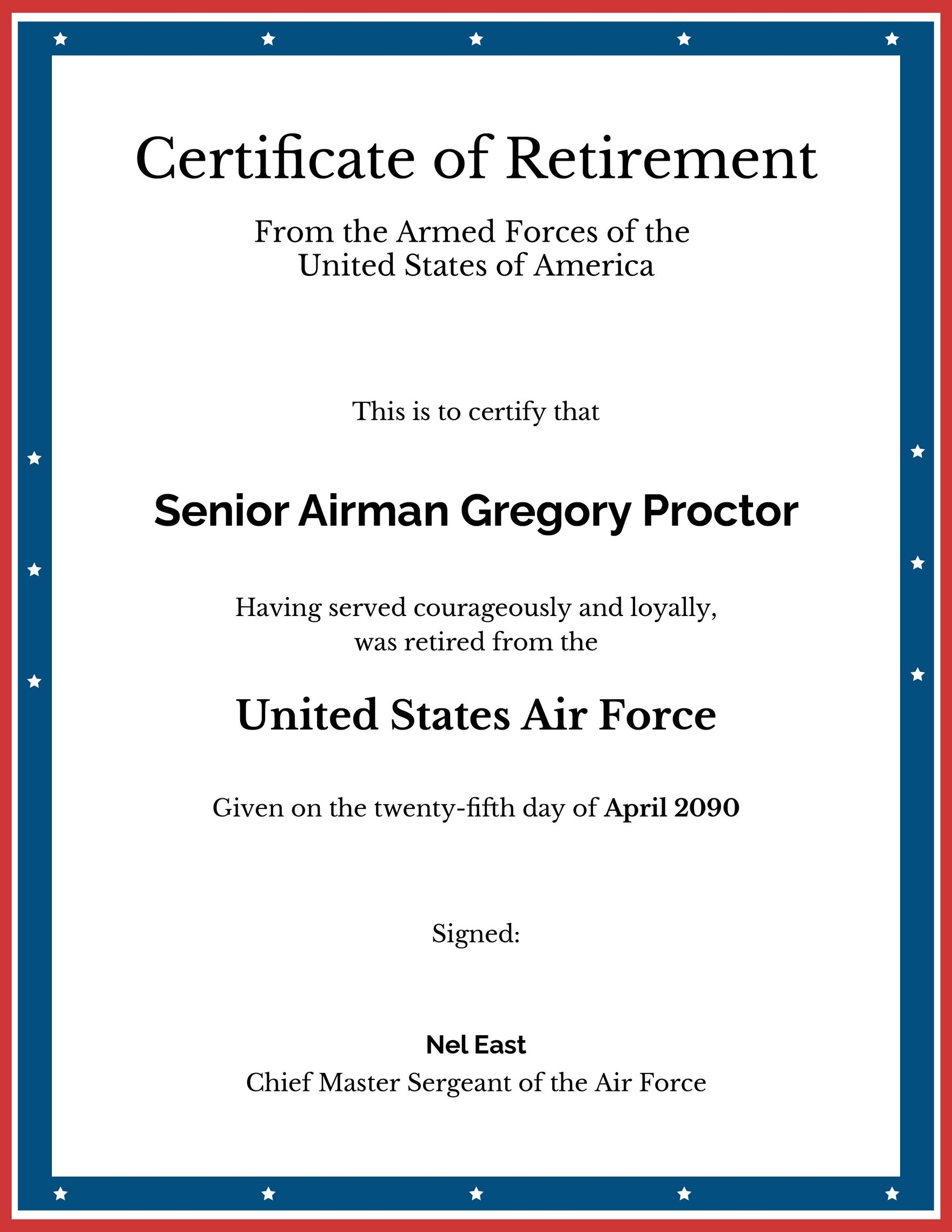
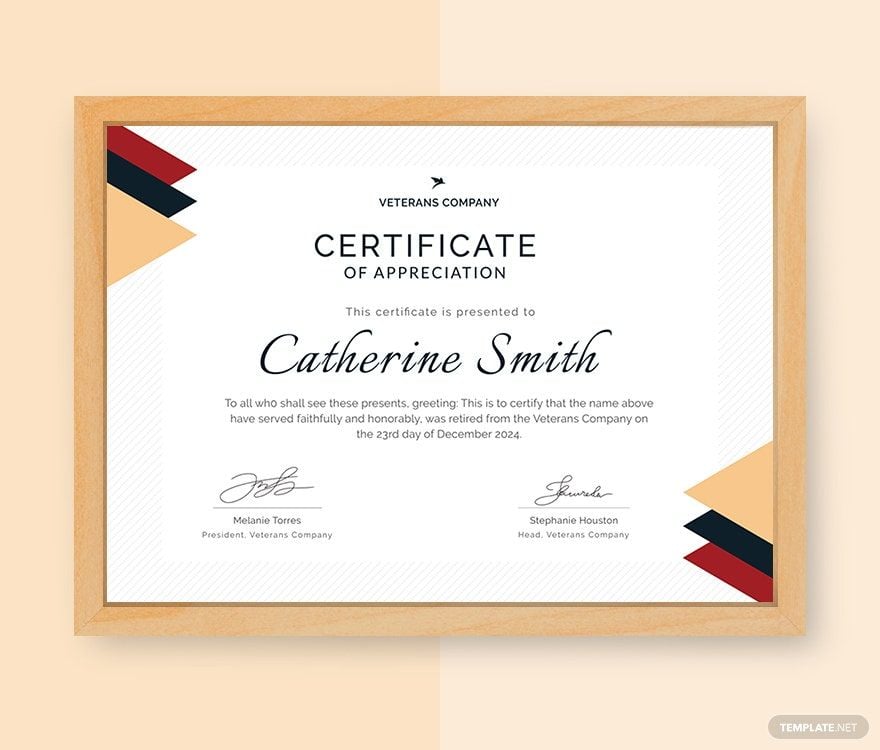
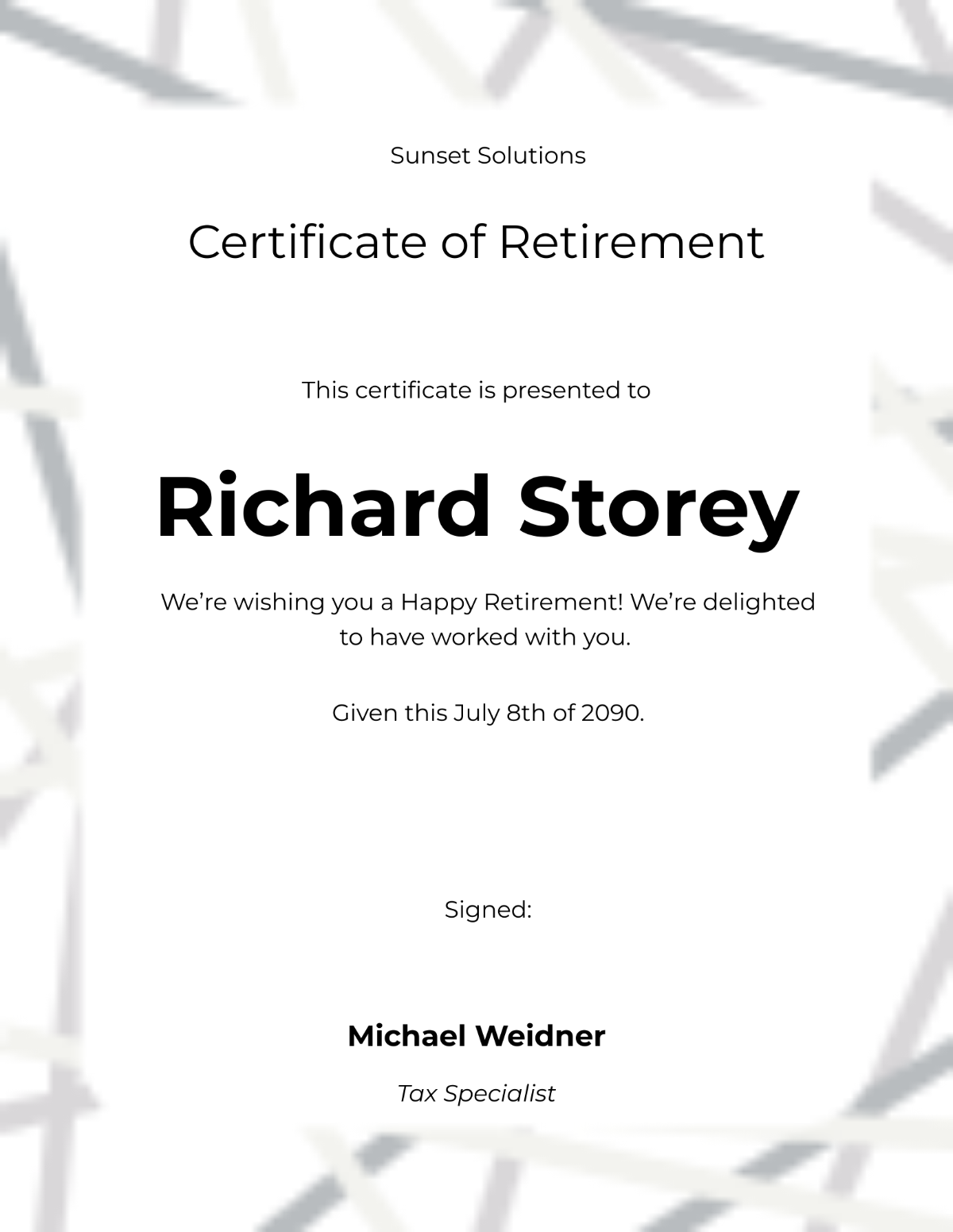
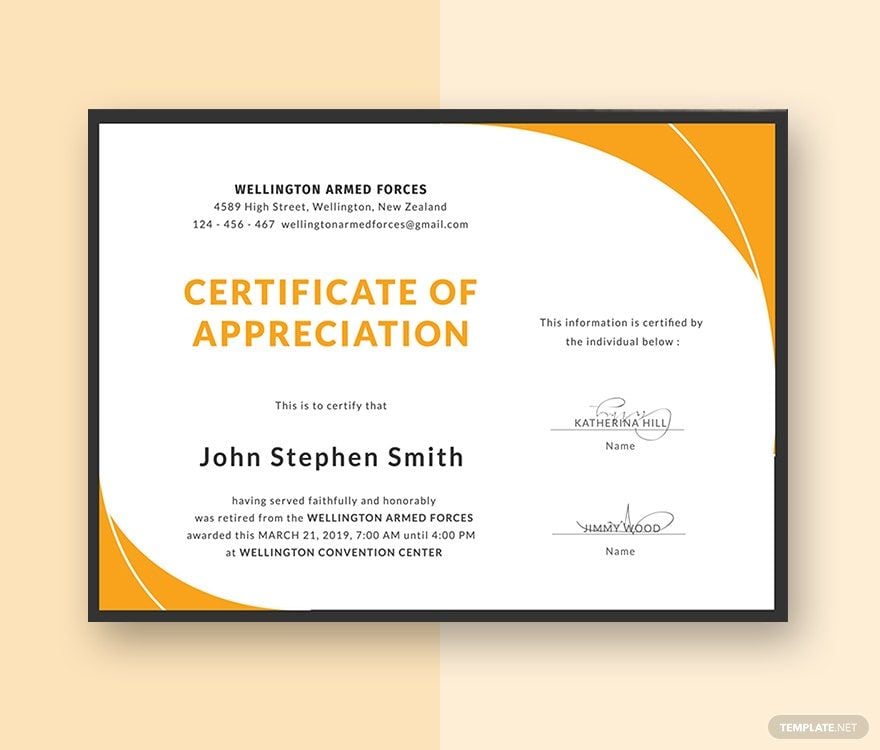
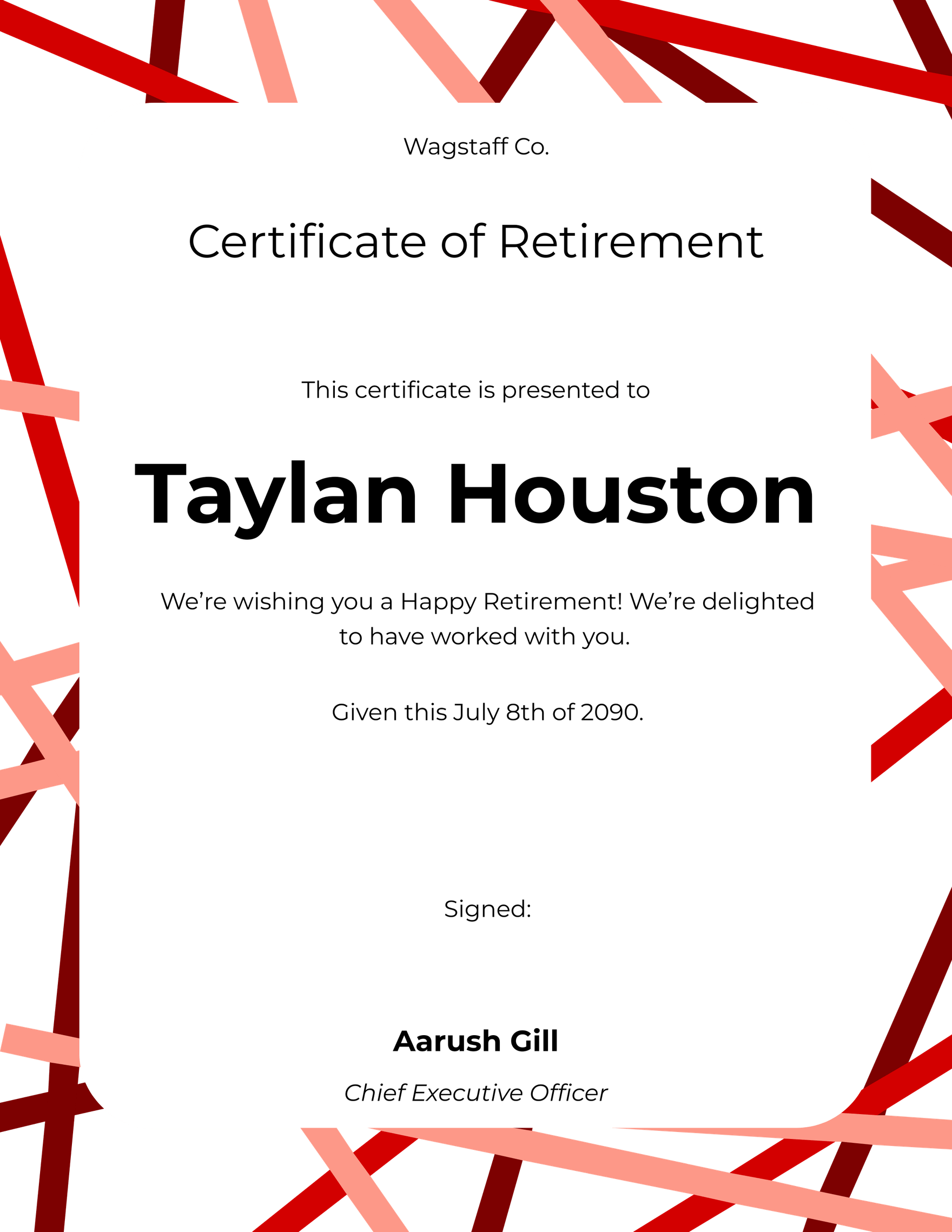
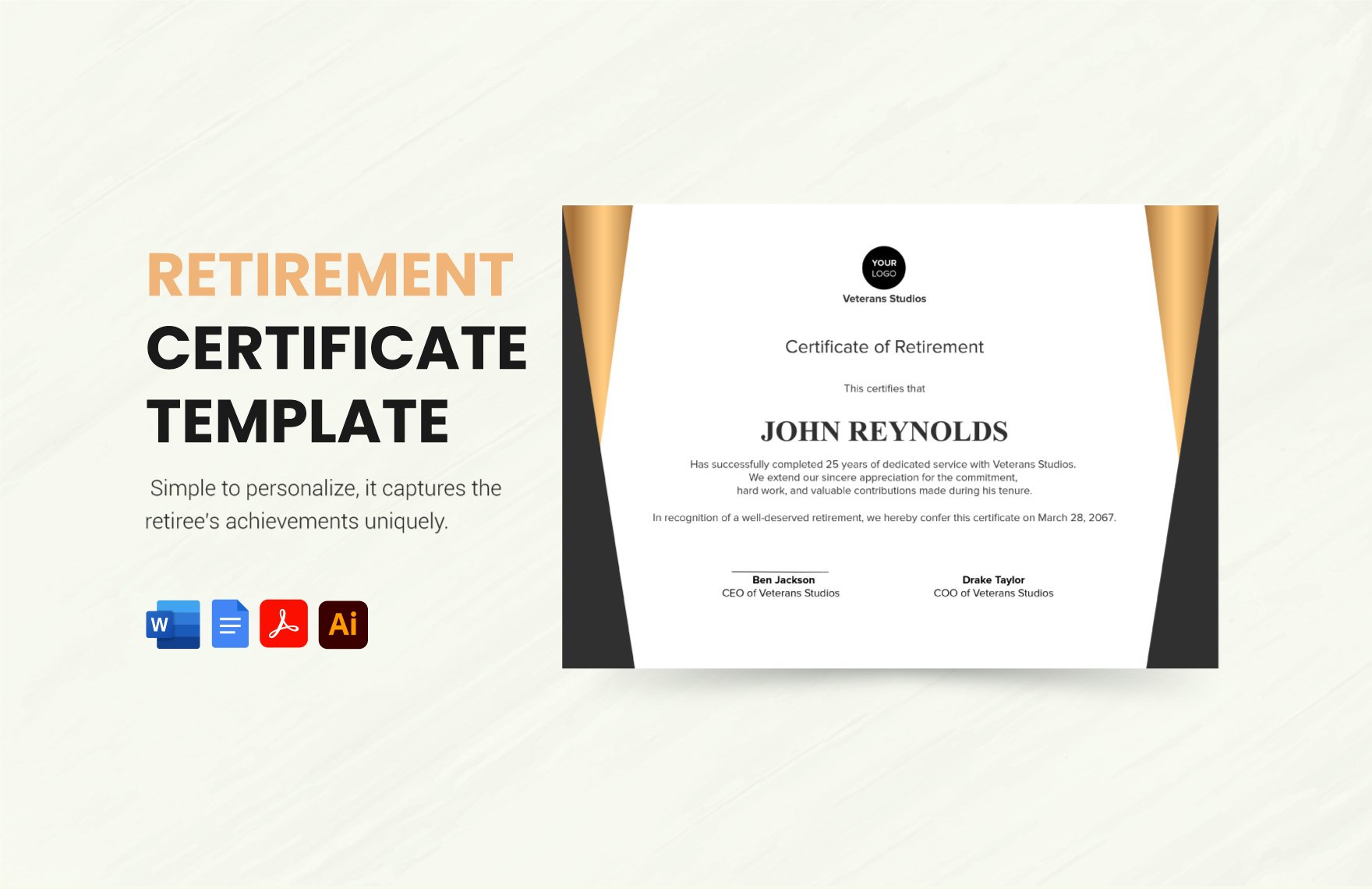
A retirement certificate is a formal document that recognizes an individual’s service and accomplishments upon retirement. These certificates use professional layouts and editable text areas to highlight key retirement details and honors. Ready-made retirement certificate templates simplify creation with layered design customization.

Why use a Retirement Certificate?
Retirement certificates provide formal recognition and appreciation for retirees’ contributions and achievements. Using retirement certificate templates ensures consistent professional designs with editable layout blocks, enabling swift and meaningful acknowledgments through online editing on Template.net.

Who typically uses Retirement Certificates?
Organizations, employers, and associations typically use retirement certificates to honor retiring employees or members. These users benefit from customizable templates that feature key information sections and graphics, editable directly online for fast professional results.

What size should a Retirement Certificate be?
Retirement certificates are commonly sized at 8.5 × 11 inches to fit standard printing formats. Templates at Template.net are designed with standard dimensions and include scalable design layers for easy customization and professional presentation.

What are the best tips for designing a Retirement Certificate?
Effective retirement certificate designs include a clear headline, formal fonts, high-quality graphics, and key information sections such as recipient name and retirement date. Using Template.net templates allows easy editing of these elements within layered designs.

How do you print a Retirement Certificate?
Retirement certificates should be printed on high-quality paper using color or laser printers to preserve design details. Template.net’s downloadable templates support print-ready formats with editable layers for optimal printing results at home or professional print shops.

What elements should a Retirement Certificate include?
A retirement certificate should include a headline, recipient’s full name, retirement date, signature lines, and official seals or logos. Template.net’s templates offer these design layers ready for online customization to suit any organization.

What file formats can I download for a Retirement Certificate?
Template.net retirement certificate templates support multiple export formats for editing and printing, including Word. These formats ensure flexible use with editable text areas and professional layouts.

Can I create a new Retirement Certificate using AI?
Template.net provides an AI-powered tool that generates new retirement certificate designs from prompts. Use the Certificate Generator to quickly create personalized certificates with professional styles and customizable design layers.
