


Free Process Flow Templates: Customizable Visual Workflow Structures and Uses
What is a Process Flow?
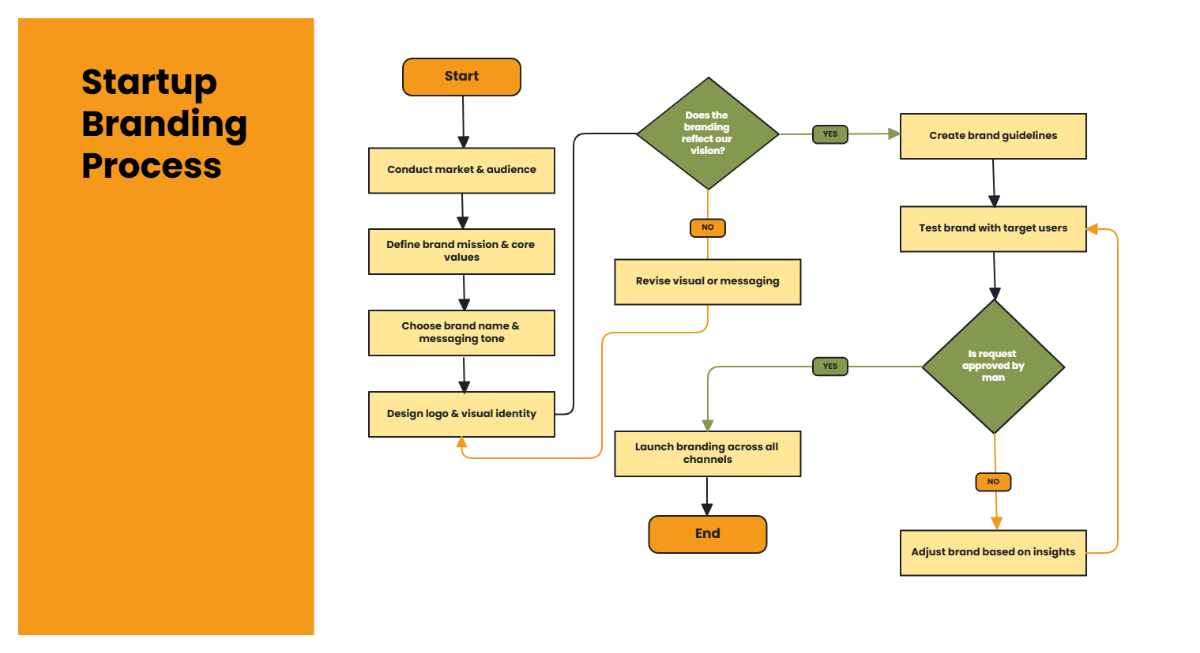
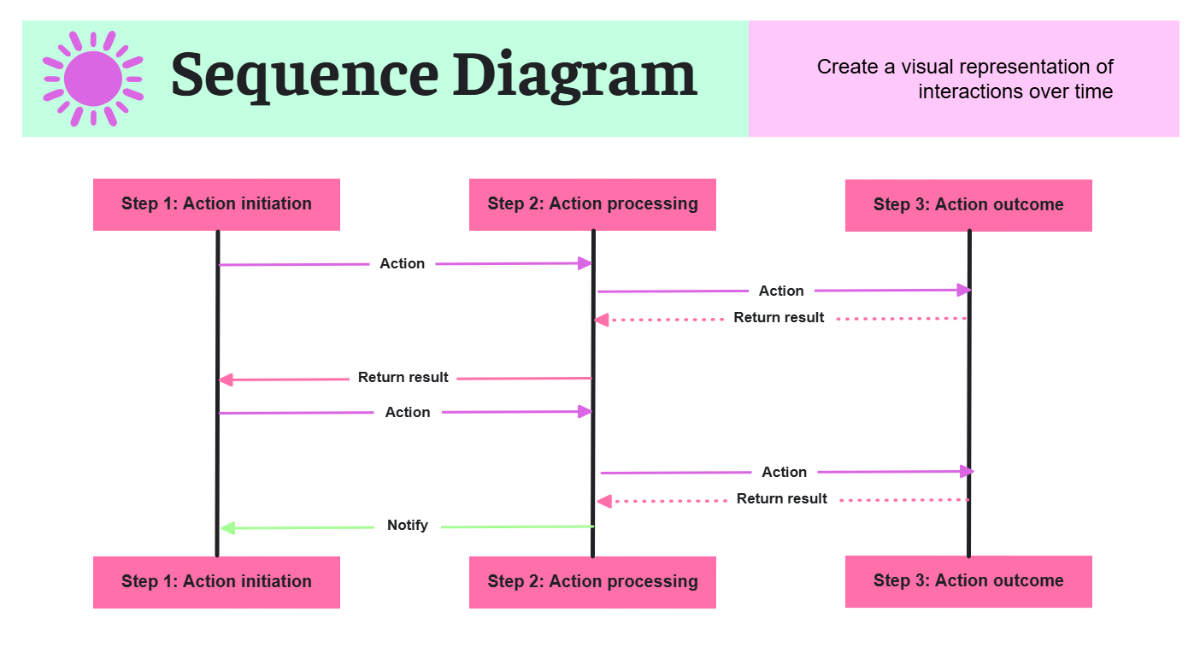
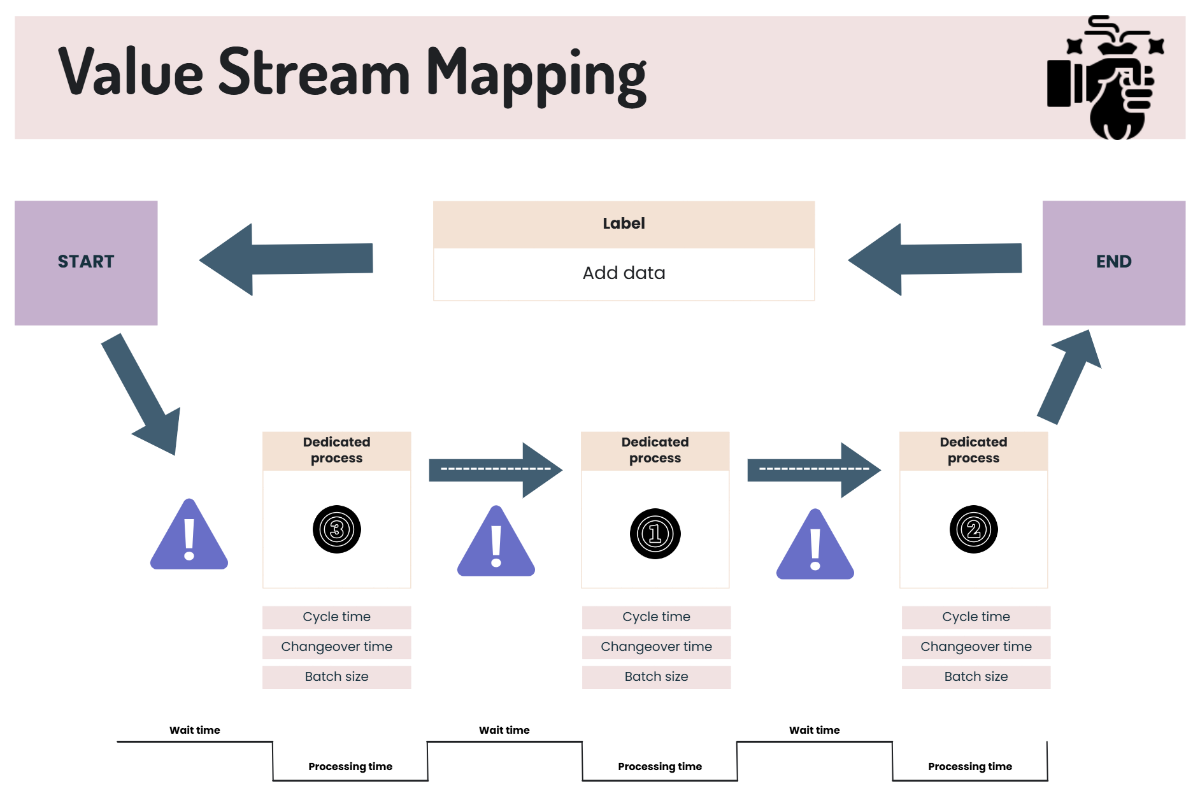
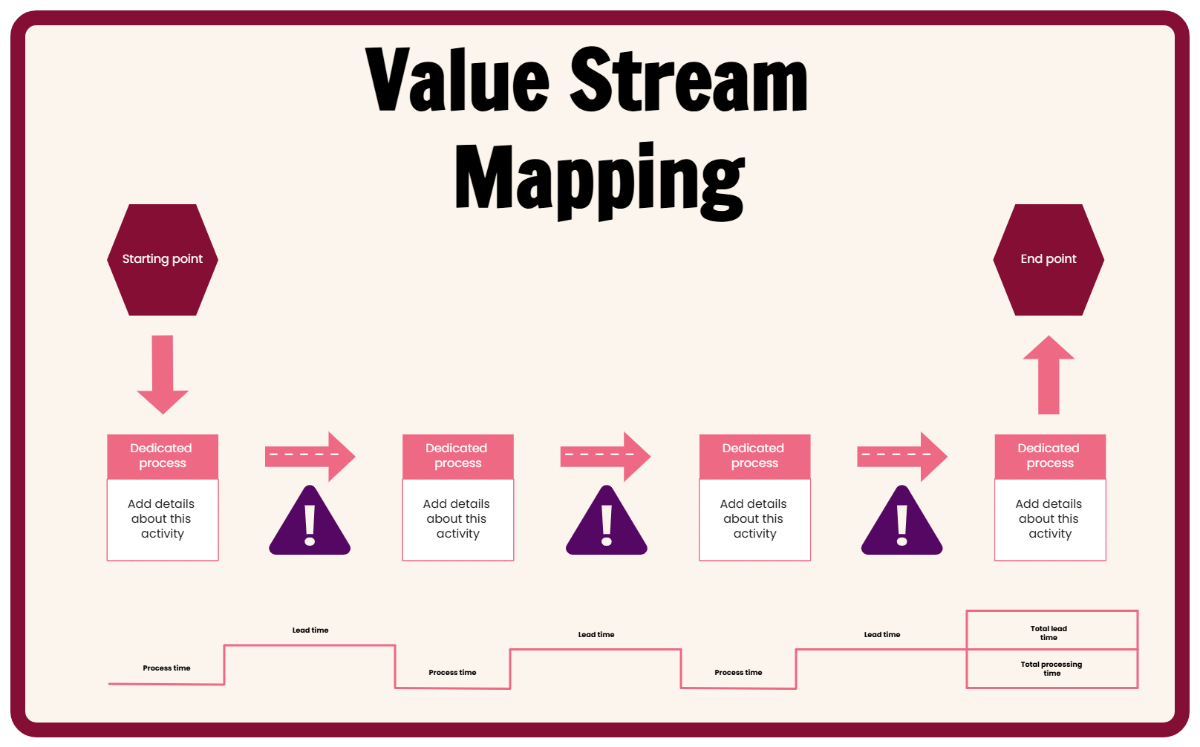
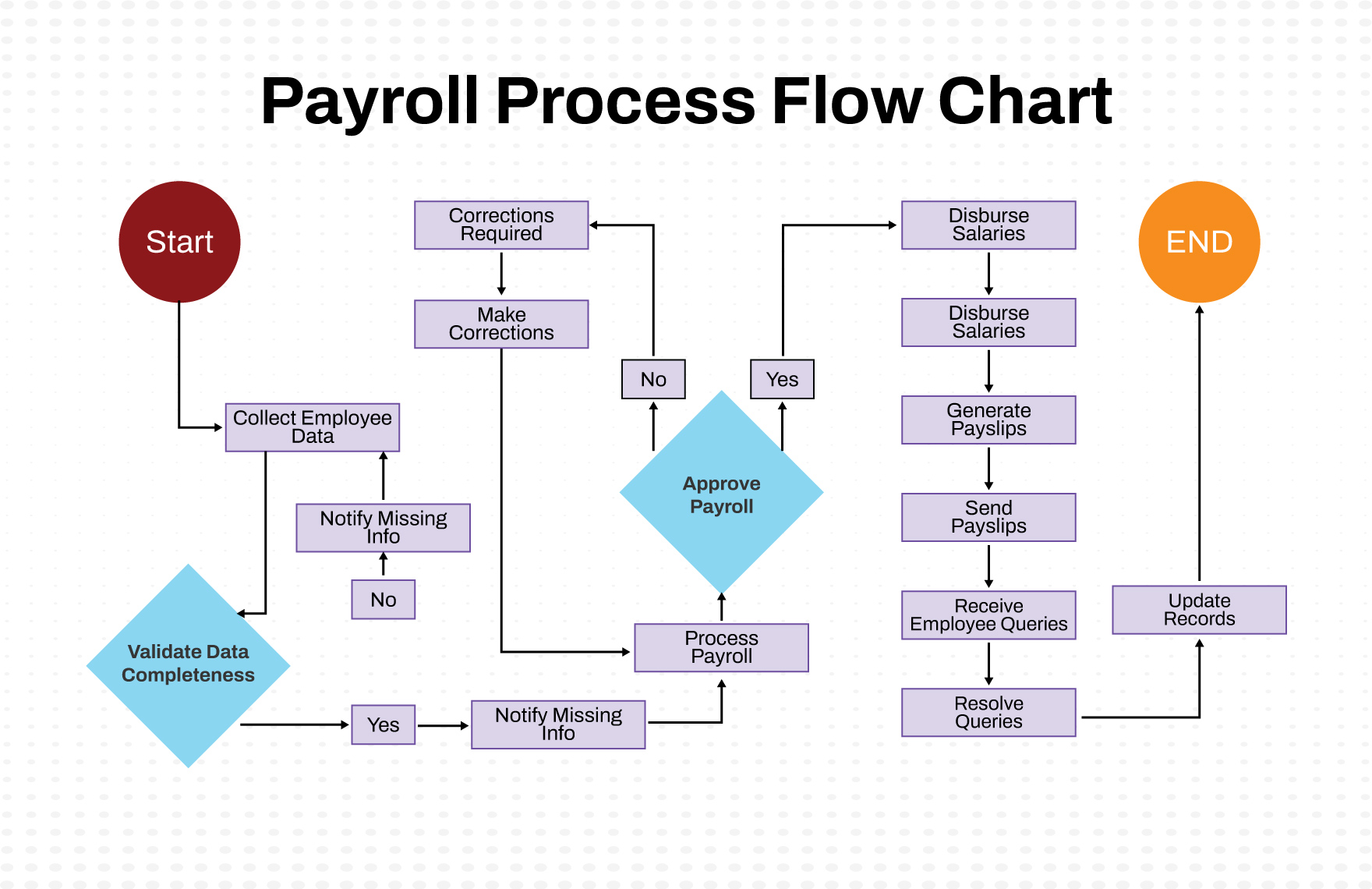
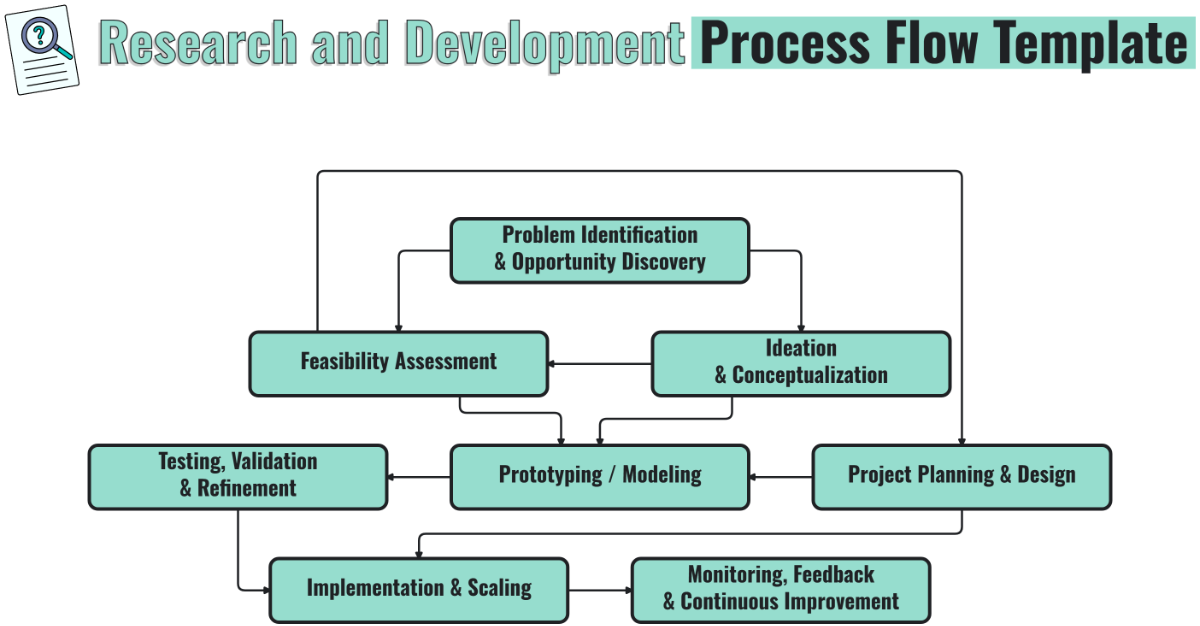
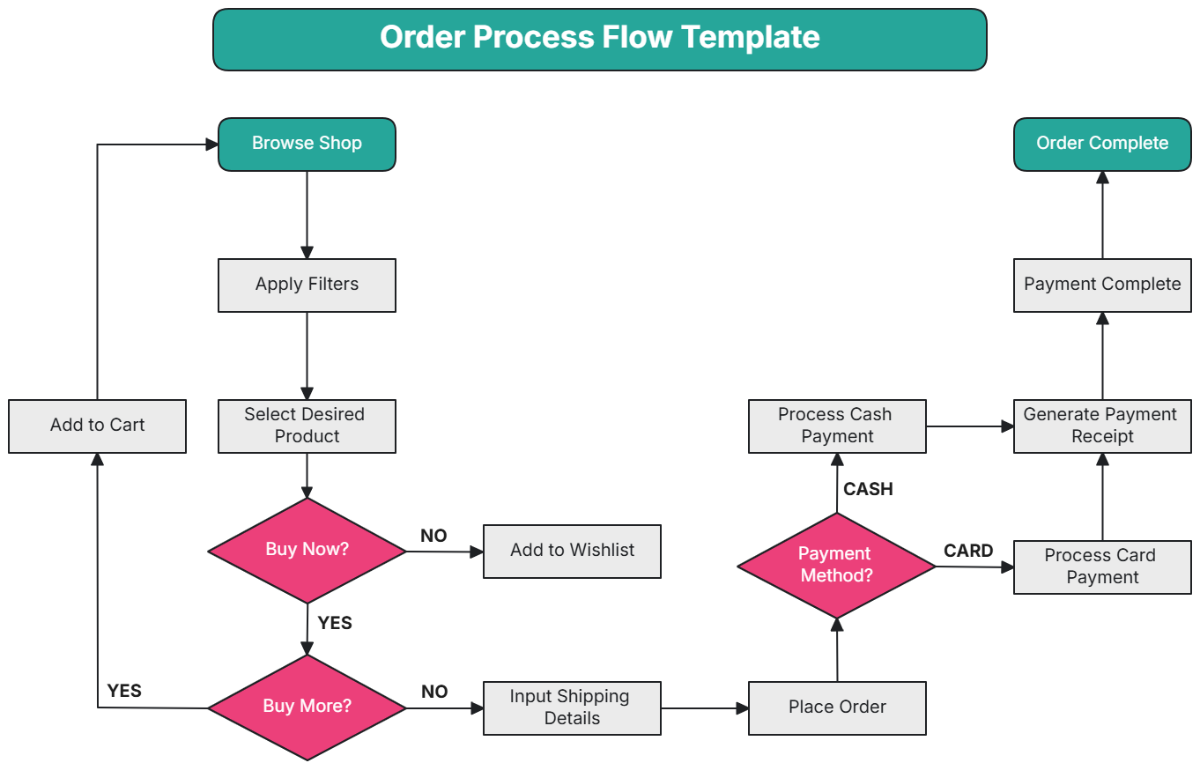
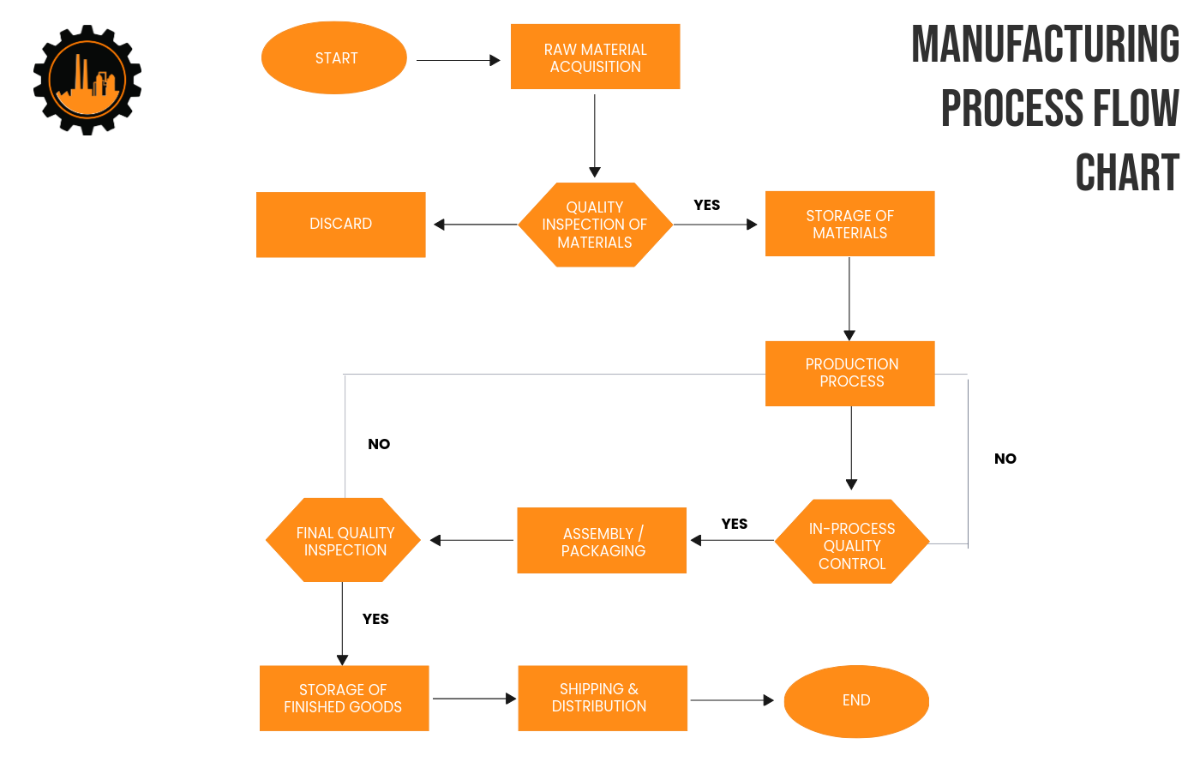
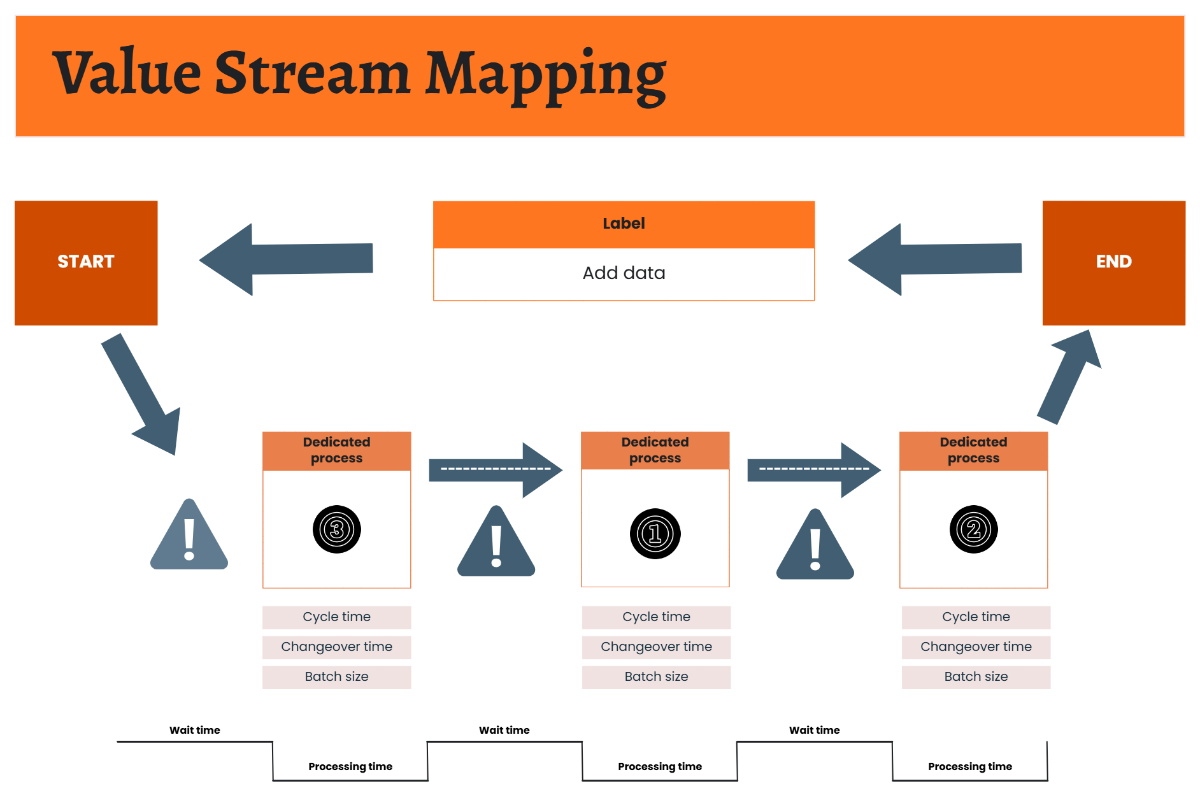
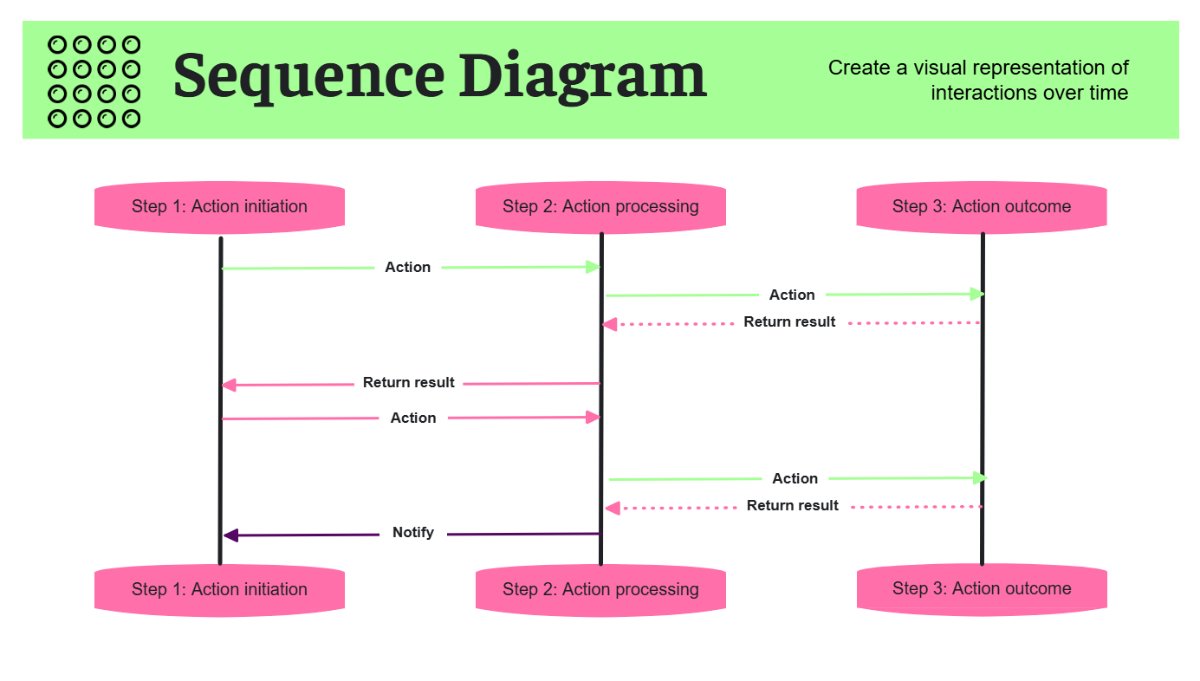
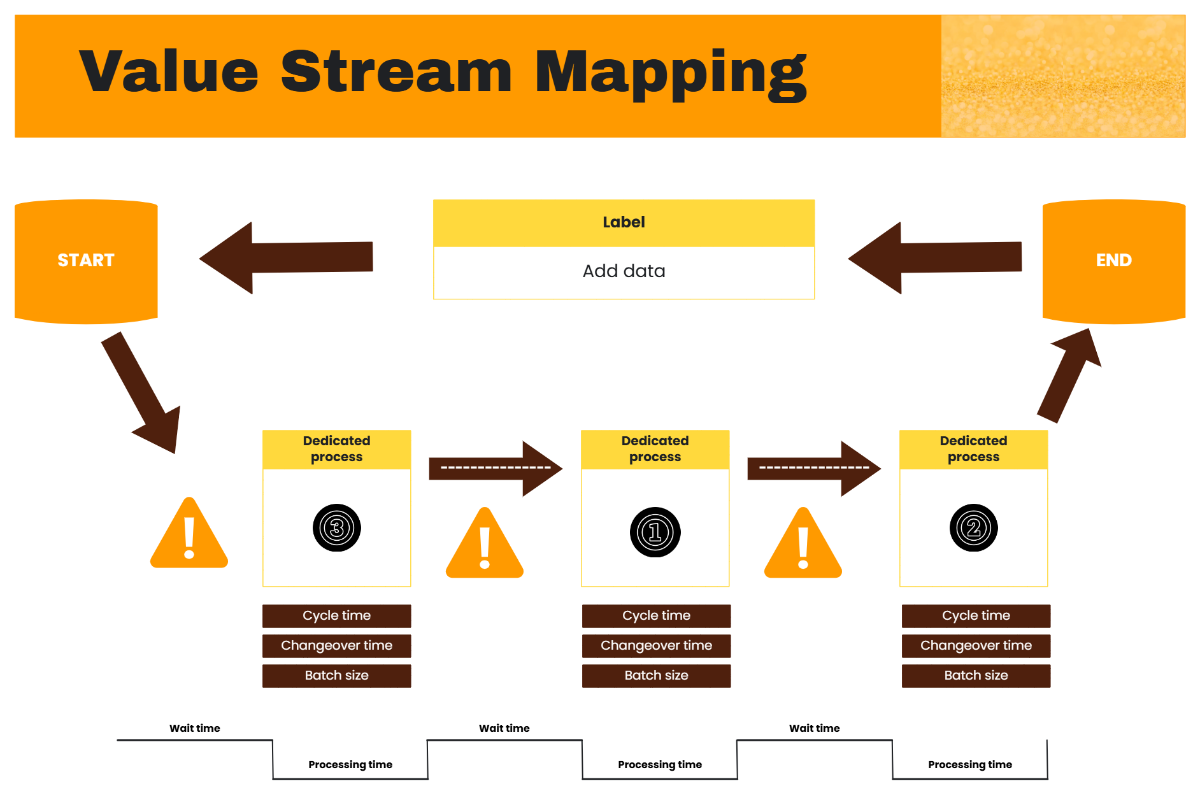
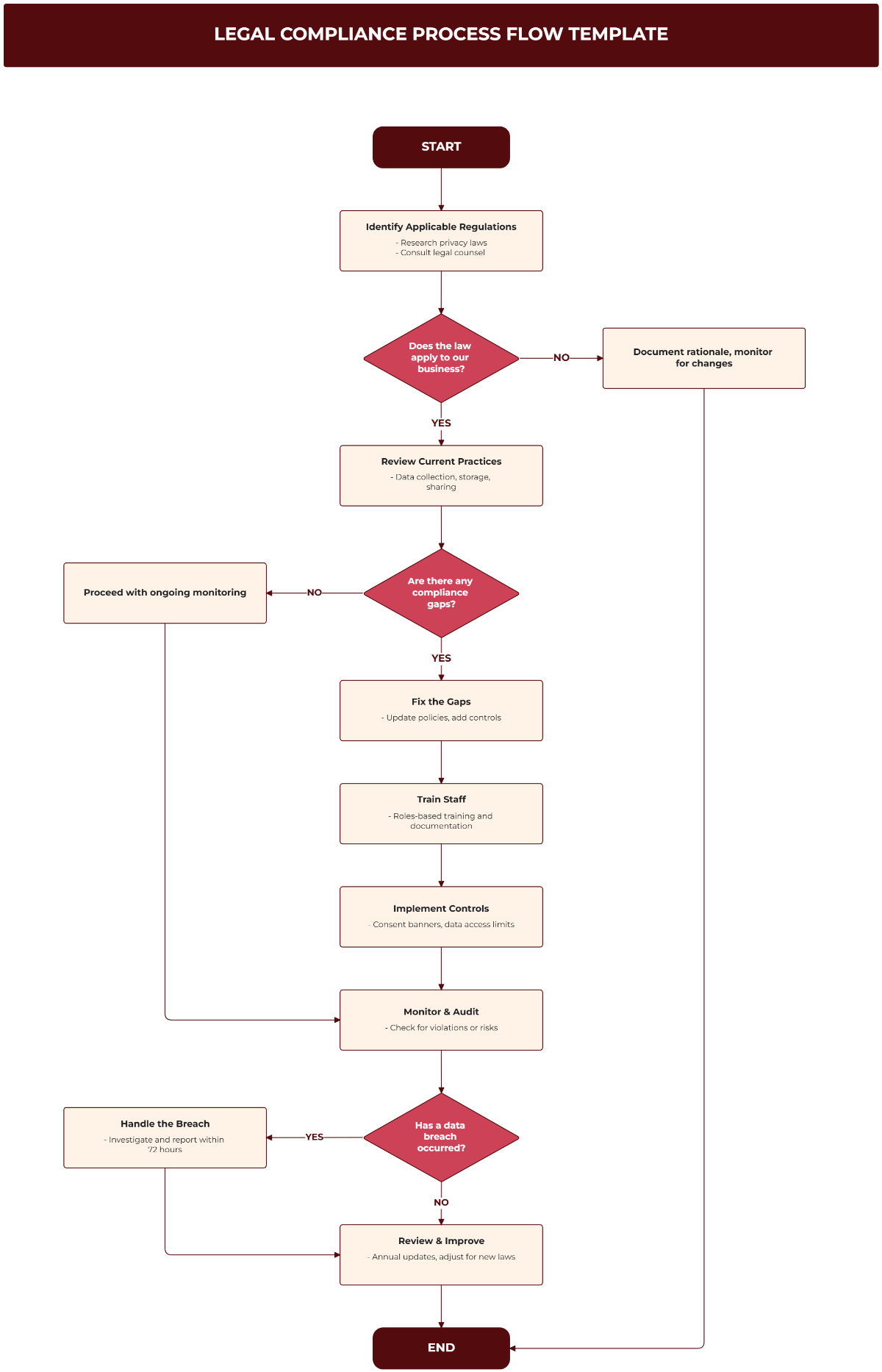
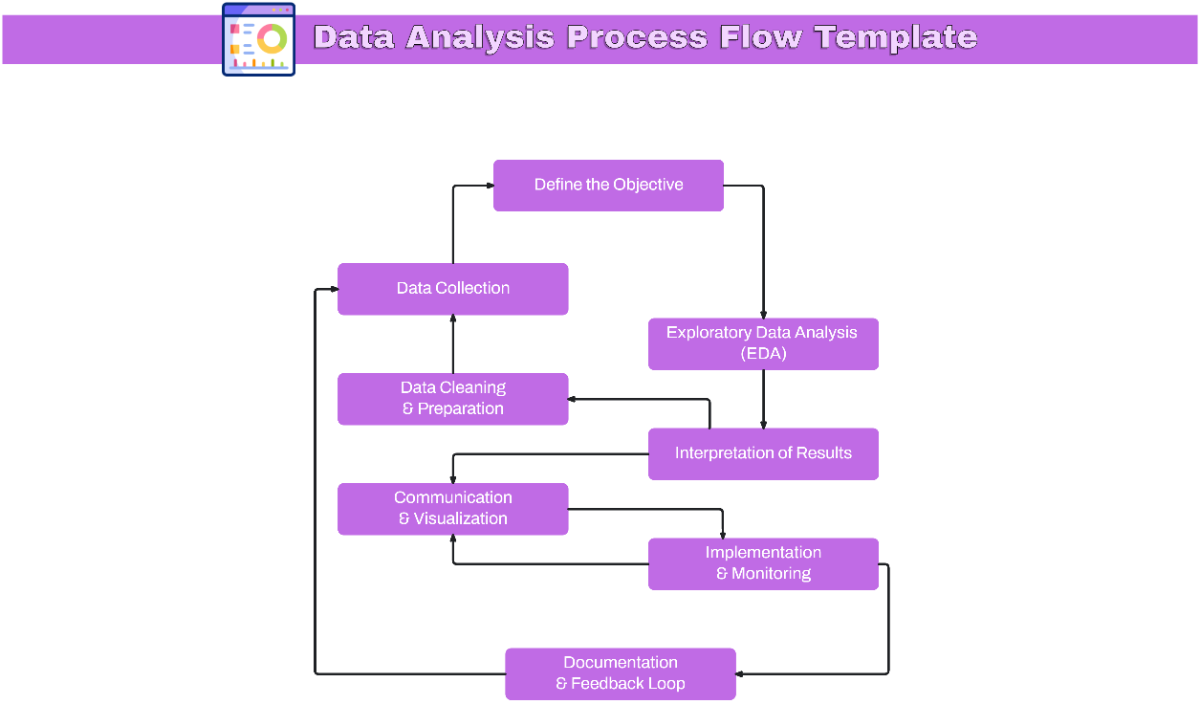
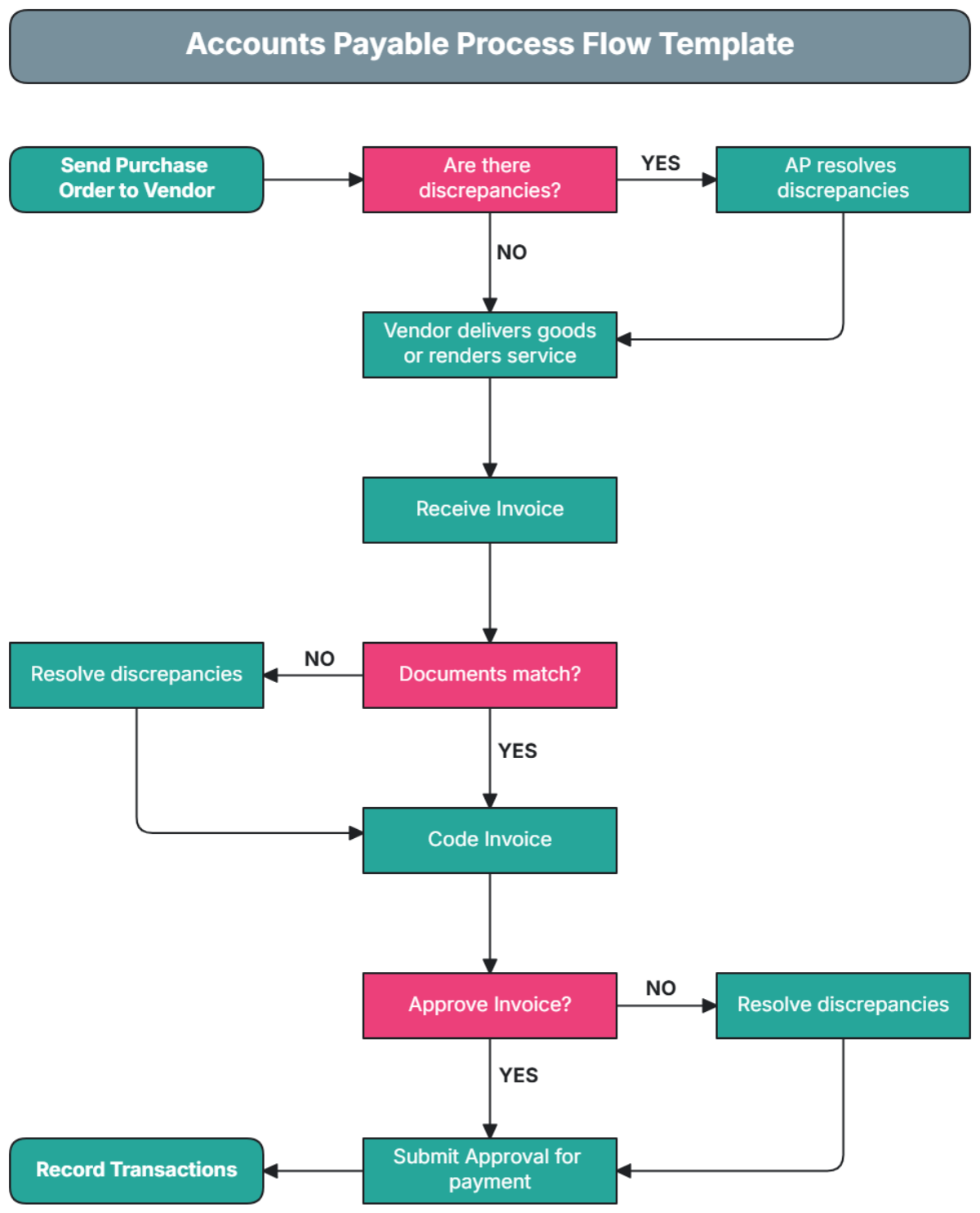
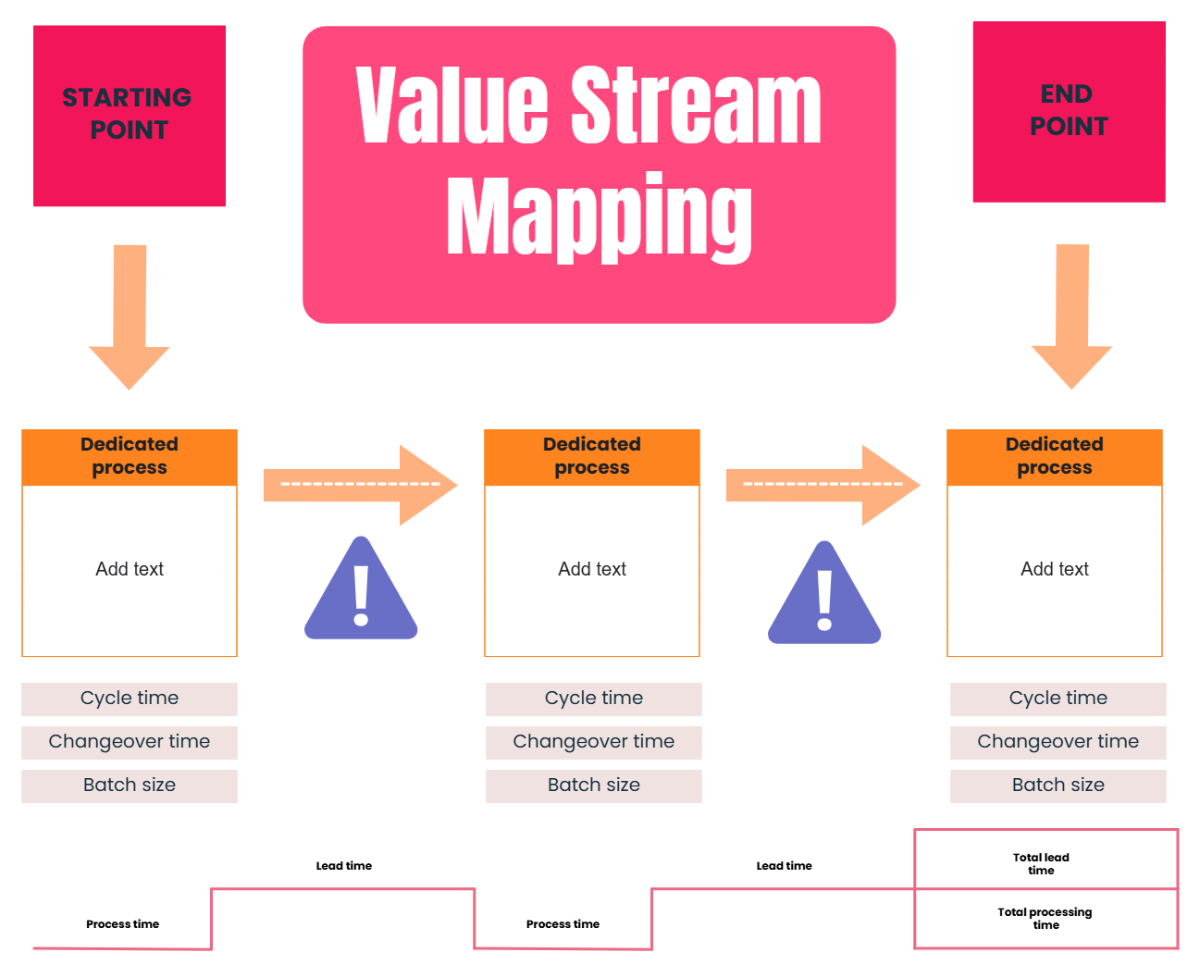
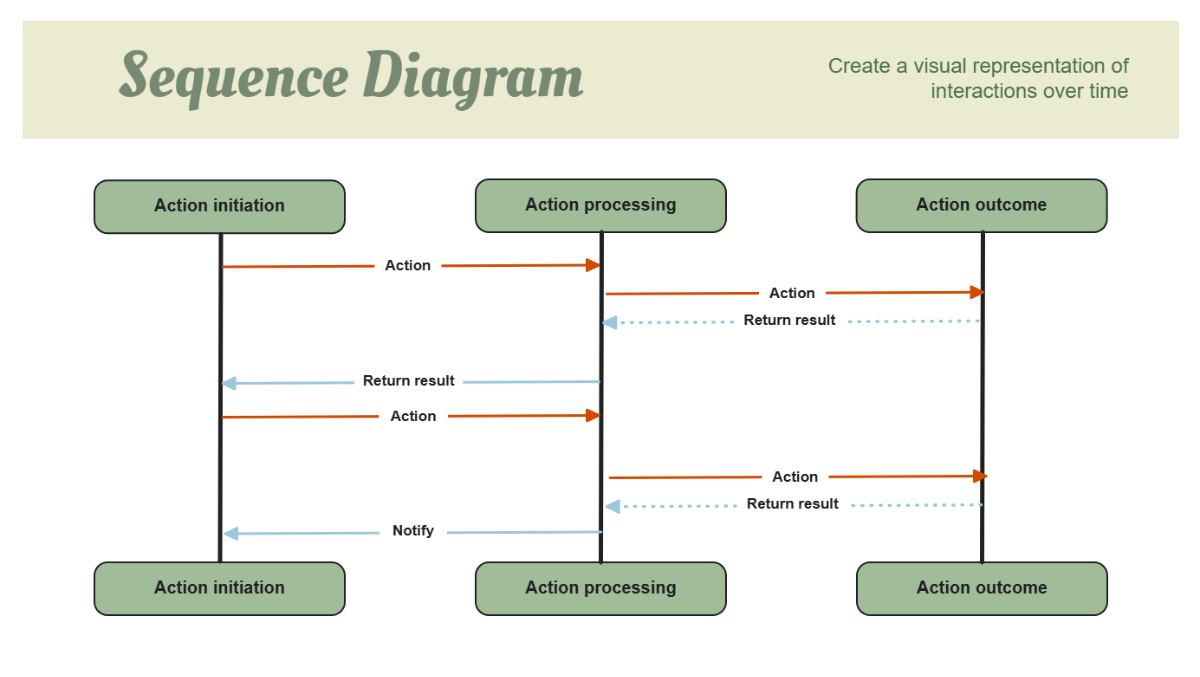
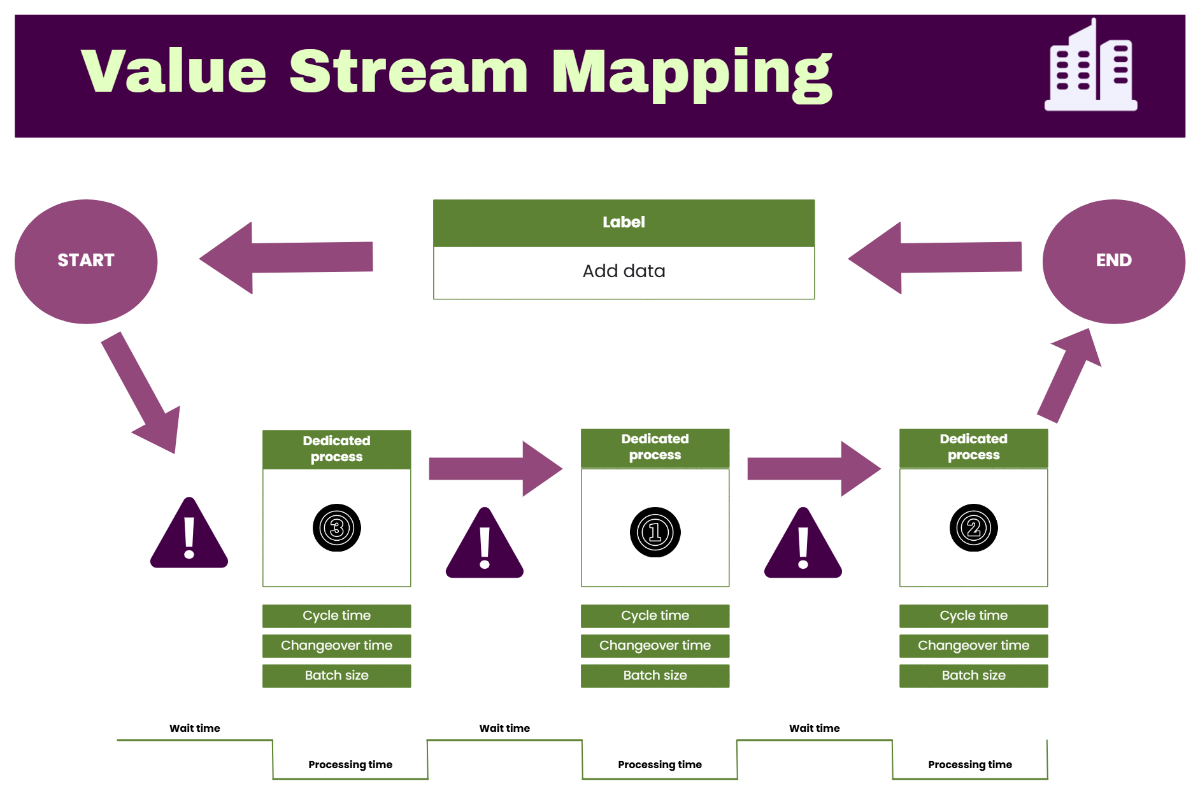
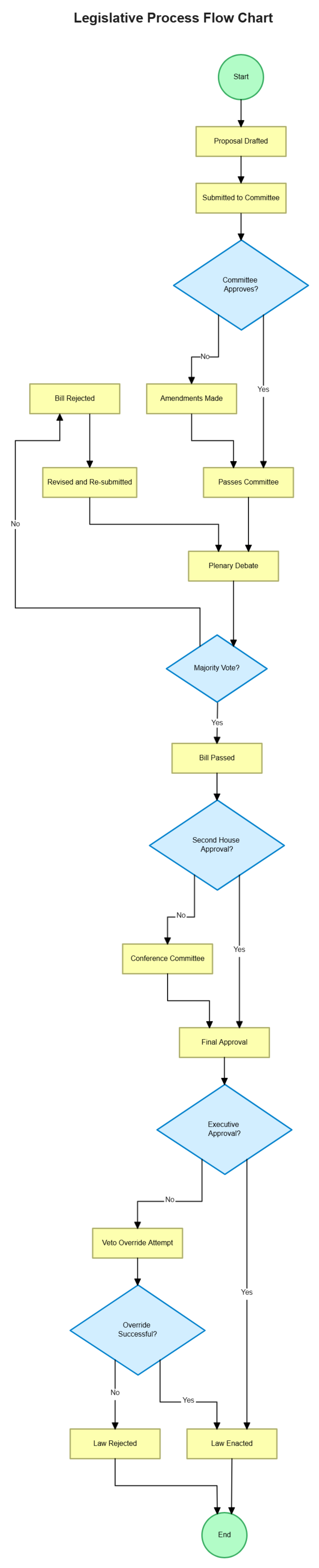
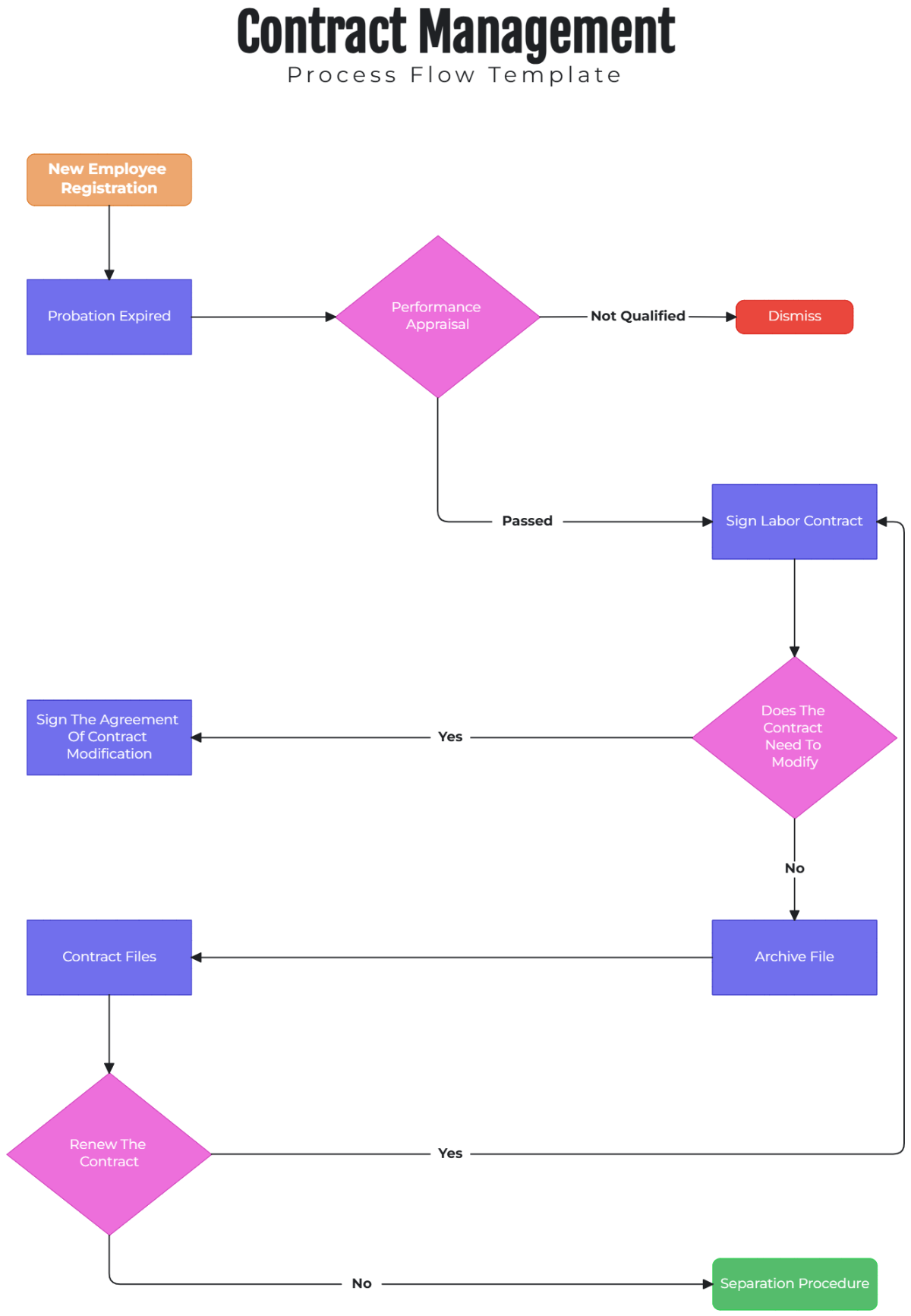
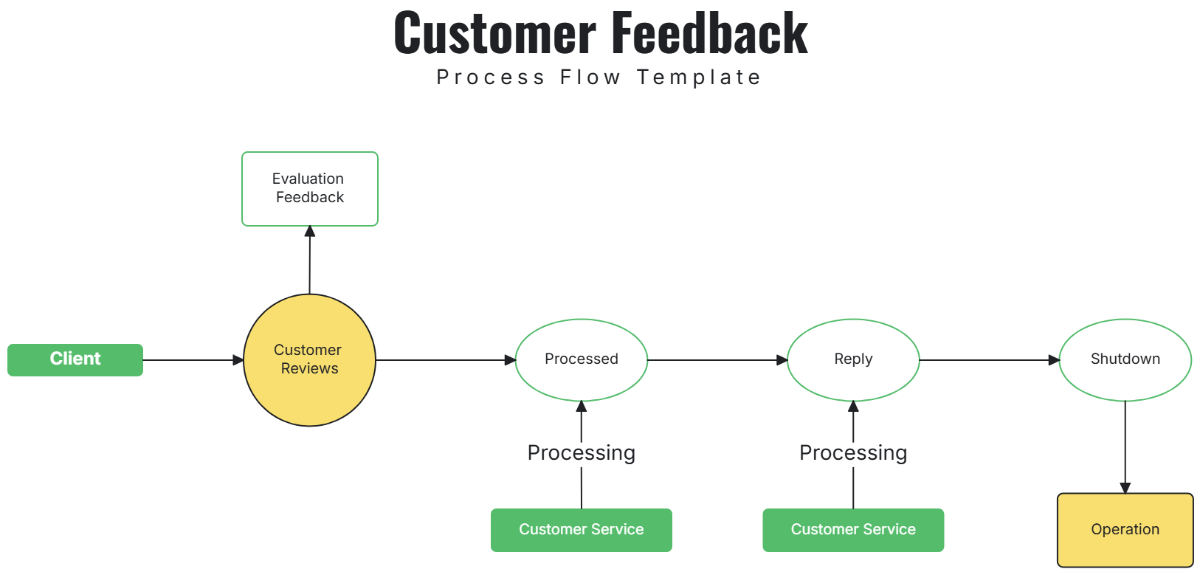
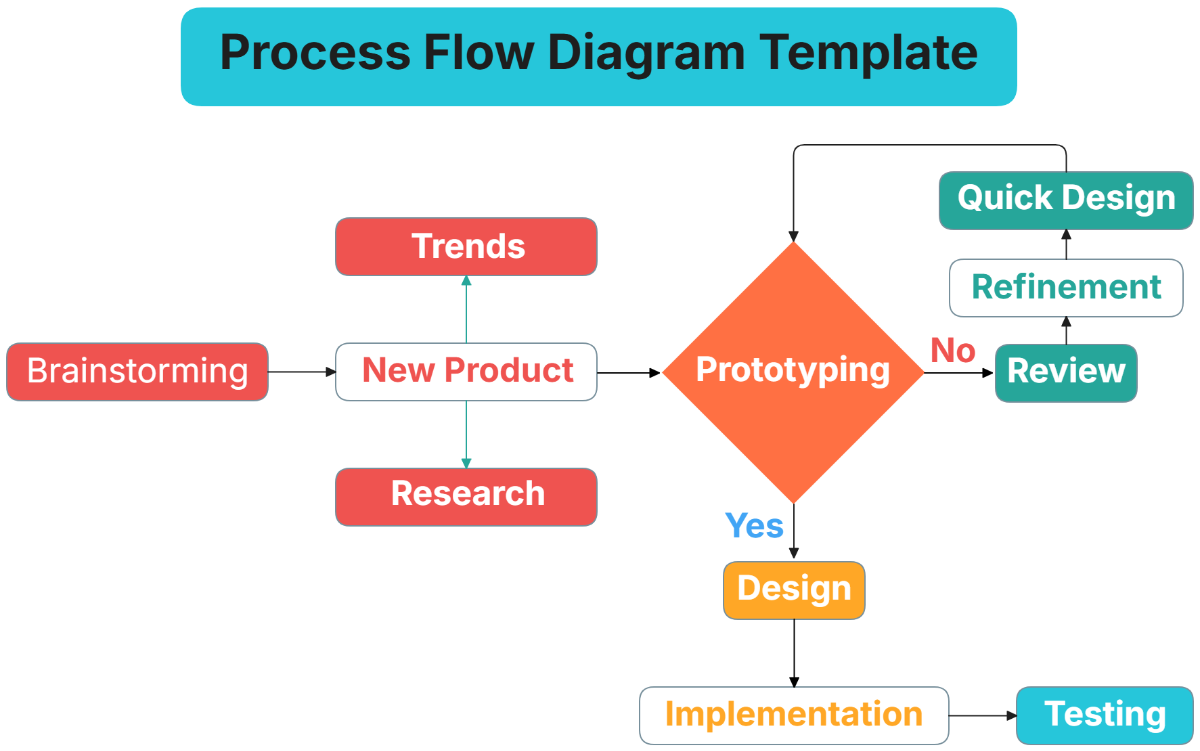
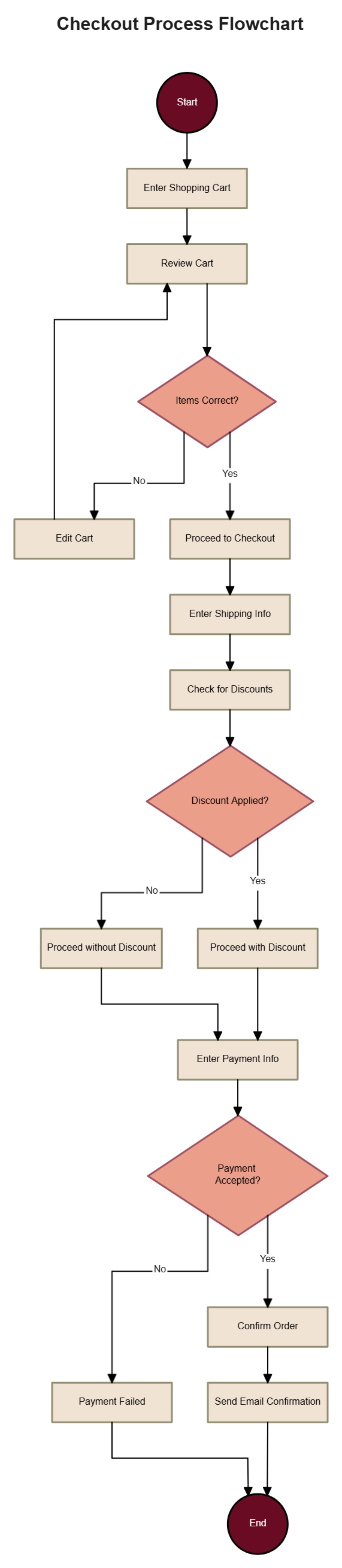
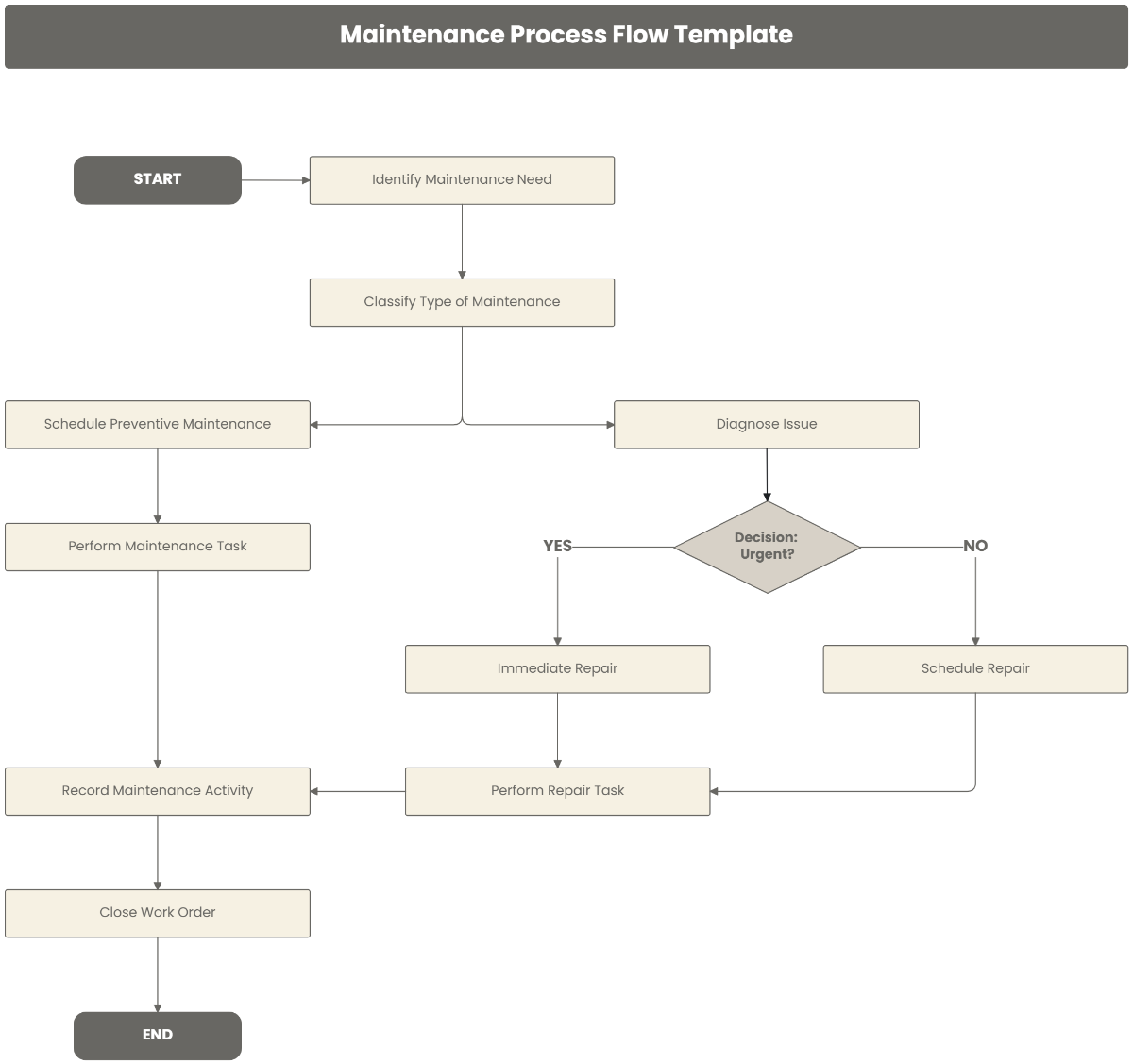
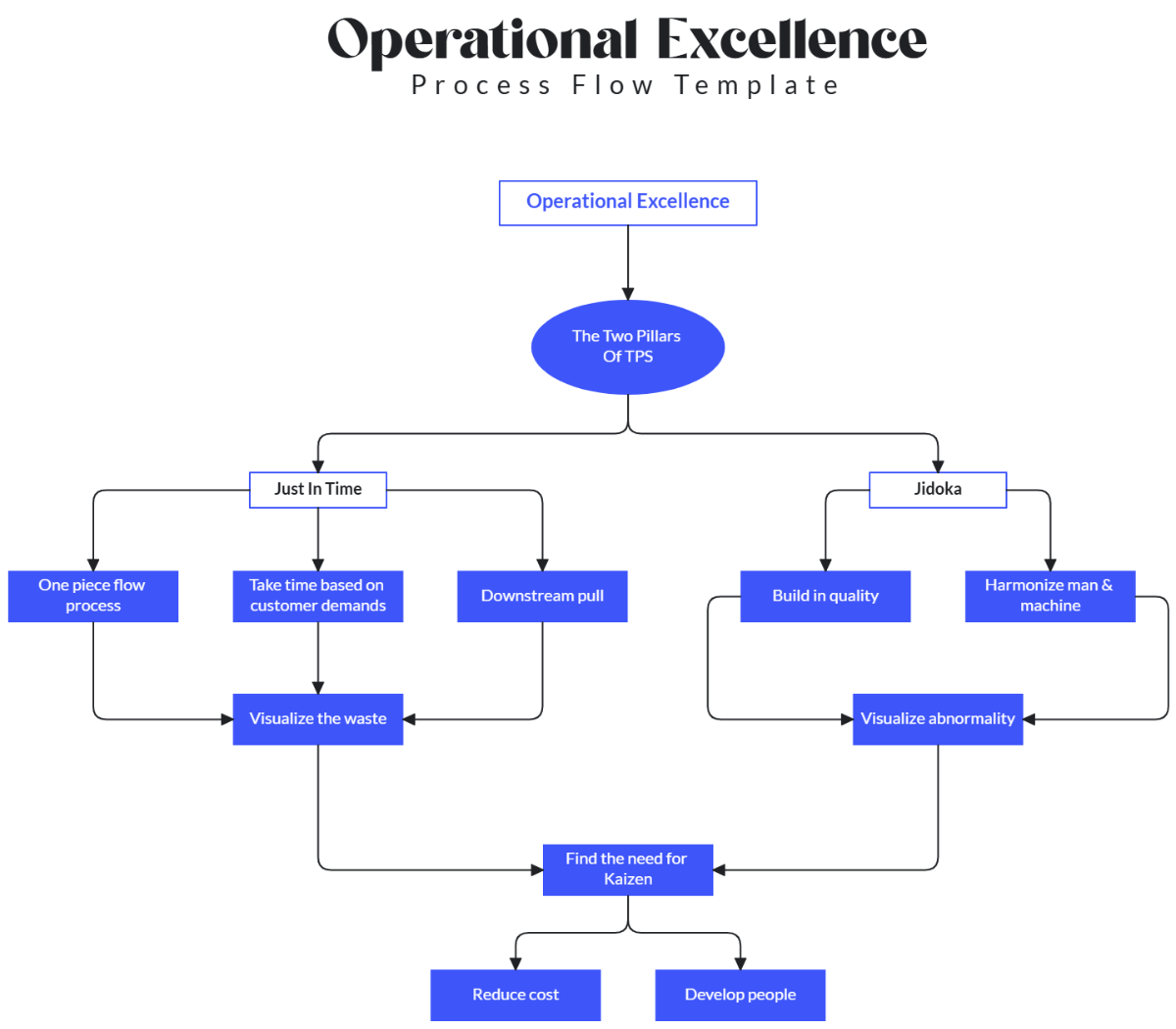
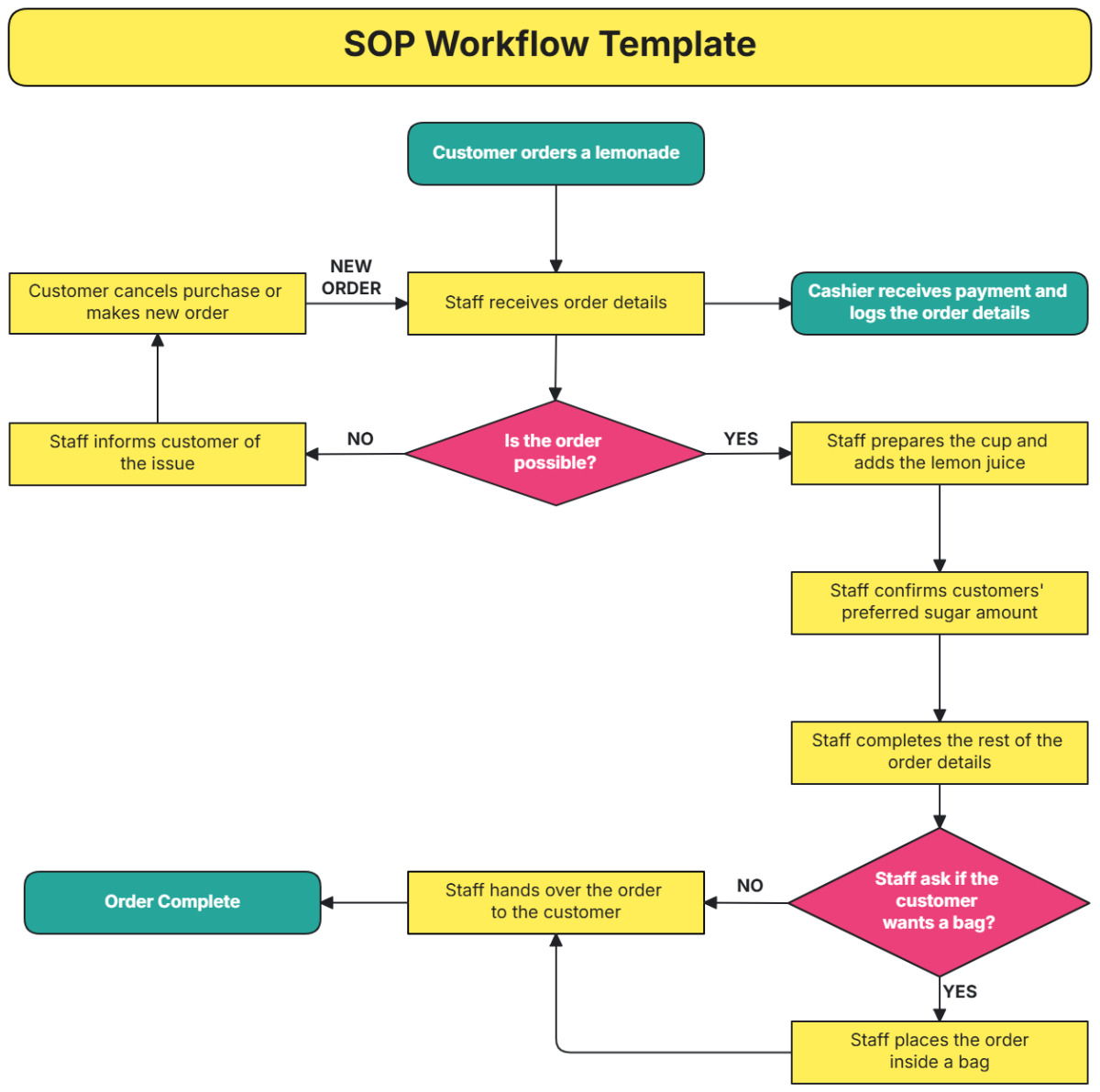
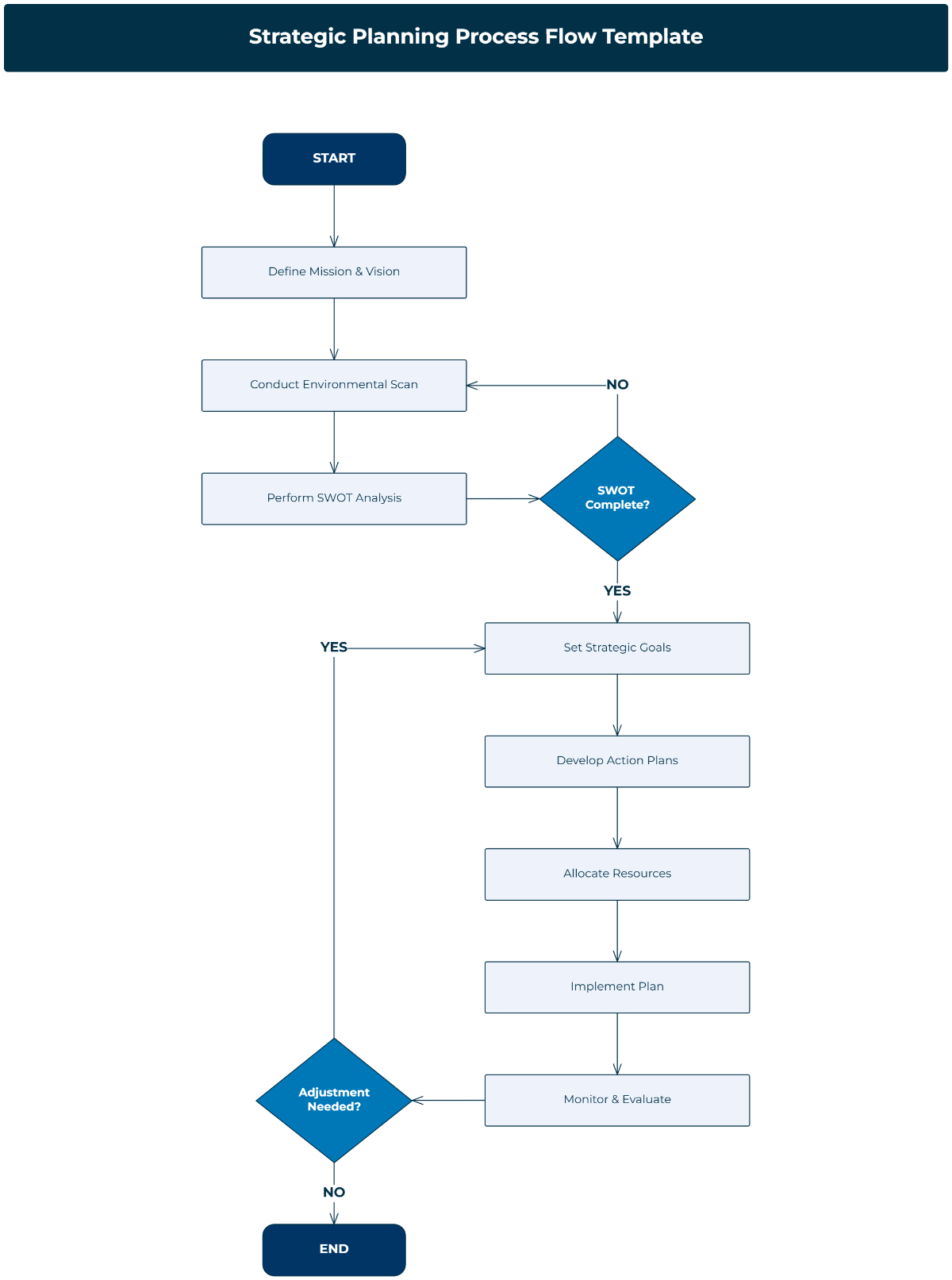
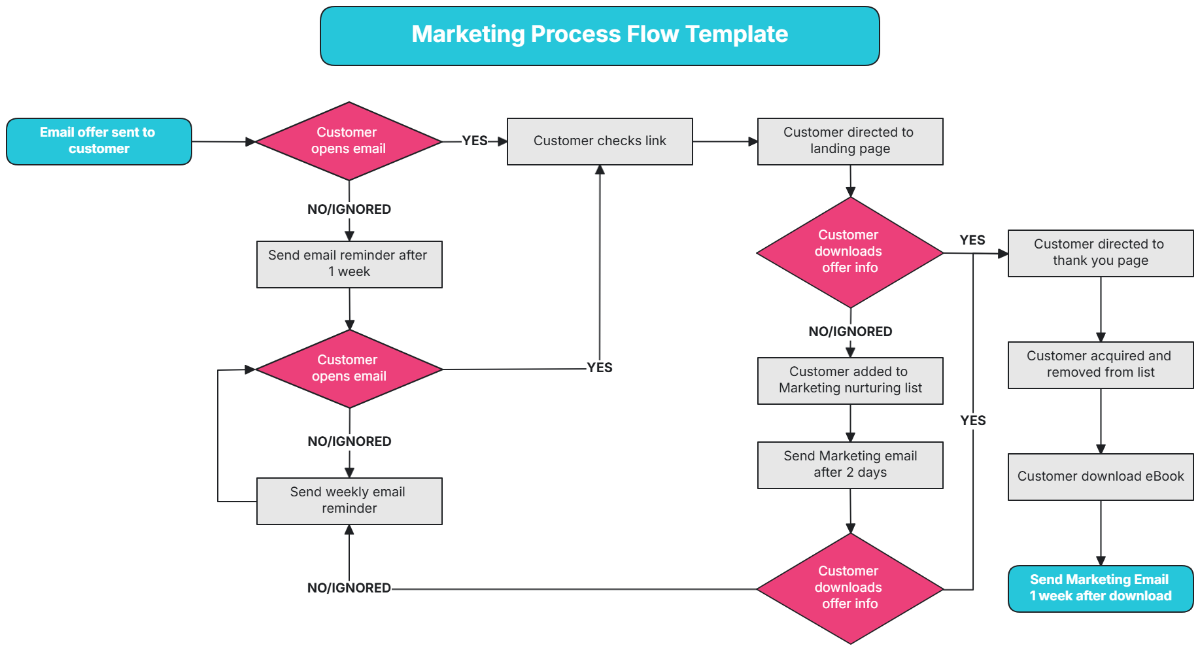
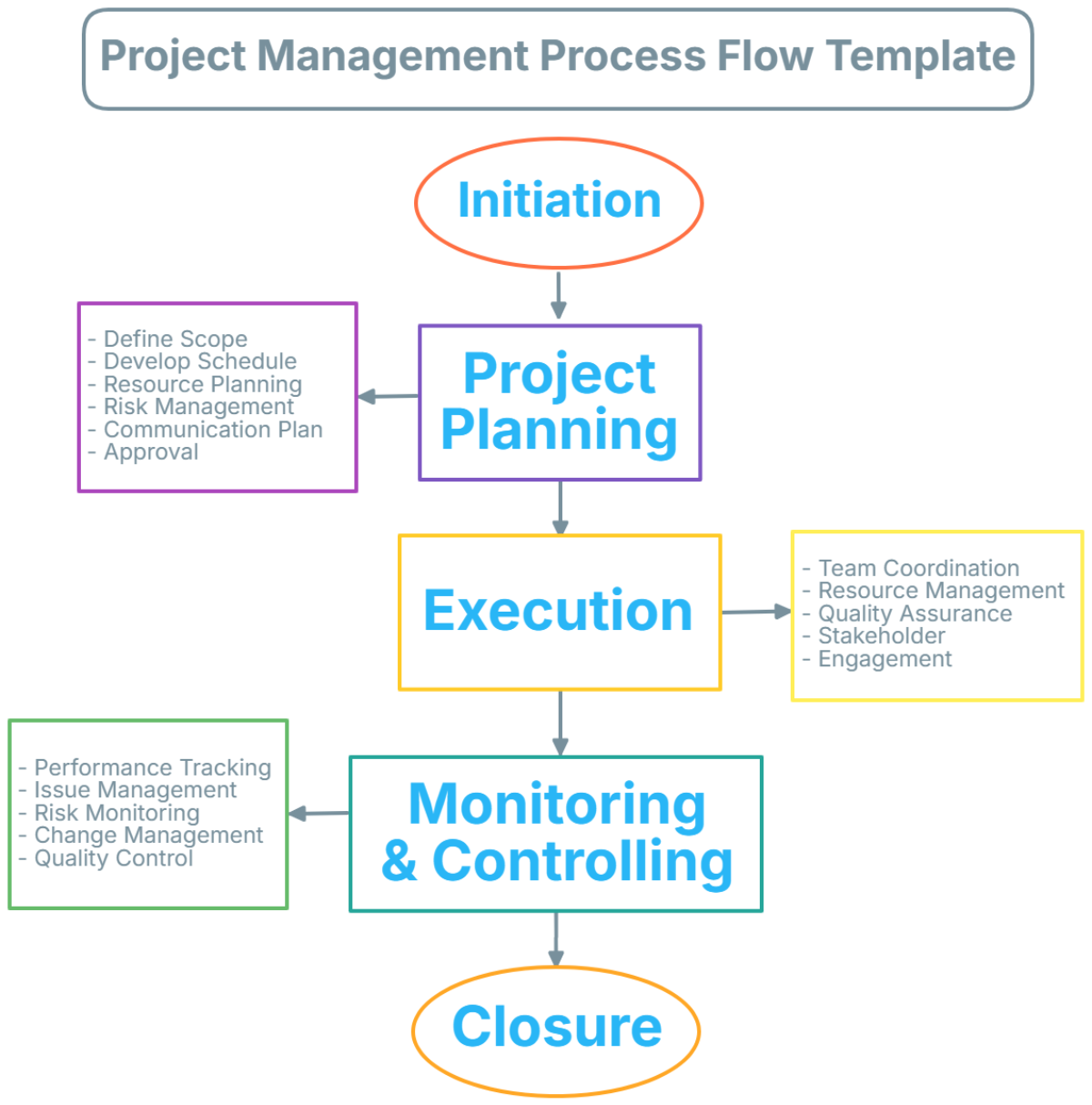
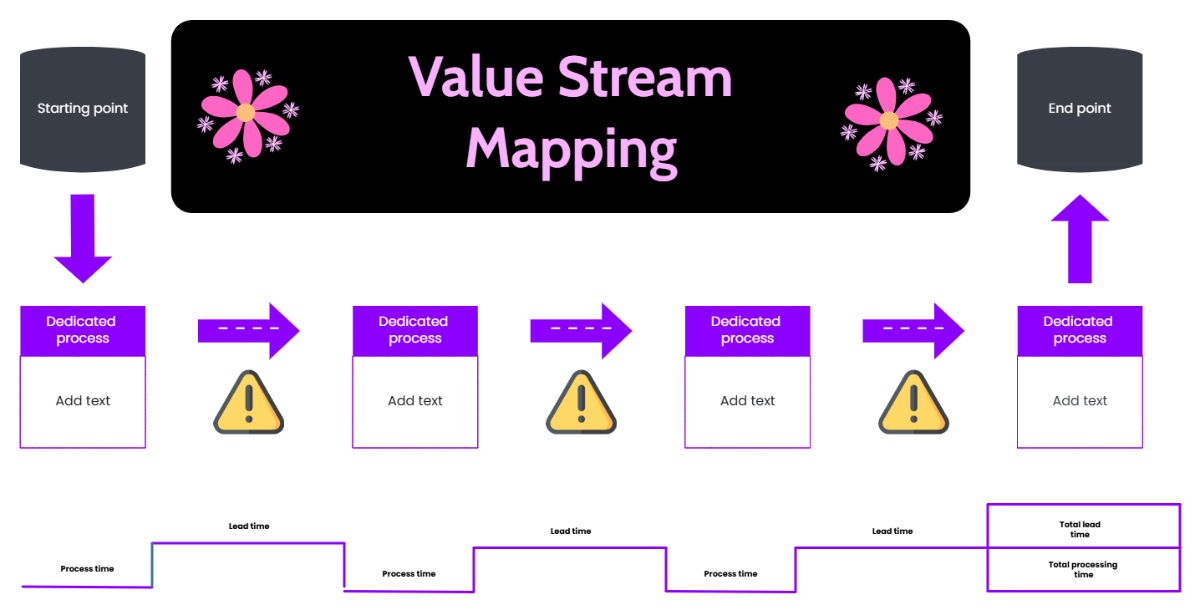
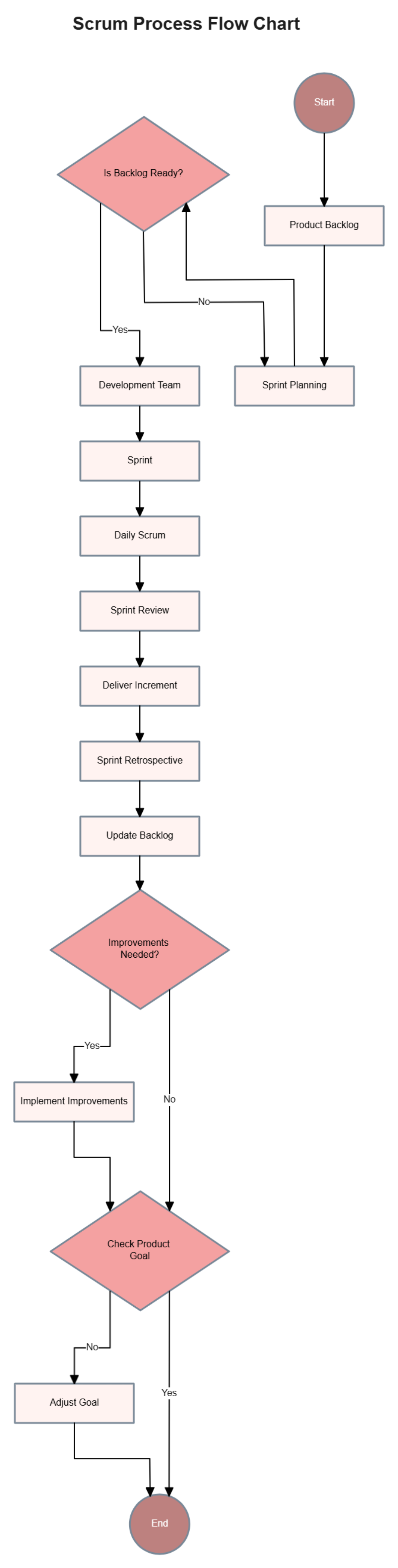
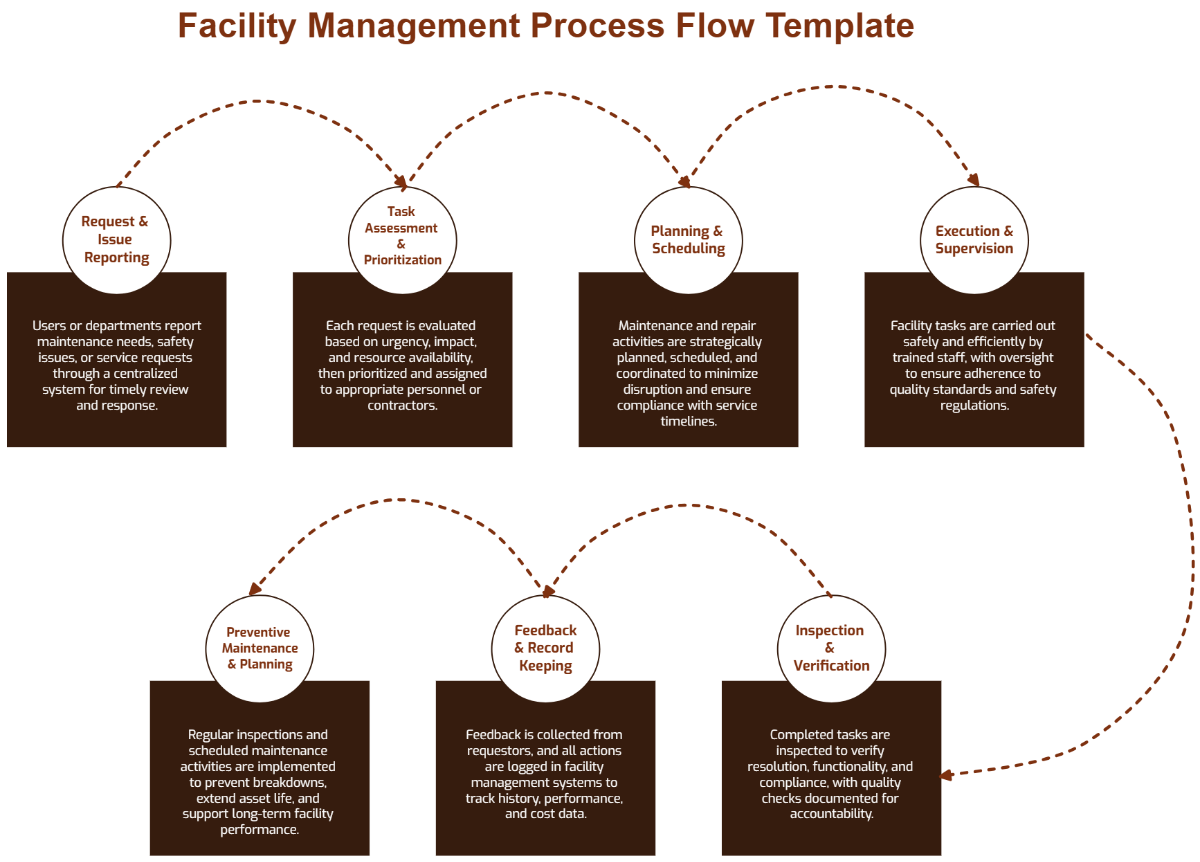
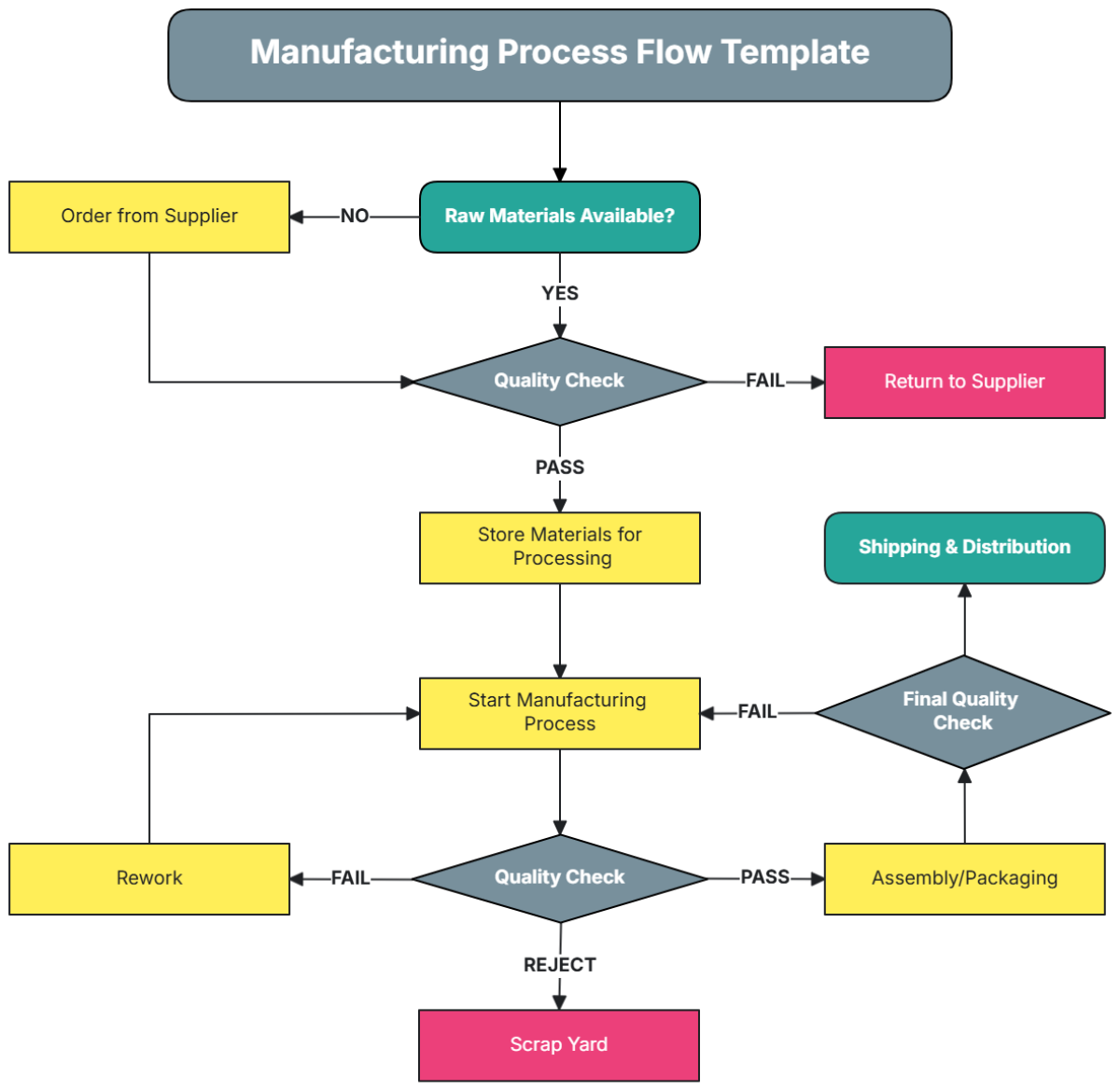
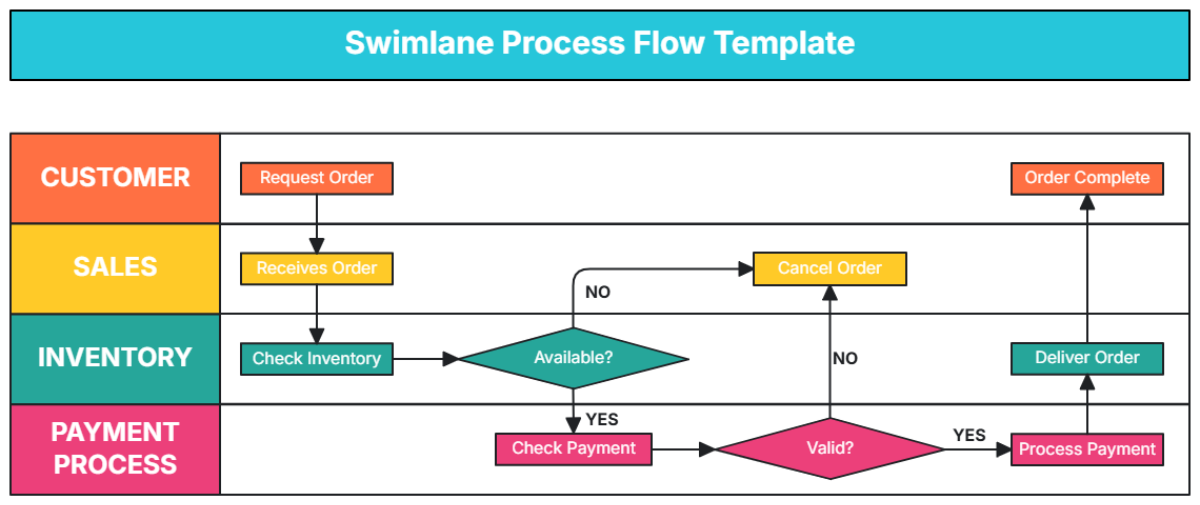
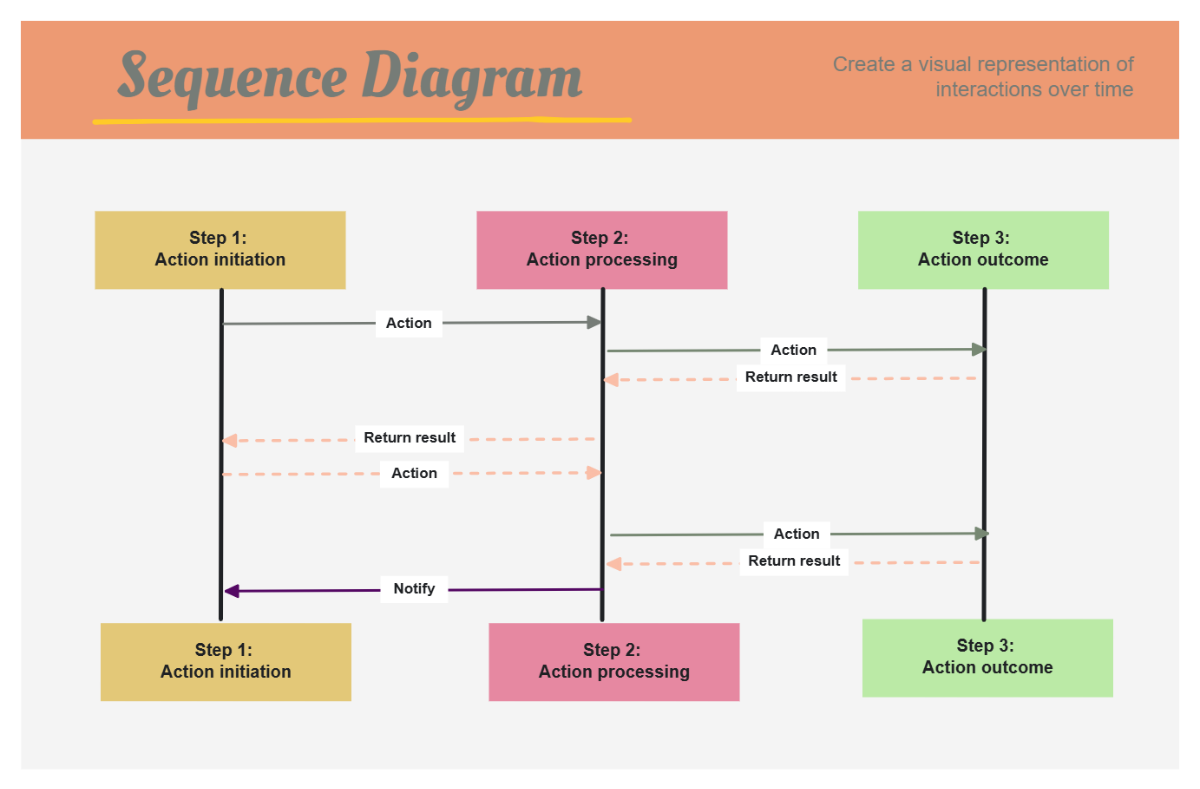
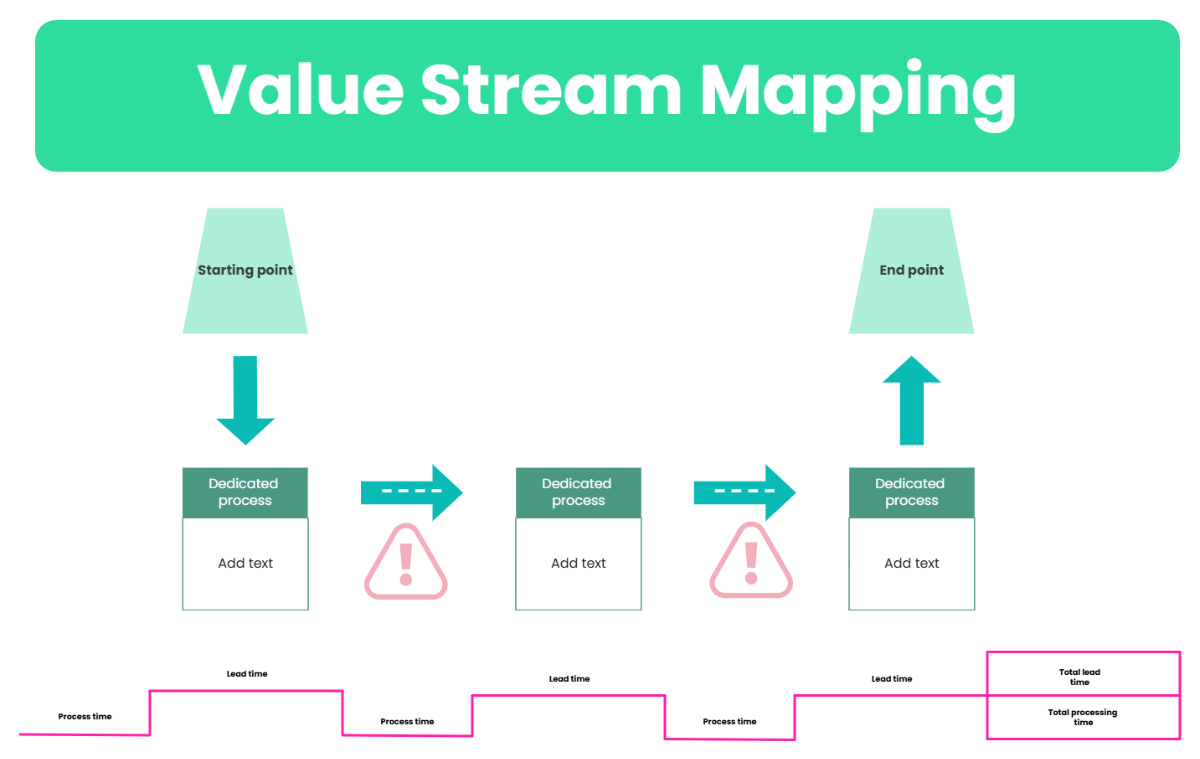
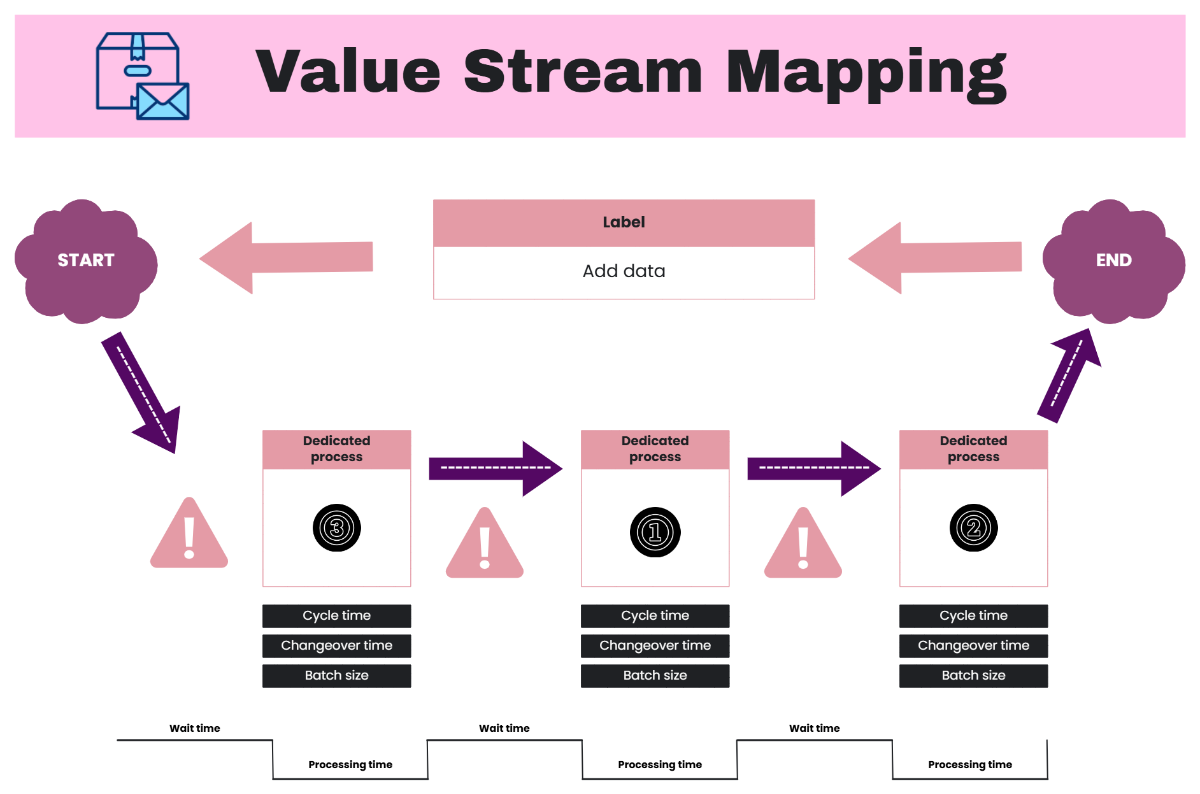
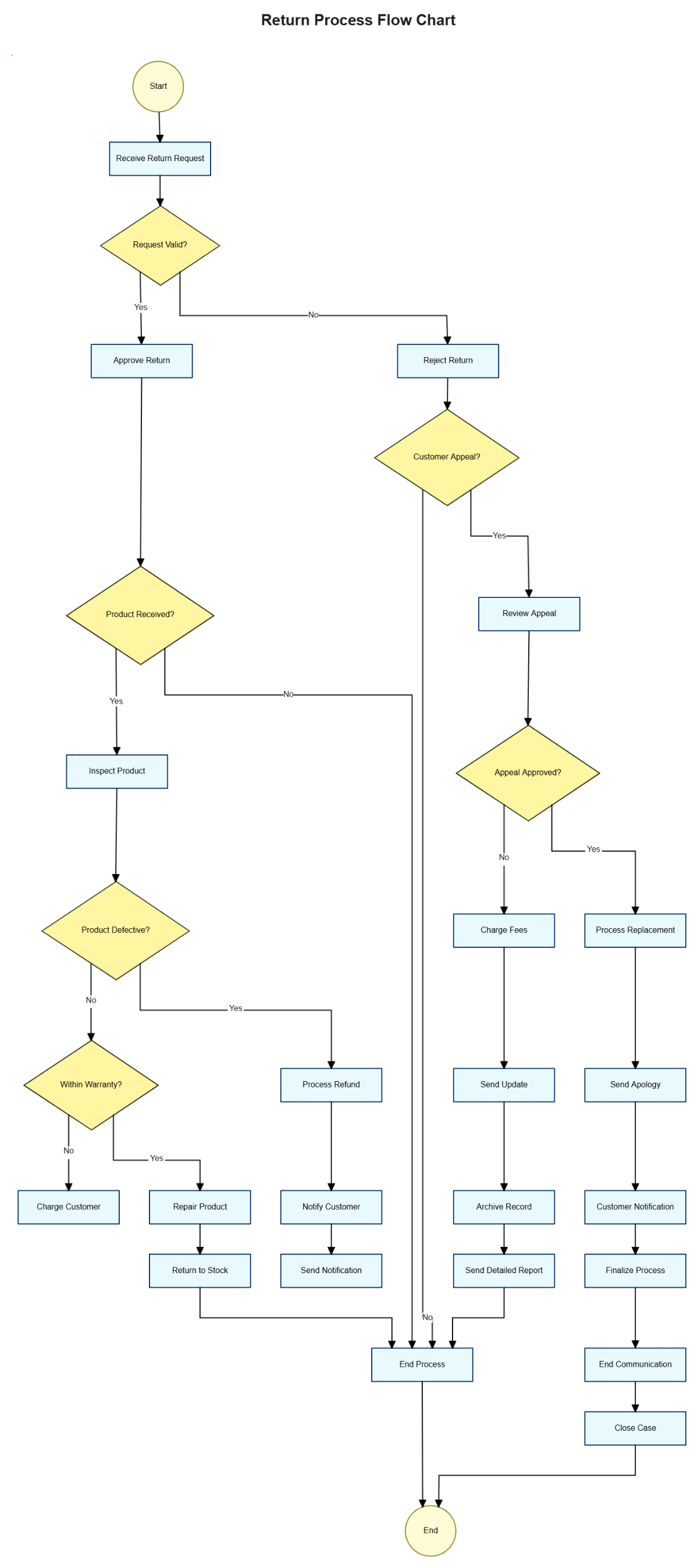
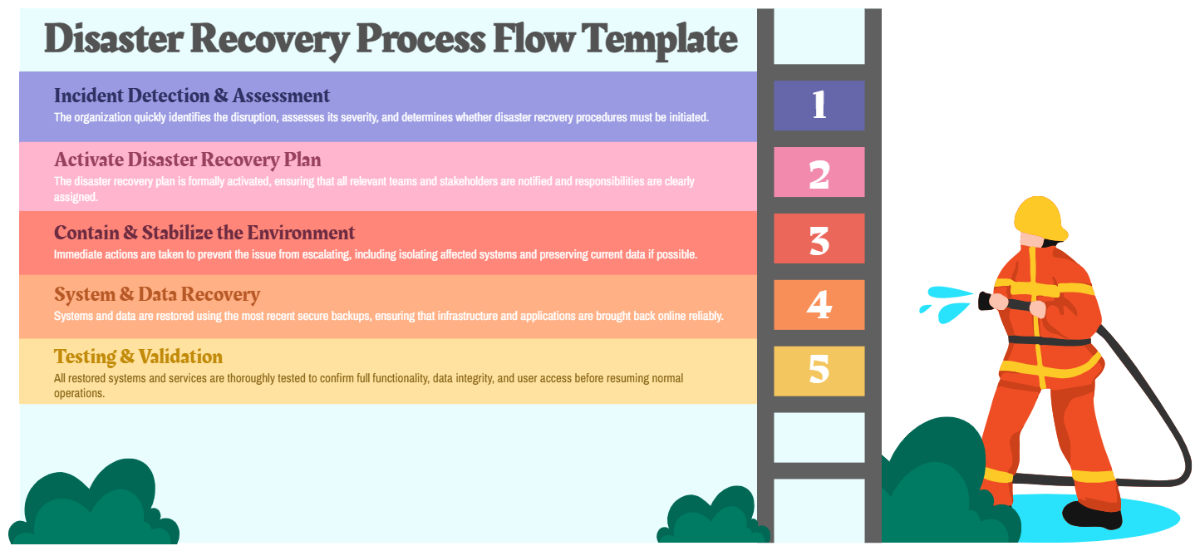
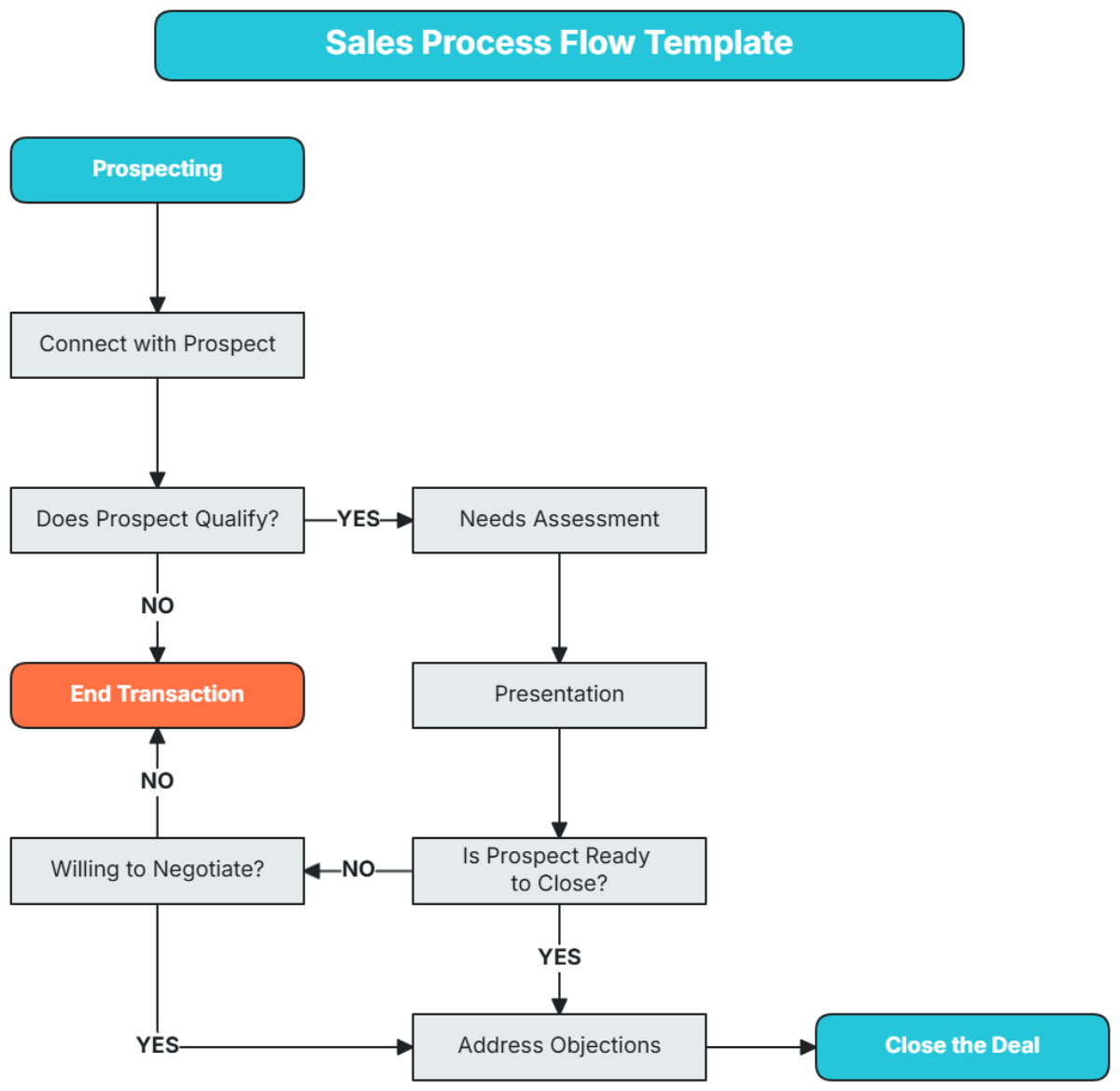
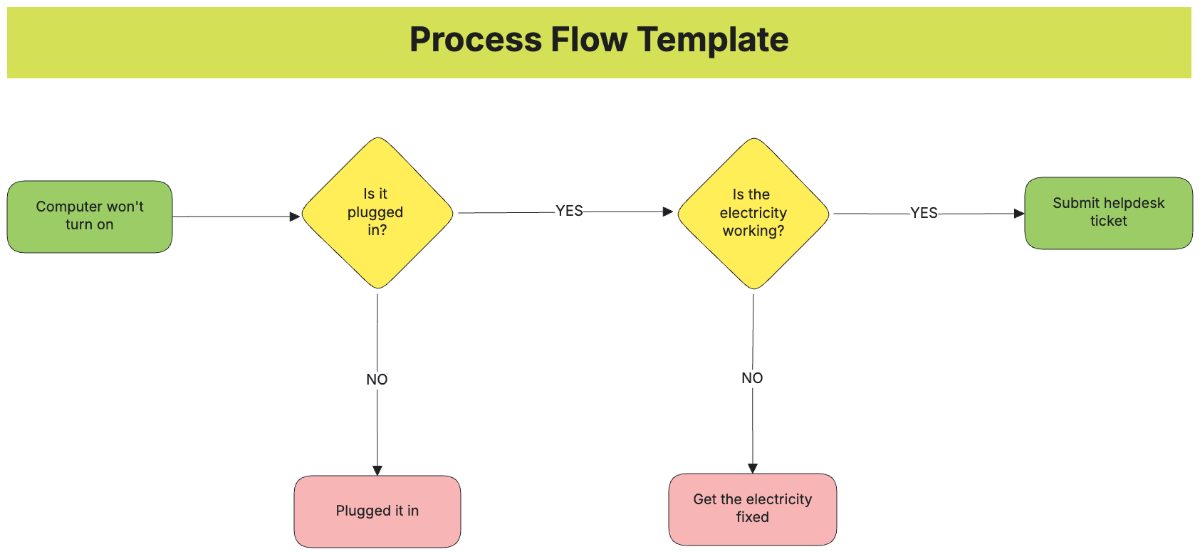
Process Flow is a visual representation of a sequence of steps or activities that outlines how a particular task or operation progresses. It highlights workflow connections and shows the logical order in which actions occur, enabling a clear understanding of complex processes.
Why should I use a Process Flow?
Process Flow helps improve communication and efficiency by providing a clear visual hierarchy of tasks and decisions. It supports identifying bottlenecks, streamlining workflows, and enhancing collaboration among team members.
Who uses Process Flows?
Process Flow is used by professionals such as project managers, business analysts, engineers, and teams involved in process optimization. It aids in aligning stakeholders by making complex workflows understandable and accessible.
What are the best tips for completing my Process Flow?
When completing your Process Flow, keep these tips in mind.
- Define clear start and end points – establish boundaries for your process.
- Use consistent symbols – maintain visual clarity and recognition.
- Keep the flow logical – arrange steps in a sequential order.
- Label connections – clarify decision points and transitions.
- Limit complexity – break down large processes into manageable segments.
- Validate with stakeholders – ensure accuracy and completeness.
What file formats can I download for my Process Flow?
Template.net whiteboard templates for Process Flow support multiple export formats for easy collaboration and sharing.
No related formats are listed for this category.
Can I create a Process Flow using AI?
Template.net provides an AI-powered tool that generates new Process Flow structures from prompts. You can access it here: Process Flow Maker.
What essential elements should be included in my Process Flow?
Your Process Flow should include key elements to accurately represent the workflow.
- Start and End points – indicate where the process begins and finishes.
- Process Steps – individual actions or tasks.
- Decision points – branching based on conditions.
- Connectors or Arrows – show the flow direction.
- Inputs and Outputs – resources or results at each step.
- Annotations – additional notes for clarity.
What are the benefits of using Process Flow in my Team Collaboration workflow?
Using Process Flow in team collaboration improves structural clarity and ensures all members understand their roles and dependencies. It promotes transparency, reduces misunderstandings, and facilitates coordinated task execution.
What structural standards should my Process Flow follow?
Your Process Flow should follow structural standards such as maintaining a top-to-bottom or left-to-right flow, using standardized symbols for actions and decisions, ensuring clear labeling of steps, and avoiding crossing lines to preserve visual clarity.
