

Free Workflow Templates: Customizable Visual Structures for Process Mapping and Management
What is a Workflow?
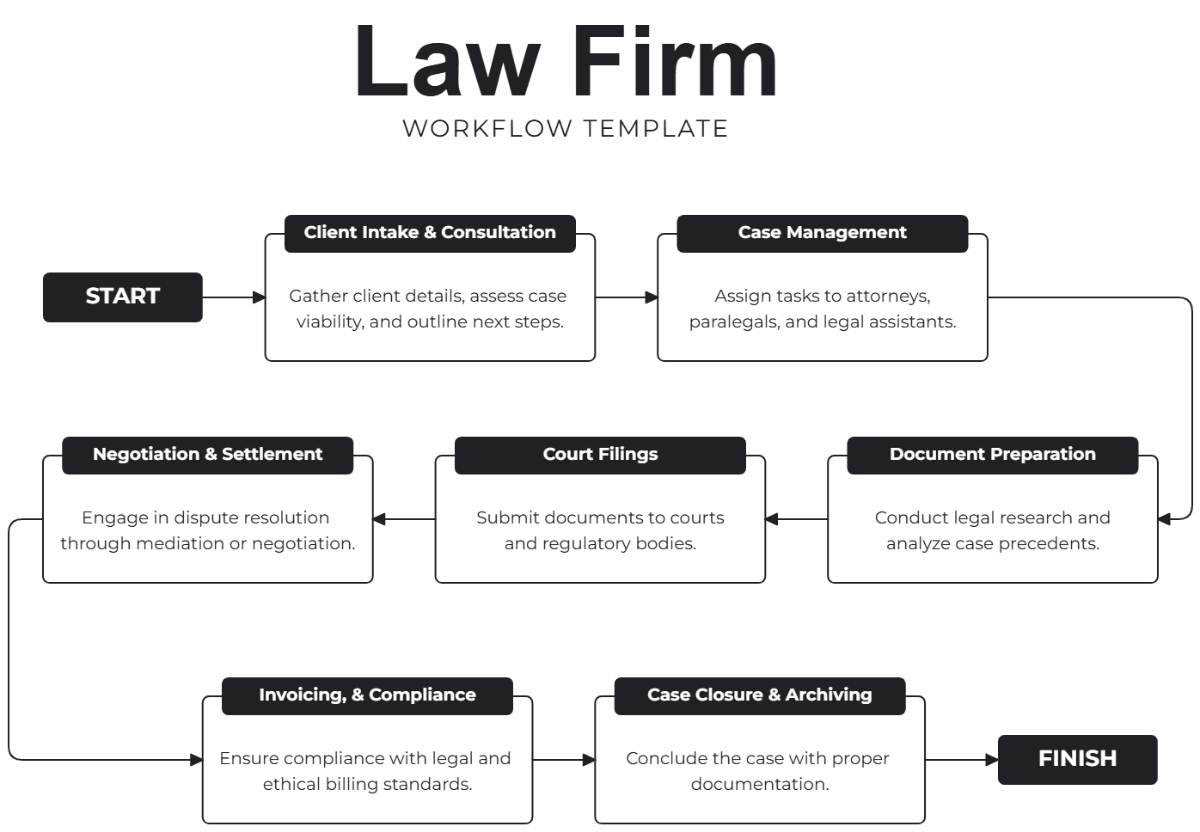
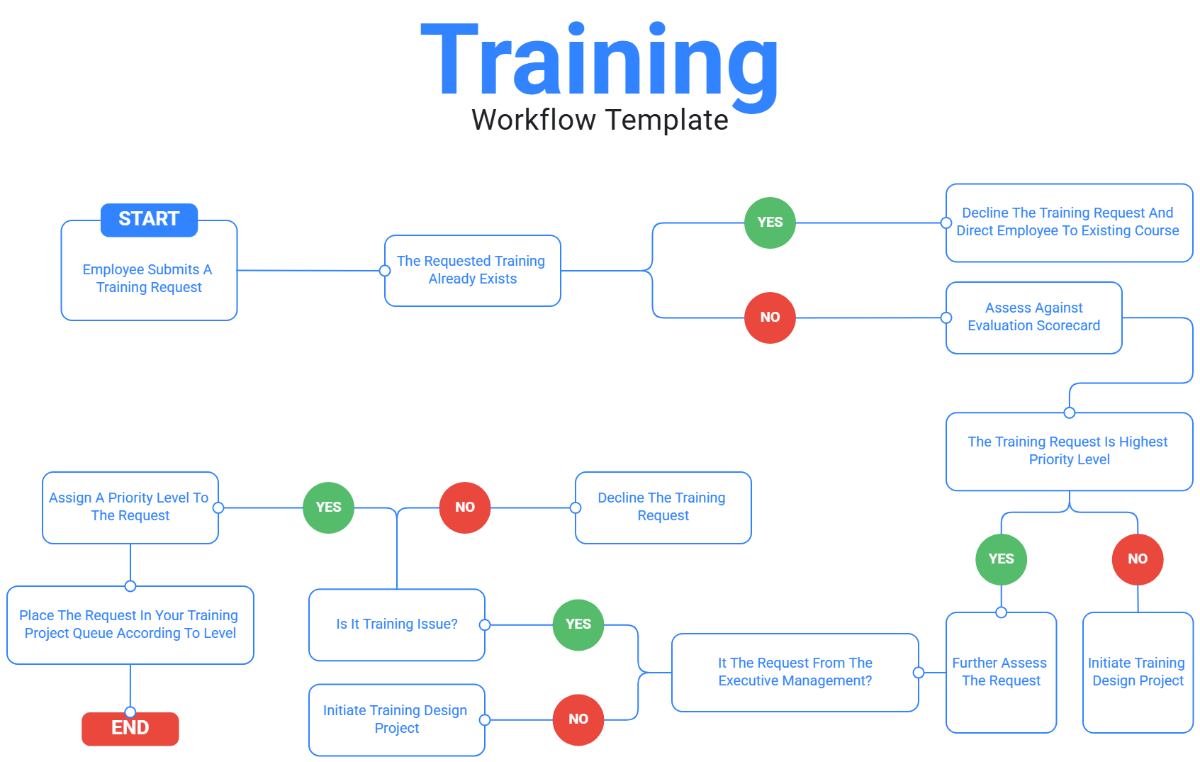
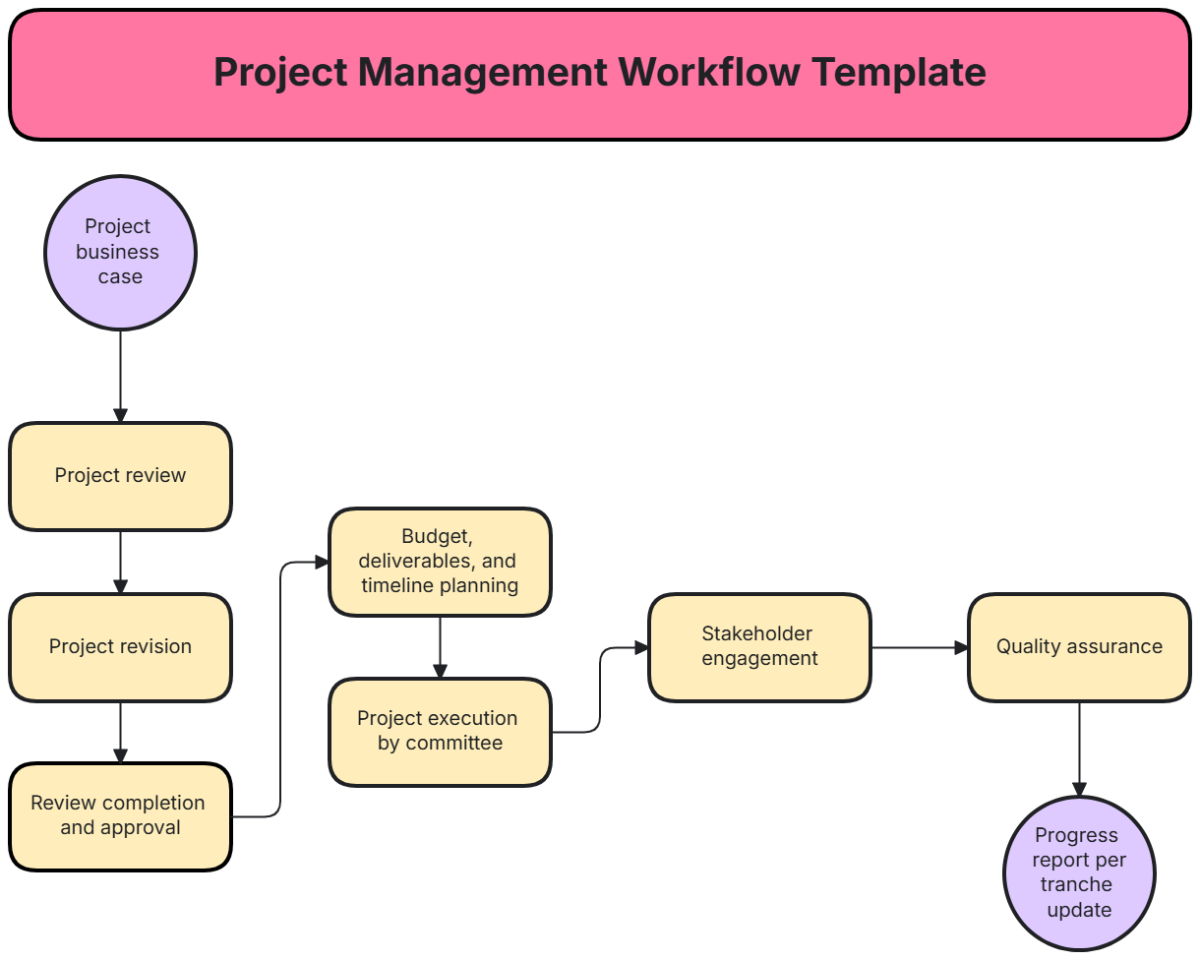
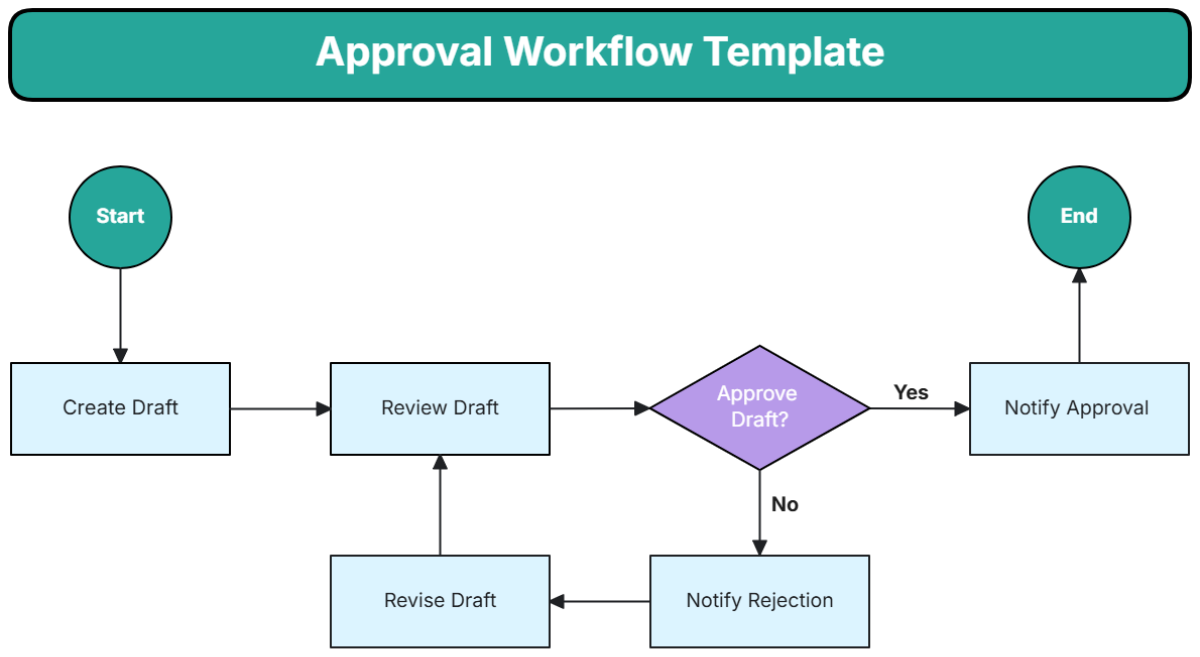
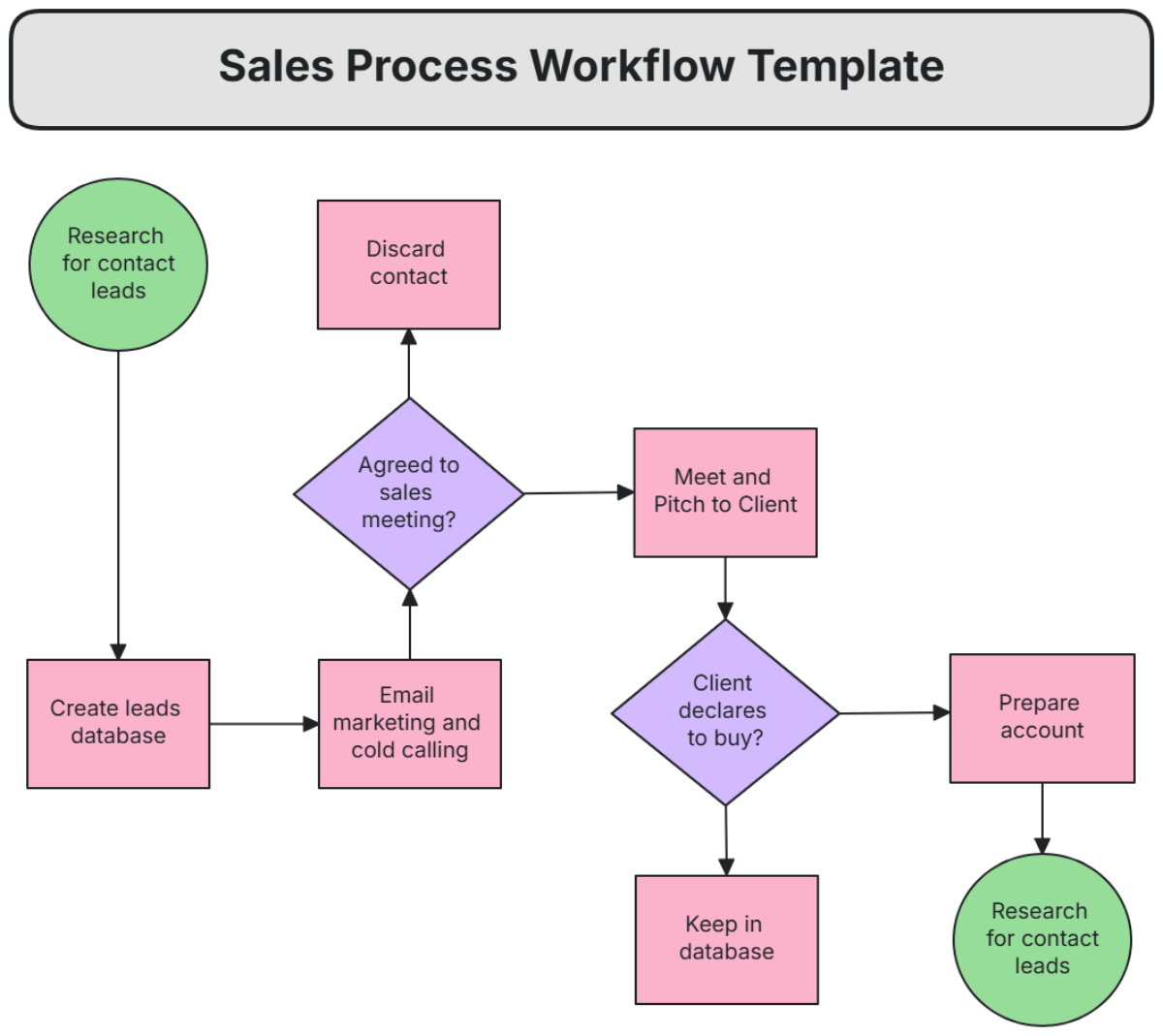
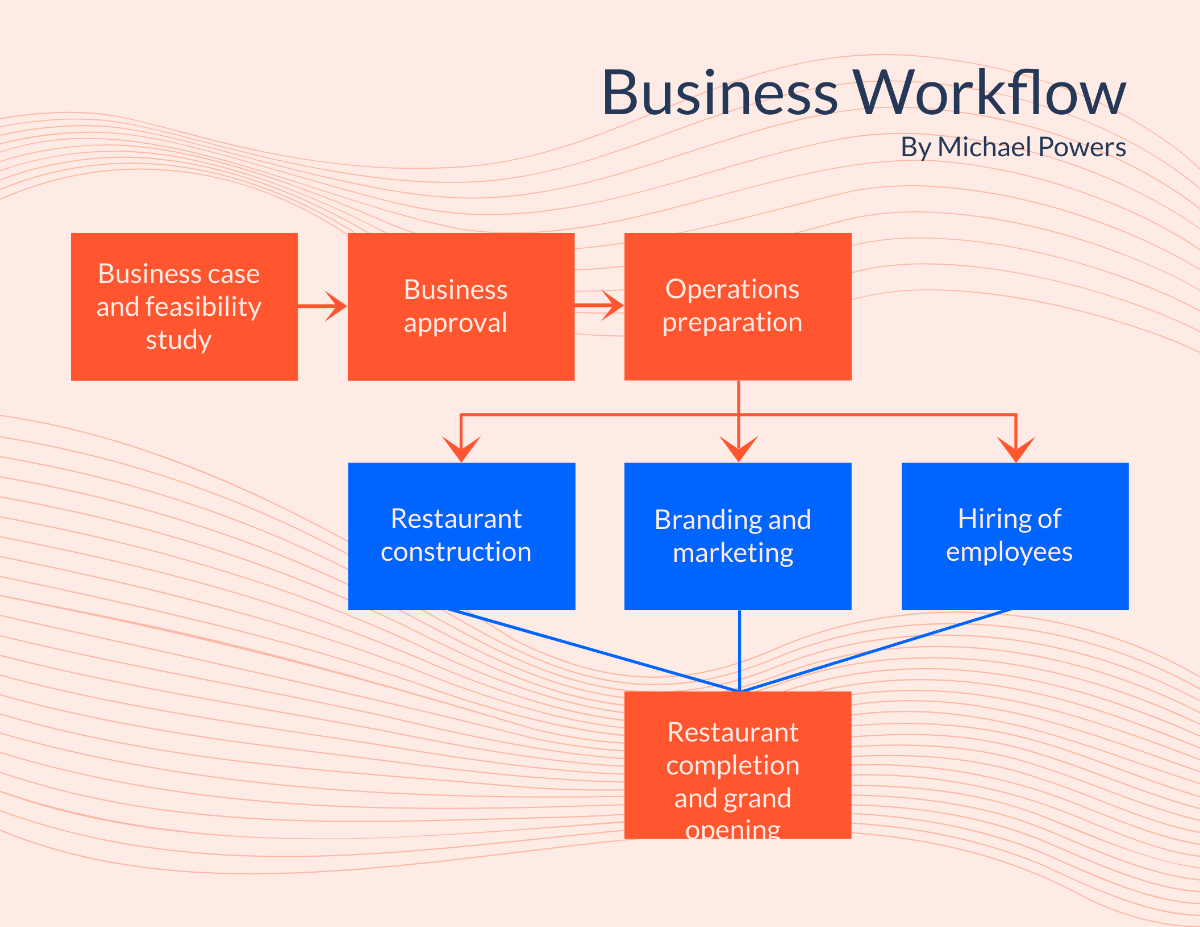
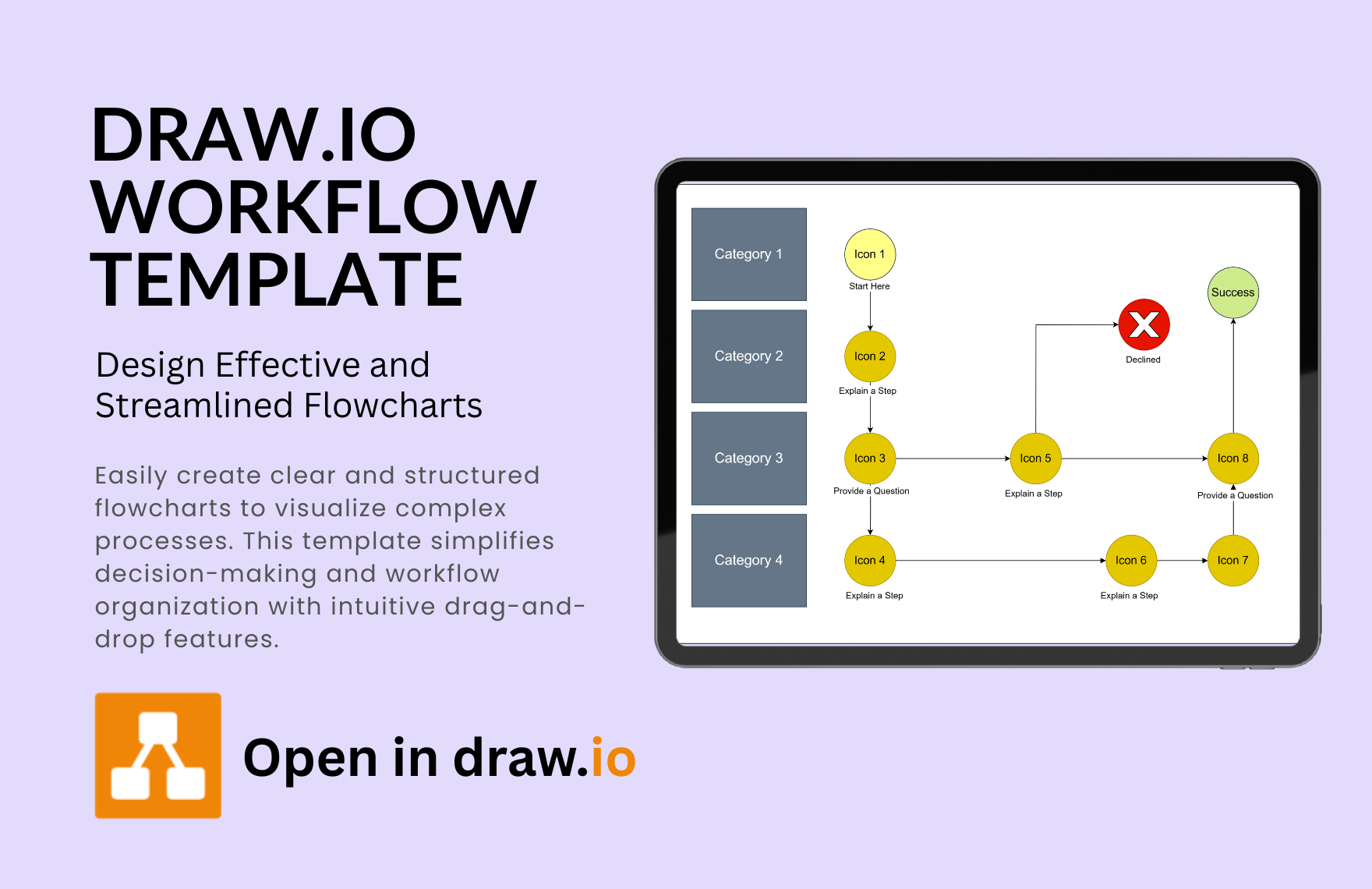
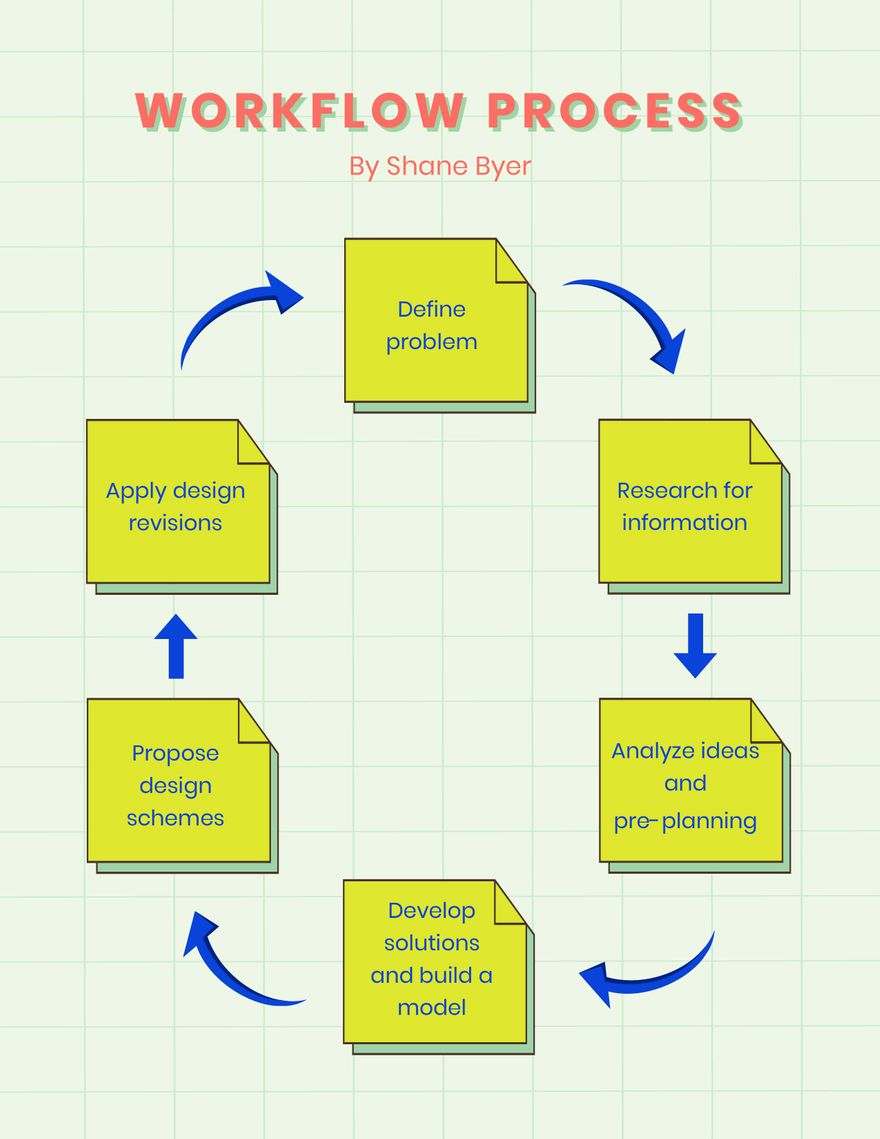
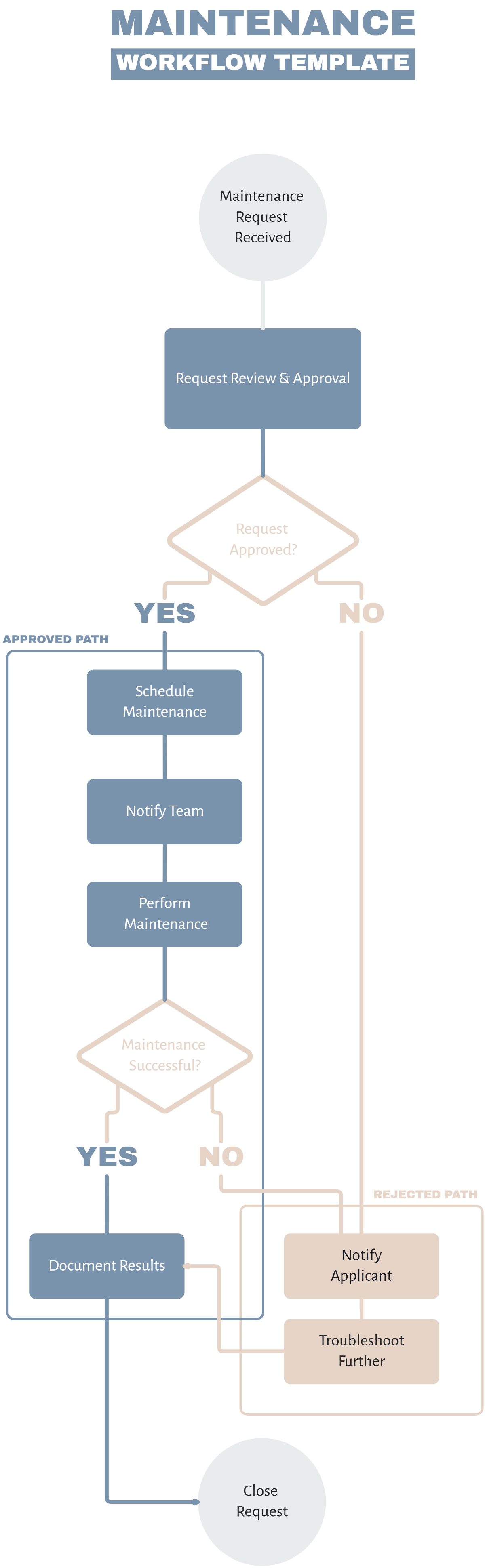
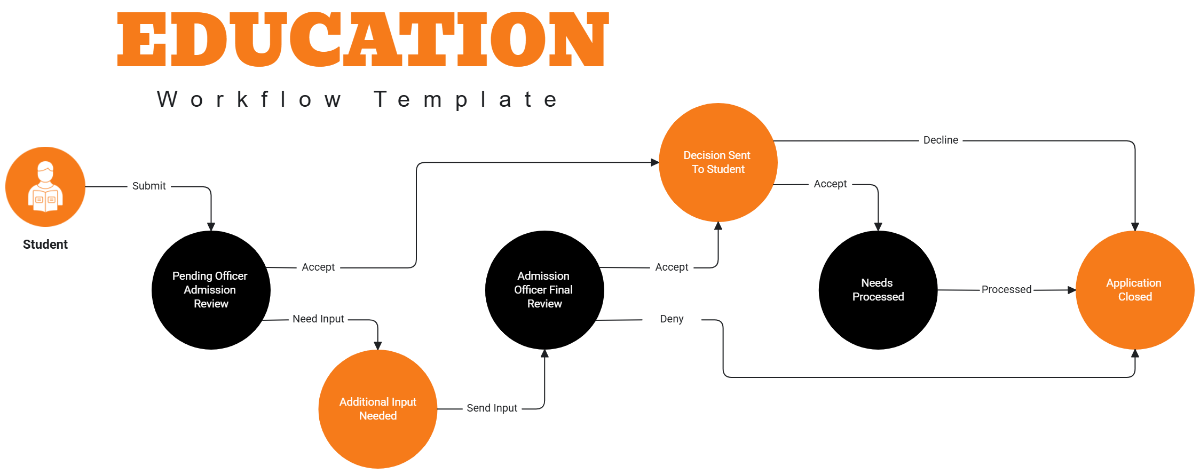
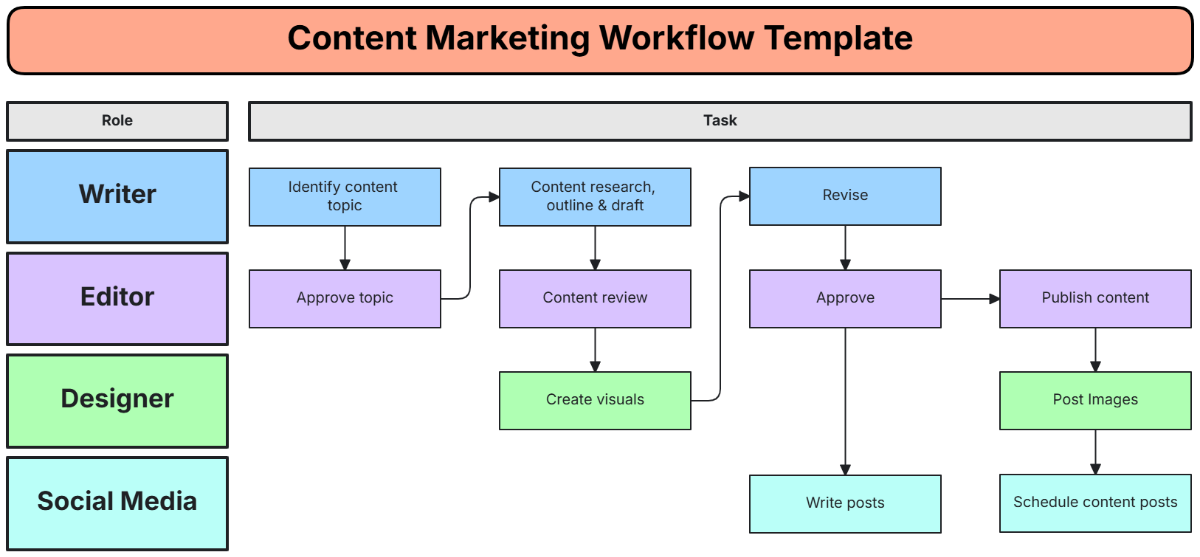
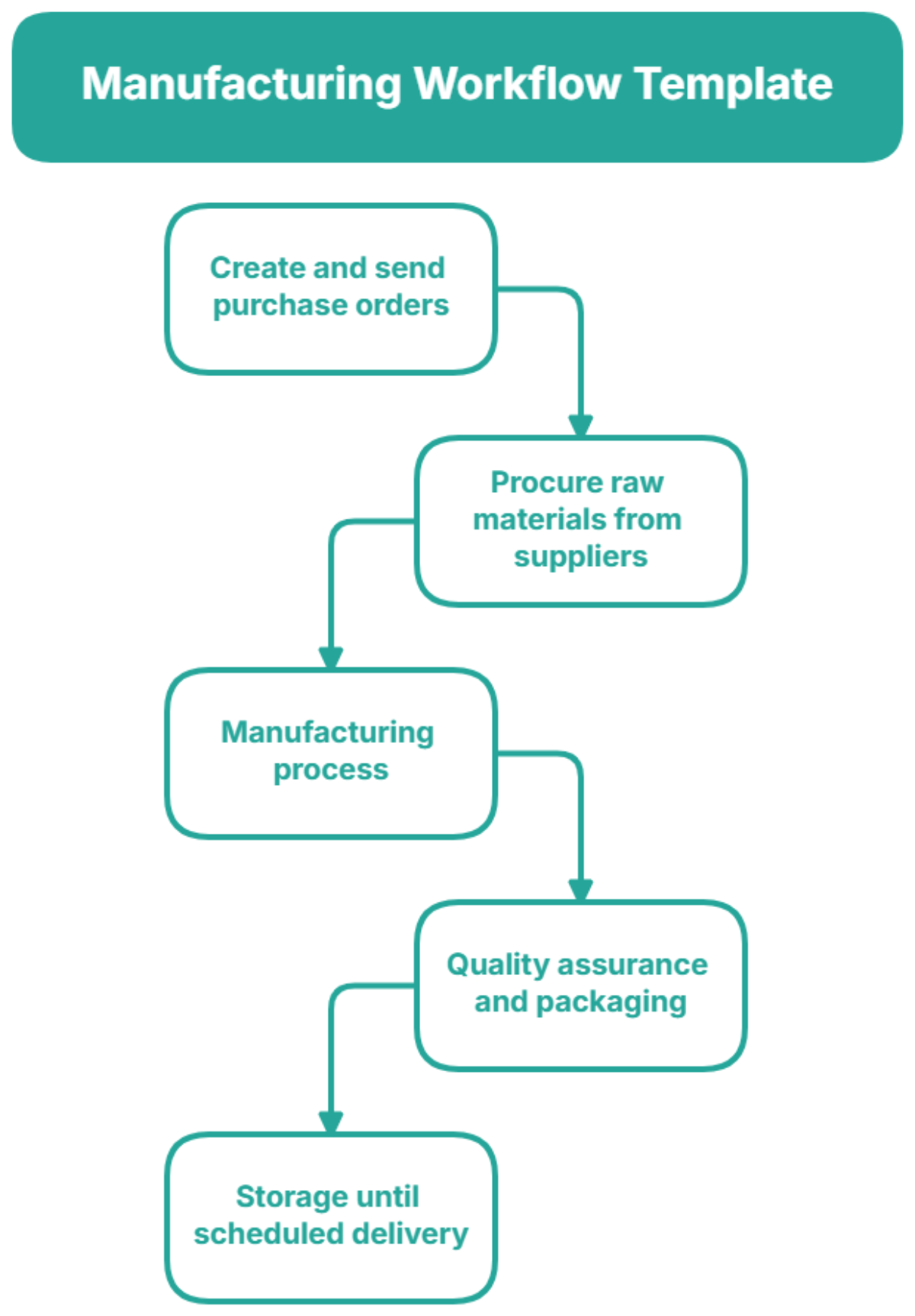
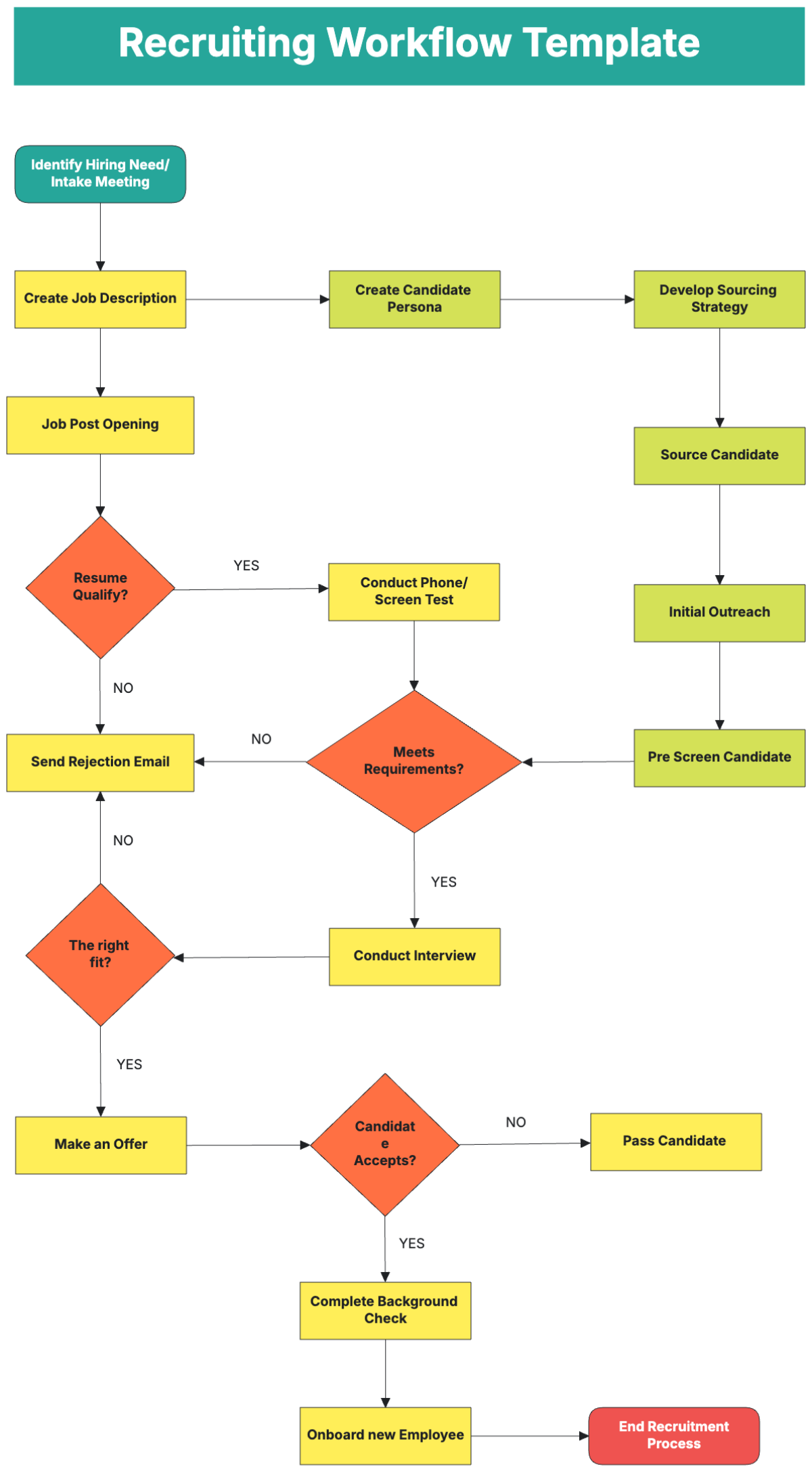
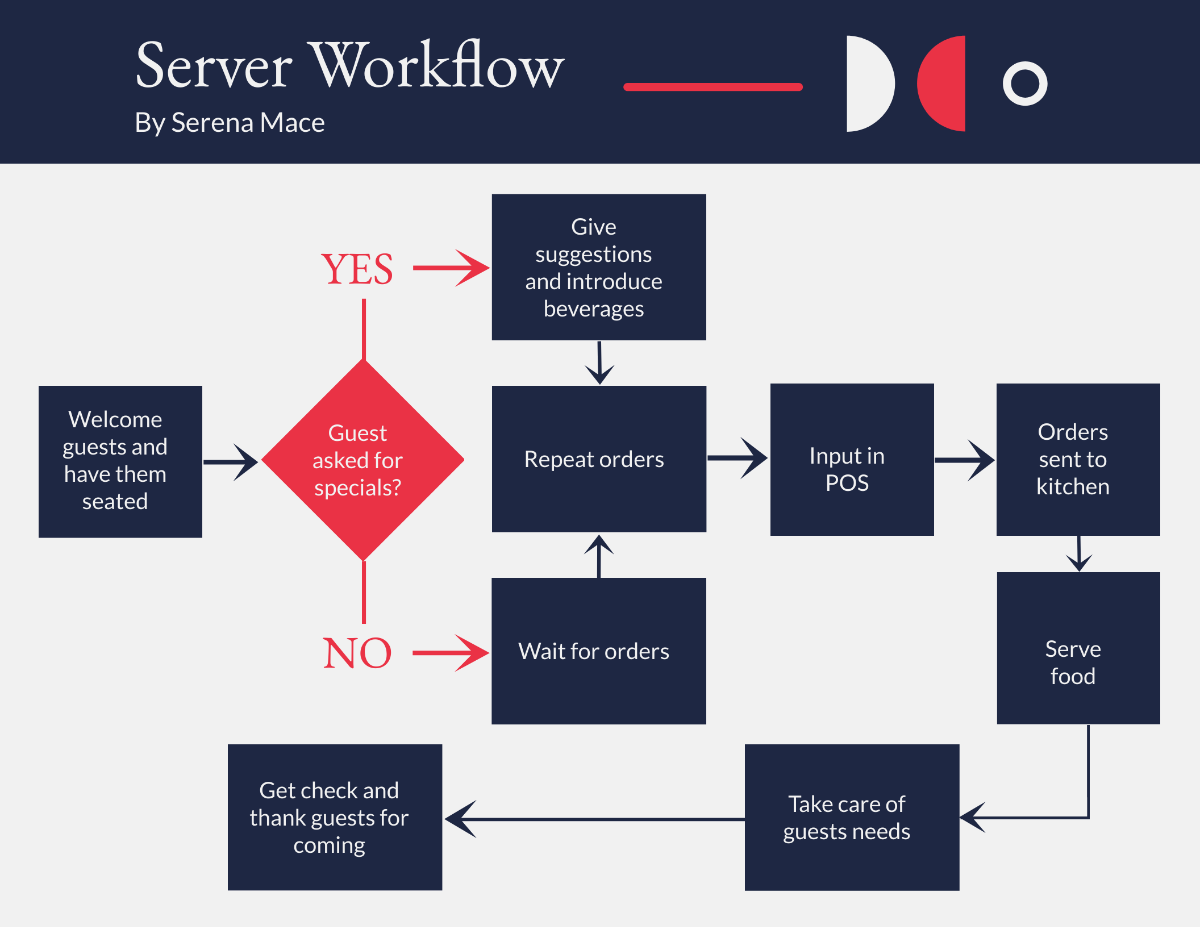
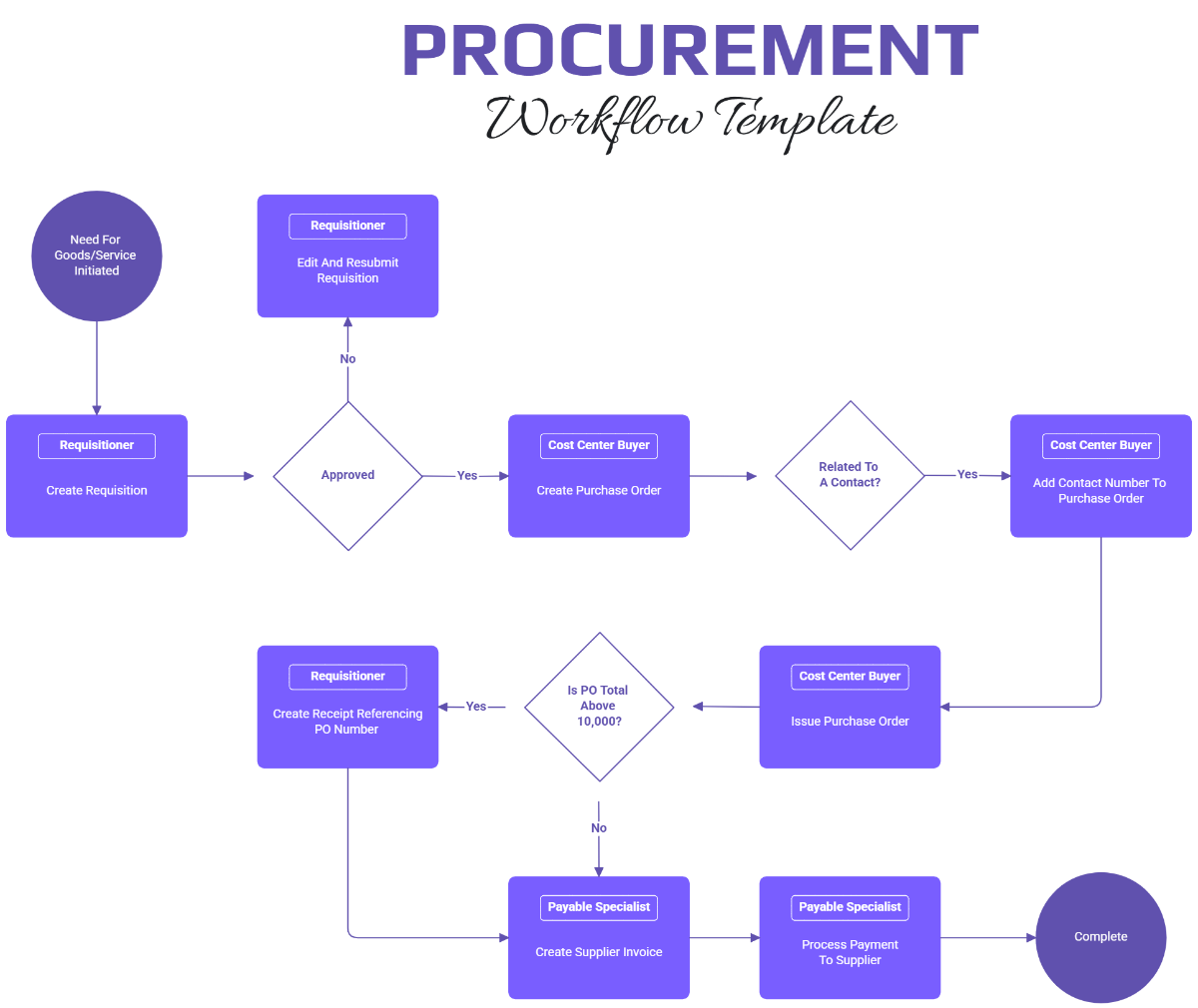
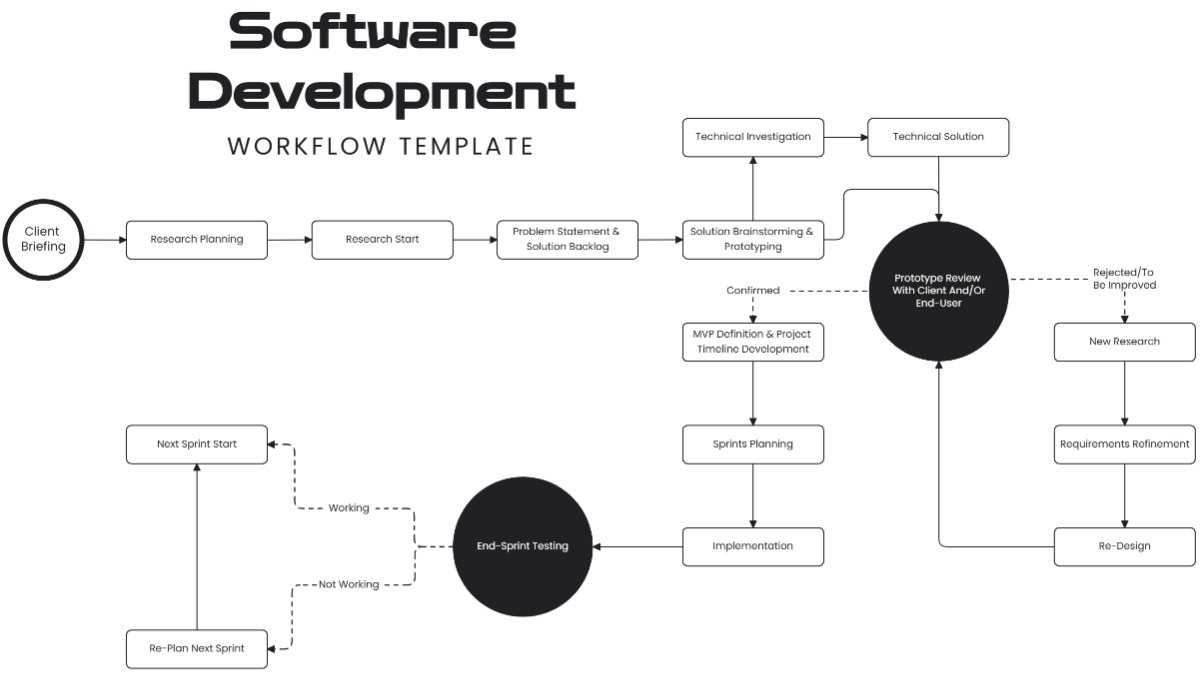
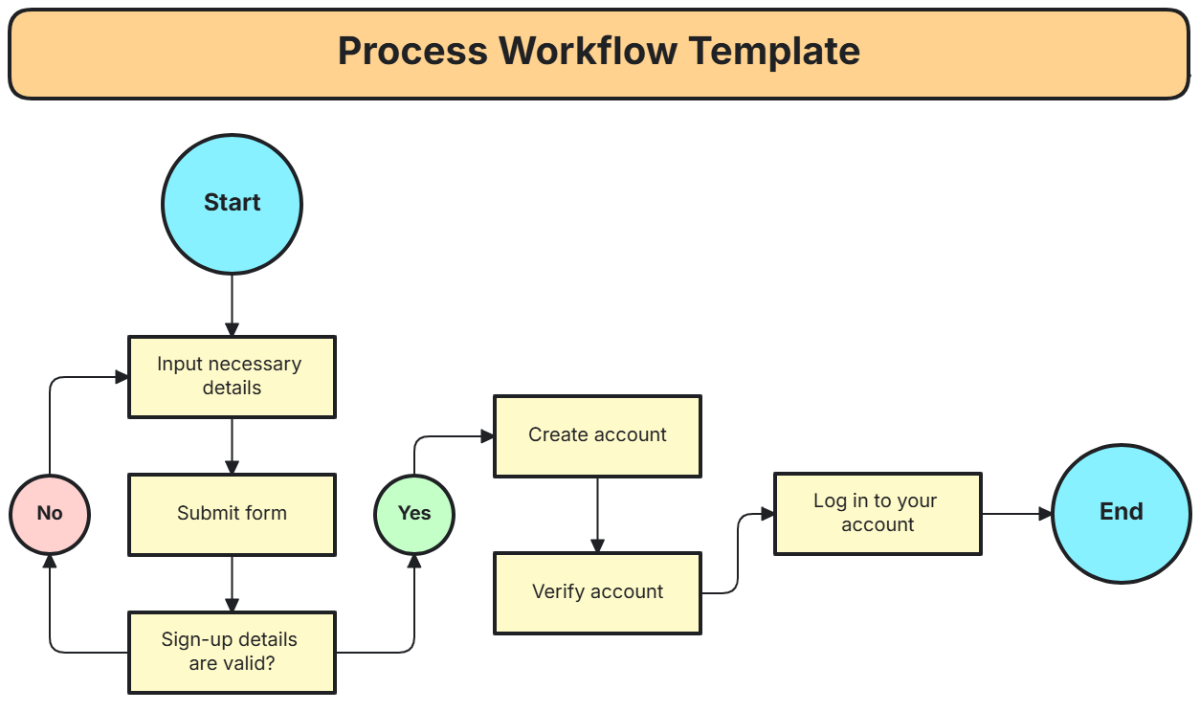
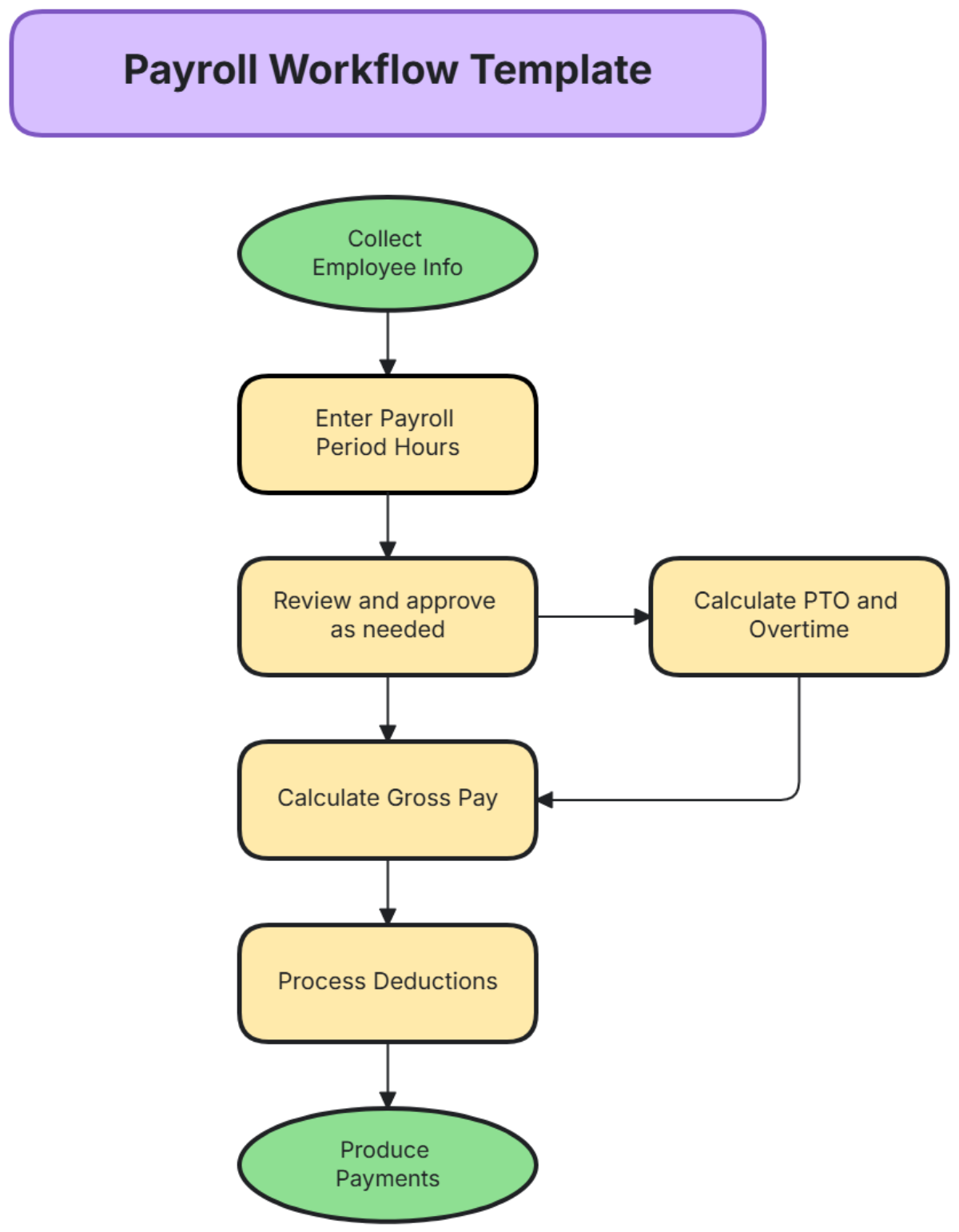
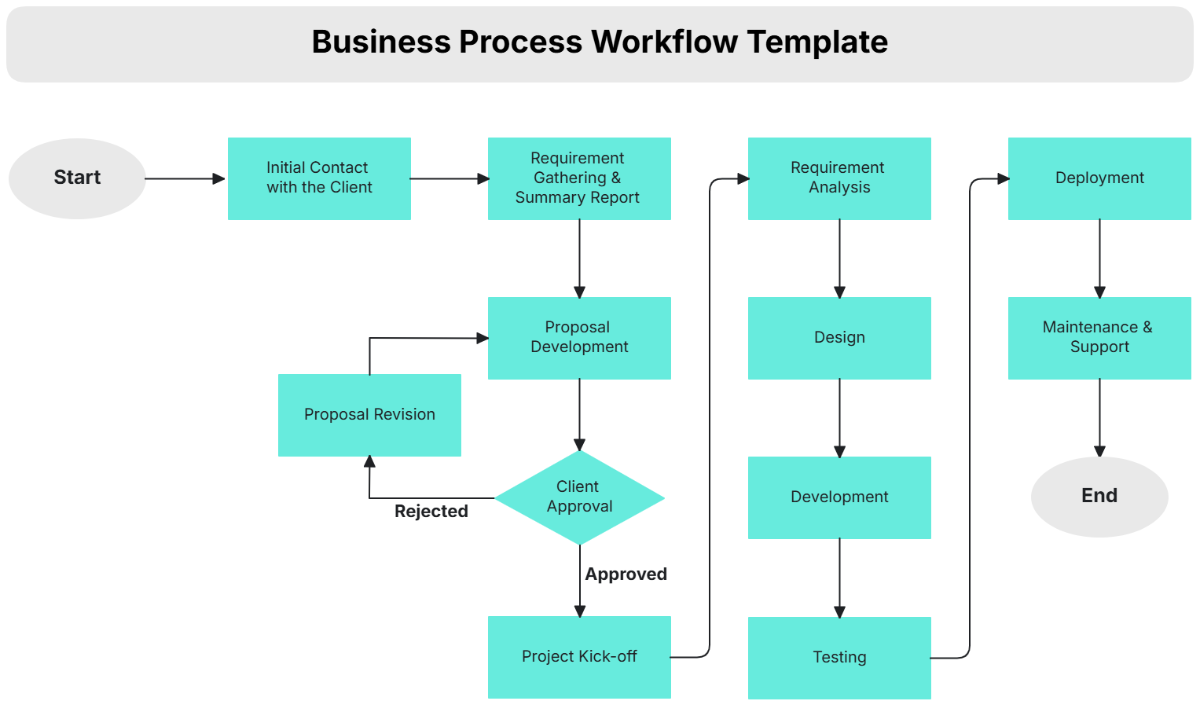
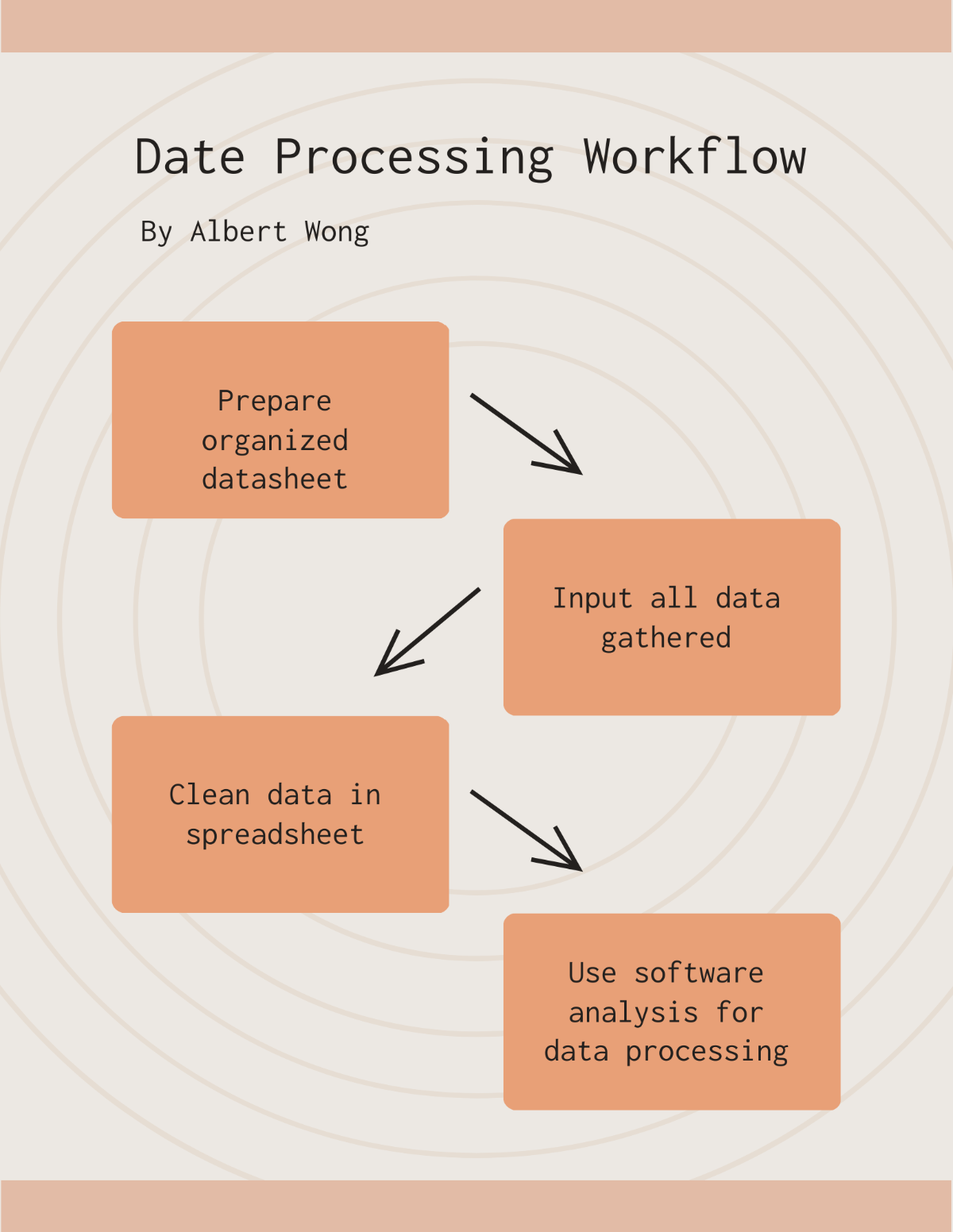
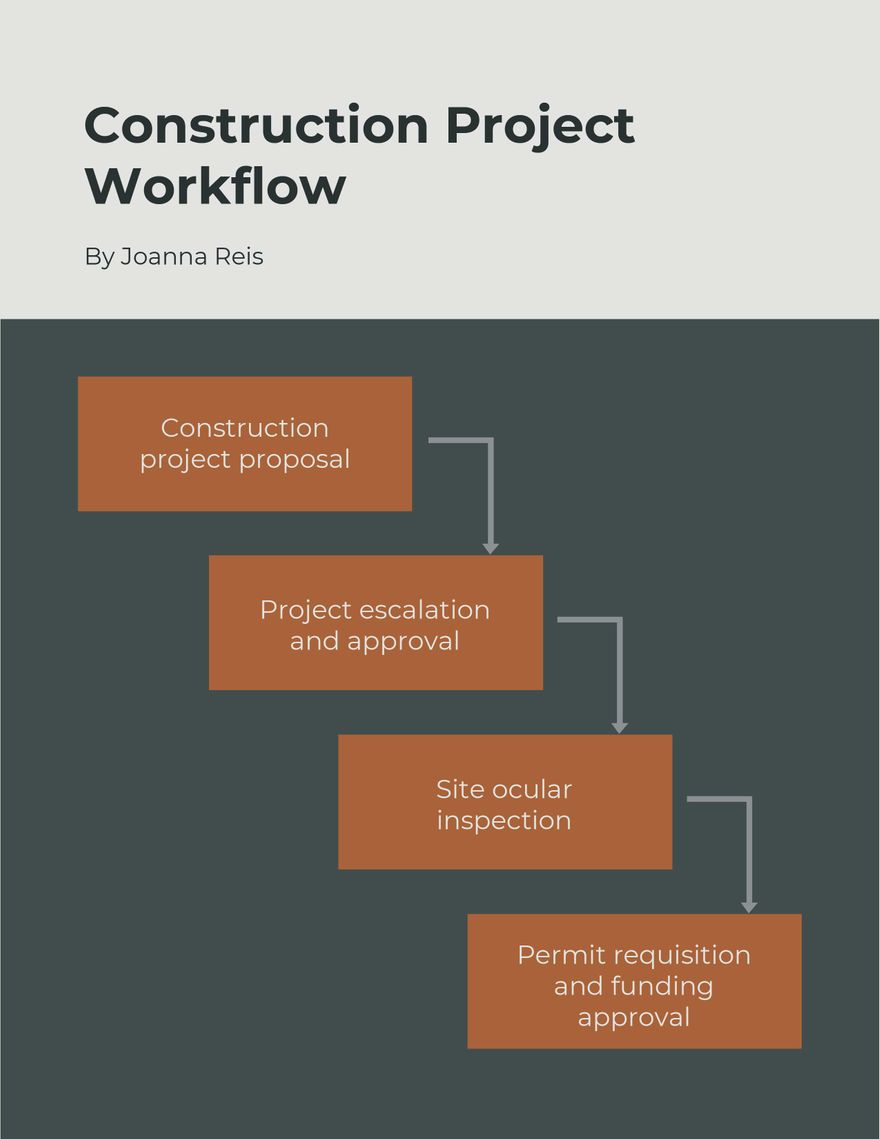
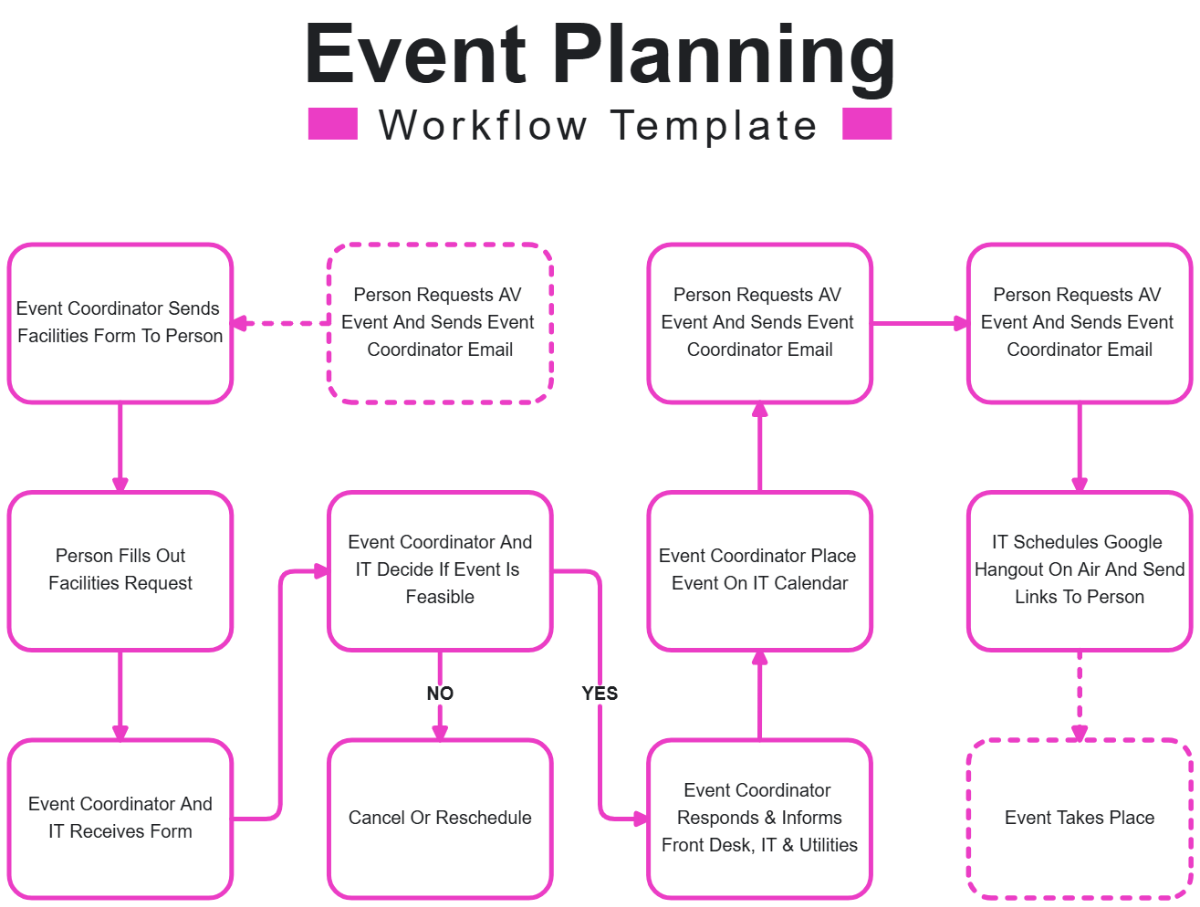
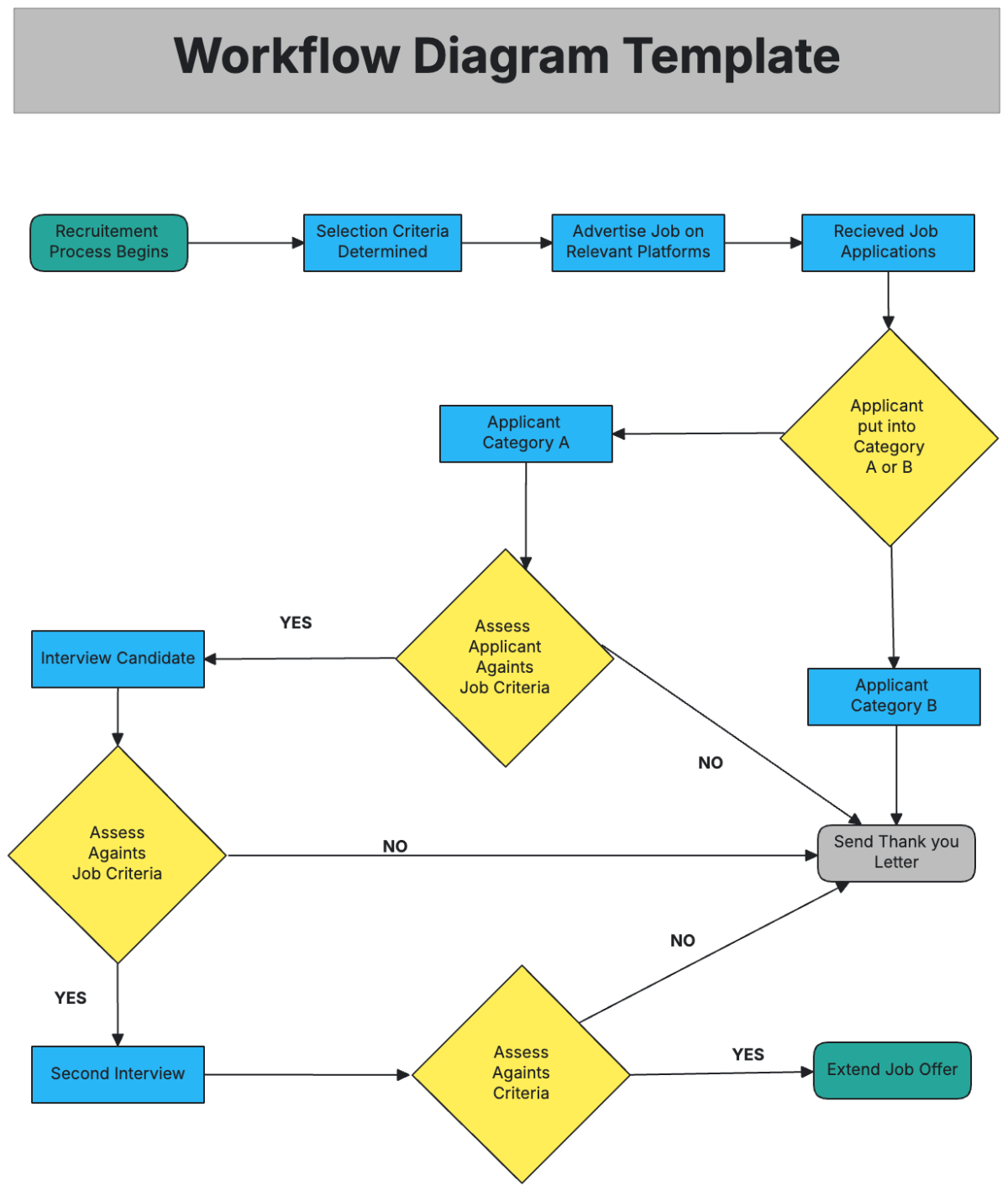
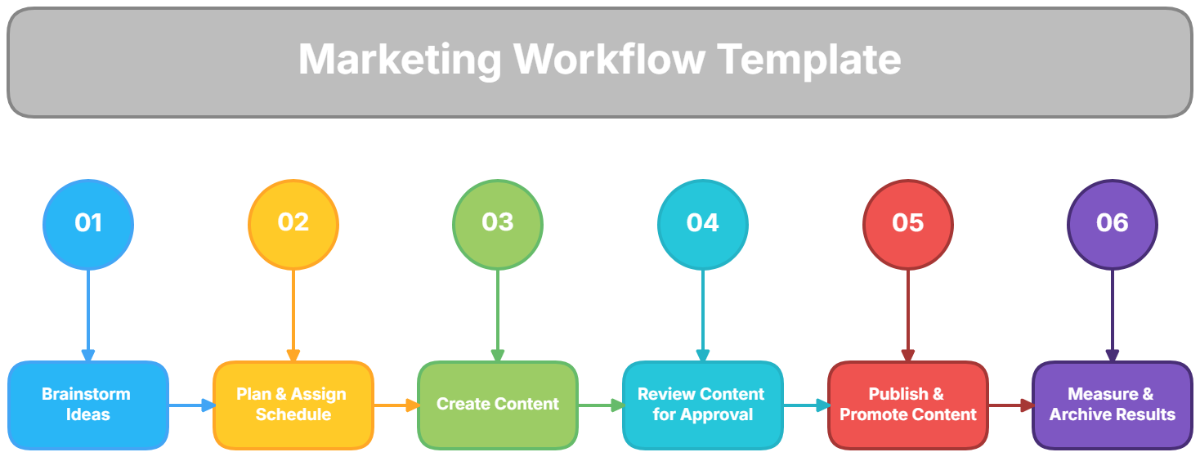
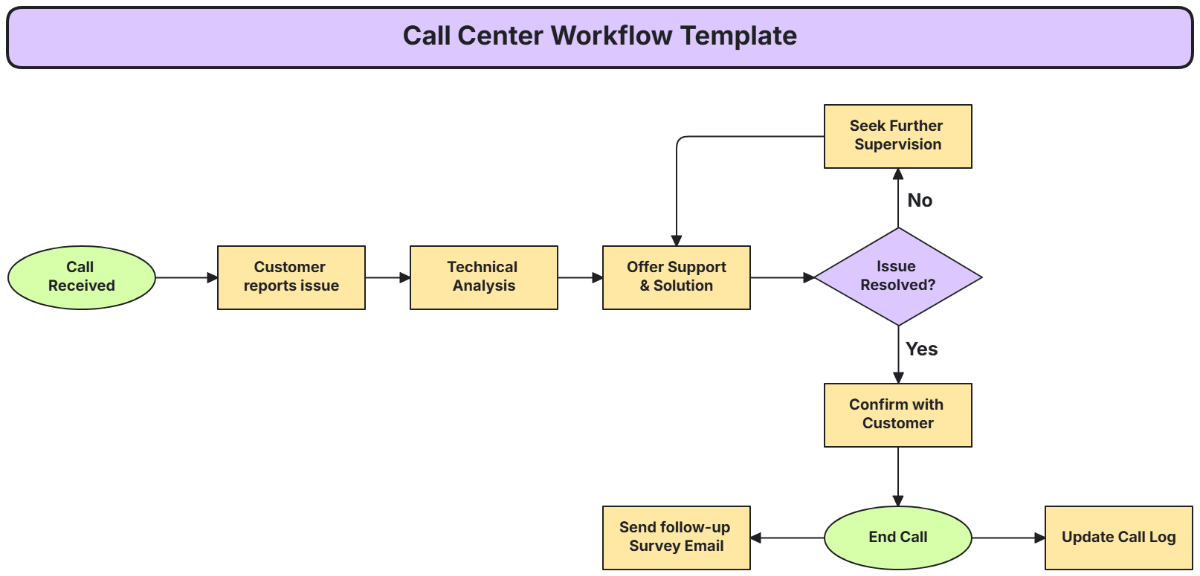
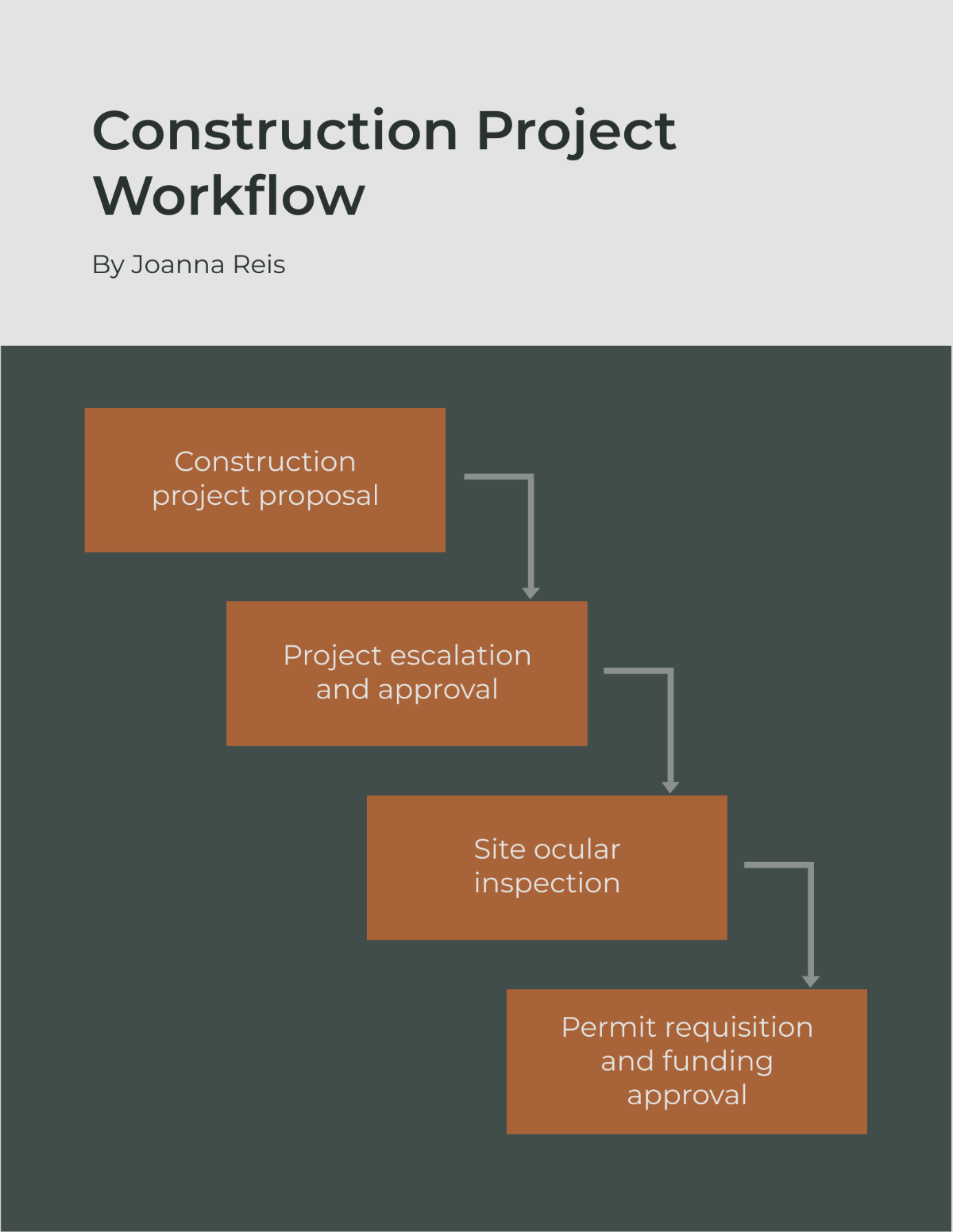
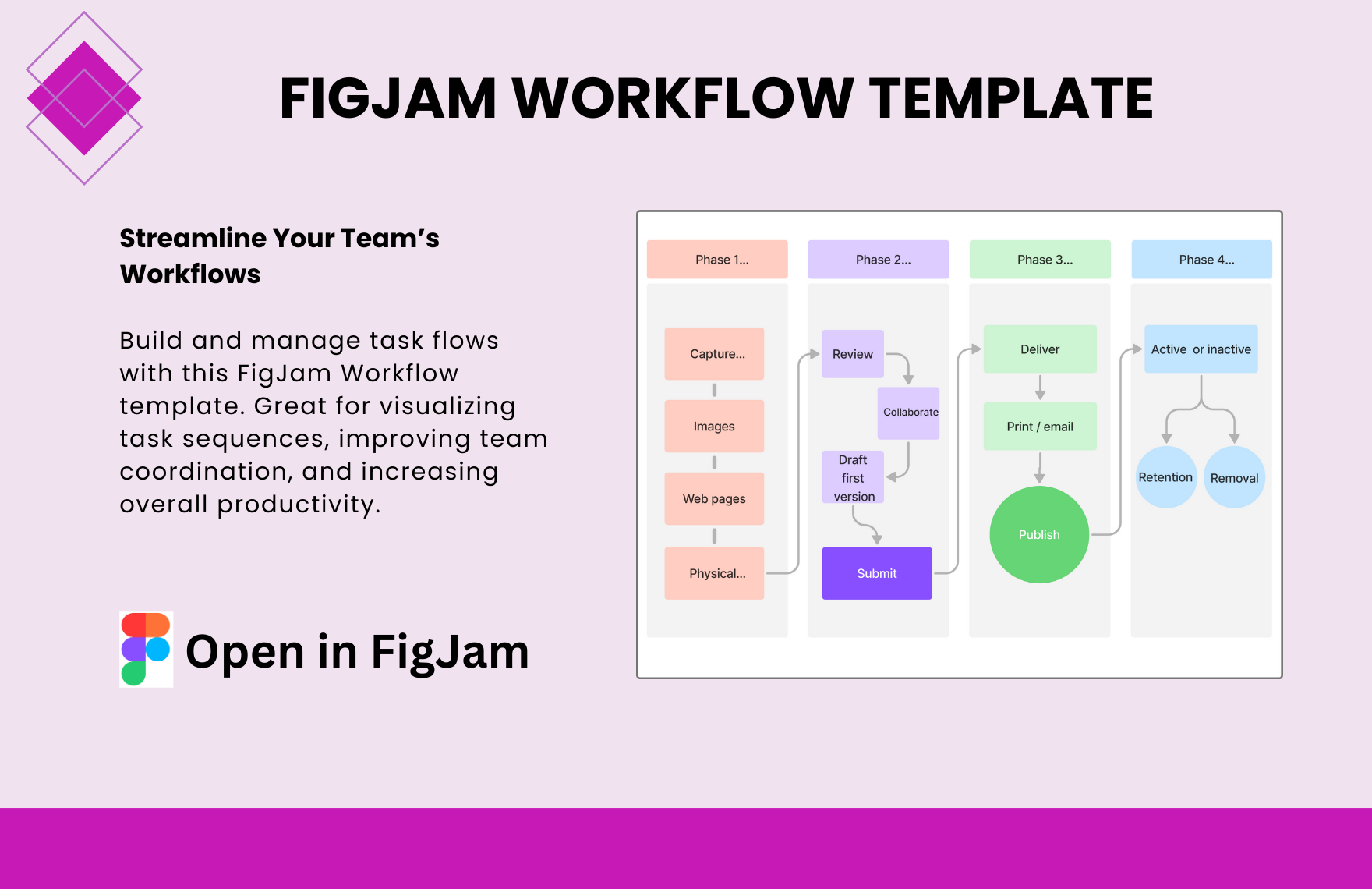
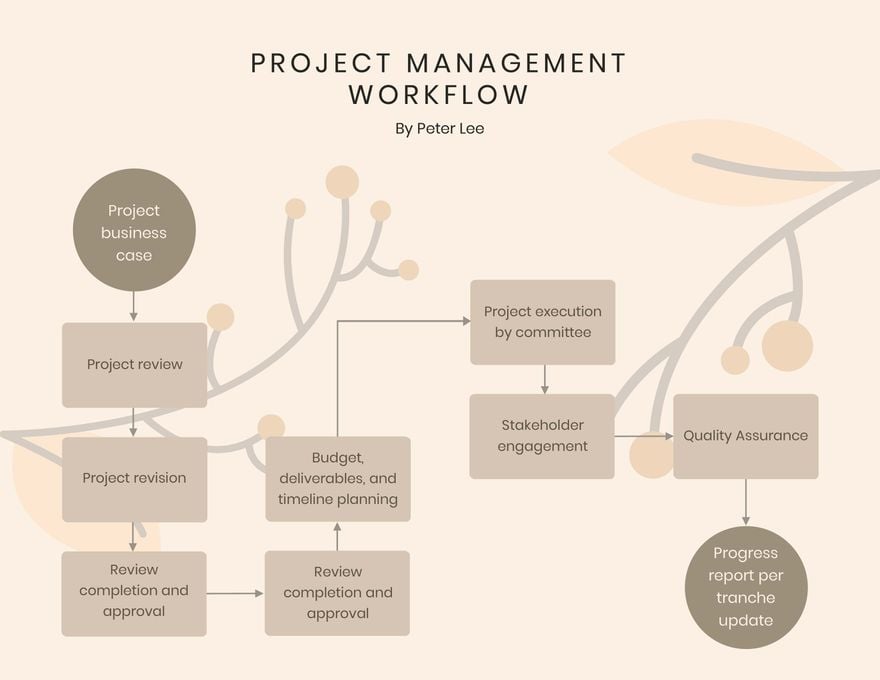
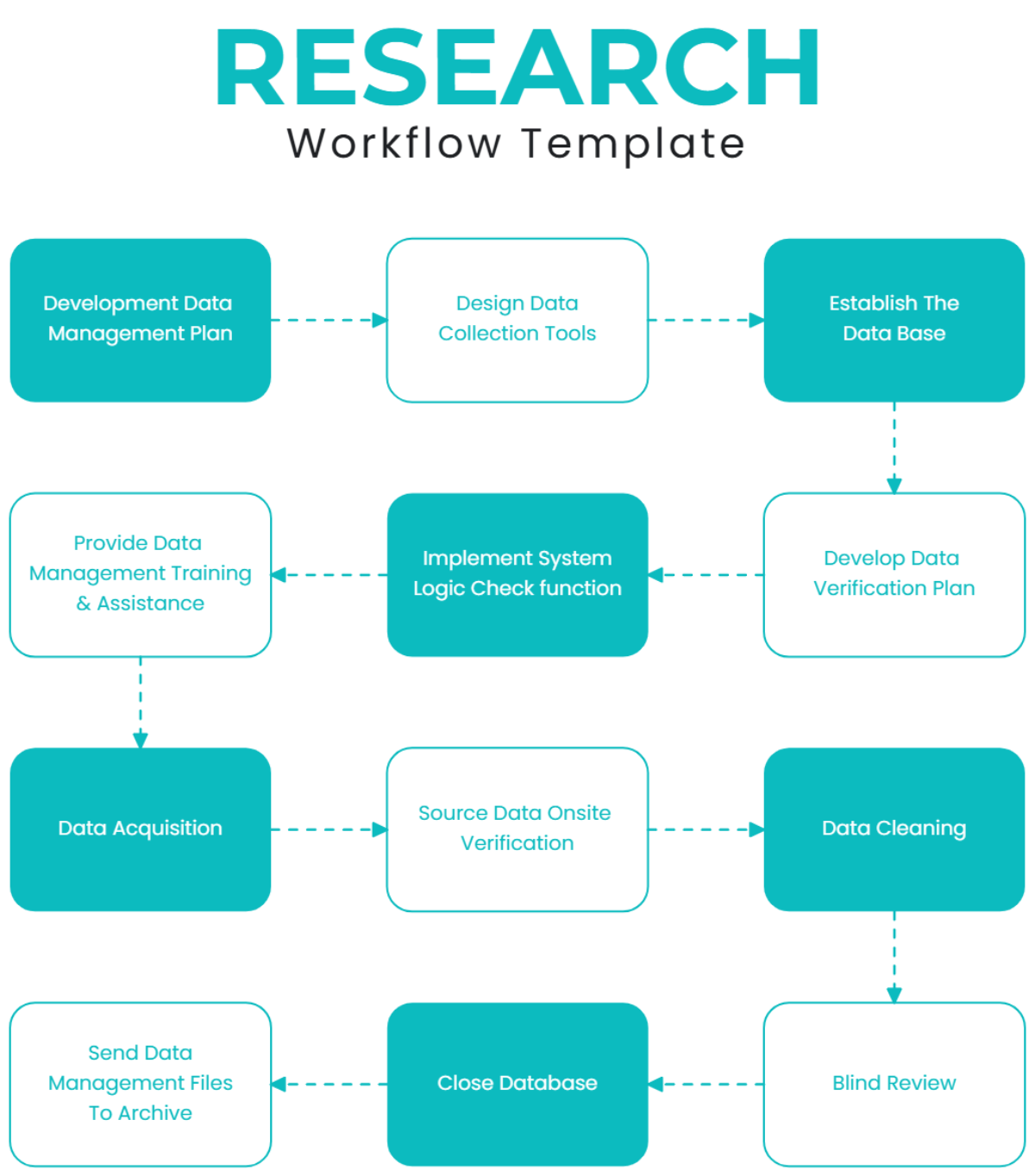
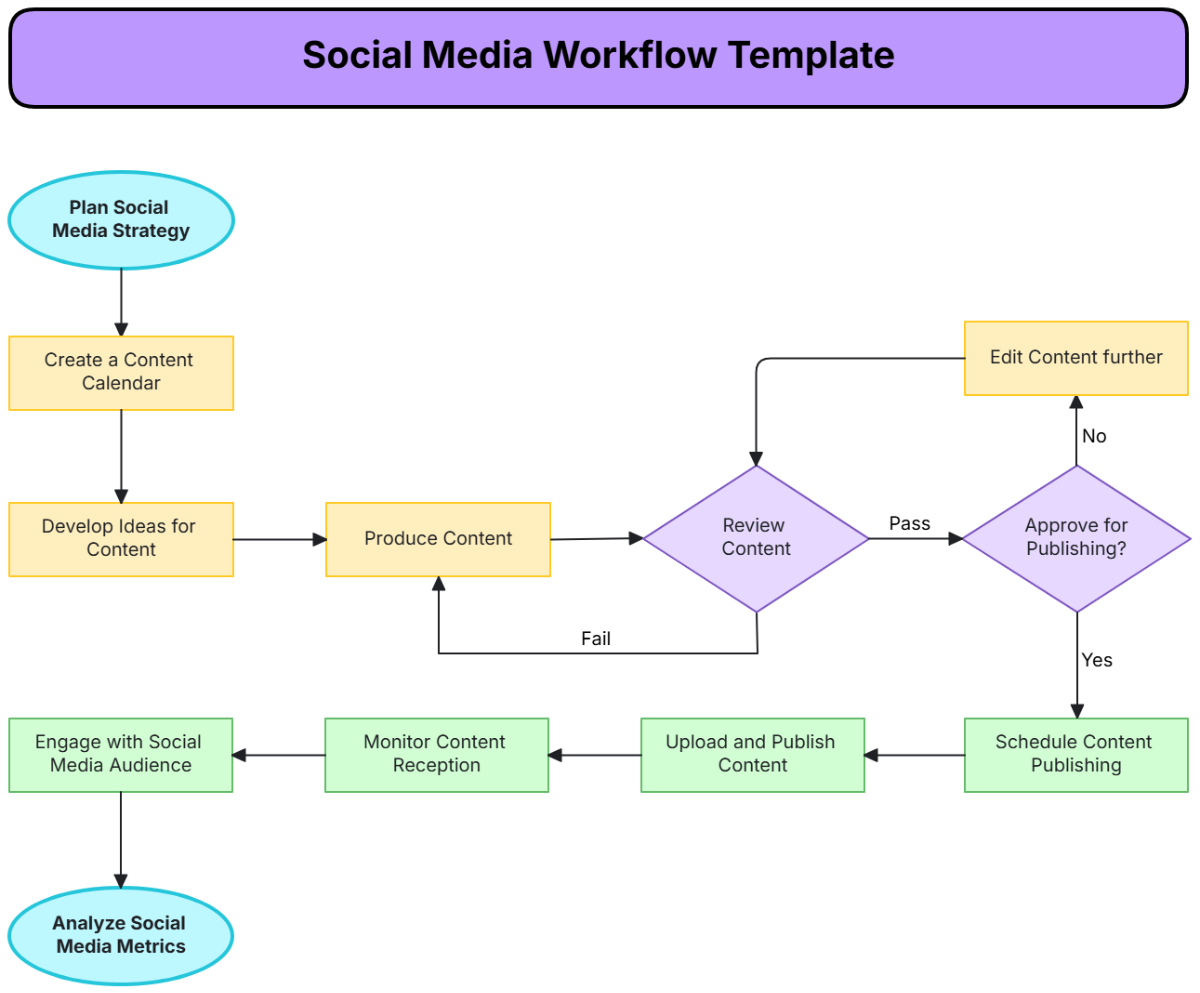
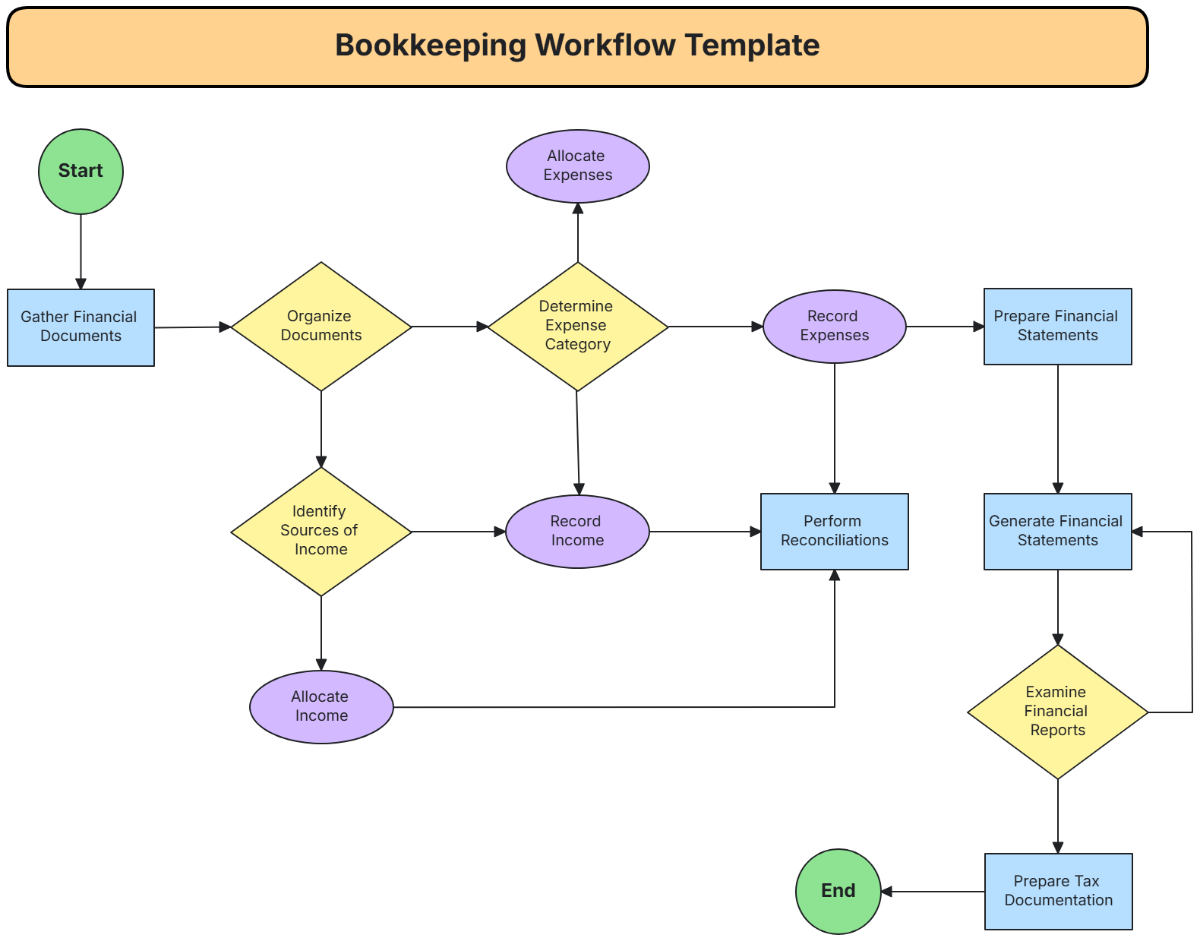
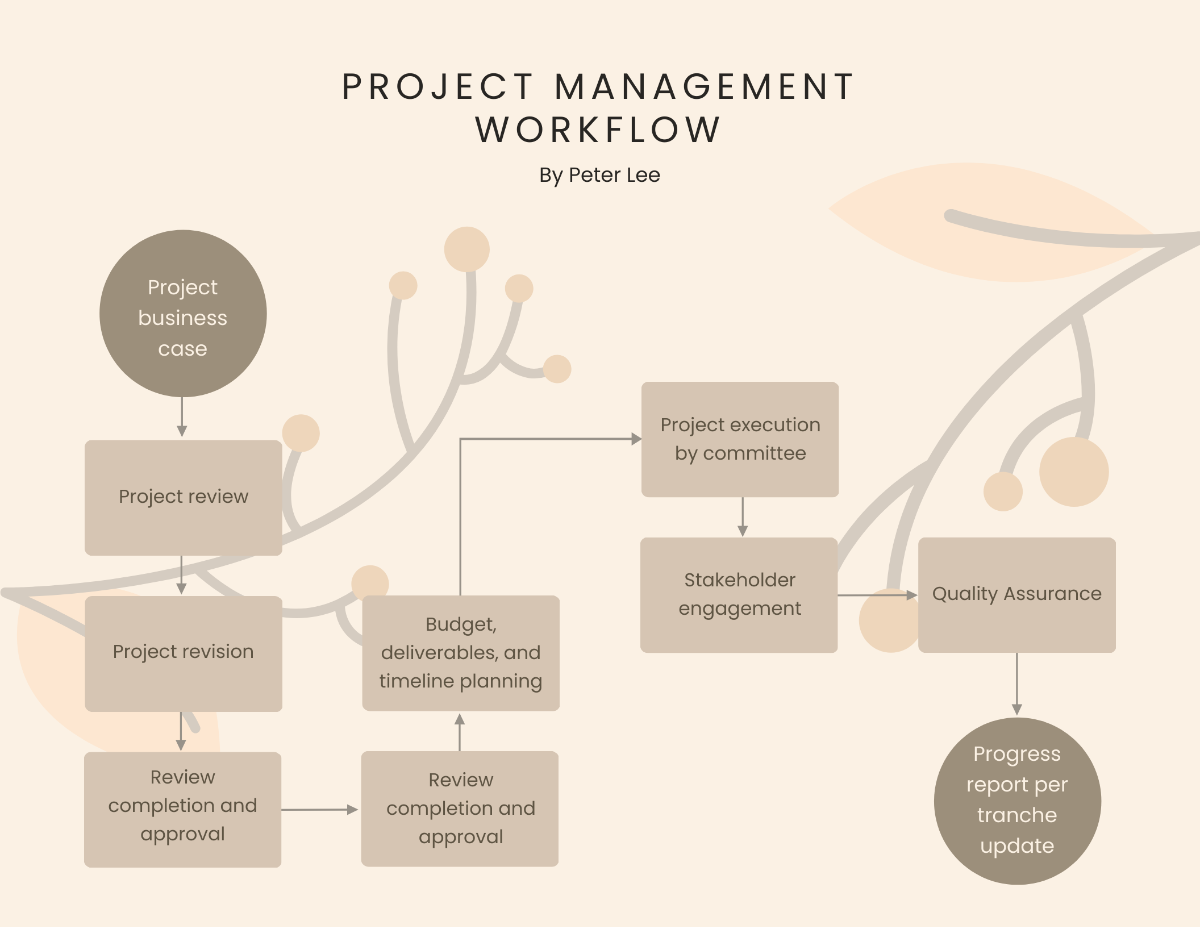
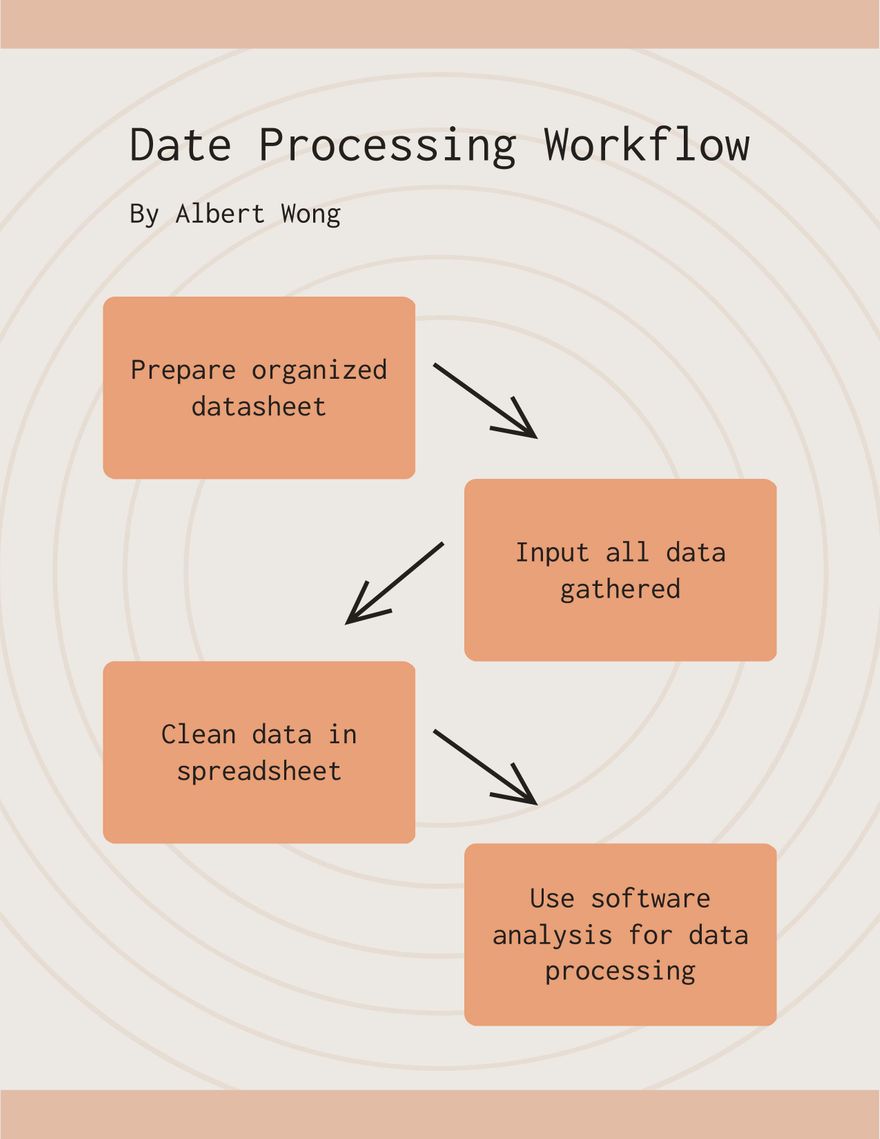
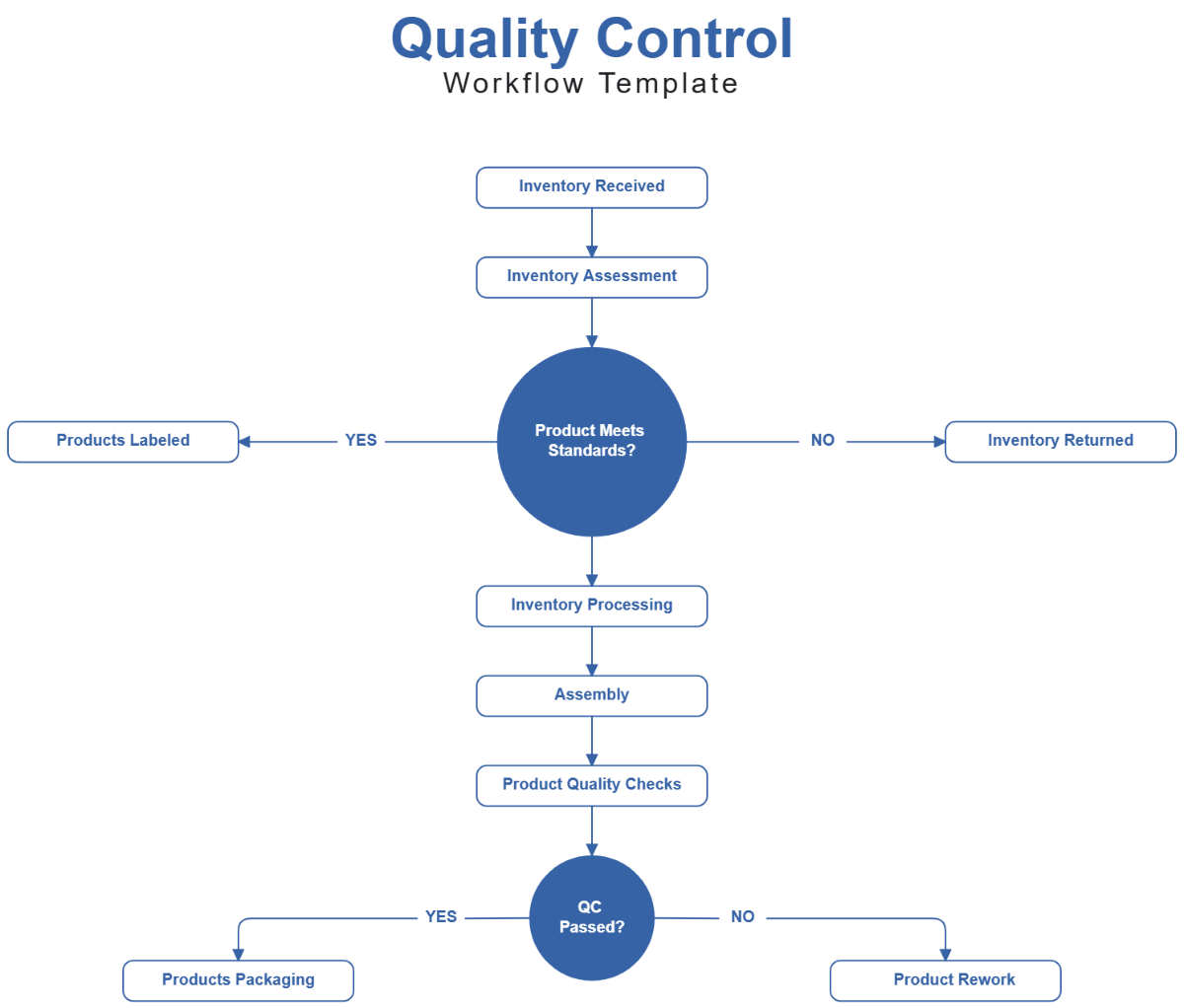
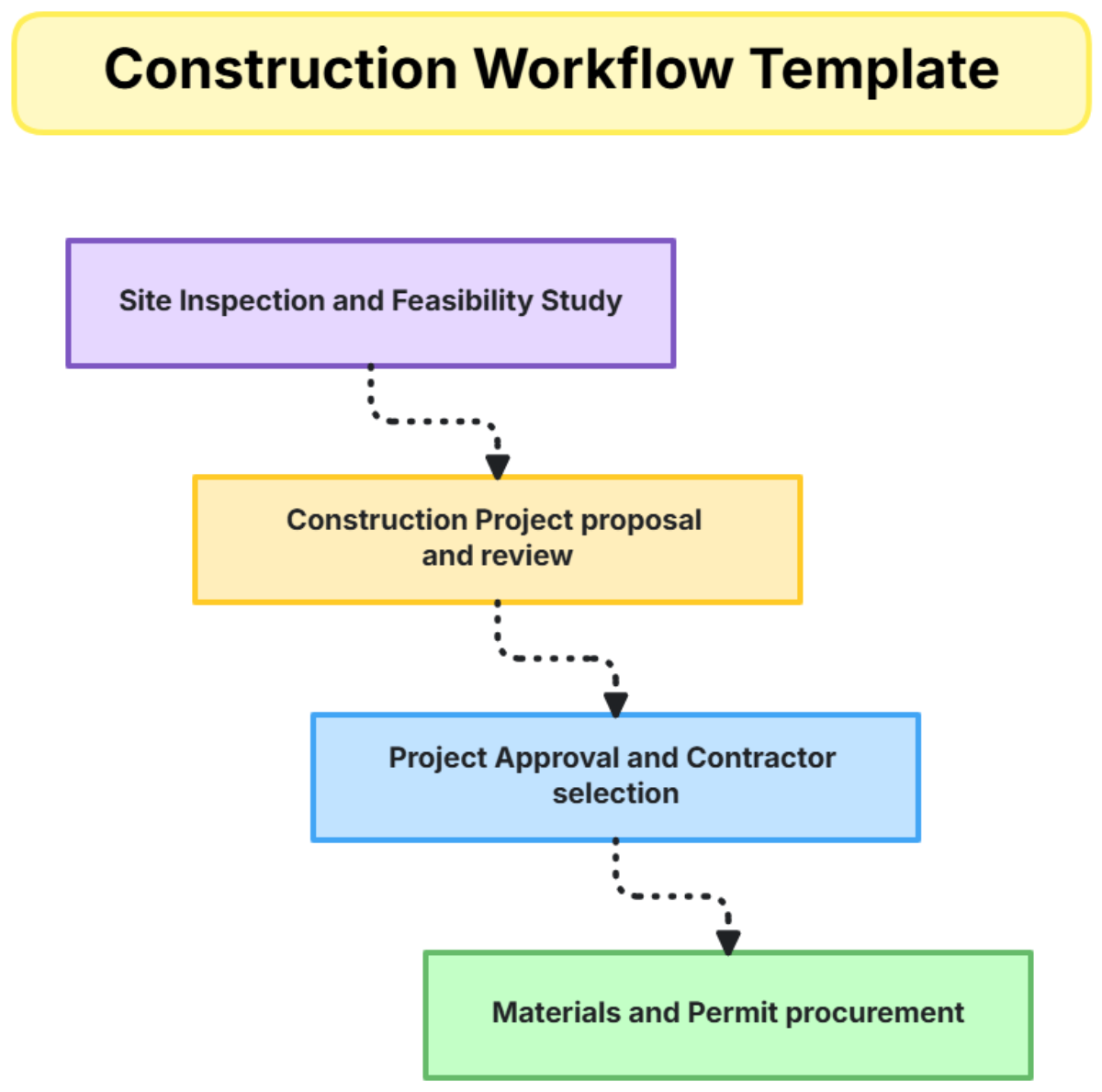
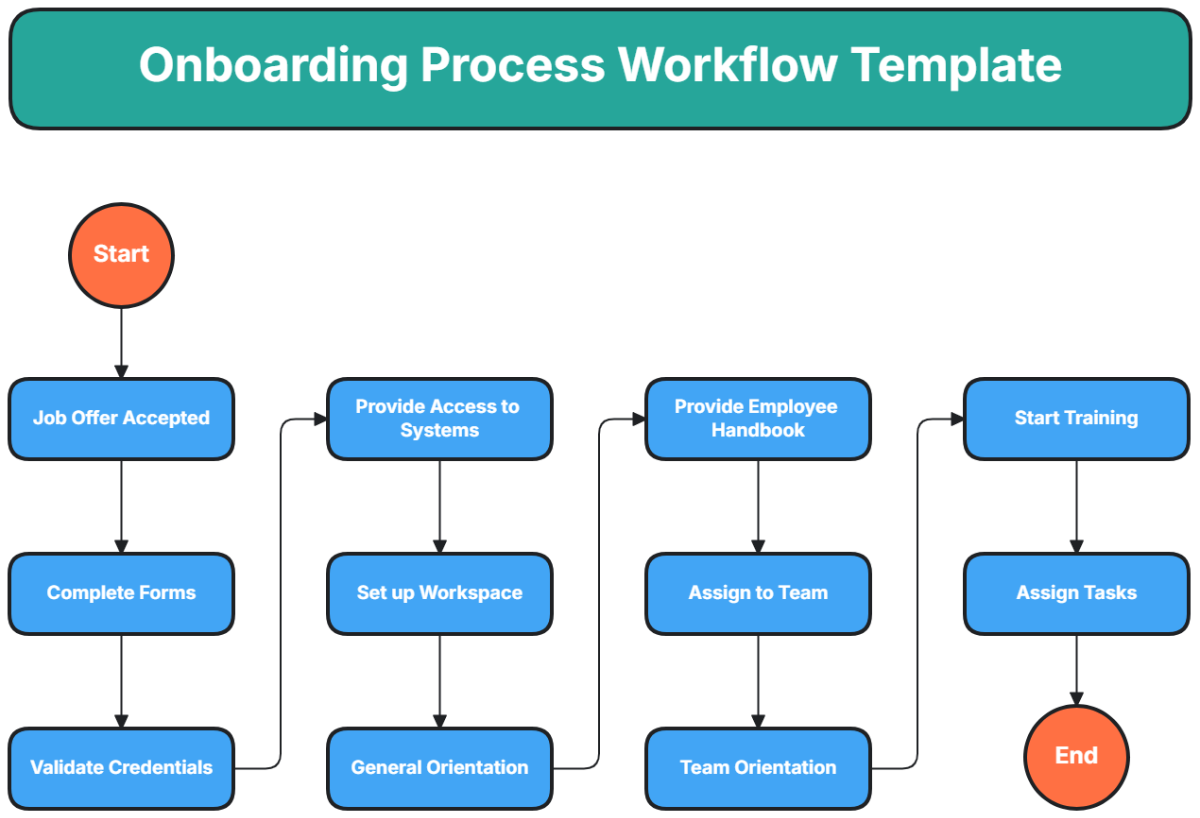
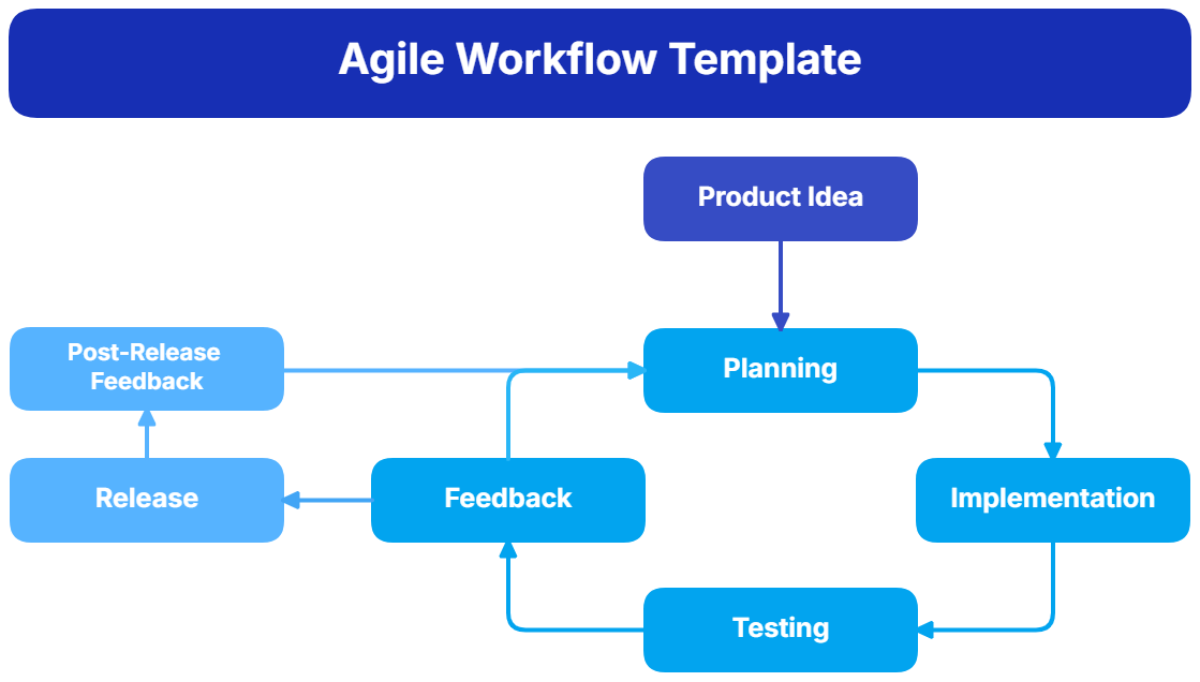
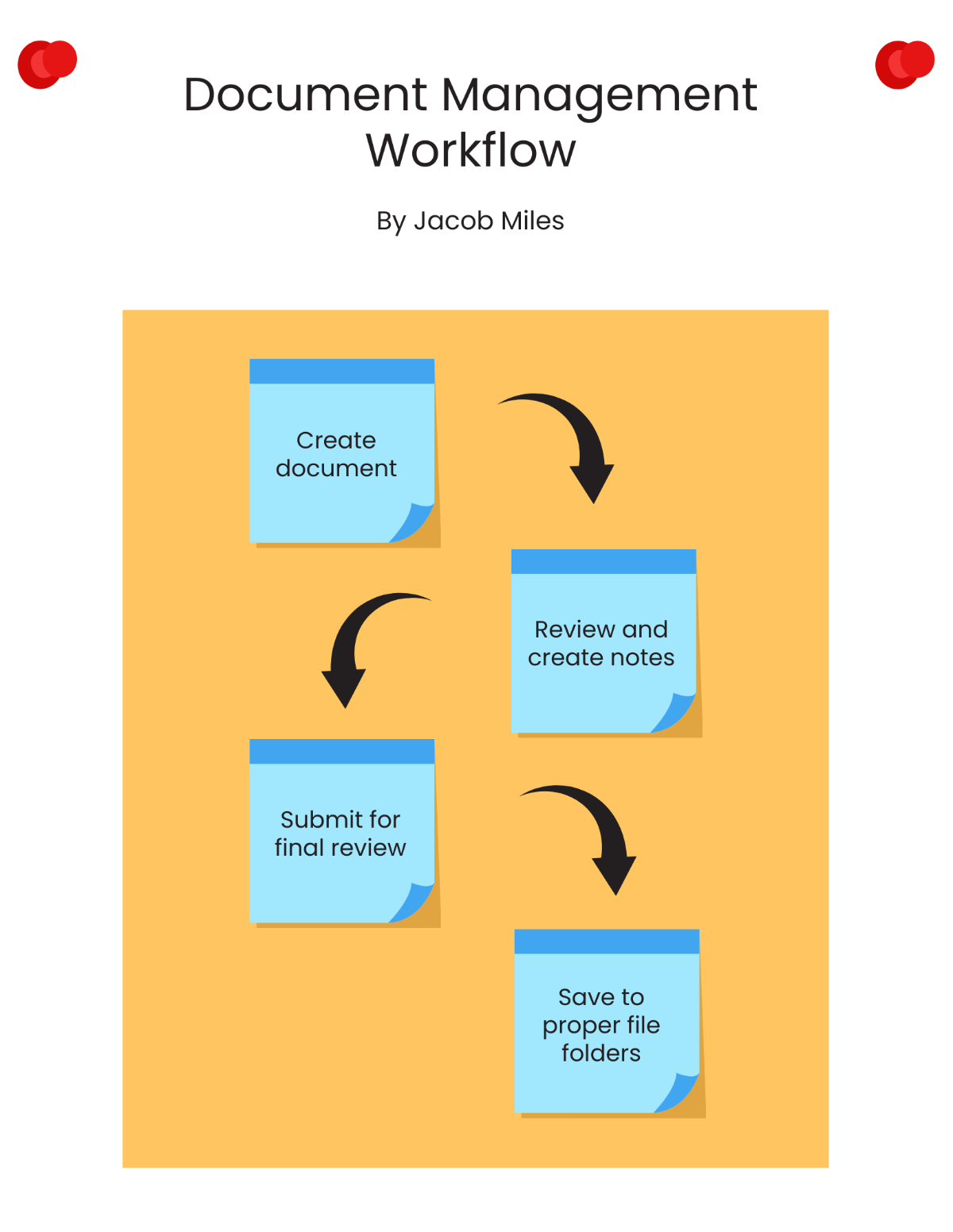
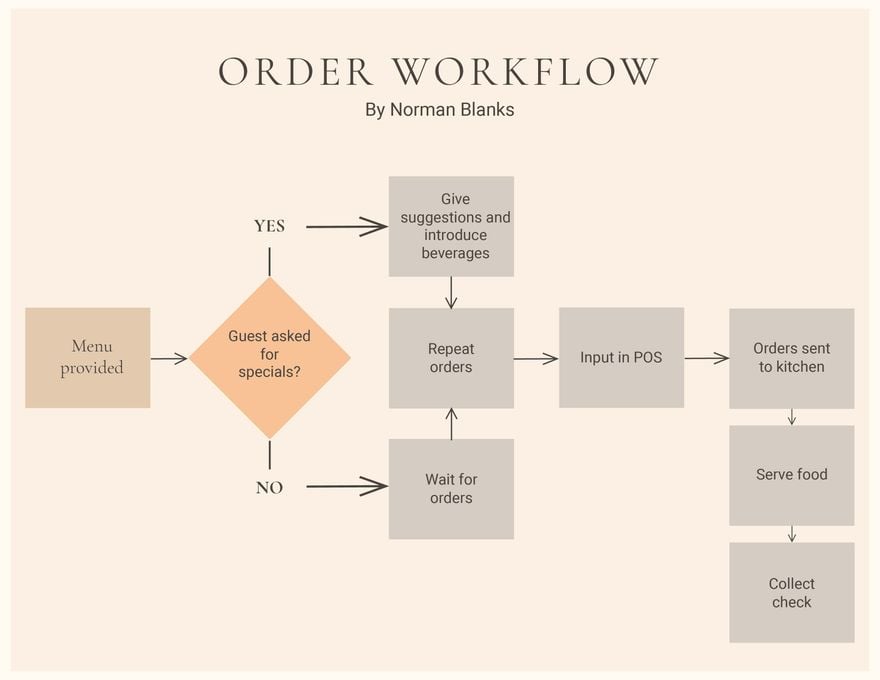
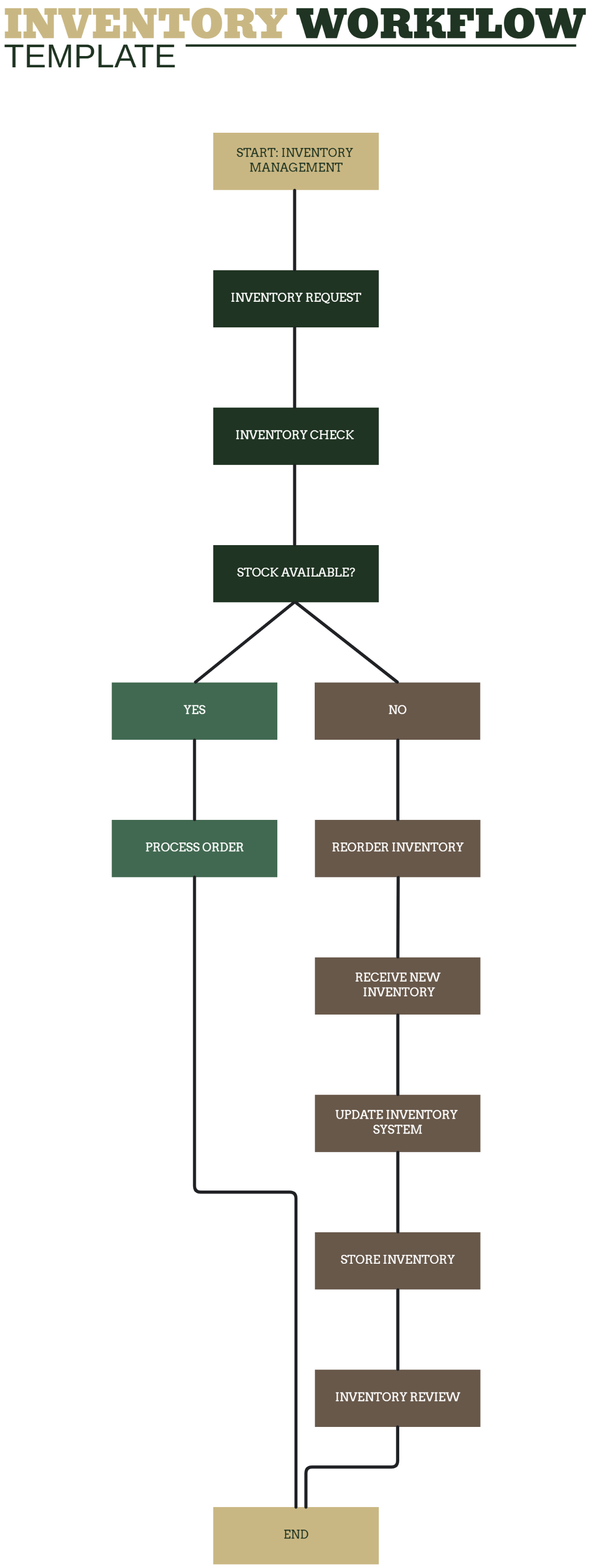
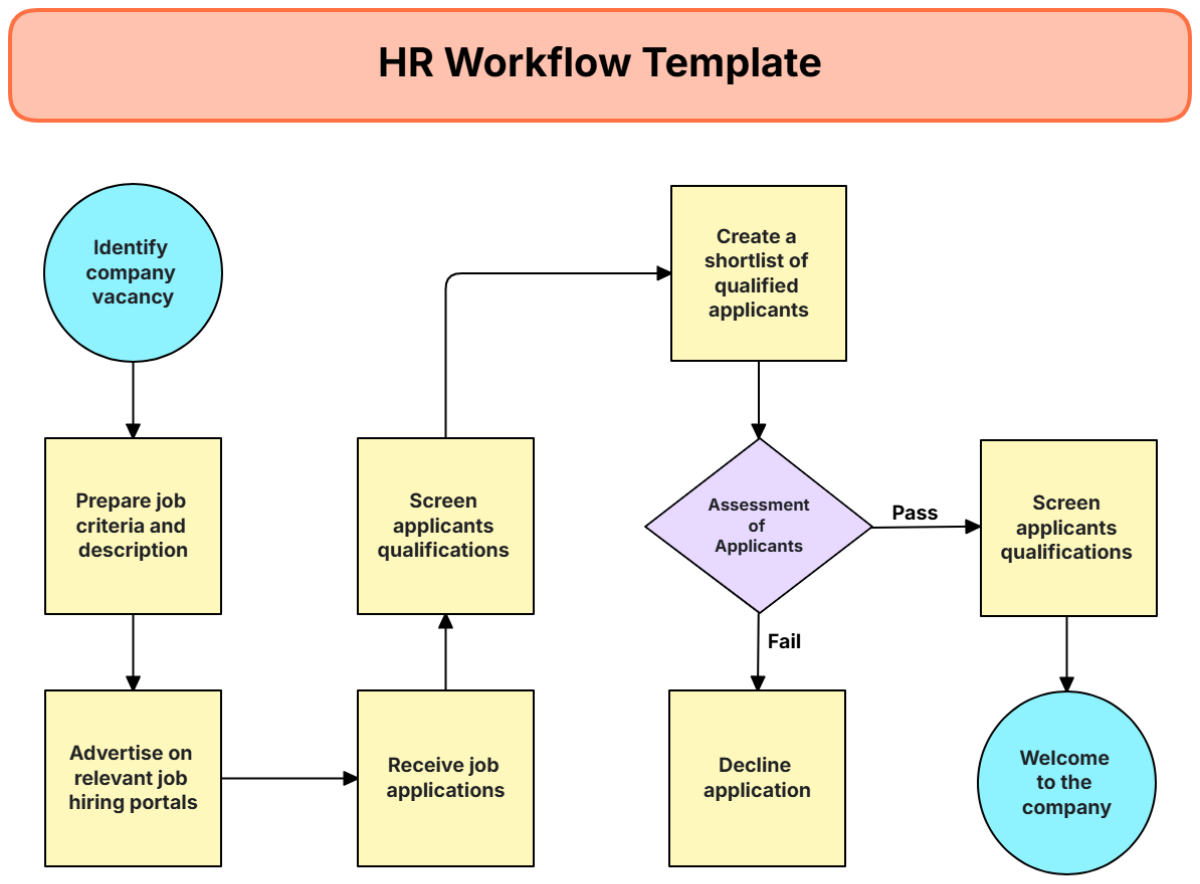
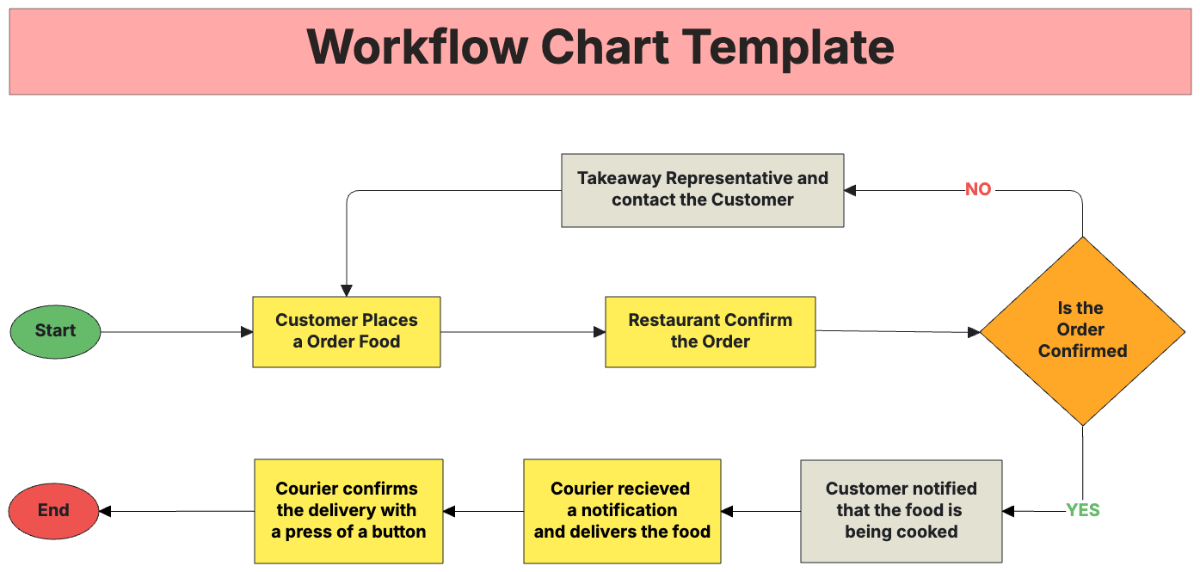
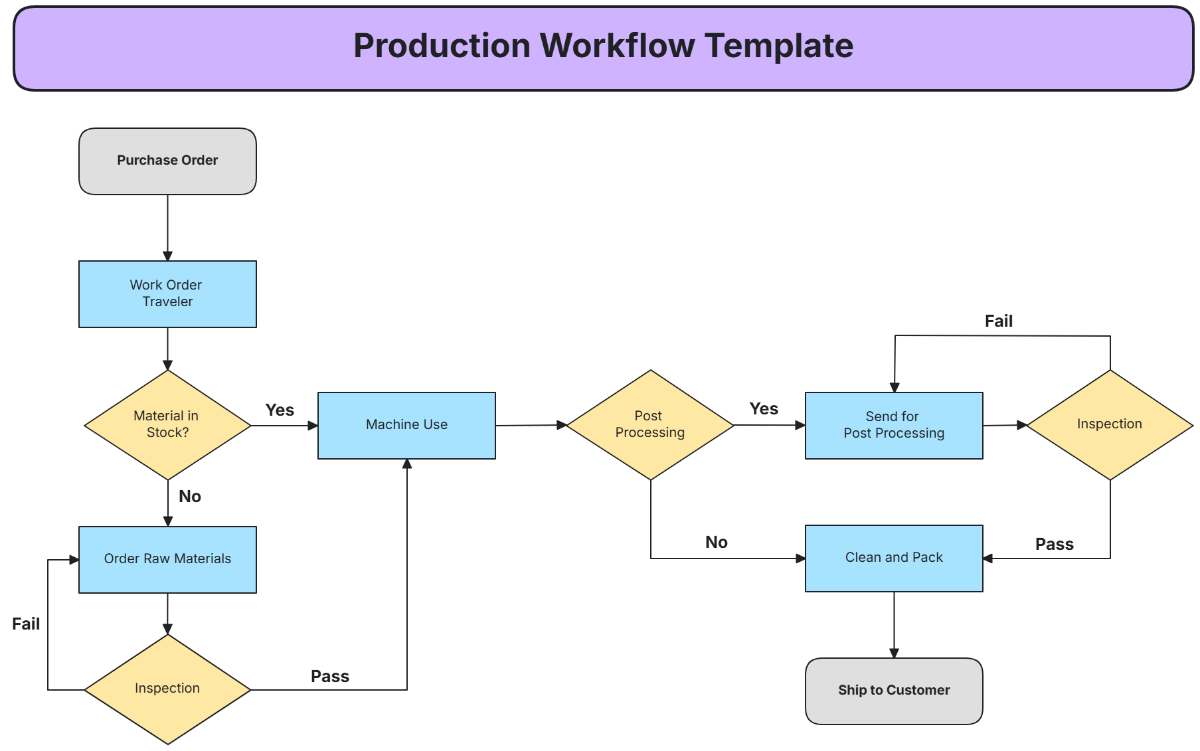
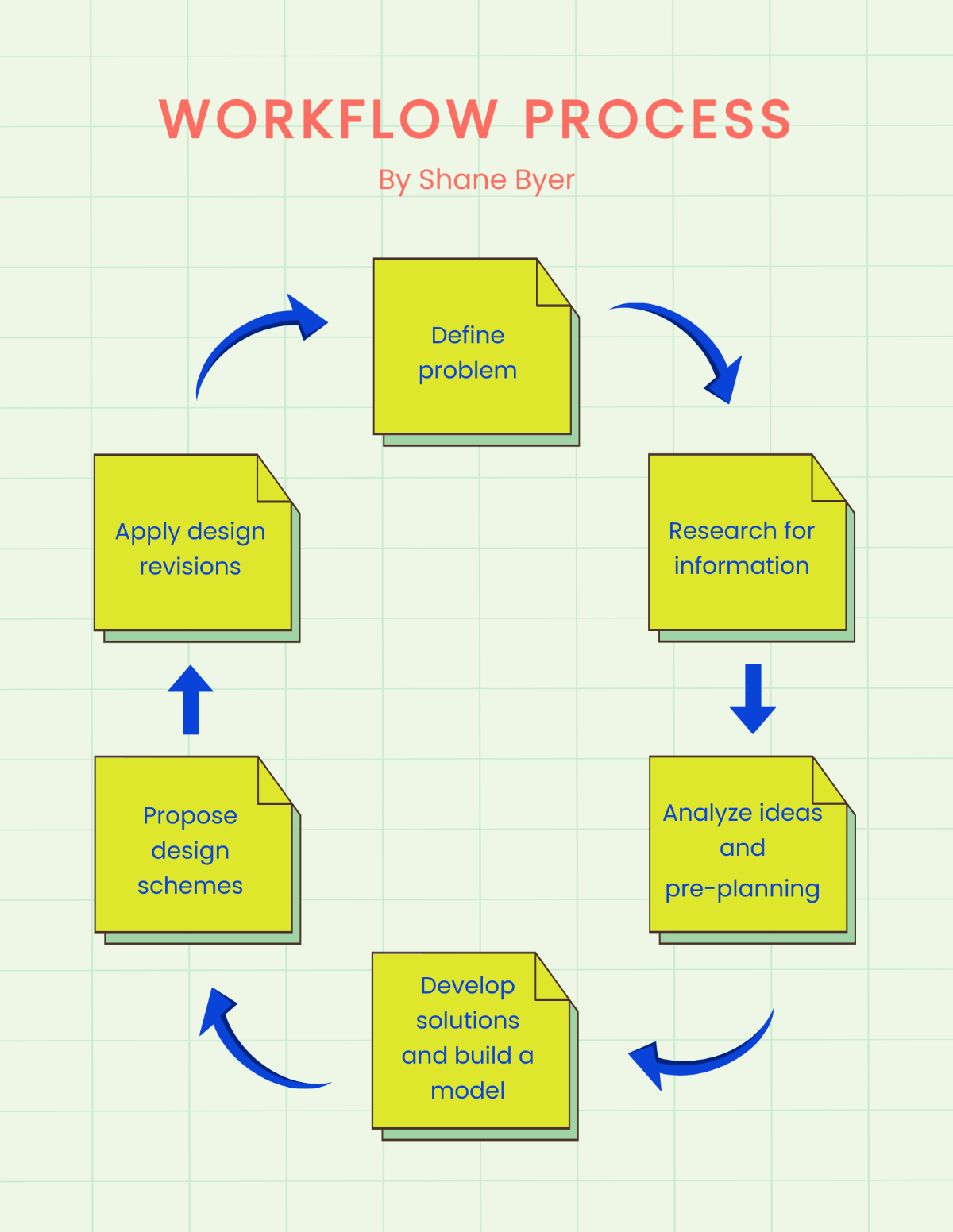
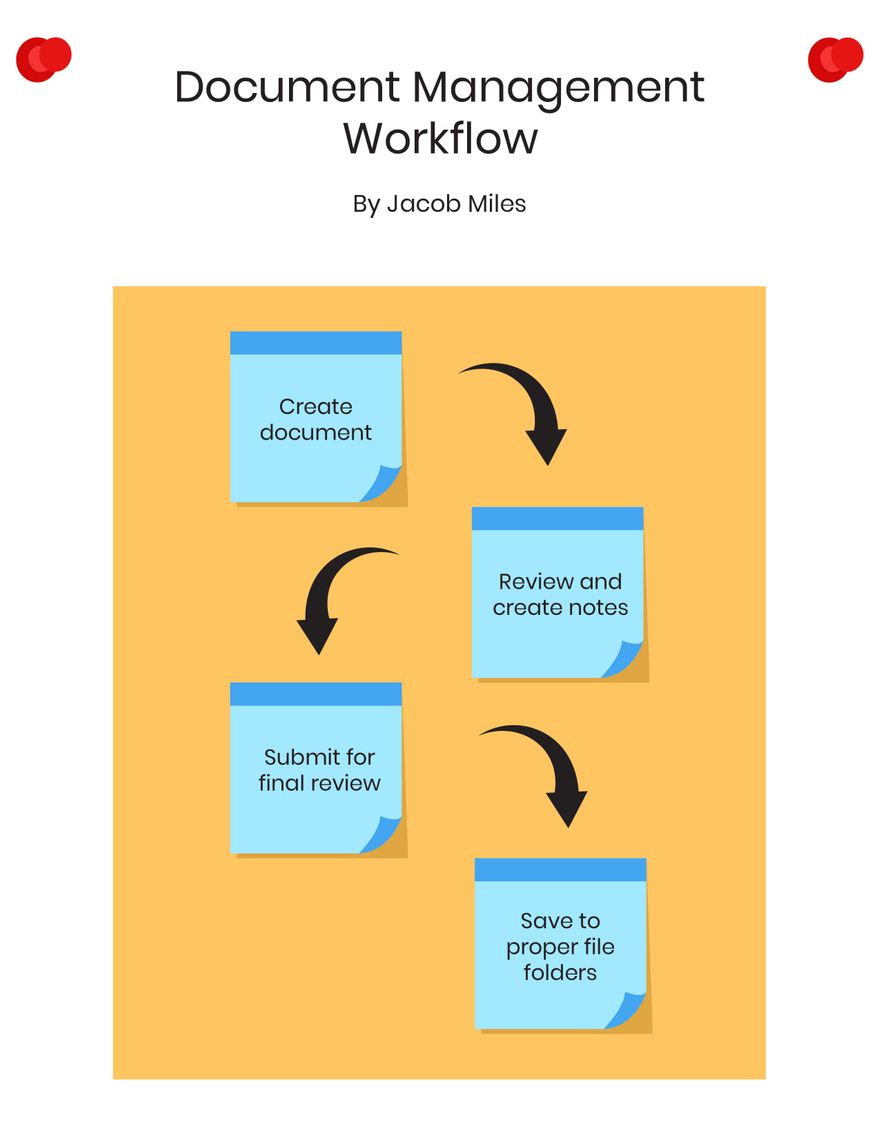
Workflow is a defined sequence of steps or tasks organized to achieve a specific business or project objective. It involves the visual representation of processes, decisions, and task flows using diagram structures, which help illustrate workflow connections and process efficiency.
Why should I use a Workflow?
You should use a Workflow to improve process transparency, optimize task completion, and enhance collaboration across teams. Workflows provide visual hierarchy and clear task sequences, enabling better understanding and quicker identification of process bottlenecks.
Who uses Workflows?
Workflow users include project managers, business analysts, product teams, and operational staff who need to visualize and organize complex processes. These users benefit from collaboration features in whiteboard templates to share and update workflows in real time.
What are the best tips for completing my Workflow?
To complete your Workflow effectively, consider the following tips.
- Define clear objectives – know what outcome the workflow aims to achieve.
- Break tasks into manageable steps – simplify complex processes.
- Use consistent symbols and shapes – enhance visual clarity.
- Incorporate decision points – clarify paths for different outcomes.
- Validate with stakeholders – ensure alignment and accuracy.
- Update regularly – keep the workflow relevant and efficient.
- Maintain logical flow – avoid confusing crossovers.
- Leverage collaboration tools – enable team input and feedback.
What file formats can I download for my Workflow?
Template.net whiteboard templates for Workflow support multiple export formats for easy collaboration and sharing, including Word, Google Docs, Apple Pages, and Illustrator.
Can I create a Workflow using AI?
Template.net provides an AI-powered tool that generates new Workflow structures from prompts, helping you quickly create tailored process maps. Explore the tool at Workflow Maker.
What essential elements should be included in my Workflow?
Your Workflow should include essential elements that ensure structural clarity and process completeness.
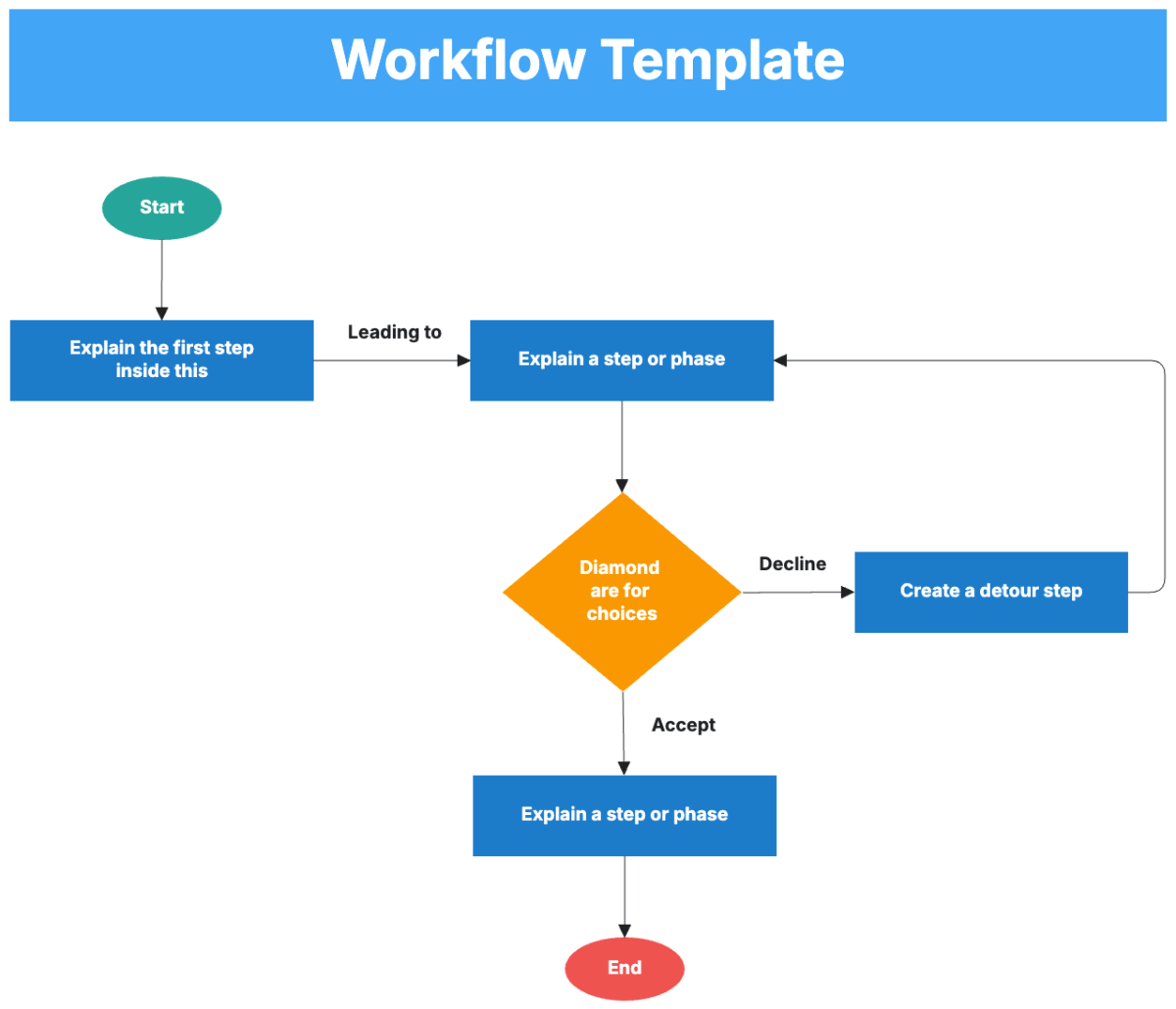
- Start and end points – clearly define the workflow boundaries.
- Process steps – actionable tasks or activities.
- Decision nodes – points where choices affect the flow.
- Flow connectors – arrows or lines showing task sequence.
- Input and output – data or resources entering and leaving steps.
- Roles or responsible parties – who performs each task.
- Milestones – key checkpoints or deadlines.
- Documentation links – references to important resources.
What are the benefits of using Workflow in my team collaboration workflow?
Using Workflow in your team collaboration improves communication, task coordination, and accountability. It provides visual hierarchy that clarifies roles and deadlines, encourages real-time updates, and supports iterative improvements for better project outcomes.
What structural standards should my Workflow follow?
Your Workflow should follow structural standards that promote readability and ease of use. These include consistent use of shapes and colors, clear labeling of steps and decisions, logical left-to-right or top-to-bottom flow, and avoiding overlapping connectors to maintain structural clarity.
