Free Detailed Use Case

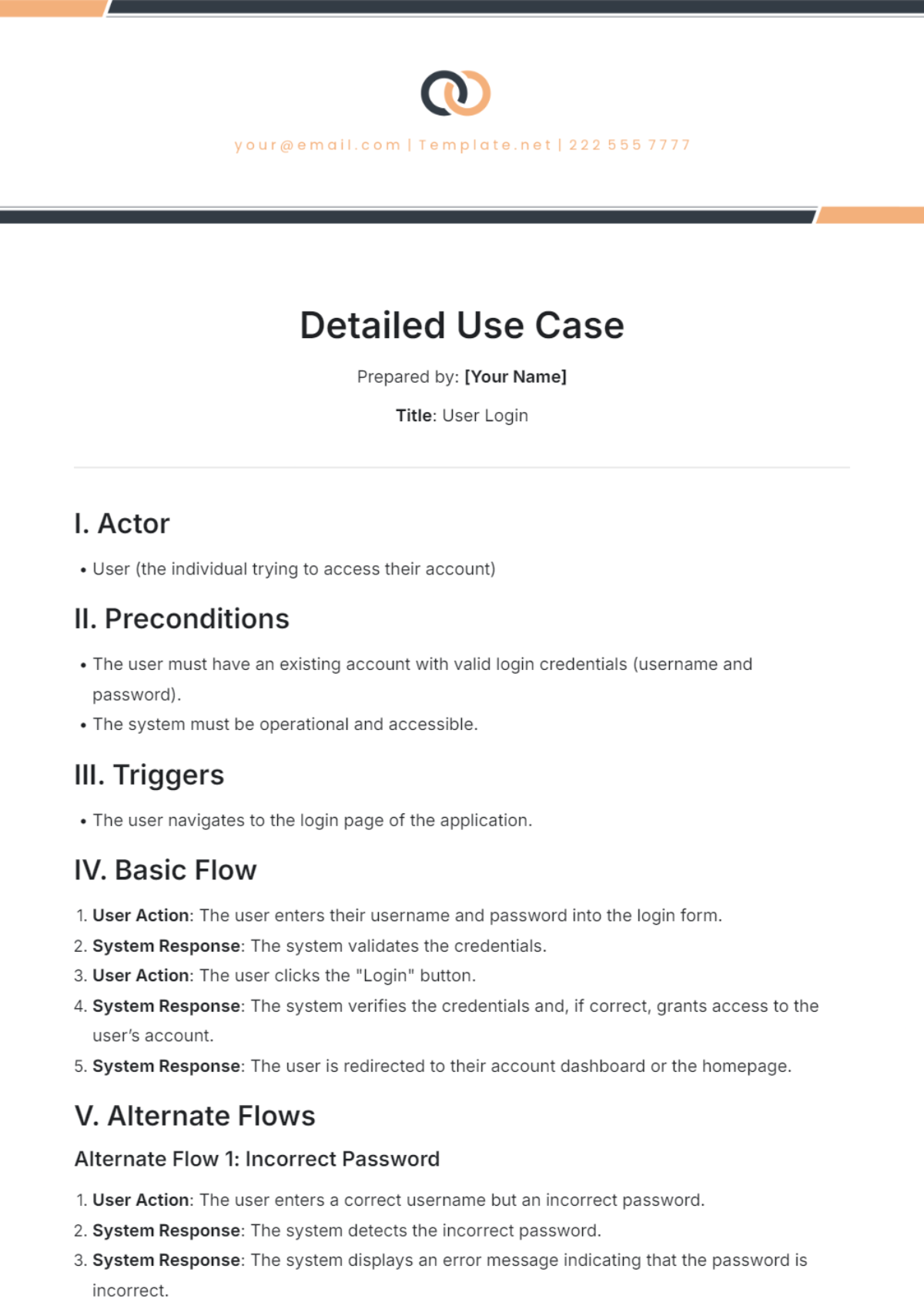
Prepared by: [Your Name]
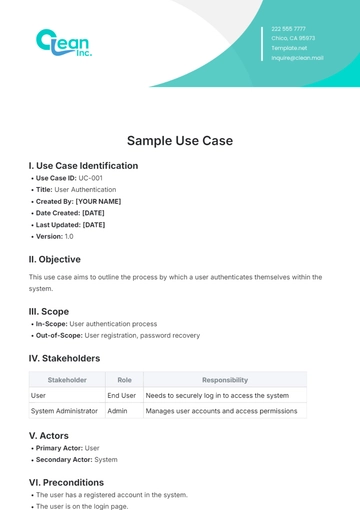
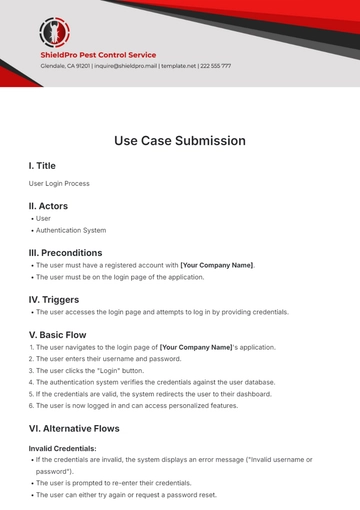
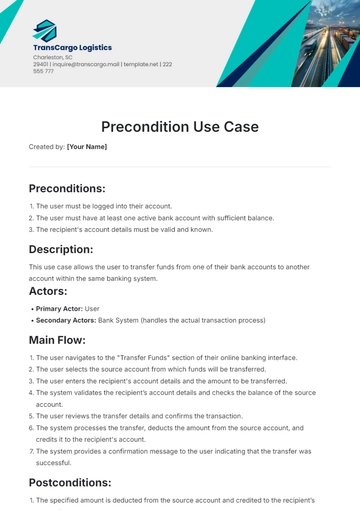
Title: User Login
I. Actor
User (the individual trying to access their account)
II. Preconditions
The user must have an existing account with valid login credentials (username and password).
The system must be operational and accessible.
III. Triggers
The user navigates to the login page of the application.
IV. Basic Flow
User Action: The user enters their username and password into the login form.
System Response: The system validates the credentials.
User Action: The user clicks the "Login" button.
System Response: The system verifies the credentials and, if correct, grants access to the user’s account.
System Response: The user is redirected to their account dashboard or the homepage.
V. Alternate Flows
Alternate Flow 1: Incorrect Password
User Action: The user enters a correct username but an incorrect password.
System Response: The system detects the incorrect password.
System Response: The system displays an error message indicating that the password is incorrect.
User Action: The user can attempt to re-enter the password or click on a “Forgot Password” link.
Alternate Flow 2: Username Not Found
User Action: The user enters a username that does not exist in the system.
System Response: The system detects that the username is not found.
System Response: The system displays an error message indicating that the username is not found.
VI. Postconditions
The user is logged in and has access to their account or is informed of the login failure.
VII. Exceptions
Exception 1: System Down
User Action: The user attempts to log in while the system is down or experiencing issues.
System Response: The system is unable to process the login request.
System Response: The system displays a message indicating that the system is temporarily unavailable and suggests trying again later.
Exception 2: Network Failure
User Action: The user attempts to log in but encounters a network failure.
System Response: The login attempt fails due to the network issue.
System Response: The system displays an error message indicating a network problem and prompts the user to check their connection.
- 100% Customizable, free editor
- Access 1 Million+ Templates, photo’s & graphics
- Download or share as a template
- Click and replace photos, graphics, text, backgrounds
- Resize, crop, AI write & more
- Access advanced editor
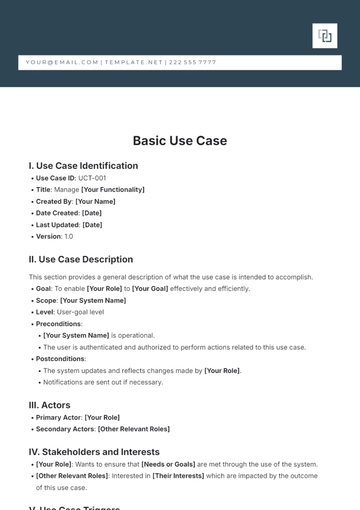
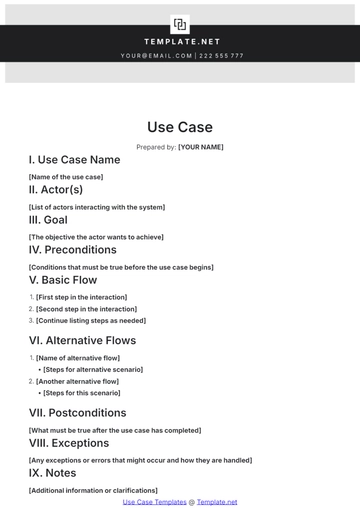
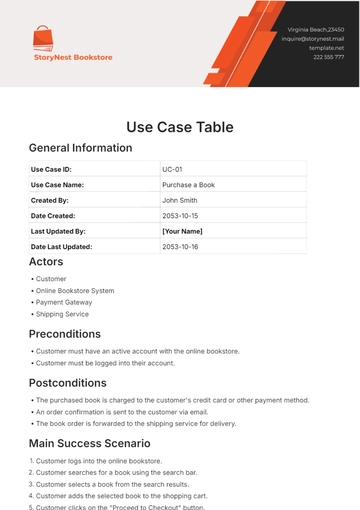
Capture complex interactions with the Detailed Use Case Template from Template.net. This editable and customizable template offers a comprehensive format for documenting intricate user scenarios and system requirements. Use our AI Editor Tool to create in-depth use cases that ensure thorough understanding and effective management of detailed project elements. Download with ease!