
Free CV Templates
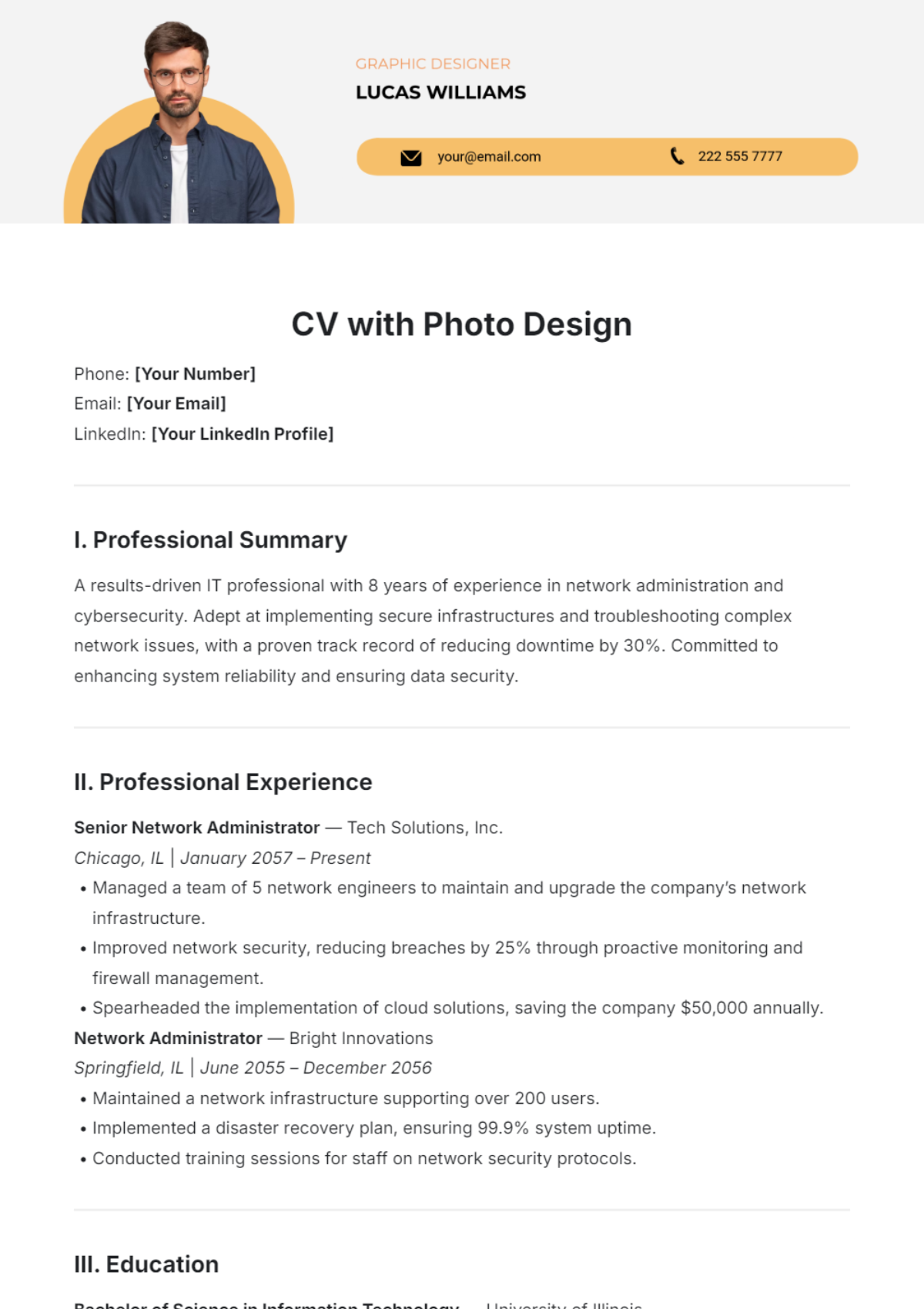
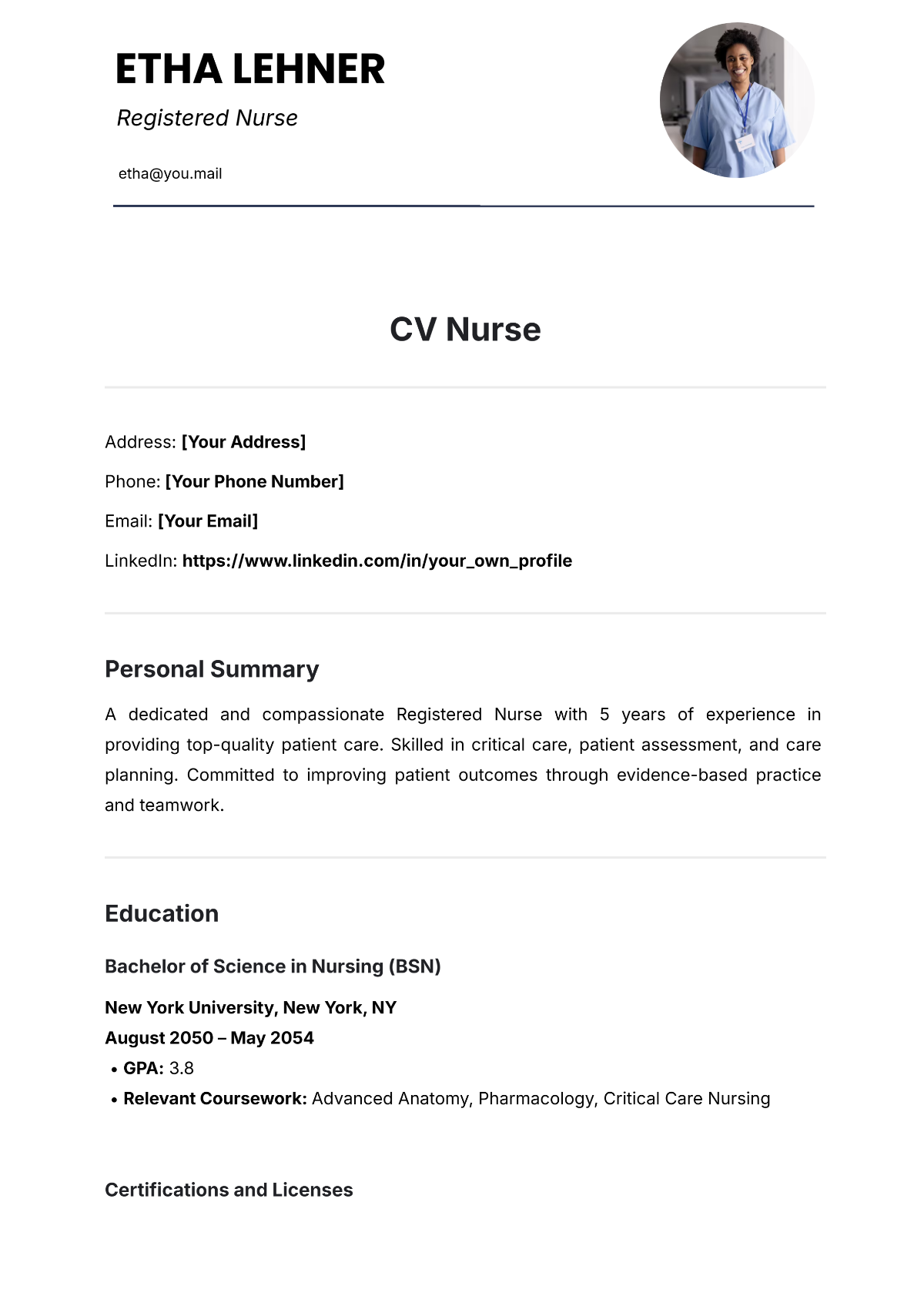
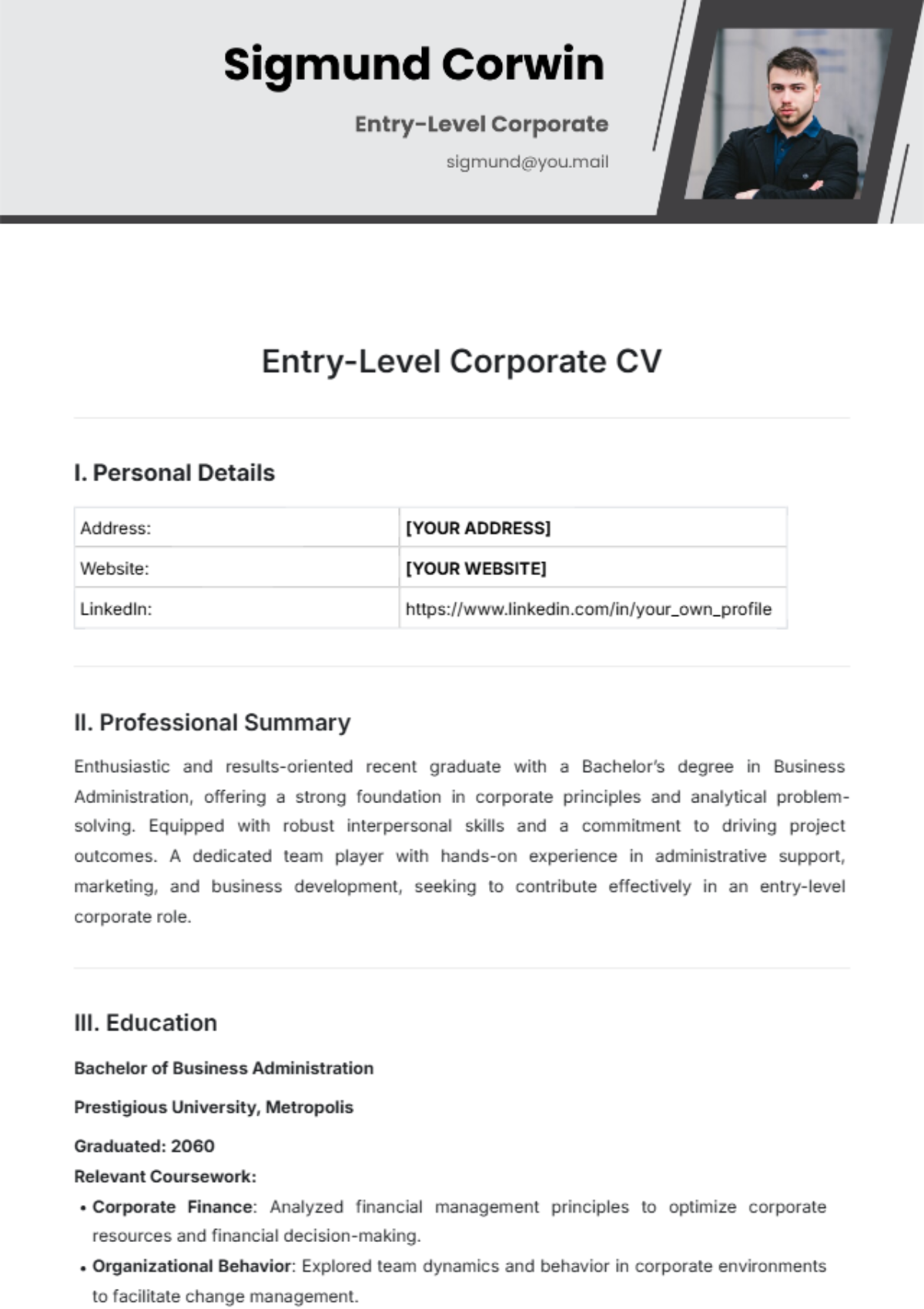
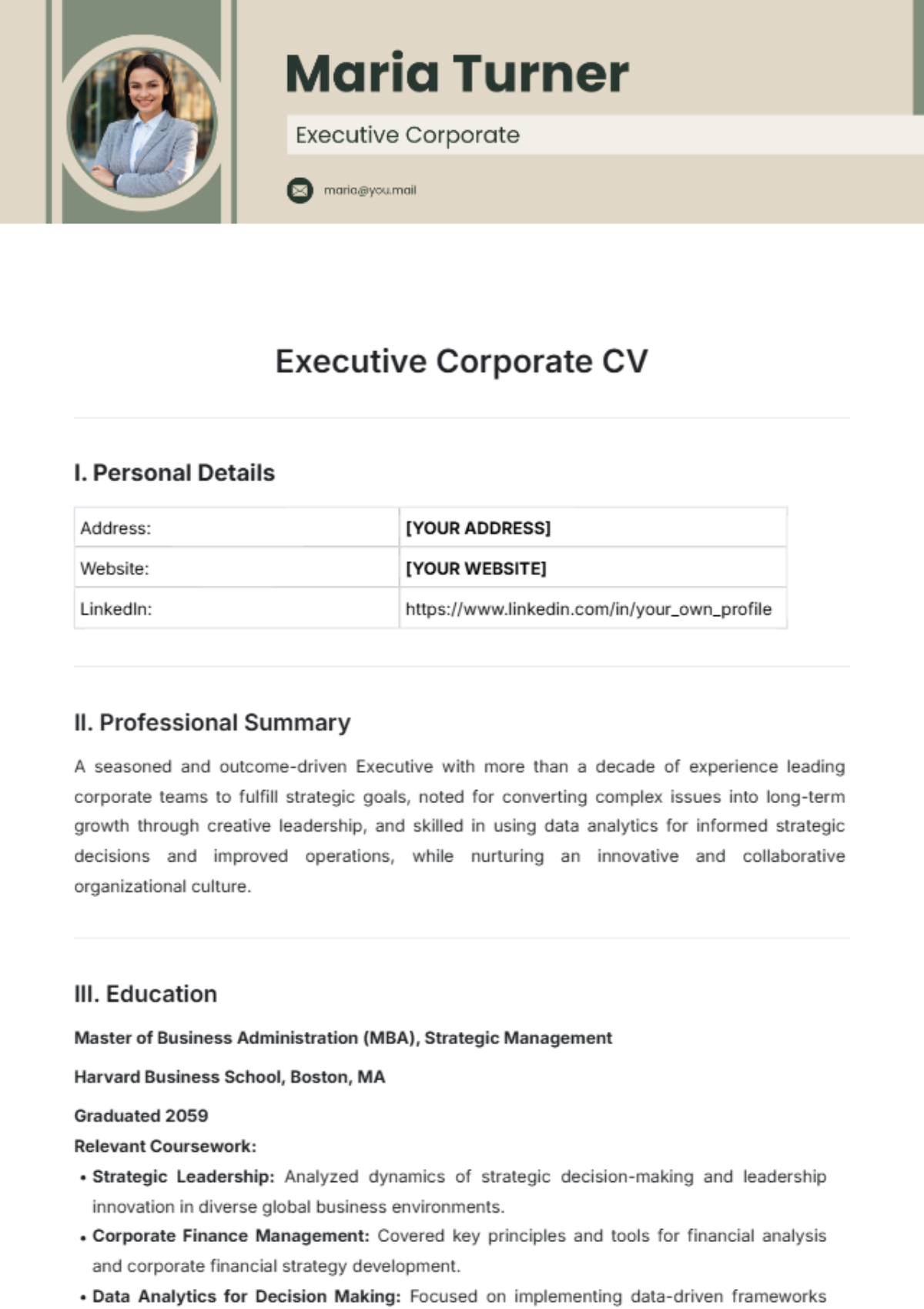
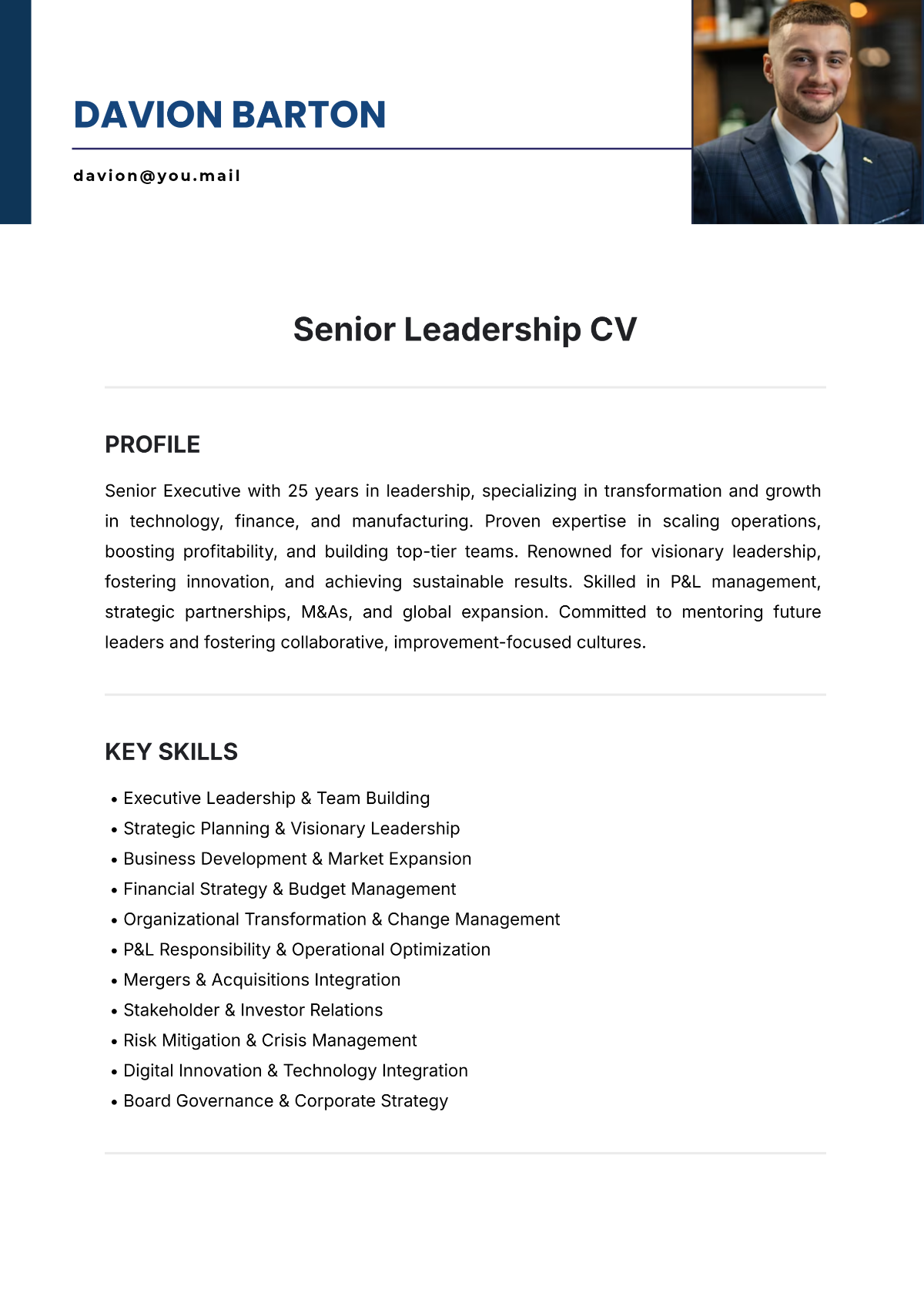
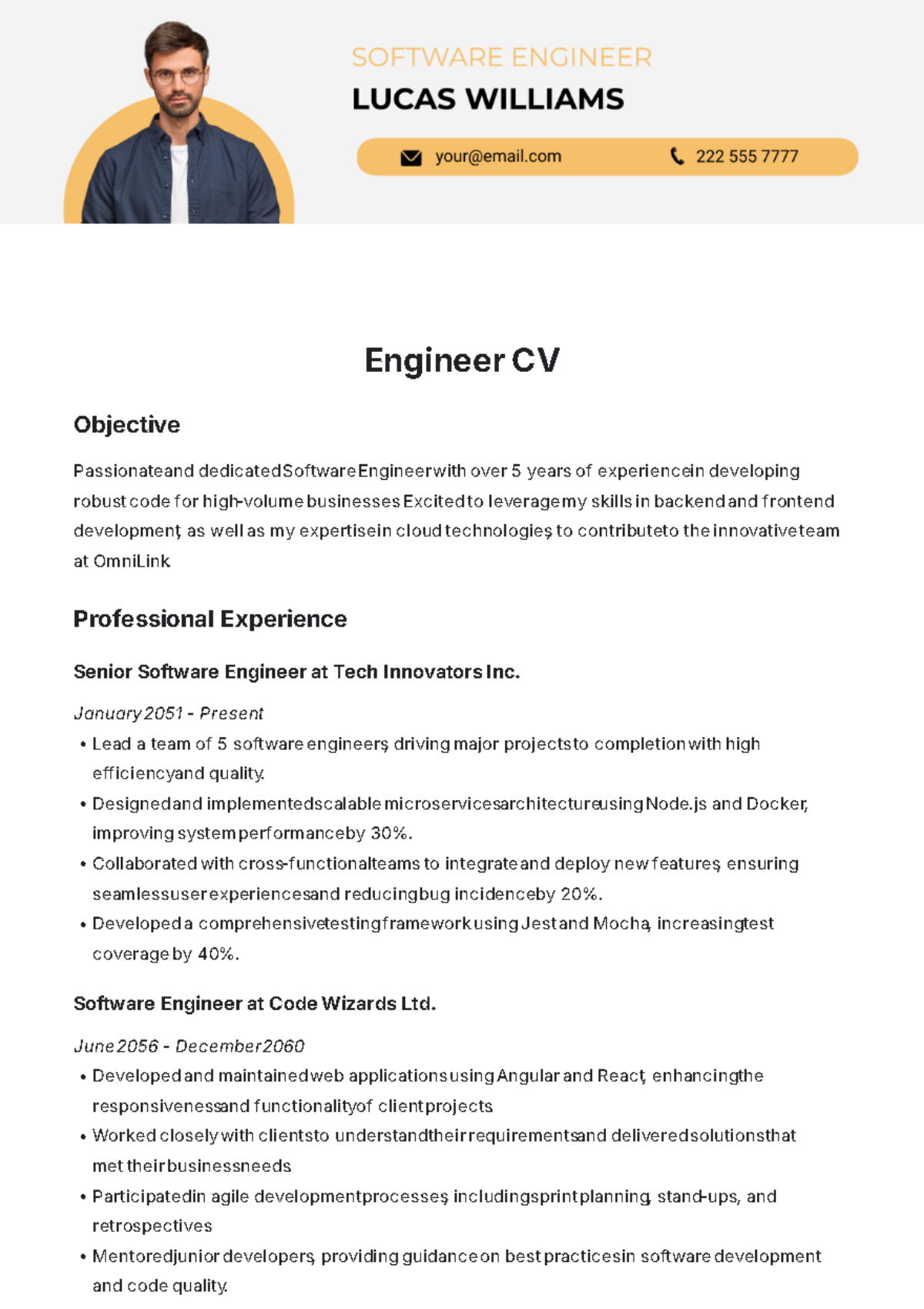
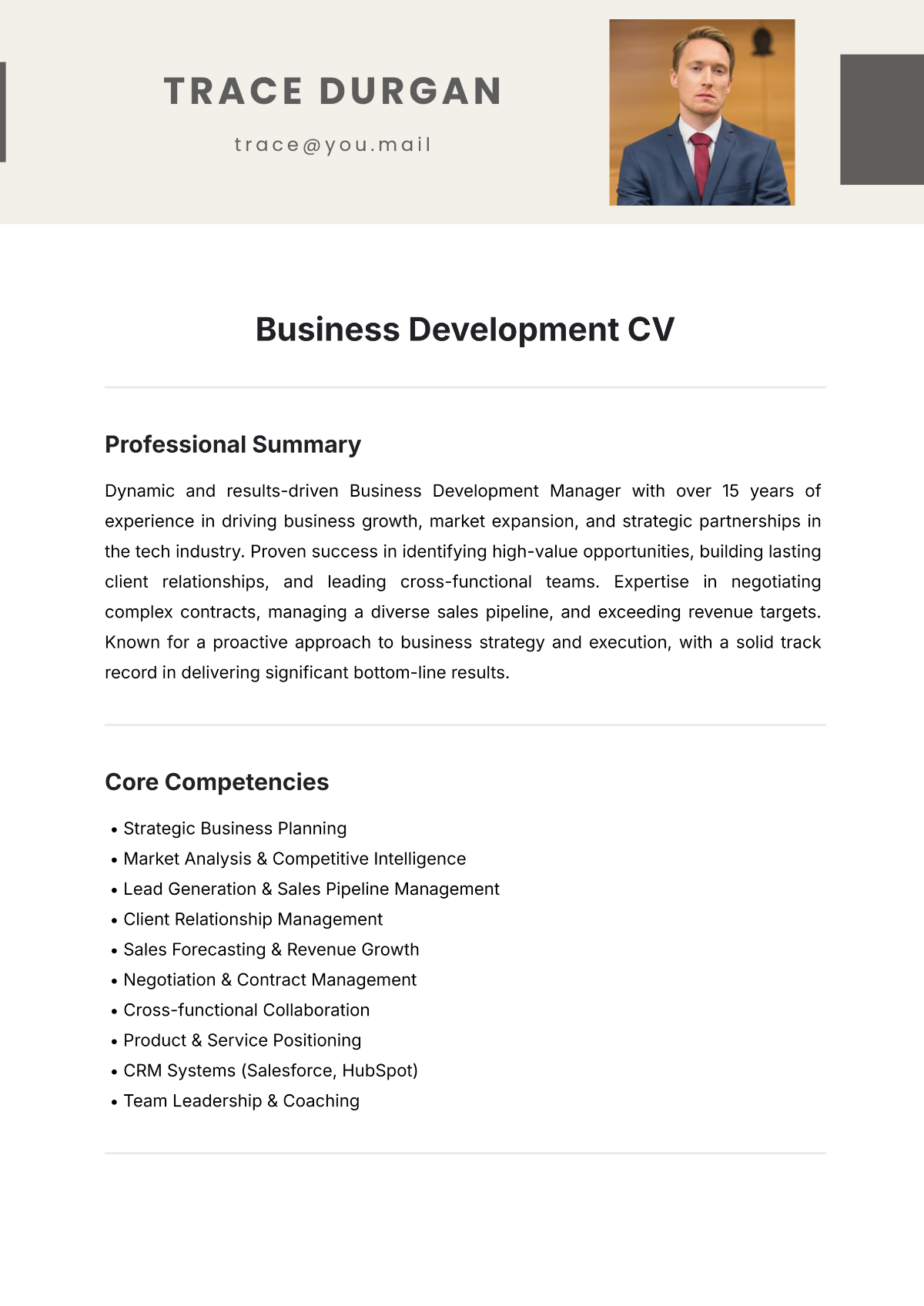
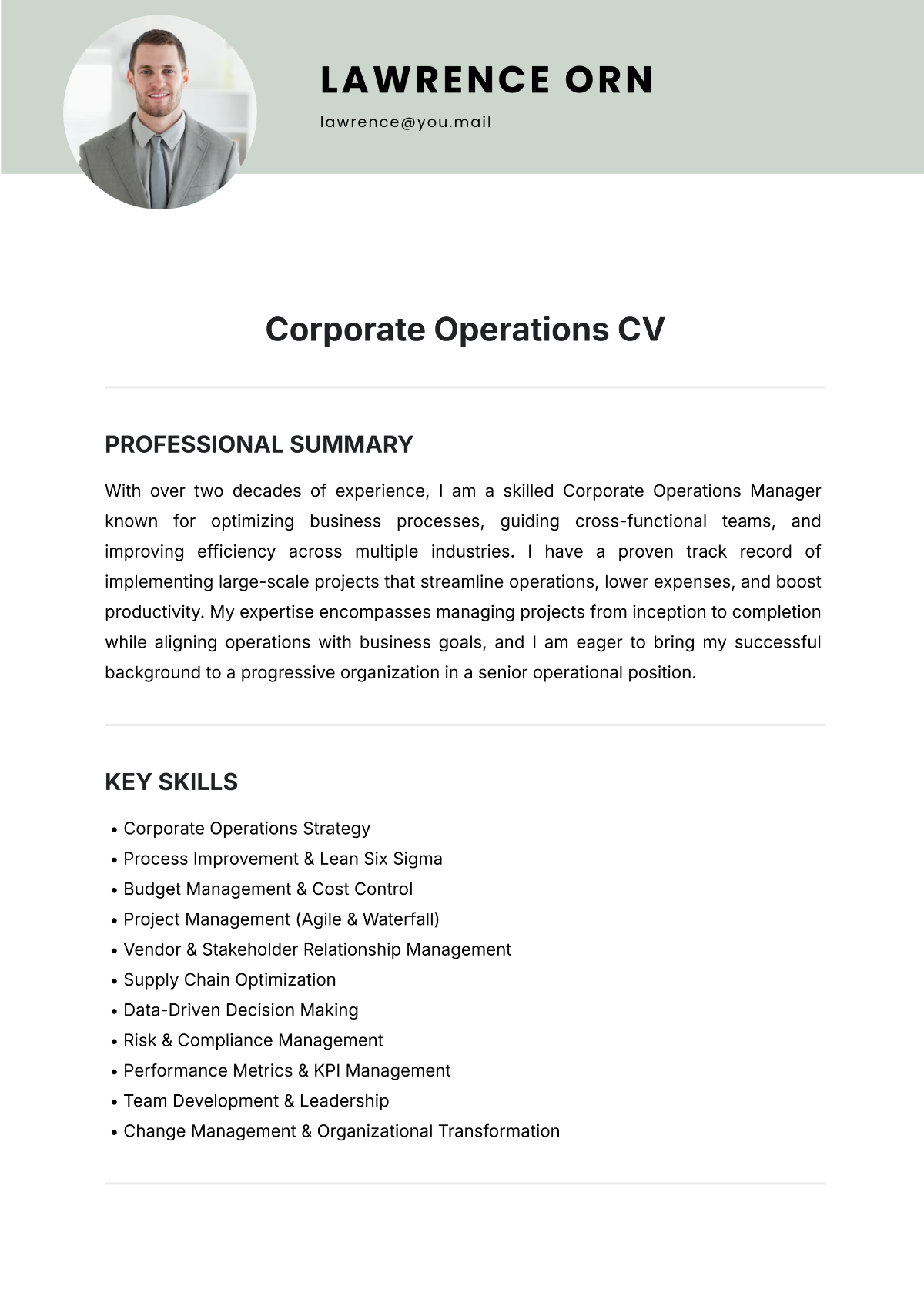
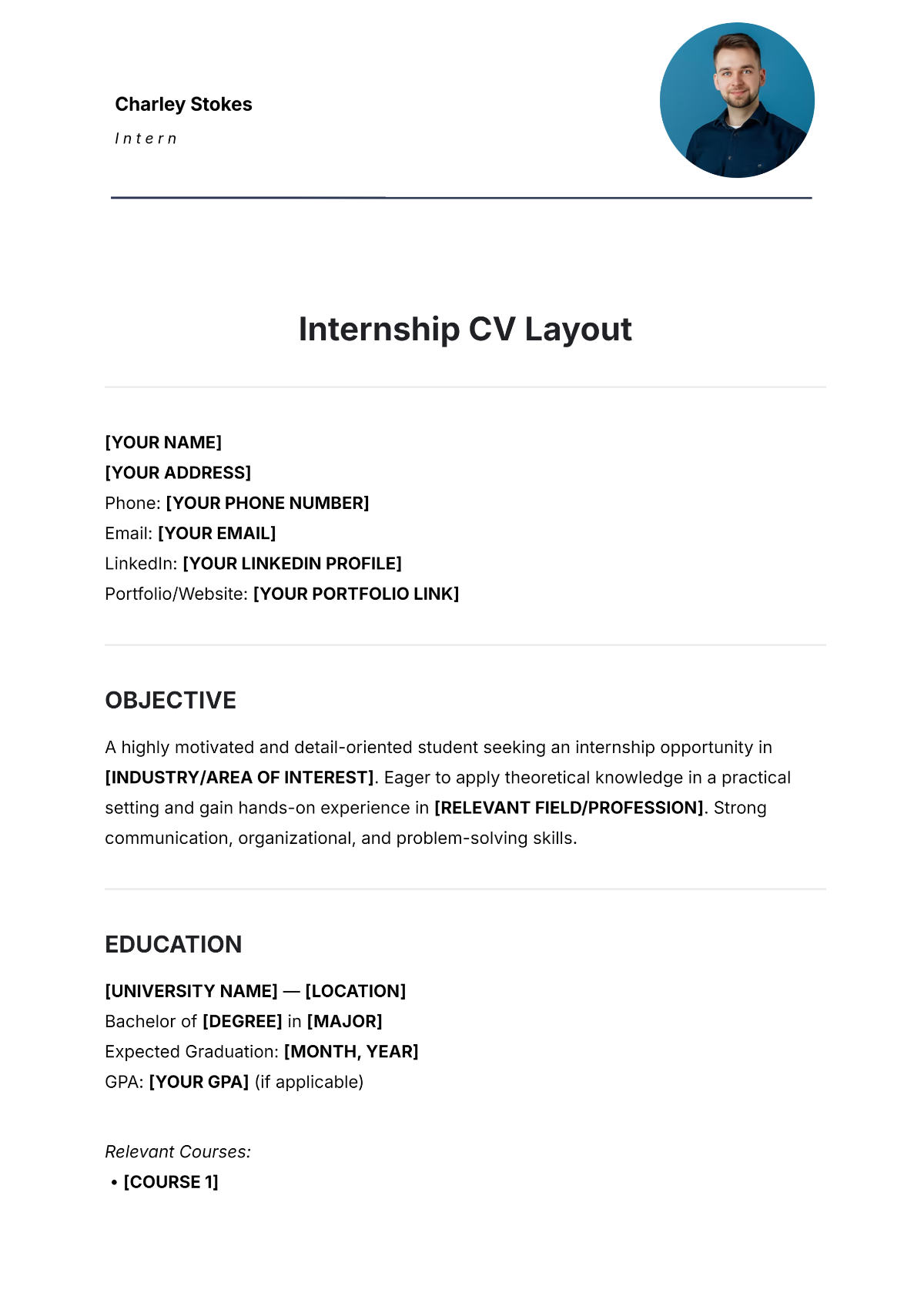
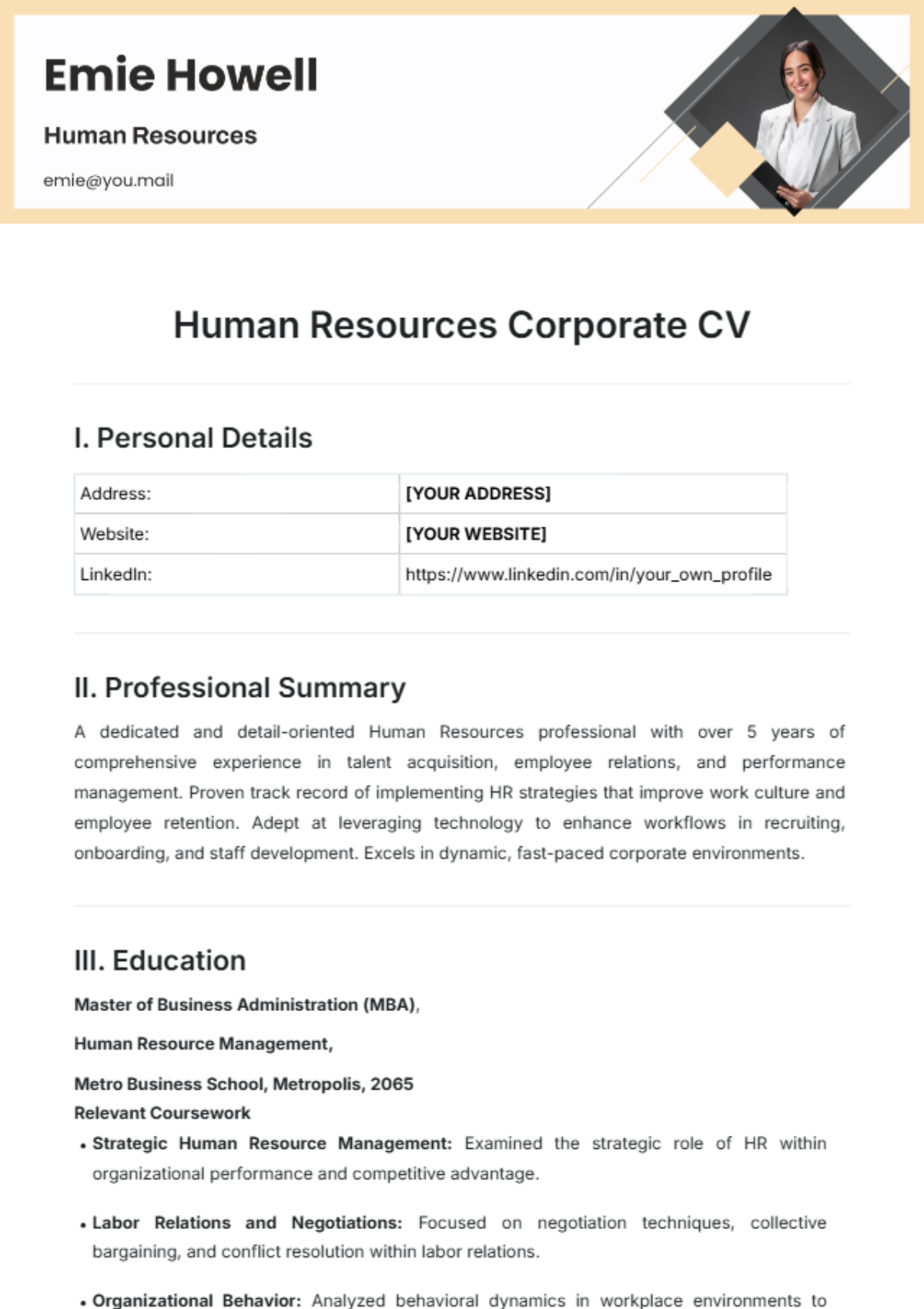
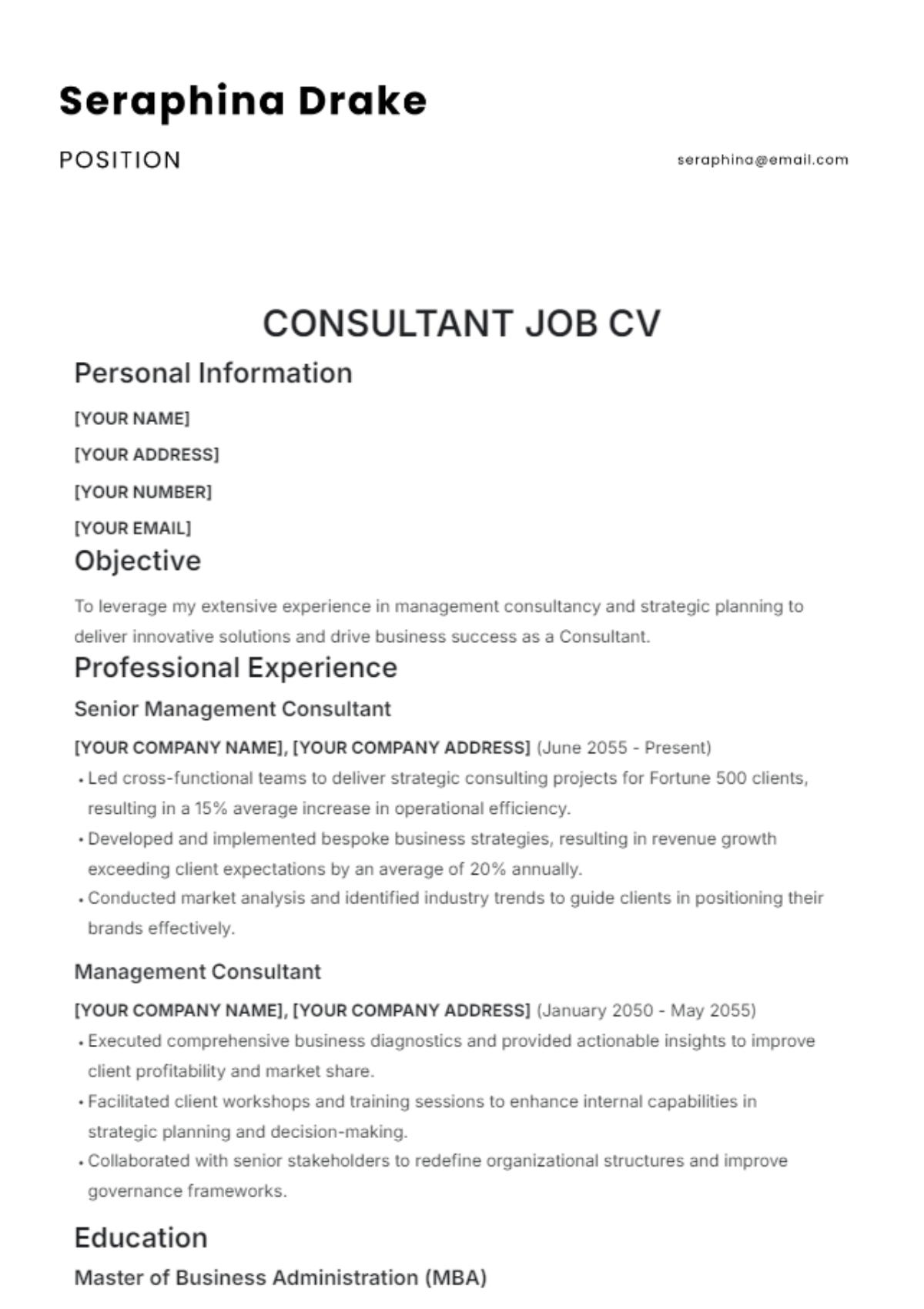
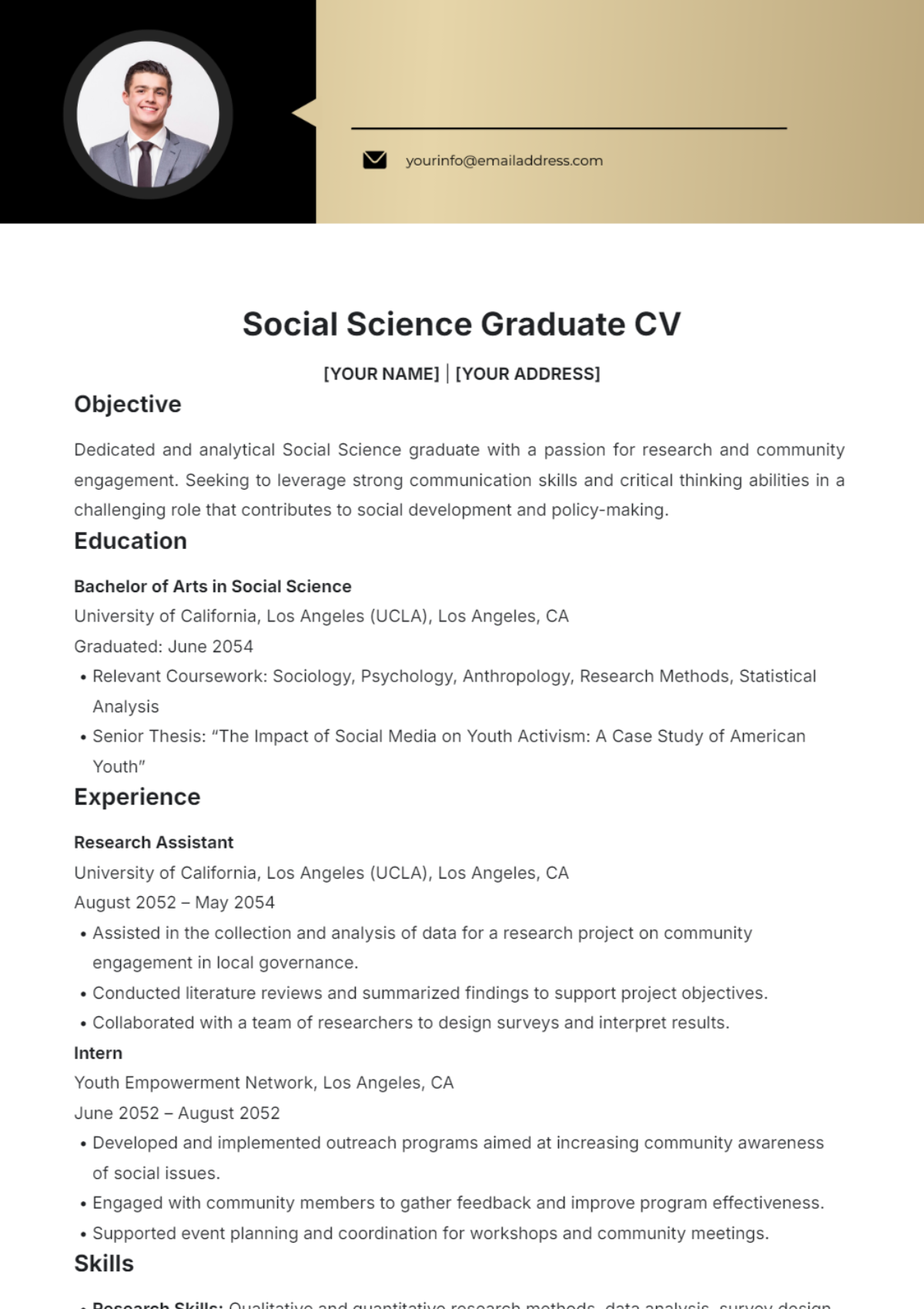
CV Templates: Definition, Usage, and Formats
What is a CV?
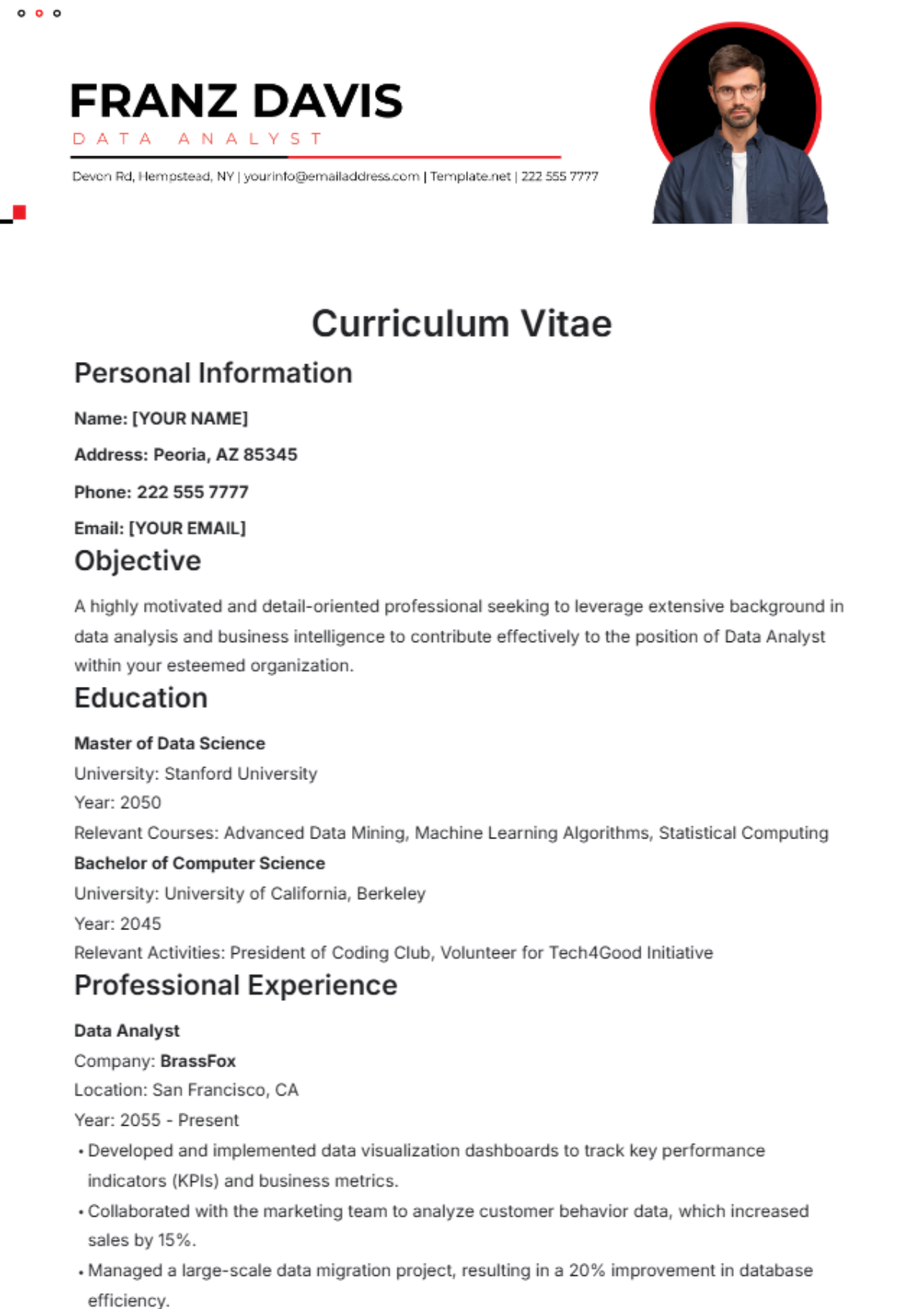
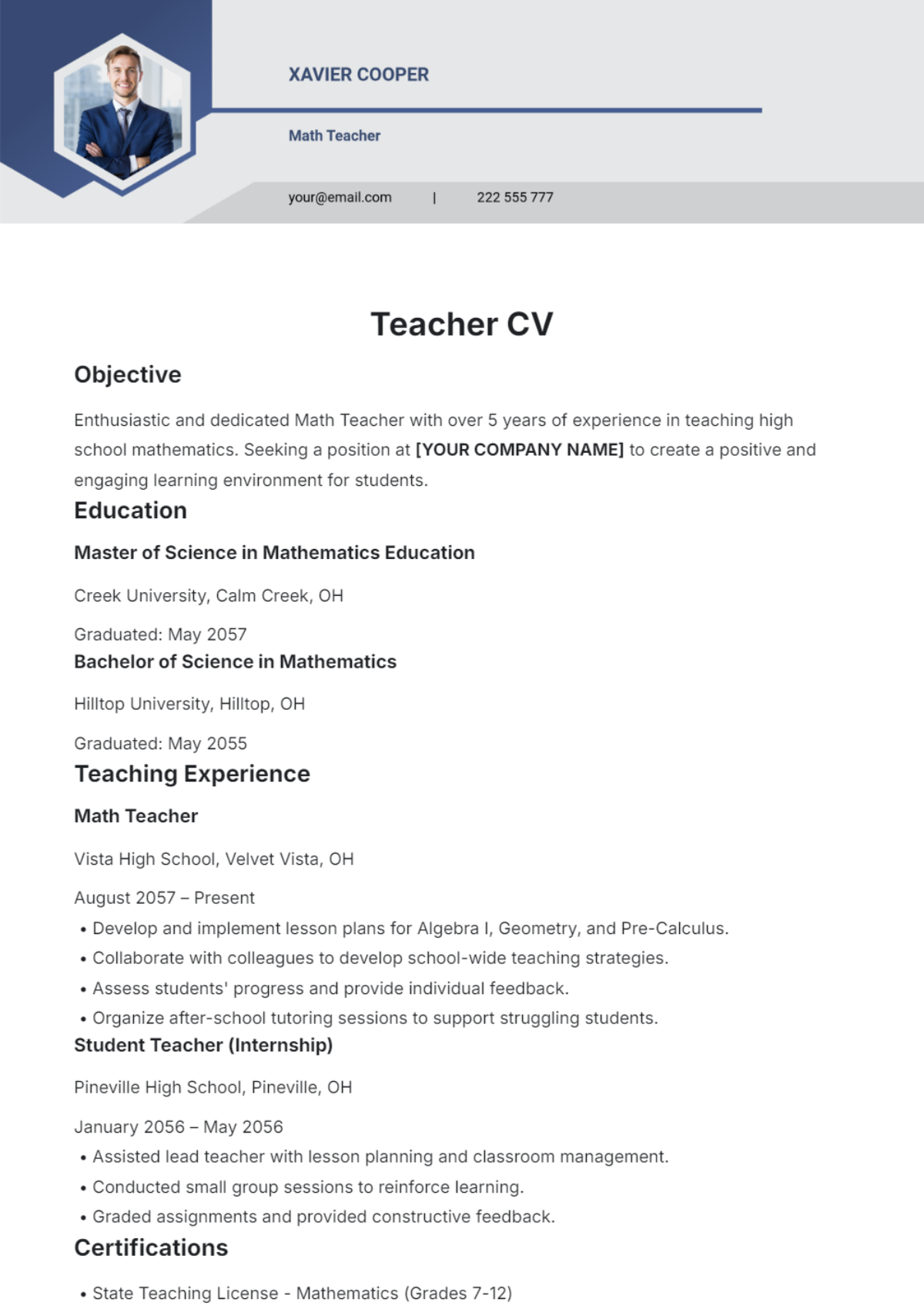
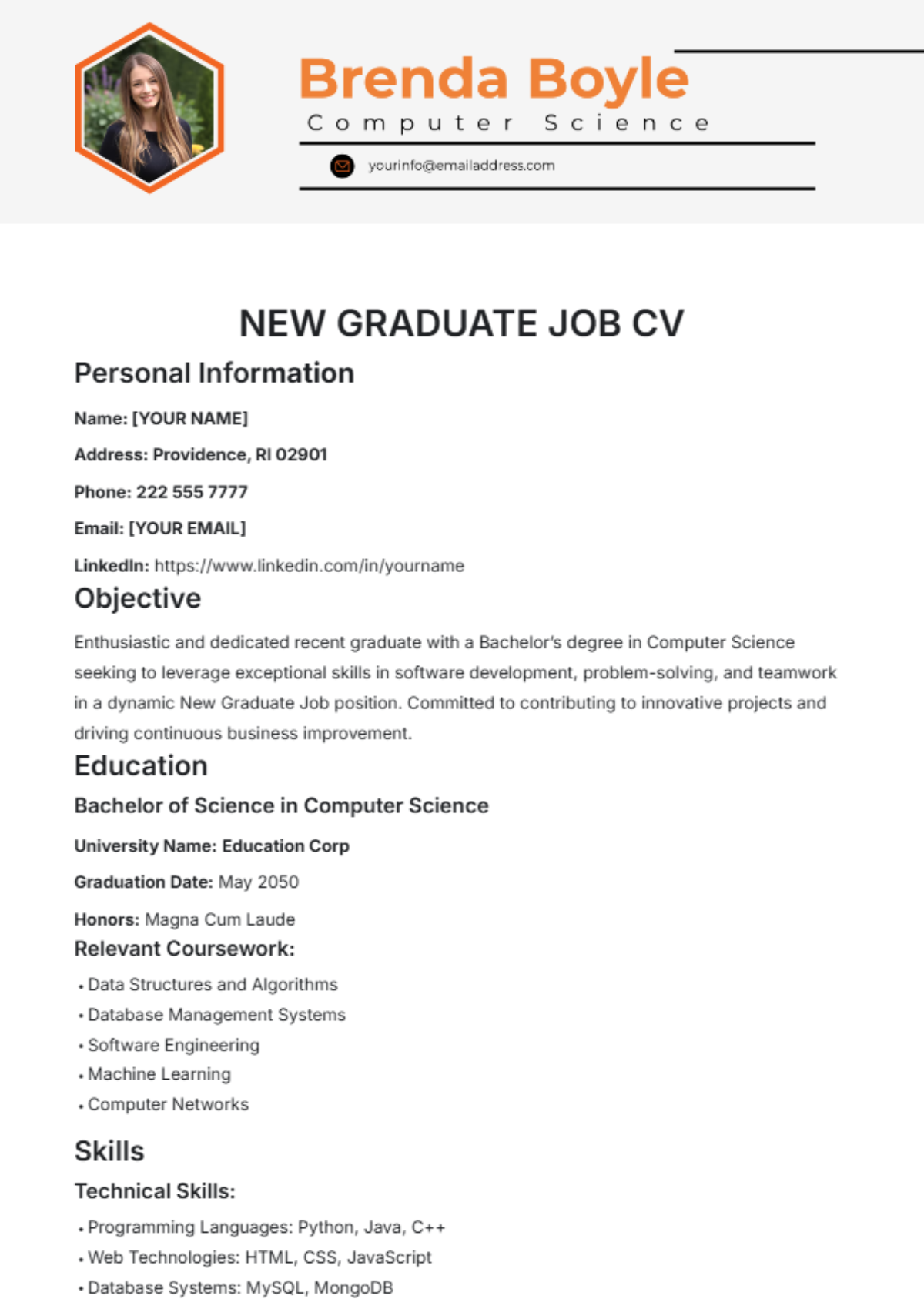
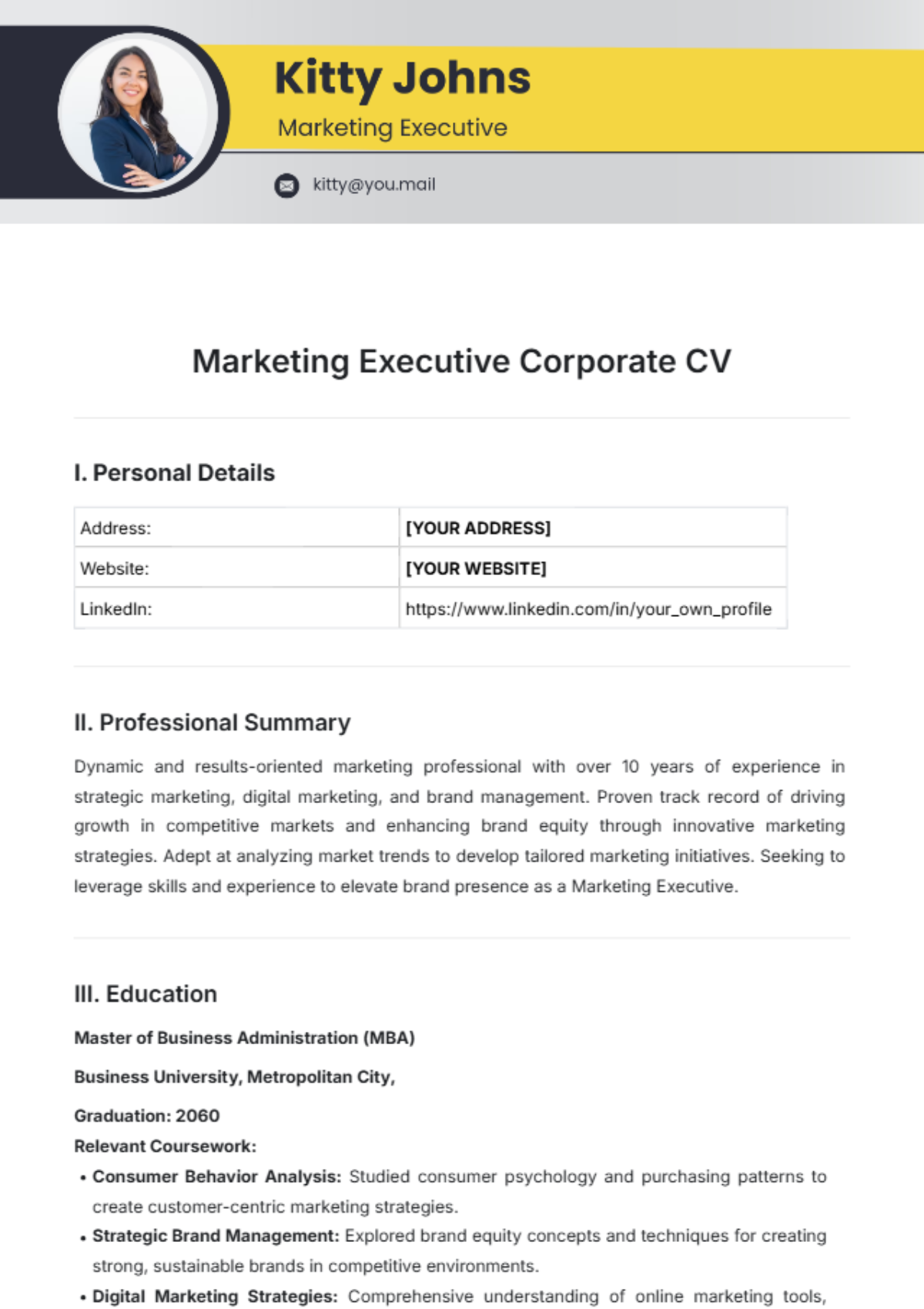
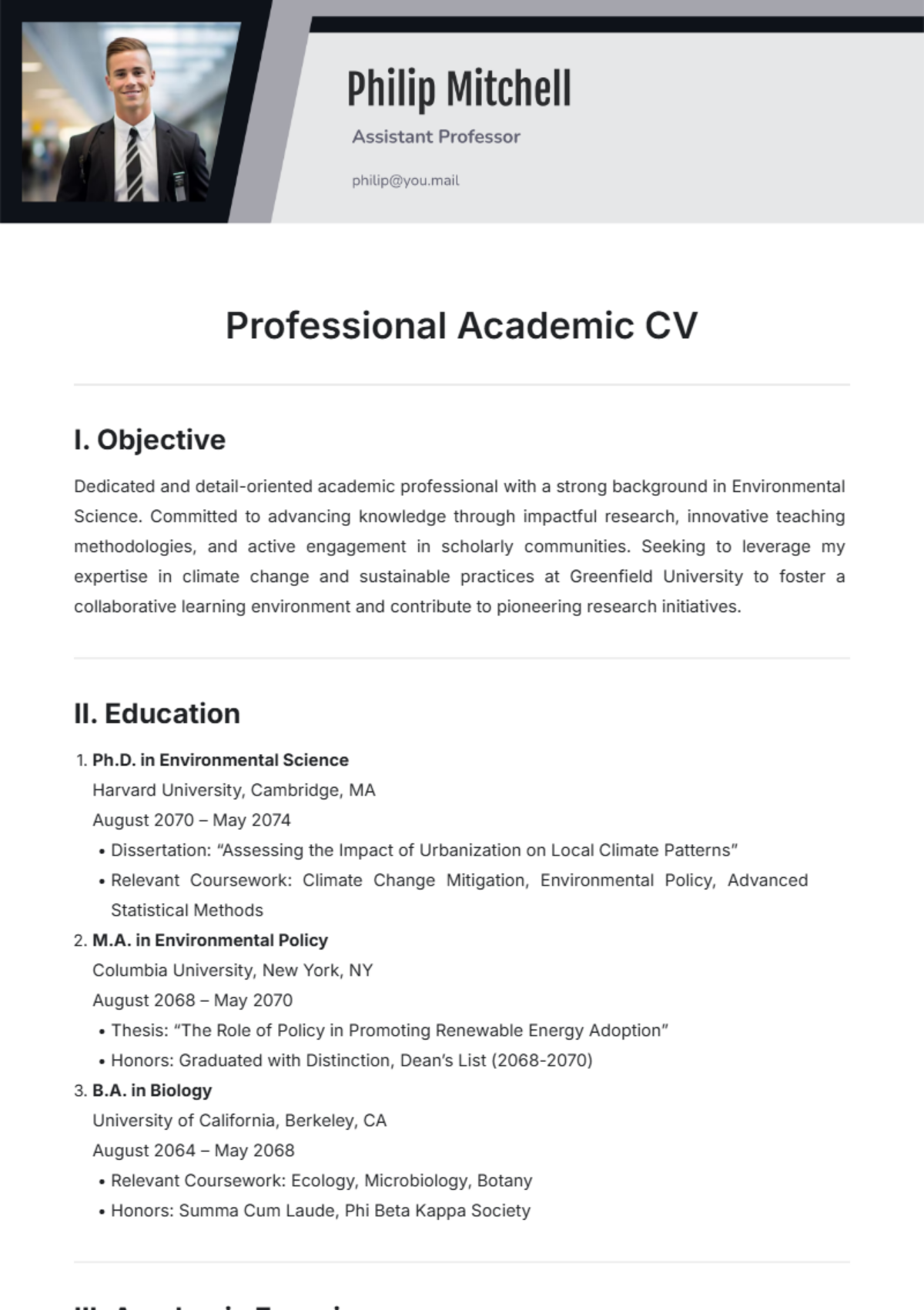
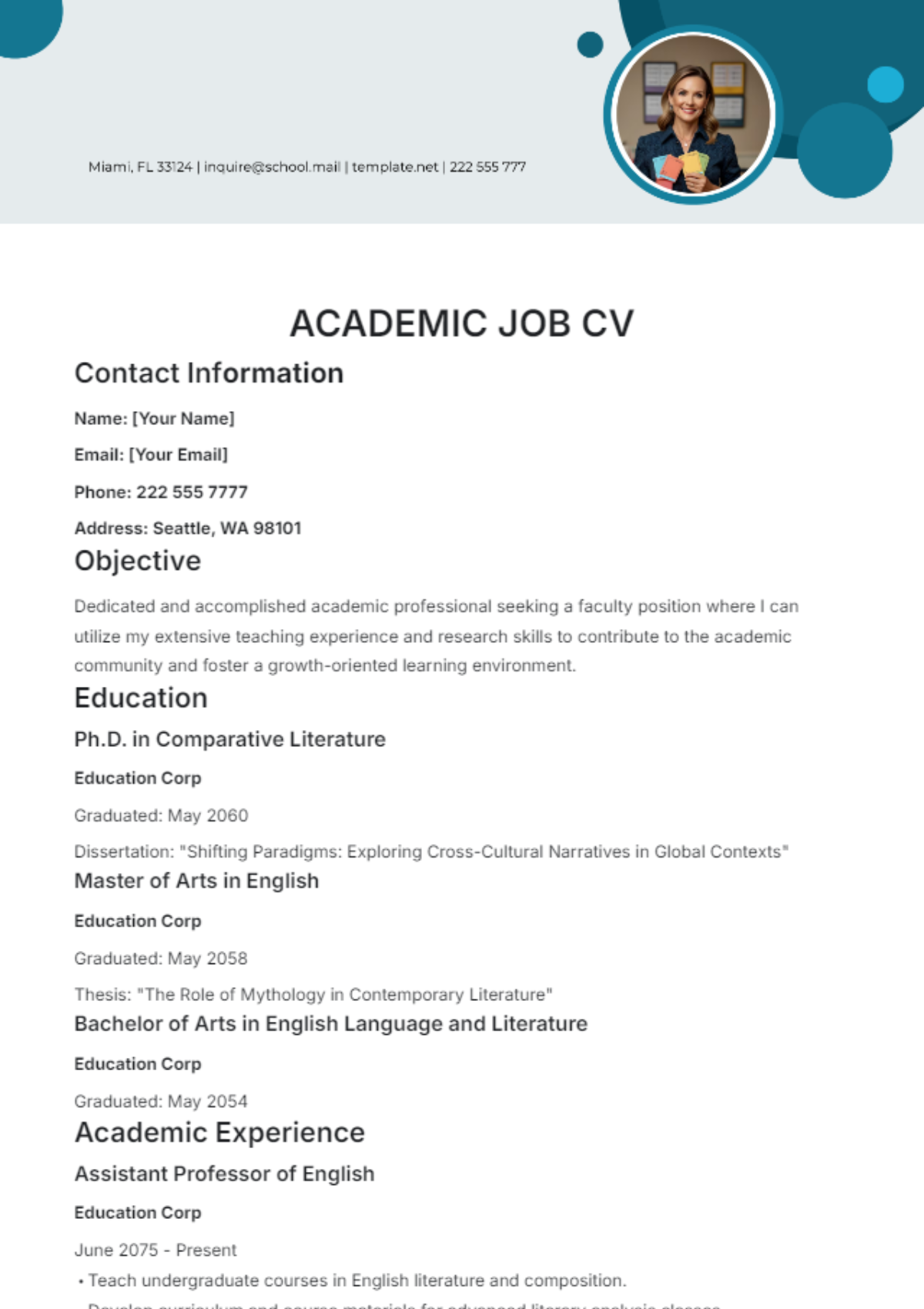
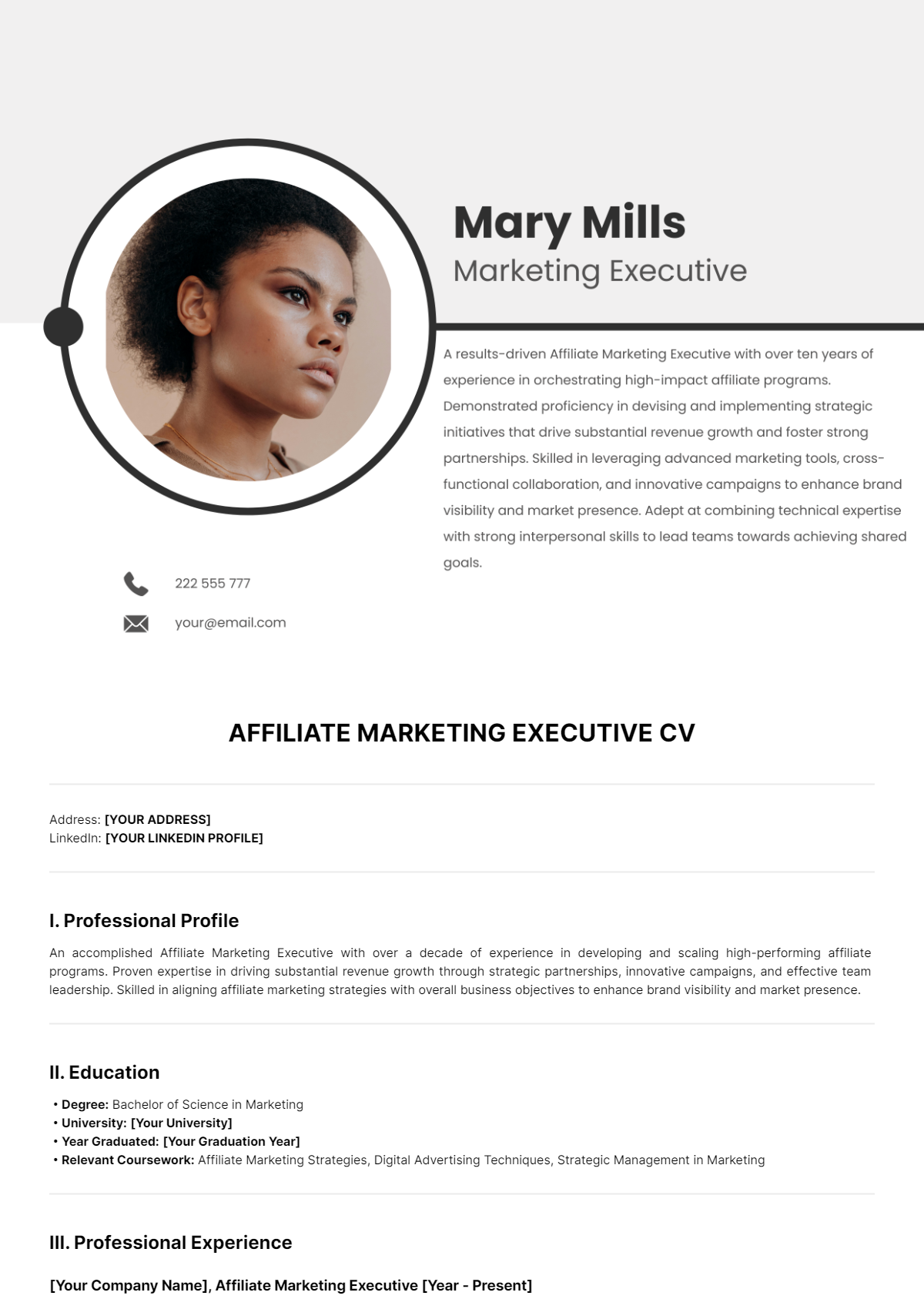
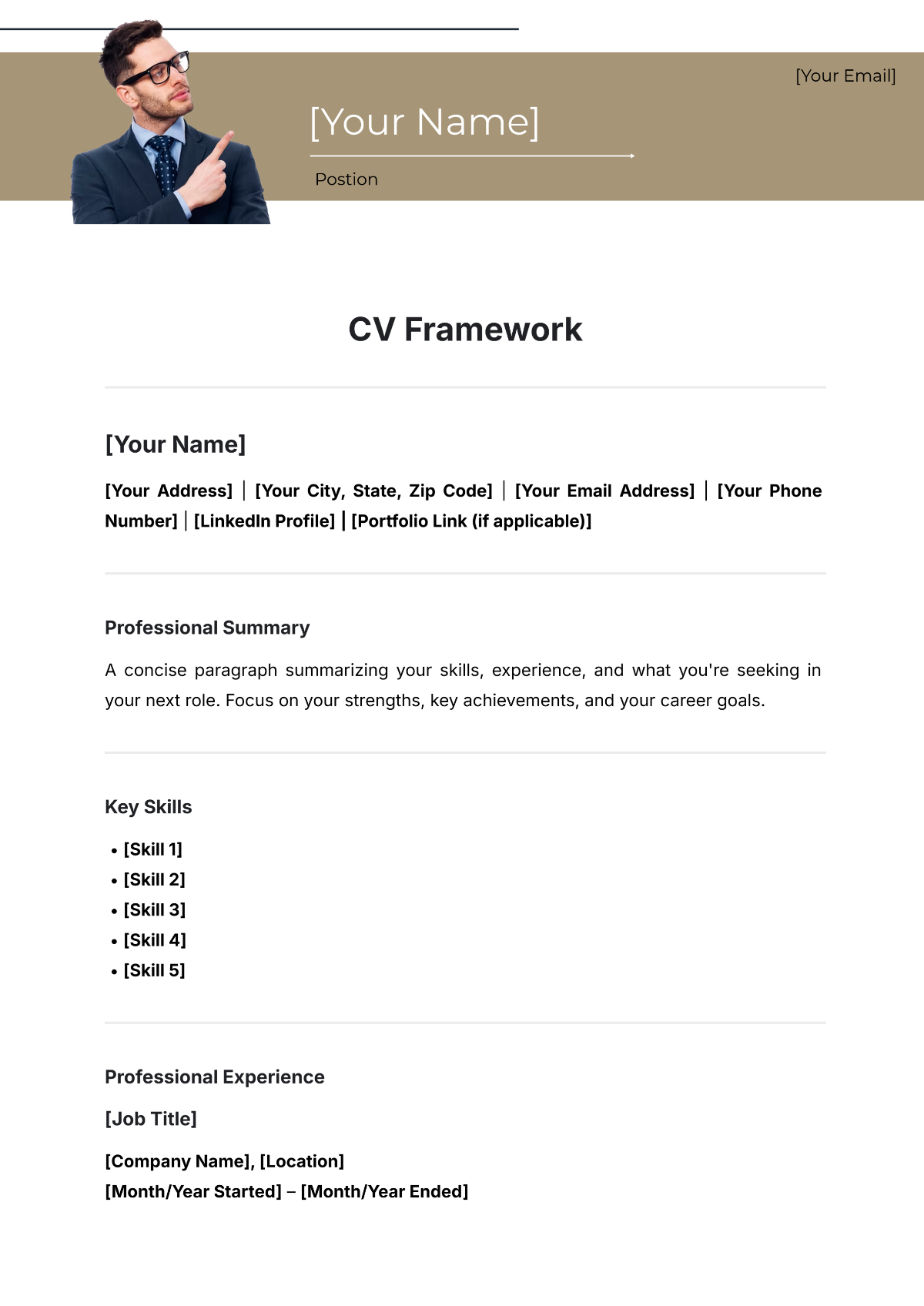
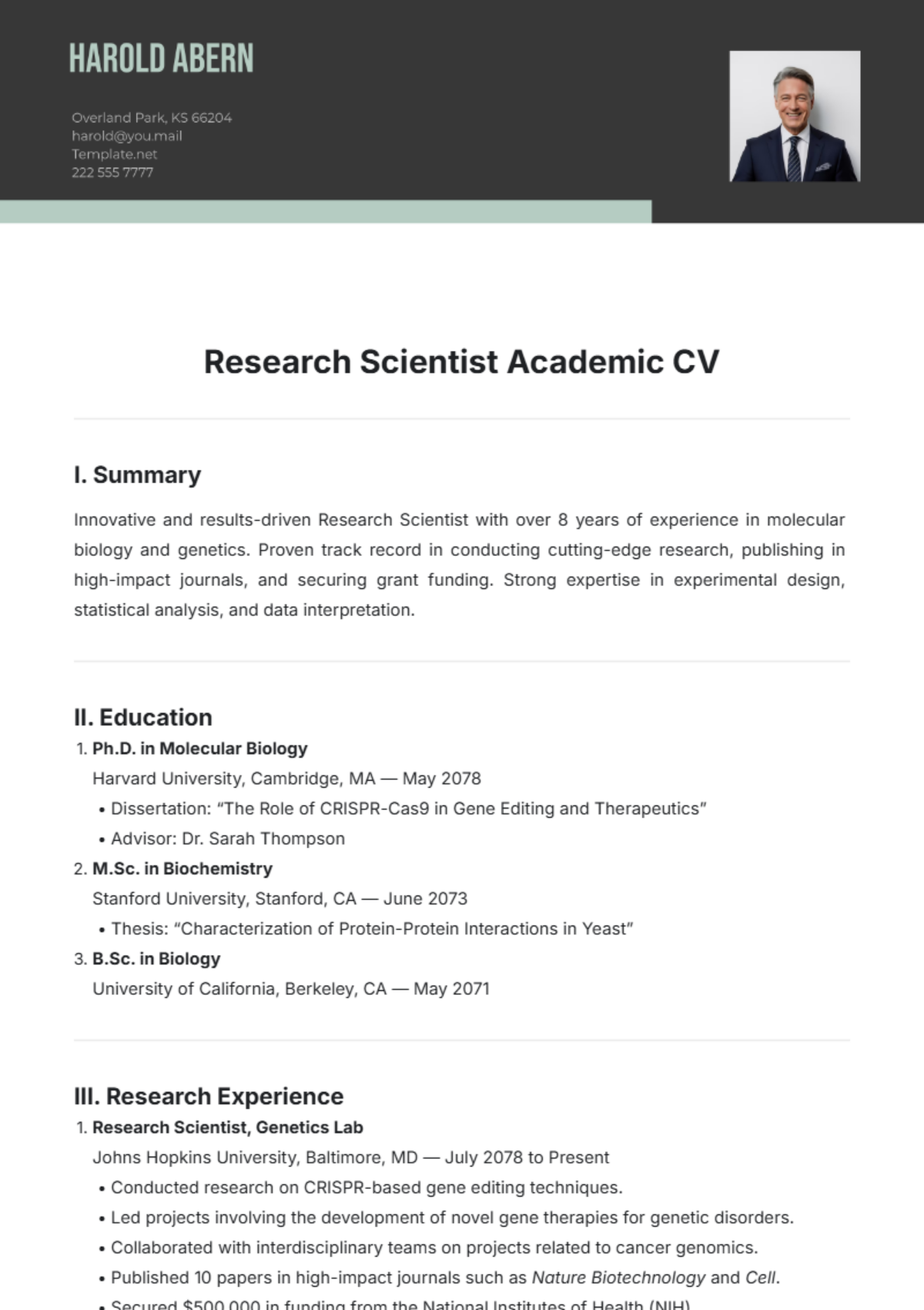
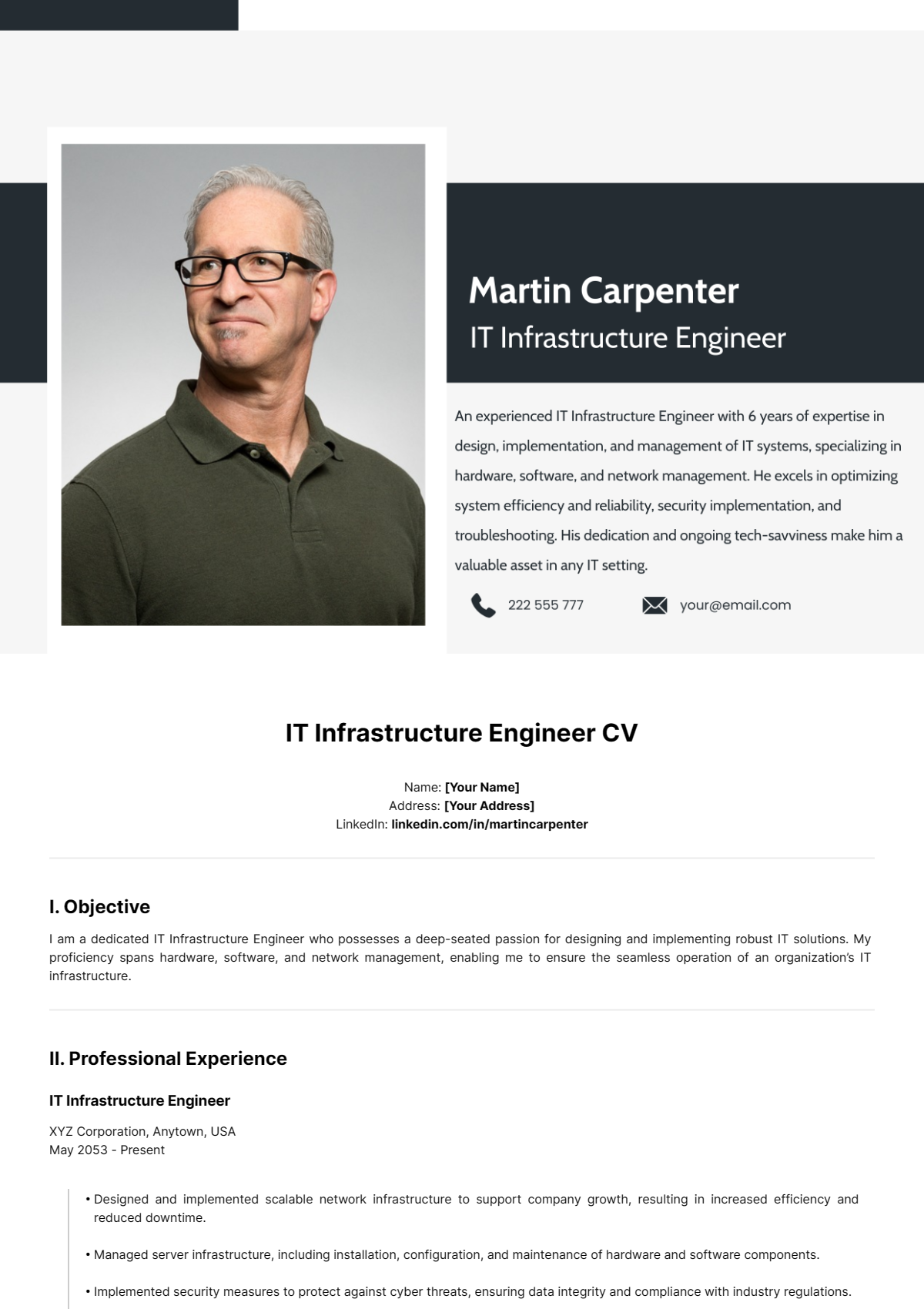
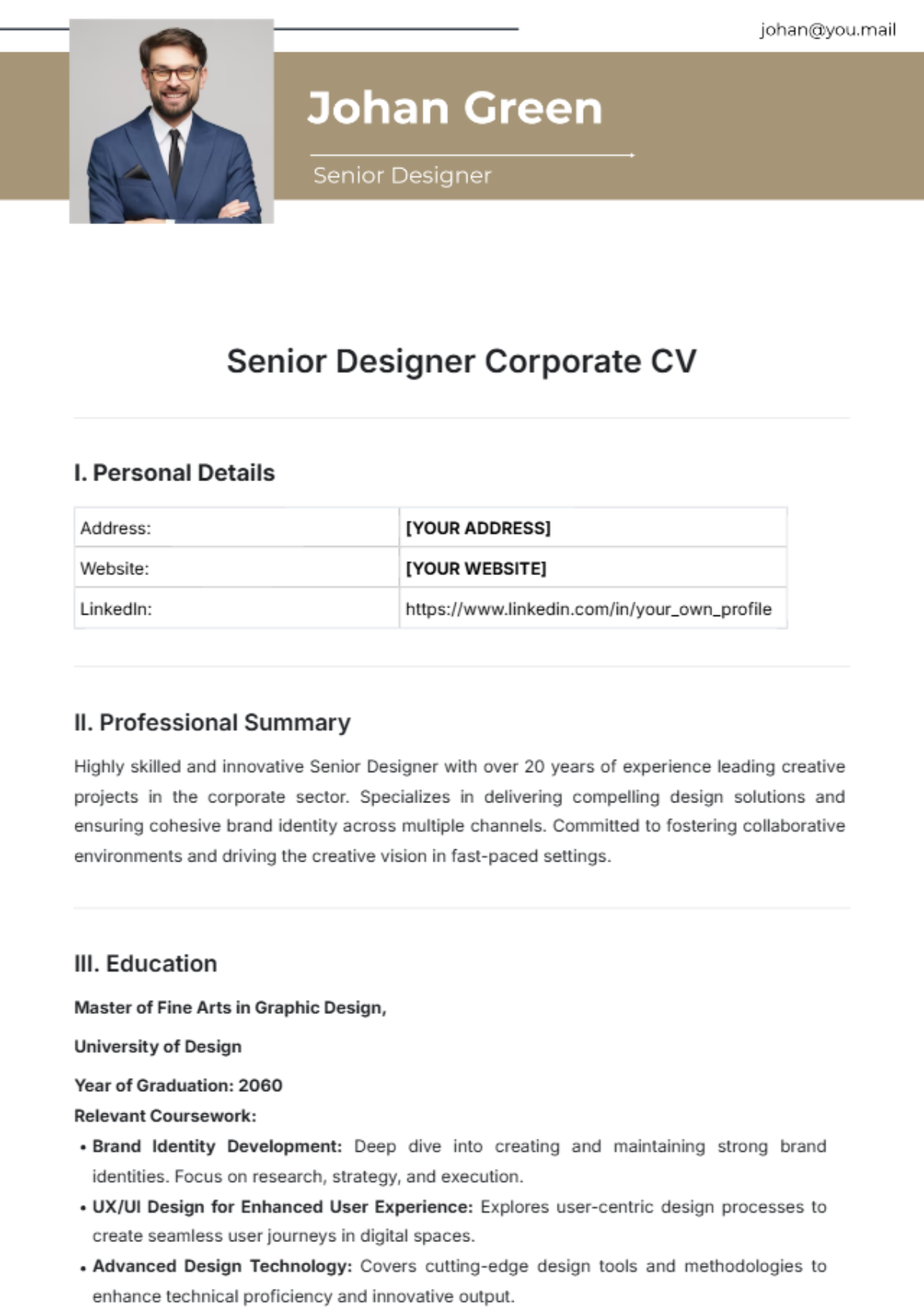
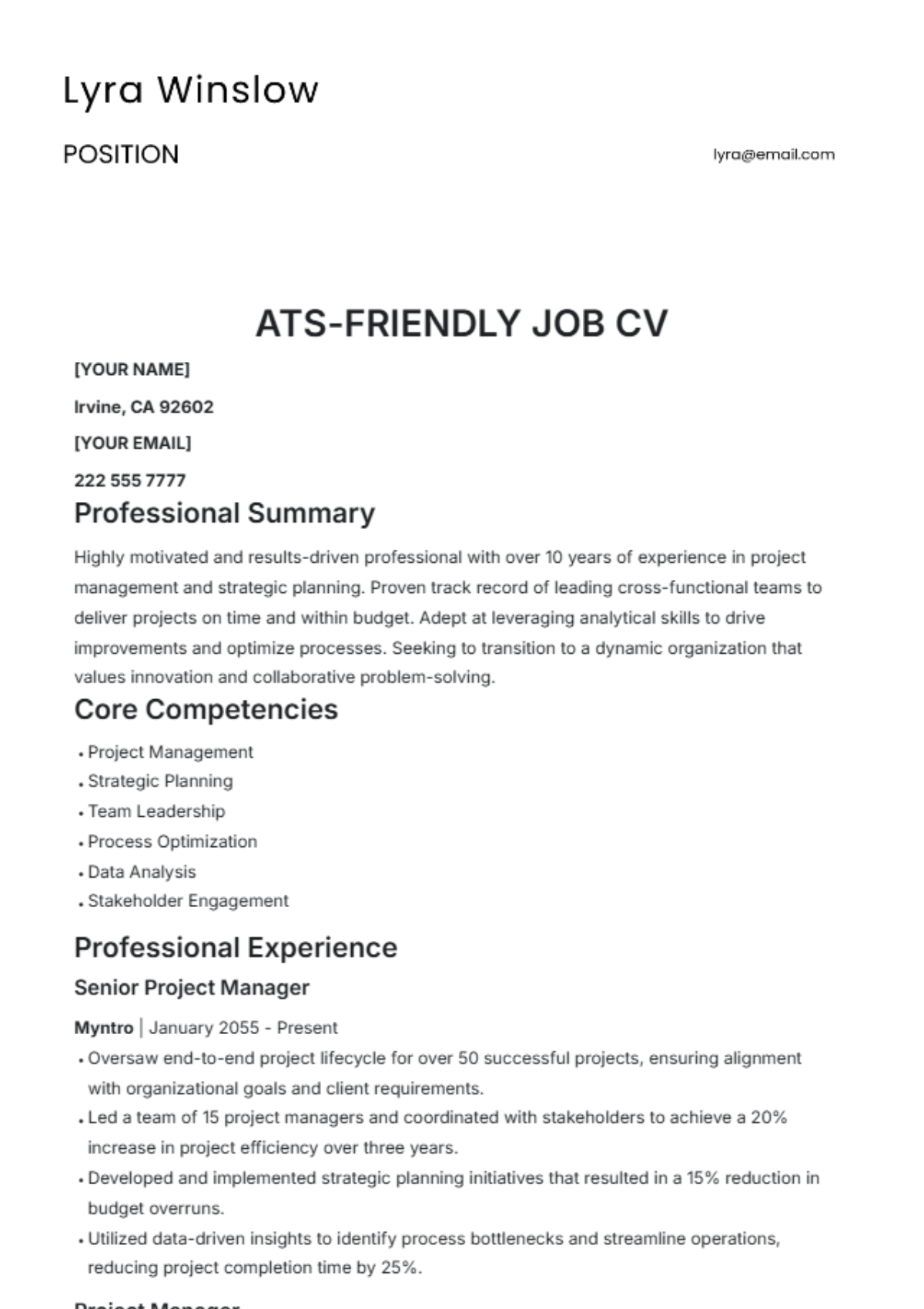
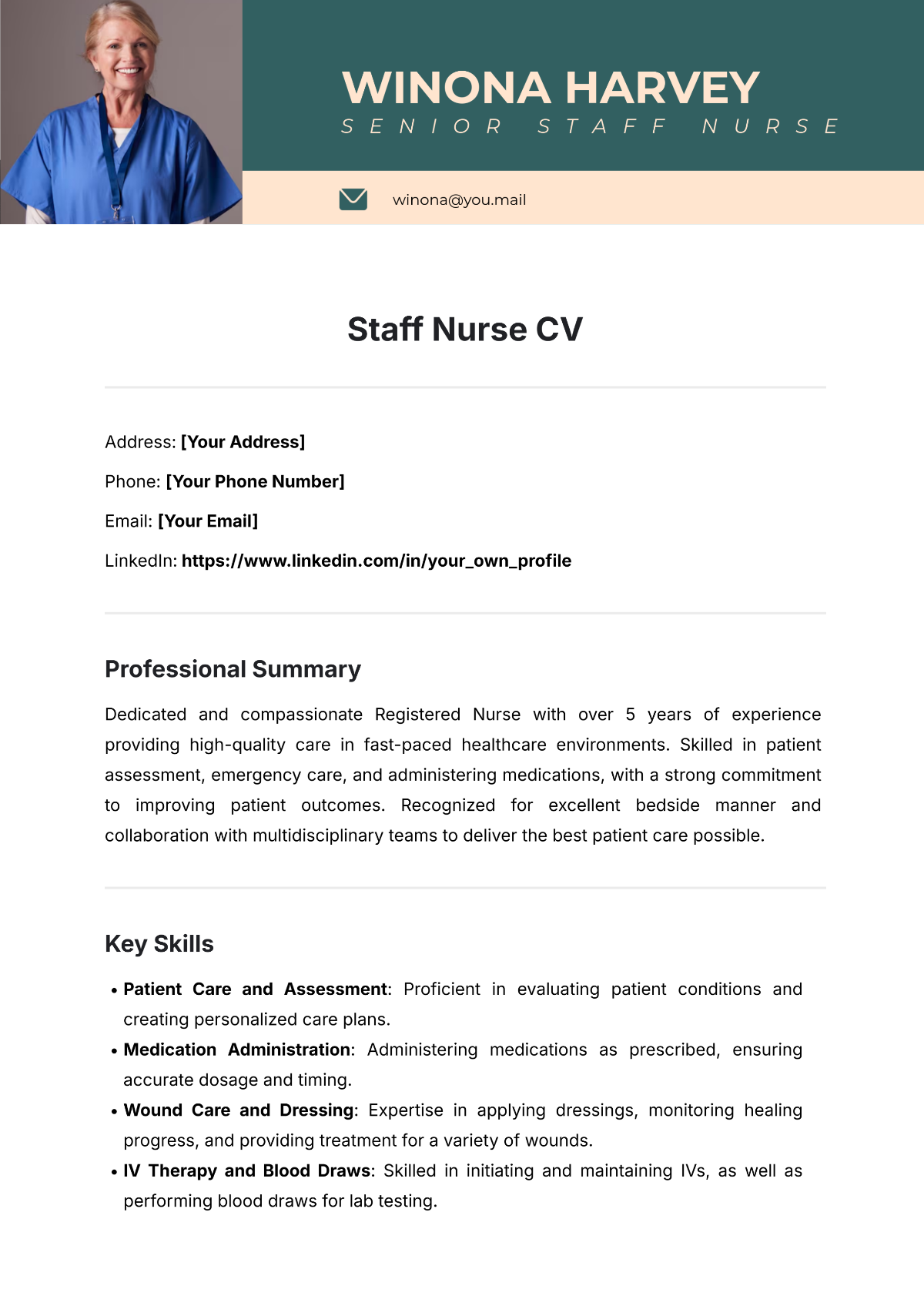
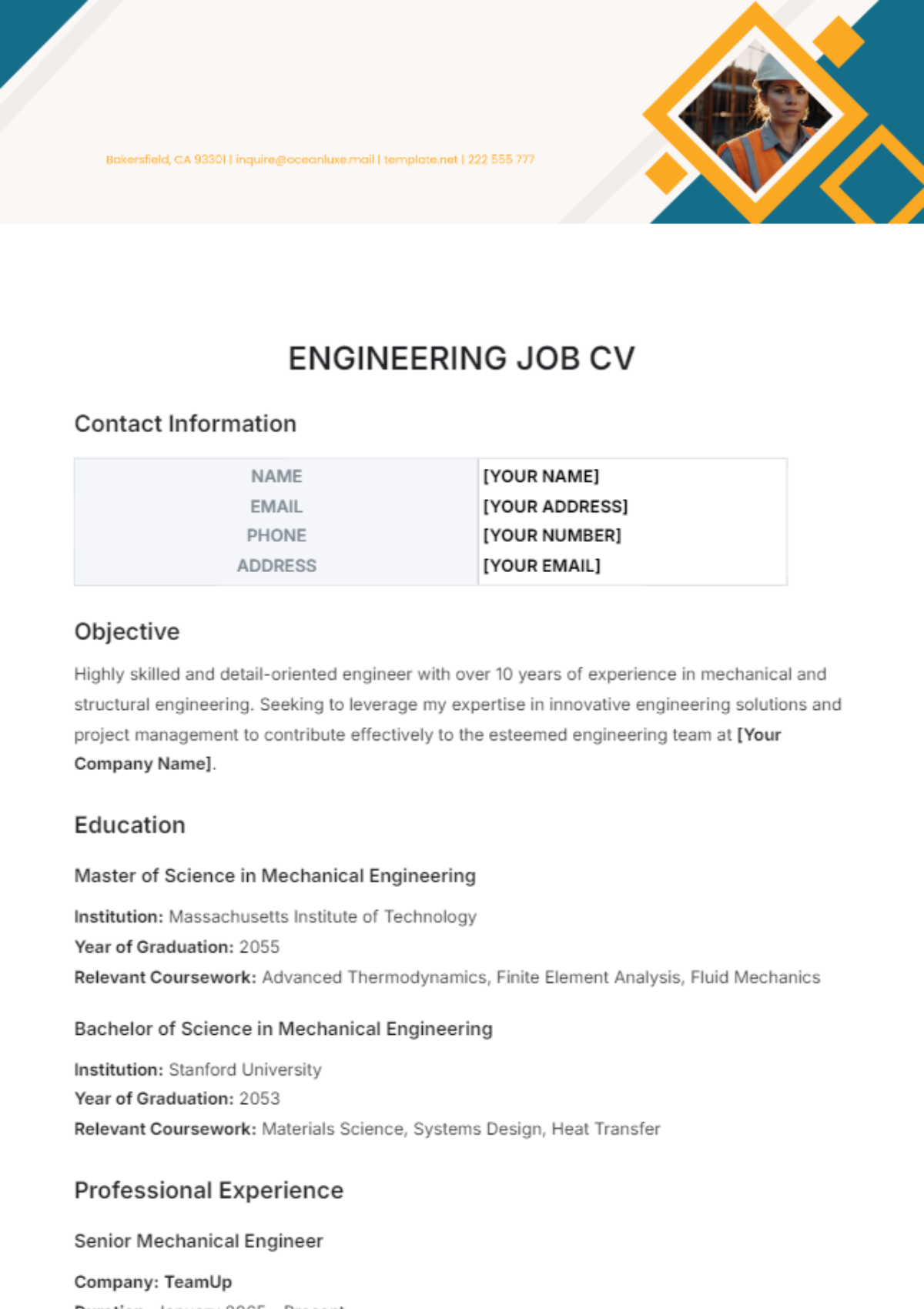
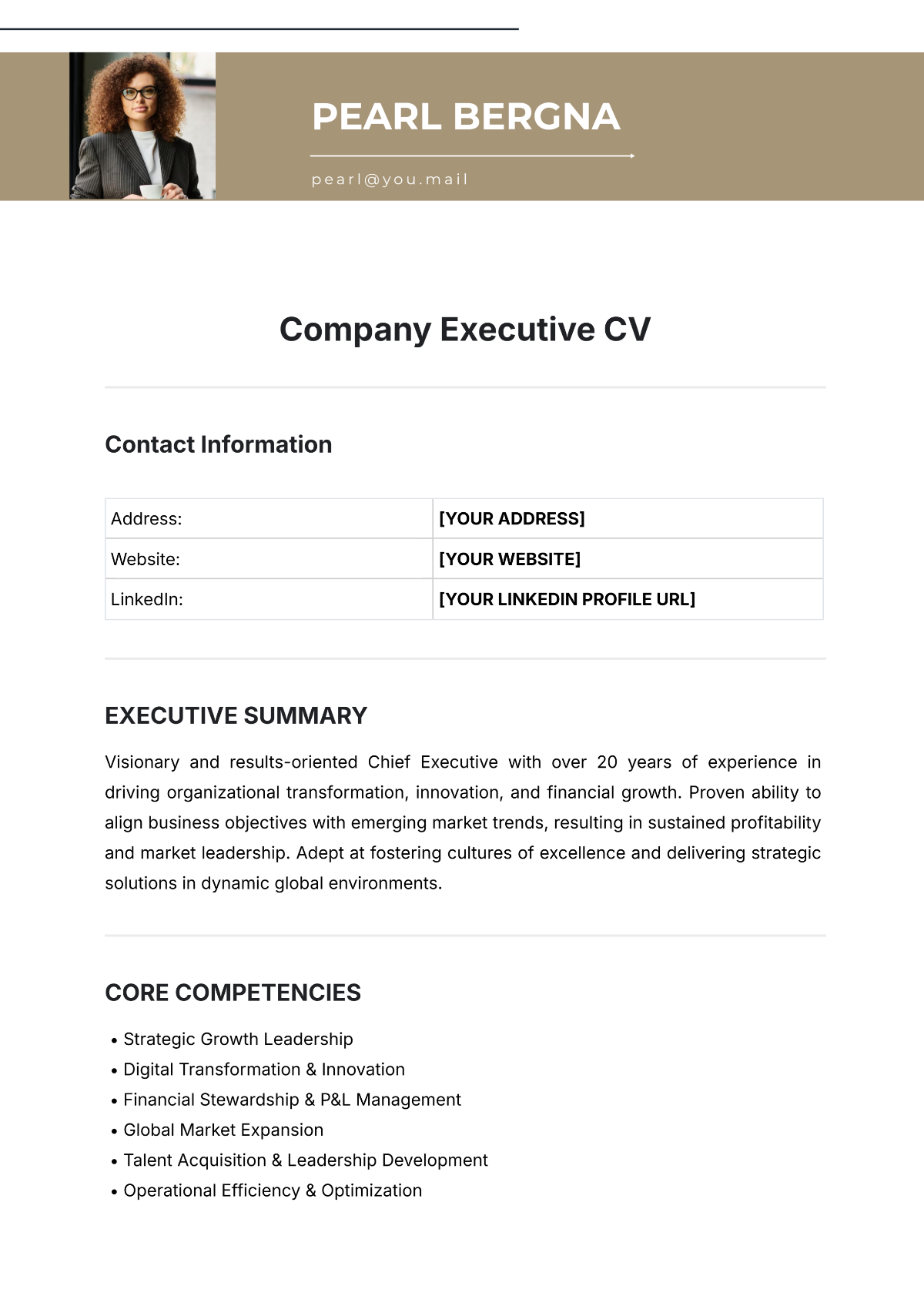
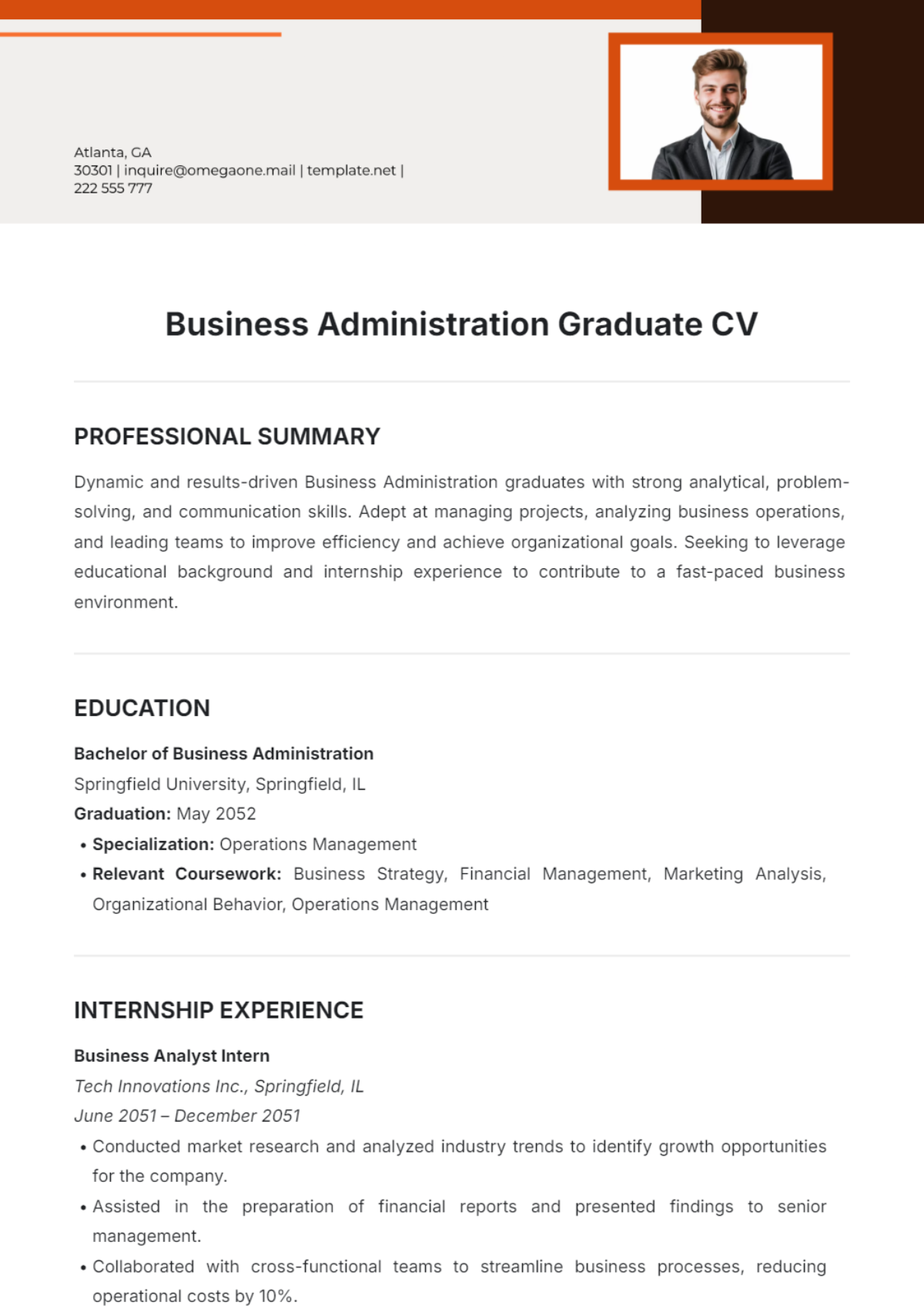
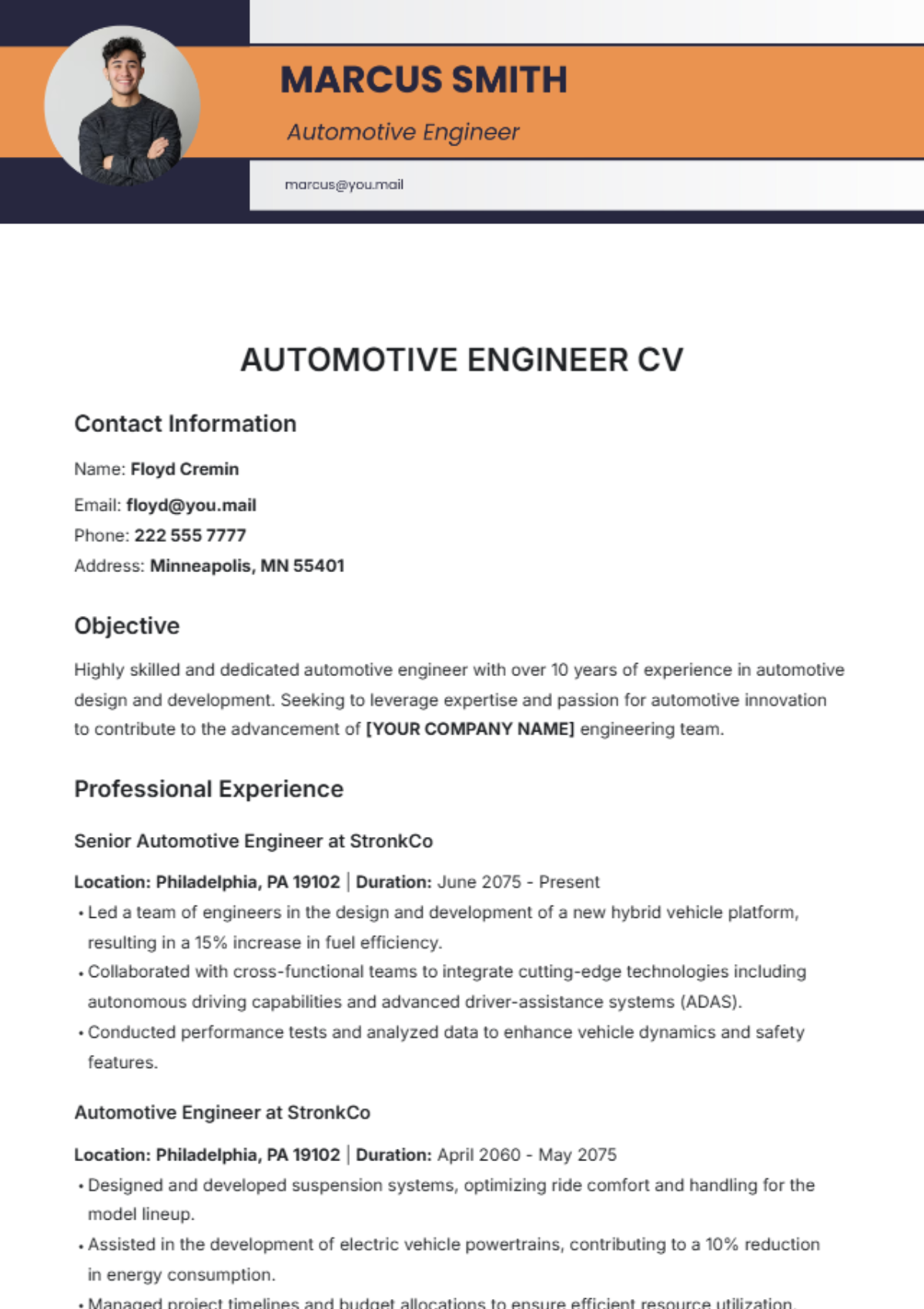
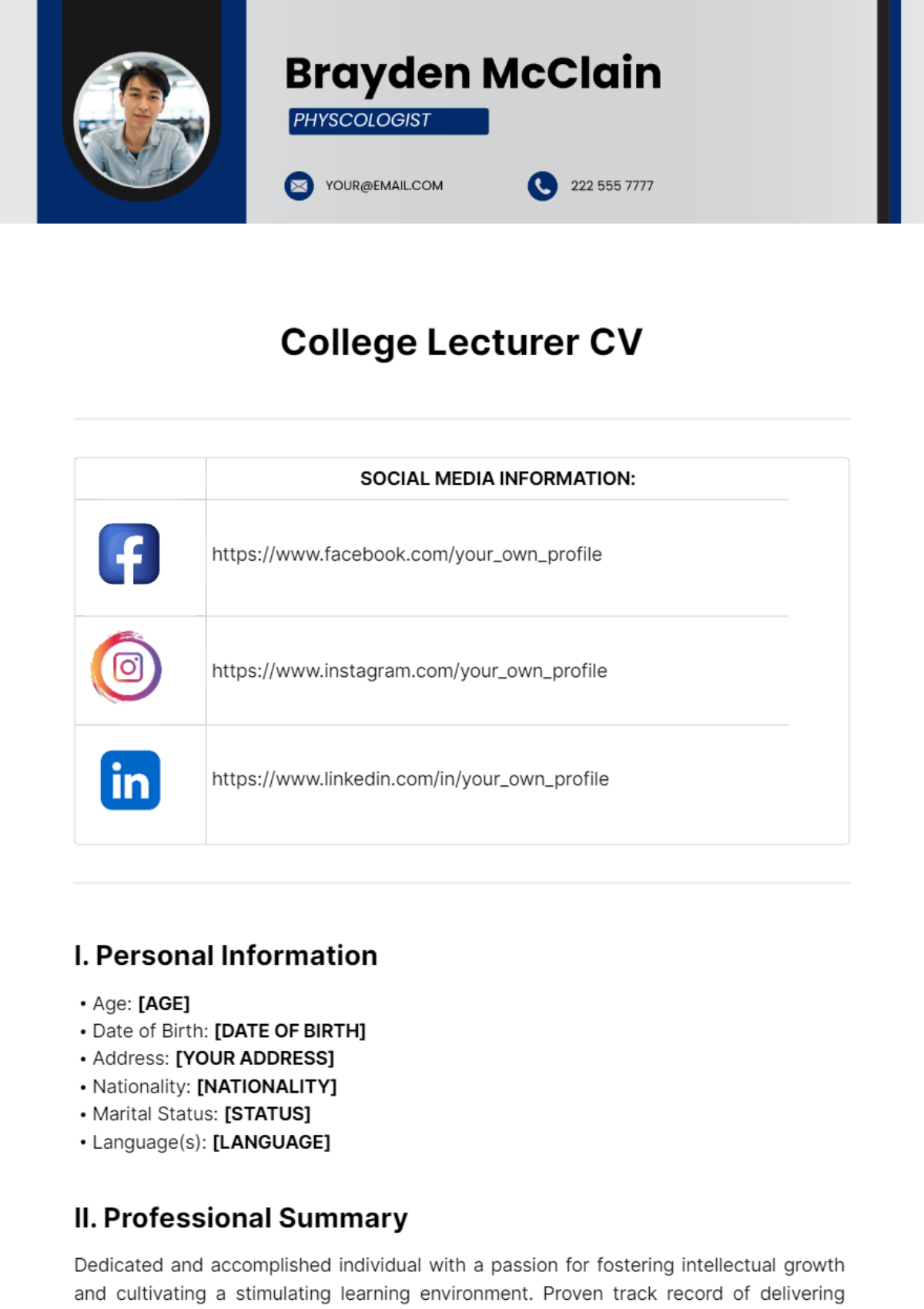
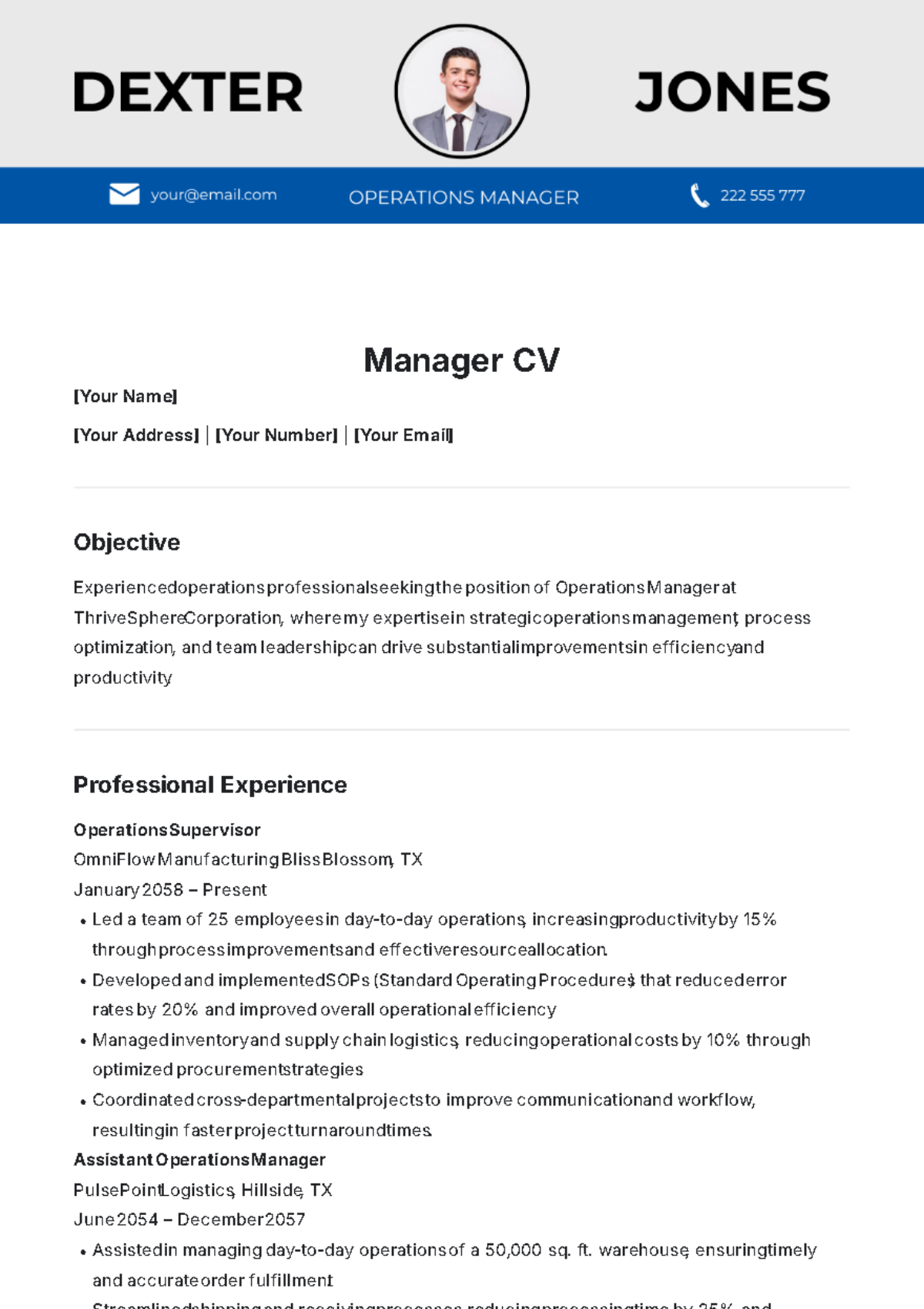
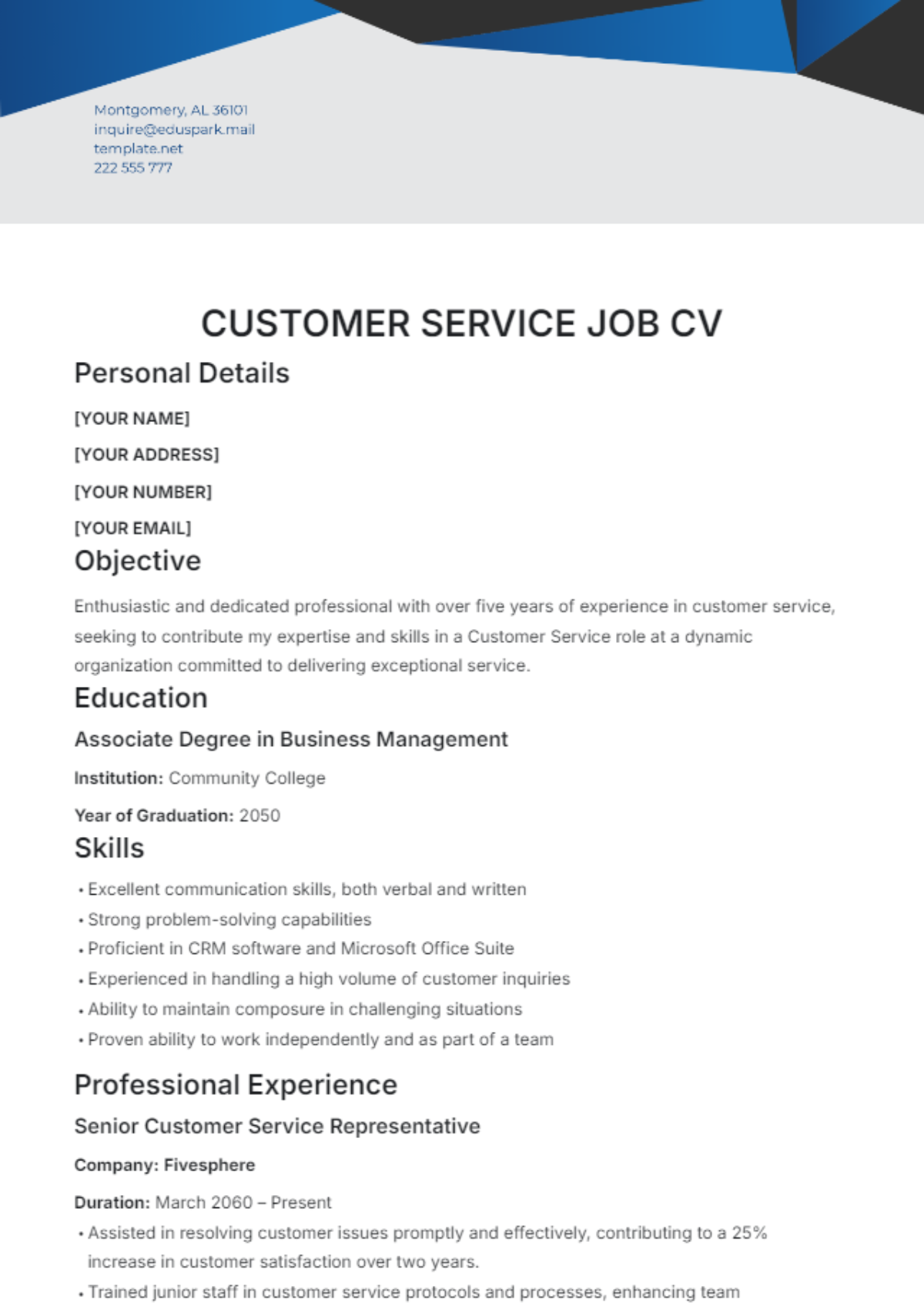
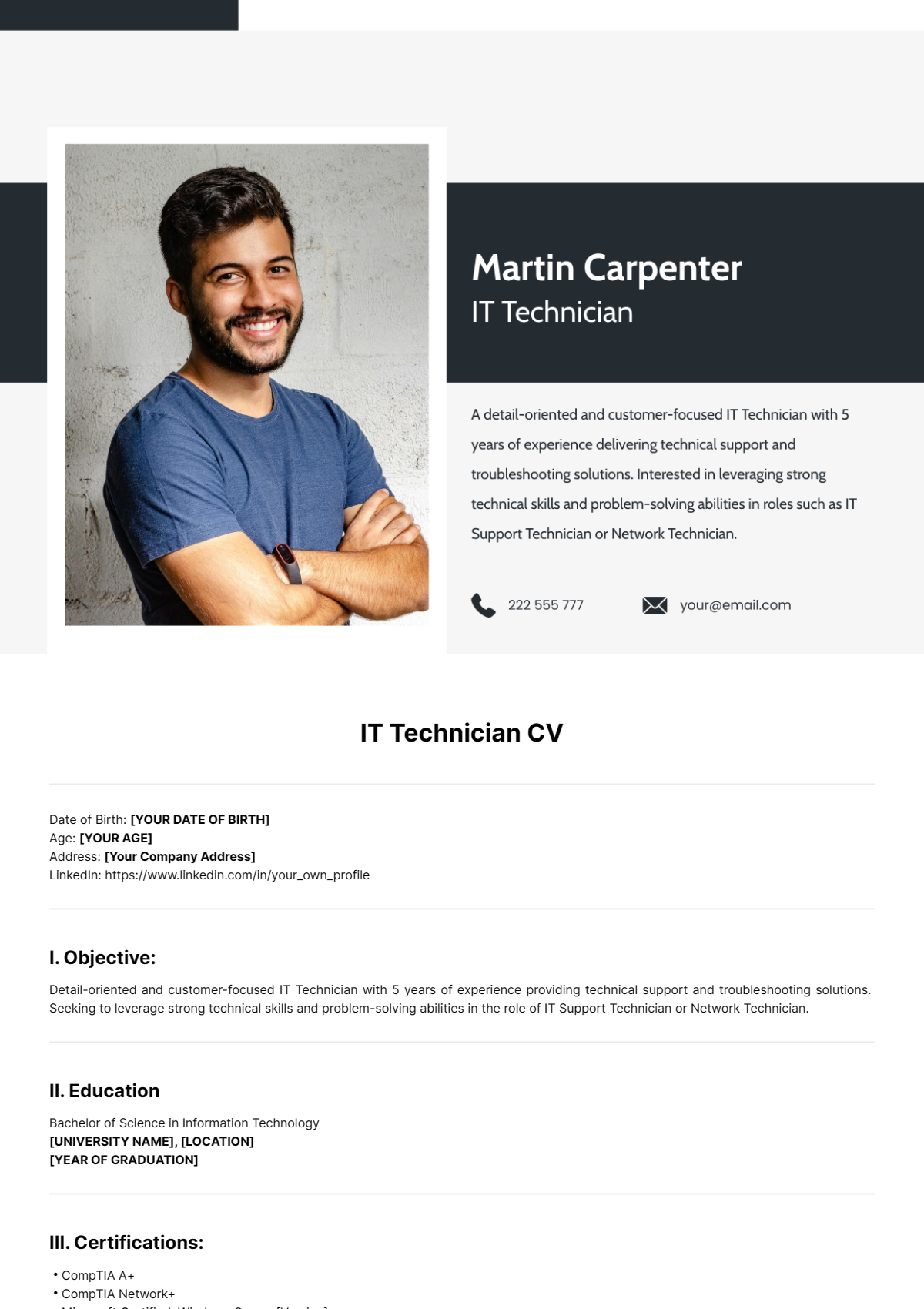
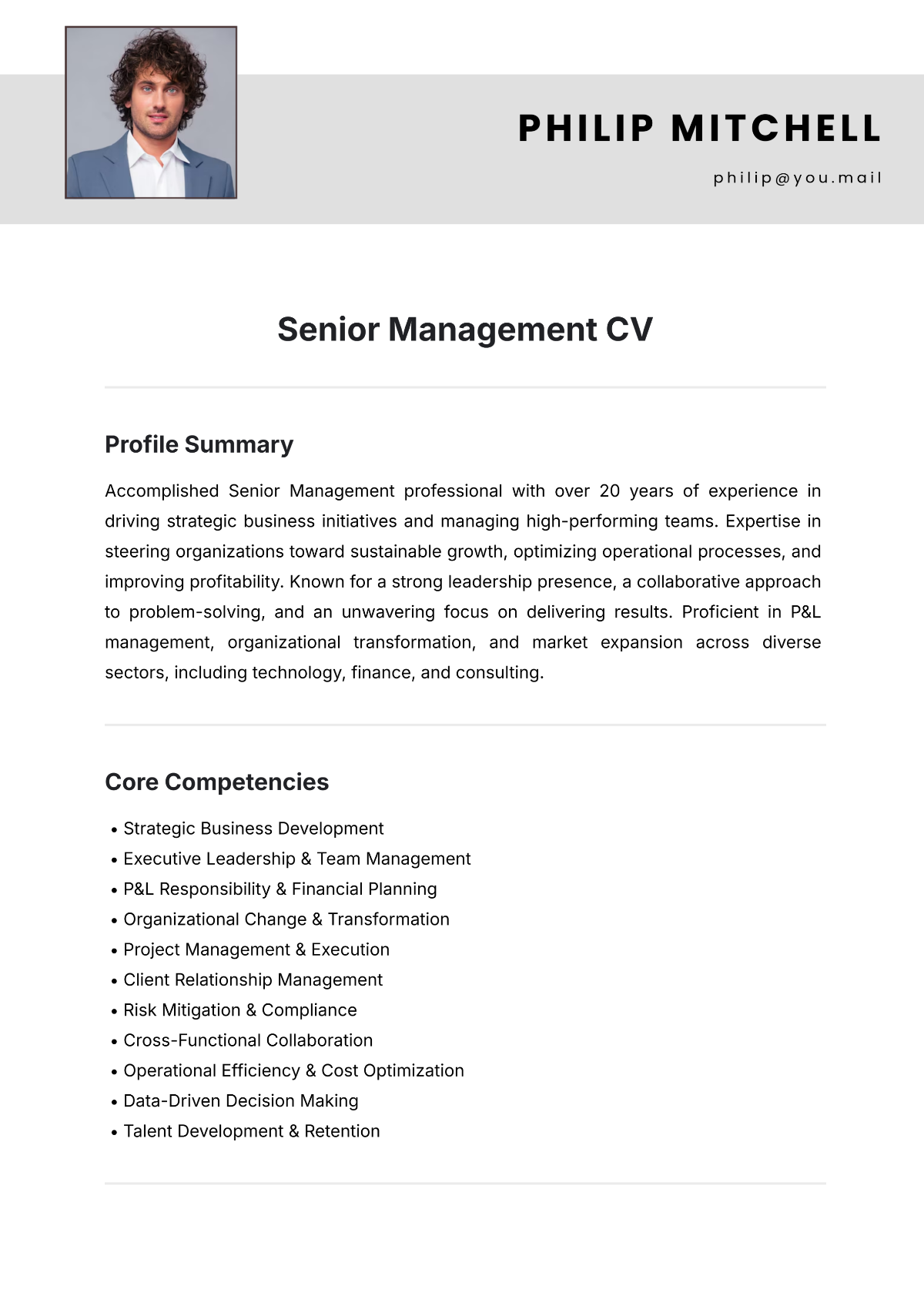
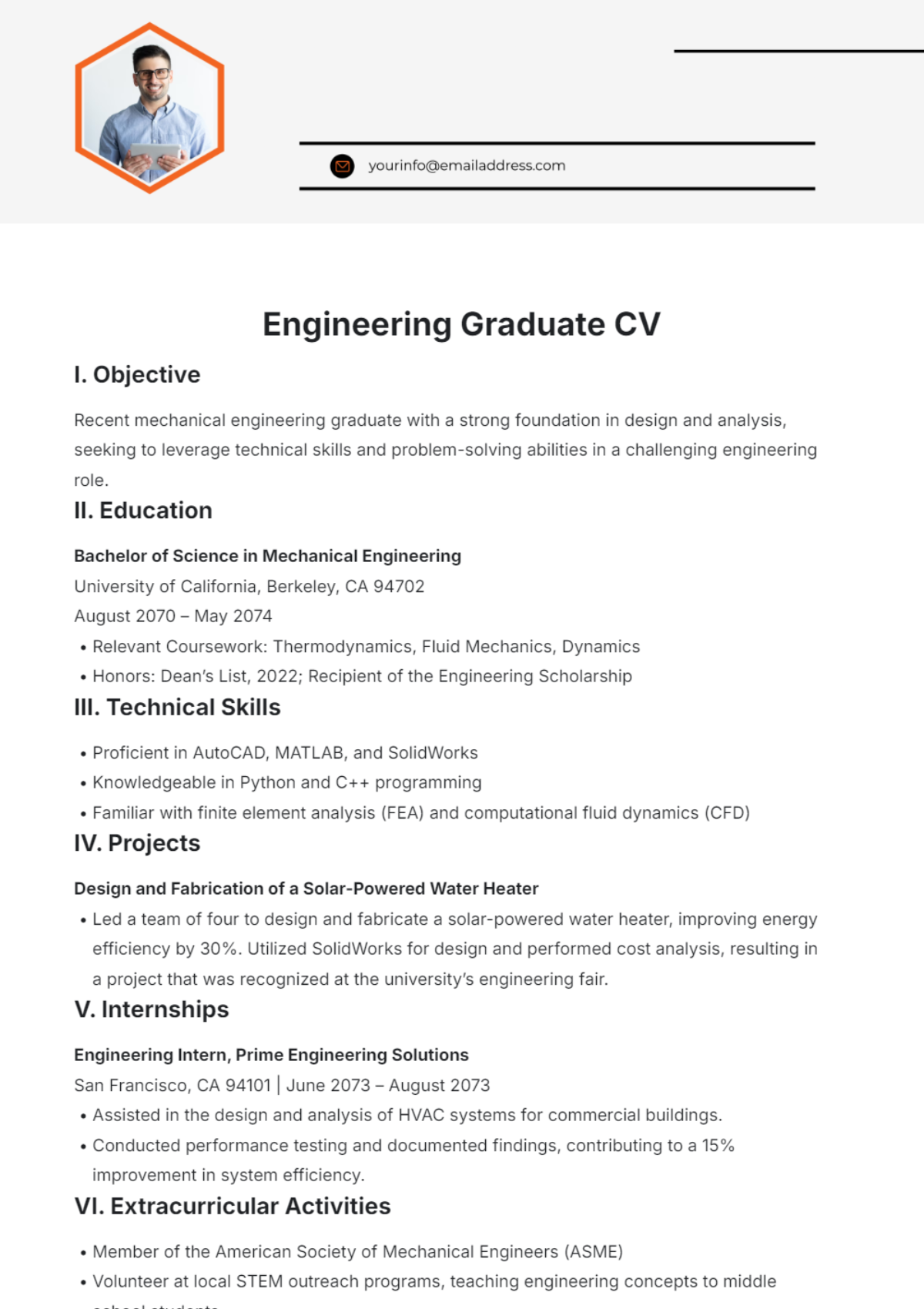
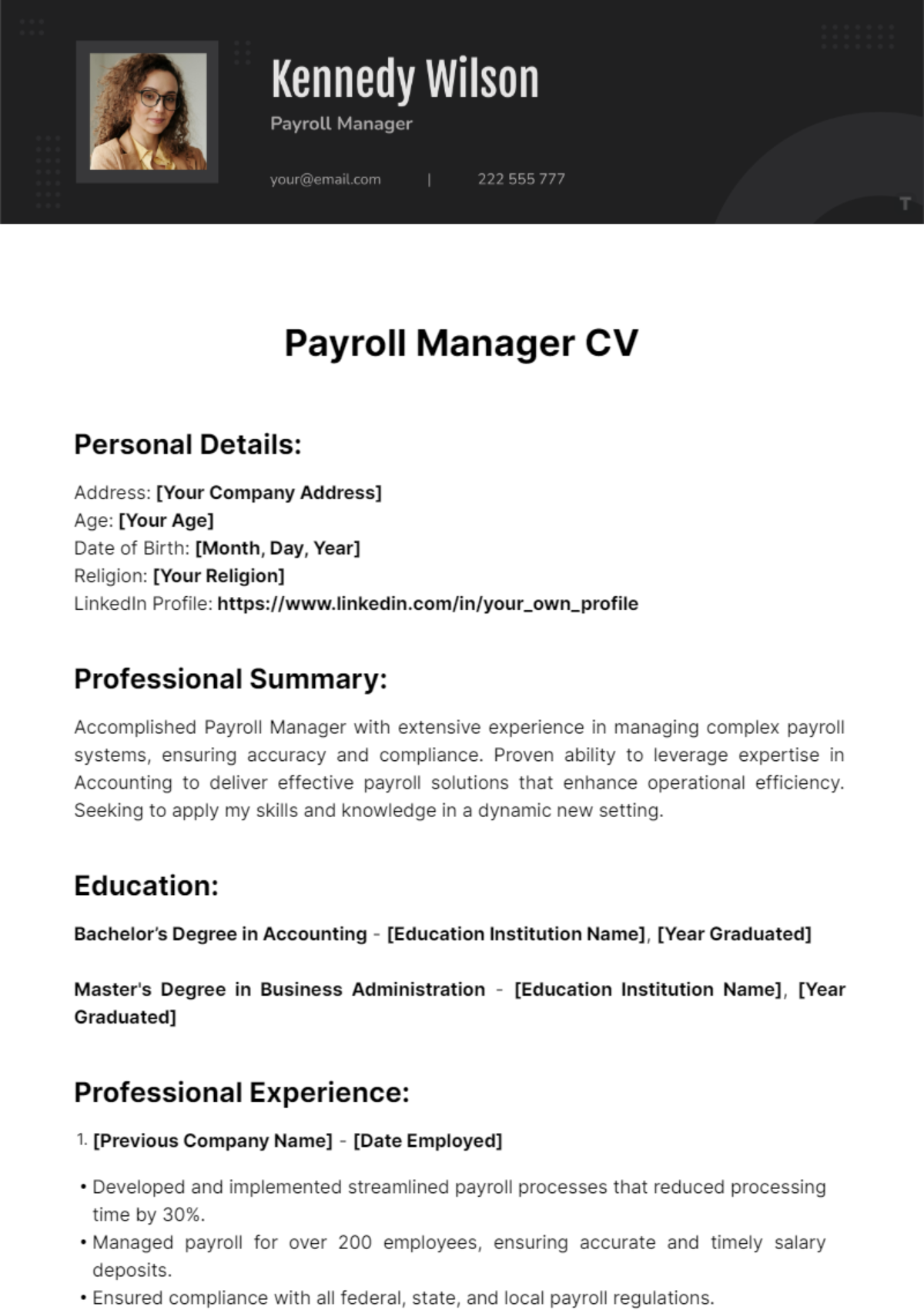
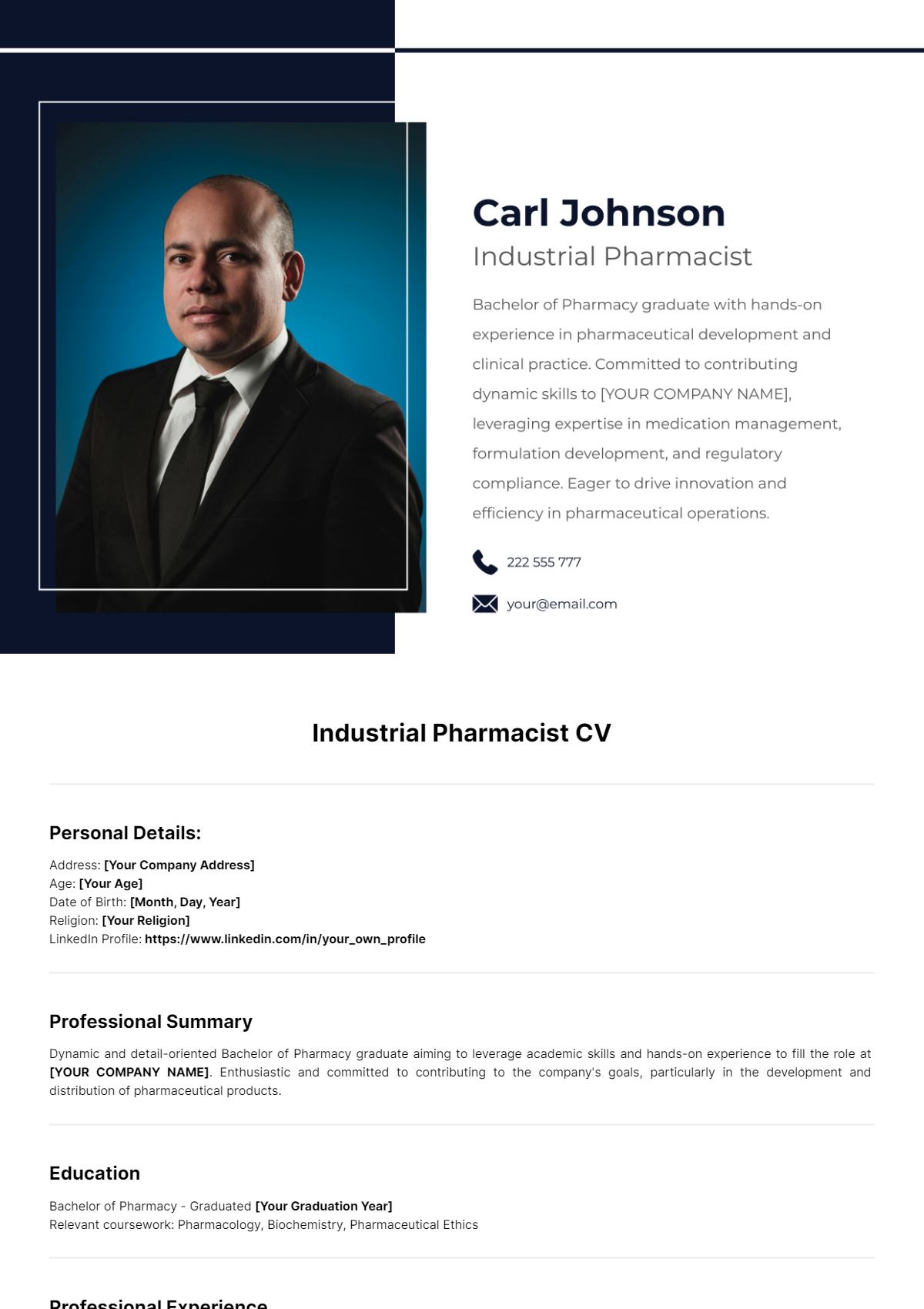
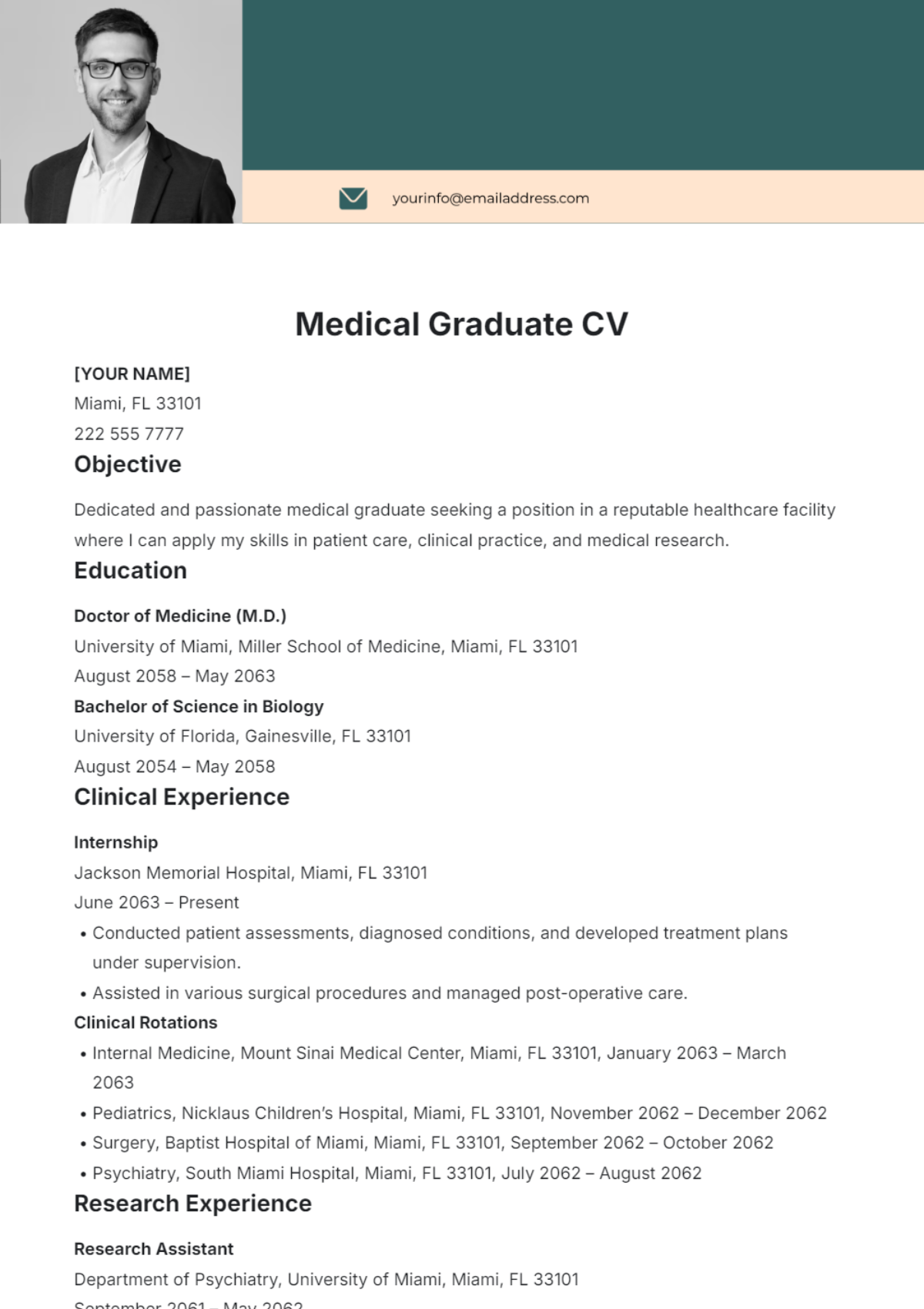
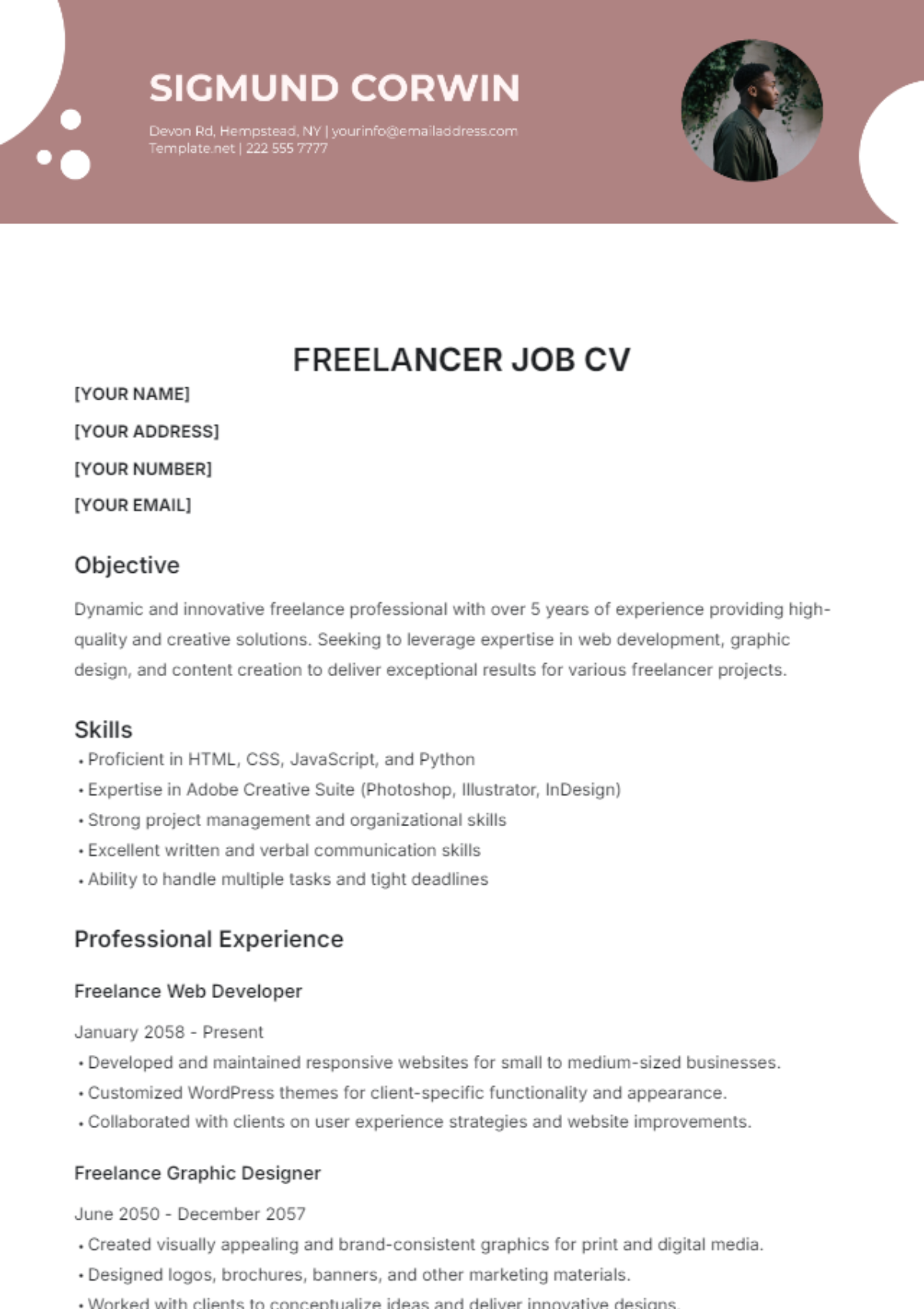
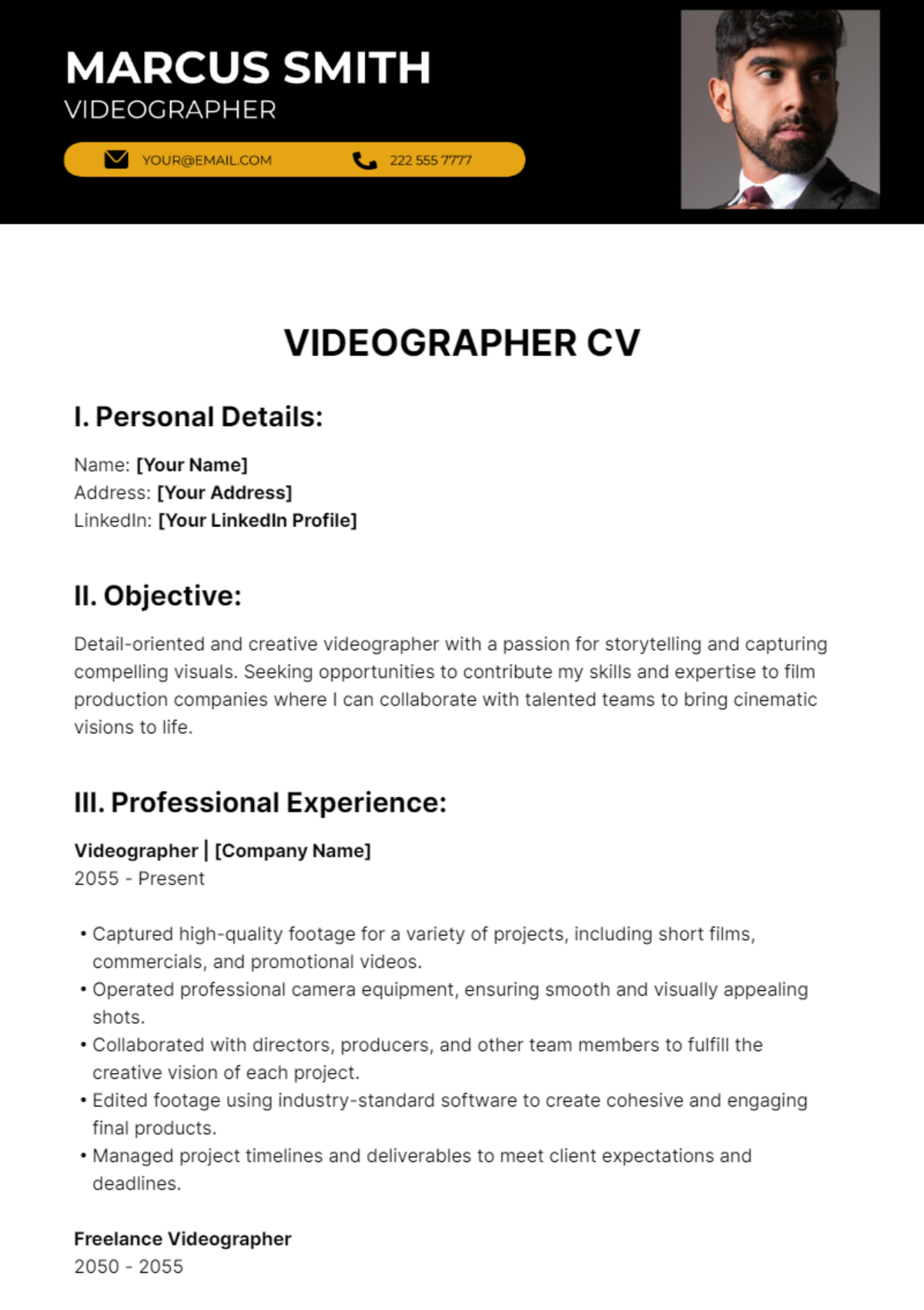
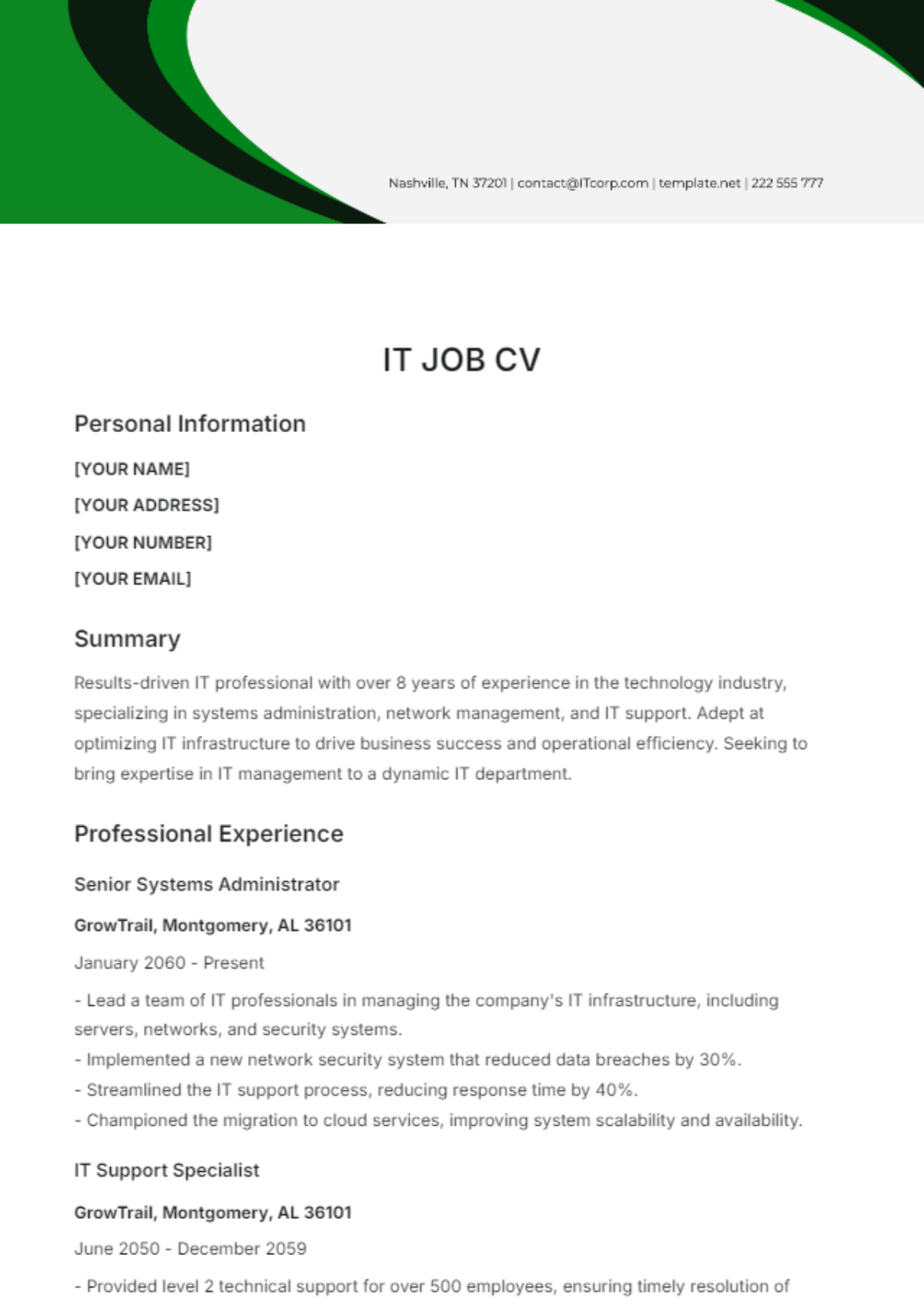
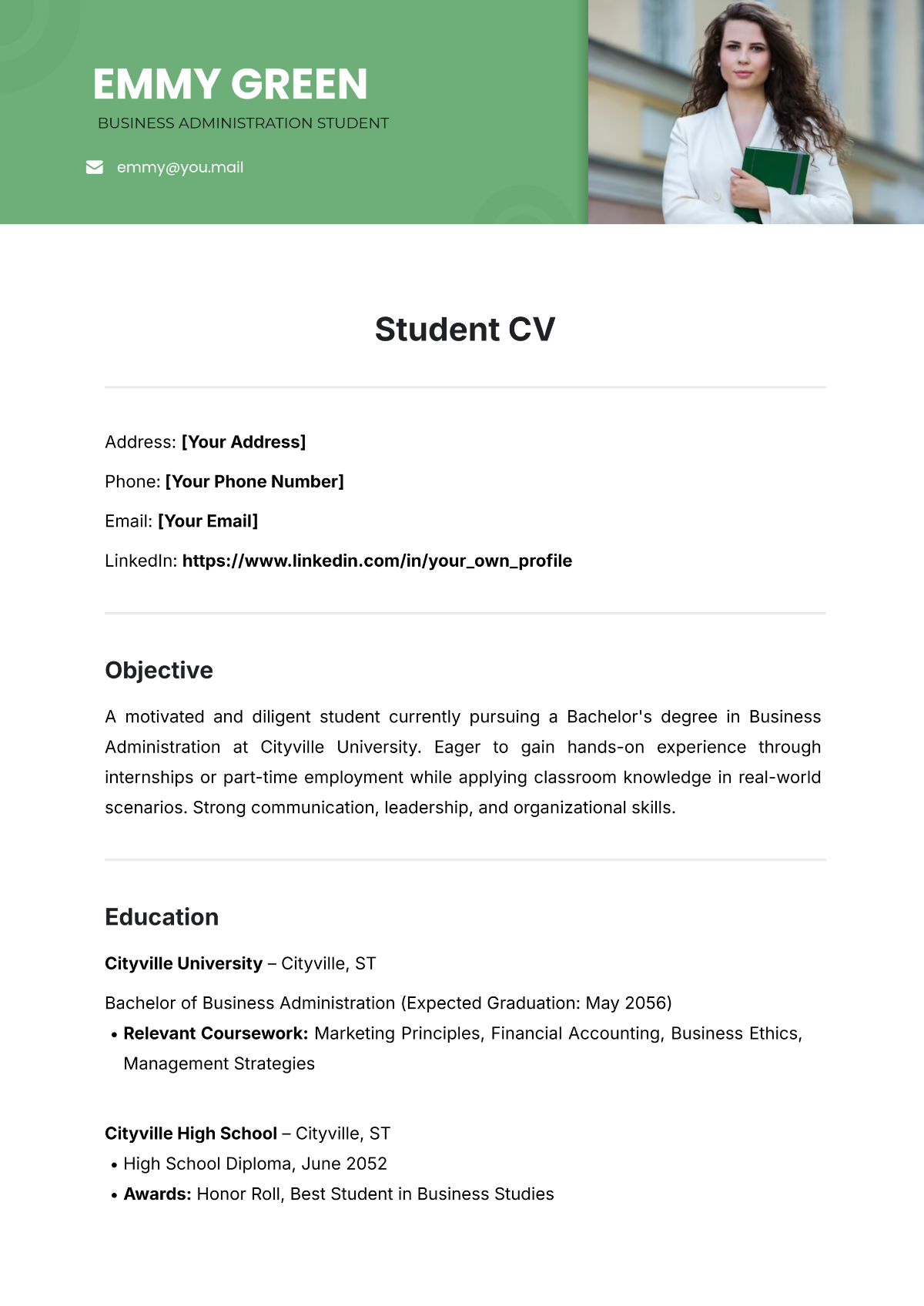
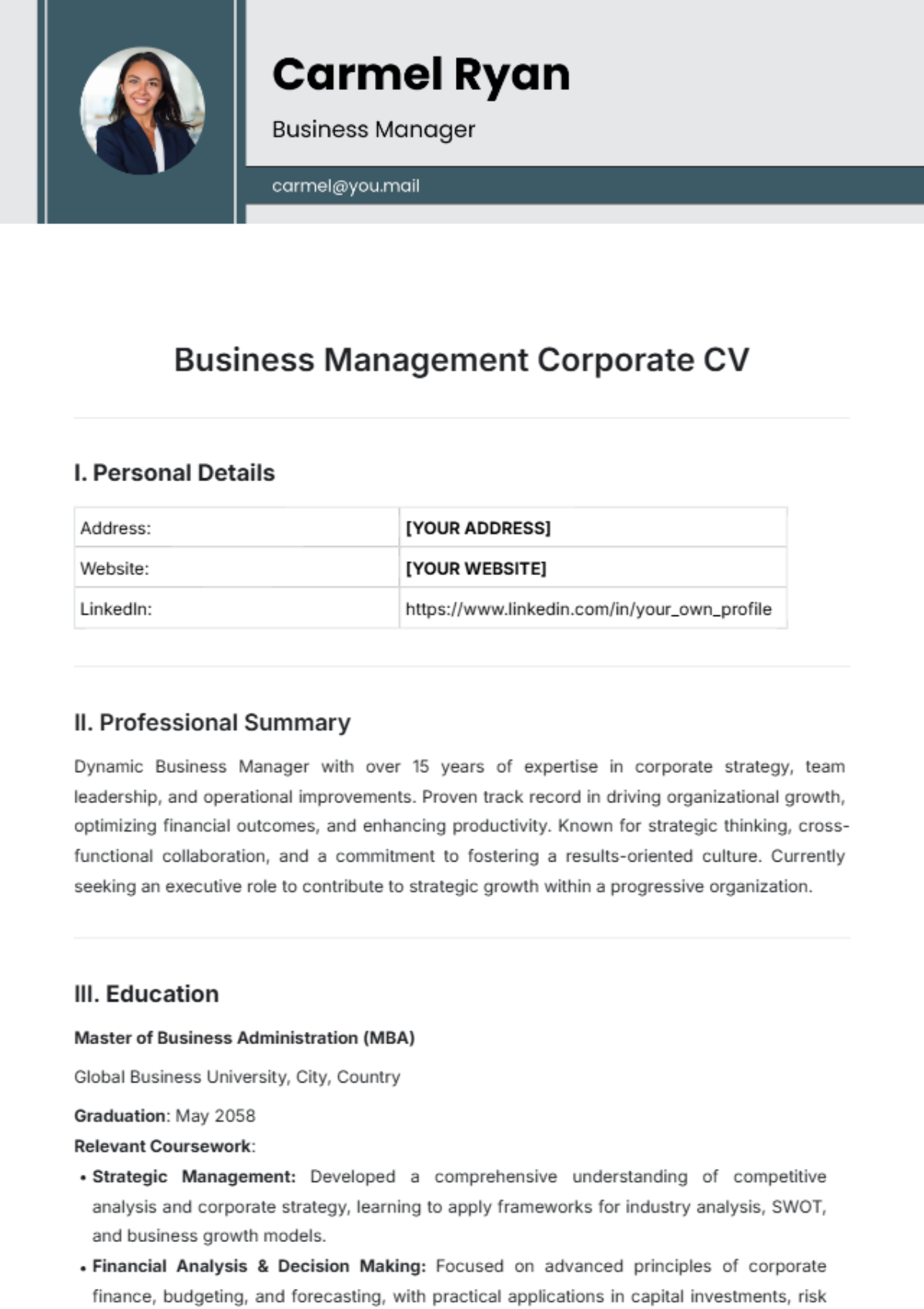
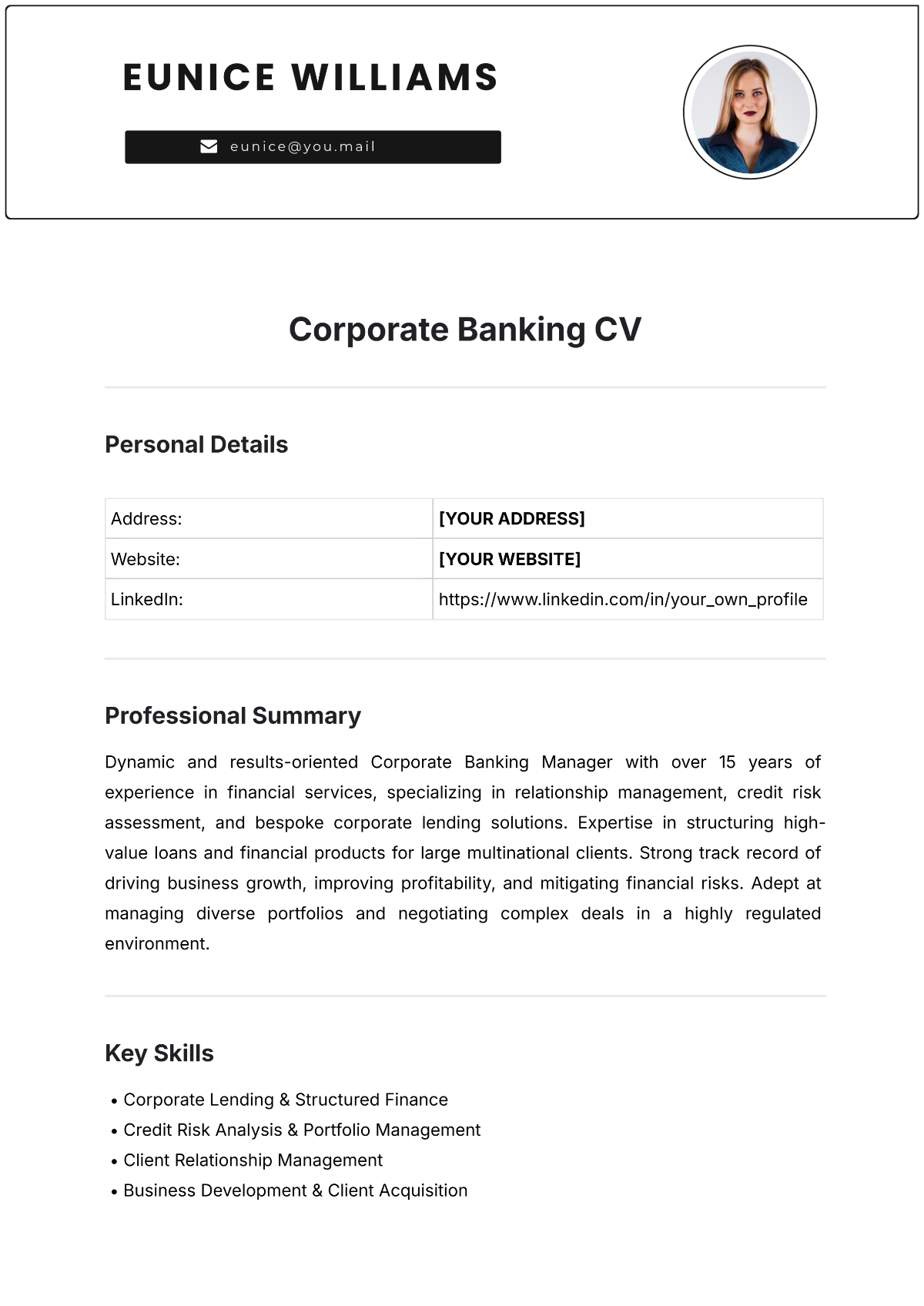
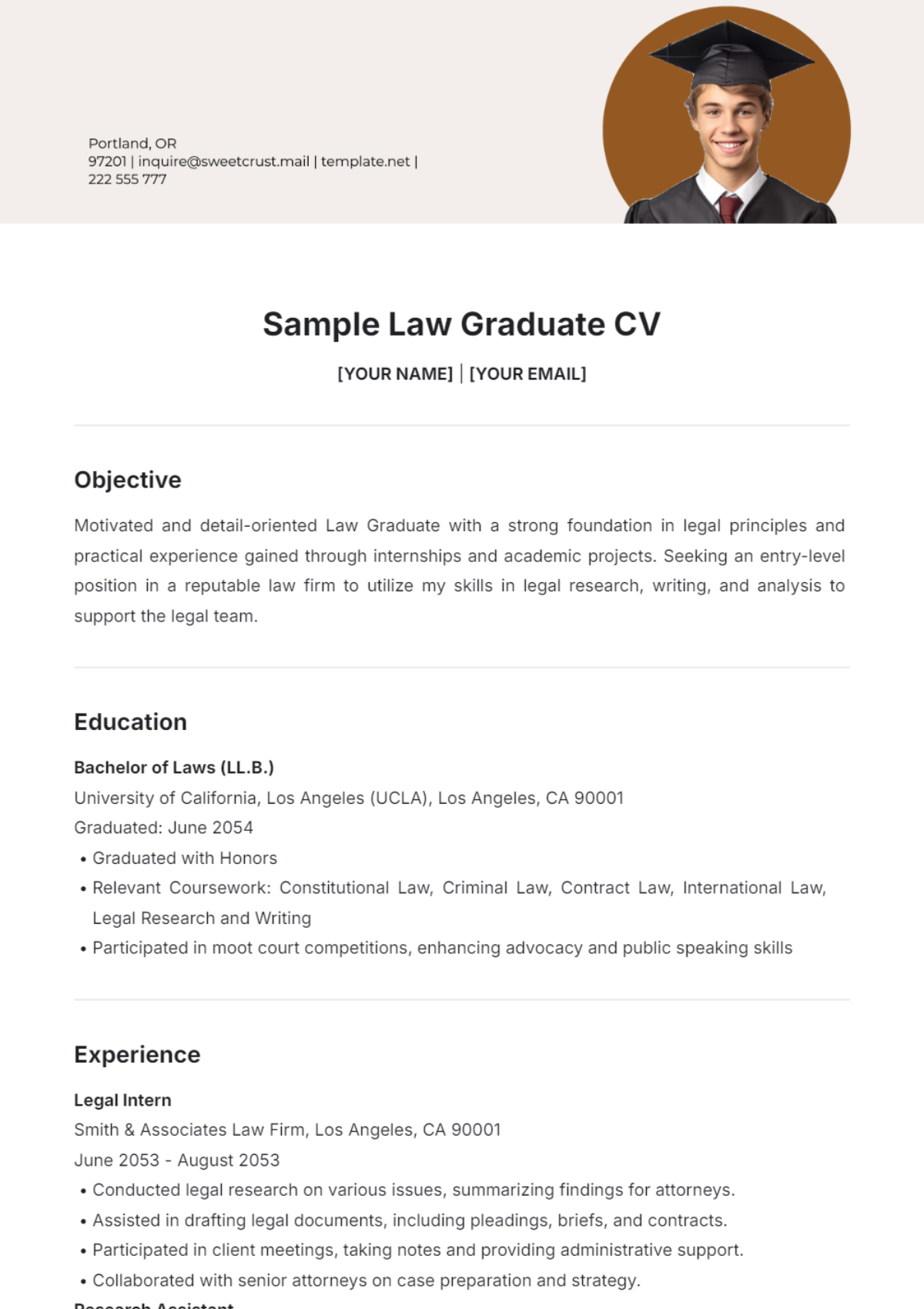
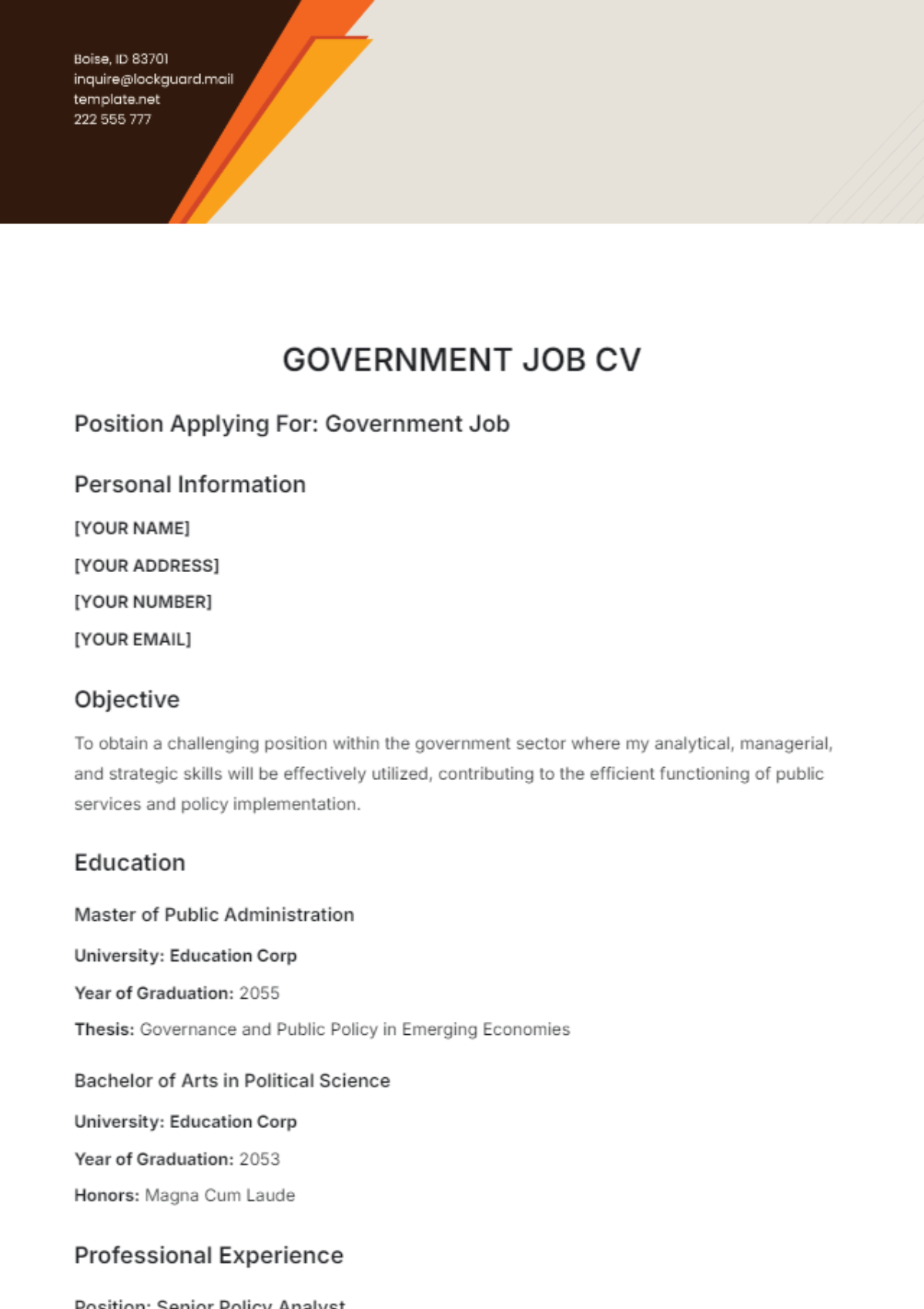
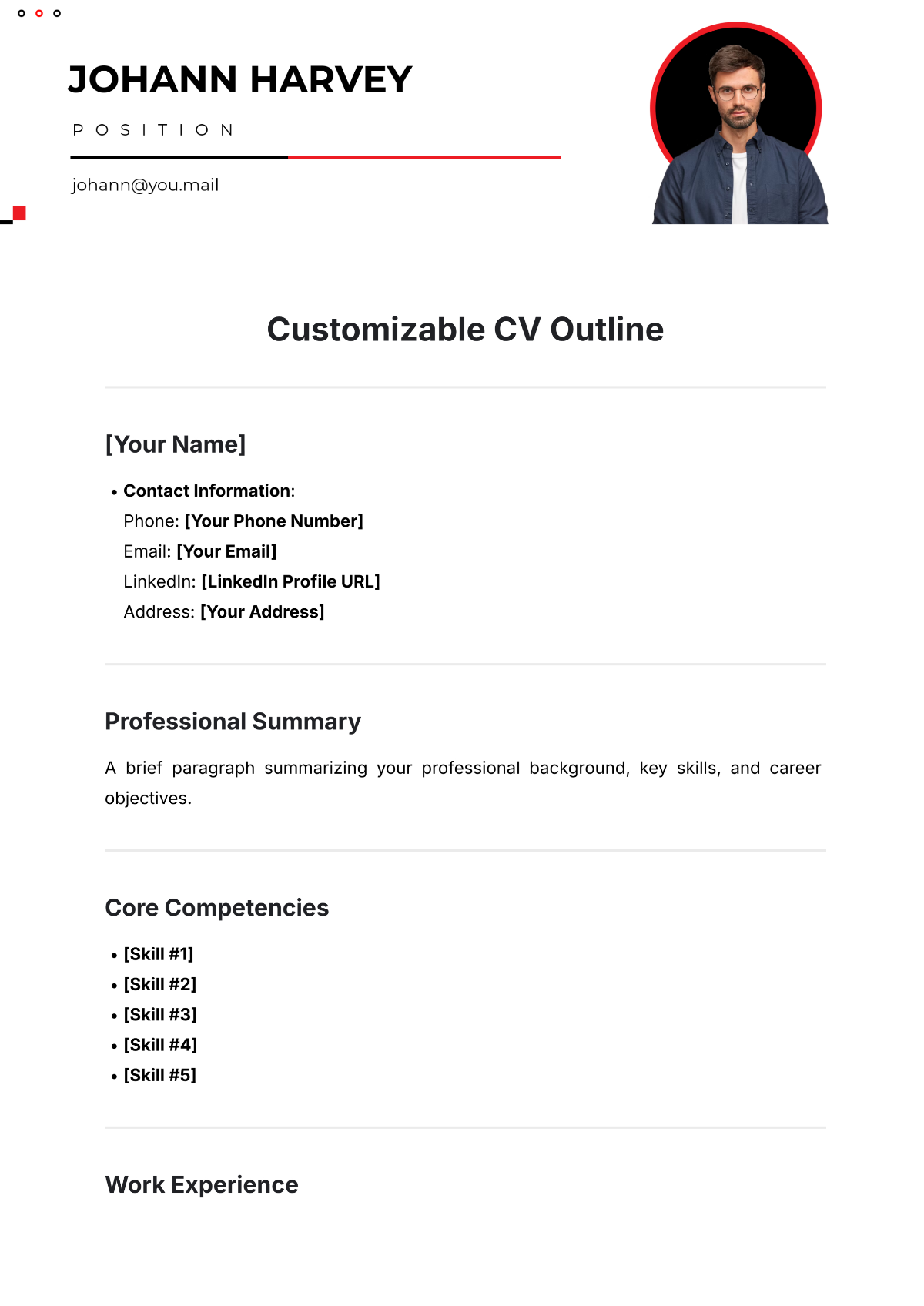
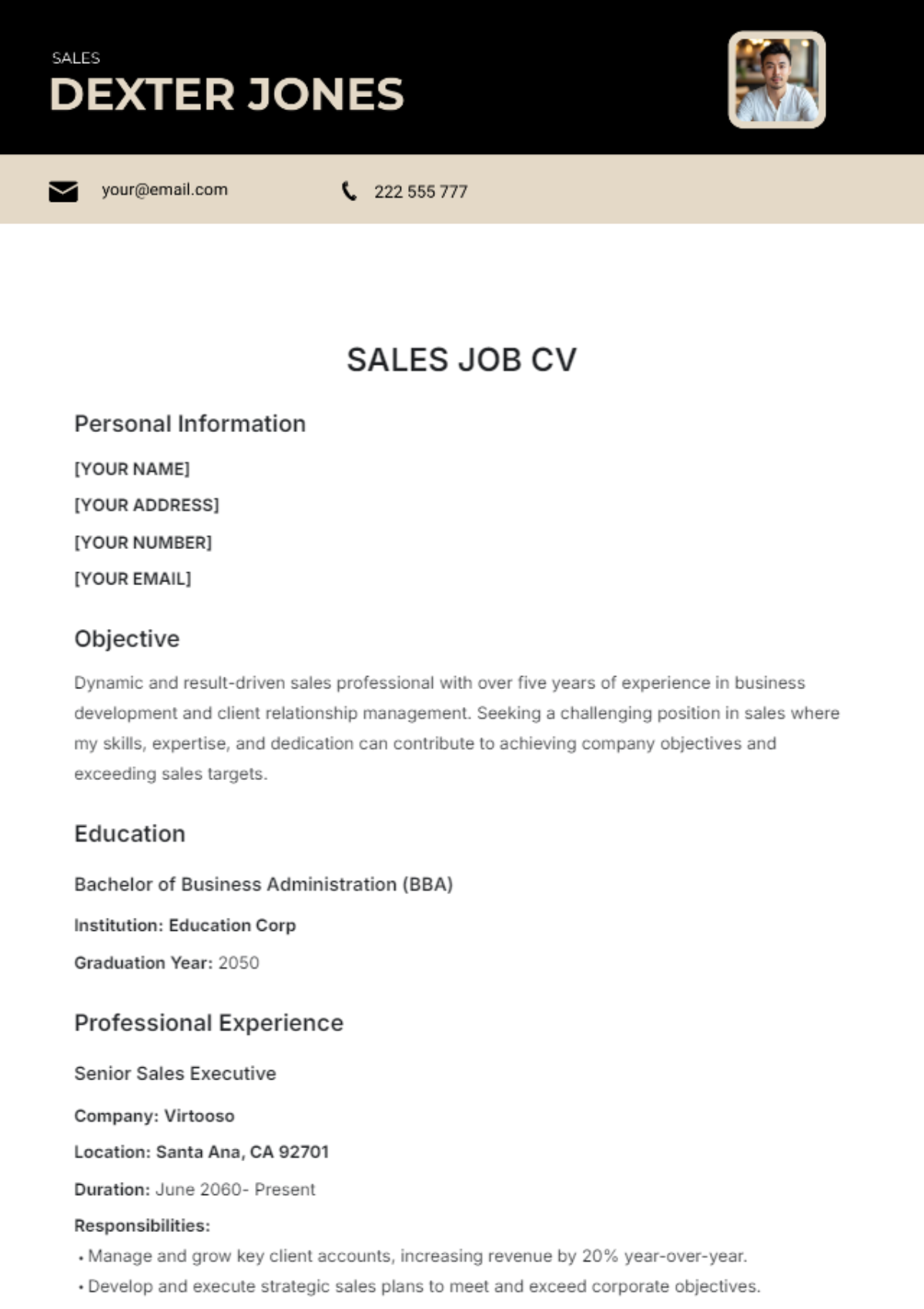
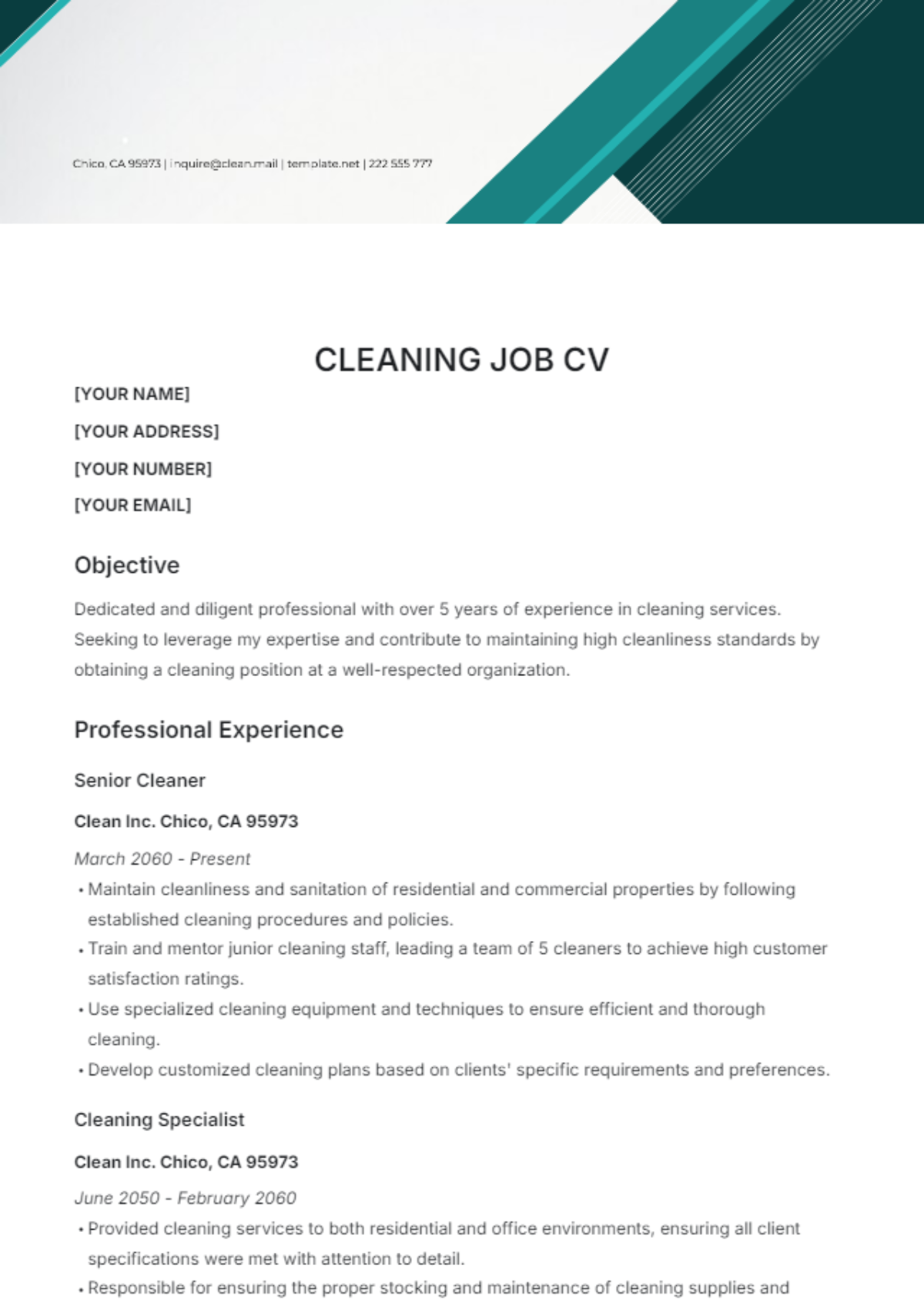
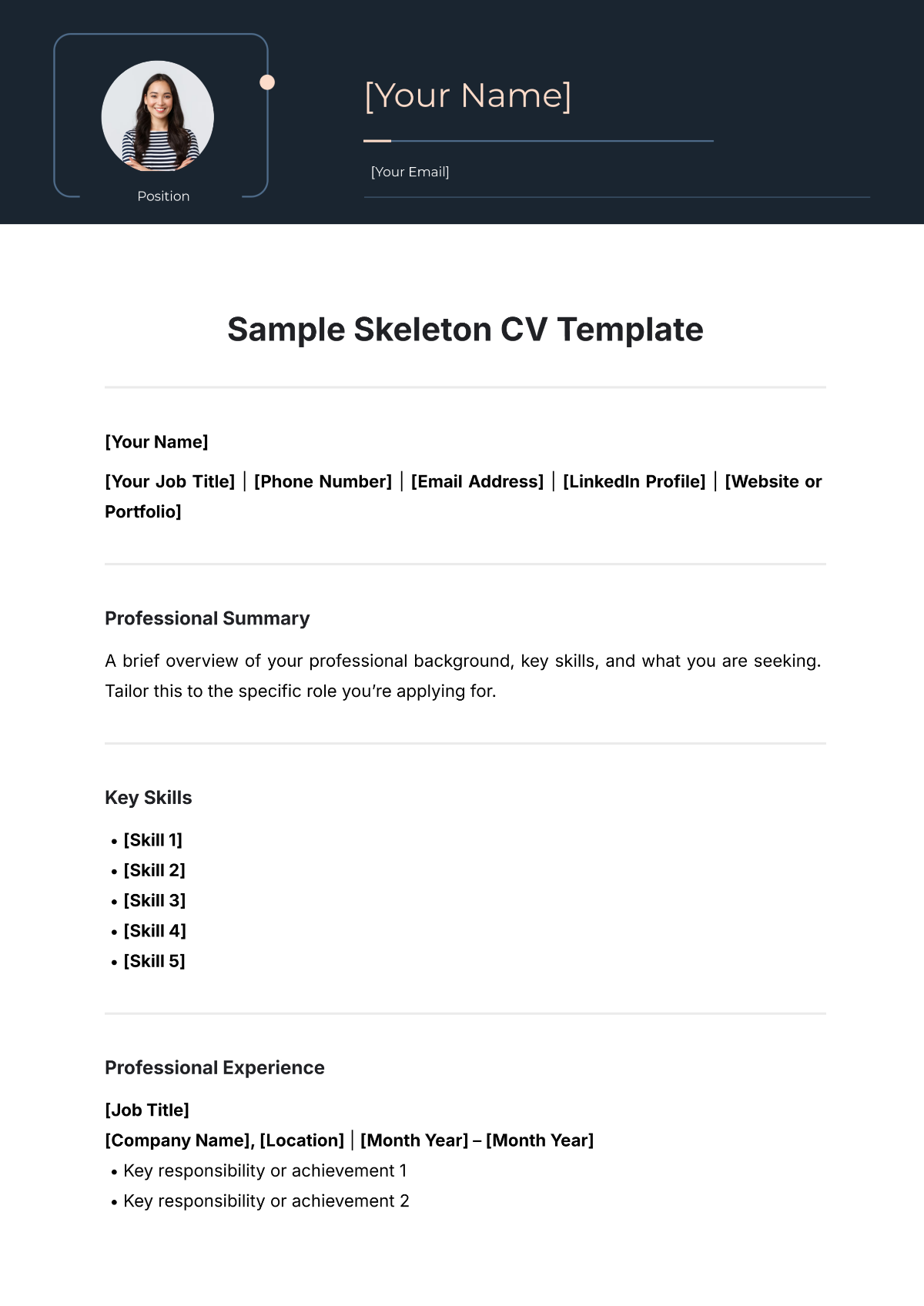
A CV is a structured document presenting a person's professional background, education, and skills for job applications. CV templates provide a business-ready layout that highlights key qualifications in a clear, organized format.
Why use a CV?
Using a CV helps to professionally showcase a candidate's work experience and skills in a concise, structured format. CV templates speed up this process with editable online sections for quick customization and a print-ready professional appearance.
Who typically uses CVs?
CVs are typically used by job seekers, academics, and professionals to present their education, experience, and skills. CV templates cater to diverse users needing a structured, professional document for career or academic opportunities.
What sections should a CV include?
A CV should include a header with contact information, a professional summary, work experience, education, and a skills section presented in a clear, structured layout. CV templates provide these standard sections for easy editing.
What are the best tips for formatting a CV?
Best formatting tips for a CV include using consistent fonts and sizes, clear section headings, and balanced white space. Templates ensure structured formatting and a professional layout that enhances readability and impact.
How do you print a CV?
Printing a CV requires a print-ready format, usually PDF, sized for Letter size or A4. CV templates from Template.net are designed for high-quality printing with structured layouts that maintain professional appearance on paper.
Is a CV legally and professionally acceptable?
A CV is both legally and professionally acceptable when it contains accurate information and follows industry standards. CV templates support compliance-friendly presentation with clear, honest content in a business-ready format.
What file formats can I download for a CV?
Template.net CV templates support multiple export formats for editing and printing, including Word, Google Docs, PDF, PSD, InDesign, Apple Pages, Publisher, and Illustrator. These formats enable flexible editing and print-ready output.
Can I create a new CV using AI?
Template.net provides an AI-powered tool that generates structured CV documents from prompts in 3 to 10 seconds. This CV Generator enables fast creation with online editing and multi-format export for immediate professional use. Try the CV Generator.
