
Free Statement Templates
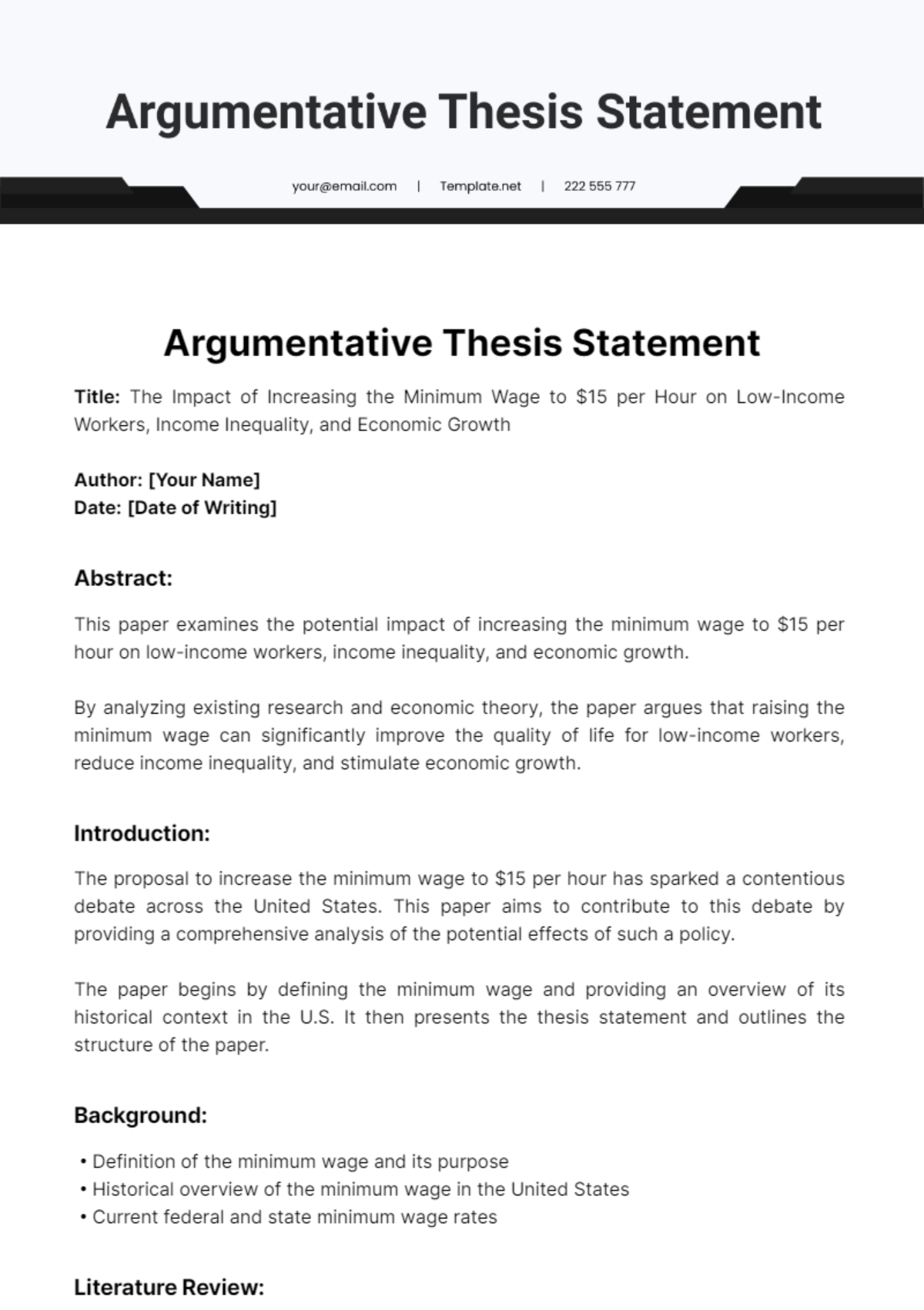
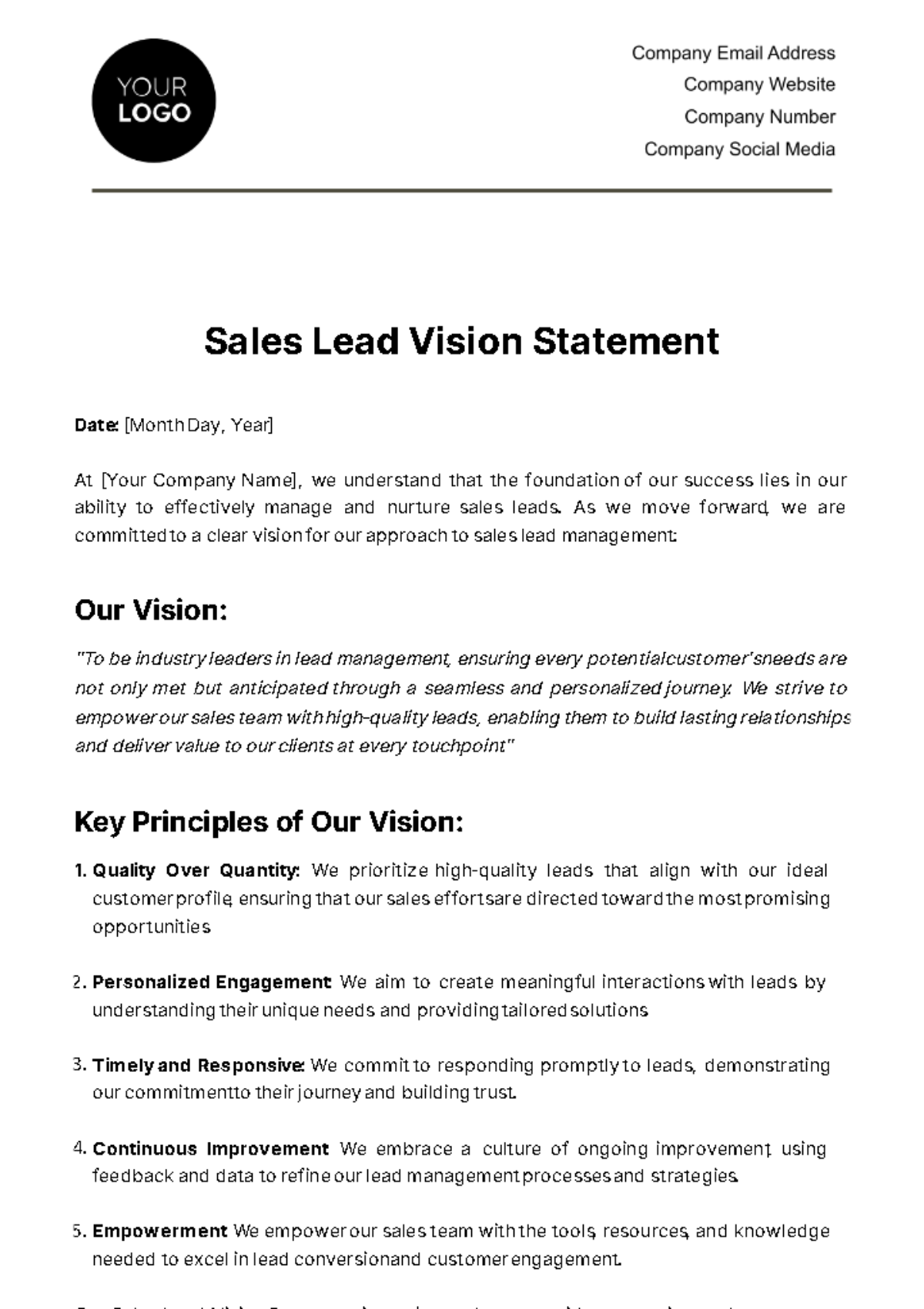
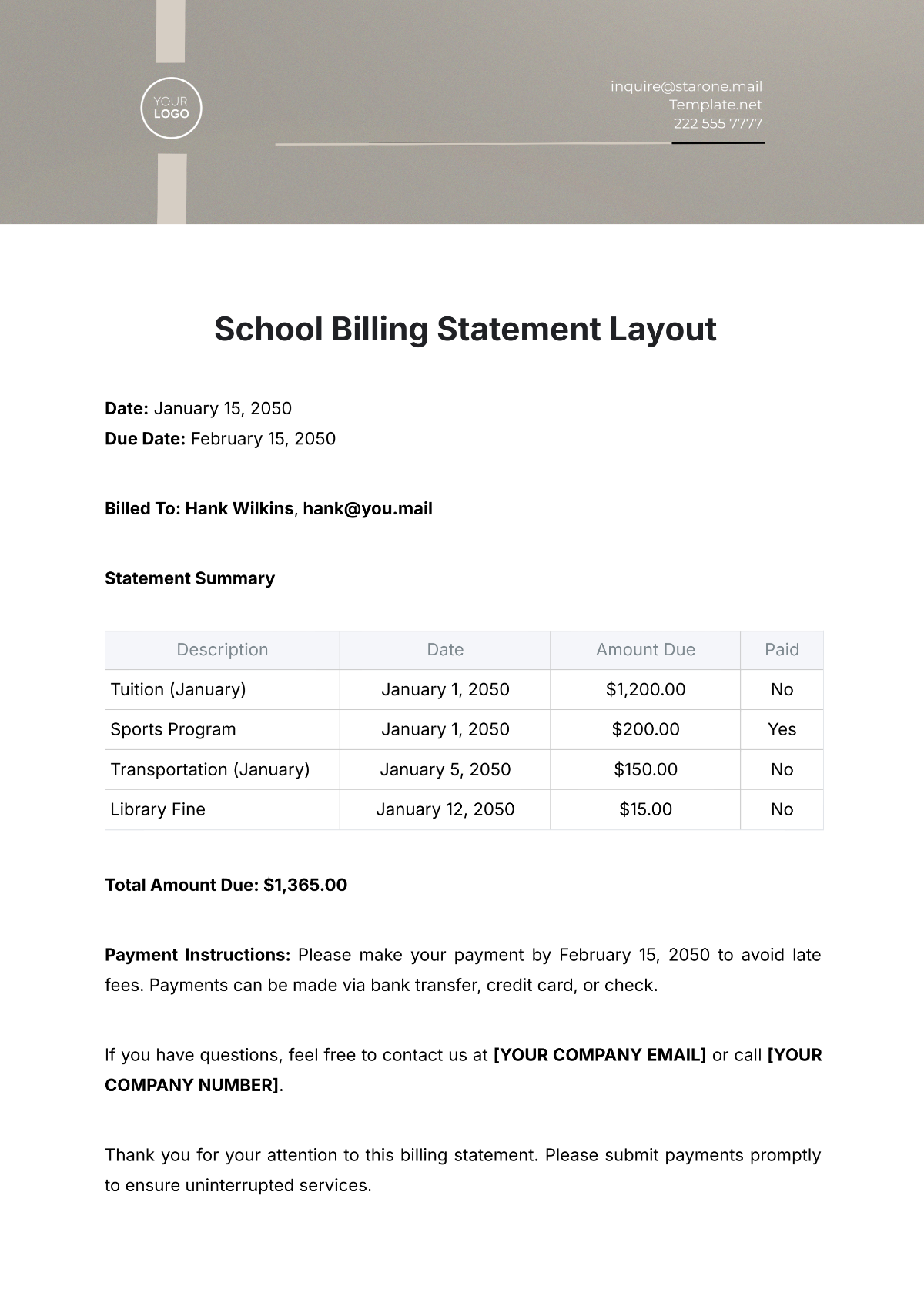
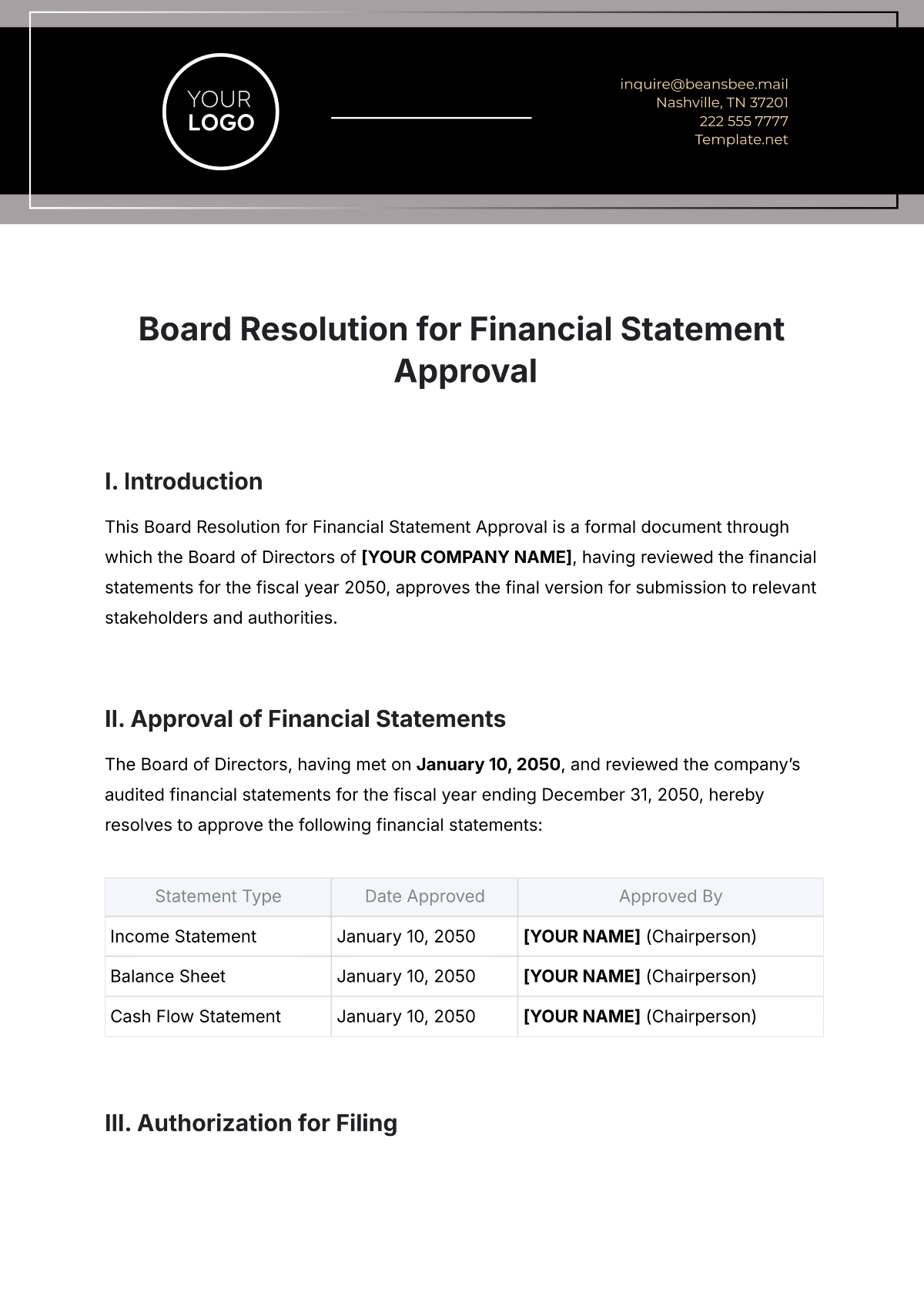
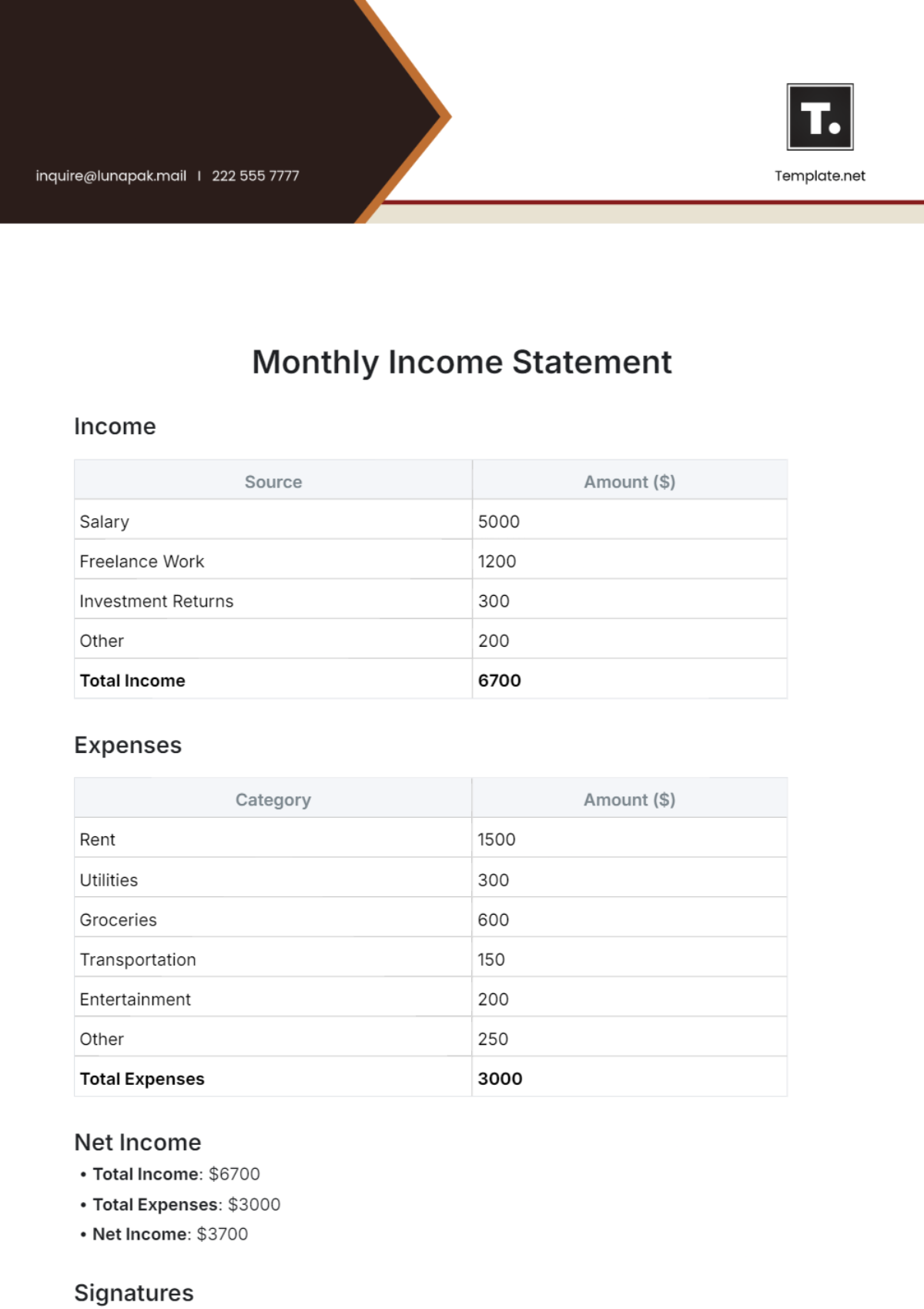
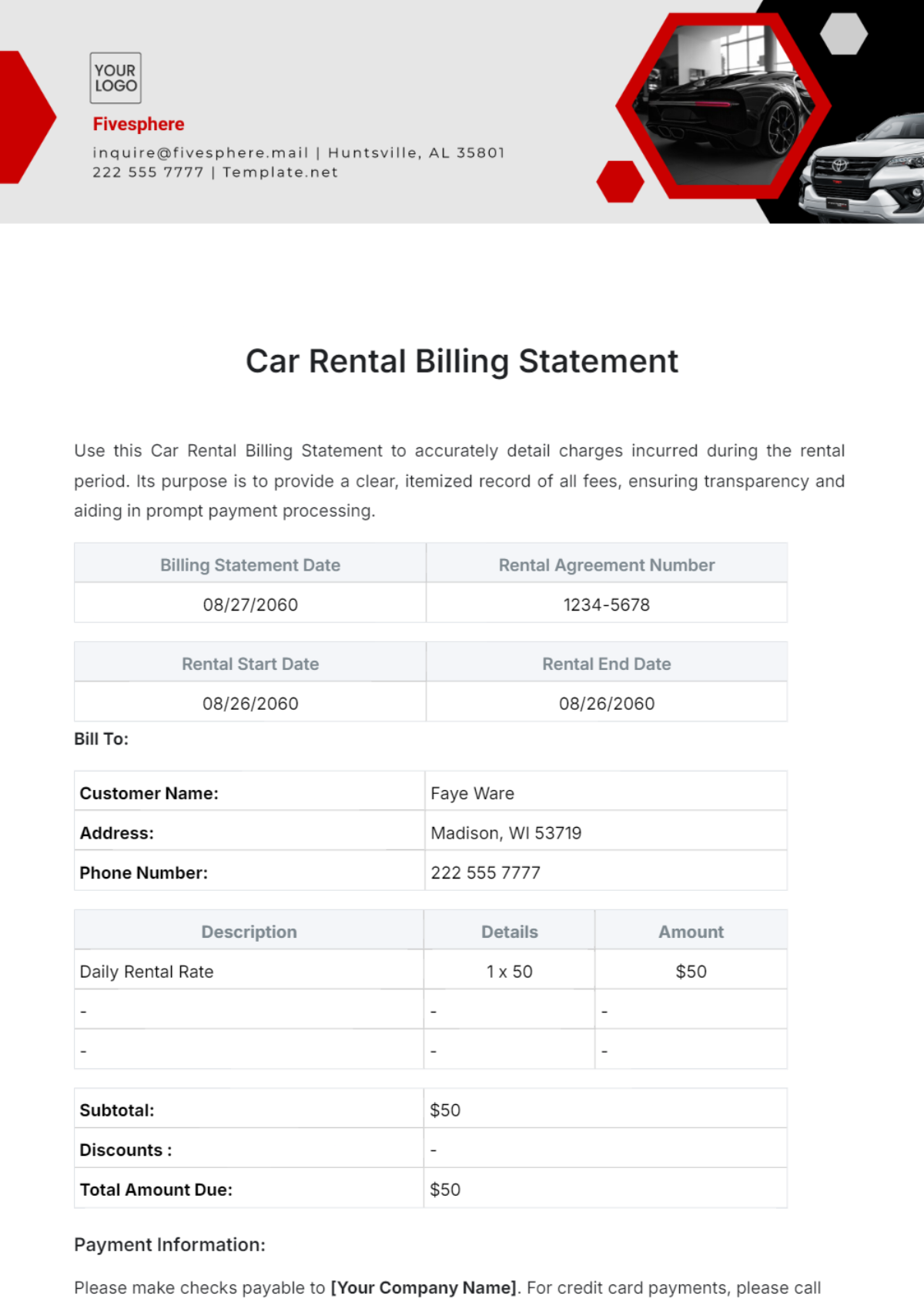
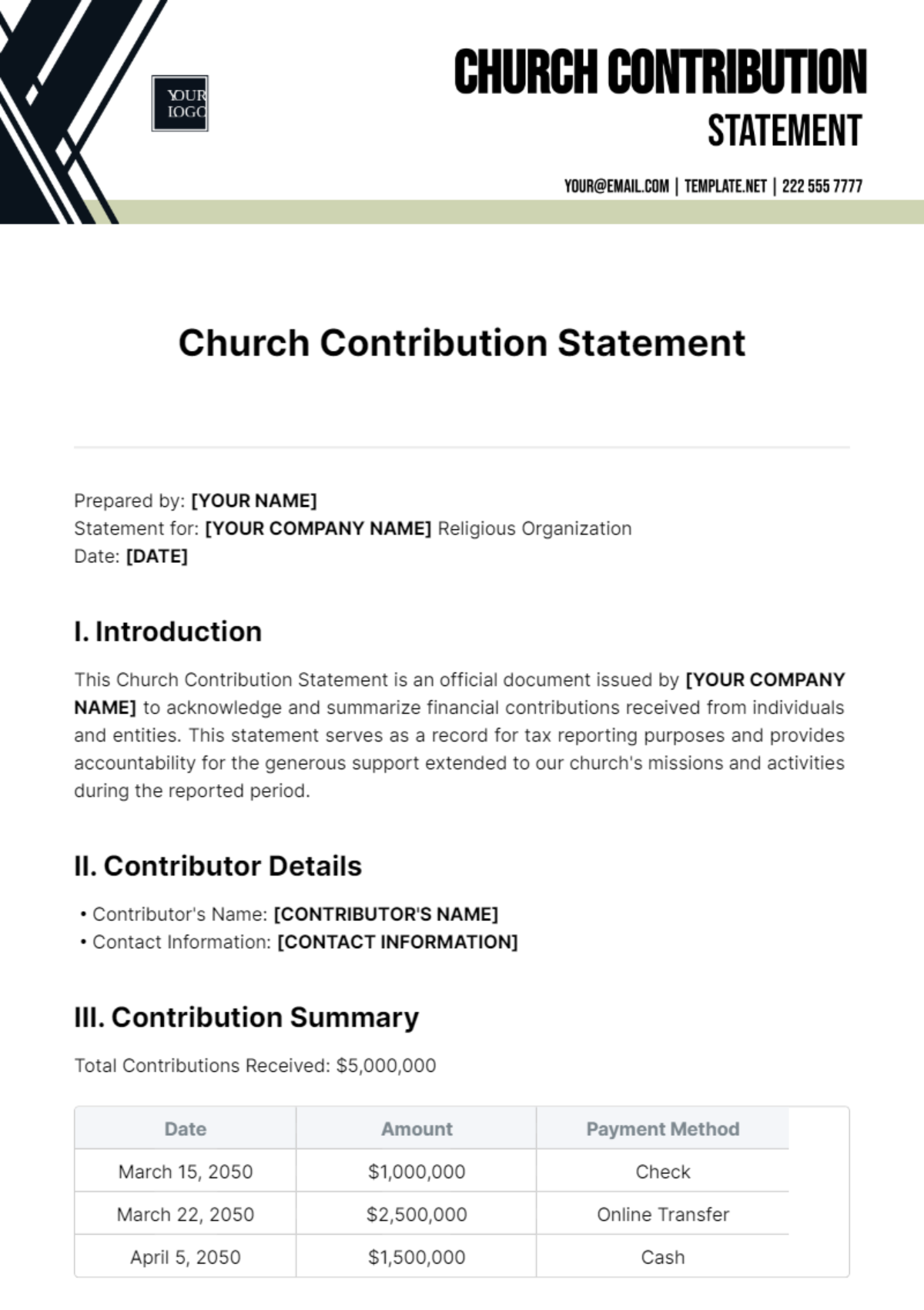
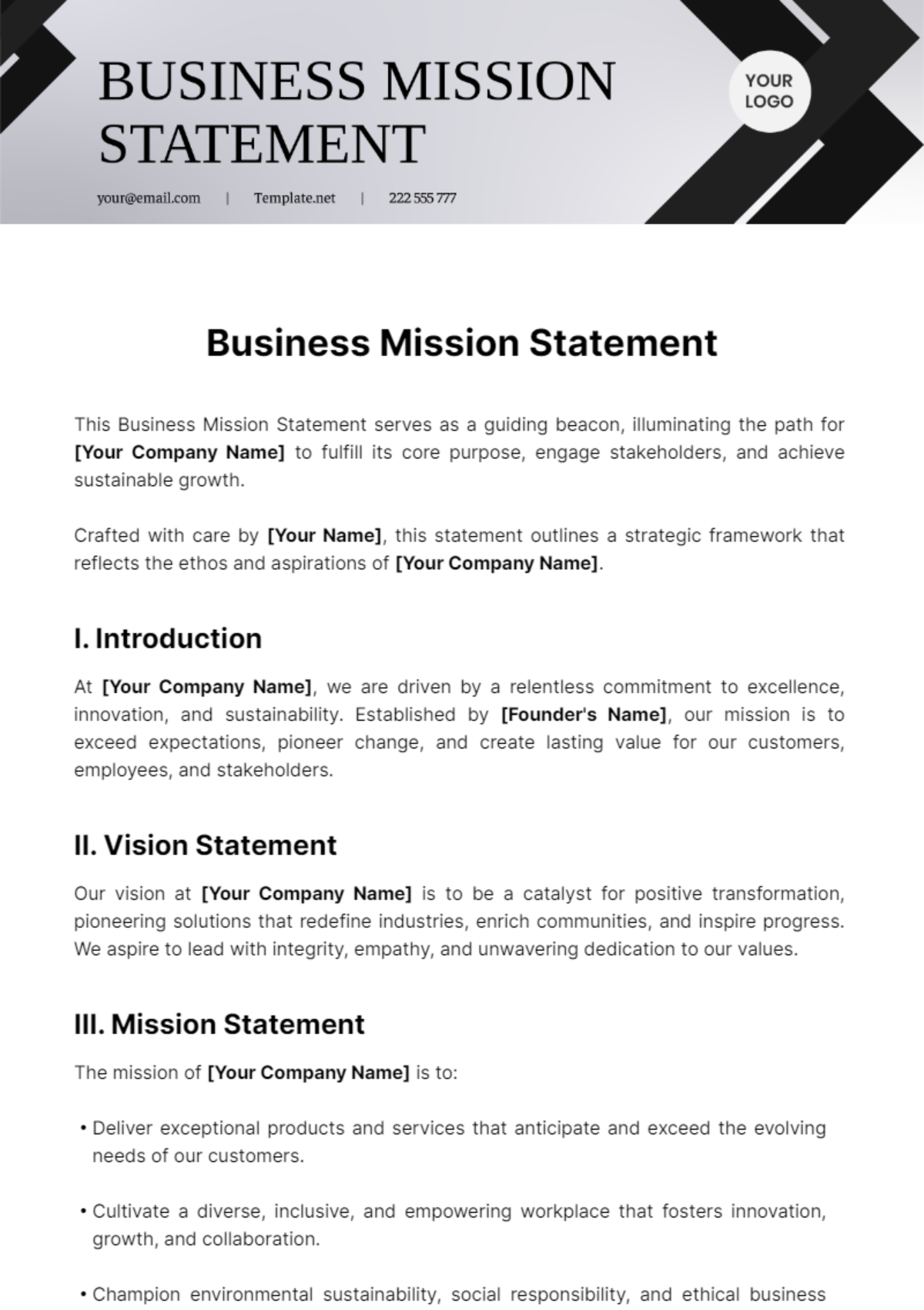
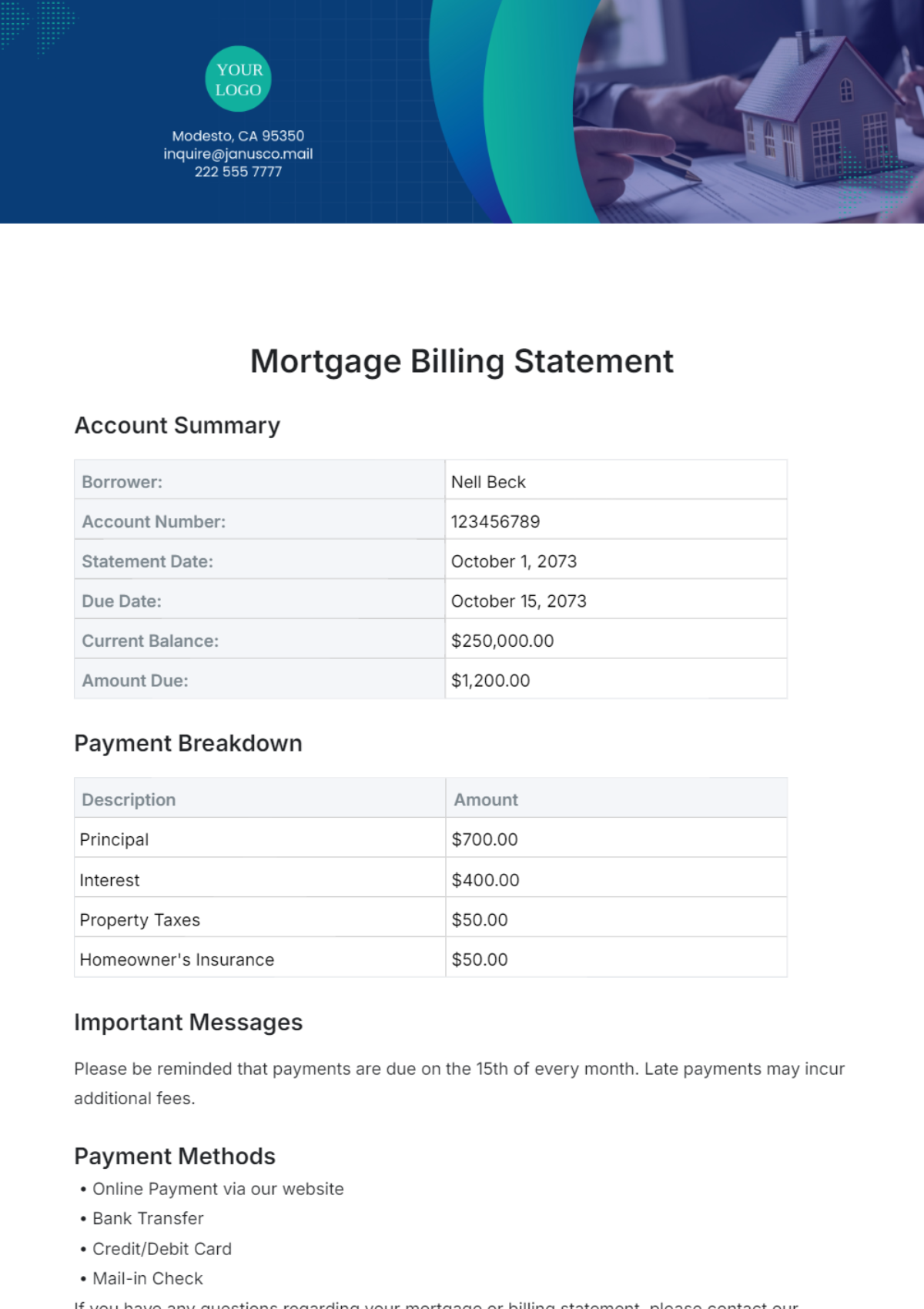
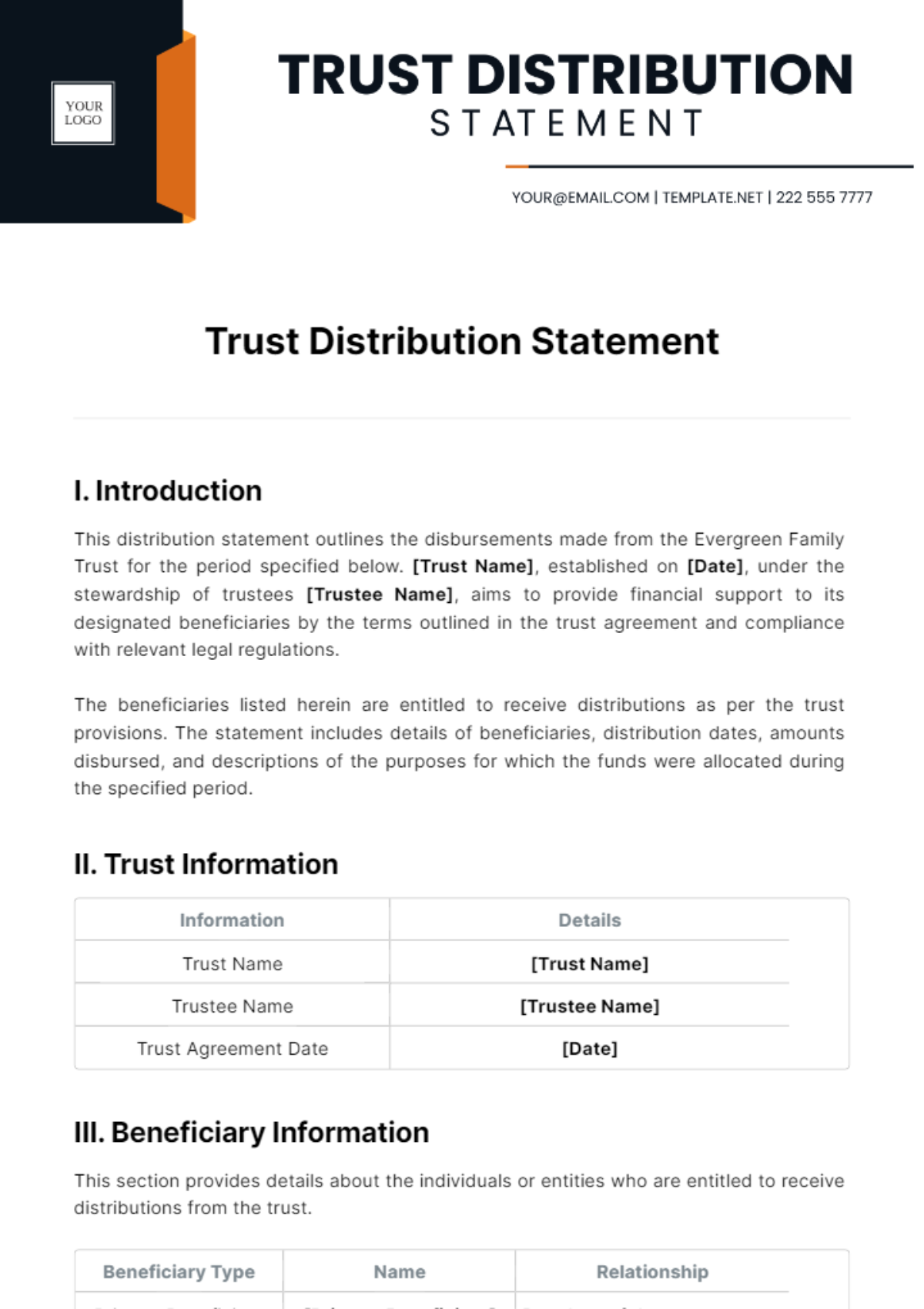
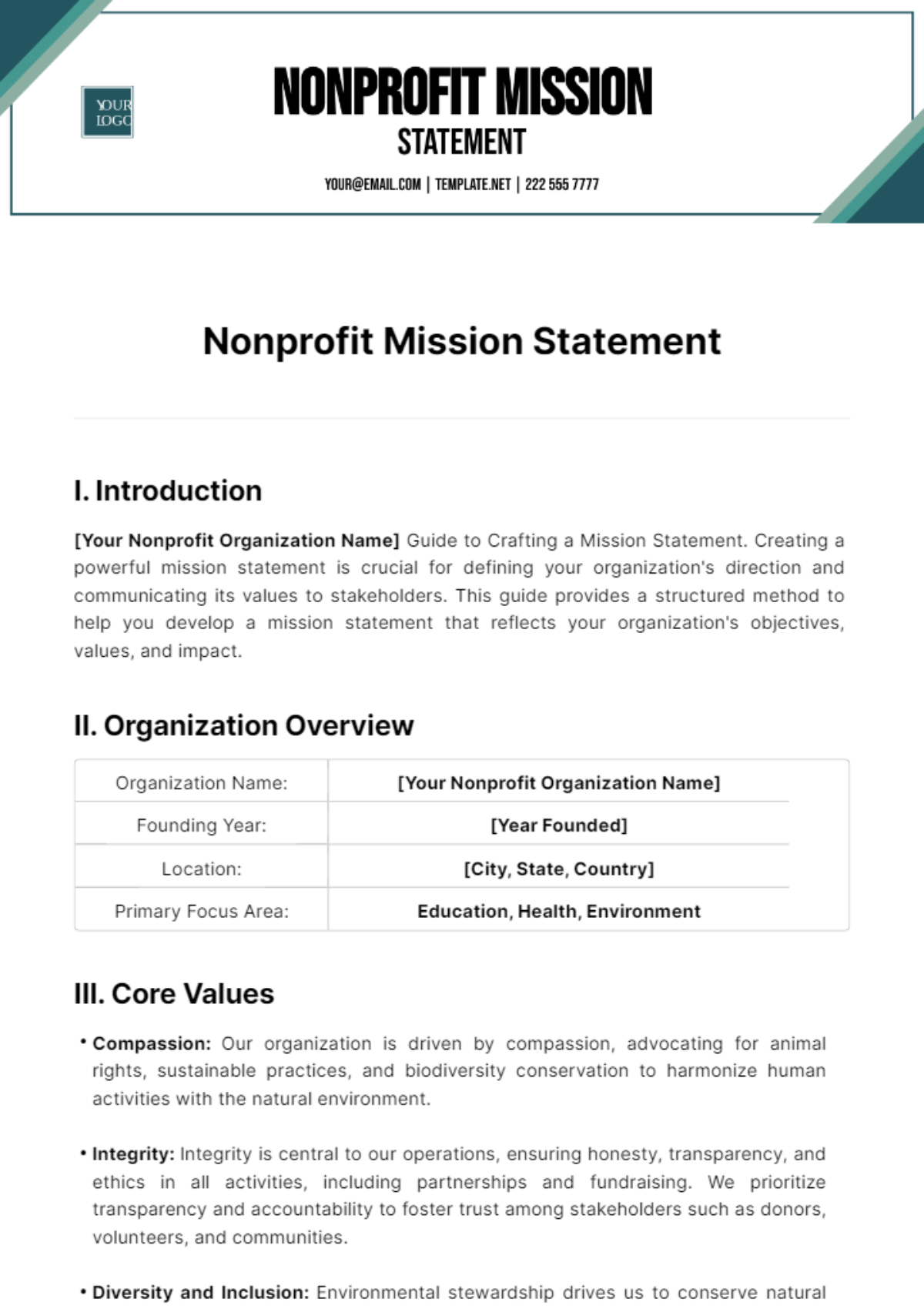
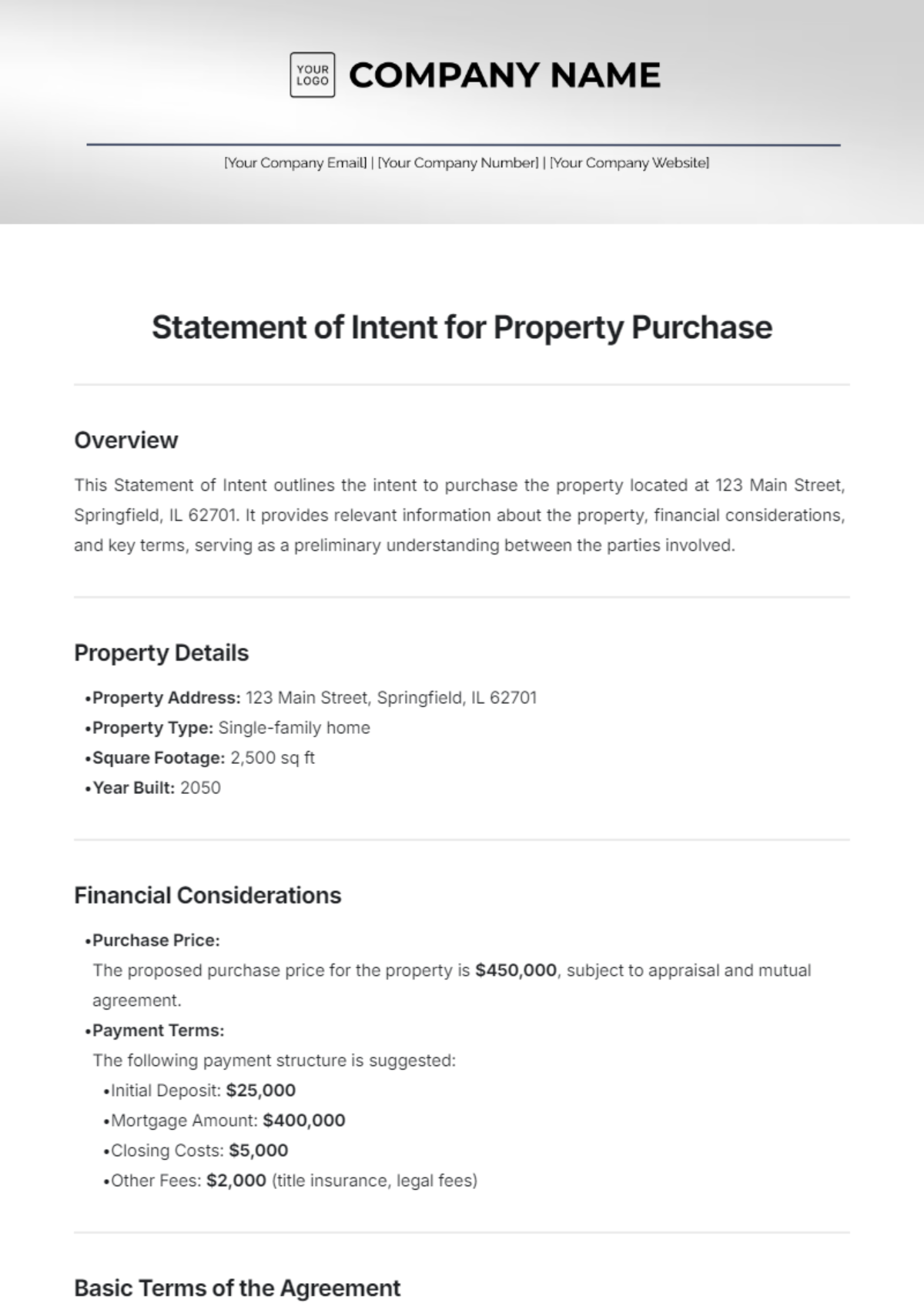
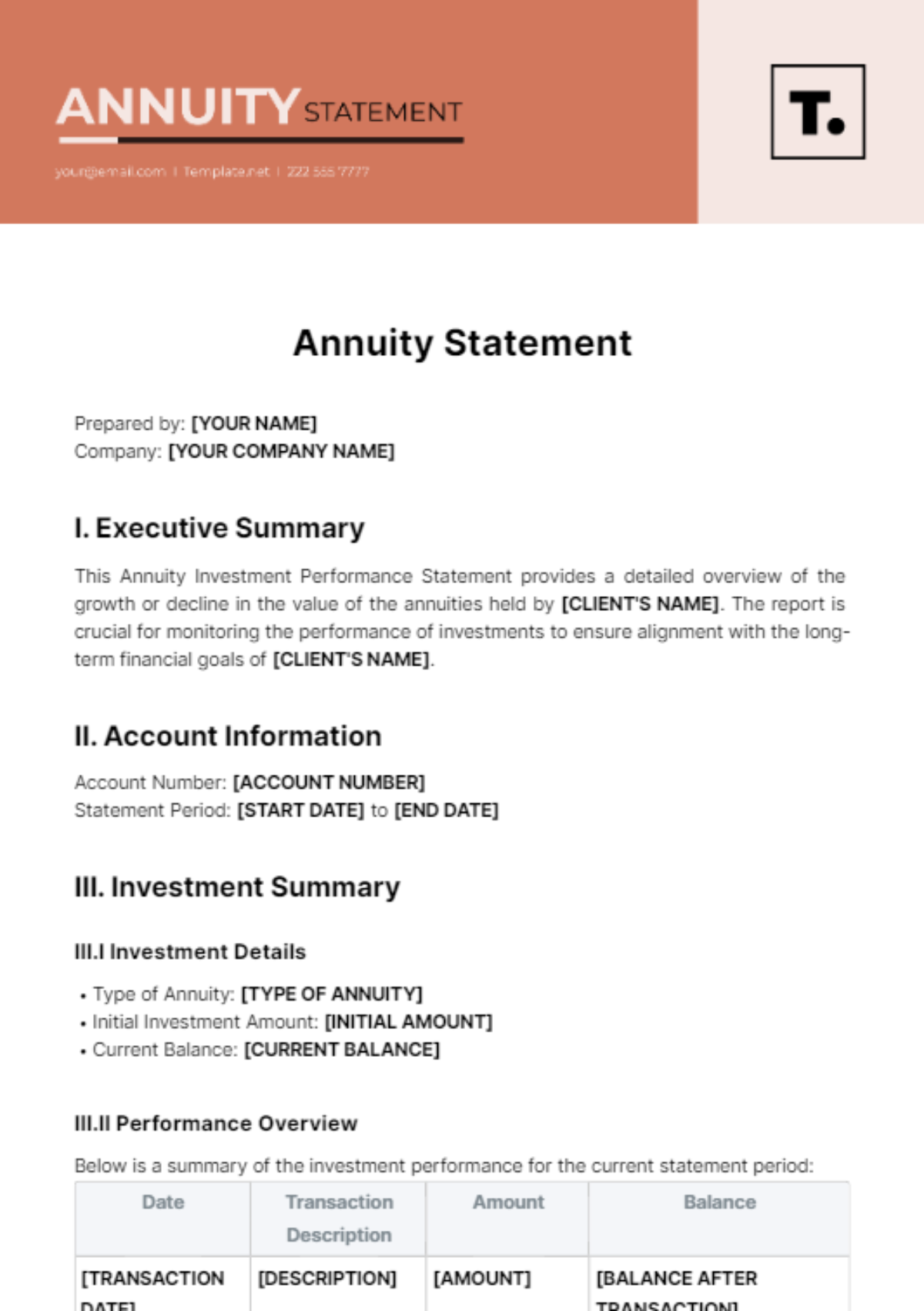
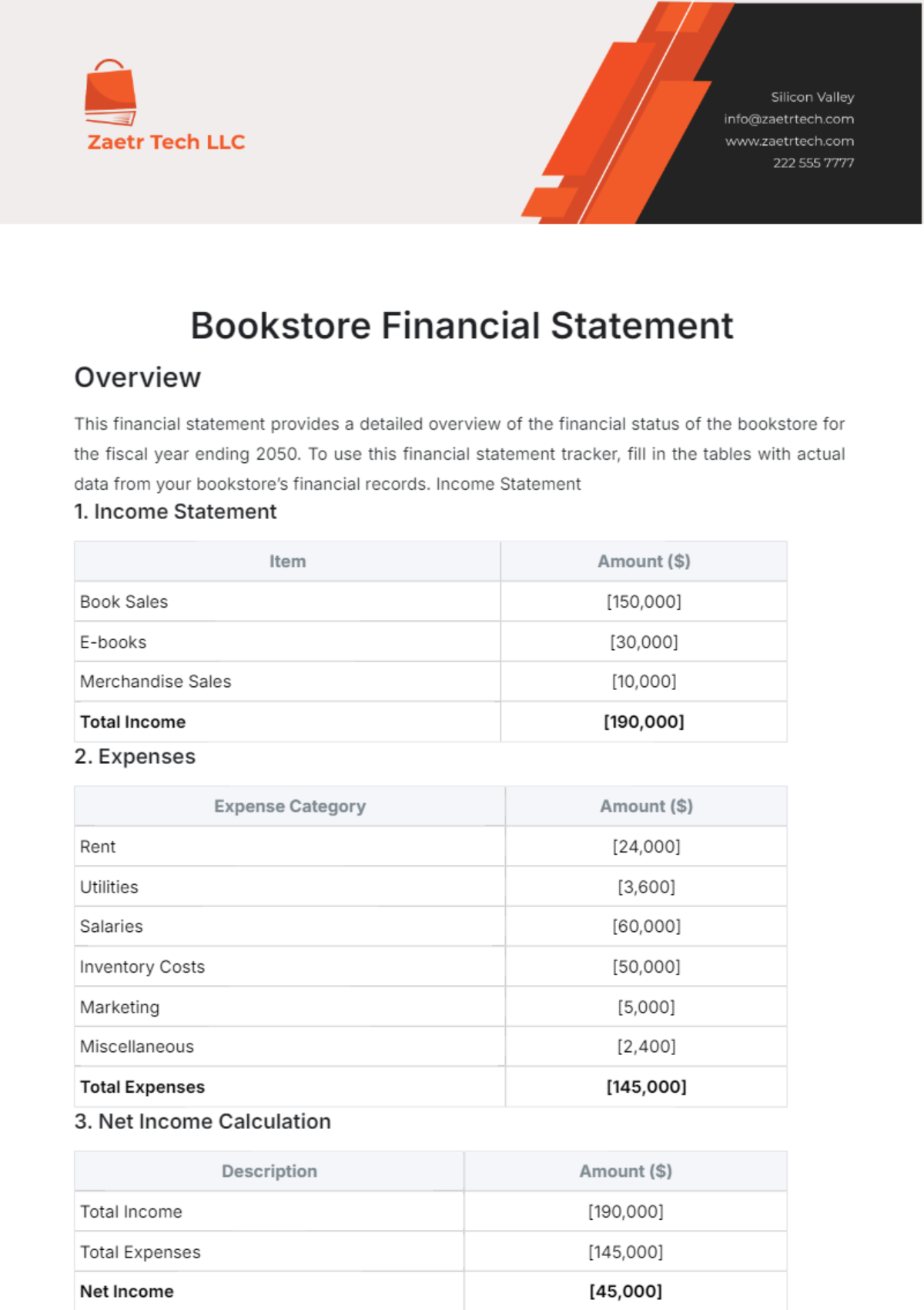
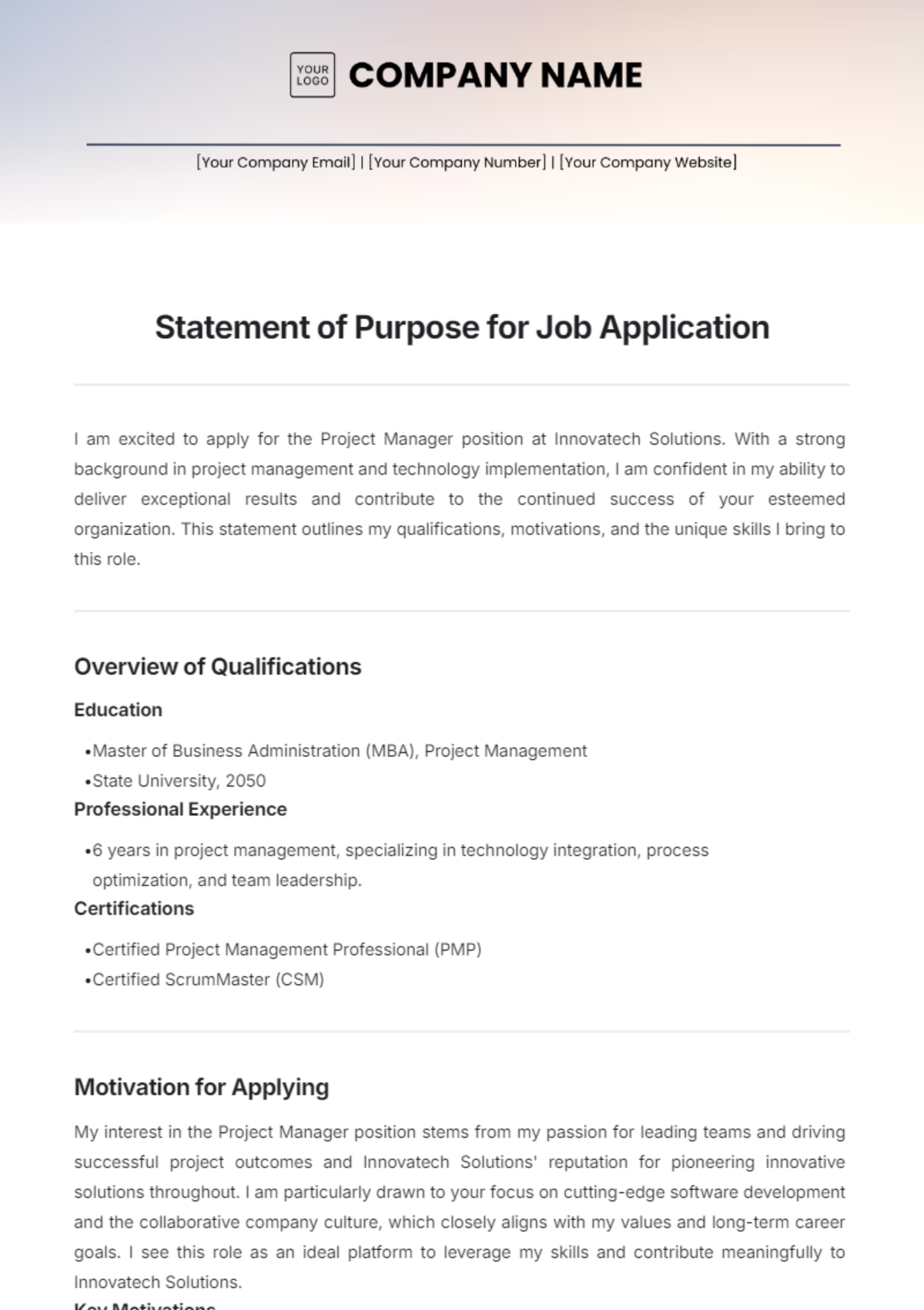
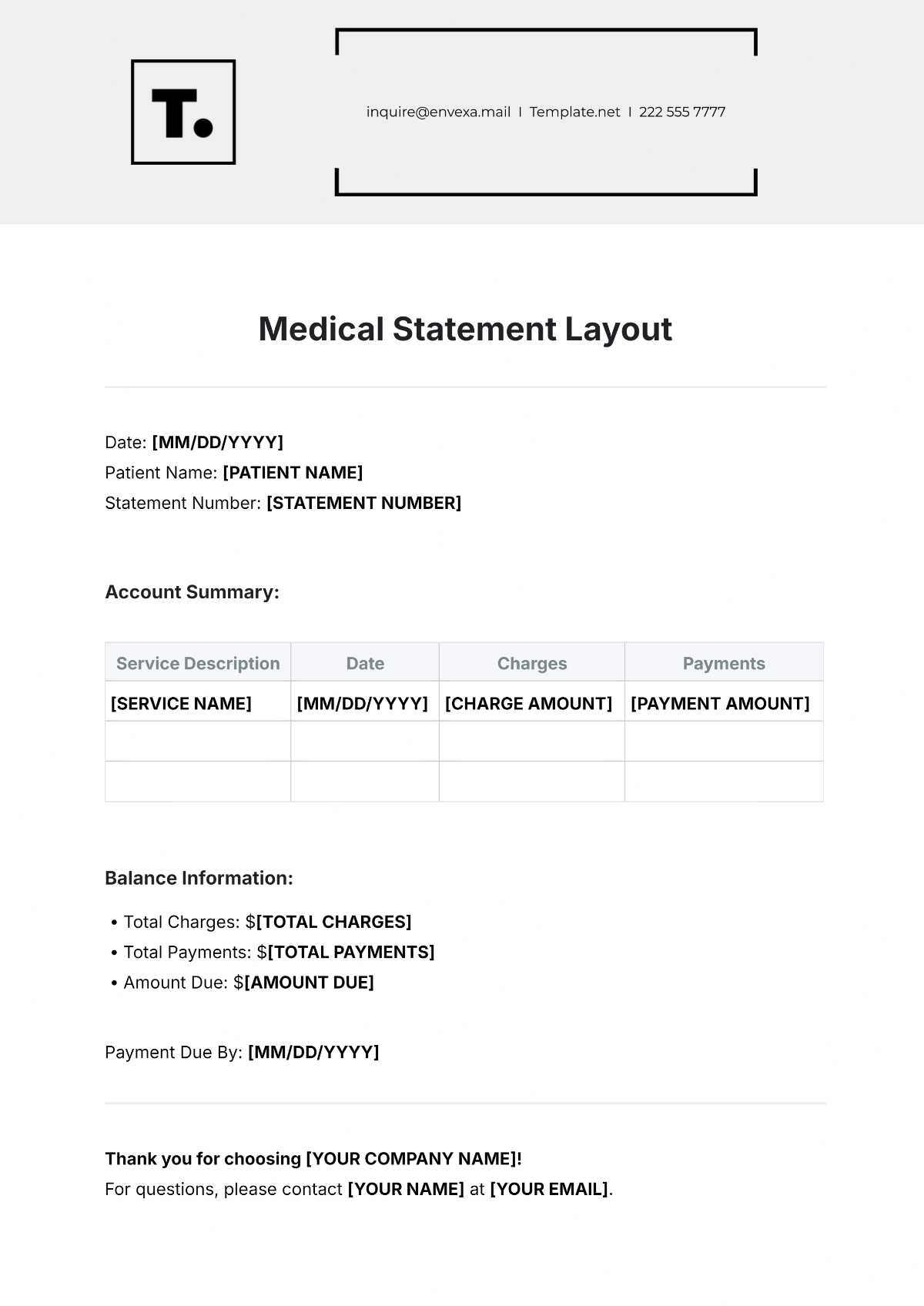
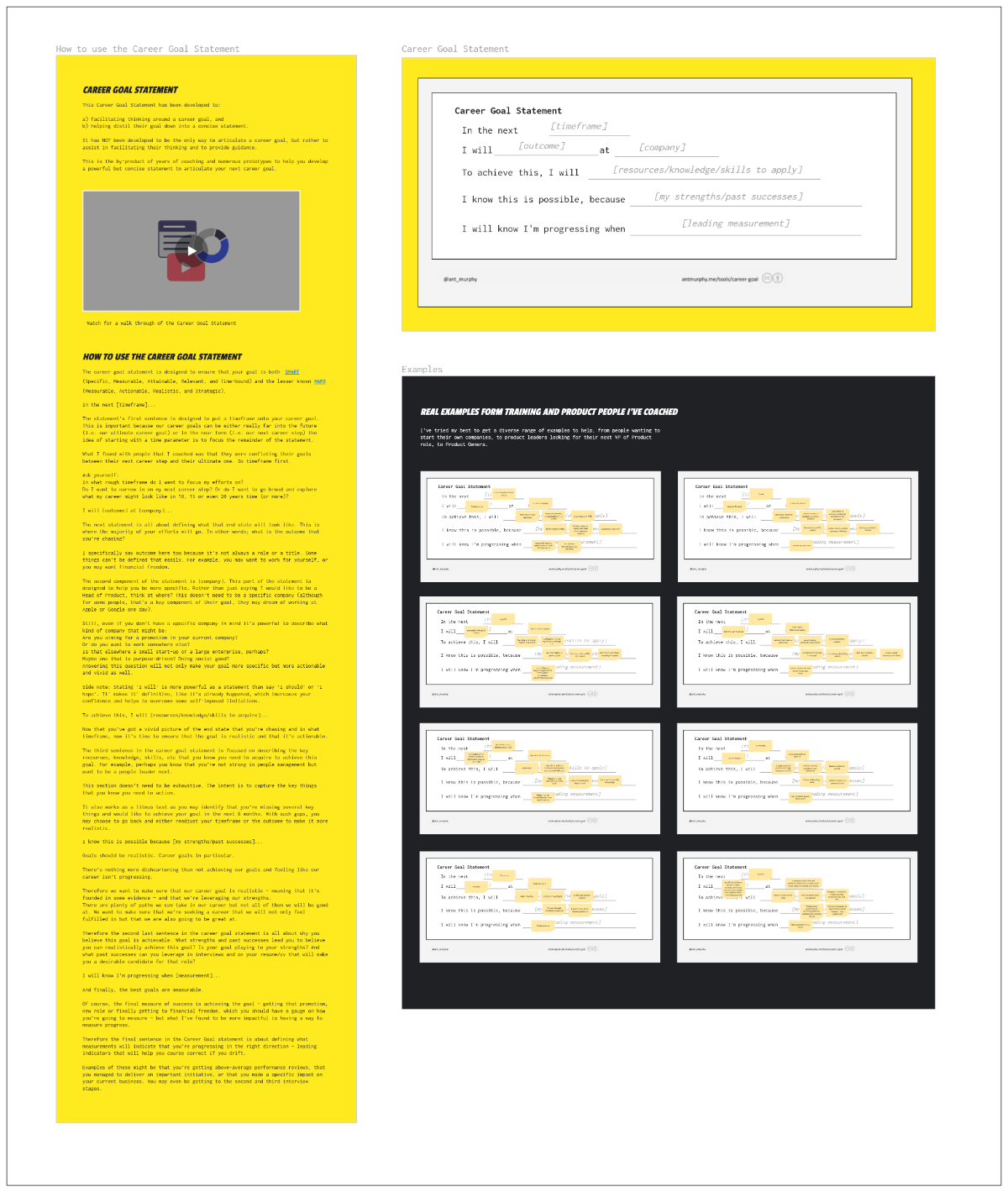
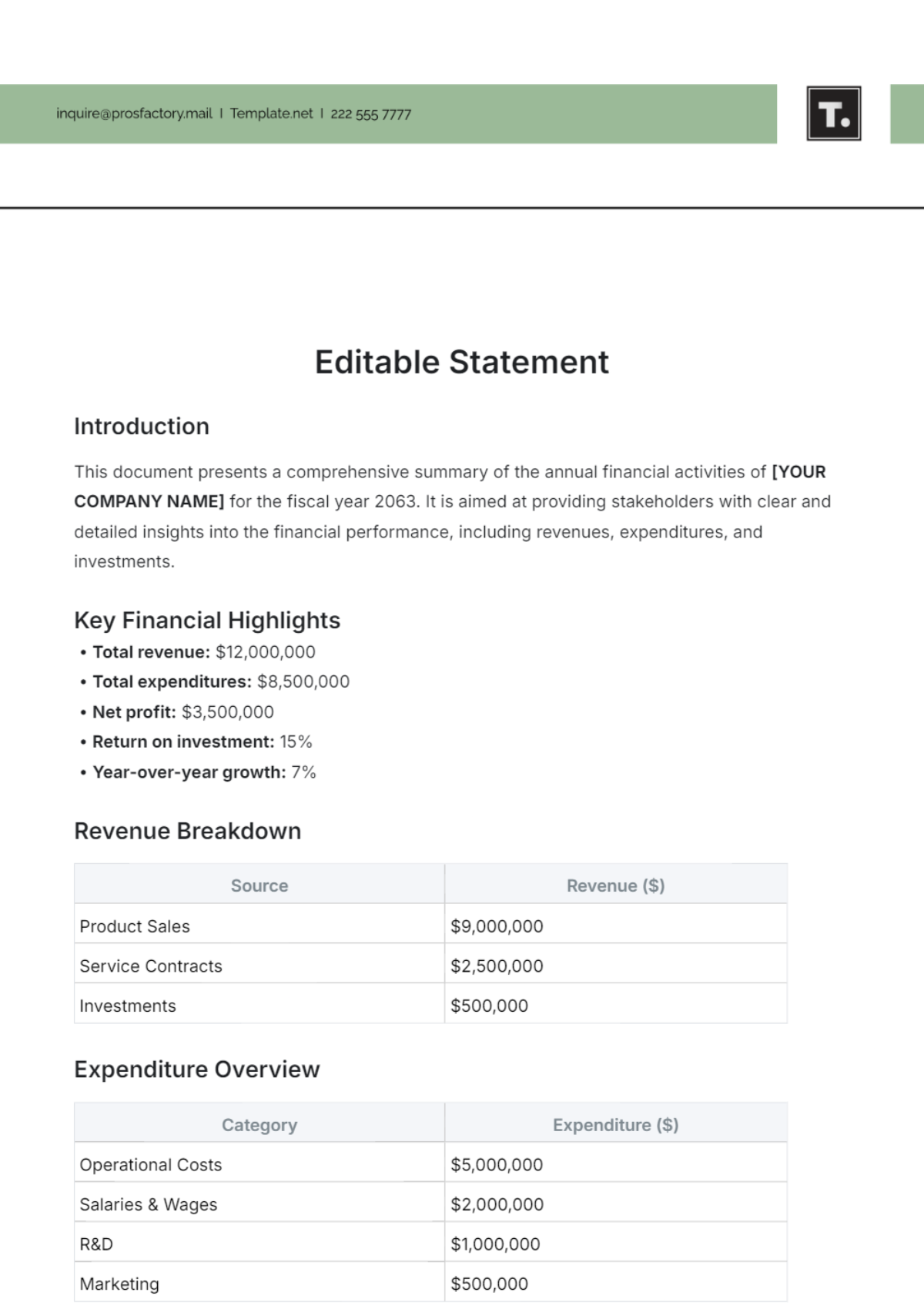
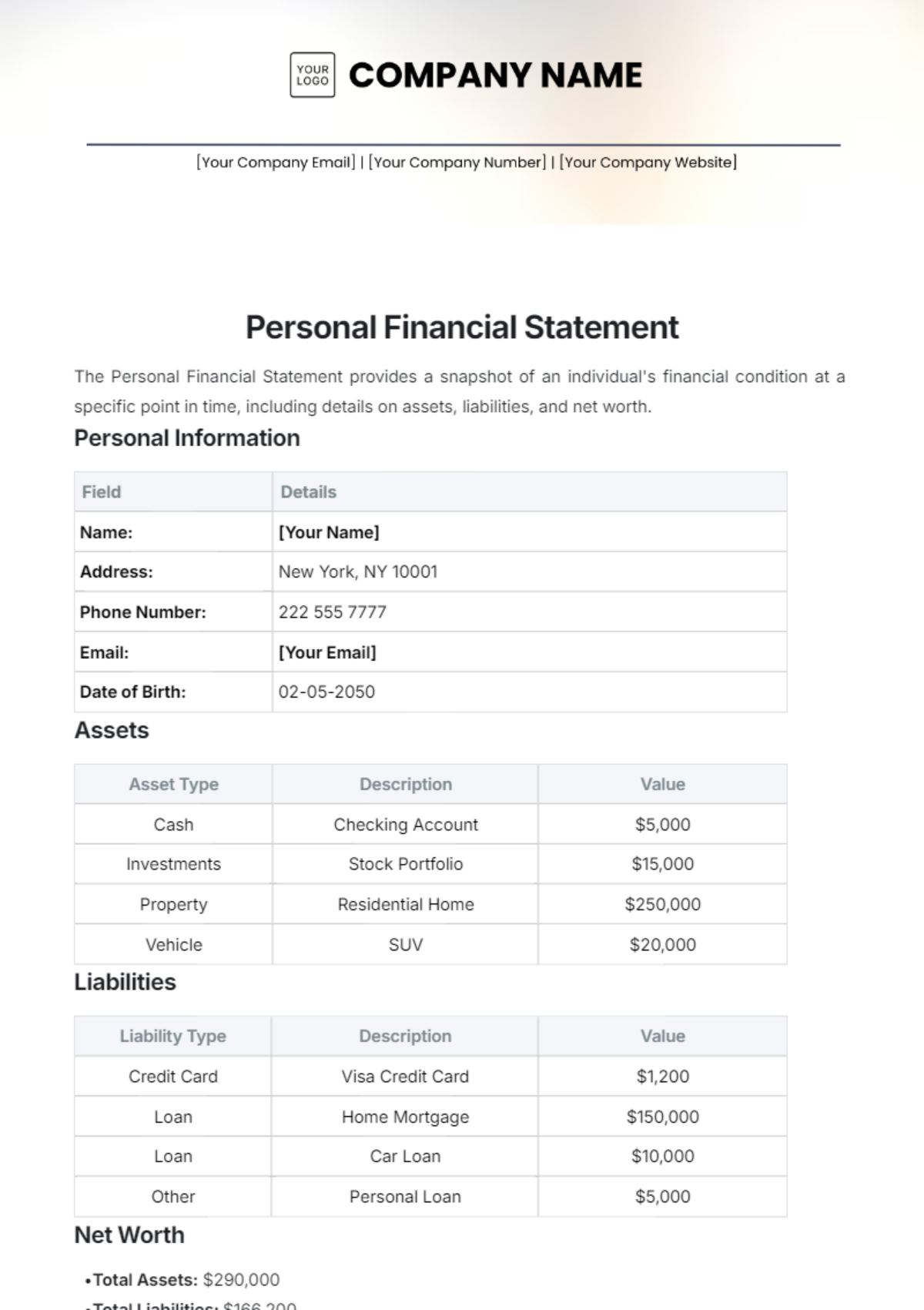
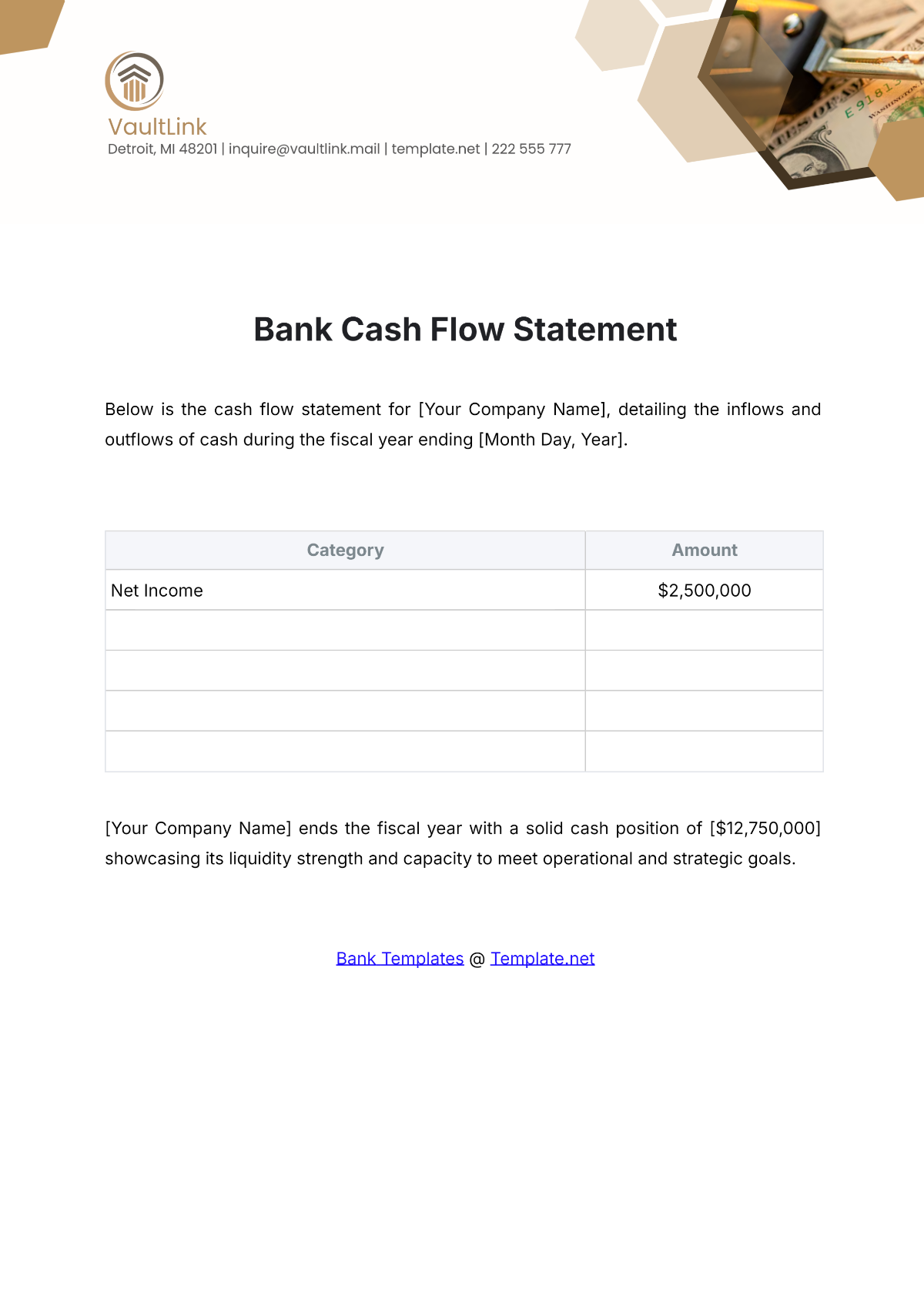
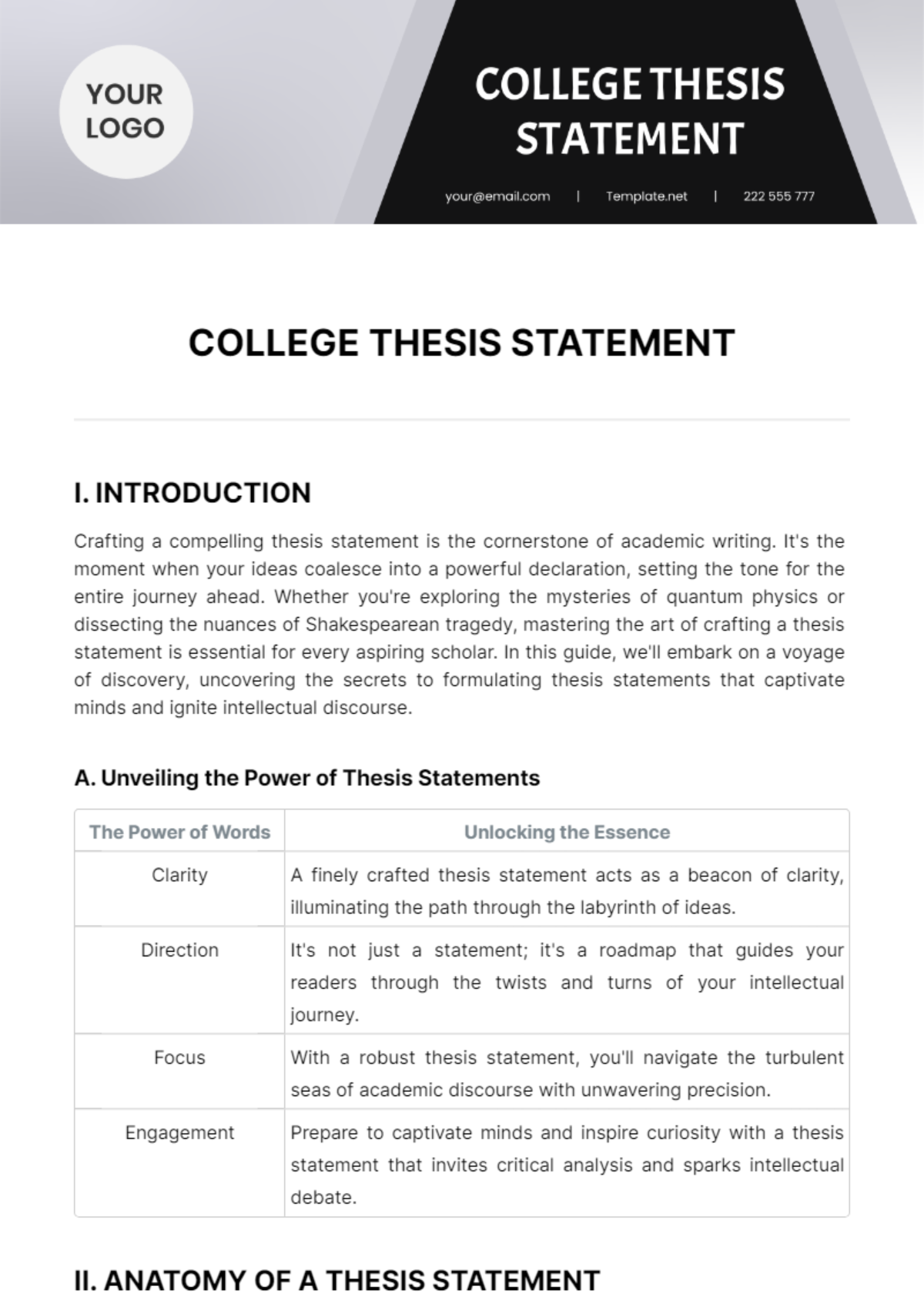
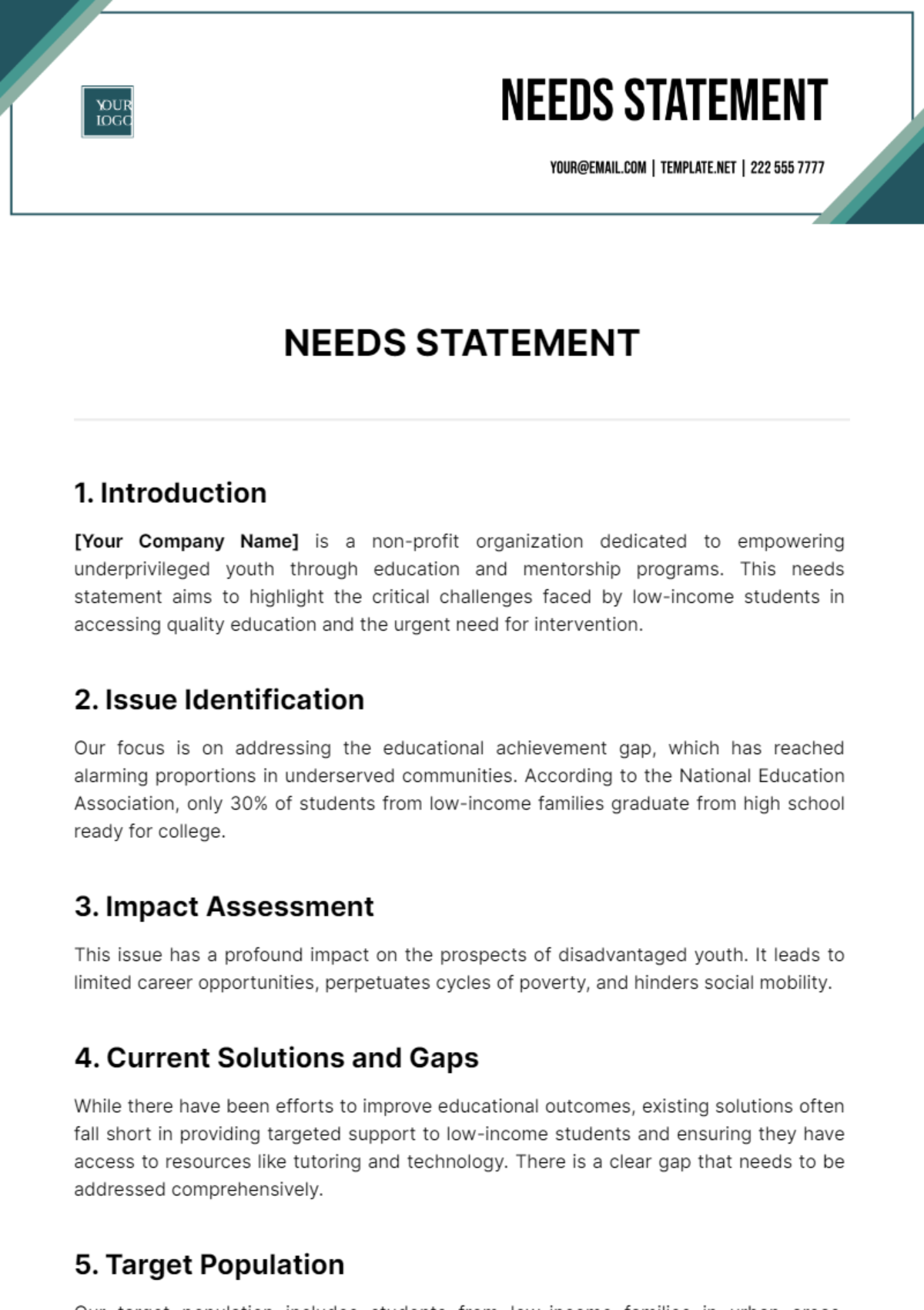

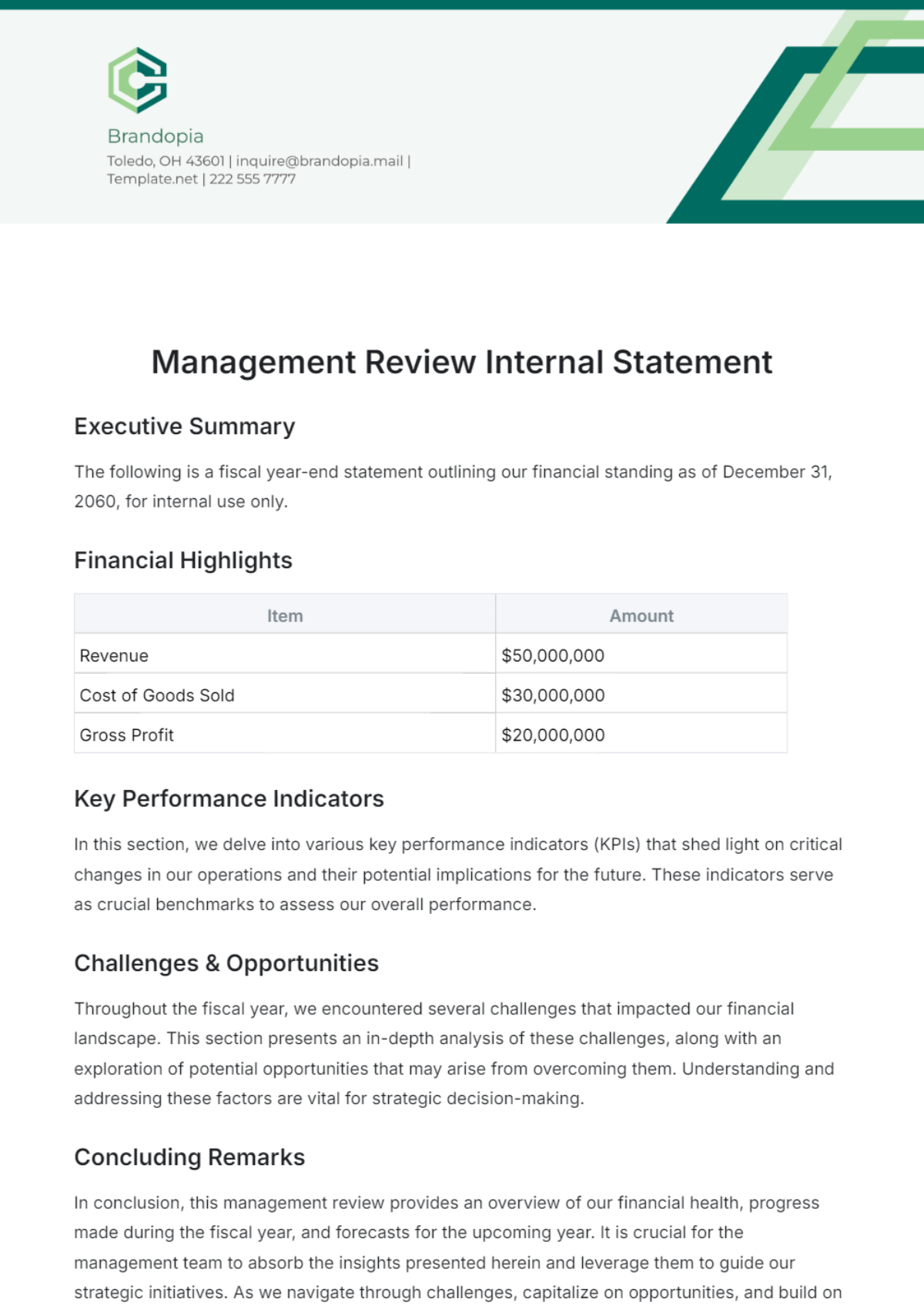
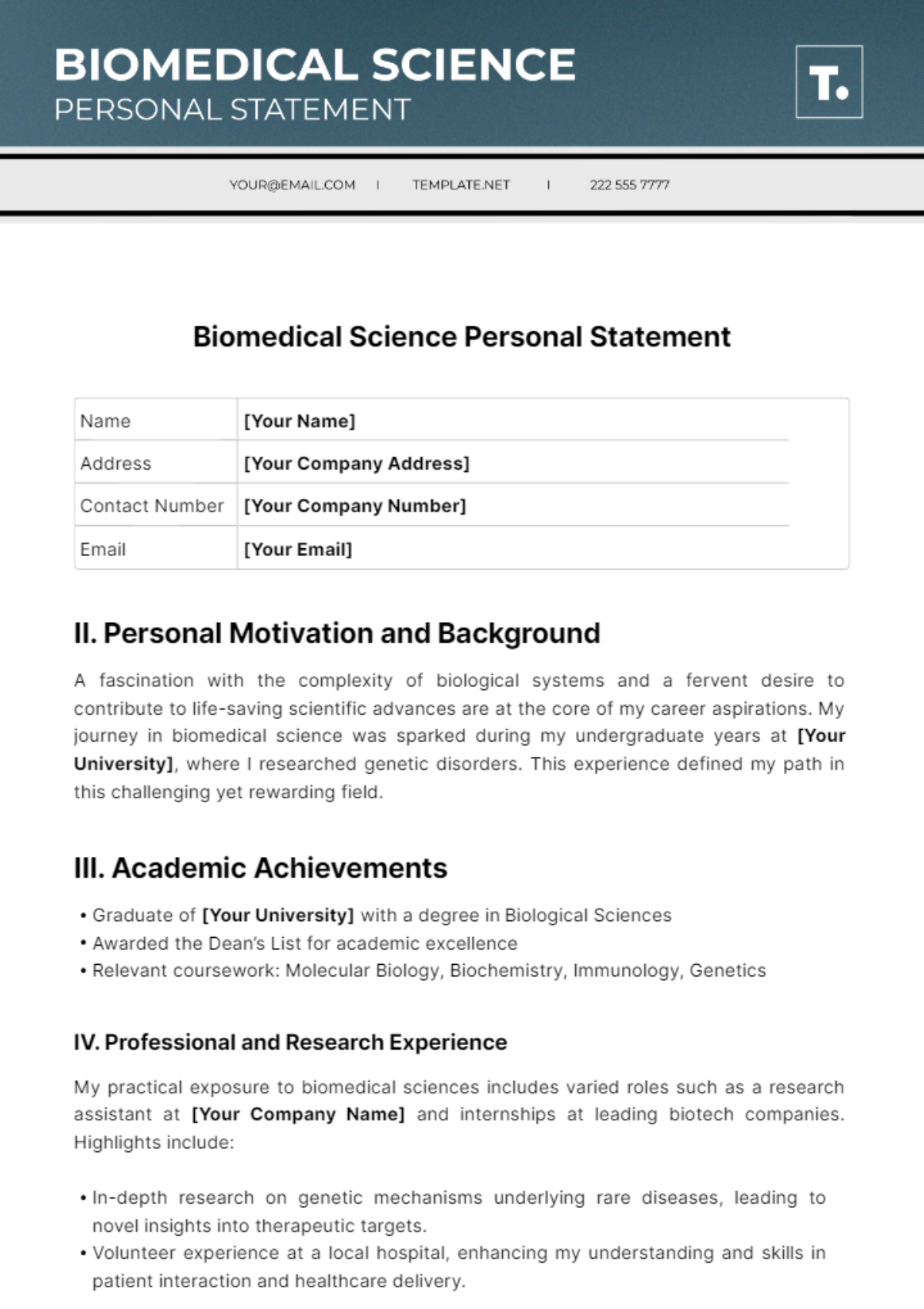
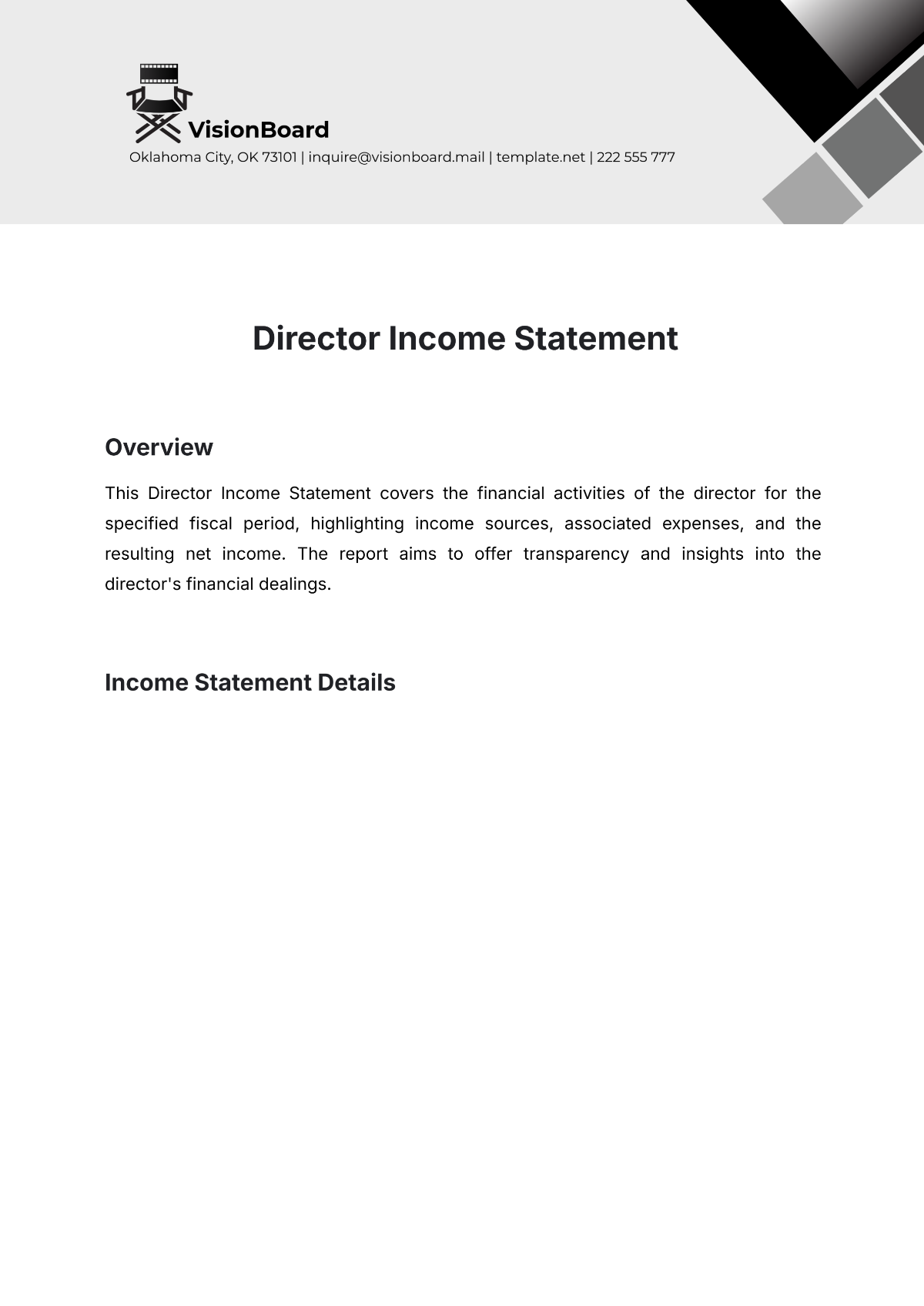
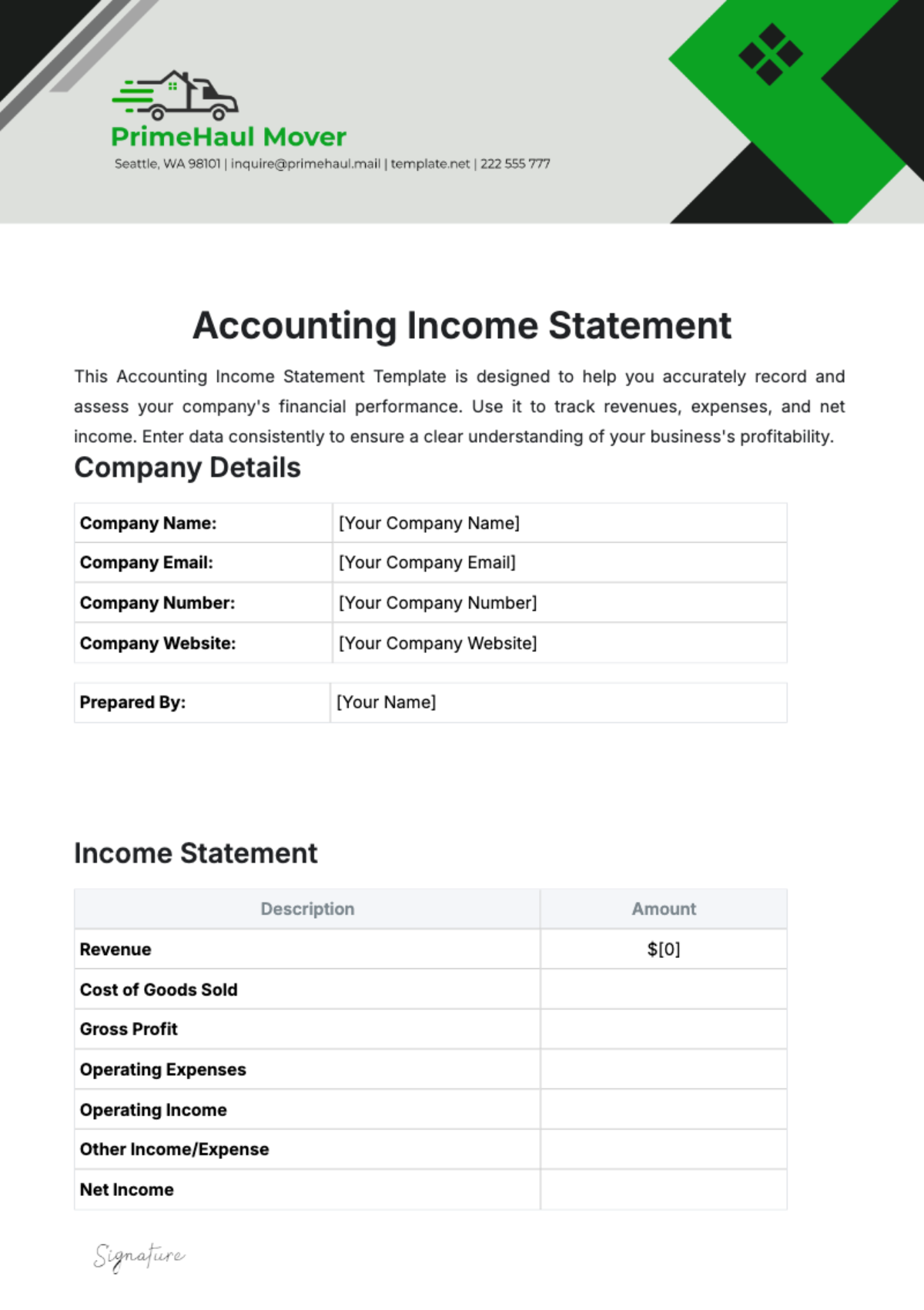
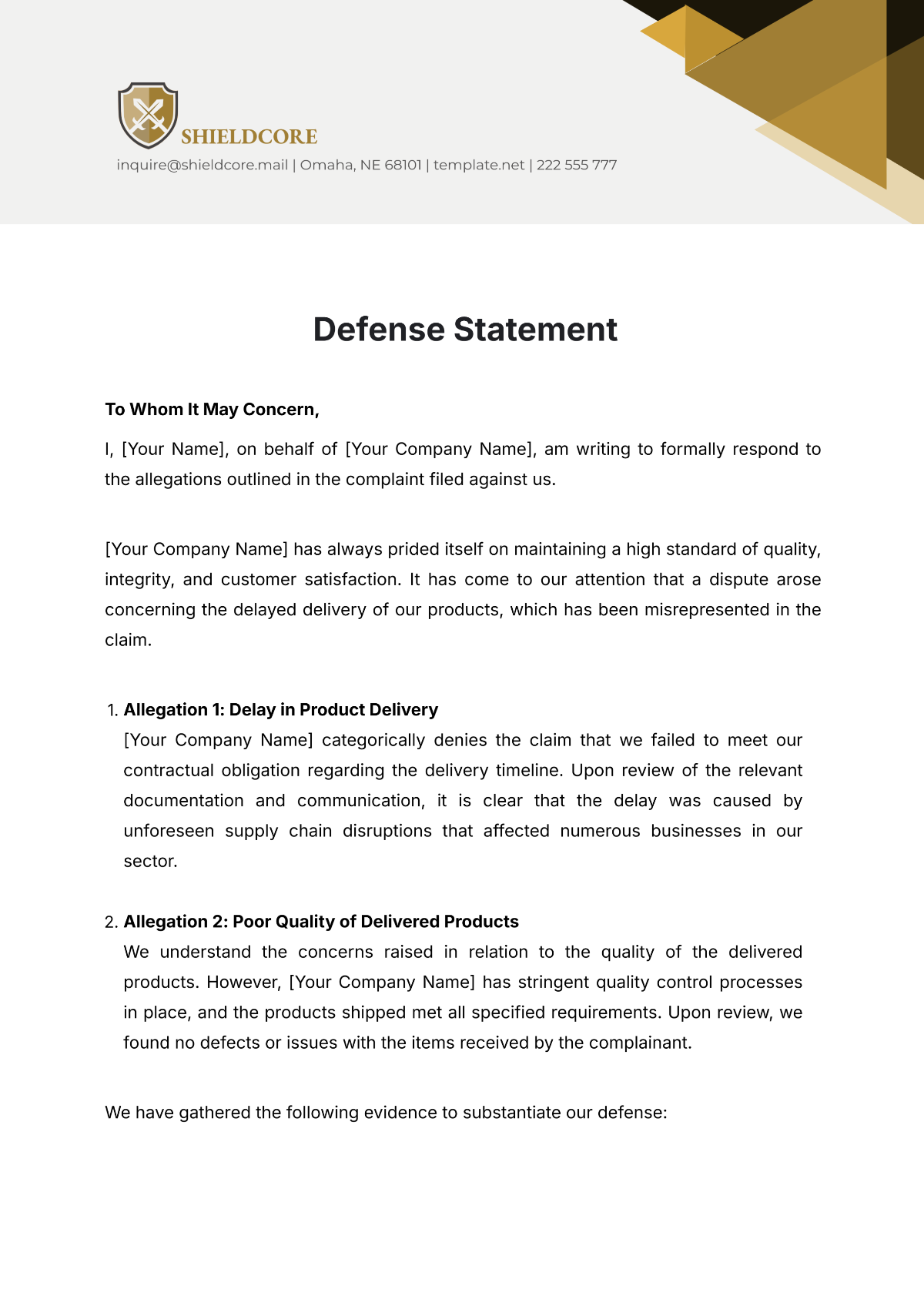
Statement Templates: Definition, Use Cases, and Formats
What is a Statement?
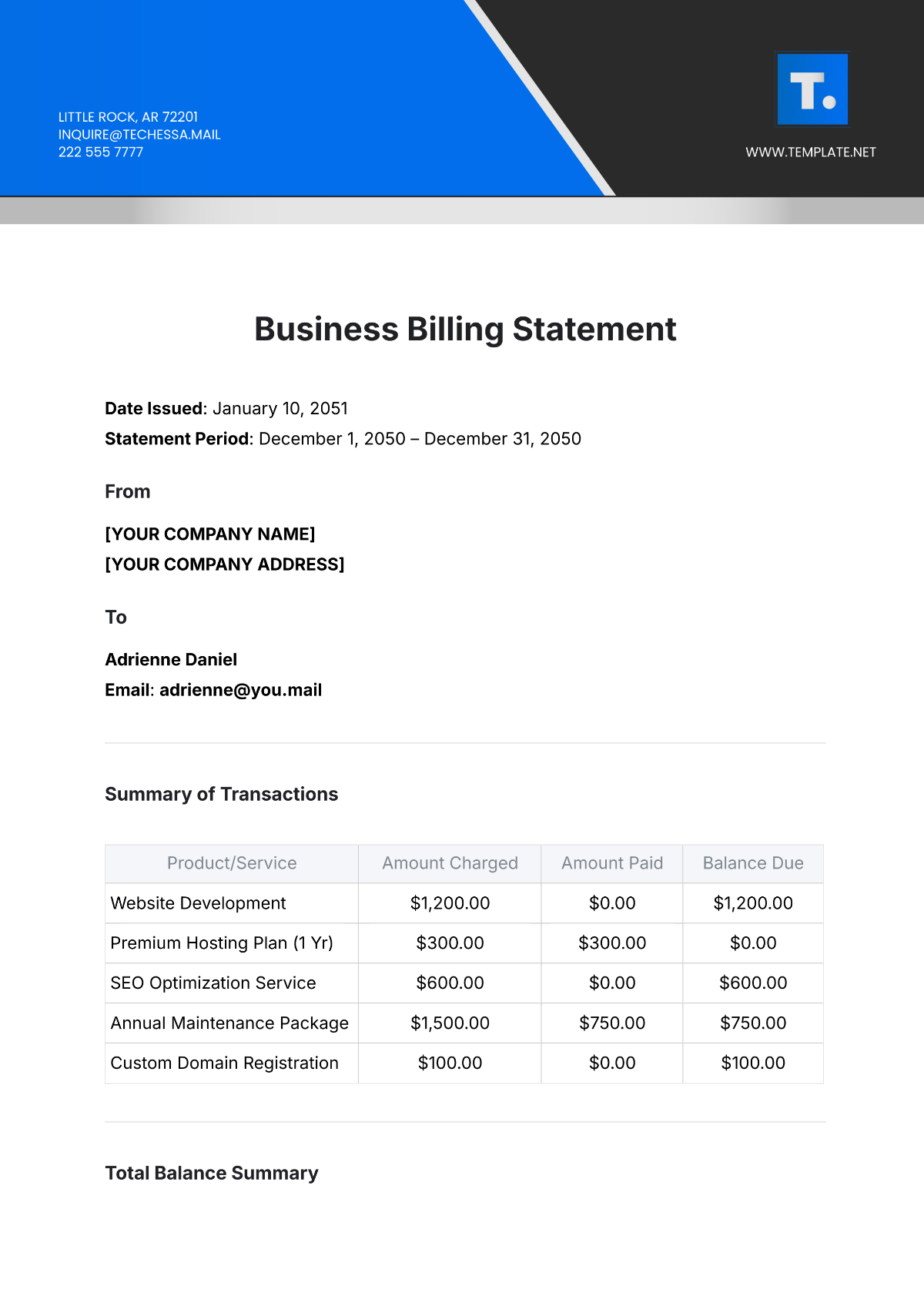
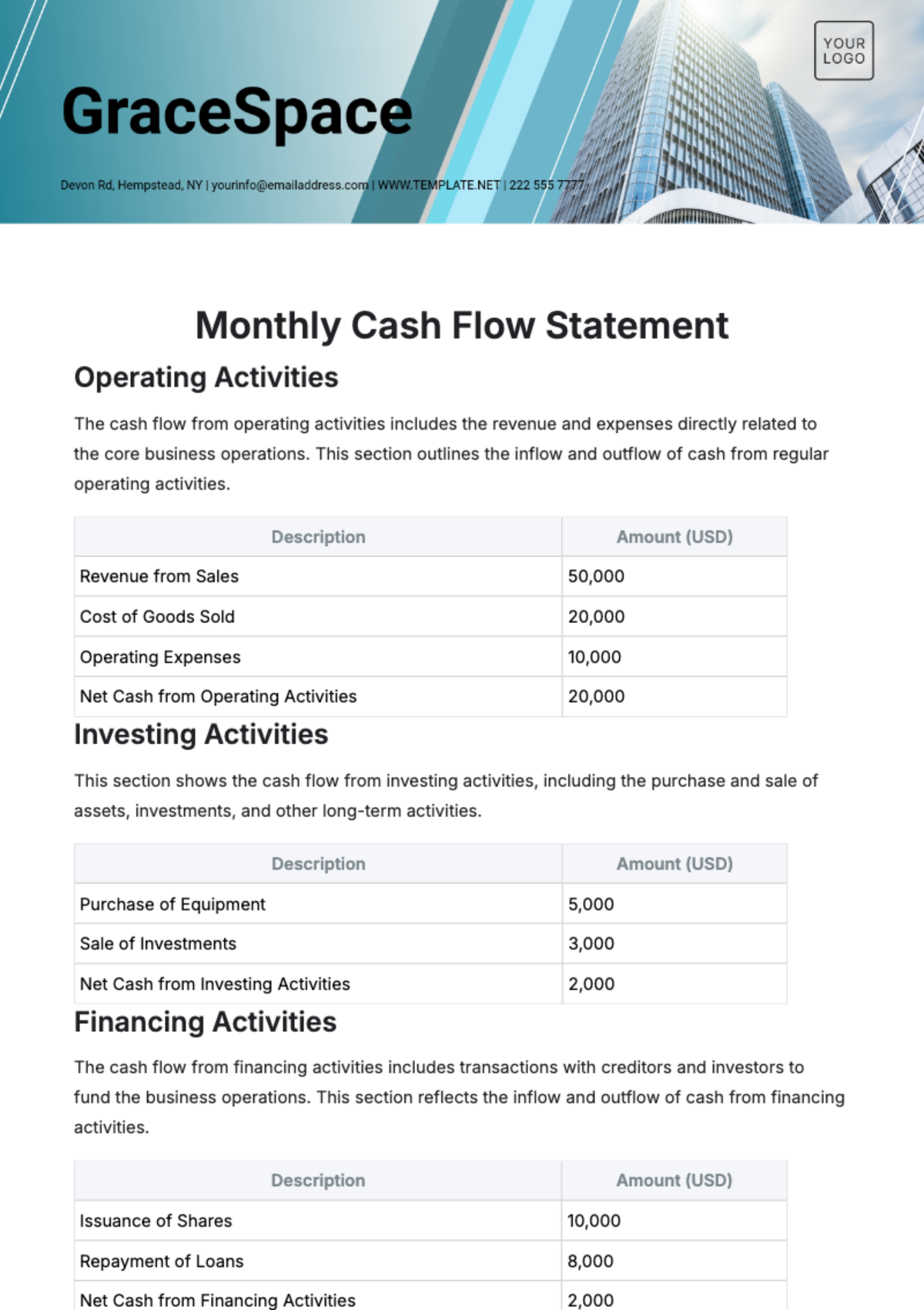
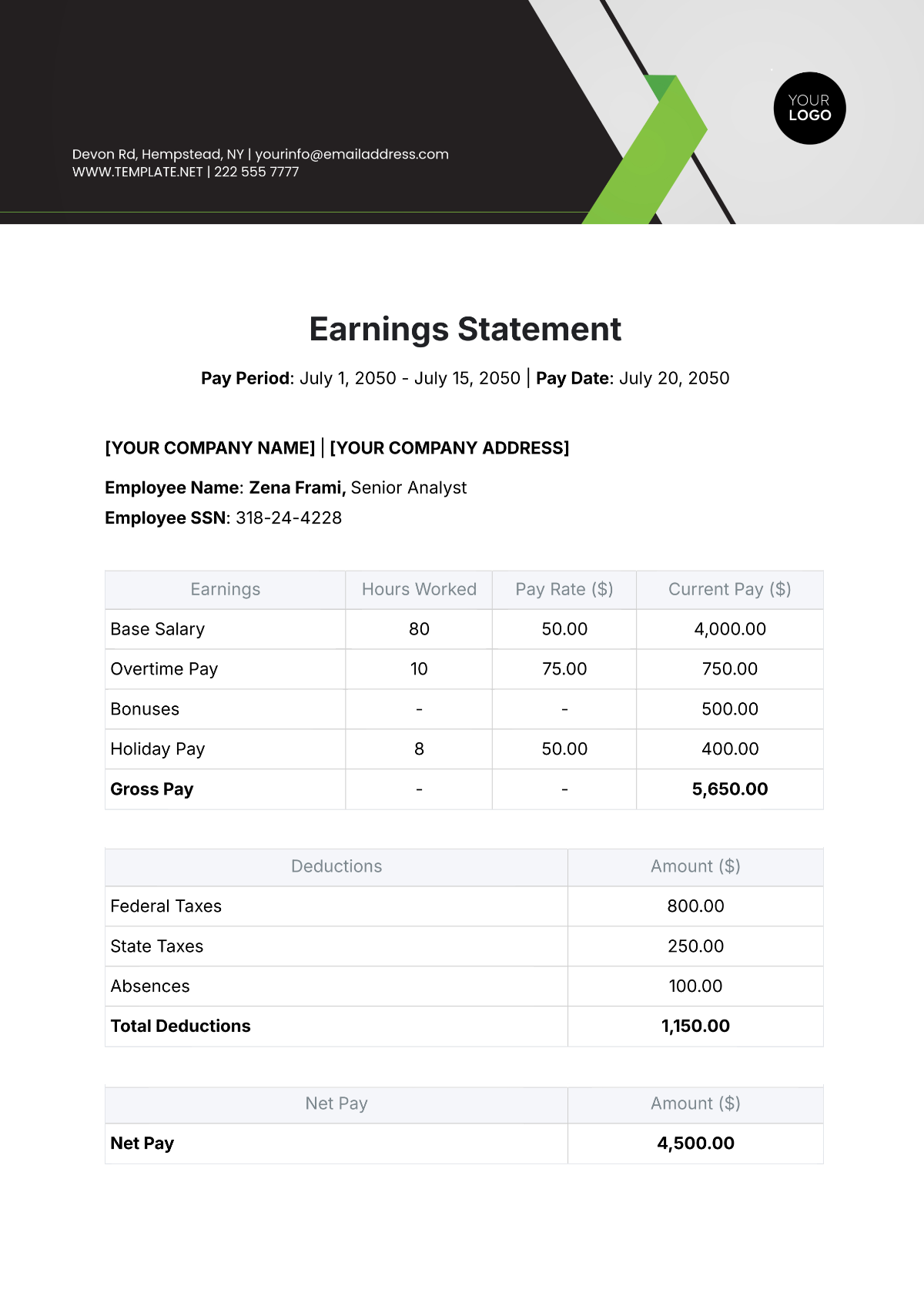
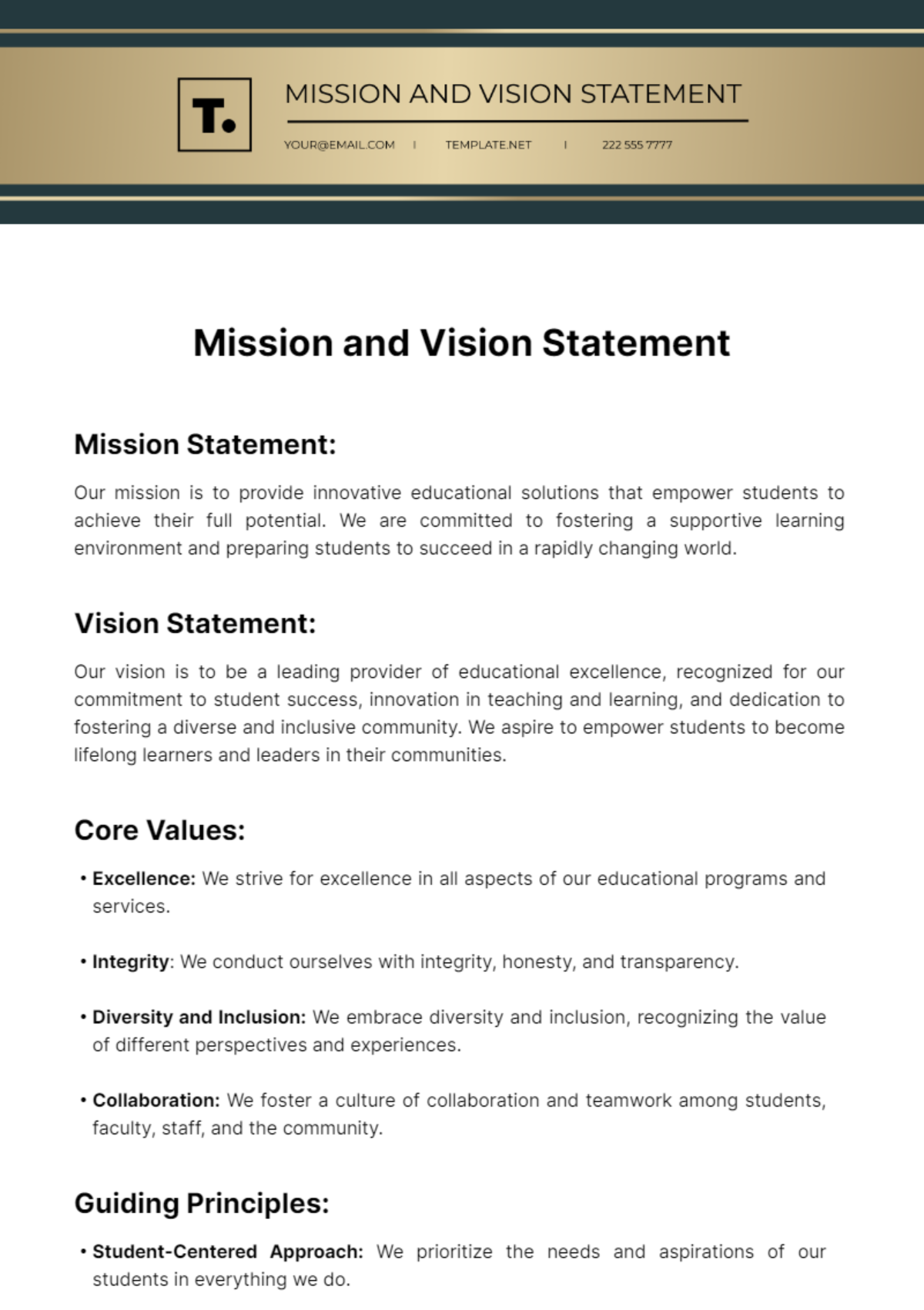
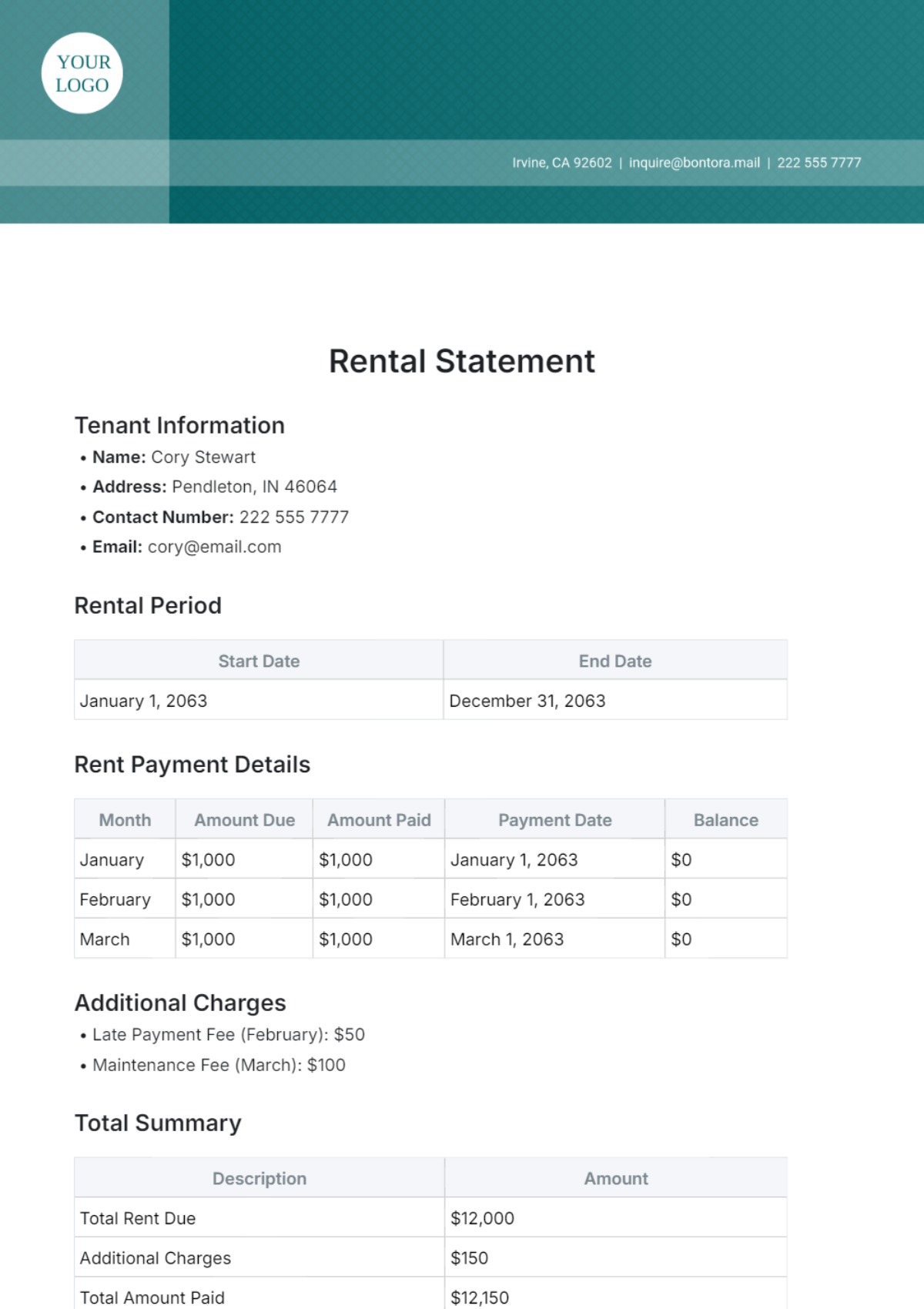
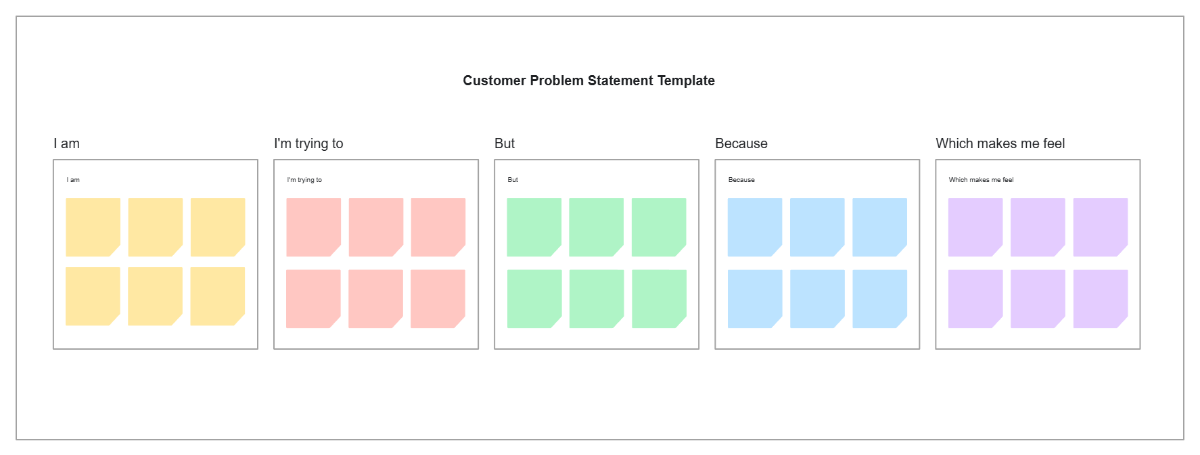
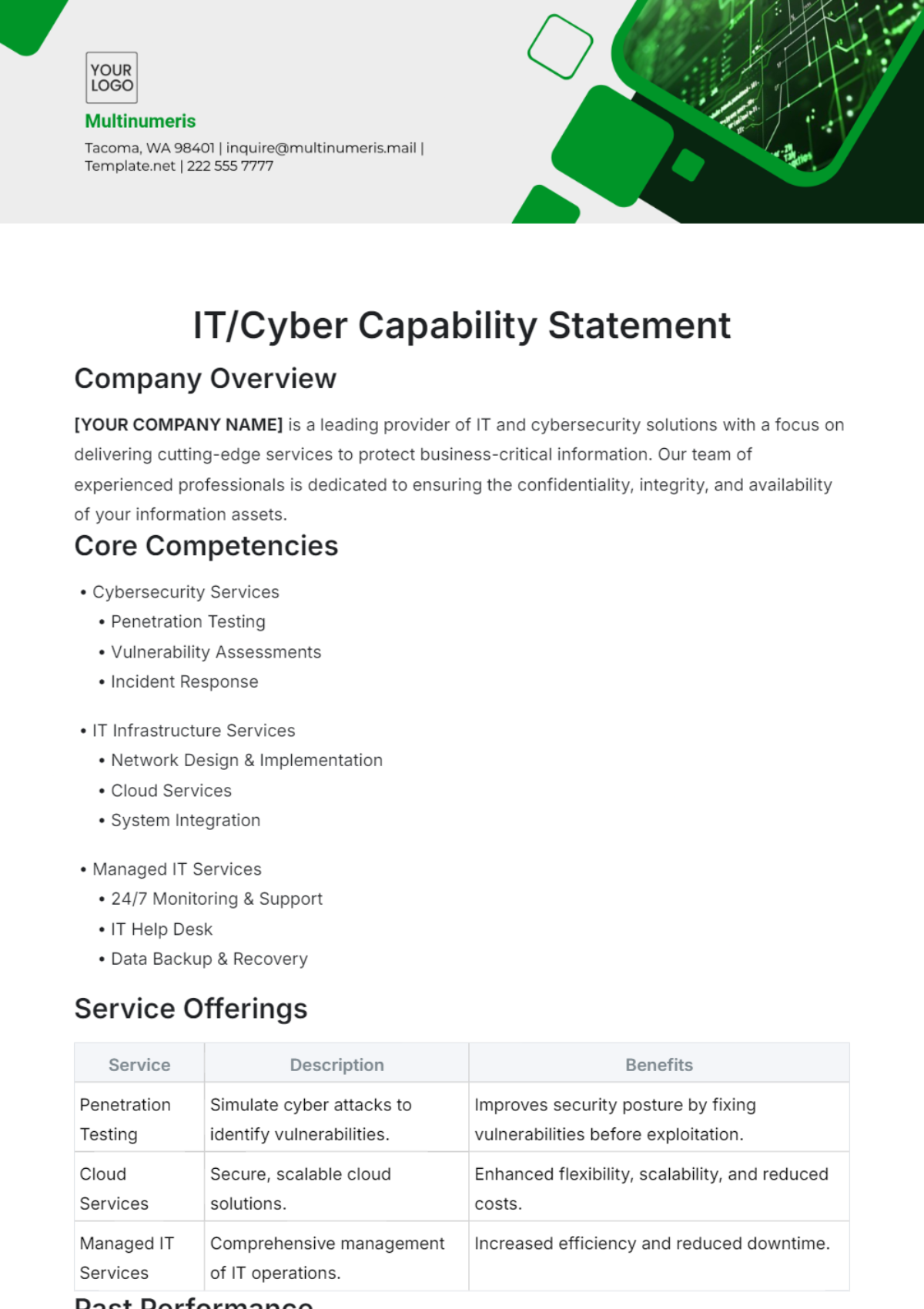
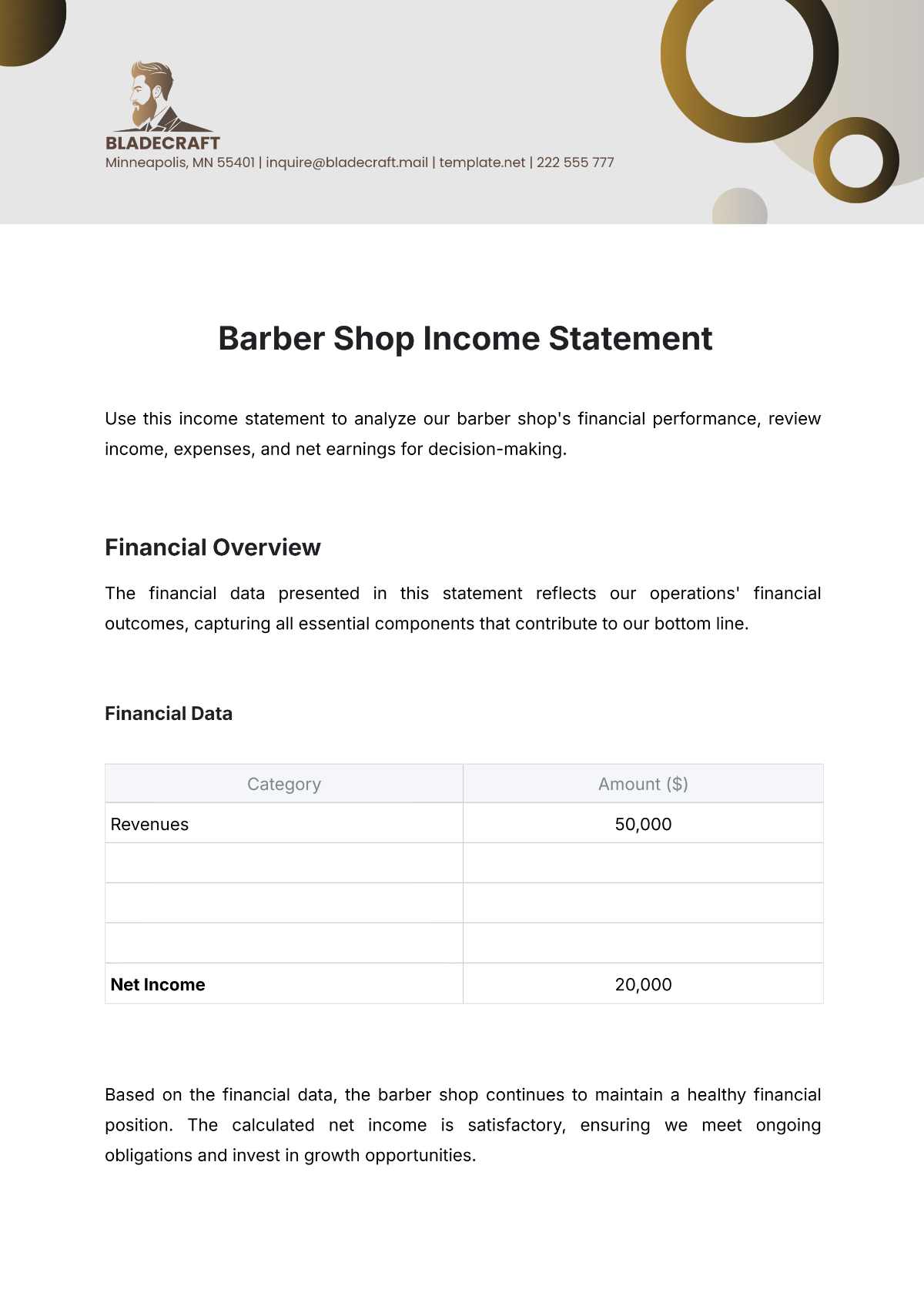
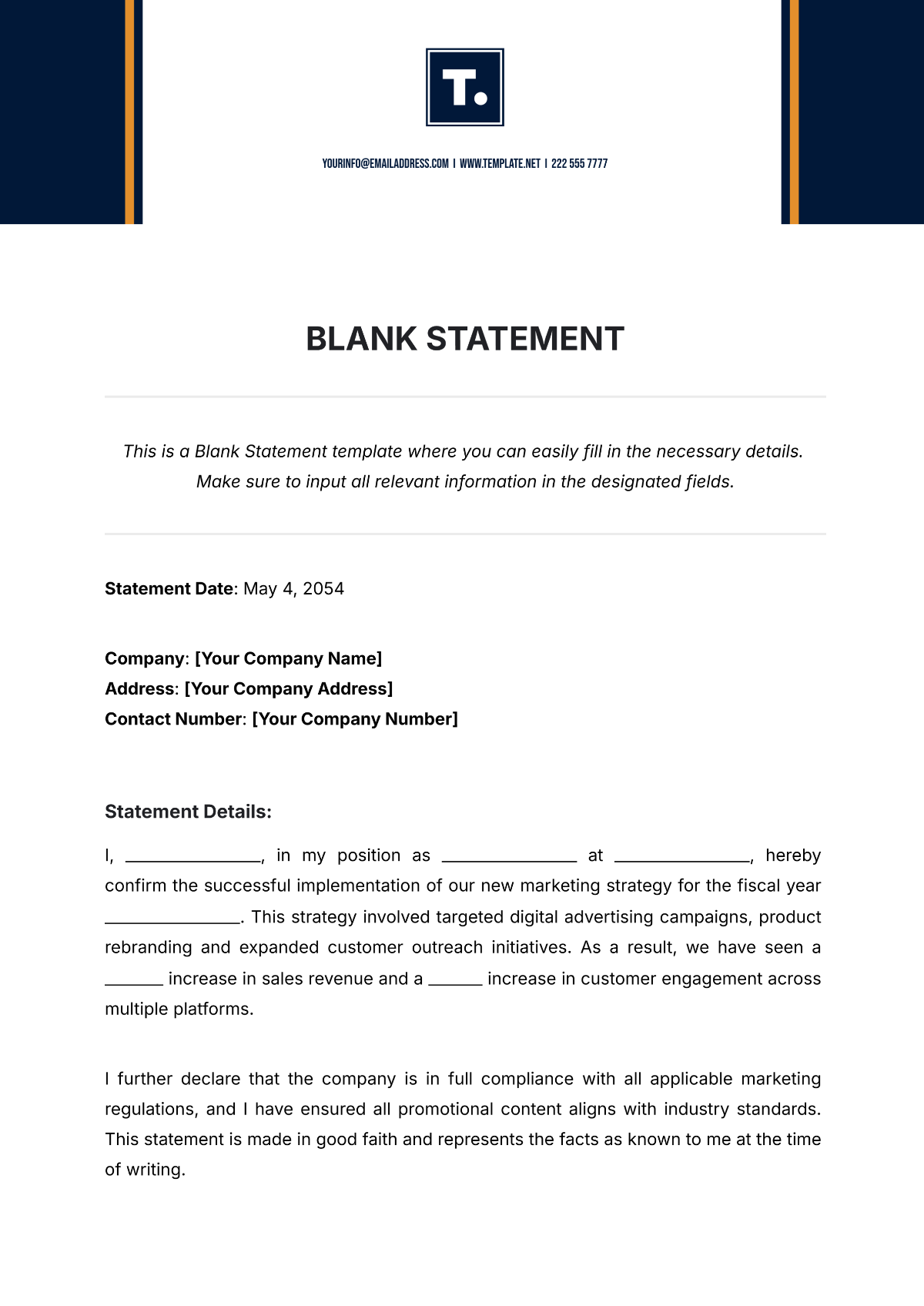
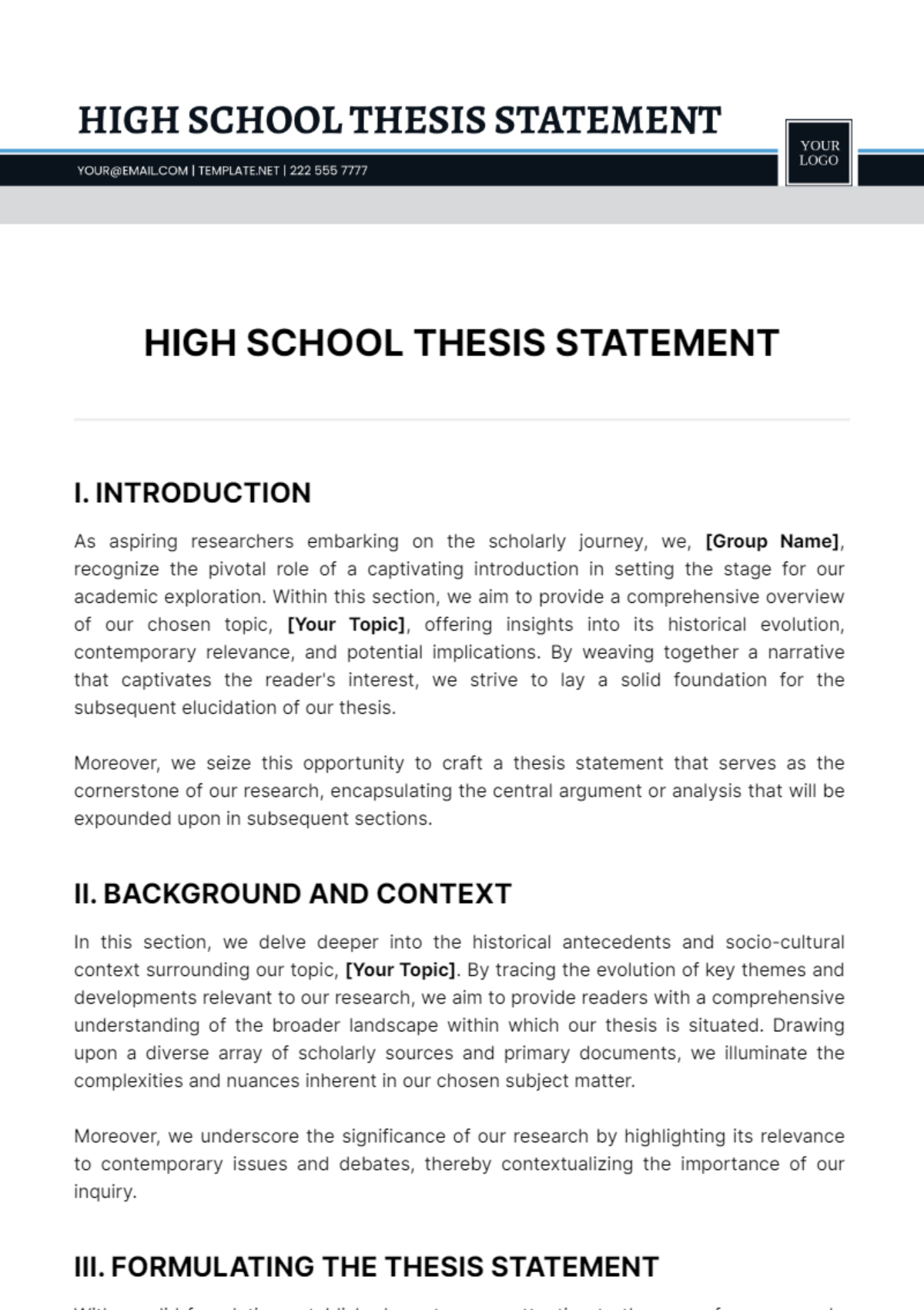
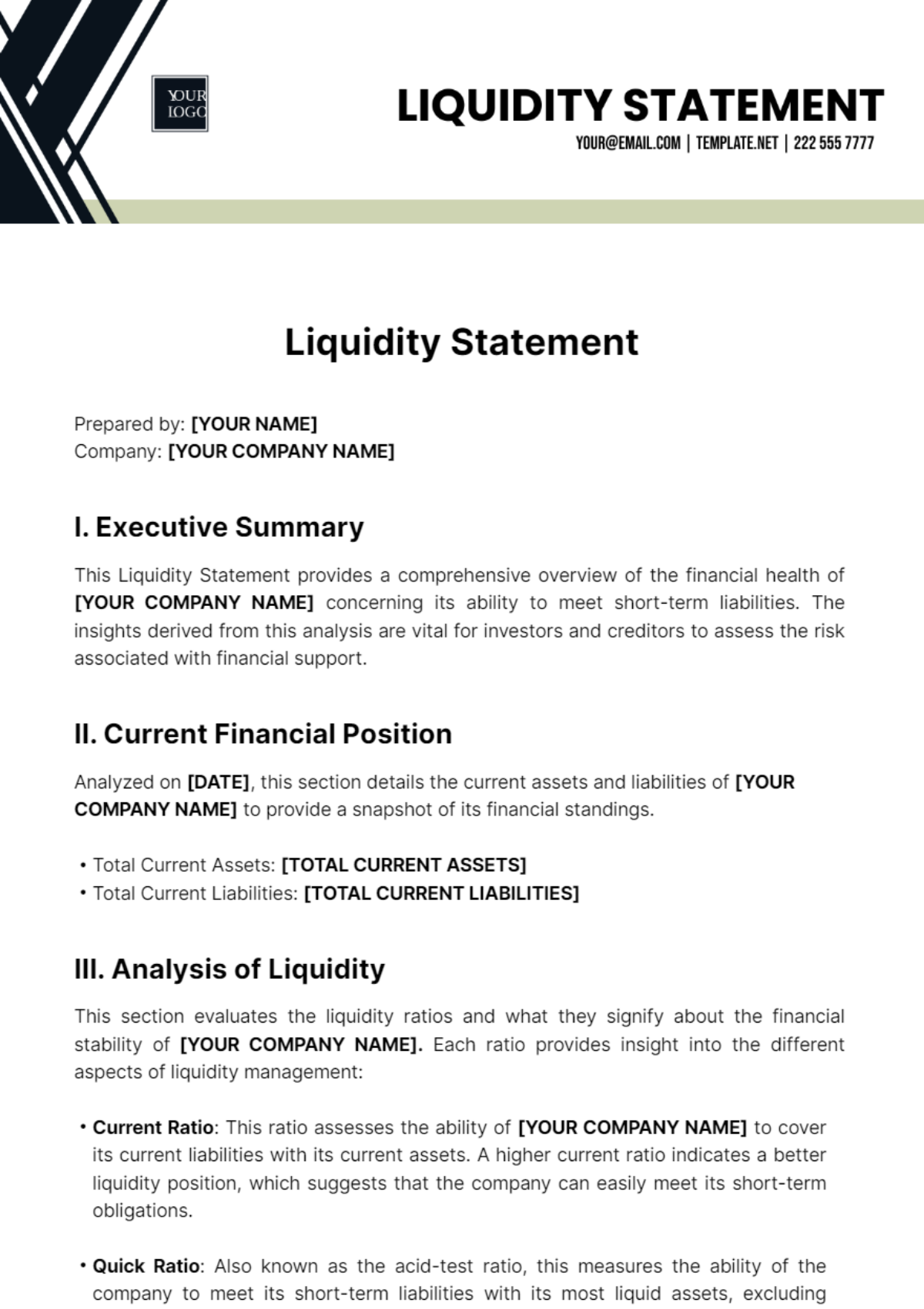
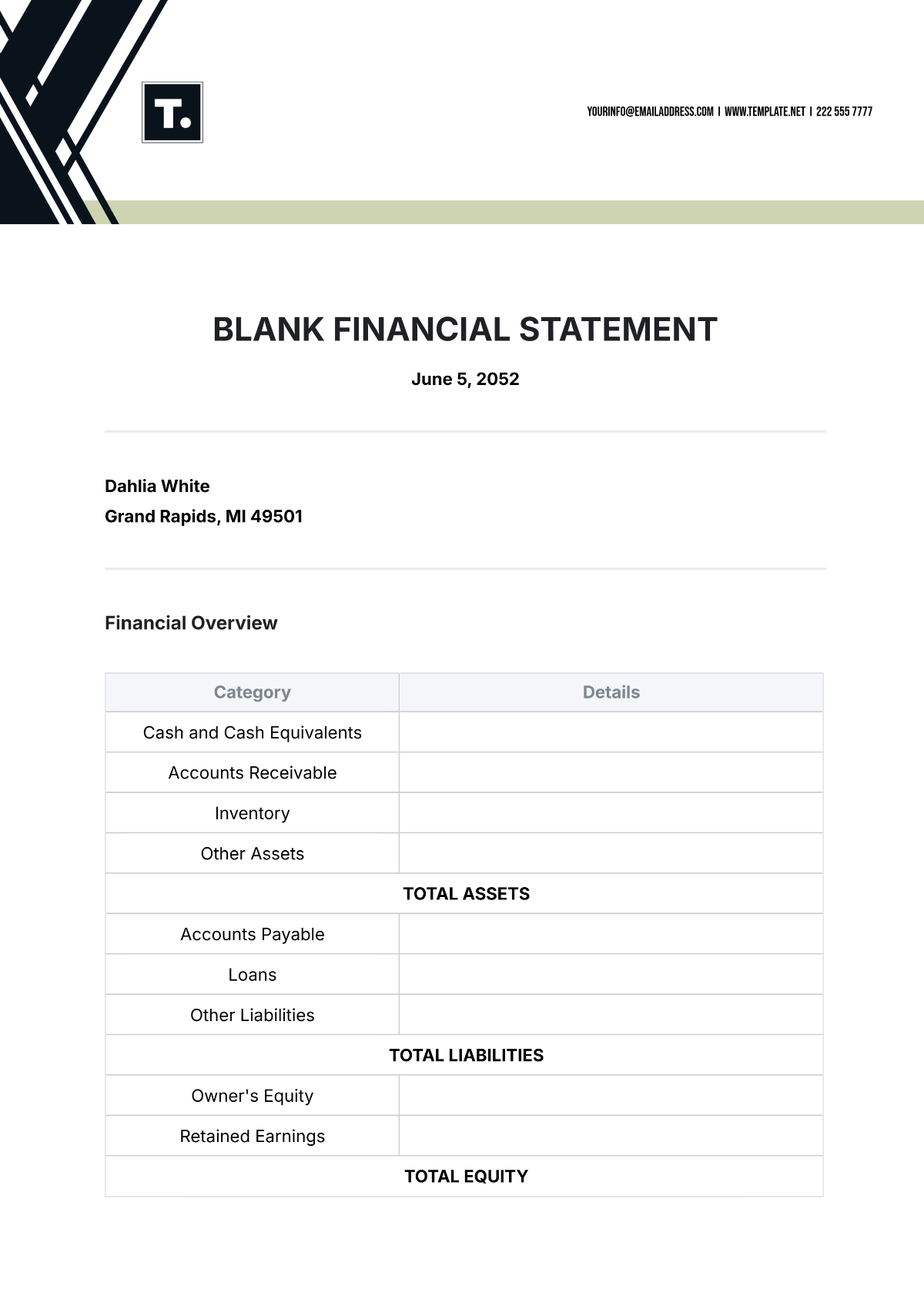
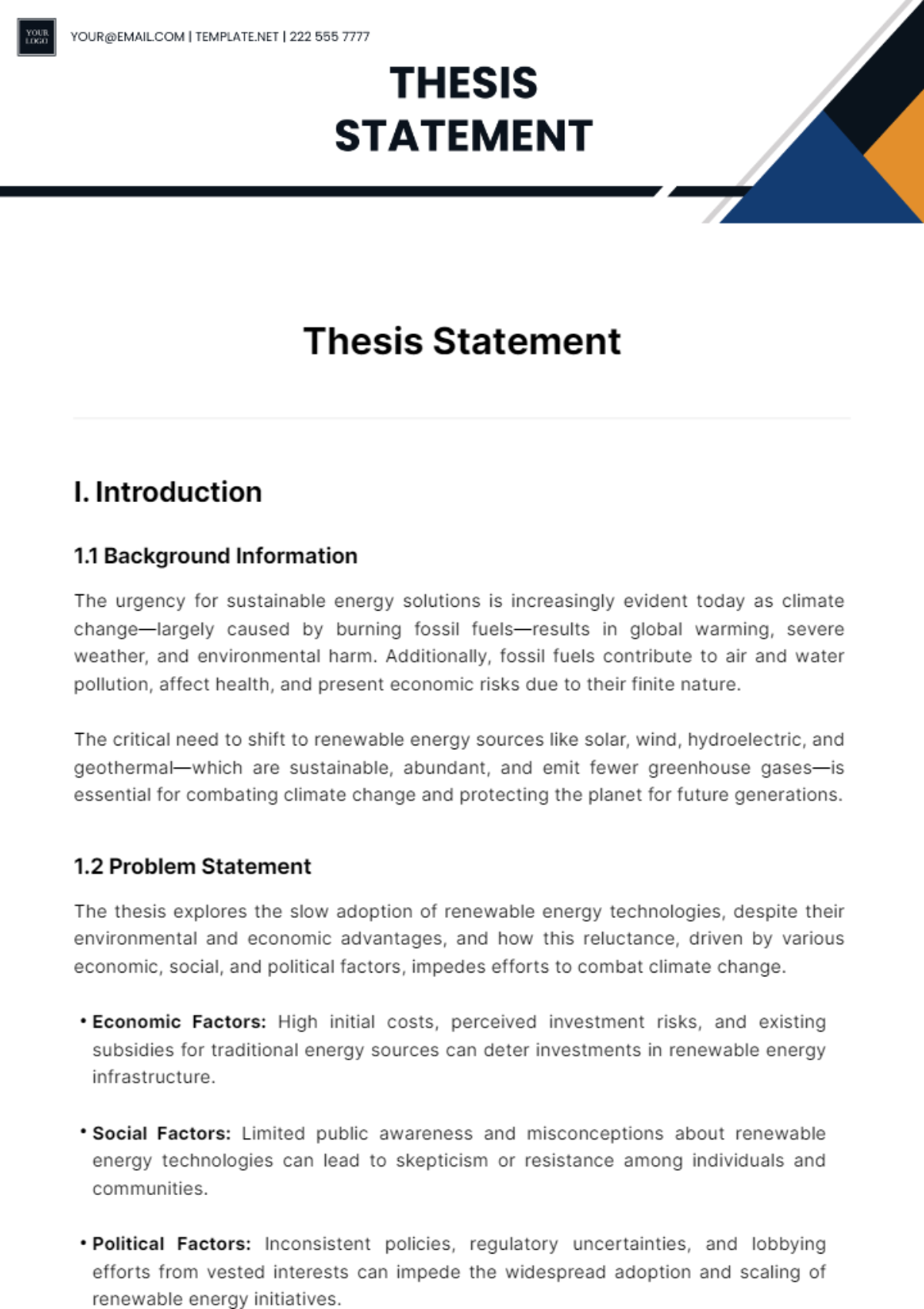
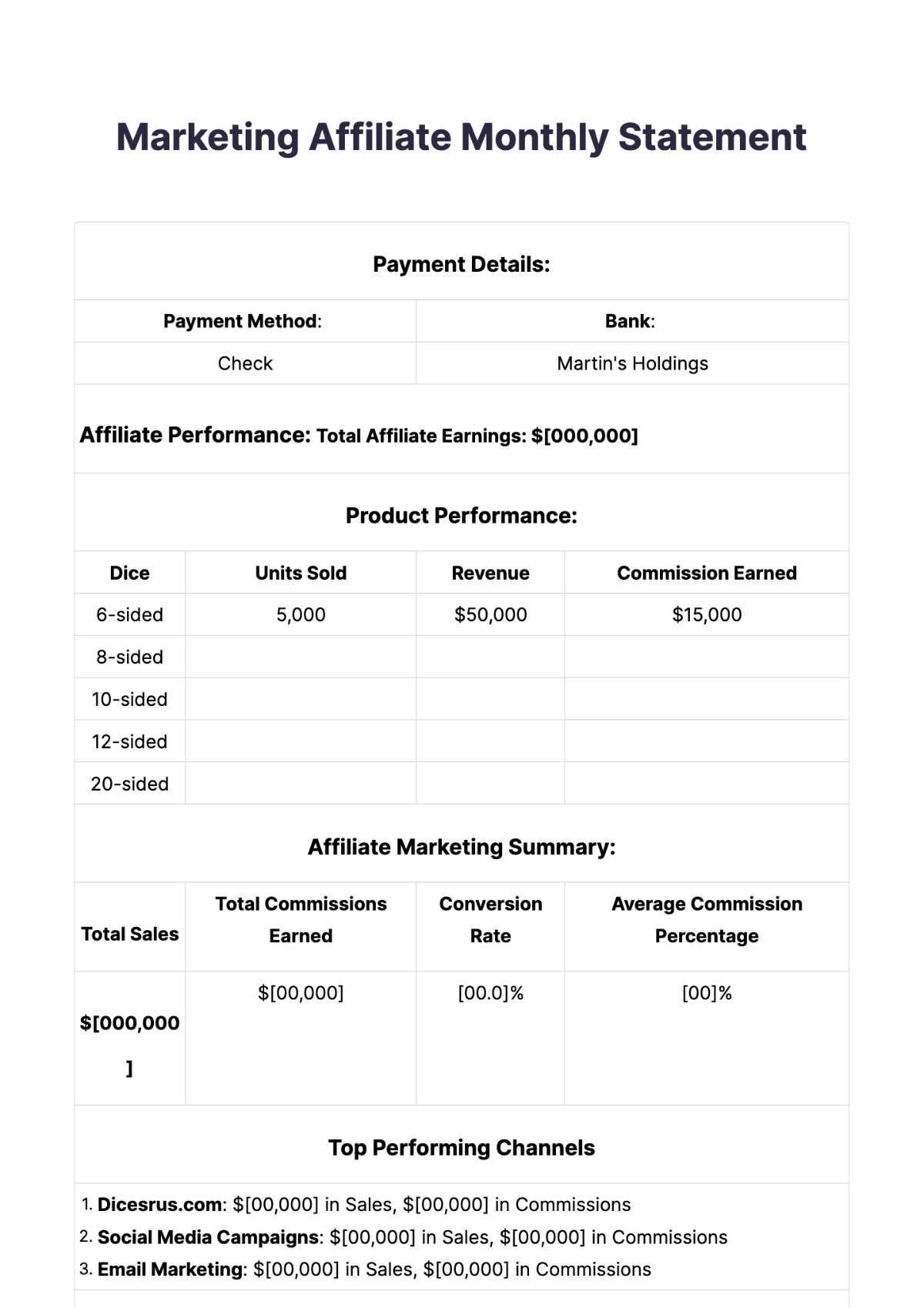
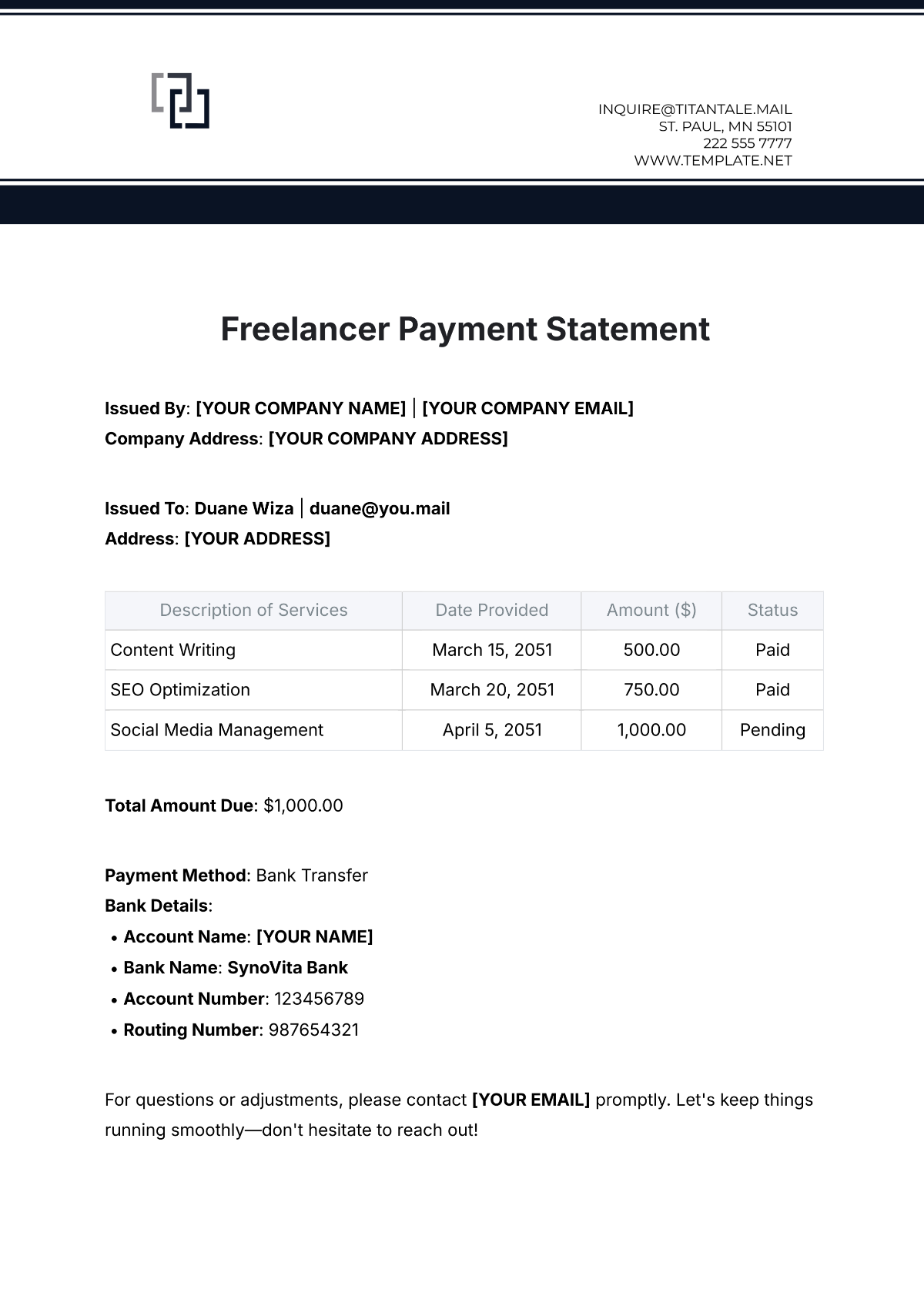
A statement is a formal document used to convey specific information, facts, or financial data in a clear, structured format. Statements often include headers, dates, detailed content sections, and a professional layout to ensure clarity and business-ready presentation.
Why use a Statement?
Statements provide a clear, organized way to communicate important information, ensuring transparency and professionalism. Using ready-made templates with structured formatting saves time and guarantees a business-ready layout suitable for official or financial purposes.
Who typically uses Statements?
Businesses, financial institutions, and individuals commonly use statements to report transactions, summarize accounts, or provide official information. These documents benefit anyone requiring a professional, structured presentation of data or information for review or compliance.
What sections should a Statement include?
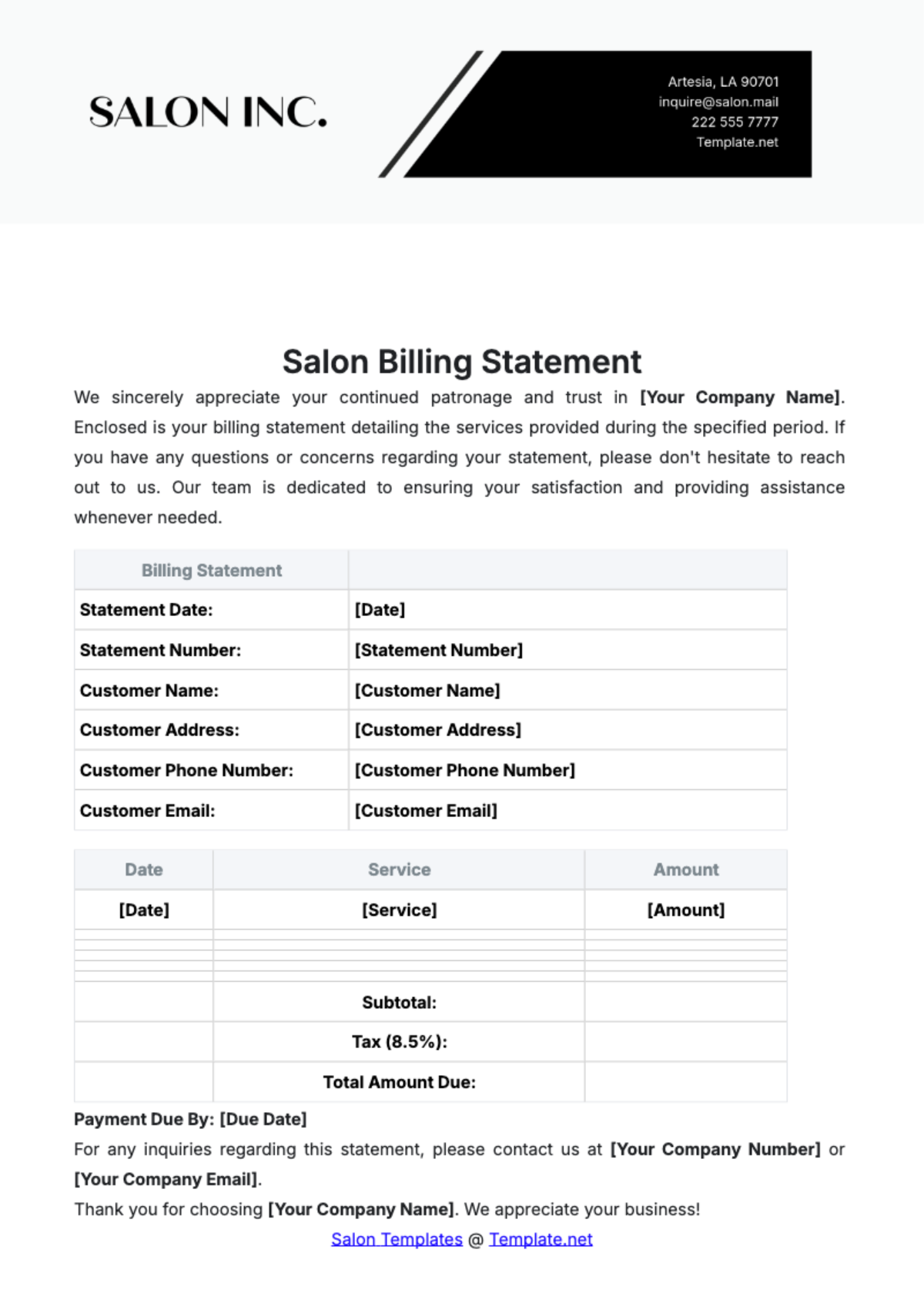
A statement should include a header with contact information, date and reference numbers, a body detailing the information or transactions, and a clear closing or signature section to maintain structured and professional formatting.
What are the best tips for formatting a Statement?
Effective statements use consistent fonts, clear headings, and organized sections for readability. Incorporate white space and align content properly to ensure a print-ready, business-ready layout that supports professional presentation.
How do you print a Statement?
Statements should be printed on standard Letter size or A4 paper using print-ready PDF formats for optimal quality. Ensure the document has a clean layout, proper margins, and clear sections for professional physical distribution.
Is a Statement legally and professionally acceptable?
Statements with structured formatting, clear sections, and accurate content are generally legally and professionally acceptable. Using compliance-friendly templates ensures that statements meet official standards for business and legal documentation.
What file formats can I download for a Statement?
Template.net offers statement templates in multiple editable and printable formats, including Word, Google Docs, Apple Pages, PDF, Excel, Google Sheets, and Apple Numbers. These formats support online editing and print-ready output.
Can I create a new Statement using AI?
Template.net provides an AI-powered tool that generates structured Statement documents from user prompts in just 3 to 10 seconds. The generated statements are ready for online refinement and multi-format export for professional, fast document creation. Explore the Statement Generator to start.
