
Free Schedule Templates

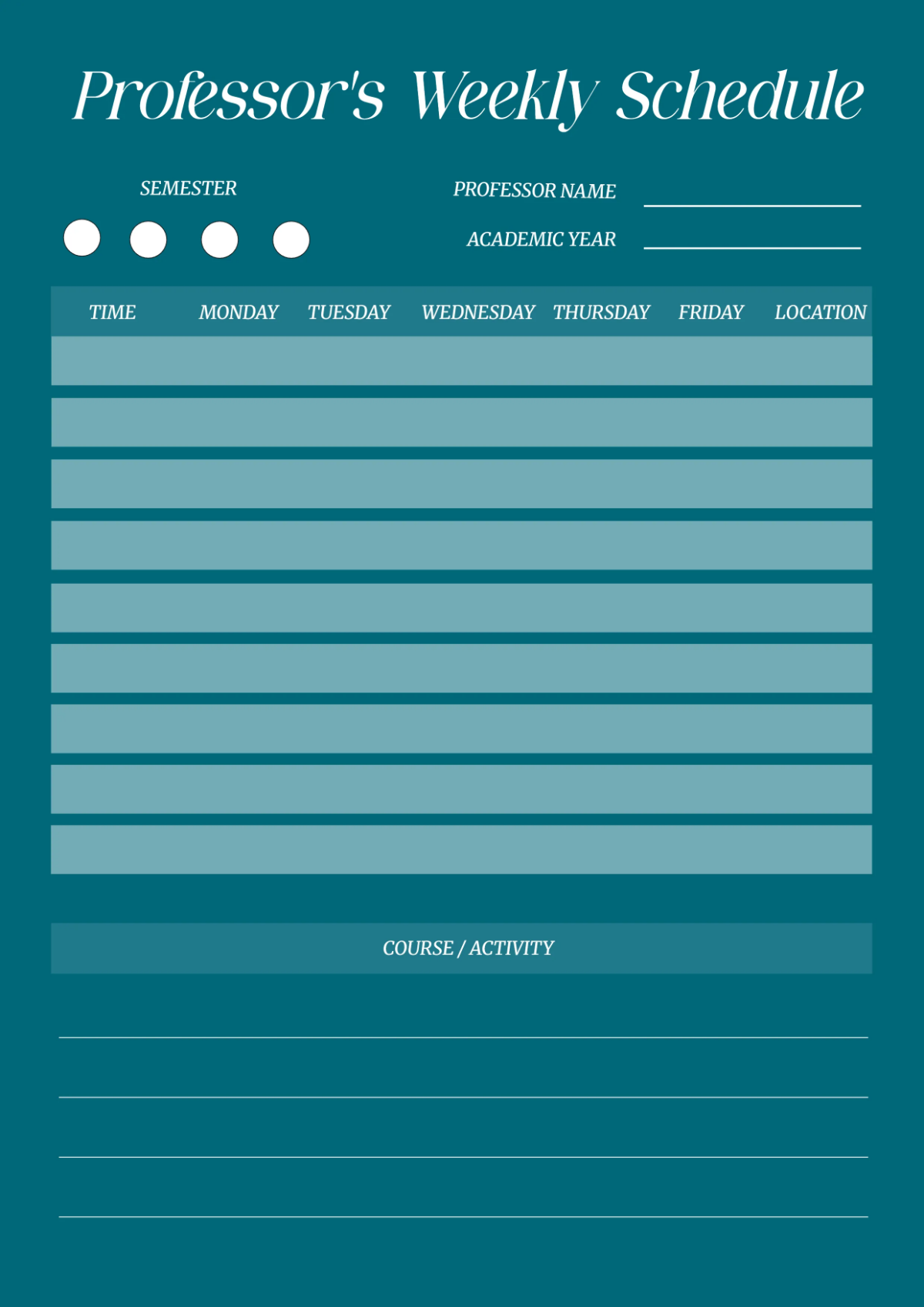
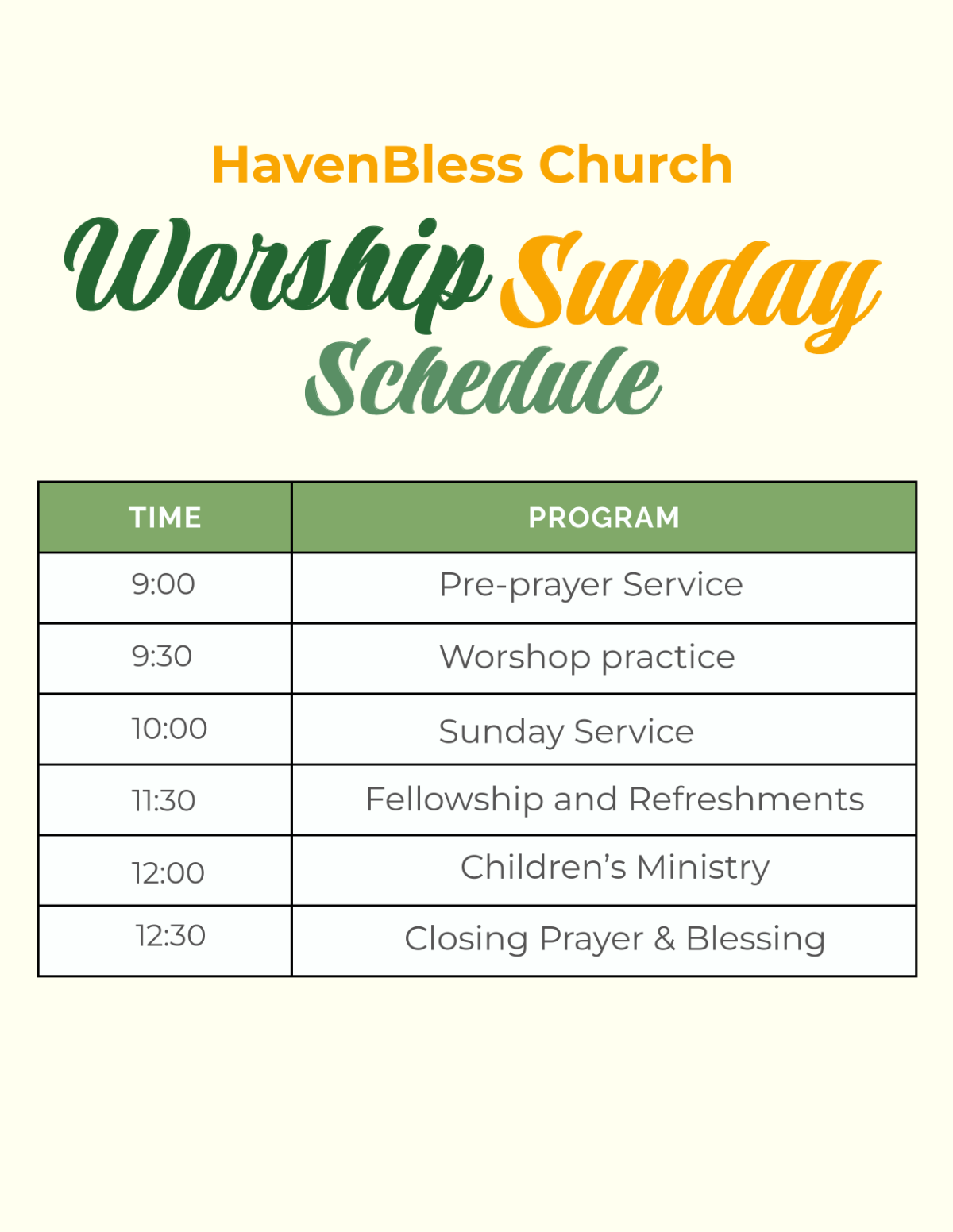
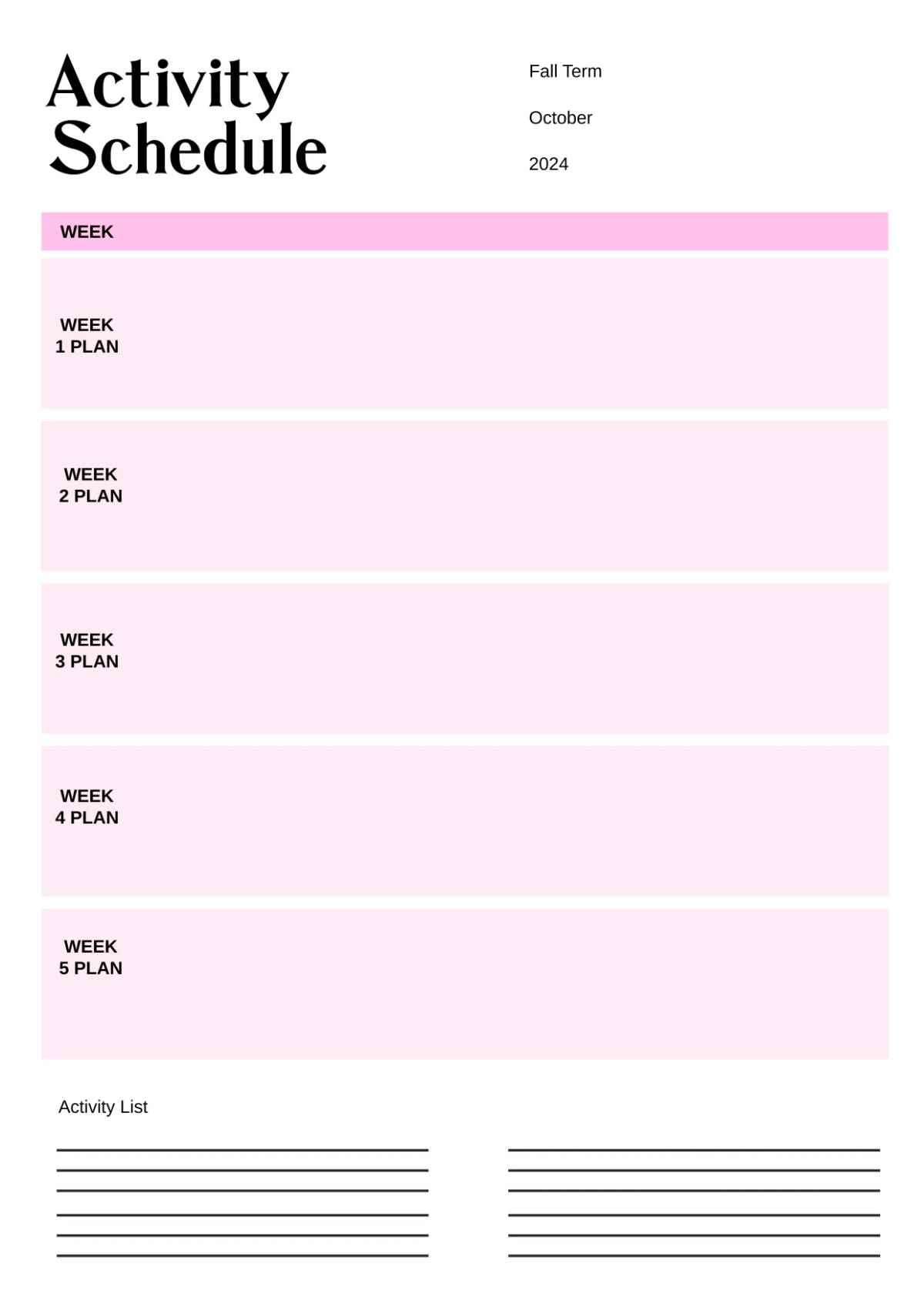
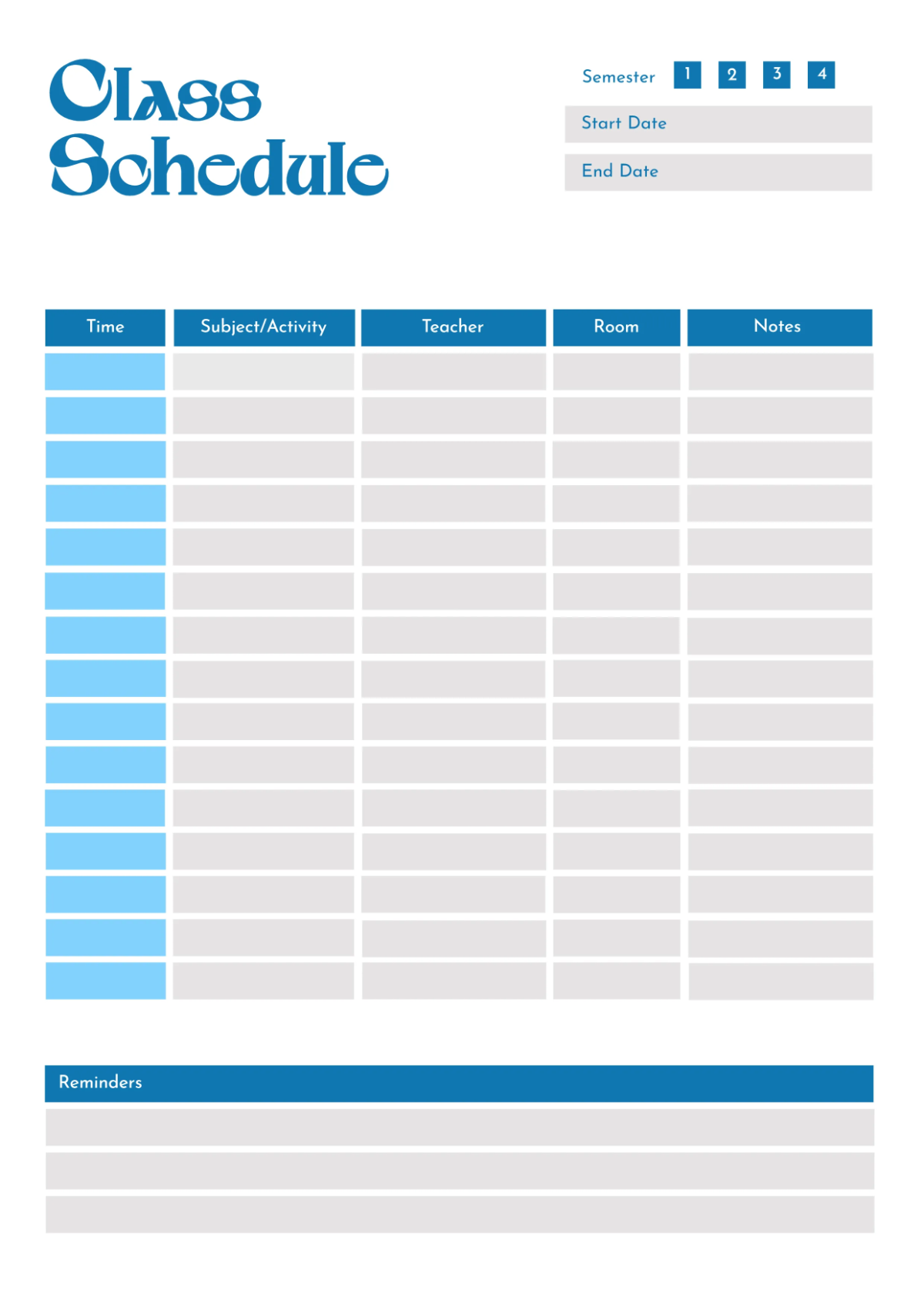



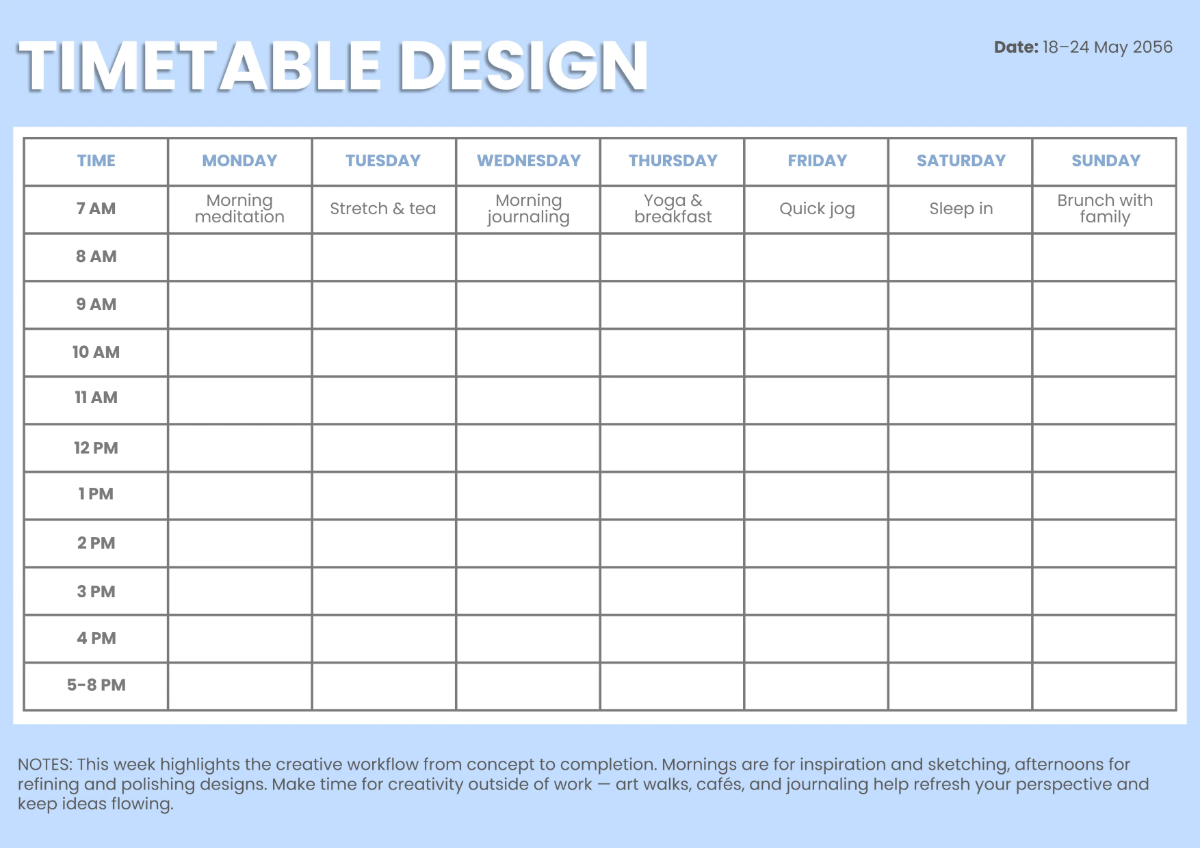
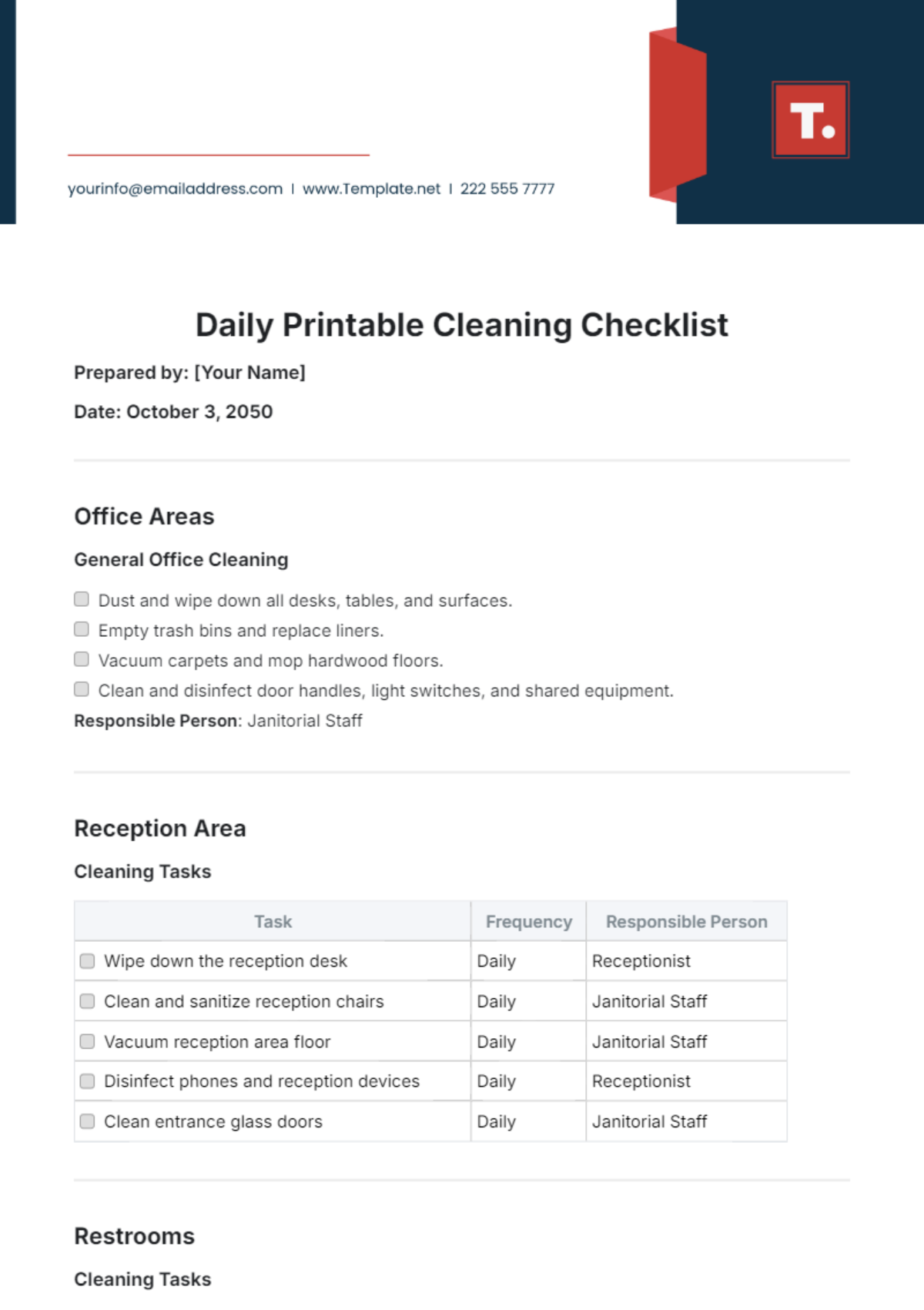

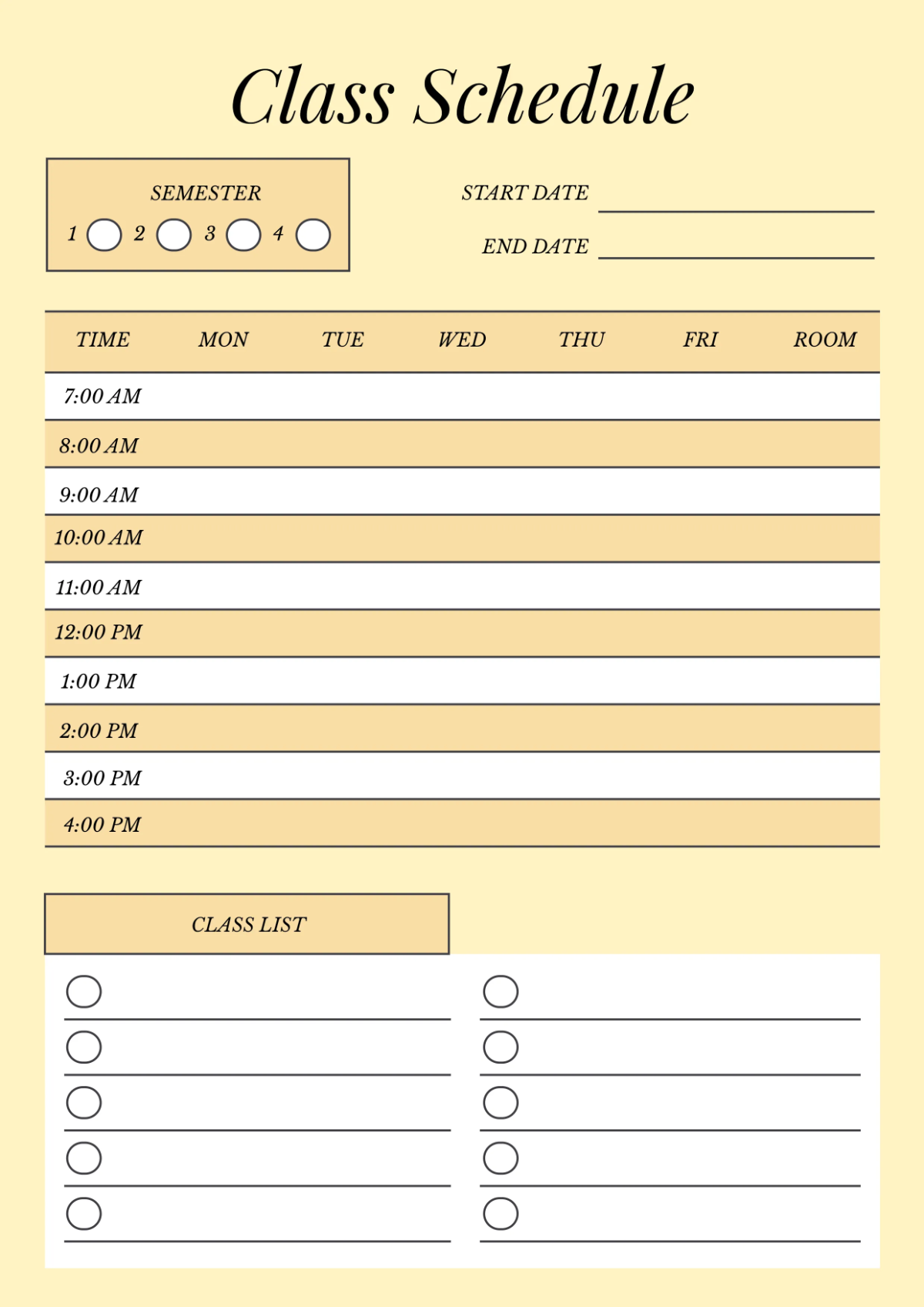
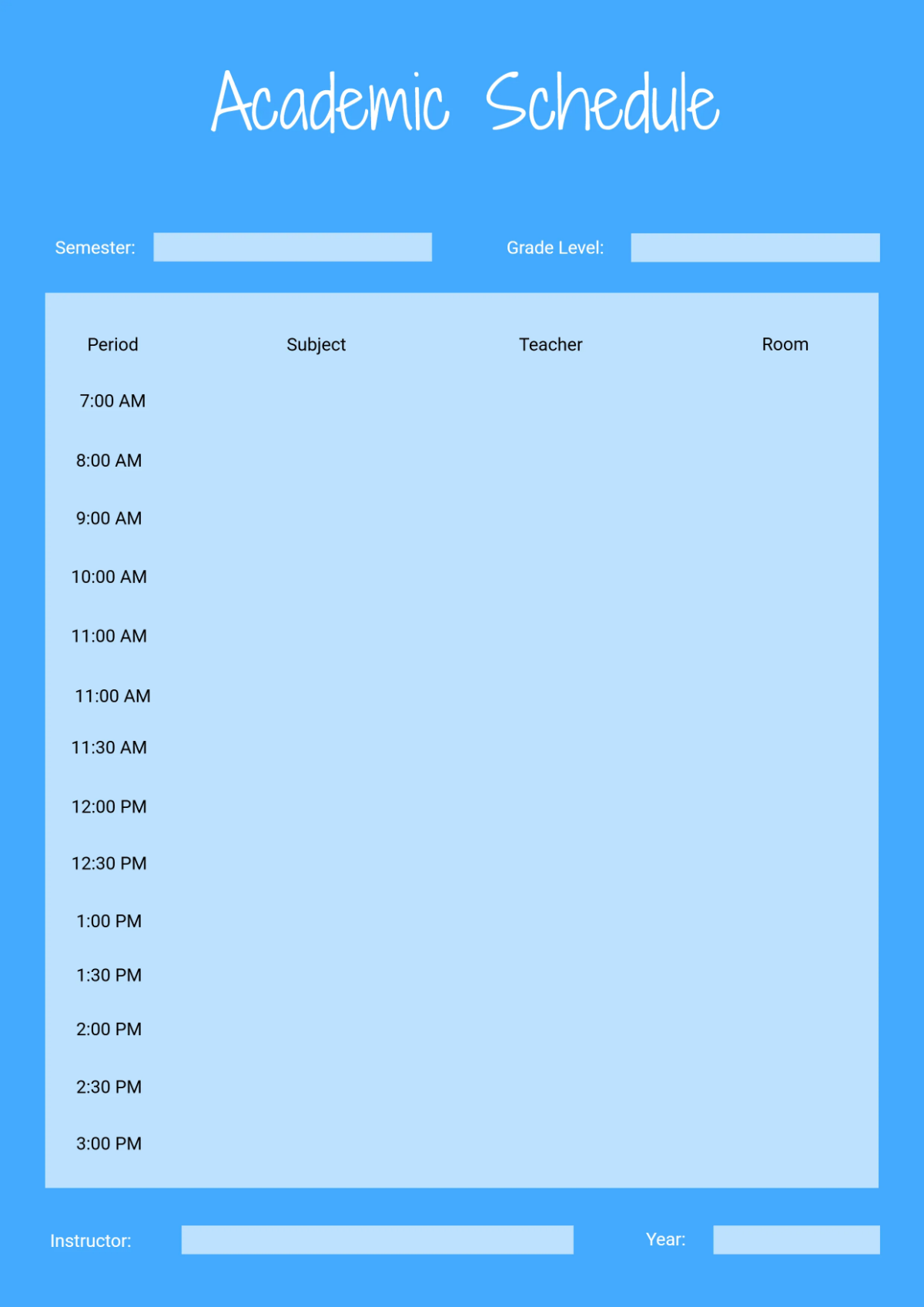


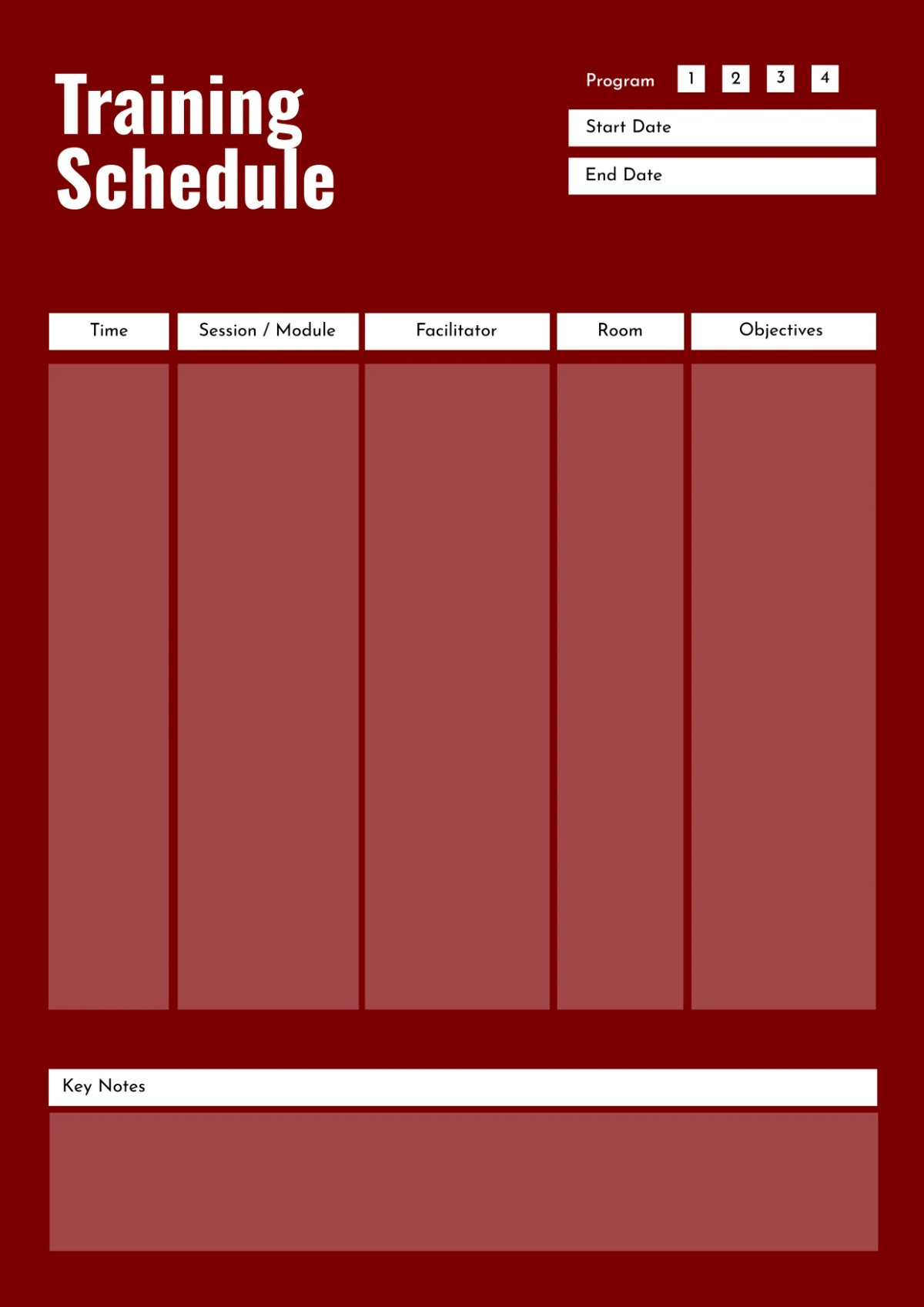
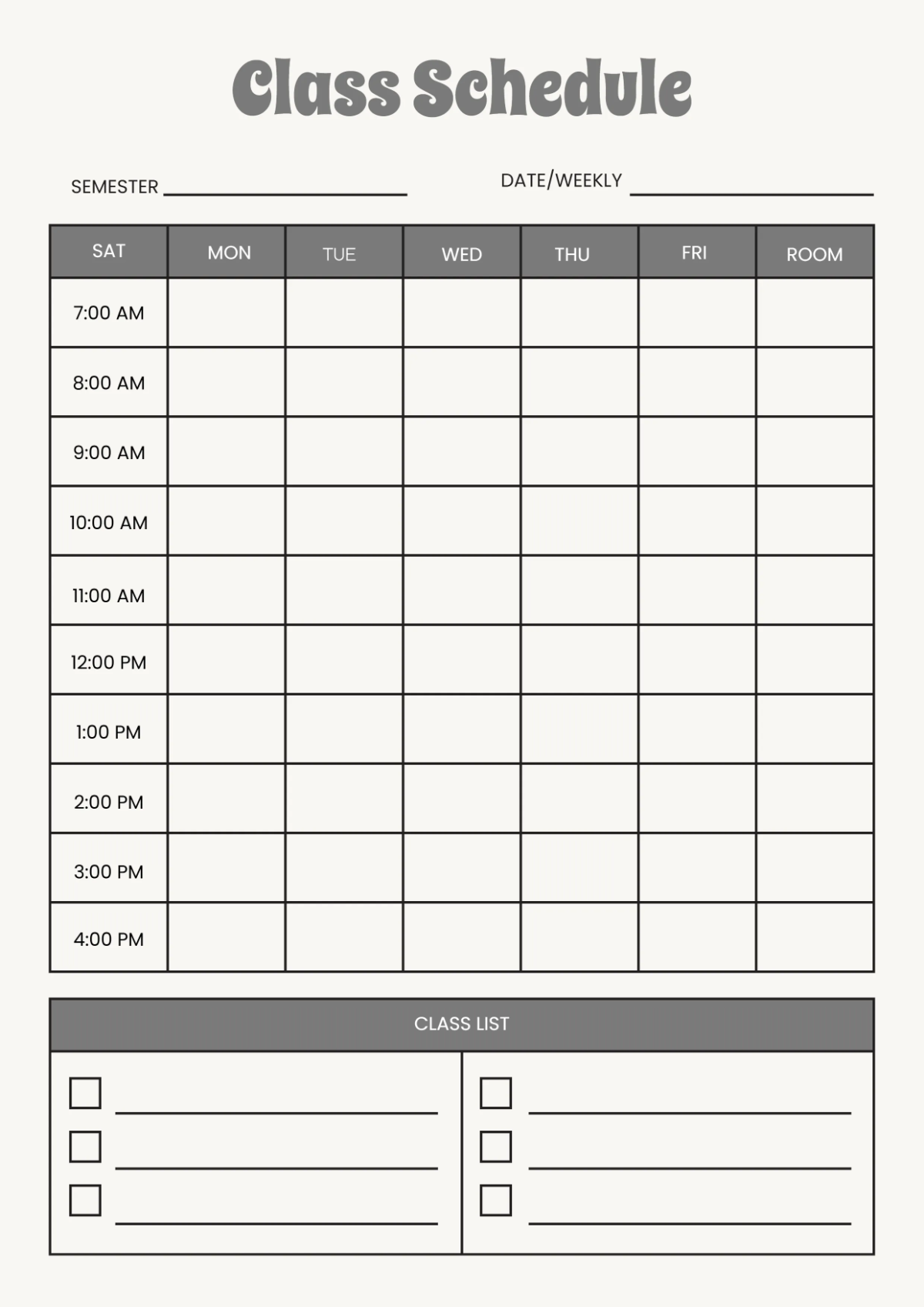
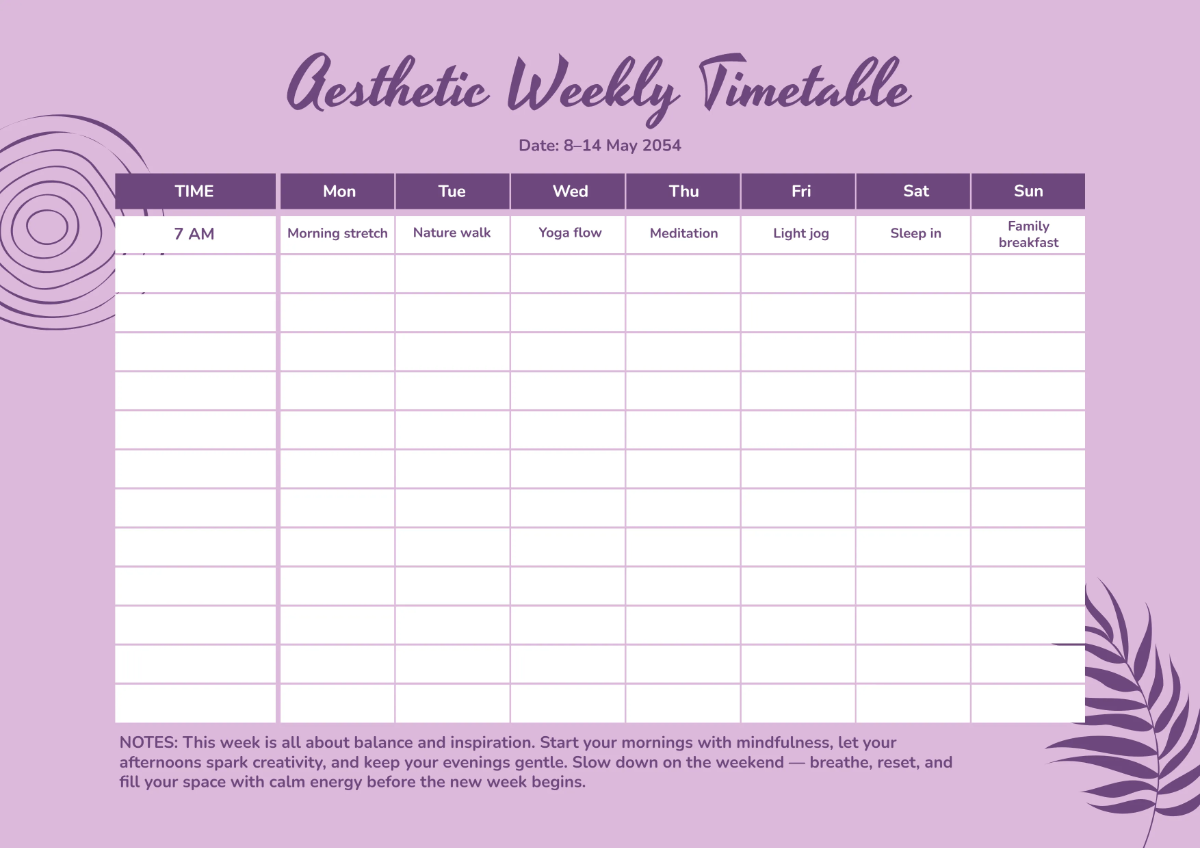
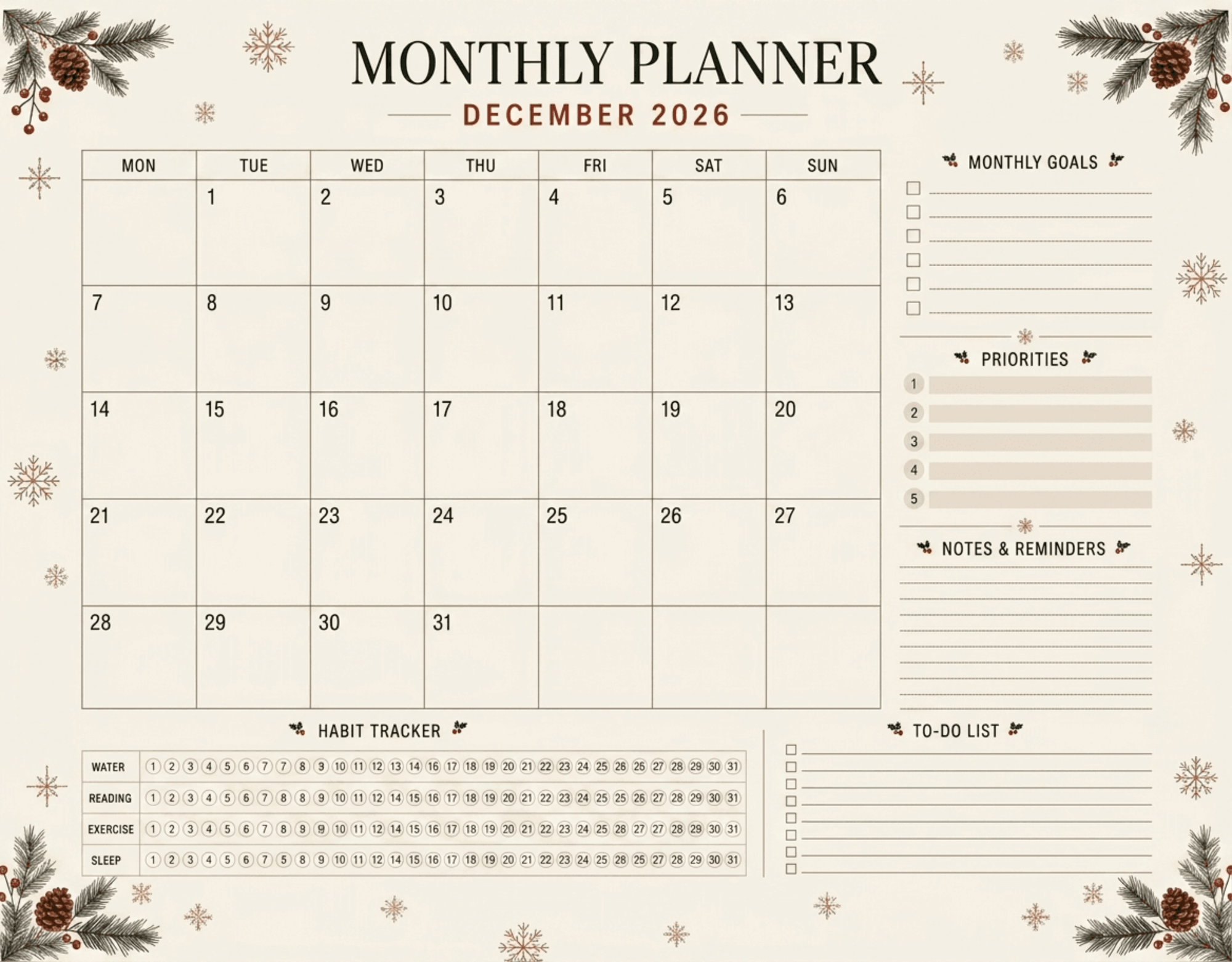
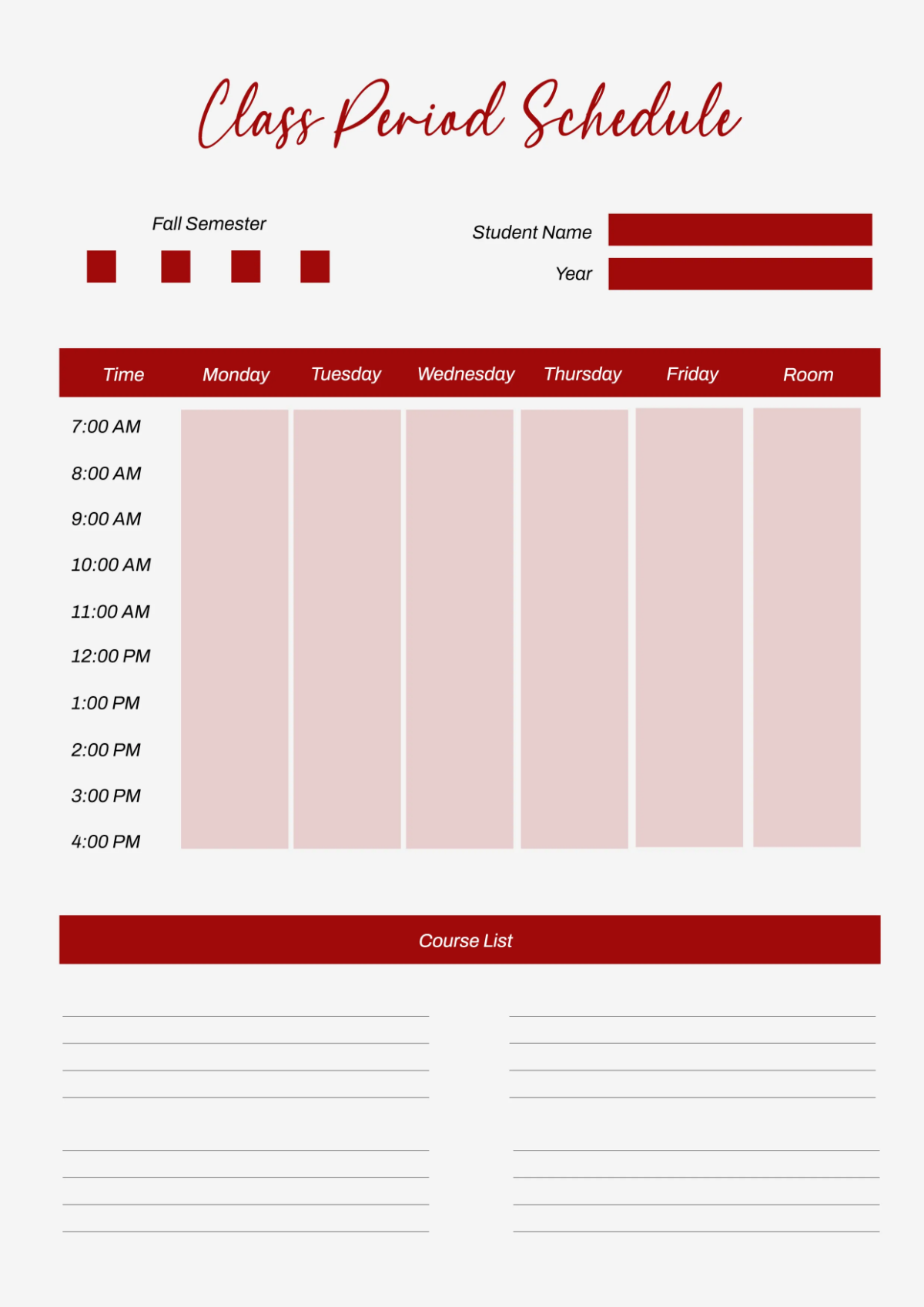
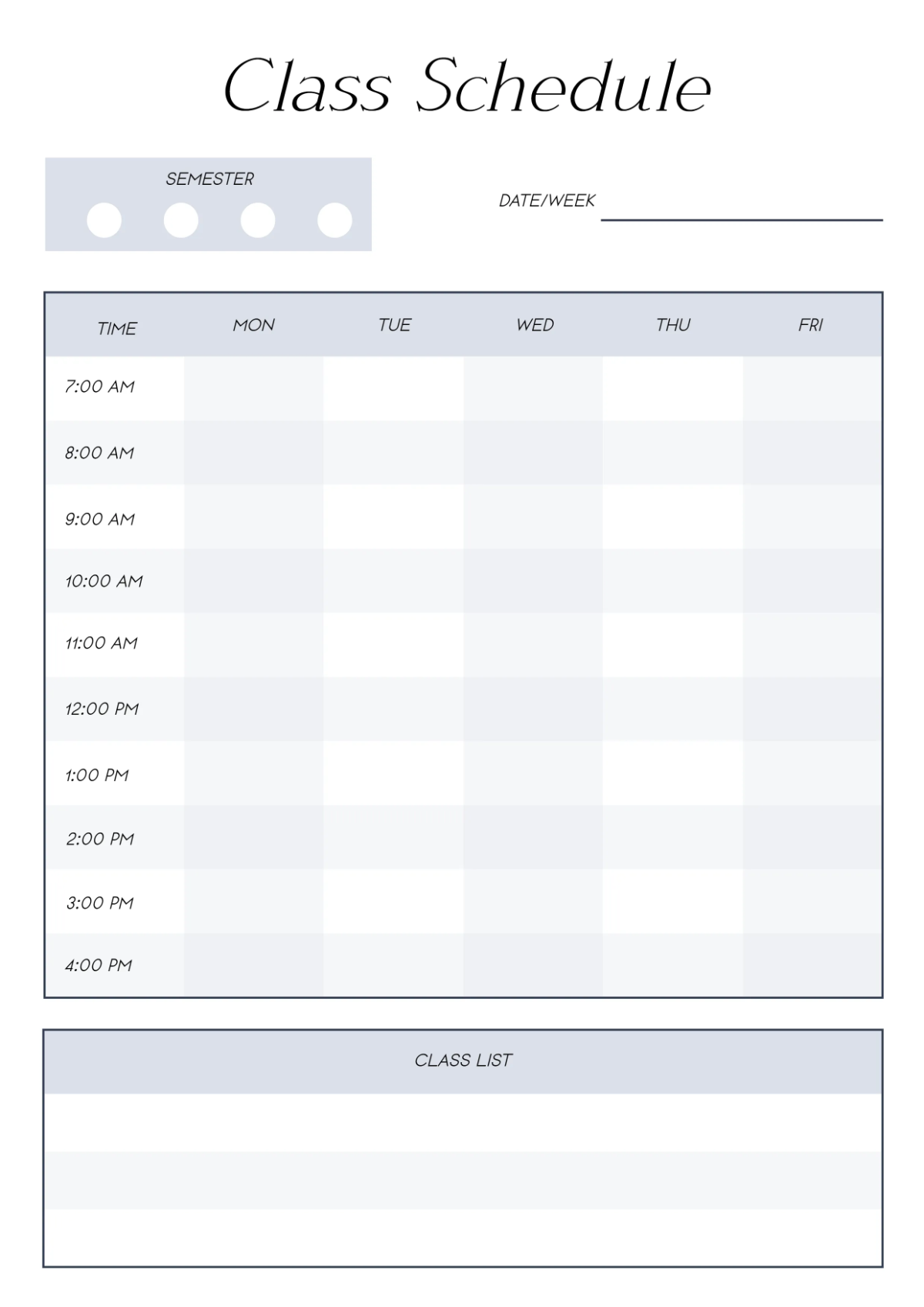

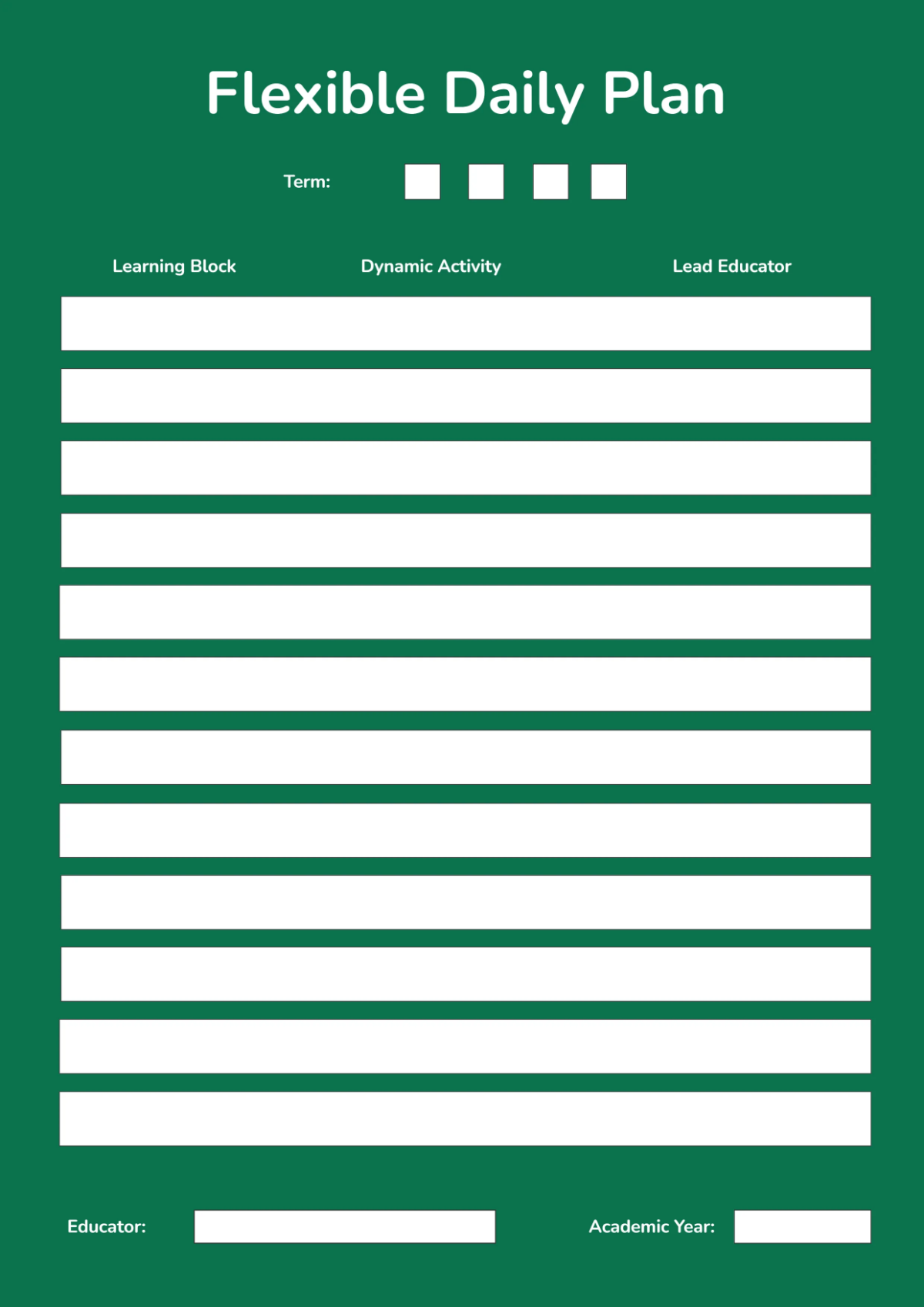
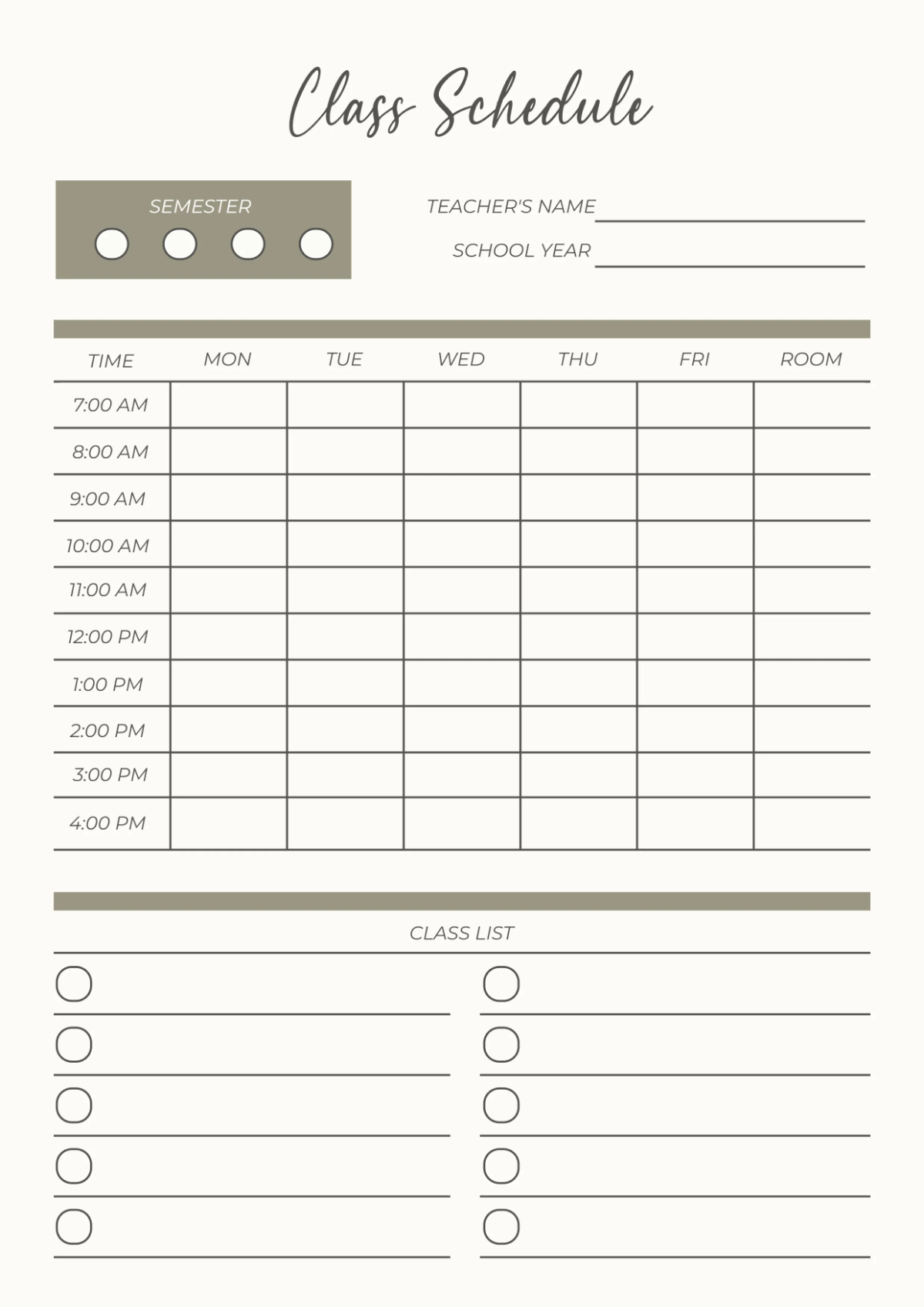

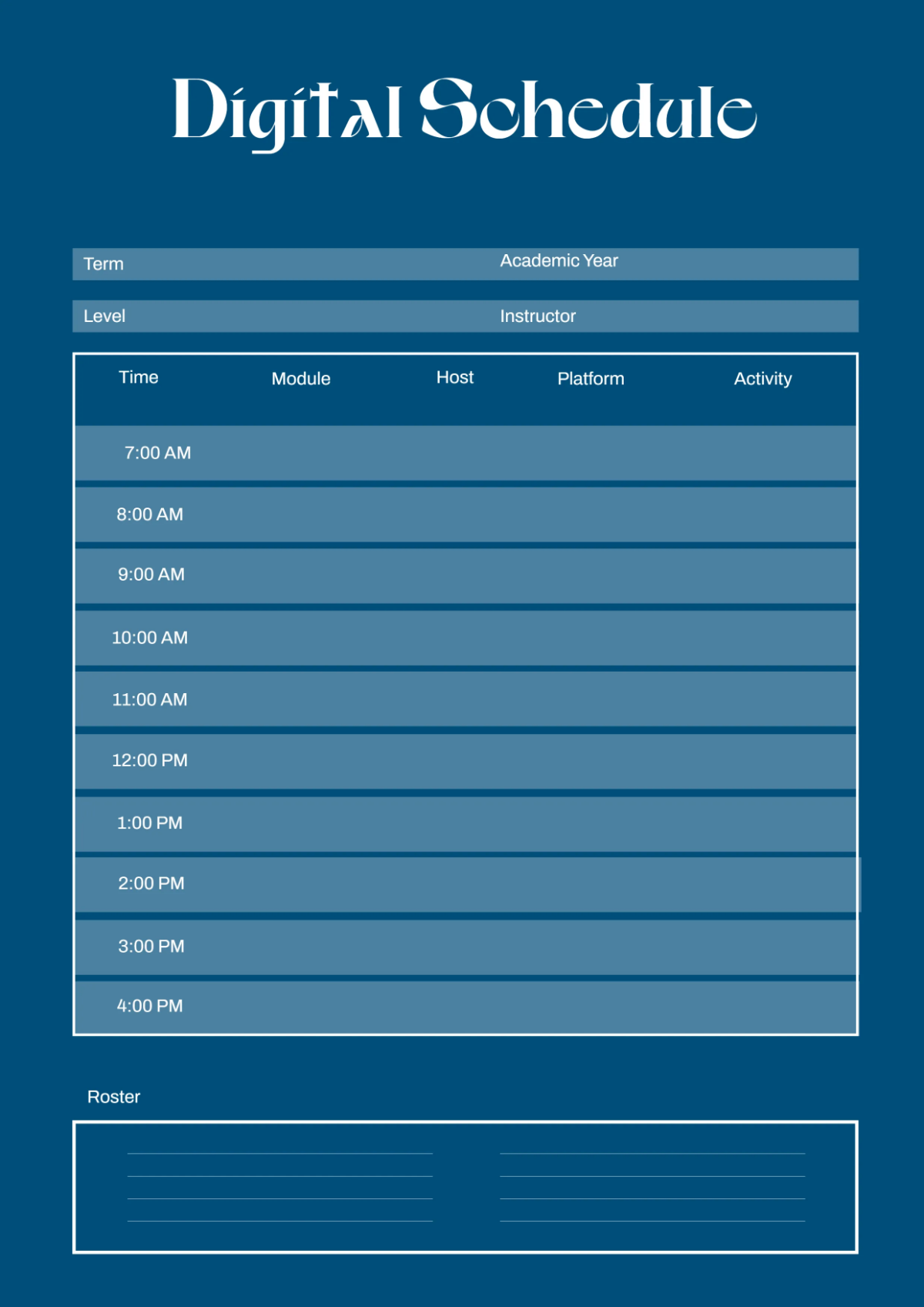
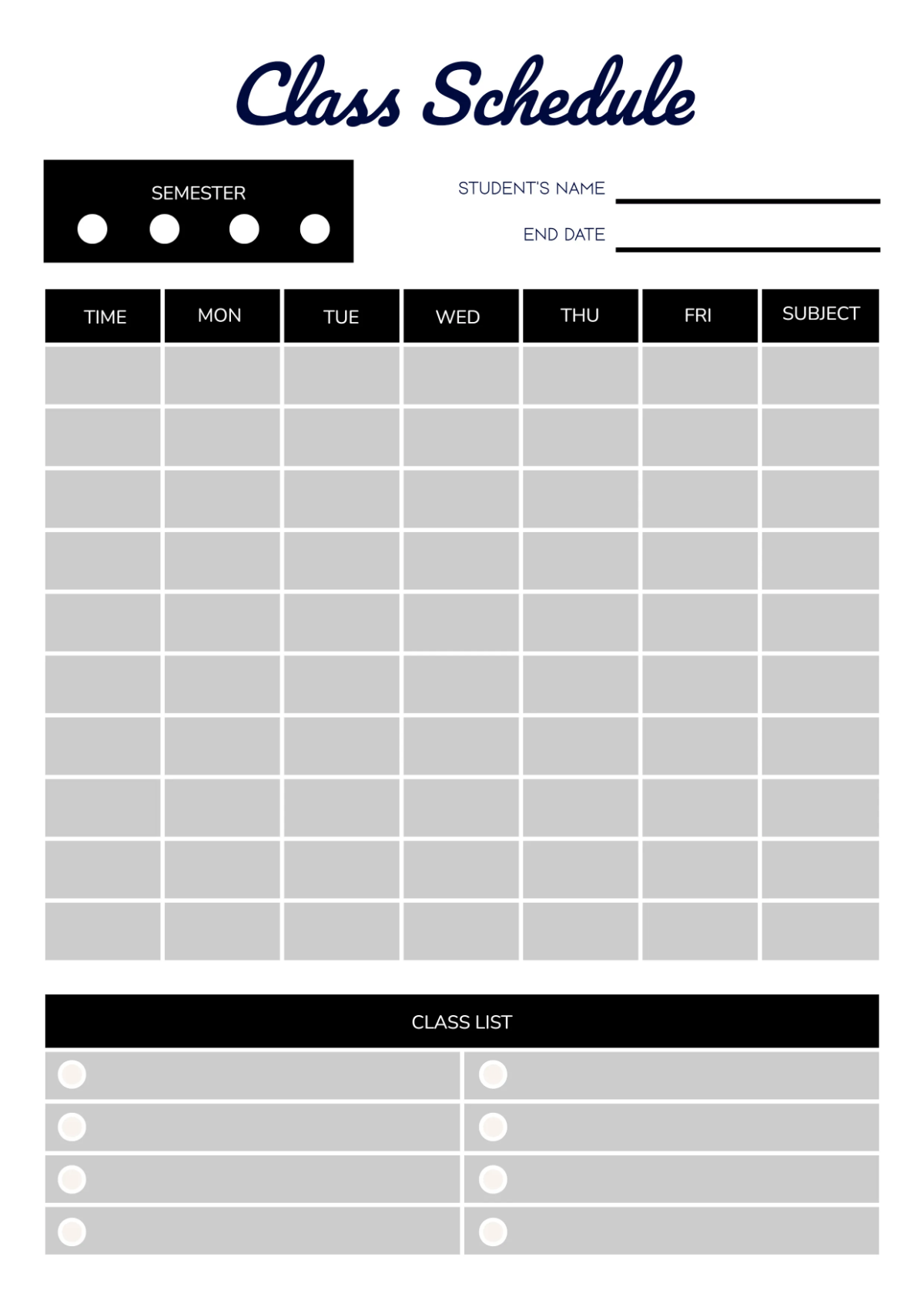


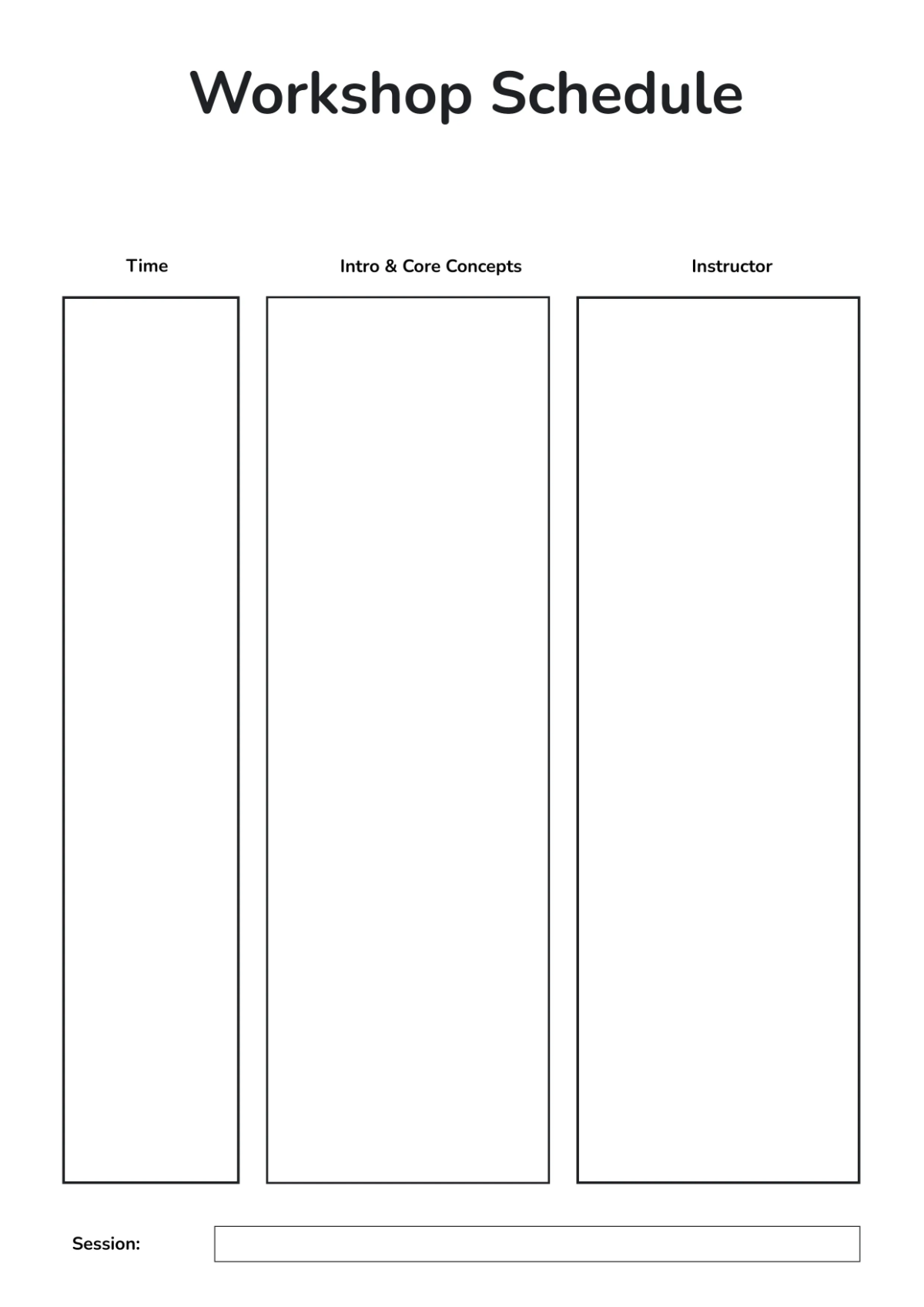
Free Schedule Templates: Customizable Design Guide, Sizes, and Download Formats
What is a Schedule?
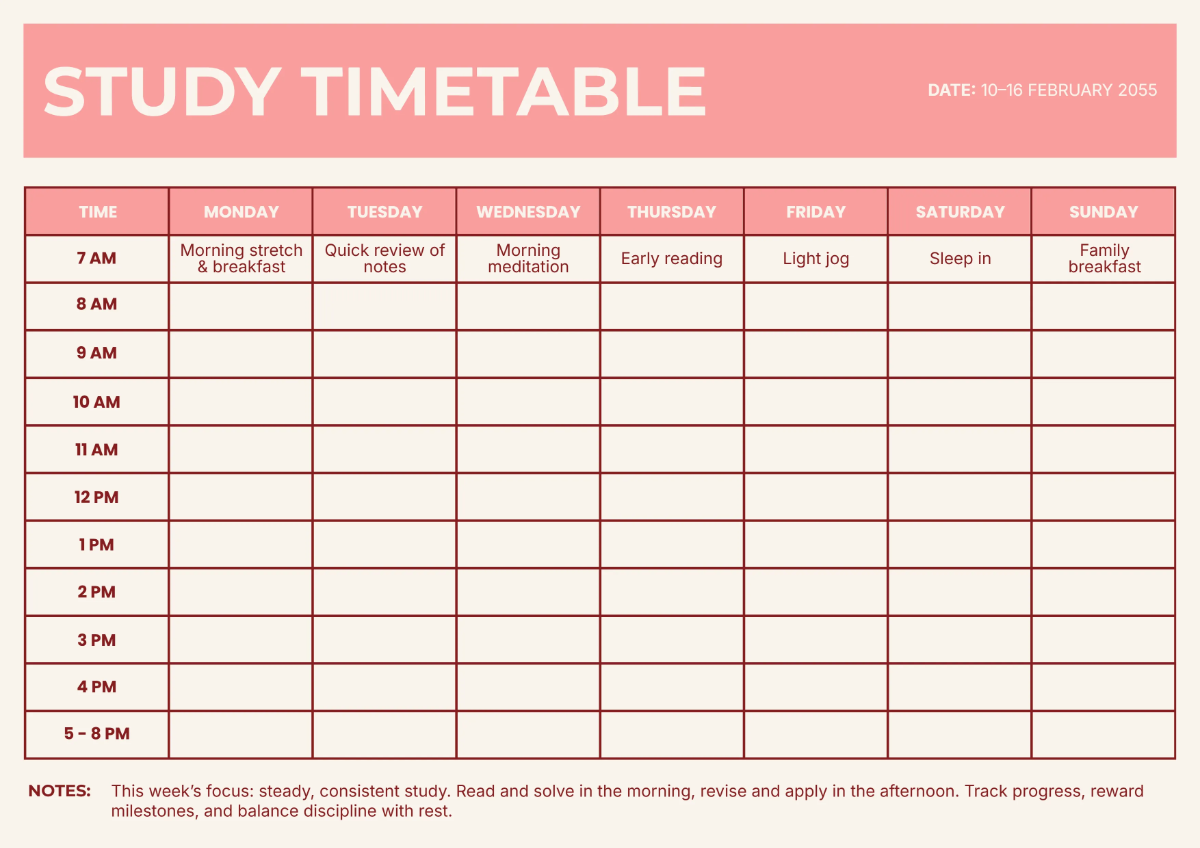
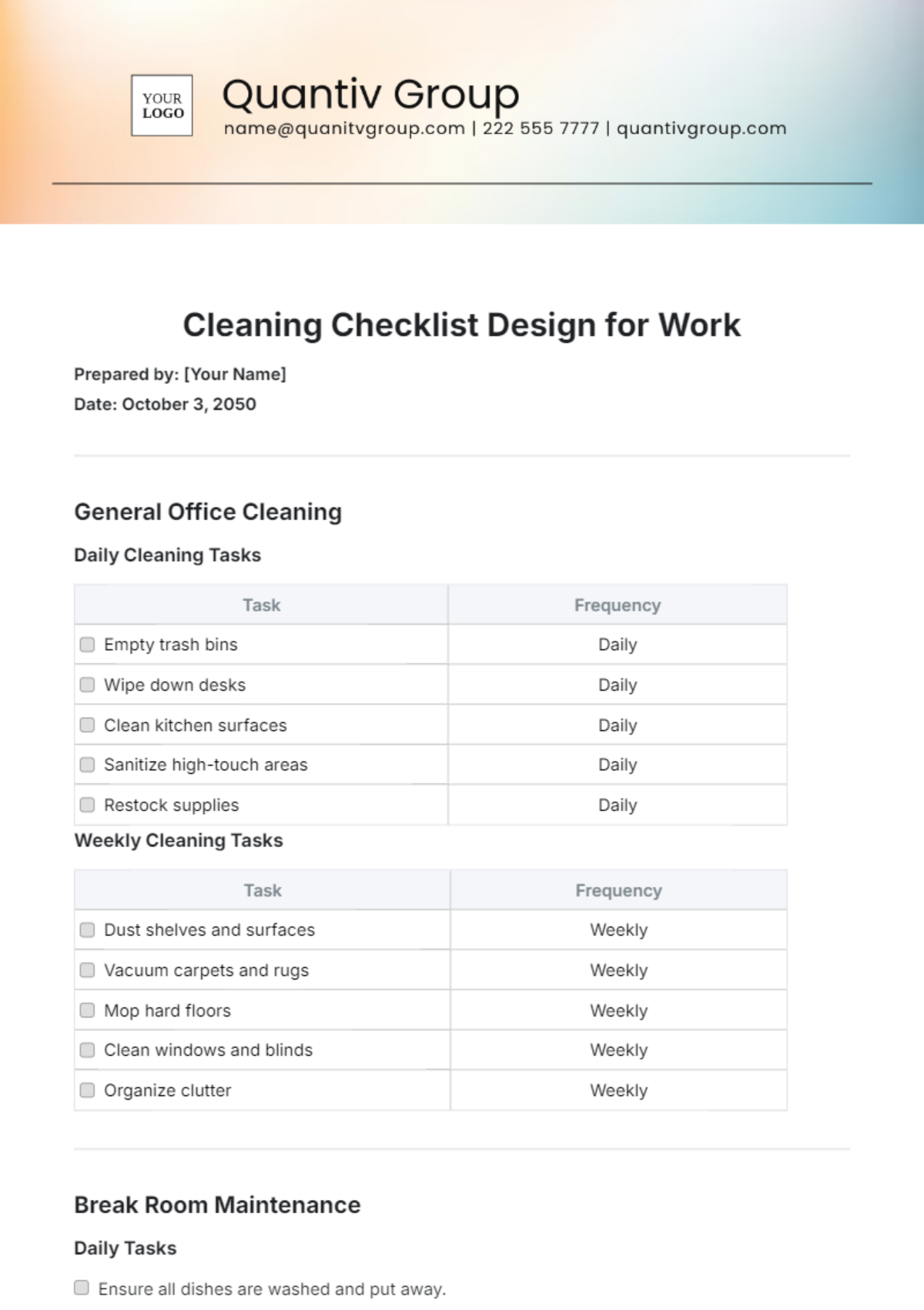
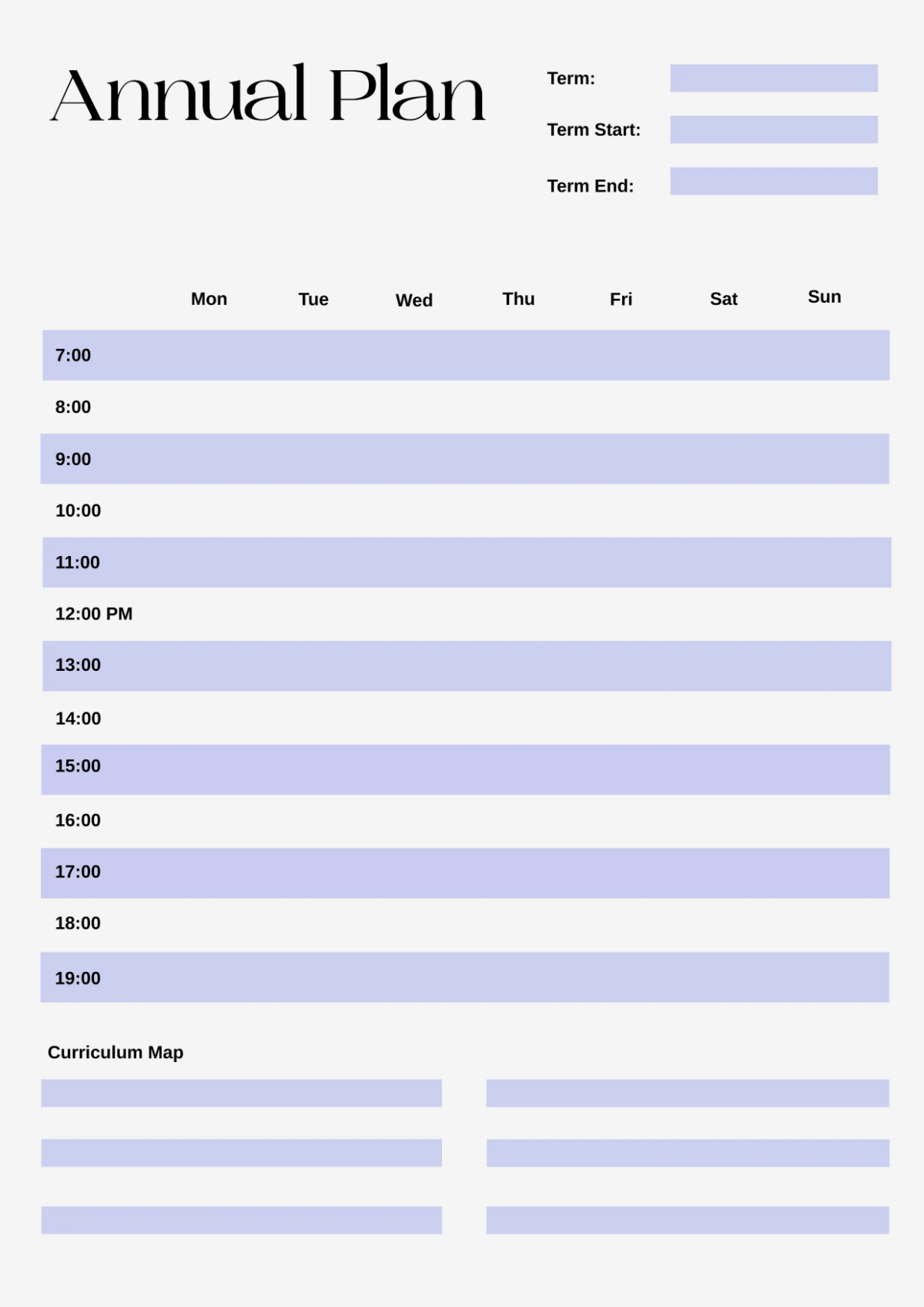
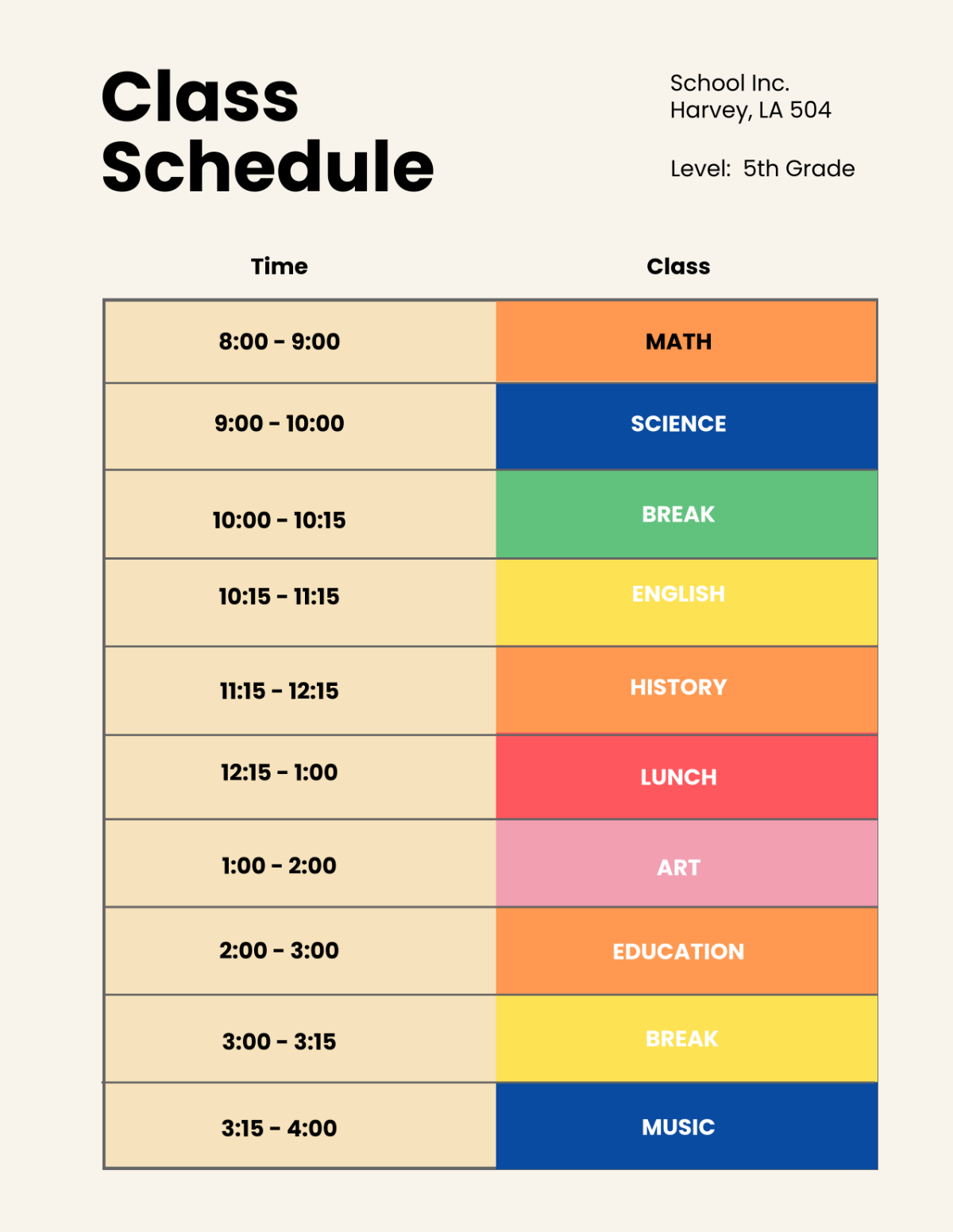
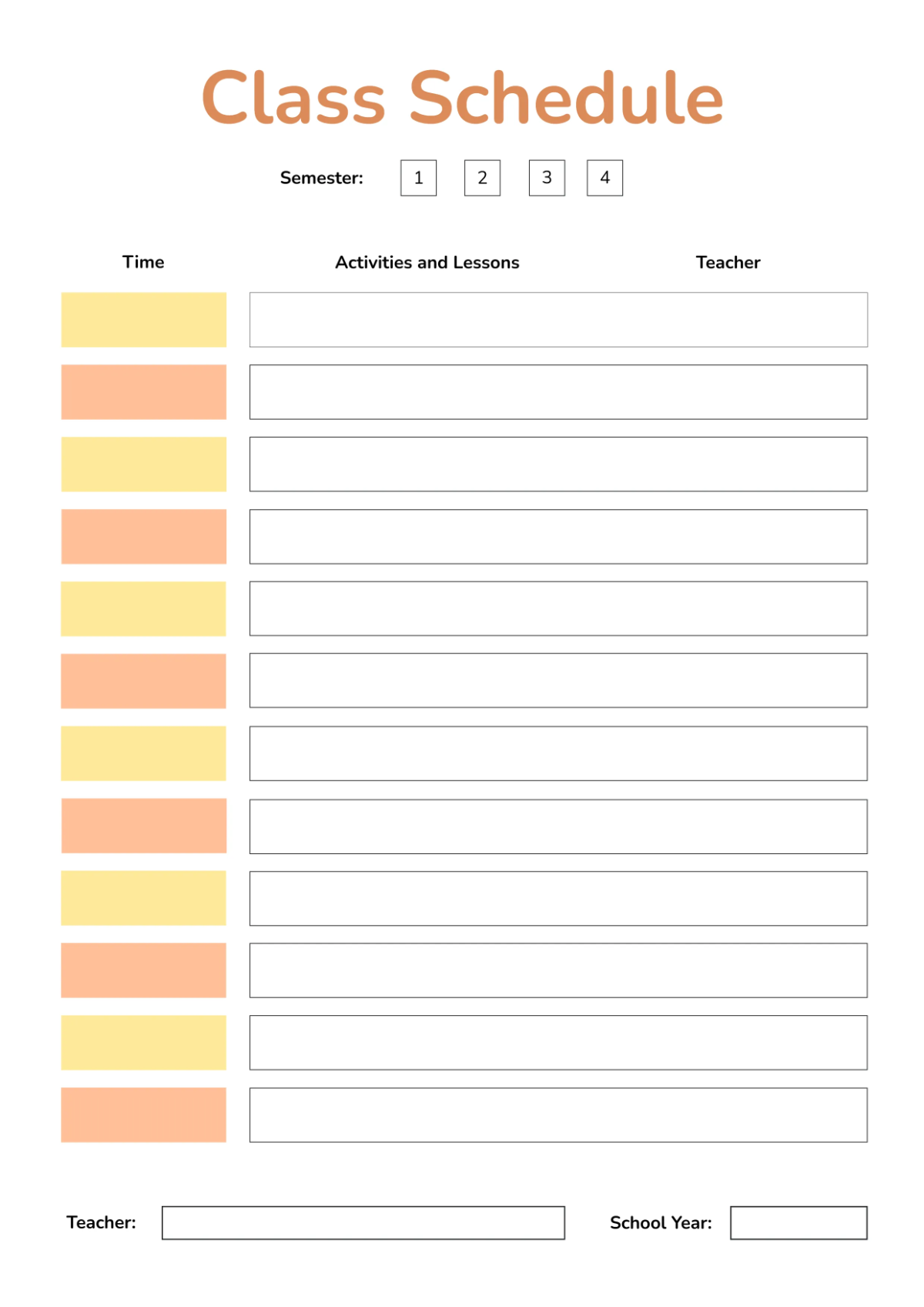
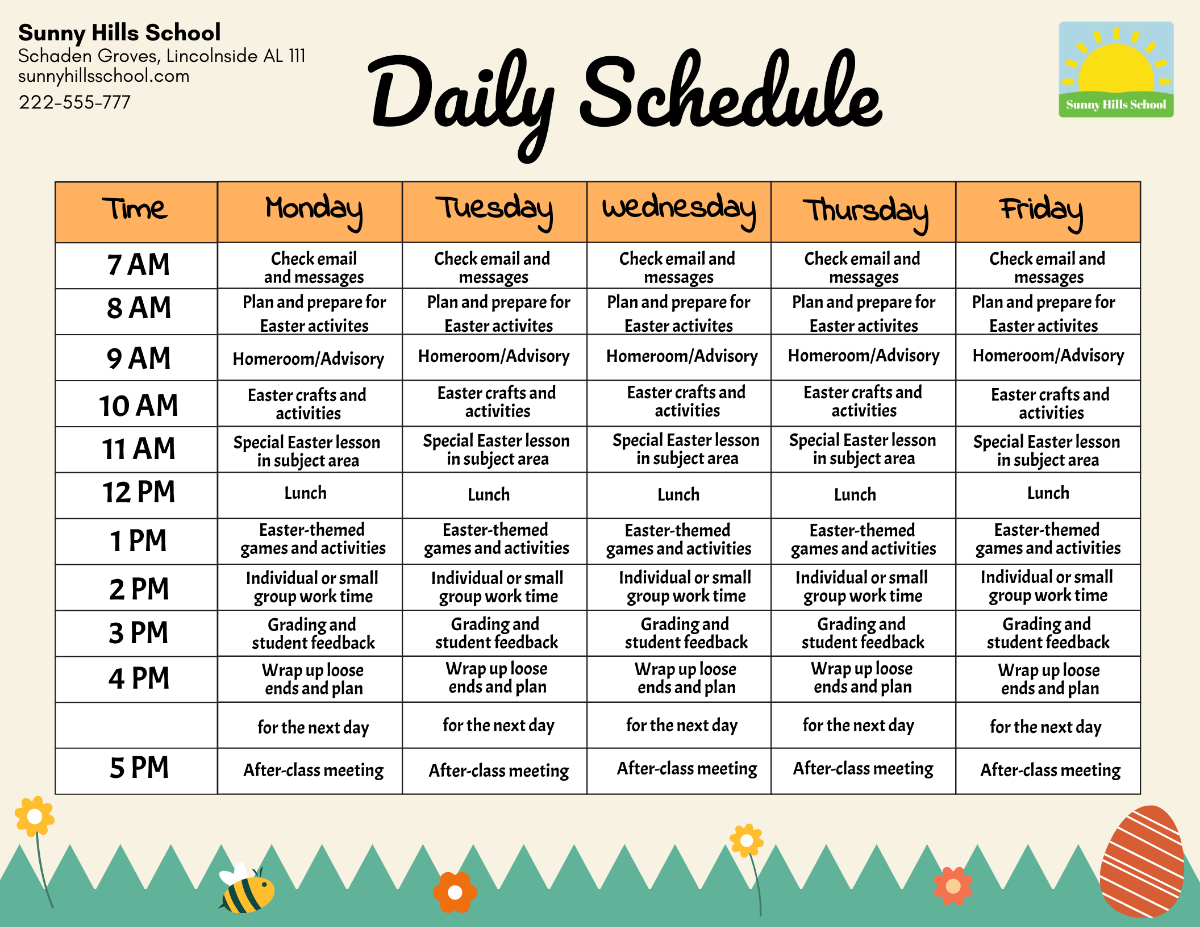
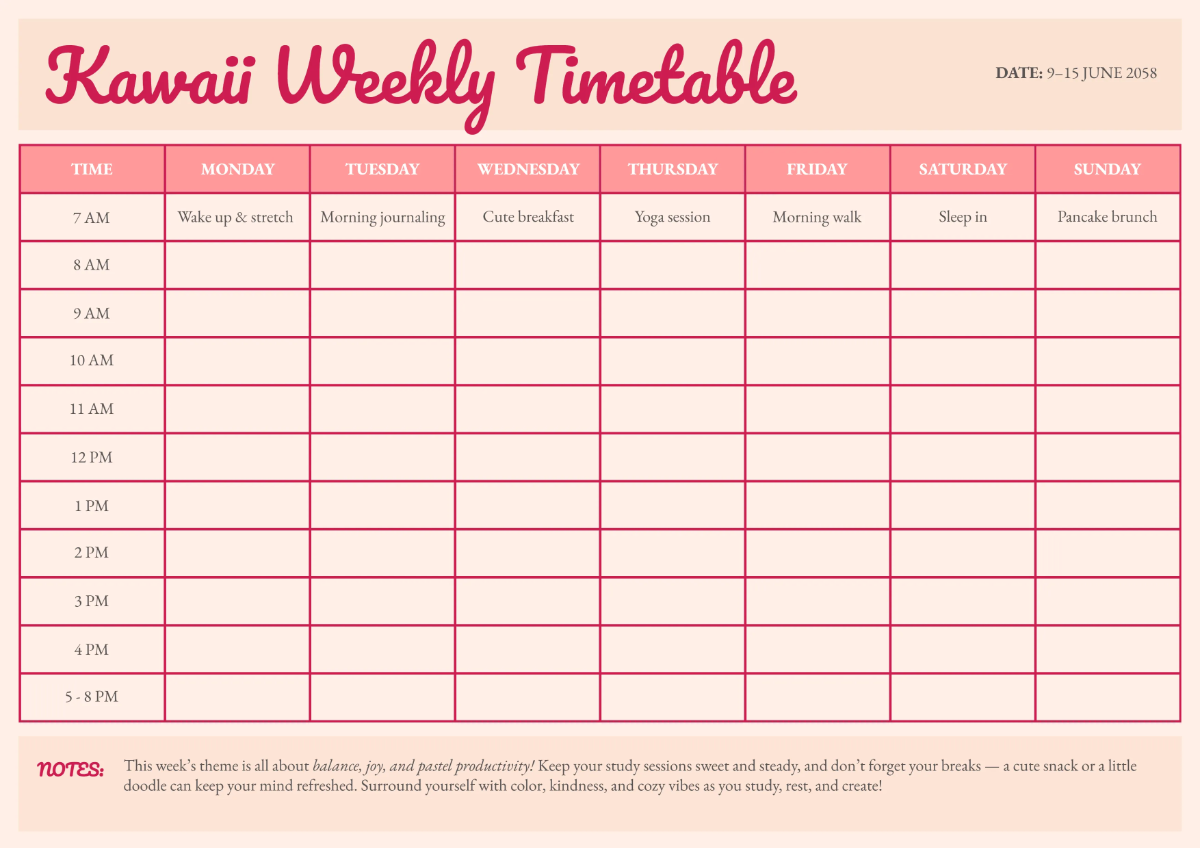
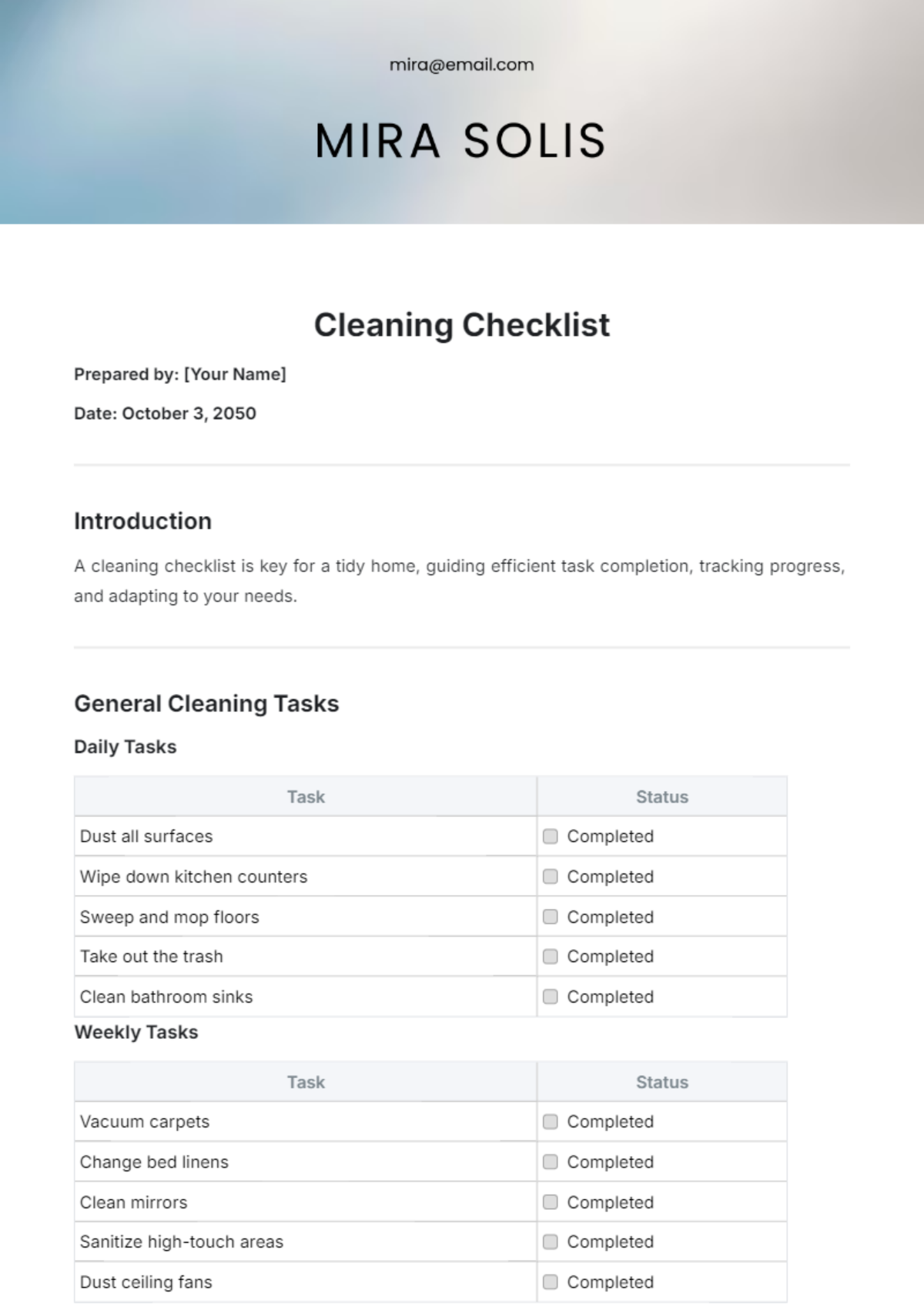
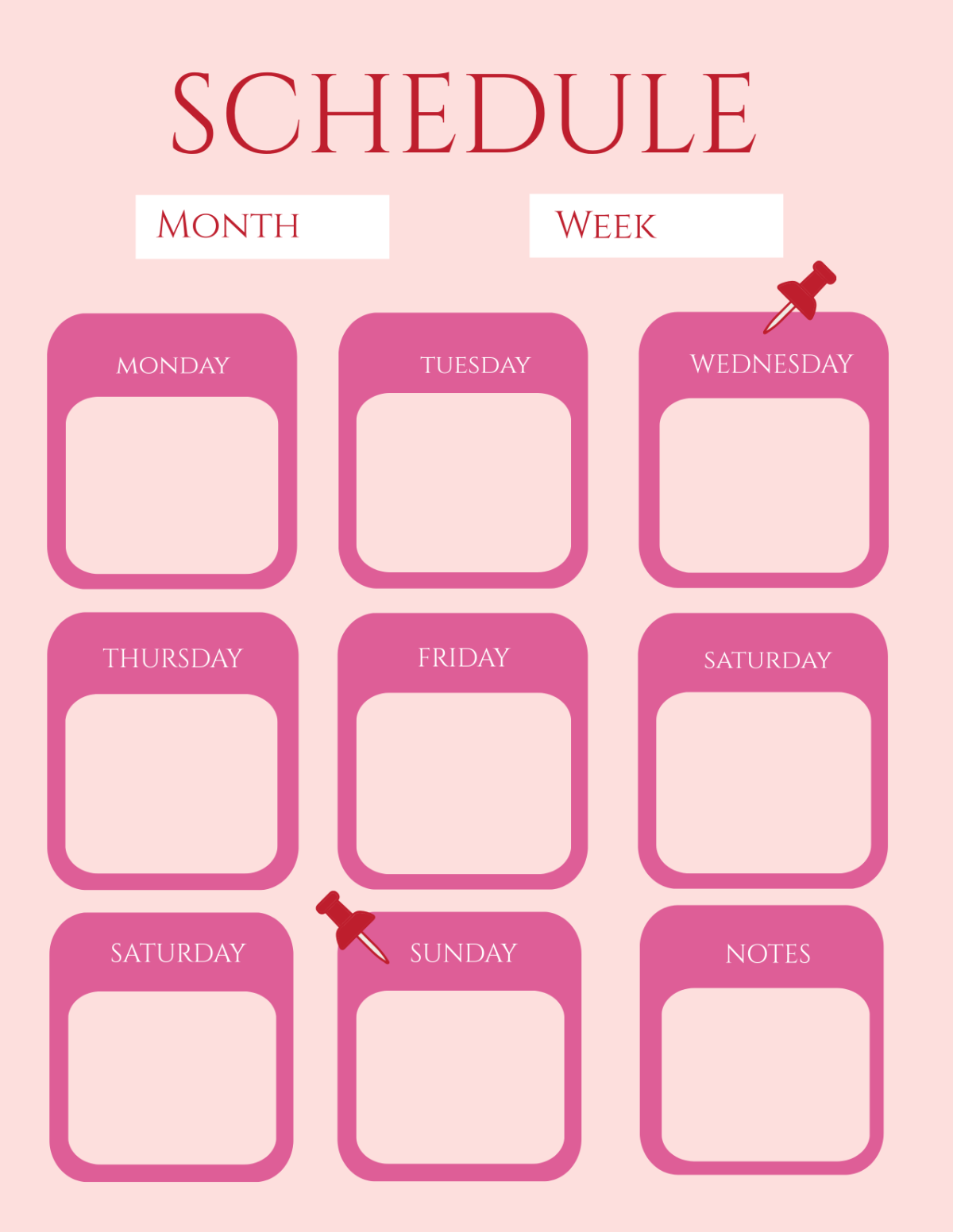
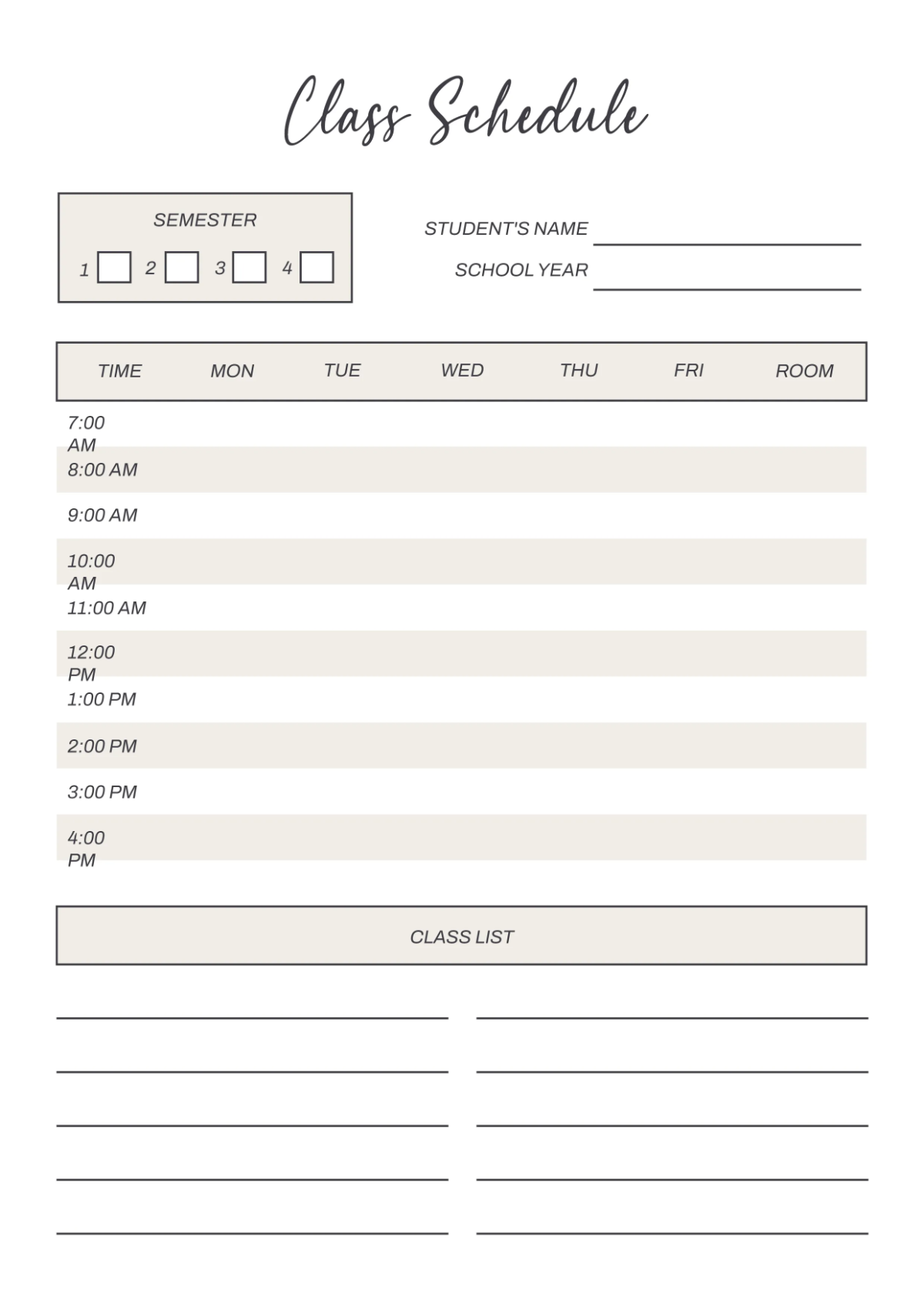
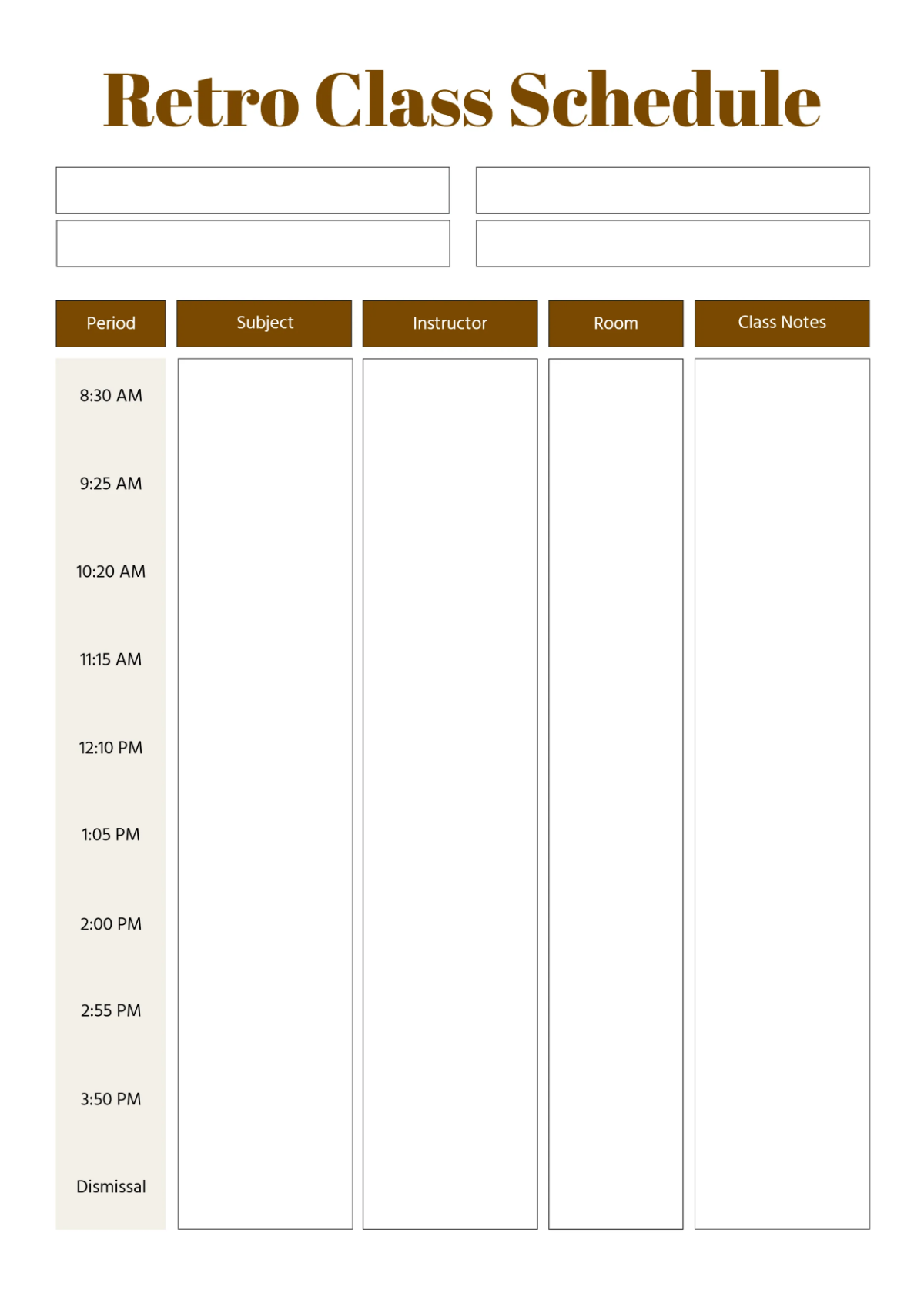
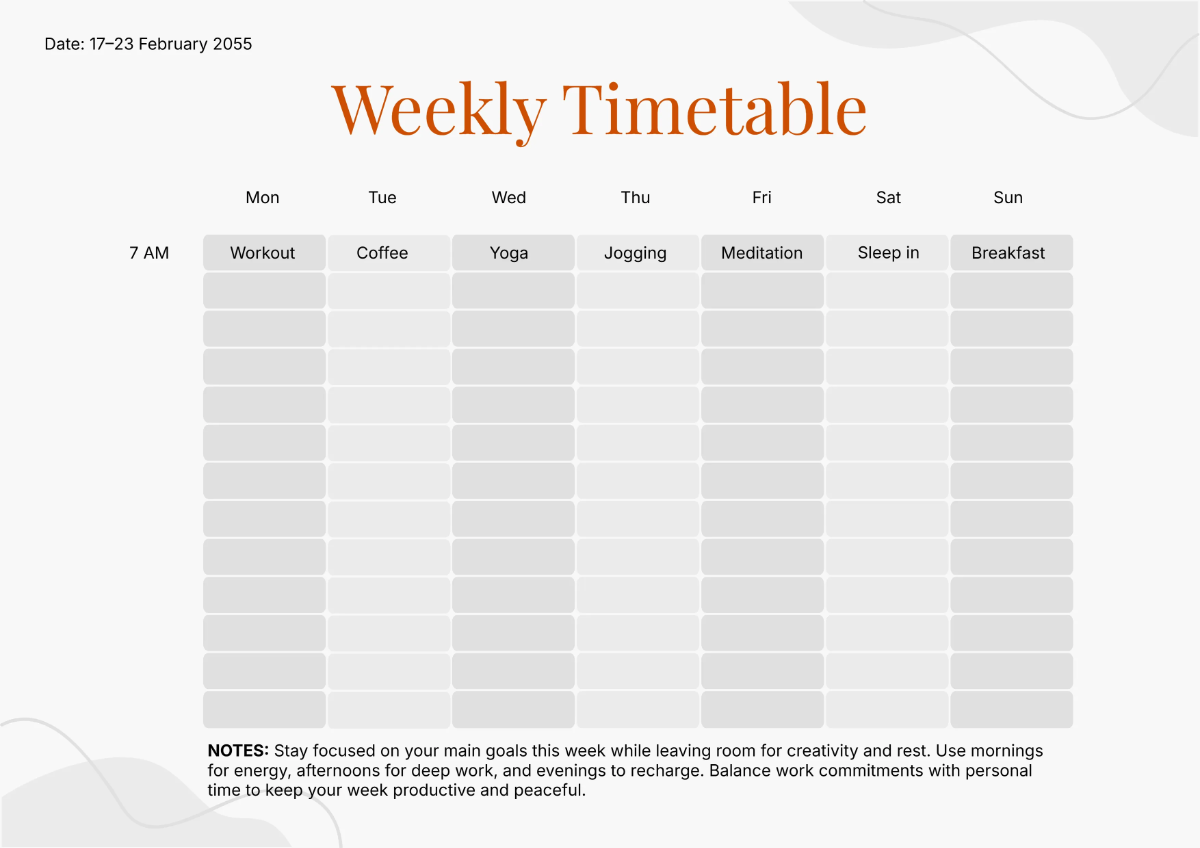
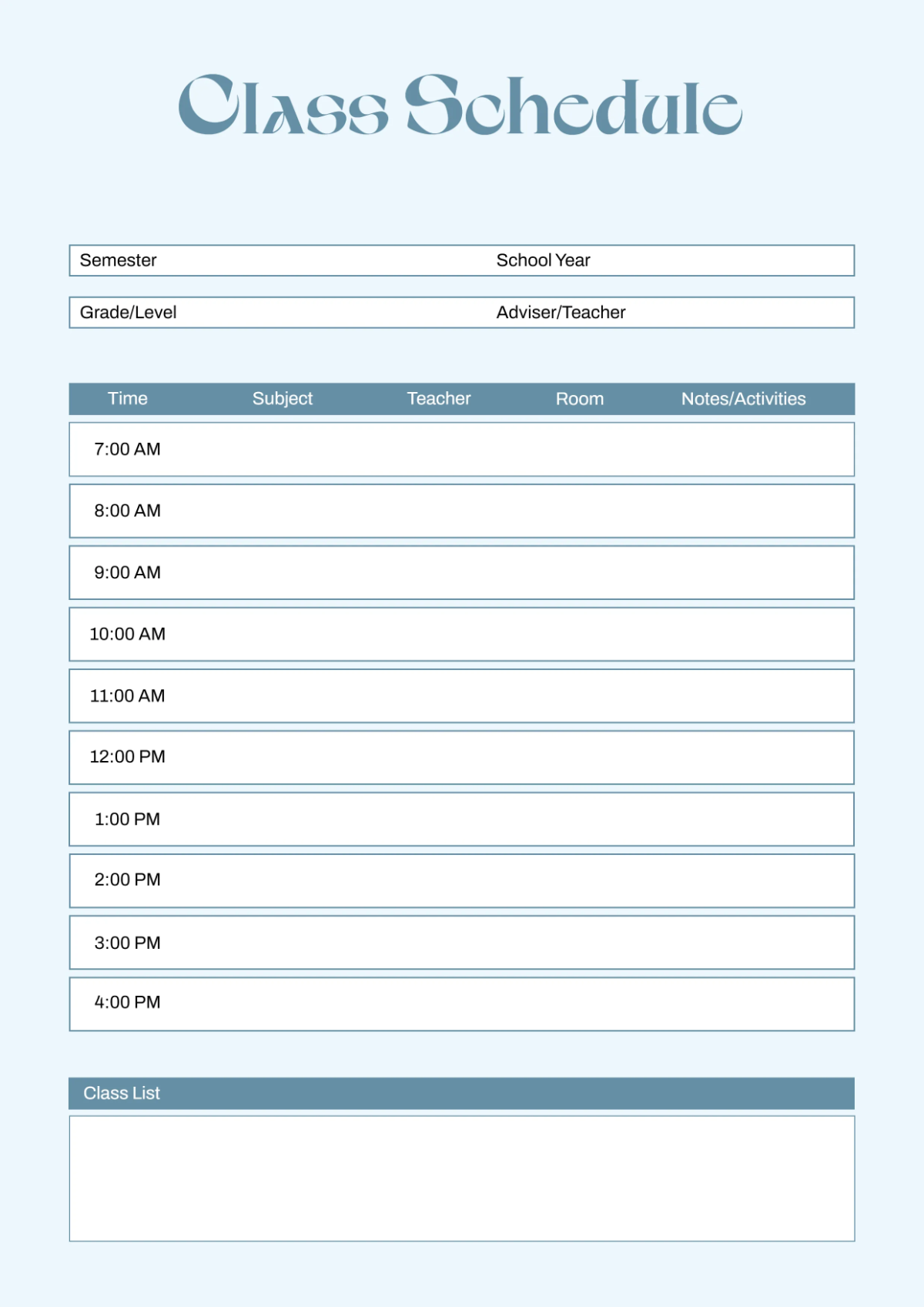
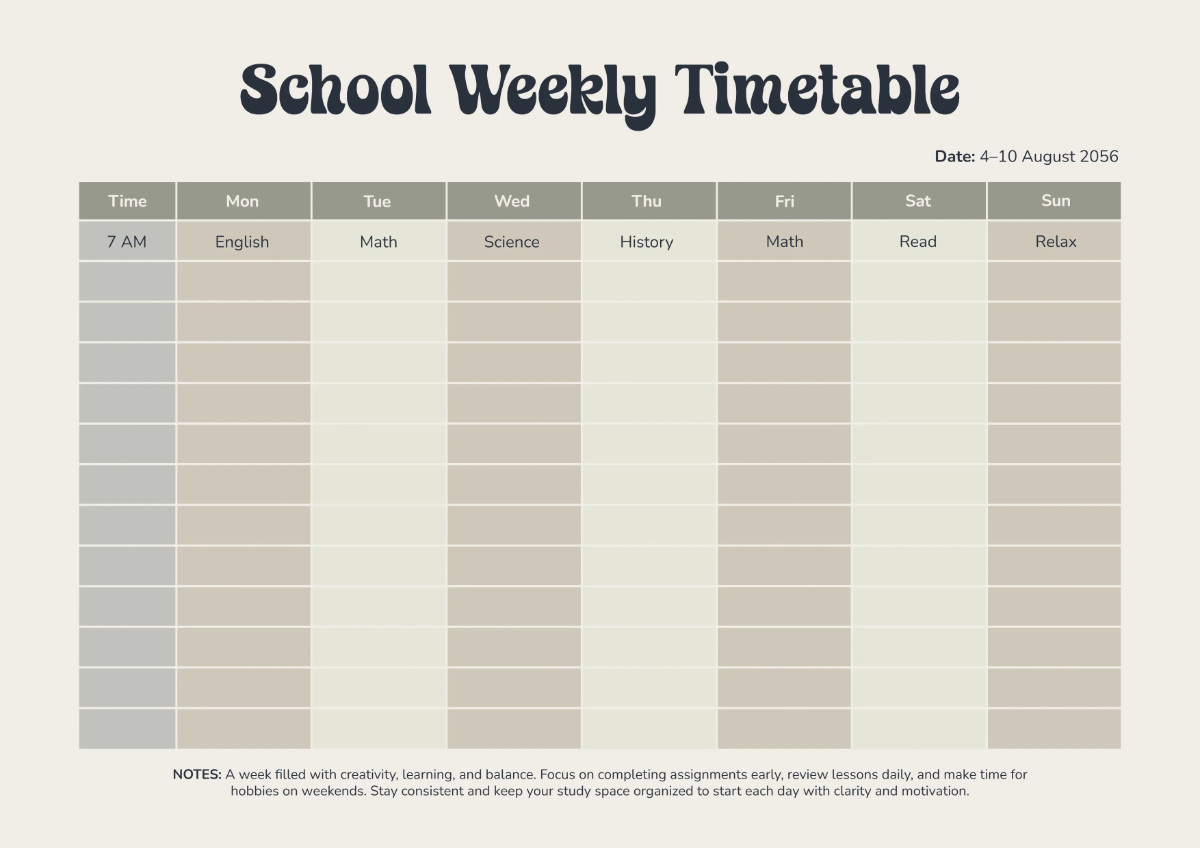
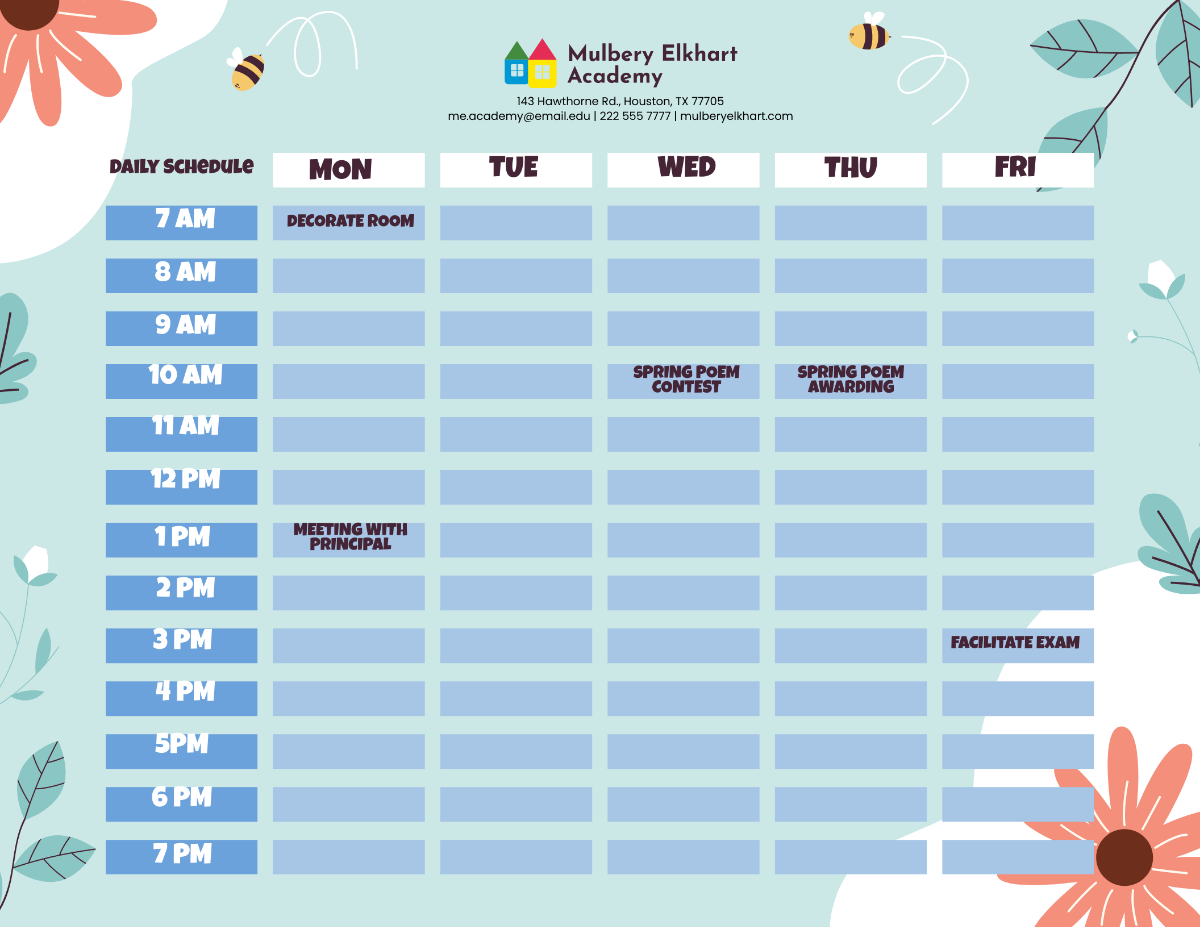
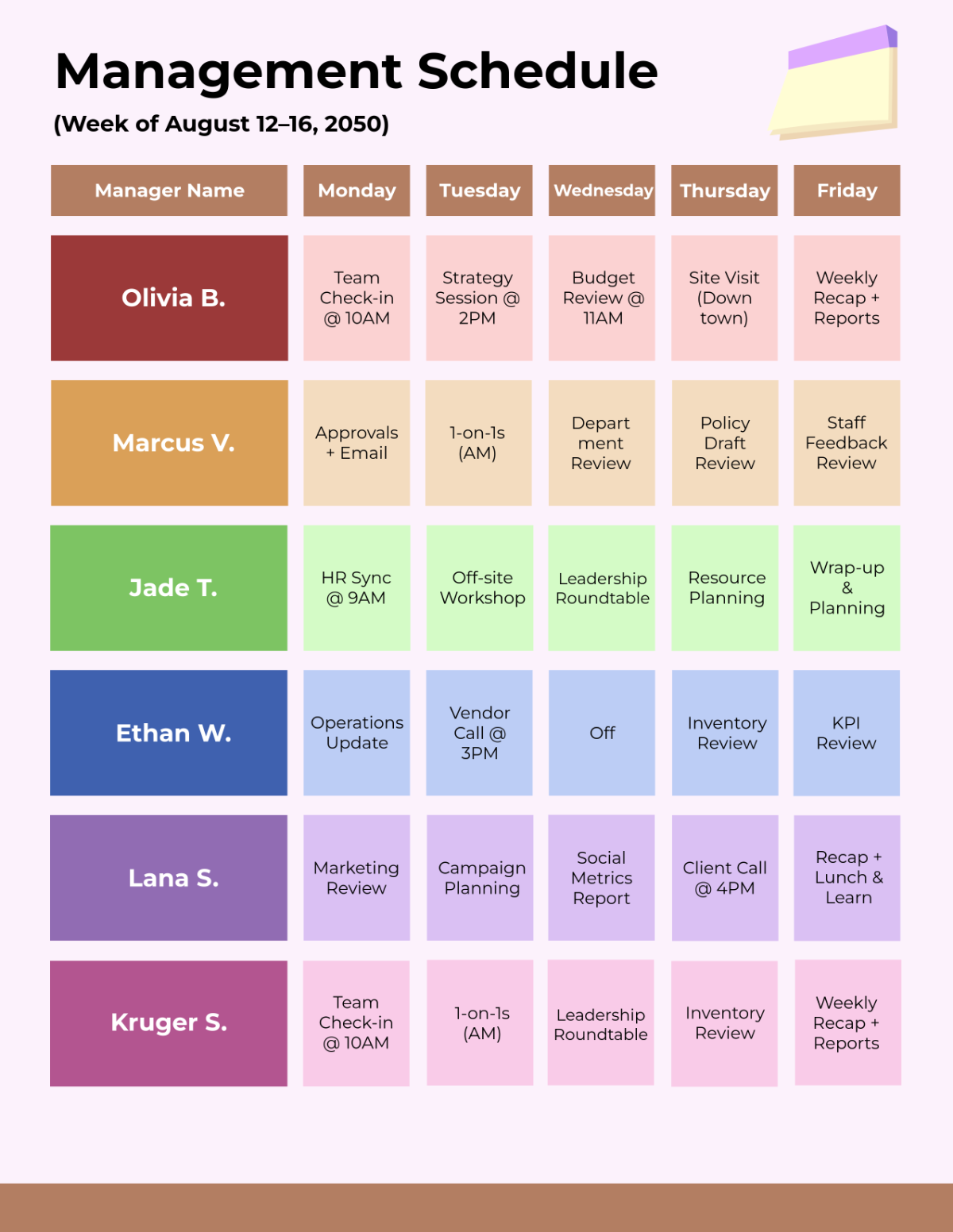
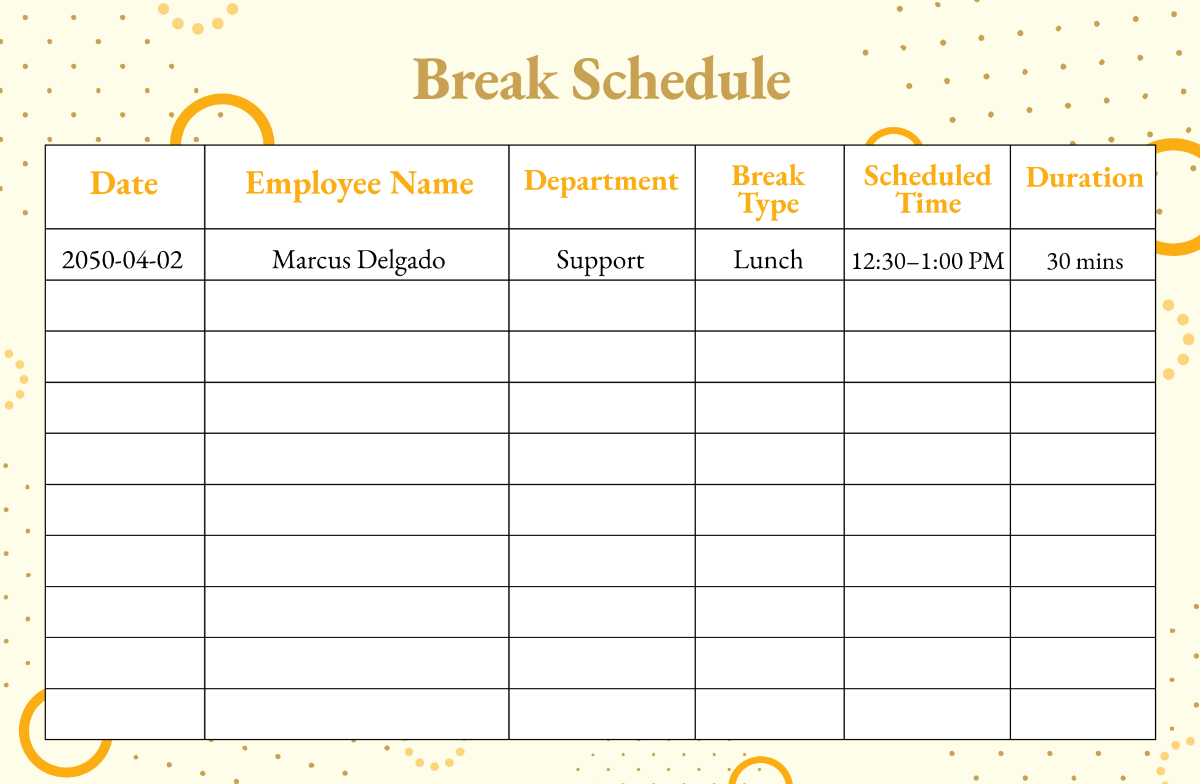
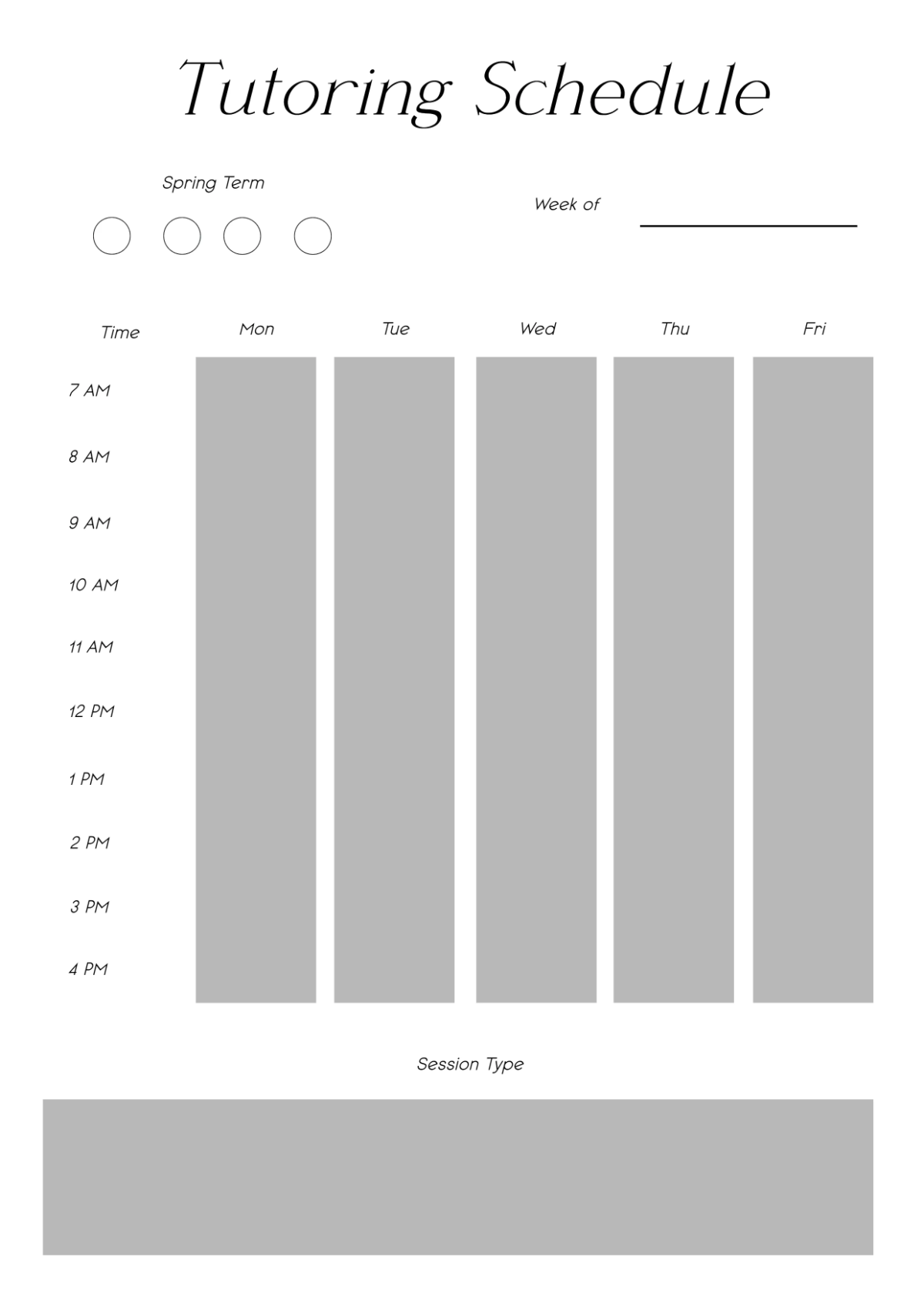
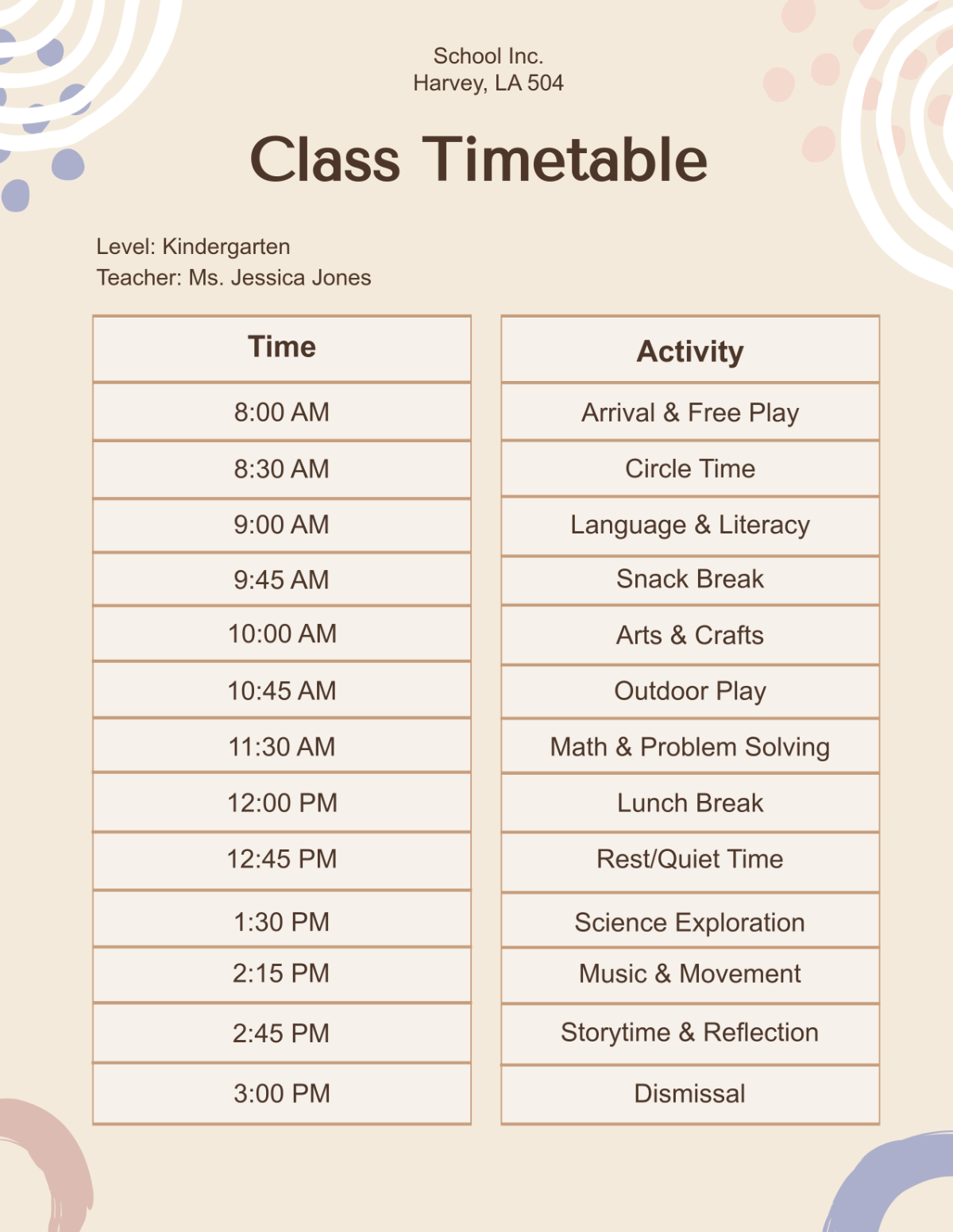
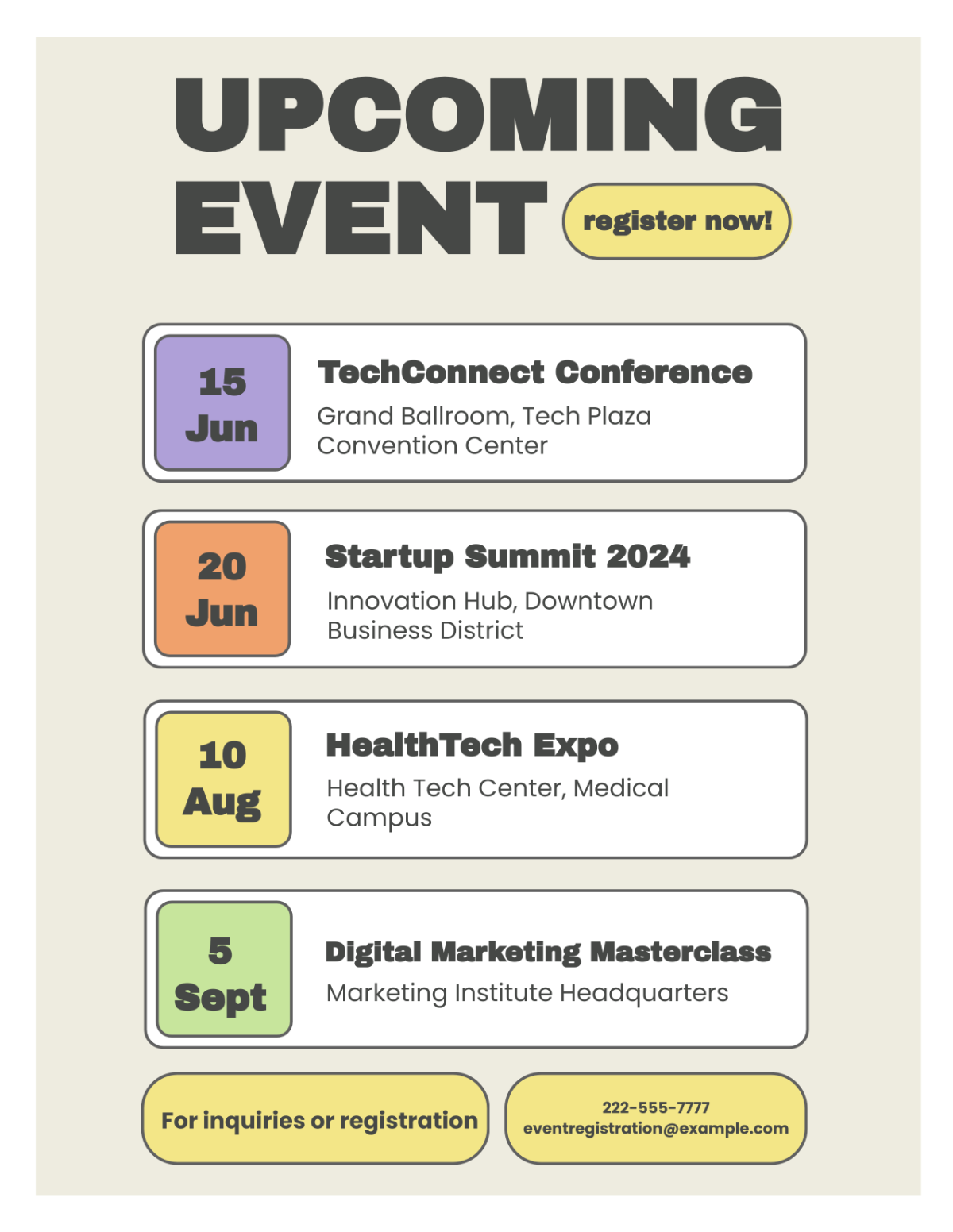
A Schedule is a detailed plan that organizes your time by listing tasks, events, or appointments arranged by date and time. It helps you manage time efficiently and keep track of important activities or deadlines.
Why should I use a Schedule?
You should use a Schedule to improve time management, increase productivity, and reduce stress by keeping your tasks and events organized. A well-maintained schedule helps you stay focused and meet deadlines consistently.
Who uses Schedules?
Schedules are used by professionals, students, event planners, and anyone needing to organize daily activities or projects. They are essential for individuals and teams who want to coordinate tasks and manage time effectively.
What are the best tips for designing my Schedule?
Use these tips to design your Schedule effectively:
- Clear layout with distinct sections for dates and tasks
- Readable fonts for easy viewing
- Color coding to categorize activities
- Ample space for notes or changes
- Consistent time intervals for uniformity
- Visual hierarchy to prioritize important events
- Include reminders or alerts
- Use icons or symbols for quick recognition
- Simple design to avoid clutter
- Customizable elements to fit your needs
What file formats can I download for my Schedule?
Template.net offers Schedule templates that support multiple export formats for easy editing and sharing. You can download your schedule in Apple Pages, Word, PDF, Excel, Apple Numbers, Google Docs, Google Sheets, PSD, Apple Keynote, Publisher, and Illustrator.
Can I create a Schedule using AI?
Yes, Template.net provides an AI-powered tool that generates new Schedule designs from prompts, helping you create customized timetables quickly and easily. Use the Schedule Generator to start crafting your schedule.
What are the standard digital pixel dimensions for my Schedule?
Digital Schedule templates typically use standard pixel dimensions to fit screens and devices effectively. Common sizes include:
- 1080 × 1080 pixels for square social media posts
- 1920 × 1080 pixels for widescreen presentations
- 1080 × 1920 pixels for vertical mobile-friendly schedules
- 1280 × 720 pixels for HD display compatibility
- 800 × 600 pixels for compact online use
What visual elements should I include in my Schedule?
Including these visual elements can enhance your Schedule usability and appeal:
- Headers and subheaders to organize sections
- Color-coded blocks to differentiate tasks
- Icons and symbols for quick identification
- Grids or lines to separate time slots
- Highlighting important dates
- Whitespace to reduce clutter
- Interactive checkboxes or markers
- Fonts with hierarchy for readability
What are the benefits of using a Schedule?
Using a Schedule offers several benefits to organize your time and tasks effectively:
- Improves time management and prioritization
- Reduces stress by clarifying daily plans
- Increases productivity through structured planning
- Helps meet deadlines consistently
- Facilitates goal tracking and progress monitoring
- Enhances communication within teams
- Prevents overbooking or scheduling conflicts
- Encourages accountability and responsibility
