
Free Resume Templates
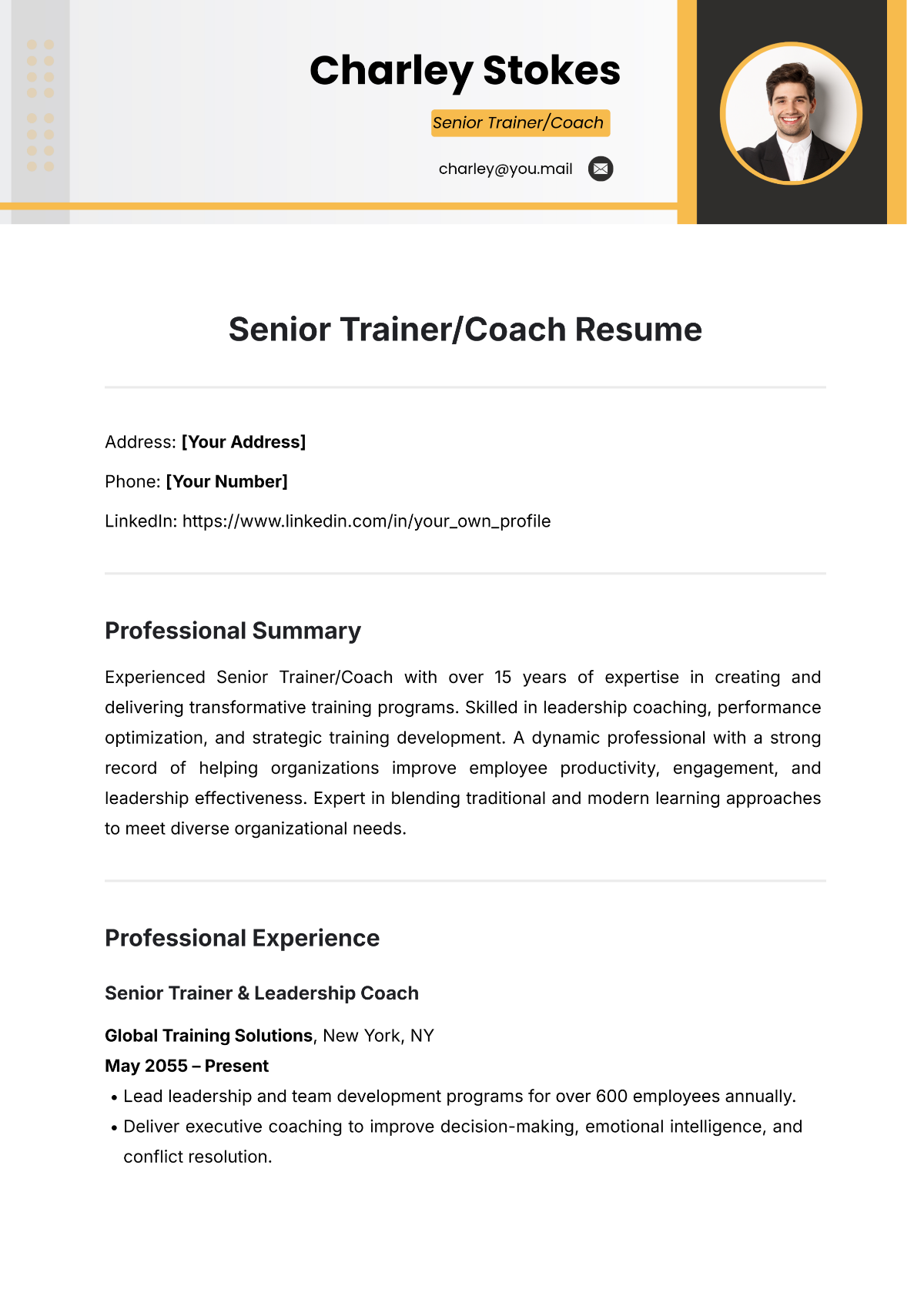
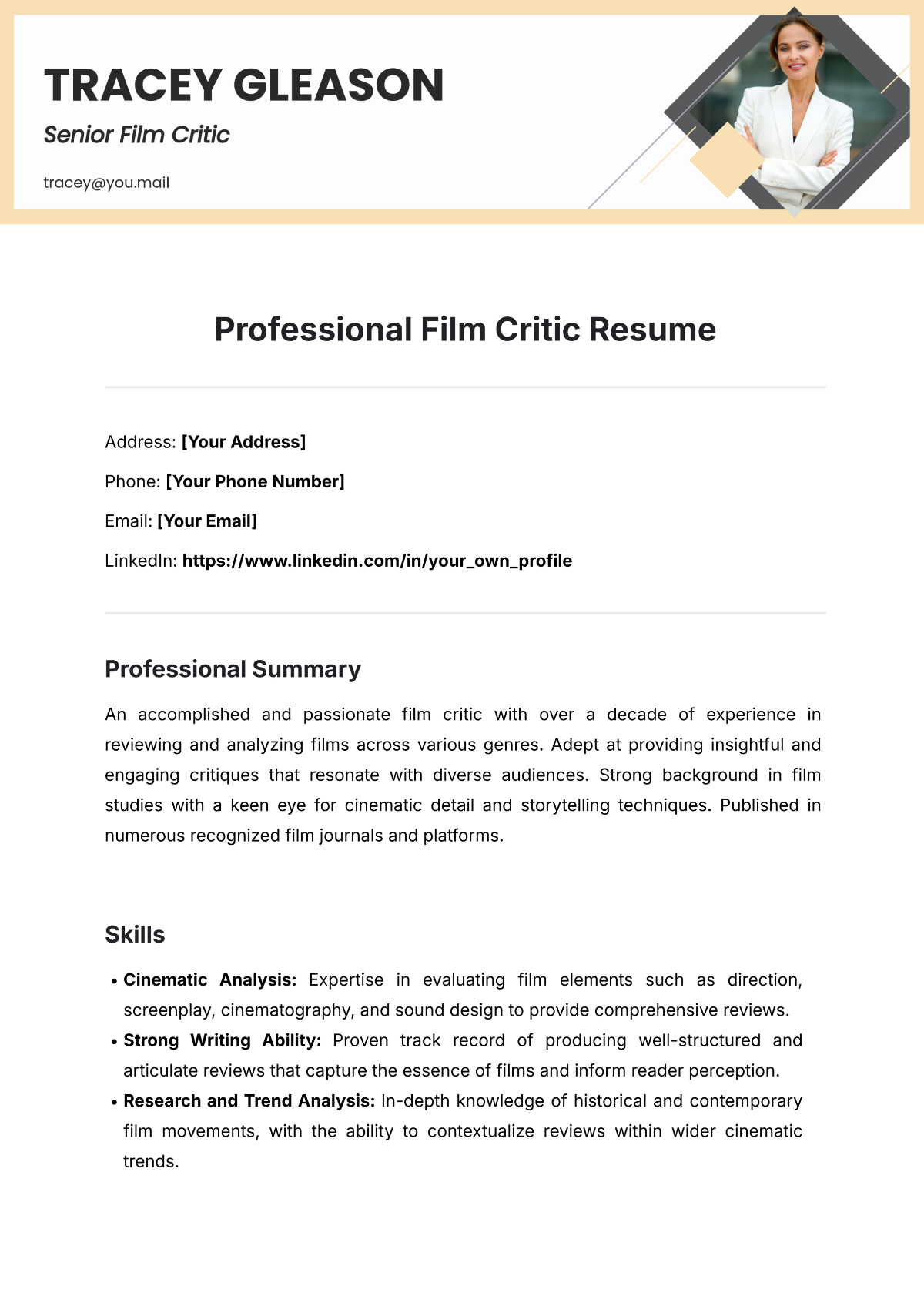
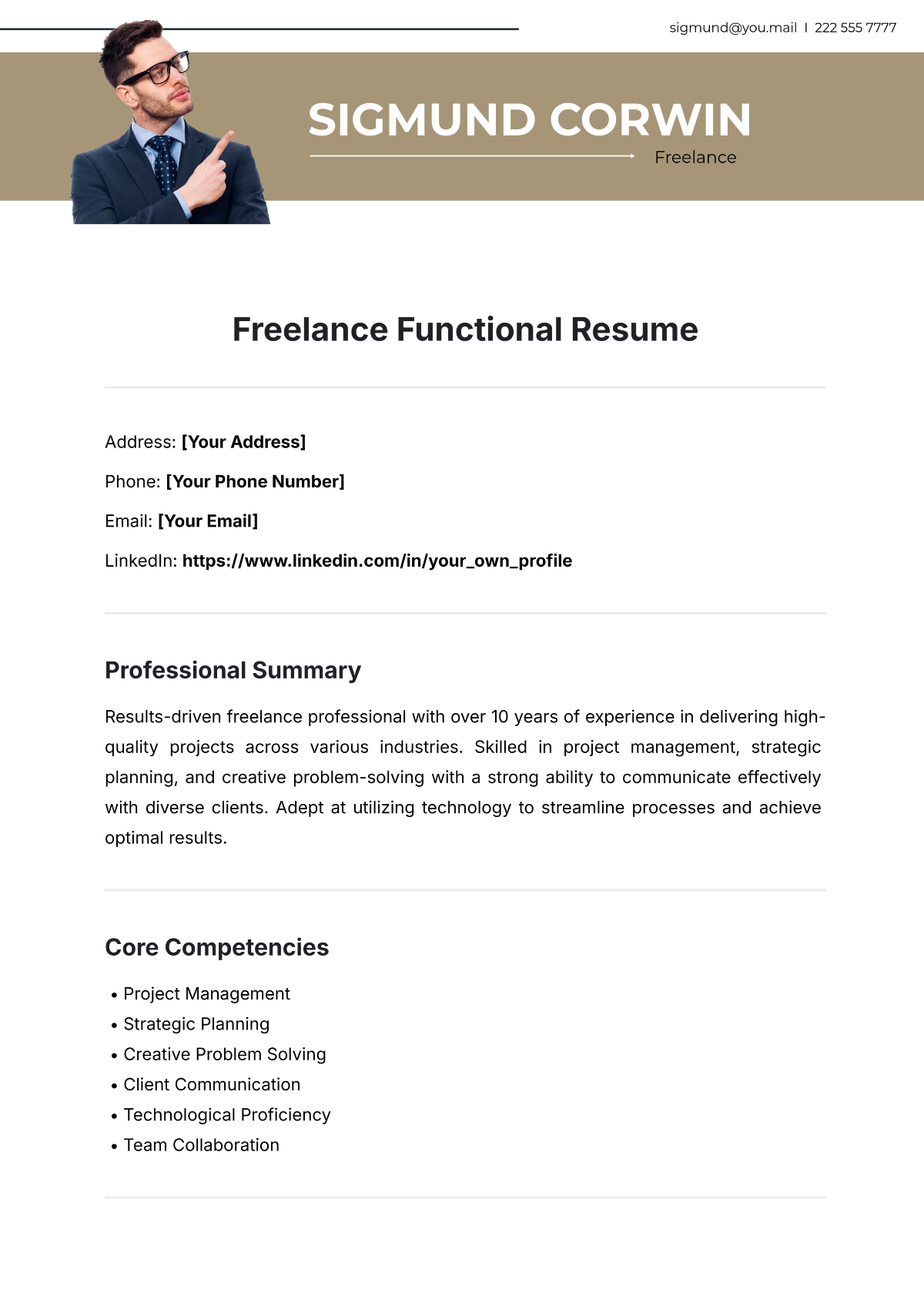
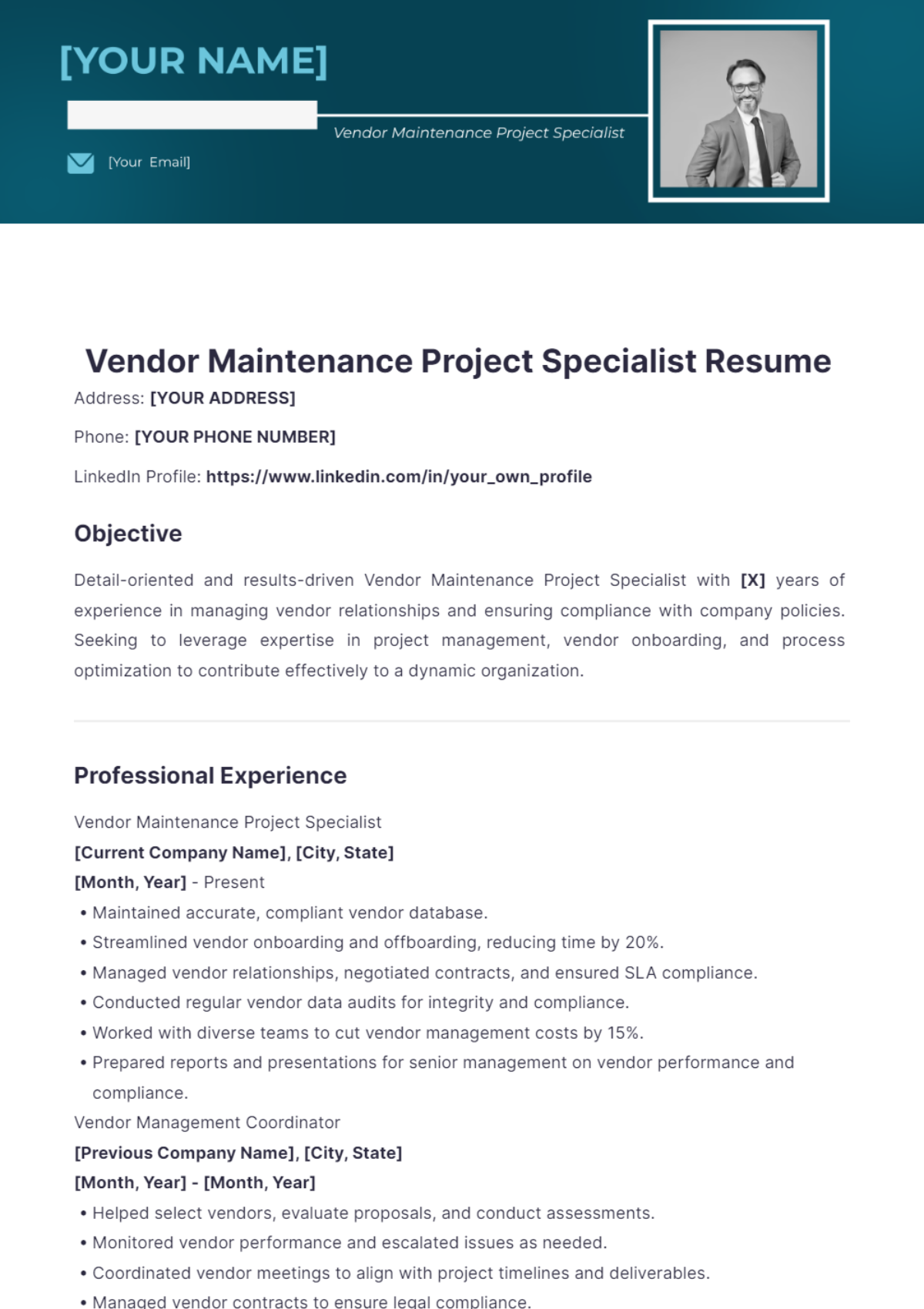


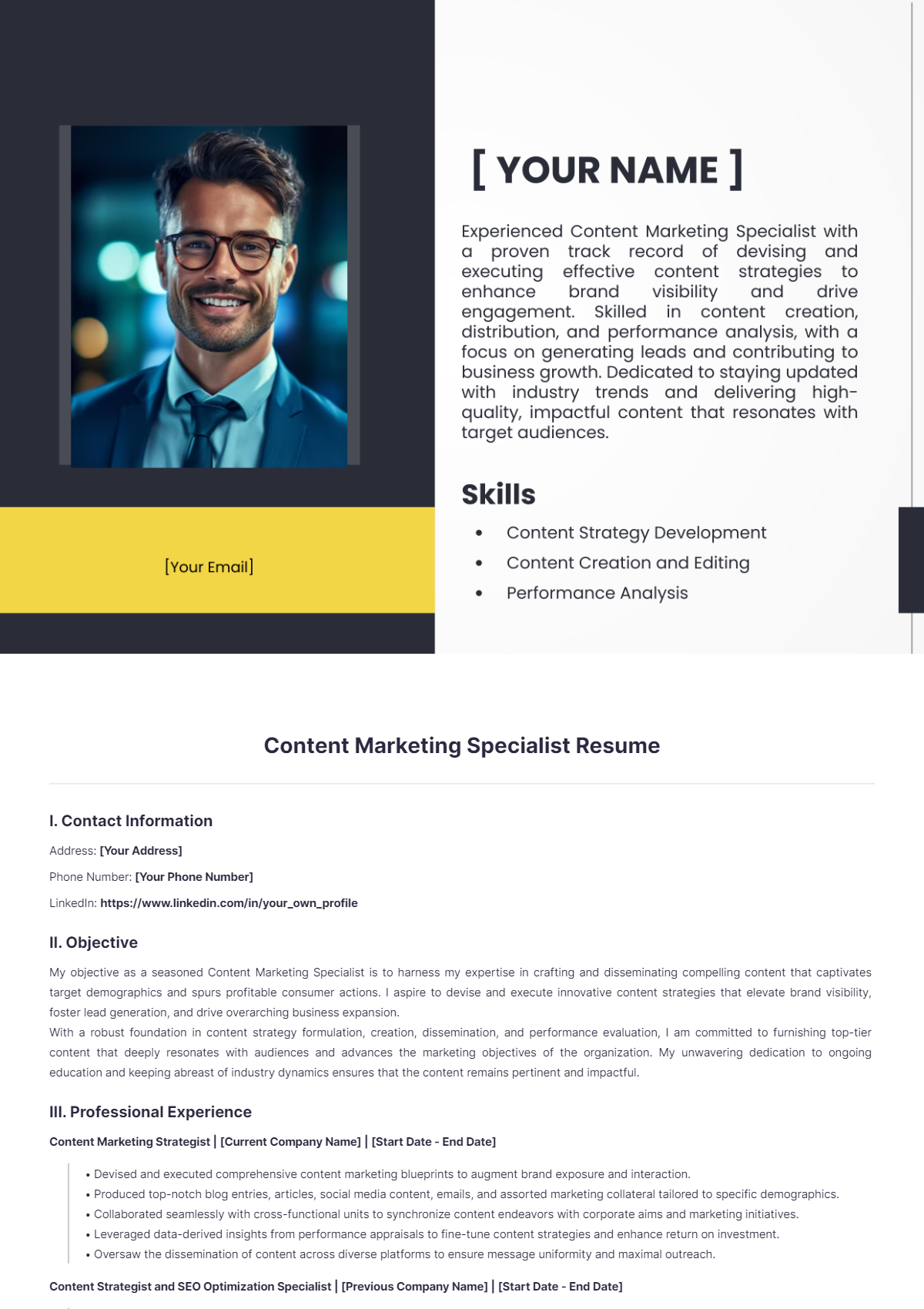
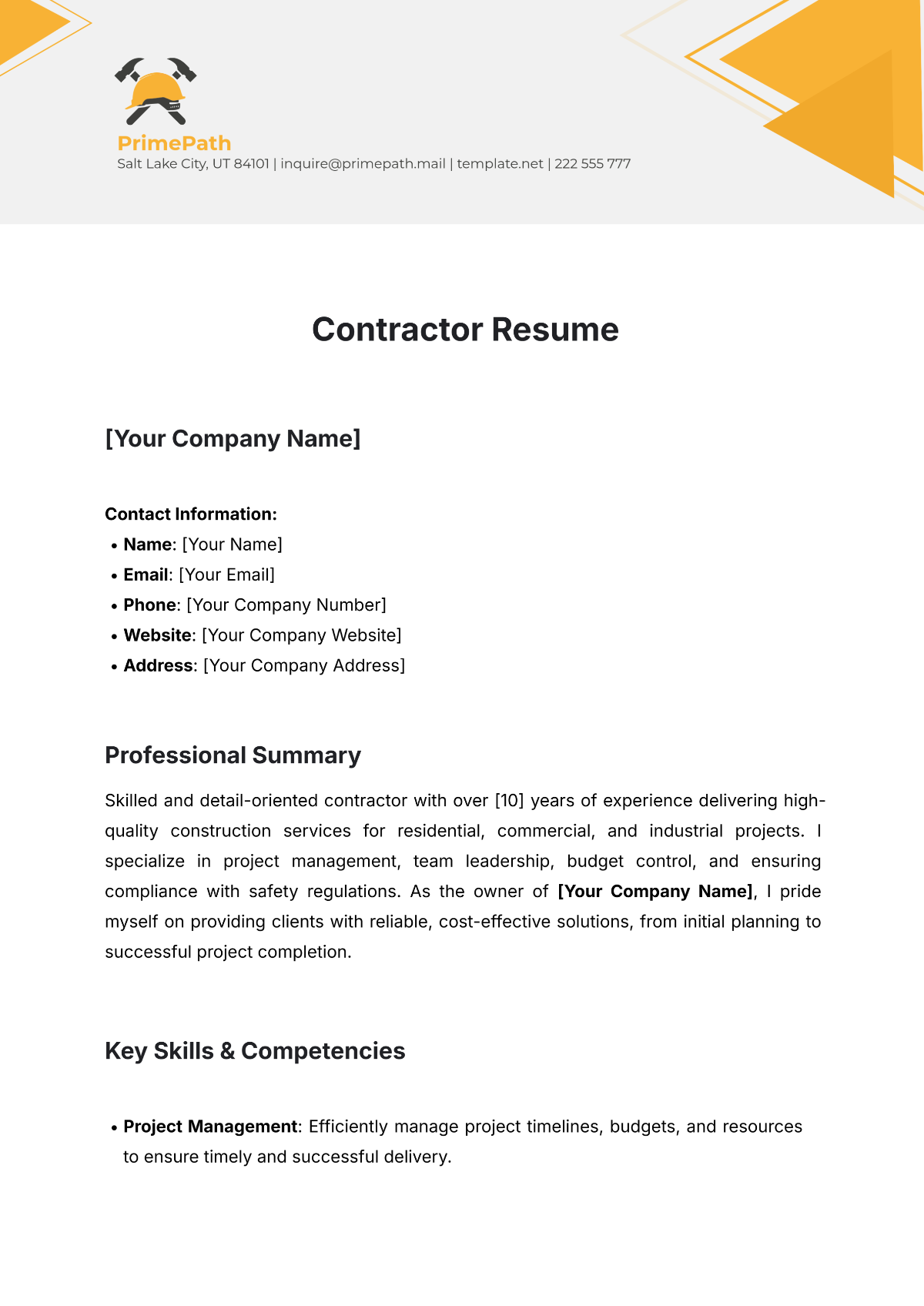
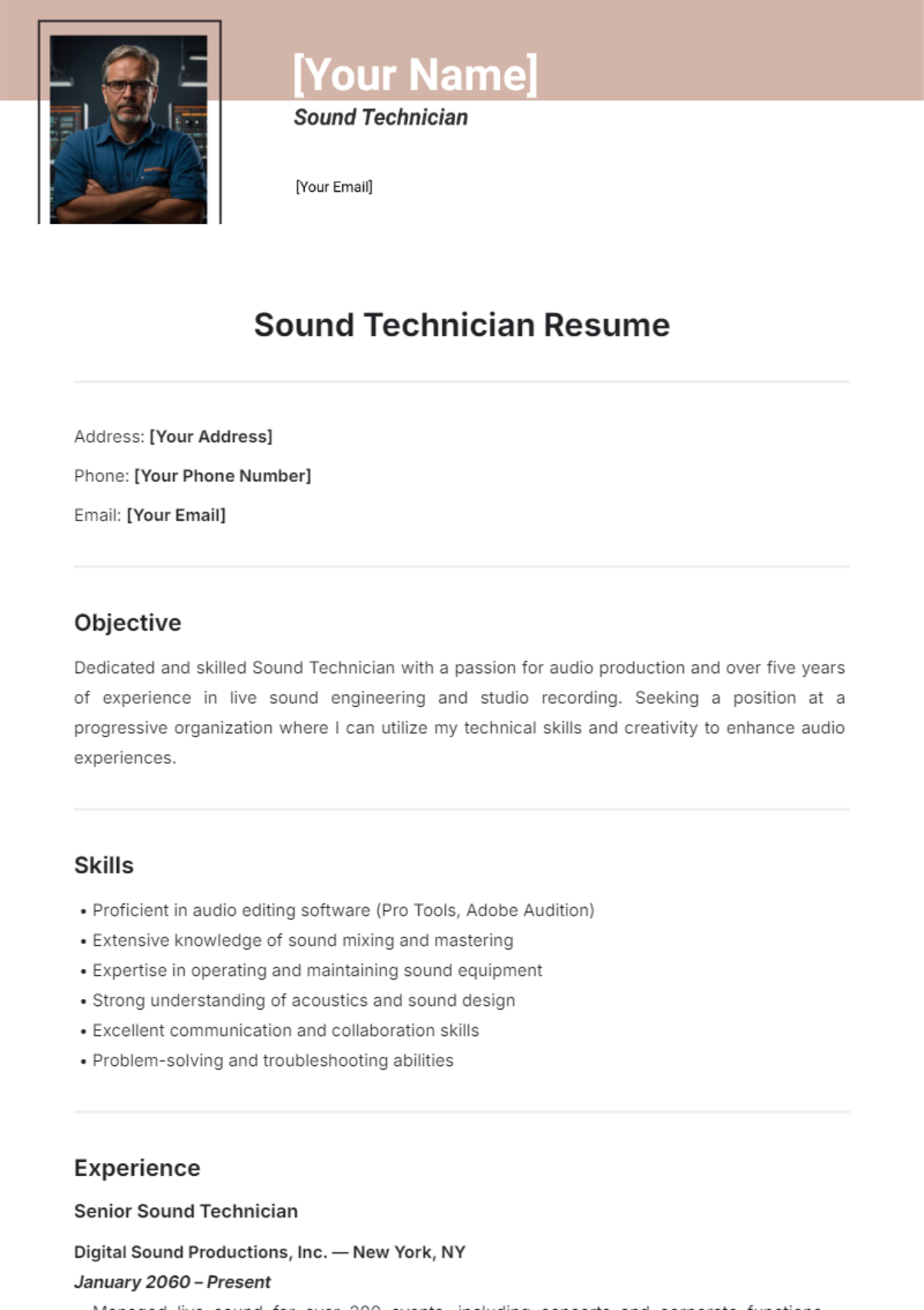
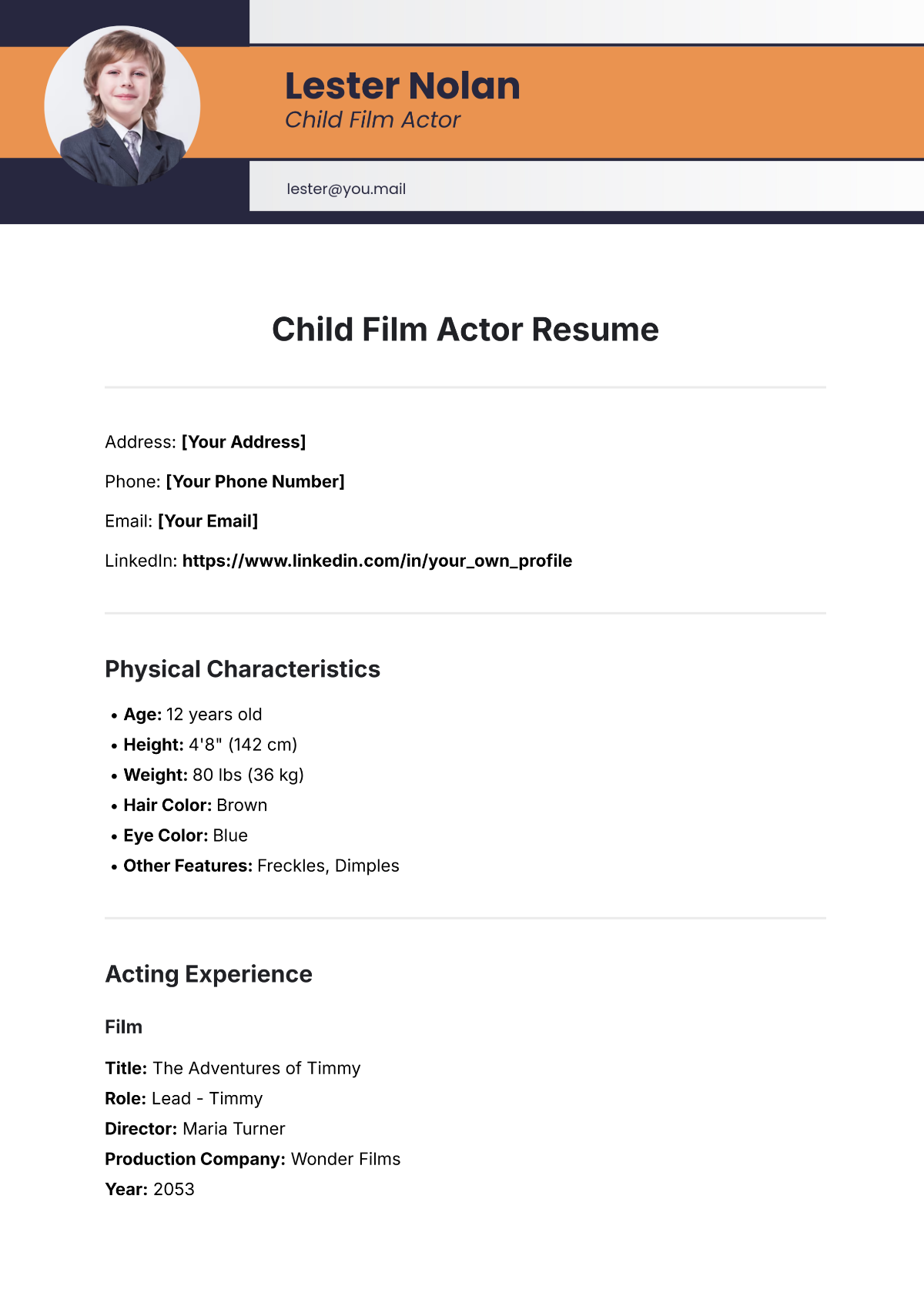
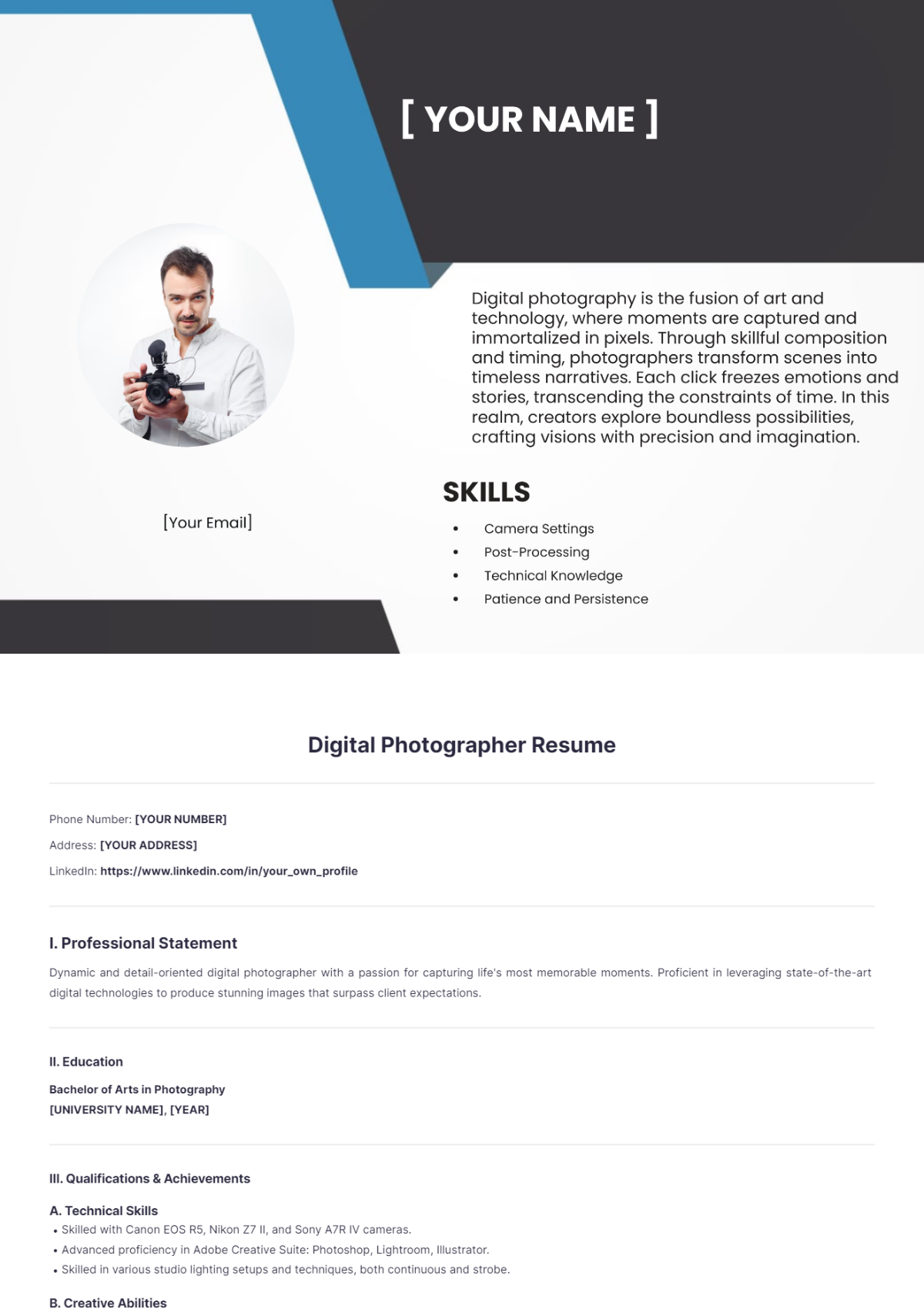
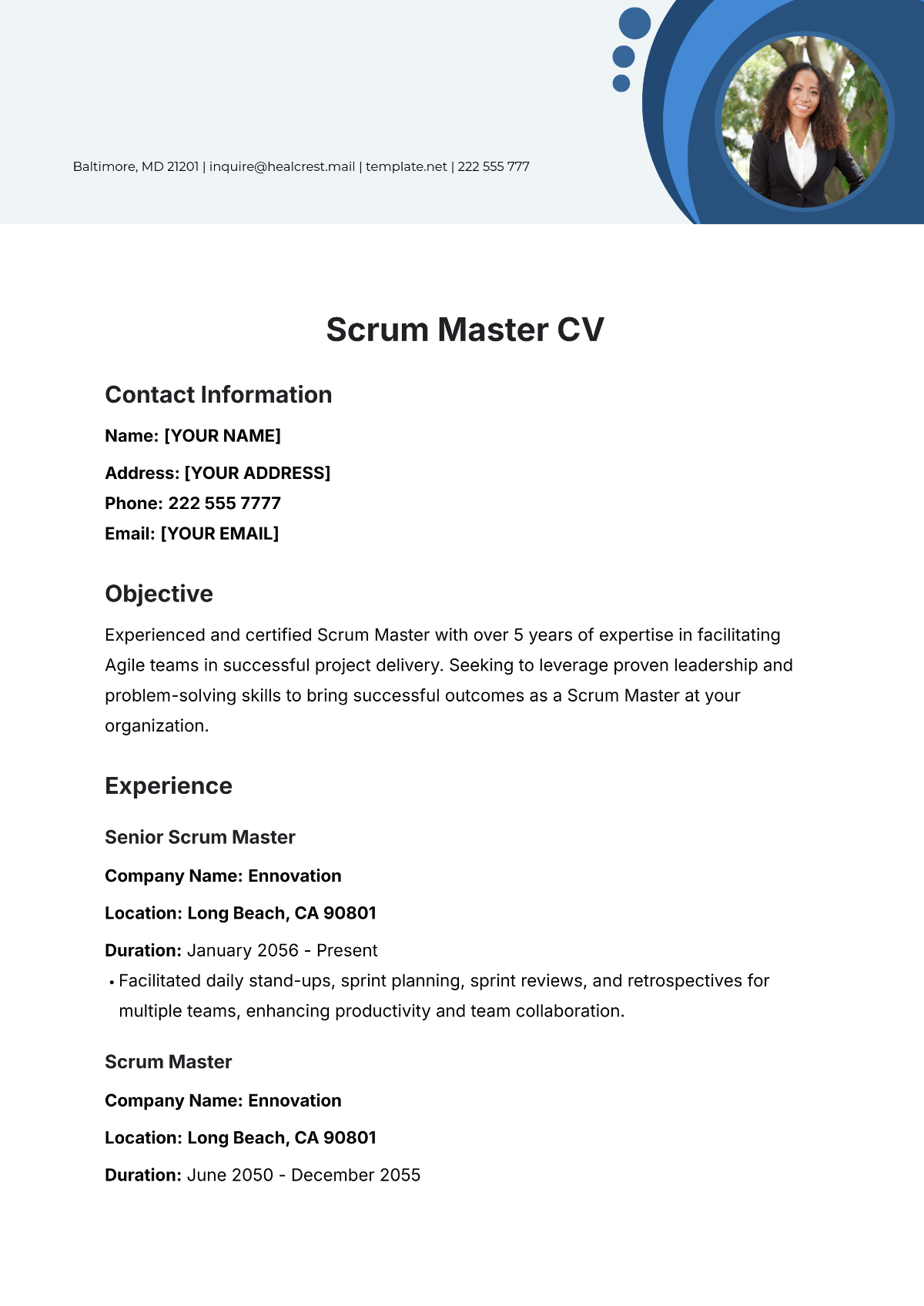
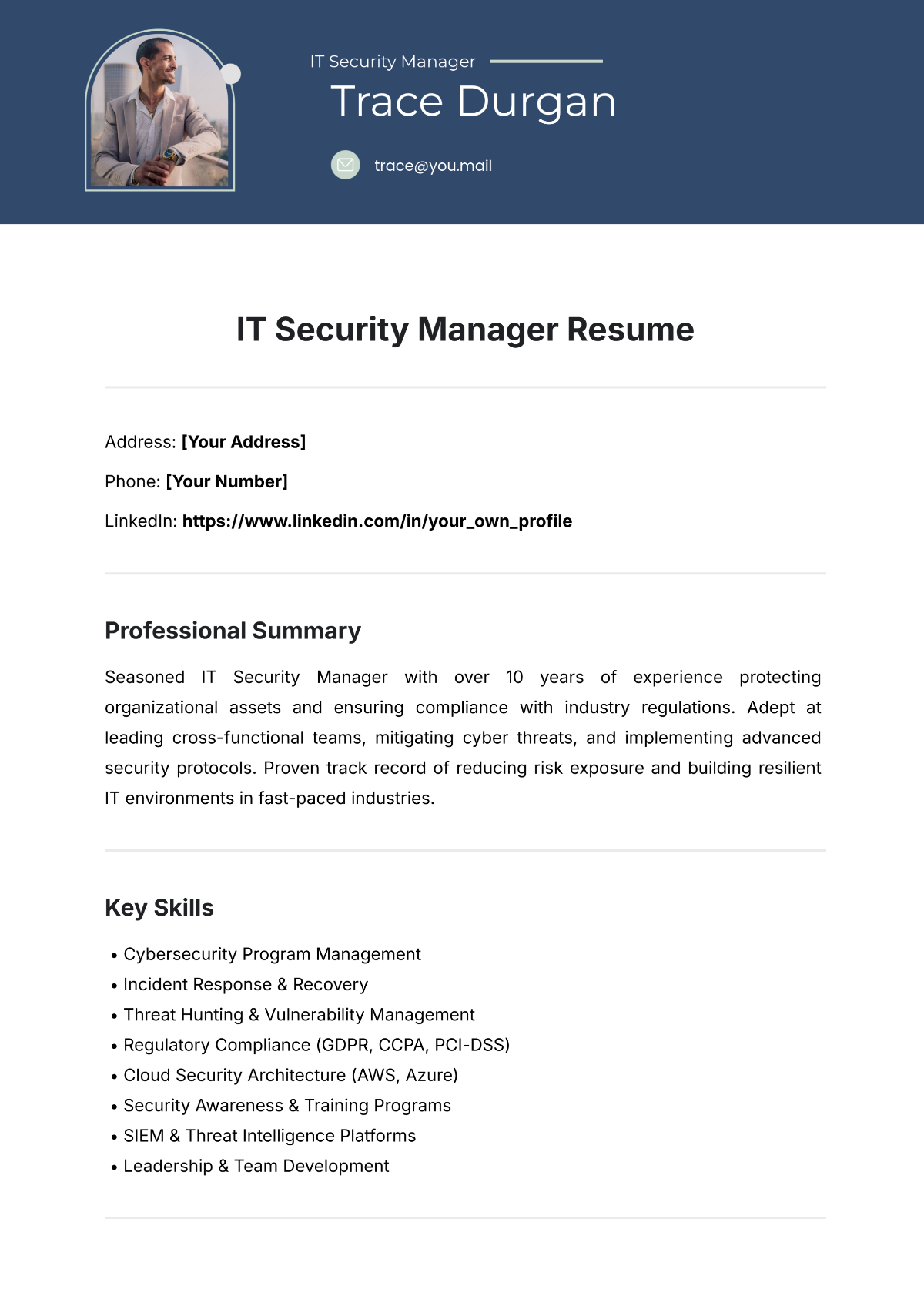
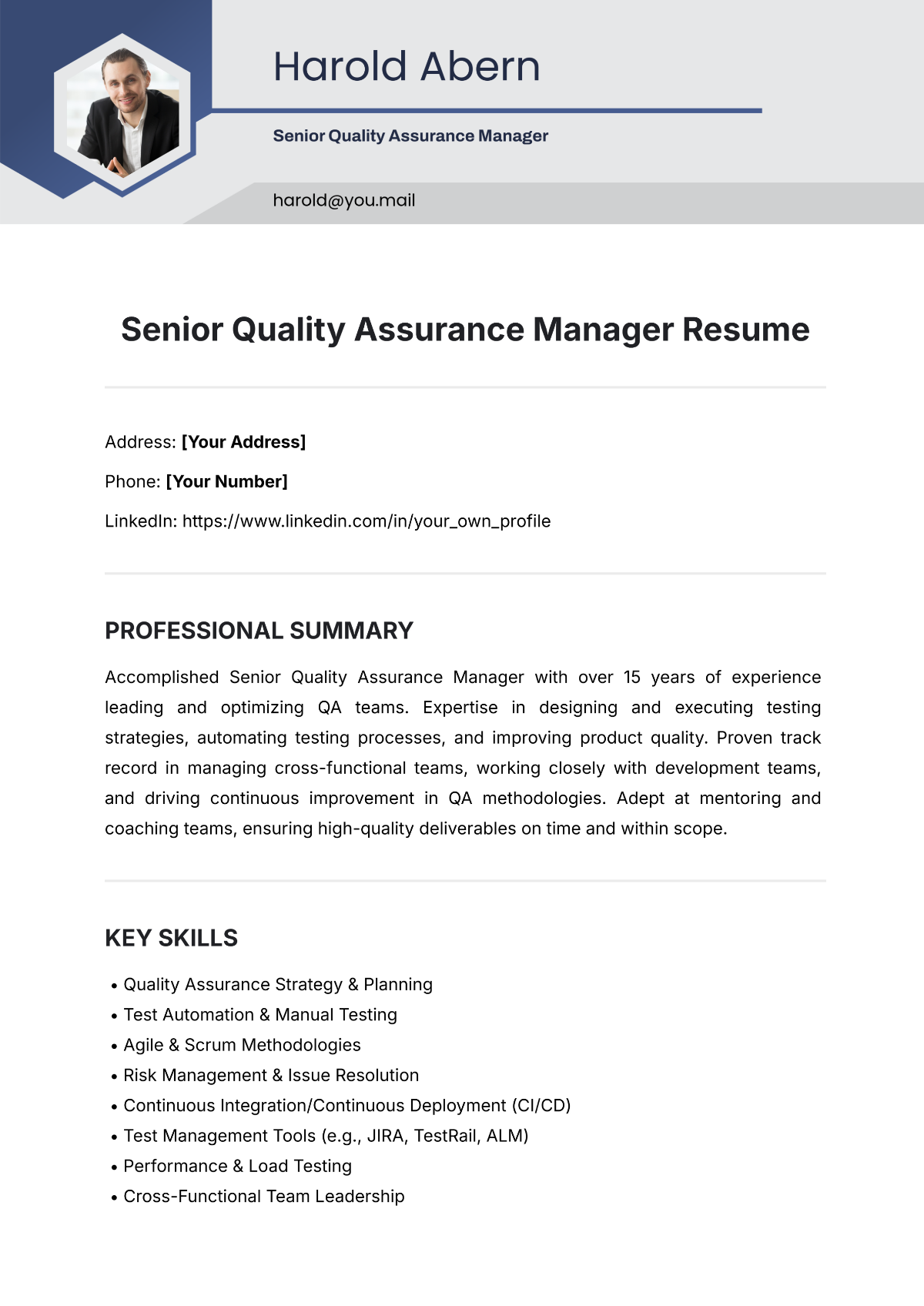

Resume Templates: Definition, Uses, and Download Formats
What is a Resume?
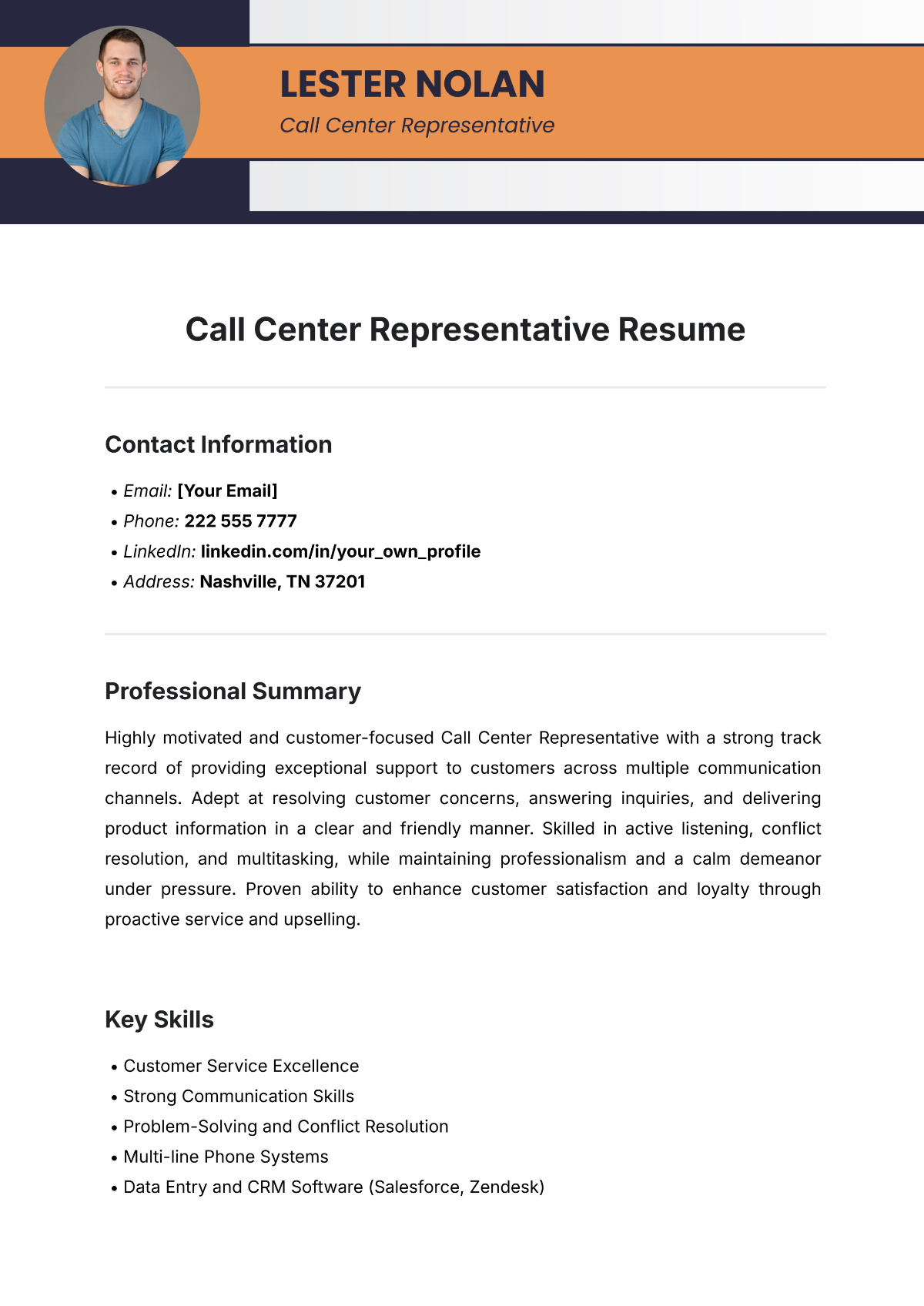
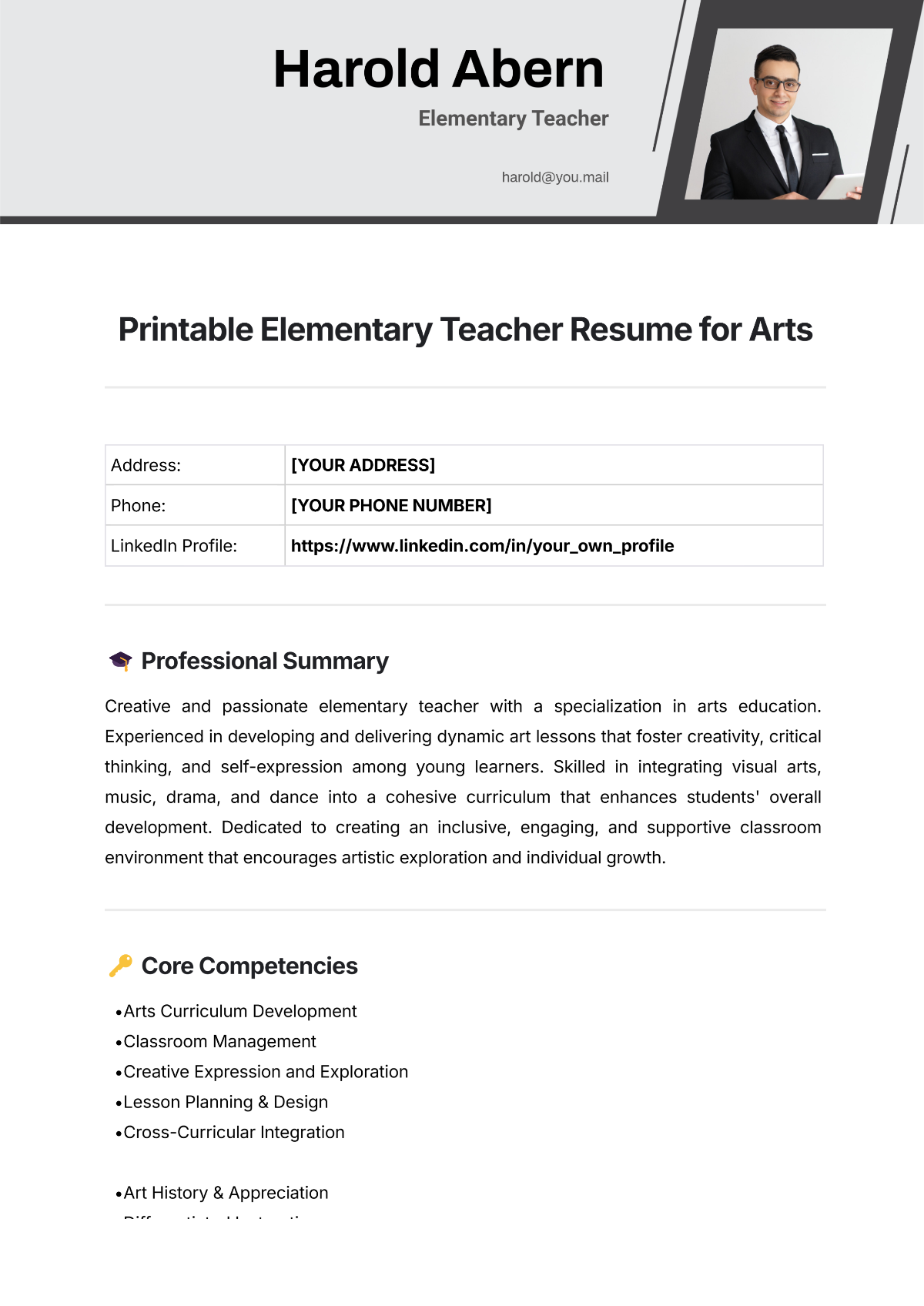
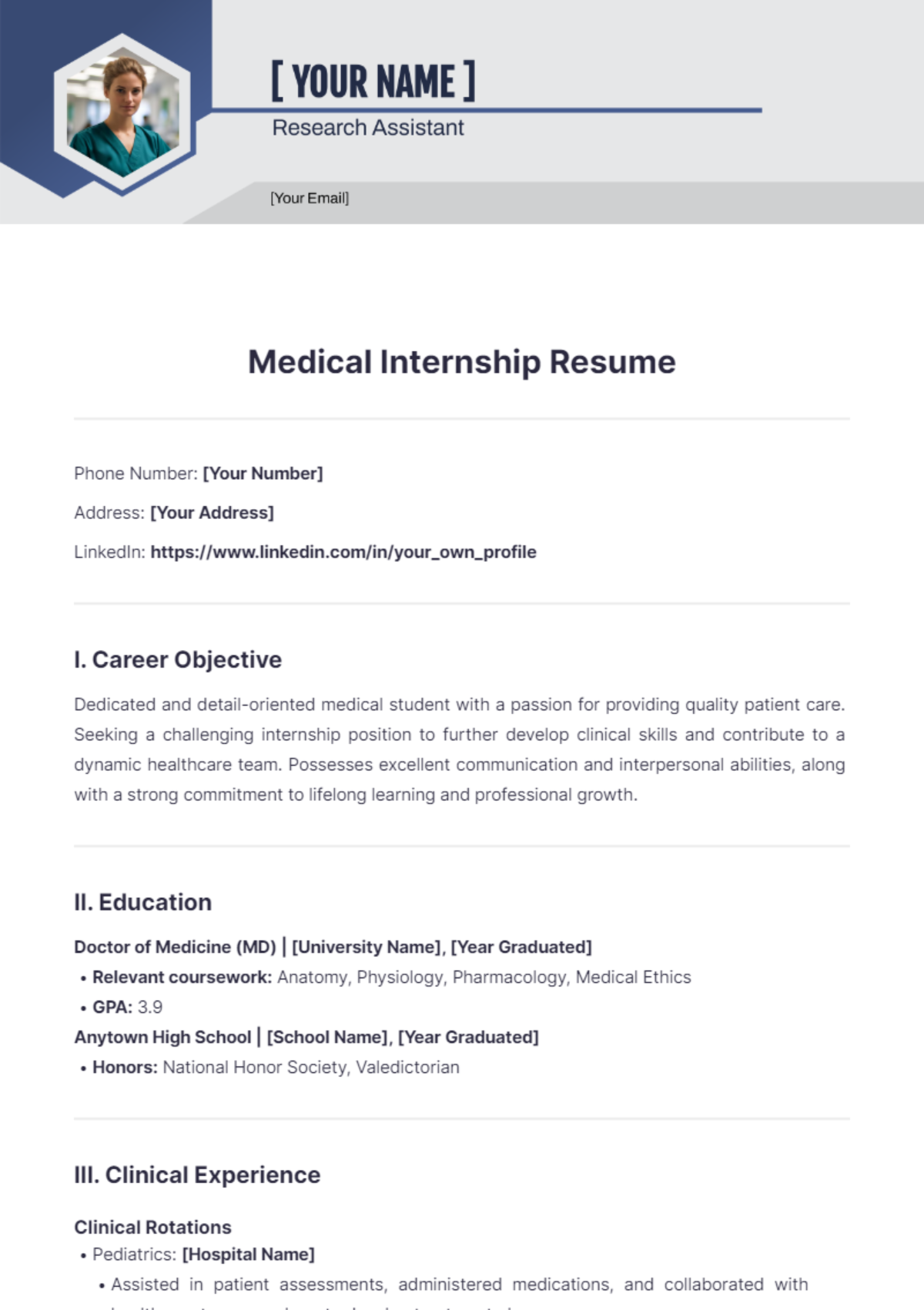
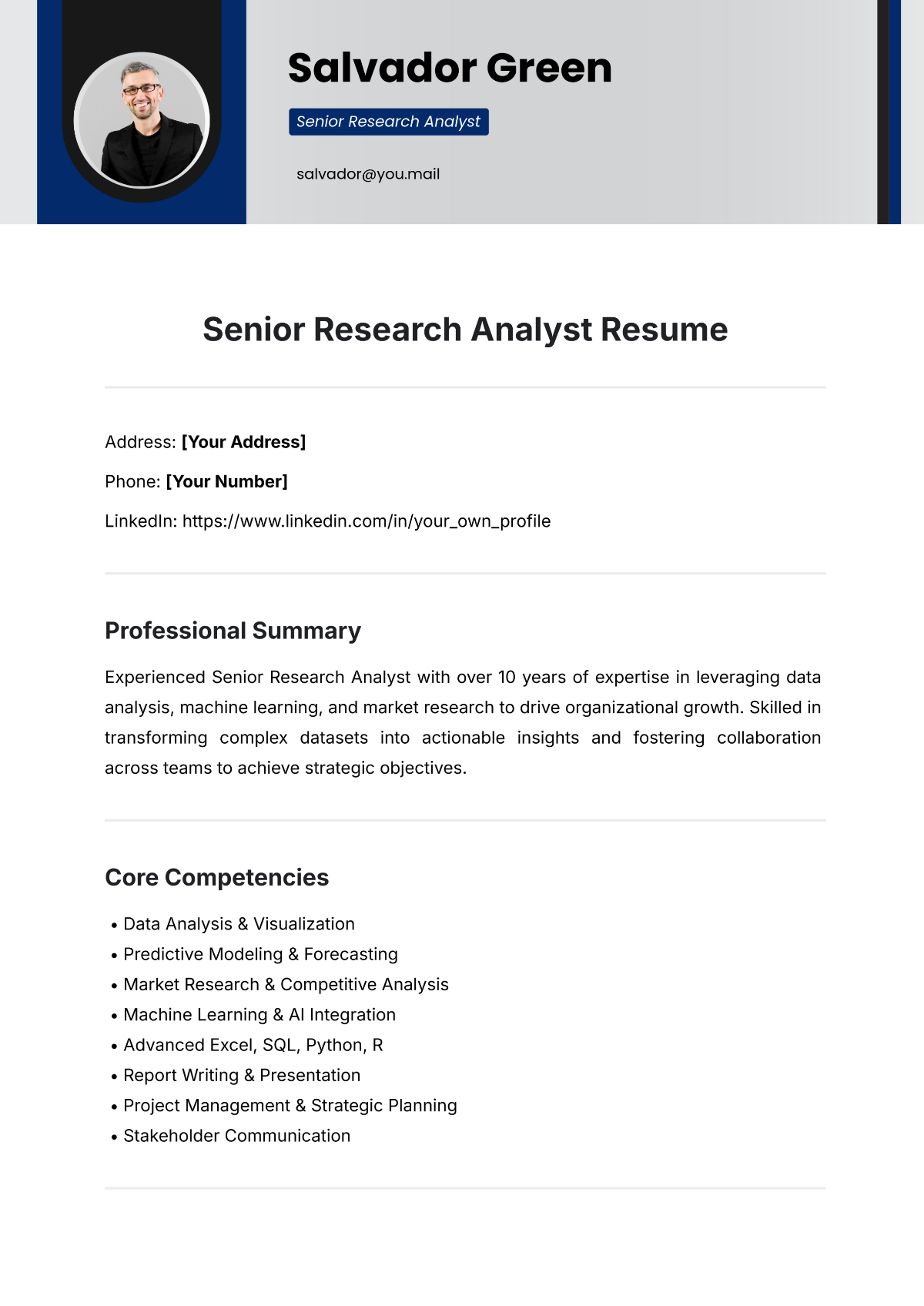
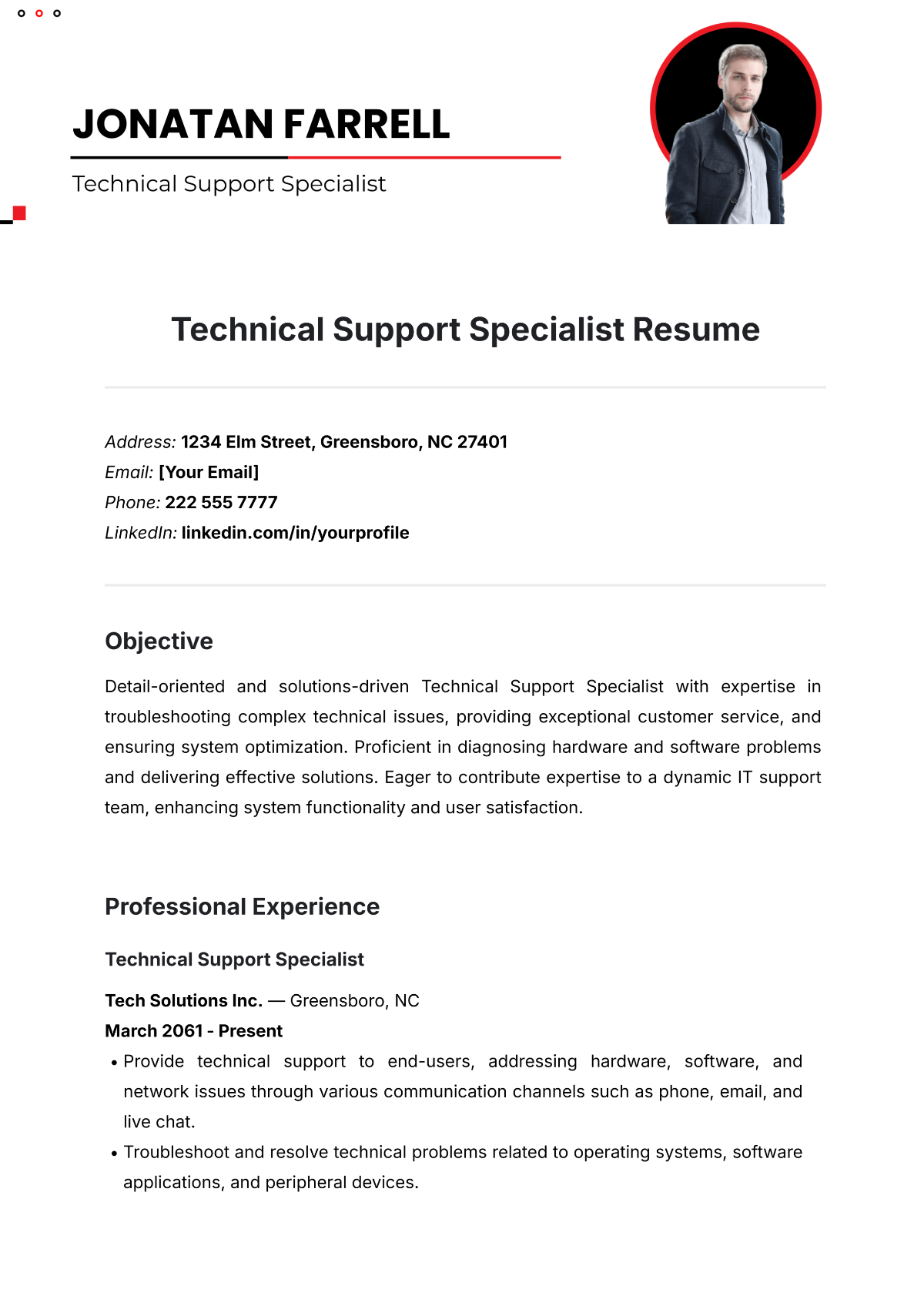
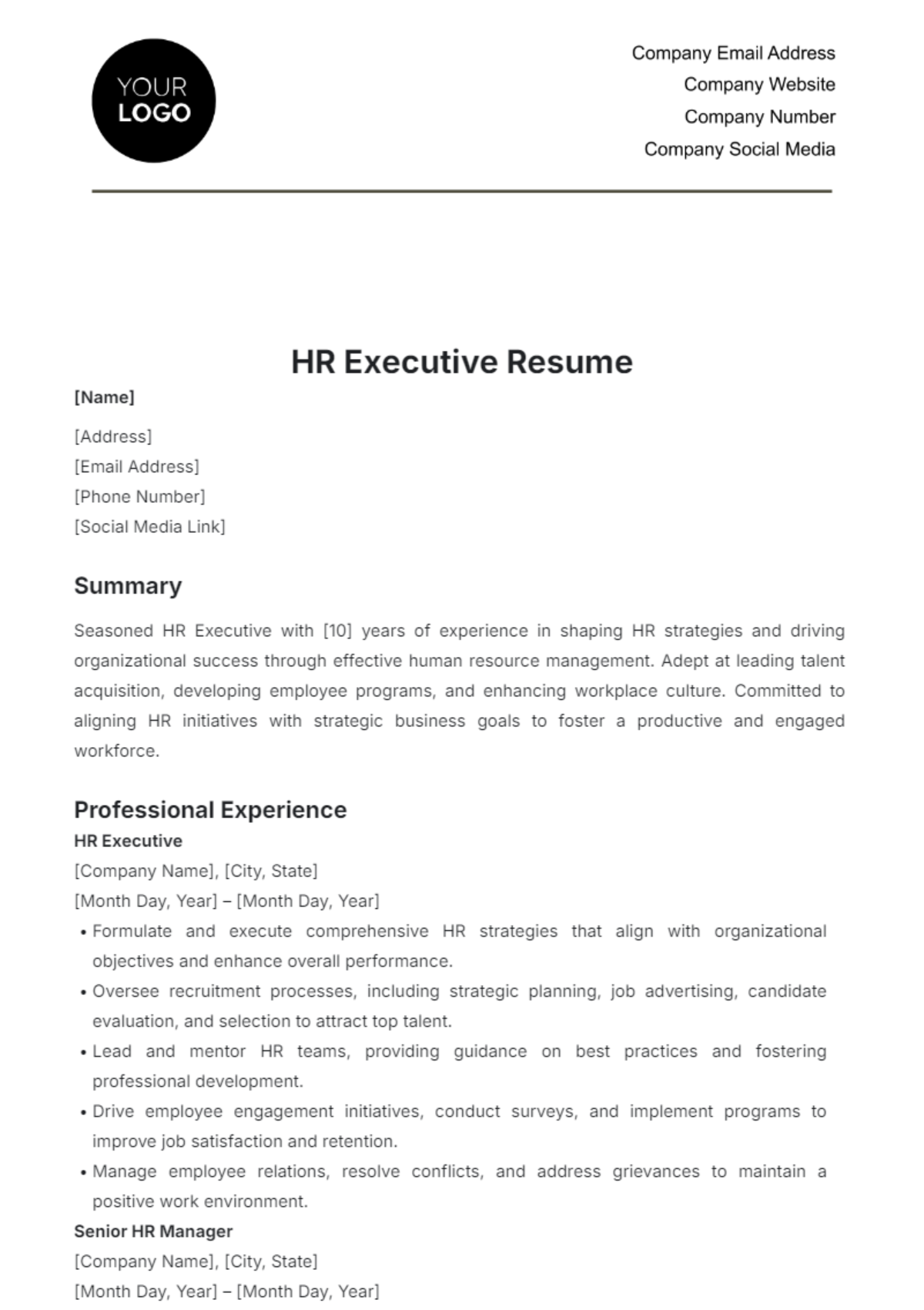
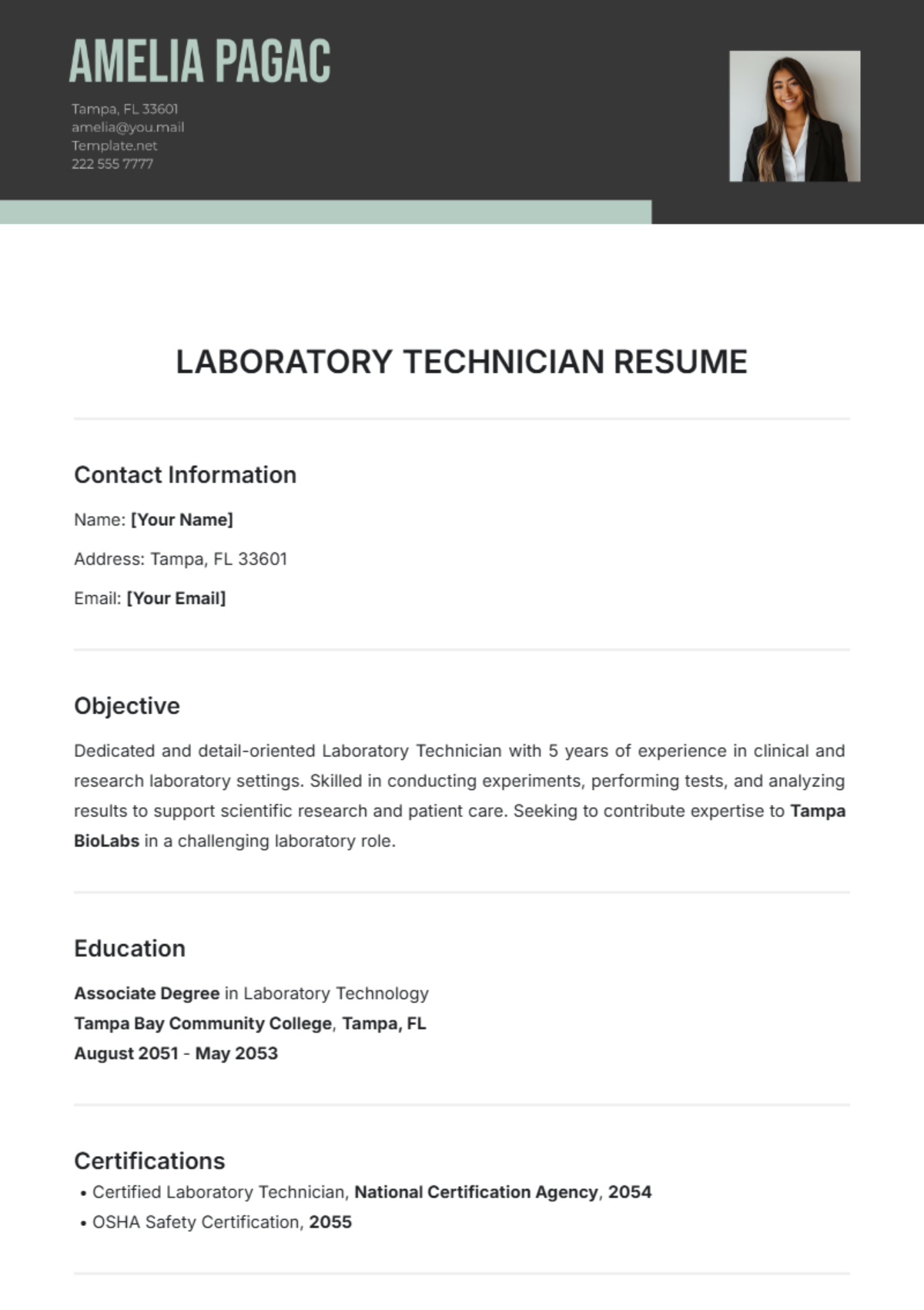
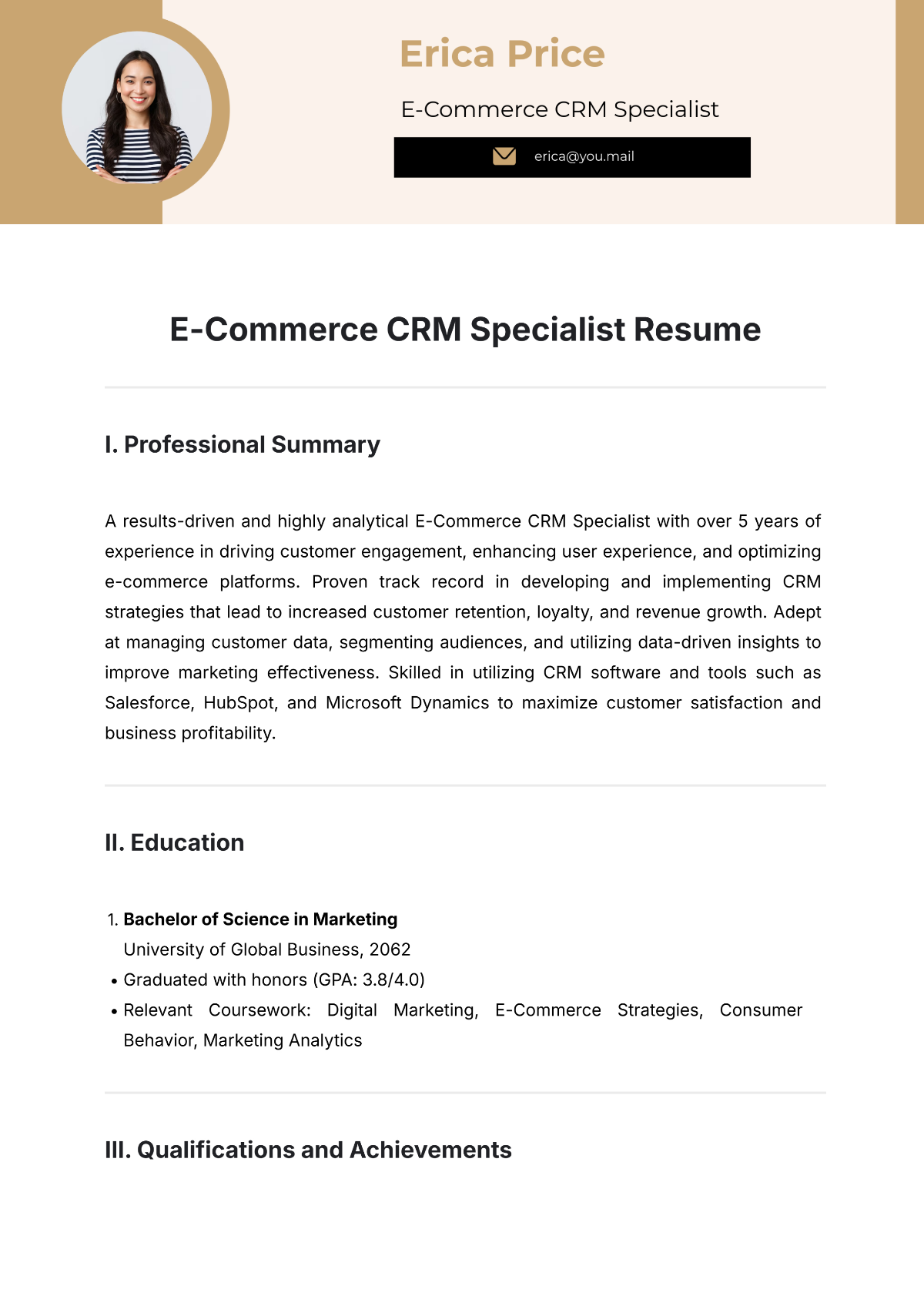
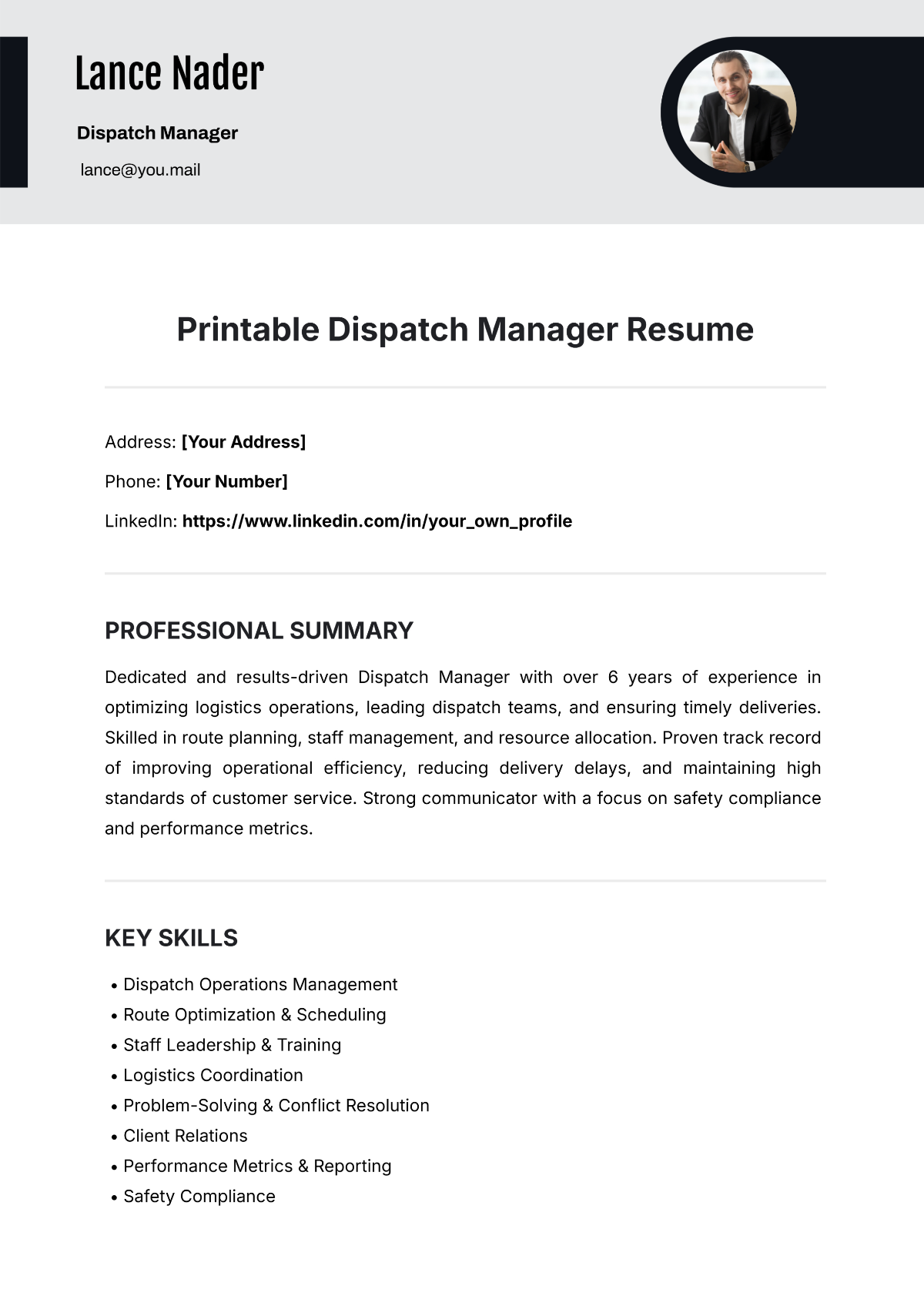
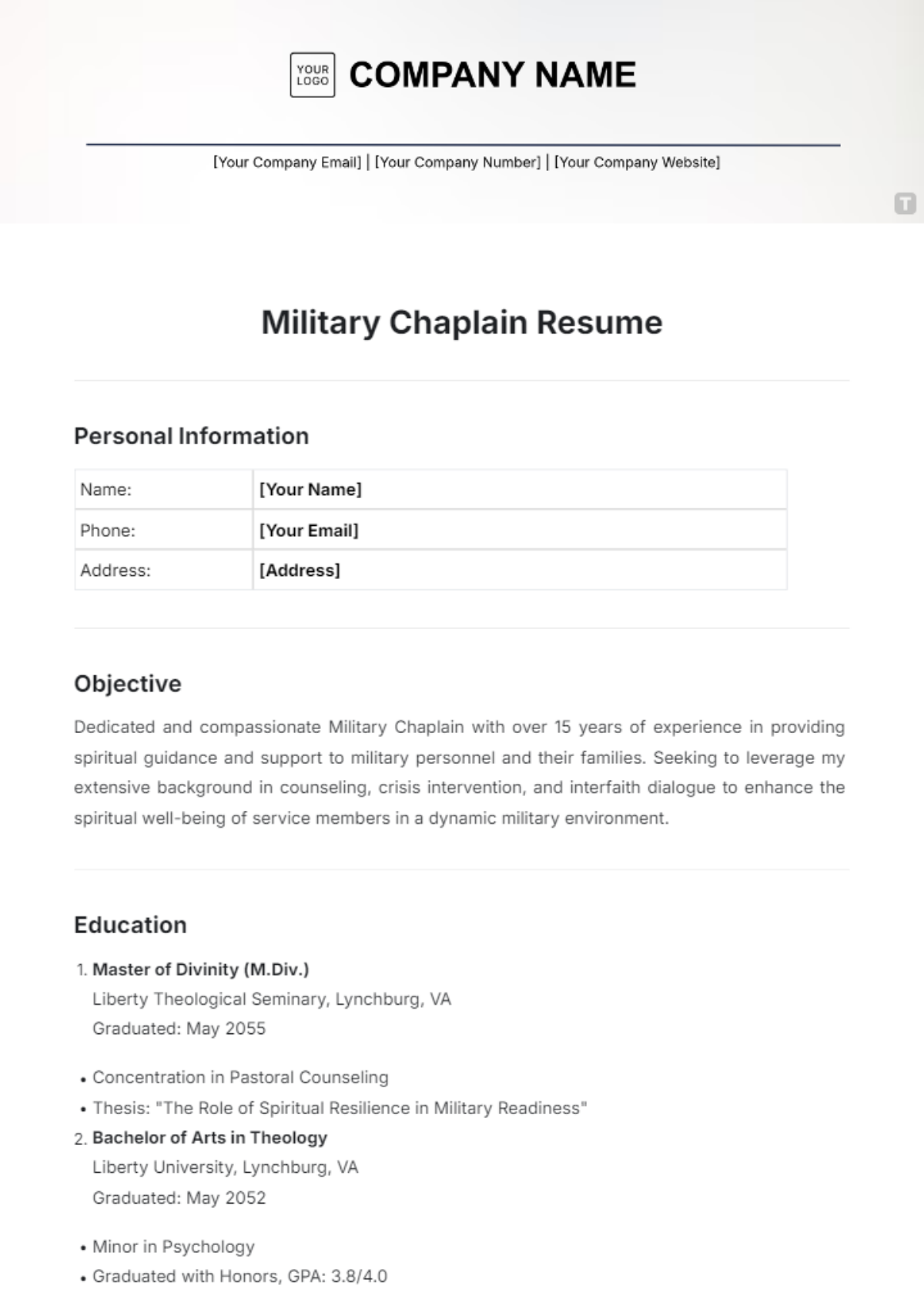
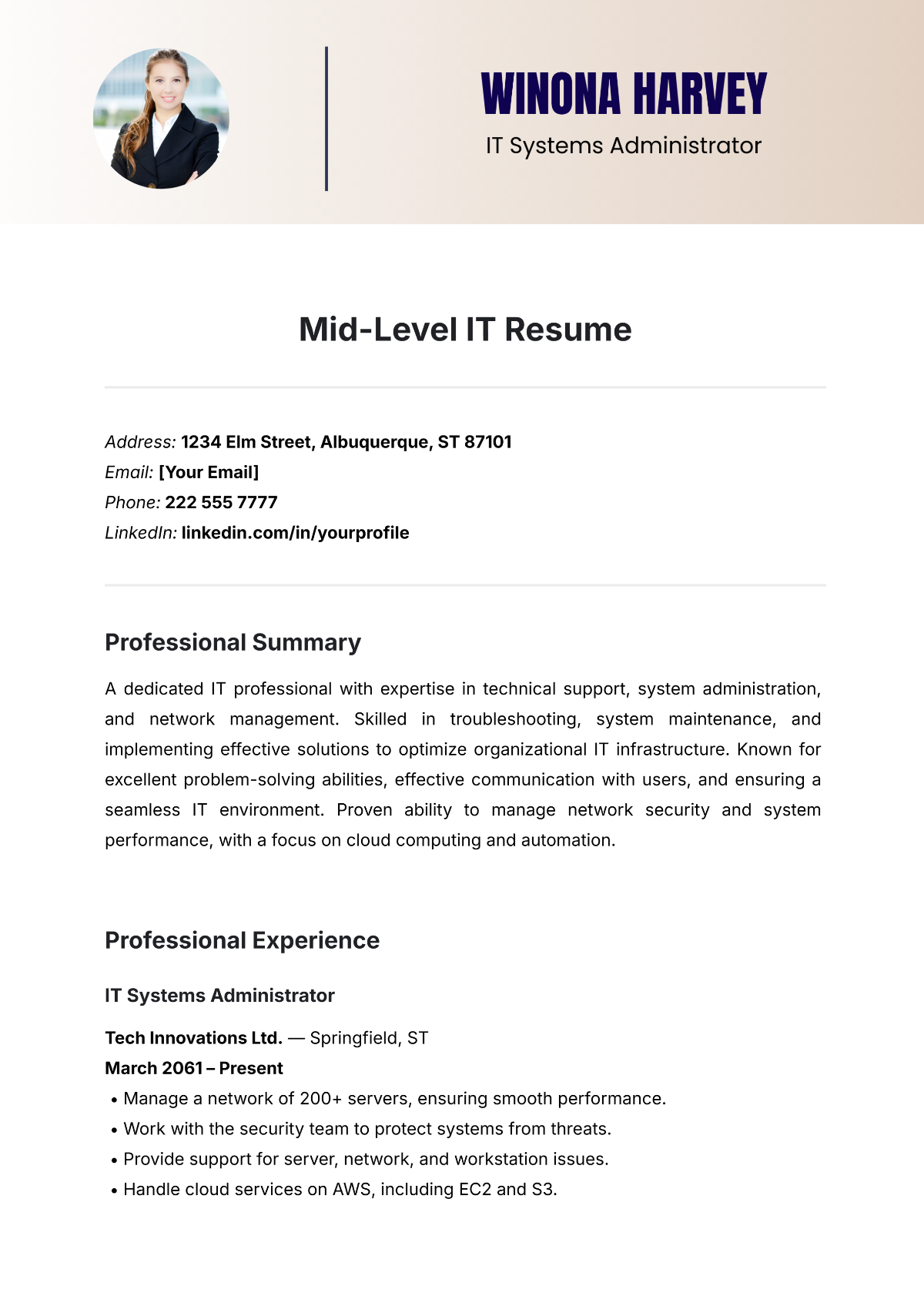
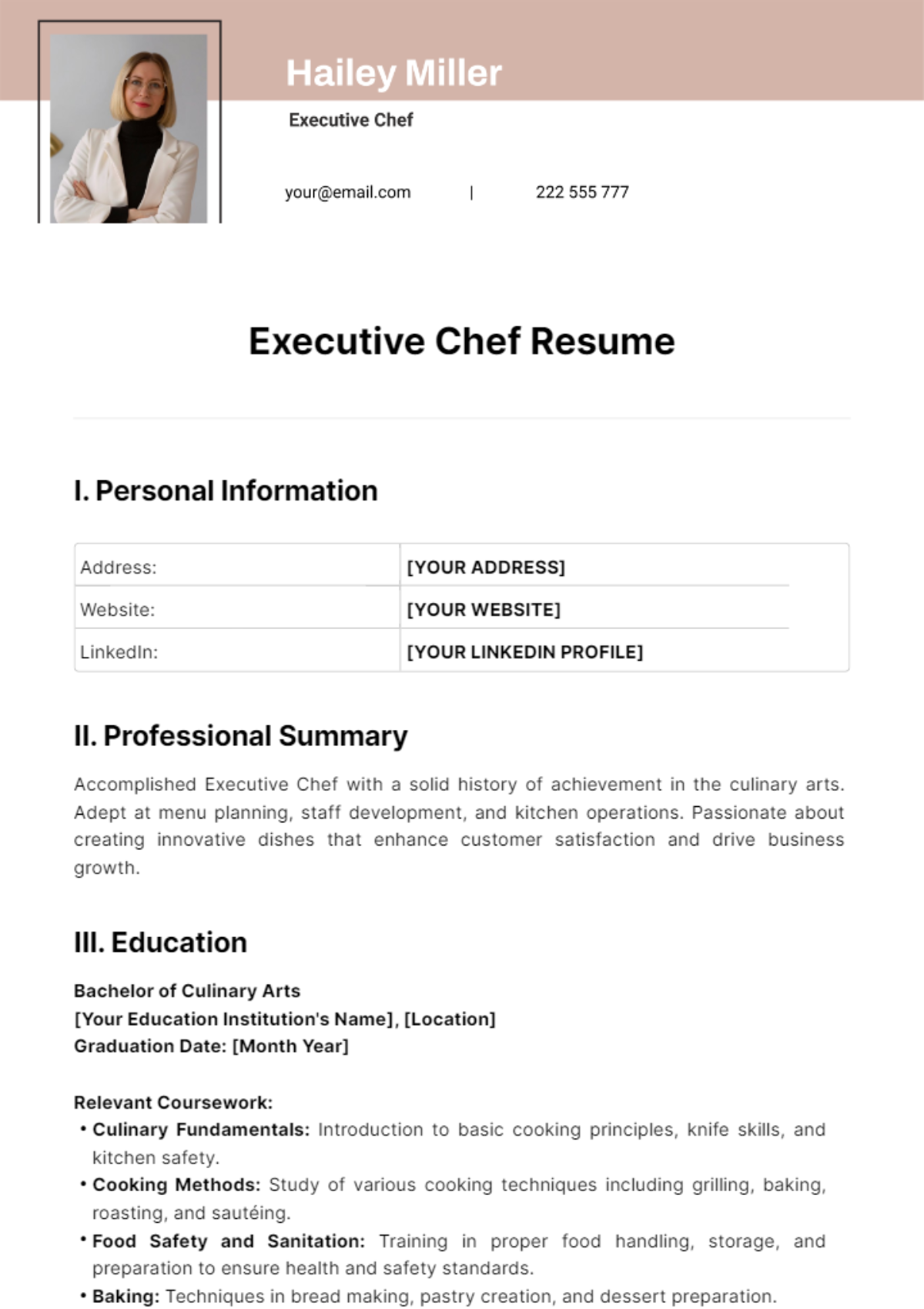
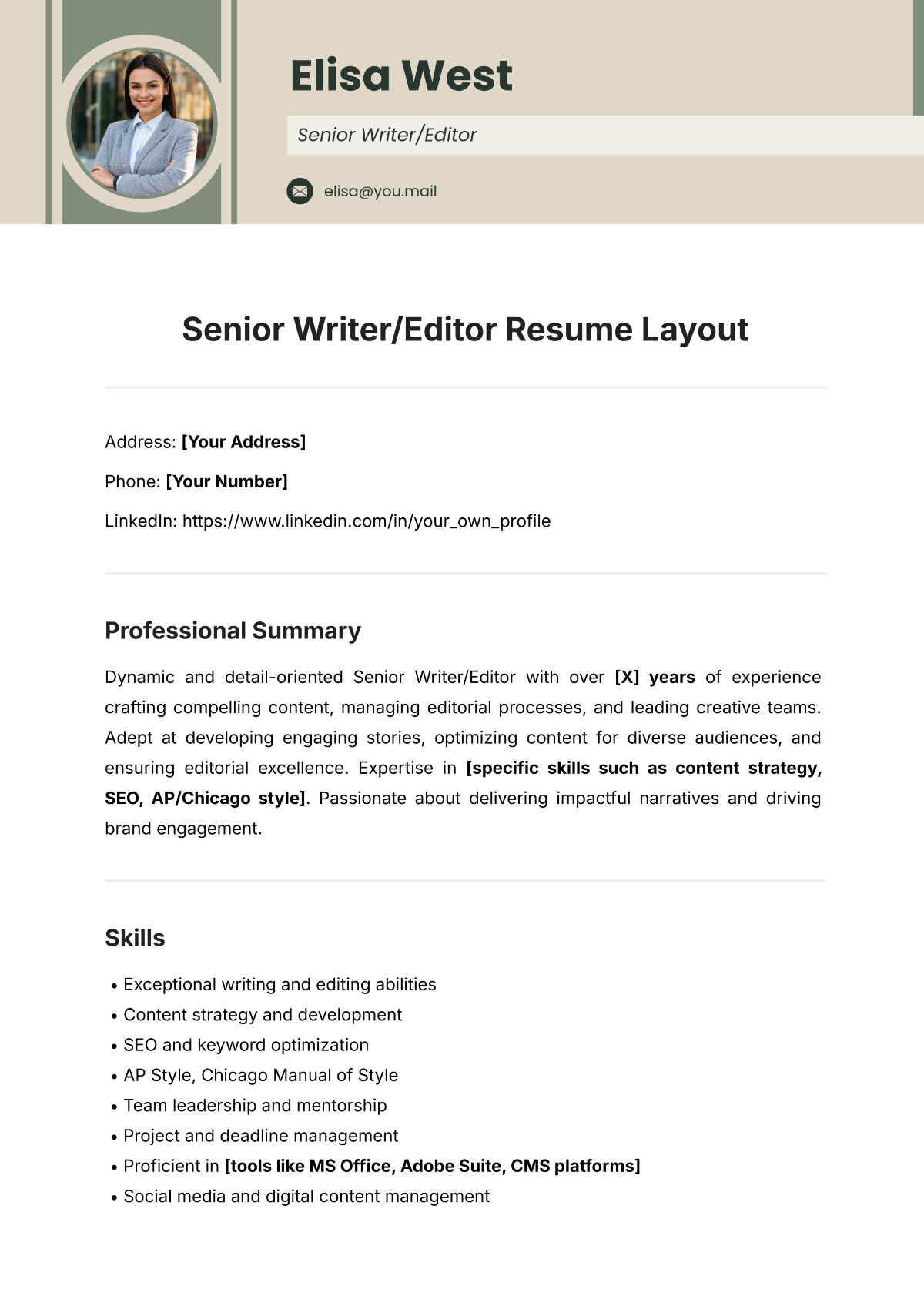
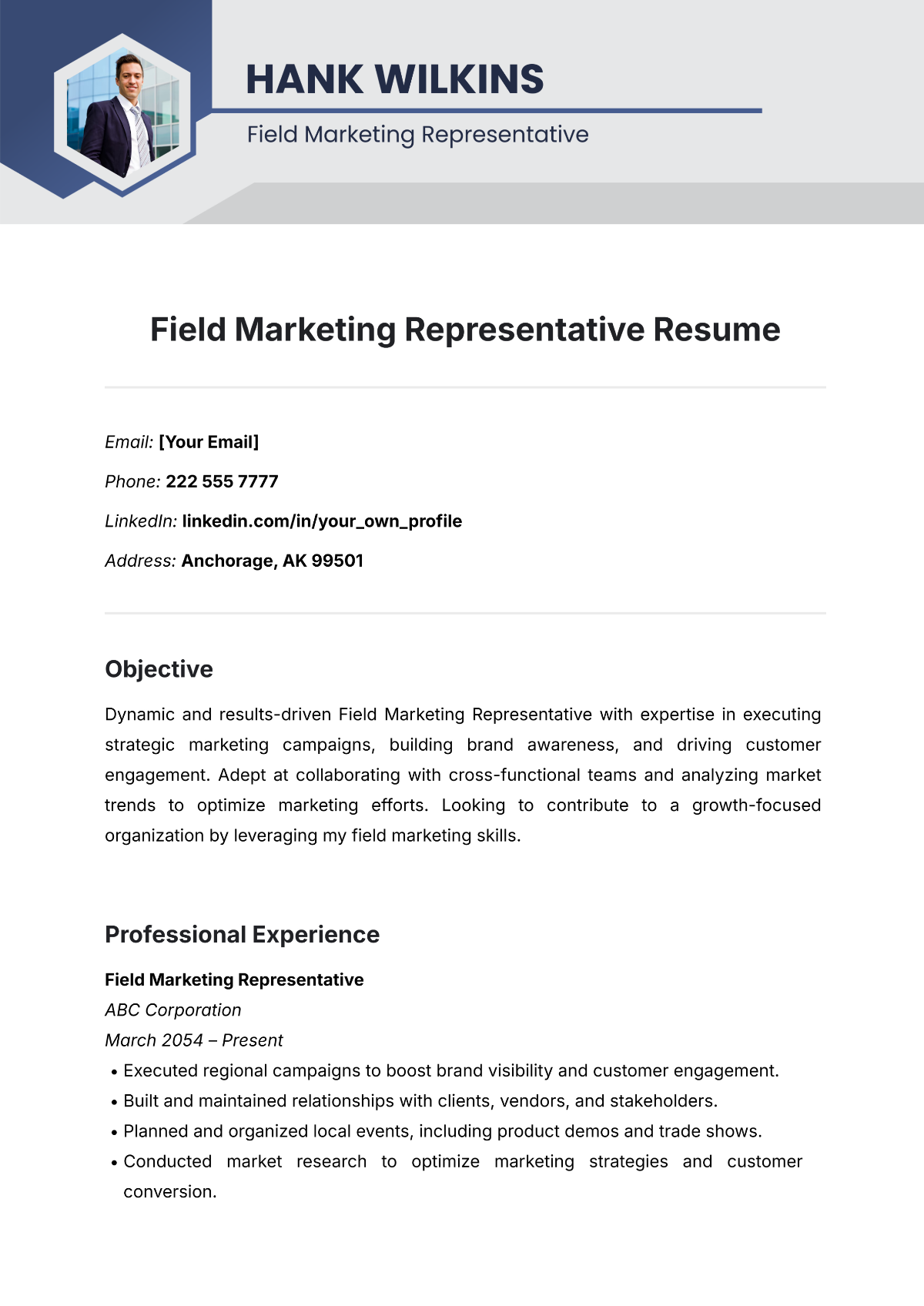
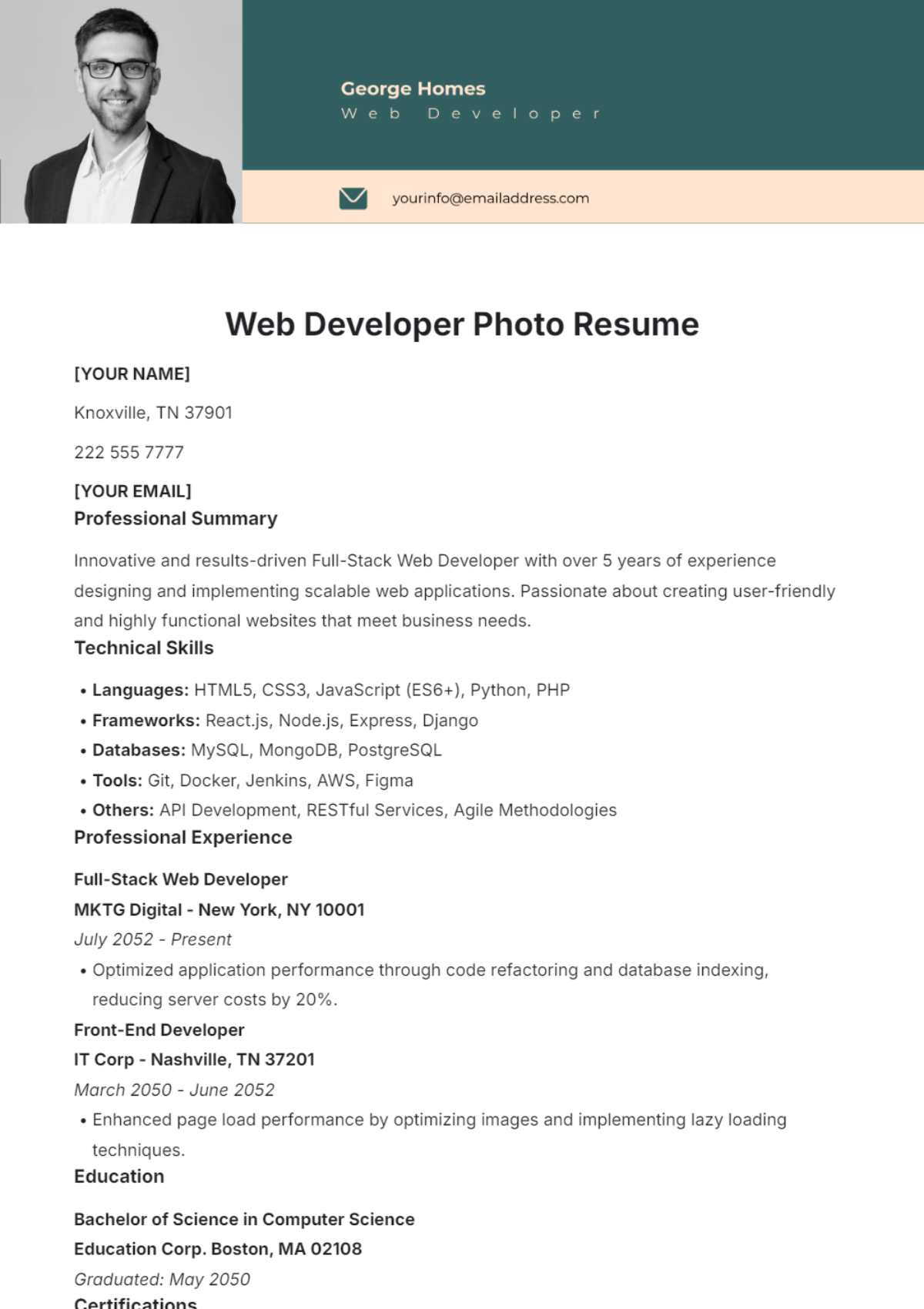
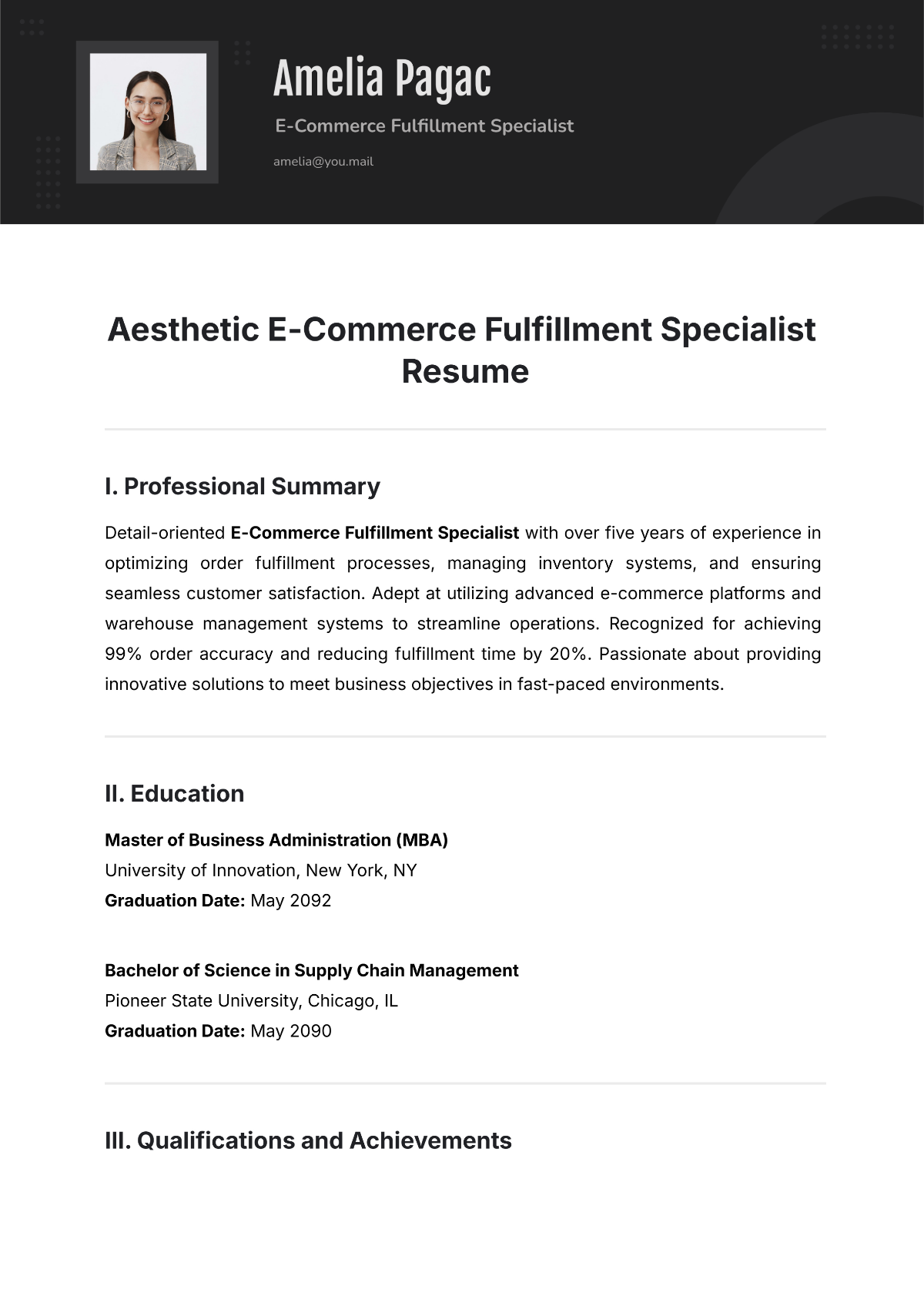
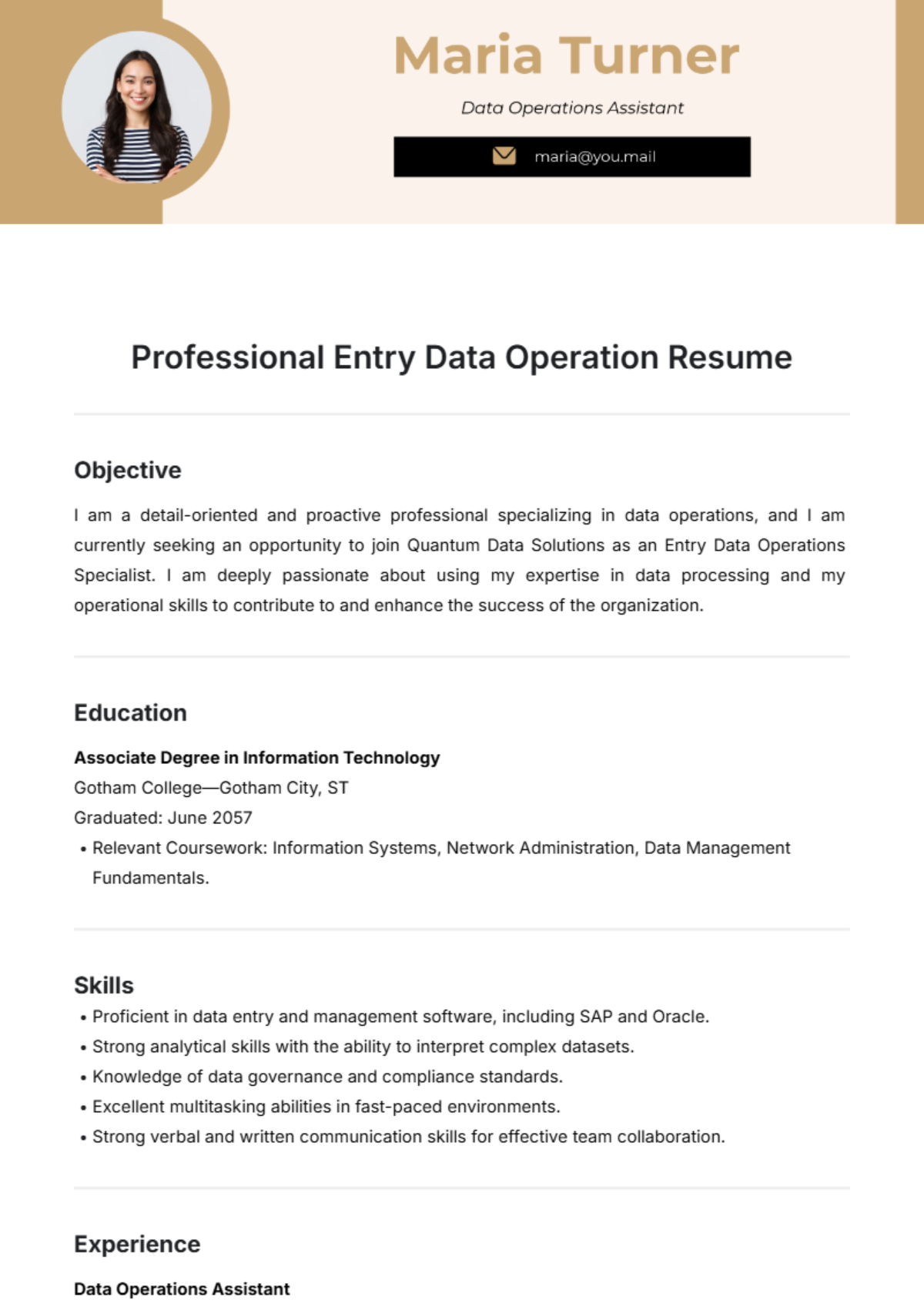
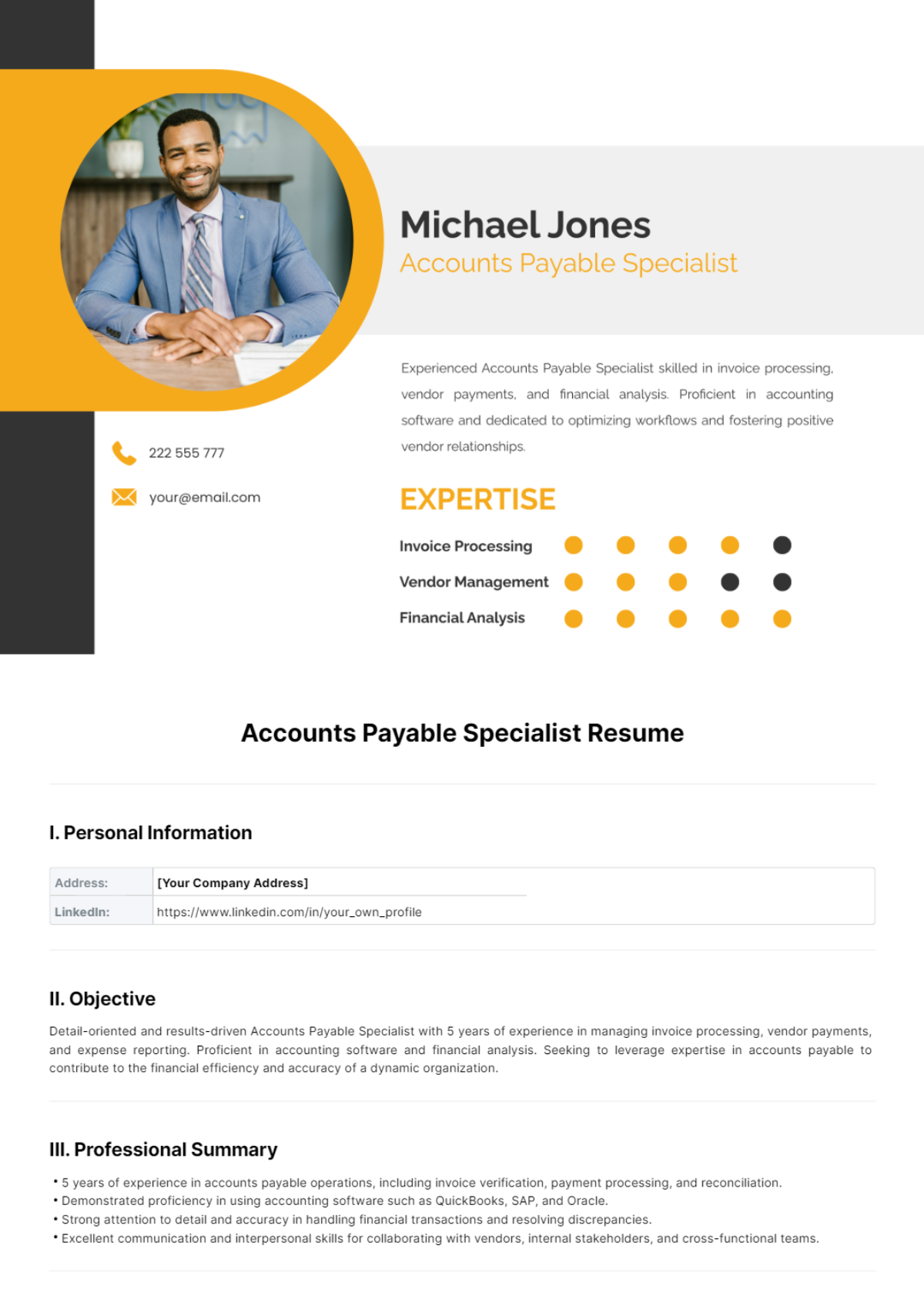
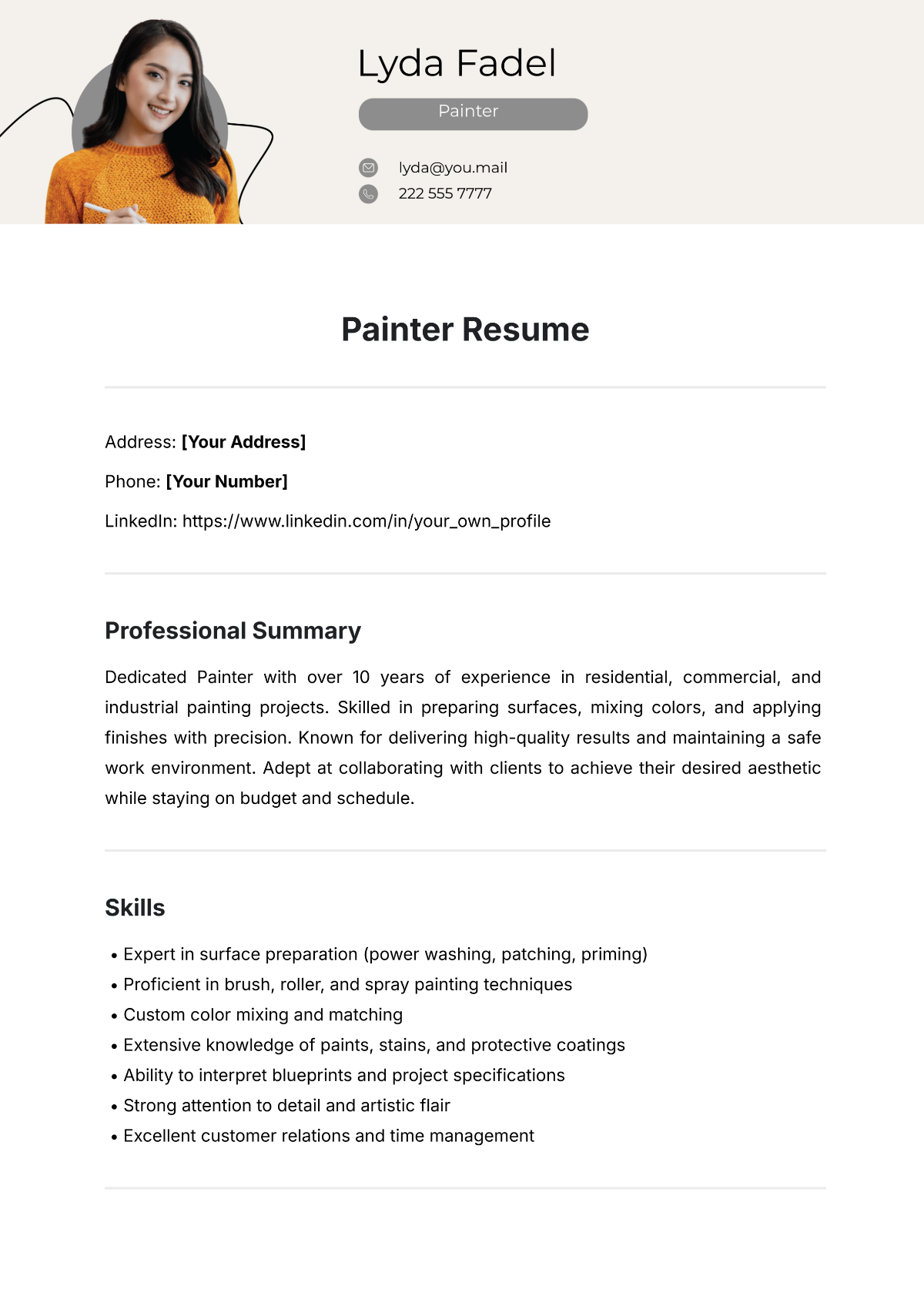
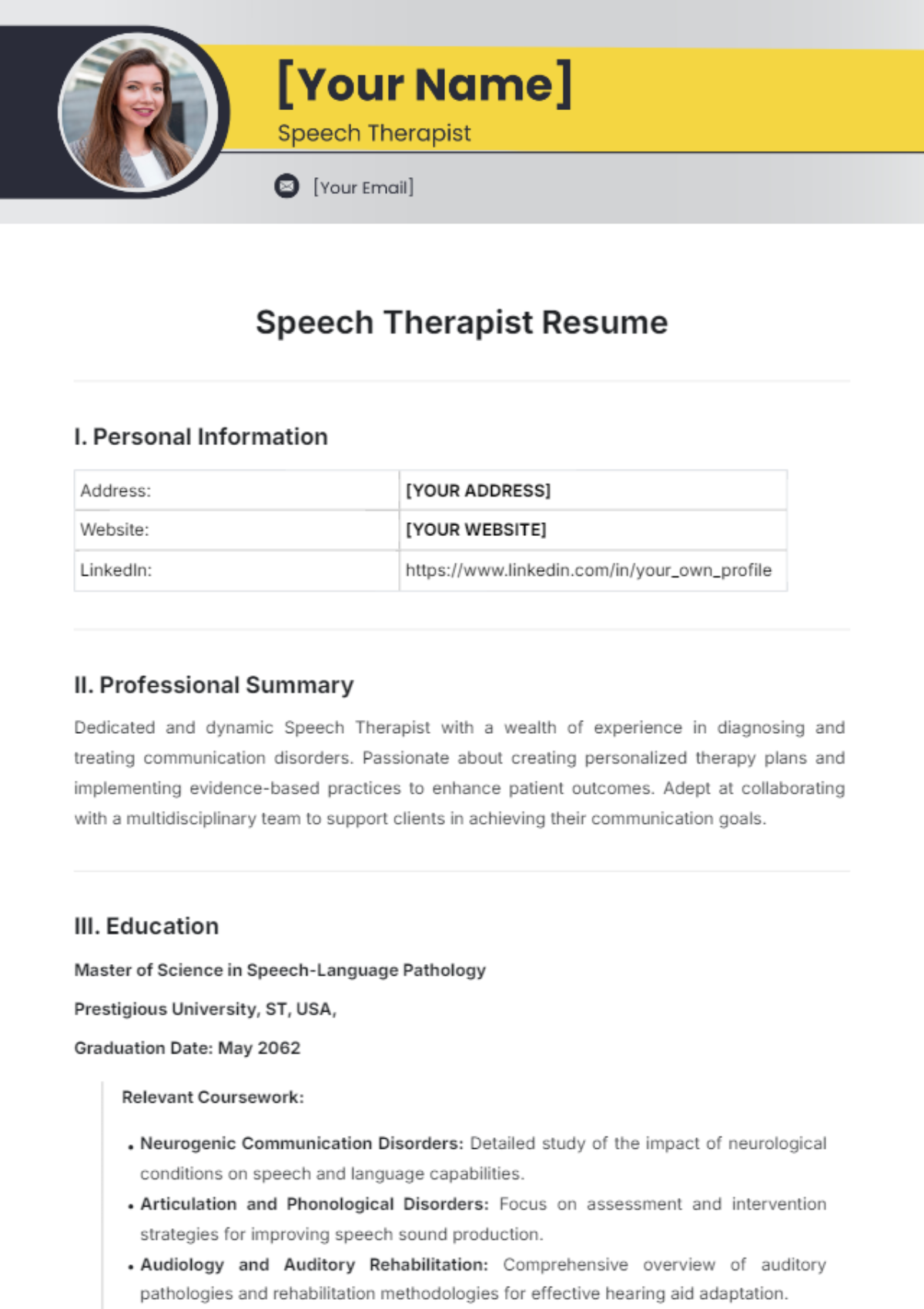
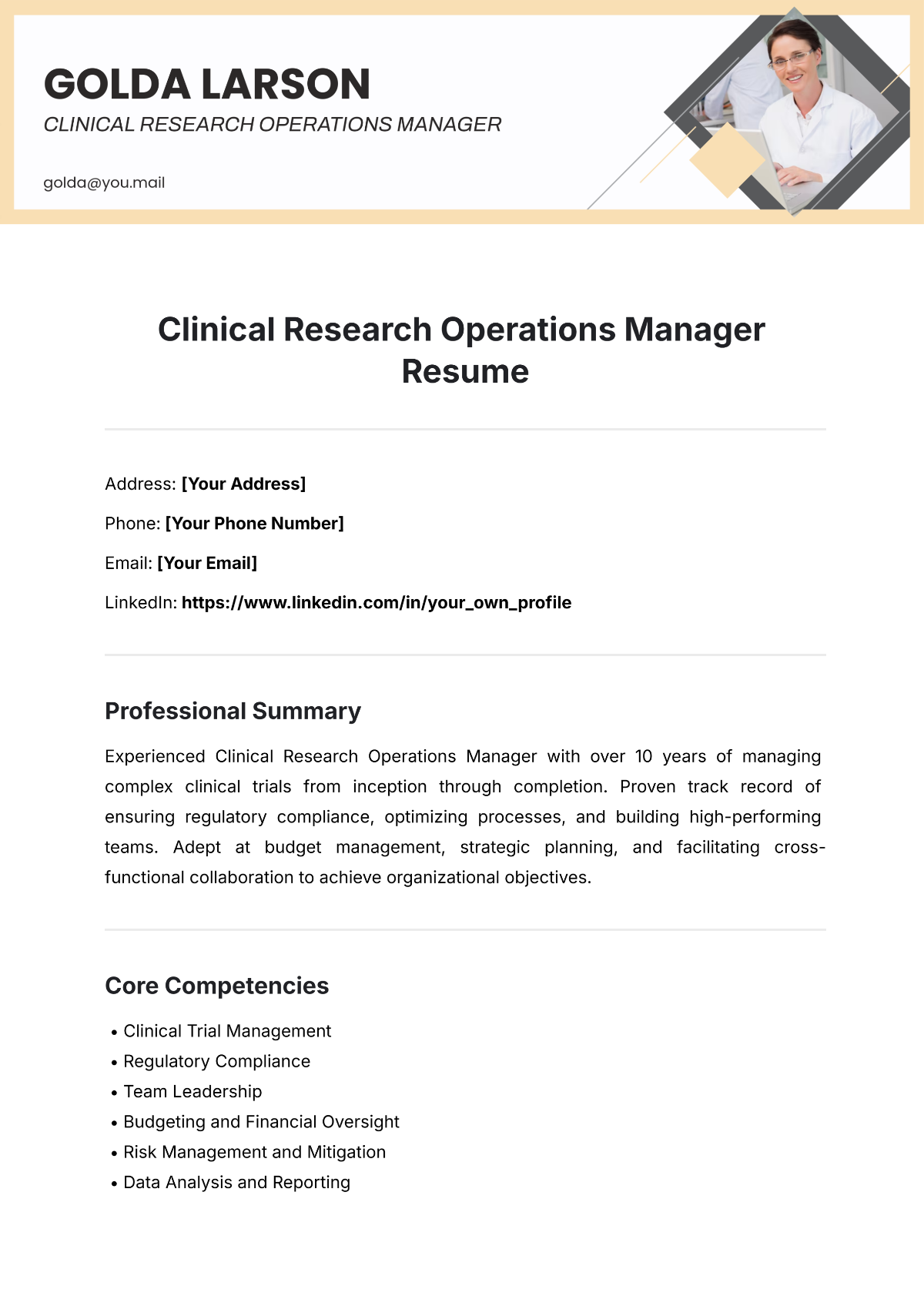
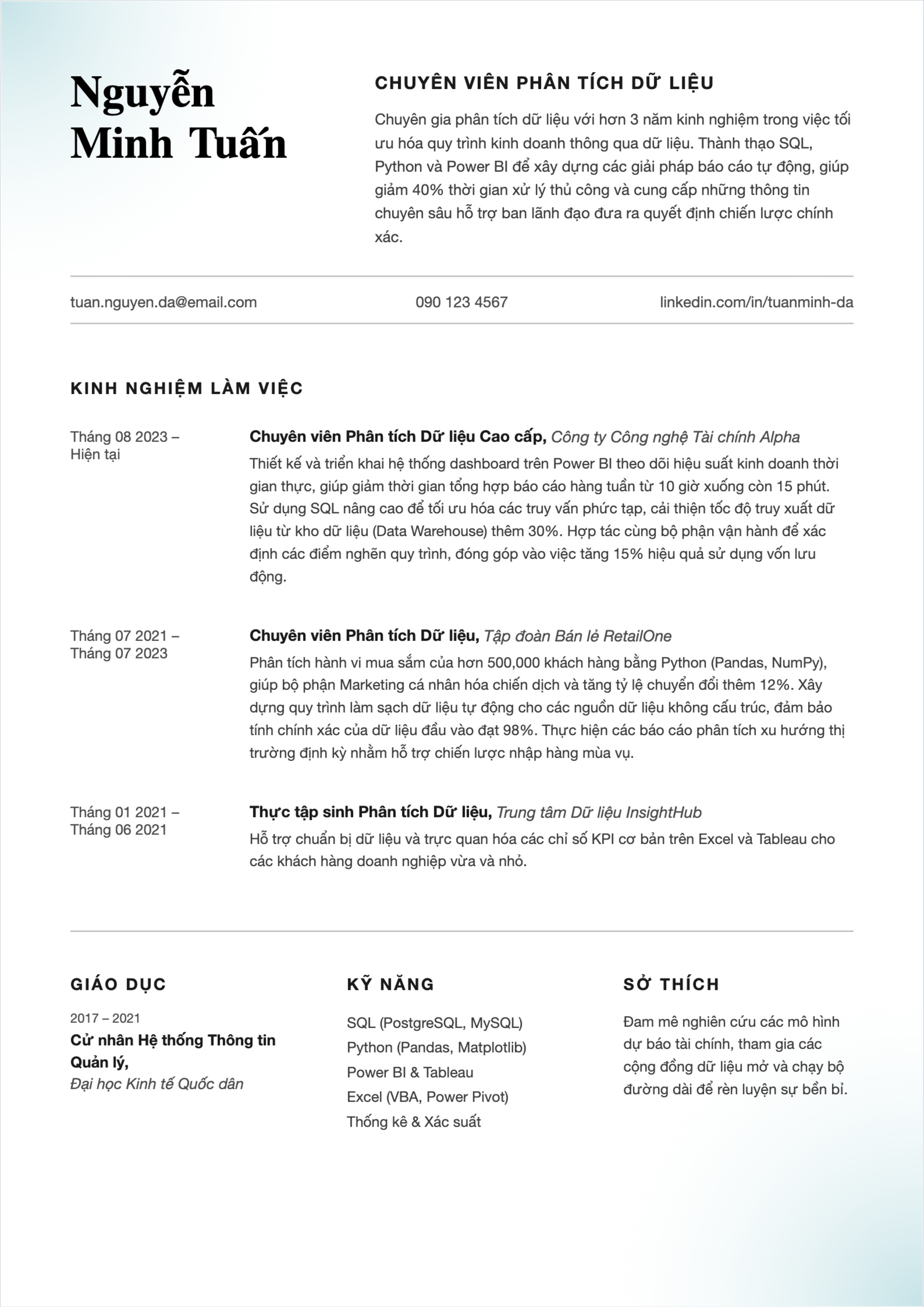
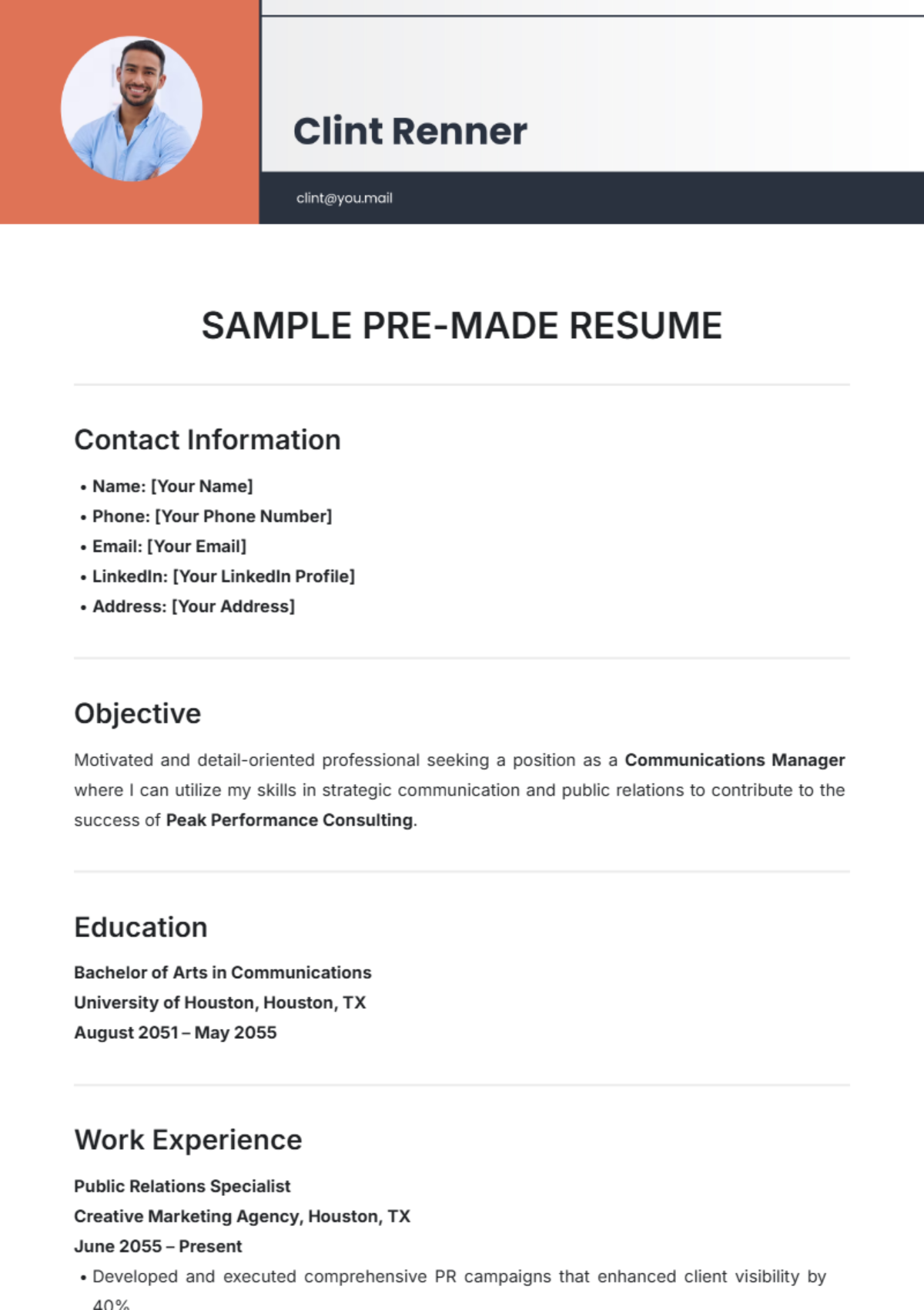
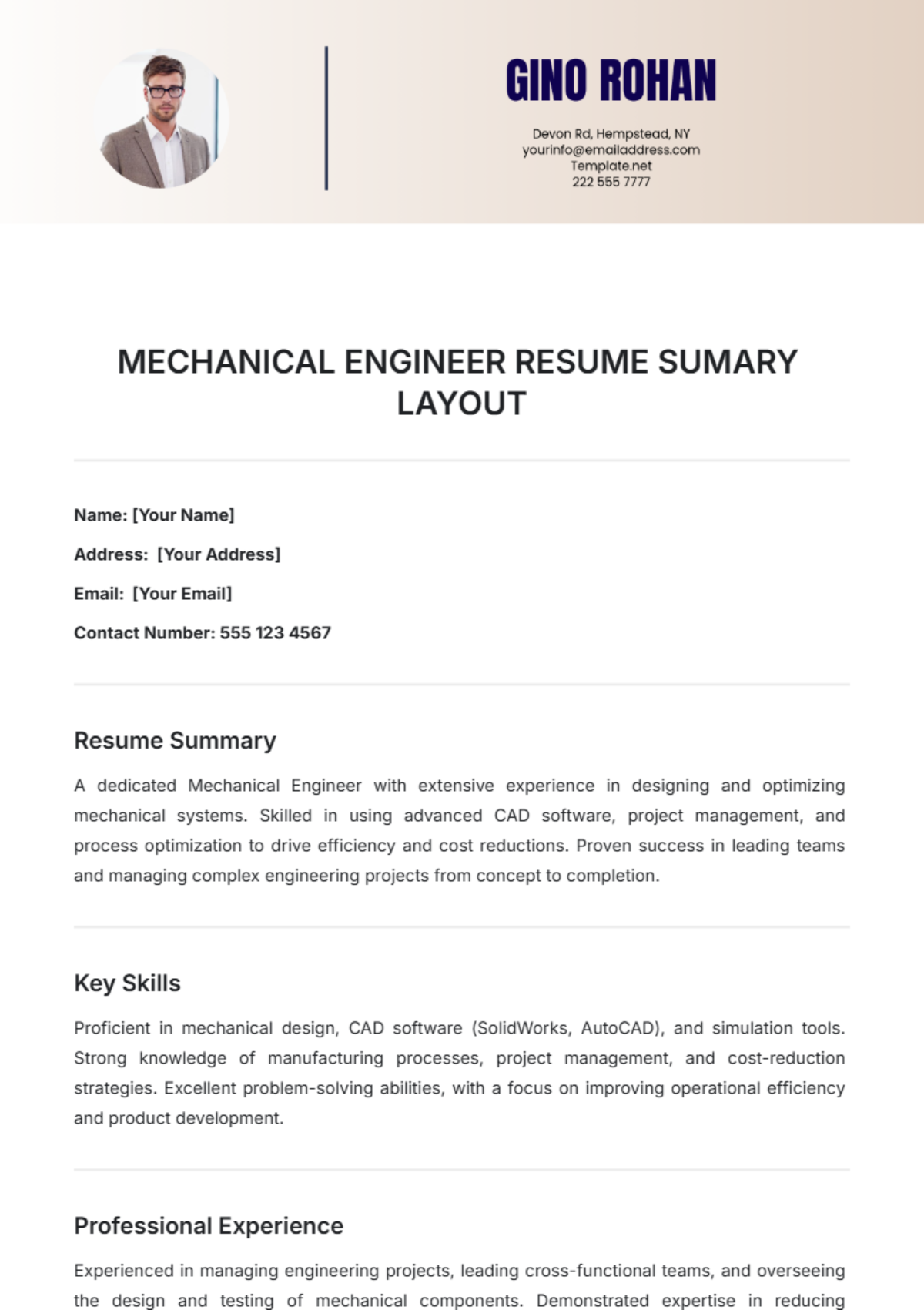
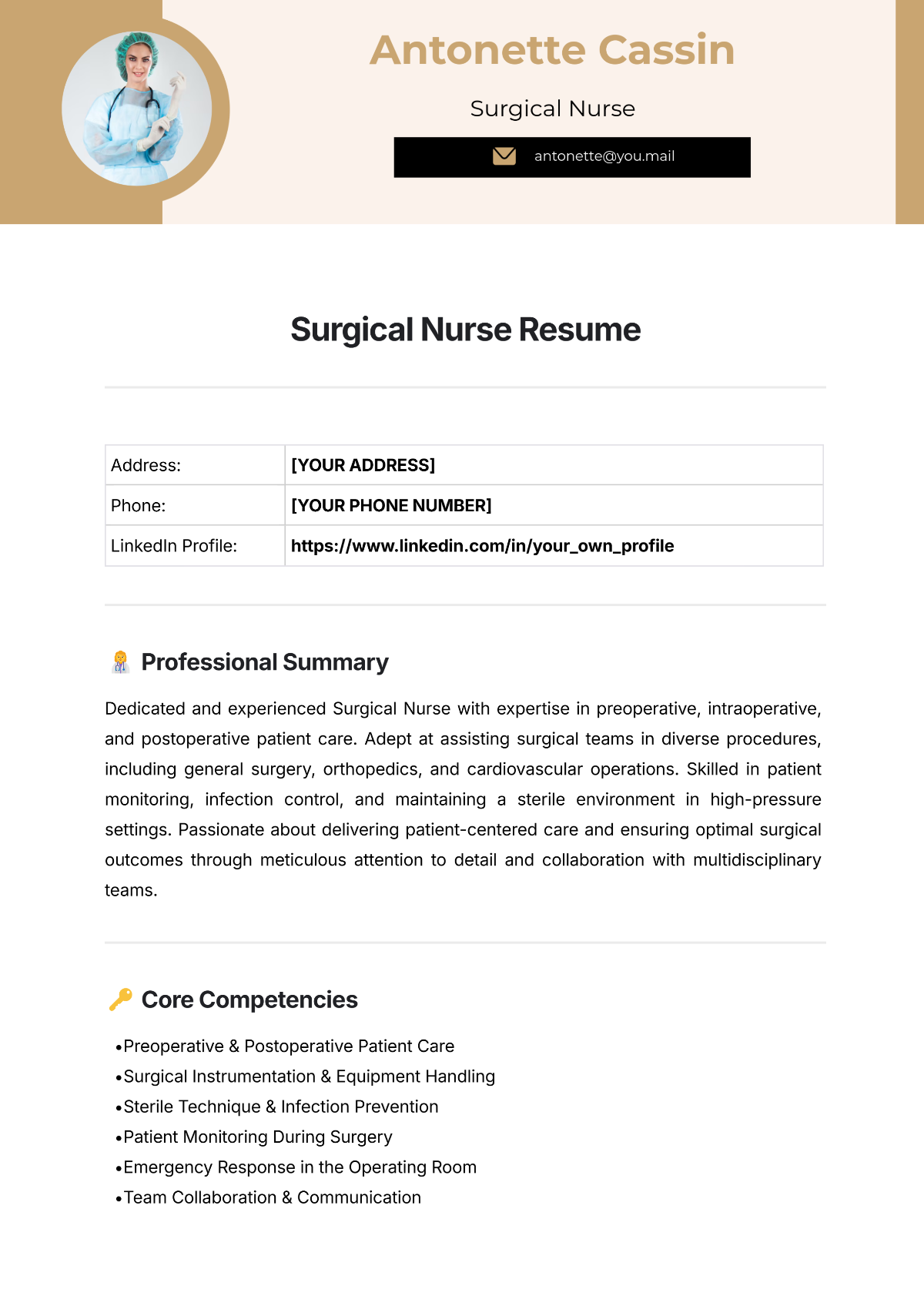
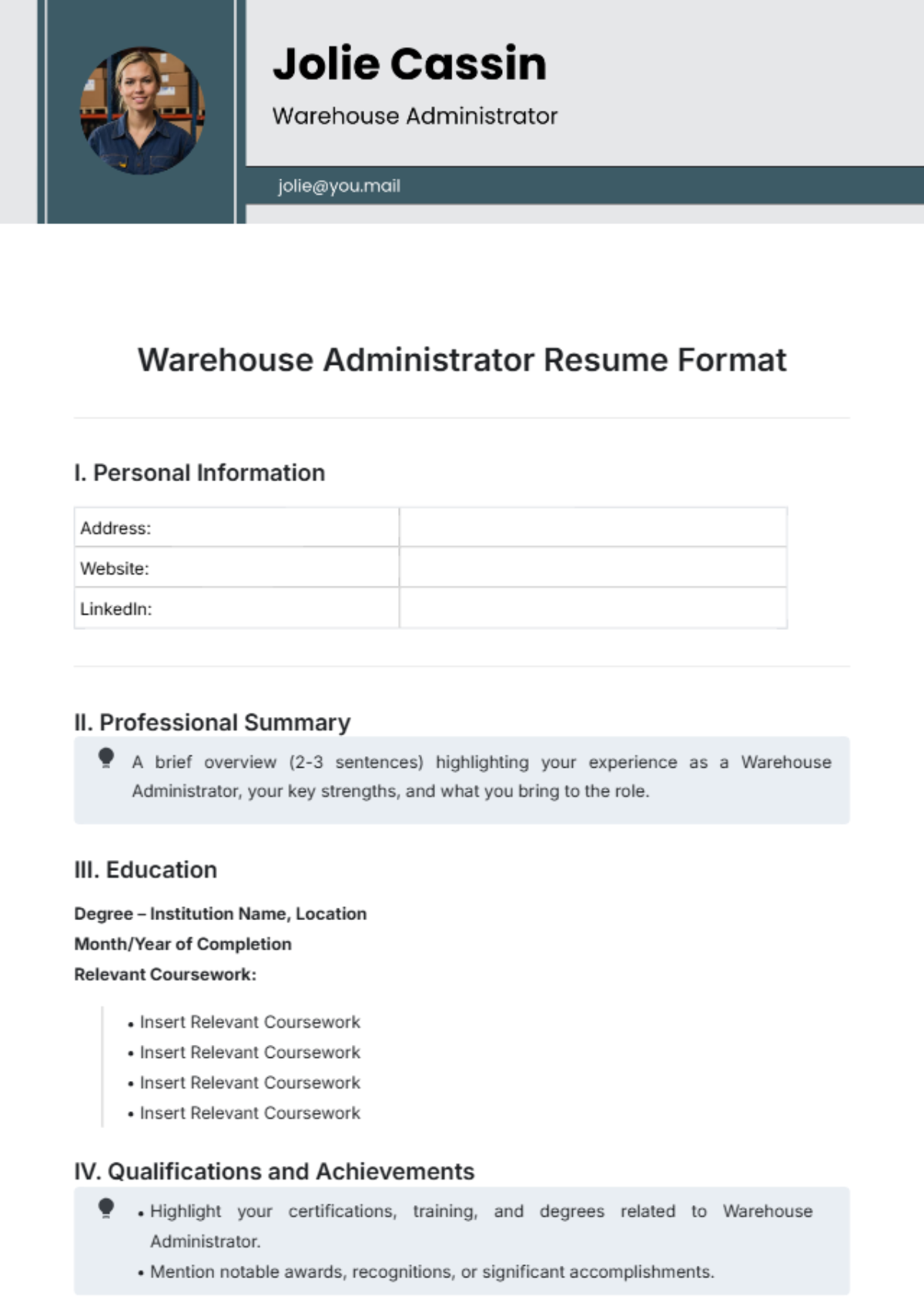
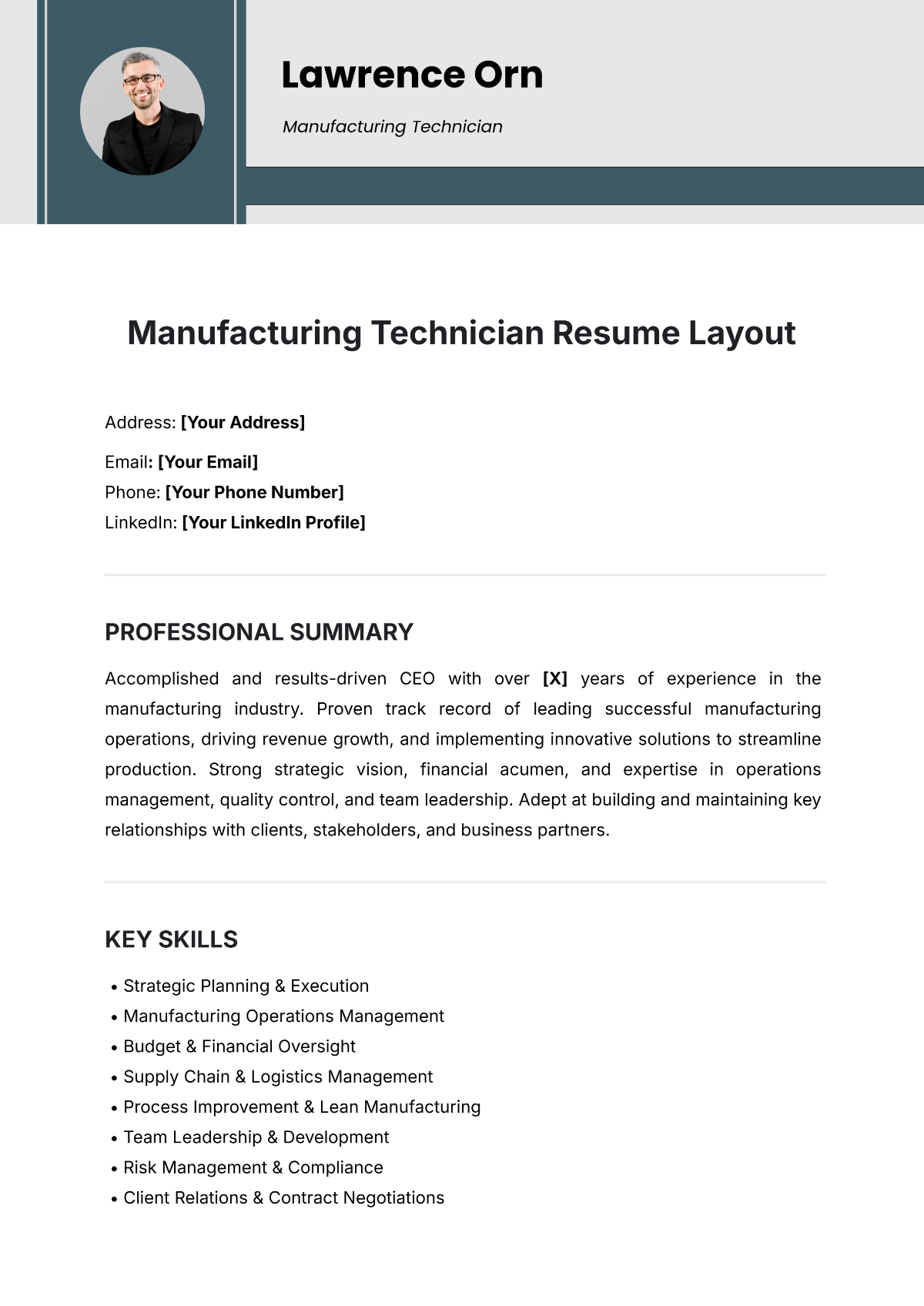
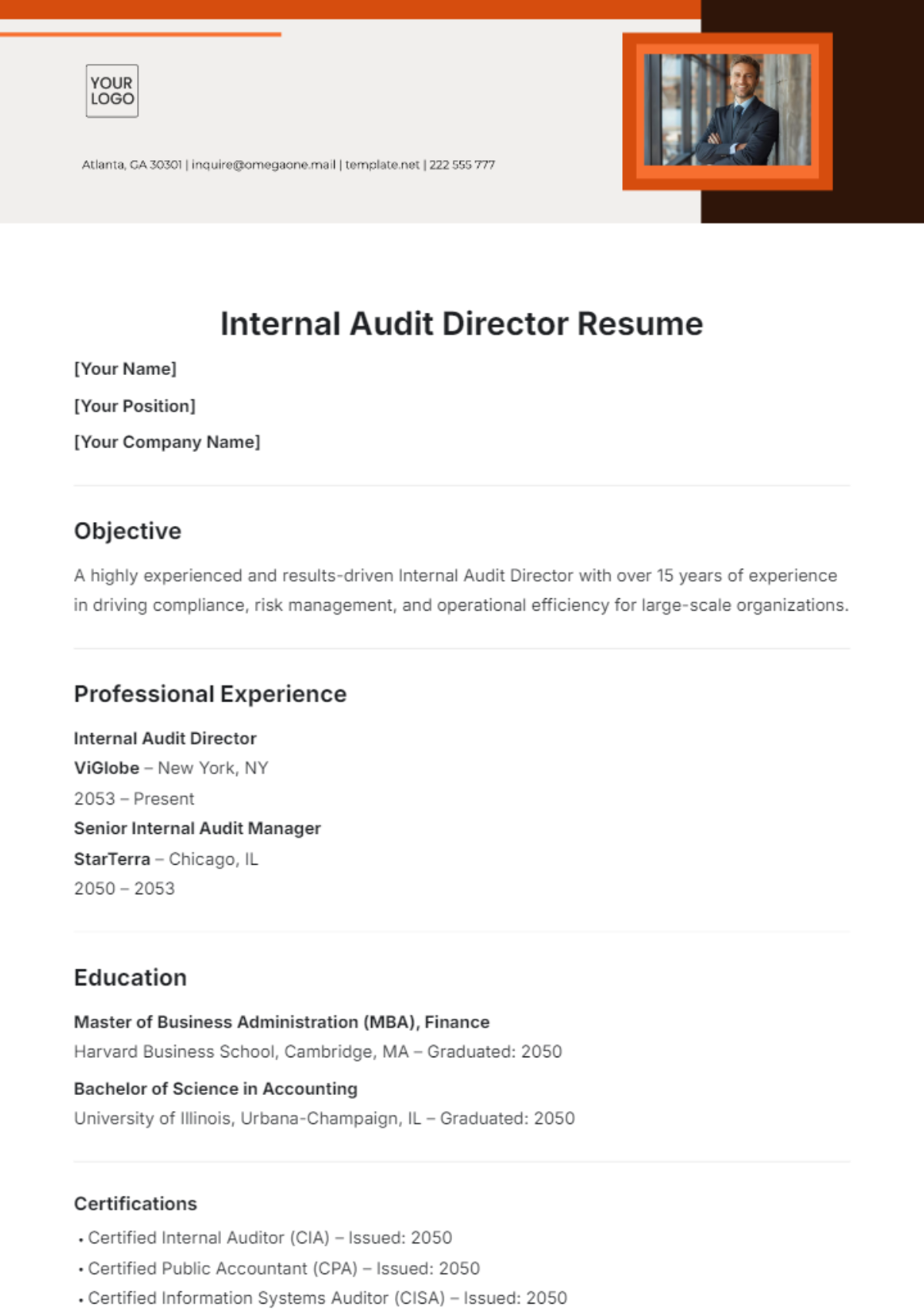
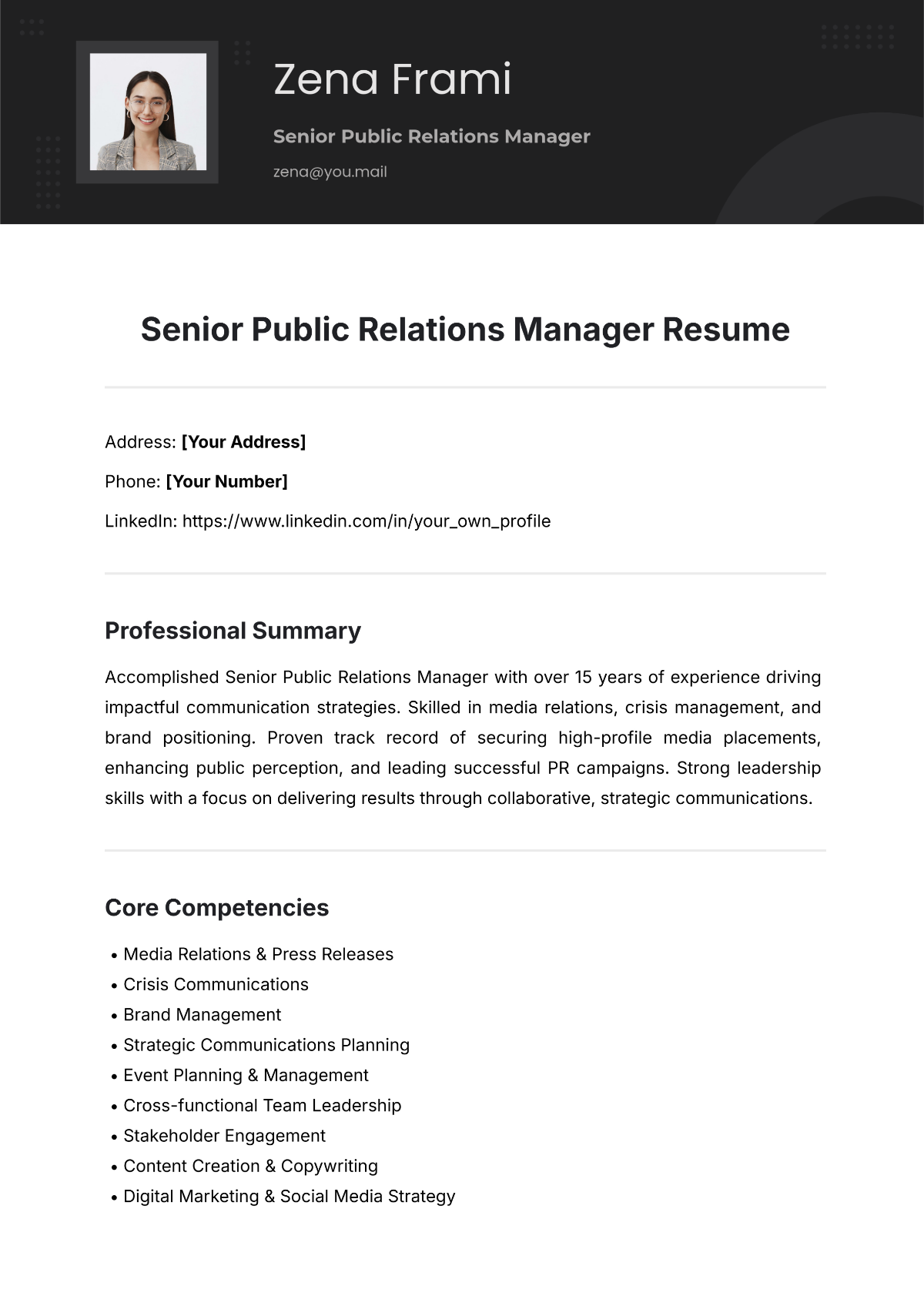
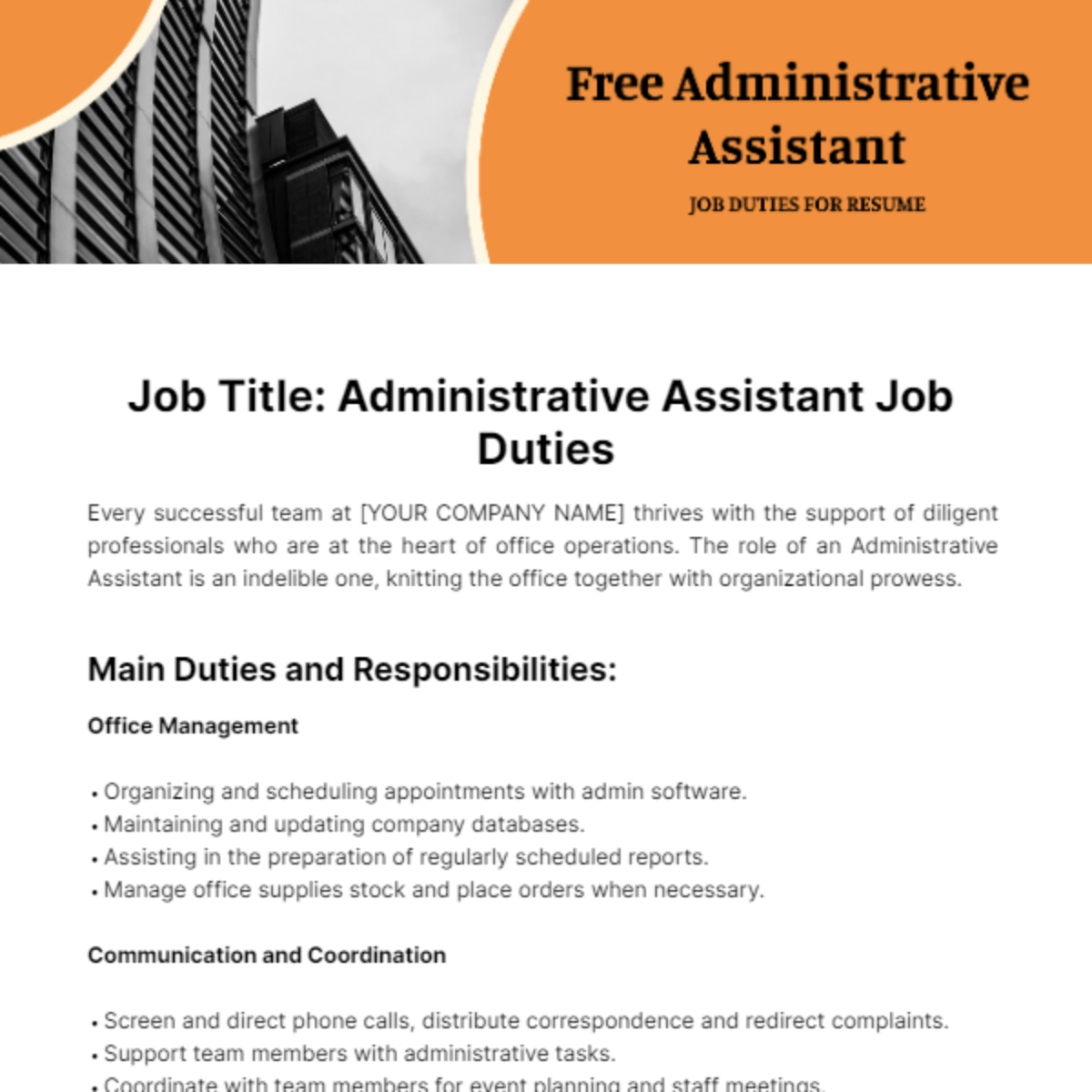
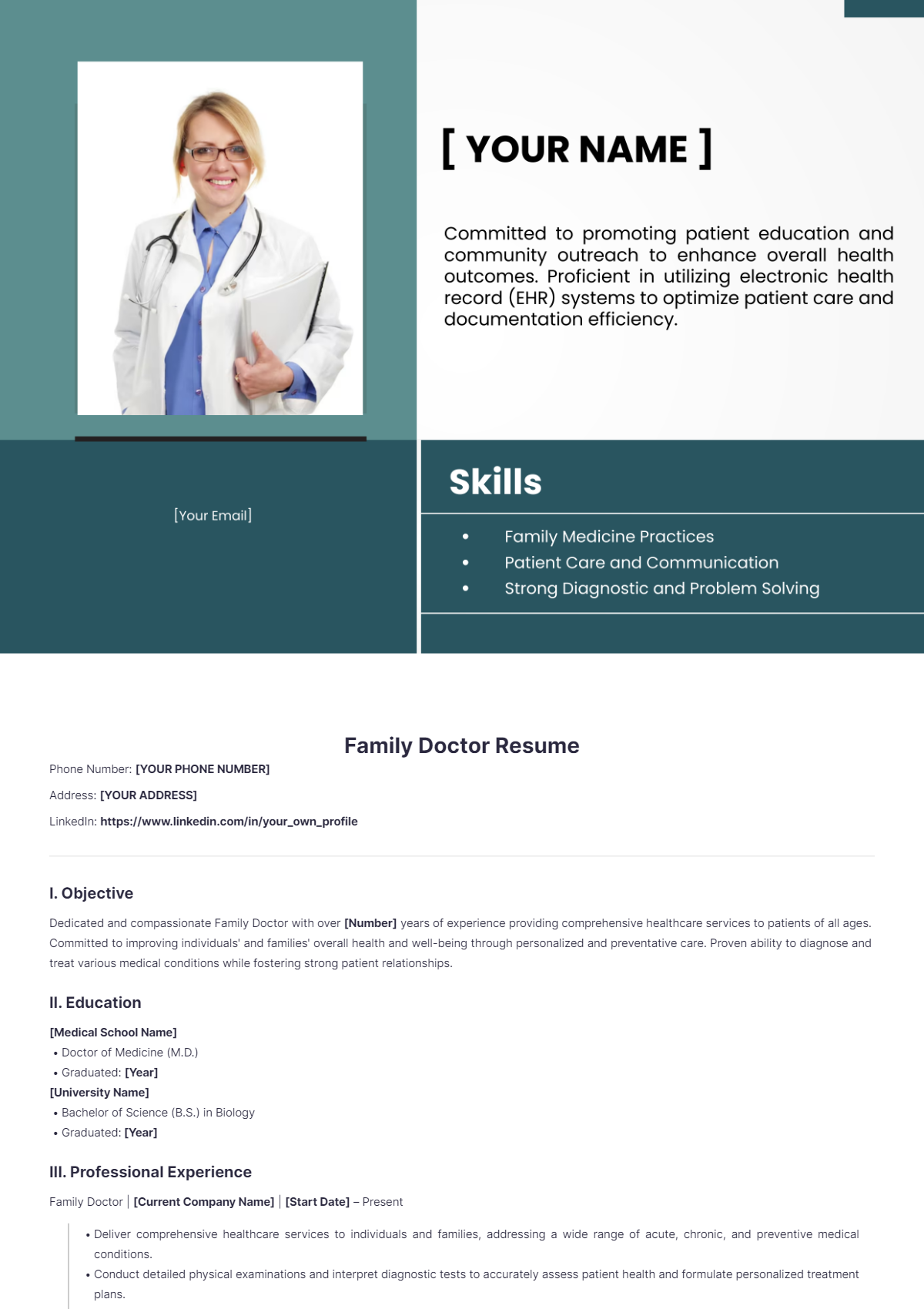
A resume is a concise document that summarizes an individual's work experience, education, and skills to support job applications. Resume templates provide structured layouts to organize these elements clearly and professionally for quick employer review.
Why use a Resume?
Using a resume allows job seekers to present their qualifications in a clear, structured format that highlights relevant skills and experience. Resume templates ensure a professional layout that improves readability and helps candidates stand out to employers.
Who typically uses Resumes?
Resumes are typically used by job seekers, students, and professionals across industries to apply for employment. Recruiters and hiring managers also rely on resumes to quickly assess candidates’ qualifications and professional background.
What sections should a Resume include?
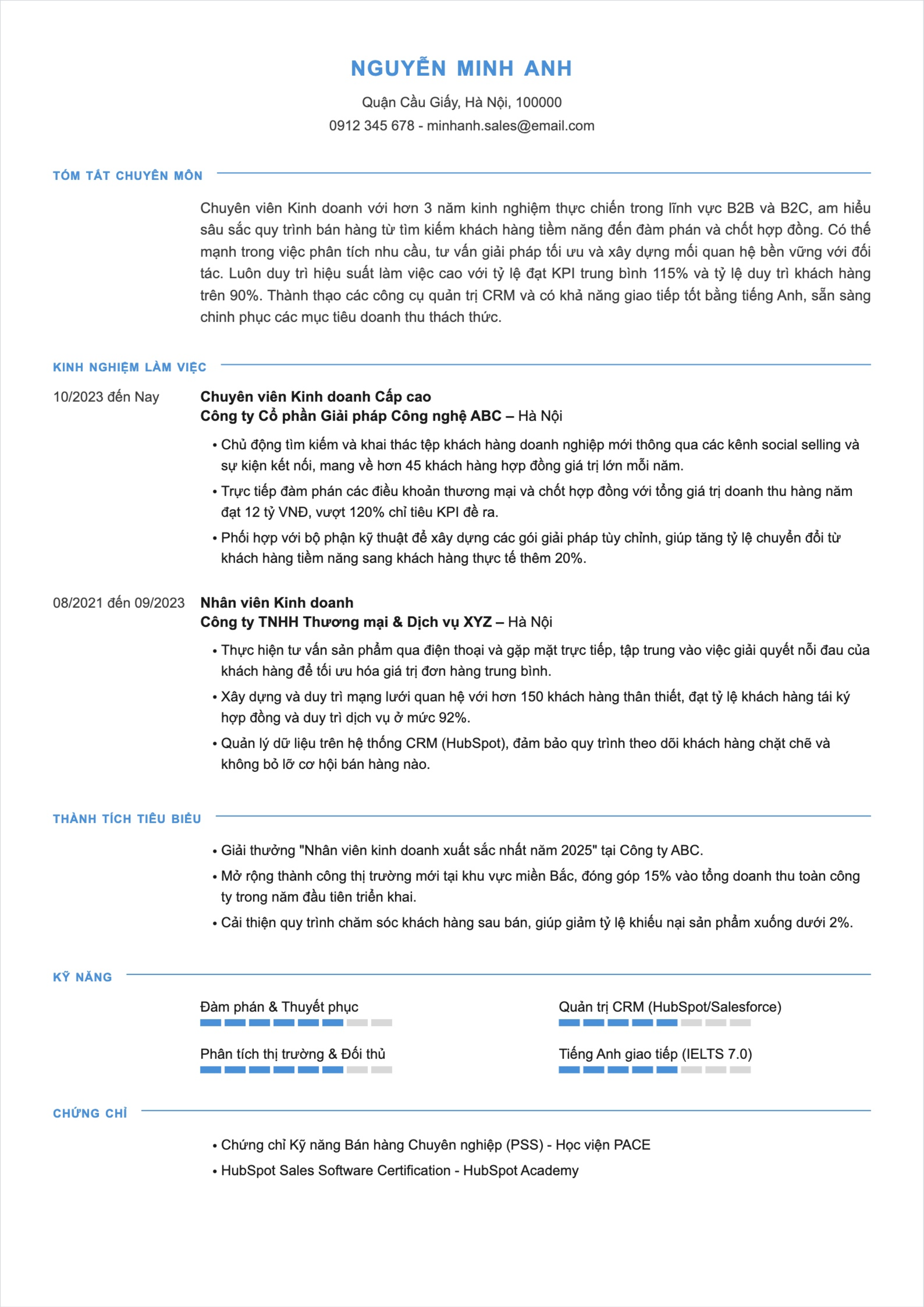
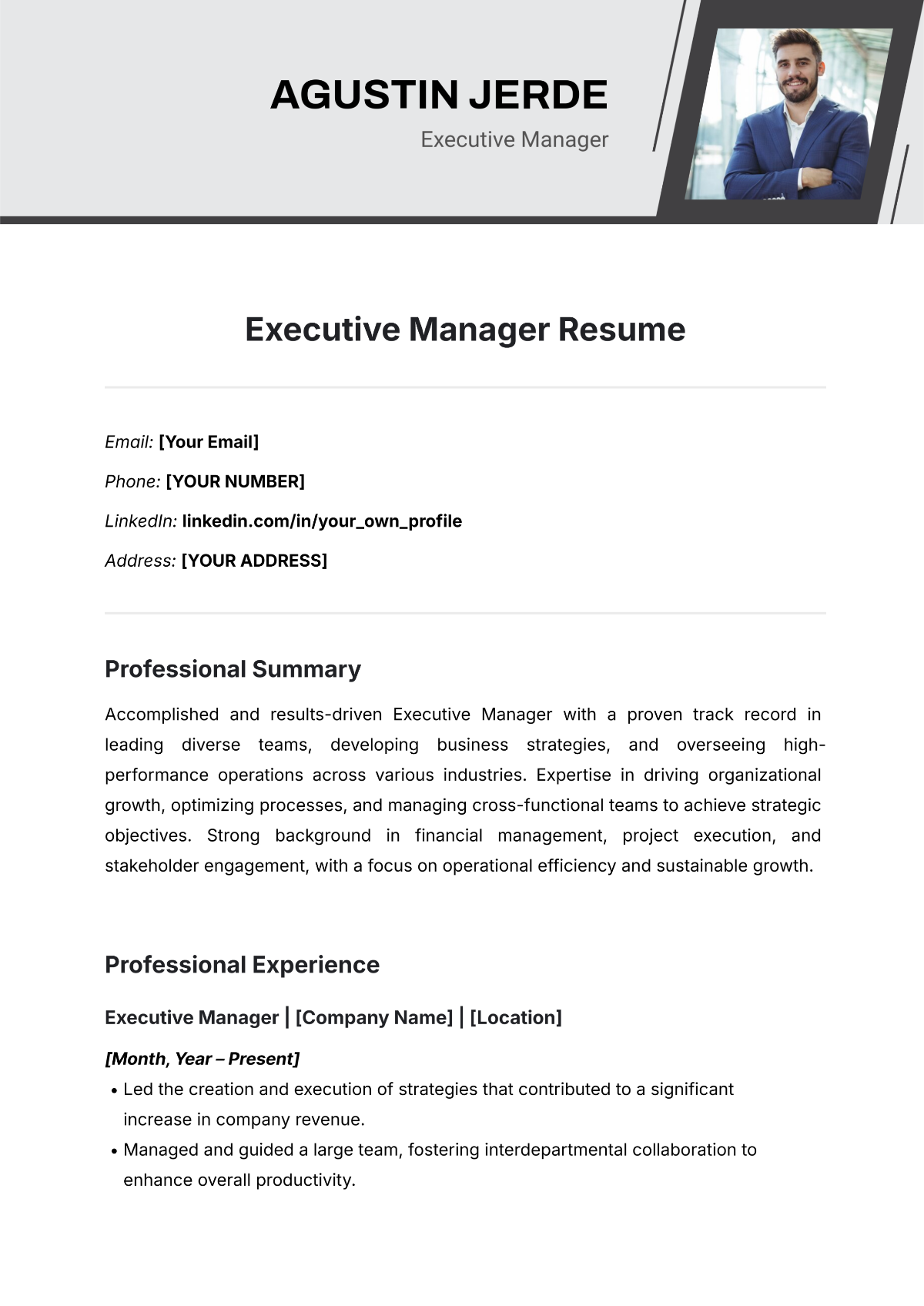
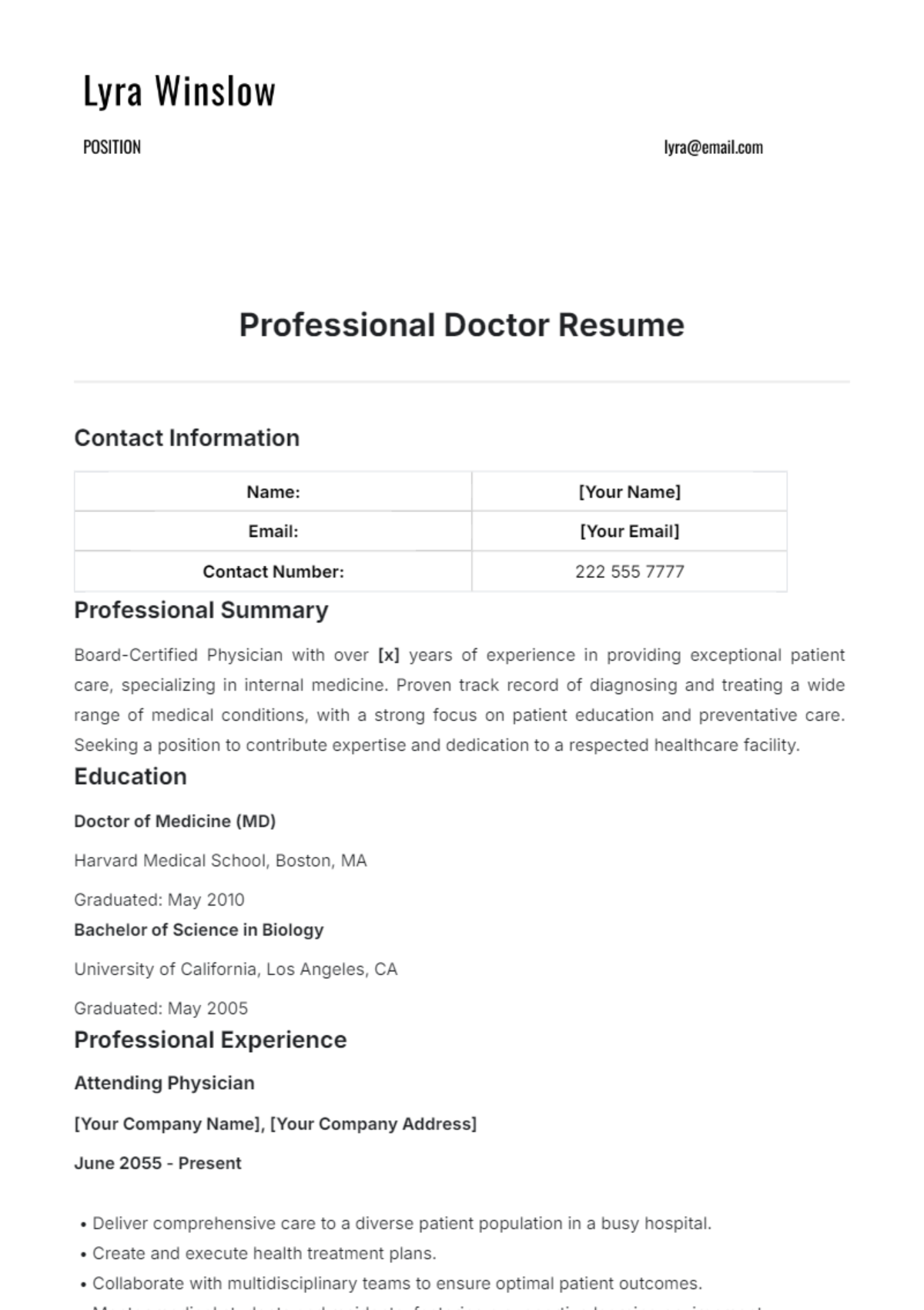
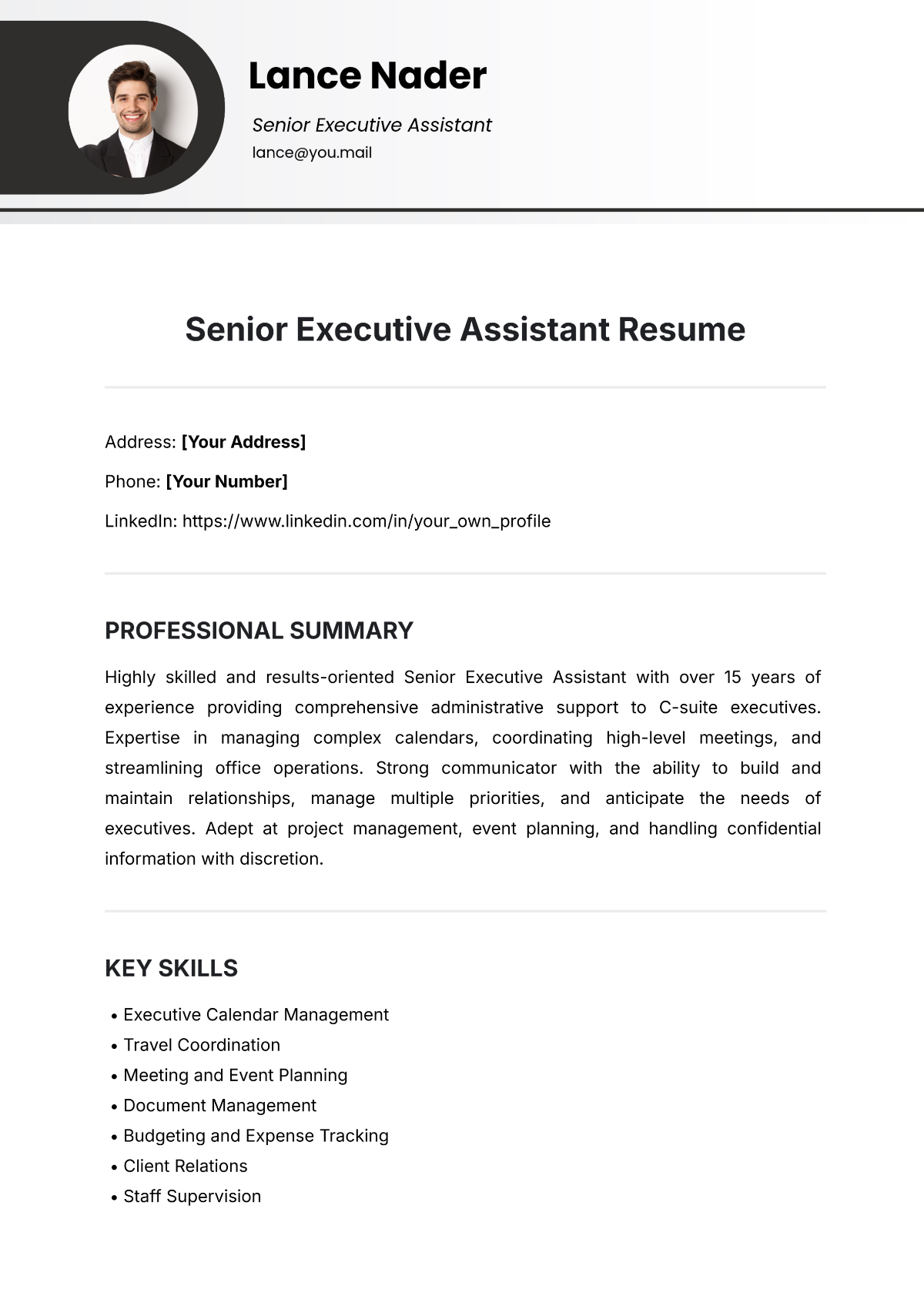
A resume should include a header with contact information, a professional summary, work experience, education, and a skills section presented in a clear, structured layout to ensure easy navigation and professional presentation.
What are the best tips for formatting a Resume?
Effective resume formatting involves using clean fonts, consistent spacing, and clear section headings. Templates with structured formatting help maintain balance and readability, allowing key information like skills and experience to stand out.
How do you print a Resume?
To print a resume, use a print-ready PDF format that preserves the professional layout and structured sections. Resume templates on Template.net support export to high-quality PDF files sized for standard Letter or A4 paper for optimal printing results.
Is a Resume legally and professionally acceptable?
A resume is a legally and professionally accepted document for job applications when it accurately and truthfully presents an individual's qualifications. Using structured, compliance-friendly resume templates ensures a business-ready presentation that meets employer standards.
What file formats can I download for a Resume?
Template.net offers resume templates supporting multiple export formats for editing and printing, including PSD, Illustrator, Publisher, InDesign, Word, PDF, Google Docs, and Apple Pages.
Can I create a new Resume using AI?
Template.net provides an AI-powered tool that generates structured resume documents from prompts in 3–10 seconds, ready for online refinement and multi-format export. Use the Resume Generator to quickly create professional resumes with editable sections.
