Free Flyer Templates: Customizable Design Guide, Sizes, and Download Formats

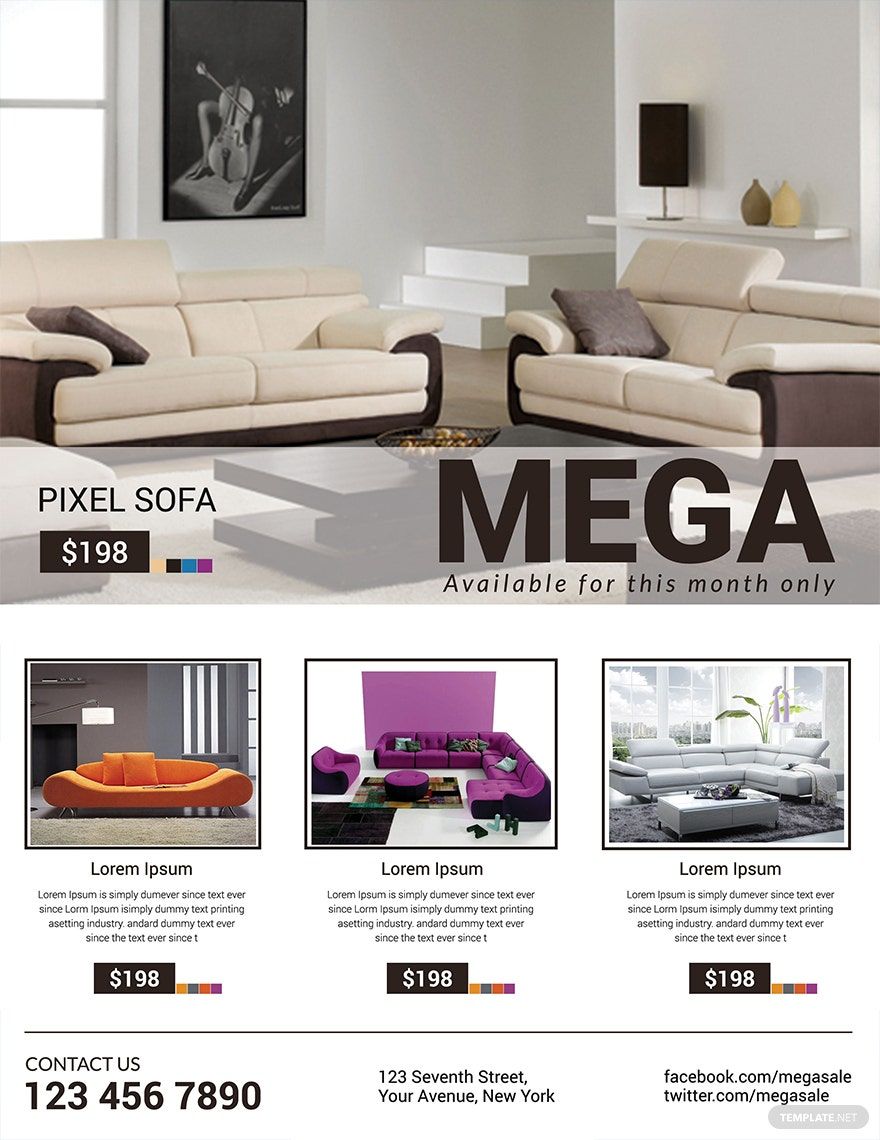
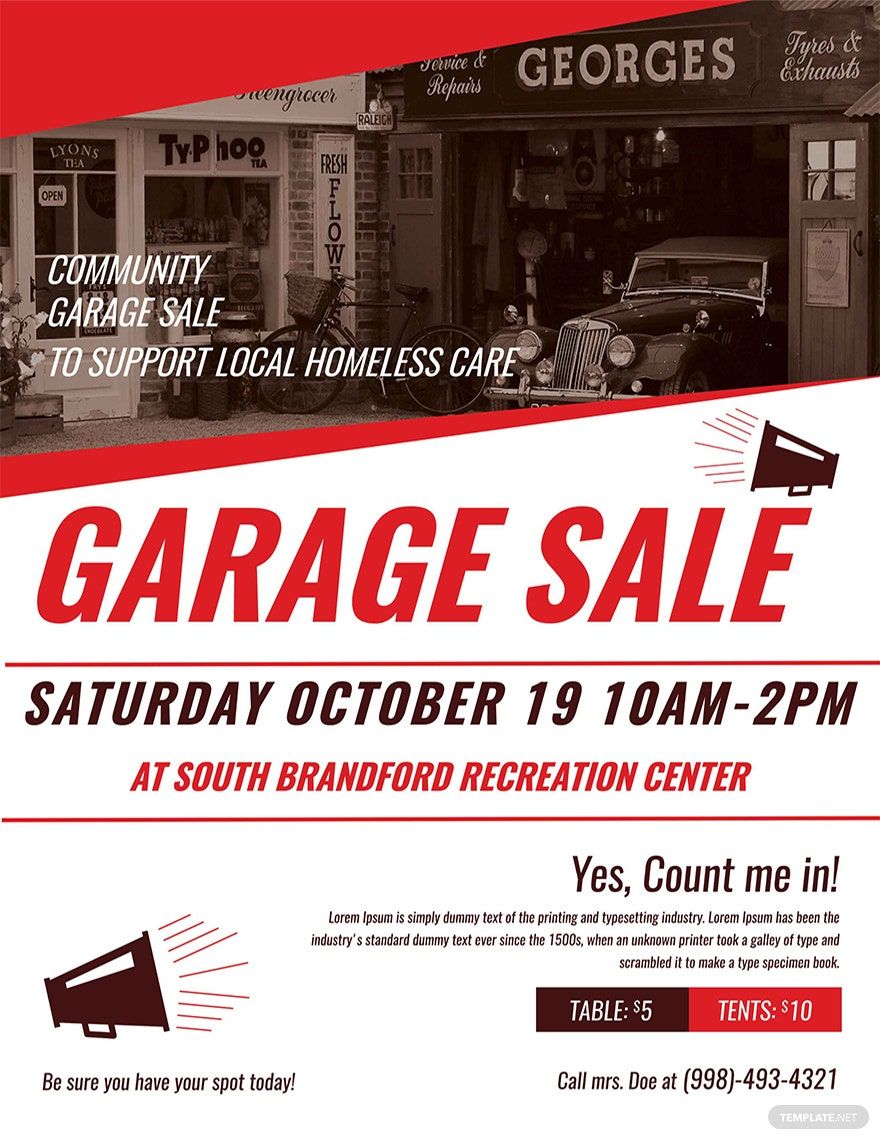
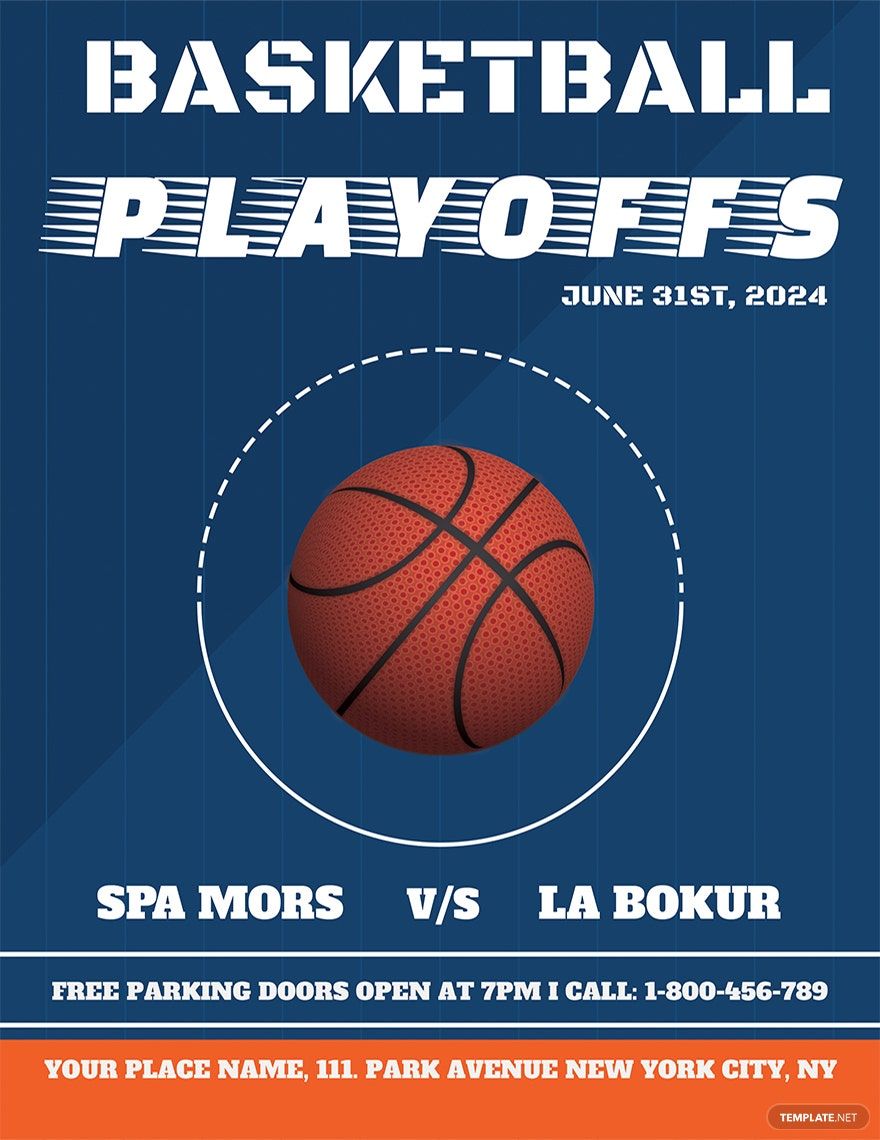
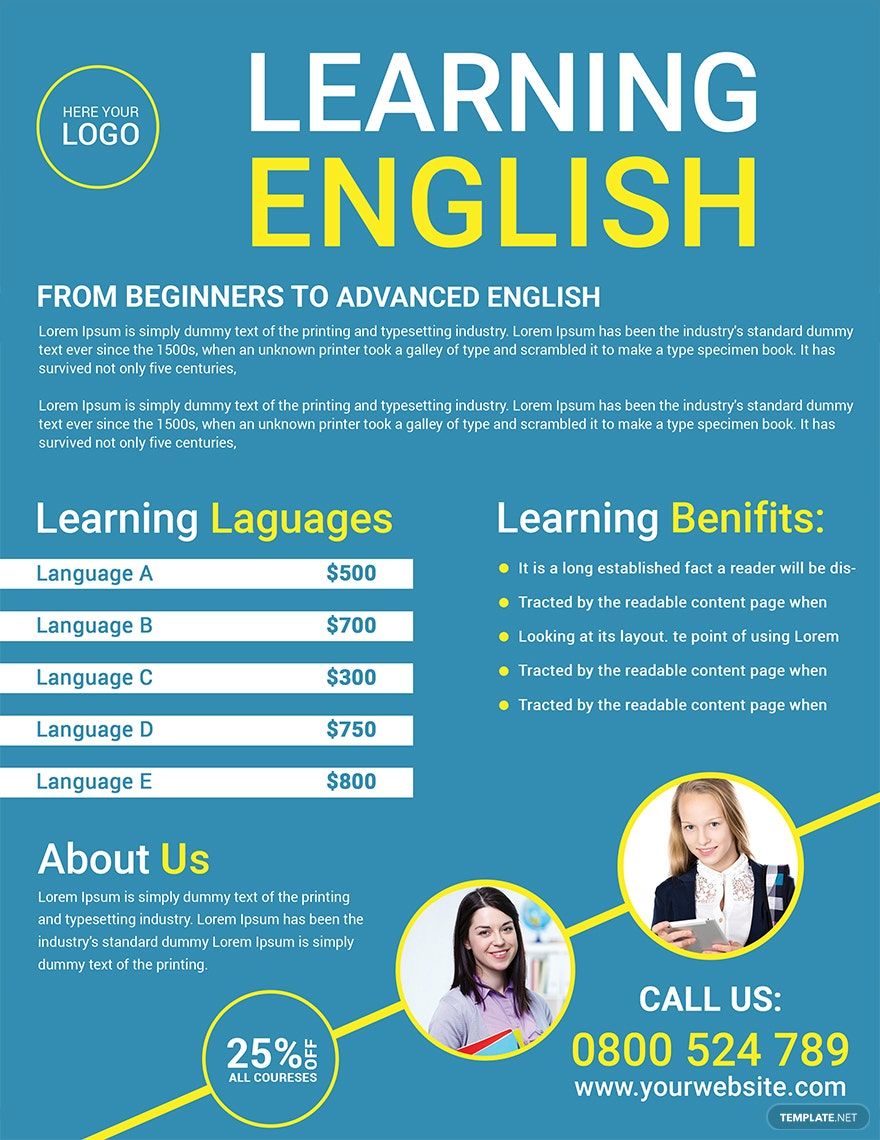
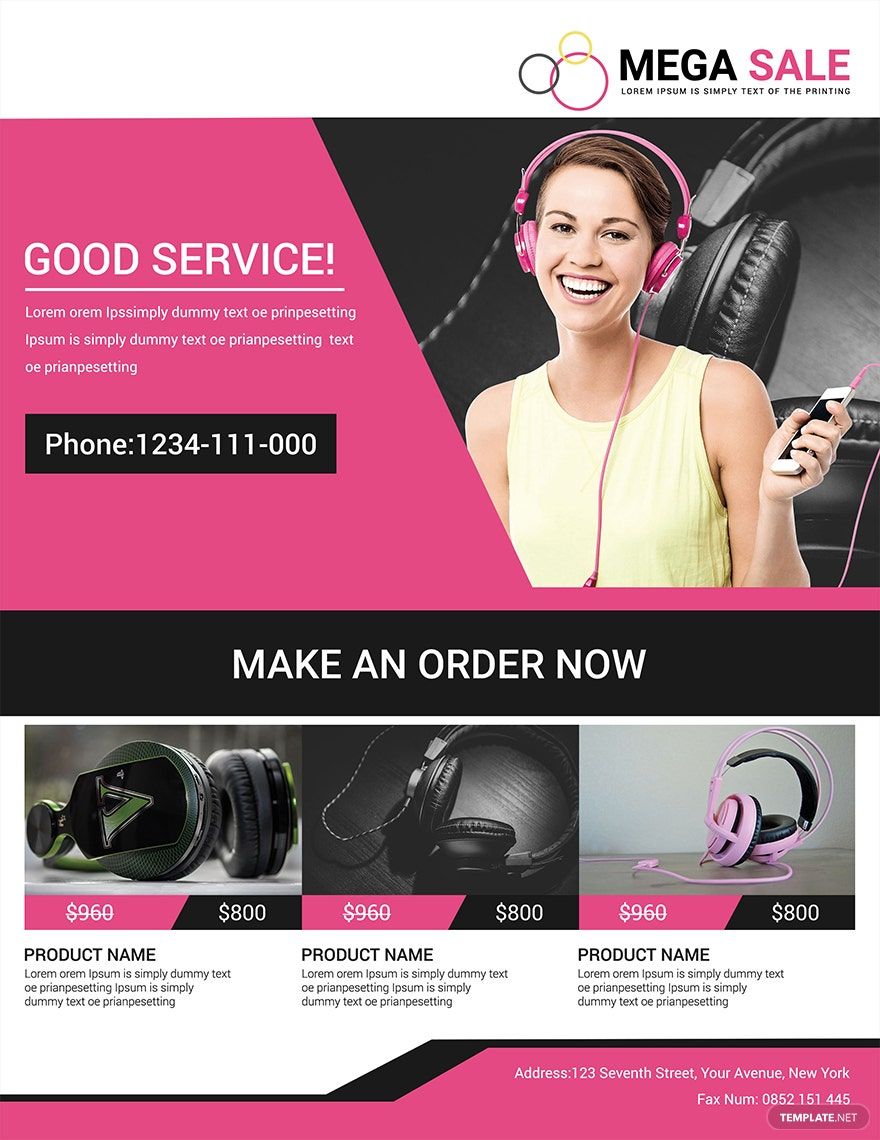
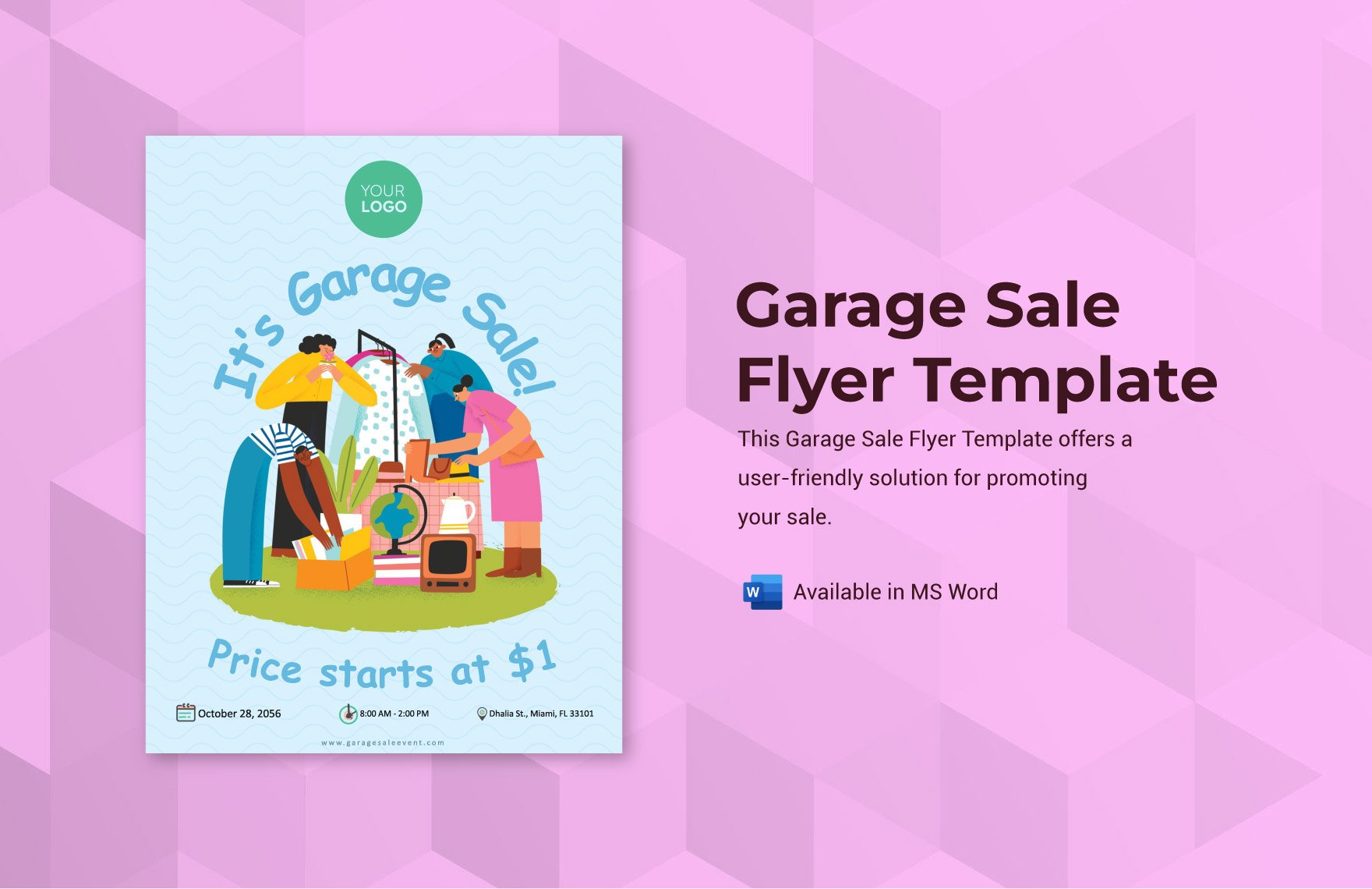
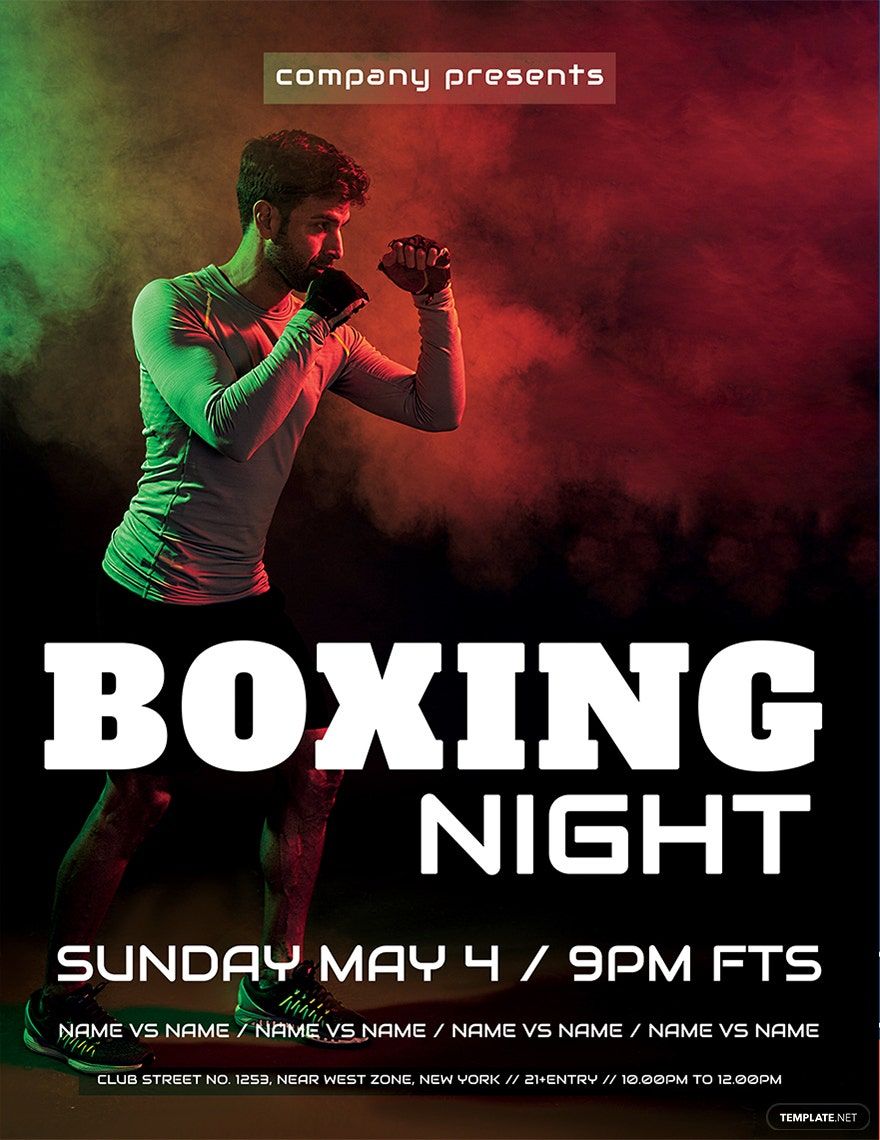
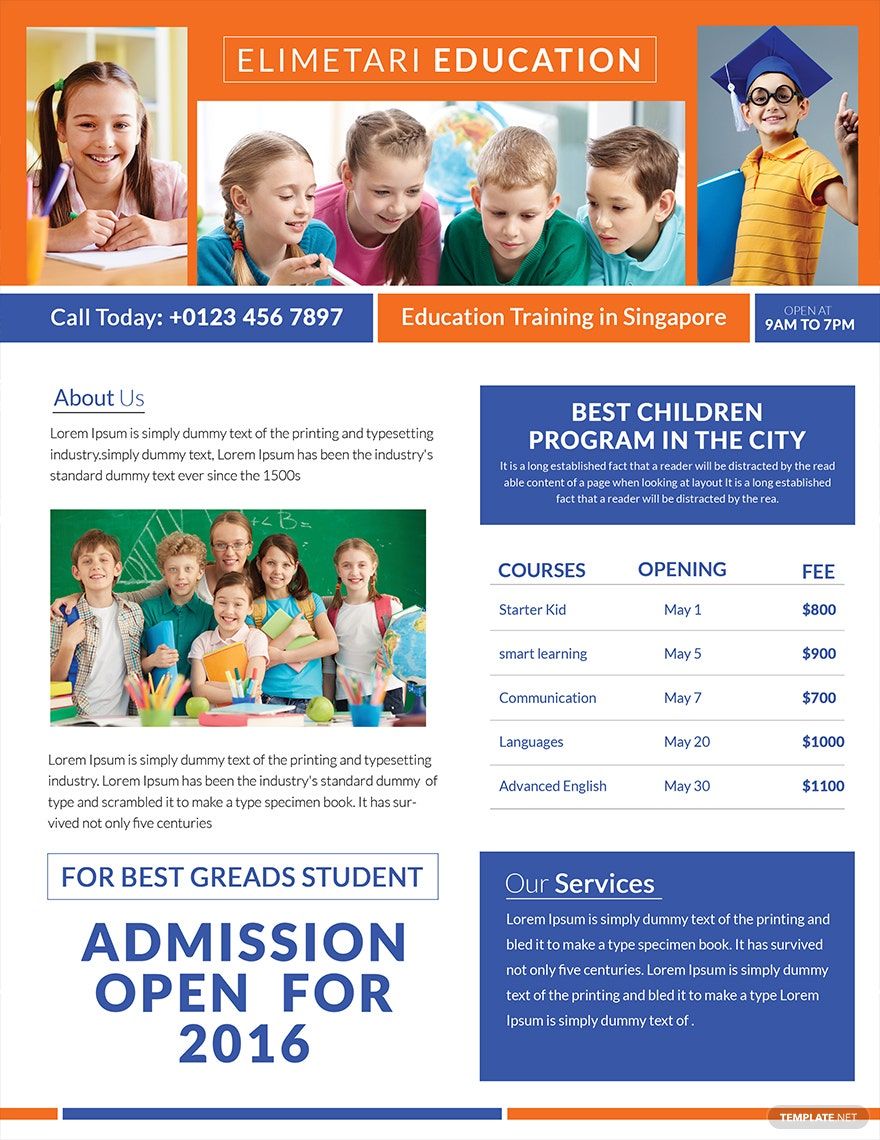
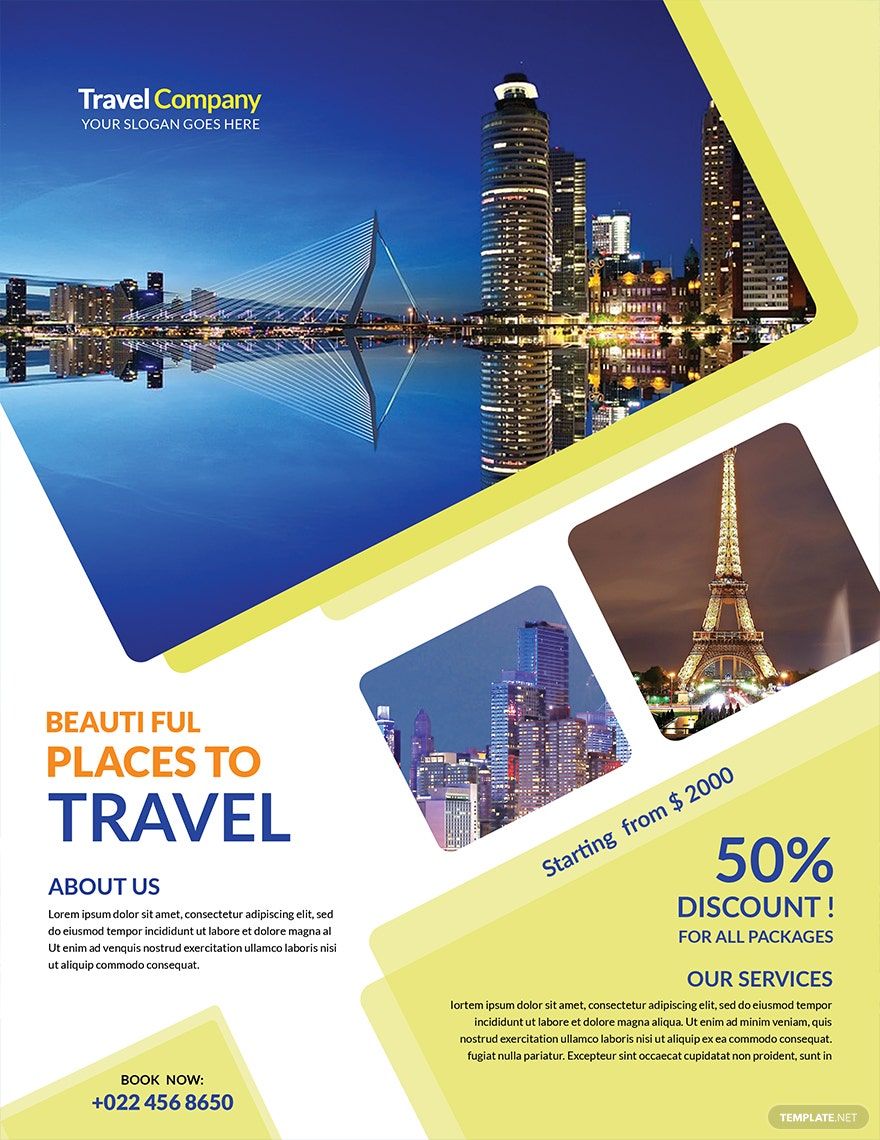
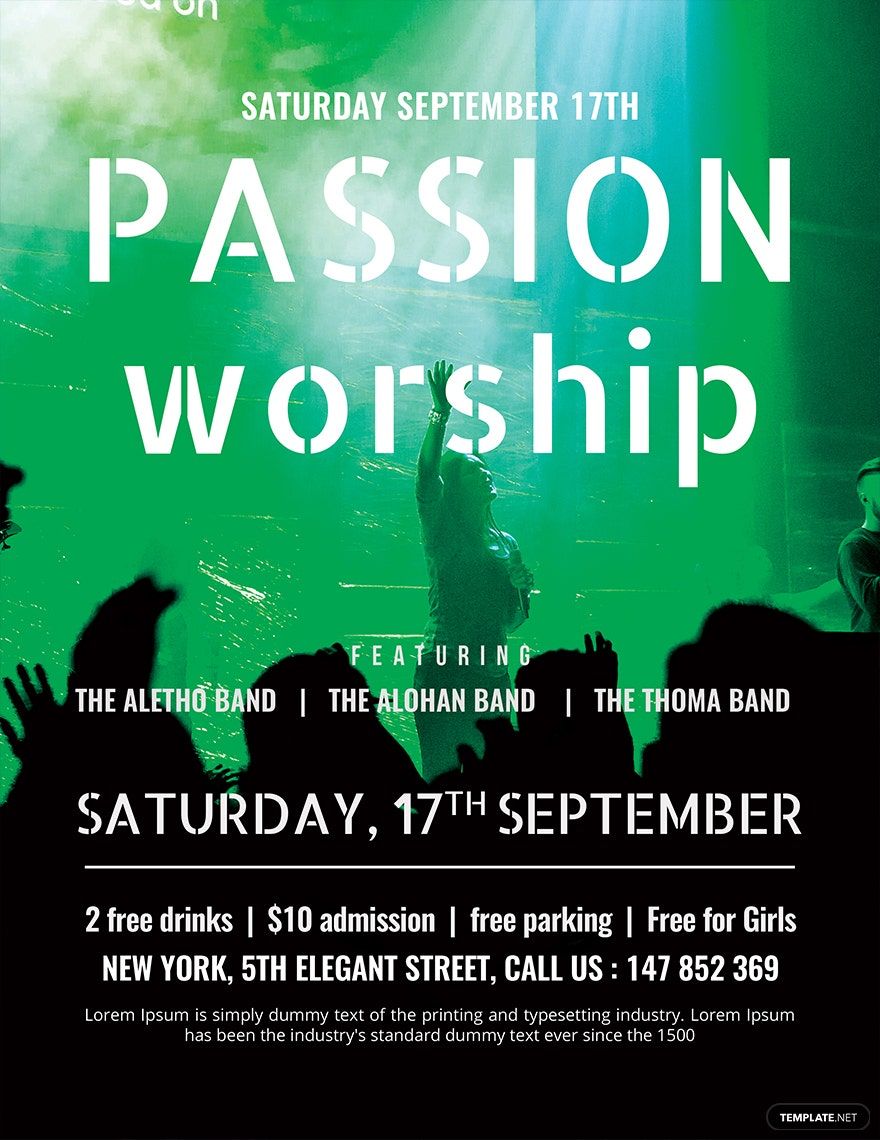
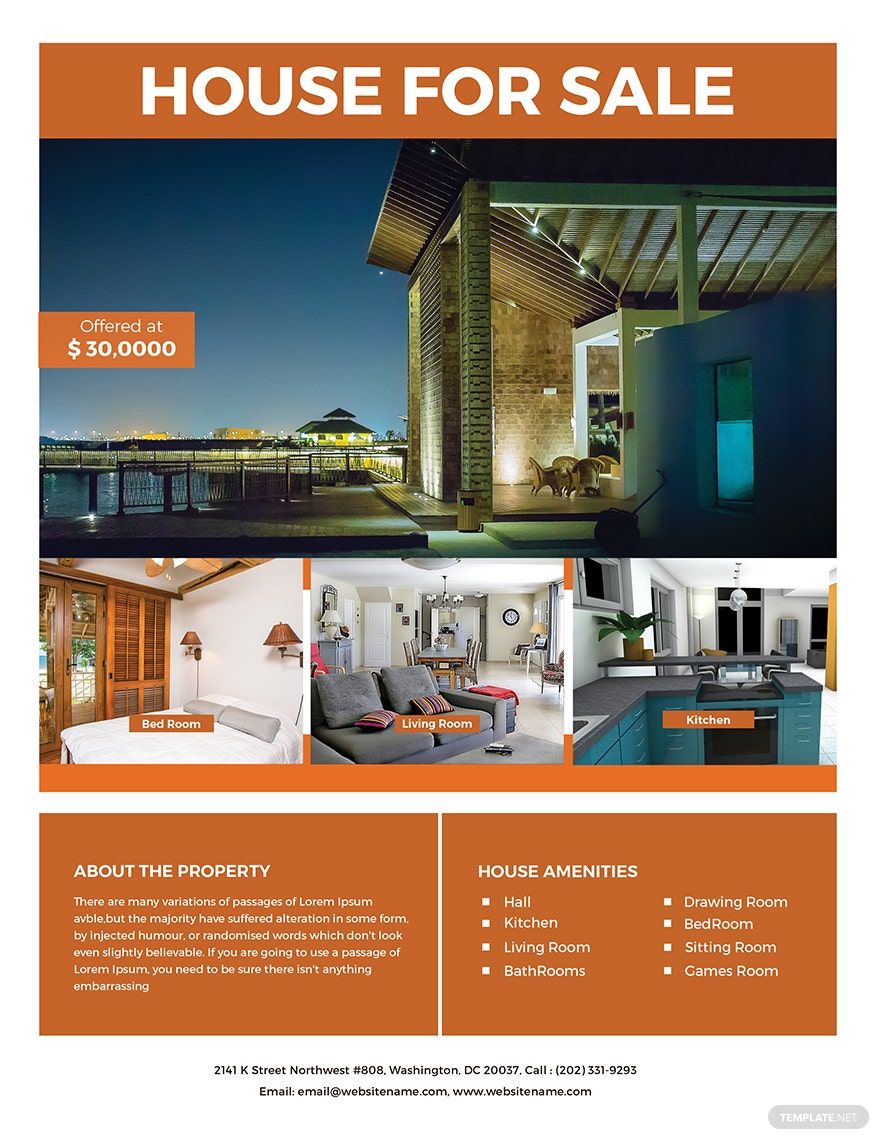
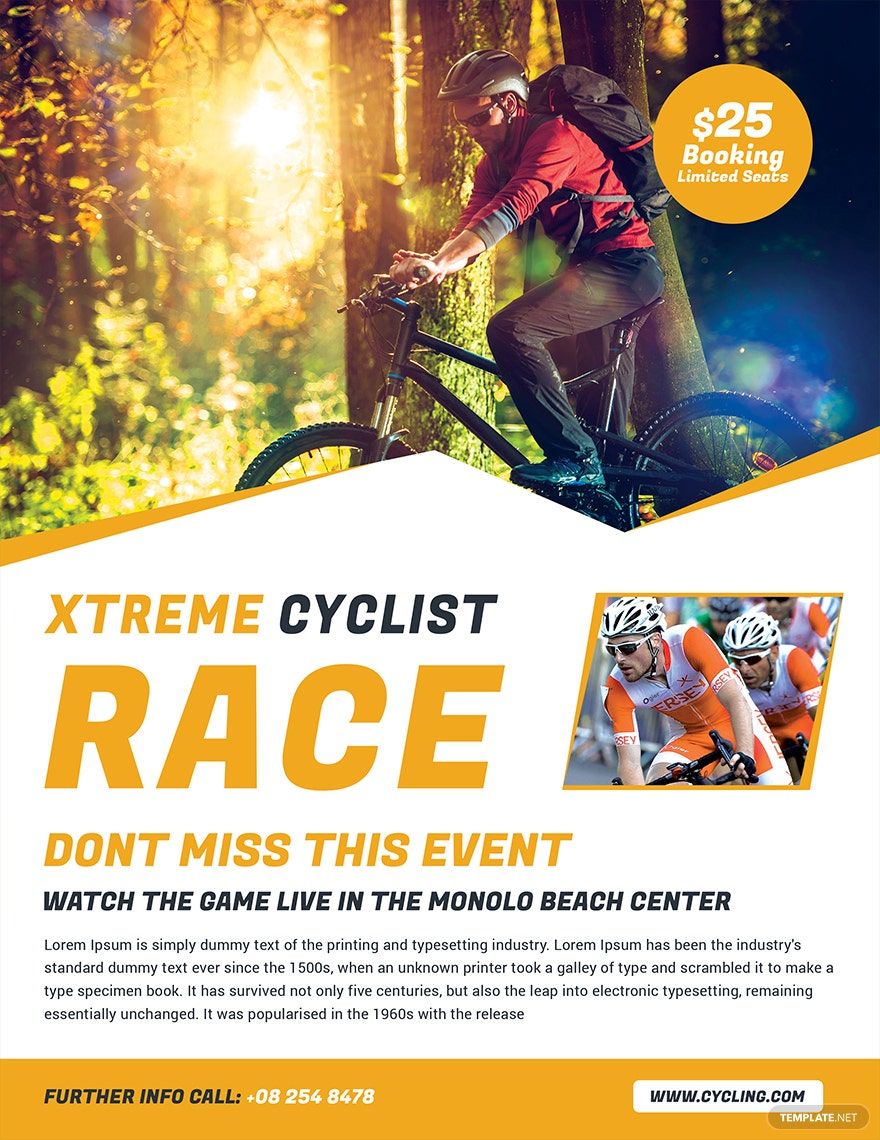
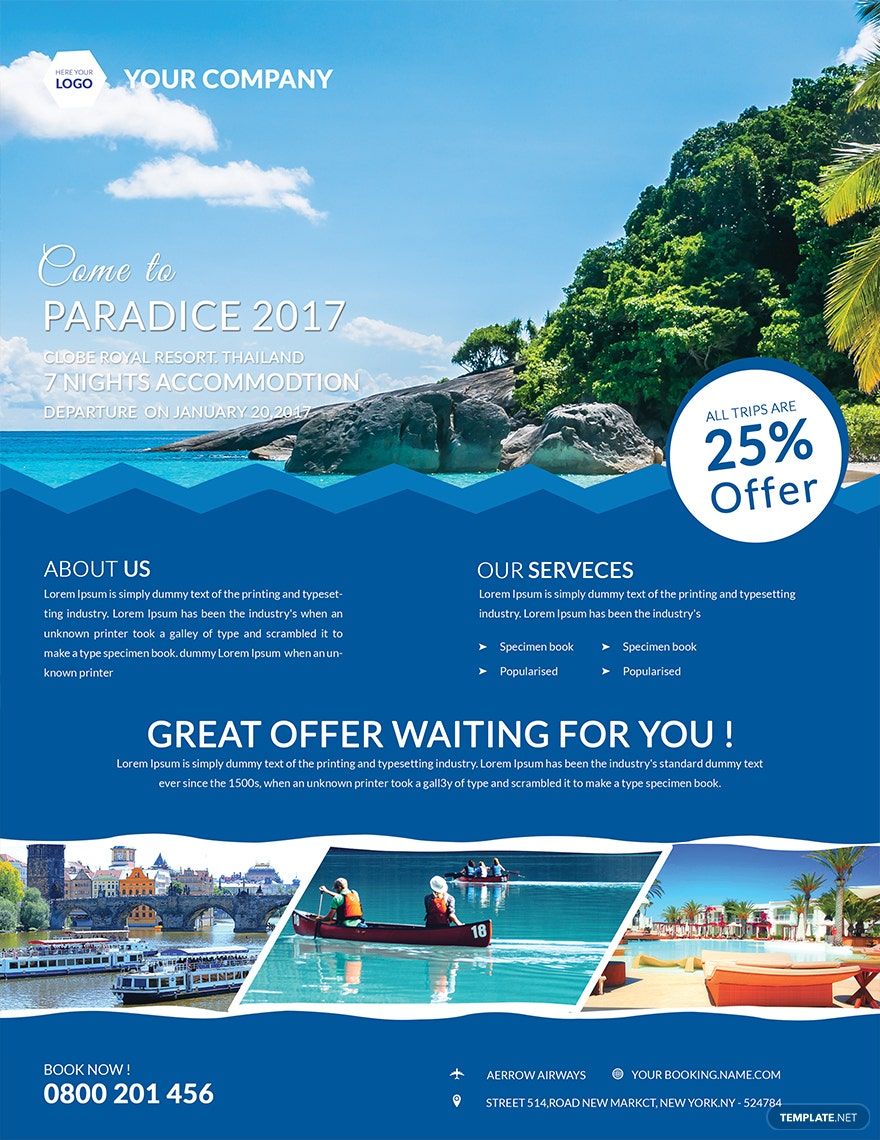
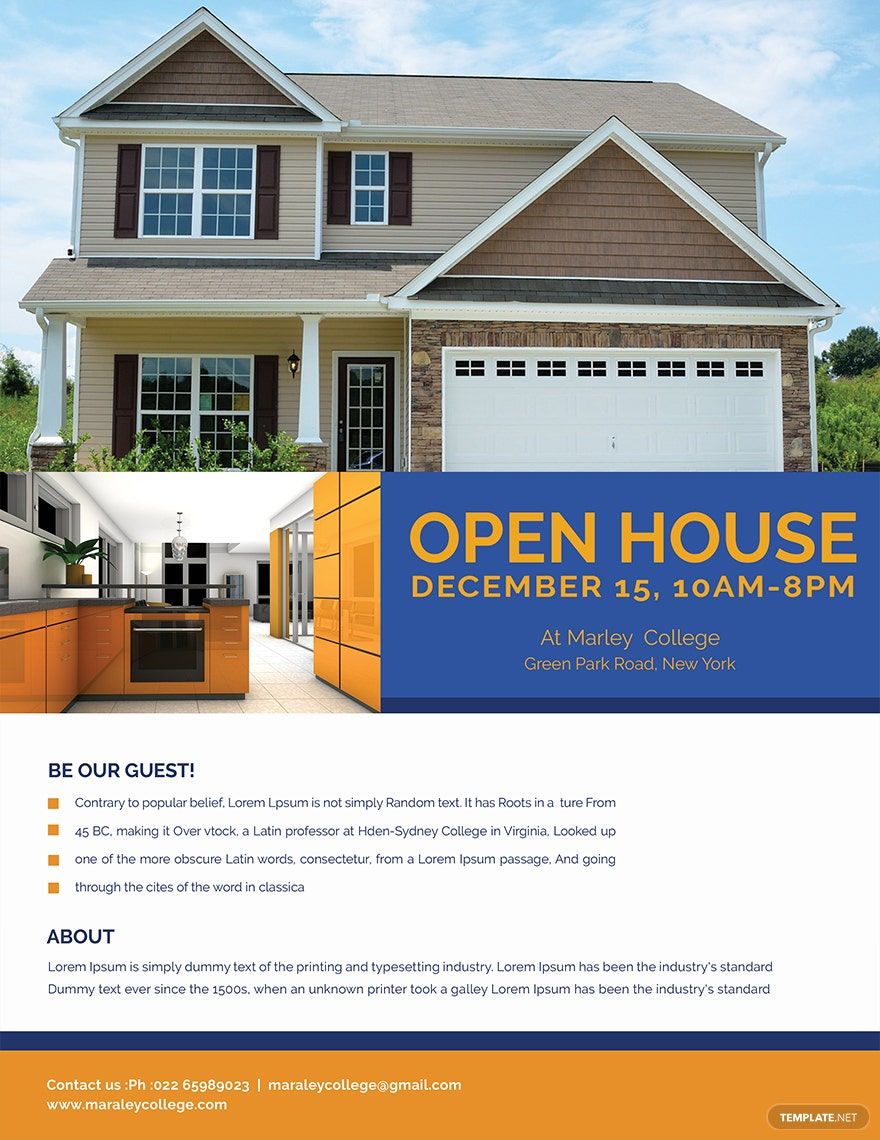
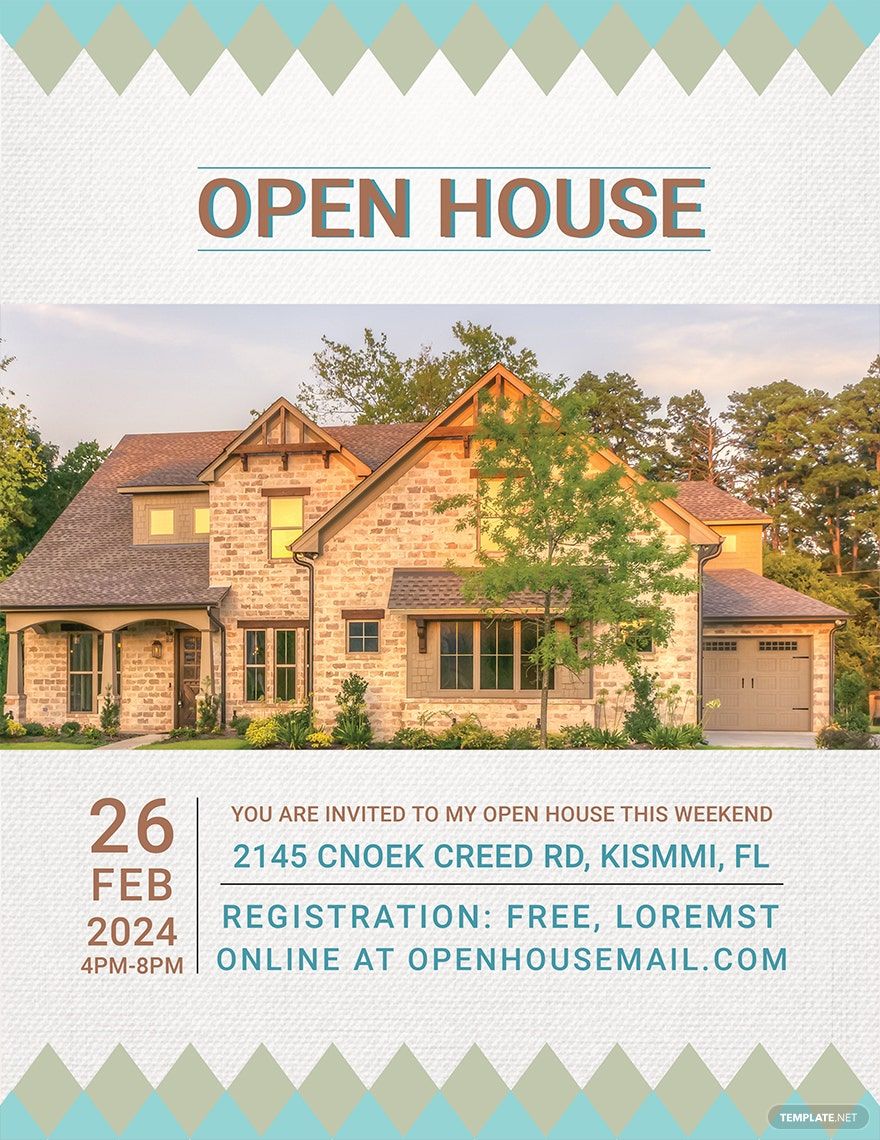
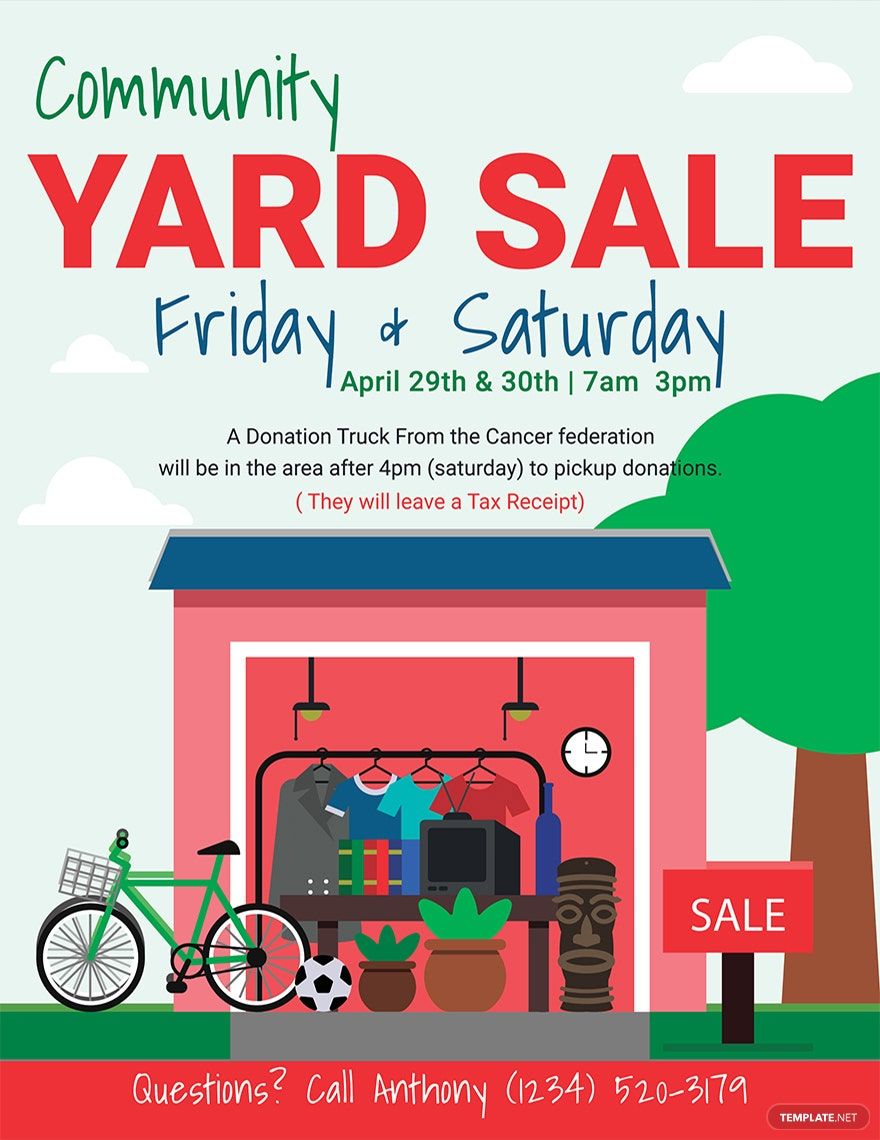
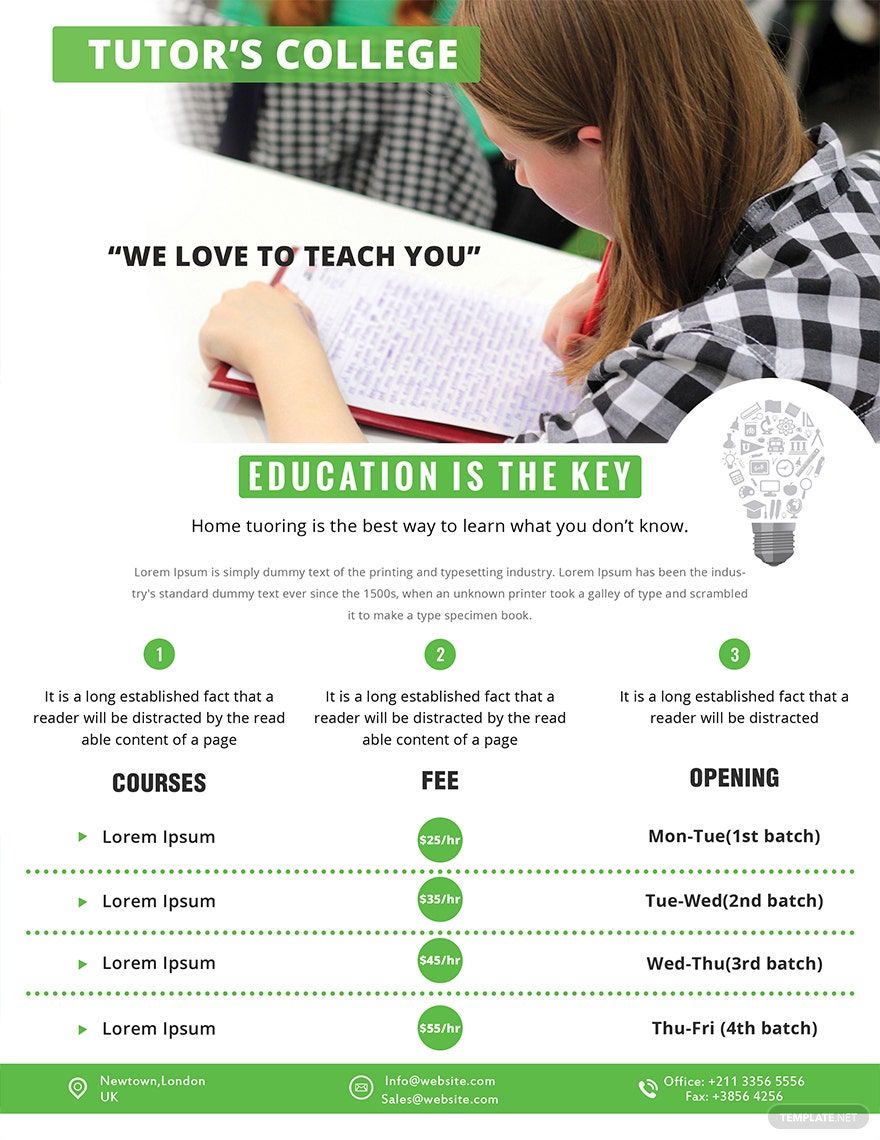
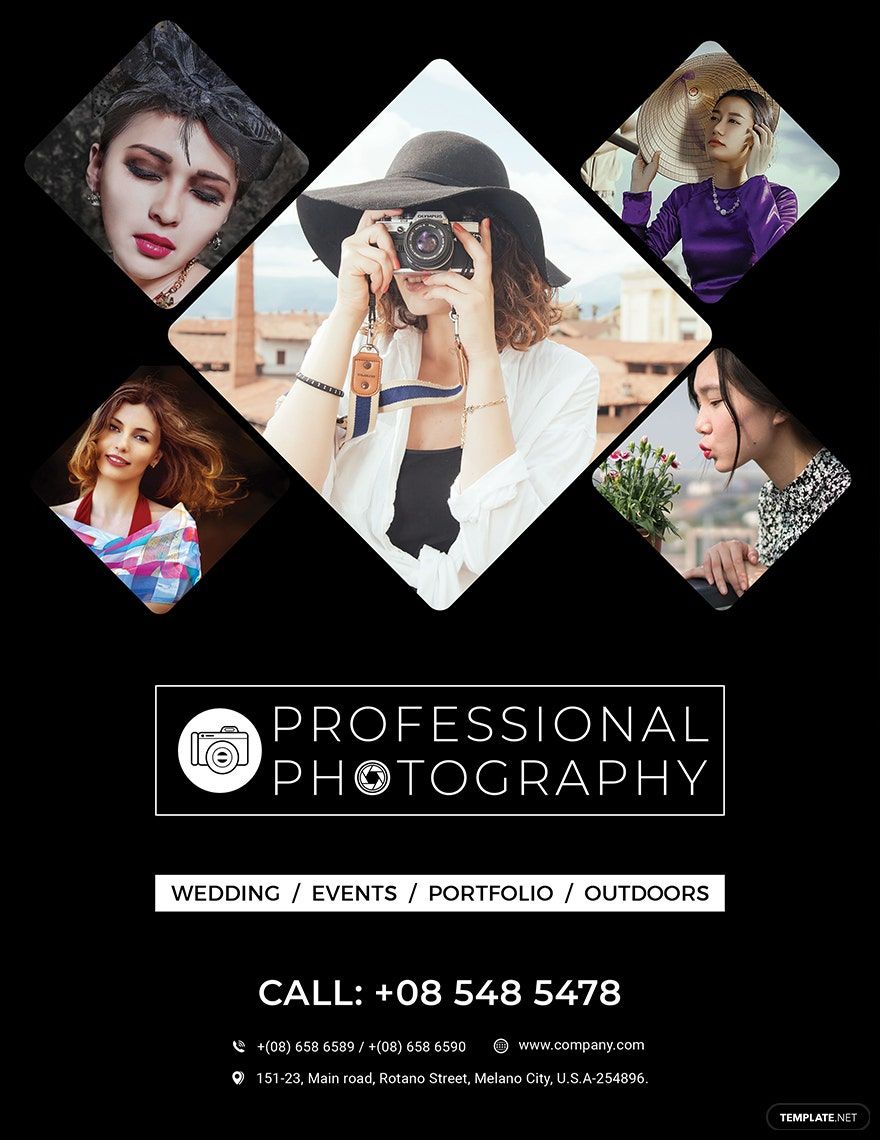
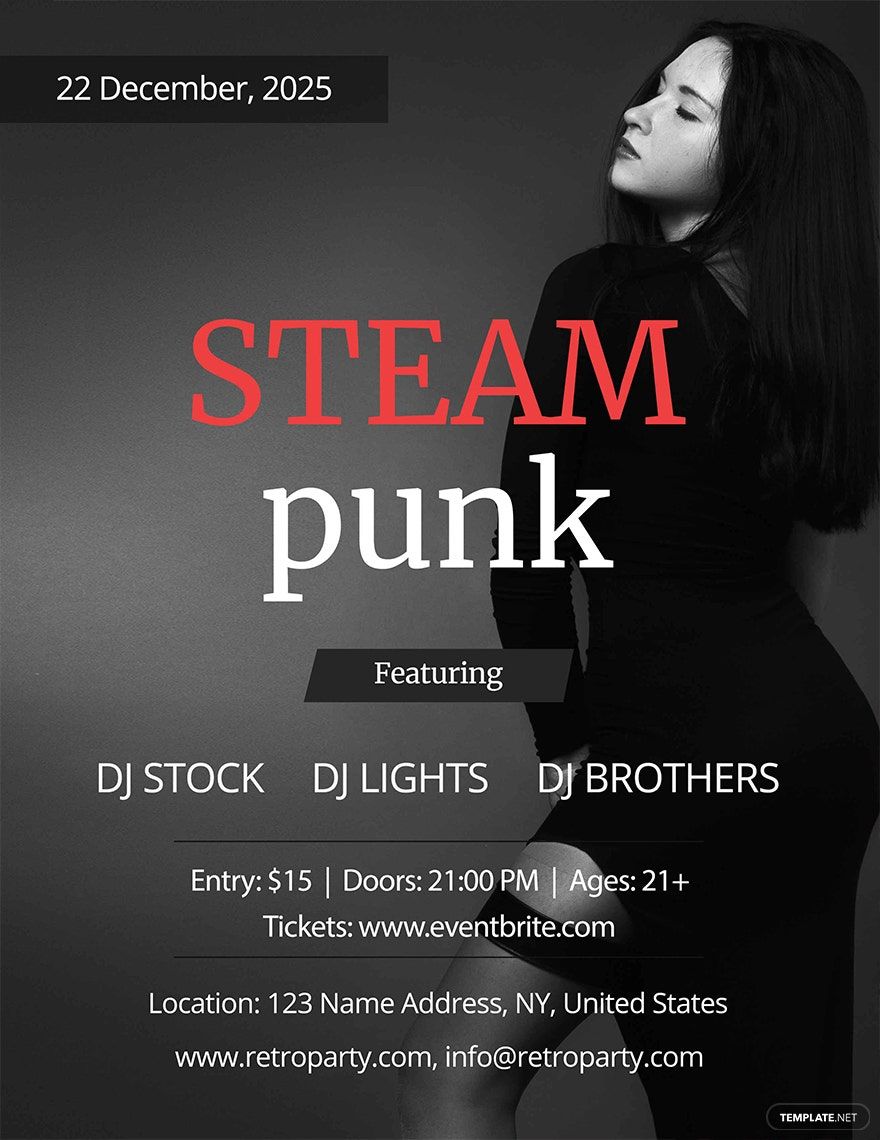
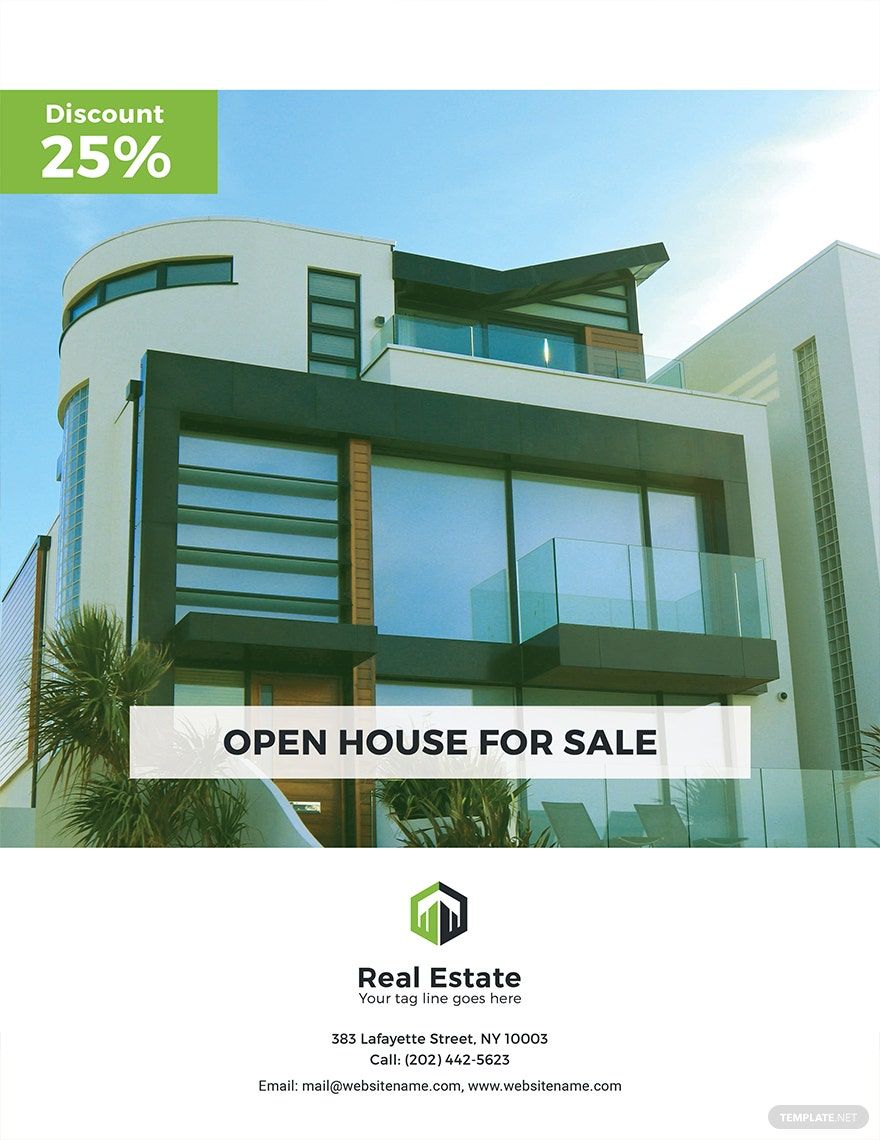
Flyer templates are ready-made, customizable layouts designed for promoting events, products, or services. Template.net provides customizable online flyer templates that you can edit directly in your browser for professional and fast results.
feature icon

What is a flyer?

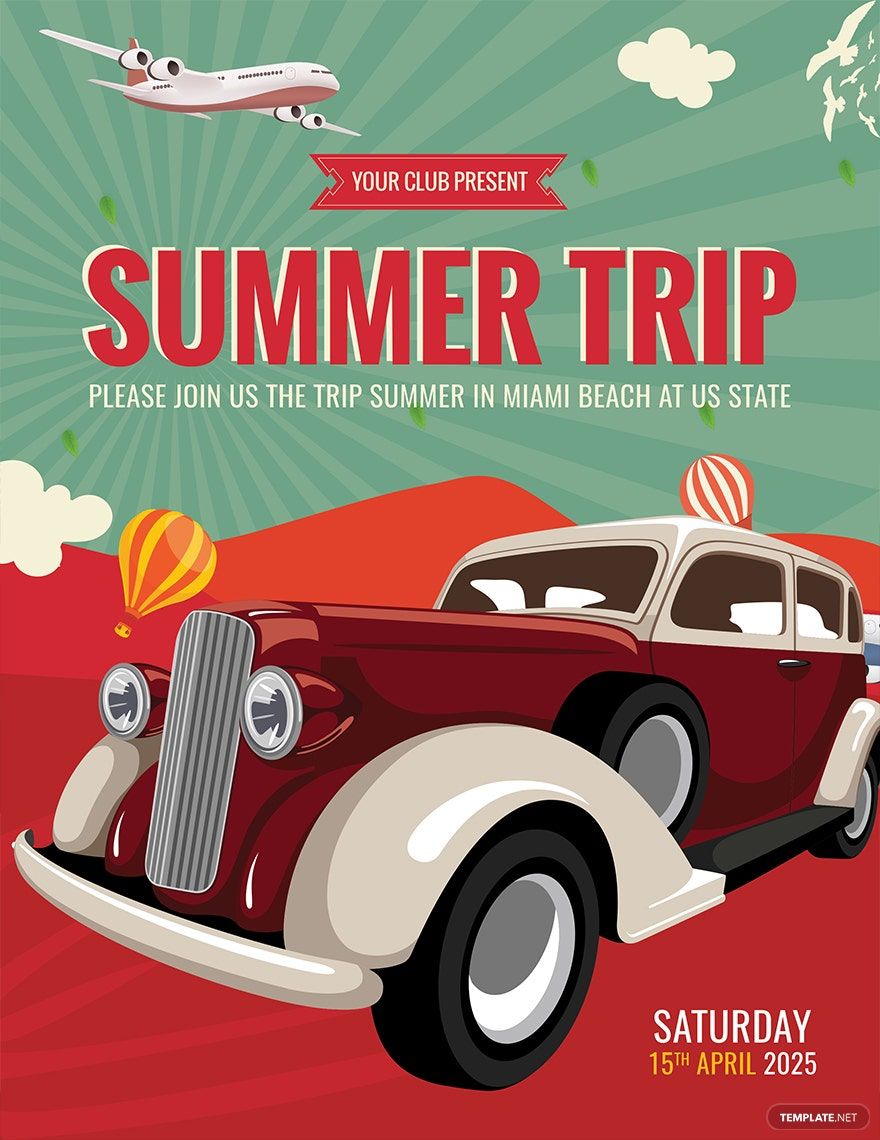
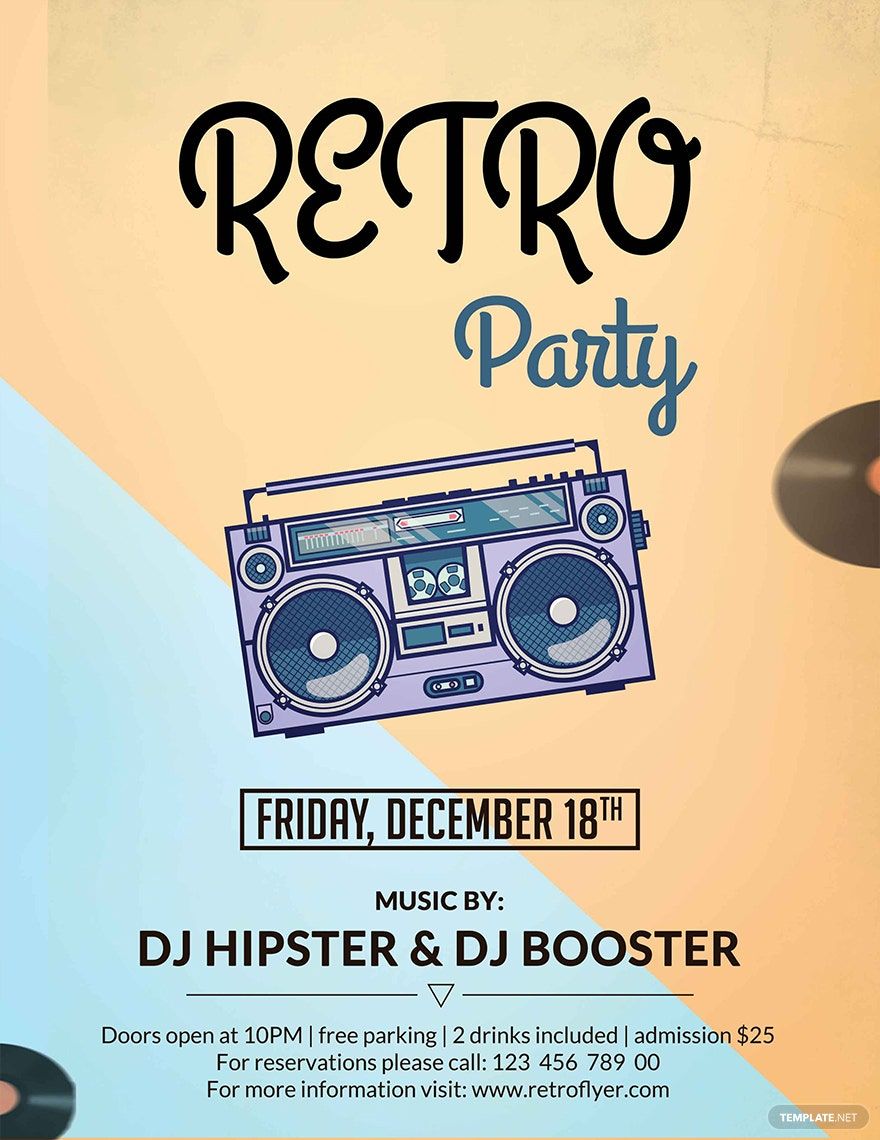
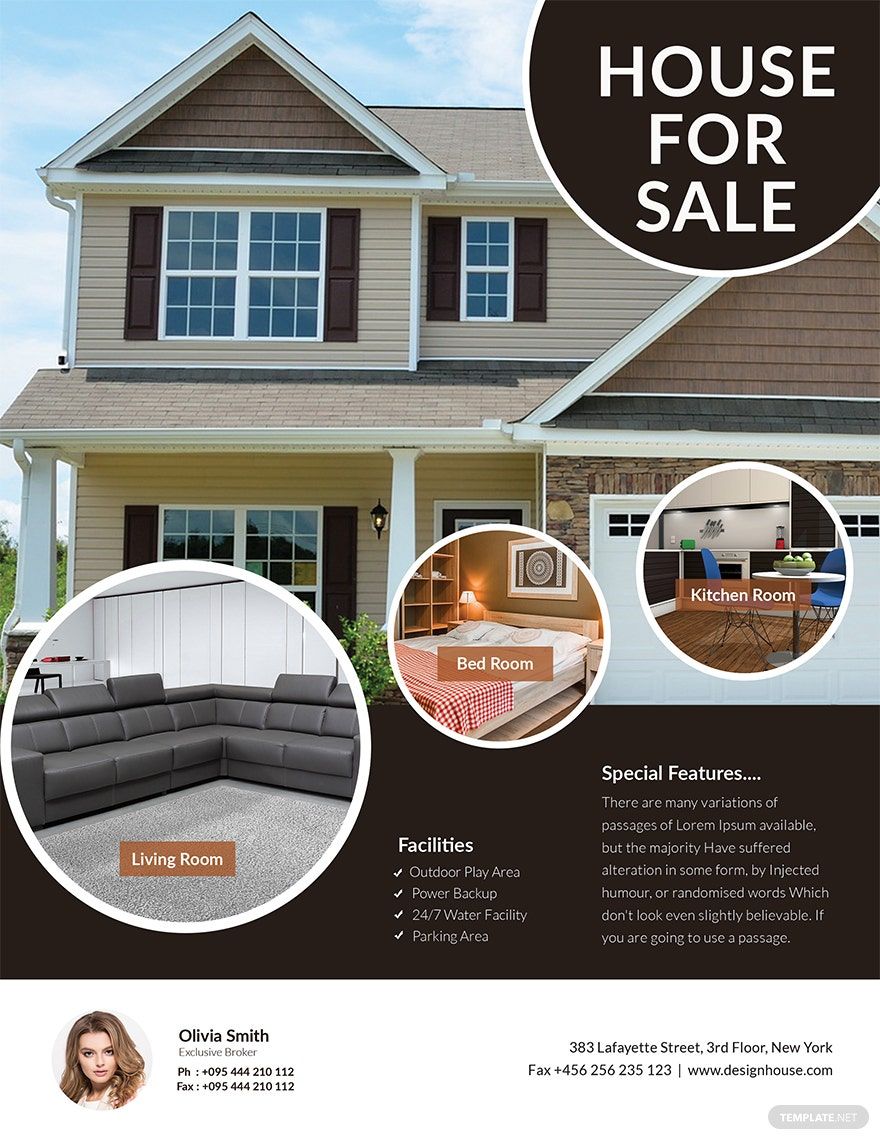
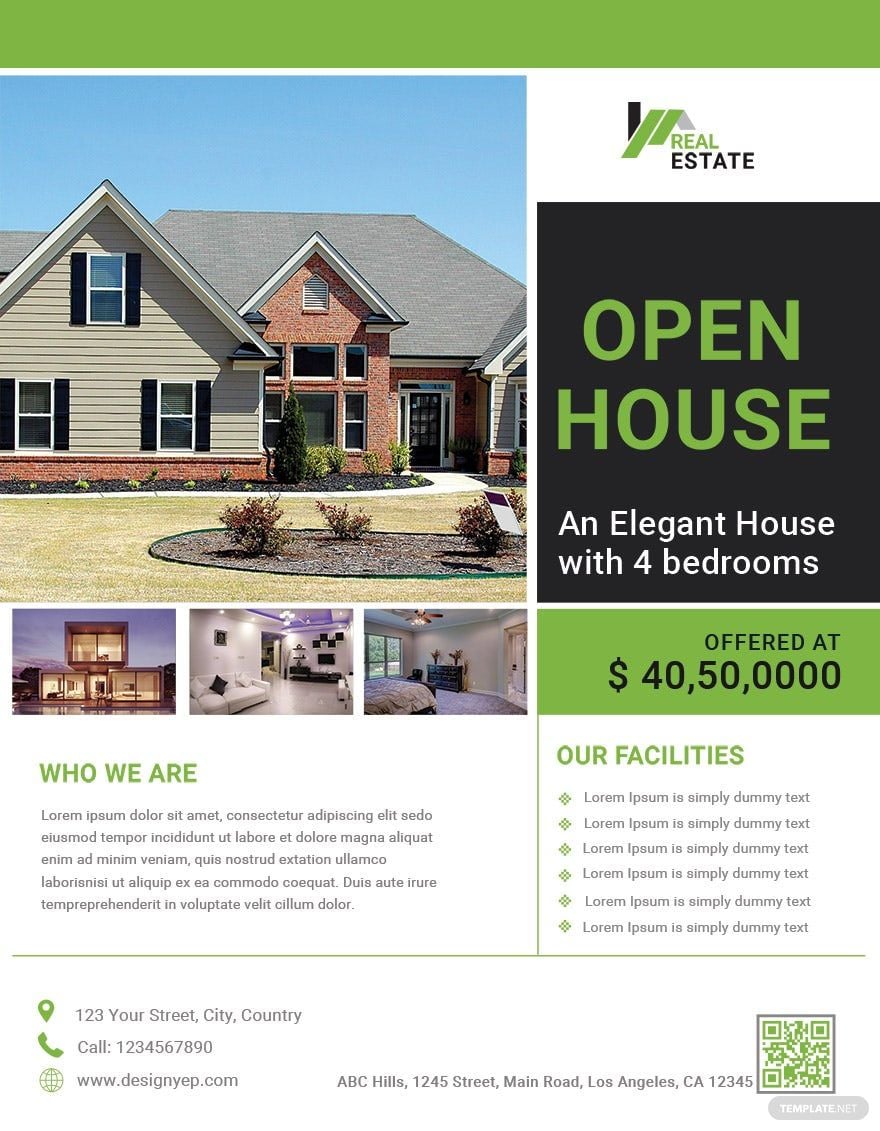
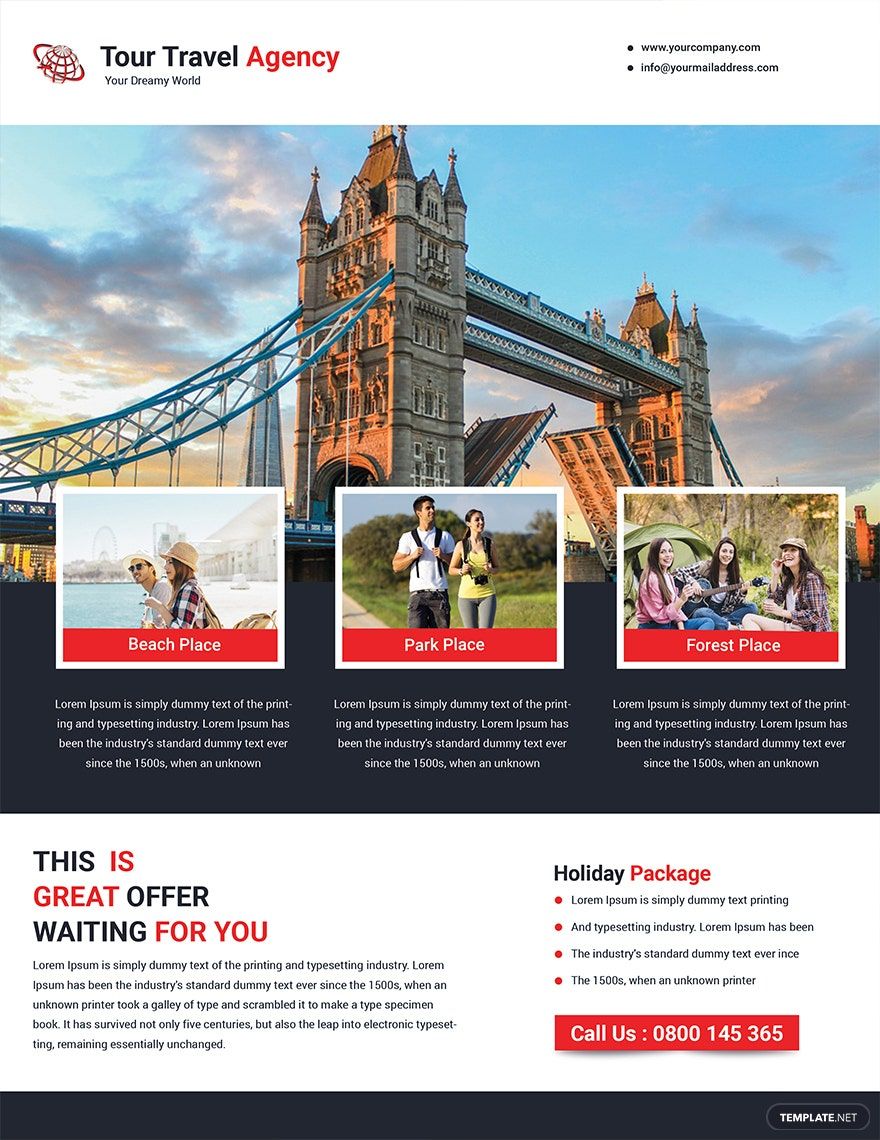
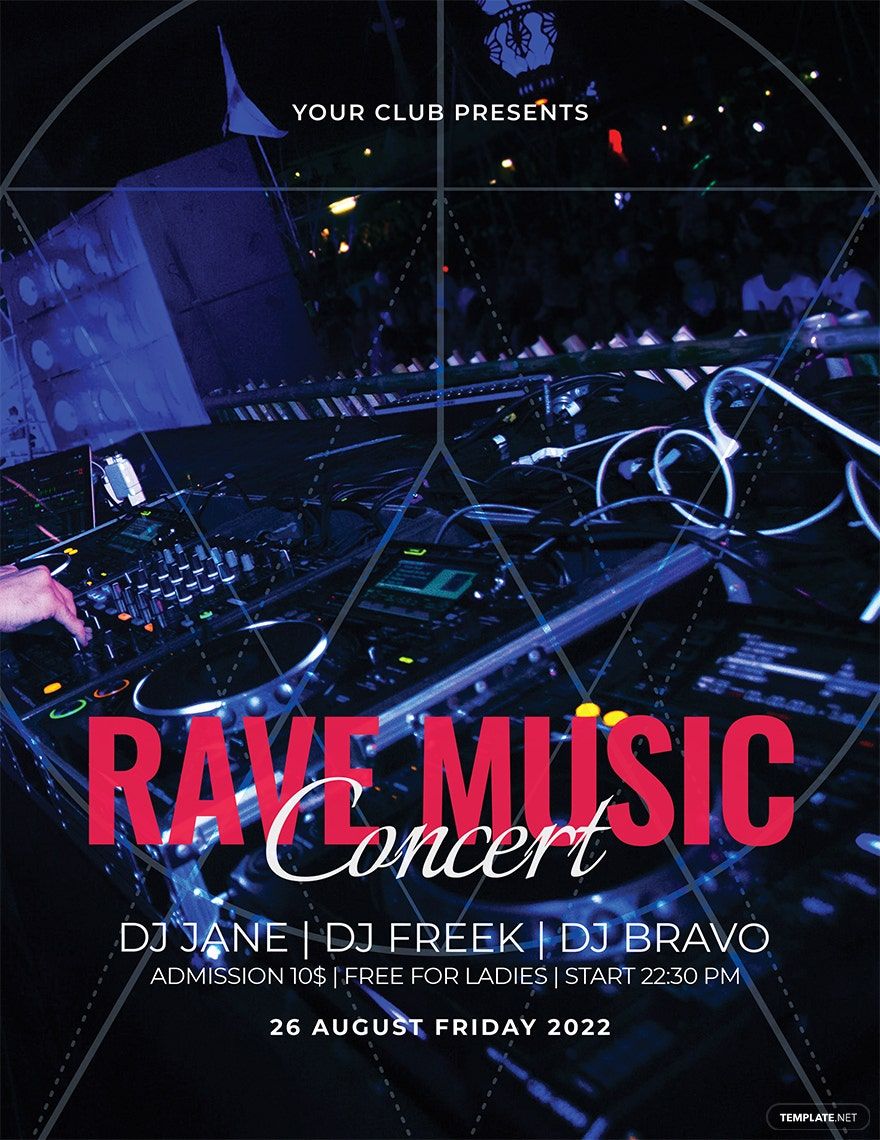
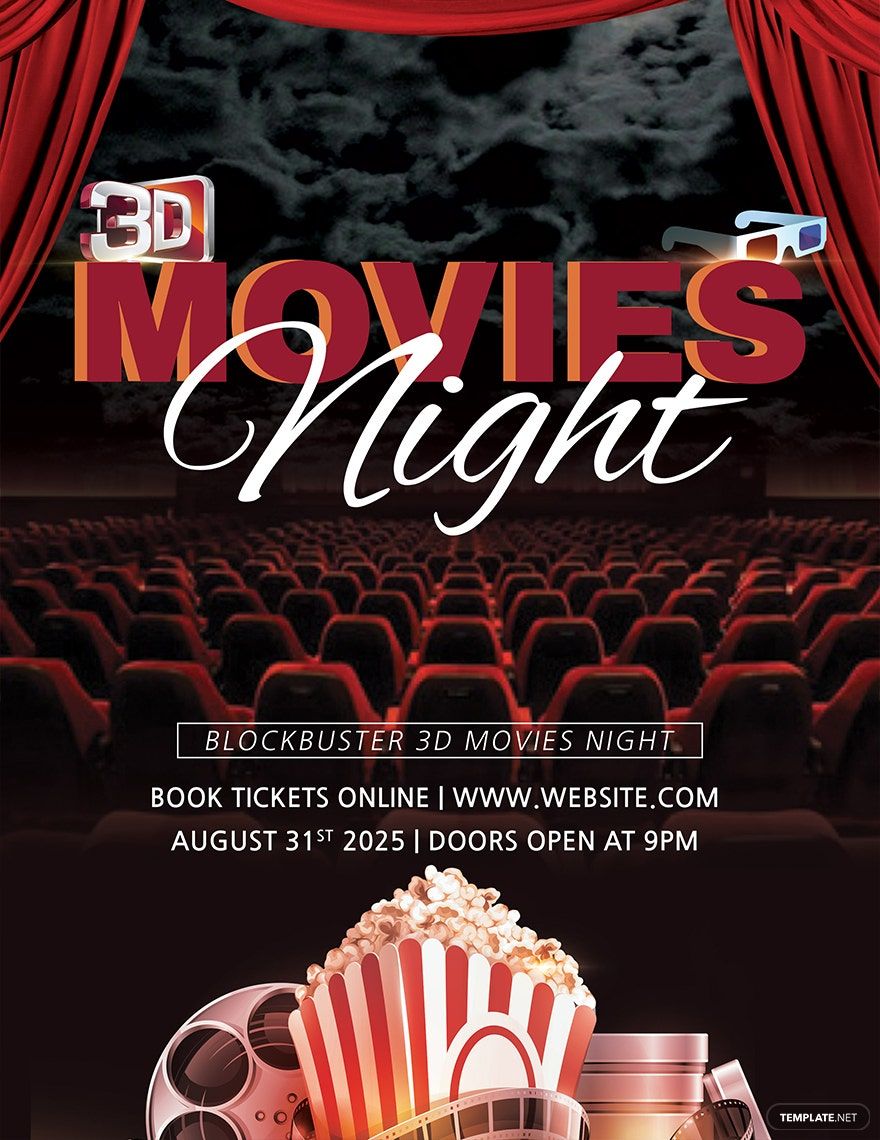
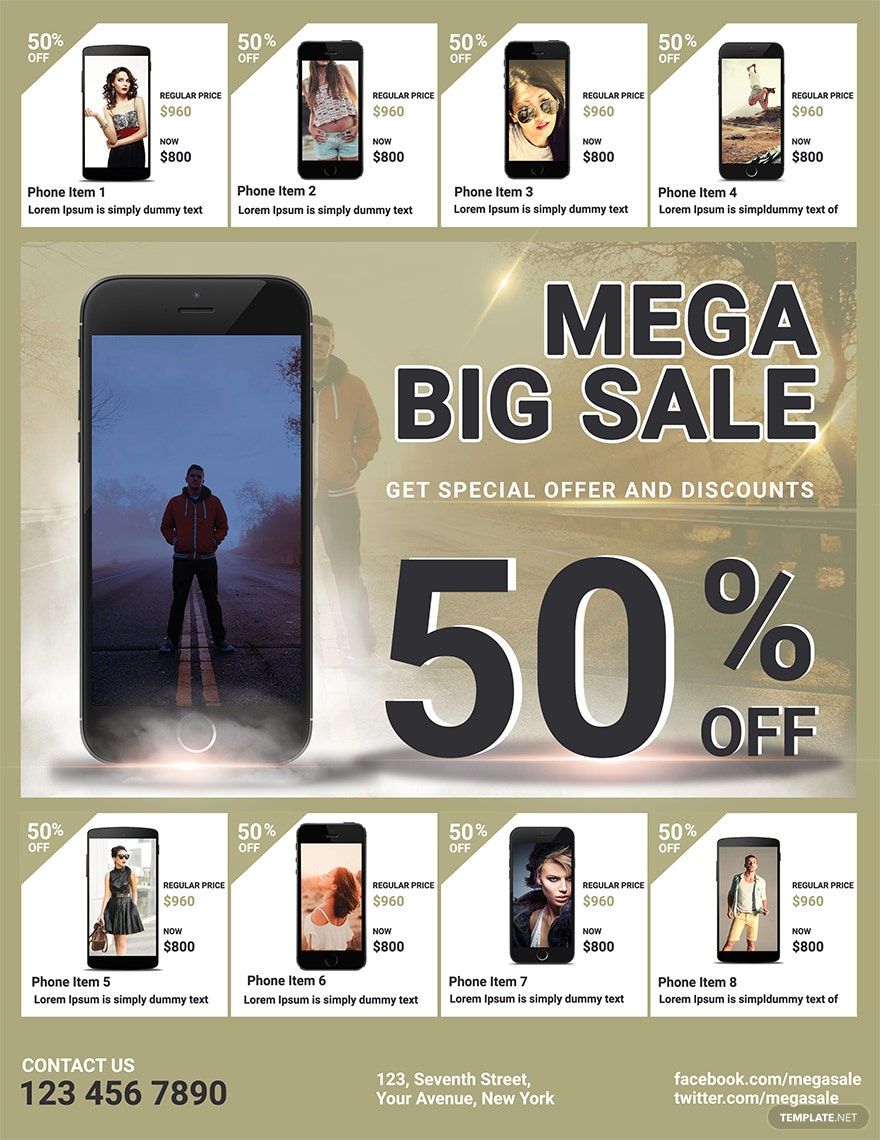
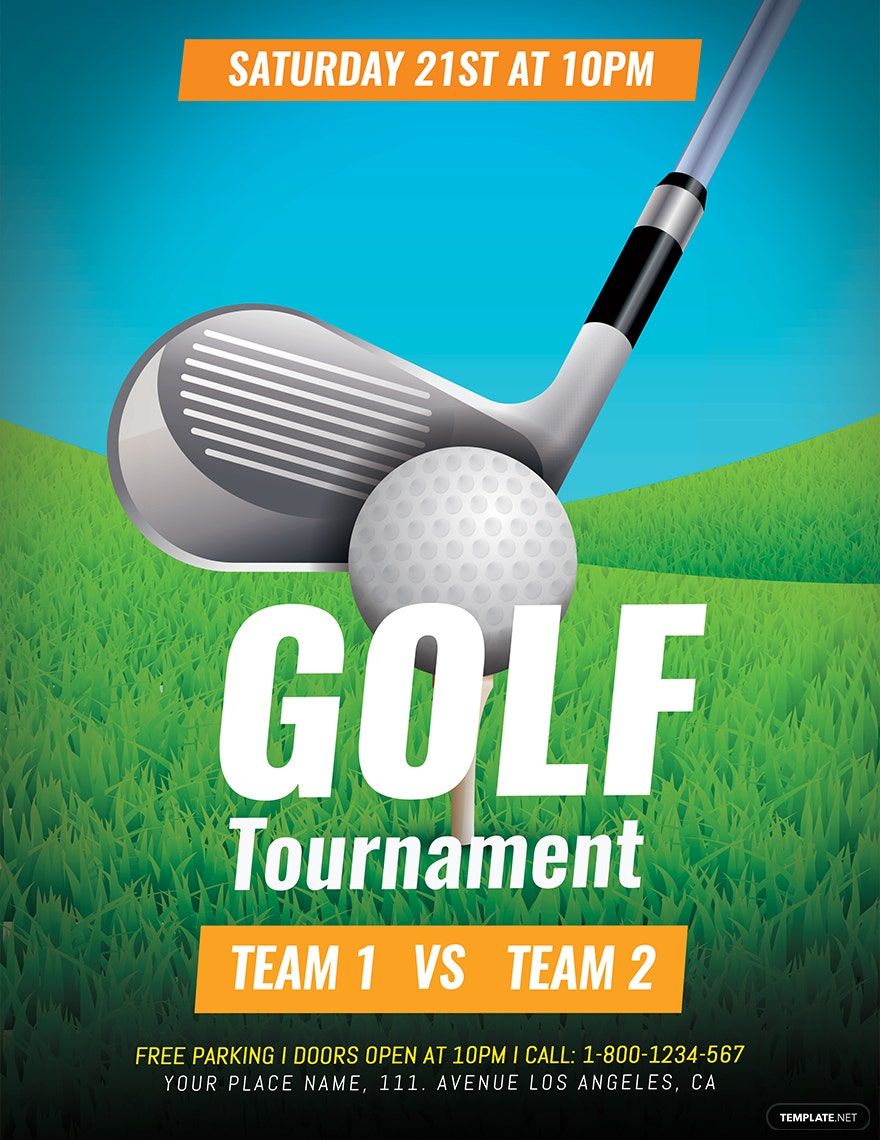
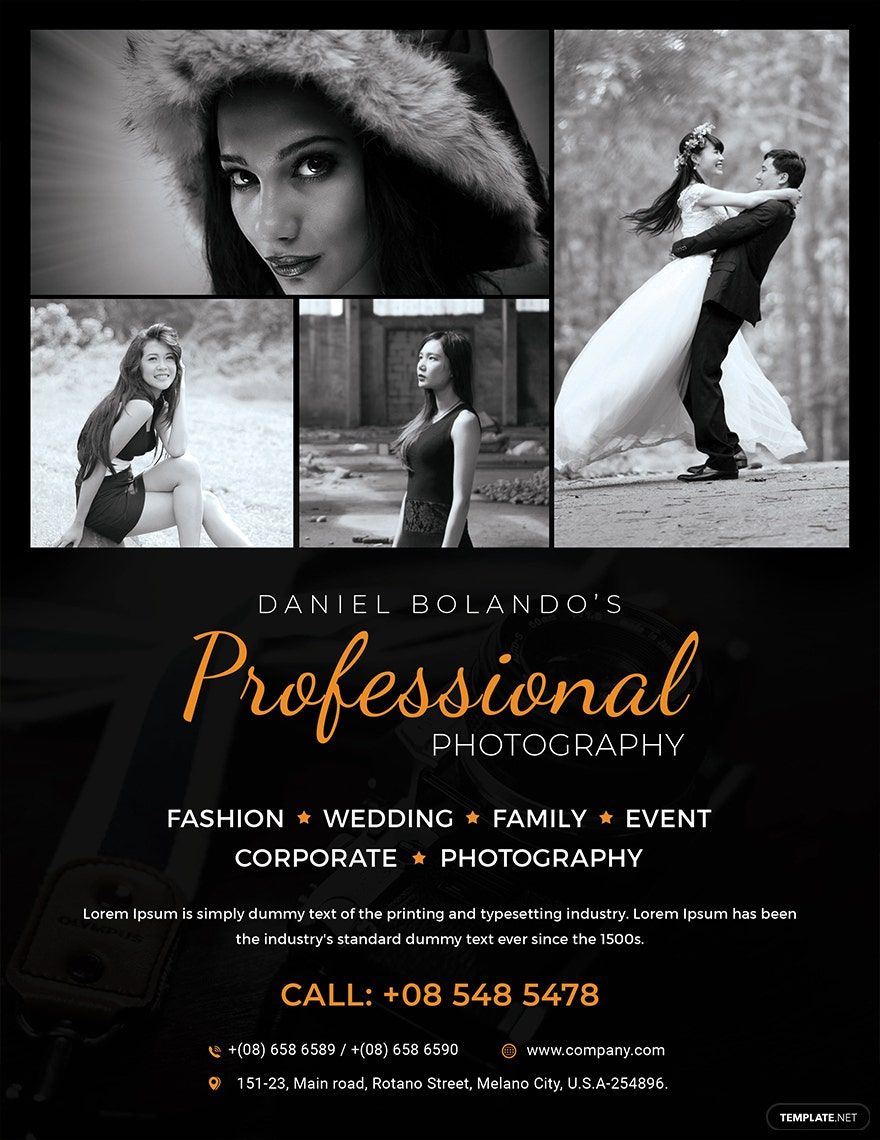
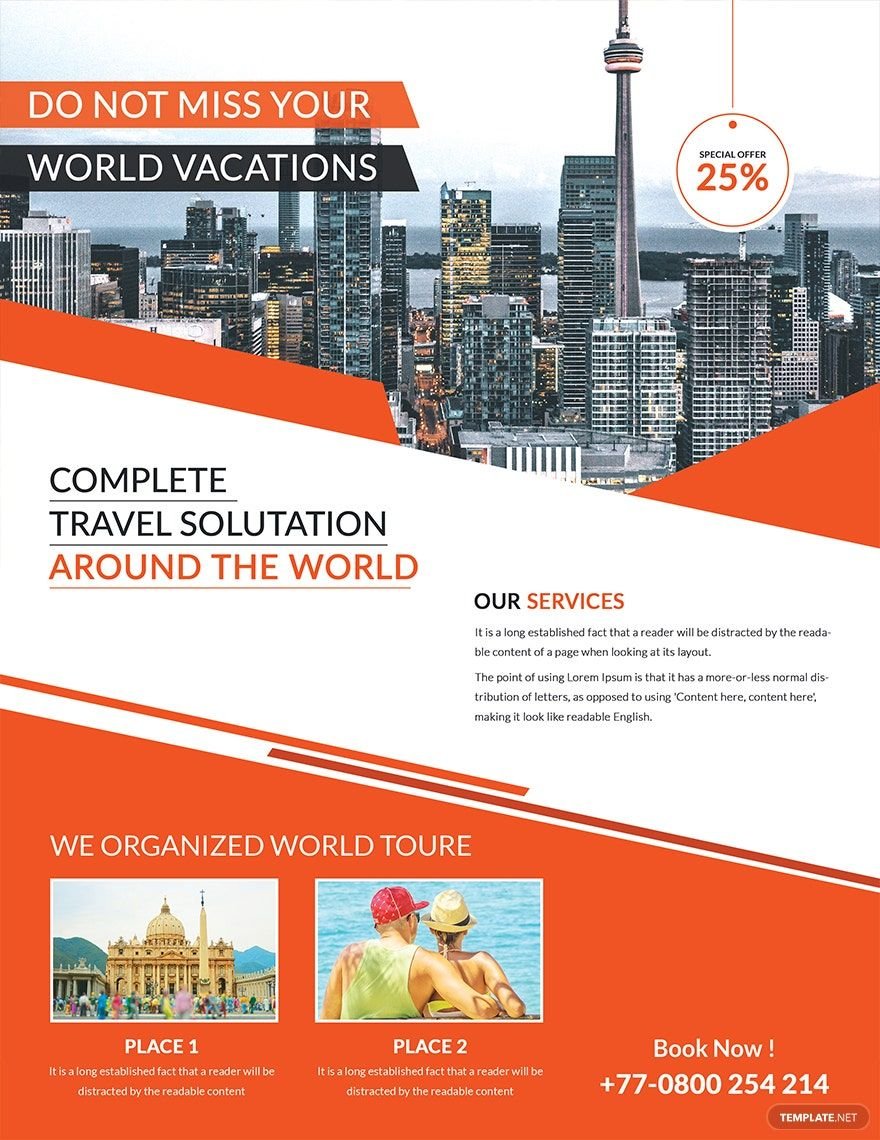
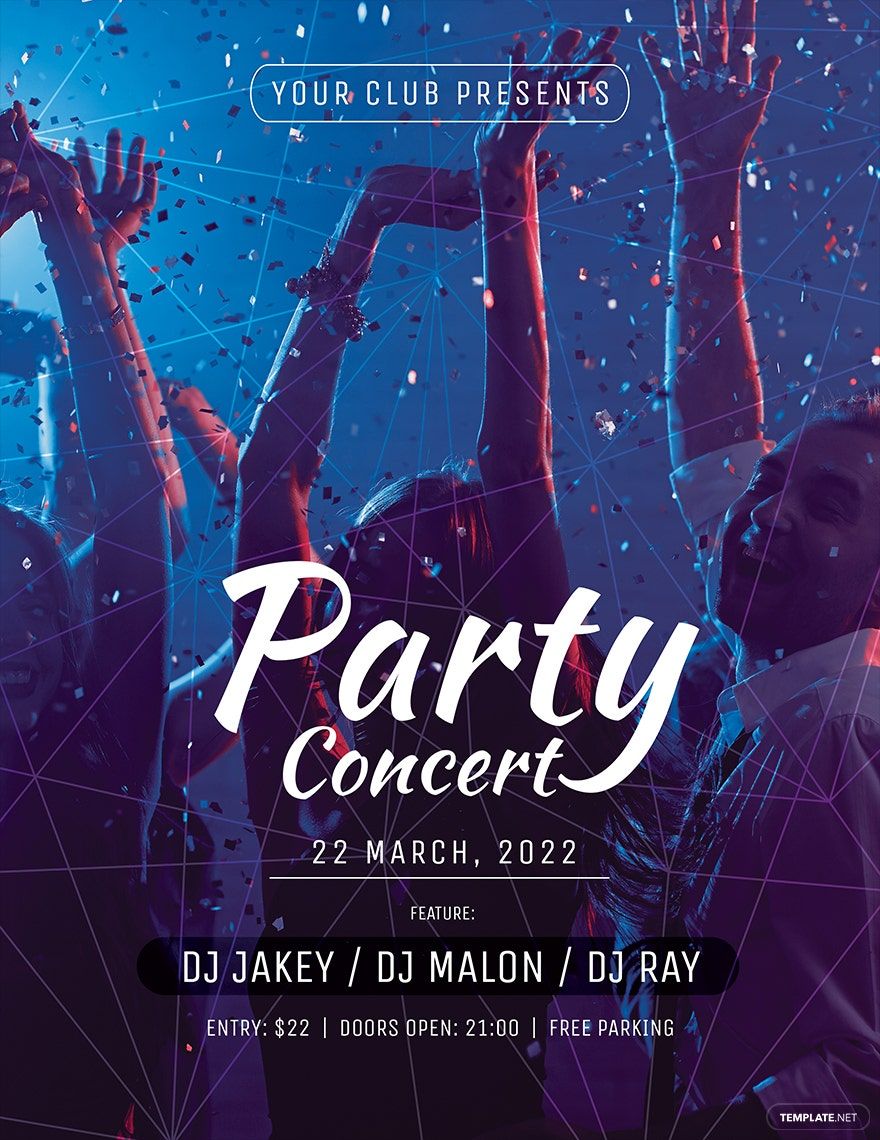
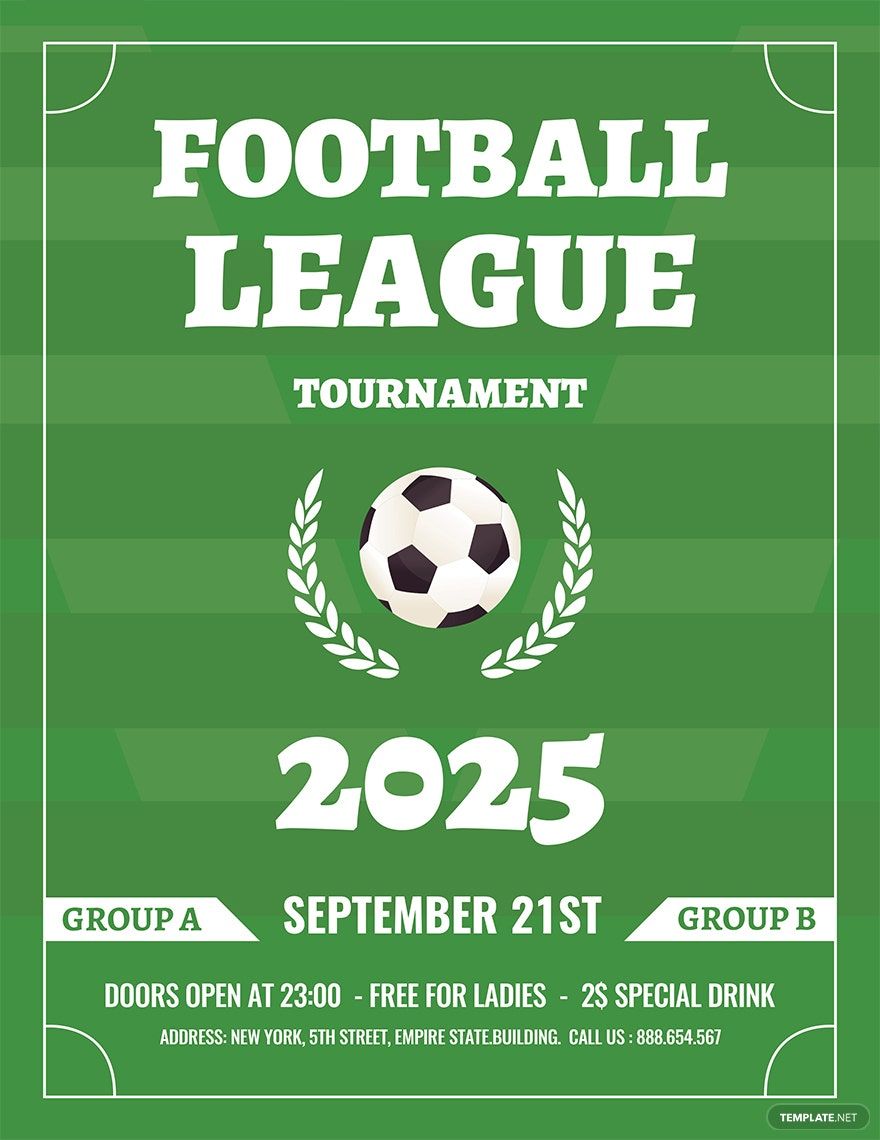
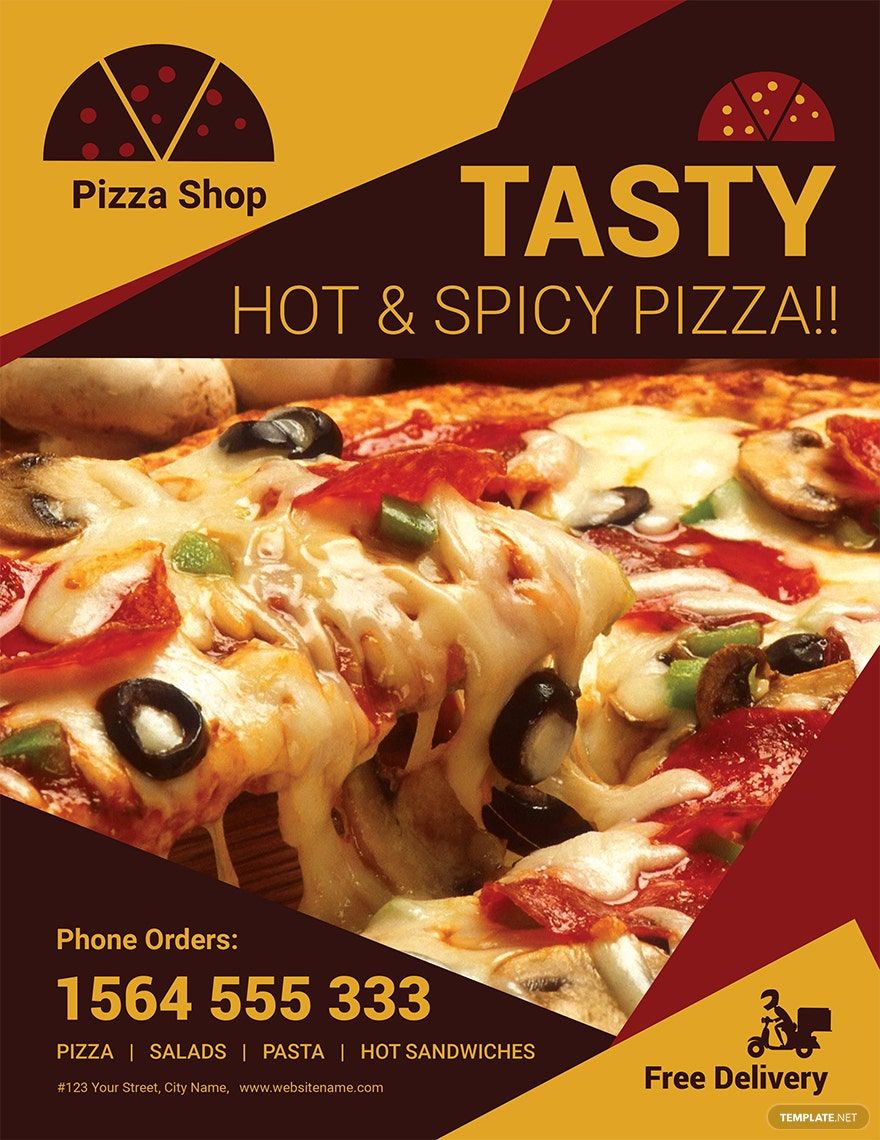
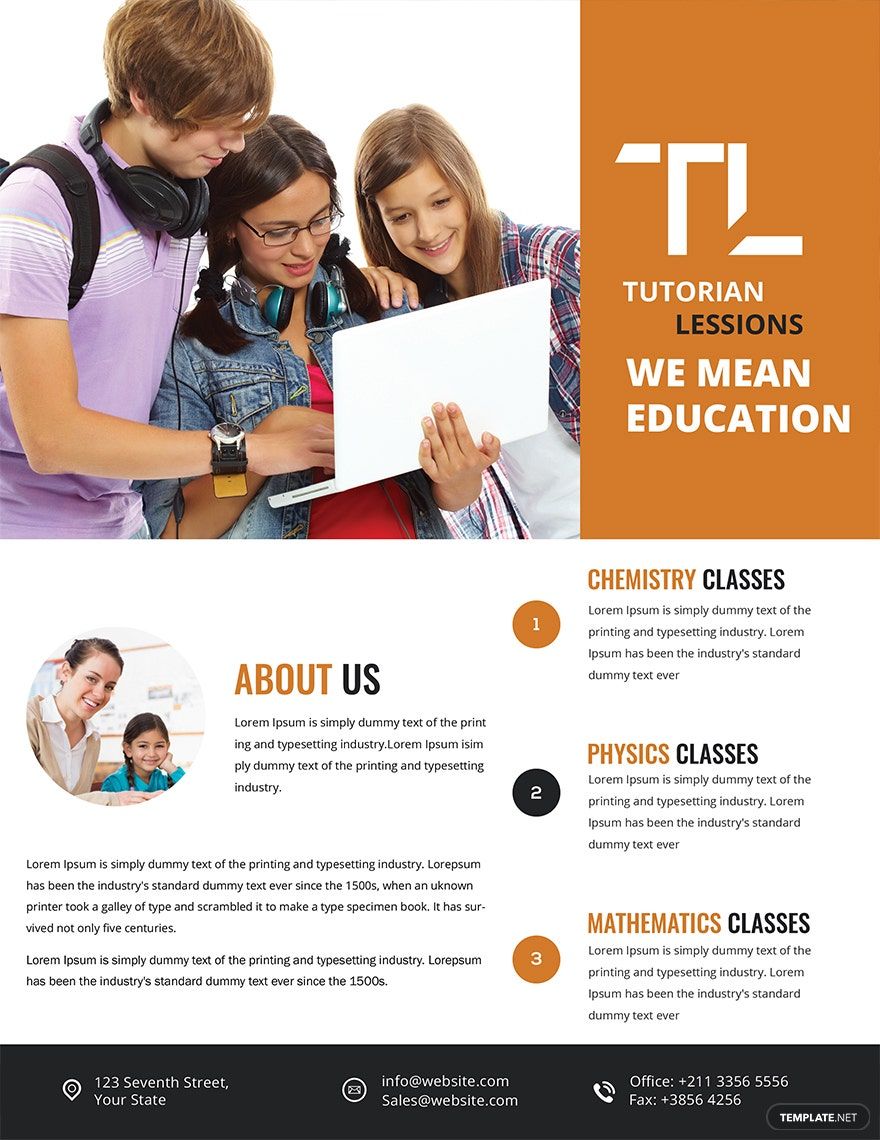
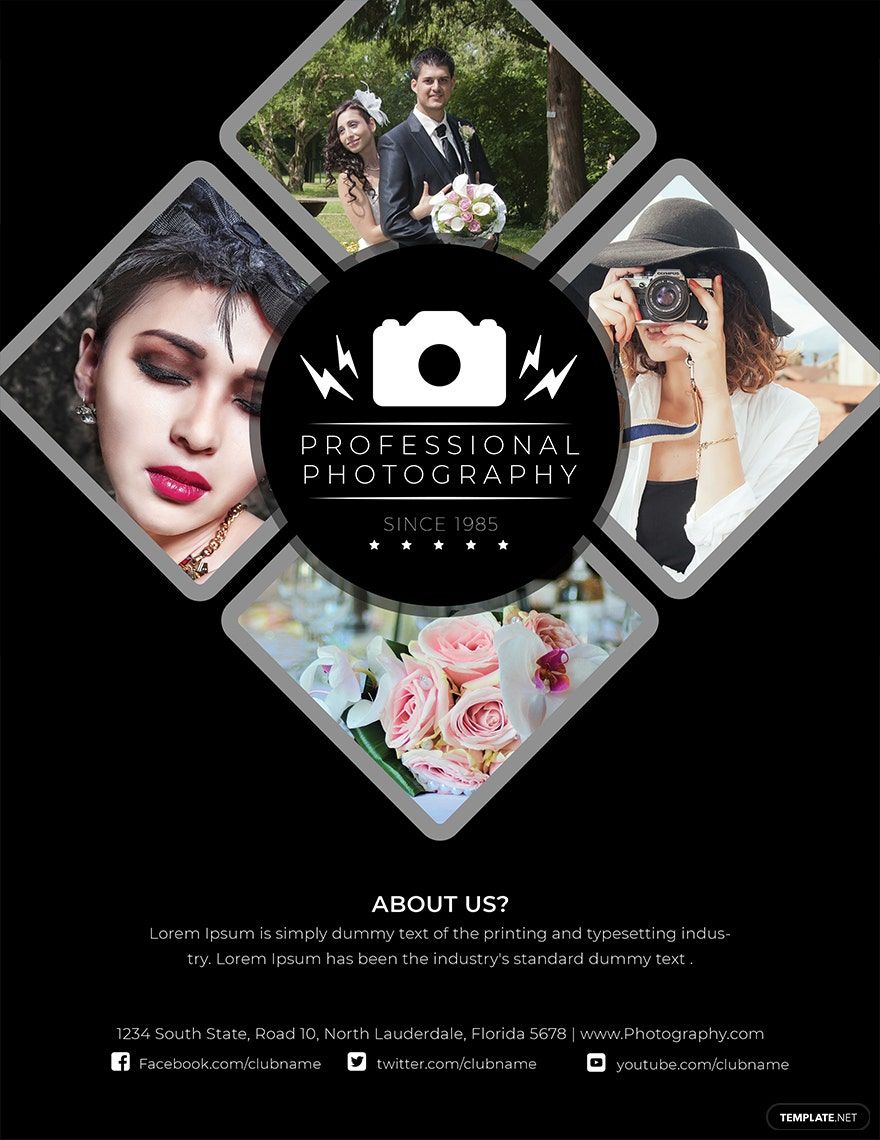
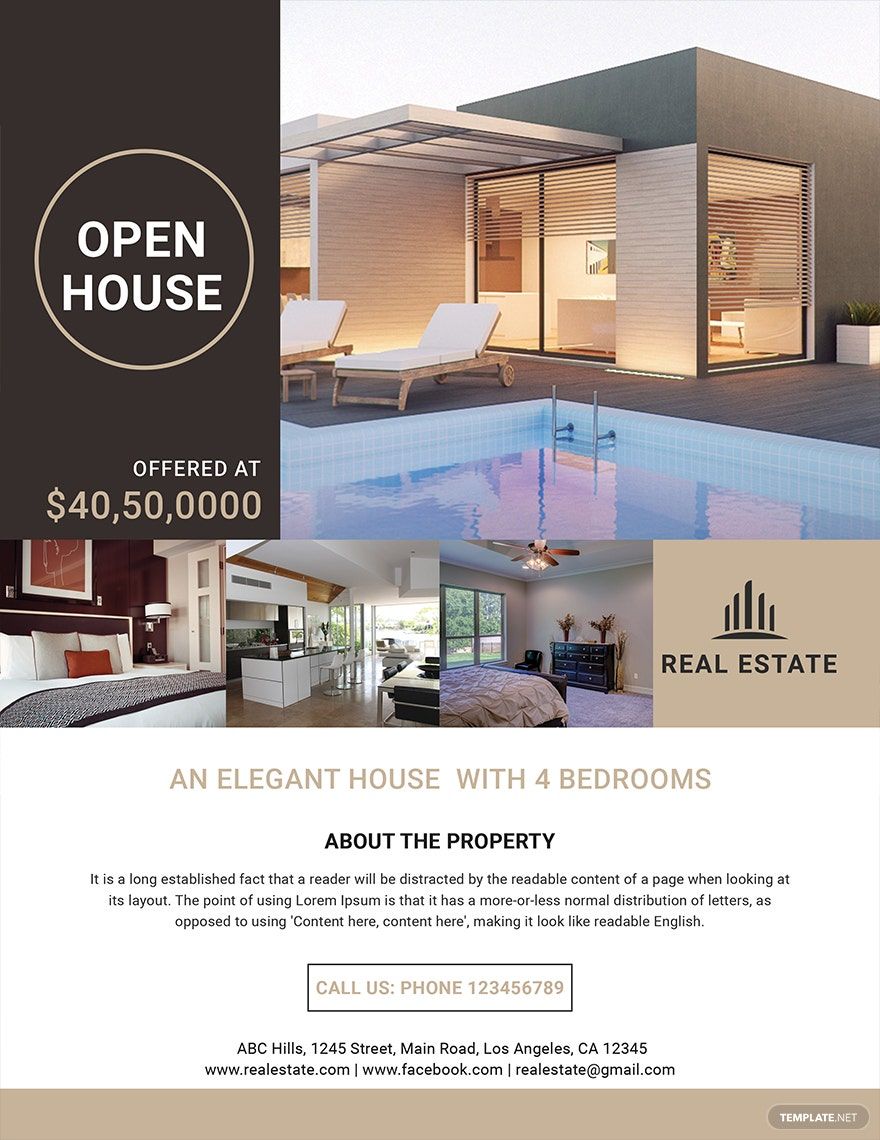
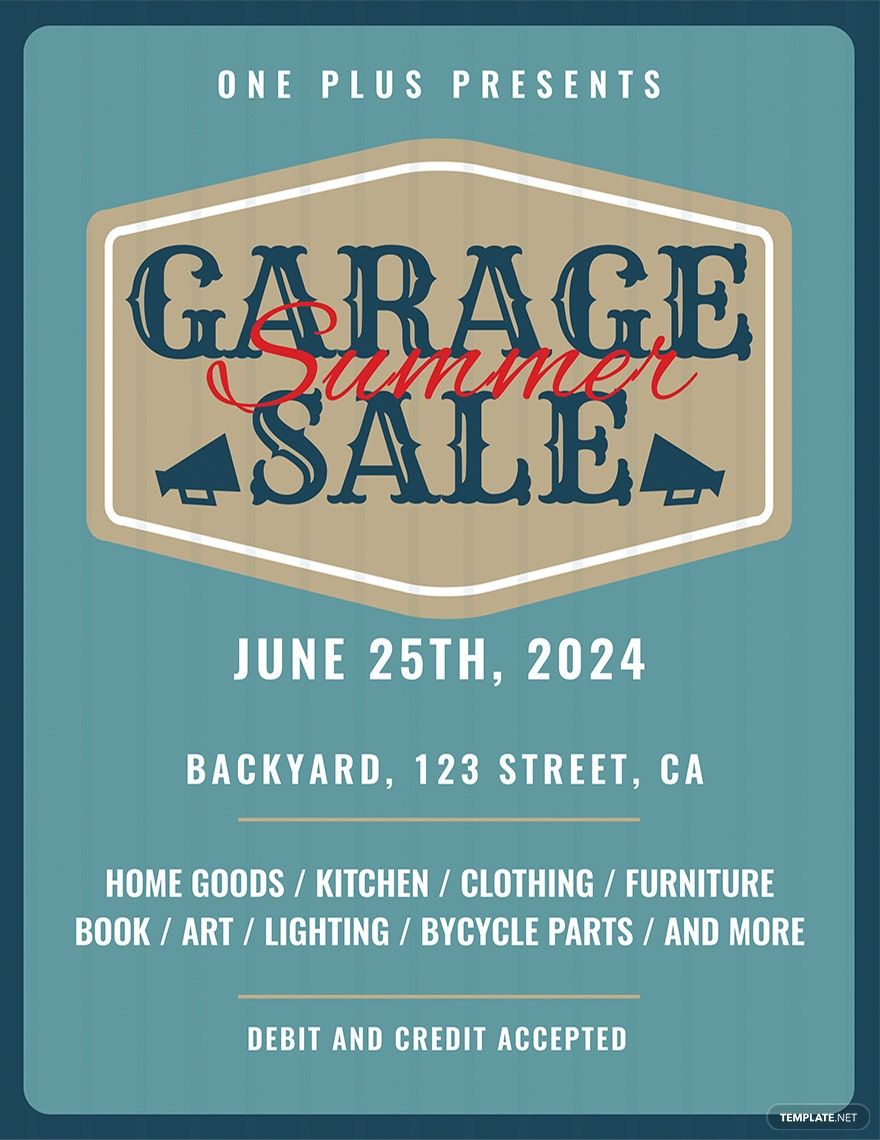
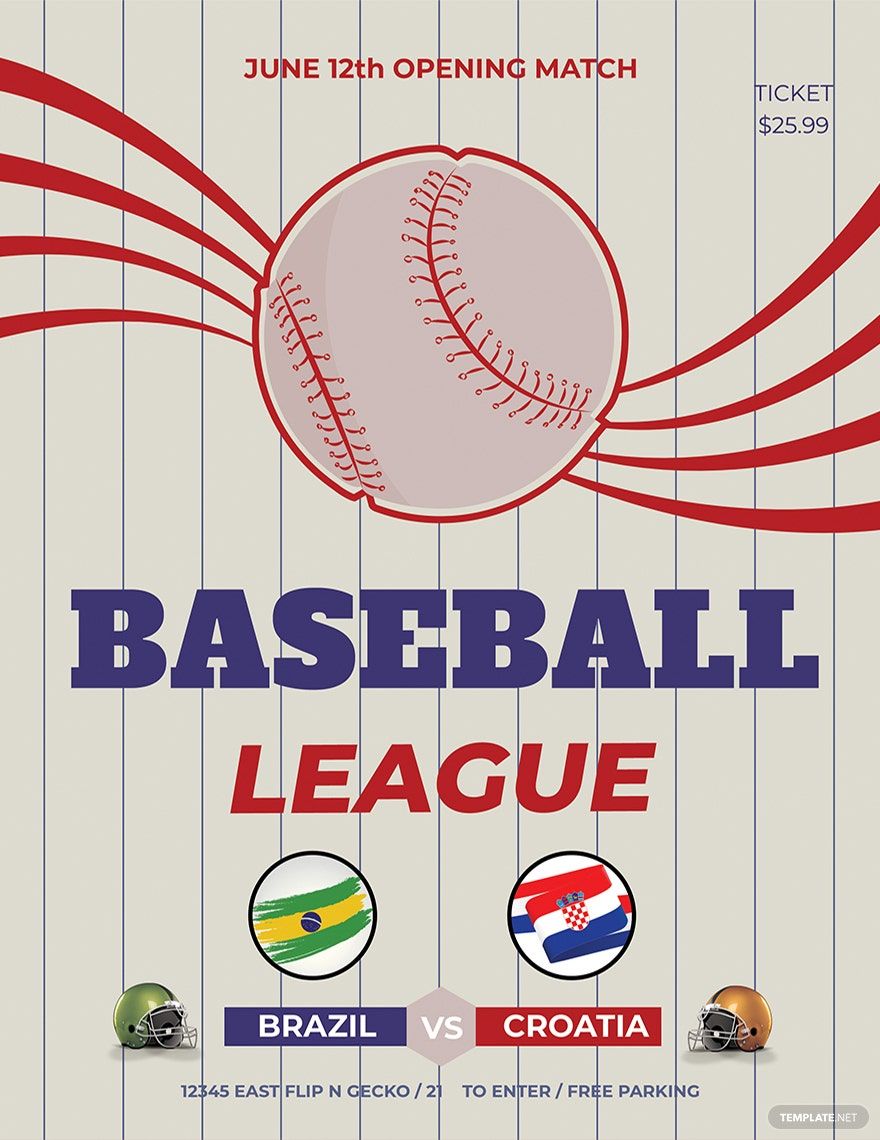
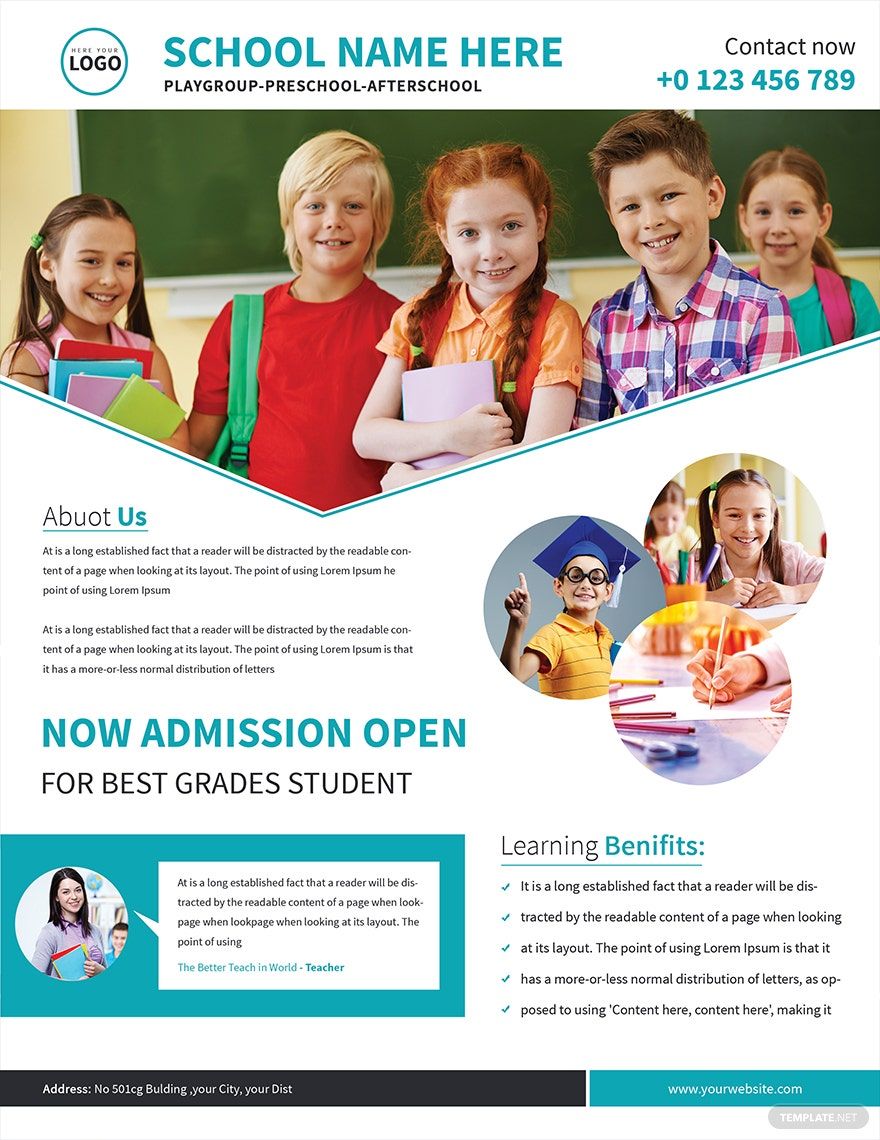
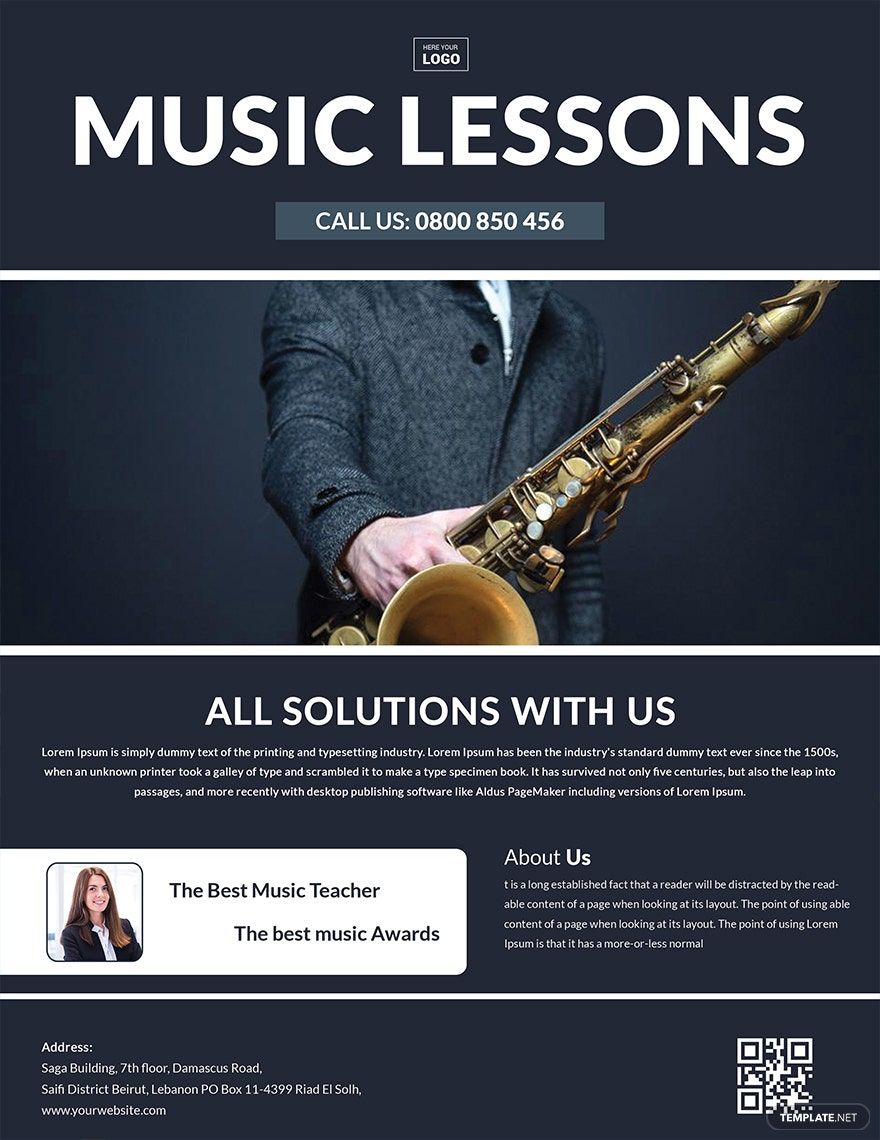
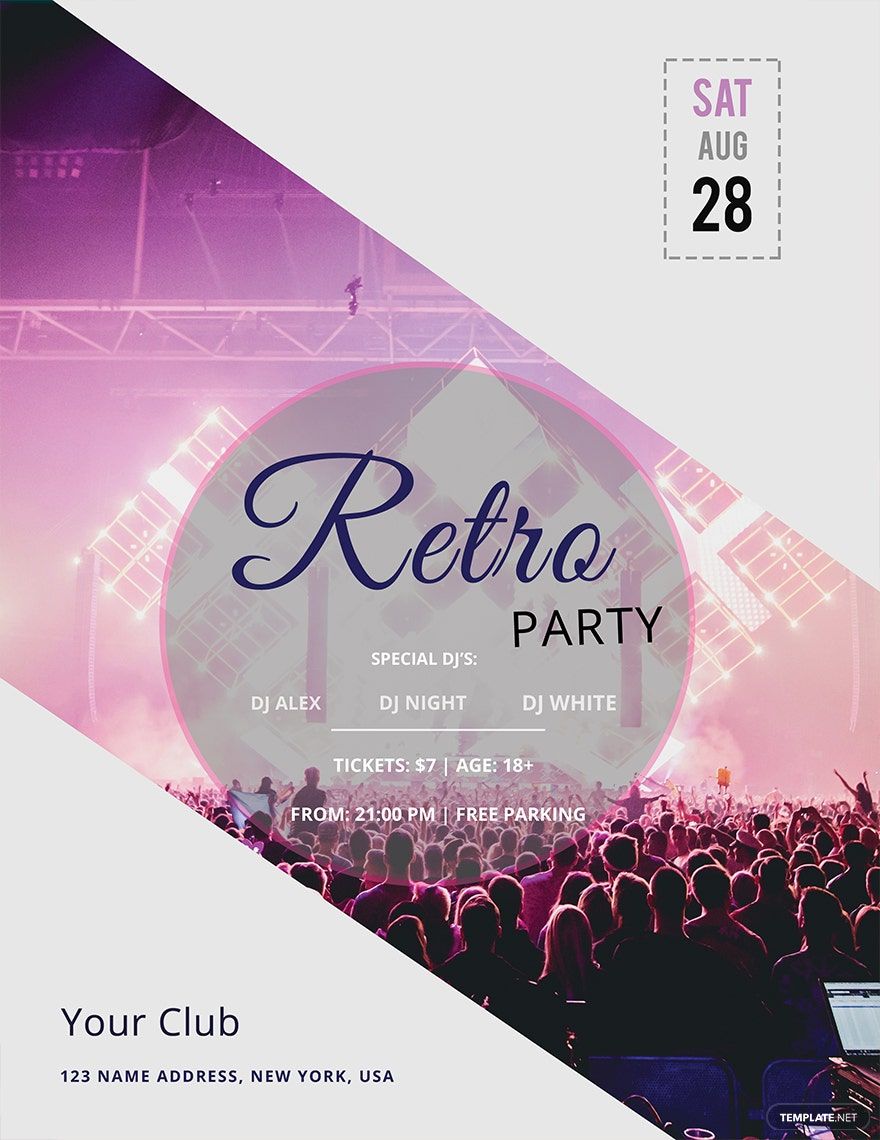
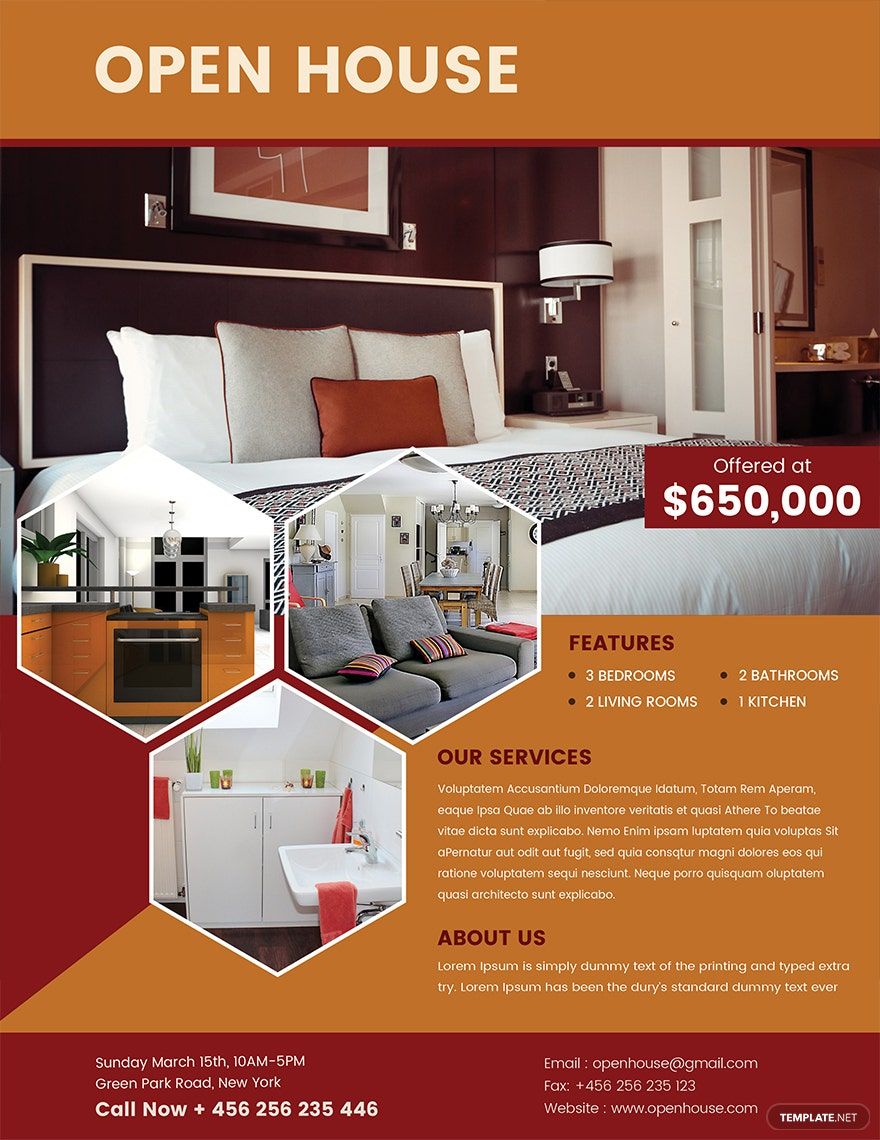
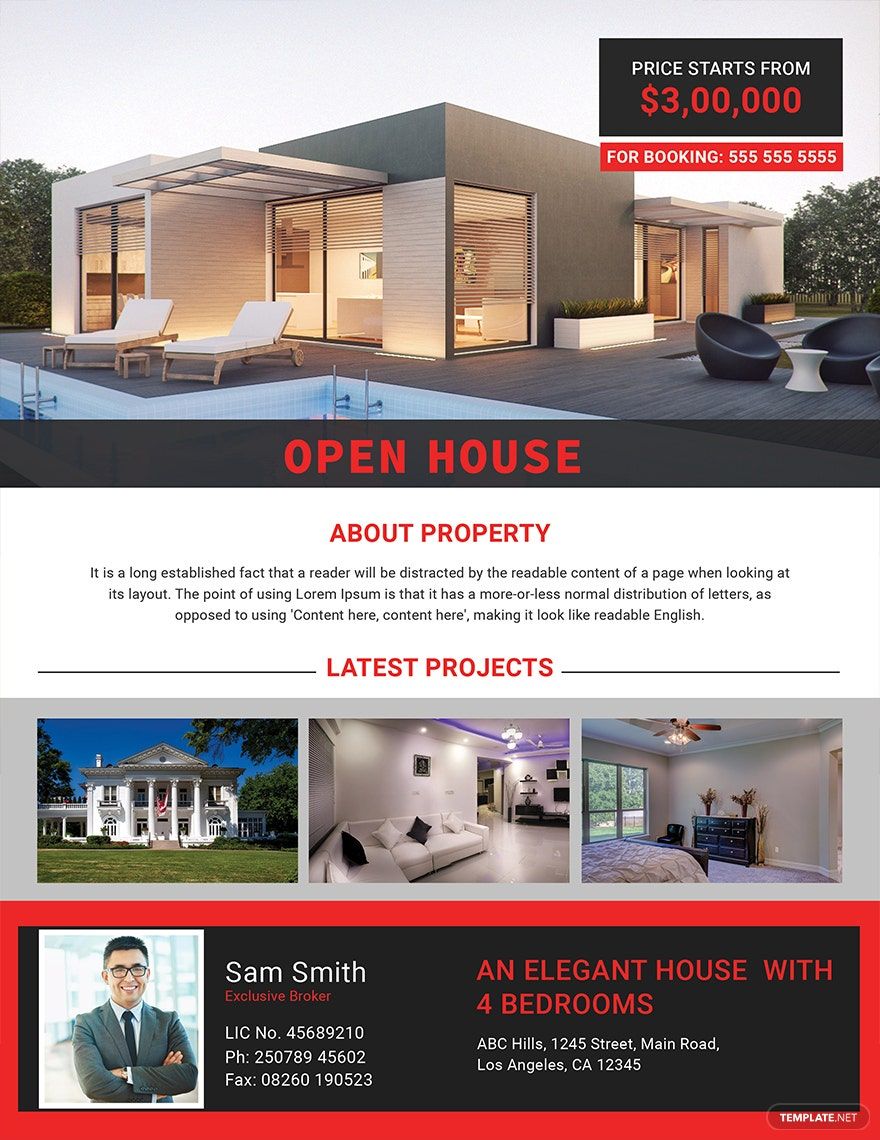
A flyer is a single-page printed or digital promotional material used to advertise events, products, or services with concise information and eye-catching design. Flyer templates offer professional layouts that you can customize easily online to suit any marketing need.

feature icon

Why should I use a flyer?

You should use flyers because they provide an effective, affordable way to reach a wide audience with customizable designs that highlight your message clearly. Flyer templates from Template.net allow quick editing and printing, maximizing your promotional impact.

feature icon

Who uses flyers?

Flyers are used by businesses, event organizers, marketers, and individuals who want to promote products, events, or services. Template.net’s flyer templates serve professionals and beginners by offering layered designs that simplify customization online.

feature icon

What size should my flyer be?

Flyer sizes vary depending on purpose and printing options. Common flyer templates come in standard dimensions for easy distribution and display.

  • 4 × 6 inches – Postcard size, ideal for handouts
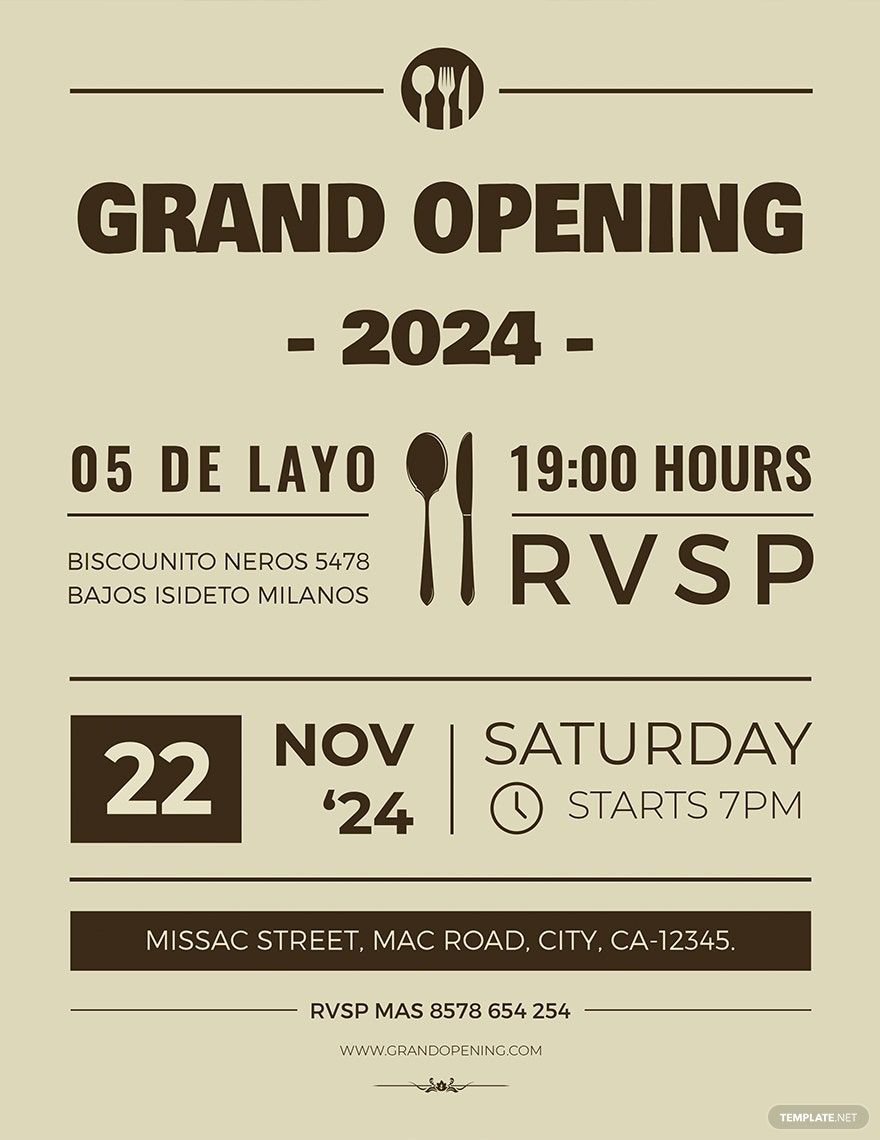
  • 5 × 7 inches – Small flyers for invitations or announcements
  • 8.5 × 11 inches – Letter size, popular for detailed information
  • 8.3 × 11.7 inches (A4) – Standard international size for flyers
  • 5.8 × 8.3 inches (A5) – Half A4, compact promotional flyers
  • 11 × 17 inches – Tabloid size, for posters or large flyers
feature icon

What should I include on a flyer? Elements

Your flyer should include essential elements to attract attention and convey your message clearly.

  • Headline – A strong, engaging title
  • Images or graphics – Visual elements to support your message
  • Body text – Key details about your event or offer
  • Contact information – Phone, email, website, or social media links
  • Call to action – Clear instructions on what the audience should do
  • Logo or branding – Consistent brand identity
  • Date, time, and location – For event flyers
  • Offers or discounts – If applicable
  • White space – To ensure readability and clean design
  • Footer – Additional notes or disclaimers
feature icon

What are the best tips for designing my flyer?

Use simple and bold designs with clear typography and high-quality images. Keep the message concise and focus on a strong call to action. Template.net flyer templates provide layered editing so you can easily rearrange elements for maximum visual impact.

feature icon

How do I print a flyer?

To print a flyer, select a high-resolution Template.net flyer template and customize it online. Use CMYK color mode for print accuracy and save your file in a suitable format like PDF. You can print flyers using home printers or professional print shops for high-quality results.

feature icon

What file formats can I download for my flyer?

Template.net flyer templates support multiple export formats for easy editing and printing. You can download flyer templates in PSD, Illustrator, Apple Pages, Word, Publisher, InDesign, PDF, and Google Docs.

feature icon

Can I create a flyer using AI?

Template.net provides an AI-powered tool that generates new flyer designs from prompts, streamlining your creative process. Try the Flyer Generator to create unique flyer templates quickly and easily.