
Free To Do Chart Templates
To Do Chart Templates: Definition, Uses, and Formats
What is a To Do Chart?
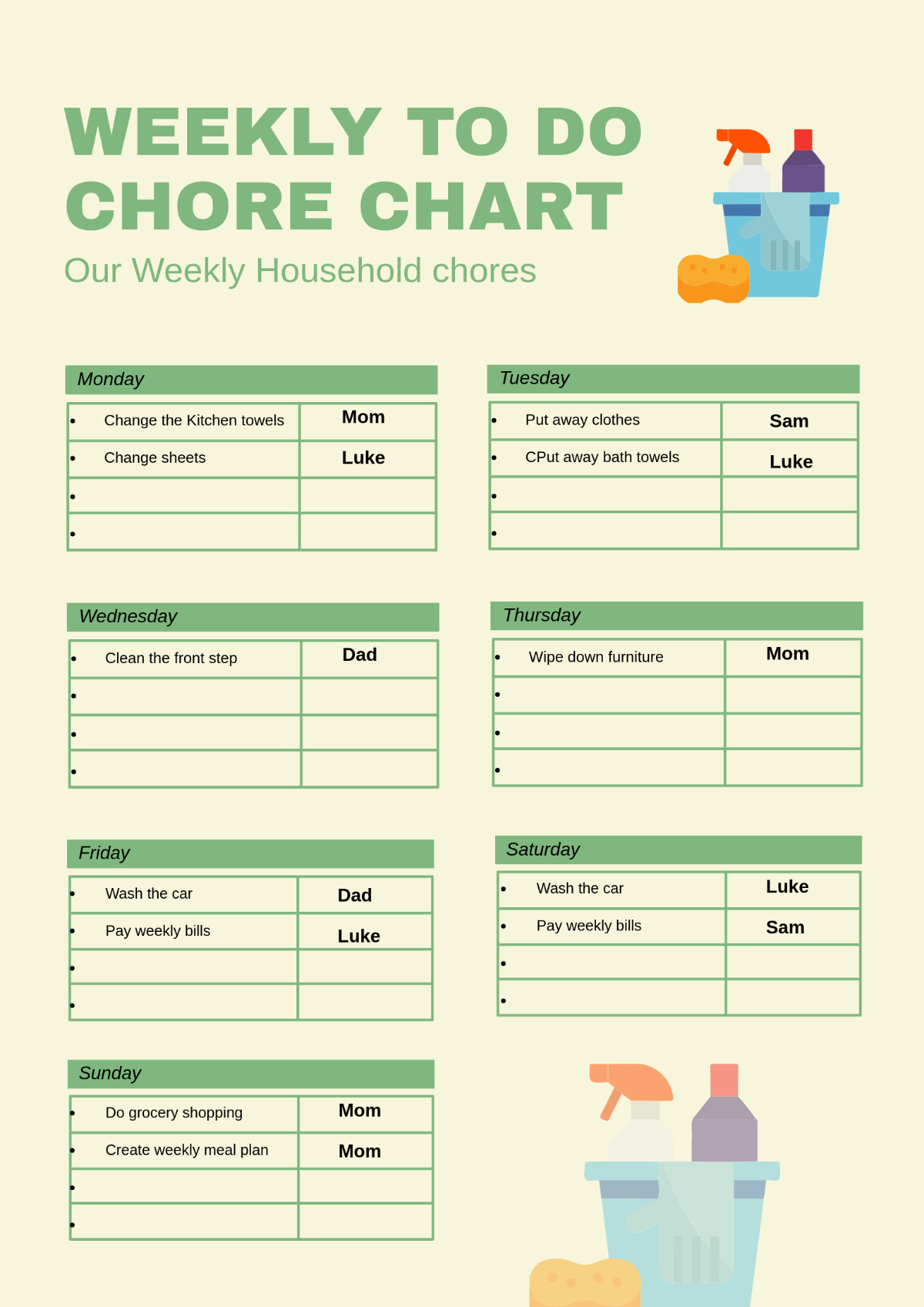
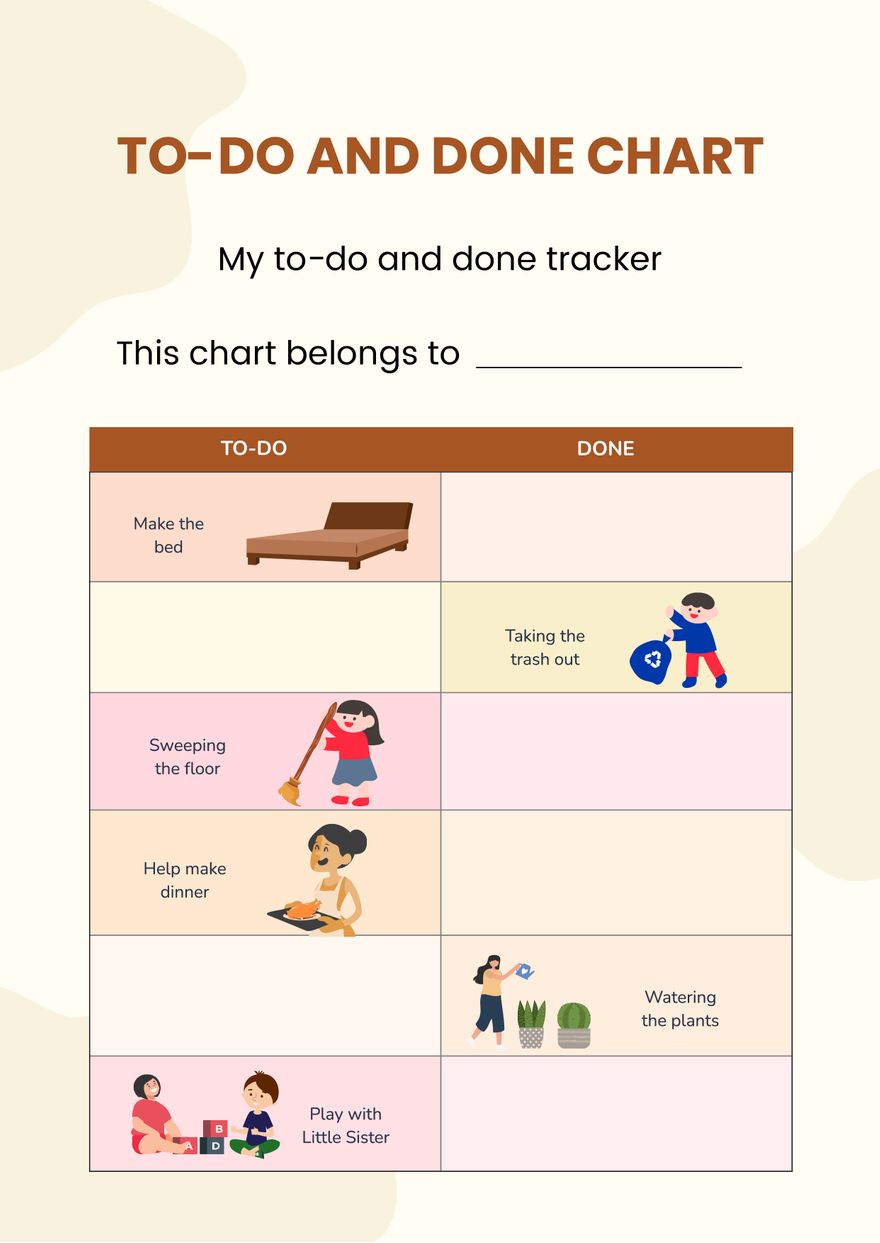
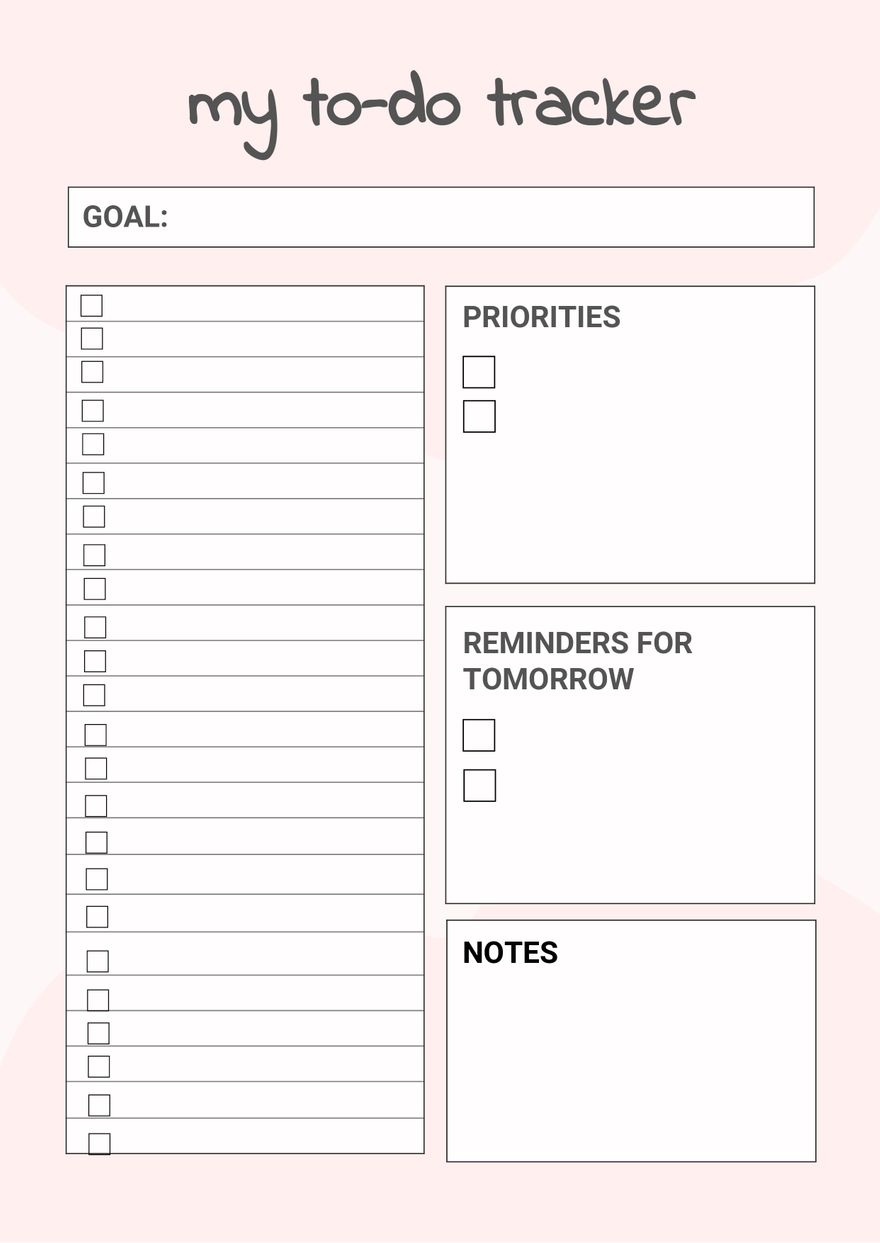
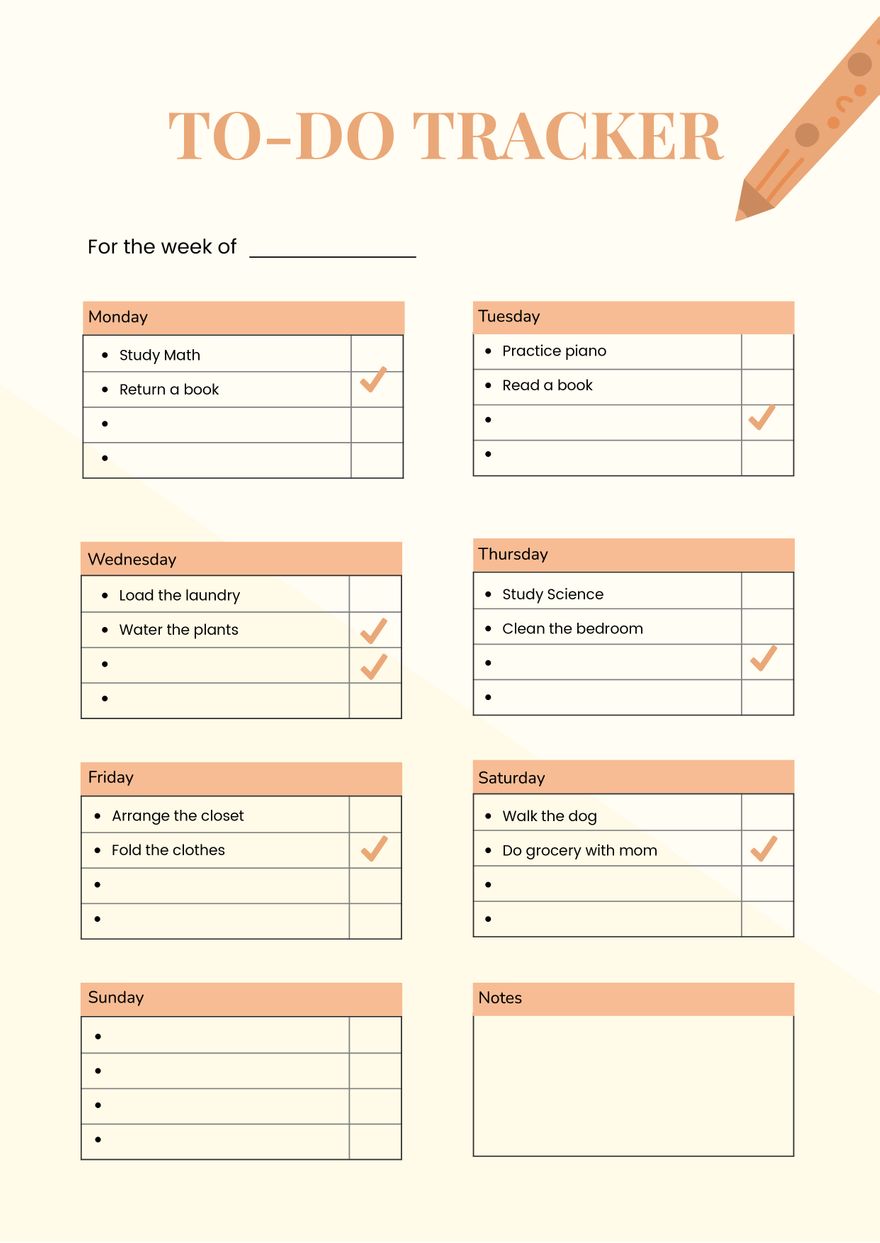
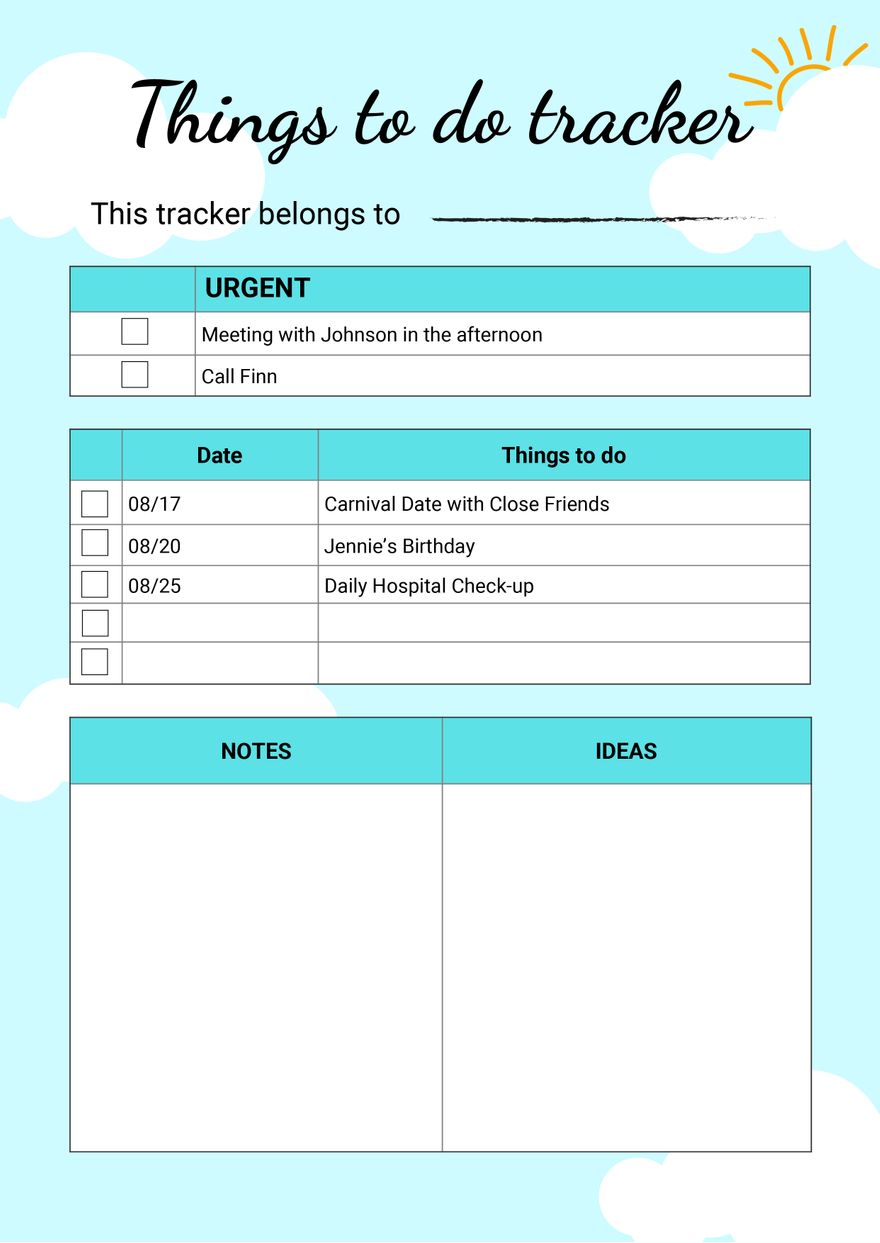
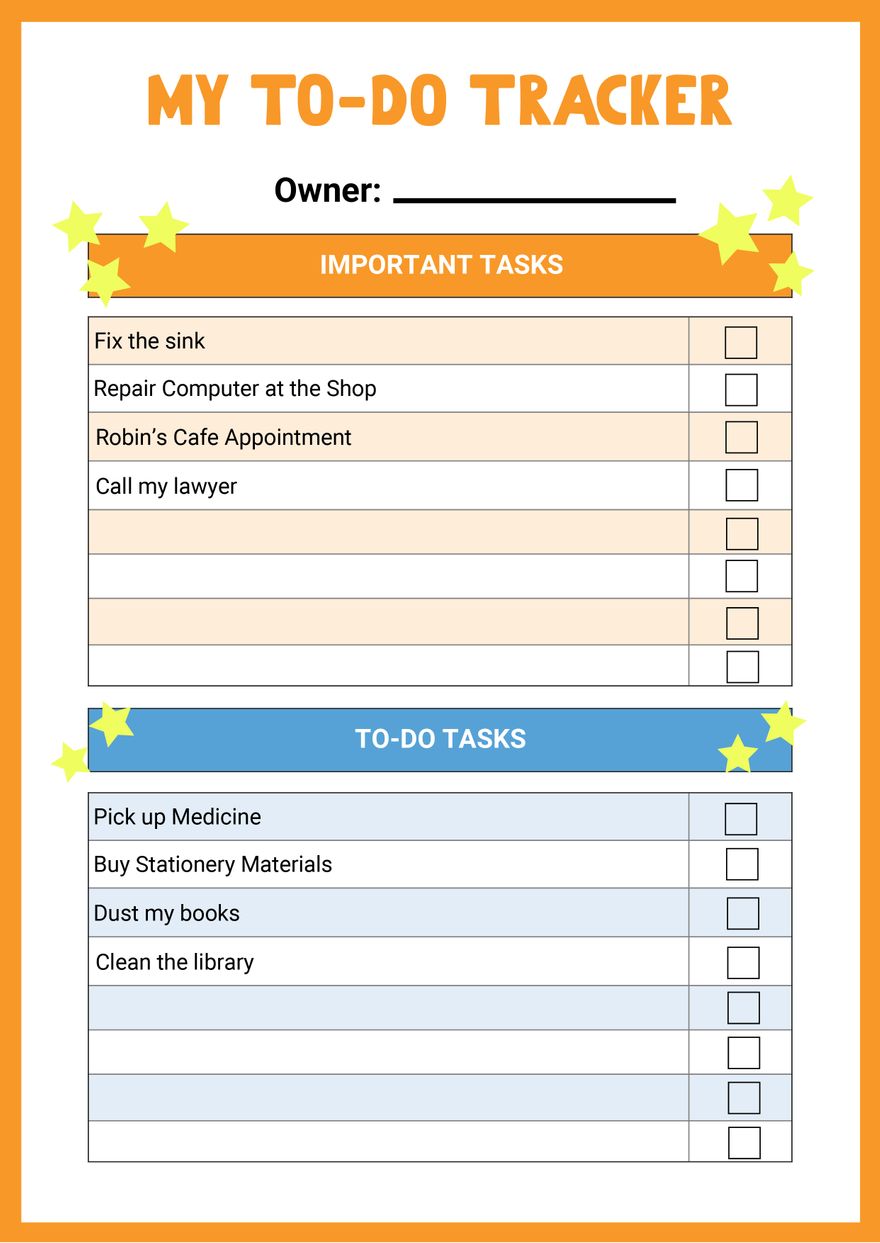
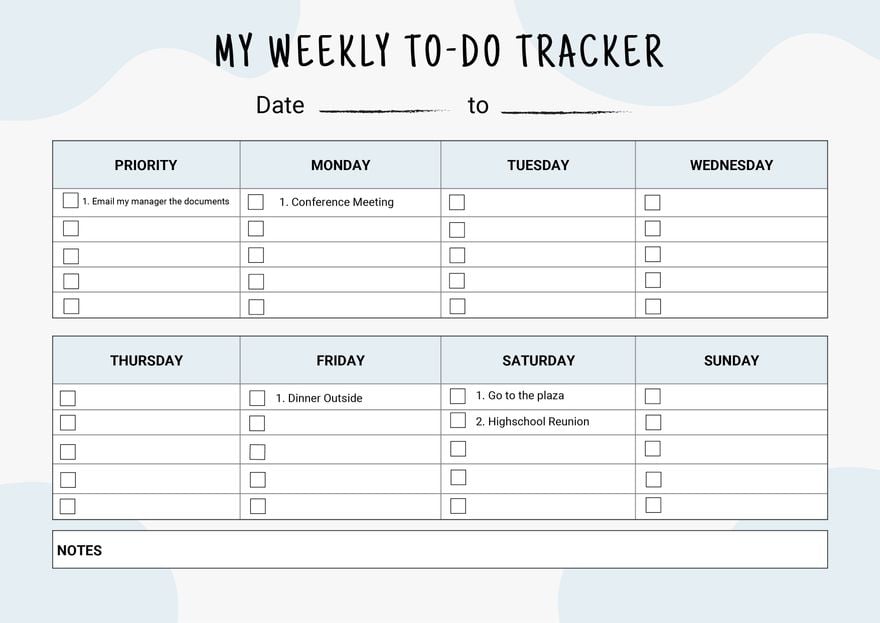
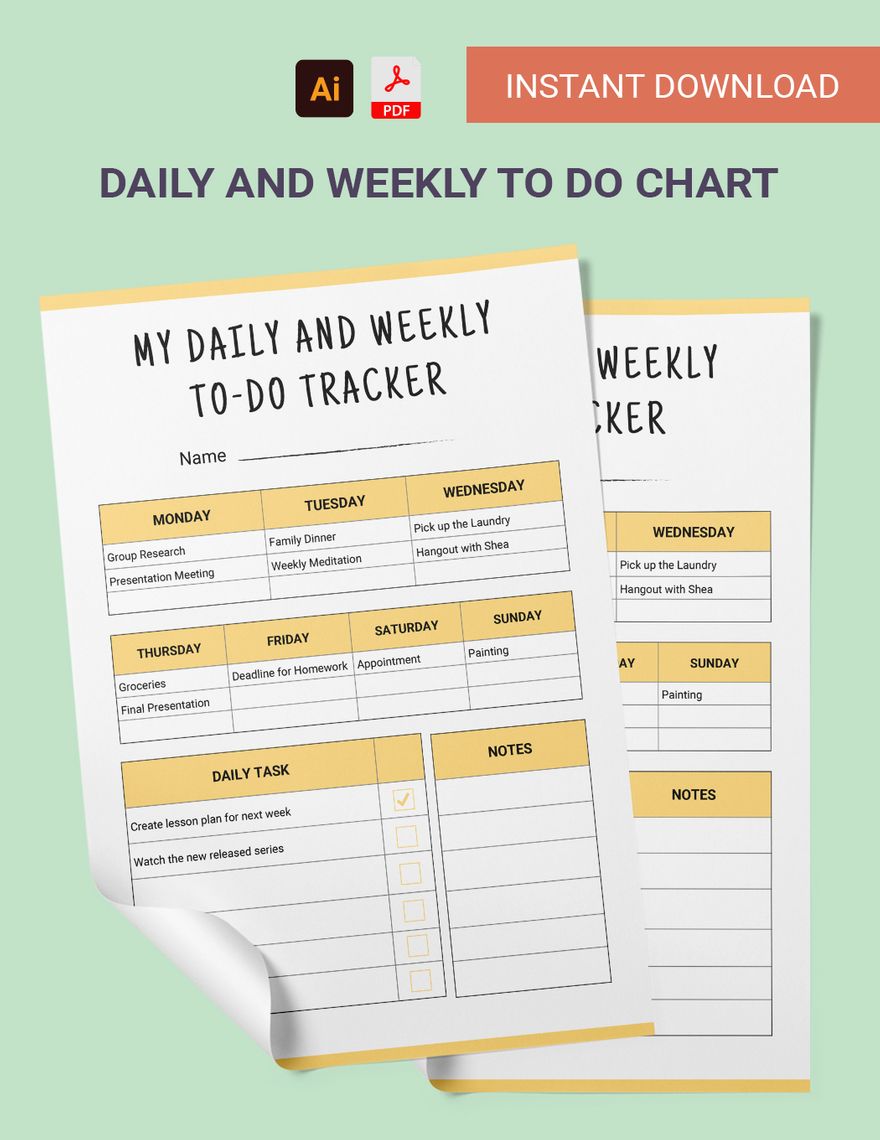
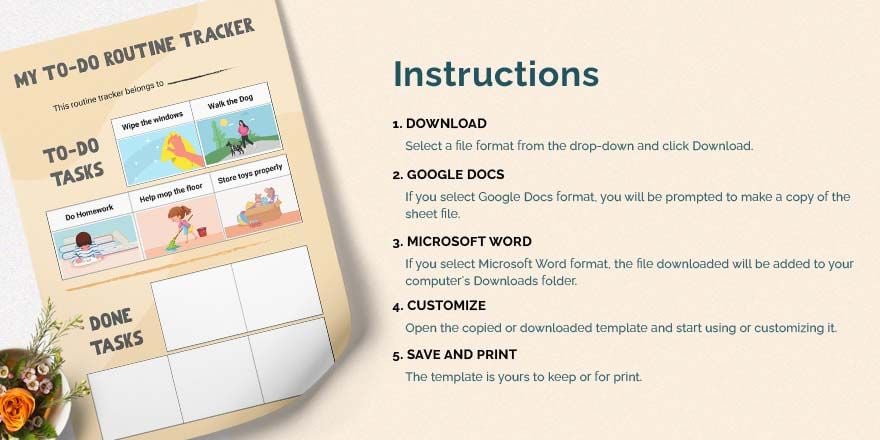
A To Do Chart is a visual tool that lists tasks and tracks their completion status. These charts use organized layout blocks and editable text areas to help users manage responsibilities effectively. Ready-made templates simplify creating such charts with layered design customization for professional results.
Why use a To Do Chart?
Using a To Do Chart enhances task management by providing a clear overview of activities and deadlines. The structured design layers in templates improve focus and productivity. Template.net's customizable layouts enable fast online editing to produce professional charts without design experience.
Who typically uses To Do Charts?
To Do Charts are commonly used by students, professionals, project managers, and teams to organize tasks. These users benefit from editable text areas and key information sections in templates that support collaborative and individual planning, available for quick customization online.
What size should a To Do Chart be?
The ideal To Do Chart size varies but commonly ranges around 8.5 × 11 inches for easy printing and readability. Template.net offers templates sized for standard paper, with adjustable layout blocks to fit specific needs during online editing for professional presentation.
What are the best tips for designing a To Do Chart?
Effective To Do Chart design includes clear headlines, distinct graphics, and organized layout blocks to separate tasks. Using Template.net templates with layered design customization allows easy editing of colors and fonts for clarity and visual appeal.
How do you print a To Do Chart?
Printing a To Do Chart involves downloading the template in a suitable format and using standard printers with settings matching the chart size. Template.net templates support high-quality printing with professional layouts and clear graphics that maintain readability on paper.
What elements should a To Do Chart include?
A To Do Chart should include task lists, check boxes or progress indicators, headlines, and editable text areas for notes. Templates from Template.net provide these design layers structured for easy online customization and professional appearance.
What file formats can I download for a To Do Chart?
Template.net offers To Do Chart templates downloadable in multiple formats supporting editing and printing, including PDF. These formats ensure compatibility with various software and easy sharing.
Can I create a new To Do Chart using AI?
Template.net provides an AI-powered tool that generates new To Do Chart designs from prompts. Use the Chart Generator to create customized charts quickly with intelligent layout suggestions and editable design layers.
