
Free Insurance Organizational Chart Templates
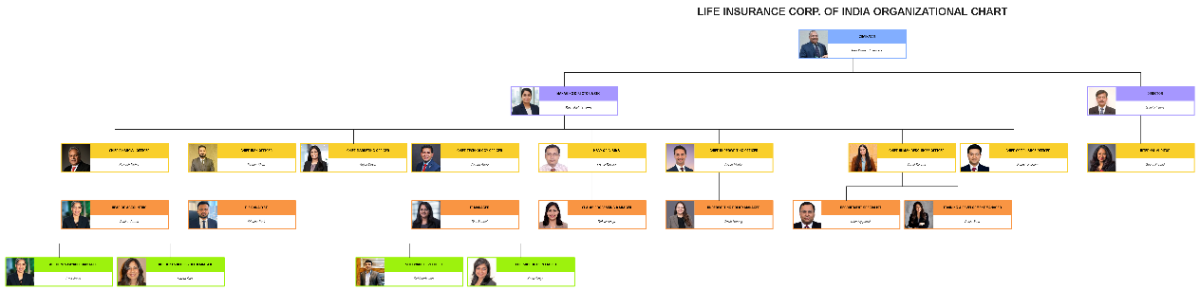
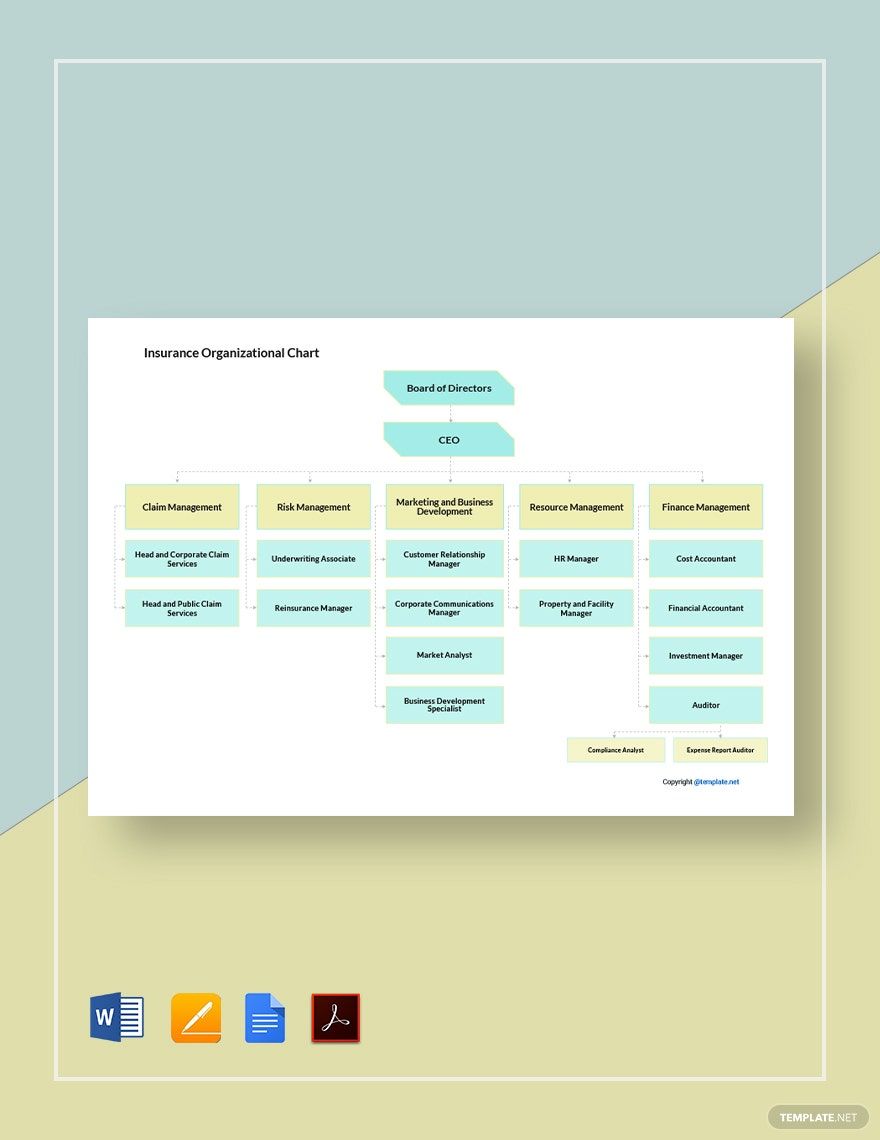

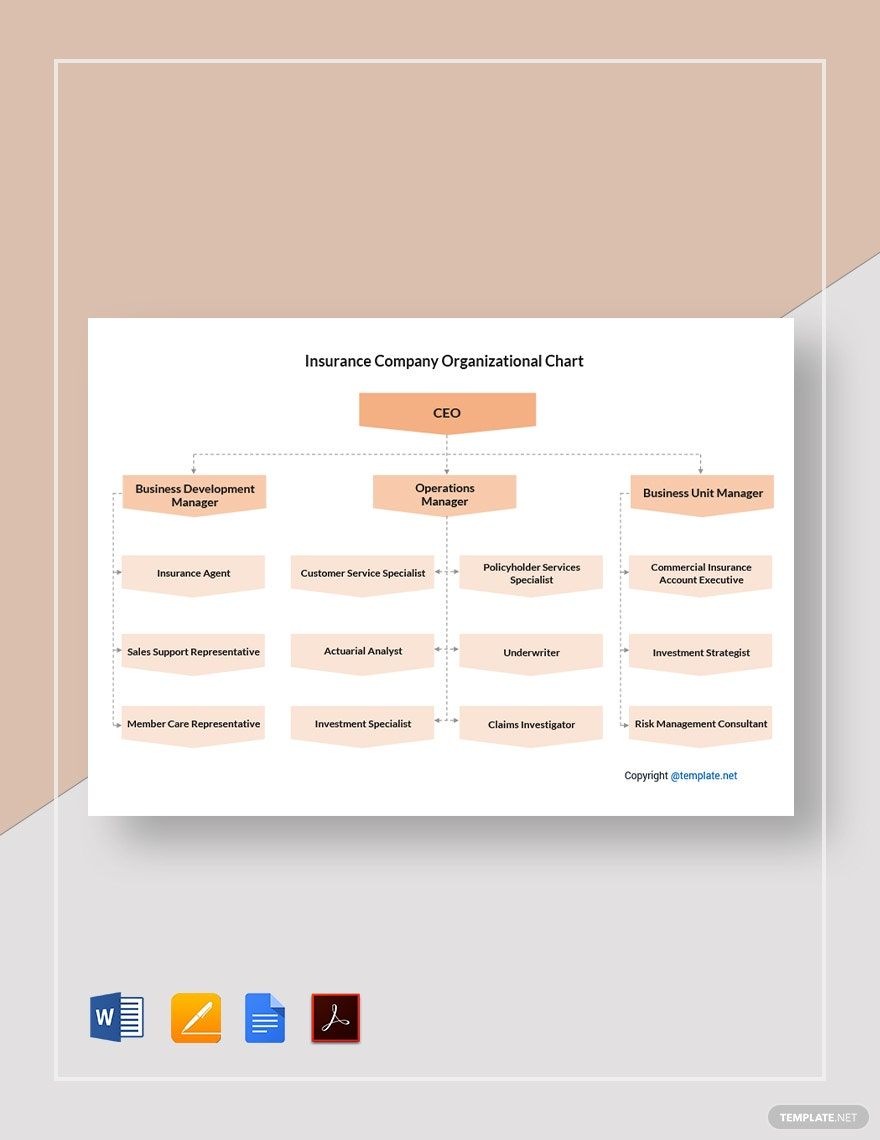

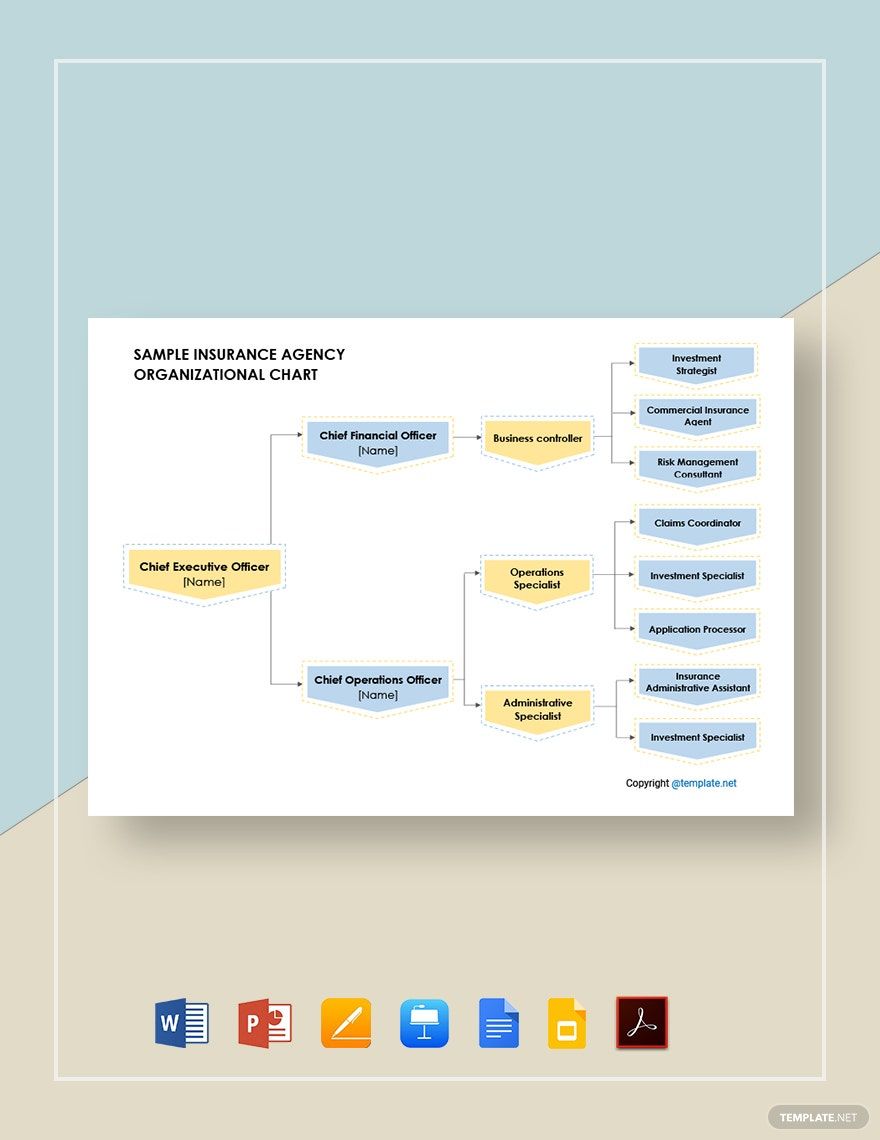
Insurance Organizational Chart Templates: Definition, Usage, and Formats
What is a Insurance Organizational Chart?
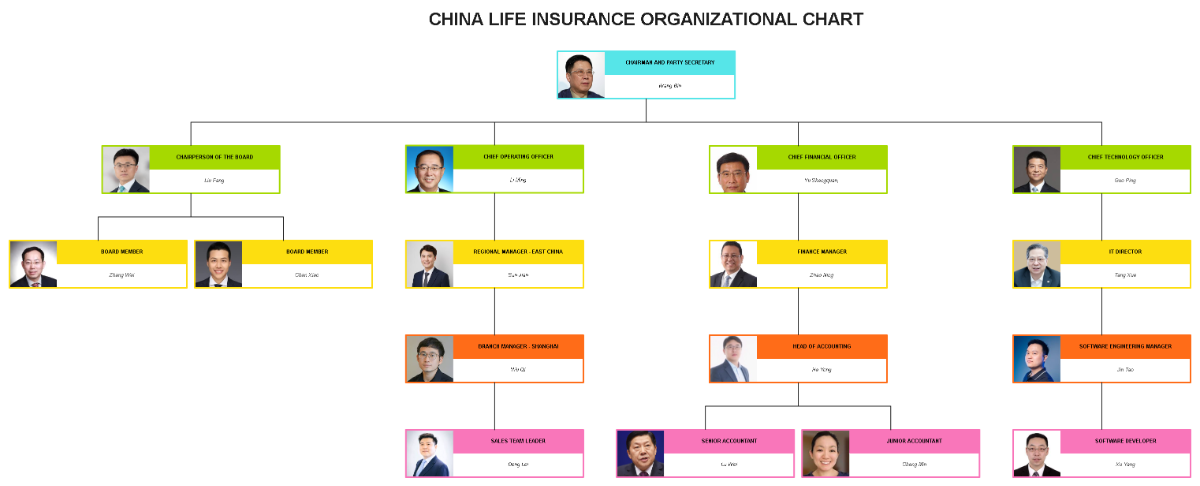
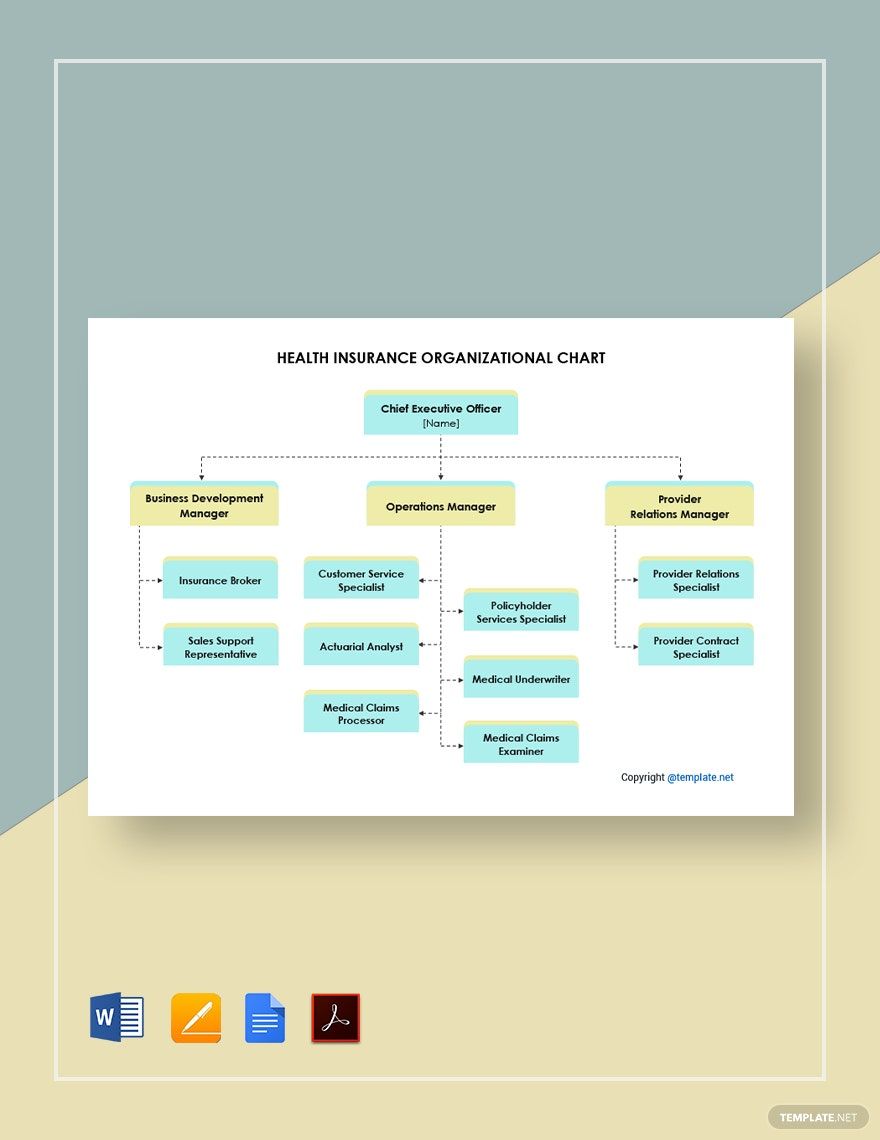
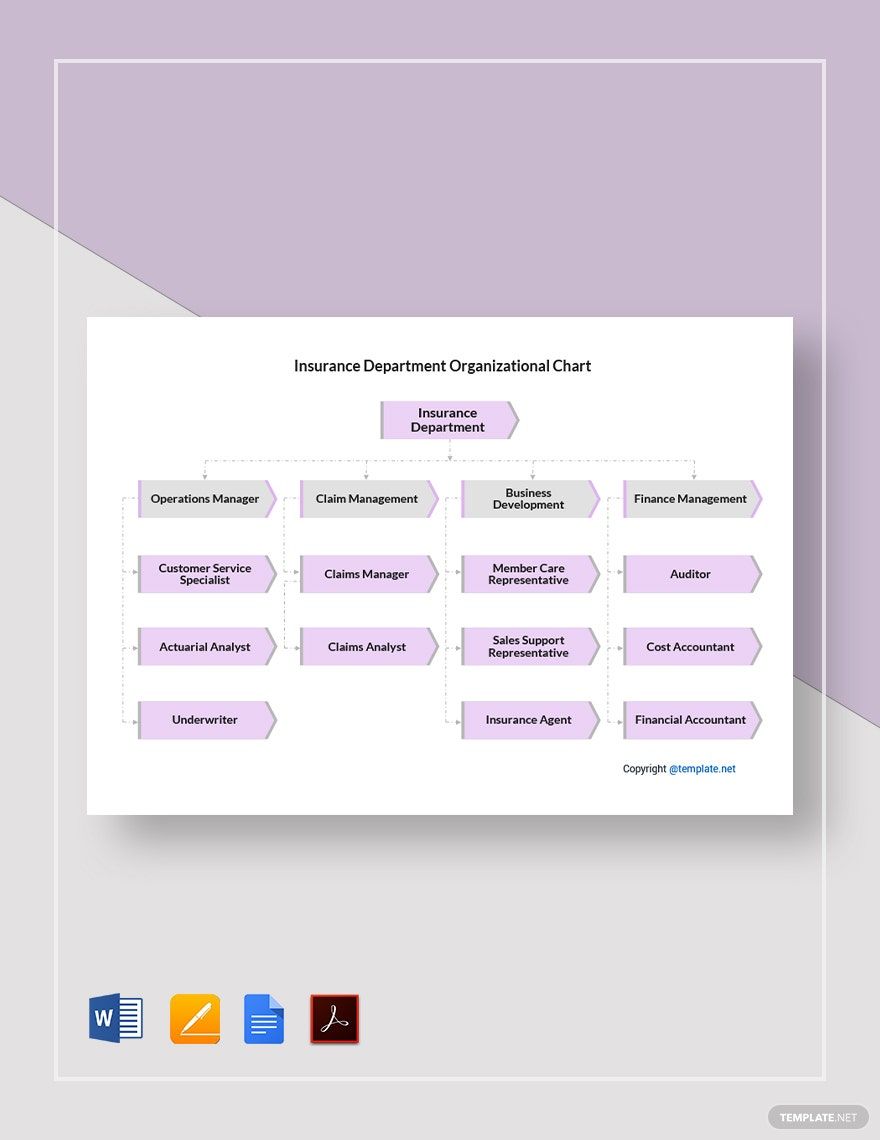
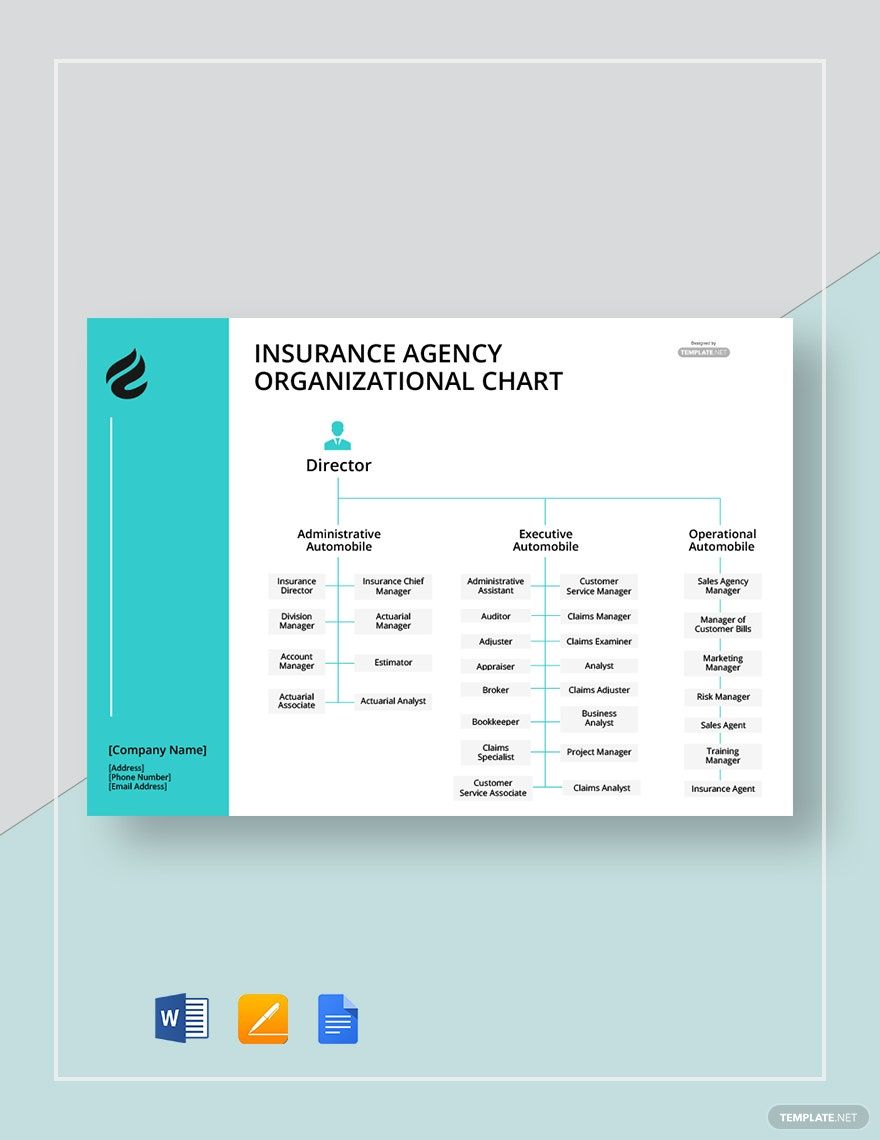
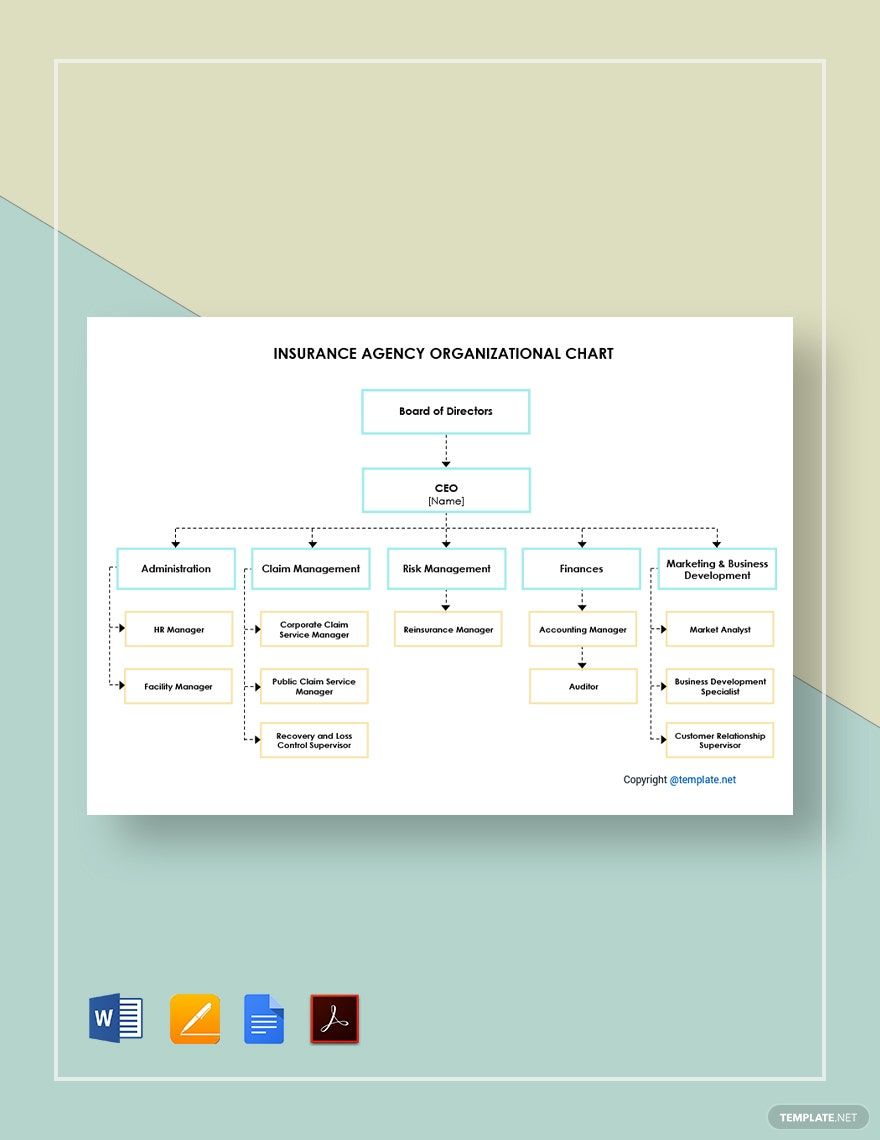
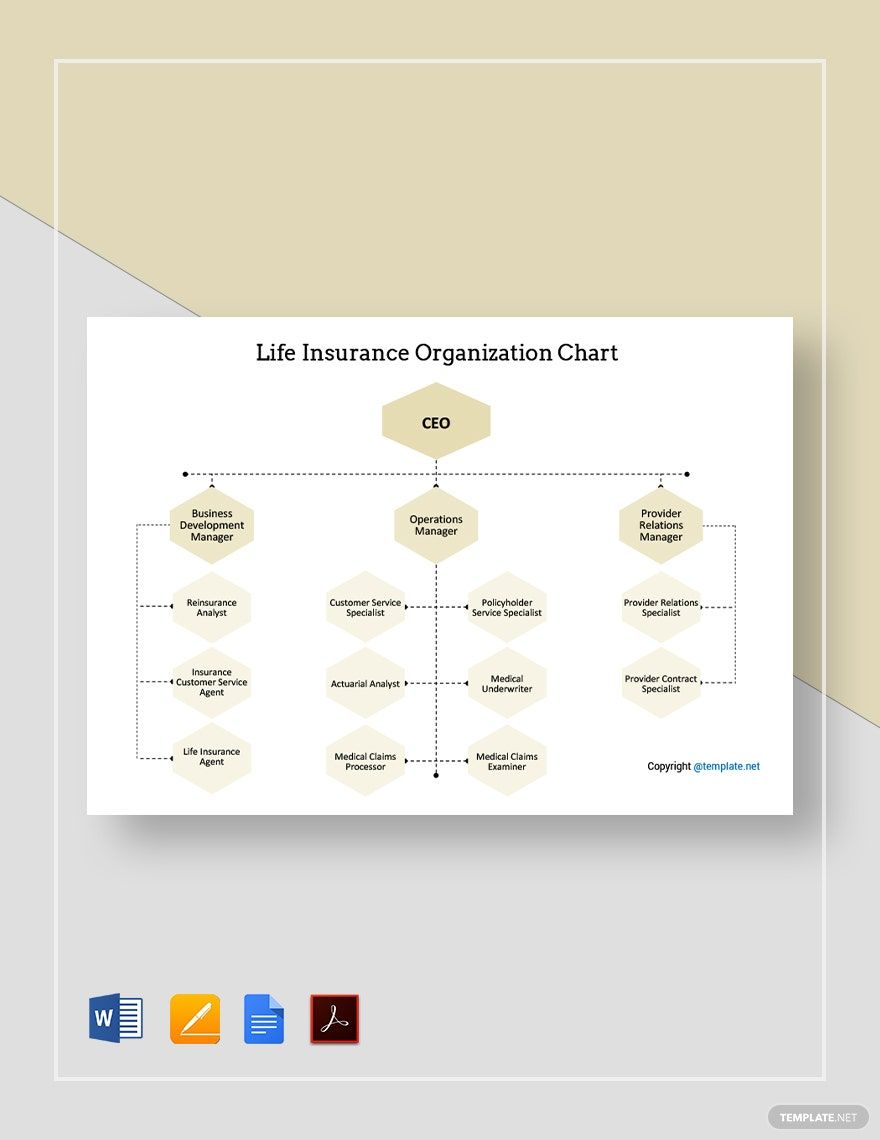
An insurance organizational chart is a visual diagram that outlines the structure and roles within an insurance company. These charts use layers and design blocks to represent departments, teams, and reporting lines. Ready-made templates help users create professional layouts with editable text areas and graphics.
Why use a Insurance Organizational Chart?
Insurance organizational charts clarify company hierarchy and improve communication by mapping roles and responsibilities visually. Using customizable templates with professional layouts speeds up creation and ensures consistency. These charts facilitate quick understanding in presentations and team planning.
Who typically uses Insurance Organizational Charts?
Insurance organizational charts are typically used by insurance executives, human resource managers, team leaders, and project coordinators. These users benefit from editable templates that allow easy updates to structure and roles, ensuring accurate key information sections for internal and external communications.
What size should a Insurance Organizational Chart be?
Insurance organizational charts are commonly designed to fit standard paper sizes such as 8.5 × 11 inches or larger formats depending on complexity. Choosing the right size ensures all layout blocks and design layers remain clear and readable when printed or viewed digitally.
What are the best tips for designing a Insurance Organizational Chart?
When designing insurance organizational charts, focus on clear hierarchical layers, consistent color schemes, and legible editable text areas. Use key information sections to highlight roles and maintain balanced spacing for visual clarity within professional templates.
How do you print a Insurance Organizational Chart?
To print an insurance organizational chart, export the design from the editable template into a printable format ensuring all design layers and graphics are intact. Use high-resolution settings suitable for standard sizes like 8.5 × 11 inches for sharp and clear prints.
What elements should a Insurance Organizational Chart include?
An insurance organizational chart should include hierarchical layers, job titles, department names, and reporting lines. Effective charts utilize editable text areas and design blocks to organize information clearly and professionally within the template.
What file formats can I download for a Insurance Organizational Chart?
Templates for insurance organizational charts on Template.net support multiple export formats for editing and printing. You can download these charts in PDF format, allowing easy sharing and professional output.
Can I create a new Insurance Organizational Chart using AI?
Template.net provides an AI-powered tool that generates new insurance organizational chart designs from prompts. Use the free Chart Generator to create customized charts quickly with AI assistance.
