
Free Team Organizational Chart Templates
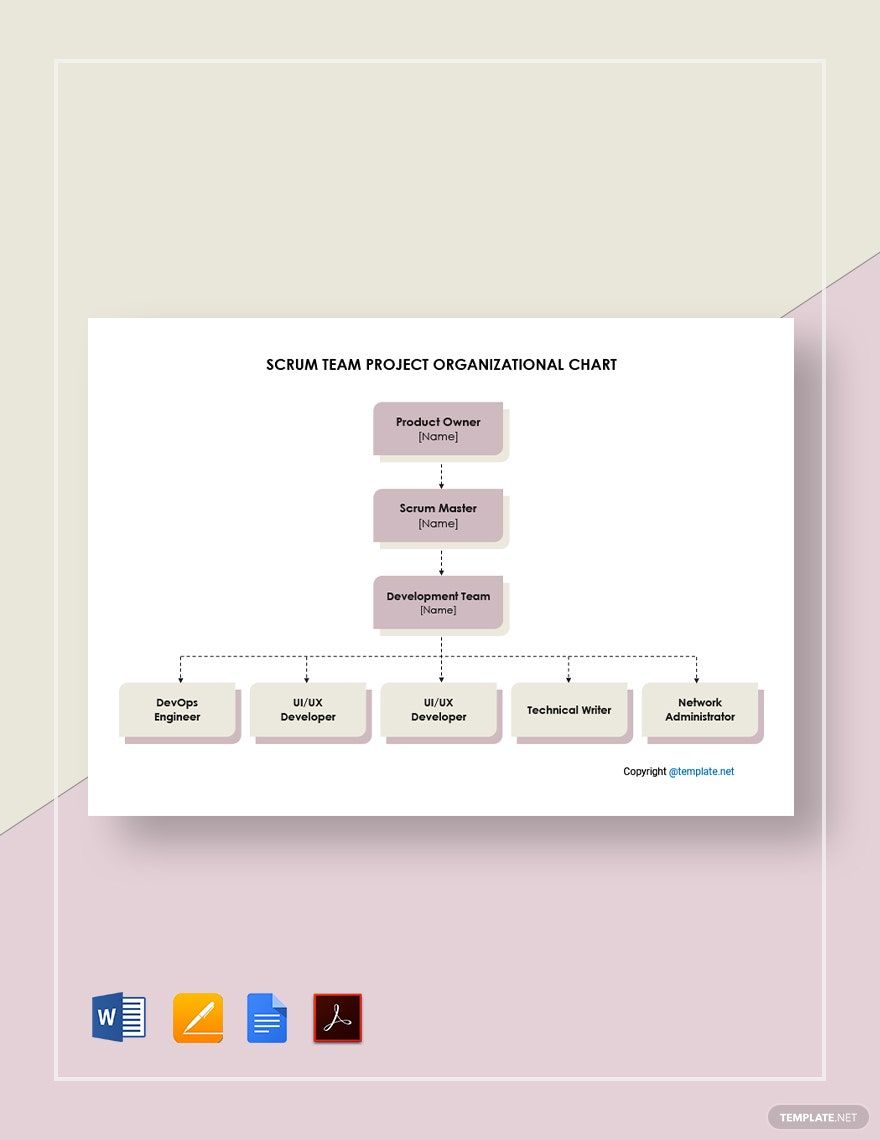
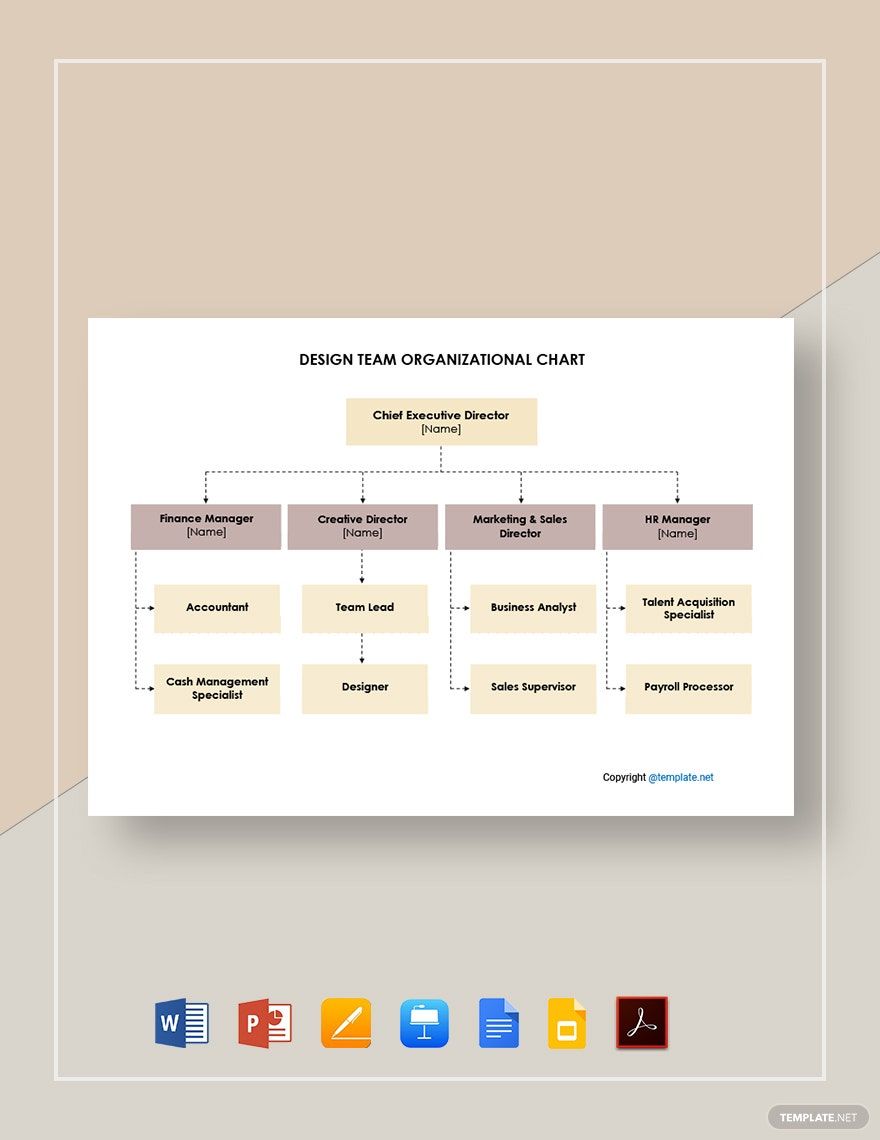
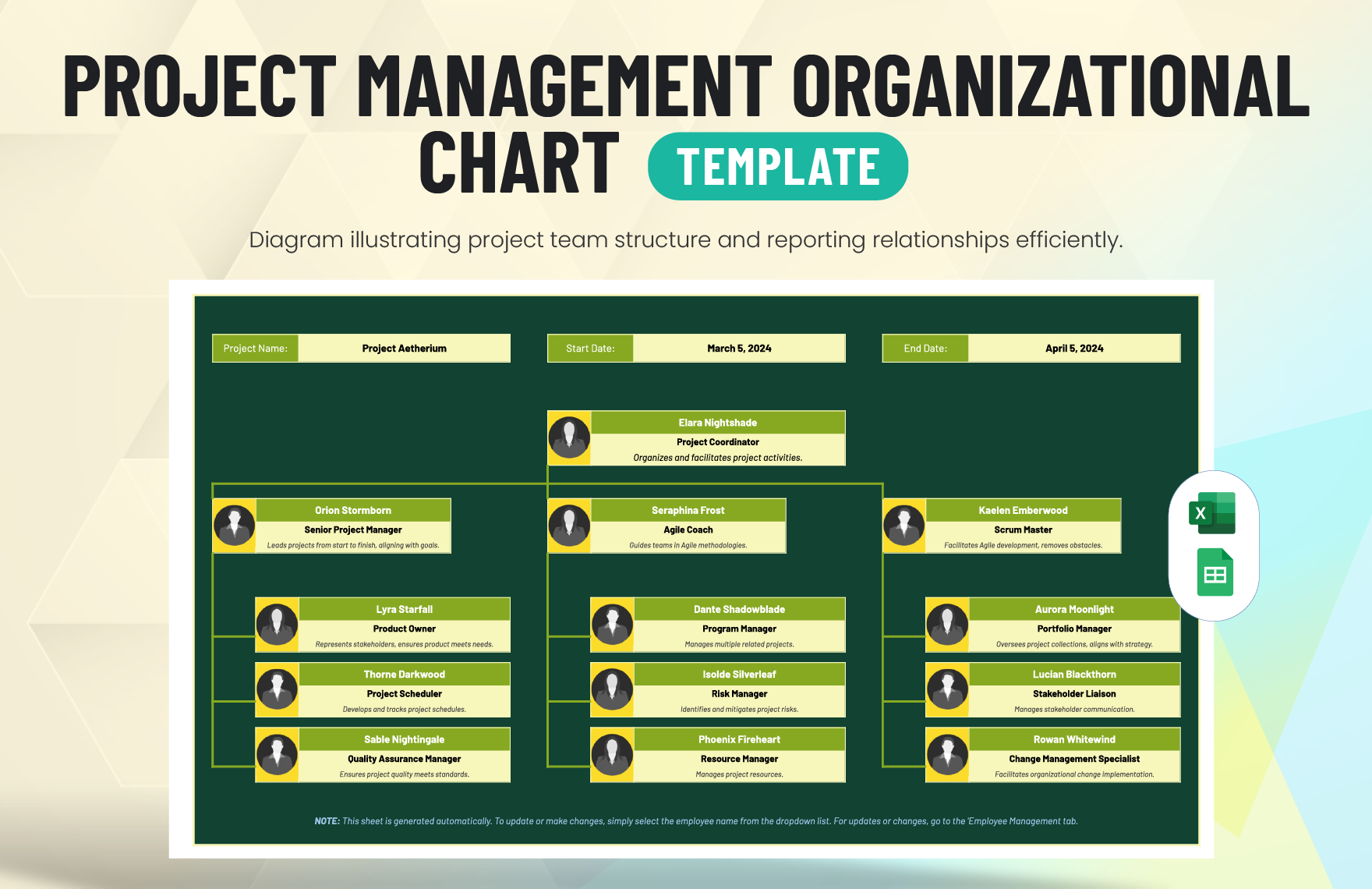
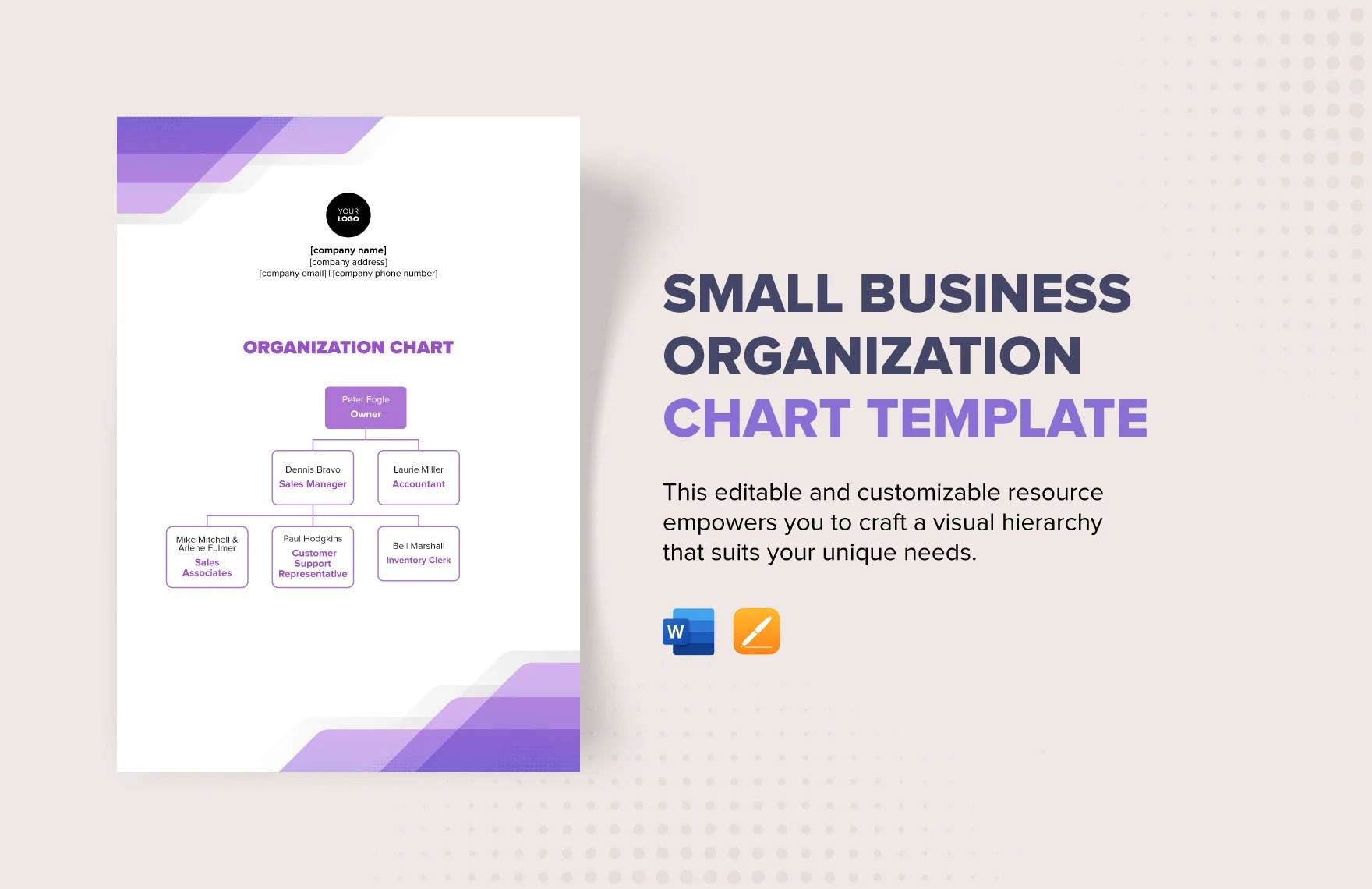
Team Organizational Chart Templates: Definition, Uses, and Formats
What is a Team Organizational Chart?
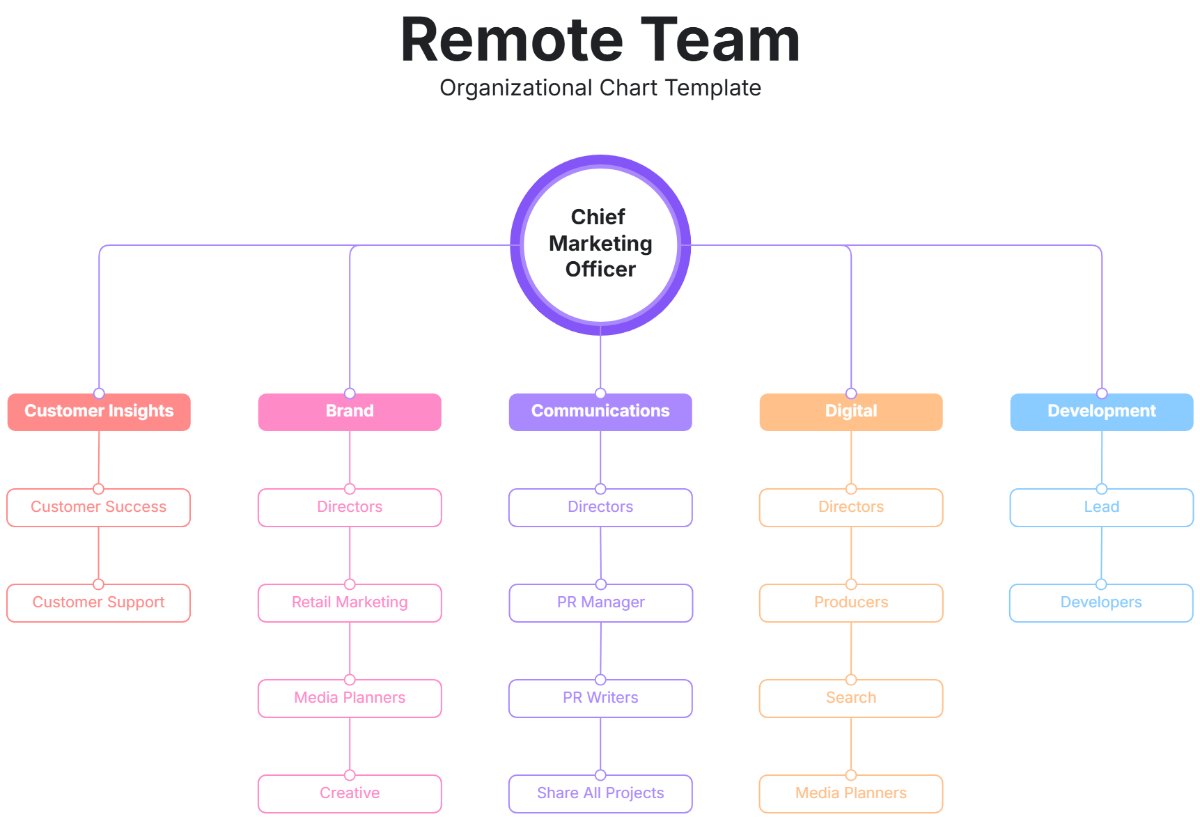
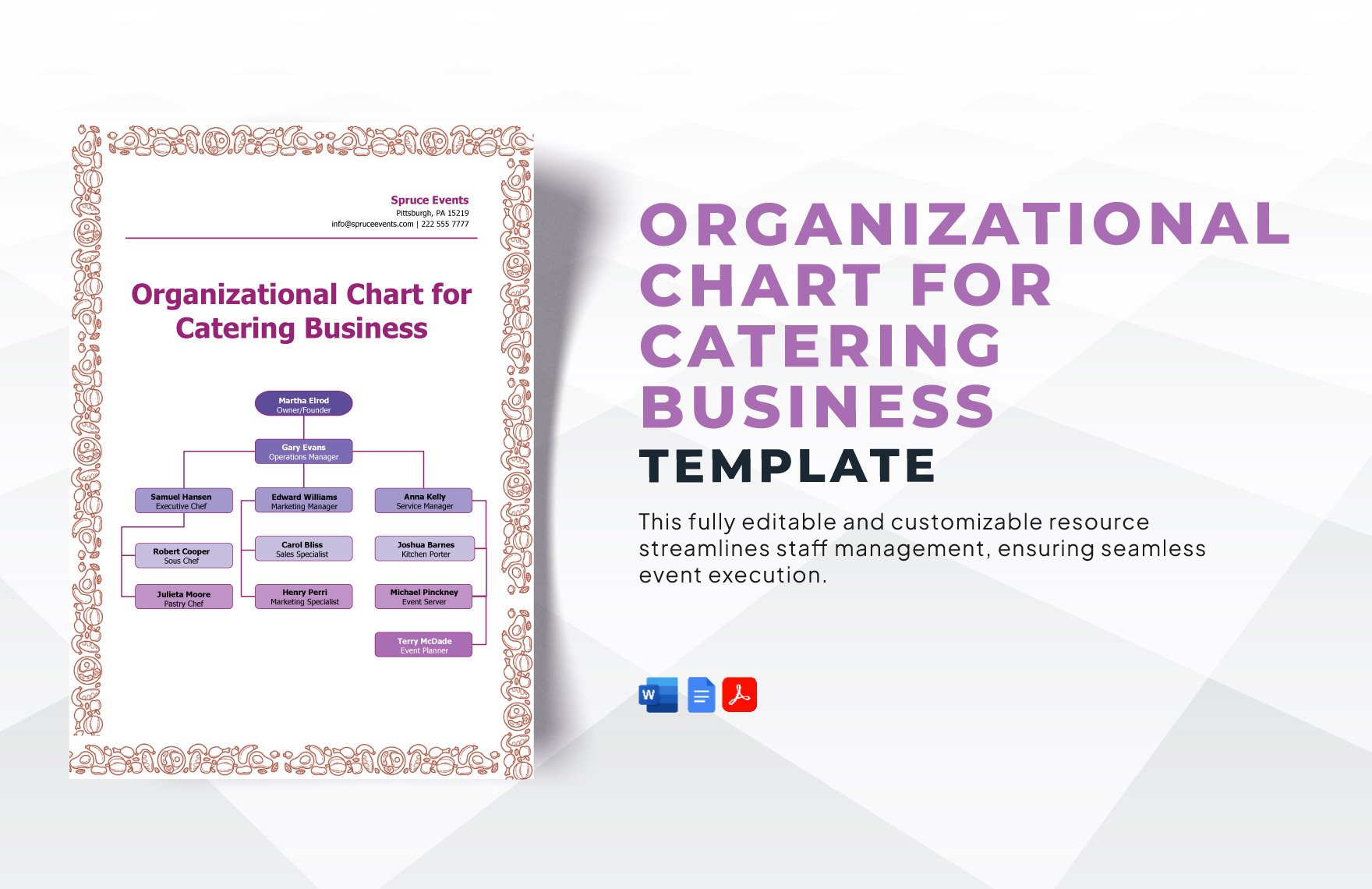
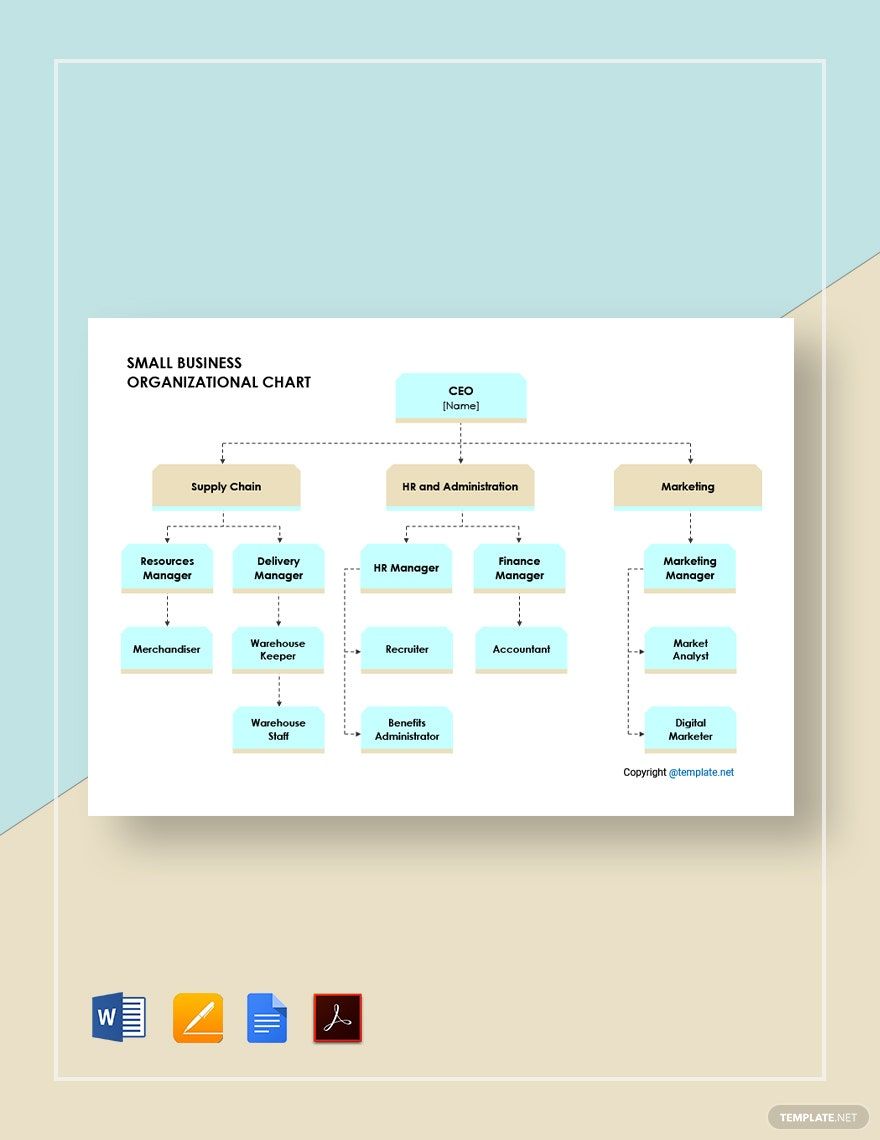
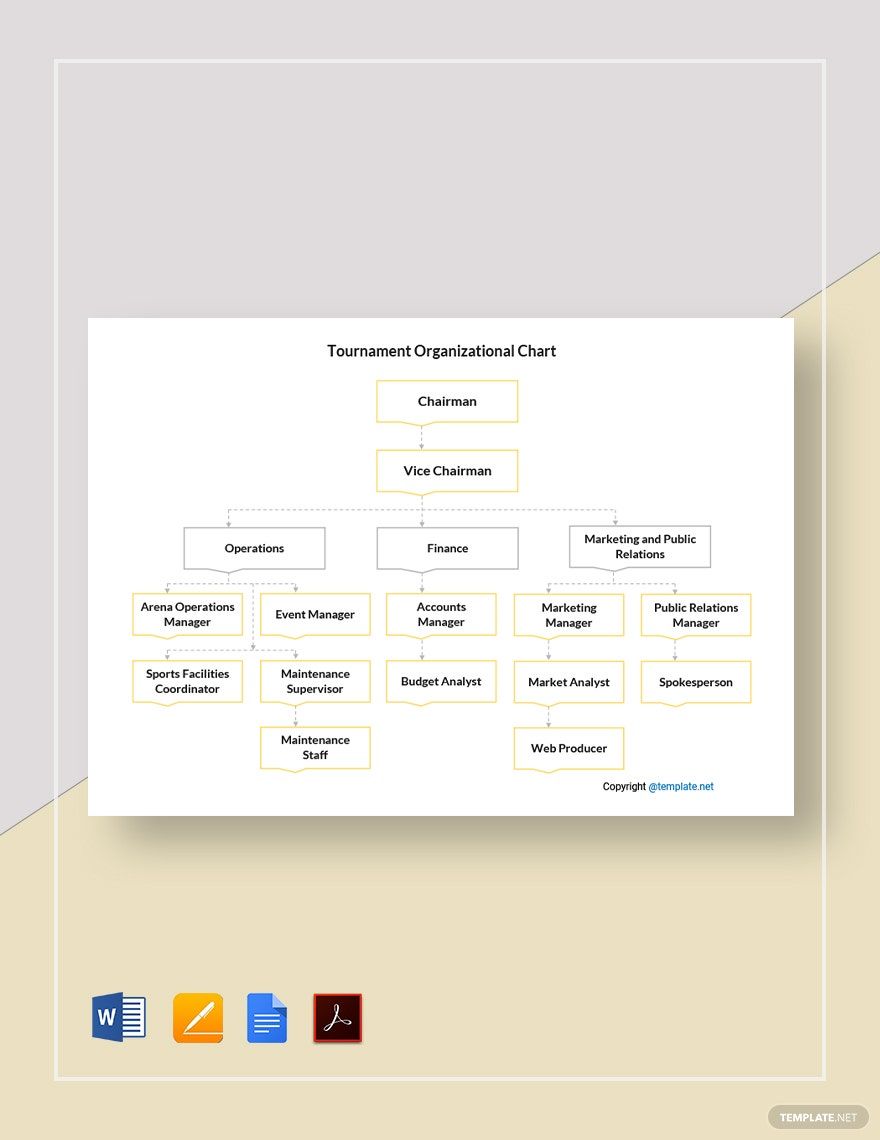
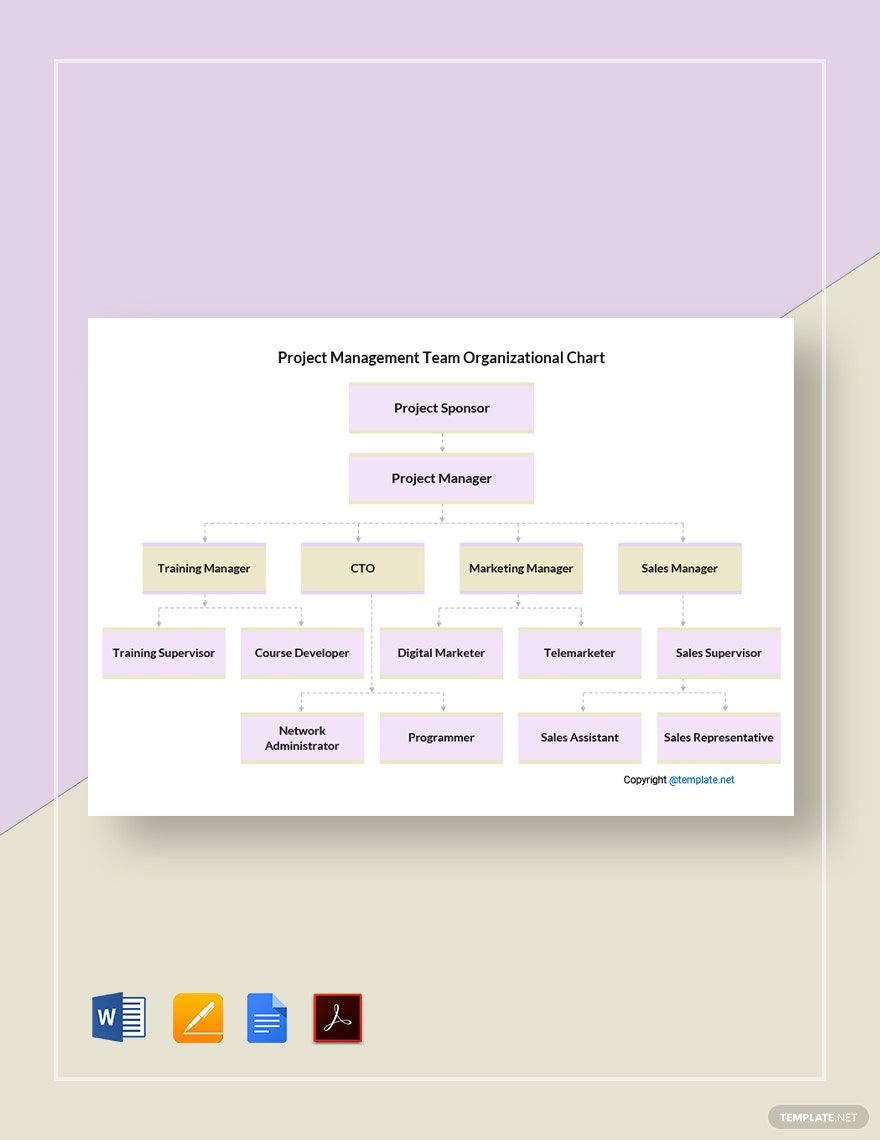
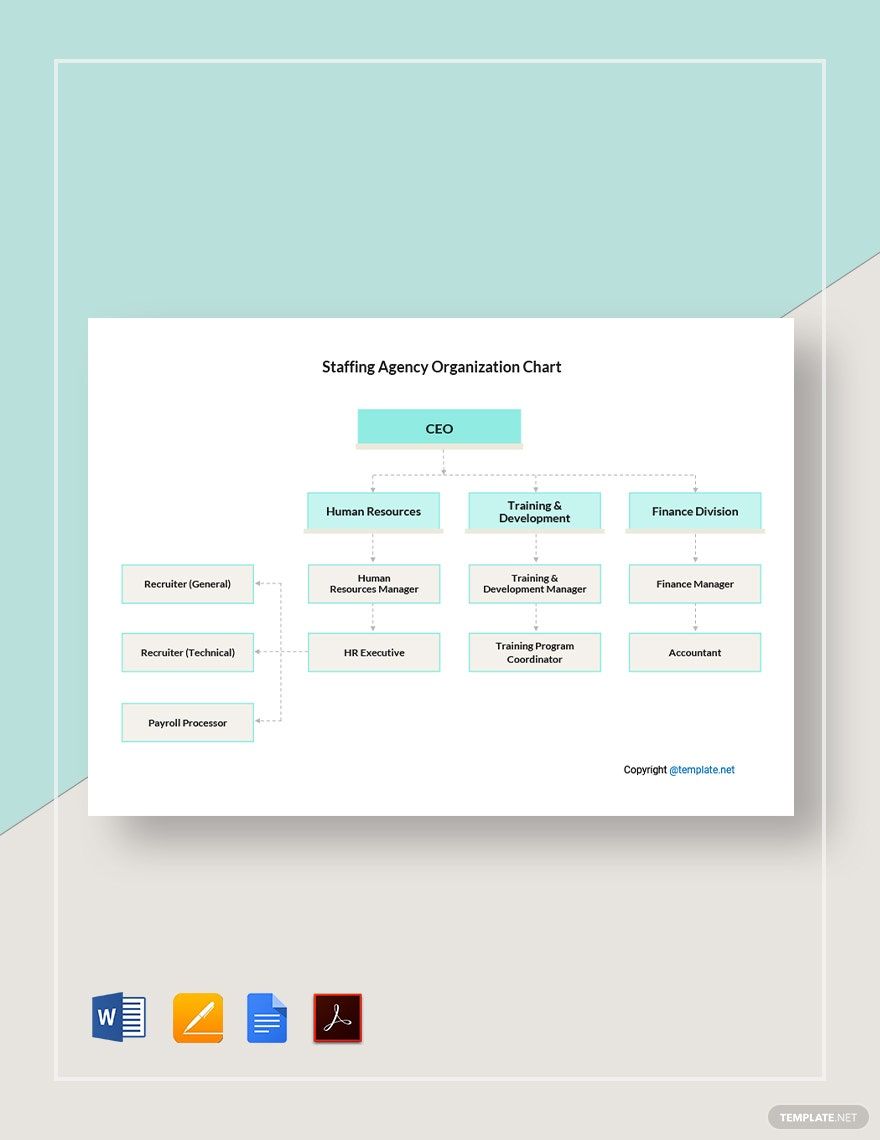
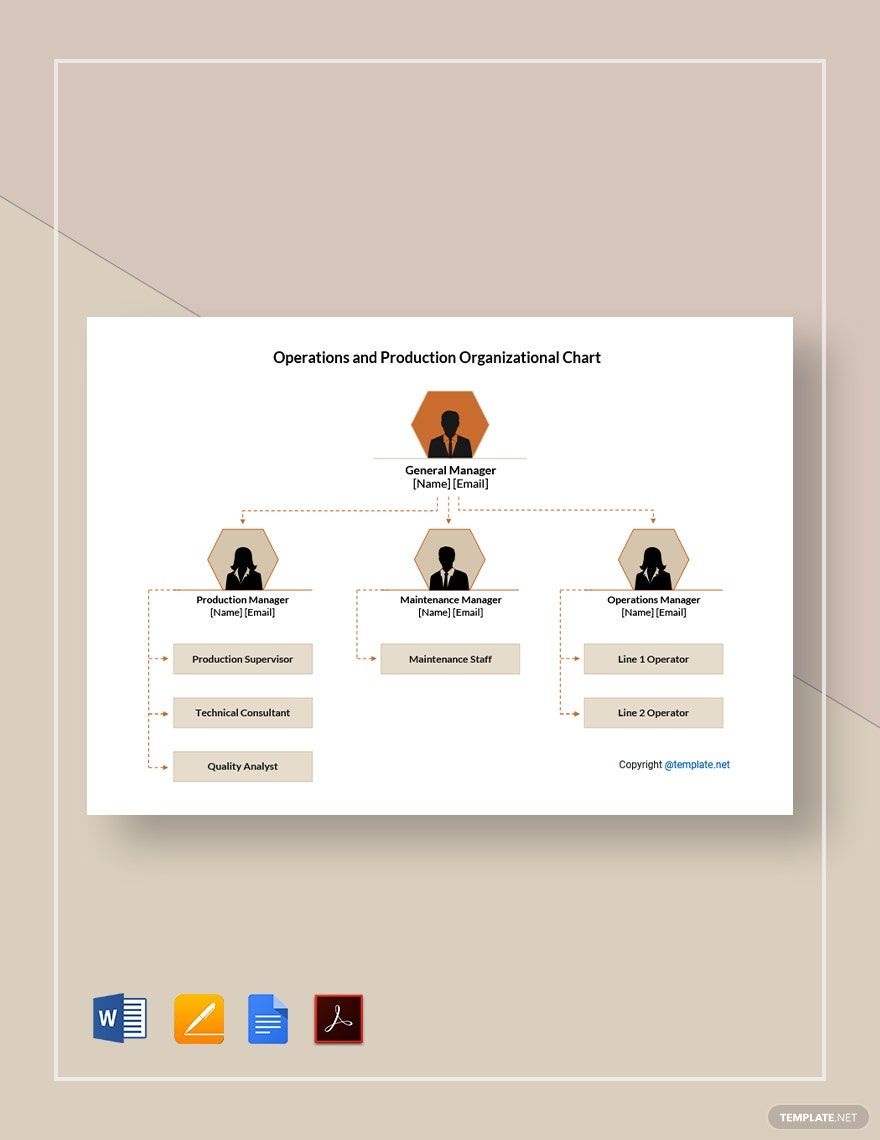
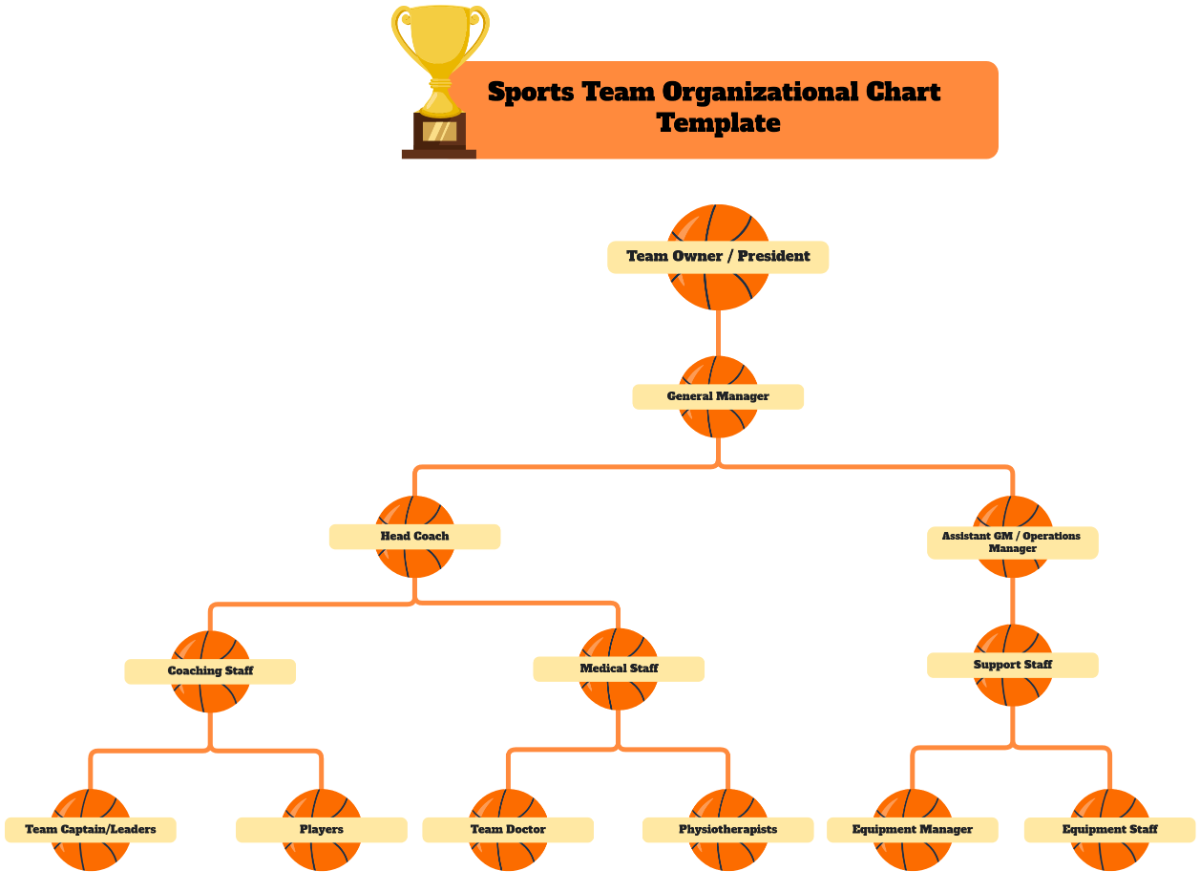
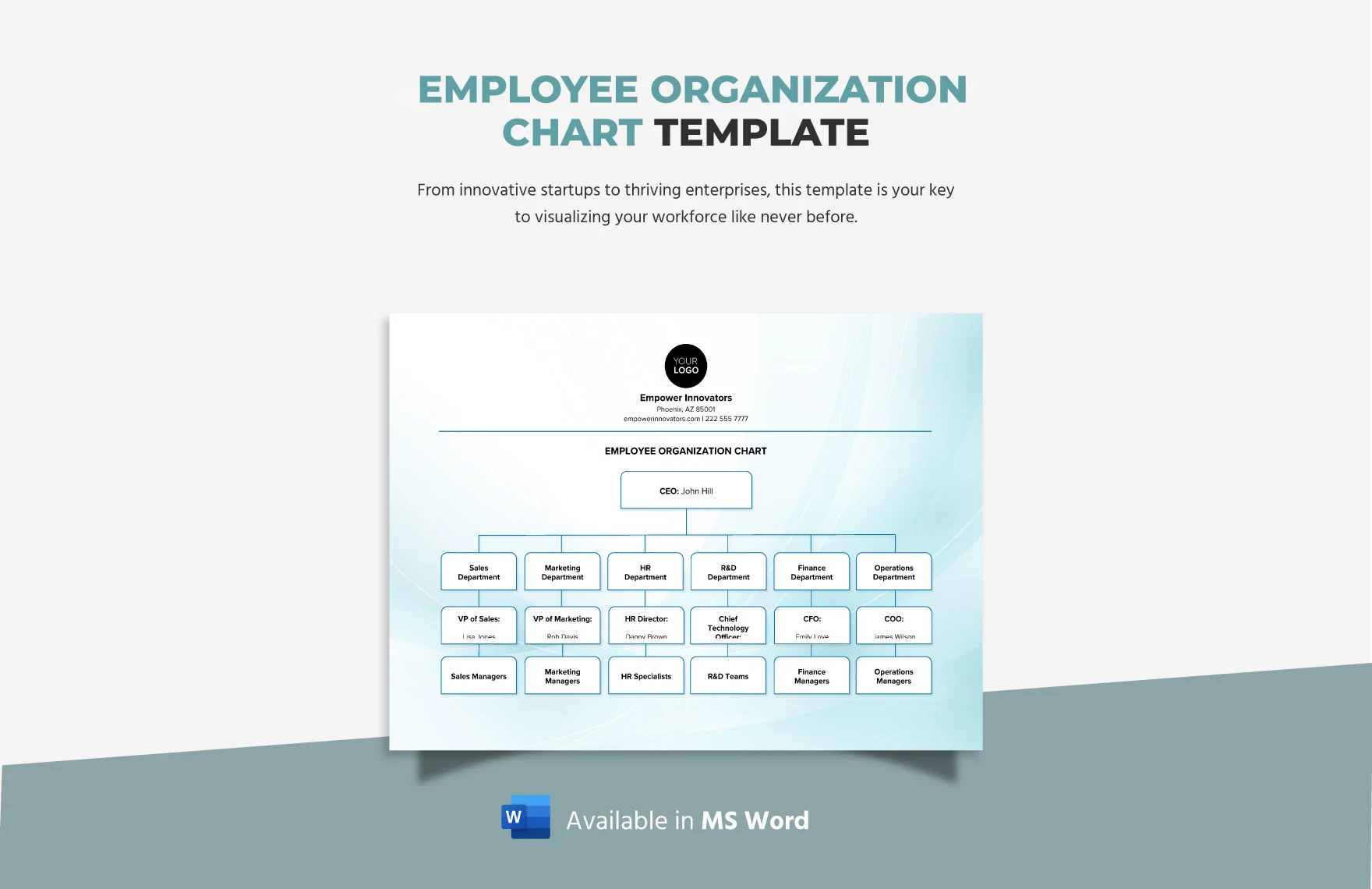
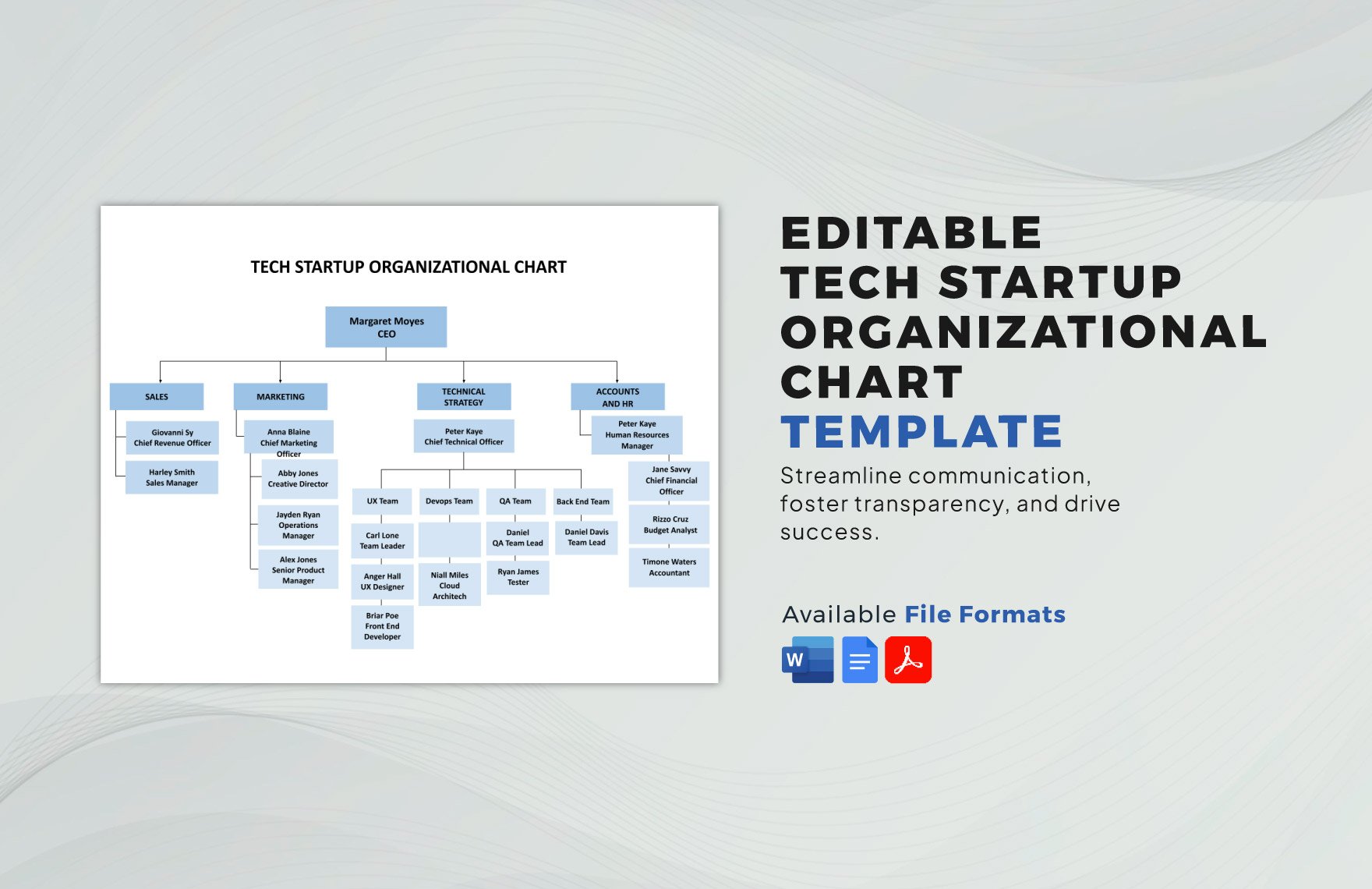
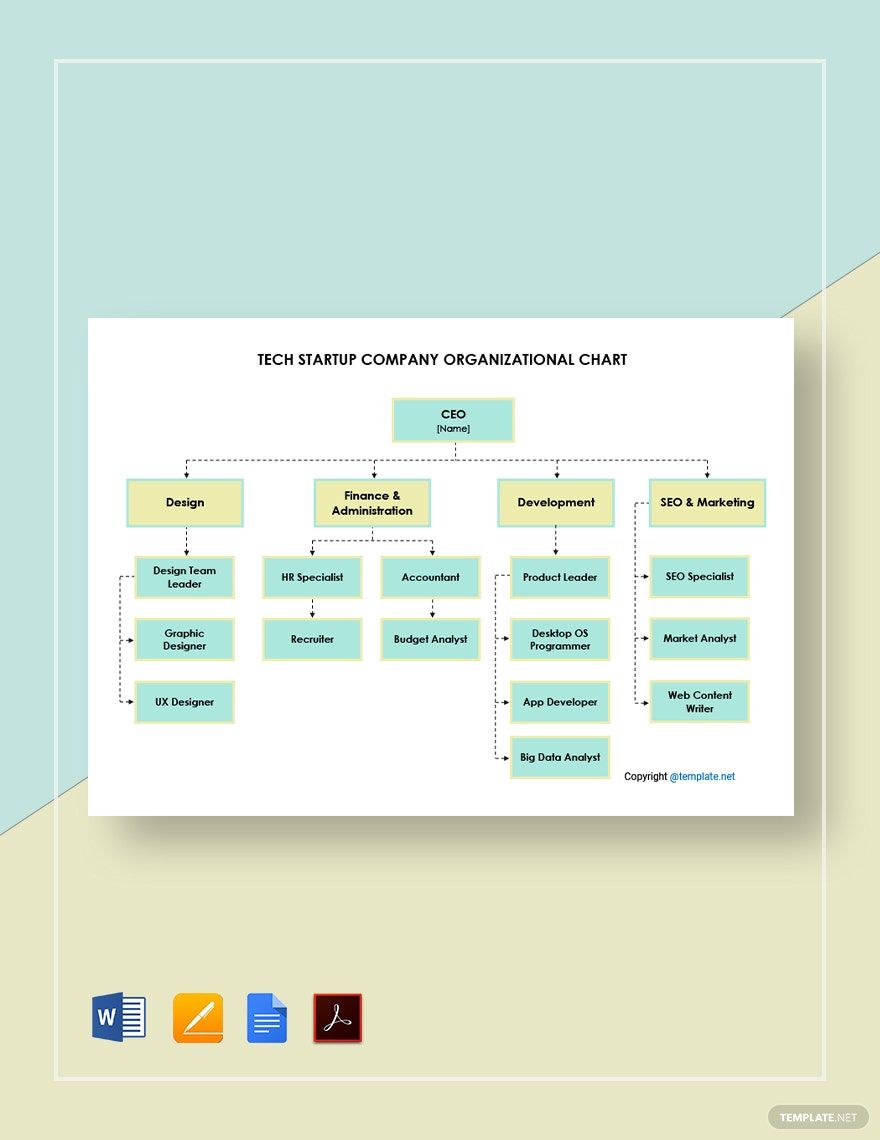
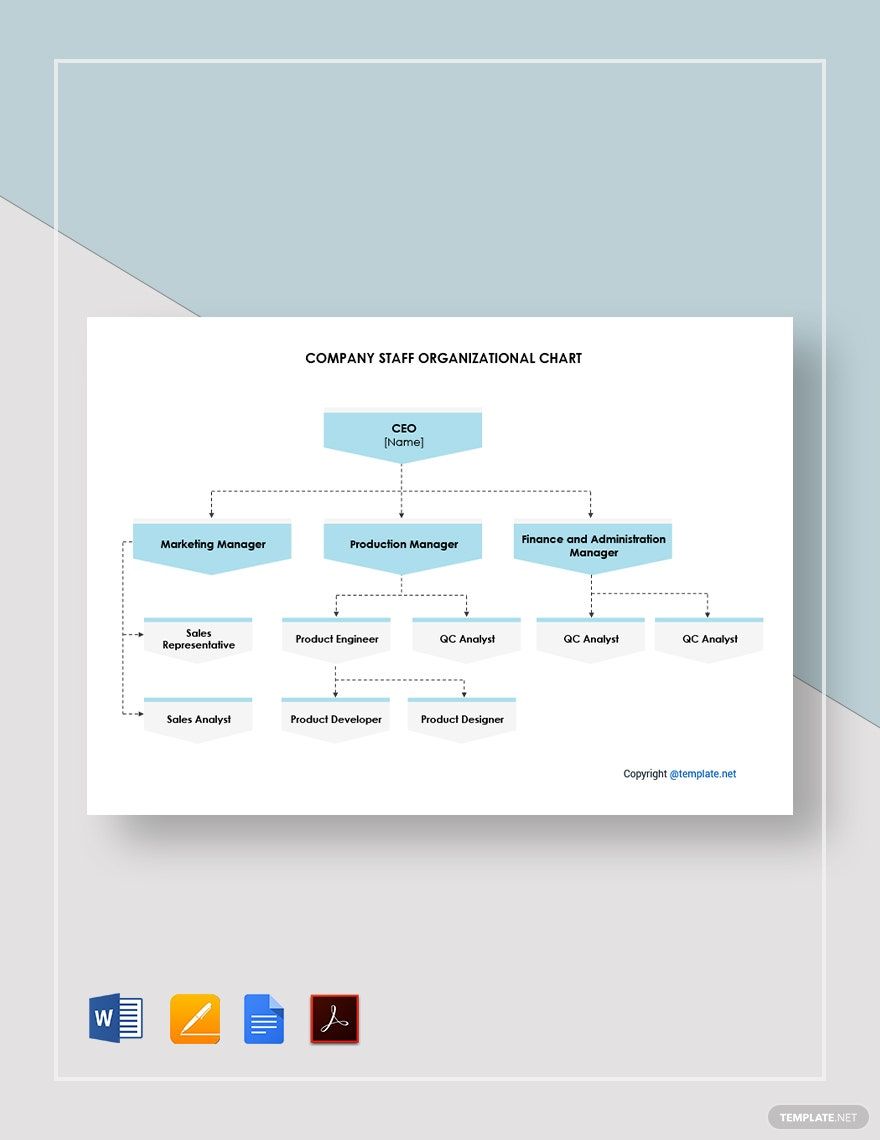
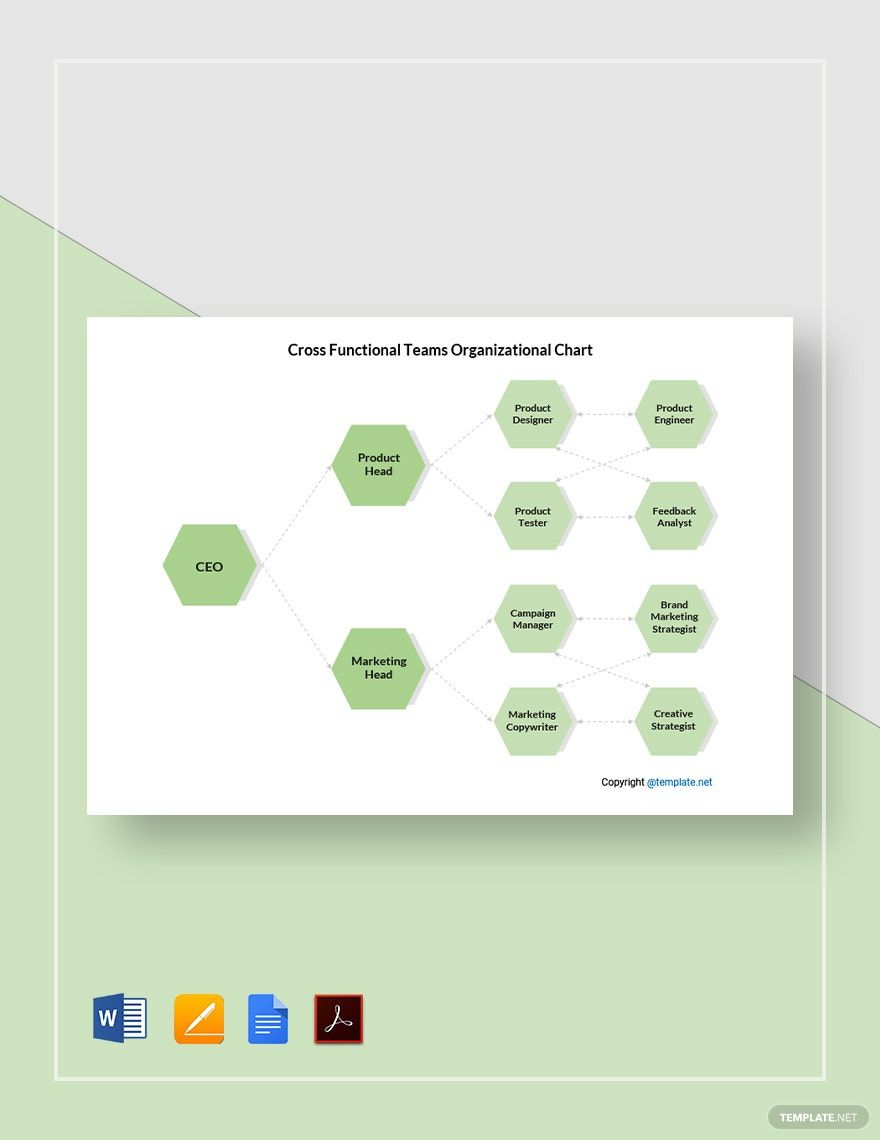
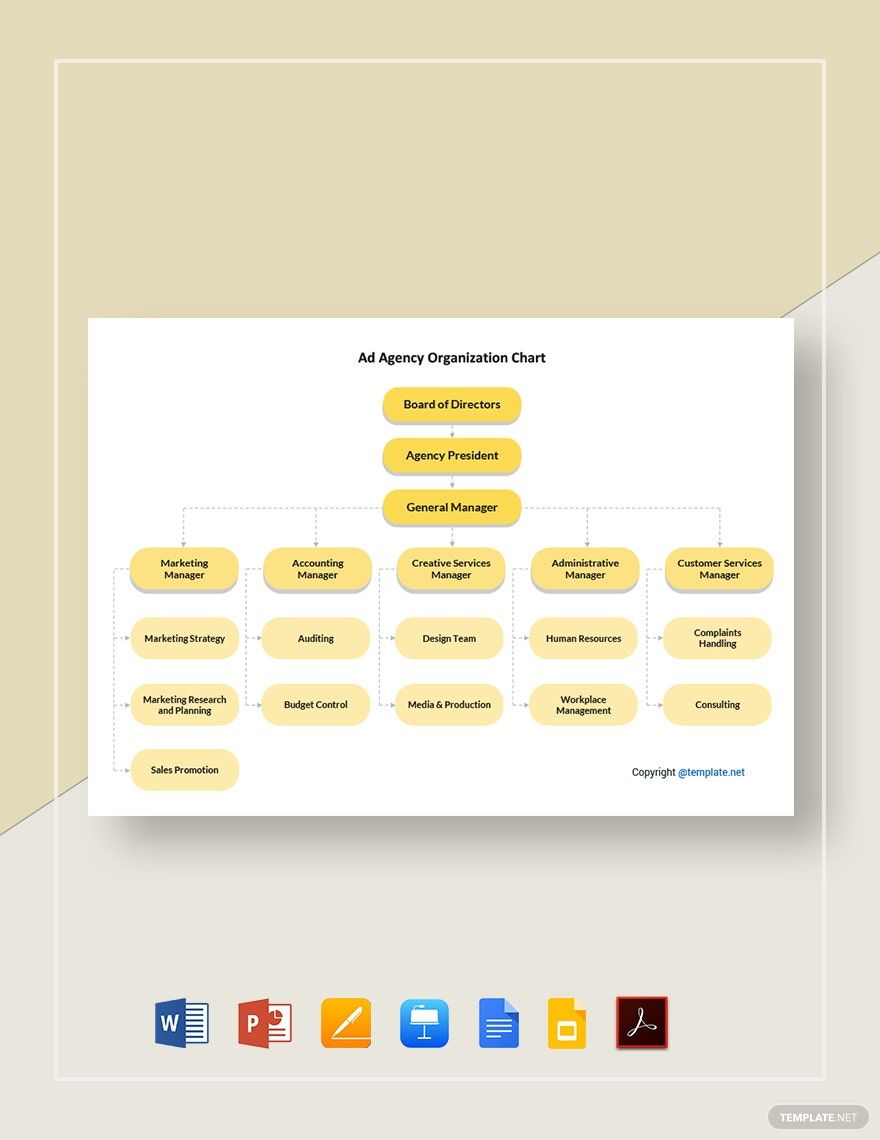
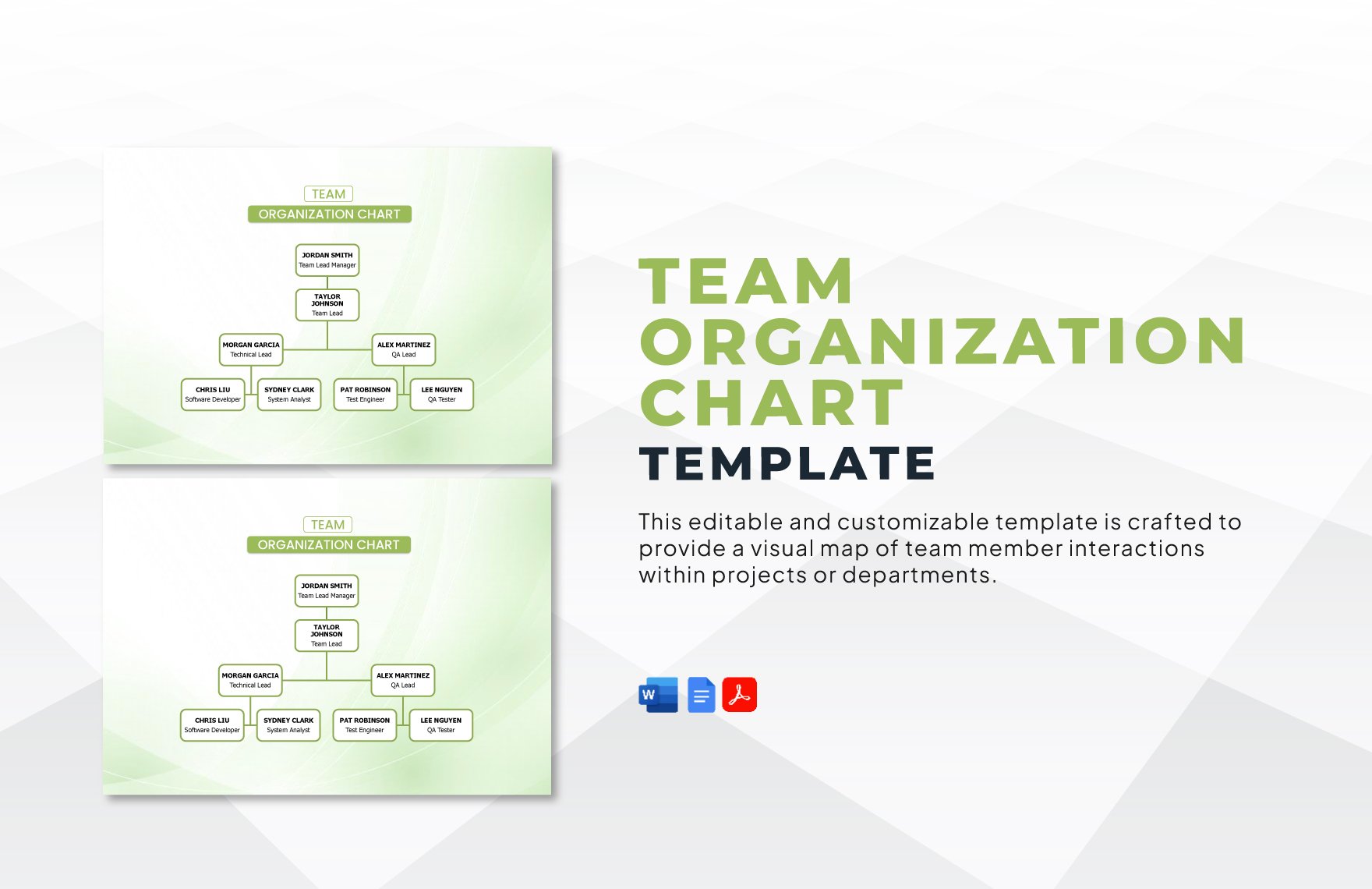
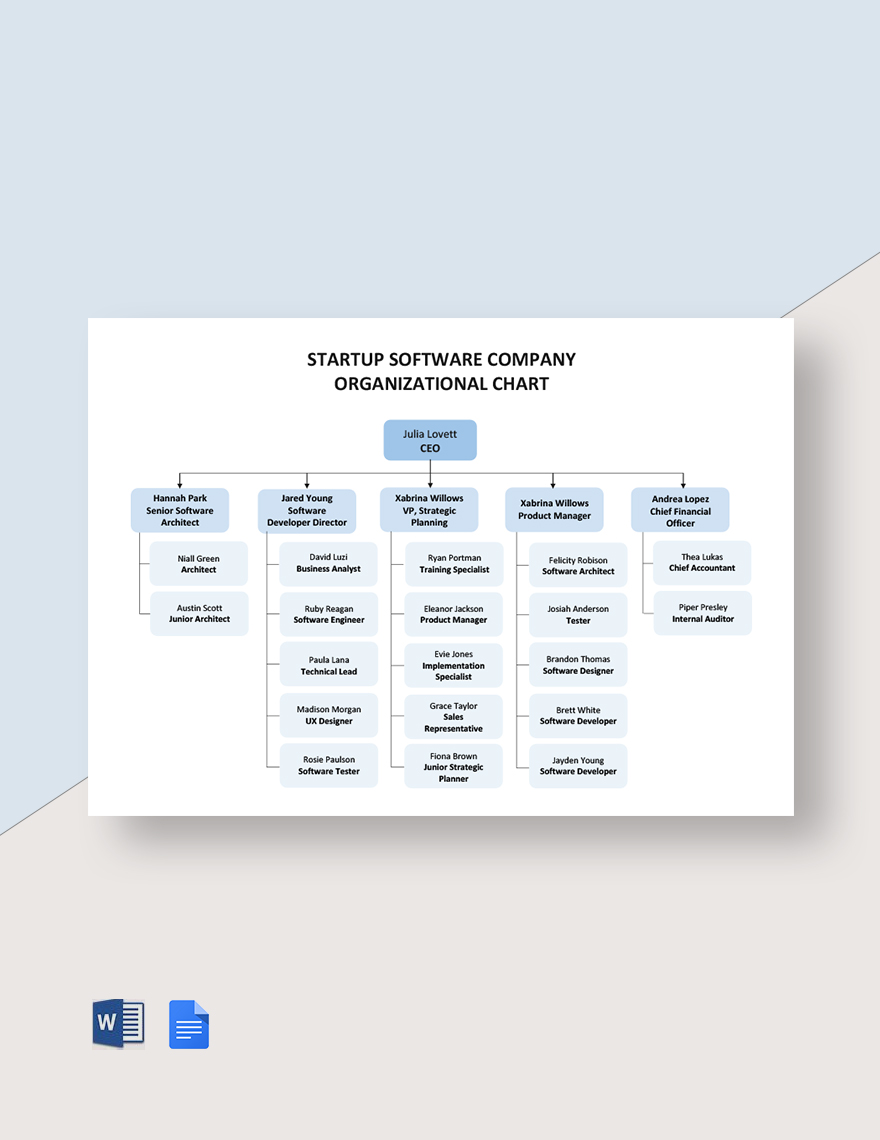
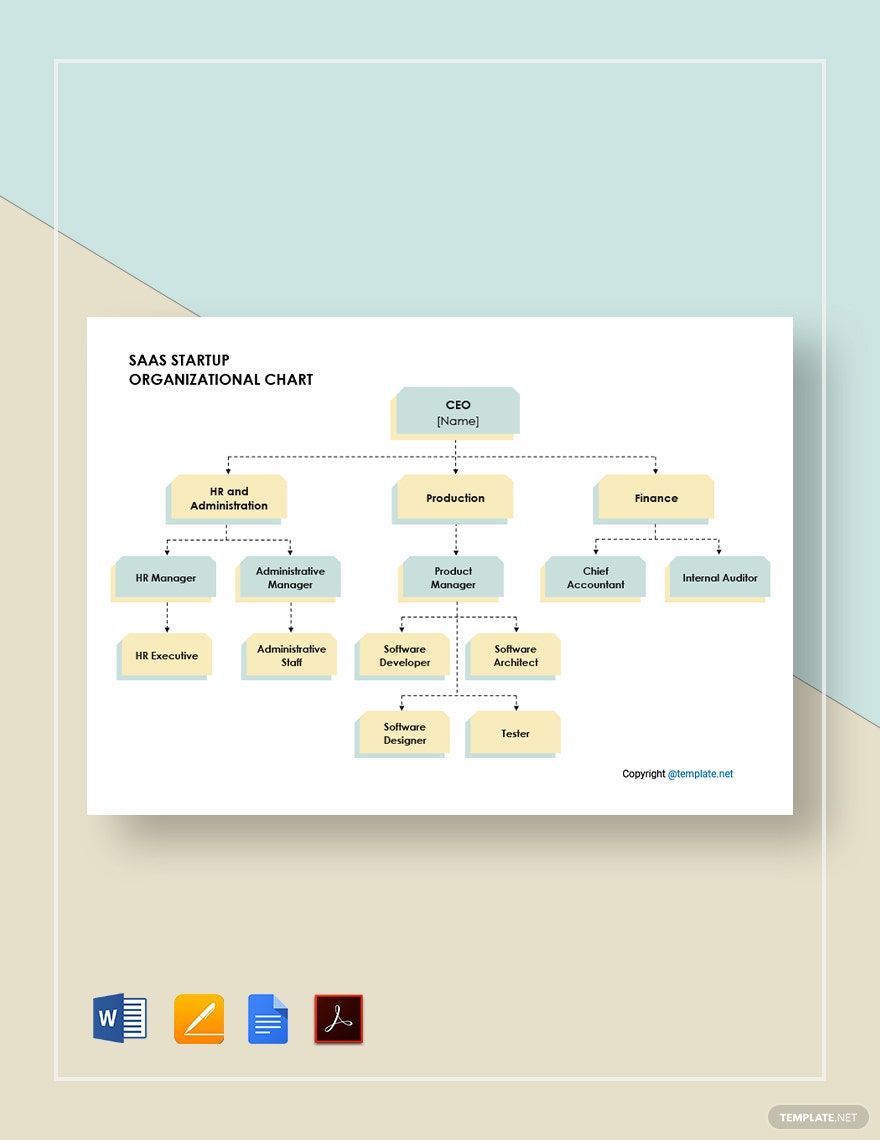
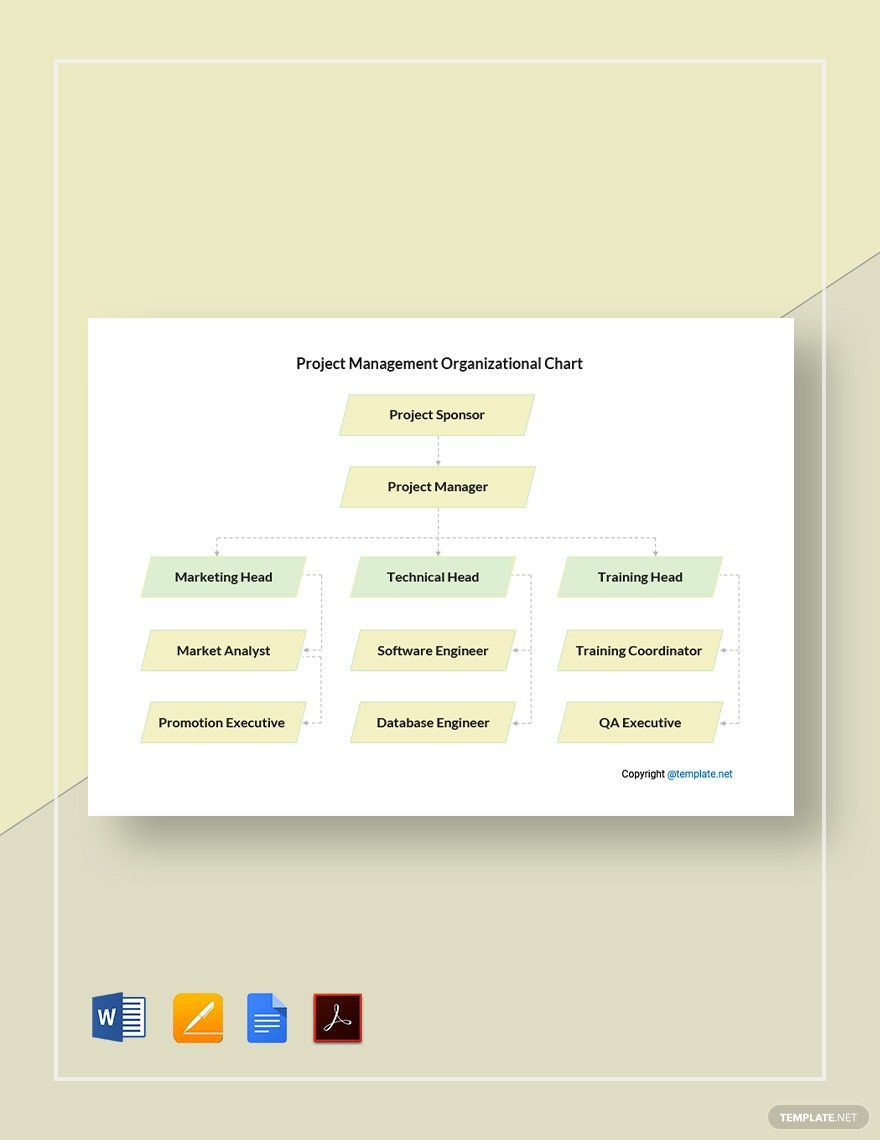
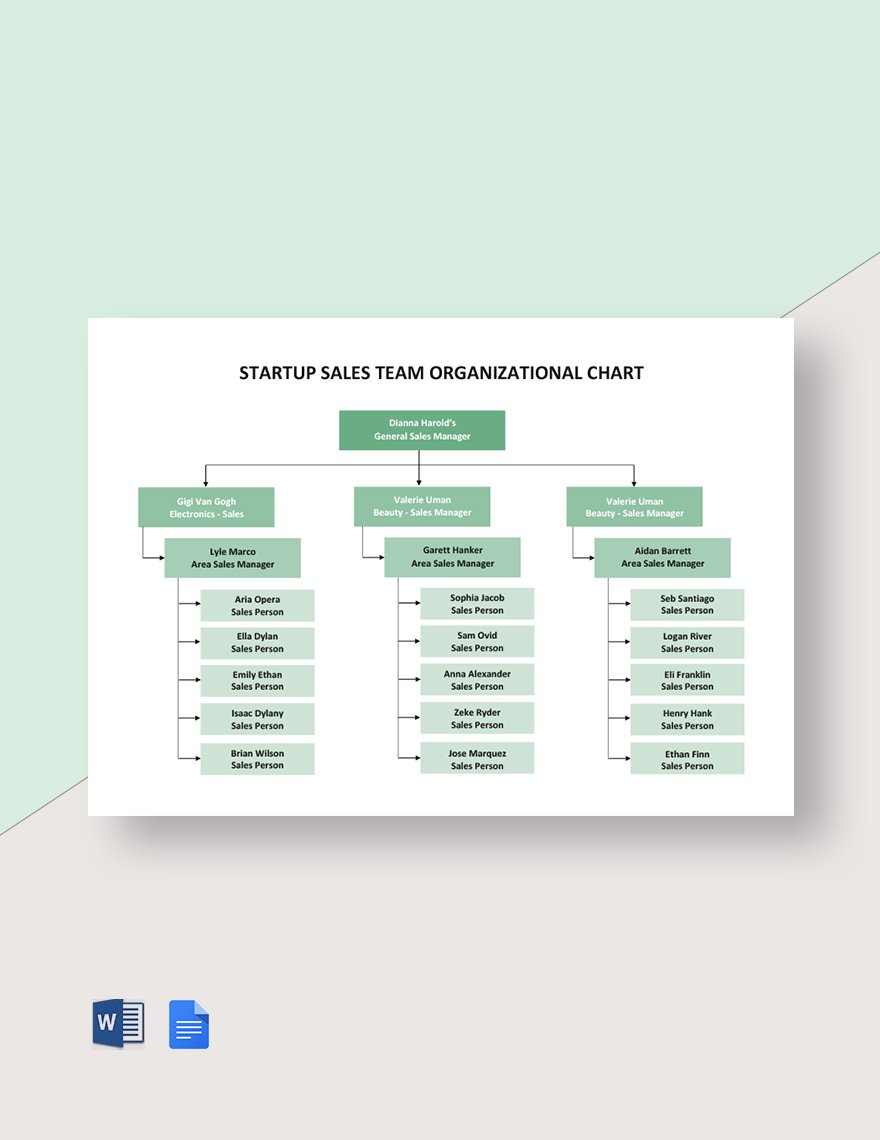
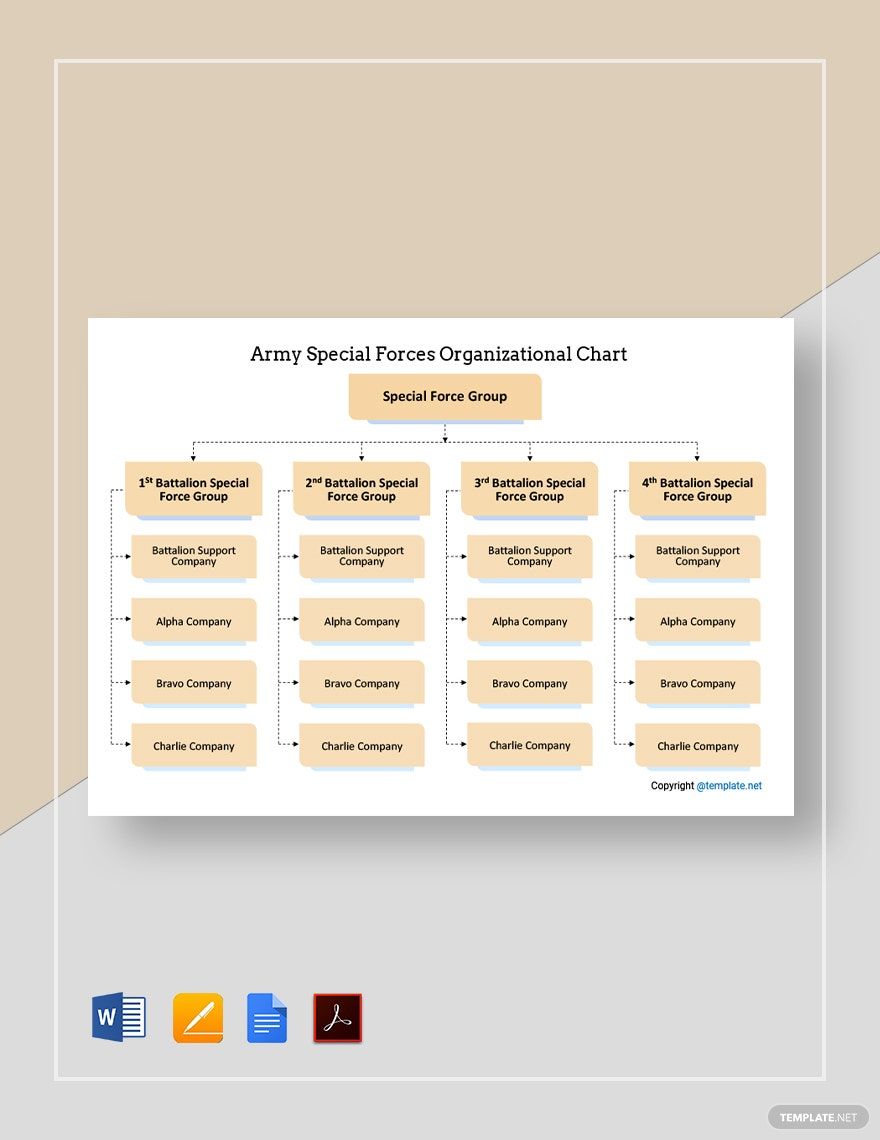
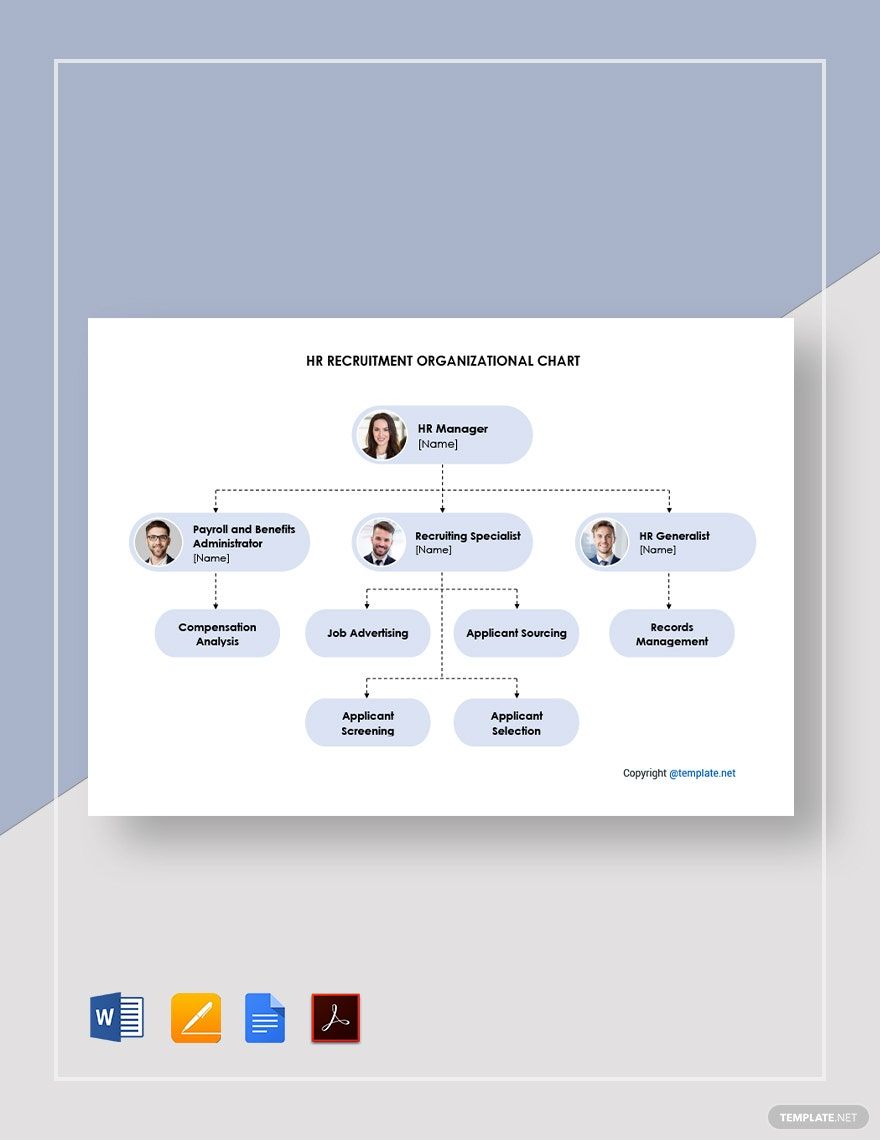
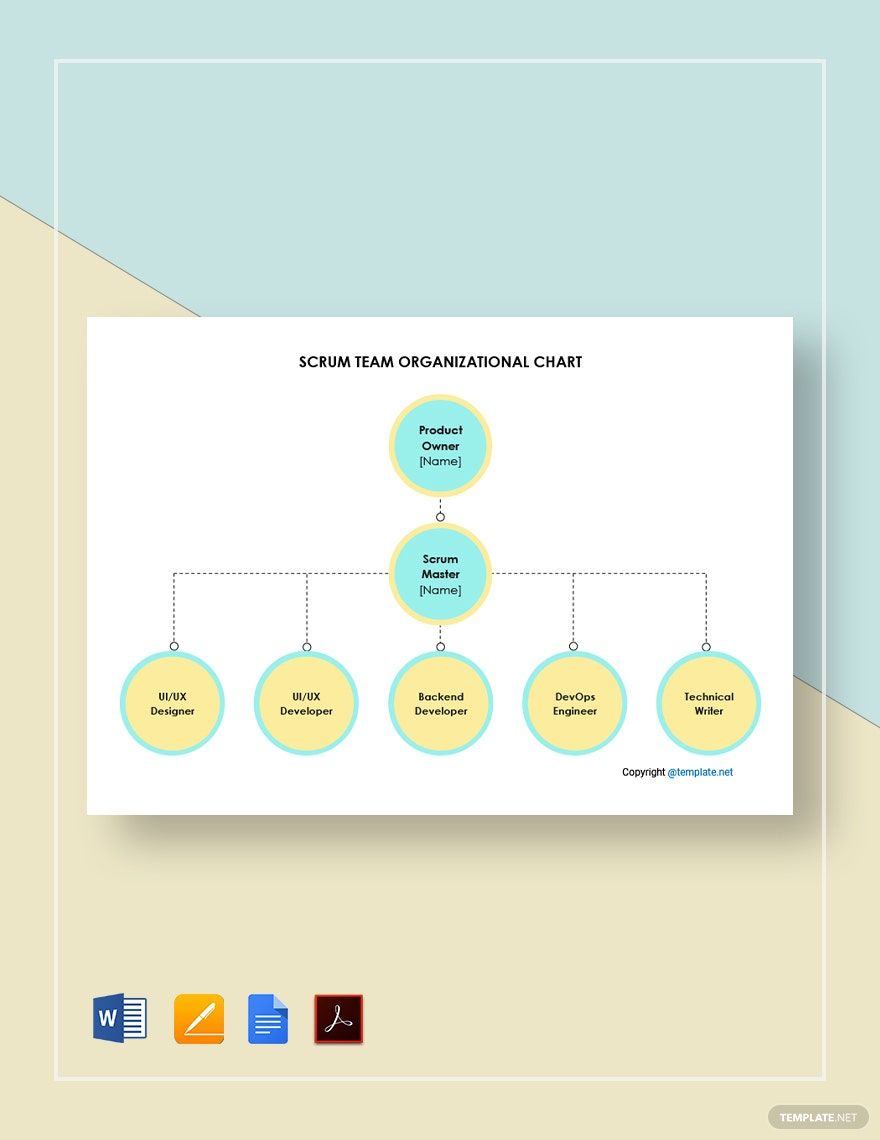
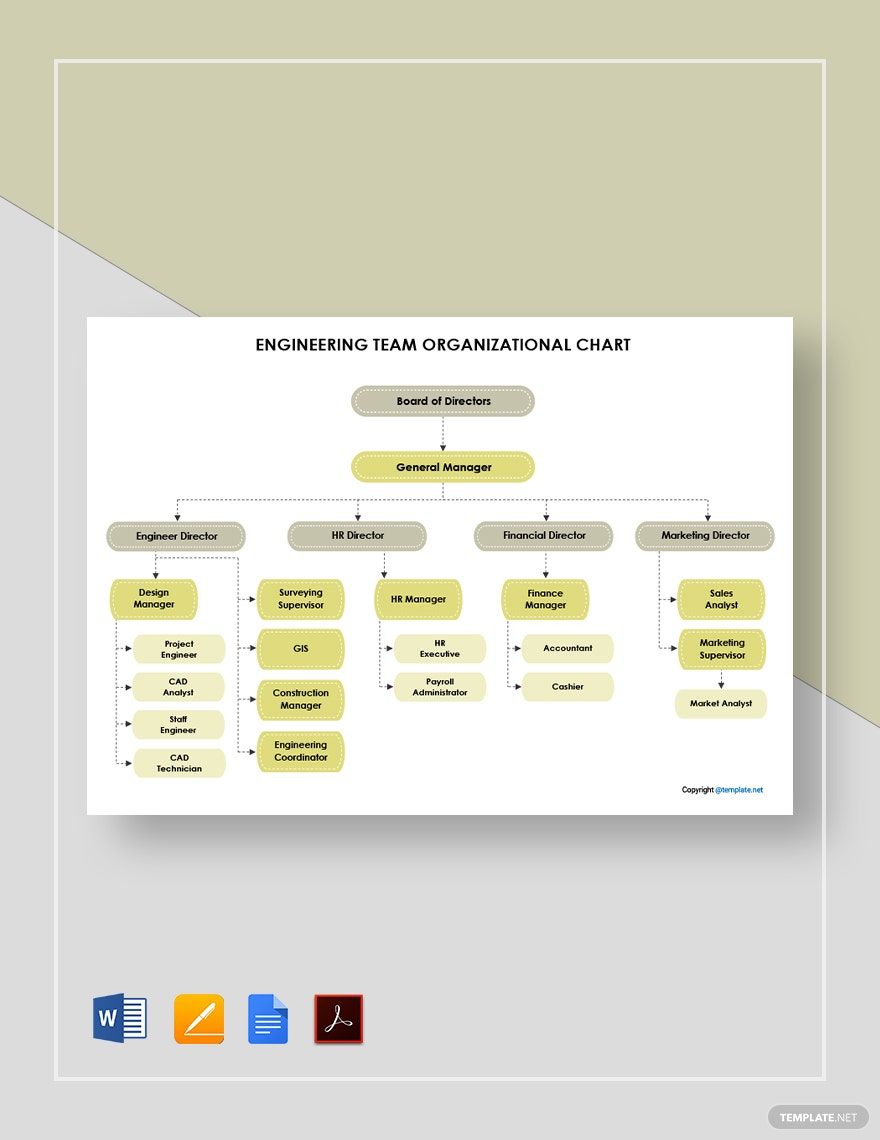
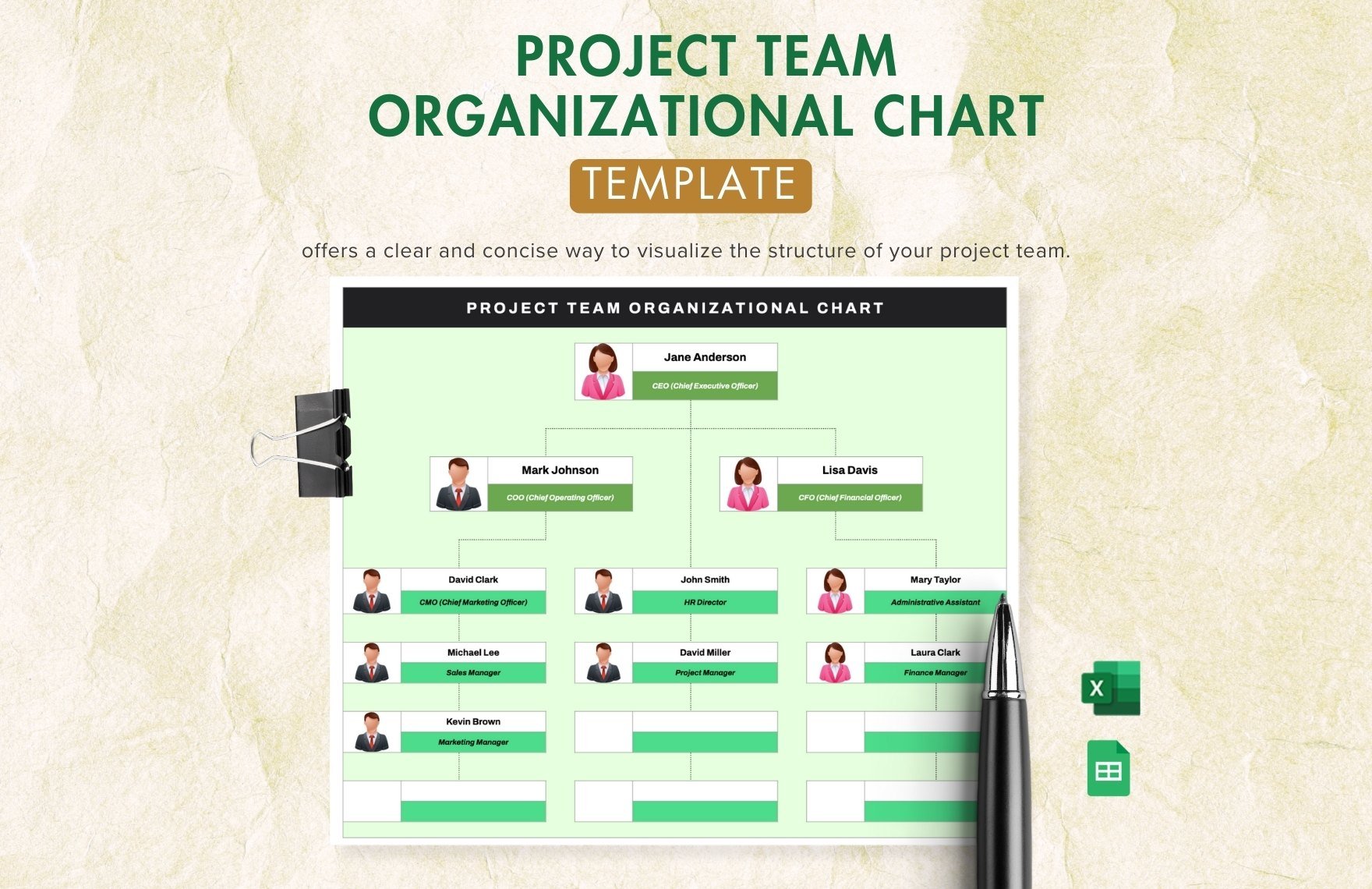
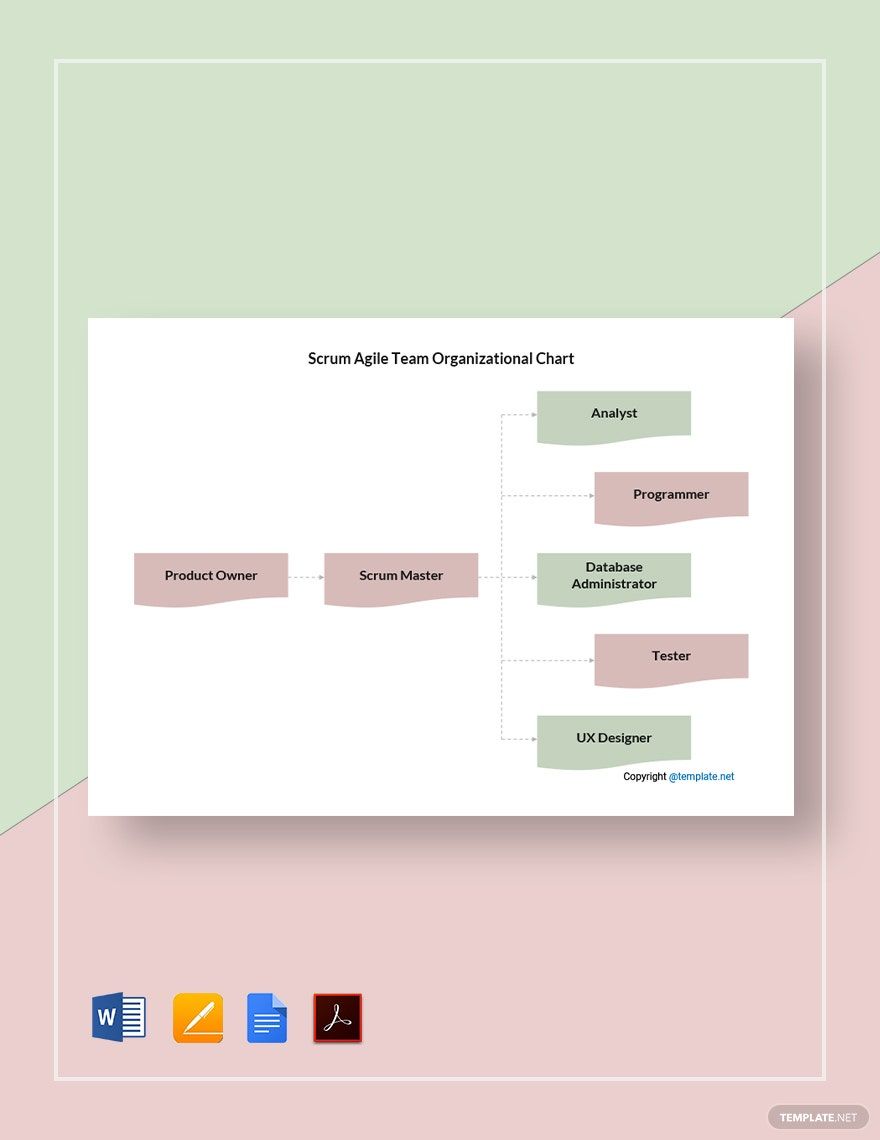
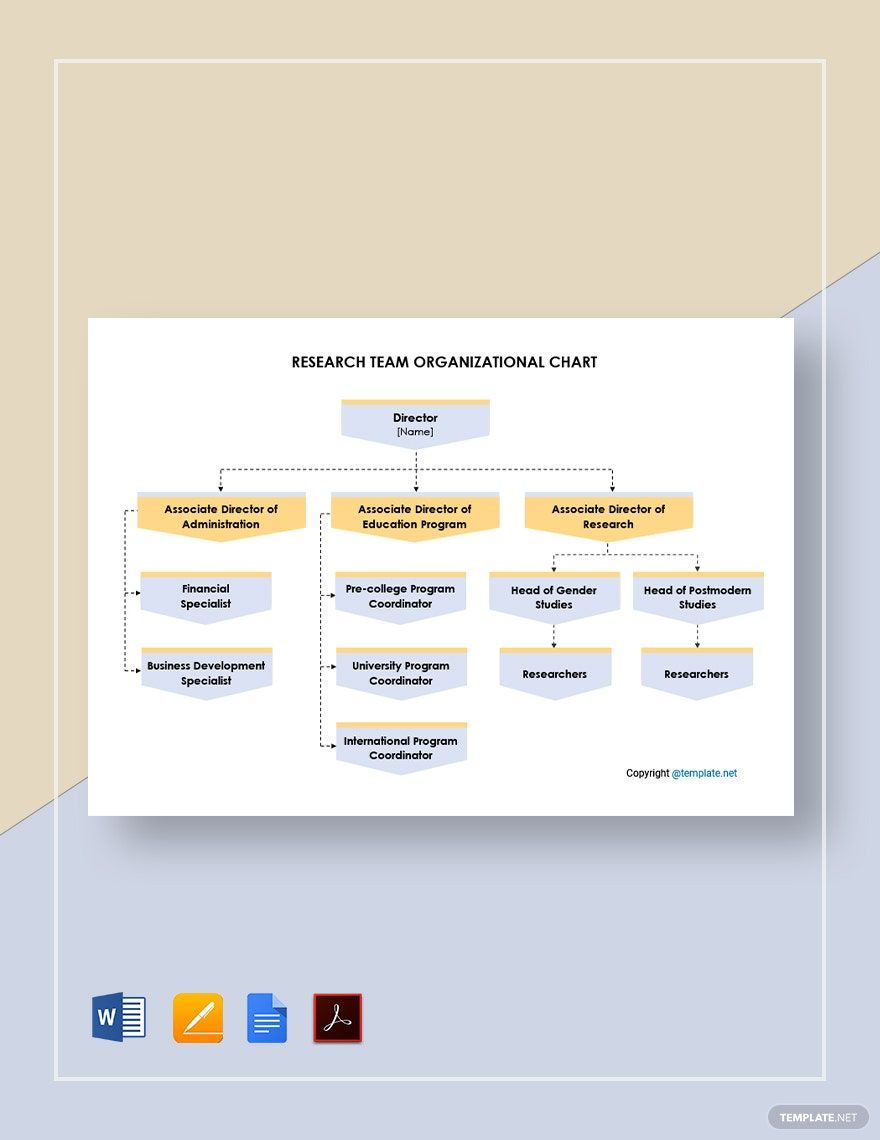
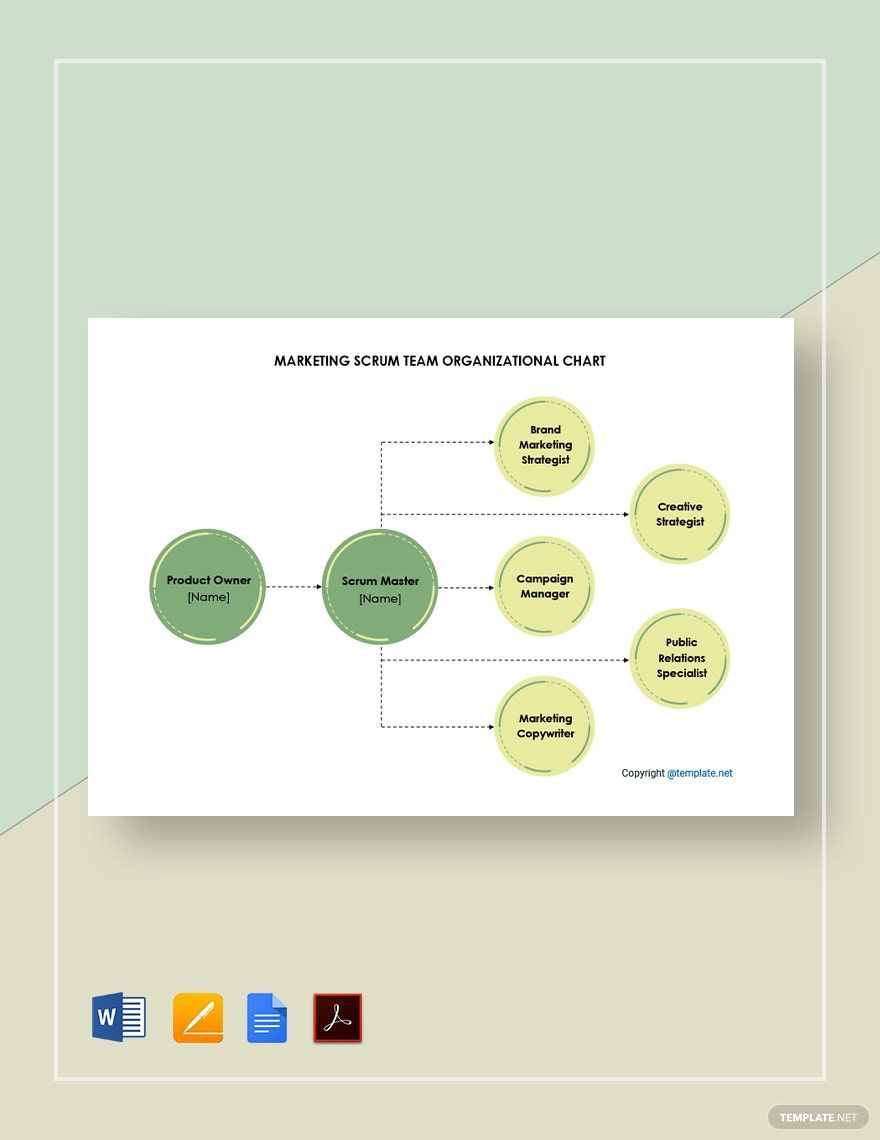
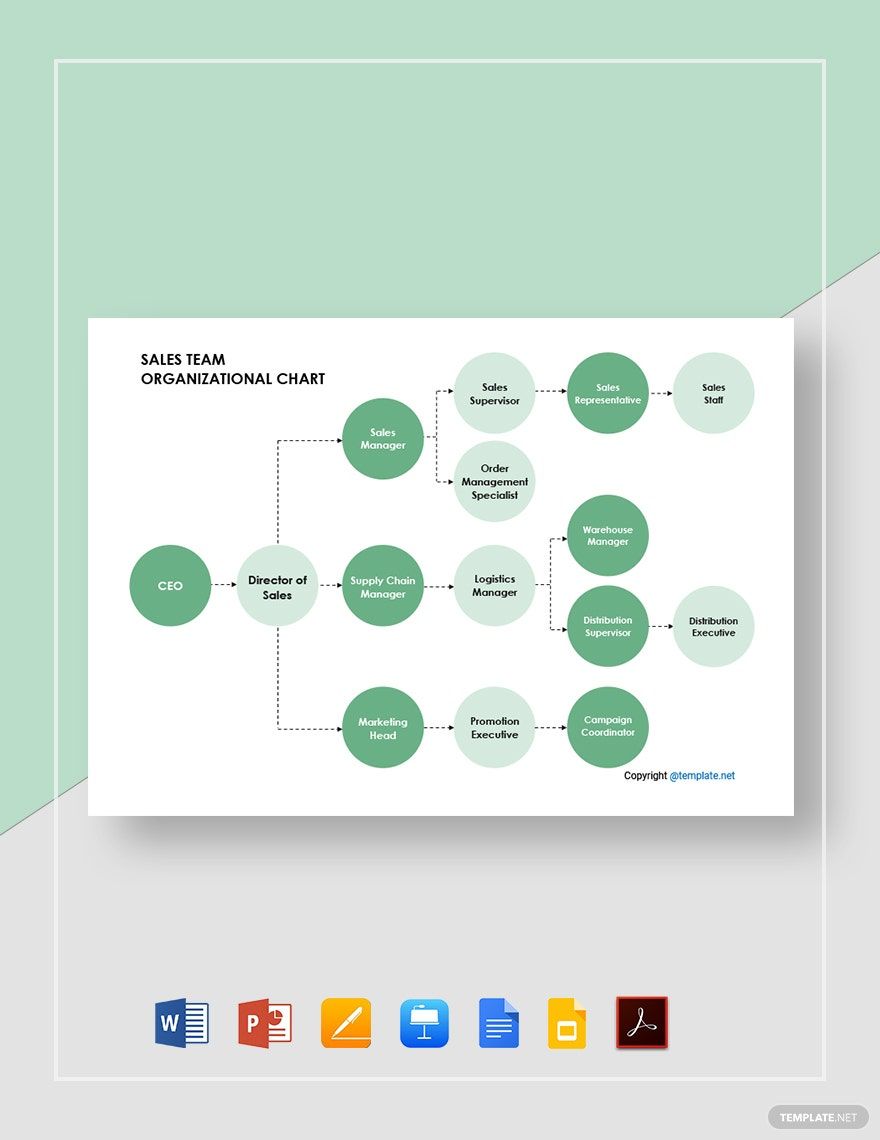
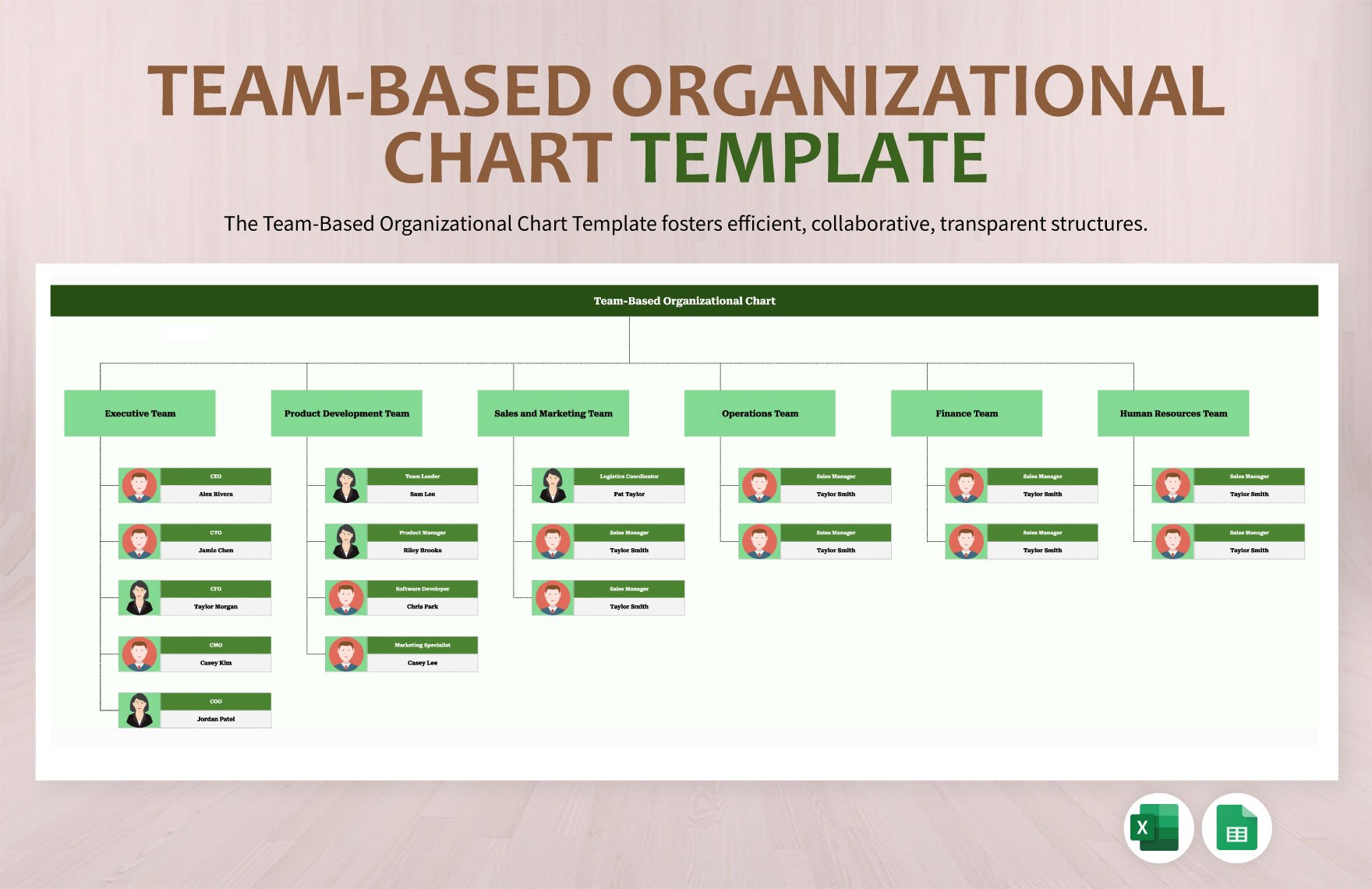
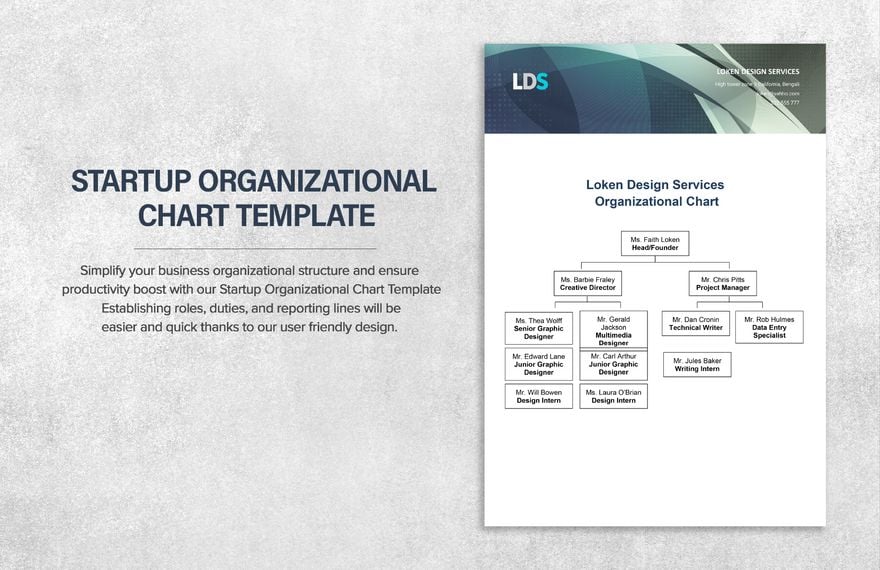
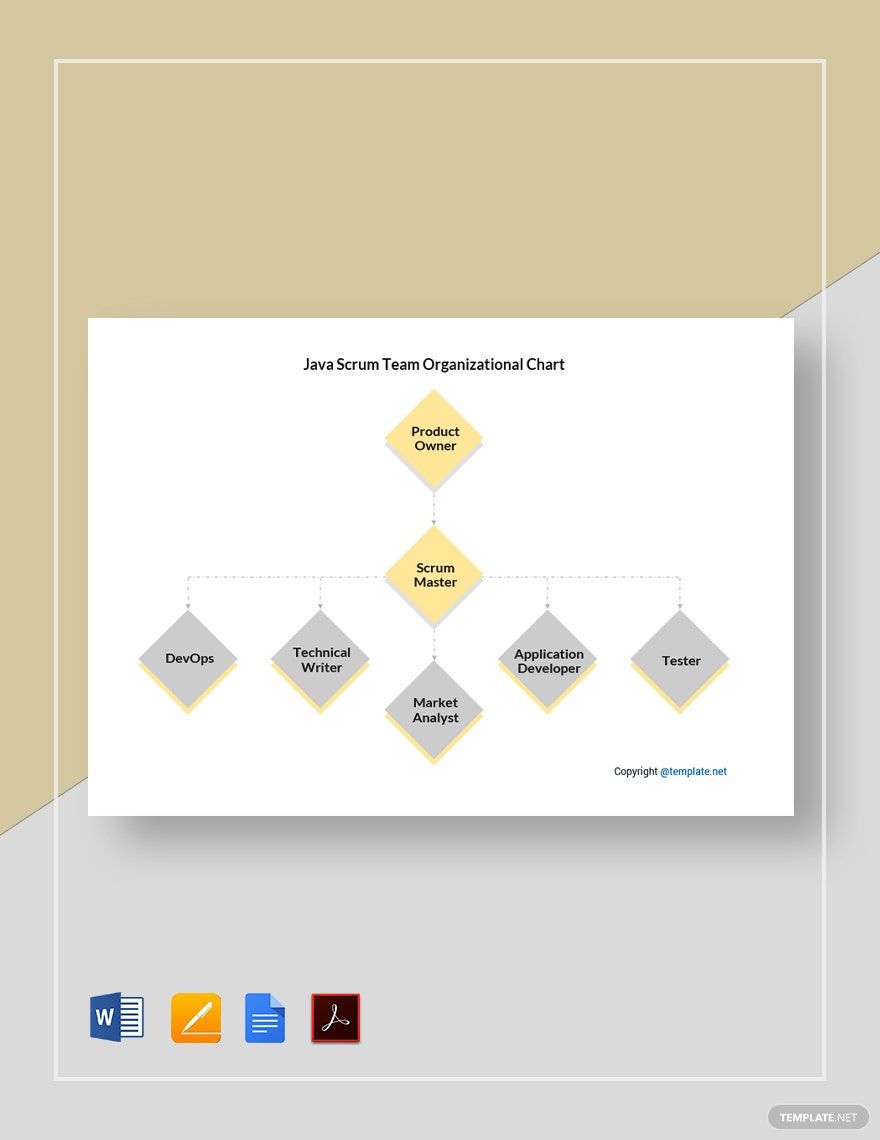
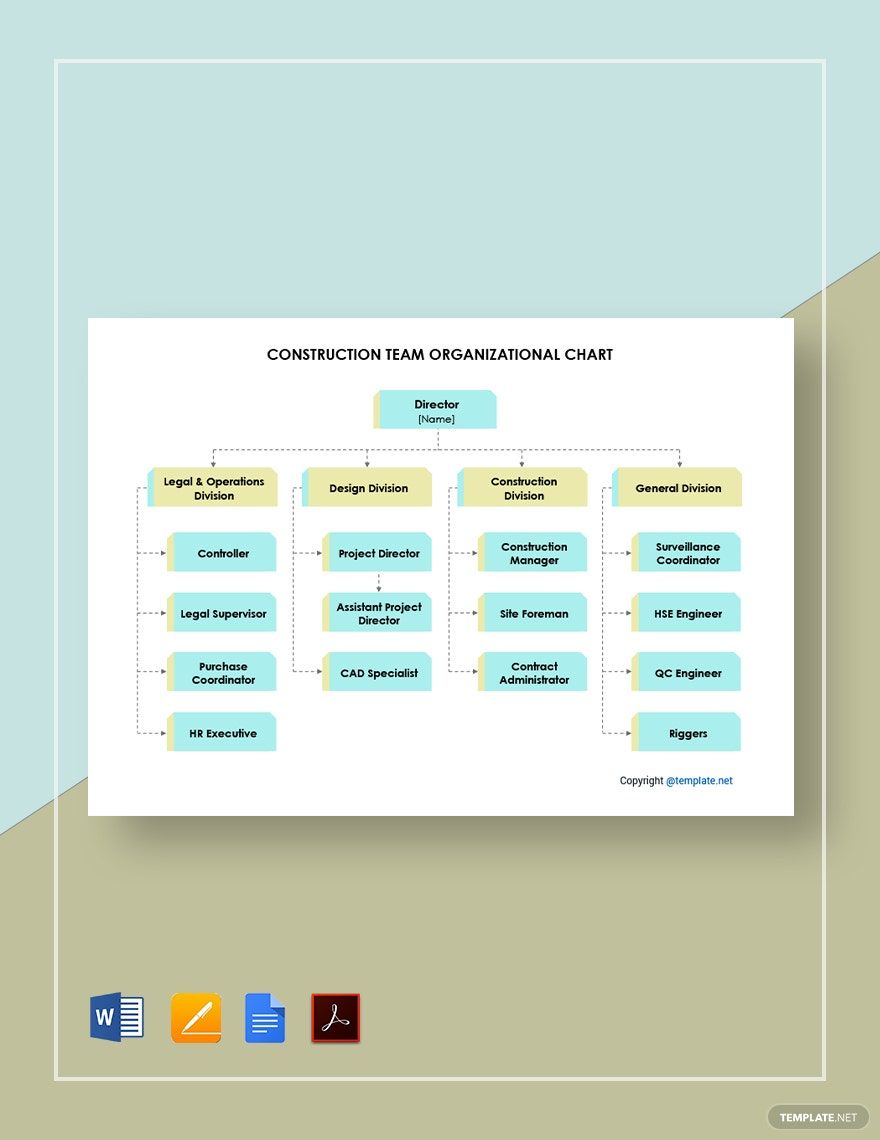
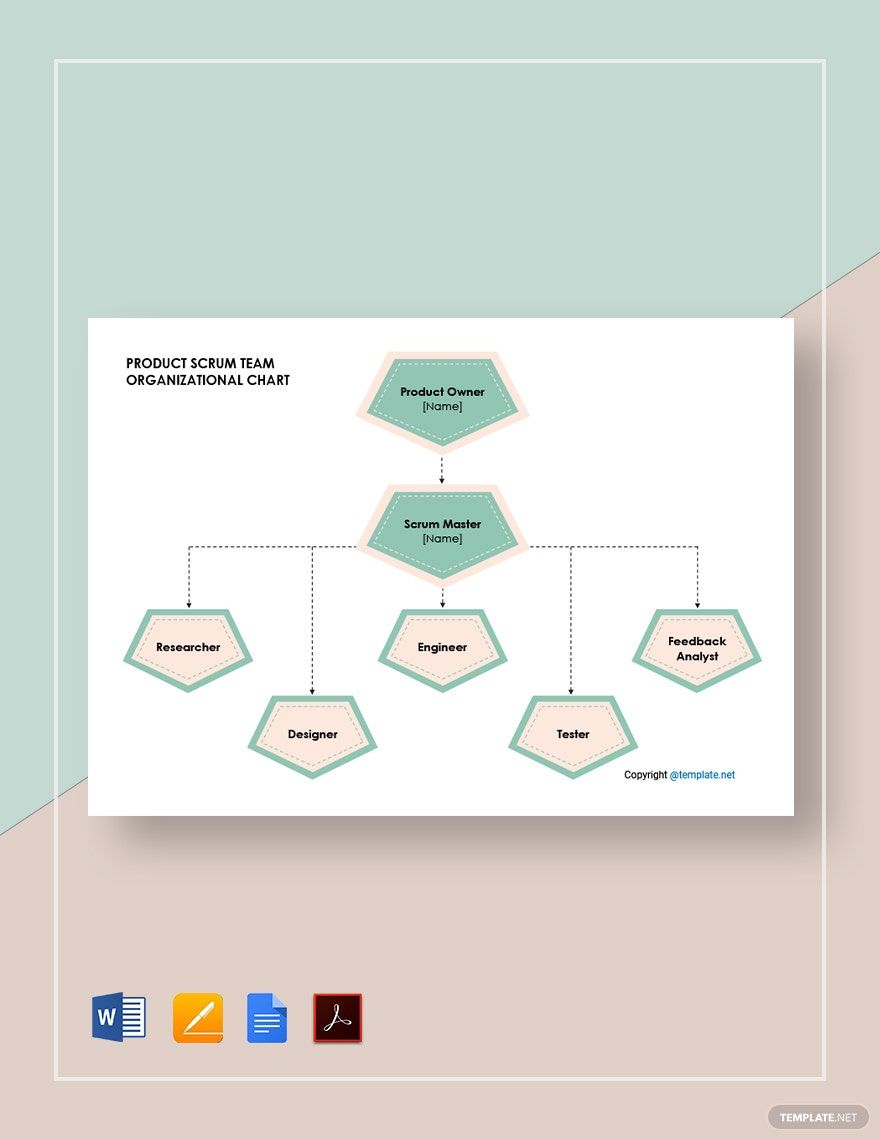
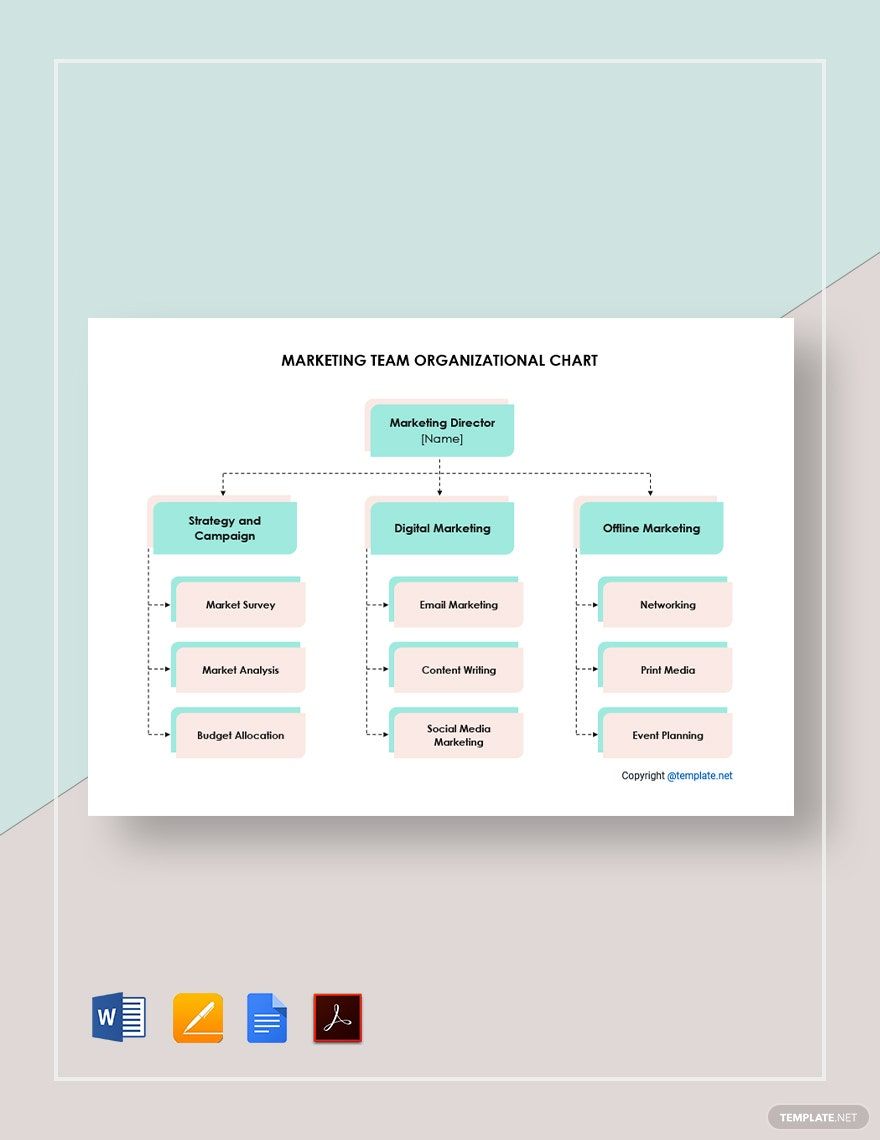
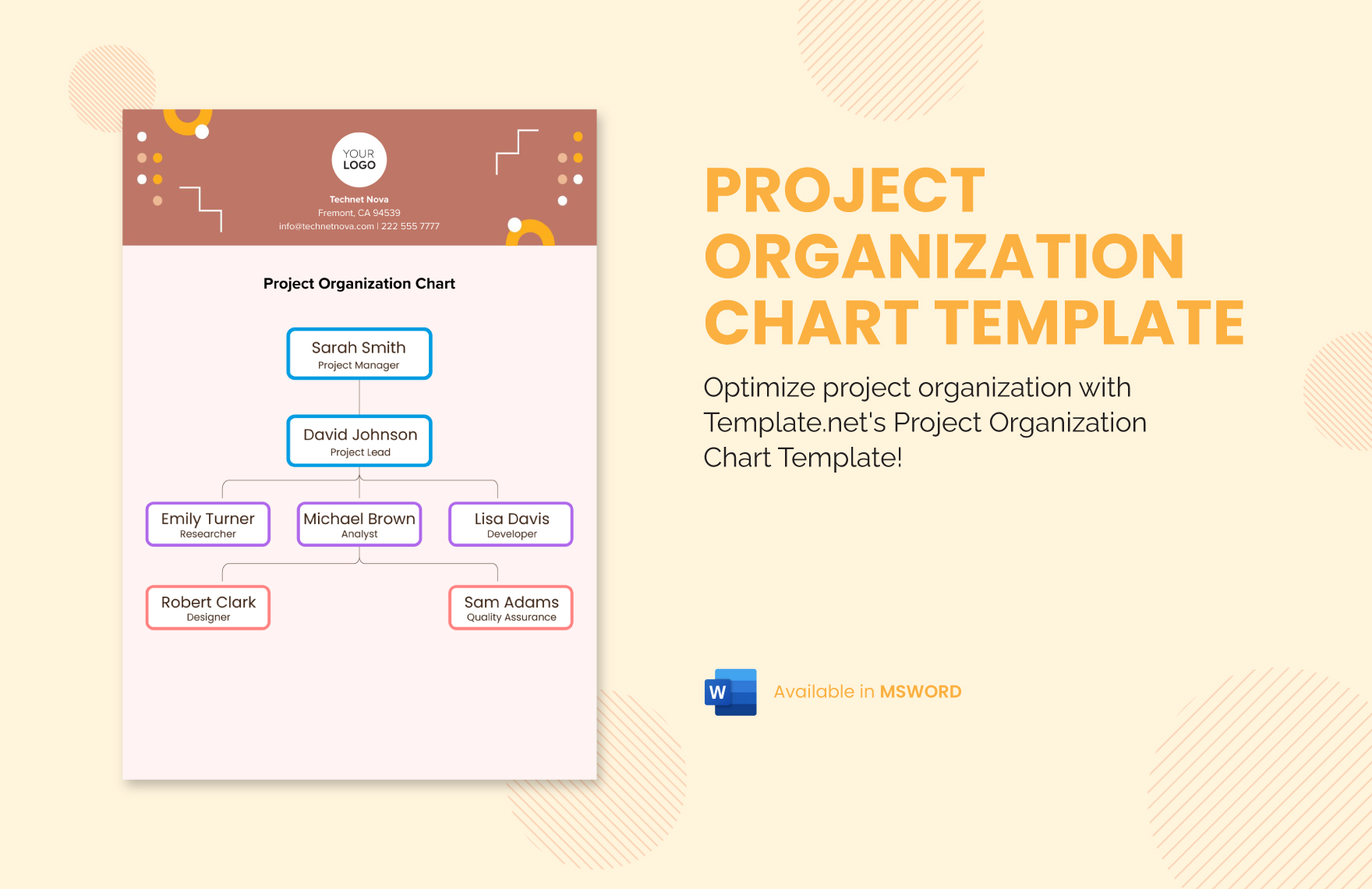
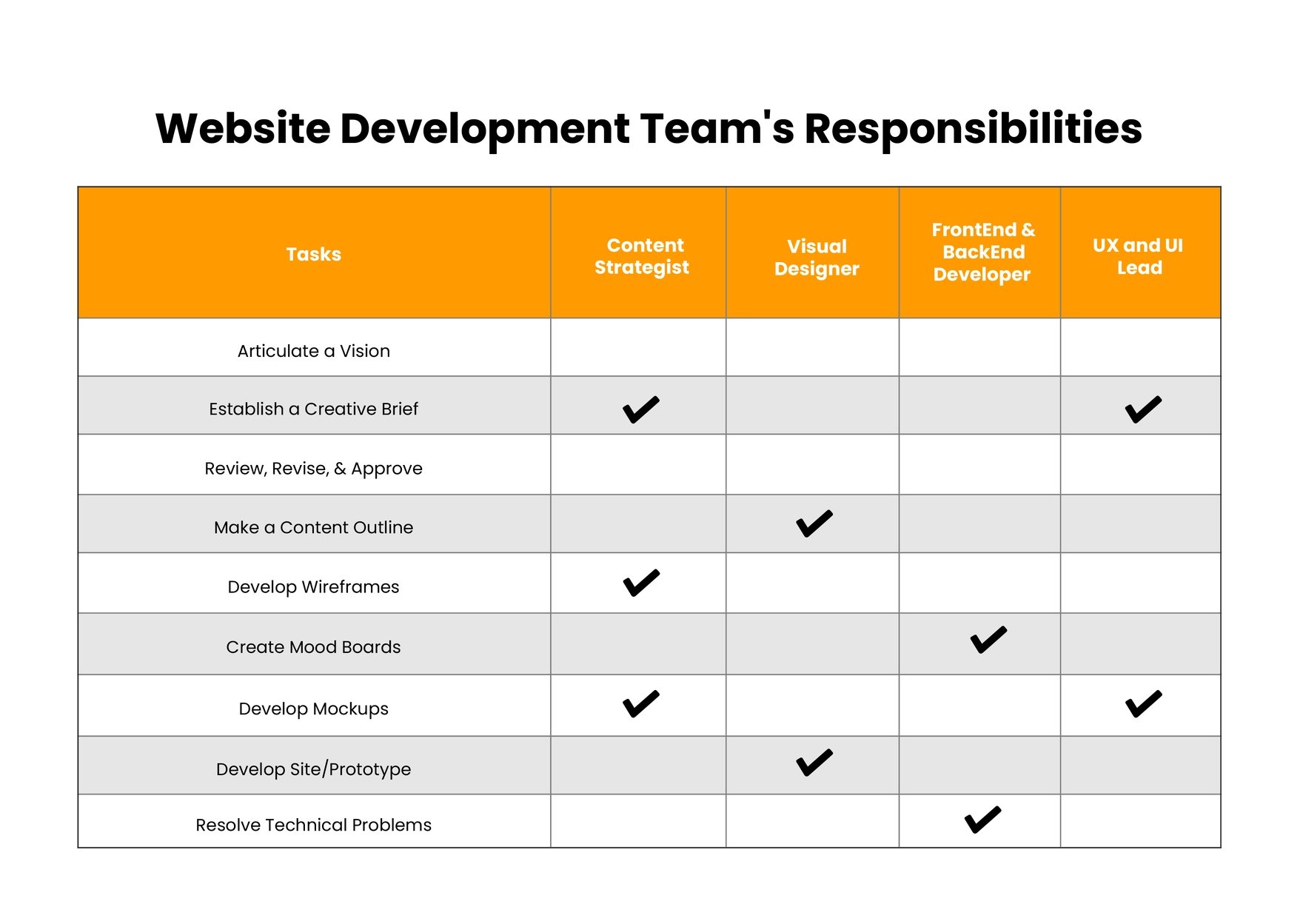
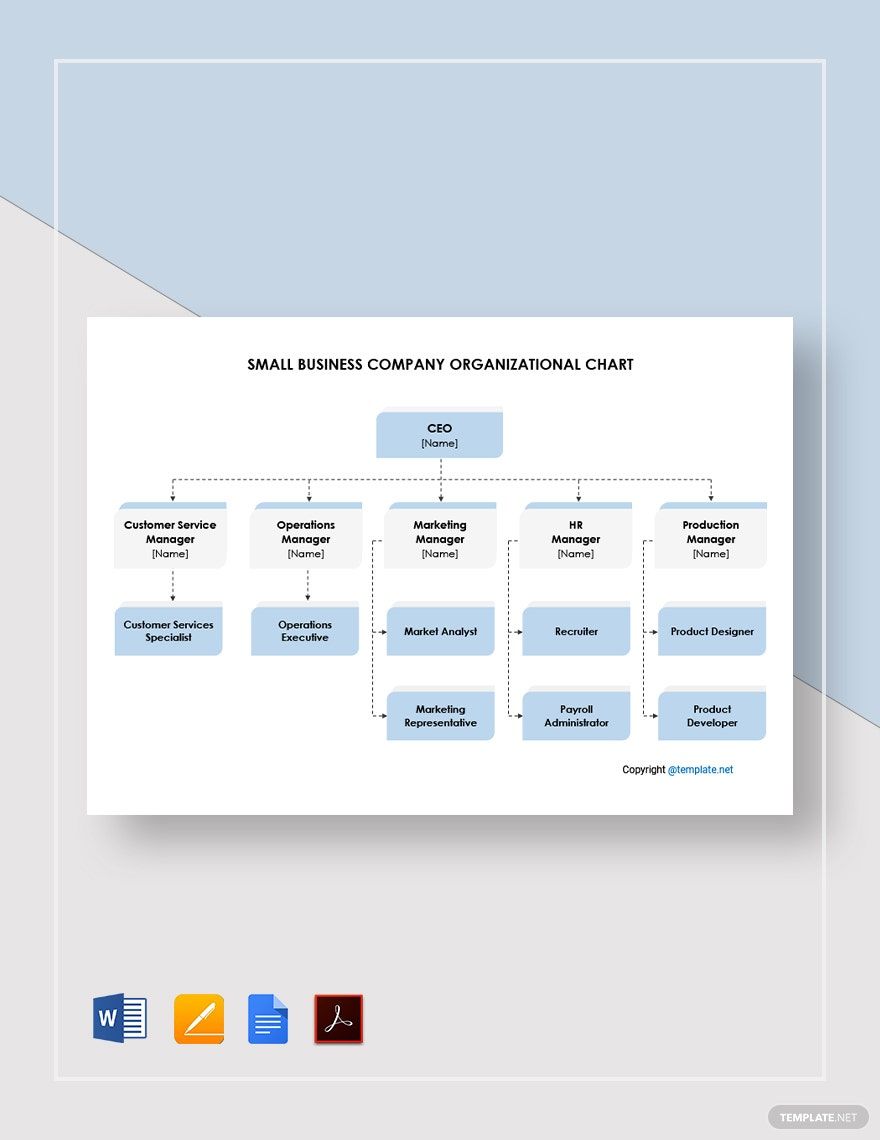
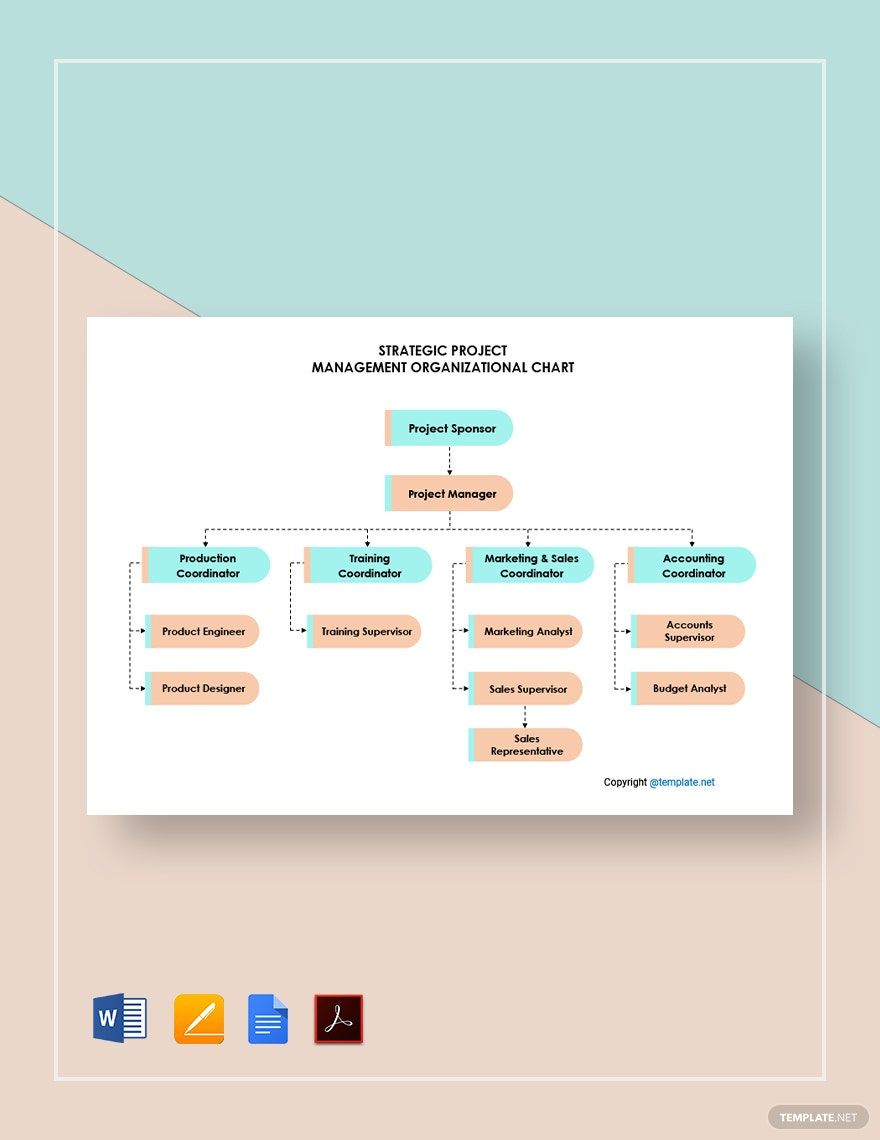
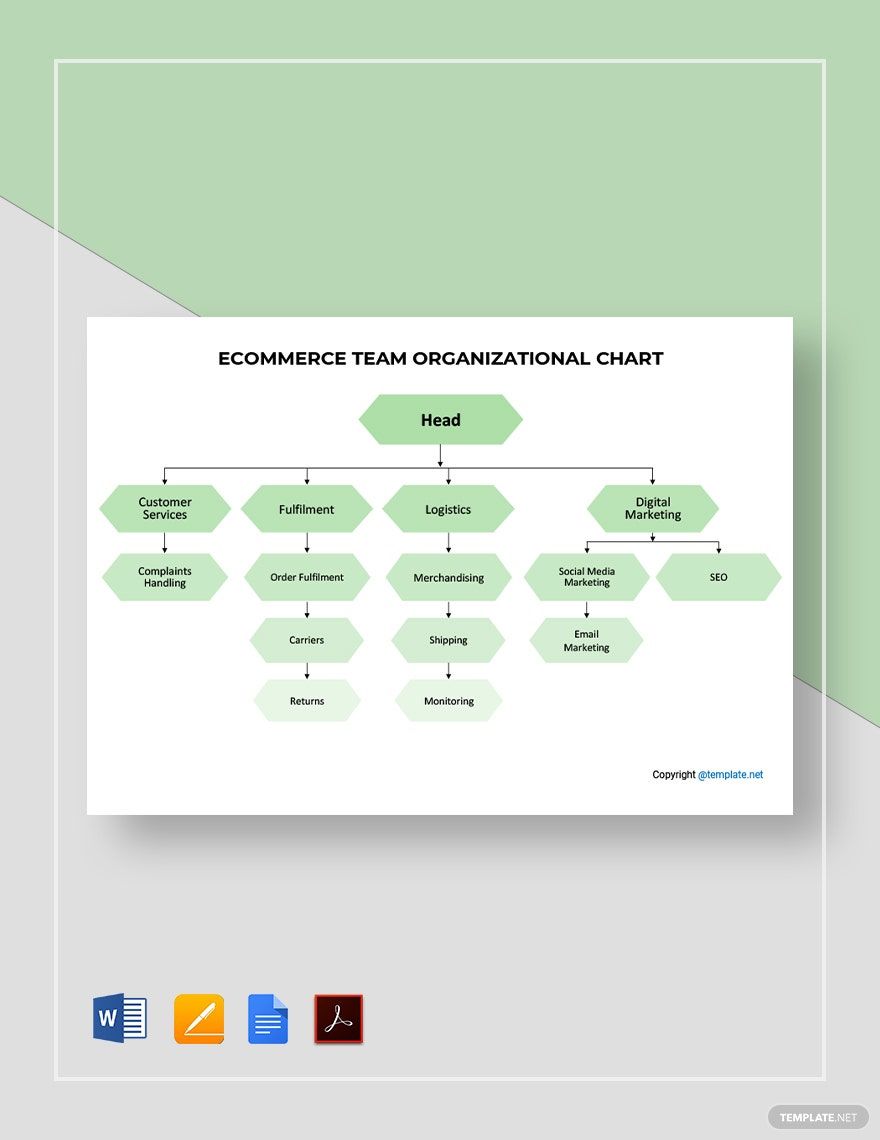
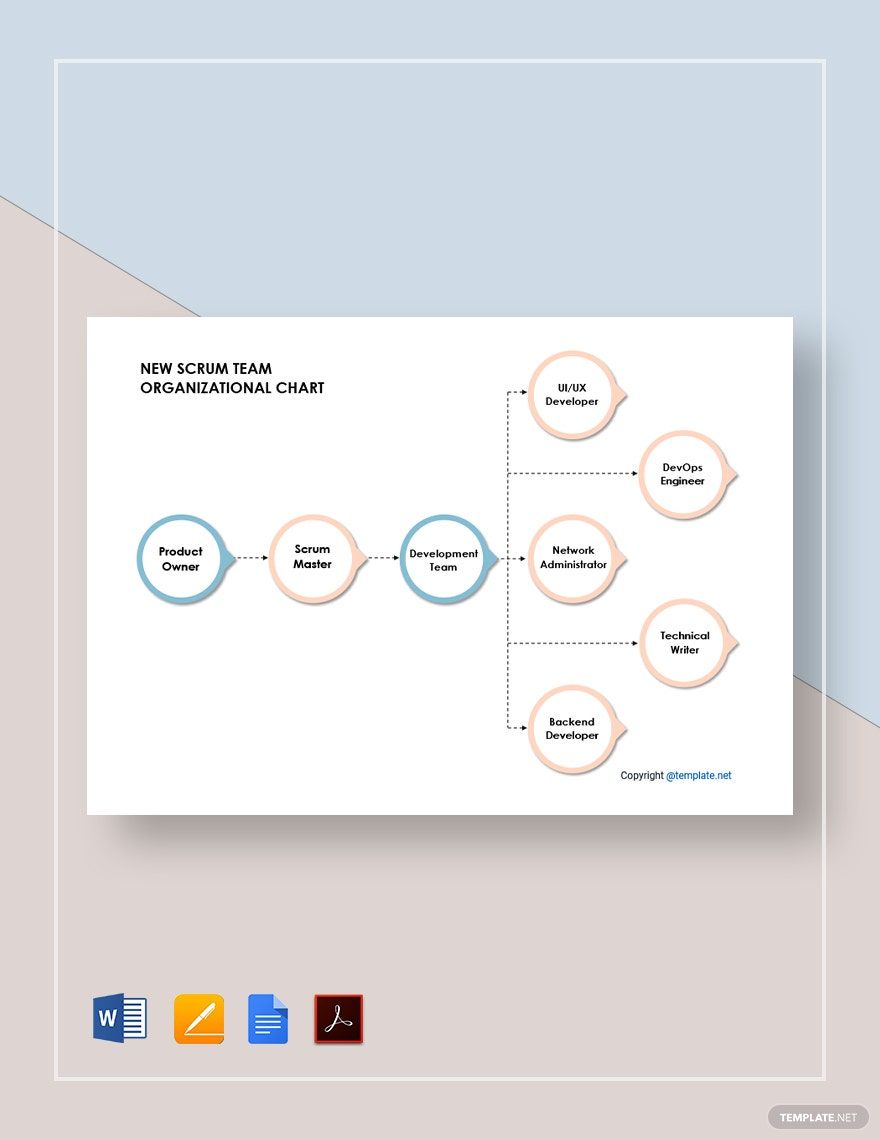
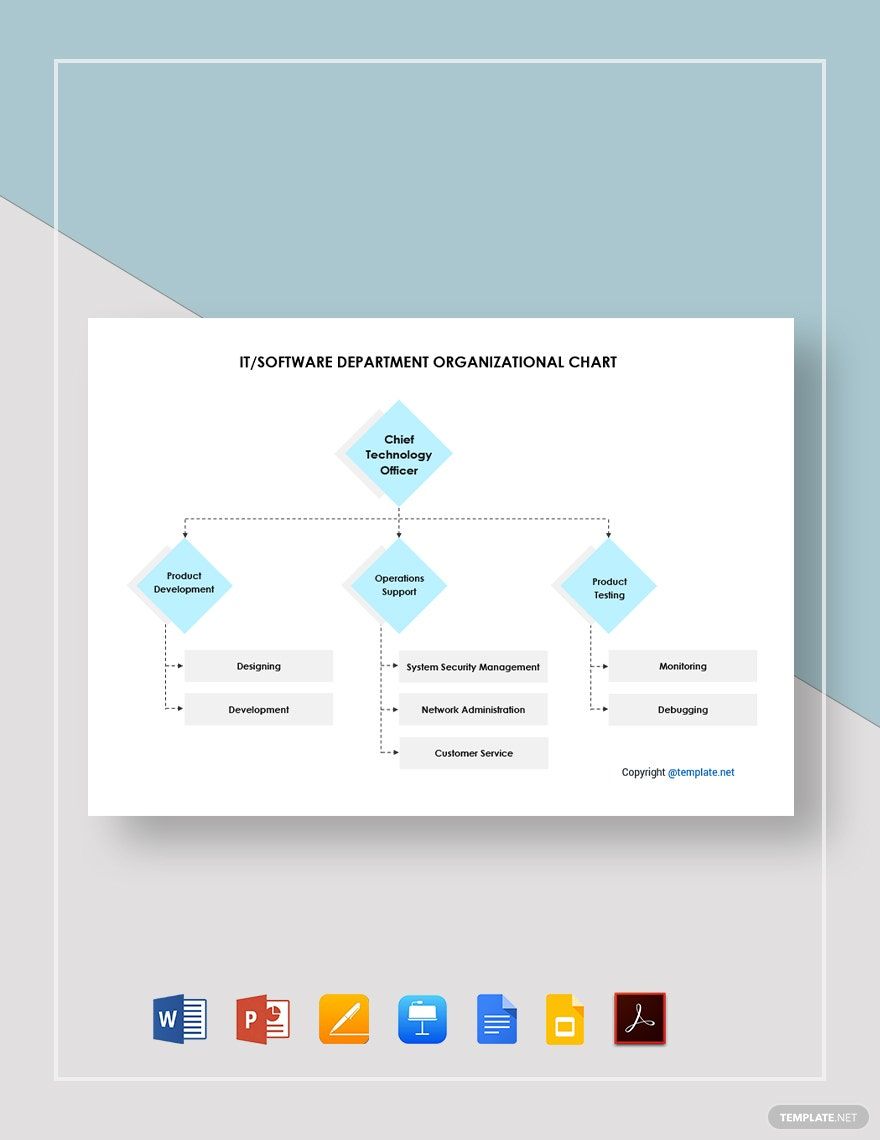
A Team Organizational Chart is a visual diagram that displays the hierarchy and roles within a team using structured layout blocks and editable text areas. These charts help clarify reporting relationships and team structure with professional layouts ready for customization.
Why use a Team Organizational Chart?
Using a Team Organizational Chart improves communication and clarifies roles by visually mapping team relationships with key information sections. These charts streamline project management by offering layered design customization in ready-made templates for quick editing.
Who typically uses Team Organizational Charts?
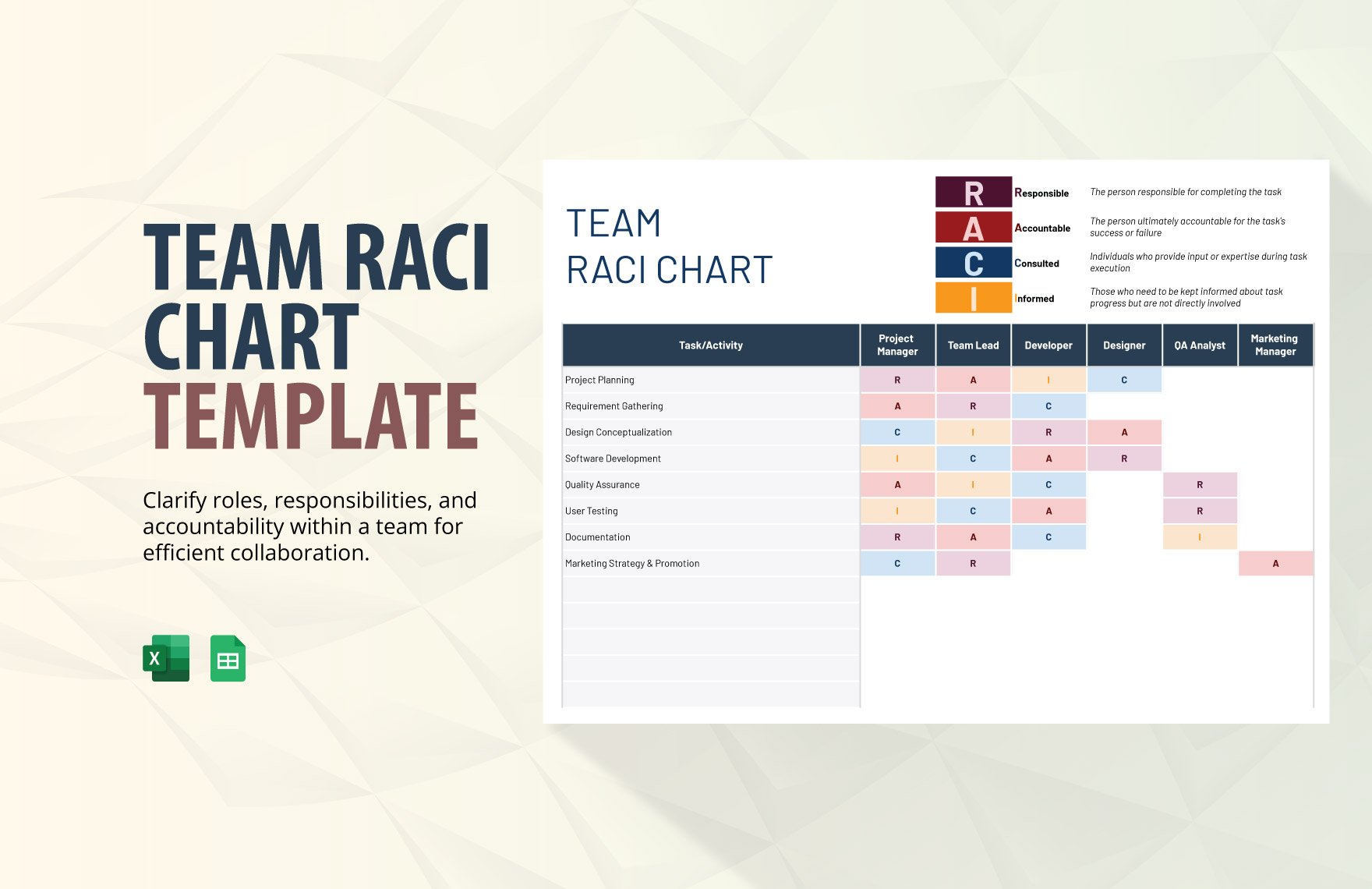
Managers, HR professionals, and project teams typically use Team Organizational Charts to organize roles and reporting lines. These charts assist in workforce planning and are available as editable templates with graphic elements for professional presentations.
What size should a Team Organizational Chart be?
Team Organizational Charts commonly use sizes like 8.5 × 11 inches or larger to accommodate detailed structures. Template.net offers templates sized for easy printing and online viewing with editable text areas and design layers to suit various dimensions.
What are the best tips for designing a Team Organizational Chart?
Best tips for designing a Team Organizational Chart include using clear hierarchy blocks, consistent fonts, and color-coded sections to distinguish roles. Utilizing editable templates with layered design elements ensures easy updates and professional results.
How do you print a Team Organizational Chart?
To print a Team Organizational Chart, select a suitable template from Template.net and export it in a print-friendly format. Use downloadable PDF or Excel files with high-resolution graphics and ensure the layout fits standard paper sizes for clear output.
What elements should a Team Organizational Chart include?
A Team Organizational Chart should include role titles, names, hierarchical connections, and departmental divisions. Using layered design customization in templates helps highlight these elements with editable text areas and connecting lines.
Can I create a new Team Organizational Chart using AI?
Template.net provides an AI-powered tool that generates new Team Organizational Chart designs from prompts. You can create customized charts quickly using the Chart Generator.
