
Free Website Gantt Chart Templates
Website Gantt Chart Templates: Definition, Usage, and Design Essentials
What is a Website Gantt Chart?
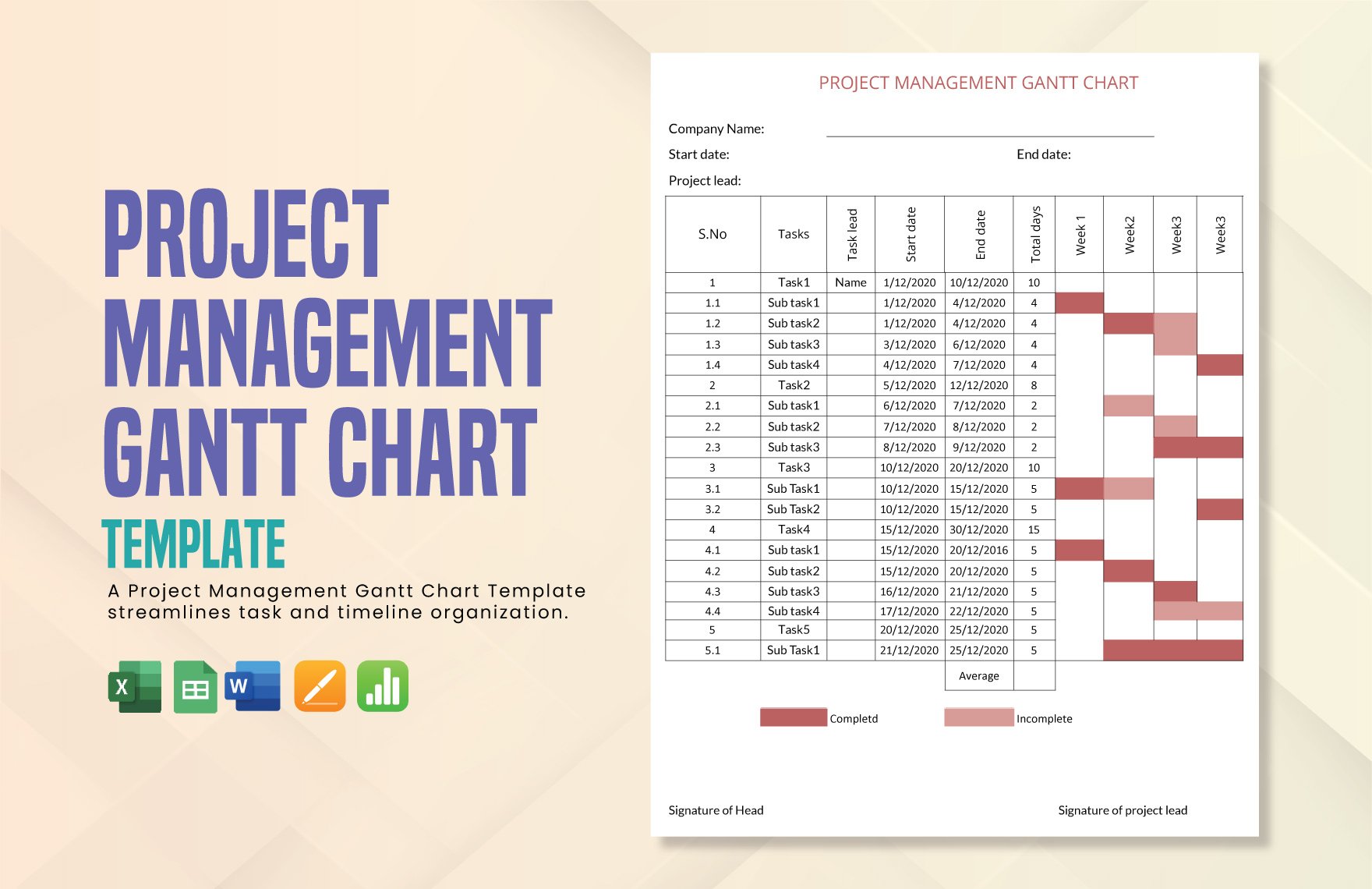
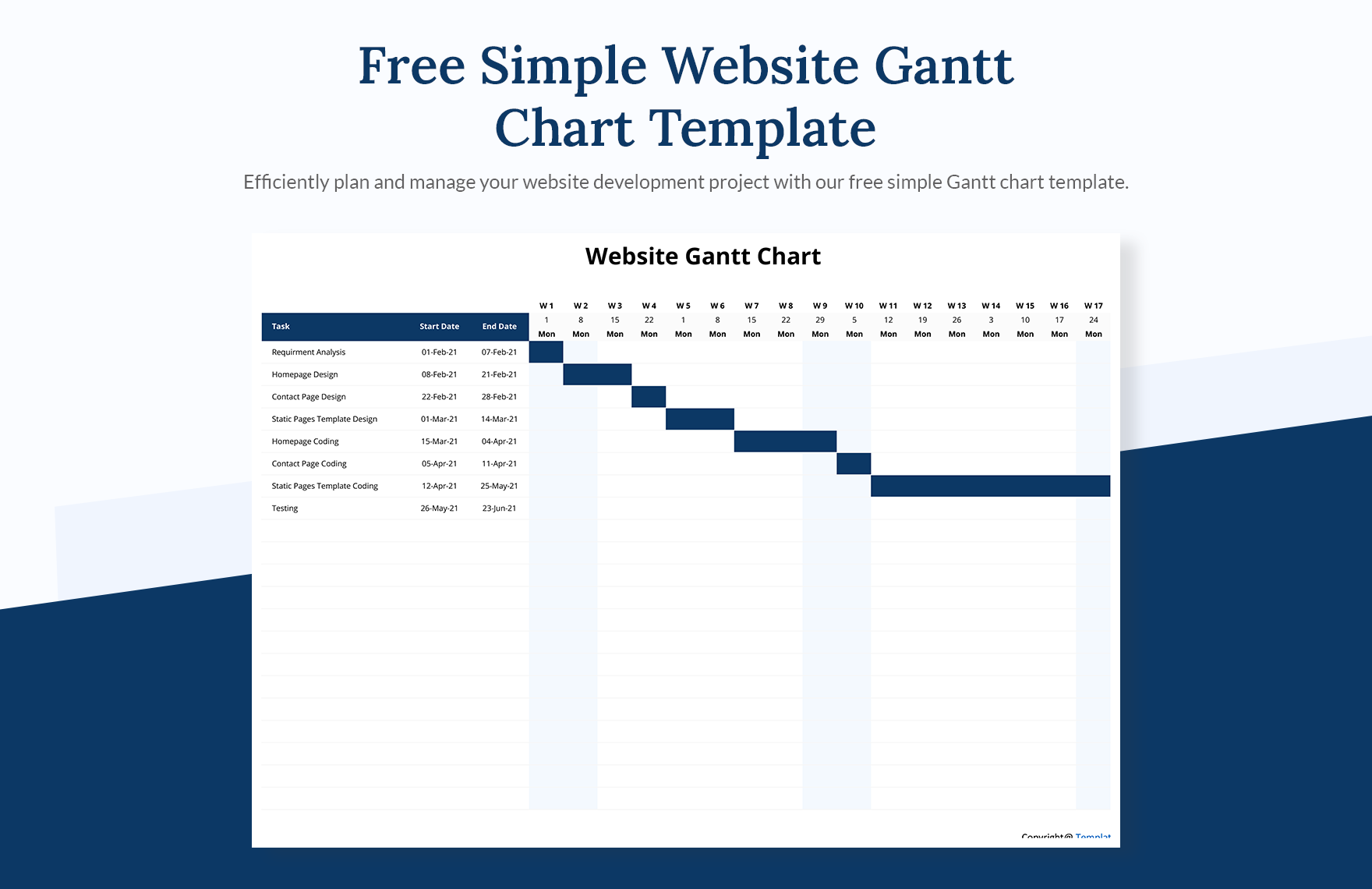
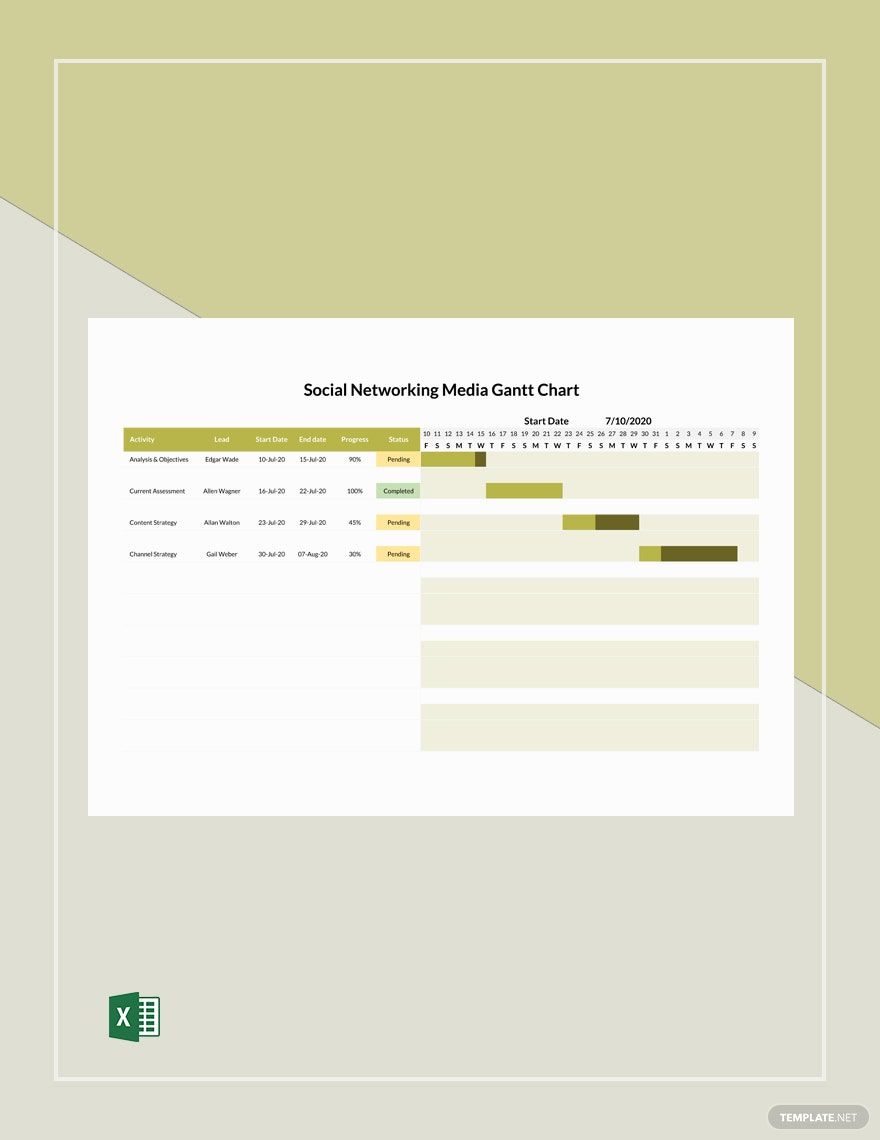
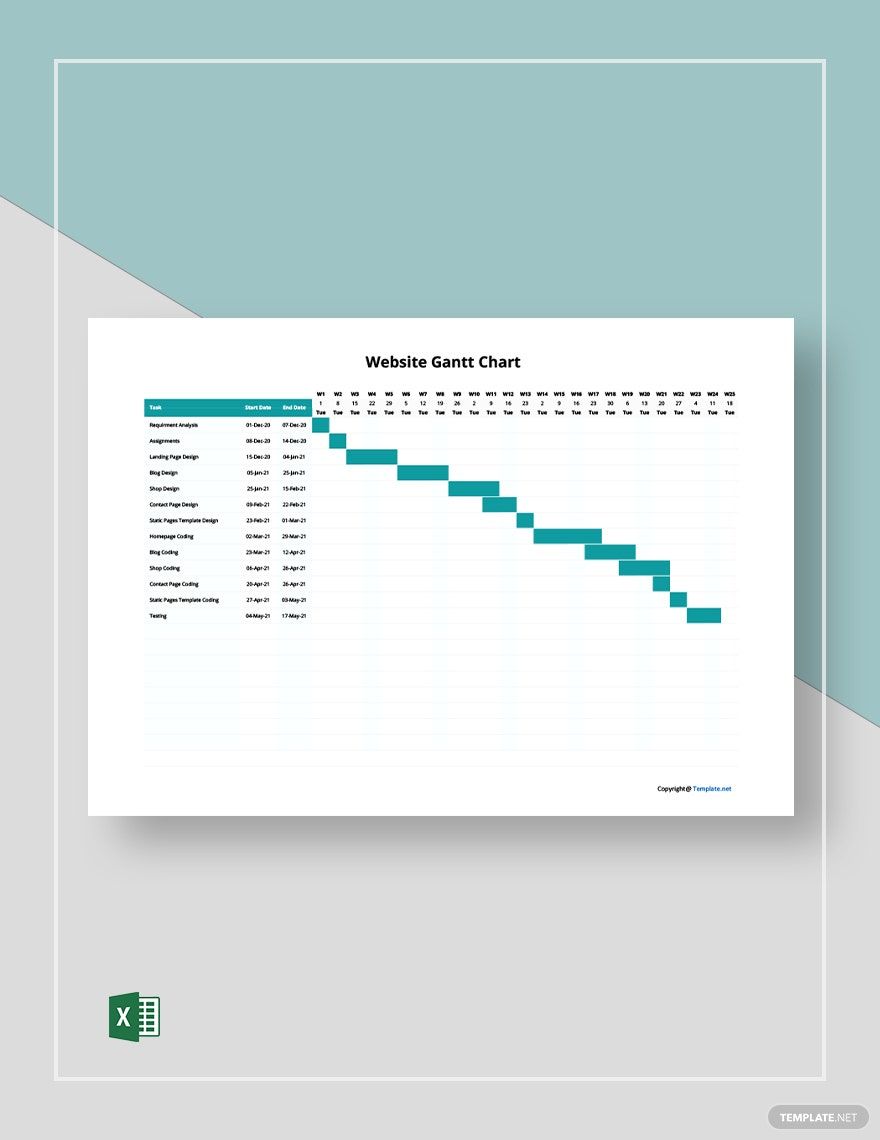
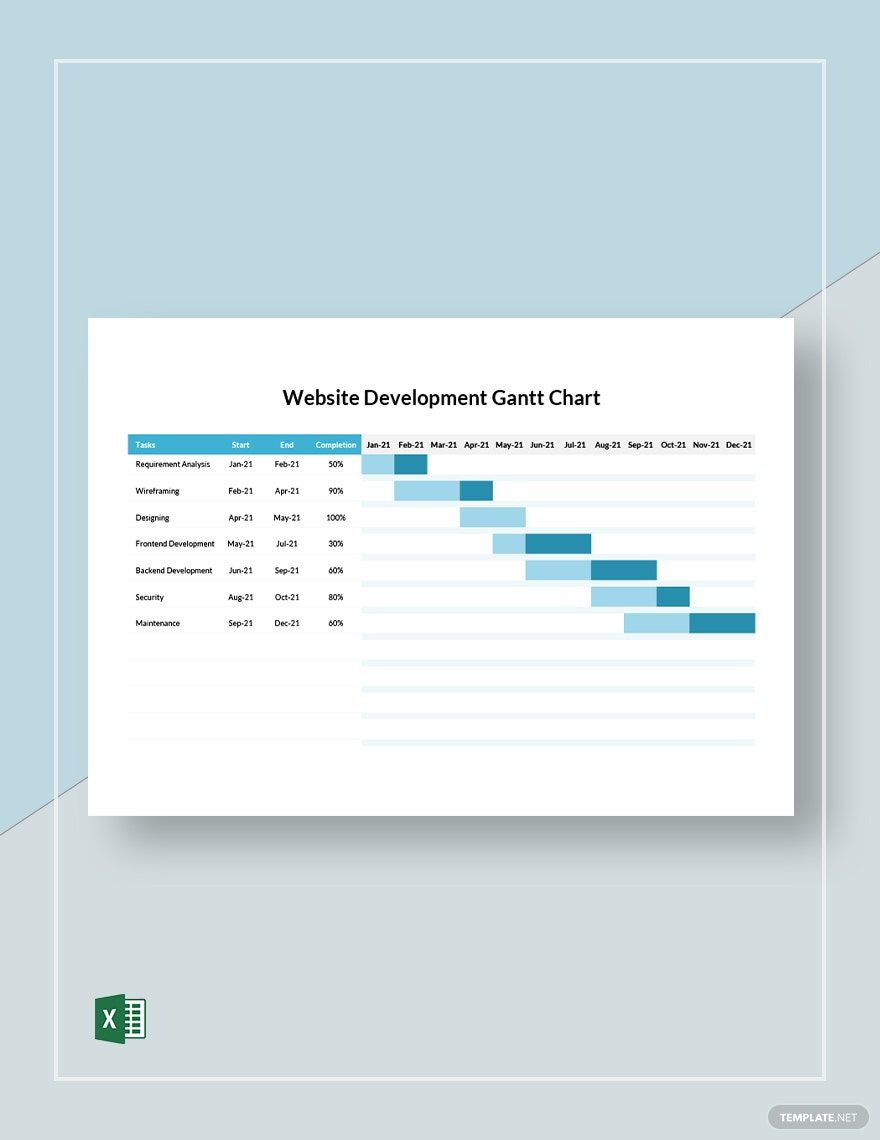
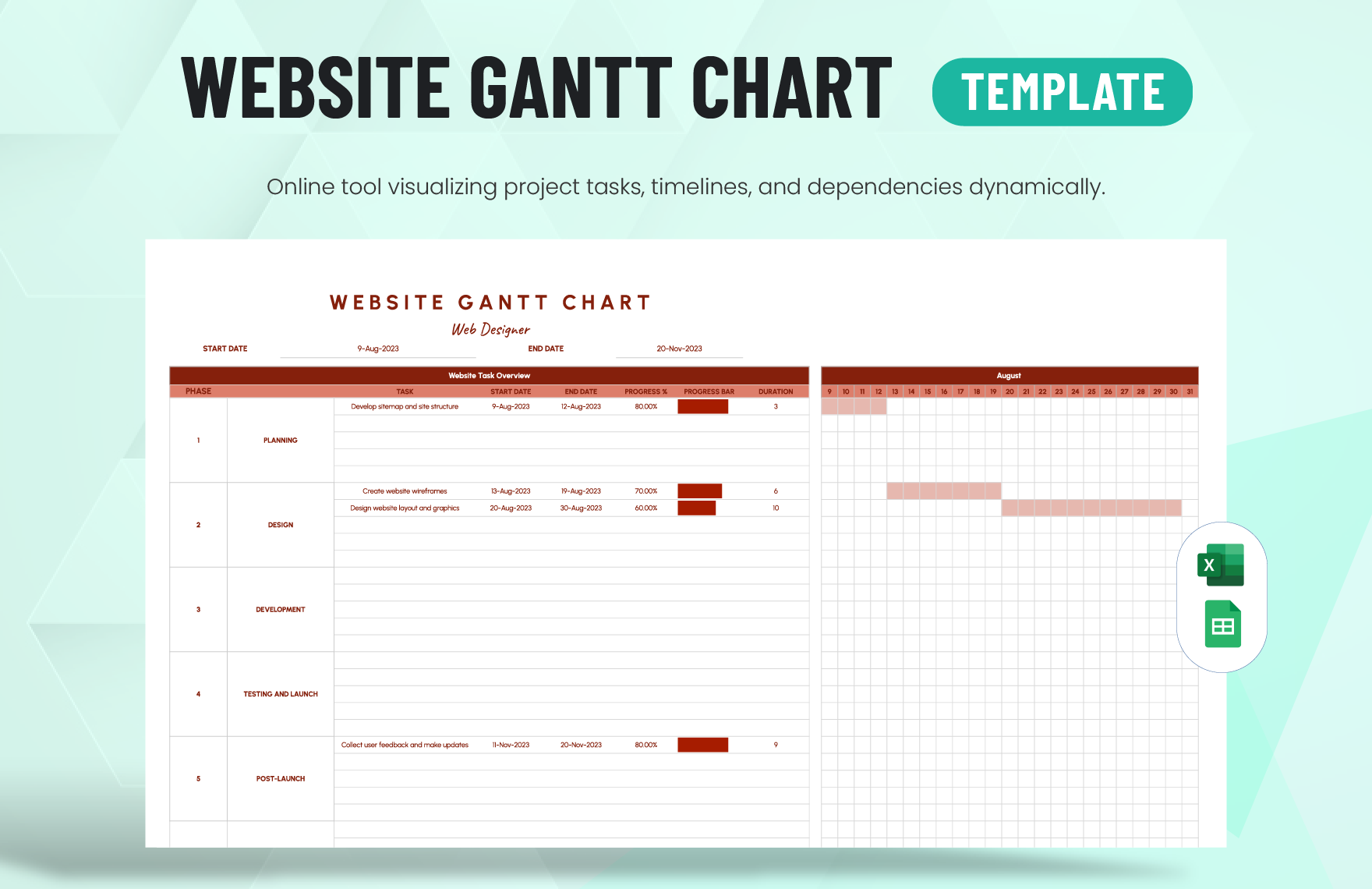
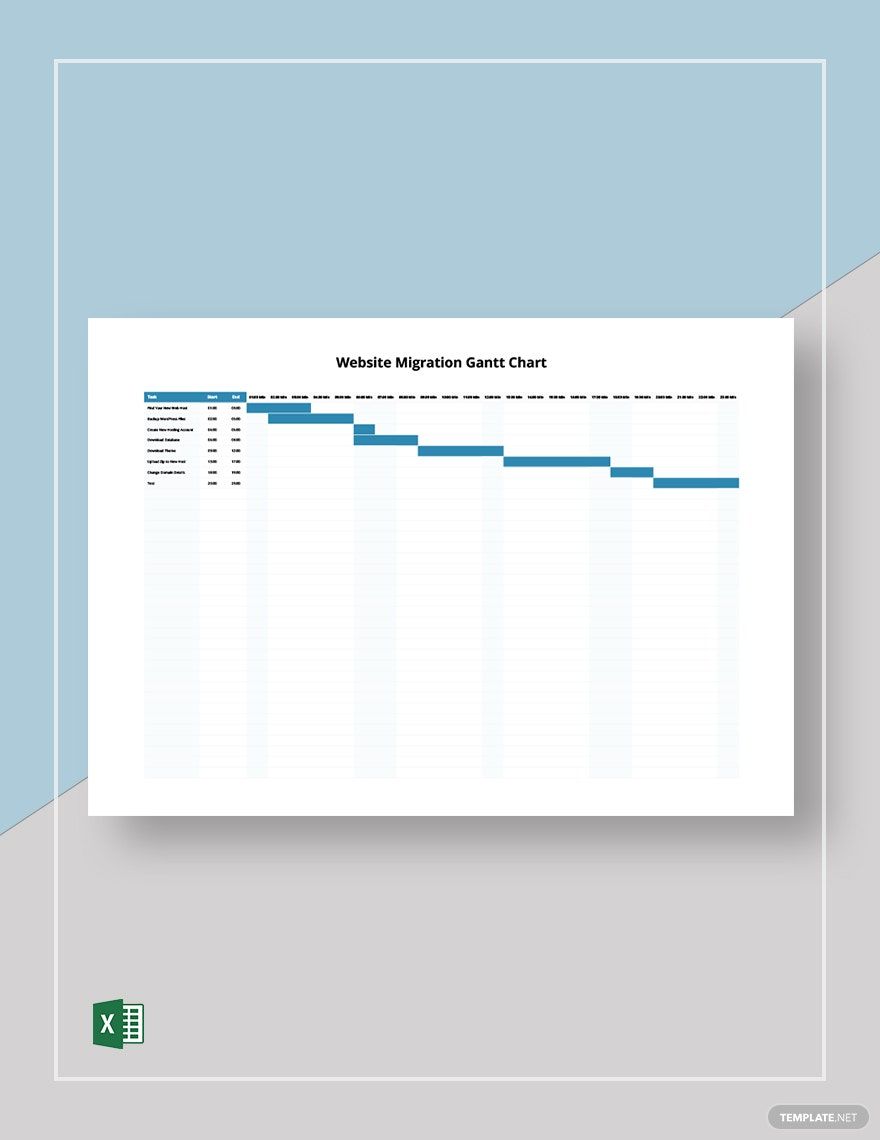
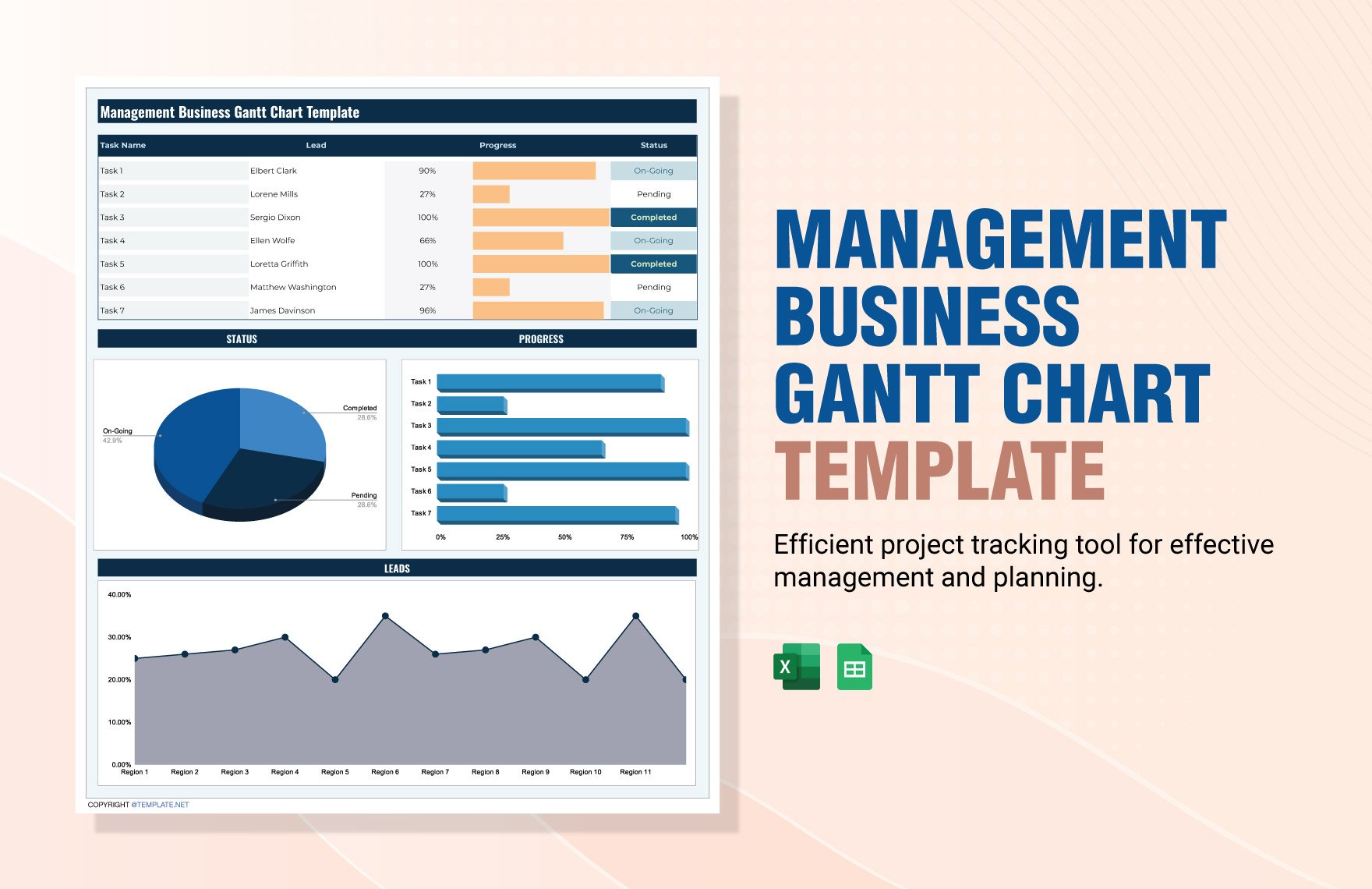
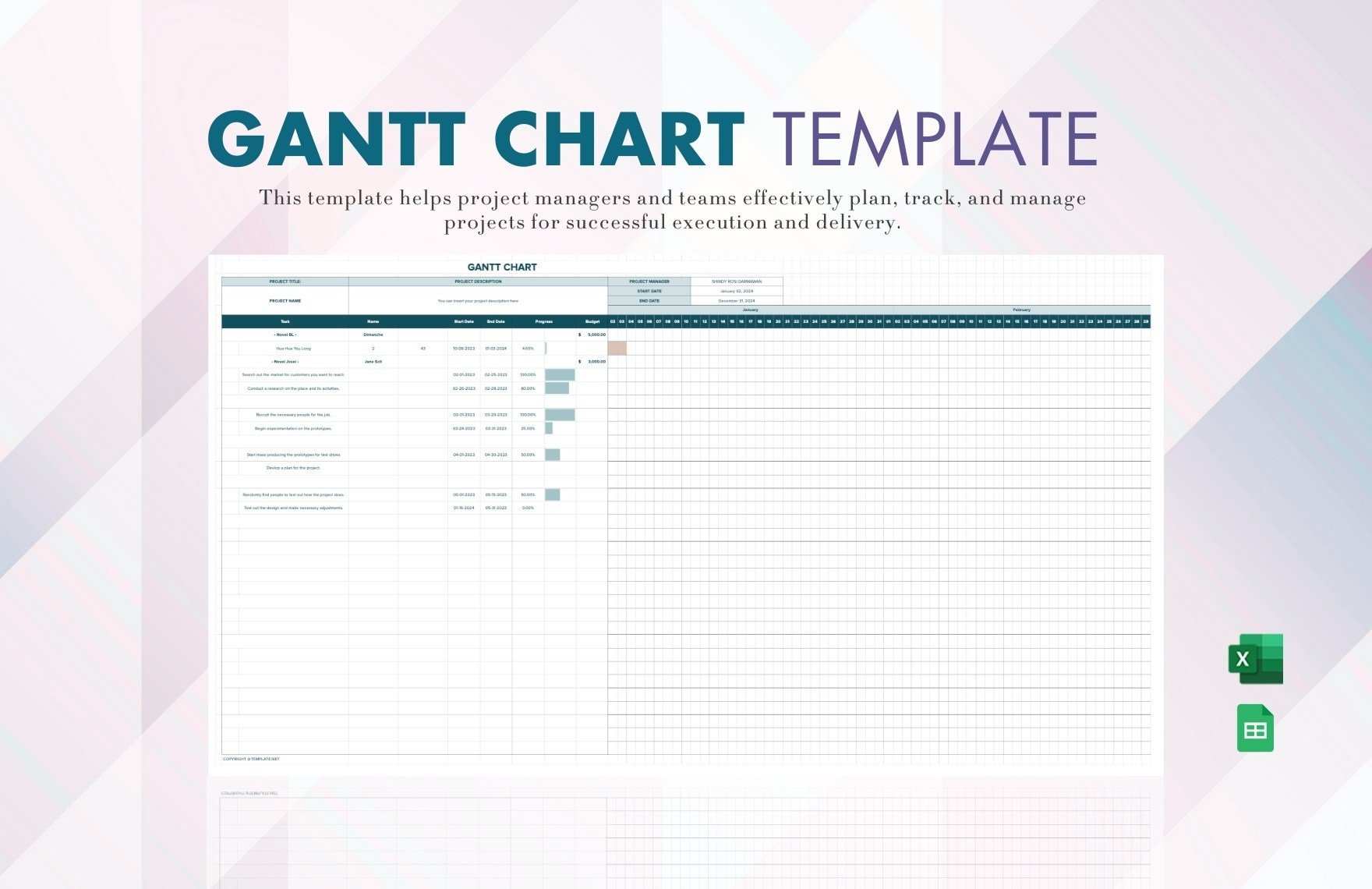
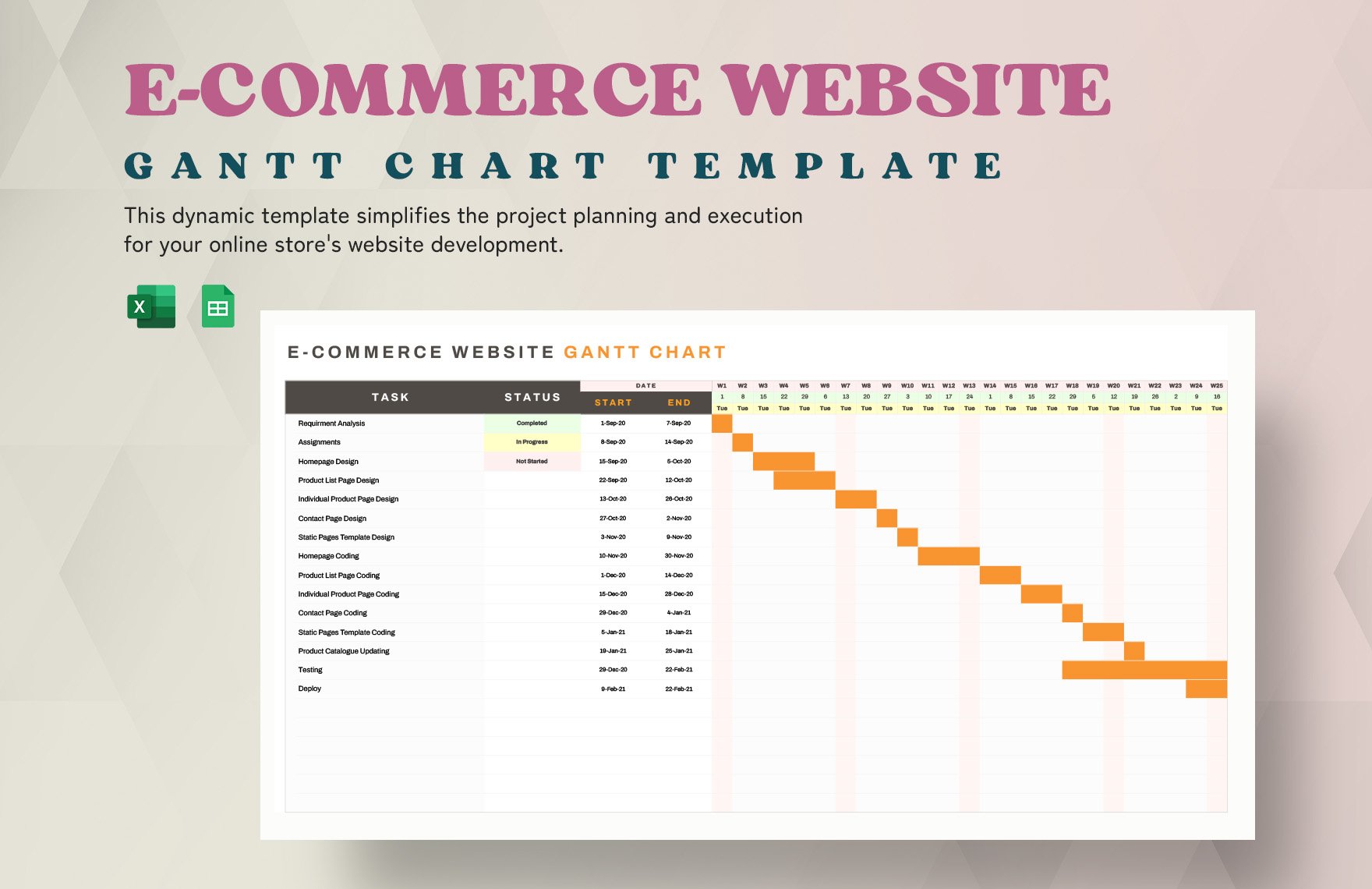
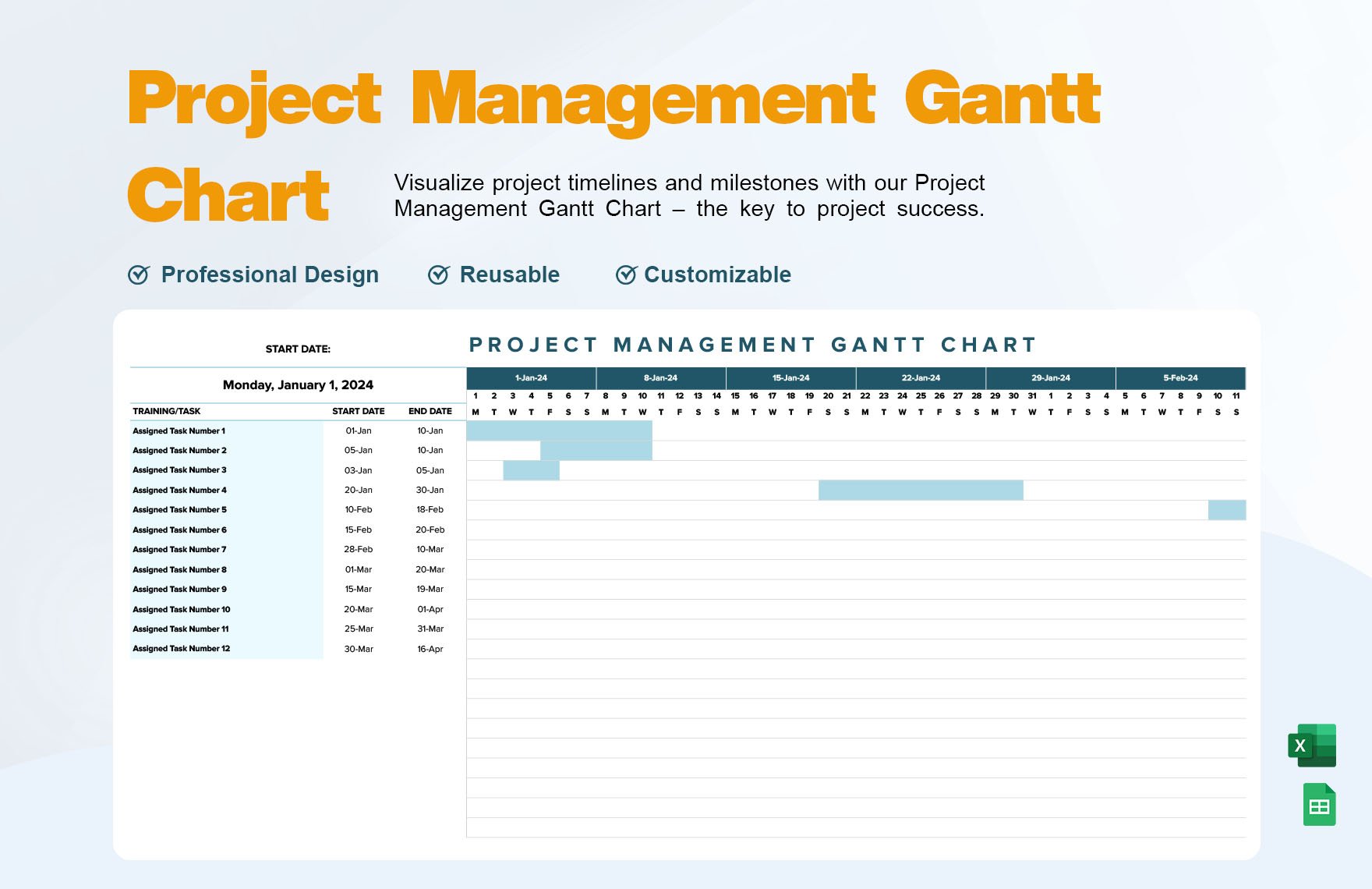
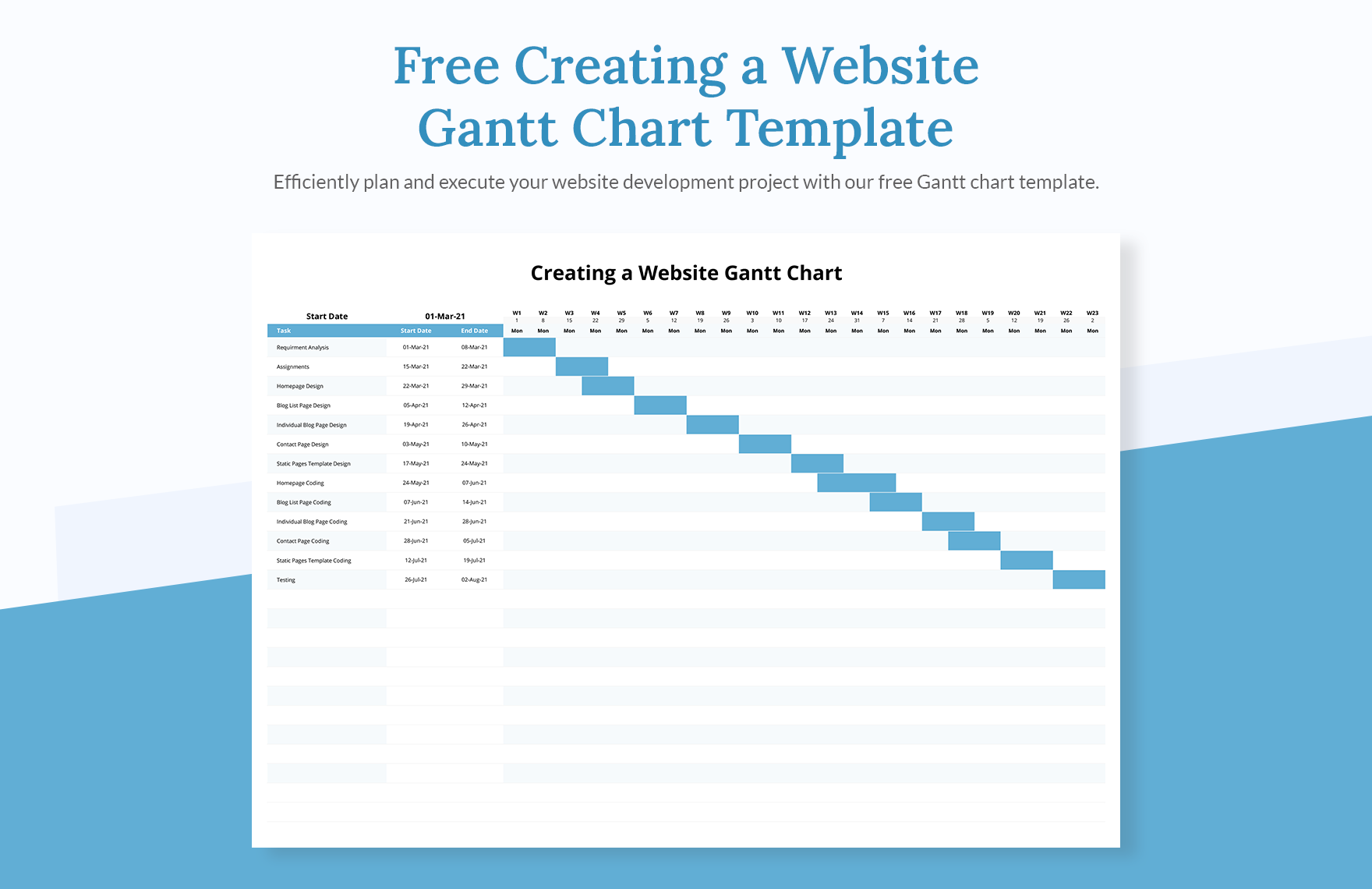
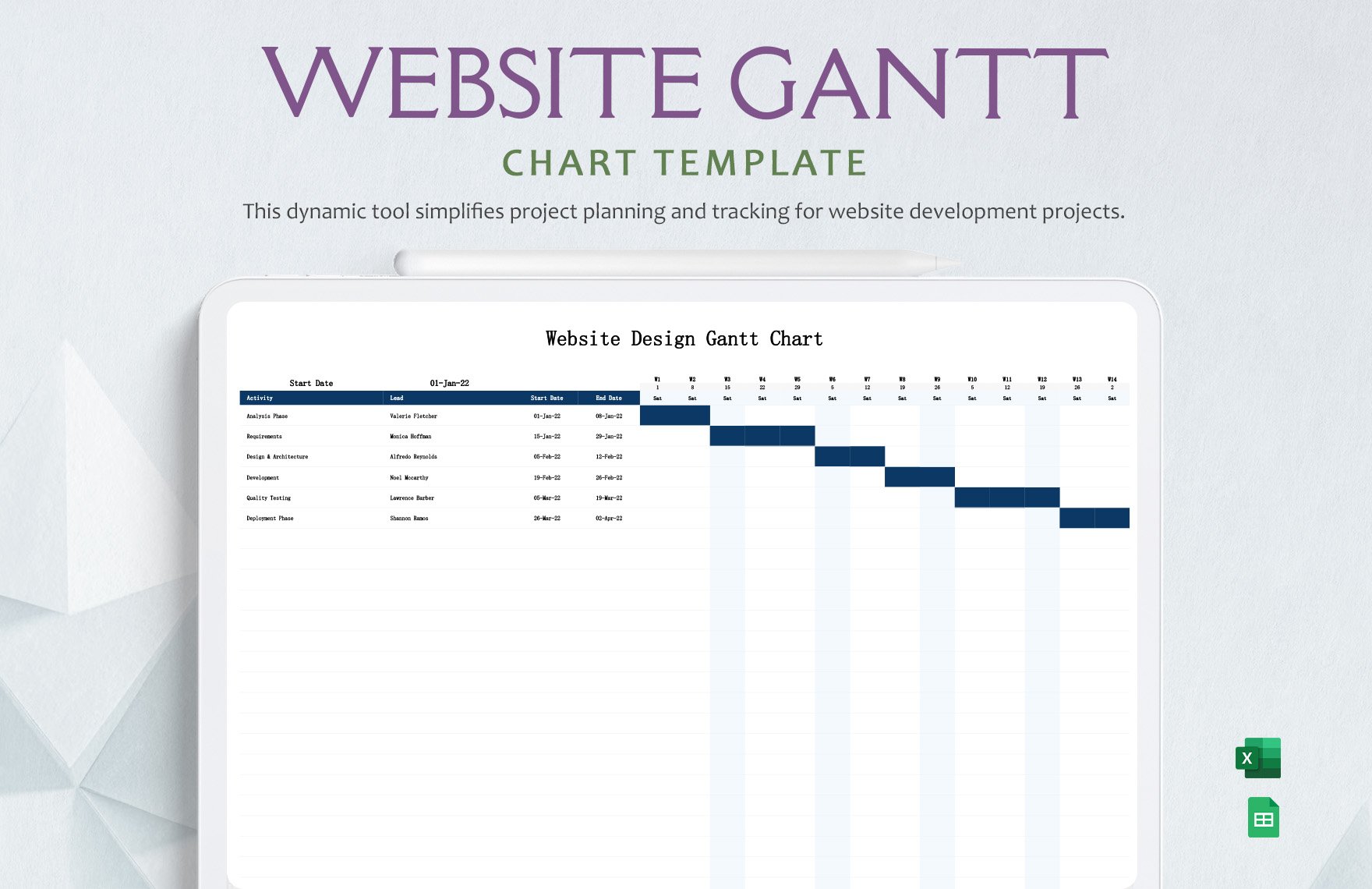
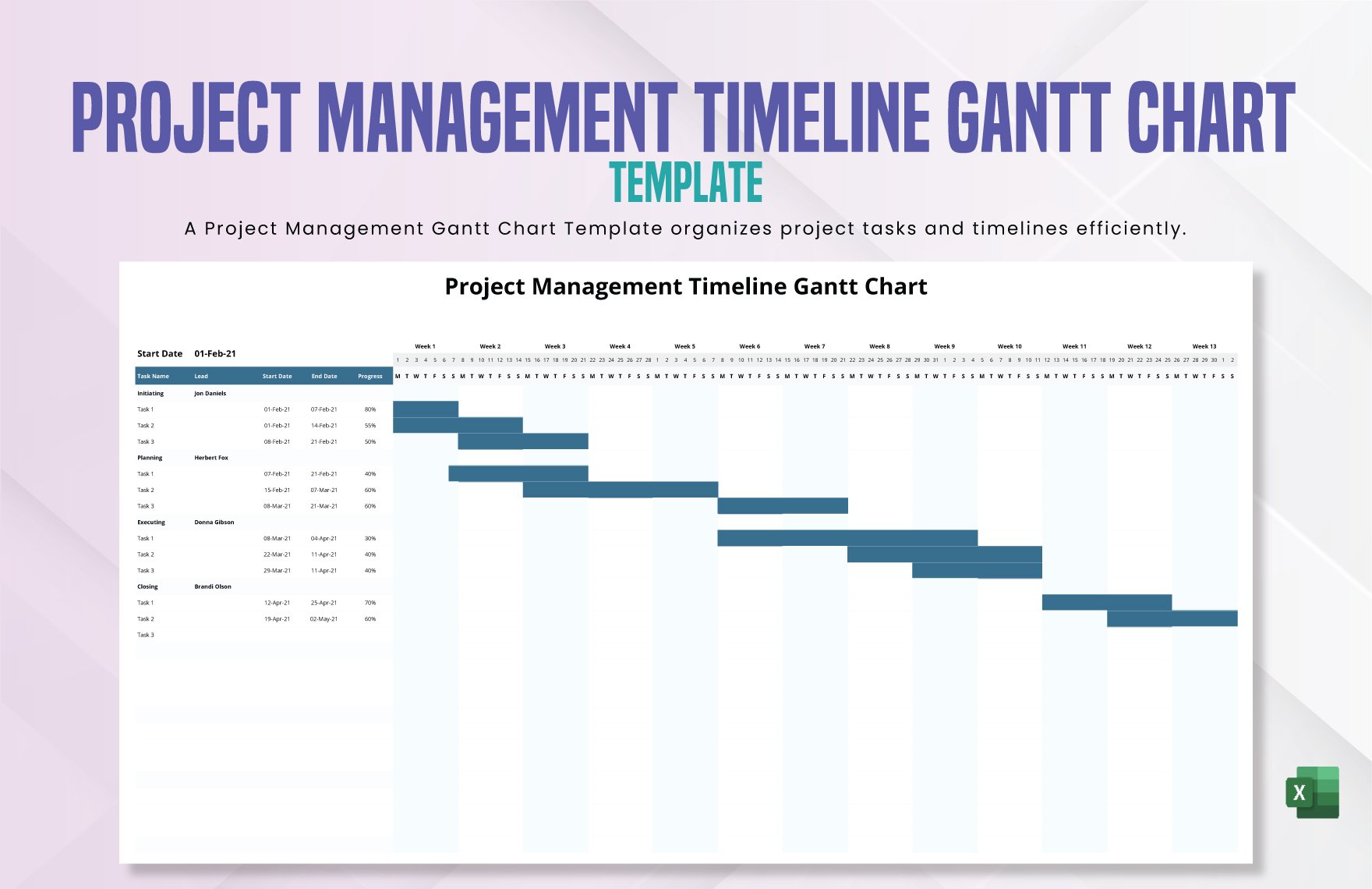
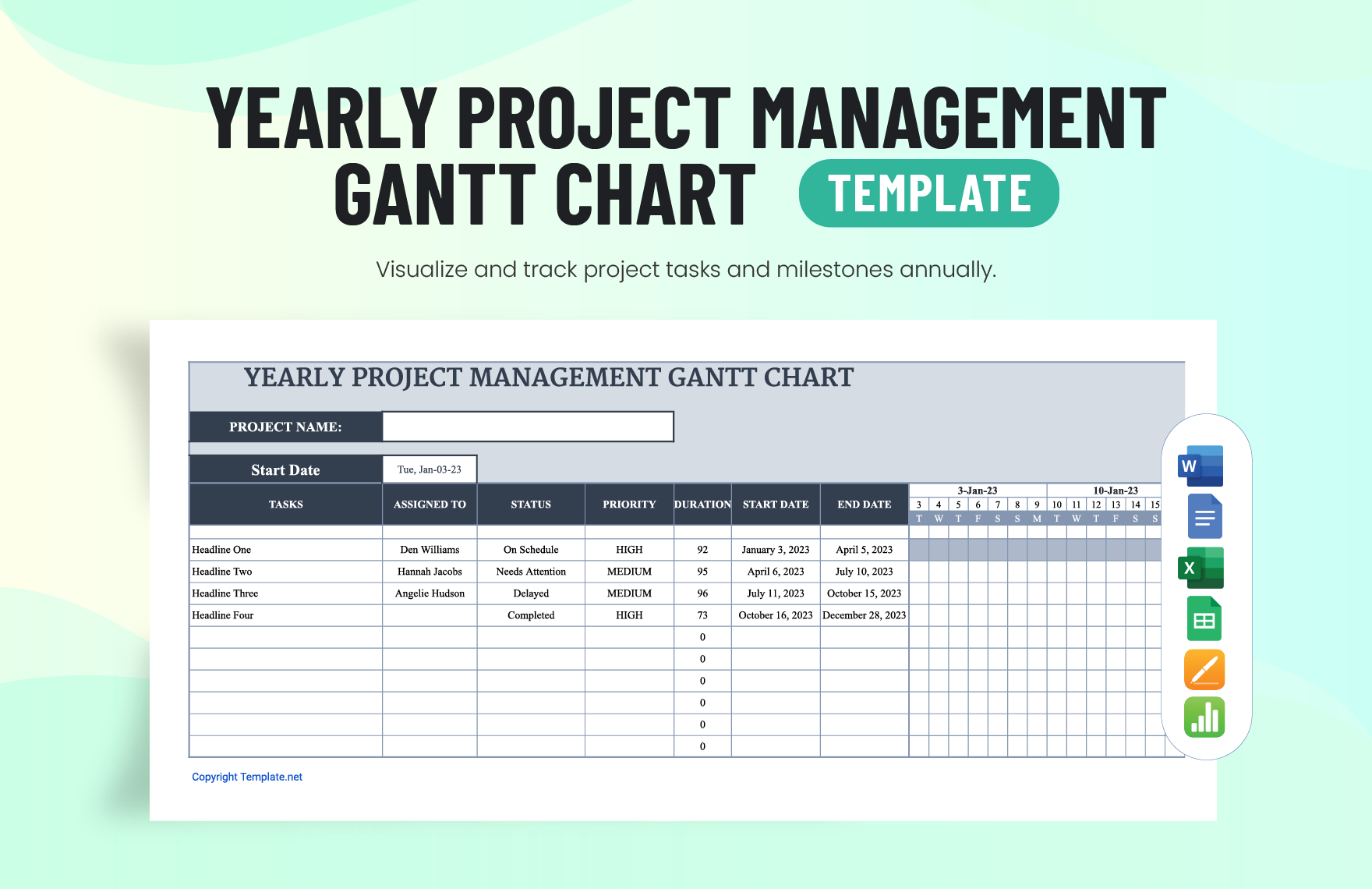
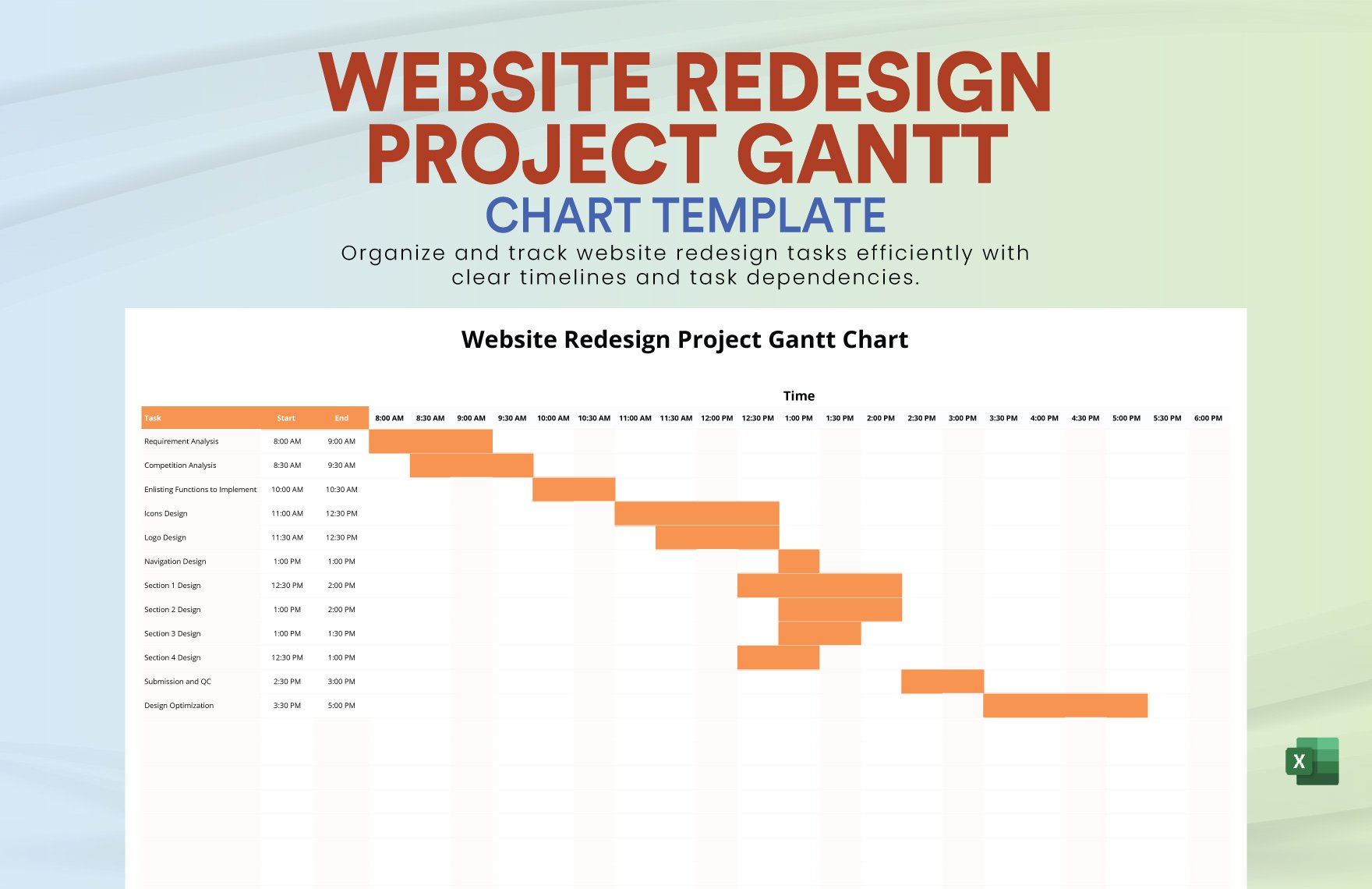
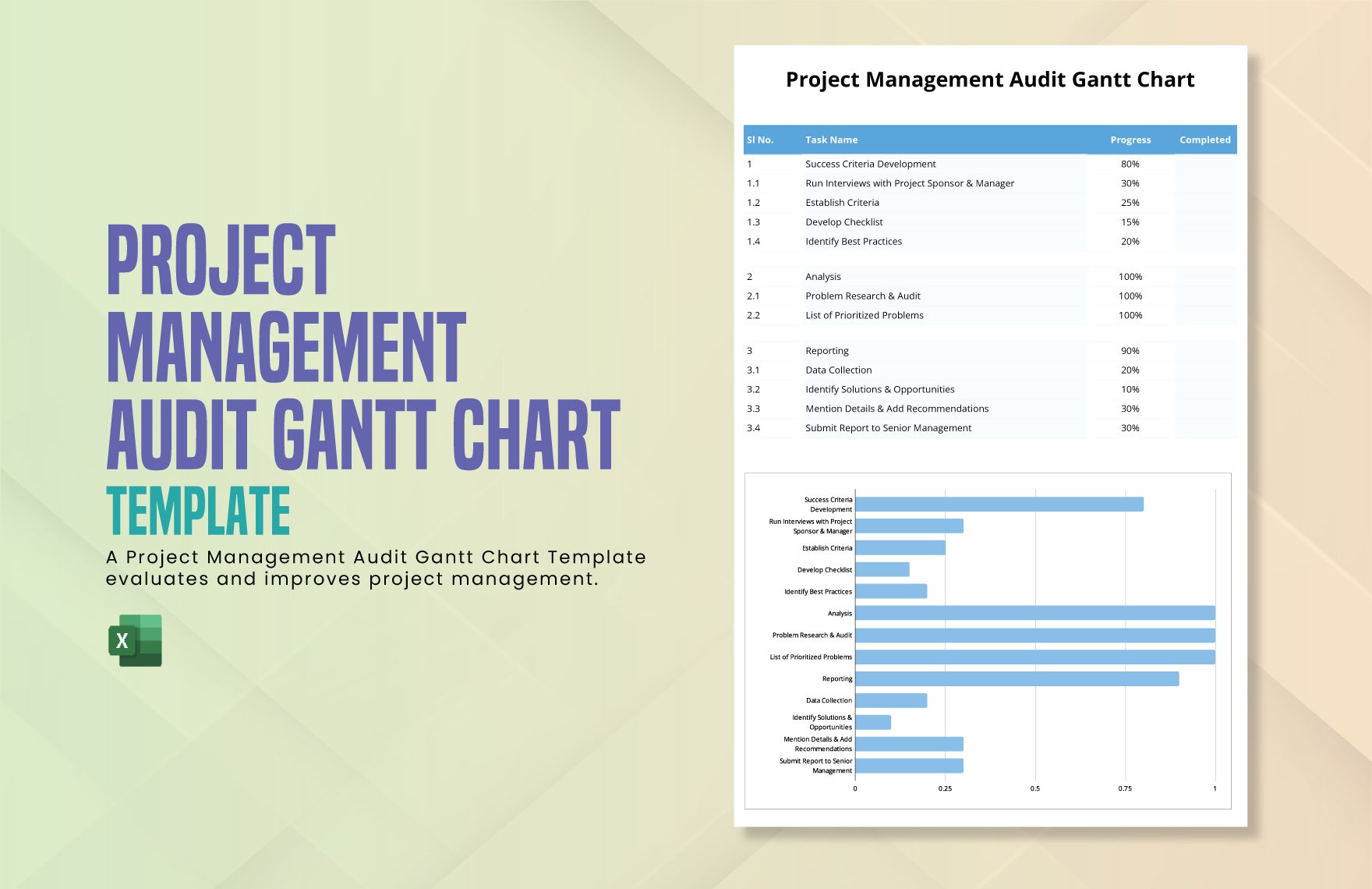
A Website Gantt Chart is a visual timeline that outlines website project phases and tasks with start and end dates. These charts provide layered design customization to track progress and dependencies clearly. Ready-made Website Gantt Chart templates help teams manage website development efficiently with professional layouts.
Why use a Website Gantt Chart?
Using a Website Gantt Chart improves project management by providing clear task timelines and dependency visualization. Website Gantt Chart templates streamline communication and ensure deadlines are met. Template.net’s online editing tools enable quick customization for professional and accurate schedules.
Who typically uses Website Gantt Charts?
Website Gantt Charts are commonly used by project managers, web developers, and design teams to coordinate website builds. These templates offer structured task tracking and collaboration features for stakeholders involved in website projects.
What size should a Website Gantt Chart be?
Website Gantt Charts are best designed in sizes that fit project scope and presentation needs, commonly ranging from 11 × 17 inches to 24 × 36 inches. Template.net’s Website Gantt Chart templates come in print-ready sizes with editable layout blocks for visual clarity.
What are the best tips for designing a Website Gantt Chart?
Effective Website Gantt Chart design includes clear task labels, color-coded timelines, and layered sections for milestones. Use Template.net templates to customize editable text areas and graphics for enhanced readability and project tracking.
How do you print a Website Gantt Chart?
To print a Website Gantt Chart, use Template.net’s downloadable templates formatted for high-resolution output. Ensure the chart fits the selected paper size, usually 11 × 17 inches or larger, and verify that design layers are properly aligned before printing.
What elements should a Website Gantt Chart include?
A Website Gantt Chart should include task bars, timeline scales, milestones, and dependency arrows. Template.net templates feature layered design blocks and editable text areas to organize key project information clearly.
What file formats can I download for a Website Gantt Chart?
Template.net Website Gantt Chart templates support multiple export formats for editing and printing, including Website Gantt Chart Templates.
Can I create a new Website Gantt Chart using AI?
Template.net provides an AI-powered tool that generates new Website Gantt Chart designs from prompts. Use the Chart Generator to create customized charts quickly with professional layouts and editable elements.
