
Free Letter Templates
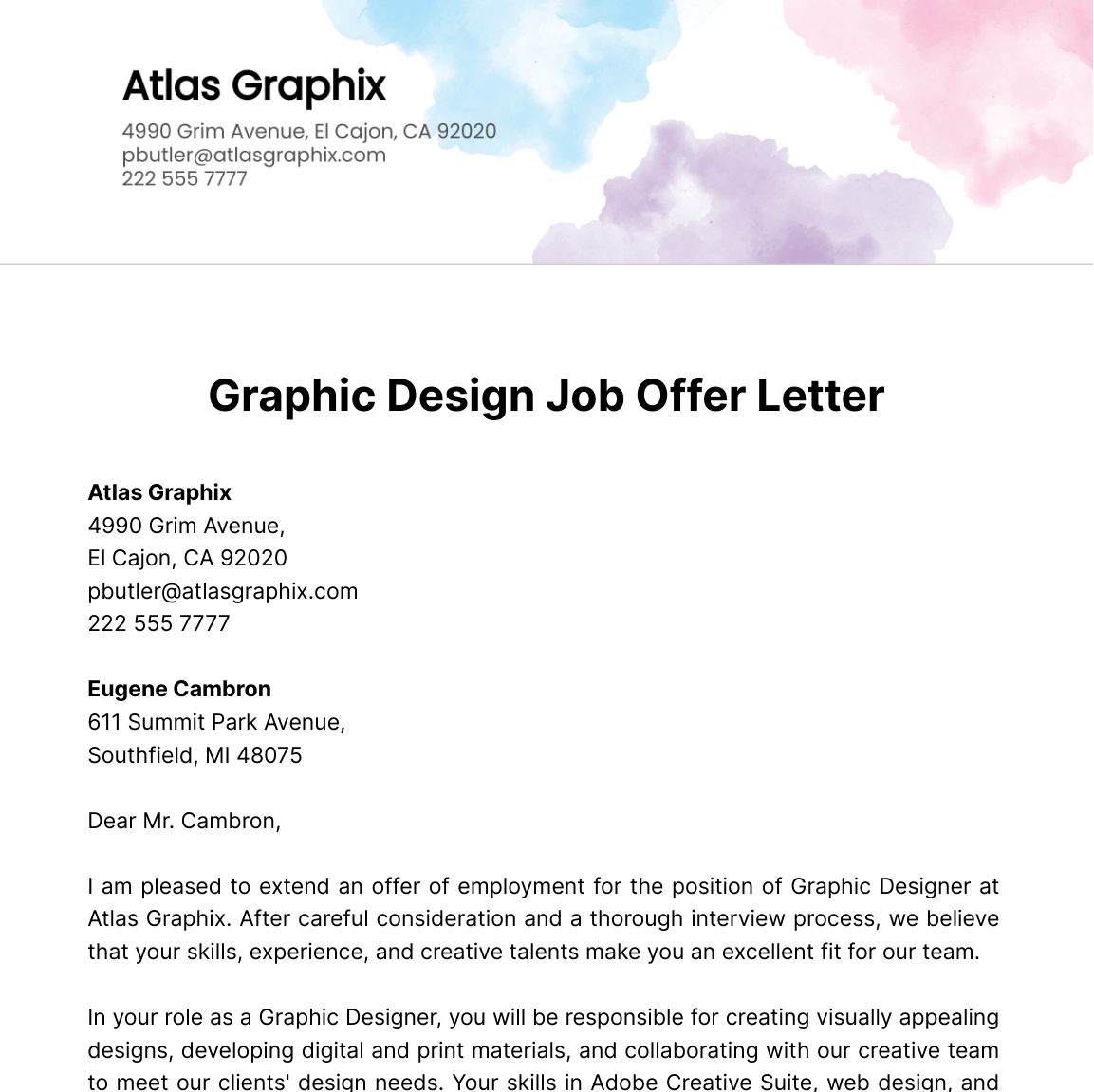
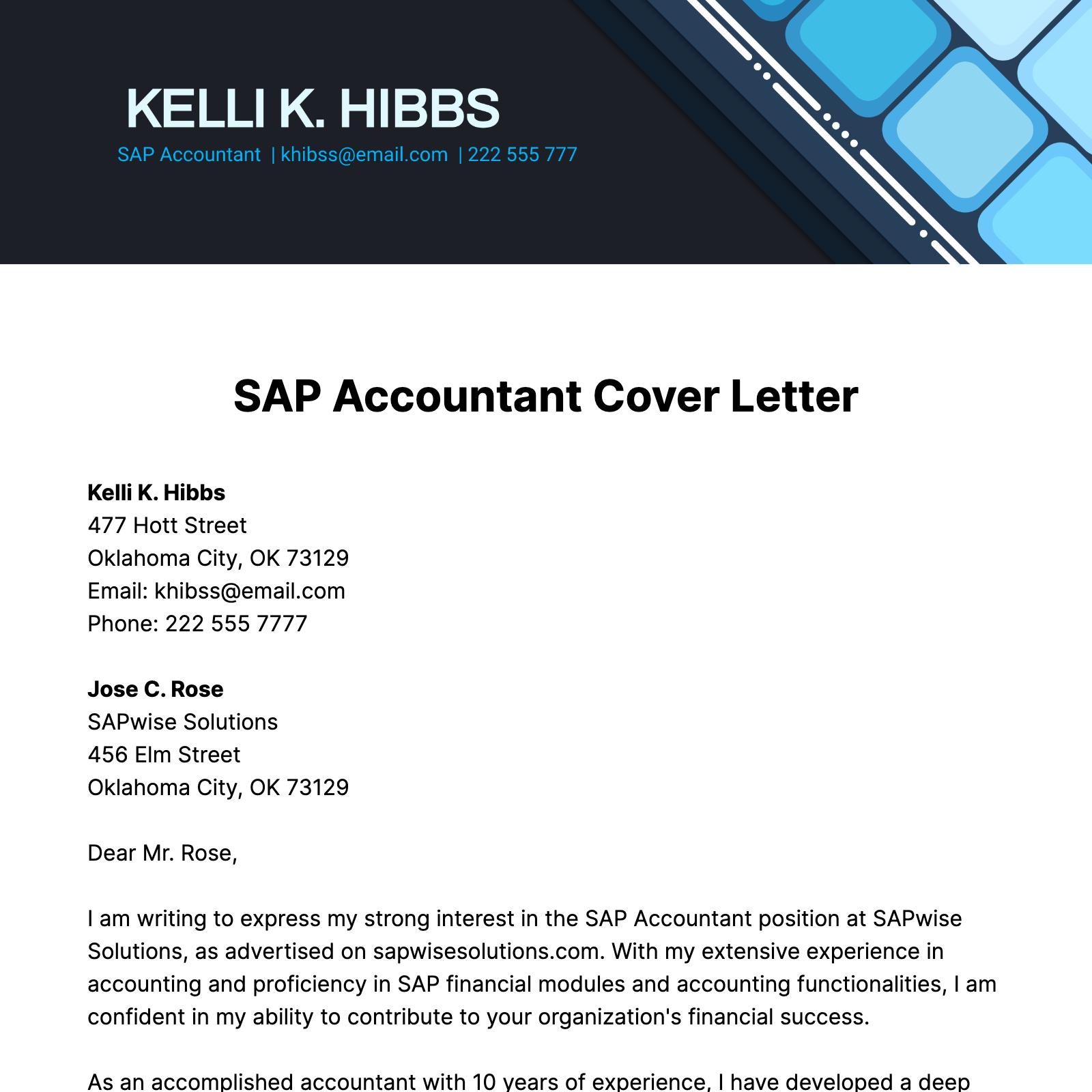

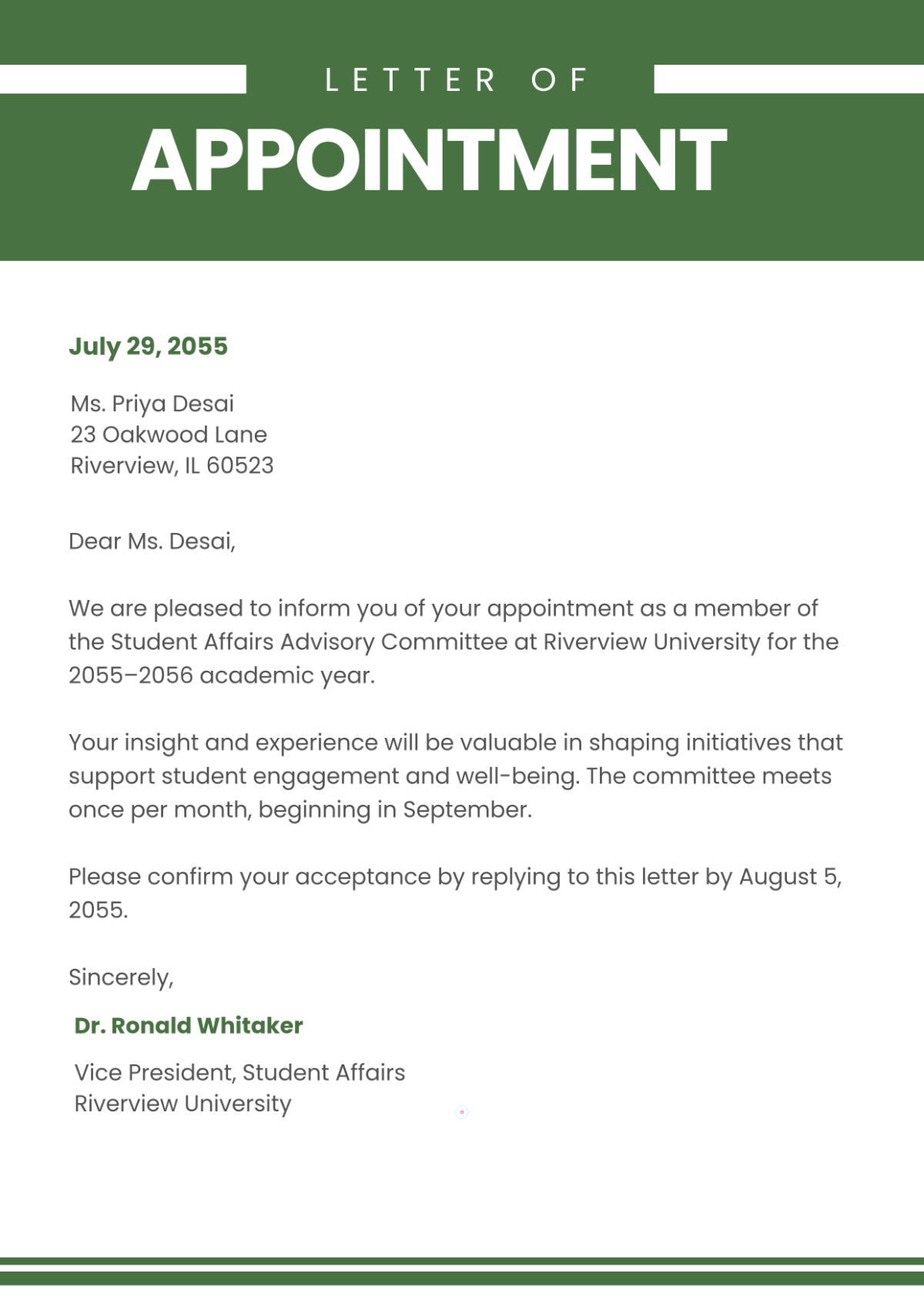
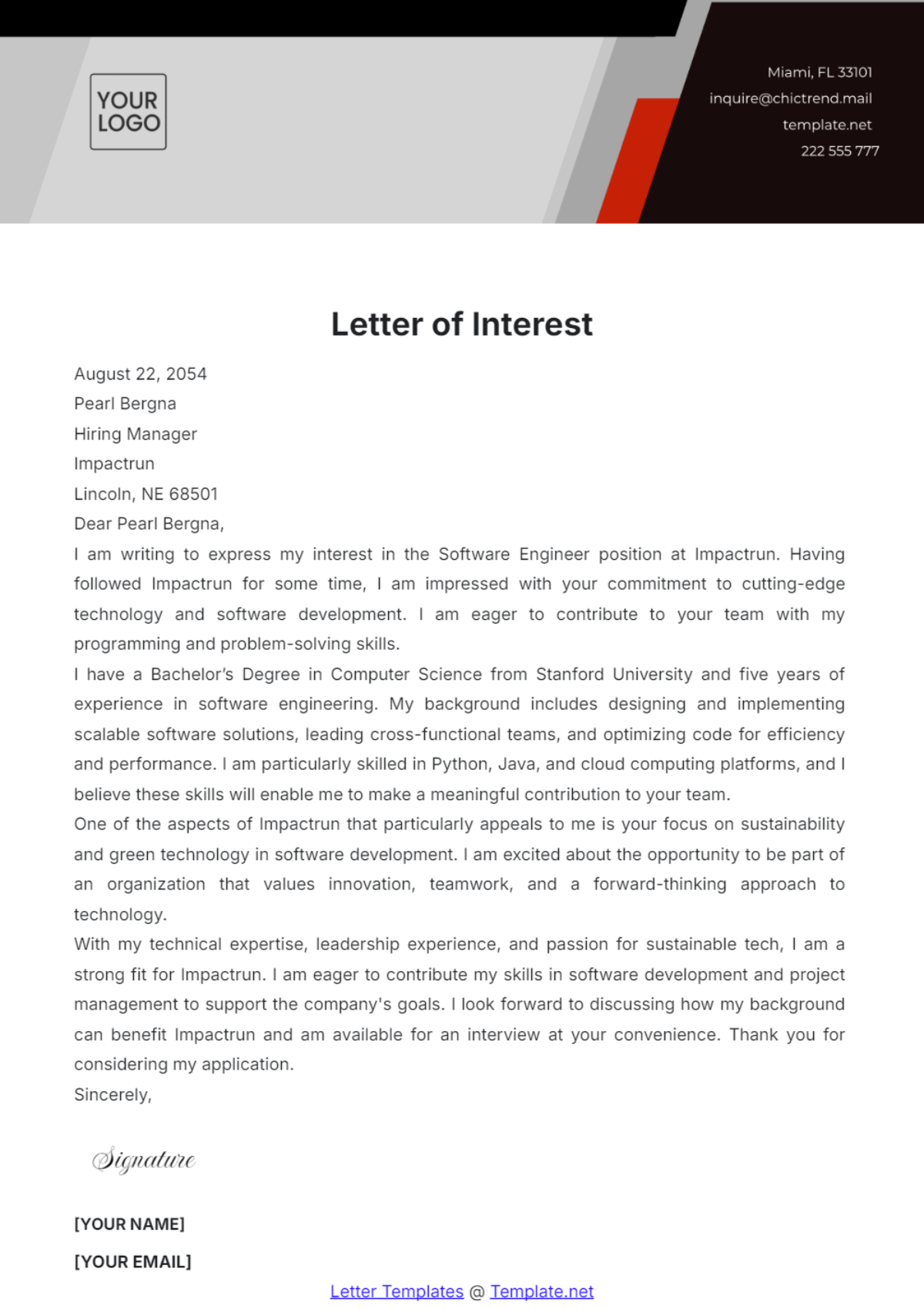
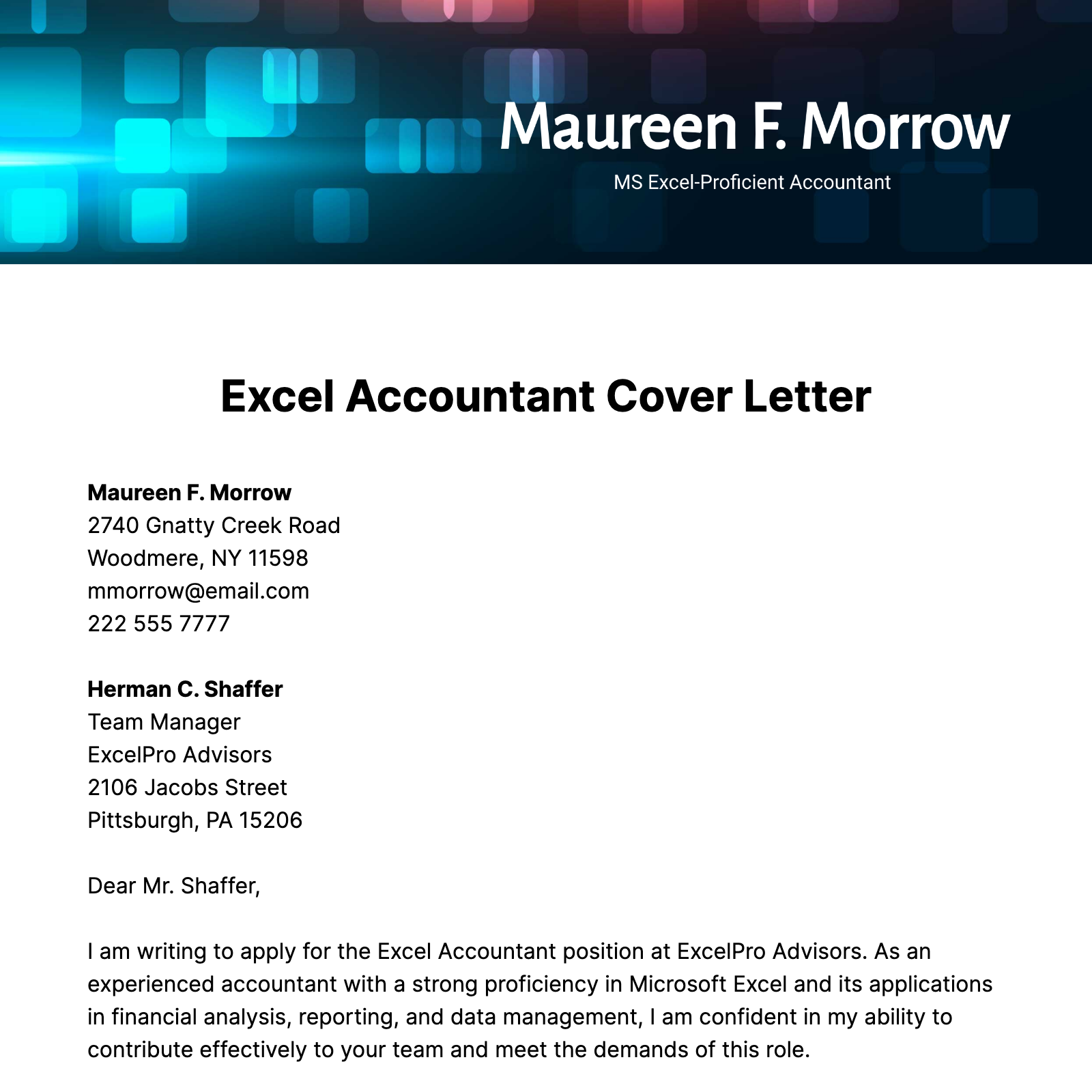

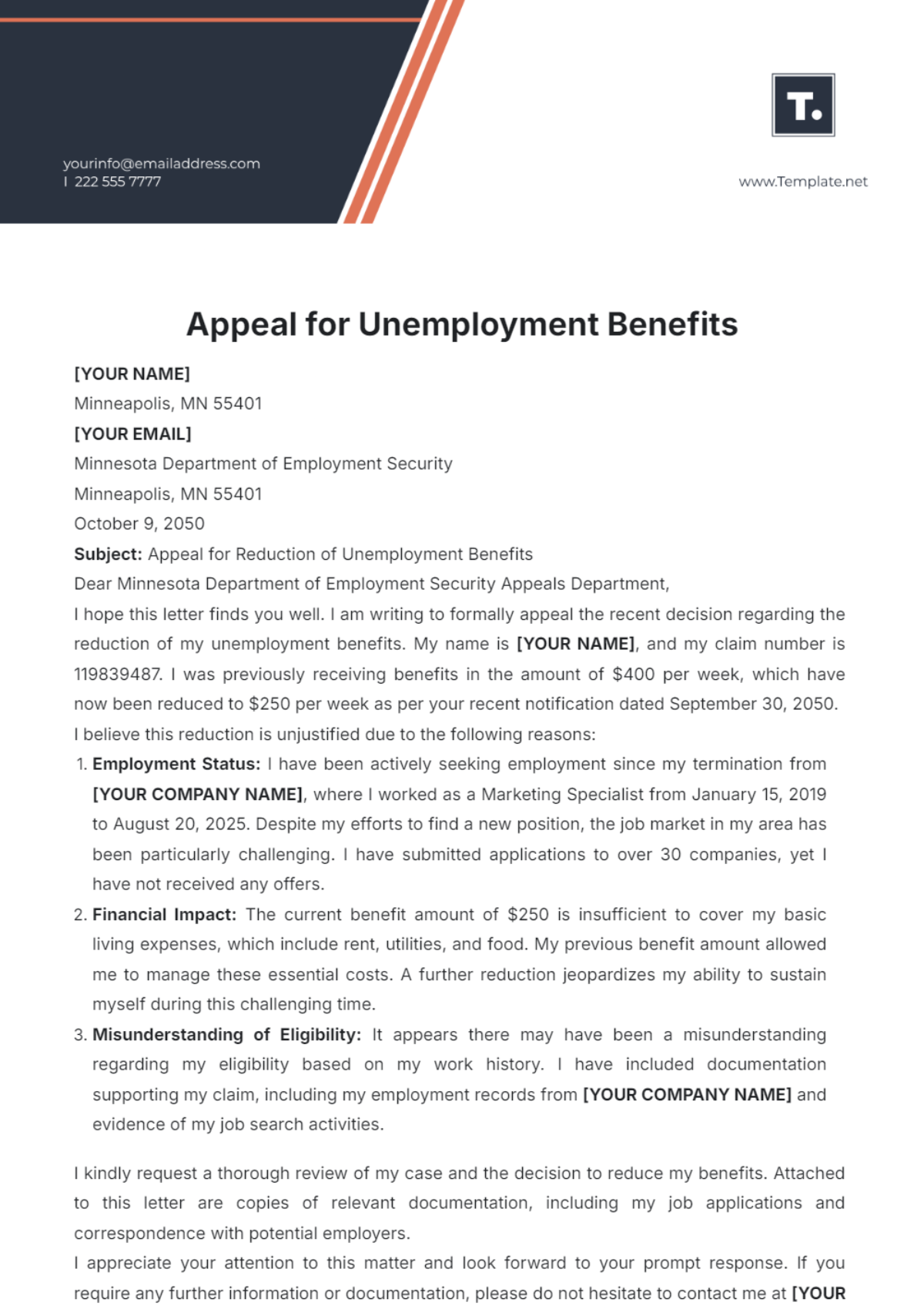
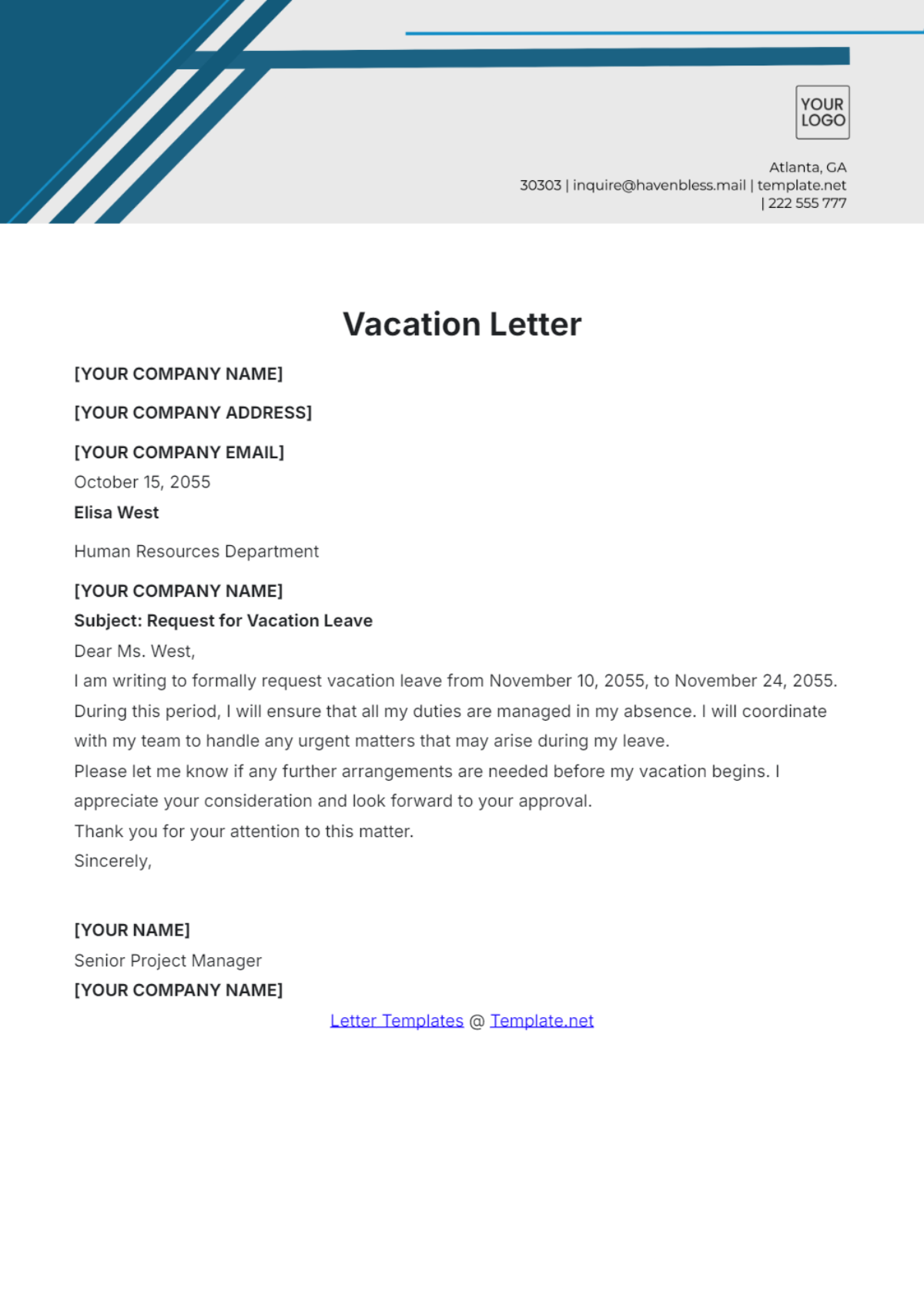
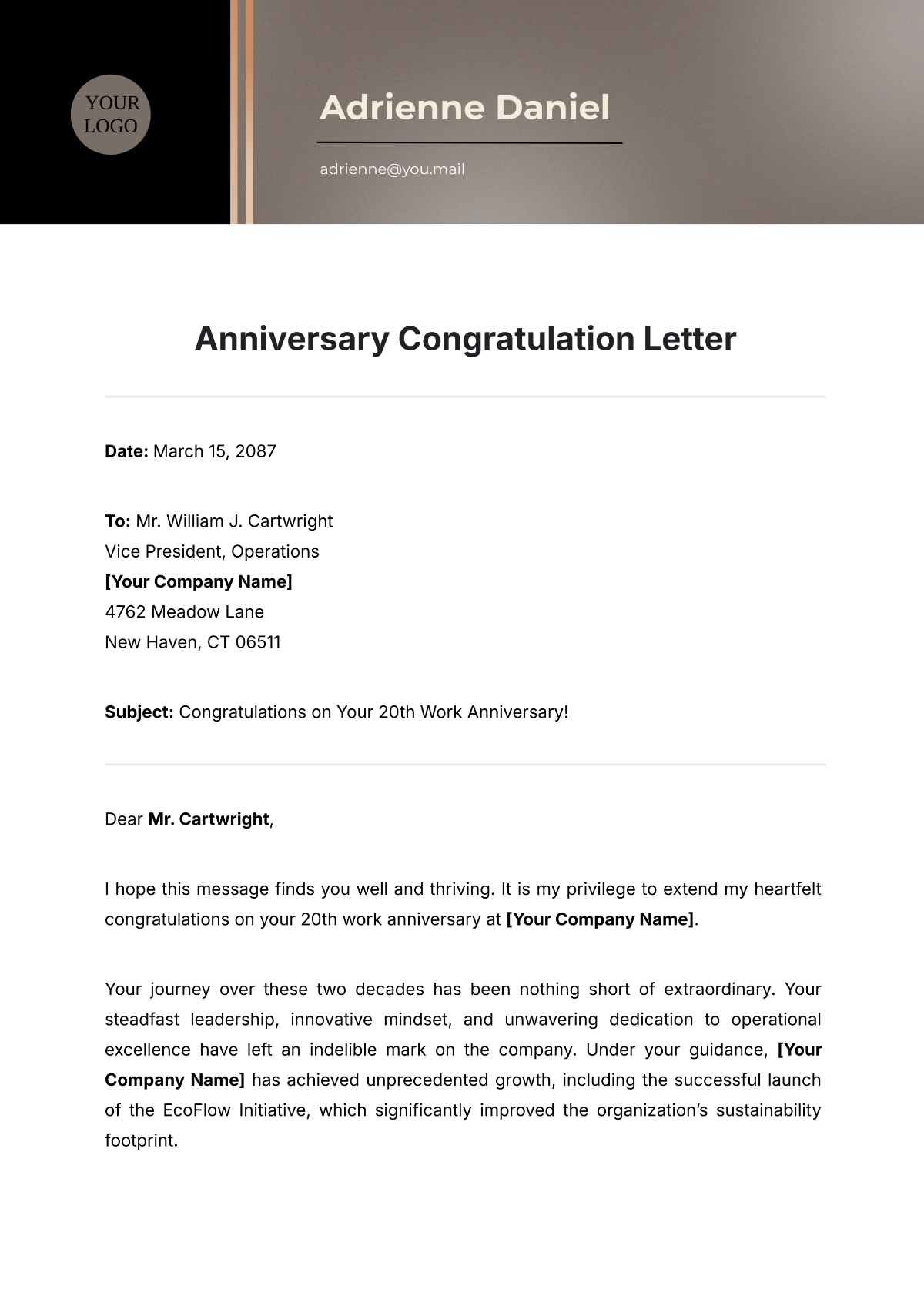






Letter Templates: Definition, Usage, and Formats

What is a Letter?
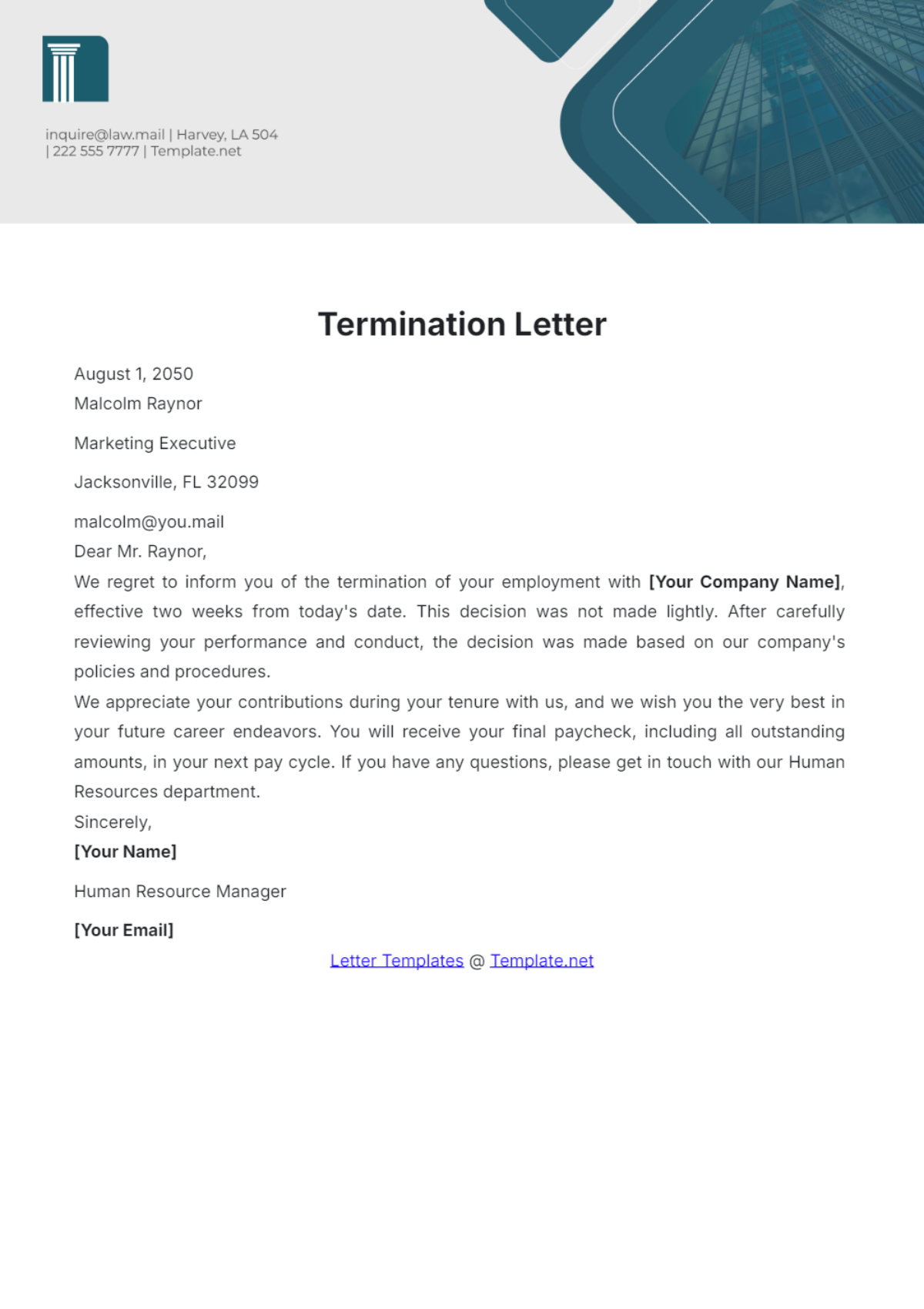
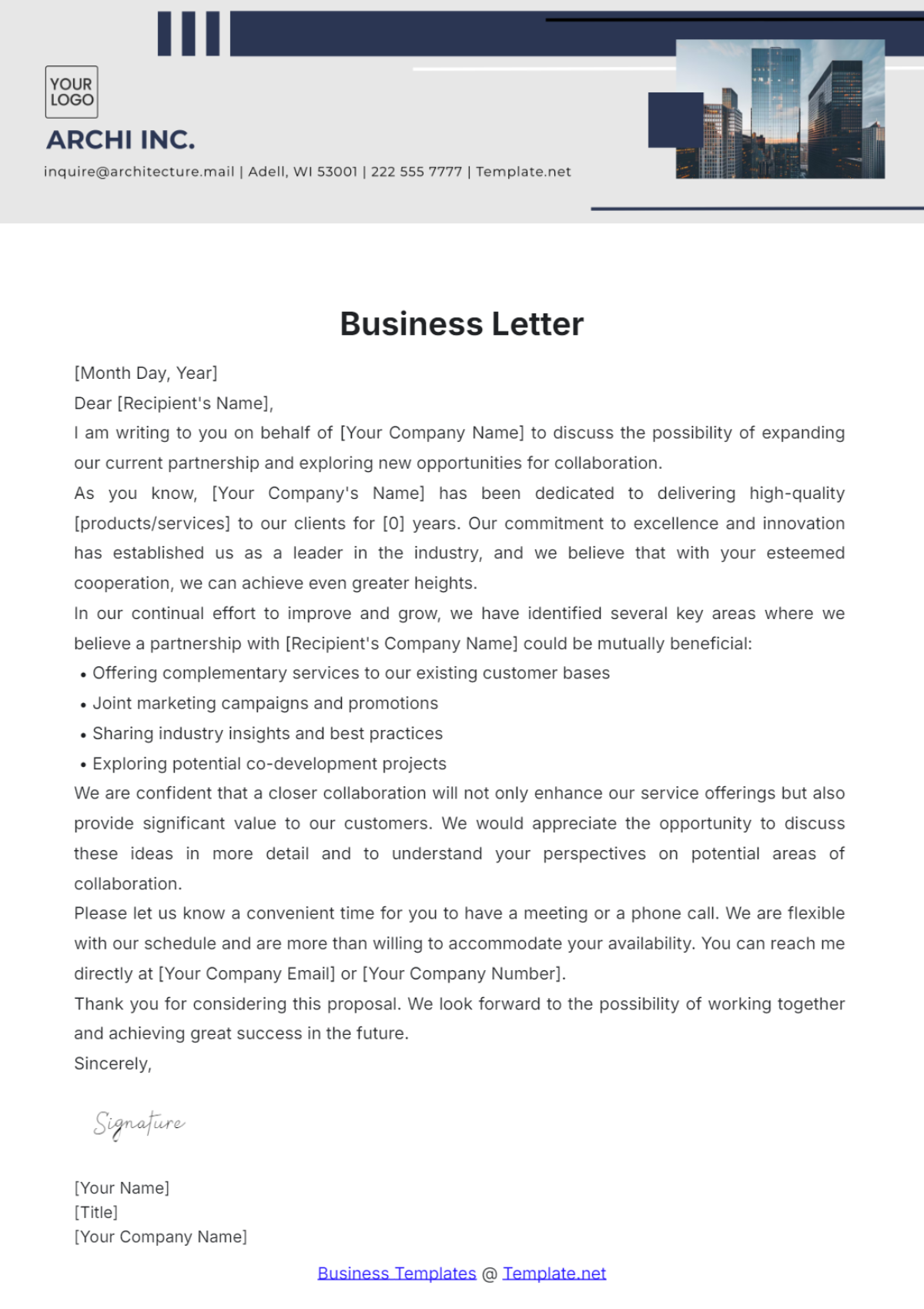
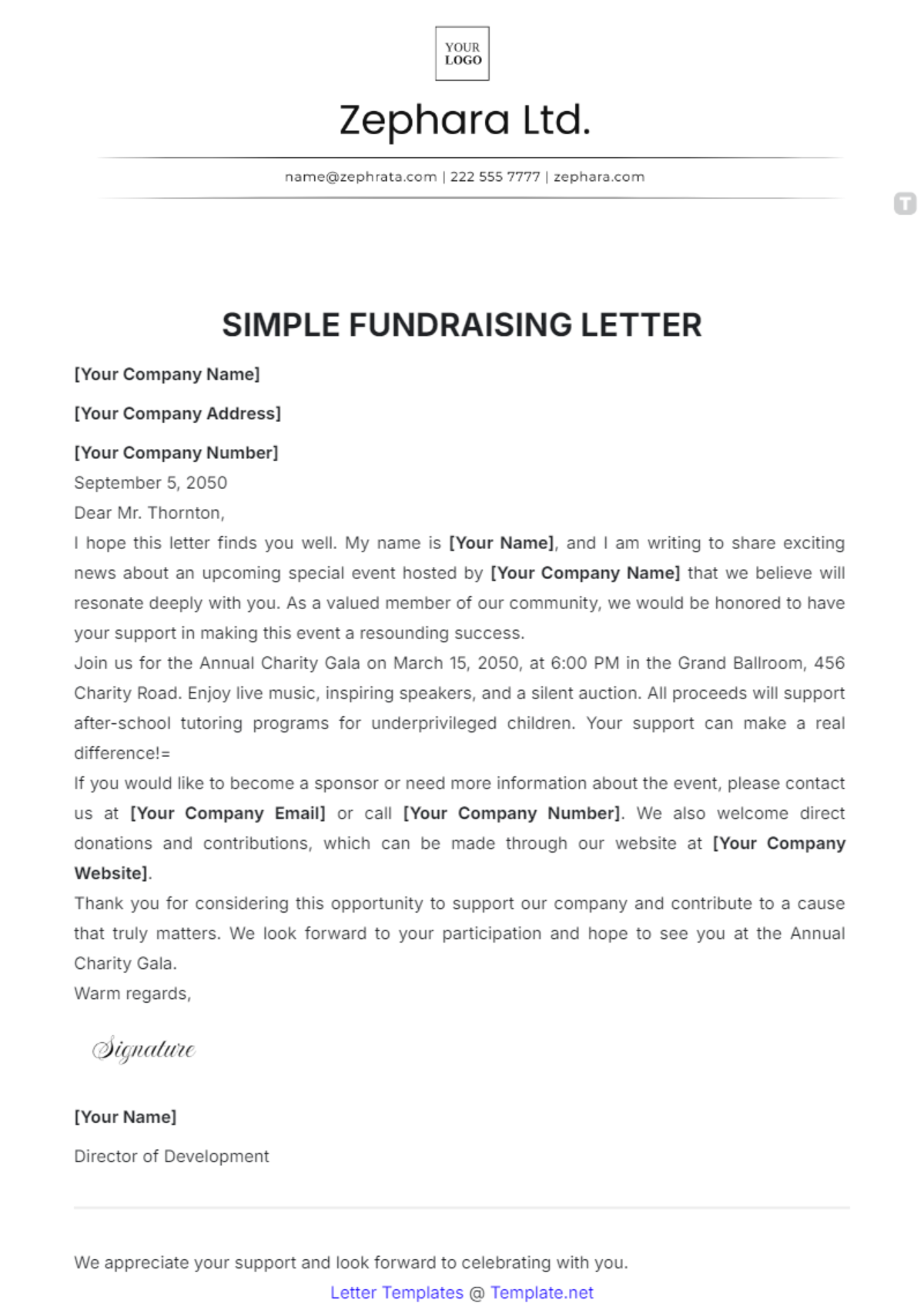
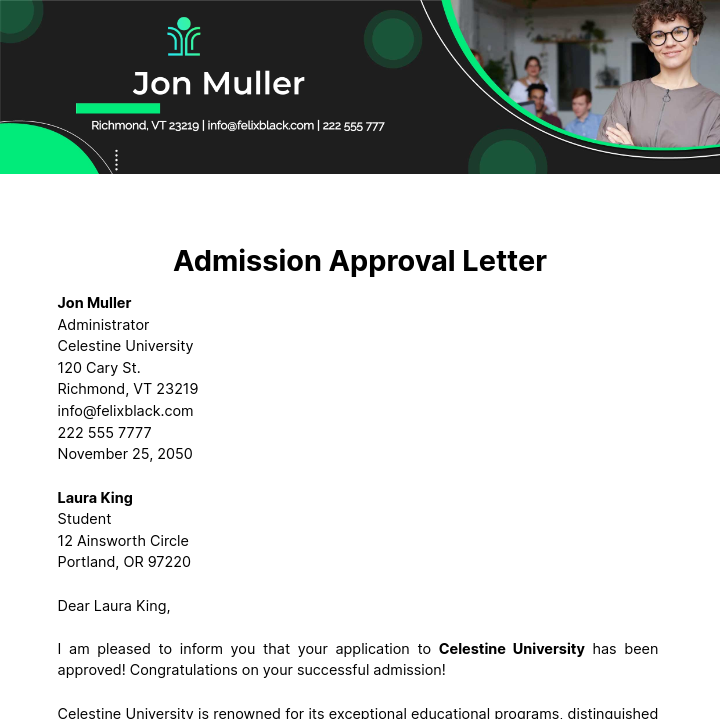
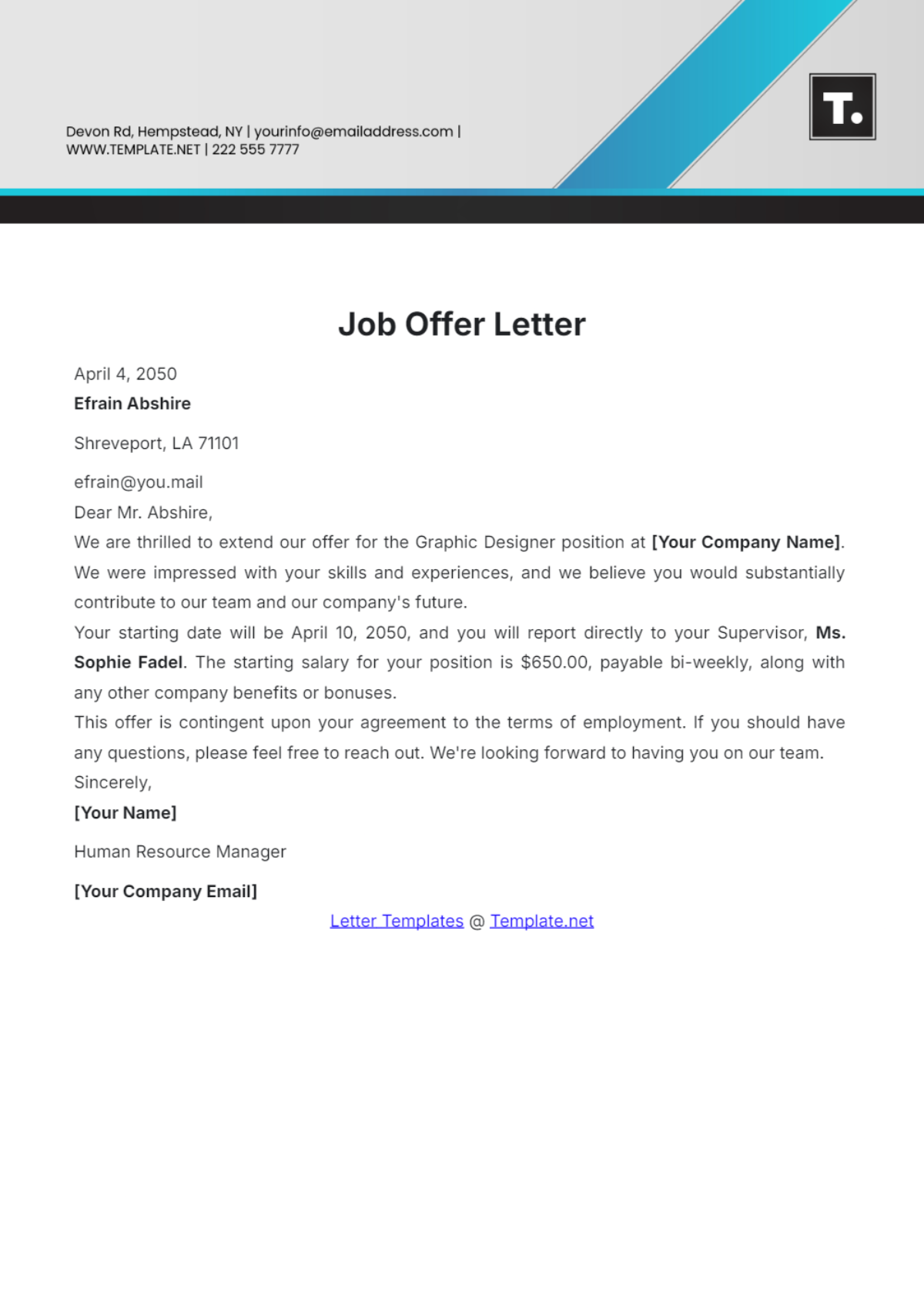
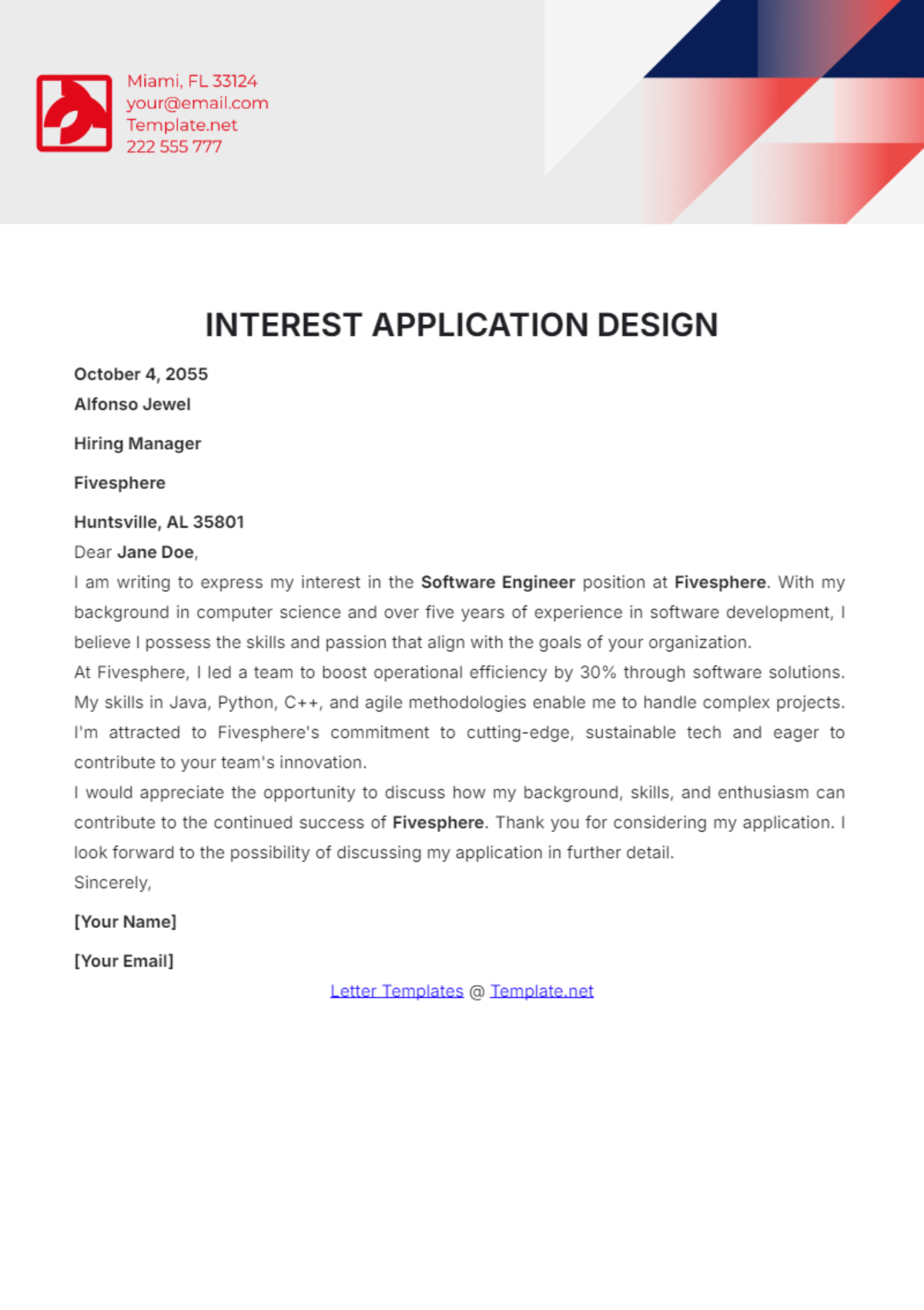
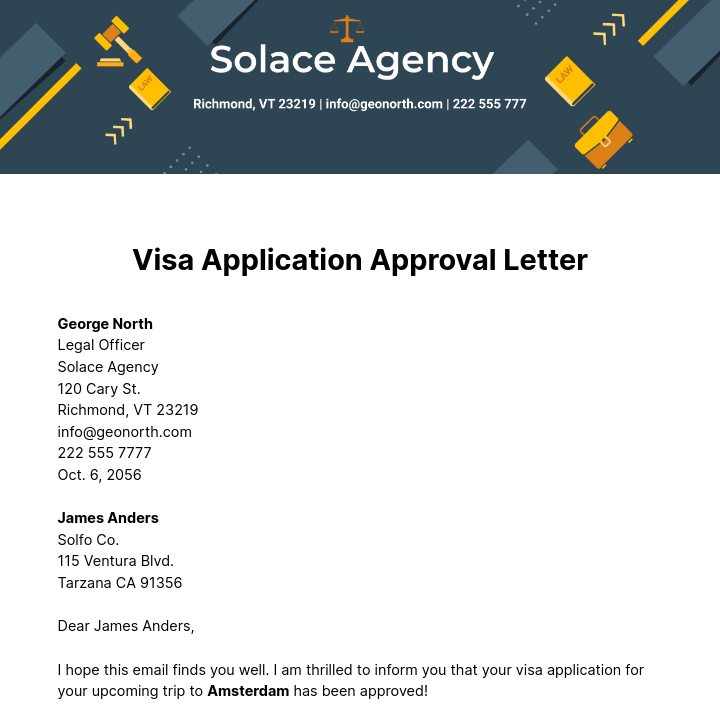
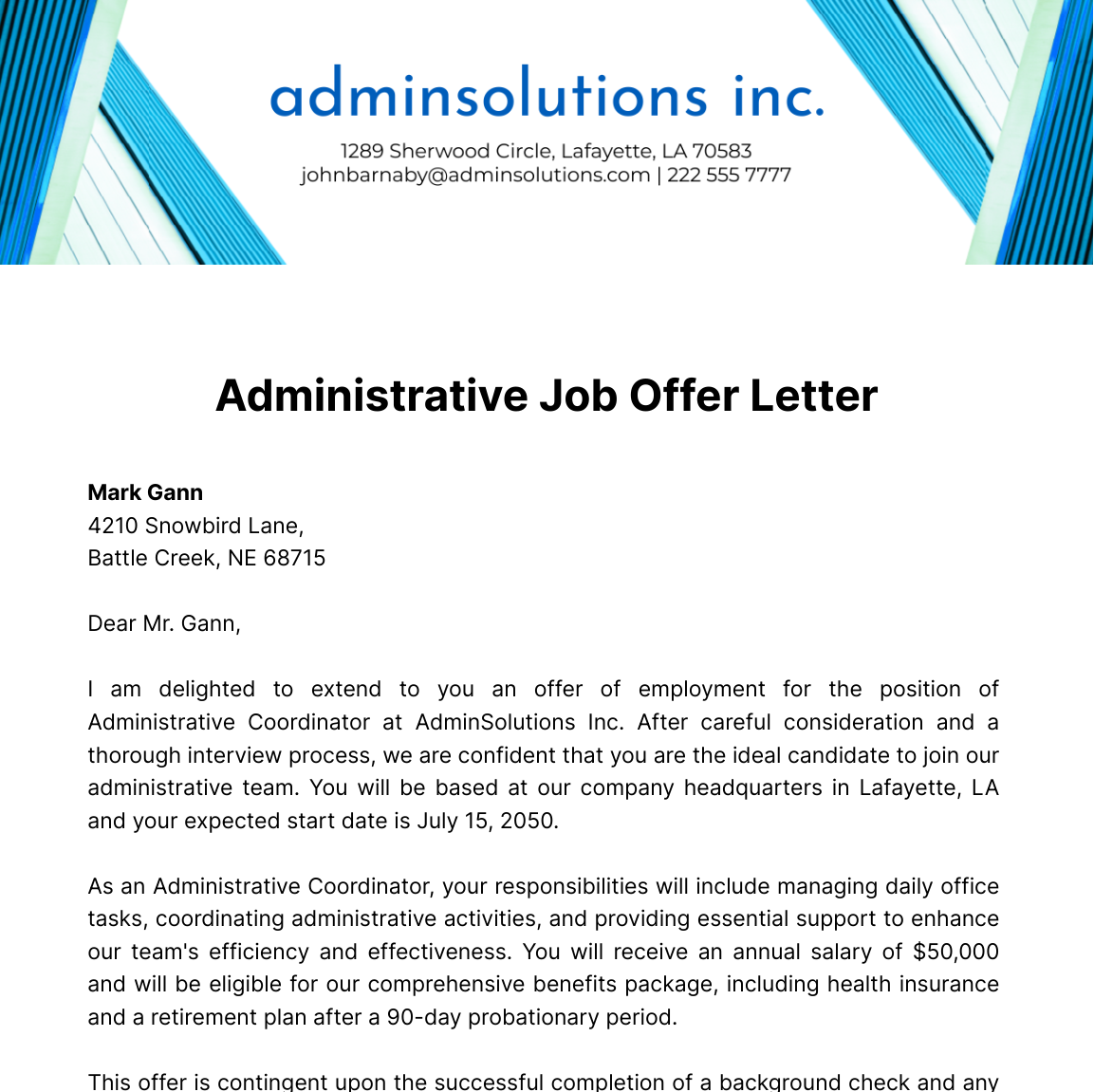
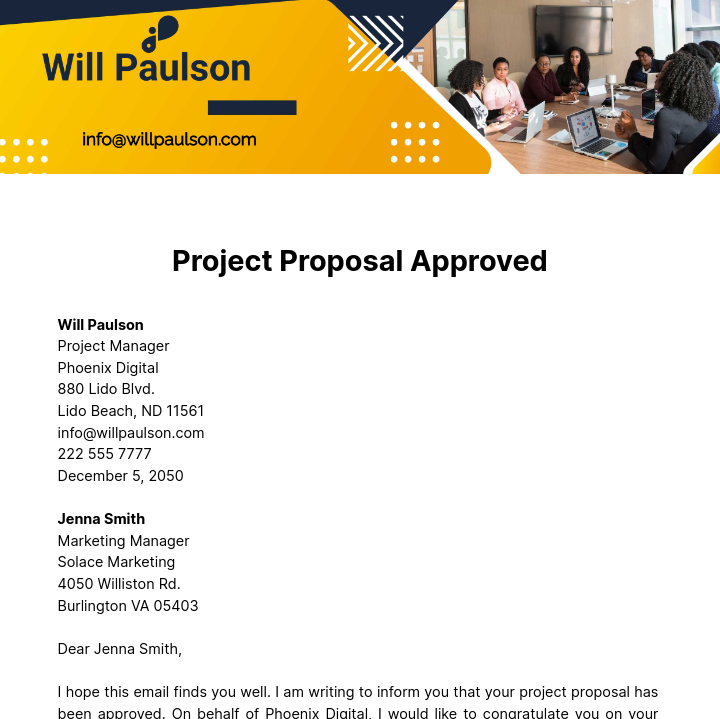
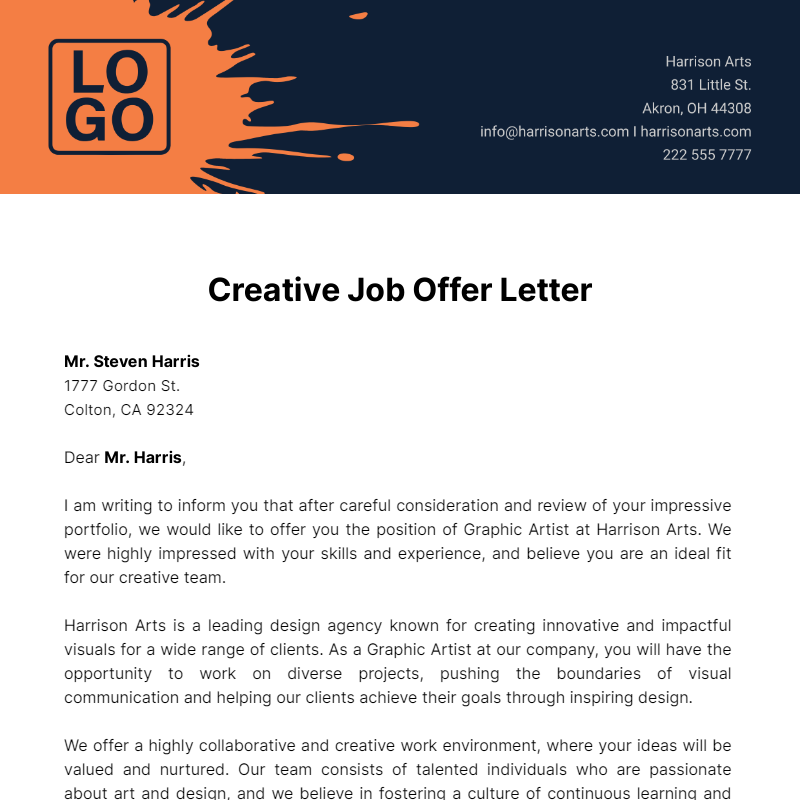
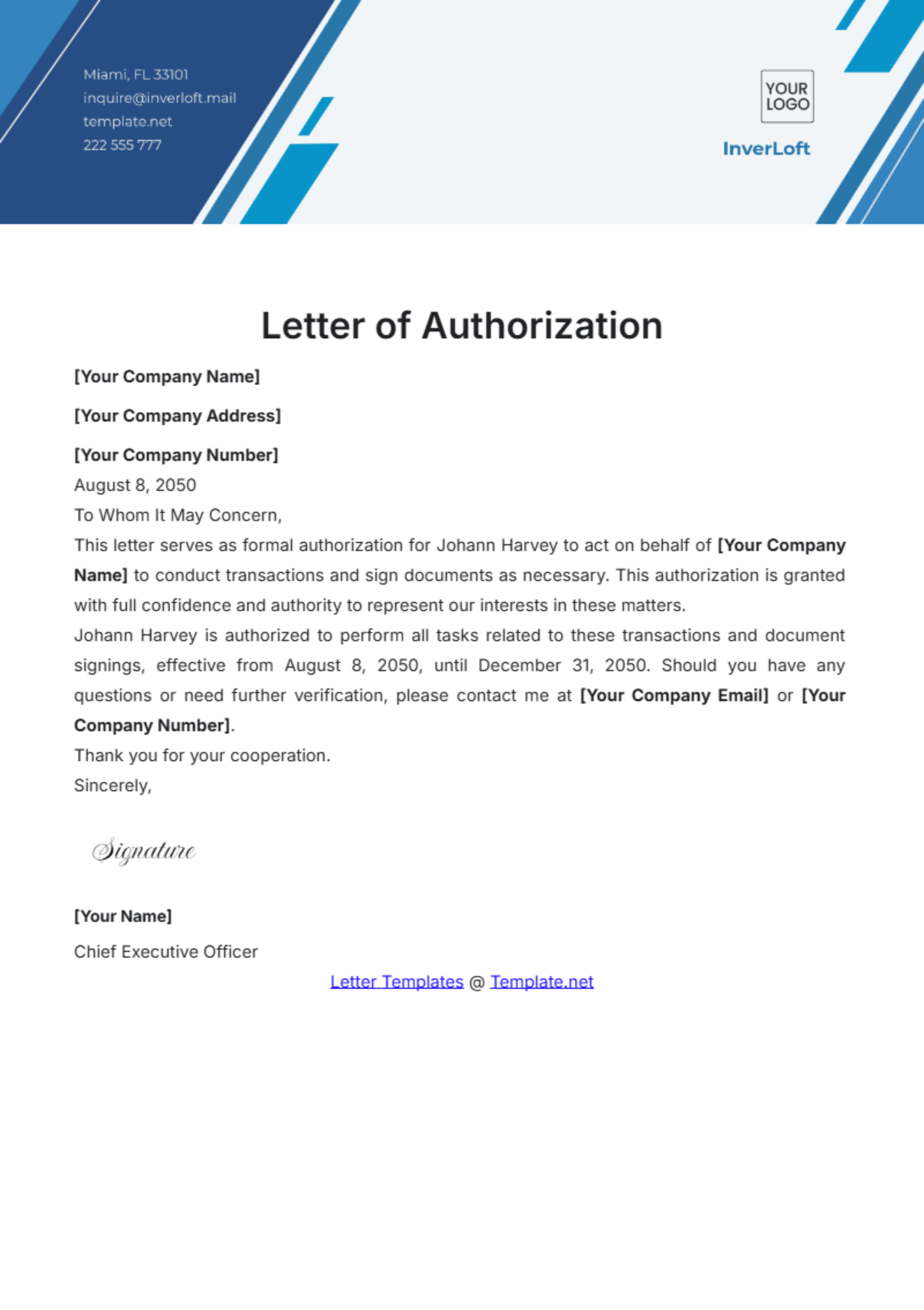
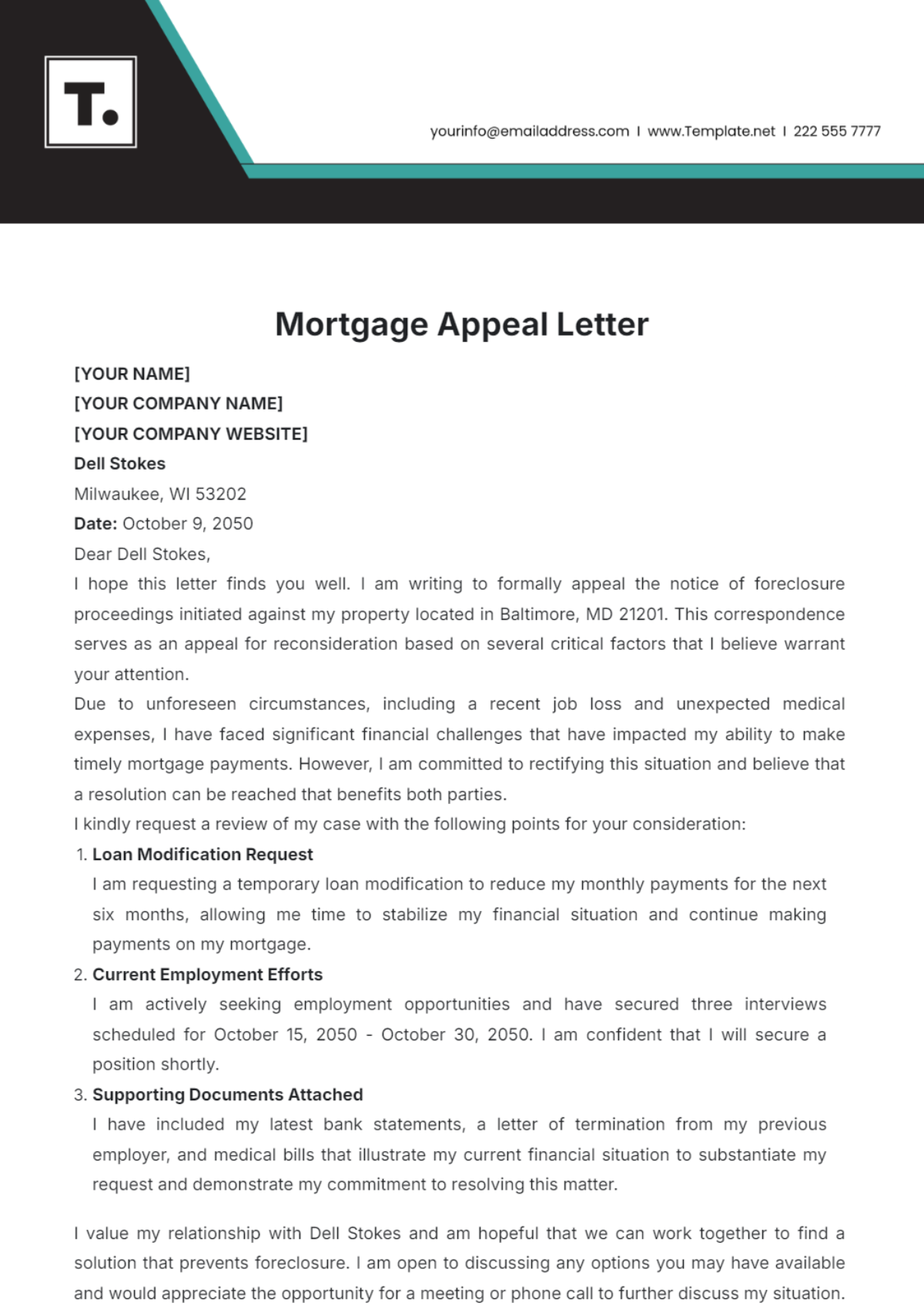
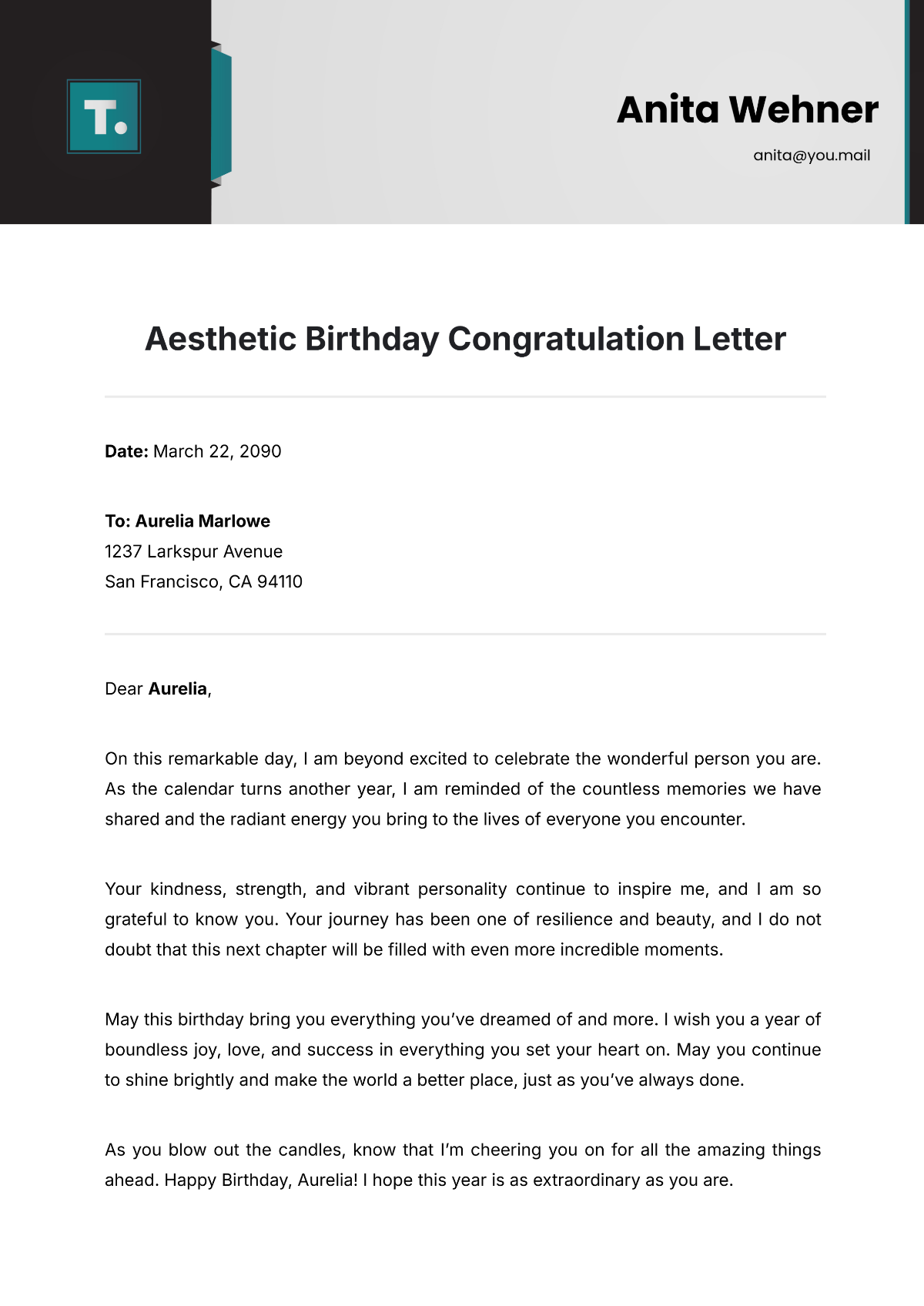
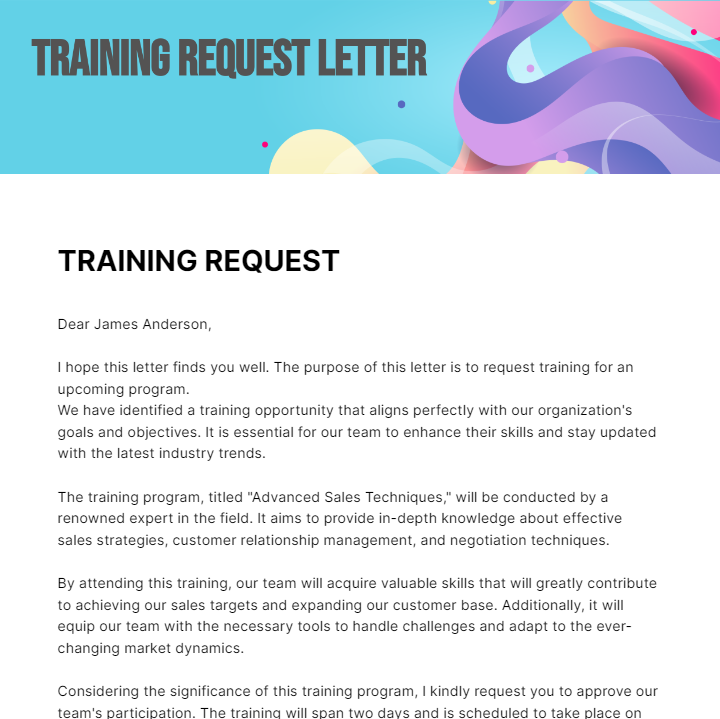
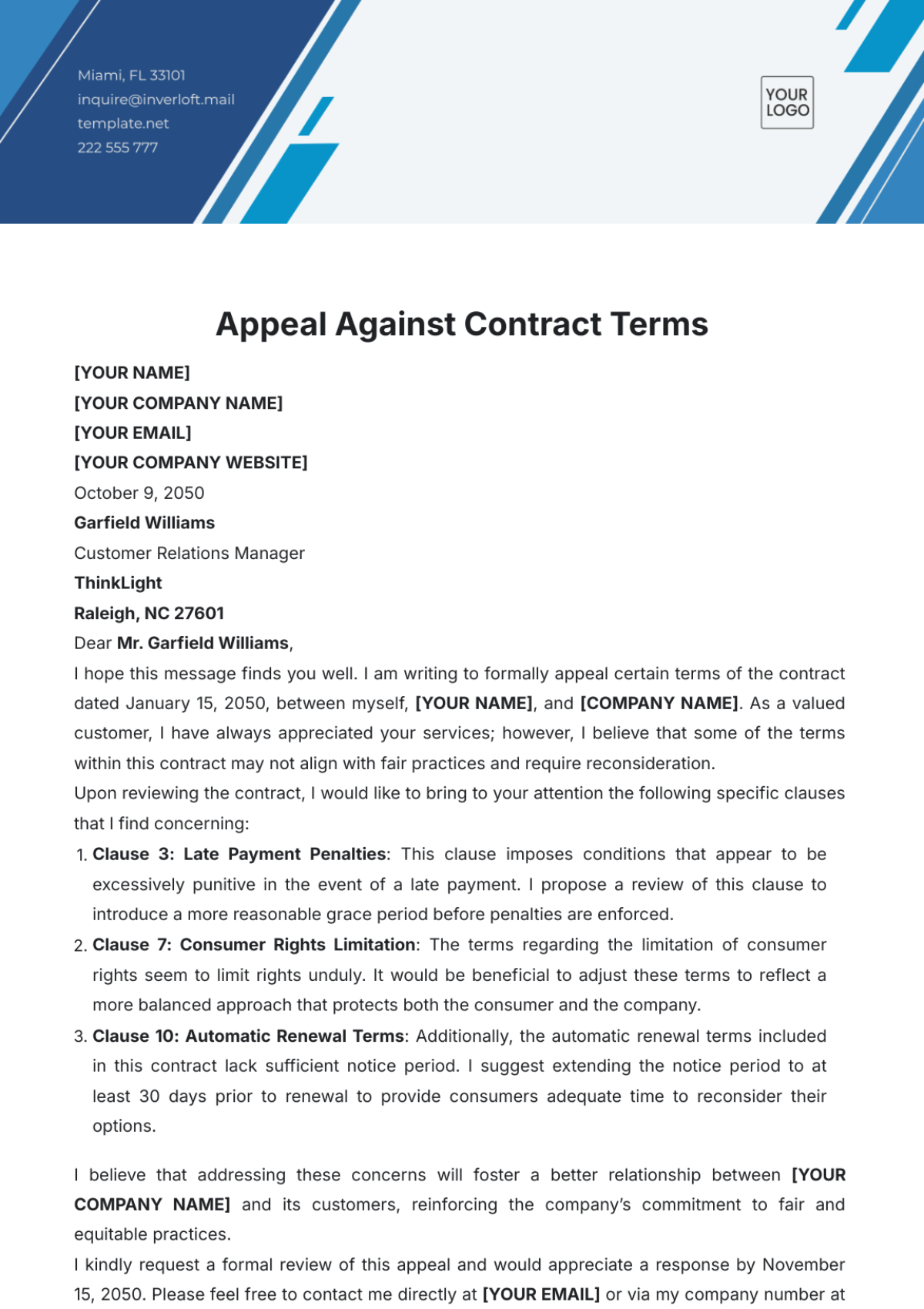
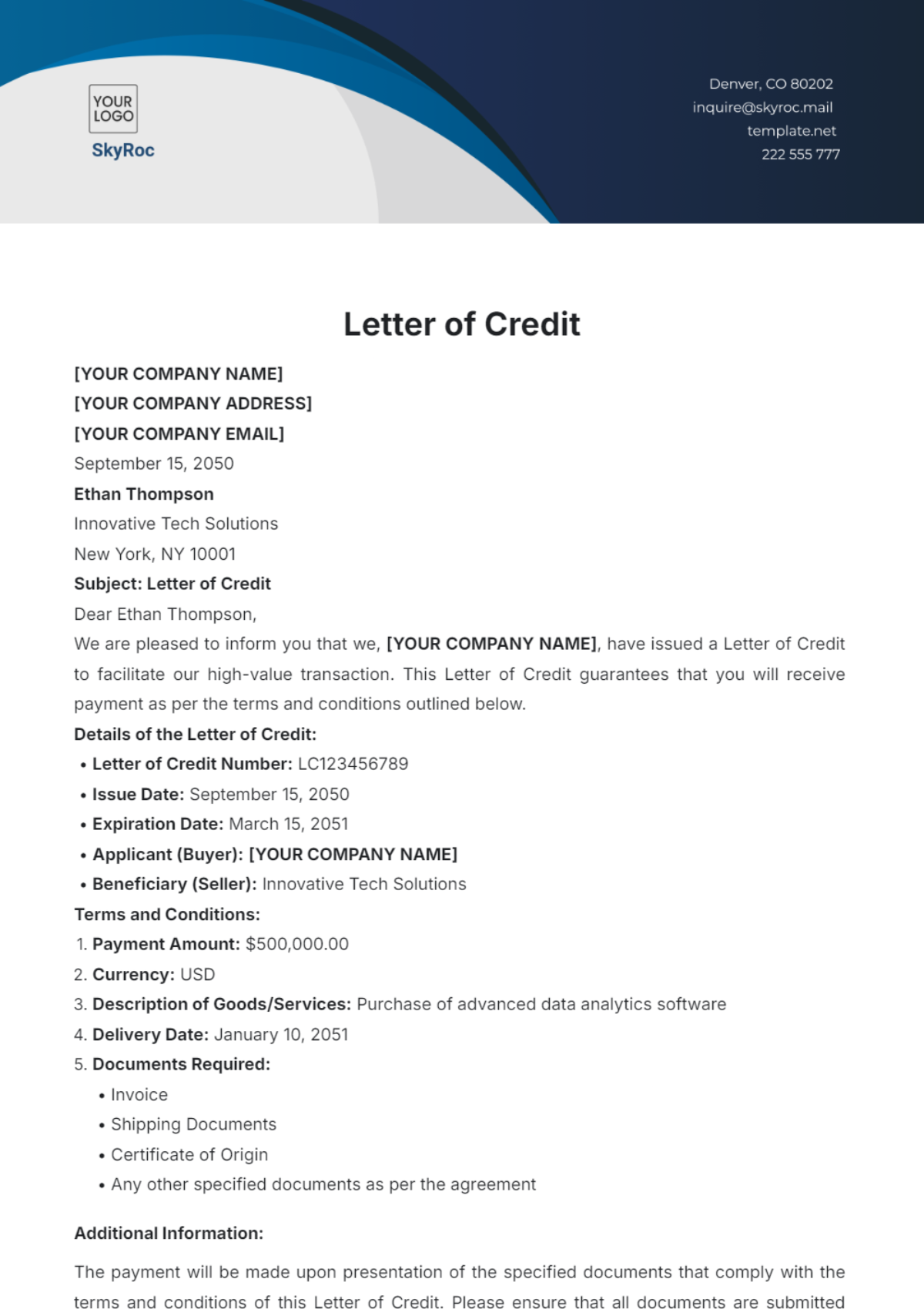
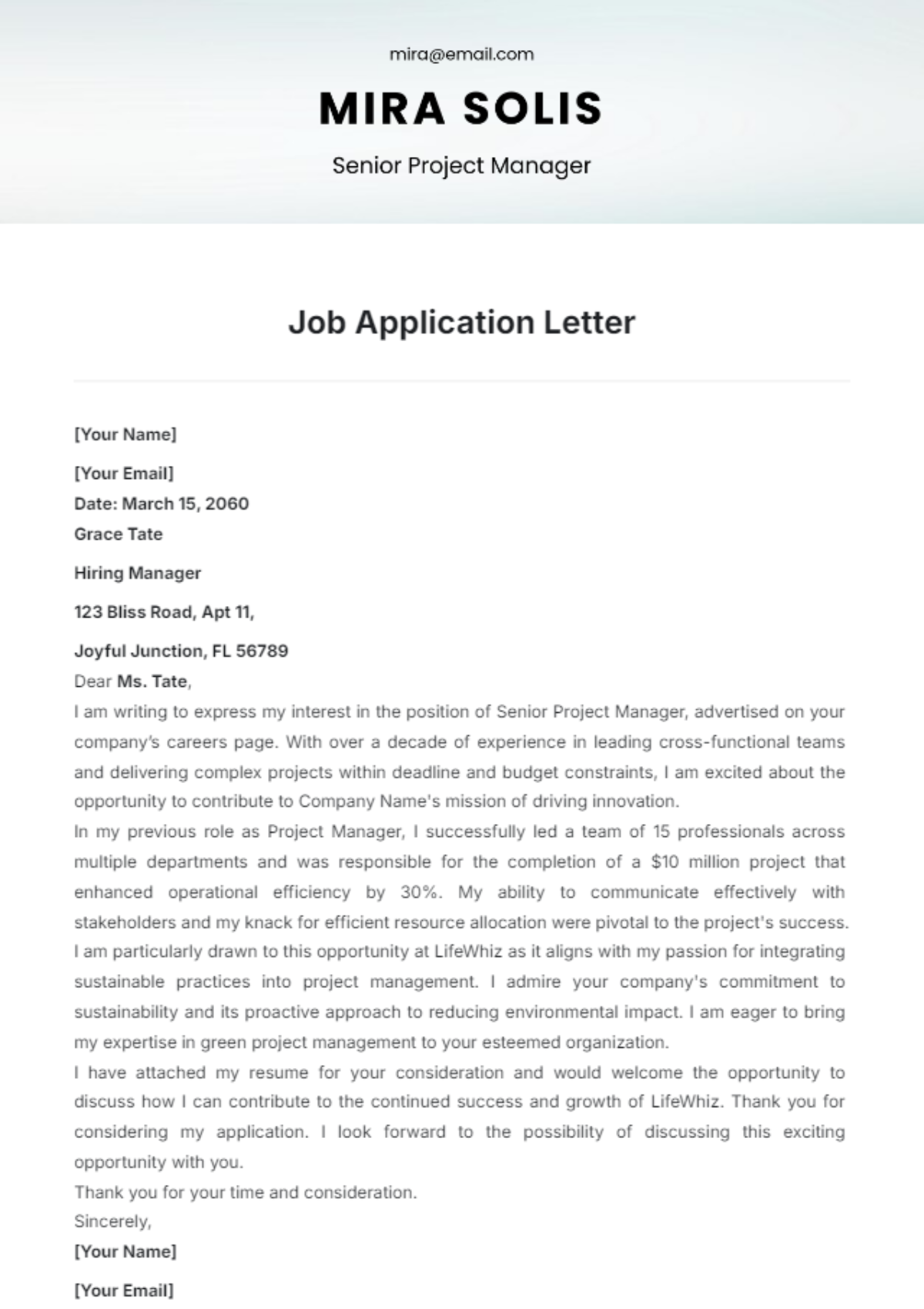
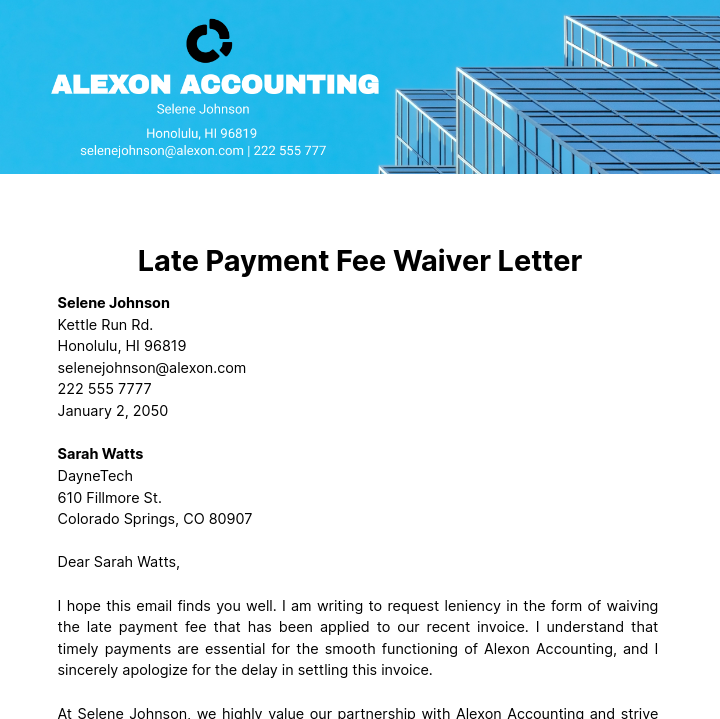
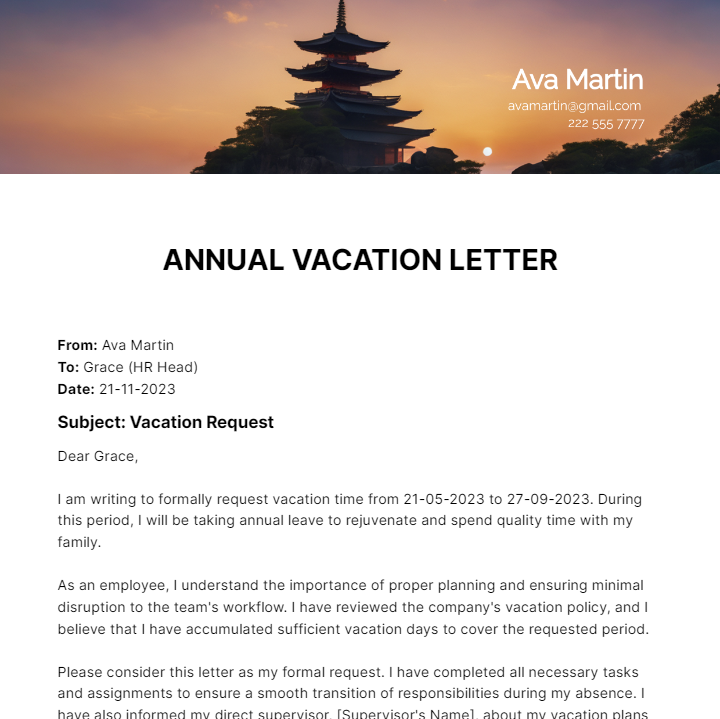
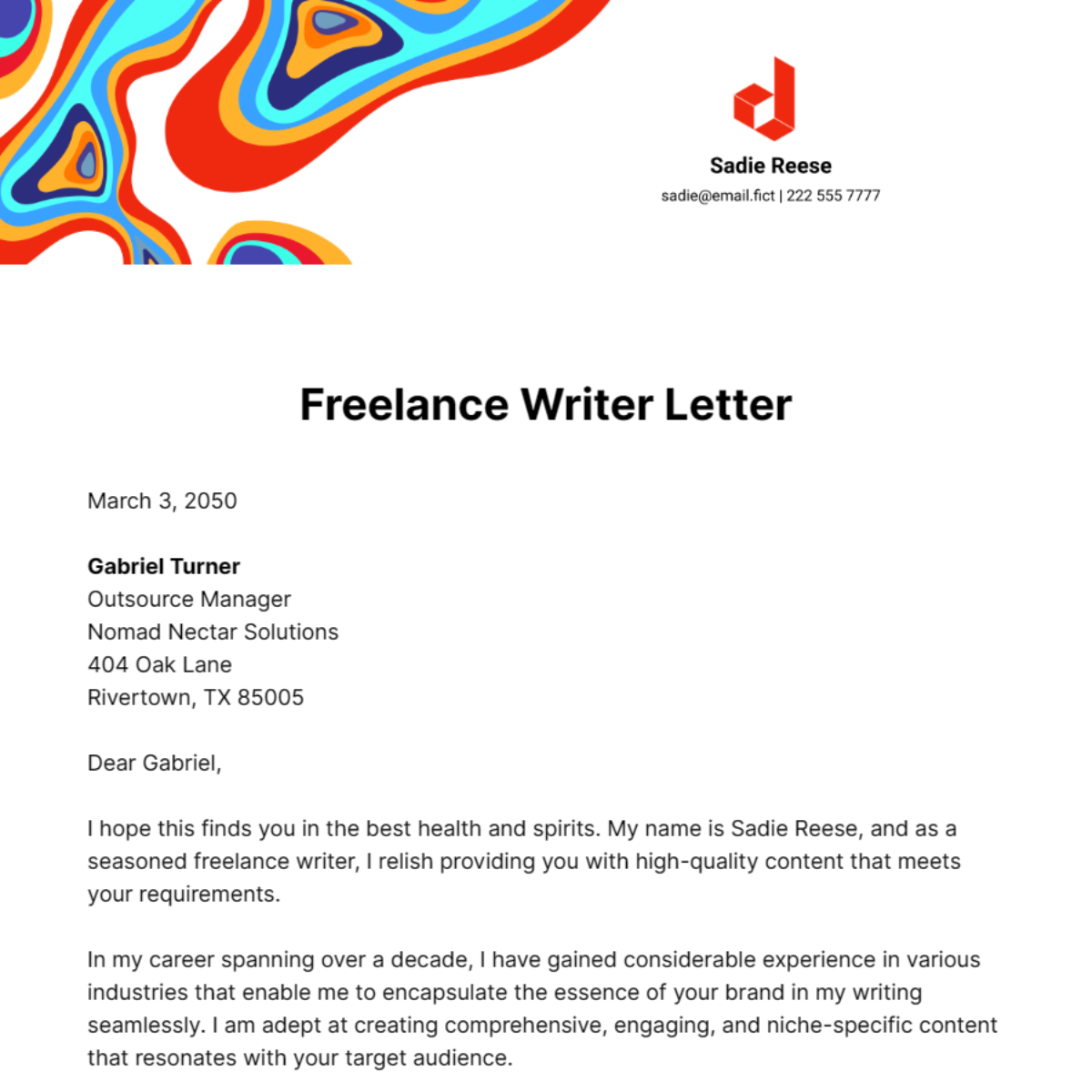
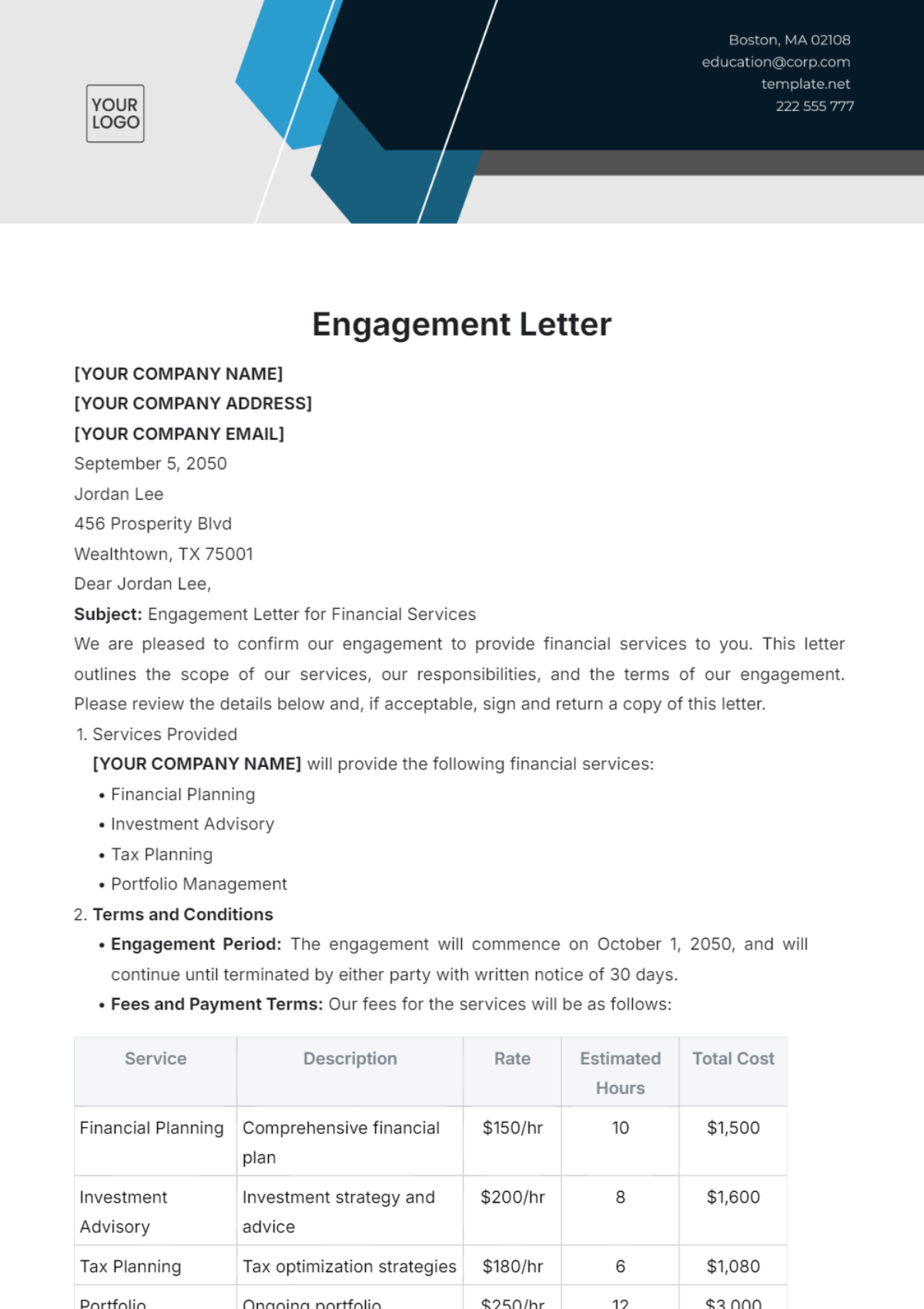
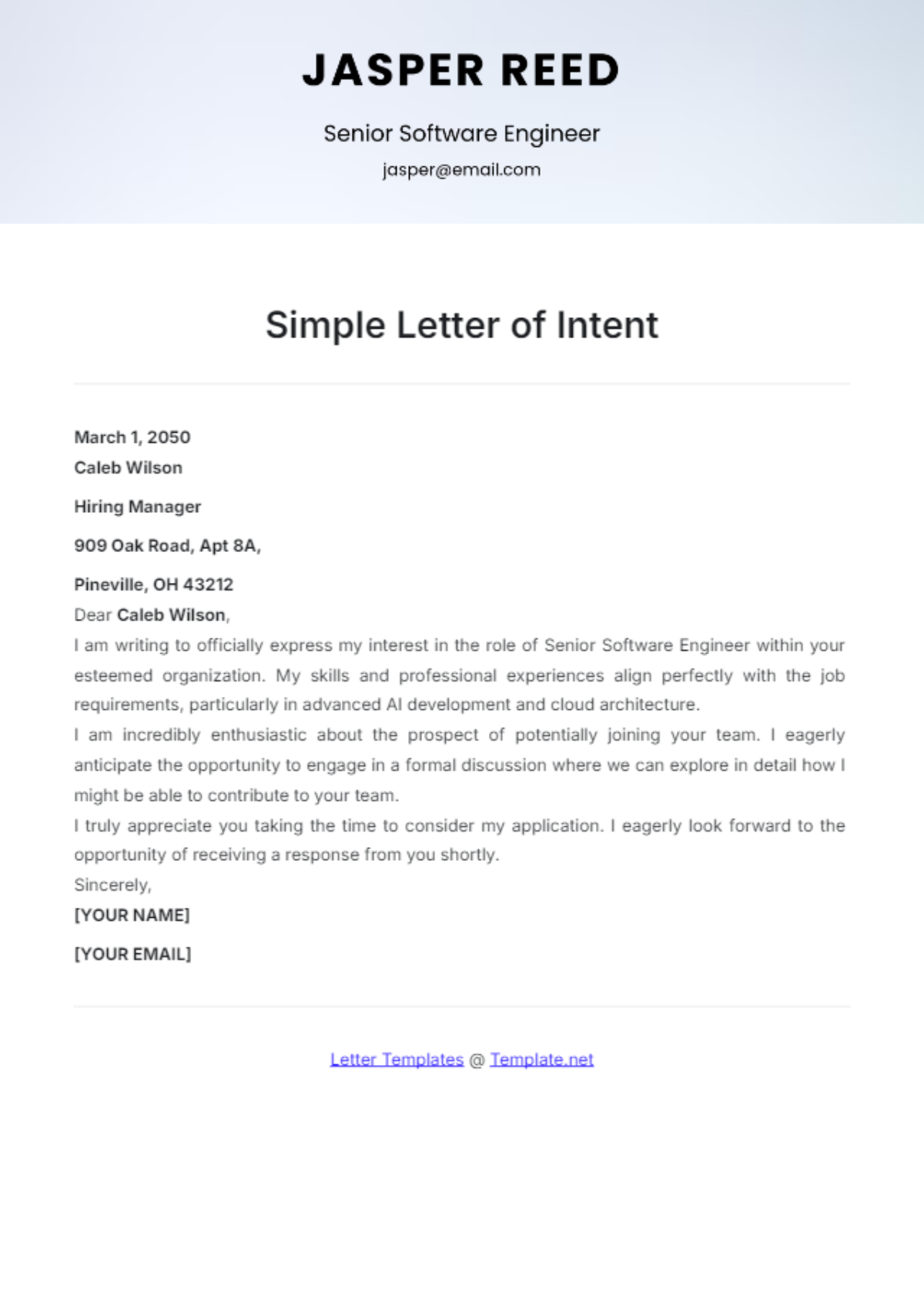
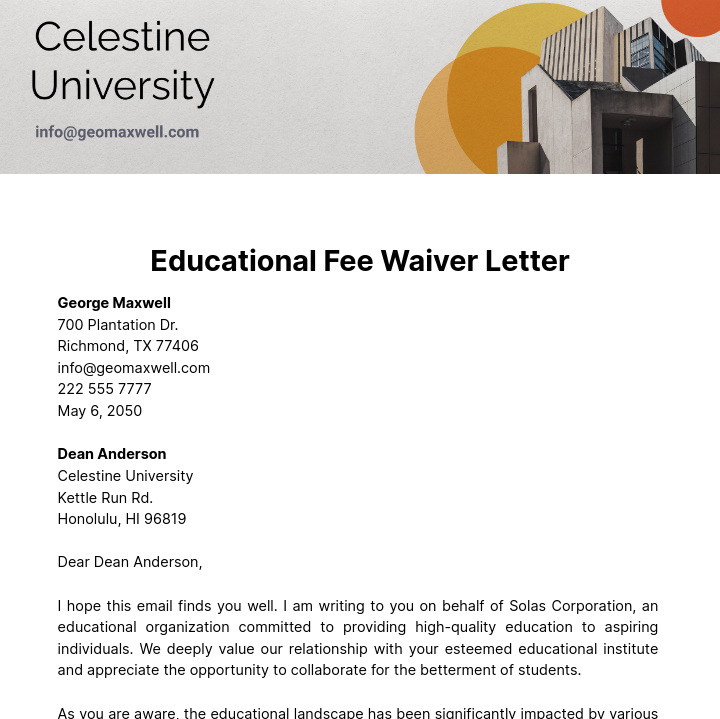
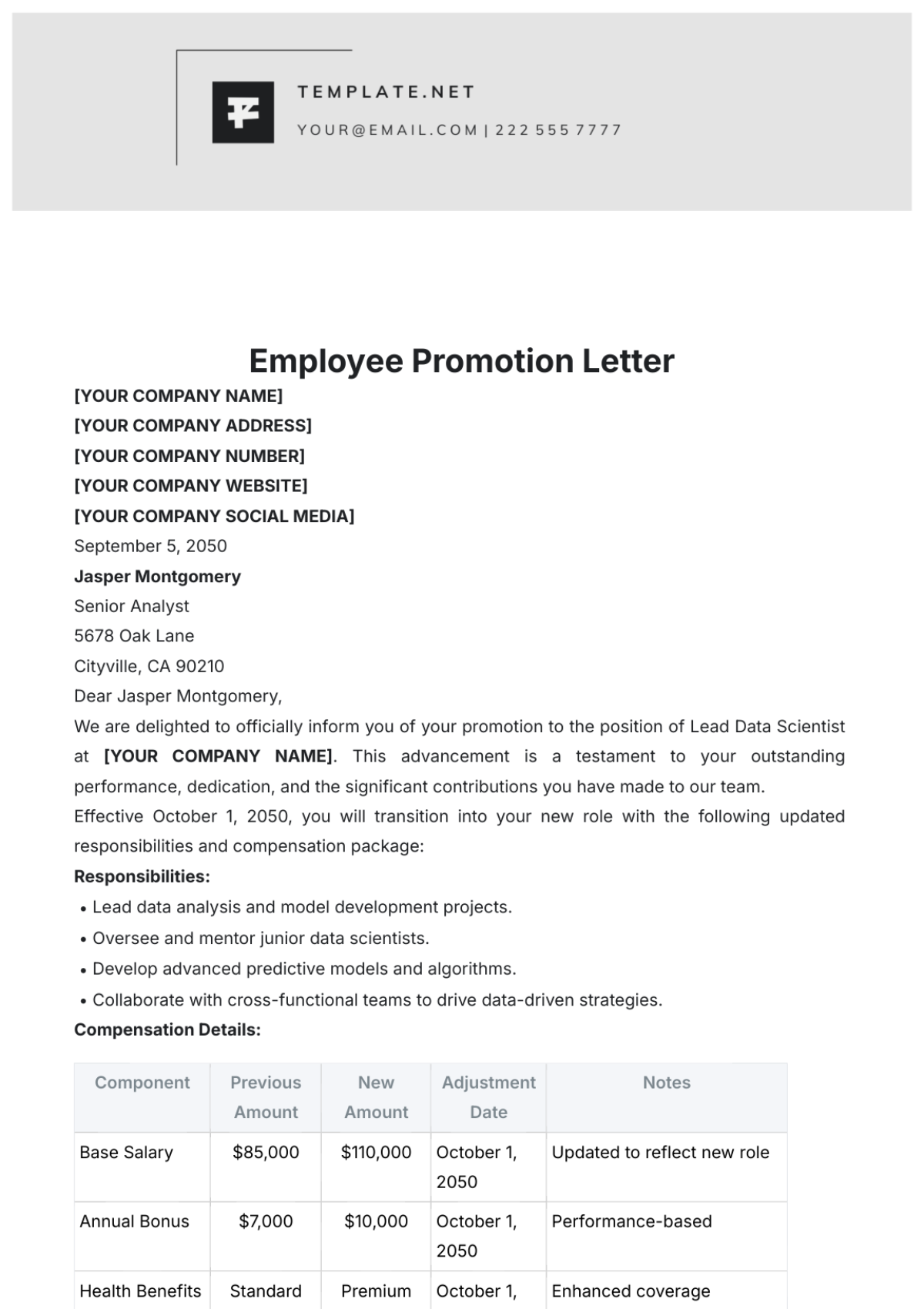
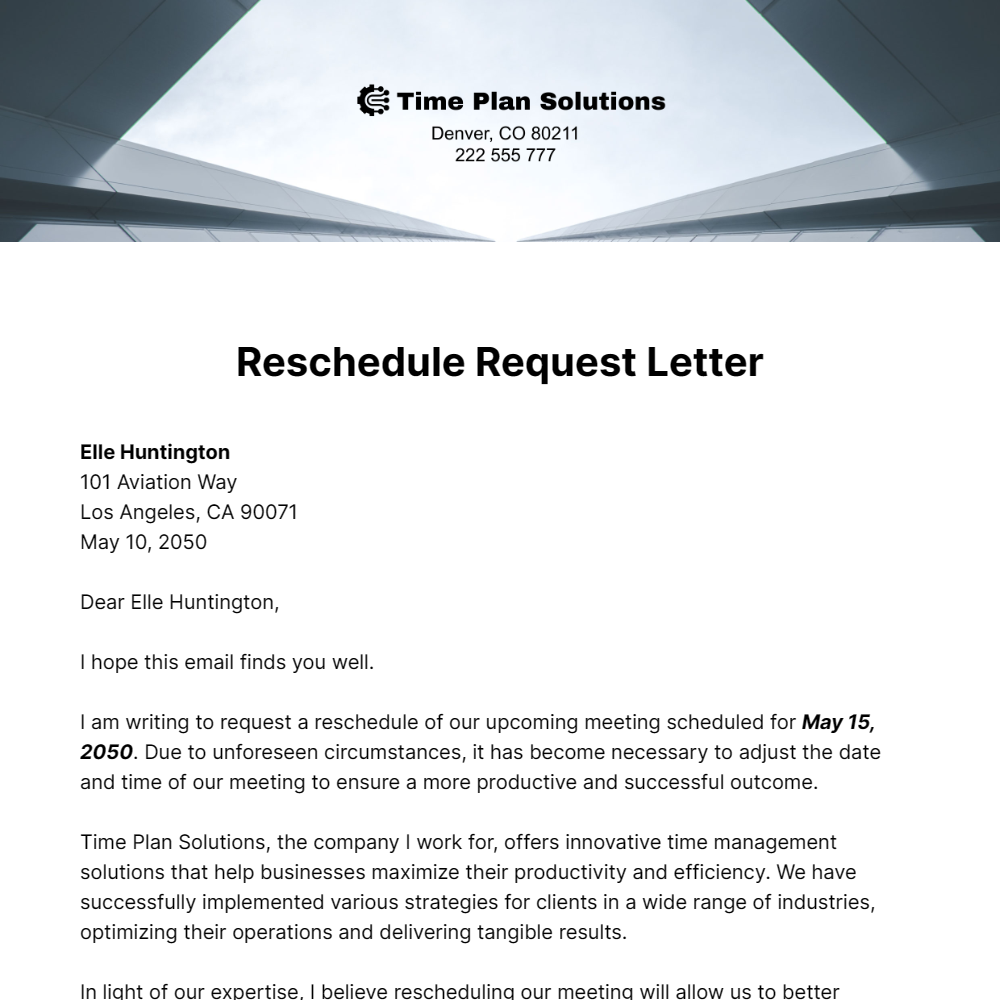
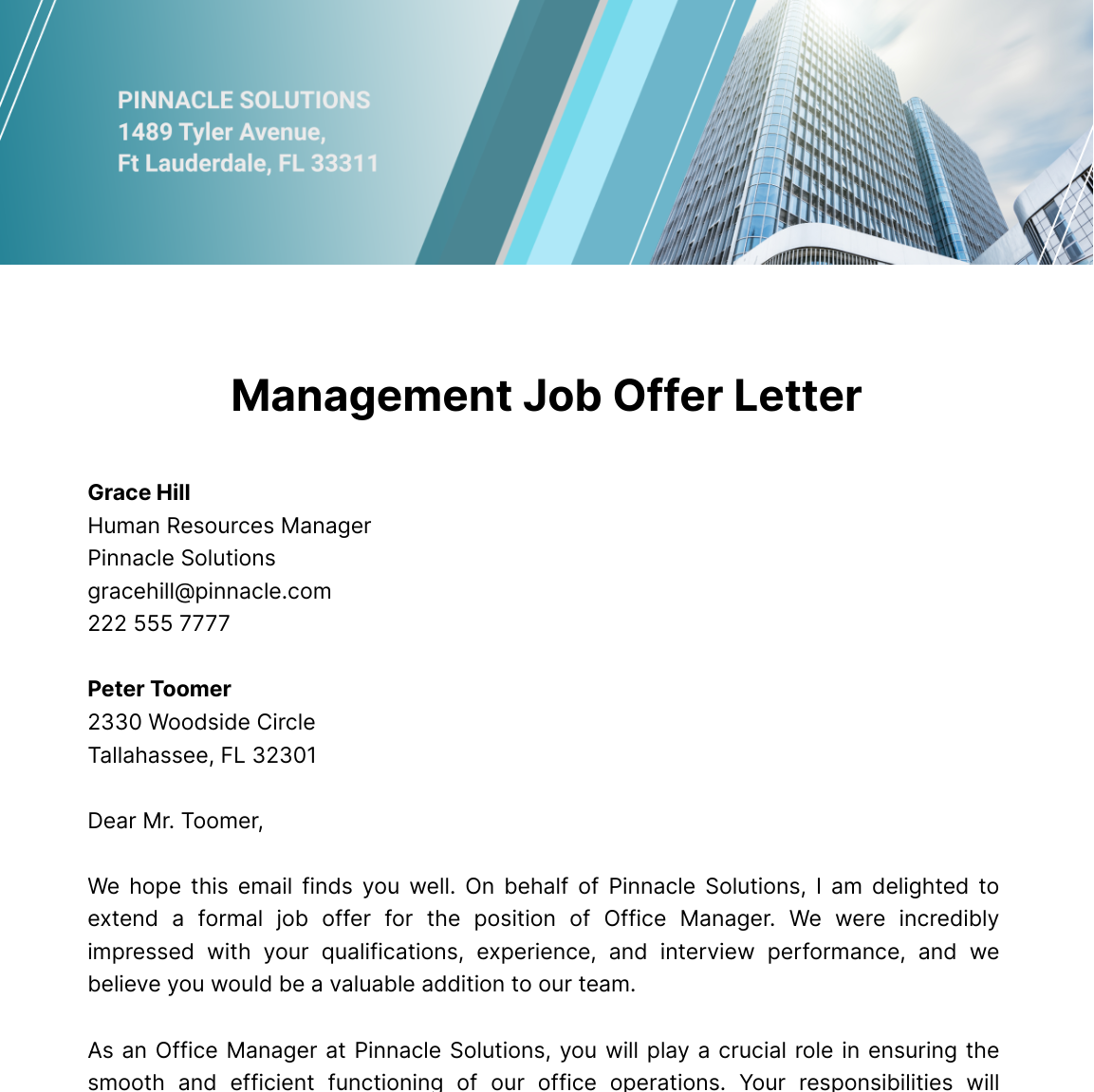
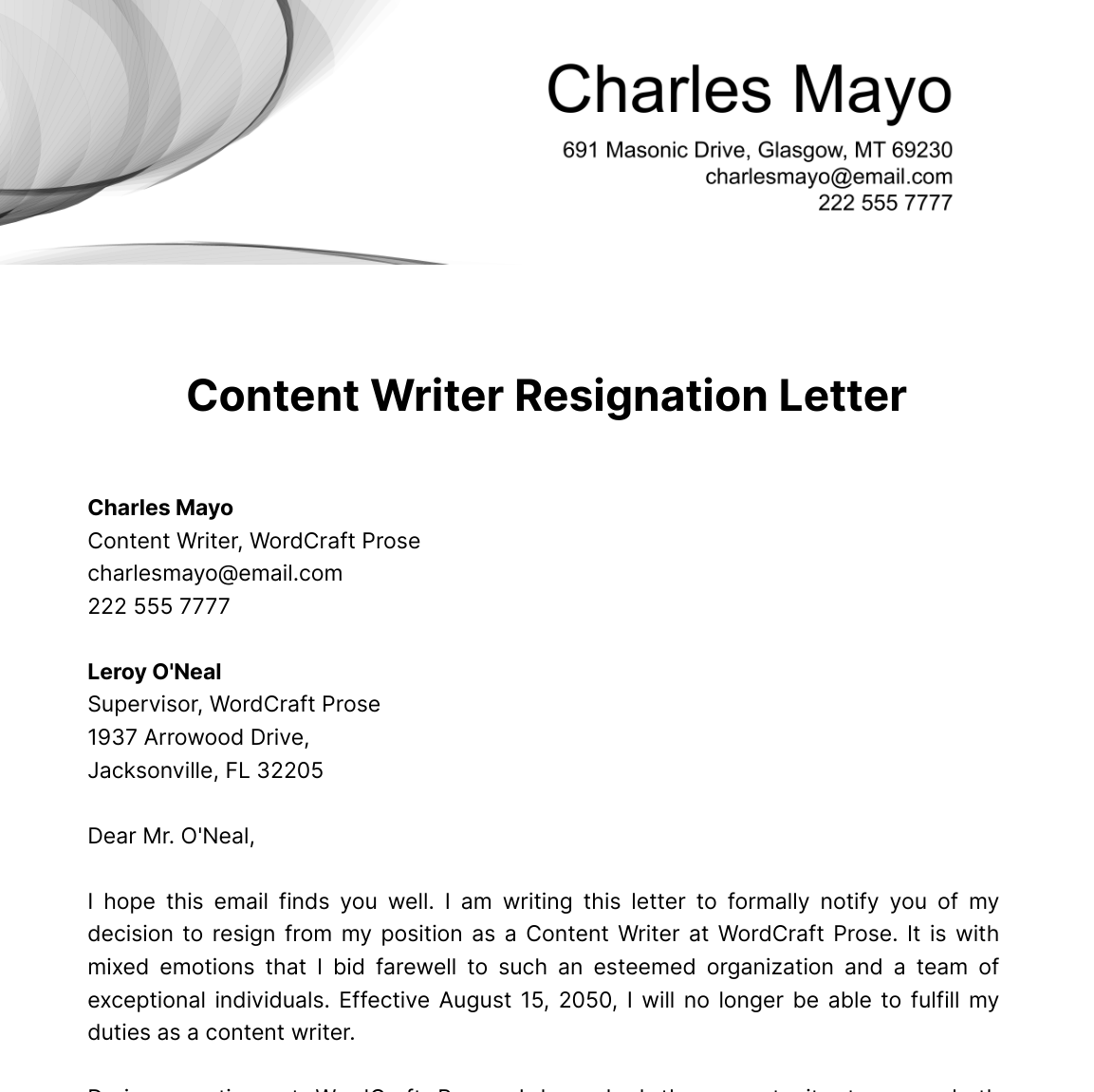
A letter is a written or printed message typically used for formal or personal communication, structured with header details, greeting, body, and closing sections. Letters serve as official documentation or personal correspondence presented in a clear, professional layout.

Why use a Letter?
Letters provide a formal and clear way to communicate important information, requests, or responses with a professional tone. Using structured letter templates ensures consistent formatting and speeds up document creation for business and personal communication.

Who typically uses Letters?
Letters are commonly used by business professionals, job seekers, educators, and individuals for formal communication. Organizations rely on letters for official notices, while individuals use them for personal messages and requests.

What sections should a Letter include?
A letter should include a header with contact information, date, recipient address, a salutation, a clear body with main content, a professional closing, and a signature section arranged in a structured format.

What are the best tips for formatting a Letter?
Effective letter formatting uses consistent font styles, proper margins, and aligned sections. Use Letter size paper of 8.5 × 11 inches, include spacing between paragraphs, and ensure the document is print-ready and business-friendly.

How do you print a Letter?
To print a letter, use a print-ready PDF or editable template formatted for 8.5 × 11 inches Letter size. Ensure margins and sections are intact for professional appearance, then print using standard office or home printers for clear, crisp output.

Is a Letter legally and professionally acceptable?
Letters are legally and professionally acceptable when formatted with clear sender and recipient information, date, and formal language. Structured letter templates ensure compliance and maintain a business-ready presentation suitable for official communication.

What file formats can I download for a Letter?
Template.net letter templates support multiple export formats, including Apple Pages, Word, Google Docs, PDF, Google Sheets, Outlook, PSD, Illustrator, Publisher, PowerPoint, InDesign, Excel, Apple Numbers, and HTML5 formats for editing and printing.

Can I create a new Letter using AI?
Template.net provides an AI-powered tool that generates structured letter documents from prompts in 3 to 10 seconds, ready for online editing and multi-format export. Try the Letter Generator for fast, professional results.
