
Free Incident Report Templates



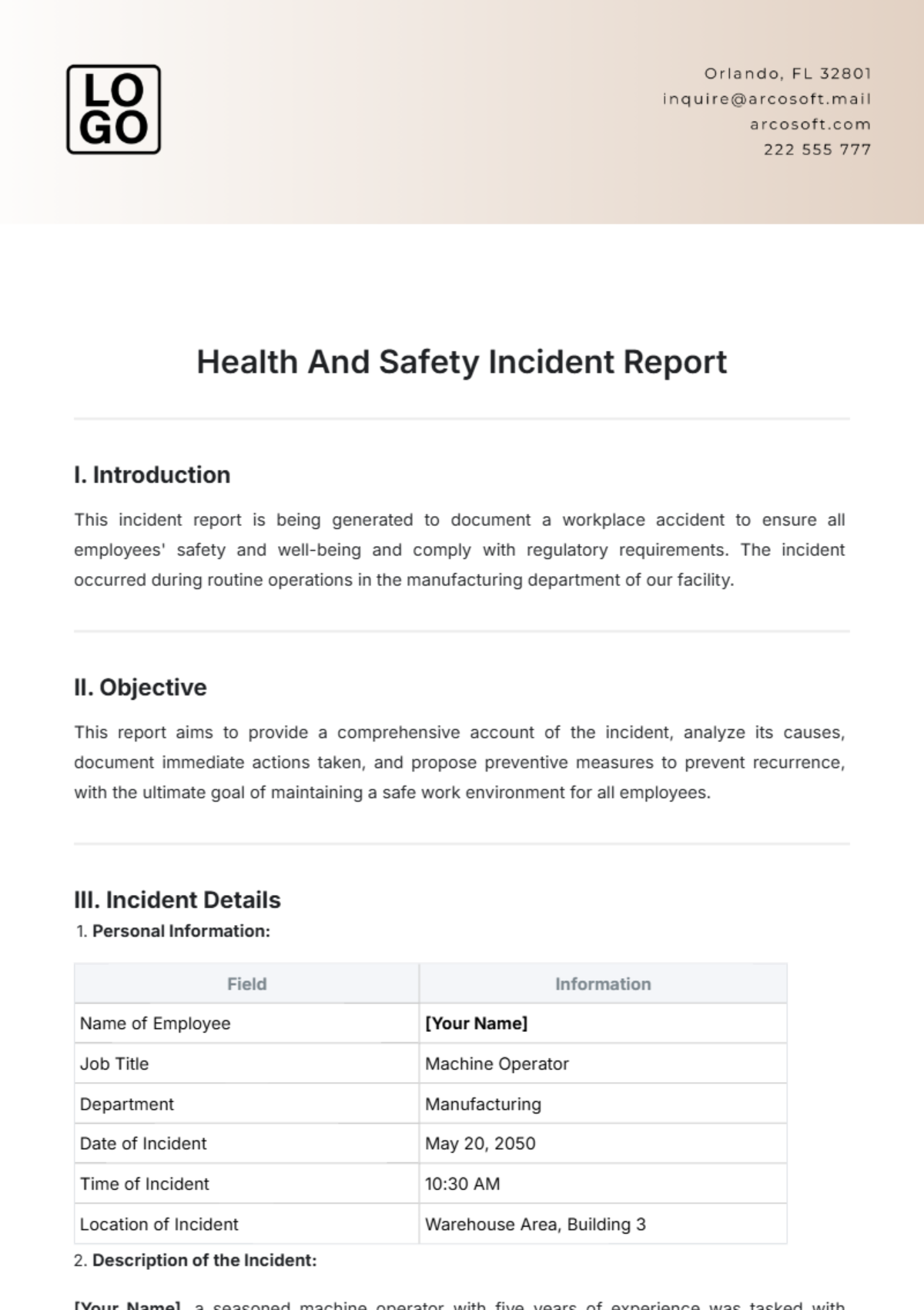
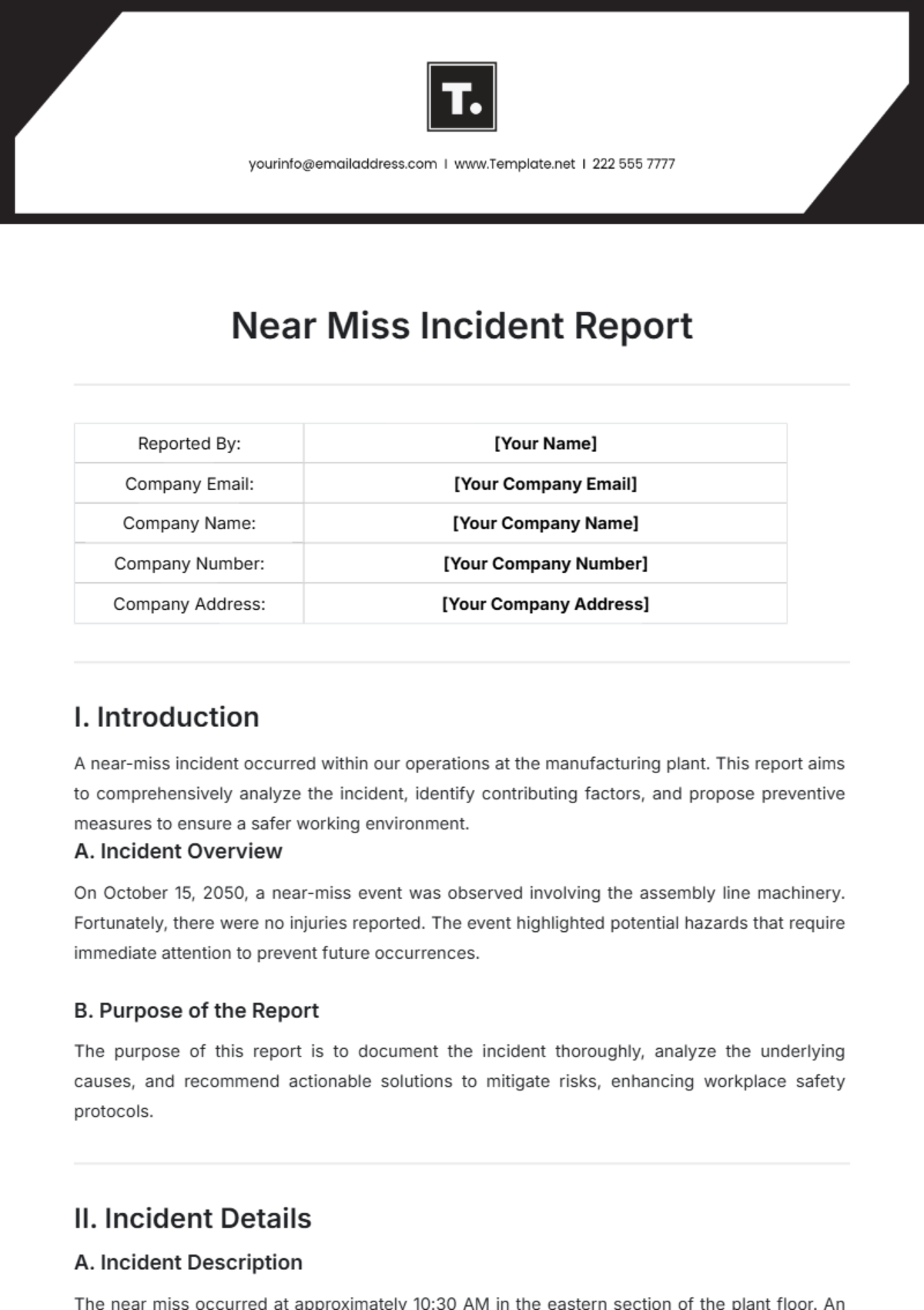



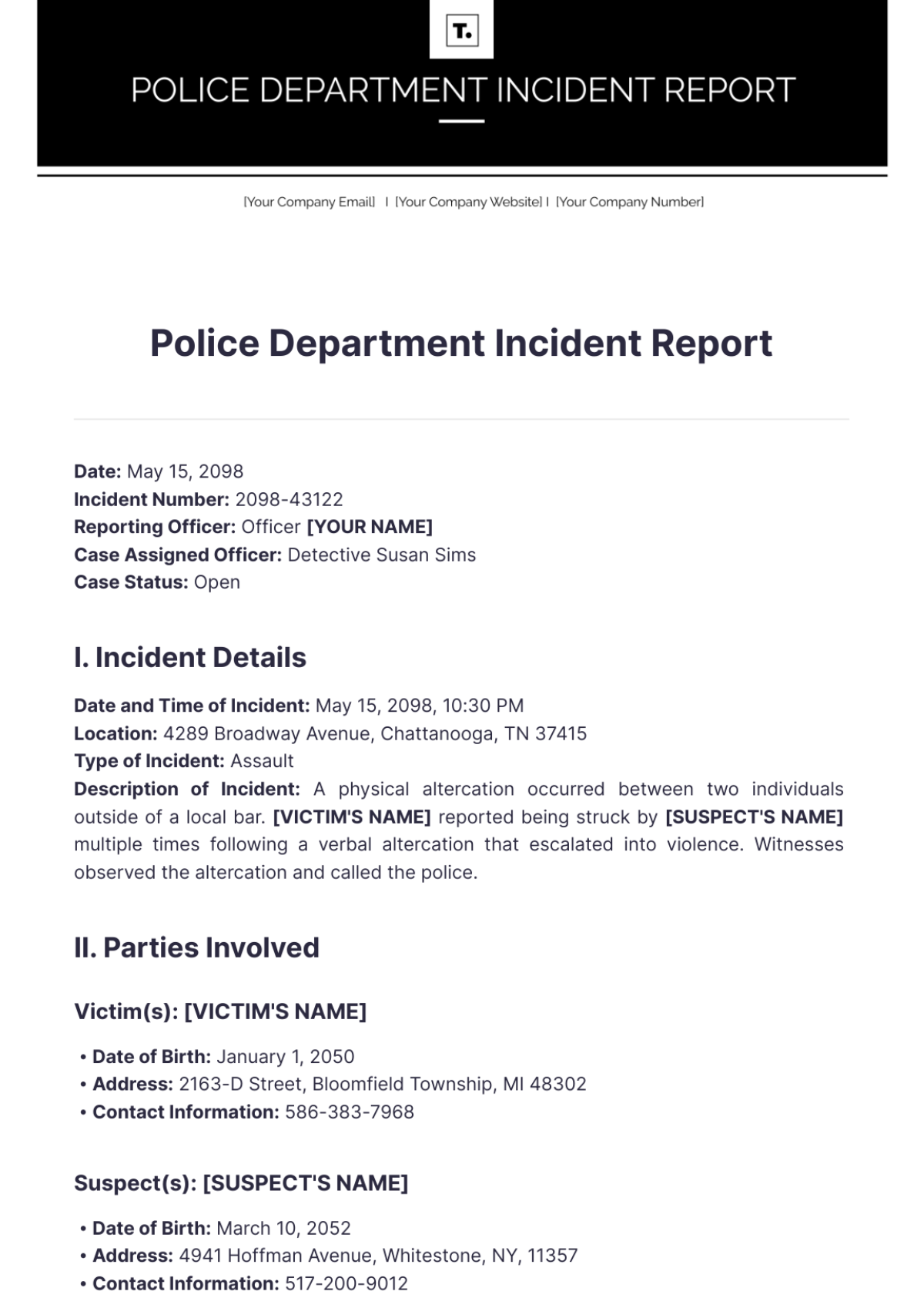
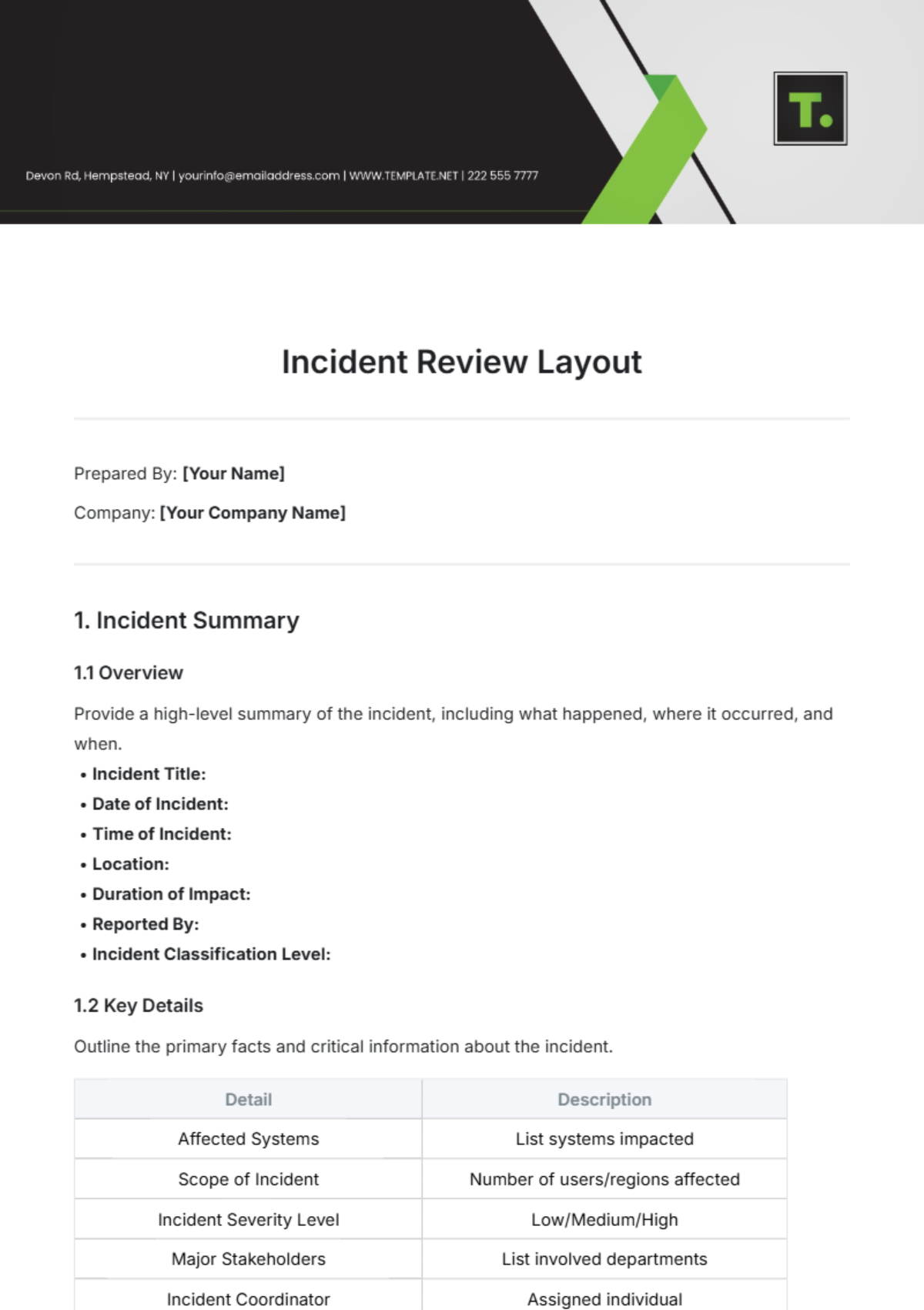












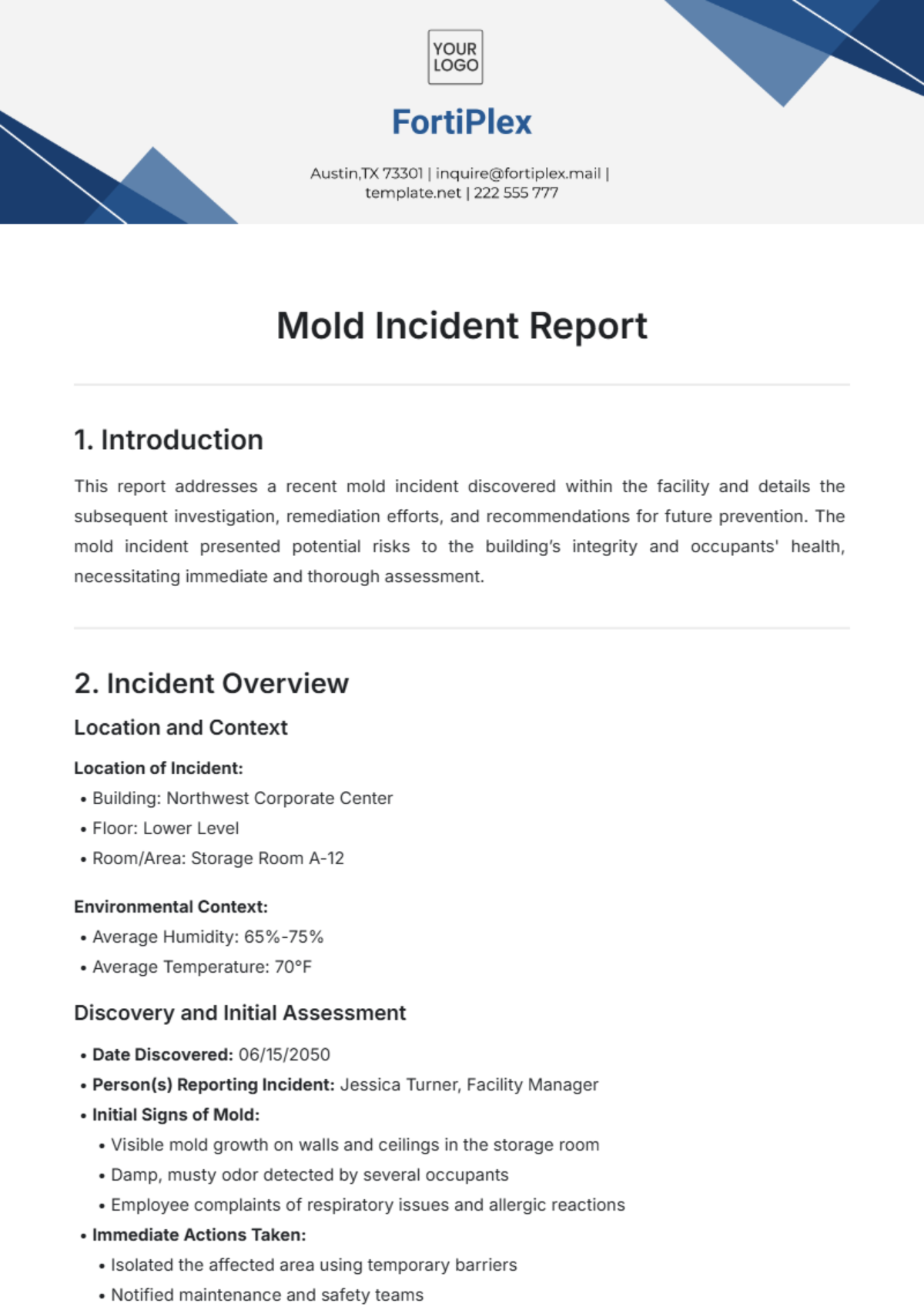



Incident Report Templates: Definition, Uses, and Formats
What is a Incident Report?
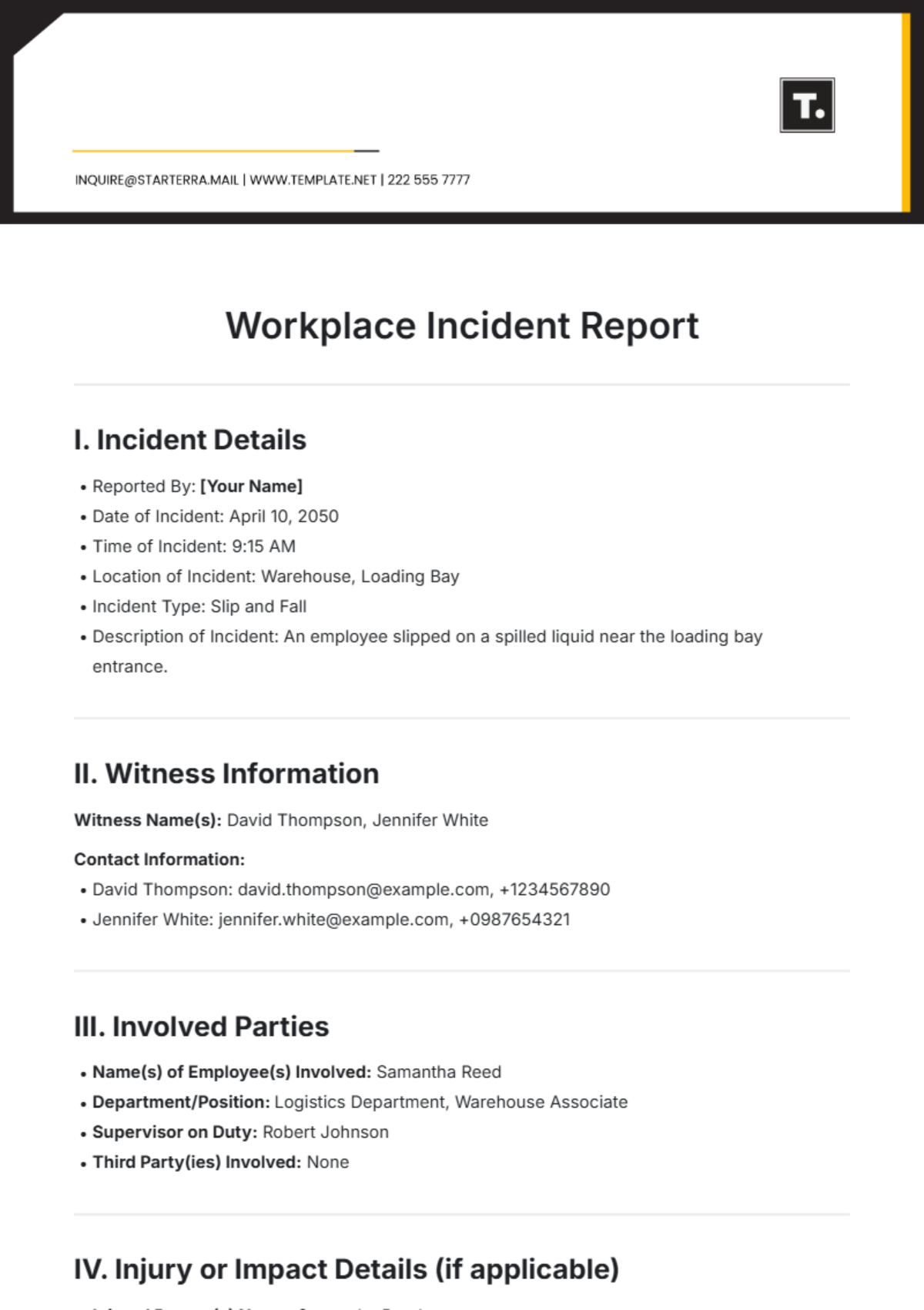
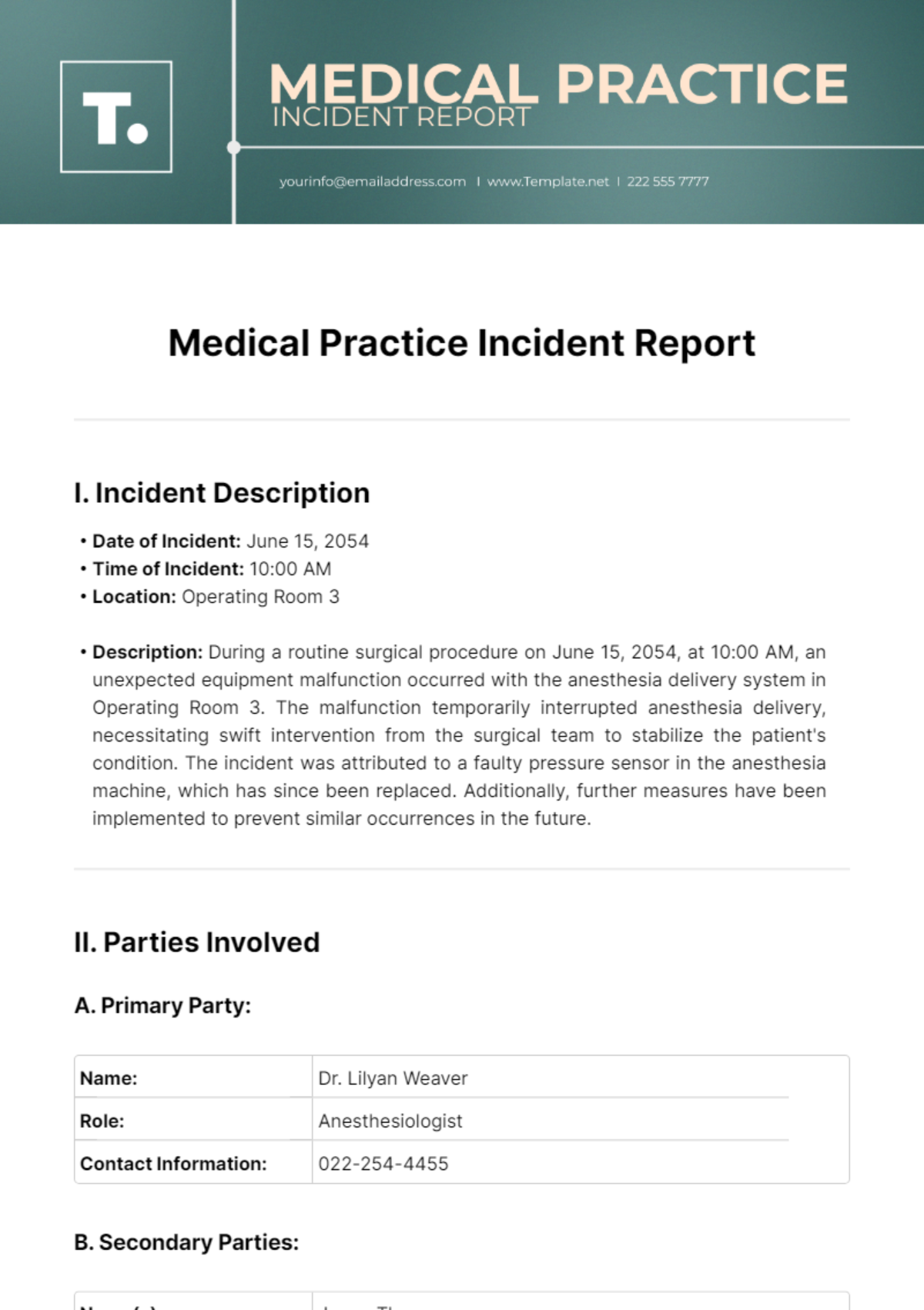
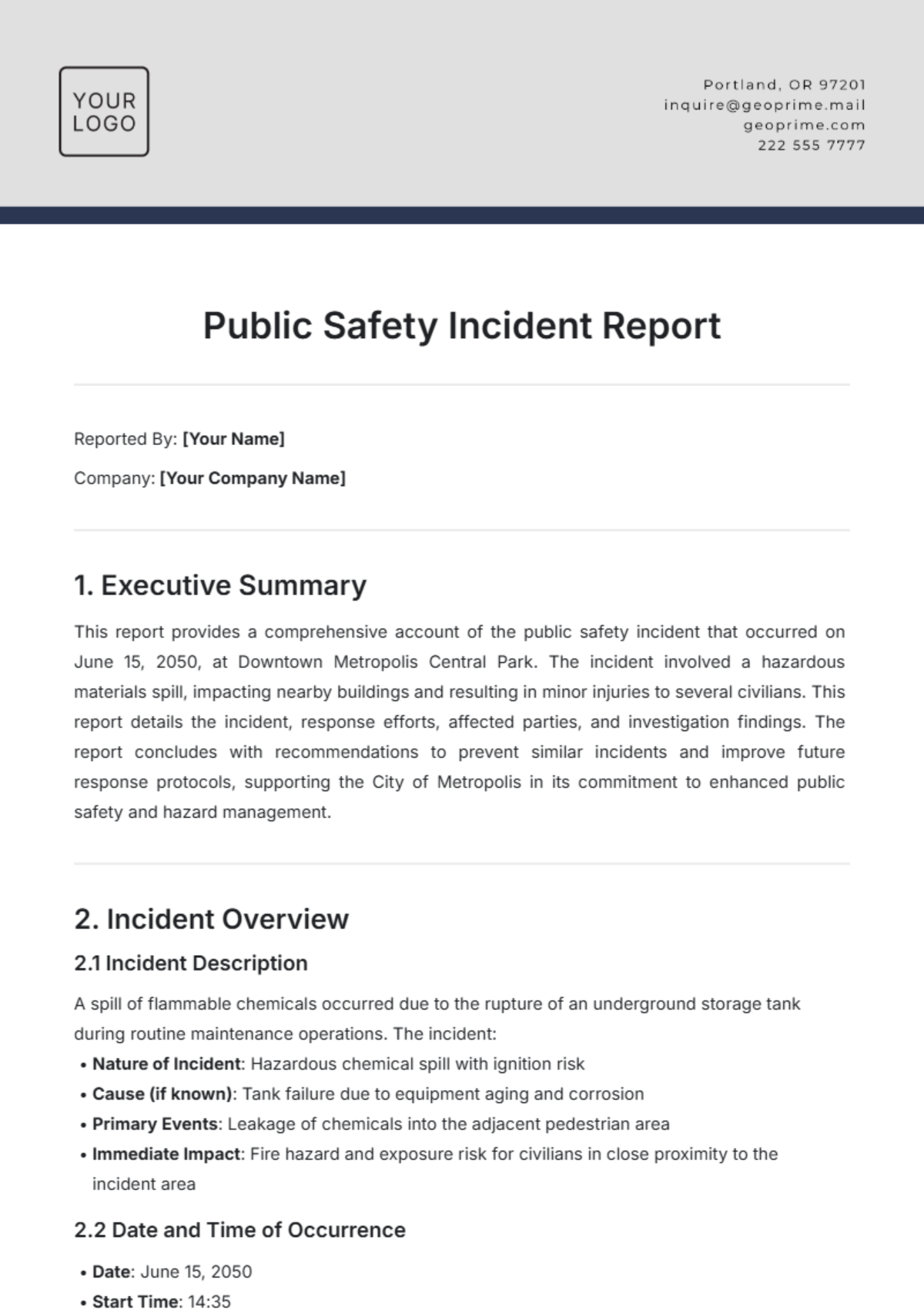
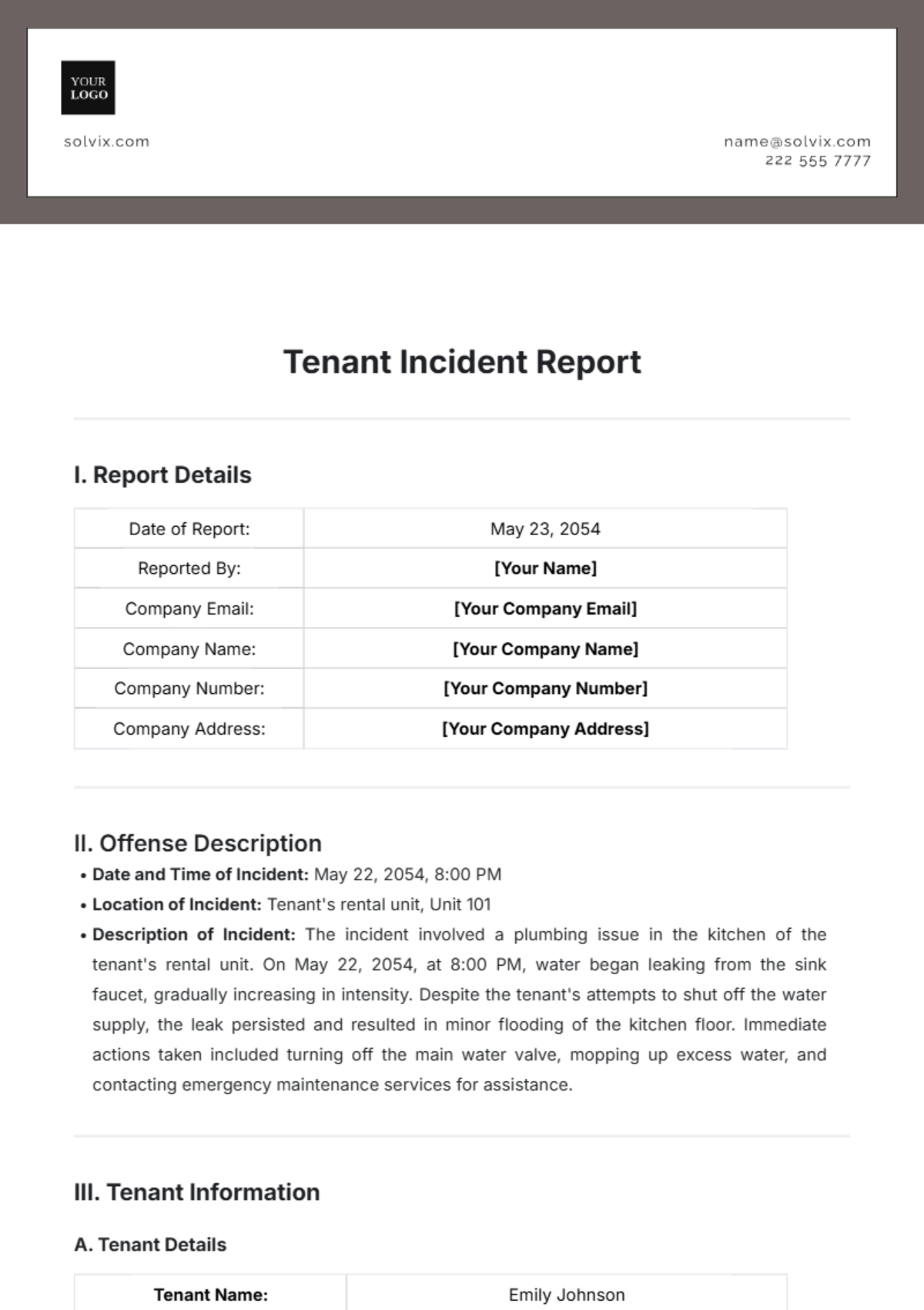
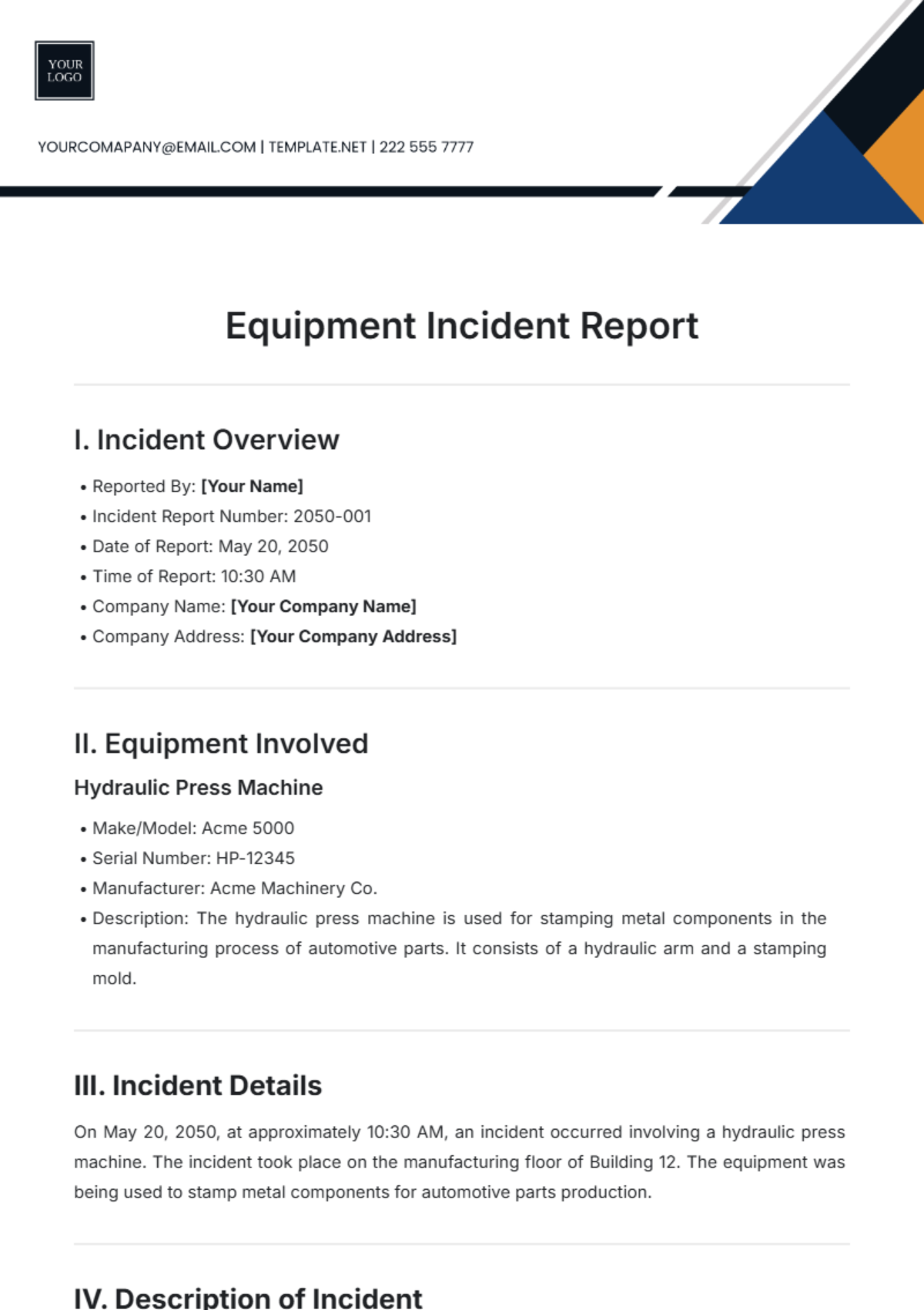
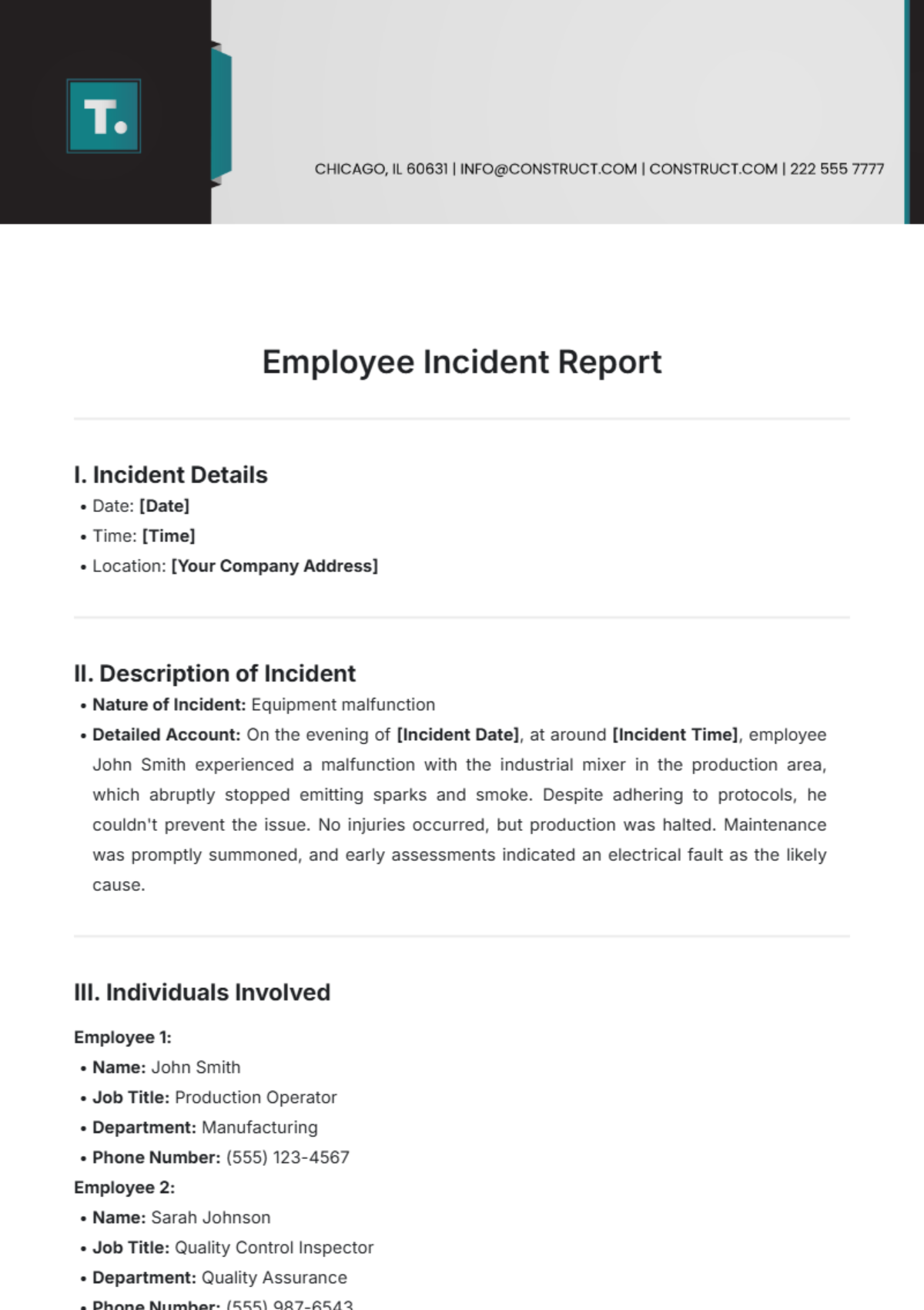
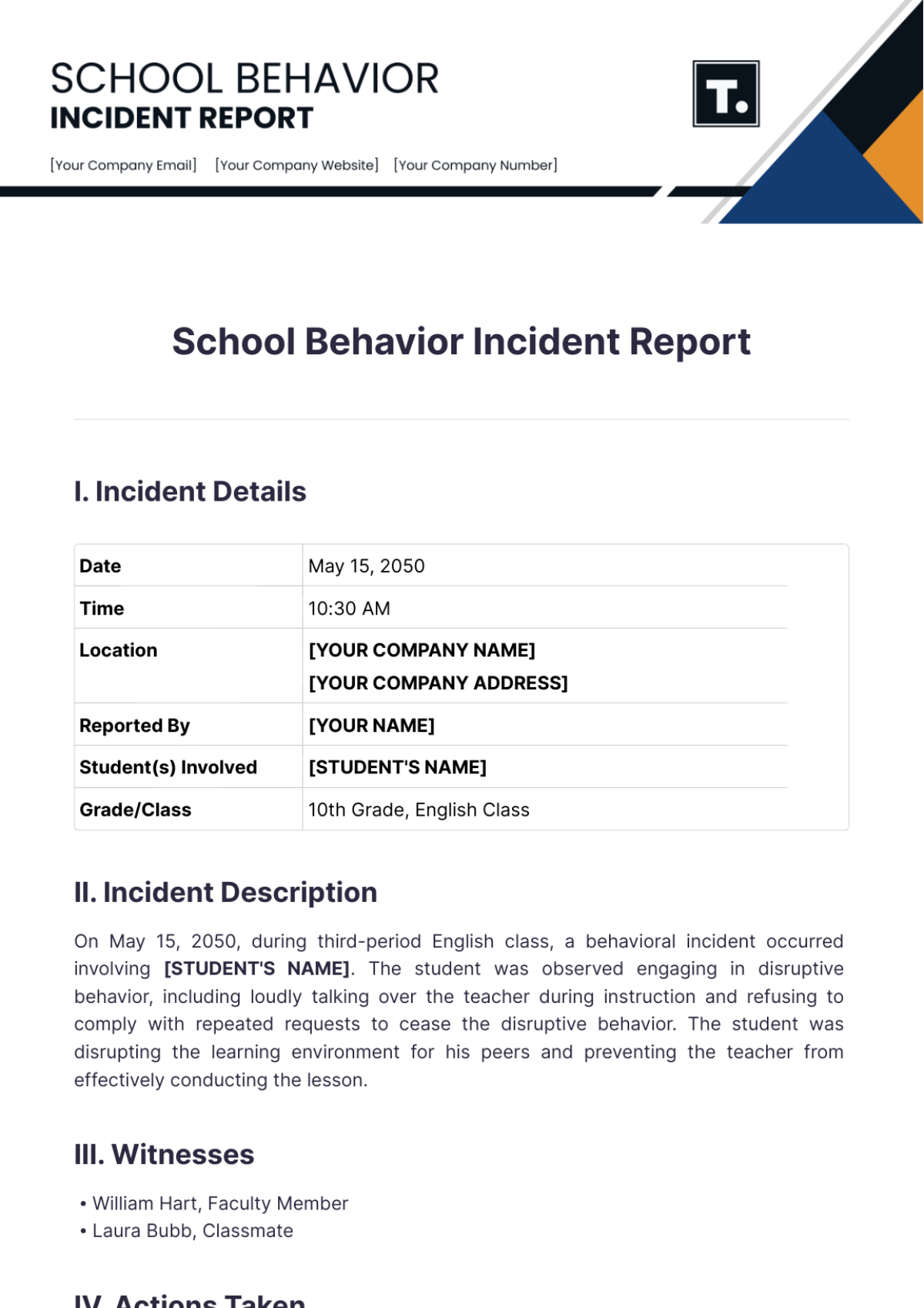
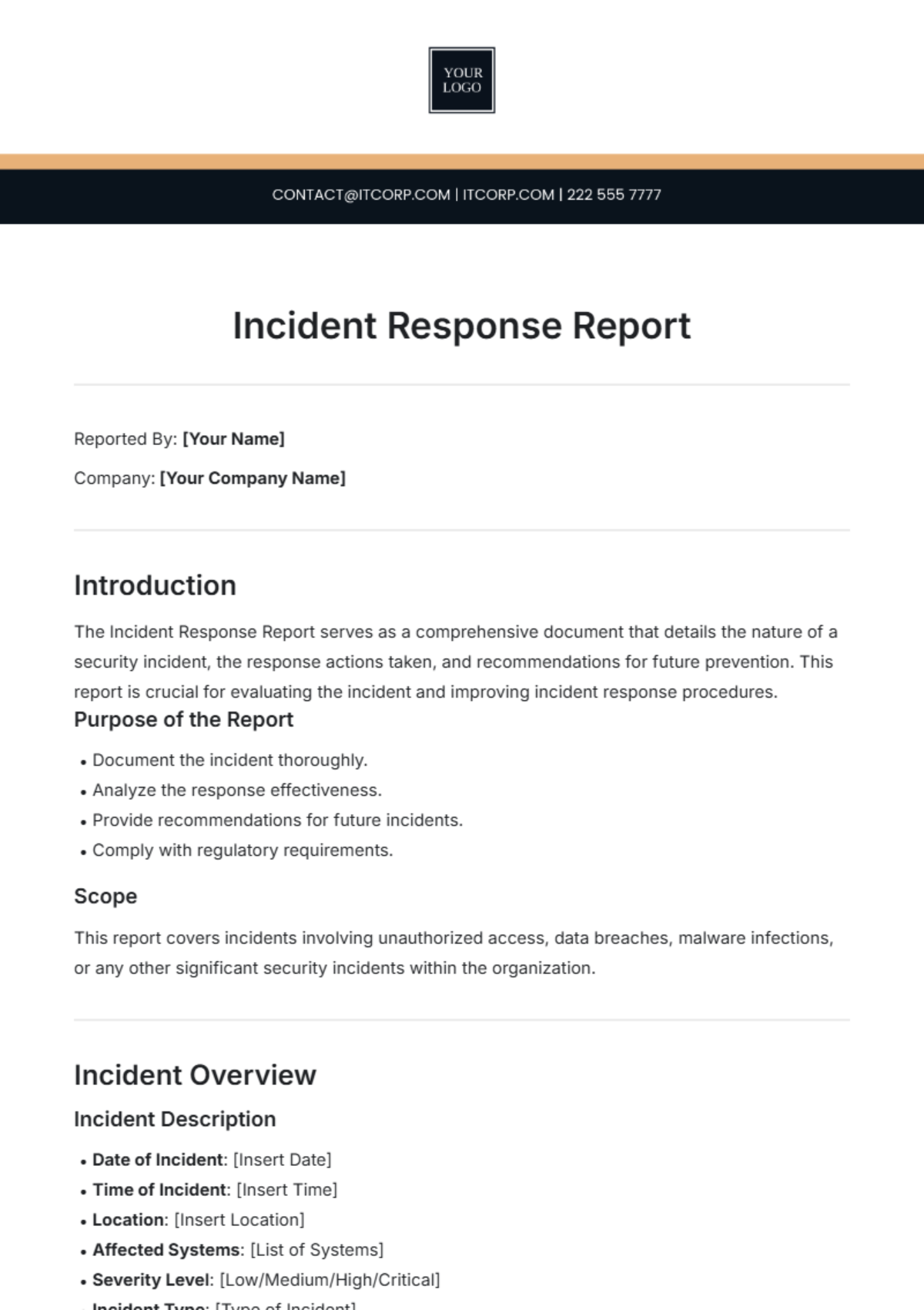
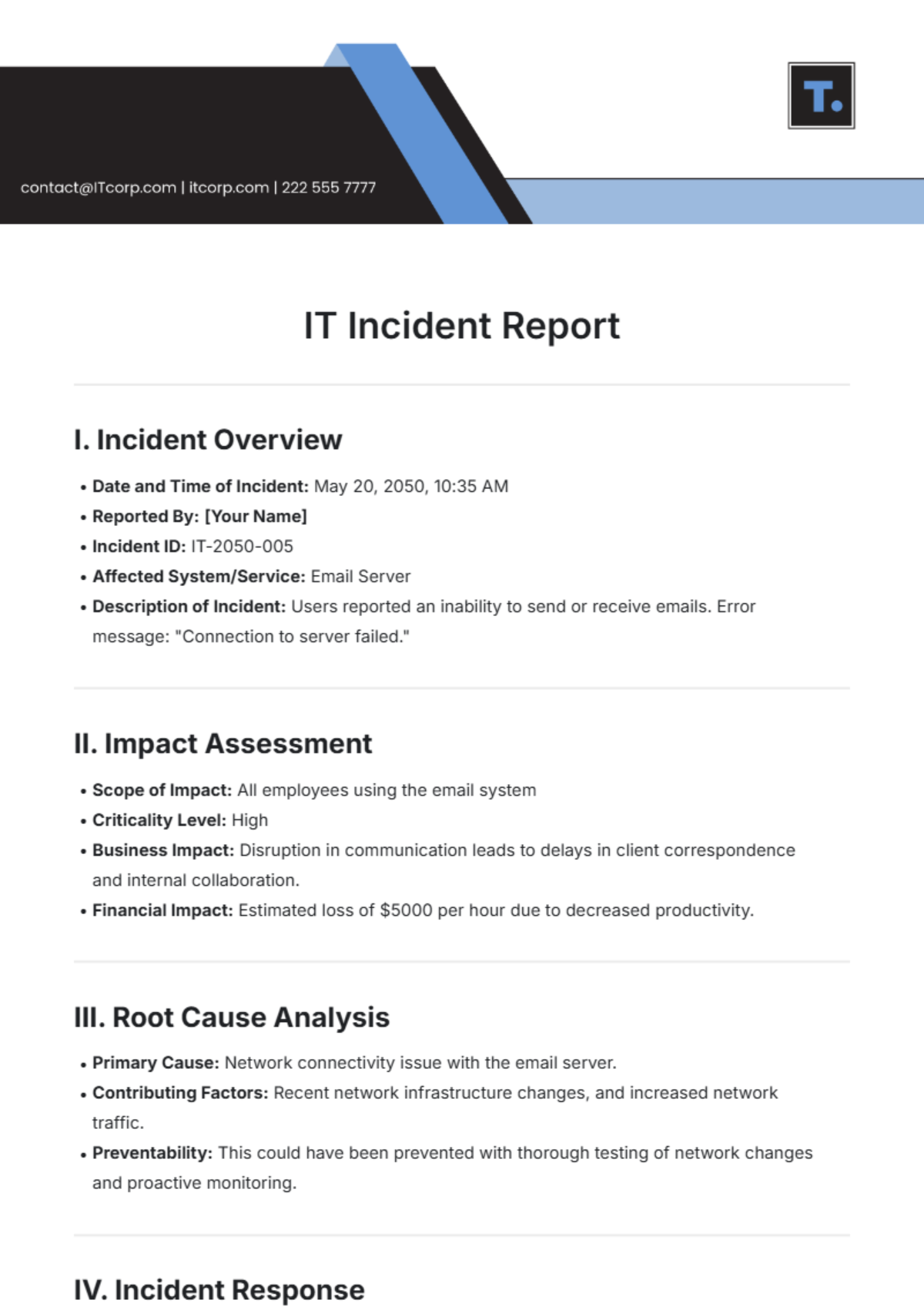
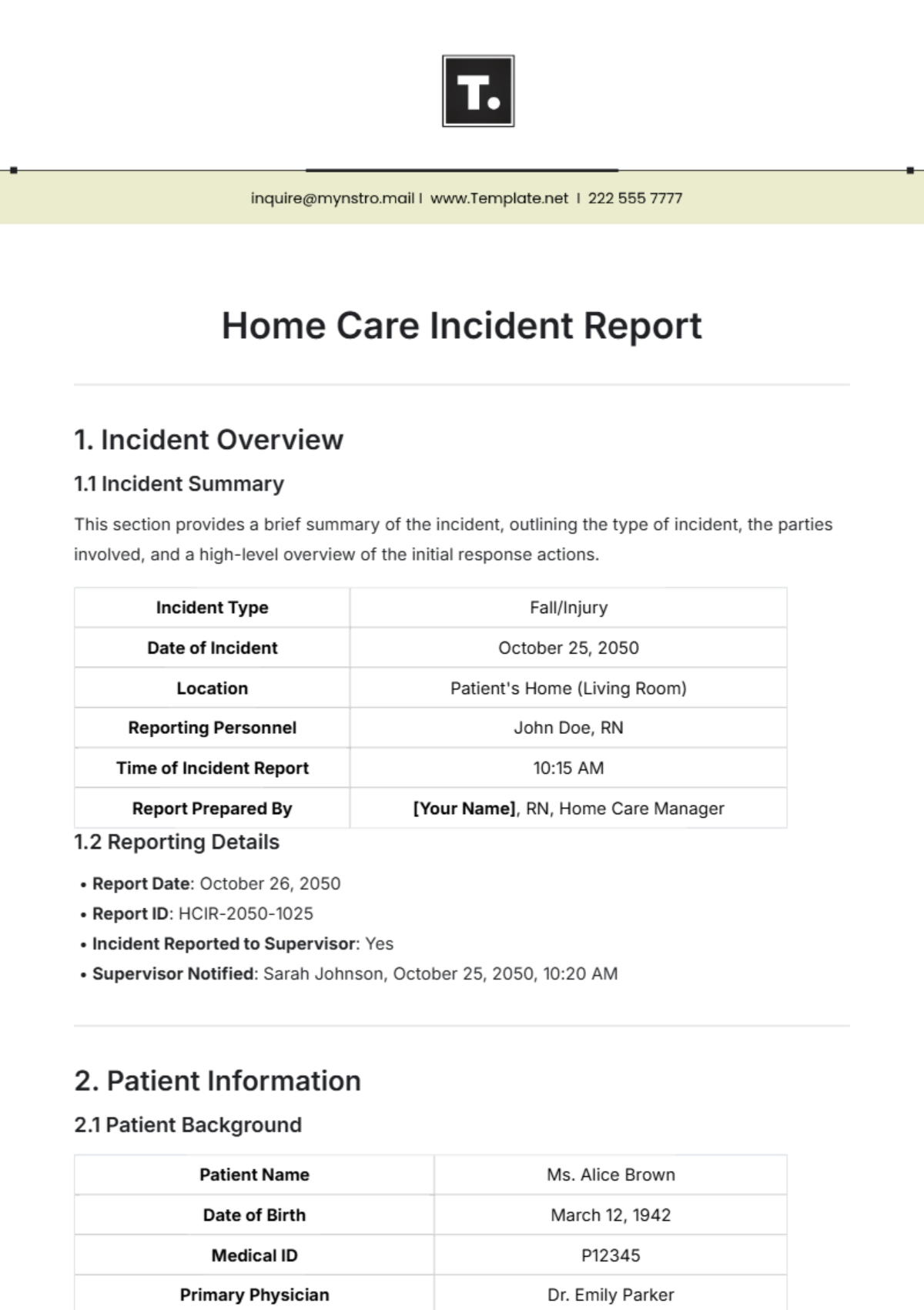
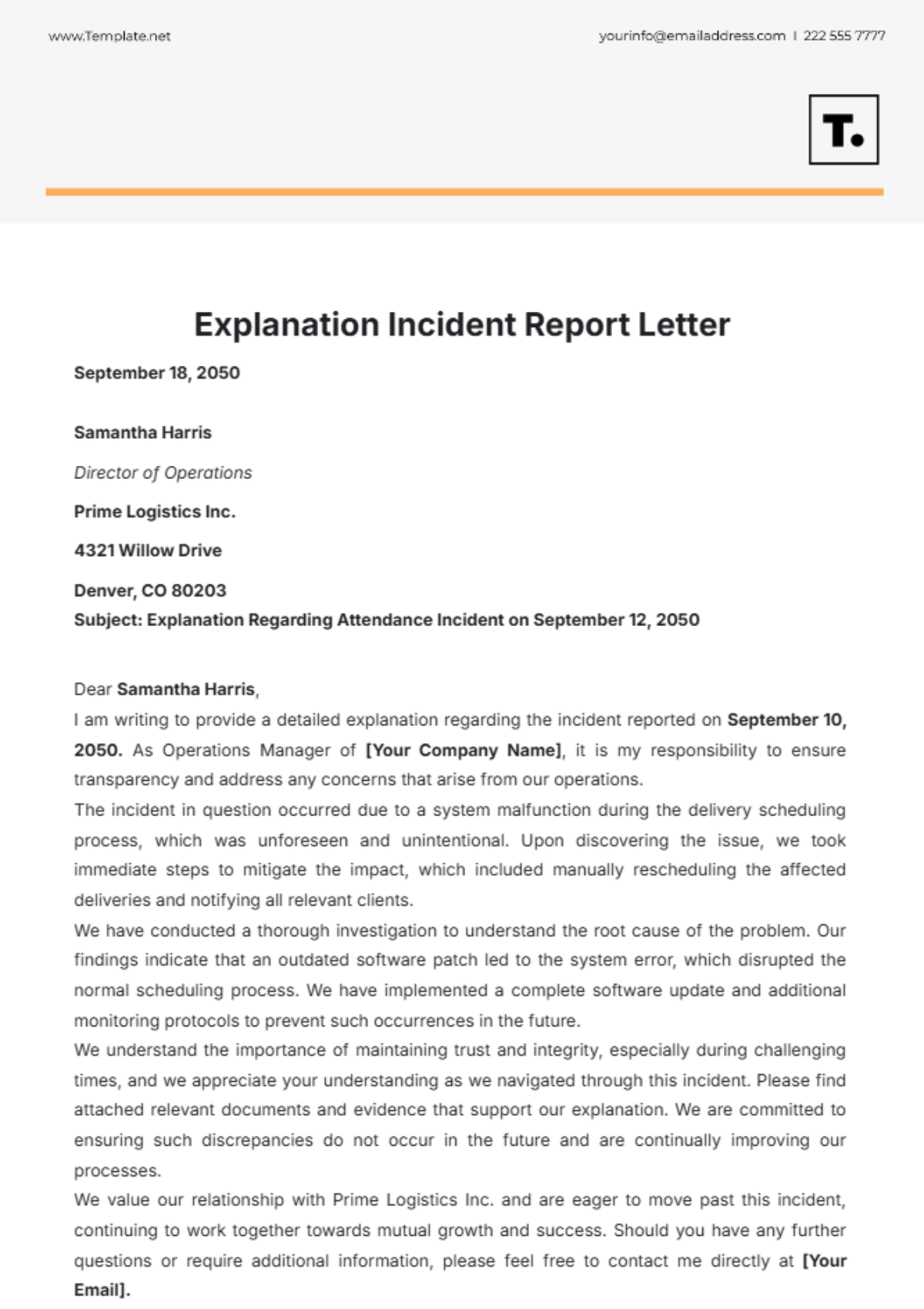
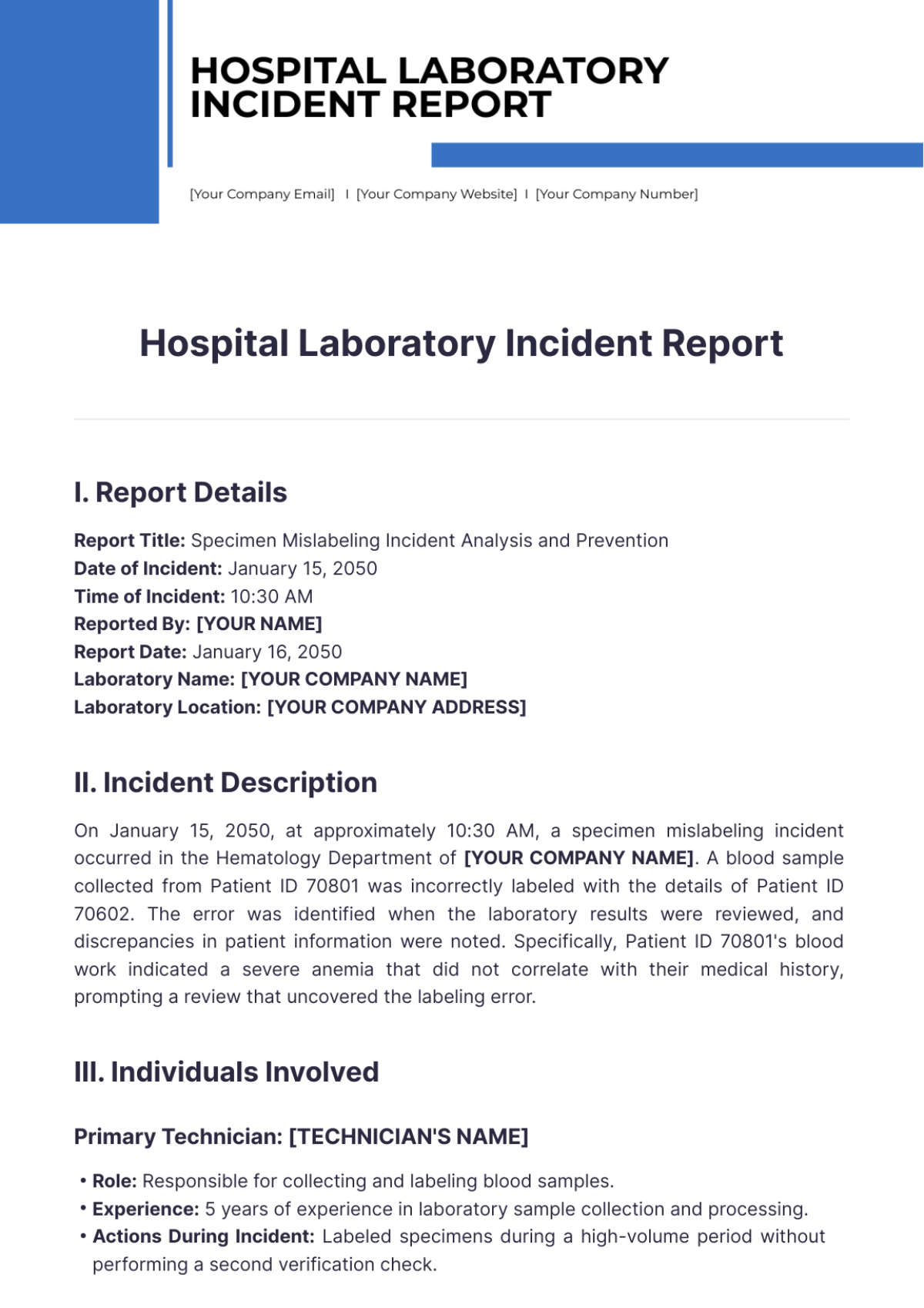
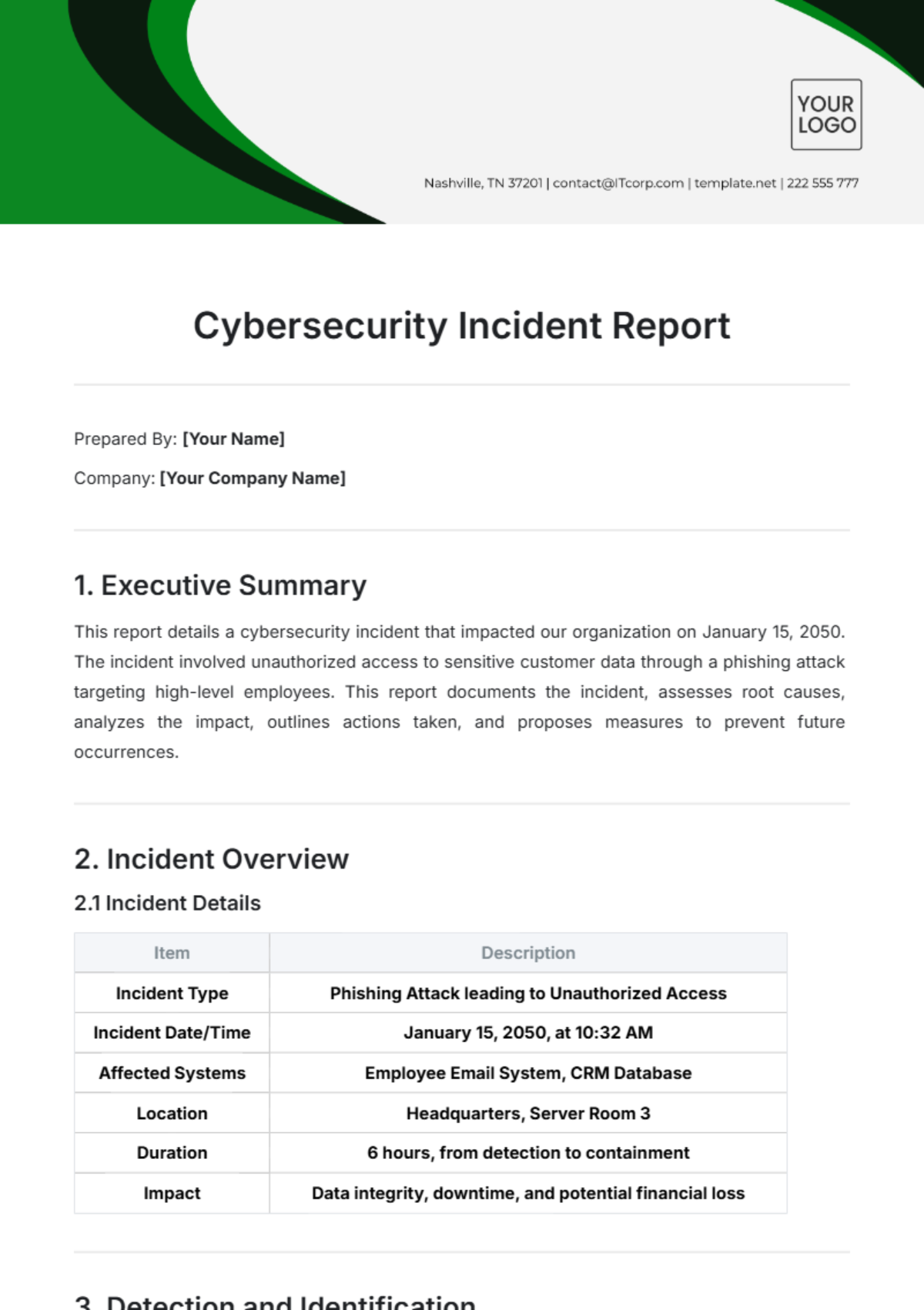
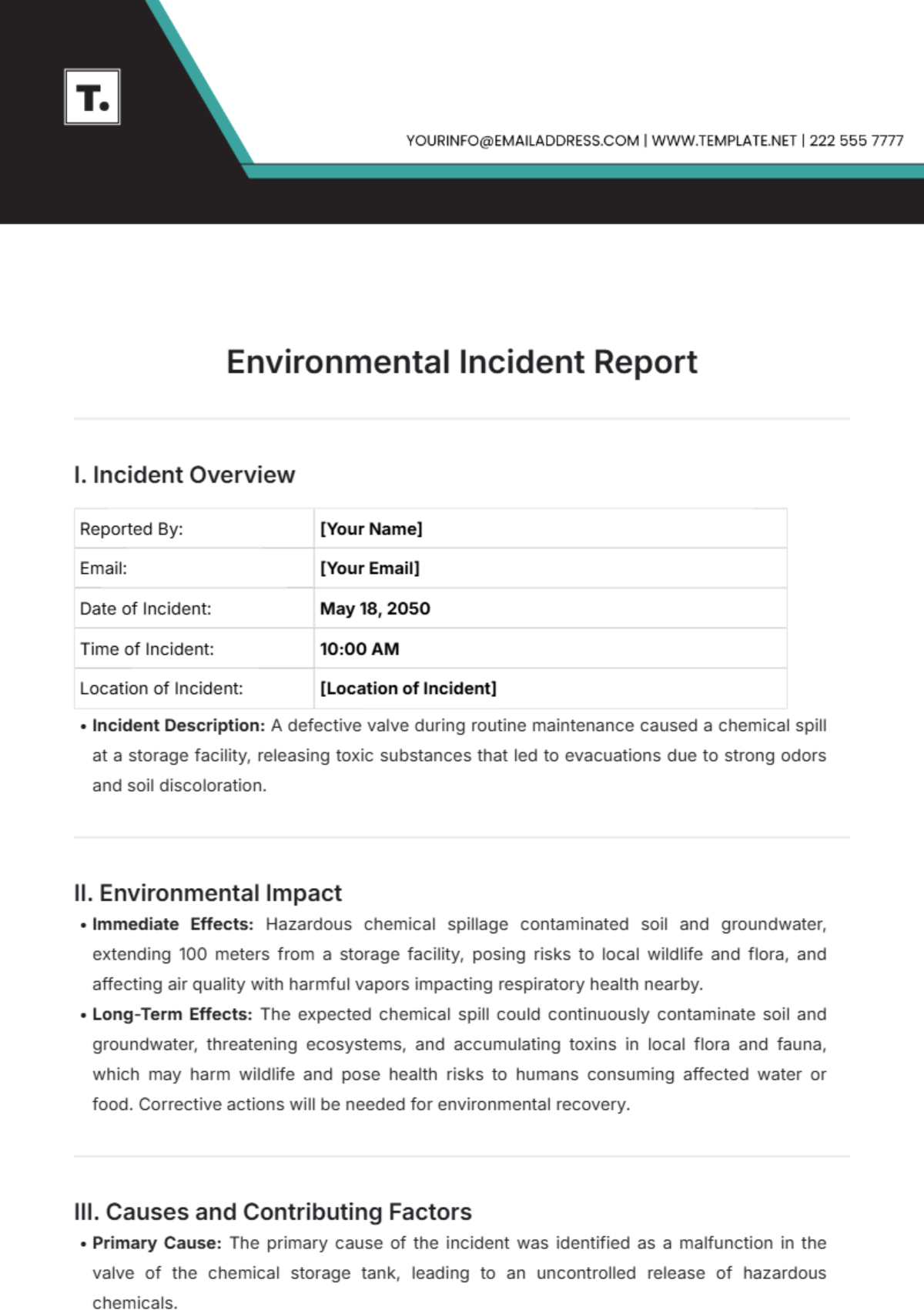
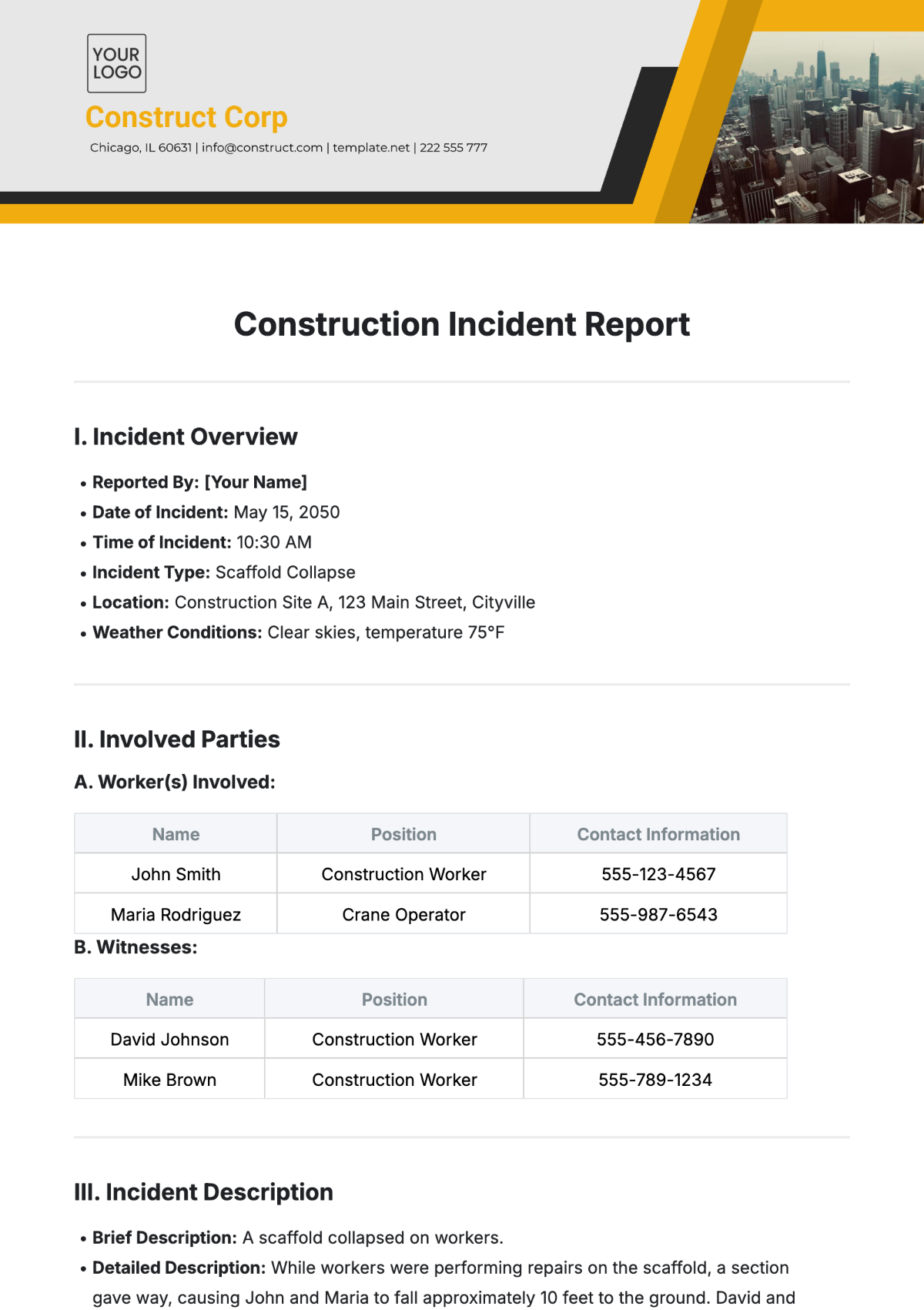
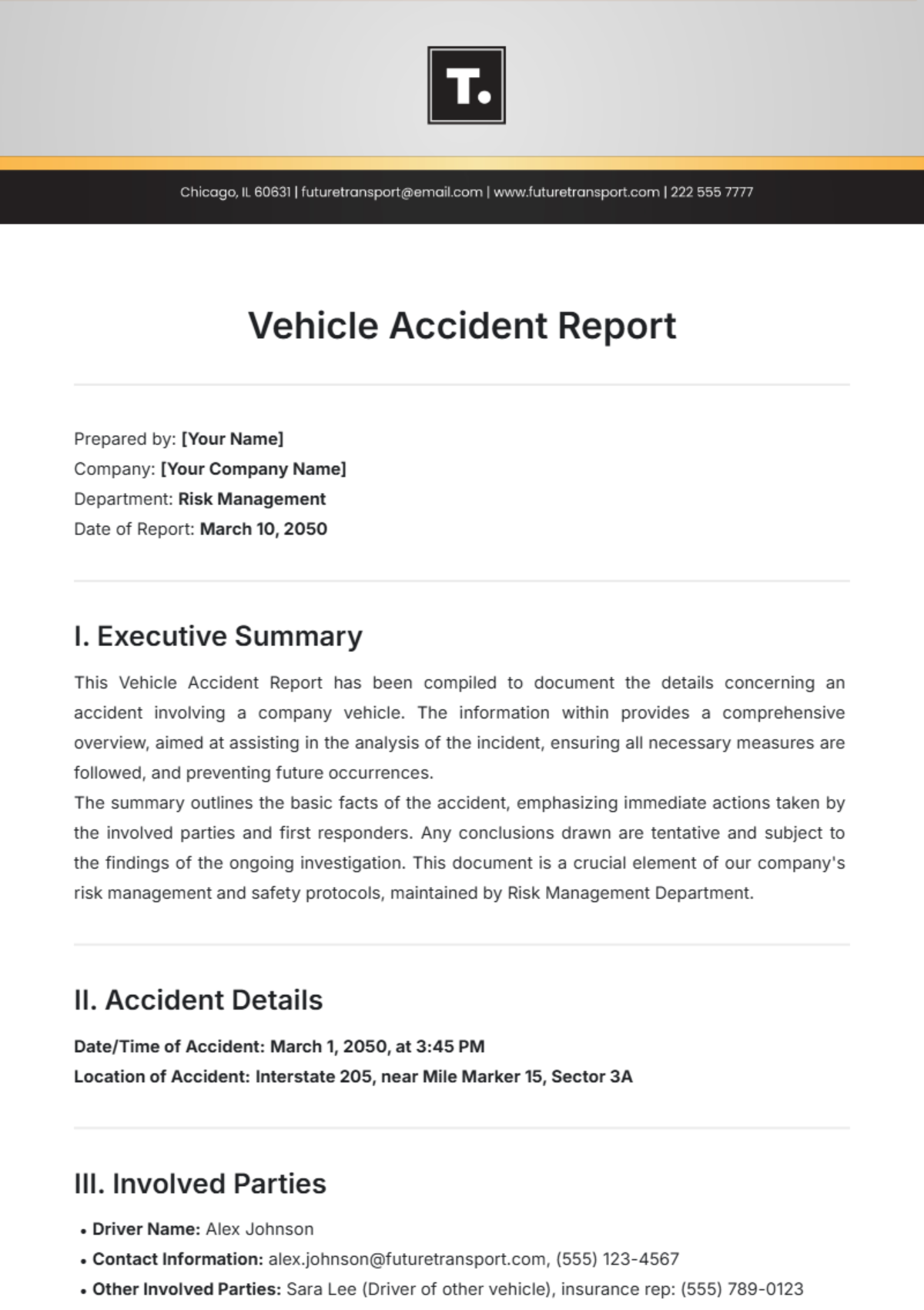
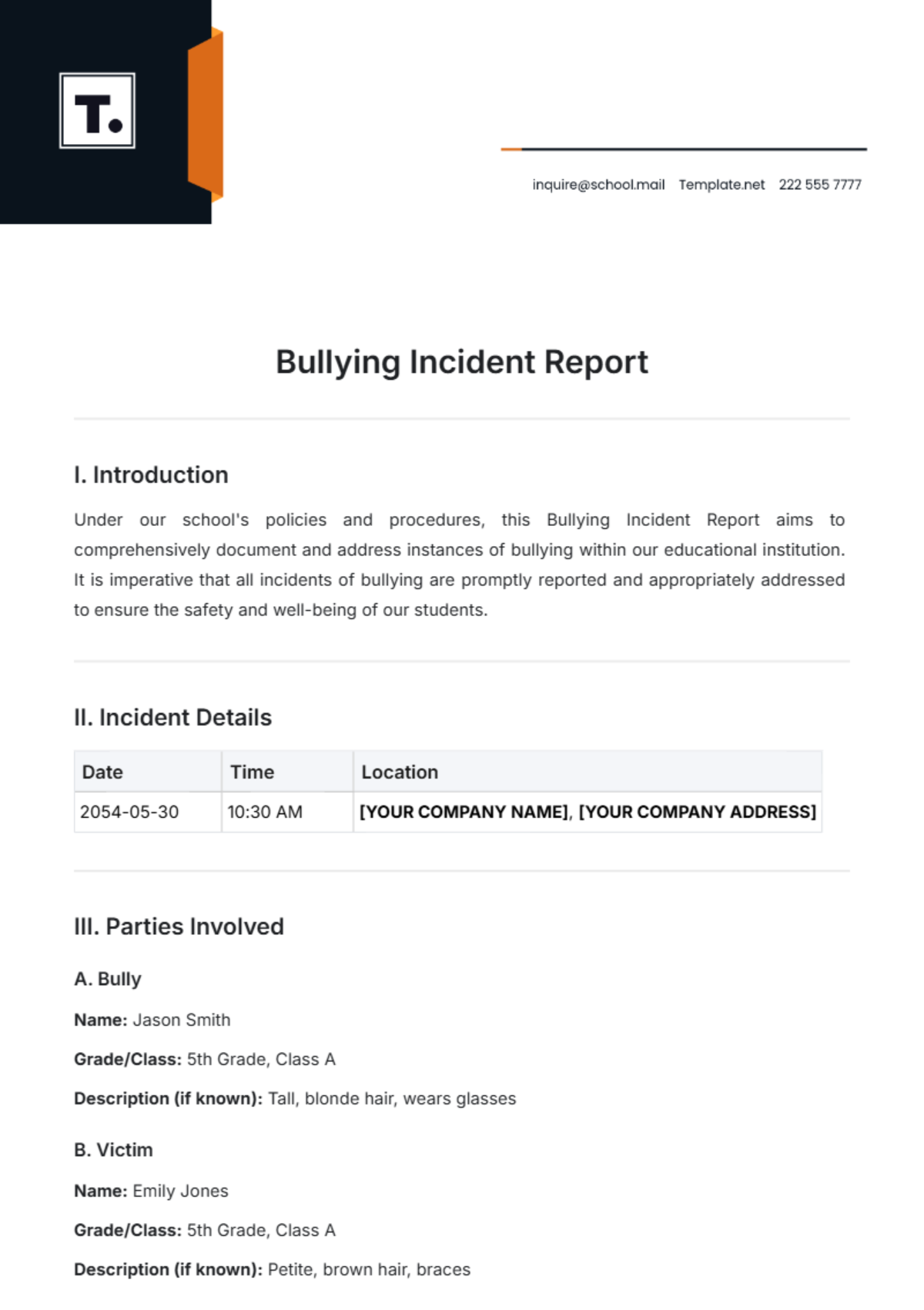
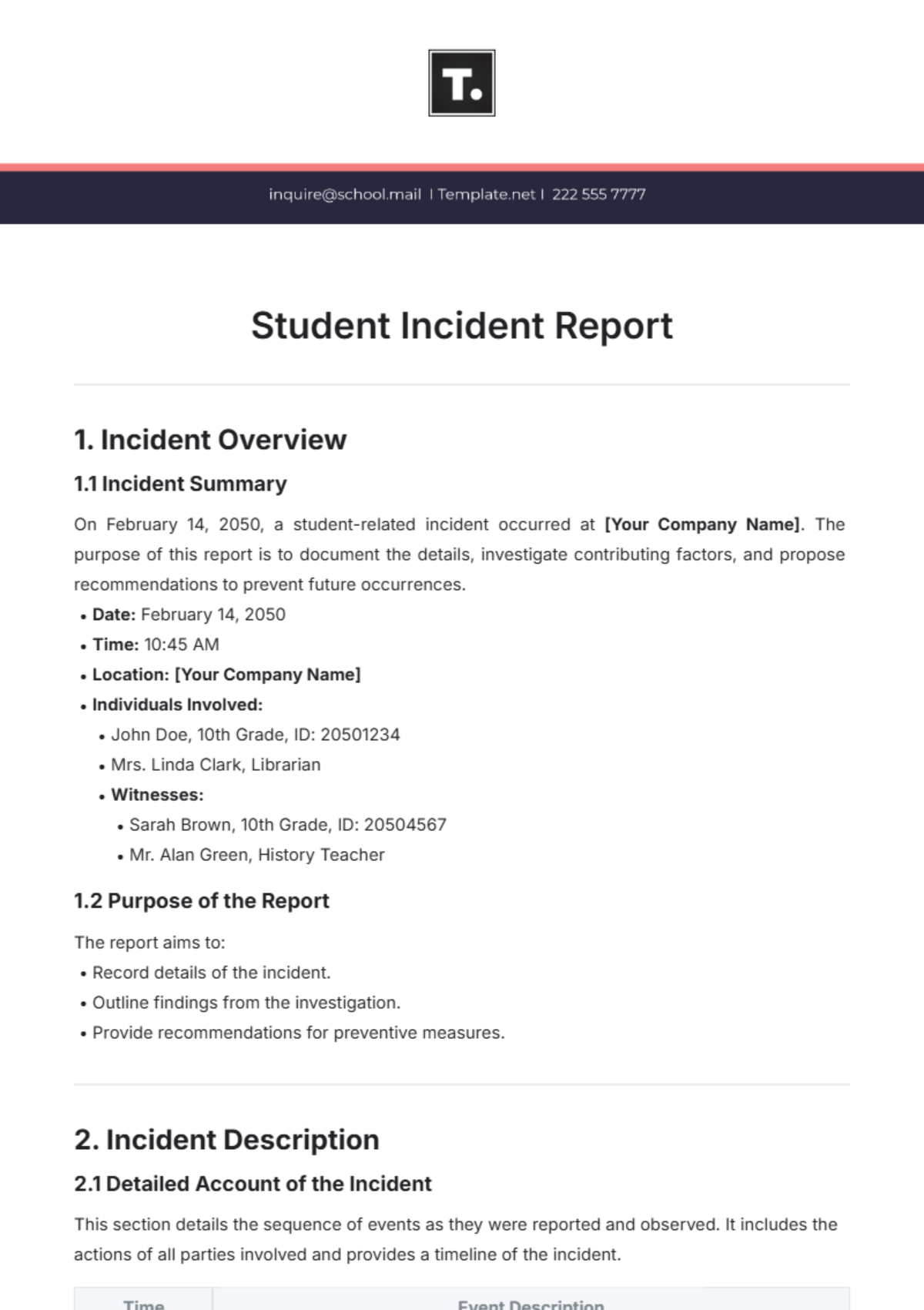
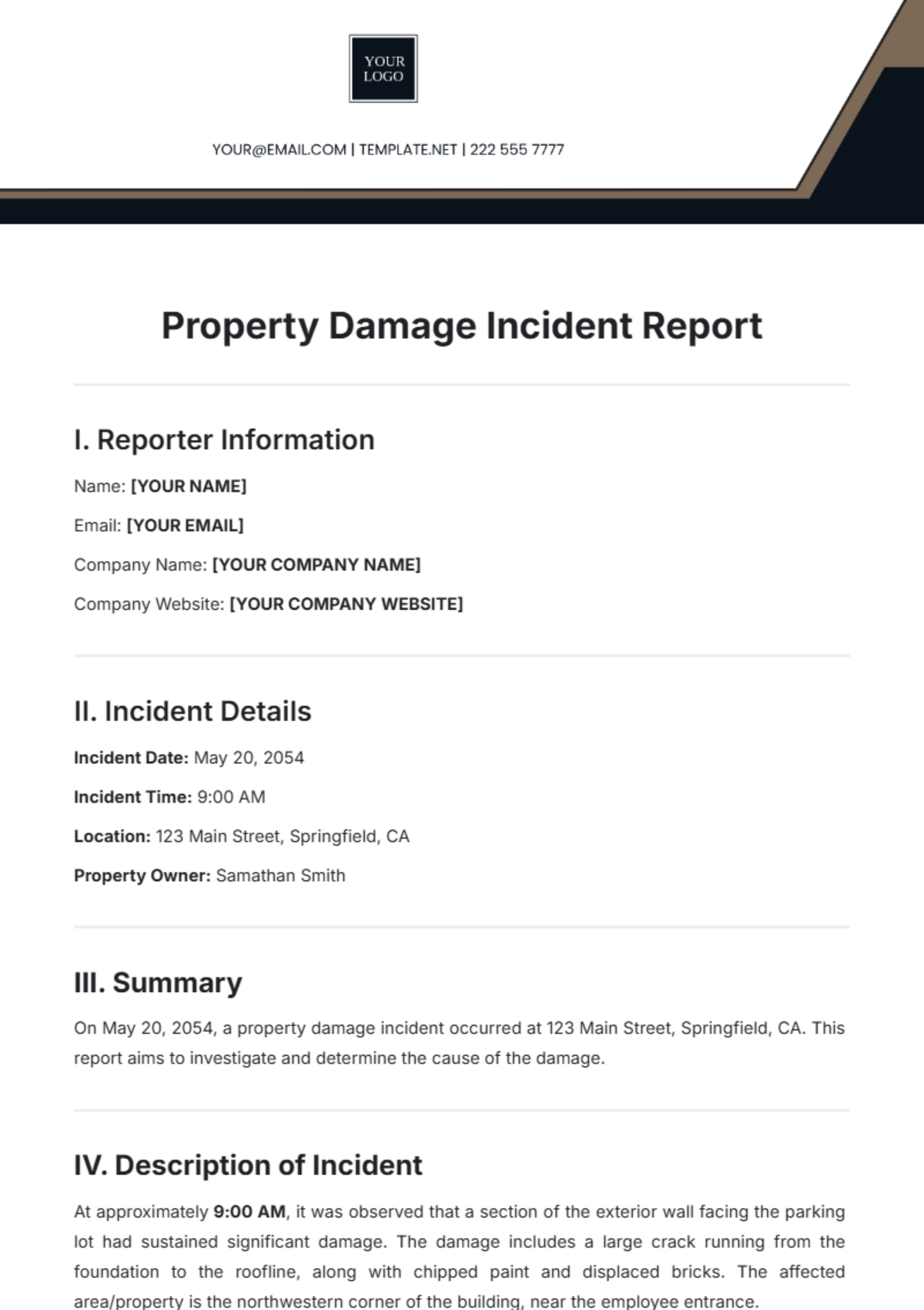
An incident report is a structured document that records details of an accident, injury, or unusual event in a professional setting. Incident report templates provide a business-ready layout with sections for facts, witness statements, and follow-up actions, ensuring clear and consistent documentation for compliance and review.
Why use a Incident Report?
Using an incident report ensures accurate and timely documentation of events, facilitating legal compliance and internal investigations. Incident report templates help maintain a structured format that supports clear communication, reduces risks, and provides a trustworthy record for professional accountability.
Who typically uses Incident Reports?
Incident reports are typically used by safety officers, managers, HR professionals, and compliance teams to document workplace accidents or unusual occurrences. These report templates assist various industries in maintaining professional records and meeting regulatory standards with clear, editable sections for accurate data entry.
What sections should a Incident Report include?
An incident report should include sections such as a header with incident details, description of the event, witness statements, actions taken, and follow-up recommendations. Templates provide these essential sections in a structured, professional layout for clear and comprehensive documentation.
What are the best tips for formatting a Incident Report?
Format an incident report with a clear header, consistent fonts, and well-defined section headings. Use bullet points for facts, maintain concise language, and ensure the document is print-ready with margins suited for Letter size or A4. Templates provide structured formatting to simplify this process.
How do you print a Incident Report?
To print an incident report, use templates designed for print-ready formatting in Letter size or A4 dimensions. Template.net enables online editing and export as PDF files, ensuring the report maintains its professional layout and is ready for physical distribution or filing.
Is a Incident Report legally and professionally acceptable?
An incident report created with structured templates is legally and professionally acceptable, as it documents events with accuracy, clarity, and compliance. Properly formatted reports support workplace safety policies and legal investigations, maintaining a business-ready and audit-friendly presentation.
What file formats can I download for a Incident Report?
Template.net provides incident report templates in multiple downloadable formats supporting editing and printing, including Word, Apple Pages, Google Docs, and PDF. These formats allow customization online and print-ready export.
Can I create a new Incident Report using AI?
Template.net provides an AI-powered tool that generates structured incident report documents from prompts in 3–10 seconds. The Incident Report Generator supports online refinement and multi-format export for fast professional results.
