
Free Security Report Templates






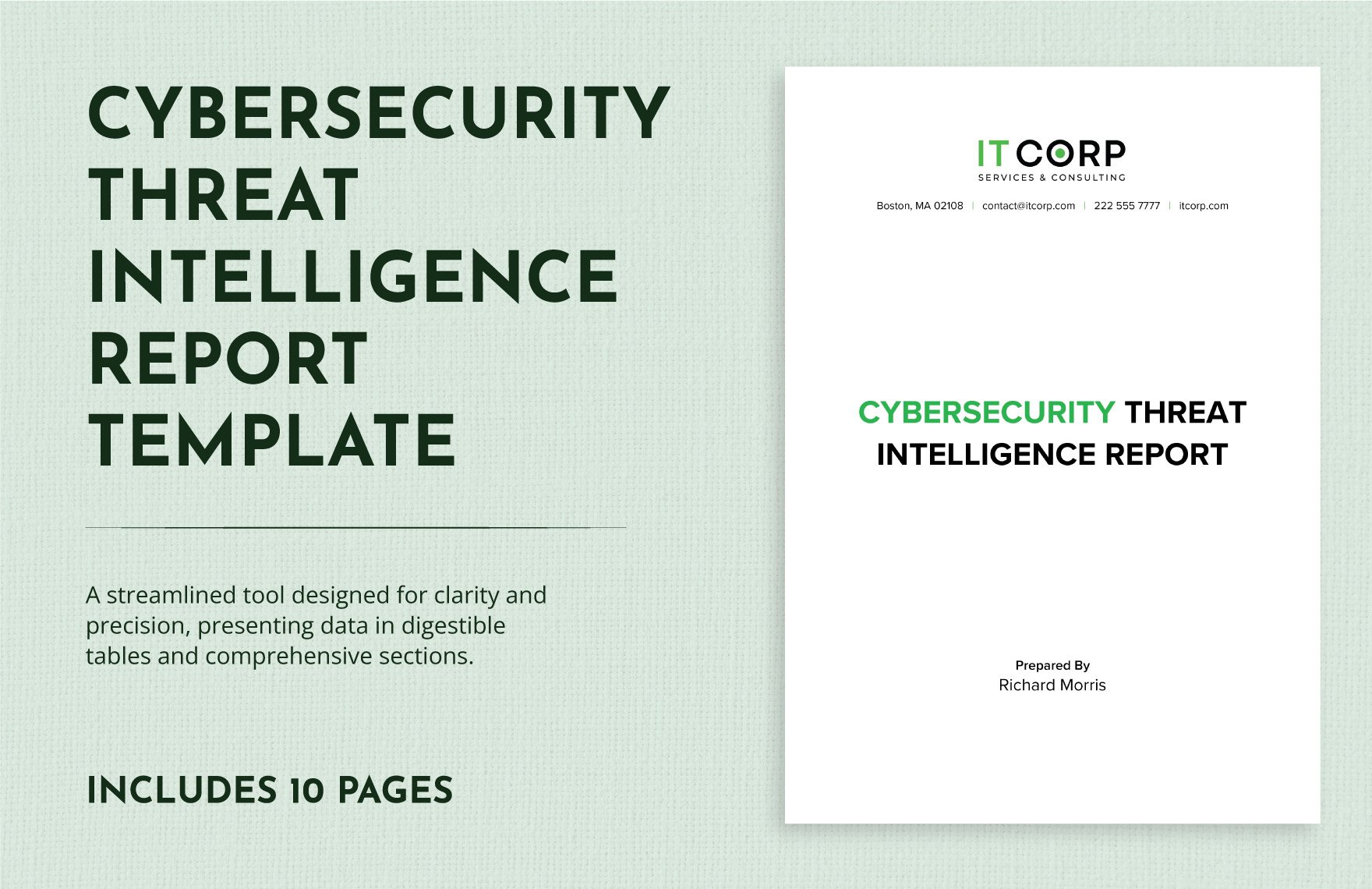







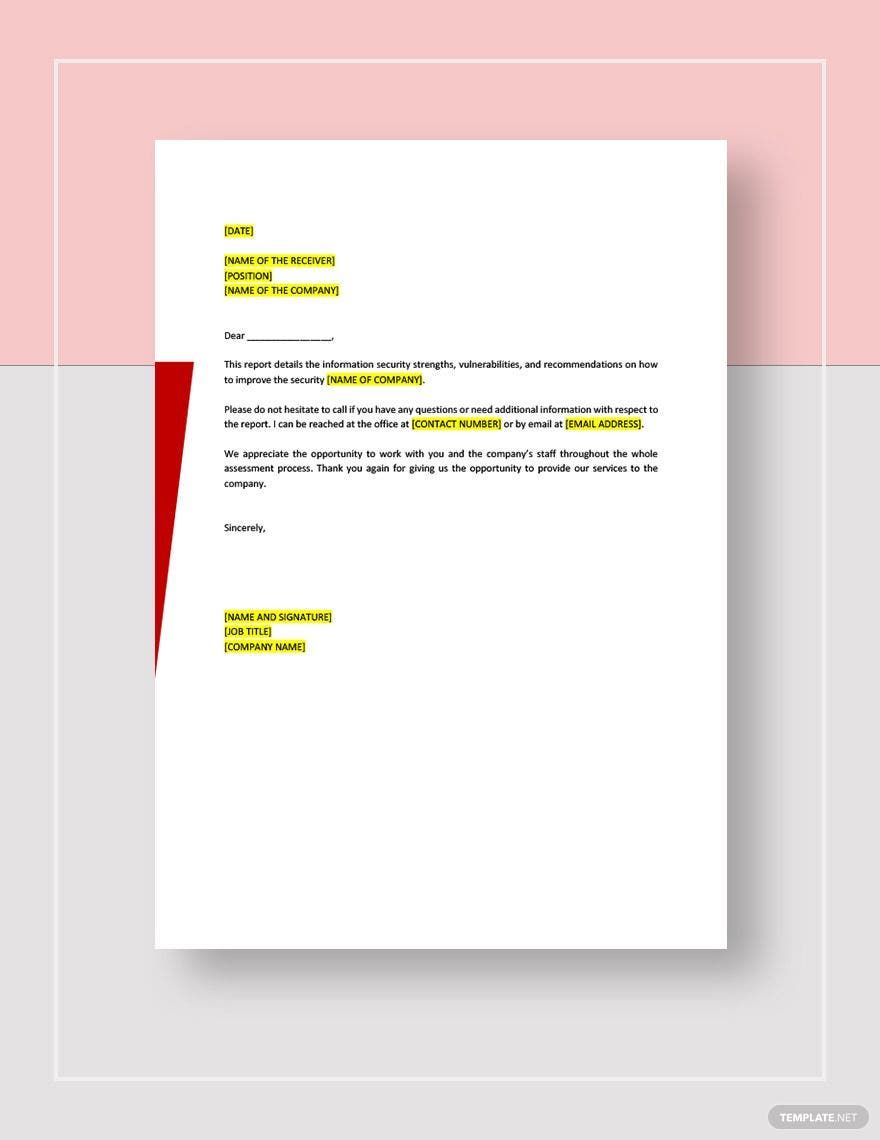
Security Report Templates: Definition and Usage Overview
What is a Security Report?
A security report is a formal document that details observations, findings, and recommendations regarding security incidents, assessments, or audits. These reports use structured formatting and business-ready layouts to communicate security status and risks clearly for decision-making and compliance purposes.
Why use a Security Report?
Security reports provide a compliance-friendly presentation of security information and help organizations track vulnerabilities and incidents. Using security report templates ensures consistent structure and professional layout, improving clarity and speeding up the reporting process.
Who typically uses Security Reports?
Security reports are typically used by security analysts, IT professionals, compliance officers, and managers who need to document security findings. These users rely on ready-made templates to create print-ready and structured documents that meet organizational and regulatory standards.
What sections should a Security Report include?
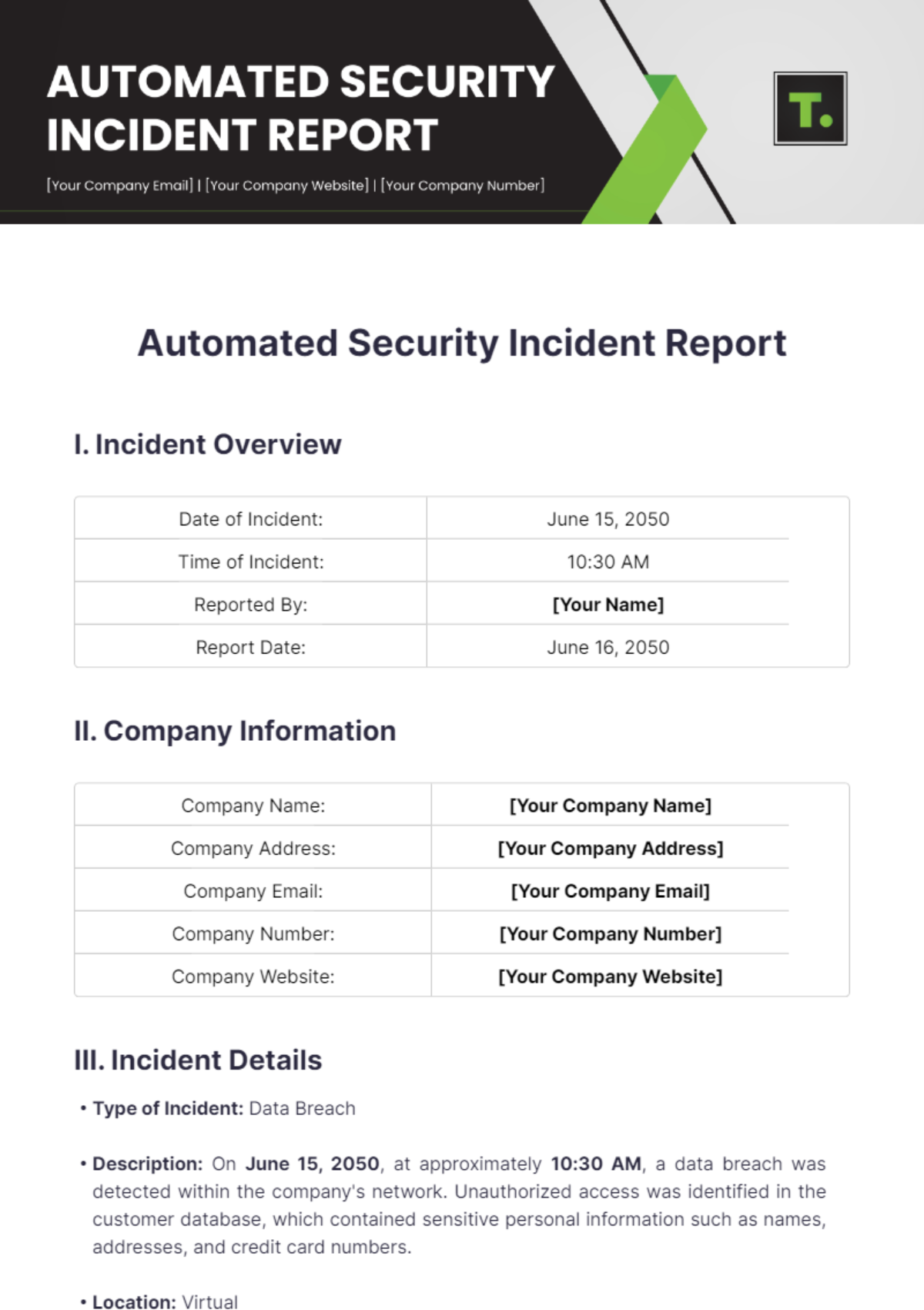
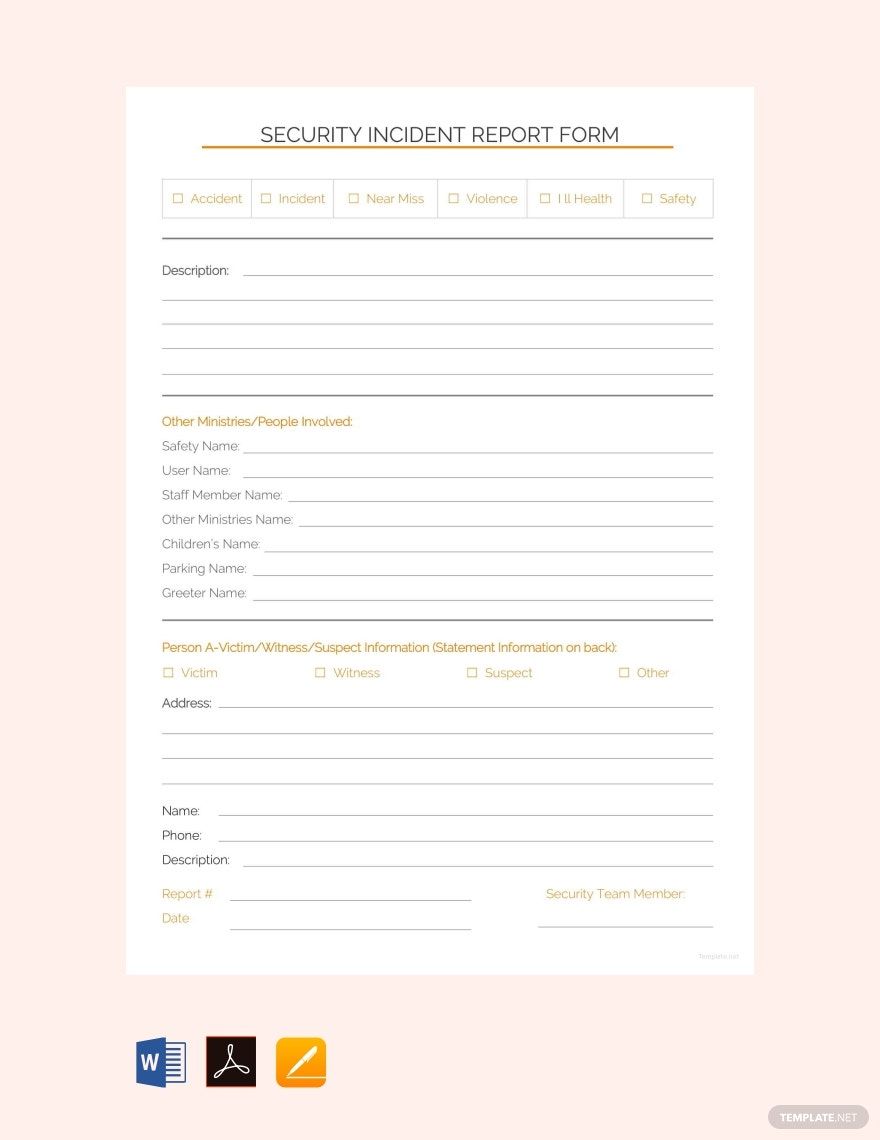
A security report should include a header with incident details, executive summary, findings and analysis, and recommendations. Structured sections help present complex security data clearly and support effective communication.
What are the best tips for formatting a Security Report?
Best formatting tips for security reports include using consistent fonts and headings, clear section separation, and bullet points or tables for data presentation. A professional layout enhances readability and ensures the report is business-ready and print-ready.
How do you print a Security Report?
Printing a security report requires using print-ready PDF formats that preserve layout and structure. Template.net’s templates support standard sizes like 8.5 × 11 inches or A4 for professional presentation and easy distribution.
Is a Security Report legally and professionally acceptable?
Security reports created from professional templates adhere to compliance standards and maintain a structured, business-ready format. This ensures the document is both legally and professionally acceptable for audits, investigations, and stakeholder communication.
What file formats can I download for a Security Report?
Template.net security report templates support multiple export formats for editing and printing, including Word, Google Docs, and PDF. These formats ensure flexibility and professional results.
Can I create a new Security Report using AI?
Template.net provides an AI-powered tool that generates structured Security Report documents from prompts in 3–10 seconds, ready for online refinement and multi-format export. Use the Report Generator to create customized security reports efficiently.
