
Free To Do List Templates


To Do List Templates: Definition, Uses, and Formats
What is a To Do List?
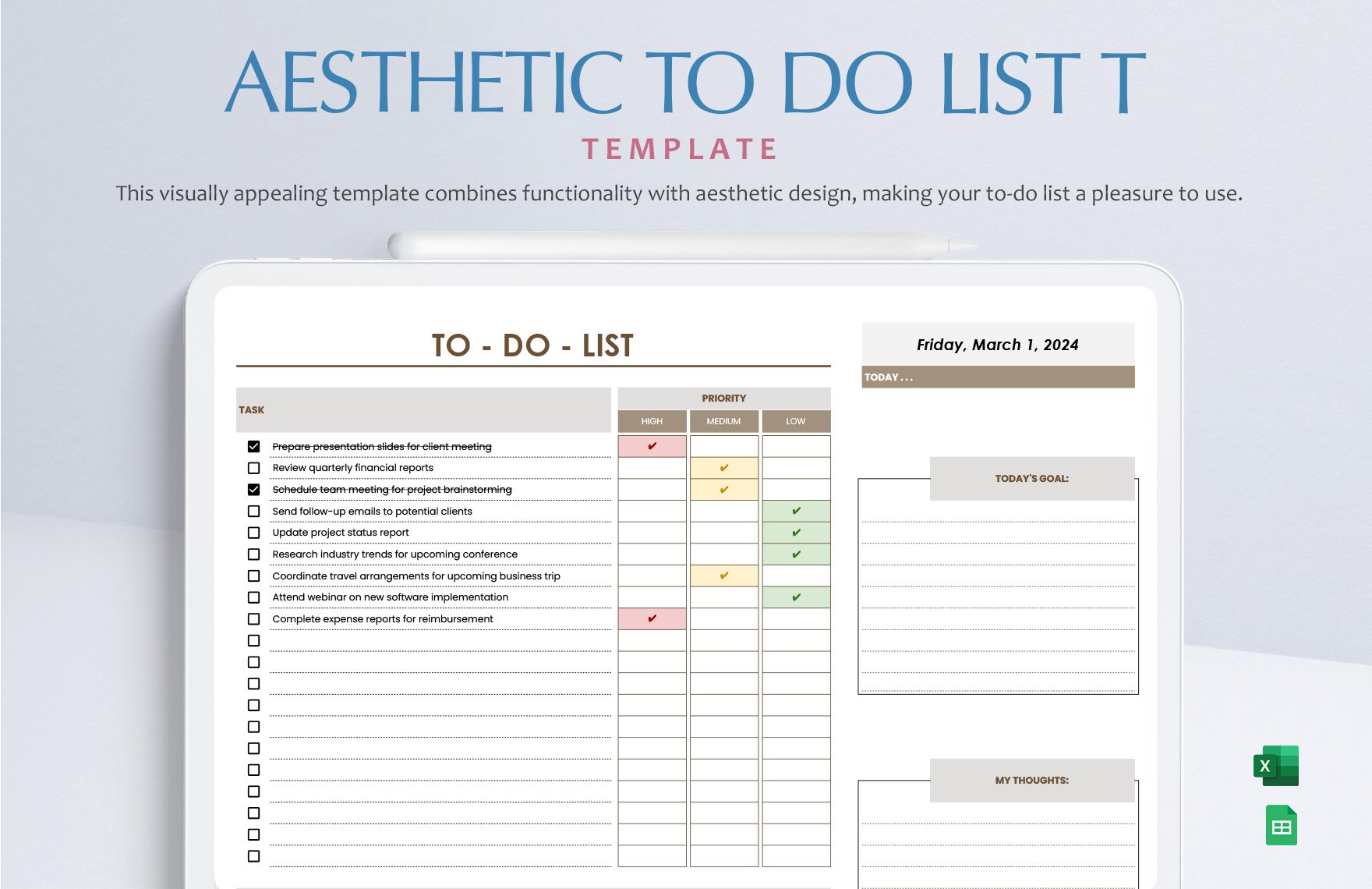
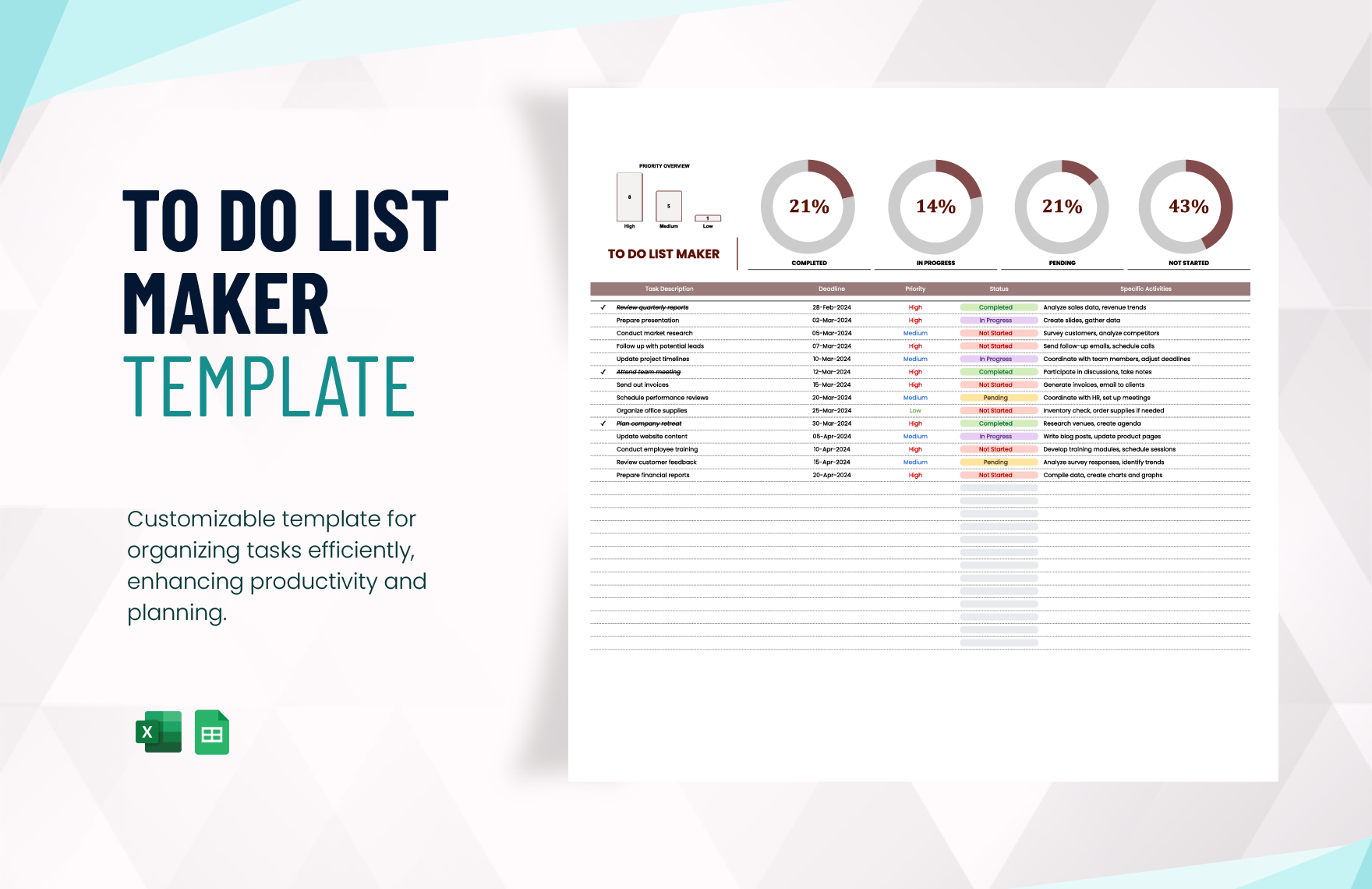
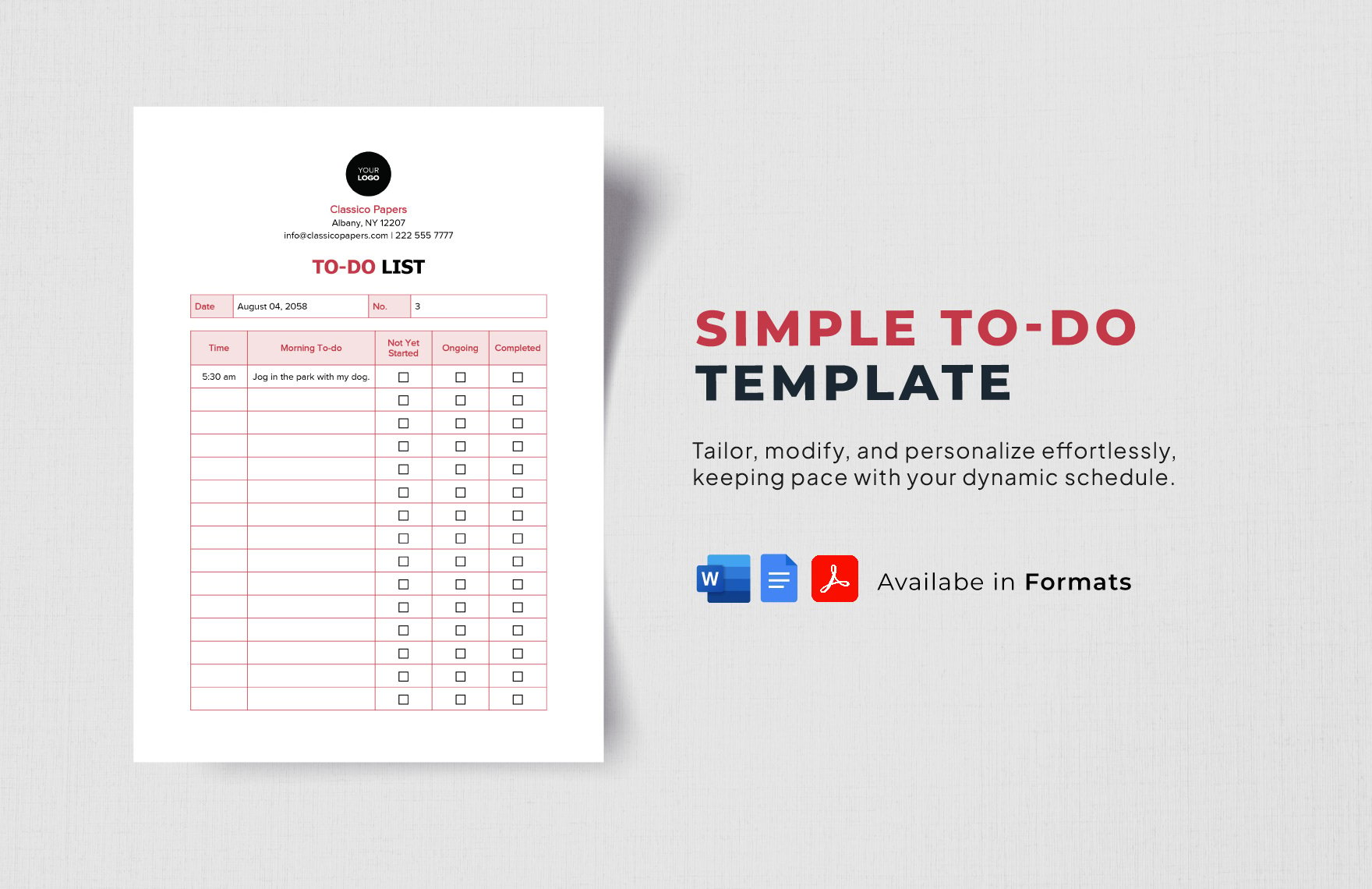
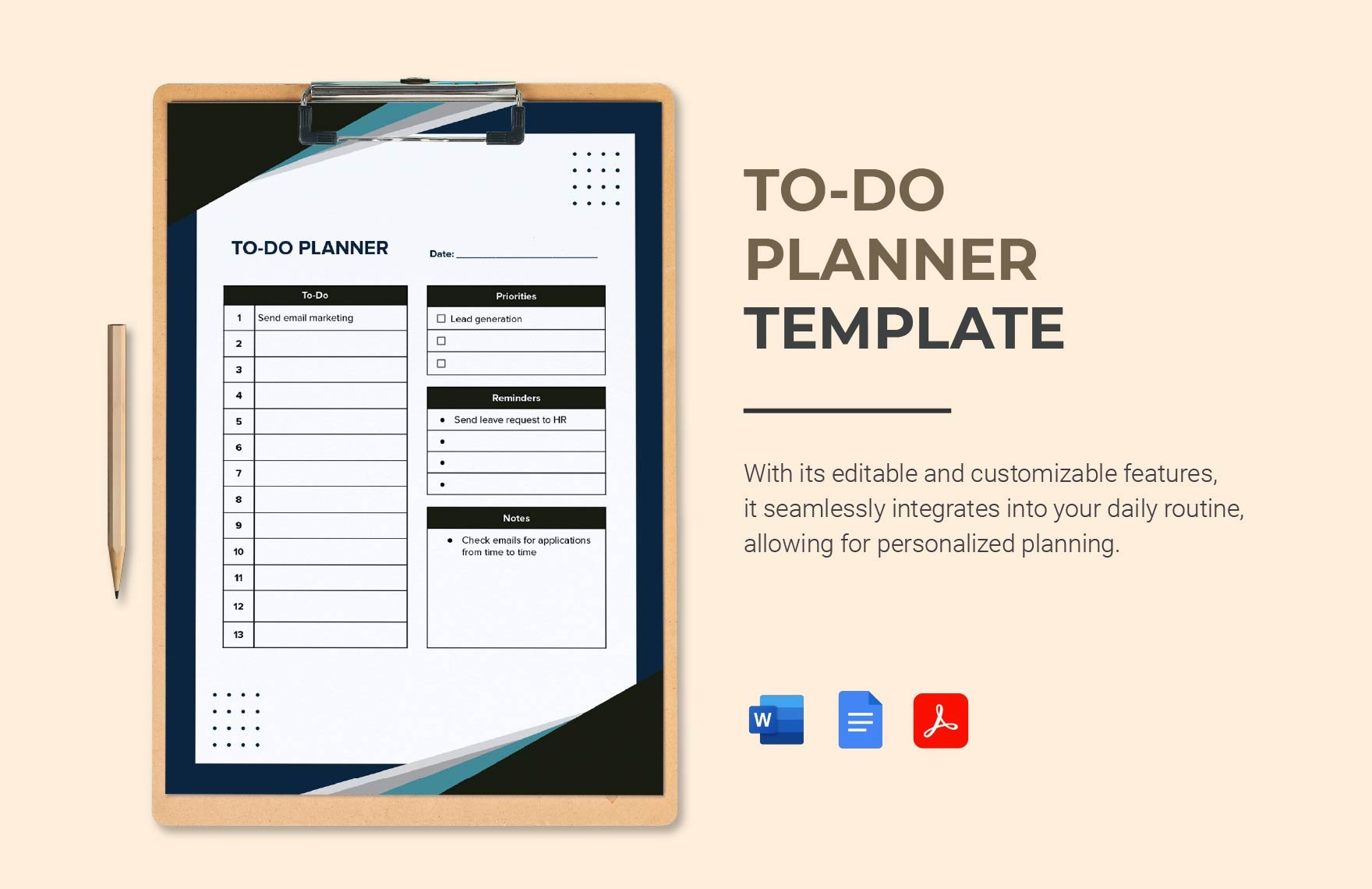
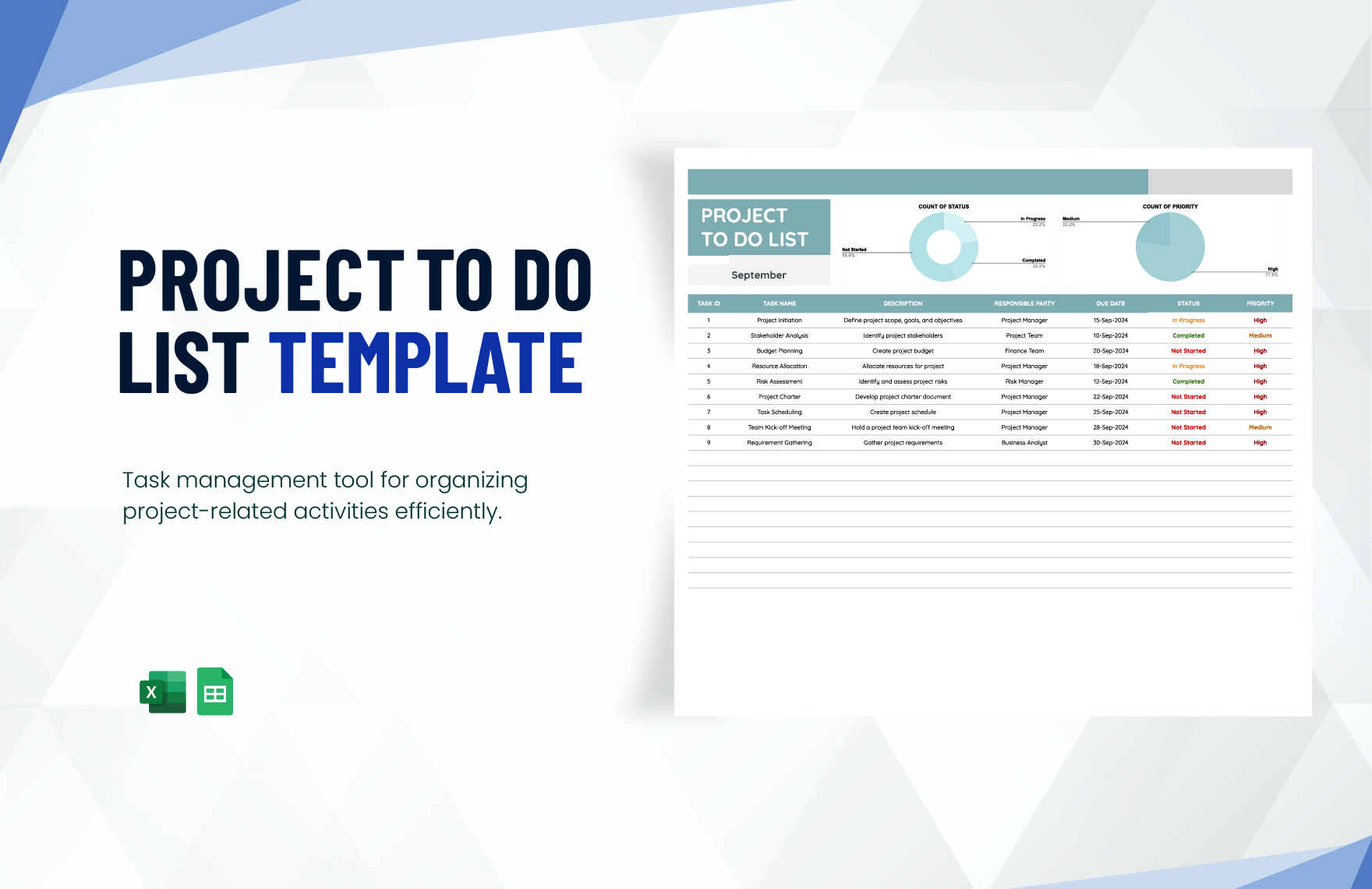
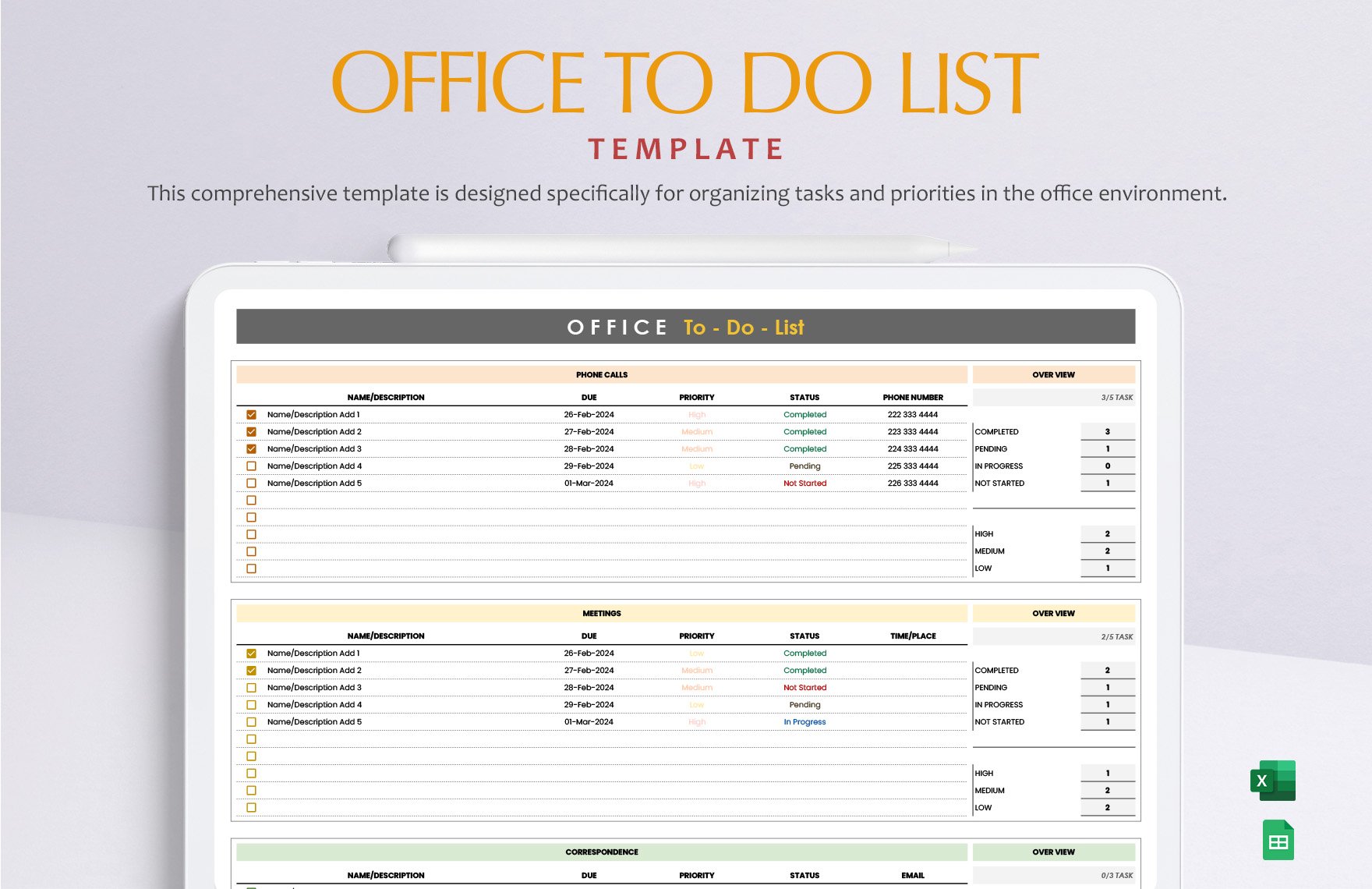
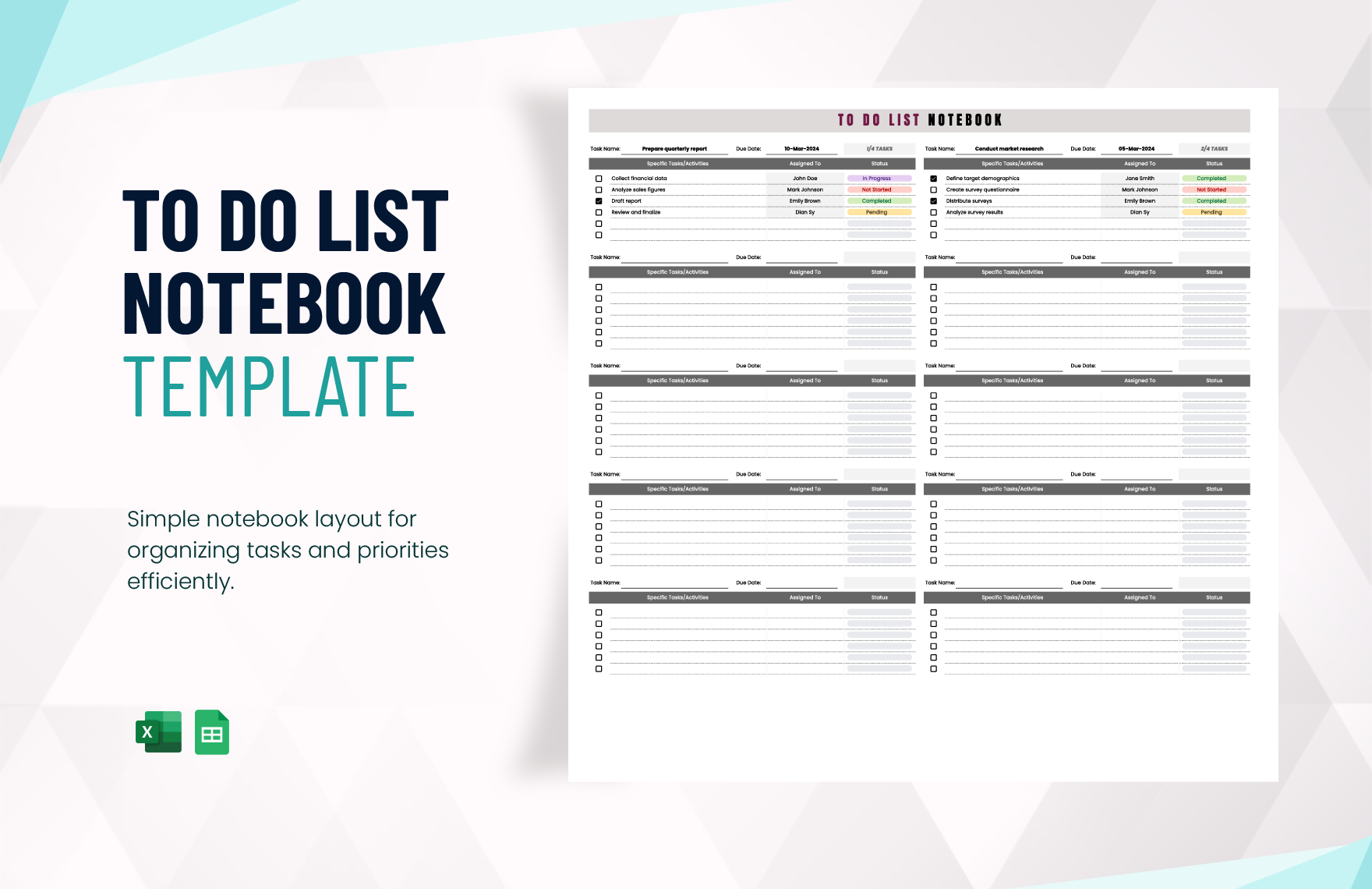
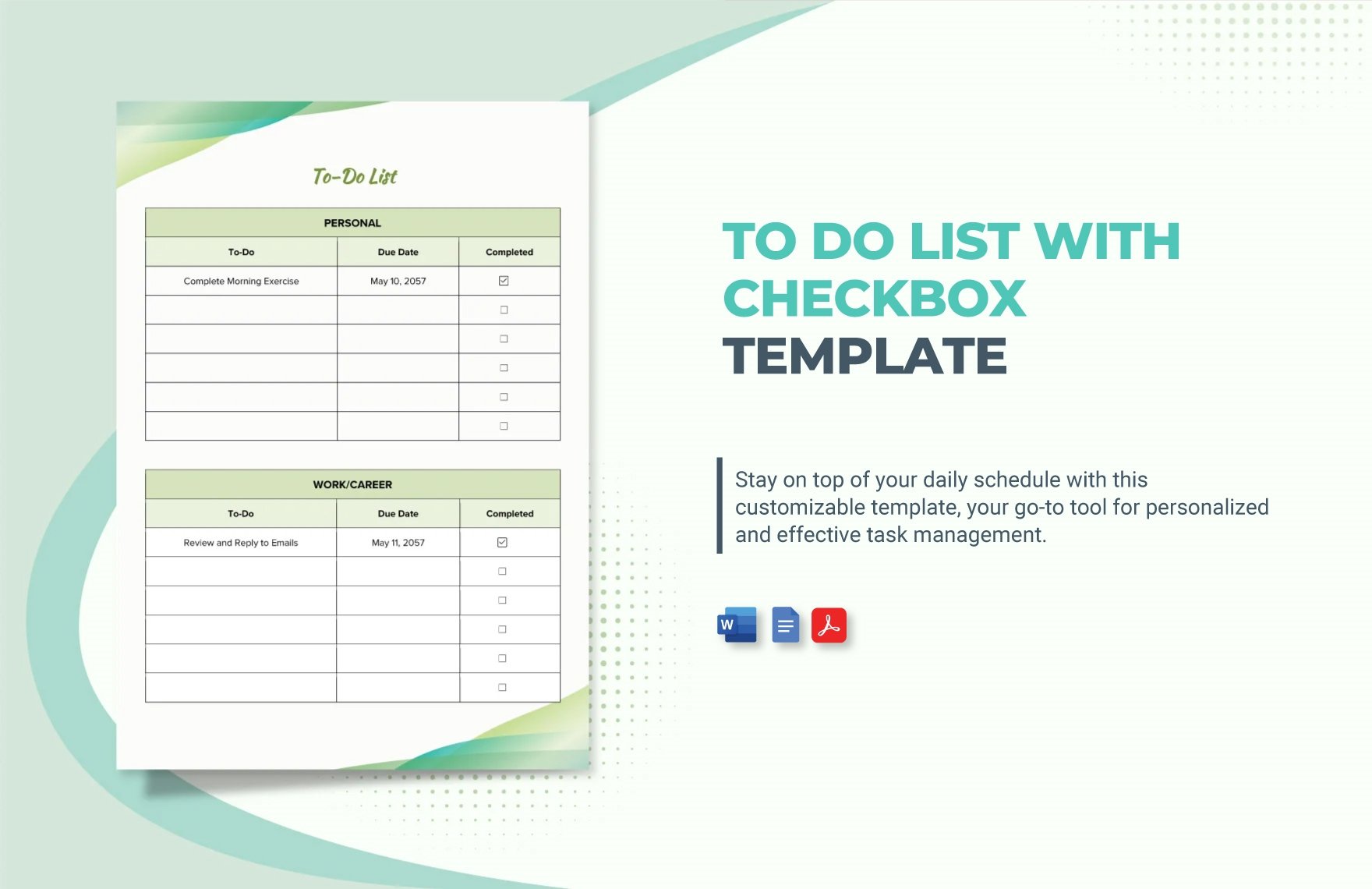
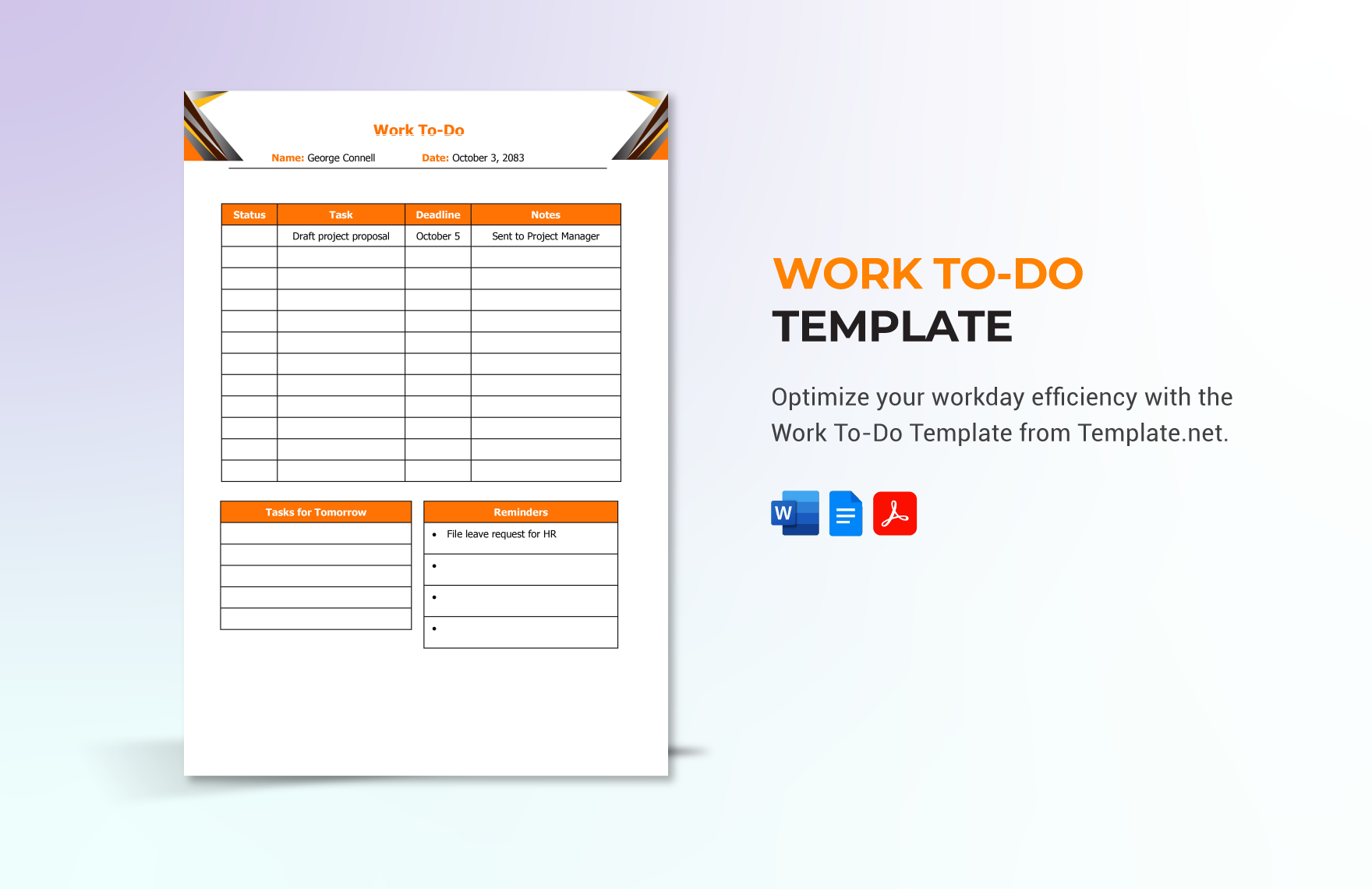
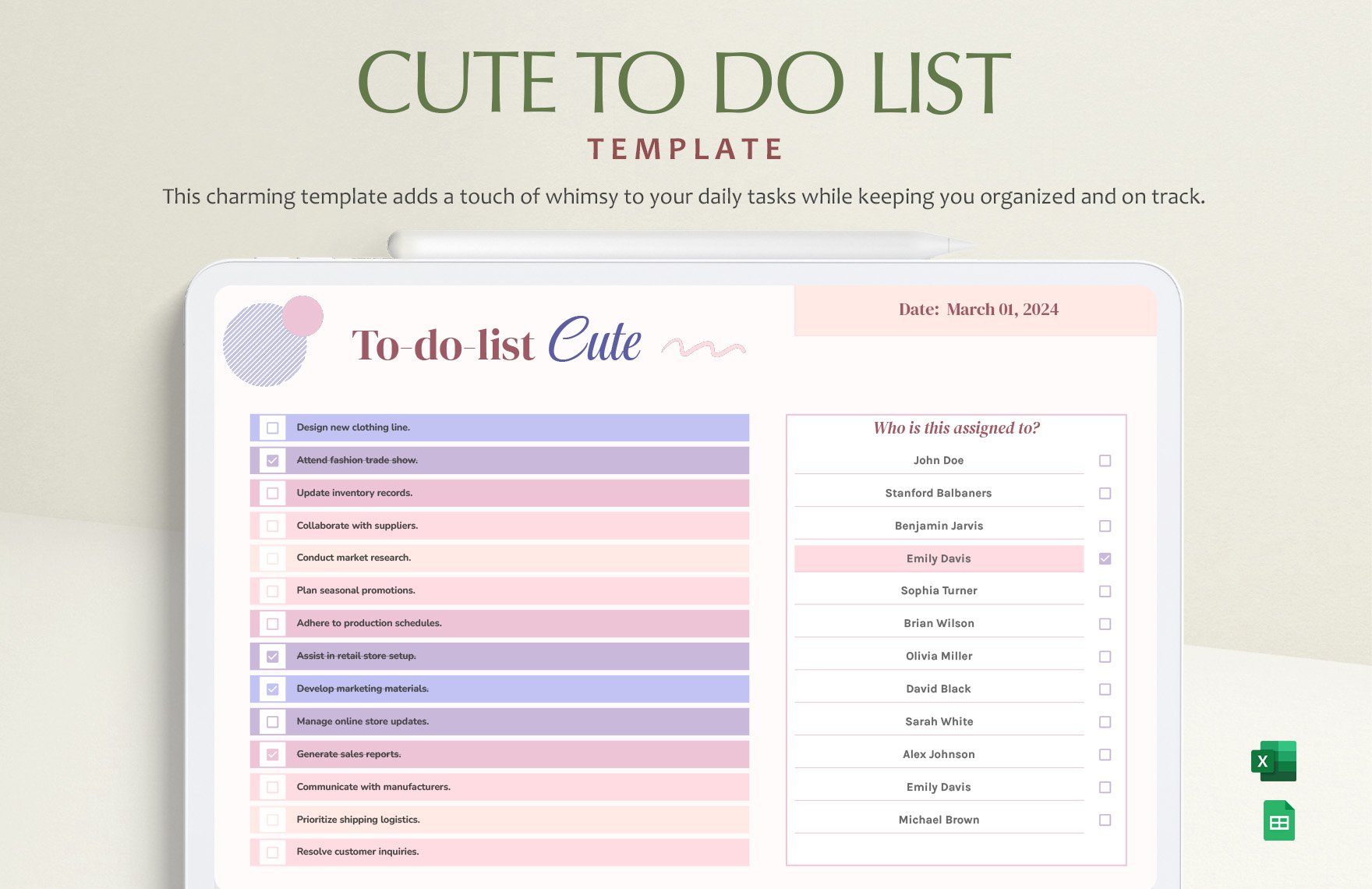
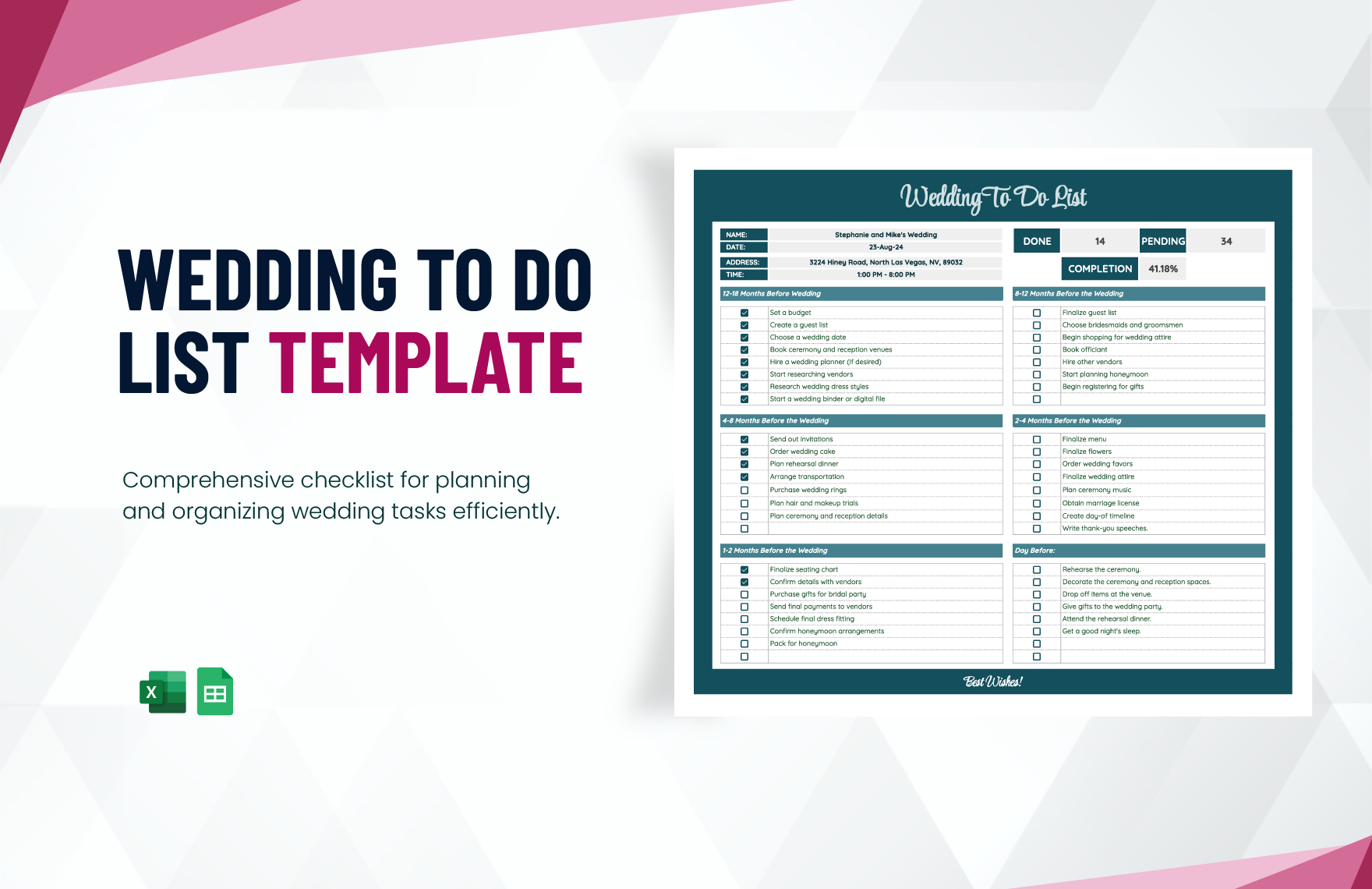
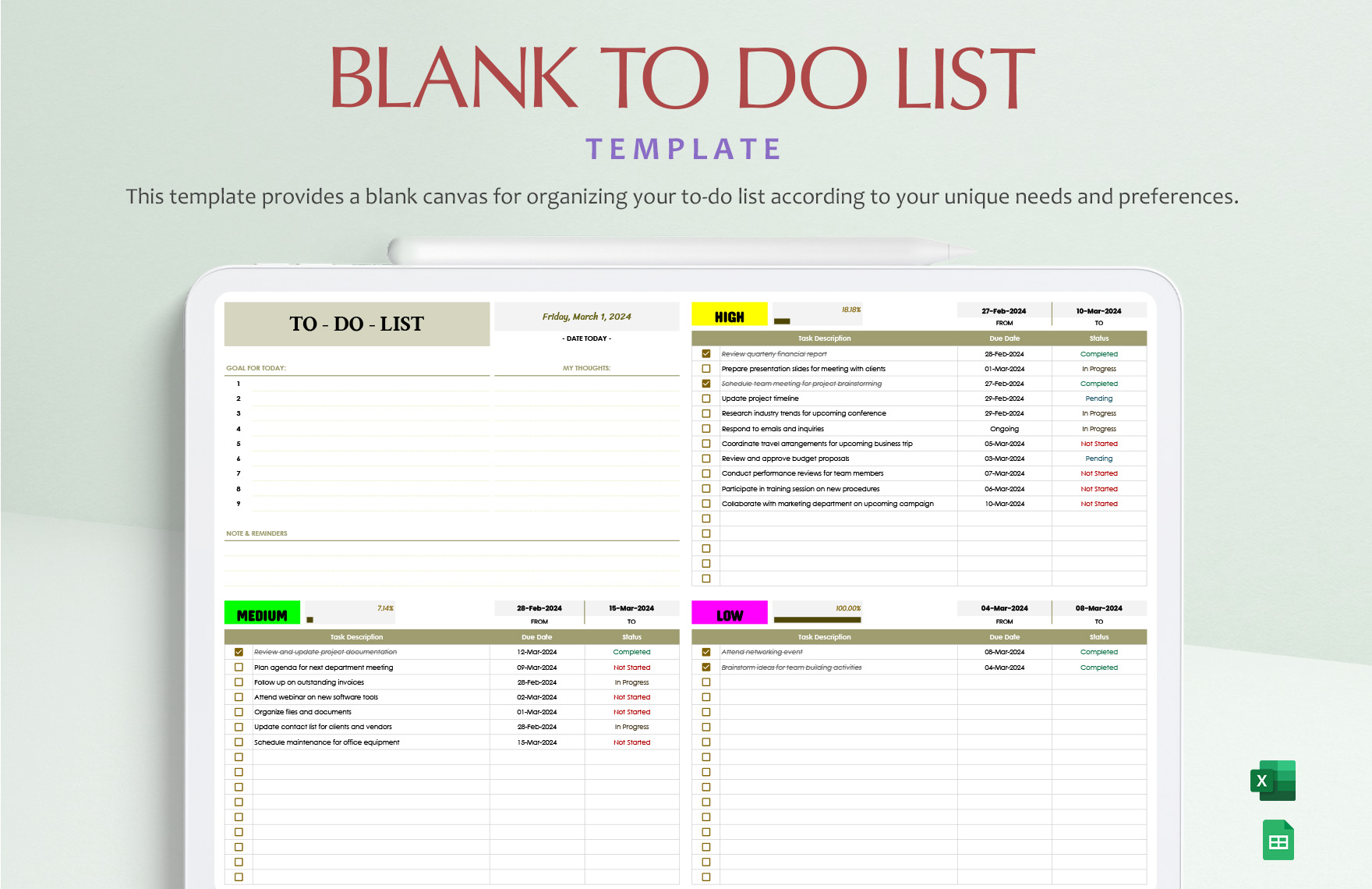
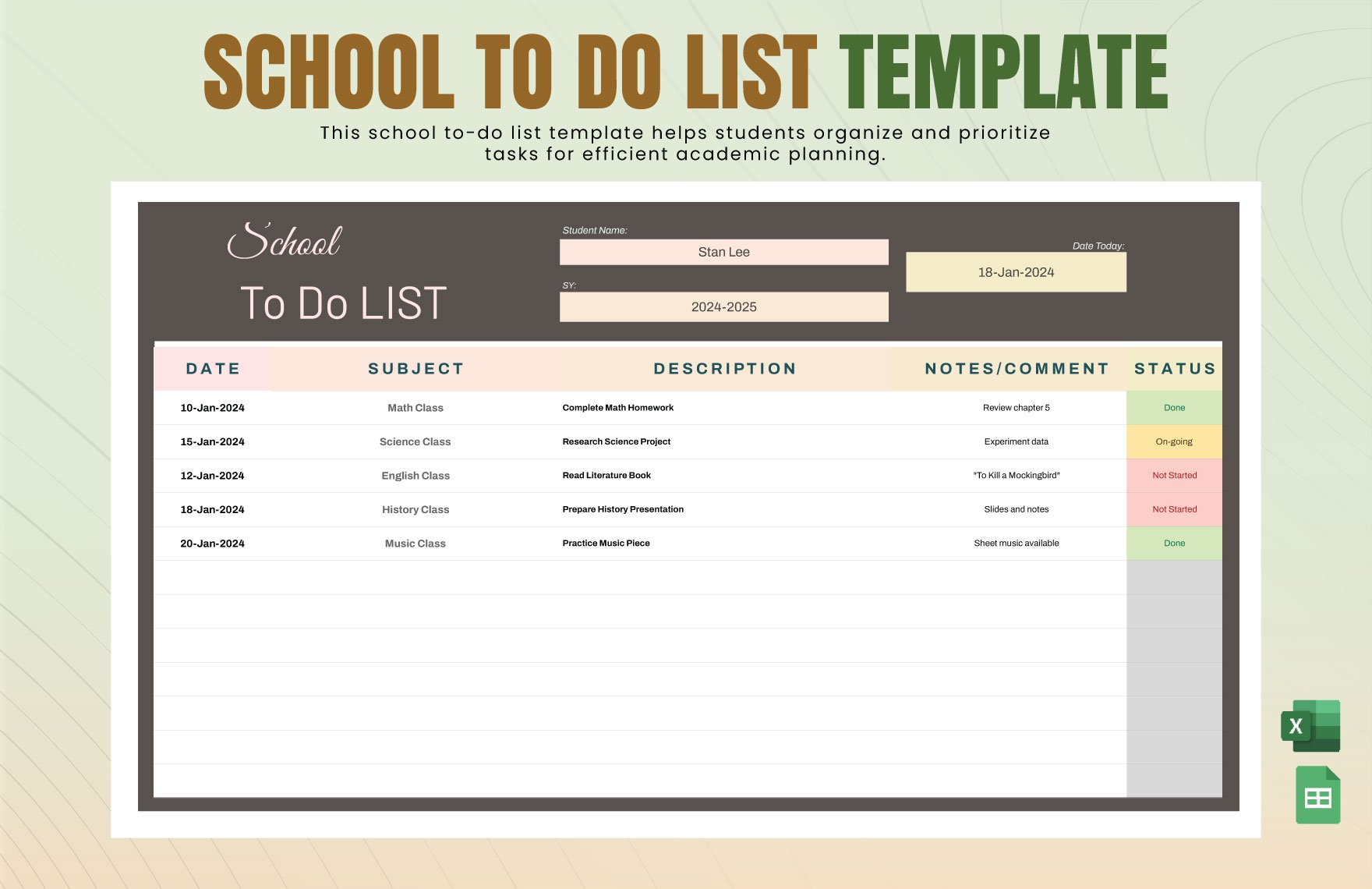
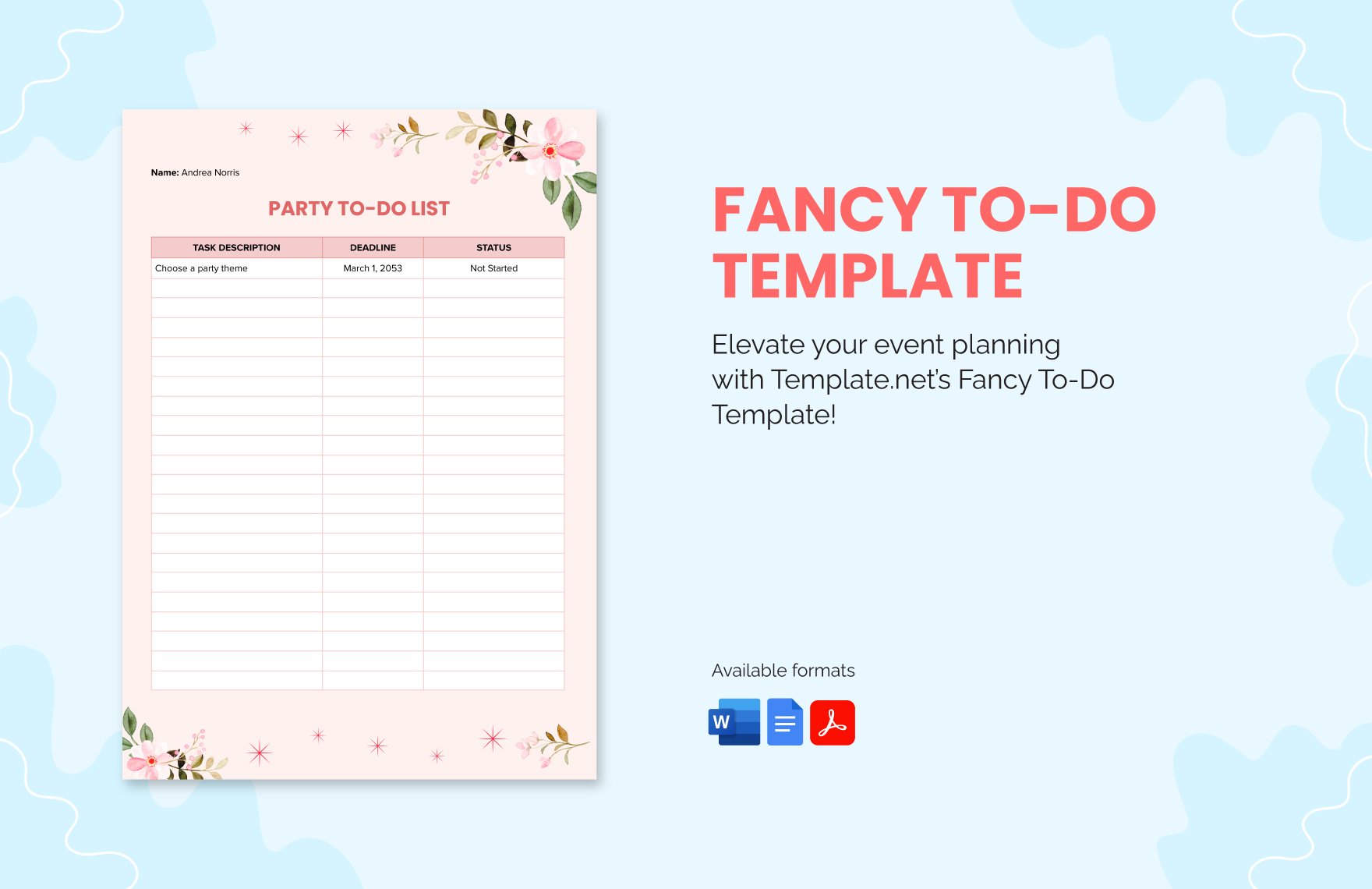
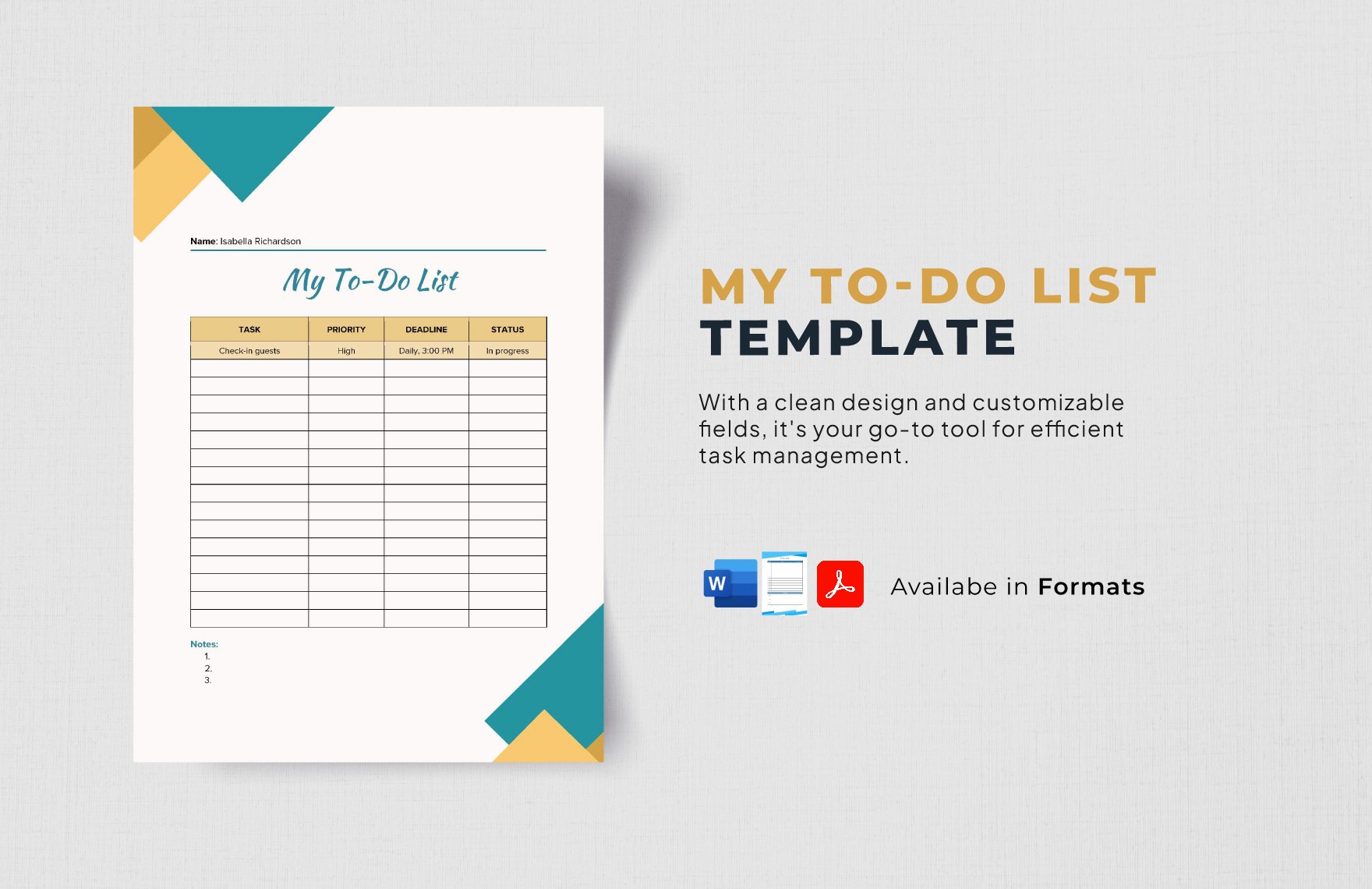
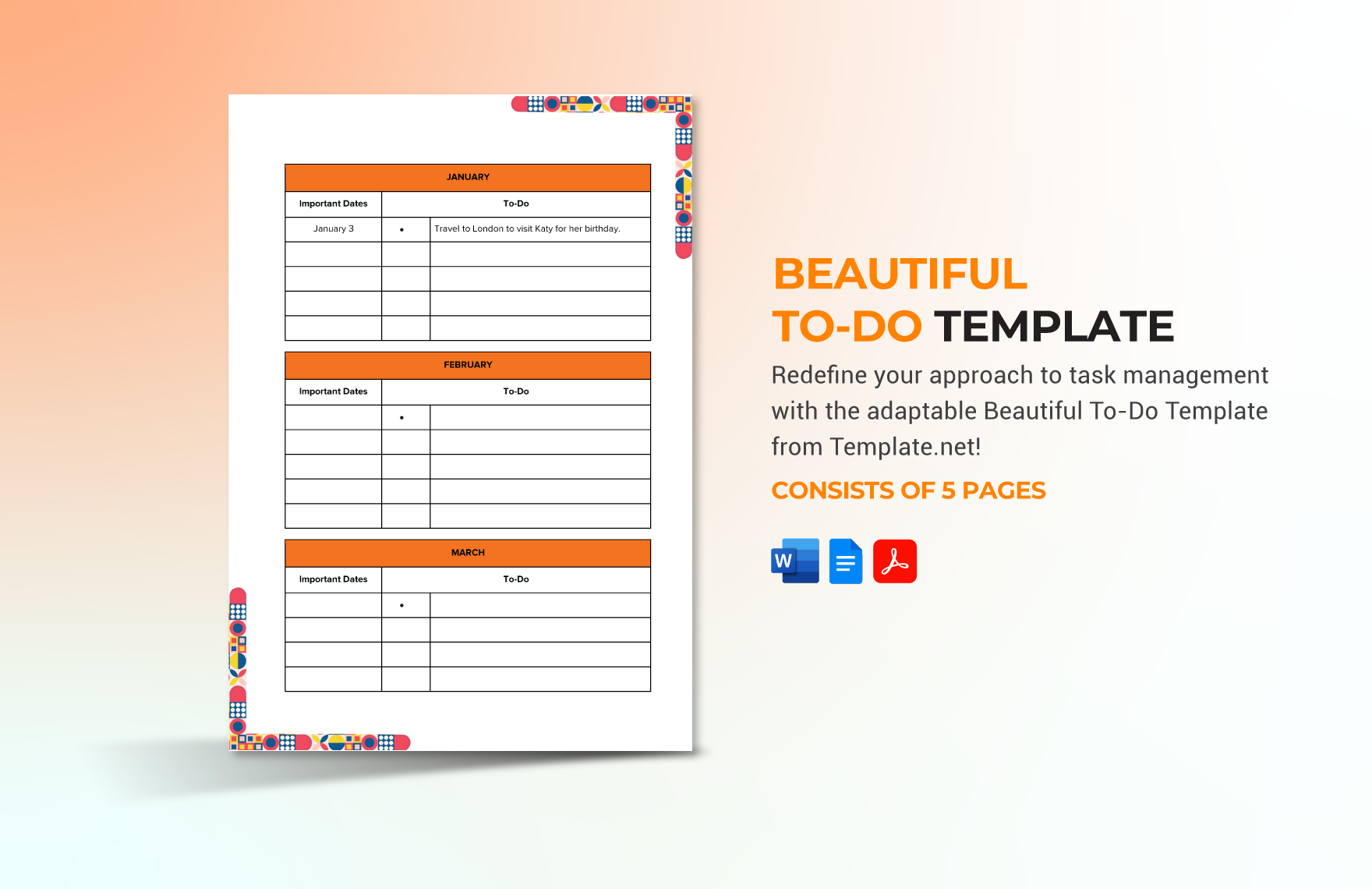
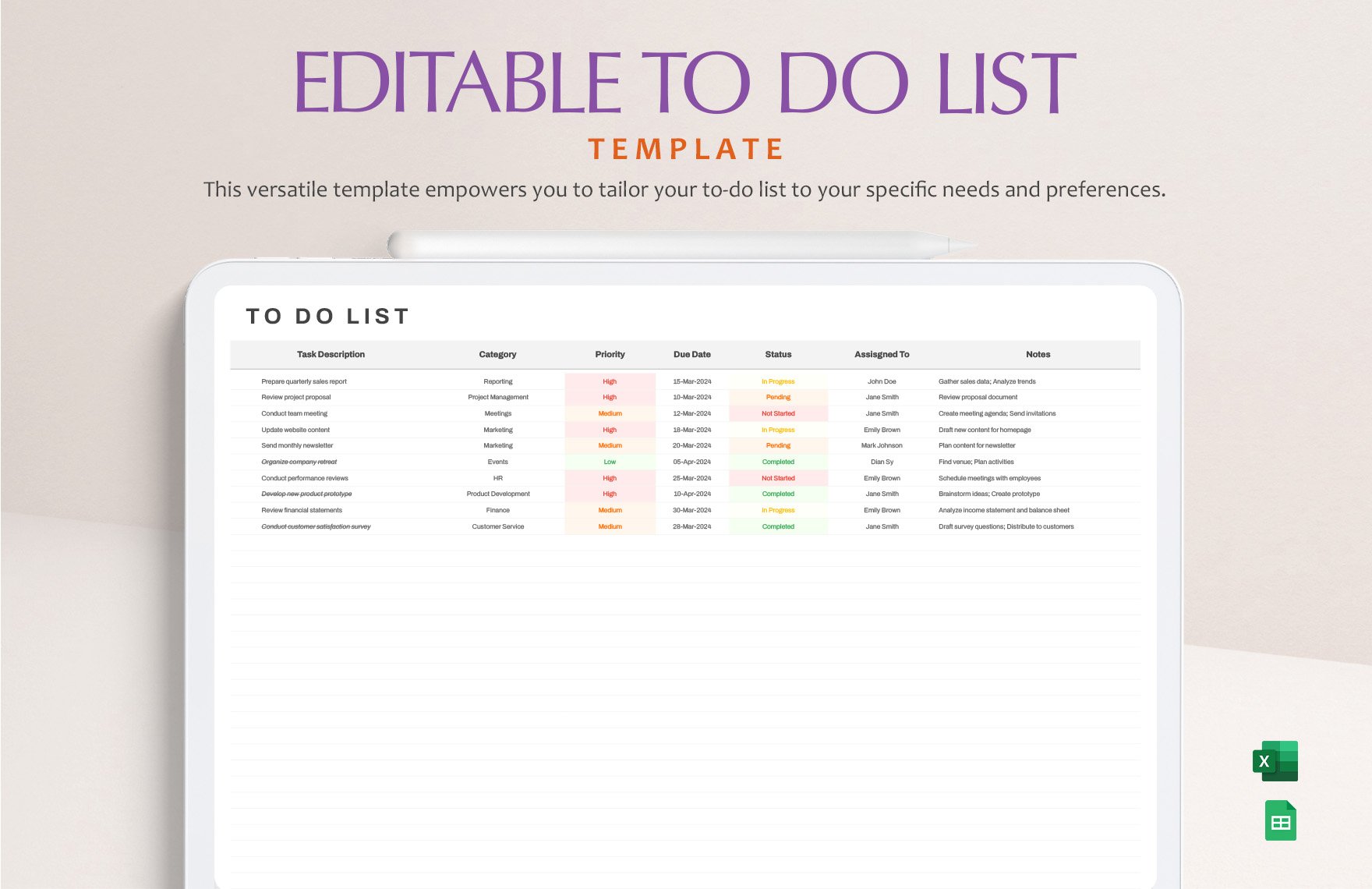
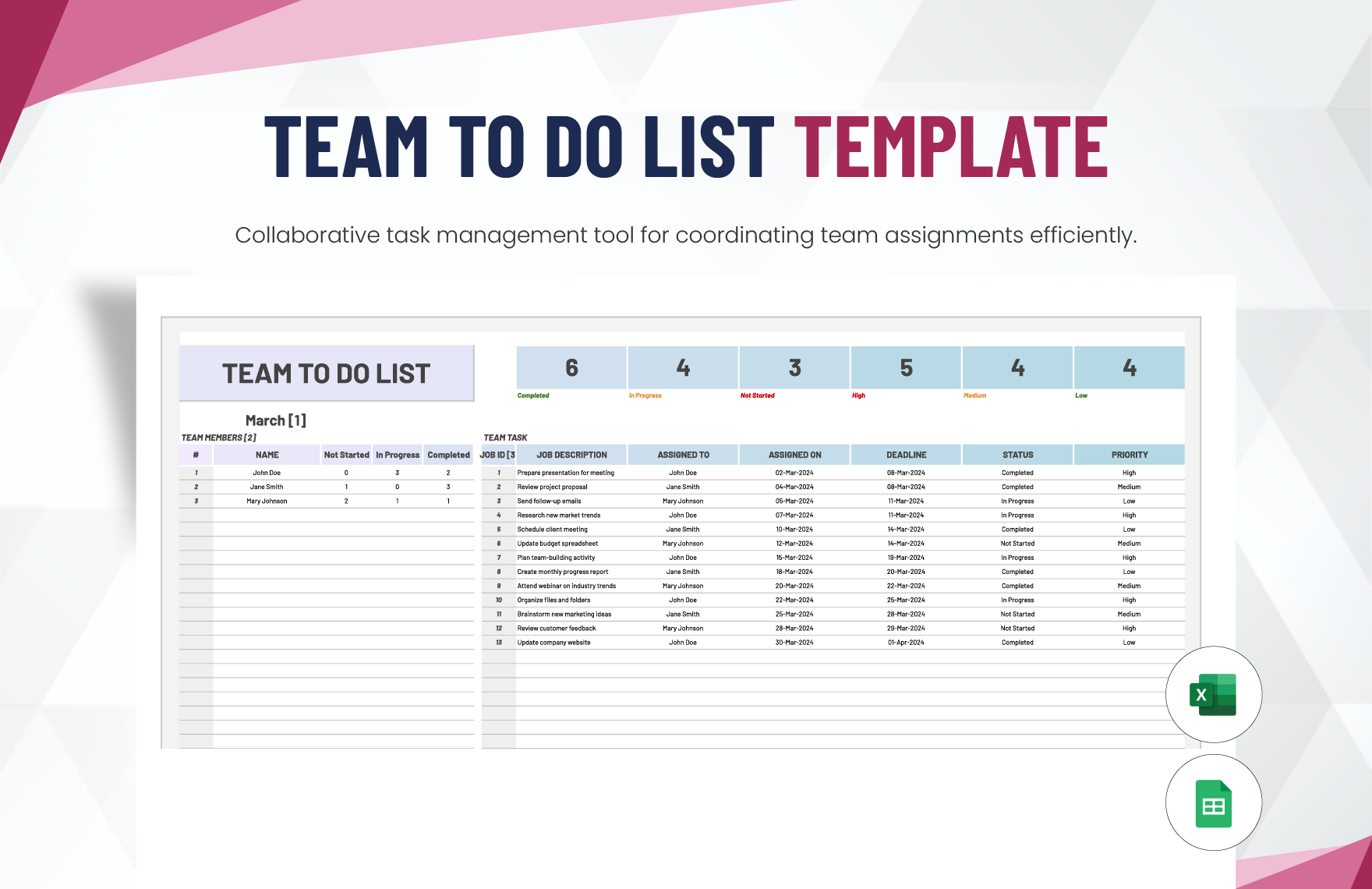
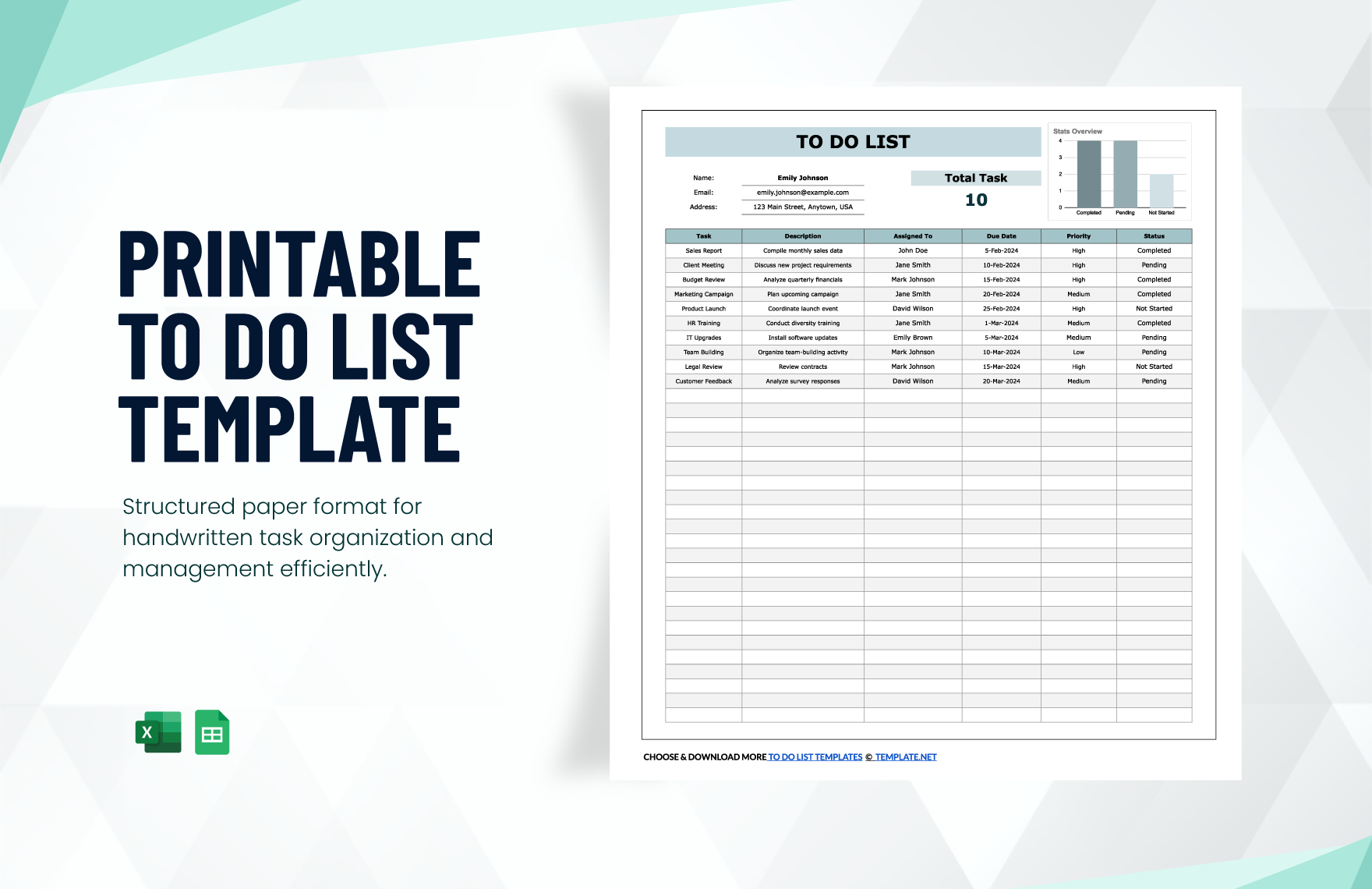
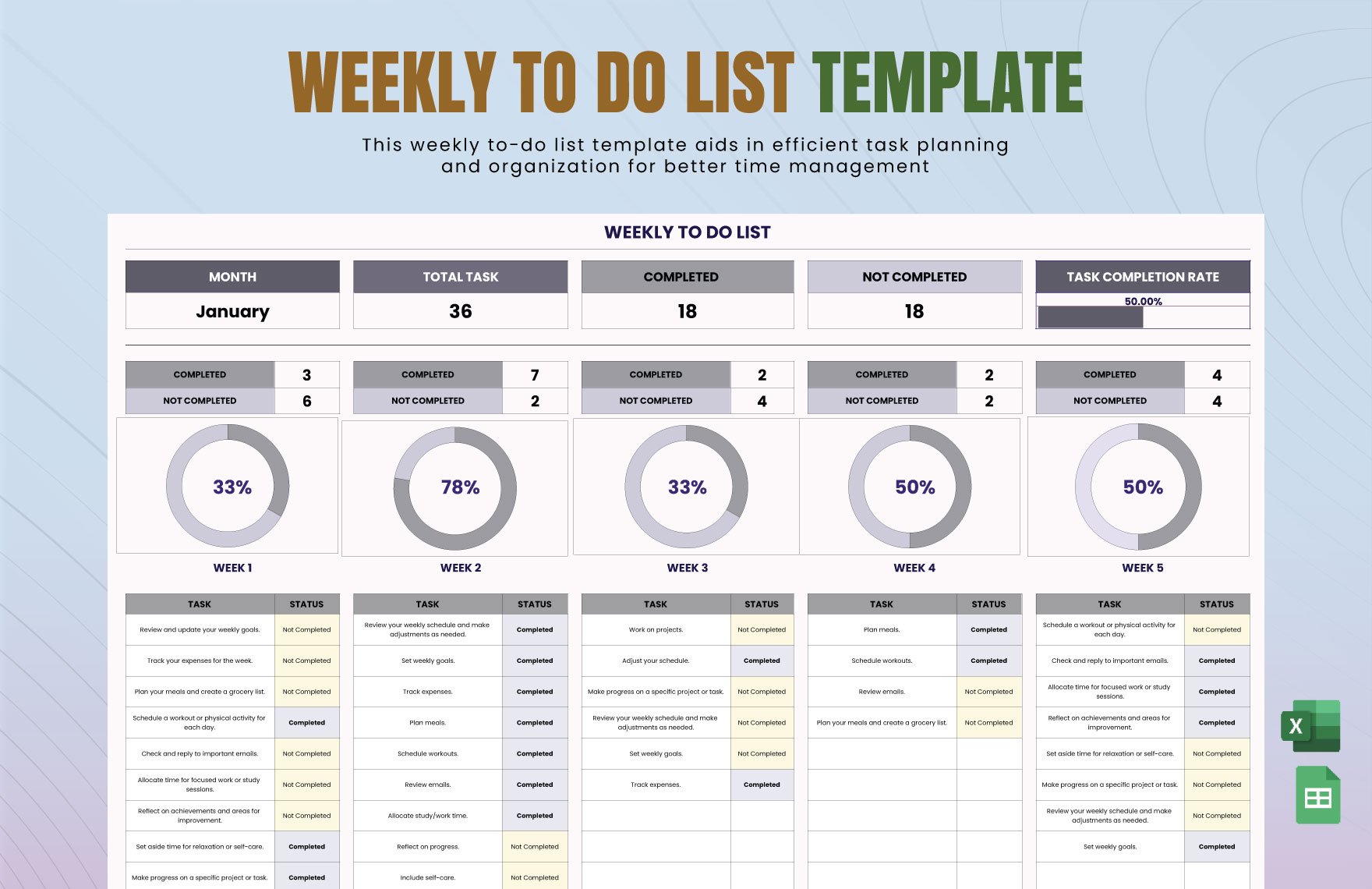
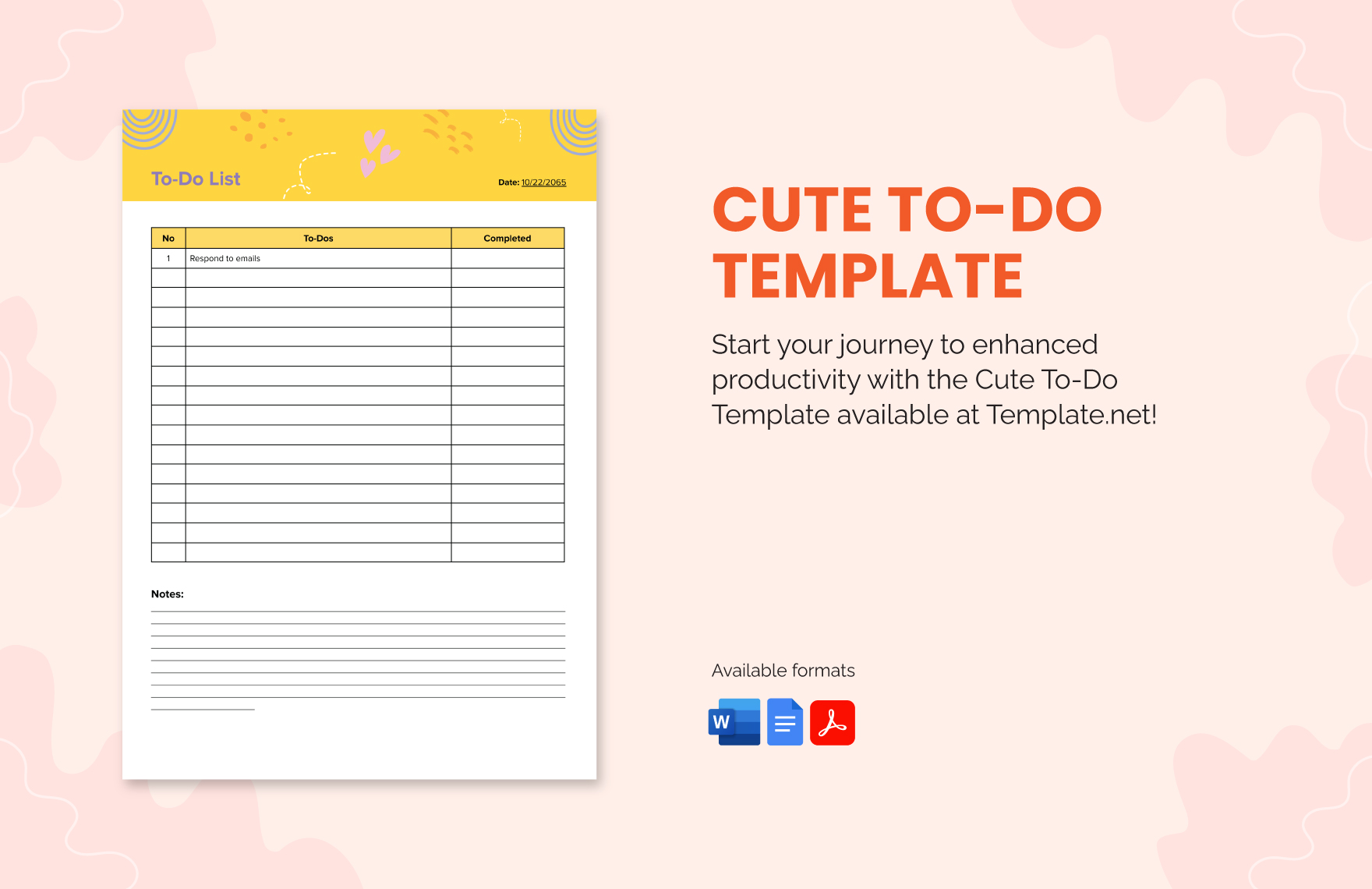
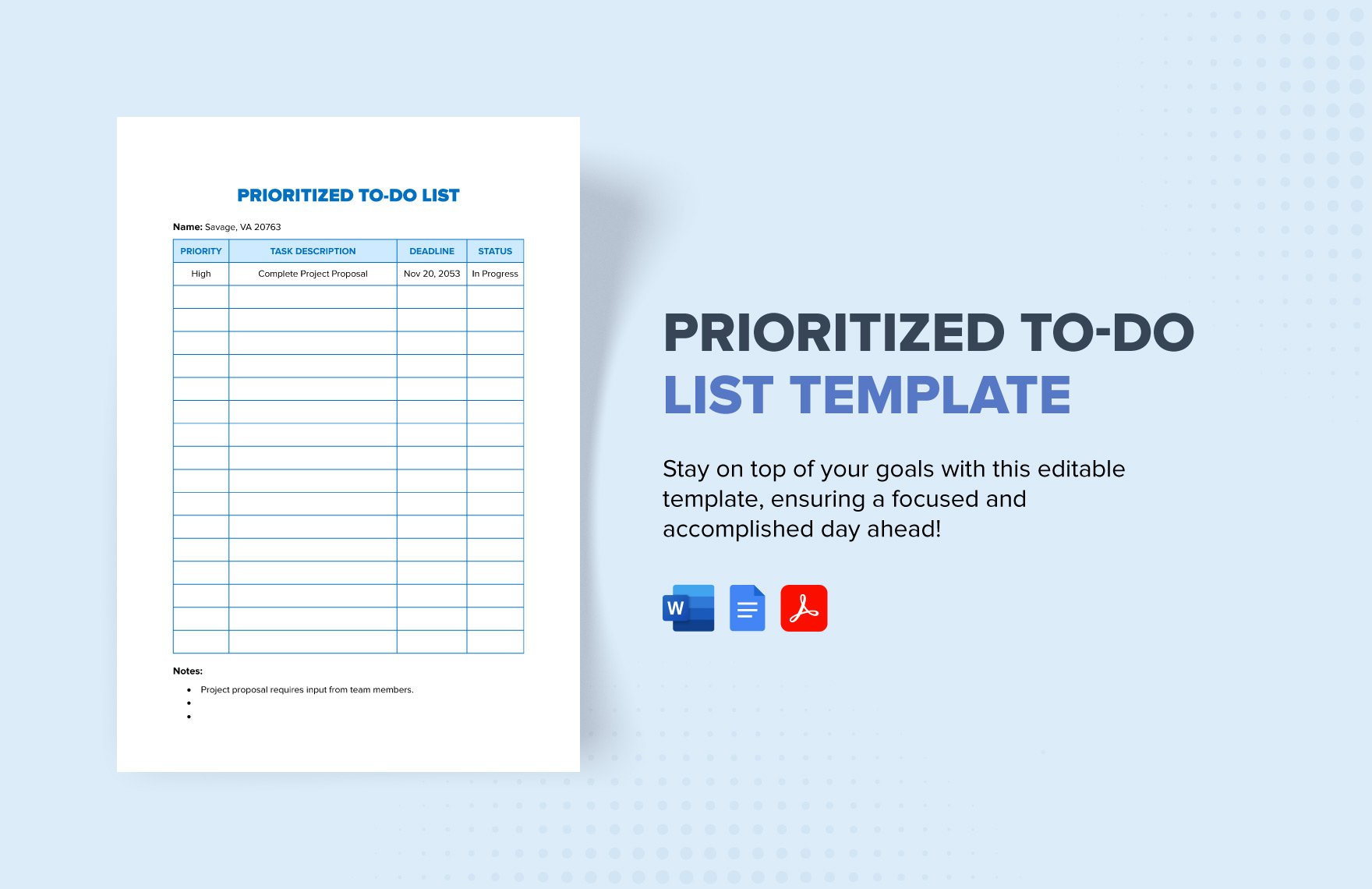
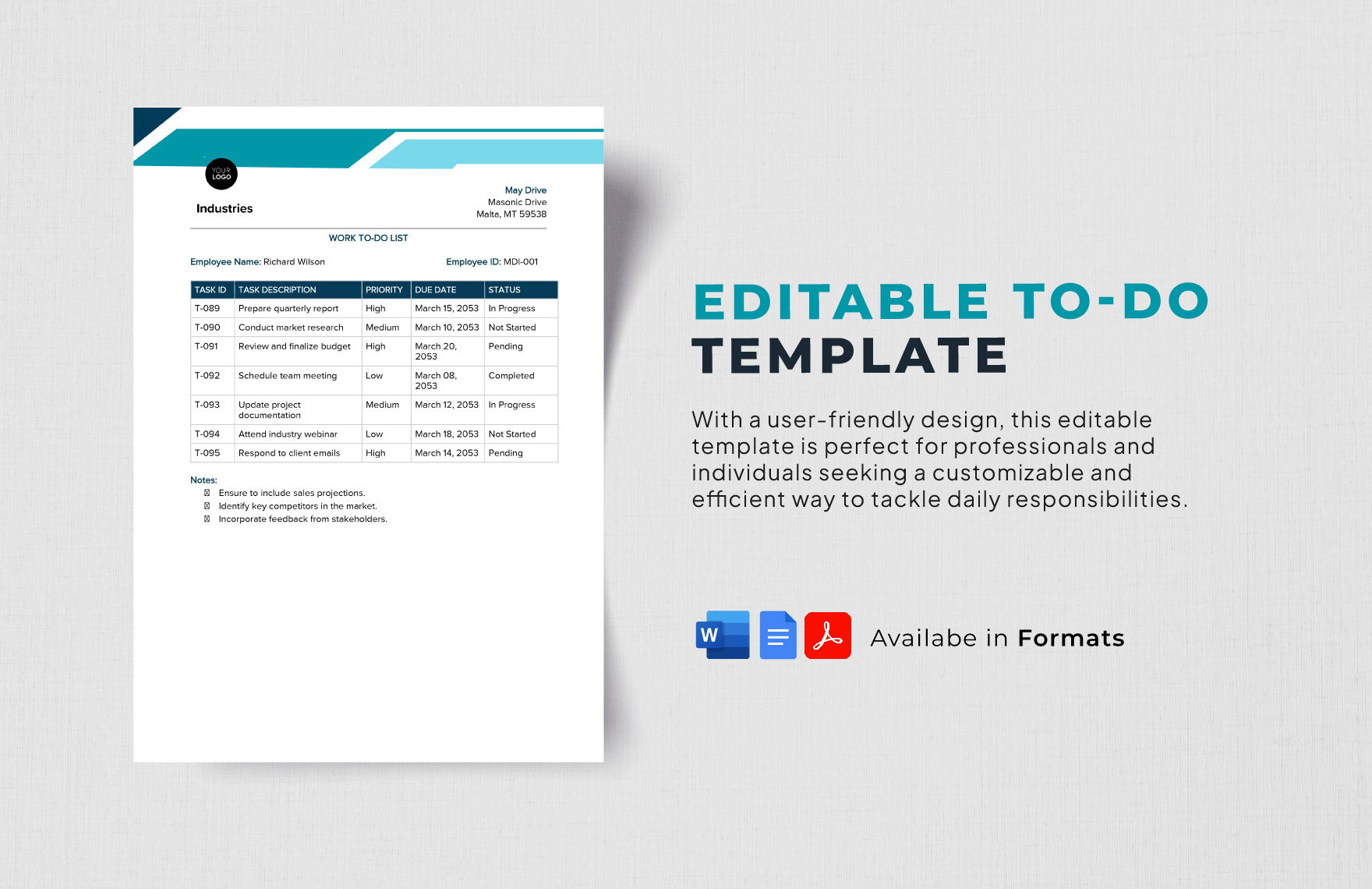
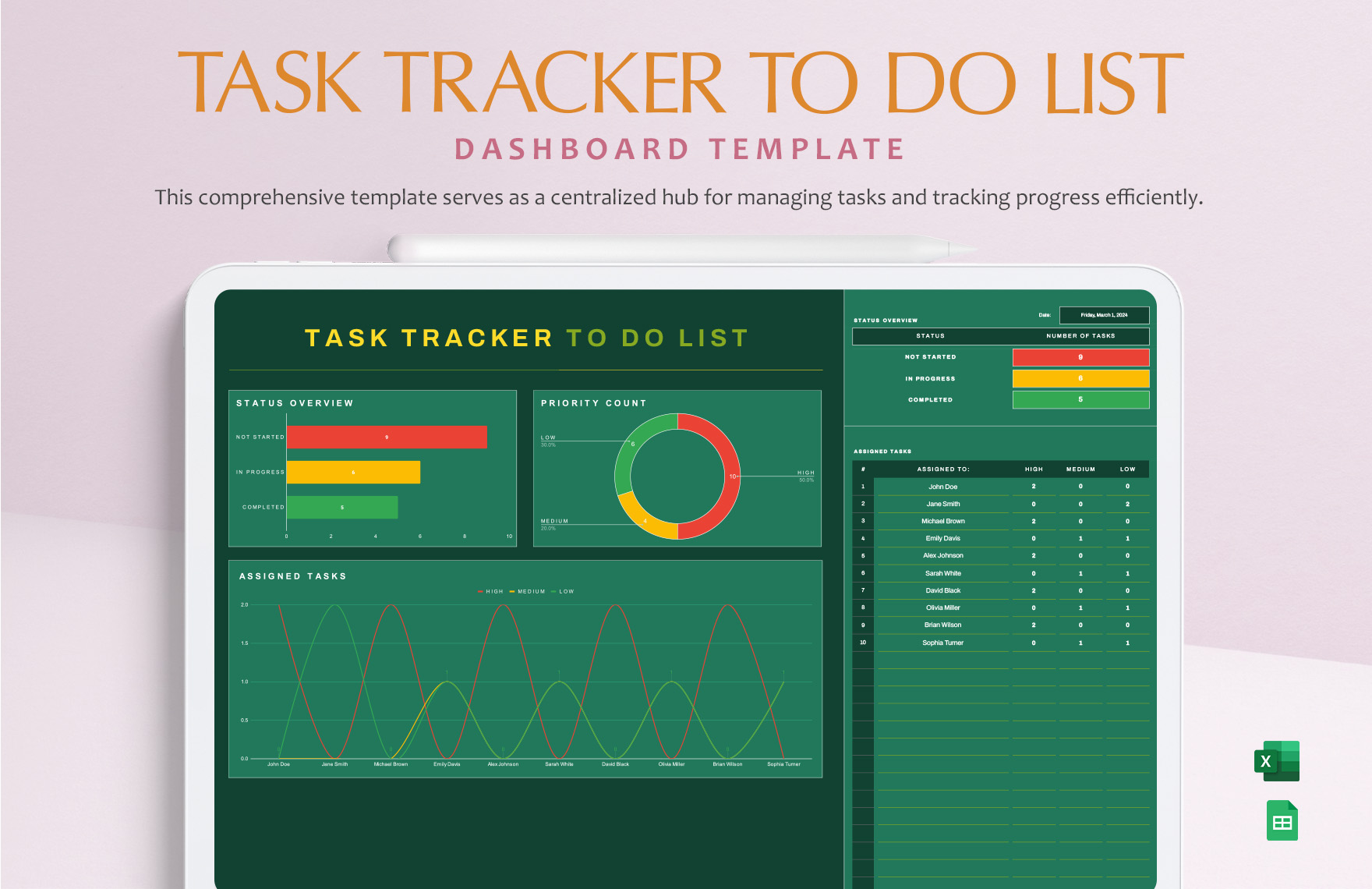
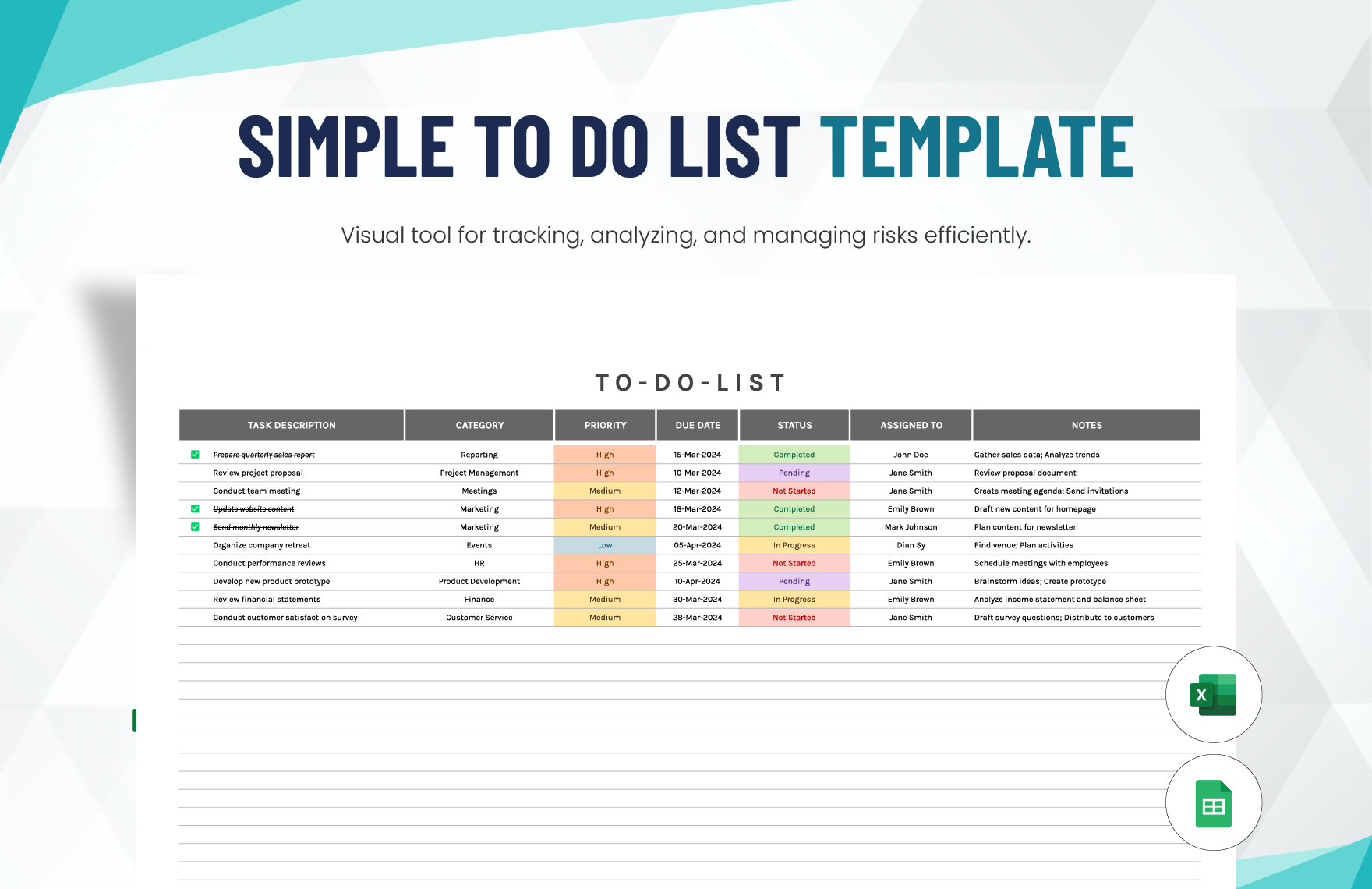
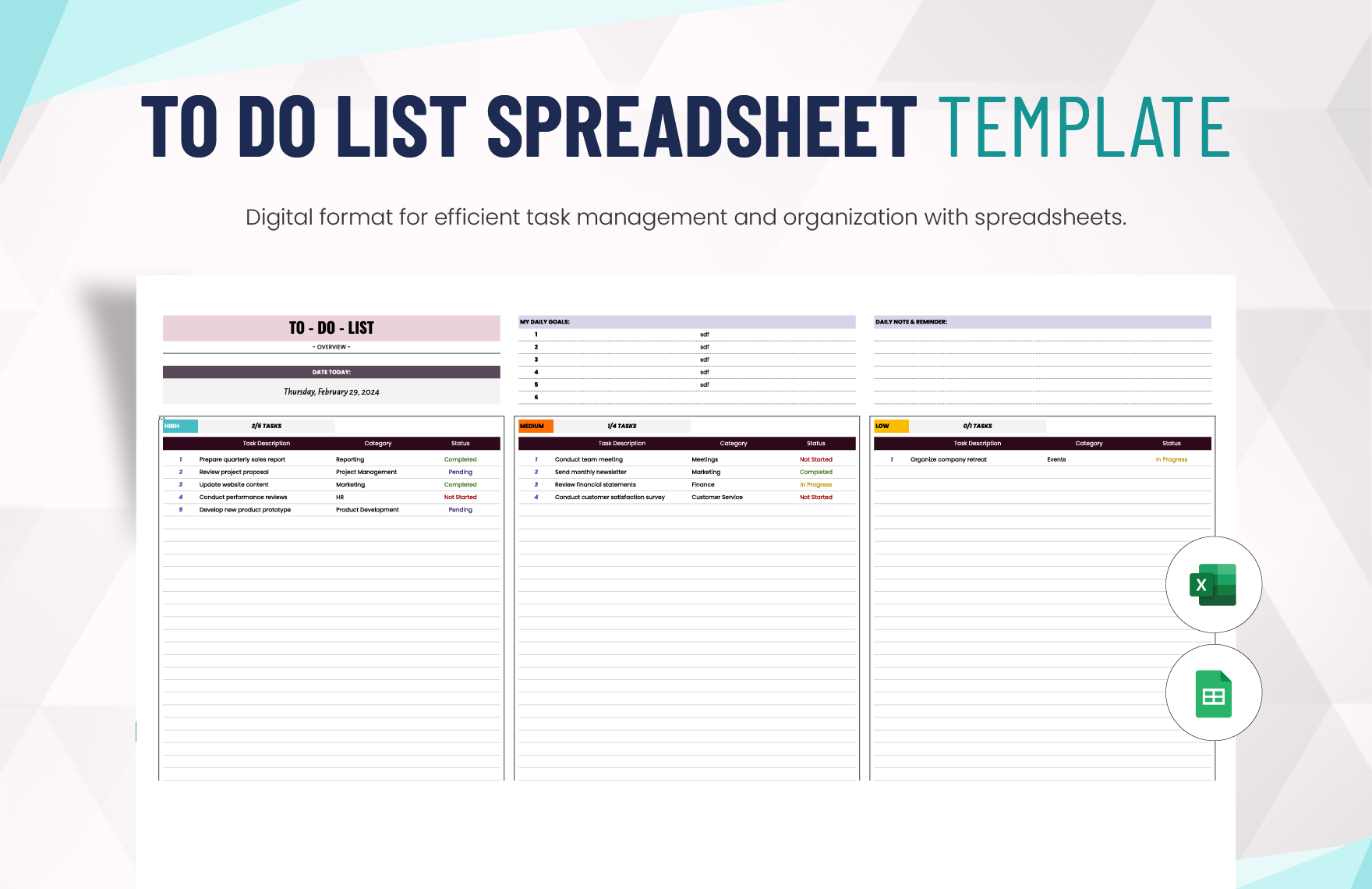
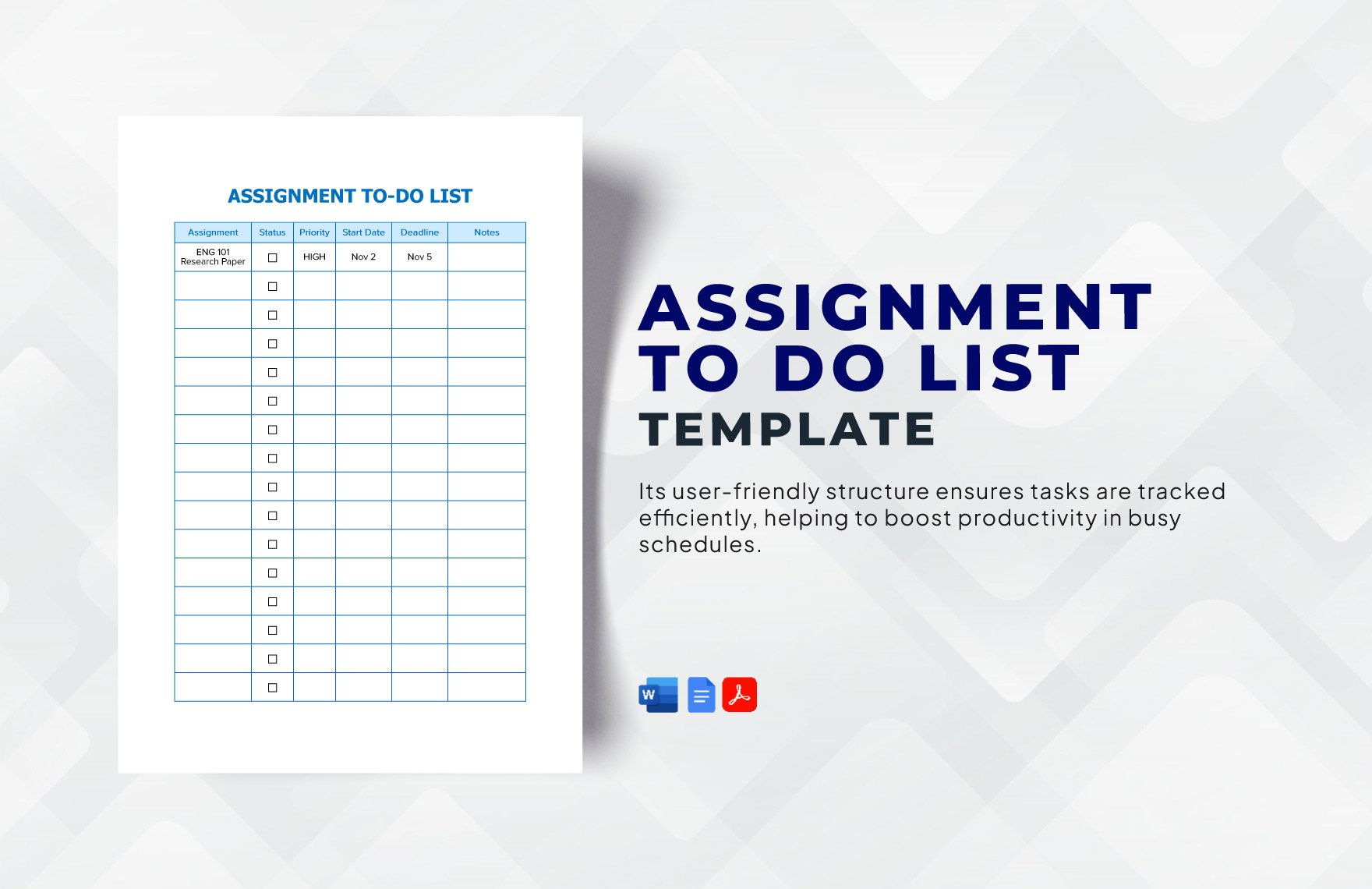
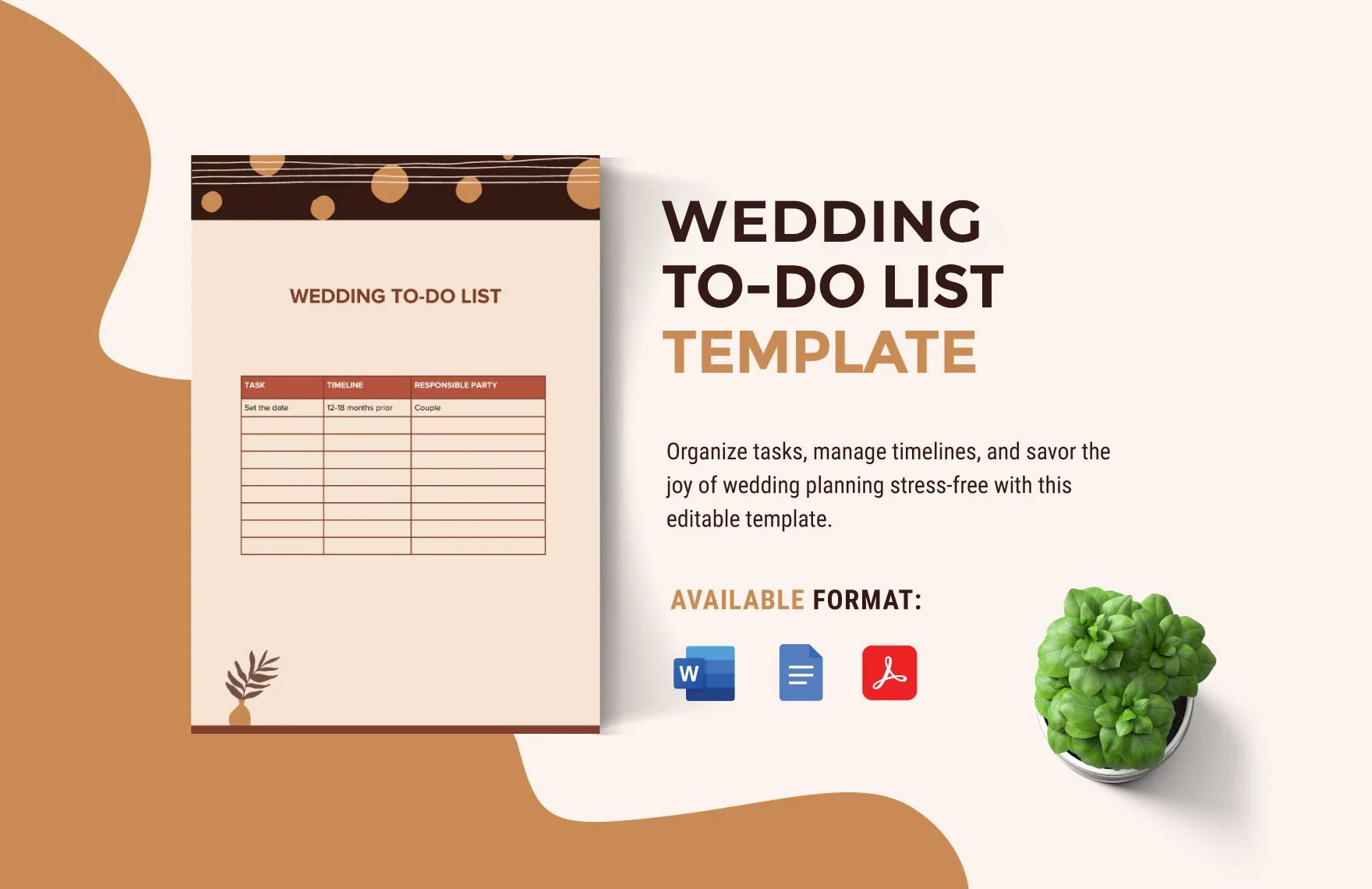
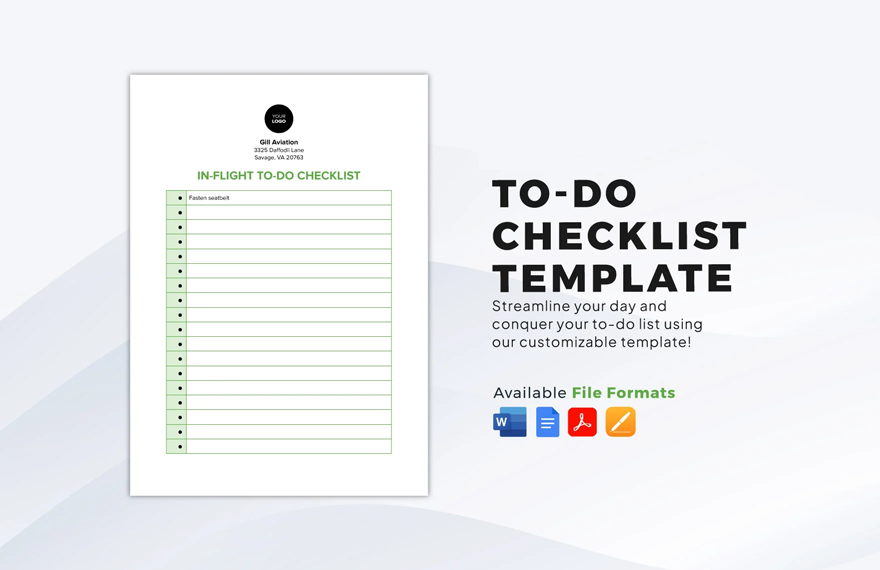
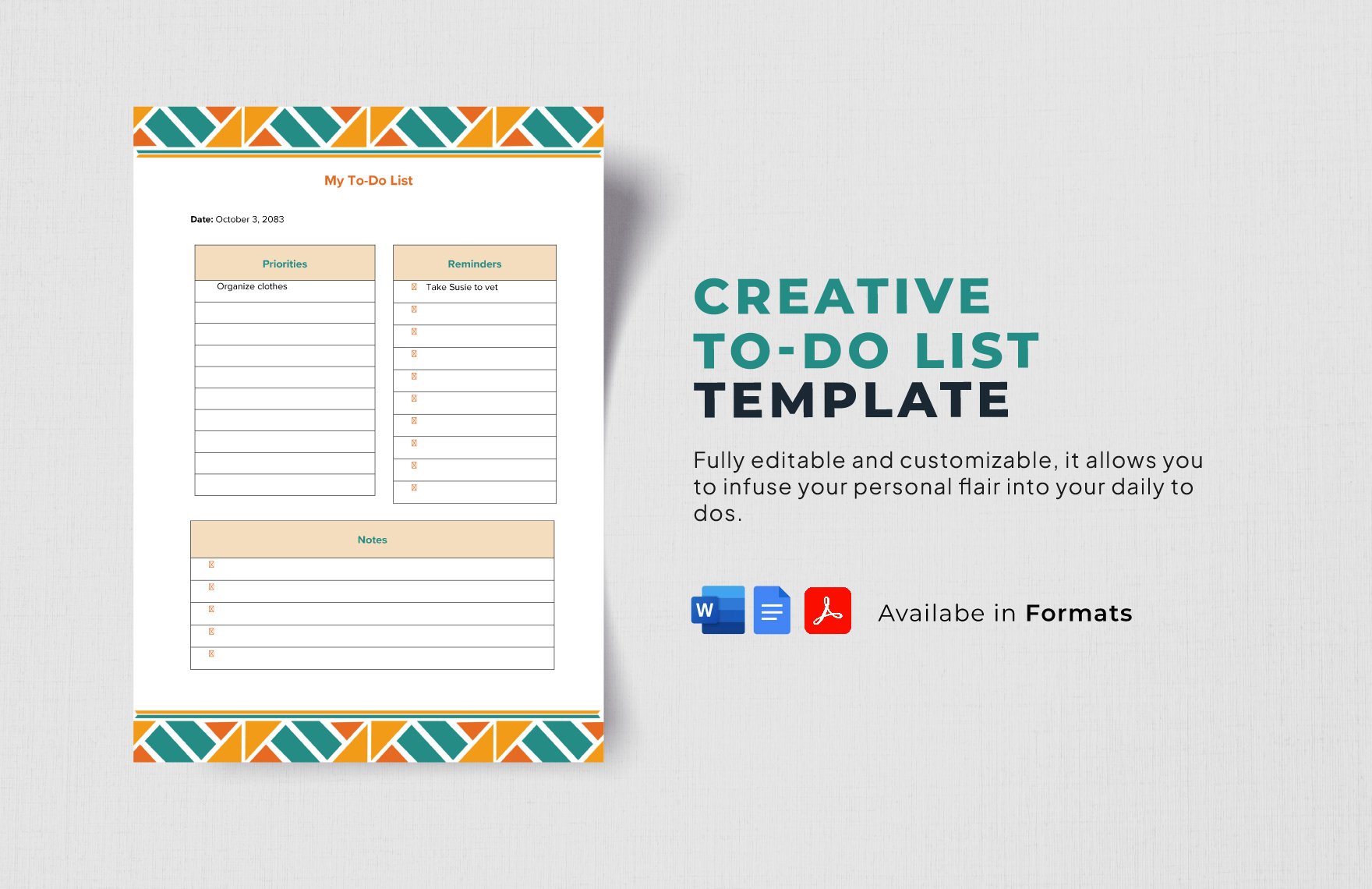
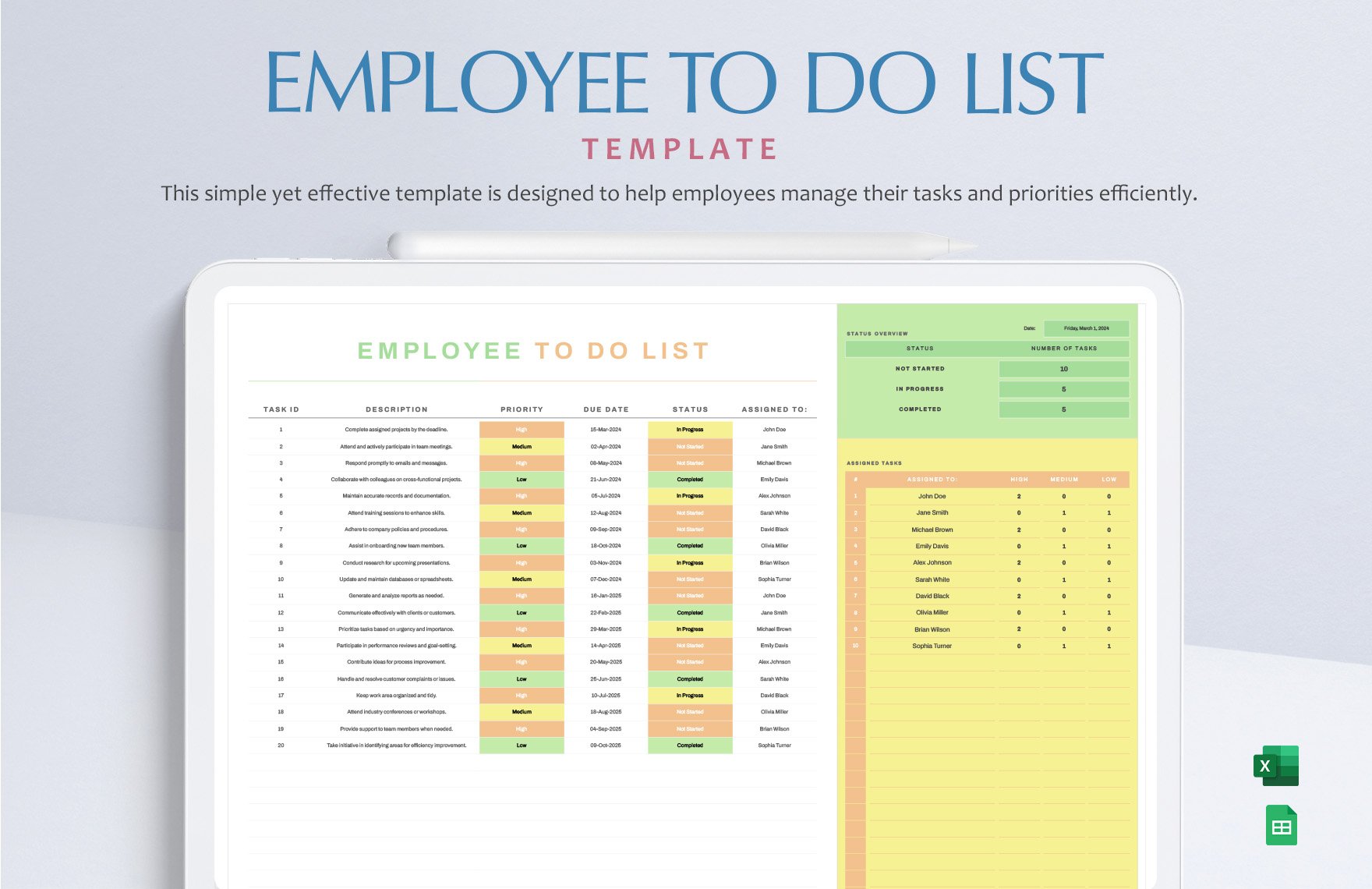
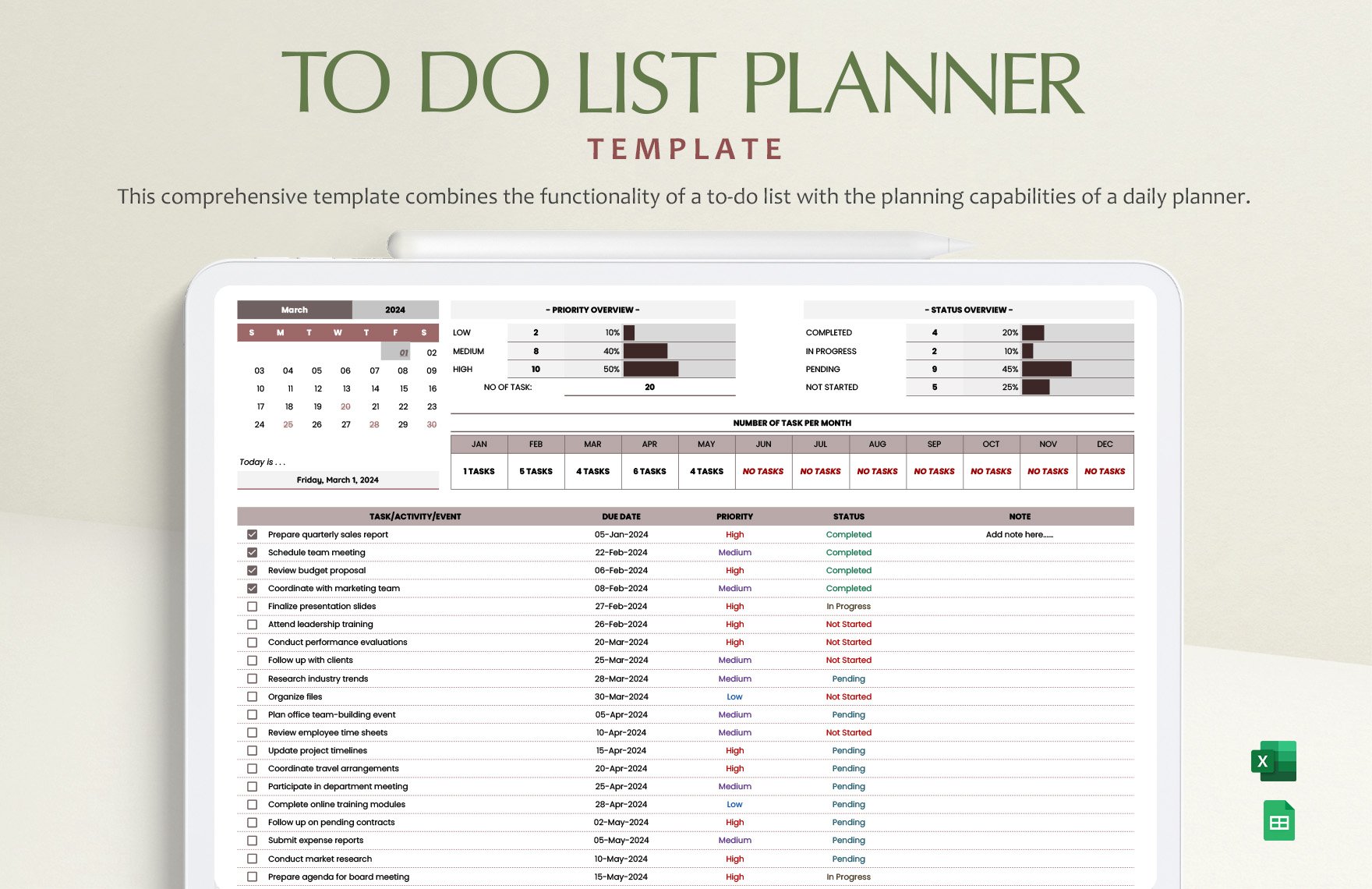
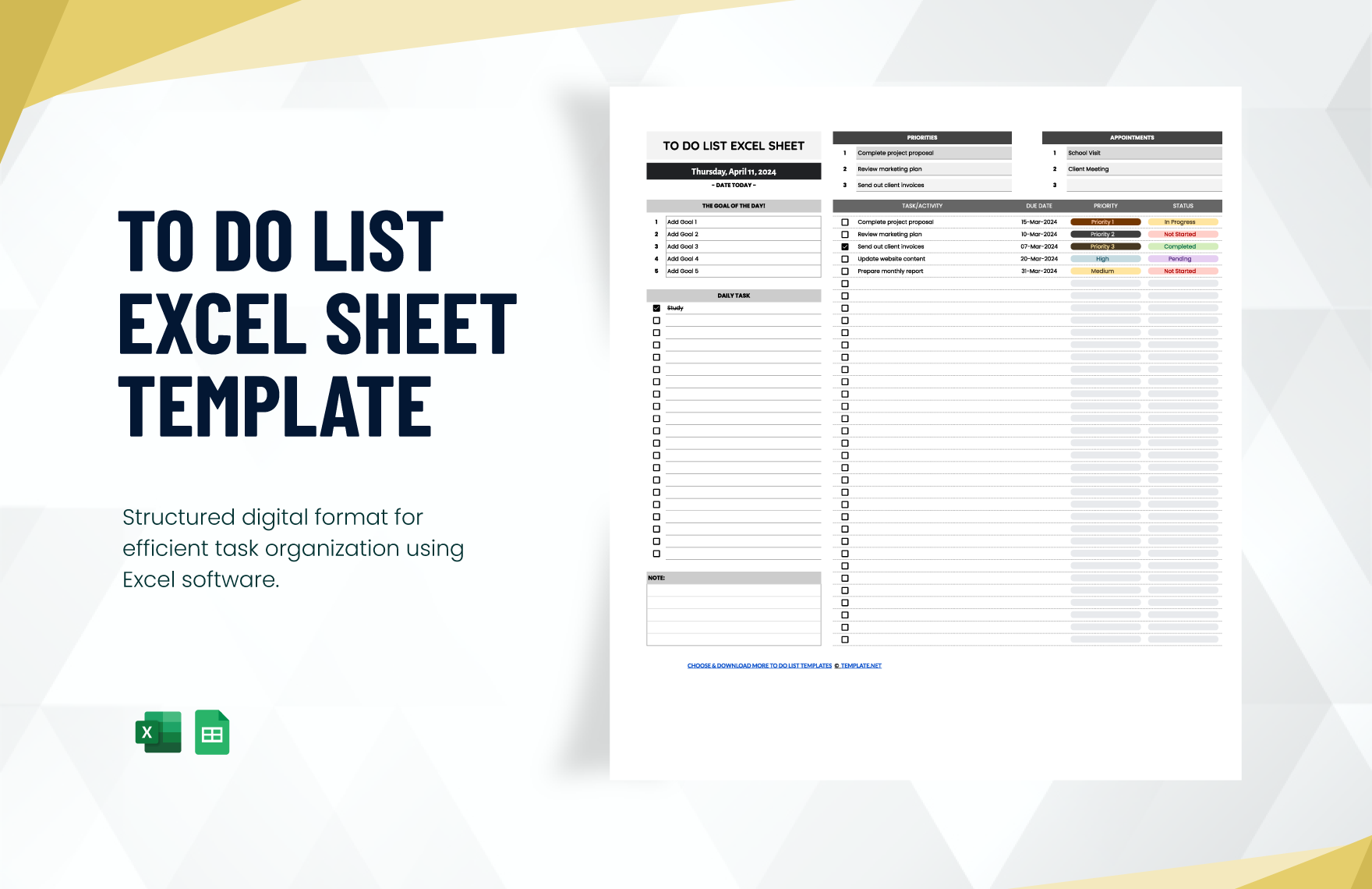
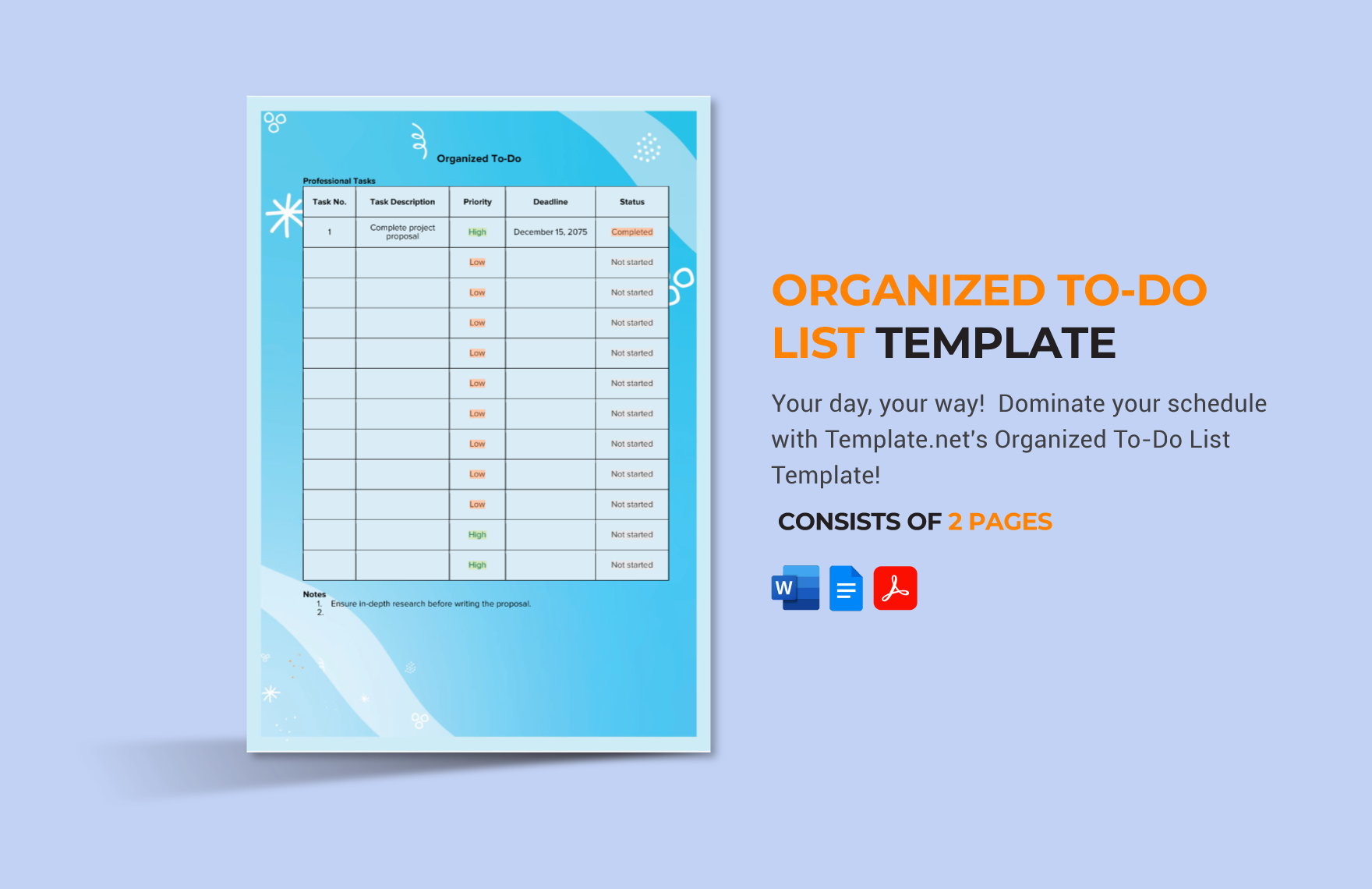
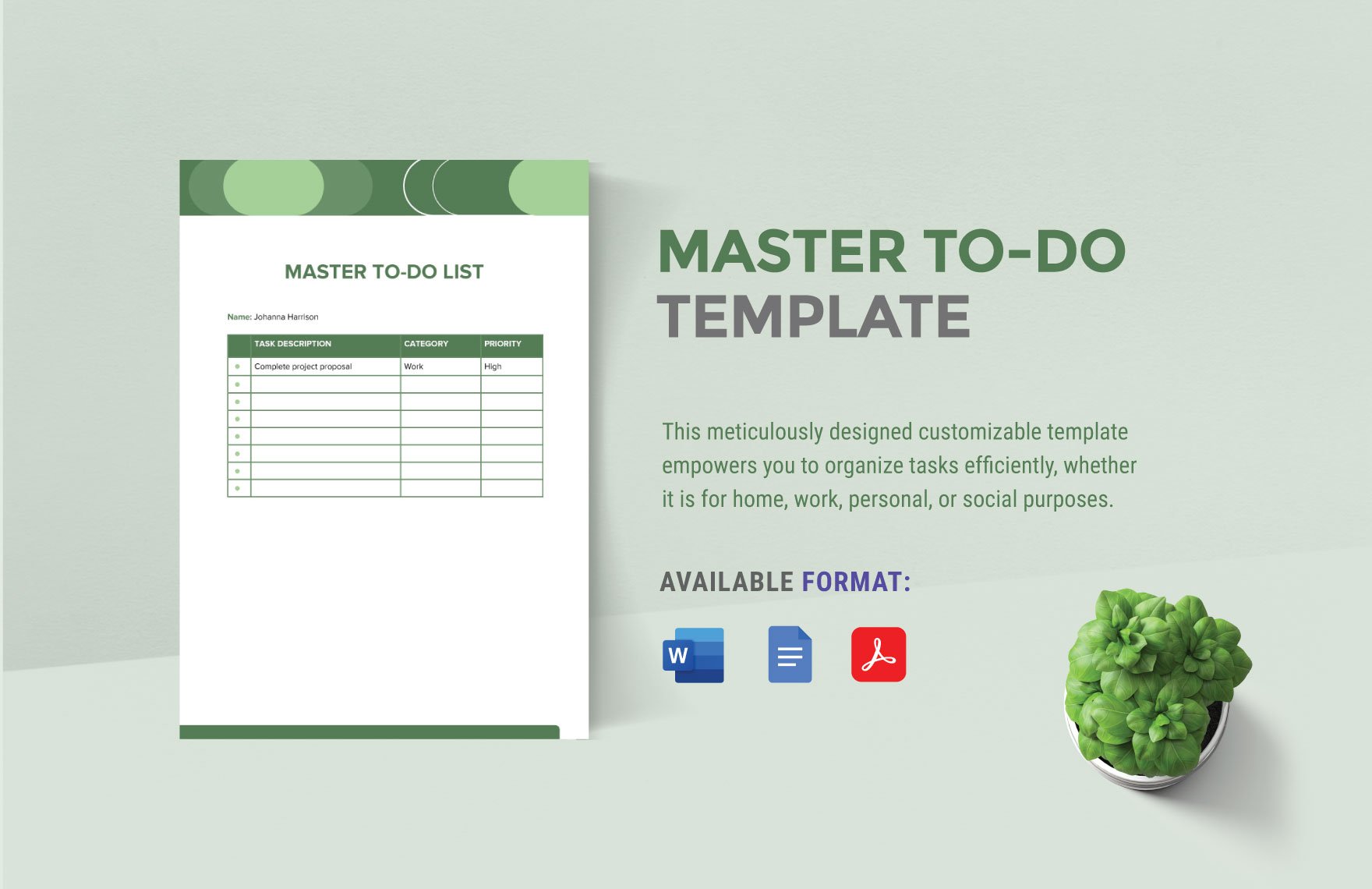
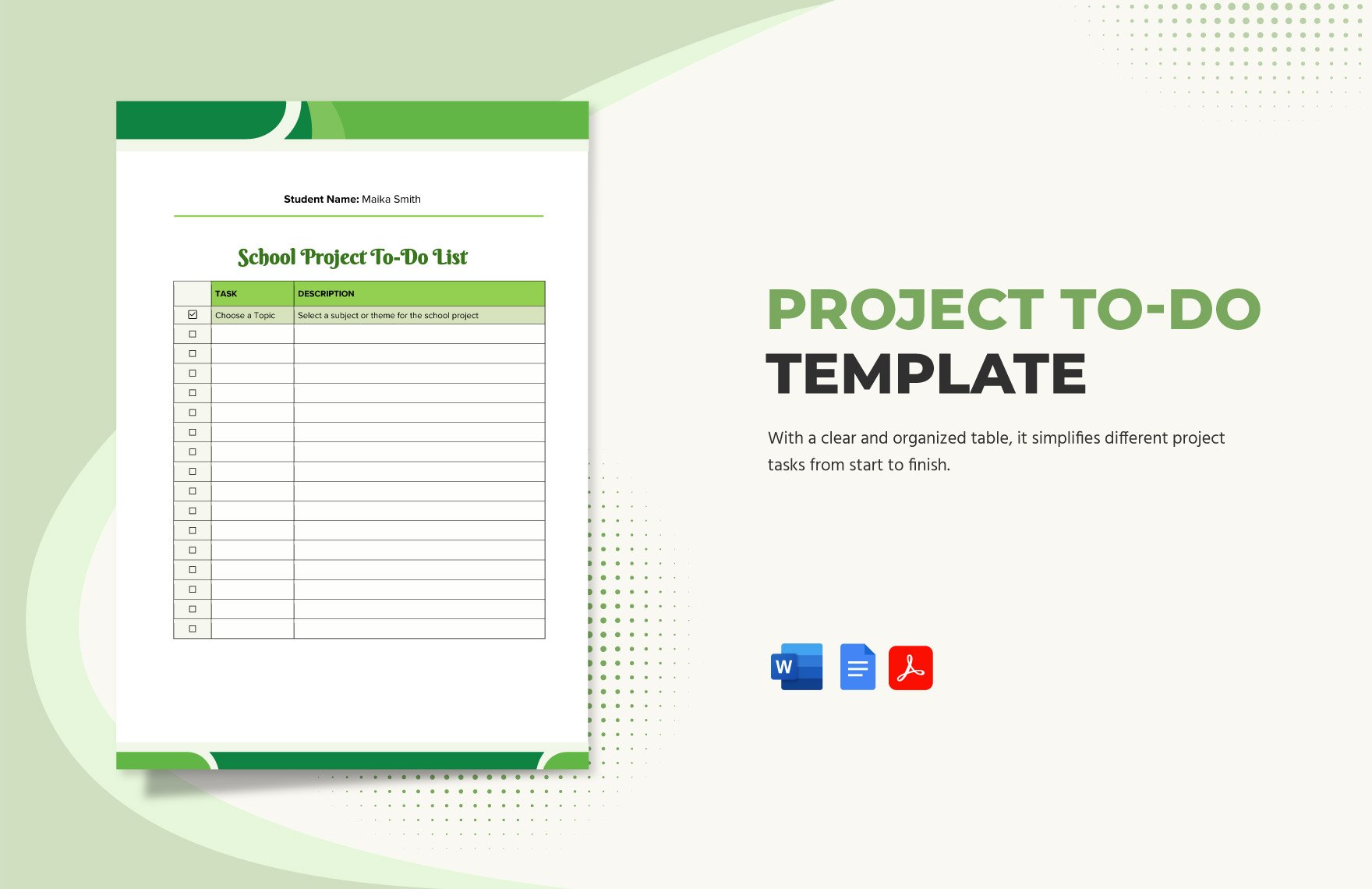
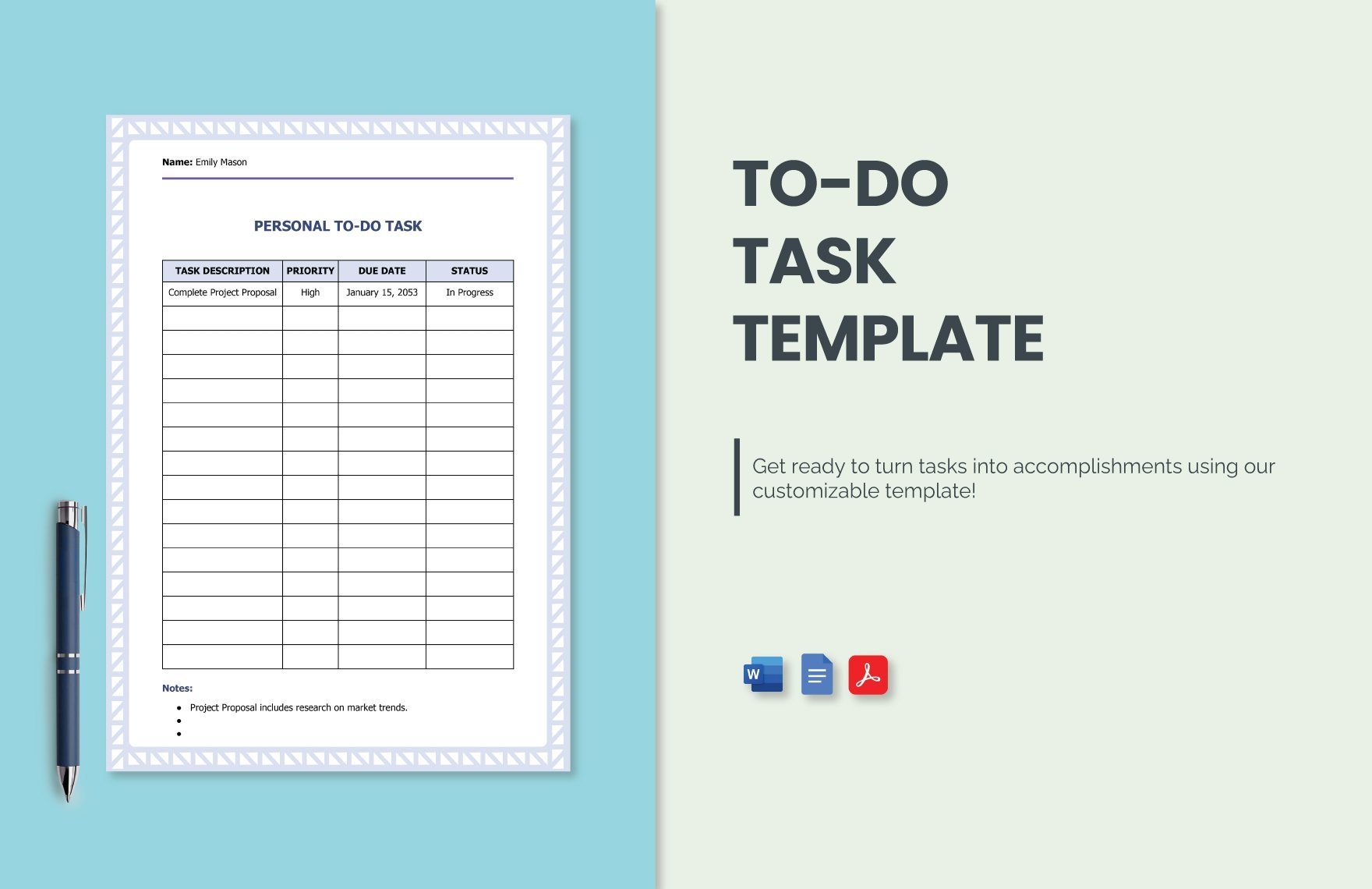
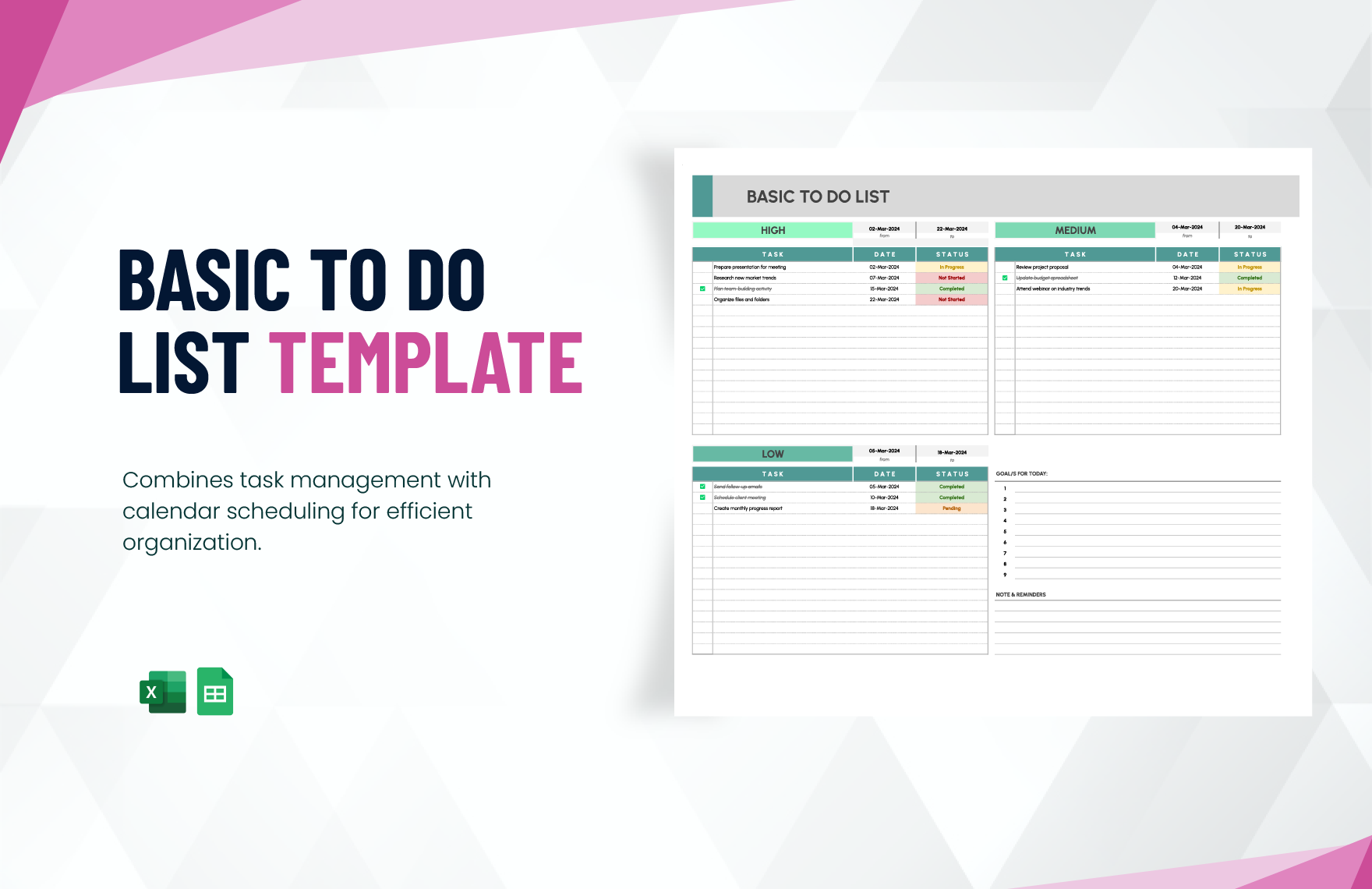
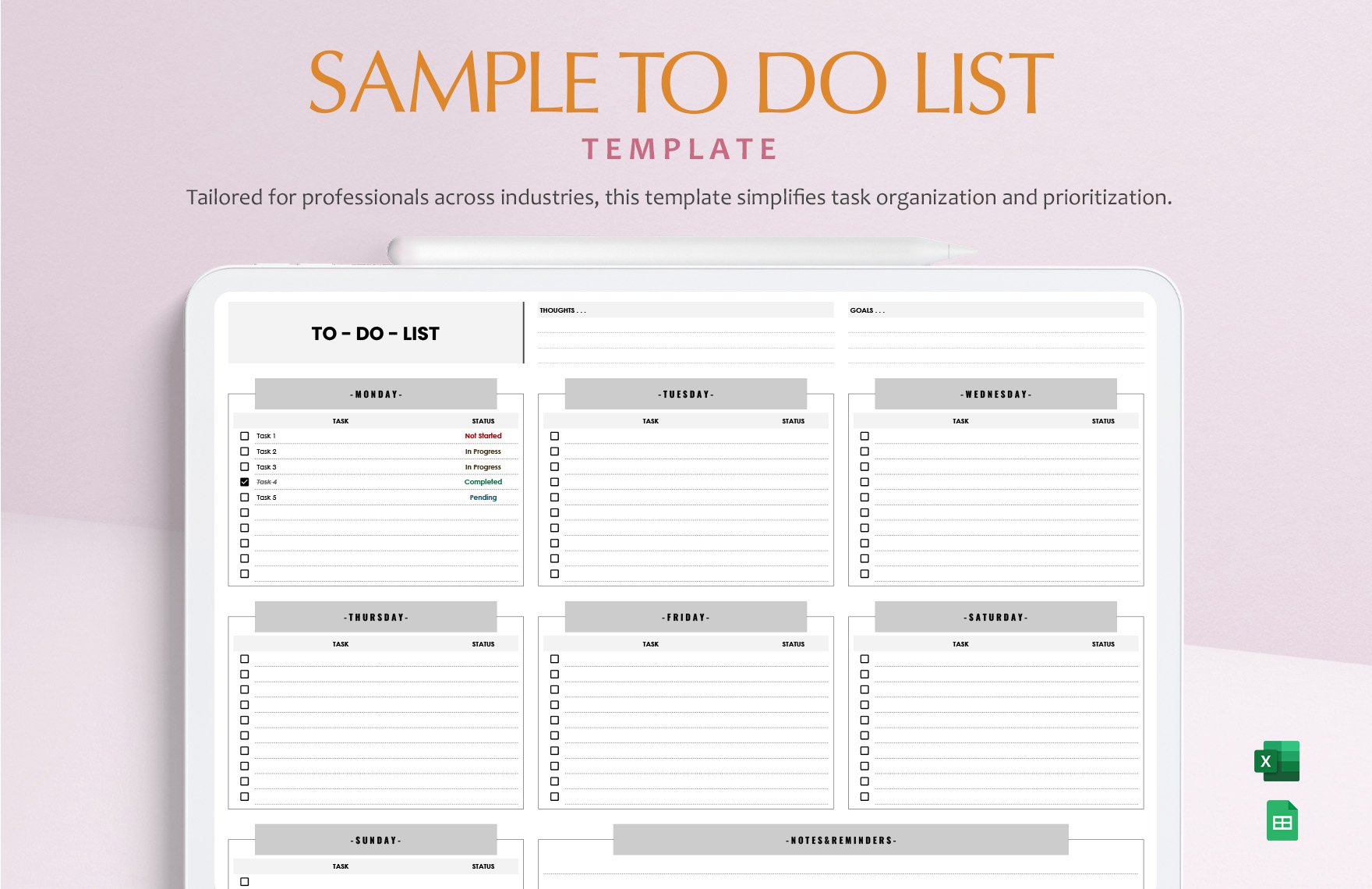
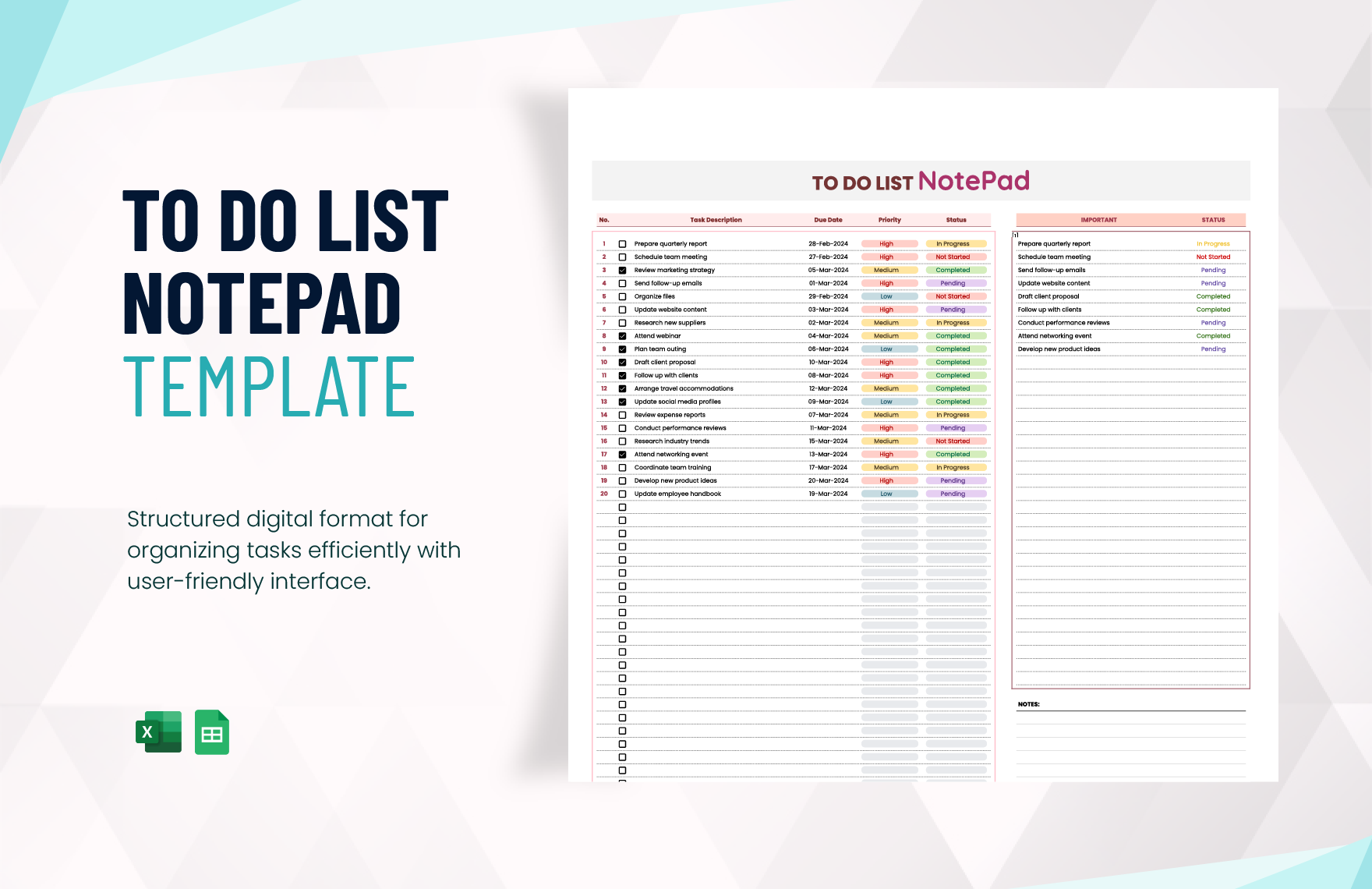
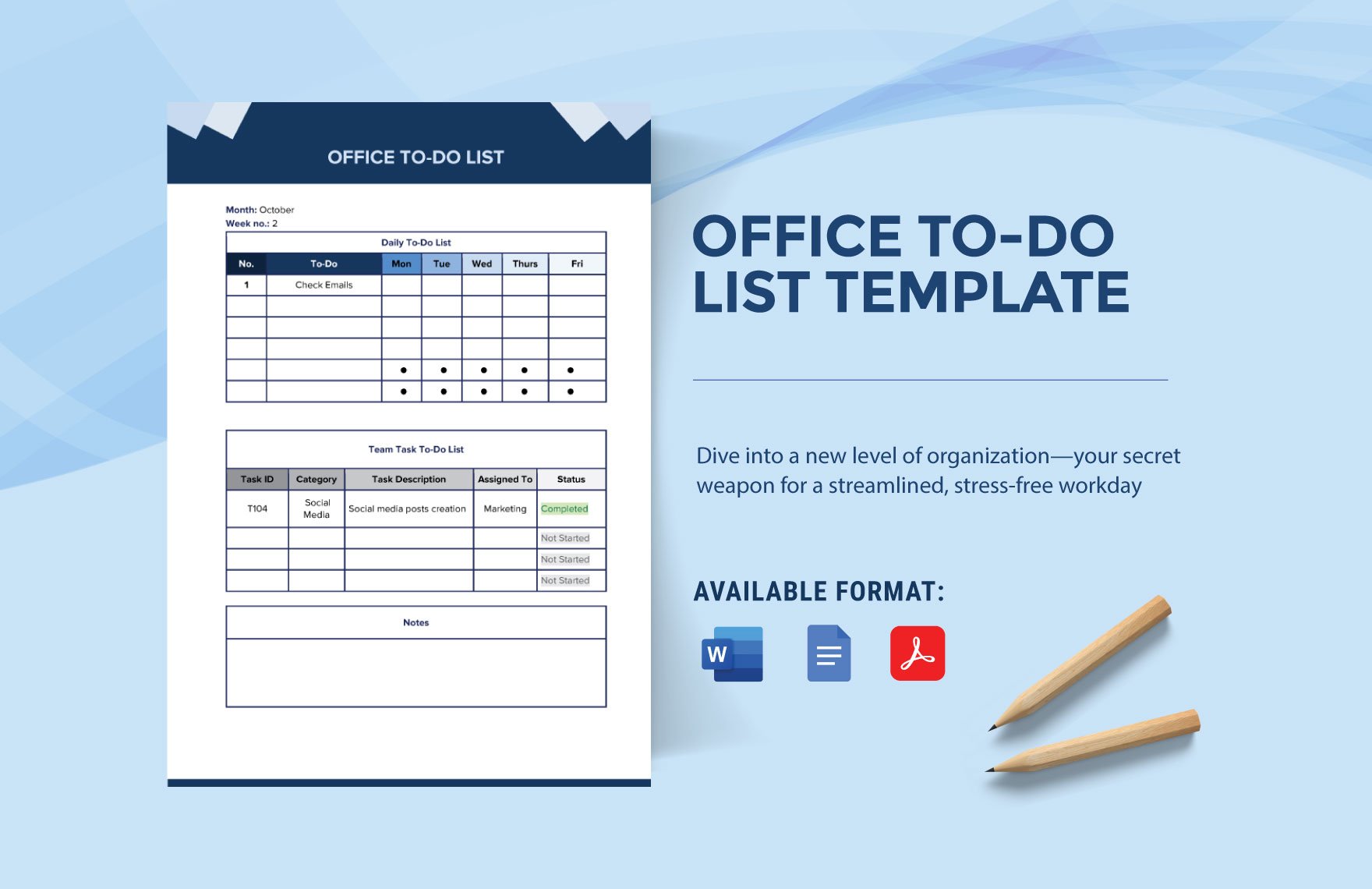
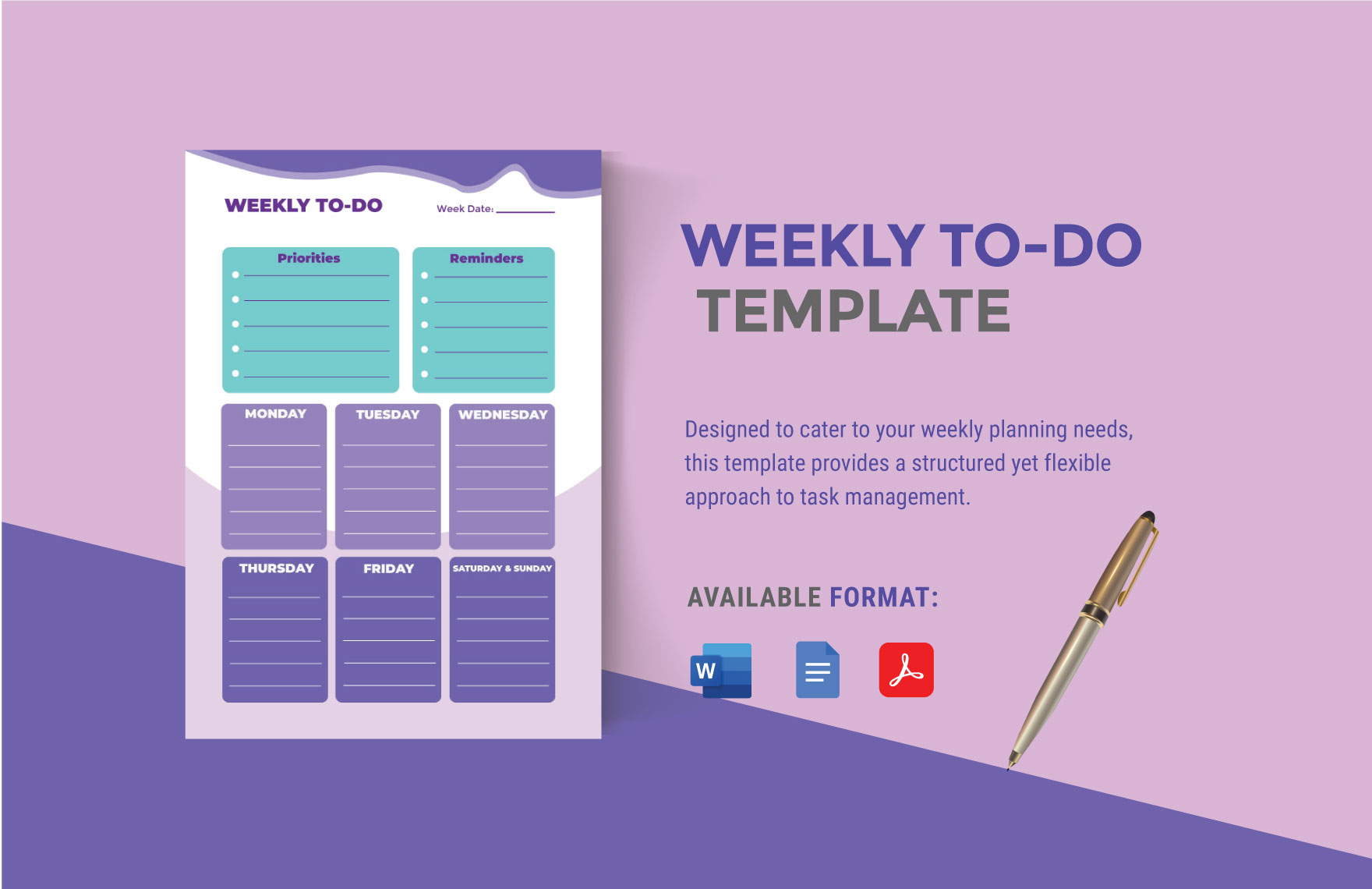
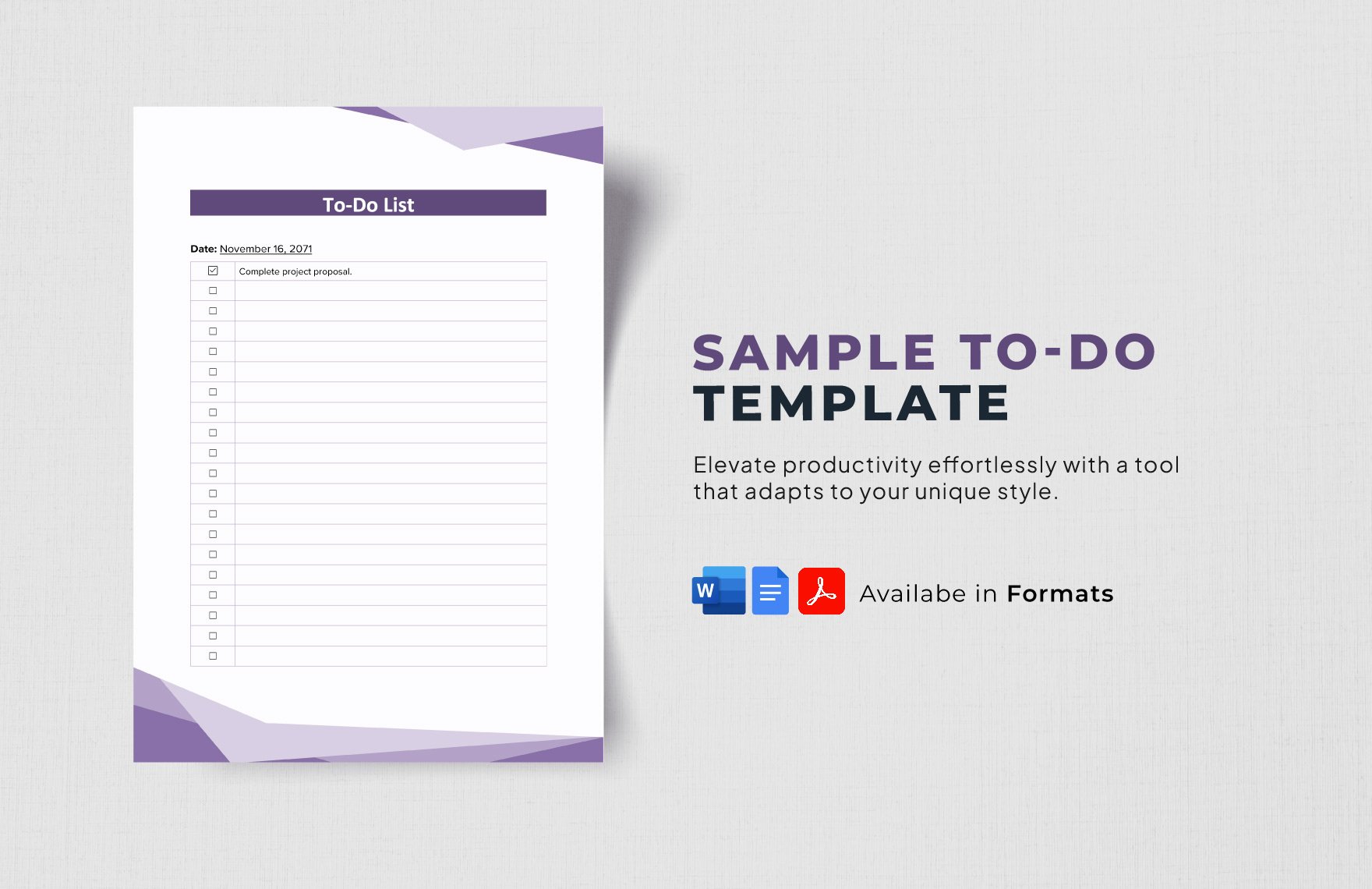
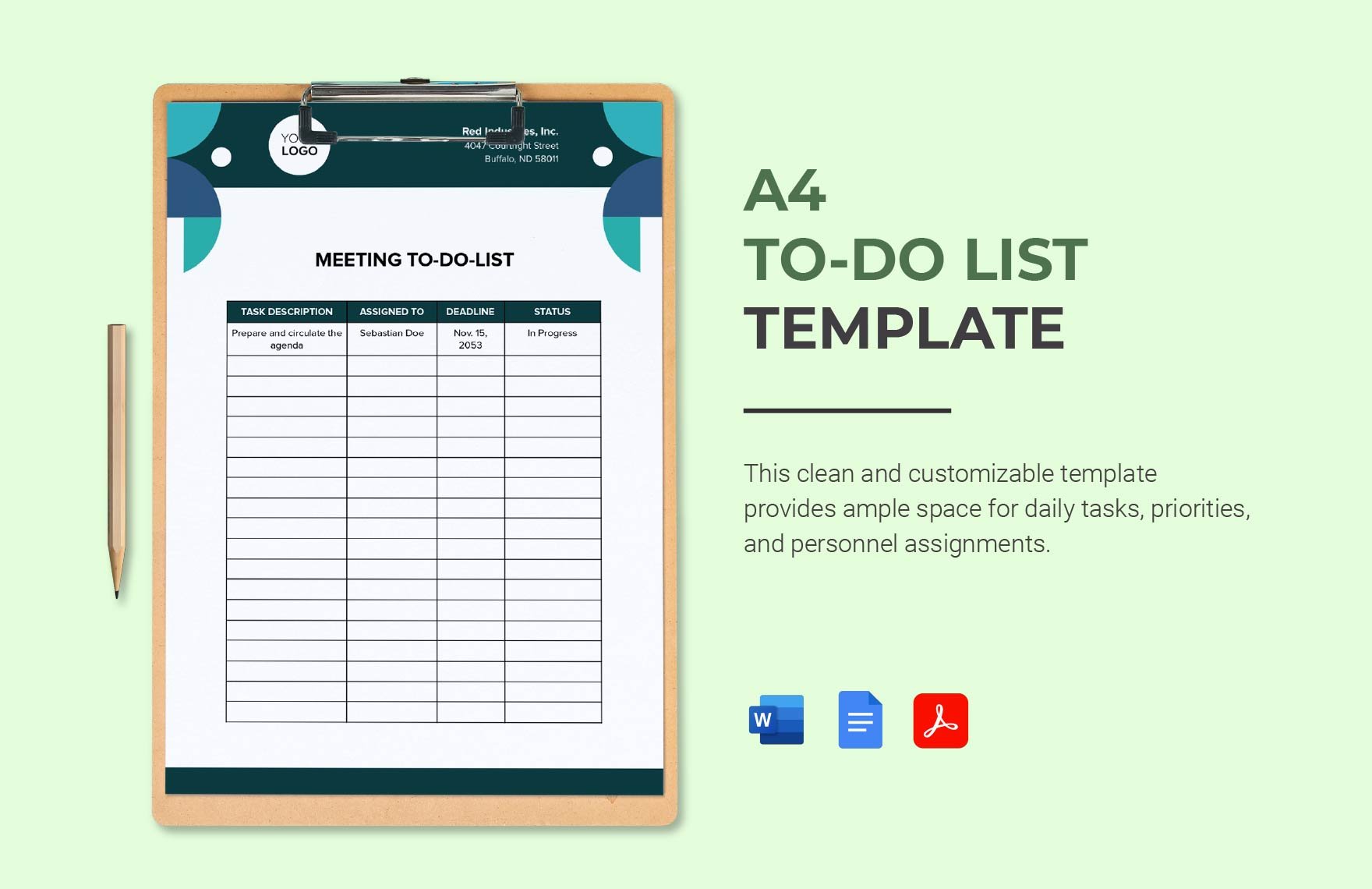
A To Do List is a structured document that organizes tasks and priorities in a clear, manageable format. These templates provide sections for task names, deadlines, priorities, and status updates in a professional layout to enhance productivity and tracking.
Why use a To Do List?
Using To Do Lists improves task management by providing a clear overview of pending activities with deadlines and priorities. This enhances focus, accountability, and efficiency through structured formatting and business-ready layouts that simplify daily workflows.
Who typically uses To Do Lists?
To Do Lists are commonly used by professionals, students, project managers, and anyone needing organized task tracking. These templates support diverse audiences with customizable sections to fit different priorities and deadlines in a print-ready format.
What sections should a To Do List include?
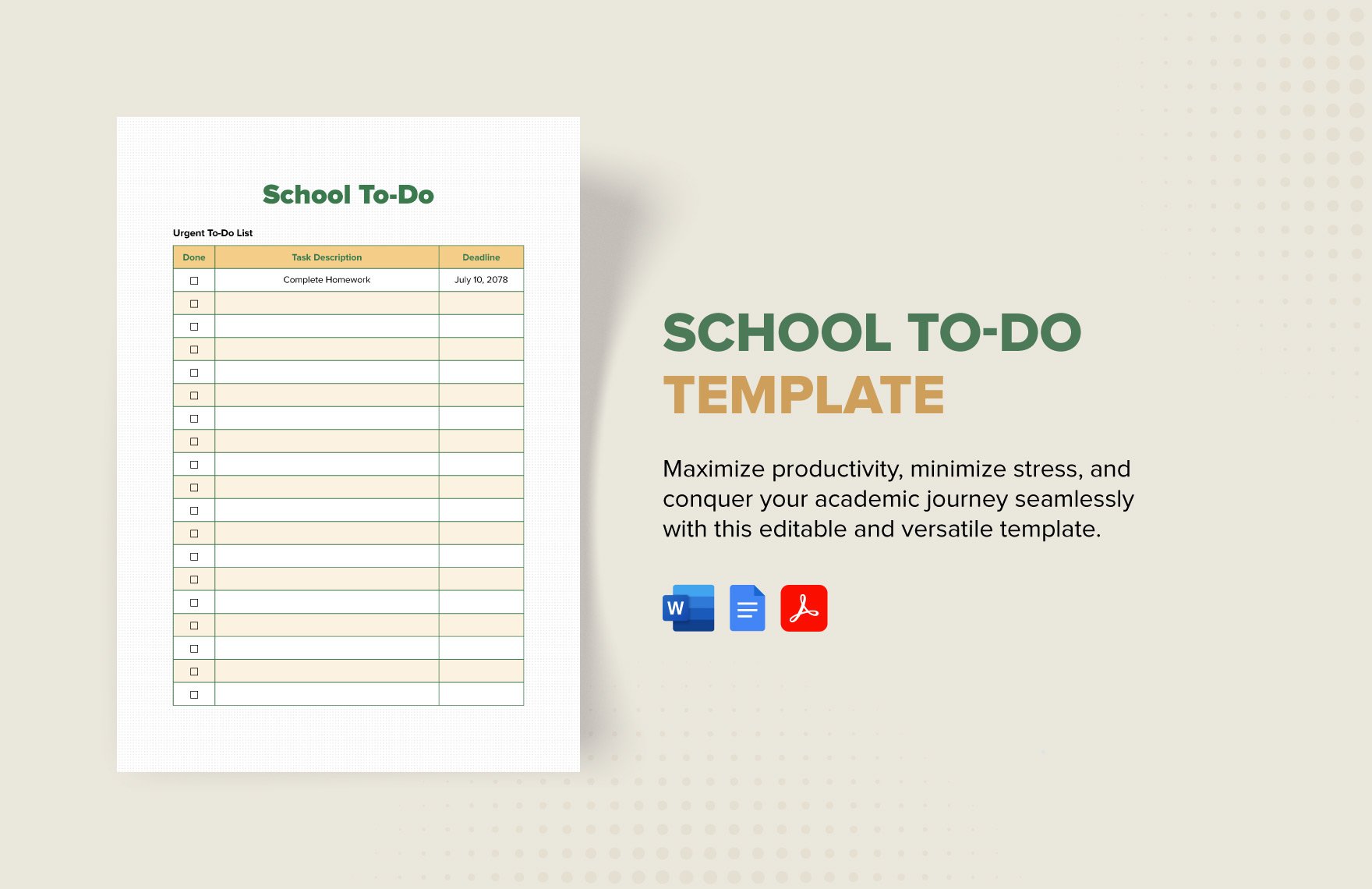
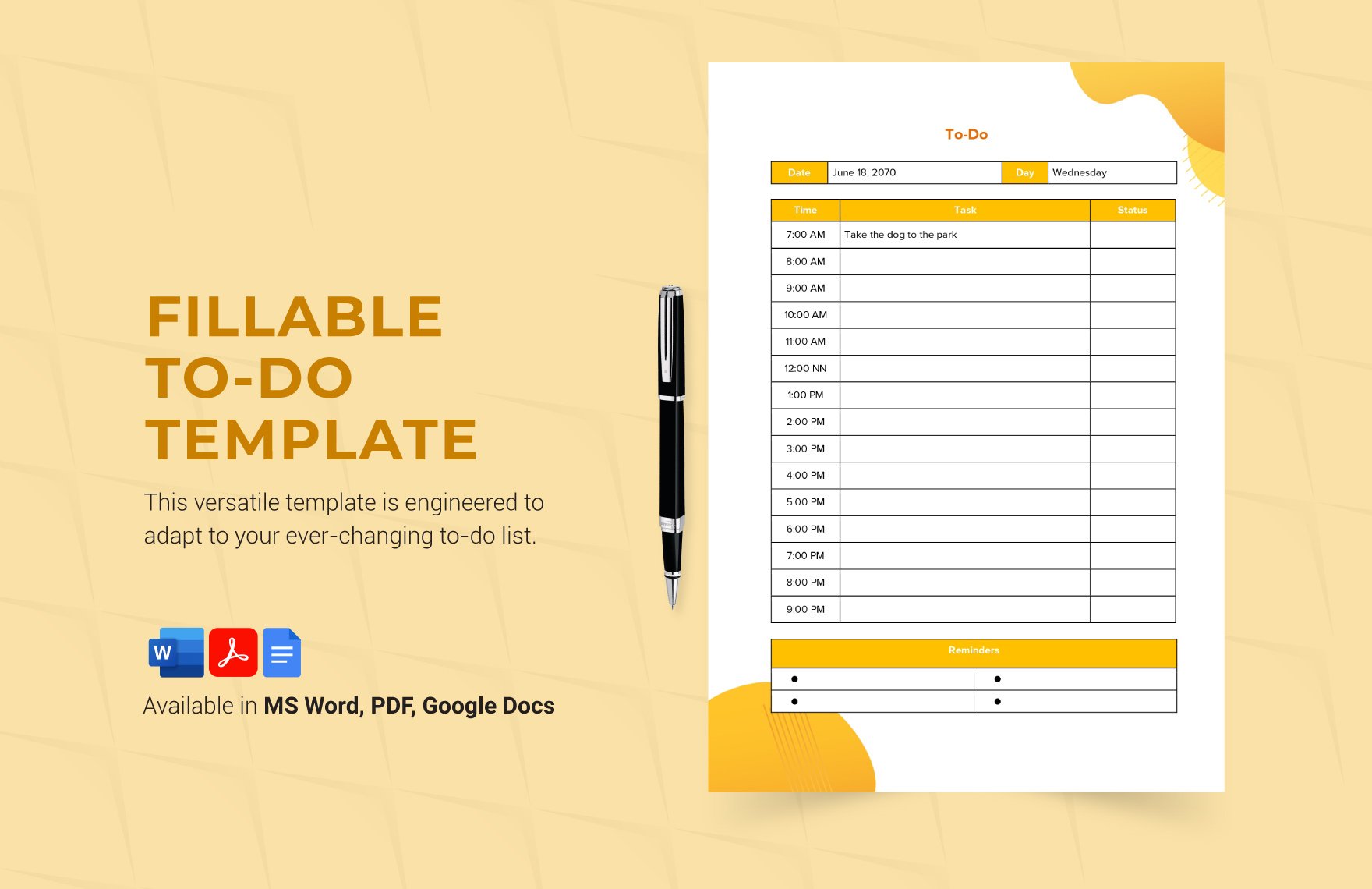
A To Do List should include sections for task description, due date, priority level, and completion status. Structured sections ensure clear task tracking and a professional layout for efficient daily planning.
What are the best tips for formatting a To Do List?
Effective To Do List formatting uses clear headings, consistent fonts, and defined sections for tasks, priorities, and deadlines. Employing structured formatting and business-ready layouts improves readability and ensures quick updates in online or print formats.
How do you print a To Do List?
To Do Lists can be printed using print-ready PDF templates provided by Template.net. These documents are formatted for standard sizes like Letter size or A4, ensuring professional appearance and clear task presentation when printed.
Is a To Do List legally and professionally acceptable?
To Do Lists are professionally acceptable as organizational tools and can support legal compliance by documenting task assignments and deadlines clearly. Their structured formatting and business-ready layouts ensure clarity and accountability.
What file formats can I download for a To Do List?
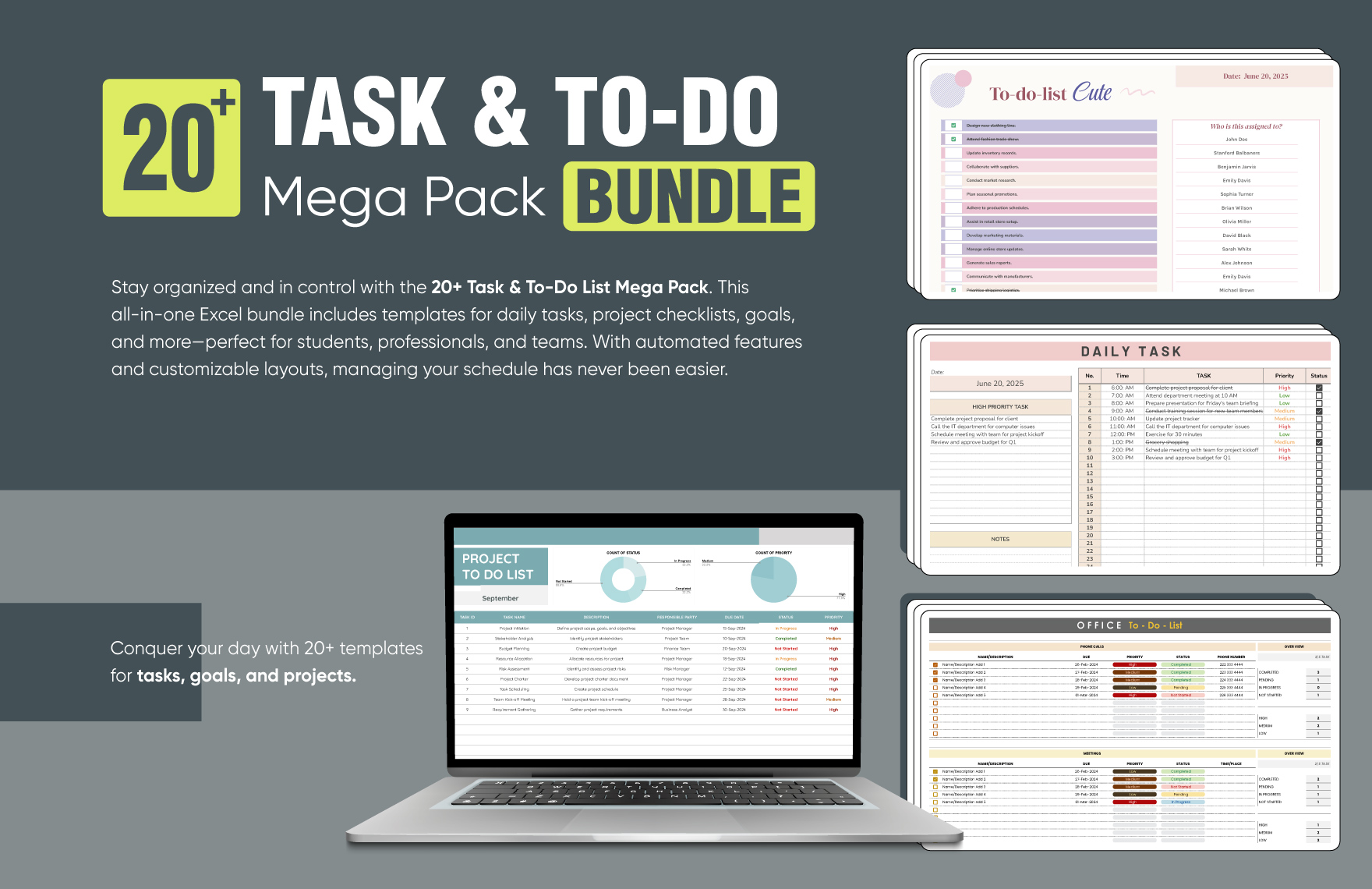
Template.net offers To Do List templates in multiple editable and print-ready formats including Apple Pages, Word, Google Docs, Excel, Google Sheets, and PDF. These formats support easy editing and professional printing.
Can I create a new To Do List using AI?
Template.net provides an AI-powered tool that generates structured To Do List documents from prompts in three to ten seconds. The To Do List Generator allows quick online refinement and multi-format export for professional use.
