































Free Floor Plan Templates: Customizable Layout Design Guide and Online Editing
What is a Floor Plan?
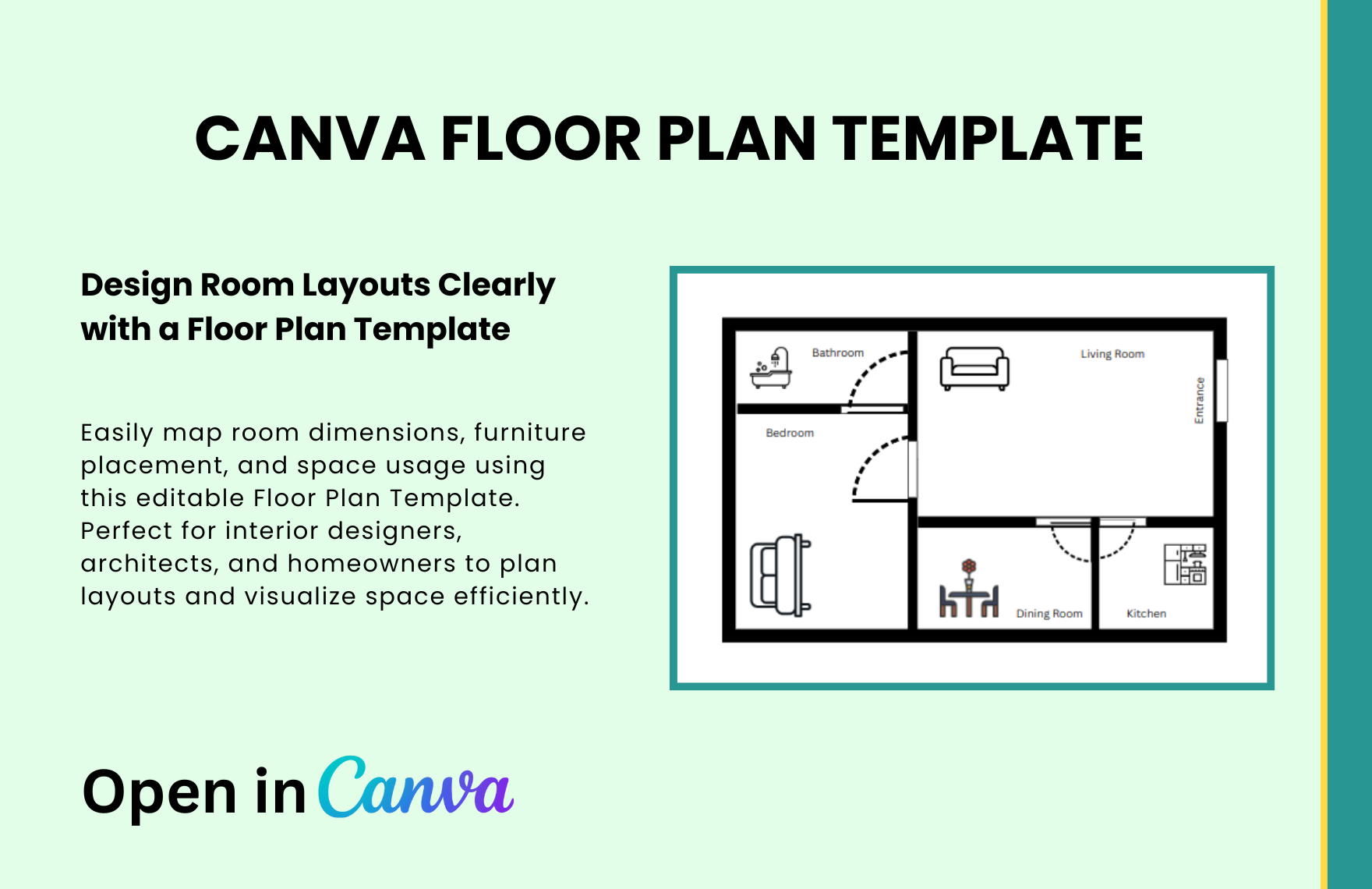
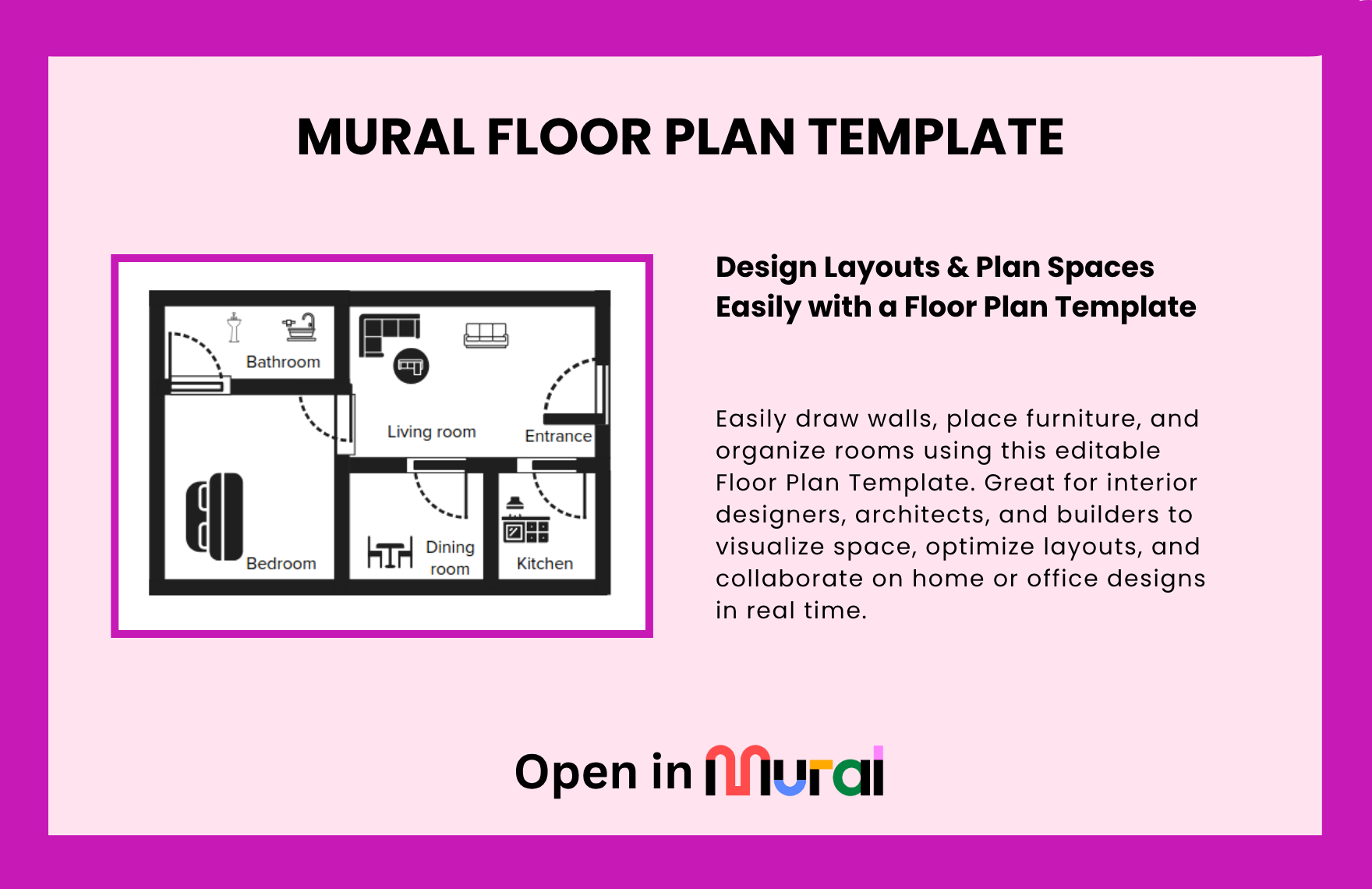
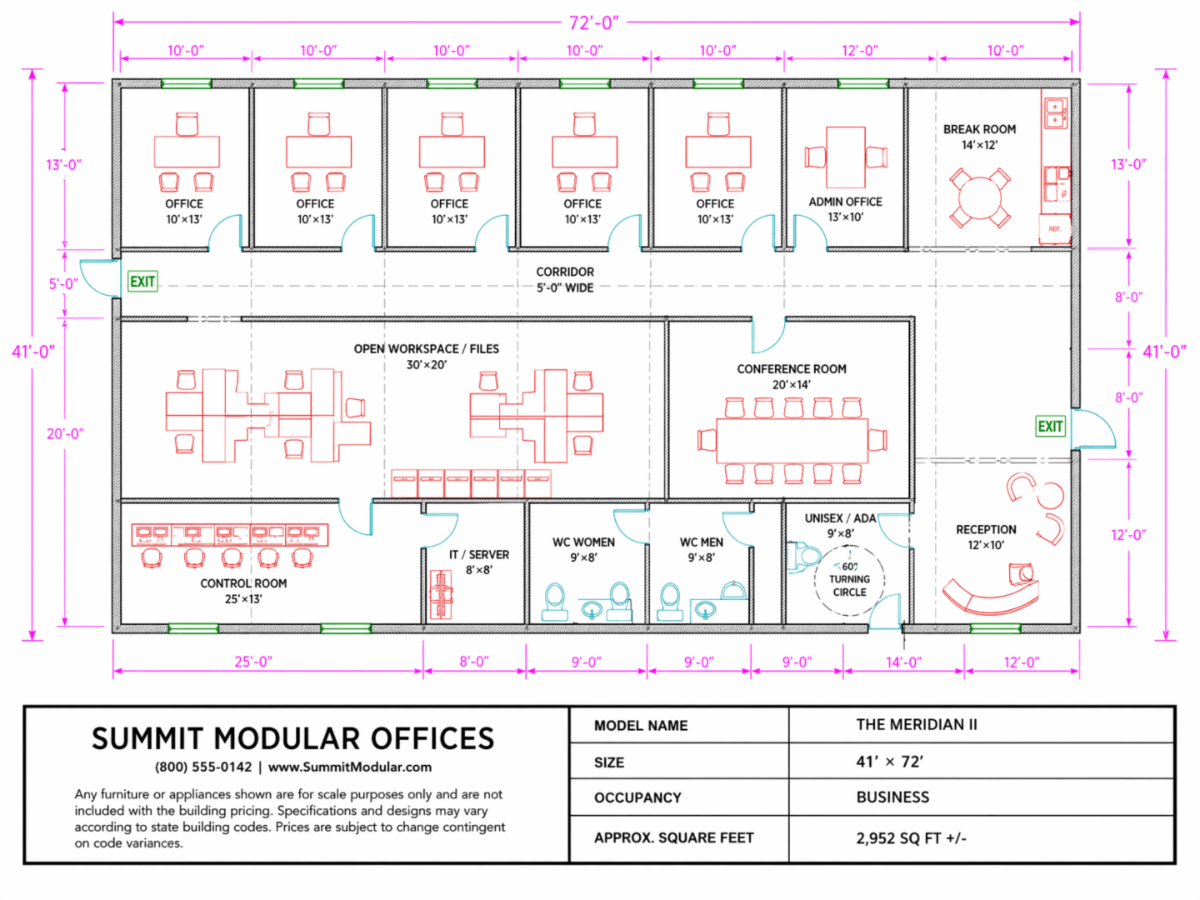
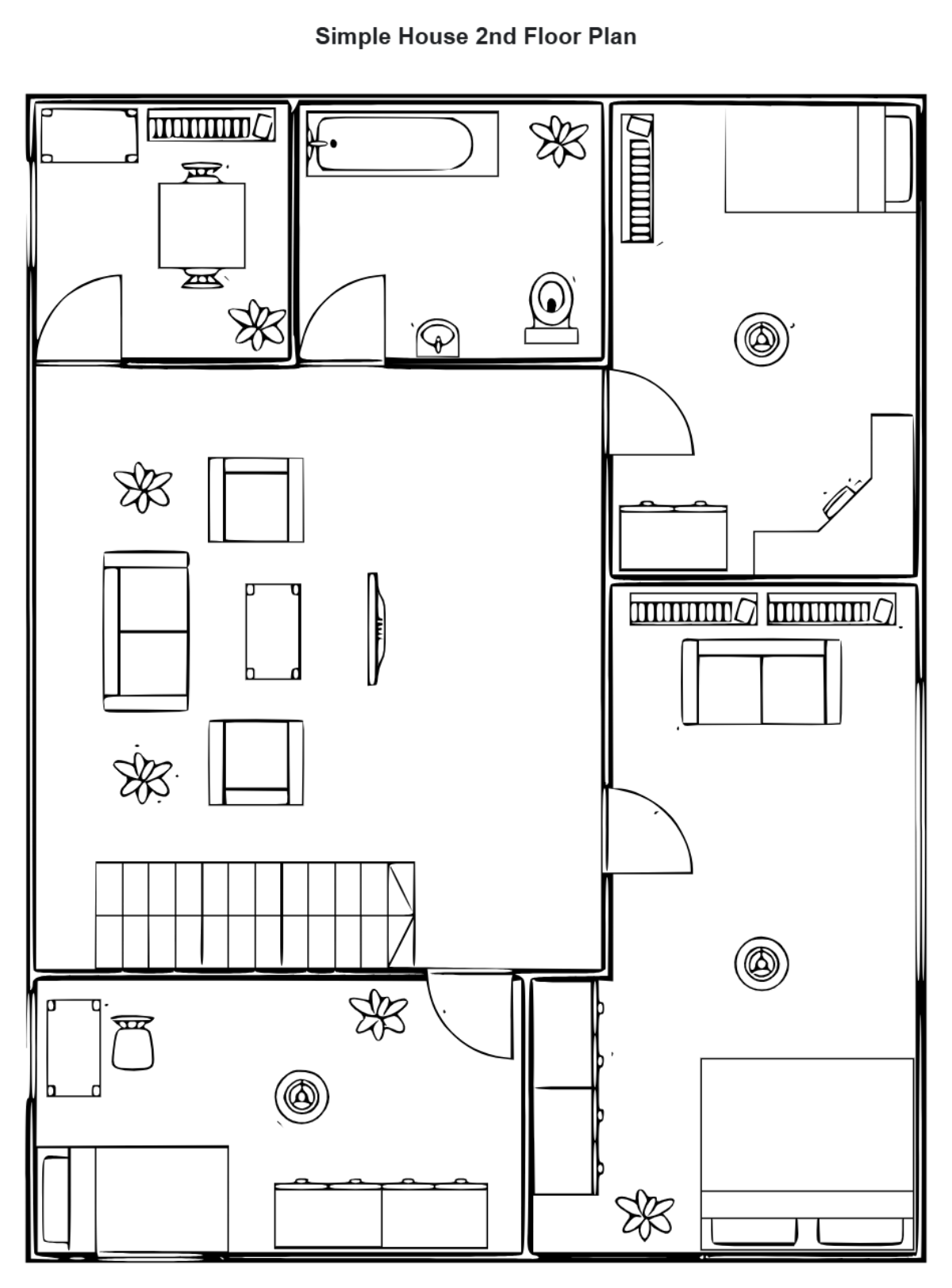
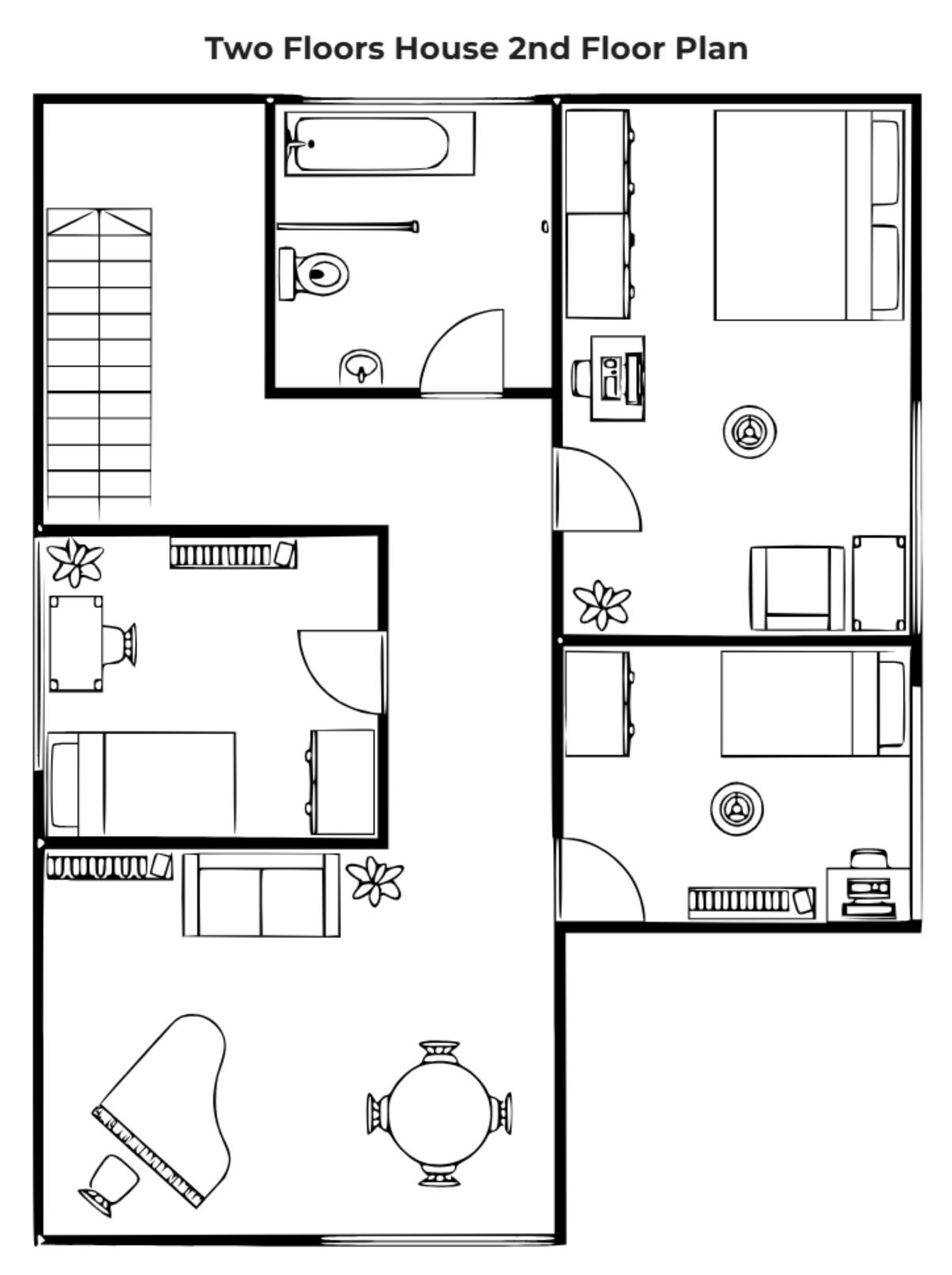
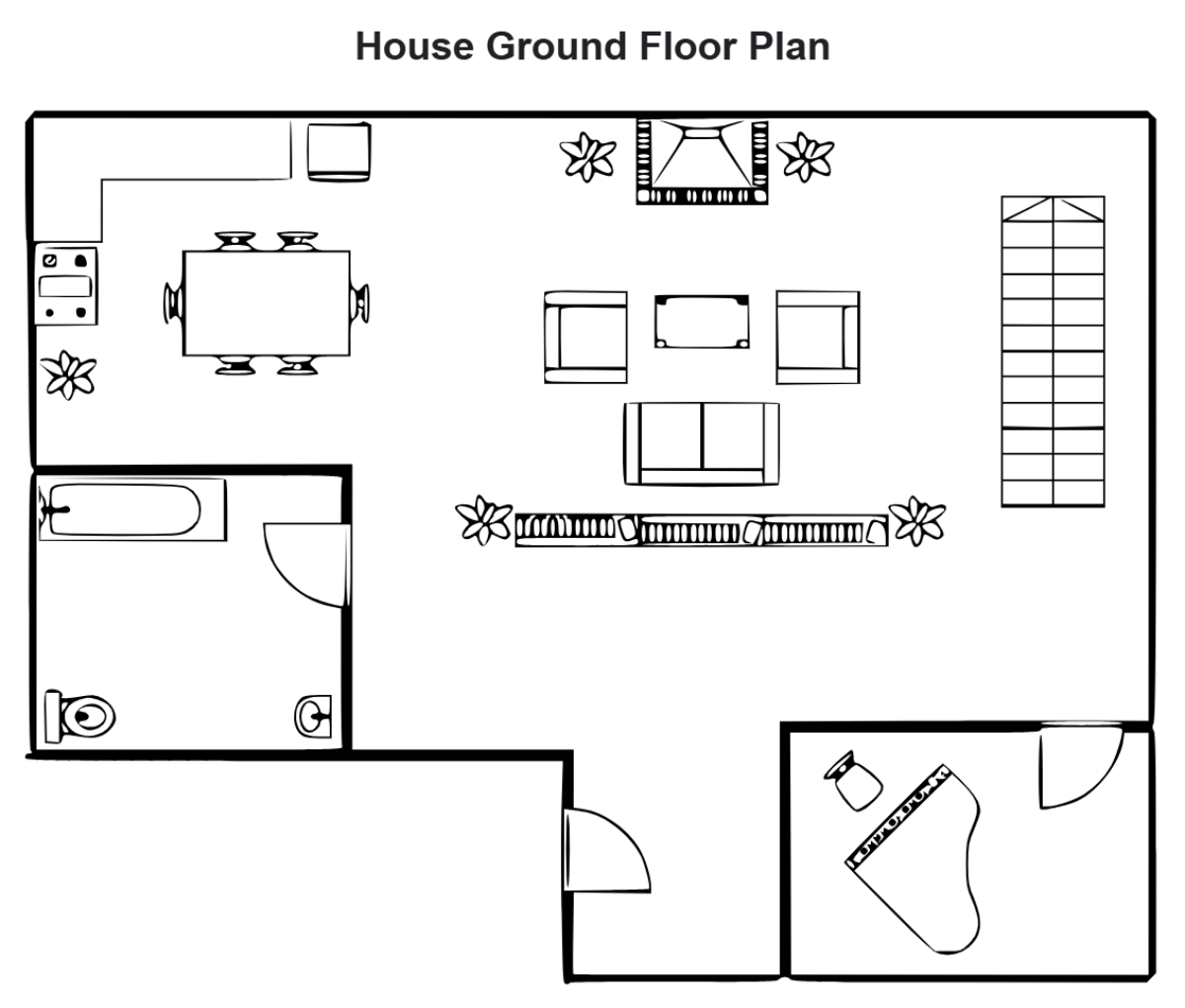
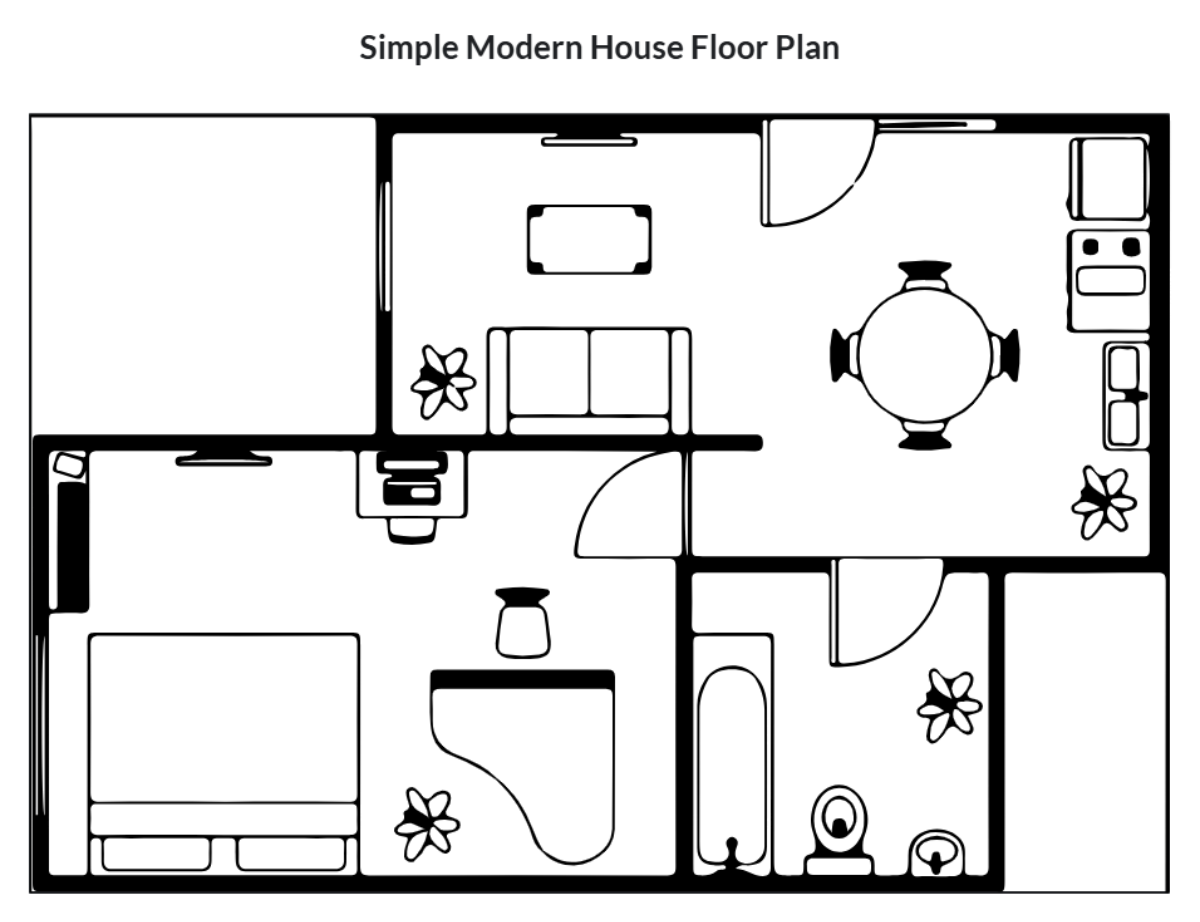
A Floor Plan is a detailed, scaled drawing showing the arrangement of rooms, walls, doors, and windows within a building. It provides a visual hierarchy of spatial relationships and structural clarity essential for architectural design, construction, and interior planning.
Why should I use a Floor Plan?
Using a Floor Plan helps you visualize spatial layouts and ensures workflow connections between rooms or functional areas. It supports effective communication among stakeholders, minimizes construction errors, and facilitates better project management through clear diagram structures.
Who uses Floor Plans?
Floor Plans are primarily used by architects, interior designers, real estate agents, contractors, and homeowners. These professionals rely on collaboration features to communicate design intent, coordinate construction, and plan renovations or space utilization efficiently.
What are the best tips for completing my Floor Plan?
When completing your Floor Plan, consider these tips for clarity and accuracy.
- Accurate measurements – Use precise dimensions for walls and spaces
- Clear labeling – Identify rooms, doors, and windows distinctly
- Consistent scale – Maintain uniform scale for all elements
- Include furniture – Show placement to visualize space use
- Use standard symbols – For fixtures and structural features
- Maintain visual hierarchy – Differentiate walls, openings, and fixtures clearly
- Check for flow – Ensure logical circulation paths
- Collaborate online – Use Template.net’s tools for real-time edits
What file formats can I download for my Floor Plan?
Template.net whiteboard templates for Floor Plan support multiple export formats for collaboration and sharing, including PSD.
Can I create a Floor Plan using AI?
Template.net provides an AI-powered tool that generates new Floor Plan structures from prompts. You can access this feature using the Floor Plan Creator.
What essential elements should be included in my Floor Plan?
Your Floor Plan should include these essential structural components for completeness and clarity.
- Walls – Exterior and interior boundaries
- Doors – Including swing direction
- Windows – Placement and size
- Rooms – Clearly labeled spaces
- Furniture – Optional for spatial context
- Stairs – If applicable for multi-level plans
- Fixtures – Plumbing and electrical symbols
- Dimensions – Measurements between structural elements
- Scale indicator – To interpret distances accurately
- North arrow – For orientation
What are the benefits of using Floor Plan in my project workflow?
Using a Floor Plan in your project workflow enhances spatial understanding and supports collaboration. It improves design accuracy, facilitates stakeholder communication, enables efficient resource allocation, and reduces costly errors during construction or renovation.
What structural standards should my Floor Plan follow?
Your Floor Plan should follow structural standards such as consistent scale, clear dimensioning, standardized symbols for architectural elements, and logical spatial organization. These guidelines ensure structural clarity and facilitate easy interpretation by all project participants.
