
Free Office Templates















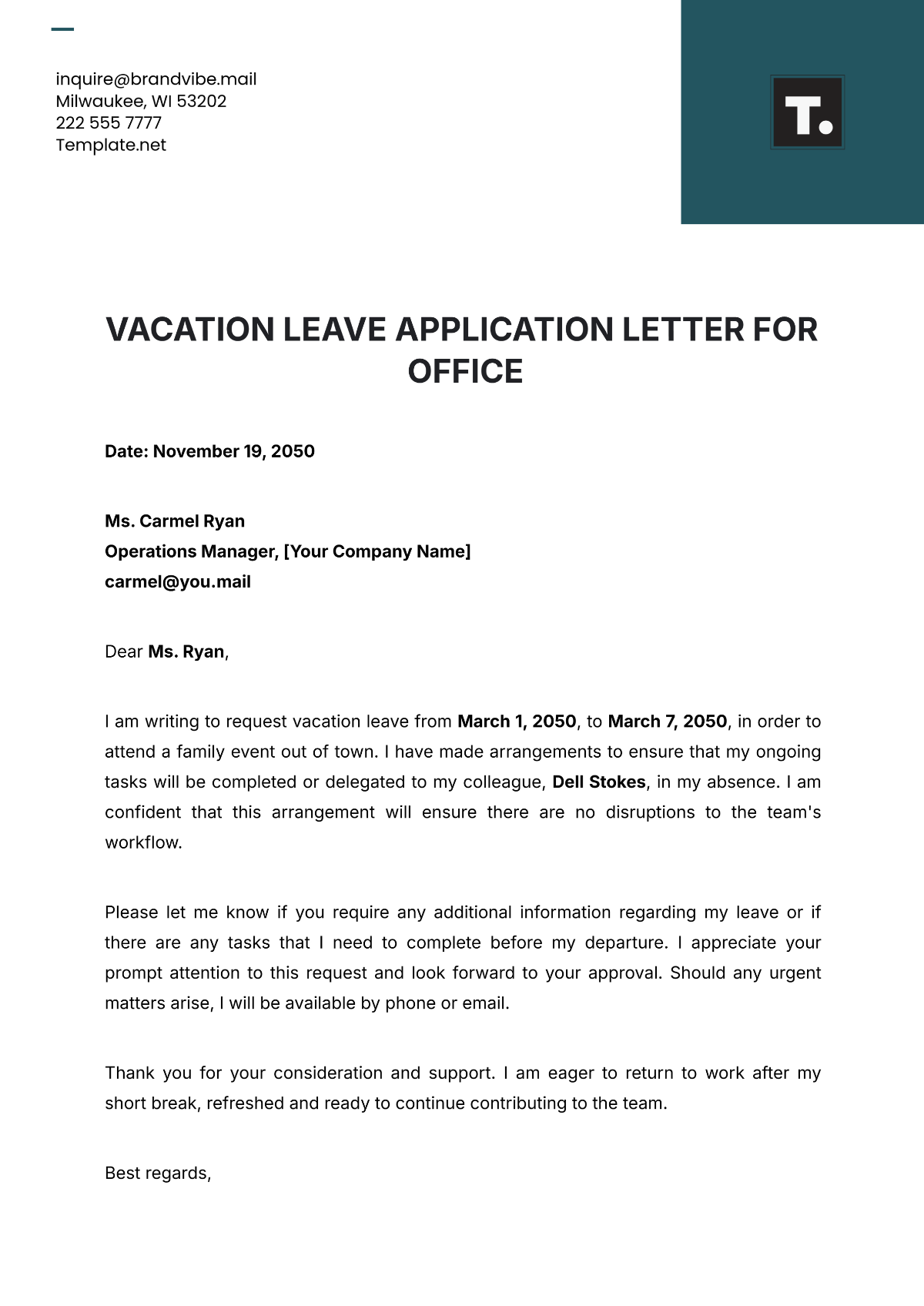
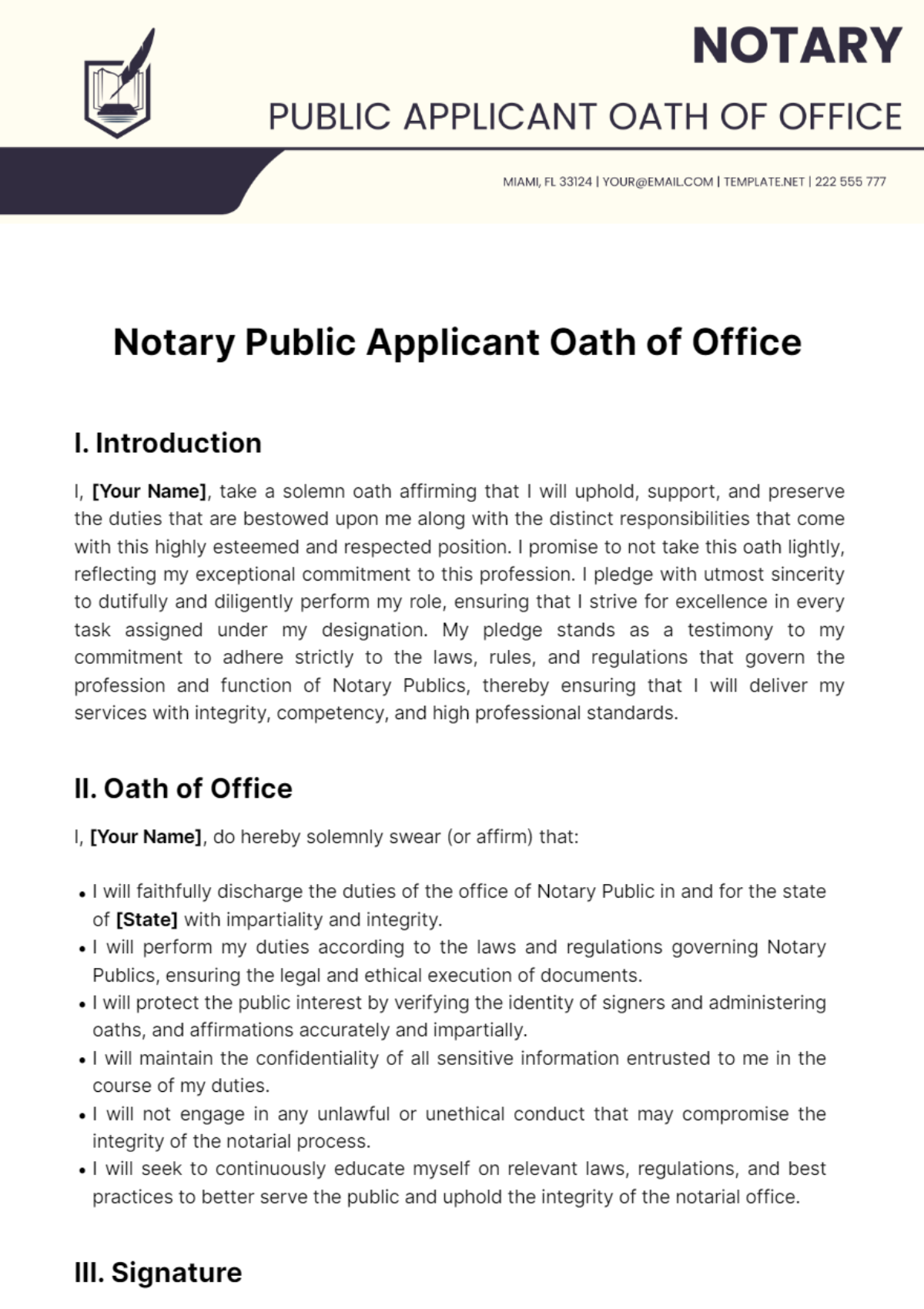
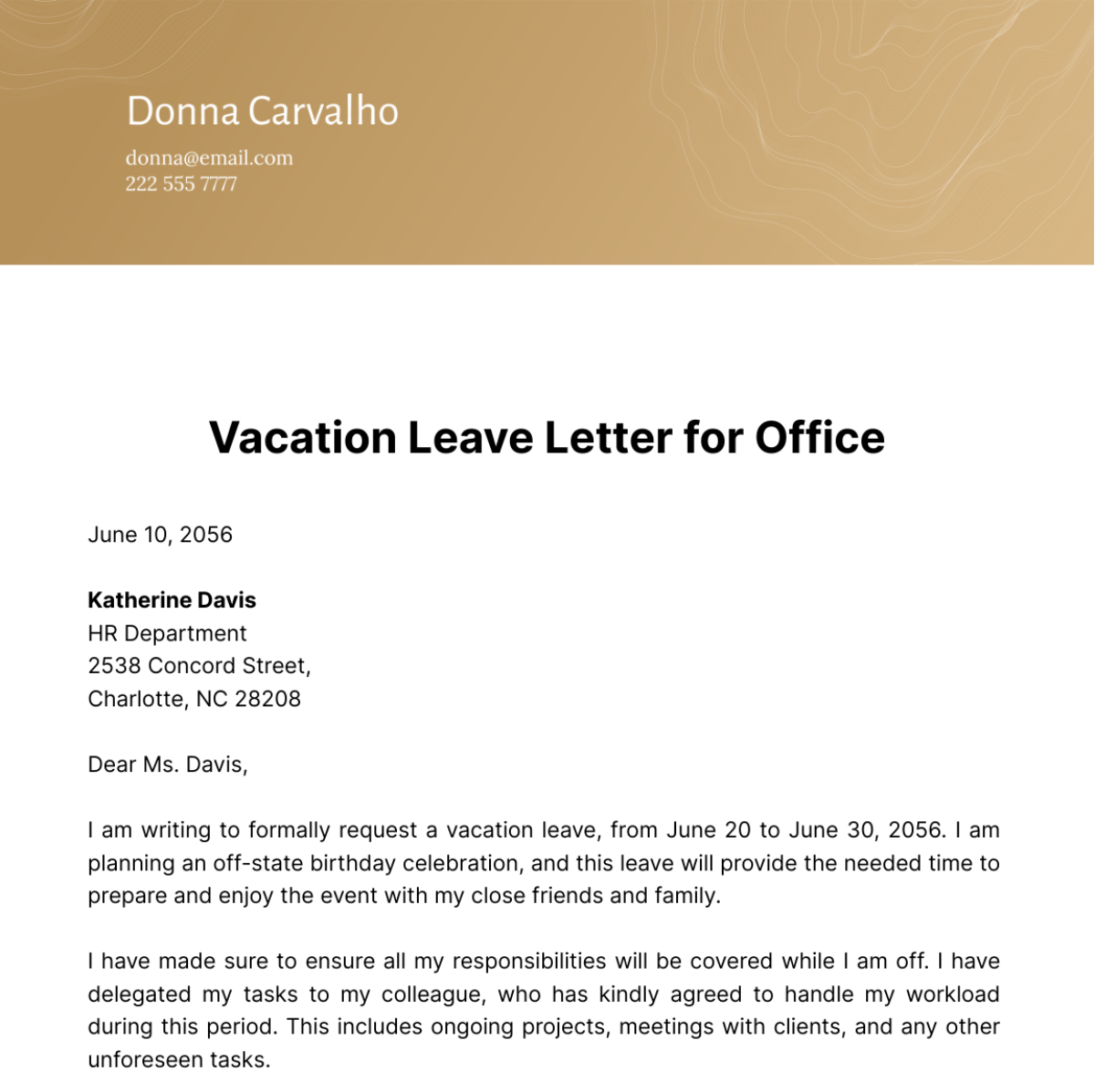

Free Office Templates: Editable Workspace Documents Guide and Uses
What is a Office?
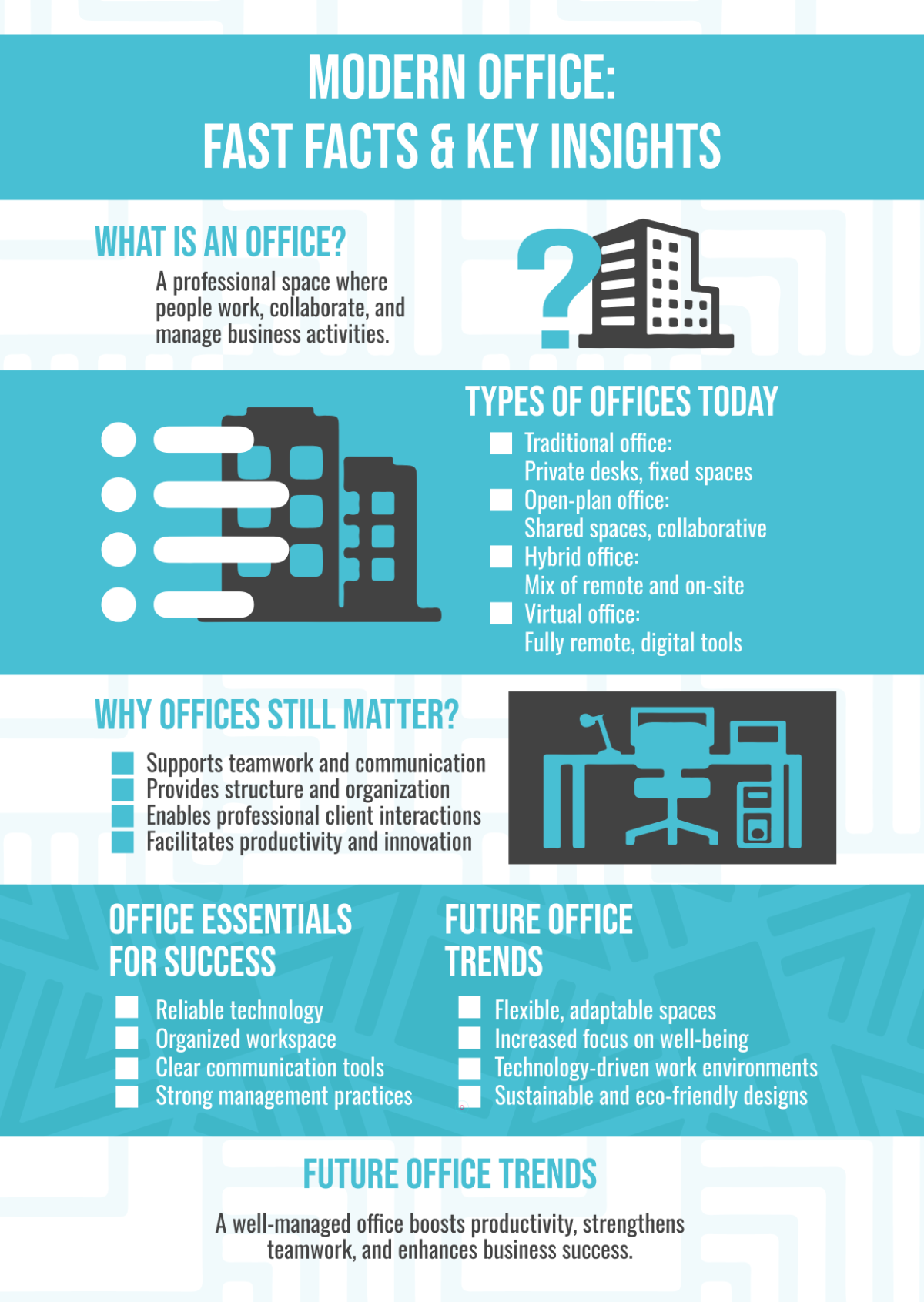
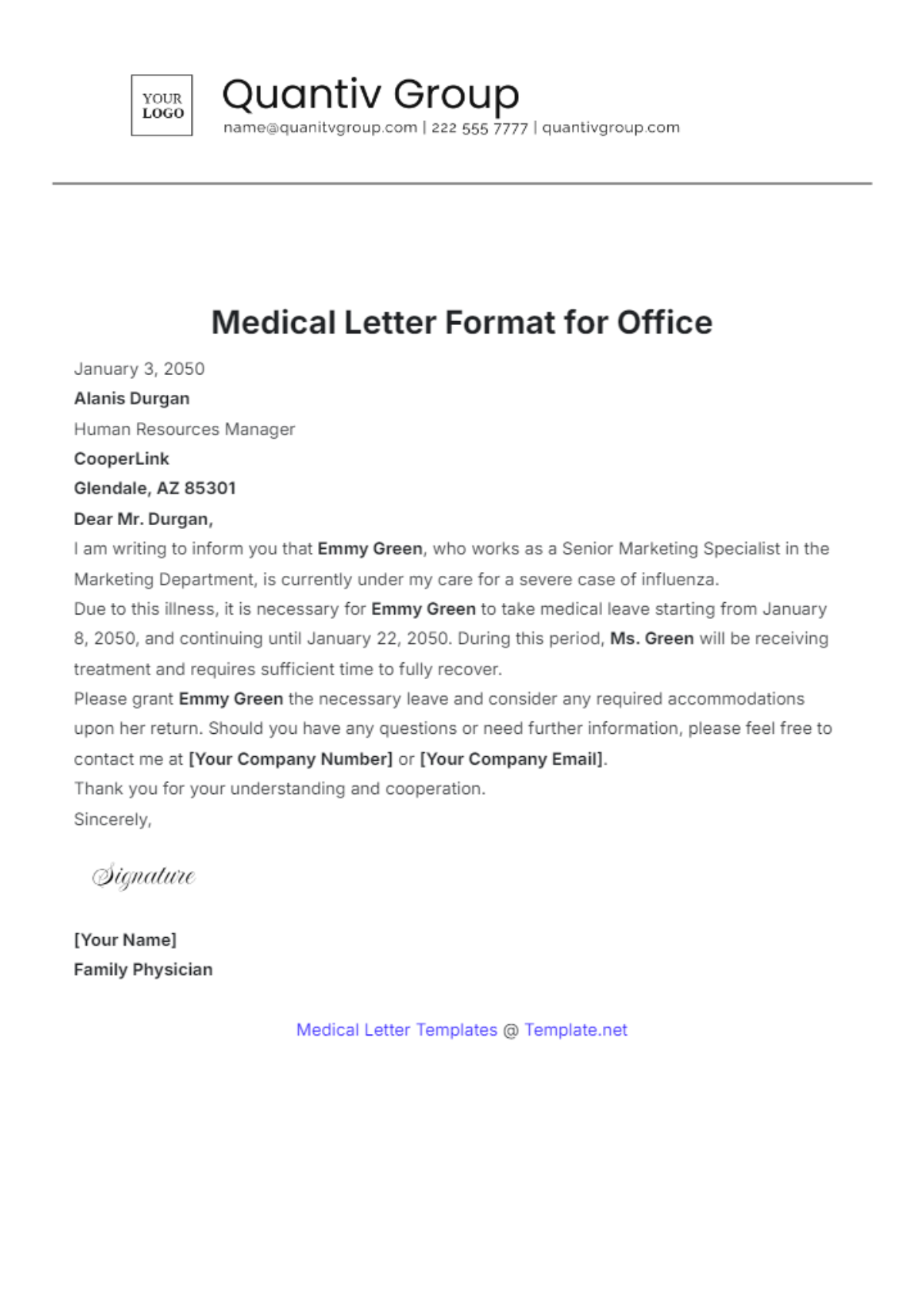
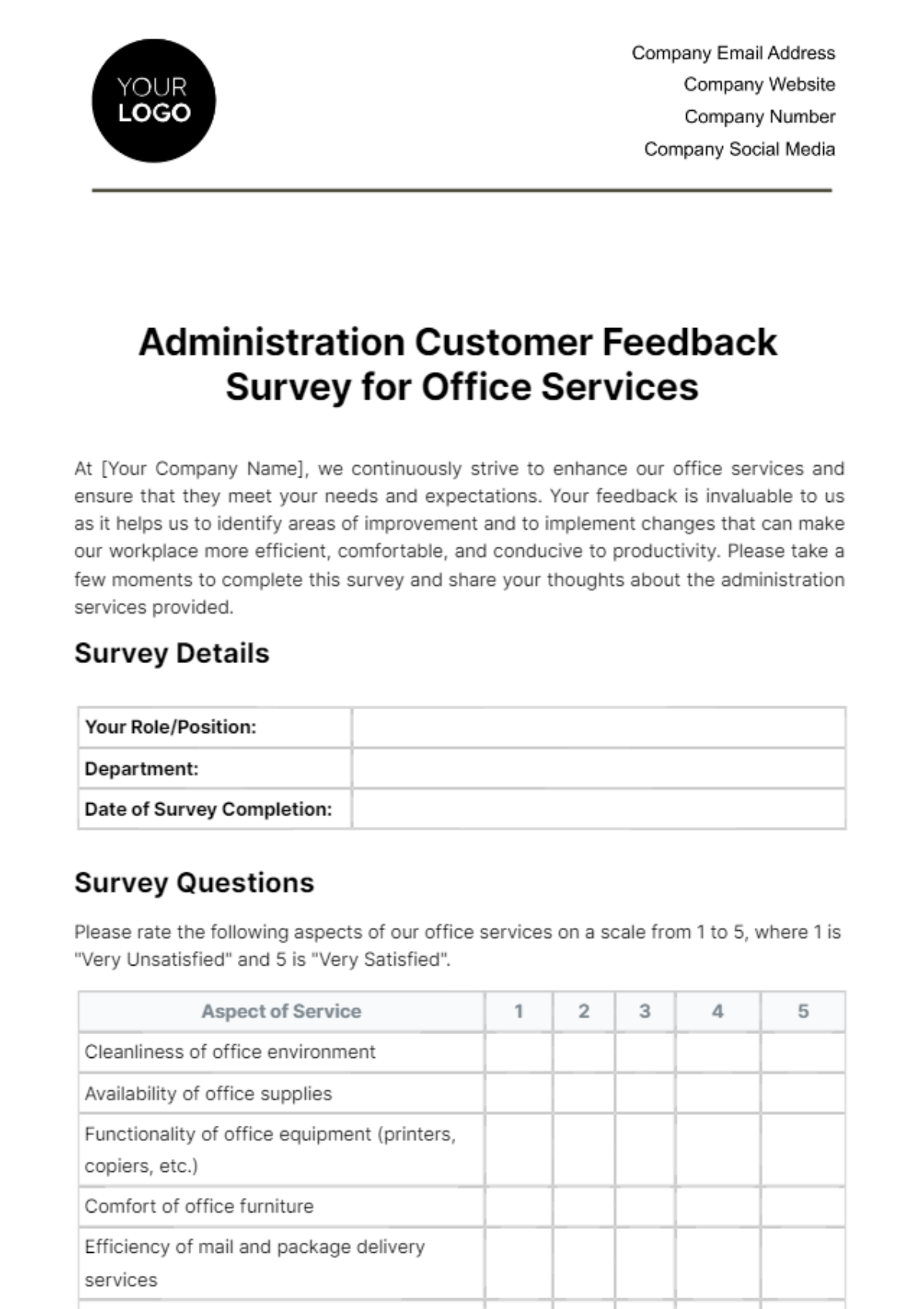
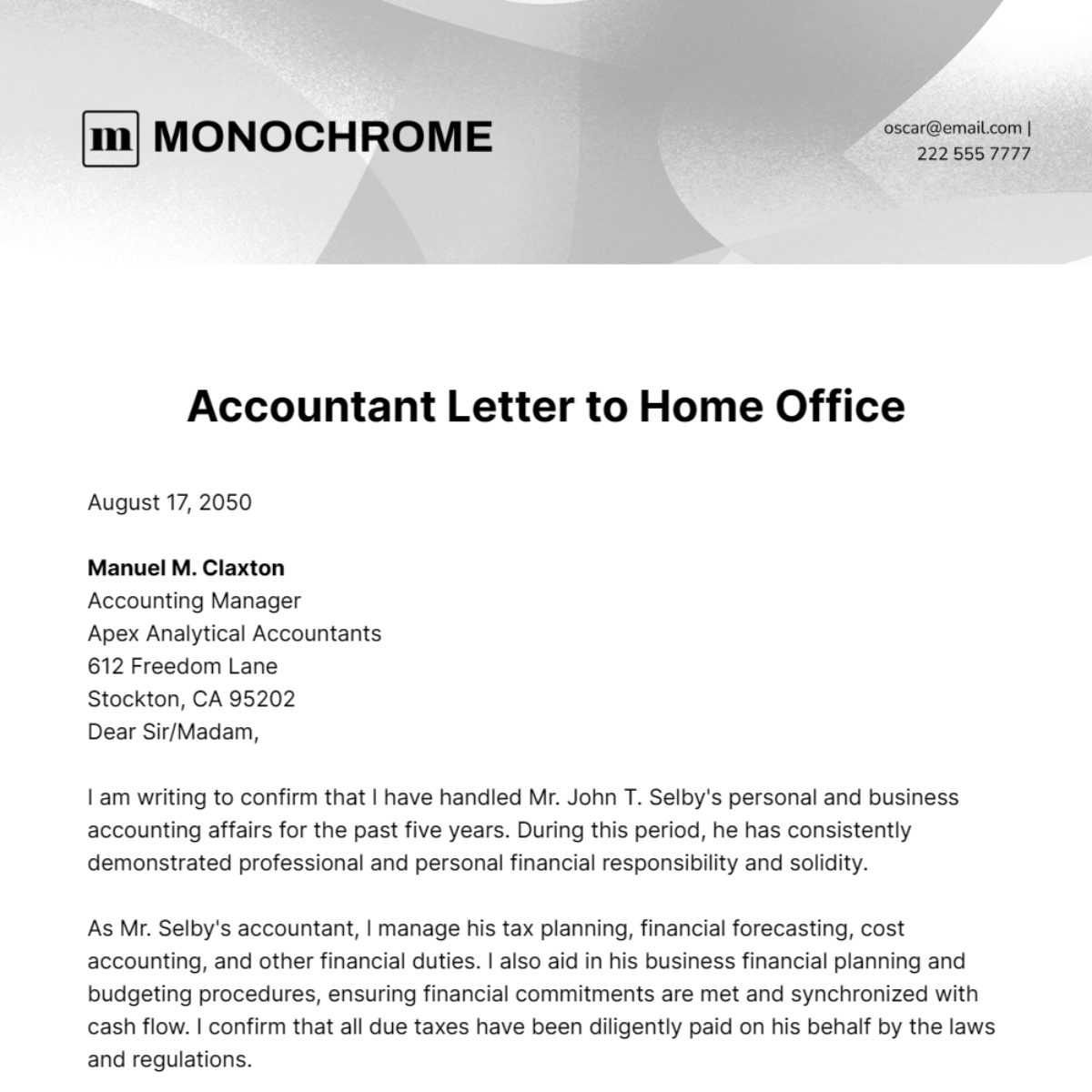
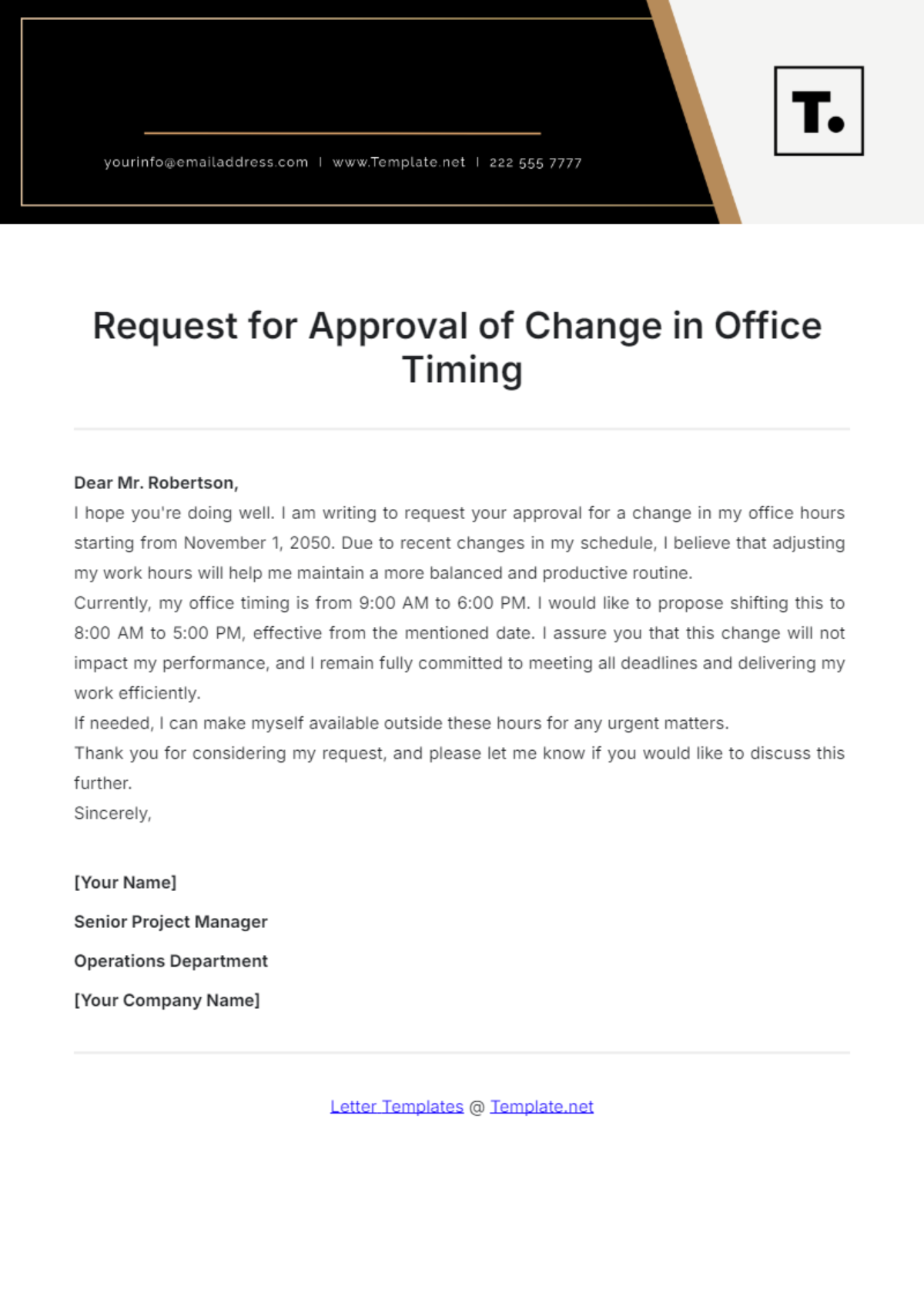
A Office is a collection of editable documents used to manage and organize tasks, communications, and operations within a professional workspace. Office templates streamline the creation of reports, letters, schedules, and other administrative paperwork, enhancing workflow efficiency.
Why should I use a Office?
You should use an Office template to save time and ensure consistency across your professional documents. Editable templates reduce errors and provide a structured format for workspace communications, making it easier to maintain organized records and polished presentation.
Who uses Office?
Office templates are used by professionals across industries including administrative staff, managers, HR personnel, and business owners. Anyone requiring standardized, editable documents for daily tasks, reporting, or communication benefits from using Office templates.
What are the best tips for completing my Office?
When completing an Office template, focus on clarity, accuracy, and relevant details.
- Review instructions carefully to ensure all required fields are filled
- Customize content to fit your specific workspace needs
- Proofread for errors and consistency before finalizing
- Use professional language to maintain formality
Can I create a Office using AI?
You can create an Office template using AI through tools available on Template.net, which streamline content generation and customization. For AI-based template creation, visit Template.net to explore options.
When should I use a Office?
You should use an Office template whenever you need to prepare structured and professional documents for administrative tasks such as reporting, scheduling, correspondence, or record-keeping within a workspace.
How is Office used in professional workflows?
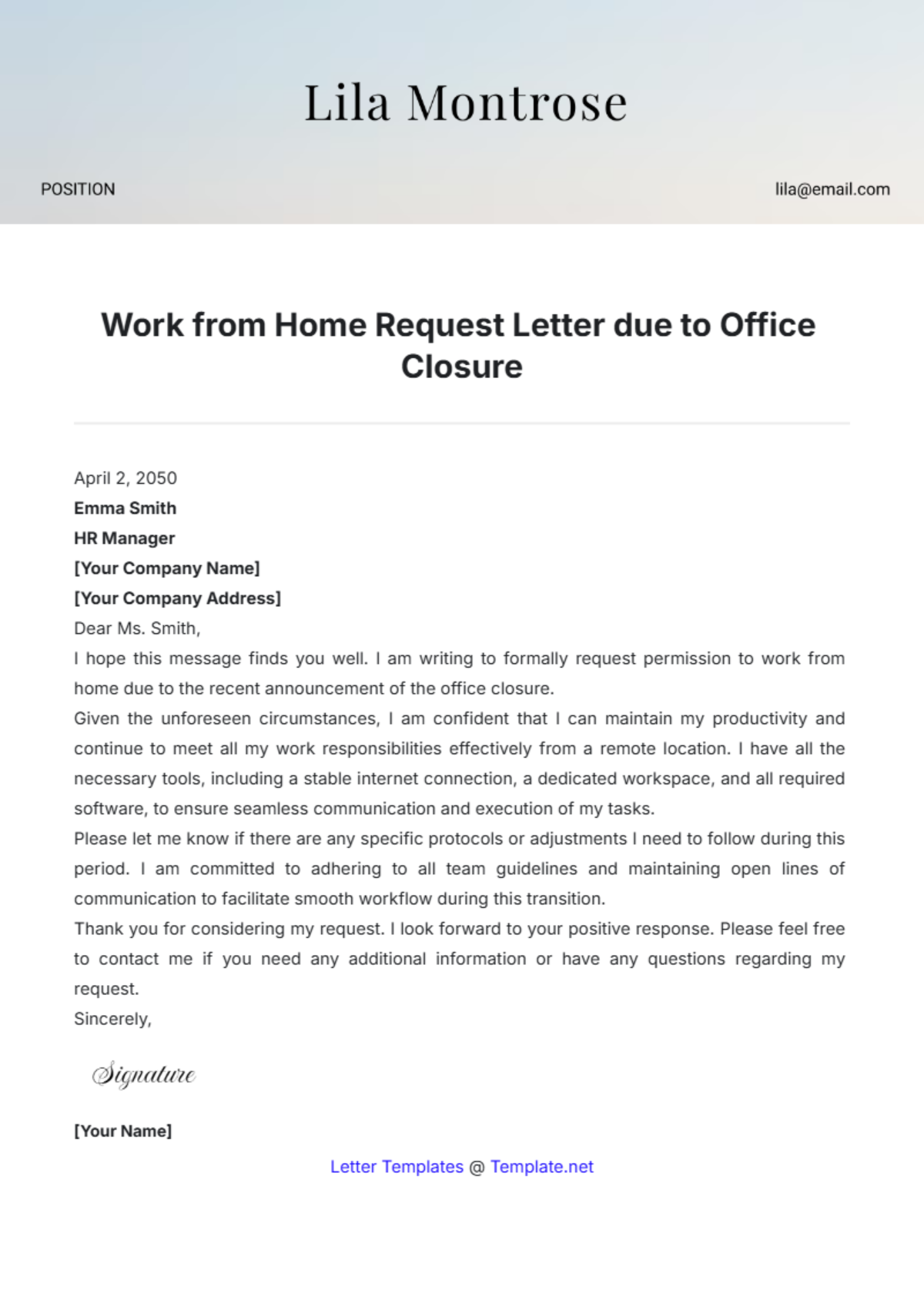
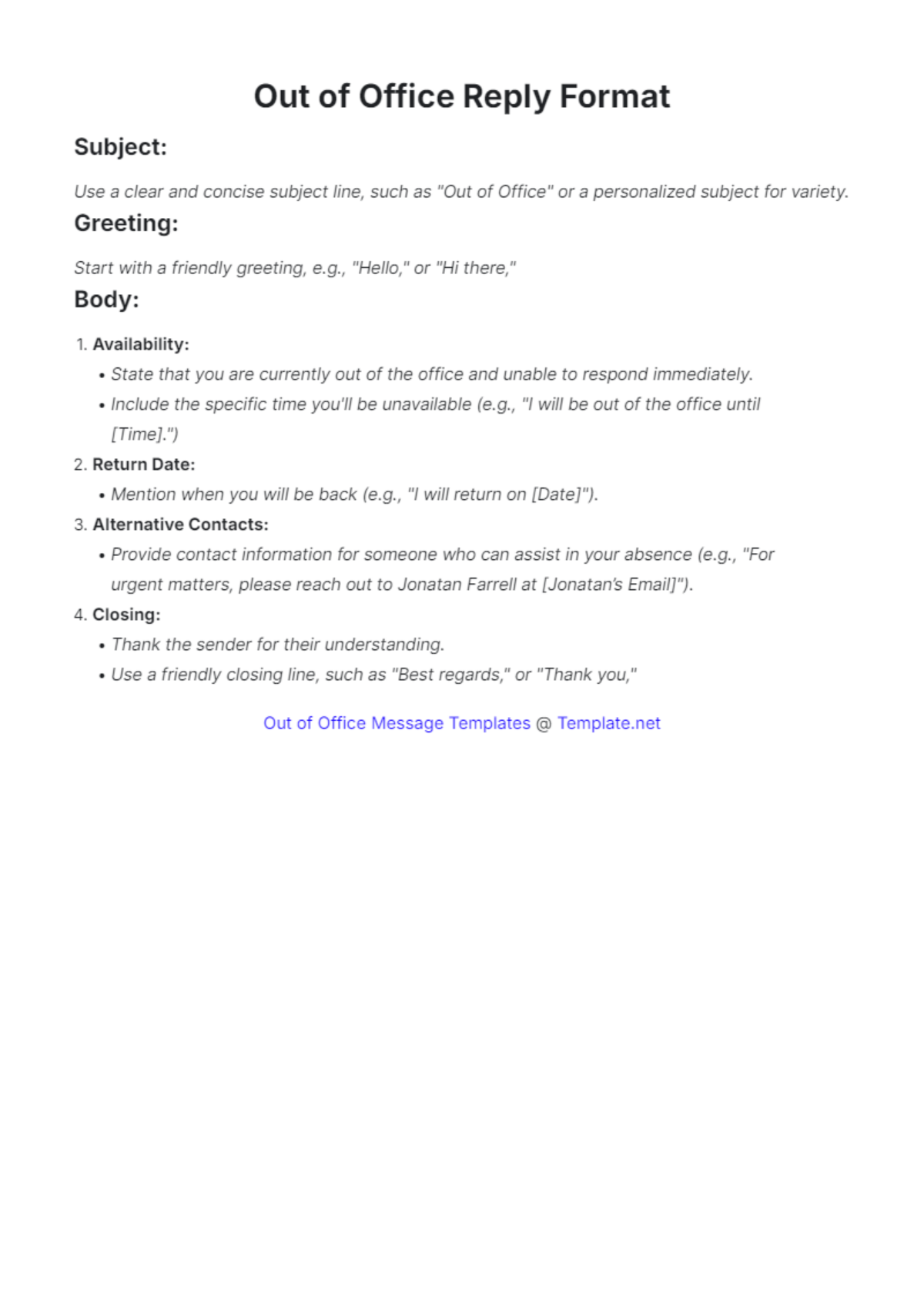
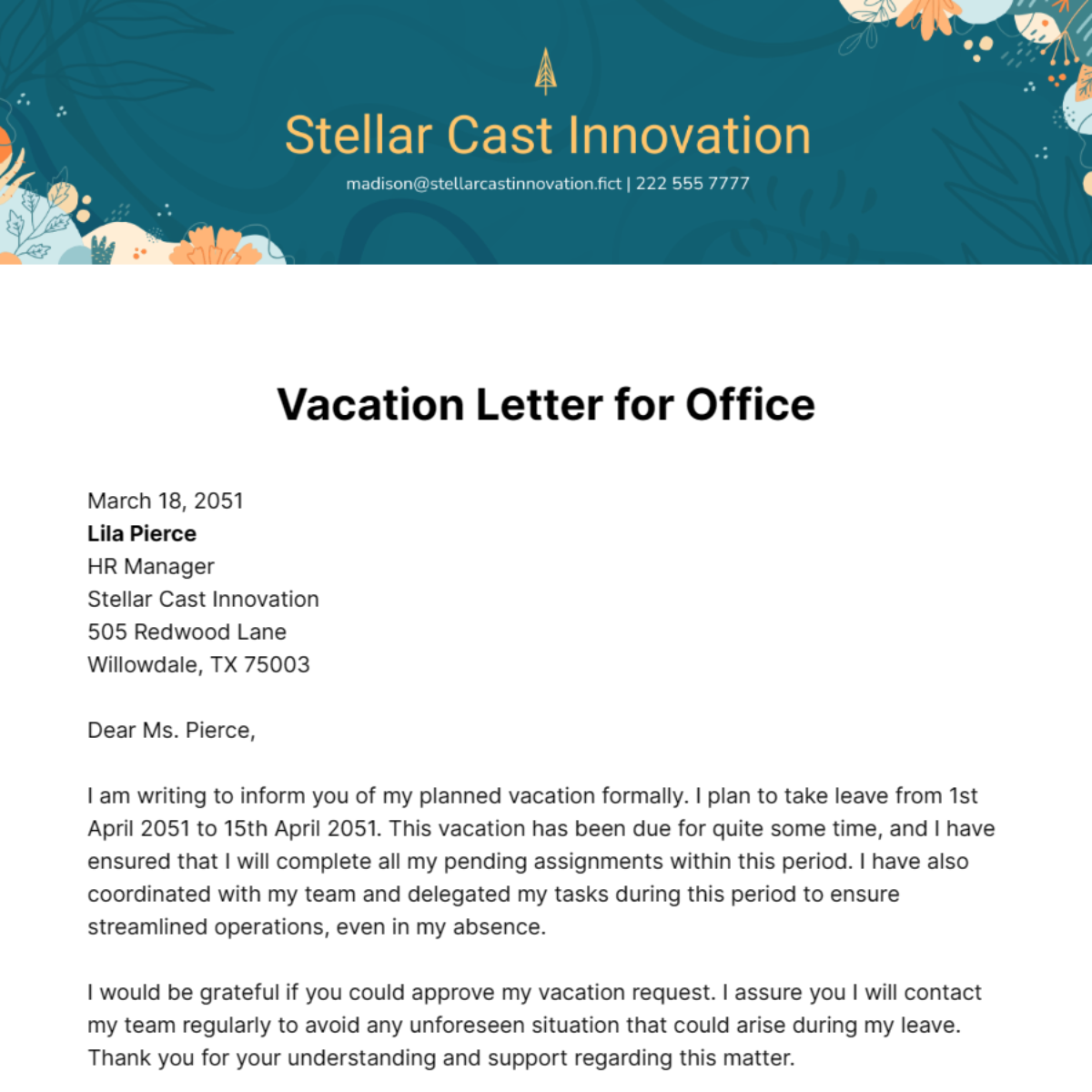
Office templates are integral to professional workflows by standardizing document creation and ensuring efficiency. They facilitate consistent communication, easy collaboration, and quick updates, supporting tasks like meeting agendas, memos, and project tracking.
What are the essential elements of a Office?
Essential elements of an Office template include:
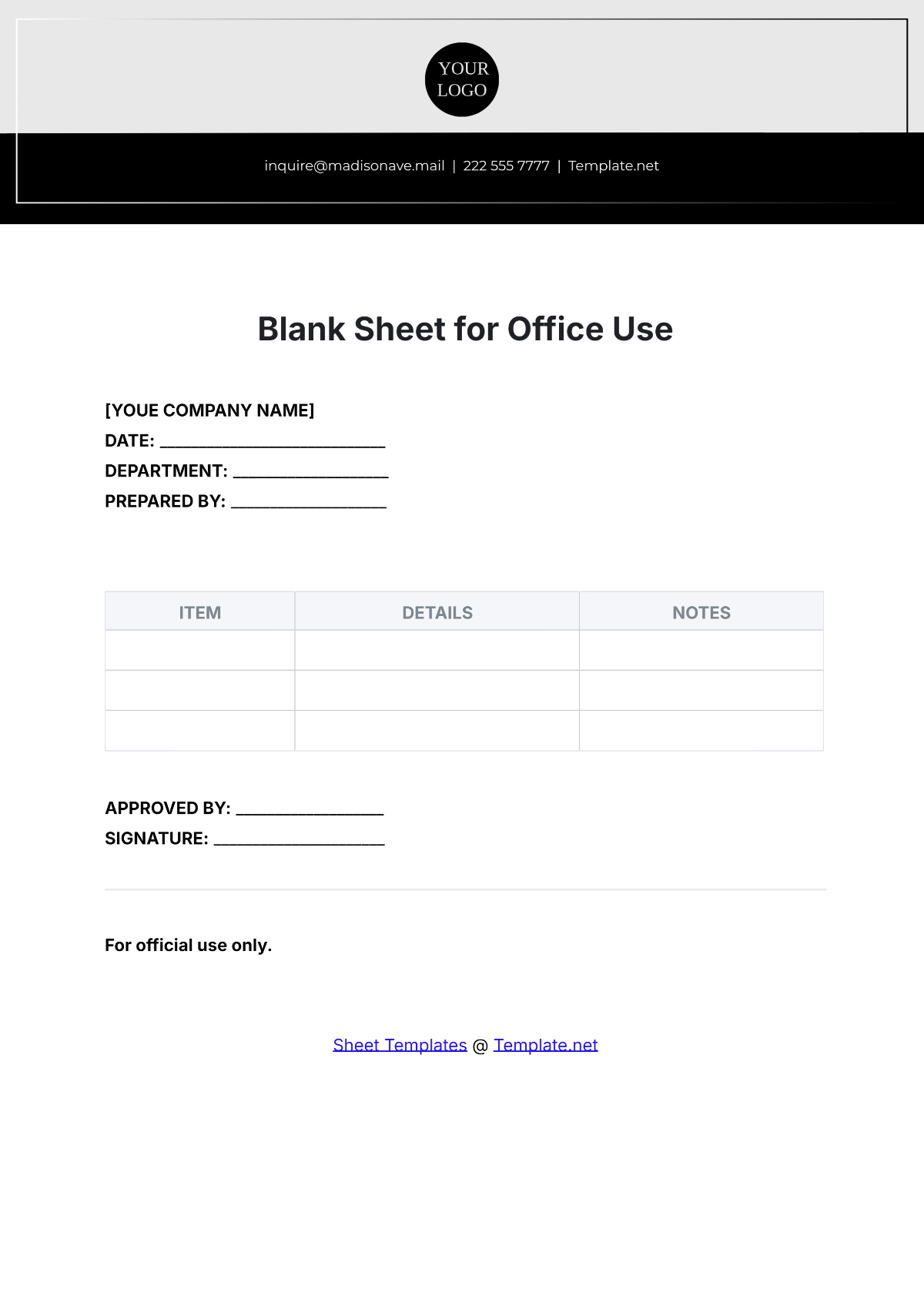
- Header with company or individual identification
- Date and reference numbers for tracking
- Body sections for detailed information or instructions
- Signatures or approvals if applicable
- Footer with contact or confidentiality notes
What are common use cases for Office?
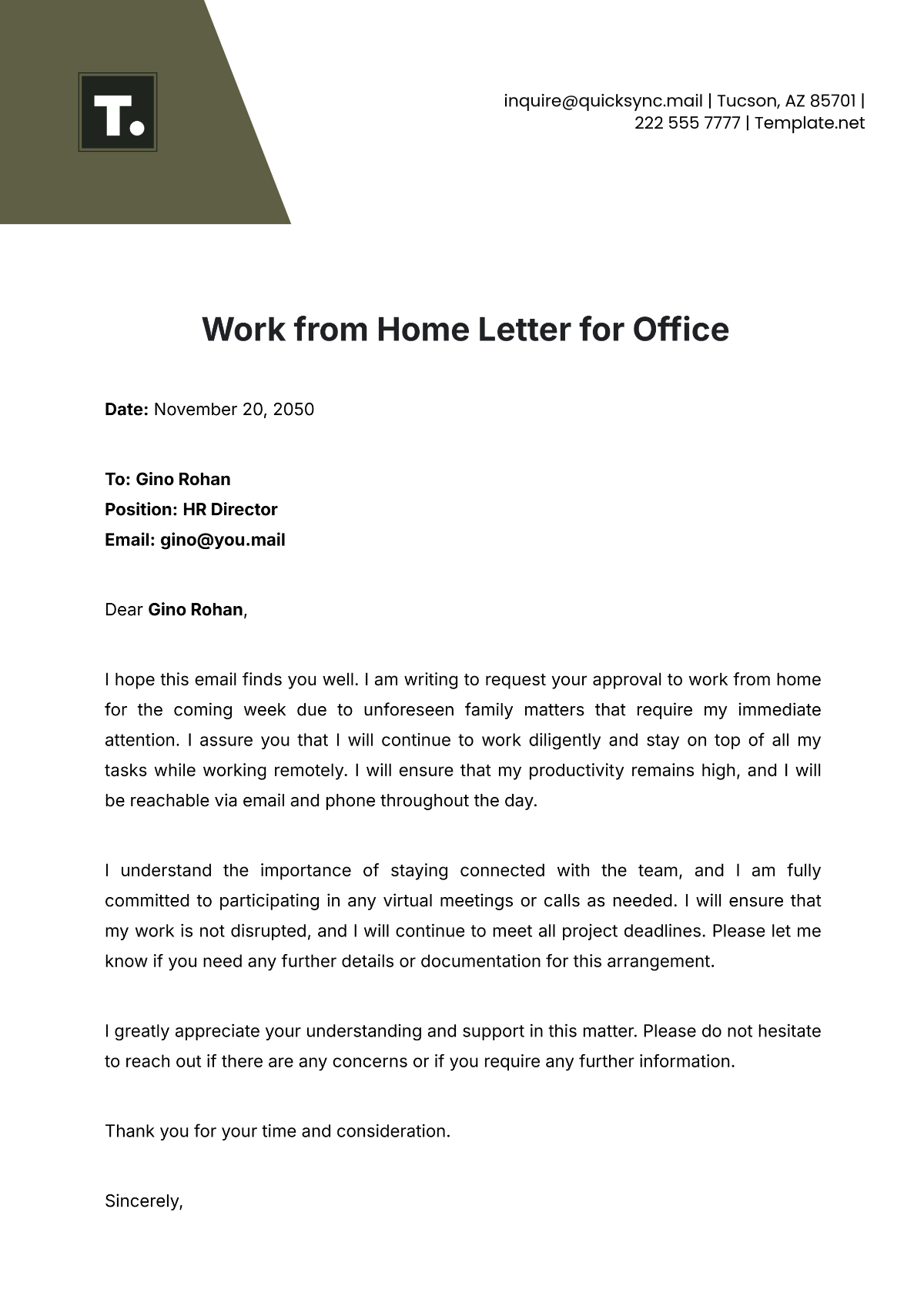
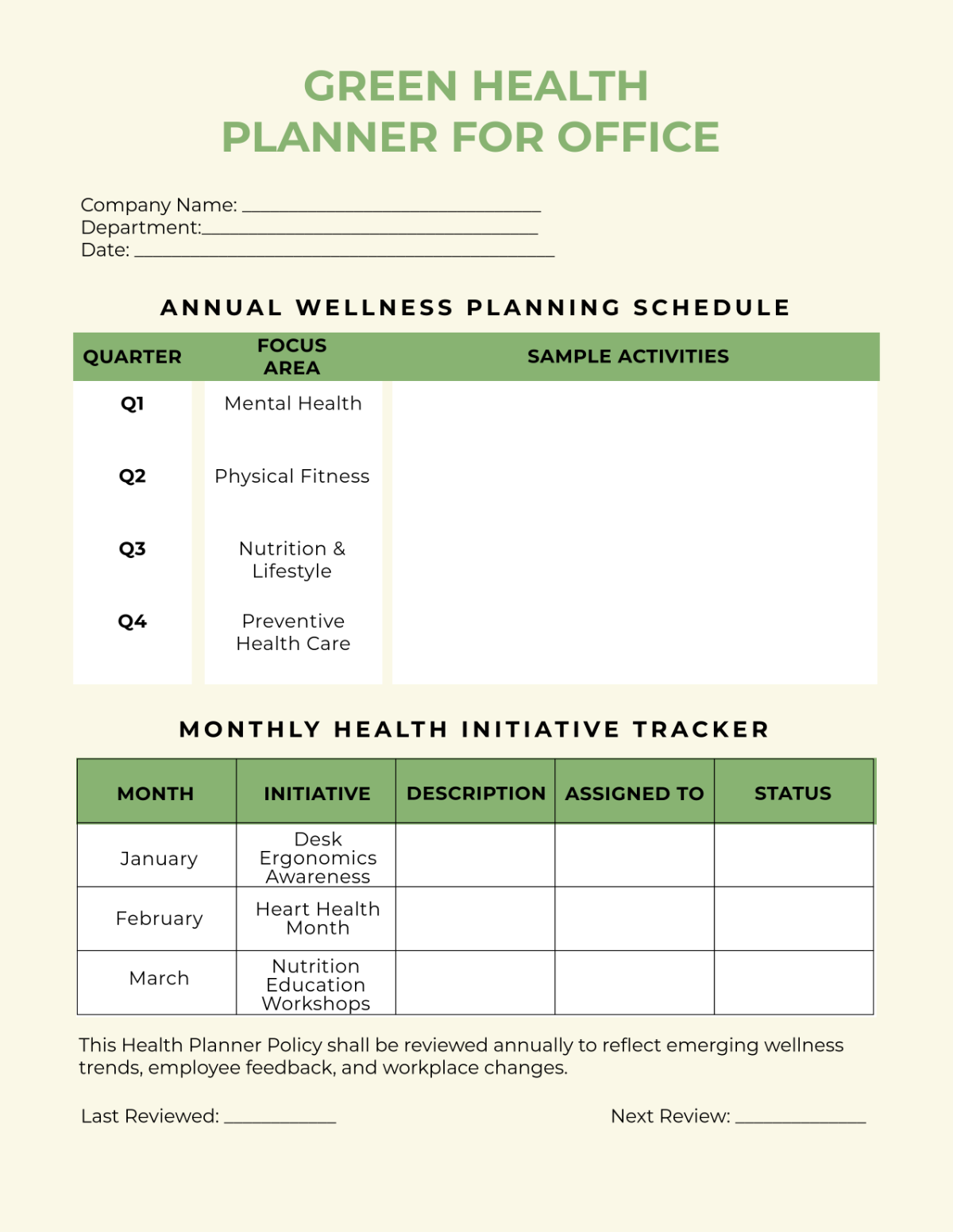
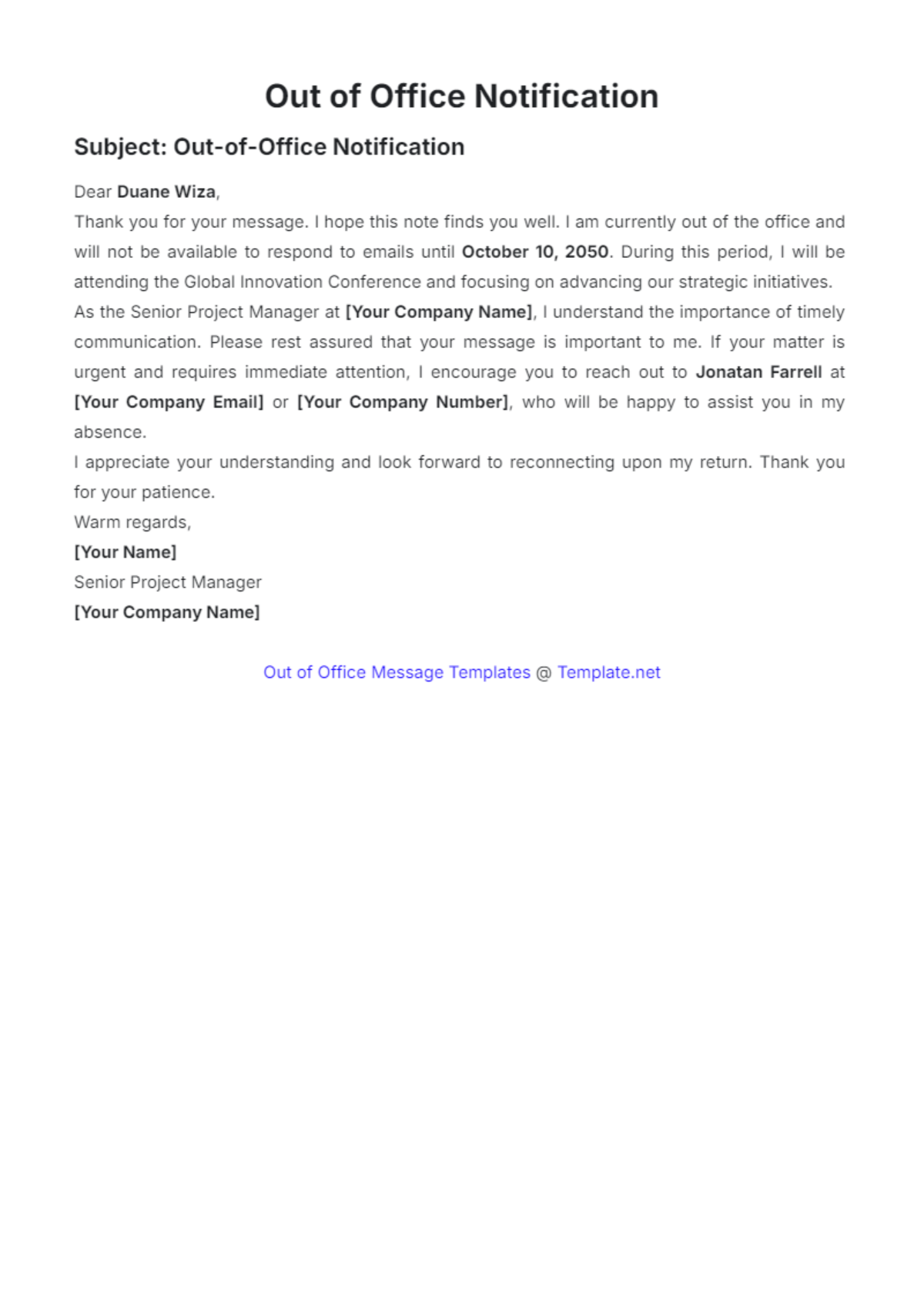
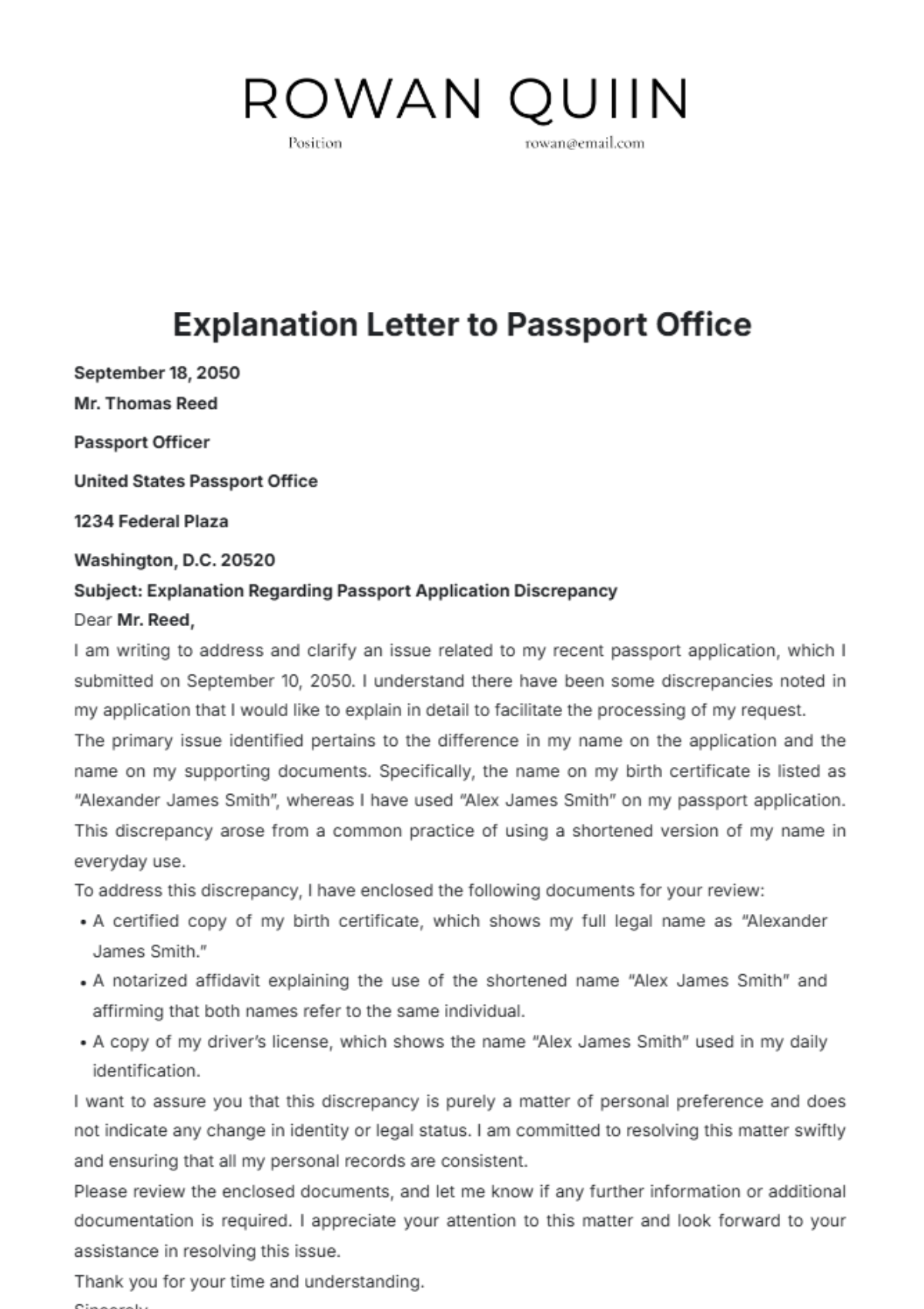
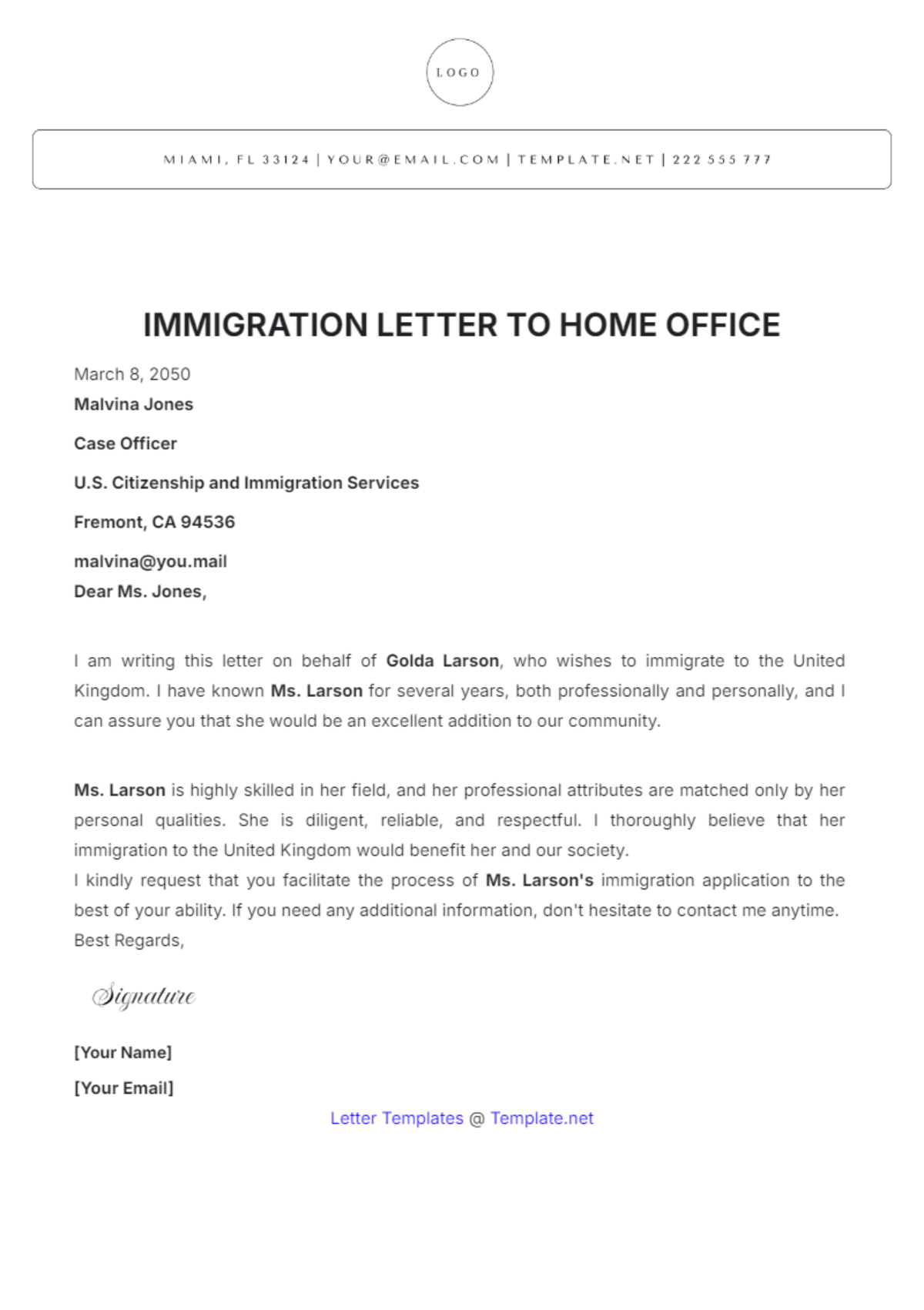
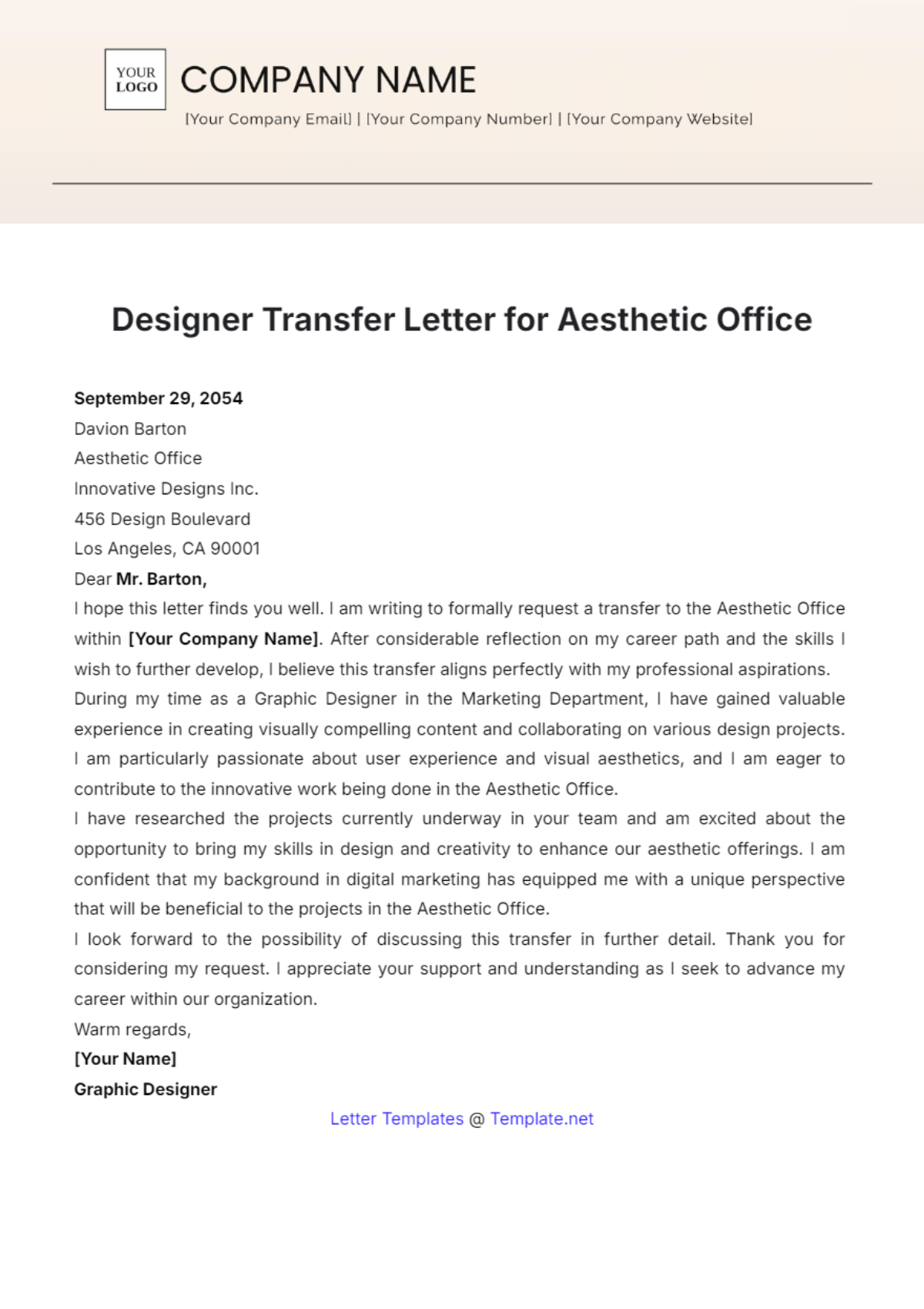
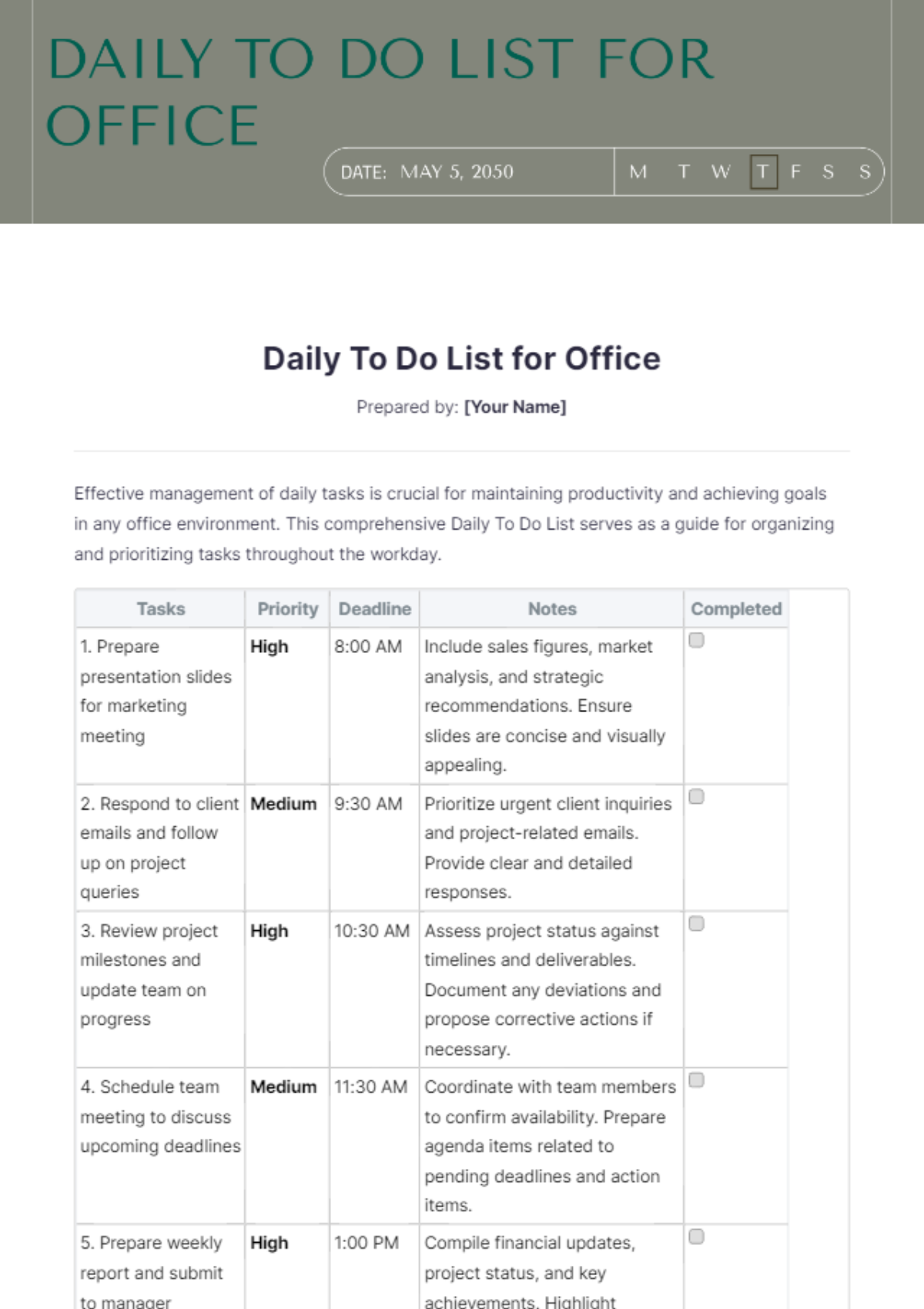
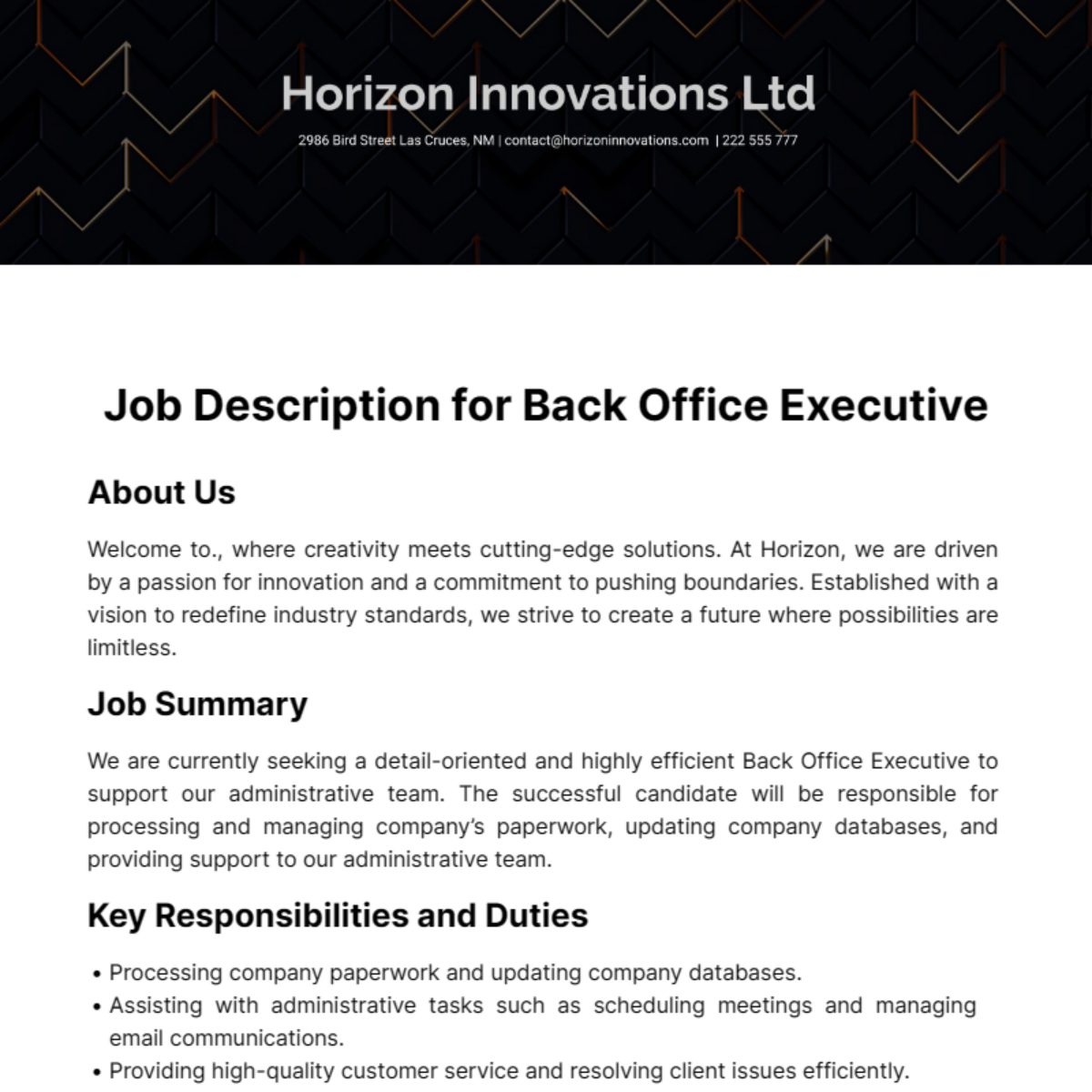
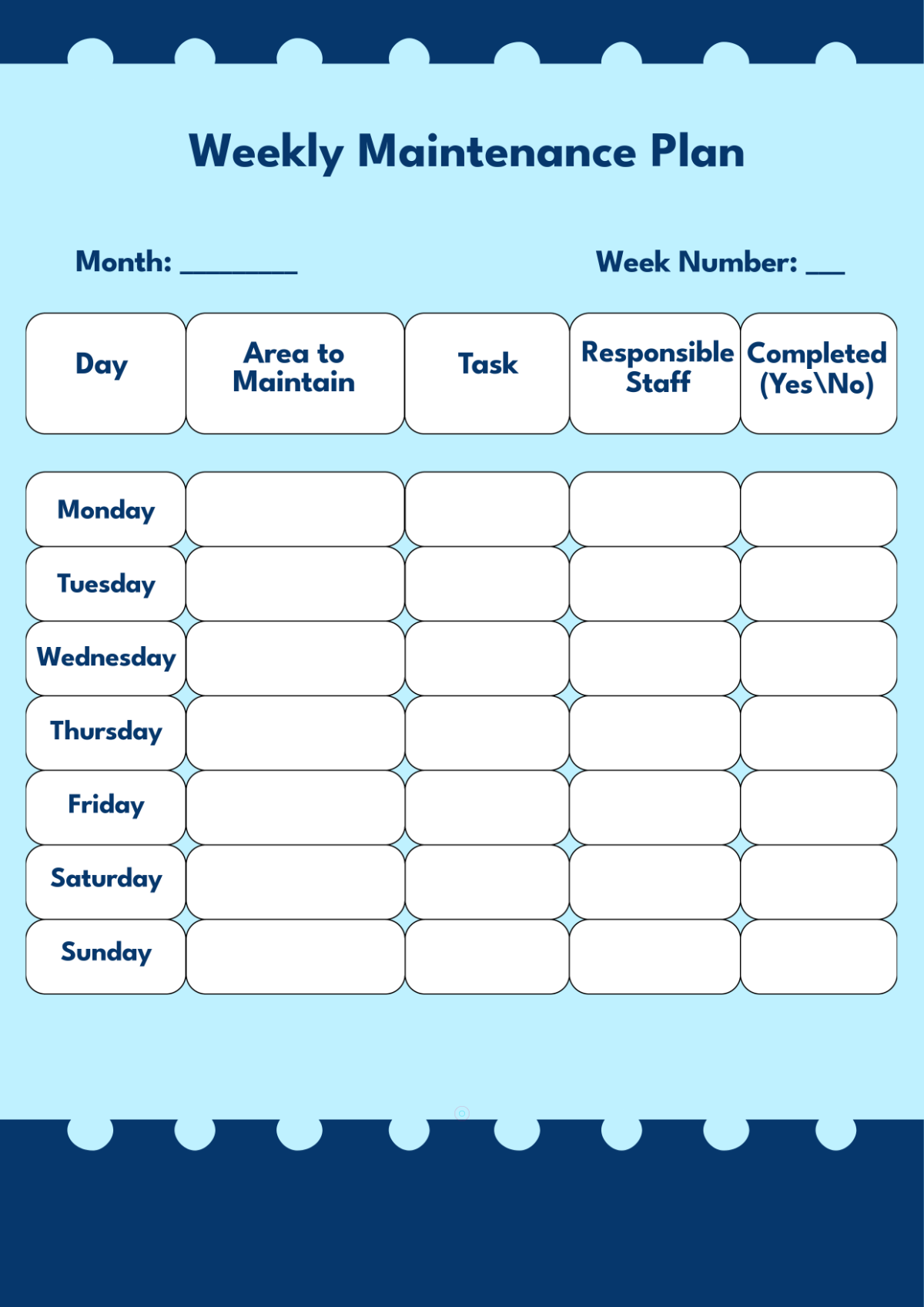
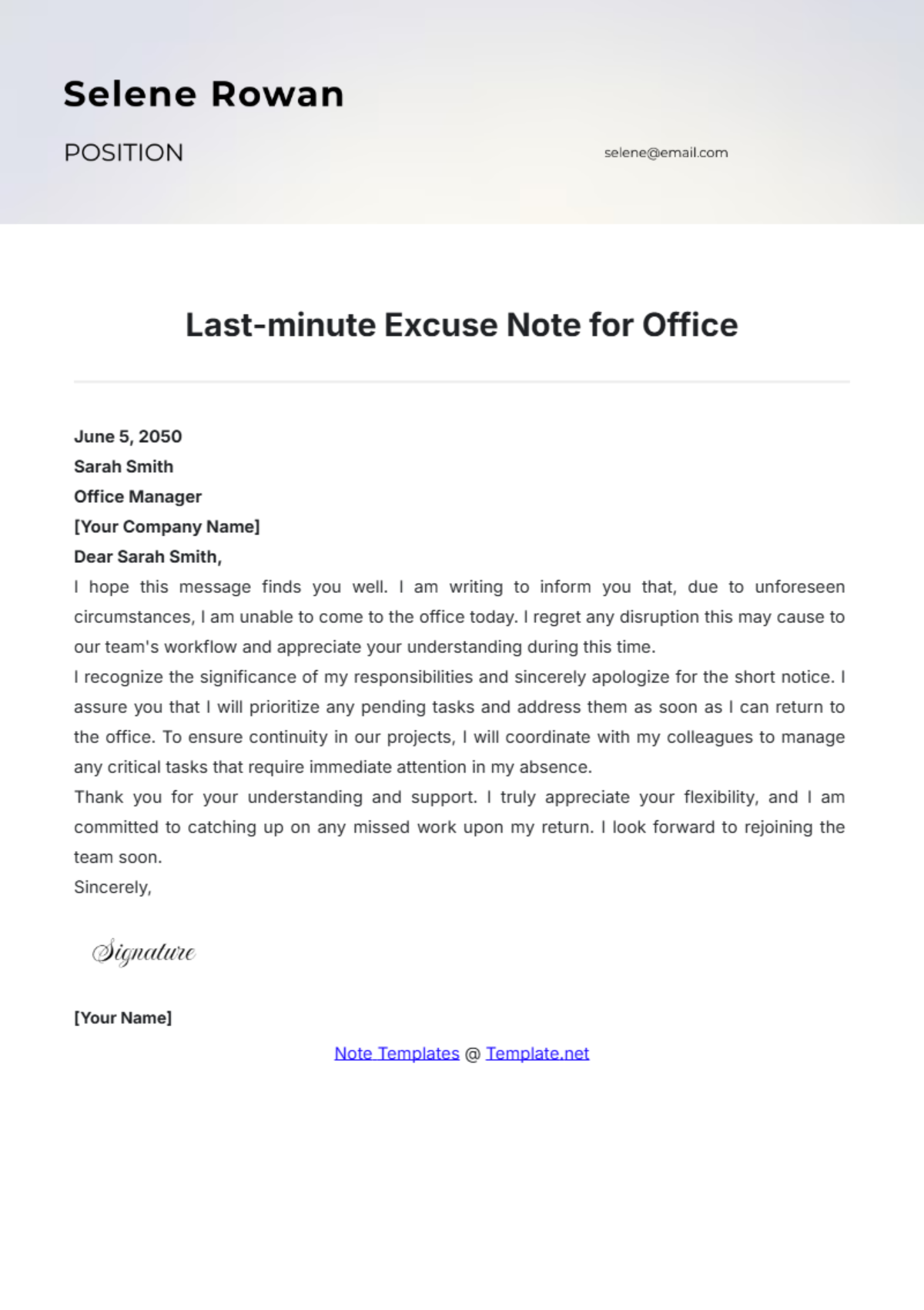
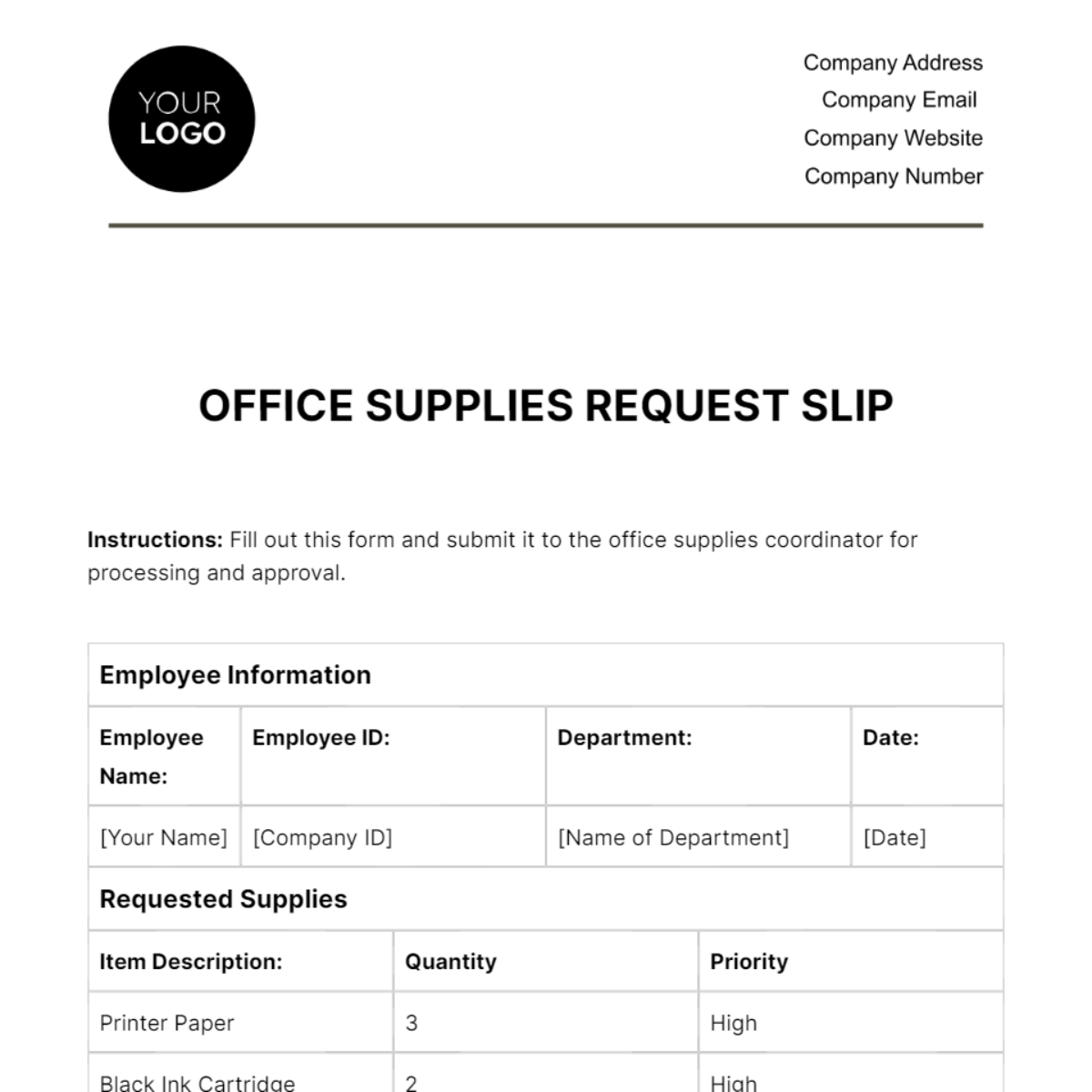
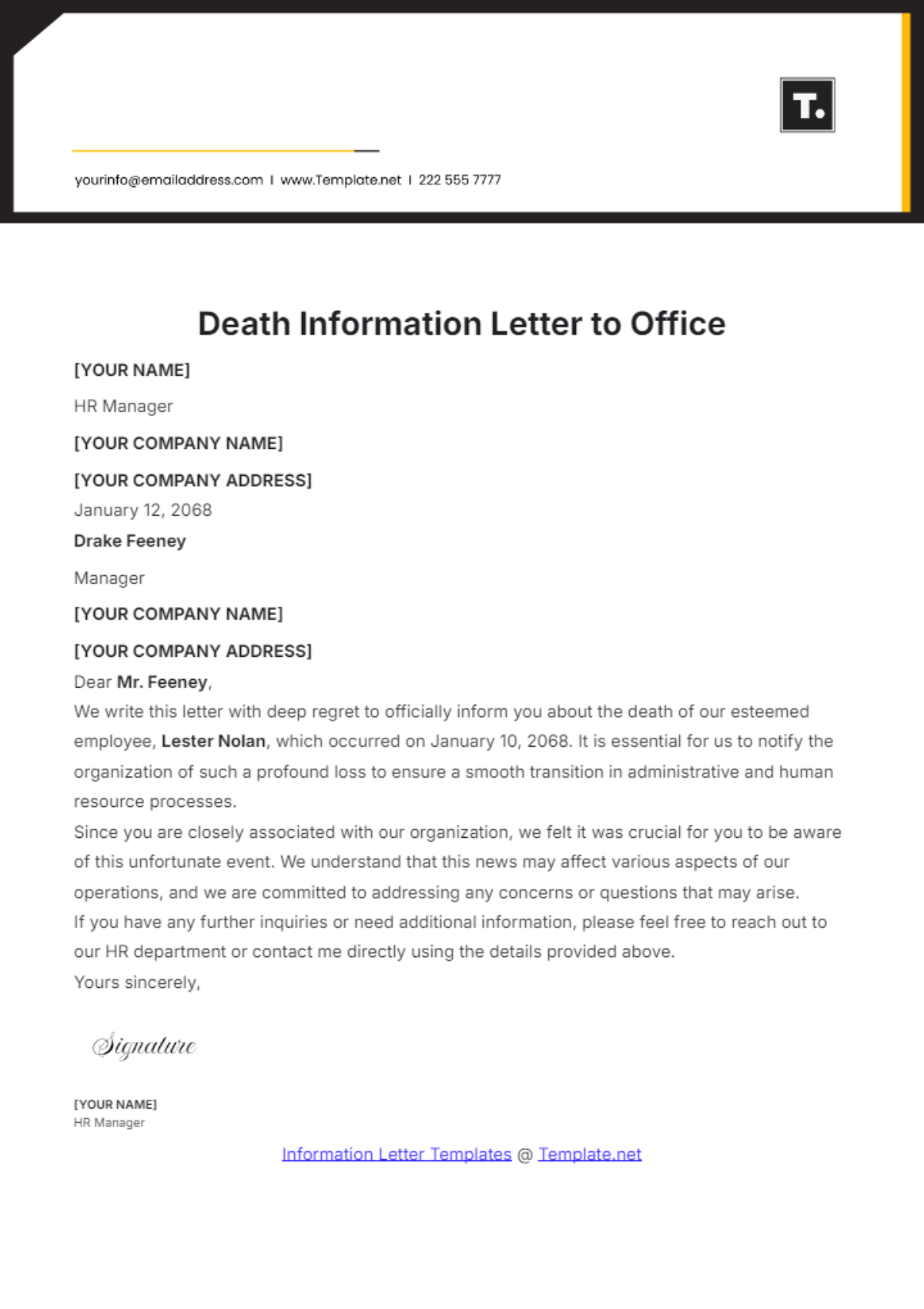
Common use cases for Office templates include creating business letters, meeting agendas, schedules, memos, reports, checklists, and forms to streamline administrative processes and internal communication within a company.
