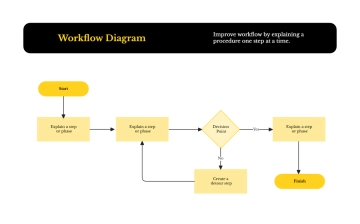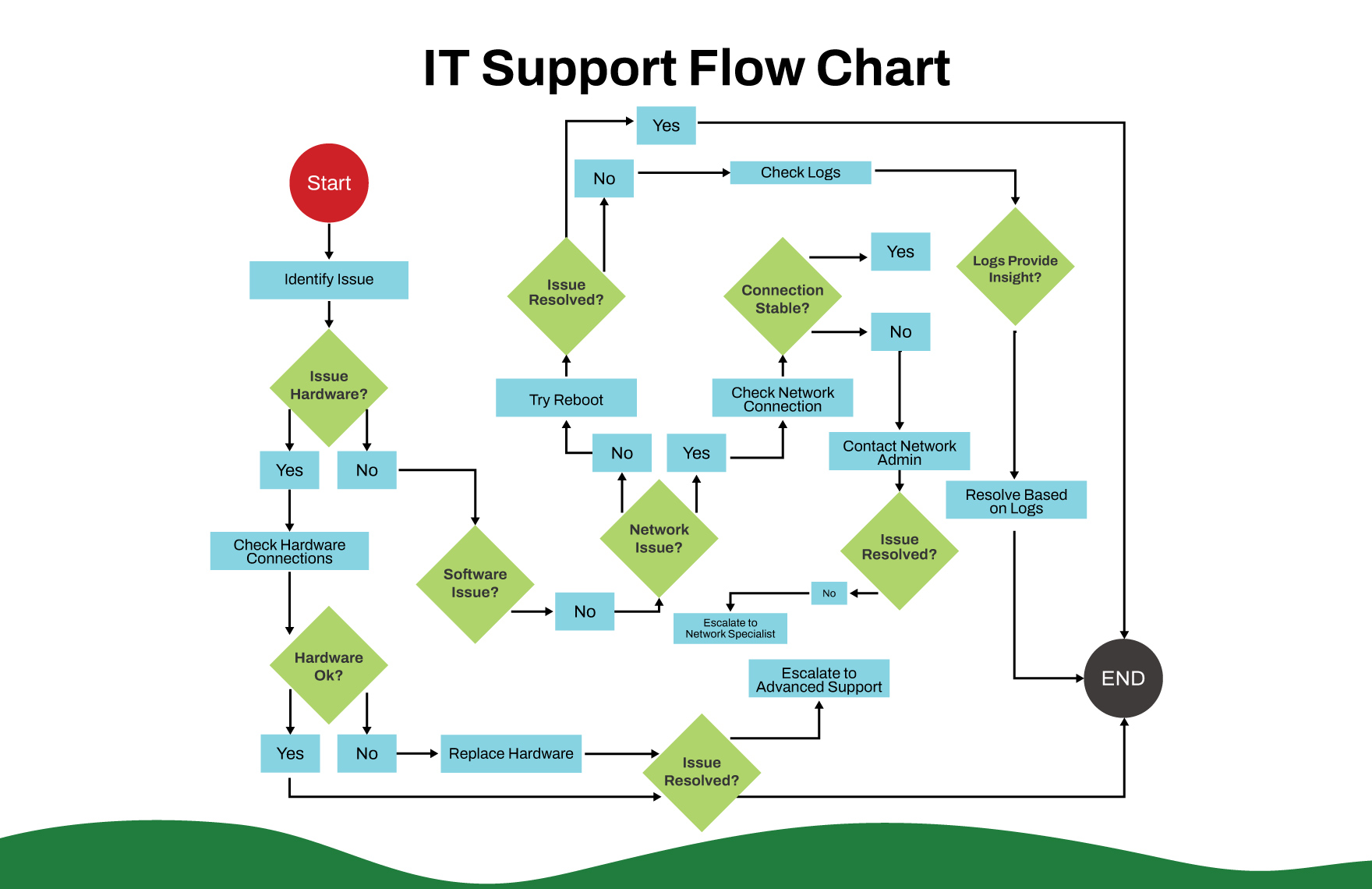
The IT Support Flow Chart presents a detailed process for troubleshooting and resolving technical issues efficiently. It begins with identifying the issue and determining whether it is hardware, software, or network-related. For hardware problems, connections are checked and faulty components replaced if necessary. Software issues are addressed by reviewing configurations, reinstalling programs, or escalating to specialists when unresolved. Network-related problems involve checking connections and contacting administrators to ensure stability. Throughout the process, logs are analyzed for insights, and unresolved issues are escalated to advanced support. Once resolved, the support team documents the solution, confirms with the user, and ensures satisfaction before closing the case.